© Copyright SELA Software & Education Labs, Ltd. | 14-18 Baruch Hirsch St., Bnei Brak, 51202 Israel | www.selagroup.com SELA DEVELOPER PRACTICE May 31st – June 4th, 2015 Ran Wahle AngularJS – from 0 to 60
Agenda Introduction Modules and dependency injection Data binding, controllers and scopes Services Filters Directives Form validation Routing
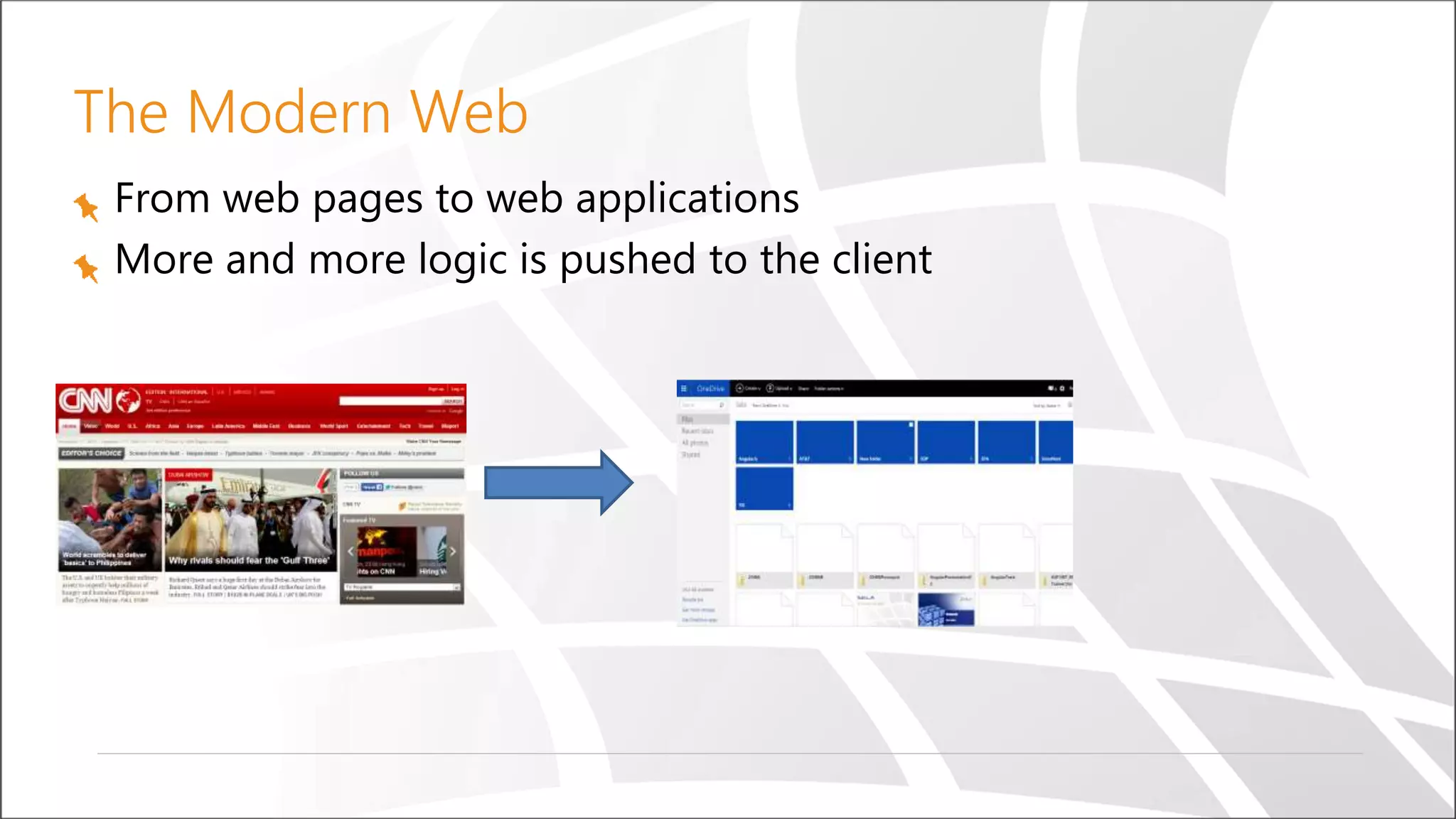
The Modern Web From web pages to web applications More and more logic is pushed to the client
The Problem As we add more and more JavaScript, our application is getting:
Introduction to AngularJS
What Is AngularJS? An MV* framework for developing CRUD style web applications Developed by Google Works on all modern web browsers Open source (MIT license) No external dependencies
Demo The Simplest Angular Application
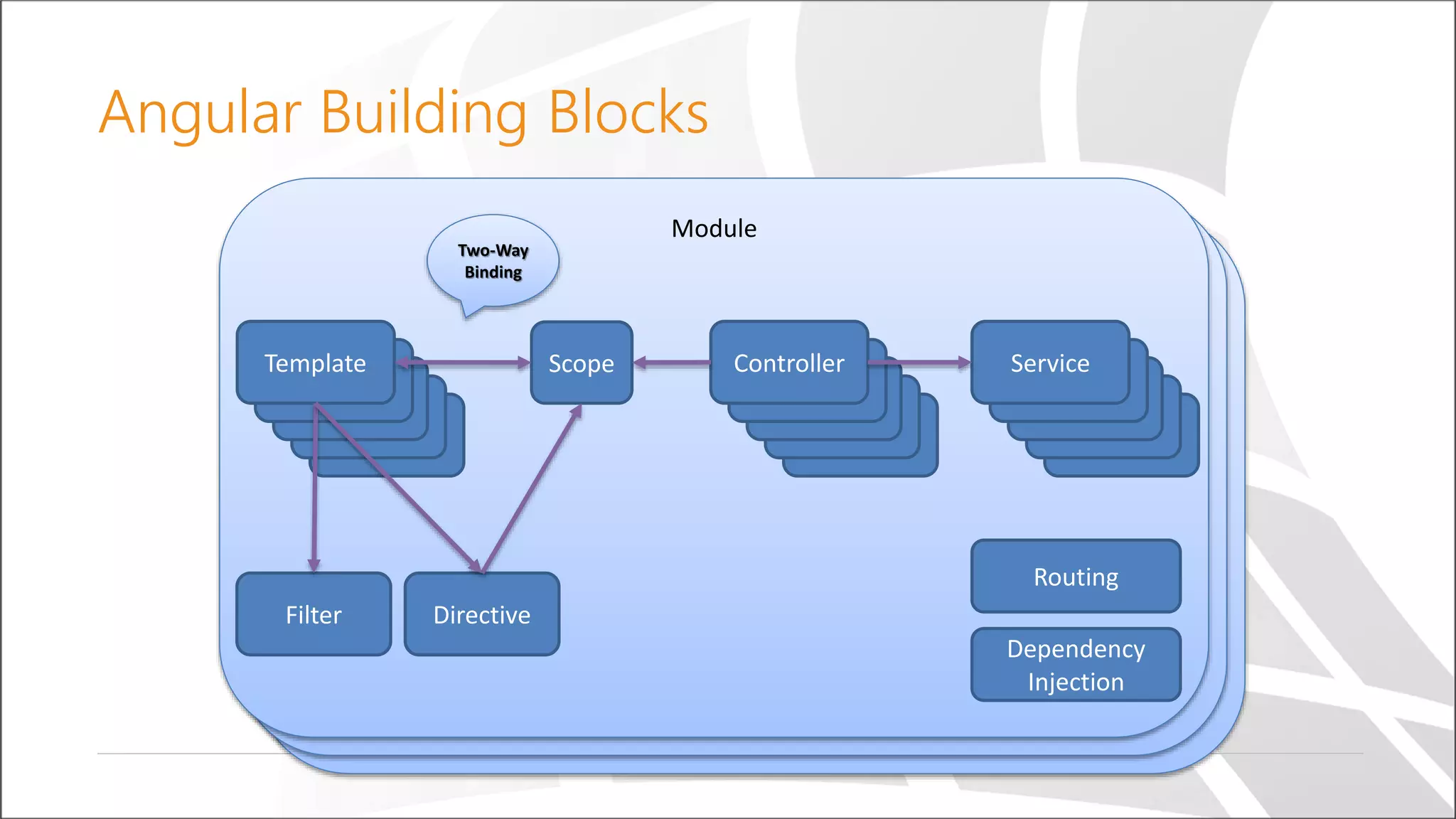
Angular Building Blocks Module Module Module Scope Controller ServiceTemplate Filter Directive Two-Way Binding Dependency Injection Routing
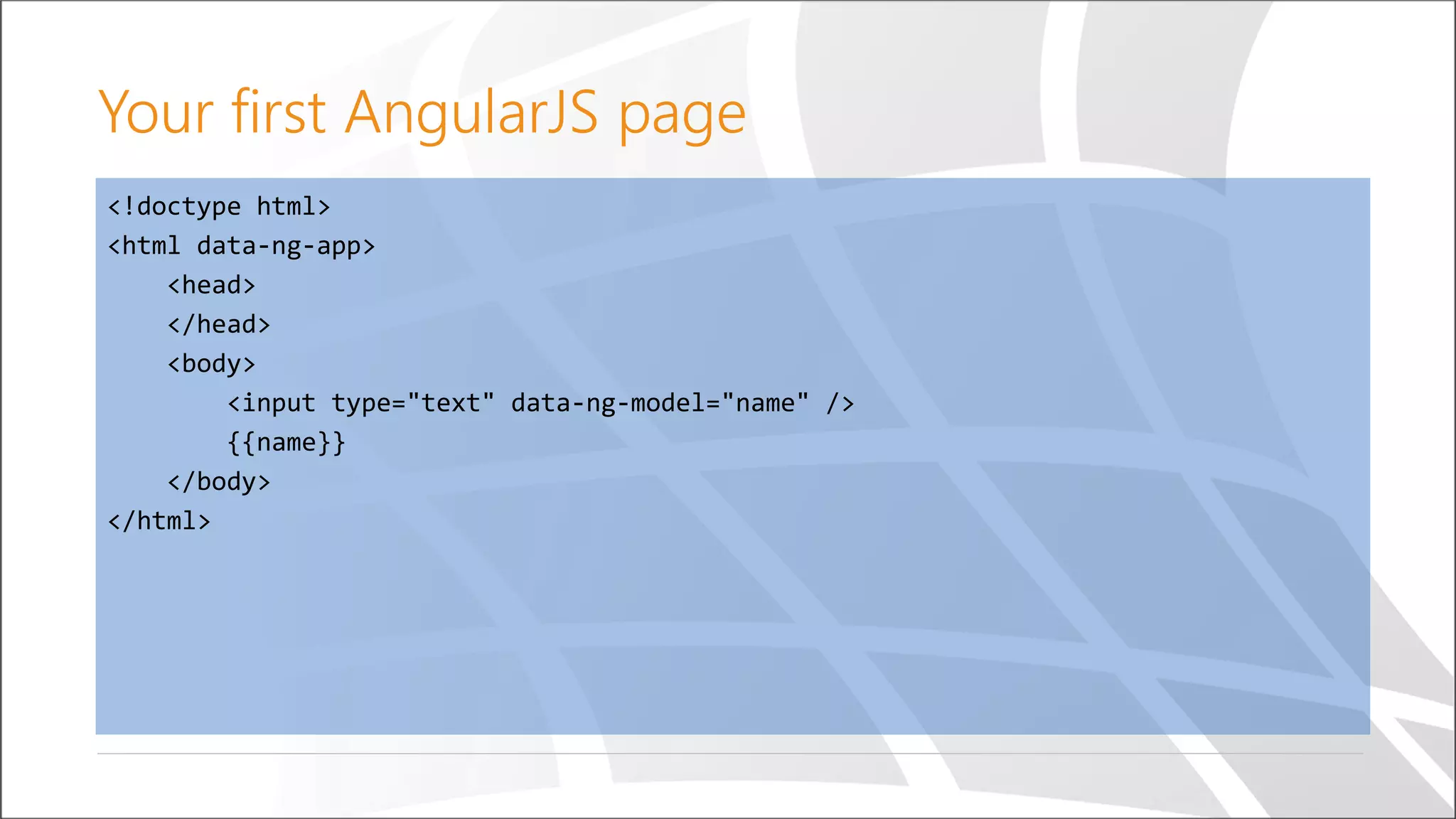
<!doctype html> <html data-ng-app> <head> </head> <body> <input type="text" data-ng-model="name" /> {{name}} </body> </html> Your first AngularJS page
Module Divide application into small pieces Can contain controllers, services, directives, etc. Can depend on other modules Other modules can depend on it
//Creating a module angular.module('yourModuleName', [ /*…dependencies…*/ ]); //Accessing a module angular.module('yourModuleName'); //Note: no dependencies array Creating a module
Dependency Injection Each angular application has an $injector service Components are injected by the $injector There are several options for using dependency injection
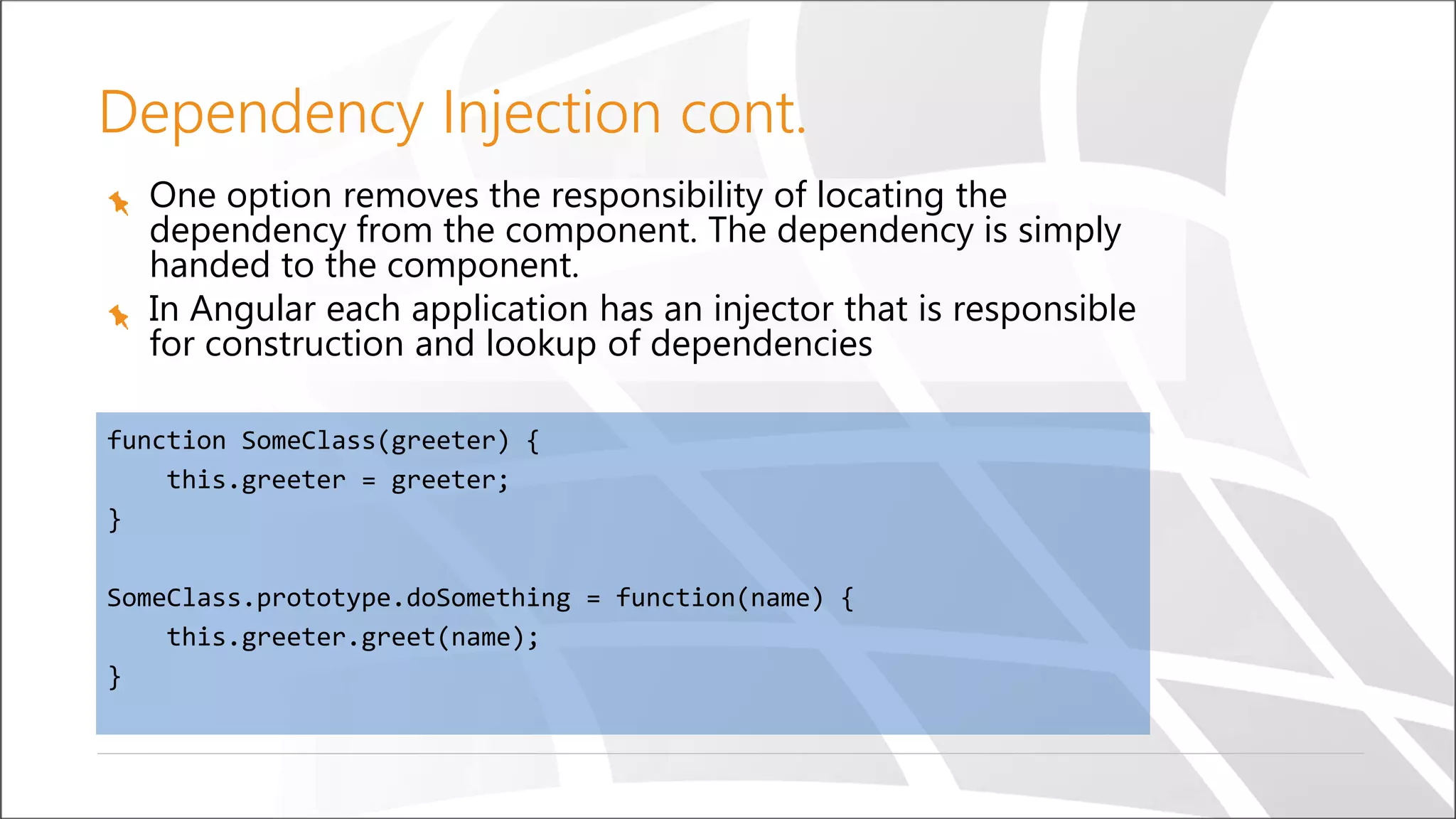
One option removes the responsibility of locating the dependency from the component. The dependency is simply handed to the component. In Angular each application has an injector that is responsible for construction and lookup of dependencies function SomeClass(greeter) { this.greeter = greeter; } SomeClass.prototype.doSomething = function(name) { this.greeter.greet(name); } Dependency Injection cont.
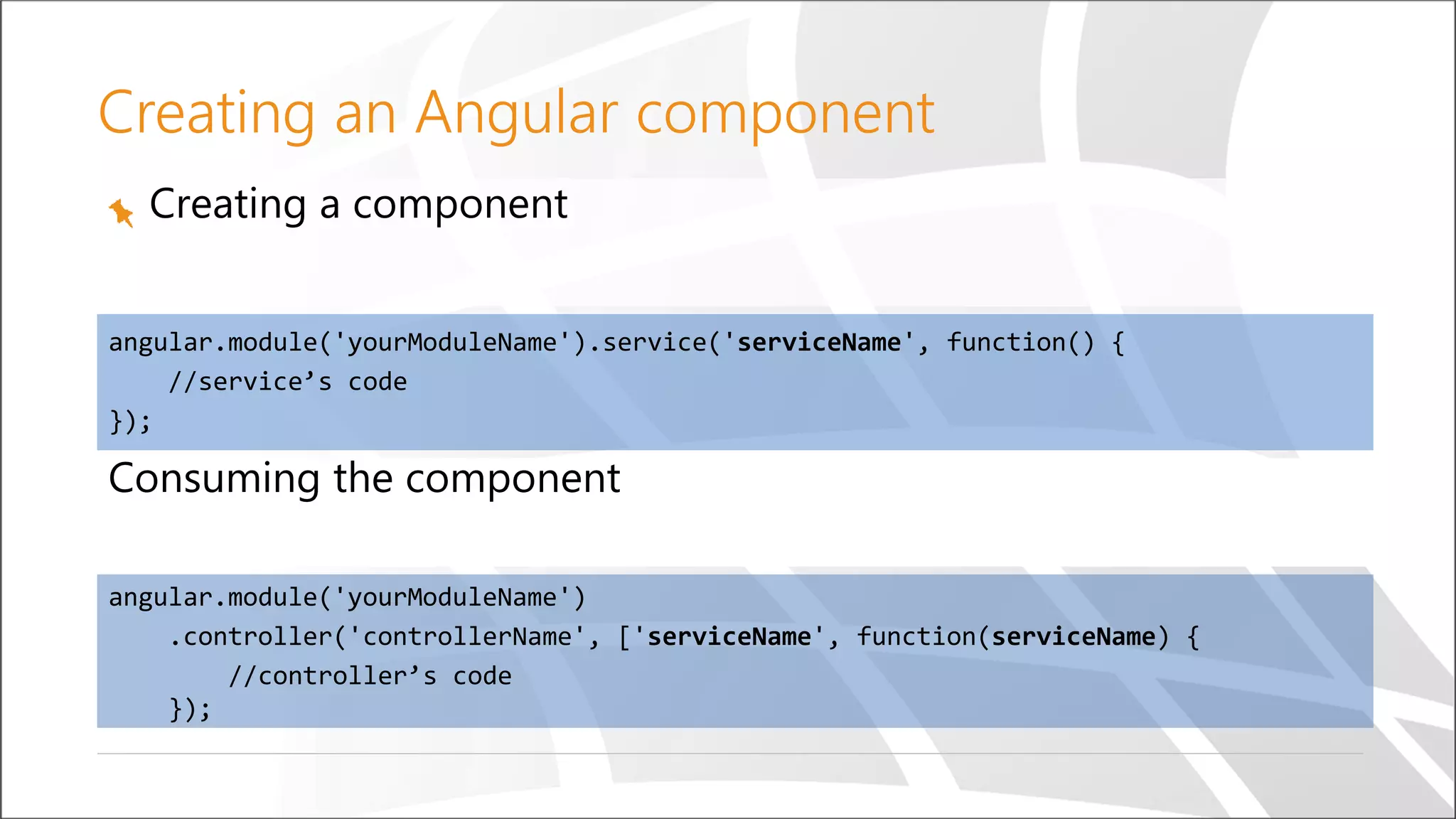
Creating a component angular.module('yourModuleName').service('serviceName', function() { //service’s code }); Creating an Angular component Consuming the component angular.module('yourModuleName') .controller('controllerName', ['serviceName', function(serviceName) { //controller’s code });
© Copyright SELA software & Education Labs Ltd. | 14-18 Baruch Hirsch St Bnei Brak, 51202 Israel | www.selagroup.com Data binding Controllers, scopes and views
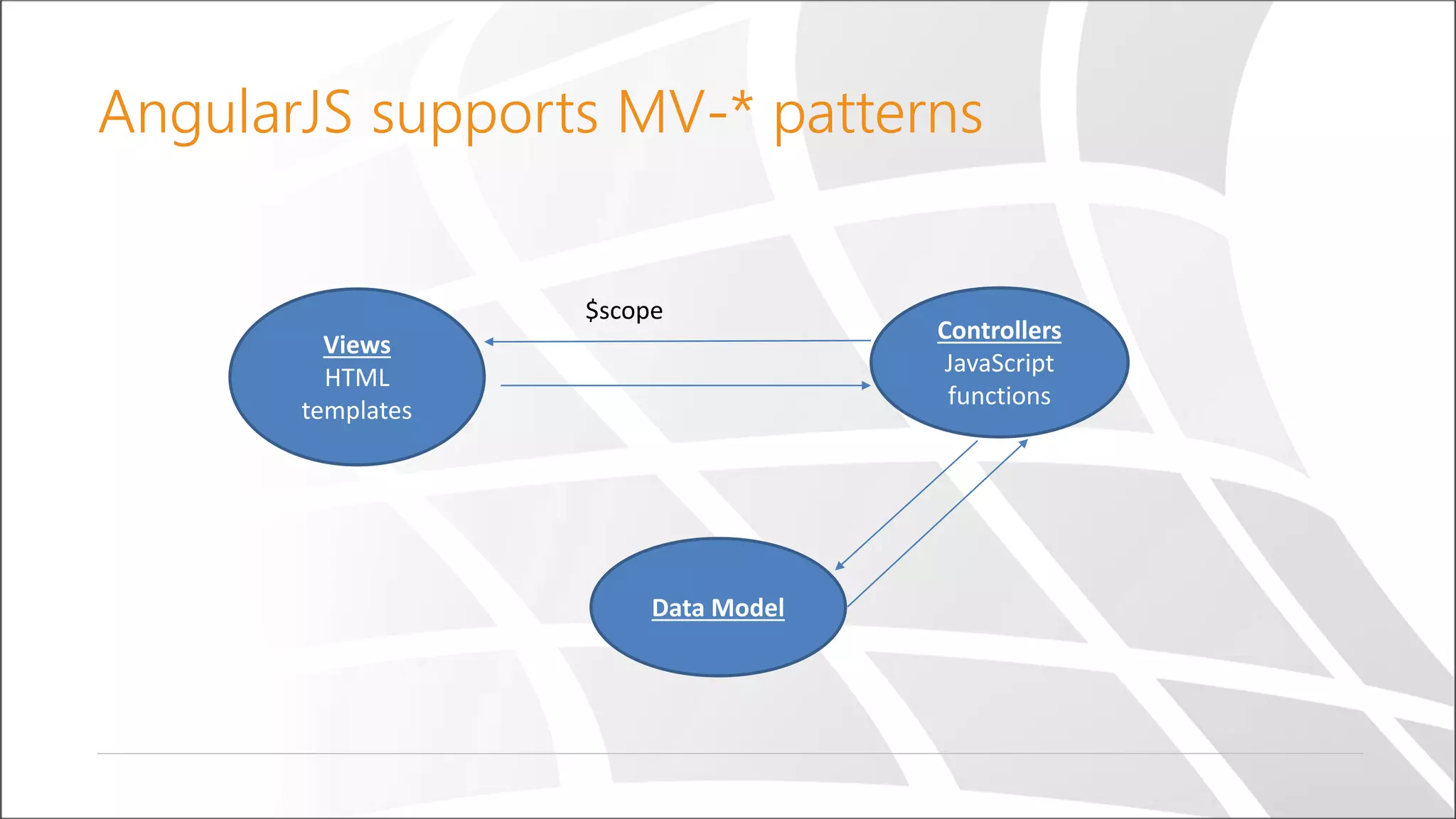
AngularJS supports MV *- patterns Views HTML templates Controllers JavaScript functions Data Model $scope
HTML templates An HTML element with Angular-related attributes Declarative Contains Angular-specific elements and attributes Contains expressions evaluated against scope properties
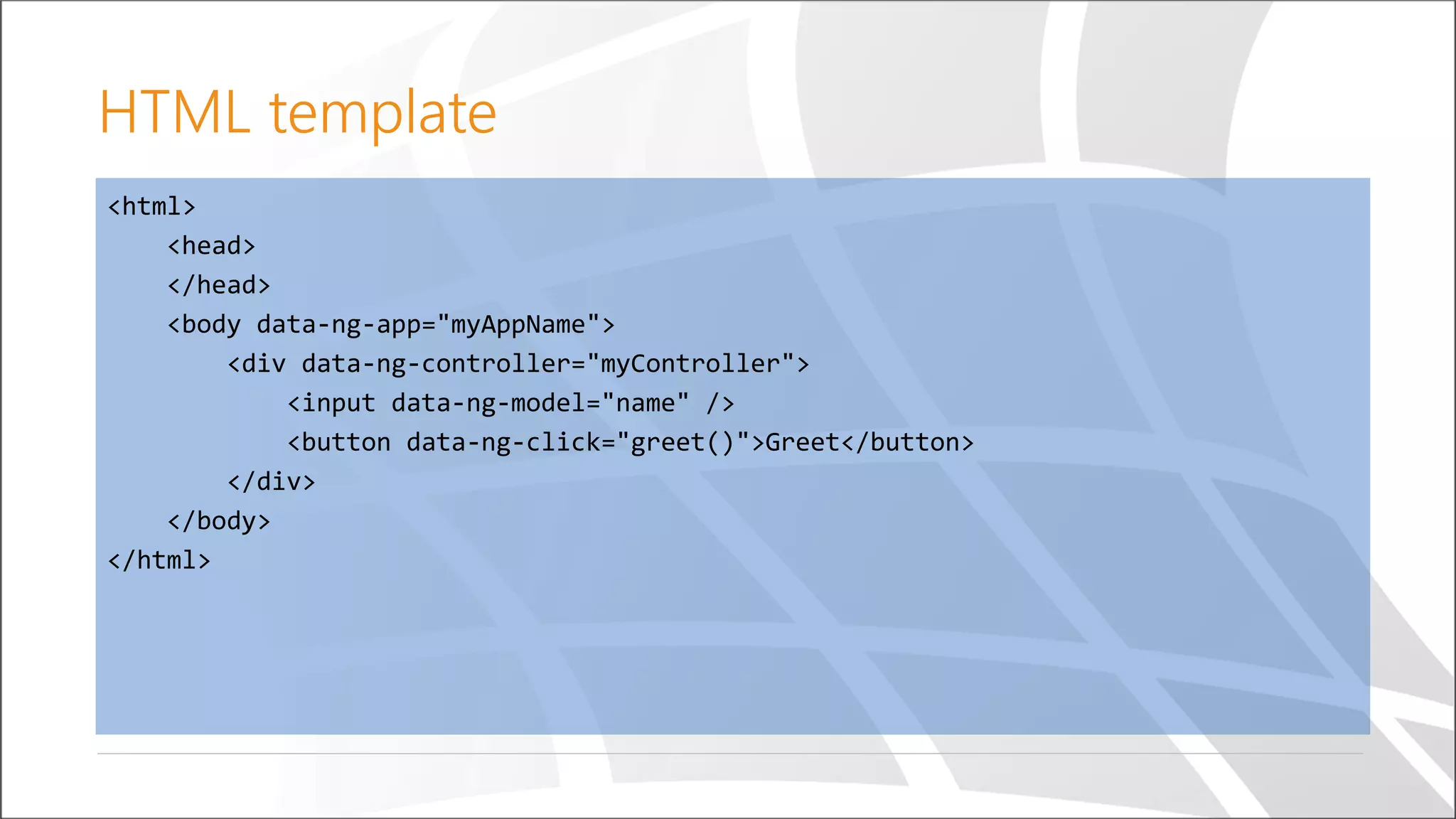
<html> <head> </head> <body data-ng-app="myAppName"> <div data-ng-controller="myController"> <input data-ng-model="name" /> <button data-ng-click="greet()">Greet</button> </div> </body> </html> HTML template
Controller A JavaScript constructor function Contains view related logic Can get and set data on the $scope Shouldn’t have any DOM related functionality Sets up the $scope initial state Associated with a template via the ng-controller directive
angular.module('myAppName') .controller('myController', ['$scope', function($scope) { var greet = function() { alert('Hello ' + $scope.name); }; $scope.greet = greet; }]); Controller
$scope The glue between the HTML template and the controller Hierarchical in the same way as HTML Hierarchy implemented using JavaScript prototypes The root scope is represented by the $rootScope service
Demo Controllers, views and $scope
Services Reusable singleton objects Can be injected into controllers, filters, directives and other services Created only when needed There are many built-in services in AngularJS
angular.module('myApp') .service('myService', [/*…dependencies…*/, function(/*…dependencies…*/) { //service logic here this.someMethod = function() {}; }]); angular.module('myApp') .controller('myController', ['myService', function(myService) { myService.someMetho(); }]); Creating and using a service
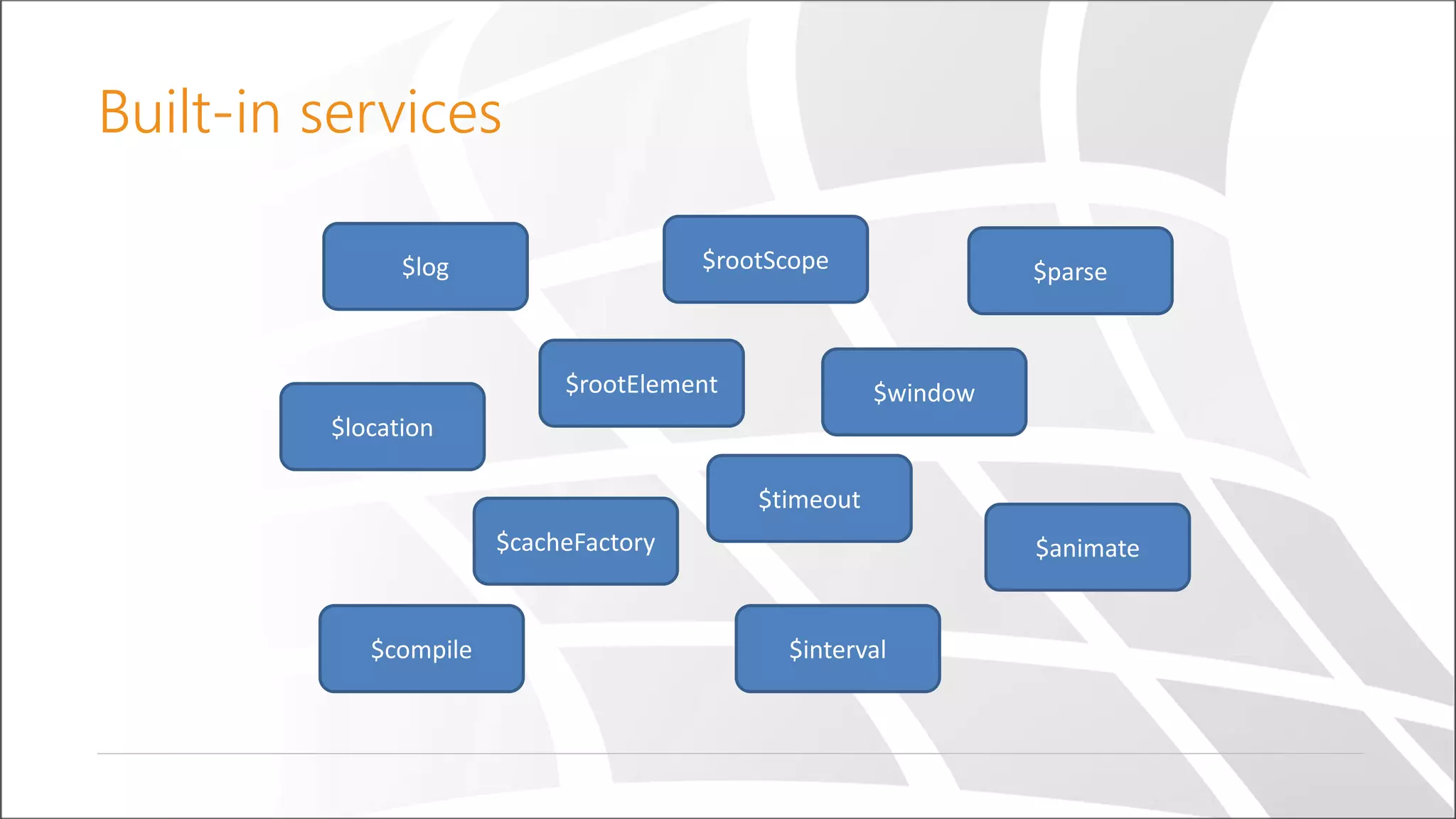
Built-in services $rootScope $timeout $location $interval $log $compile $rootElement $parse $window $cacheFactory $animate
Demo Using a service
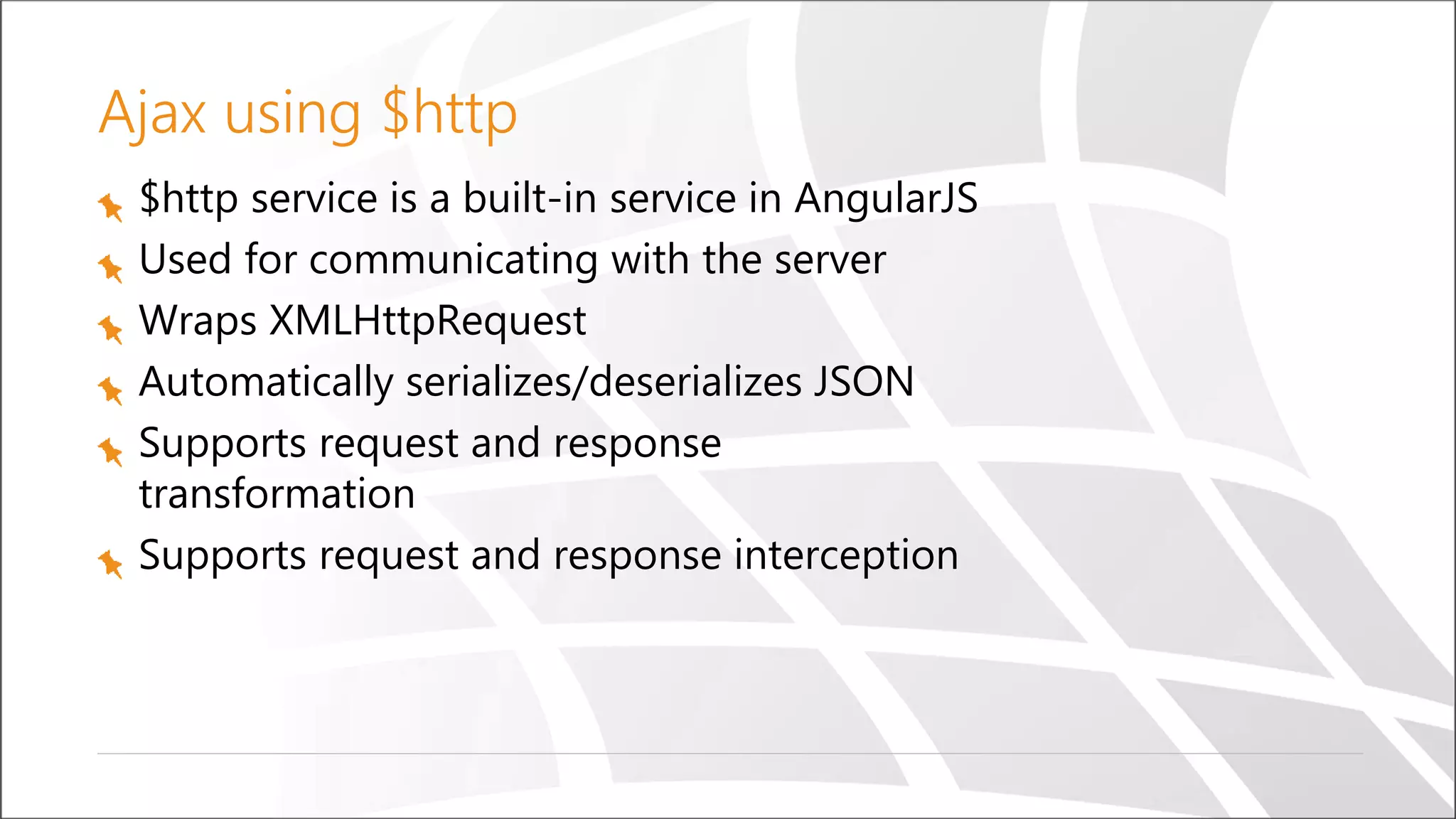
Ajax using $http $http service is a built-in service in AngularJS Used for communicating with the server Wraps XMLHttpRequest Automatically serializes/deserializes JSON Supports request and response transformation Supports request and response interception
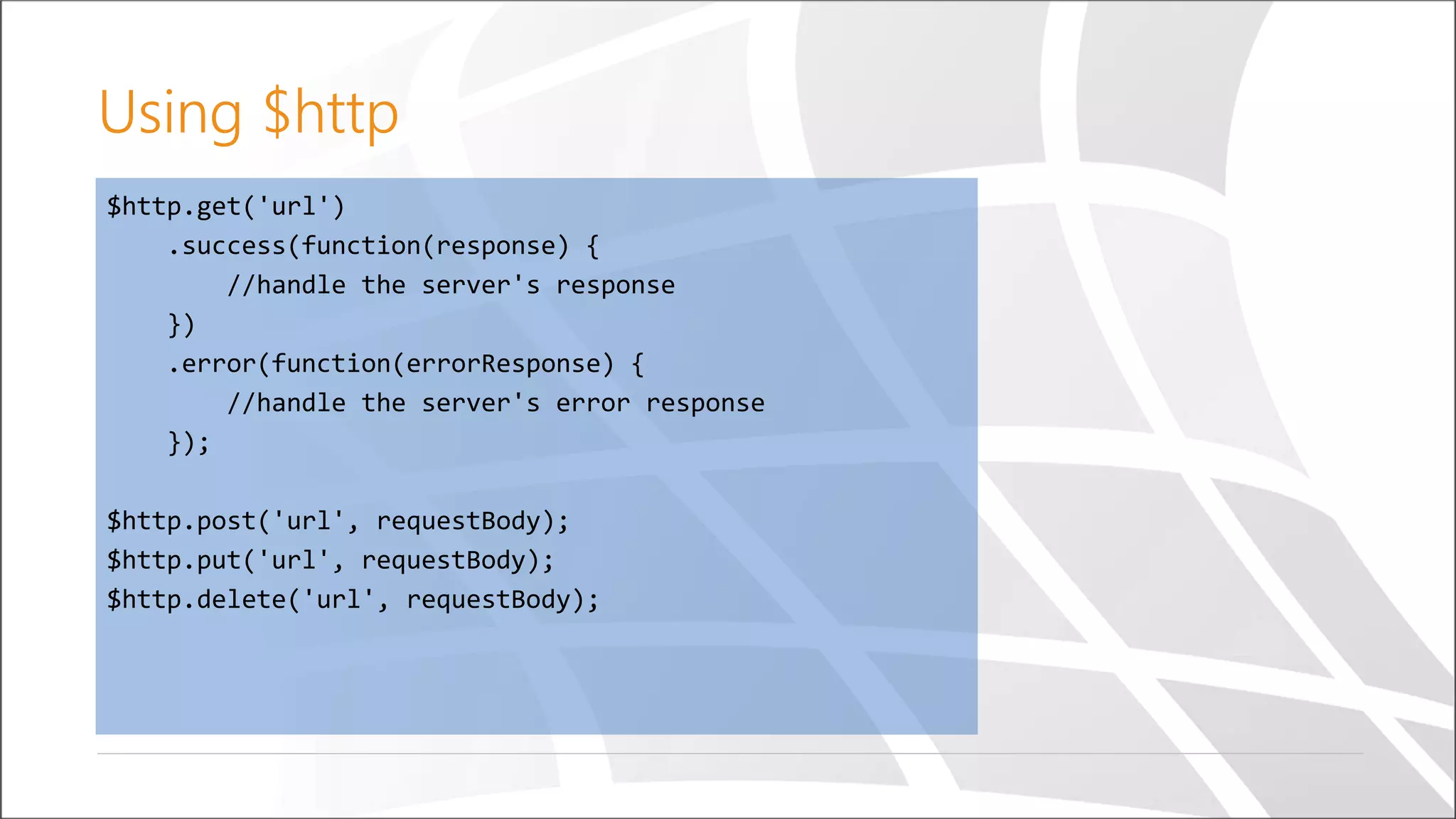
$http.get('url') .success(function(response) { //handle the server's response }) .error(function(errorResponse) { //handle the server's error response }); $http.post('url', requestBody); $http.put('url', requestBody); $http.delete('url', requestBody); Using $http
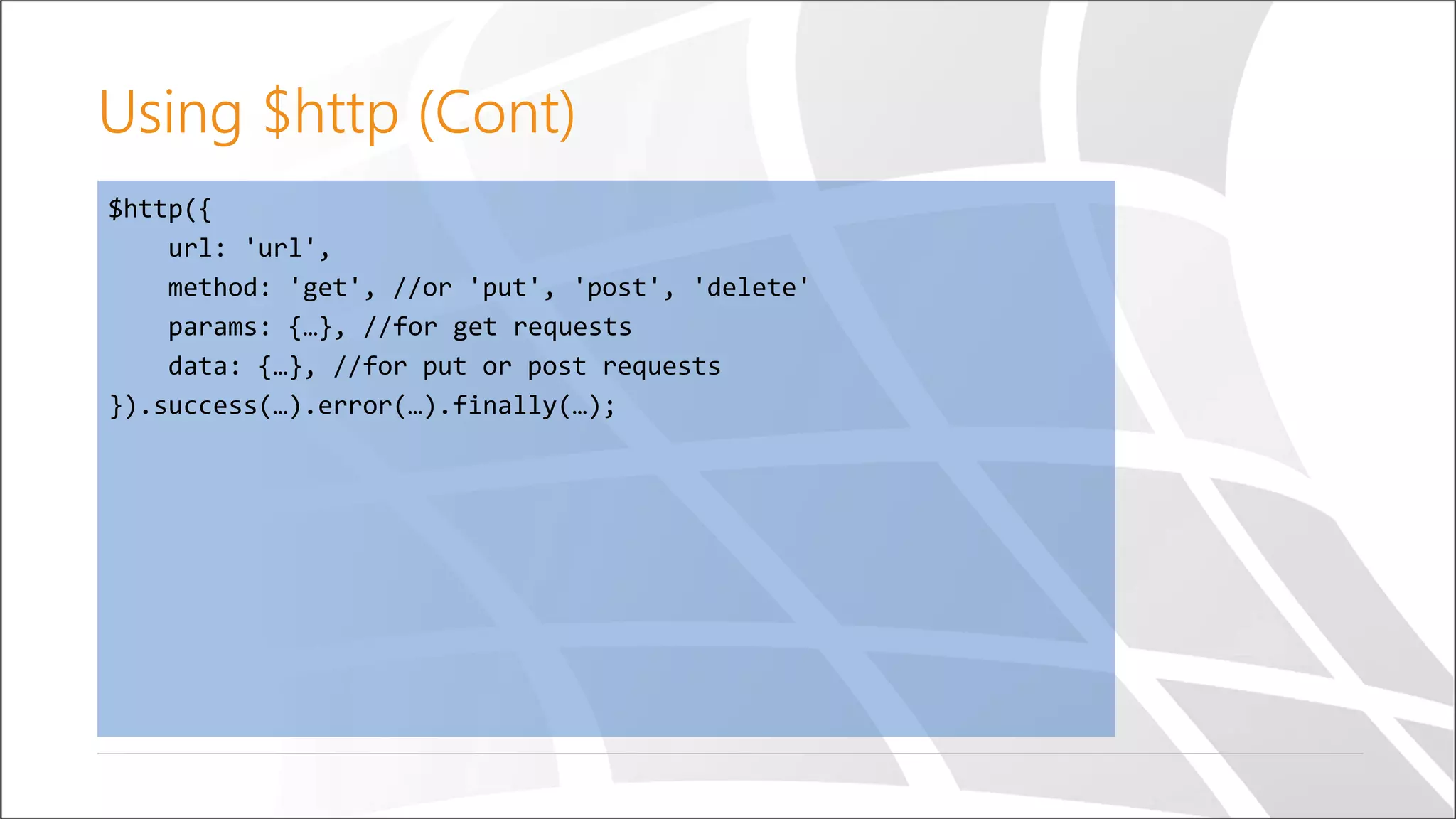
$http({ url: 'url', method: 'get', //or 'put', 'post', 'delete' params: {…}, //for get requests data: {…}, //for put or post requests }).success(…).error(…).finally(…); Using $http (Cont)
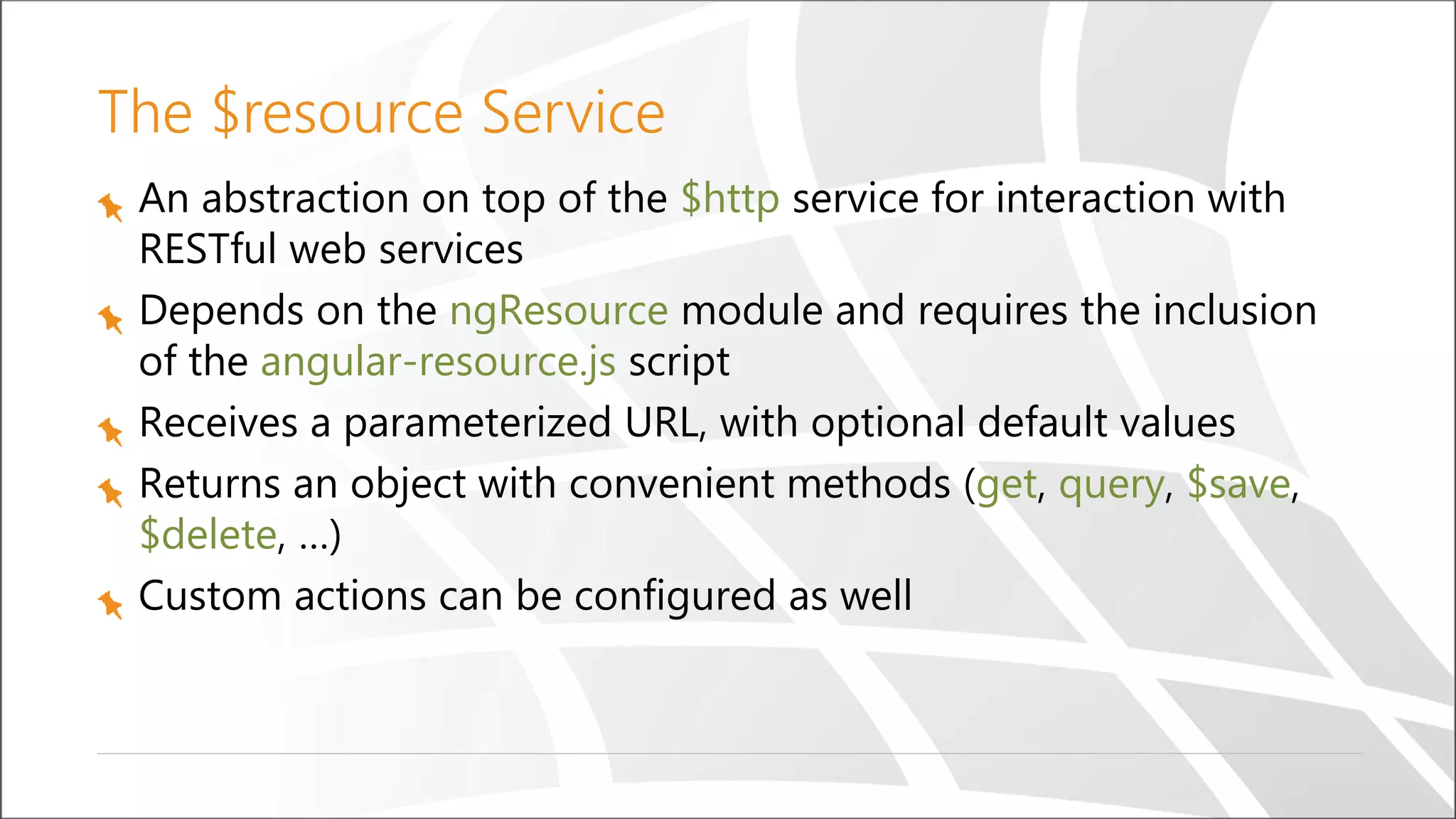
The $resource Service An abstraction on top of the $http service for interaction with RESTful web services Depends on the ngResource module and requires the inclusion of the angular-resource.js script Receives a parameterized URL, with optional default values Returns an object with convenient methods (get, query, $save, $delete, …) Custom actions can be configured as well
Using the $resource service angular.module('resourceDemo', ['ngResource']) .controller('questionsCtrl', function($scope) { var baseUrl = '/api/v1.0/questions/:id'; var Questions = $resource(baseUrl, {id: '@id'}); $scope.loadQuestions = function() { $scope.questions = Questions.query(); }; $scope.removeQuestion = function(question) { question.$remove(); }; });
Demo Using built-in services
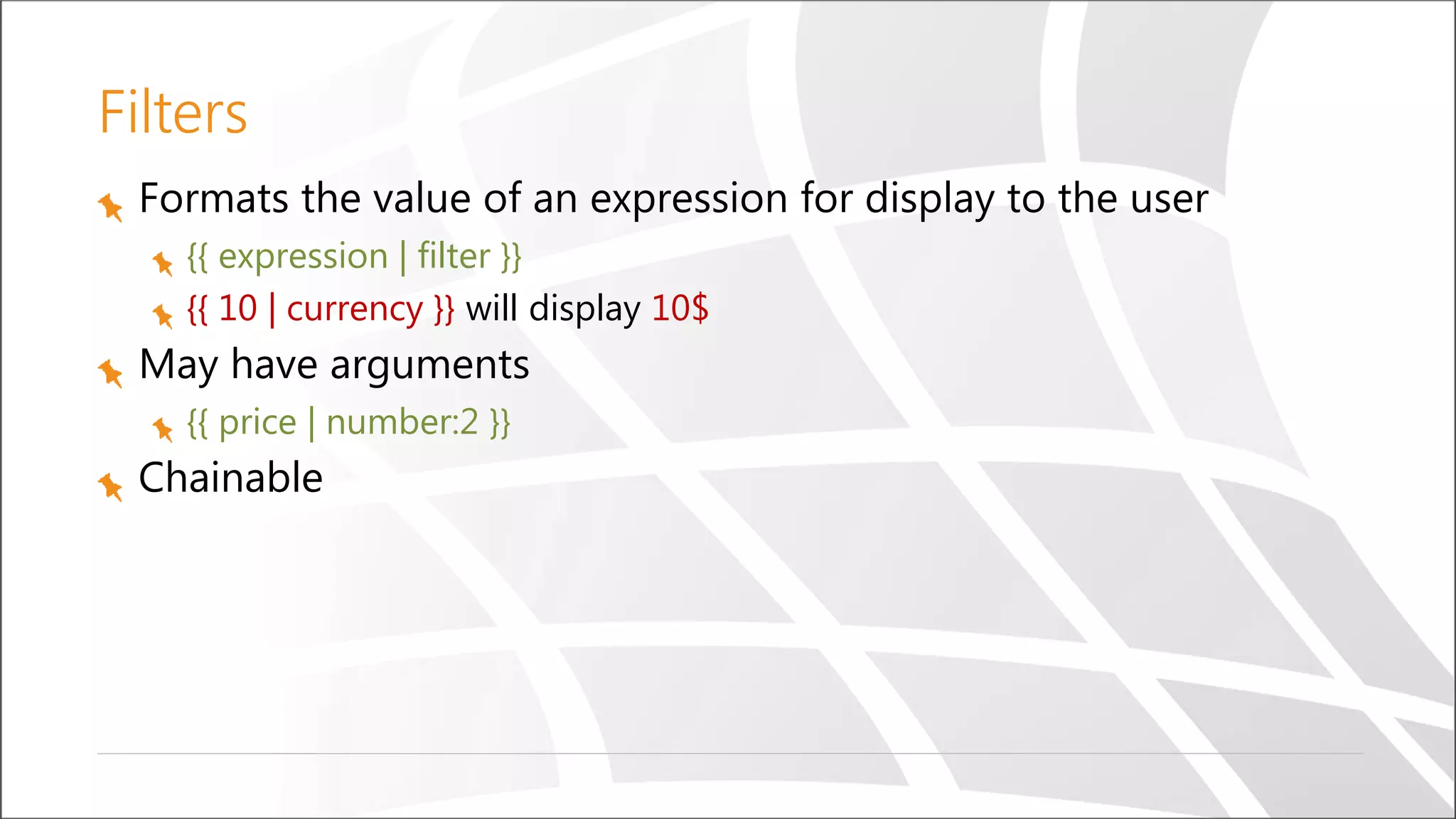
Filters Formats the value of an expression for display to the user {{ expression | filter }} {{ 10 | currency }} will display 10$ May have arguments {{ price | number:2 }} Chainable
angular.module('myModule') .filter('digitToText', function() { var digitToText = [ 'zero', 'one', 'two', 'three', 'four', 'five', 'six', 'seven', 'eight', 'nine' ]; return function(digit) { return digitToText[digit]; }; }); Create a custom filter
Demo Using filters
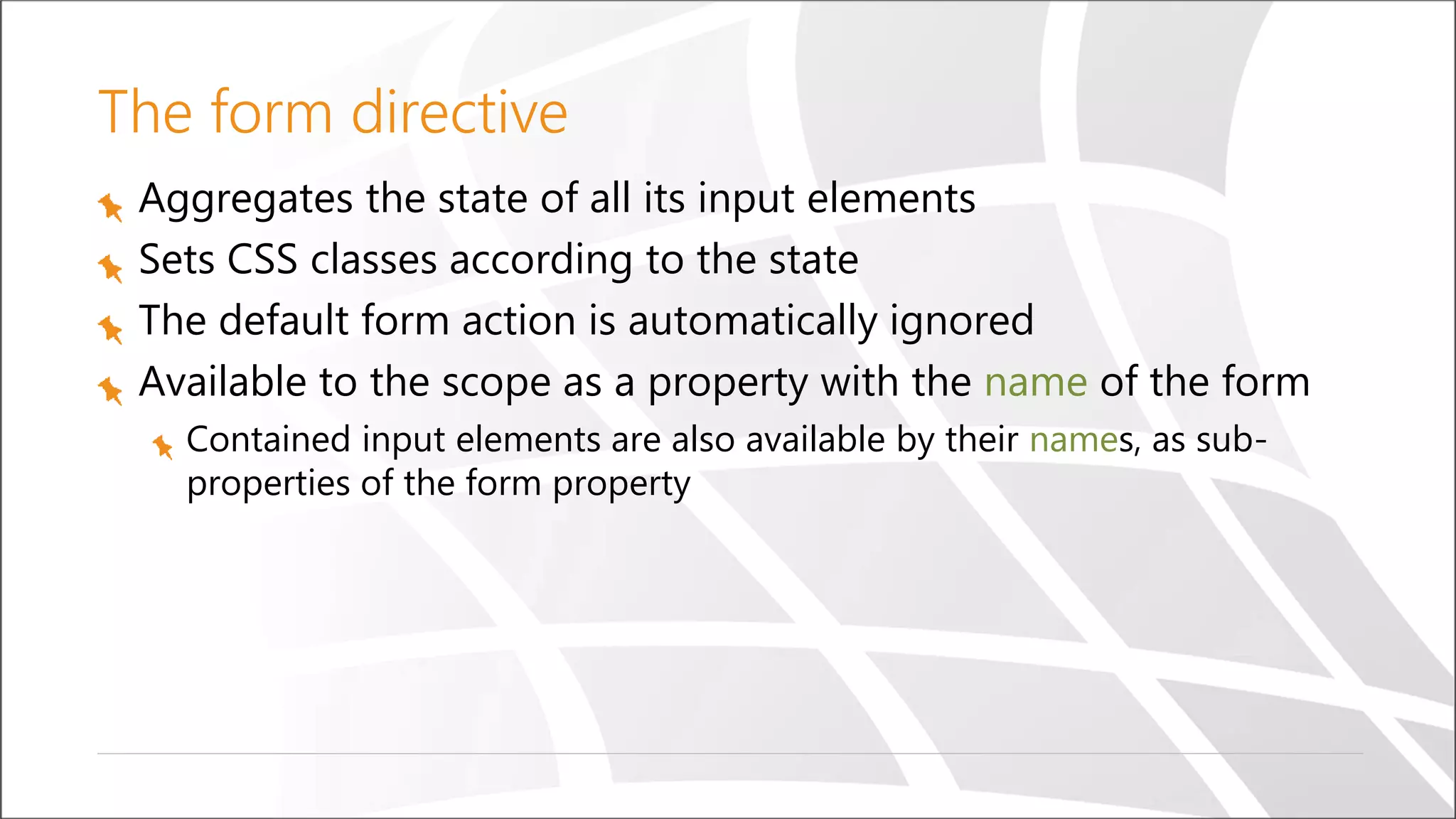
The form directive Aggregates the state of all its input elements Sets CSS classes according to the state The default form action is automatically ignored Available to the scope as a property with the name of the form Contained input elements are also available by their names, as sub- properties of the form property
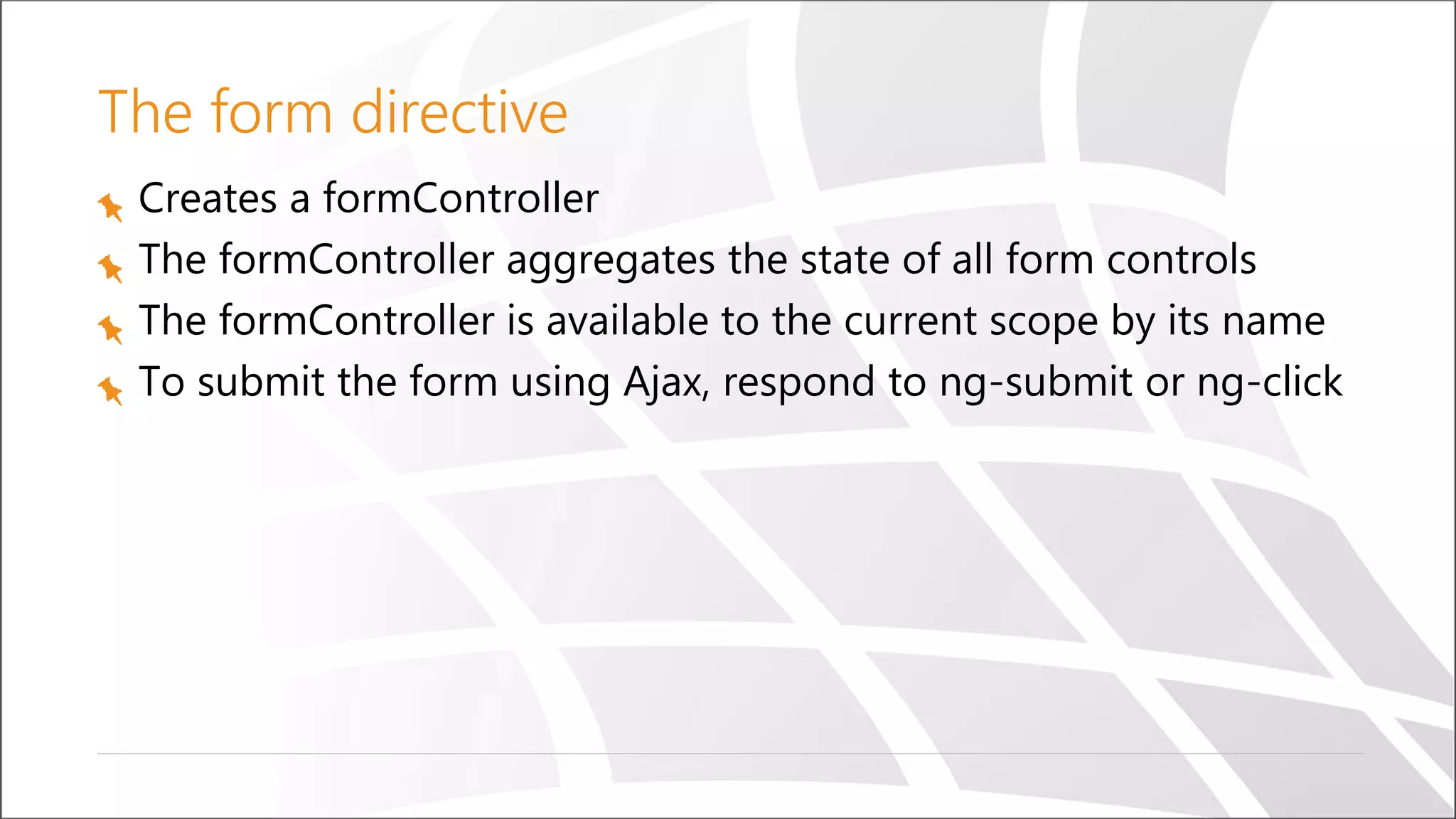
The form directive Creates a formController The formController aggregates the state of all form controls The formController is available to the current scope by its name To submit the form using Ajax, respond to ng-submit or ng-click
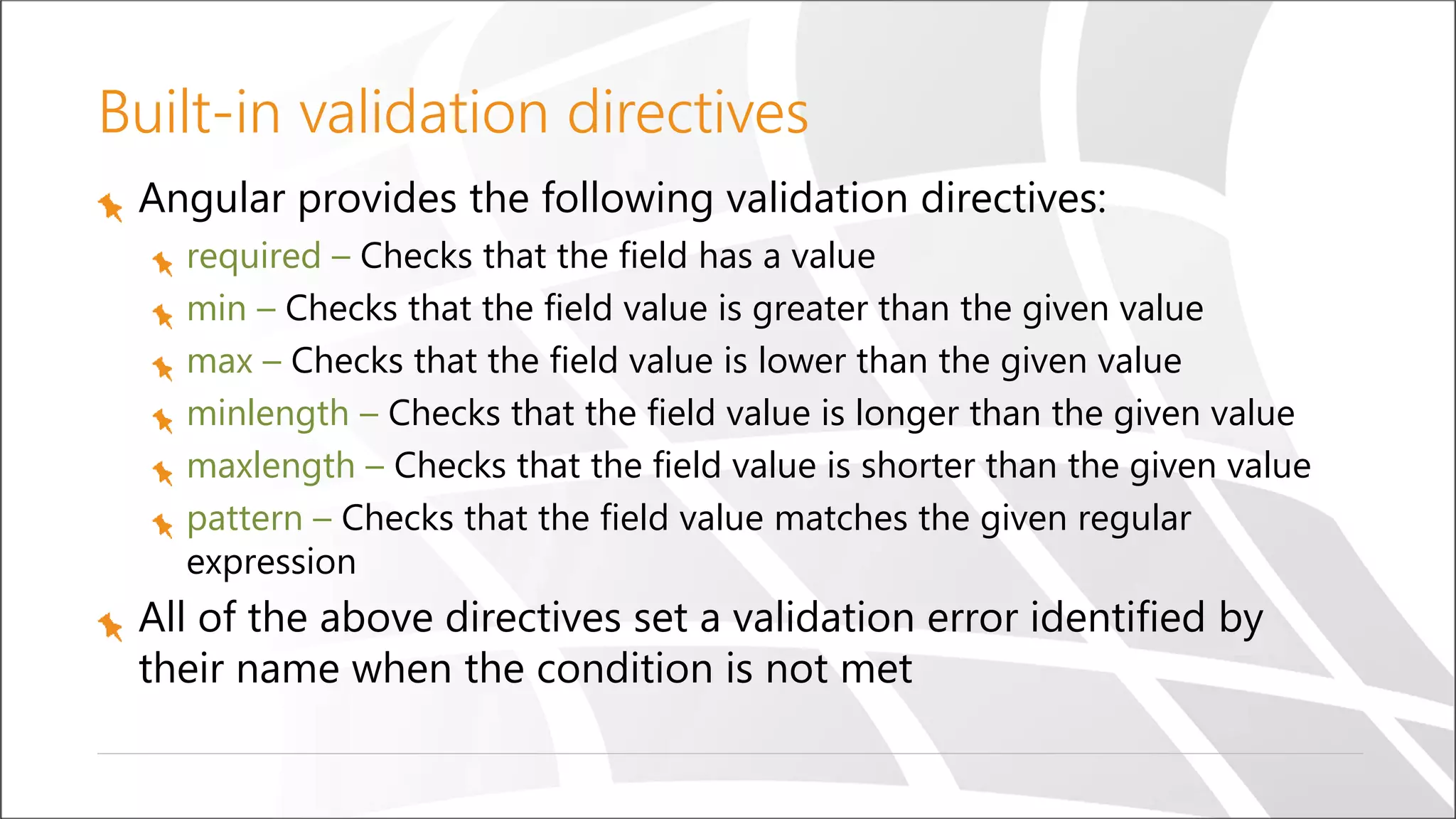
Built-in validation directives Angular provides the following validation directives: required – Checks that the field has a value min – Checks that the field value is greater than the given value max – Checks that the field value is lower than the given value minlength – Checks that the field value is longer than the given value maxlength – Checks that the field value is shorter than the given value pattern – Checks that the field value matches the given regular expression All of the above directives set a validation error identified by their name when the condition is not met
The ngModel directive Provides a two way data binding between the input element and the model Provides automatic validation for common HTML5 input types (checkbox, email, number, text, url) Tracks the control’s state Sets CSS classes according to the state
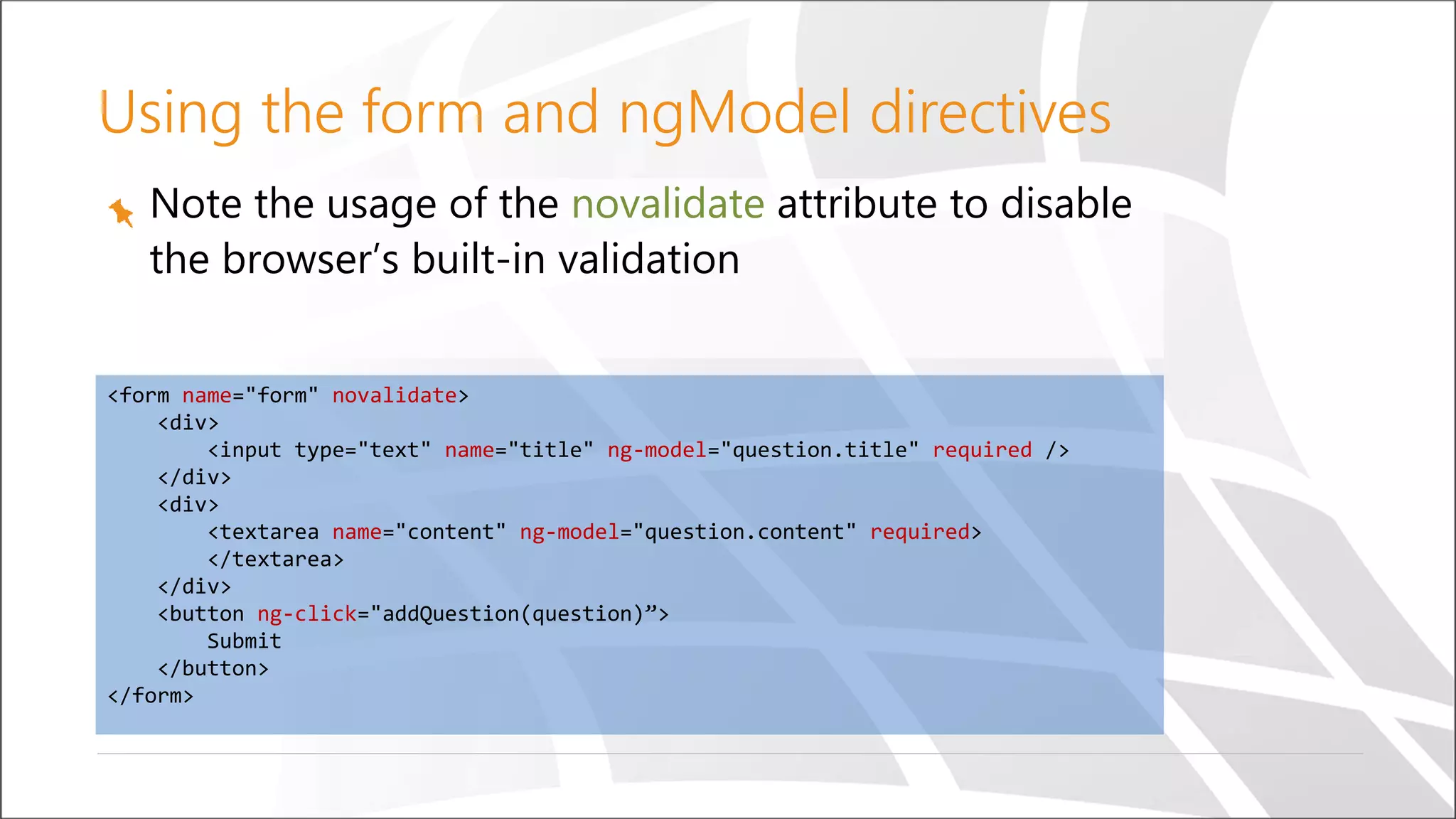
Note the usage of the novalidate attribute to disable the browser’s built-in validation <form name="form" novalidate> <div> <input type="text" name="title" ng-model="question.title" required /> </div> <div> <textarea name="content" ng-model="question.content" required> </textarea> </div> <button ng-click="addQuestion(question)”> Submit </button> </form> Using the form and ngModel directives
Demo Using forms
Directives Custom HTML elements, attributes, classes and comments that are recognized by Angular Essentially extend the existing HTML vocabulary Creating new elements Adding behavior to existing elements Most of the things we’ve seen so far are built-in directives (ng-app, ng-controller, ng-repeat, ng- model, required, …)
Creating custom directives Directives are registered on modules, with the module.directive function, which takes the directive name and a factory function The factory function should return a directive definition object (discussed in the following slides) It’s a best practice to prefix custom directives to prevent collision with other 3rd party directives, or a future standard
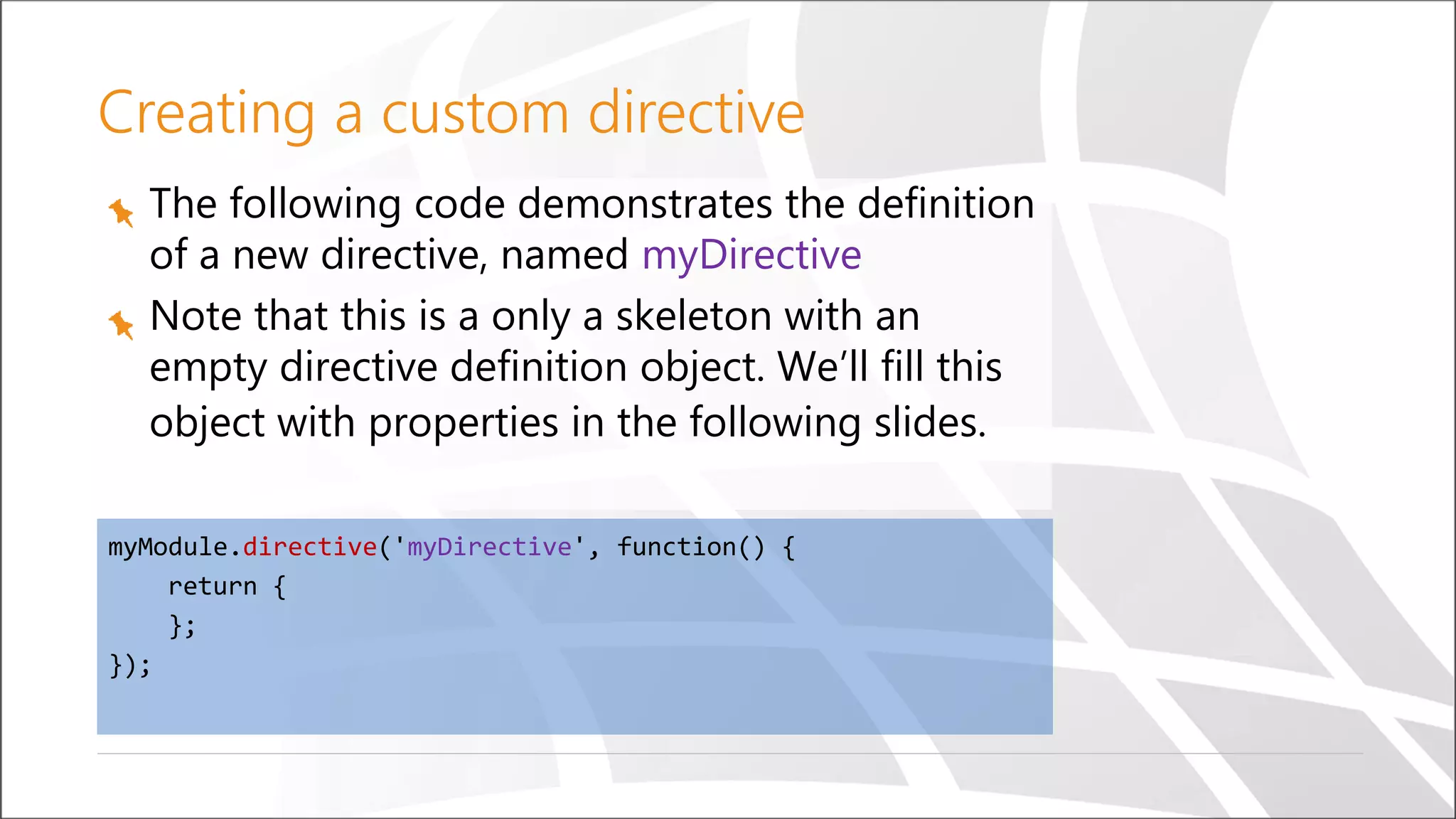
The following code demonstrates the definition of a new directive, named myDirective Note that this is a only a skeleton with an empty directive definition object. We’ll fill this object with properties in the following slides. myModule.directive('myDirective', function() { return { }; }); Creating a custom directive
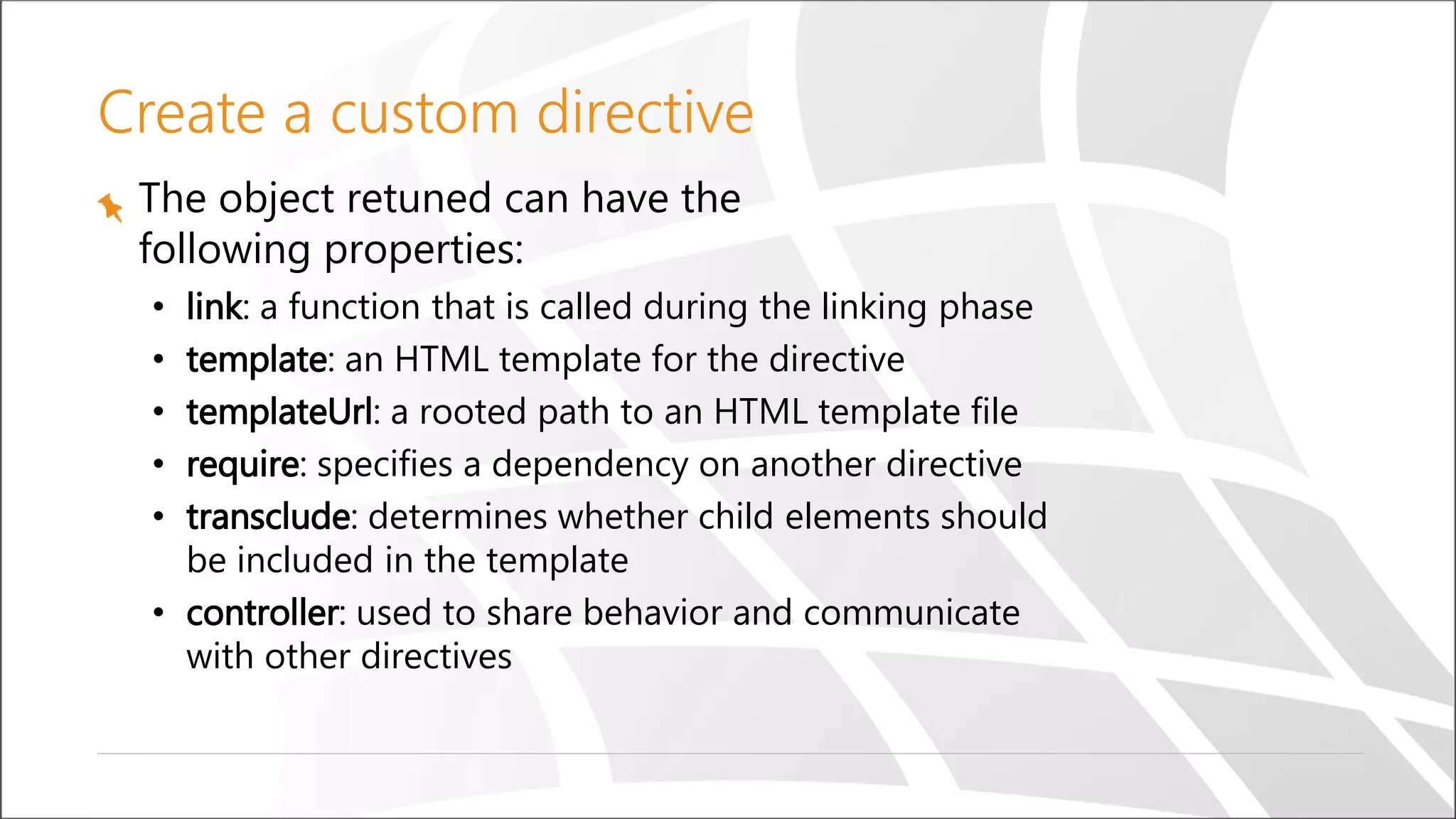
Create a custom directive The object retuned can have the following properties: • link: a function that is called during the linking phase • template: an HTML template for the directive • templateUrl: a rooted path to an HTML template file • require: specifies a dependency on another directive • transclude: determines whether child elements should be included in the template • controller: used to share behavior and communicate with other directives
Demo Custom directives
Routing in Single Page Applications Unlike traditional web sites, in SPAs, the responsibility for rendering the view is on the client side We do, however, want to give the user the same features they are used to, such as: The browser’s navigation buttons The address bar for navigation The ability to bookmark specific pages How can we change the address bar without causing the browser to issue a new request?
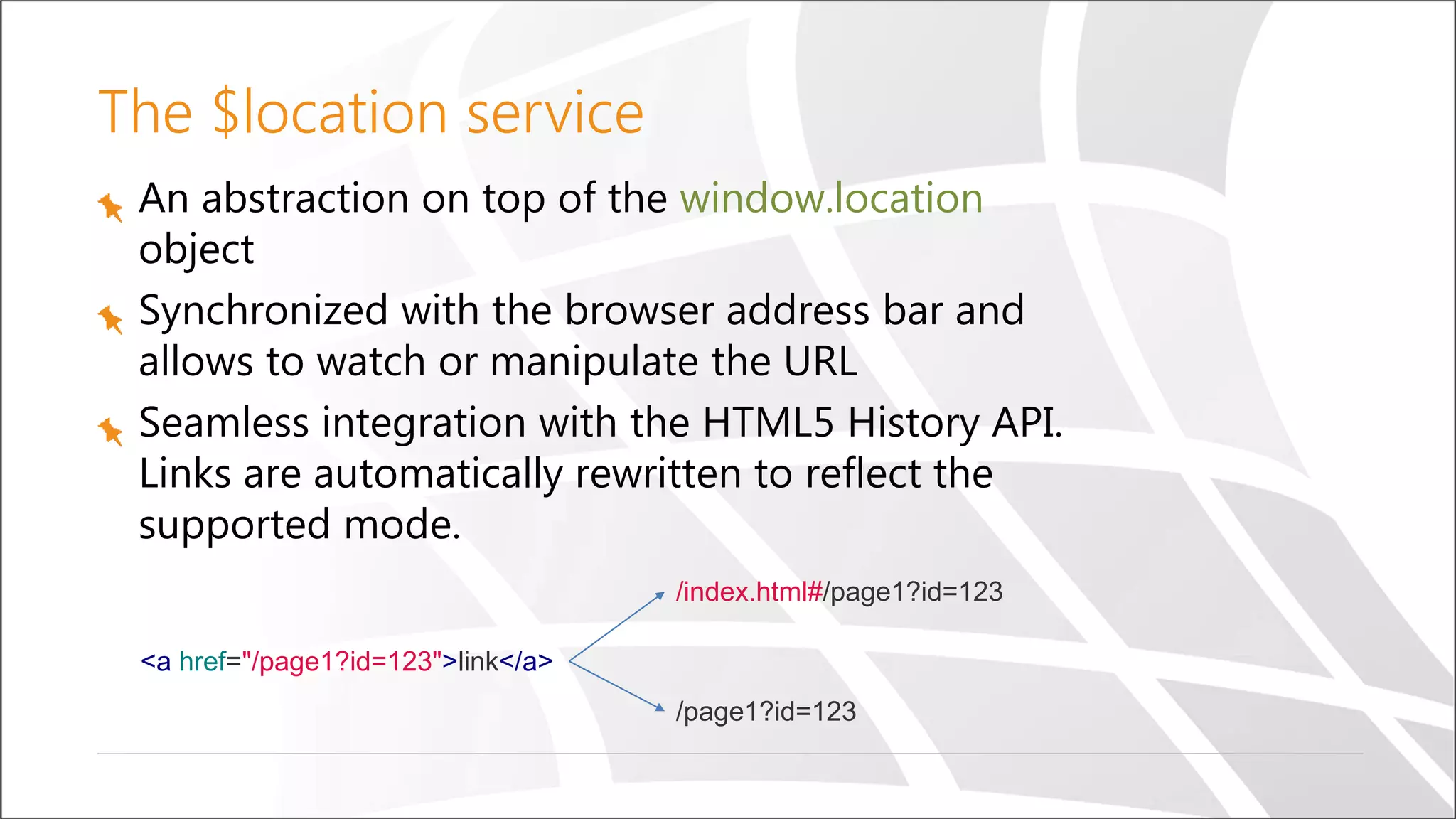
The $location service An abstraction on top of the window.location object Synchronized with the browser address bar and allows to watch or manipulate the URL Seamless integration with the HTML5 History API. Links are automatically rewritten to reflect the supported mode. <a href="/page1?id=123">link</a> /index.html#/page1?id=123 /page1?id=123
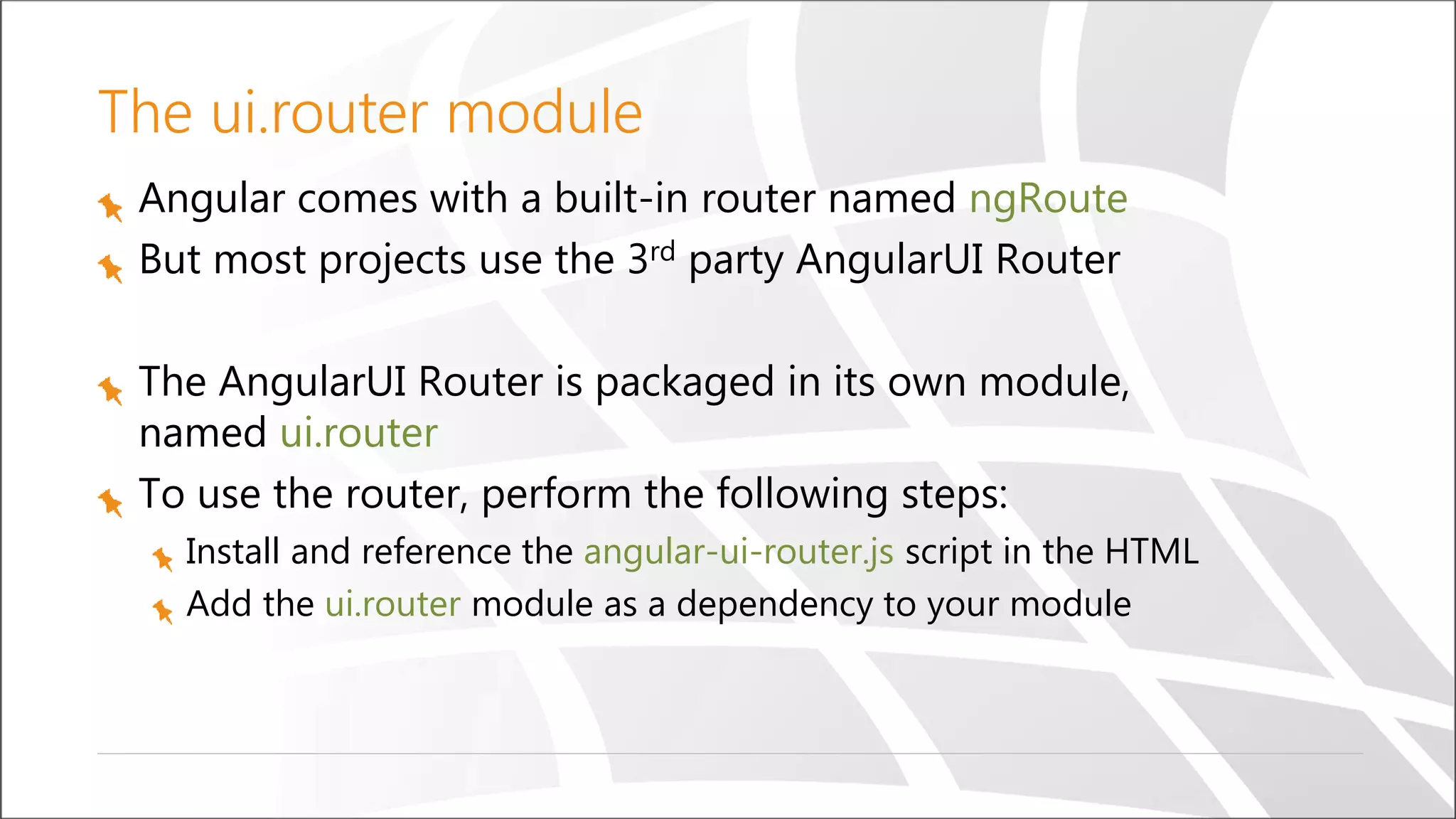
The ui.router module Angular comes with a built-in router named ngRoute But most projects use the 3rd party AngularUI Router The AngularUI Router is packaged in its own module, named ui.router To use the router, perform the following steps: Install and reference the angular-ui-router.js script in the HTML Add the ui.router module as a dependency to your module
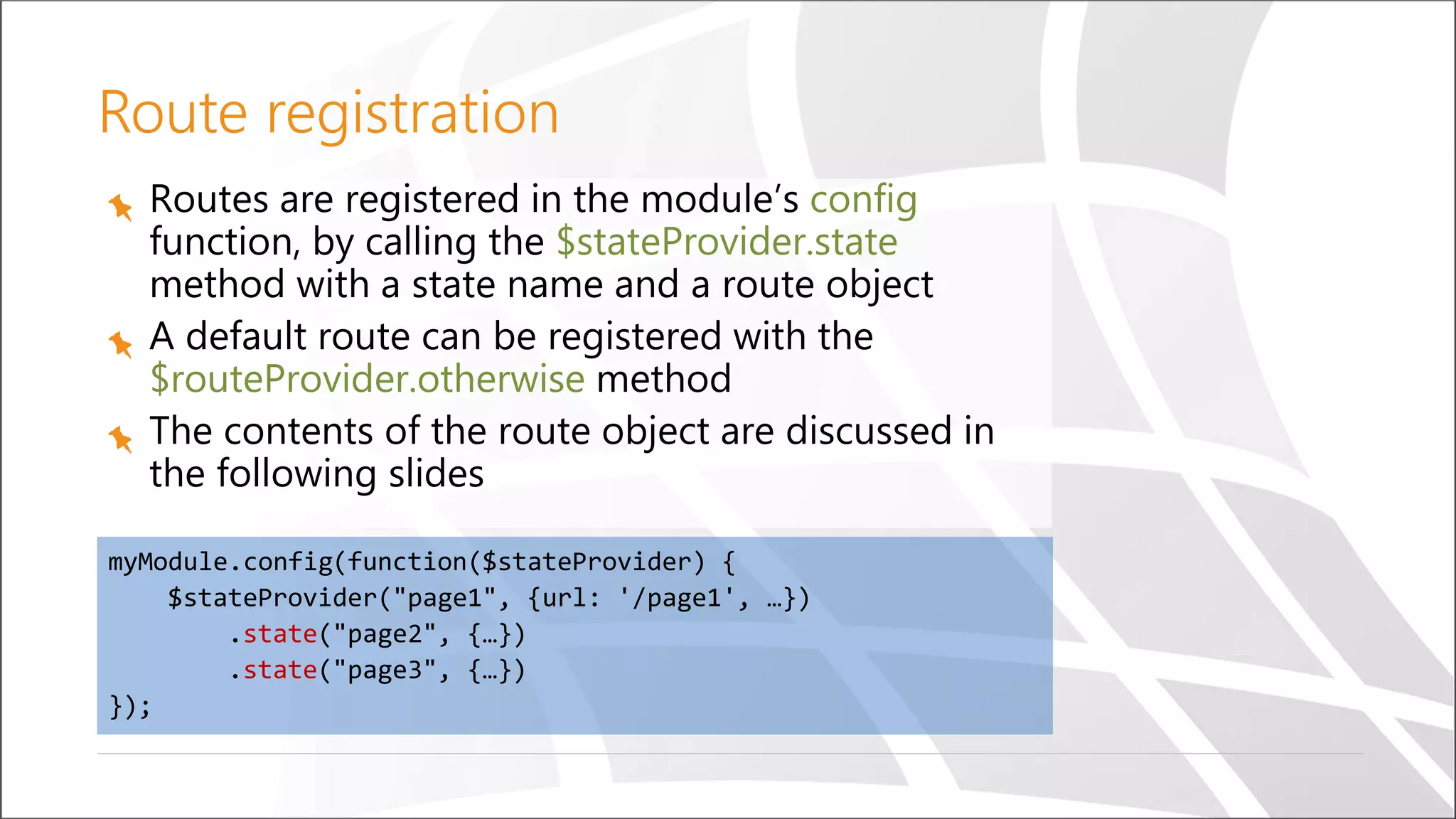
Routes are registered in the module’s config function, by calling the $stateProvider.state method with a state name and a route object A default route can be registered with the $routeProvider.otherwise method The contents of the route object are discussed in the following slides myModule.config(function($stateProvider) { $stateProvider("page1", {url: '/page1', …}) .state("page2", {…}) .state("page3", {…}) }); Route registration
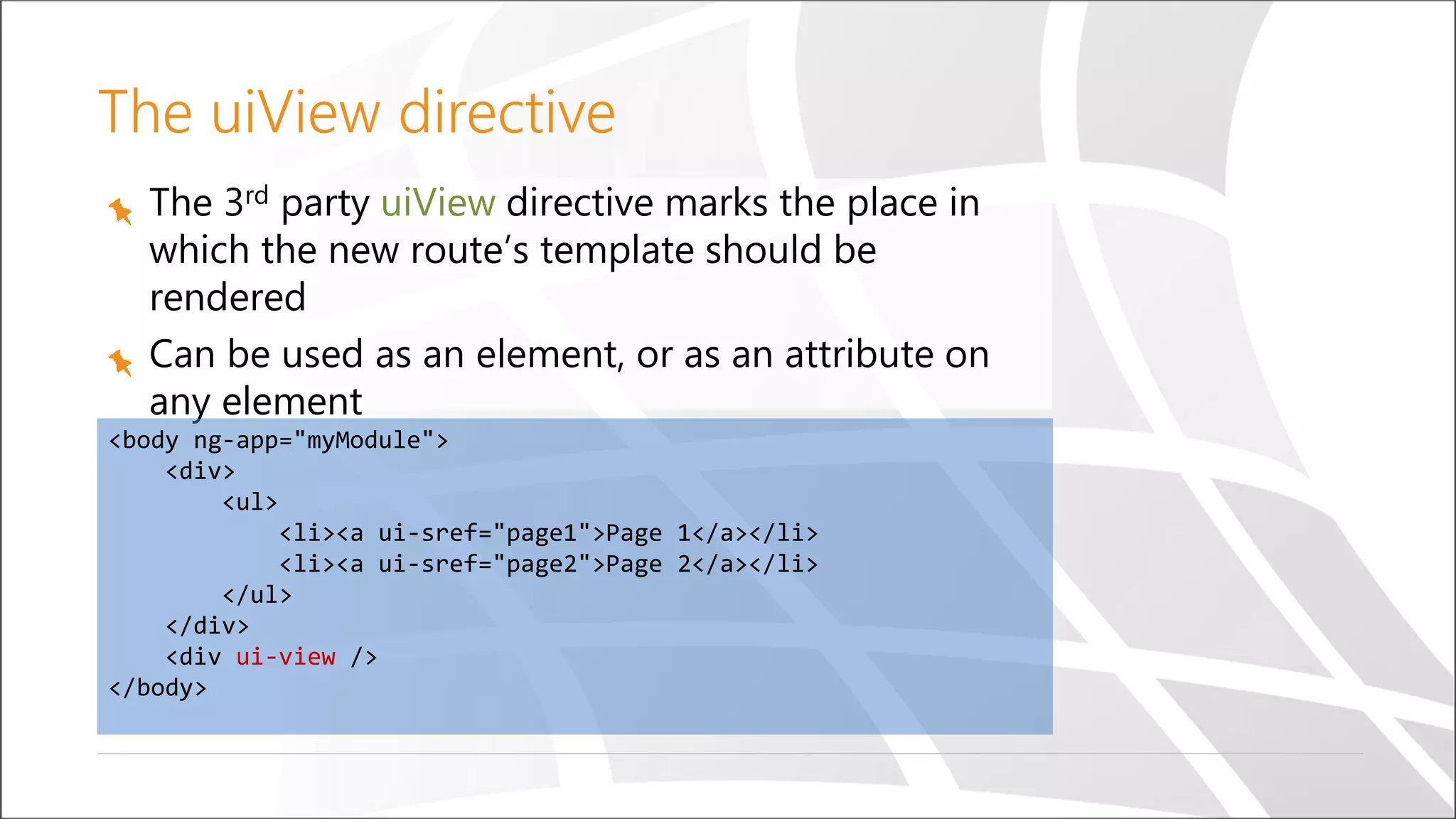
The 3rd party uiView directive marks the place in which the new route’s template should be rendered Can be used as an element, or as an attribute on any element <body ng-app="myModule"> <div> <ul> <li><a ui-sref="page1">Page 1</a></li> <li><a ui-sref="page2">Page 2</a></li> </ul> </div> <div ui-view /> </body> The uiView directive
Demo Routing
Modules and dependency injection Data binding, controllers and scopes Services Filters Form validation Directives Routing Email: ranw@sela.co.il Summary
Questions

angularJs Workshop

  • 1.
    © Copyright SELASoftware & Education Labs, Ltd. | 14-18 Baruch Hirsch St., Bnei Brak, 51202 Israel | www.selagroup.com SELA DEVELOPER PRACTICE May 31st – June 4th, 2015 Ran Wahle AngularJS – from 0 to 60
  • 2.
    Agenda Introduction Modules and dependencyinjection Data binding, controllers and scopes Services Filters Directives Form validation Routing
  • 3.
    The Modern Web Fromweb pages to web applications More and more logic is pushed to the client
  • 4.
    The Problem As weadd more and more JavaScript, our application is getting:
  • 5.
  • 6.
    What Is AngularJS? AnMV* framework for developing CRUD style web applications Developed by Google Works on all modern web browsers Open source (MIT license) No external dependencies
  • 7.
  • 8.
    Angular Building Blocks Module Module Module ScopeController ServiceTemplate Filter Directive Two-Way Binding Dependency Injection Routing
  • 9.
    <!doctype html> <html data-ng-app> <head> </head> <body> <inputtype="text" data-ng-model="name" /> {{name}} </body> </html> Your first AngularJS page
  • 10.
    Module Divide application intosmall pieces Can contain controllers, services, directives, etc. Can depend on other modules Other modules can depend on it
  • 11.
    //Creating a module angular.module('yourModuleName',[ /*…dependencies…*/ ]); //Accessing a module angular.module('yourModuleName'); //Note: no dependencies array Creating a module
  • 12.
    Dependency Injection Each angularapplication has an $injector service Components are injected by the $injector There are several options for using dependency injection
  • 13.
    One option removesthe responsibility of locating the dependency from the component. The dependency is simply handed to the component. In Angular each application has an injector that is responsible for construction and lookup of dependencies function SomeClass(greeter) { this.greeter = greeter; } SomeClass.prototype.doSomething = function(name) { this.greeter.greet(name); } Dependency Injection cont.
  • 14.
    Creating a component angular.module('yourModuleName').service('serviceName',function() { //service’s code }); Creating an Angular component Consuming the component angular.module('yourModuleName') .controller('controllerName', ['serviceName', function(serviceName) { //controller’s code });
  • 15.
    © Copyright SELAsoftware & Education Labs Ltd. | 14-18 Baruch Hirsch St Bnei Brak, 51202 Israel | www.selagroup.com Data binding Controllers, scopes and views
  • 16.
    AngularJS supports MV*- patterns Views HTML templates Controllers JavaScript functions Data Model $scope
  • 17.
    HTML templates An HTMLelement with Angular-related attributes Declarative Contains Angular-specific elements and attributes Contains expressions evaluated against scope properties
  • 18.
    <html> <head> </head> <body data-ng-app="myAppName"> <div data-ng-controller="myController"> <inputdata-ng-model="name" /> <button data-ng-click="greet()">Greet</button> </div> </body> </html> HTML template
  • 19.
    Controller A JavaScript constructorfunction Contains view related logic Can get and set data on the $scope Shouldn’t have any DOM related functionality Sets up the $scope initial state Associated with a template via the ng-controller directive
  • 20.
    angular.module('myAppName') .controller('myController', ['$scope', function($scope){ var greet = function() { alert('Hello ' + $scope.name); }; $scope.greet = greet; }]); Controller
  • 21.
    $scope The glue betweenthe HTML template and the controller Hierarchical in the same way as HTML Hierarchy implemented using JavaScript prototypes The root scope is represented by the $rootScope service
  • 22.
  • 23.
    Services Reusable singleton objects Canbe injected into controllers, filters, directives and other services Created only when needed There are many built-in services in AngularJS
  • 24.
    angular.module('myApp') .service('myService', [/*…dependencies…*/, function(/*…dependencies…*/){ //service logic here this.someMethod = function() {}; }]); angular.module('myApp') .controller('myController', ['myService', function(myService) { myService.someMetho(); }]); Creating and using a service
  • 25.
  • 26.
  • 27.
    Ajax using $http $httpservice is a built-in service in AngularJS Used for communicating with the server Wraps XMLHttpRequest Automatically serializes/deserializes JSON Supports request and response transformation Supports request and response interception
  • 28.
    $http.get('url') .success(function(response) { //handle theserver's response }) .error(function(errorResponse) { //handle the server's error response }); $http.post('url', requestBody); $http.put('url', requestBody); $http.delete('url', requestBody); Using $http
  • 29.
    $http({ url: 'url', method: 'get',//or 'put', 'post', 'delete' params: {…}, //for get requests data: {…}, //for put or post requests }).success(…).error(…).finally(…); Using $http (Cont)
  • 30.
    The $resource Service Anabstraction on top of the $http service for interaction with RESTful web services Depends on the ngResource module and requires the inclusion of the angular-resource.js script Receives a parameterized URL, with optional default values Returns an object with convenient methods (get, query, $save, $delete, …) Custom actions can be configured as well
  • 31.
    Using the $resourceservice angular.module('resourceDemo', ['ngResource']) .controller('questionsCtrl', function($scope) { var baseUrl = '/api/v1.0/questions/:id'; var Questions = $resource(baseUrl, {id: '@id'}); $scope.loadQuestions = function() { $scope.questions = Questions.query(); }; $scope.removeQuestion = function(question) { question.$remove(); }; });
  • 32.
  • 33.
    Filters Formats the valueof an expression for display to the user {{ expression | filter }} {{ 10 | currency }} will display 10$ May have arguments {{ price | number:2 }} Chainable
  • 34.
    angular.module('myModule') .filter('digitToText', function() { vardigitToText = [ 'zero', 'one', 'two', 'three', 'four', 'five', 'six', 'seven', 'eight', 'nine' ]; return function(digit) { return digitToText[digit]; }; }); Create a custom filter
  • 35.
  • 36.
    The form directive Aggregatesthe state of all its input elements Sets CSS classes according to the state The default form action is automatically ignored Available to the scope as a property with the name of the form Contained input elements are also available by their names, as sub- properties of the form property
  • 37.
    The form directive Createsa formController The formController aggregates the state of all form controls The formController is available to the current scope by its name To submit the form using Ajax, respond to ng-submit or ng-click
  • 38.
    Built-in validation directives Angularprovides the following validation directives: required – Checks that the field has a value min – Checks that the field value is greater than the given value max – Checks that the field value is lower than the given value minlength – Checks that the field value is longer than the given value maxlength – Checks that the field value is shorter than the given value pattern – Checks that the field value matches the given regular expression All of the above directives set a validation error identified by their name when the condition is not met
  • 39.
    The ngModel directive Providesa two way data binding between the input element and the model Provides automatic validation for common HTML5 input types (checkbox, email, number, text, url) Tracks the control’s state Sets CSS classes according to the state
  • 40.
    Note the usageof the novalidate attribute to disable the browser’s built-in validation <form name="form" novalidate> <div> <input type="text" name="title" ng-model="question.title" required /> </div> <div> <textarea name="content" ng-model="question.content" required> </textarea> </div> <button ng-click="addQuestion(question)”> Submit </button> </form> Using the form and ngModel directives
  • 41.
  • 42.
    Directives Custom HTML elements,attributes, classes and comments that are recognized by Angular Essentially extend the existing HTML vocabulary Creating new elements Adding behavior to existing elements Most of the things we’ve seen so far are built-in directives (ng-app, ng-controller, ng-repeat, ng- model, required, …)
  • 43.
    Creating custom directives Directivesare registered on modules, with the module.directive function, which takes the directive name and a factory function The factory function should return a directive definition object (discussed in the following slides) It’s a best practice to prefix custom directives to prevent collision with other 3rd party directives, or a future standard
  • 44.
    The following codedemonstrates the definition of a new directive, named myDirective Note that this is a only a skeleton with an empty directive definition object. We’ll fill this object with properties in the following slides. myModule.directive('myDirective', function() { return { }; }); Creating a custom directive
  • 45.
    Create a customdirective The object retuned can have the following properties: • link: a function that is called during the linking phase • template: an HTML template for the directive • templateUrl: a rooted path to an HTML template file • require: specifies a dependency on another directive • transclude: determines whether child elements should be included in the template • controller: used to share behavior and communicate with other directives
  • 46.
  • 47.
    Routing in SinglePage Applications Unlike traditional web sites, in SPAs, the responsibility for rendering the view is on the client side We do, however, want to give the user the same features they are used to, such as: The browser’s navigation buttons The address bar for navigation The ability to bookmark specific pages How can we change the address bar without causing the browser to issue a new request?
  • 48.
    The $location service Anabstraction on top of the window.location object Synchronized with the browser address bar and allows to watch or manipulate the URL Seamless integration with the HTML5 History API. Links are automatically rewritten to reflect the supported mode. <a href="/page1?id=123">link</a> /index.html#/page1?id=123 /page1?id=123
  • 49.
    The ui.router module Angularcomes with a built-in router named ngRoute But most projects use the 3rd party AngularUI Router The AngularUI Router is packaged in its own module, named ui.router To use the router, perform the following steps: Install and reference the angular-ui-router.js script in the HTML Add the ui.router module as a dependency to your module
  • 50.
    Routes are registeredin the module’s config function, by calling the $stateProvider.state method with a state name and a route object A default route can be registered with the $routeProvider.otherwise method The contents of the route object are discussed in the following slides myModule.config(function($stateProvider) { $stateProvider("page1", {url: '/page1', …}) .state("page2", {…}) .state("page3", {…}) }); Route registration
  • 51.
    The 3rd partyuiView directive marks the place in which the new route’s template should be rendered Can be used as an element, or as an attribute on any element <body ng-app="myModule"> <div> <ul> <li><a ui-sref="page1">Page 1</a></li> <li><a ui-sref="page2">Page 2</a></li> </ul> </div> <div ui-view /> </body> The uiView directive
  • 52.
  • 53.
    Modules and dependencyinjection Data binding, controllers and scopes Services Filters Form validation Directives Routing Email: ranw@sela.co.il Summary
  • 54.