Intro to AngularJS ANGULAR BY WAY OF KNOCKOUTJS AND OBSERVABLE PROGRAMMING
ngAgenda  Brief History on Observable Programming  Brief introduction to observable Javascript using KnockoutJS  Single Page App (SPA) Architecture  Comparison to roundtrip-based app  High-level Overview of AngularJS Fundamentals  Introduction to MVC in AngularJS  1 Rule: Please don’t debate my slides or demos! Save it for the after party =D  But I love questions!  Embrace “ng” – everything in the Angular world is preceded by “ng”  Oh, and find the error for a prize! Call them out as you see them 
Brief History - Event-based Programming  Pillar of interactive UI design  Pillar of multi-tasking ability in operating systems (e.g. Windows Message Pump)  Familiar programming model when dealing with System.Windows.Forms
Observable Databinding  Based on Event-driven programming  Bind object instance to UI controls  Provides instant update of object properties  Through implementation of INotifyPropertyChanged (in Windows.Forms), can achieve two-way databinding  [Demo]
Mama Said Knock Me Out(js)!  What is KnockoutJS?  A library that enables two-way databinding with HTML elements  Provides observable behavior to otherwise POJO’s  Generates HTML for lists and arrays  Allows for binding to controls to handle events (event-based programming)  Is based on MVVM pattern
The Knockout(js) Punch  KnockoutJS also:  Loves it some jQuery (plays very well with jQuery)  Is great for plugging in on one (or a few) page(s) within a server-side app (ASP.NET, ASP.NET MVC with Razor, etc.)  Has plugins that make it easy to go from JSON POJO to observable models  [Demo]
What is AngularJS?  A Javascript (client-side) library that allows you to build web applications and single-page applications using the MVW design pattern  MVW – Model, View, Whatever!  Angular started as an MVC library  Angular has morphed to be more flexible, supporting MVVM now as well. Hence MV*  Angular does with HTML what HTML was never designed to do: support dynamic documents  Provides two-way databinding between your model and your view  With POJO’s! (no observable models necessary)
What AngularJS is Not  Difficult to learn  Unawesome (for the double-negative win) (ngHaha)  Another jQuery Library  To be used with jQuery  Angular has its own implementation of jQuery called ‘jq-lite’  While Angular will play nicely with jQuery(even replacing jq-lite with it automatically), jQuery has a different mindset (i.e. “thinking in Angular” versus “thinking in jQuery”)  A jQuery developer might say: “what selector do I use to manipulate the DOM here?”  An AngularJS developer might say: “what business problem am I trying to solve, and is what I’m building now achieving good separation of concerns?”  Great SO Post about this: http://stackoverflow.com/questions/14994391/how-do-i-think-in-angularjs- if-i-have-a-jquery-background
MVC Pattern in Angular  Model – the POJO/JSON you receive. Angular provides the ability to take this data and plug it right into views in an observable/databound fashion (sweeeet)  View – the HTML markup:  View templates (when using routing and SPA approach)  Directives that aid in manipulating (or directly manipulate) the DOM  Controller – functions (objects for OO developers) that provide functionality for the application  Things that manipulate scope  Things that perform business logic  Things that make you go hmm  But never, ever ever things that manipulate the DOM or any kind of UI element!  Because, SoC!
Now to Dig In to Angular!
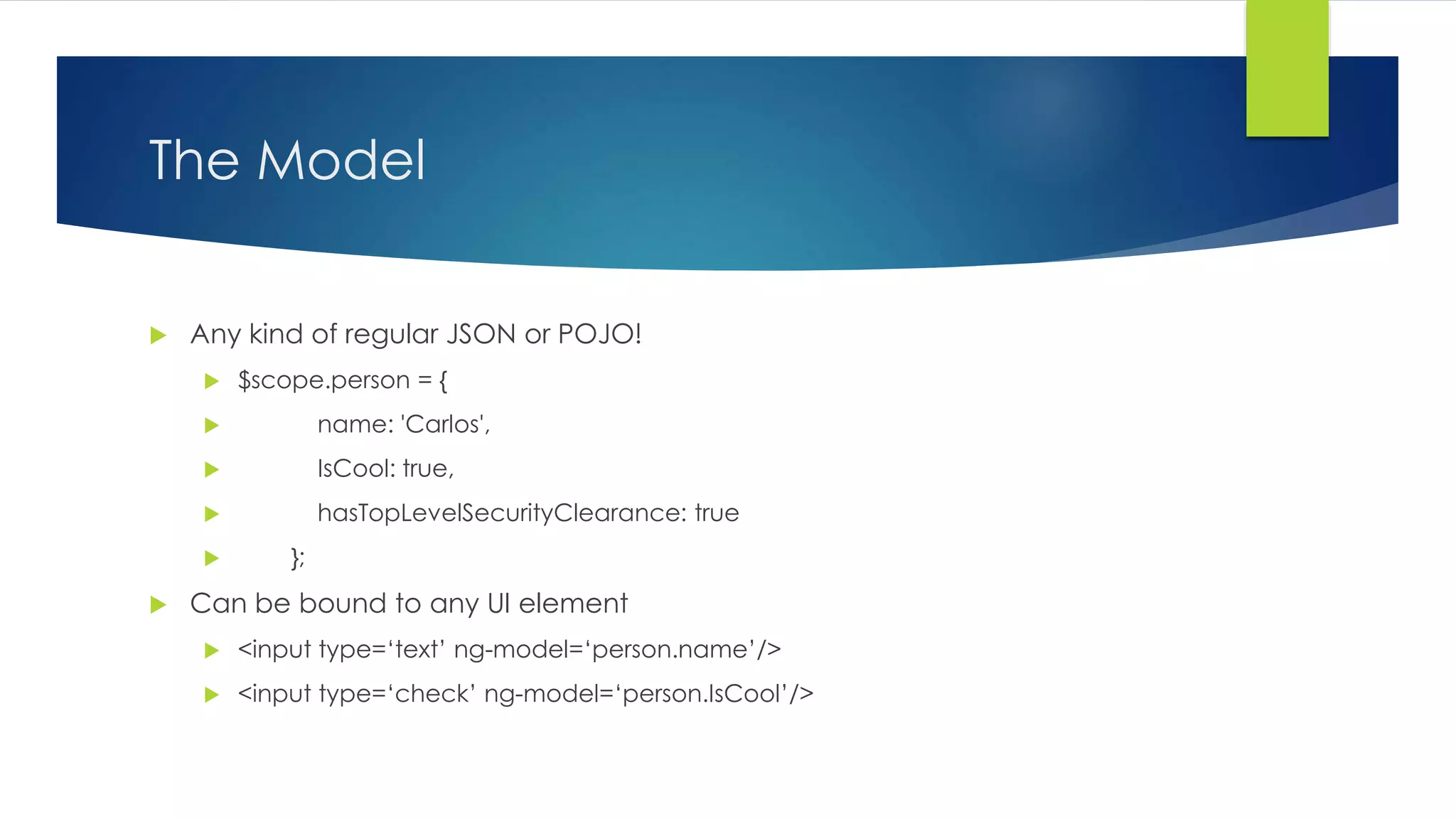
The Model  Any kind of regular JSON or POJO!  $scope.person = {  name: 'Carlos',  IsCool: true,  hasTopLevelSecurityClearance: true  };  Can be bound to any UI element  <input type=‘text’ ng-model=‘person.name’/>  <input type=‘check’ ng-model=‘person.IsCool’/>
The View – no Barbara Walters (sacrilege!)  Just a basic HTML page!  Views are comprised of the base HTML page (the one containing the <body> tag) and zero or more HTML snippets  HTML snippets are used when building a SPA app with the ngRoute plugin  In order to “turn on” (initialize) Angular, you add an ngModule attribute to the target element, usually body:  HTML: <body ng-module=“myModule>  JS: angular.module(‘myModule’, []); //the square brackets can list dependencies
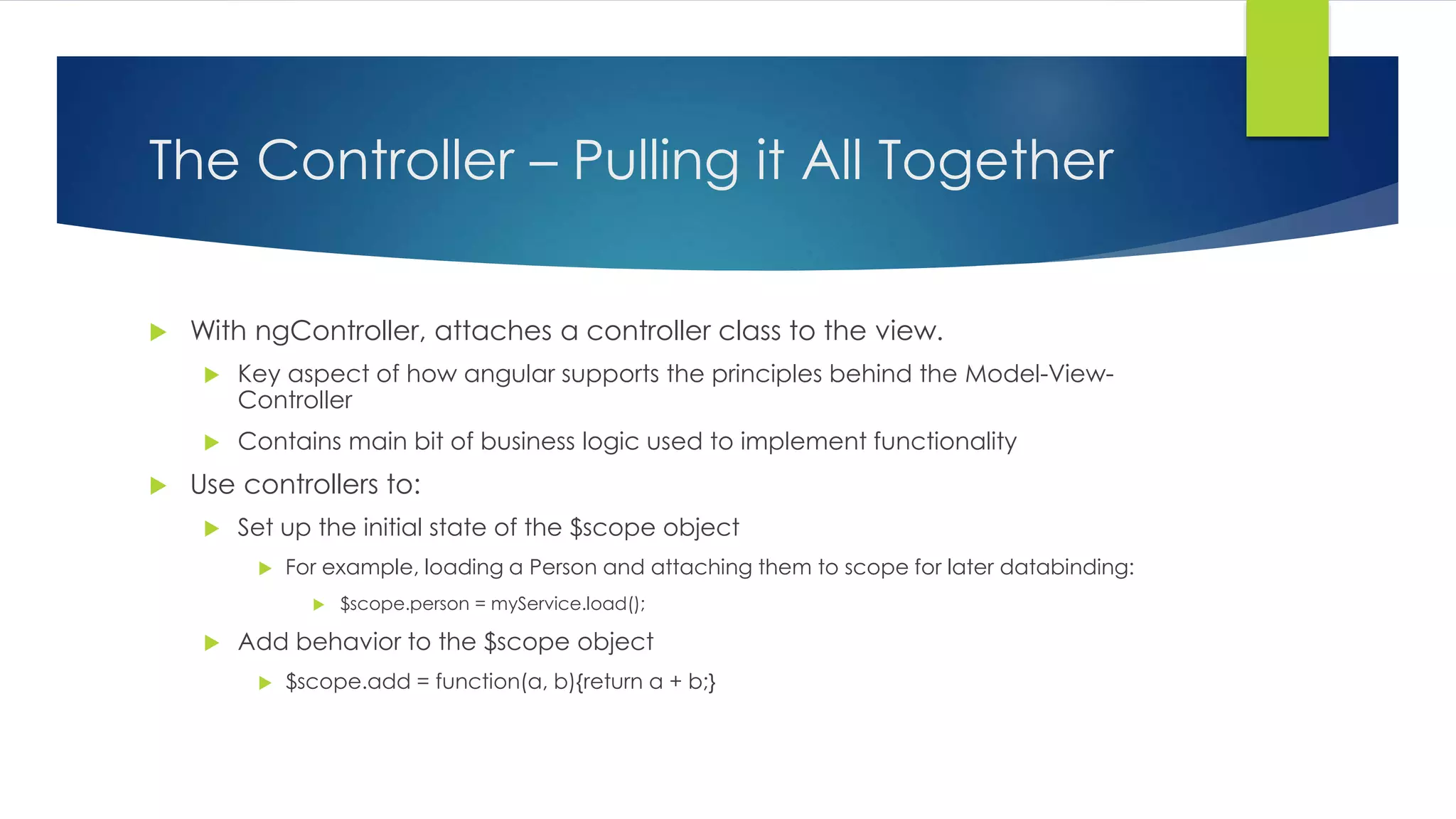
The Controller – Pulling it All Together  With ngController, attaches a controller class to the view.  Key aspect of how angular supports the principles behind the Model-View- Controller  Contains main bit of business logic used to implement functionality  Use controllers to:  Set up the initial state of the $scope object  For example, loading a Person and attaching them to scope for later databinding:  $scope.person = myService.load();  Add behavior to the $scope object  $scope.add = function(a, b){return a + b;}
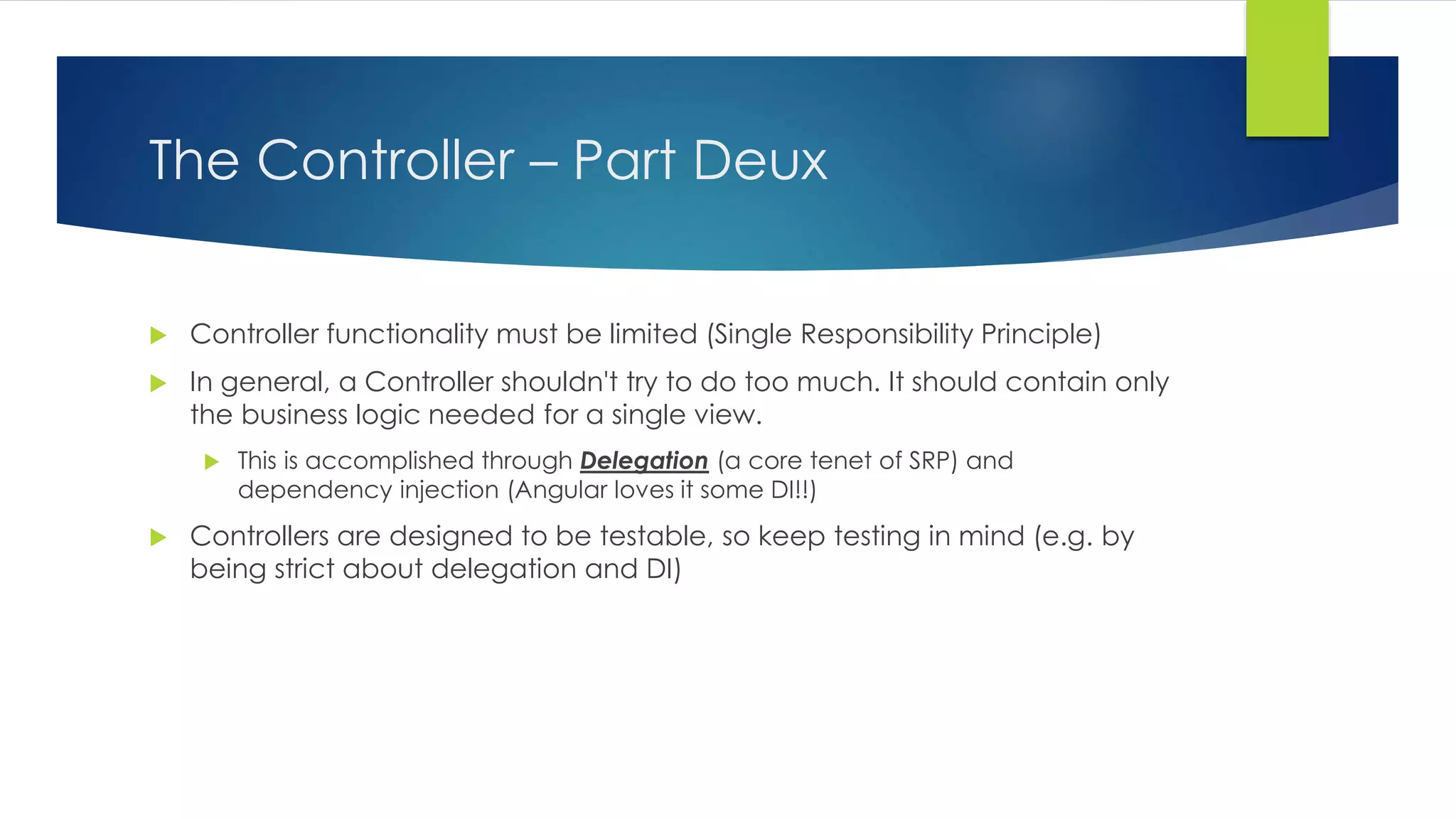
The Controller – Part Deux  Controller functionality must be limited (Single Responsibility Principle)  In general, a Controller shouldn't try to do too much. It should contain only the business logic needed for a single view.  This is accomplished through Delegation (a core tenet of SRP) and dependency injection (Angular loves it some DI!!)  Controllers are designed to be testable, so keep testing in mind (e.g. by being strict about delegation and DI)
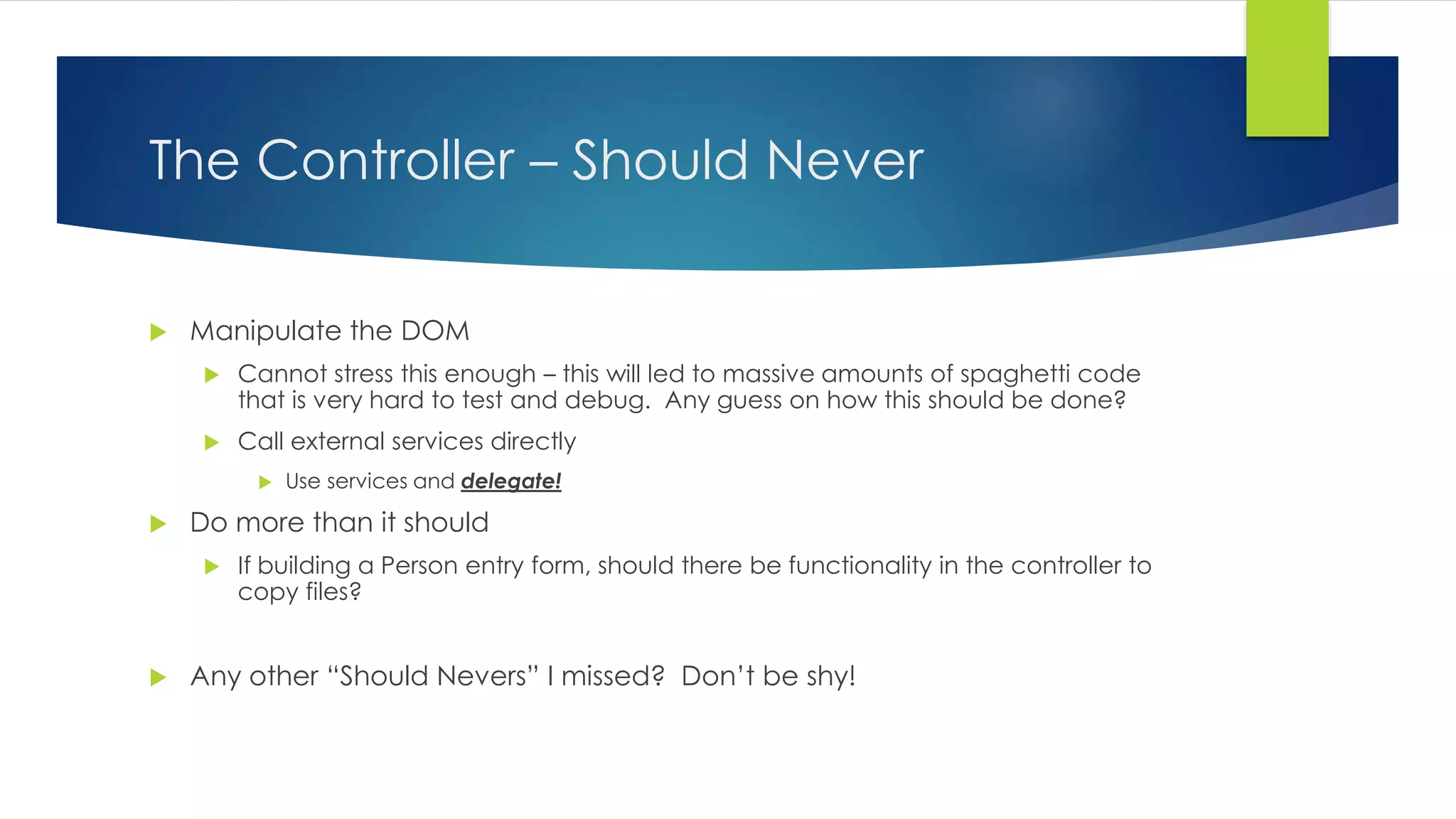
The Controller – Should Never  Manipulate the DOM  Cannot stress this enough – this will led to massive amounts of spaghetti code that is very hard to test and debug. Any guess on how this should be done?  Call external services directly  Use services and delegate!  Do more than it should  If building a Person entry form, should there be functionality in the controller to copy files?  Any other “Should Nevers” I missed? Don’t be shy!
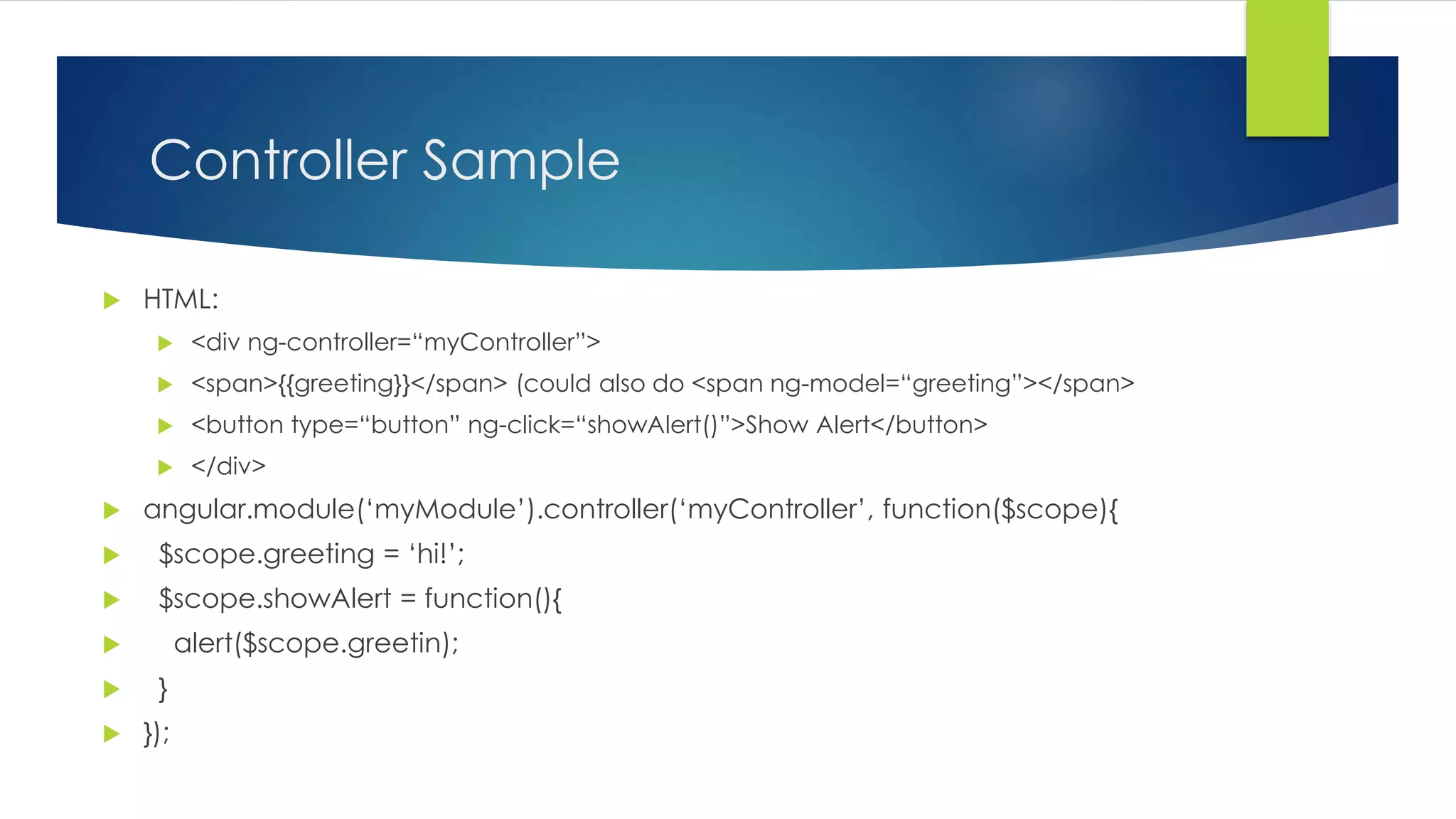
Controller Sample  HTML:  <div ng-controller=“myController”>  <span>{{greeting}}</span> (could also do <span ng-model=“greeting”></span>  <button type=“button” ng-click=“showAlert()”>Show Alert</button>  </div>  angular.module(‘myModule’).controller(‘myController’, function($scope){  $scope.greeting = ‘hi!’;  $scope.showAlert = function(){  alert($scope.greetin);  }  });
That’s the End? No!  Brief discussion of:  Services  Factories  Services versus Factories (you’ll see why later, kinda odd naming)  Directives  If we have time: ng-route!!!
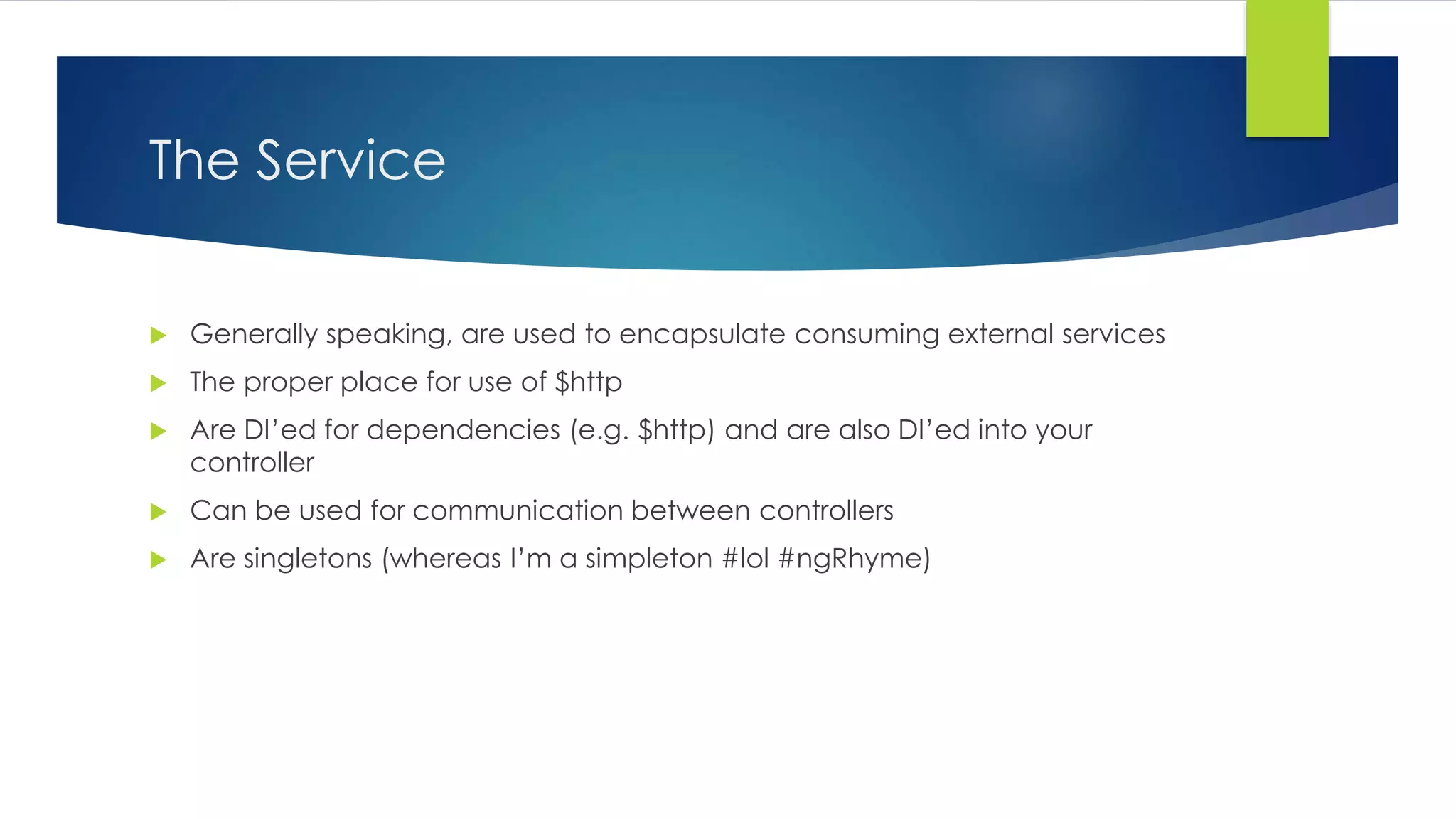
The Service  Generally speaking, are used to encapsulate consuming external services  The proper place for use of $http  Are DI’ed for dependencies (e.g. $http) and are also DI’ed into your controller  Can be used for communication between controllers  Are singletons (whereas I’m a simpleton #lol #ngRhyme)
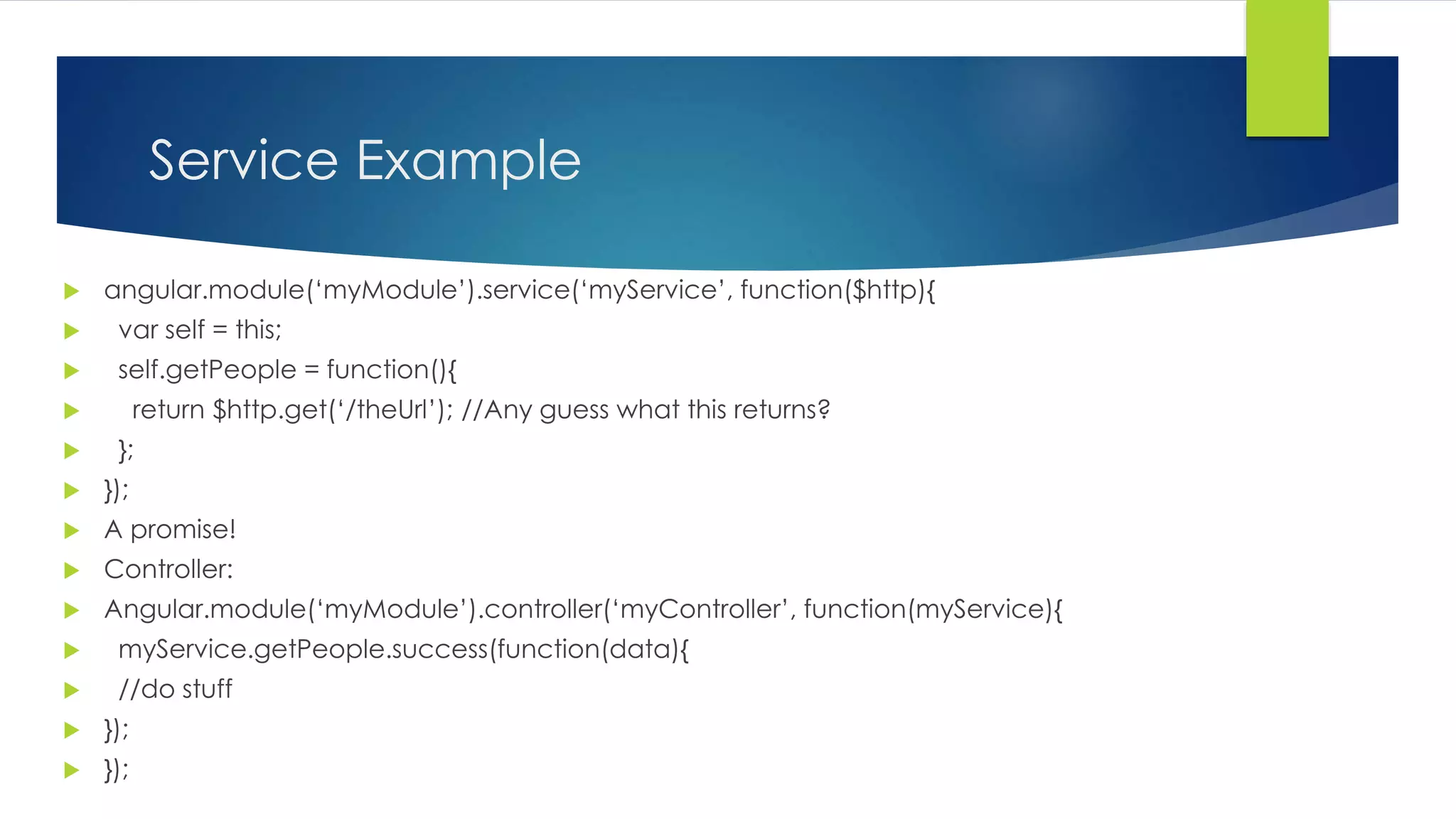
Service Example  angular.module(‘myModule’).service(‘myService’, function($http){  var self = this;  self.getPeople = function(){  return $http.get(‘/theUrl’); //Any guess what this returns?  };  });  A promise!  Controller:  Angular.module(‘myModule’).controller(‘myController’, function(myService){  myService.getPeople.success(function(data){  //do stuff  });  });
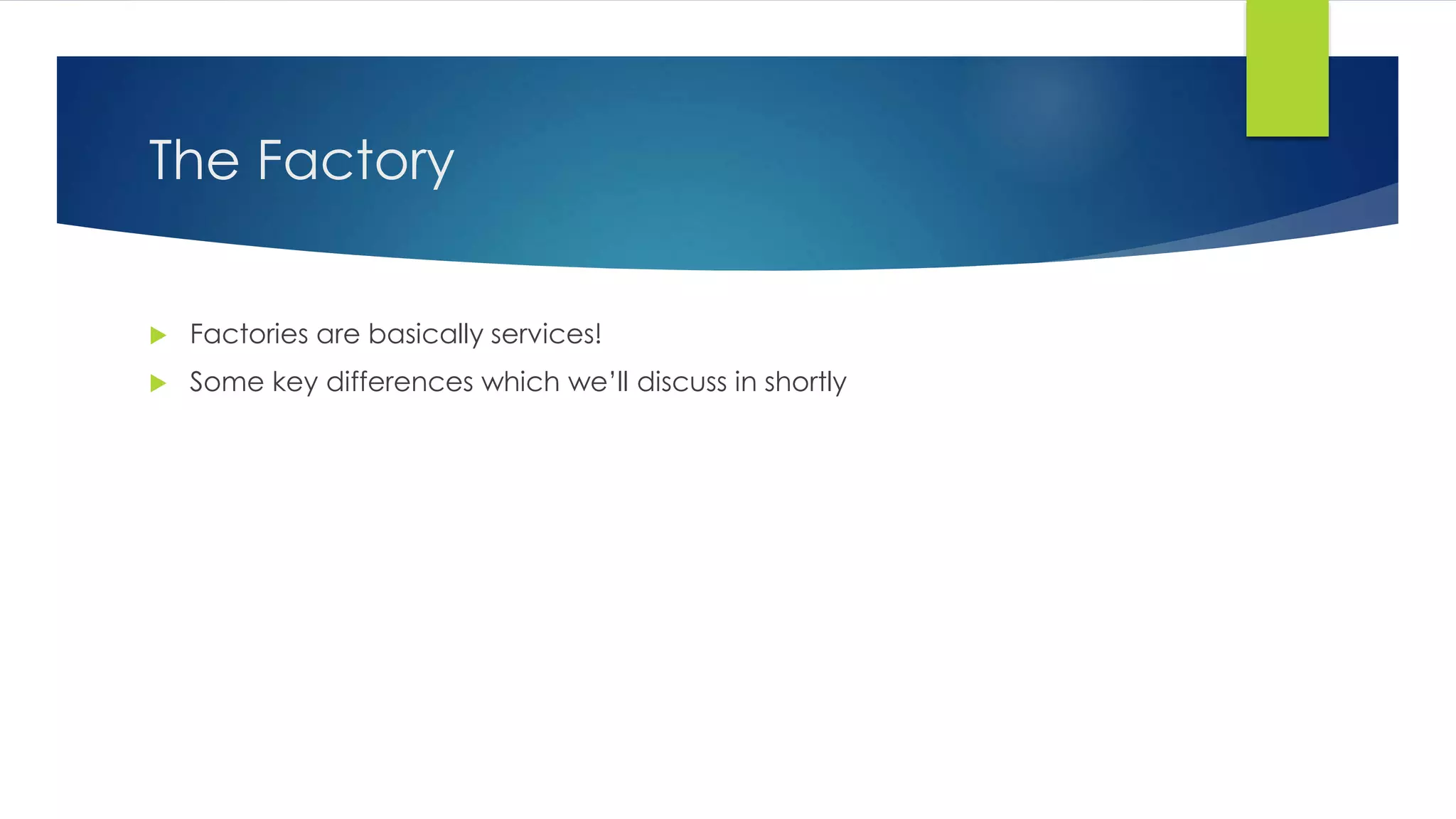
The Factory  Factories are basically services!  Some key differences which we’ll discuss in shortly
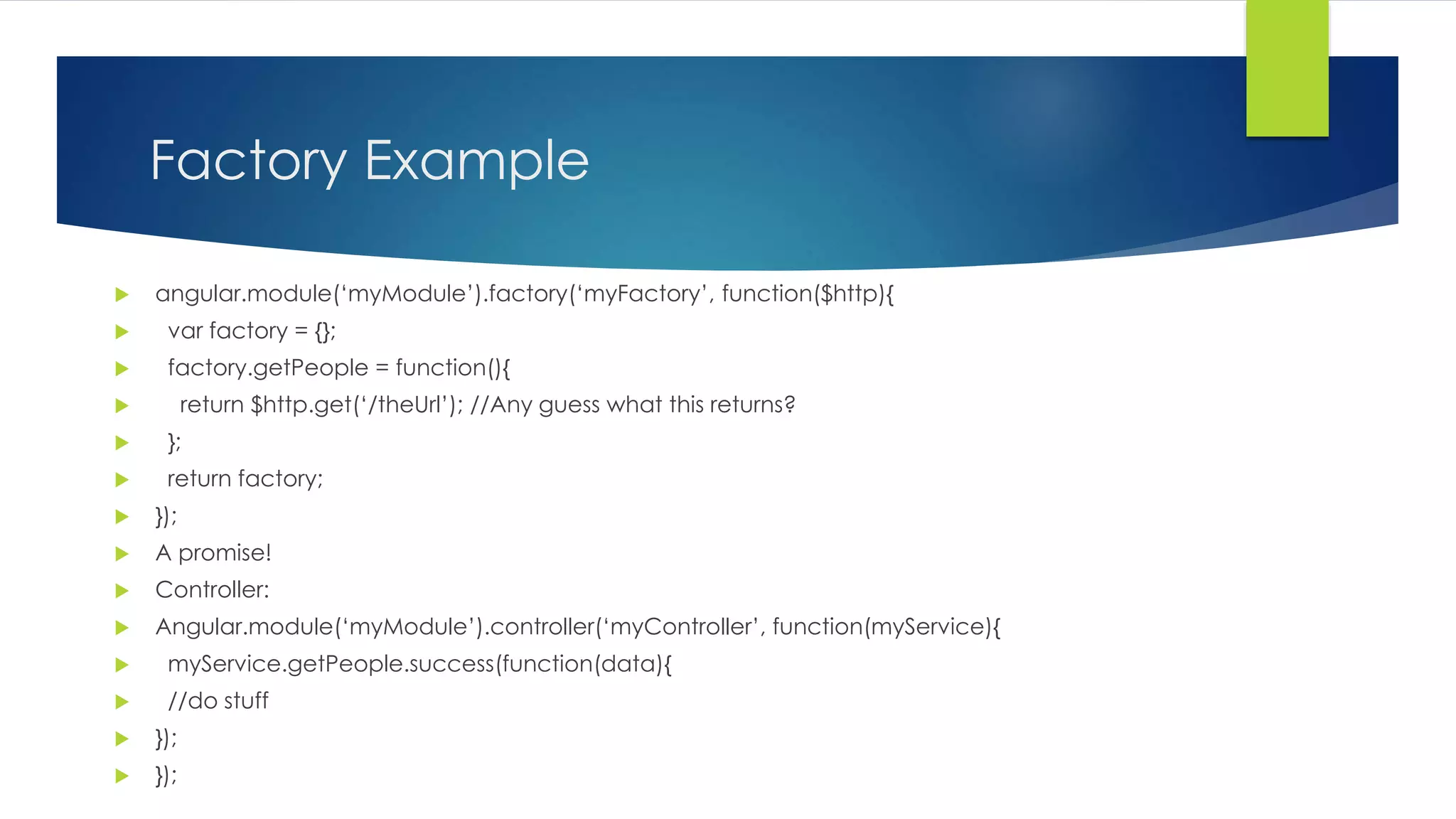
Factory Example  angular.module(‘myModule’).factory(‘myFactory’, function($http){  var factory = {};  factory.getPeople = function(){  return $http.get(‘/theUrl’); //Any guess what this returns?  };  return factory;  });  A promise!  Controller:  Angular.module(‘myModule’).controller(‘myController’, function(myService){  myService.getPeople.success(function(data){  //do stuff  });  });
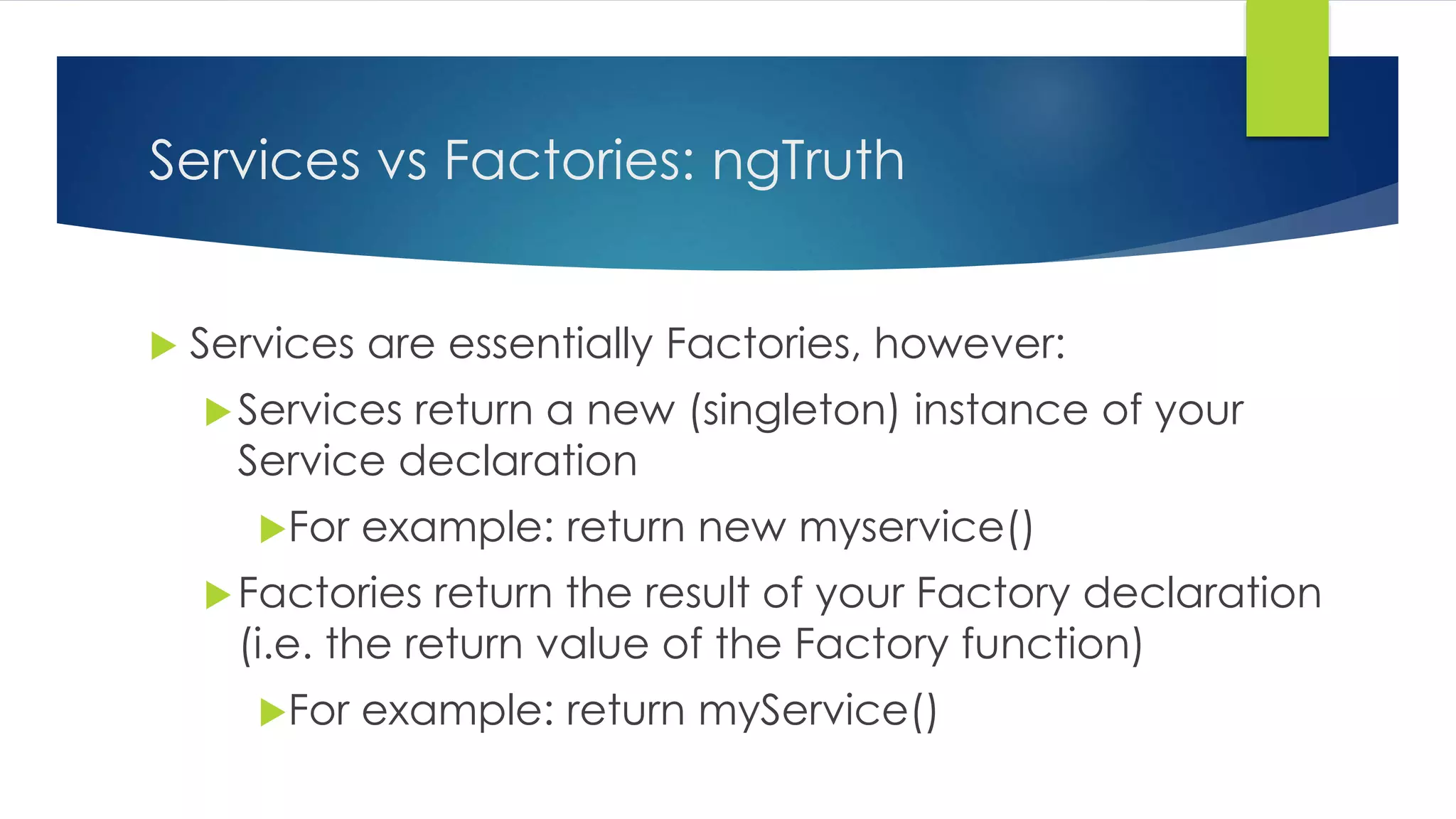
Services vs Factories: ngTruth  Services are essentially Factories, however: Services return a new (singleton) instance of your Service declaration For example: return new myservice() Factories return the result of your Factory declaration (i.e. the return value of the Factory function) For example: return myService()
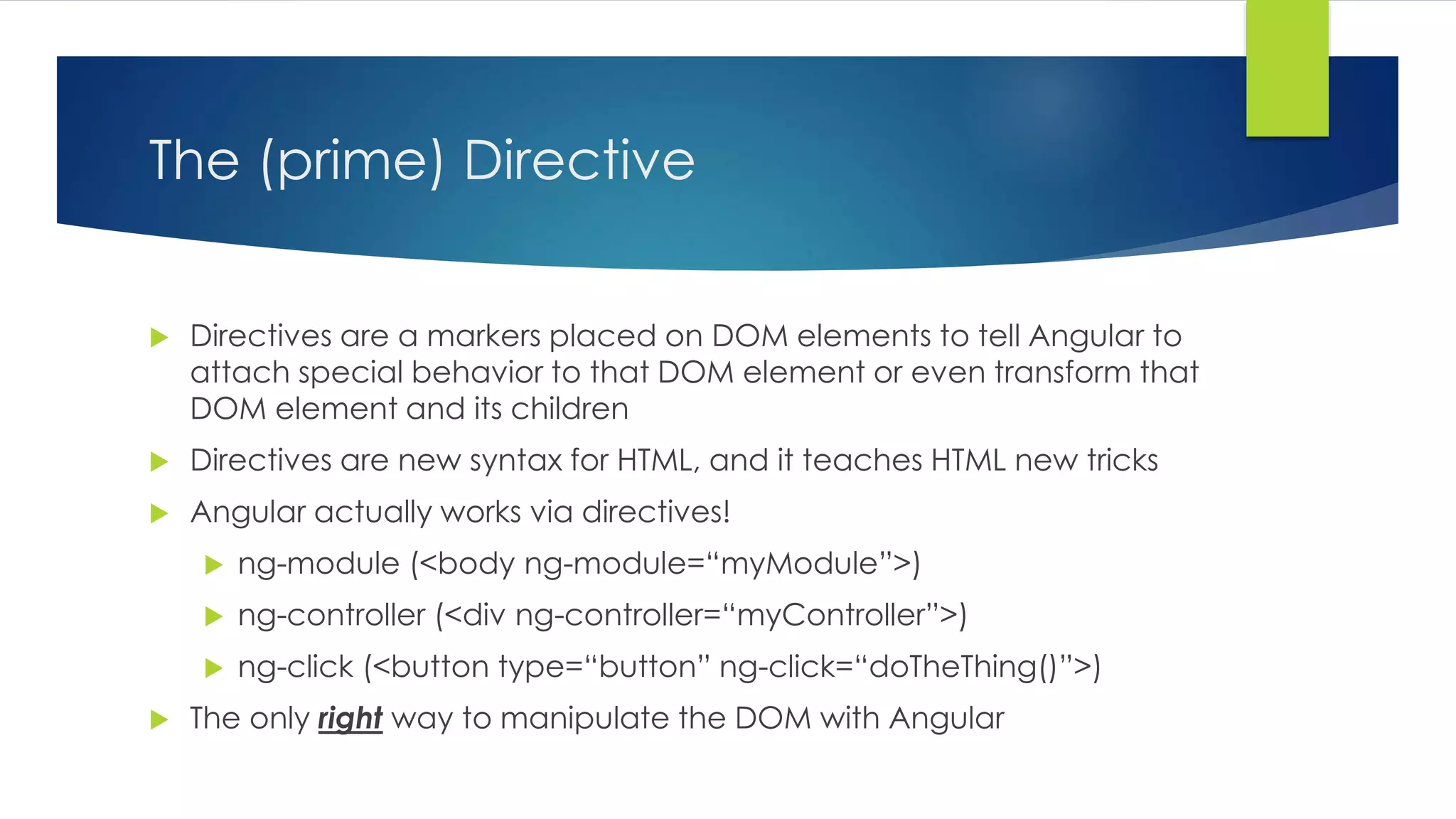
The (prime) Directive  Directives are a markers placed on DOM elements to tell Angular to attach special behavior to that DOM element or even transform that DOM element and its children  Directives are new syntax for HTML, and it teaches HTML new tricks  Angular actually works via directives!  ng-module (<body ng-module=“myModule”>)  ng-controller (<div ng-controller=“myController”>)  ng-click (<button type=“button” ng-click=“doTheThing()”>)  The only right way to manipulate the DOM with Angular
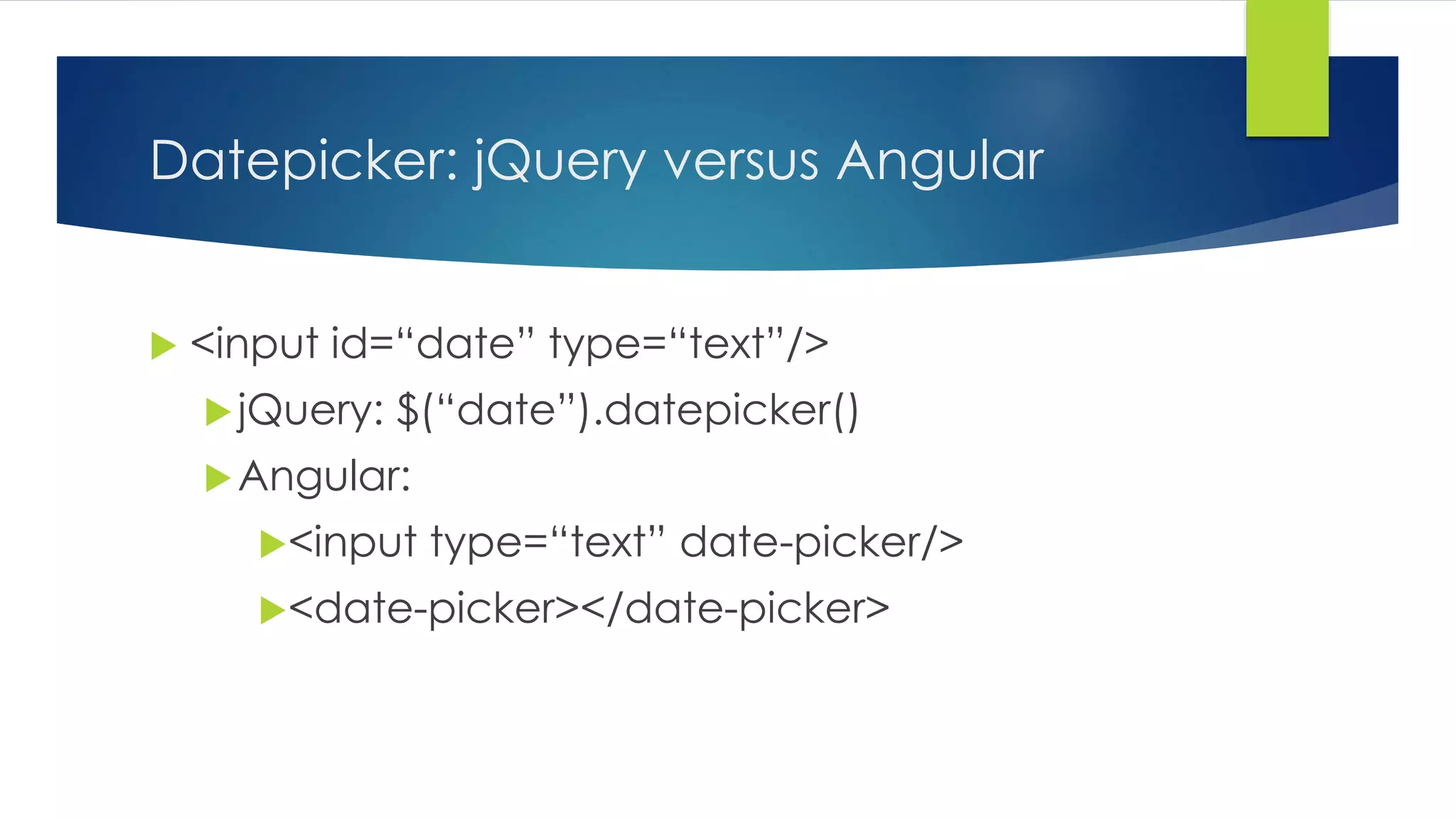
Datepicker: jQuery versus Angular  <input id=“date” type=“text”/>  jQuery: $(“date”).datepicker() Angular: <input type=“text” date-picker/> <date-picker></date-picker>
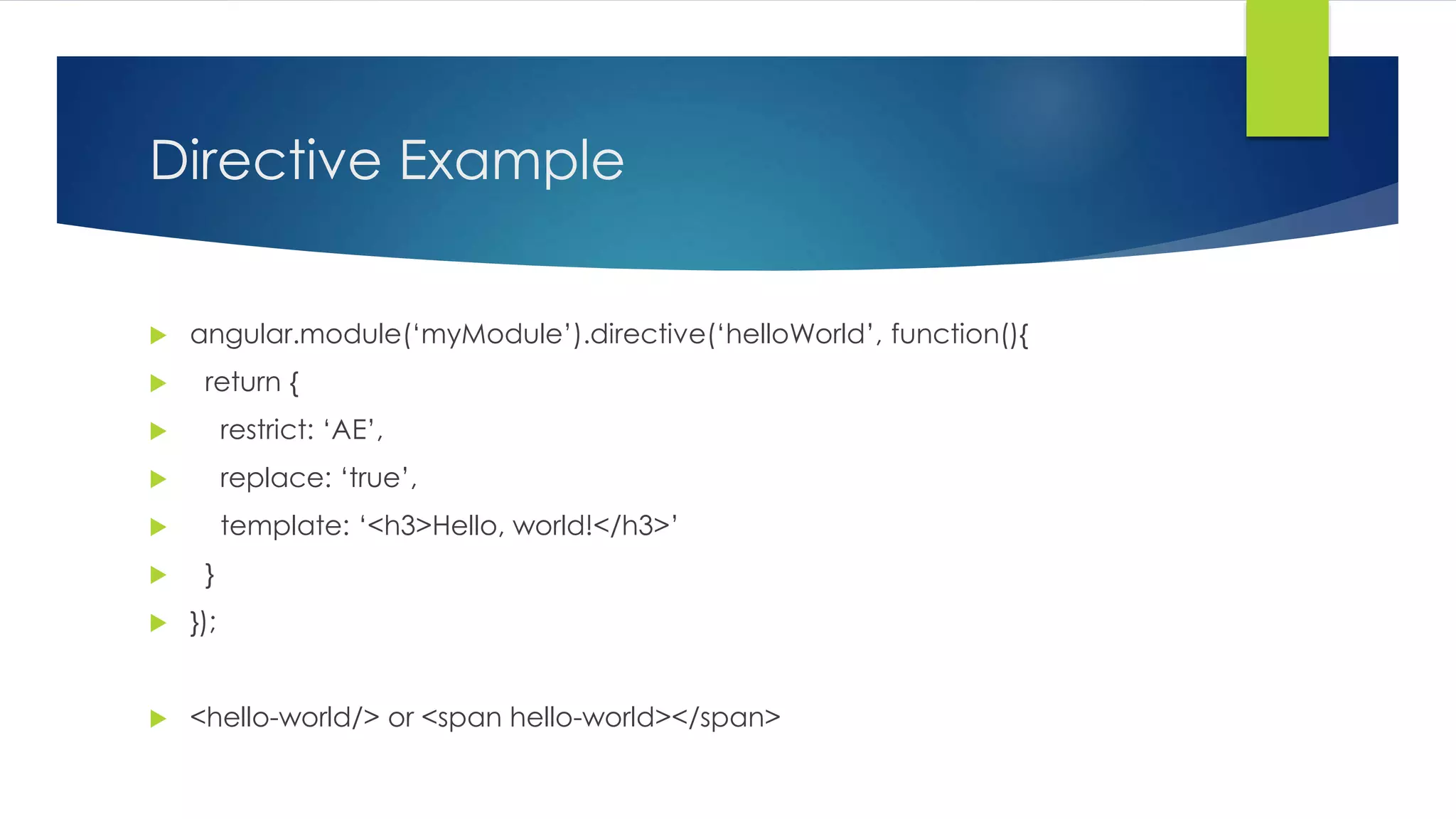
Directive Example  angular.module(‘myModule’).directive(‘helloWorld’, function(){  return {  restrict: ‘AE’,  replace: ‘true’,  template: ‘<h3>Hello, world!</h3>’  }  });  <hello-world/> or <span hello-world></span>
Why Use Directives?  Great way to create reusable UI components (such as datepickers)  Great (proper) way to manipulate the DOM  Many built-in directives provide great levels of functionality, but there are times when UI behavior is needed that can’t be built with the included directives
ngRepeat – Directive for Collections  var m = [  "India",  "England",  "Brazil"  ];  function MyCtrl($scope) {  $scope.items = m;  }  <div ng-app ng-controller="MyCtrl">  <ul>  <li ng-repeat=“item in items">{{item}}</li>  </ul>  </div>
Brief Demo
Time Check!  Route Time?
First – Single Page Apps  Do you prefer native Windows apps to web apps?  Do you prefer native mobile apps to mobile web sites?  The goal of Single Page Apps is to deliver an experience that looks and feels like a native app  Data is loaded in one call for most of the pages that the user will interact with, or is loaded dynamically as the user moves through the page using AJAX requests  The page is designed to look like the user is browsing through the app, but responds instantly and quickly and fluidly moves through to the next page in the site  No more clicking links and waiting for the page to load. That experience stinks anyway!  Single page apps deliver a user experience that is unmatched by classic round-trip based web applications
KnockoutJS for SPAs  Yes, KnockoutJS can be used to build a SPA!  However, it’s a “BYOS” situation – bring your own SPA  Knockout only brings observables to the table (which is pretty huge)  But you must bring your own:  Hashes (we’ll learn more about this in a minute)  Routing  Controllers  Server calls
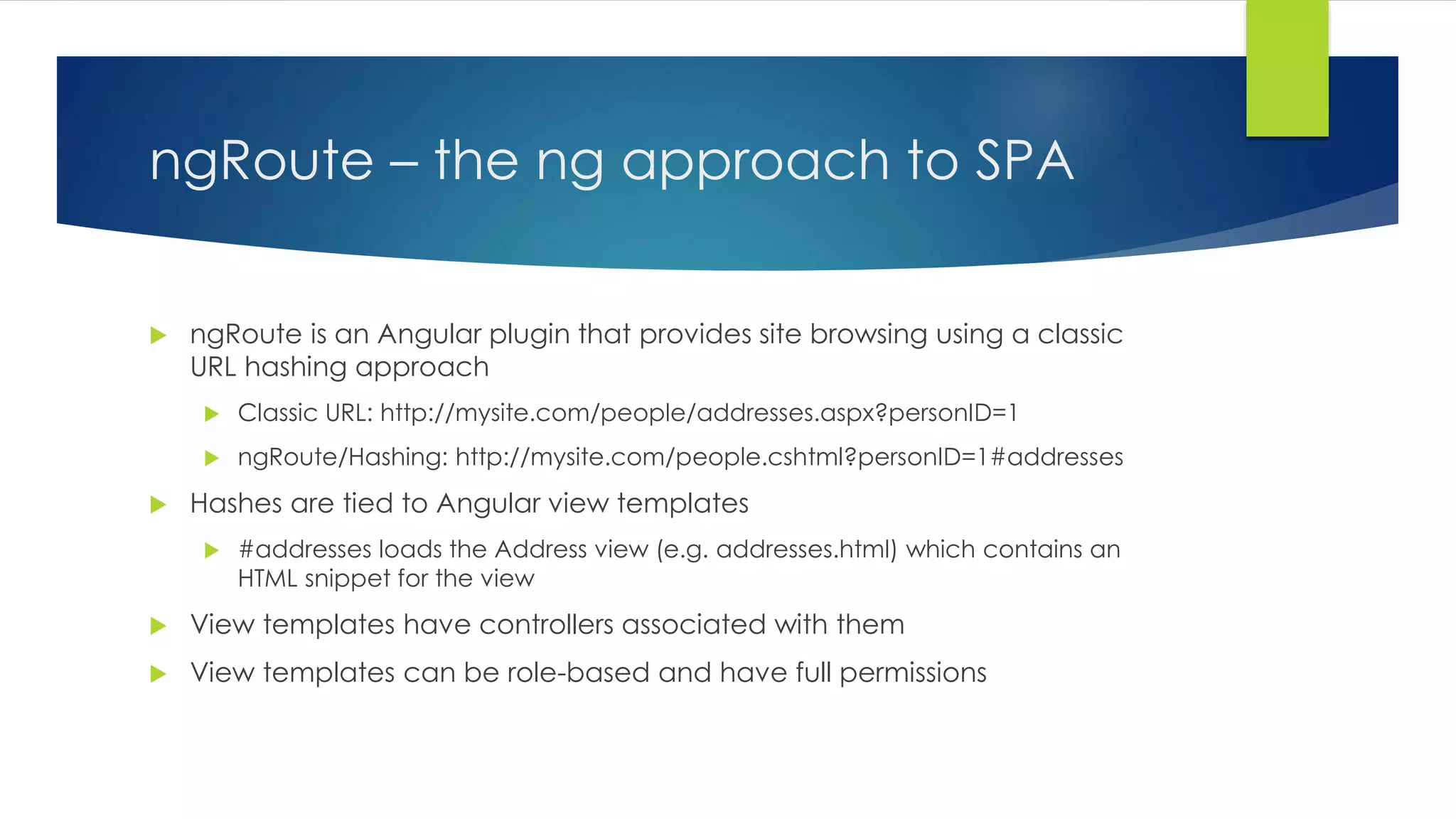
ngRoute – the ng approach to SPA  ngRoute is an Angular plugin that provides site browsing using a classic URL hashing approach  Classic URL: http://mysite.com/people/addresses.aspx?personID=1  ngRoute/Hashing: http://mysite.com/people.cshtml?personID=1#addresses  Hashes are tied to Angular view templates  #addresses loads the Address view (e.g. addresses.html) which contains an HTML snippet for the view  View templates have controllers associated with them  View templates can be role-based and have full permissions
ngView  ngRoute is used in conjunction with ngView  <div ng-view>  Elements containing ngView are replaced by the view template loaded by ngRoute
ngRoute Example  angular.module(‘myModule’, [‘ngRoute’])  .config(function($routeProvider){  $routeProvider.when(‘/addresses’, {  templateUrl: ‘addresses.html’,  controller: ‘addressesController’  });  });  when ‘mysite.com/main.html#addresses’ then show that view
Final Notes on AngularJS  AngularJS is great for building rich applications that run in a browser  The closer you get to SPA architecture, the more you should use AngularJS  And the better AngularJS will perform  jQuery is a fantastic tool, but does not grow well with large web apps, and does not lend itself to good test coverage via unit testing  When building a round-trip centric app, favor a combination of jQuery and KnockoutJS with limited Razor  When building a SPA, favor AngularJS. It has more up front time than jQuery and Knockout, but the payoff will be well worth it
The Slide Deck Is Done, Maaaaan  We discussed:  KnockoutJS and how it supports two-way databinding  AngularJS in depth:  Controllers  Views  Models  Directives  Services  Routes
Questions?  Ask ‘em if you got ‘em

Intro to AngularJs

  • 1.
    Intro to AngularJS ANGULAR BY WAY OF KNOCKOUTJS AND OBSERVABLE PROGRAMMING
  • 2.
    ngAgenda  BriefHistory on Observable Programming  Brief introduction to observable Javascript using KnockoutJS  Single Page App (SPA) Architecture  Comparison to roundtrip-based app  High-level Overview of AngularJS Fundamentals  Introduction to MVC in AngularJS  1 Rule: Please don’t debate my slides or demos! Save it for the after party =D  But I love questions!  Embrace “ng” – everything in the Angular world is preceded by “ng”  Oh, and find the error for a prize! Call them out as you see them 
  • 3.
    Brief History -Event-based Programming  Pillar of interactive UI design  Pillar of multi-tasking ability in operating systems (e.g. Windows Message Pump)  Familiar programming model when dealing with System.Windows.Forms
  • 4.
    Observable Databinding Based on Event-driven programming  Bind object instance to UI controls  Provides instant update of object properties  Through implementation of INotifyPropertyChanged (in Windows.Forms), can achieve two-way databinding  [Demo]
  • 5.
    Mama Said KnockMe Out(js)!  What is KnockoutJS?  A library that enables two-way databinding with HTML elements  Provides observable behavior to otherwise POJO’s  Generates HTML for lists and arrays  Allows for binding to controls to handle events (event-based programming)  Is based on MVVM pattern
  • 6.
    The Knockout(js) Punch  KnockoutJS also:  Loves it some jQuery (plays very well with jQuery)  Is great for plugging in on one (or a few) page(s) within a server-side app (ASP.NET, ASP.NET MVC with Razor, etc.)  Has plugins that make it easy to go from JSON POJO to observable models  [Demo]
  • 7.
    What is AngularJS?  A Javascript (client-side) library that allows you to build web applications and single-page applications using the MVW design pattern  MVW – Model, View, Whatever!  Angular started as an MVC library  Angular has morphed to be more flexible, supporting MVVM now as well. Hence MV*  Angular does with HTML what HTML was never designed to do: support dynamic documents  Provides two-way databinding between your model and your view  With POJO’s! (no observable models necessary)
  • 8.
    What AngularJS isNot  Difficult to learn  Unawesome (for the double-negative win) (ngHaha)  Another jQuery Library  To be used with jQuery  Angular has its own implementation of jQuery called ‘jq-lite’  While Angular will play nicely with jQuery(even replacing jq-lite with it automatically), jQuery has a different mindset (i.e. “thinking in Angular” versus “thinking in jQuery”)  A jQuery developer might say: “what selector do I use to manipulate the DOM here?”  An AngularJS developer might say: “what business problem am I trying to solve, and is what I’m building now achieving good separation of concerns?”  Great SO Post about this: http://stackoverflow.com/questions/14994391/how-do-i-think-in-angularjs- if-i-have-a-jquery-background
  • 9.
    MVC Pattern inAngular  Model – the POJO/JSON you receive. Angular provides the ability to take this data and plug it right into views in an observable/databound fashion (sweeeet)  View – the HTML markup:  View templates (when using routing and SPA approach)  Directives that aid in manipulating (or directly manipulate) the DOM  Controller – functions (objects for OO developers) that provide functionality for the application  Things that manipulate scope  Things that perform business logic  Things that make you go hmm  But never, ever ever things that manipulate the DOM or any kind of UI element!  Because, SoC!
  • 10.
    Now to DigIn to Angular!
  • 11.
    The Model Any kind of regular JSON or POJO!  $scope.person = {  name: 'Carlos',  IsCool: true,  hasTopLevelSecurityClearance: true  };  Can be bound to any UI element  <input type=‘text’ ng-model=‘person.name’/>  <input type=‘check’ ng-model=‘person.IsCool’/>
  • 12.
    The View –no Barbara Walters (sacrilege!)  Just a basic HTML page!  Views are comprised of the base HTML page (the one containing the <body> tag) and zero or more HTML snippets  HTML snippets are used when building a SPA app with the ngRoute plugin  In order to “turn on” (initialize) Angular, you add an ngModule attribute to the target element, usually body:  HTML: <body ng-module=“myModule>  JS: angular.module(‘myModule’, []); //the square brackets can list dependencies
  • 13.
    The Controller –Pulling it All Together  With ngController, attaches a controller class to the view.  Key aspect of how angular supports the principles behind the Model-View- Controller  Contains main bit of business logic used to implement functionality  Use controllers to:  Set up the initial state of the $scope object  For example, loading a Person and attaching them to scope for later databinding:  $scope.person = myService.load();  Add behavior to the $scope object  $scope.add = function(a, b){return a + b;}
  • 14.
    The Controller –Part Deux  Controller functionality must be limited (Single Responsibility Principle)  In general, a Controller shouldn't try to do too much. It should contain only the business logic needed for a single view.  This is accomplished through Delegation (a core tenet of SRP) and dependency injection (Angular loves it some DI!!)  Controllers are designed to be testable, so keep testing in mind (e.g. by being strict about delegation and DI)
  • 15.
    The Controller –Should Never  Manipulate the DOM  Cannot stress this enough – this will led to massive amounts of spaghetti code that is very hard to test and debug. Any guess on how this should be done?  Call external services directly  Use services and delegate!  Do more than it should  If building a Person entry form, should there be functionality in the controller to copy files?  Any other “Should Nevers” I missed? Don’t be shy!
  • 16.
    Controller Sample HTML:  <div ng-controller=“myController”>  <span>{{greeting}}</span> (could also do <span ng-model=“greeting”></span>  <button type=“button” ng-click=“showAlert()”>Show Alert</button>  </div>  angular.module(‘myModule’).controller(‘myController’, function($scope){  $scope.greeting = ‘hi!’;  $scope.showAlert = function(){  alert($scope.greetin);  }  });
  • 17.
    That’s the End?No!  Brief discussion of:  Services  Factories  Services versus Factories (you’ll see why later, kinda odd naming)  Directives  If we have time: ng-route!!!
  • 18.
    The Service Generally speaking, are used to encapsulate consuming external services  The proper place for use of $http  Are DI’ed for dependencies (e.g. $http) and are also DI’ed into your controller  Can be used for communication between controllers  Are singletons (whereas I’m a simpleton #lol #ngRhyme)
  • 19.
    Service Example angular.module(‘myModule’).service(‘myService’, function($http){  var self = this;  self.getPeople = function(){  return $http.get(‘/theUrl’); //Any guess what this returns?  };  });  A promise!  Controller:  Angular.module(‘myModule’).controller(‘myController’, function(myService){  myService.getPeople.success(function(data){  //do stuff  });  });
  • 20.
    The Factory Factories are basically services!  Some key differences which we’ll discuss in shortly
  • 21.
    Factory Example angular.module(‘myModule’).factory(‘myFactory’, function($http){  var factory = {};  factory.getPeople = function(){  return $http.get(‘/theUrl’); //Any guess what this returns?  };  return factory;  });  A promise!  Controller:  Angular.module(‘myModule’).controller(‘myController’, function(myService){  myService.getPeople.success(function(data){  //do stuff  });  });
  • 22.
    Services vs Factories:ngTruth  Services are essentially Factories, however: Services return a new (singleton) instance of your Service declaration For example: return new myservice() Factories return the result of your Factory declaration (i.e. the return value of the Factory function) For example: return myService()
  • 23.
    The (prime) Directive  Directives are a markers placed on DOM elements to tell Angular to attach special behavior to that DOM element or even transform that DOM element and its children  Directives are new syntax for HTML, and it teaches HTML new tricks  Angular actually works via directives!  ng-module (<body ng-module=“myModule”>)  ng-controller (<div ng-controller=“myController”>)  ng-click (<button type=“button” ng-click=“doTheThing()”>)  The only right way to manipulate the DOM with Angular
  • 24.
    Datepicker: jQuery versusAngular  <input id=“date” type=“text”/>  jQuery: $(“date”).datepicker() Angular: <input type=“text” date-picker/> <date-picker></date-picker>
  • 25.
    Directive Example angular.module(‘myModule’).directive(‘helloWorld’, function(){  return {  restrict: ‘AE’,  replace: ‘true’,  template: ‘<h3>Hello, world!</h3>’  }  });  <hello-world/> or <span hello-world></span>
  • 26.
    Why Use Directives?  Great way to create reusable UI components (such as datepickers)  Great (proper) way to manipulate the DOM  Many built-in directives provide great levels of functionality, but there are times when UI behavior is needed that can’t be built with the included directives
  • 27.
    ngRepeat – Directivefor Collections  var m = [  "India",  "England",  "Brazil"  ];  function MyCtrl($scope) {  $scope.items = m;  }  <div ng-app ng-controller="MyCtrl">  <ul>  <li ng-repeat=“item in items">{{item}}</li>  </ul>  </div>
  • 28.
  • 29.
    Time Check! Route Time?
  • 30.
    First – SinglePage Apps  Do you prefer native Windows apps to web apps?  Do you prefer native mobile apps to mobile web sites?  The goal of Single Page Apps is to deliver an experience that looks and feels like a native app  Data is loaded in one call for most of the pages that the user will interact with, or is loaded dynamically as the user moves through the page using AJAX requests  The page is designed to look like the user is browsing through the app, but responds instantly and quickly and fluidly moves through to the next page in the site  No more clicking links and waiting for the page to load. That experience stinks anyway!  Single page apps deliver a user experience that is unmatched by classic round-trip based web applications
  • 31.
    KnockoutJS for SPAs  Yes, KnockoutJS can be used to build a SPA!  However, it’s a “BYOS” situation – bring your own SPA  Knockout only brings observables to the table (which is pretty huge)  But you must bring your own:  Hashes (we’ll learn more about this in a minute)  Routing  Controllers  Server calls
  • 32.
    ngRoute – theng approach to SPA  ngRoute is an Angular plugin that provides site browsing using a classic URL hashing approach  Classic URL: http://mysite.com/people/addresses.aspx?personID=1  ngRoute/Hashing: http://mysite.com/people.cshtml?personID=1#addresses  Hashes are tied to Angular view templates  #addresses loads the Address view (e.g. addresses.html) which contains an HTML snippet for the view  View templates have controllers associated with them  View templates can be role-based and have full permissions
  • 33.
    ngView  ngRouteis used in conjunction with ngView  <div ng-view>  Elements containing ngView are replaced by the view template loaded by ngRoute
  • 34.
    ngRoute Example angular.module(‘myModule’, [‘ngRoute’])  .config(function($routeProvider){  $routeProvider.when(‘/addresses’, {  templateUrl: ‘addresses.html’,  controller: ‘addressesController’  });  });  when ‘mysite.com/main.html#addresses’ then show that view
  • 35.
    Final Notes onAngularJS  AngularJS is great for building rich applications that run in a browser  The closer you get to SPA architecture, the more you should use AngularJS  And the better AngularJS will perform  jQuery is a fantastic tool, but does not grow well with large web apps, and does not lend itself to good test coverage via unit testing  When building a round-trip centric app, favor a combination of jQuery and KnockoutJS with limited Razor  When building a SPA, favor AngularJS. It has more up front time than jQuery and Knockout, but the payoff will be well worth it
  • 36.
    The Slide DeckIs Done, Maaaaan  We discussed:  KnockoutJS and how it supports two-way databinding  AngularJS in depth:  Controllers  Views  Models  Directives  Services  Routes
  • 37.
    Questions?  Ask‘em if you got ‘em