DEBUGGING JAVASCRIPT FROM 0 TO HEISENBERG Chris Morrow Senior UI Developer
WALTER WHITE
HEISENBERG
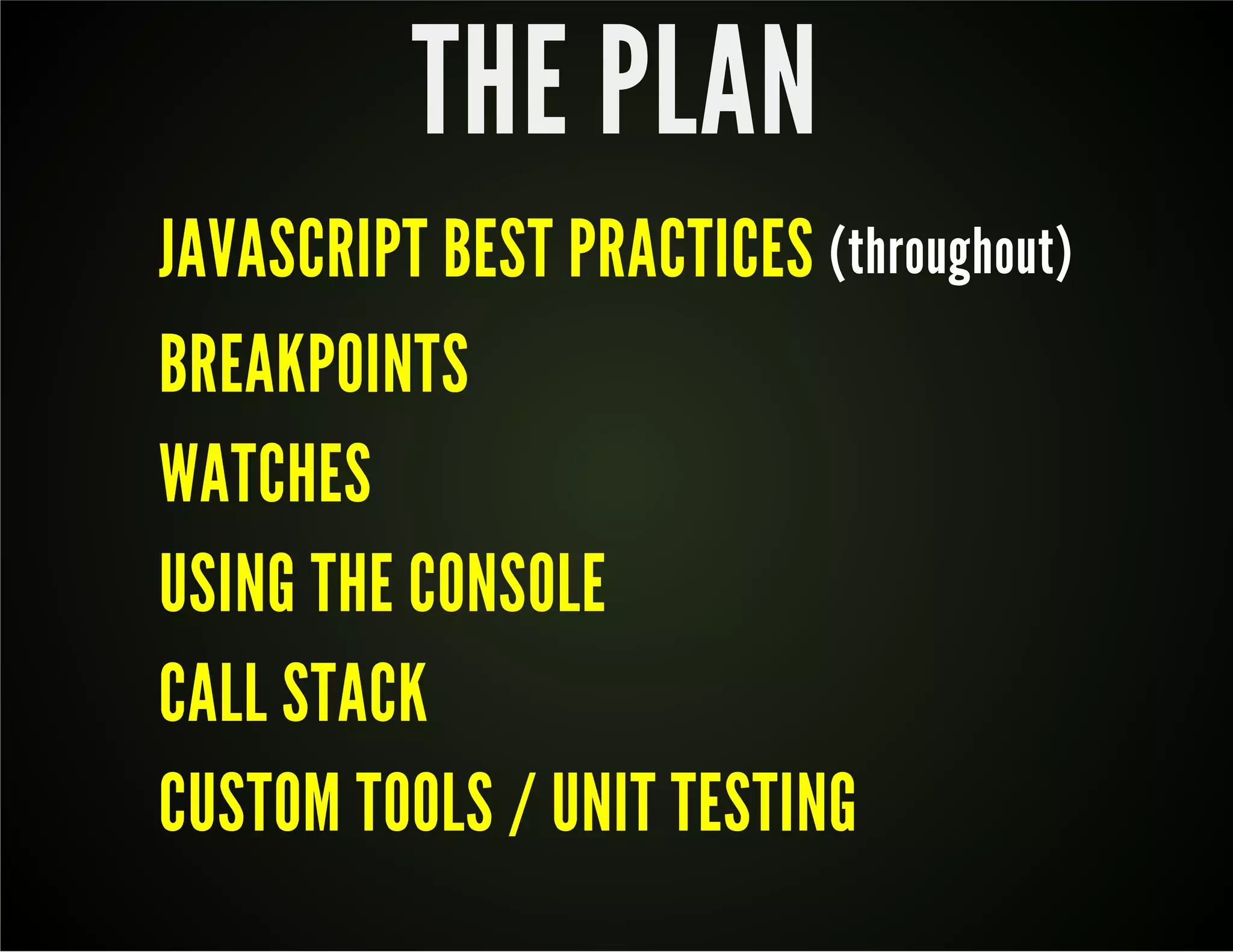
THE PLAN JAVASCRIPT BEST PRACTICES (throughout) BREAKPOINTS WATCHES USING THE CONSOLE CALL STACK CUSTOM TOOLS / UNIT TESTING
TOO MANY COOKS IN THE KITCHEN?
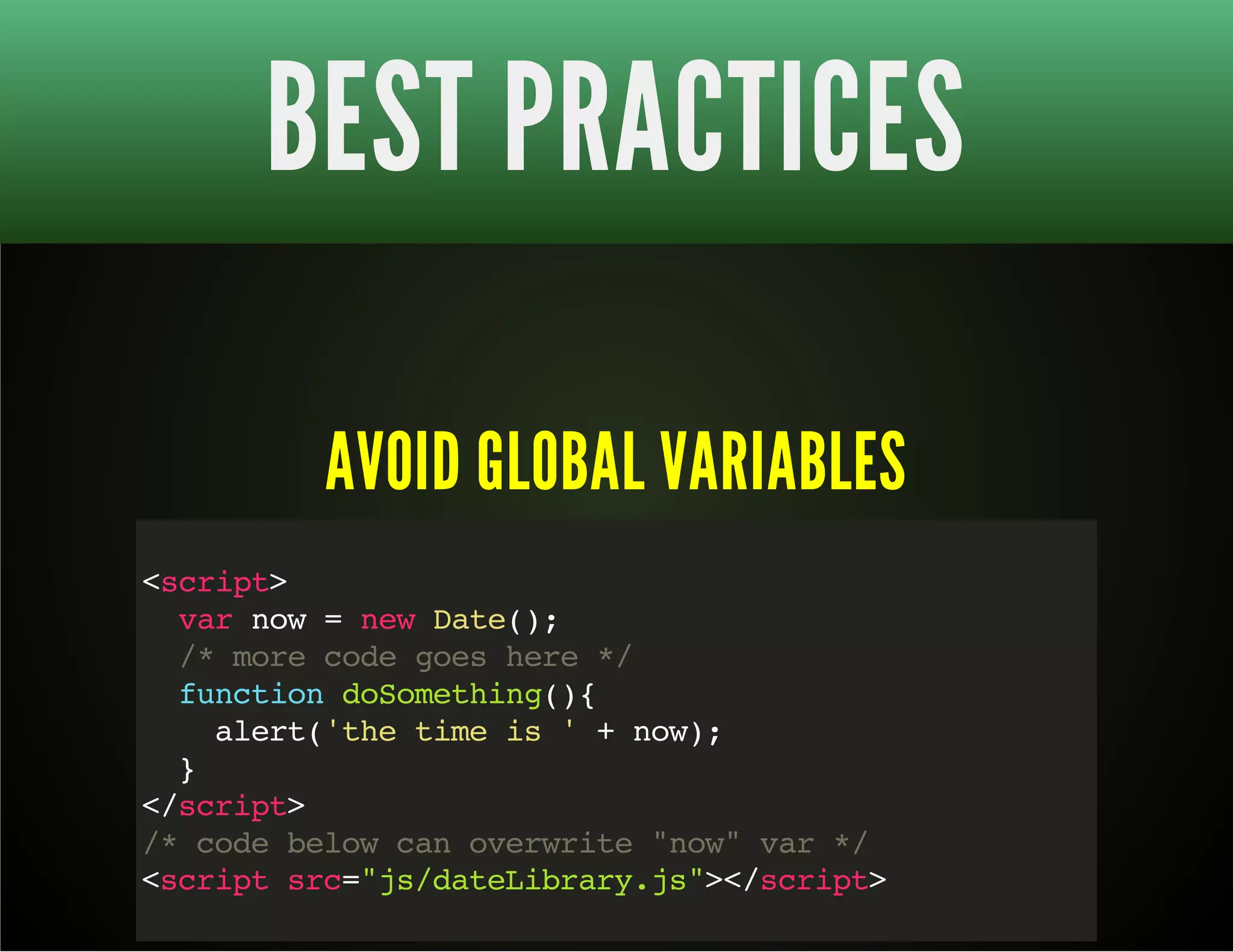
BEST PRACTICES AVOID GLOBAL VARIABLES <script> var now = new Date(); /* more code goes here */ function doSomething(){ alert('the time is ' + now); } </script> /* code below can overwrite "now" var */ <script src="js/dateLibrary.js"></script>
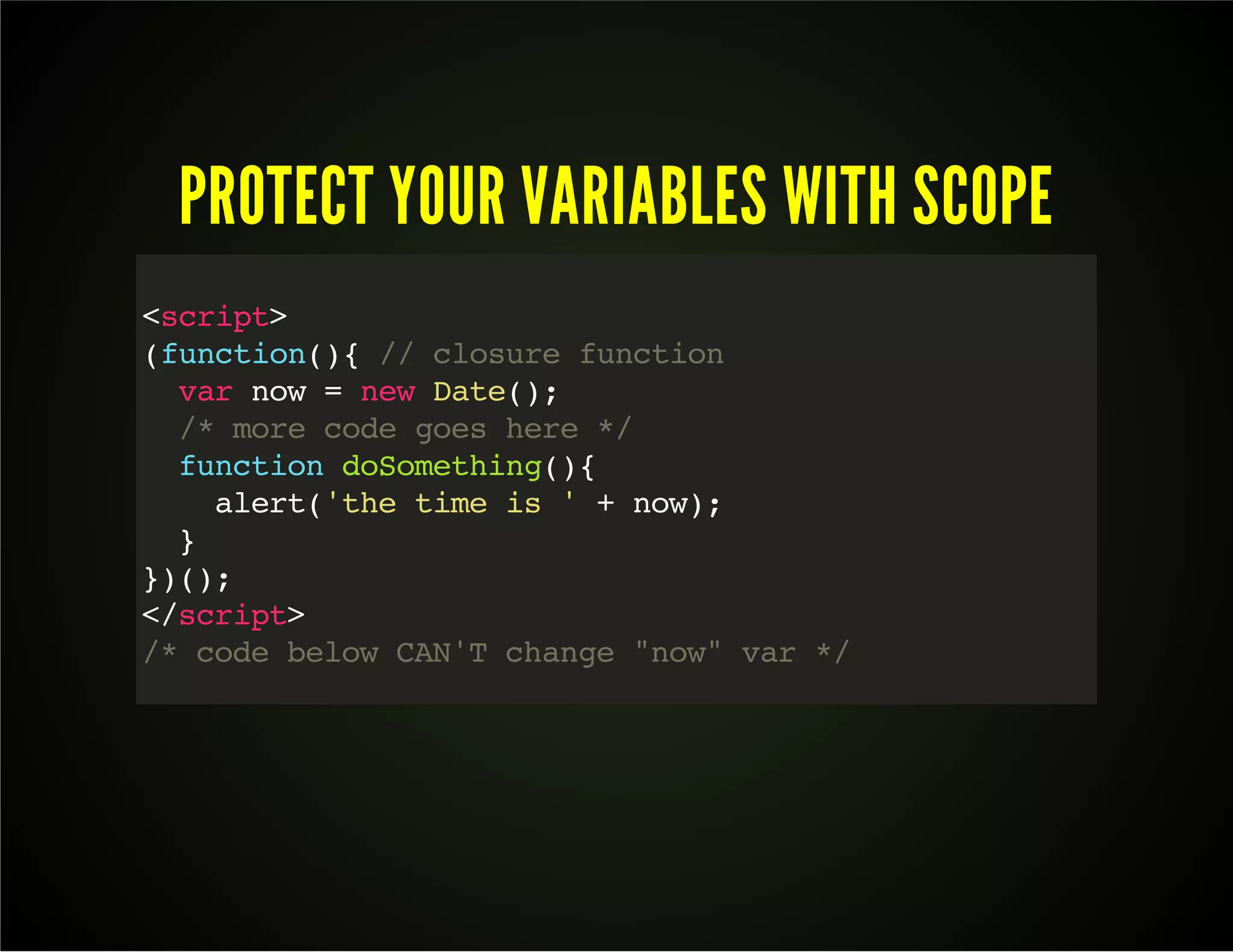
PROTECT YOUR VARIABLES WITH SCOPE <script> (function(){ // closure function var now = new Date(); /* more code goes here */ function doSomething(){ alert('the time is ' + now); } })(); </script> /* code below CAN'T change "now" var */
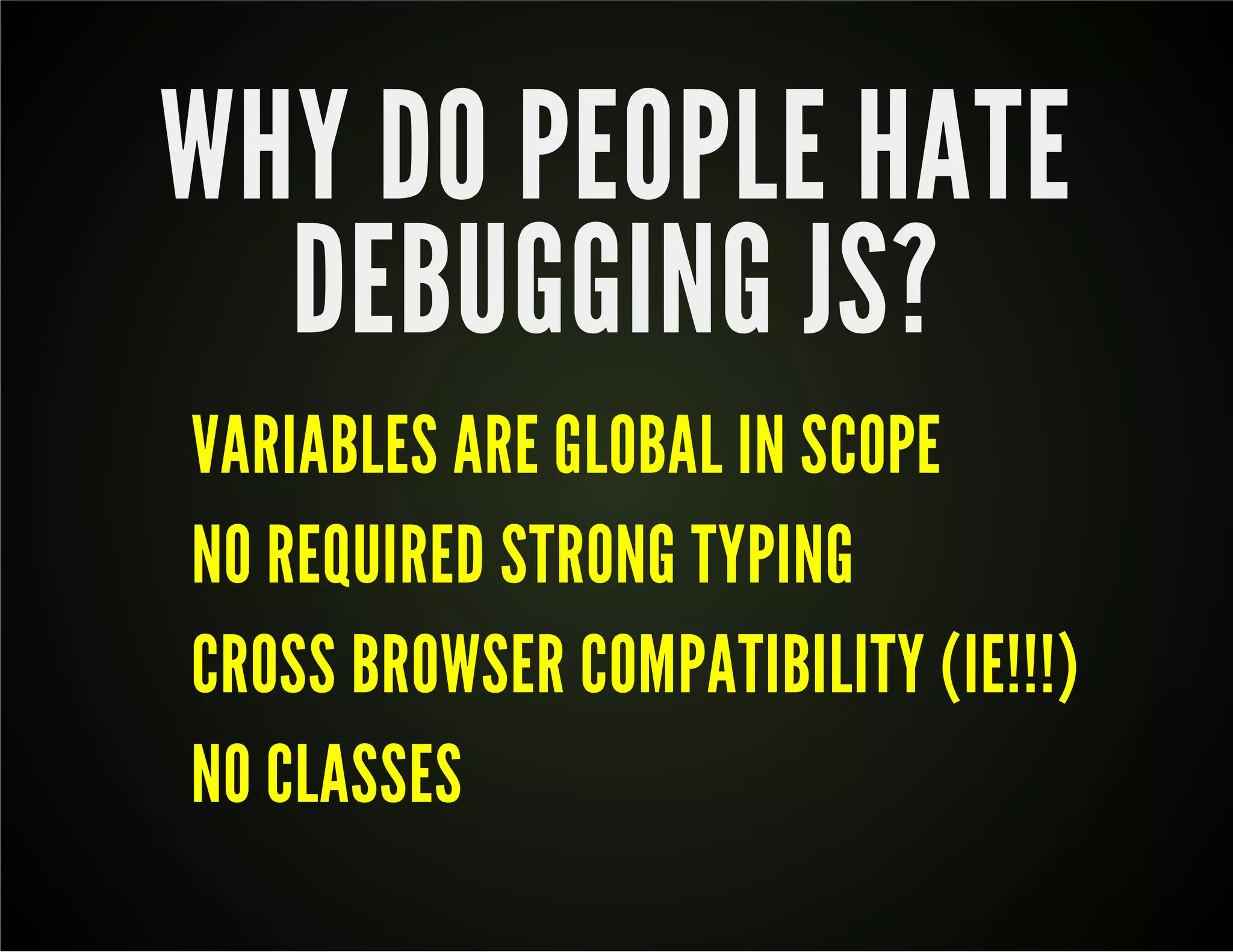
WHY DO PEOPLE HATE DEBUGGING JS? VARIABLES ARE GLOBAL IN SCOPE NO REQUIRED STRONG TYPING CROSS BROWSER COMPATIBILITY (IE!!!) NO CLASSES
DEBUGGING GOT YOU STRESSED?
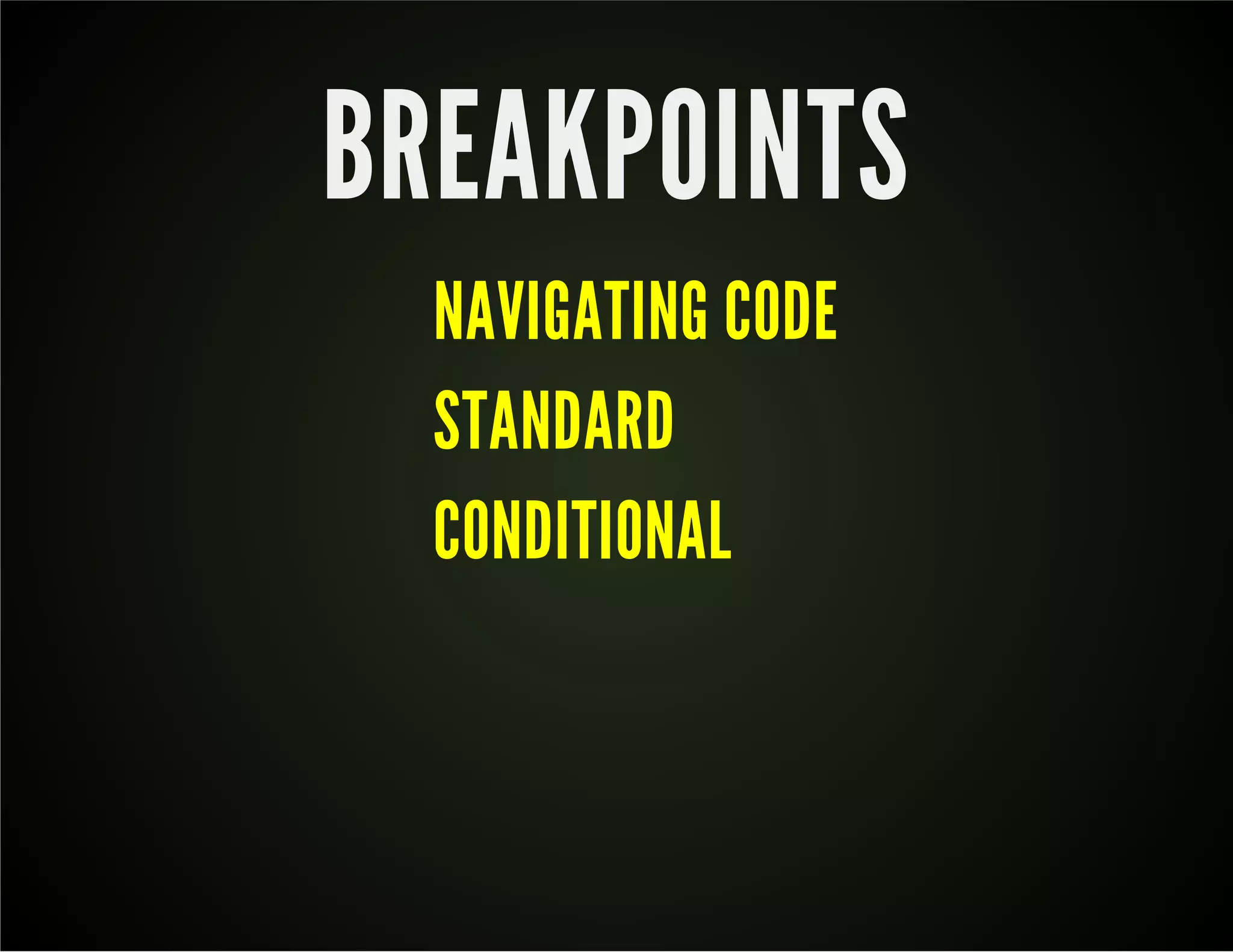
BREAKPOINTS NAVIGATING CODE STANDARD CONDITIONAL
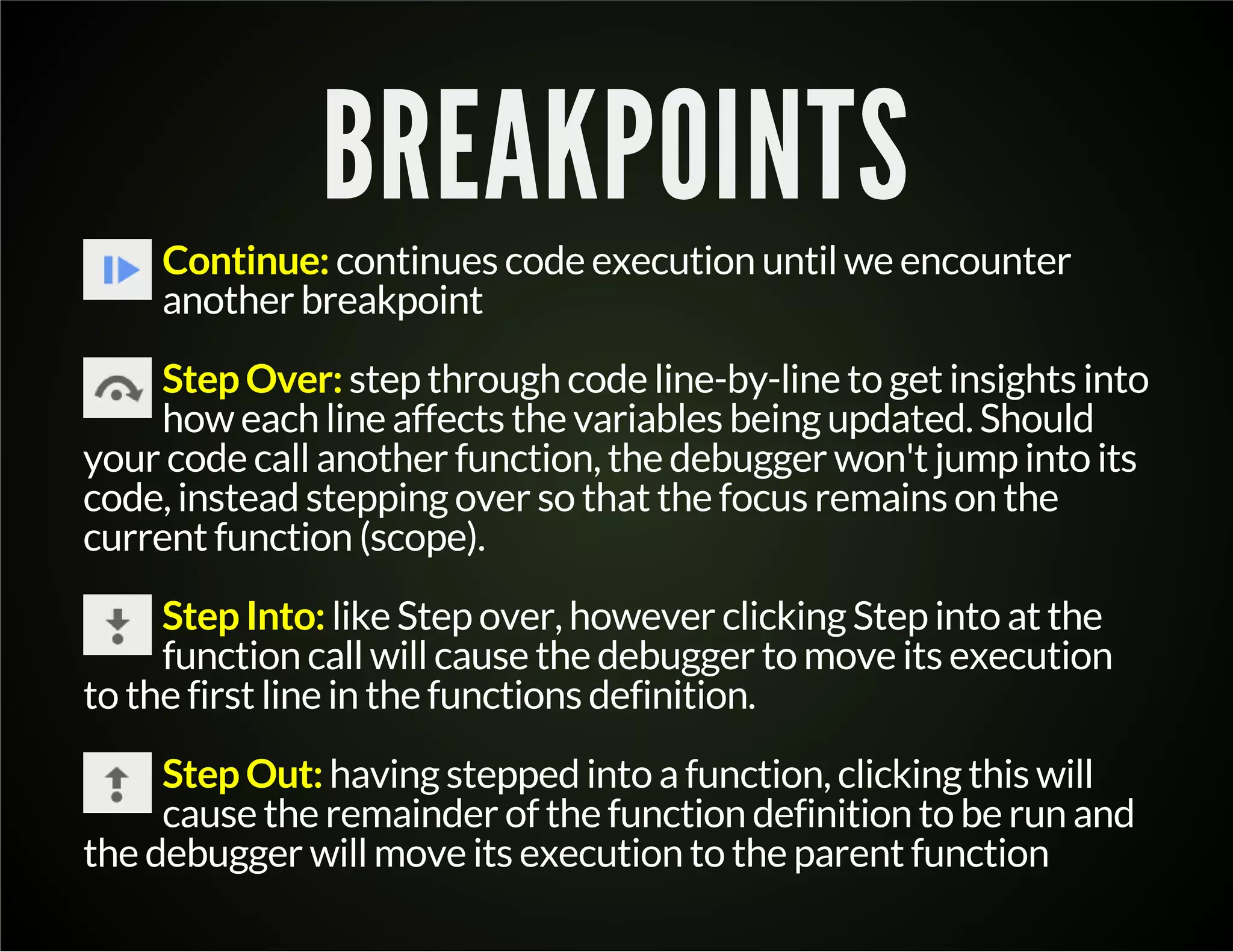
BREAKPOINTS Continue: continues code execution until we encounter another breakpoint Step Over: step through code line-by-line to get insights into how each line affects the variables being updated. Should your code call another function, the debugger won't jump into its code, instead stepping over so that the focus remains on the current function (scope). Step Into: like Step over, however clicking Step into at the function call will cause the debugger to move its execution to the first line in the functions definition. Step Out: having stepped into a function, clicking this will cause the remainder of the function definition to be run and the debugger will move its execution to the parent function
BEST PRACTICES
WATCHES
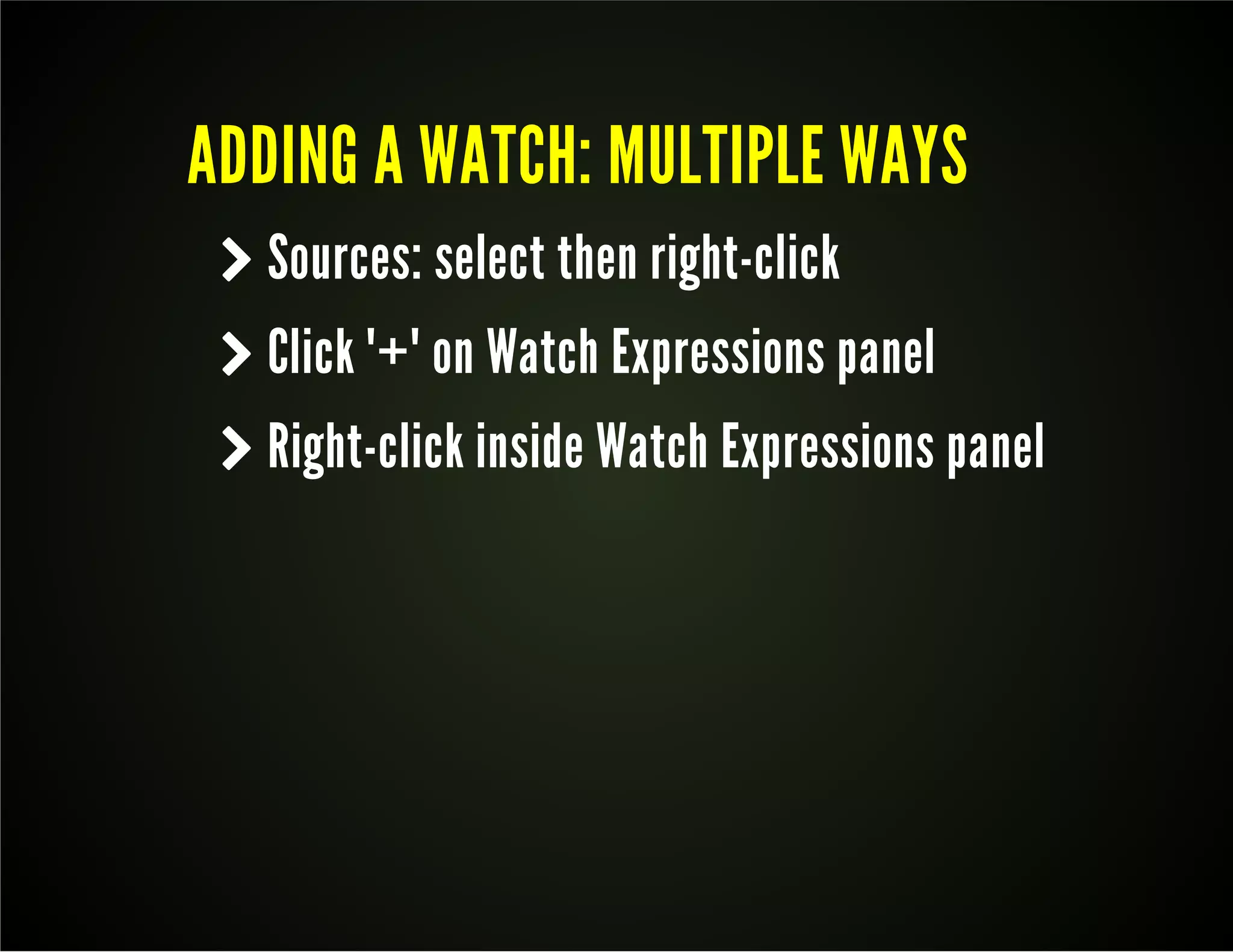
ADDING A WATCH: MULTIPLE WAYS k Sources: select then right-click k Click "+" on Watch Expressions panel k Right-click inside Watch Expressions panel
SCOPE VARIABLES k Like watches, but are only shown in scope
AND NOW A QUICK MESSAGE FROM OUR SPONSOR...
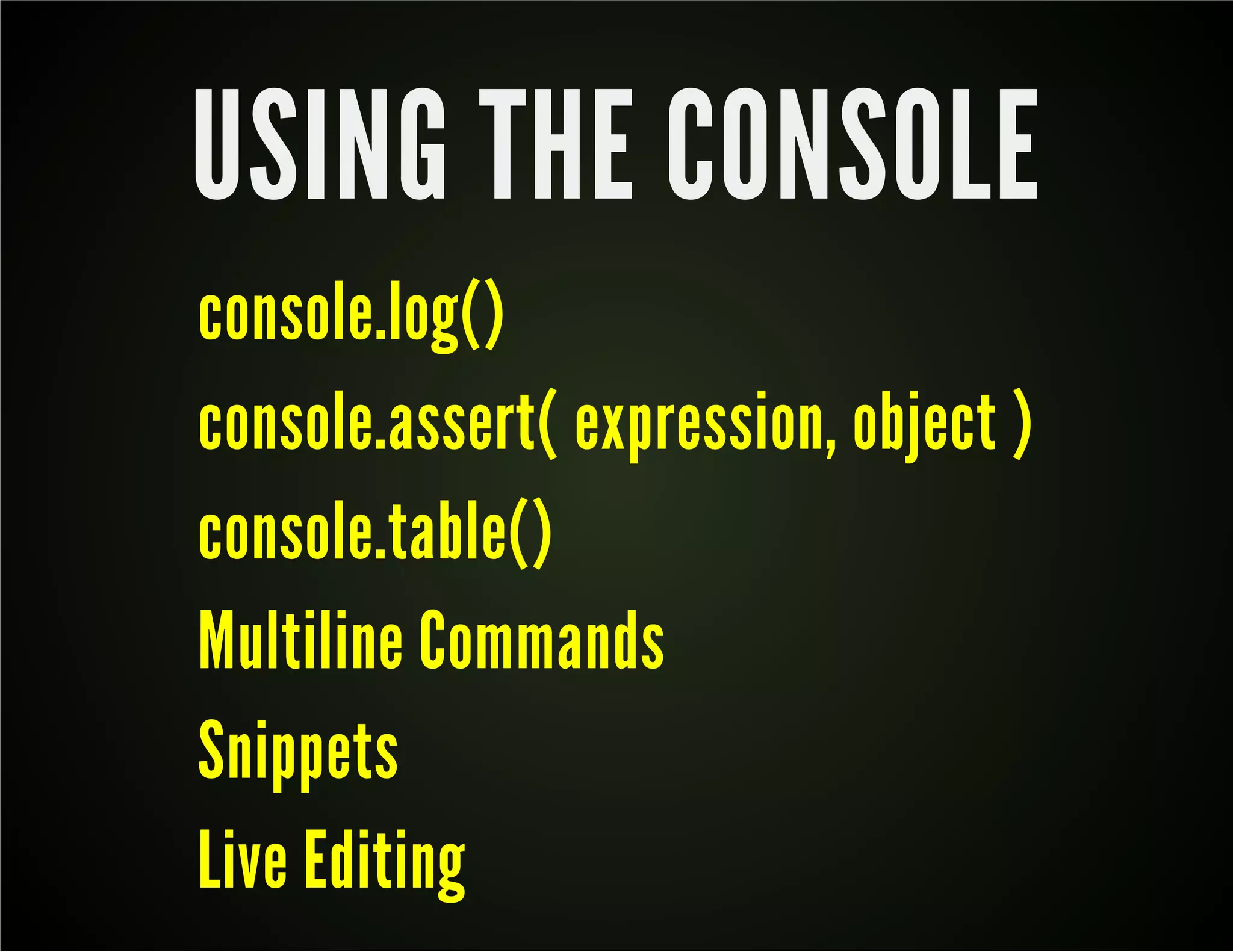
USING THE CONSOLE console.log() console.assert( expression, object ) console.table() Multiline Commands Snippets Live Editing
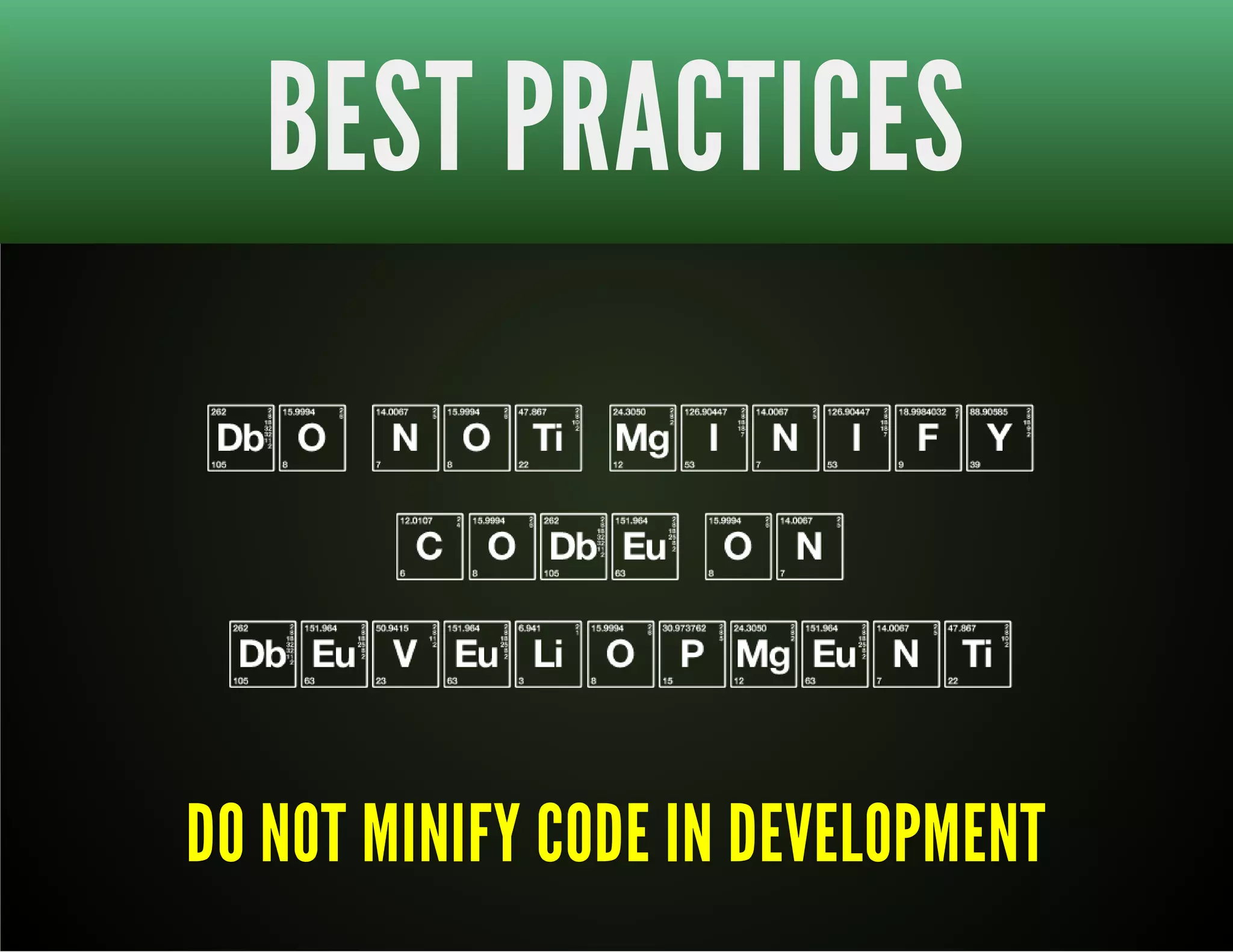
BEST PRACTICES DO NOT MINIFY CODE IN DEVELOPMENT
CALL STACK BOTTOMS UP
CRAPPY CODE
CLEAN UP YOUR CODE
DEBUGGING TOOLS ROLL YOUR OWN
PRE-DEBUGGING TOOLS JSHint / JSLint JsHint is more lenient than JSLint.
NOT HAPPY WITH JSHINT?
CUSTO MIZE I T WITH .jshintrc
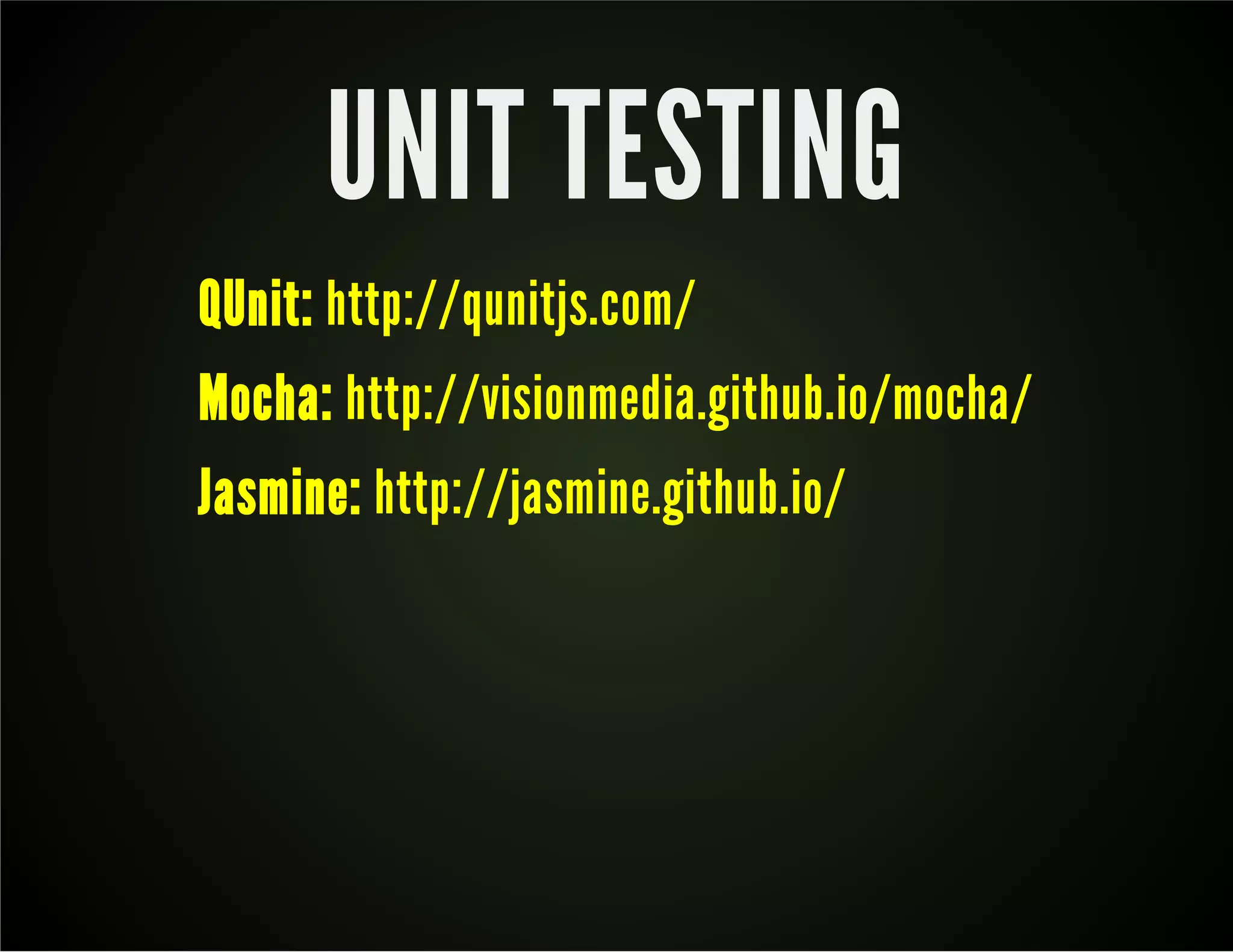
UNIT TESTING QUnit: http://qunitjs.com/ Mocha: http://visionmedia.github.io/mocha/ Jasmine: http://jasmine.github.io/
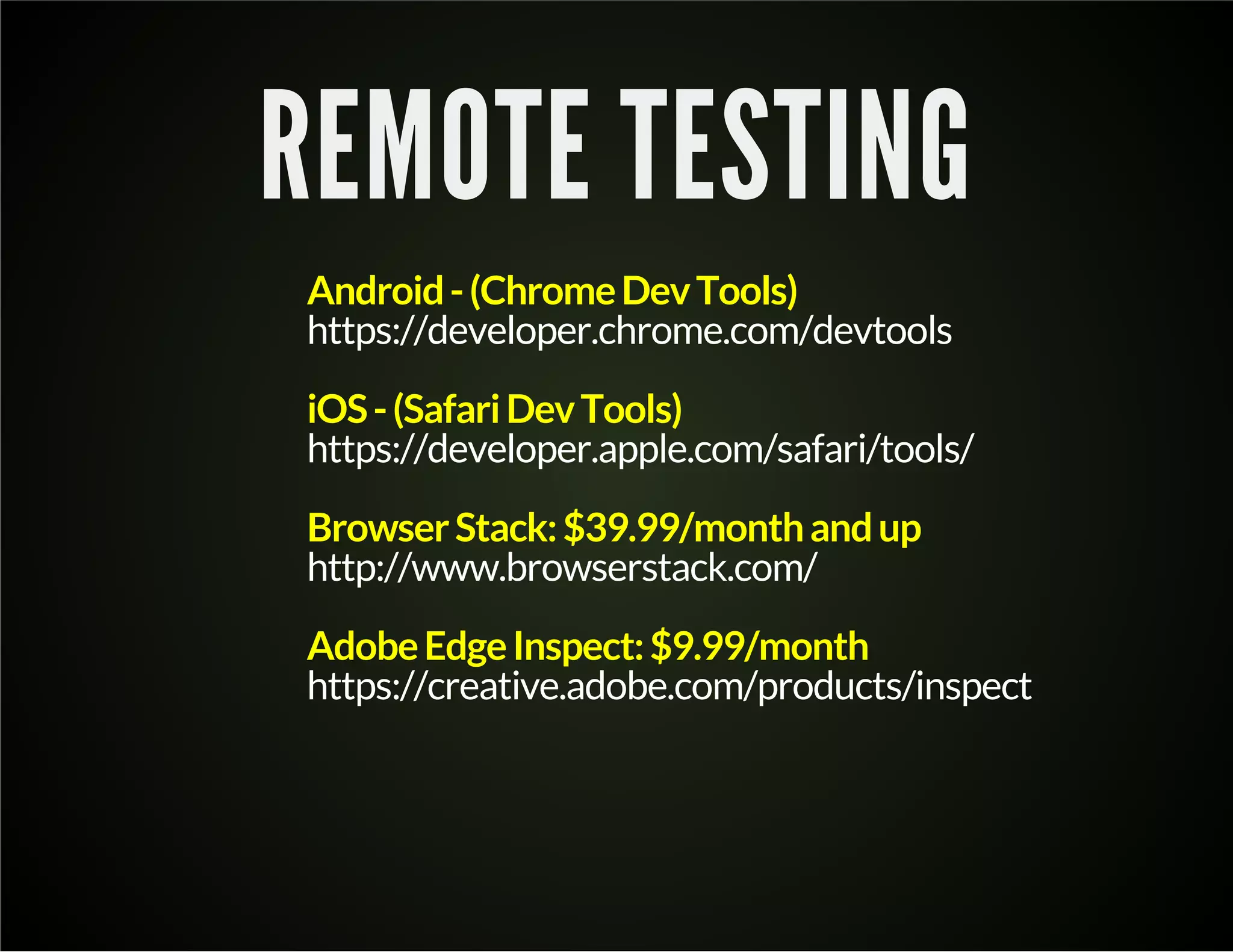
REMOTE TESTING Android - (Chrome Dev Tools) https://developer.chrome.com/devtools iOS - (Safari Dev Tools) https://developer.apple.com/safari/tools/ Browser Stack: $39.99/month and up http://www.browserstack.com/ Adobe Edge Inspect: $9.99/month https://creative.adobe.com/products/inspect
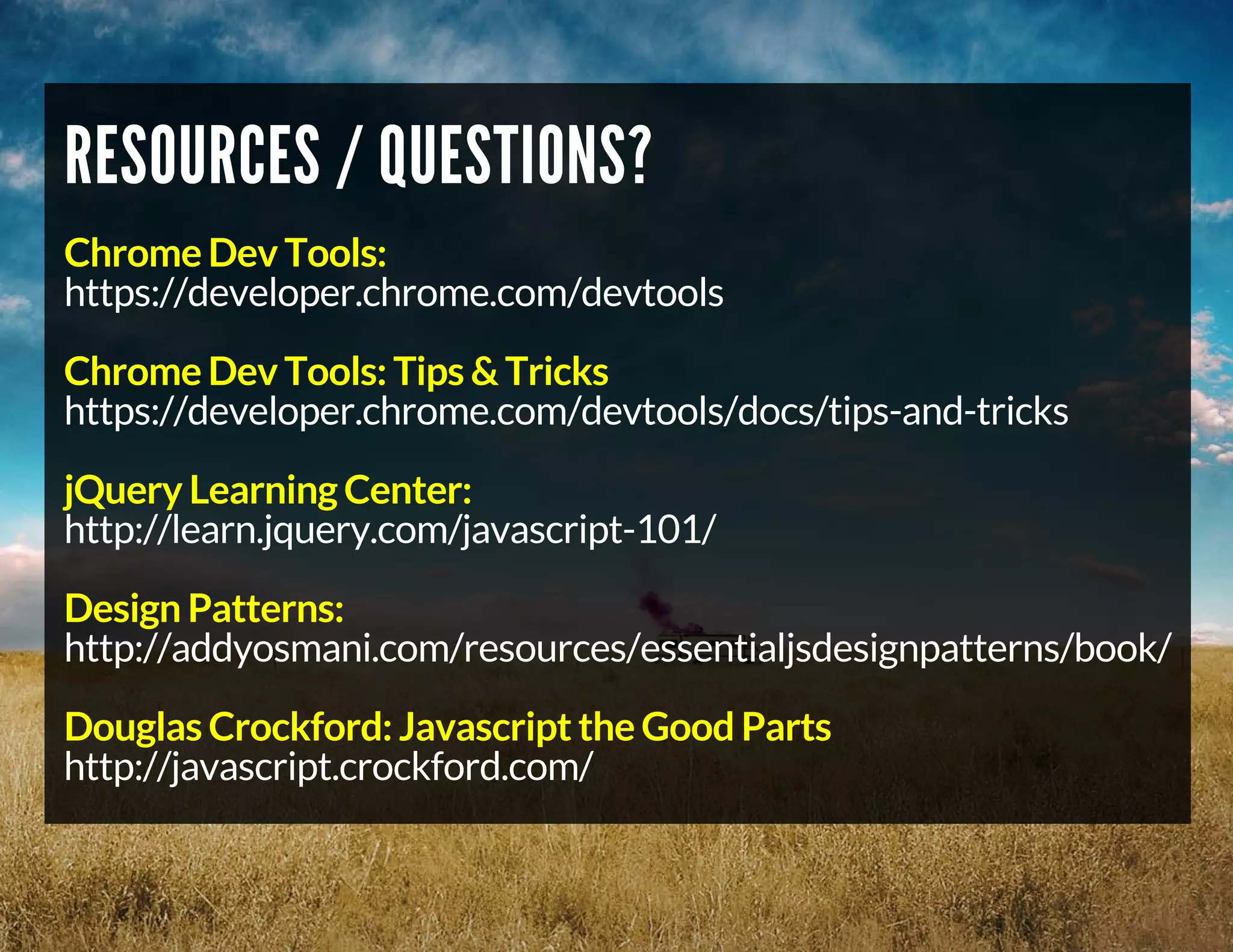
RESOURCES / QUESTIONS? Chrome Dev Tools: https://developer.chrome.com/devtools Chrome Dev Tools: Tips & Tricks https://developer.chrome.com/devtools/docs/tips-and-tricks jQuery Learning Center: http://learn.jquery.com/javascript-101/ Design Patterns: http://addyosmani.com/resources/essentialjsdesignpatterns/book/ Douglas Crockford: Javascript the Good Parts http://javascript.crockford.com/
Debugging Javascript

Debugging Javascript

  • 2.
    DEBUGGING JAVASCRIPT FROM0 TO HEISENBERG Chris Morrow Senior UI Developer
  • 3.
  • 4.
  • 5.
    THE PLAN JAVASCRIPTBEST PRACTICES (throughout) BREAKPOINTS WATCHES USING THE CONSOLE CALL STACK CUSTOM TOOLS / UNIT TESTING
  • 6.
    TOO MANY COOKSIN THE KITCHEN?
  • 7.
    BEST PRACTICES AVOIDGLOBAL VARIABLES <script> var now = new Date(); /* more code goes here */ function doSomething(){ alert('the time is ' + now); } </script> /* code below can overwrite "now" var */ <script src="js/dateLibrary.js"></script>
  • 8.
    PROTECT YOUR VARIABLESWITH SCOPE <script> (function(){ // closure function var now = new Date(); /* more code goes here */ function doSomething(){ alert('the time is ' + now); } })(); </script> /* code below CAN'T change "now" var */
  • 10.
    WHY DO PEOPLEHATE DEBUGGING JS? VARIABLES ARE GLOBAL IN SCOPE NO REQUIRED STRONG TYPING CROSS BROWSER COMPATIBILITY (IE!!!) NO CLASSES
  • 11.
  • 12.
    BREAKPOINTS NAVIGATING CODE STANDARD CONDITIONAL
  • 13.
    BREAKPOINTS Continue: continuescode execution until we encounter another breakpoint Step Over: step through code line-by-line to get insights into how each line affects the variables being updated. Should your code call another function, the debugger won't jump into its code, instead stepping over so that the focus remains on the current function (scope). Step Into: like Step over, however clicking Step into at the function call will cause the debugger to move its execution to the first line in the functions definition. Step Out: having stepped into a function, clicking this will cause the remainder of the function definition to be run and the debugger will move its execution to the parent function
  • 14.
  • 15.
  • 16.
    ADDING A WATCH:MULTIPLE WAYS k Sources: select then right-click k Click "+" on Watch Expressions panel k Right-click inside Watch Expressions panel
  • 17.
    SCOPE VARIABLES kLike watches, but are only shown in scope
  • 18.
    AND NOW AQUICK MESSAGE FROM OUR SPONSOR...
  • 20.
    USING THE CONSOLE console.log() console.assert( expression, object ) console.table() Multiline Commands Snippets Live Editing
  • 21.
    BEST PRACTICES DONOT MINIFY CODE IN DEVELOPMENT
  • 23.
  • 24.
  • 25.
  • 26.
  • 27.
    PRE-DEBUGGING TOOLS JSHint/ JSLint JsHint is more lenient than JSLint.
  • 28.
  • 29.
    CUSTO MIZE IT WITH .jshintrc
  • 30.
    UNIT TESTING QUnit:http://qunitjs.com/ Mocha: http://visionmedia.github.io/mocha/ Jasmine: http://jasmine.github.io/
  • 31.
    REMOTE TESTING Android- (Chrome Dev Tools) https://developer.chrome.com/devtools iOS - (Safari Dev Tools) https://developer.apple.com/safari/tools/ Browser Stack: $39.99/month and up http://www.browserstack.com/ Adobe Edge Inspect: $9.99/month https://creative.adobe.com/products/inspect
  • 32.
    RESOURCES / QUESTIONS? Chrome Dev Tools: https://developer.chrome.com/devtools Chrome Dev Tools: Tips & Tricks https://developer.chrome.com/devtools/docs/tips-and-tricks jQuery Learning Center: http://learn.jquery.com/javascript-101/ Design Patterns: http://addyosmani.com/resources/essentialjsdesignpatterns/book/ Douglas Crockford: Javascript the Good Parts http://javascript.crockford.com/