Speaking in Code Intro to JavaScript Functions! Brian Lee Professor Liel Leibovitz
Speaking in Code Logistics • Spring Break – no class next week
Speaking in Code
Speaking in Code Big Picture: HTML/CSS vs. JavaScript • HTML/CSS are computer languages that define content, structure, and how things look • JavaScript is a programming language where you give the computer instructions – Set of directions such as for recipes
Speaking in Code Big Picture: Programming • Learning JavaScript – programming language • Widely-applicable concepts
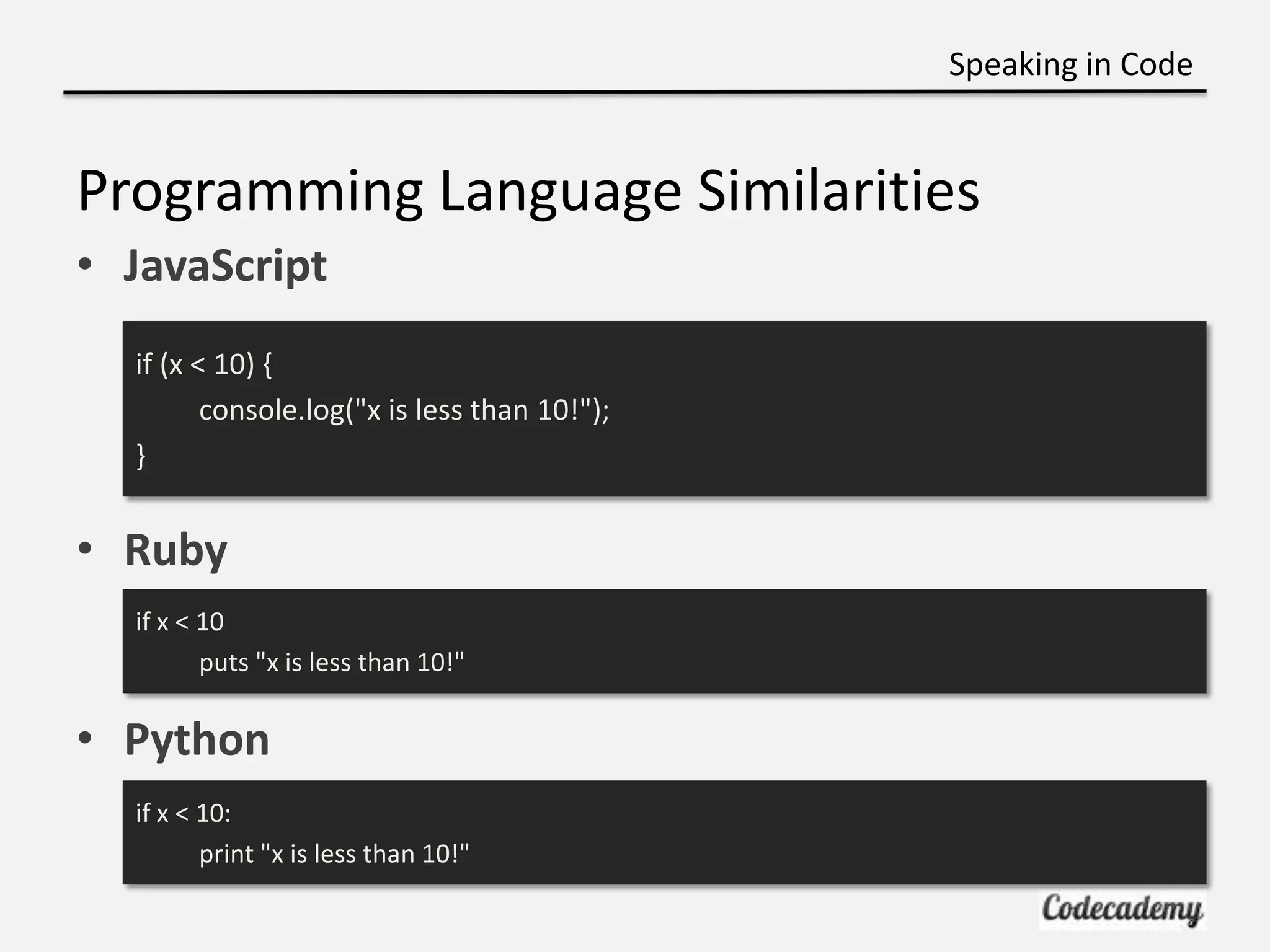
Speaking in Code Programming Language Similarities • JavaScript if (x < 10) { console.log("x is less than 10!"); } • Ruby if x < 10 puts "x is less than 10!" • Python if x < 10: print "x is less than 10!"
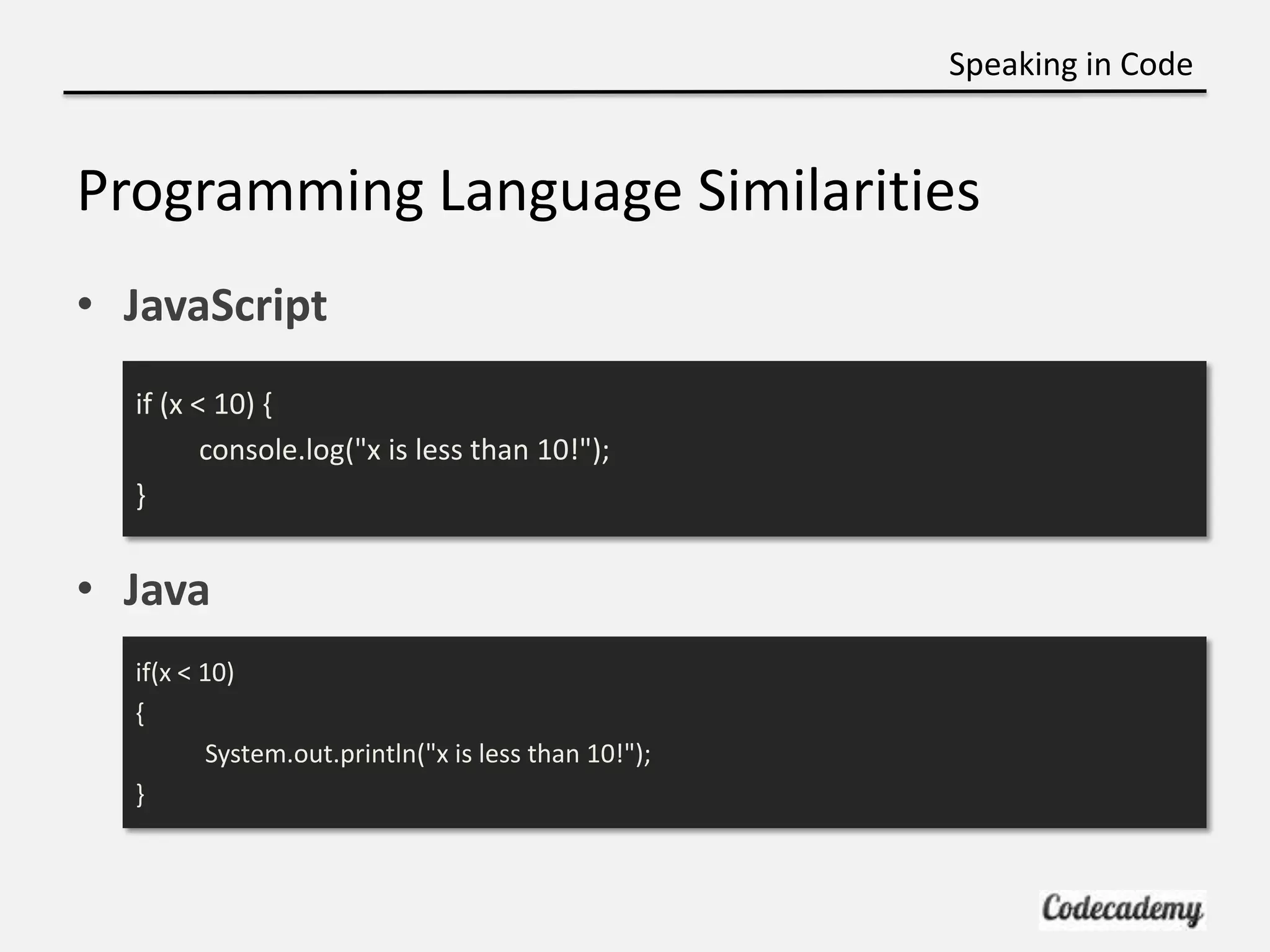
Speaking in Code Programming Language Similarities • JavaScript if (x < 10) { console.log("x is less than 10!"); } • Java if(x < 10) { System.out.println("x is less than 10!"); }
Speaking in Code Big Picture: What we’re learning now • Using JavaScript to tell browser what to do • “Front-end” language
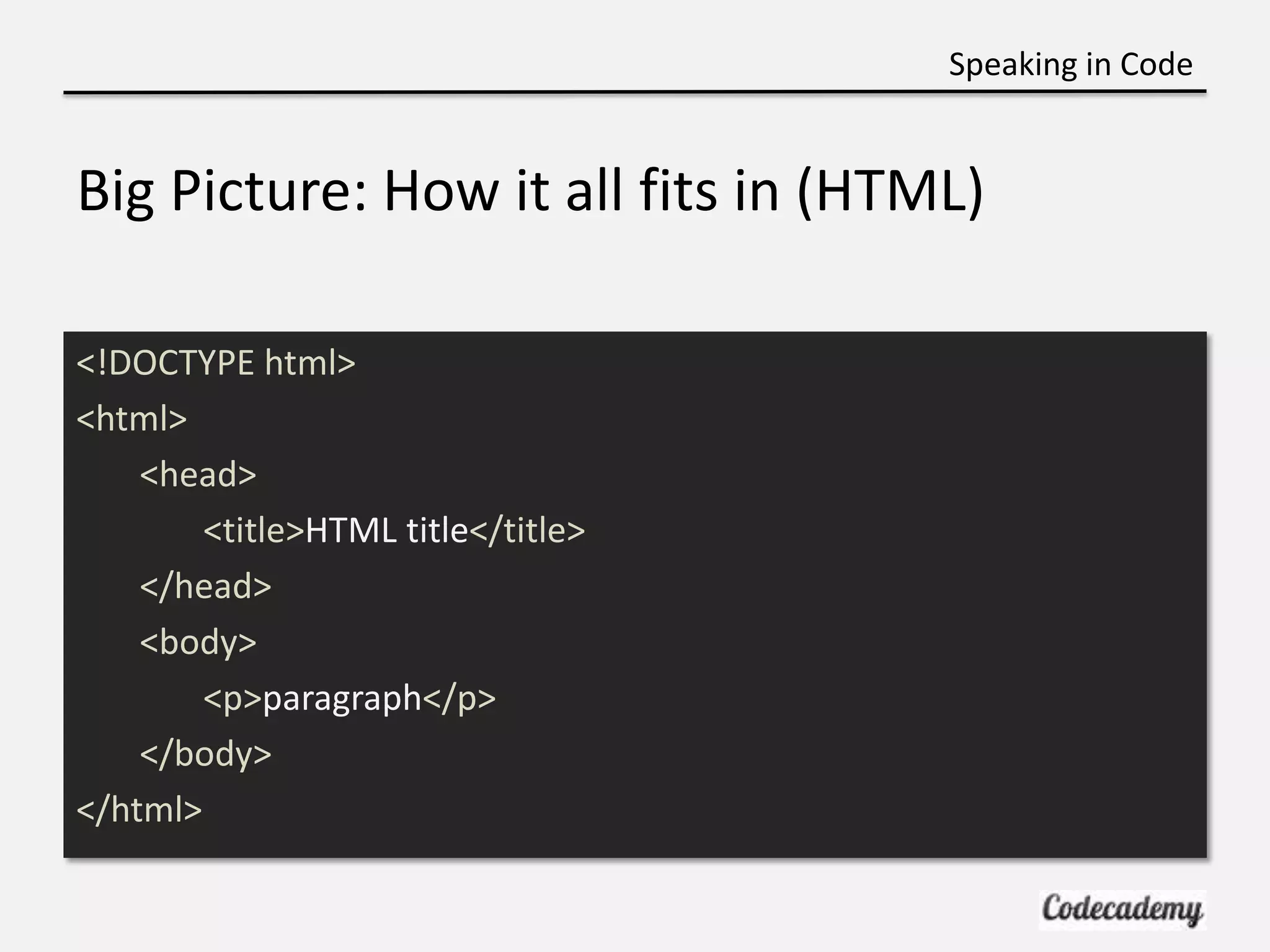
Speaking in Code Big Picture: How it all fits in (HTML) <!DOCTYPE html> <html> <head> <title>HTML title</title> </head> <body> <p>paragraph</p> </body> </html>
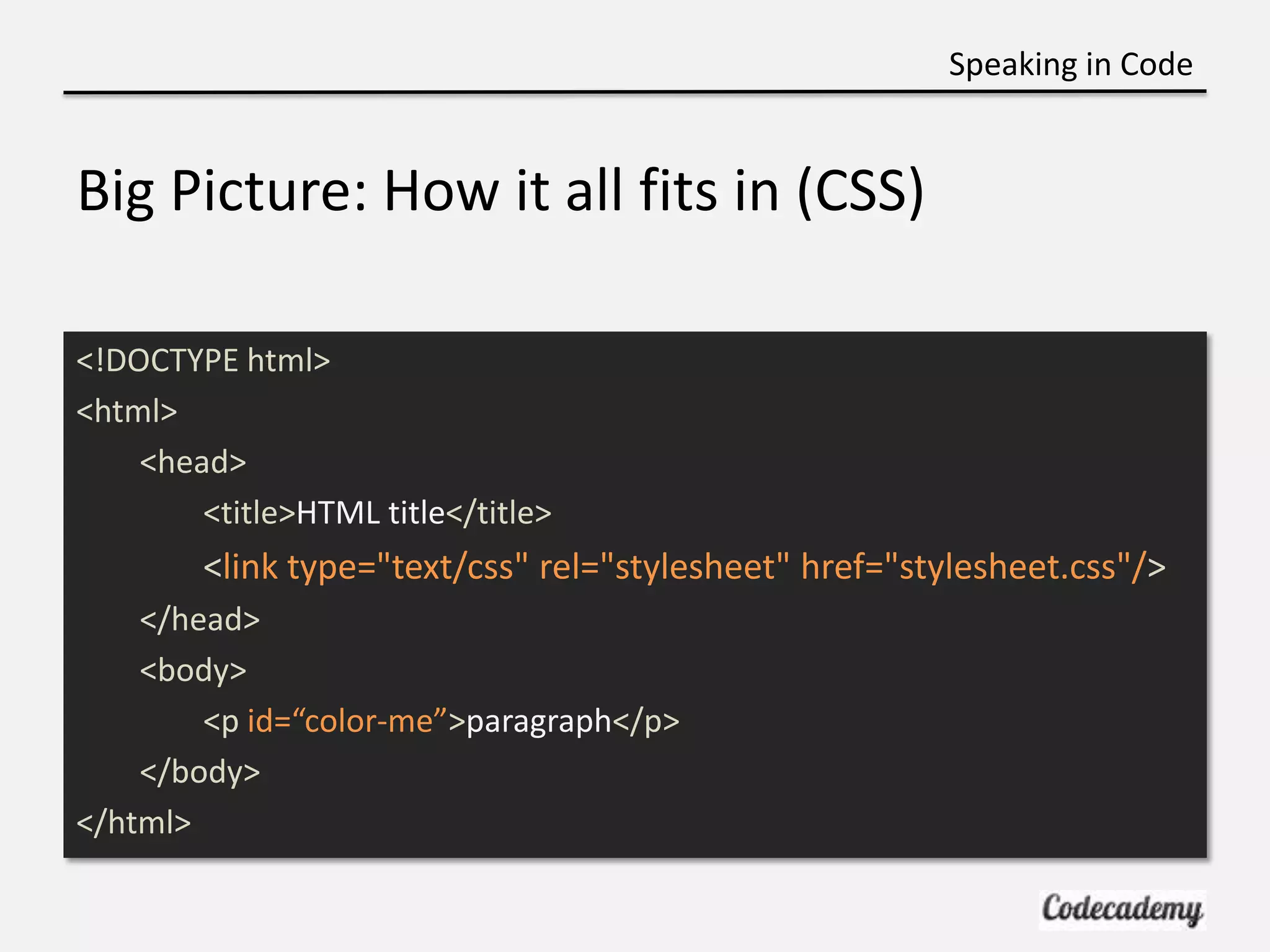
Speaking in Code Big Picture: How it all fits in (CSS) <!DOCTYPE html> <html> <head> <title>HTML title</title> <link type="text/css" rel="stylesheet" href="stylesheet.css"/> </head> <body> <p id=“color-me”>paragraph</p> </body> </html>
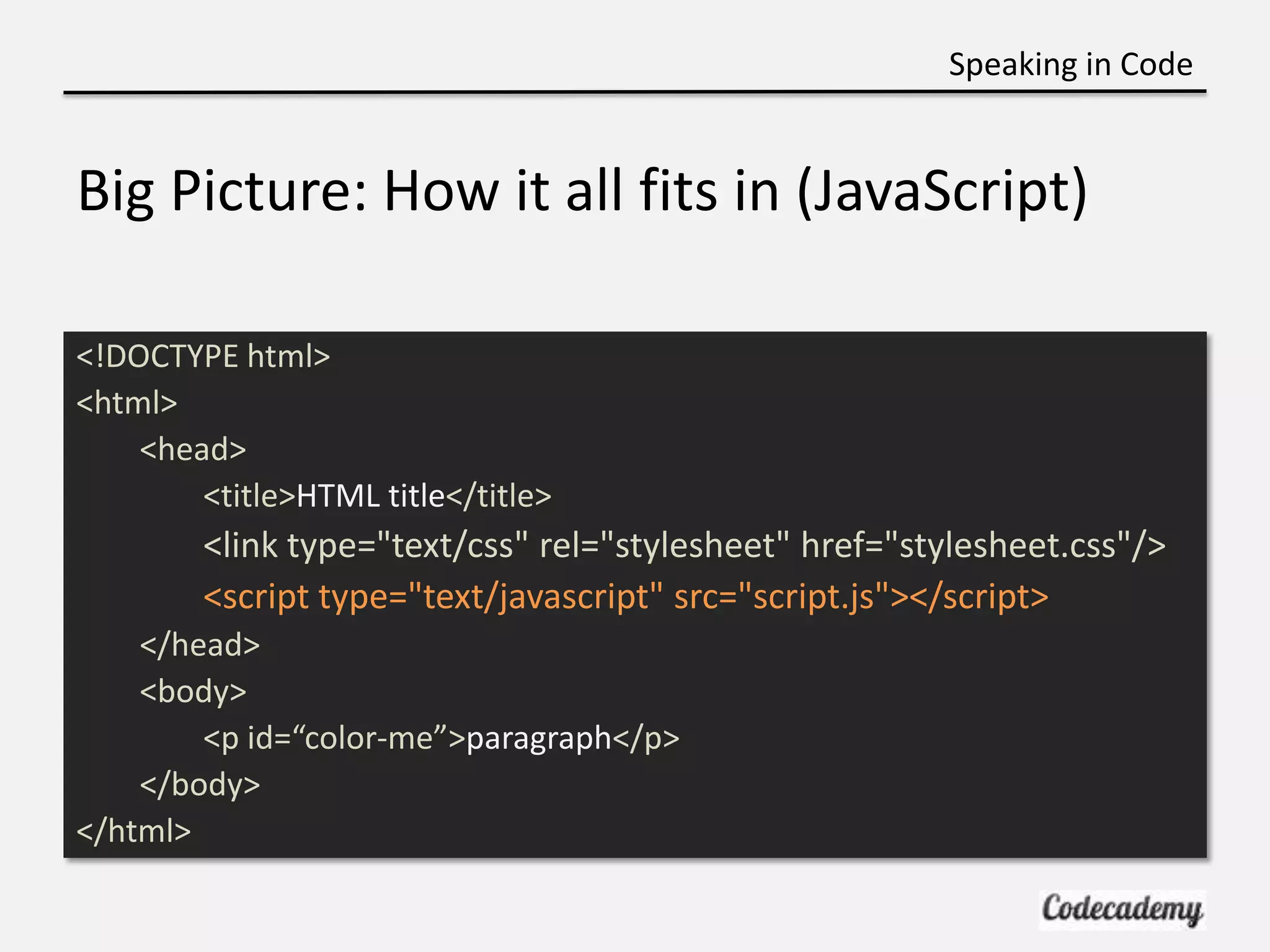
Speaking in Code Big Picture: How it all fits in (JavaScript) <!DOCTYPE html> <html> <head> <title>HTML title</title> <link type="text/css" rel="stylesheet" href="stylesheet.css"/> <script type="text/javascript" src="script.js"></script> </head> <body> <p id=“color-me”>paragraph</p> </body> </html>
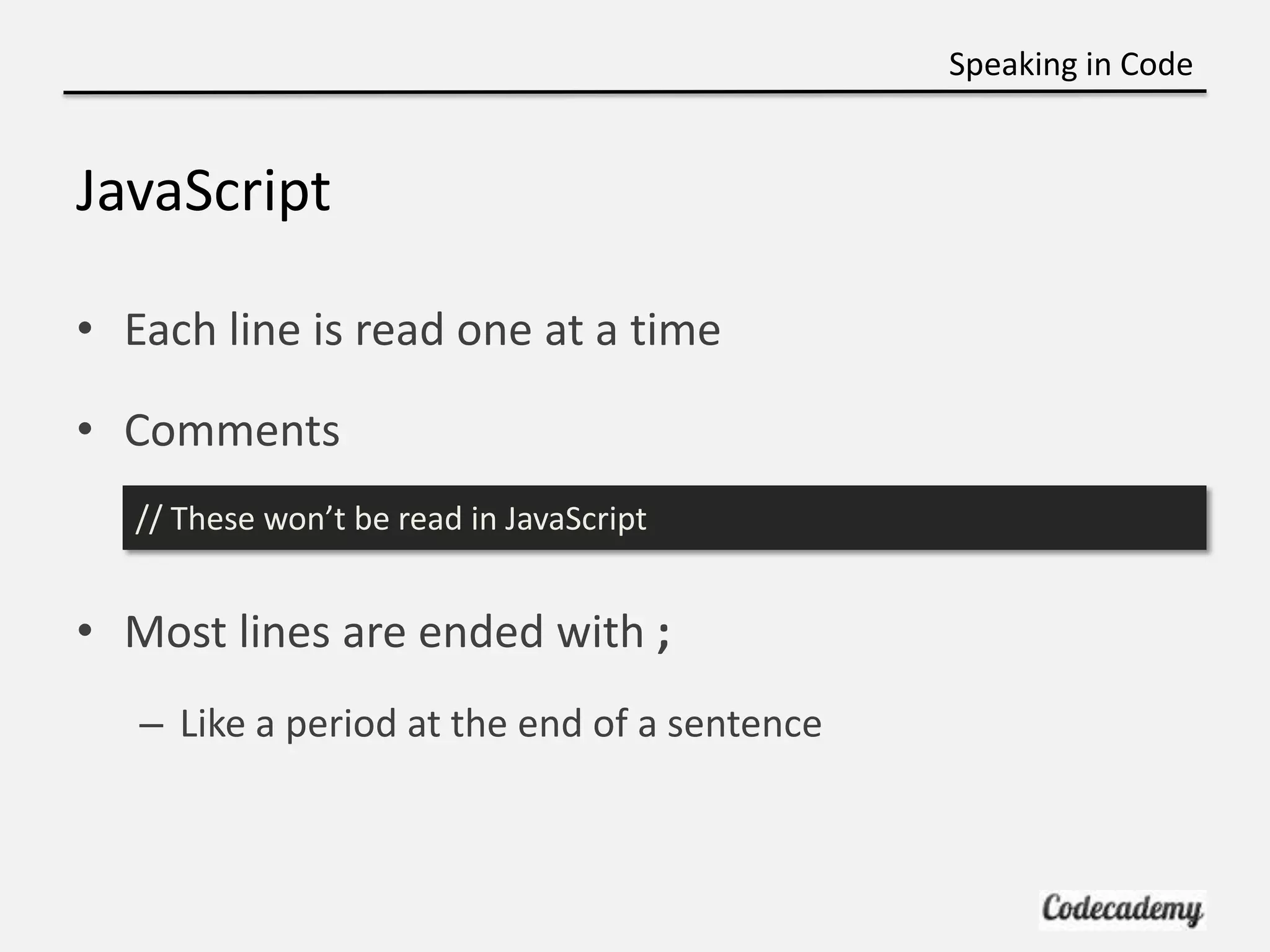
Speaking in Code JavaScript • Each line is read one at a time • Comments // These won’t be read in JavaScript • Most lines are ended with ; – Like a period at the end of a sentence
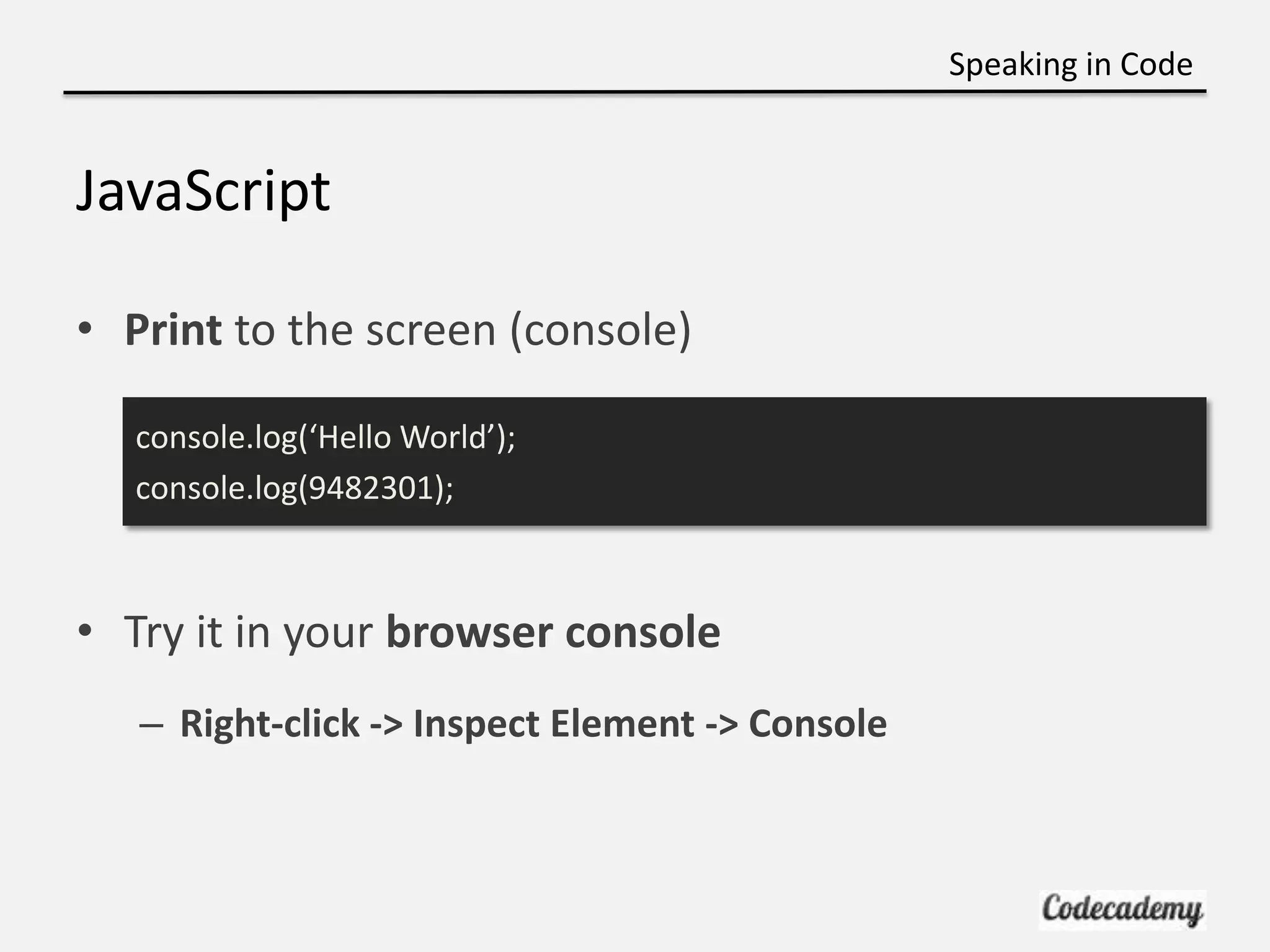
Speaking in Code JavaScript • Print to the screen (console) console.log(‘Hello World’); console.log(9482301); • Try it in your browser console – Right-click -> Inspect Element -> Console
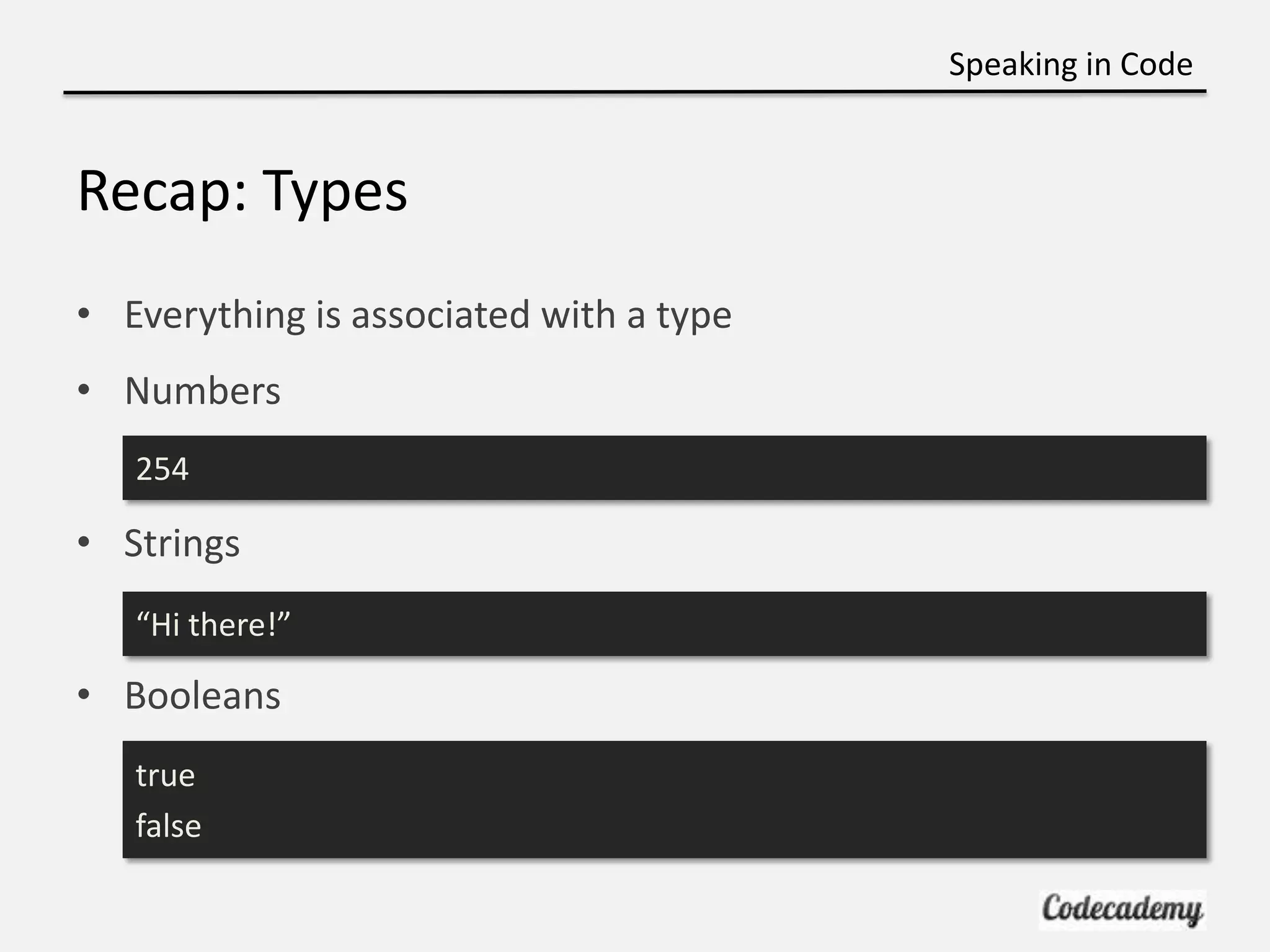
Speaking in Code Recap: Types • Everything is associated with a type • Numbers 254 • Strings “Hi there!” • Booleans true false
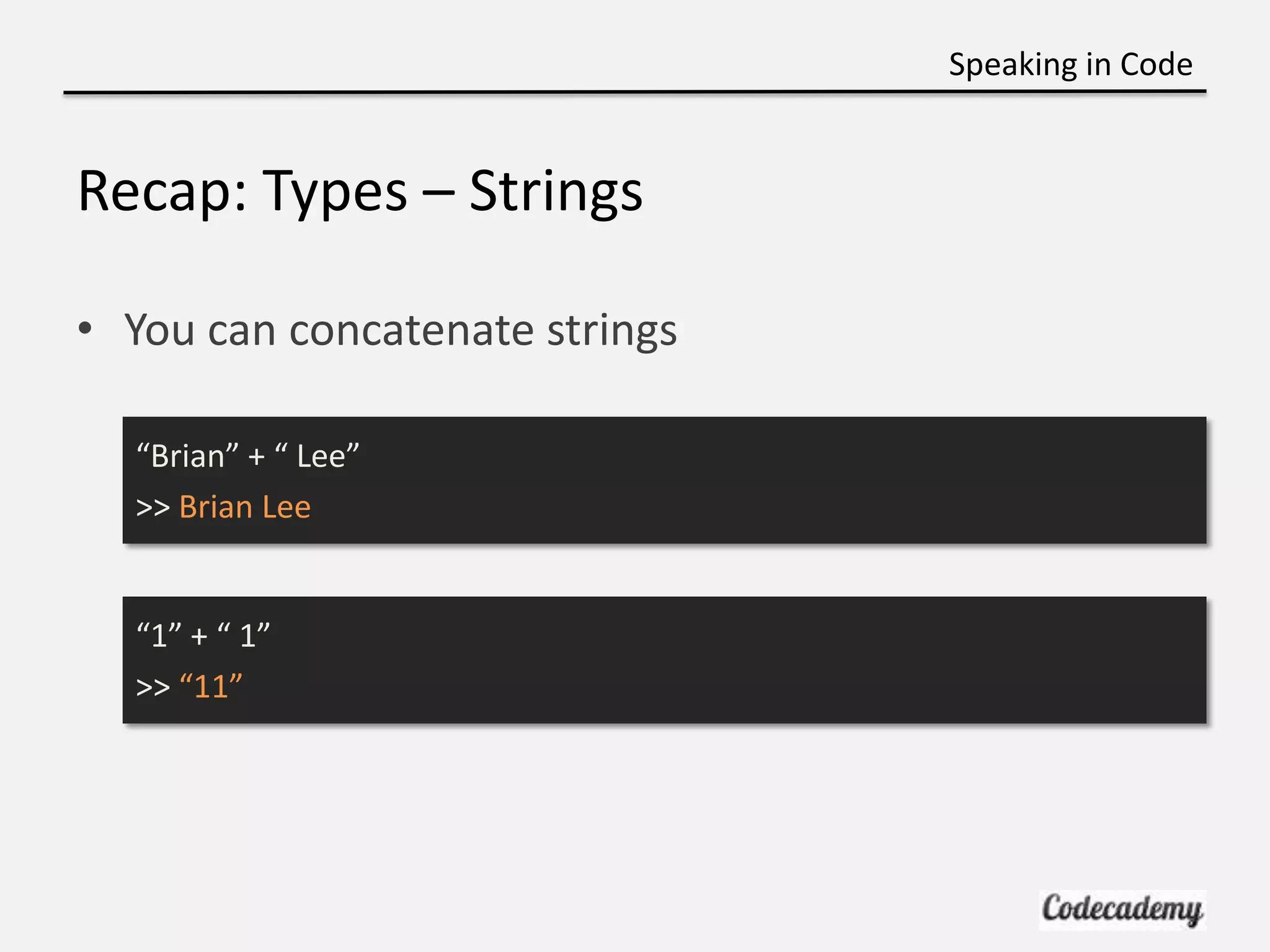
Speaking in Code Recap: Types – Strings • You can concatenate strings “Brian” + “ Lee” >> Brian Lee “1” + “ 1” >> “11”
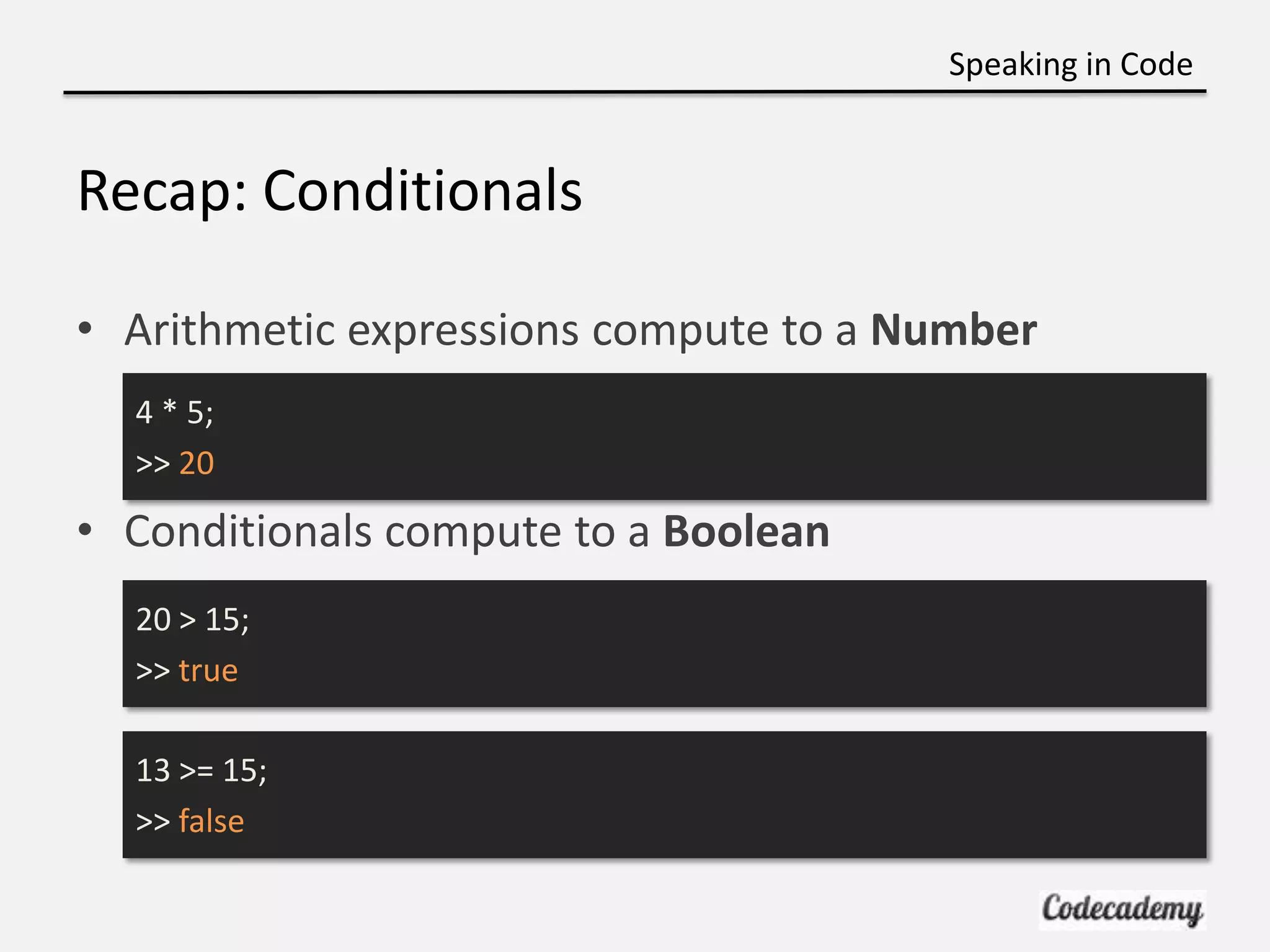
Speaking in Code Recap: Conditionals • Arithmetic expressions compute to a Number 4 * 5; >> 20 • Conditionals compute to a Boolean 20 > 15; >> true 13 >= 15; >> false
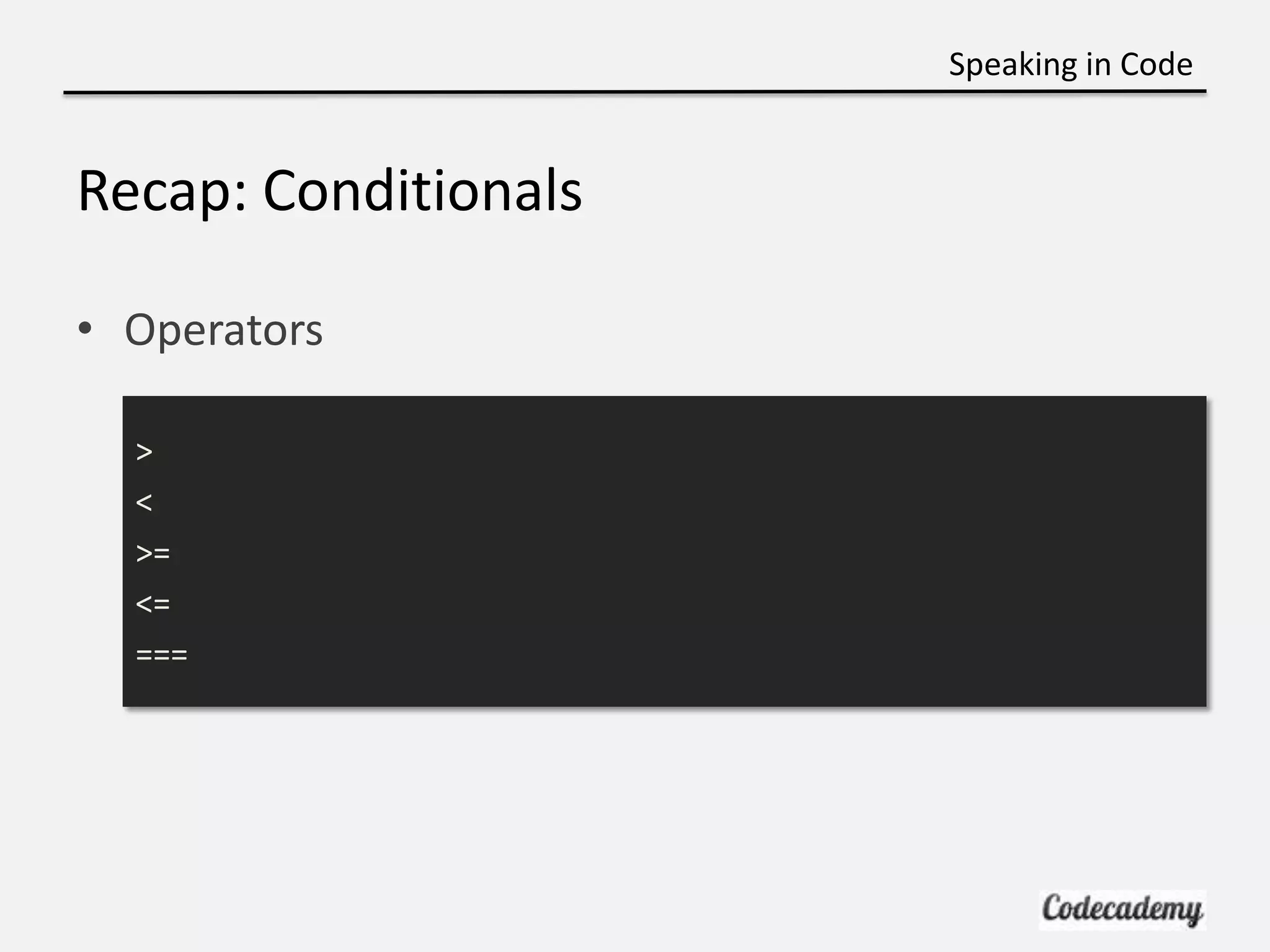
Speaking in Code Recap: Conditionals • Operators > < >= <= ===
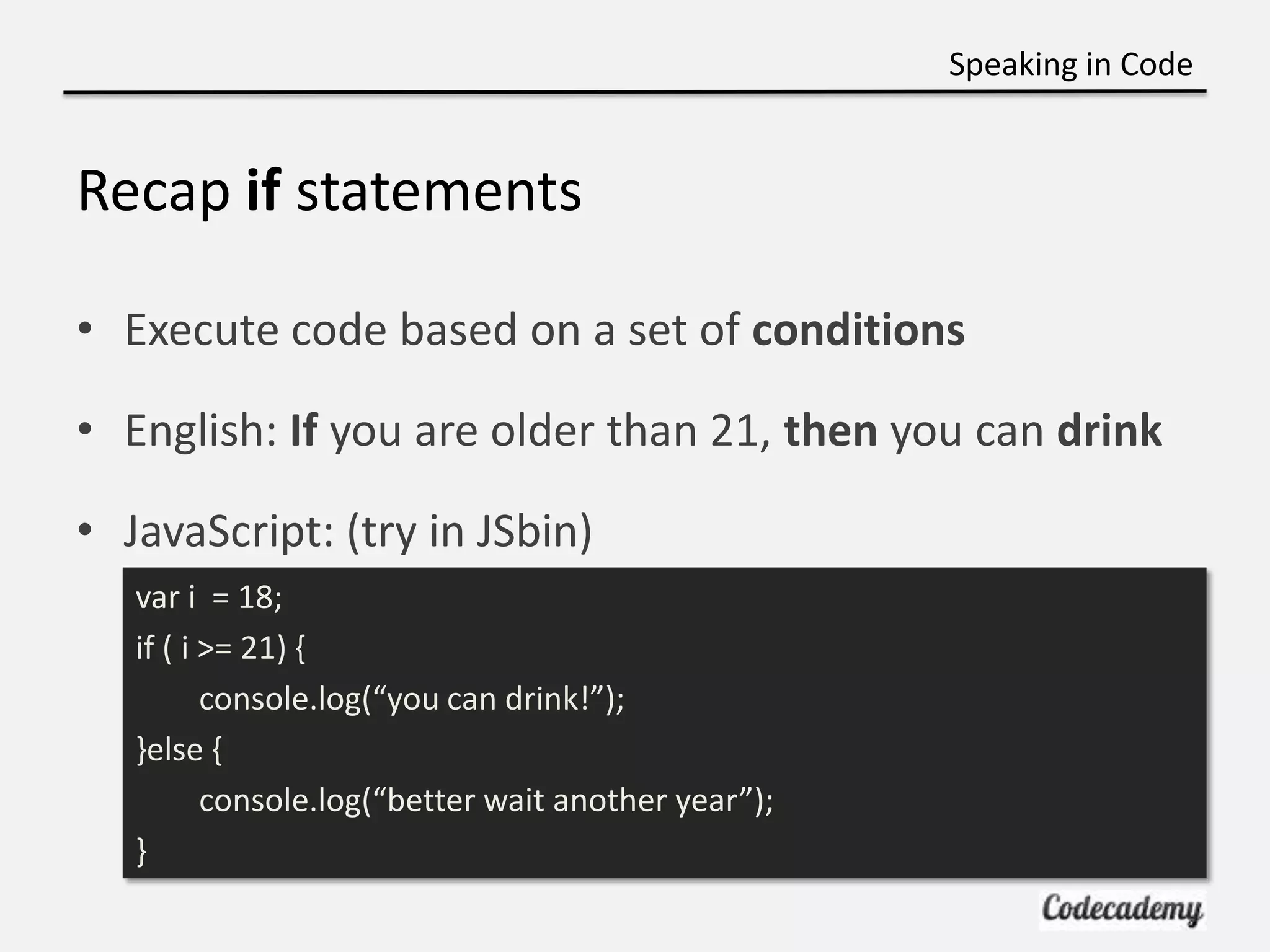
Speaking in Code Recap if statements • Execute code based on a set of conditions • English: If you are older than 21, then you can drink • JavaScript: (try in JSbin) var i = 18; if ( i >= 21) { console.log(“you can drink!”); }else { console.log(“better wait another year”); }
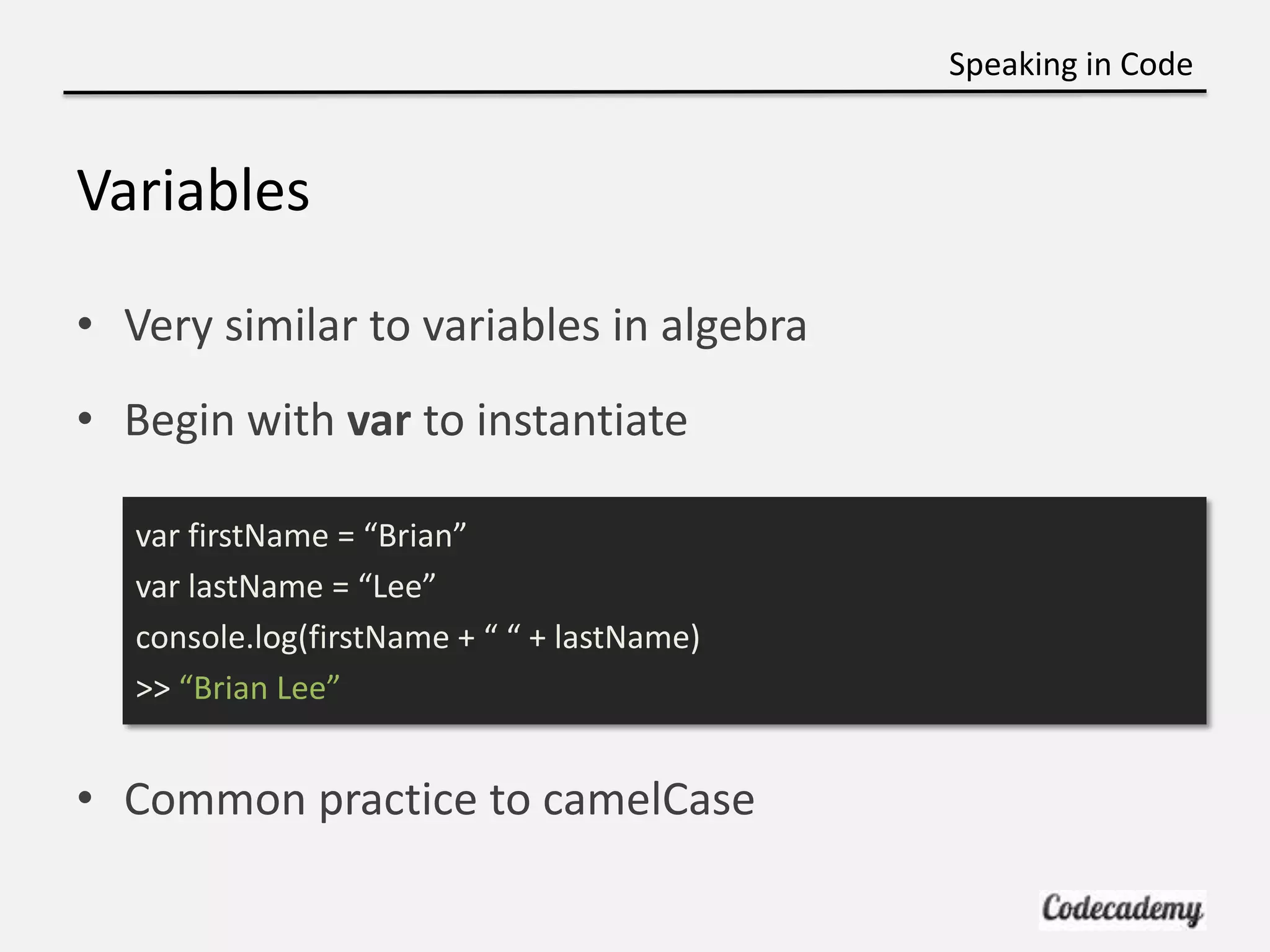
Speaking in Code Variables • Very similar to variables in algebra • Begin with var to instantiate var firstName = “Brian” var lastName = “Lee” console.log(firstName + “ “ + lastName) >> “Brian Lee” • Common practice to camelCase
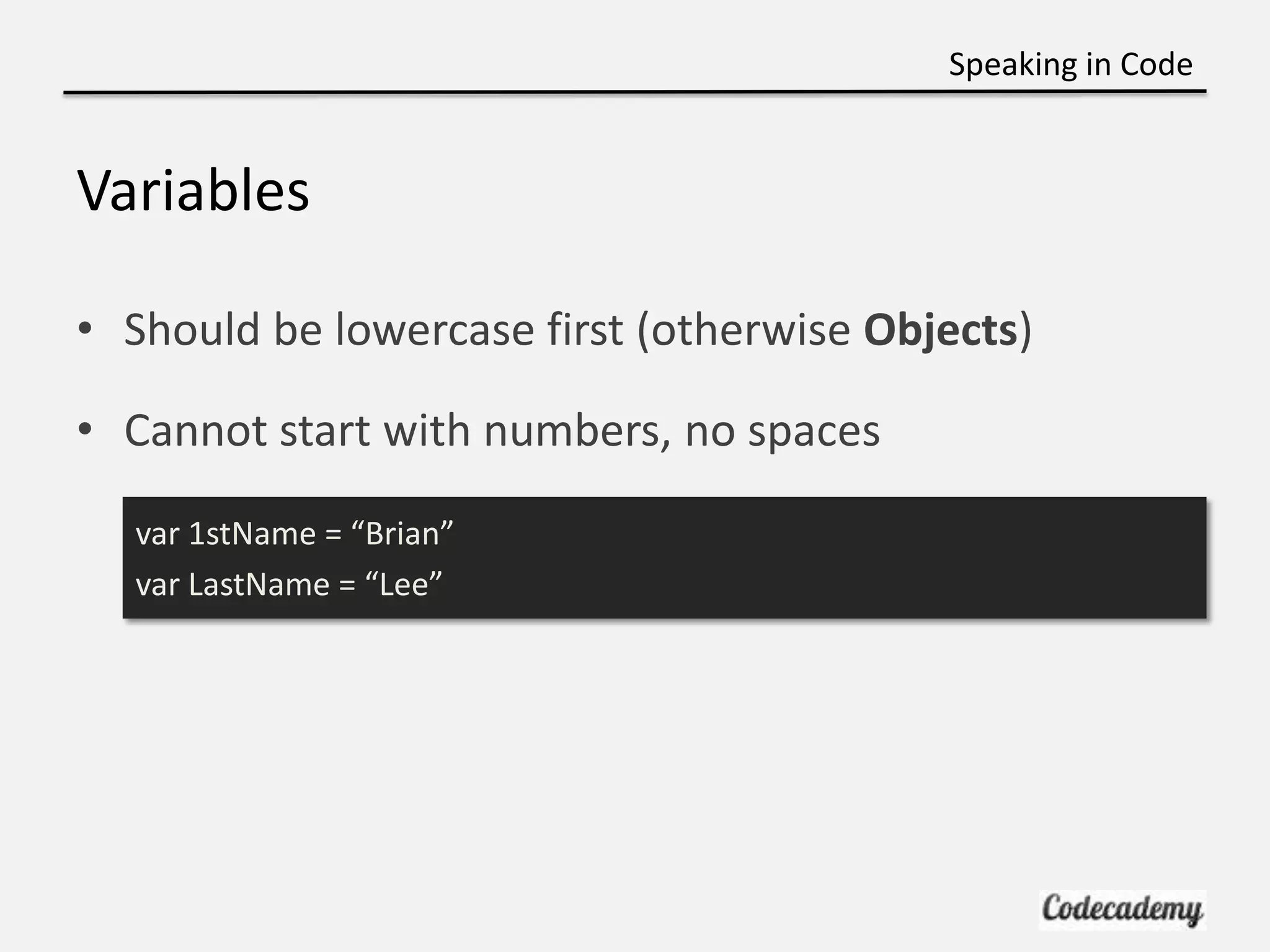
Speaking in Code Variables • Should be lowercase first (otherwise Objects) • Cannot start with numbers, no spaces var 1stName = “Brian” var LastName = “Lee”
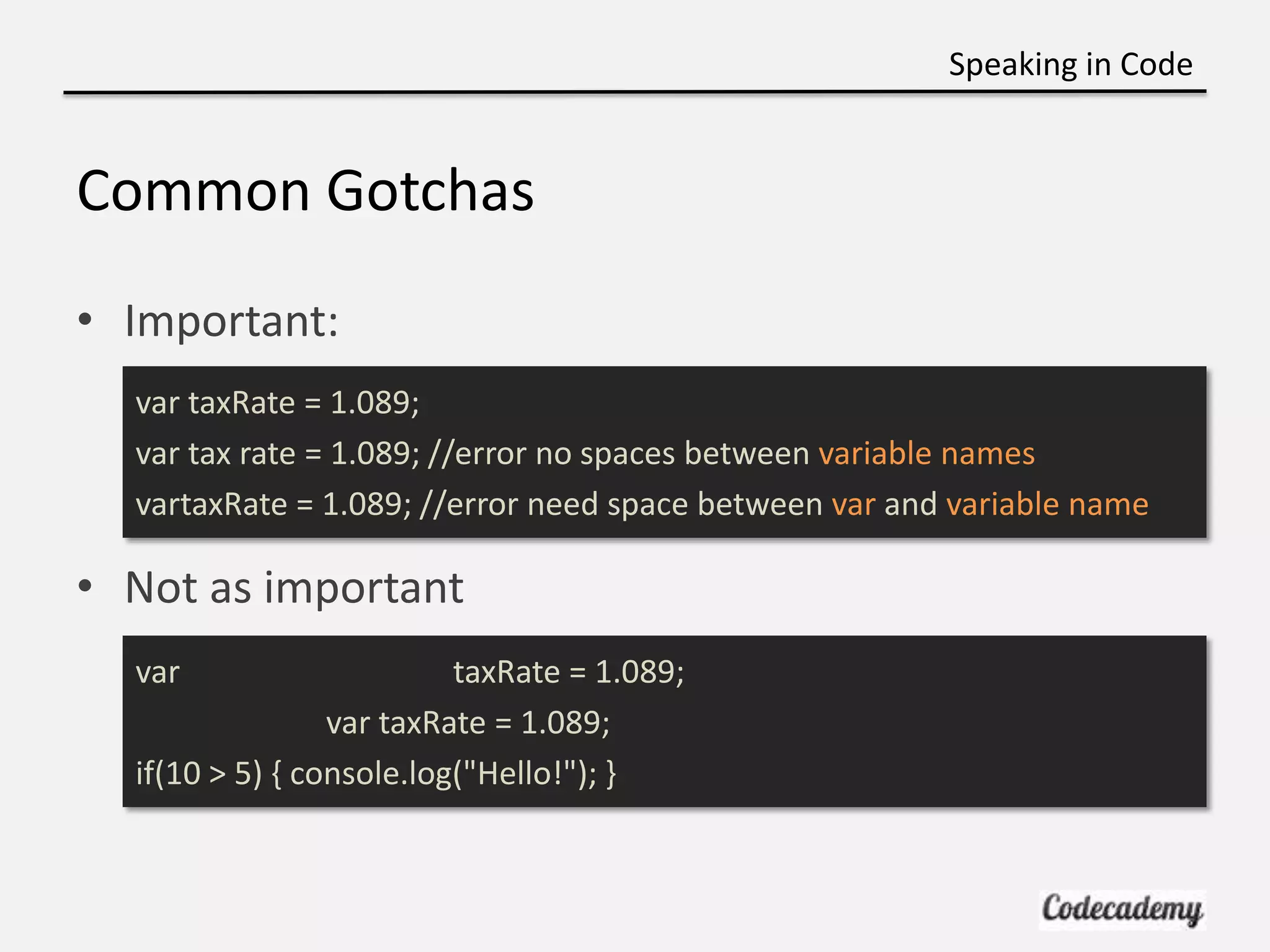
Speaking in Code Common Gotchas • Important: var taxRate = 1.089; var tax rate = 1.089; //error no spaces between variable names vartaxRate = 1.089; //error need space between var and variable name • Not as important var taxRate = 1.089; var taxRate = 1.089; if(10 > 5) { console.log("Hello!"); }
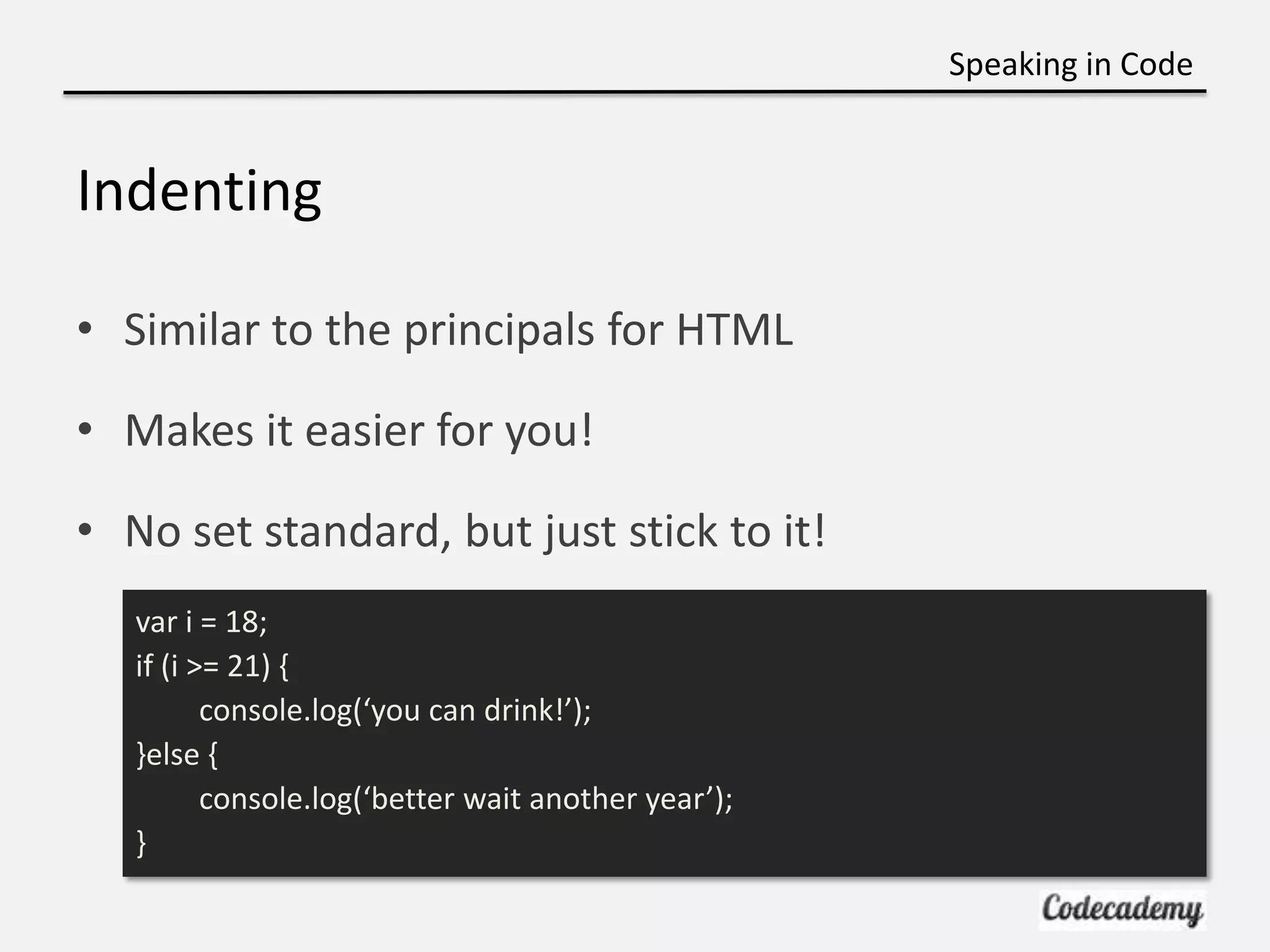
Speaking in Code Indenting • Similar to the principals for HTML • Makes it easier for you! • No set standard, but just stick to it! var i = 18; if (i >= 21) { console.log(‘you can drink!’); }else { console.log(‘better wait another year’); }
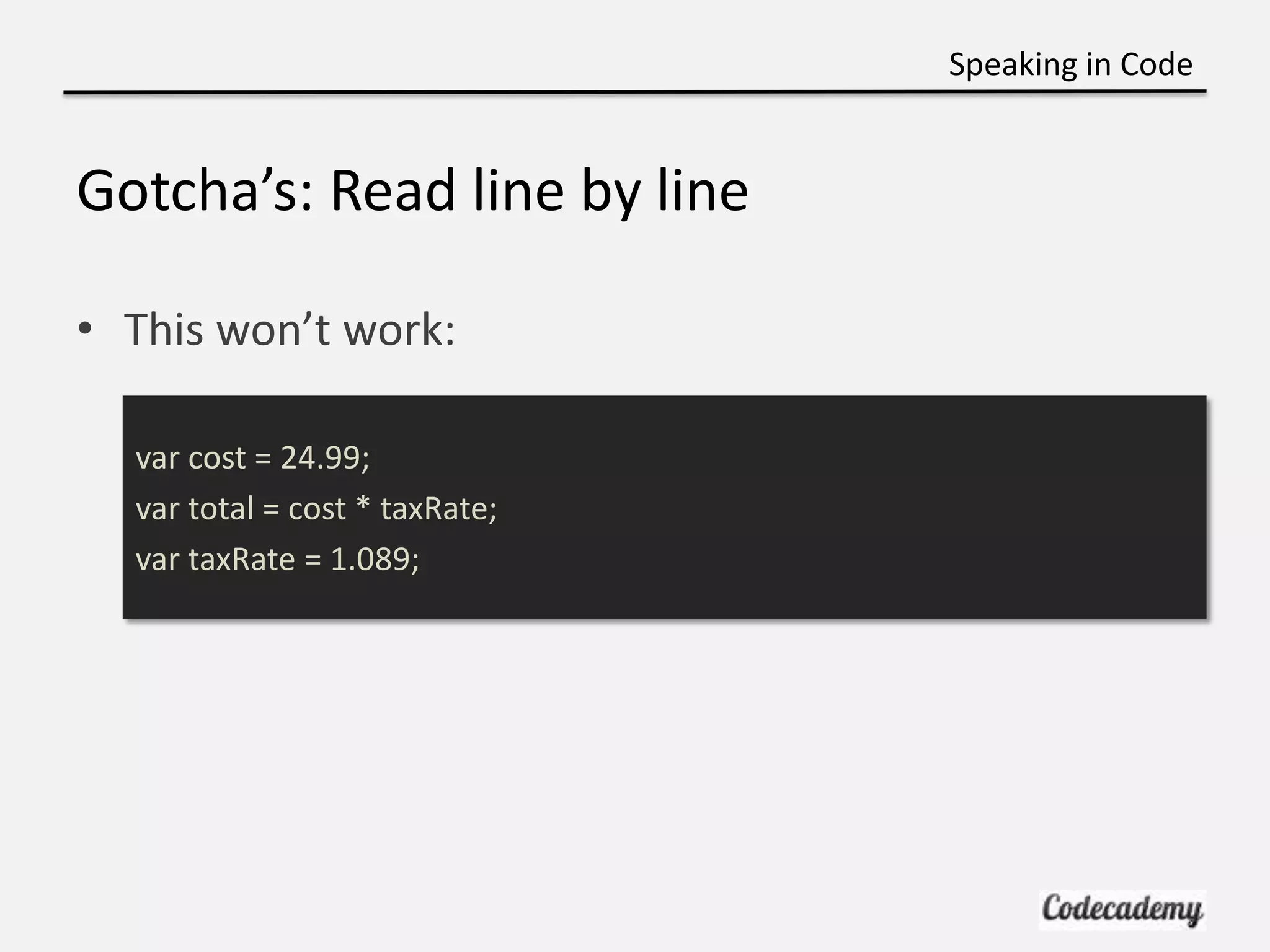
Speaking in Code Gotcha’s: Read line by line • This won’t work: var cost = 24.99; var total = cost * taxRate; var taxRate = 1.089;
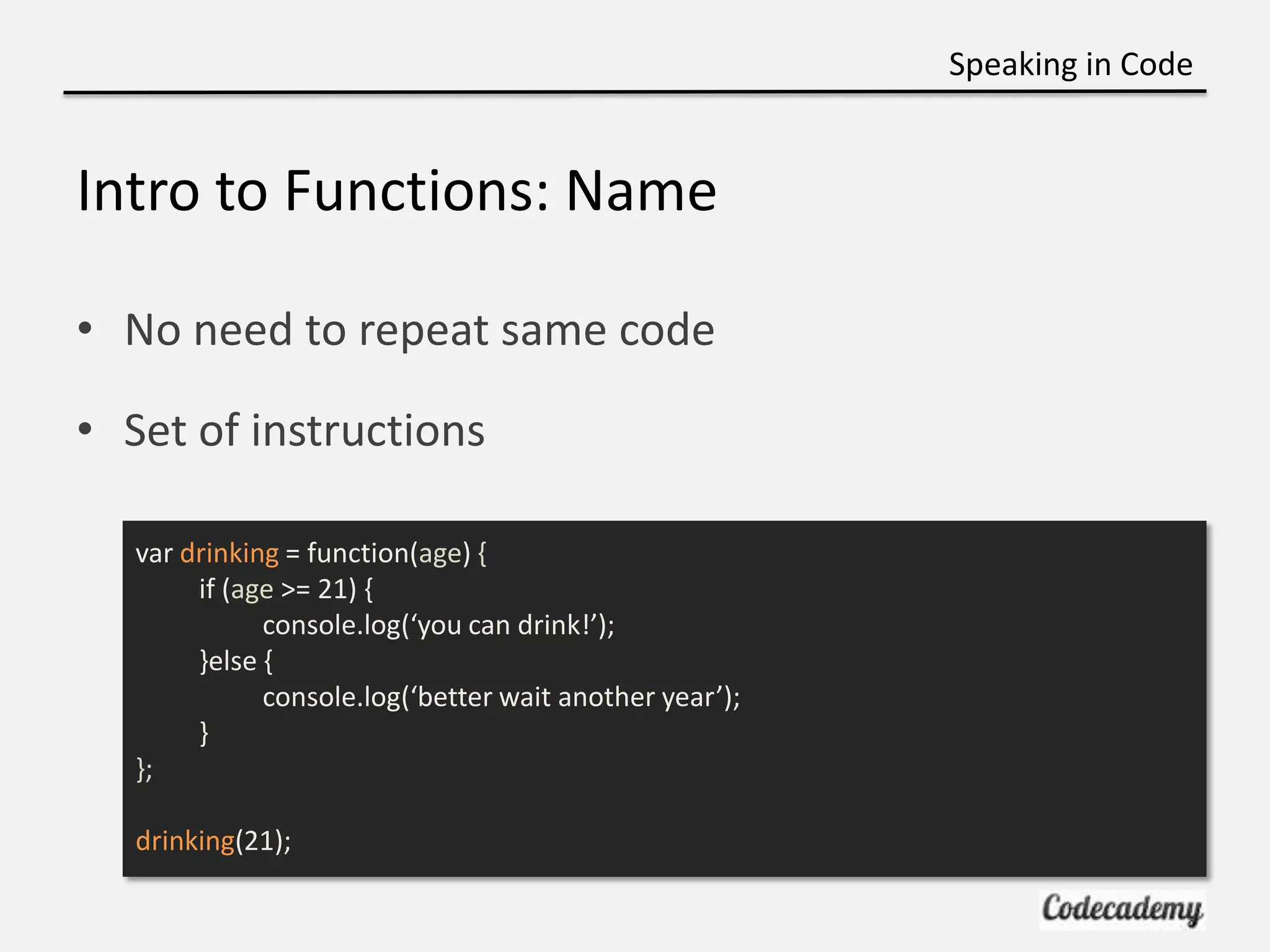
Speaking in Code Intro to Functions: Name • No need to repeat same code • Set of instructions var drinking = function(age) { if (age >= 21) { console.log(‘you can drink!’); }else { console.log(‘better wait another year’); } }; drinking(21);
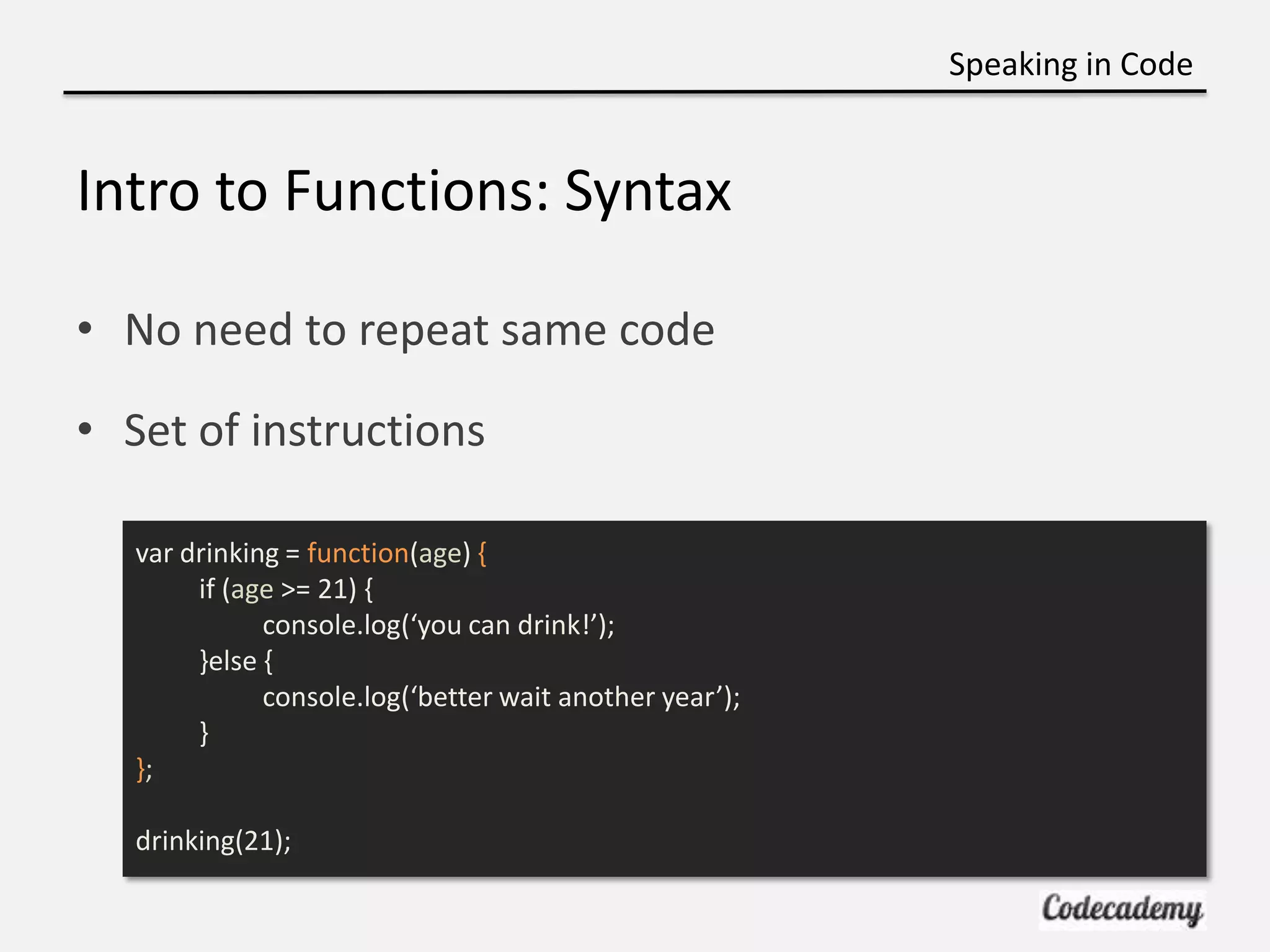
Speaking in Code Intro to Functions: Syntax • No need to repeat same code • Set of instructions var drinking = function(age) { if (age >= 21) { console.log(‘you can drink!’); }else { console.log(‘better wait another year’); } }; drinking(21);
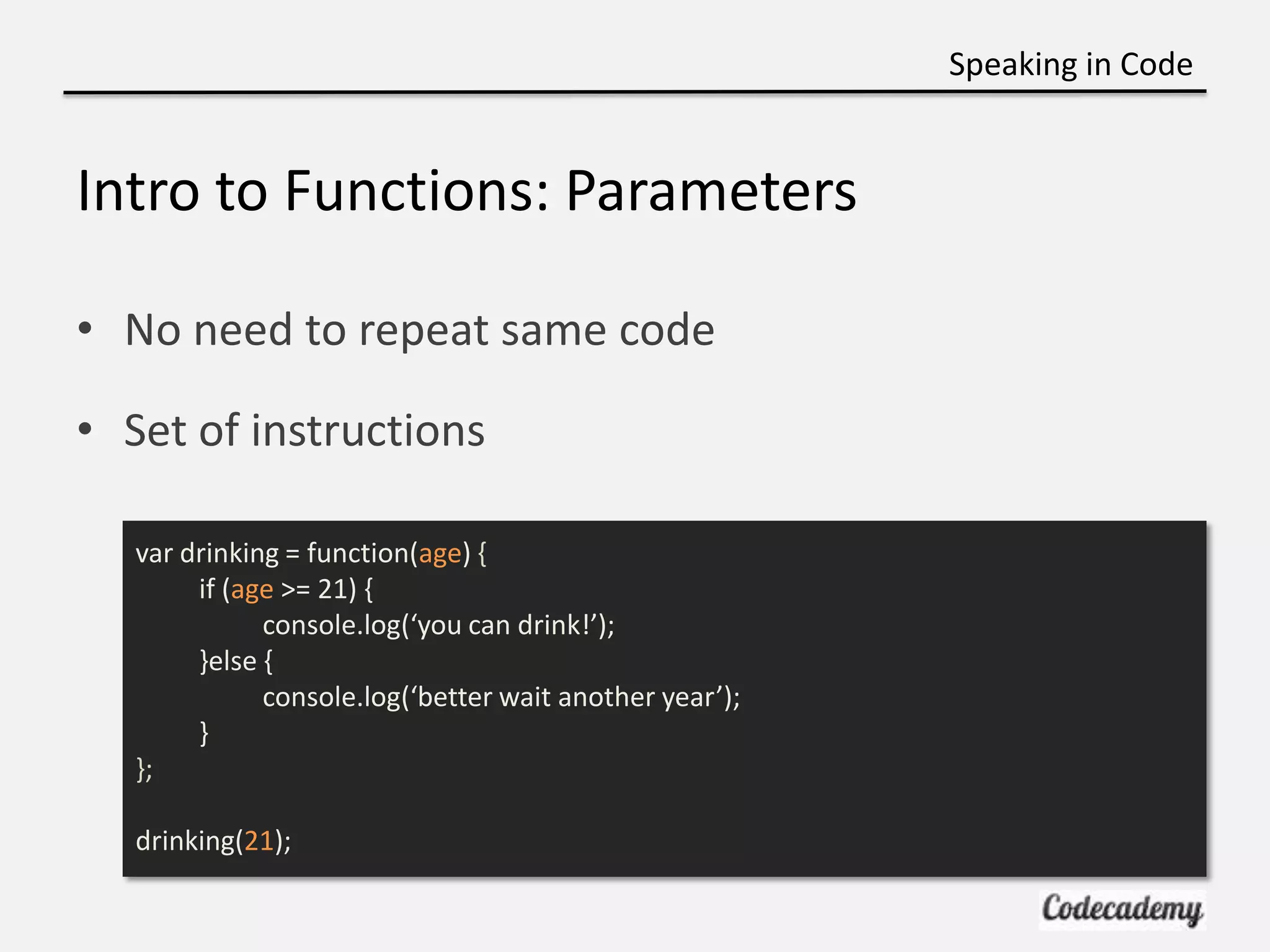
Speaking in Code Intro to Functions: Parameters • No need to repeat same code • Set of instructions var drinking = function(age) { if (age >= 21) { console.log(‘you can drink!’); }else { console.log(‘better wait another year’); } }; drinking(21);
Speaking in Code
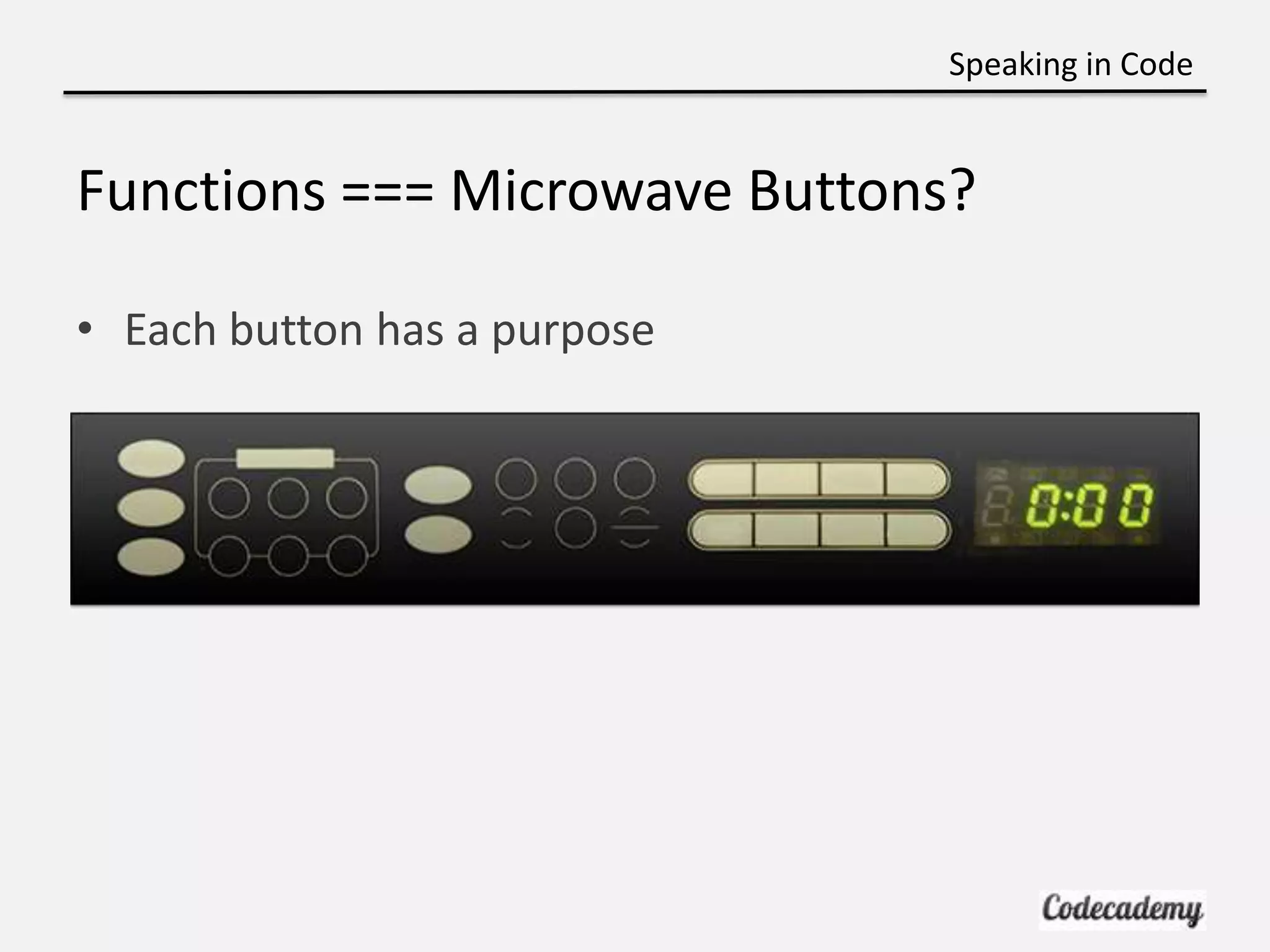
Speaking in Code Functions === Microwave Buttons? • Each button has a purpose
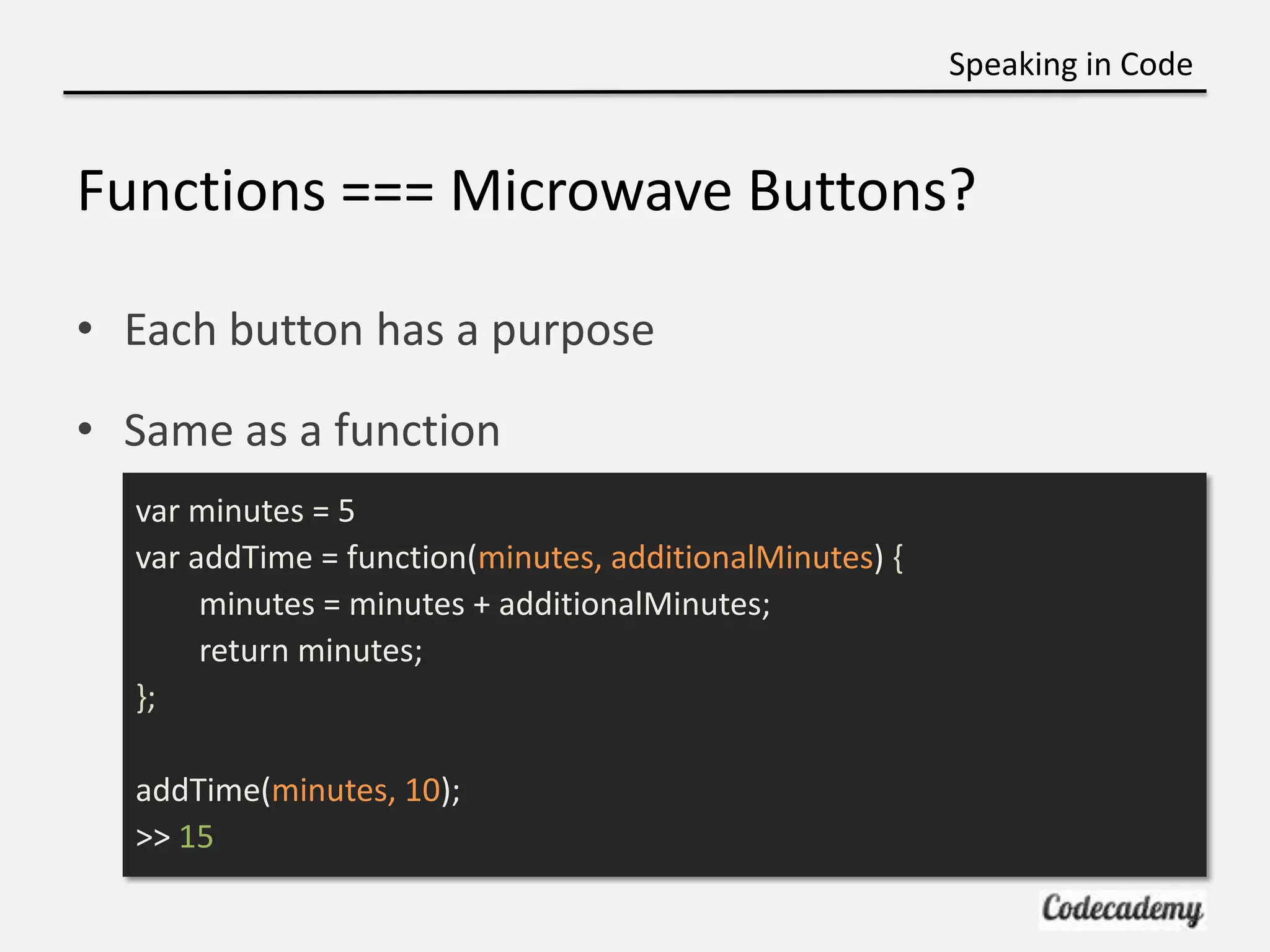
Speaking in Code Functions === Microwave Buttons? • Each button has a purpose • Same as a function var minutes = 5 var addTime = function(minutes, additionalMinutes) { minutes = minutes + additionalMinutes; return minutes; }; addTime(minutes, 10); >> 15
Speaking in Code Try it yourself http://bit.ly/jsfunctions http://jsbin.com
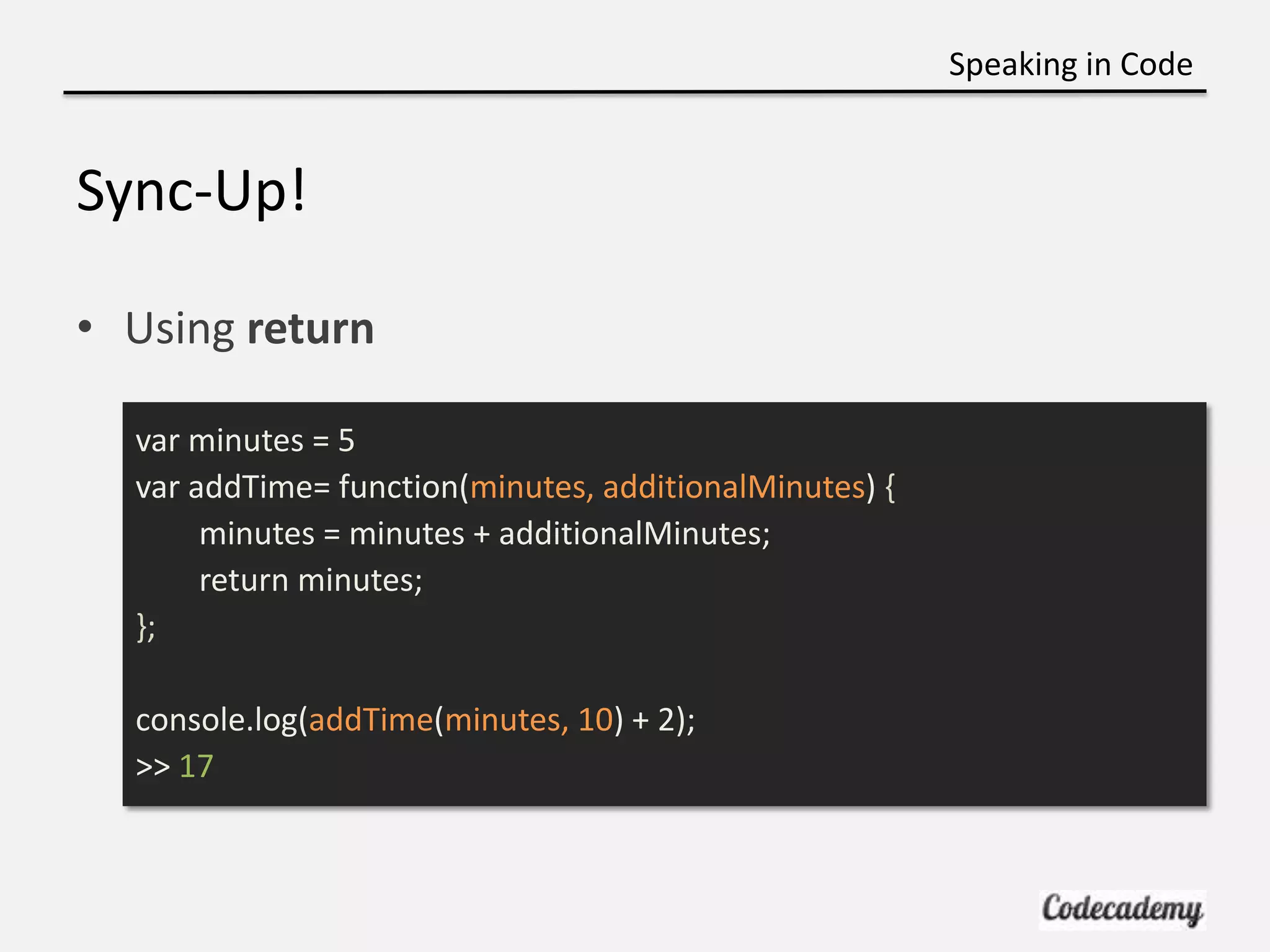
Speaking in Code Sync-Up! • Using return var minutes = 5 var addTime= function(minutes, additionalMinutes) { minutes = minutes + additionalMinutes; return minutes; }; console.log(addTime(minutes, 10) + 2); >> 17
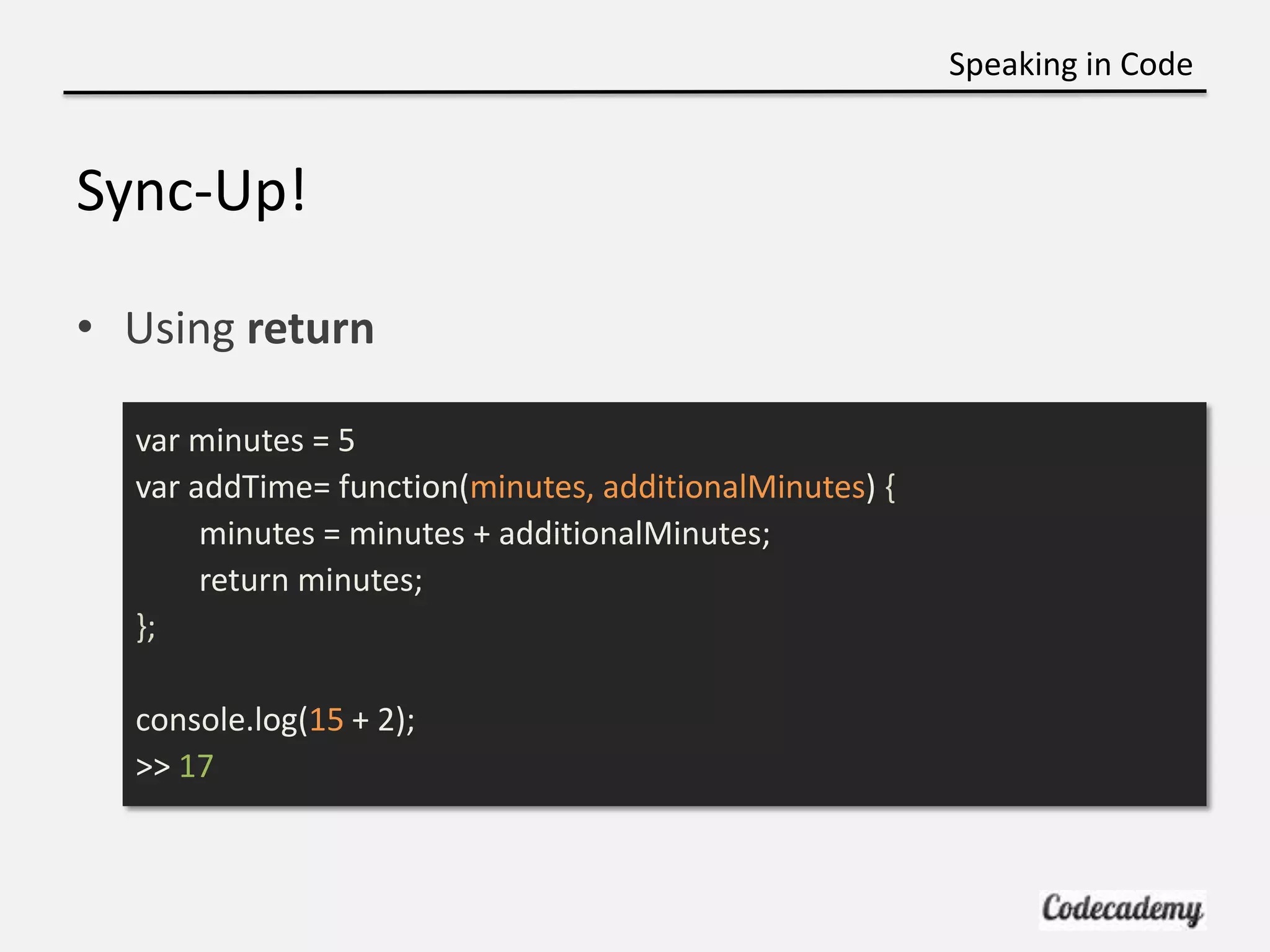
Speaking in Code Sync-Up! • Using return var minutes = 5 var addTime= function(minutes, additionalMinutes) { minutes = minutes + additionalMinutes; return minutes; }; console.log(15 + 2); >> 17
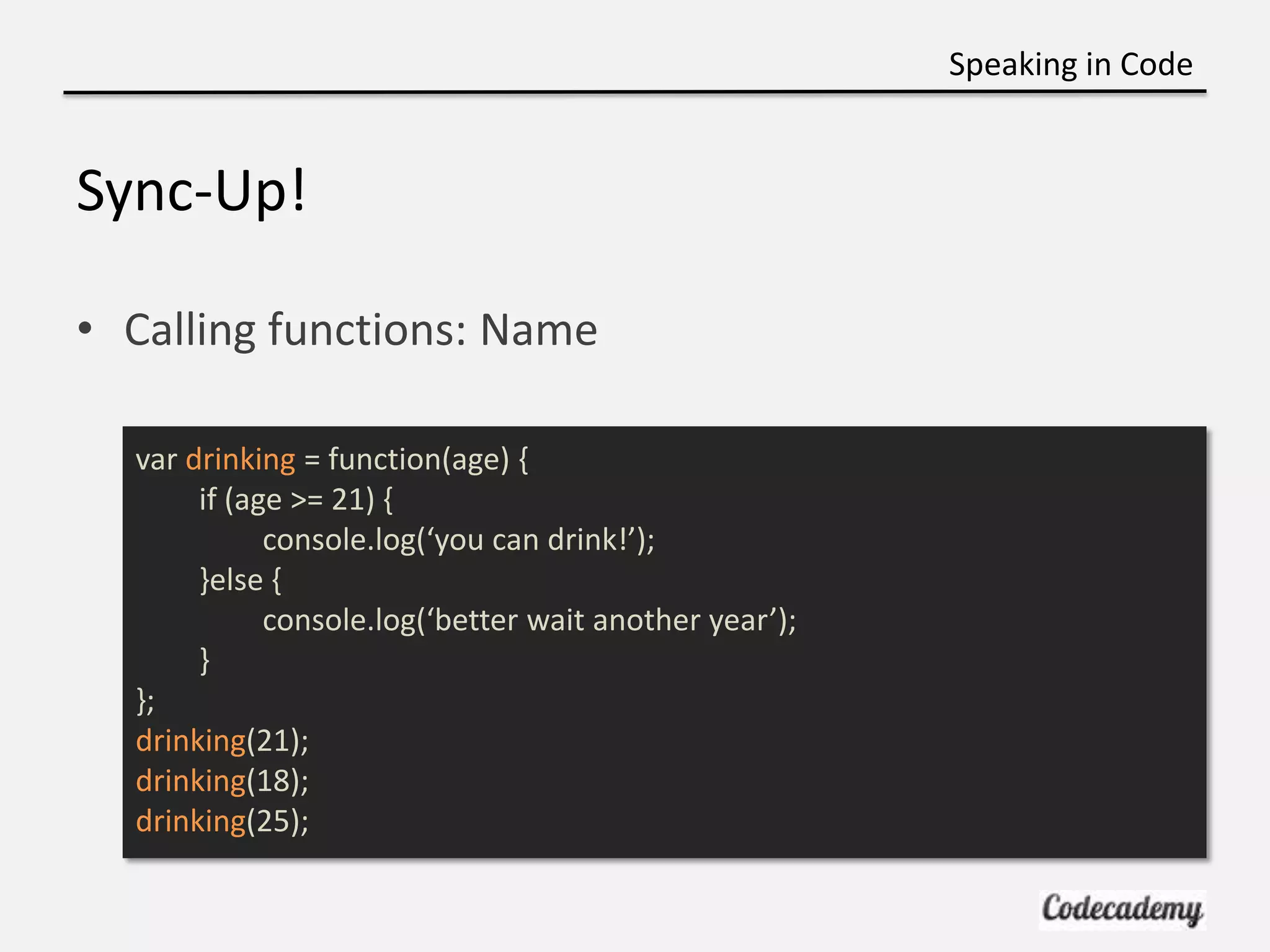
Speaking in Code Sync-Up! • Calling functions: Name var drinking = function(age) { if (age >= 21) { console.log(‘you can drink!’); }else { console.log(‘better wait another year’); } }; drinking(21); drinking(18); drinking(25);

Week 5 java script functions

  • 1.
    Speaking in Code Introto JavaScript Functions! Brian Lee Professor Liel Leibovitz
  • 2.
    Speaking in Code Logistics •Spring Break – no class next week
  • 3.
  • 4.
    Speaking in Code BigPicture: HTML/CSS vs. JavaScript • HTML/CSS are computer languages that define content, structure, and how things look • JavaScript is a programming language where you give the computer instructions – Set of directions such as for recipes
  • 5.
    Speaking in Code BigPicture: Programming • Learning JavaScript – programming language • Widely-applicable concepts
  • 6.
    Speaking in Code ProgrammingLanguage Similarities • JavaScript if (x < 10) { console.log("x is less than 10!"); } • Ruby if x < 10 puts "x is less than 10!" • Python if x < 10: print "x is less than 10!"
  • 7.
    Speaking in Code ProgrammingLanguage Similarities • JavaScript if (x < 10) { console.log("x is less than 10!"); } • Java if(x < 10) { System.out.println("x is less than 10!"); }
  • 8.
    Speaking in Code BigPicture: What we’re learning now • Using JavaScript to tell browser what to do • “Front-end” language
  • 9.
    Speaking in Code BigPicture: How it all fits in (HTML) <!DOCTYPE html> <html> <head> <title>HTML title</title> </head> <body> <p>paragraph</p> </body> </html>
  • 10.
    Speaking in Code BigPicture: How it all fits in (CSS) <!DOCTYPE html> <html> <head> <title>HTML title</title> <link type="text/css" rel="stylesheet" href="stylesheet.css"/> </head> <body> <p id=“color-me”>paragraph</p> </body> </html>
  • 11.
    Speaking in Code BigPicture: How it all fits in (JavaScript) <!DOCTYPE html> <html> <head> <title>HTML title</title> <link type="text/css" rel="stylesheet" href="stylesheet.css"/> <script type="text/javascript" src="script.js"></script> </head> <body> <p id=“color-me”>paragraph</p> </body> </html>
  • 12.
    Speaking in Code JavaScript •Each line is read one at a time • Comments // These won’t be read in JavaScript • Most lines are ended with ; – Like a period at the end of a sentence
  • 13.
    Speaking in Code JavaScript •Print to the screen (console) console.log(‘Hello World’); console.log(9482301); • Try it in your browser console – Right-click -> Inspect Element -> Console
  • 14.
    Speaking in Code Recap:Types • Everything is associated with a type • Numbers 254 • Strings “Hi there!” • Booleans true false
  • 15.
    Speaking in Code Recap:Types – Strings • You can concatenate strings “Brian” + “ Lee” >> Brian Lee “1” + “ 1” >> “11”
  • 16.
    Speaking in Code Recap:Conditionals • Arithmetic expressions compute to a Number 4 * 5; >> 20 • Conditionals compute to a Boolean 20 > 15; >> true 13 >= 15; >> false
  • 17.
    Speaking in Code Recap:Conditionals • Operators > < >= <= ===
  • 18.
    Speaking in Code Recapif statements • Execute code based on a set of conditions • English: If you are older than 21, then you can drink • JavaScript: (try in JSbin) var i = 18; if ( i >= 21) { console.log(“you can drink!”); }else { console.log(“better wait another year”); }
  • 19.
    Speaking in Code Variables •Very similar to variables in algebra • Begin with var to instantiate var firstName = “Brian” var lastName = “Lee” console.log(firstName + “ “ + lastName) >> “Brian Lee” • Common practice to camelCase
  • 20.
    Speaking in Code Variables •Should be lowercase first (otherwise Objects) • Cannot start with numbers, no spaces var 1stName = “Brian” var LastName = “Lee”
  • 21.
    Speaking in Code CommonGotchas • Important: var taxRate = 1.089; var tax rate = 1.089; //error no spaces between variable names vartaxRate = 1.089; //error need space between var and variable name • Not as important var taxRate = 1.089; var taxRate = 1.089; if(10 > 5) { console.log("Hello!"); }
  • 22.
    Speaking in Code Indenting •Similar to the principals for HTML • Makes it easier for you! • No set standard, but just stick to it! var i = 18; if (i >= 21) { console.log(‘you can drink!’); }else { console.log(‘better wait another year’); }
  • 23.
    Speaking in Code Gotcha’s:Read line by line • This won’t work: var cost = 24.99; var total = cost * taxRate; var taxRate = 1.089;
  • 24.
    Speaking in Code Introto Functions: Name • No need to repeat same code • Set of instructions var drinking = function(age) { if (age >= 21) { console.log(‘you can drink!’); }else { console.log(‘better wait another year’); } }; drinking(21);
  • 25.
    Speaking in Code Introto Functions: Syntax • No need to repeat same code • Set of instructions var drinking = function(age) { if (age >= 21) { console.log(‘you can drink!’); }else { console.log(‘better wait another year’); } }; drinking(21);
  • 26.
    Speaking in Code Introto Functions: Parameters • No need to repeat same code • Set of instructions var drinking = function(age) { if (age >= 21) { console.log(‘you can drink!’); }else { console.log(‘better wait another year’); } }; drinking(21);
  • 27.
  • 28.
    Speaking in Code Functions=== Microwave Buttons? • Each button has a purpose
  • 29.
    Speaking in Code Functions=== Microwave Buttons? • Each button has a purpose • Same as a function var minutes = 5 var addTime = function(minutes, additionalMinutes) { minutes = minutes + additionalMinutes; return minutes; }; addTime(minutes, 10); >> 15
  • 30.
    Speaking in Code Tryit yourself http://bit.ly/jsfunctions http://jsbin.com
  • 31.
    Speaking in Code Sync-Up! •Using return var minutes = 5 var addTime= function(minutes, additionalMinutes) { minutes = minutes + additionalMinutes; return minutes; }; console.log(addTime(minutes, 10) + 2); >> 17
  • 32.
    Speaking in Code Sync-Up! •Using return var minutes = 5 var addTime= function(minutes, additionalMinutes) { minutes = minutes + additionalMinutes; return minutes; }; console.log(15 + 2); >> 17
  • 33.
    Speaking in Code Sync-Up! •Calling functions: Name var drinking = function(age) { if (age >= 21) { console.log(‘you can drink!’); }else { console.log(‘better wait another year’); } }; drinking(21); drinking(18); drinking(25);

Editor's Notes

  • #6 Example, if some condition then this else that
  • #7 Example, refreshing pages. Javascript is just one language to learn programming
  • #8 Example, refreshing pages. Javascript is just one language to learn programming
  • #9 Do you remember from week 1?