Speaking in Code CSS Recap and Intro to JavaScript Professor Liel Leibovitz Brian Lee Carolynn Vu (TA)
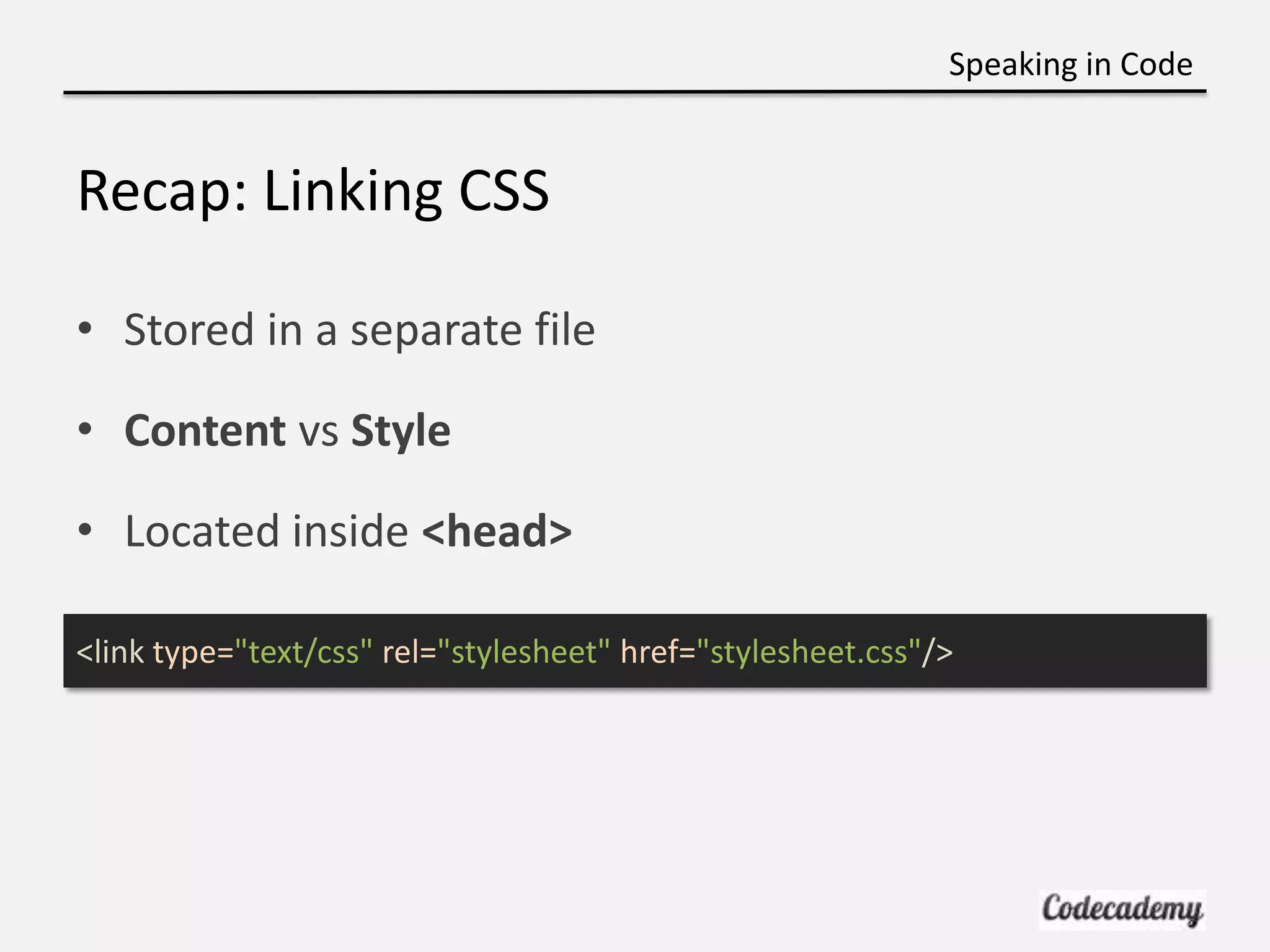
Speaking in Code Recap: Linking CSS • Stored in a separate file • Content vs Style • Located inside <head> <link type="text/css" rel="stylesheet" href="stylesheet.css"/>
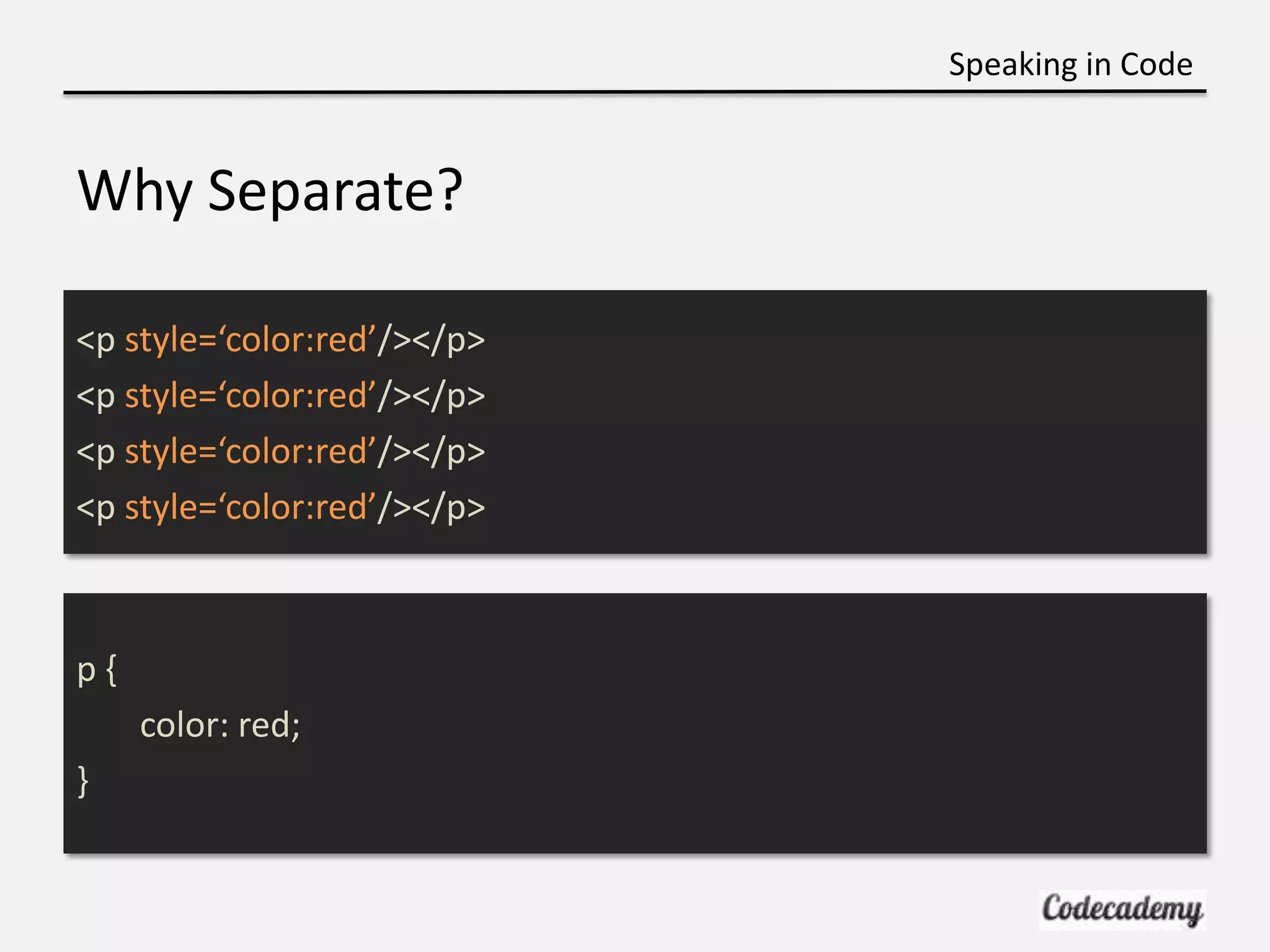
Speaking in Code Why Separate? <p style=‘color:red’/></p> <p style=‘color:red’/></p> <p style=‘color:red’/></p> <p style=‘color:red’/></p> p{ color: red; }
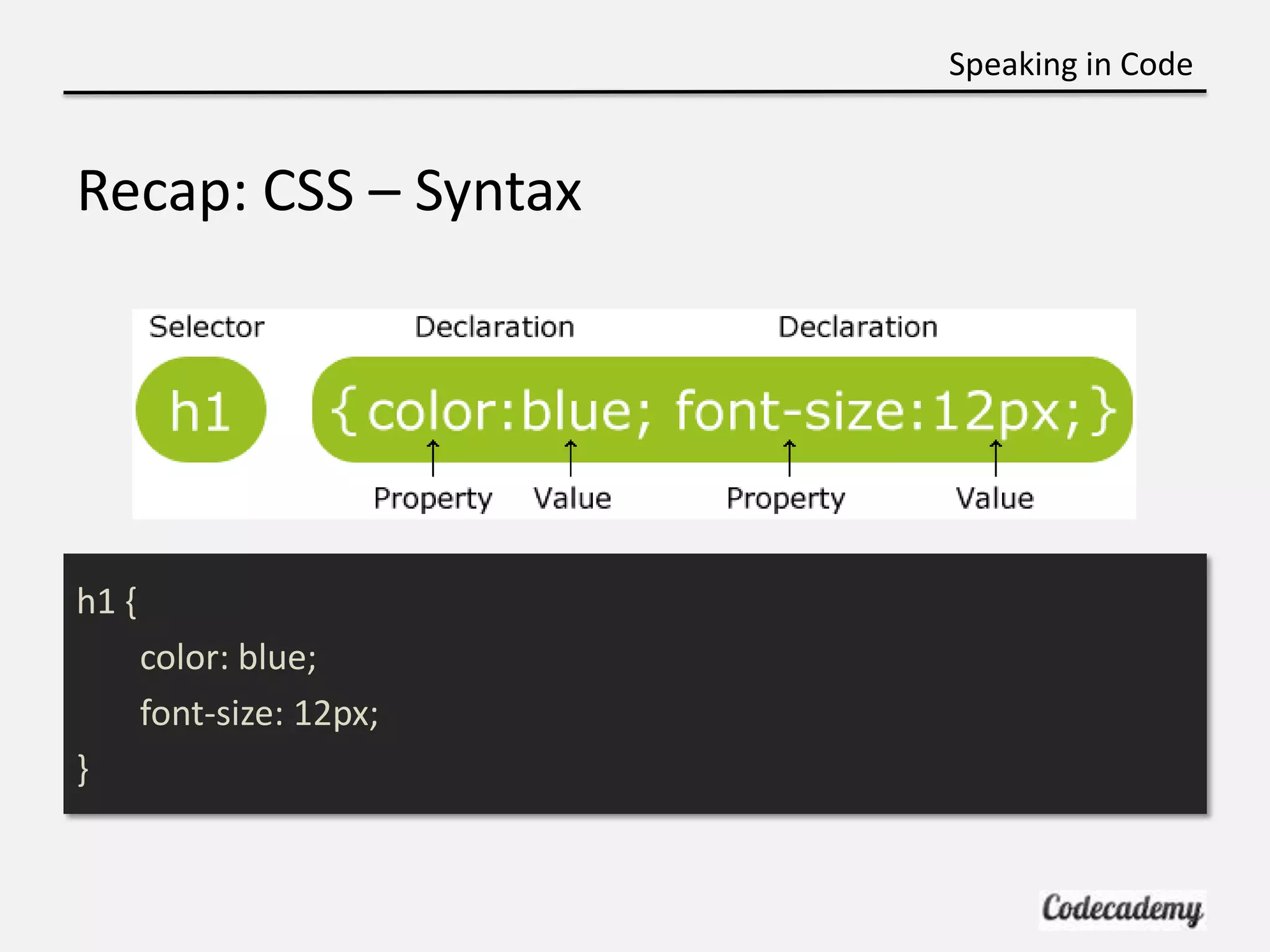
Speaking in Code Recap: CSS – Syntax h1 { color: blue; font-size: 12px; }
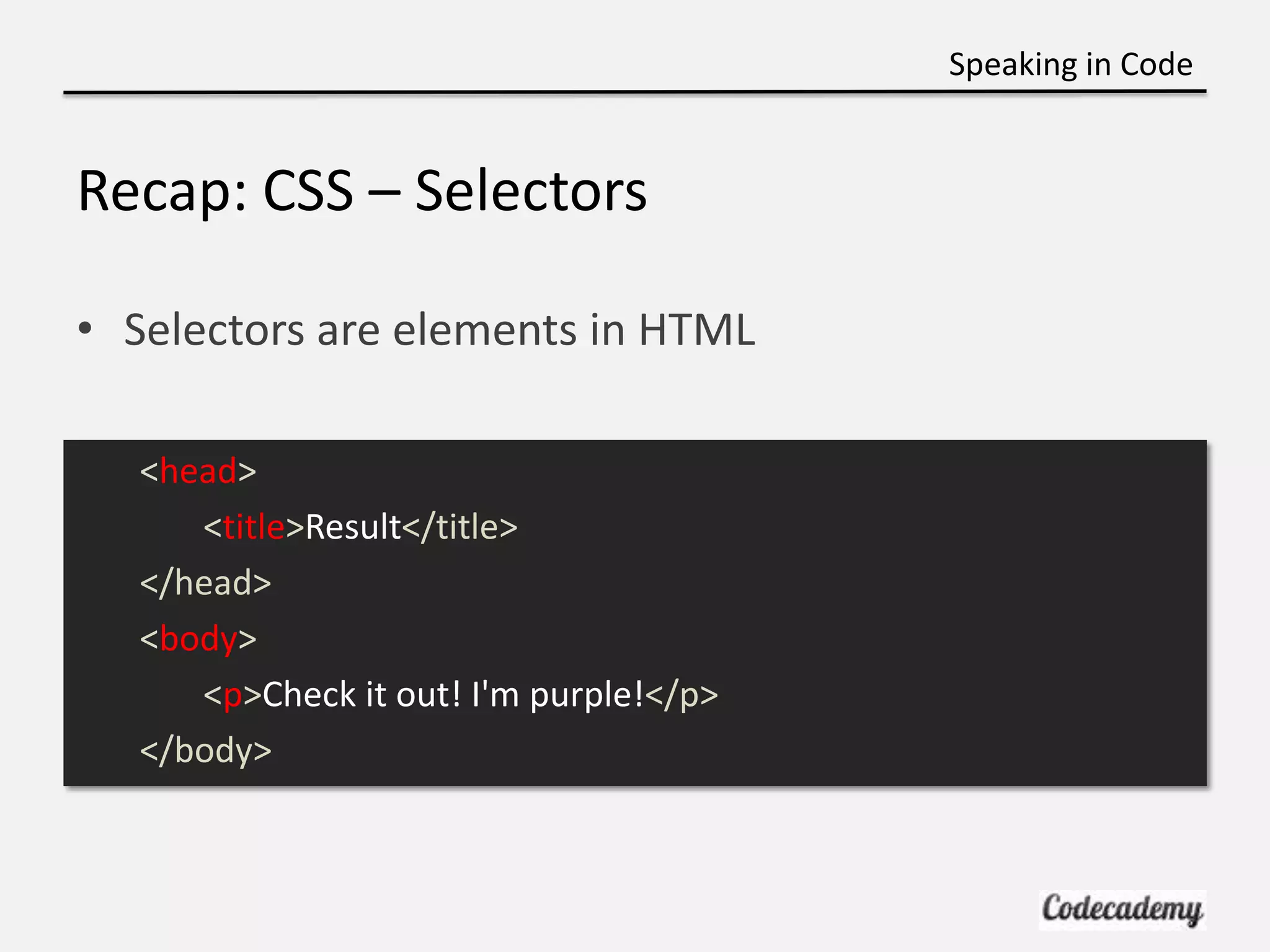
Speaking in Code Recap: CSS – Selectors • Selectors are elements in HTML <head> <title>Result</title> </head> <body> <p>Check it out! I'm purple!</p> </body>
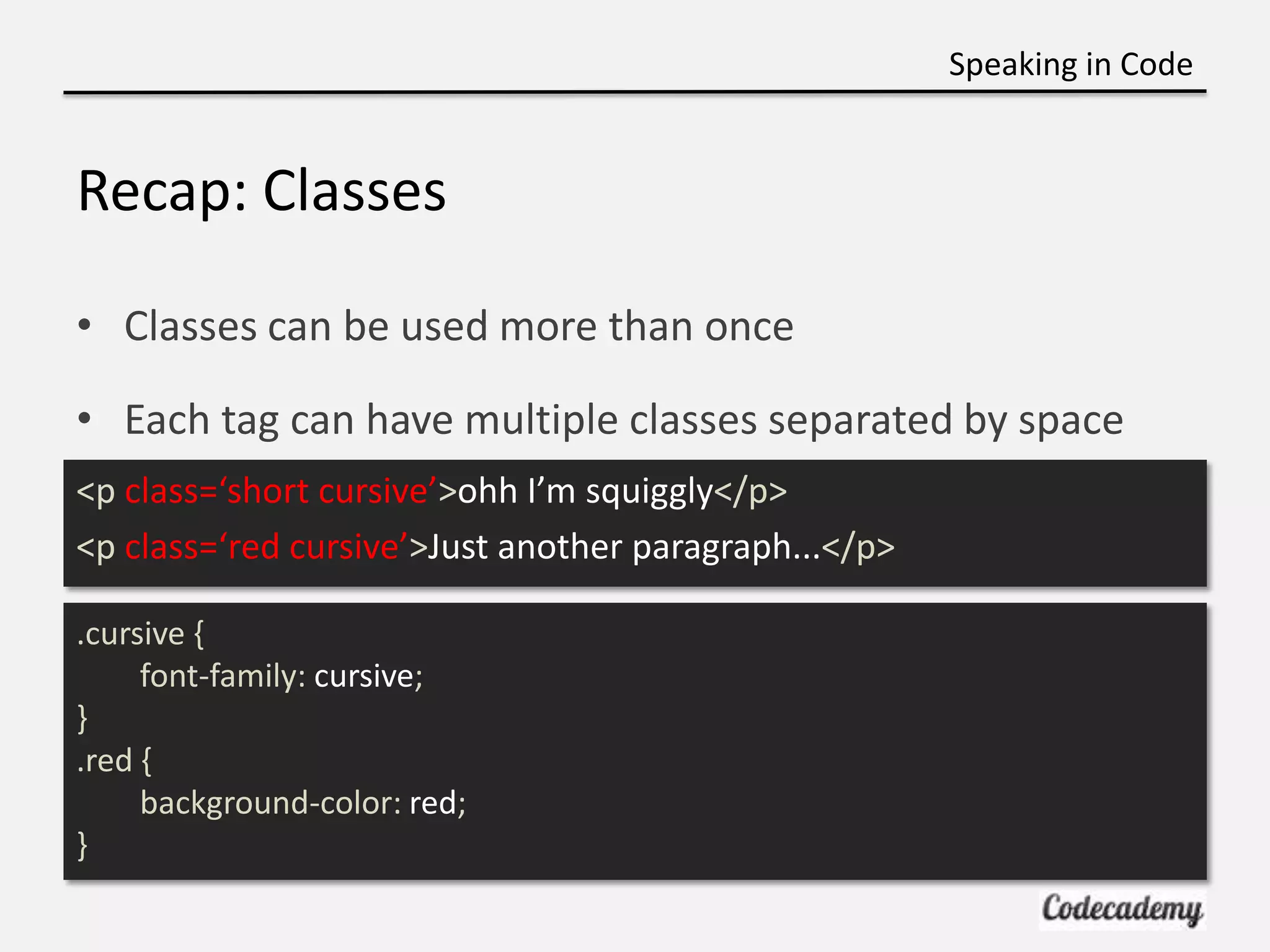
Speaking in Code Recap: Classes • Classes can be used more than once • Each tag can have multiple classes separated by space <p class=‘short cursive’>ohh I’m squiggly</p> <p class=‘red cursive’>Just another paragraph...</p> .cursive { font-family: cursive; } .red { background-color: red; }
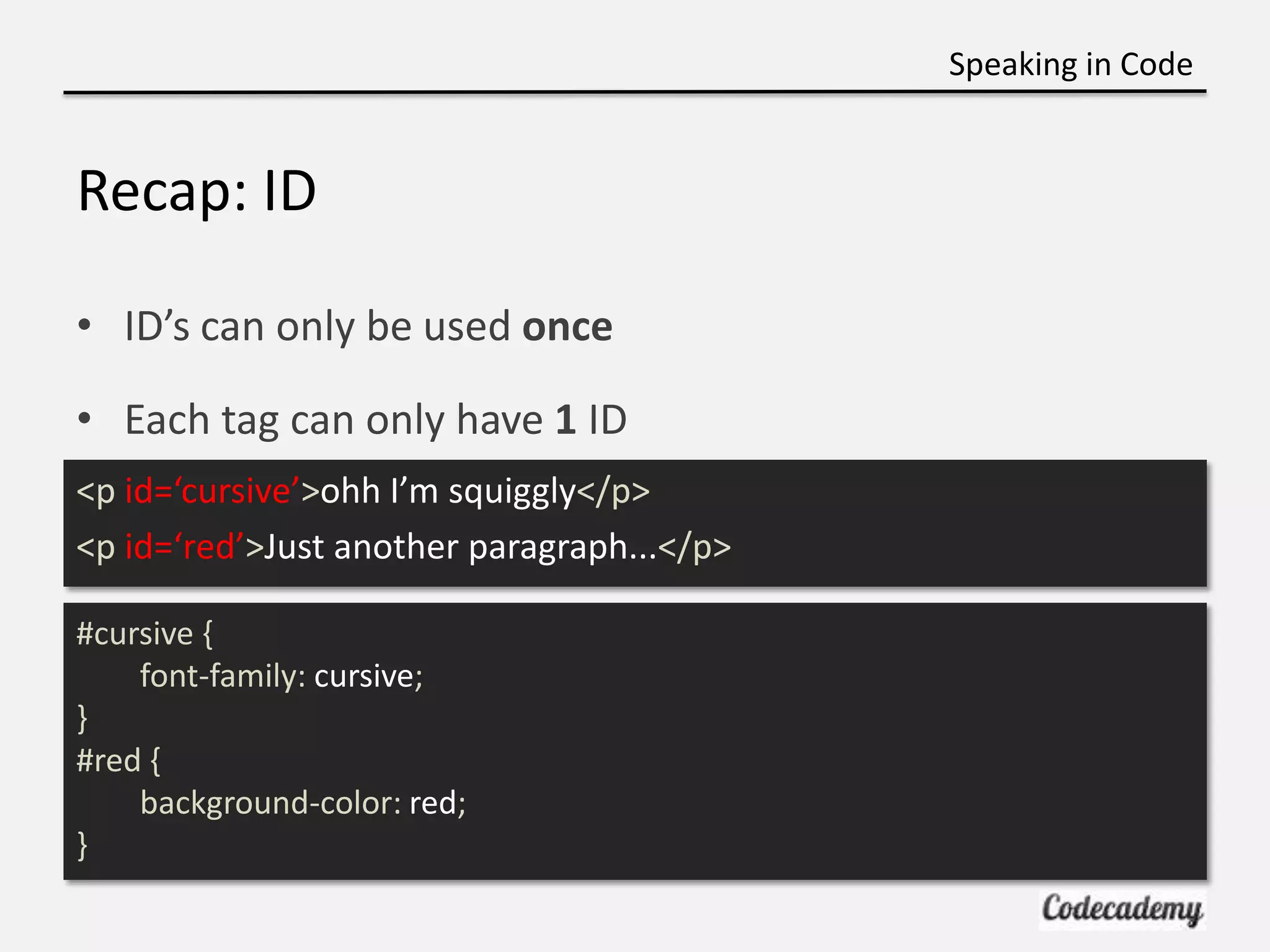
Speaking in Code Recap: ID • ID’s can only be used once • Each tag can only have 1 ID <p id=‘cursive’>ohh I’m squiggly</p> <p id=‘red’>Just another paragraph...</p> #cursive { font-family: cursive; } #red { background-color: red; }
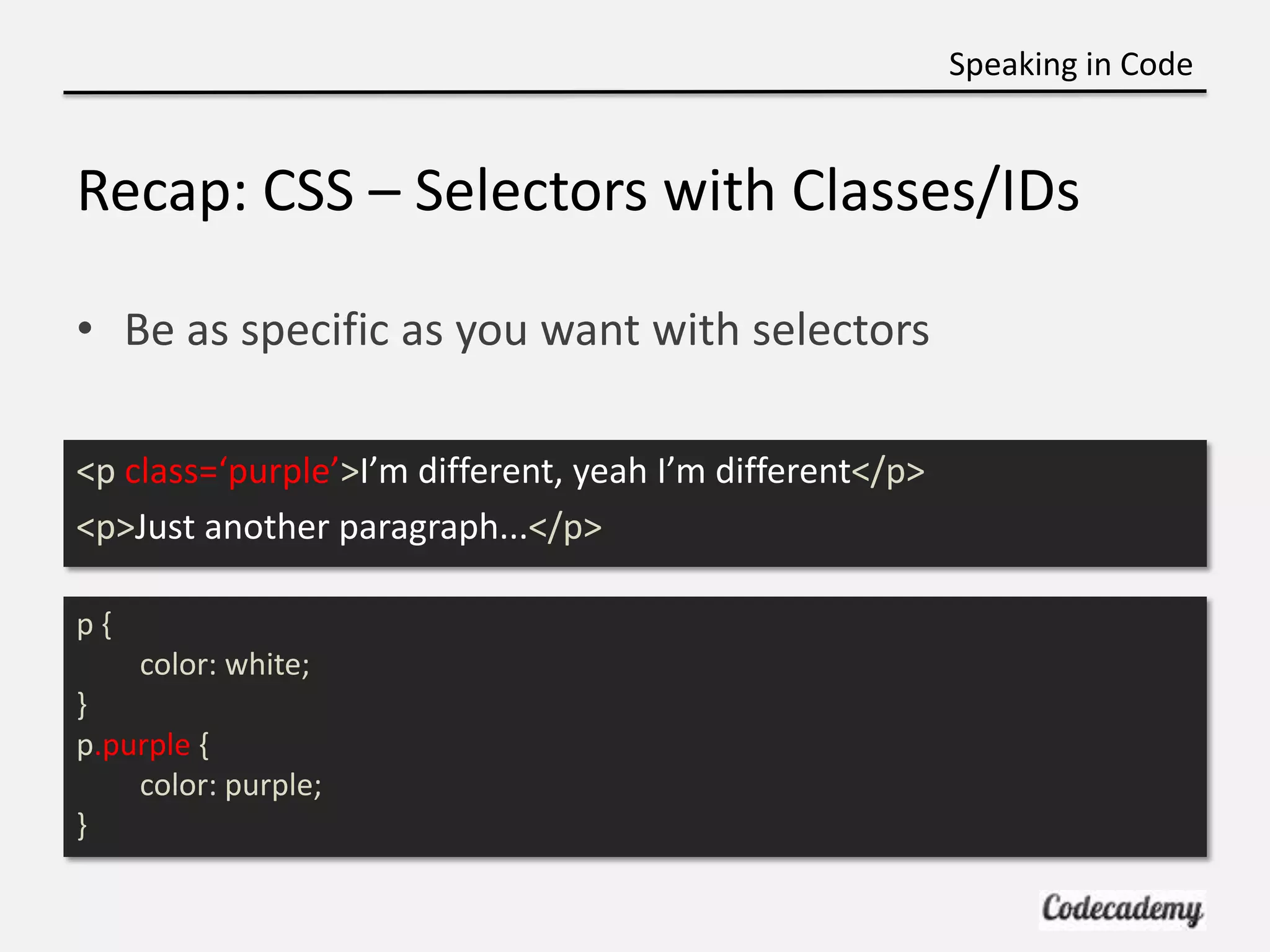
Speaking in Code Recap: CSS – Selectors with Classes/IDs • Be as specific as you want with selectors <p class=‘purple’>I’m different, yeah I’m different</p> <p>Just another paragraph...</p> p{ color: white; } p.purple { color: purple; }
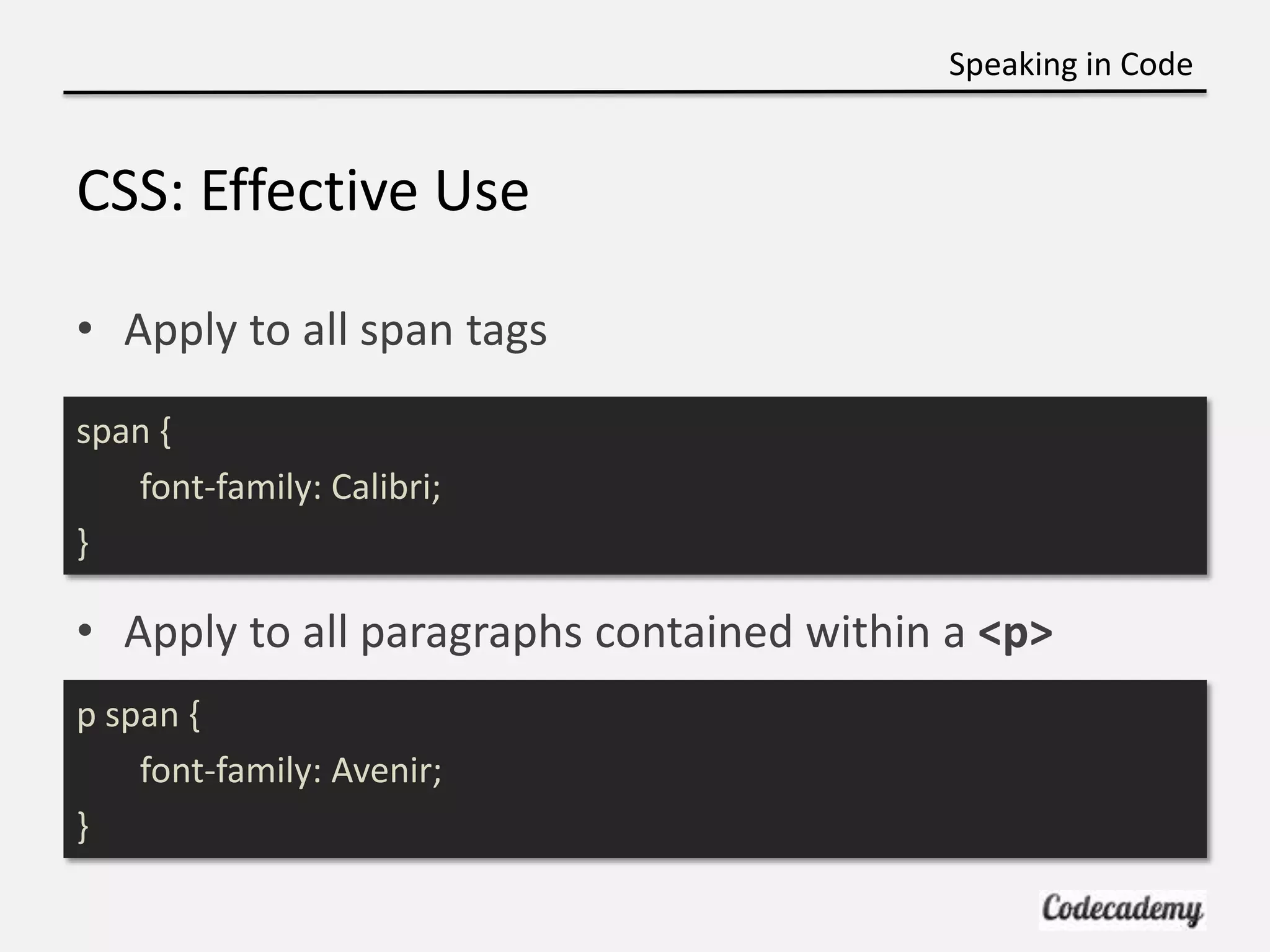
Speaking in Code CSS: Effective Use • Apply to all span tags span { font-family: Calibri; } • Apply to all paragraphs contained within a <p> p span { font-family: Avenir; }
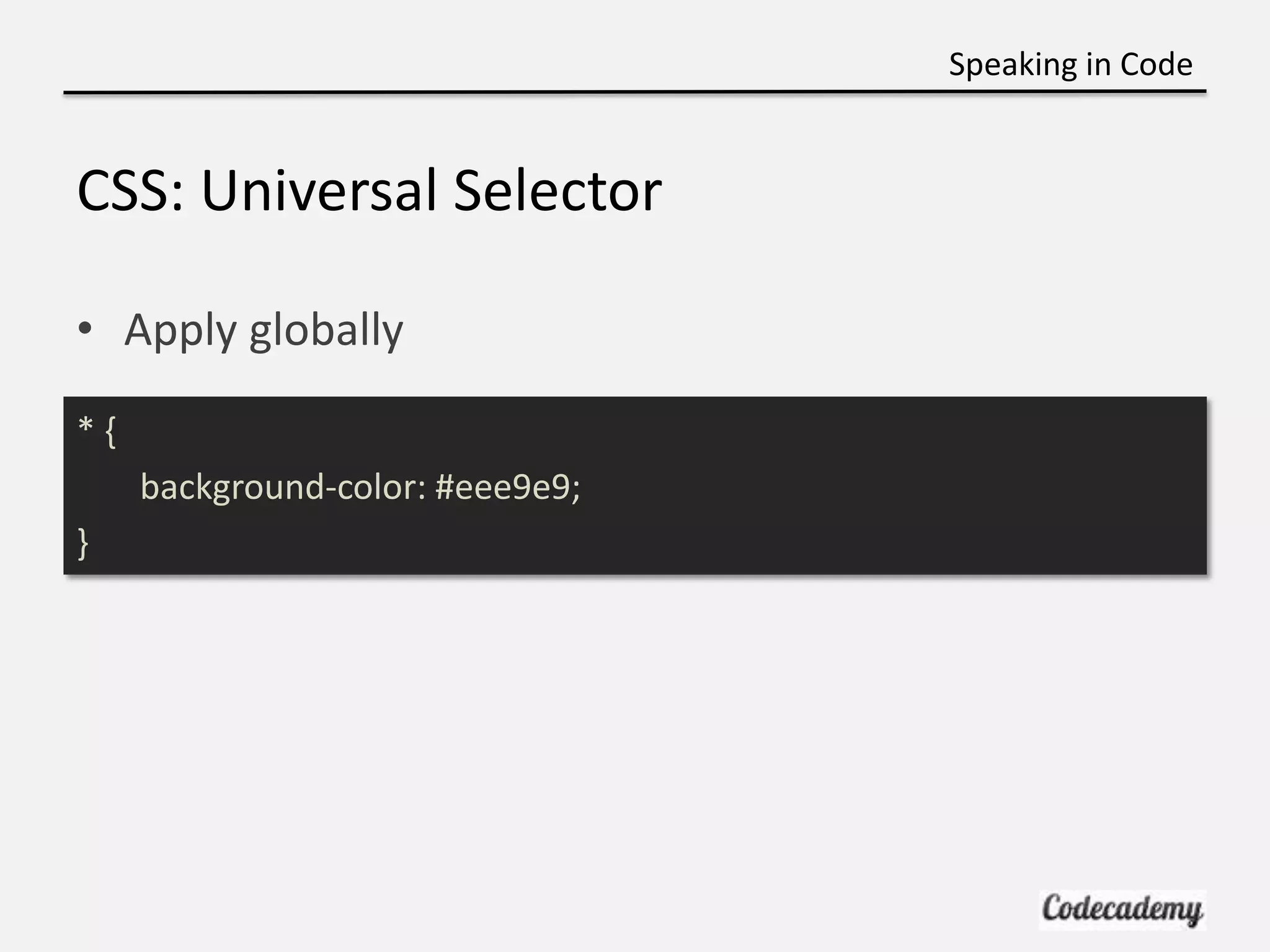
Speaking in Code CSS: Universal Selector • Apply globally *{ background-color: #eee9e9; }
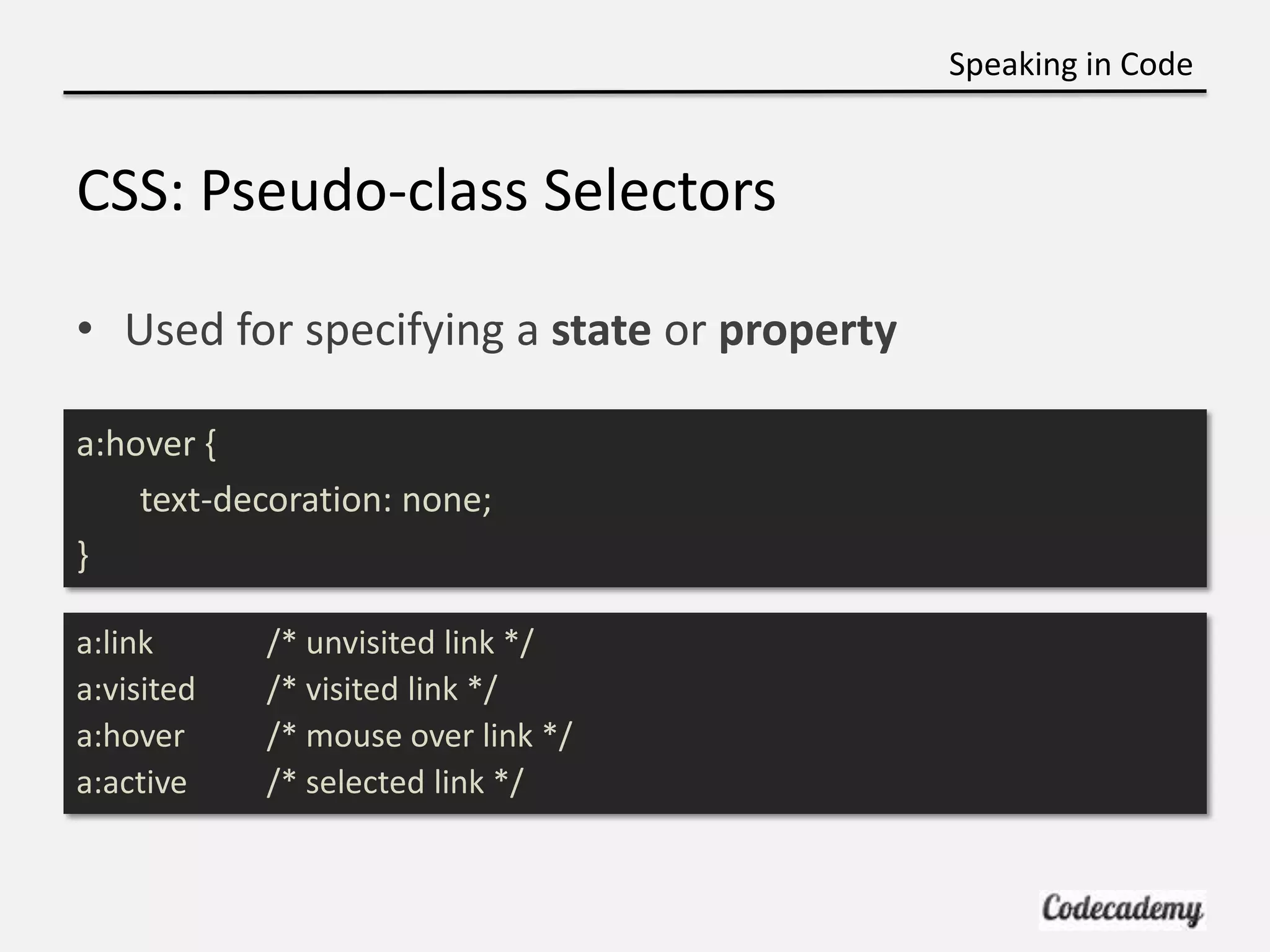
Speaking in Code CSS: Pseudo-class Selectors • Used for specifying a state or property a:hover { text-decoration: none; } a:link /* unvisited link */ a:visited /* visited link */ a:hover /* mouse over link */ a:active /* selected link */
Speaking in Code DUN DUN DUN… Intro to Programming • Up to now we learned HTML / CSS • Great for describing and styling your content • Programming is more a way of thinking
Speaking in Code Why Learn Programming?
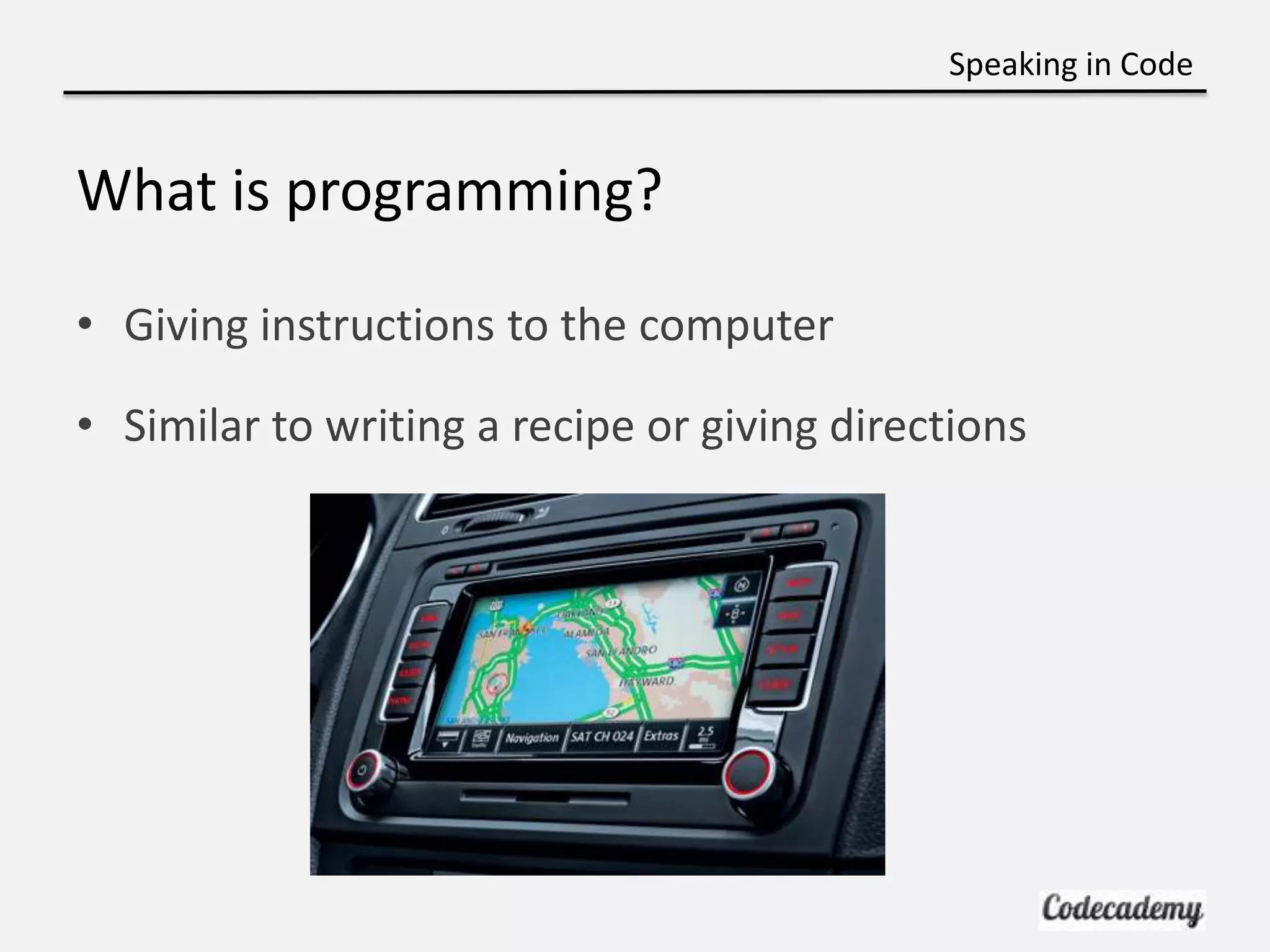
Speaking in Code What is programming? • Giving instructions to the computer • Similar to writing a recipe or giving directions
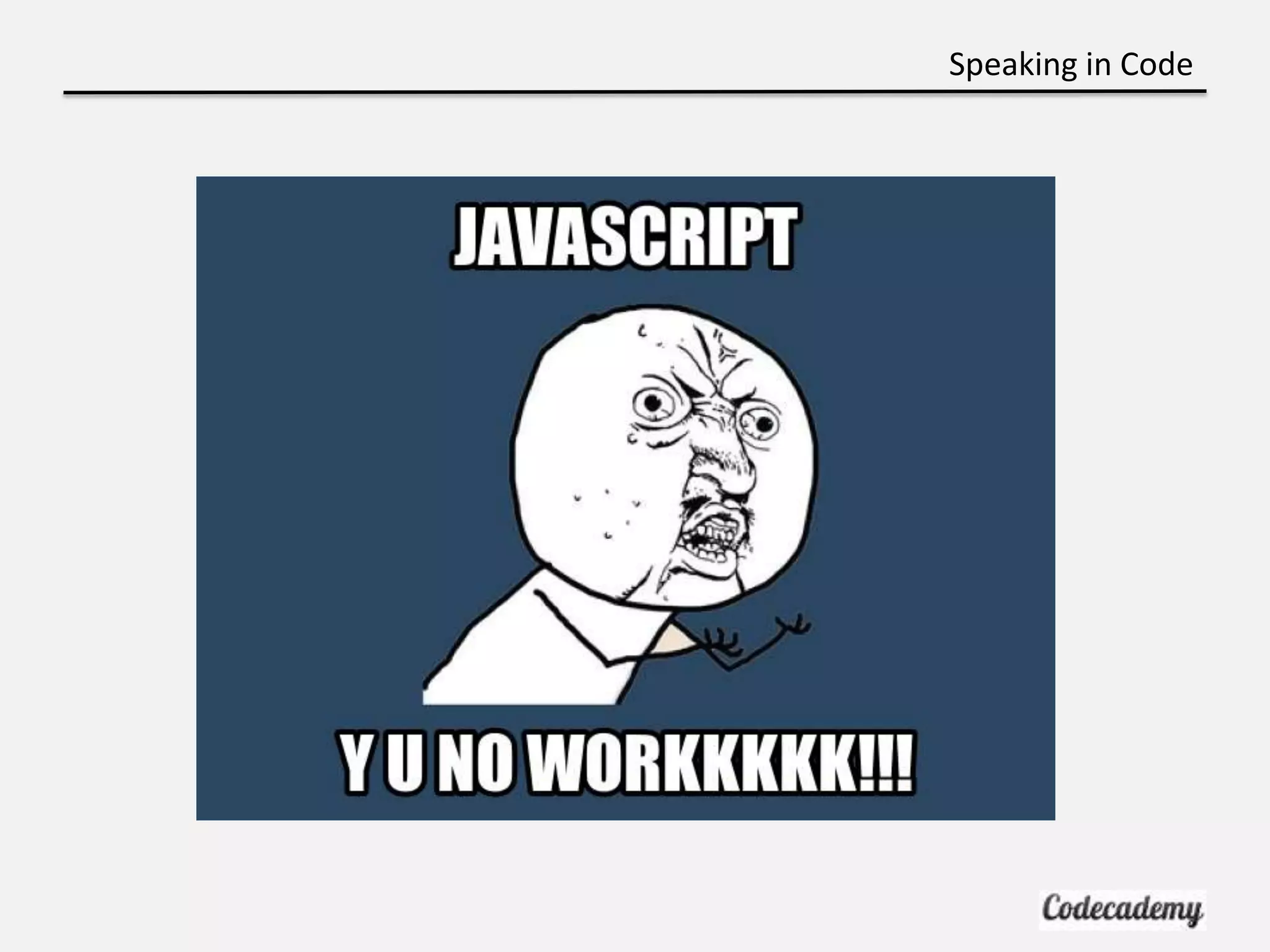
Speaking in Code JavaScript Pros: • Adds functionality and interactivity to website • Make your site more dynamic: – ie) what happens on a click? Cons: • A lot of syntax • Not as easy to learn as Ruby or Python
Speaking in Code
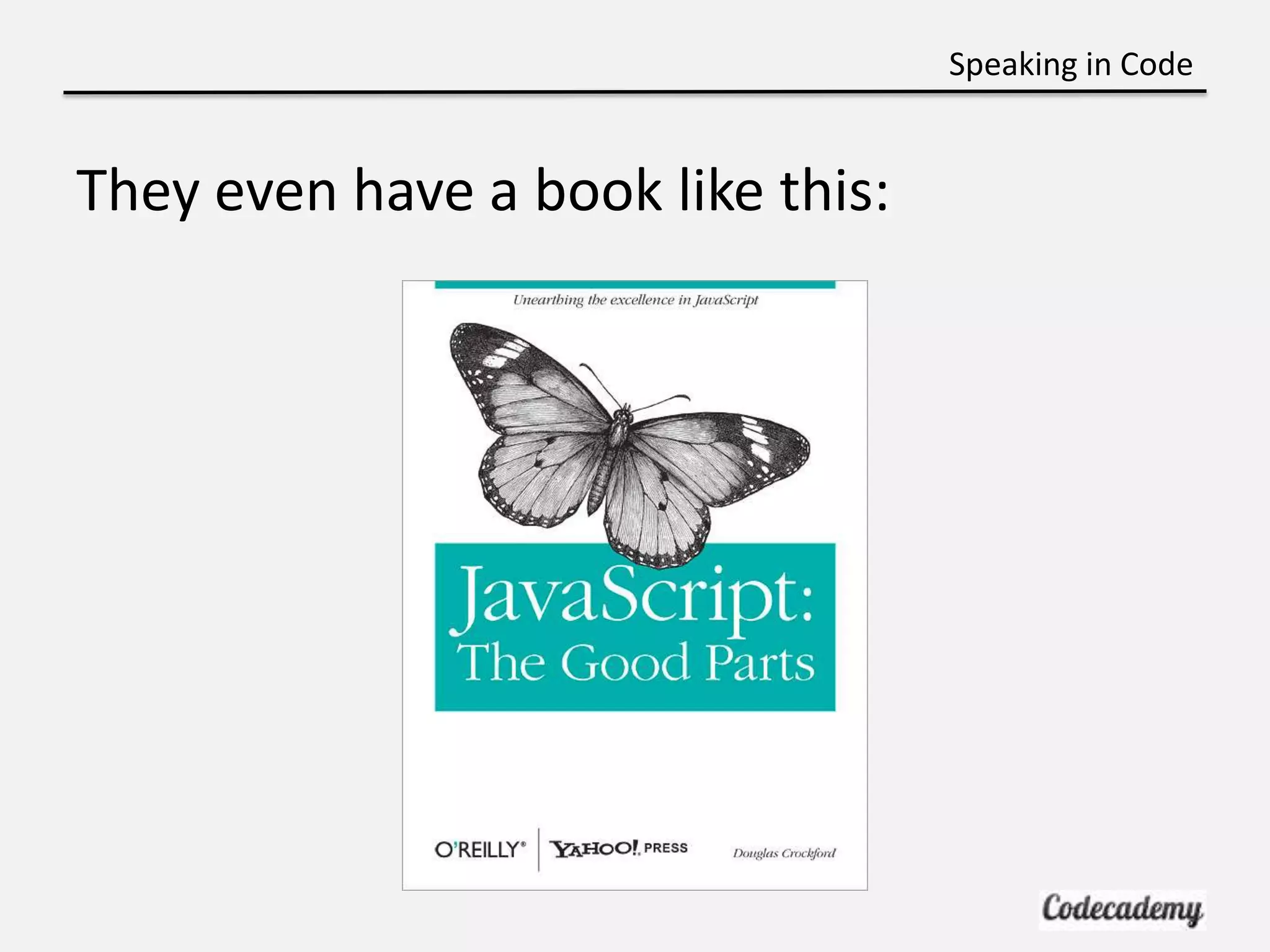
Speaking in Code They even have a book like this:
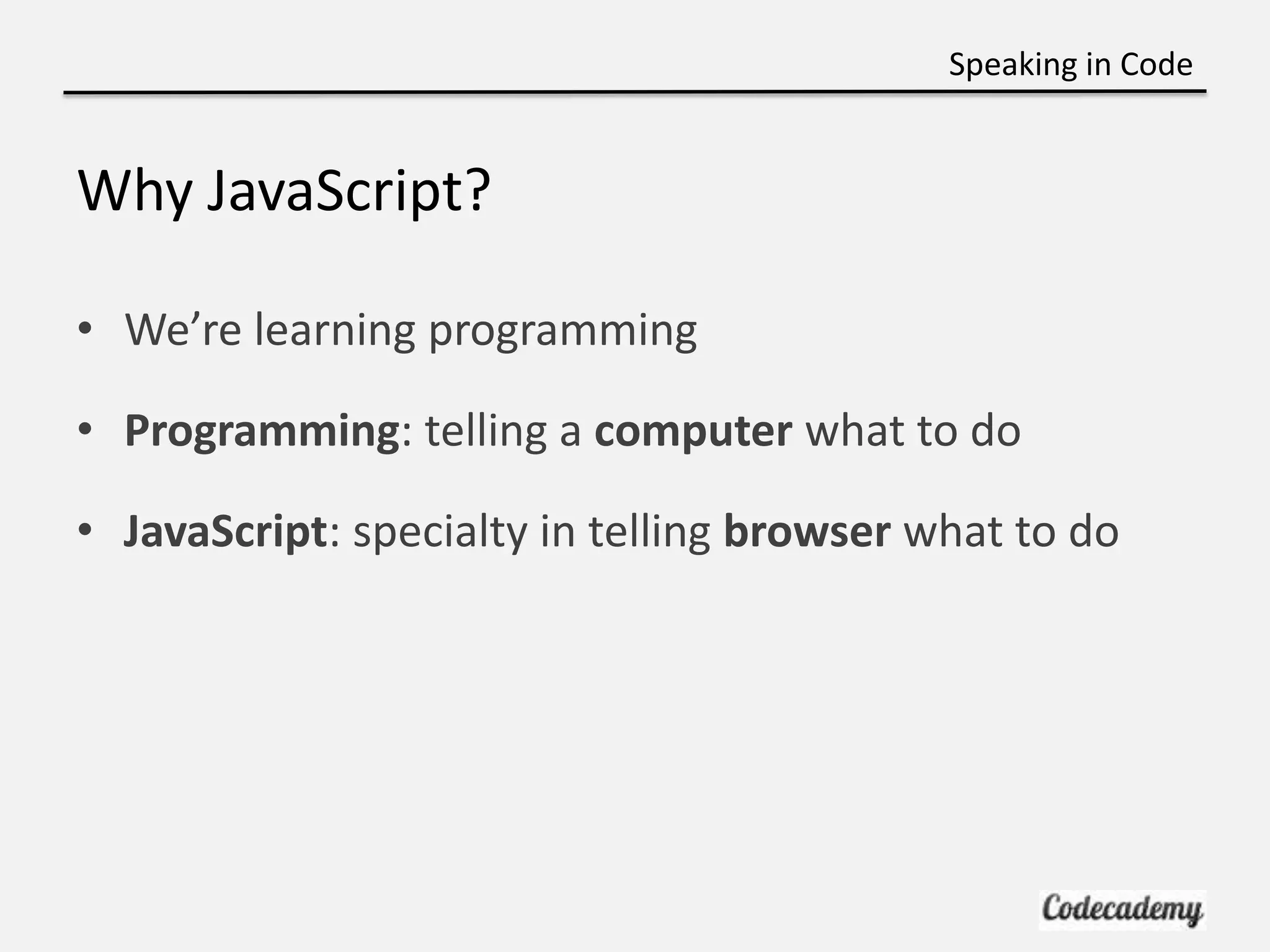
Speaking in Code Why JavaScript? • We’re learning programming • Programming: telling a computer what to do • JavaScript: specialty in telling browser what to do
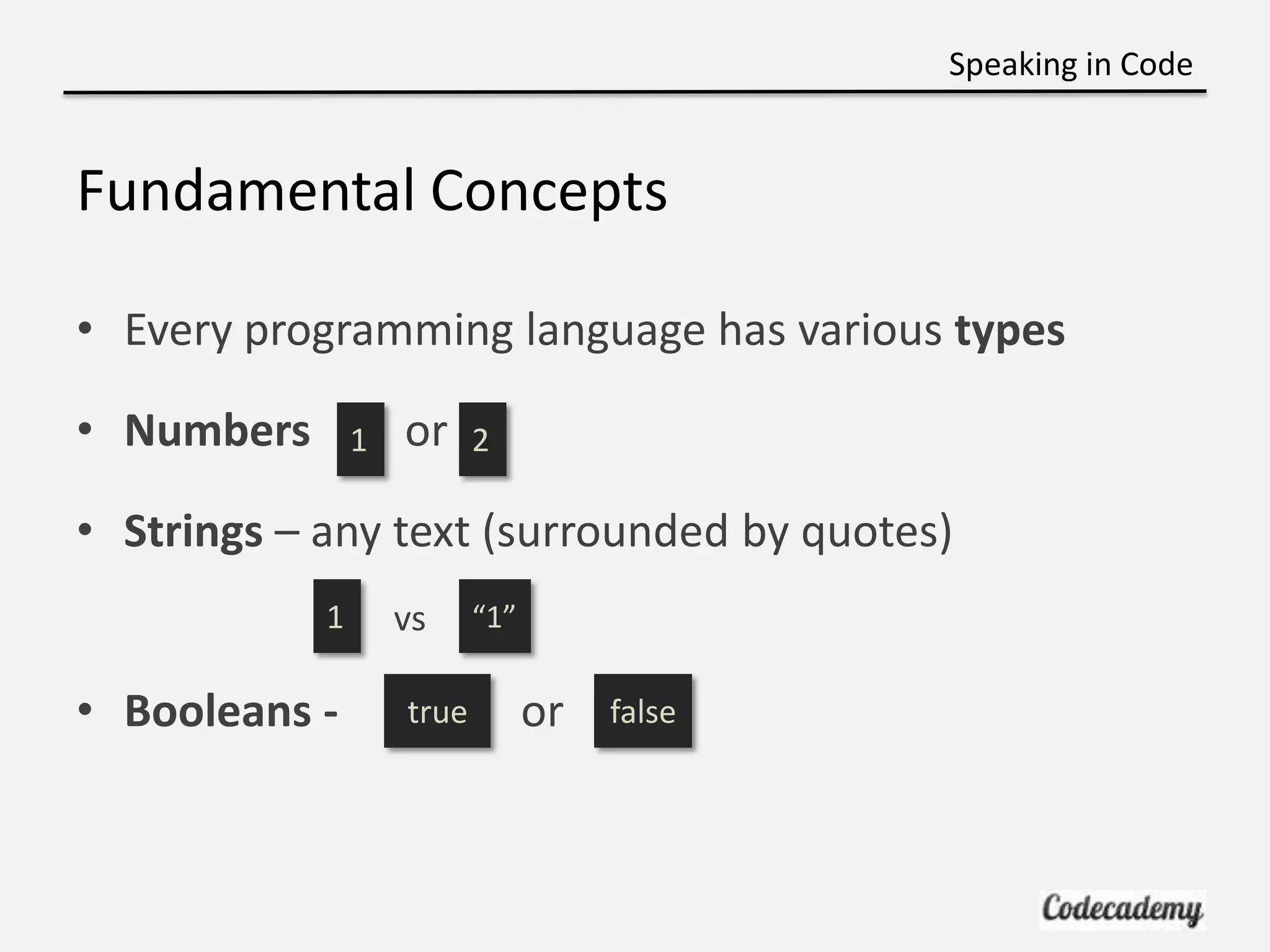
Speaking in Code Fundamental Concepts • Every programming language has various types • Numbers 1 or 2 • Strings – any text (surrounded by quotes) 1 vs “1” • Booleans - true or false
Speaking in Code Let’s Nerd Out! http://bit.ly/nyujs-1
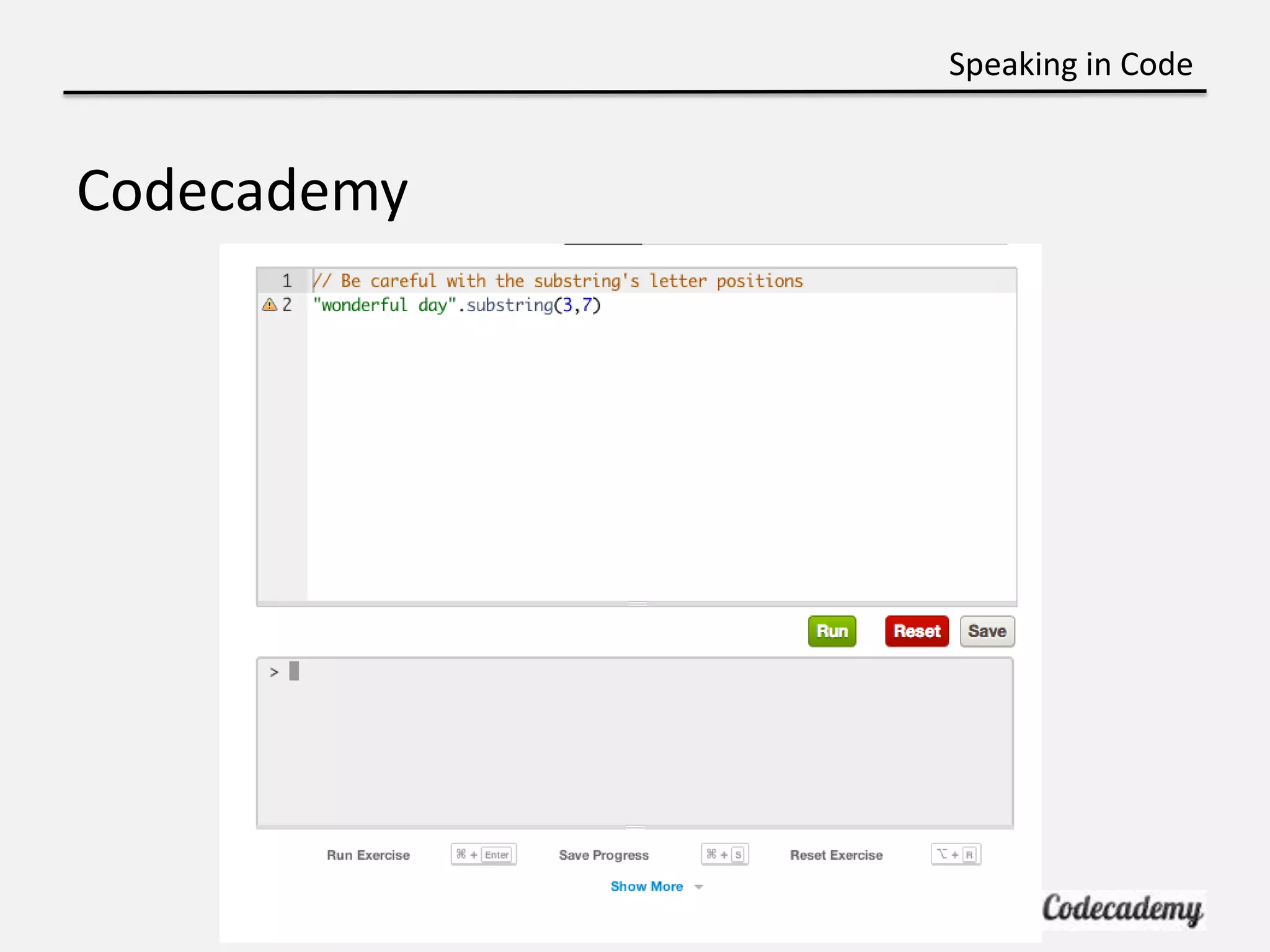
Speaking in Code Codecademy
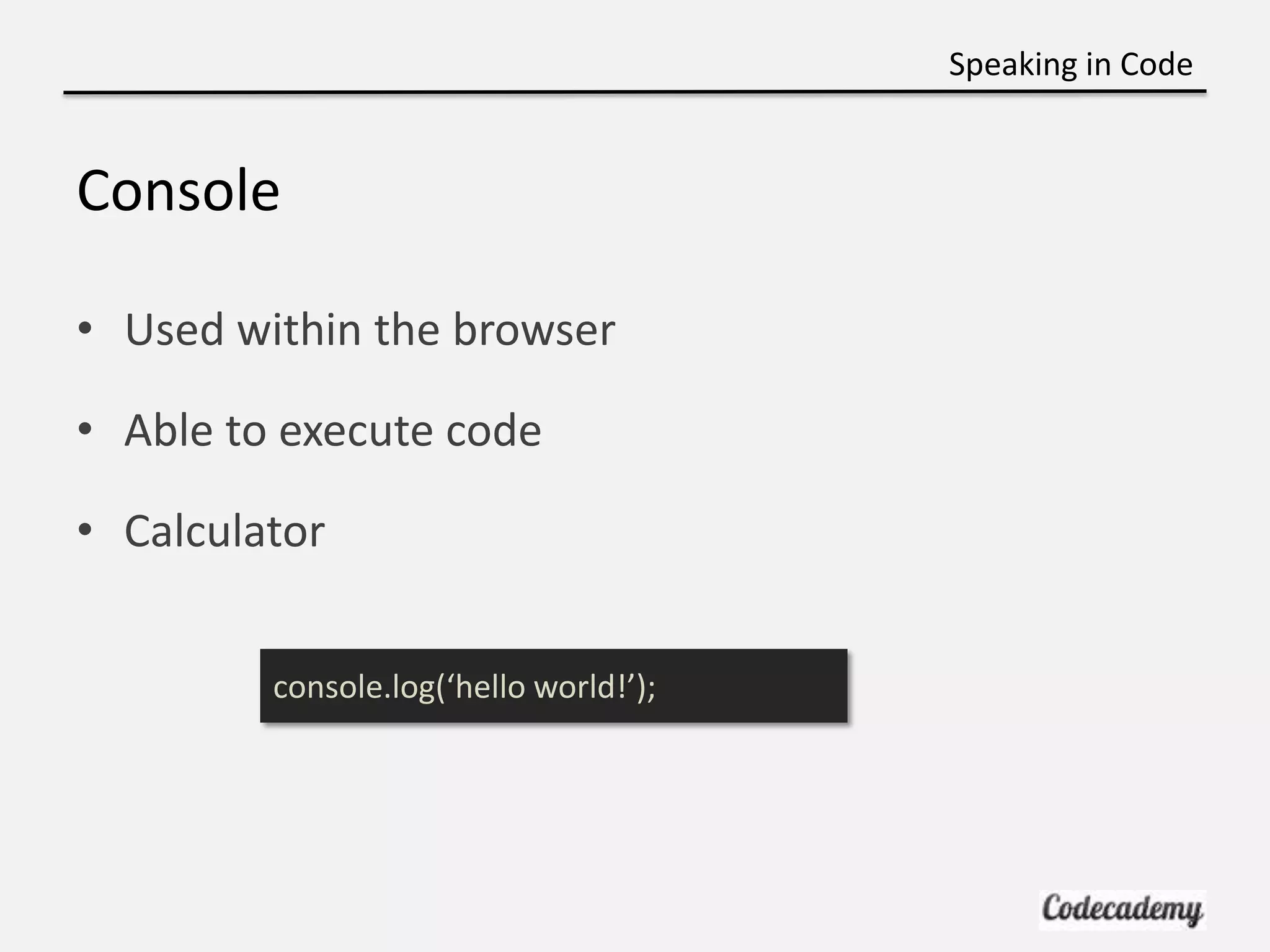
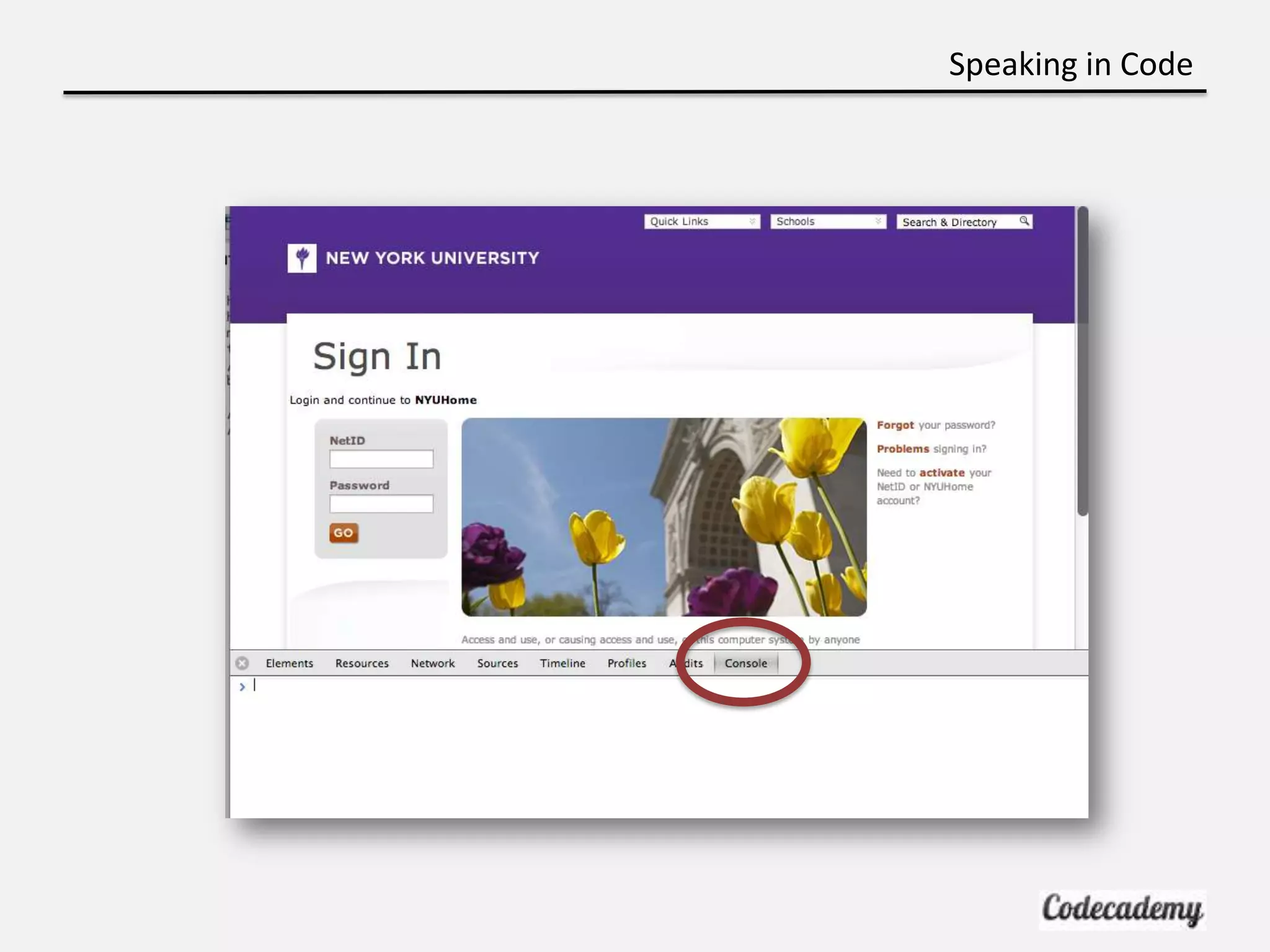
Speaking in Code Console • Used within the browser • Able to execute code • Calculator console.log(‘hello world!’);
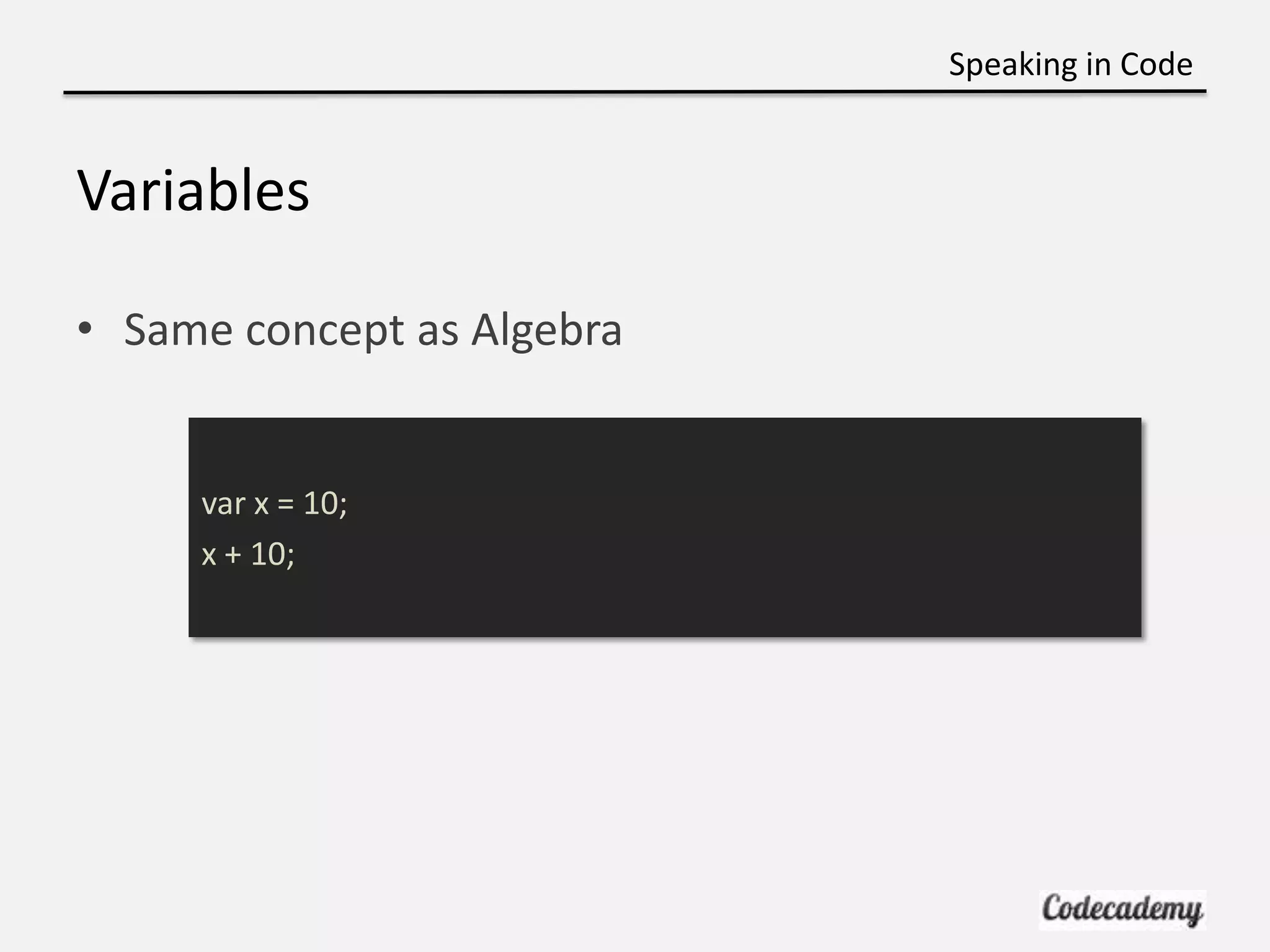
Speaking in Code Variables • Same concept as Algebra var x = 10; x + 10;
Speaking in Code
Speaking in Code Sync-Up! • Can try out JavaScript at – http://jsbin.com – Make sure to select JavaScript and Console

Week 4 css recap and js

  • 1.
    Speaking in Code CSSRecap and Intro to JavaScript Professor Liel Leibovitz Brian Lee Carolynn Vu (TA)
  • 2.
    Speaking in Code Recap:Linking CSS • Stored in a separate file • Content vs Style • Located inside <head> <link type="text/css" rel="stylesheet" href="stylesheet.css"/>
  • 3.
    Speaking in Code WhySeparate? <p style=‘color:red’/></p> <p style=‘color:red’/></p> <p style=‘color:red’/></p> <p style=‘color:red’/></p> p{ color: red; }
  • 4.
    Speaking in Code Recap:CSS – Syntax h1 { color: blue; font-size: 12px; }
  • 5.
    Speaking in Code Recap:CSS – Selectors • Selectors are elements in HTML <head> <title>Result</title> </head> <body> <p>Check it out! I'm purple!</p> </body>
  • 6.
    Speaking in Code Recap:Classes • Classes can be used more than once • Each tag can have multiple classes separated by space <p class=‘short cursive’>ohh I’m squiggly</p> <p class=‘red cursive’>Just another paragraph...</p> .cursive { font-family: cursive; } .red { background-color: red; }
  • 7.
    Speaking in Code Recap:ID • ID’s can only be used once • Each tag can only have 1 ID <p id=‘cursive’>ohh I’m squiggly</p> <p id=‘red’>Just another paragraph...</p> #cursive { font-family: cursive; } #red { background-color: red; }
  • 8.
    Speaking in Code Recap:CSS – Selectors with Classes/IDs • Be as specific as you want with selectors <p class=‘purple’>I’m different, yeah I’m different</p> <p>Just another paragraph...</p> p{ color: white; } p.purple { color: purple; }
  • 9.
    Speaking in Code CSS:Effective Use • Apply to all span tags span { font-family: Calibri; } • Apply to all paragraphs contained within a <p> p span { font-family: Avenir; }
  • 10.
    Speaking in Code CSS:Universal Selector • Apply globally *{ background-color: #eee9e9; }
  • 11.
    Speaking in Code CSS:Pseudo-class Selectors • Used for specifying a state or property a:hover { text-decoration: none; } a:link /* unvisited link */ a:visited /* visited link */ a:hover /* mouse over link */ a:active /* selected link */
  • 12.
    Speaking in Code DUNDUN DUN… Intro to Programming • Up to now we learned HTML / CSS • Great for describing and styling your content • Programming is more a way of thinking
  • 13.
    Speaking in Code WhyLearn Programming?
  • 14.
    Speaking in Code Whatis programming? • Giving instructions to the computer • Similar to writing a recipe or giving directions
  • 15.
    Speaking in Code JavaScript Pros: •Adds functionality and interactivity to website • Make your site more dynamic: – ie) what happens on a click? Cons: • A lot of syntax • Not as easy to learn as Ruby or Python
  • 16.
  • 17.
    Speaking in Code Theyeven have a book like this:
  • 18.
    Speaking in Code WhyJavaScript? • We’re learning programming • Programming: telling a computer what to do • JavaScript: specialty in telling browser what to do
  • 19.
    Speaking in Code FundamentalConcepts • Every programming language has various types • Numbers 1 or 2 • Strings – any text (surrounded by quotes) 1 vs “1” • Booleans - true or false
  • 20.
    Speaking in Code Let’sNerd Out! http://bit.ly/nyujs-1
  • 21.
  • 22.
    Speaking in Code Console •Used within the browser • Able to execute code • Calculator console.log(‘hello world!’);
  • 23.
    Speaking in Code Variables •Same concept as Algebra var x = 10; x + 10;
  • 24.
  • 25.
    Speaking in Code Sync-Up! •Can try out JavaScript at – http://jsbin.com – Make sure to select JavaScript and Console

Editor's Notes

  • #4 To make your life easier
  • #10 Which overrides?
  • #14 Here’s what people smarter than me think. Stop at 2:20 mark
  • #15 Example, if some condition then this else that
  • #16 Example, refreshing pages. Javascript is just one language to learn programming
  • #17 Don’t worry it’s not as difficult
  • #18 They even have a book that separates out the good parts of javascript (recommend this book)
  • #20 Not just for javascript
  • #24 Output?