e Build your own web page 
Let’s build it from scratch
Coding language
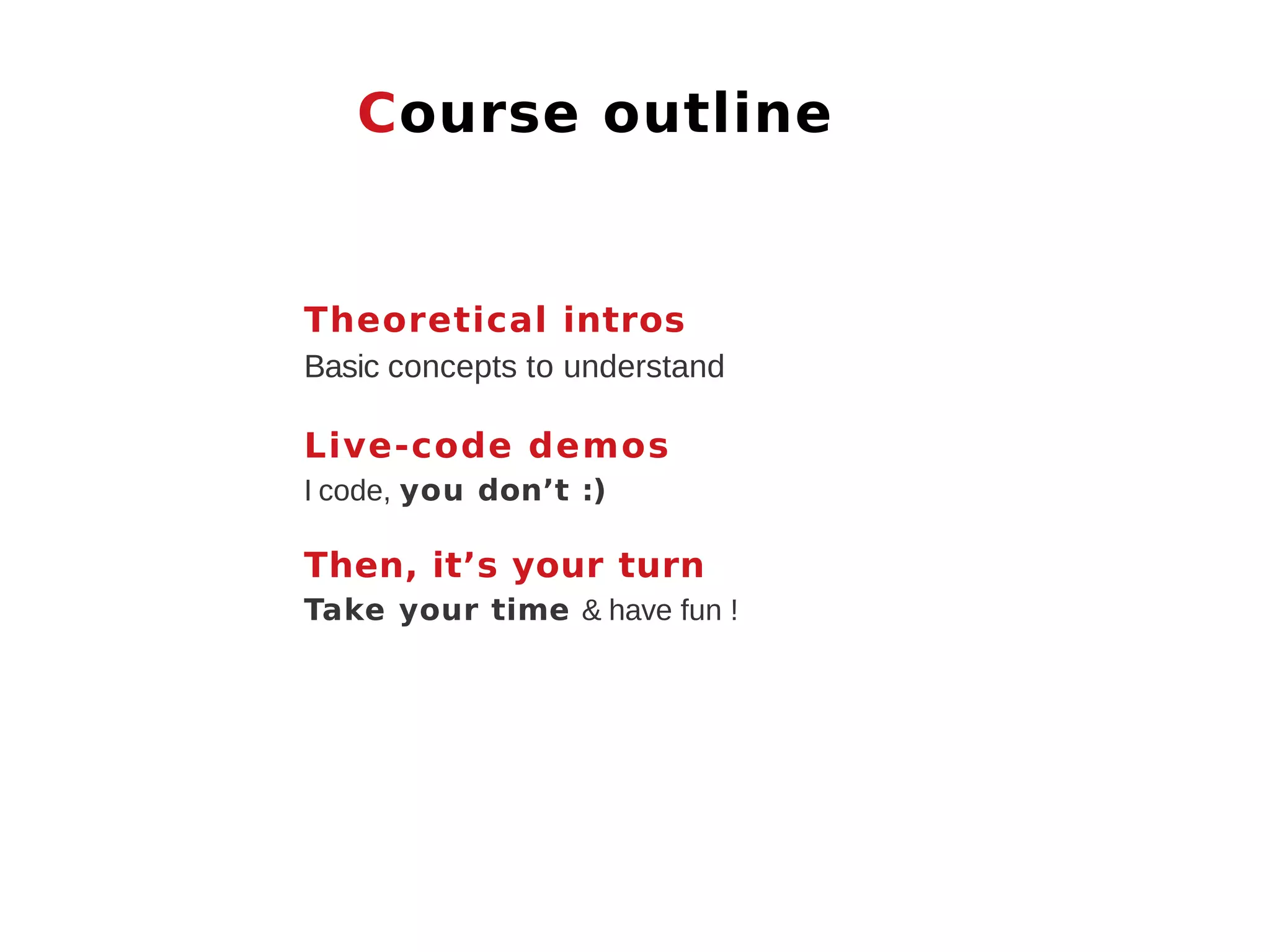
Course outline Theoretical intros Basic concepts to understand Live-code demos I code, you don’t :) Then, it’s your turn Take your time & have fun !
Setup
1.Okguys, let’s set up
Front-end languages
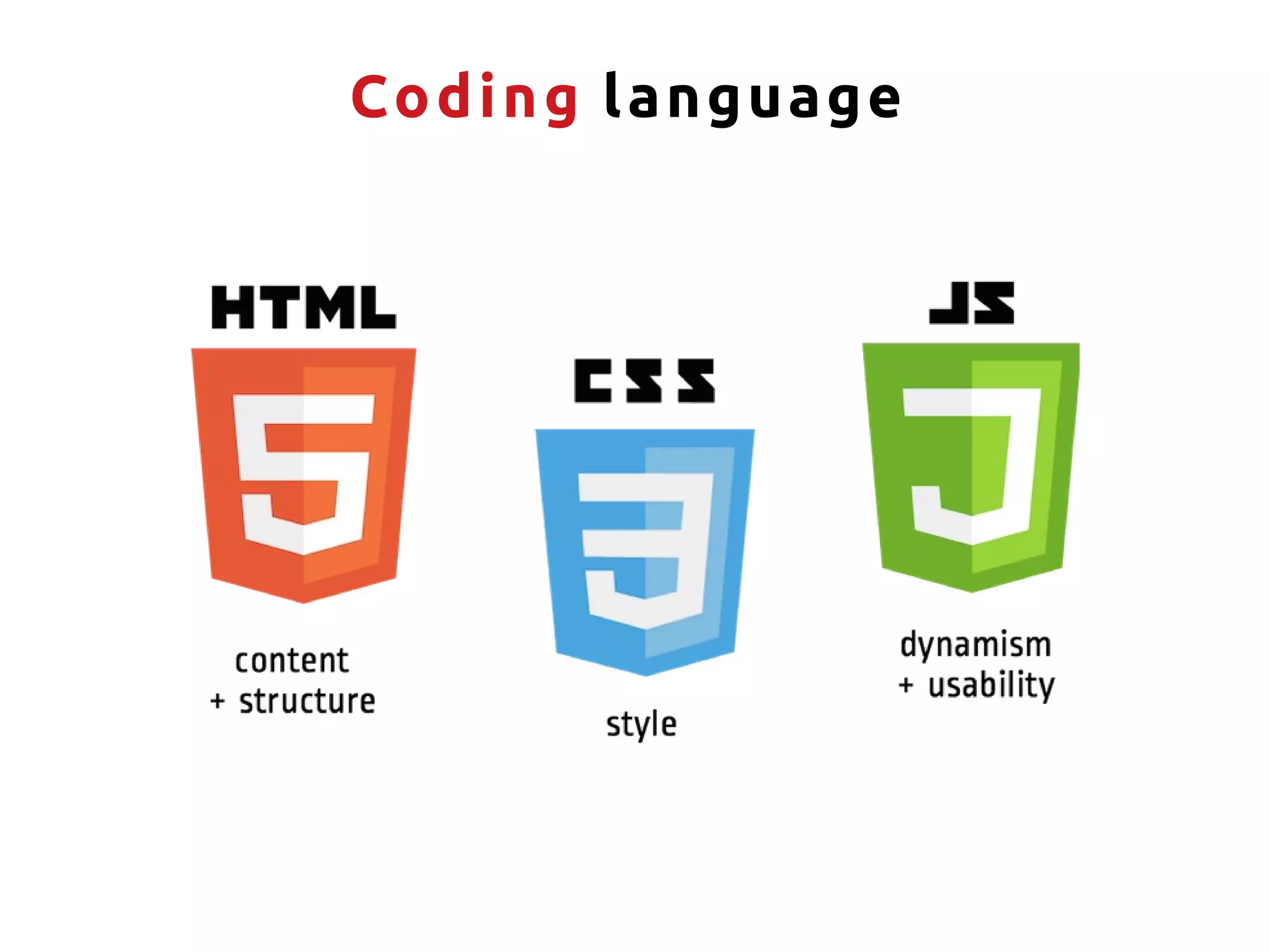
S tructure Structure your content
Design Design your content
A nimation Animate your content
H T ML Without structure, no design
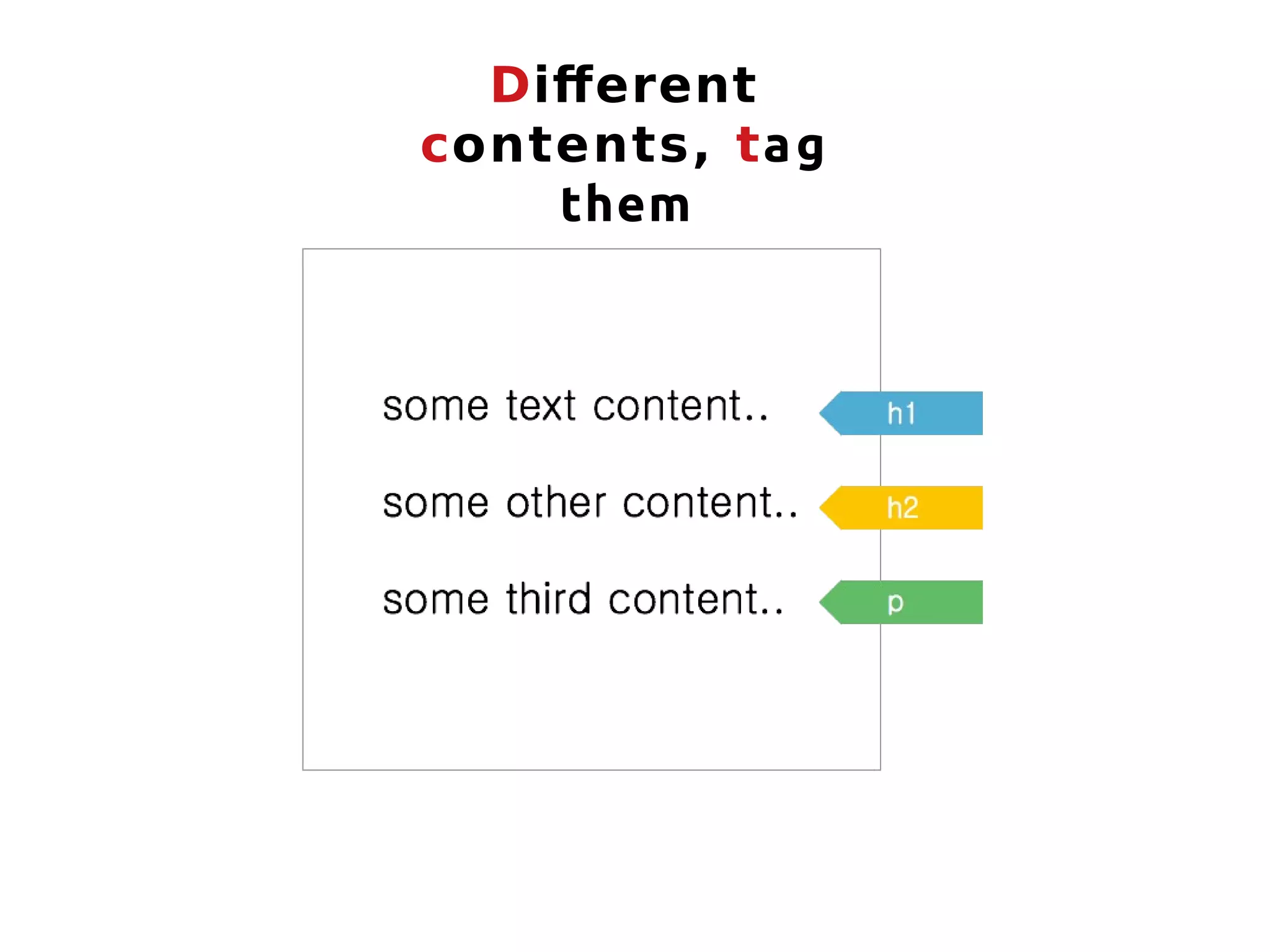
Different contents, tag them
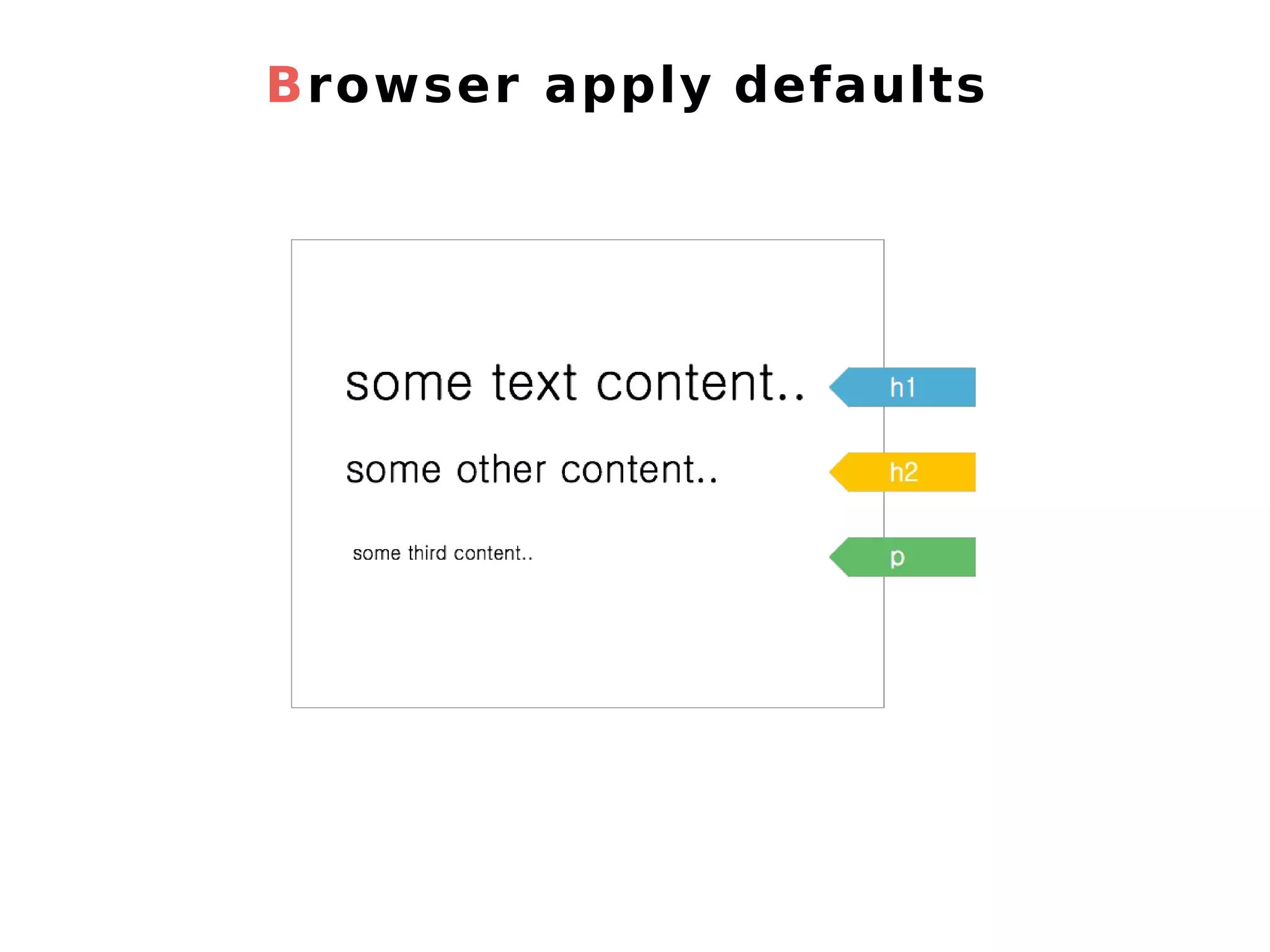
Browser apply defaults
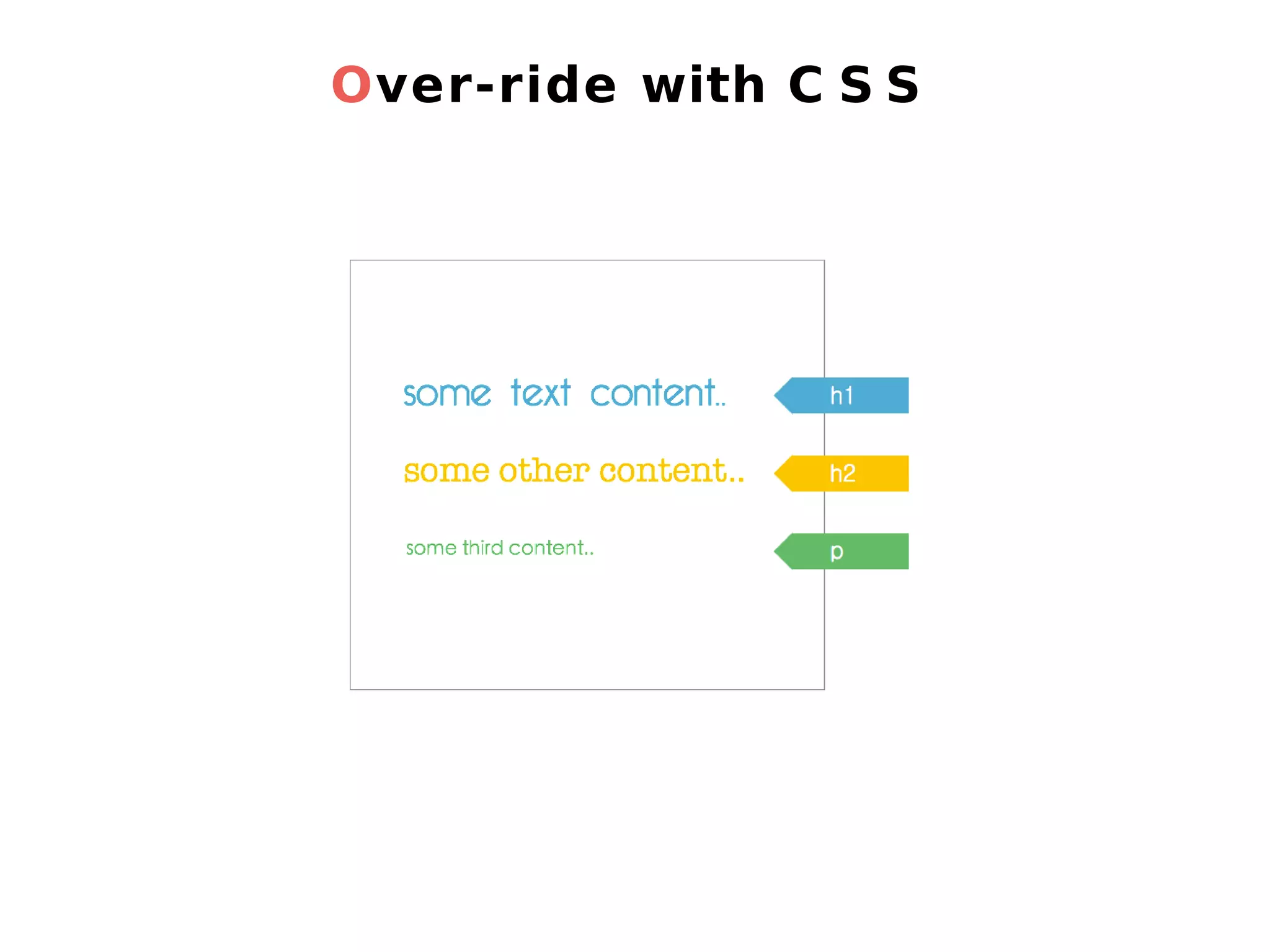
Over-ride with C S S
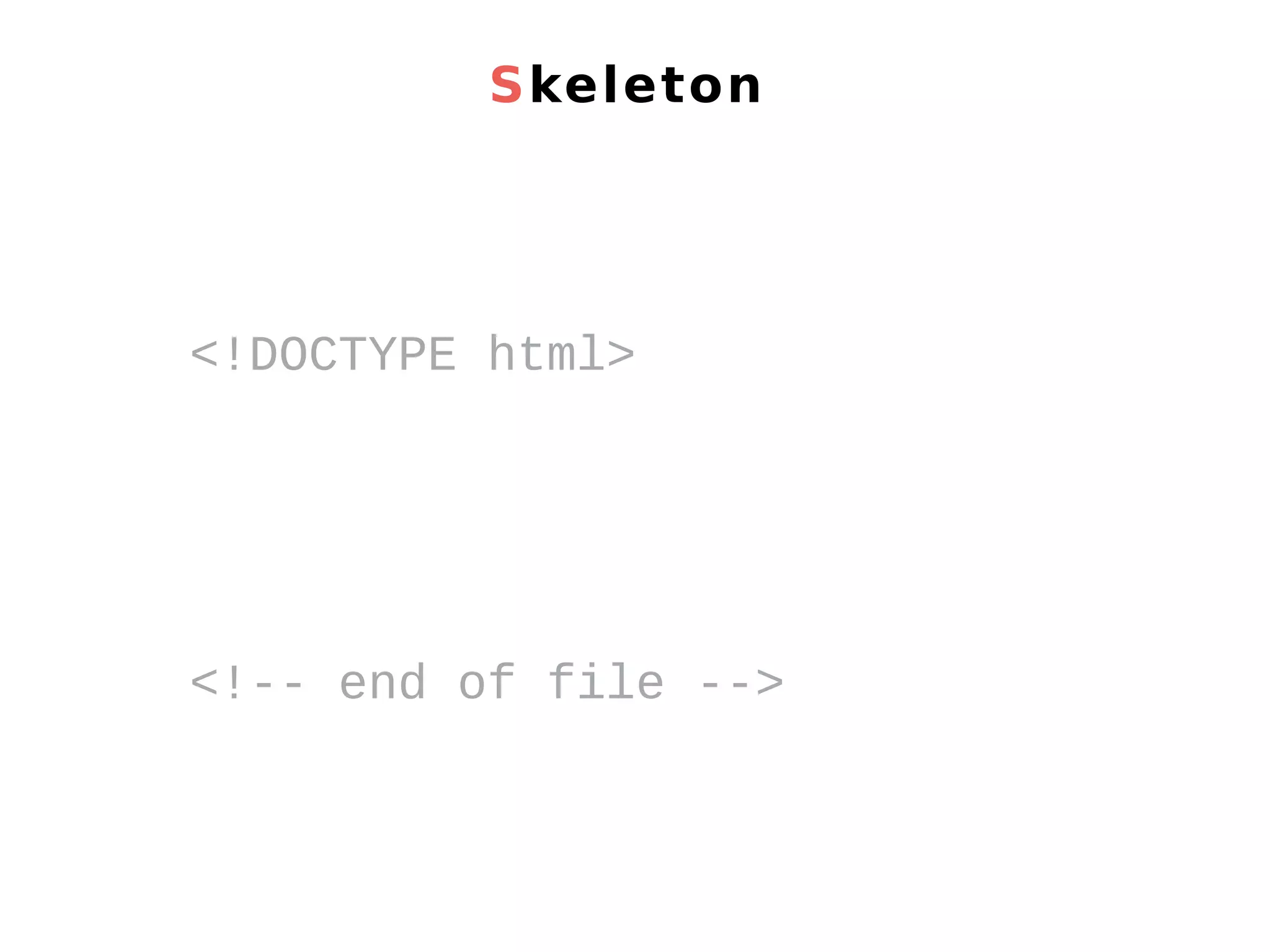
Skeleton <!DOCTYPE html> <!-- end of file -->
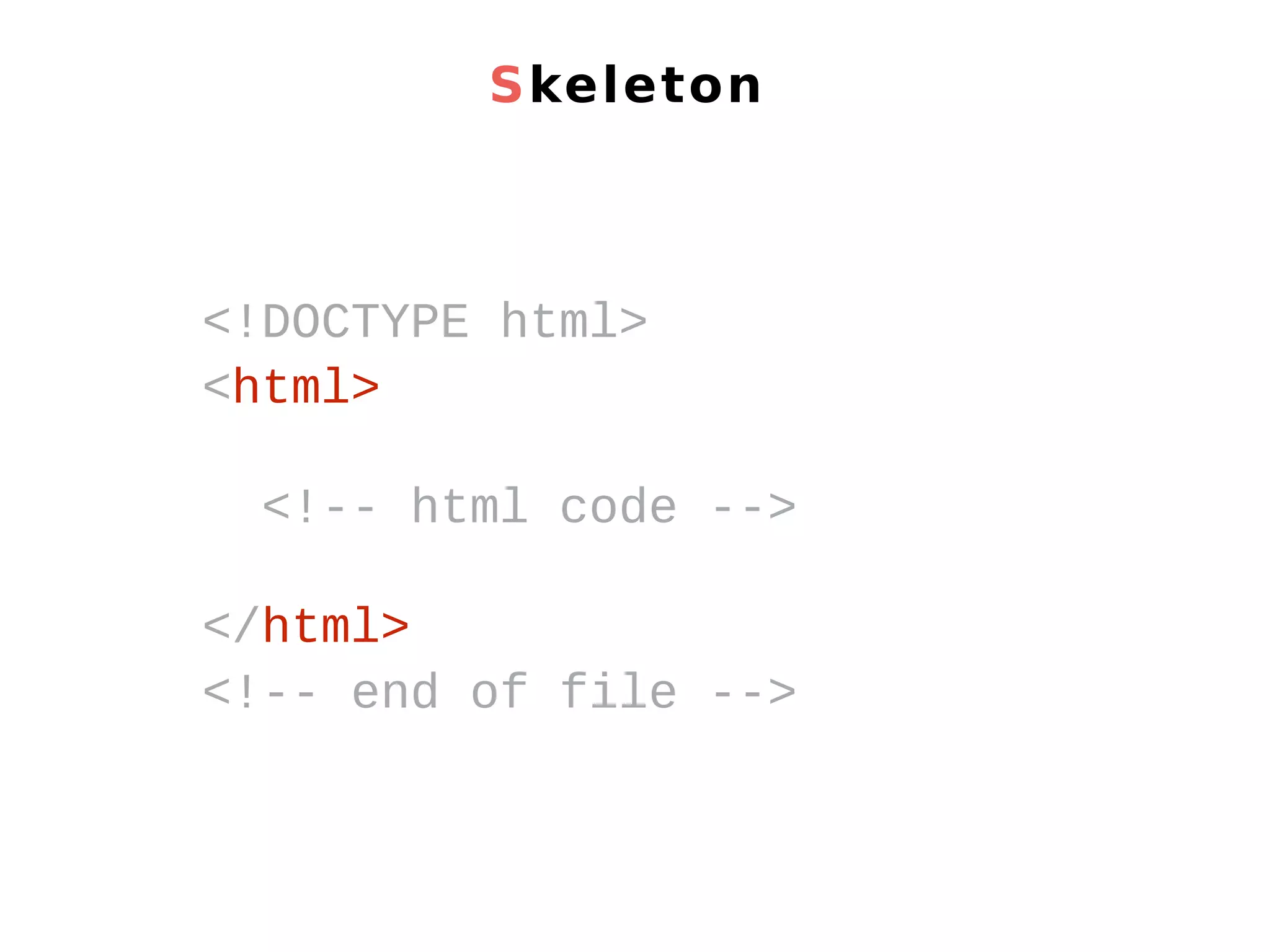
Skeleton <!DOCTYPE html> <html> <!-- html code --> </html> <!-- end of file -->
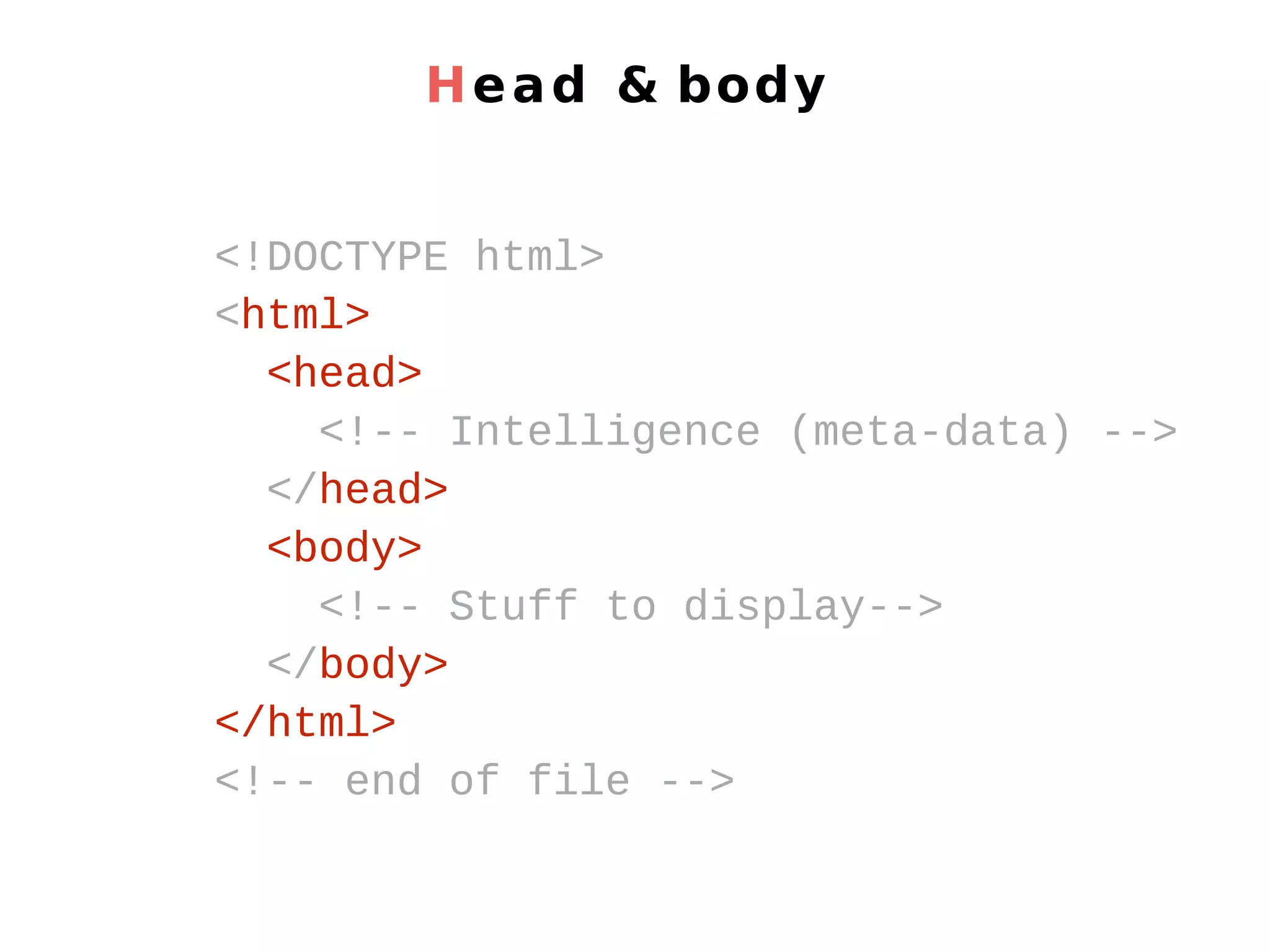
Head & body <!DOCTYPE html> <html> <head> <!-- Intelligence (meta-data) --> </head> <body> <!-- Stuff to display--> </body> </html> <!-- end of file -->
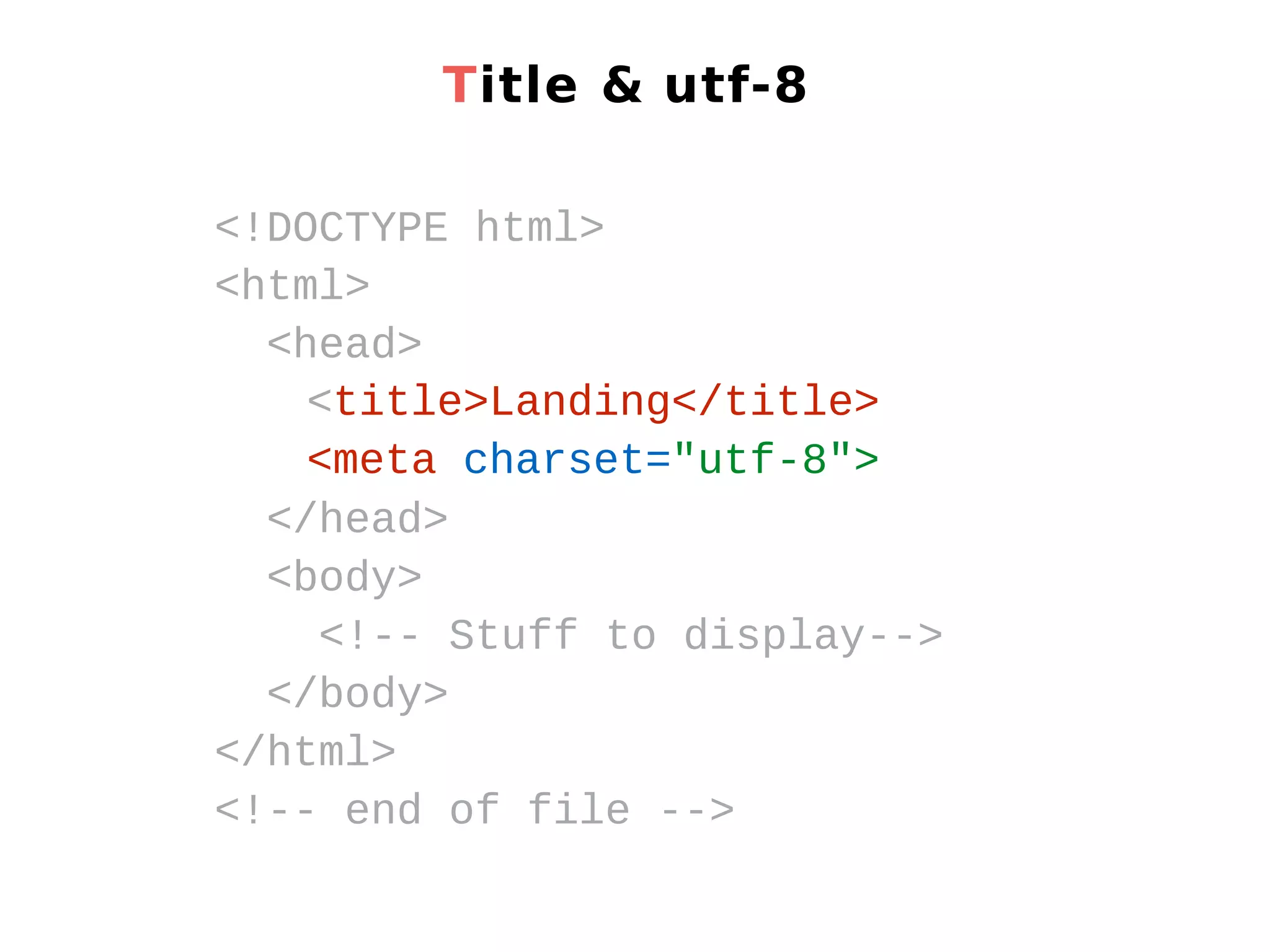
Title & utf-8 <!DOCTYPE html> <html> <head> <title>Landing</title> <meta charset="utf-8"> </head> <body> <!-- Stuff to display--> </body> </html> <!-- end of file -->
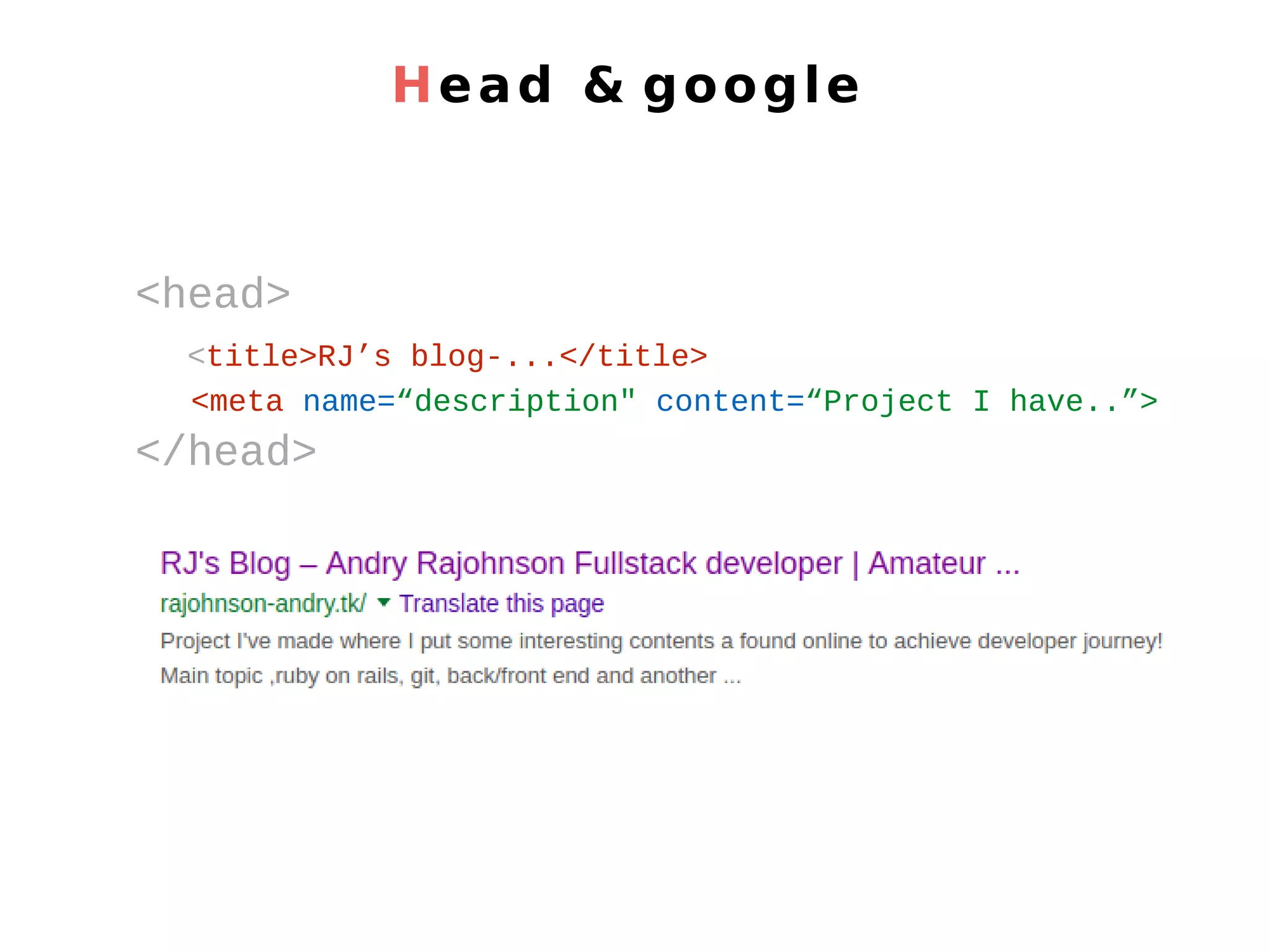
Head & google <head> <title>RJ’s blog-...</title> <meta name=“description" content=“Project I have..”> </head>
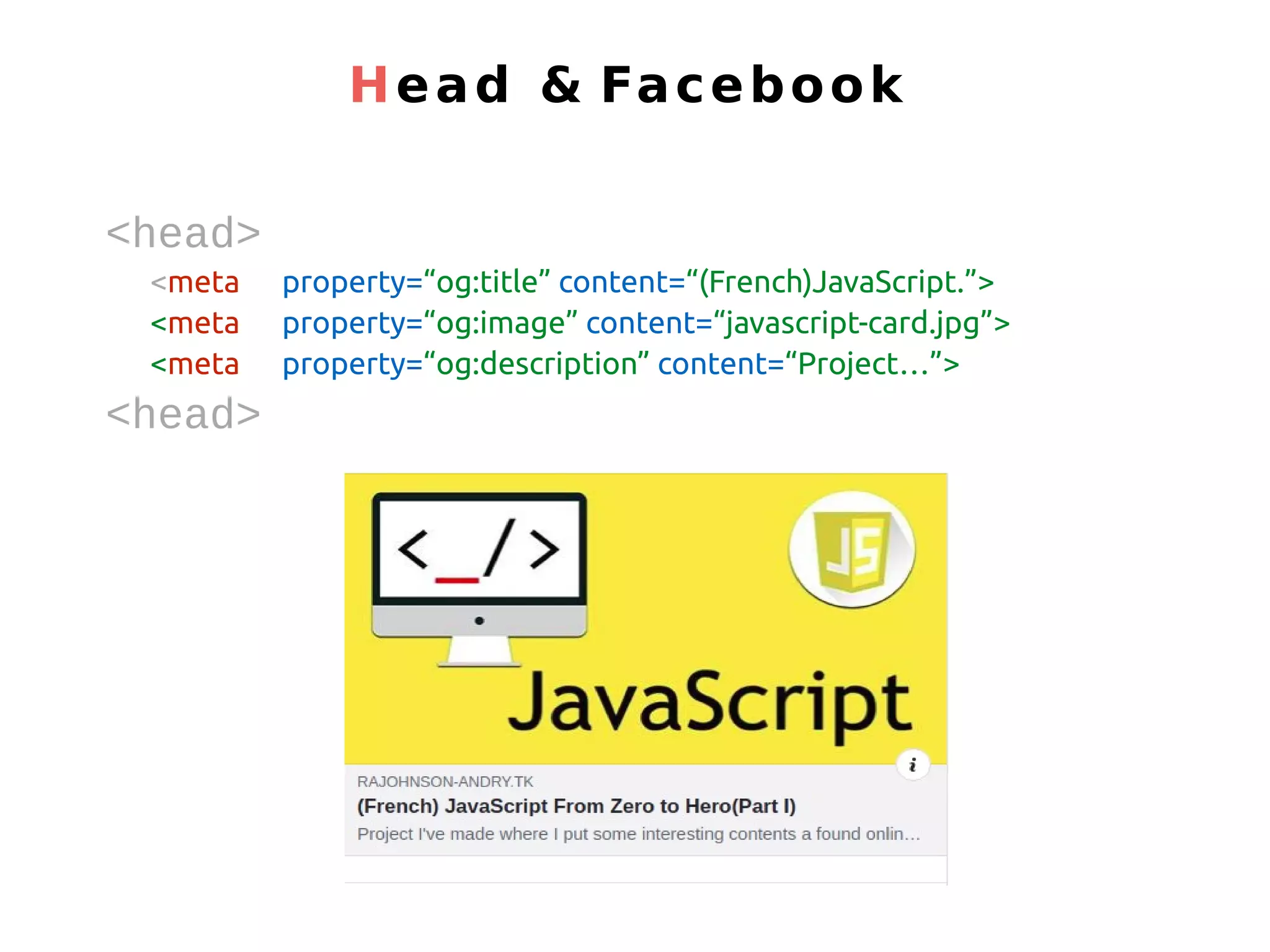
<head> <meta property=“og:title” content=“(French)JavaScript.”> <meta property=“og:image” content=“javascript-card.jpg”> <meta property=“og:description” content=“Project…”> <head> Head & Facebook
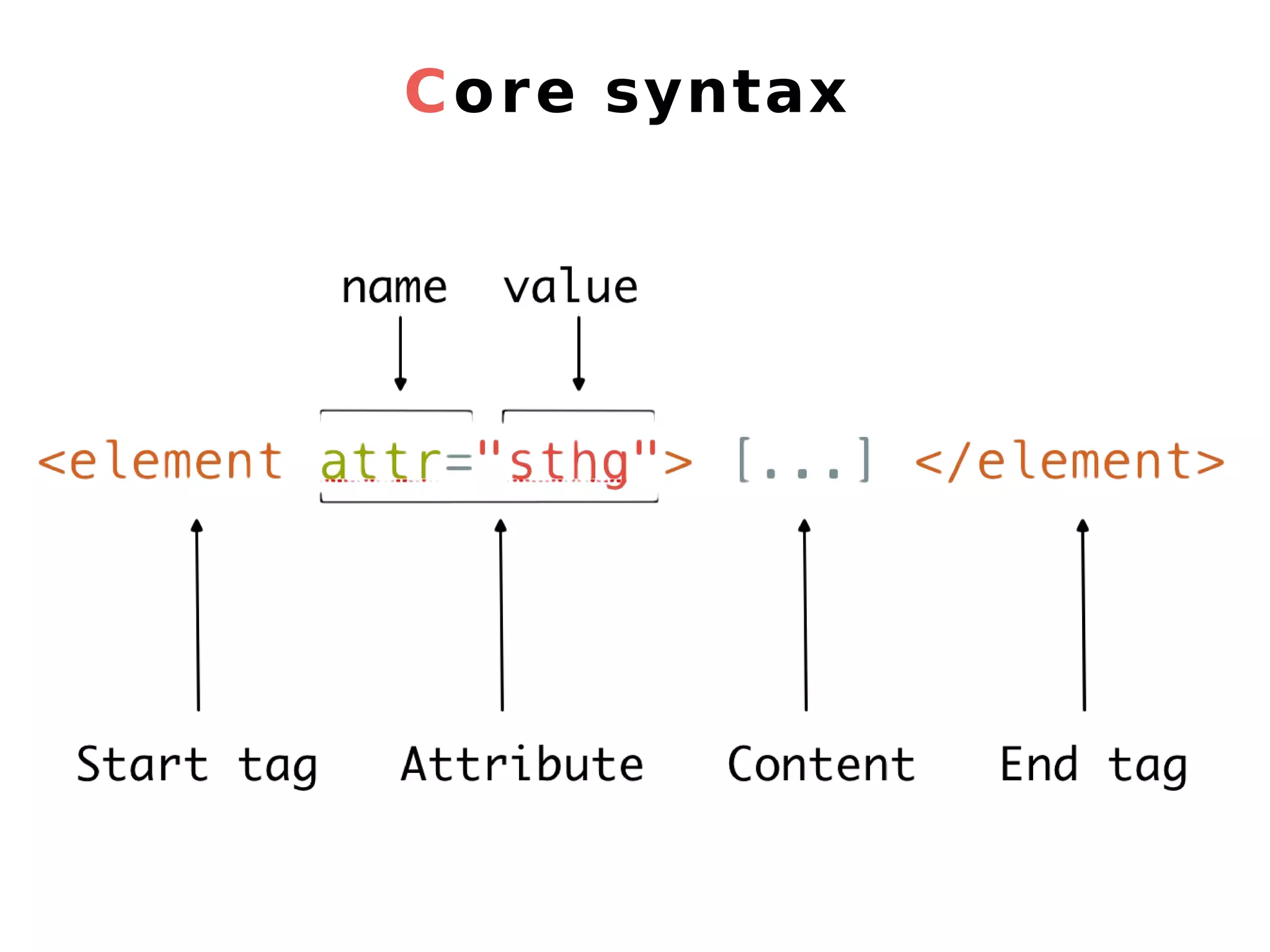
Core syntax
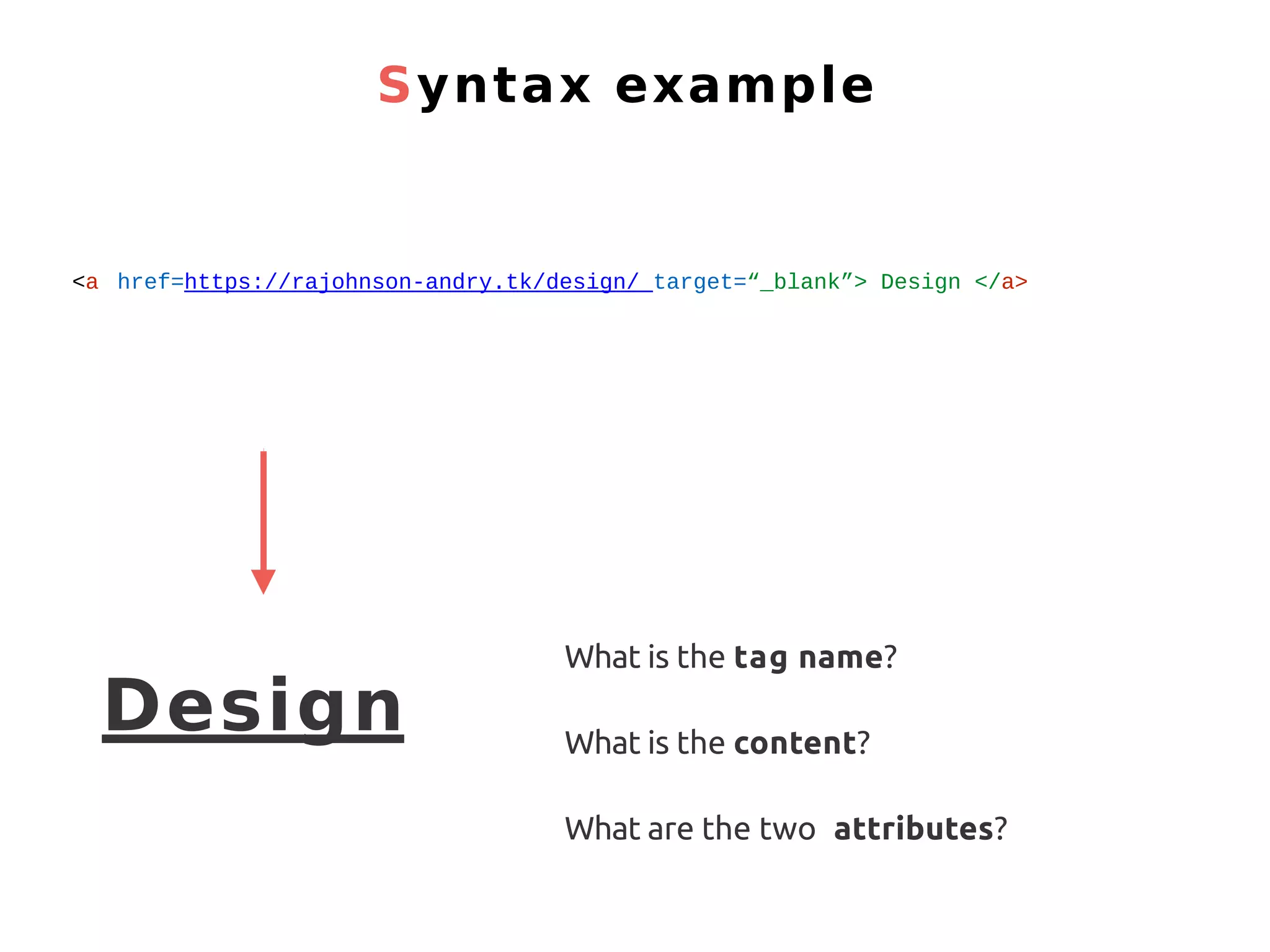
Syntax example <a href=https://rajohnson-andry.tk/design/ target=“_blank”> Design </a> Design What is the tag name? What is the content? What are the two attributes?
HTML - titles <h1>[...]</h1> <h2>[...]</h2> <h3>[...]</h3> <h4>[...]</h4> <h5>[...]</h5> <h6>[...]</h6>
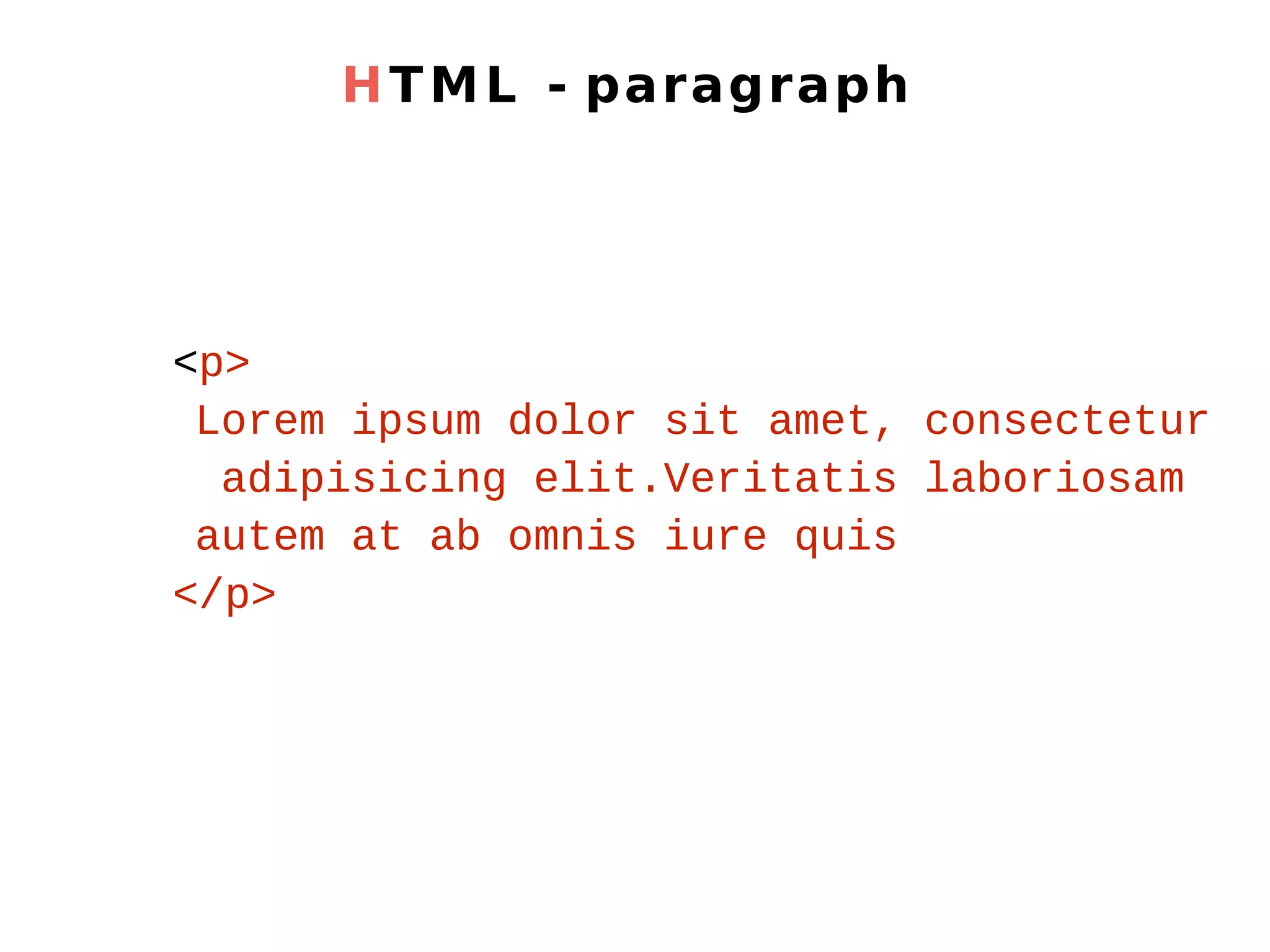
HTML - paragraph <p> Lorem ipsum dolor sit amet, consectetur adipisicing elit.Veritatis laboriosam autem at ab omnis iure quis </p>
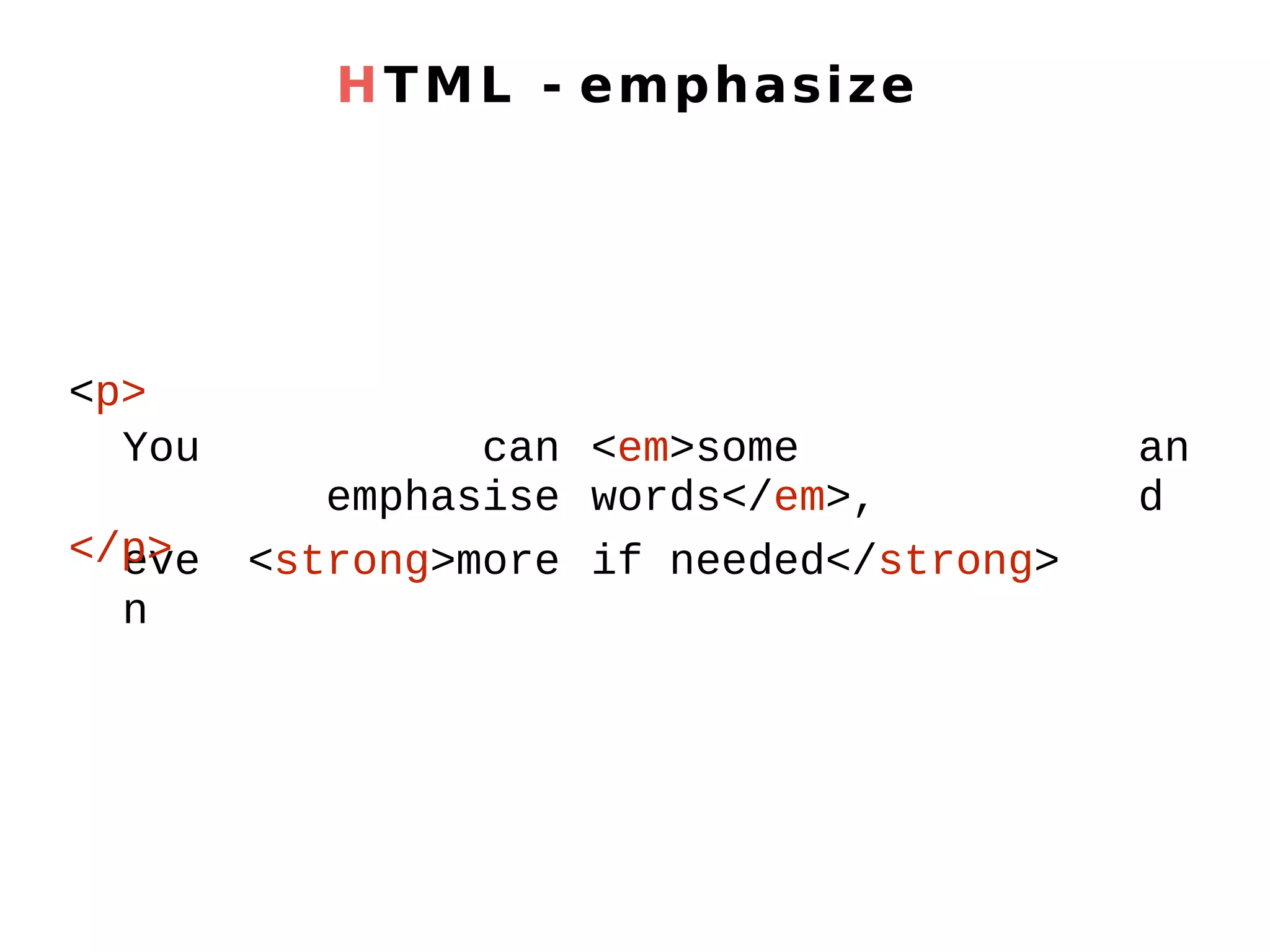
HTML - emphasize You can emphasise <em>some words</em>, an d eve n <strong>more if needed</strong> <p> </p>
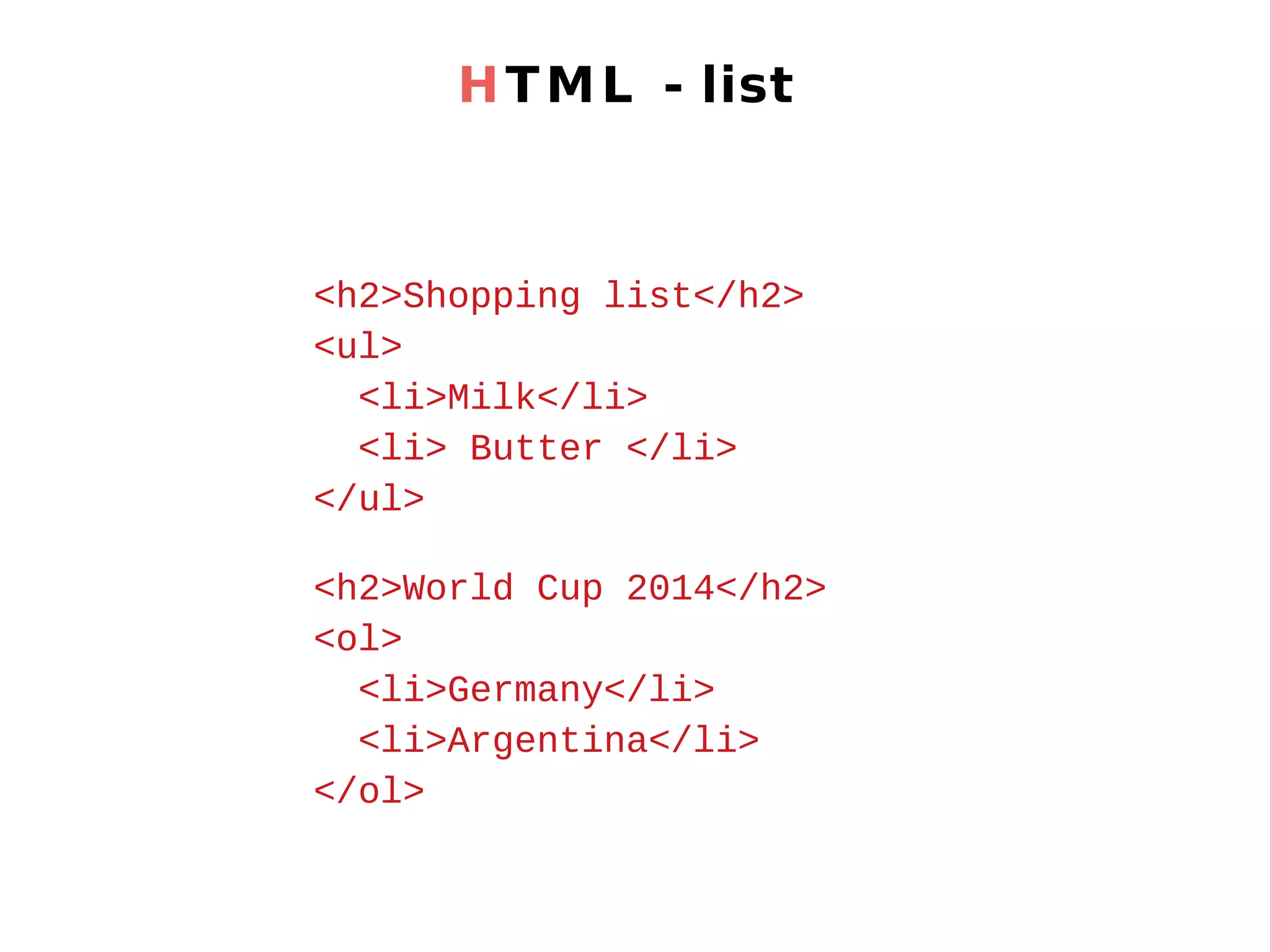
HTML - list <h2>Shopping list</h2> <ul> <li>Milk</li> <li> Butter </li> </ul> <h2>World Cup 2014</h2> <ol> <li>Germany</li> <li>Argentina</li> </ol>
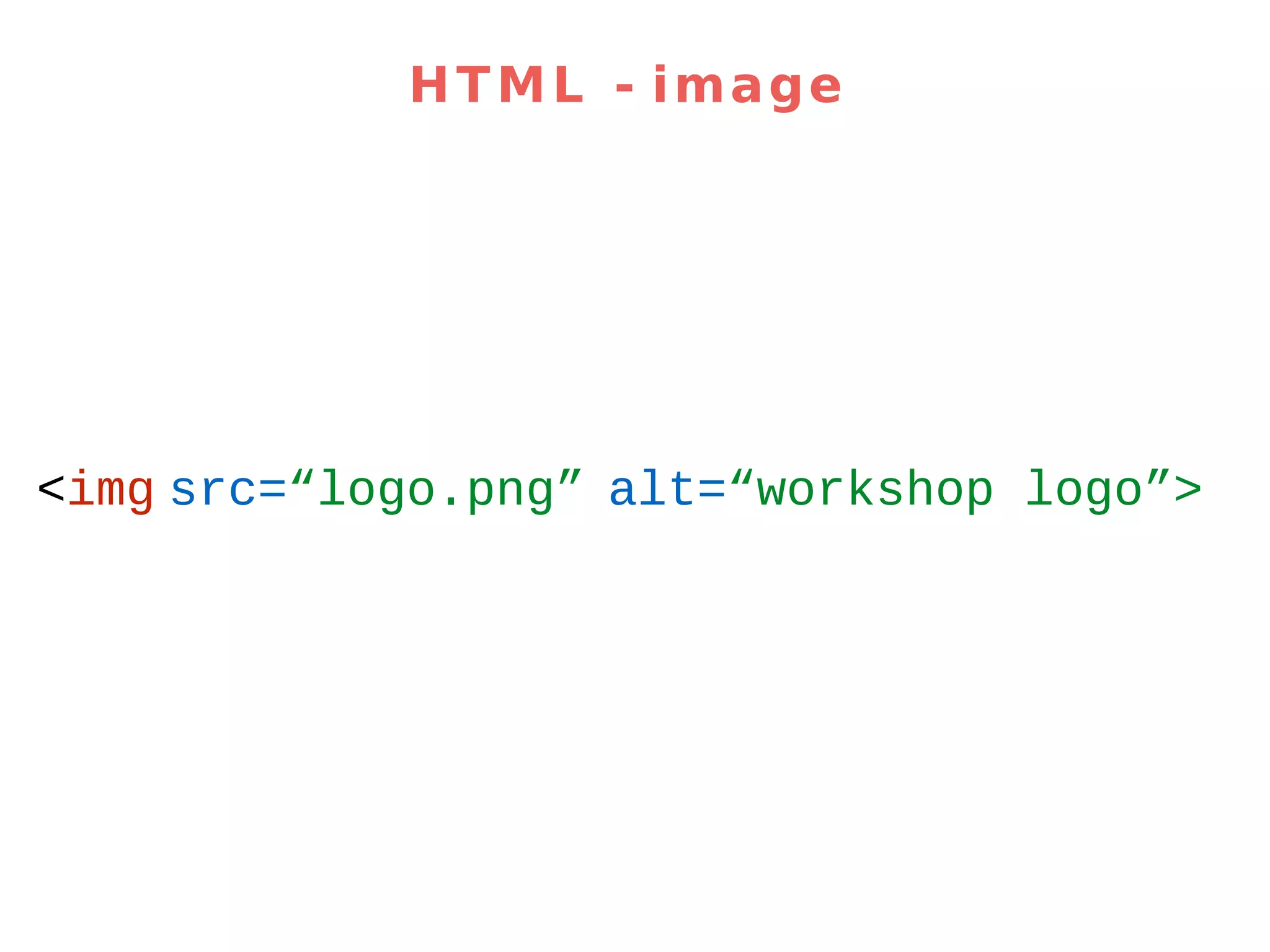
HTML - image <img src=“logo.png” alt=“workshop logo”>
2. Let’s add HTML content
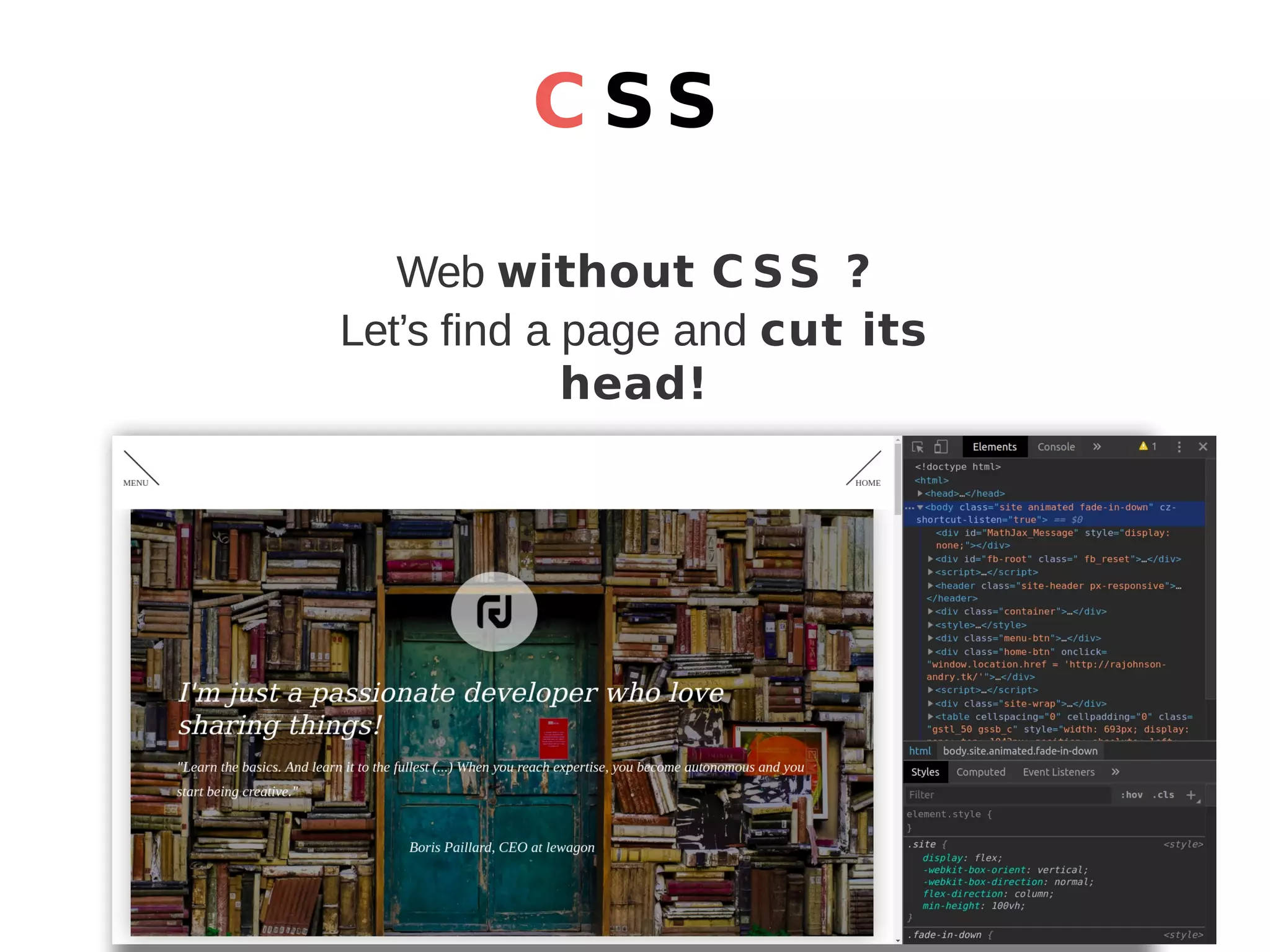
C SS Web without C SS ? Let’s find a page and cut its head!
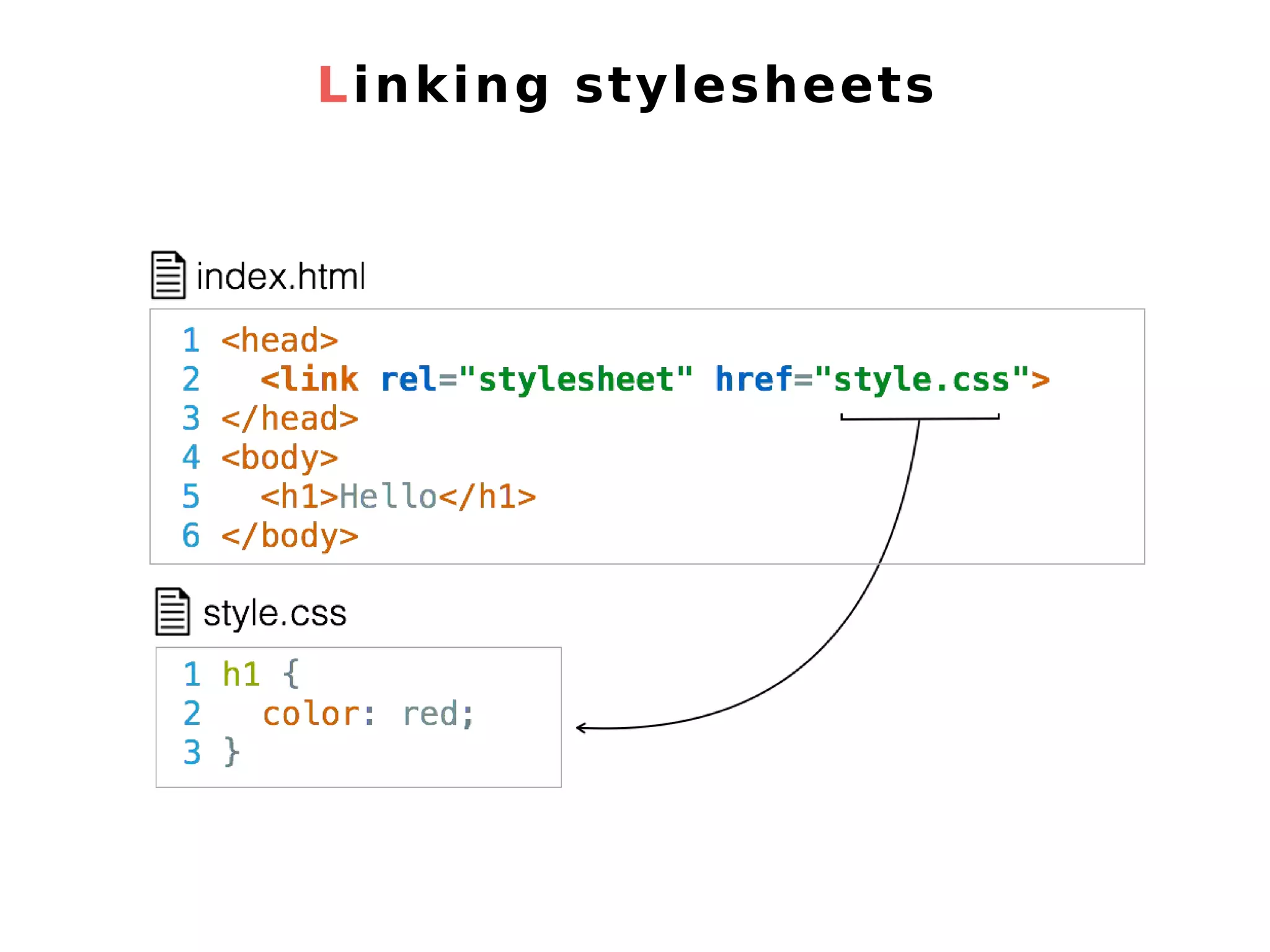
Linking stylesheets
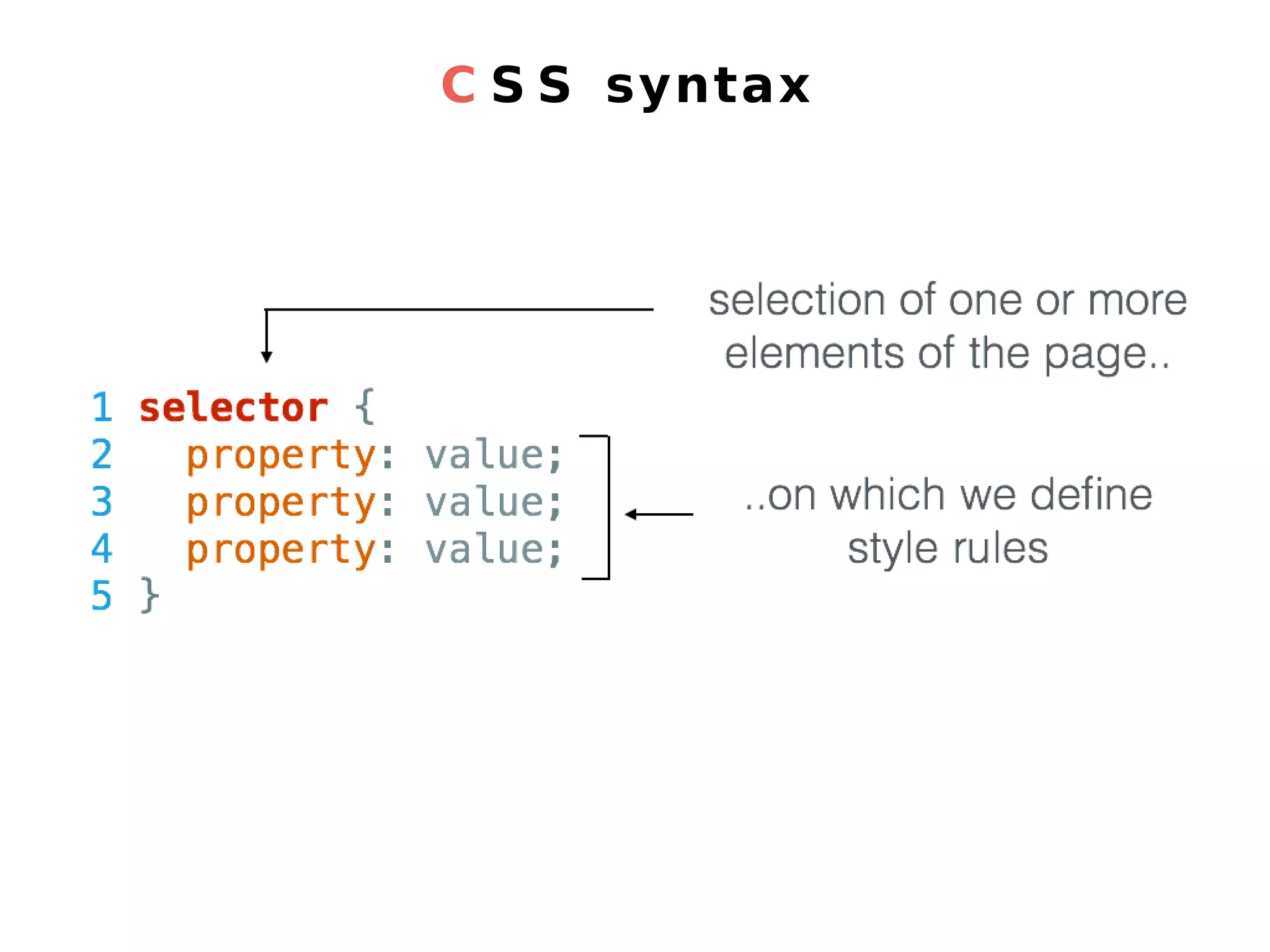
C S S syntax
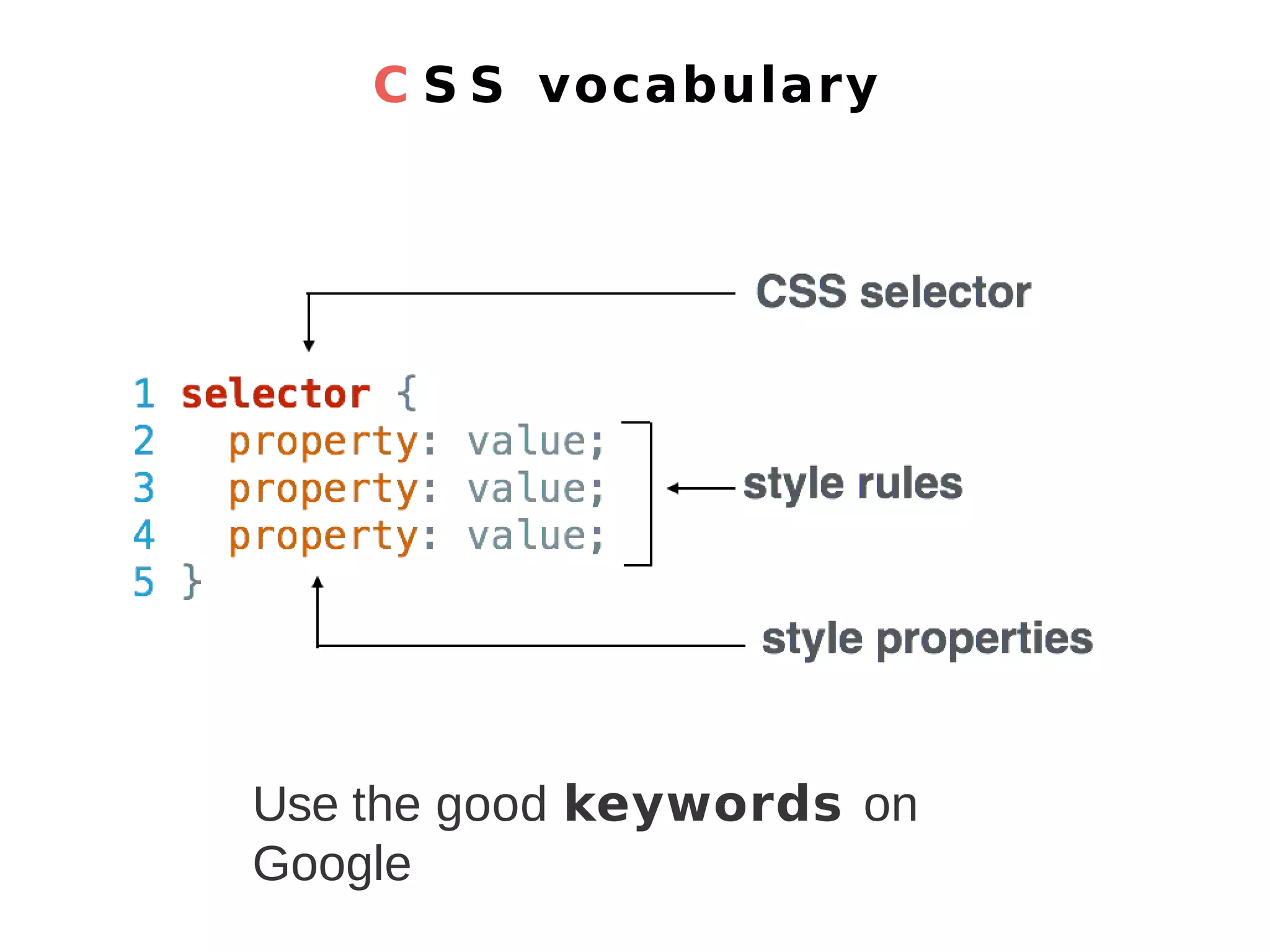
C S S vocabulary Use the good keywords on Google
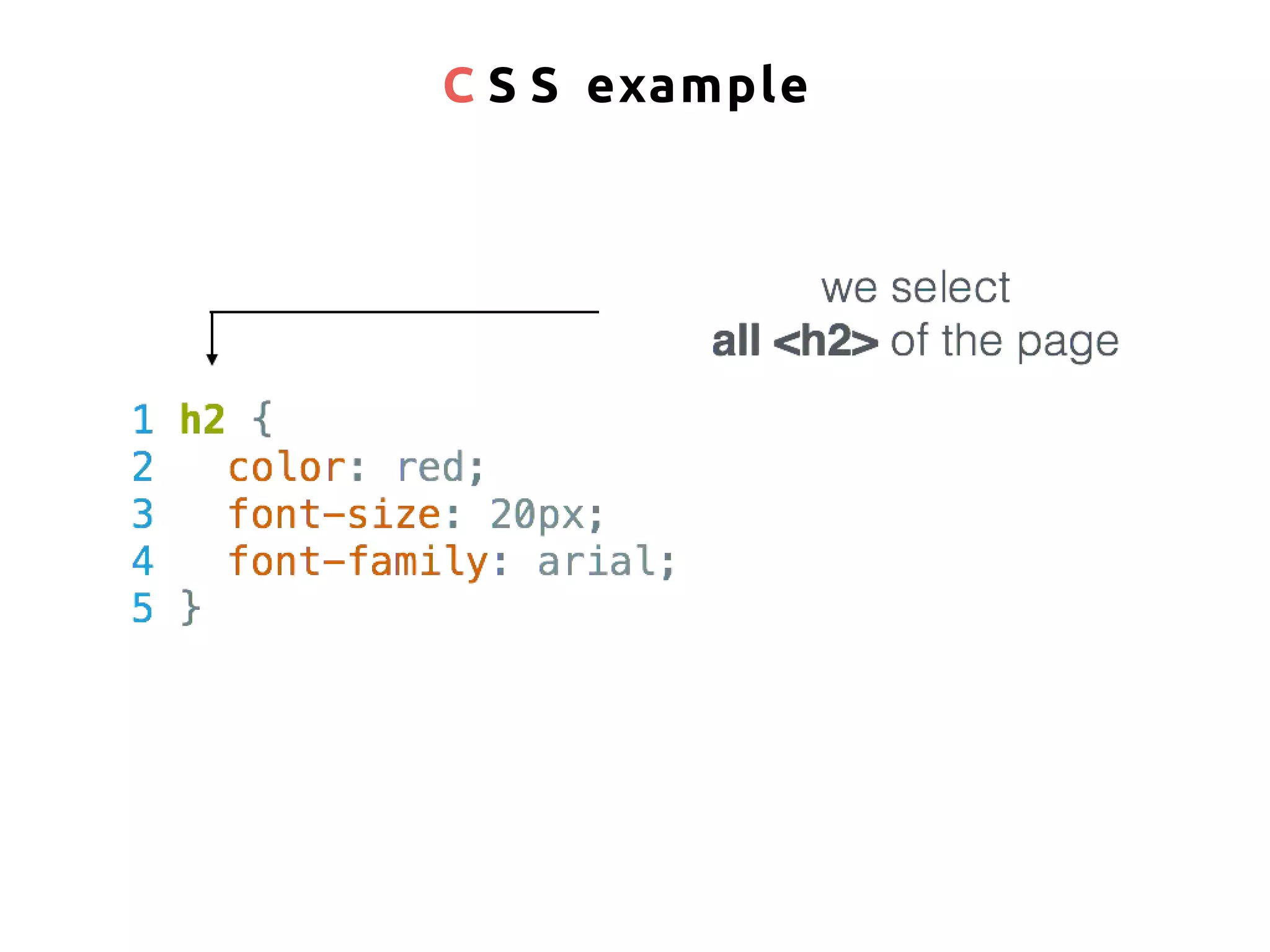
C S S example
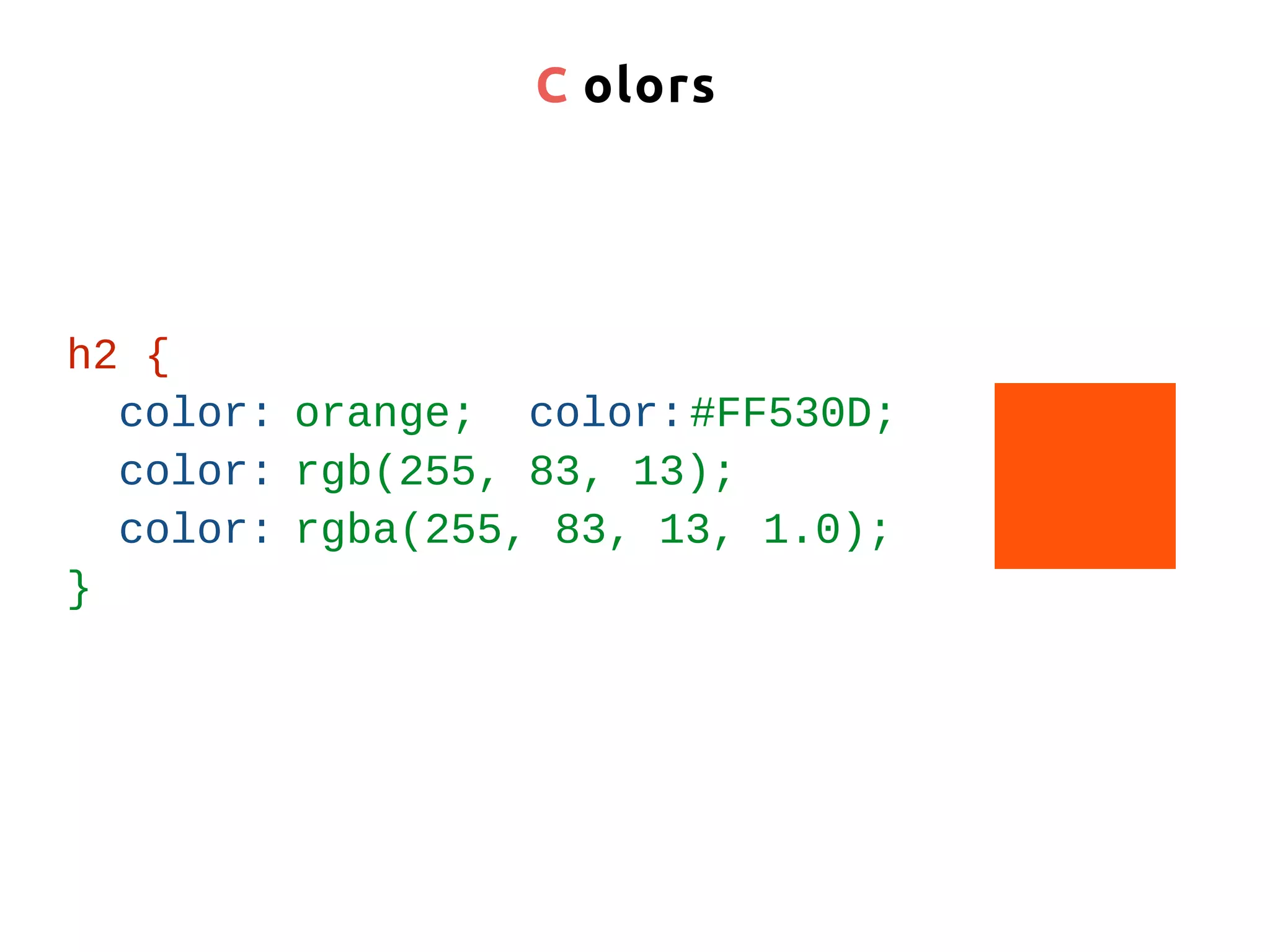
C olors h2 { color: orange; color:#FF530D; color: rgb(255, 83, 13); color: rgba(255, 83, 13, 1.0); }
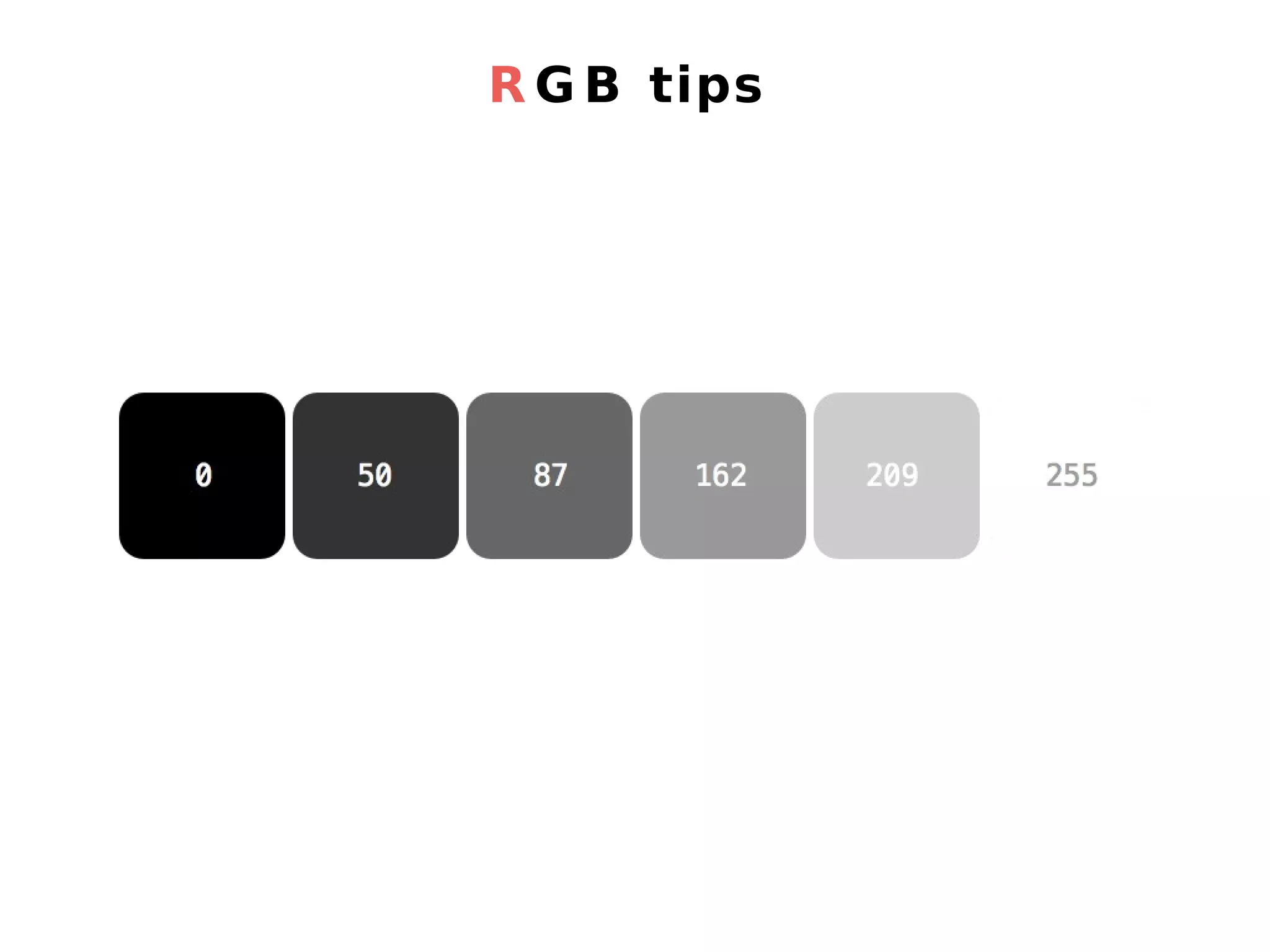
R G B tips
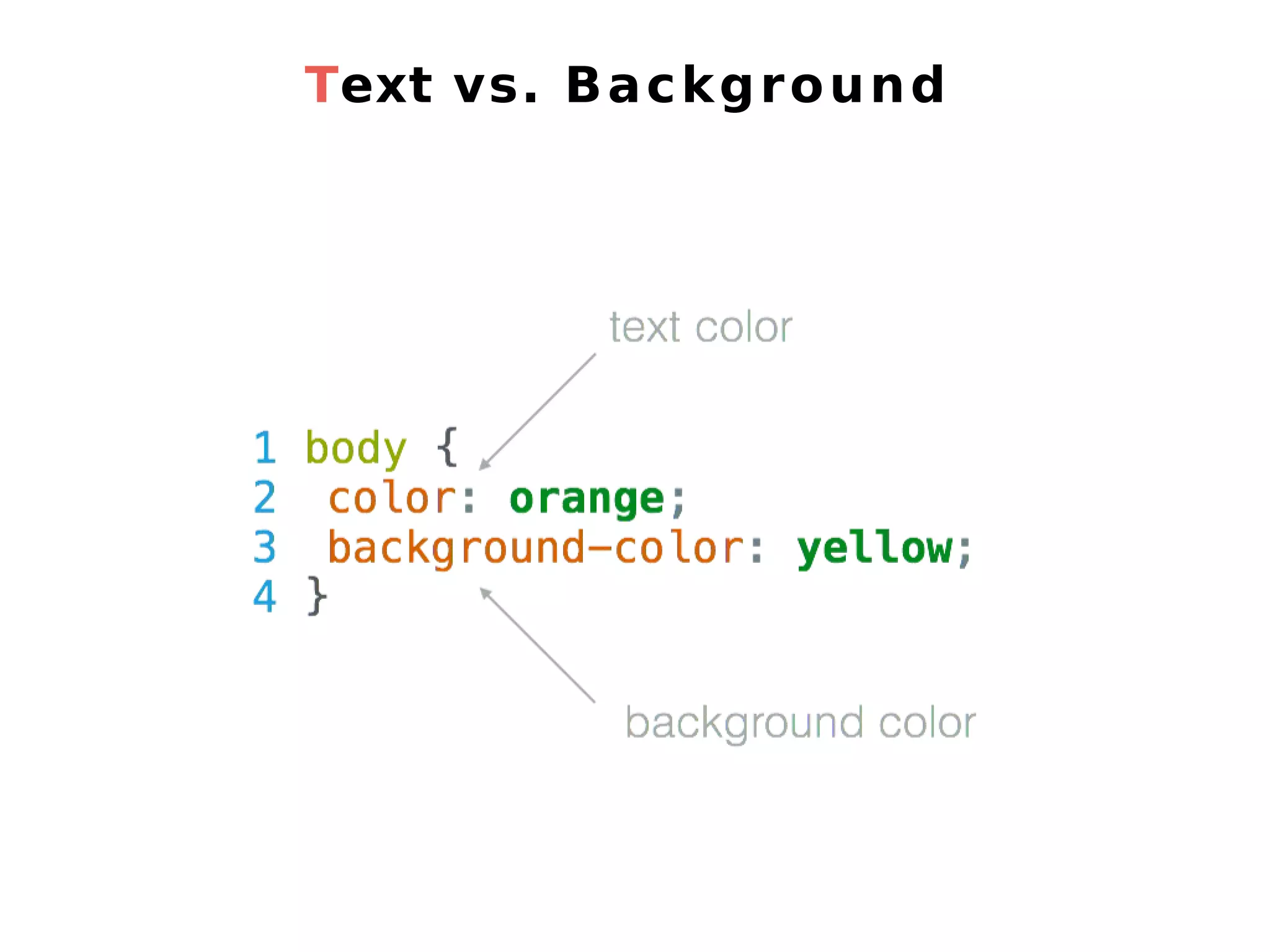
Text vs. Background
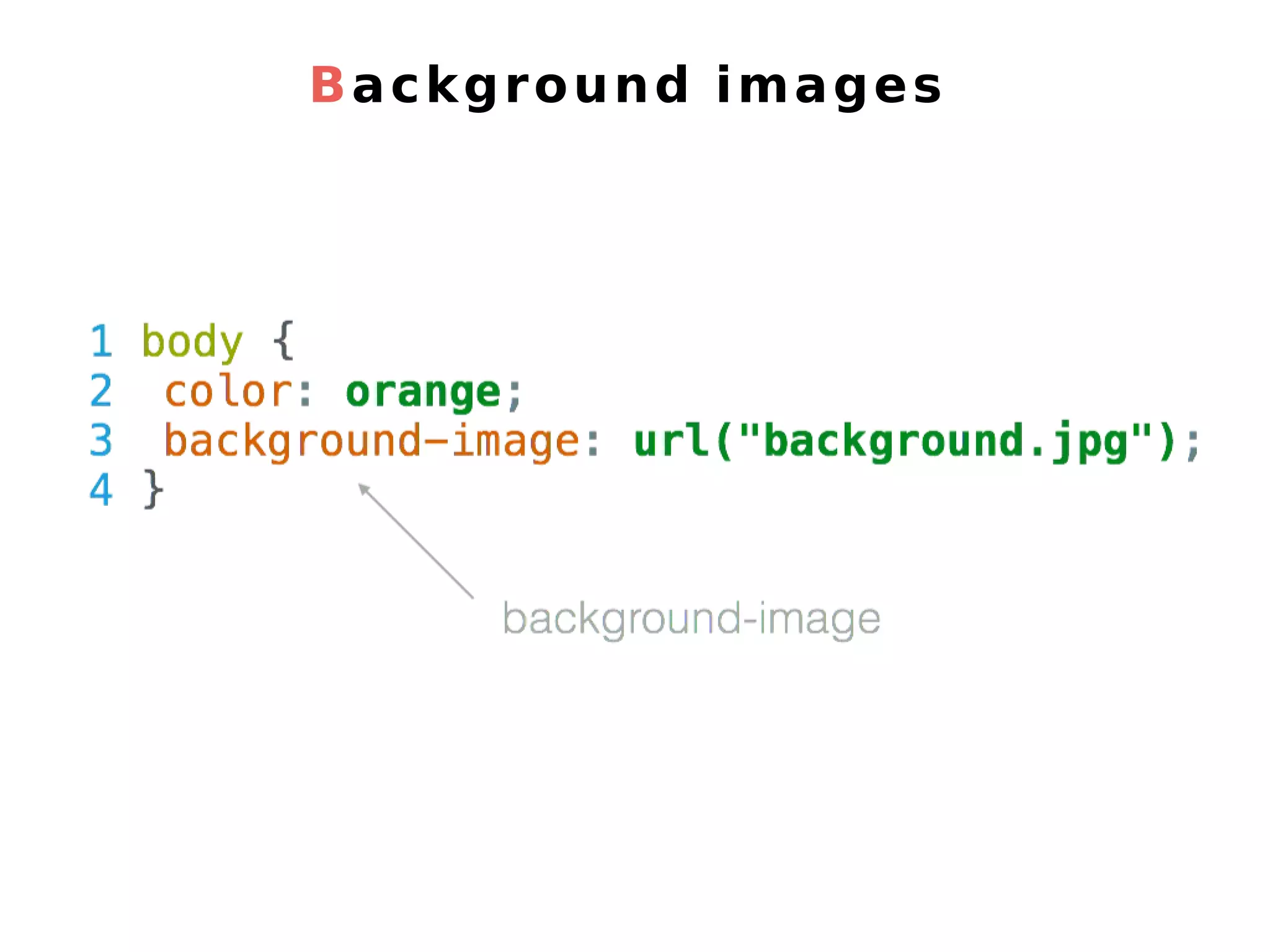
Background images
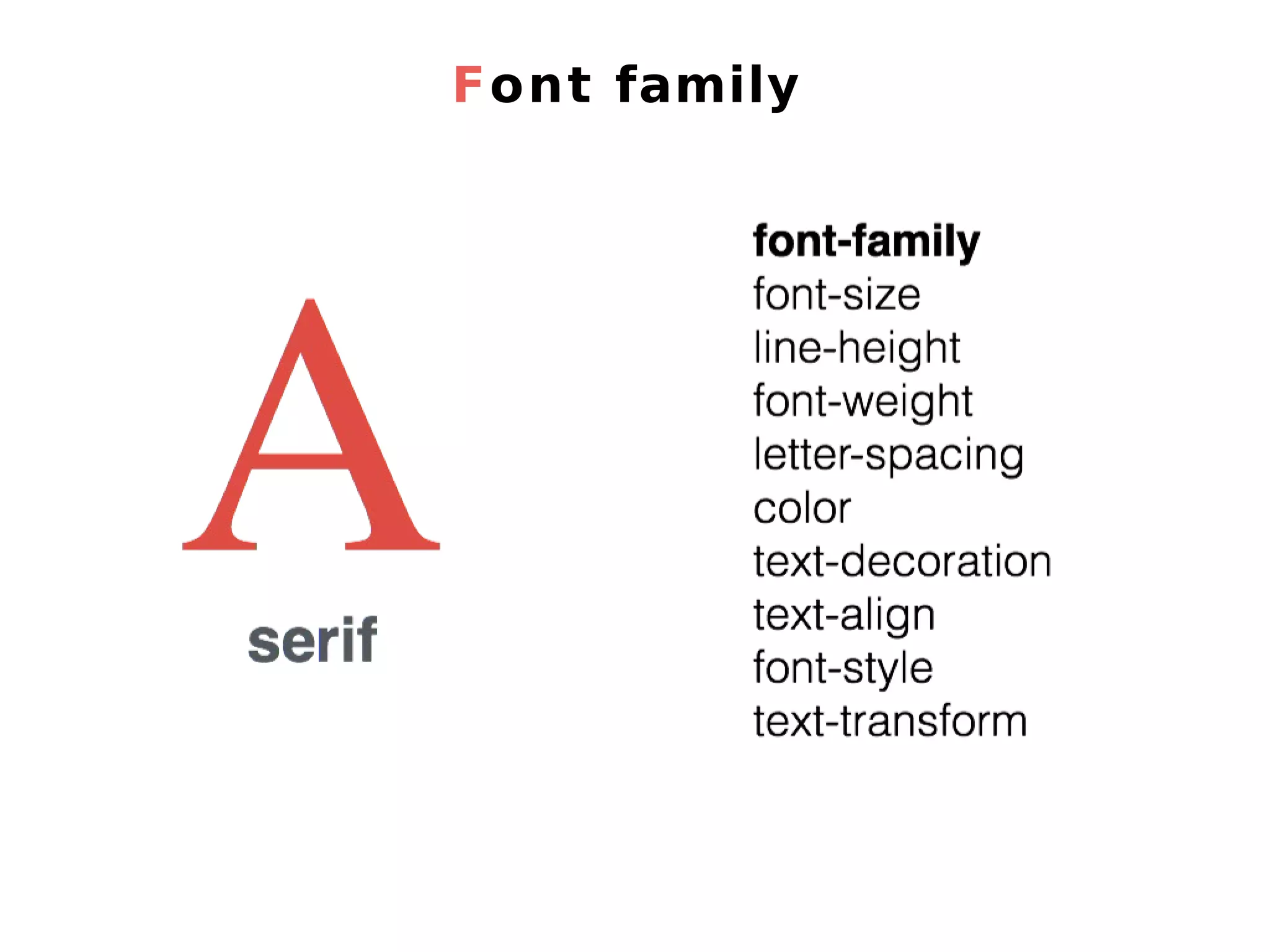
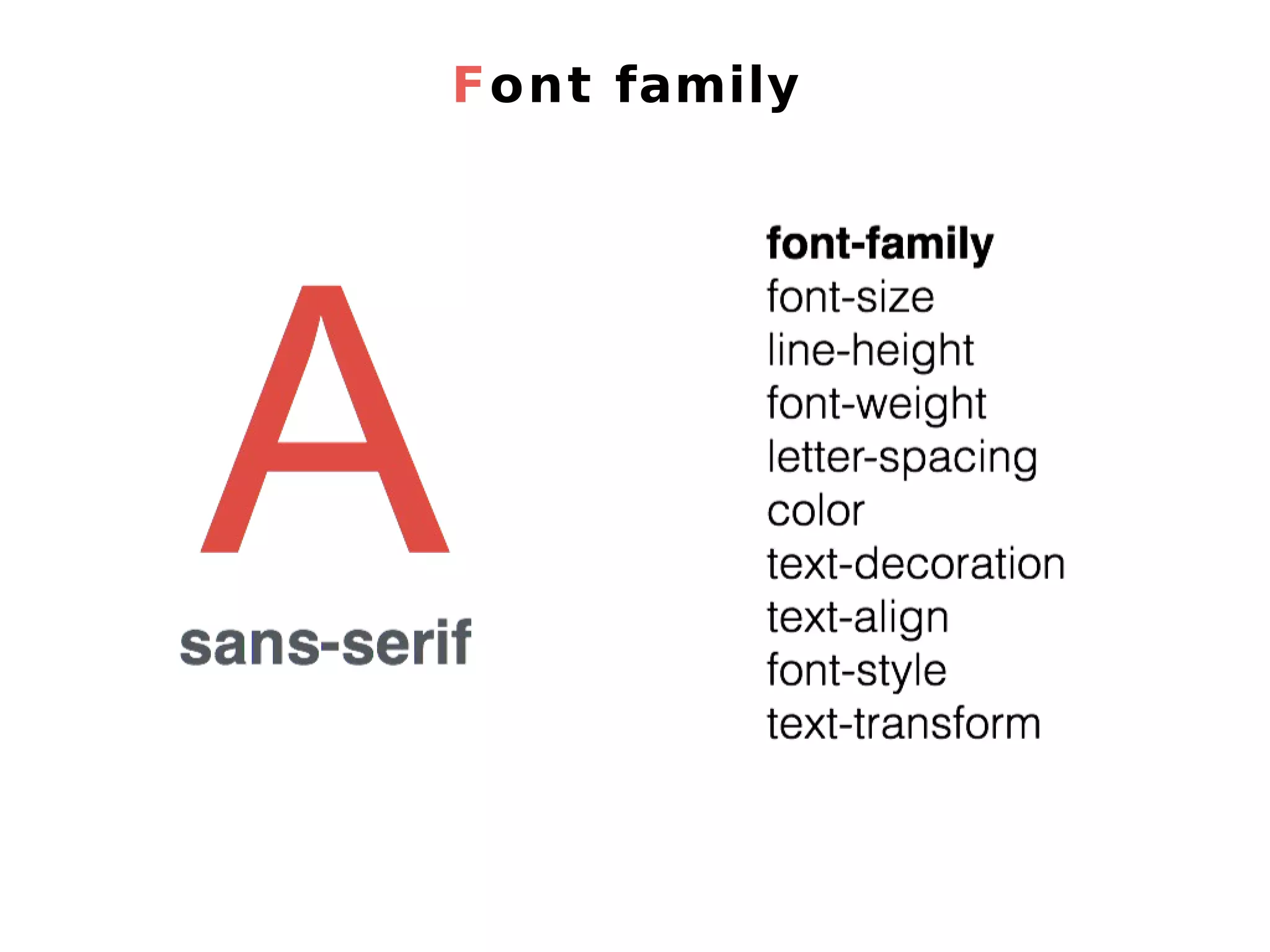
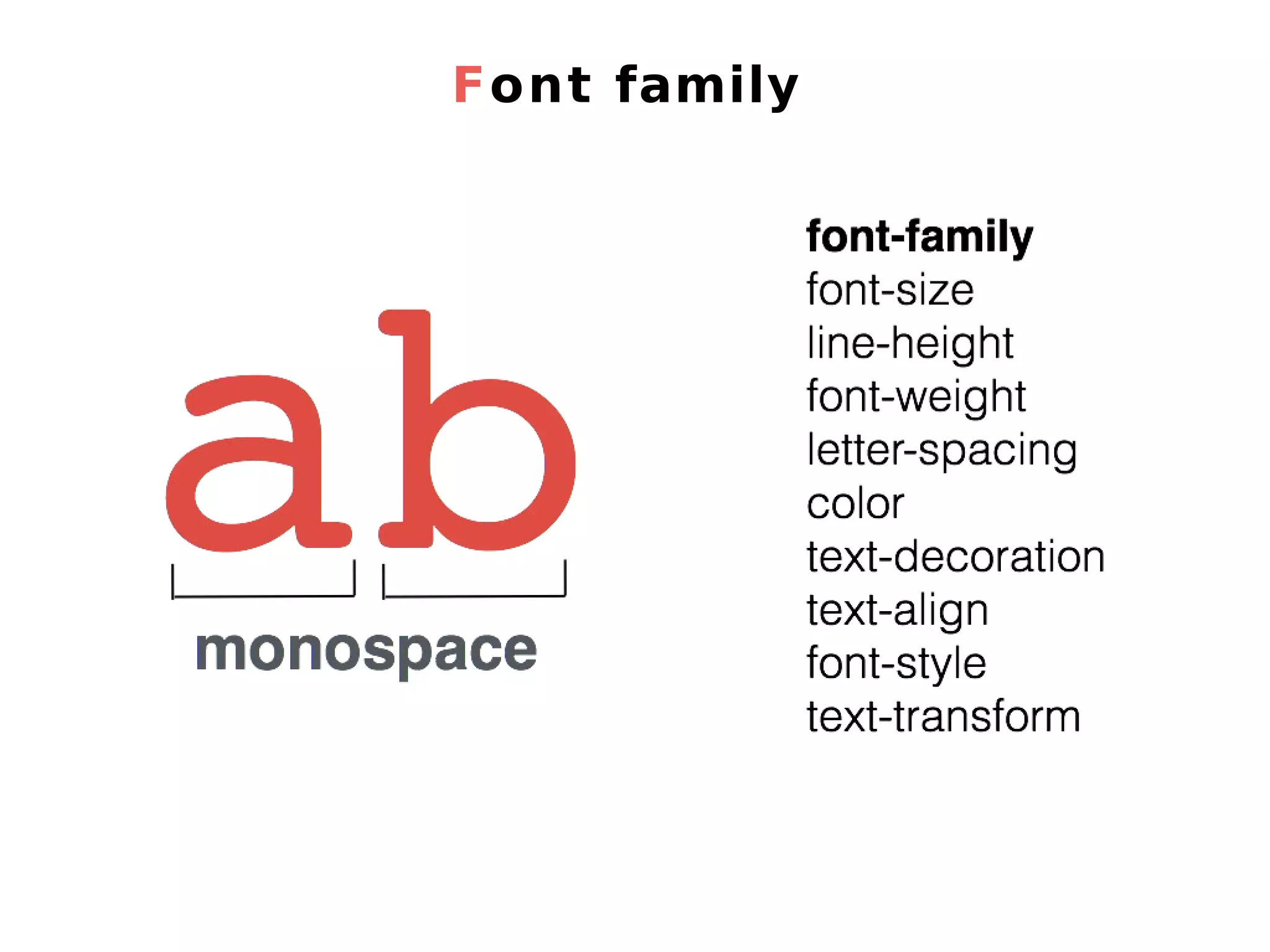
Font family
Font family
Font family
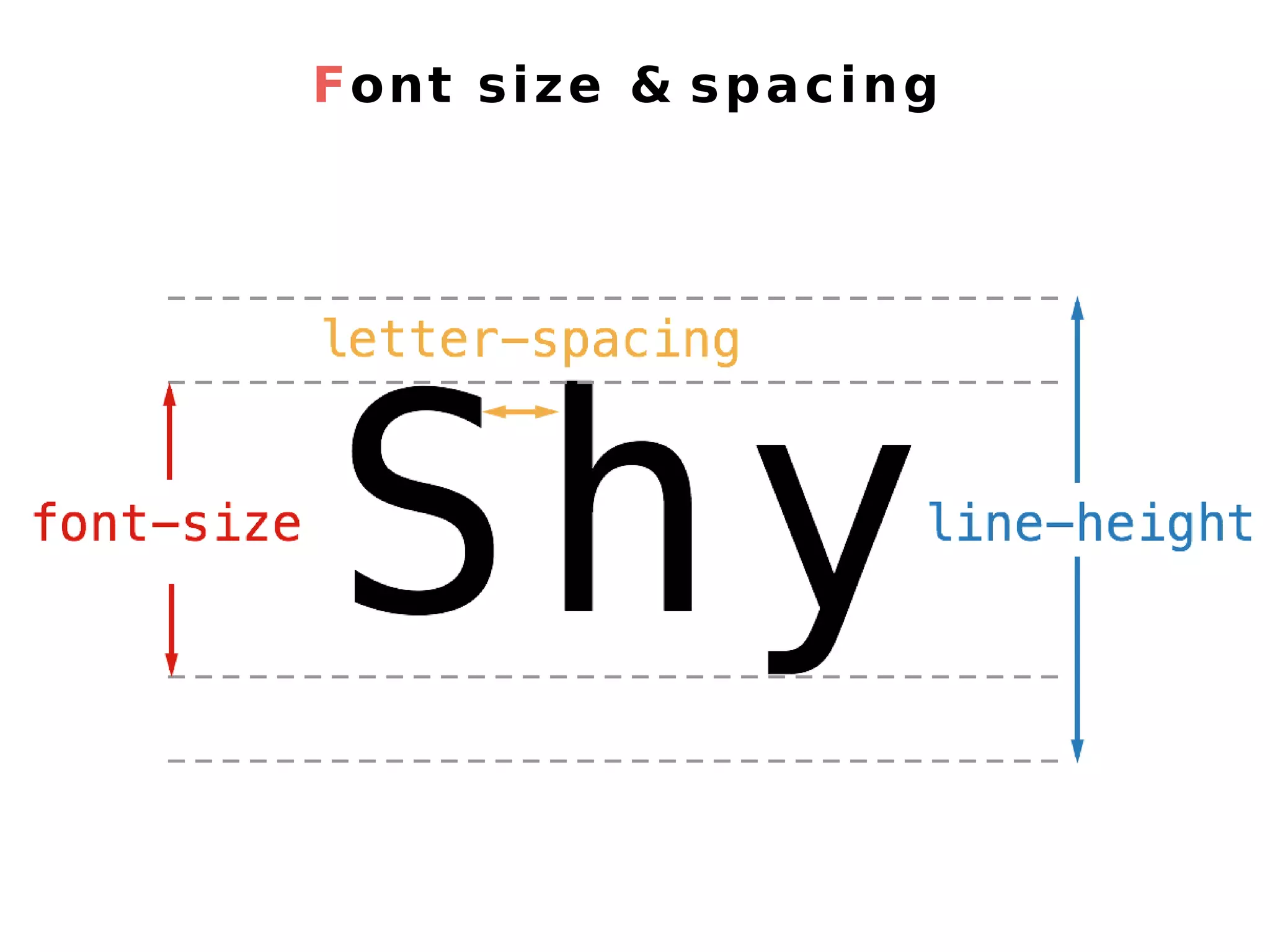
Font size & spacing
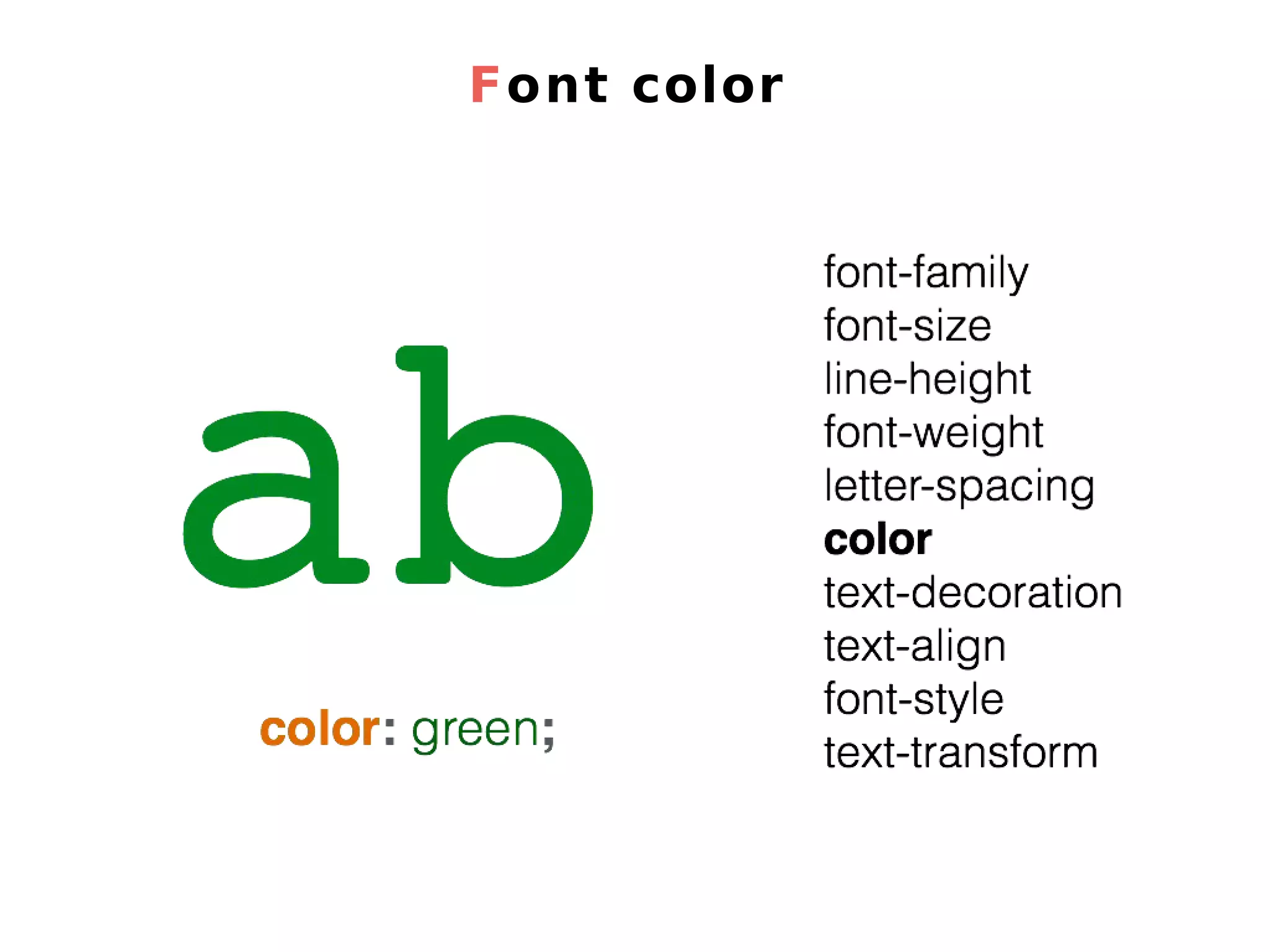
Font color
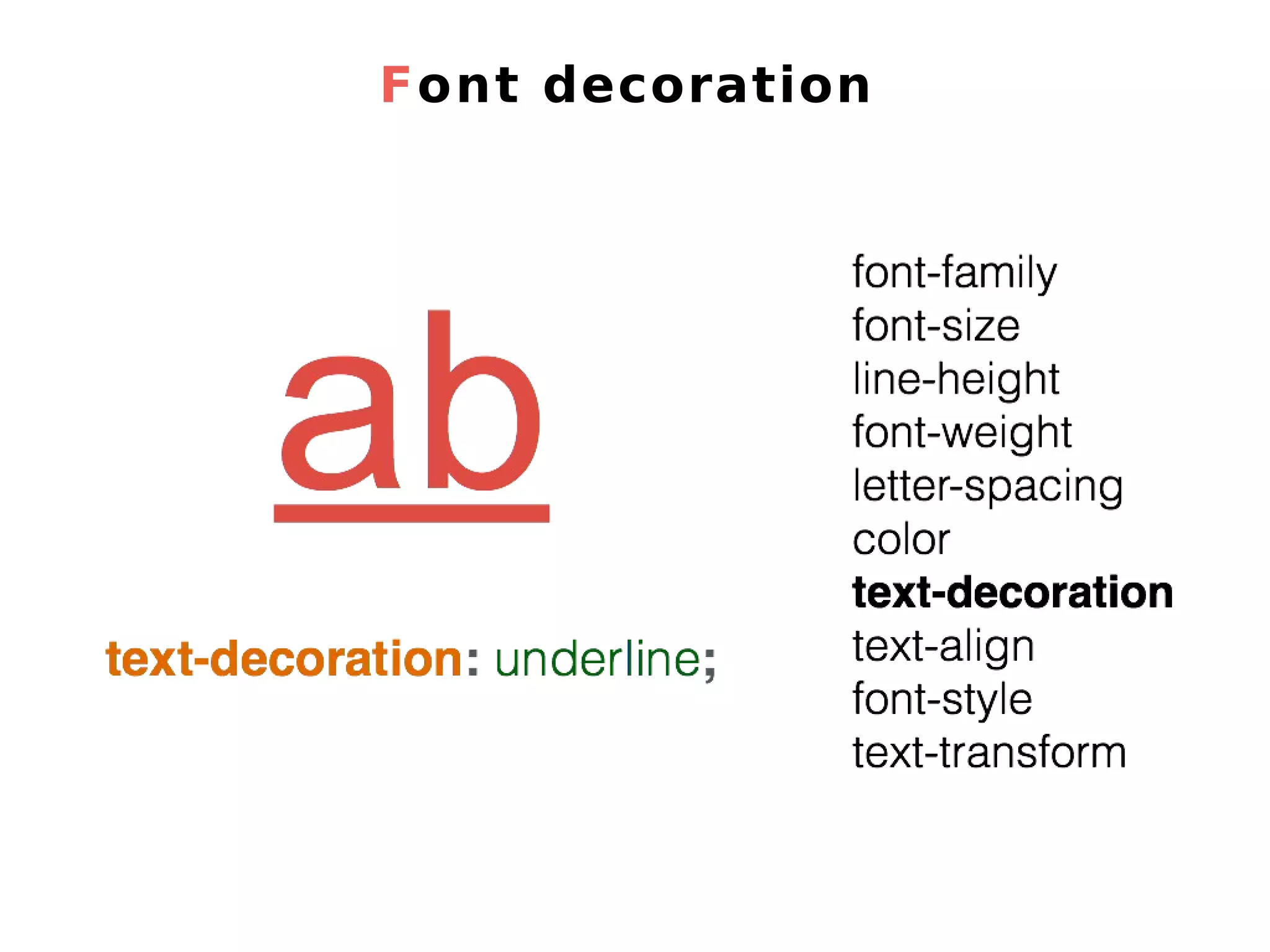
Font decoration
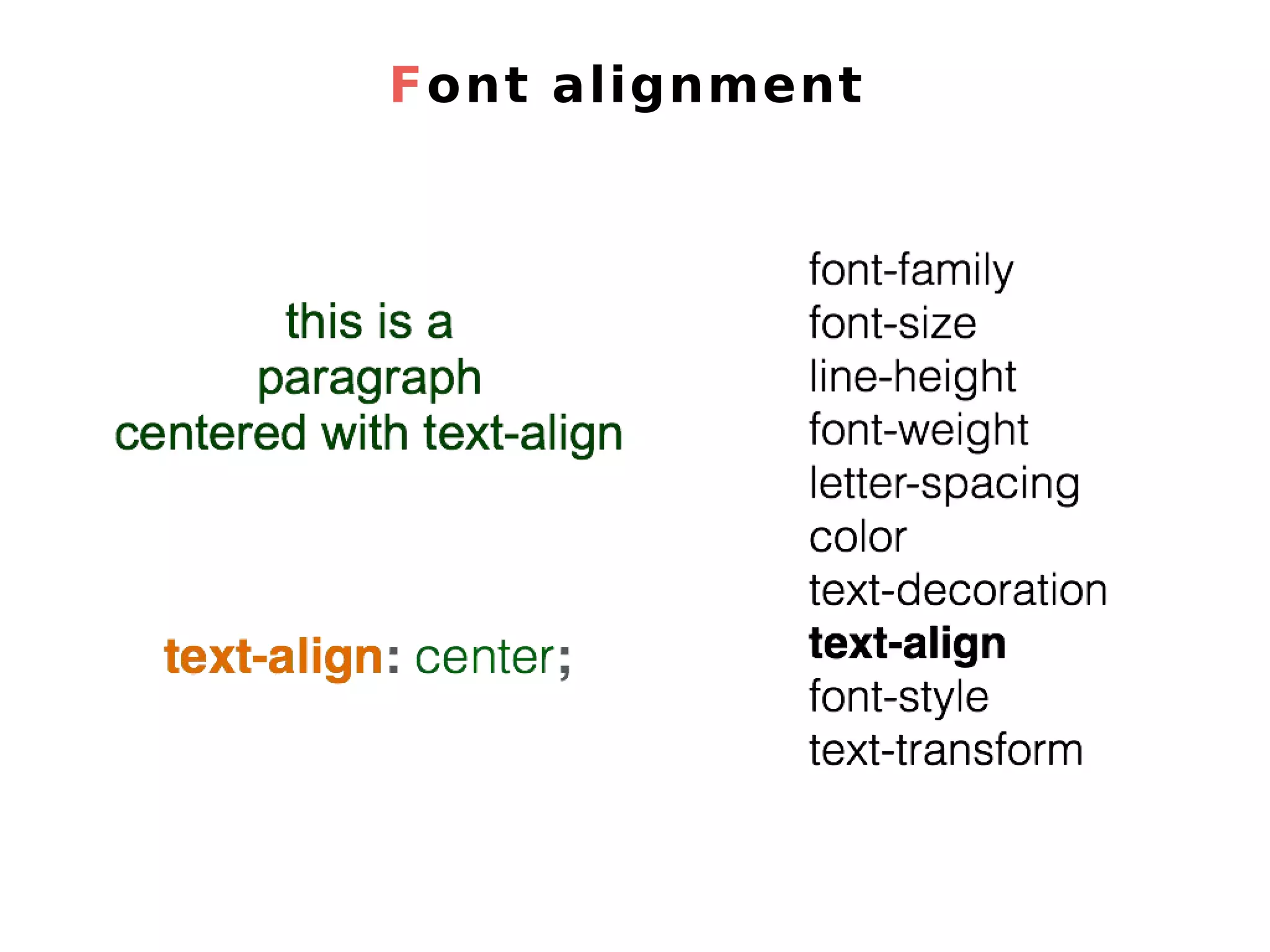
Font alignment
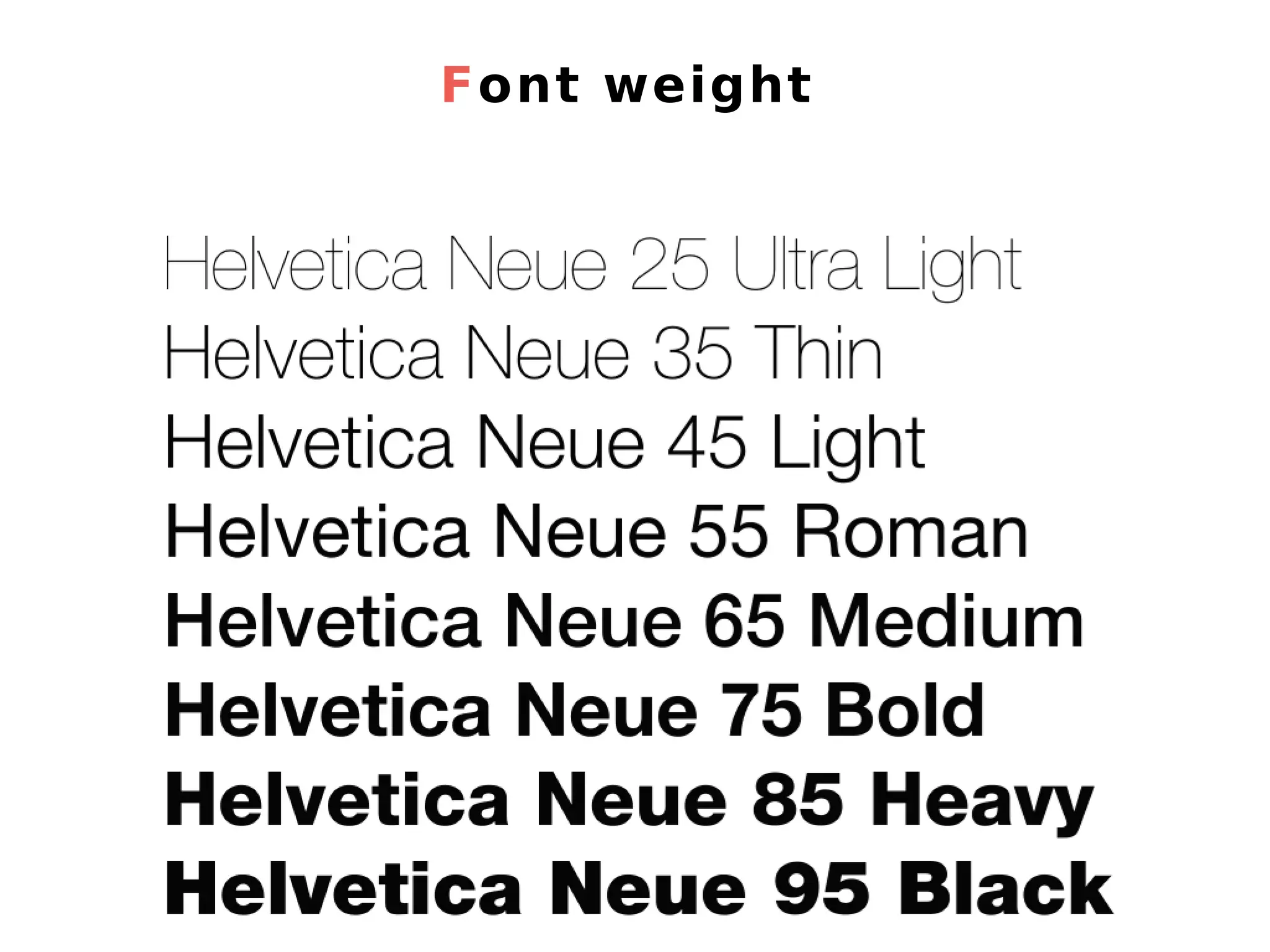
Font weight
3. CSS for Fonts & Colors
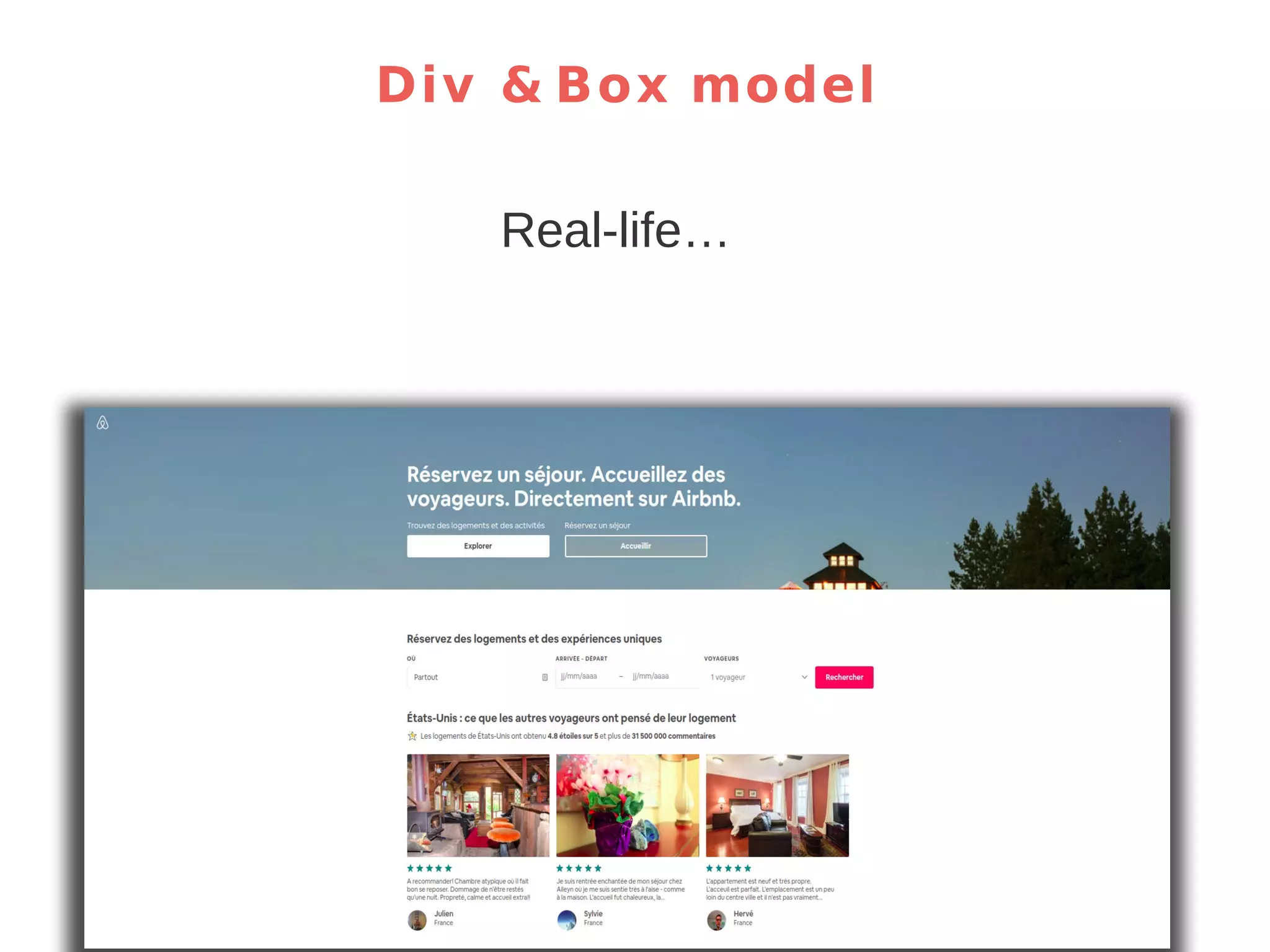
Div & Box model Real-life…
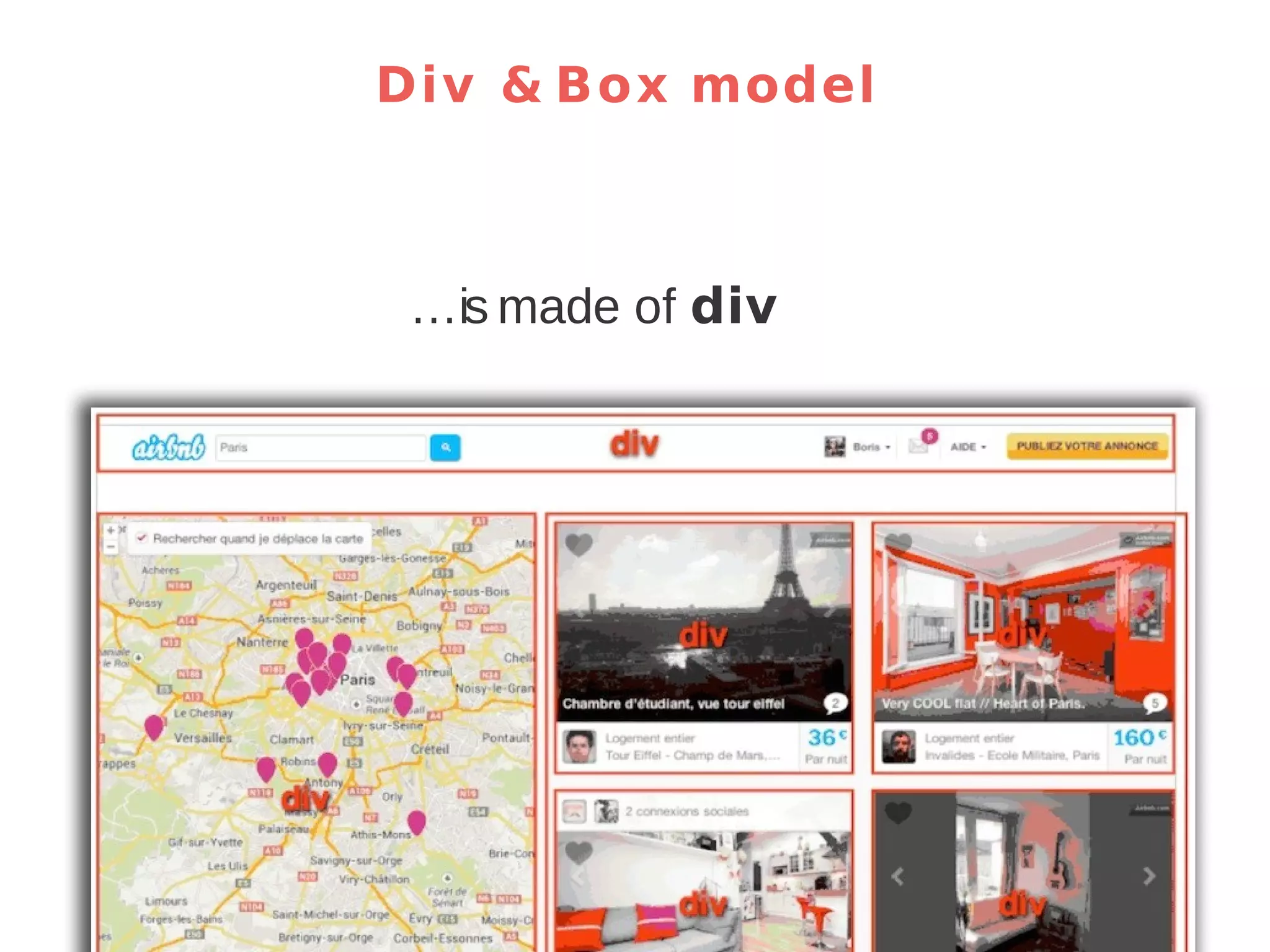
Div & Box model …is made of div
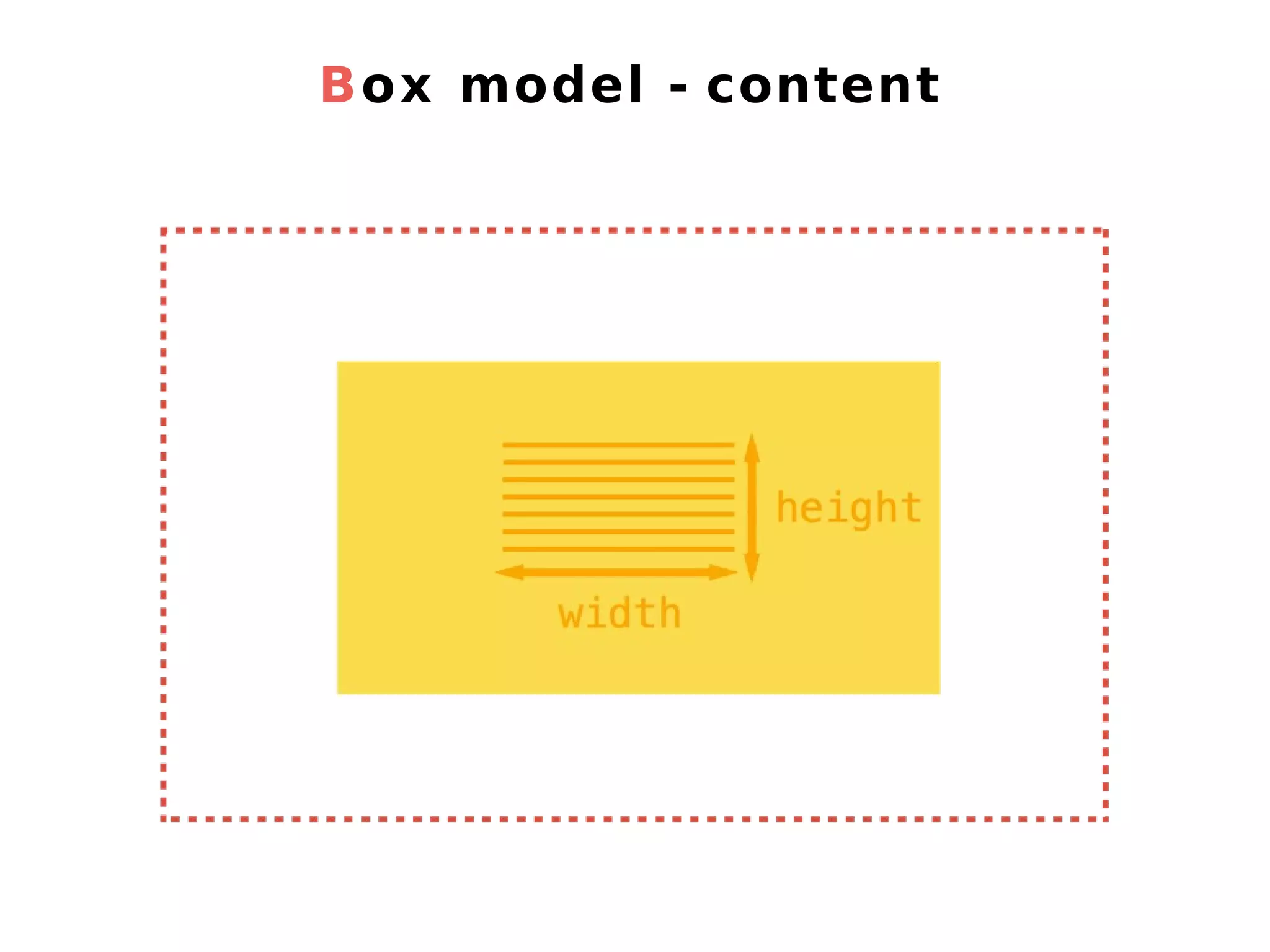
Box model - content
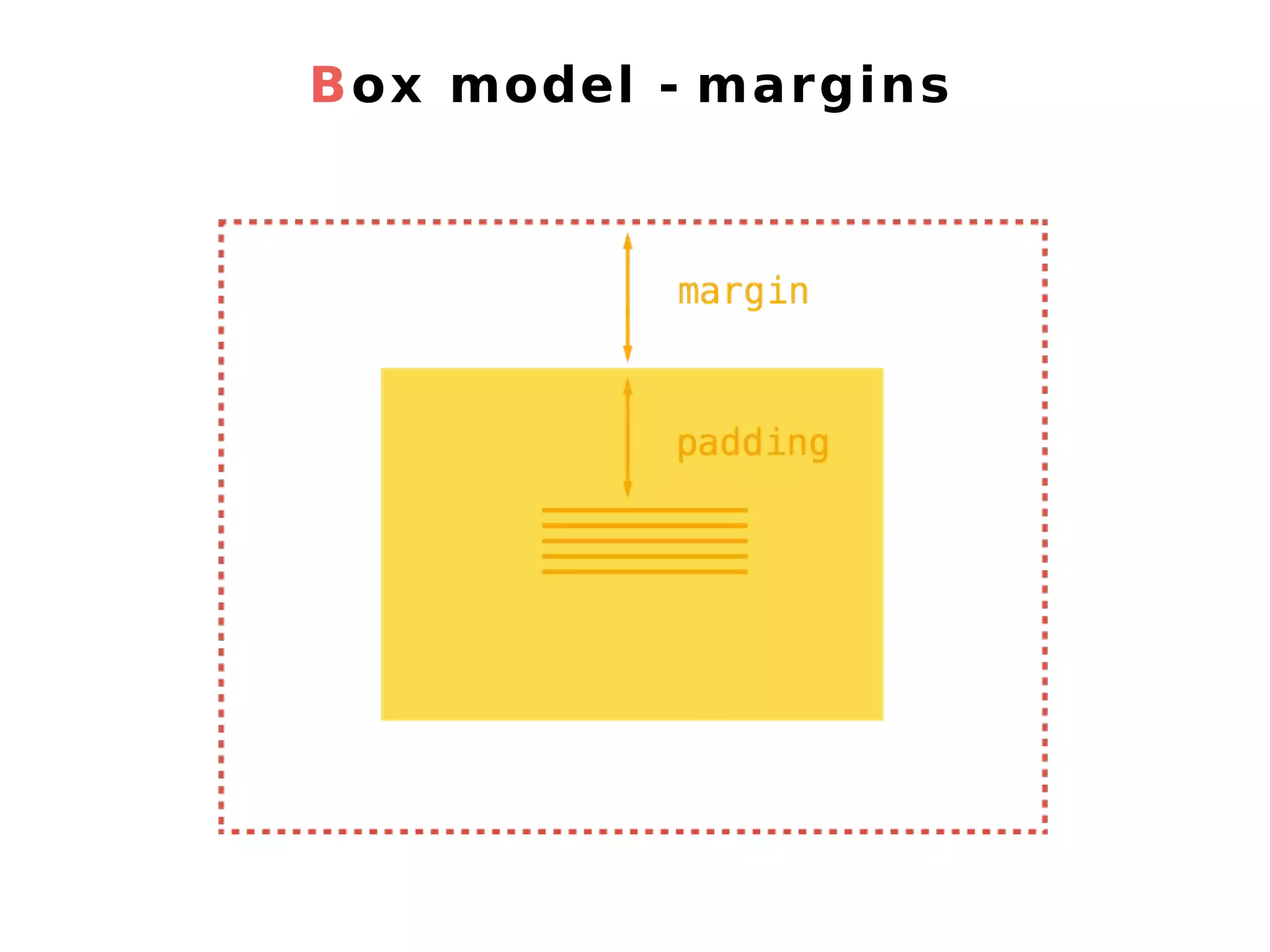
Box model - margins
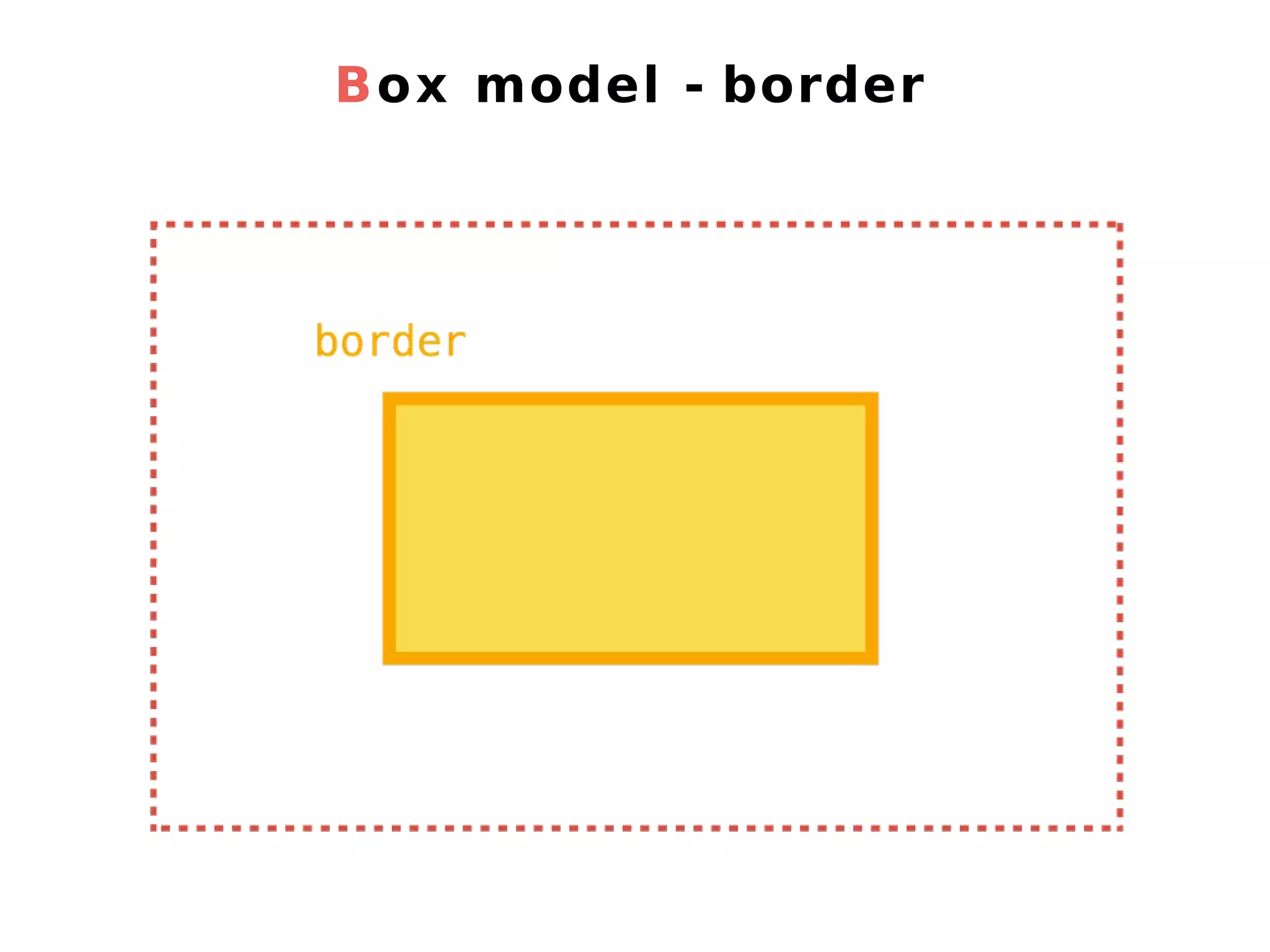
Box model - border
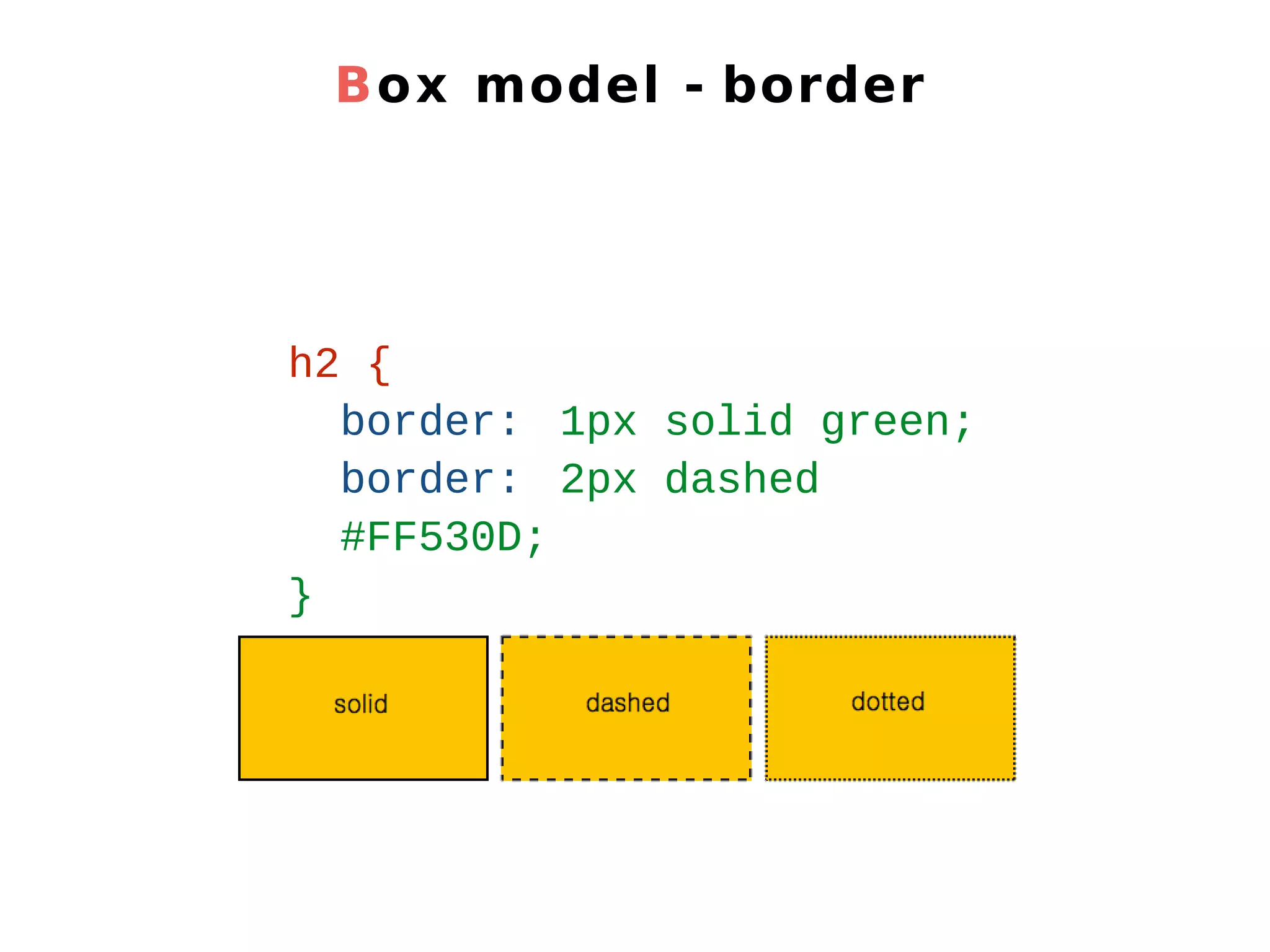
Box model - border h2 { border: 1px solid green; border: 2px dashed #FF530D; }
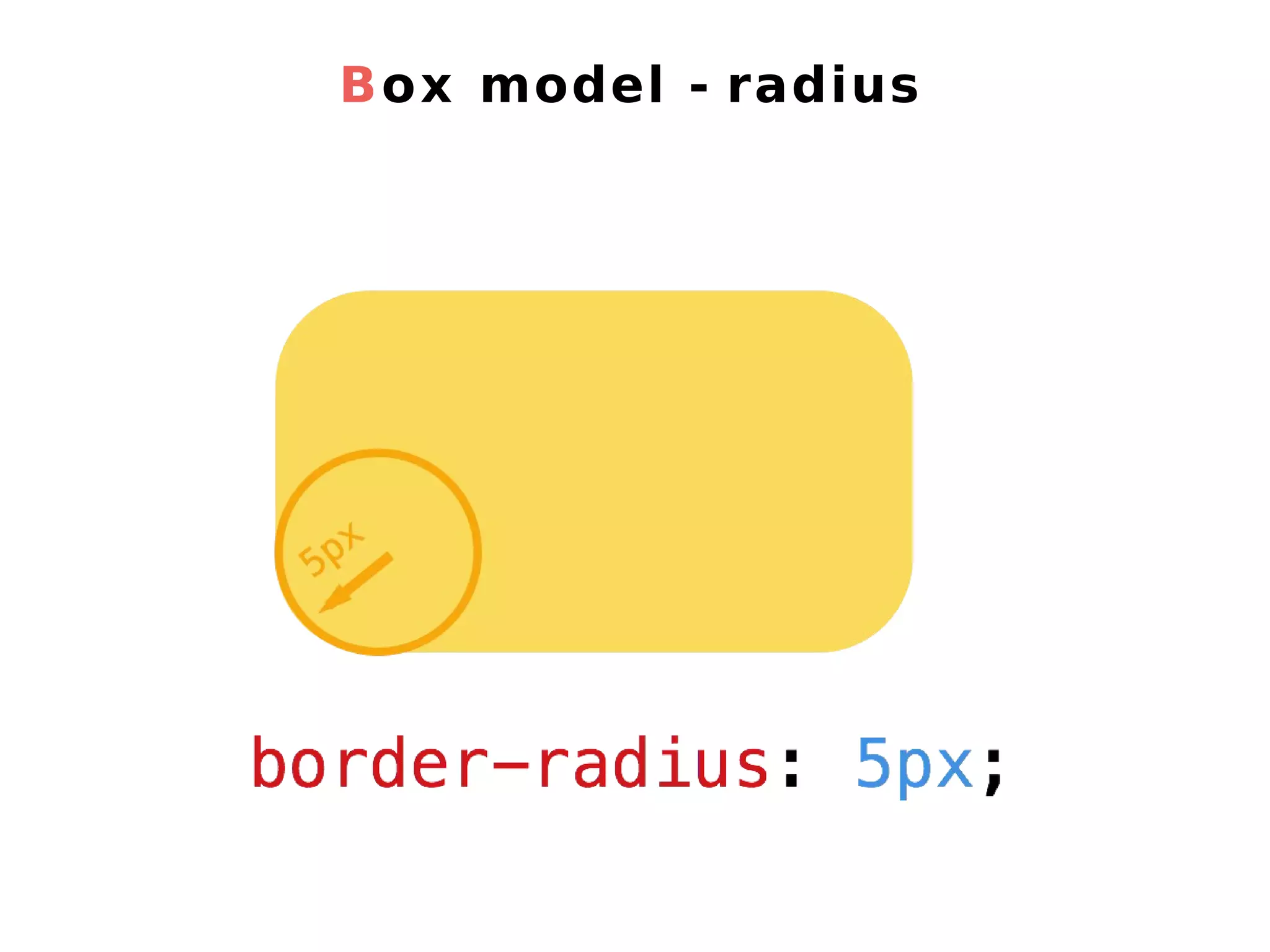
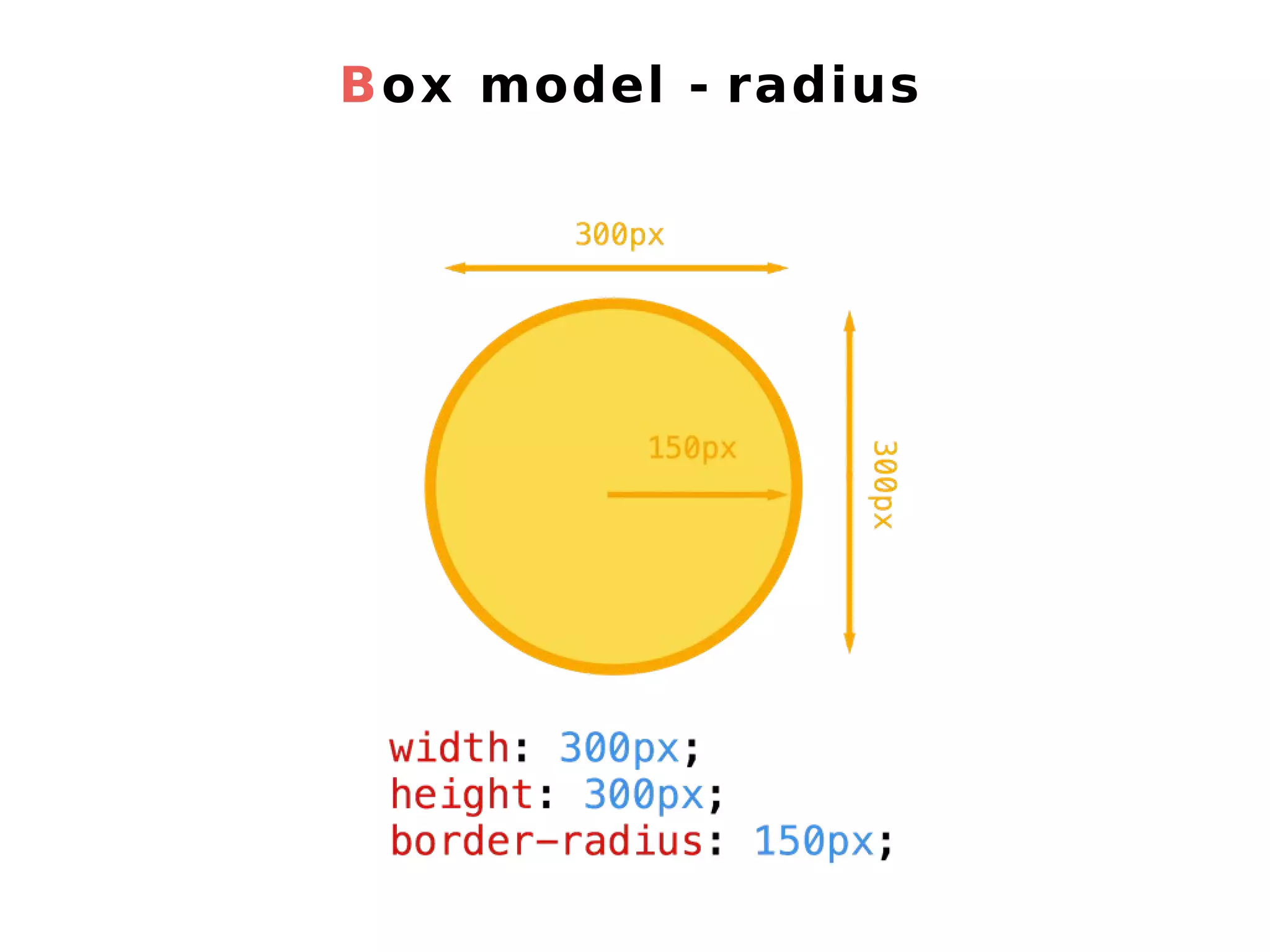
Box model - radius
Box model - radius
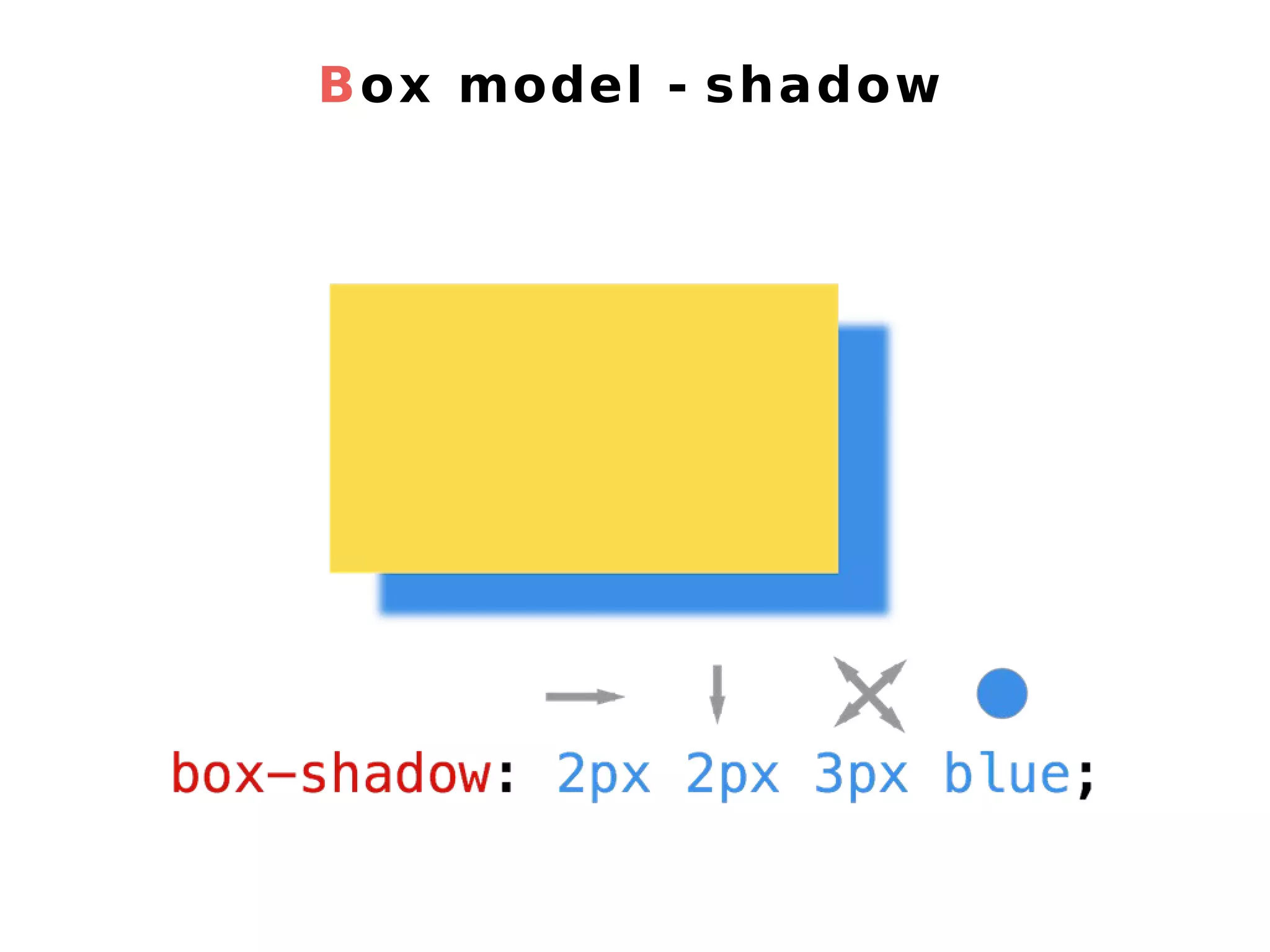
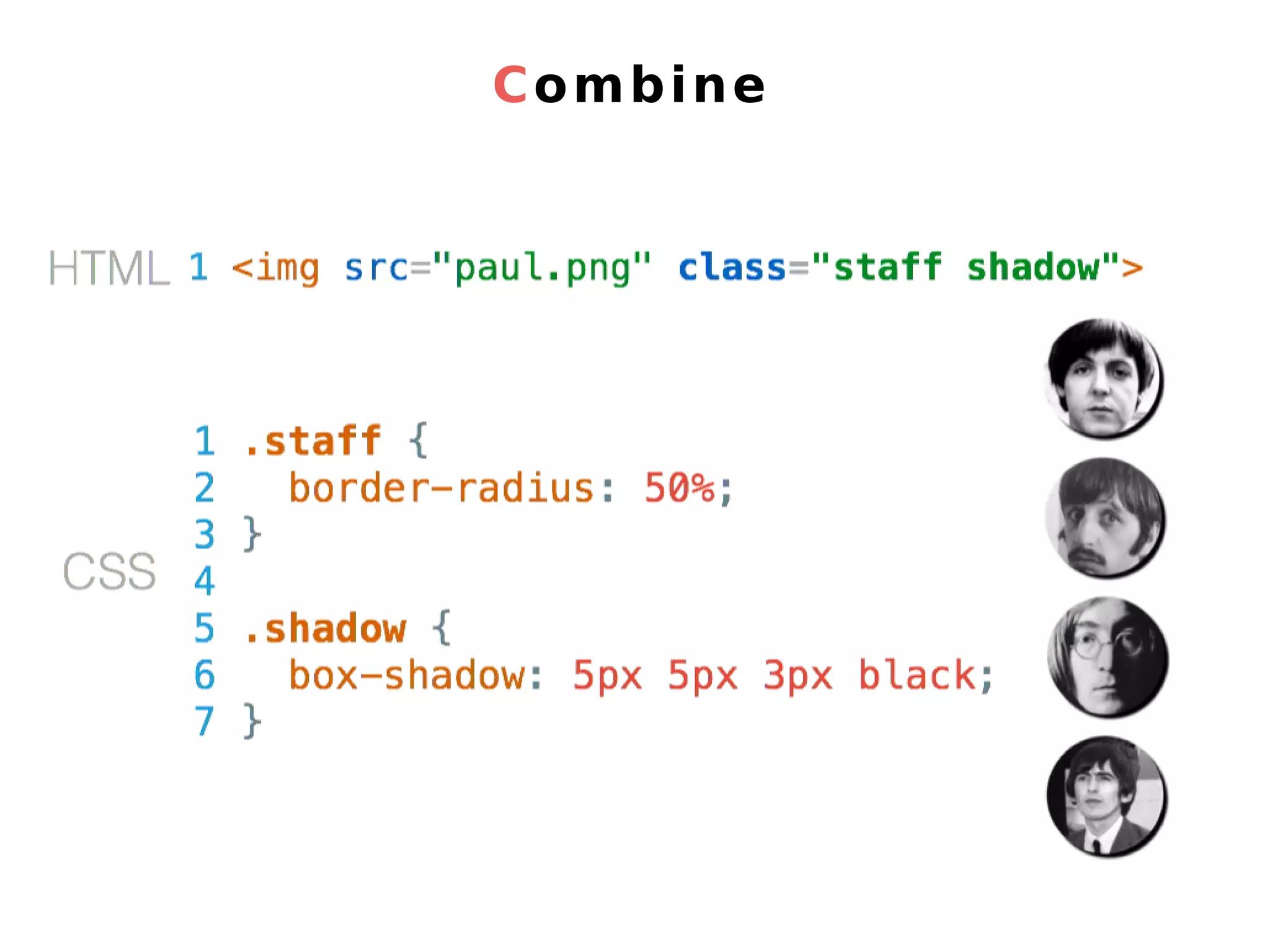
Box model - shadow
4. Wrap with div
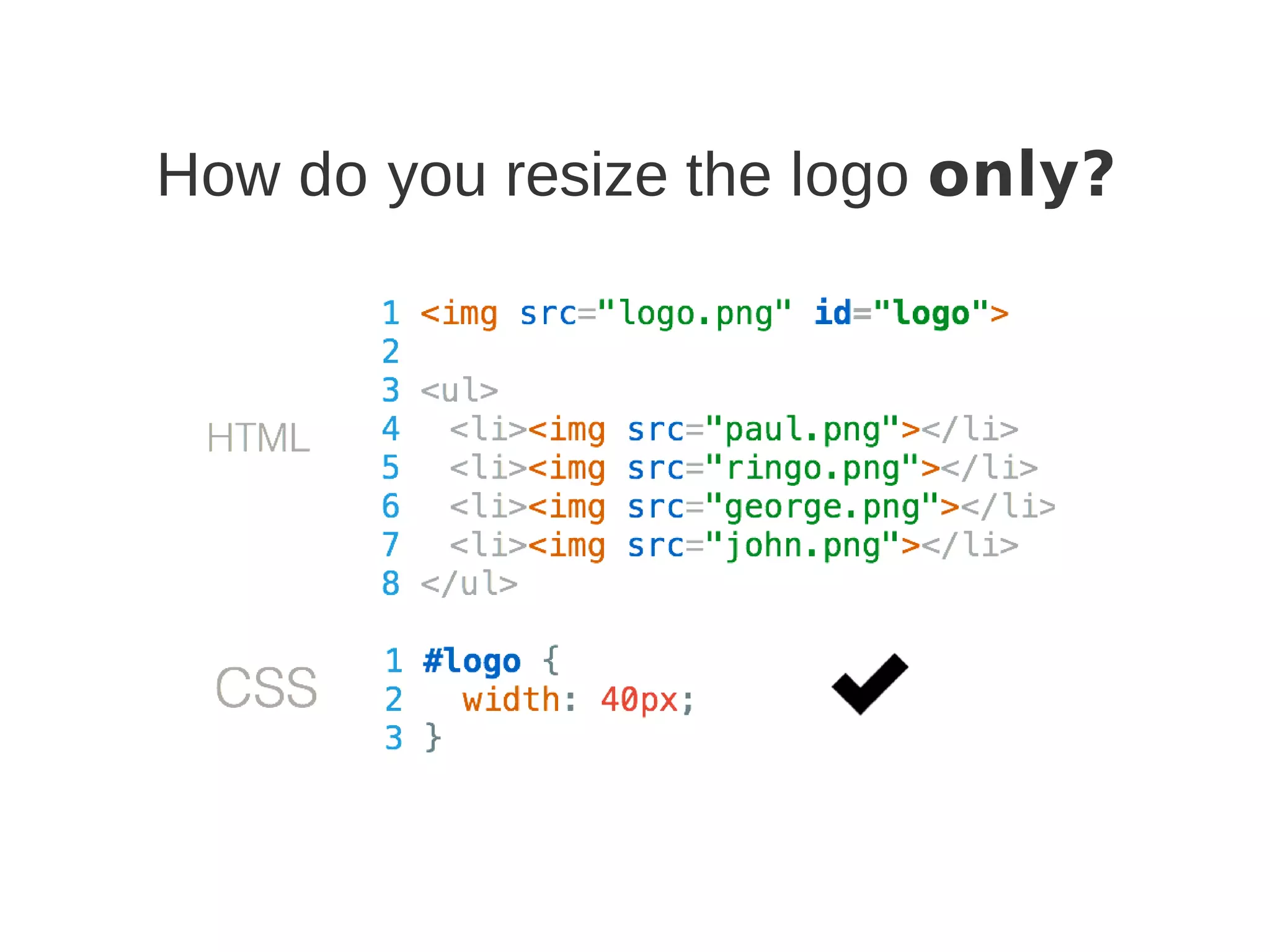
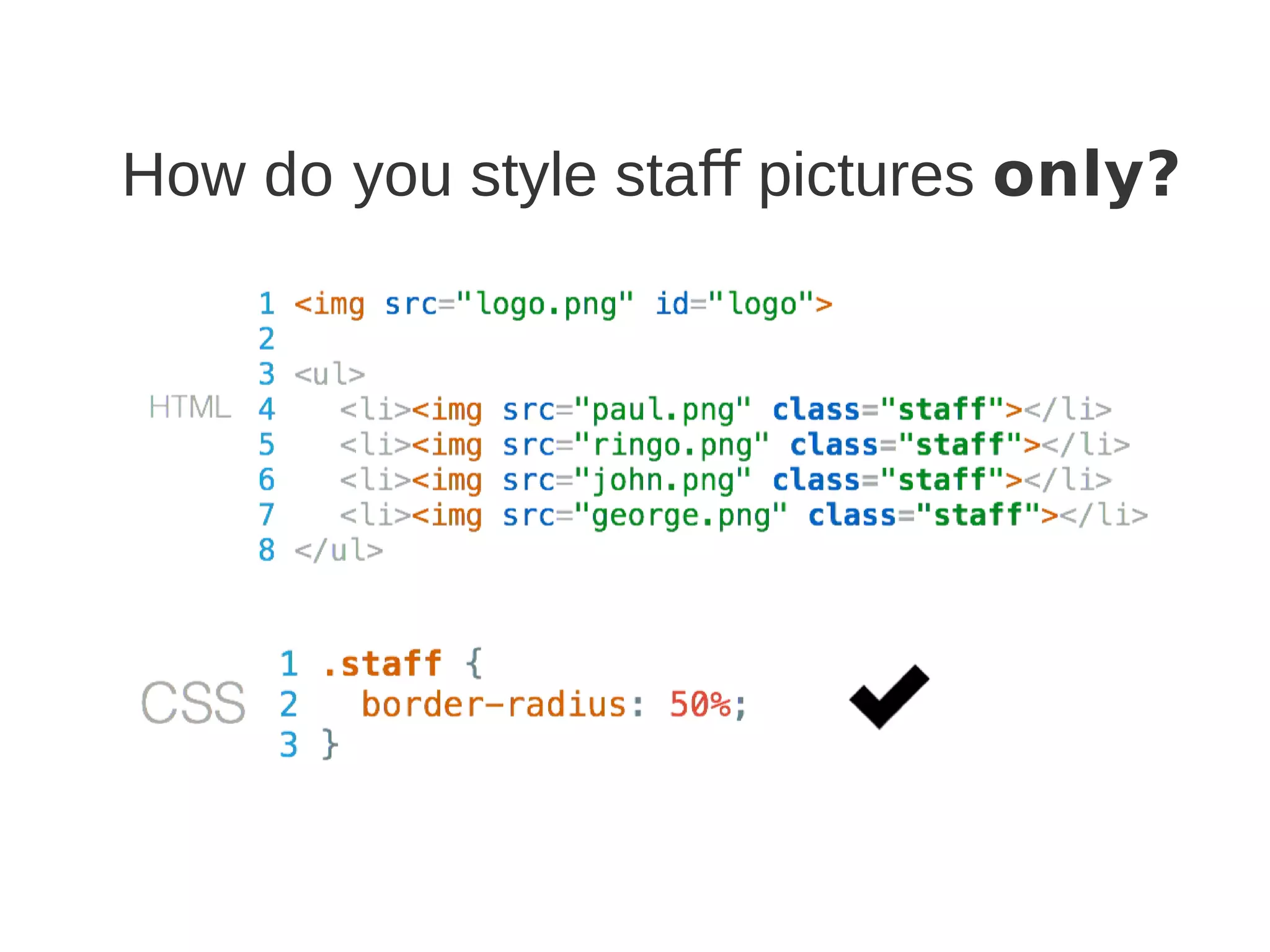
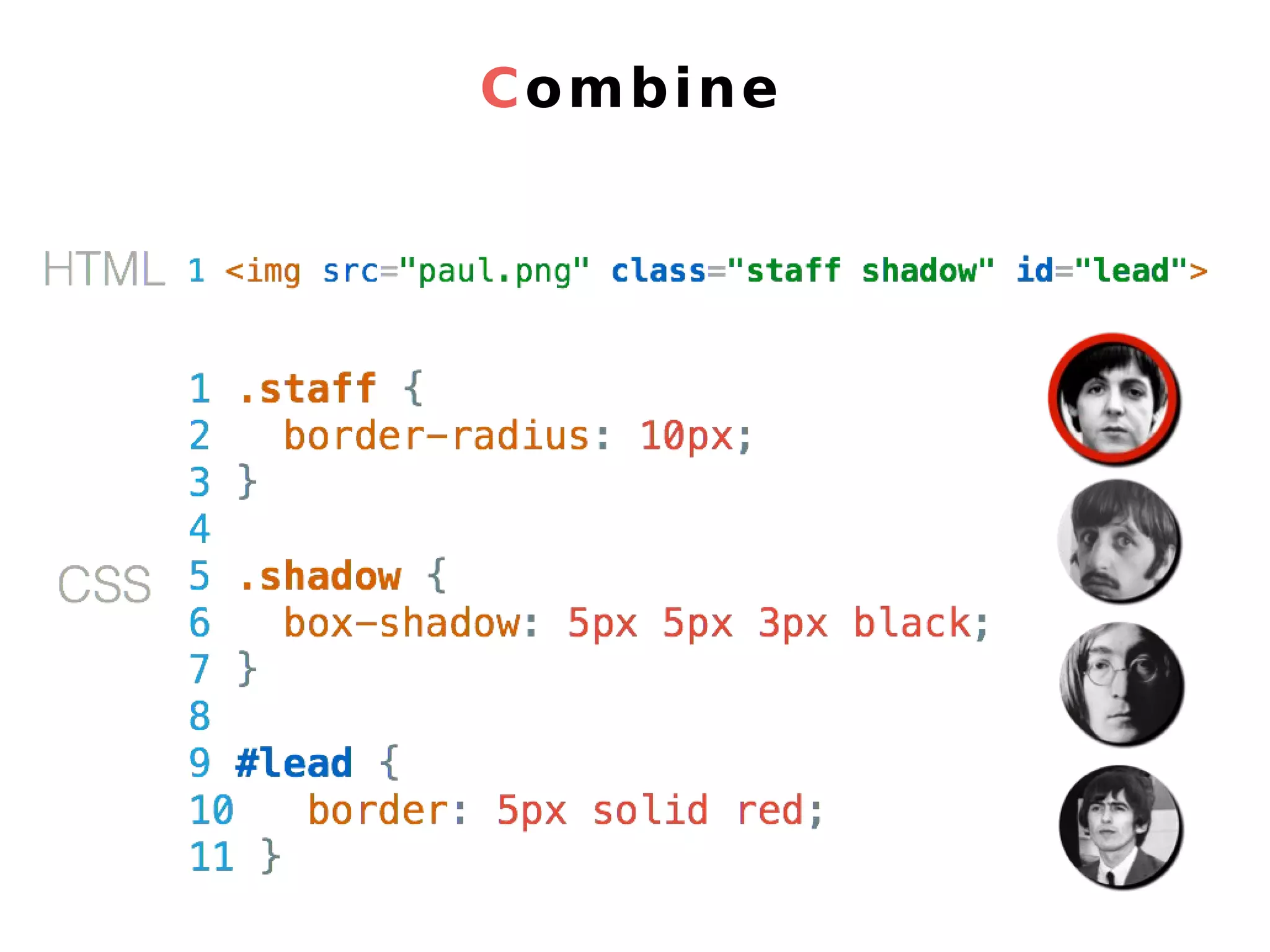
id & class
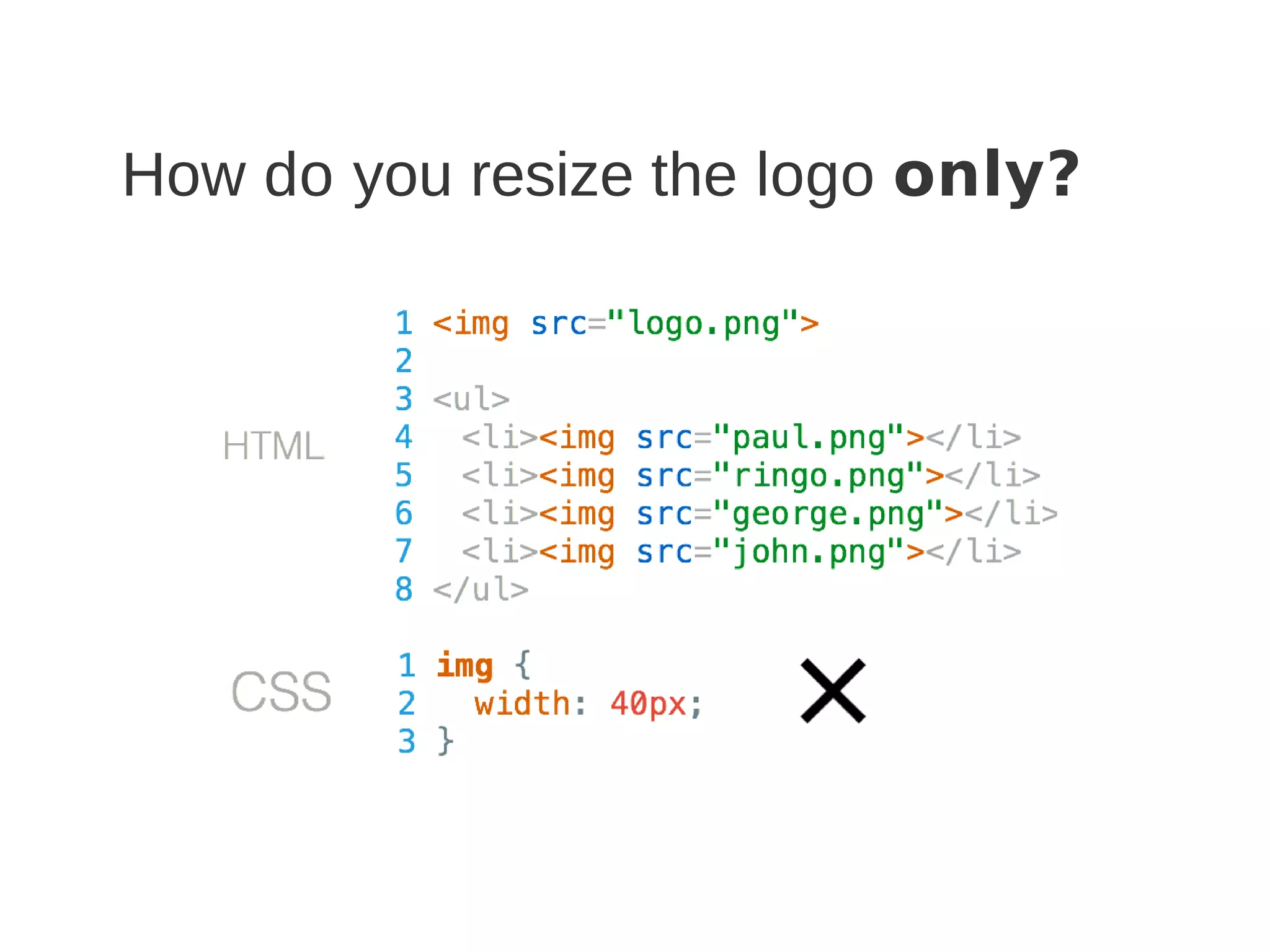
How do you resize the logo only?
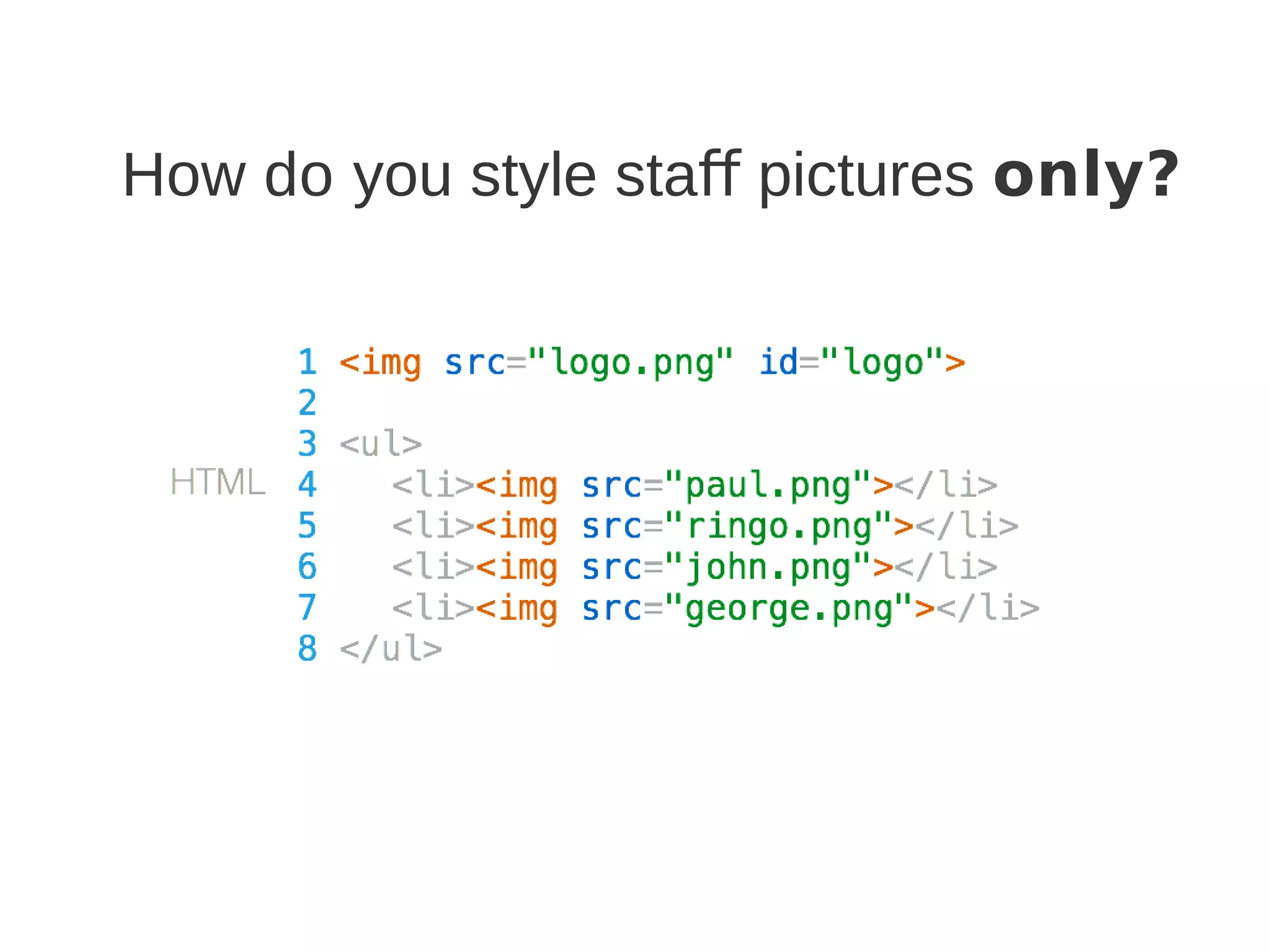
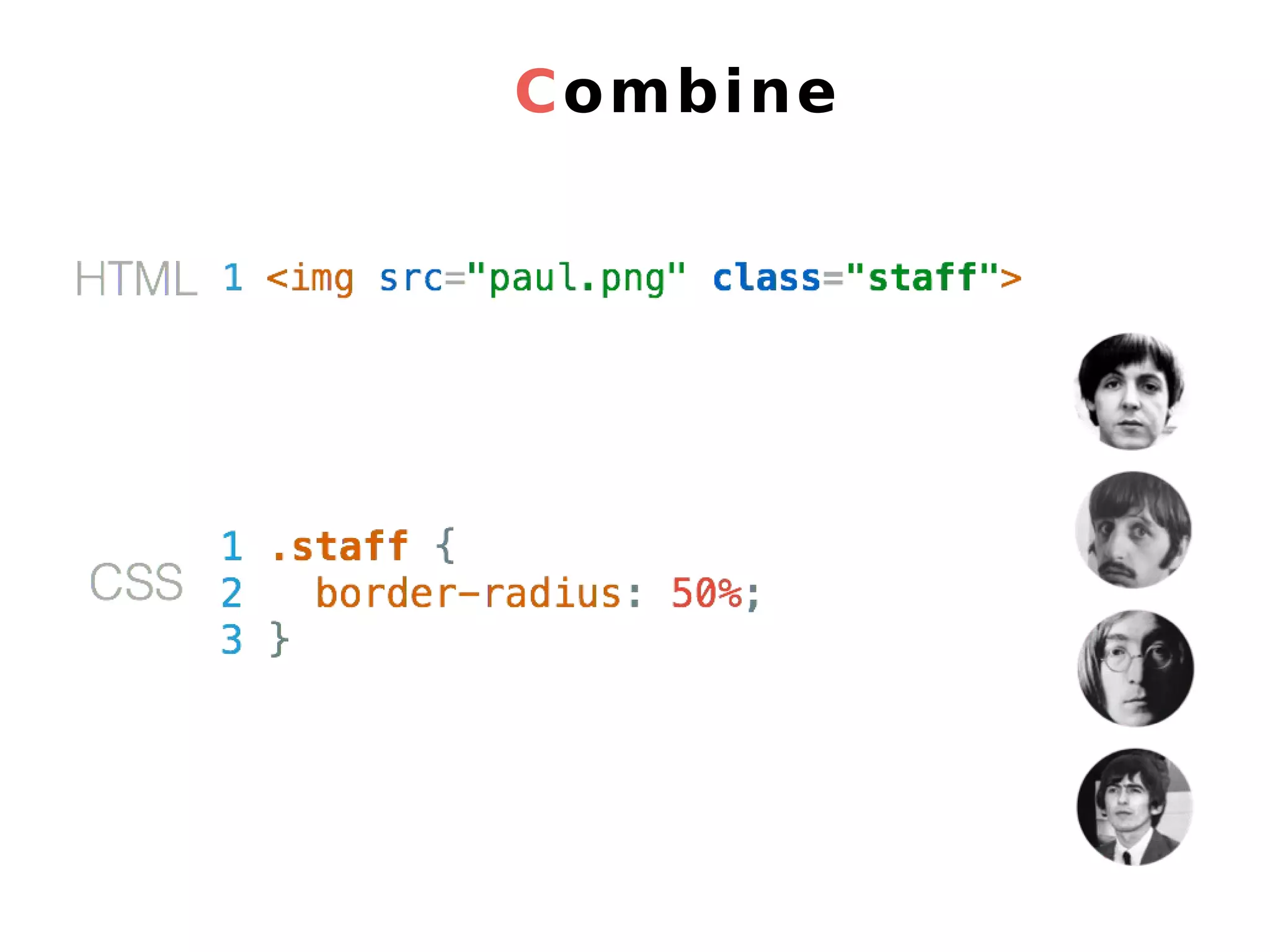
How do you style staff pictures only?
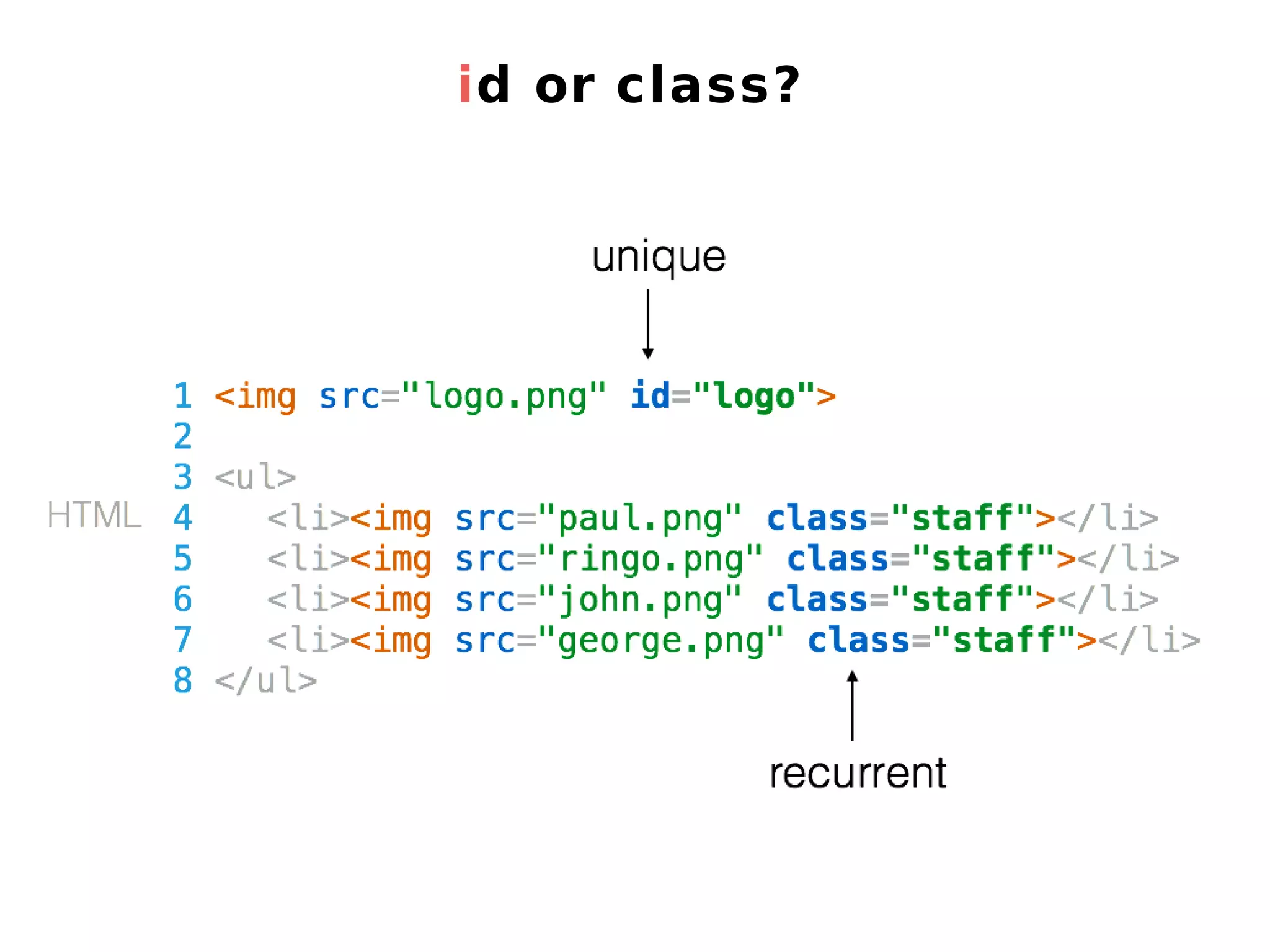
id or class?
Combine
Combine
Combine
5. Name your tags
Fontawesome You don’t want .png or .jpg files You want a font of icons
6. Fontawesome
7. Let’s setup
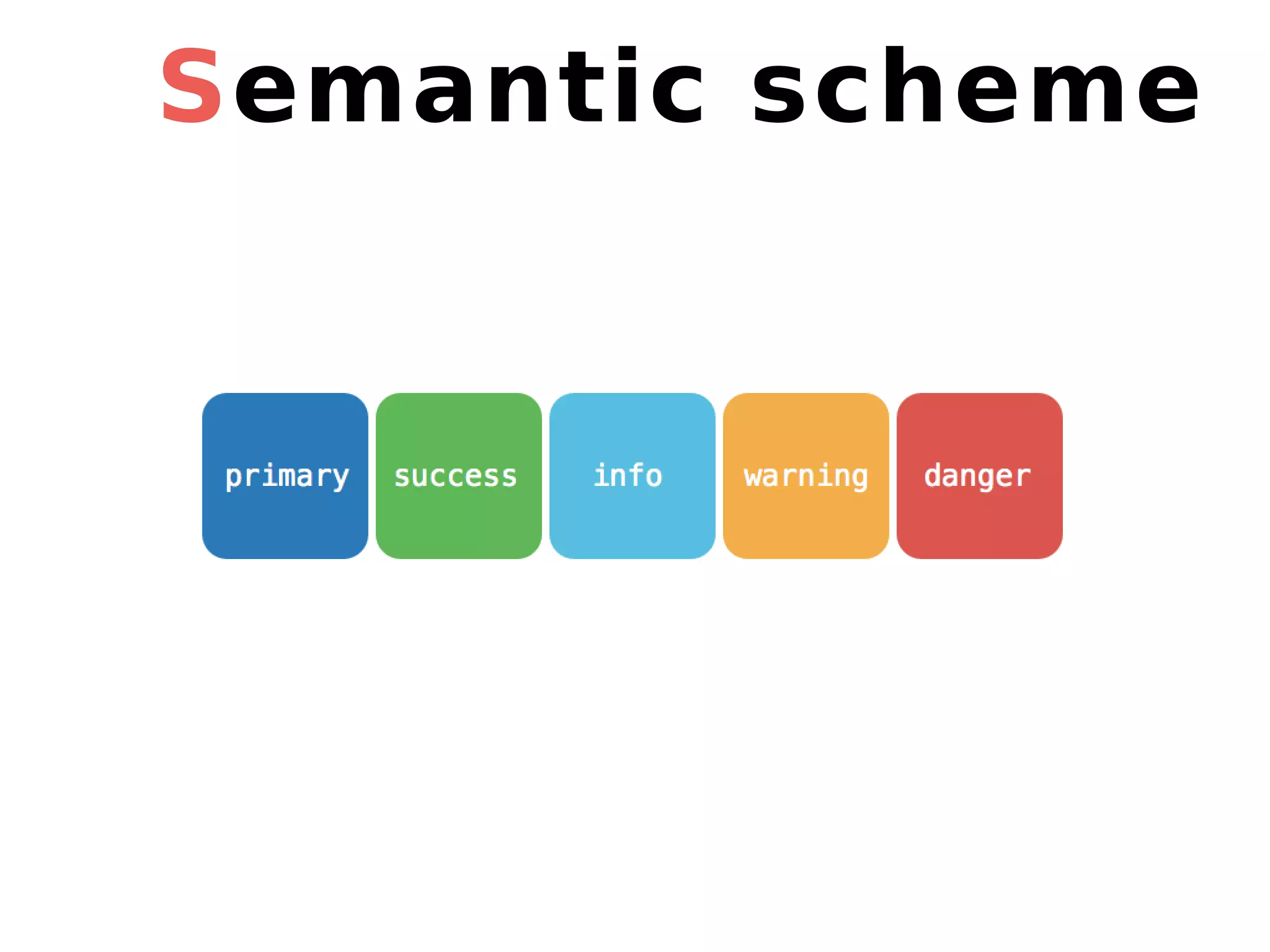
Semantic scheme
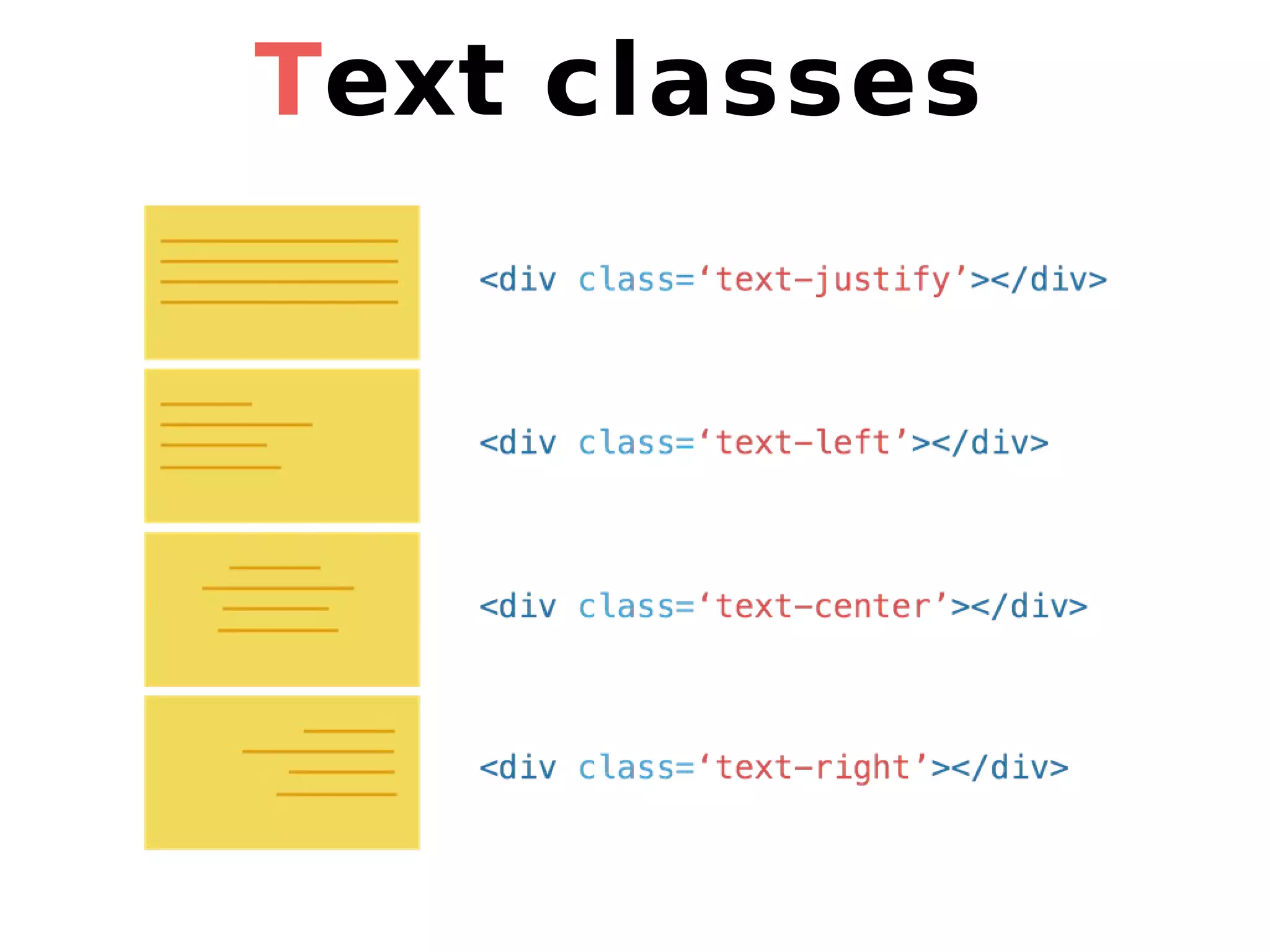
Text classes
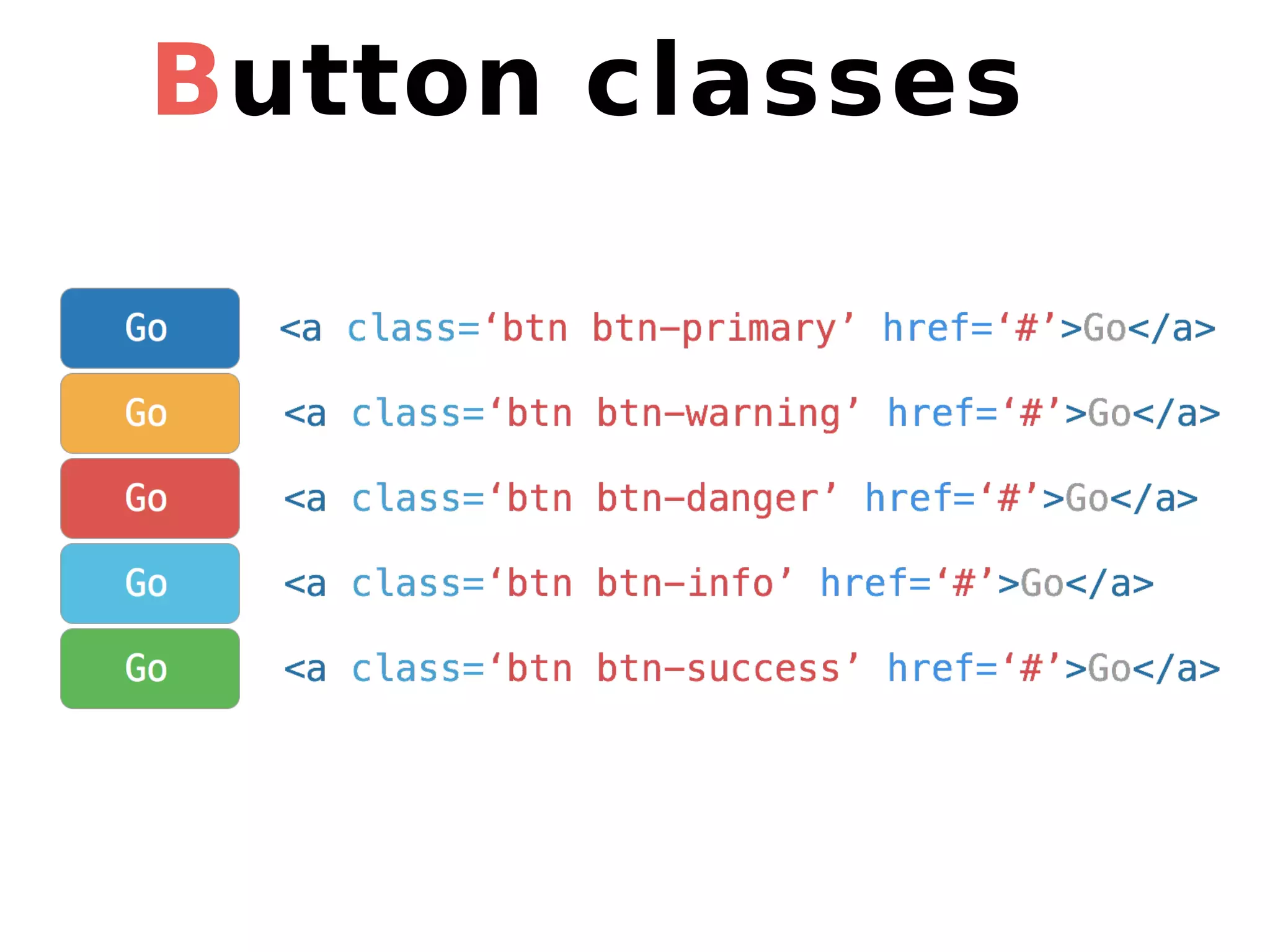
Button classes
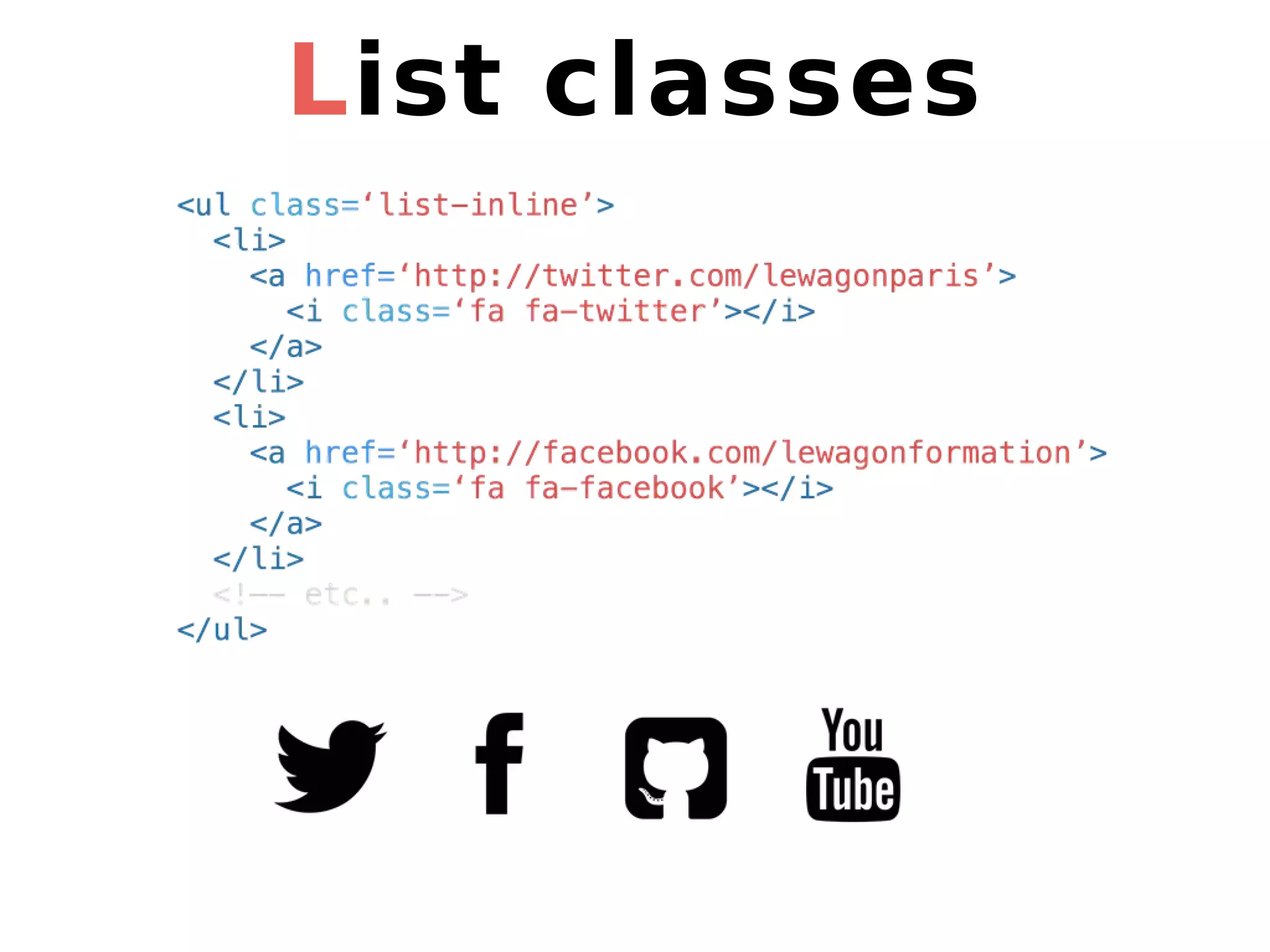
List classes
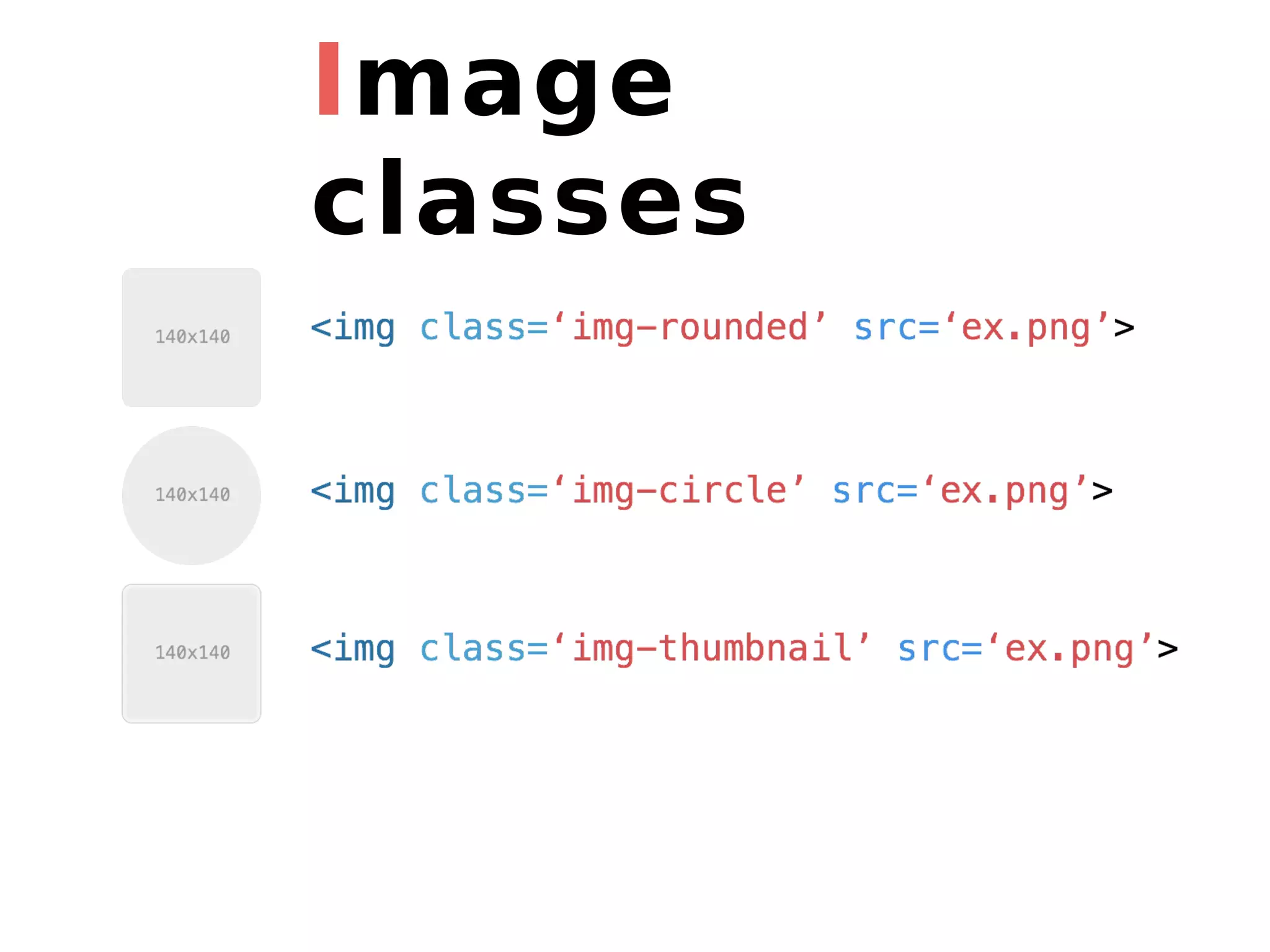
Image classes
Your turn “text-center” on your paragraphs “list-inline” on your social list “btn btn-primary” for your subscribe button
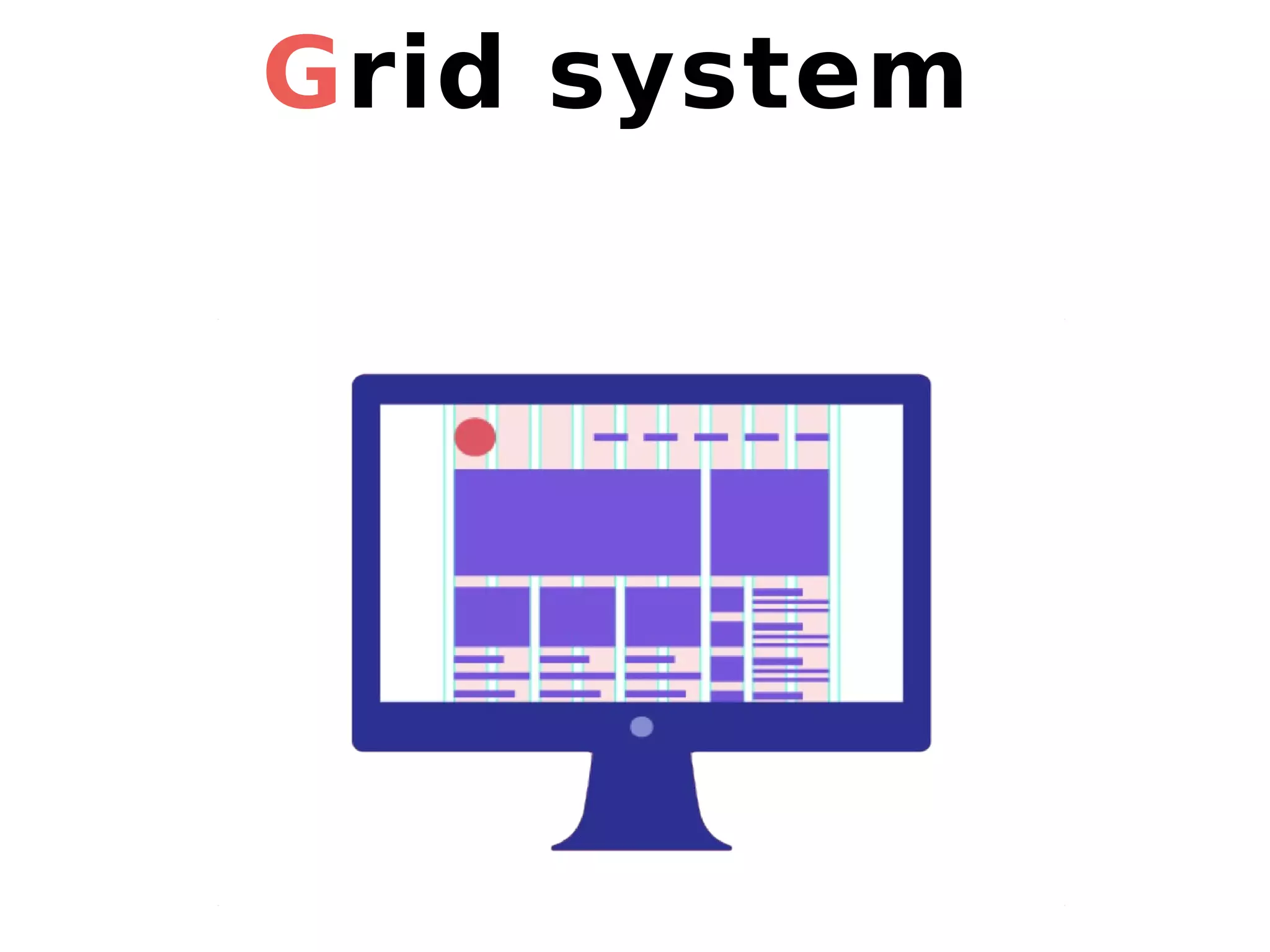
Grid system
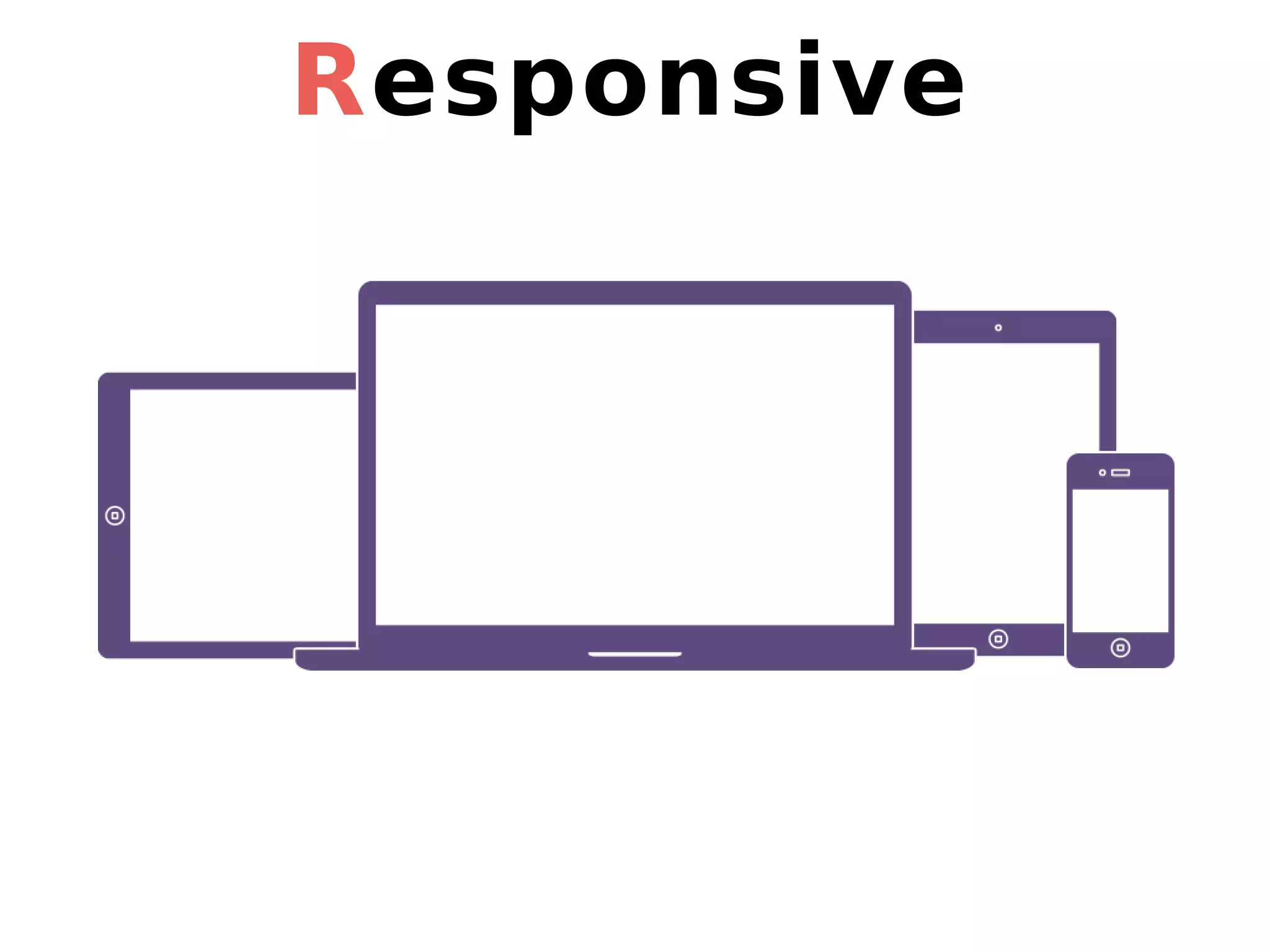
Responsive
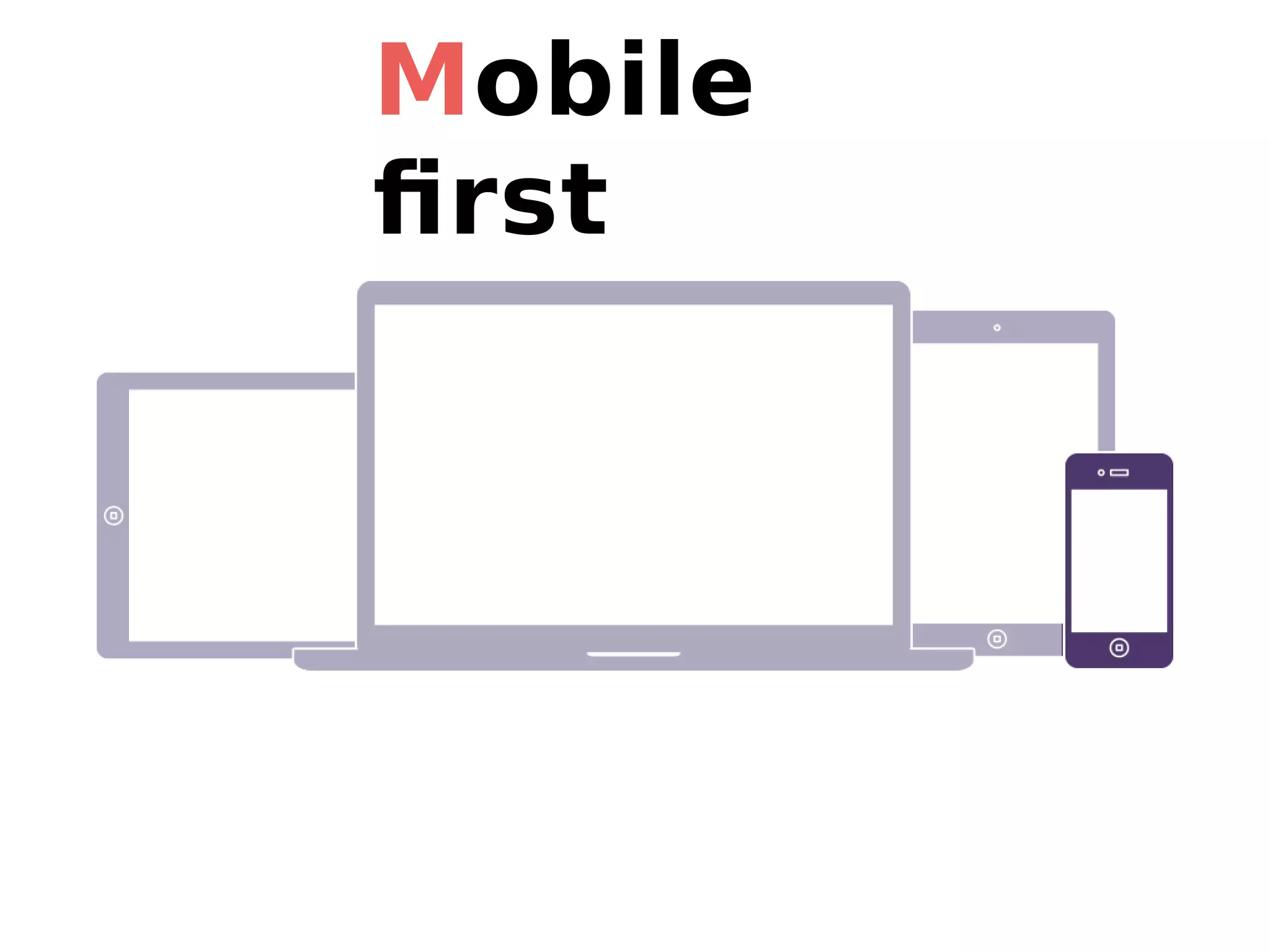
Mobile first
How does it work?
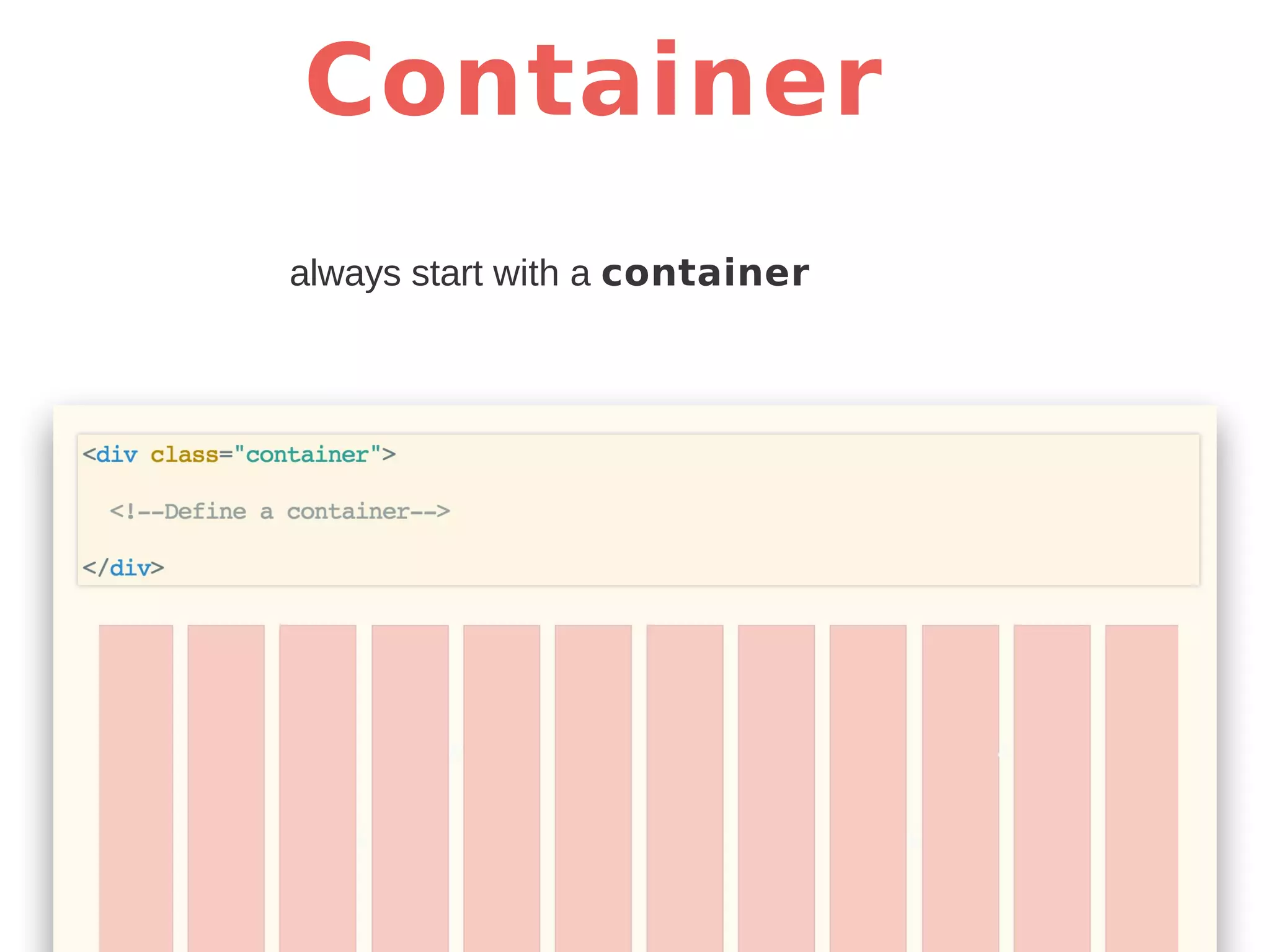
Container always start with a container
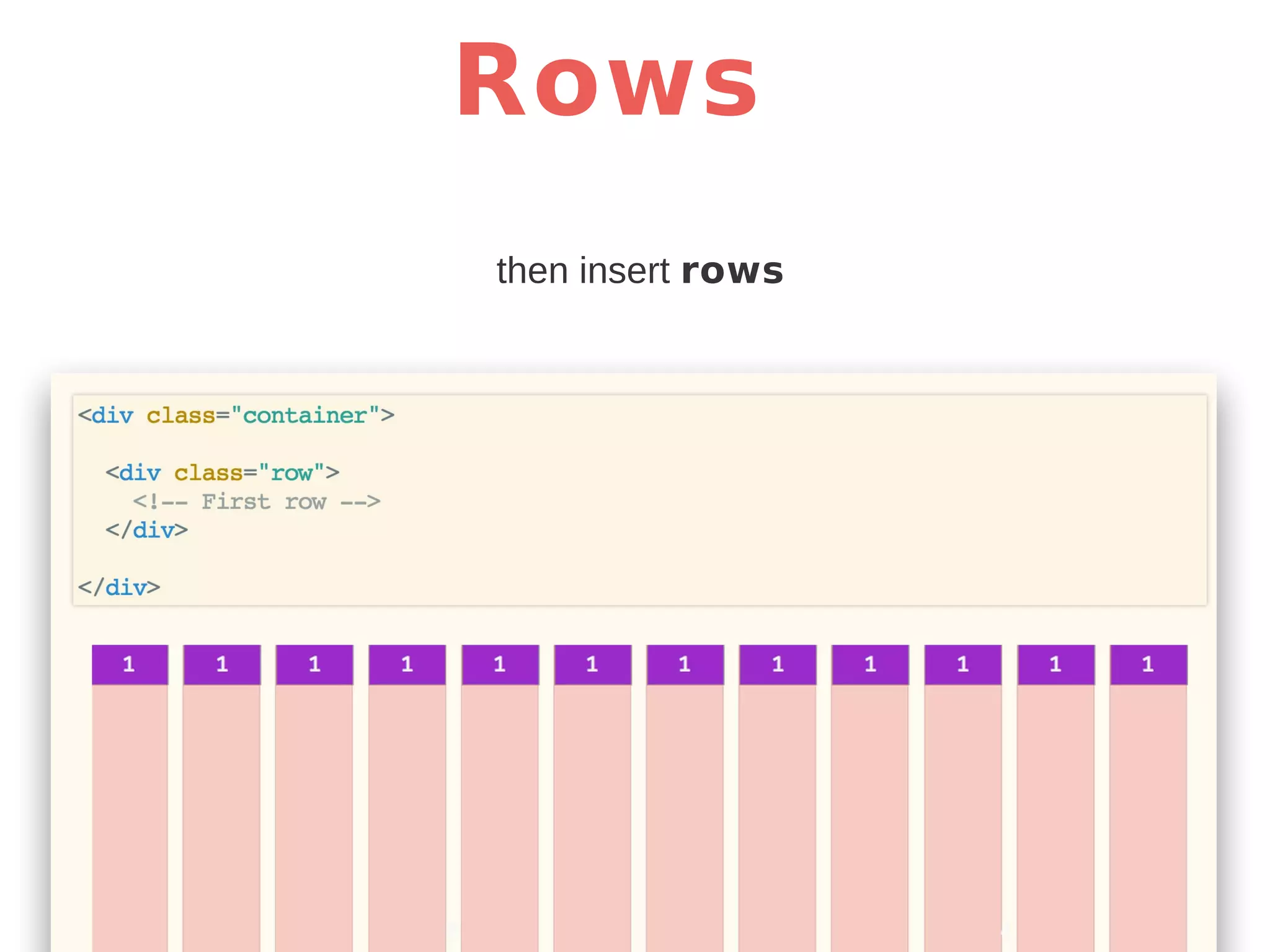
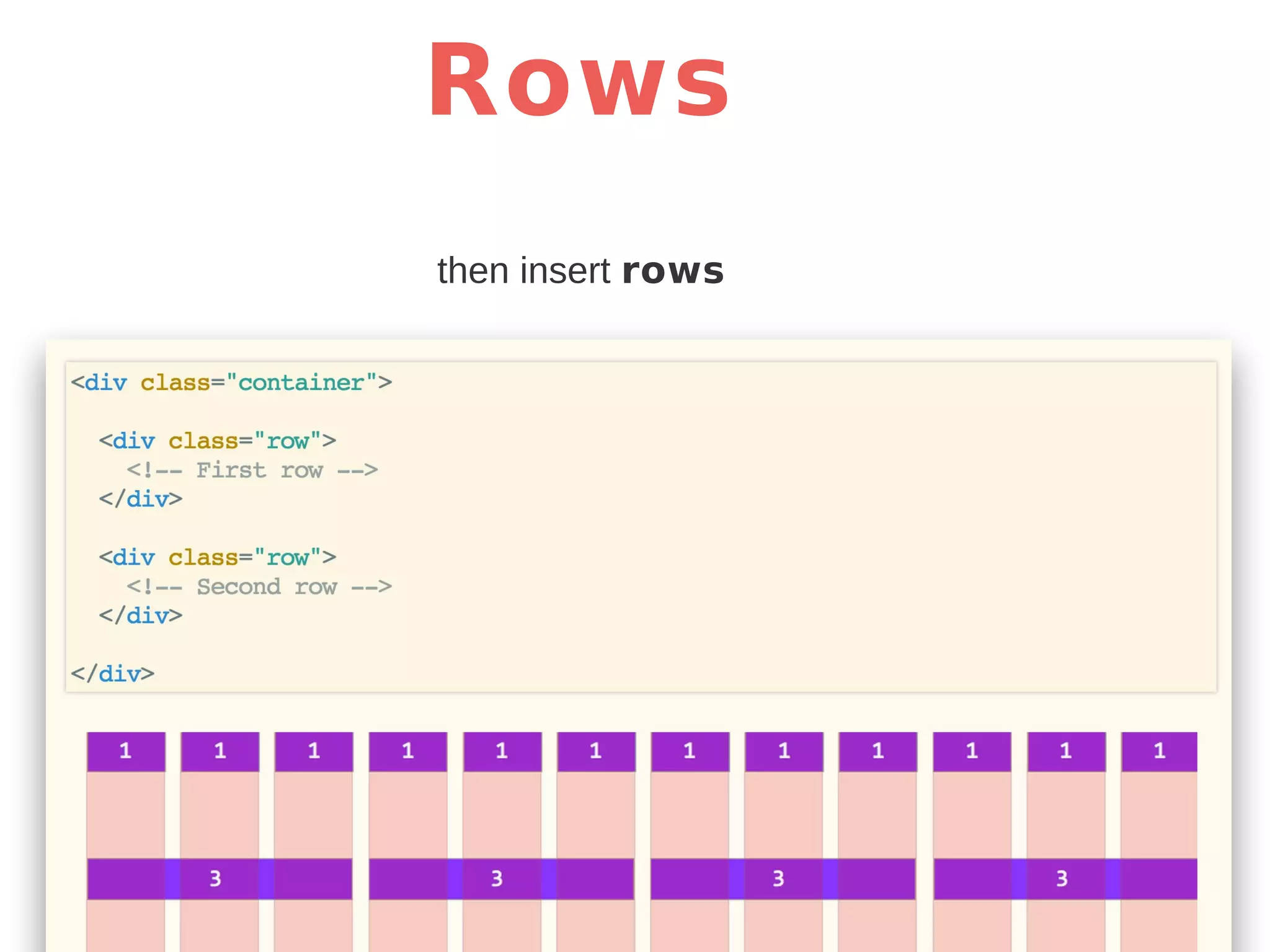
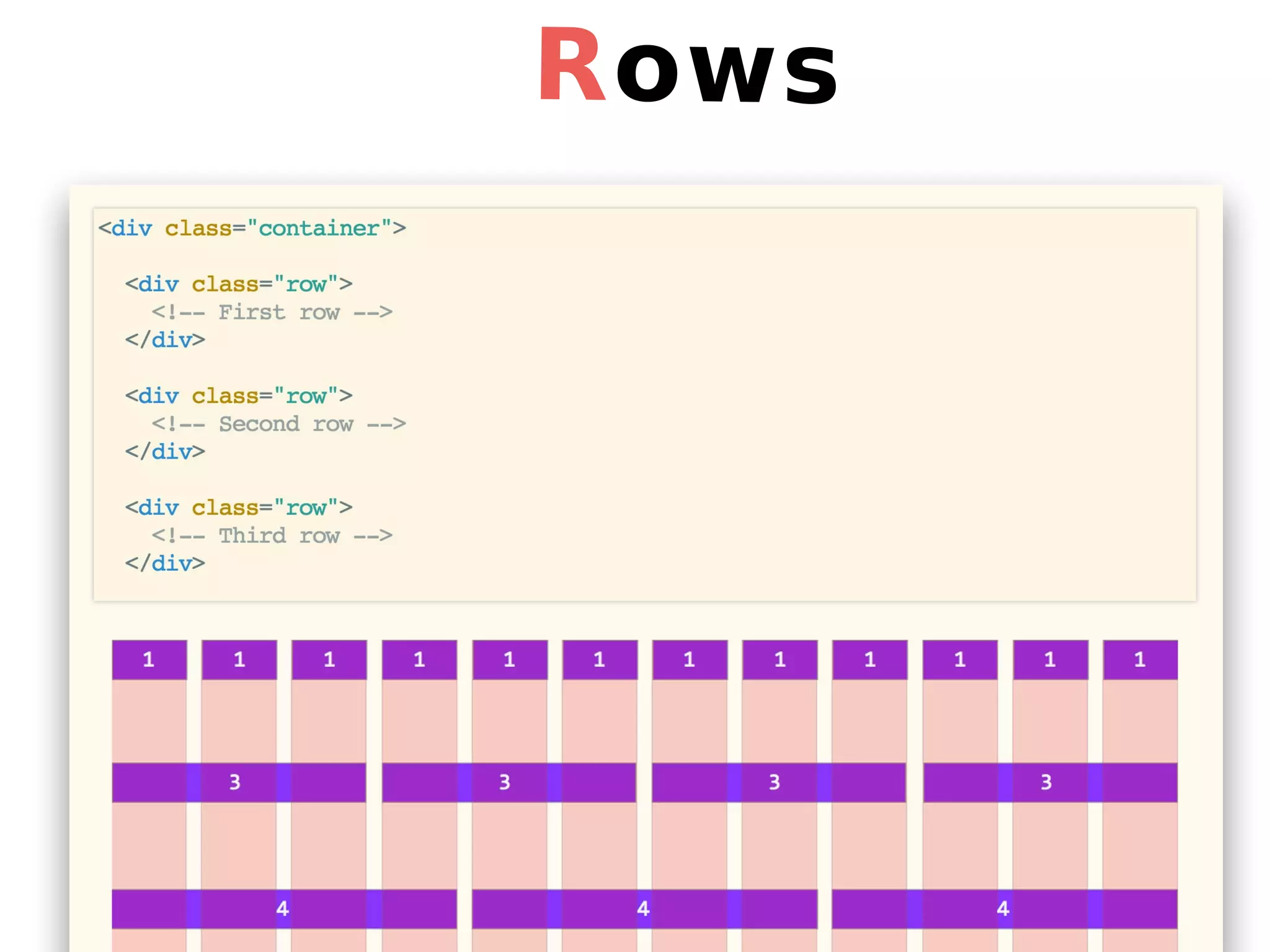
Rows then insert rows
Rows
How do we fill rows?
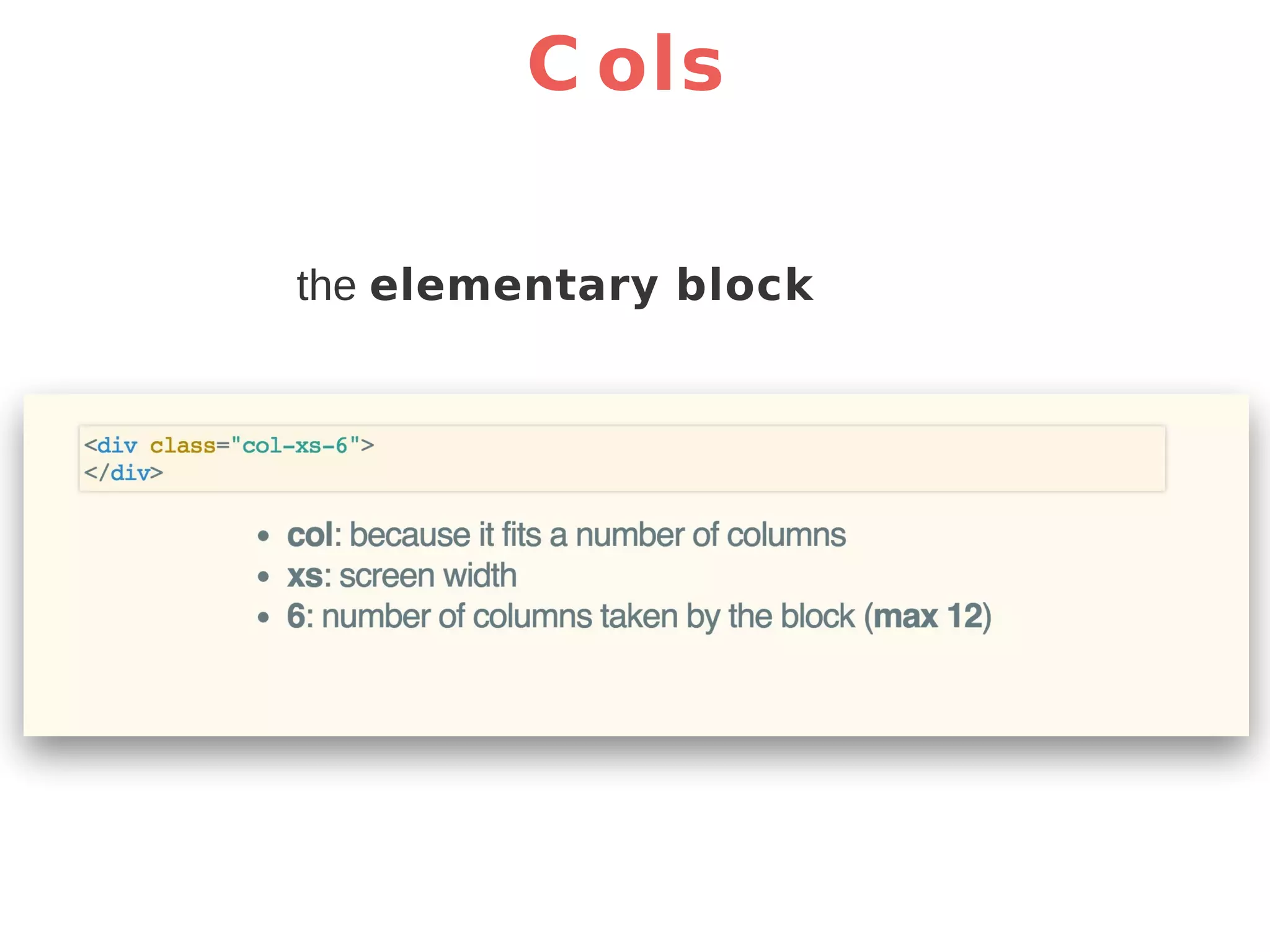
C ols the elementary block
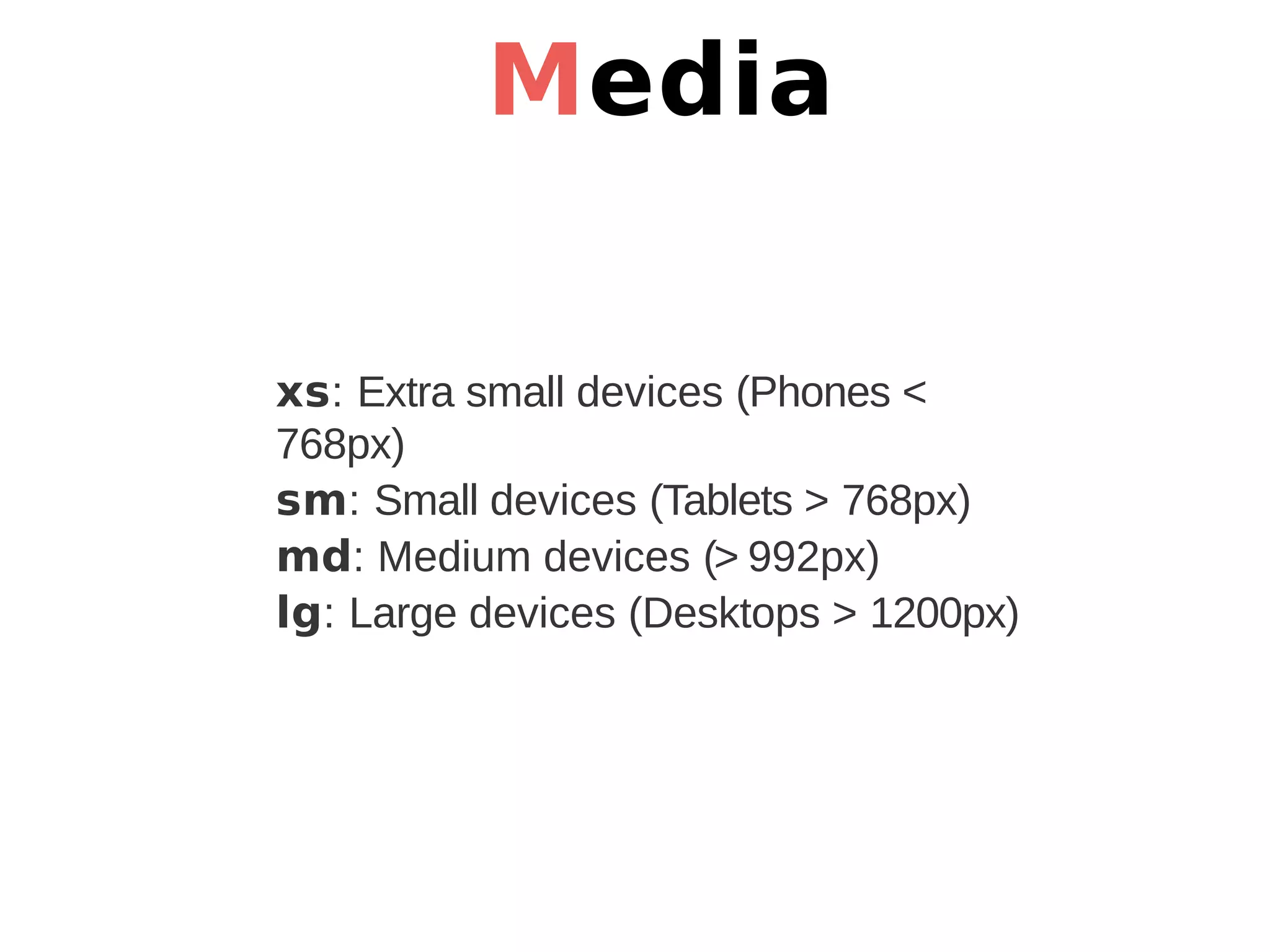
Media xs: Extra small devices (Phones < 768px) sm: Small devices (Tablets > 768px) md: Medium devices (> 992px) lg: Large devices (Desktops > 1200px)
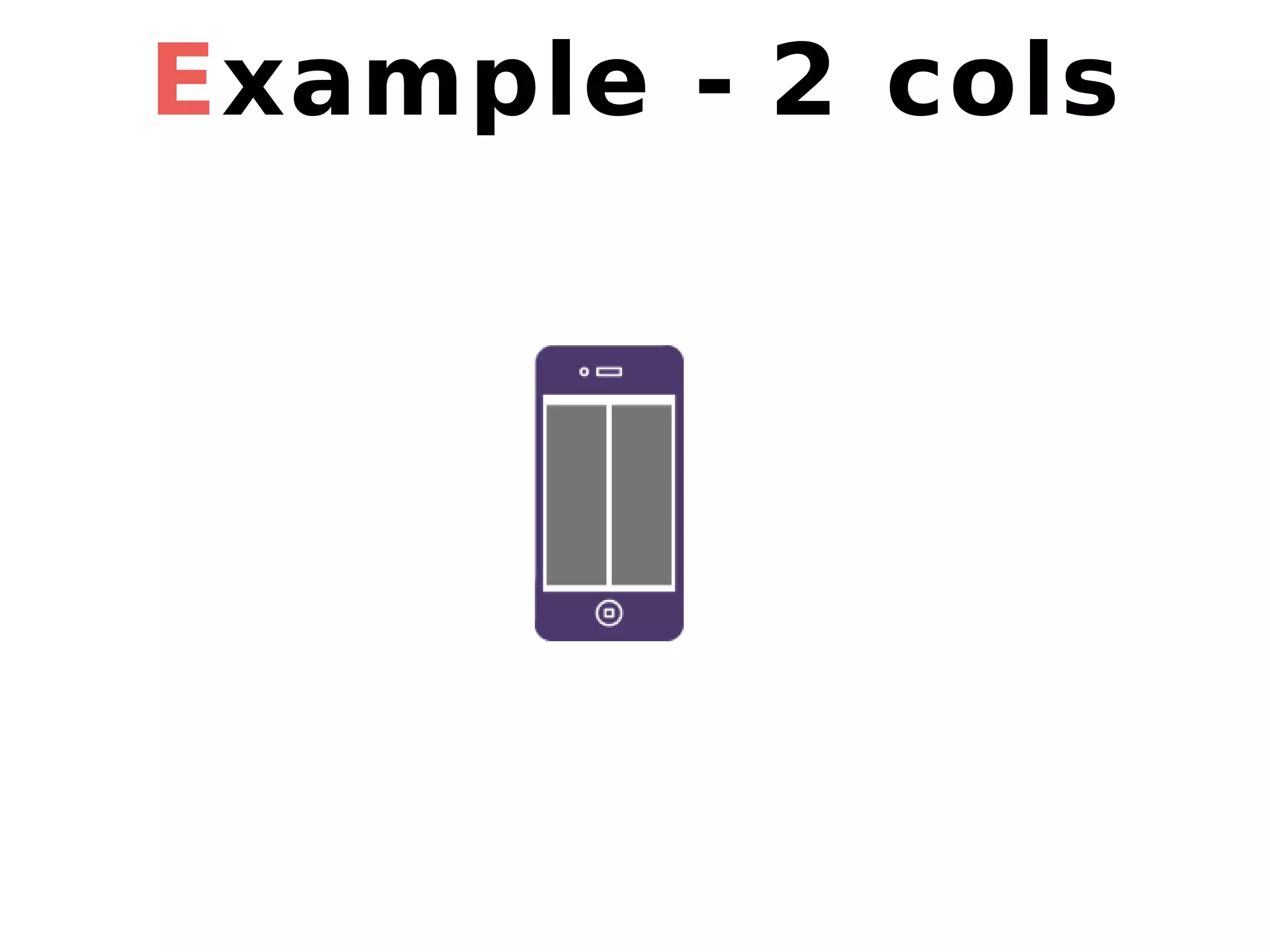
Example - 2 cols
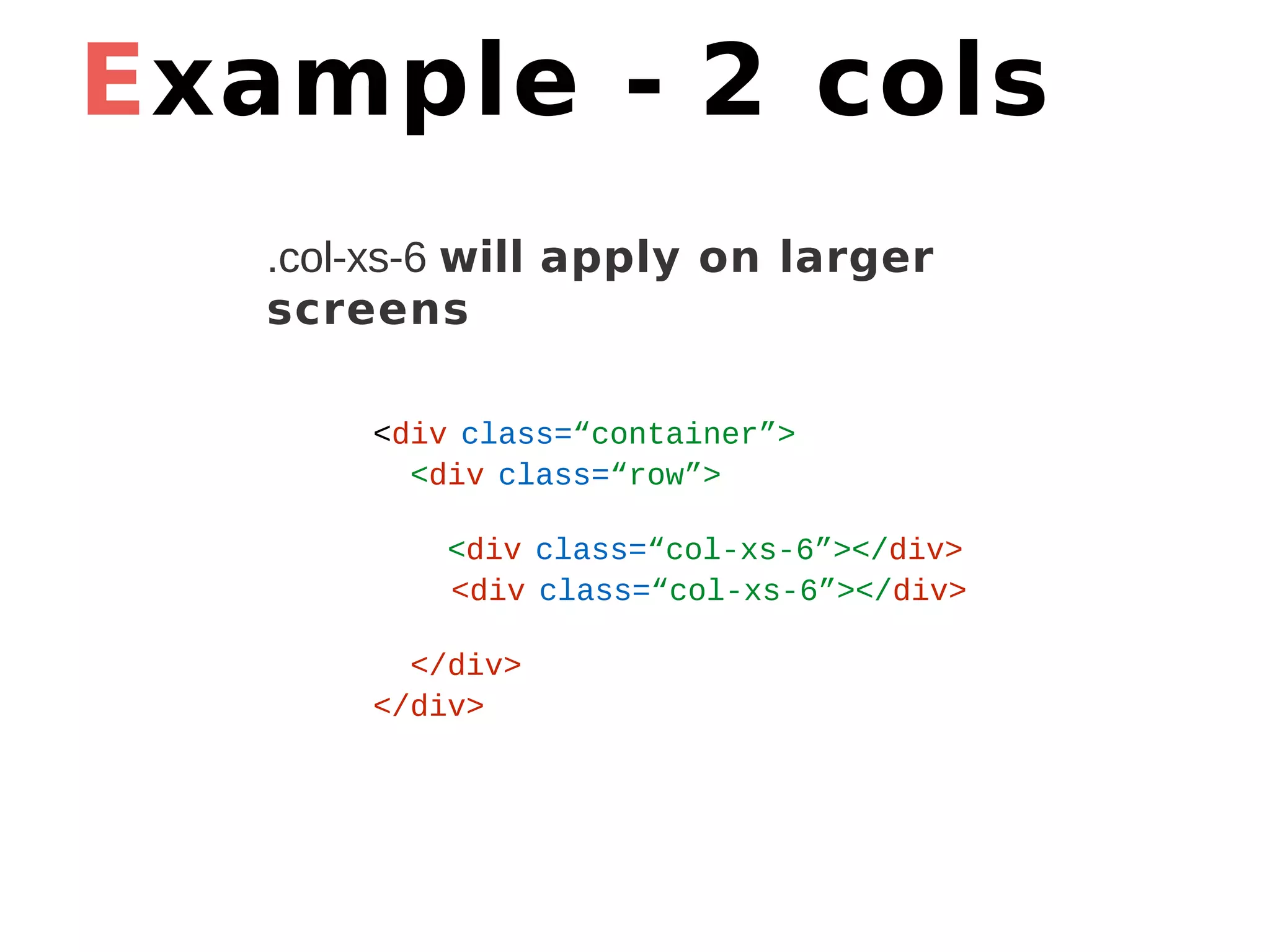
Example - 2 cols <div class=“container”> <div class=“row”> <div class=“col-xs-6”></div> <div class=“col-xs-6”></div> </div> </div> .col-xs-6 will apply on larger screens
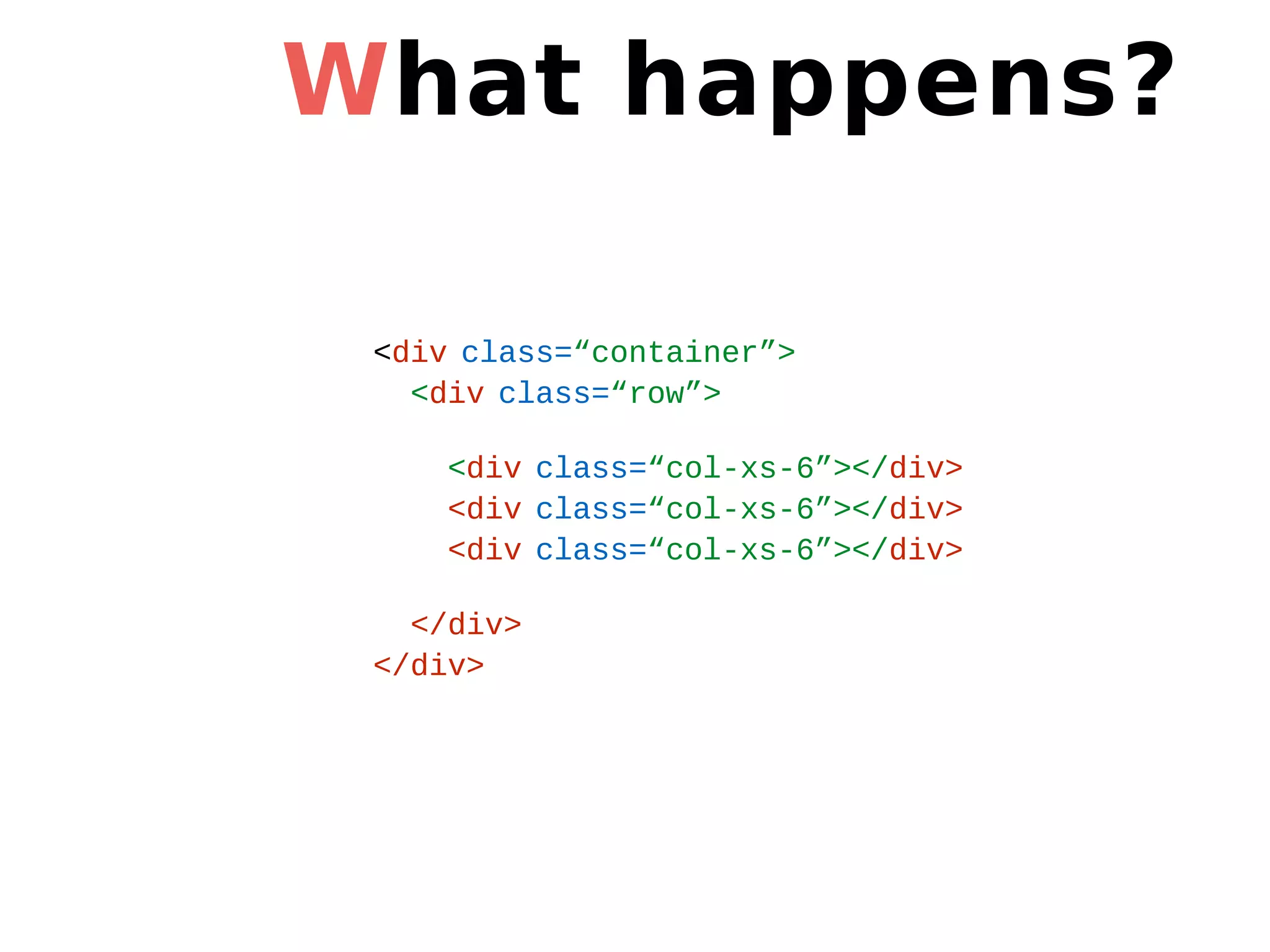
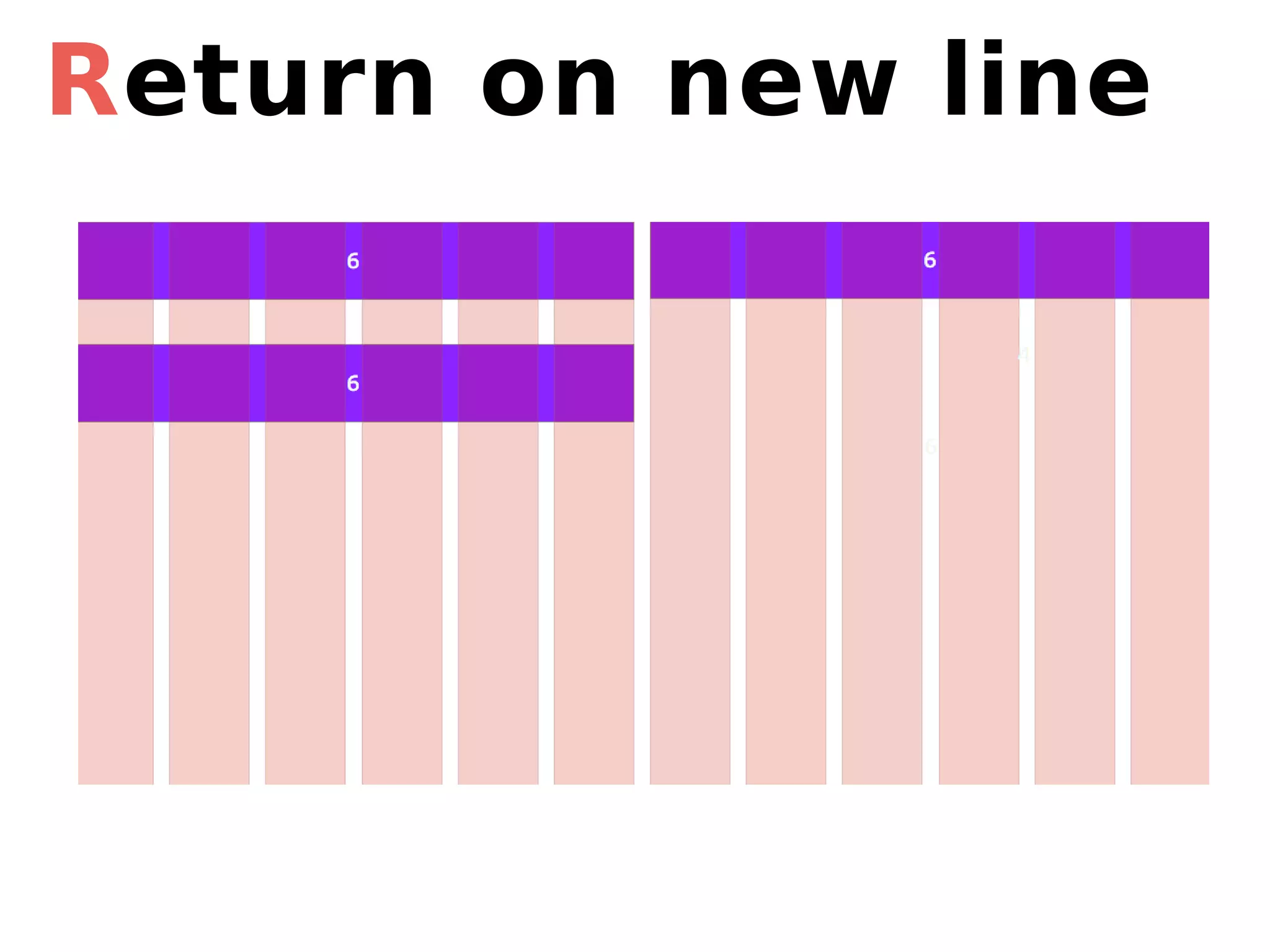
What happens? <div class=“container”> <div class=“row”> <div class=“col-xs-6”></div> <div class=“col-xs-6”></div> <div class=“col-xs-6”></div> </div> </div>
Return on new line
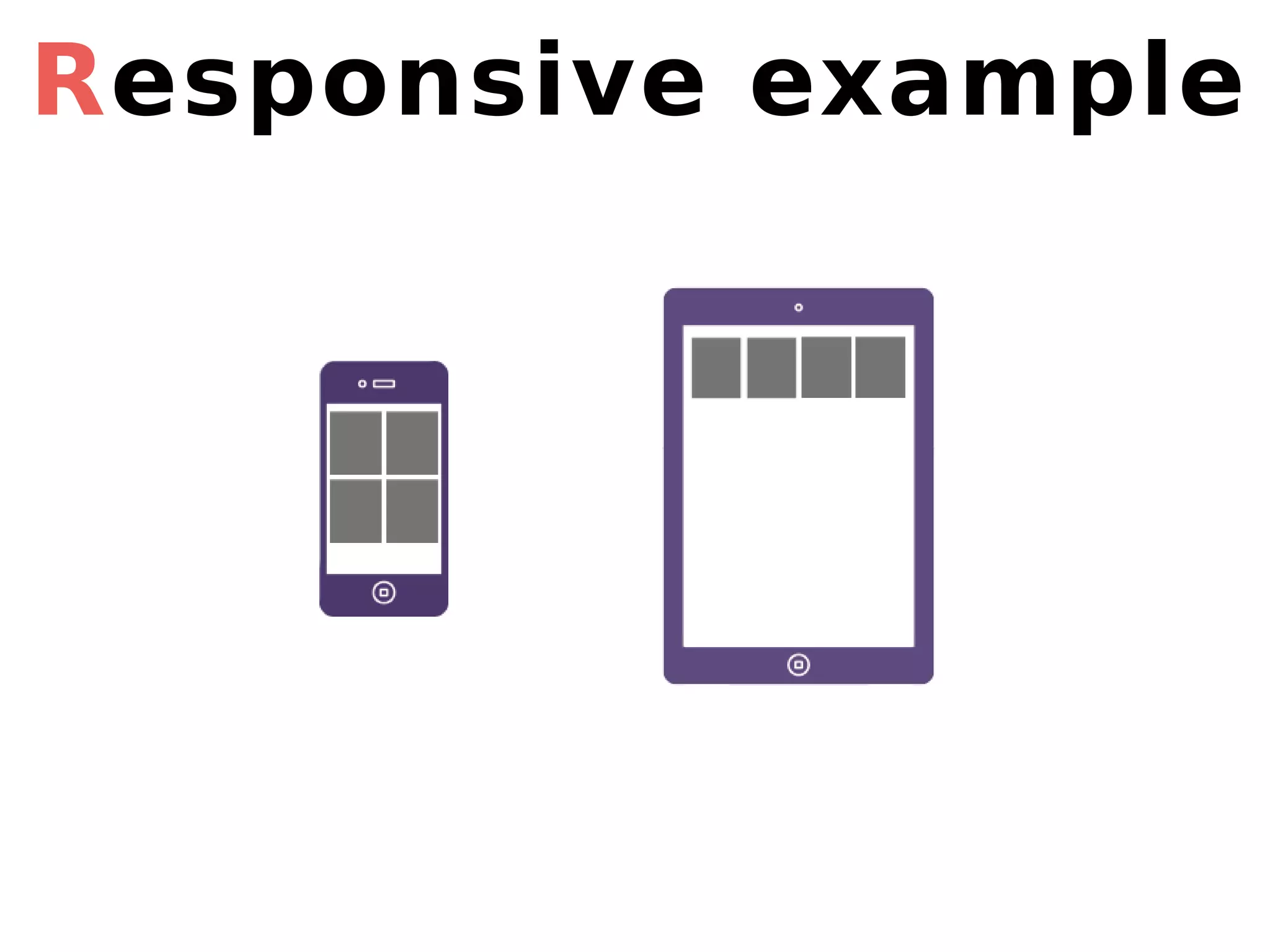
Responsive example
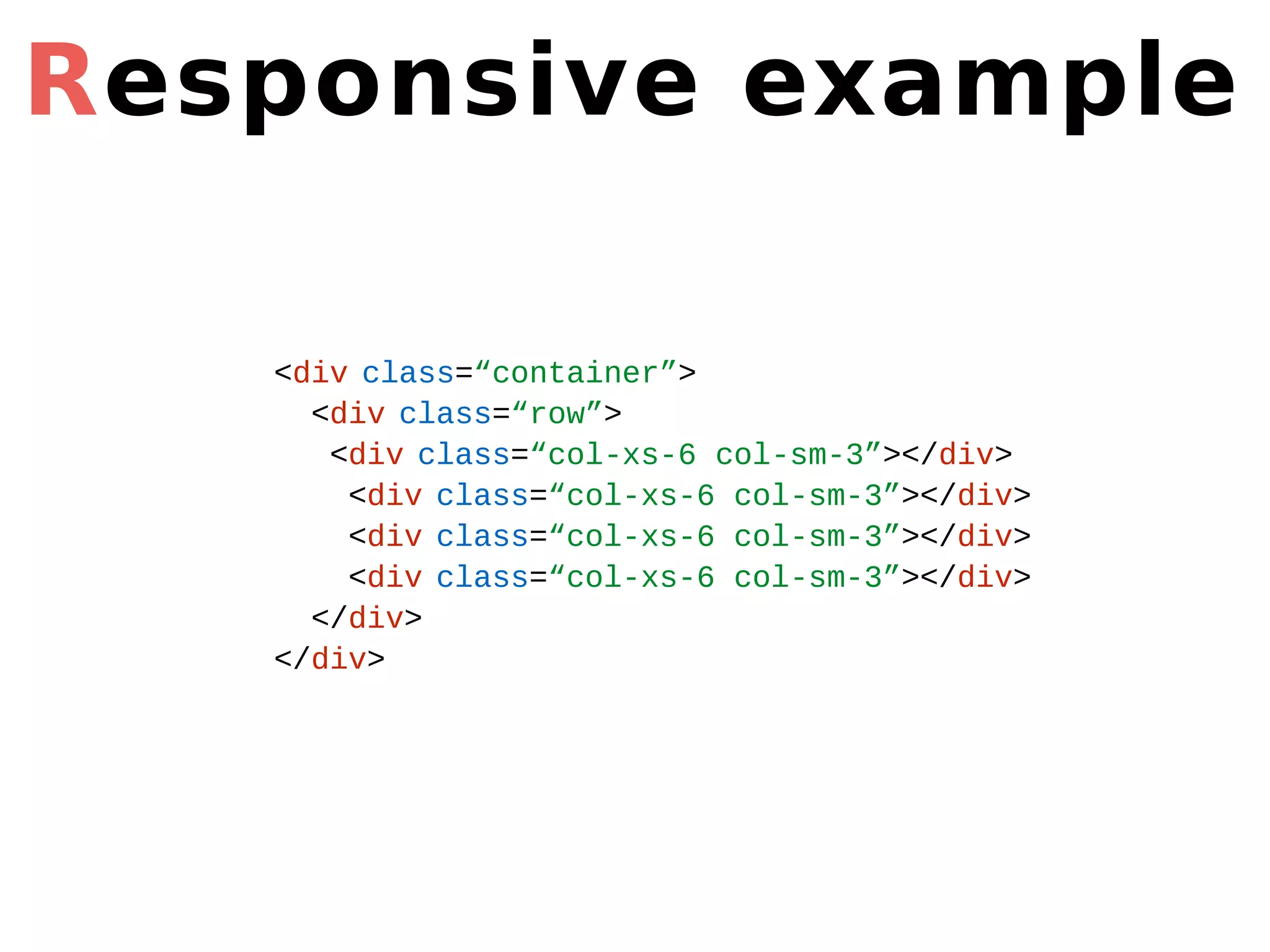
Responsive example <div class=“container”> <div class=“row”> <div class=“col-xs-6 col-sm-3”></div> <div class=“col-xs-6 col-sm-3”></div> <div class=“col-xs-6 col-sm-3”></div> <div class=“col-xs-6 col-sm-3”></div> </div> </div>
Go further
Thank you!

Coder son site web