CSS YES! (Even for beginners) {CSS}
● Wordpress sites consist of several parts ● The Content! – 1. HTML – HyperText Markup Language – 2. PHP – PHP Hypertext Processor (AKA: Personal Home Page) ● The Presentation! – 3. CSS – Cascading Style Sheets (and some behavior) – 4. JavaScript, jQuery, Ajax etc
What's so great about it? ● CSS lets you style a lot of content with very little work. ● You can make your website look exactly how you want it. ● You cannot “break” anything! ● Unlike PHP, you can't make your page explode ● You won't lose content by CSS errors ● You can only make it look like geocities
Right tools for the job ● A text editor (Sublime Text 2, Notepad ++) ● DO NOT USE MS WORD! ● A modern browser Chrome or Firefox (with Firebug) ● DO NOT USE INTERNET EXPLORER (ever!). ● Highly recommended: A local install of your website (outside the scope of this course) ● Also “Custom CSS CC” plugin
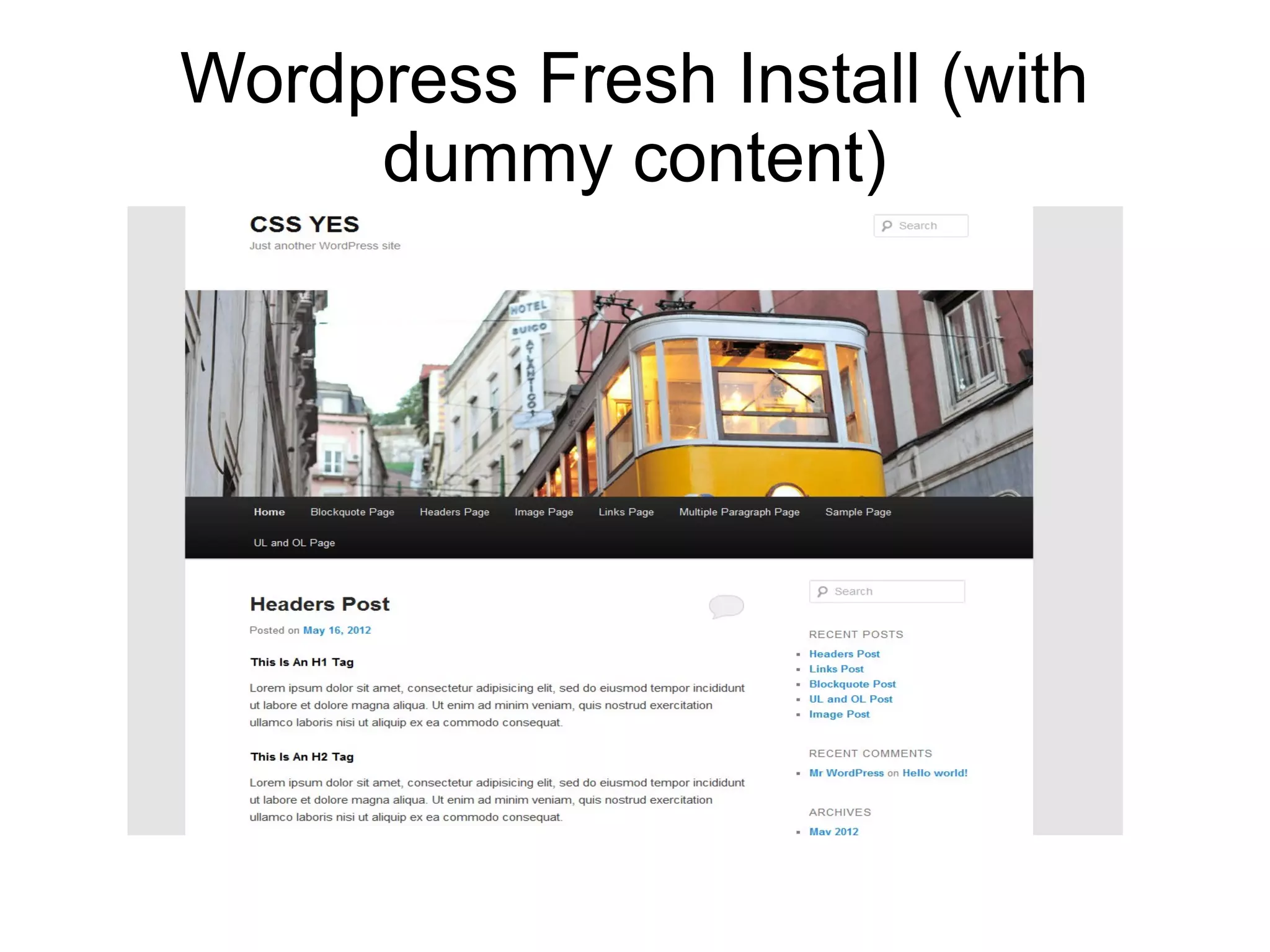
Wordpress Fresh Install (with dummy content)
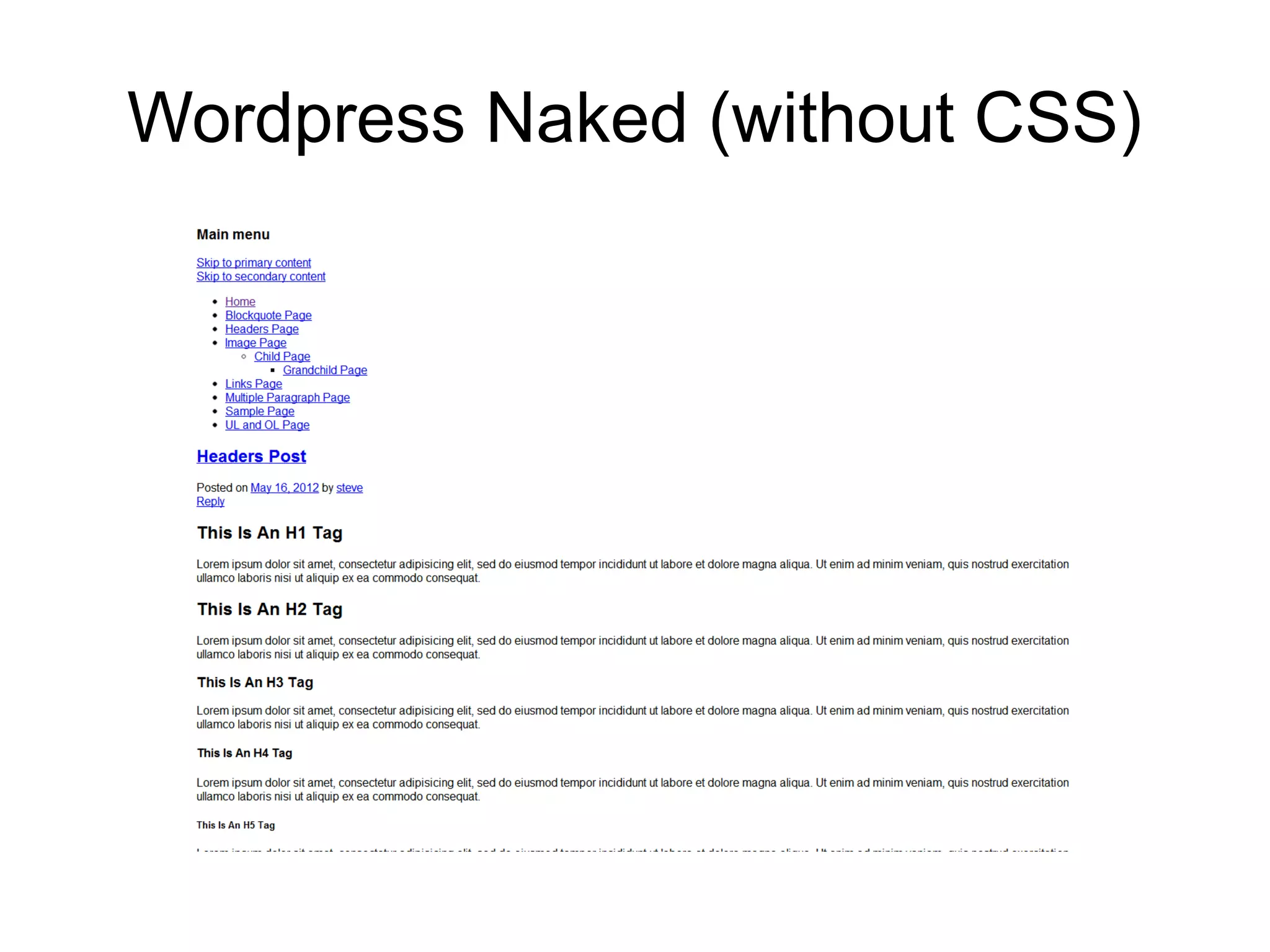
Wordpress Naked (without CSS)
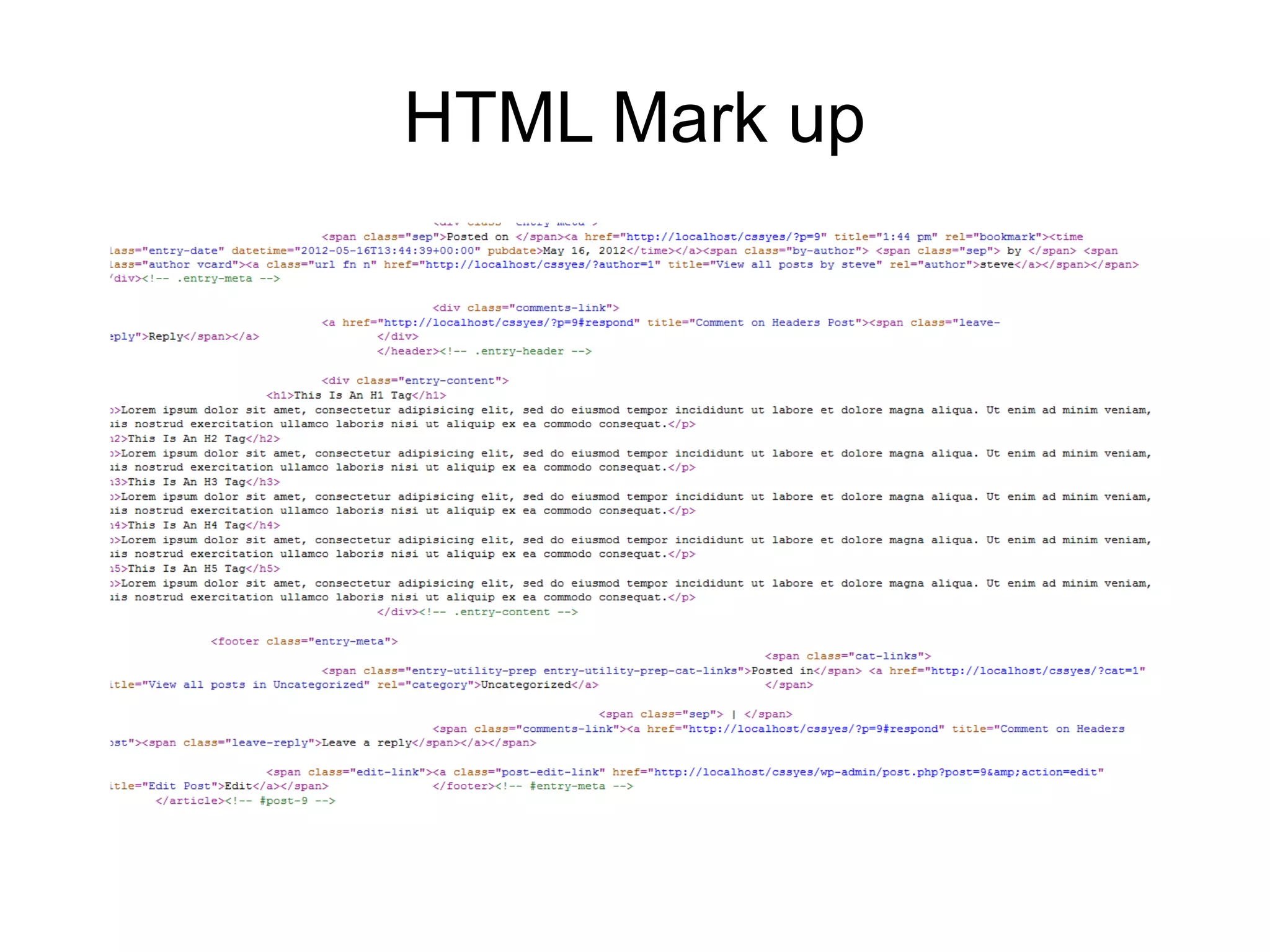
HTML Mark up
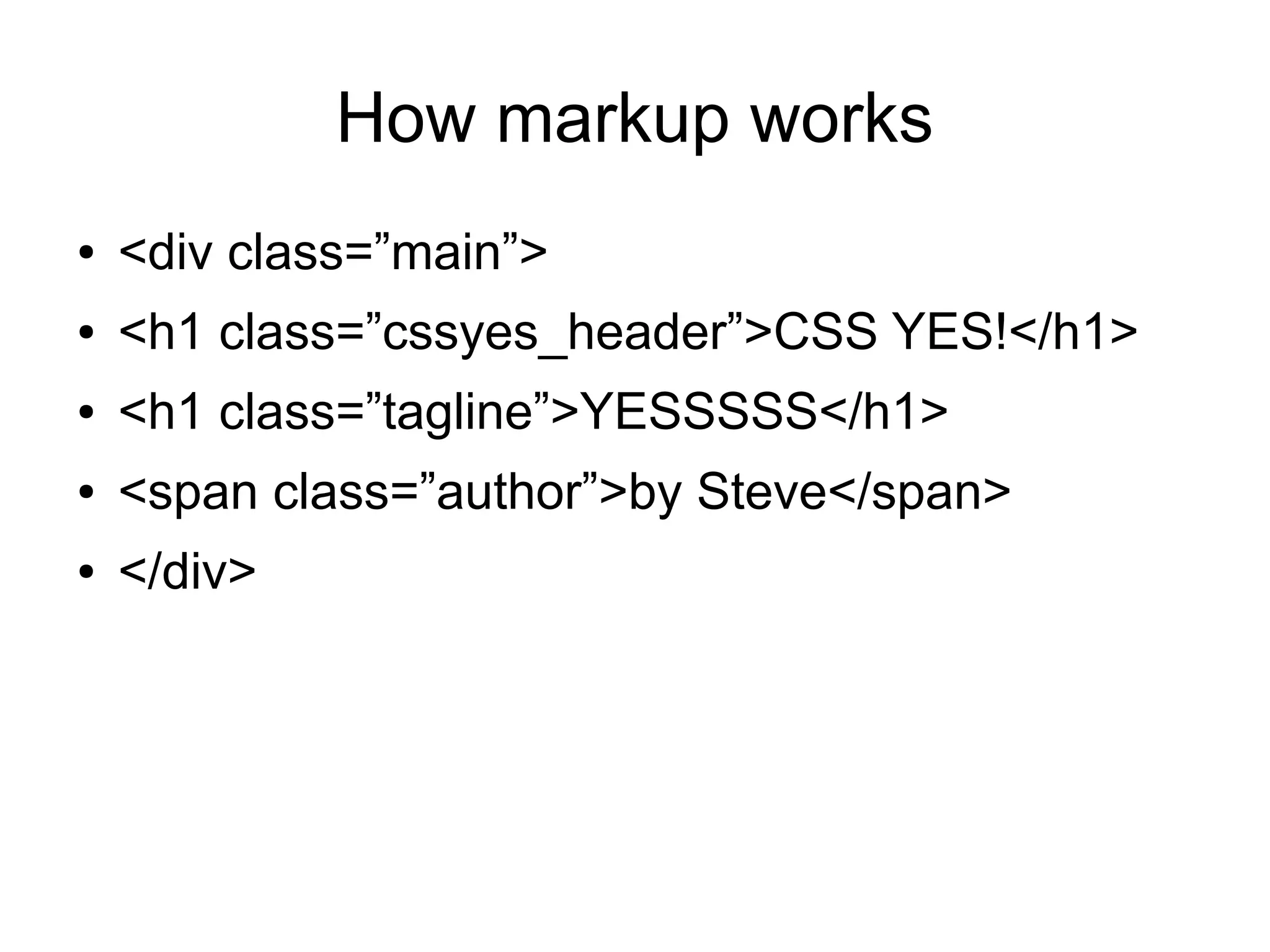
How markup works ● <div class=”main”> ● <h1 class=”cssyes_header”>CSS YES!</h1> ● <h1 class=”tagline”>YESSSSS</h1> ● <span class=”author”>by Steve</span> ● </div>
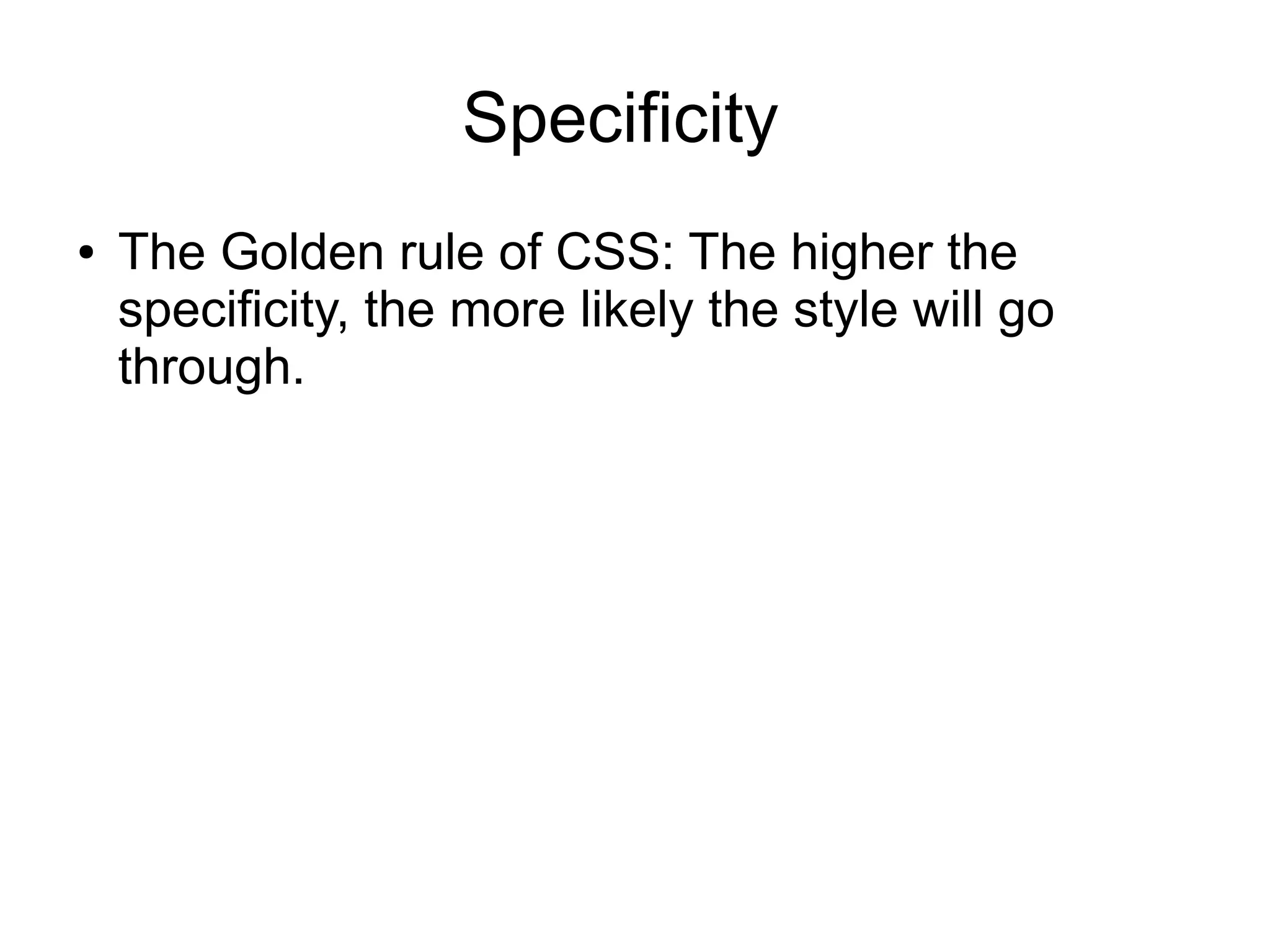
Specificity ● The Golden rule of CSS: The higher the specificity, the more likely the style will go through.
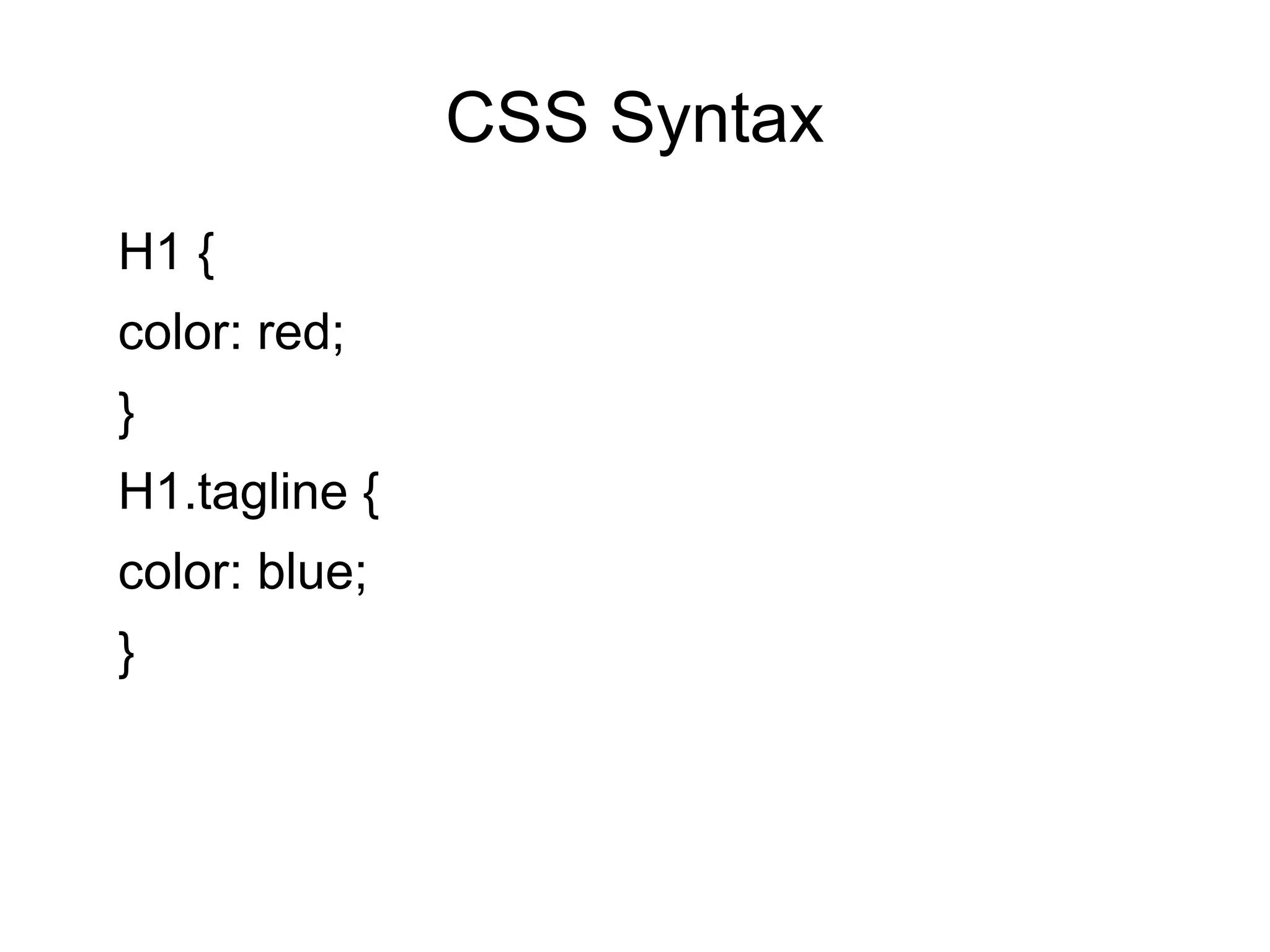
CSS Syntax H1 { color: red; } H1.tagline { color: blue; }
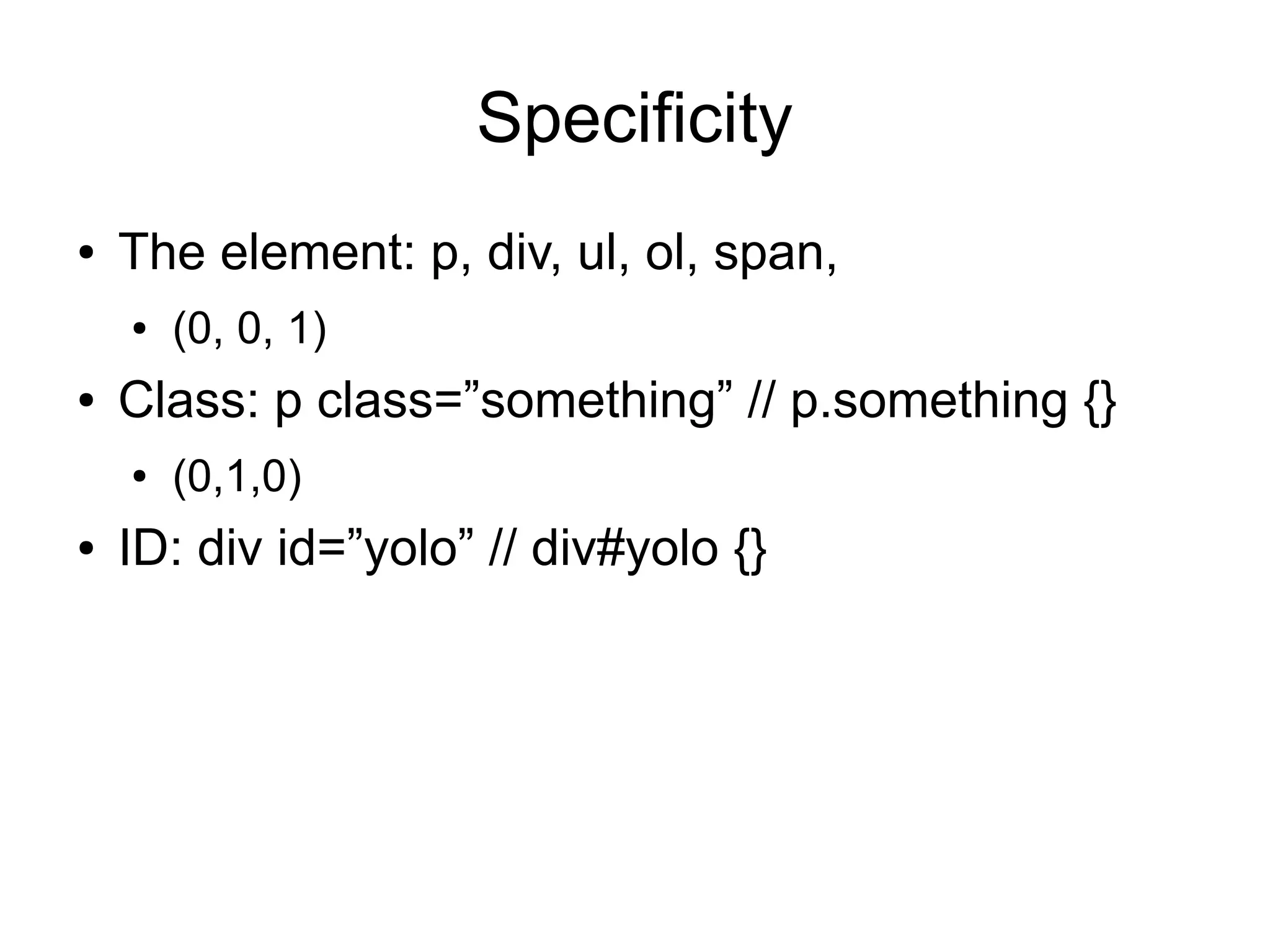
Specificity ● The element: p, div, ul, ol, span, ● (0, 0, 1) ● Class: p class=”something” // p.something {} ● (0,1,0) ● ID: div id=”yolo” // div#yolo {}
Let's do some CSS
Where else to learn ● Treehouse: http://referrals.trhou.se/stevesux ● Css-tricks.com ● W3schools.com ● nettuts

Steve Barman - CSS and WordPress

  • 1.
    CSS YES! (Evenfor beginners) {CSS}
  • 2.
    Wordpress sites consist of several parts ● The Content! – 1. HTML – HyperText Markup Language – 2. PHP – PHP Hypertext Processor (AKA: Personal Home Page) ● The Presentation! – 3. CSS – Cascading Style Sheets (and some behavior) – 4. JavaScript, jQuery, Ajax etc
  • 3.
    What's so greatabout it? ● CSS lets you style a lot of content with very little work. ● You can make your website look exactly how you want it. ● You cannot “break” anything! ● Unlike PHP, you can't make your page explode ● You won't lose content by CSS errors ● You can only make it look like geocities
  • 4.
    Right tools forthe job ● A text editor (Sublime Text 2, Notepad ++) ● DO NOT USE MS WORD! ● A modern browser Chrome or Firefox (with Firebug) ● DO NOT USE INTERNET EXPLORER (ever!). ● Highly recommended: A local install of your website (outside the scope of this course) ● Also “Custom CSS CC” plugin
  • 5.
    Wordpress Fresh Install(with dummy content)
  • 6.
  • 7.
  • 8.
    How markup works ● <div class=”main”> ● <h1 class=”cssyes_header”>CSS YES!</h1> ● <h1 class=”tagline”>YESSSSS</h1> ● <span class=”author”>by Steve</span> ● </div>
  • 9.
    Specificity ● The Golden rule of CSS: The higher the specificity, the more likely the style will go through.
  • 10.
    CSS Syntax H1 { color:red; } H1.tagline { color: blue; }
  • 11.
    Specificity ● The element: p, div, ul, ol, span, ● (0, 0, 1) ● Class: p class=”something” // p.something {} ● (0,1,0) ● ID: div id=”yolo” // div#yolo {}
  • 12.
  • 13.
    Where else tolearn ● Treehouse: http://referrals.trhou.se/stevesux ● Css-tricks.com ● W3schools.com ● nettuts