SQL Query Slides 1By:-Gourav Kottawar
Retrieval Queries in SQL Basic form of the SQL SELECT statement is called a mapping or a SELECT-FROM-WHERE block SELECT <attribute list> FROM <table list> WHERE <condition> – <attribute list> is a list of attribute names whose values are to be retrieved by the query – <table list> is a list of the relation names required to process the query – <condition> is a conditional (Boolean) expression that identifies the tuples to be retrieved by the query 2By:-Gourav Kottawar
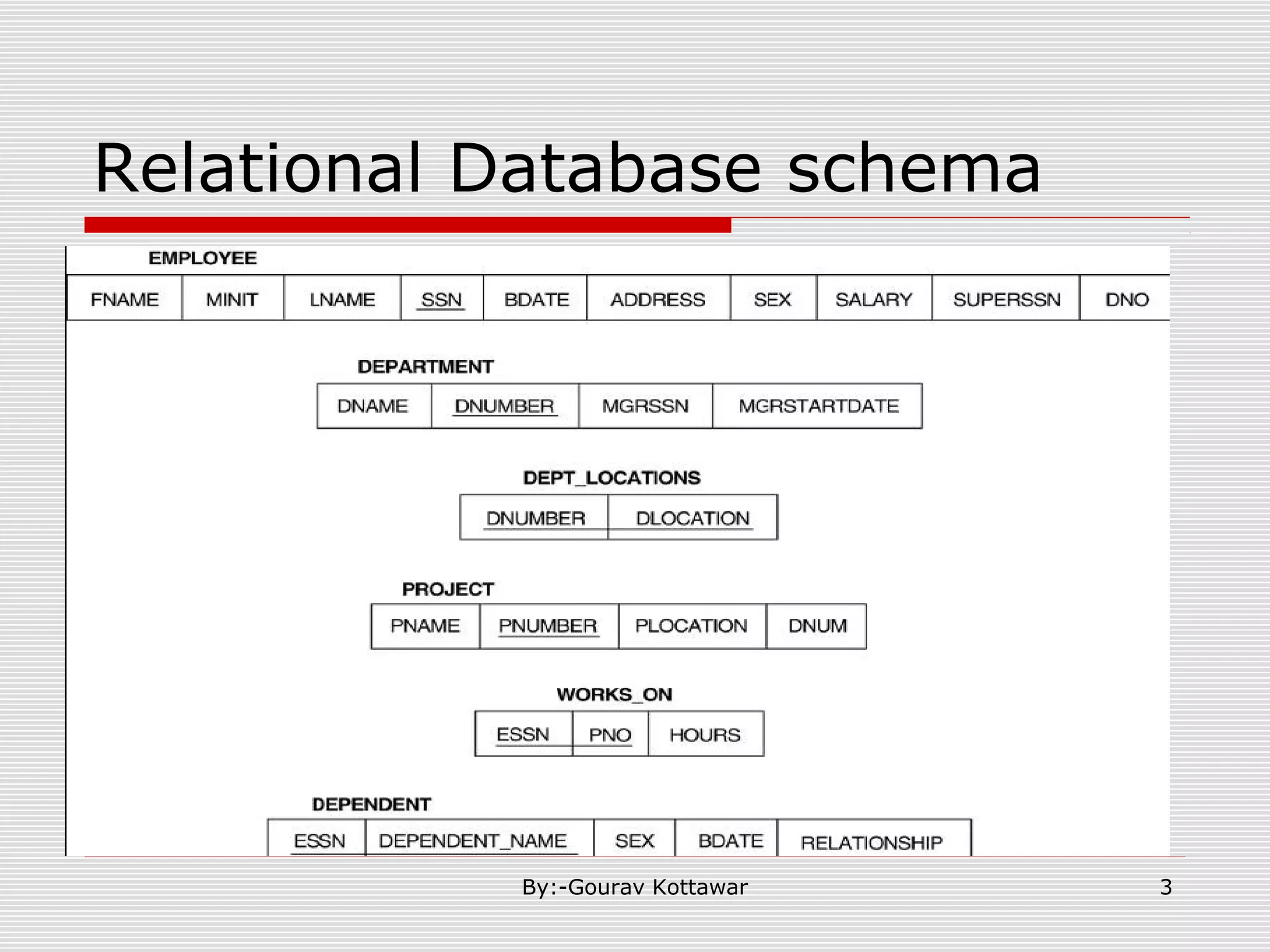
Relational Database schema 3By:-Gourav Kottawar
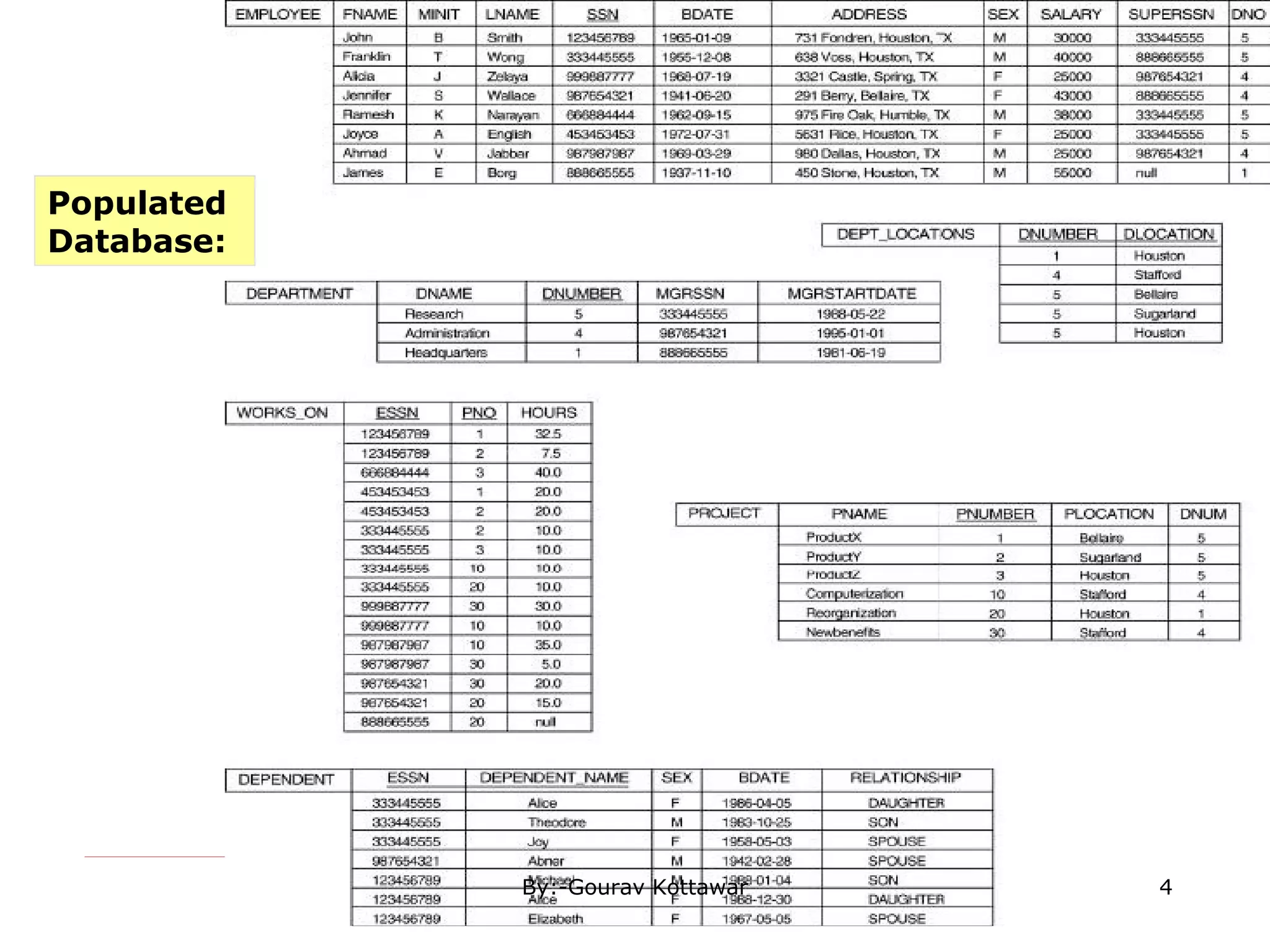
Populated Database: 4By:-Gourav Kottawar
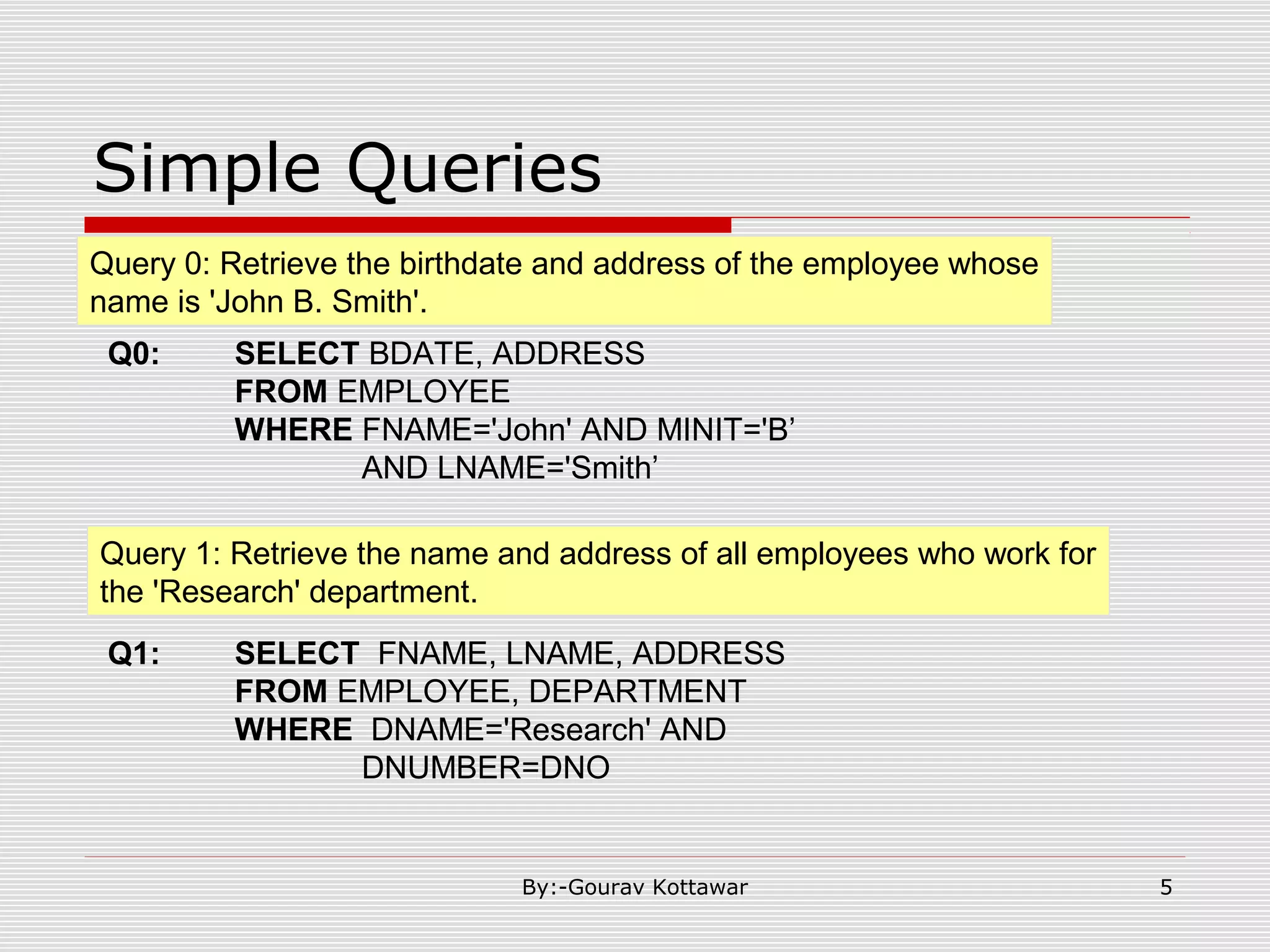
Simple Queries Query 0: Retrieve the birthdate and address of the employee whose name is 'John B. Smith'. Query 1: Retrieve the name and address of all employees who work for the 'Research' department. Q0: SELECT BDATE, ADDRESS FROM EMPLOYEE WHERE FNAME='John' AND MINIT='B’ AND LNAME='Smith’ Q1: SELECT FNAME, LNAME, ADDRESS FROM EMPLOYEE, DEPARTMENT WHERE DNAME='Research' AND DNUMBER=DNO 5By:-Gourav Kottawar
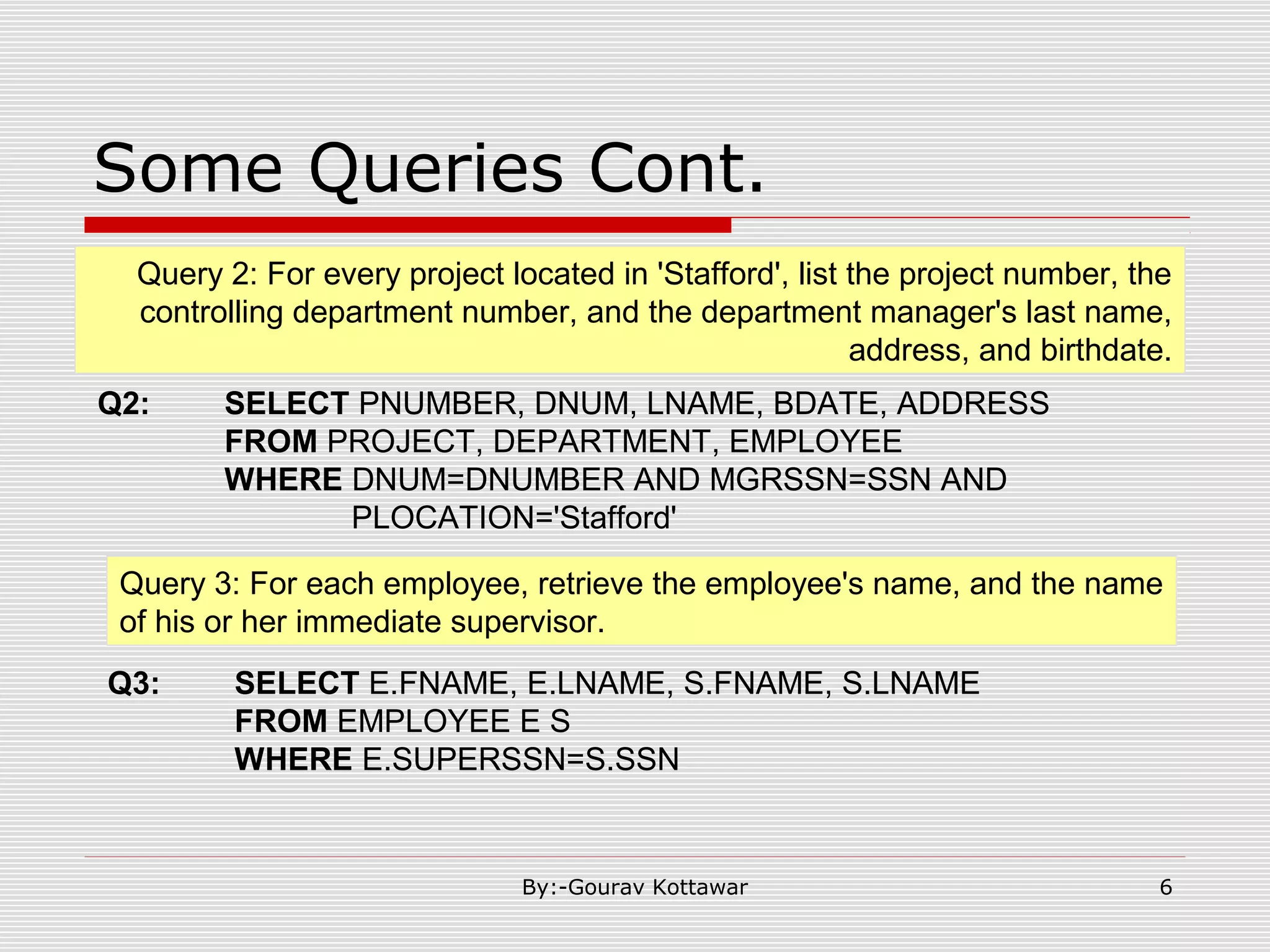
Some Queries Cont. Q2: SELECT PNUMBER, DNUM, LNAME, BDATE, ADDRESS FROM PROJECT, DEPARTMENT, EMPLOYEE WHERE DNUM=DNUMBER AND MGRSSN=SSN AND PLOCATION='Stafford' Query 3: For each employee, retrieve the employee's name, and the name of his or her immediate supervisor. Q3: SELECT E.FNAME, E.LNAME, S.FNAME, S.LNAME FROM EMPLOYEE E S WHERE E.SUPERSSN=S.SSN Query 2: For every project located in 'Stafford', list the project number, the controlling department number, and the department manager's last name, address, and birthdate. 6By:-Gourav Kottawar
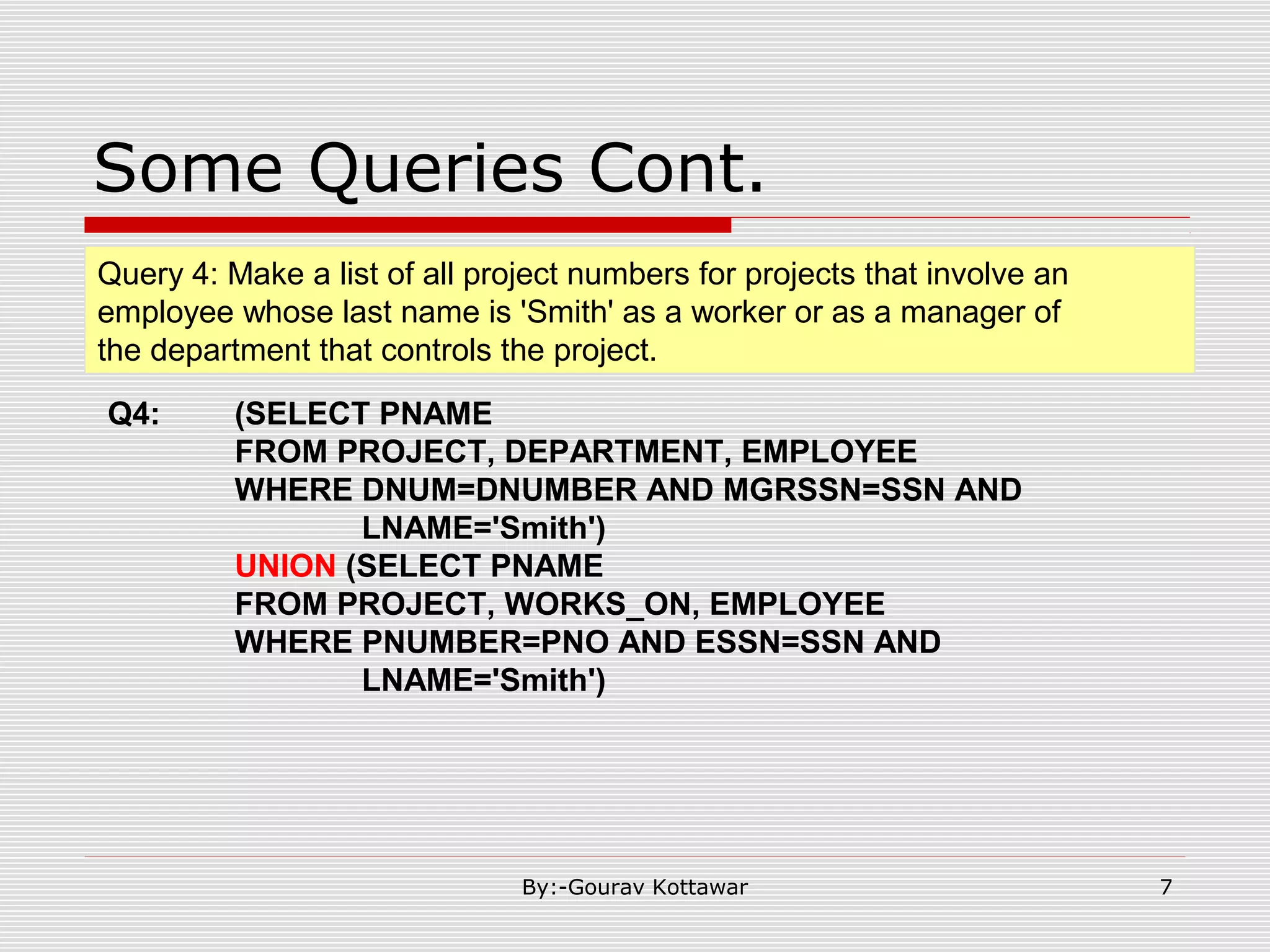
Some Queries Cont. Q4: (SELECT PNAME FROM PROJECT, DEPARTMENT, EMPLOYEE WHERE DNUM=DNUMBER AND MGRSSN=SSN AND LNAME='Smith') UNION (SELECT PNAME FROM PROJECT, WORKS_ON, EMPLOYEE WHERE PNUMBER=PNO AND ESSN=SSN AND LNAME='Smith') Query 4: Make a list of all project numbers for projects that involve an employee whose last name is 'Smith' as a worker or as a manager of the department that controls the project. 7By:-Gourav Kottawar
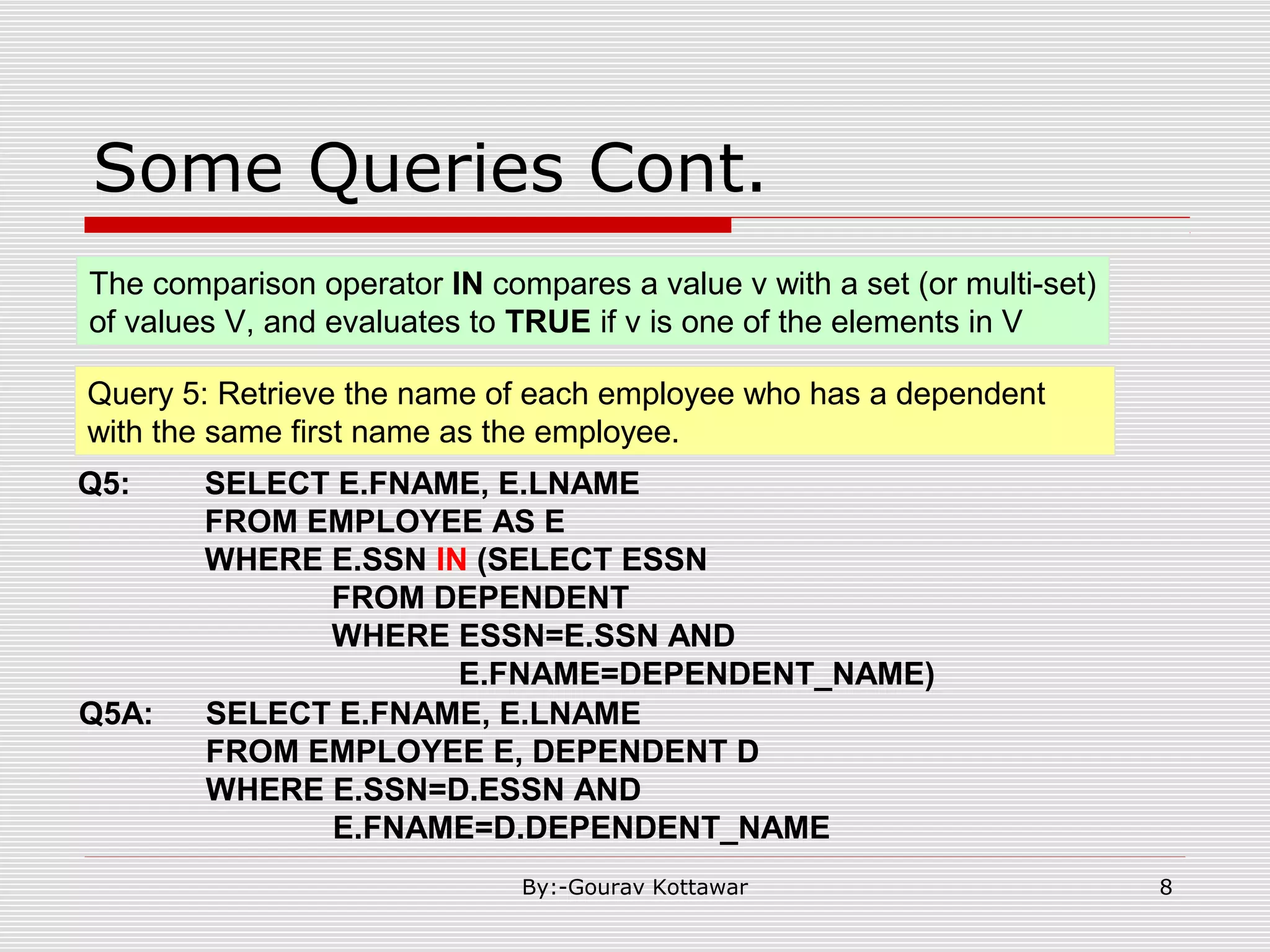
Some Queries Cont. Q5: SELECT E.FNAME, E.LNAME FROM EMPLOYEE AS E WHERE E.SSN IN (SELECT ESSN FROM DEPENDENT WHERE ESSN=E.SSN AND E.FNAME=DEPENDENT_NAME) Query 5: Retrieve the name of each employee who has a dependent with the same first name as the employee. Q5A: SELECT E.FNAME, E.LNAME FROM EMPLOYEE E, DEPENDENT D WHERE E.SSN=D.ESSN AND E.FNAME=D.DEPENDENT_NAME The comparison operator IN compares a value v with a set (or multi-set) of values V, and evaluates to TRUE if v is one of the elements in V 8By:-Gourav Kottawar
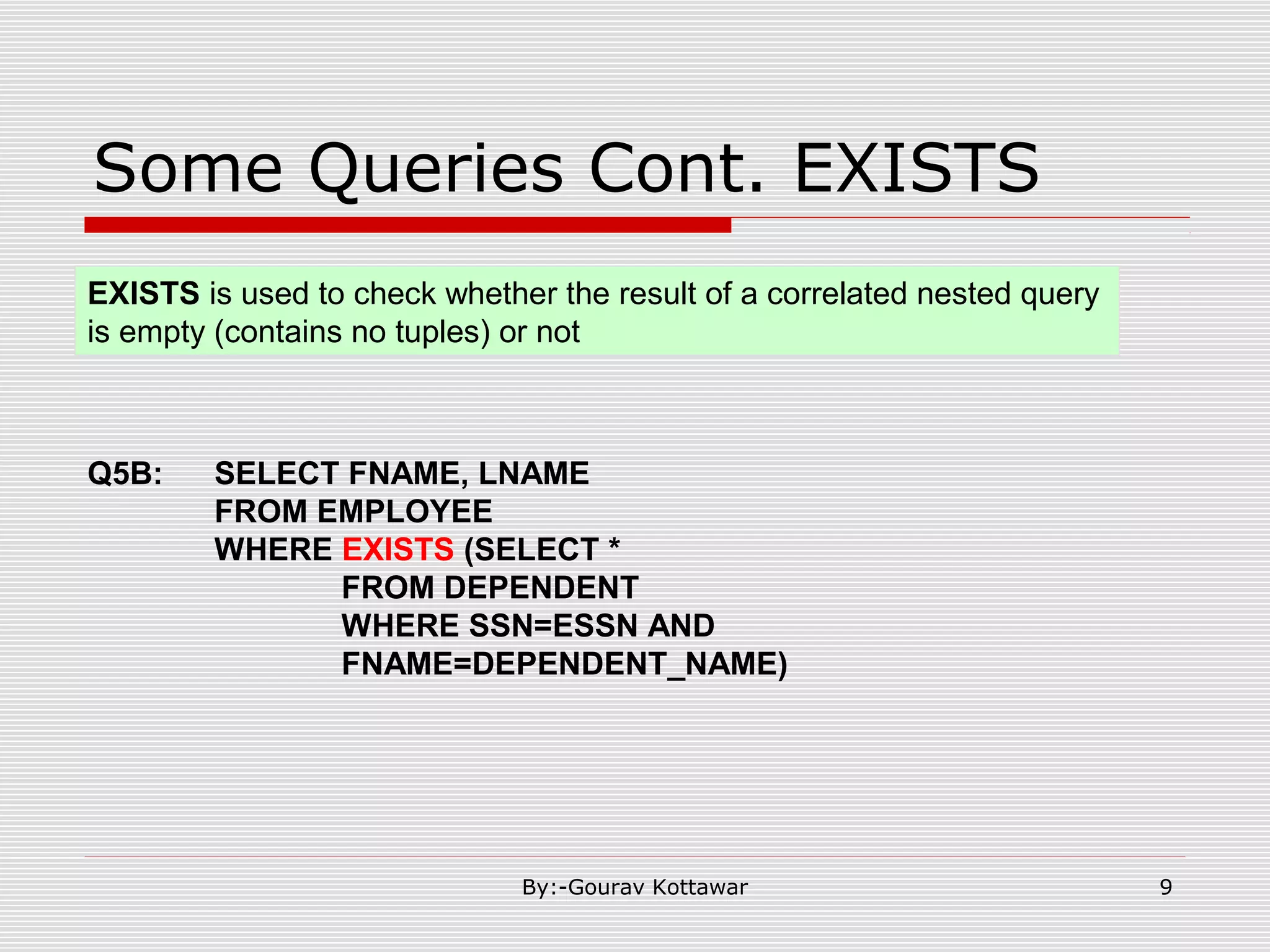
Some Queries Cont. EXISTS Q5B: SELECT FNAME, LNAME FROM EMPLOYEE WHERE EXISTS (SELECT * FROM DEPENDENT WHERE SSN=ESSN AND FNAME=DEPENDENT_NAME) EXISTS is used to check whether the result of a correlated nested query is empty (contains no tuples) or not 9By:-Gourav Kottawar
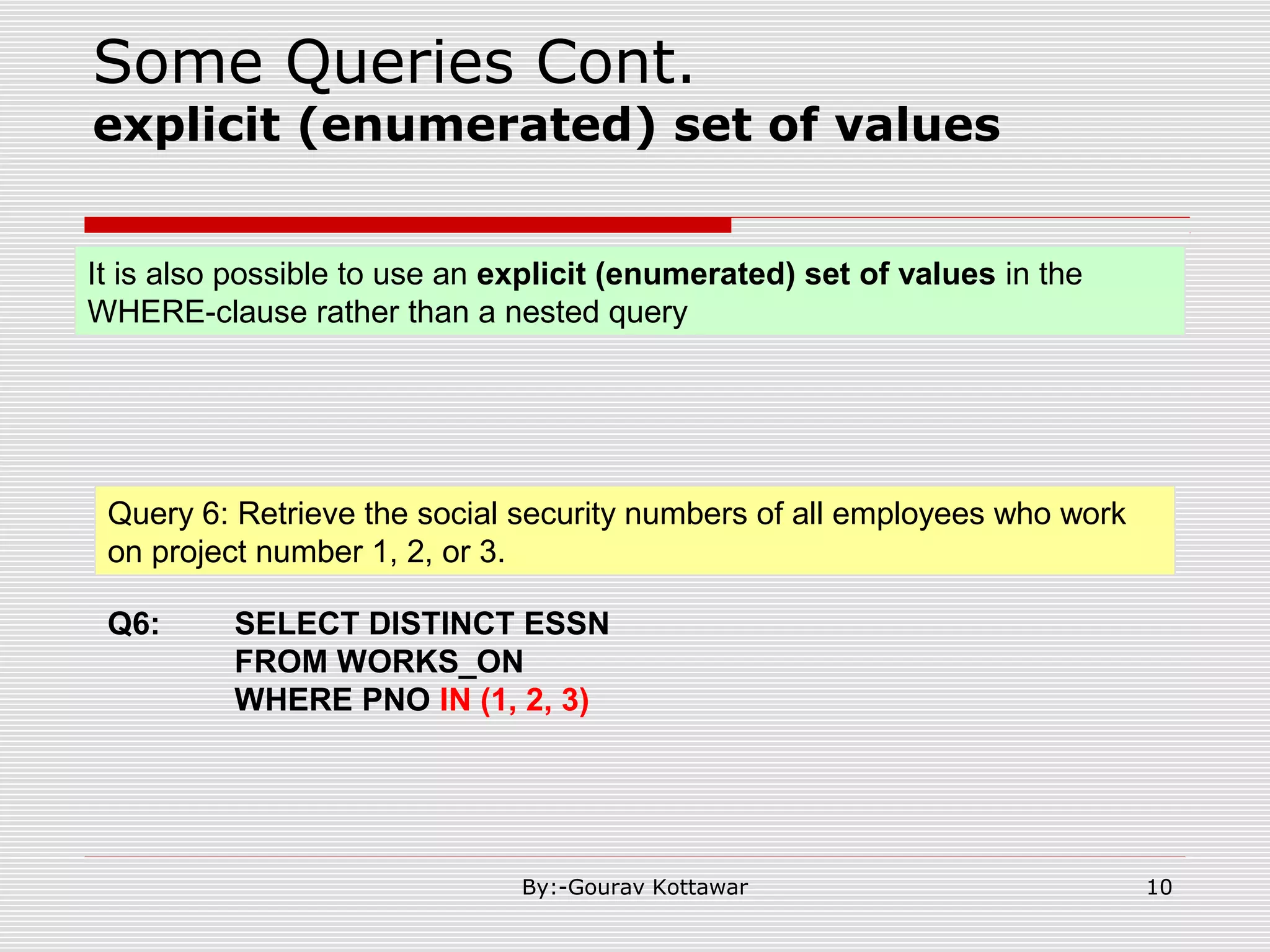
Some Queries Cont. explicit (enumerated) set of values Query 6: Retrieve the social security numbers of all employees who work on project number 1, 2, or 3. Q6: SELECT DISTINCT ESSN FROM WORKS_ON WHERE PNO IN (1, 2, 3) It is also possible to use an explicit (enumerated) set of values in the WHERE-clause rather than a nested query 10By:-Gourav Kottawar
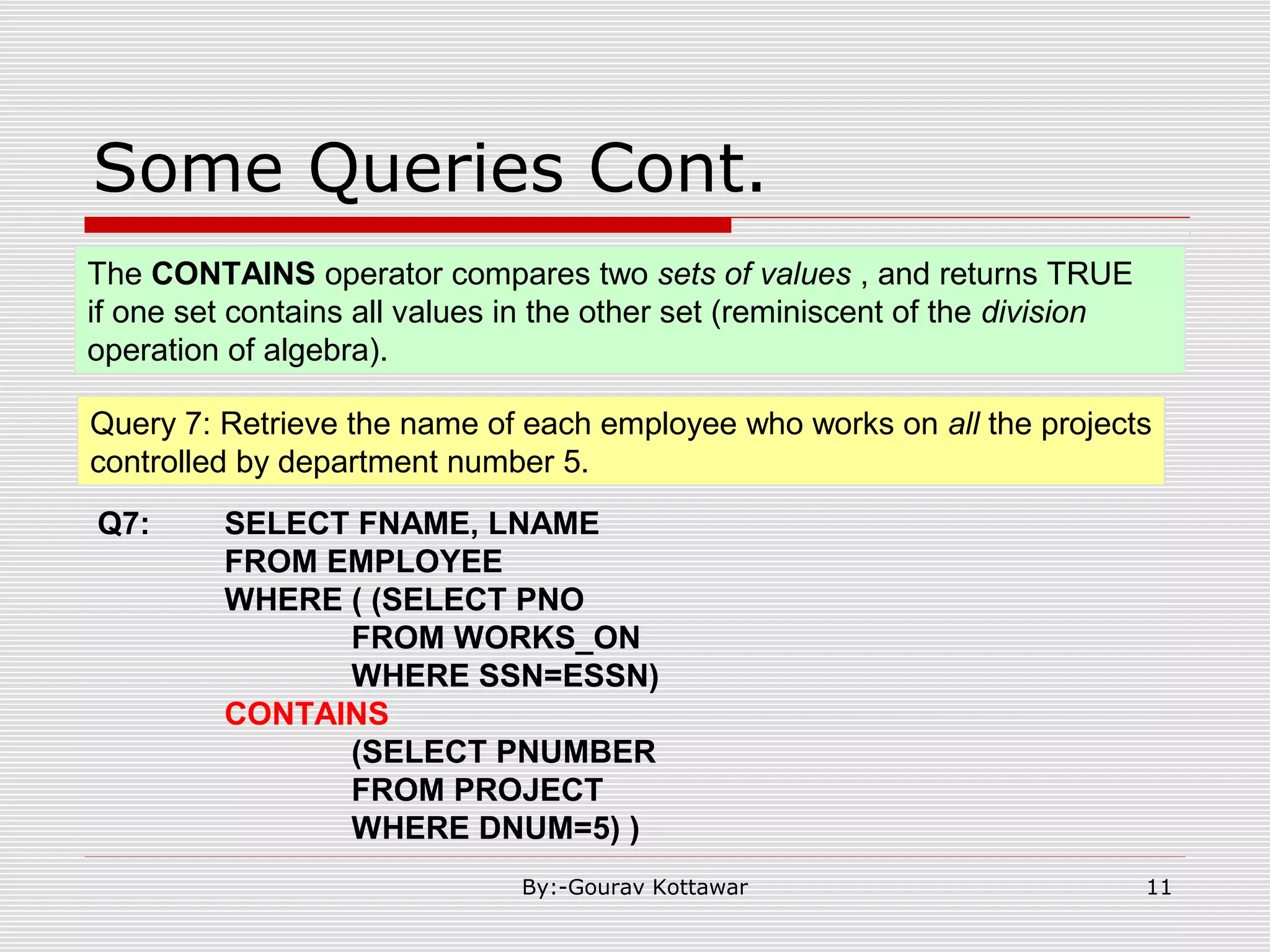
Some Queries Cont. Query 7: Retrieve the name of each employee who works on all the projects controlled by department number 5. Q7: SELECT FNAME, LNAME FROM EMPLOYEE WHERE ( (SELECT PNO FROM WORKS_ON WHERE SSN=ESSN) CONTAINS (SELECT PNUMBER FROM PROJECT WHERE DNUM=5) ) The CONTAINS operator compares two sets of values , and returns TRUE if one set contains all values in the other set (reminiscent of the division operation of algebra). 11By:-Gourav Kottawar
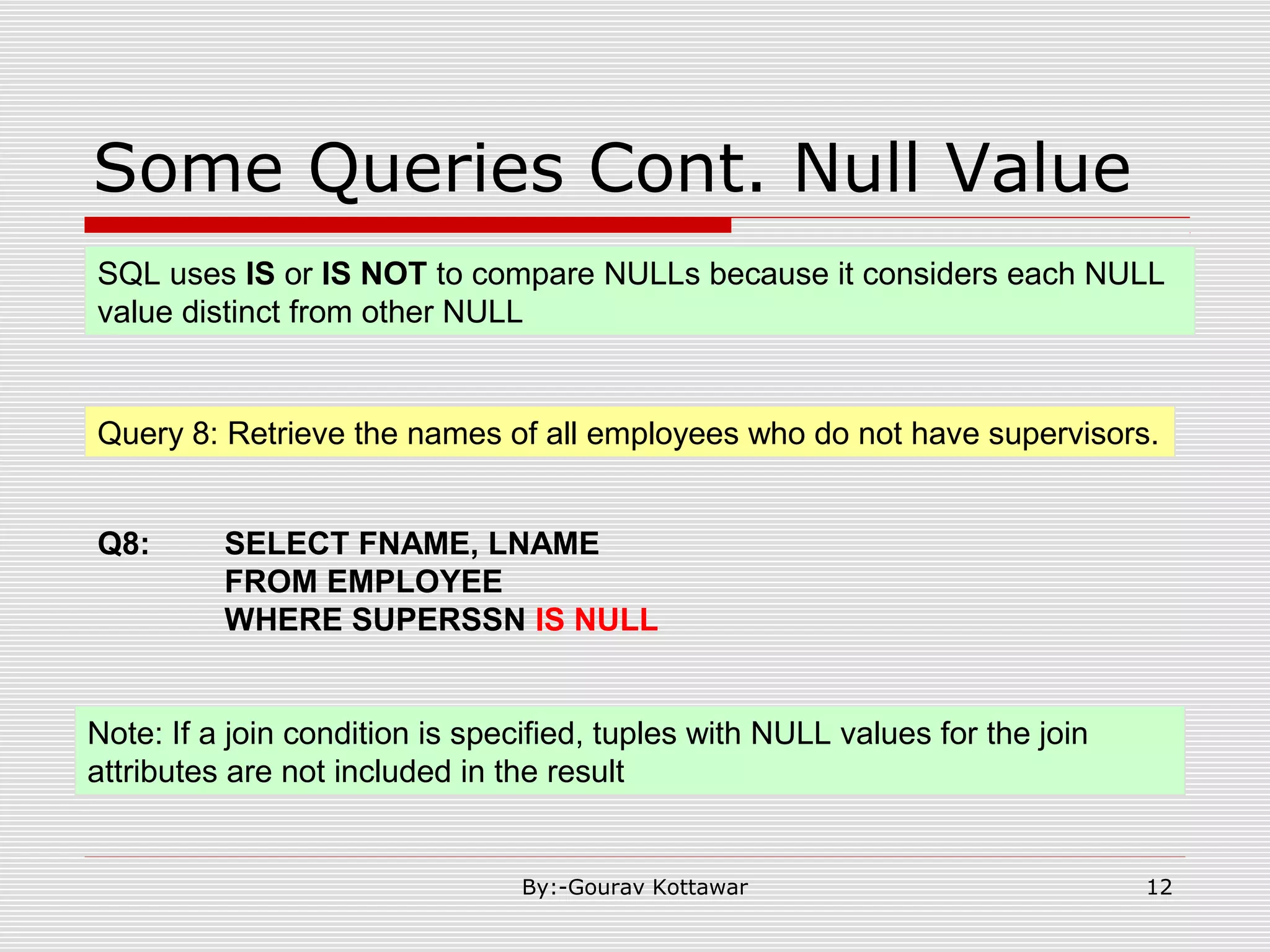
Some Queries Cont. Null Value Query 8: Retrieve the names of all employees who do not have supervisors. Q8: SELECT FNAME, LNAME FROM EMPLOYEE WHERE SUPERSSN IS NULL SQL uses IS or IS NOT to compare NULLs because it considers each NULL value distinct from other NULL Note: If a join condition is specified, tuples with NULL values for the join attributes are not included in the result 12By:-Gourav Kottawar
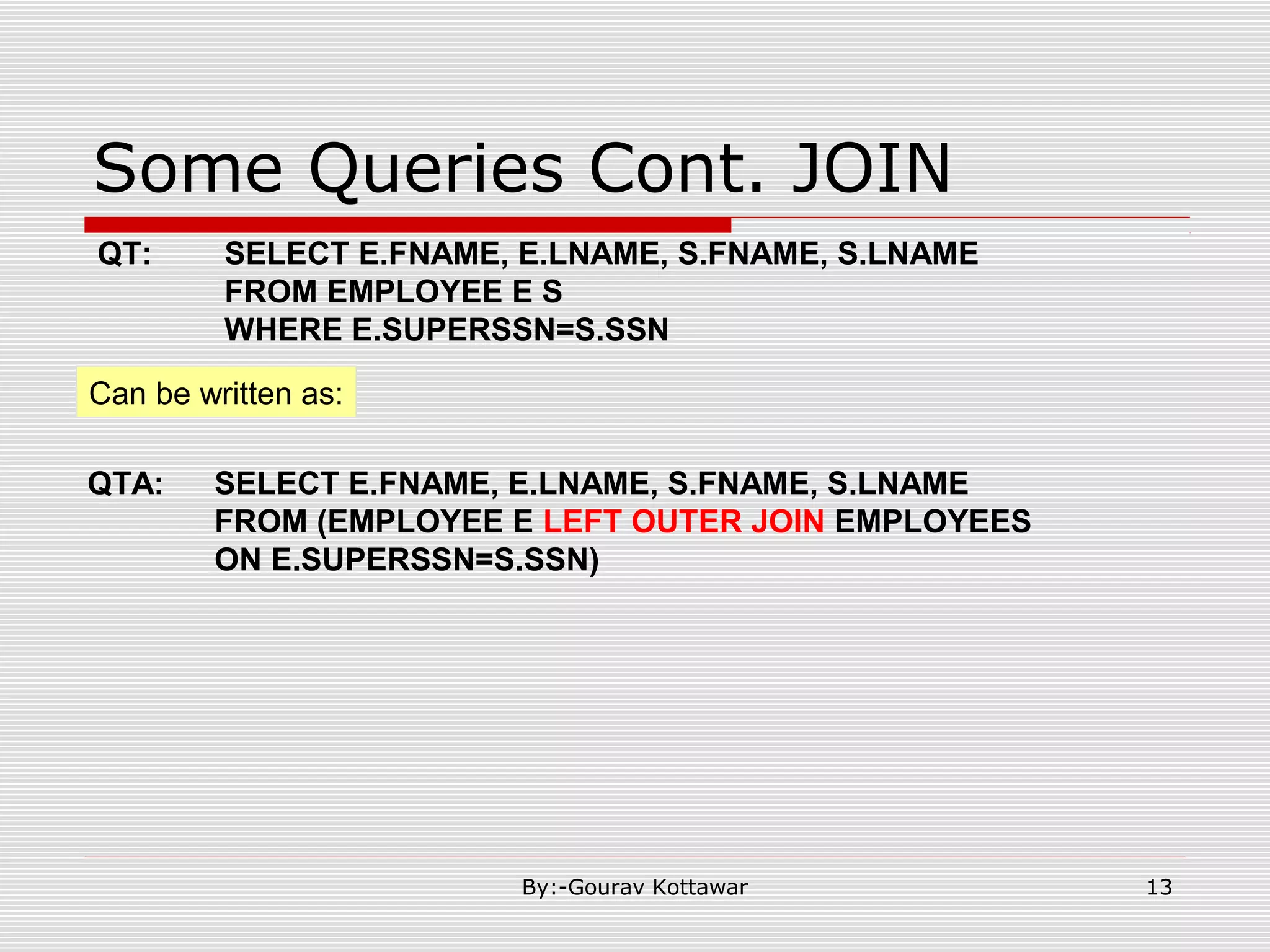
Some Queries Cont. JOIN Can be written as: QTA: SELECT E.FNAME, E.LNAME, S.FNAME, S.LNAME FROM (EMPLOYEE E LEFT OUTER JOIN EMPLOYEES ON E.SUPERSSN=S.SSN) QT: SELECT E.FNAME, E.LNAME, S.FNAME, S.LNAME FROM EMPLOYEE E S WHERE E.SUPERSSN=S.SSN 13By:-Gourav Kottawar
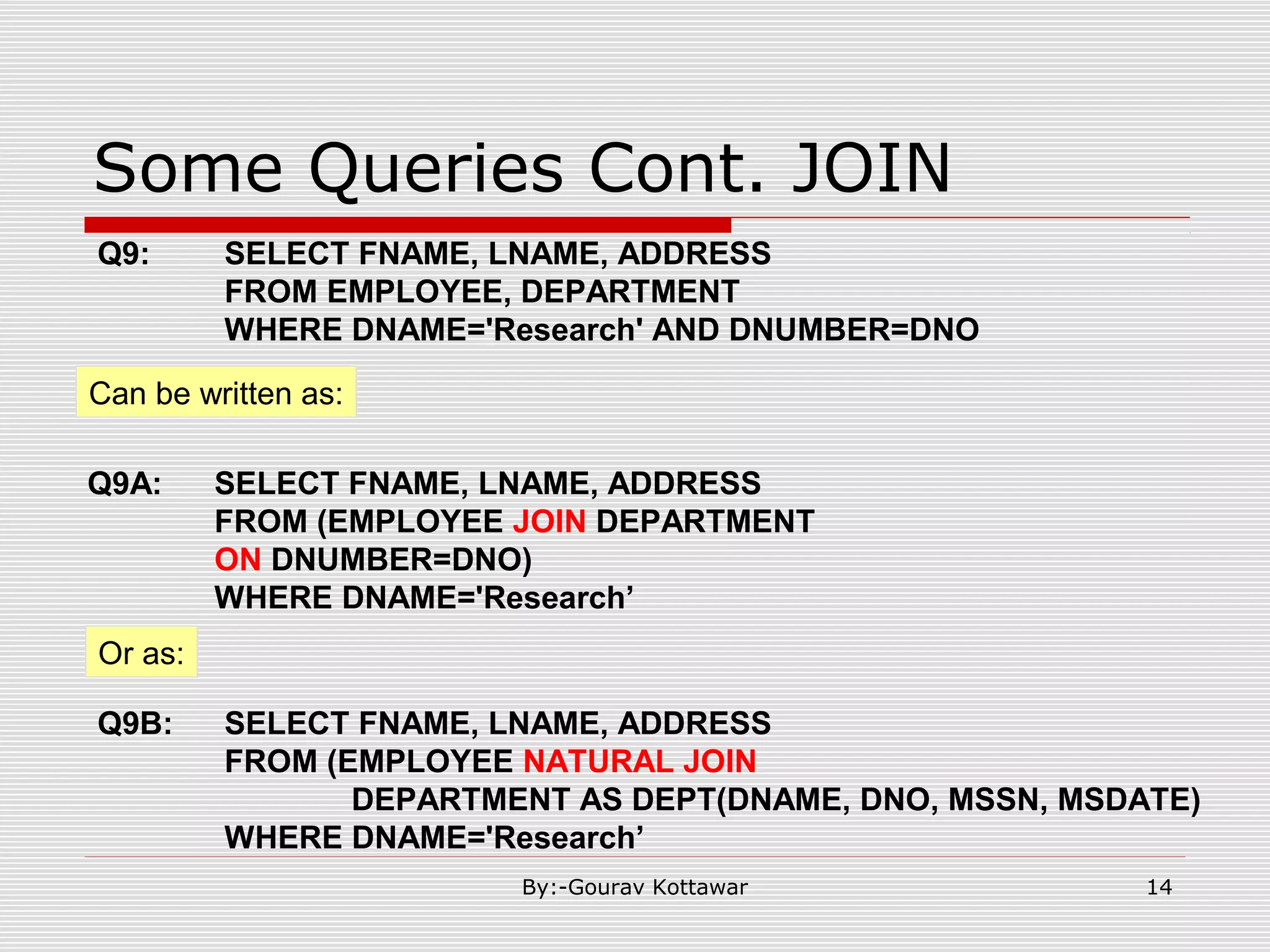
Some Queries Cont. JOIN Can be written as: Q9A: SELECT FNAME, LNAME, ADDRESS FROM (EMPLOYEE JOIN DEPARTMENT ON DNUMBER=DNO) WHERE DNAME='Research’ Q9: SELECT FNAME, LNAME, ADDRESS FROM EMPLOYEE, DEPARTMENT WHERE DNAME='Research' AND DNUMBER=DNO Or as: Q9B: SELECT FNAME, LNAME, ADDRESS FROM (EMPLOYEE NATURAL JOIN DEPARTMENT AS DEPT(DNAME, DNO, MSSN, MSDATE) WHERE DNAME='Research’ 14By:-Gourav Kottawar
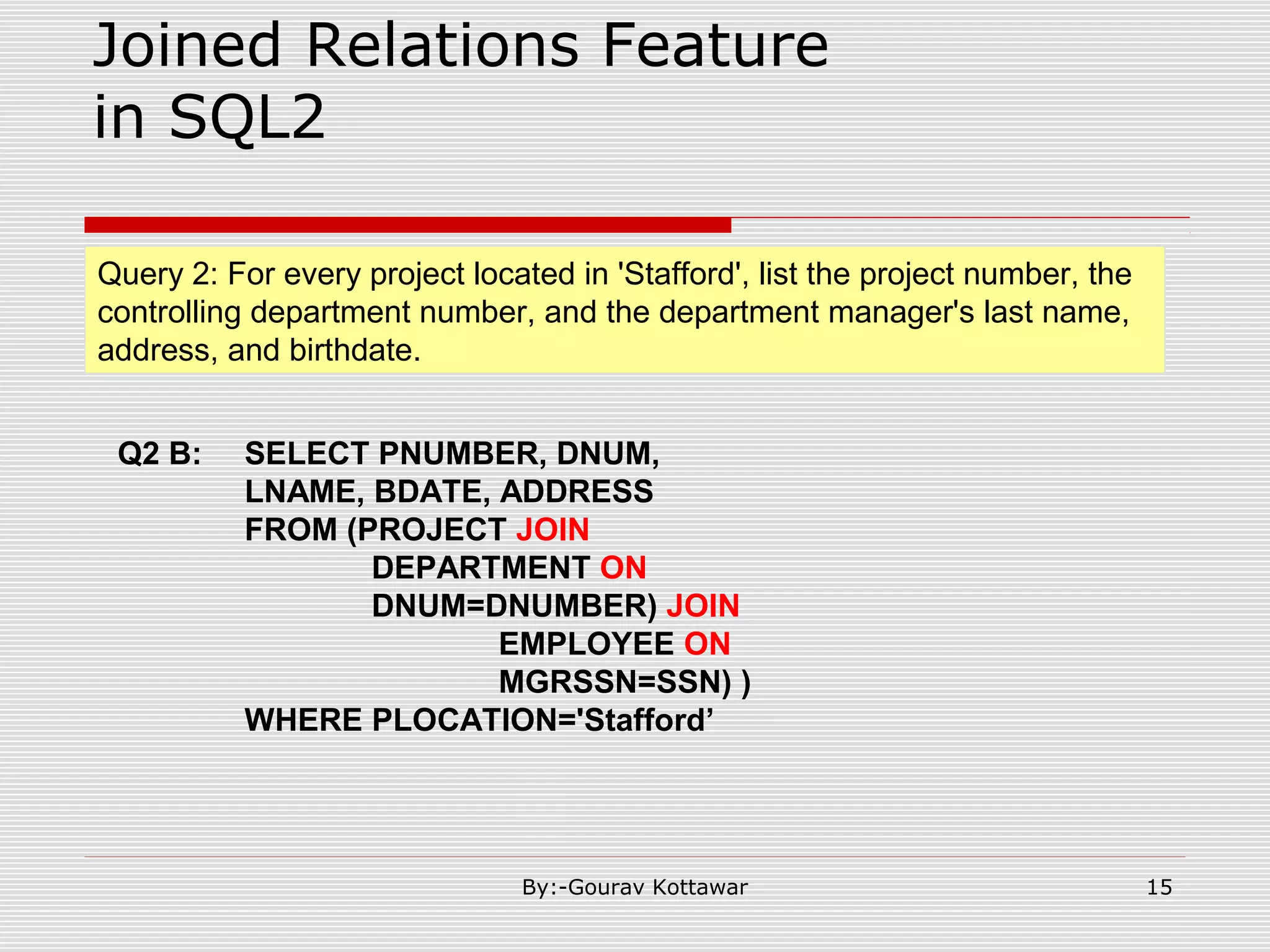
Joined Relations Feature in SQL2 Query 2: For every project located in 'Stafford', list the project number, the controlling department number, and the department manager's last name, address, and birthdate. Q2 B: SELECT PNUMBER, DNUM, LNAME, BDATE, ADDRESS FROM (PROJECT JOIN DEPARTMENT ON DNUM=DNUMBER) JOIN EMPLOYEE ON MGRSSN=SSN) ) WHERE PLOCATION='Stafford’ 15By:-Gourav Kottawar
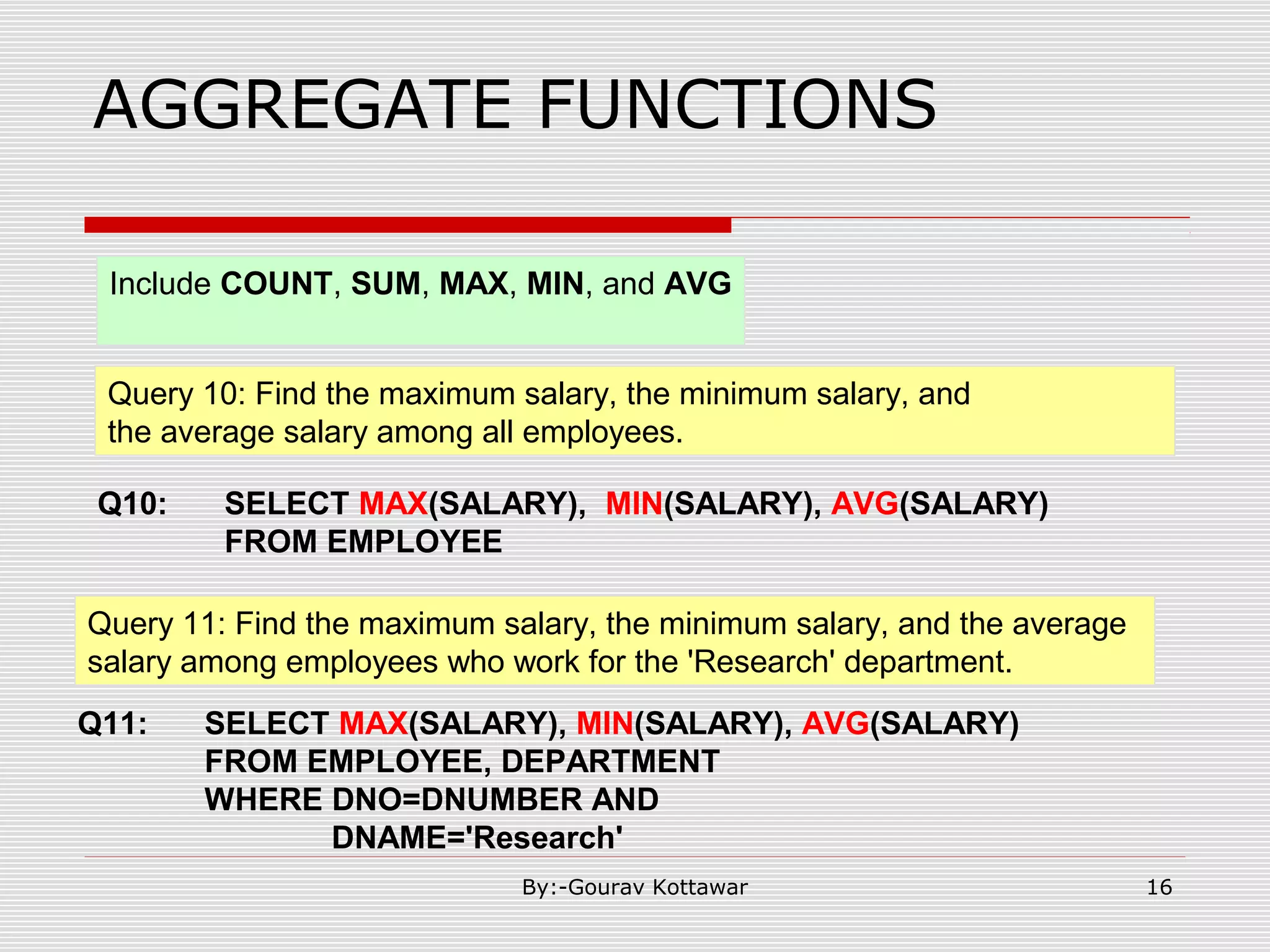
AGGREGATE FUNCTIONS Query 10: Find the maximum salary, the minimum salary, and the average salary among all employees. Q10: SELECT MAX(SALARY), MIN(SALARY), AVG(SALARY) FROM EMPLOYEE Include COUNT, SUM, MAX, MIN, and AVG Query 11: Find the maximum salary, the minimum salary, and the average salary among employees who work for the 'Research' department. Q11: SELECT MAX(SALARY), MIN(SALARY), AVG(SALARY) FROM EMPLOYEE, DEPARTMENT WHERE DNO=DNUMBER AND DNAME='Research' 16By:-Gourav Kottawar
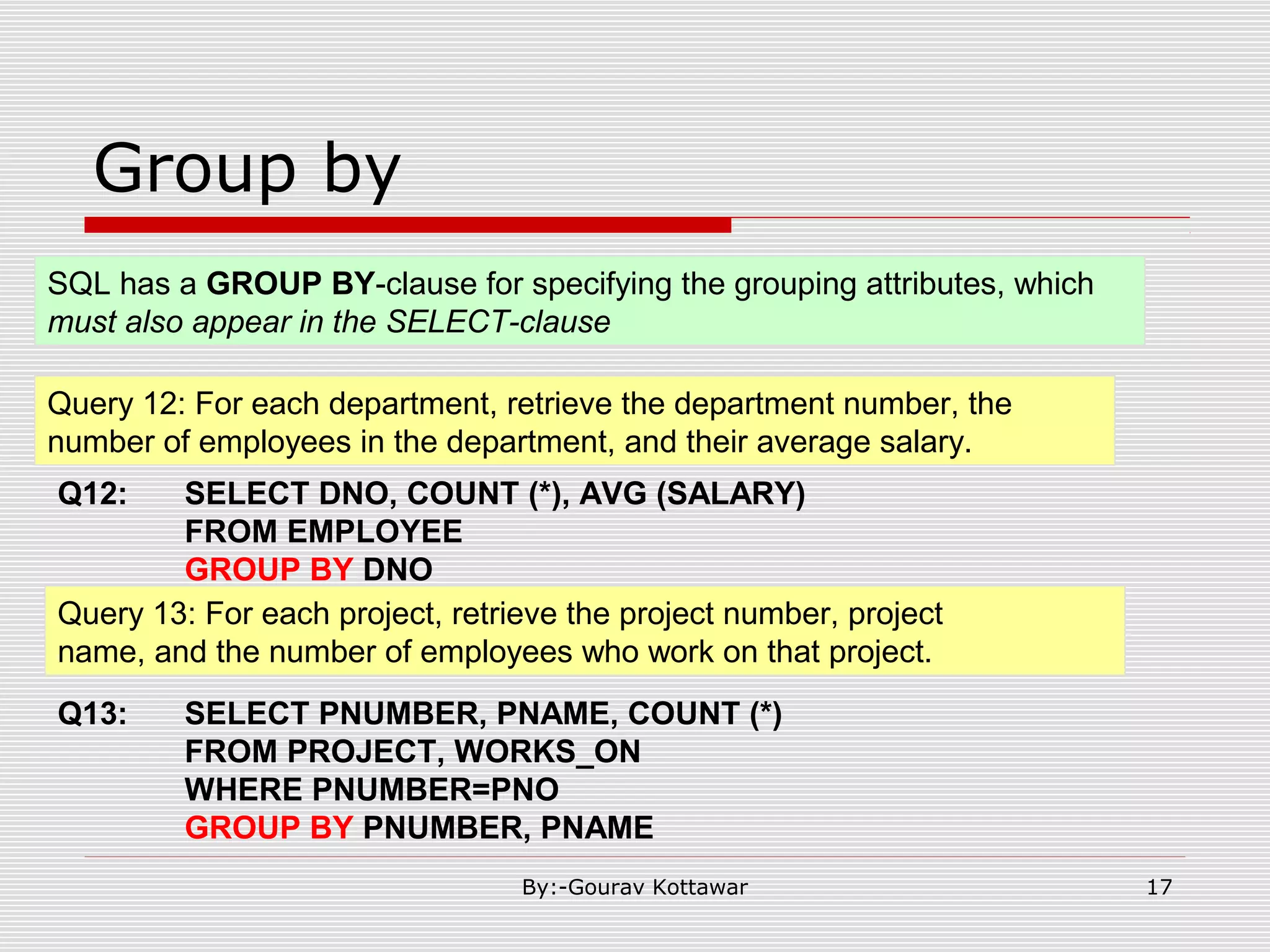
Group by Query 12: For each department, retrieve the department number, the number of employees in the department, and their average salary. Q12: SELECT DNO, COUNT (*), AVG (SALARY) FROM EMPLOYEE GROUP BY DNO SQL has a GROUP BY-clause for specifying the grouping attributes, which must also appear in the SELECT-clause Query 13: For each project, retrieve the project number, project name, and the number of employees who work on that project. Q13: SELECT PNUMBER, PNAME, COUNT (*) FROM PROJECT, WORKS_ON WHERE PNUMBER=PNO GROUP BY PNUMBER, PNAME 17By:-Gourav Kottawar
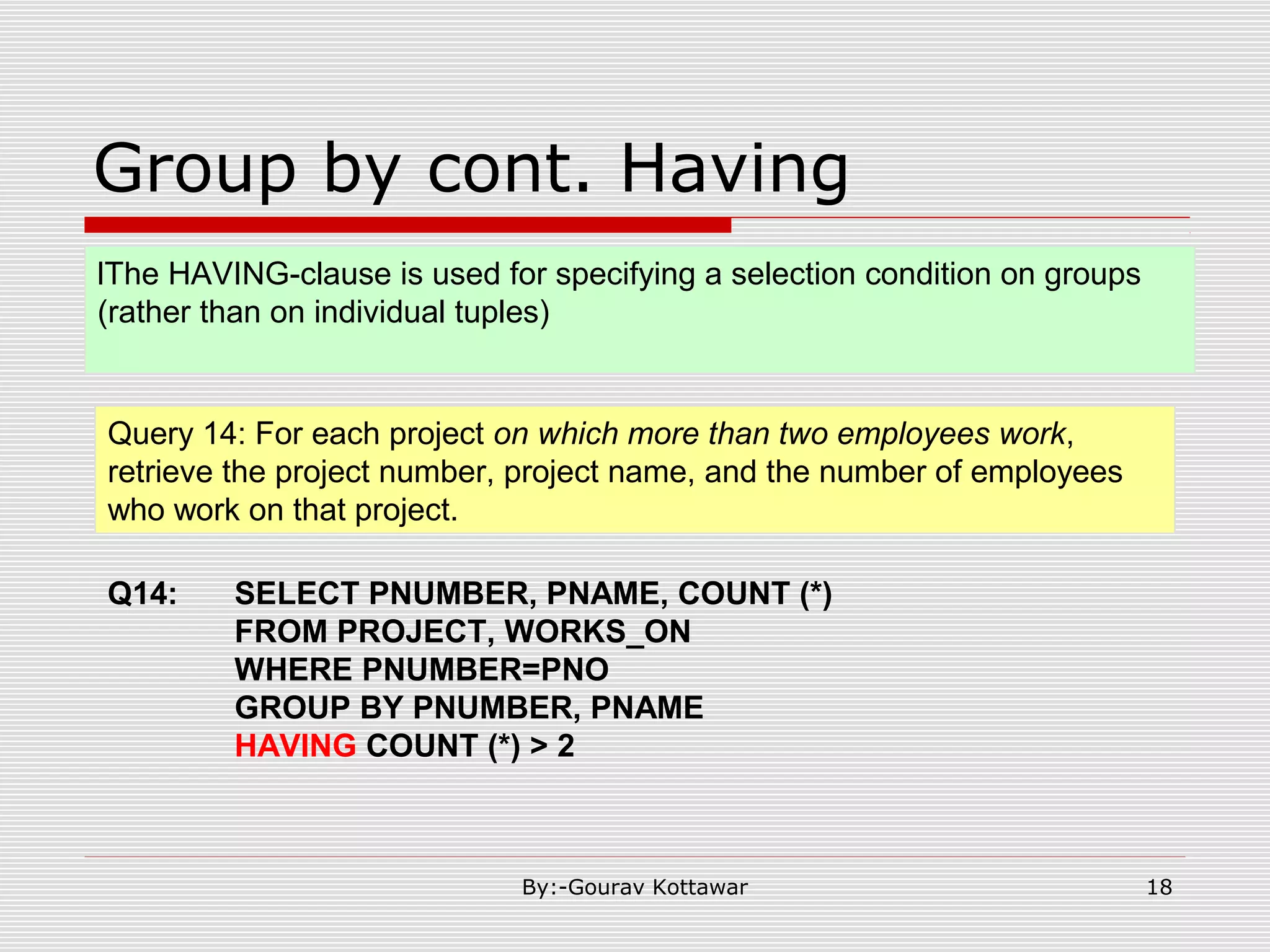
Group by cont. Having Query 14: For each project on which more than two employees work, retrieve the project number, project name, and the number of employees who work on that project. Q14: SELECT PNUMBER, PNAME, COUNT (*) FROM PROJECT, WORKS_ON WHERE PNUMBER=PNO GROUP BY PNUMBER, PNAME HAVING COUNT (*) > 2 lThe HAVING-clause is used for specifying a selection condition on groups (rather than on individual tuples) 18By:-Gourav Kottawar
Summary of SQL Queries  A query in SQL can consist of up to six clauses, but only the first two, SELECT and FROM, are mandatory. The clauses are specified in the following order: SELECT <attribute list> FROM <table list> [WHERE <condition>] [GROUP BY <grouping attribute(s)>] [HAVING <group condition>] [ORDER BY <attribute list>] 19By:-Gourav Kottawar
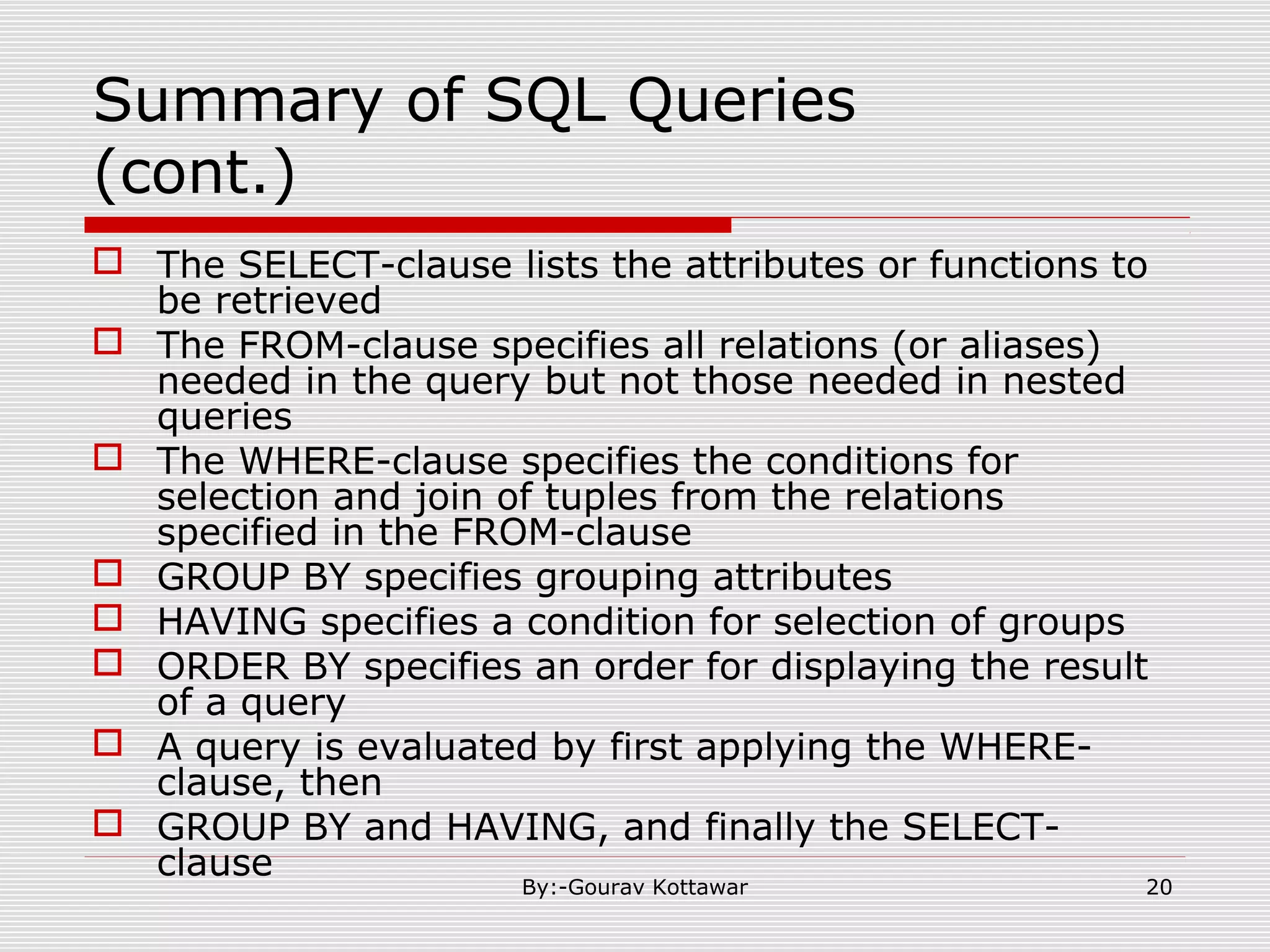
Summary of SQL Queries (cont.)  The SELECT-clause lists the attributes or functions to be retrieved  The FROM-clause specifies all relations (or aliases) needed in the query but not those needed in nested queries  The WHERE-clause specifies the conditions for selection and join of tuples from the relations specified in the FROM-clause  GROUP BY specifies grouping attributes  HAVING specifies a condition for selection of groups  ORDER BY specifies an order for displaying the result of a query  A query is evaluated by first applying the WHERE- clause, then  GROUP BY and HAVING, and finally the SELECT- clause 20By:-Gourav Kottawar
More complex Select “SQL Server” SELECT [ ALL | DISTINCT ] [ TOP n [ PERCENT ] [ WITH TIES ] ] < select_list > < select_list > ::= { * | { table_name | view_name | table_alias }.* | { column_name | expression | IDENTITYCOL | ROWGUIDCOL } [ [ AS ] column_alias ] | column_alias = expression } [ ,...n ] SELECT select_list [ INTO new_table ] FROM table_source [ WHERE search_condition ] [ GROUP BY group_by_expression ] [ HAVING search_condition ] [ ORDER BY order_expression [ ASC | DESC ] ] Select Clause: From Clause: [ FROM { < table_source > } [ ,...n ] ] < table_source > ::= table_name [ [ AS ] table_alias ] [ WITH ( < table_hint > [ ,...n ] ) ] | view_name [ [ AS ] table_alias ] | rowset_function [ [ AS ] table_alias ] | OPENXML | derived_table [ AS ] table_alias [ ( column_alias [ ,...n ] ) ] | < joined_table > < joined_table > ::= < table_source > < join_type > < table_source > ON < search_condition > | < table_source > CROSS JOIN < table_source > | < joined_table > < join_type > ::= [ INNER | { { LEFT | RIGHT | FULL } [ OUTER ] } ] [ < join_hint > ] JOIN Arguments < table_source > 21By:-Gourav Kottawar
More complex Select “SQL Server” Cont. Where Clause: [ WHERE < search_condition > | < old_outer_join > ] < old_outer_join > ::= column_name { * = | = * } column_name Group by clause: [ GROUP BY [ ALL ] group_by_expression [ ,...n ] [ WITH { CUBE | ROLLUP } ] ] Having: [ HAVING < search_condition > ] Order By Clause: [ ORDER BY { order_by_expression [ ASC | DESC ] } [ ,...n] ] Compute Clause: [ COMPUTE { { AVG | COUNT | MAX | MIN | STDEV | STDEVP | VAR | VARP | SUM } ( expression ) } [ ,...n ] [ BY expression [ ,...n ] ] ] 22By:-Gourav Kottawar
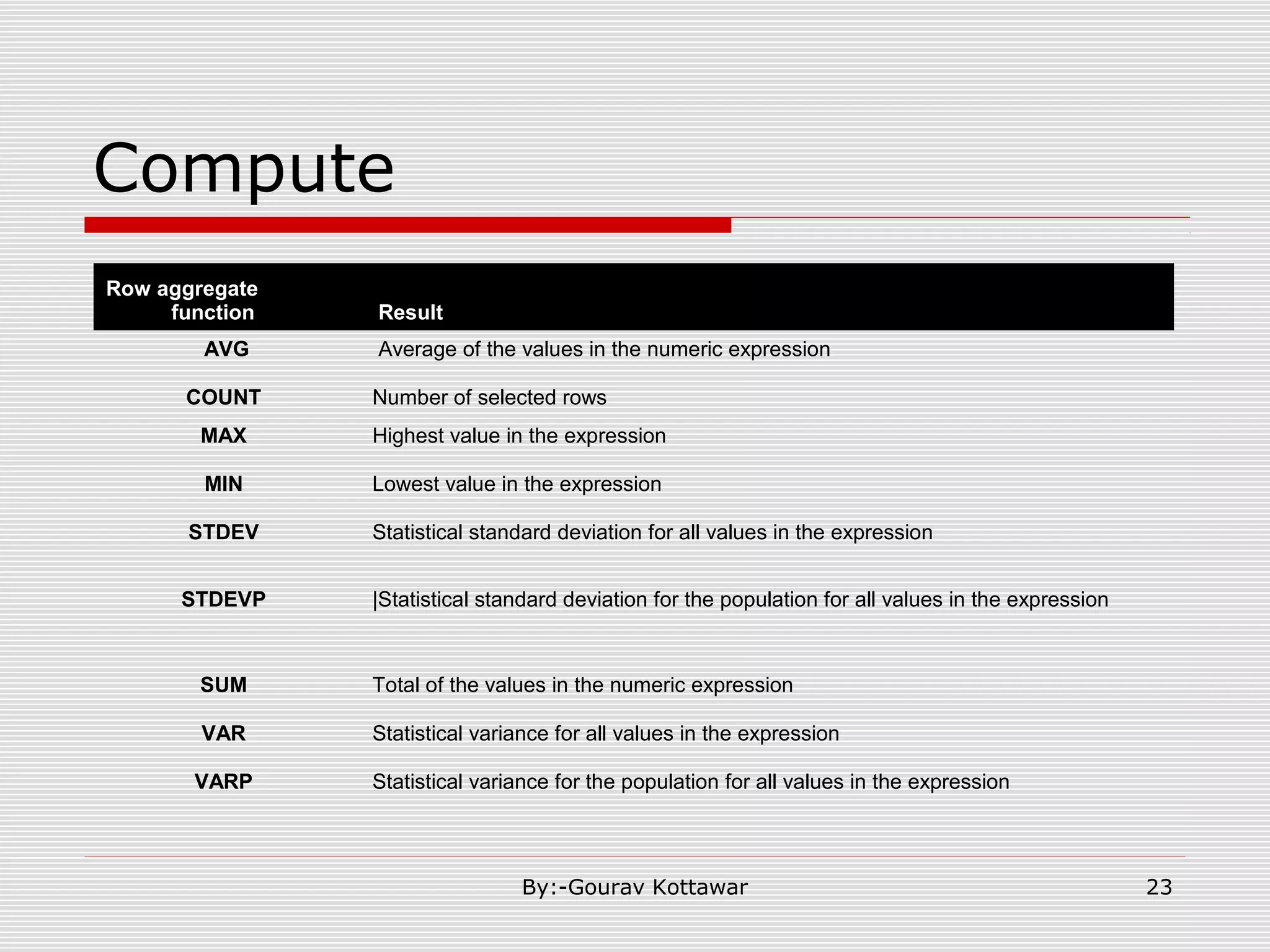
Compute Row aggregate function Result AVG Average of the values in the numeric expression COUNT Number of selected rows MAX Highest value in the expression MIN Lowest value in the expression STDEV Statistical standard deviation for all values in the expression STDEVP |Statistical standard deviation for the population for all values in the expression SUM Total of the values in the numeric expression VAR Statistical variance for all values in the expression VARP Statistical variance for the population for all values in the expression 23By:-Gourav Kottawar

SQL querys in detail || Sql query slides

  • 1.
  • 2.
    Retrieval Queries inSQL Basic form of the SQL SELECT statement is called a mapping or a SELECT-FROM-WHERE block SELECT <attribute list> FROM <table list> WHERE <condition> – <attribute list> is a list of attribute names whose values are to be retrieved by the query – <table list> is a list of the relation names required to process the query – <condition> is a conditional (Boolean) expression that identifies the tuples to be retrieved by the query 2By:-Gourav Kottawar
  • 3.
  • 4.
  • 5.
    Simple Queries Query 0:Retrieve the birthdate and address of the employee whose name is 'John B. Smith'. Query 1: Retrieve the name and address of all employees who work for the 'Research' department. Q0: SELECT BDATE, ADDRESS FROM EMPLOYEE WHERE FNAME='John' AND MINIT='B’ AND LNAME='Smith’ Q1: SELECT FNAME, LNAME, ADDRESS FROM EMPLOYEE, DEPARTMENT WHERE DNAME='Research' AND DNUMBER=DNO 5By:-Gourav Kottawar
  • 6.
    Some Queries Cont. Q2:SELECT PNUMBER, DNUM, LNAME, BDATE, ADDRESS FROM PROJECT, DEPARTMENT, EMPLOYEE WHERE DNUM=DNUMBER AND MGRSSN=SSN AND PLOCATION='Stafford' Query 3: For each employee, retrieve the employee's name, and the name of his or her immediate supervisor. Q3: SELECT E.FNAME, E.LNAME, S.FNAME, S.LNAME FROM EMPLOYEE E S WHERE E.SUPERSSN=S.SSN Query 2: For every project located in 'Stafford', list the project number, the controlling department number, and the department manager's last name, address, and birthdate. 6By:-Gourav Kottawar
  • 7.
    Some Queries Cont. Q4:(SELECT PNAME FROM PROJECT, DEPARTMENT, EMPLOYEE WHERE DNUM=DNUMBER AND MGRSSN=SSN AND LNAME='Smith') UNION (SELECT PNAME FROM PROJECT, WORKS_ON, EMPLOYEE WHERE PNUMBER=PNO AND ESSN=SSN AND LNAME='Smith') Query 4: Make a list of all project numbers for projects that involve an employee whose last name is 'Smith' as a worker or as a manager of the department that controls the project. 7By:-Gourav Kottawar
  • 8.
    Some Queries Cont. Q5:SELECT E.FNAME, E.LNAME FROM EMPLOYEE AS E WHERE E.SSN IN (SELECT ESSN FROM DEPENDENT WHERE ESSN=E.SSN AND E.FNAME=DEPENDENT_NAME) Query 5: Retrieve the name of each employee who has a dependent with the same first name as the employee. Q5A: SELECT E.FNAME, E.LNAME FROM EMPLOYEE E, DEPENDENT D WHERE E.SSN=D.ESSN AND E.FNAME=D.DEPENDENT_NAME The comparison operator IN compares a value v with a set (or multi-set) of values V, and evaluates to TRUE if v is one of the elements in V 8By:-Gourav Kottawar
  • 9.
    Some Queries Cont.EXISTS Q5B: SELECT FNAME, LNAME FROM EMPLOYEE WHERE EXISTS (SELECT * FROM DEPENDENT WHERE SSN=ESSN AND FNAME=DEPENDENT_NAME) EXISTS is used to check whether the result of a correlated nested query is empty (contains no tuples) or not 9By:-Gourav Kottawar
  • 10.
    Some Queries Cont. explicit(enumerated) set of values Query 6: Retrieve the social security numbers of all employees who work on project number 1, 2, or 3. Q6: SELECT DISTINCT ESSN FROM WORKS_ON WHERE PNO IN (1, 2, 3) It is also possible to use an explicit (enumerated) set of values in the WHERE-clause rather than a nested query 10By:-Gourav Kottawar
  • 11.
    Some Queries Cont. Query7: Retrieve the name of each employee who works on all the projects controlled by department number 5. Q7: SELECT FNAME, LNAME FROM EMPLOYEE WHERE ( (SELECT PNO FROM WORKS_ON WHERE SSN=ESSN) CONTAINS (SELECT PNUMBER FROM PROJECT WHERE DNUM=5) ) The CONTAINS operator compares two sets of values , and returns TRUE if one set contains all values in the other set (reminiscent of the division operation of algebra). 11By:-Gourav Kottawar
  • 12.
    Some Queries Cont.Null Value Query 8: Retrieve the names of all employees who do not have supervisors. Q8: SELECT FNAME, LNAME FROM EMPLOYEE WHERE SUPERSSN IS NULL SQL uses IS or IS NOT to compare NULLs because it considers each NULL value distinct from other NULL Note: If a join condition is specified, tuples with NULL values for the join attributes are not included in the result 12By:-Gourav Kottawar
  • 13.
    Some Queries Cont.JOIN Can be written as: QTA: SELECT E.FNAME, E.LNAME, S.FNAME, S.LNAME FROM (EMPLOYEE E LEFT OUTER JOIN EMPLOYEES ON E.SUPERSSN=S.SSN) QT: SELECT E.FNAME, E.LNAME, S.FNAME, S.LNAME FROM EMPLOYEE E S WHERE E.SUPERSSN=S.SSN 13By:-Gourav Kottawar
  • 14.
    Some Queries Cont.JOIN Can be written as: Q9A: SELECT FNAME, LNAME, ADDRESS FROM (EMPLOYEE JOIN DEPARTMENT ON DNUMBER=DNO) WHERE DNAME='Research’ Q9: SELECT FNAME, LNAME, ADDRESS FROM EMPLOYEE, DEPARTMENT WHERE DNAME='Research' AND DNUMBER=DNO Or as: Q9B: SELECT FNAME, LNAME, ADDRESS FROM (EMPLOYEE NATURAL JOIN DEPARTMENT AS DEPT(DNAME, DNO, MSSN, MSDATE) WHERE DNAME='Research’ 14By:-Gourav Kottawar
  • 15.
    Joined Relations Feature inSQL2 Query 2: For every project located in 'Stafford', list the project number, the controlling department number, and the department manager's last name, address, and birthdate. Q2 B: SELECT PNUMBER, DNUM, LNAME, BDATE, ADDRESS FROM (PROJECT JOIN DEPARTMENT ON DNUM=DNUMBER) JOIN EMPLOYEE ON MGRSSN=SSN) ) WHERE PLOCATION='Stafford’ 15By:-Gourav Kottawar
  • 16.
    AGGREGATE FUNCTIONS Query 10:Find the maximum salary, the minimum salary, and the average salary among all employees. Q10: SELECT MAX(SALARY), MIN(SALARY), AVG(SALARY) FROM EMPLOYEE Include COUNT, SUM, MAX, MIN, and AVG Query 11: Find the maximum salary, the minimum salary, and the average salary among employees who work for the 'Research' department. Q11: SELECT MAX(SALARY), MIN(SALARY), AVG(SALARY) FROM EMPLOYEE, DEPARTMENT WHERE DNO=DNUMBER AND DNAME='Research' 16By:-Gourav Kottawar
  • 17.
    Group by Query 12:For each department, retrieve the department number, the number of employees in the department, and their average salary. Q12: SELECT DNO, COUNT (*), AVG (SALARY) FROM EMPLOYEE GROUP BY DNO SQL has a GROUP BY-clause for specifying the grouping attributes, which must also appear in the SELECT-clause Query 13: For each project, retrieve the project number, project name, and the number of employees who work on that project. Q13: SELECT PNUMBER, PNAME, COUNT (*) FROM PROJECT, WORKS_ON WHERE PNUMBER=PNO GROUP BY PNUMBER, PNAME 17By:-Gourav Kottawar
  • 18.
    Group by cont.Having Query 14: For each project on which more than two employees work, retrieve the project number, project name, and the number of employees who work on that project. Q14: SELECT PNUMBER, PNAME, COUNT (*) FROM PROJECT, WORKS_ON WHERE PNUMBER=PNO GROUP BY PNUMBER, PNAME HAVING COUNT (*) > 2 lThe HAVING-clause is used for specifying a selection condition on groups (rather than on individual tuples) 18By:-Gourav Kottawar
  • 19.
    Summary of SQLQueries  A query in SQL can consist of up to six clauses, but only the first two, SELECT and FROM, are mandatory. The clauses are specified in the following order: SELECT <attribute list> FROM <table list> [WHERE <condition>] [GROUP BY <grouping attribute(s)>] [HAVING <group condition>] [ORDER BY <attribute list>] 19By:-Gourav Kottawar
  • 20.
    Summary of SQLQueries (cont.)  The SELECT-clause lists the attributes or functions to be retrieved  The FROM-clause specifies all relations (or aliases) needed in the query but not those needed in nested queries  The WHERE-clause specifies the conditions for selection and join of tuples from the relations specified in the FROM-clause  GROUP BY specifies grouping attributes  HAVING specifies a condition for selection of groups  ORDER BY specifies an order for displaying the result of a query  A query is evaluated by first applying the WHERE- clause, then  GROUP BY and HAVING, and finally the SELECT- clause 20By:-Gourav Kottawar
  • 21.
    More complex Select“SQL Server” SELECT [ ALL | DISTINCT ] [ TOP n [ PERCENT ] [ WITH TIES ] ] < select_list > < select_list > ::= { * | { table_name | view_name | table_alias }.* | { column_name | expression | IDENTITYCOL | ROWGUIDCOL } [ [ AS ] column_alias ] | column_alias = expression } [ ,...n ] SELECT select_list [ INTO new_table ] FROM table_source [ WHERE search_condition ] [ GROUP BY group_by_expression ] [ HAVING search_condition ] [ ORDER BY order_expression [ ASC | DESC ] ] Select Clause: From Clause: [ FROM { < table_source > } [ ,...n ] ] < table_source > ::= table_name [ [ AS ] table_alias ] [ WITH ( < table_hint > [ ,...n ] ) ] | view_name [ [ AS ] table_alias ] | rowset_function [ [ AS ] table_alias ] | OPENXML | derived_table [ AS ] table_alias [ ( column_alias [ ,...n ] ) ] | < joined_table > < joined_table > ::= < table_source > < join_type > < table_source > ON < search_condition > | < table_source > CROSS JOIN < table_source > | < joined_table > < join_type > ::= [ INNER | { { LEFT | RIGHT | FULL } [ OUTER ] } ] [ < join_hint > ] JOIN Arguments < table_source > 21By:-Gourav Kottawar
  • 22.
    More complex Select“SQL Server” Cont. Where Clause: [ WHERE < search_condition > | < old_outer_join > ] < old_outer_join > ::= column_name { * = | = * } column_name Group by clause: [ GROUP BY [ ALL ] group_by_expression [ ,...n ] [ WITH { CUBE | ROLLUP } ] ] Having: [ HAVING < search_condition > ] Order By Clause: [ ORDER BY { order_by_expression [ ASC | DESC ] } [ ,...n] ] Compute Clause: [ COMPUTE { { AVG | COUNT | MAX | MIN | STDEV | STDEVP | VAR | VARP | SUM } ( expression ) } [ ,...n ] [ BY expression [ ,...n ] ] ] 22By:-Gourav Kottawar
  • 23.
    Compute Row aggregate function Result AVGAverage of the values in the numeric expression COUNT Number of selected rows MAX Highest value in the expression MIN Lowest value in the expression STDEV Statistical standard deviation for all values in the expression STDEVP |Statistical standard deviation for the population for all values in the expression SUM Total of the values in the numeric expression VAR Statistical variance for all values in the expression VARP Statistical variance for the population for all values in the expression 23By:-Gourav Kottawar