Chap 7 Operator Overloading & Type Conversion 1 By:-Gourav Kottawar
Contents 7.1 Defining operator Overloading 7.2 Overloading Unary Operator 7.3 Overloading Binary Operator 7.4 Overloading Binary Operator Using Friend function 7.5 Manipulating of String Using Operators 7.6 Type Conversion 7.7 Rules for Overloading Operators 2 By:-Gourav Kottawar
Introduction  Important technique allows C++ user defined data types behave in much the same way as built in types.  C++ has ability to provide the operators with a special meanings for a data type.  The mechanism of giving such special meaning to an operator is known as operator overloading. 3 By:-Gourav Kottawar
By:-Gourav Kottawar4 Why Operator Overloading?  Readable code  Extension of language to include user-defined types  I.e., classes  Make operators sensitive to context  Generalization of function overloading
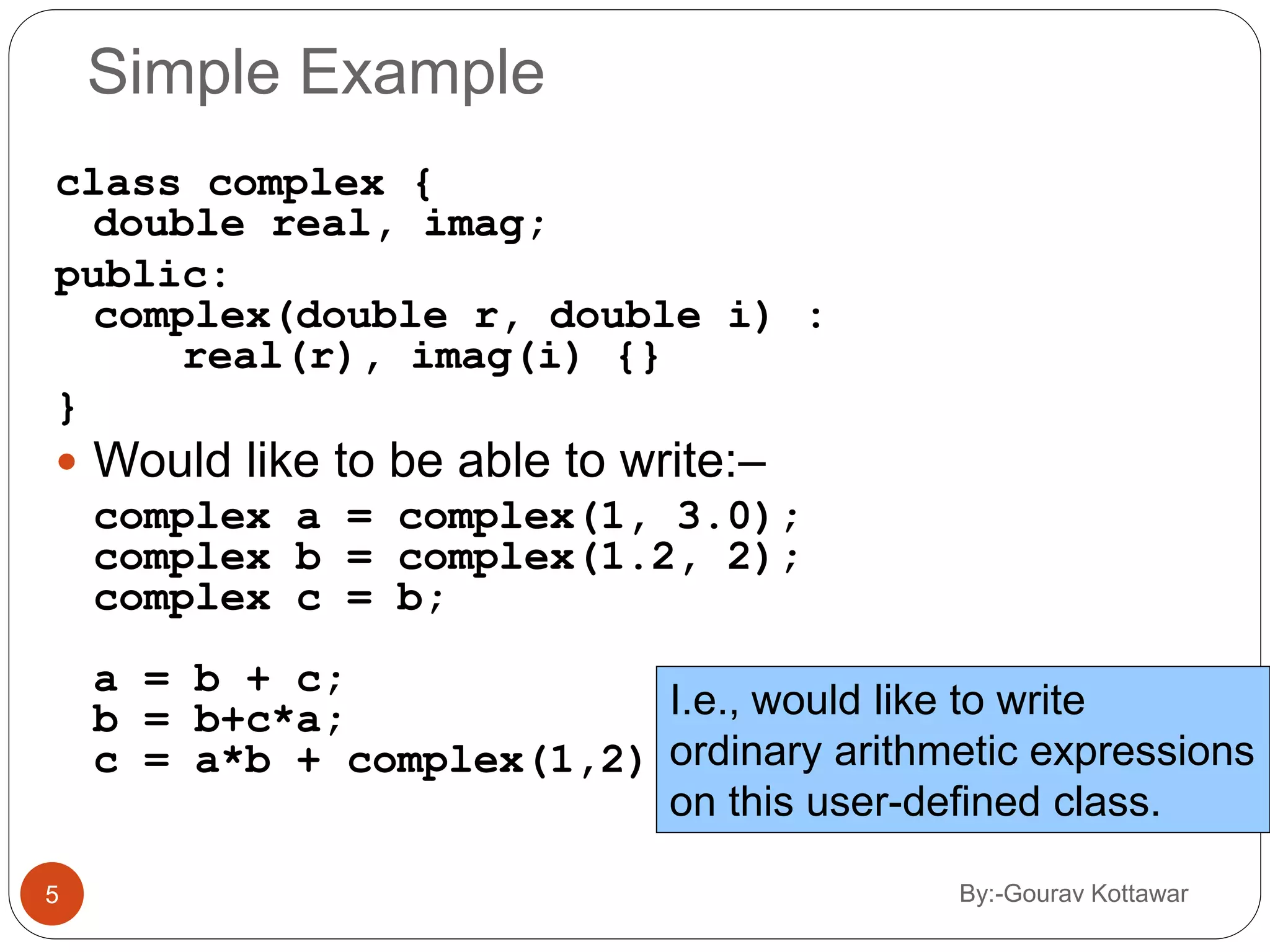
By:-Gourav Kottawar5 Simple Example class complex { double real, imag; public: complex(double r, double i) : real(r), imag(i) {} }  Would like to be able to write:– complex a = complex(1, 3.0); complex b = complex(1.2, 2); complex c = b; a = b + c; b = b+c*a; c = a*b + complex(1,2); I.e., would like to write ordinary arithmetic expressions on this user-defined class.
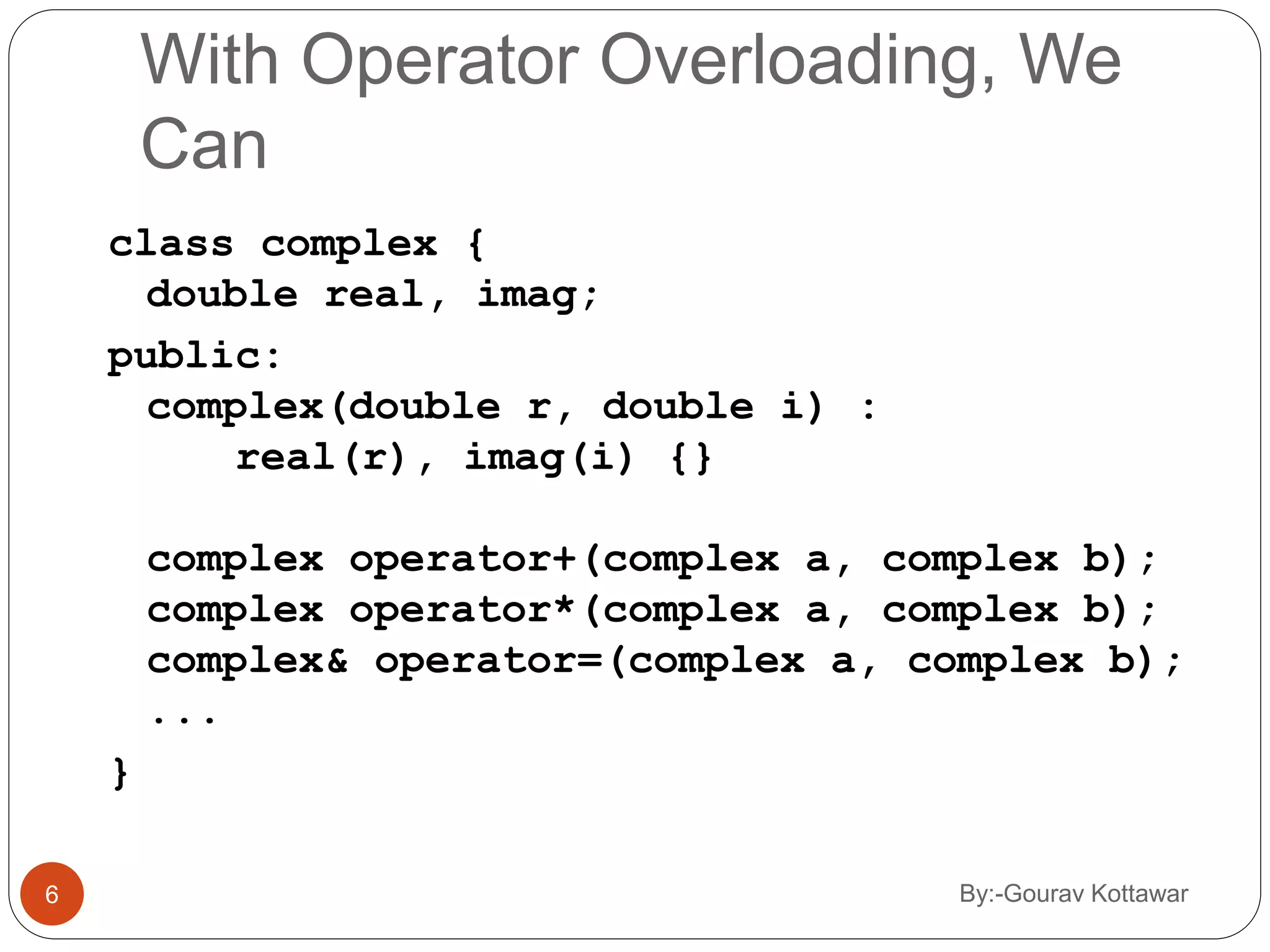
By:-Gourav Kottawar6 With Operator Overloading, We Can class complex { double real, imag; public: complex(double r, double i) : real(r), imag(i) {} complex operator+(complex a, complex b); complex operator*(complex a, complex b); complex& operator=(complex a, complex b); ... }
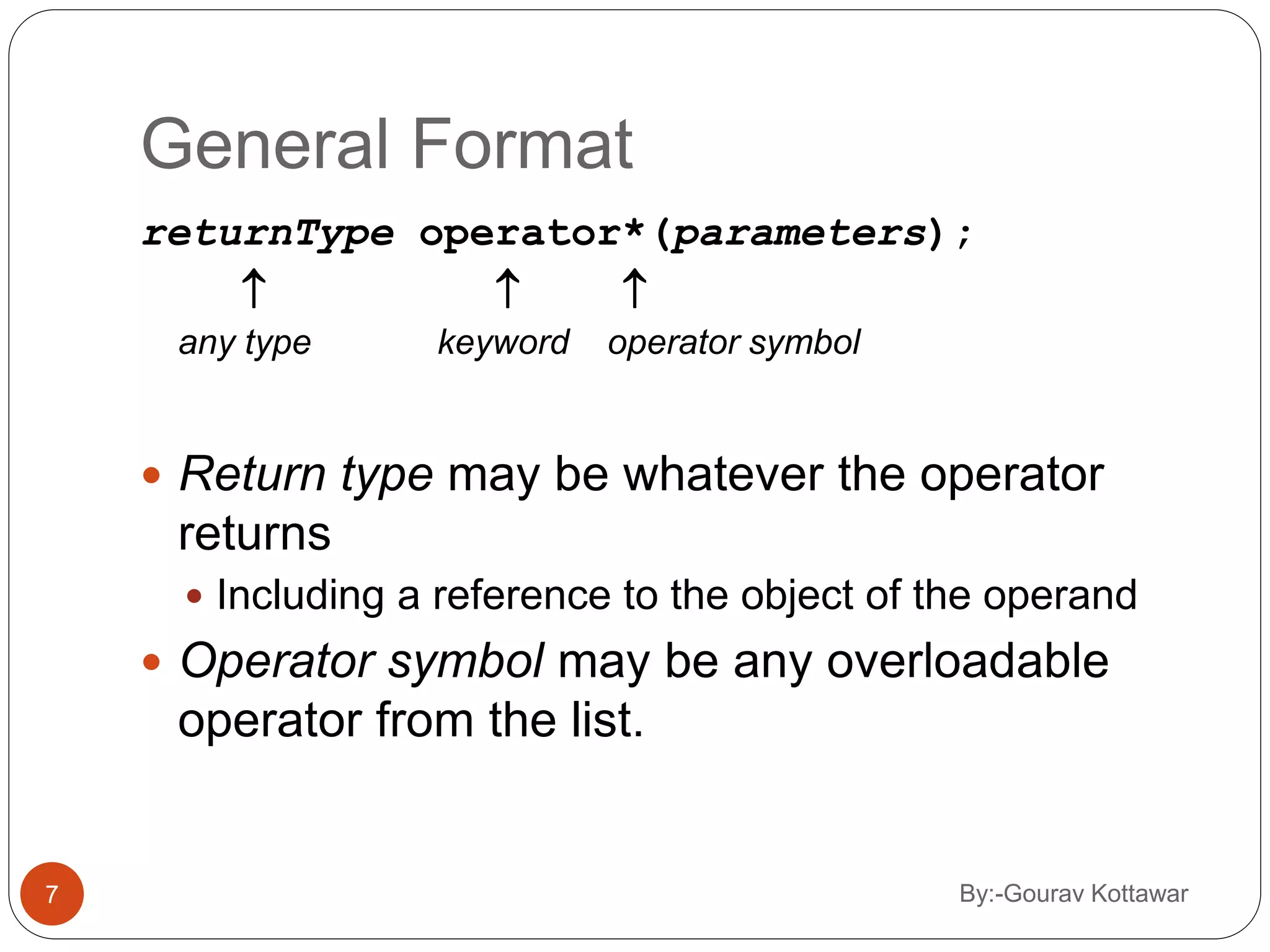
By:-Gourav Kottawar7 General Format returnType operator*(parameters);    any type keyword operator symbol  Return type may be whatever the operator returns  Including a reference to the object of the operand  Operator symbol may be any overloadable operator from the list.
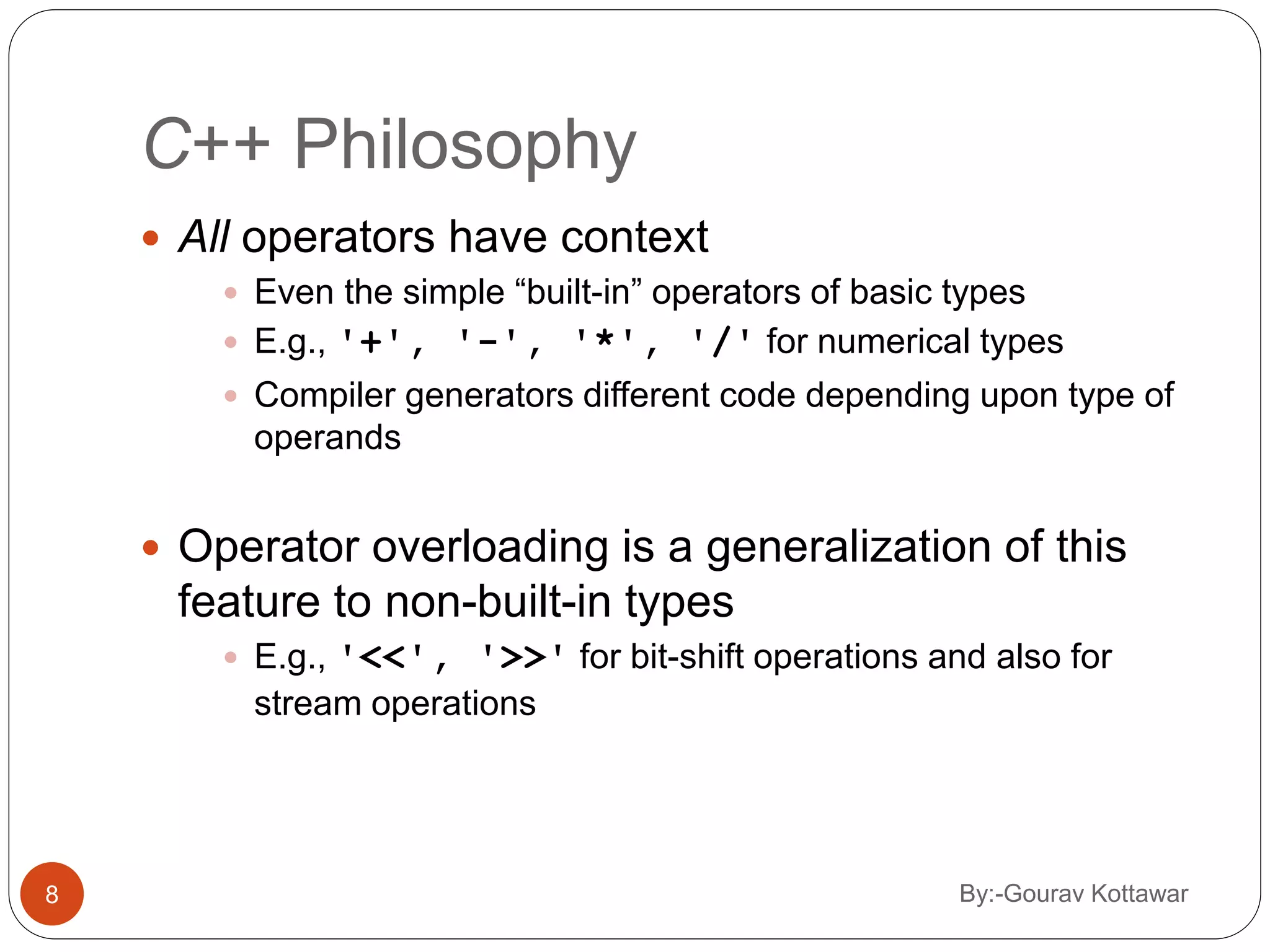
By:-Gourav Kottawar8 C++ Philosophy  All operators have context  Even the simple “built-in” operators of basic types  E.g., '+', '-', '*', '/' for numerical types  Compiler generators different code depending upon type of operands  Operator overloading is a generalization of this feature to non-built-in types  E.g., '<<', '>>' for bit-shift operations and also for stream operations
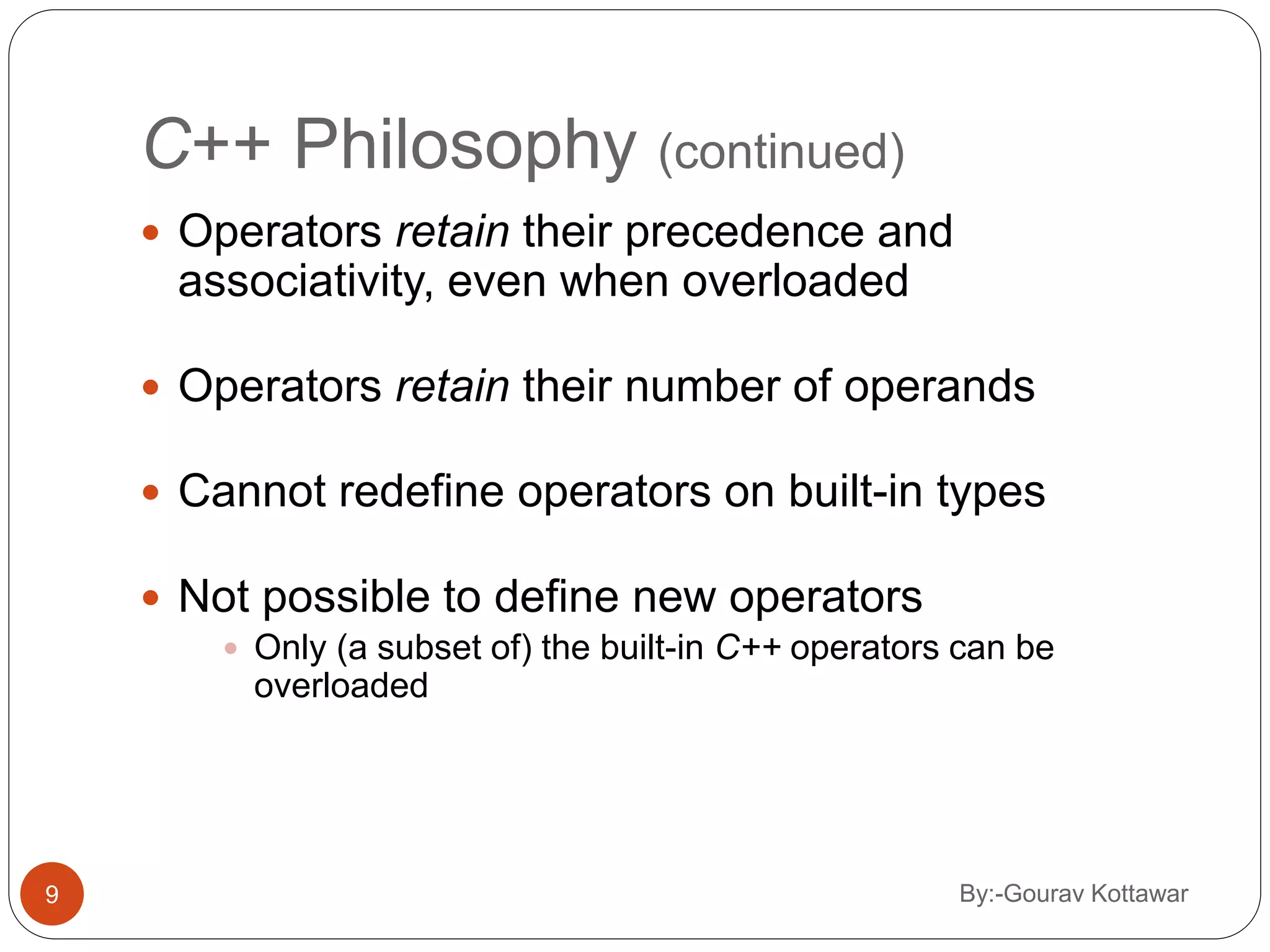
By:-Gourav Kottawar9 C++ Philosophy (continued)  Operators retain their precedence and associativity, even when overloaded  Operators retain their number of operands  Cannot redefine operators on built-in types  Not possible to define new operators  Only (a subset of) the built-in C++ operators can be overloaded
Restrictions on Operator Overloading  C++ operators that can be overloaded  C++ Operators that cannot be overloaded Operators that cannot be overloaded . .* :: ?: sizeof Operators that can be overloaded + - * / % ^ & | ~ ! = < > += -= *= /= %= ^= &= |= << >> >>= <<= == != <= >= && || ++ -- ->* , -> [] () new delete new[] delete[] 10 By:-Gourav Kottawar
7.2 Overloading Unary Operator 11 By:-Gourav Kottawar
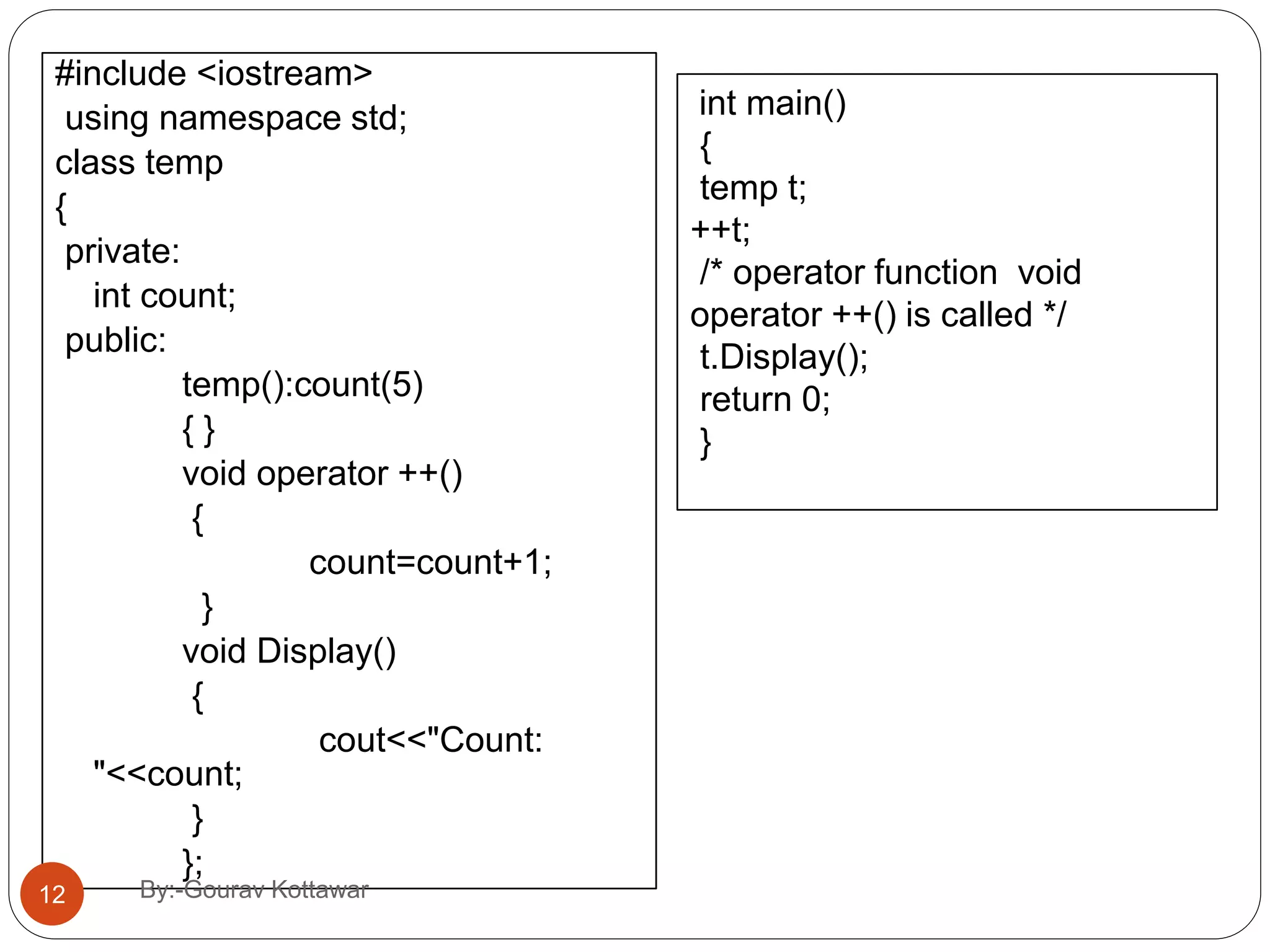
#include <iostream> using namespace std; class temp { private: int count; public: temp():count(5) { } void operator ++() { count=count+1; } void Display() { cout<<"Count: "<<count; } }; int main() { temp t; ++t; /* operator function void operator ++() is called */ t.Display(); return 0; } 12 By:-Gourav Kottawar
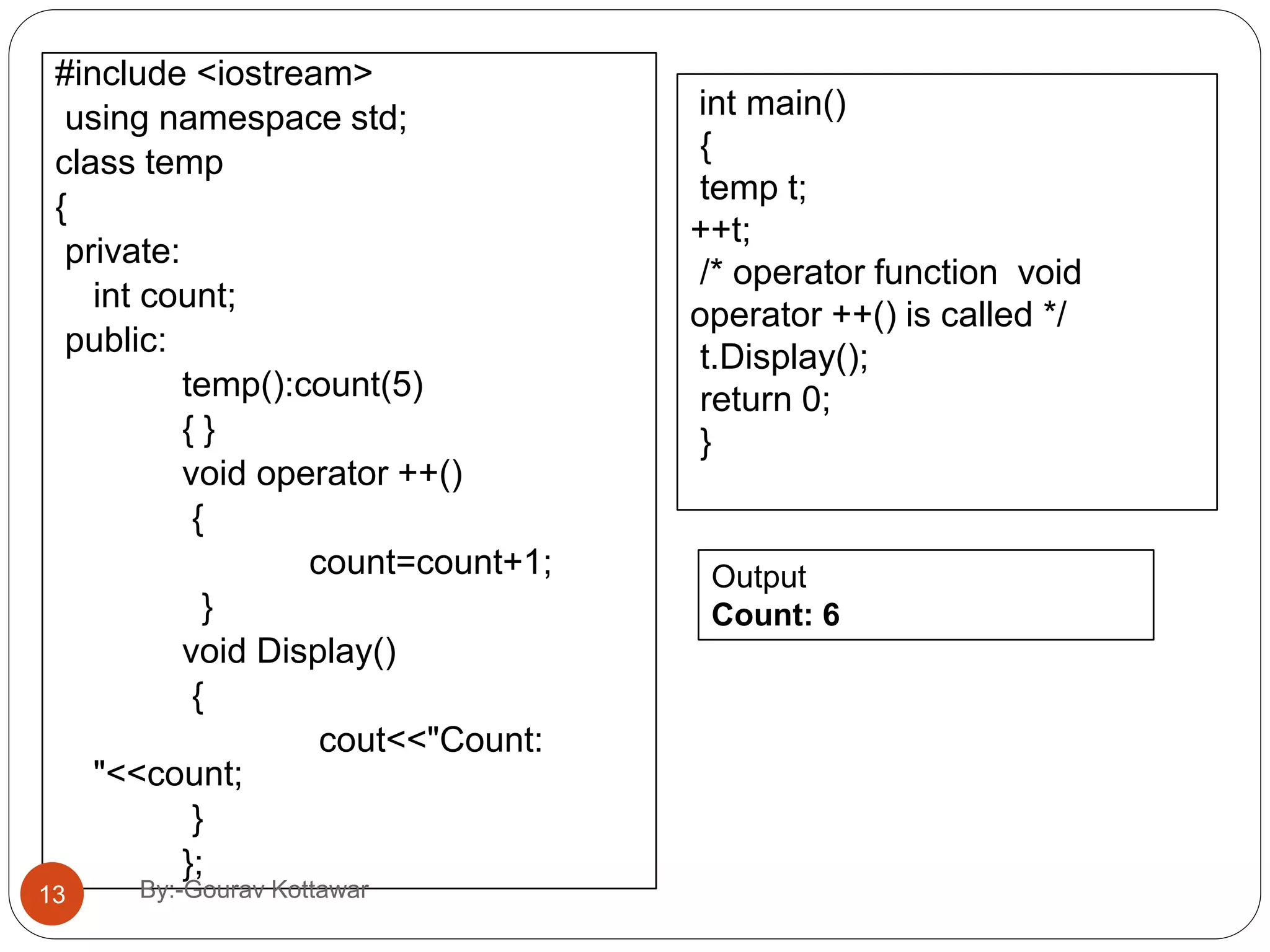
#include <iostream> using namespace std; class temp { private: int count; public: temp():count(5) { } void operator ++() { count=count+1; } void Display() { cout<<"Count: "<<count; } }; int main() { temp t; ++t; /* operator function void operator ++() is called */ t.Display(); return 0; } Output Count: 6 13 By:-Gourav Kottawar
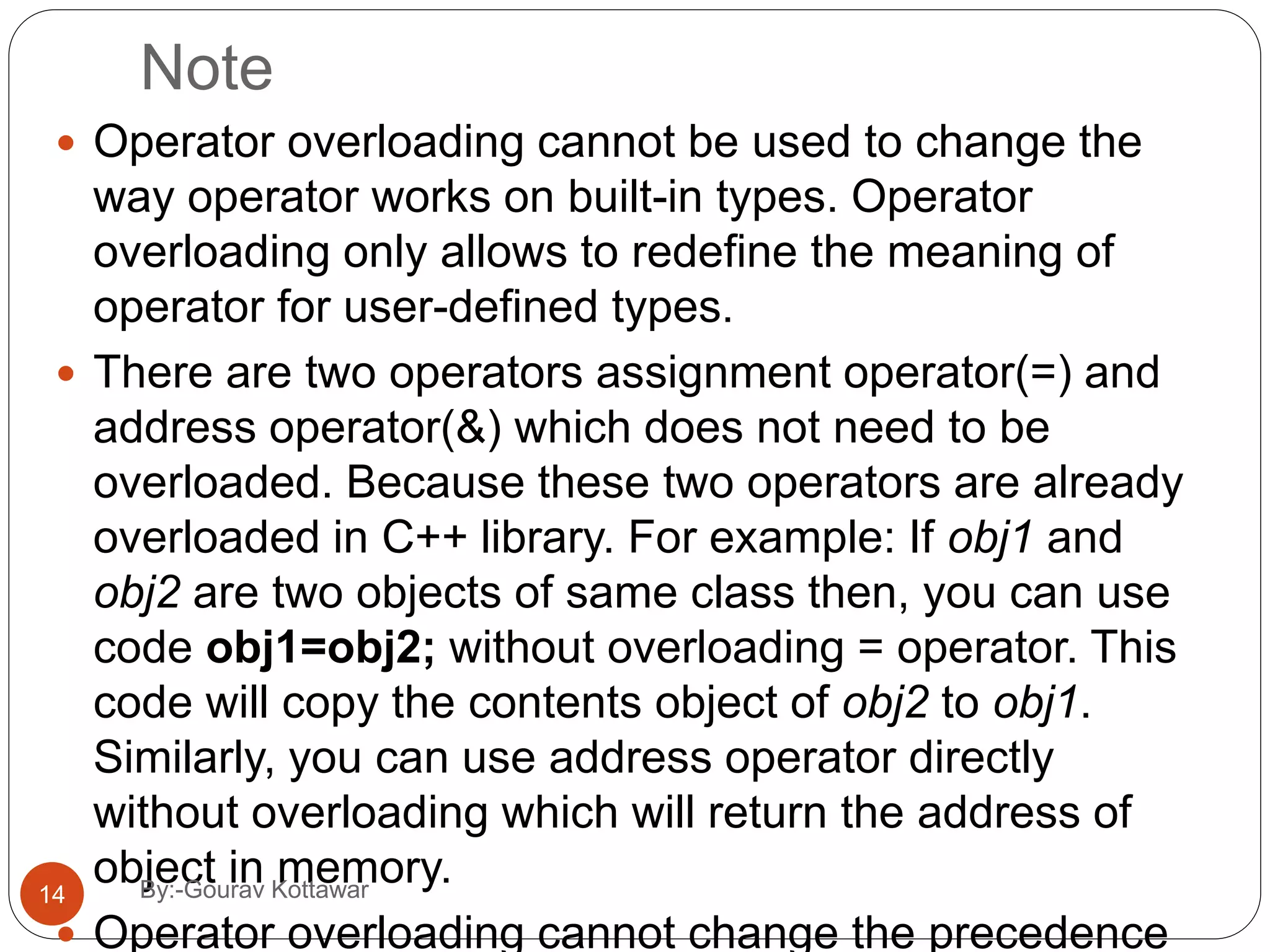
Note  Operator overloading cannot be used to change the way operator works on built-in types. Operator overloading only allows to redefine the meaning of operator for user-defined types.  There are two operators assignment operator(=) and address operator(&) which does not need to be overloaded. Because these two operators are already overloaded in C++ library. For example: If obj1 and obj2 are two objects of same class then, you can use code obj1=obj2; without overloading = operator. This code will copy the contents object of obj2 to obj1. Similarly, you can use address operator directly without overloading which will return the address of object in memory.  Operator overloading cannot change the precedence 14 By:-Gourav Kottawar
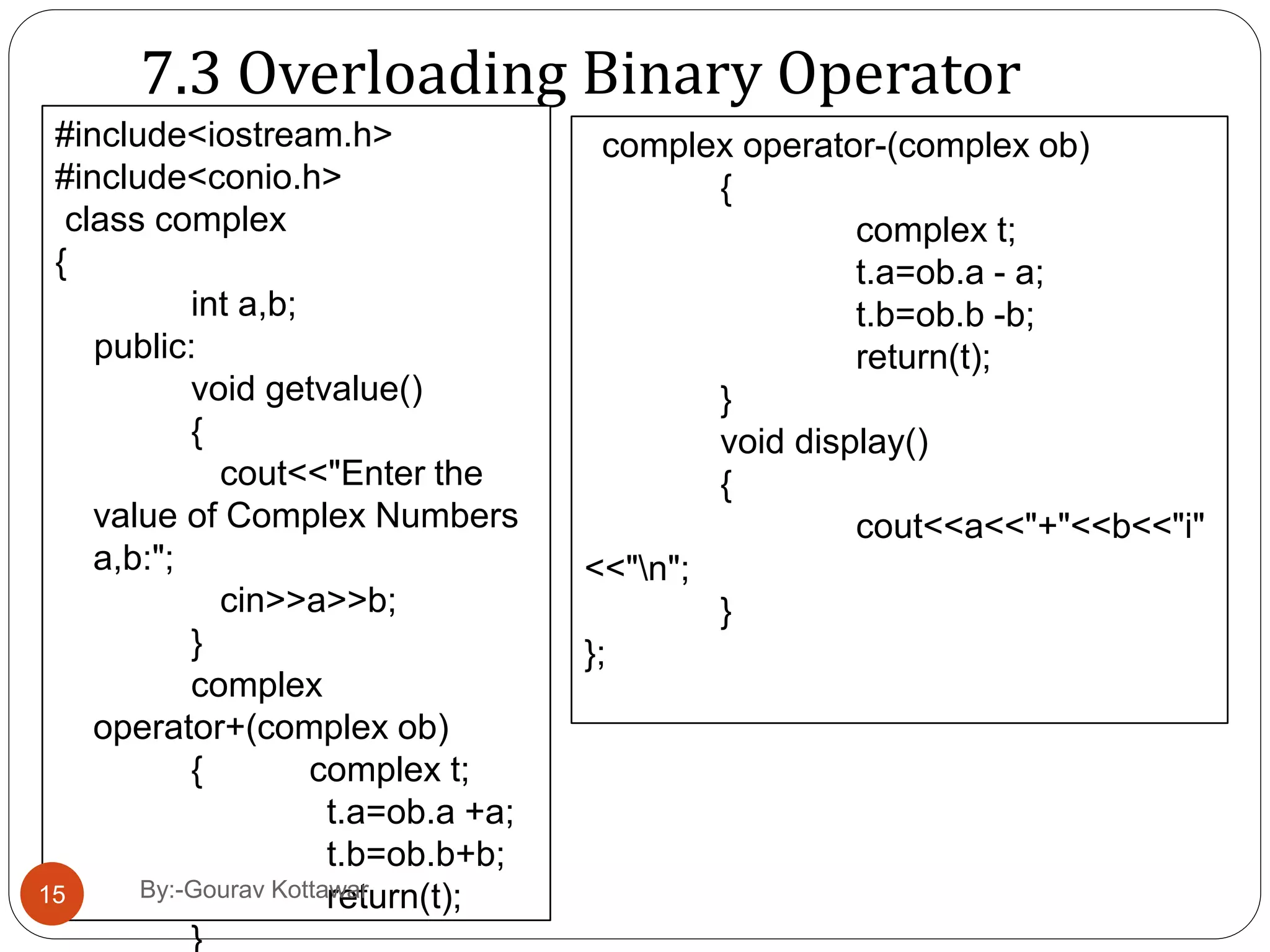
7.3 Overloading Binary Operator #include<iostream.h> #include<conio.h> class complex { int a,b; public: void getvalue() { cout<<"Enter the value of Complex Numbers a,b:"; cin>>a>>b; } complex operator+(complex ob) { complex t; t.a=ob.a +a; t.b=ob.b+b; return(t); } complex operator-(complex ob) { complex t; t.a=ob.a - a; t.b=ob.b -b; return(t); } void display() { cout<<a<<"+"<<b<<"i" <<"n"; } }; 15 By:-Gourav Kottawar
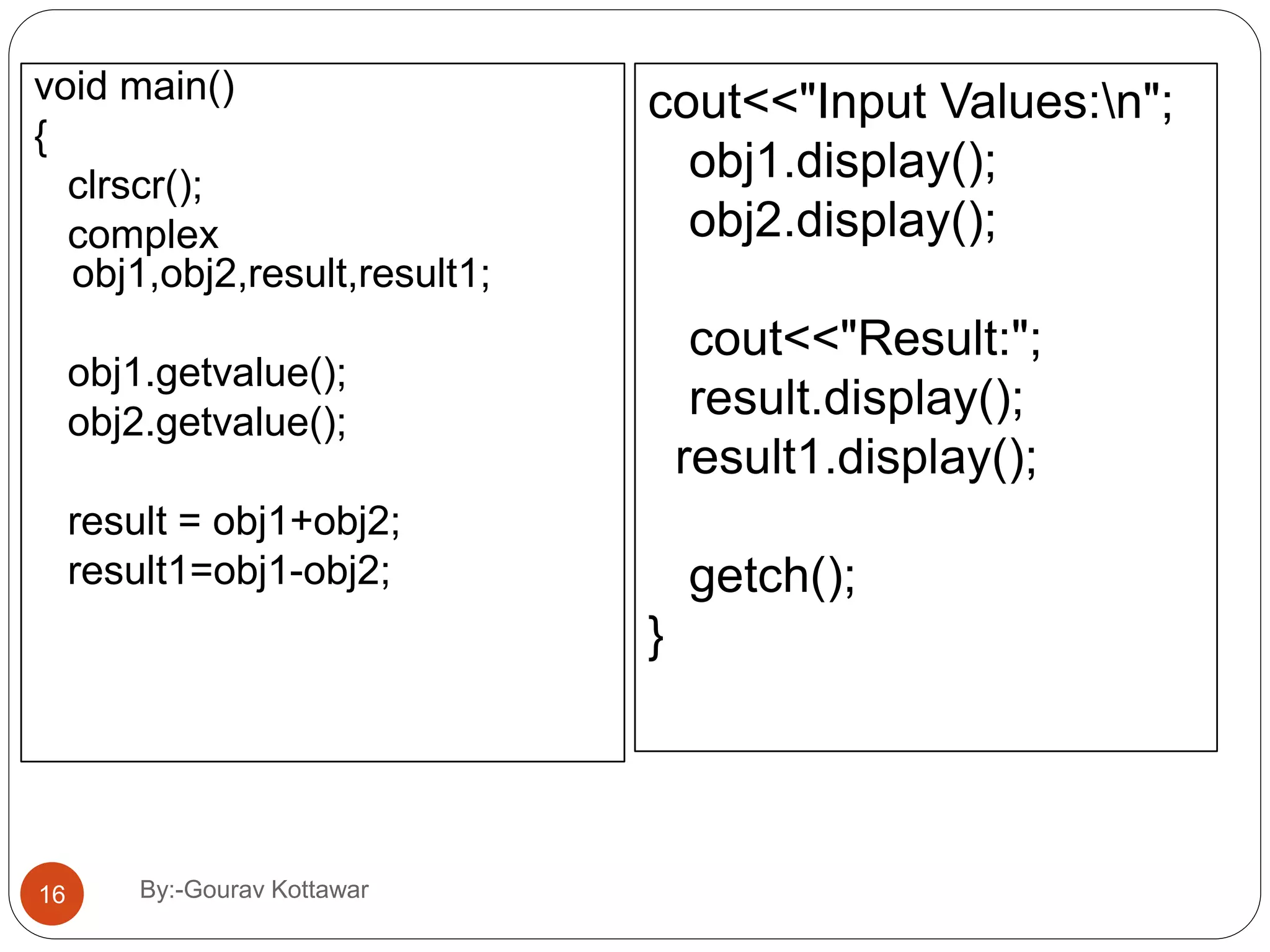
void main() { clrscr(); complex obj1,obj2,result,result1; obj1.getvalue(); obj2.getvalue(); result = obj1+obj2; result1=obj1-obj2; cout<<"Input Values:n"; obj1.display(); obj2.display(); cout<<"Result:"; result.display(); result1.display(); getch(); } 16 By:-Gourav Kottawar
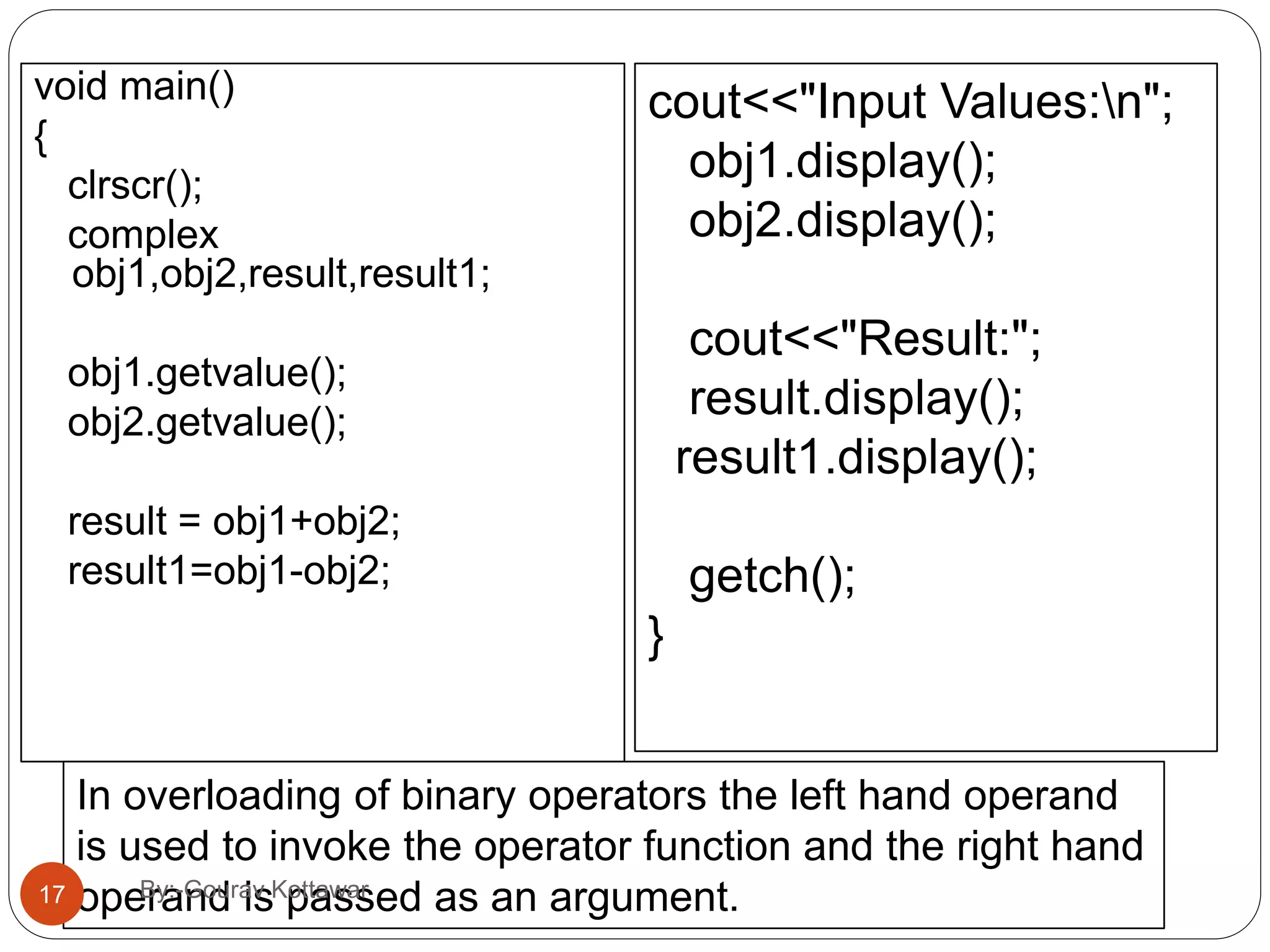
void main() { clrscr(); complex obj1,obj2,result,result1; obj1.getvalue(); obj2.getvalue(); result = obj1+obj2; result1=obj1-obj2; cout<<"Input Values:n"; obj1.display(); obj2.display(); cout<<"Result:"; result.display(); result1.display(); getch(); } In overloading of binary operators the left hand operand is used to invoke the operator function and the right hand operand is passed as an argument.17 By:-Gourav Kottawar
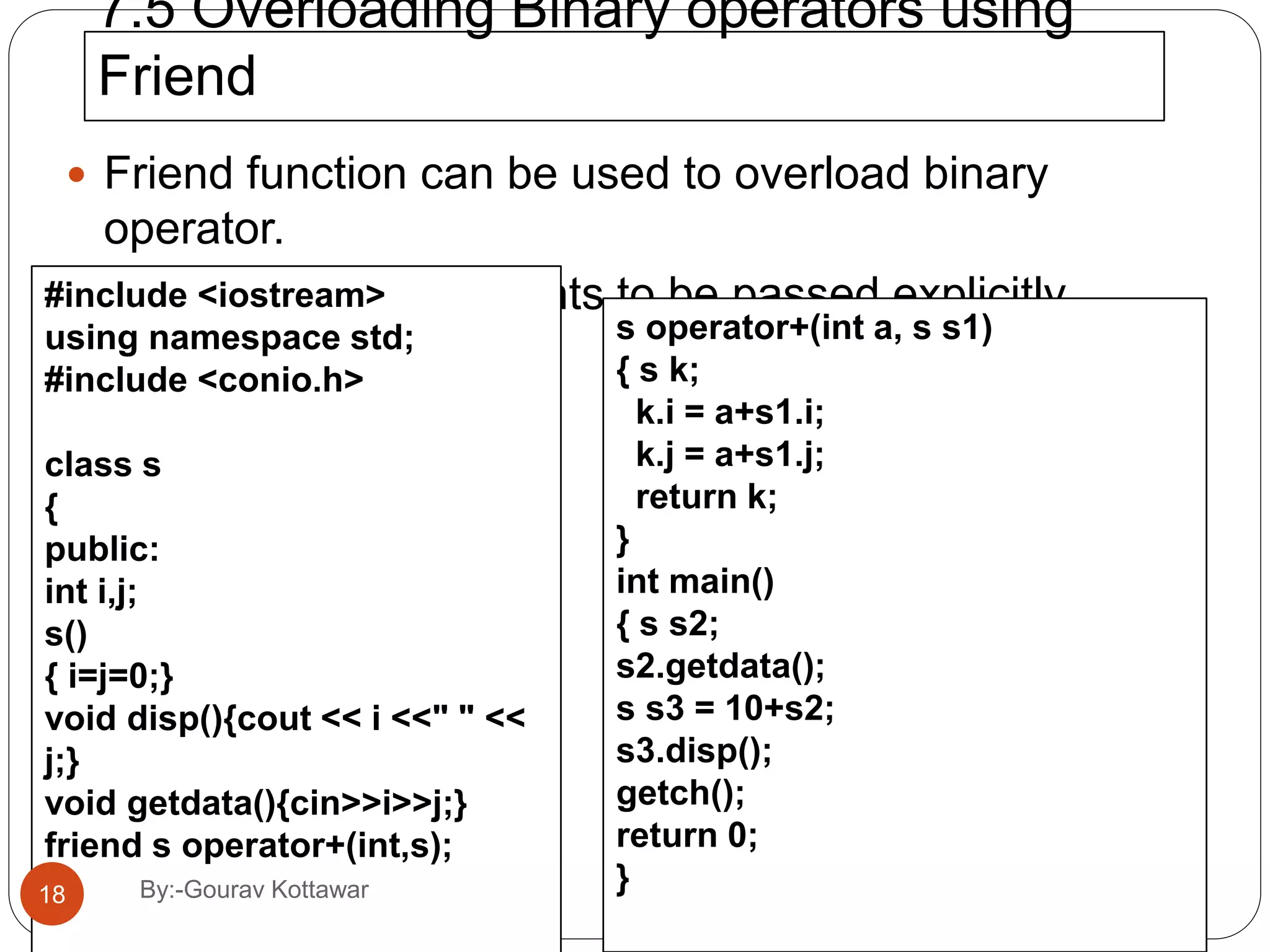
7.5 Overloading Binary operators using Friend  Friend function can be used to overload binary operator.  Required two arguments to be passed explicitly.#include <iostream> using namespace std; #include <conio.h> class s { public: int i,j; s() { i=j=0;} void disp(){cout << i <<" " << j;} void getdata(){cin>>i>>j;} friend s operator+(int,s); }; s operator+(int a, s s1) { s k; k.i = a+s1.i; k.j = a+s1.j; return k; } int main() { s s2; s2.getdata(); s s3 = 10+s2; s3.disp(); getch(); return 0; }18 By:-Gourav Kottawar
#include<iostream.h> class stud { int rno; char *name; int marks; public: friend istream &operator>>(istream &,stud &); friend void operator<<(ostream &,stud &); }; istream &operator>>(istream &tin,stud &s) { cout<<"n Enter the no"; tin>>s.rno; cout<<"n Enter the name"; tin>>s.name; cout<<"n Enter Marks"; tin>>s.marks; return tin; void operator<<(ostream &tout,stud &s) { tout<<”n”<<s.rno; tout<<”n”<<s.name; tout<<”n”<<s.marks; } void main() { cout<<"ttBinaryOperator Overloading Using FriendFunction"; stud s[3]; for(int i=0;i<3;i++) { cin>>s[i]; } for( i=0;i<3;i++) { cout<<s[i]; } getch(); }19 By:-Gourav Kottawar
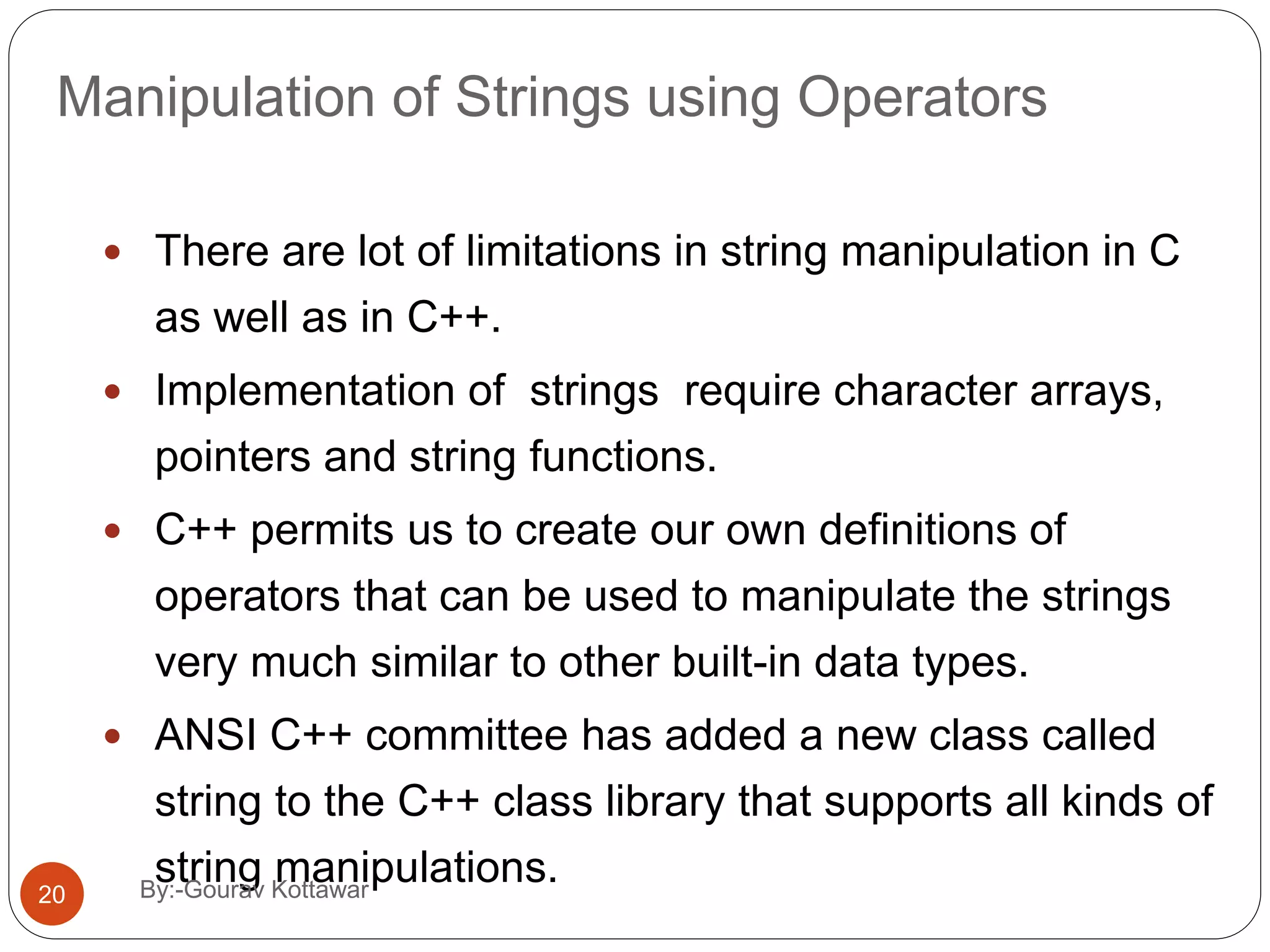
Manipulation of Strings using Operators  There are lot of limitations in string manipulation in C as well as in C++.  Implementation of strings require character arrays, pointers and string functions.  C++ permits us to create our own definitions of operators that can be used to manipulate the strings very much similar to other built-in data types.  ANSI C++ committee has added a new class called string to the C++ class library that supports all kinds of string manipulations.20 By:-Gourav Kottawar
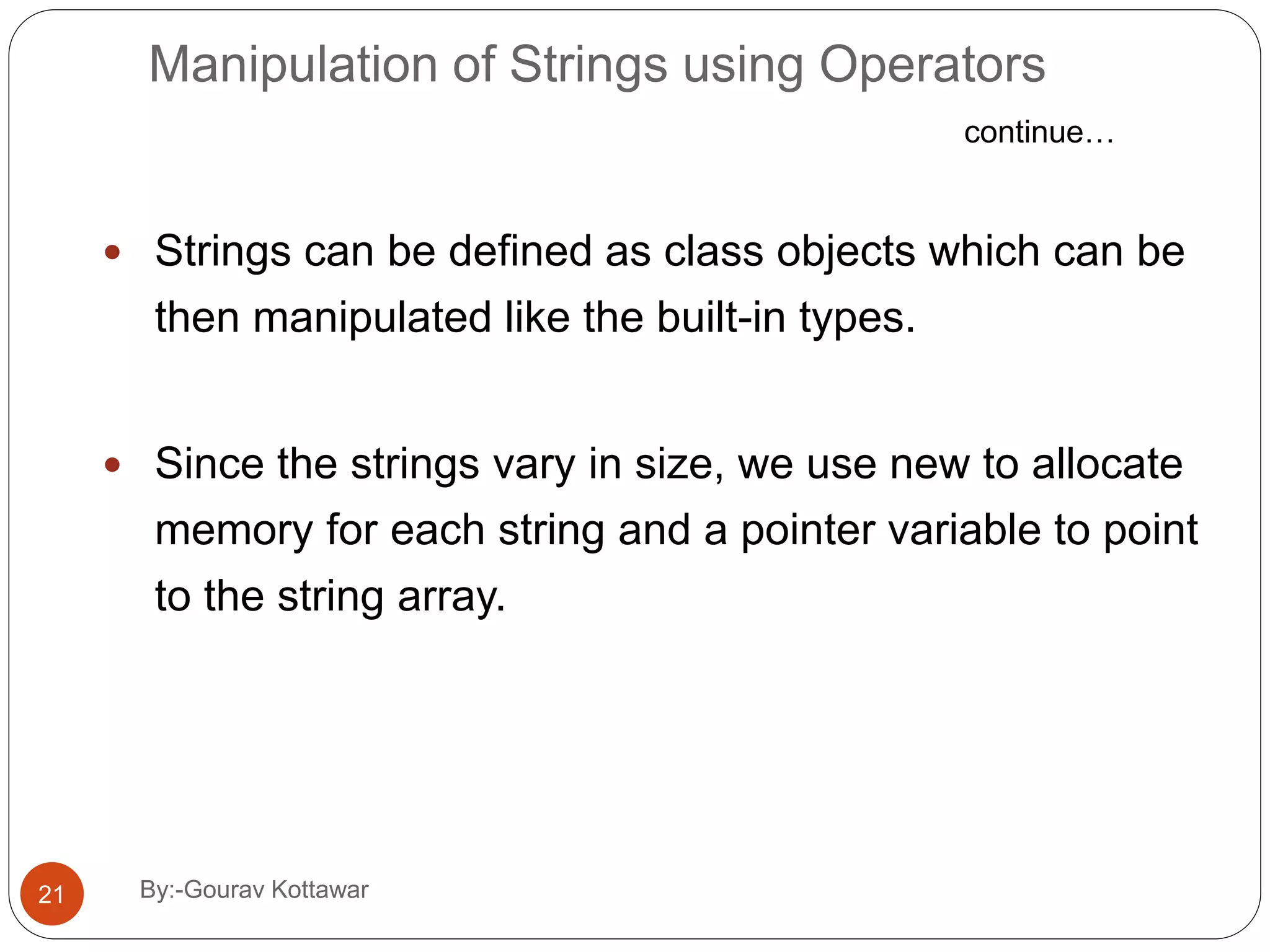
Manipulation of Strings using Operators  Strings can be defined as class objects which can be then manipulated like the built-in types.  Since the strings vary in size, we use new to allocate memory for each string and a pointer variable to point to the string array. continue… 21 By:-Gourav Kottawar
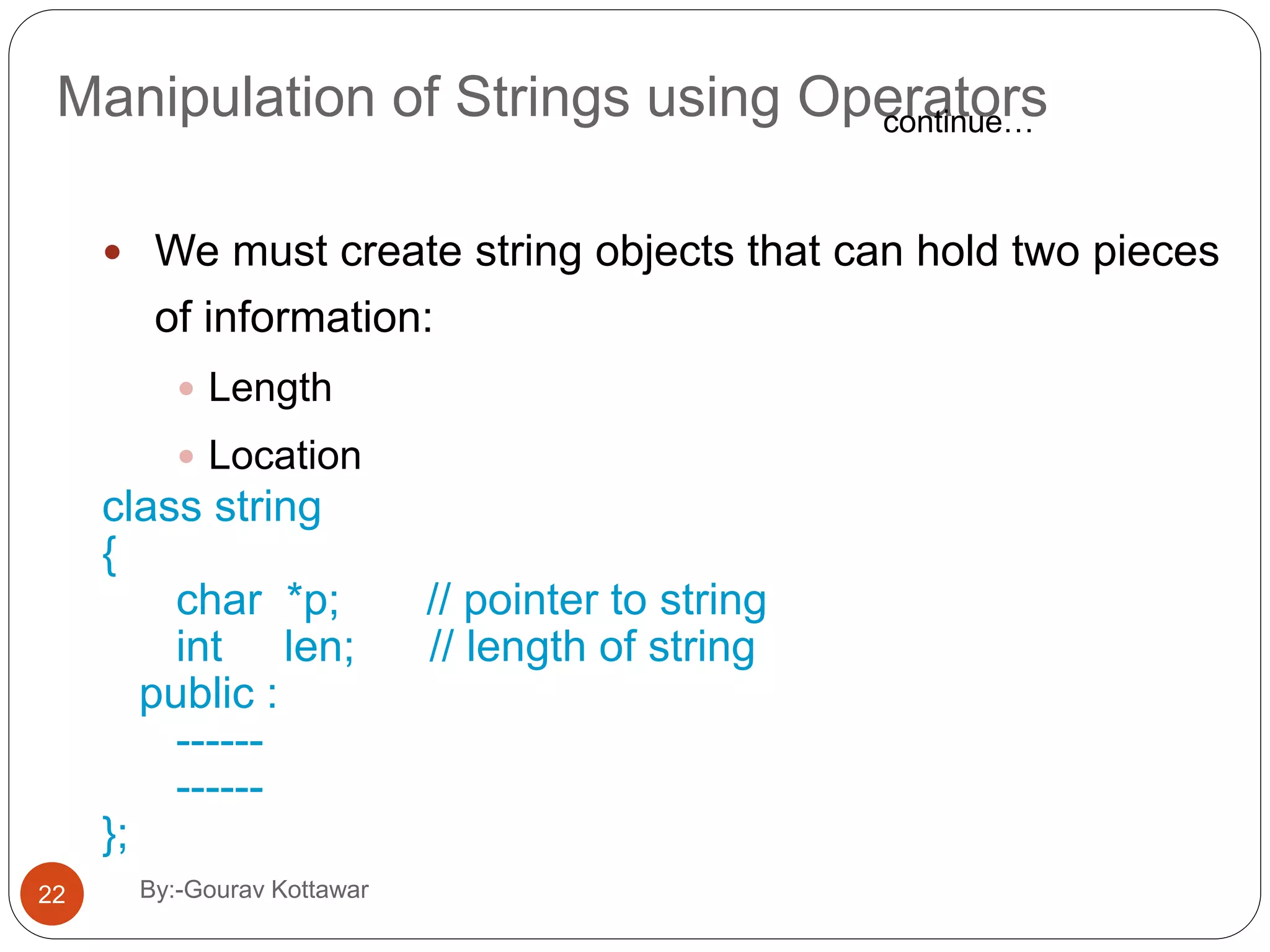
Manipulation of Strings using Operators  We must create string objects that can hold two pieces of information:  Length  Location class string { char *p; // pointer to string int len; // length of string public : ------ ------ }; continue… 22 By:-Gourav Kottawar
// string manipulation #include<iostream.h> #include<string.h> class string { char str[25]; public: void getstring(); void putstring(string&); void display(); string operator+(string&); int operator==(string&); void operator=(string&); void operator+=(string&); }; void string::getstring() { cout<<"Enter string:"; gets(str); } void string::putstring(string &s) { int len=strlen(s.str); cout<<len; } 23 By:-Gourav Kottawar
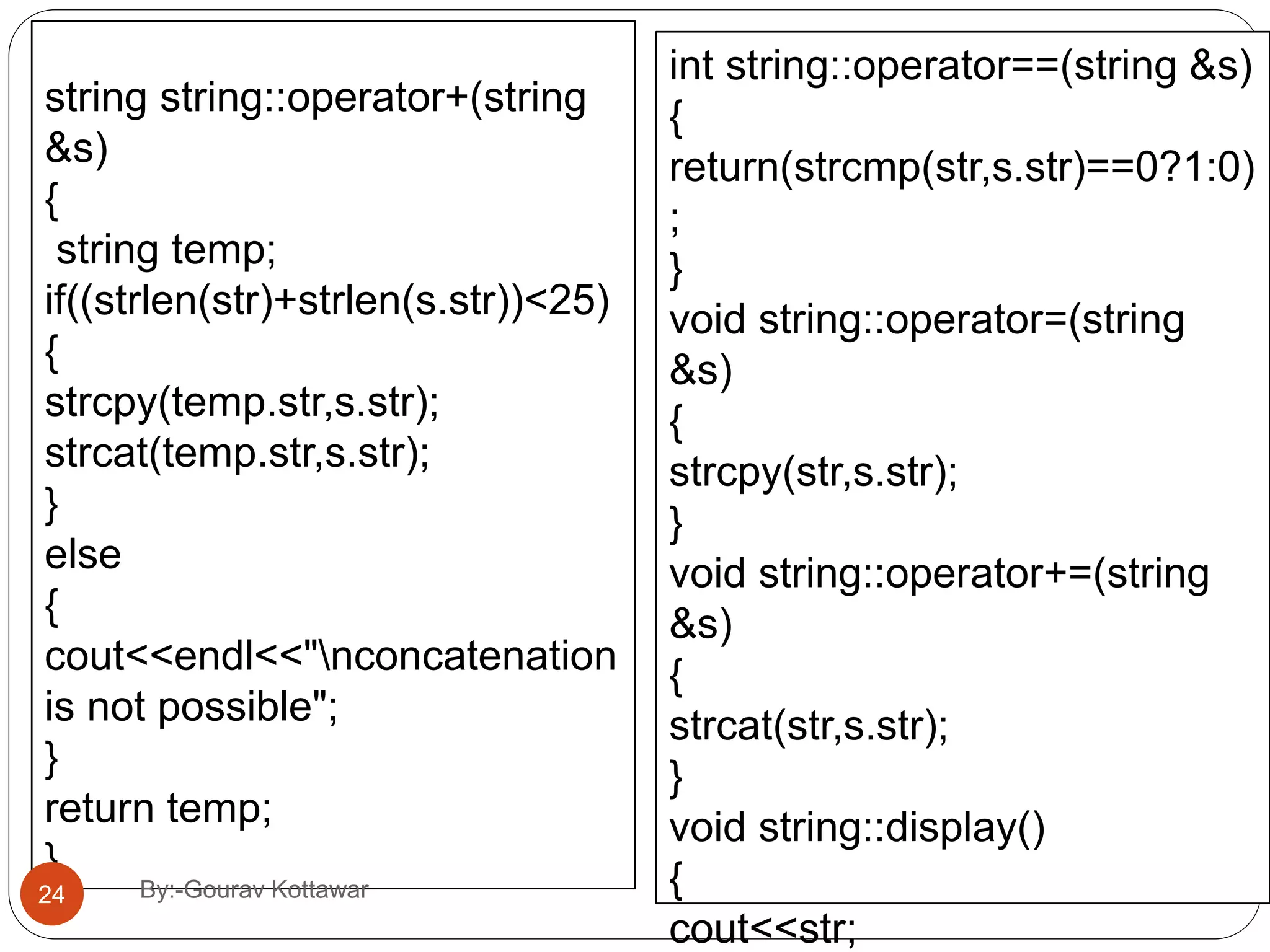
string string::operator+(string &s) { string temp; if((strlen(str)+strlen(s.str))<25) { strcpy(temp.str,s.str); strcat(temp.str,s.str); } else { cout<<endl<<"nconcatenation is not possible"; } return temp; } int string::operator==(string &s) { return(strcmp(str,s.str)==0?1:0) ; } void string::operator=(string &s) { strcpy(str,s.str); } void string::operator+=(string &s) { strcat(str,s.str); } void string::display() { cout<<str; 24 By:-Gourav Kottawar
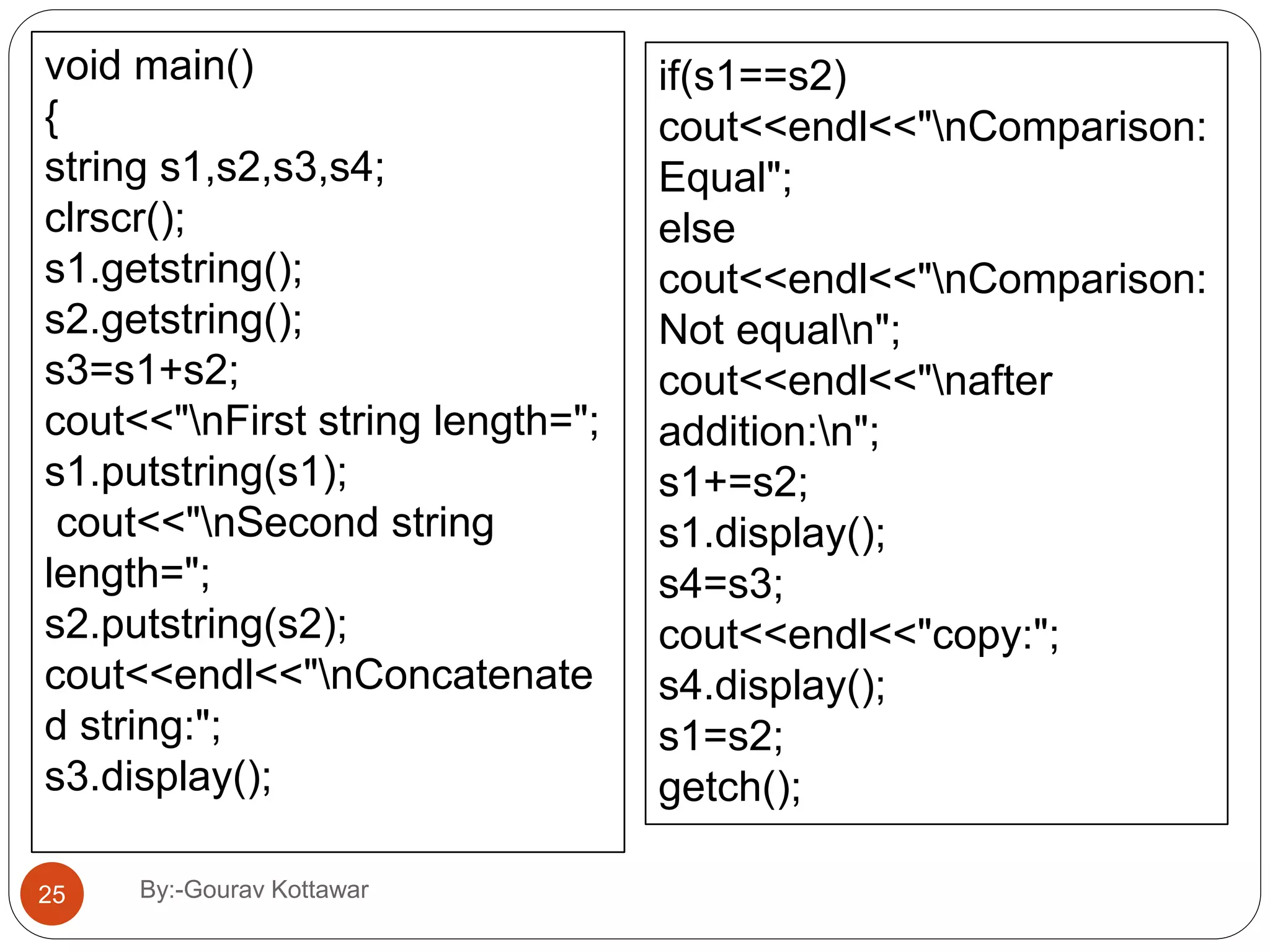
void main() { string s1,s2,s3,s4; clrscr(); s1.getstring(); s2.getstring(); s3=s1+s2; cout<<"nFirst string length="; s1.putstring(s1); cout<<"nSecond string length="; s2.putstring(s2); cout<<endl<<"nConcatenate d string:"; s3.display(); if(s1==s2) cout<<endl<<"nComparison: Equal"; else cout<<endl<<"nComparison: Not equaln"; cout<<endl<<"nafter addition:n"; s1+=s2; s1.display(); s4=s3; cout<<endl<<"copy:"; s4.display(); s1=s2; getch(); 25 By:-Gourav Kottawar
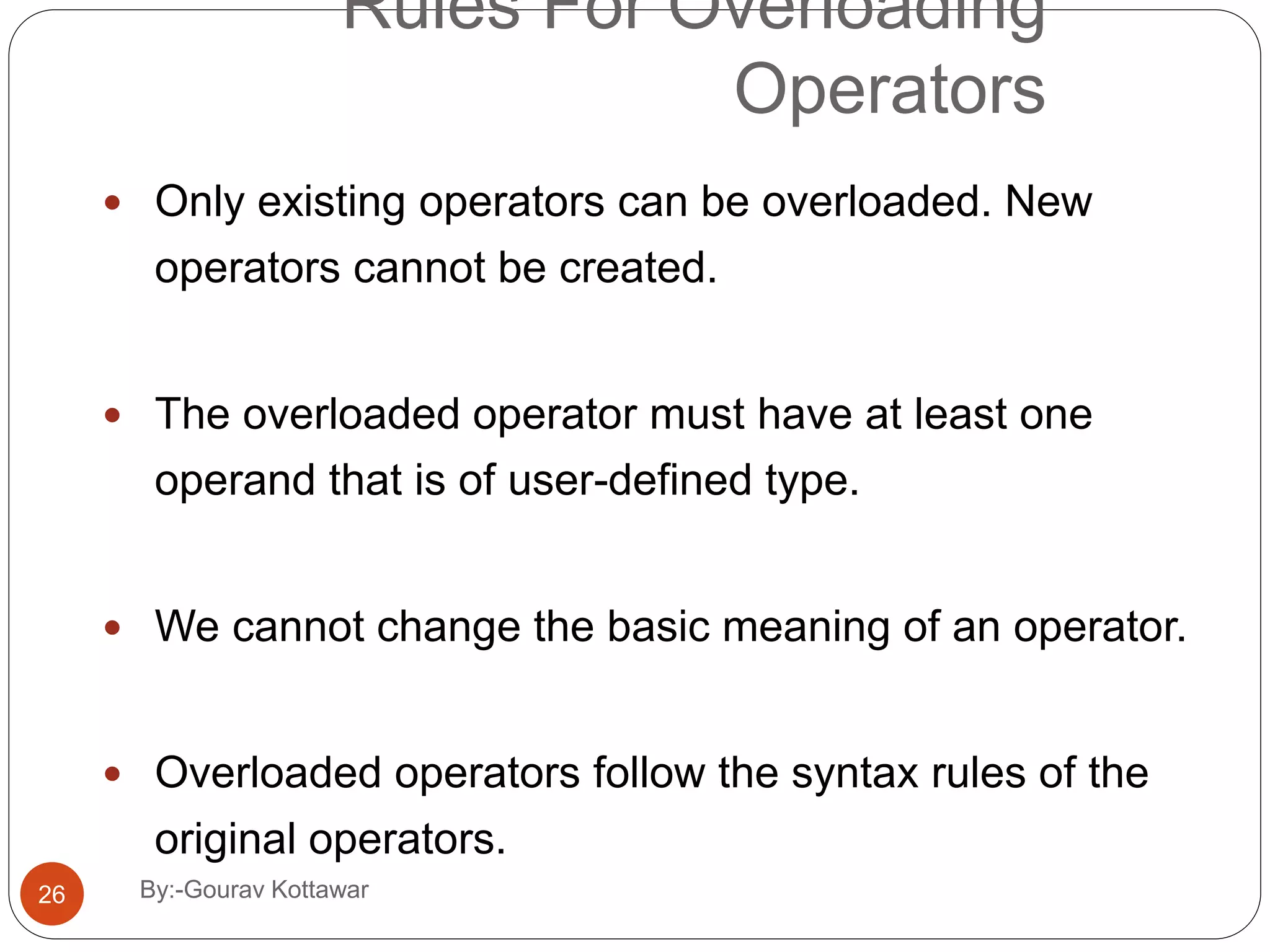
Rules For Overloading Operators  Only existing operators can be overloaded. New operators cannot be created.  The overloaded operator must have at least one operand that is of user-defined type.  We cannot change the basic meaning of an operator.  Overloaded operators follow the syntax rules of the original operators. 26 By:-Gourav Kottawar
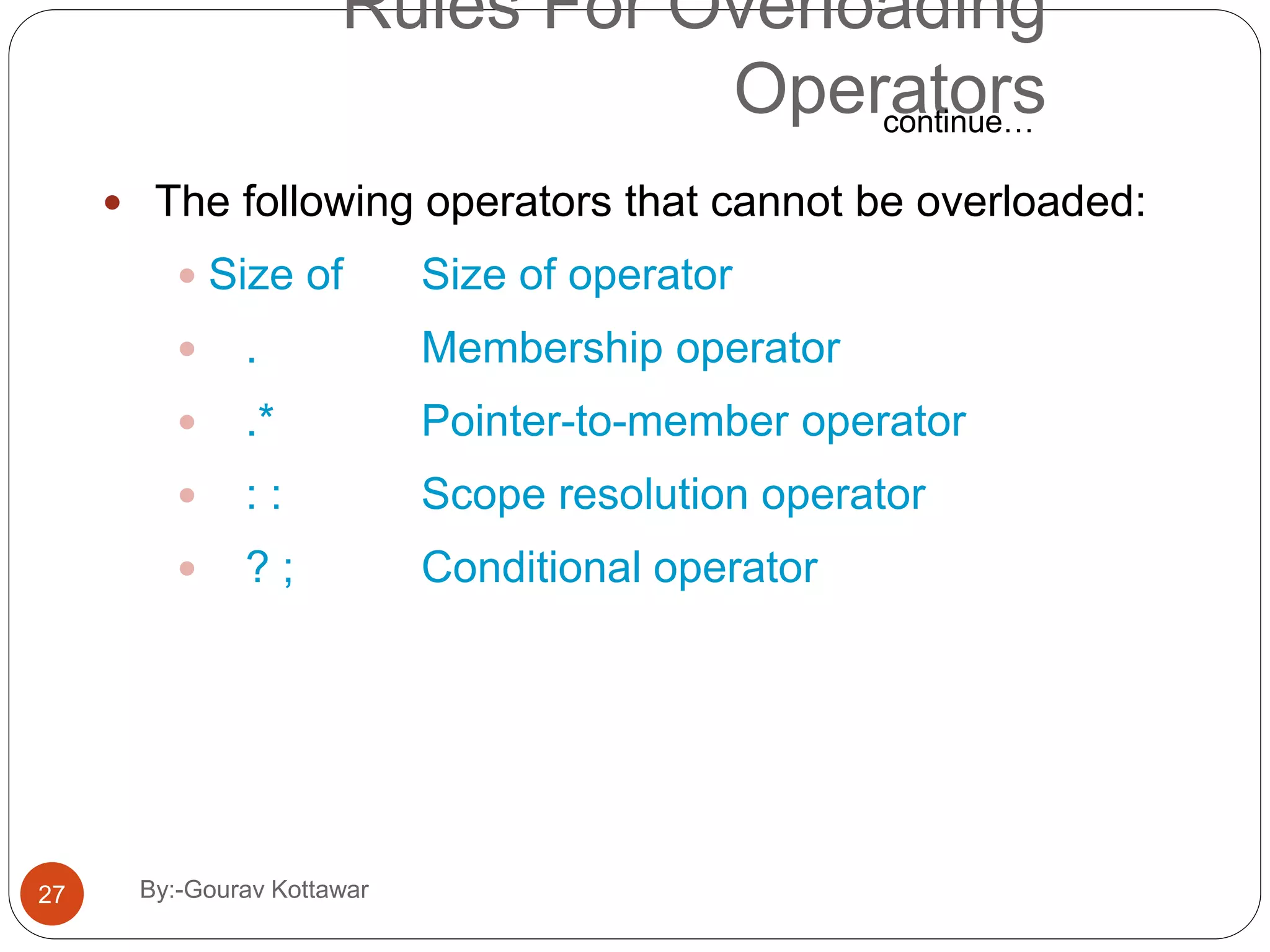
Rules For Overloading Operators  The following operators that cannot be overloaded:  Size of Size of operator  . Membership operator  .* Pointer-to-member operator  : : Scope resolution operator  ? ; Conditional operator continue… 27 By:-Gourav Kottawar
Rules For Overloading Operators  The following operators can be over loaded with the use of member functions and not by the use of friend functions:  Assignment operator =  Function call operator( )  Subscripting operator [ ]  Class member access operator ->  Unary operators, overloaded by means of a member function, take no explicit arguments and return no explicit values, but, those overloaded by means of a friend function, take one reference argument. continue… 28 By:-Gourav Kottawar
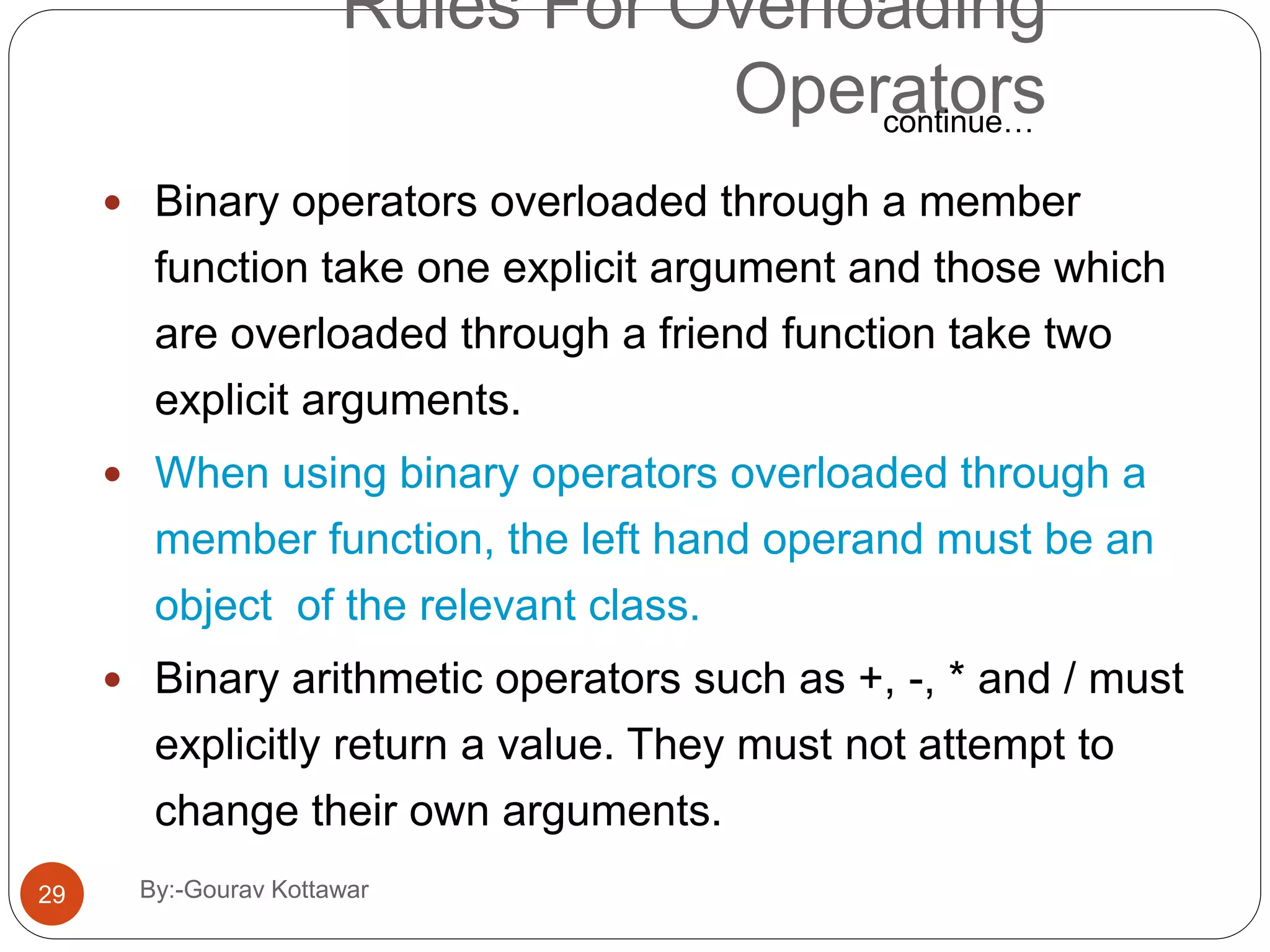
Rules For Overloading Operators  Binary operators overloaded through a member function take one explicit argument and those which are overloaded through a friend function take two explicit arguments.  When using binary operators overloaded through a member function, the left hand operand must be an object of the relevant class.  Binary arithmetic operators such as +, -, * and / must explicitly return a value. They must not attempt to change their own arguments. continue… 29 By:-Gourav Kottawar
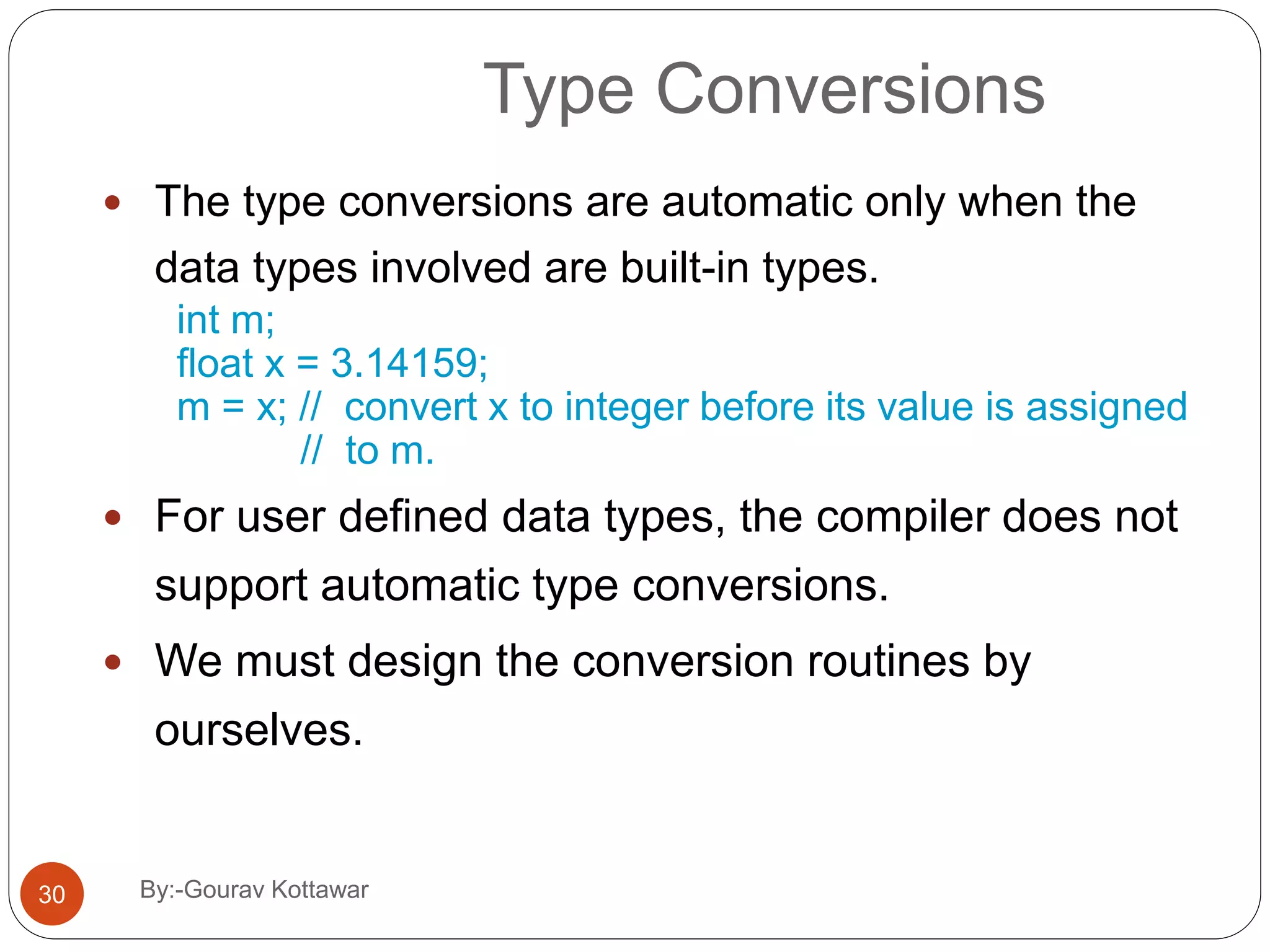
Type Conversions  The type conversions are automatic only when the data types involved are built-in types. int m; float x = 3.14159; m = x; // convert x to integer before its value is assigned // to m.  For user defined data types, the compiler does not support automatic type conversions.  We must design the conversion routines by ourselves. 30 By:-Gourav Kottawar
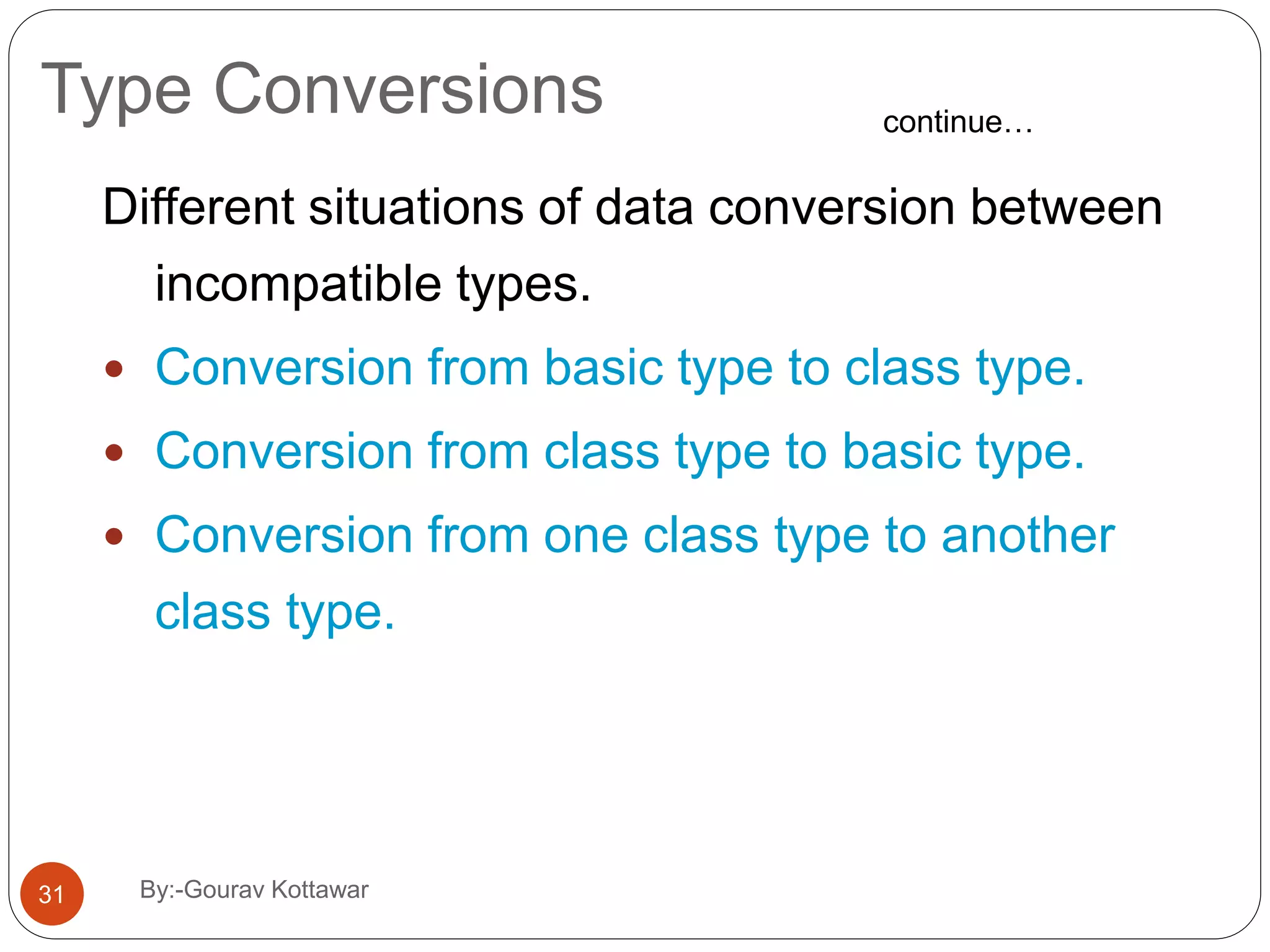
Type Conversions Different situations of data conversion between incompatible types.  Conversion from basic type to class type.  Conversion from class type to basic type.  Conversion from one class type to another class type. continue… 31 By:-Gourav Kottawar
Basic to Class Type A constructor to build a string type object from a char * type variable. string : : string(char *a) { length = strlen(a); P = new char[length+1]; strcpy(P,a); } The variables length and p are data members of the class string. 32 By:-Gourav Kottawar
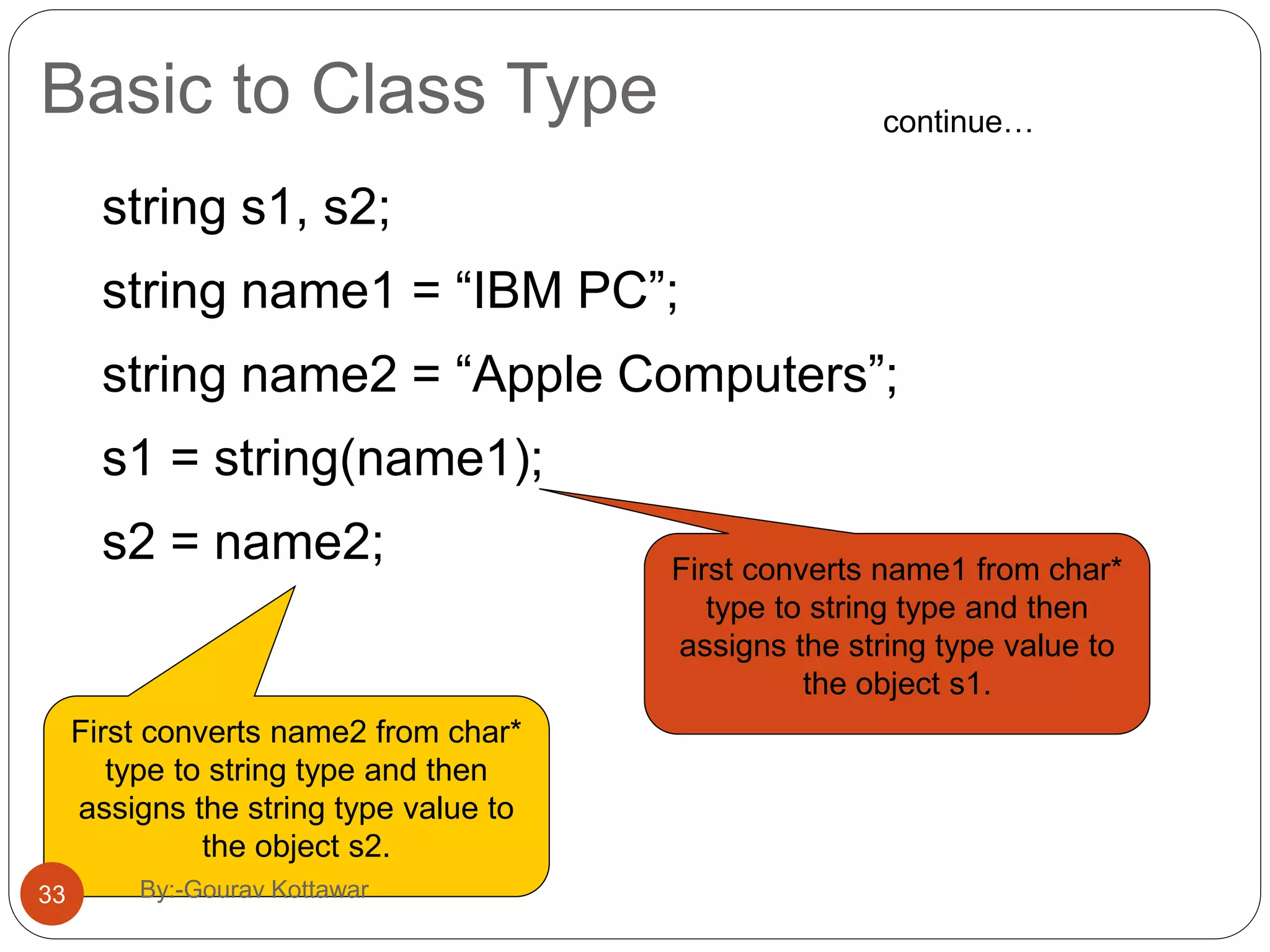
Basic to Class Type string s1, s2; string name1 = “IBM PC”; string name2 = “Apple Computers”; s1 = string(name1); s2 = name2; continue… First converts name1 from char* type to string type and then assigns the string type value to the object s1. First converts name2 from char* type to string type and then assigns the string type value to the object s2. 33 By:-Gourav Kottawar
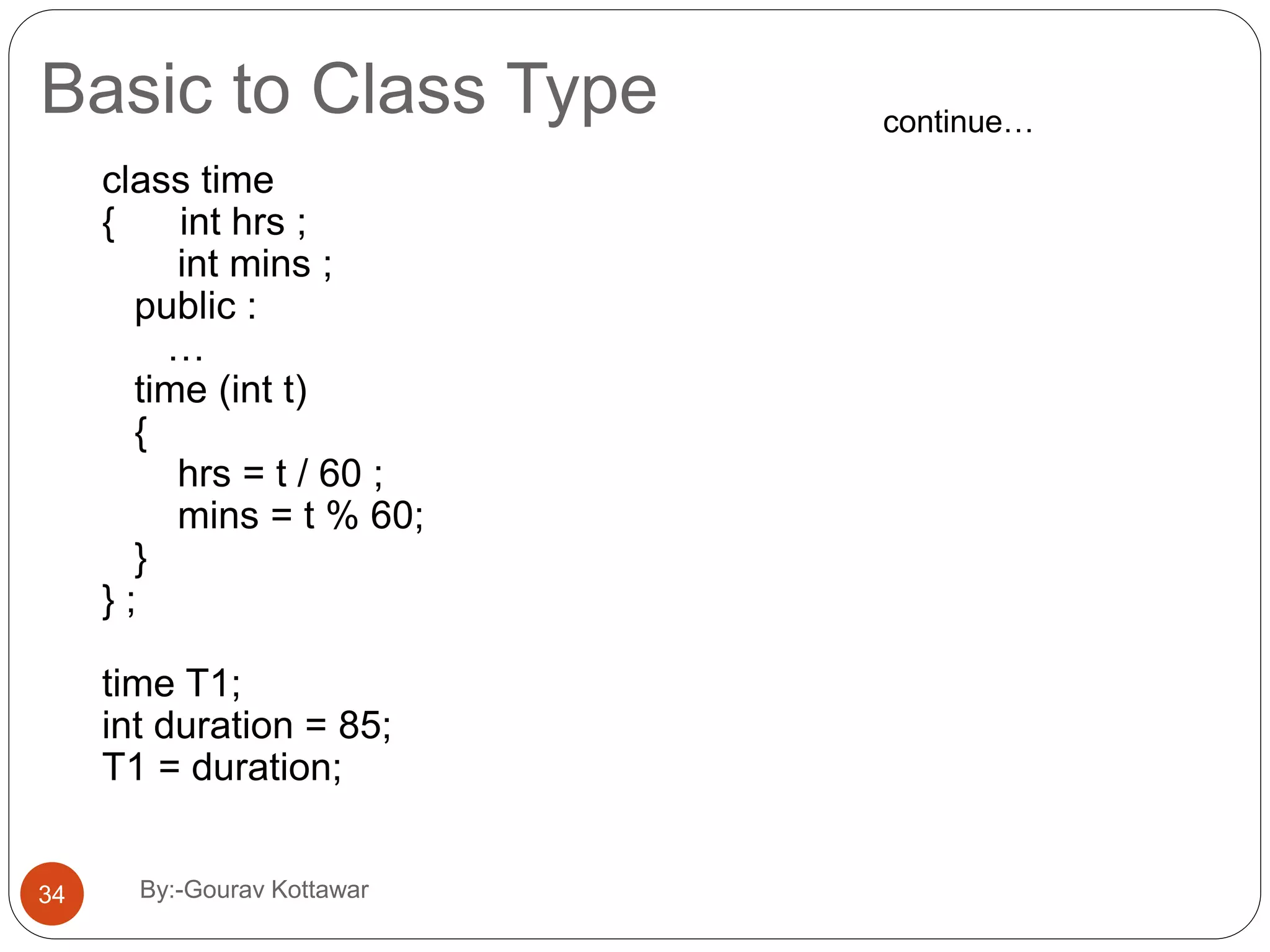
Basic to Class Type class time { int hrs ; int mins ; public : … time (int t) { hrs = t / 60 ; mins = t % 60; } } ; time T1; int duration = 85; T1 = duration; continue… 34 By:-Gourav Kottawar
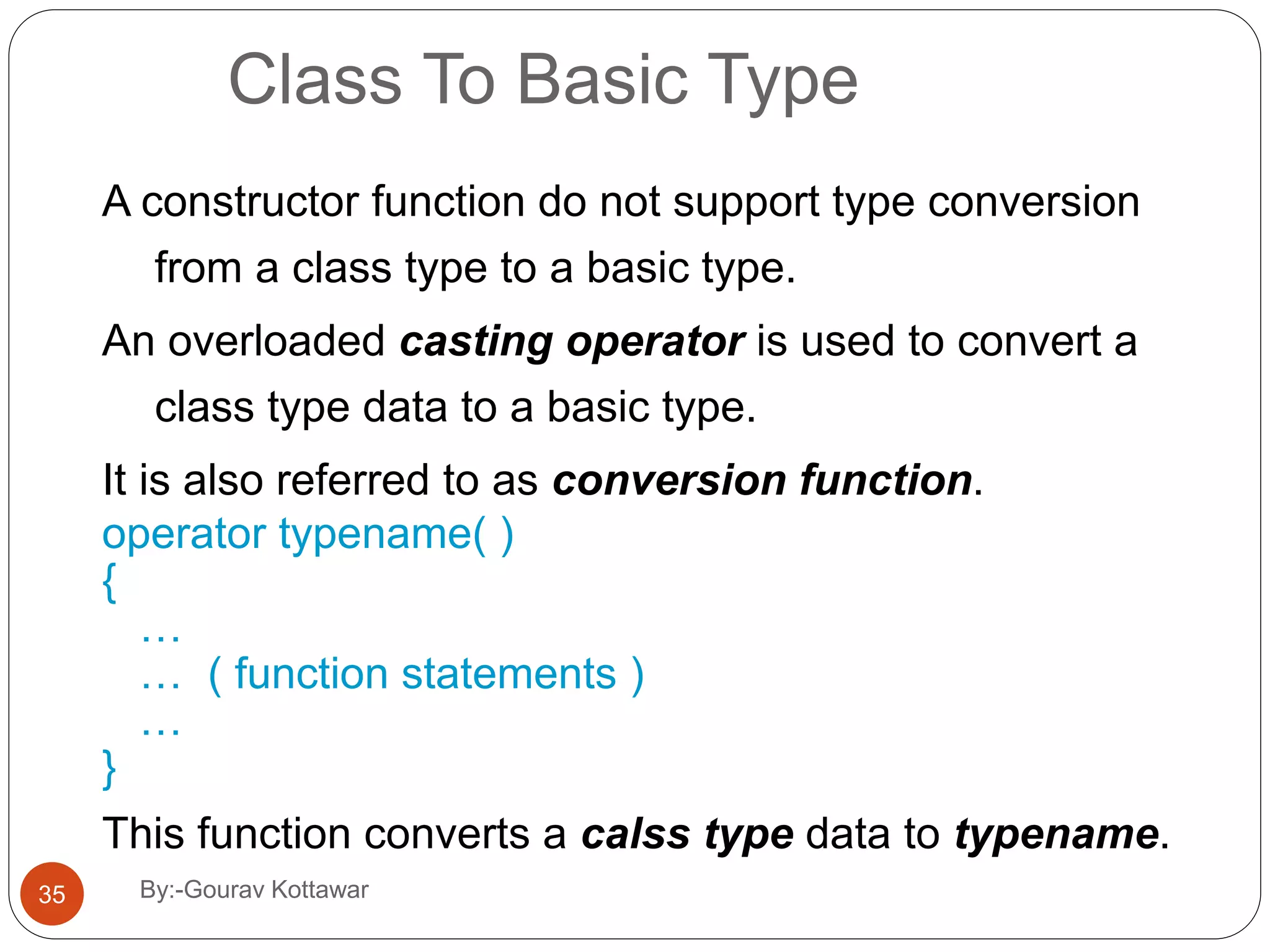
Class To Basic Type A constructor function do not support type conversion from a class type to a basic type. An overloaded casting operator is used to convert a class type data to a basic type. It is also referred to as conversion function. operator typename( ) { … … ( function statements ) … } This function converts a calss type data to typename. 35 By:-Gourav Kottawar
Class To Basic Type vector : : operator double( ) { double sum = 0; for (int i=0; i < size ; i++) sum = sum + v[i] * v[i]; return sqrt (sum); } This function converts a vector to the square root of the sum of squares of its components. continue… 36 By:-Gourav Kottawar
Class To Basic Type The casting operator function should satisfy the following conditions:  It must be a class member.  It must not specify a return type.  It must not have any arguments. vector : : operator double( ) { double sum = 0; for (int i=0; i < size ; i++) sum = sum + v[i] * v[i]; return sqrt (sum); } continue… 37 By:-Gourav Kottawar
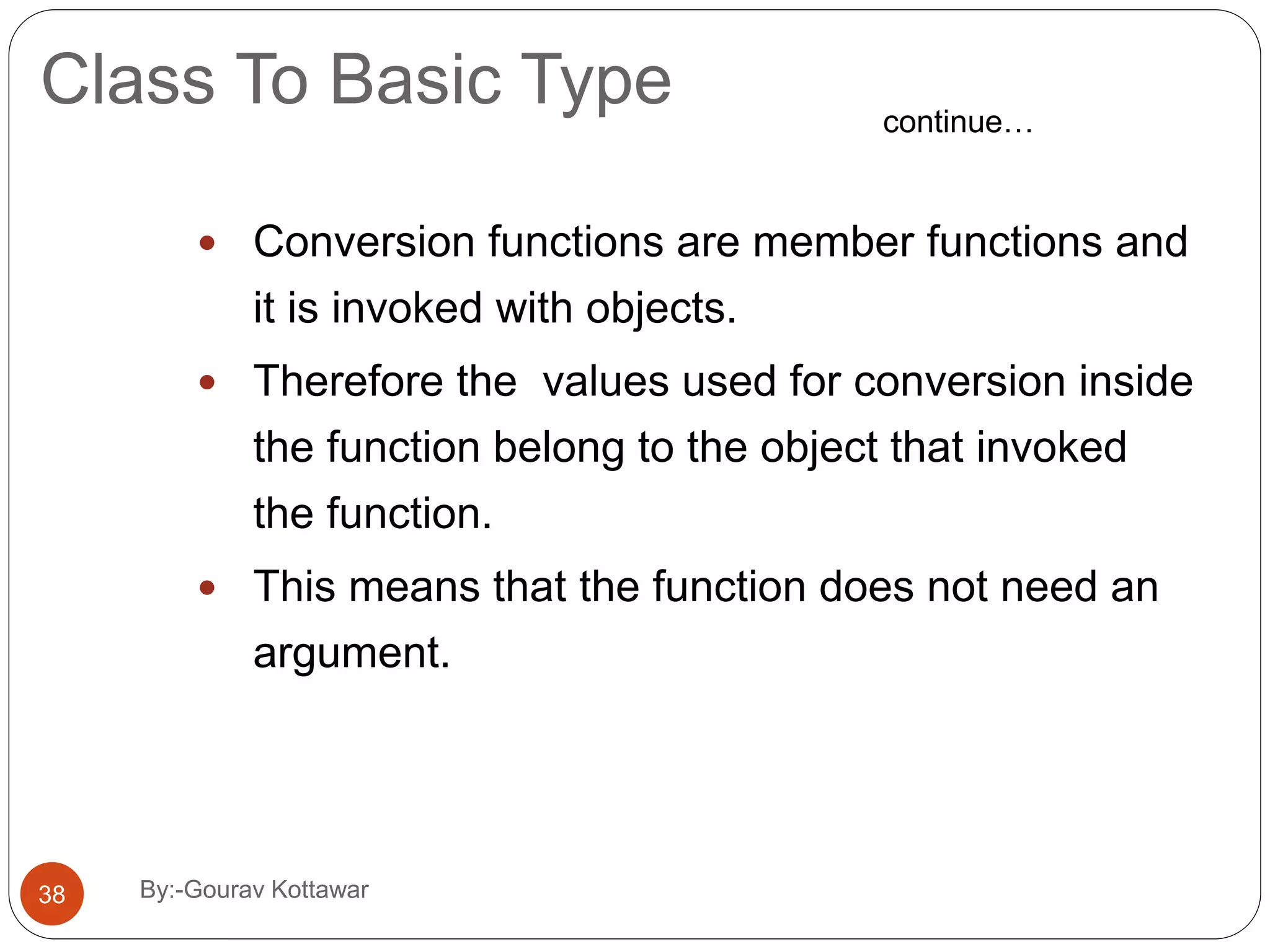
Class To Basic Type  Conversion functions are member functions and it is invoked with objects.  Therefore the values used for conversion inside the function belong to the object that invoked the function.  This means that the function does not need an argument. continue… 38 By:-Gourav Kottawar
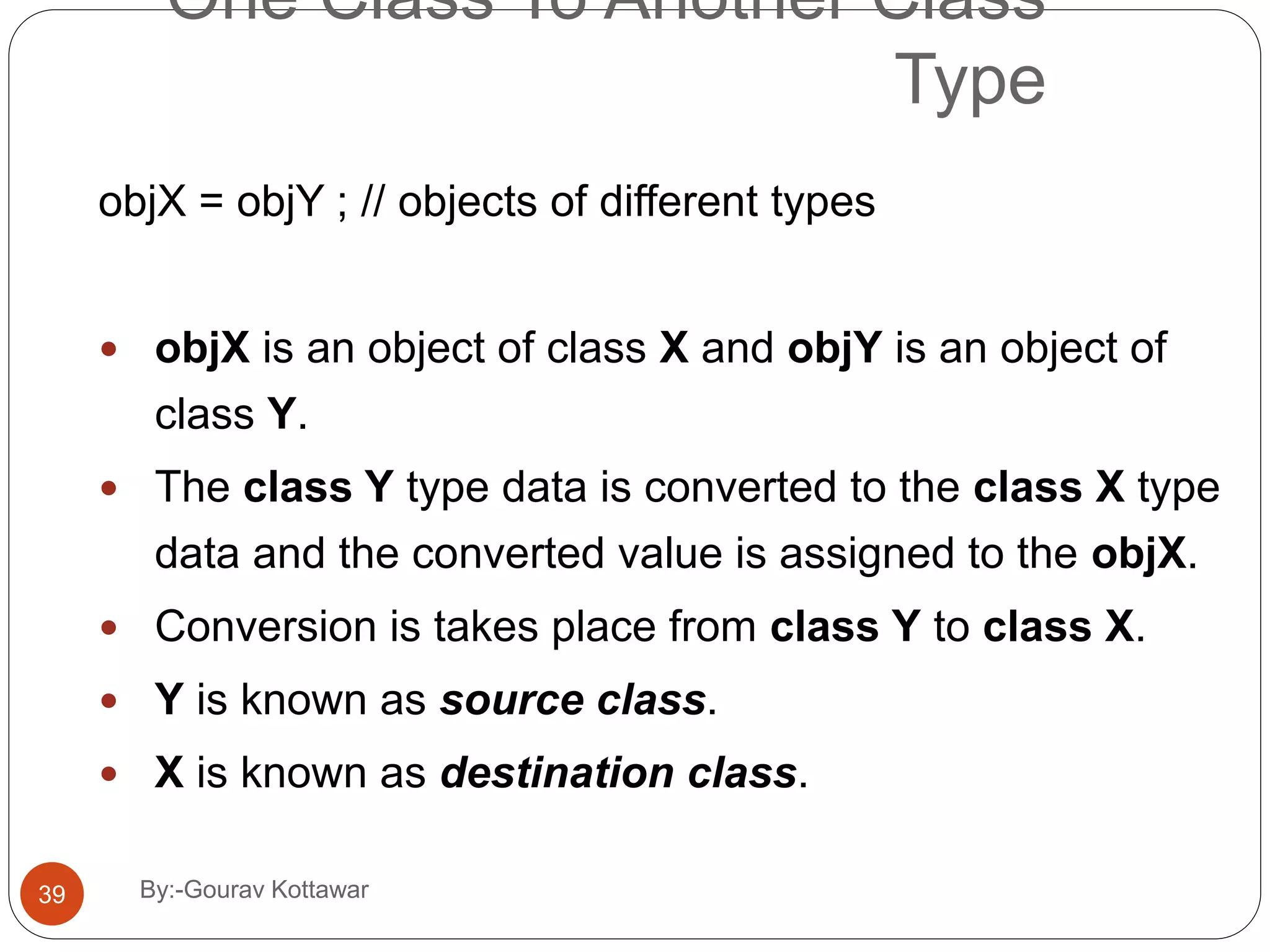
One Class To Another Class Type objX = objY ; // objects of different types  objX is an object of class X and objY is an object of class Y.  The class Y type data is converted to the class X type data and the converted value is assigned to the objX.  Conversion is takes place from class Y to class X.  Y is known as source class.  X is known as destination class. 39 By:-Gourav Kottawar
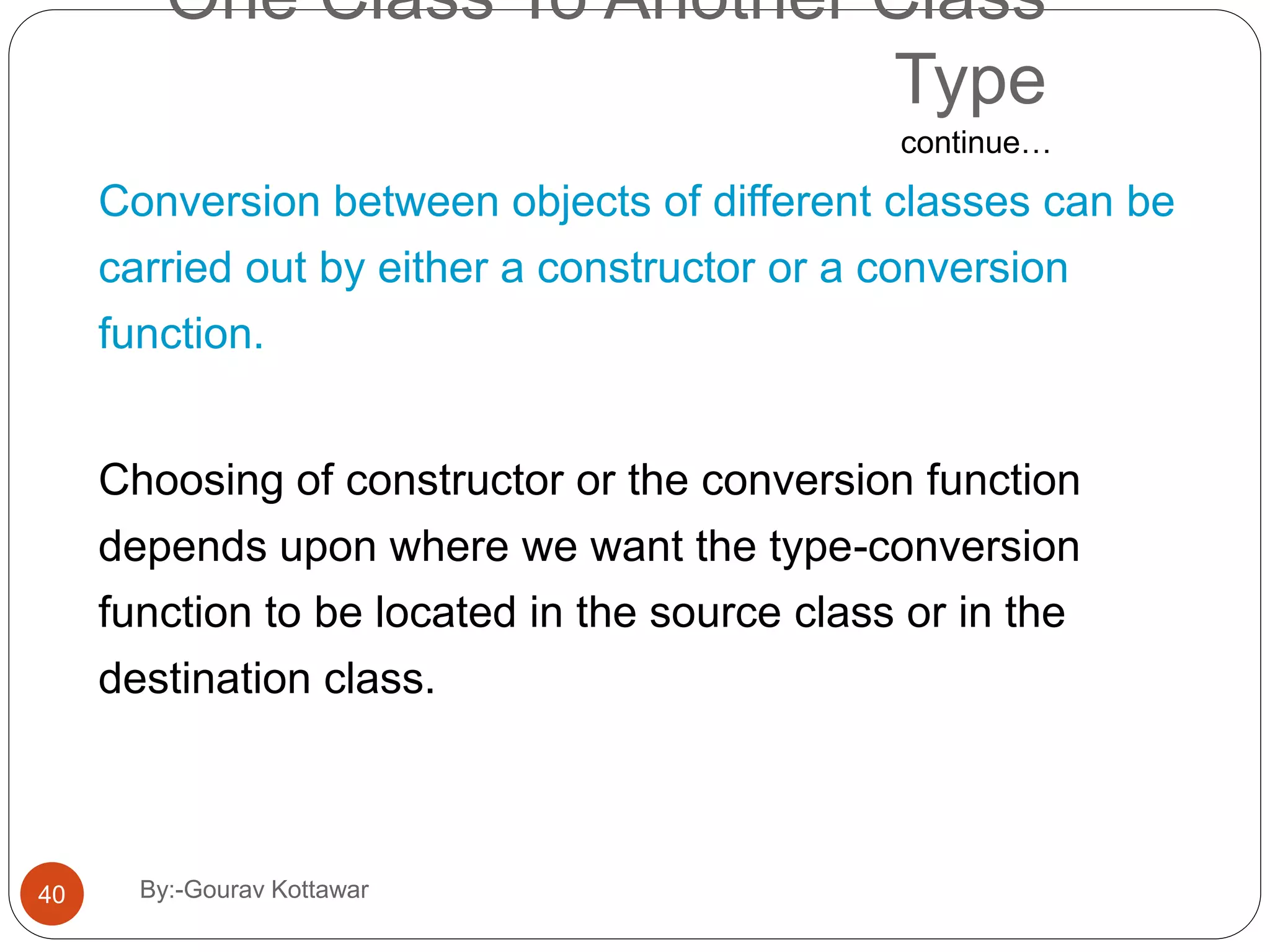
One Class To Another Class Type Conversion between objects of different classes can be carried out by either a constructor or a conversion function. Choosing of constructor or the conversion function depends upon where we want the type-conversion function to be located in the source class or in the destination class. continue… 40 By:-Gourav Kottawar
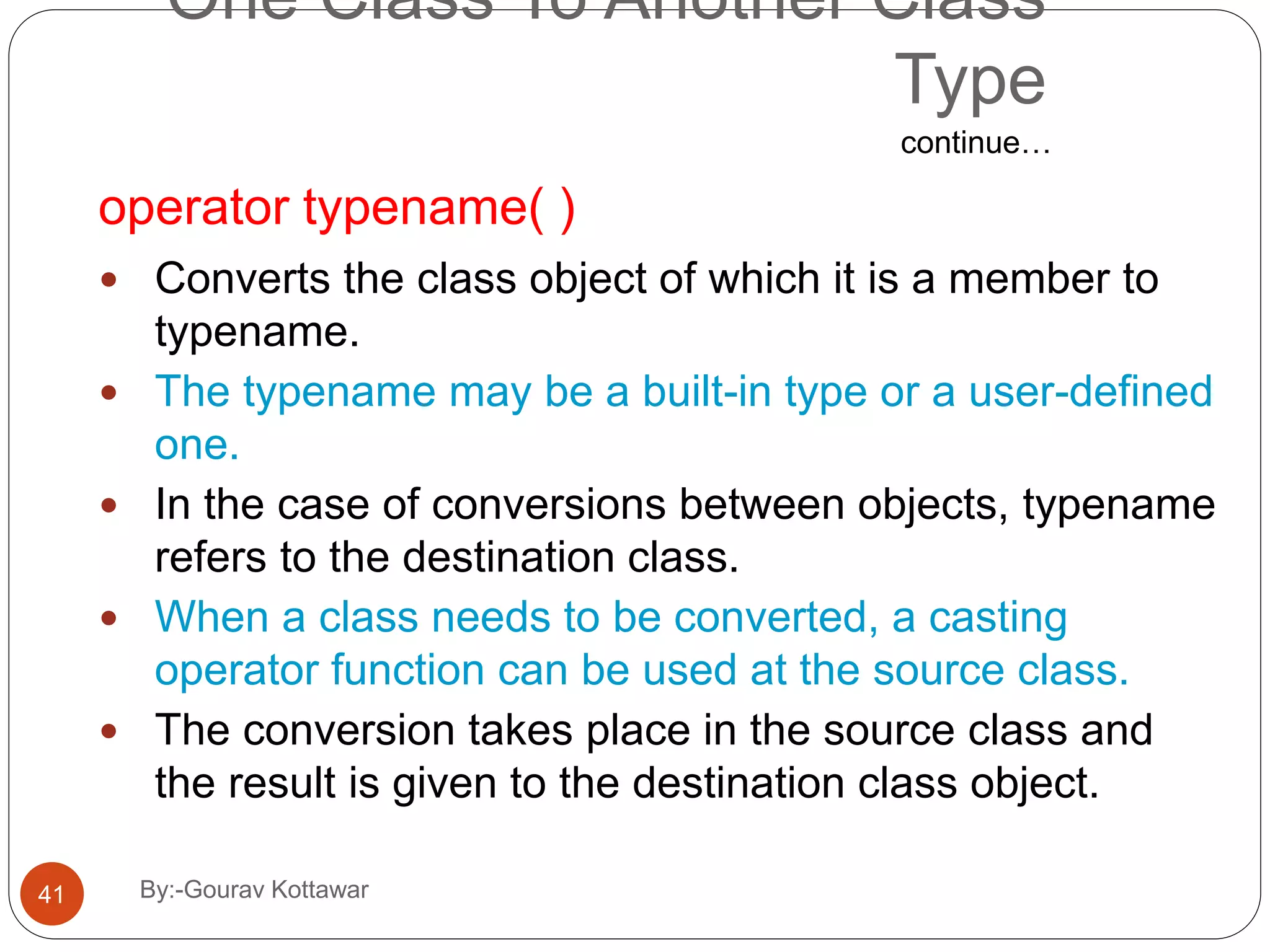
One Class To Another Class Type operator typename( )  Converts the class object of which it is a member to typename.  The typename may be a built-in type or a user-defined one.  In the case of conversions between objects, typename refers to the destination class.  When a class needs to be converted, a casting operator function can be used at the source class.  The conversion takes place in the source class and the result is given to the destination class object. continue… 41 By:-Gourav Kottawar
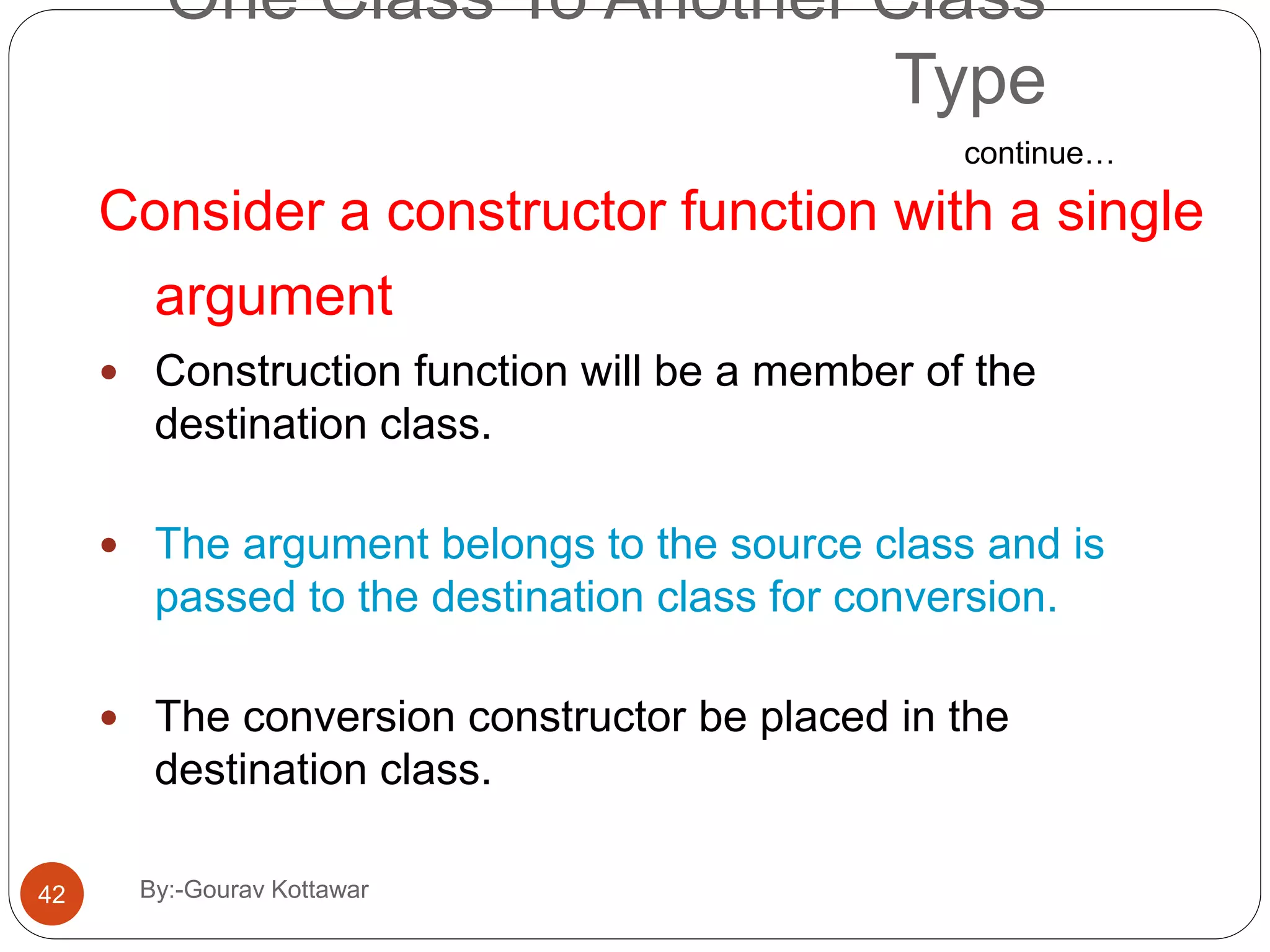
One Class To Another Class Type Consider a constructor function with a single argument  Construction function will be a member of the destination class.  The argument belongs to the source class and is passed to the destination class for conversion.  The conversion constructor be placed in the destination class. continue… 42 By:-Gourav Kottawar

operator overloading & type conversion in cpp over view || c++

  • 1.
    Chap 7 Operator Overloading& Type Conversion 1 By:-Gourav Kottawar
  • 2.
    Contents 7.1 Defining operatorOverloading 7.2 Overloading Unary Operator 7.3 Overloading Binary Operator 7.4 Overloading Binary Operator Using Friend function 7.5 Manipulating of String Using Operators 7.6 Type Conversion 7.7 Rules for Overloading Operators 2 By:-Gourav Kottawar
  • 3.
    Introduction  Important techniqueallows C++ user defined data types behave in much the same way as built in types.  C++ has ability to provide the operators with a special meanings for a data type.  The mechanism of giving such special meaning to an operator is known as operator overloading. 3 By:-Gourav Kottawar
  • 4.
    By:-Gourav Kottawar4 Why OperatorOverloading?  Readable code  Extension of language to include user-defined types  I.e., classes  Make operators sensitive to context  Generalization of function overloading
  • 5.
    By:-Gourav Kottawar5 Simple Example classcomplex { double real, imag; public: complex(double r, double i) : real(r), imag(i) {} }  Would like to be able to write:– complex a = complex(1, 3.0); complex b = complex(1.2, 2); complex c = b; a = b + c; b = b+c*a; c = a*b + complex(1,2); I.e., would like to write ordinary arithmetic expressions on this user-defined class.
  • 6.
    By:-Gourav Kottawar6 With OperatorOverloading, We Can class complex { double real, imag; public: complex(double r, double i) : real(r), imag(i) {} complex operator+(complex a, complex b); complex operator*(complex a, complex b); complex& operator=(complex a, complex b); ... }
  • 7.
    By:-Gourav Kottawar7 General Format returnTypeoperator*(parameters);    any type keyword operator symbol  Return type may be whatever the operator returns  Including a reference to the object of the operand  Operator symbol may be any overloadable operator from the list.
  • 8.
    By:-Gourav Kottawar8 C++ Philosophy All operators have context  Even the simple “built-in” operators of basic types  E.g., '+', '-', '*', '/' for numerical types  Compiler generators different code depending upon type of operands  Operator overloading is a generalization of this feature to non-built-in types  E.g., '<<', '>>' for bit-shift operations and also for stream operations
  • 9.
    By:-Gourav Kottawar9 C++ Philosophy(continued)  Operators retain their precedence and associativity, even when overloaded  Operators retain their number of operands  Cannot redefine operators on built-in types  Not possible to define new operators  Only (a subset of) the built-in C++ operators can be overloaded
  • 10.
    Restrictions on OperatorOverloading  C++ operators that can be overloaded  C++ Operators that cannot be overloaded Operators that cannot be overloaded . .* :: ?: sizeof Operators that can be overloaded + - * / % ^ & | ~ ! = < > += -= *= /= %= ^= &= |= << >> >>= <<= == != <= >= && || ++ -- ->* , -> [] () new delete new[] delete[] 10 By:-Gourav Kottawar
  • 11.
    7.2 Overloading UnaryOperator 11 By:-Gourav Kottawar
  • 12.
    #include <iostream> using namespacestd; class temp { private: int count; public: temp():count(5) { } void operator ++() { count=count+1; } void Display() { cout<<"Count: "<<count; } }; int main() { temp t; ++t; /* operator function void operator ++() is called */ t.Display(); return 0; } 12 By:-Gourav Kottawar
  • 13.
    #include <iostream> using namespacestd; class temp { private: int count; public: temp():count(5) { } void operator ++() { count=count+1; } void Display() { cout<<"Count: "<<count; } }; int main() { temp t; ++t; /* operator function void operator ++() is called */ t.Display(); return 0; } Output Count: 6 13 By:-Gourav Kottawar
  • 14.
    Note  Operator overloadingcannot be used to change the way operator works on built-in types. Operator overloading only allows to redefine the meaning of operator for user-defined types.  There are two operators assignment operator(=) and address operator(&) which does not need to be overloaded. Because these two operators are already overloaded in C++ library. For example: If obj1 and obj2 are two objects of same class then, you can use code obj1=obj2; without overloading = operator. This code will copy the contents object of obj2 to obj1. Similarly, you can use address operator directly without overloading which will return the address of object in memory.  Operator overloading cannot change the precedence 14 By:-Gourav Kottawar
  • 15.
    7.3 Overloading BinaryOperator #include<iostream.h> #include<conio.h> class complex { int a,b; public: void getvalue() { cout<<"Enter the value of Complex Numbers a,b:"; cin>>a>>b; } complex operator+(complex ob) { complex t; t.a=ob.a +a; t.b=ob.b+b; return(t); } complex operator-(complex ob) { complex t; t.a=ob.a - a; t.b=ob.b -b; return(t); } void display() { cout<<a<<"+"<<b<<"i" <<"n"; } }; 15 By:-Gourav Kottawar
  • 16.
    void main() { clrscr(); complex obj1,obj2,result,result1; obj1.getvalue(); obj2.getvalue(); result =obj1+obj2; result1=obj1-obj2; cout<<"Input Values:n"; obj1.display(); obj2.display(); cout<<"Result:"; result.display(); result1.display(); getch(); } 16 By:-Gourav Kottawar
  • 17.
    void main() { clrscr(); complex obj1,obj2,result,result1; obj1.getvalue(); obj2.getvalue(); result =obj1+obj2; result1=obj1-obj2; cout<<"Input Values:n"; obj1.display(); obj2.display(); cout<<"Result:"; result.display(); result1.display(); getch(); } In overloading of binary operators the left hand operand is used to invoke the operator function and the right hand operand is passed as an argument.17 By:-Gourav Kottawar
  • 18.
    7.5 Overloading Binaryoperators using Friend  Friend function can be used to overload binary operator.  Required two arguments to be passed explicitly.#include <iostream> using namespace std; #include <conio.h> class s { public: int i,j; s() { i=j=0;} void disp(){cout << i <<" " << j;} void getdata(){cin>>i>>j;} friend s operator+(int,s); }; s operator+(int a, s s1) { s k; k.i = a+s1.i; k.j = a+s1.j; return k; } int main() { s s2; s2.getdata(); s s3 = 10+s2; s3.disp(); getch(); return 0; }18 By:-Gourav Kottawar
  • 19.
    #include<iostream.h> class stud { int rno; char*name; int marks; public: friend istream &operator>>(istream &,stud &); friend void operator<<(ostream &,stud &); }; istream &operator>>(istream &tin,stud &s) { cout<<"n Enter the no"; tin>>s.rno; cout<<"n Enter the name"; tin>>s.name; cout<<"n Enter Marks"; tin>>s.marks; return tin; void operator<<(ostream &tout,stud &s) { tout<<”n”<<s.rno; tout<<”n”<<s.name; tout<<”n”<<s.marks; } void main() { cout<<"ttBinaryOperator Overloading Using FriendFunction"; stud s[3]; for(int i=0;i<3;i++) { cin>>s[i]; } for( i=0;i<3;i++) { cout<<s[i]; } getch(); }19 By:-Gourav Kottawar
  • 20.
    Manipulation of Stringsusing Operators  There are lot of limitations in string manipulation in C as well as in C++.  Implementation of strings require character arrays, pointers and string functions.  C++ permits us to create our own definitions of operators that can be used to manipulate the strings very much similar to other built-in data types.  ANSI C++ committee has added a new class called string to the C++ class library that supports all kinds of string manipulations.20 By:-Gourav Kottawar
  • 21.
    Manipulation of Stringsusing Operators  Strings can be defined as class objects which can be then manipulated like the built-in types.  Since the strings vary in size, we use new to allocate memory for each string and a pointer variable to point to the string array. continue… 21 By:-Gourav Kottawar
  • 22.
    Manipulation of Stringsusing Operators  We must create string objects that can hold two pieces of information:  Length  Location class string { char *p; // pointer to string int len; // length of string public : ------ ------ }; continue… 22 By:-Gourav Kottawar
  • 23.
    // string manipulation #include<iostream.h> #include<string.h> classstring { char str[25]; public: void getstring(); void putstring(string&); void display(); string operator+(string&); int operator==(string&); void operator=(string&); void operator+=(string&); }; void string::getstring() { cout<<"Enter string:"; gets(str); } void string::putstring(string &s) { int len=strlen(s.str); cout<<len; } 23 By:-Gourav Kottawar
  • 24.
    string string::operator+(string &s) { string temp; if((strlen(str)+strlen(s.str))<25) { strcpy(temp.str,s.str); strcat(temp.str,s.str); } else { cout<<endl<<"nconcatenation isnot possible"; } return temp; } int string::operator==(string &s) { return(strcmp(str,s.str)==0?1:0) ; } void string::operator=(string &s) { strcpy(str,s.str); } void string::operator+=(string &s) { strcat(str,s.str); } void string::display() { cout<<str; 24 By:-Gourav Kottawar
  • 25.
    void main() { string s1,s2,s3,s4; clrscr(); s1.getstring(); s2.getstring(); s3=s1+s2; cout<<"nFirststring length="; s1.putstring(s1); cout<<"nSecond string length="; s2.putstring(s2); cout<<endl<<"nConcatenate d string:"; s3.display(); if(s1==s2) cout<<endl<<"nComparison: Equal"; else cout<<endl<<"nComparison: Not equaln"; cout<<endl<<"nafter addition:n"; s1+=s2; s1.display(); s4=s3; cout<<endl<<"copy:"; s4.display(); s1=s2; getch(); 25 By:-Gourav Kottawar
  • 26.
    Rules For Overloading Operators Only existing operators can be overloaded. New operators cannot be created.  The overloaded operator must have at least one operand that is of user-defined type.  We cannot change the basic meaning of an operator.  Overloaded operators follow the syntax rules of the original operators. 26 By:-Gourav Kottawar
  • 27.
    Rules For Overloading Operators The following operators that cannot be overloaded:  Size of Size of operator  . Membership operator  .* Pointer-to-member operator  : : Scope resolution operator  ? ; Conditional operator continue… 27 By:-Gourav Kottawar
  • 28.
    Rules For Overloading Operators The following operators can be over loaded with the use of member functions and not by the use of friend functions:  Assignment operator =  Function call operator( )  Subscripting operator [ ]  Class member access operator ->  Unary operators, overloaded by means of a member function, take no explicit arguments and return no explicit values, but, those overloaded by means of a friend function, take one reference argument. continue… 28 By:-Gourav Kottawar
  • 29.
    Rules For Overloading Operators Binary operators overloaded through a member function take one explicit argument and those which are overloaded through a friend function take two explicit arguments.  When using binary operators overloaded through a member function, the left hand operand must be an object of the relevant class.  Binary arithmetic operators such as +, -, * and / must explicitly return a value. They must not attempt to change their own arguments. continue… 29 By:-Gourav Kottawar
  • 30.
    Type Conversions  Thetype conversions are automatic only when the data types involved are built-in types. int m; float x = 3.14159; m = x; // convert x to integer before its value is assigned // to m.  For user defined data types, the compiler does not support automatic type conversions.  We must design the conversion routines by ourselves. 30 By:-Gourav Kottawar
  • 31.
    Type Conversions Different situationsof data conversion between incompatible types.  Conversion from basic type to class type.  Conversion from class type to basic type.  Conversion from one class type to another class type. continue… 31 By:-Gourav Kottawar
  • 32.
    Basic to ClassType A constructor to build a string type object from a char * type variable. string : : string(char *a) { length = strlen(a); P = new char[length+1]; strcpy(P,a); } The variables length and p are data members of the class string. 32 By:-Gourav Kottawar
  • 33.
    Basic to ClassType string s1, s2; string name1 = “IBM PC”; string name2 = “Apple Computers”; s1 = string(name1); s2 = name2; continue… First converts name1 from char* type to string type and then assigns the string type value to the object s1. First converts name2 from char* type to string type and then assigns the string type value to the object s2. 33 By:-Gourav Kottawar
  • 34.
    Basic to ClassType class time { int hrs ; int mins ; public : … time (int t) { hrs = t / 60 ; mins = t % 60; } } ; time T1; int duration = 85; T1 = duration; continue… 34 By:-Gourav Kottawar
  • 35.
    Class To BasicType A constructor function do not support type conversion from a class type to a basic type. An overloaded casting operator is used to convert a class type data to a basic type. It is also referred to as conversion function. operator typename( ) { … … ( function statements ) … } This function converts a calss type data to typename. 35 By:-Gourav Kottawar
  • 36.
    Class To BasicType vector : : operator double( ) { double sum = 0; for (int i=0; i < size ; i++) sum = sum + v[i] * v[i]; return sqrt (sum); } This function converts a vector to the square root of the sum of squares of its components. continue… 36 By:-Gourav Kottawar
  • 37.
    Class To BasicType The casting operator function should satisfy the following conditions:  It must be a class member.  It must not specify a return type.  It must not have any arguments. vector : : operator double( ) { double sum = 0; for (int i=0; i < size ; i++) sum = sum + v[i] * v[i]; return sqrt (sum); } continue… 37 By:-Gourav Kottawar
  • 38.
    Class To BasicType  Conversion functions are member functions and it is invoked with objects.  Therefore the values used for conversion inside the function belong to the object that invoked the function.  This means that the function does not need an argument. continue… 38 By:-Gourav Kottawar
  • 39.
    One Class ToAnother Class Type objX = objY ; // objects of different types  objX is an object of class X and objY is an object of class Y.  The class Y type data is converted to the class X type data and the converted value is assigned to the objX.  Conversion is takes place from class Y to class X.  Y is known as source class.  X is known as destination class. 39 By:-Gourav Kottawar
  • 40.
    One Class ToAnother Class Type Conversion between objects of different classes can be carried out by either a constructor or a conversion function. Choosing of constructor or the conversion function depends upon where we want the type-conversion function to be located in the source class or in the destination class. continue… 40 By:-Gourav Kottawar
  • 41.
    One Class ToAnother Class Type operator typename( )  Converts the class object of which it is a member to typename.  The typename may be a built-in type or a user-defined one.  In the case of conversions between objects, typename refers to the destination class.  When a class needs to be converted, a casting operator function can be used at the source class.  The conversion takes place in the source class and the result is given to the destination class object. continue… 41 By:-Gourav Kottawar
  • 42.
    One Class ToAnother Class Type Consider a constructor function with a single argument  Construction function will be a member of the destination class.  The argument belongs to the source class and is passed to the destination class for conversion.  The conversion constructor be placed in the destination class. continue… 42 By:-Gourav Kottawar