Programming with C++ Rasan Samarasinghe ESOFT Computer Studies (pvt) Ltd. No 68/1, Main Street, Pallegama, Embilipitiya.
Contents 1. Overview of C++ Language 2. C++ Program Structure 3. C++ Basic Syntax 4. Primitive Built-in types in C++ 5. Variable types 6. typedef Declarations 7. Enumerated Types 8. Variable Scope 9. Constants/Literals 10. Storage Classes 11. Operators 12. Control Constructs 13. Functions 14. Math Operations in C++ 15. Arrays 16. Multi-dimensional Arrays 17. Strings 18. C++ Pointers 19. References 20. Date and Time 21. Structures 22. Basic Input / Output 23. Classes and Objects 24. Inheritance 25. Overloading 26. Polymorphism 27. Interfaces 28. Files and Streams 29. Exception Handling 30. Dynamic Memory 31. Namespaces 32. Templates 33. Preprocessor 34. Multithreading
Overview of C++ Language • C++ is a statically typed, compiled, general purpose programming language. • C++ Supports procedural, object-oriented and generic programming. • C++ is a middle-level language. • C++ was developed by Bjarne Stroustrup starting in 1979 at Bell Labs as an enhancement to the C language. • C++ is a superset of C and that virtually any legal C program is a legal C++ program.
Use of C++ • C++ is used by hundreds of thousands of programmers in essentially every application domain. • C++ is being highly used to write device drivers and other software that rely on direct manipulation of hardware. • C++ is widely used for teaching and research. • Primary user interfaces of Apple Macintosh and Windows are written in C++.
A list of C++ Compilers • C++ Builder • Turbo C++ Explorer • Borland C++ • Clang • CodeWarrior • GCC • Intel C++ Compiler • Visual C++
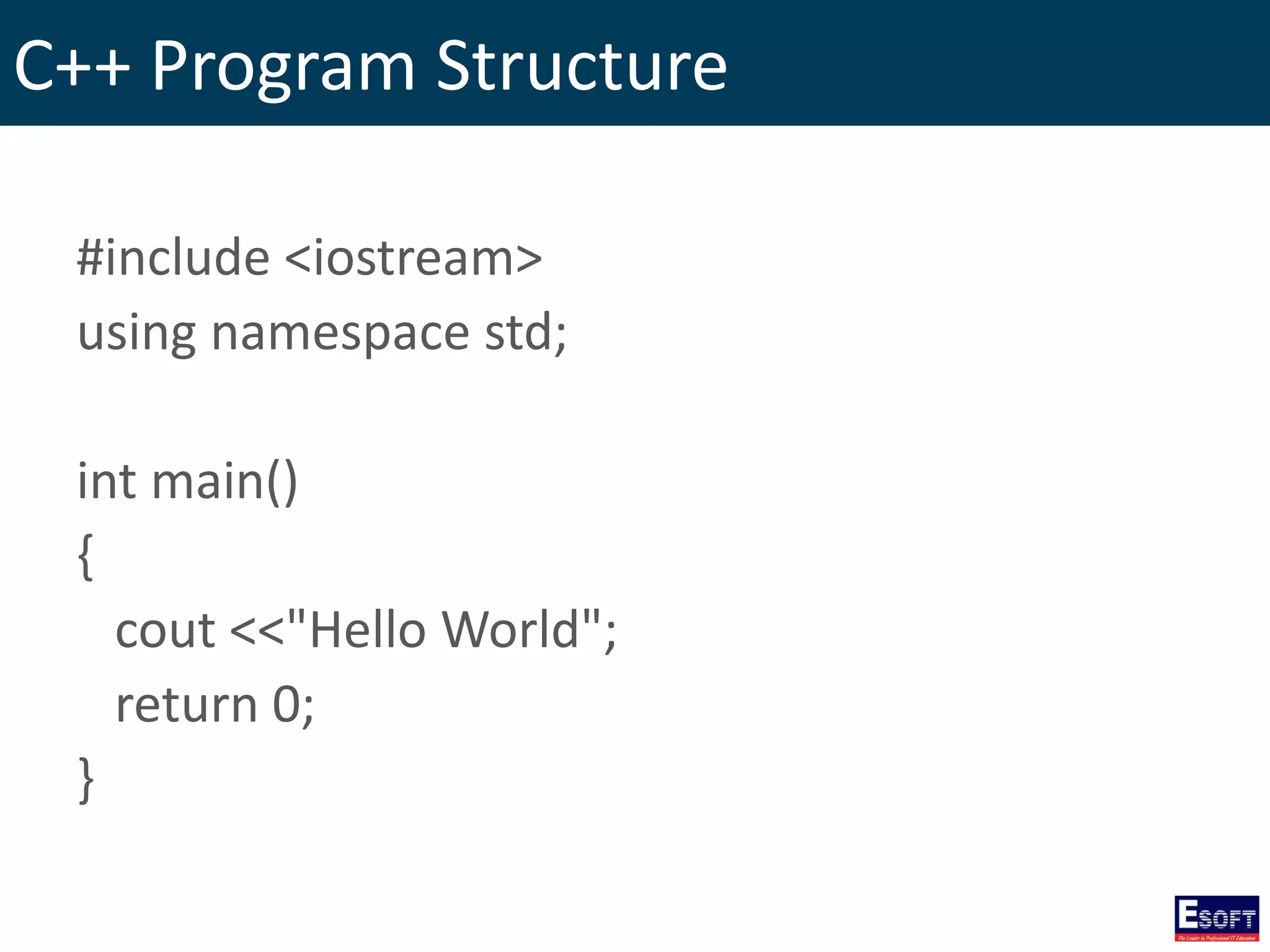
C++ Program Structure #include <iostream> using namespace std; int main() { cout <<"Hello World"; return 0; }
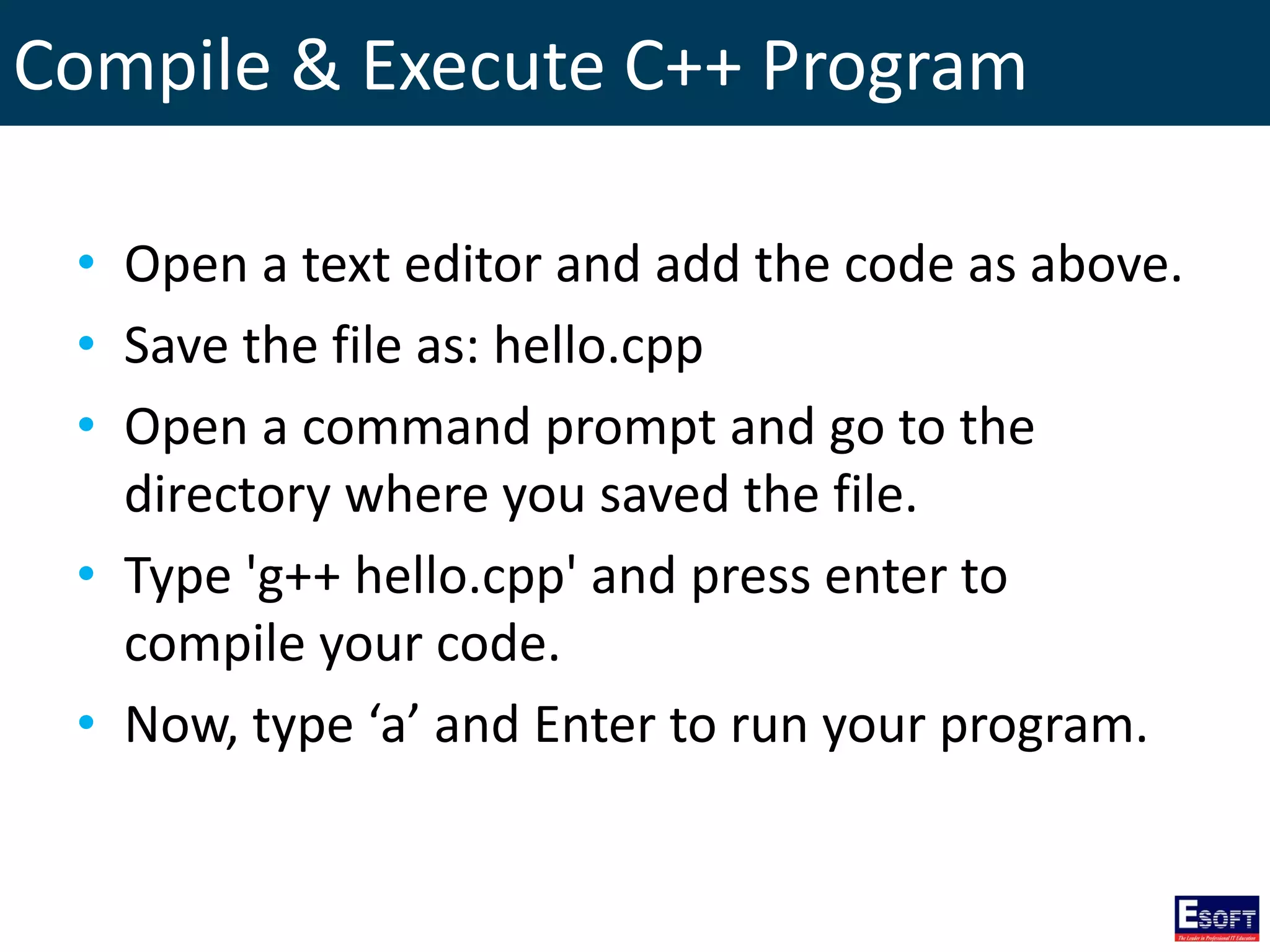
Compile & Execute C++ Program • Open a text editor and add the code as above. • Save the file as: hello.cpp • Open a command prompt and go to the directory where you saved the file. • Type 'g++ hello.cpp' and press enter to compile your code. • Now, type ‘a’ and Enter to run your program.
C++ Basic Syntax • Semicolons • Case Sensitivity • C++ Identifiers • Comments
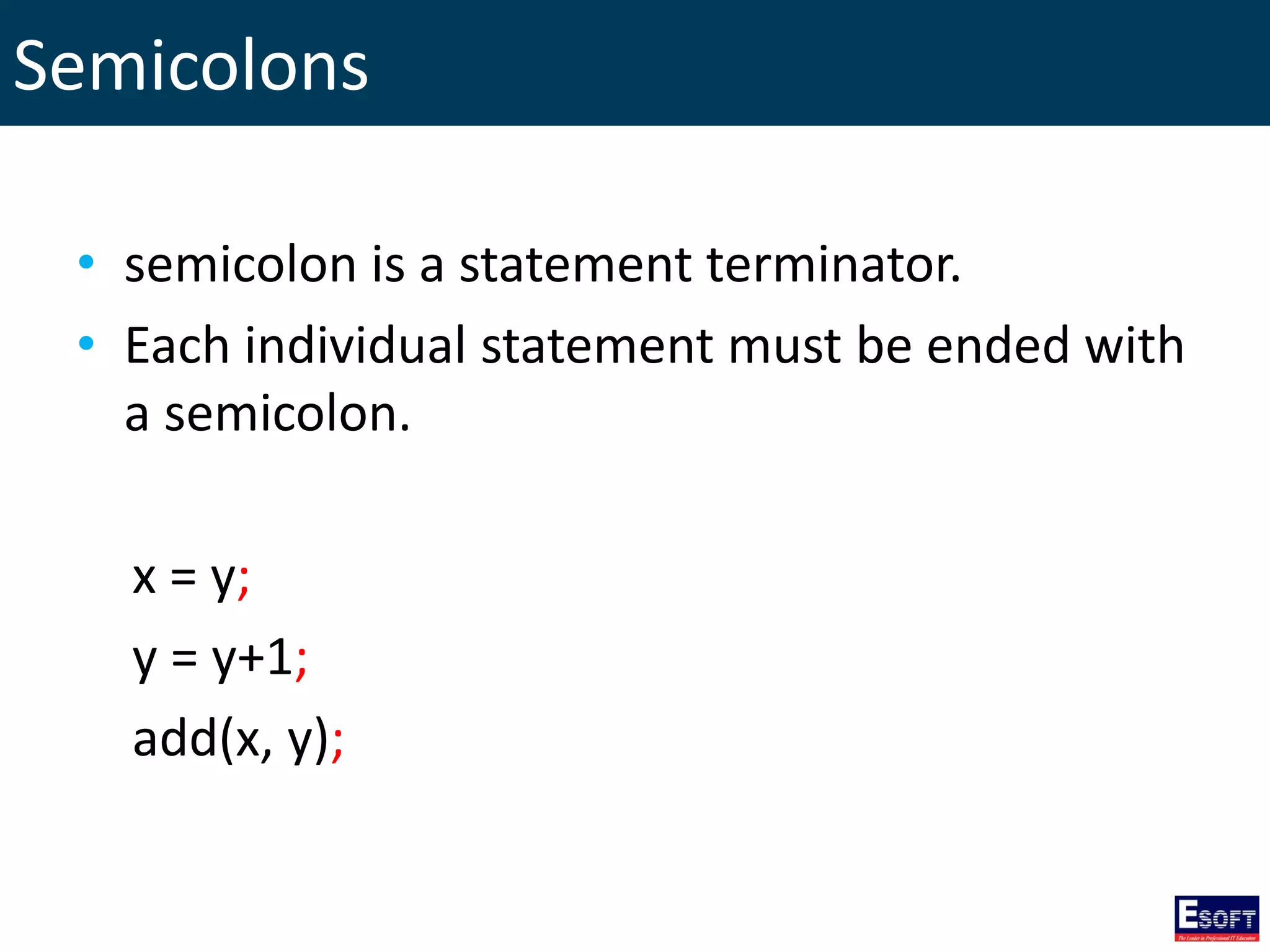
Semicolons • semicolon is a statement terminator. • Each individual statement must be ended with a semicolon. x = y; y = y+1; add(x, y);
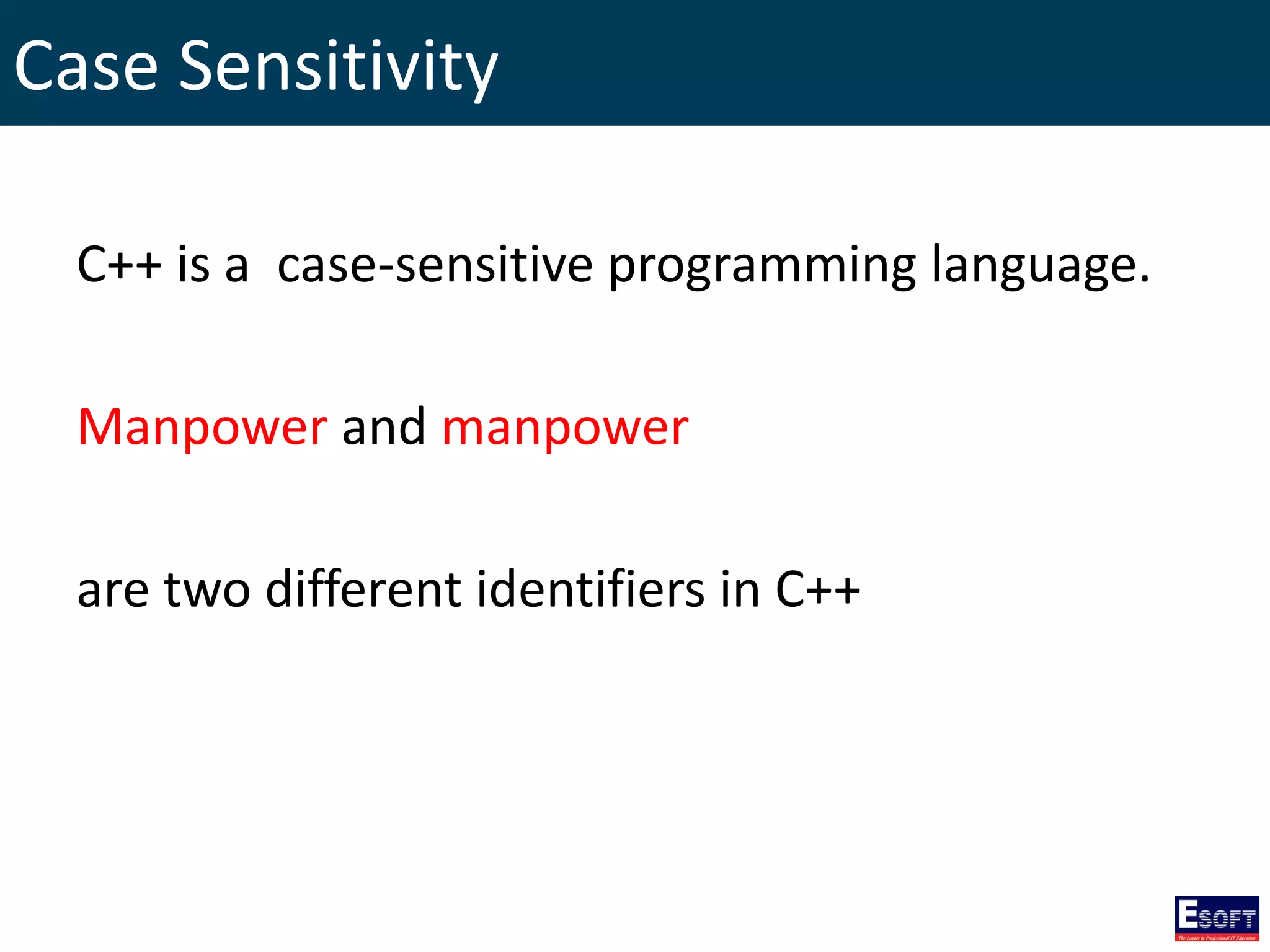
Case Sensitivity C++ is a case-sensitive programming language. Manpower and manpower are two different identifiers in C++
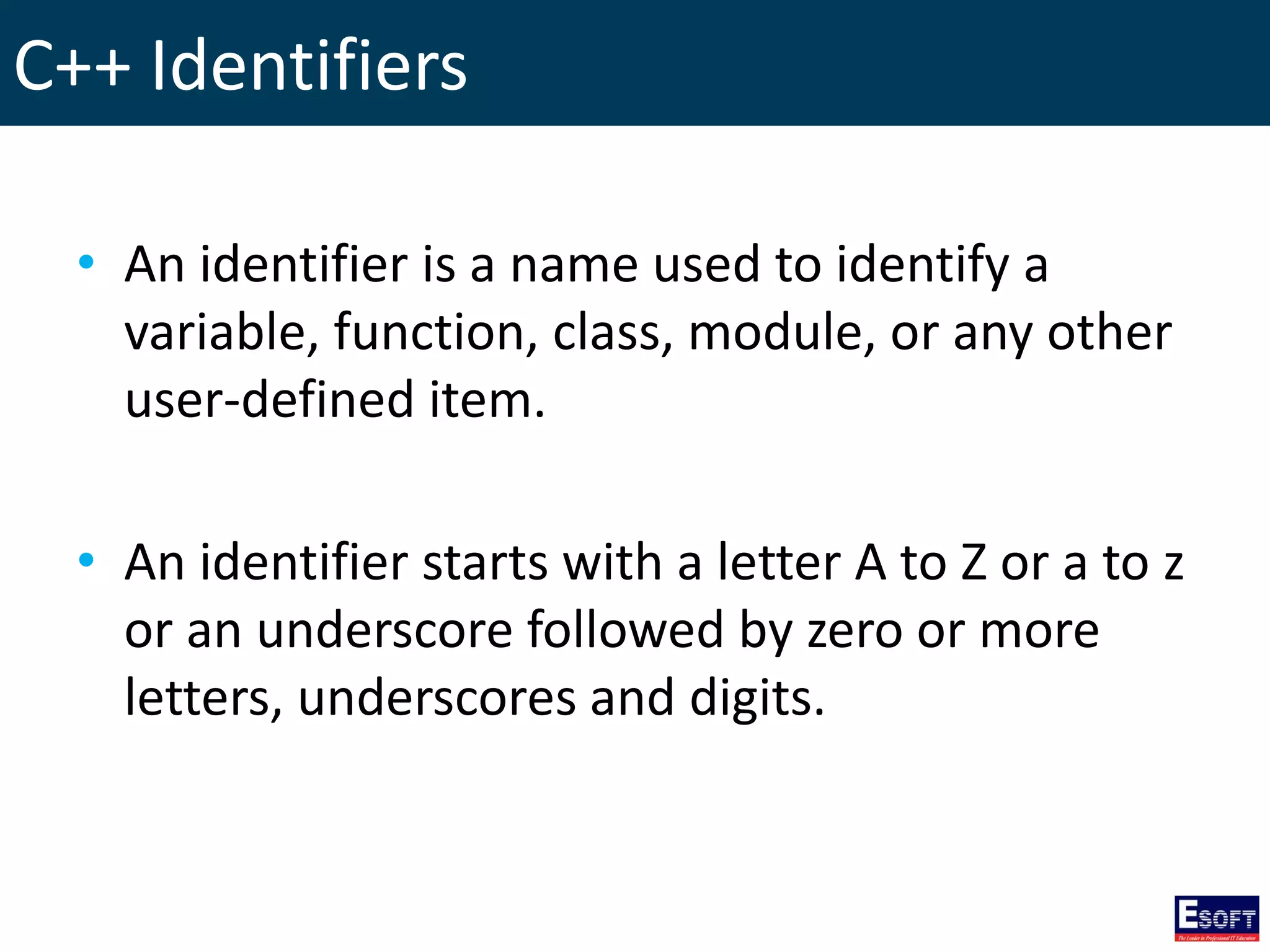
C++ Identifiers • An identifier is a name used to identify a variable, function, class, module, or any other user-defined item. • An identifier starts with a letter A to Z or a to z or an underscore followed by zero or more letters, underscores and digits.
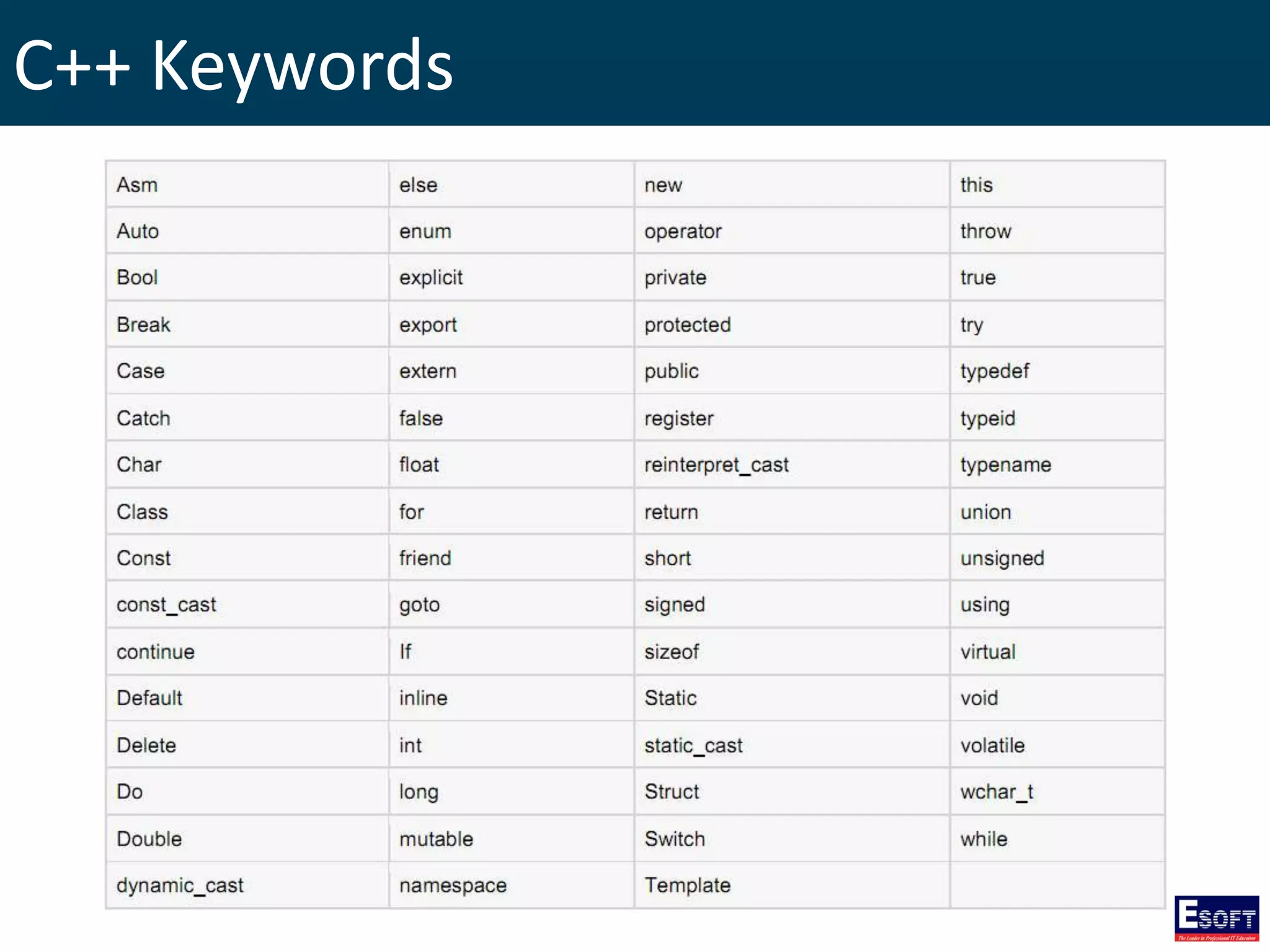
C++ Keywords
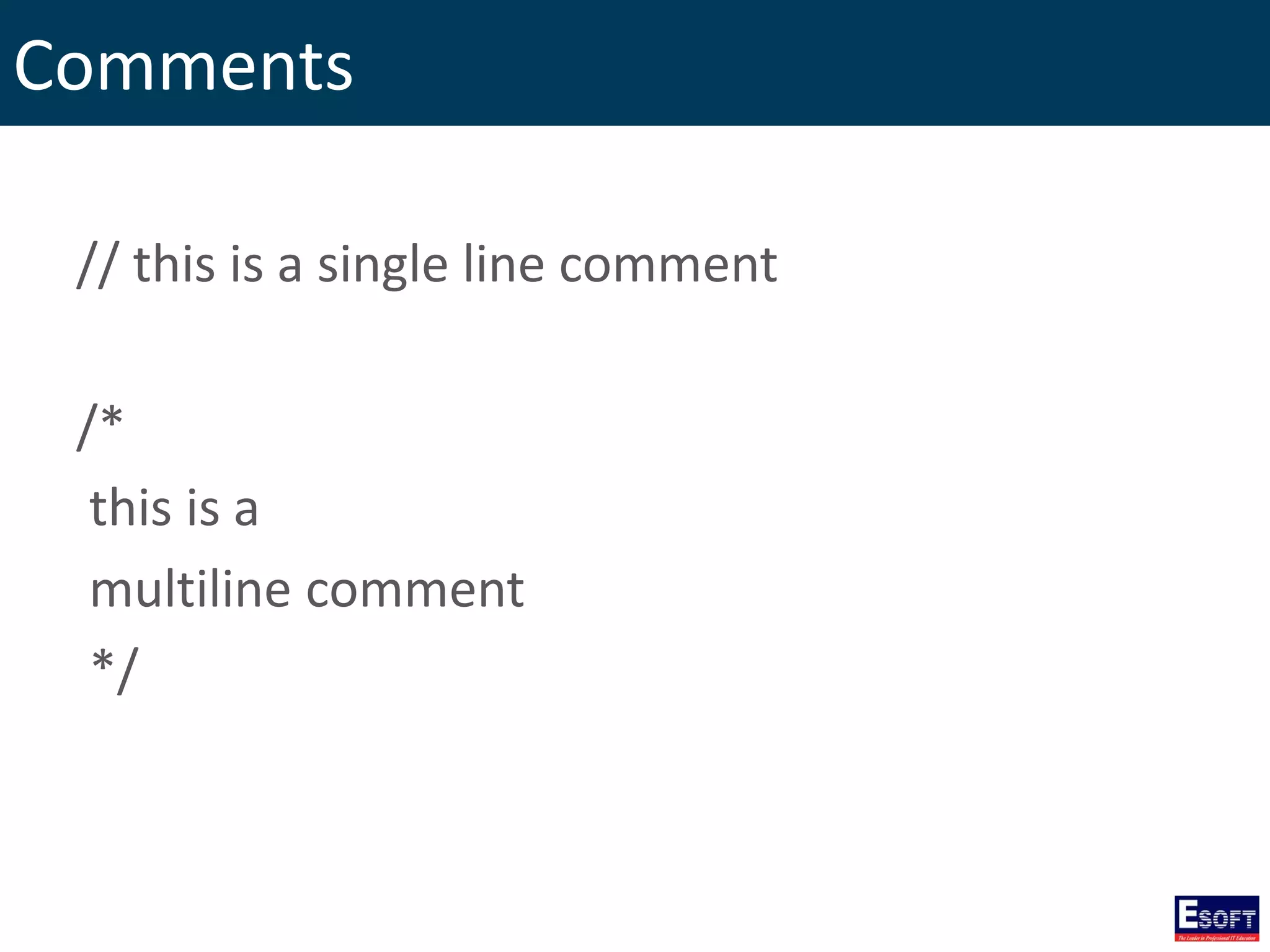
Comments // this is a single line comment /* this is a multiline comment */
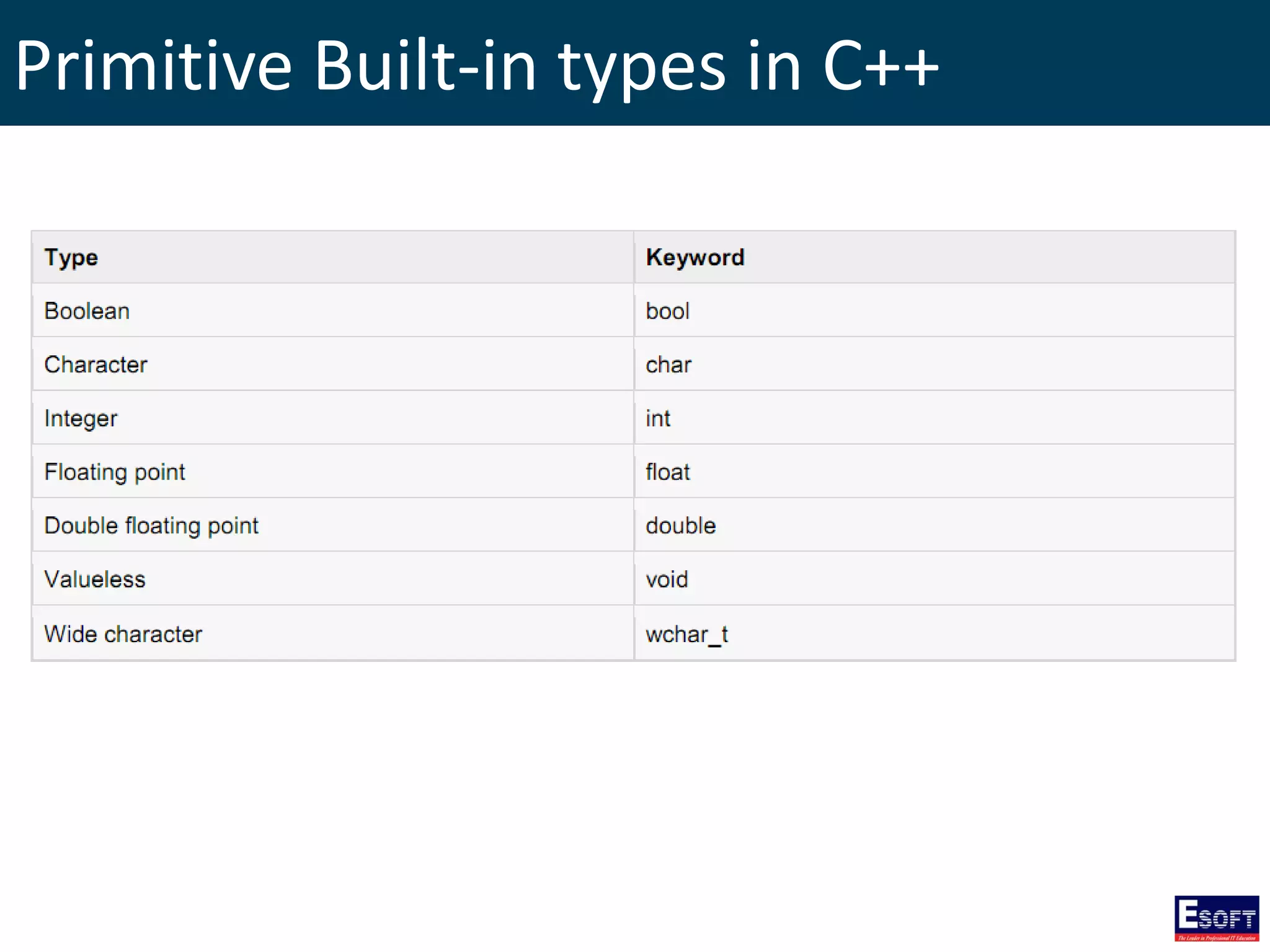
Primitive Built-in types in C++
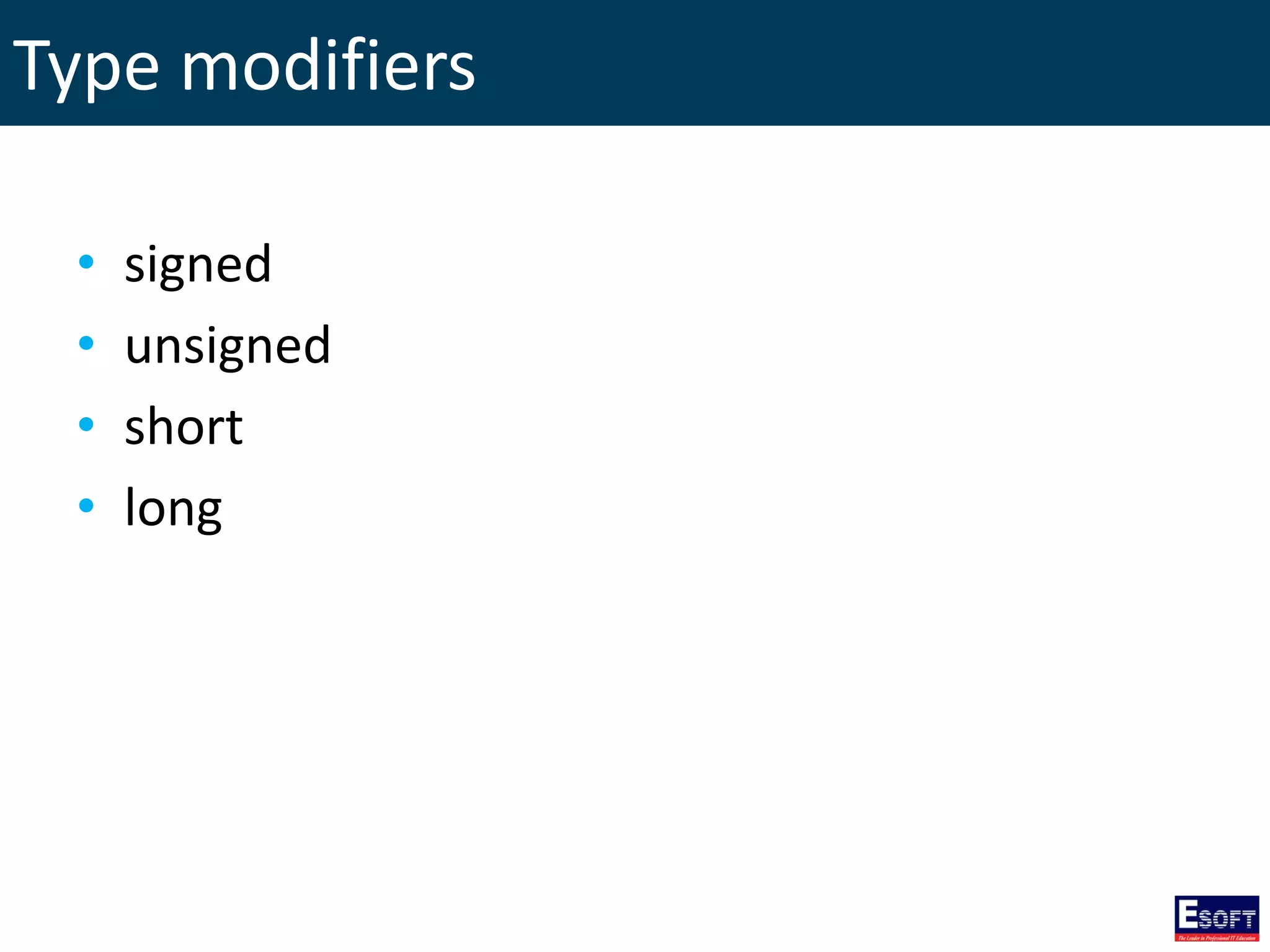
Type modifiers • signed • unsigned • short • long
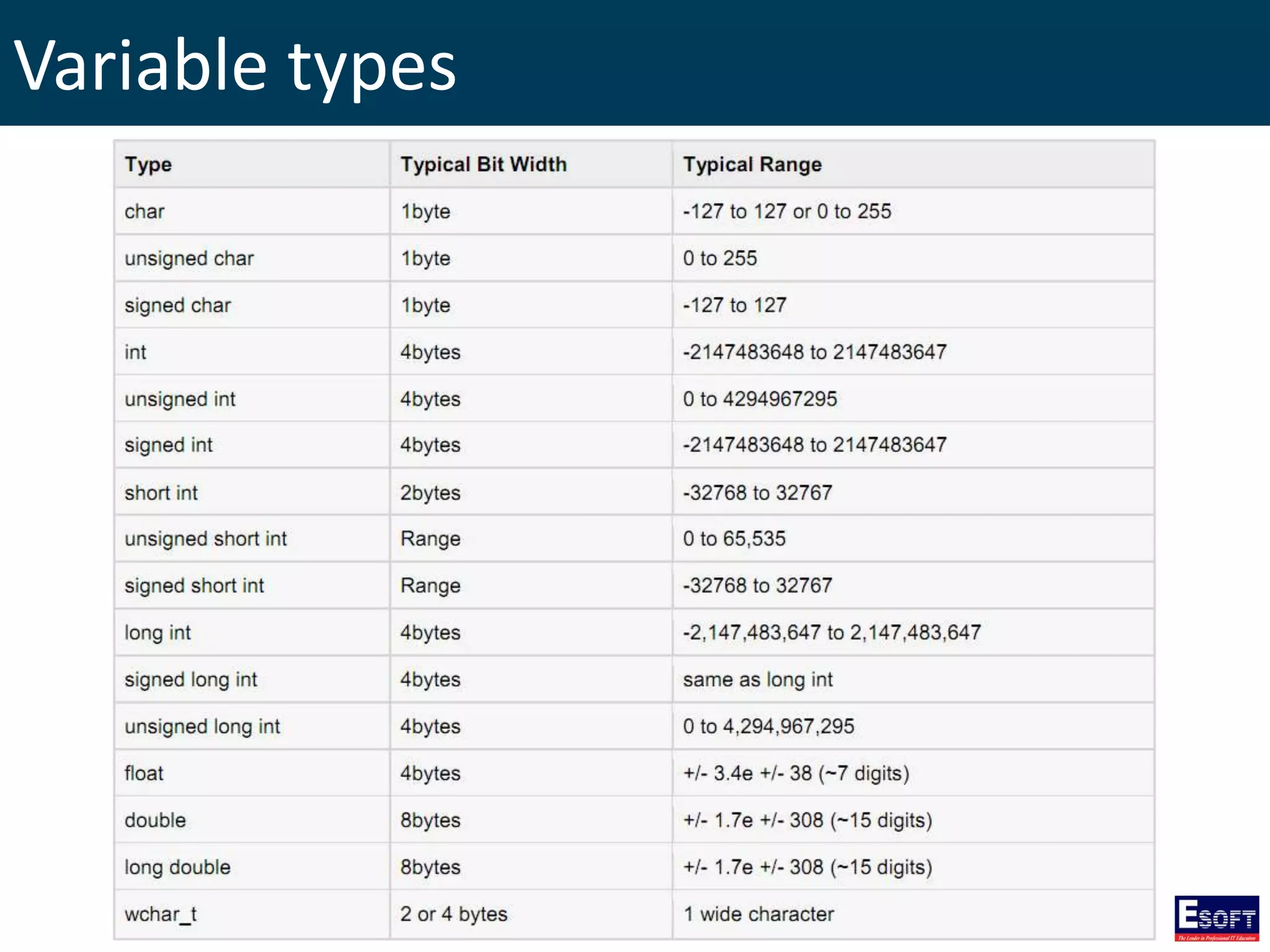
Variable types
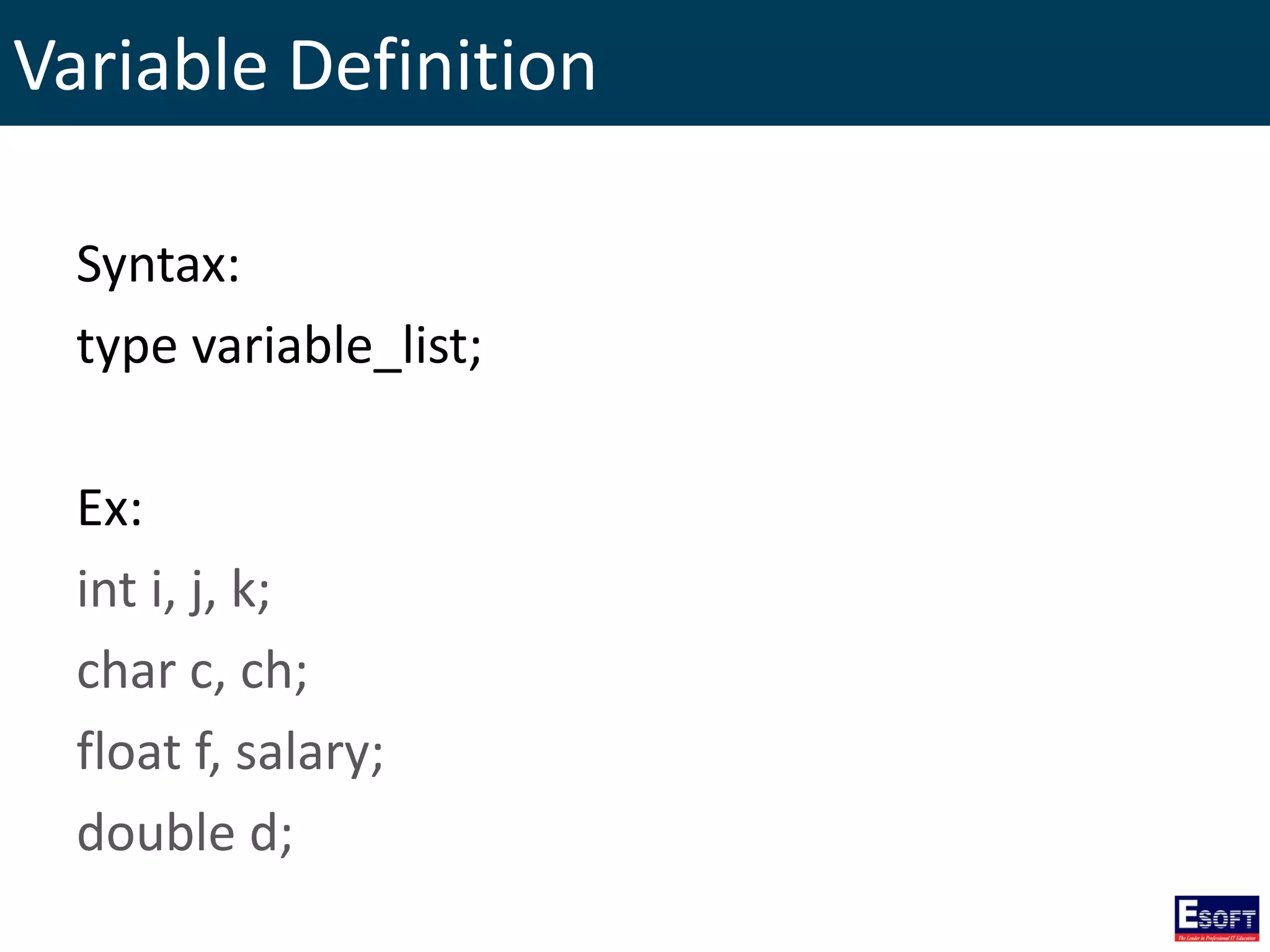
Variable Definition Syntax: type variable_list; Ex: int i, j, k; char c, ch; float f, salary; double d;
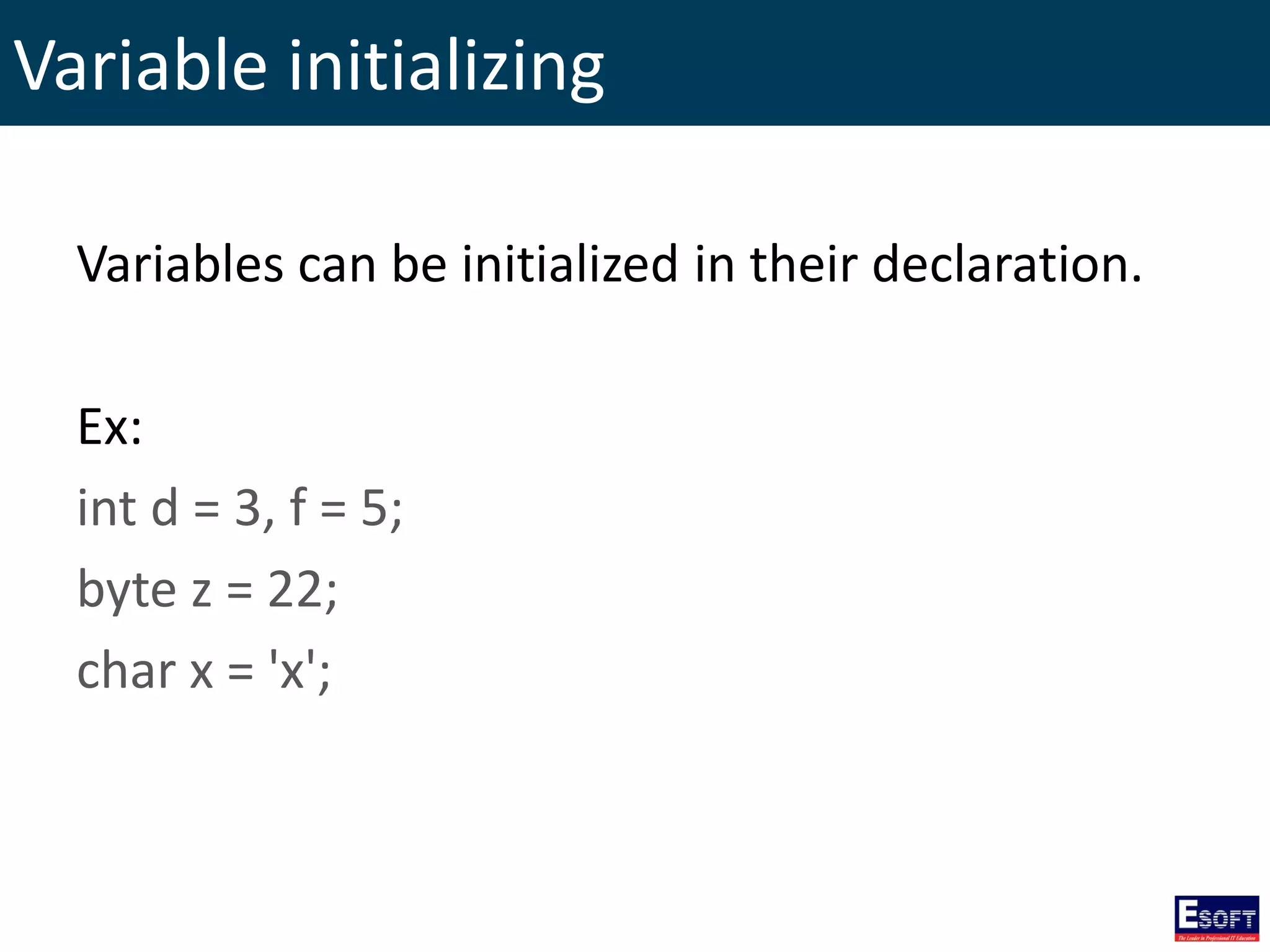
Variable initializing Variables can be initialized in their declaration. Ex: int d = 3, f = 5; byte z = 22; char x = 'x';
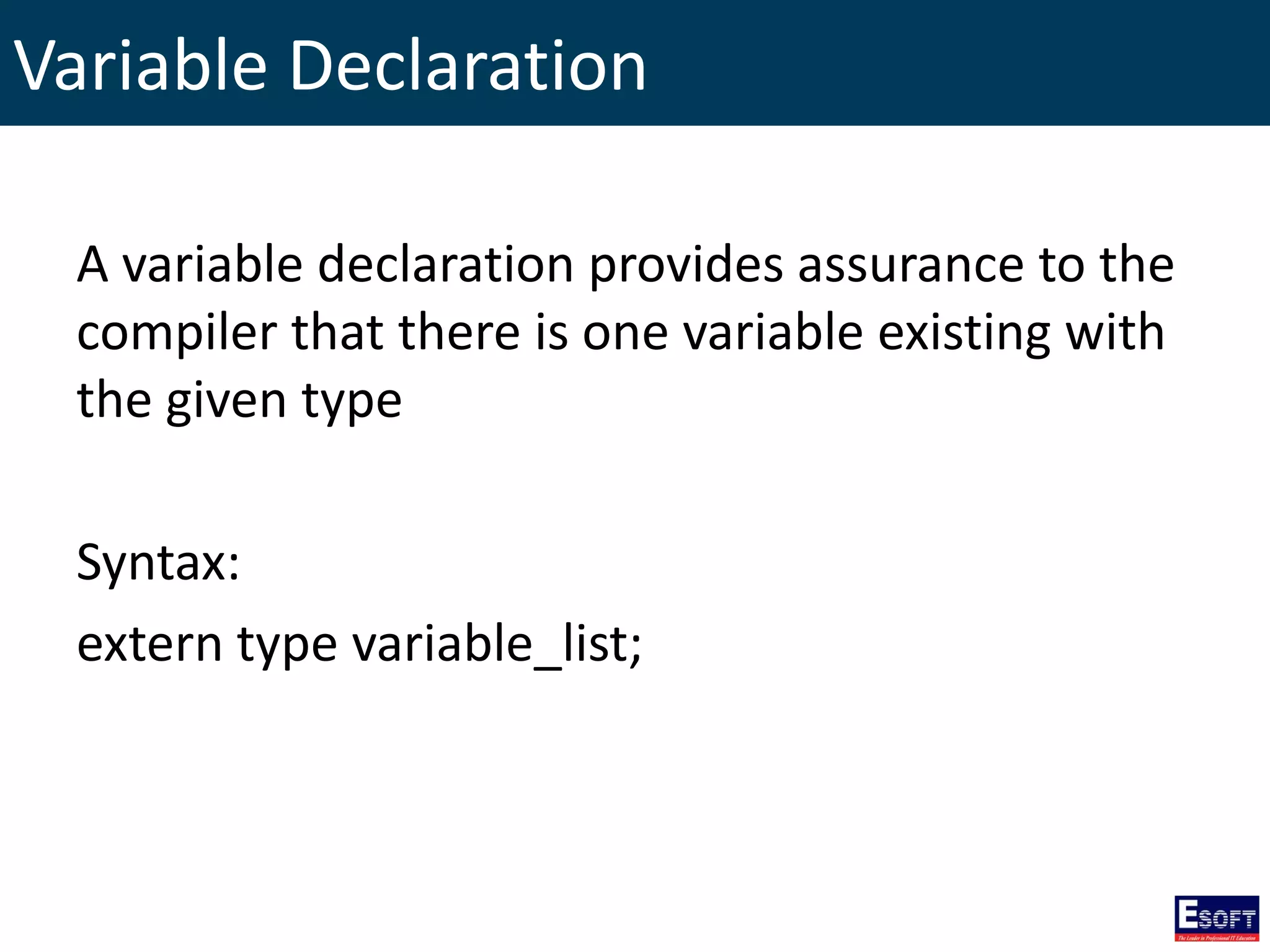
Variable Declaration A variable declaration provides assurance to the compiler that there is one variable existing with the given type Syntax: extern type variable_list;
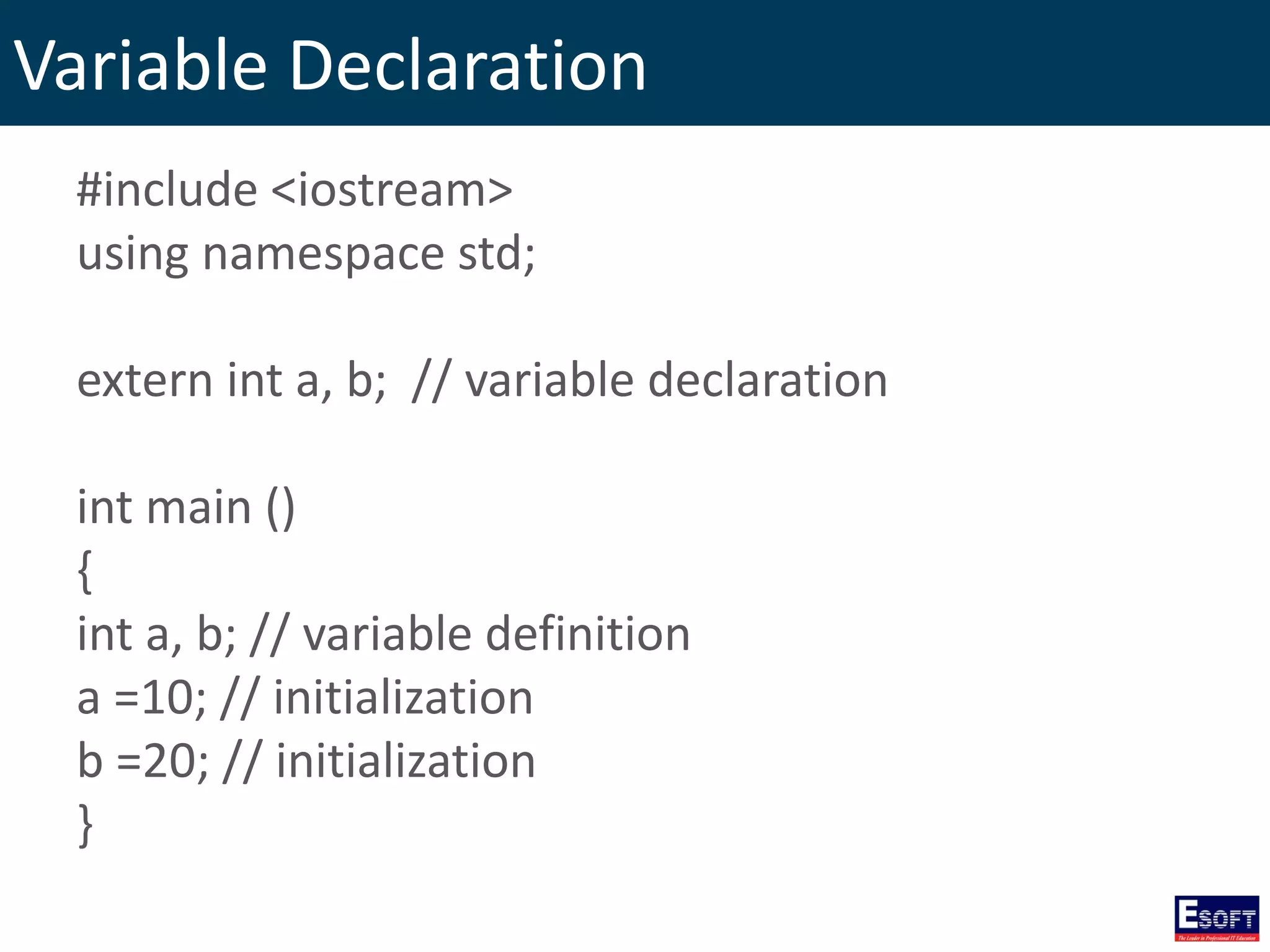
Variable Declaration #include <iostream> using namespace std; extern int a, b; // variable declaration int main () { int a, b; // variable definition a =10; // initialization b =20; // initialization }
typedef Declarations You can create a new name for an existing type using typedef. typedef type newname; Ex: typedef int feet; // feet is another name for int feet distance; // creates an int variable
Enumerated Types • An enumerated type declares an optional type name and a set of zero or more identifiers that can be used as values of the type. • Each enumerator is a constant whose type is the enumeration.
Enumerated Types Syntax: enum enum-name { list of names } var-list; Examples: enum color { red, green, blue } c; /* default values are 0, 1, 2 */ c = blue; enum color { red, green=5, blue }; /* values are 0, 5, 6 */
Variable Scope • Local Variables – Declared inside a function or block. • Global Variables – Defined outside of all the functions.
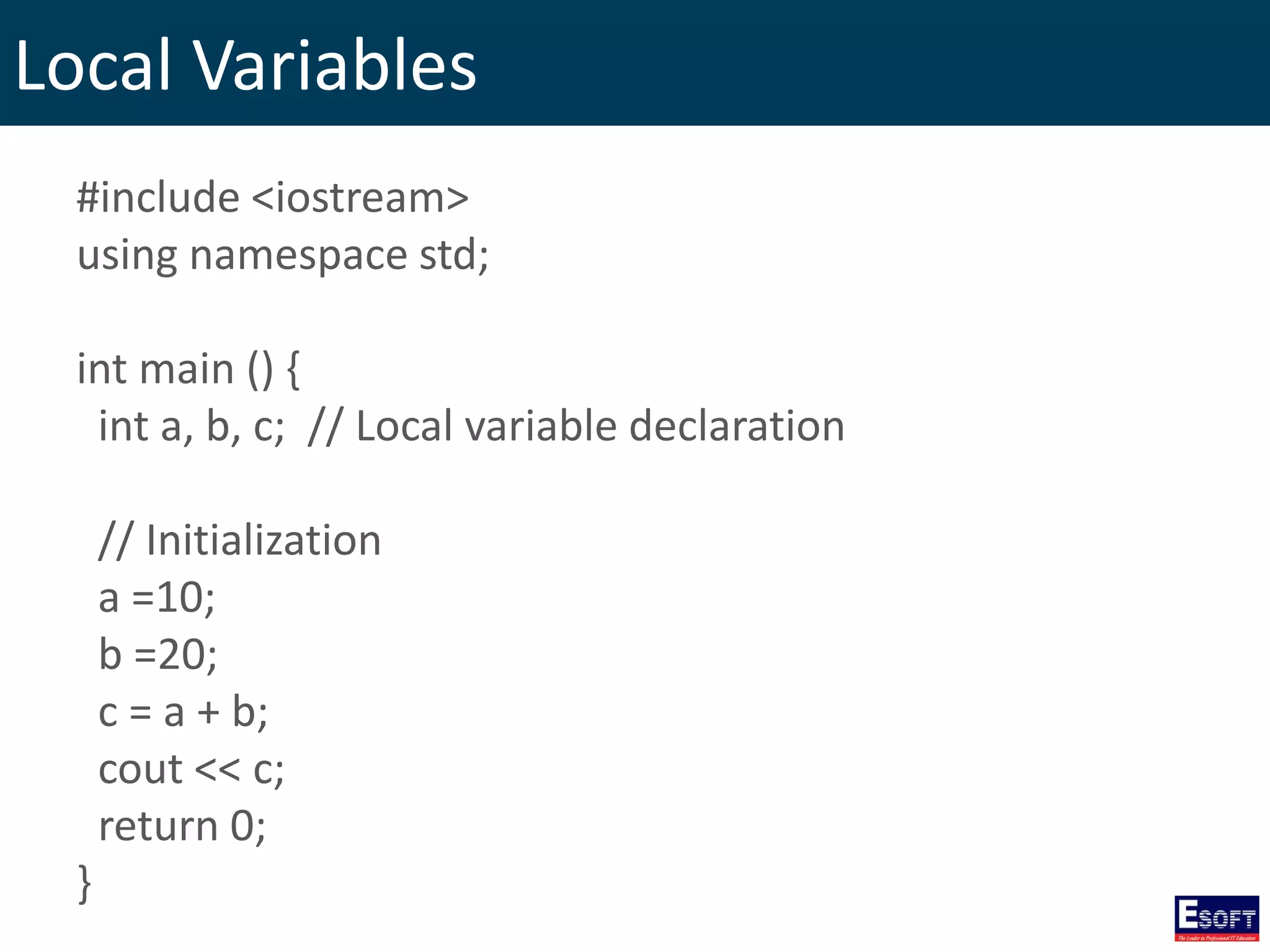
Local Variables #include <iostream> using namespace std; int main () { int a, b, c; // Local variable declaration // Initialization a =10; b =20; c = a + b; cout << c; return 0; }
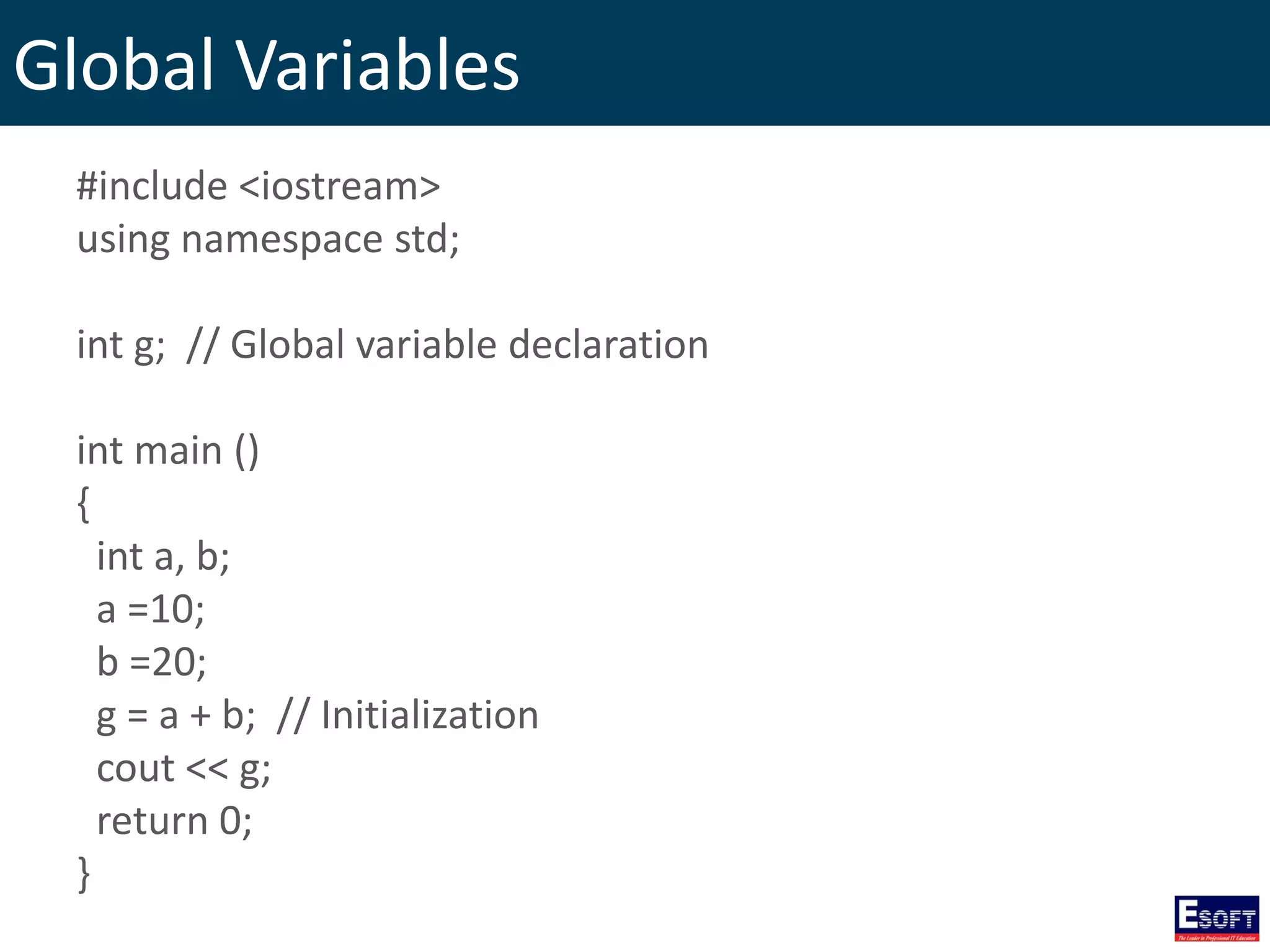
Global Variables #include <iostream> using namespace std; int g; // Global variable declaration int main () { int a, b; a =10; b =20; g = a + b; // Initialization cout << g; return 0; }
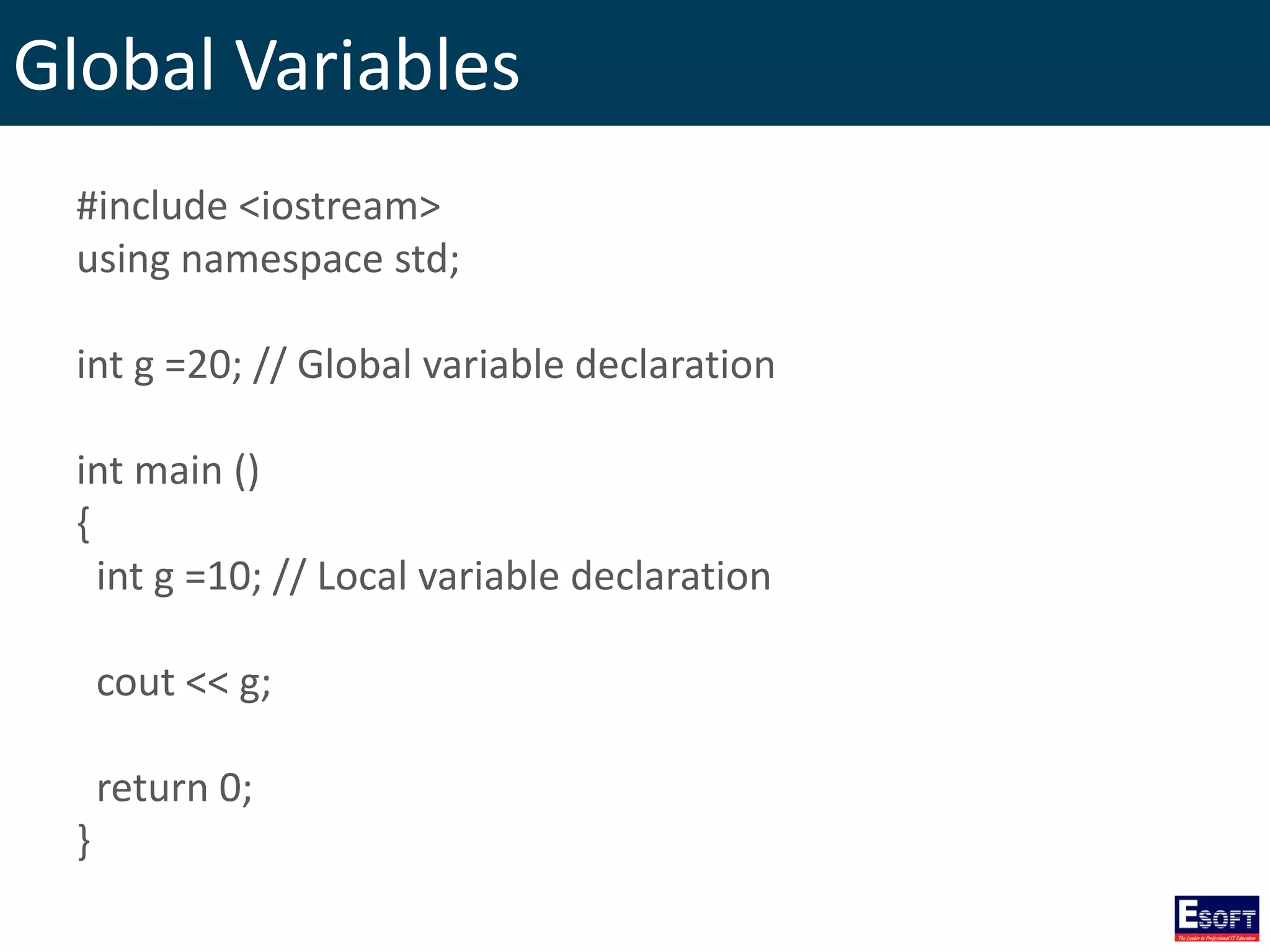
Global Variables #include <iostream> using namespace std; int g =20; // Global variable declaration int main () { int g =10; // Local variable declaration cout << g; return 0; }
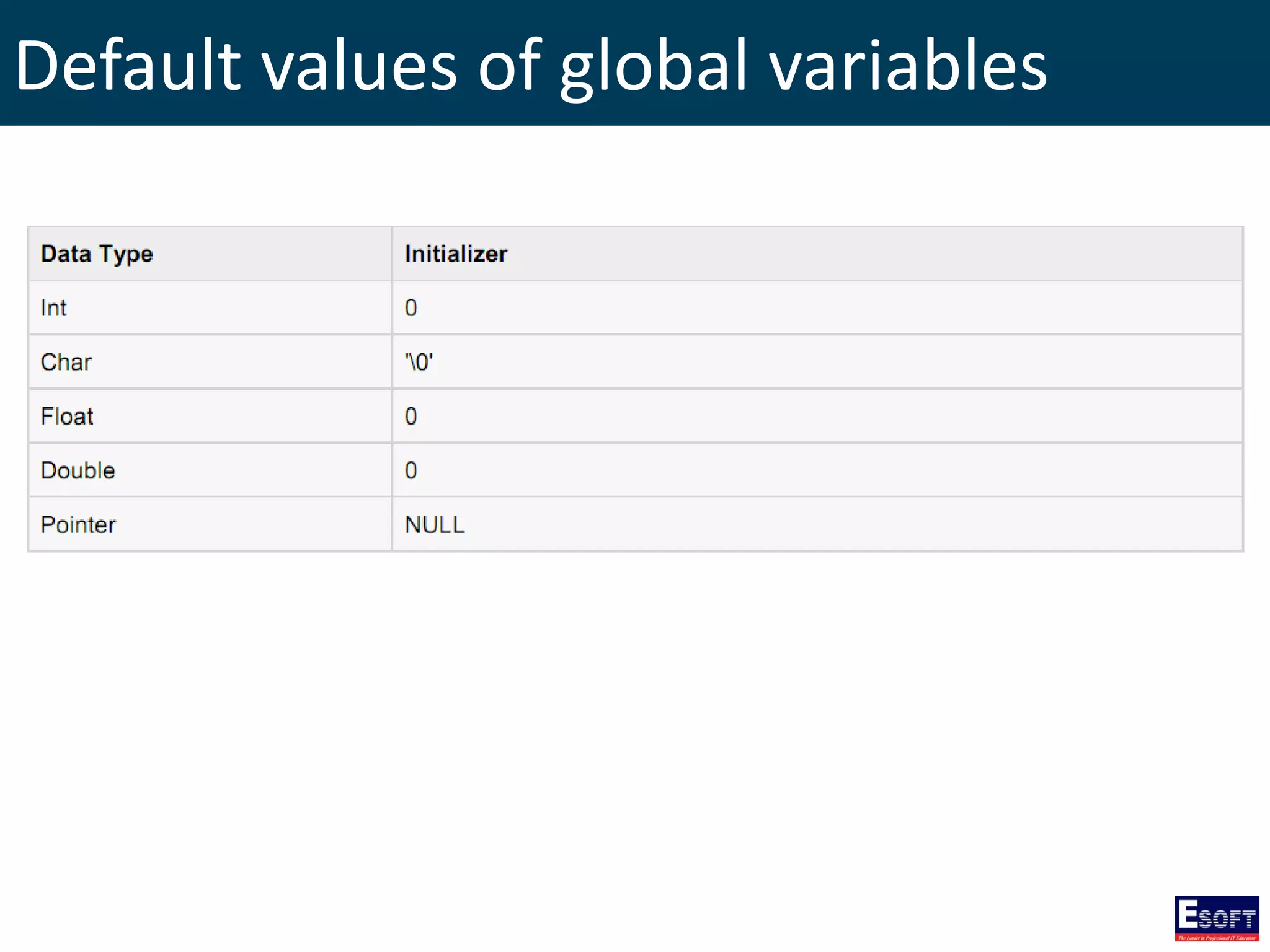
Default values of global variables
Constants/Literals • Integer literals • Floating-point literals • Boolean literals • Character literals • String literals
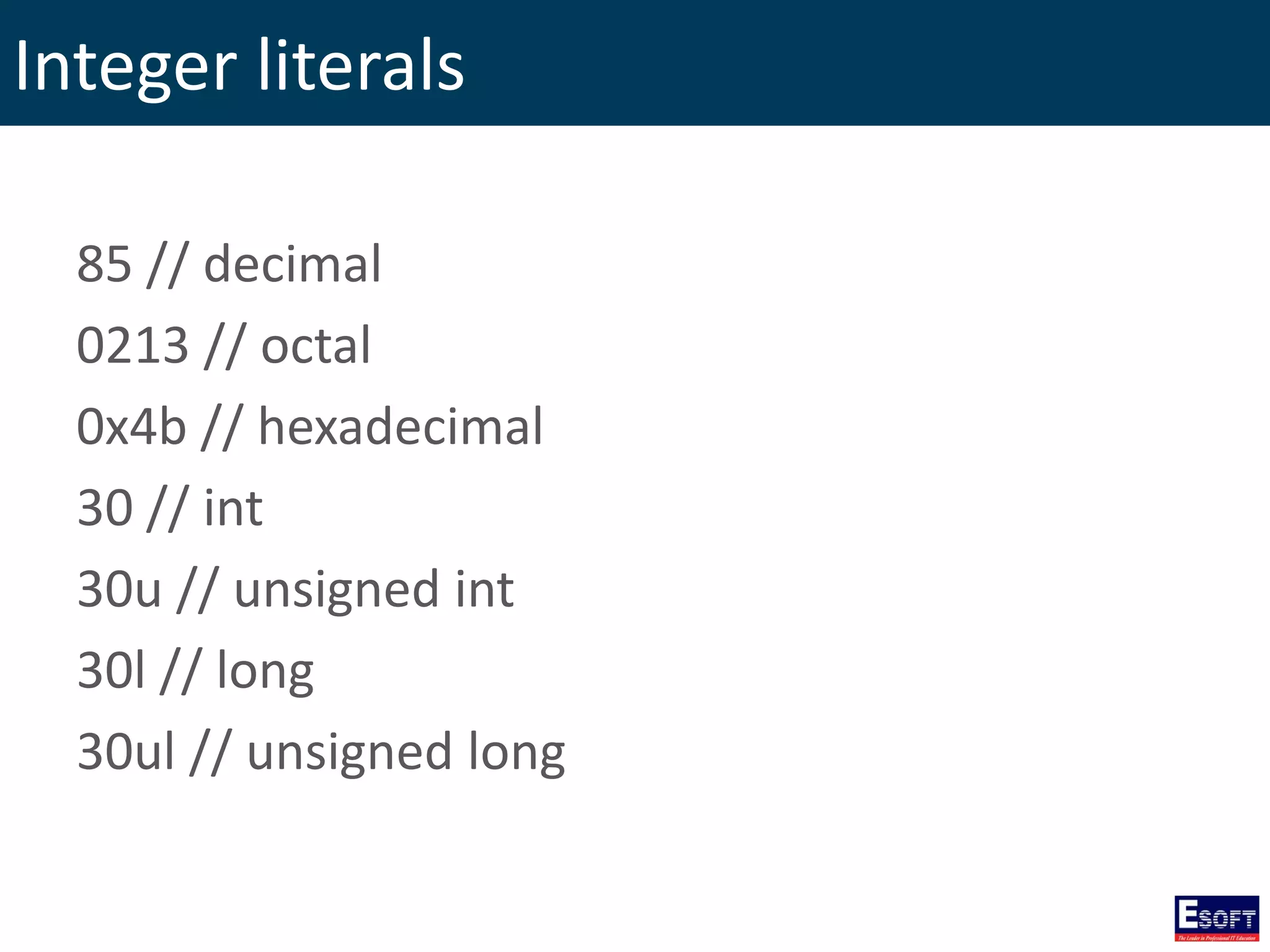
Integer literals 85 // decimal 0213 // octal 0x4b // hexadecimal 30 // int 30u // unsigned int 30l // long 30ul // unsigned long
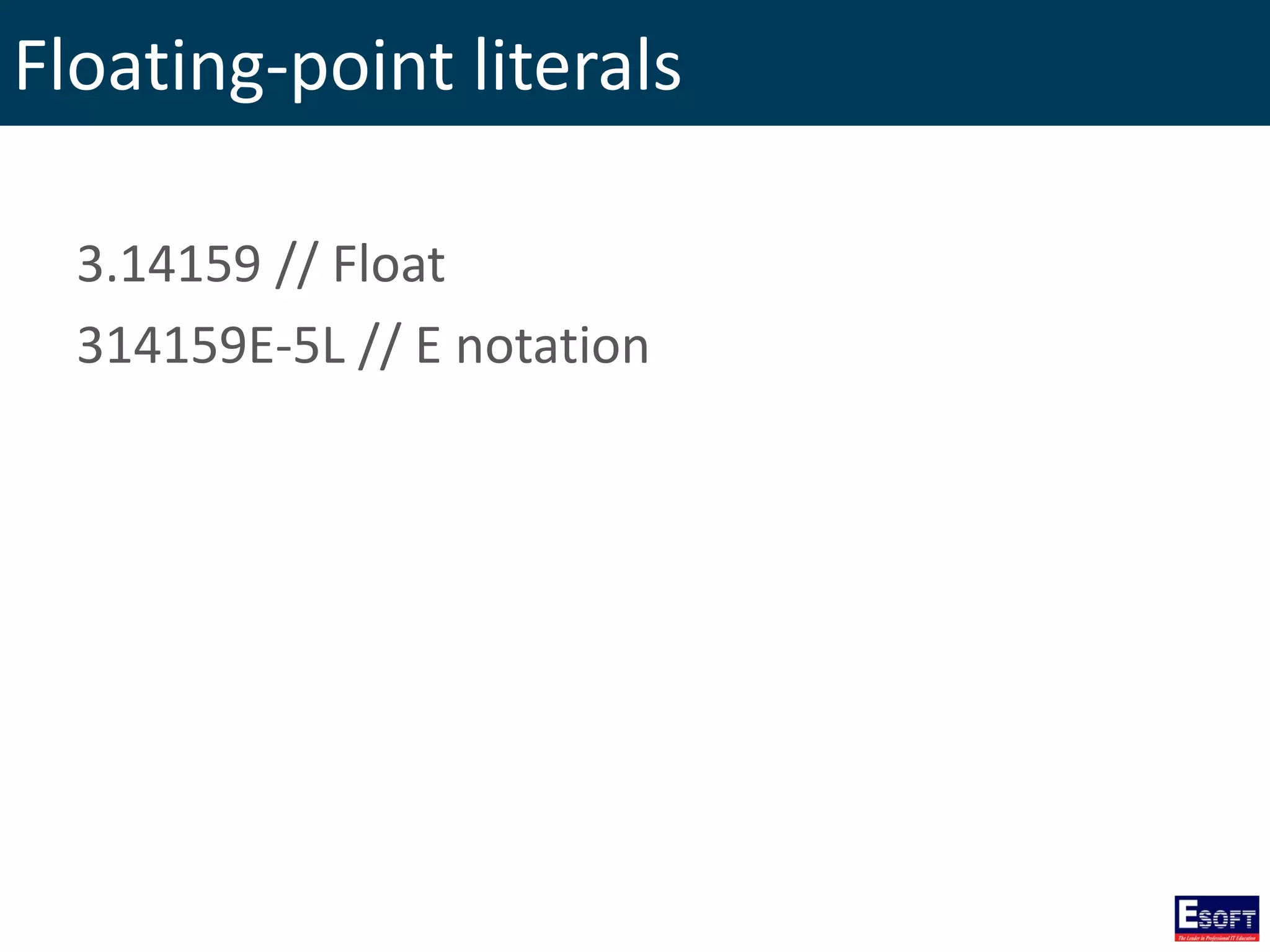
Floating-point literals 3.14159 // Float 314159E-5L // E notation
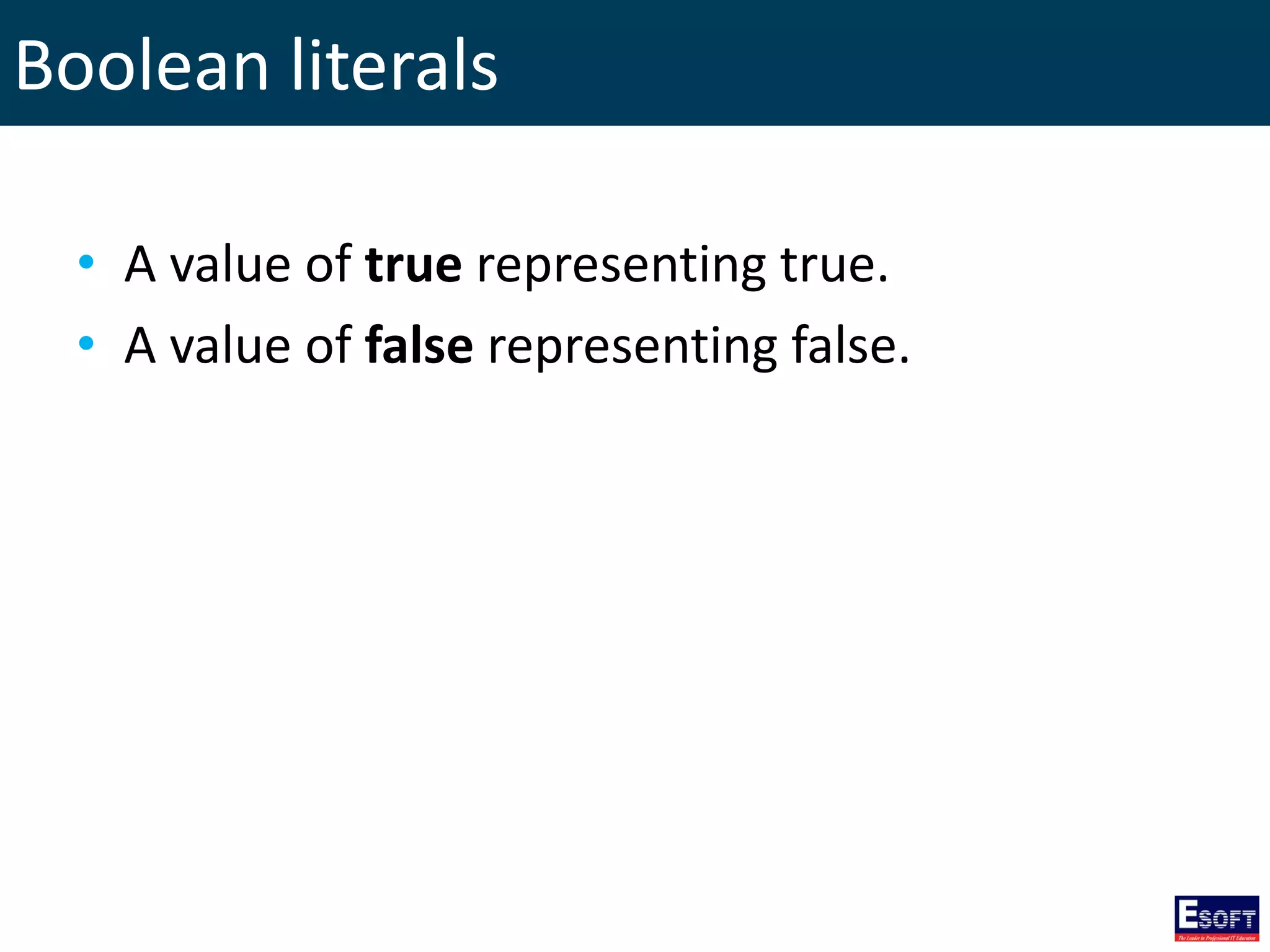
Boolean literals • A value of true representing true. • A value of false representing false.
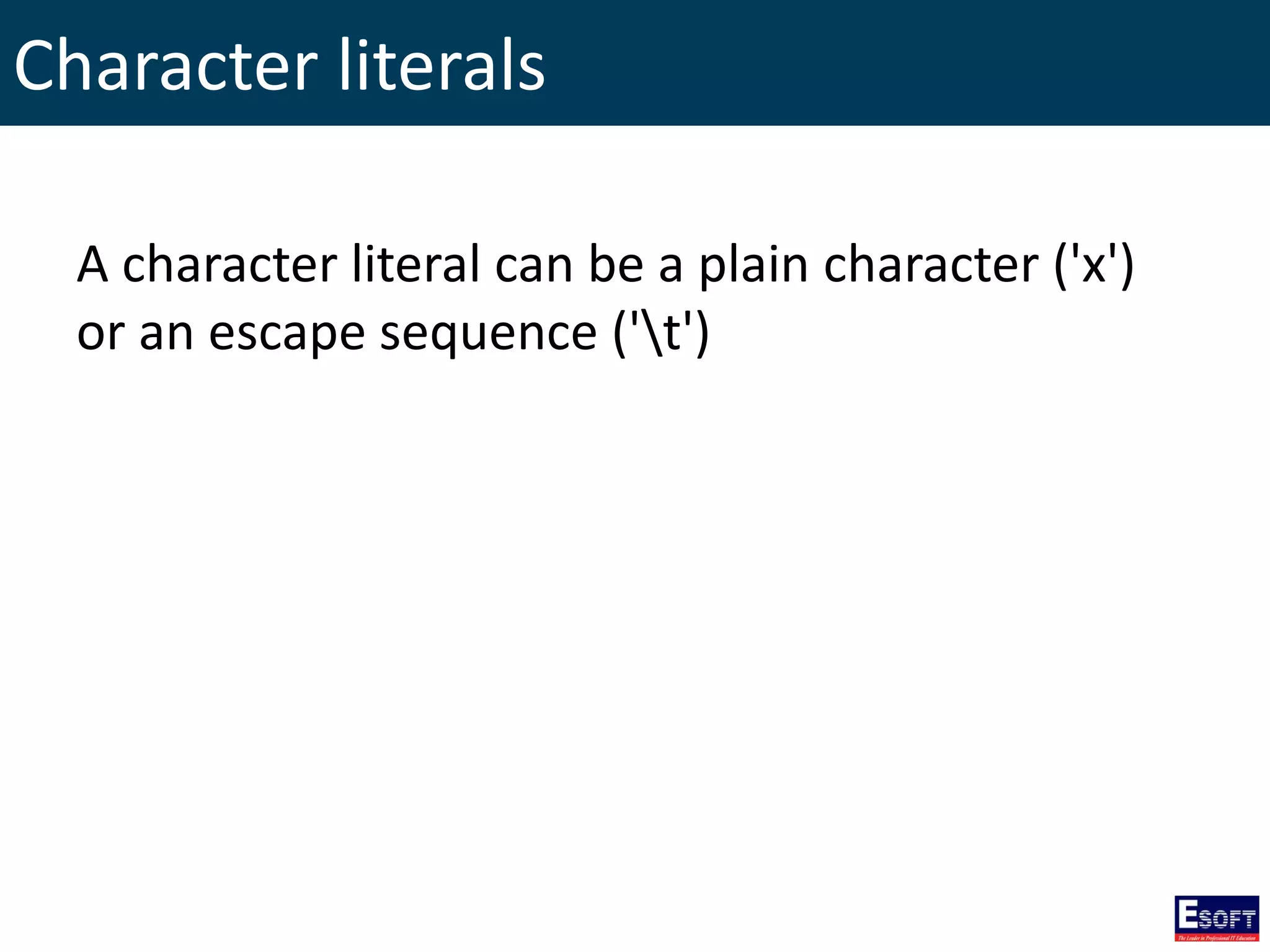
Character literals A character literal can be a plain character ('x') or an escape sequence ('t')
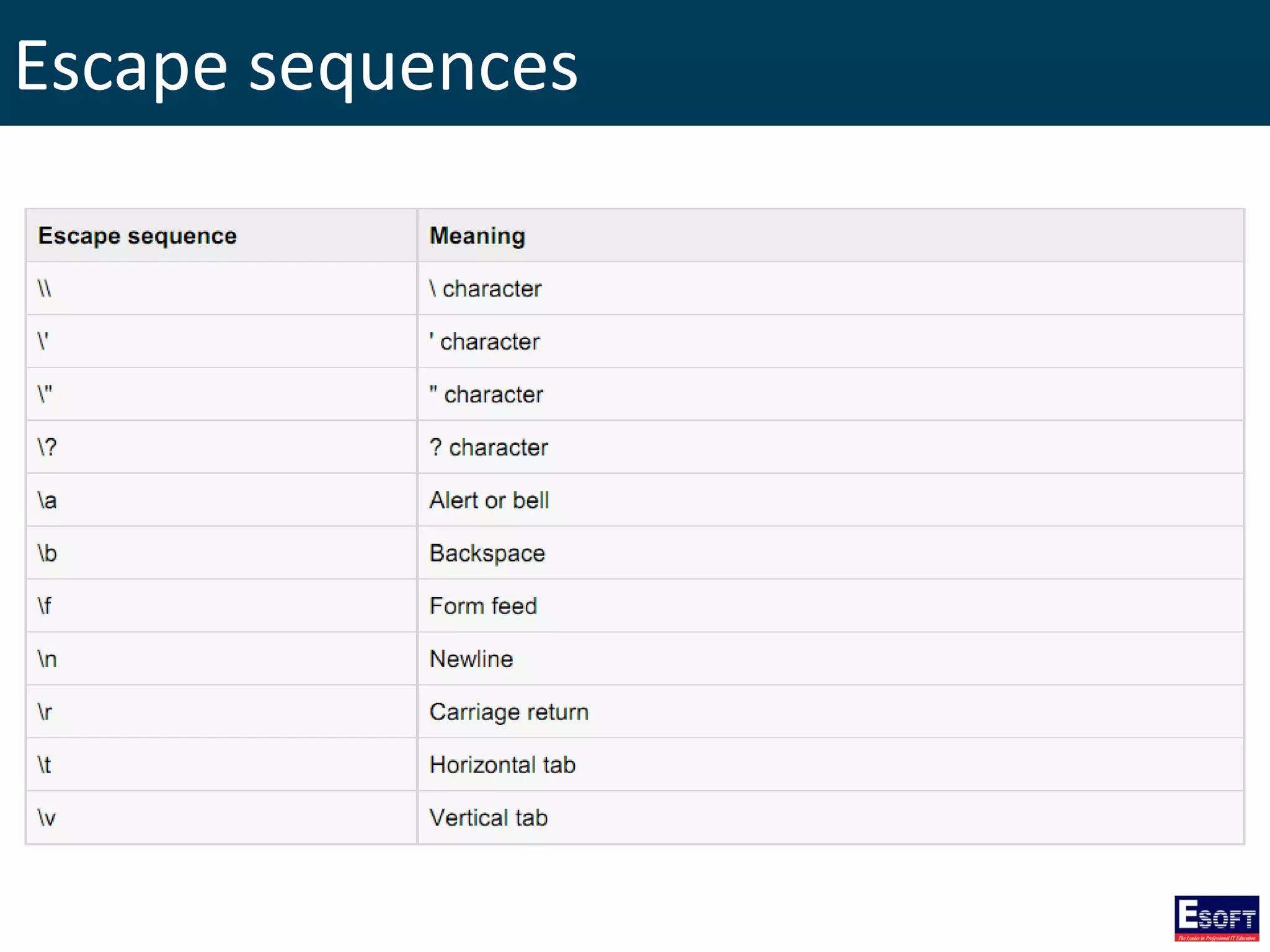
Escape sequences
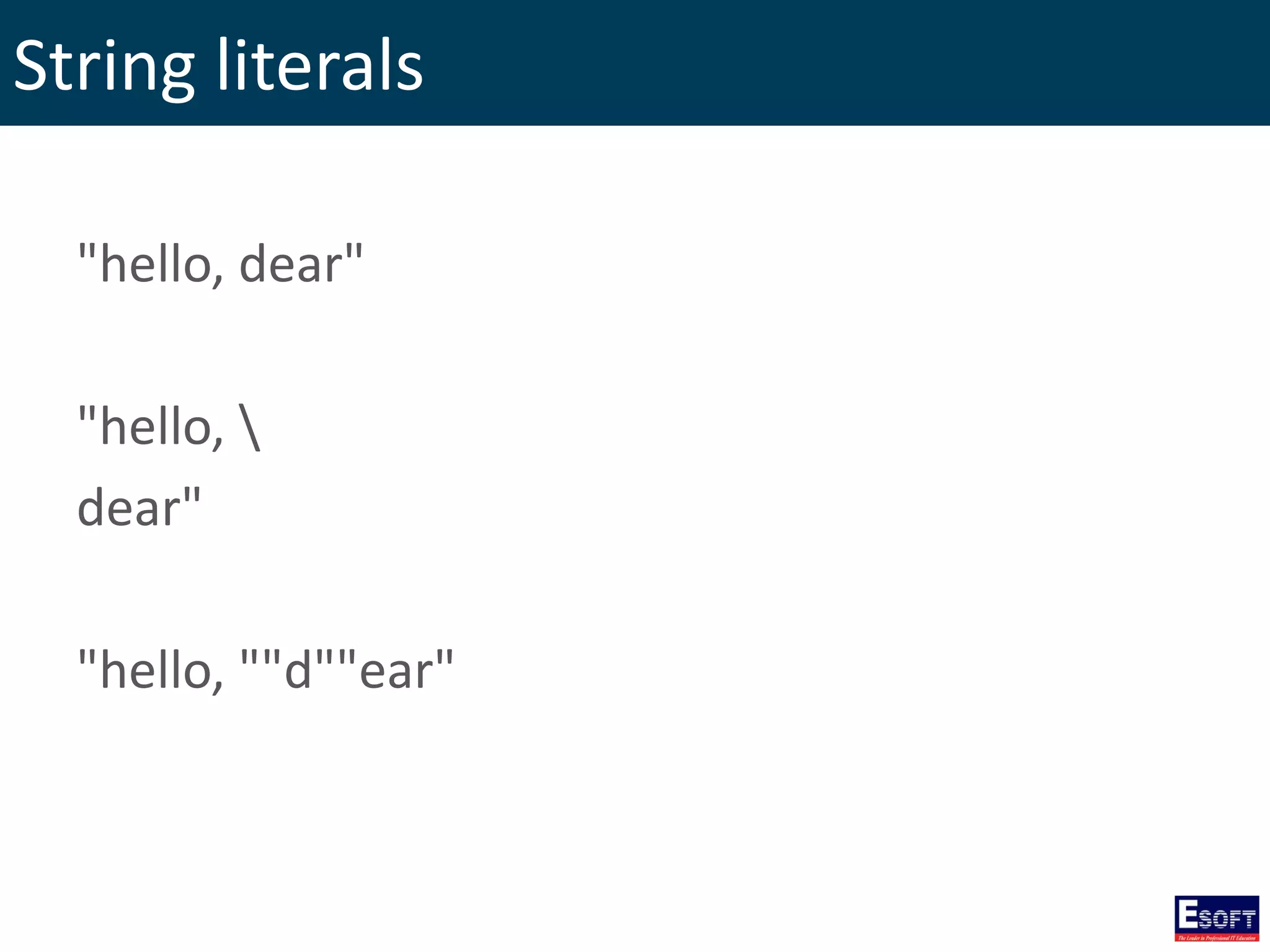
String literals "hello, dear" "hello, dear" "hello, ""d""ear"
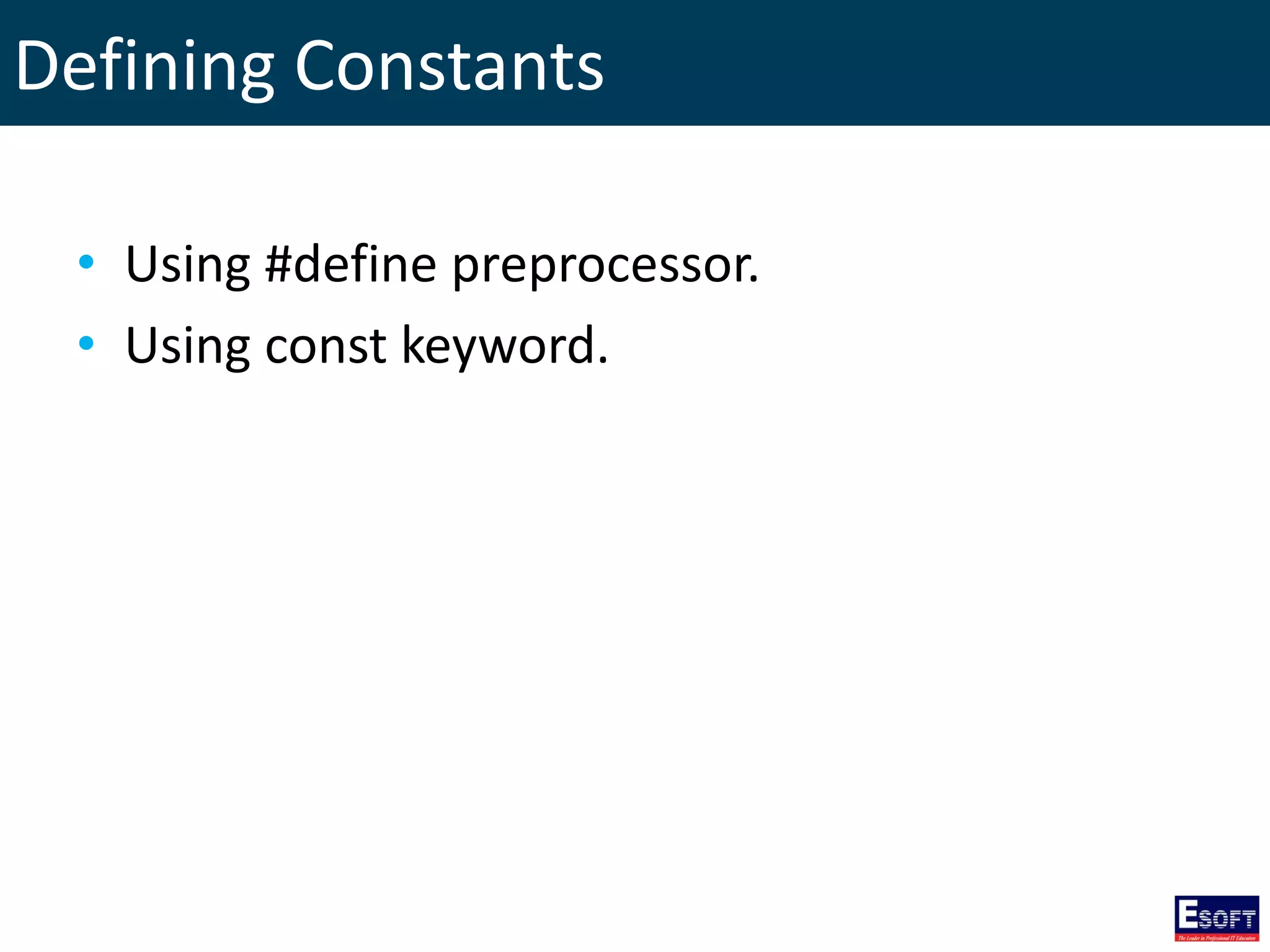
Defining Constants • Using #define preprocessor. • Using const keyword.
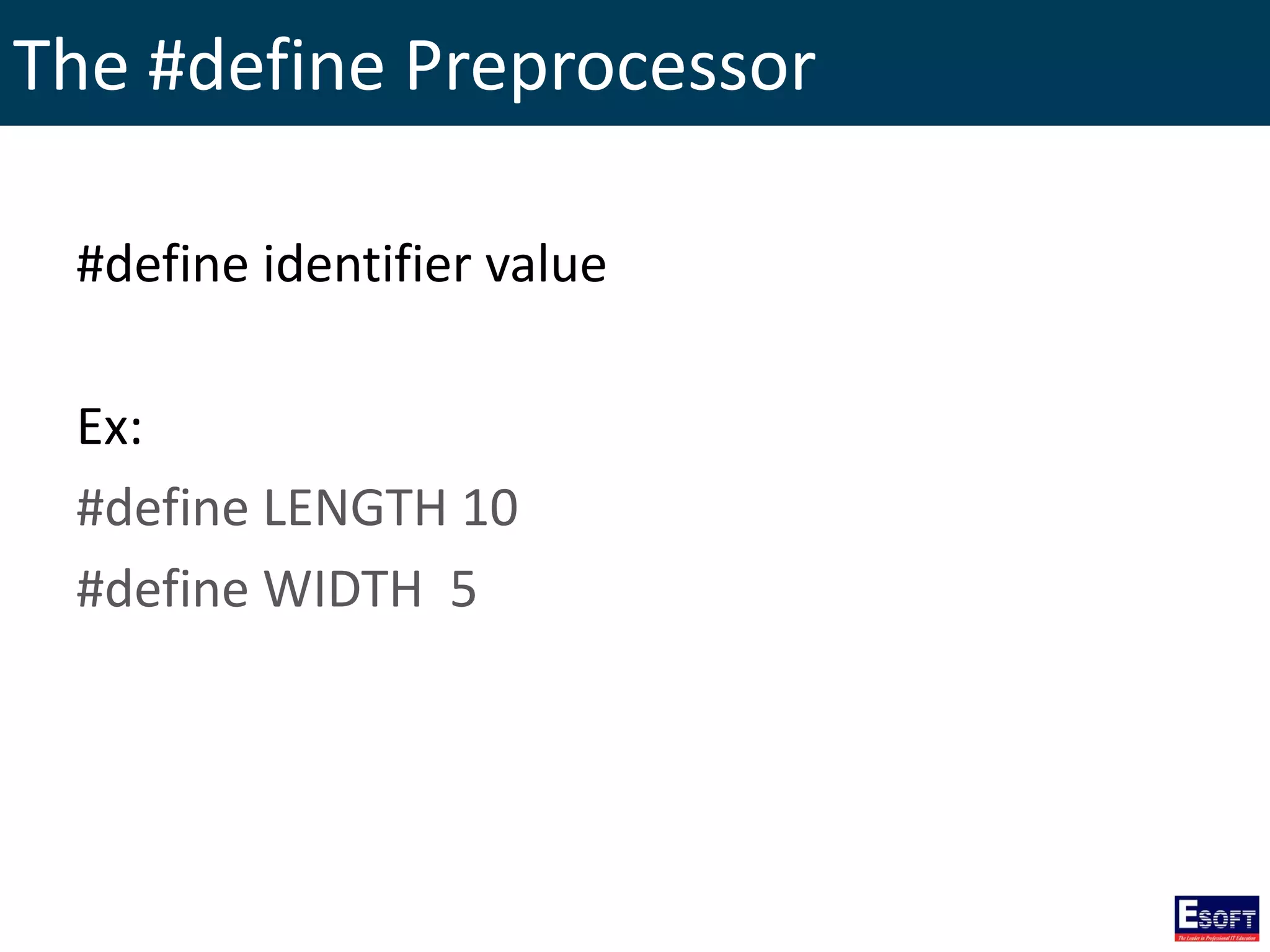
The #define Preprocessor #define identifier value Ex: #define LENGTH 10 #define WIDTH 5
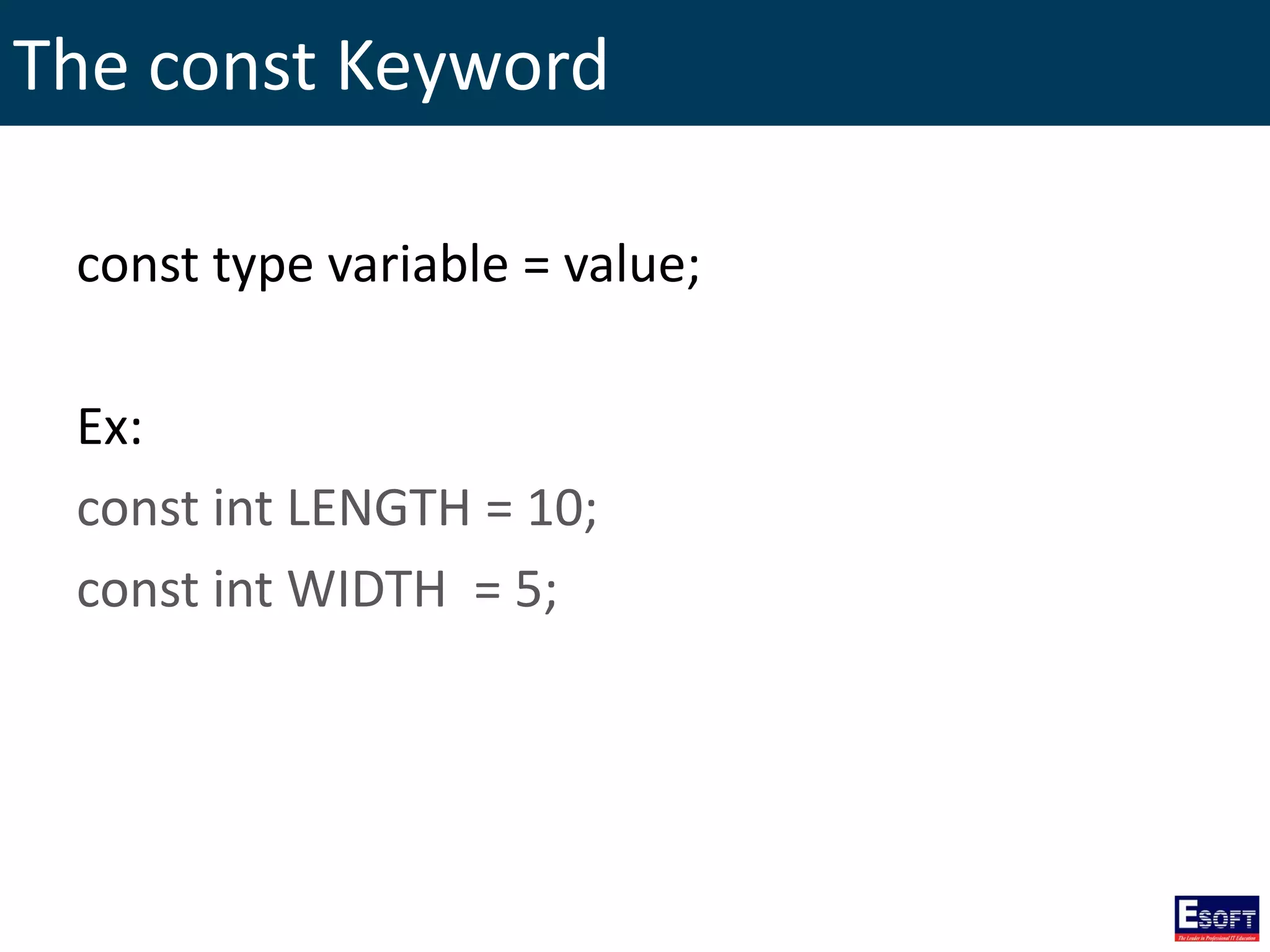
The const Keyword const type variable = value; Ex: const int LENGTH = 10; const int WIDTH = 5;
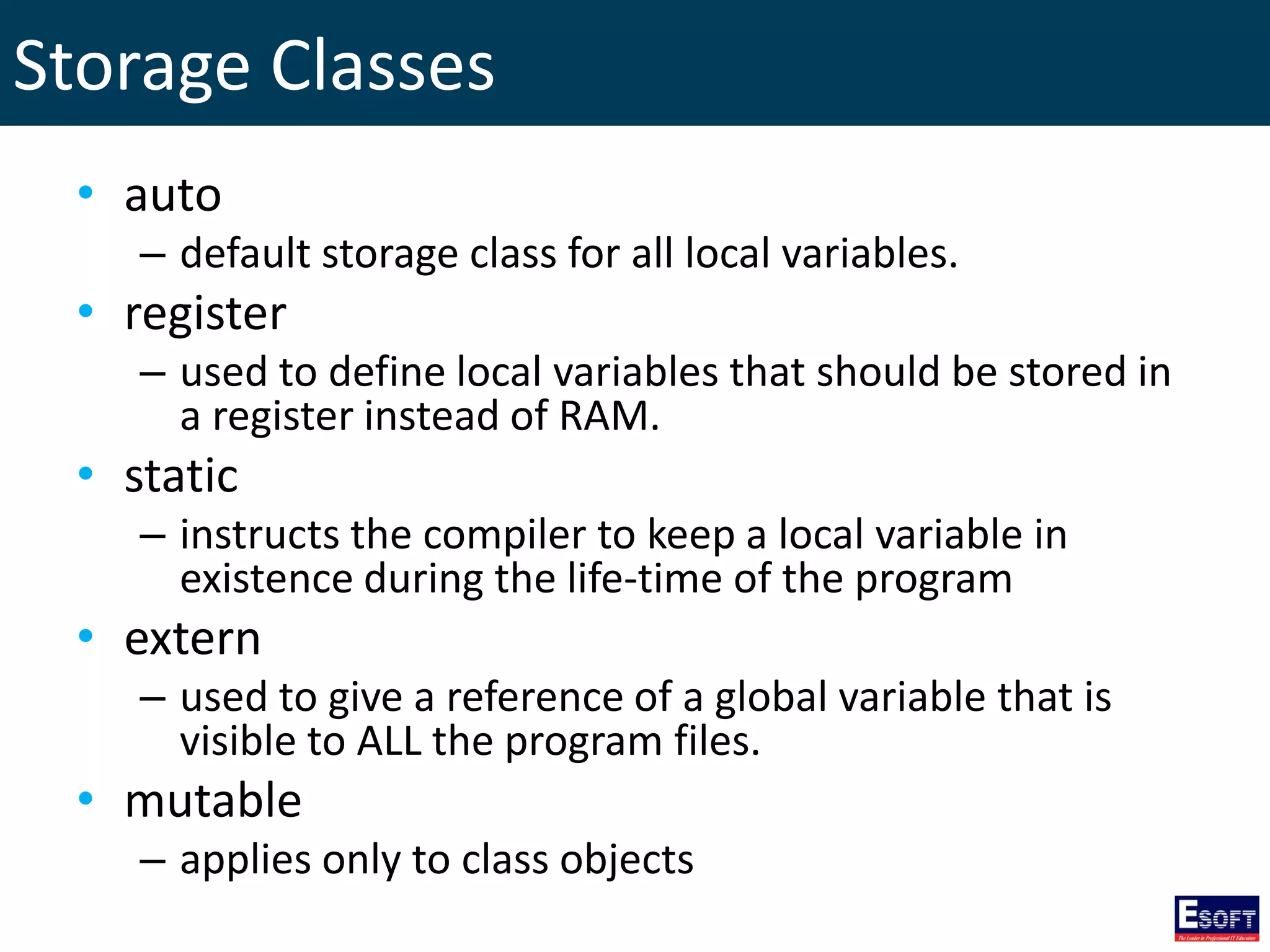
Storage Classes • auto – default storage class for all local variables. • register – used to define local variables that should be stored in a register instead of RAM. • static – instructs the compiler to keep a local variable in existence during the life-time of the program • extern – used to give a reference of a global variable that is visible to ALL the program files. • mutable – applies only to class objects
Operators • Arithmetic Operators • Comparison Operators • Logical Operators • Bitwise Operators • Assignment Operators • Misc Operators
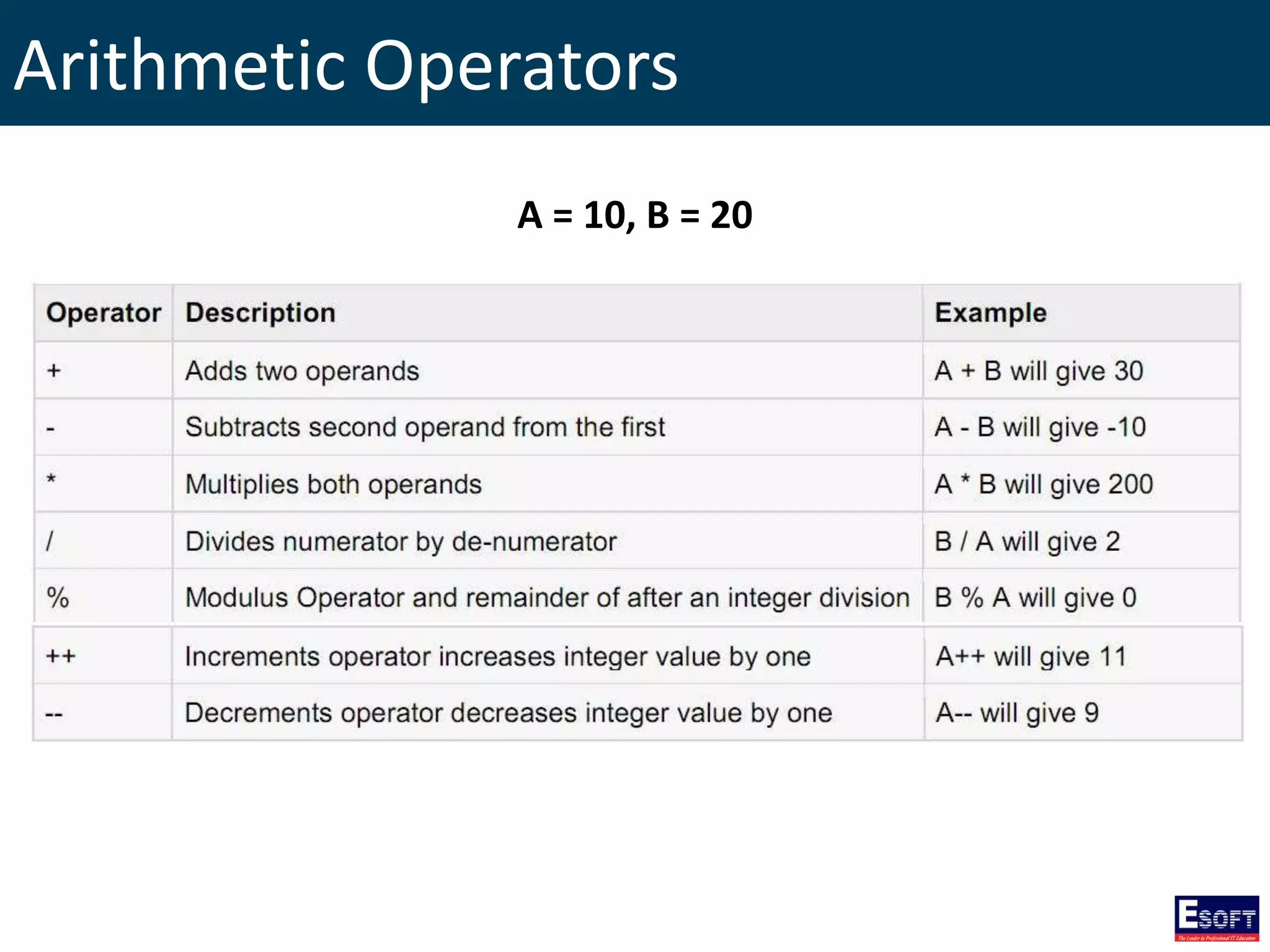
Arithmetic Operators A = 10, B = 20
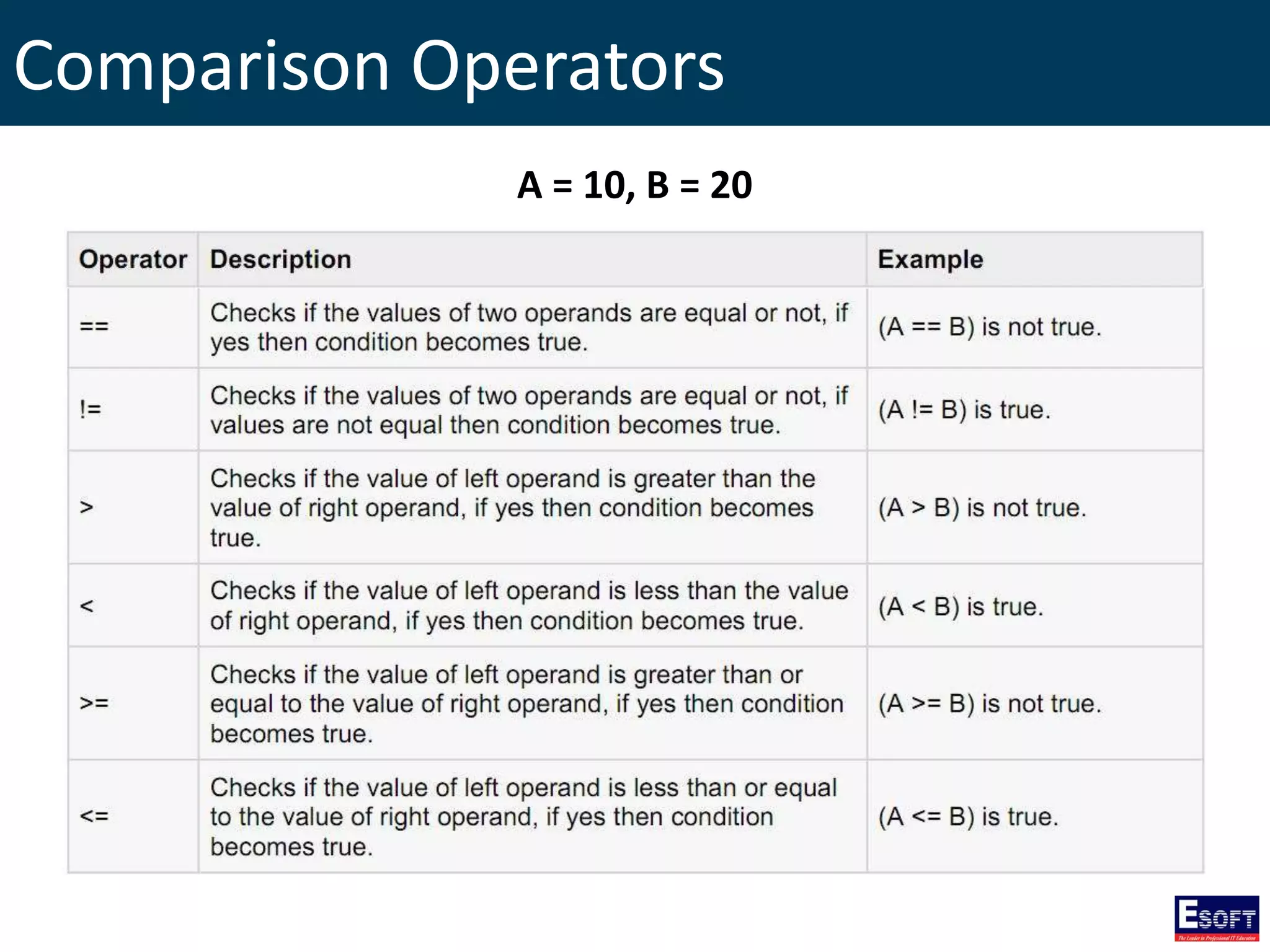
Comparison Operators A = 10, B = 20
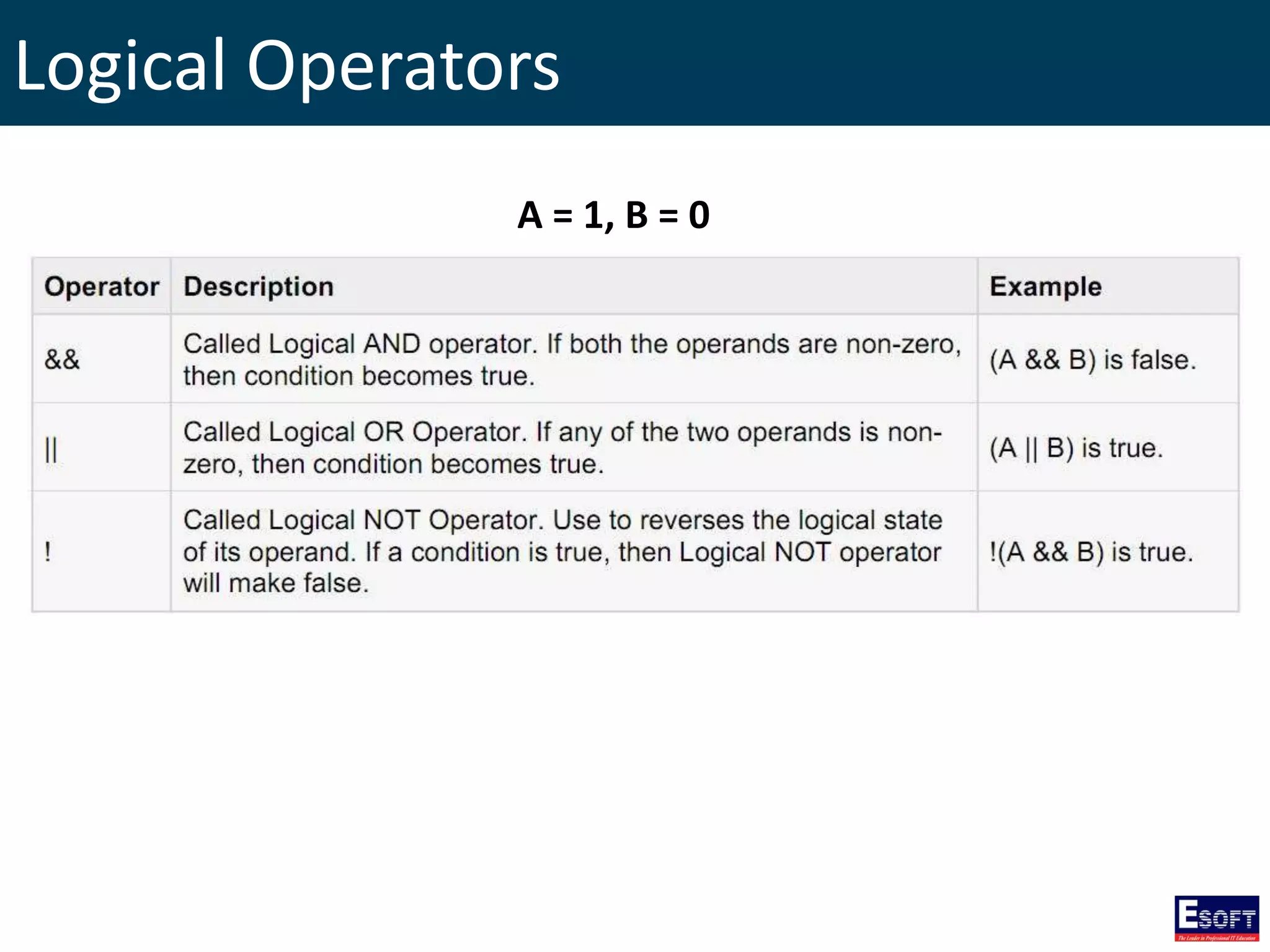
Logical Operators A = 1, B = 0
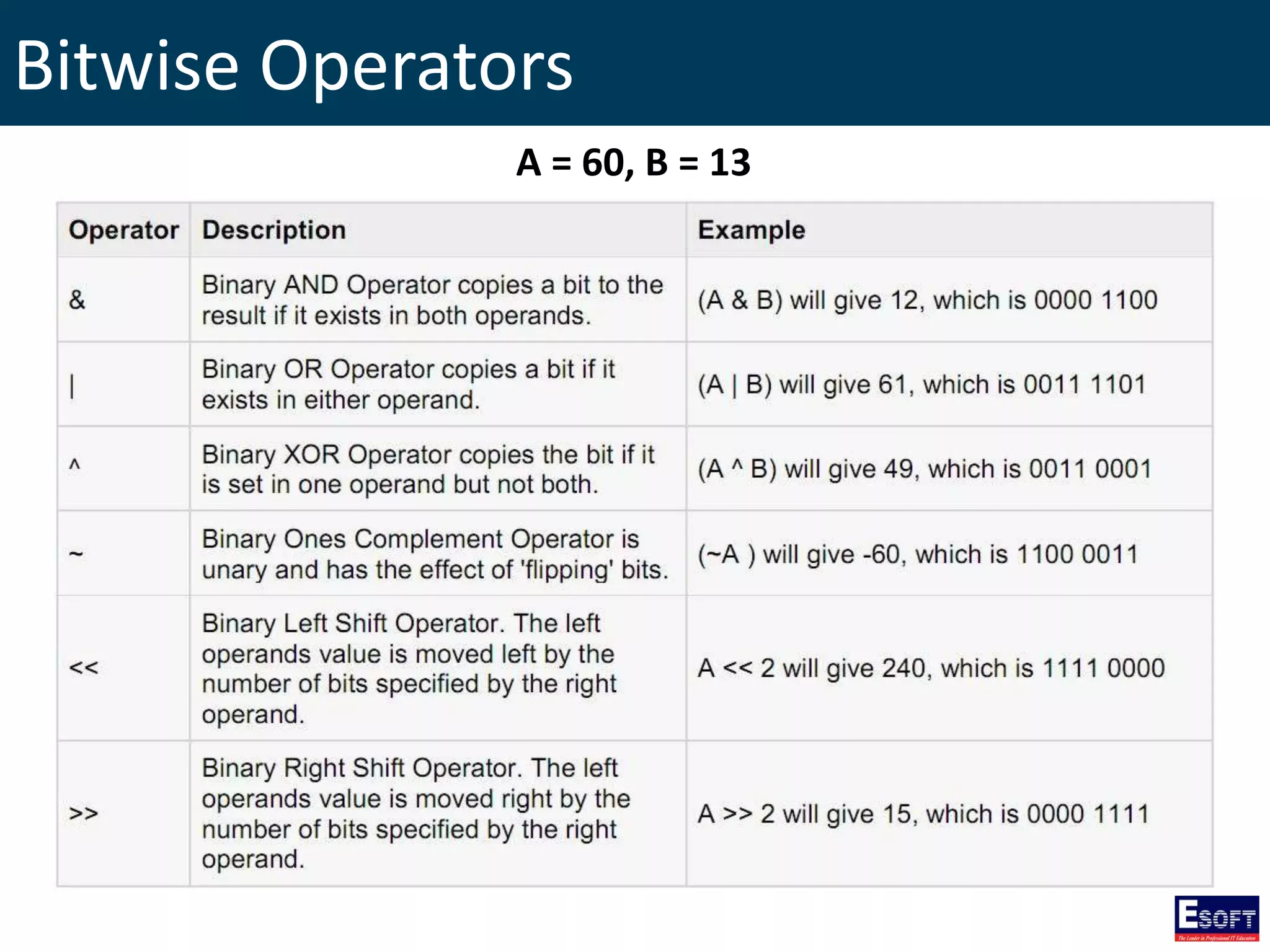
Bitwise Operators A = 60, B = 13
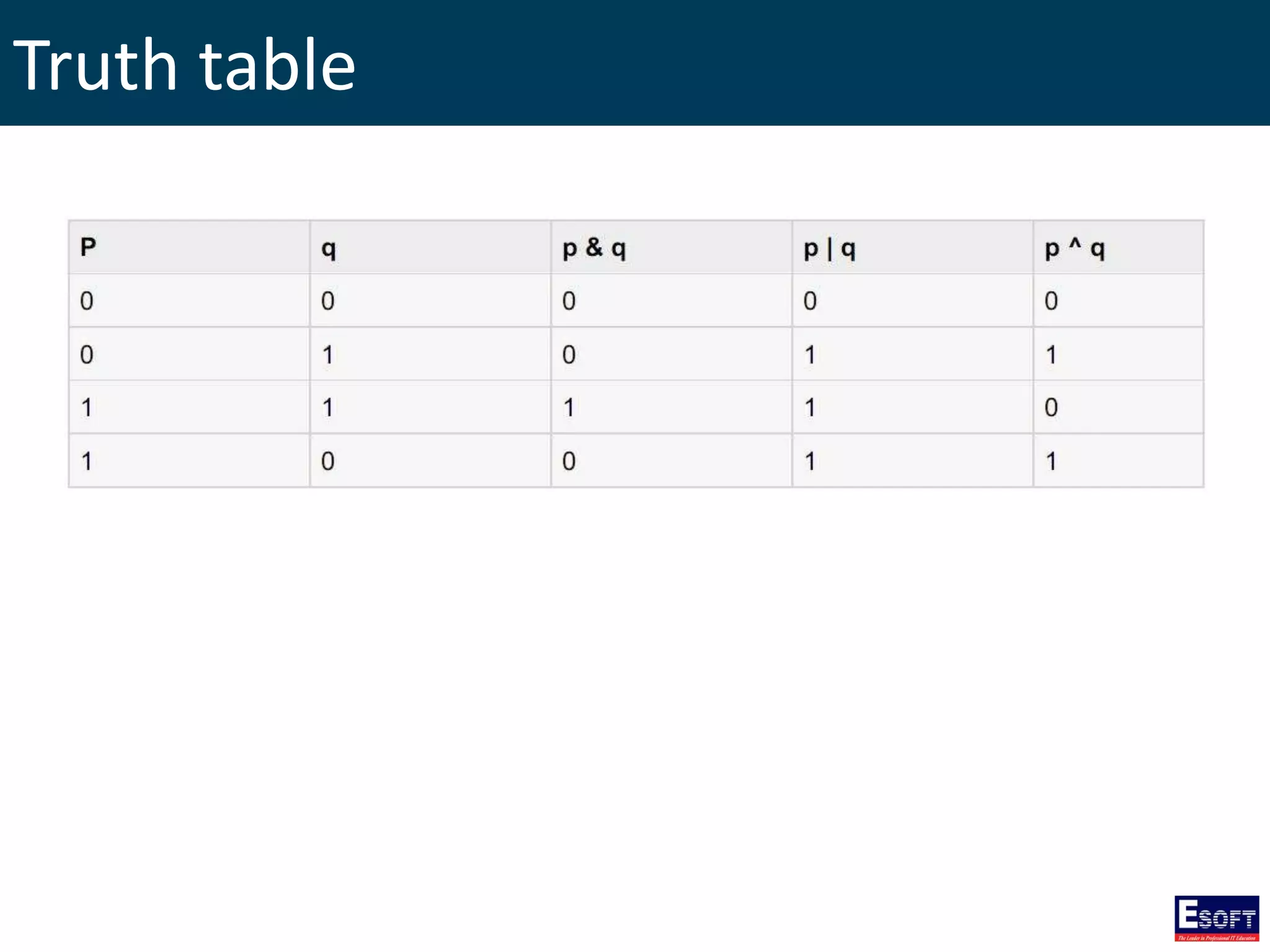
Truth table
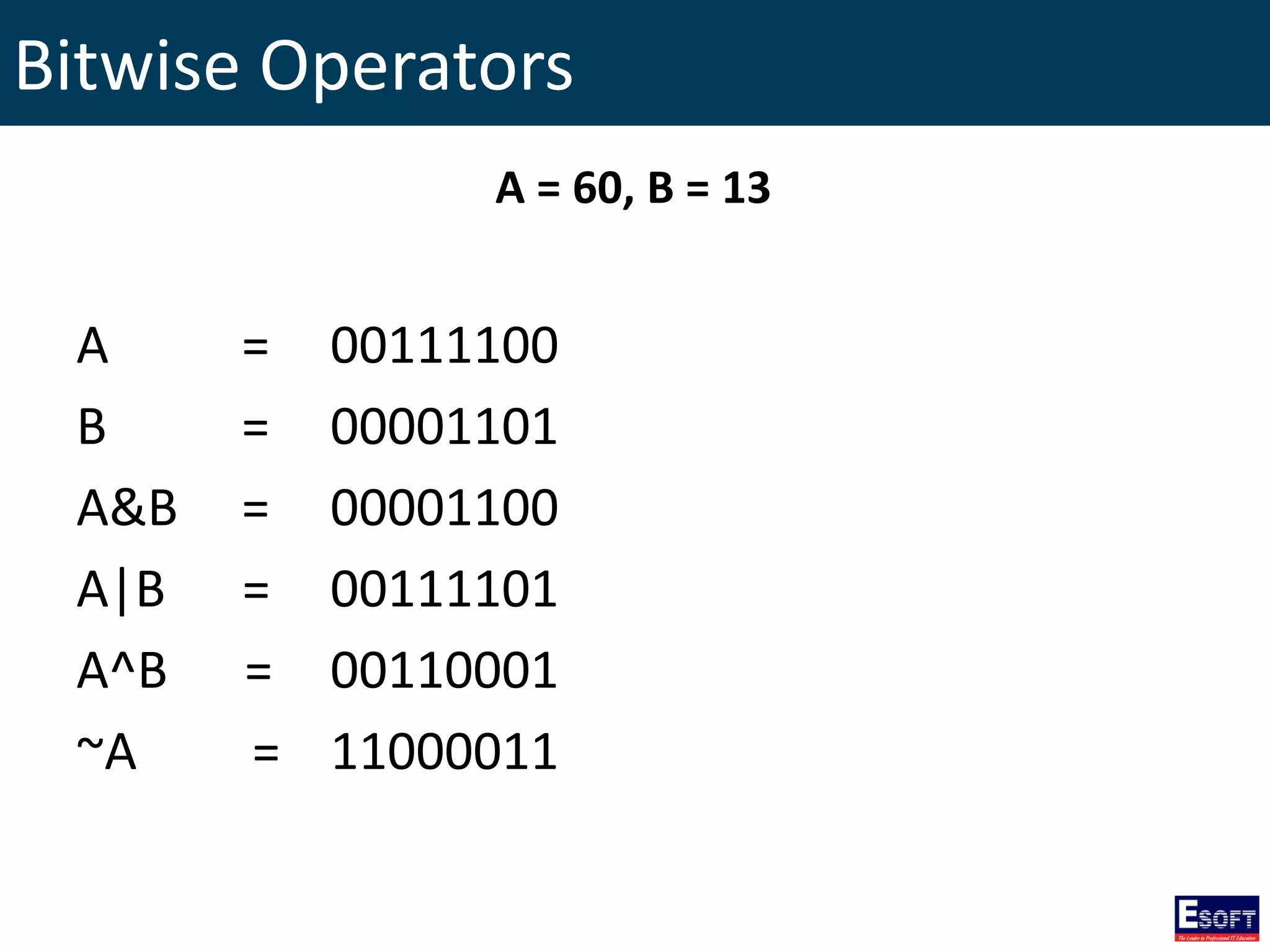
Bitwise Operators A = 00111100 B = 00001101 A&B = 00001100 A|B = 00111101 A^B = 00110001 ~A = 11000011 A = 60, B = 13
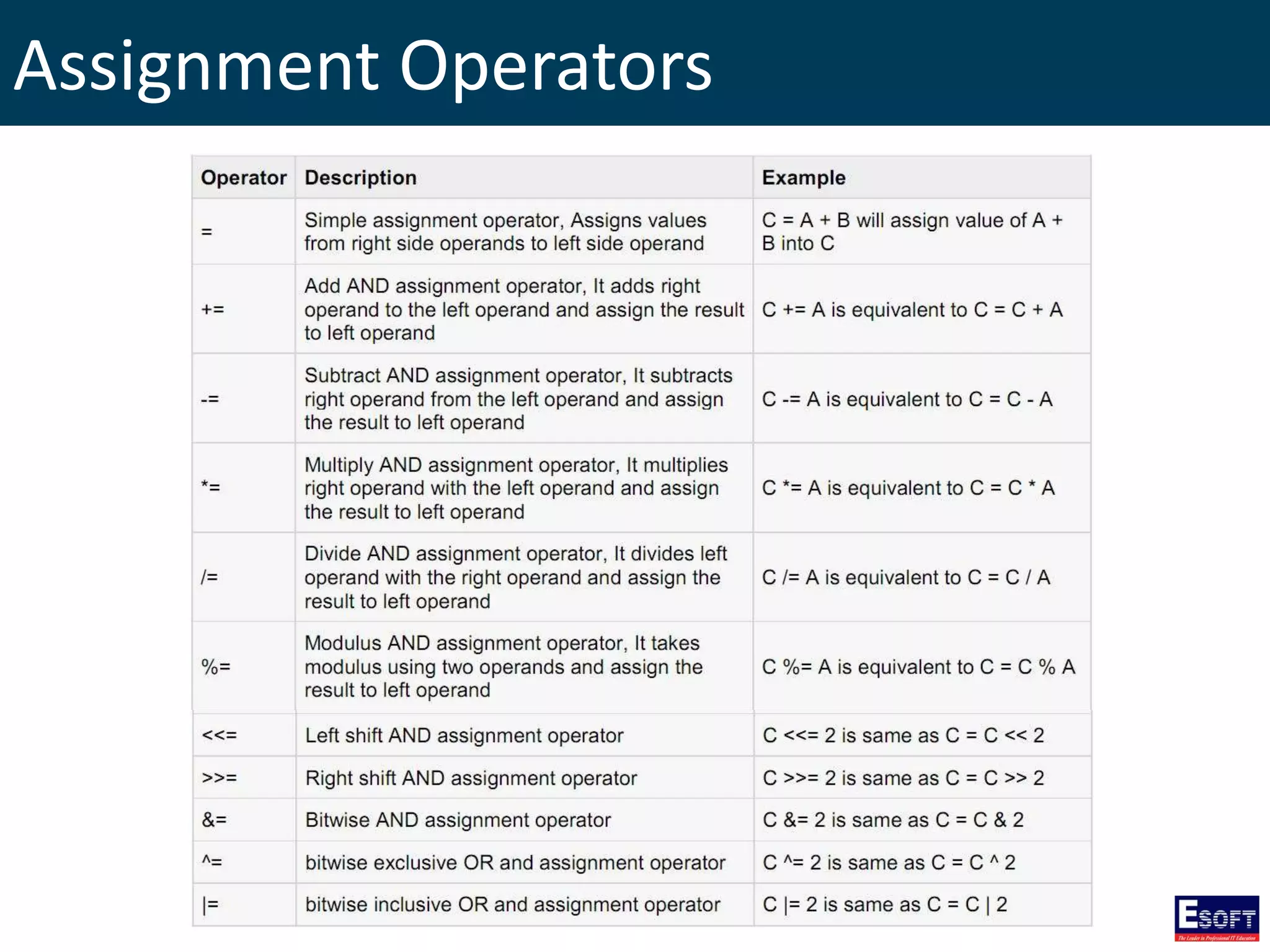
Assignment Operators
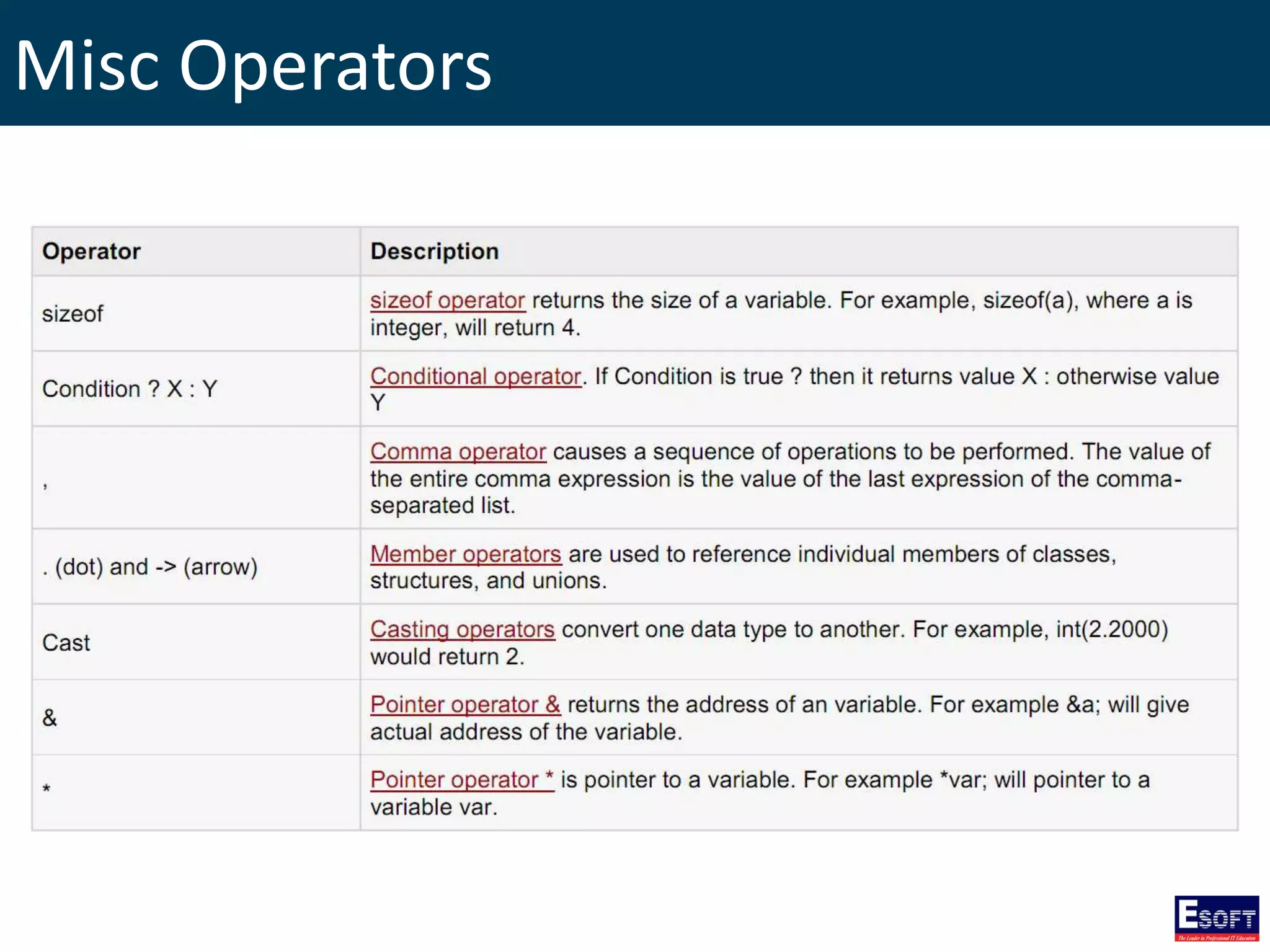
Misc Operators
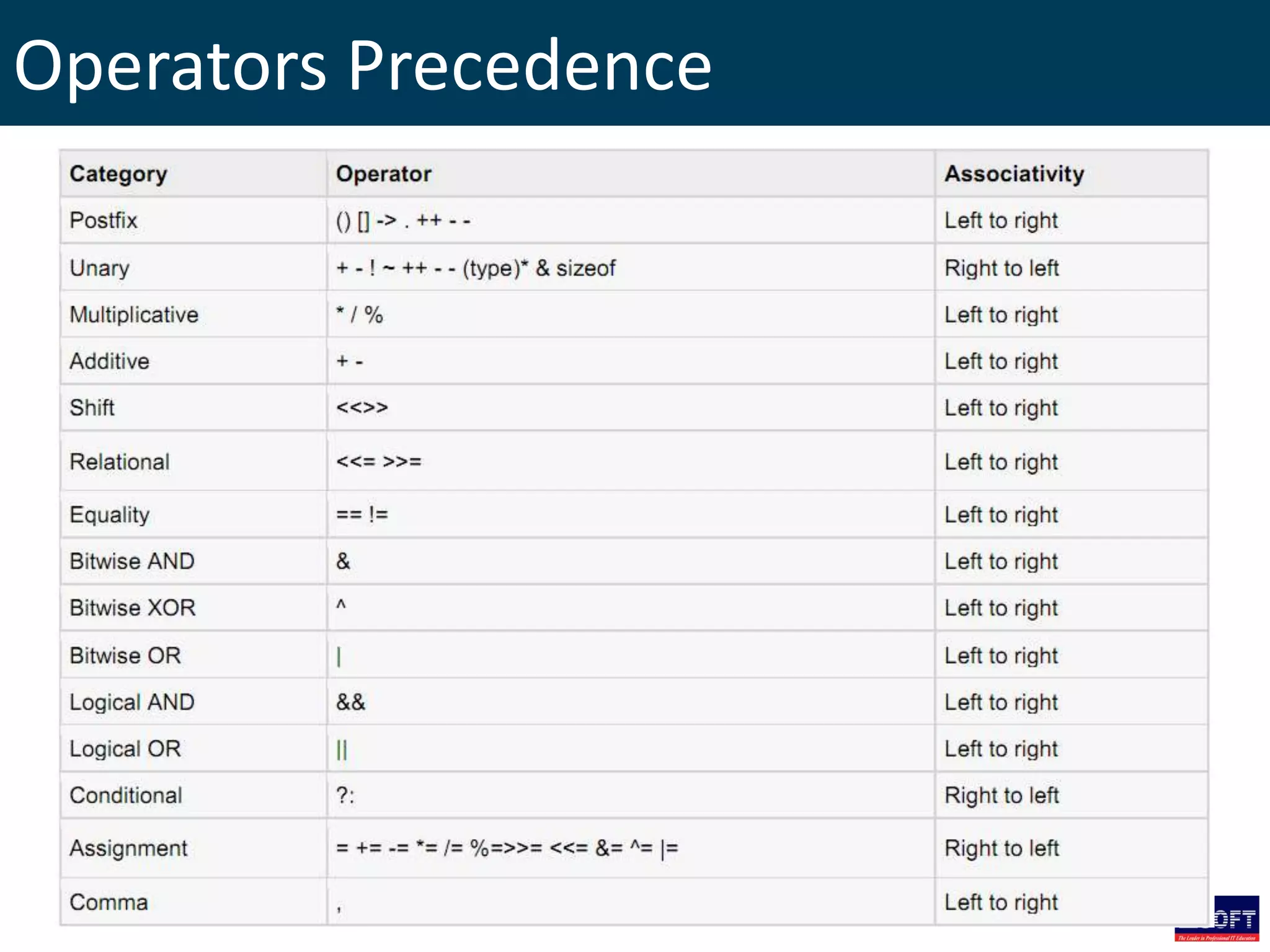
Operators Precedence
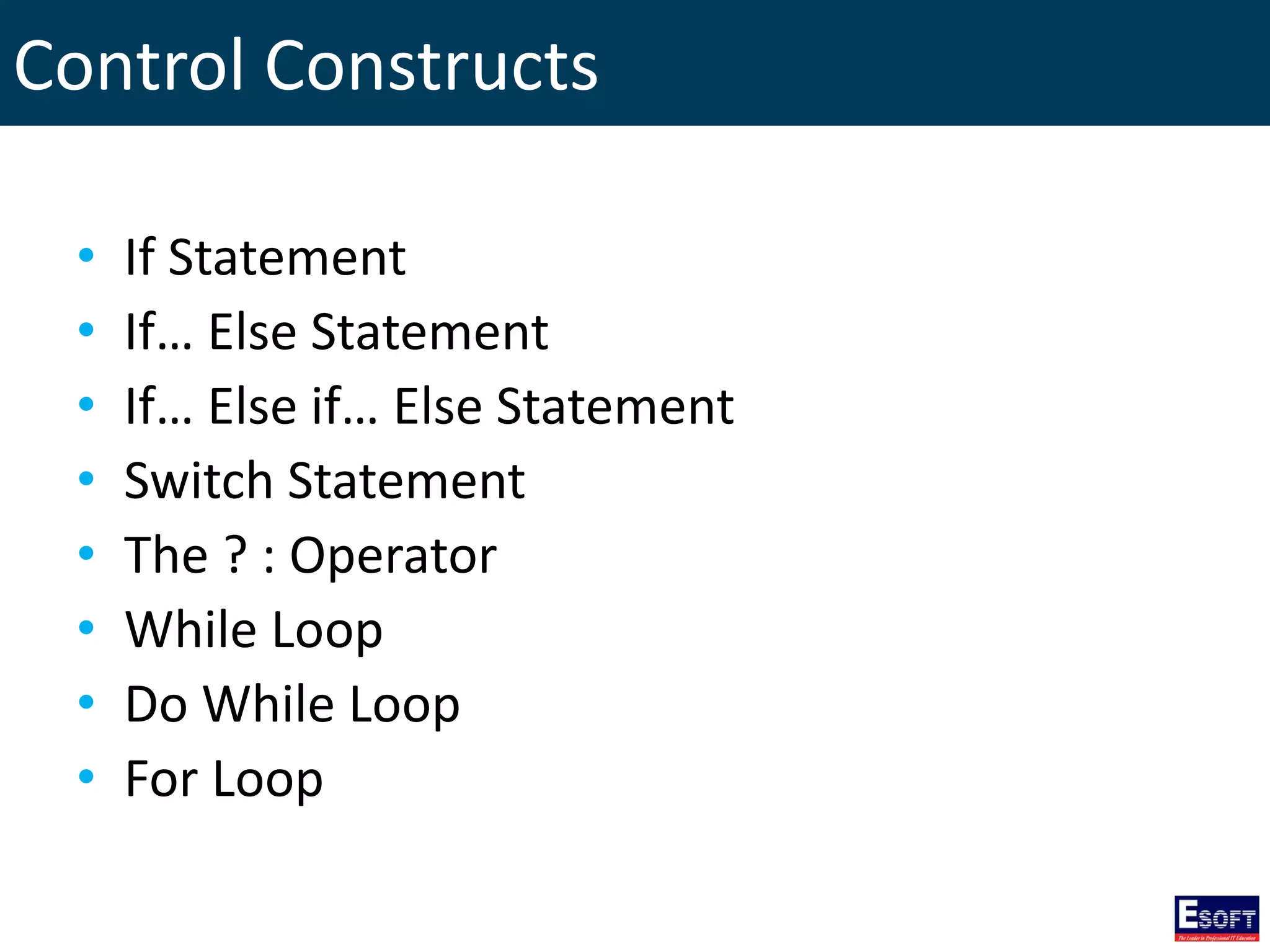
Control Constructs • If Statement • If… Else Statement • If… Else if… Else Statement • Switch Statement • The ? : Operator • While Loop • Do While Loop • For Loop
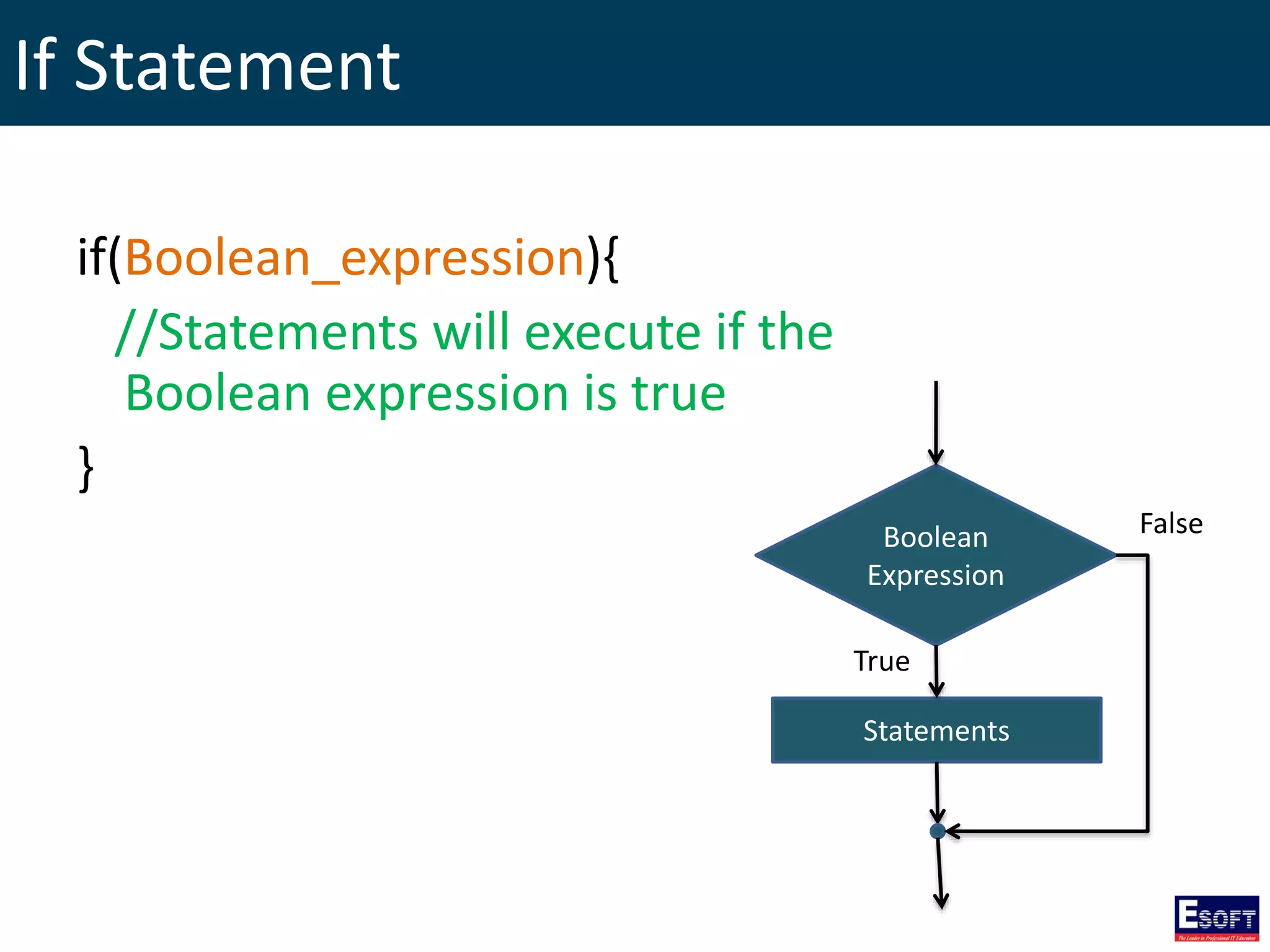
If Statement if(Boolean_expression){ //Statements will execute if the Boolean expression is true } Boolean Expression Statements True False
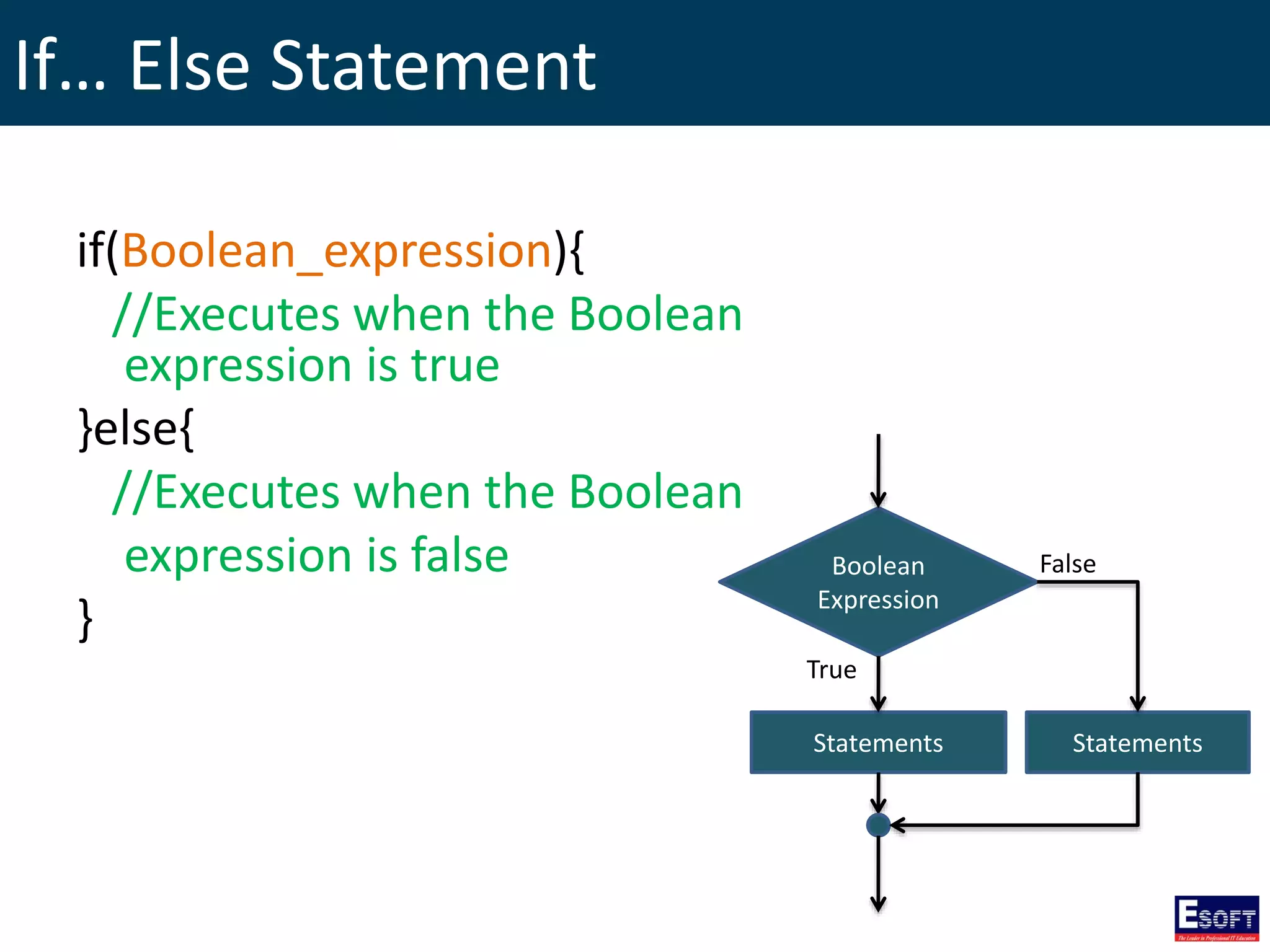
If… Else Statement if(Boolean_expression){ //Executes when the Boolean expression is true }else{ //Executes when the Boolean expression is false } Boolean Expression Statements True False Statements
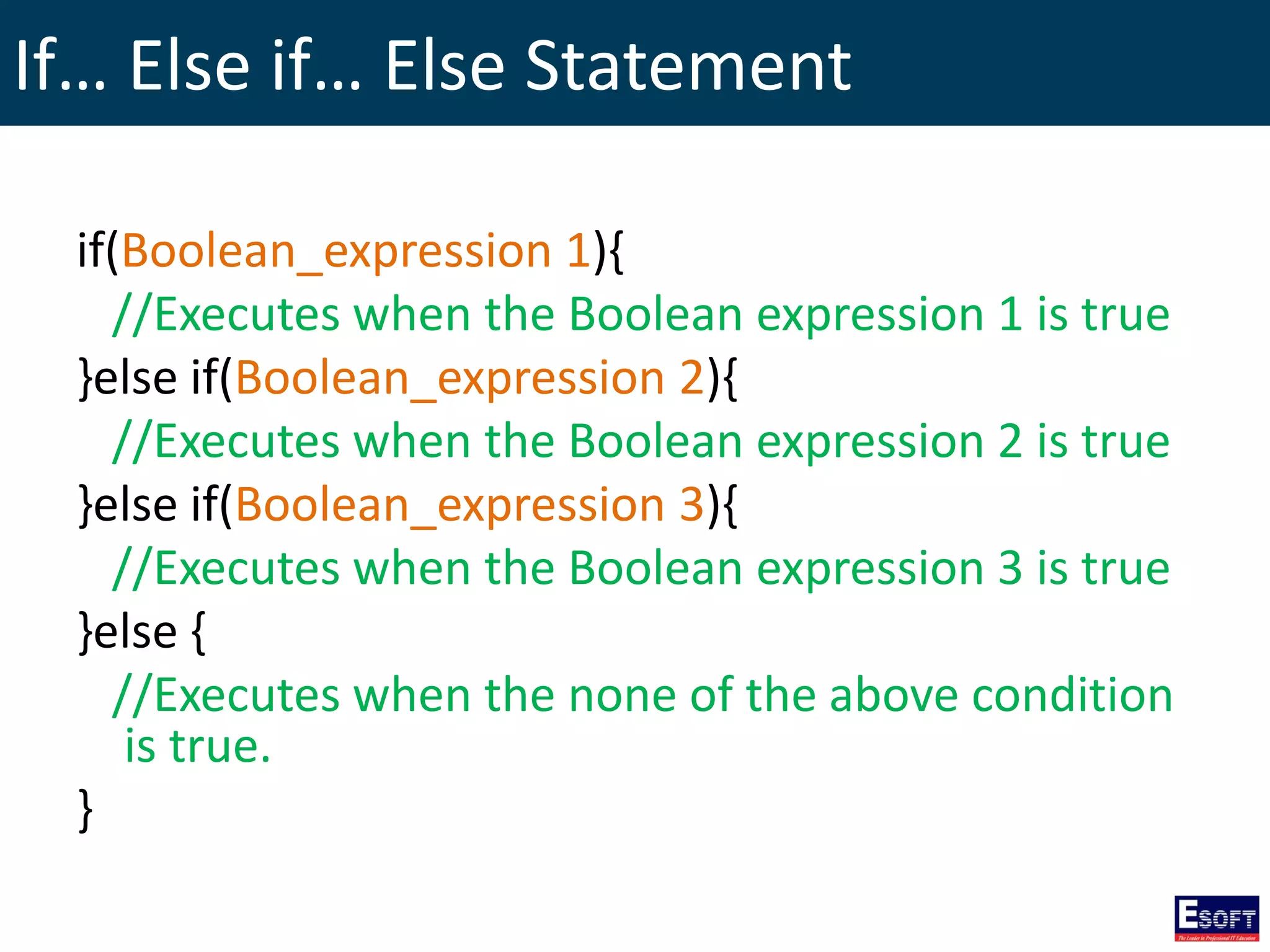
If… Else if… Else Statement if(Boolean_expression 1){ //Executes when the Boolean expression 1 is true }else if(Boolean_expression 2){ //Executes when the Boolean expression 2 is true }else if(Boolean_expression 3){ //Executes when the Boolean expression 3 is true }else { //Executes when the none of the above condition is true. }
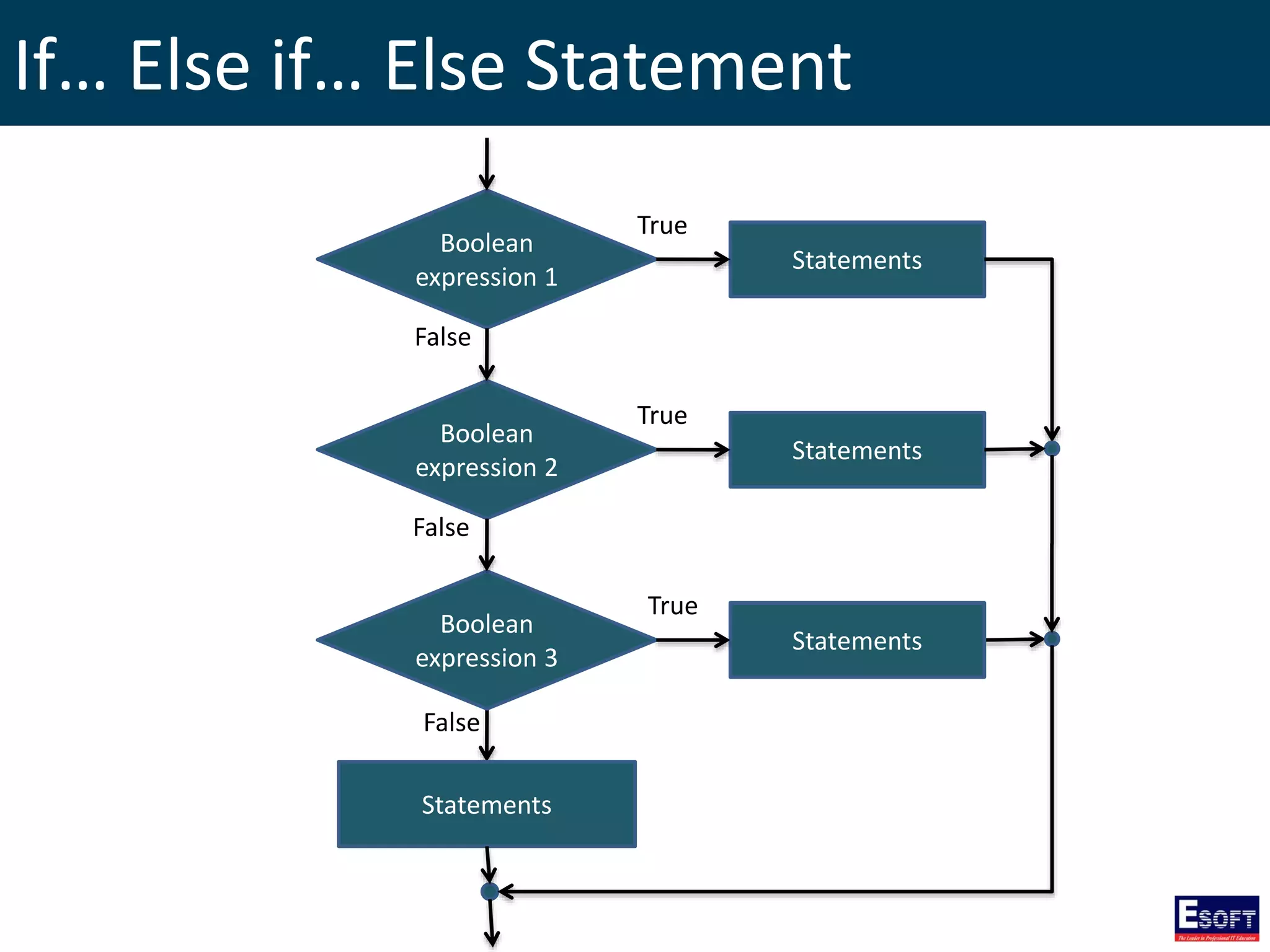
If… Else if… Else Statement Boolean expression 1 False Statements Boolean expression 2 Boolean expression 3 Statements Statements False False Statements True True True
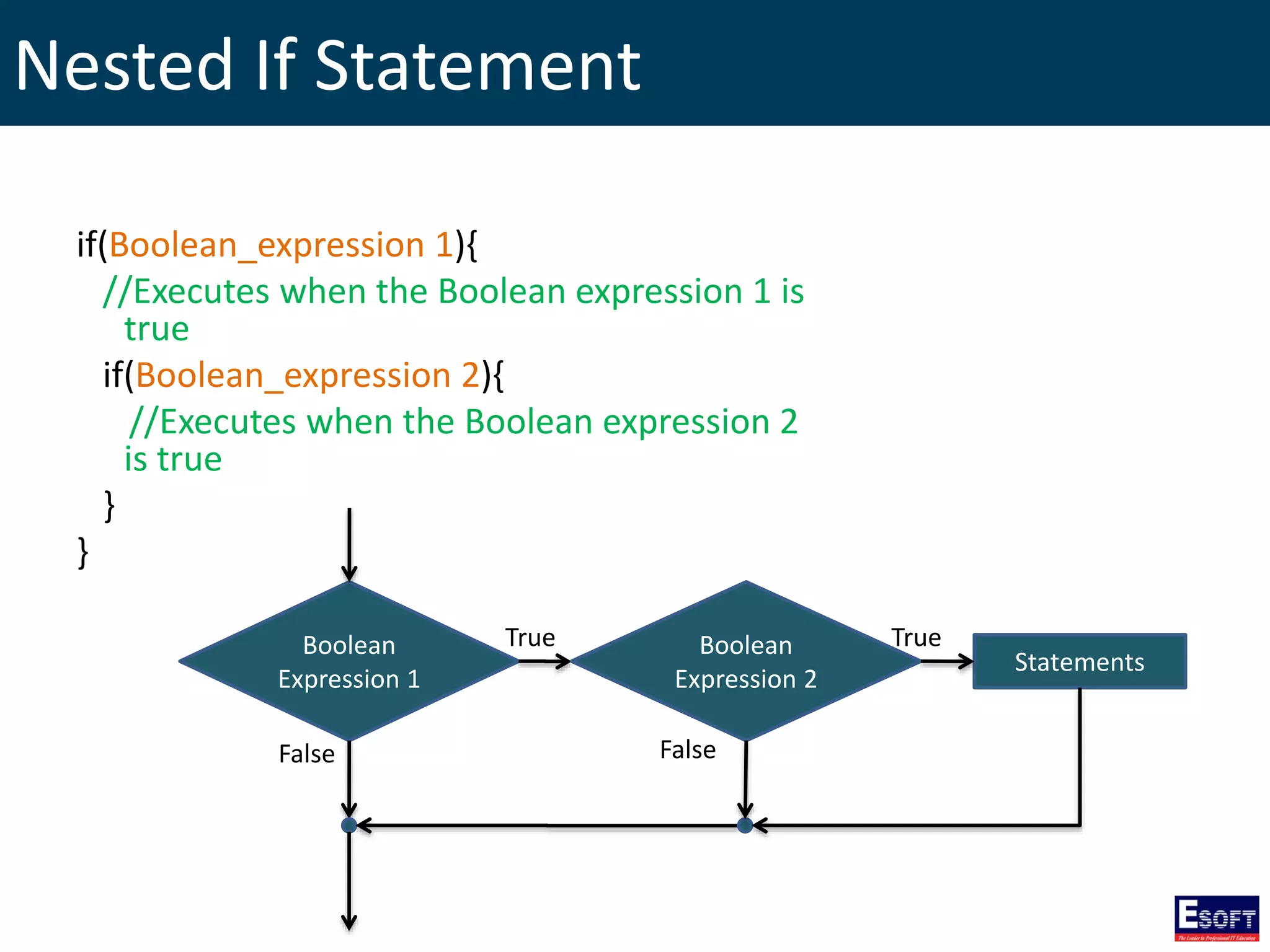
Nested If Statement if(Boolean_expression 1){ //Executes when the Boolean expression 1 is true if(Boolean_expression 2){ //Executes when the Boolean expression 2 is true } } Boolean Expression 1 True False Statements Boolean Expression 2 True False
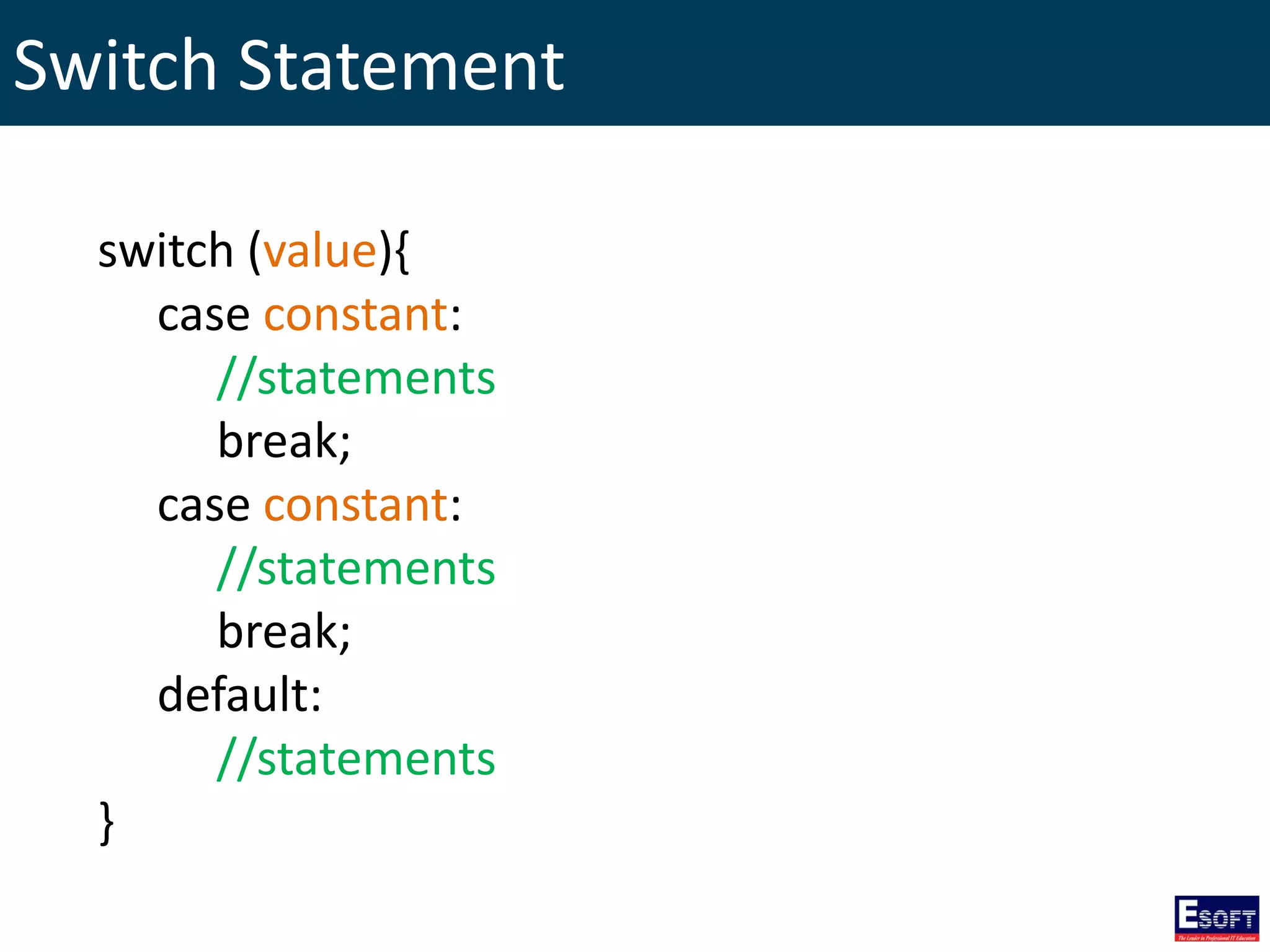
Switch Statement switch (value){ case constant: //statements break; case constant: //statements break; default: //statements }
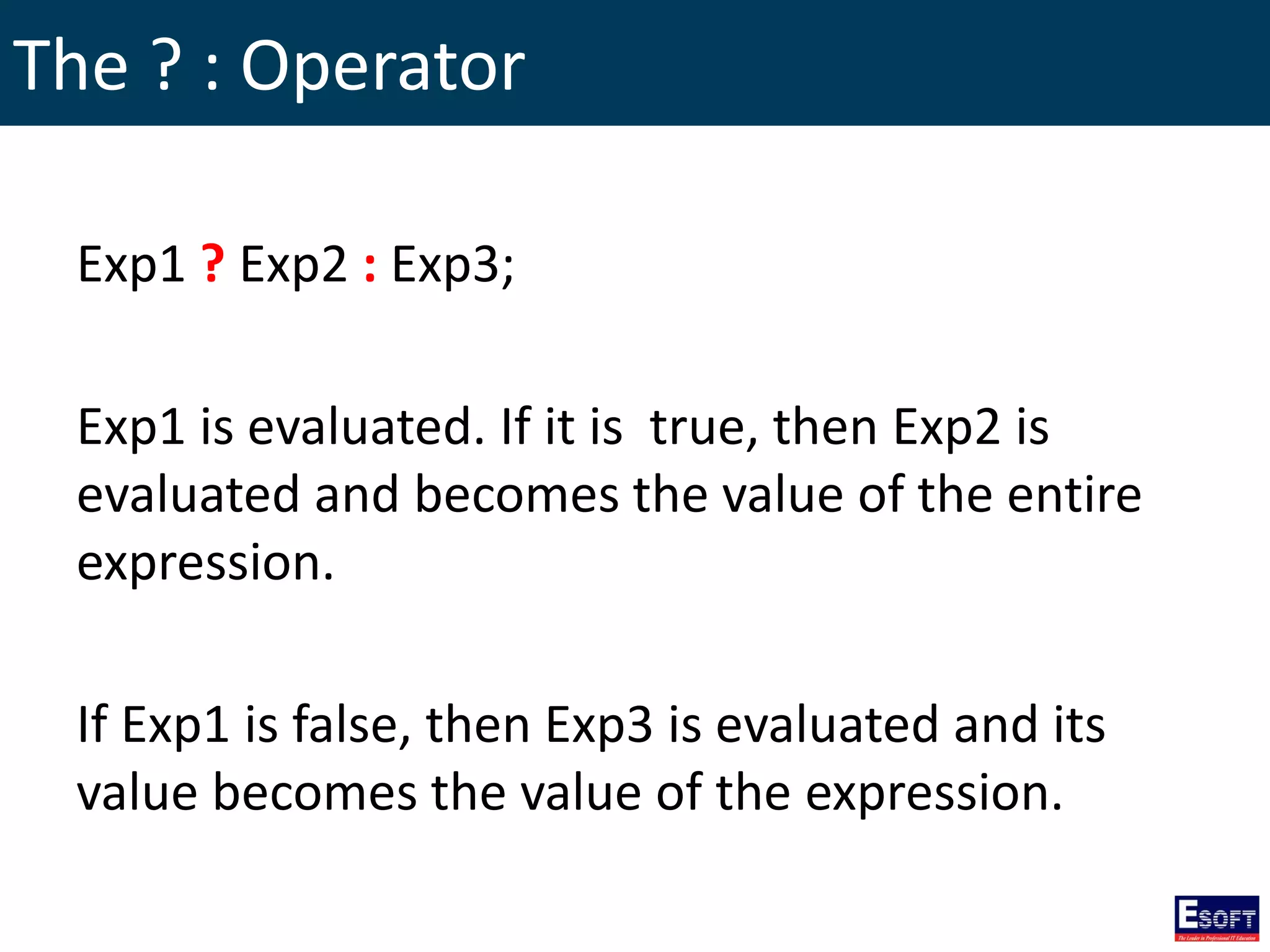
The ? : Operator Exp1 ? Exp2 : Exp3; Exp1 is evaluated. If it is true, then Exp2 is evaluated and becomes the value of the entire expression. If Exp1 is false, then Exp3 is evaluated and its value becomes the value of the expression.
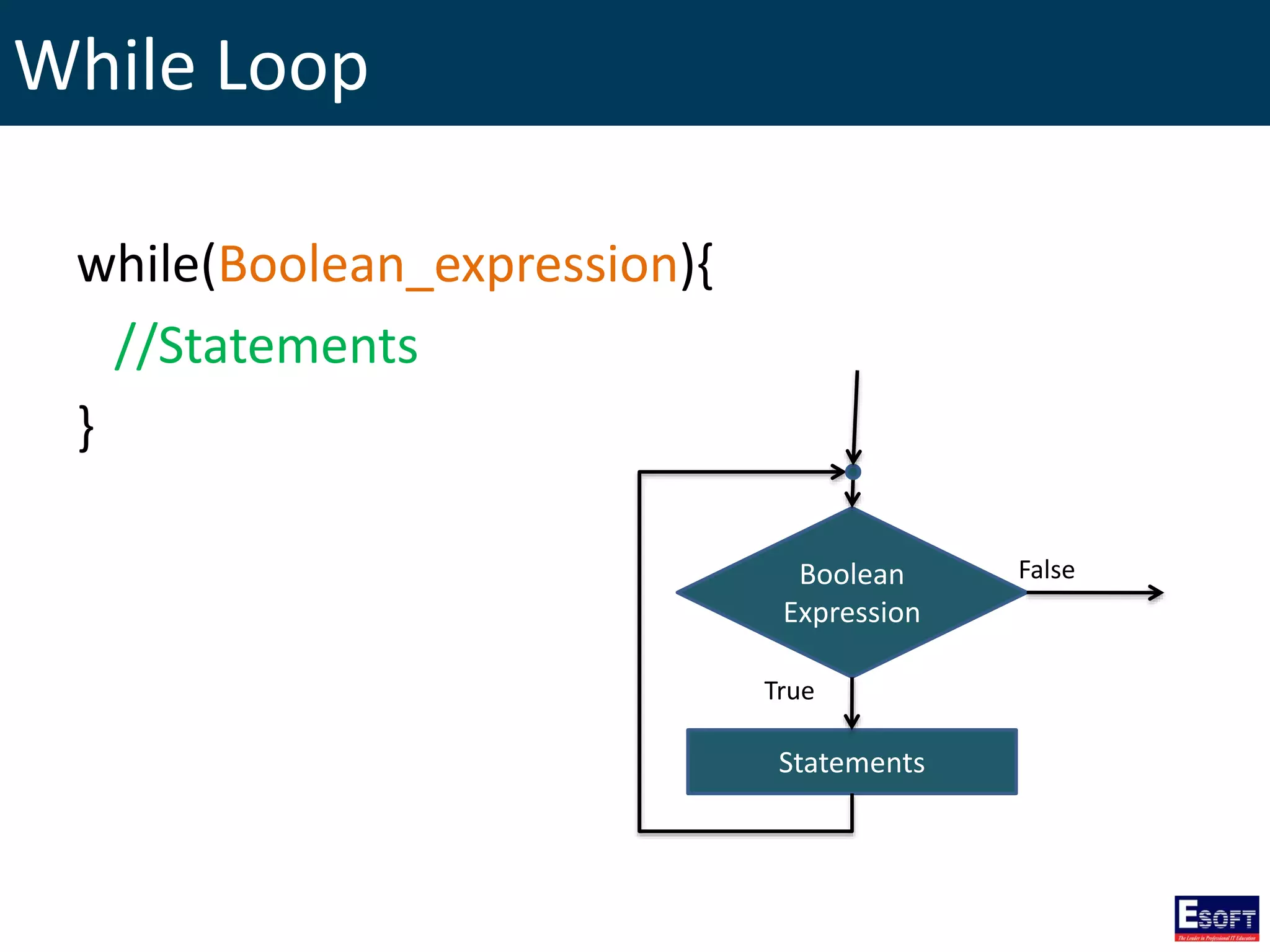
While Loop while(Boolean_expression){ //Statements } Boolean Expression Statements True False
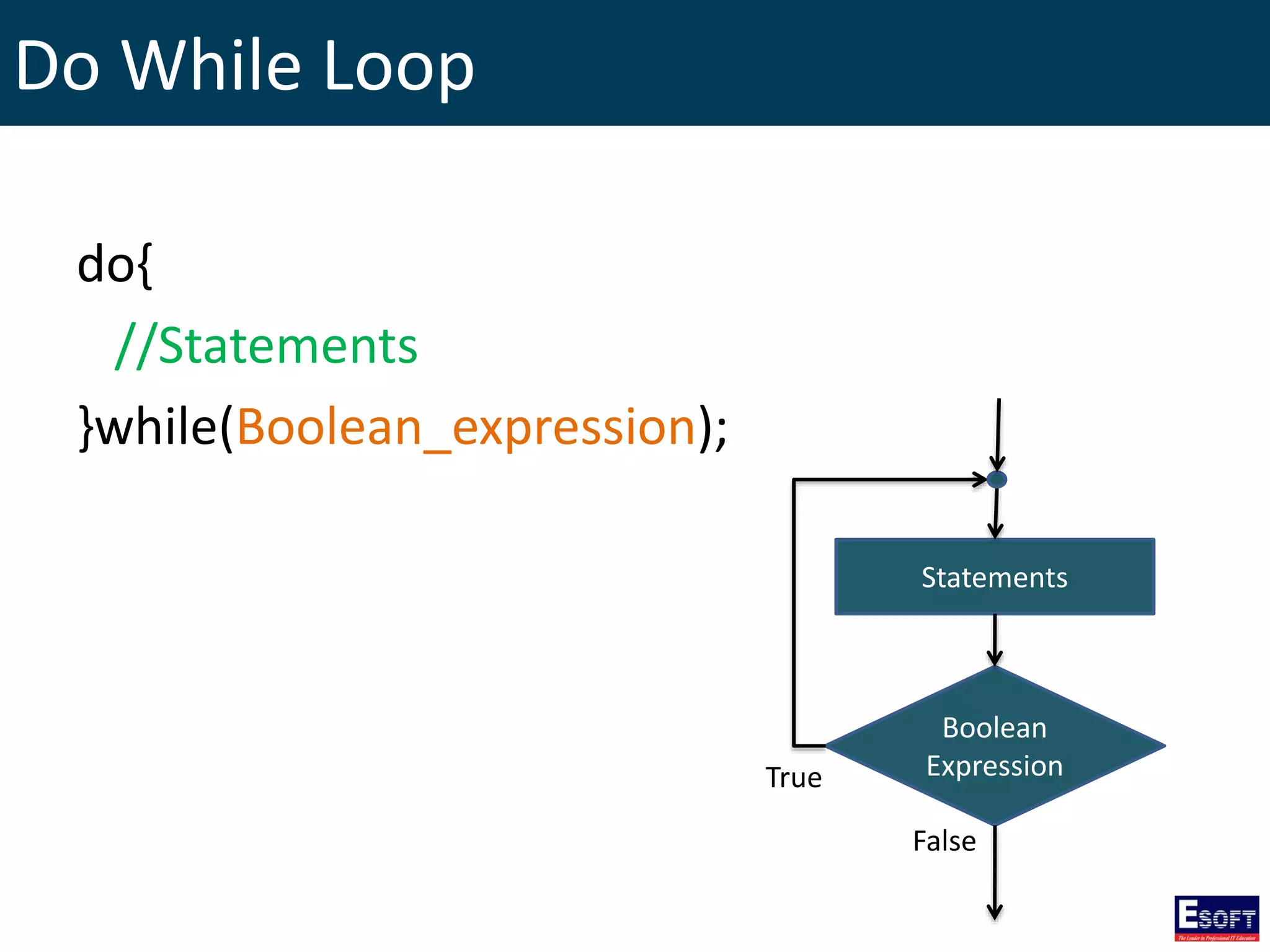
Do While Loop do{ //Statements }while(Boolean_expression); Boolean Expression Statements True False
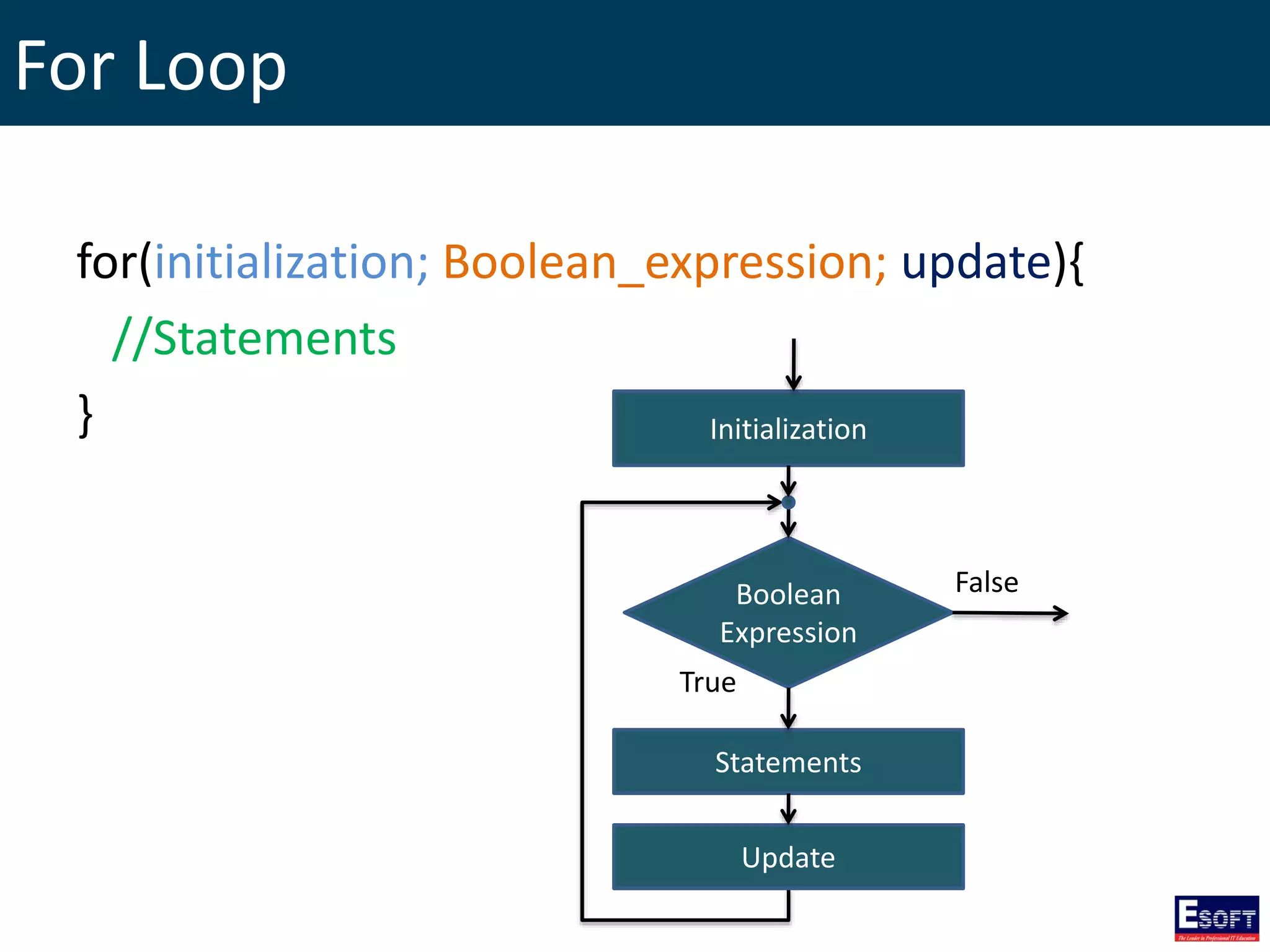
For Loop for(initialization; Boolean_expression; update){ //Statements } Boolean Expression Statements True False Update Initialization
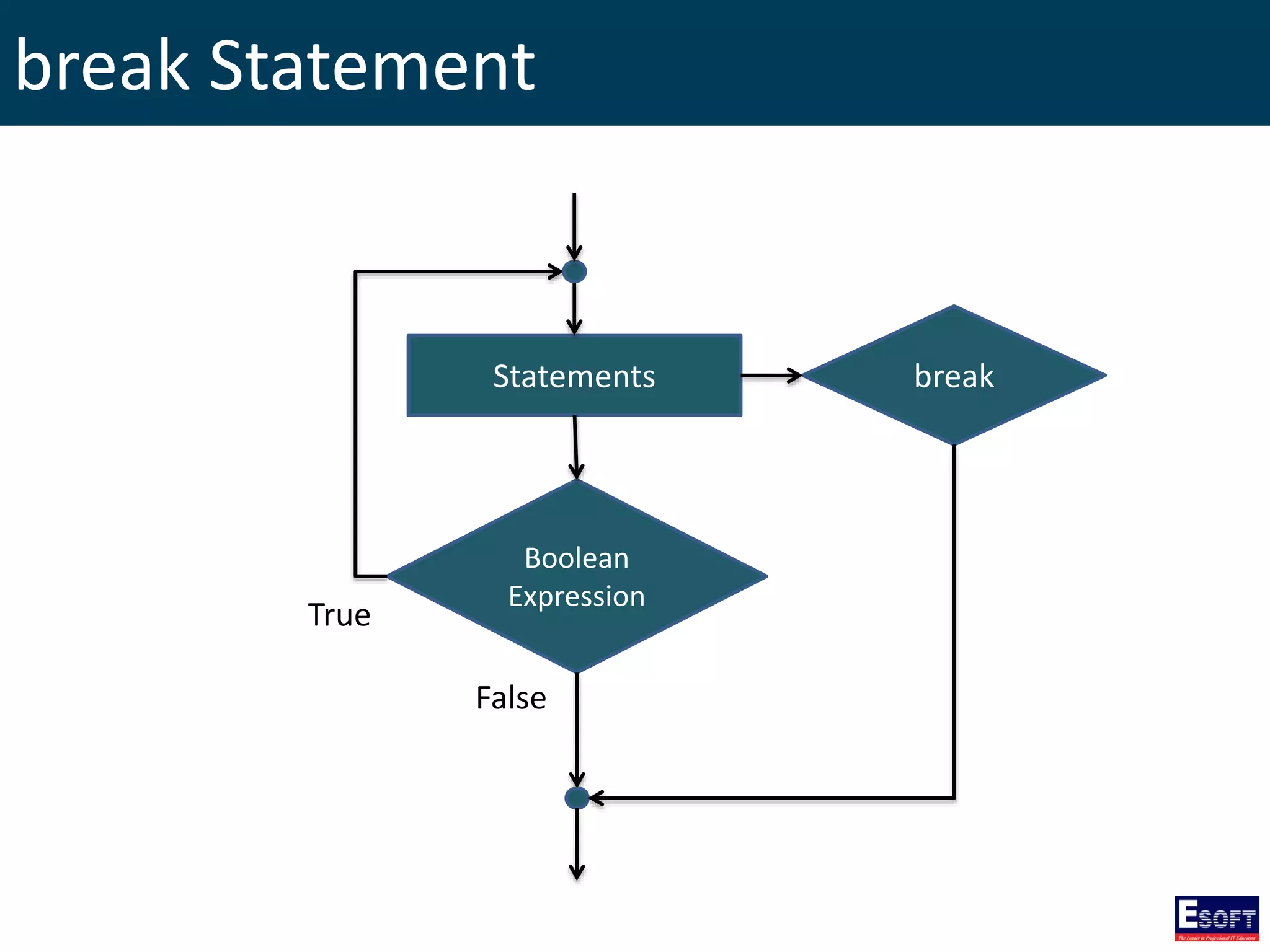
break Statement Boolean Expression Statements True False break
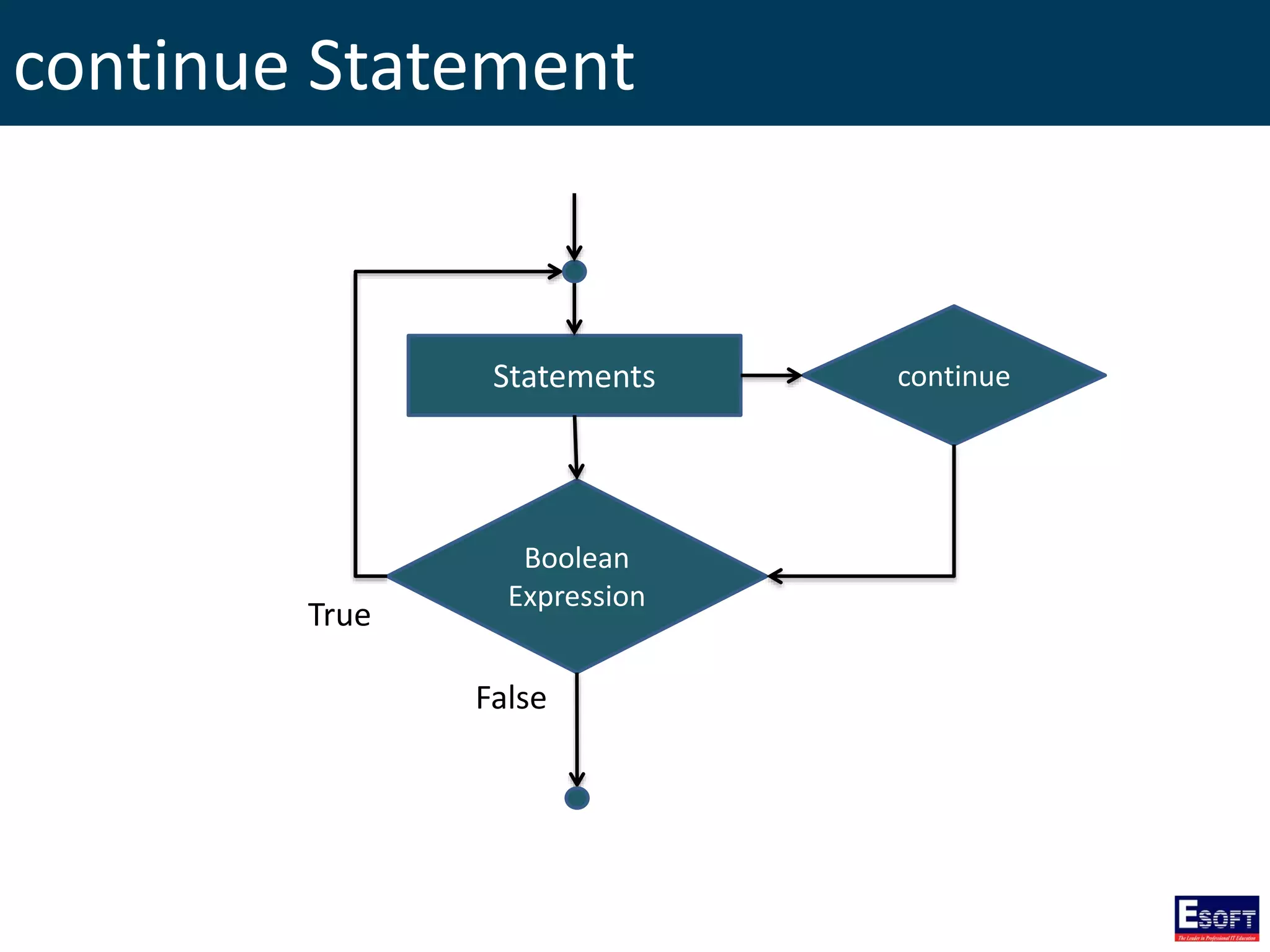
continue Statement Boolean Expression Statements True False continue
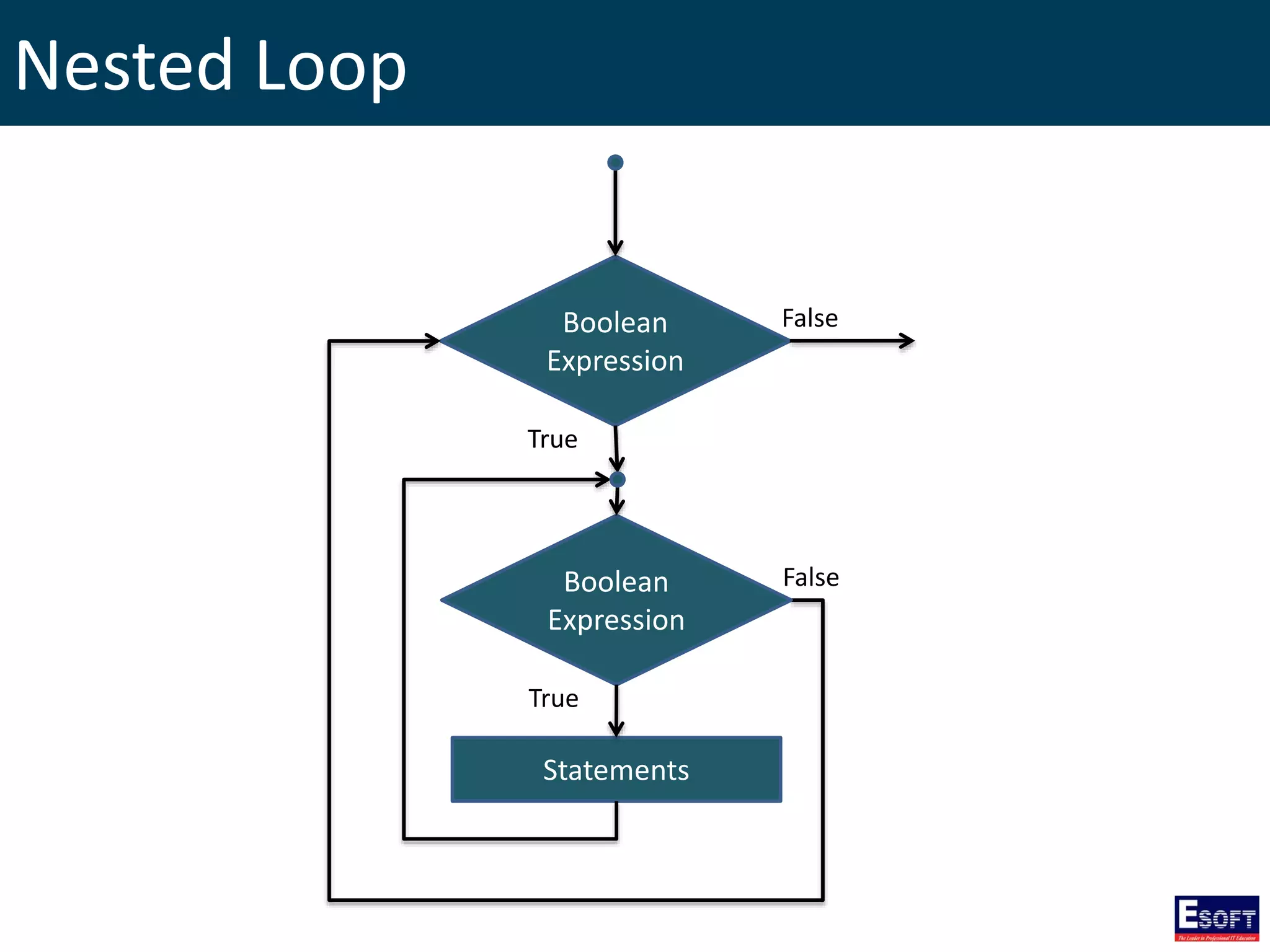
Nested Loop Boolean Expression True False Boolean Expression Statements True False
Functions • Function is a group of statements that together perform a task. • Every C++ program has at least one function, which is main()
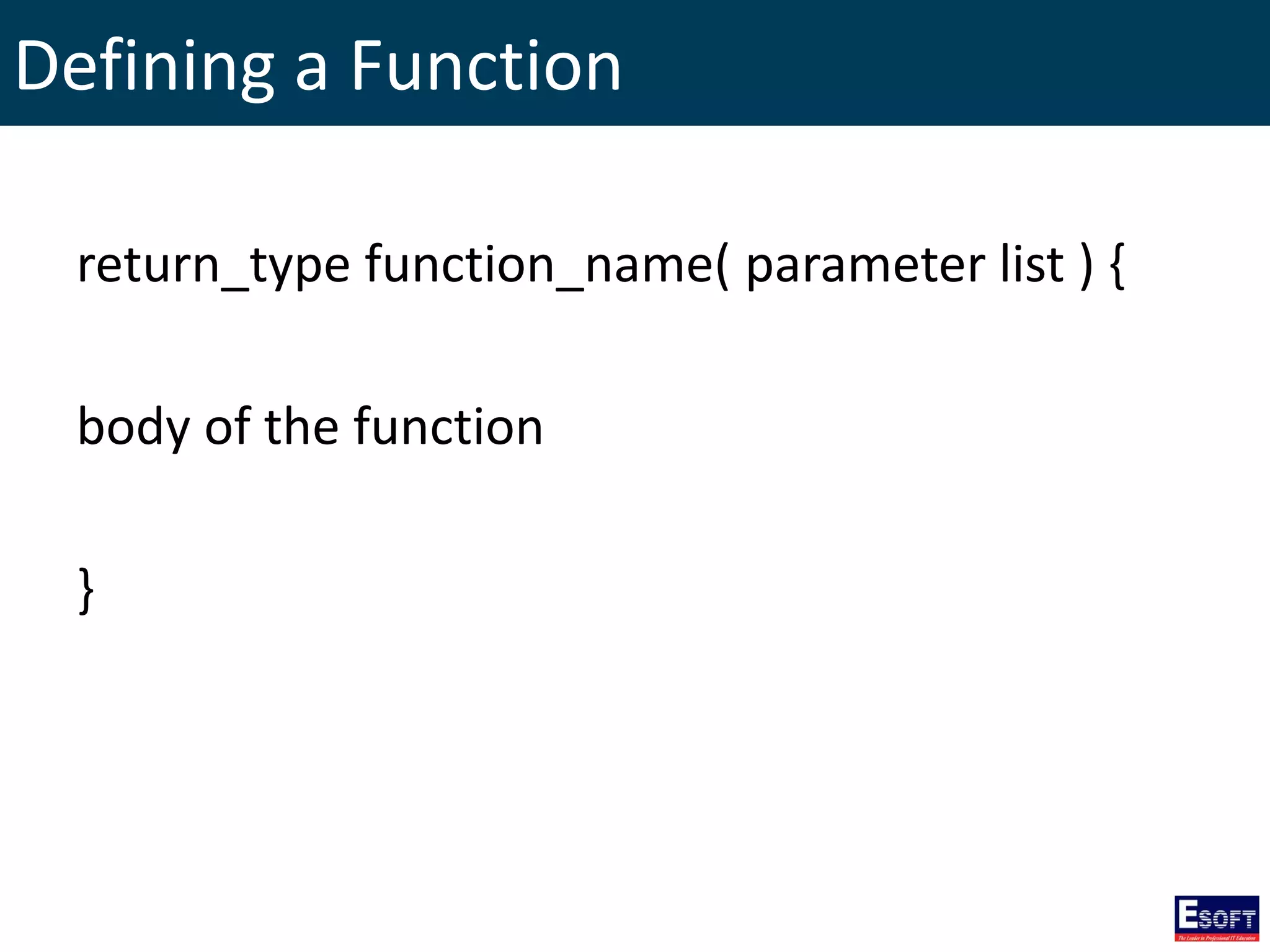
Defining a Function return_type function_name( parameter list ) { body of the function }
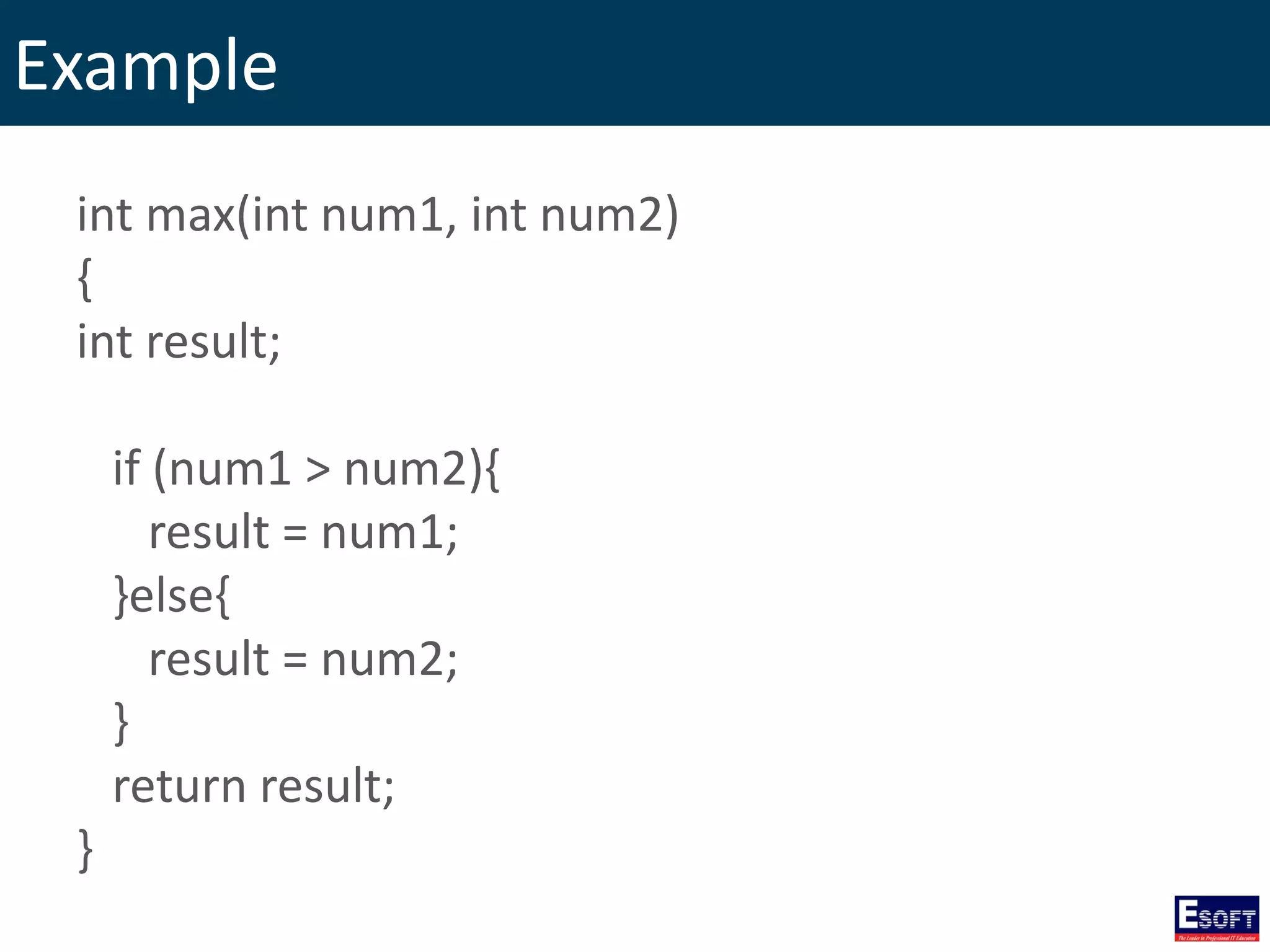
Example int max(int num1, int num2) { int result; if (num1 > num2){ result = num1; }else{ result = num2; } return result; }
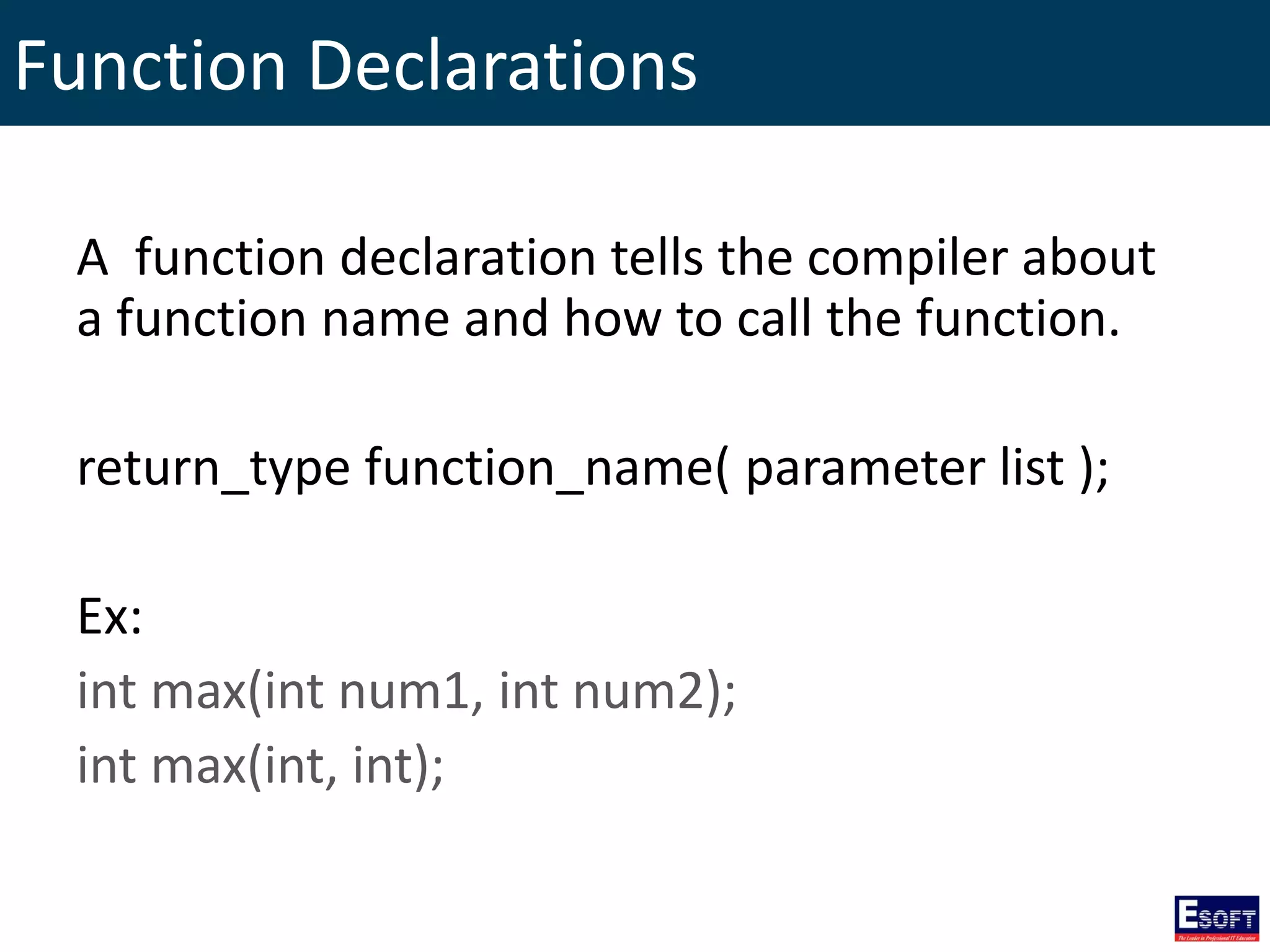
Function Declarations A function declaration tells the compiler about a function name and how to call the function. return_type function_name( parameter list ); Ex: int max(int num1, int num2); int max(int, int);
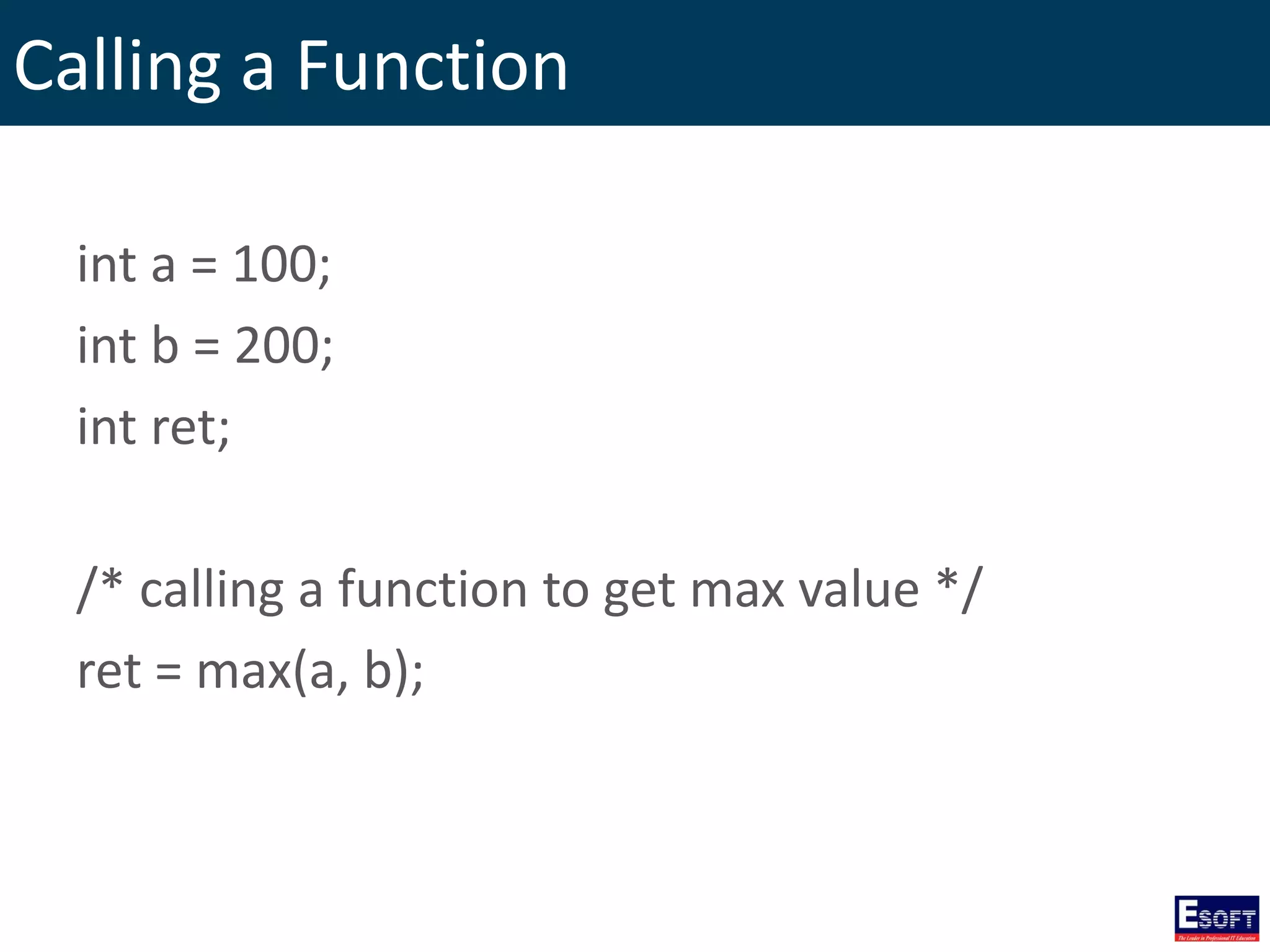
Calling a Function int a = 100; int b = 200; int ret; /* calling a function to get max value */ ret = max(a, b);
Function Arguments • Function call by value • Function call by pointer • Function call by reference
Function call by value passing arguments to a function copies the actual value of an argument into the formal parameter of the function.
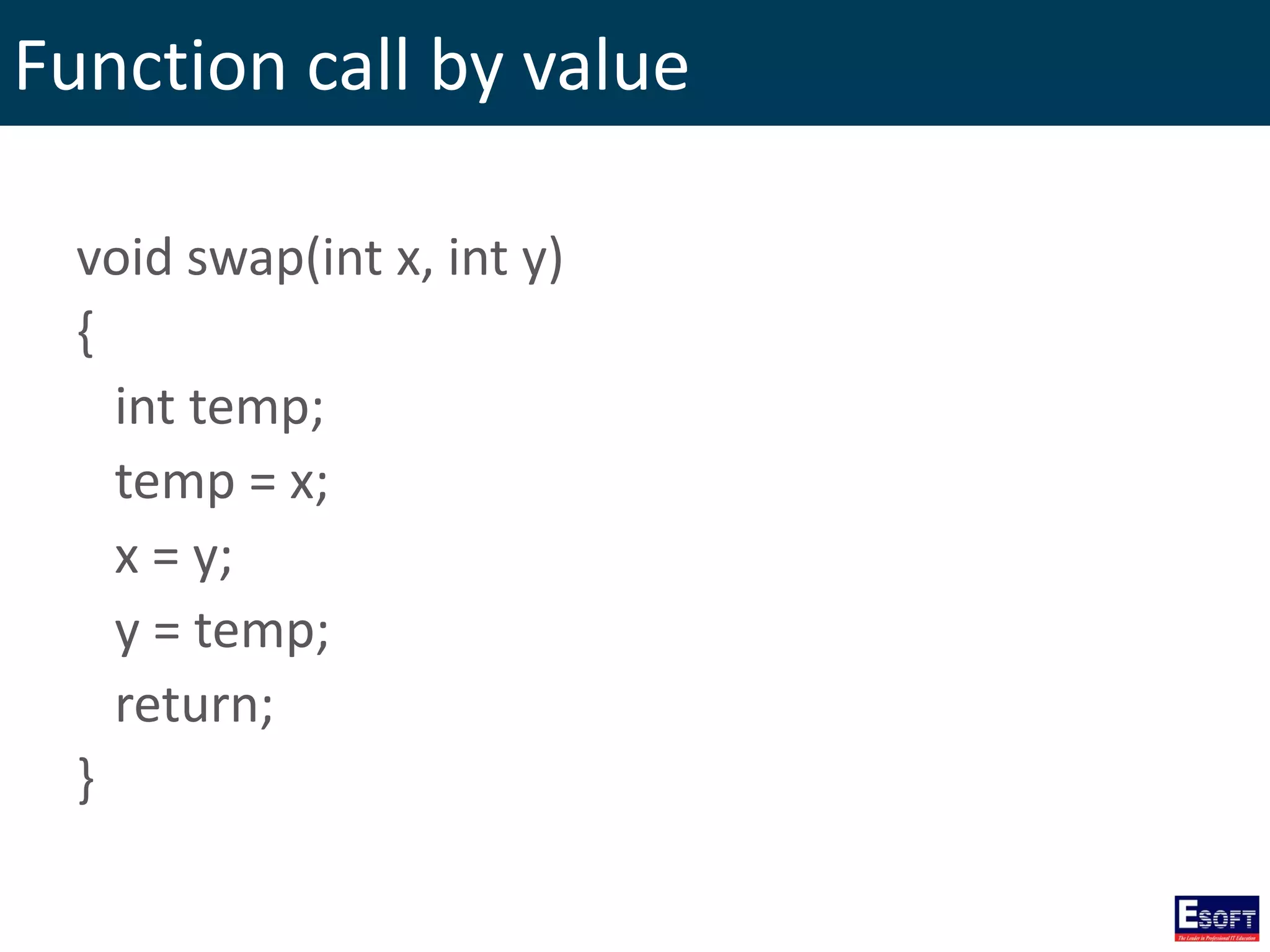
Function call by value void swap(int x, int y) { int temp; temp = x; x = y; y = temp; return; }
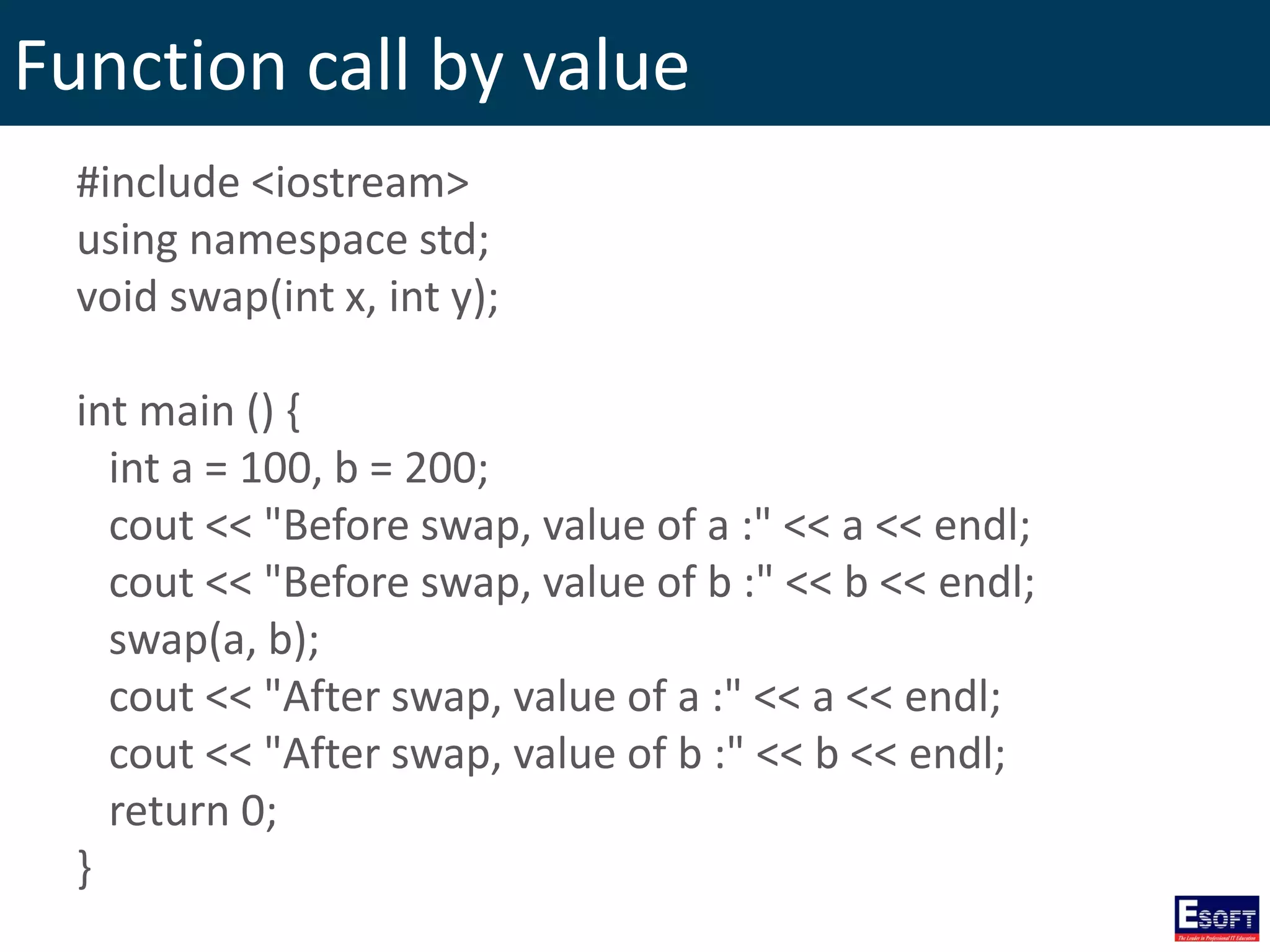
Function call by value #include <iostream> using namespace std; void swap(int x, int y); int main () { int a = 100, b = 200; cout << "Before swap, value of a :" << a << endl; cout << "Before swap, value of b :" << b << endl; swap(a, b); cout << "After swap, value of a :" << a << endl; cout << "After swap, value of b :" << b << endl; return 0; }
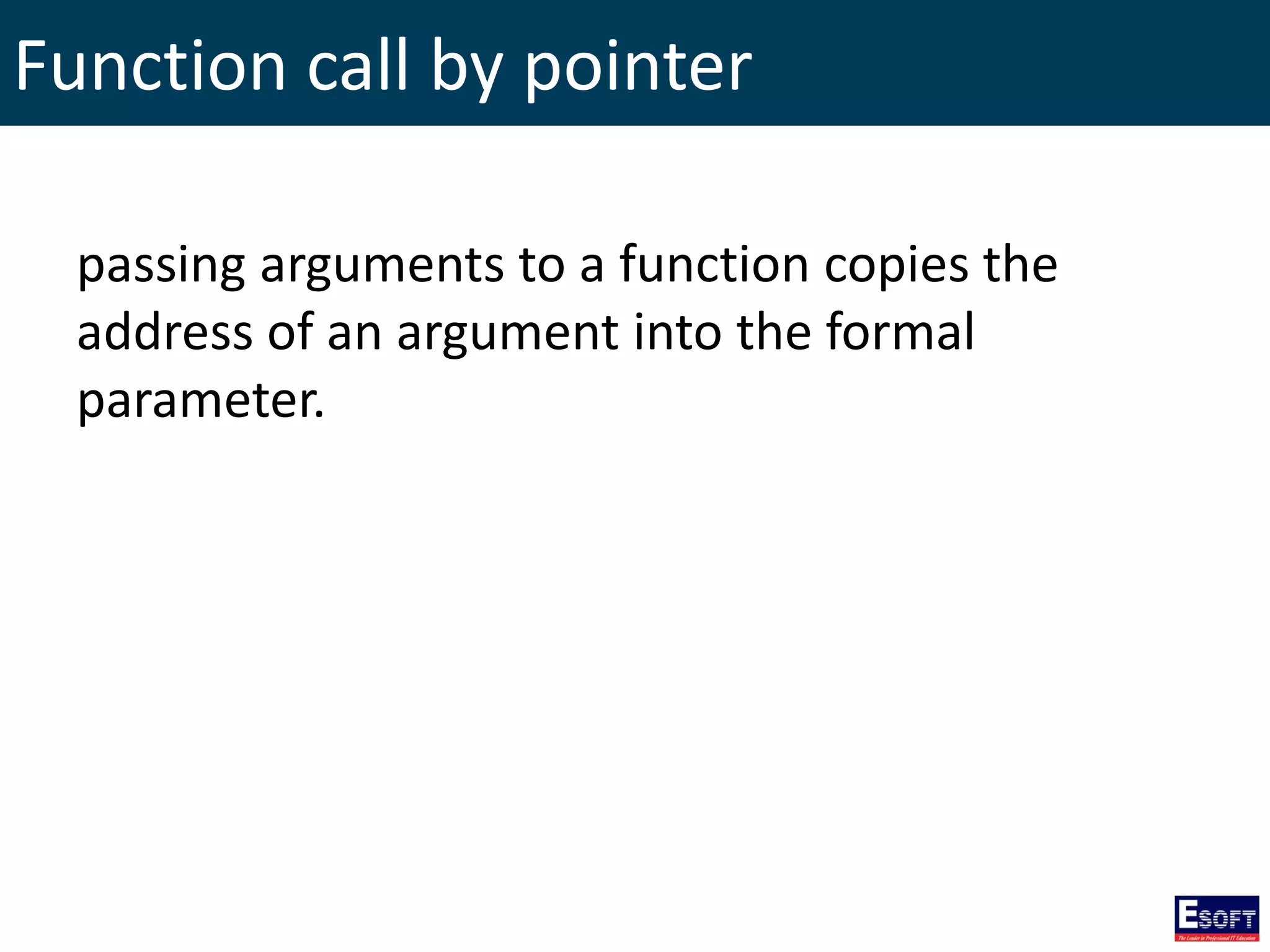
Function call by pointer passing arguments to a function copies the address of an argument into the formal parameter.
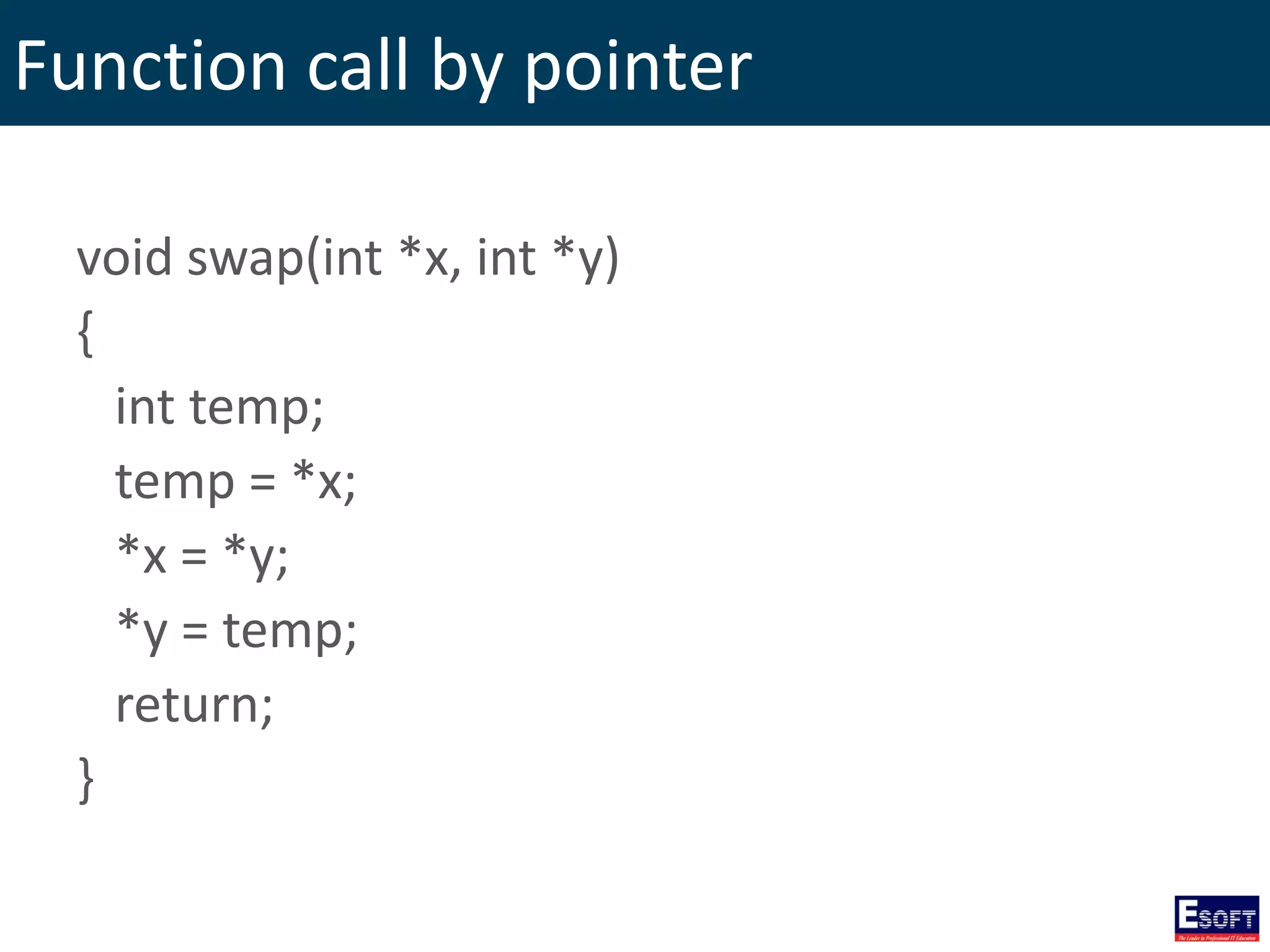
Function call by pointer void swap(int *x, int *y) { int temp; temp = *x; *x = *y; *y = temp; return; }
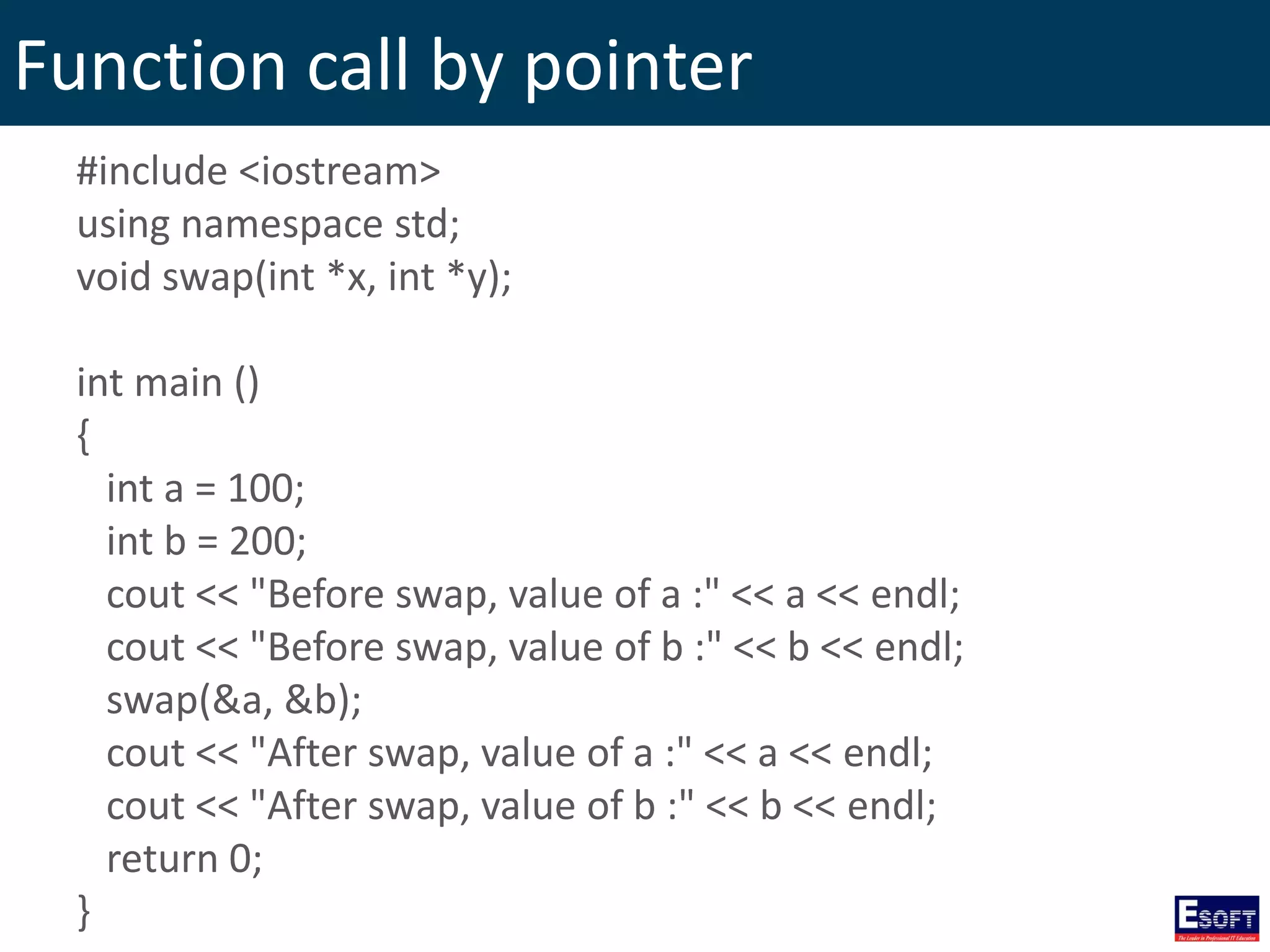
Function call by pointer #include <iostream> using namespace std; void swap(int *x, int *y); int main () { int a = 100; int b = 200; cout << "Before swap, value of a :" << a << endl; cout << "Before swap, value of b :" << b << endl; swap(&a, &b); cout << "After swap, value of a :" << a << endl; cout << "After swap, value of b :" << b << endl; return 0; }
Function call by reference The call by reference method of passing arguments to a function copies the reference of an argument into the formal parameter.
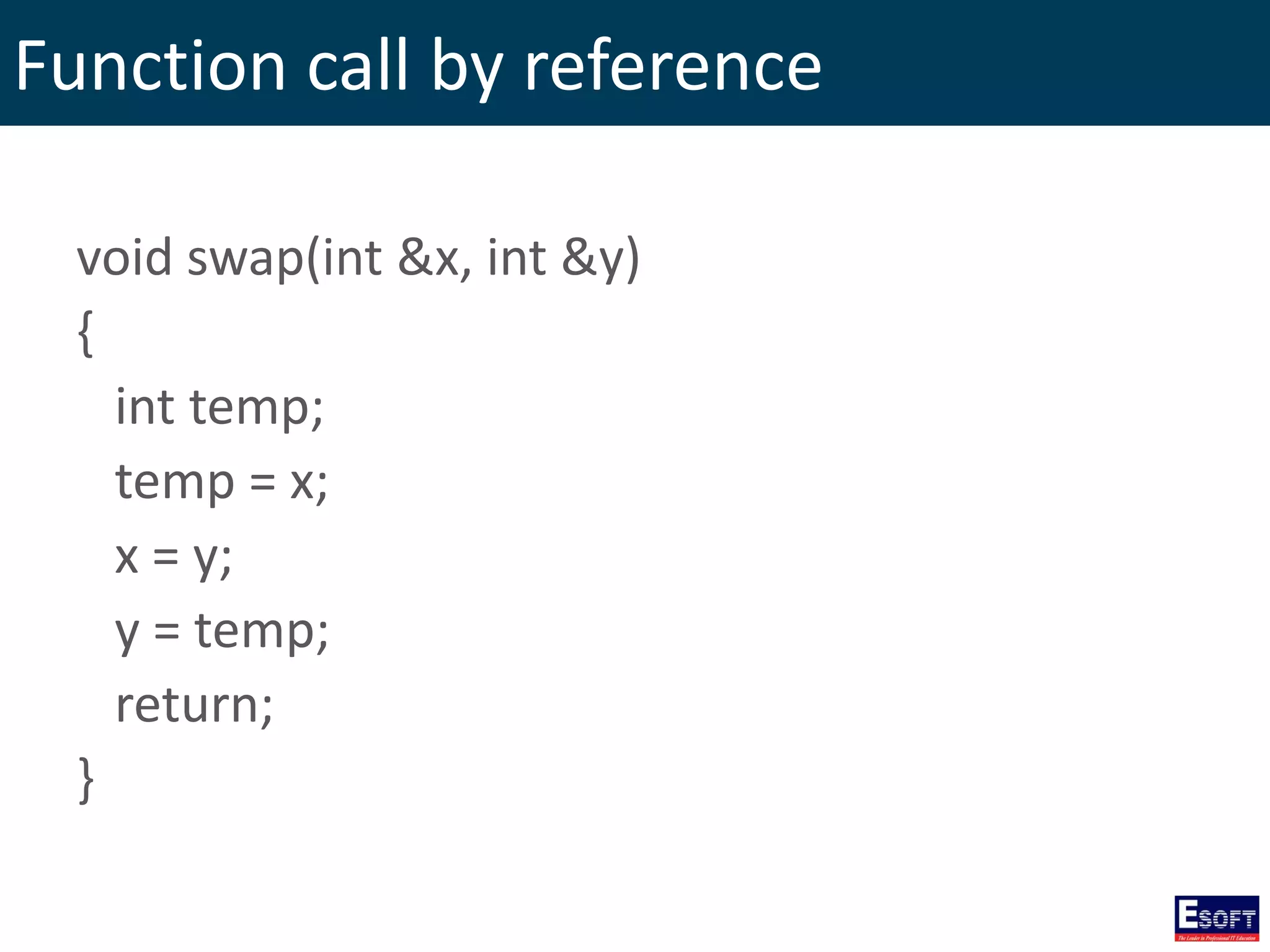
Function call by reference void swap(int &x, int &y) { int temp; temp = x; x = y; y = temp; return; }
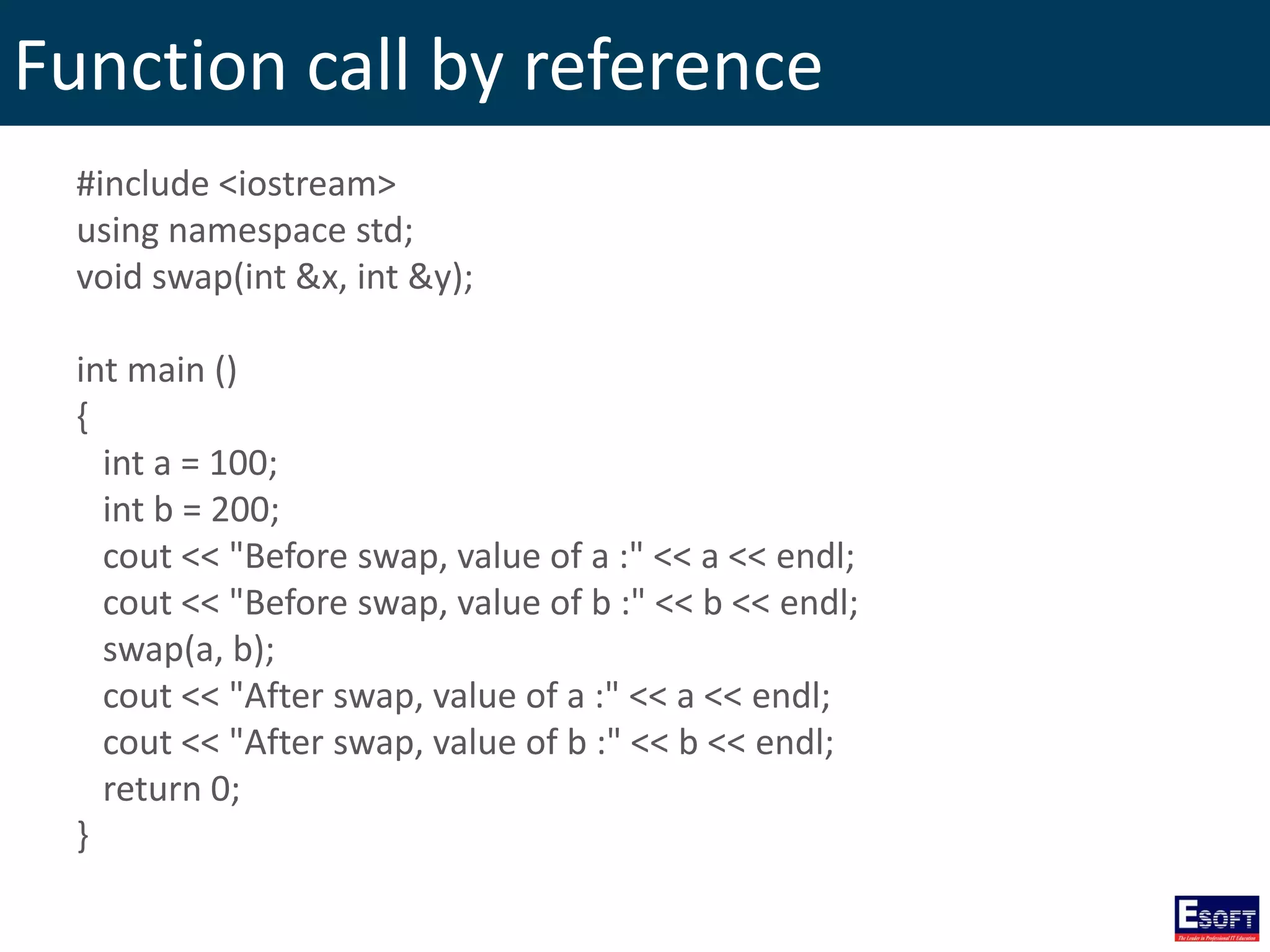
Function call by reference #include <iostream> using namespace std; void swap(int &x, int &y); int main () { int a = 100; int b = 200; cout << "Before swap, value of a :" << a << endl; cout << "Before swap, value of b :" << b << endl; swap(a, b); cout << "After swap, value of a :" << a << endl; cout << "After swap, value of b :" << b << endl; return 0; }
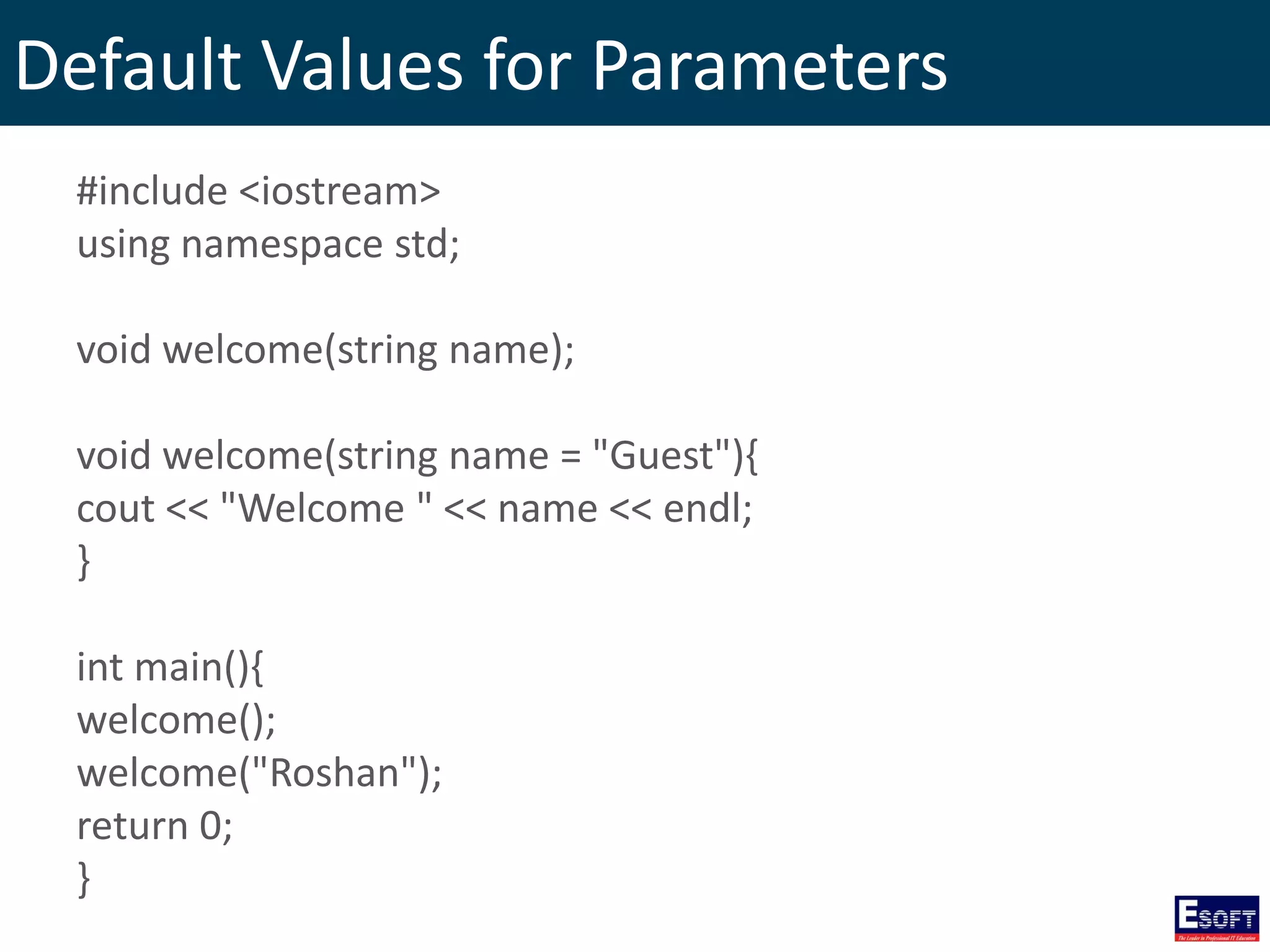
Default Values for Parameters • When you define a function, you can specify a default value for each. • This value will be used if the corresponding argument is left blank when calling to the function.
Default Values for Parameters #include <iostream> using namespace std; void welcome(string name); void welcome(string name = "Guest"){ cout << "Welcome " << name << endl; } int main(){ welcome(); welcome("Roshan"); return 0; }
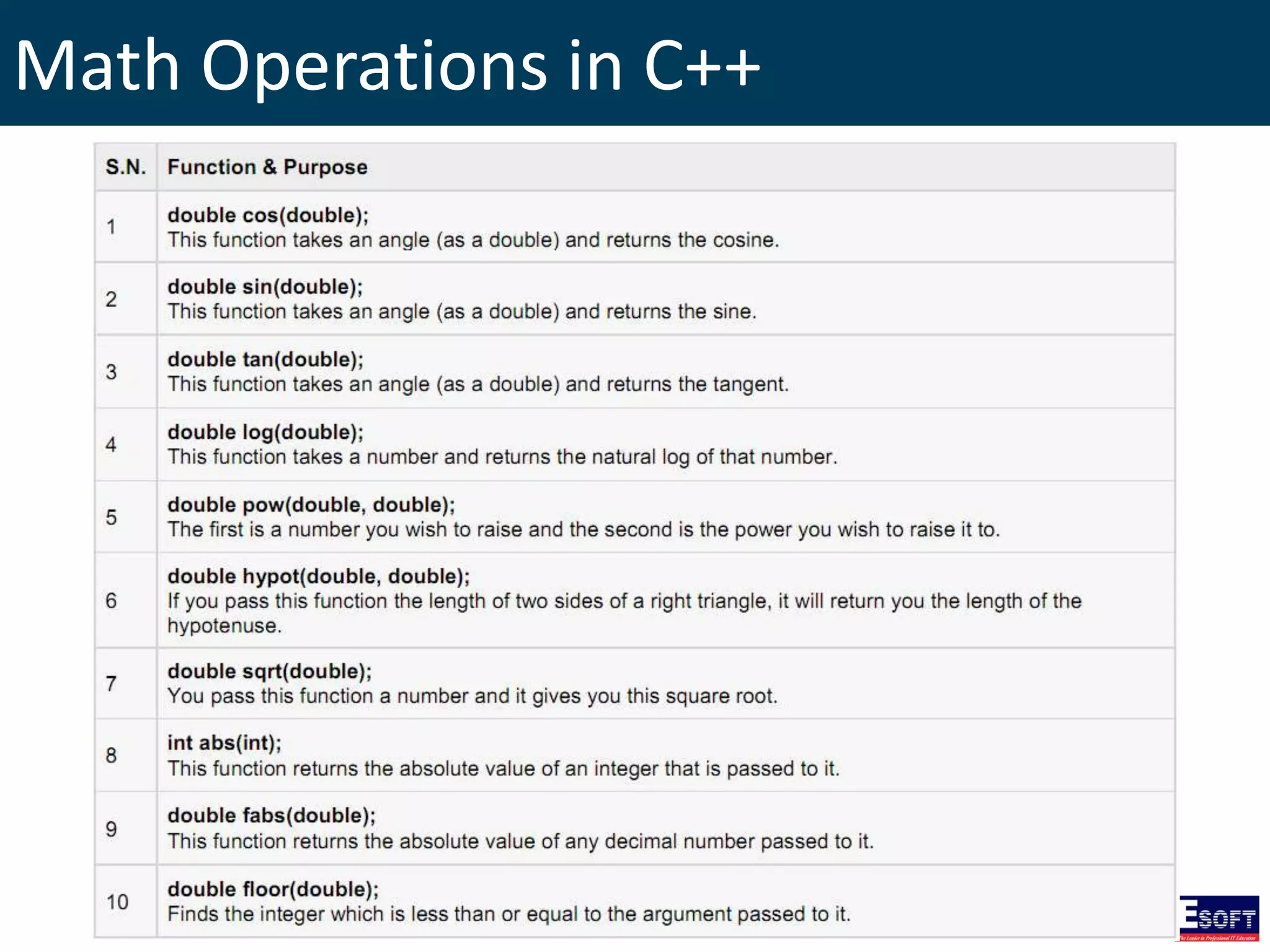
Math Operations in C++ • C++ has a rich set of mathematical operations, which can be performed on various numbers. • To utilize these functions you need to include the math header file <cmath>.
Math Operations in C++
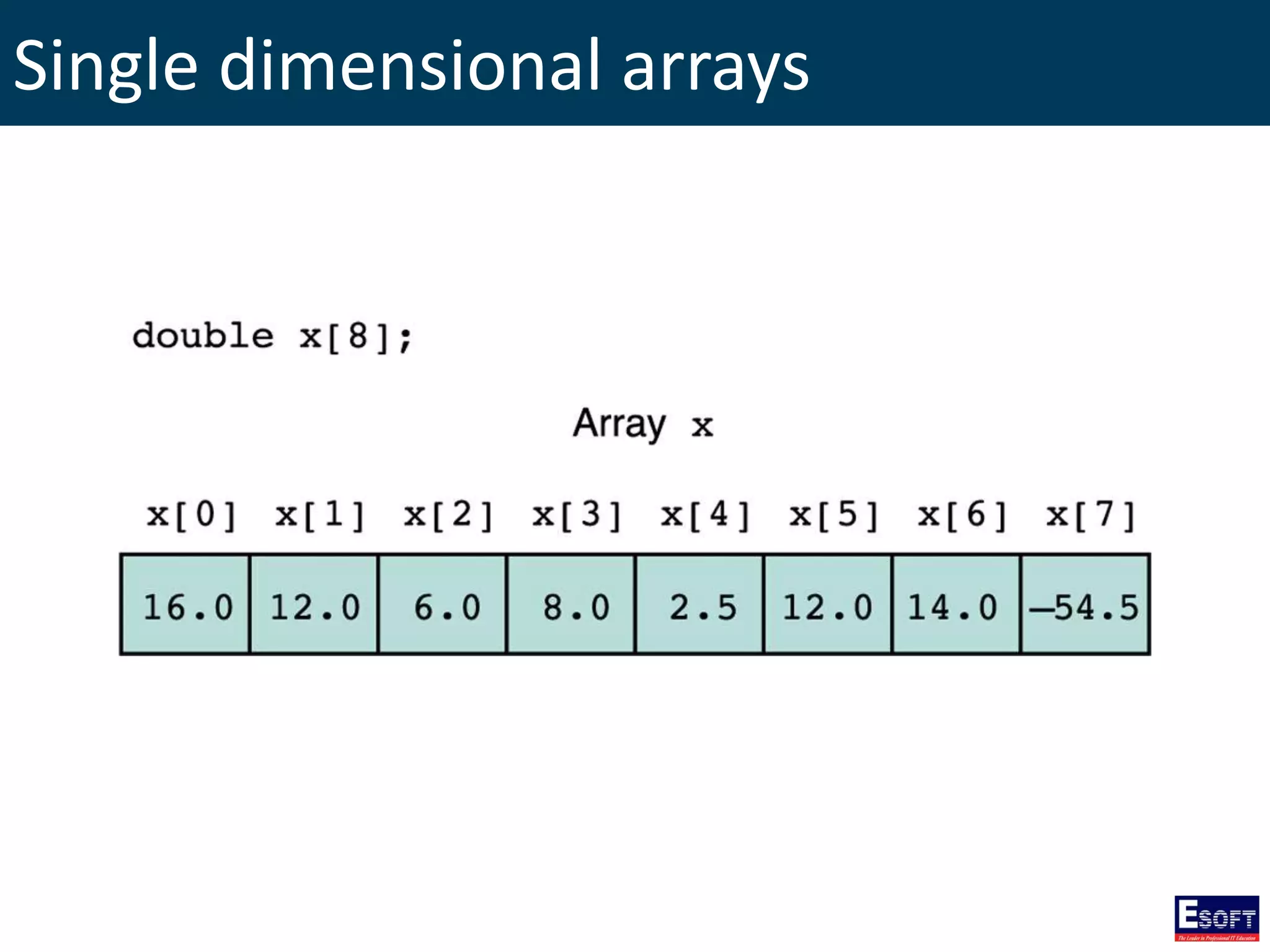
Arrays • An Array is a data structure which can store a fixed size sequential collection of elements of the same type. • An array is used to store a collection of data.
Single dimensional arrays
Declaring Arrays type arrayName [ arraySize ]; Ex: double balance[10];
Initializing Arrays double balance[5] = {1000.0, 2.0, 3.4, 17.0, 50.0}; If you omit the size of the array, an array just big enough to hold the initialization is created. double balance[] = {1000.0, 2.0, 3.4, 17.0, 50.0};
Accessing Array Elements An element is accessed by indexing the array name. double salary = balance[0];
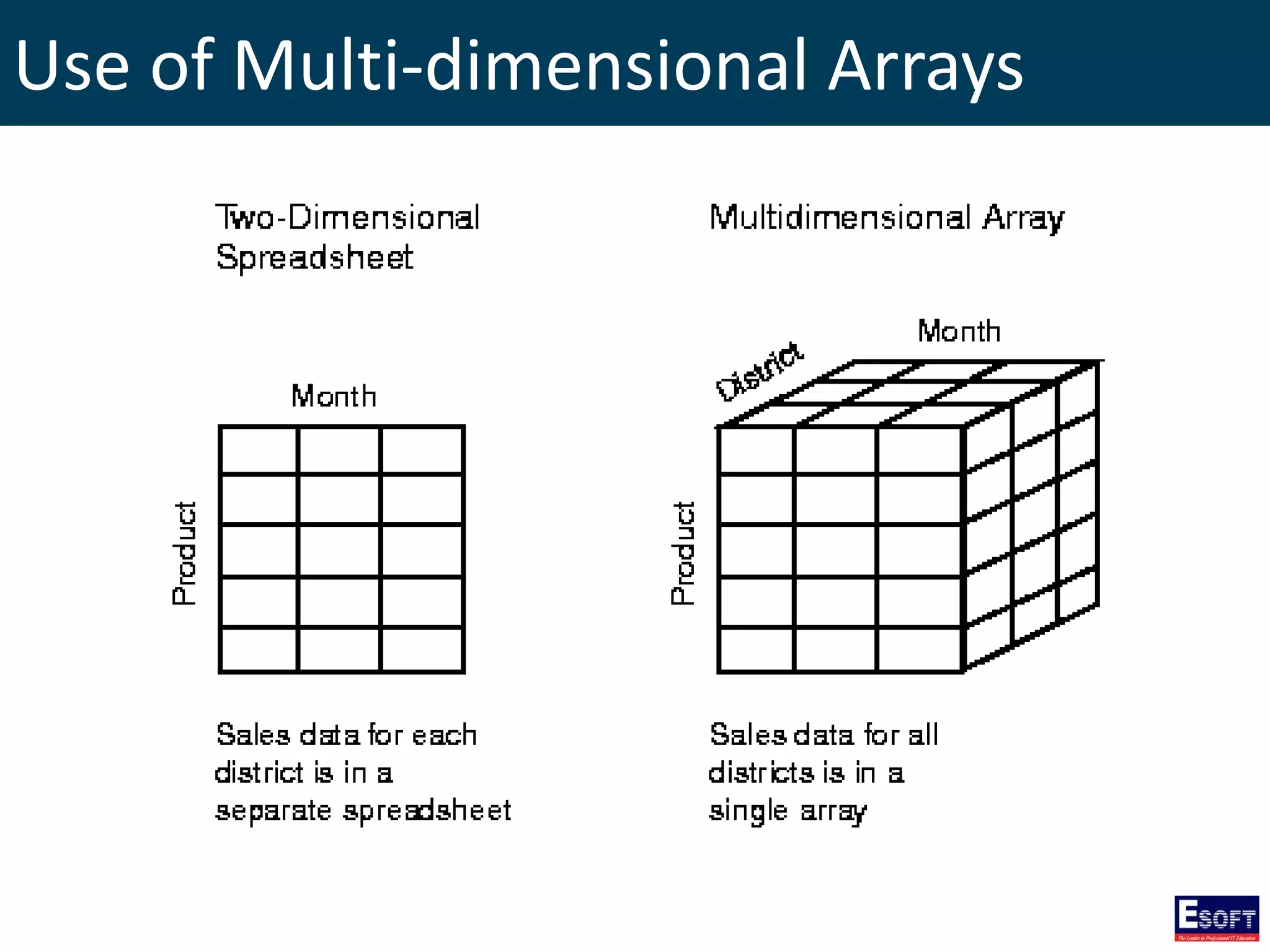
Multi-dimensional Arrays C++ programming language allows multidimensional arrays. Here is the general form of a multidimensional array declaration: type name[size1][size2]...[sizeN];
Use of Multi-dimensional Arrays
Two-Dimensional Arrays Declaring a two dimensional array of size x, y type arrayName [ x ][ y ];
Initializing Two-Dimensional Arrays int a[3][4] = { {0, 1, 2, 3} , {4, 5, 6, 7} , {8, 9, 10, 11} }; int a[3][4] = {0,1,2,3,4,5,6,7,8,9,10,11};
Accessing Two-Dimensional Array Elements An element in two dimensional array is accessed by using row index and column index of the array. int val = a[2][3];
Passing Arrays as Function Arguments Formal parameters as a pointer void myFunction(int *param) { } Formal parameters as a sized array void myFunction(int param[10]) { } Formal parameters as an unsized array void myFunction(int param[]) { }
Return array from function int * myFunction() { static int demo[5] = {20, 40, 50, 10, 60}; return demo; }
Pointer to an Array double balance[5] = {20.50, 65.00, 35.75, 74.25, 60.00}; double *ptr; ptr = balance; int i; cout << "Array values using pointer" << endl; for(i=0; i<=4; i++){ cout << "balance[" << i << "] =" << *(ptr+i) << endl; } cout << "Array values using balance" << endl; for(i=0; i<=4; i++){ cout << "balance[" << i << "] =" << *(balance+i) << endl; }
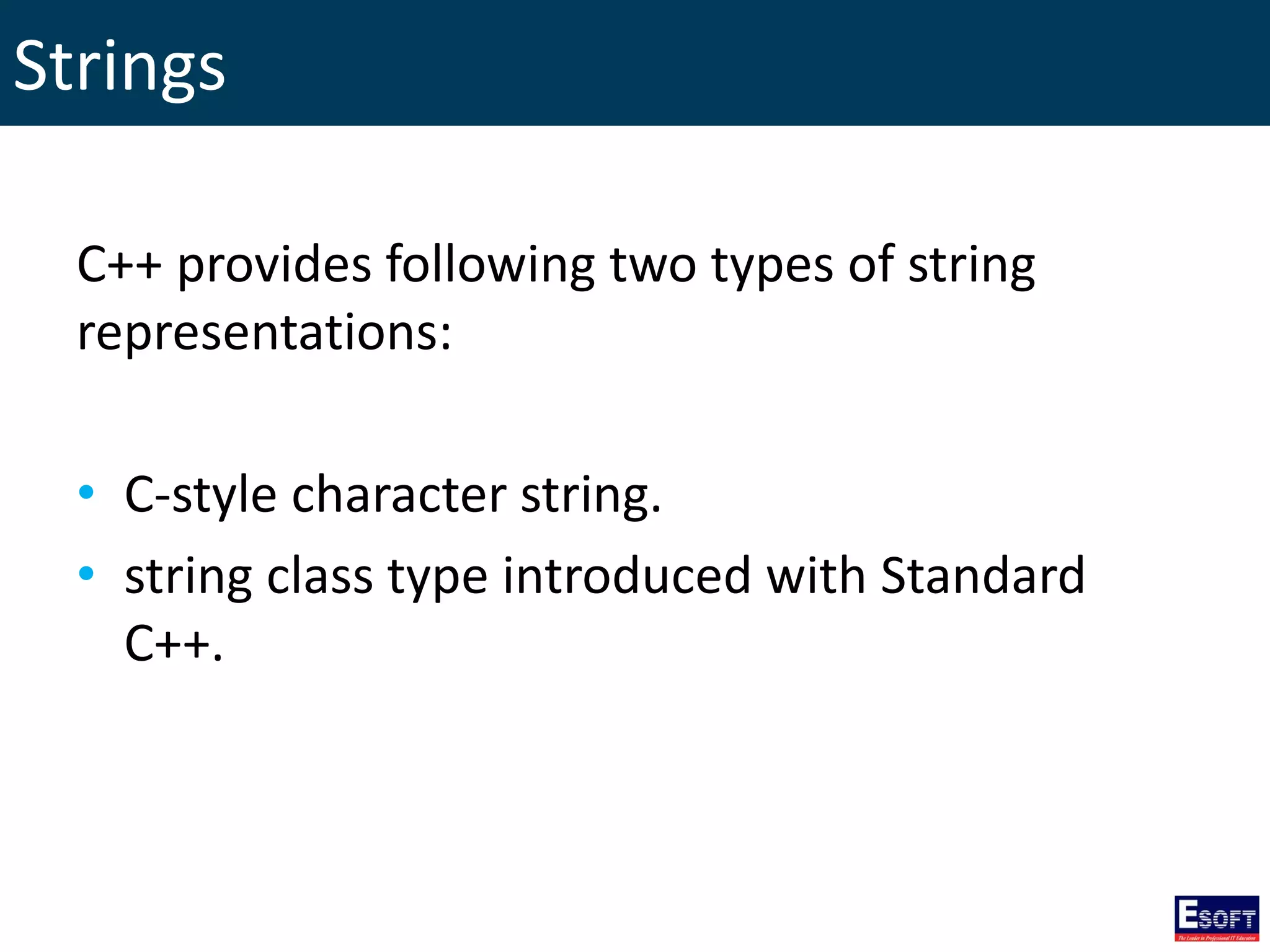
Strings C++ provides following two types of string representations: • C-style character string. • string class type introduced with Standard C++.
C-Style Character String This string is actually a one-dimensional array of characters which is terminated by a null character '0' char greeting[6] = {'H', 'e', 'l', 'l', 'o', '0'}; char greeting[] = "Hello"; // array initialization
C-Style Character String #include <iostream> using namespace std; int main () { char greeting[6] = {'H', 'e', 'l', 'l', 'o', '0'}; cout << "Greeting message: "; cout << greeting << endl; return 0; }
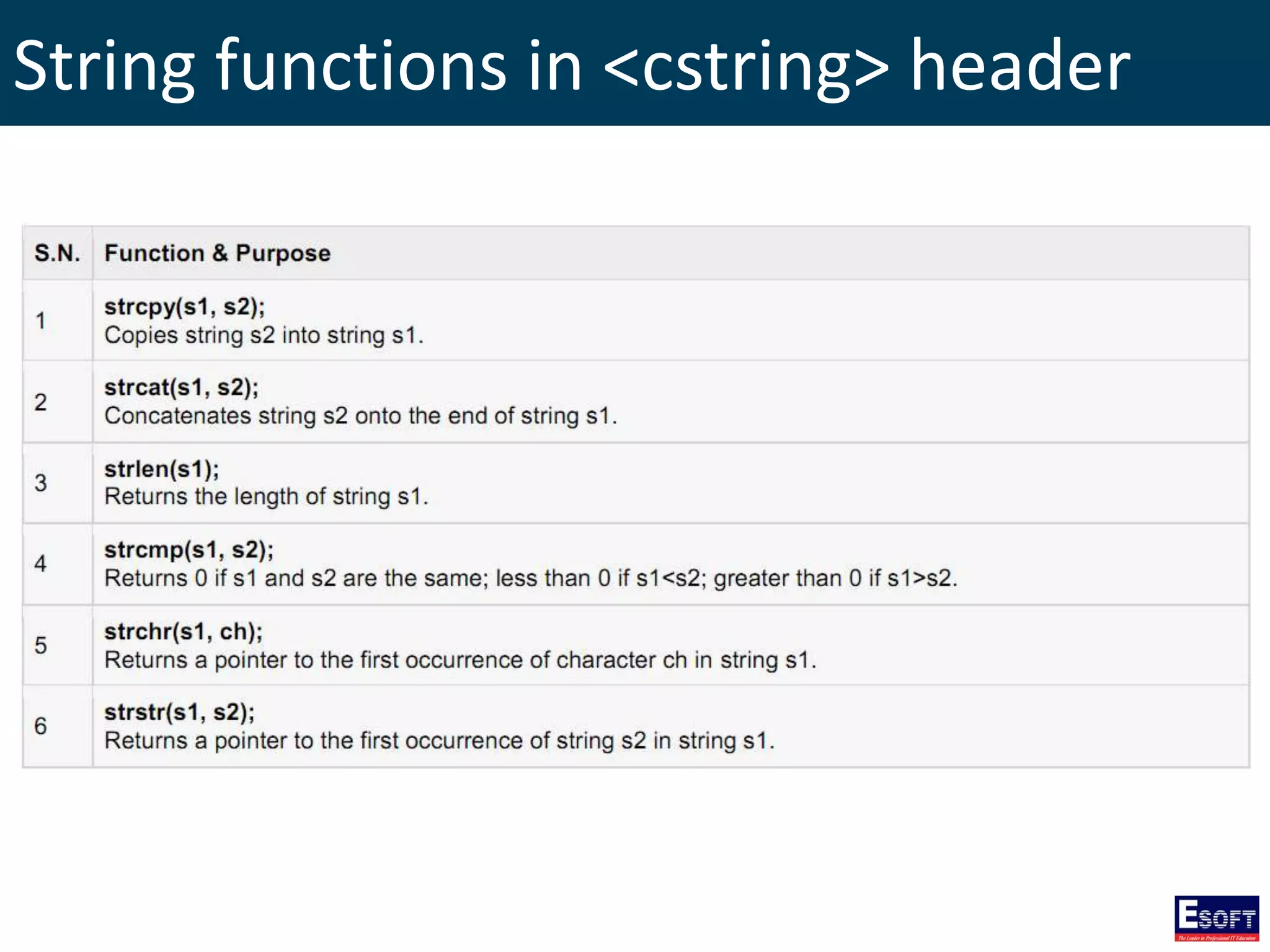
String functions in <cstring> header
String Class in C++ The standard C++ library provides a string class type that supports all the operations mentioned above and additionally much more functionality.
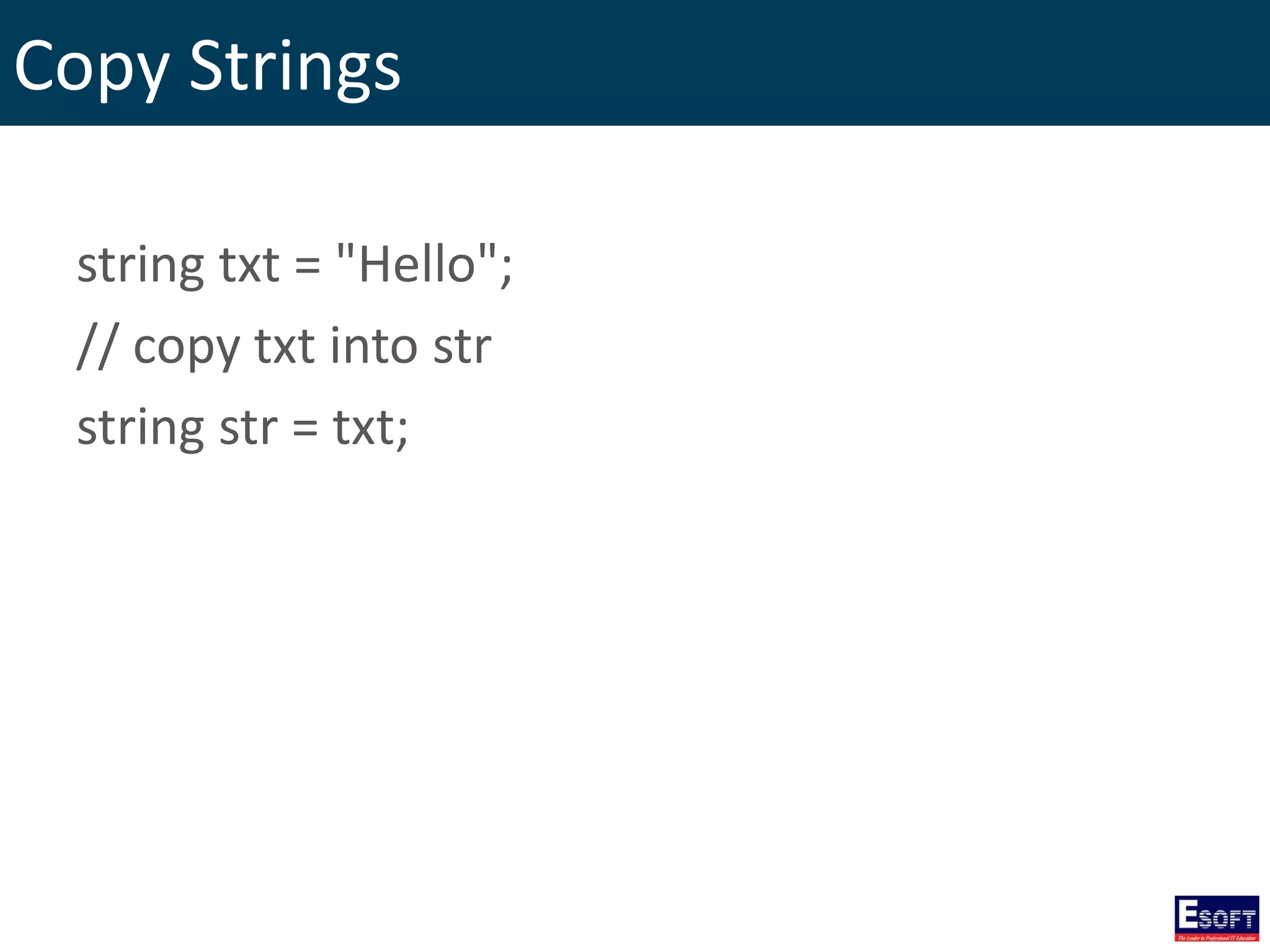
Copy Strings string txt = "Hello"; // copy txt into str string str = txt;
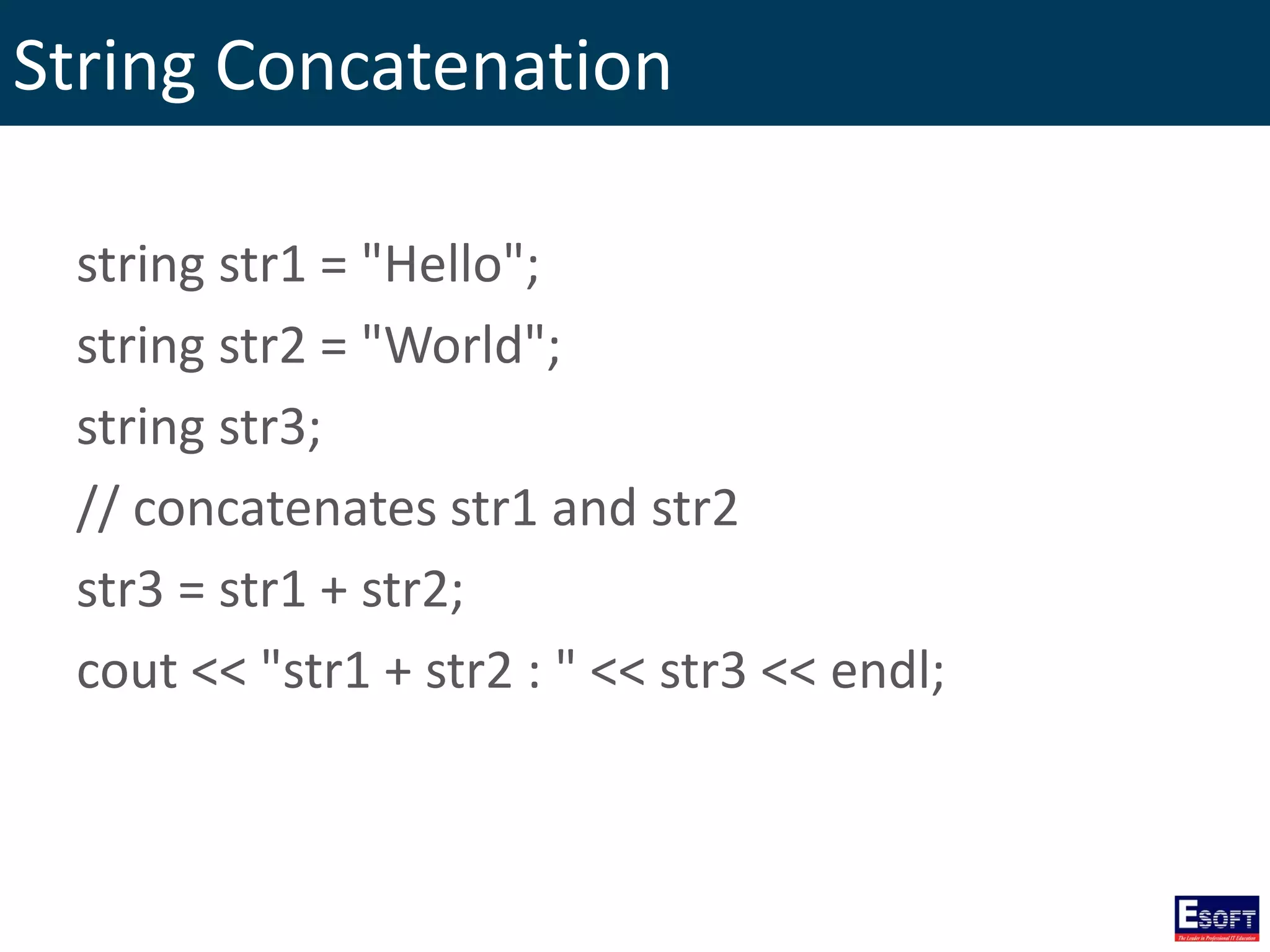
String Concatenation string str1 = "Hello"; string str2 = "World"; string str3; // concatenates str1 and str2 str3 = str1 + str2; cout << "str1 + str2 : " << str3 << endl;
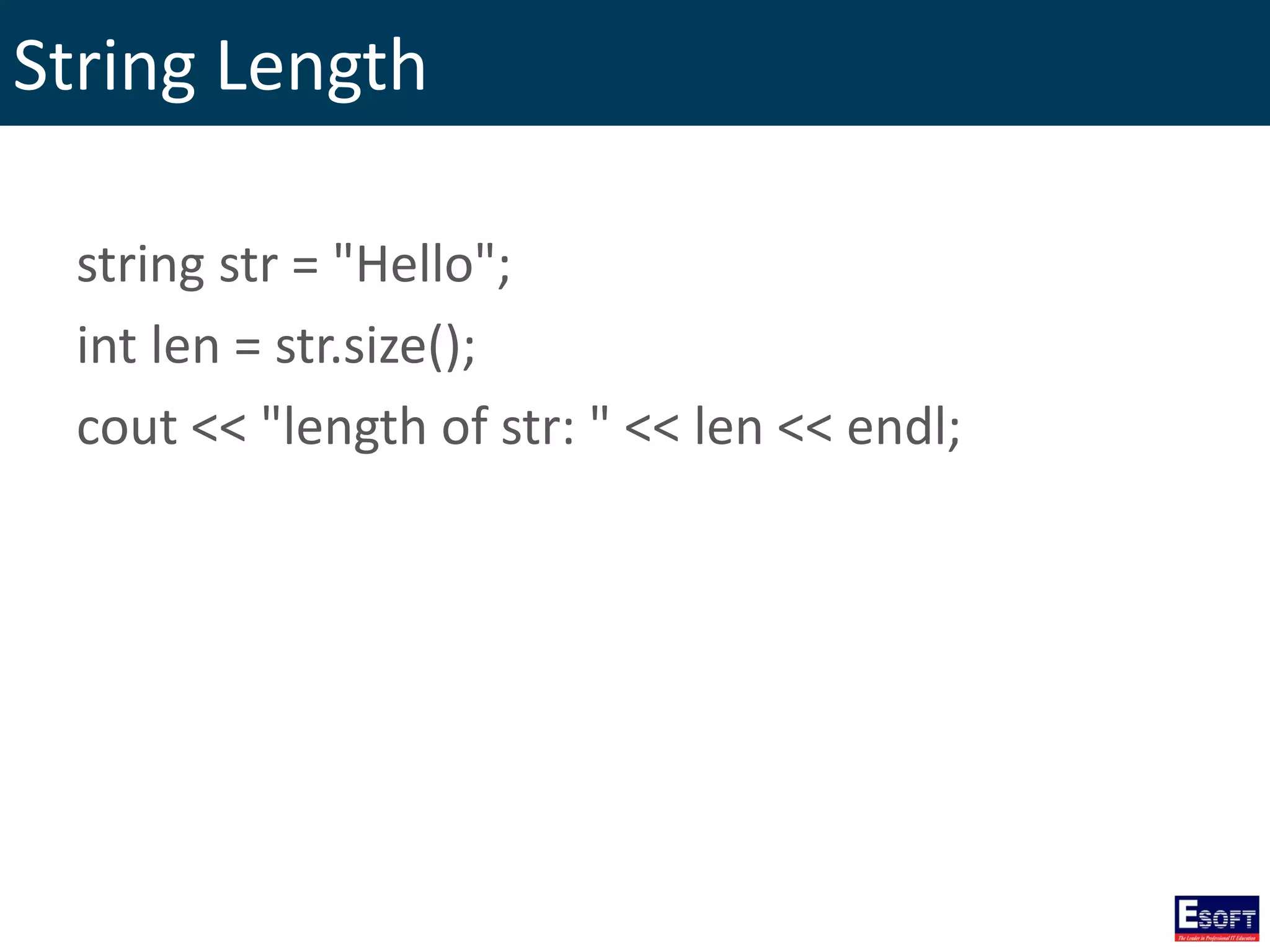
String Length string str = "Hello"; int len = str.size(); cout << "length of str: " << len << endl;
Accessing Individual Elements string my_string = "ten chars."; for(int i = 0; i < my_string.length(); i++) { cout << my_string[i]; }
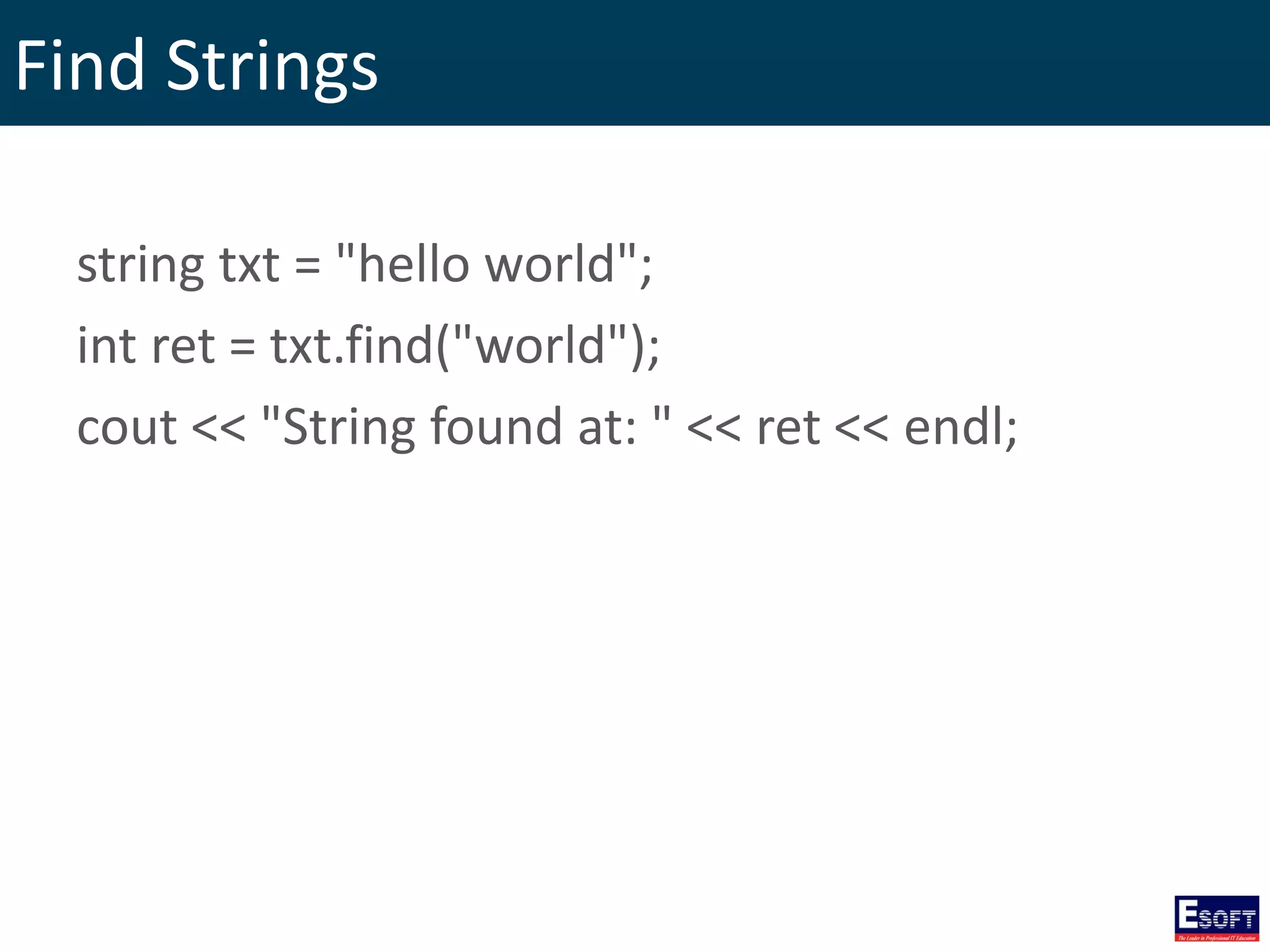
Find Strings string txt = "hello world"; int ret = txt.find("world"); cout << "String found at: " << ret << endl;
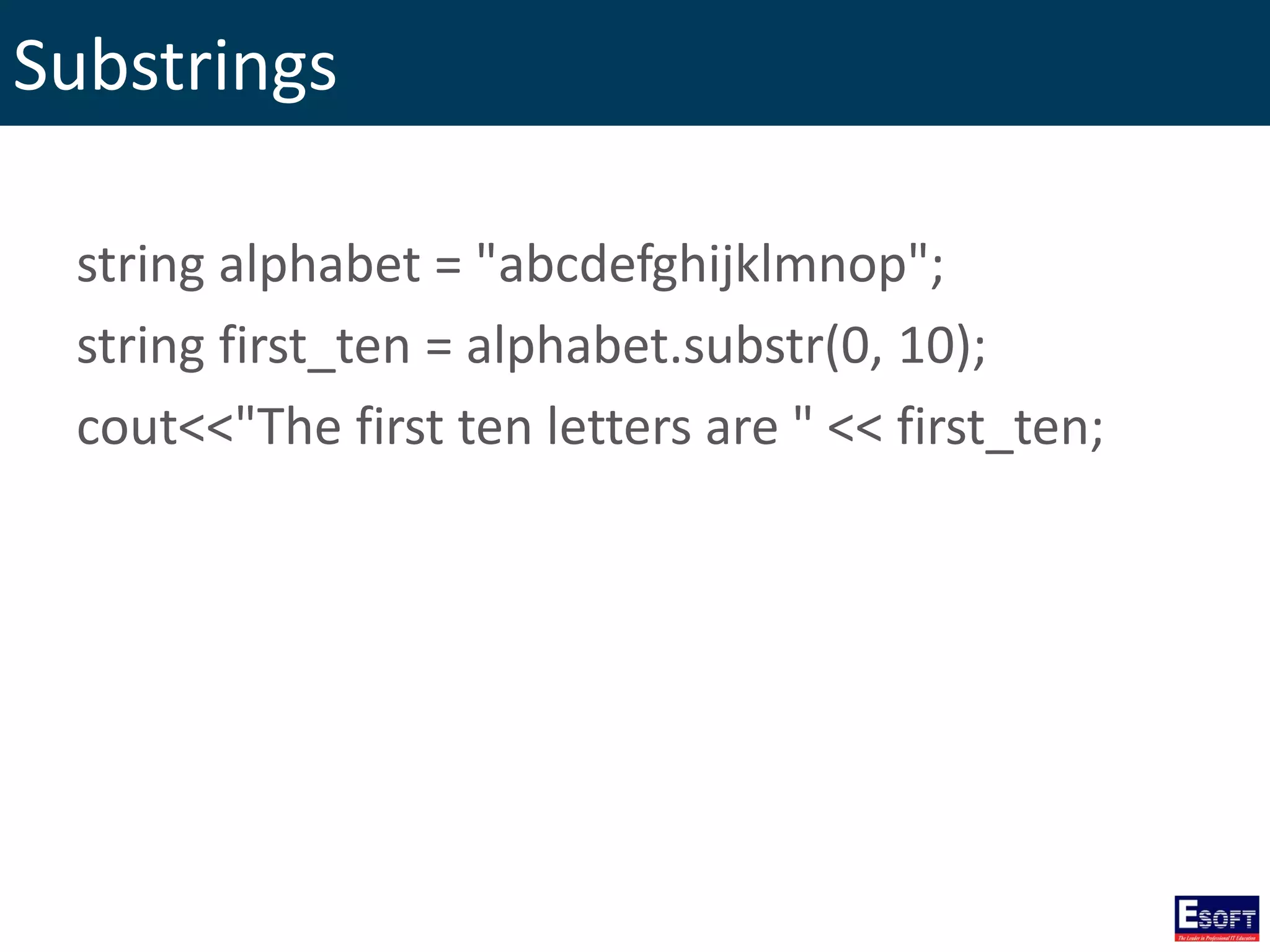
Substrings string alphabet = "abcdefghijklmnop"; string first_ten = alphabet.substr(0, 10); cout<<"The first ten letters are " << first_ten;
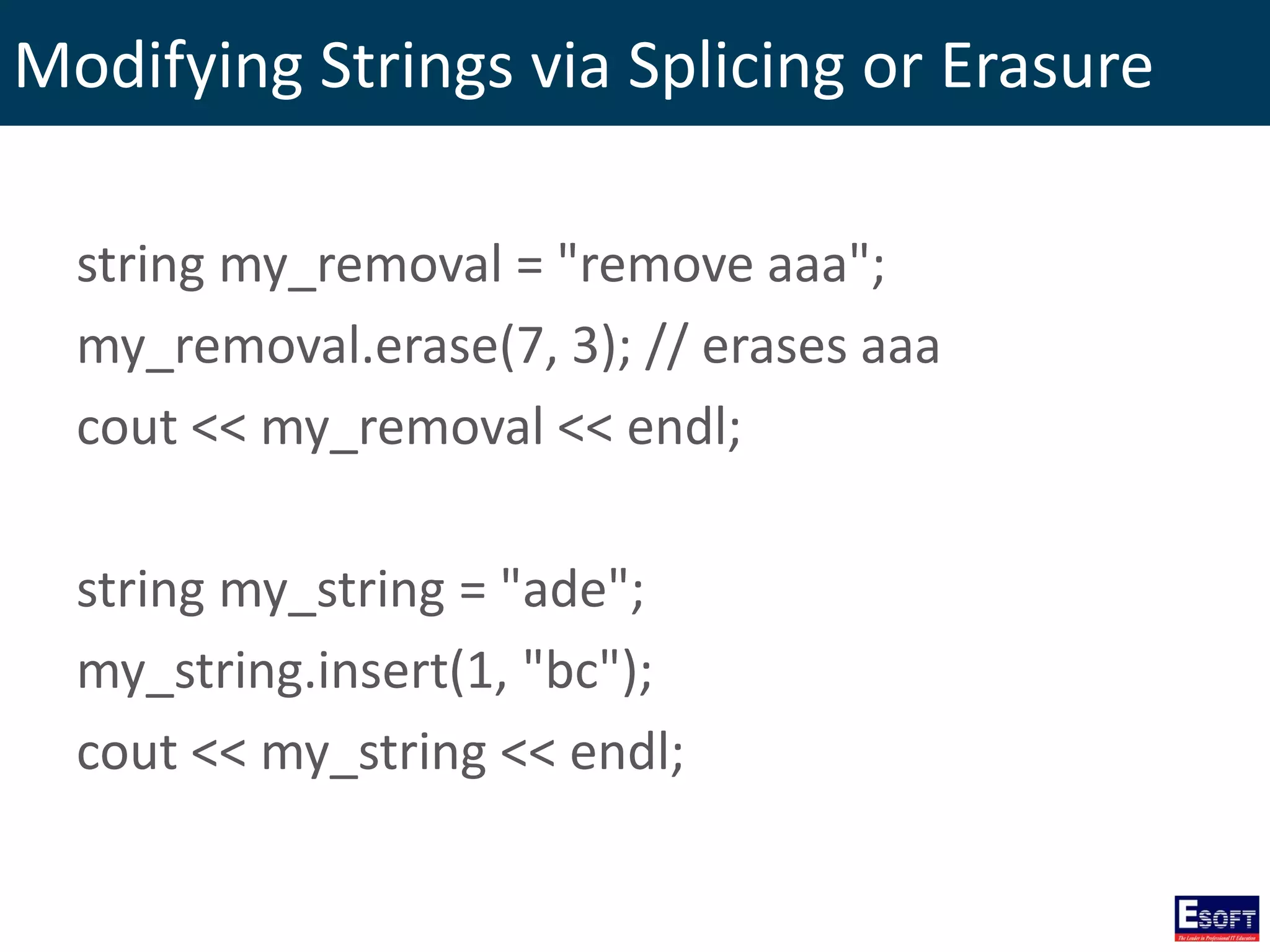
Modifying Strings via Splicing or Erasure string my_removal = "remove aaa"; my_removal.erase(7, 3); // erases aaa cout << my_removal << endl; string my_string = "ade"; my_string.insert(1, "bc"); cout << my_string << endl;
C++ Pointers Some C++ tasks are performed more easily with pointers and other C++ tasks, such as dynamic memory allocation, cannot be performed without them.
Variable Address every variable is a memory location and every memory location has its address defined which can be accessed using ampersand (&) operator. int n; char x[10]; cout << "Address of n variable: " << &n << endl; cout << "Address of x variable: " << &x << endl;
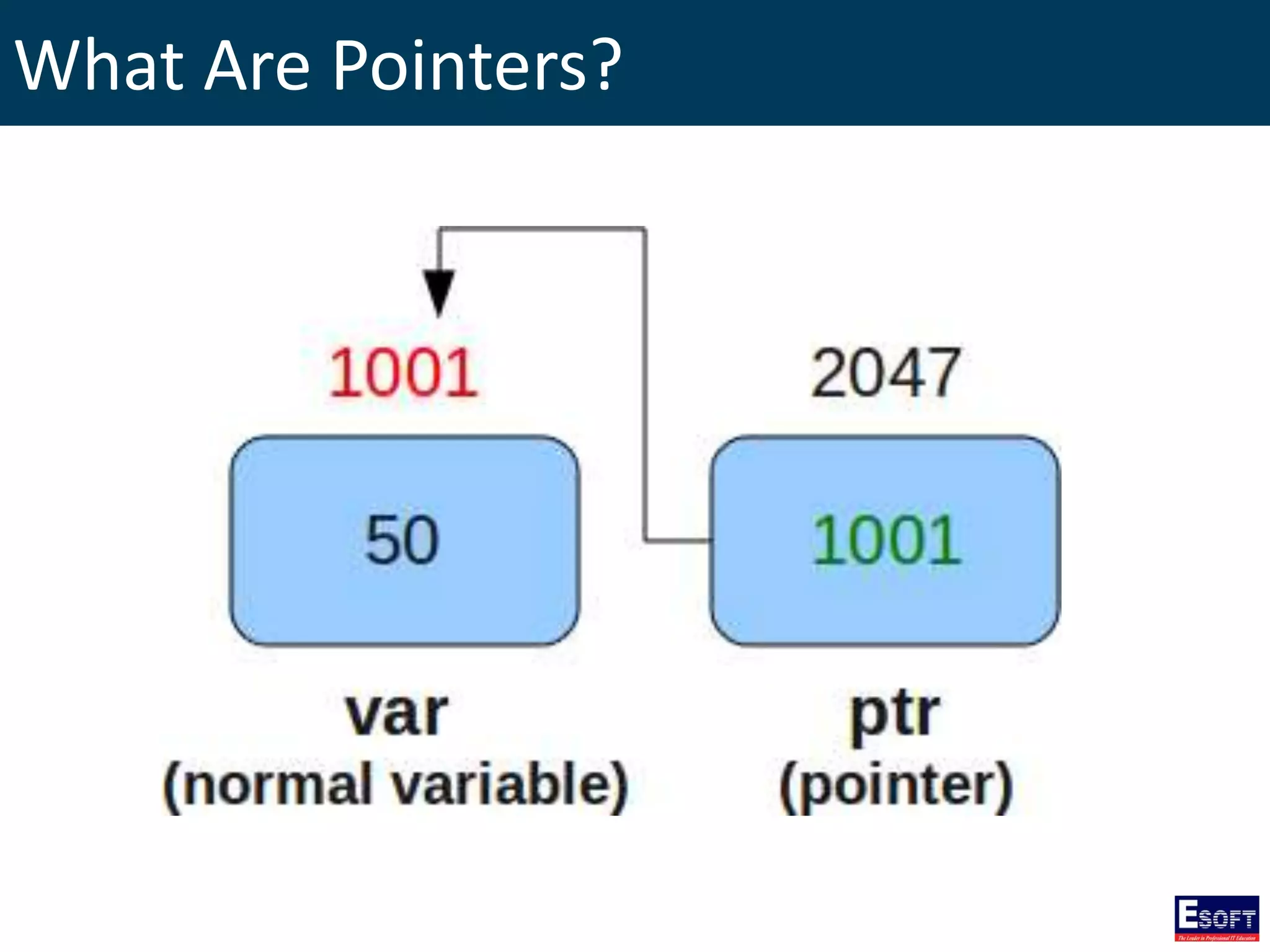
What Are Pointers? A pointer is a variable whose value is the address of another variable. pointer variable declaration: type *var-name;
What Are Pointers?
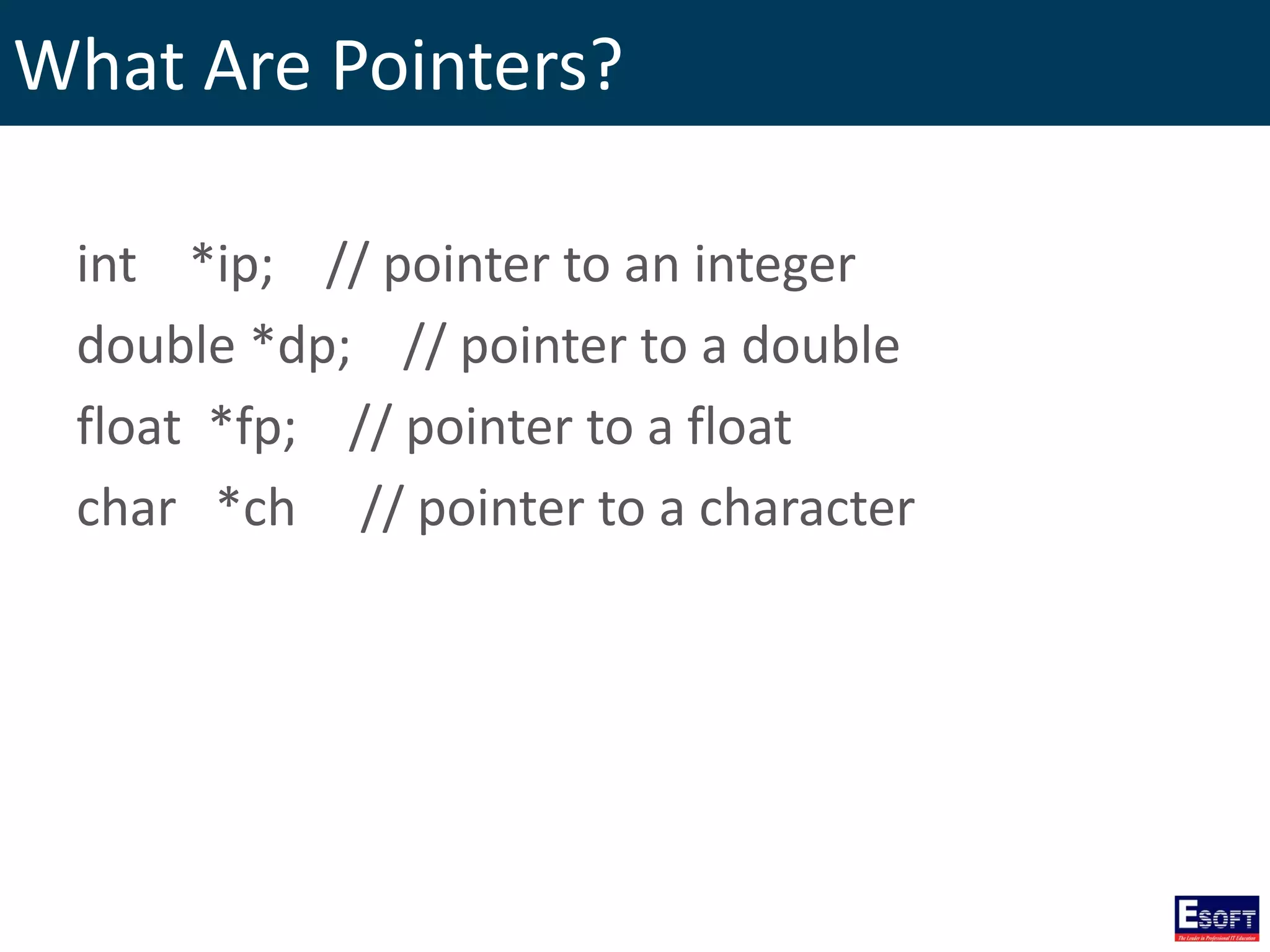
What Are Pointers? int *ip; // pointer to an integer double *dp; // pointer to a double float *fp; // pointer to a float char *ch // pointer to a character
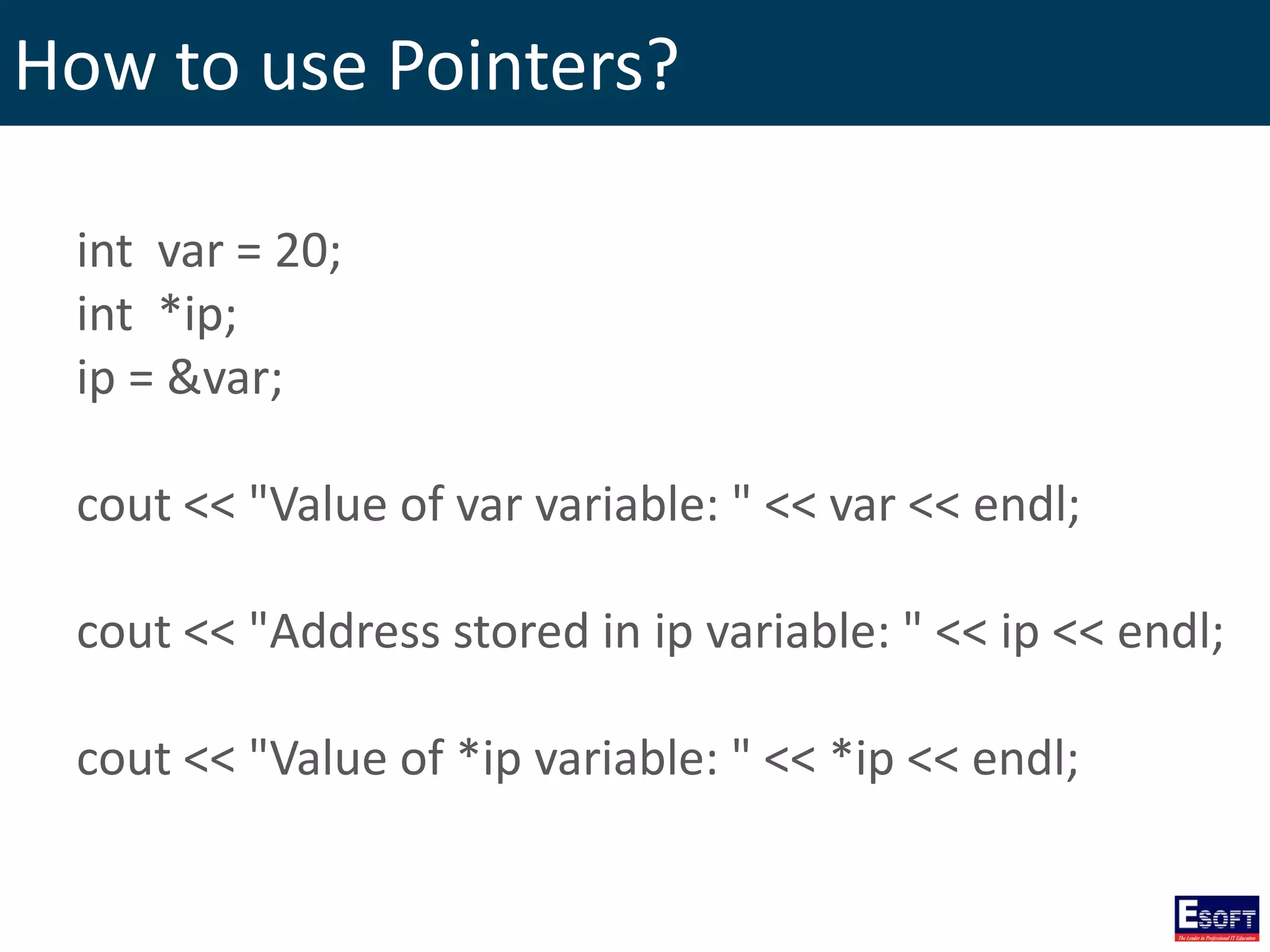
How to use Pointers? 1. Define a pointer variable. 2. Assign the address of a variable to a pointer. 3. Access the value at the address available in the pointer variable.
How to use Pointers? int var = 20; int *ip; ip = &var; cout << "Value of var variable: " << var << endl; cout << "Address stored in ip variable: " << ip << endl; cout << "Value of *ip variable: " << *ip << endl;
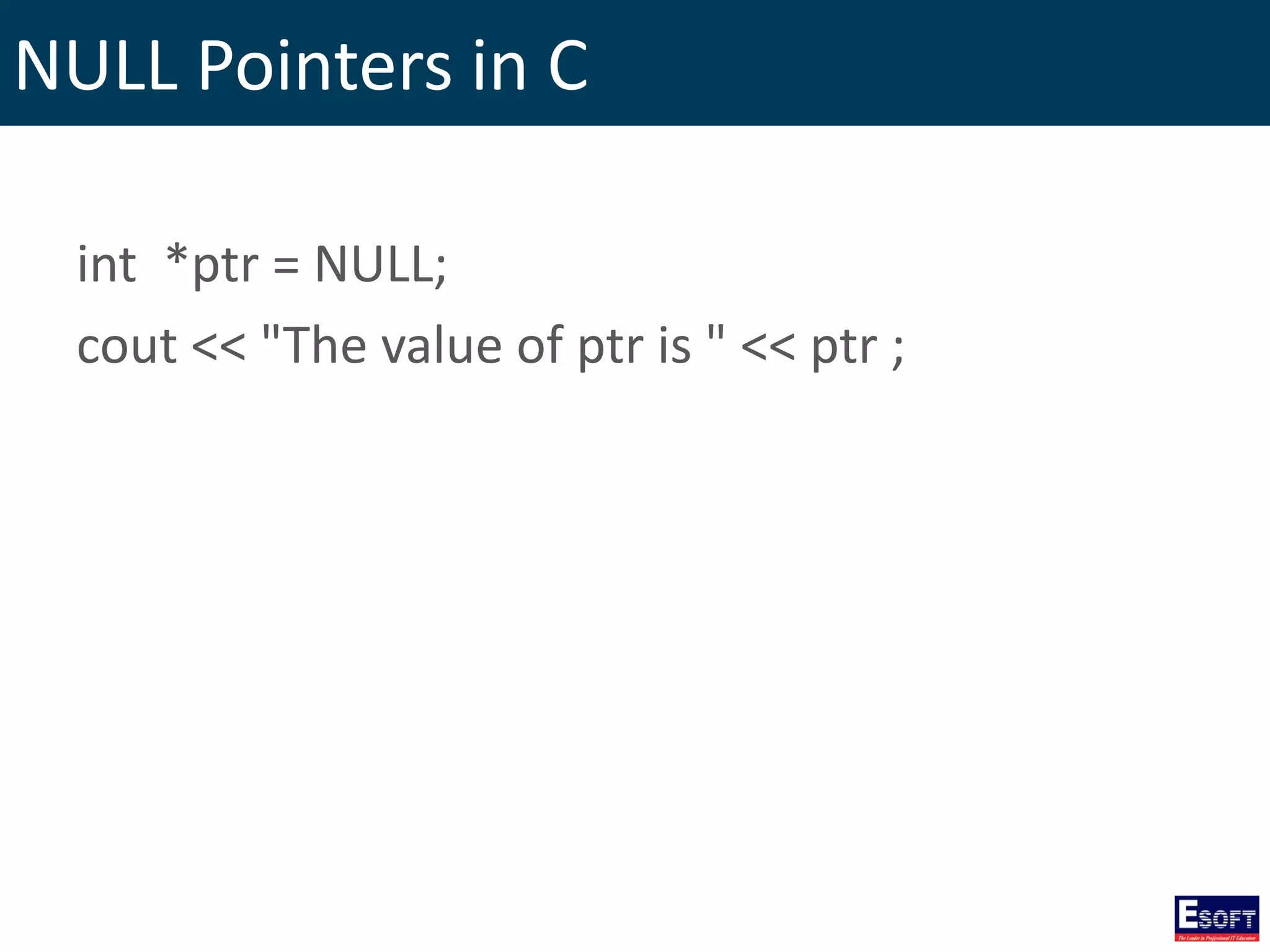
NULL Pointers in C int *ptr = NULL; cout << "The value of ptr is " << ptr ;
Incrementing a Pointer int var[] = {10, 100, 200}; int i, *ptr; ptr = var; for ( i = 0; i <= 2; i++) { cout << "Address of var[" << i << "] = "; cout << ptr << endl; cout << "Value of var[" << i << "] = "; cout << *ptr << endl; ptr++; }
Decrementing a Pointer int var[] = {10, 100, 200}; int i, *ptr; ptr = &var[2]; for ( i = 2; i >= 0; i--) { cout << "Address of var[" << i << "] = "; cout << ptr << endl; cout << "Value of var[" << i << "] = "; cout << *ptr << endl; ptr--; }
Pointer Comparisons int var[] = {10, 100, 200}; int i, *ptr; ptr = var; i = 0; while ( ptr <= &var[2] ) { cout << "Address of var[" << i << "] = "; cout << ptr << endl; cout << "Value of var[" << i << "] = "; cout << *ptr << endl; ptr++; i++; }
Array of pointers int var[] = {10, 100, 200}; int i, *ptr[3]; for ( i = 0; i <= 2; i++) { ptr[i] = &var[i]; } for ( i = 0; i < 2; i++) { cout << "Value of var[" << i << "] = "; cout << *ptr[i] << endl; }
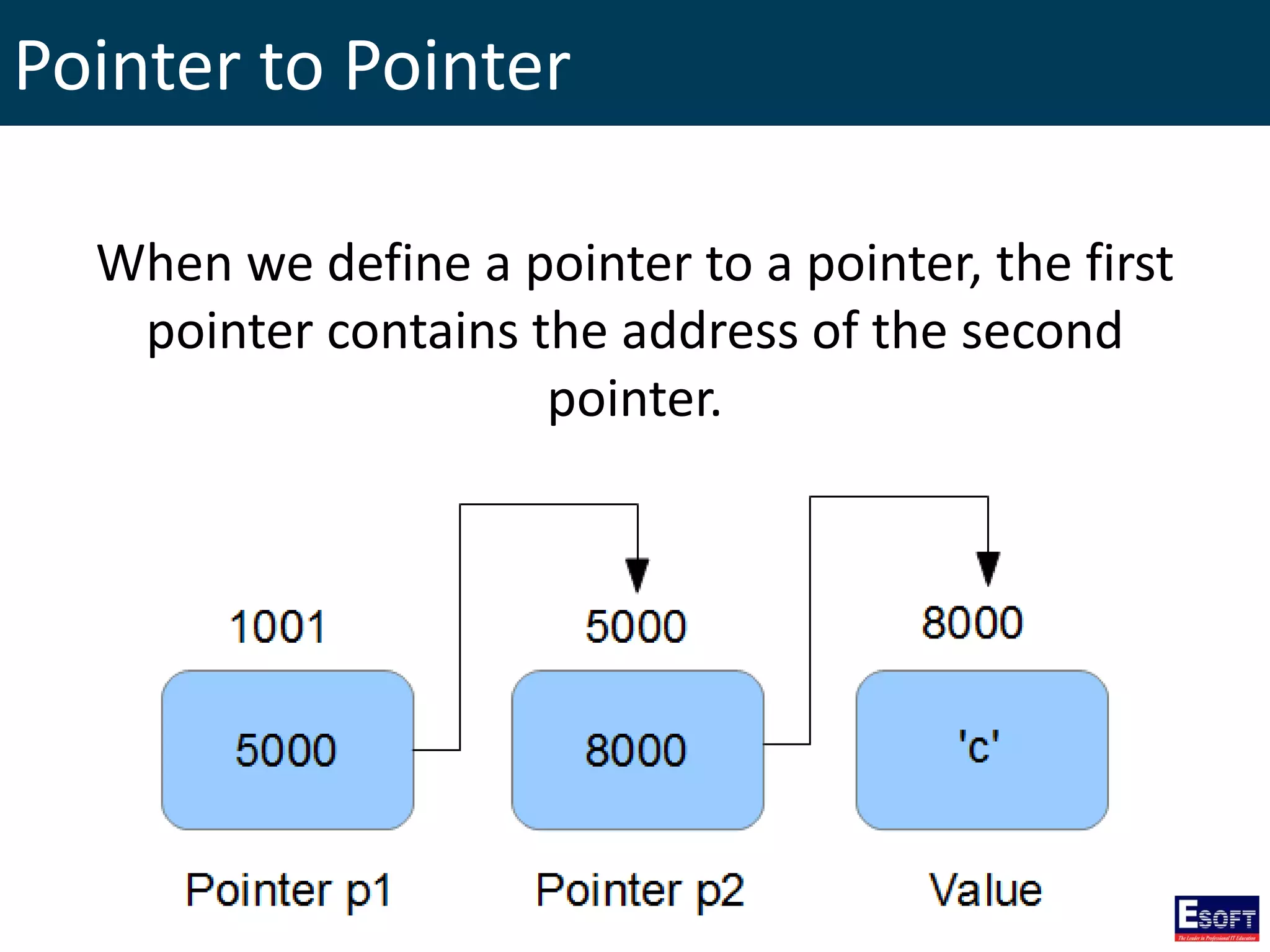
Pointer to Pointer When we define a pointer to a pointer, the first pointer contains the address of the second pointer.
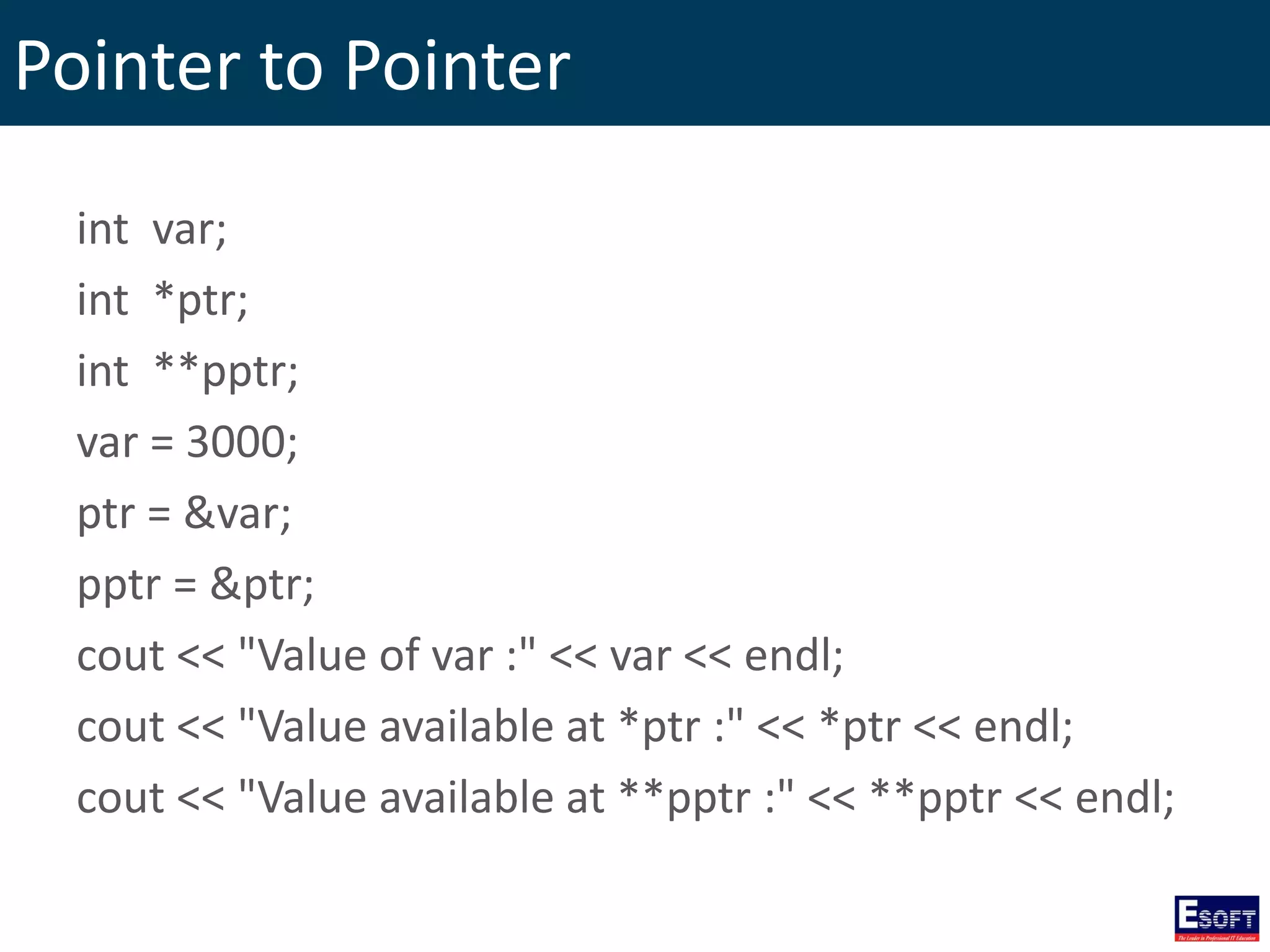
Pointer to Pointer int var; int *ptr; int **pptr; var = 3000; ptr = &var; pptr = &ptr; cout << "Value of var :" << var << endl; cout << "Value available at *ptr :" << *ptr << endl; cout << "Value available at **pptr :" << **pptr << endl;
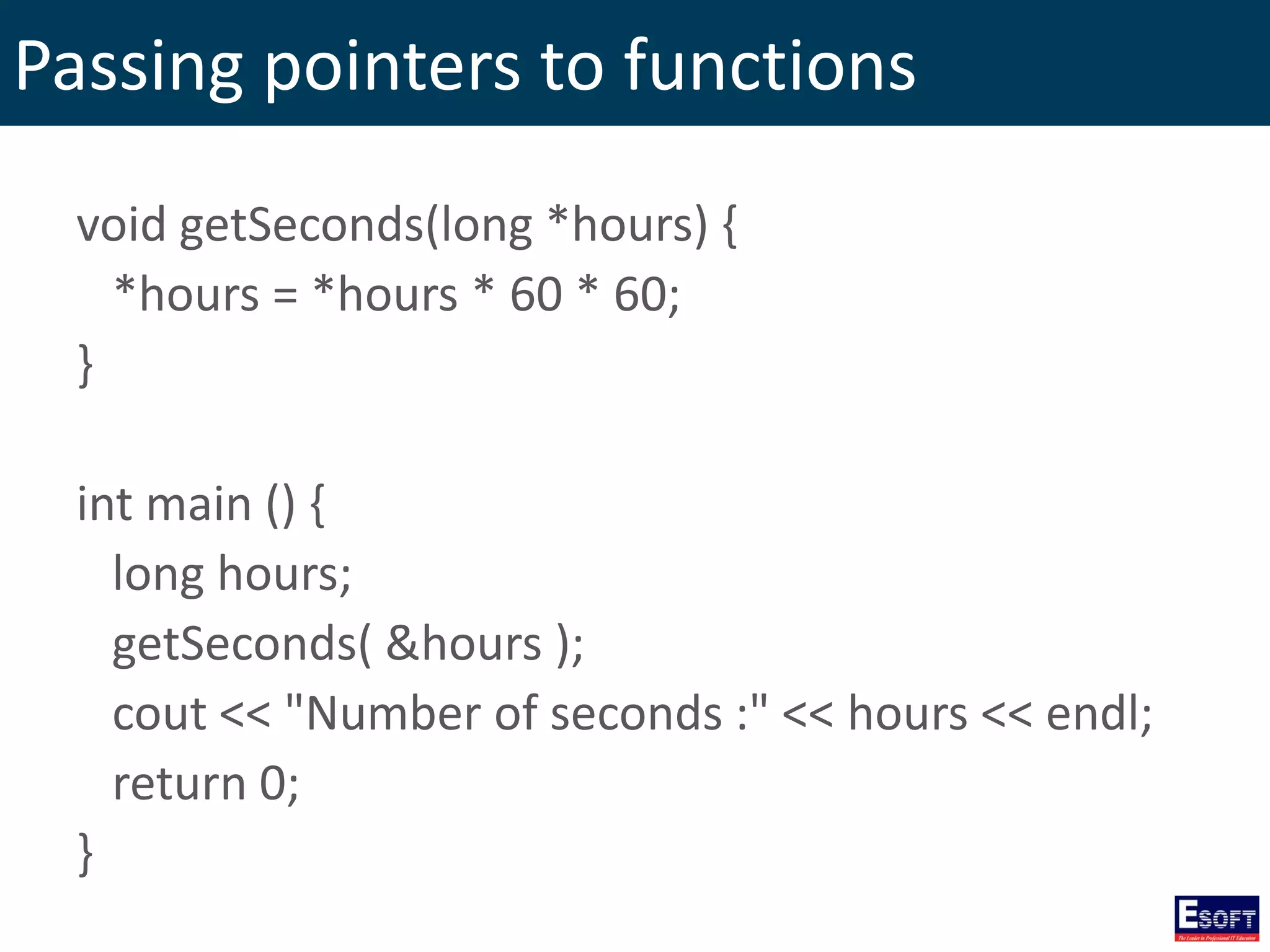
Passing pointers to functions void getSeconds(long *hours) { *hours = *hours * 60 * 60; } int main () { long hours; getSeconds( &hours ); cout << "Number of seconds :" << hours << endl; return 0; }
Return pointer from functions int * getNumber( ) { static int r[5] = {20, 40, 50, 10, 60}; return r; } int main () { int *p; int i; p = getNumber(); for ( i = 0; i <= 4; i++ ) { cout << "*(p + " << i << ") : "; cout << *(p + i) << endl; } return 0; }
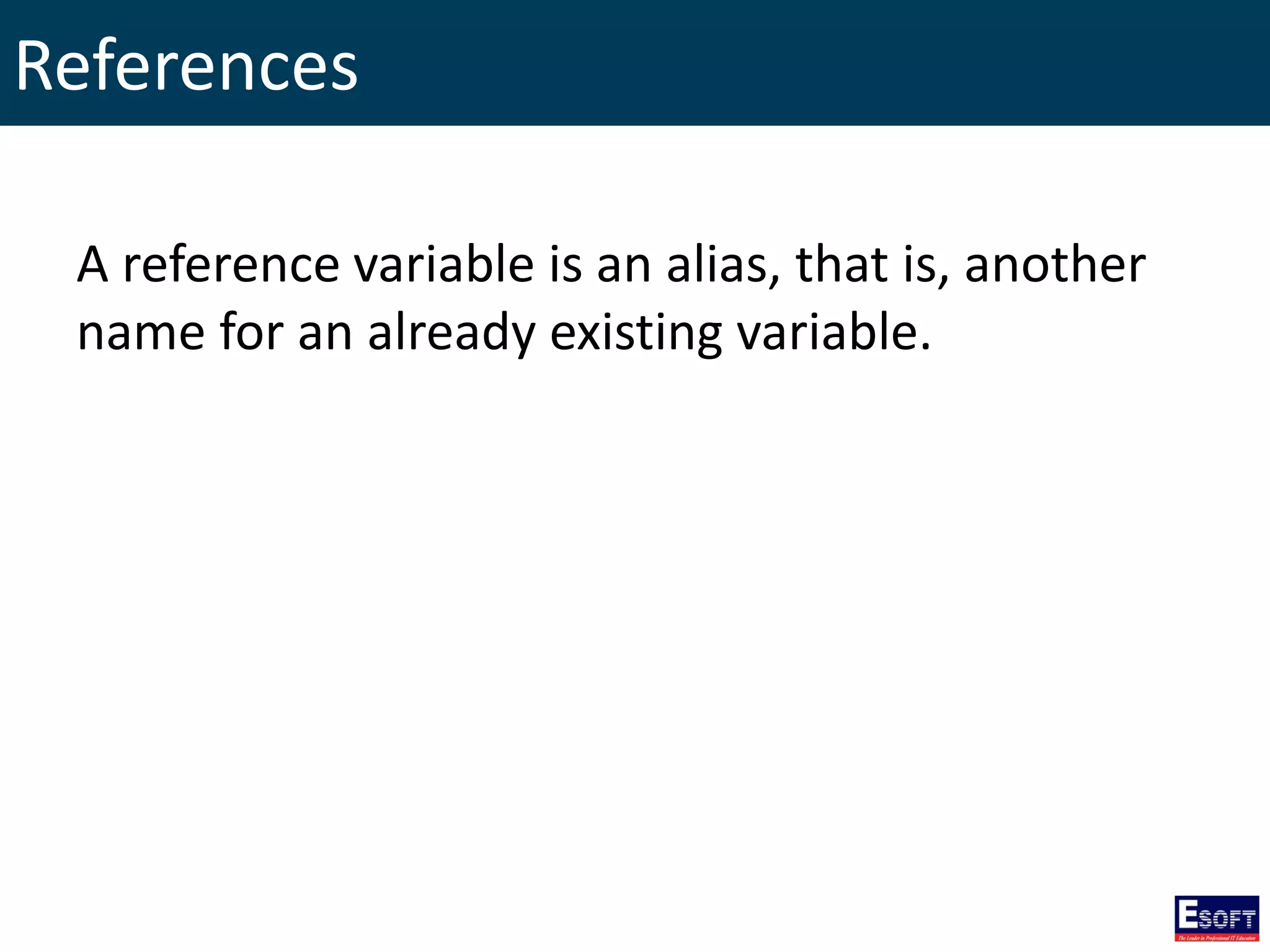
References A reference variable is an alias, that is, another name for an already existing variable.
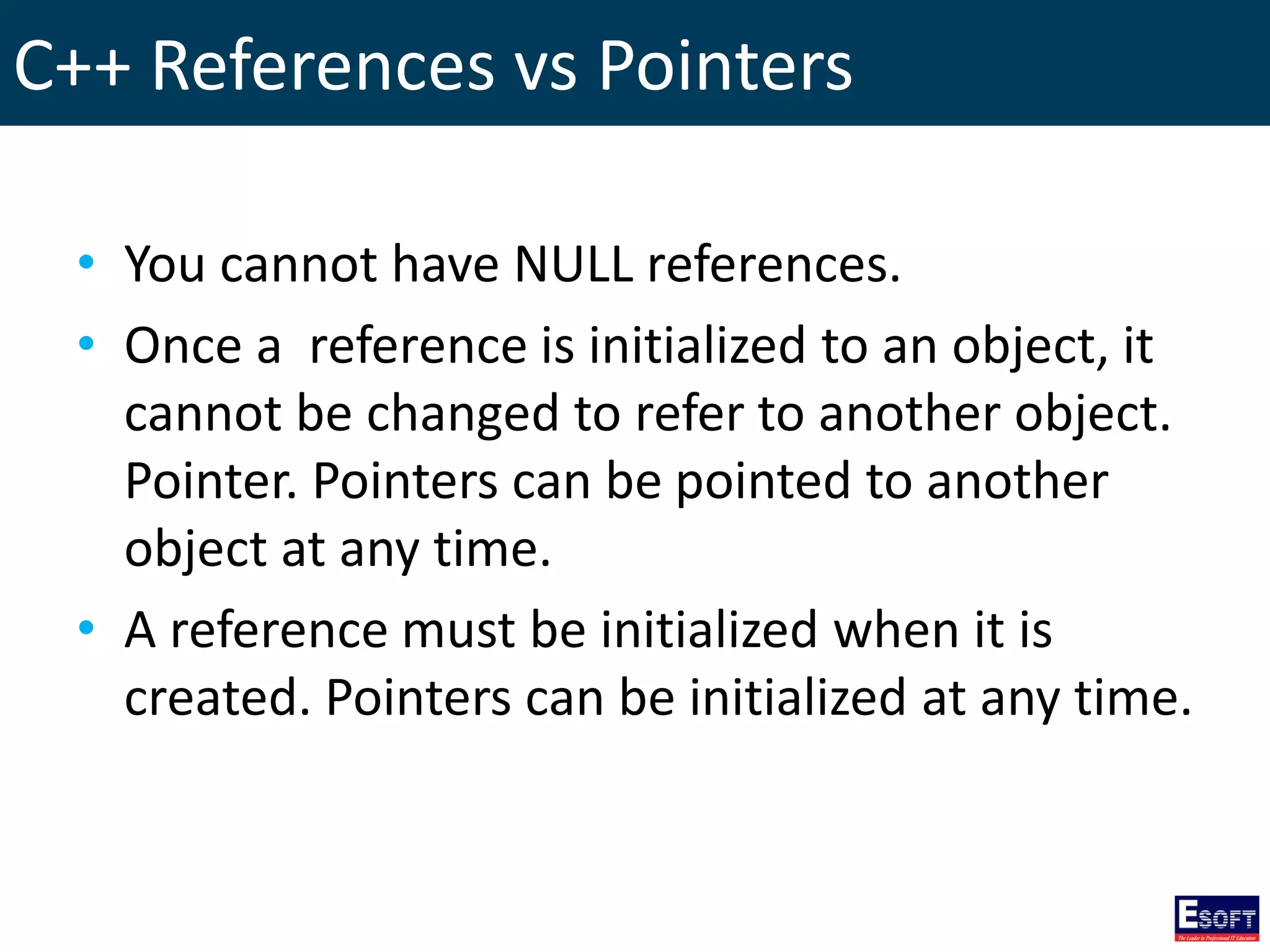
C++ References vs Pointers • You cannot have NULL references. • Once a reference is initialized to an object, it cannot be changed to refer to another object. Pointer. Pointers can be pointed to another object at any time. • A reference must be initialized when it is created. Pointers can be initialized at any time.
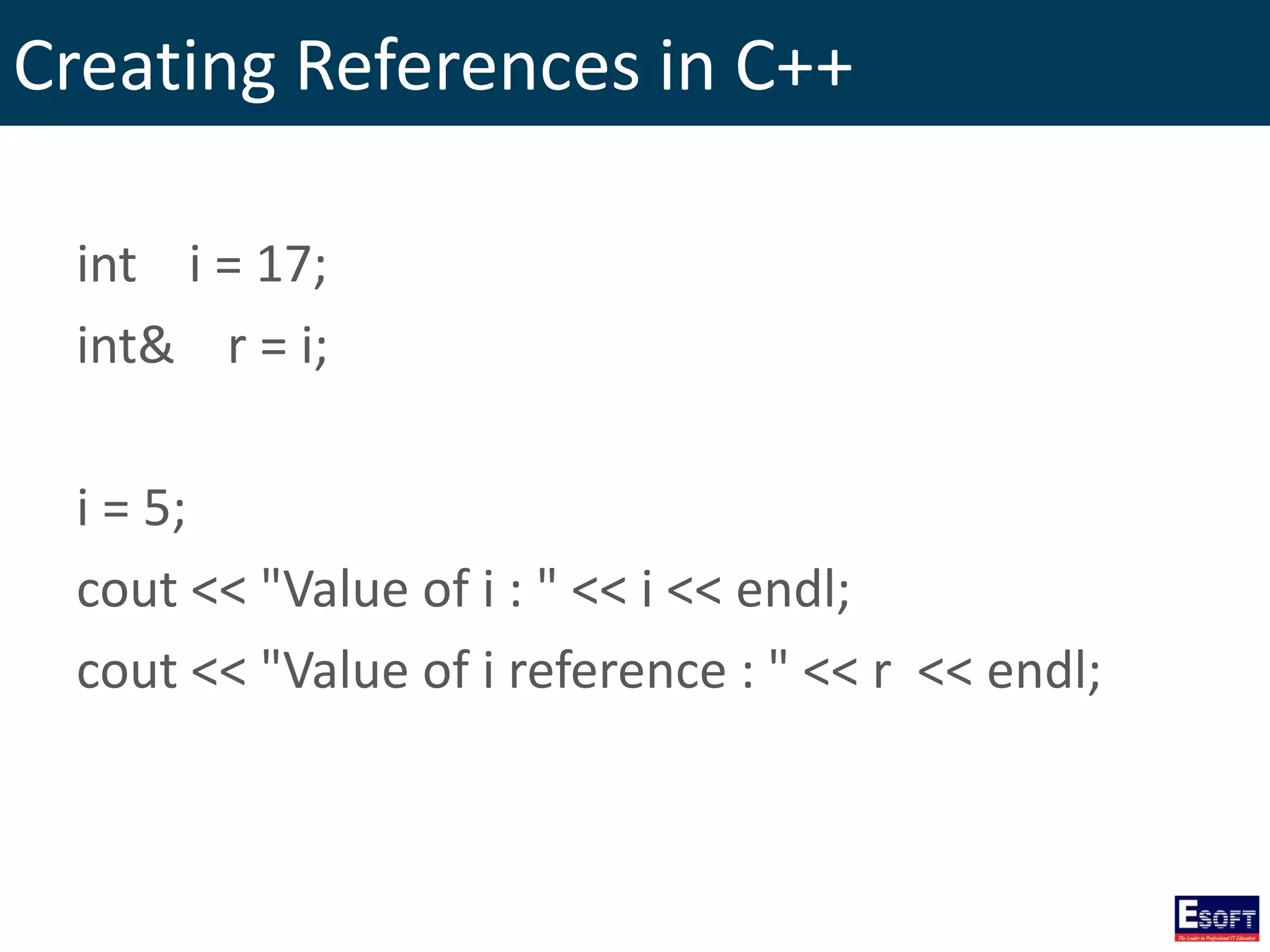
Creating References in C++ int i = 17; int& r = i; i = 5; cout << "Value of i : " << i << endl; cout << "Value of i reference : " << r << endl;
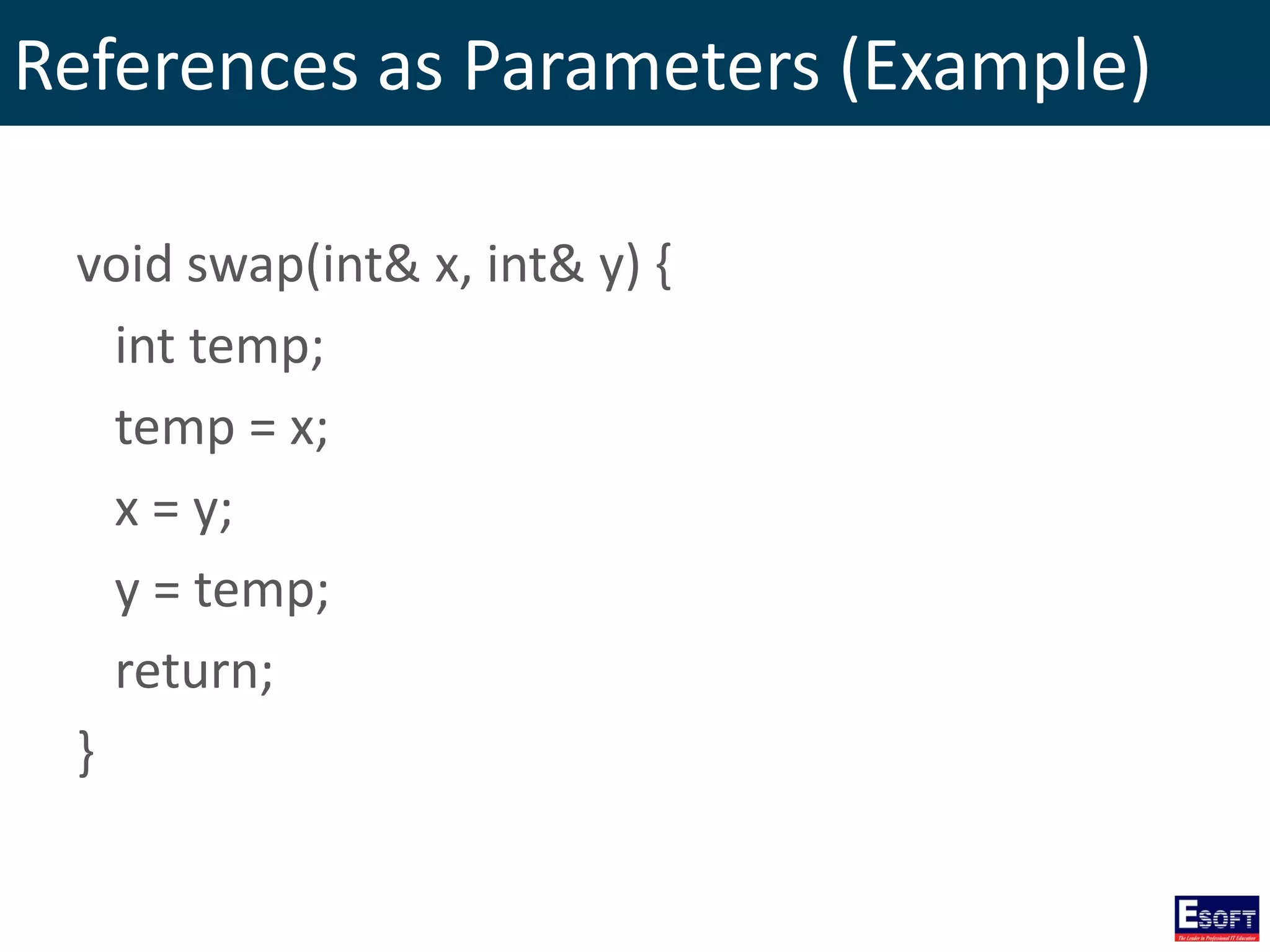
References as Parameters (Example) void swap(int& x, int& y) { int temp; temp = x; x = y; y = temp; return; }
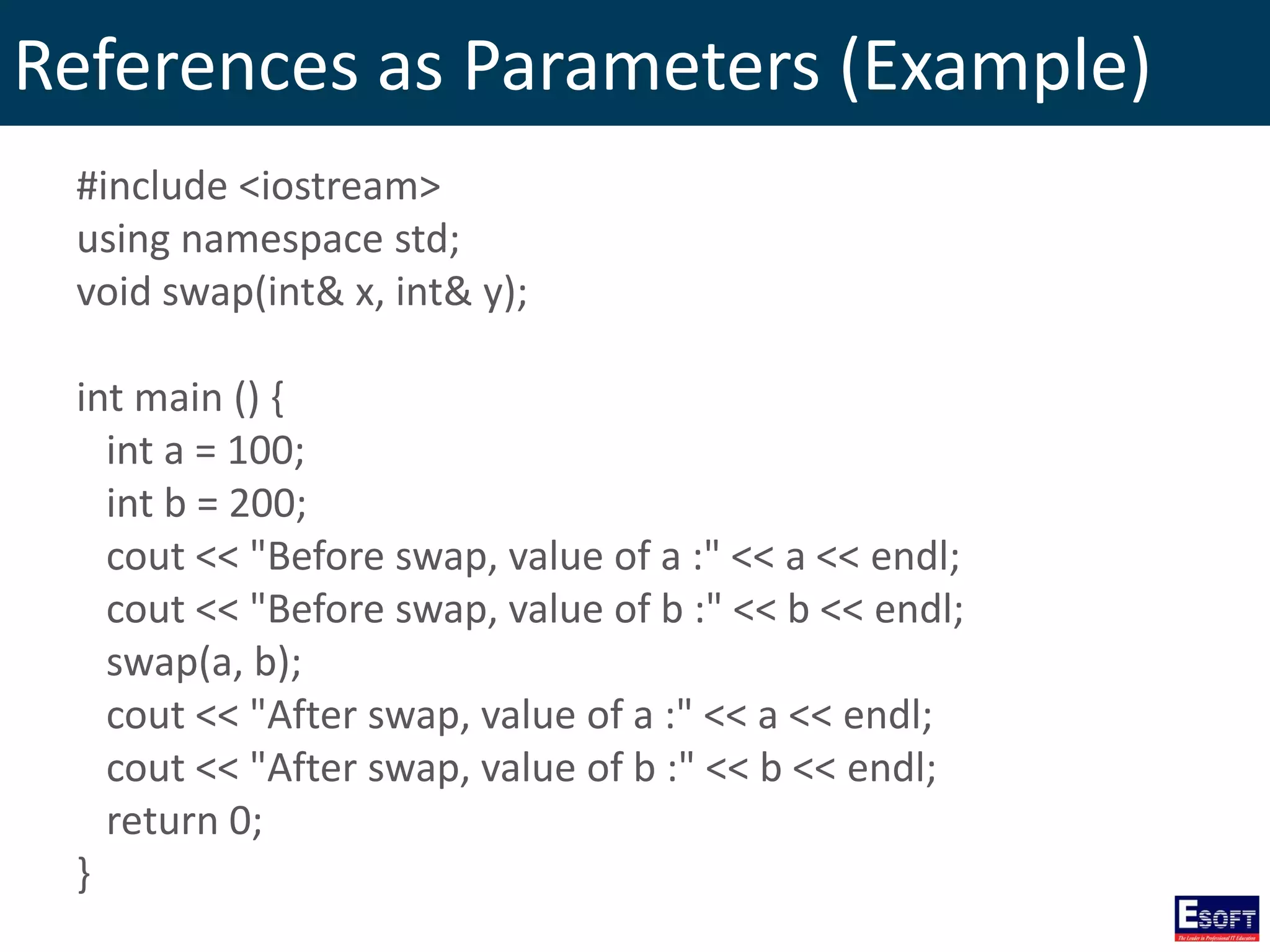
References as Parameters (Example) #include <iostream> using namespace std; void swap(int& x, int& y); int main () { int a = 100; int b = 200; cout << "Before swap, value of a :" << a << endl; cout << "Before swap, value of b :" << b << endl; swap(a, b); cout << "After swap, value of a :" << a << endl; cout << "After swap, value of b :" << b << endl; return 0; }
Reference as Return Value double vals[] = {10.1, 12.6, 33.1, 24.1, 50.0}; double& setValues( int i ) { return vals[i]; // return a reference to the ith element } int main () { setValues(1) = 20.23; // change 2nd element setValues(3) = 70.8; // change 4th element cout << "Value after change" << endl; for ( int i = 0; i <= 4; i++ ) { cout << "vals[" << i << "] = " << vals[i] << endl; } }
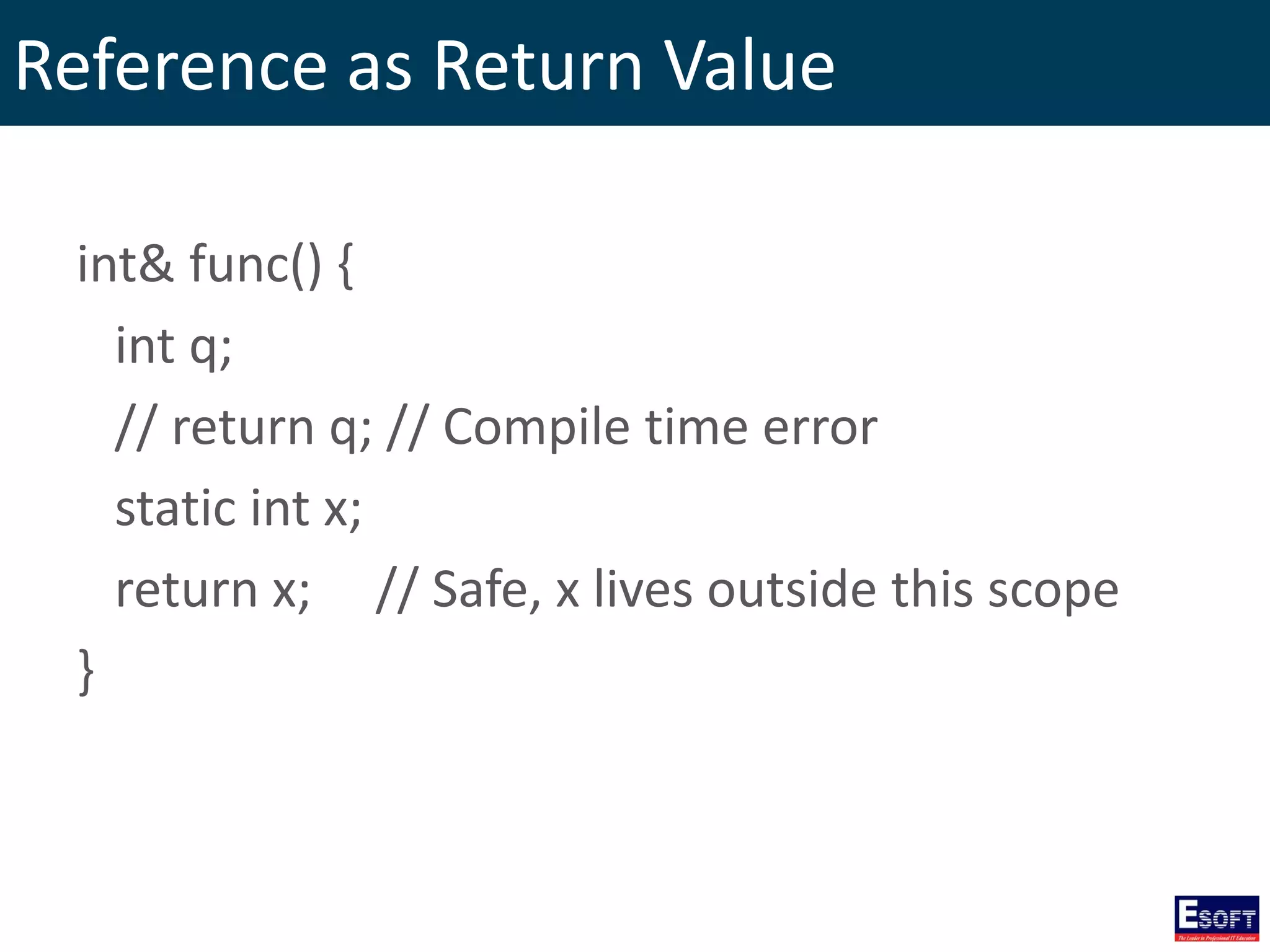
Reference as Return Value int& func() { int q; // return q; // Compile time error static int x; return x; // Safe, x lives outside this scope }
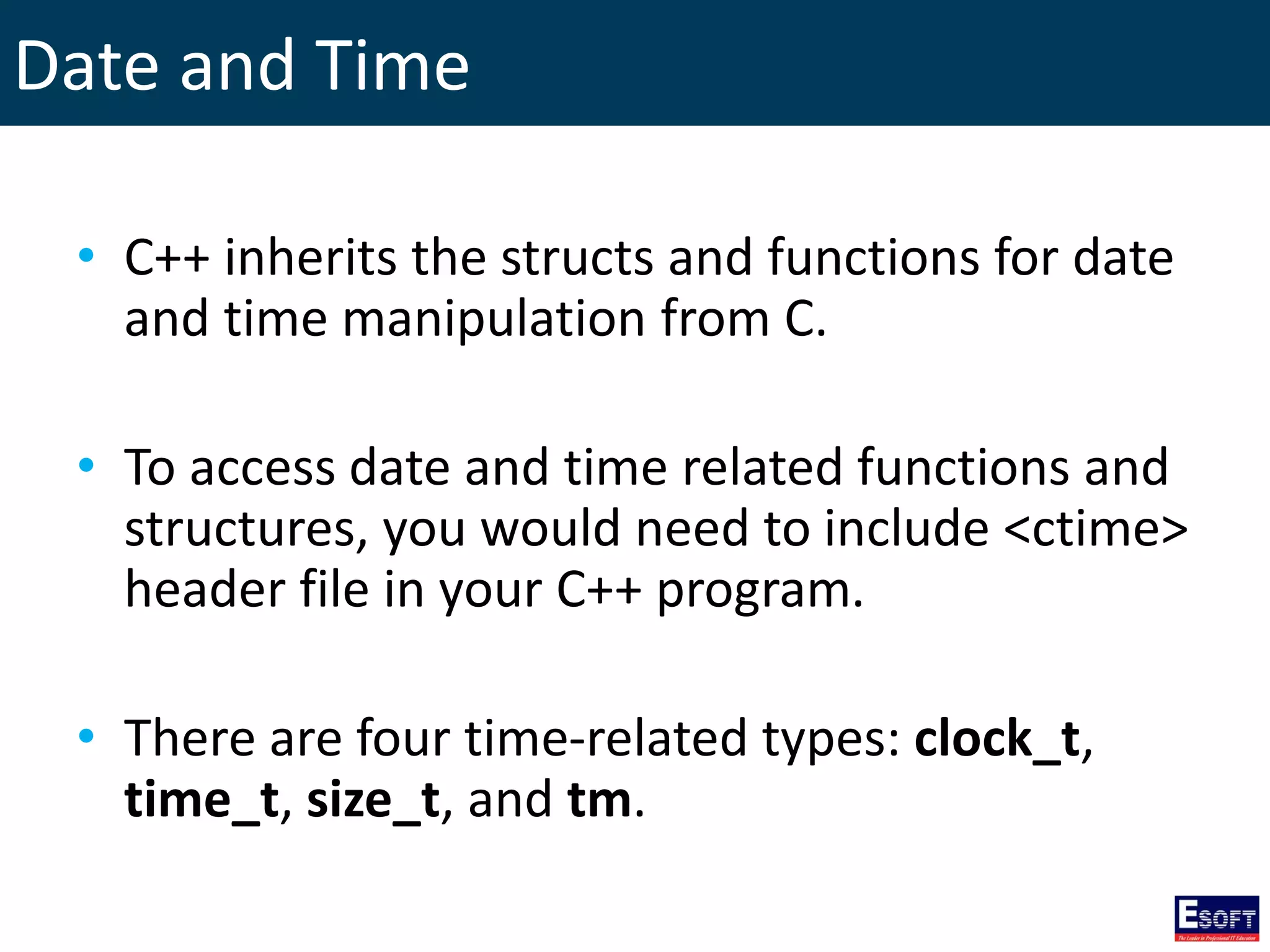
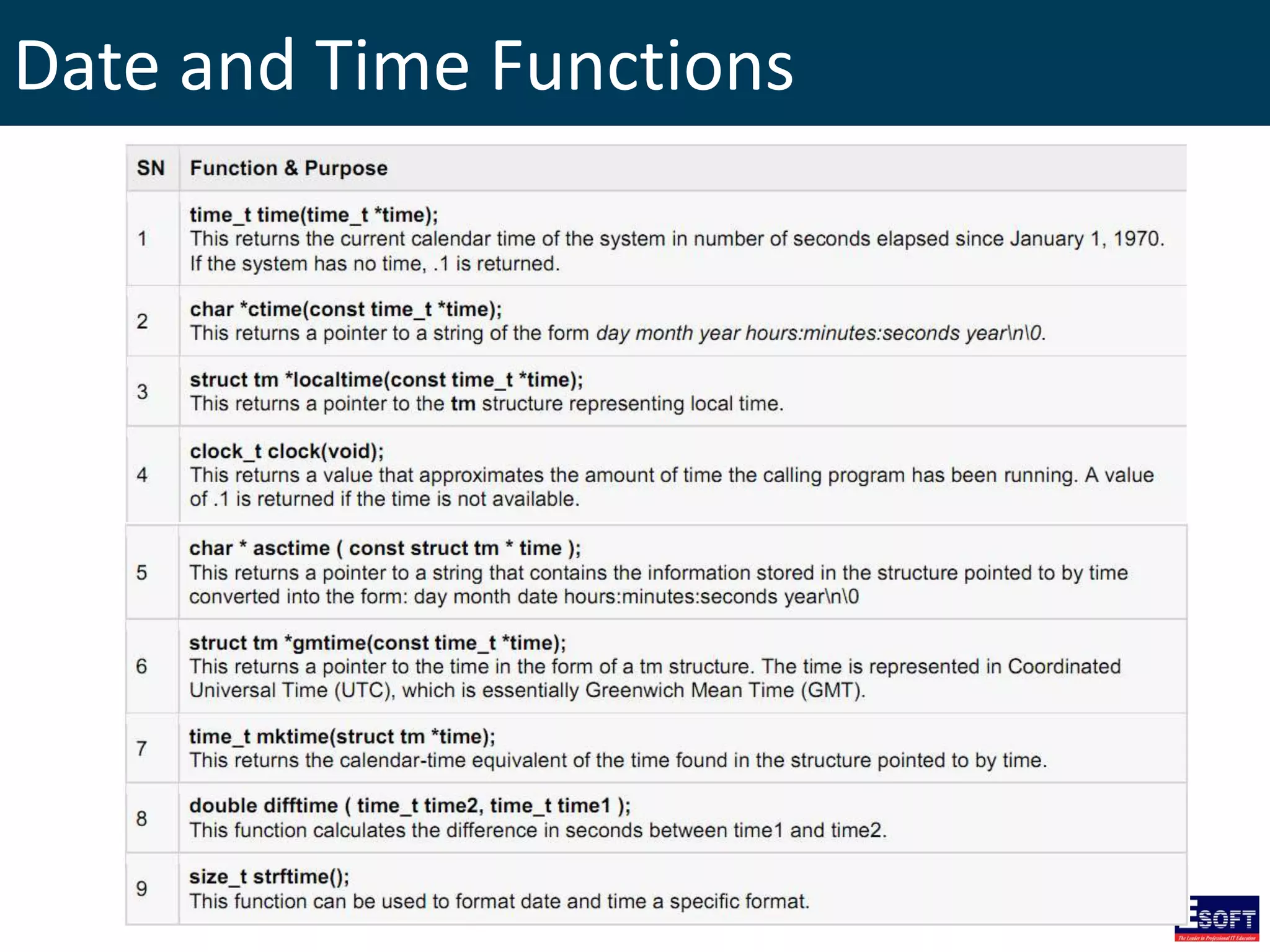
Date and Time • C++ inherits the structs and functions for date and time manipulation from C. • To access date and time related functions and structures, you would need to include <ctime> header file in your C++ program. • There are four time-related types: clock_t, time_t, size_t, and tm.
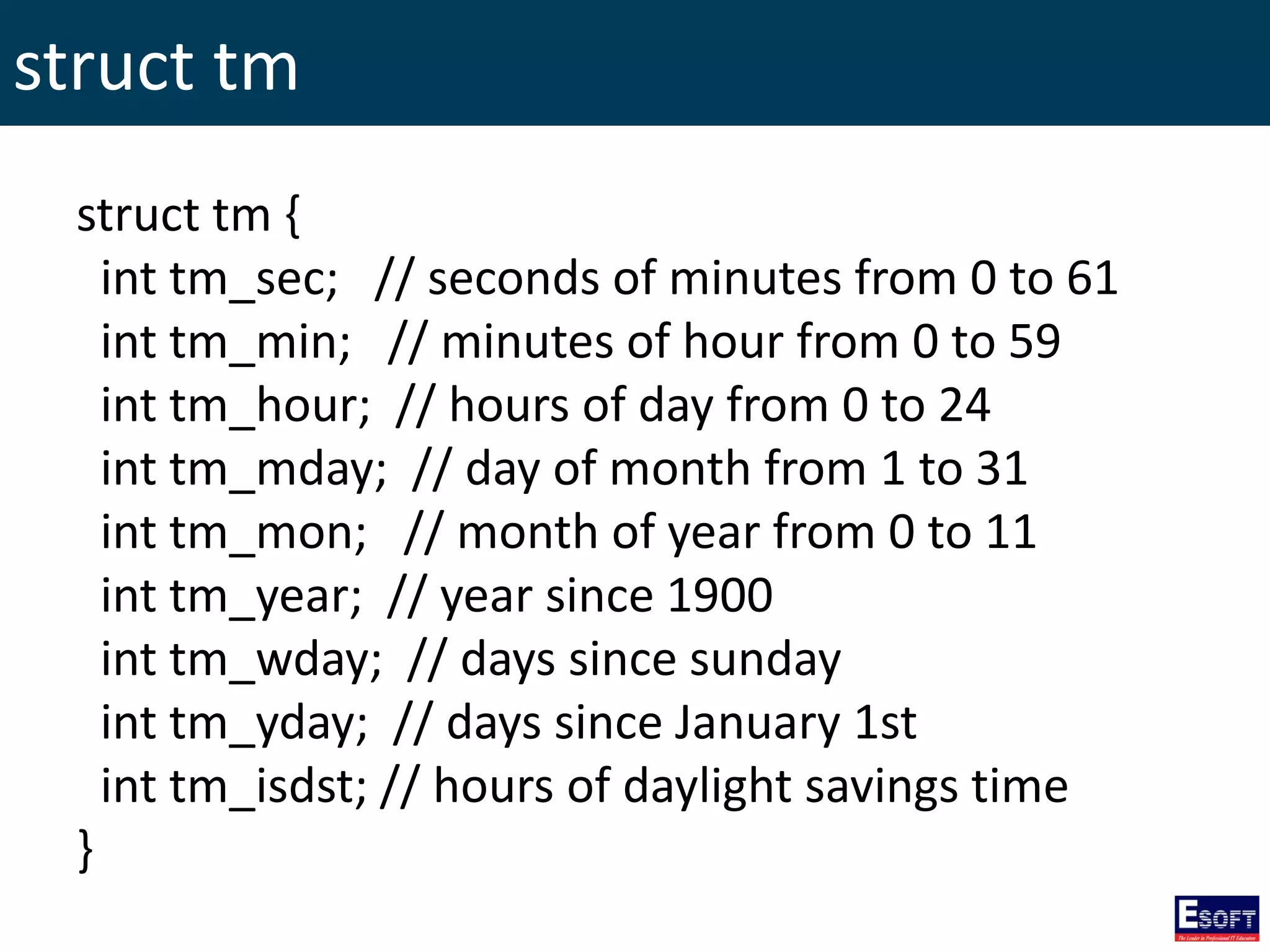
struct tm struct tm { int tm_sec; // seconds of minutes from 0 to 61 int tm_min; // minutes of hour from 0 to 59 int tm_hour; // hours of day from 0 to 24 int tm_mday; // day of month from 1 to 31 int tm_mon; // month of year from 0 to 11 int tm_year; // year since 1900 int tm_wday; // days since sunday int tm_yday; // days since January 1st int tm_isdst; // hours of daylight savings time }
Date and Time Functions
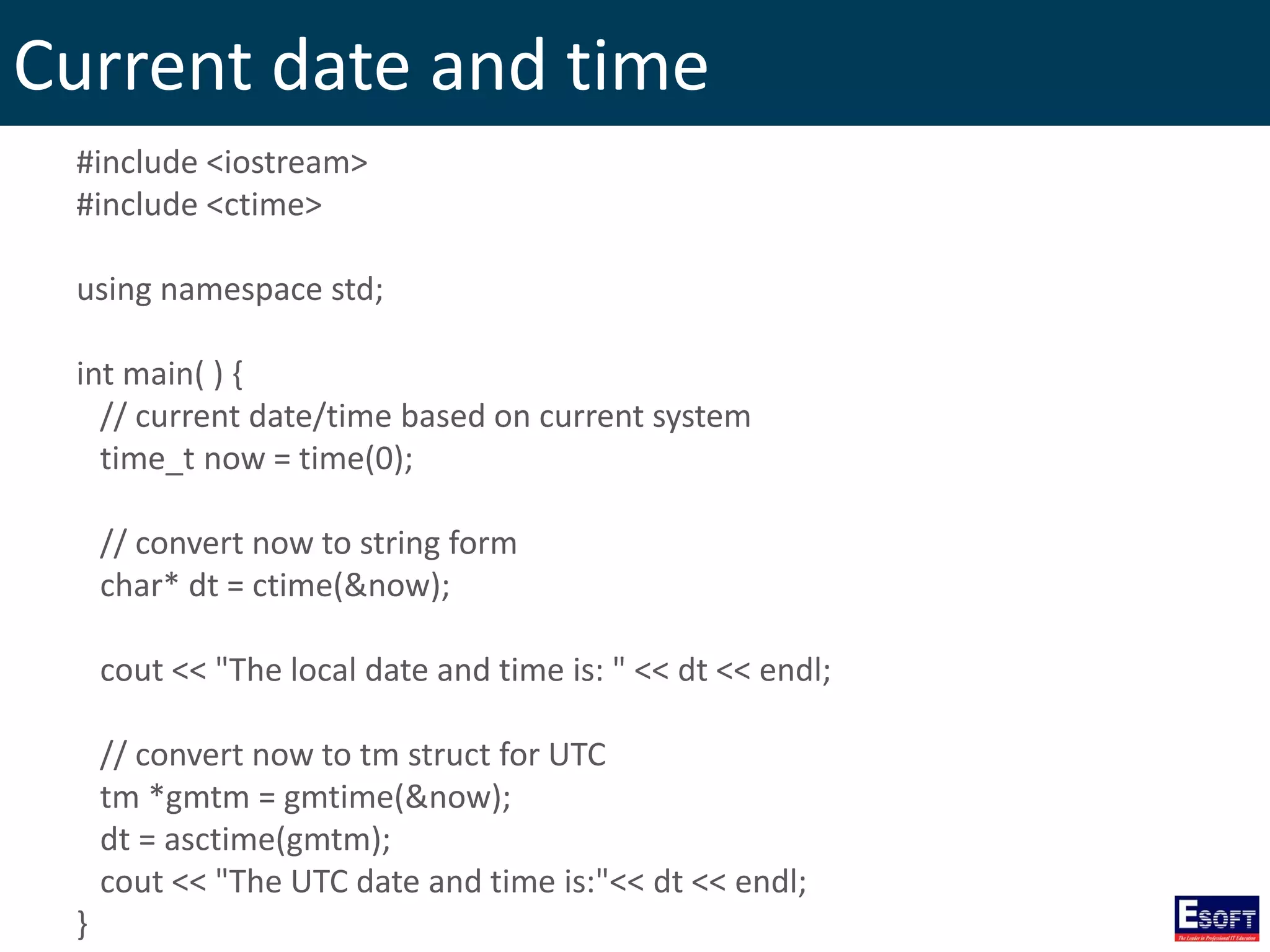
Current date and time #include <iostream> #include <ctime> using namespace std; int main( ) { // current date/time based on current system time_t now = time(0); // convert now to string form char* dt = ctime(&now); cout << "The local date and time is: " << dt << endl; // convert now to tm struct for UTC tm *gmtm = gmtime(&now); dt = asctime(gmtm); cout << "The UTC date and time is:"<< dt << endl; }
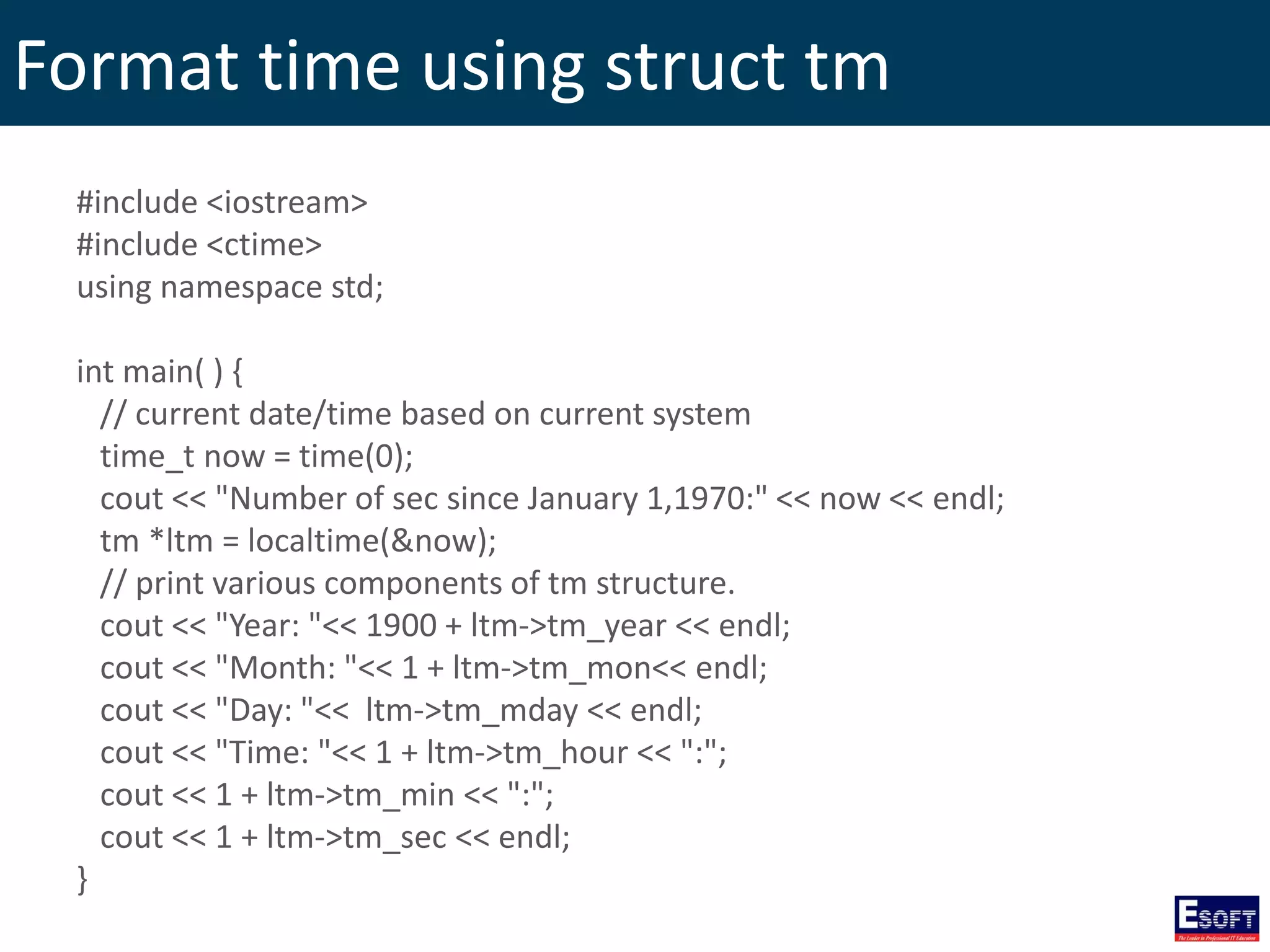
Format time using struct tm #include <iostream> #include <ctime> using namespace std; int main( ) { // current date/time based on current system time_t now = time(0); cout << "Number of sec since January 1,1970:" << now << endl; tm *ltm = localtime(&now); // print various components of tm structure. cout << "Year: "<< 1900 + ltm->tm_year << endl; cout << "Month: "<< 1 + ltm->tm_mon<< endl; cout << "Day: "<< ltm->tm_mday << endl; cout << "Time: "<< 1 + ltm->tm_hour << ":"; cout << 1 + ltm->tm_min << ":"; cout << 1 + ltm->tm_sec << endl; }
Structures • Structure is another user defined data type which allows you to combine data items of different kinds. • Structures are used to represent a record.
Defining a Structure struct [structure tag] { member definition; member definition; ... member definition; } [one or more structure variables];
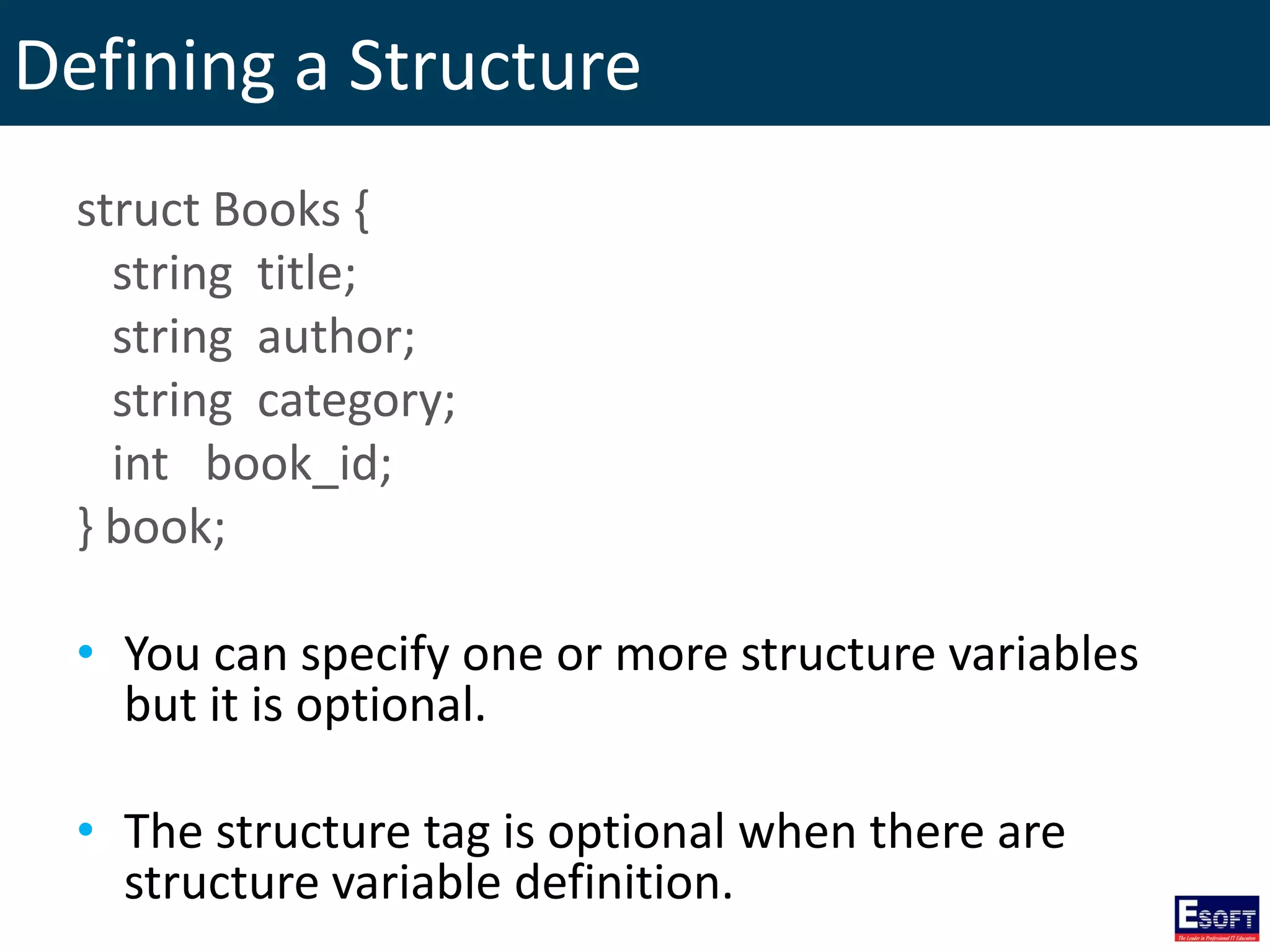
Defining a Structure struct Books { string title; string author; string category; int book_id; } book; • You can specify one or more structure variables but it is optional. • The structure tag is optional when there are structure variable definition.
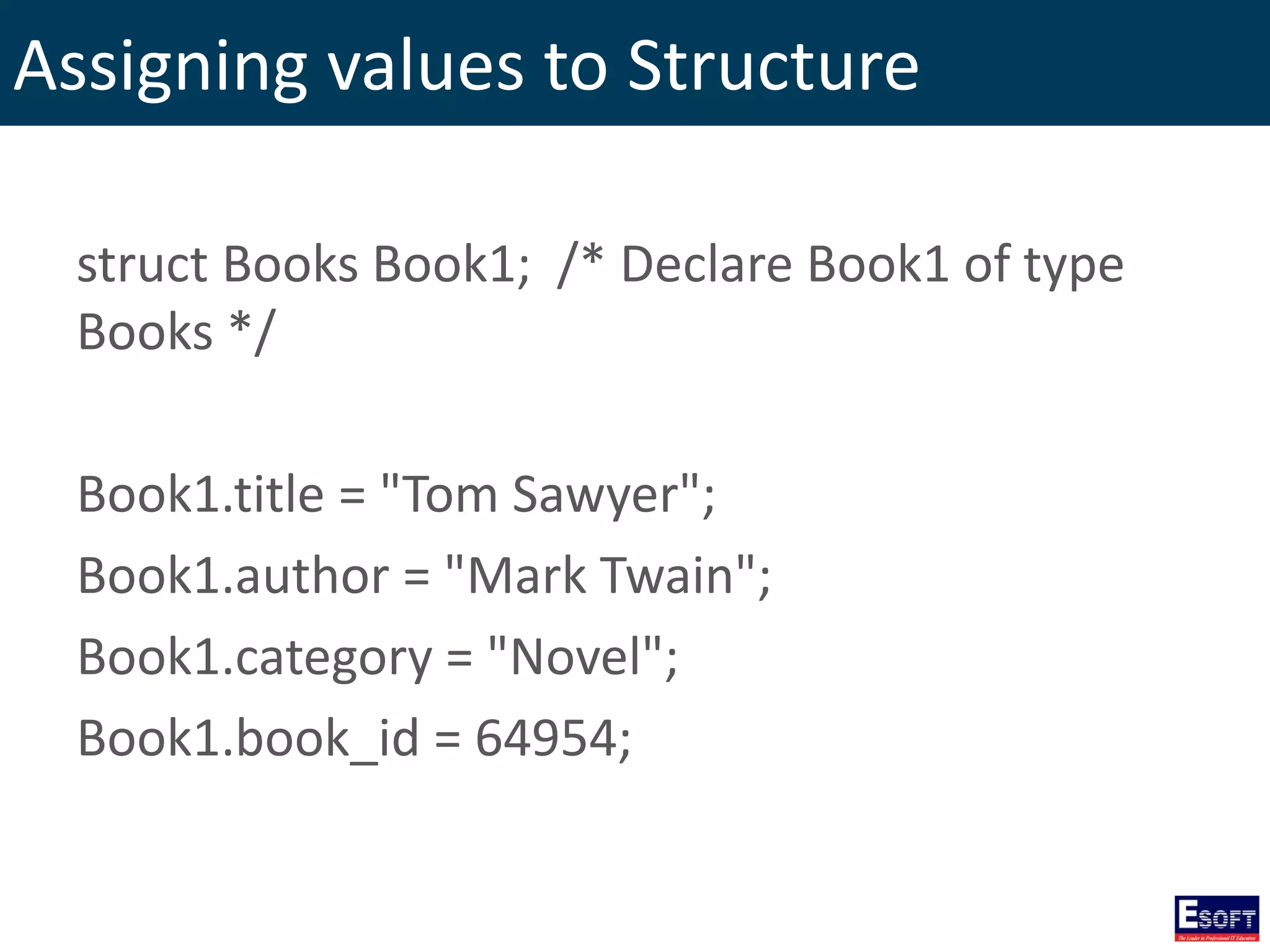
Assigning values to Structure struct Books Book1; /* Declare Book1 of type Books */ Book1.title = "Tom Sawyer"; Book1.author = "Mark Twain"; Book1.category = "Novel"; Book1.book_id = 64954;
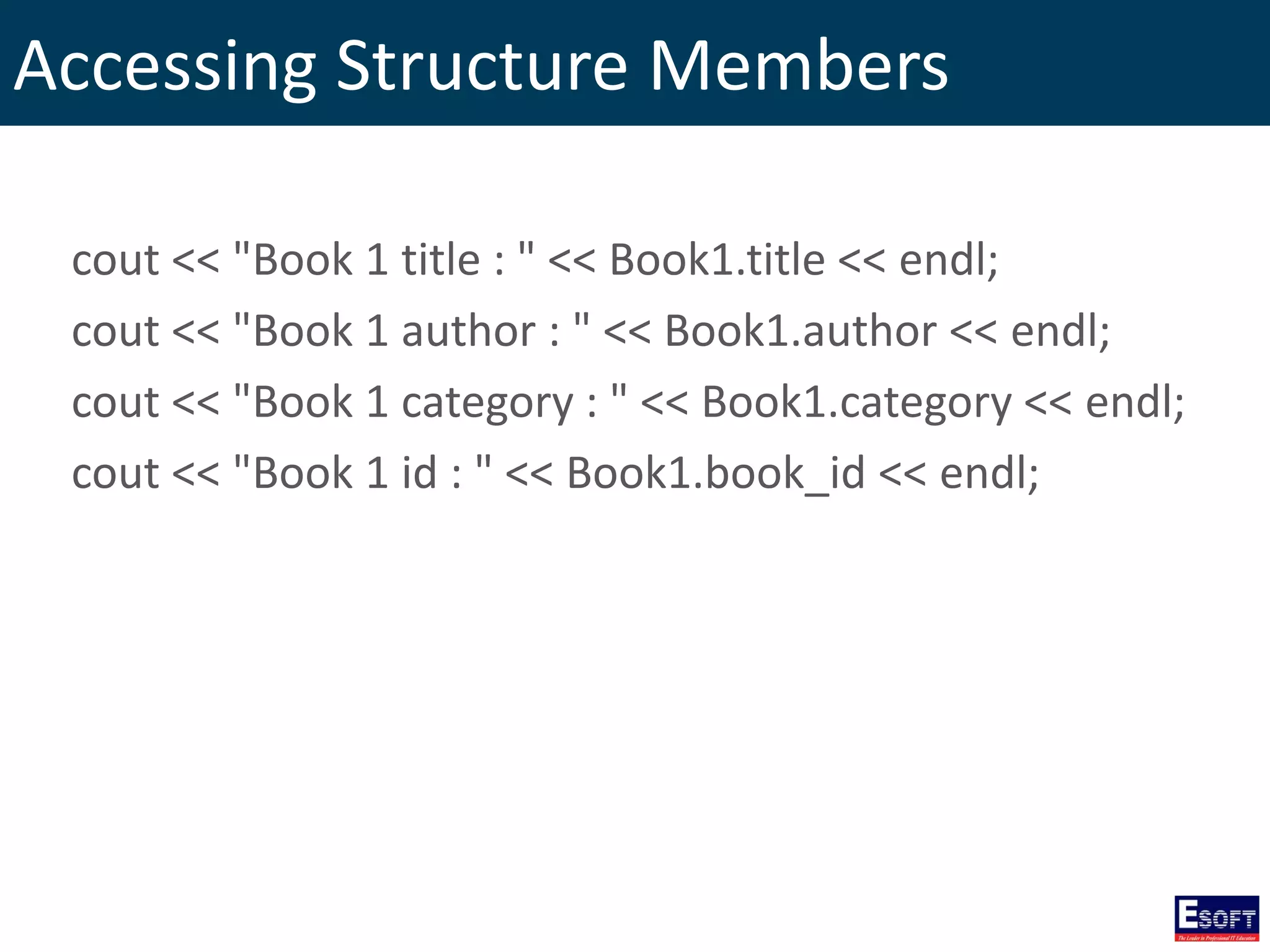
Accessing Structure Members cout << "Book 1 title : " << Book1.title << endl; cout << "Book 1 author : " << Book1.author << endl; cout << "Book 1 category : " << Book1.category << endl; cout << "Book 1 id : " << Book1.book_id << endl;
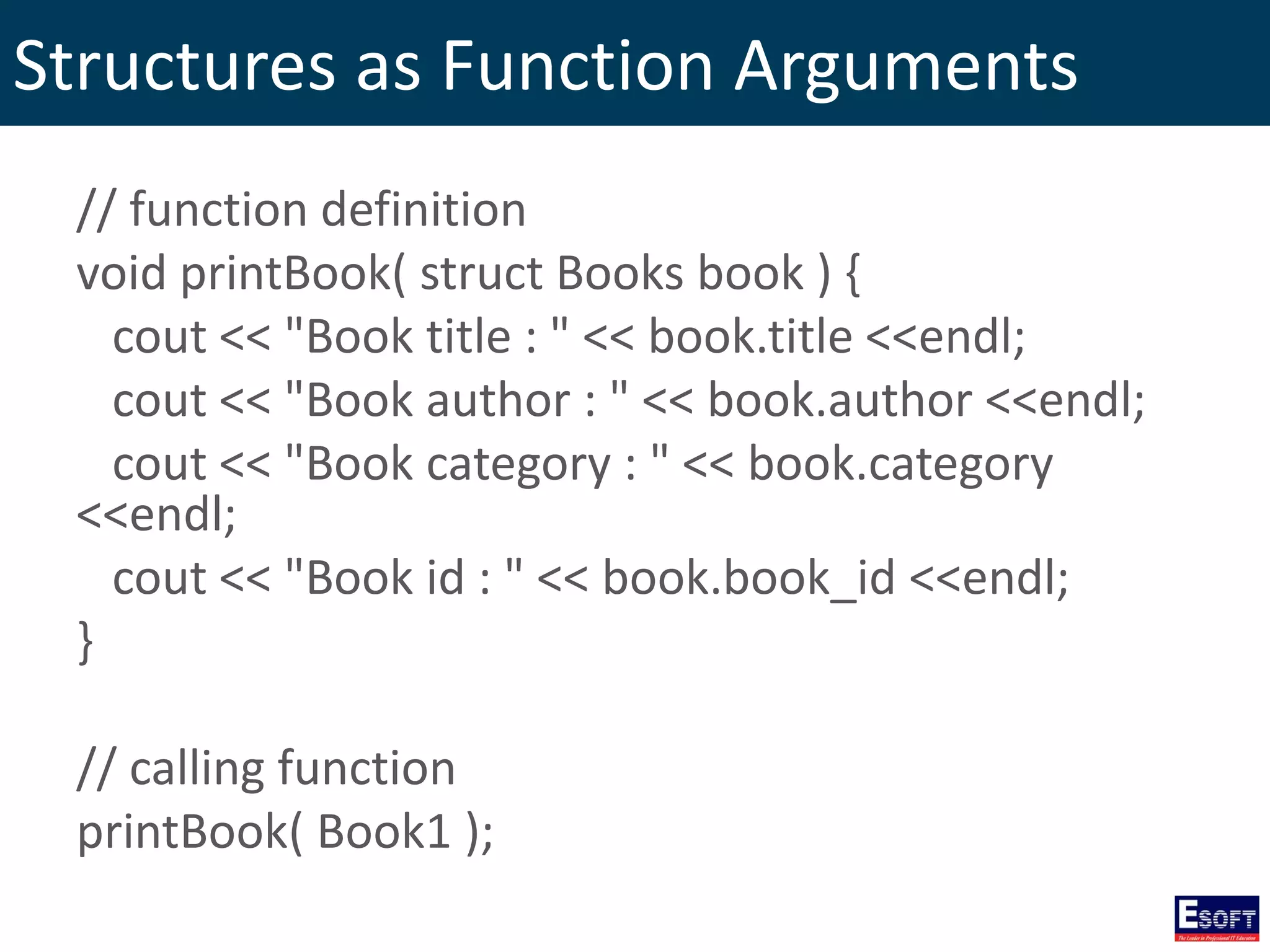
Structures as Function Arguments // function definition void printBook( struct Books book ) { cout << "Book title : " << book.title <<endl; cout << "Book author : " << book.author <<endl; cout << "Book category : " << book.category <<endl; cout << "Book id : " << book.book_id <<endl; } // calling function printBook( Book1 );
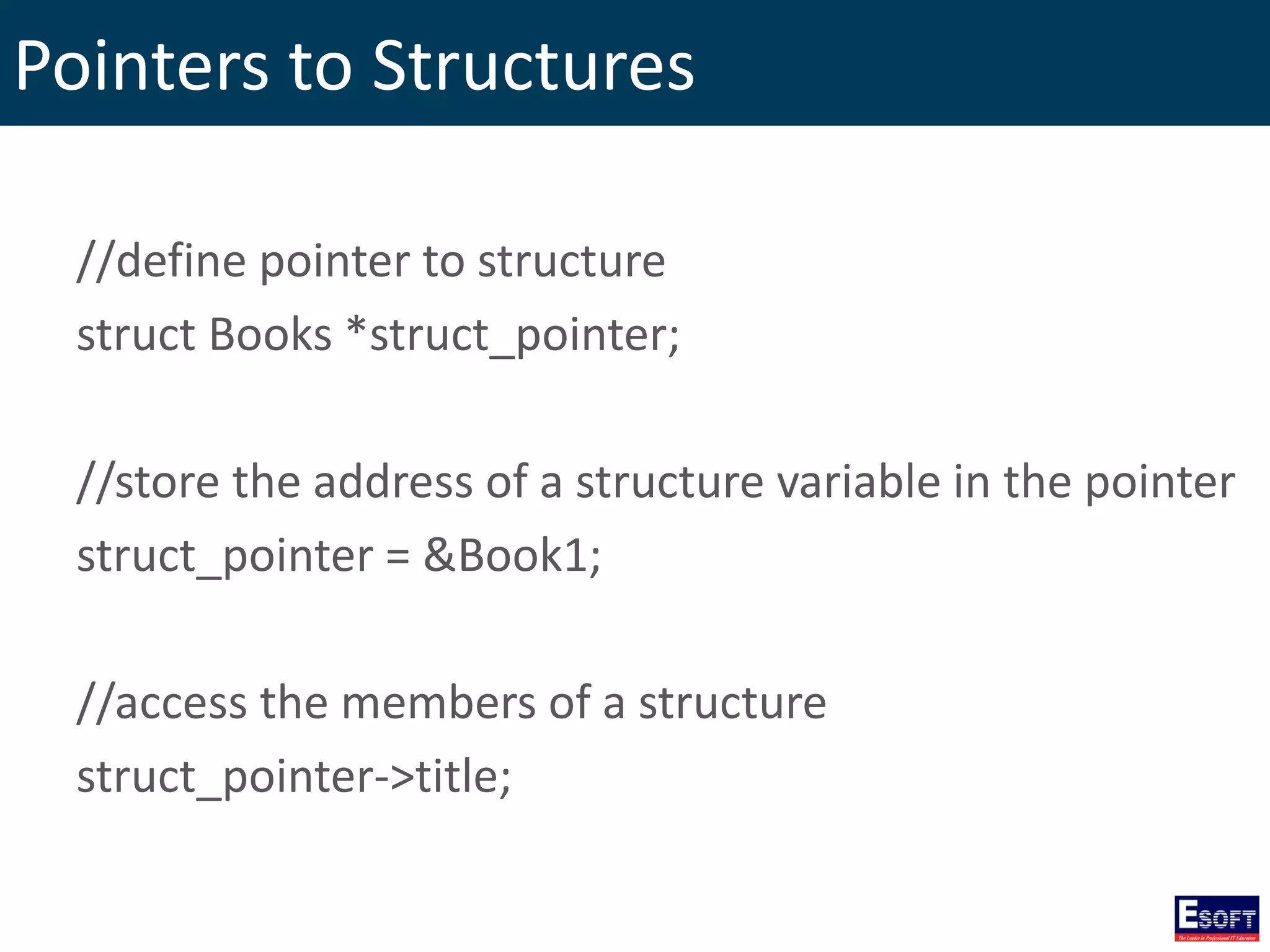
Pointers to Structures //define pointer to structure struct Books *struct_pointer; //store the address of a structure variable in the pointer struct_pointer = &Book1; //access the members of a structure struct_pointer->title;
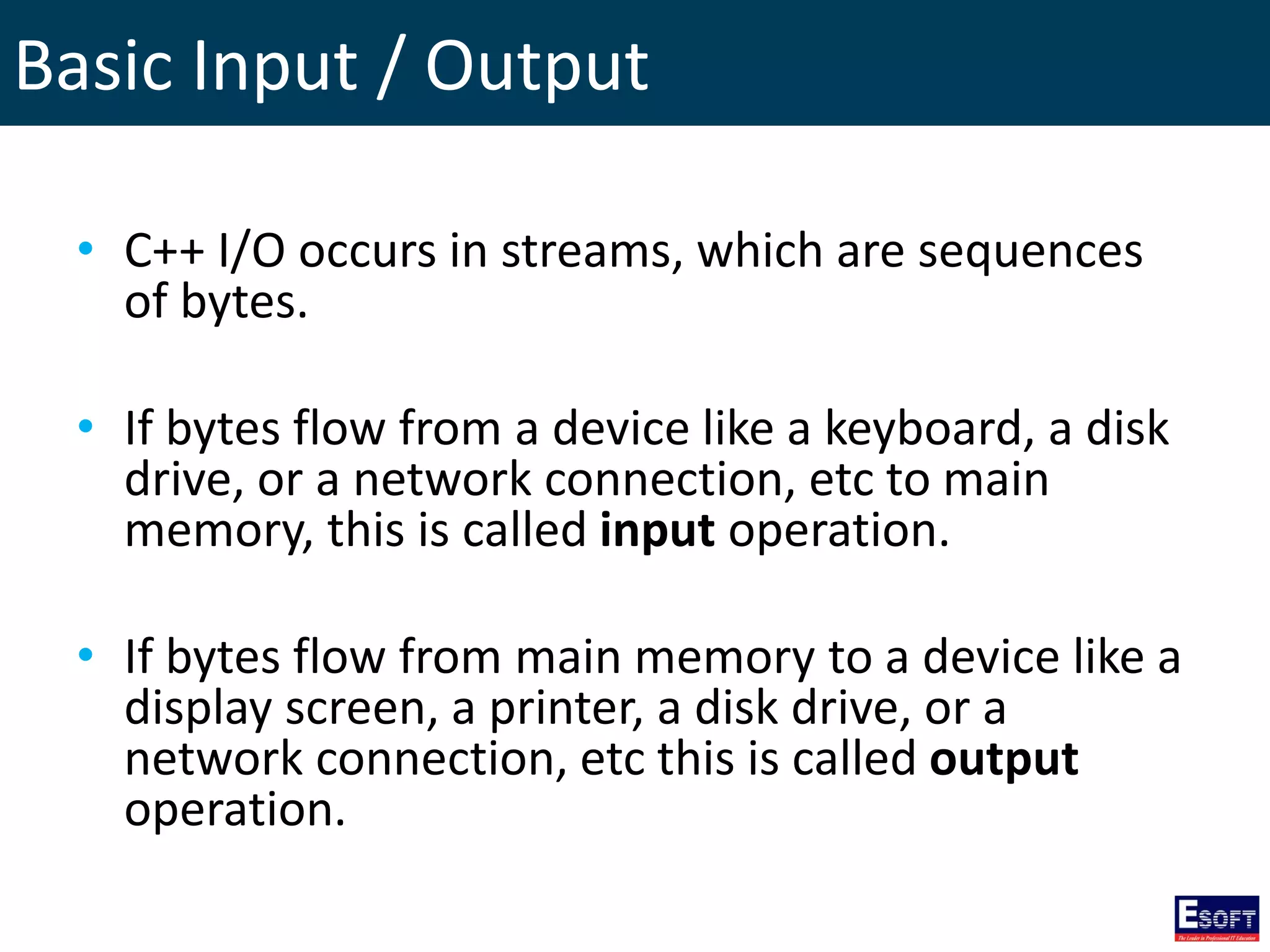
Basic Input / Output • C++ I/O occurs in streams, which are sequences of bytes. • If bytes flow from a device like a keyboard, a disk drive, or a network connection, etc to main memory, this is called input operation. • If bytes flow from main memory to a device like a display screen, a printer, a disk drive, or a network connection, etc this is called output operation.
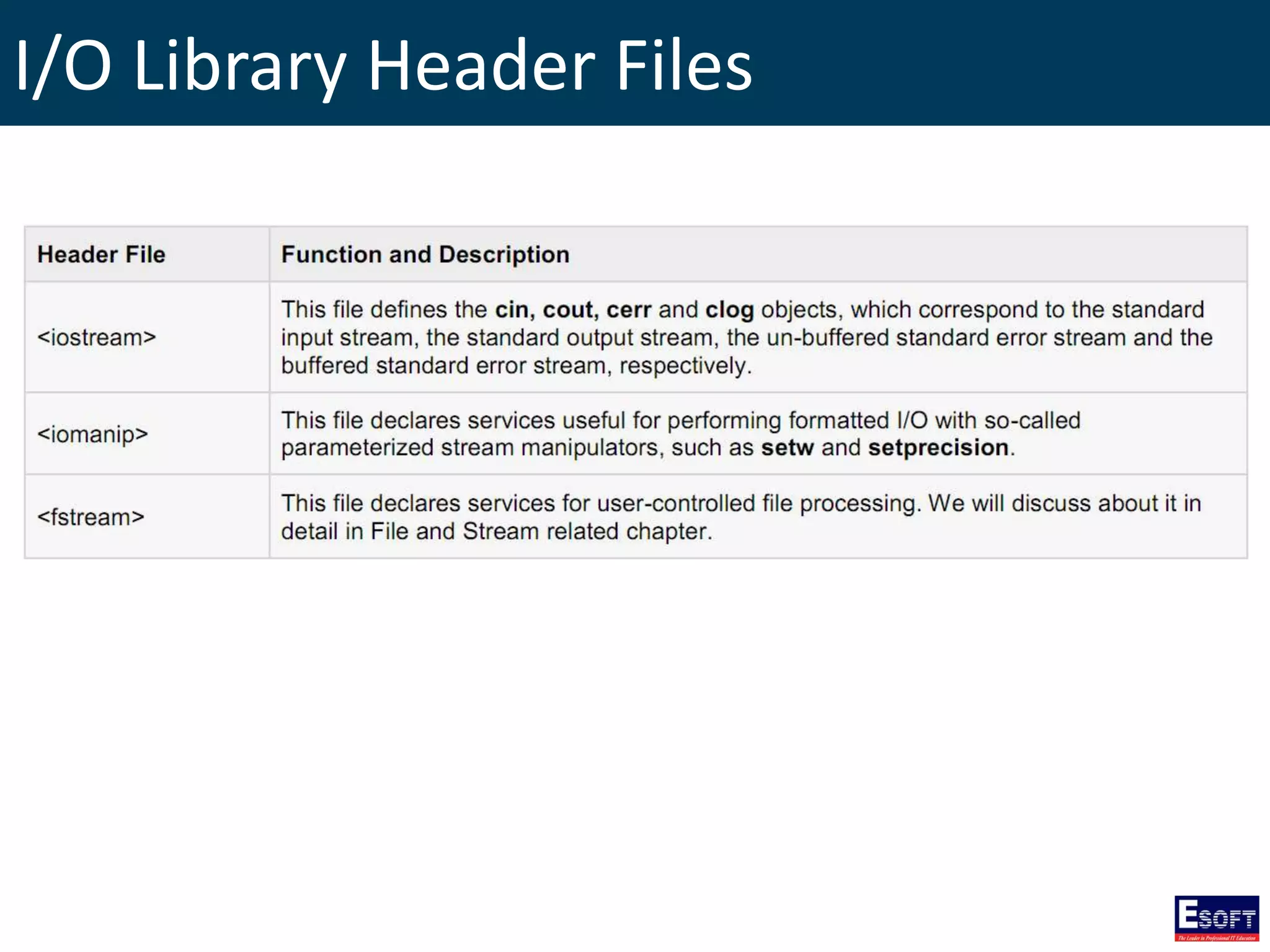
I/O Library Header Files
The standard output stream (cout) • The predefined object cout is an instance of ostream class. • The cout object is said to be "connected to" the standard output device, which usually is the display screen.
The standard output stream (cout) #include <iostream> using namespace std; int main( ) { char str[] = "Hello C++"; cout << "Value of str is : " << str << endl; }
The standard input stream (cin) • The predefined object cin is an instance of istream class. • The cin object is said to be attached to the standard input device, which usually is the keyboard.
The standard input stream (cin) #include <iostream> using namespace std; int main( ) { char name[50]; cout << "Please enter your name: "; cin >> name; cout << "Your name is: " << name << endl; }
The standard error stream (cerr) • The predefined object cerr is an instance of ostream class. • The cerr object is said to be attached to the standard error device, which is also a display screen but the object cerr is un-buffered and each stream insertion to cerr causes its output to appear immediately.
The standard error stream (cerr) #include <iostream> using namespace std; int main( ) { char str[] = "Unable to read...."; cerr << "Error message : " << str << endl; }
The standard log stream (clog) • The predefined object clog is an instance of ostream class. • The clog object is said to be attached to the standard error device, which is also a display screen but the object clog is buffered. • This means that each insertion to clog could cause its output to be held in a buffer until the buffer is filled or until the buffer is flushed.
The standard log stream (clog) #include <iostream> using namespace std; int main( ) { char str[] = "Unable to read...."; clog << "Error message : " << str << endl; }
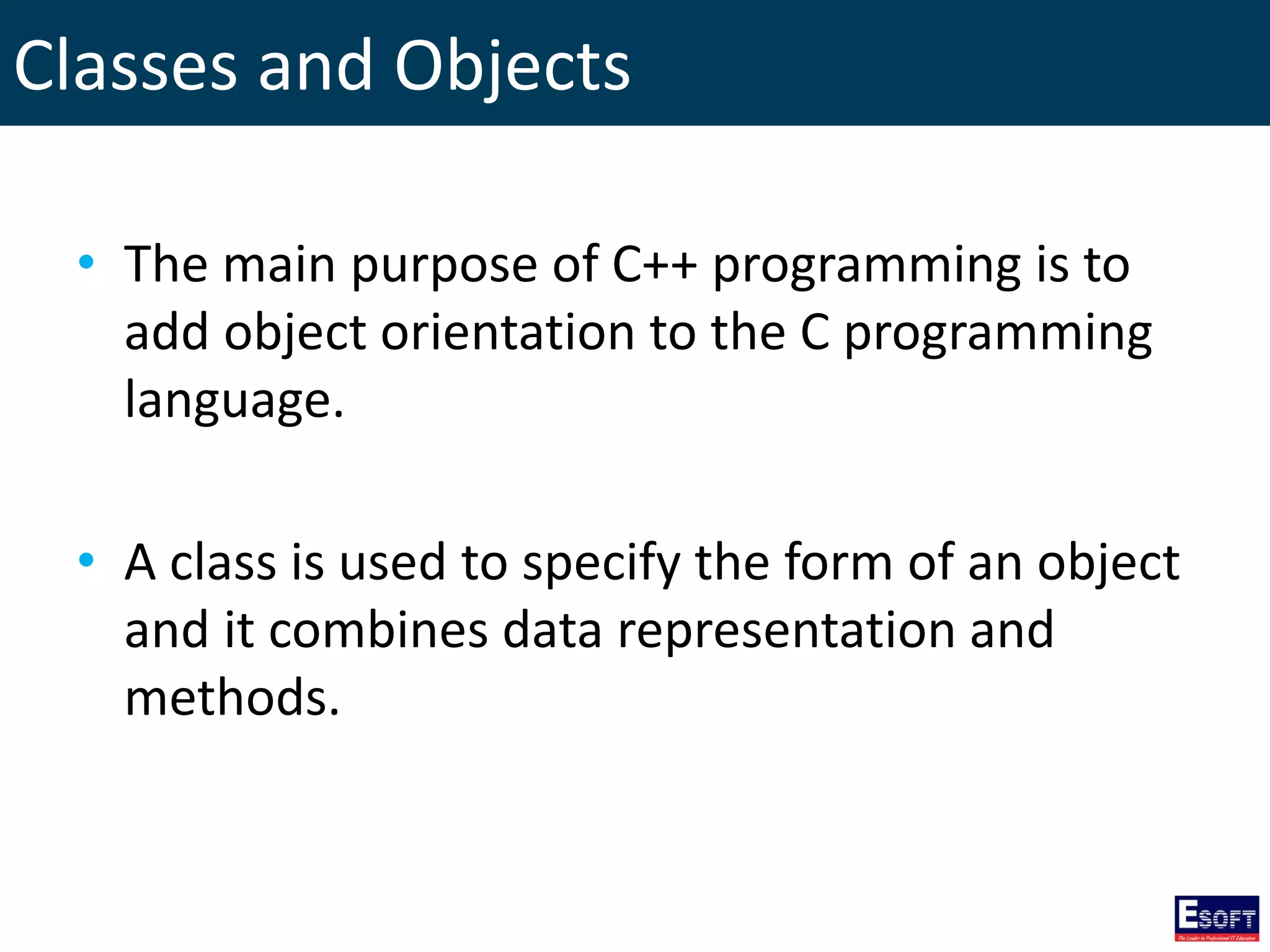
Classes and Objects • The main purpose of C++ programming is to add object orientation to the C programming language. • A class is used to specify the form of an object and it combines data representation and methods.
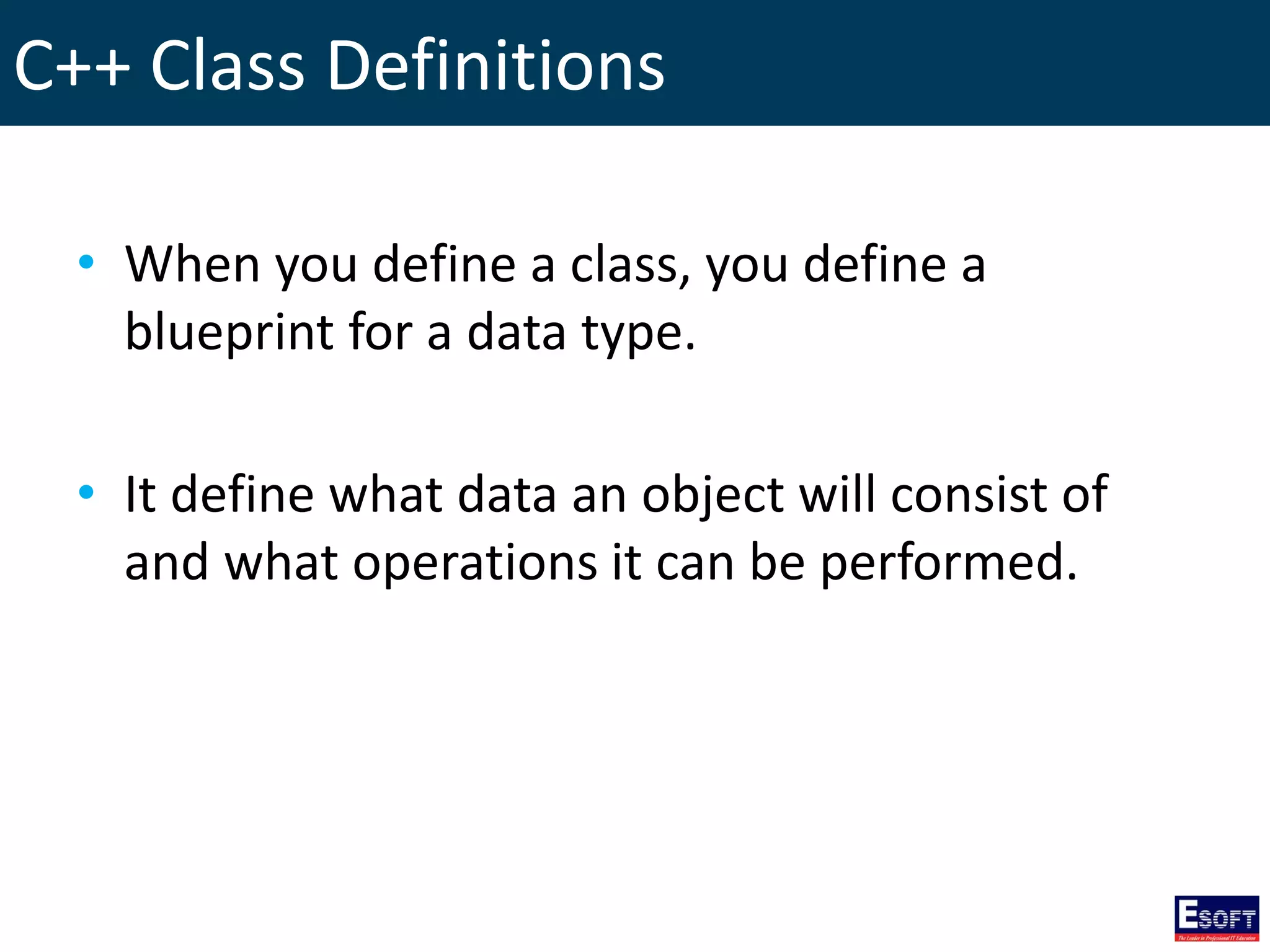
C++ Class Definitions • When you define a class, you define a blueprint for a data type. • It define what data an object will consist of and what operations it can be performed.
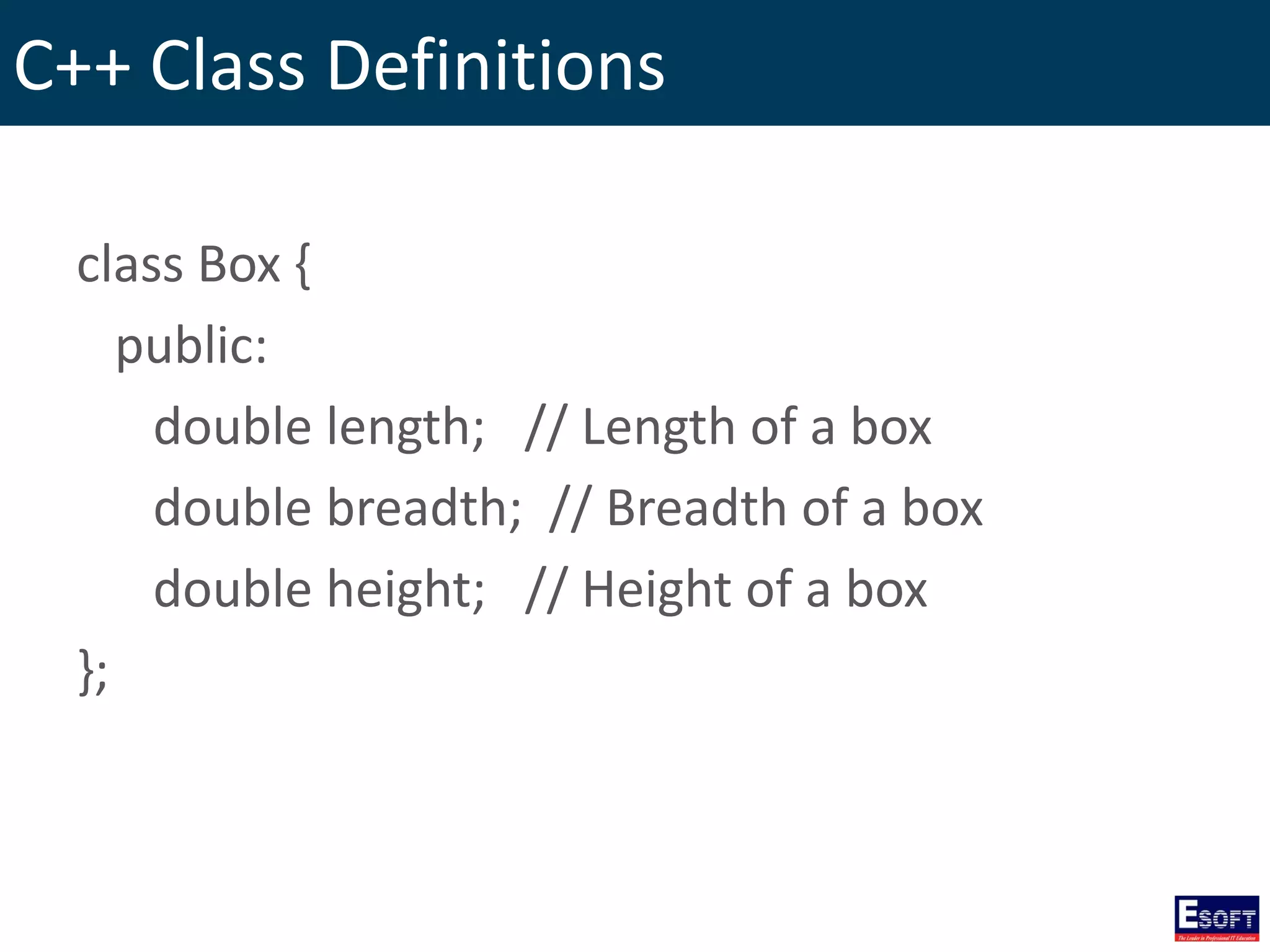
C++ Class Definitions class Box { public: double length; // Length of a box double breadth; // Breadth of a box double height; // Height of a box };
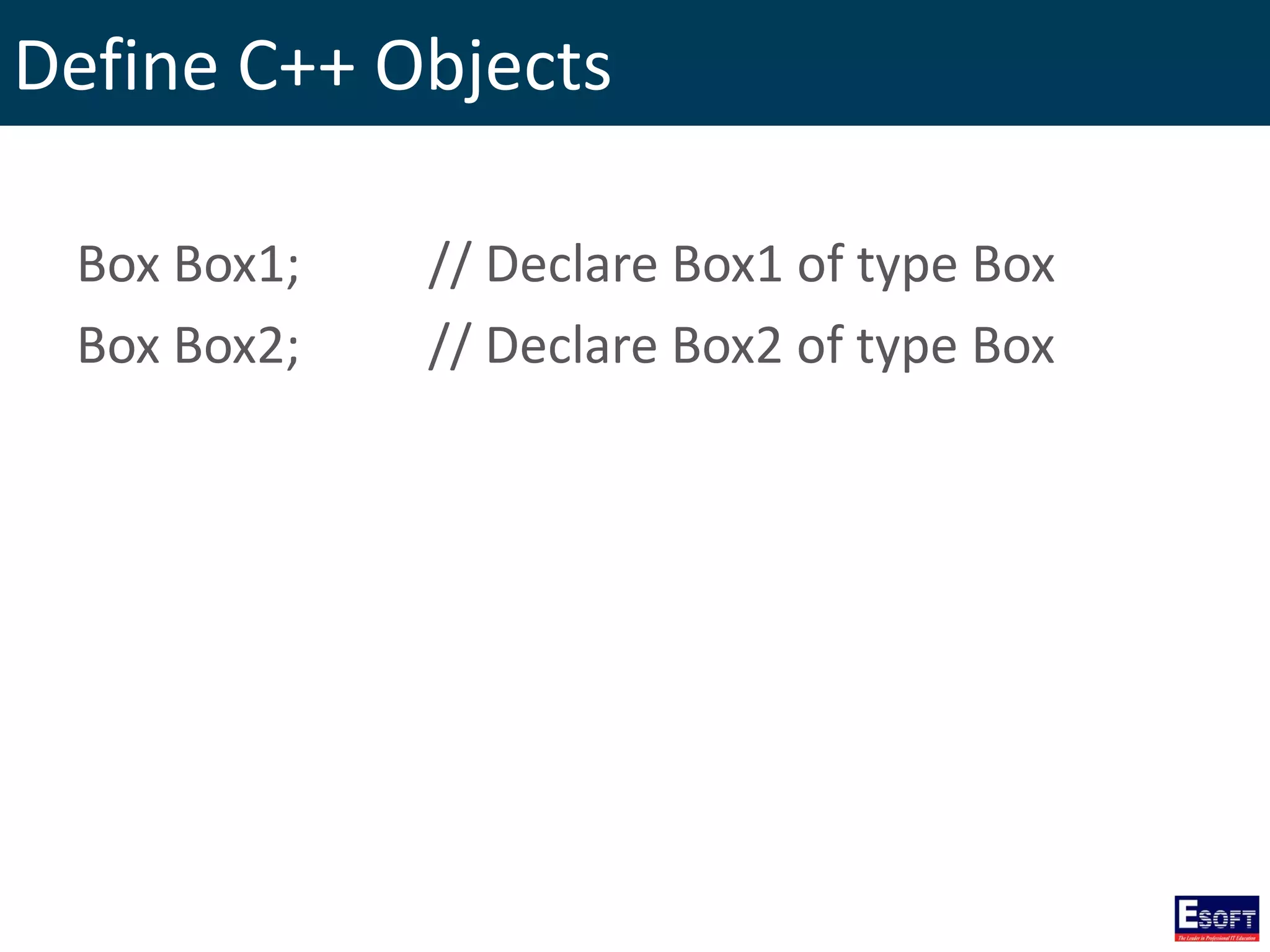
Define C++ Objects Box Box1; // Declare Box1 of type Box Box Box2; // Declare Box2 of type Box
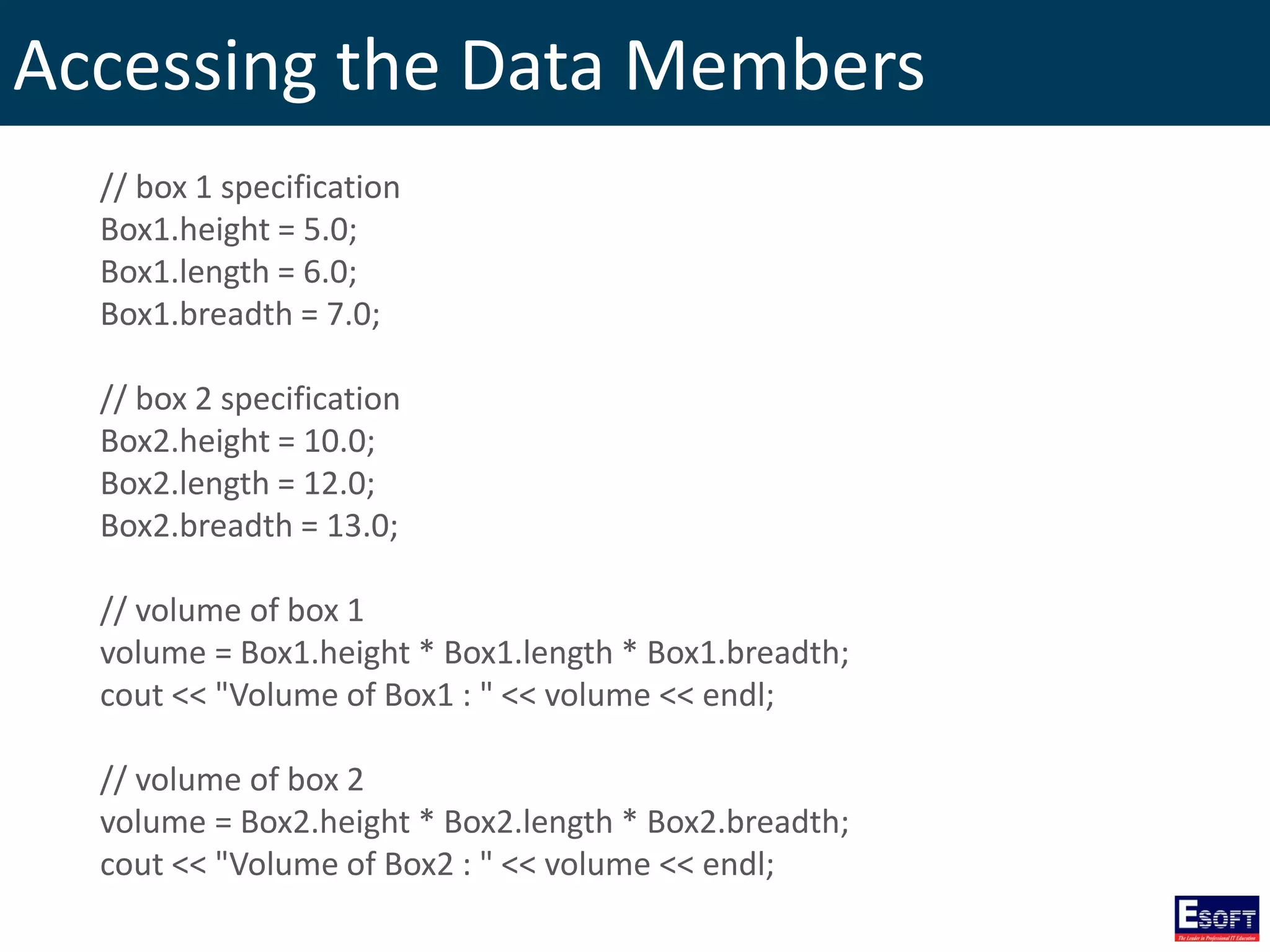
Accessing the Data Members // box 1 specification Box1.height = 5.0; Box1.length = 6.0; Box1.breadth = 7.0; // box 2 specification Box2.height = 10.0; Box2.length = 12.0; Box2.breadth = 13.0; // volume of box 1 volume = Box1.height * Box1.length * Box1.breadth; cout << "Volume of Box1 : " << volume << endl; // volume of box 2 volume = Box2.height * Box2.length * Box2.breadth; cout << "Volume of Box2 : " << volume << endl;
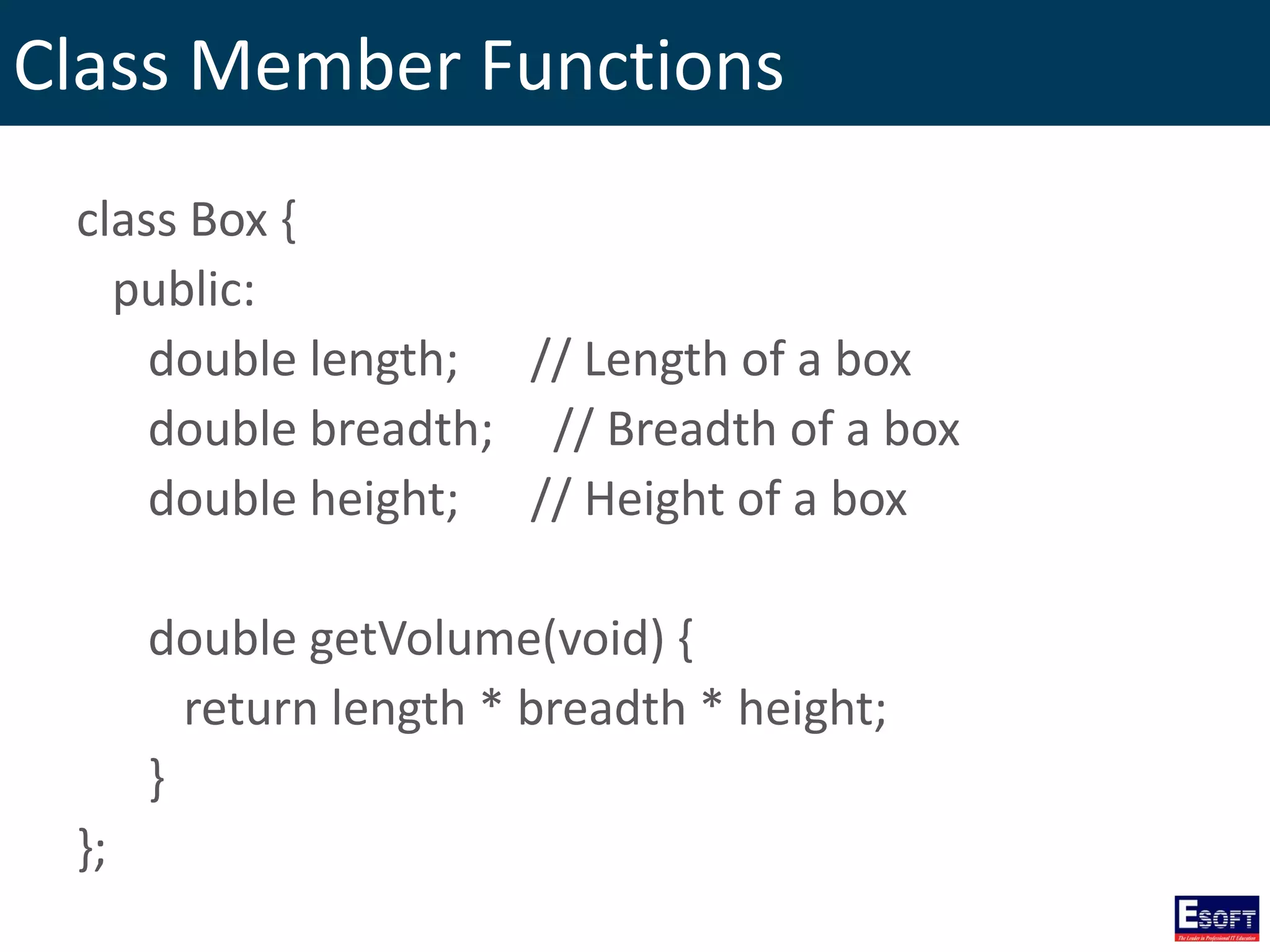
Class Member Functions class Box { public: double length; // Length of a box double breadth; // Breadth of a box double height; // Height of a box double getVolume(void) { return length * breadth * height; } };
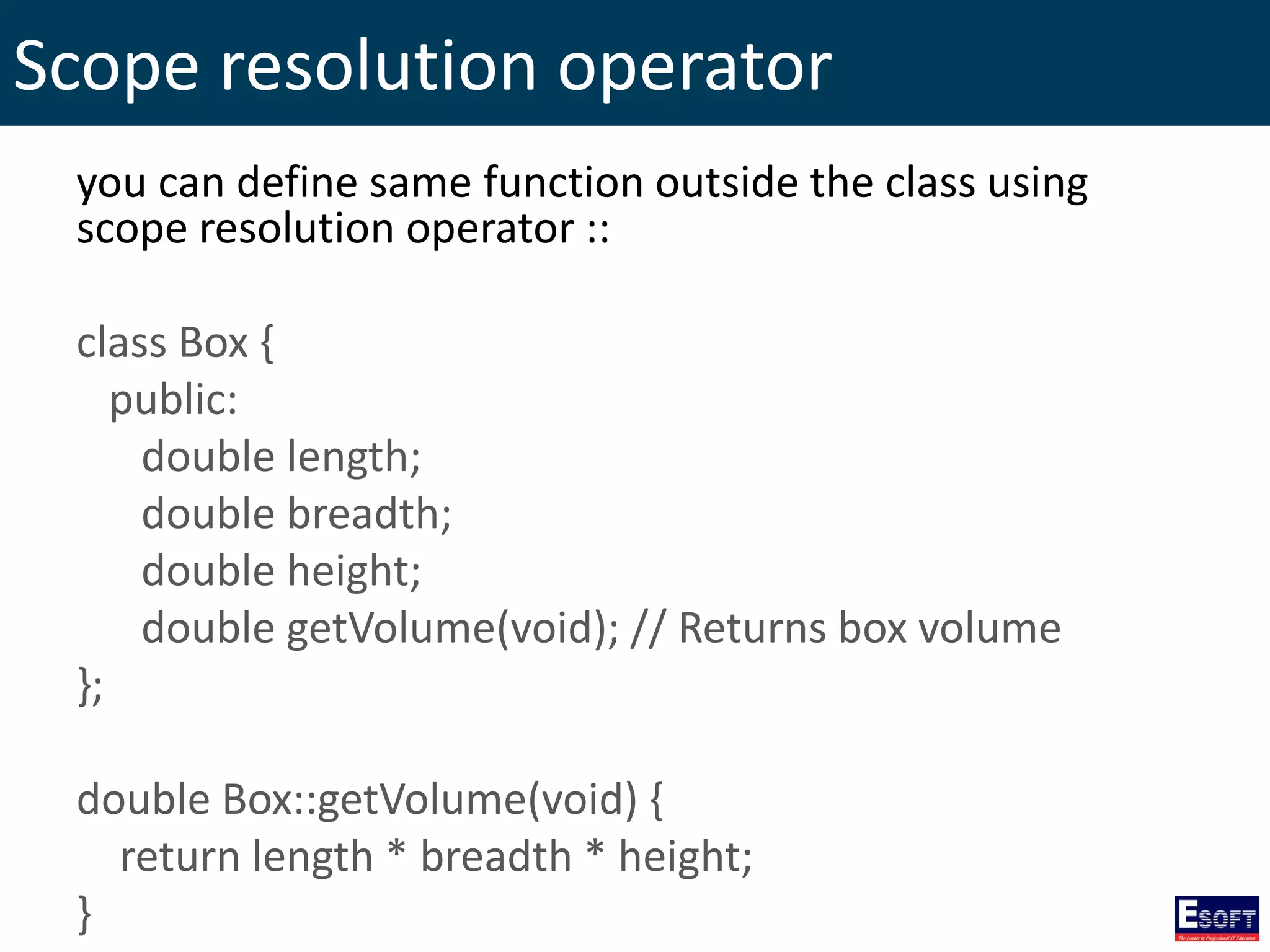
Scope resolution operator you can define same function outside the class using scope resolution operator :: class Box { public: double length; double breadth; double height; double getVolume(void); // Returns box volume }; double Box::getVolume(void) { return length * breadth * height; }
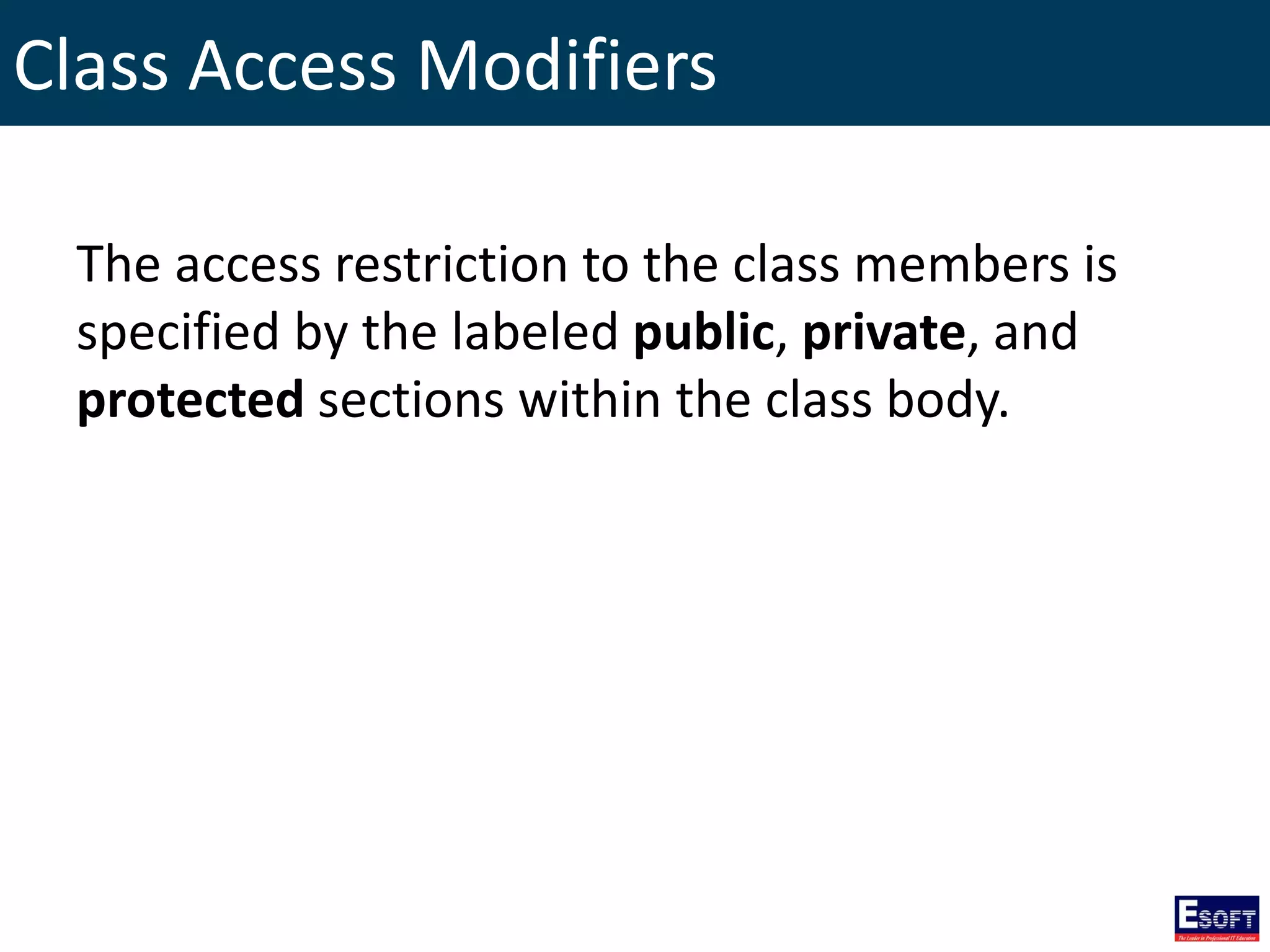
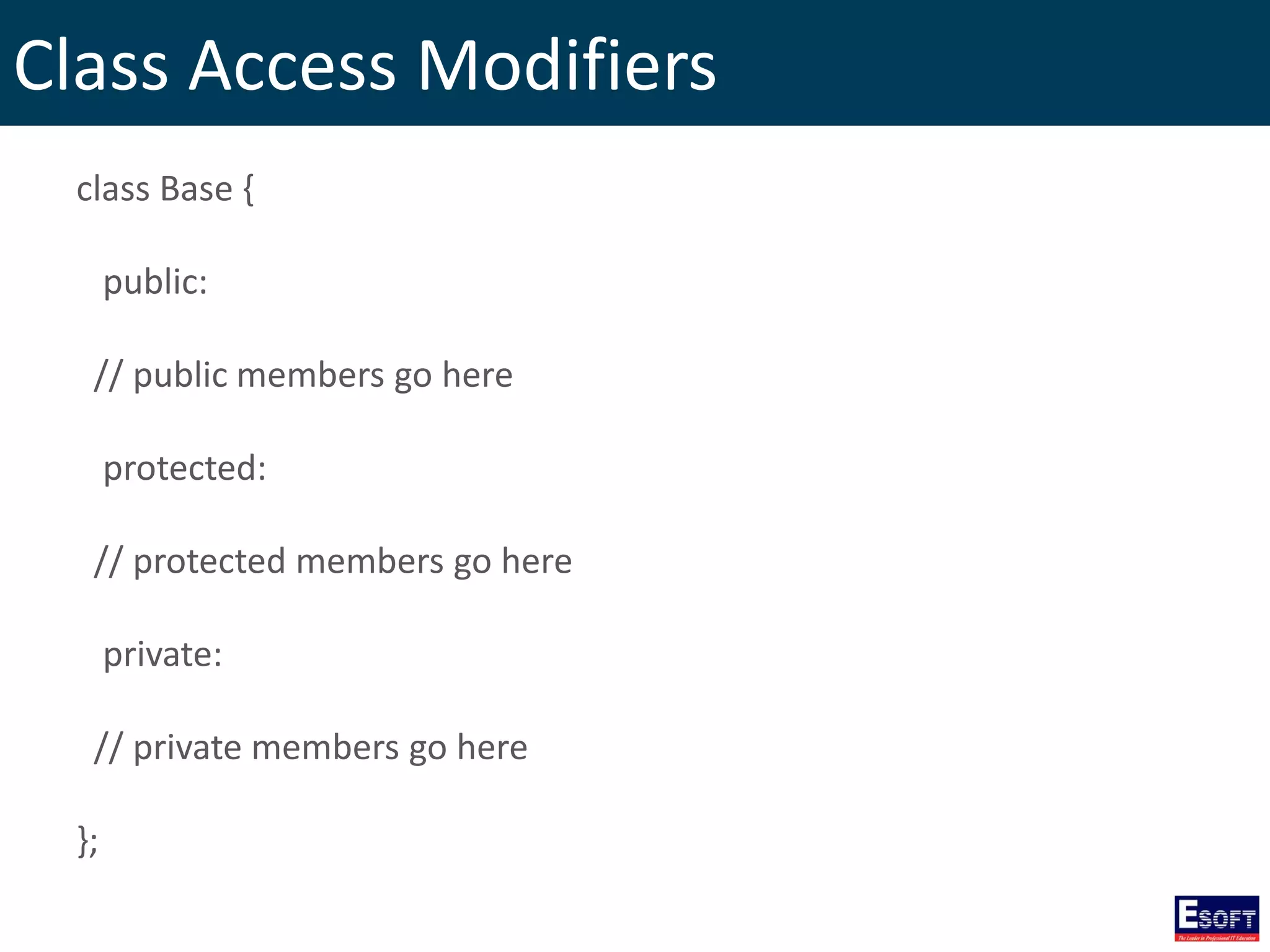
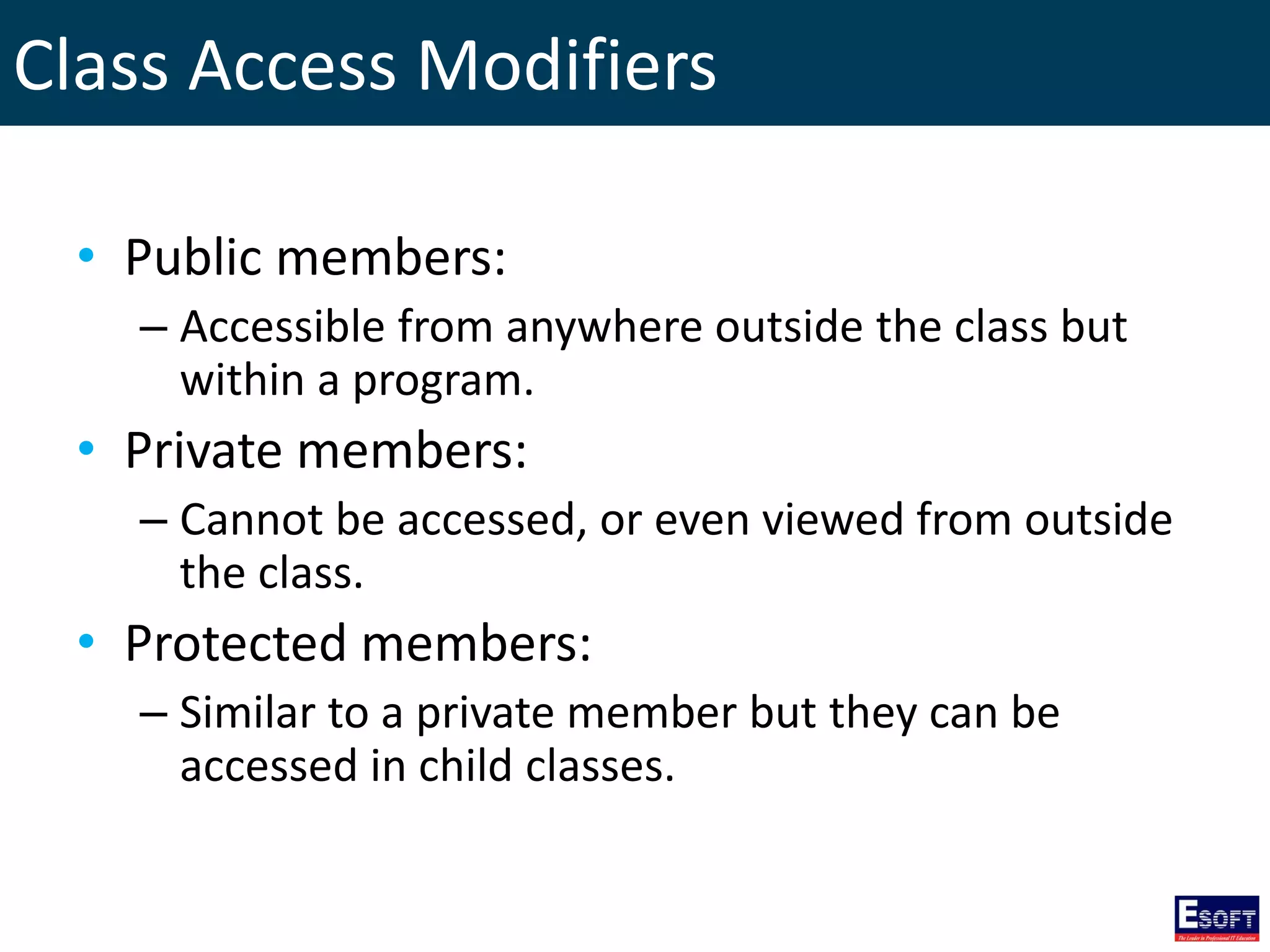
Class Access Modifiers The access restriction to the class members is specified by the labeled public, private, and protected sections within the class body.
Class Access Modifiers class Base { public: // public members go here protected: // protected members go here private: // private members go here };
Class Access Modifiers • Public members: – Accessible from anywhere outside the class but within a program. • Private members: – Cannot be accessed, or even viewed from outside the class. • Protected members: – Similar to a private member but they can be accessed in child classes.
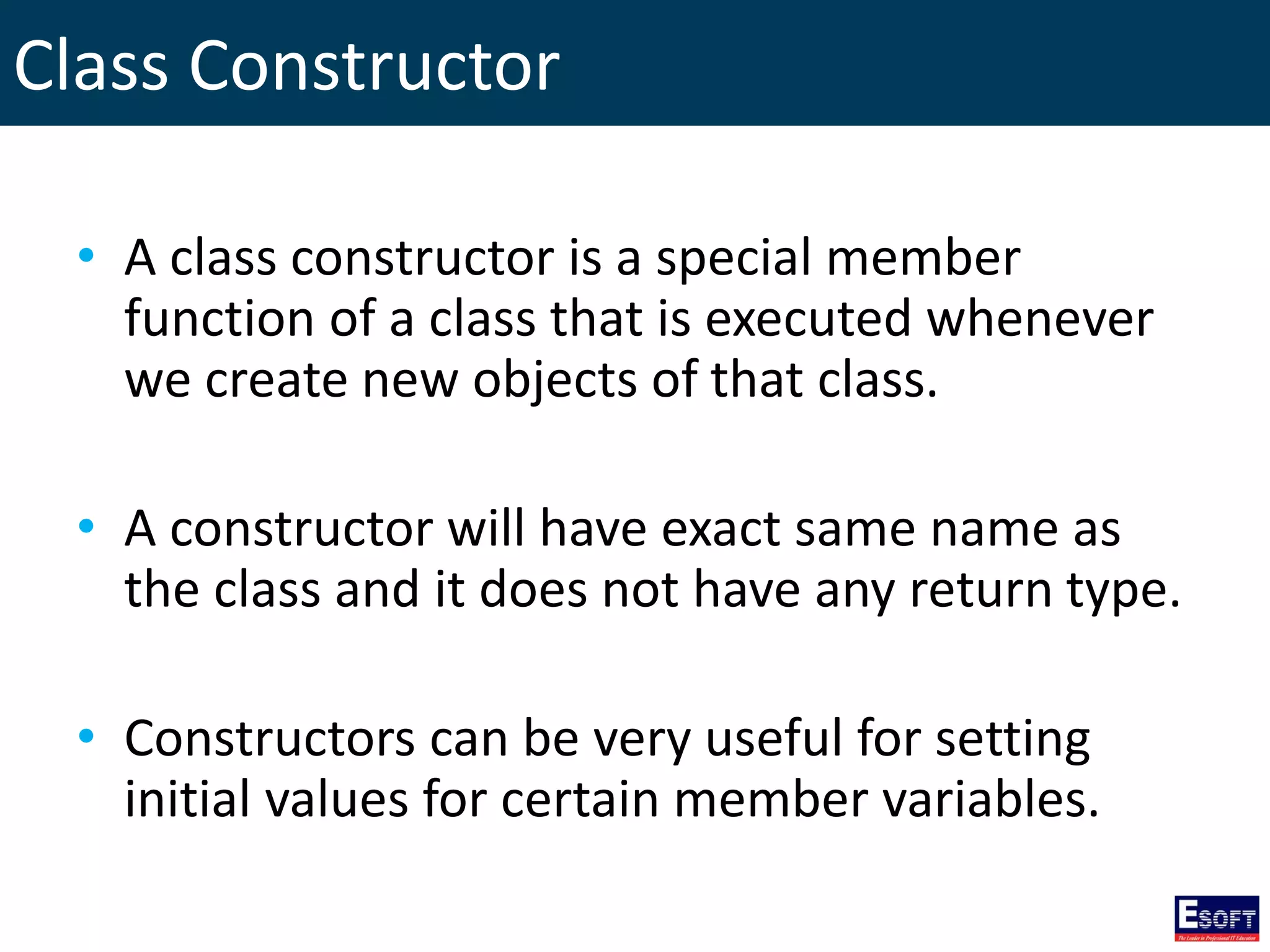
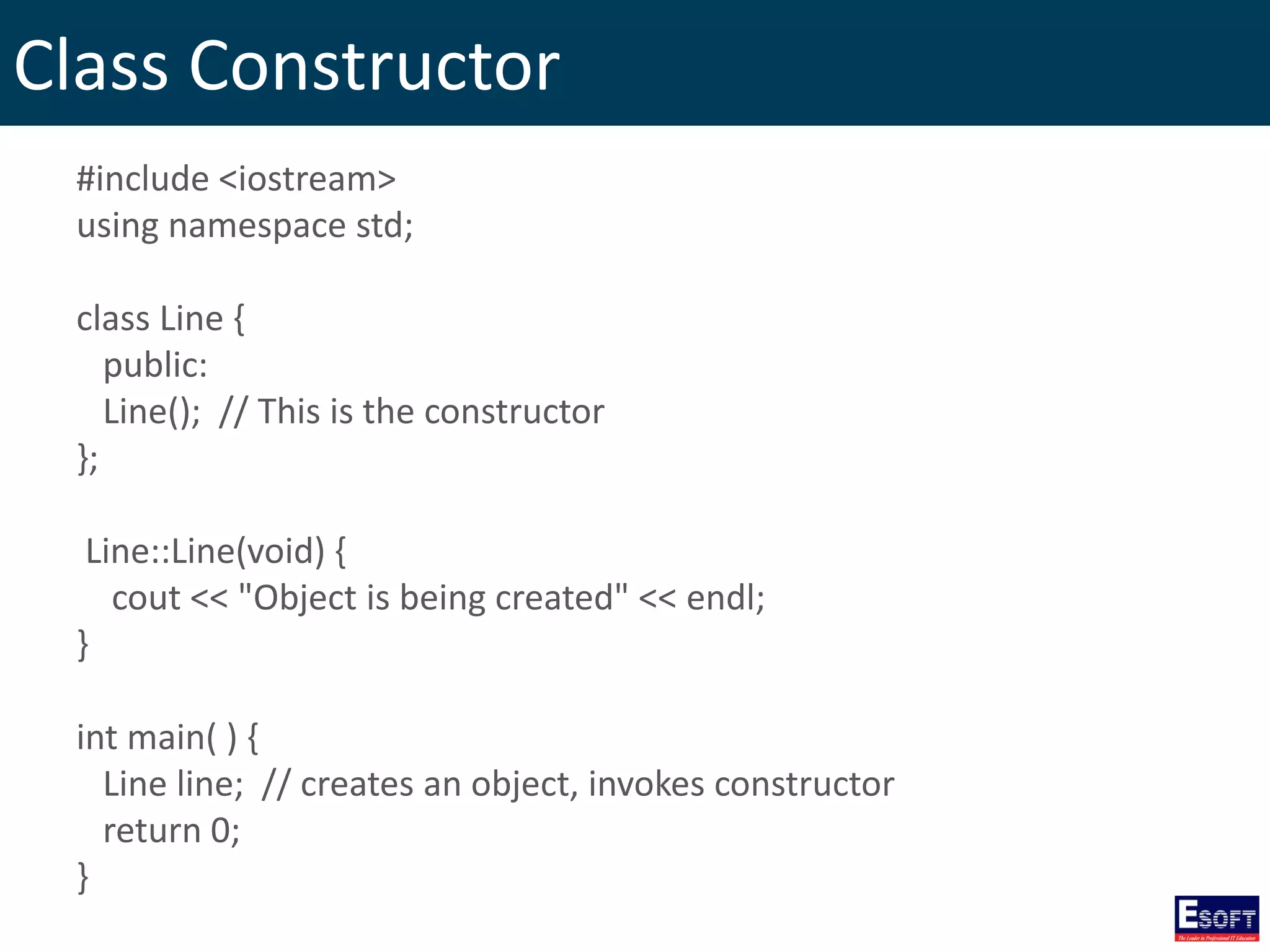
Class Constructor • A class constructor is a special member function of a class that is executed whenever we create new objects of that class. • A constructor will have exact same name as the class and it does not have any return type. • Constructors can be very useful for setting initial values for certain member variables.
Class Constructor #include <iostream> using namespace std; class Line { public: Line(); // This is the constructor }; Line::Line(void) { cout << "Object is being created" << endl; } int main( ) { Line line; // creates an object, invokes constructor return 0; }
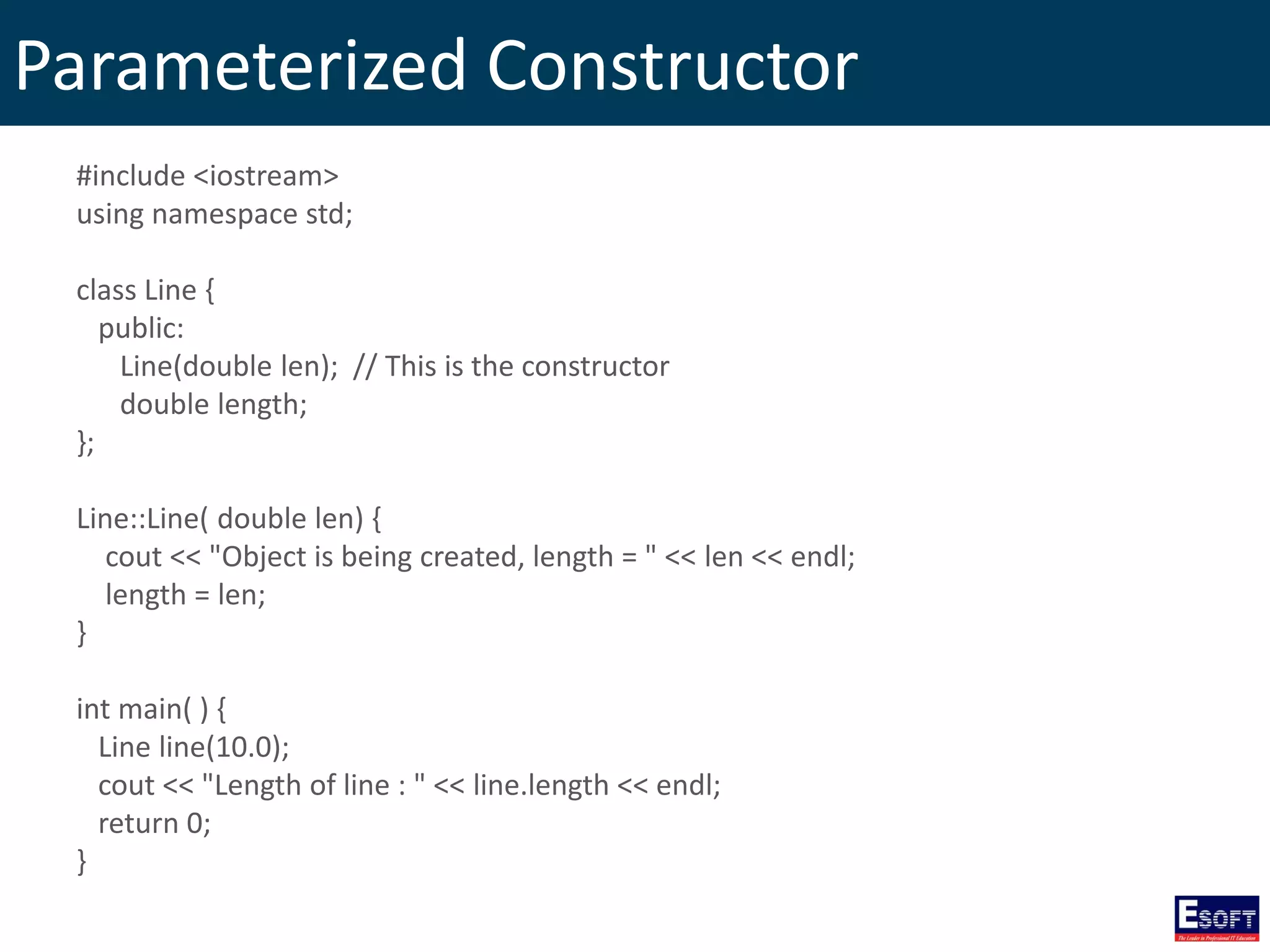
Parameterized Constructor #include <iostream> using namespace std; class Line { public: Line(double len); // This is the constructor double length; }; Line::Line( double len) { cout << "Object is being created, length = " << len << endl; length = len; } int main( ) { Line line(10.0); cout << "Length of line : " << line.length << endl; return 0; }
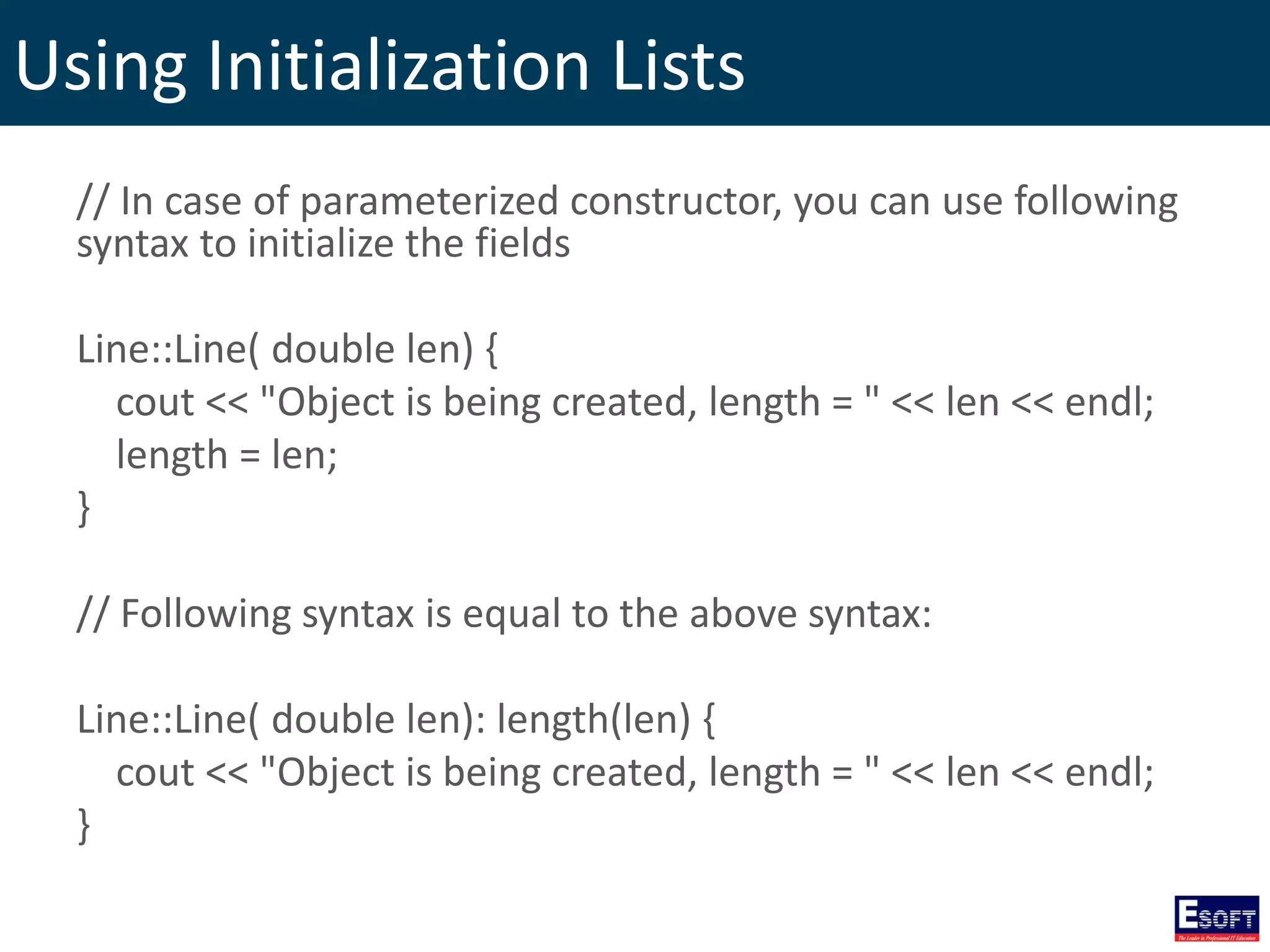
Using Initialization Lists // In case of parameterized constructor, you can use following syntax to initialize the fields Line::Line( double len) { cout << "Object is being created, length = " << len << endl; length = len; } // Following syntax is equal to the above syntax: Line::Line( double len): length(len) { cout << "Object is being created, length = " << len << endl; }
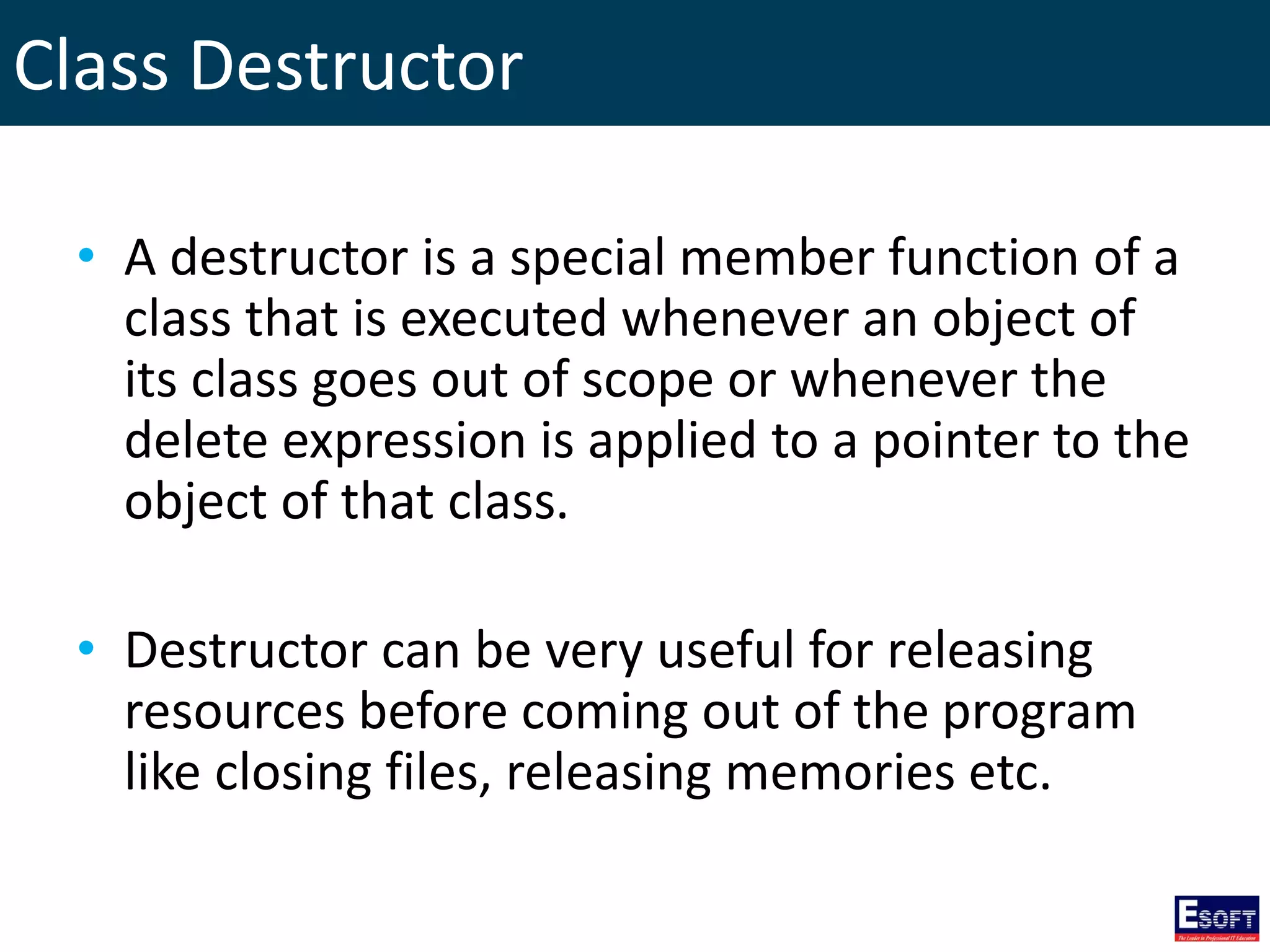
Class Destructor • A destructor is a special member function of a class that is executed whenever an object of its class goes out of scope or whenever the delete expression is applied to a pointer to the object of that class. • Destructor can be very useful for releasing resources before coming out of the program like closing files, releasing memories etc.
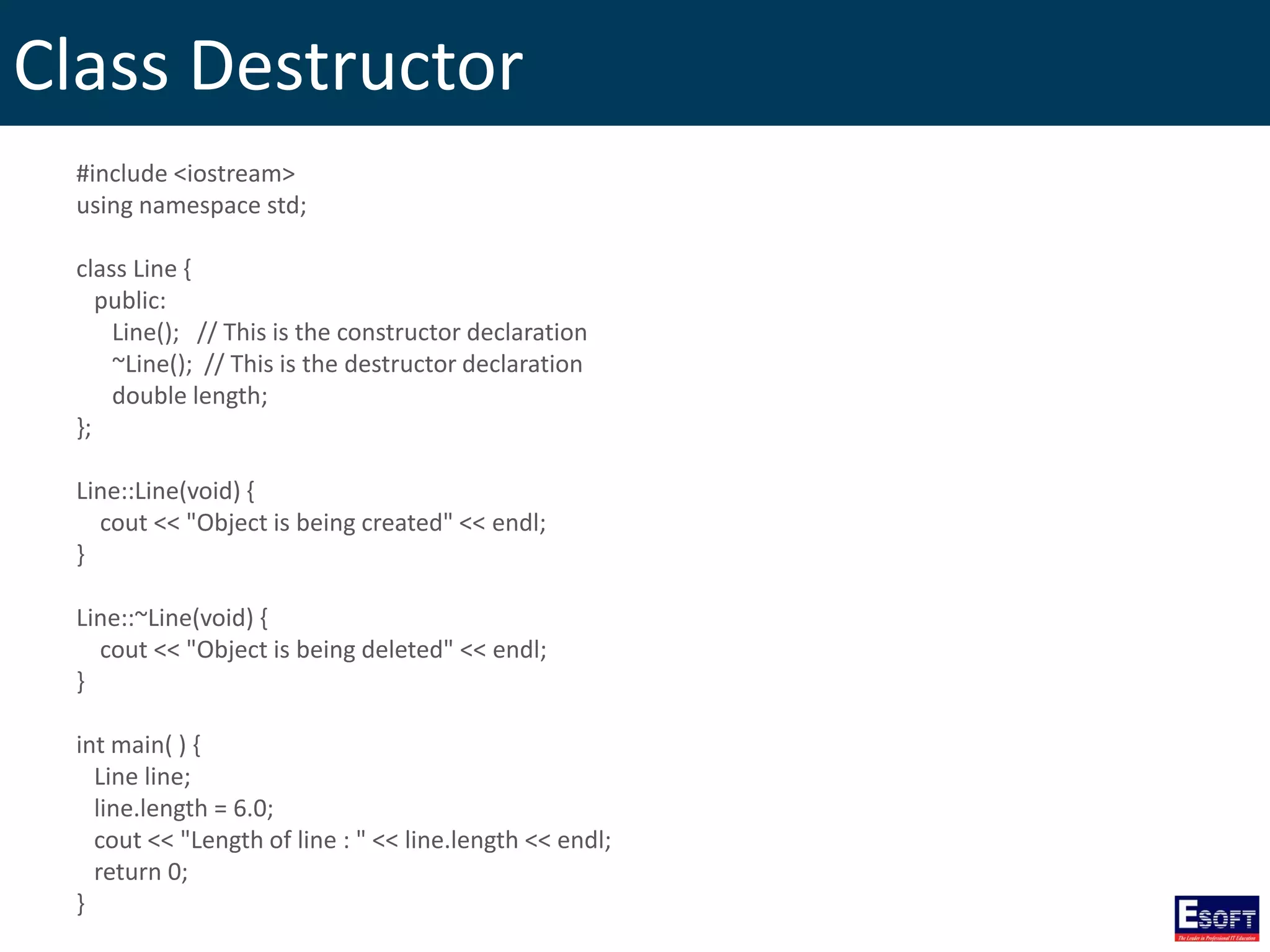
Class Destructor #include <iostream> using namespace std; class Line { public: Line(); // This is the constructor declaration ~Line(); // This is the destructor declaration double length; }; Line::Line(void) { cout << "Object is being created" << endl; } Line::~Line(void) { cout << "Object is being deleted" << endl; } int main( ) { Line line; line.length = 6.0; cout << "Length of line : " << line.length << endl; return 0; }
Copy Constructor • A copy constructor is a special constructor for creating a new object as a copy of an existing object. • The copy constructor is used to: – Initialize one object from another of the same type. – Copy an object to pass it as an argument to a function. – Copy an object to return it from a function.
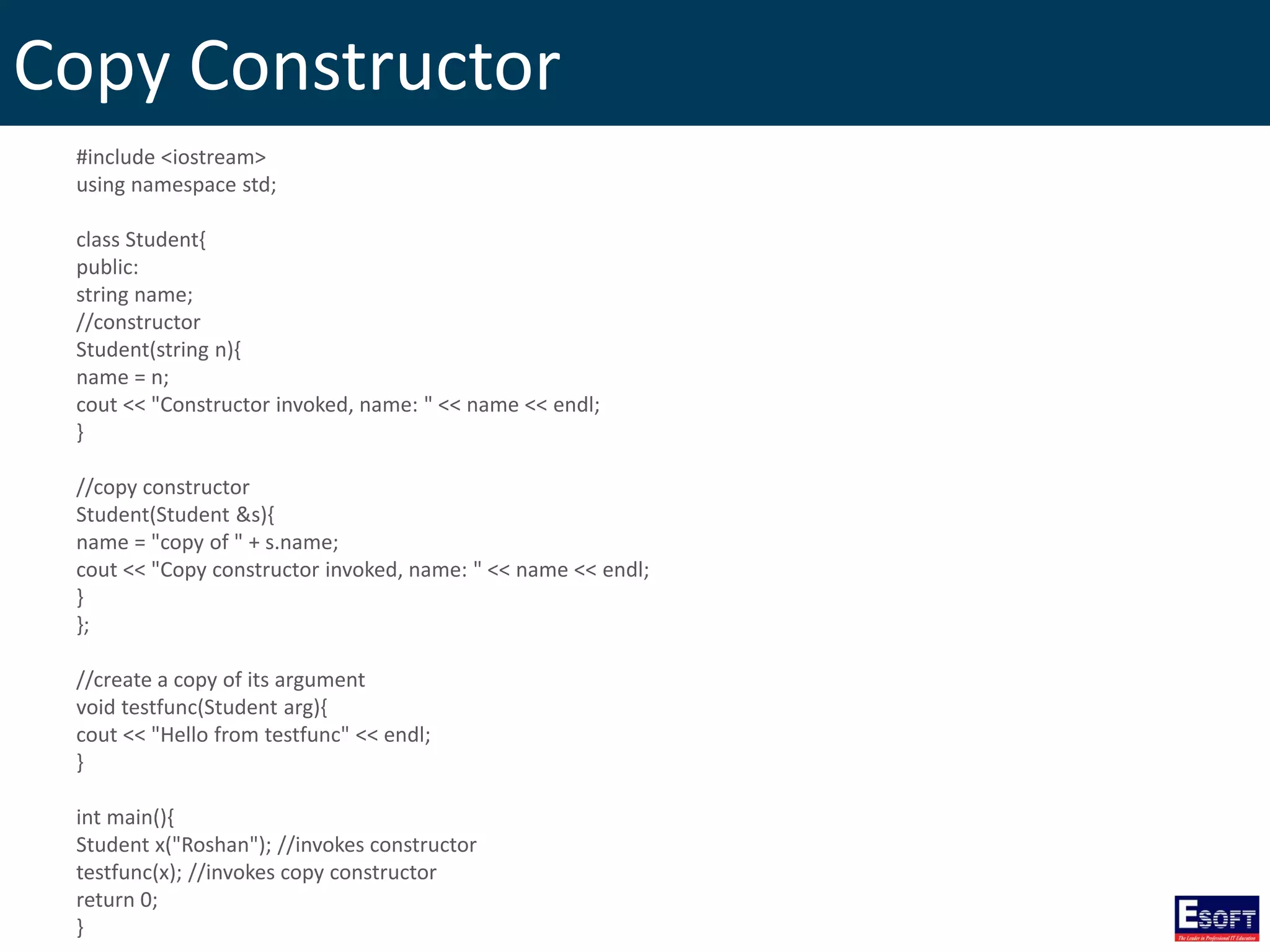
Copy Constructor #include <iostream> using namespace std; class Student{ public: string name; //constructor Student(string n){ name = n; cout << "Constructor invoked, name: " << name << endl; } //copy constructor Student(Student &s){ name = "copy of " + s.name; cout << "Copy constructor invoked, name: " << name << endl; } }; //create a copy of its argument void testfunc(Student arg){ cout << "Hello from testfunc" << endl; } int main(){ Student x("Roshan"); //invokes constructor testfunc(x); //invokes copy constructor return 0; }
C++ Friend Functions • A friend function of a class is defined outside that class' scope but it has the right to access all private and protected members of the class. • Even though the prototypes for friend functions appear in the class definition, friends are not member functions.
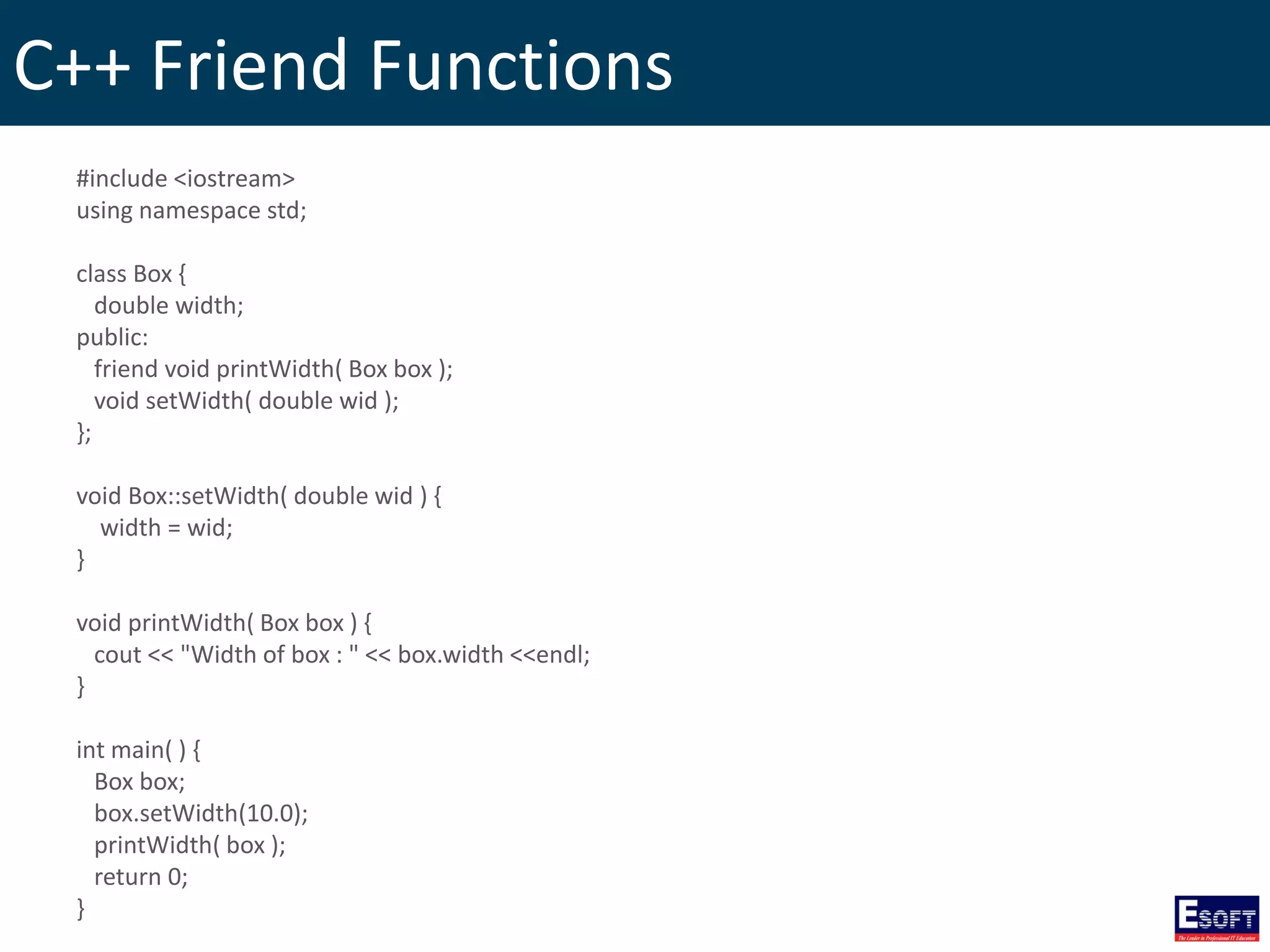
C++ Friend Functions #include <iostream> using namespace std; class Box { double width; public: friend void printWidth( Box box ); void setWidth( double wid ); }; void Box::setWidth( double wid ) { width = wid; } void printWidth( Box box ) { cout << "Width of box : " << box.width <<endl; } int main( ) { Box box; box.setWidth(10.0); printWidth( box ); return 0; }
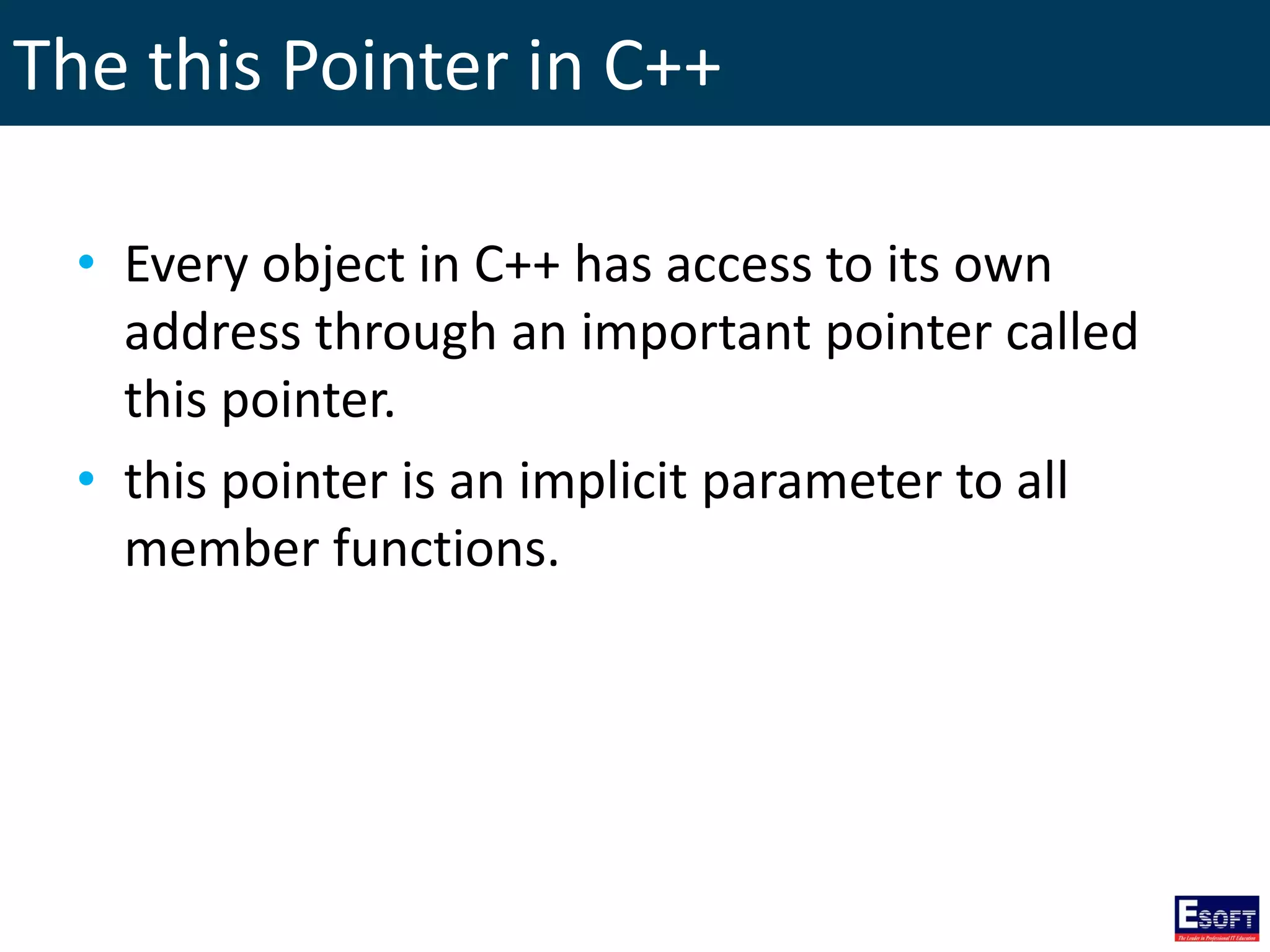
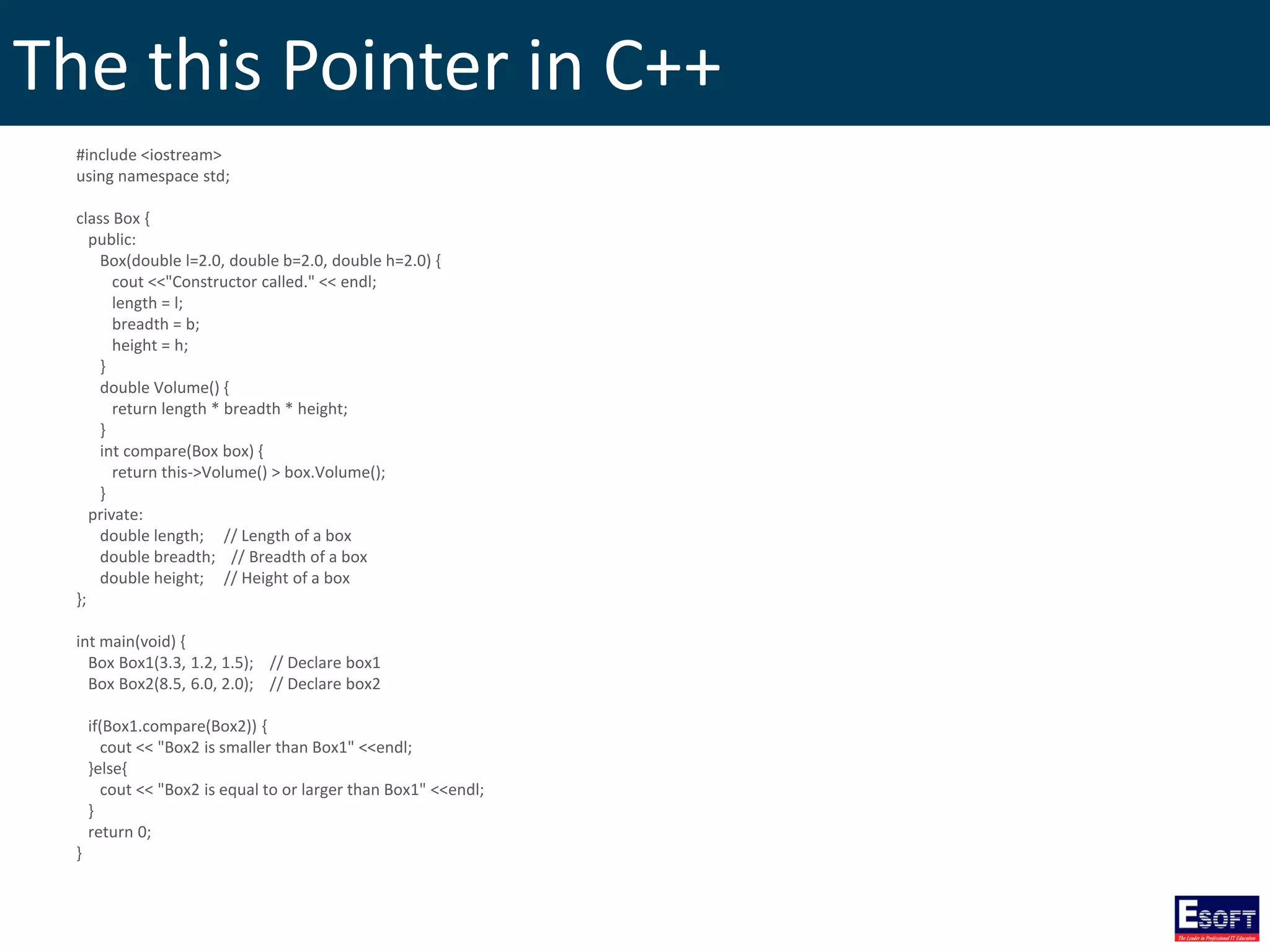
The this Pointer in C++ • Every object in C++ has access to its own address through an important pointer called this pointer. • this pointer is an implicit parameter to all member functions.
The this Pointer in C++ #include <iostream> using namespace std; class Box { public: Box(double l=2.0, double b=2.0, double h=2.0) { cout <<"Constructor called." << endl; length = l; breadth = b; height = h; } double Volume() { return length * breadth * height; } int compare(Box box) { return this->Volume() > box.Volume(); } private: double length; // Length of a box double breadth; // Breadth of a box double height; // Height of a box }; int main(void) { Box Box1(3.3, 1.2, 1.5); // Declare box1 Box Box2(8.5, 6.0, 2.0); // Declare box2 if(Box1.compare(Box2)) { cout << "Box2 is smaller than Box1" <<endl; }else{ cout << "Box2 is equal to or larger than Box1" <<endl; } return 0; }
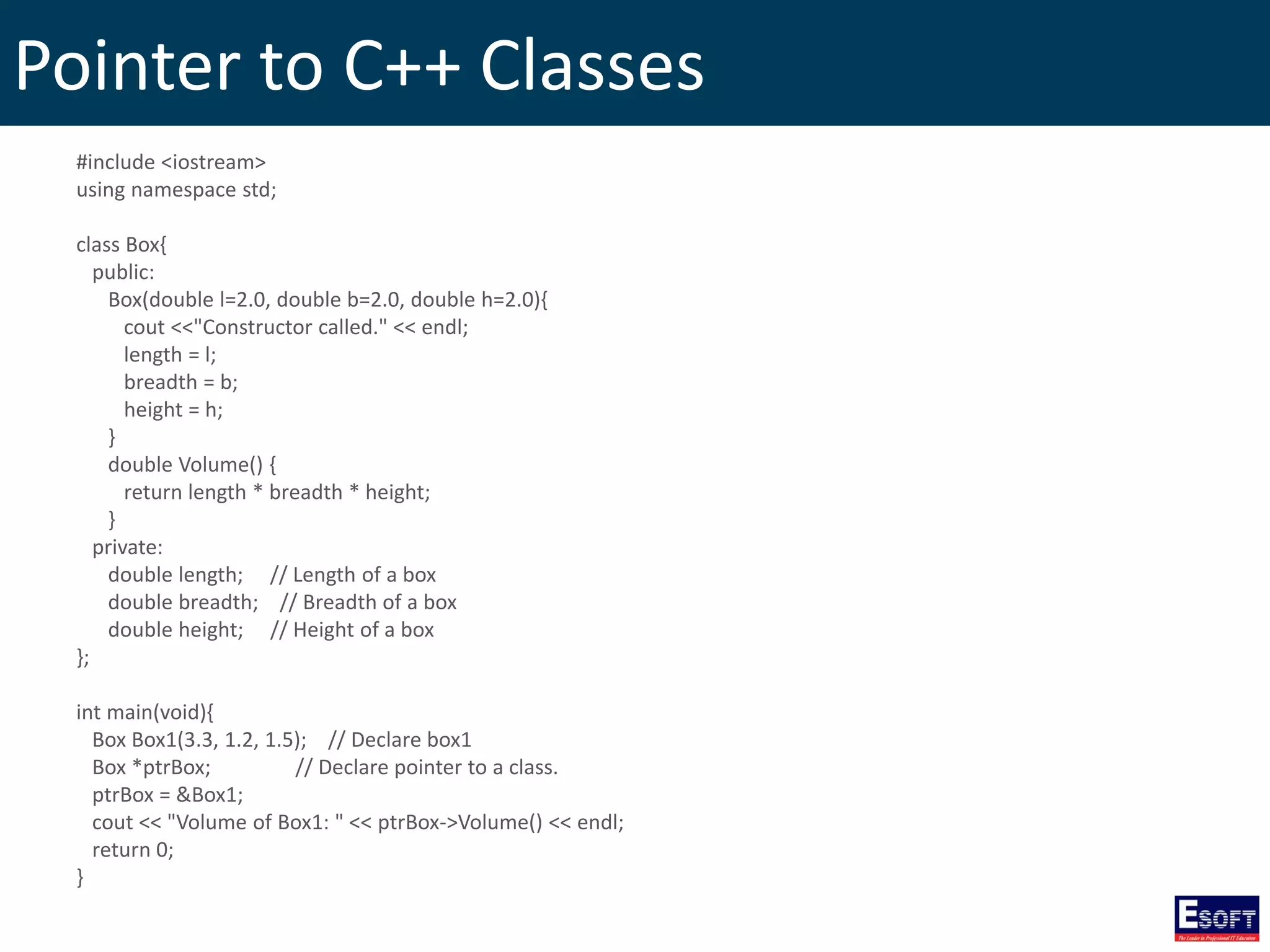
Pointer to C++ Classes #include <iostream> using namespace std; class Box{ public: Box(double l=2.0, double b=2.0, double h=2.0){ cout <<"Constructor called." << endl; length = l; breadth = b; height = h; } double Volume() { return length * breadth * height; } private: double length; // Length of a box double breadth; // Breadth of a box double height; // Height of a box }; int main(void){ Box Box1(3.3, 1.2, 1.5); // Declare box1 Box *ptrBox; // Declare pointer to a class. ptrBox = &Box1; cout << "Volume of Box1: " << ptrBox->Volume() << endl; return 0; }
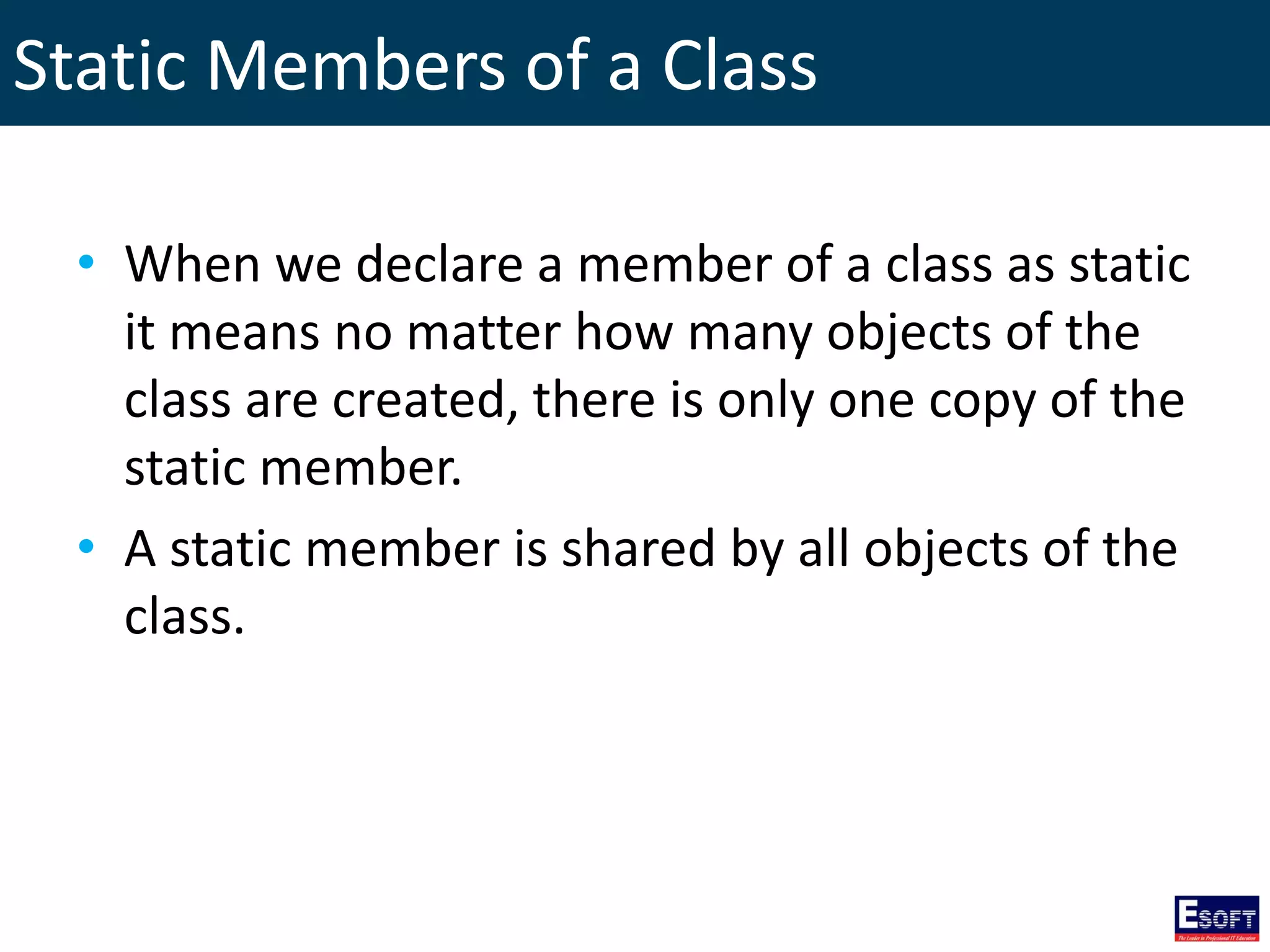
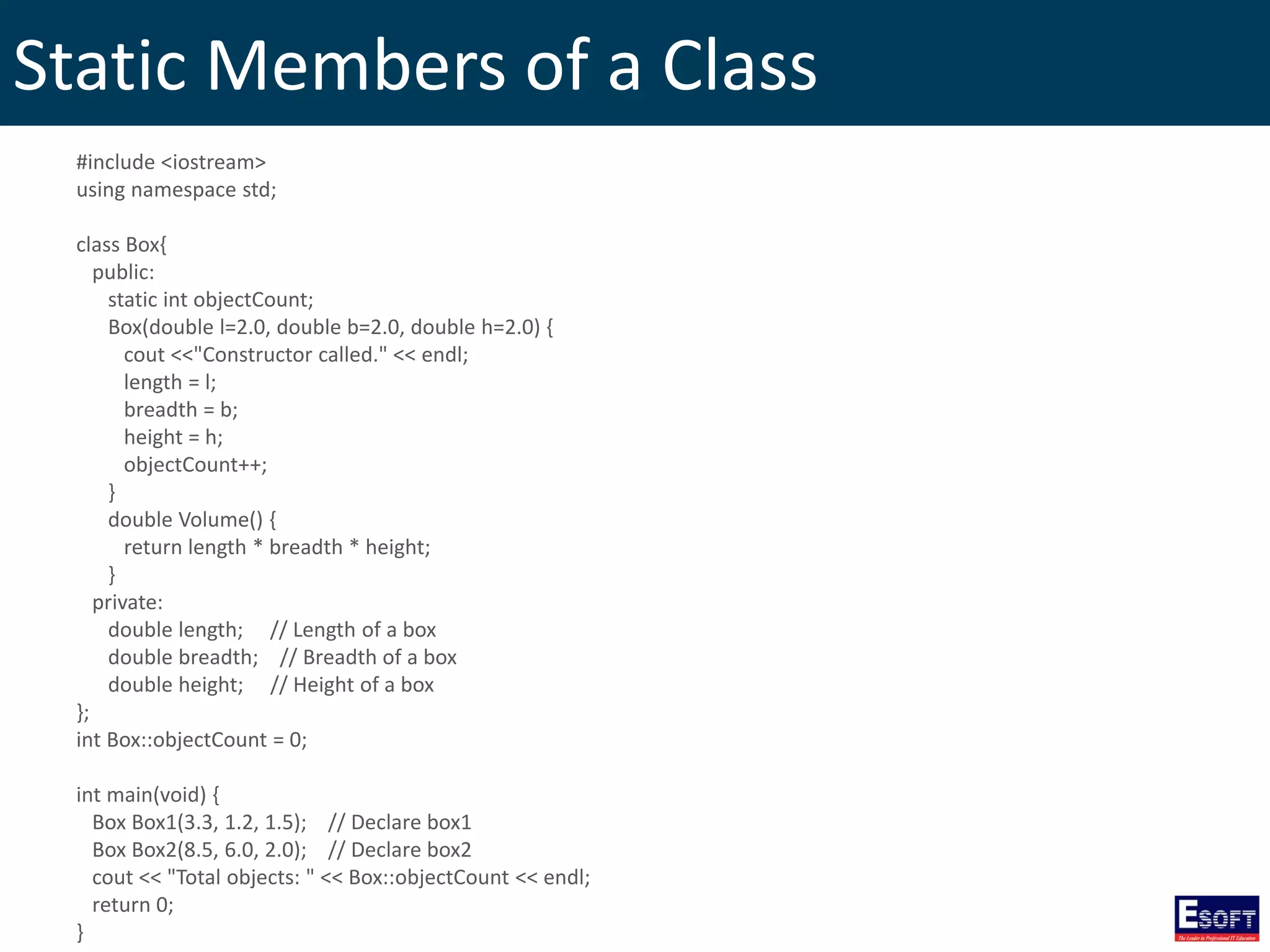
Static Members of a Class • When we declare a member of a class as static it means no matter how many objects of the class are created, there is only one copy of the static member. • A static member is shared by all objects of the class.
Static Members of a Class #include <iostream> using namespace std; class Box{ public: static int objectCount; Box(double l=2.0, double b=2.0, double h=2.0) { cout <<"Constructor called." << endl; length = l; breadth = b; height = h; objectCount++; } double Volume() { return length * breadth * height; } private: double length; // Length of a box double breadth; // Breadth of a box double height; // Height of a box }; int Box::objectCount = 0; int main(void) { Box Box1(3.3, 1.2, 1.5); // Declare box1 Box Box2(8.5, 6.0, 2.0); // Declare box2 cout << "Total objects: " << Box::objectCount << endl; return 0; }
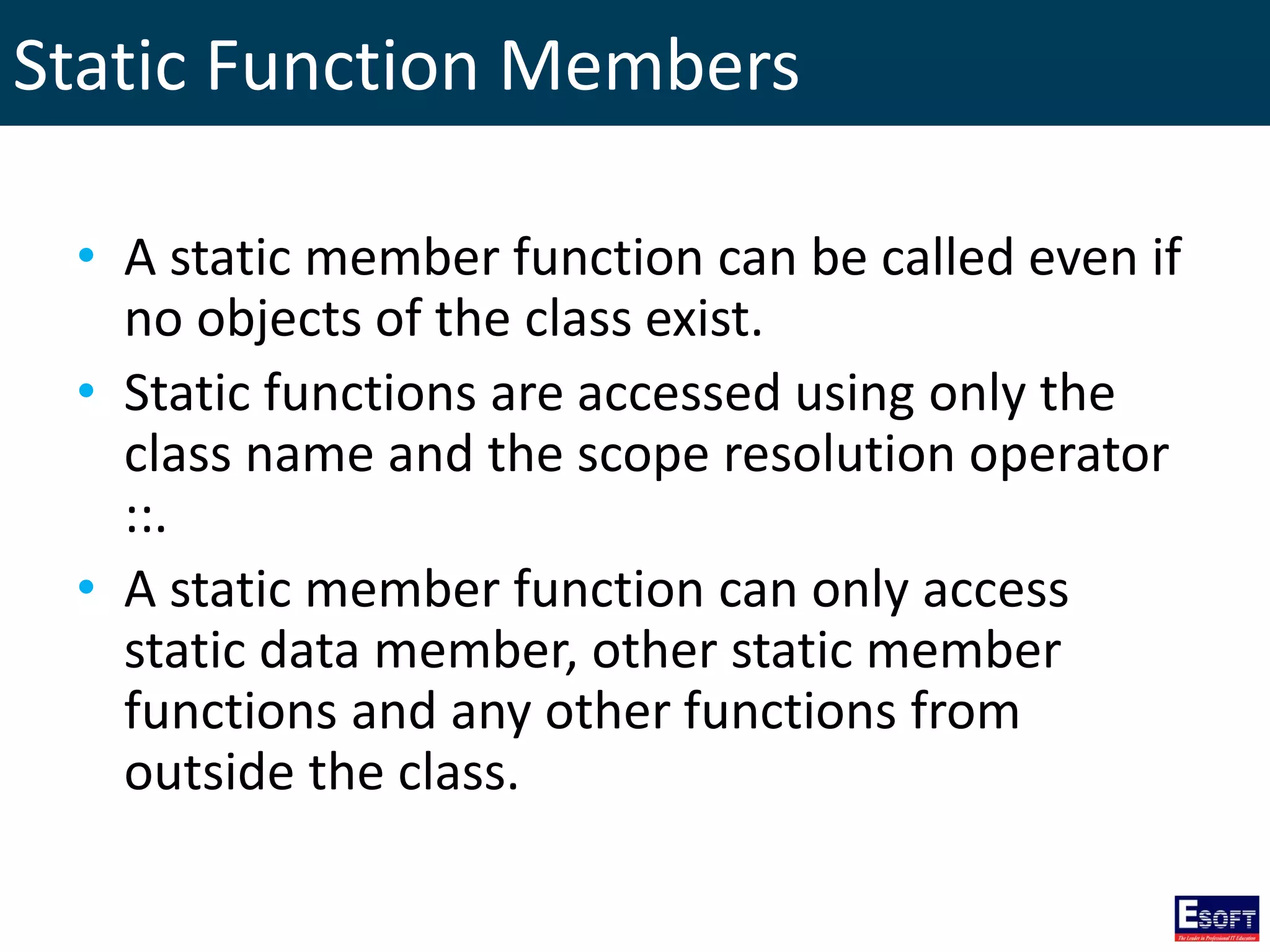
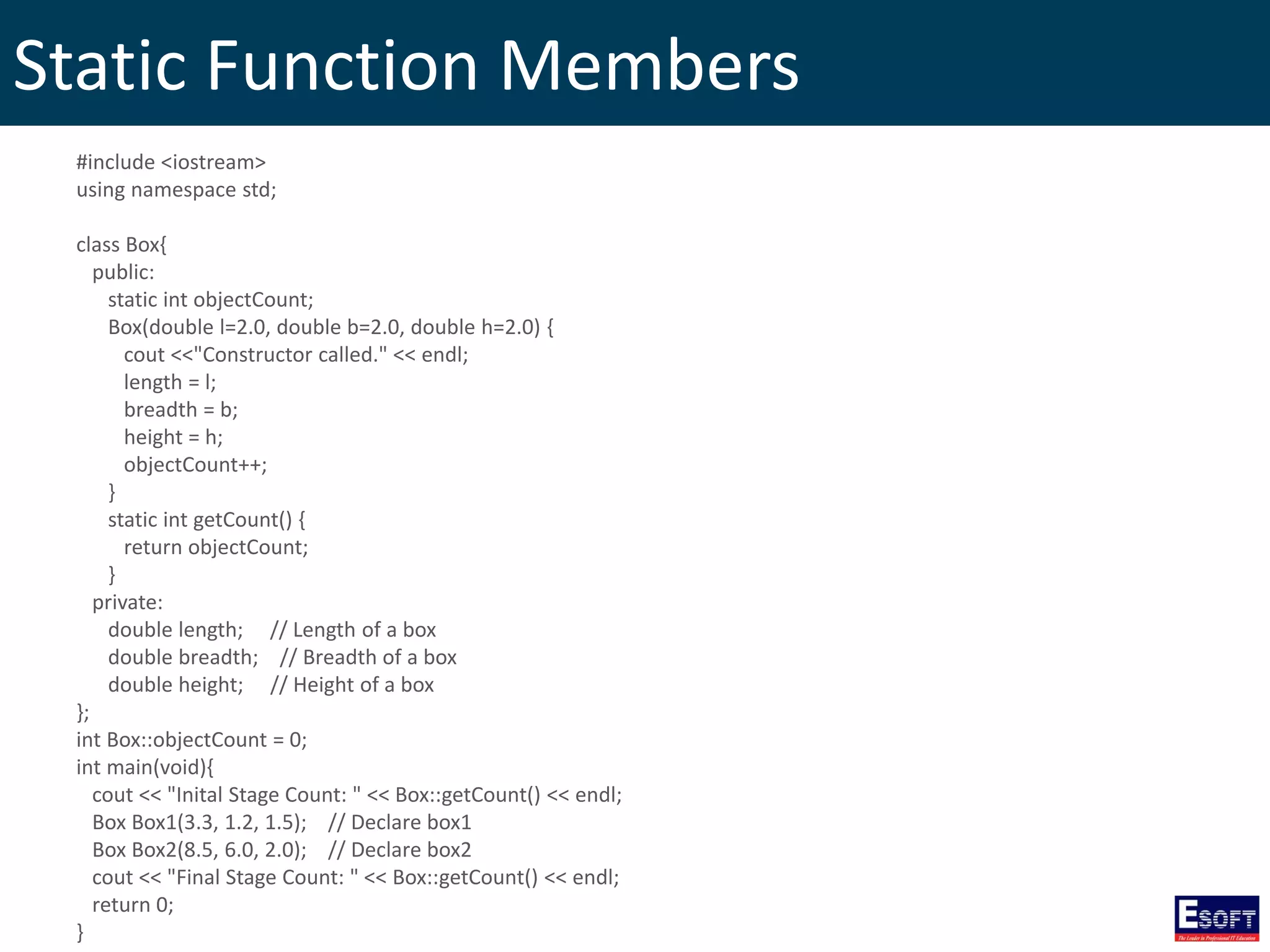
Static Function Members • A static member function can be called even if no objects of the class exist. • Static functions are accessed using only the class name and the scope resolution operator ::. • A static member function can only access static data member, other static member functions and any other functions from outside the class.
Static Function Members #include <iostream> using namespace std; class Box{ public: static int objectCount; Box(double l=2.0, double b=2.0, double h=2.0) { cout <<"Constructor called." << endl; length = l; breadth = b; height = h; objectCount++; } static int getCount() { return objectCount; } private: double length; // Length of a box double breadth; // Breadth of a box double height; // Height of a box }; int Box::objectCount = 0; int main(void){ cout << "Inital Stage Count: " << Box::getCount() << endl; Box Box1(3.3, 1.2, 1.5); // Declare box1 Box Box2(8.5, 6.0, 2.0); // Declare box2 cout << "Final Stage Count: " << Box::getCount() << endl; return 0; }
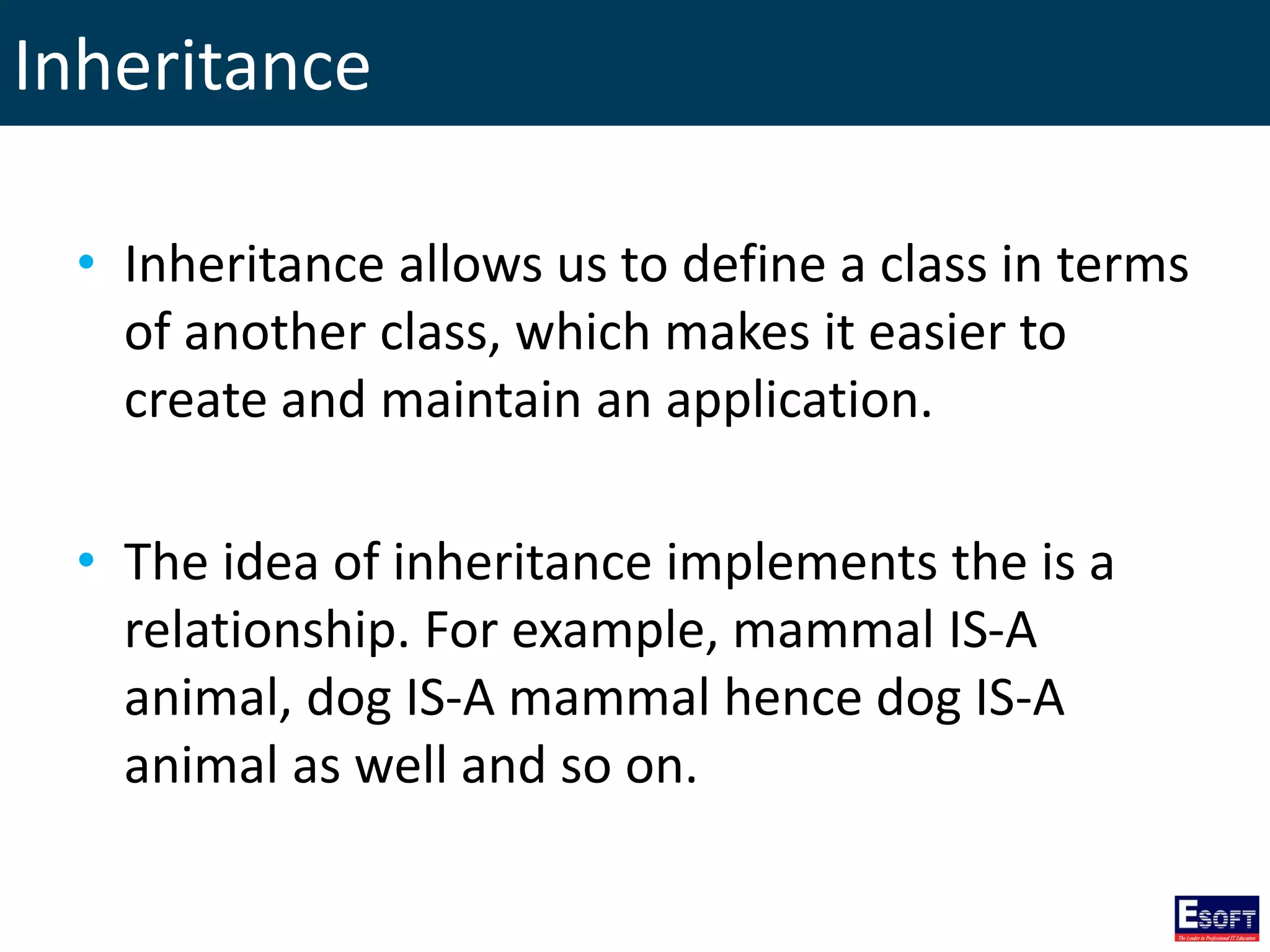
Inheritance • Inheritance allows us to define a class in terms of another class, which makes it easier to create and maintain an application. • The idea of inheritance implements the is a relationship. For example, mammal IS-A animal, dog IS-A mammal hence dog IS-A animal as well and so on.
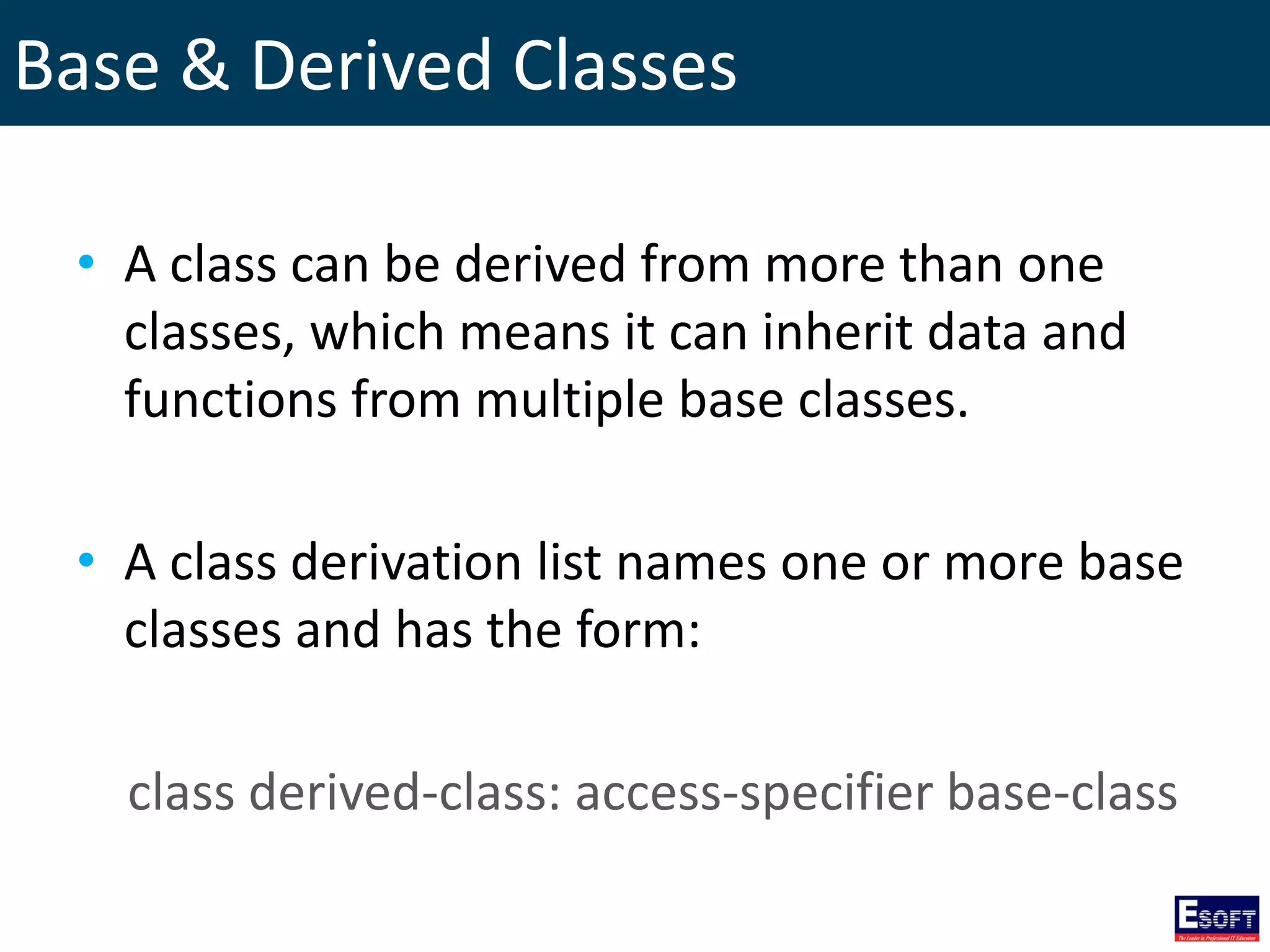
Base & Derived Classes • A class can be derived from more than one classes, which means it can inherit data and functions from multiple base classes. • A class derivation list names one or more base classes and has the form: class derived-class: access-specifier base-class
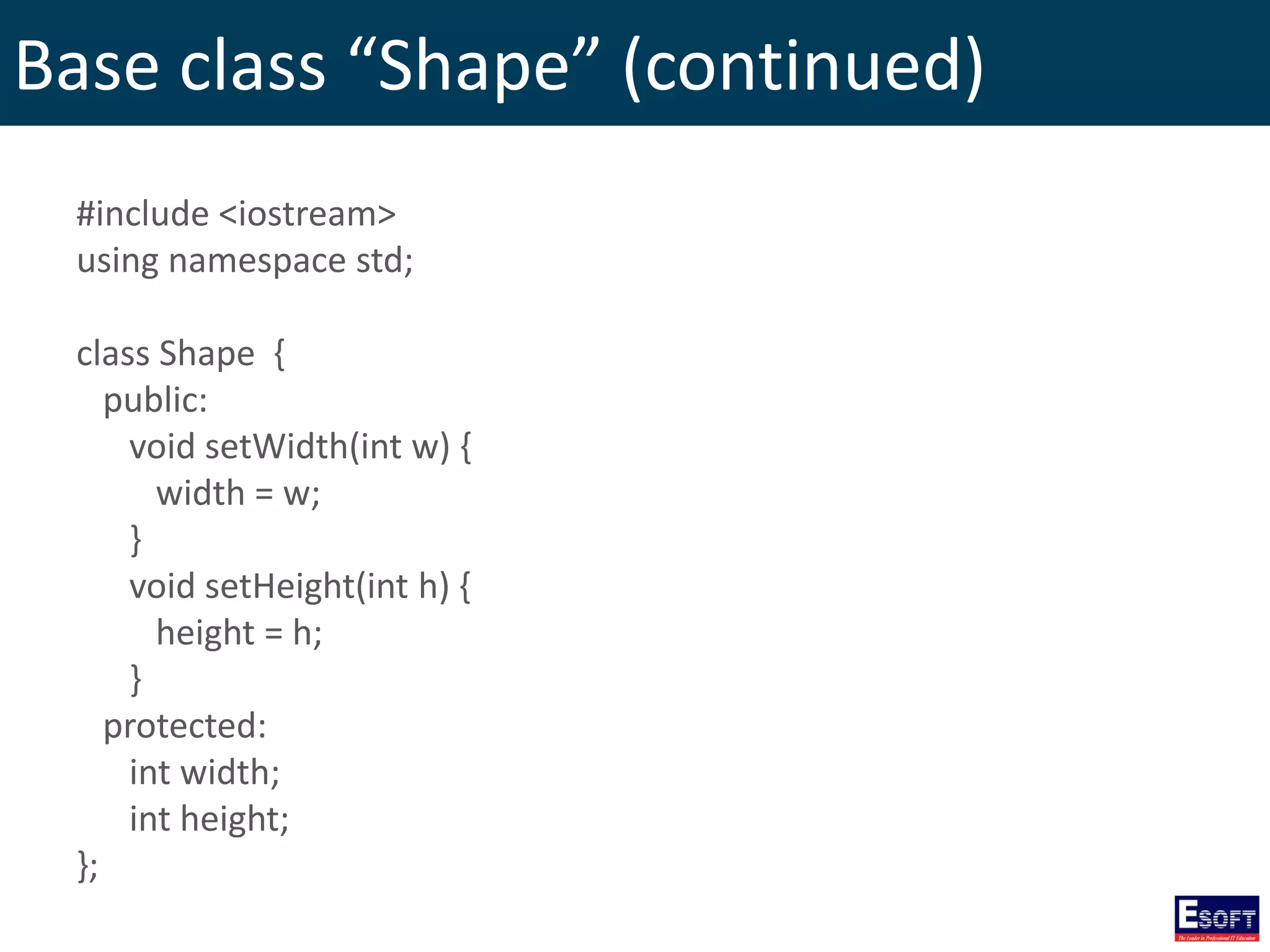
Base class “Shape” (continued) #include <iostream> using namespace std; class Shape { public: void setWidth(int w) { width = w; } void setHeight(int h) { height = h; } protected: int width; int height; };
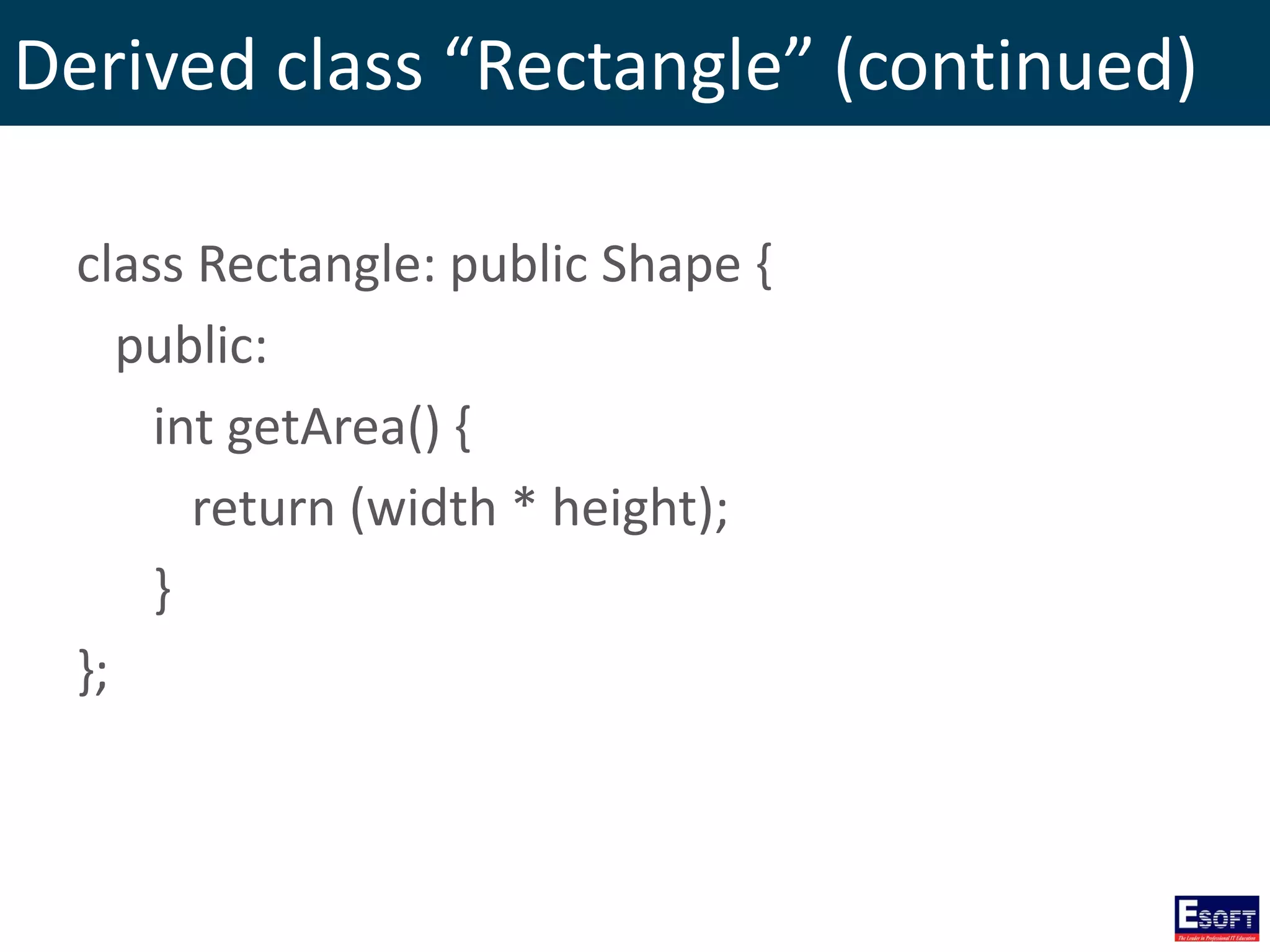
Derived class “Rectangle” (continued) class Rectangle: public Shape { public: int getArea() { return (width * height); } };
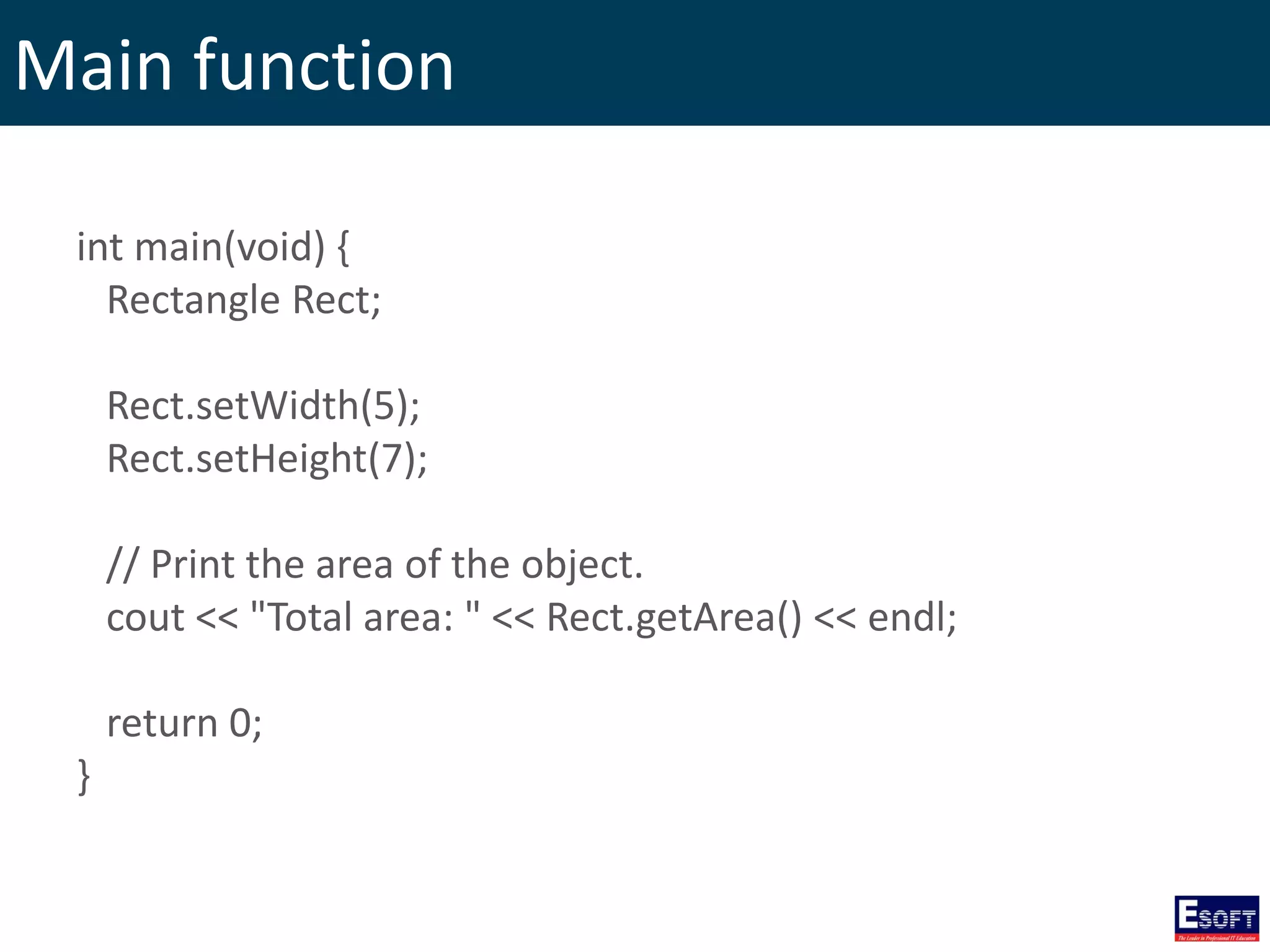
Main function int main(void) { Rectangle Rect; Rect.setWidth(5); Rect.setHeight(7); // Print the area of the object. cout << "Total area: " << Rect.getArea() << endl; return 0; }
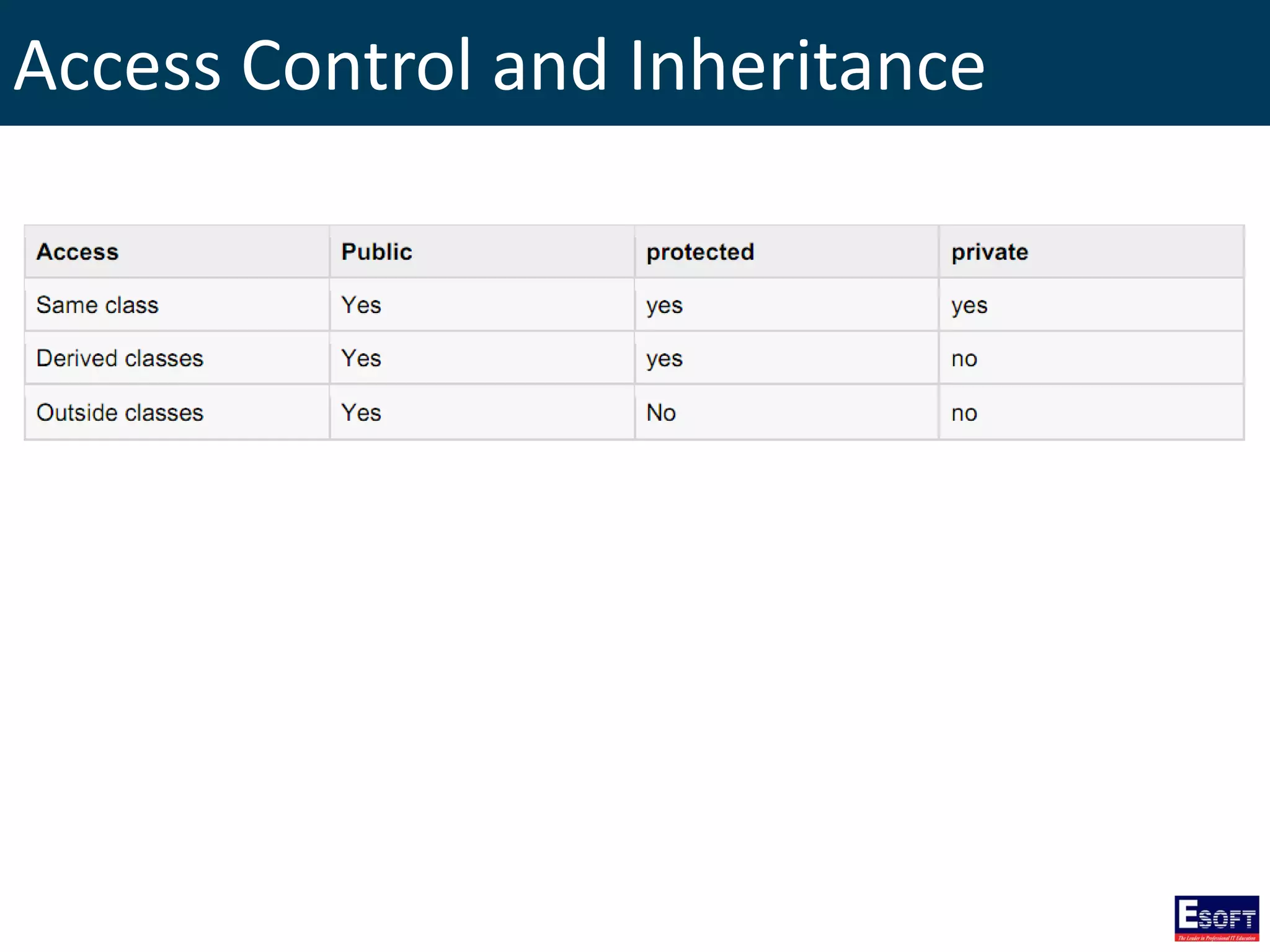
Access Control and Inheritance
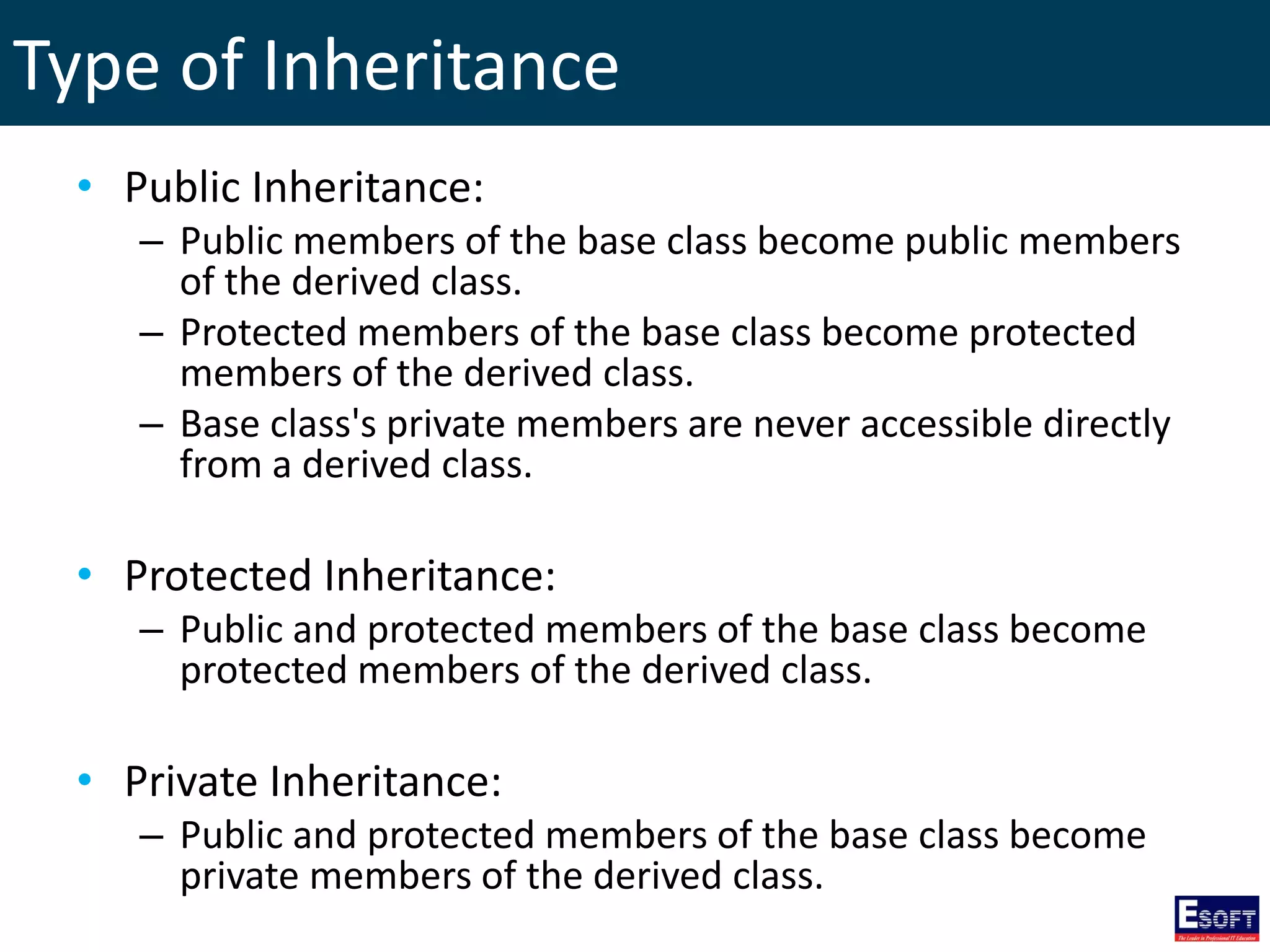
Type of Inheritance • Public Inheritance: – Public members of the base class become public members of the derived class. – Protected members of the base class become protected members of the derived class. – Base class's private members are never accessible directly from a derived class. • Protected Inheritance: – Public and protected members of the base class become protected members of the derived class. • Private Inheritance: – Public and protected members of the base class become private members of the derived class.
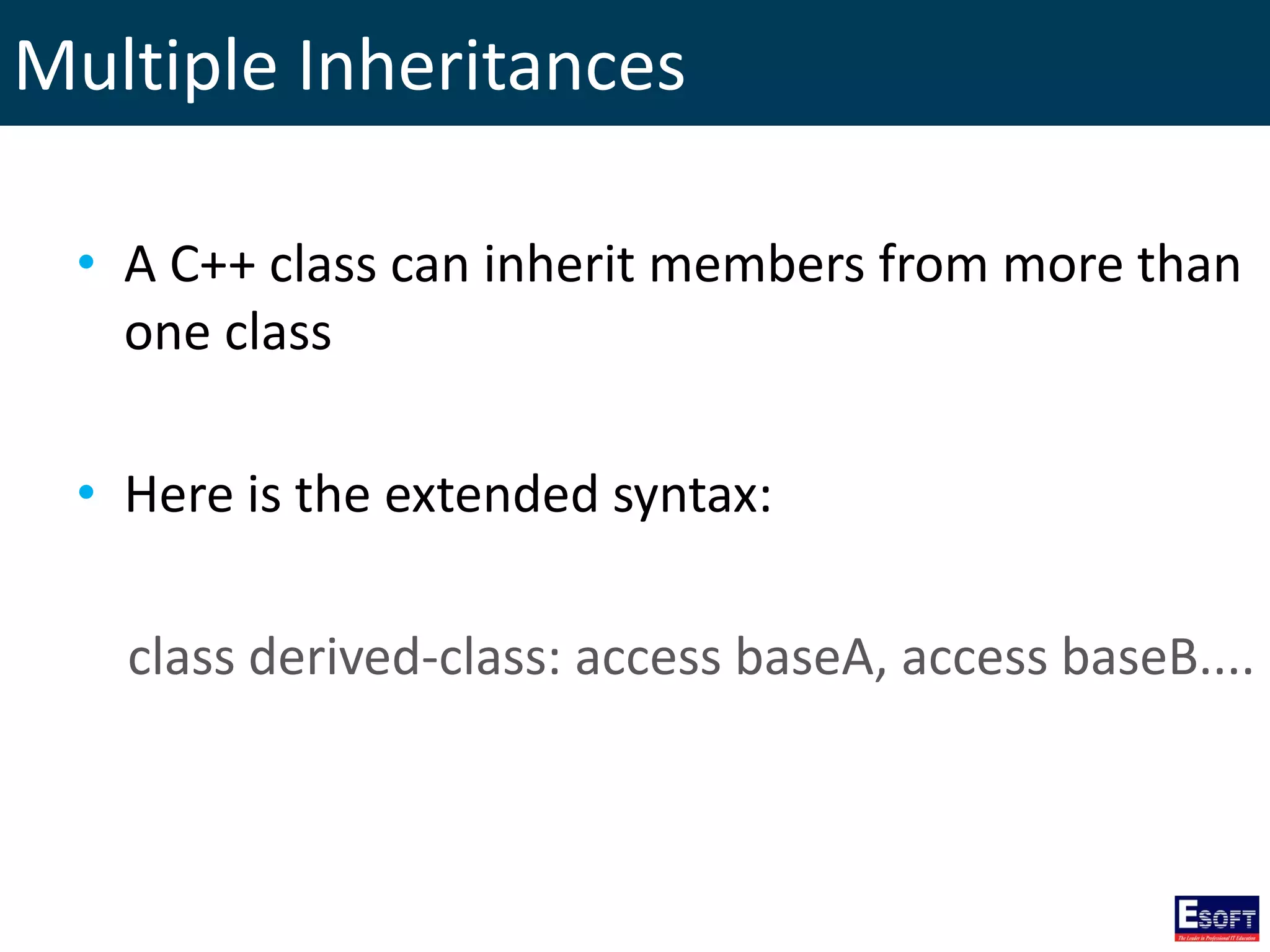
Multiple Inheritances • A C++ class can inherit members from more than one class • Here is the extended syntax: class derived-class: access baseA, access baseB....
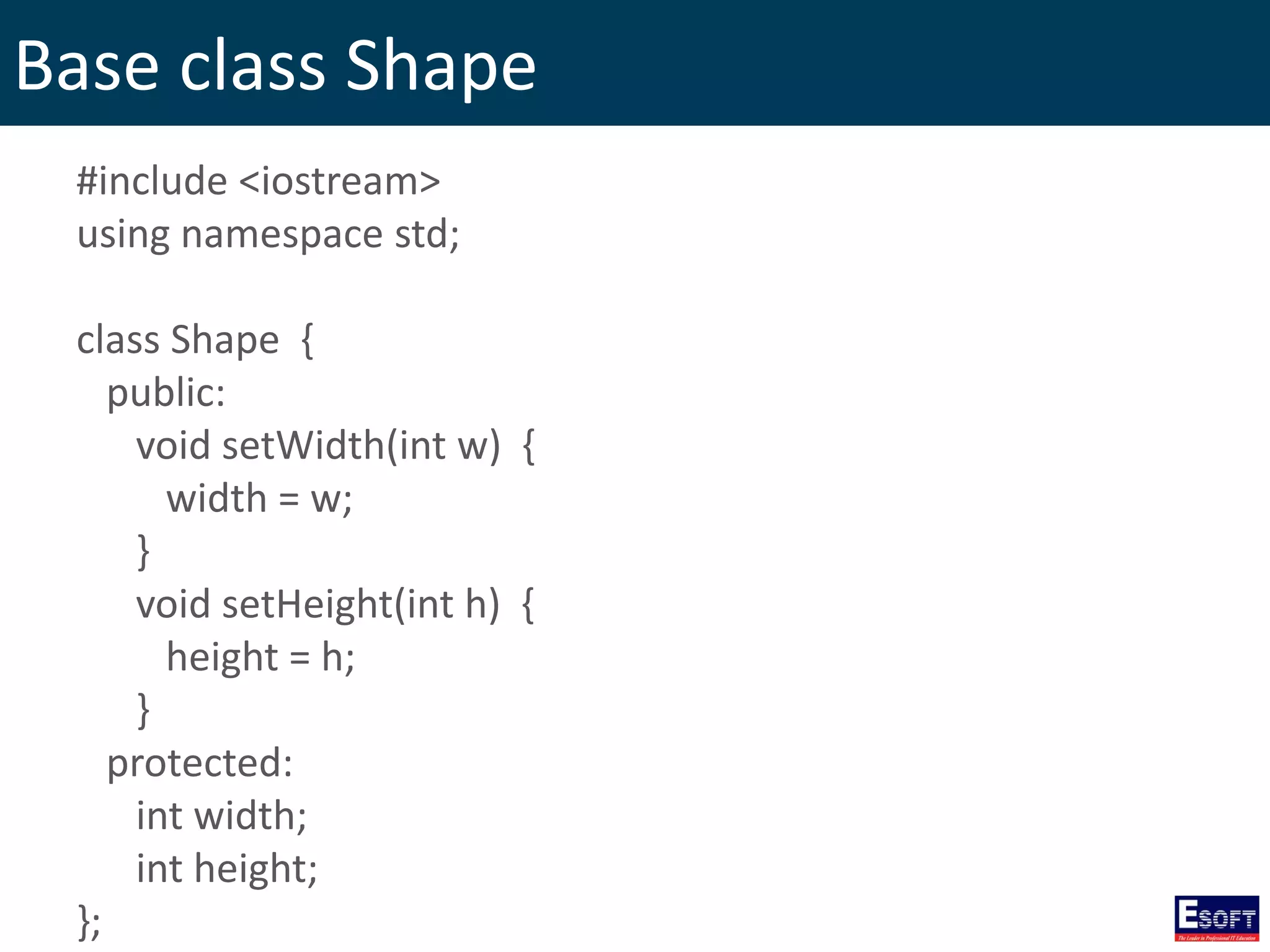
Base class Shape #include <iostream> using namespace std; class Shape { public: void setWidth(int w) { width = w; } void setHeight(int h) { height = h; } protected: int width; int height; };
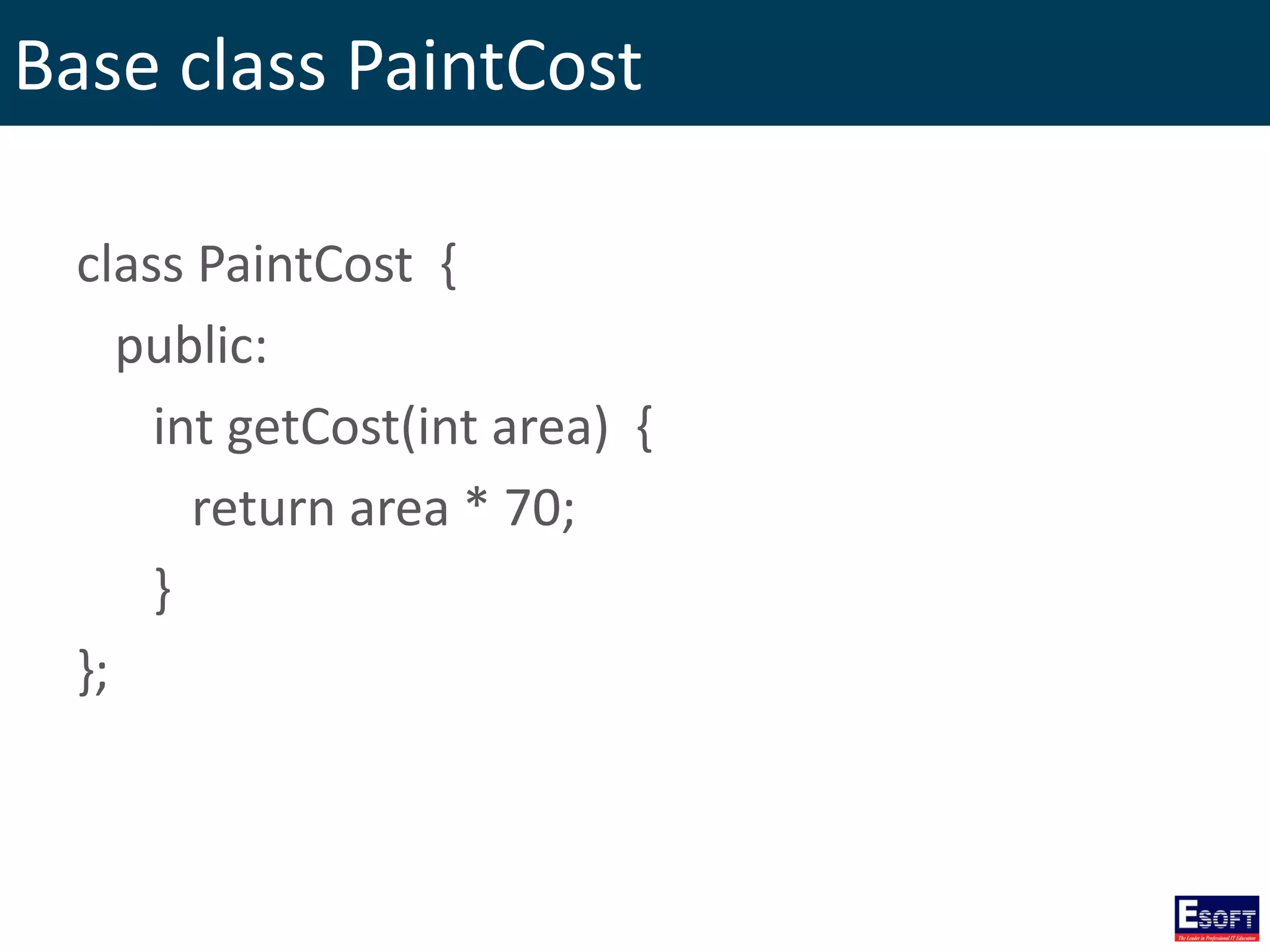
Base class PaintCost class PaintCost { public: int getCost(int area) { return area * 70; } };
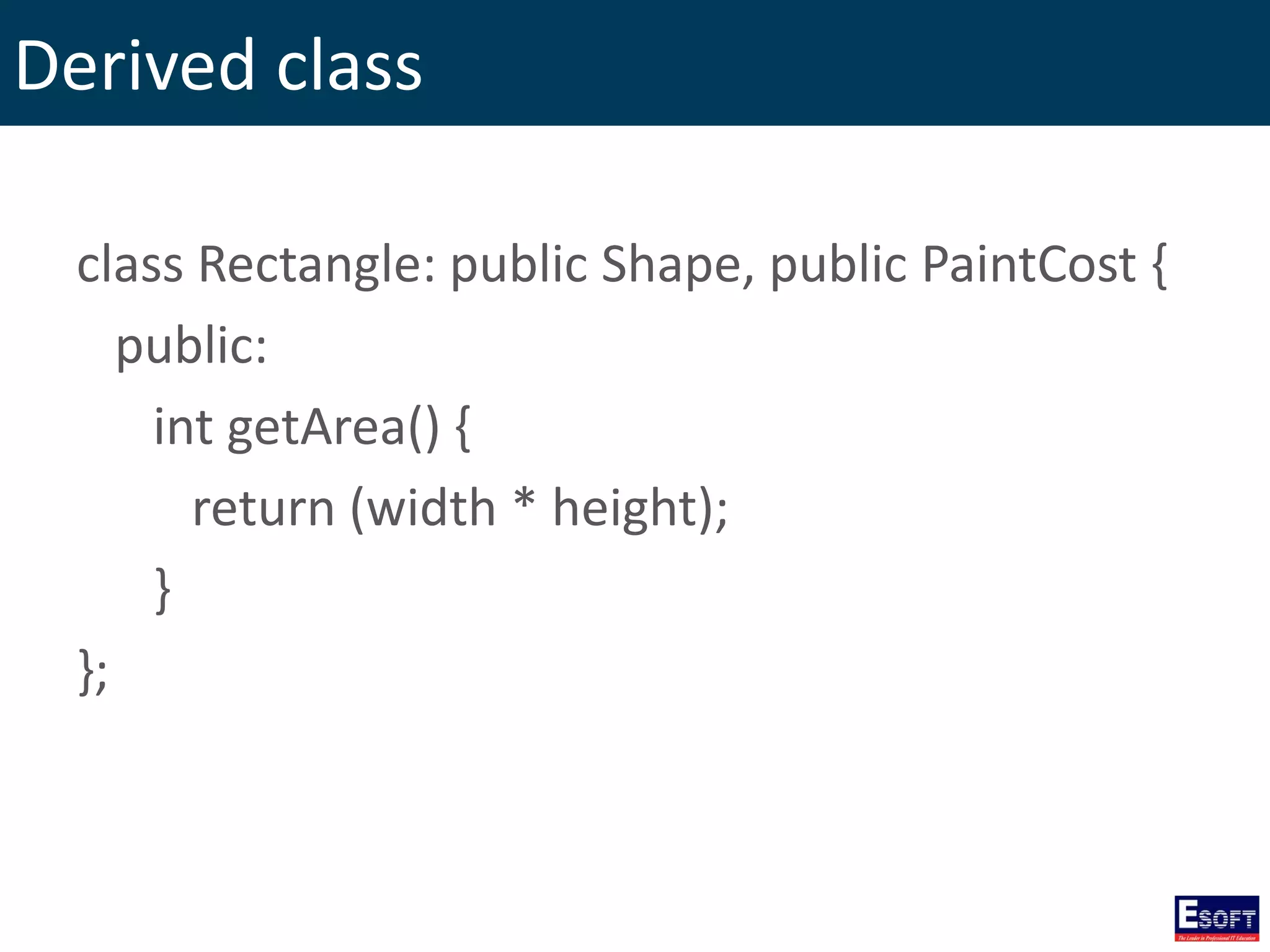
Derived class class Rectangle: public Shape, public PaintCost { public: int getArea() { return (width * height); } };
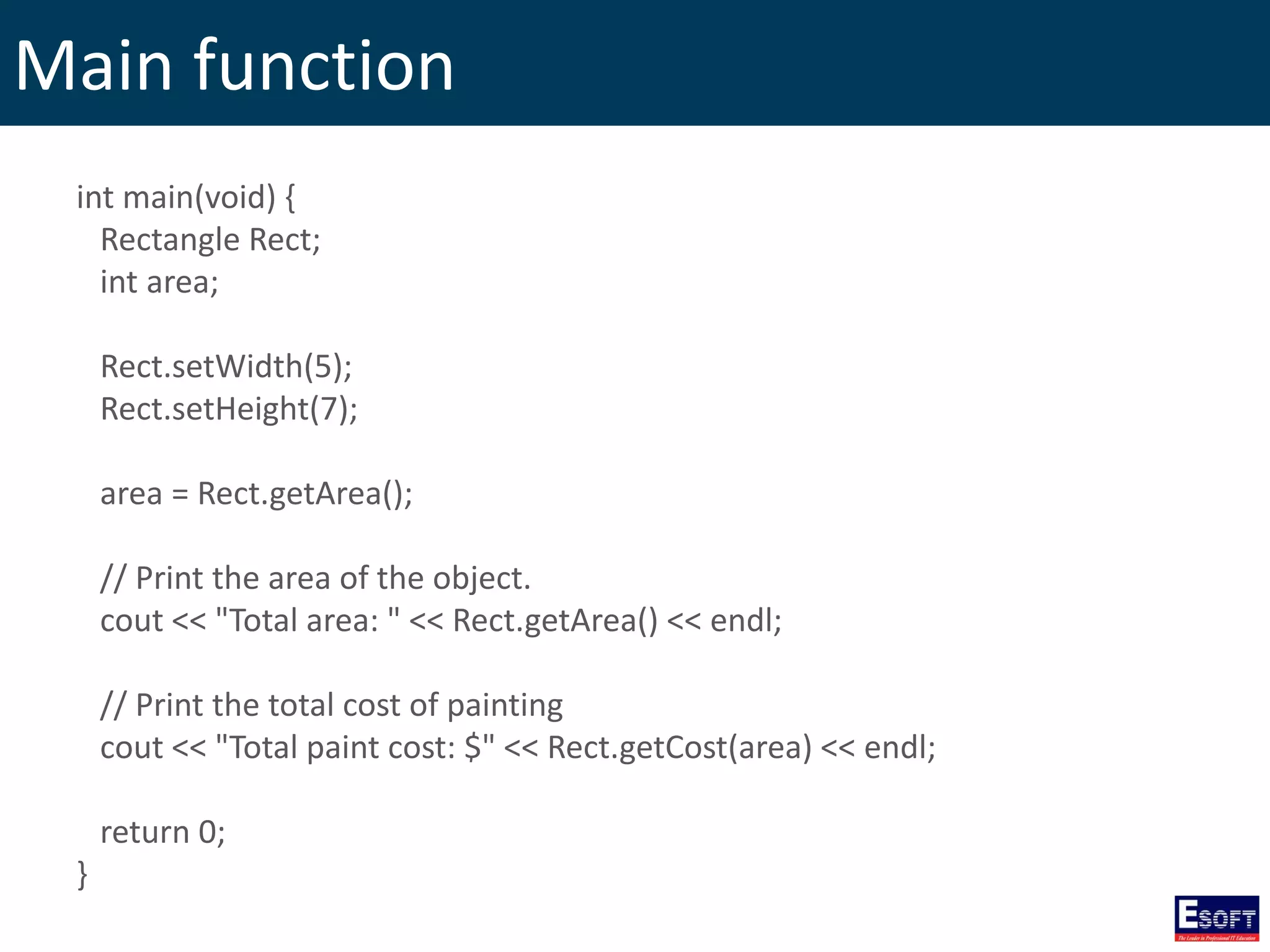
Main function int main(void) { Rectangle Rect; int area; Rect.setWidth(5); Rect.setHeight(7); area = Rect.getArea(); // Print the area of the object. cout << "Total area: " << Rect.getArea() << endl; // Print the total cost of painting cout << "Total paint cost: $" << Rect.getCost(area) << endl; return 0; }
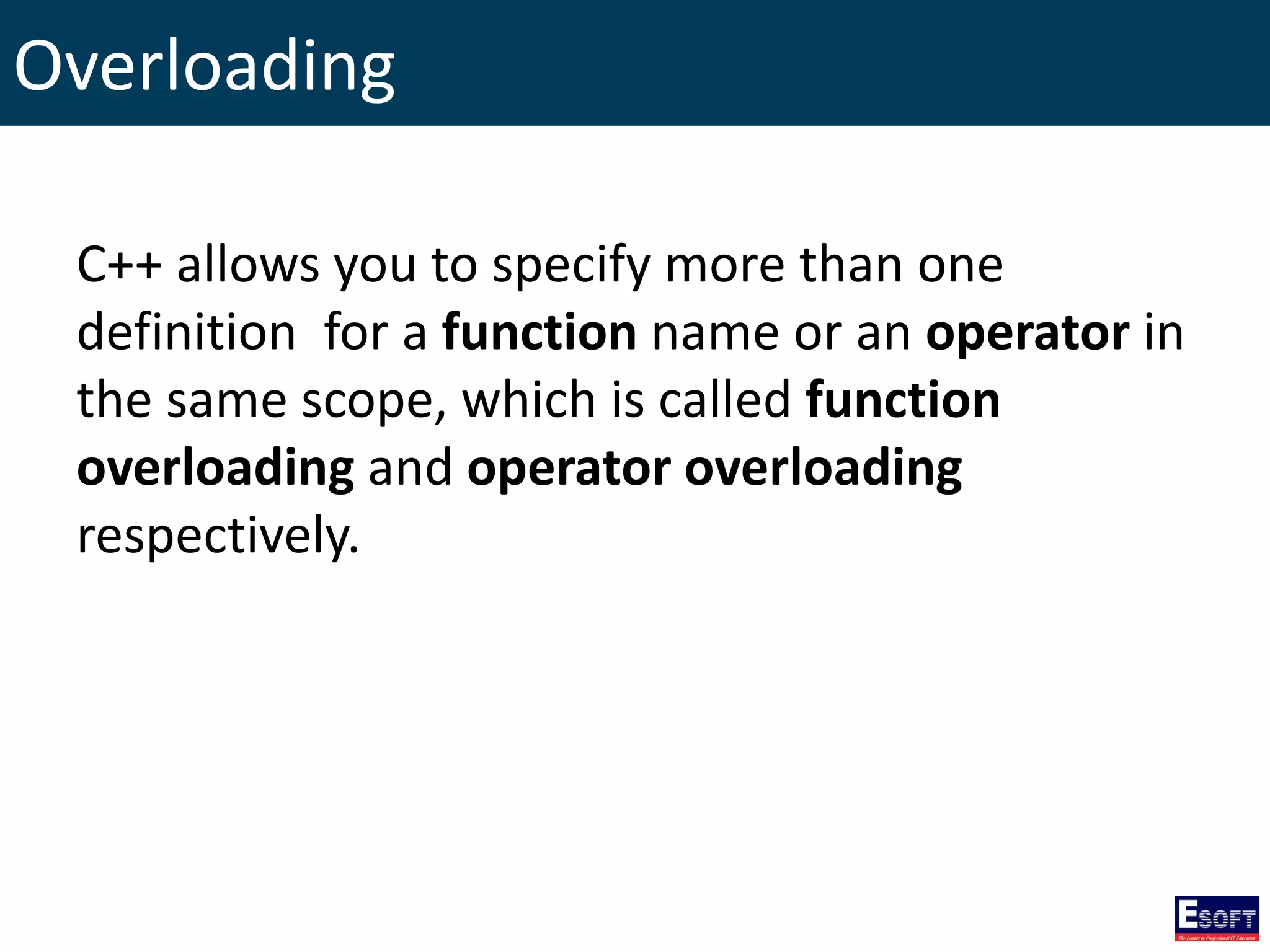
Overloading C++ allows you to specify more than one definition for a function name or an operator in the same scope, which is called function overloading and operator overloading respectively.
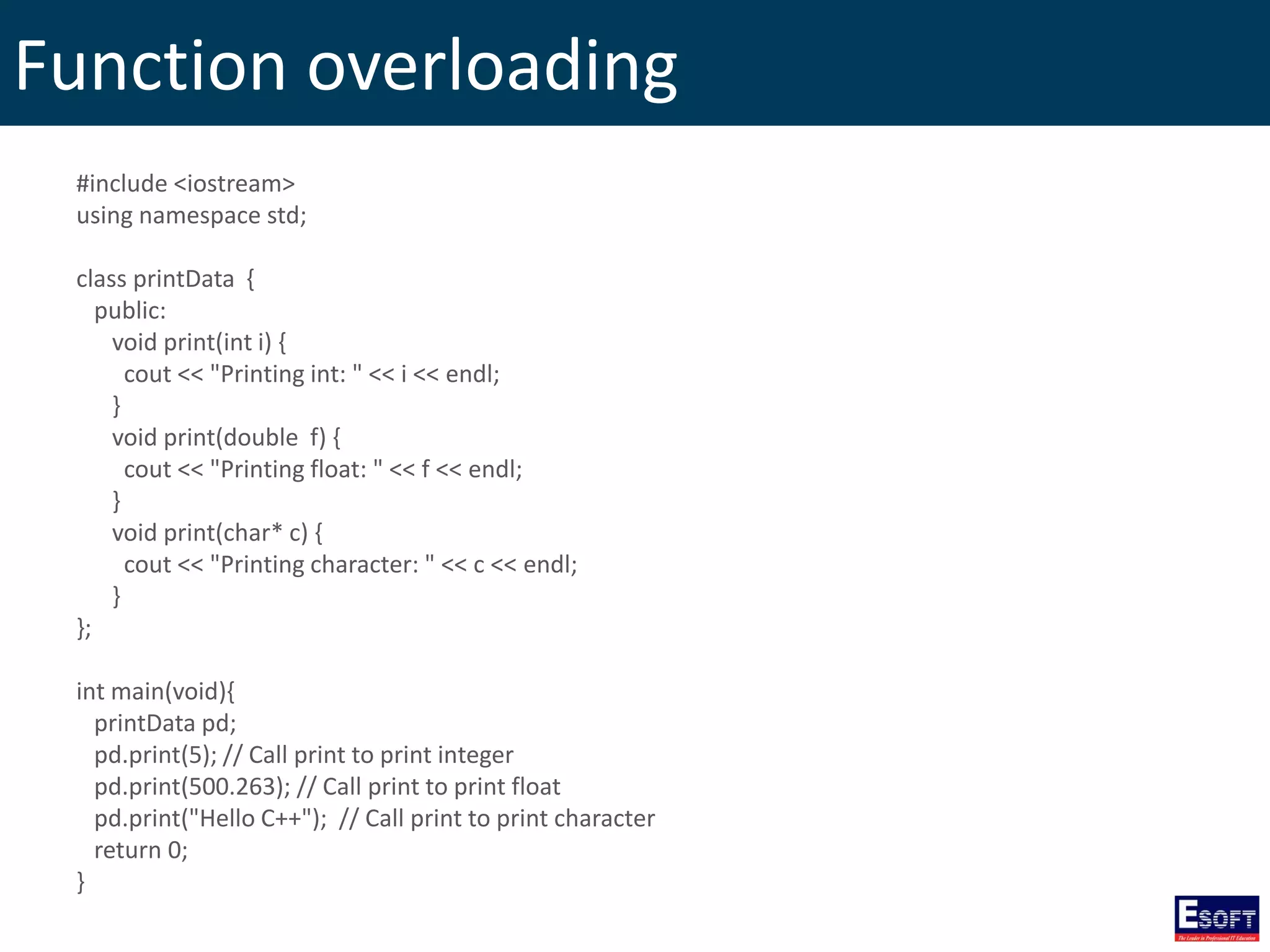
Function overloading #include <iostream> using namespace std; class printData { public: void print(int i) { cout << "Printing int: " << i << endl; } void print(double f) { cout << "Printing float: " << f << endl; } void print(char* c) { cout << "Printing character: " << c << endl; } }; int main(void){ printData pd; pd.print(5); // Call print to print integer pd.print(500.263); // Call print to print float pd.print("Hello C++"); // Call print to print character return 0; }
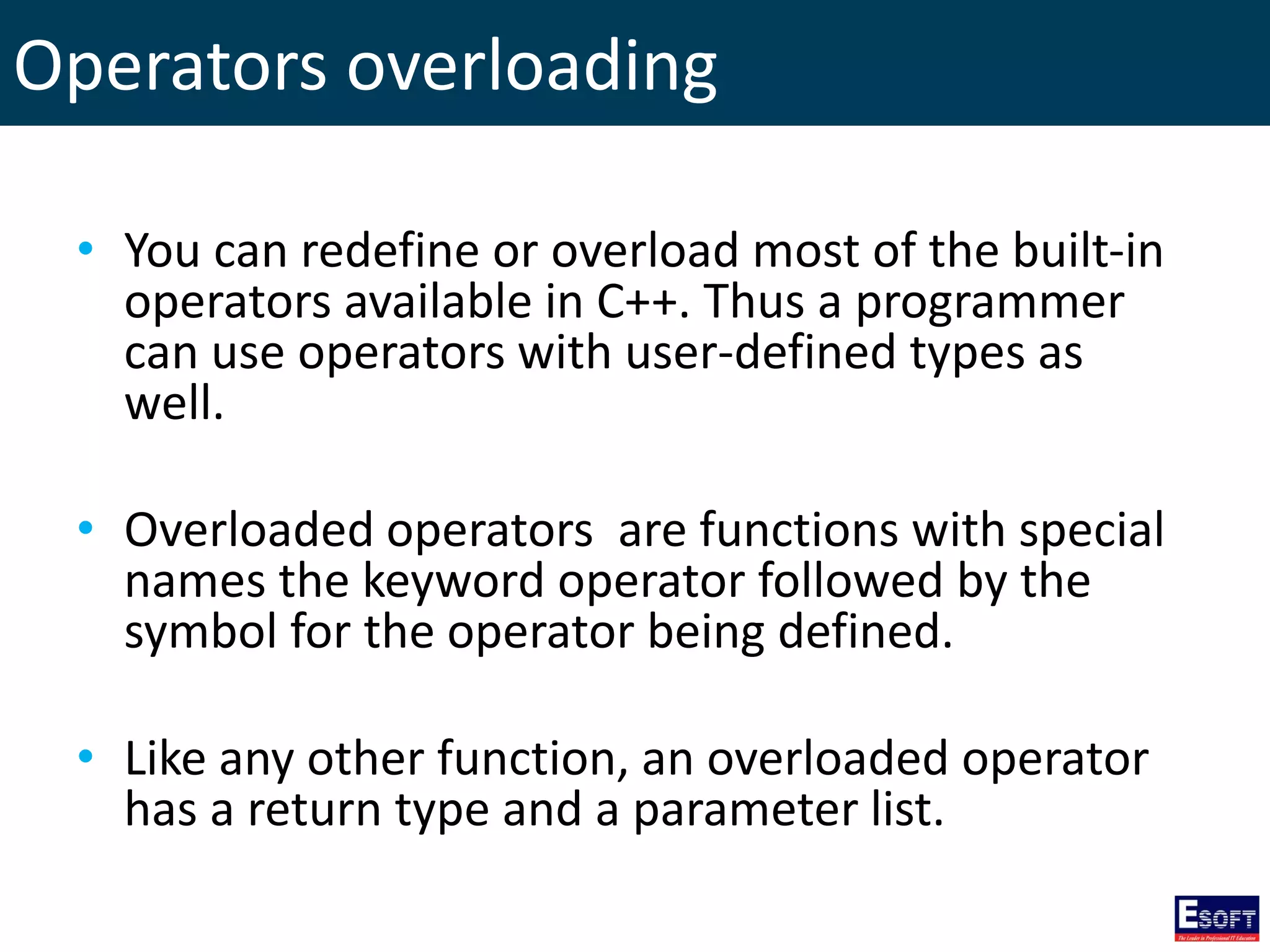
Operators overloading • You can redefine or overload most of the built-in operators available in C++. Thus a programmer can use operators with user-defined types as well. • Overloaded operators are functions with special names the keyword operator followed by the symbol for the operator being defined. • Like any other function, an overloaded operator has a return type and a parameter list.
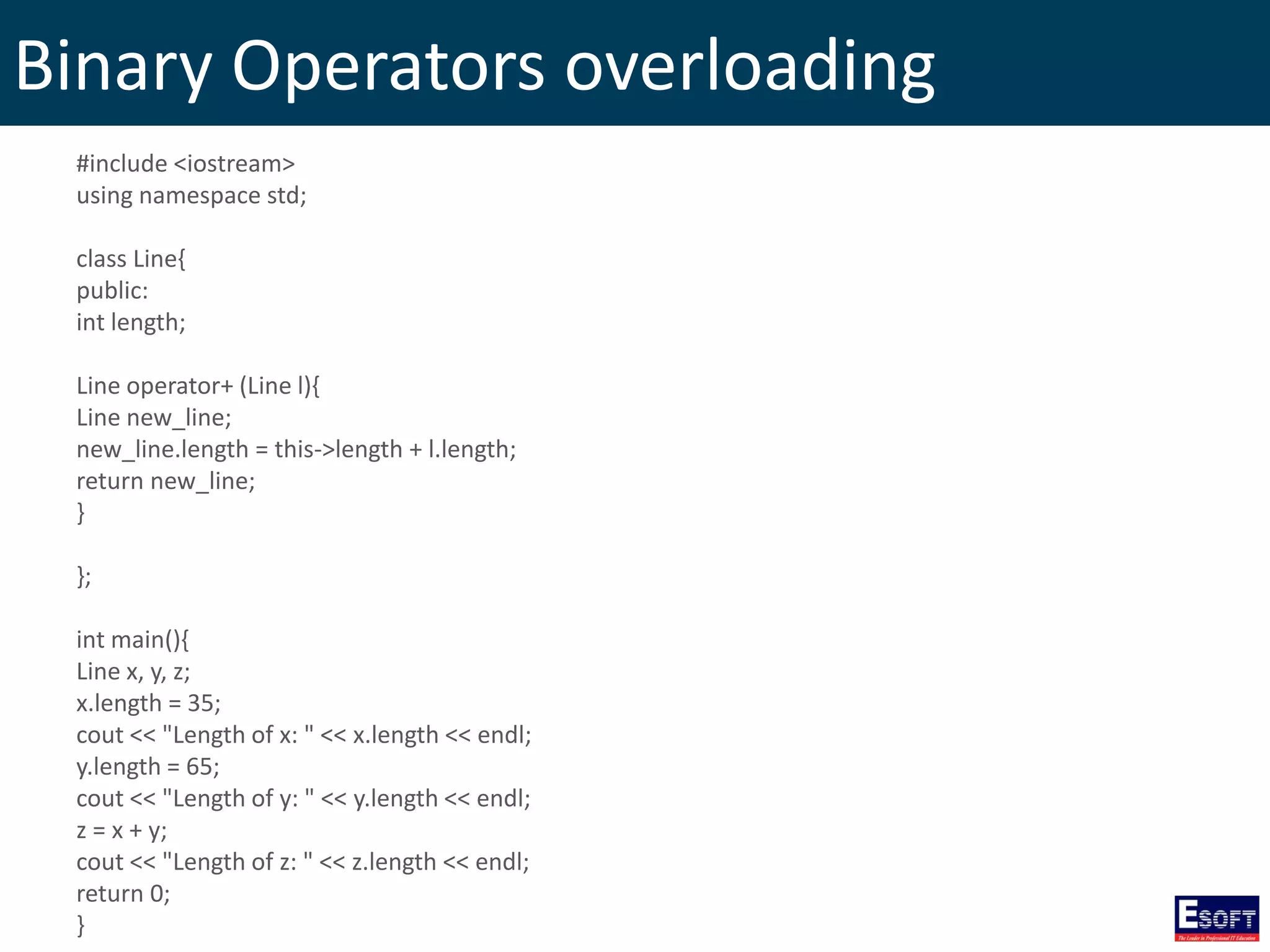
Binary Operators overloading #include <iostream> using namespace std; class Line{ public: int length; Line operator+ (Line l){ Line new_line; new_line.length = this->length + l.length; return new_line; } }; int main(){ Line x, y, z; x.length = 35; cout << "Length of x: " << x.length << endl; y.length = 65; cout << "Length of y: " << y.length << endl; z = x + y; cout << "Length of z: " << z.length << endl; return 0; }
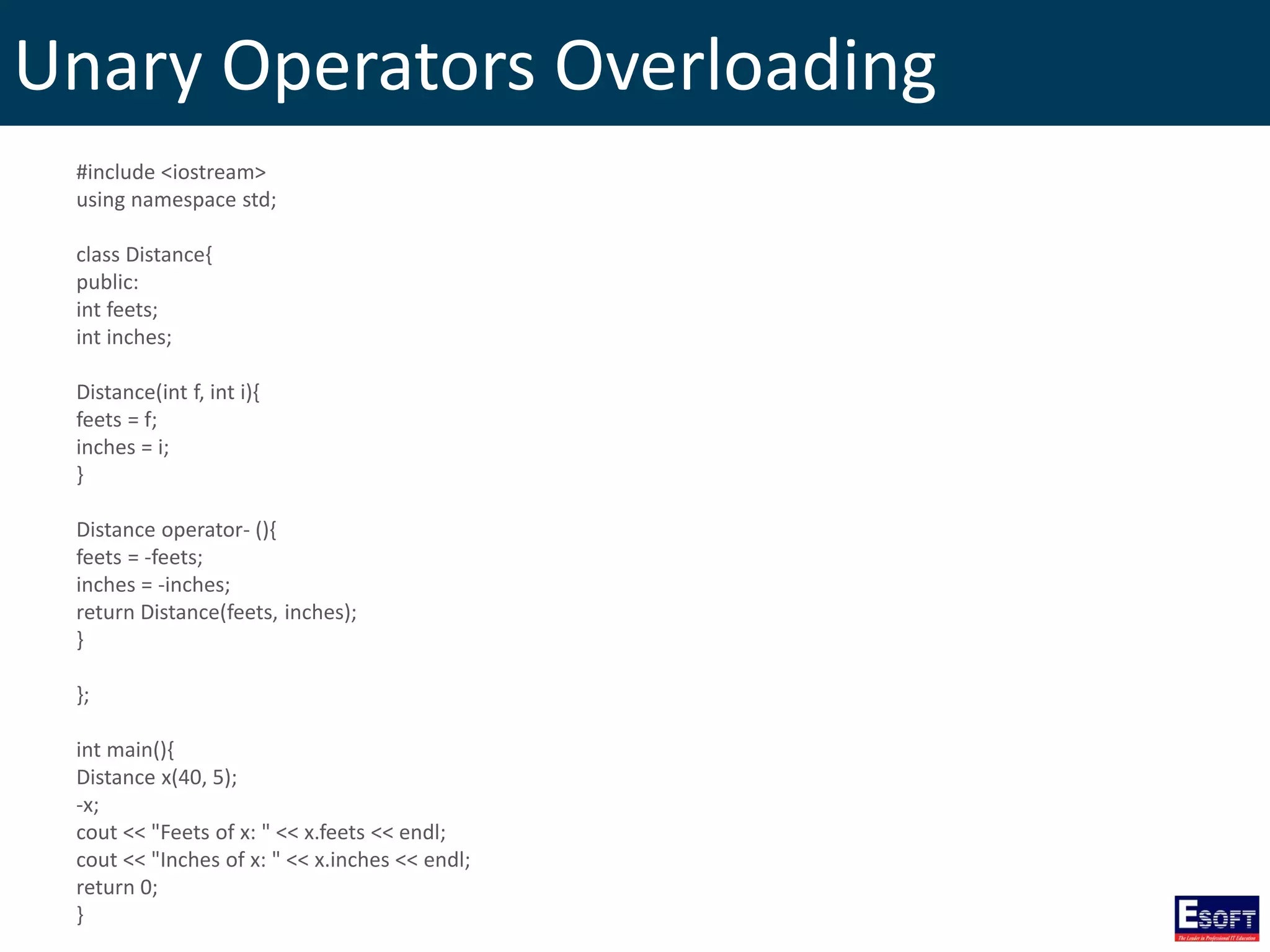
Unary Operators Overloading #include <iostream> using namespace std; class Distance{ public: int feets; int inches; Distance(int f, int i){ feets = f; inches = i; } Distance operator- (){ feets = -feets; inches = -inches; return Distance(feets, inches); } }; int main(){ Distance x(40, 5); -x; cout << "Feets of x: " << x.feets << endl; cout << "Inches of x: " << x.inches << endl; return 0; }
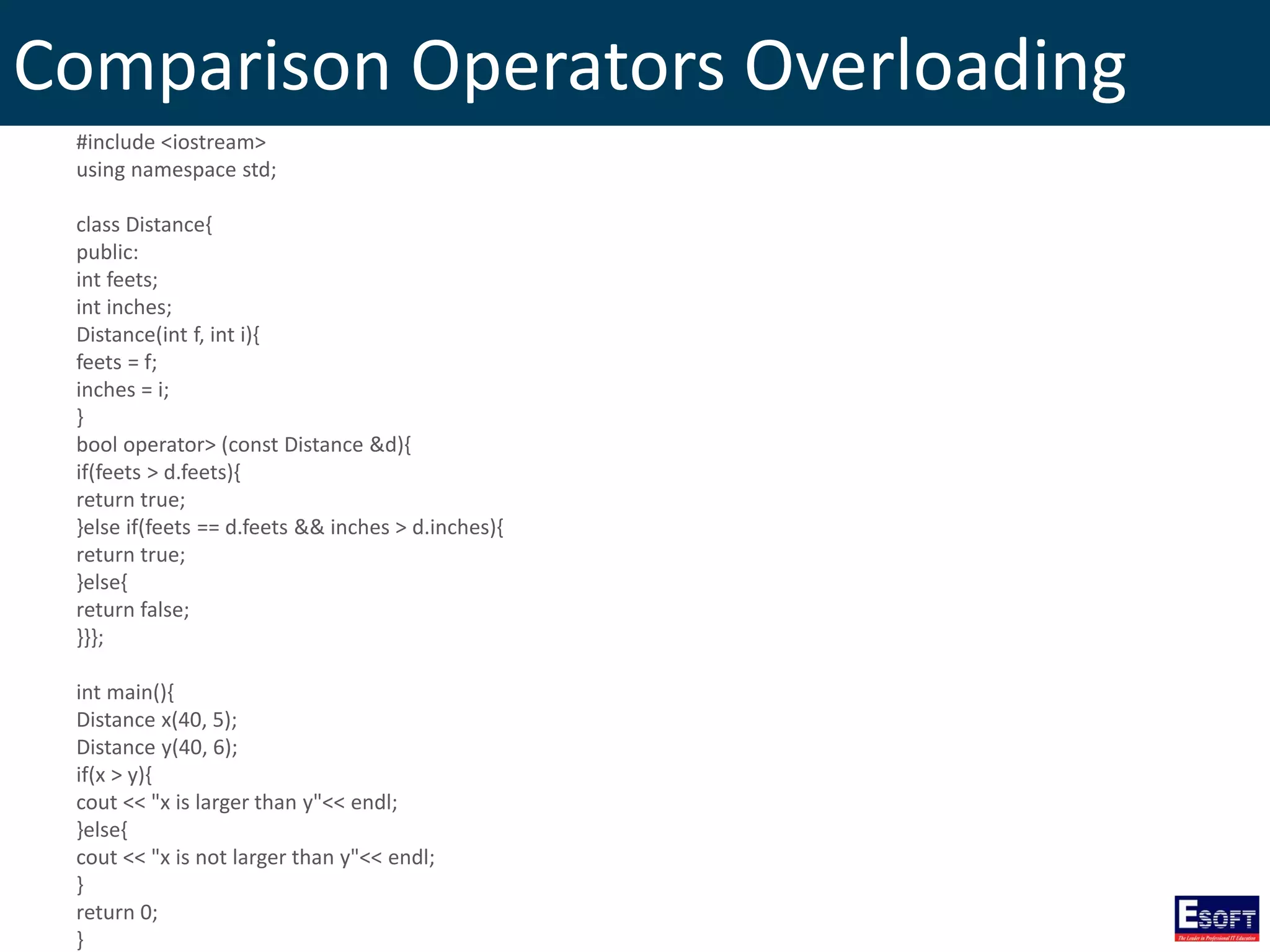
Comparison Operators Overloading #include <iostream> using namespace std; class Distance{ public: int feets; int inches; Distance(int f, int i){ feets = f; inches = i; } bool operator> (const Distance &d){ if(feets > d.feets){ return true; }else if(feets == d.feets && inches > d.inches){ return true; }else{ return false; }}}; int main(){ Distance x(40, 5); Distance y(40, 6); if(x > y){ cout << "x is larger than y"<< endl; }else{ cout << "x is not larger than y"<< endl; } return 0; }
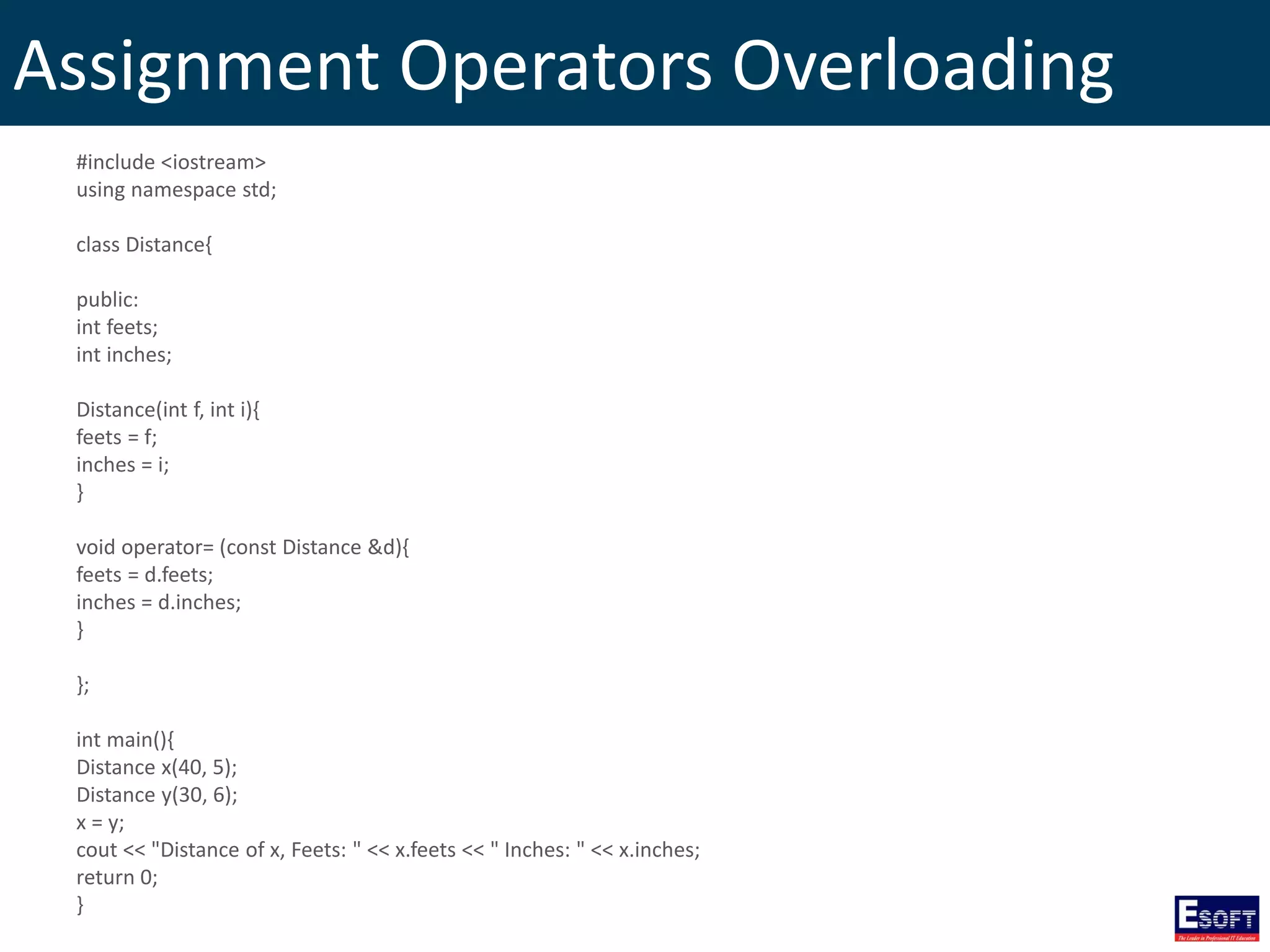
Assignment Operators Overloading #include <iostream> using namespace std; class Distance{ public: int feets; int inches; Distance(int f, int i){ feets = f; inches = i; } void operator= (const Distance &d){ feets = d.feets; inches = d.inches; } }; int main(){ Distance x(40, 5); Distance y(30, 6); x = y; cout << "Distance of x, Feets: " << x.feets << " Inches: " << x.inches; return 0; }
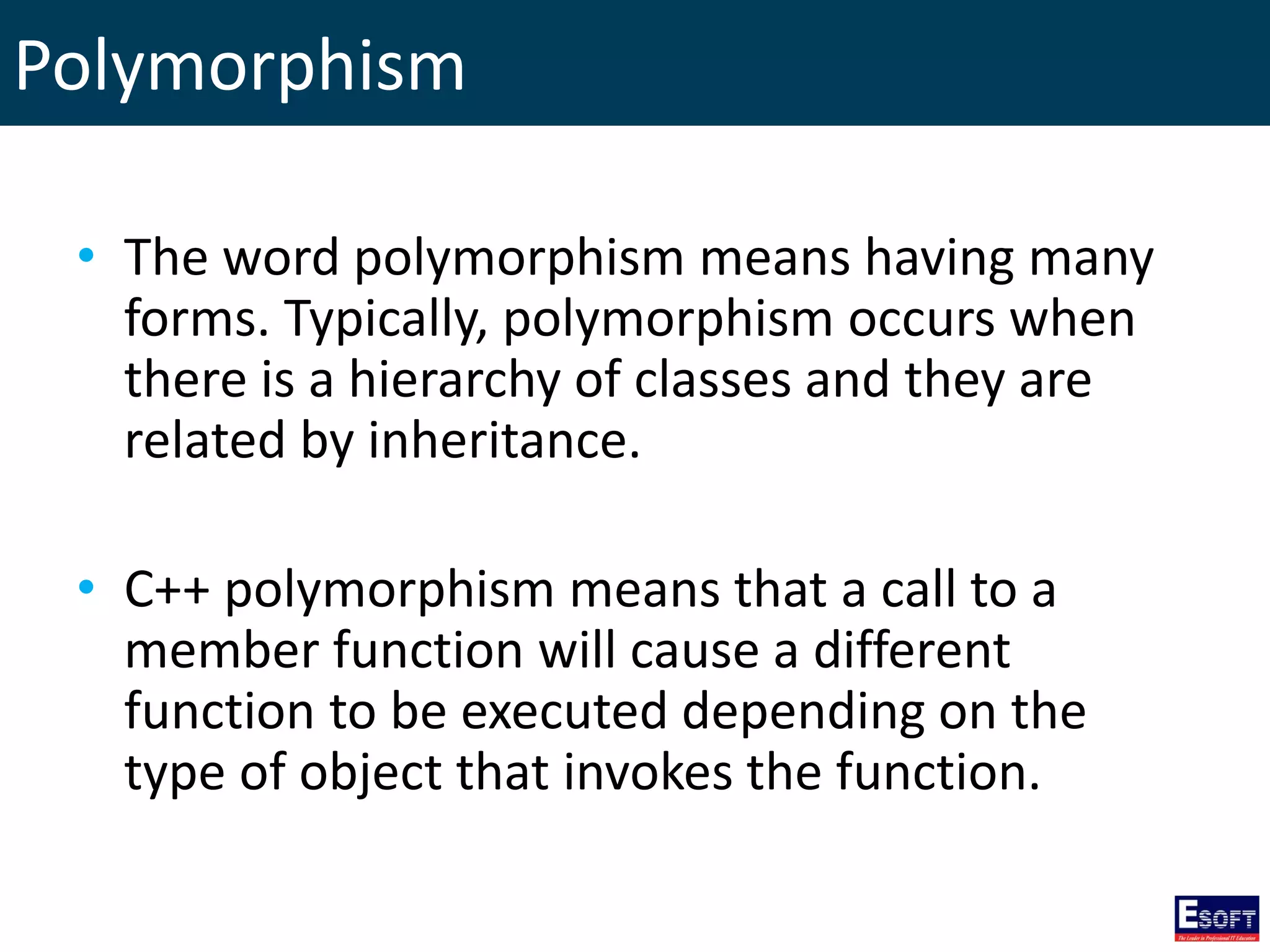
Polymorphism • The word polymorphism means having many forms. Typically, polymorphism occurs when there is a hierarchy of classes and they are related by inheritance. • C++ polymorphism means that a call to a member function will cause a different function to be executed depending on the type of object that invokes the function.
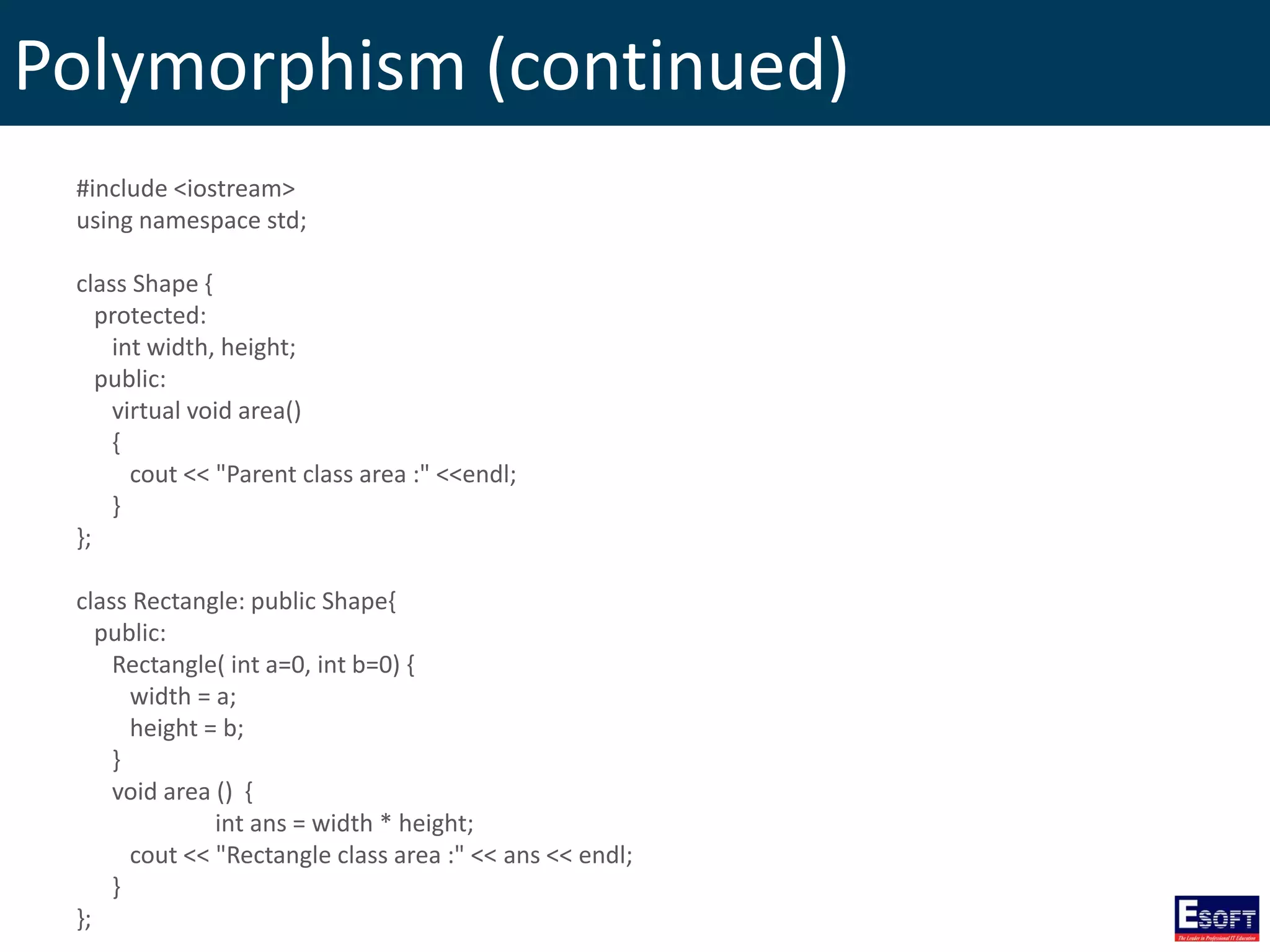
Polymorphism (continued) #include <iostream> using namespace std; class Shape { protected: int width, height; public: virtual void area() { cout << "Parent class area :" <<endl; } }; class Rectangle: public Shape{ public: Rectangle( int a=0, int b=0) { width = a; height = b; } void area () { int ans = width * height; cout << "Rectangle class area :" << ans << endl; } };
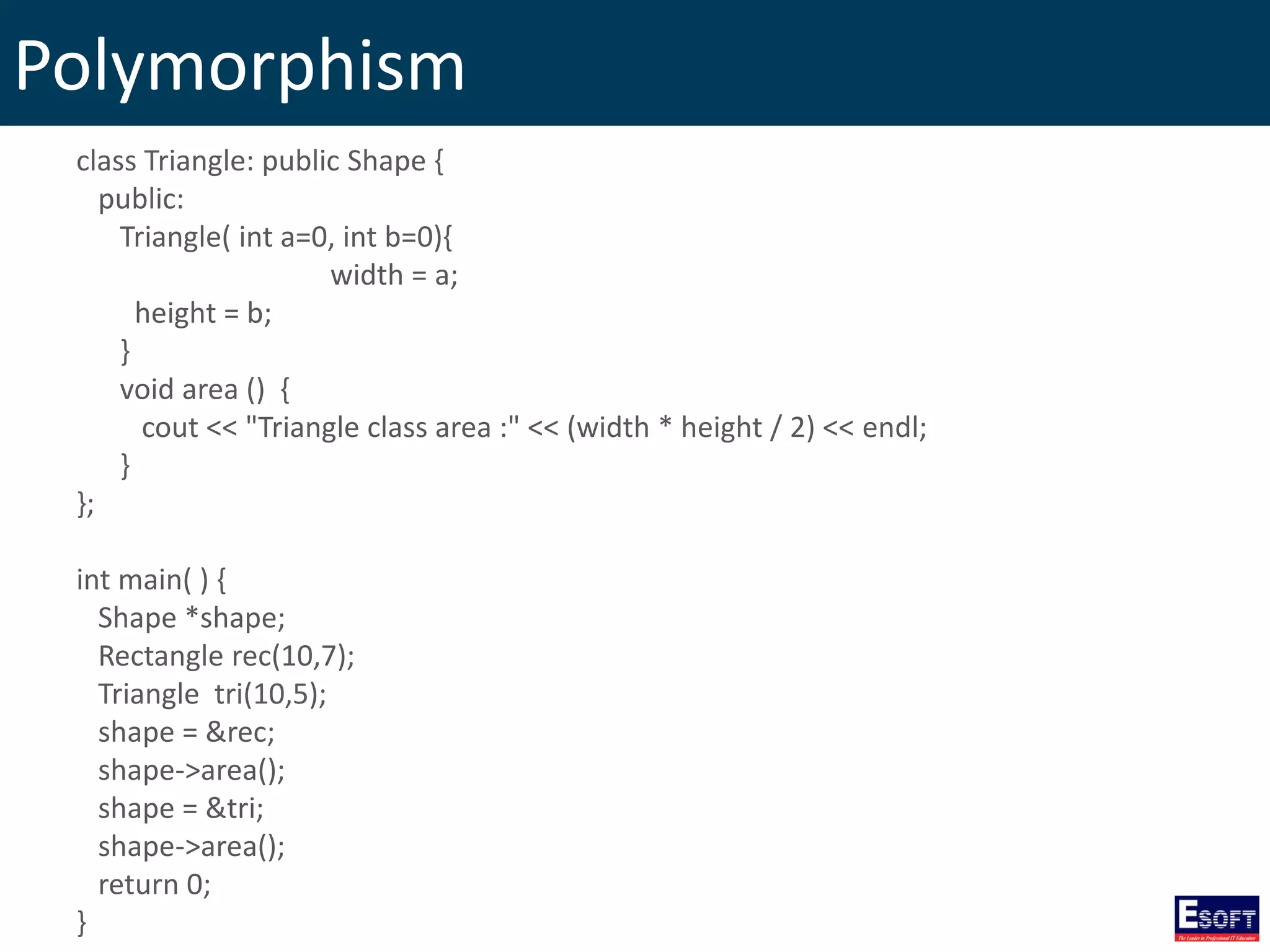
Polymorphism class Triangle: public Shape { public: Triangle( int a=0, int b=0){ width = a; height = b; } void area () { cout << "Triangle class area :" << (width * height / 2) << endl; } }; int main( ) { Shape *shape; Rectangle rec(10,7); Triangle tri(10,5); shape = &rec; shape->area(); shape = &tri; shape->area(); return 0; }
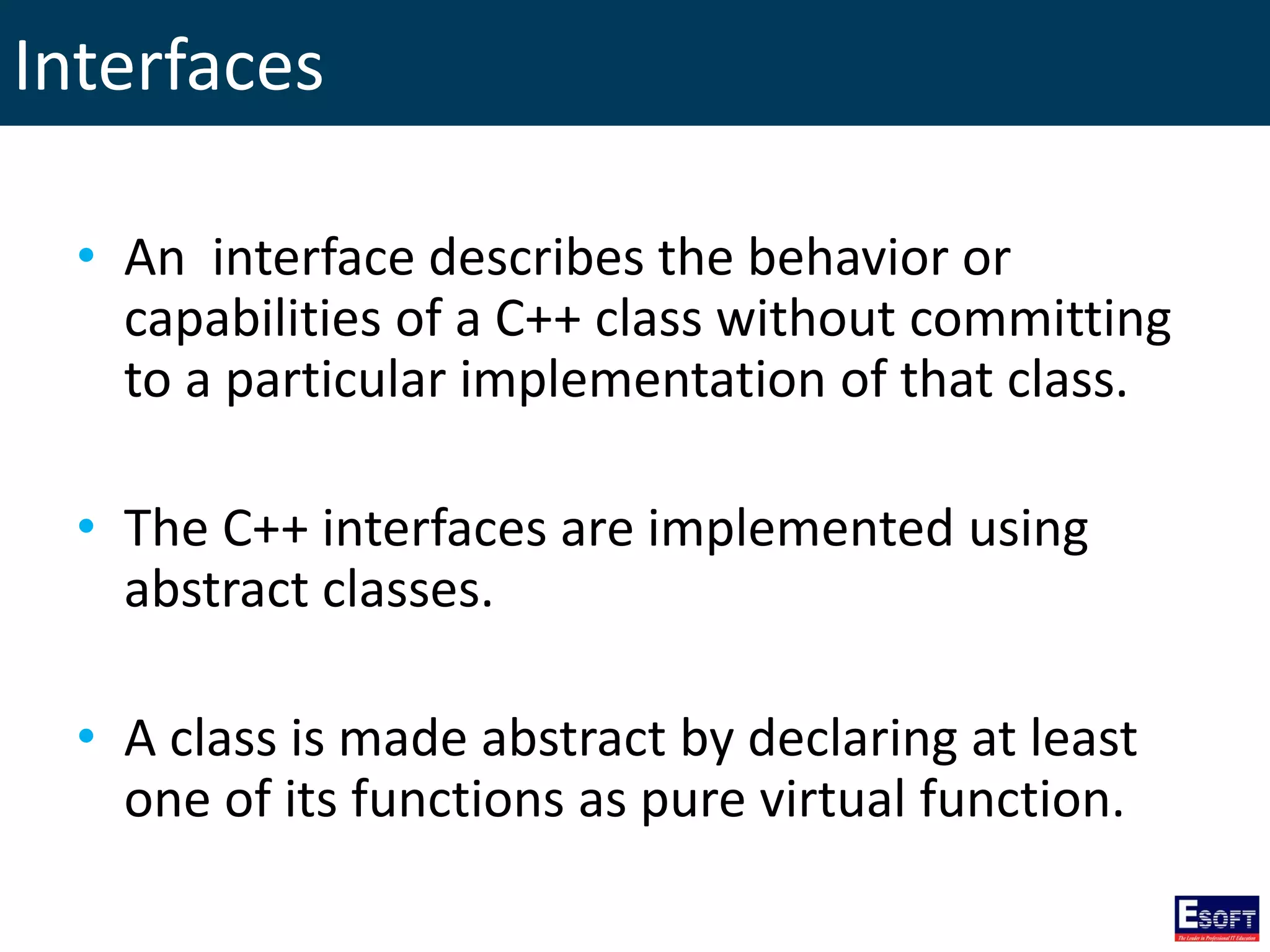
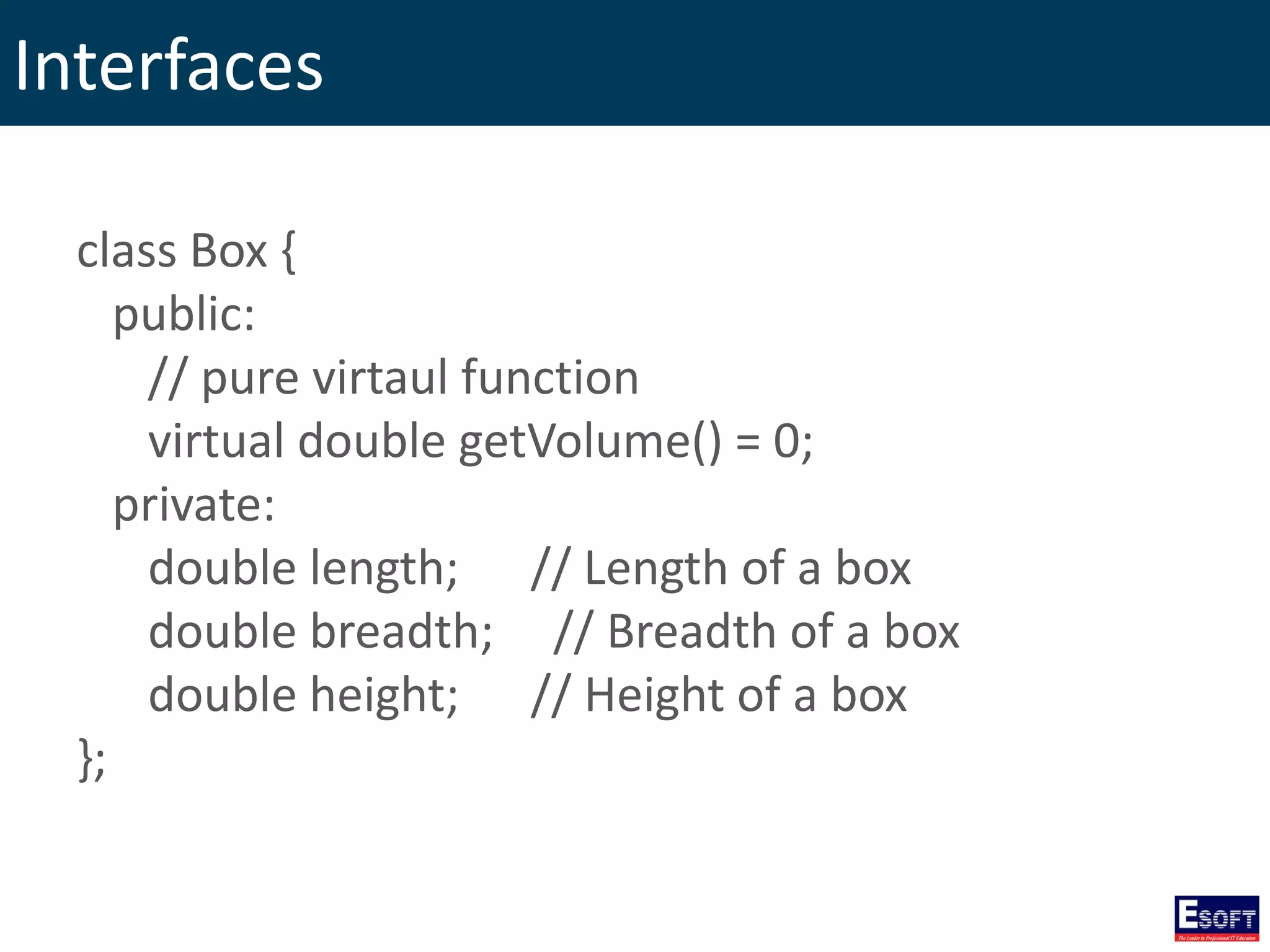
Interfaces • An interface describes the behavior or capabilities of a C++ class without committing to a particular implementation of that class. • The C++ interfaces are implemented using abstract classes. • A class is made abstract by declaring at least one of its functions as pure virtual function.
Interfaces class Box { public: // pure virtaul function virtual double getVolume() = 0; private: double length; // Length of a box double breadth; // Breadth of a box double height; // Height of a box };
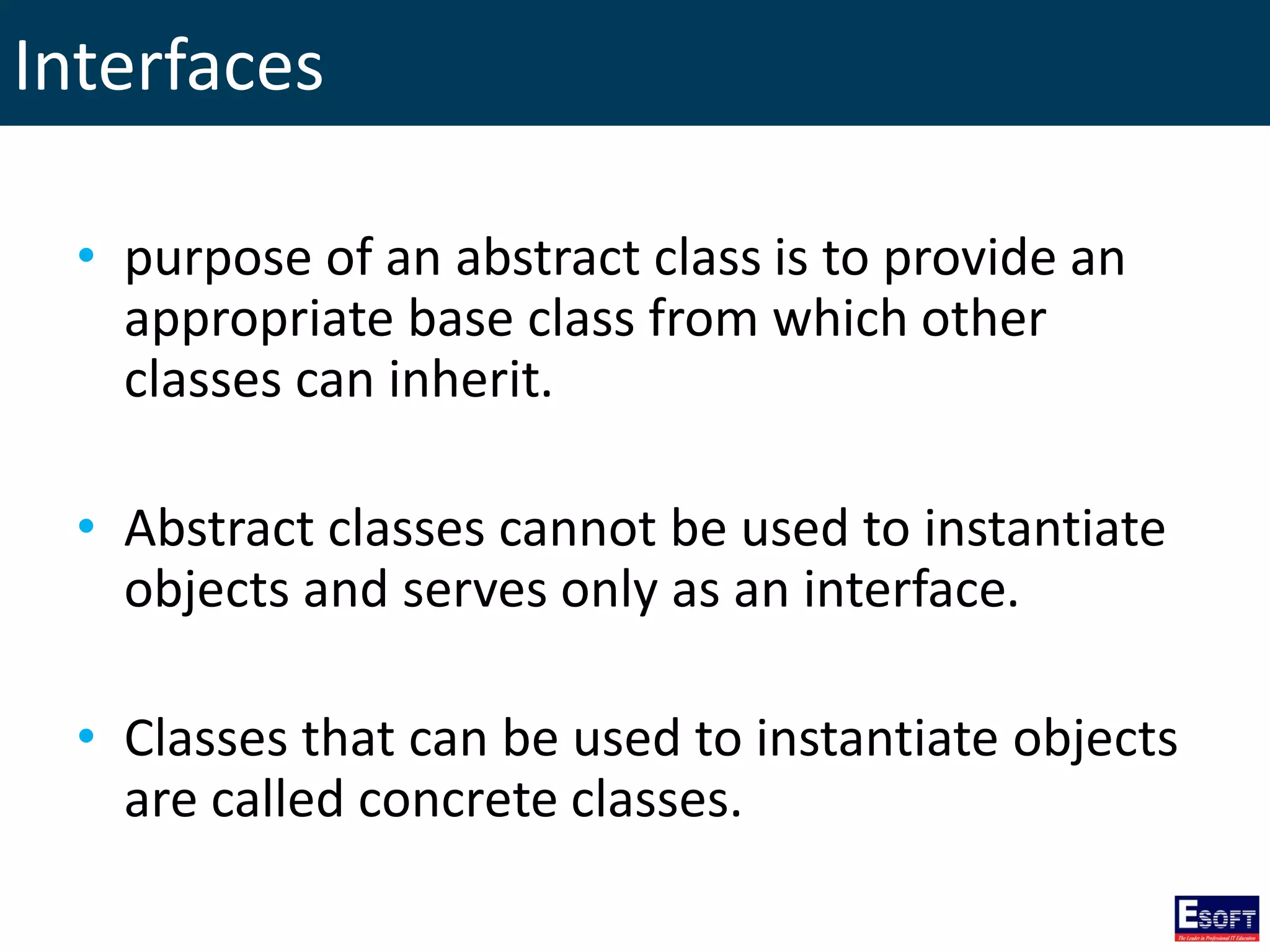
Interfaces • purpose of an abstract class is to provide an appropriate base class from which other classes can inherit. • Abstract classes cannot be used to instantiate objects and serves only as an interface. • Classes that can be used to instantiate objects are called concrete classes.
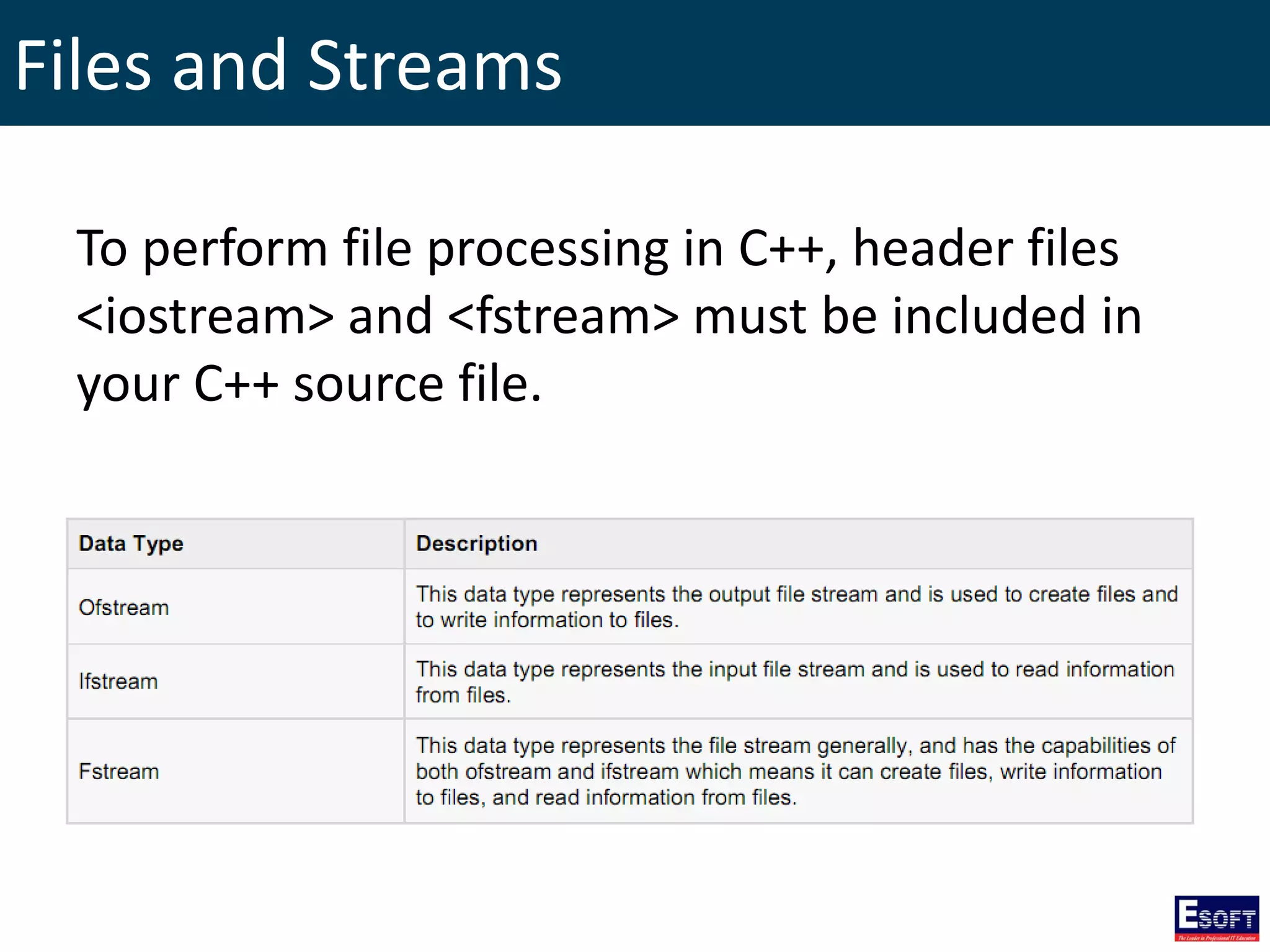
Files and Streams To perform file processing in C++, header files <iostream> and <fstream> must be included in your C++ source file.
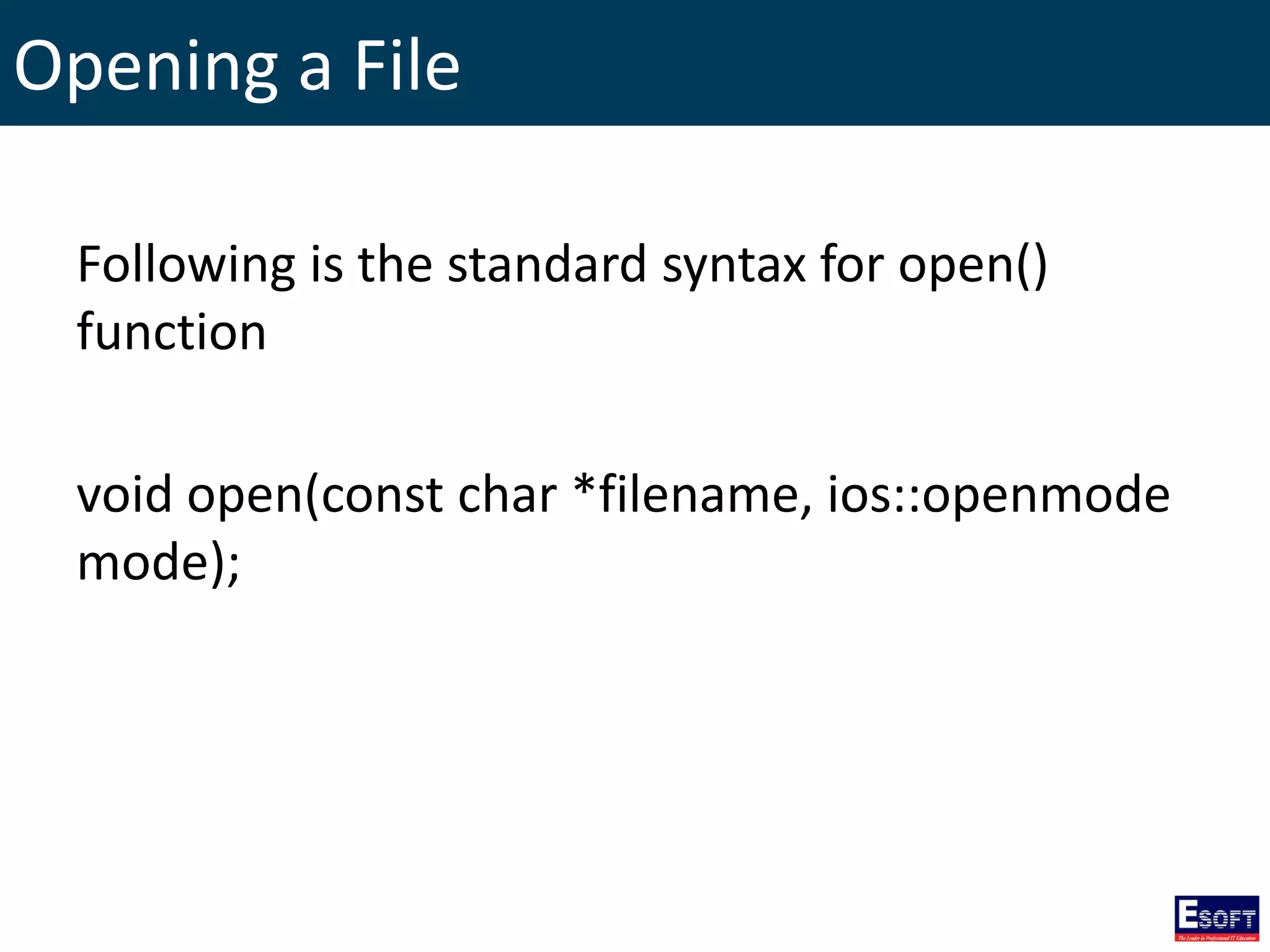
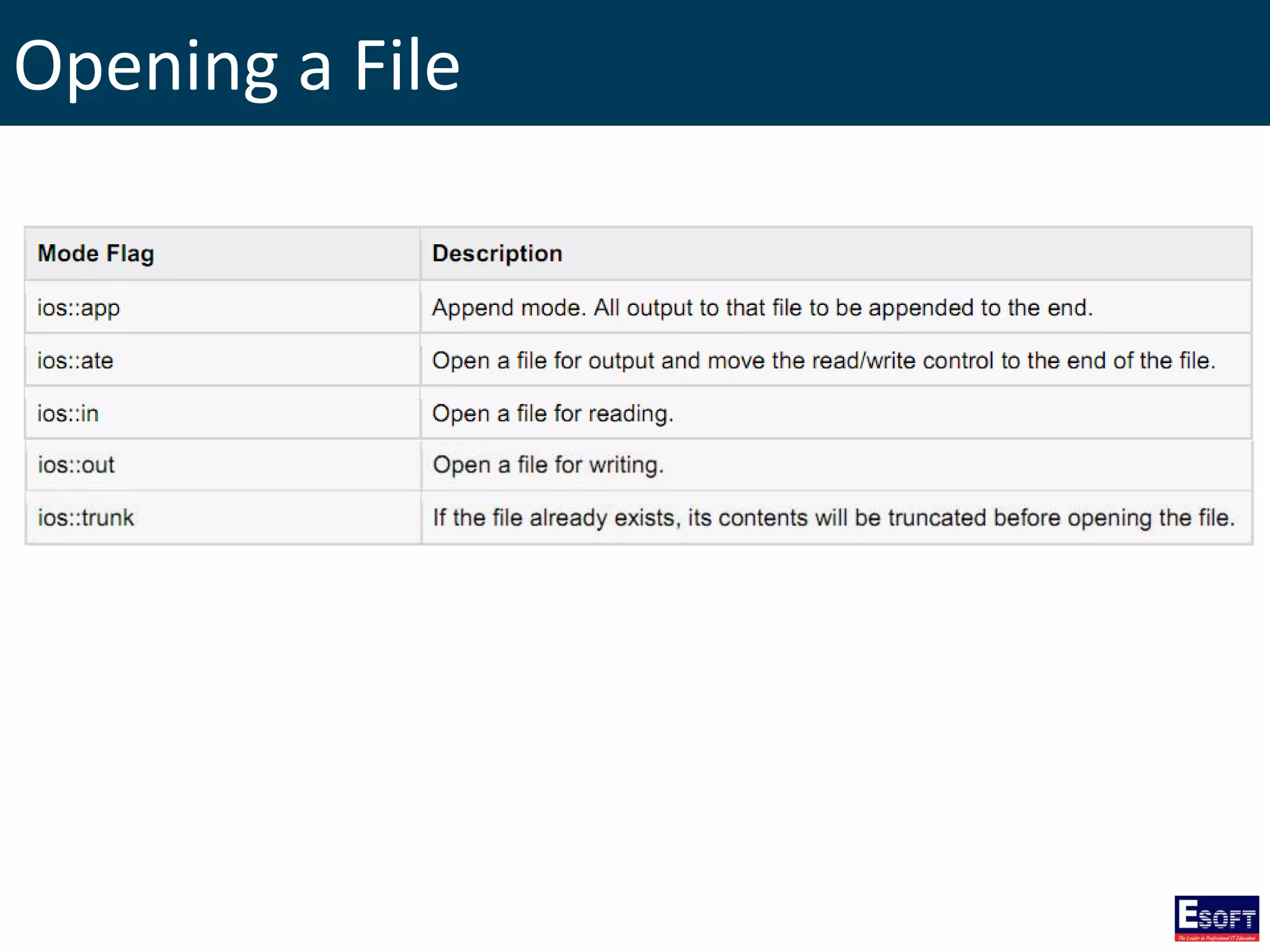
Opening a File Following is the standard syntax for open() function void open(const char *filename, ios::openmode mode);
Opening a File
Closing a File Following is the standard syntax for close() function, which is a member of fstream, ifstream, and ofstream objects. void close();
Writing to a File #include <fstream> #include <iostream> using namespace std; int main(){ char data[100]; ofstream outfile; outfile.open("afile.dat"); // open a file in write mode. cout << "enter your name: "; cin.getline(data, 100); outfile << data << endl; // write inputted data into the file. cout << "Enter your age: "; cin >> data; // again write inputted data into the file. cin.ignore(); outfile << data << endl; outfile.close(); // close the opened file. return 0; }
Reading from a File #include <fstream> #include <iostream> using namespace std; int main(){ char data[100]; ifstream infile; //open a file in read mode infile.open("afile.dat"); cout << "reading from the file" << endl; infile >> data; cout << data << endl; //write data on screen infile >> data; // again read file cout << data << endl; infile.close(); //close file return 0; }
Exception Handling • An exception is a problem that arises during the execution of a program. • A C++ exception is a response to an exceptional circumstance that arises while a program is running
Exception Handling C++ exception handling is built upon three keywords: try, catch, and throw. • throw: A program throws an exception when a problem shows up. • try: Identifies a block of code for which particular exceptions will be activated. • catch: A program catches an exception with an exception handler at the place in a program where you want to handle the problem.
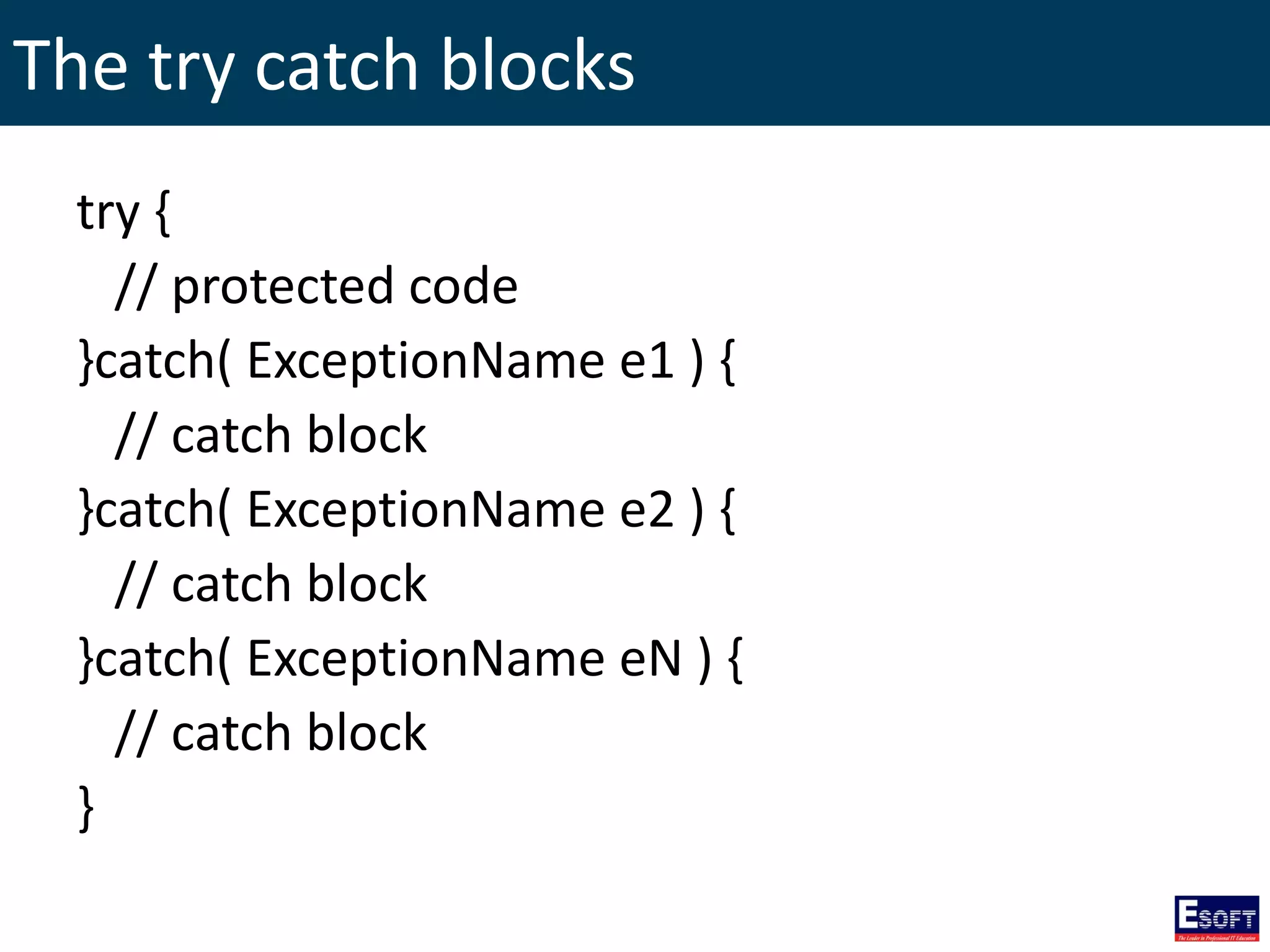
The try catch blocks try { // protected code }catch( ExceptionName e1 ) { // catch block }catch( ExceptionName e2 ) { // catch block }catch( ExceptionName eN ) { // catch block }
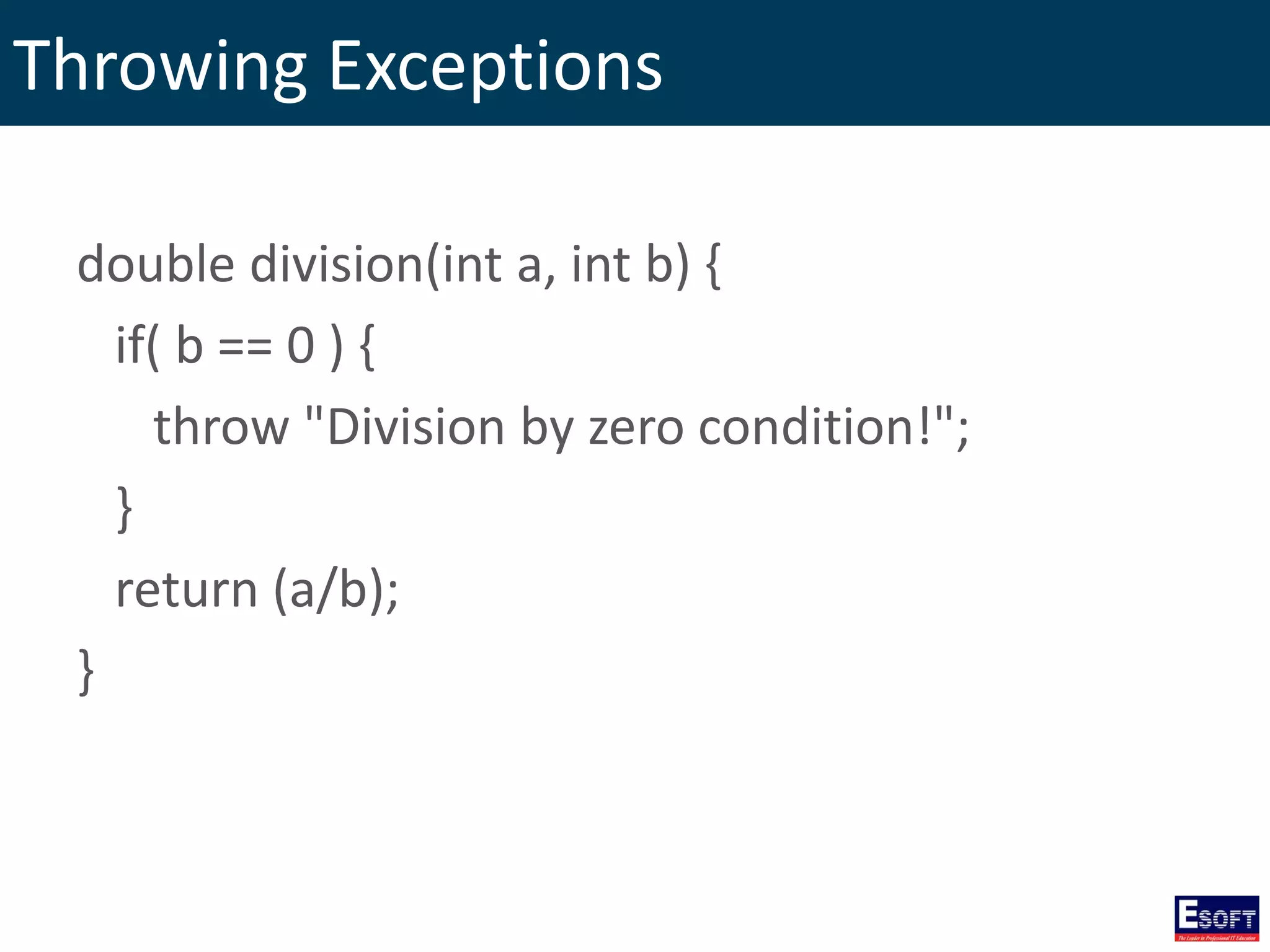
Throwing Exceptions double division(int a, int b) { if( b == 0 ) { throw "Division by zero condition!"; } return (a/b); }
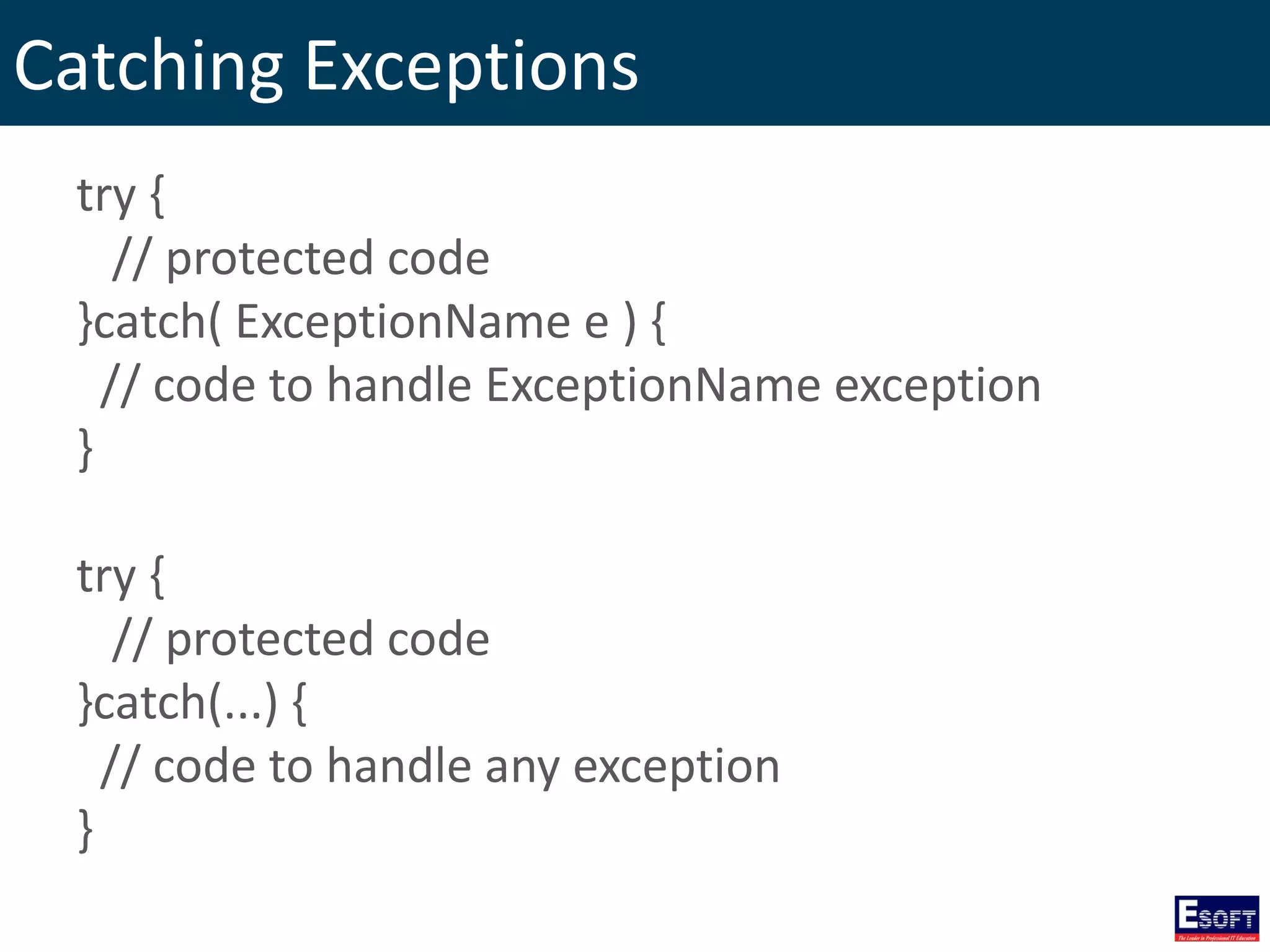
Catching Exceptions try { // protected code }catch( ExceptionName e ) { // code to handle ExceptionName exception } try { // protected code }catch(...) { // code to handle any exception }
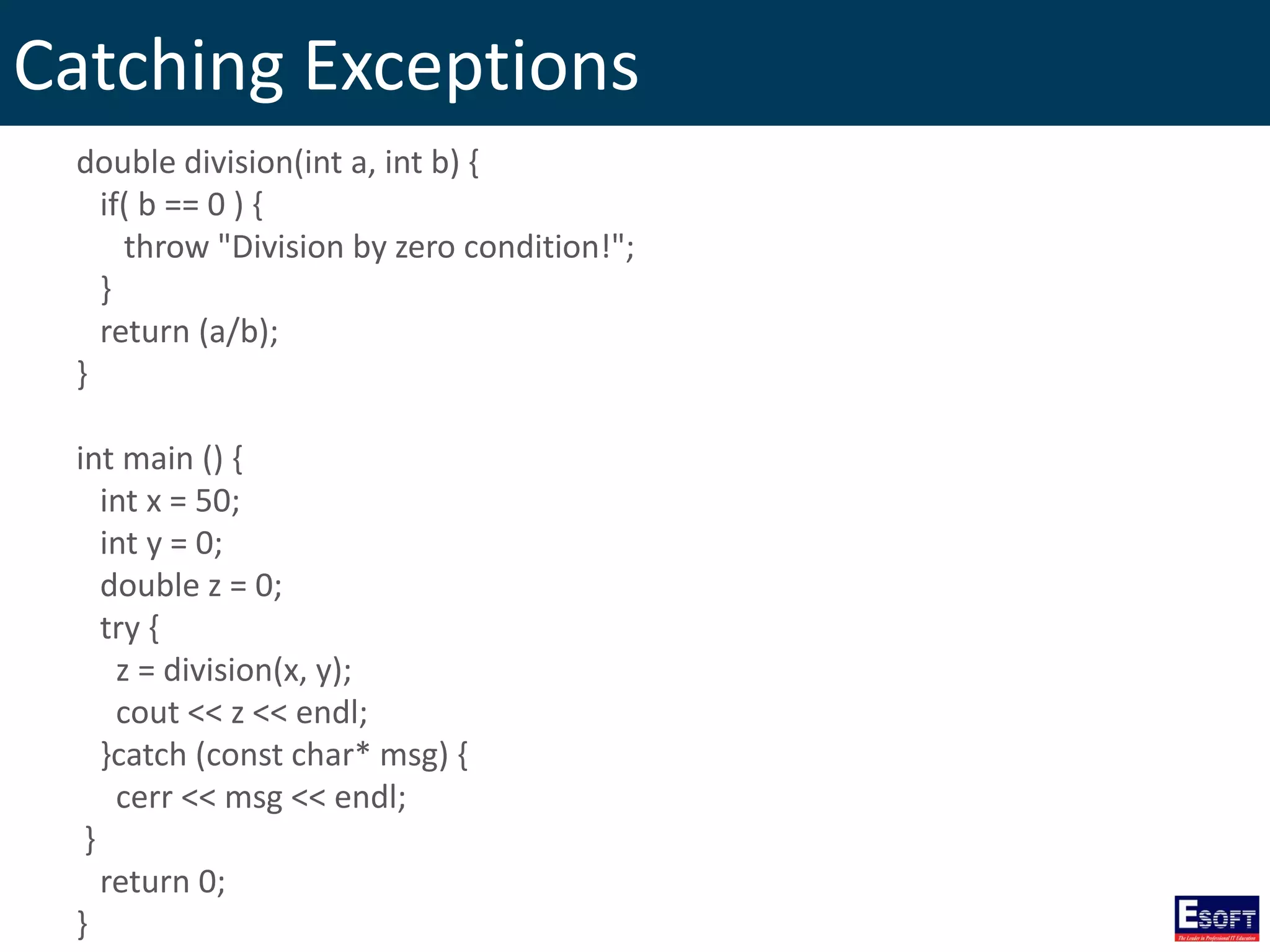
Catching Exceptions double division(int a, int b) { if( b == 0 ) { throw "Division by zero condition!"; } return (a/b); } int main () { int x = 50; int y = 0; double z = 0; try { z = division(x, y); cout << z << endl; }catch (const char* msg) { cerr << msg << endl; } return 0; }
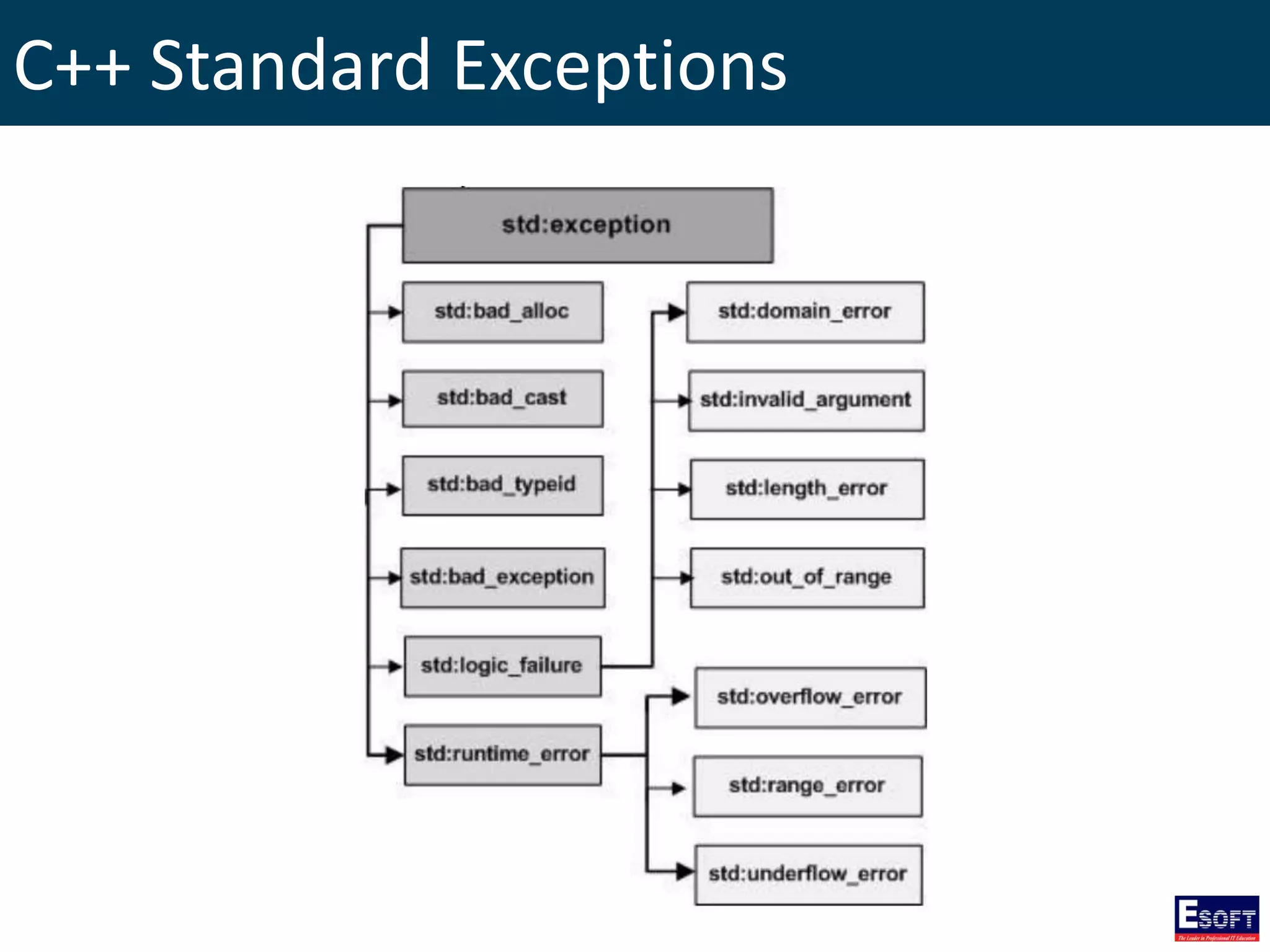
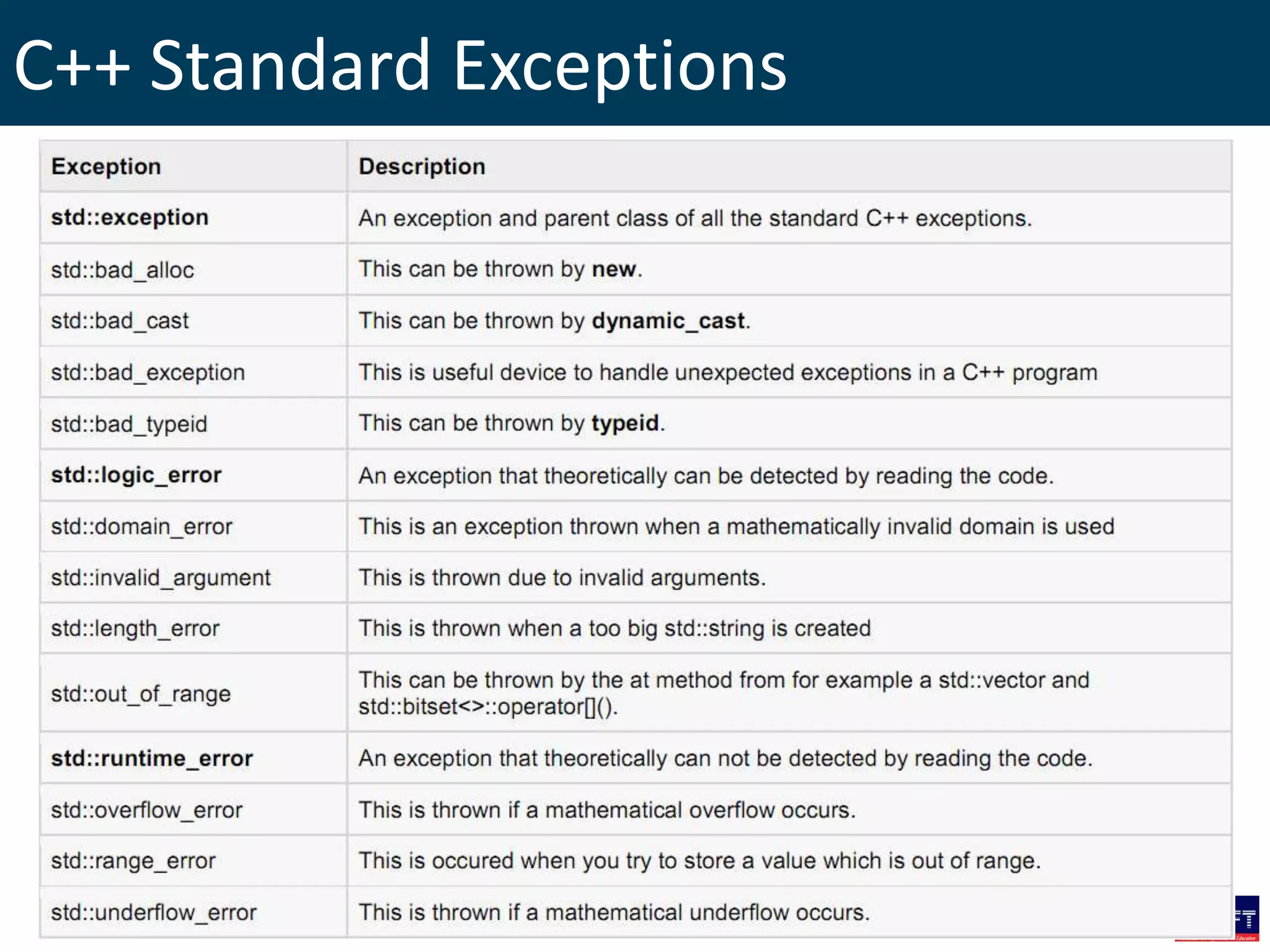
C++ Standard Exceptions
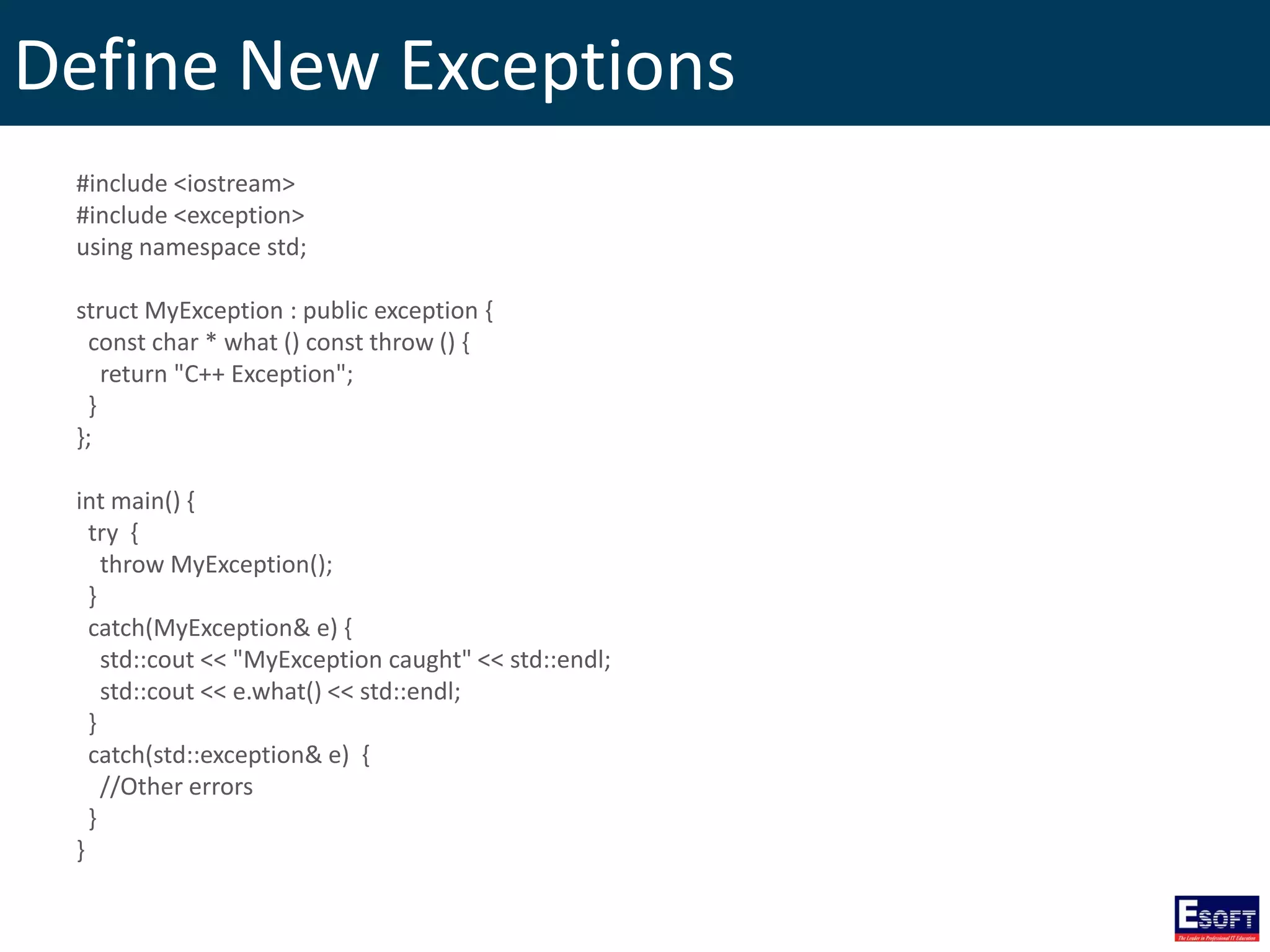
Define New Exceptions #include <iostream> #include <exception> using namespace std; struct MyException : public exception { const char * what () const throw () { return "C++ Exception"; } }; int main() { try { throw MyException(); } catch(MyException& e) { std::cout << "MyException caught" << std::endl; std::cout << e.what() << std::endl; } catch(std::exception& e) { //Other errors } }
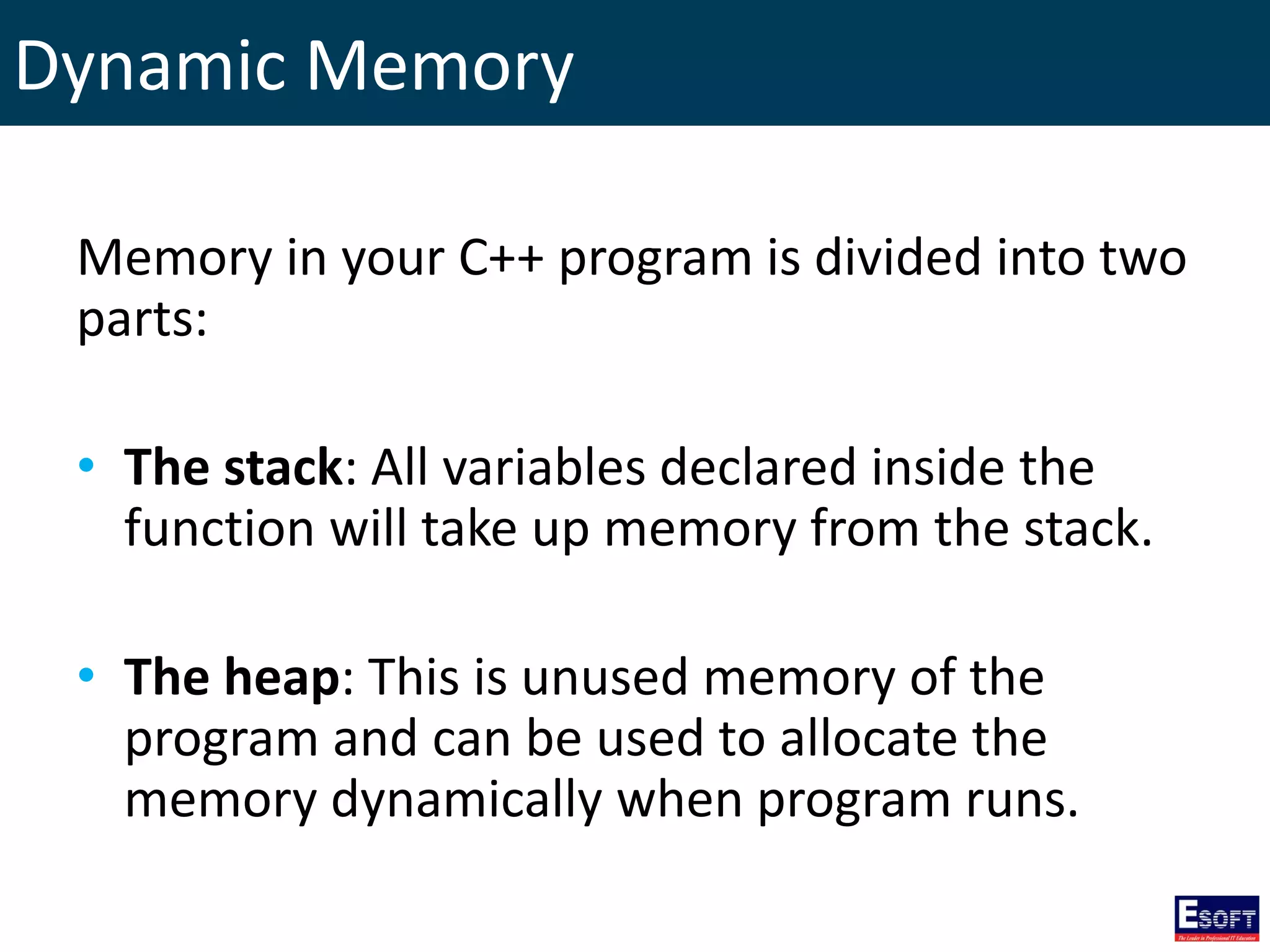
Dynamic Memory Memory in your C++ program is divided into two parts: • The stack: All variables declared inside the function will take up memory from the stack. • The heap: This is unused memory of the program and can be used to allocate the memory dynamically when program runs.
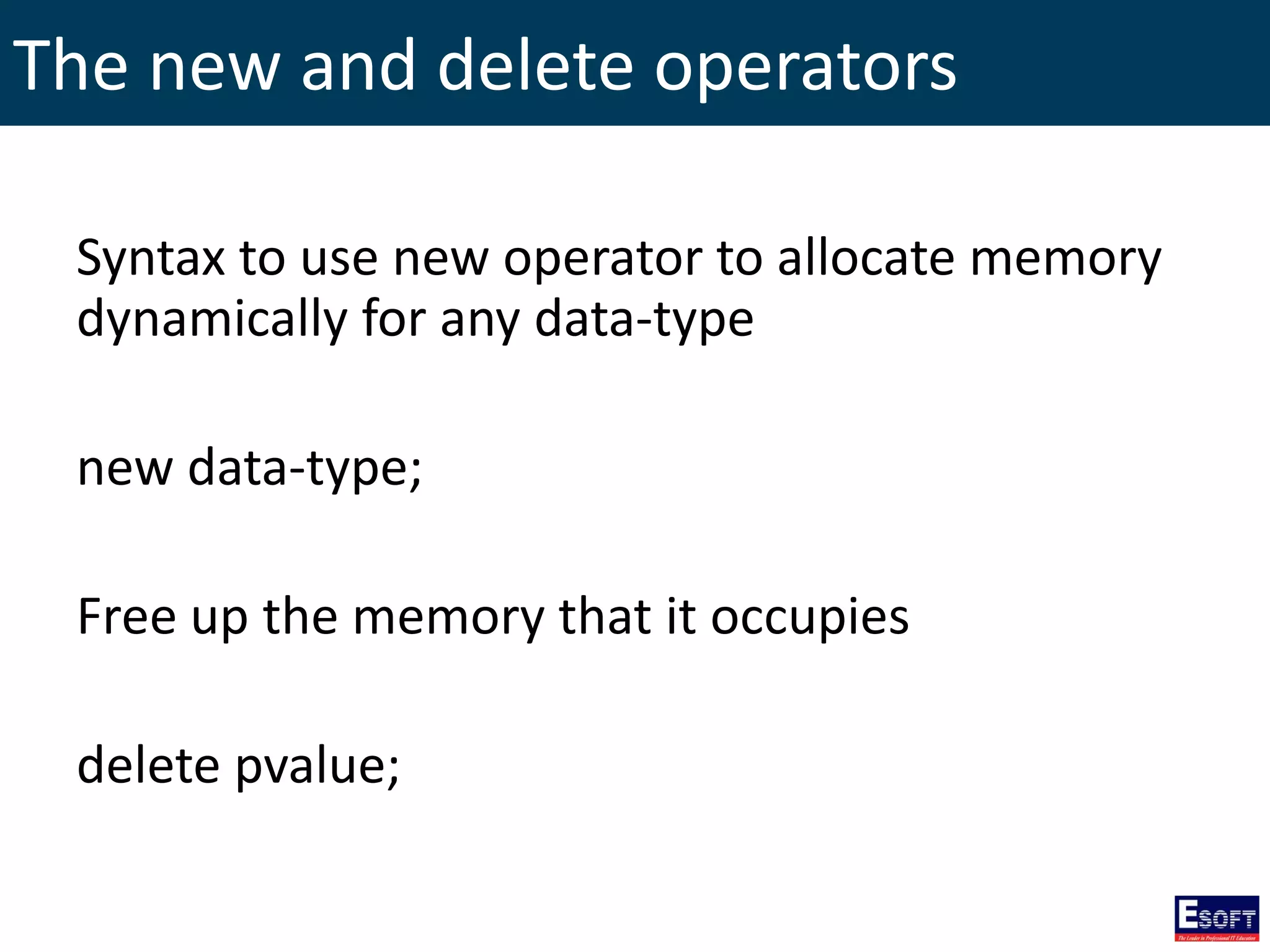
The new and delete operators Syntax to use new operator to allocate memory dynamically for any data-type new data-type; Free up the memory that it occupies delete pvalue;
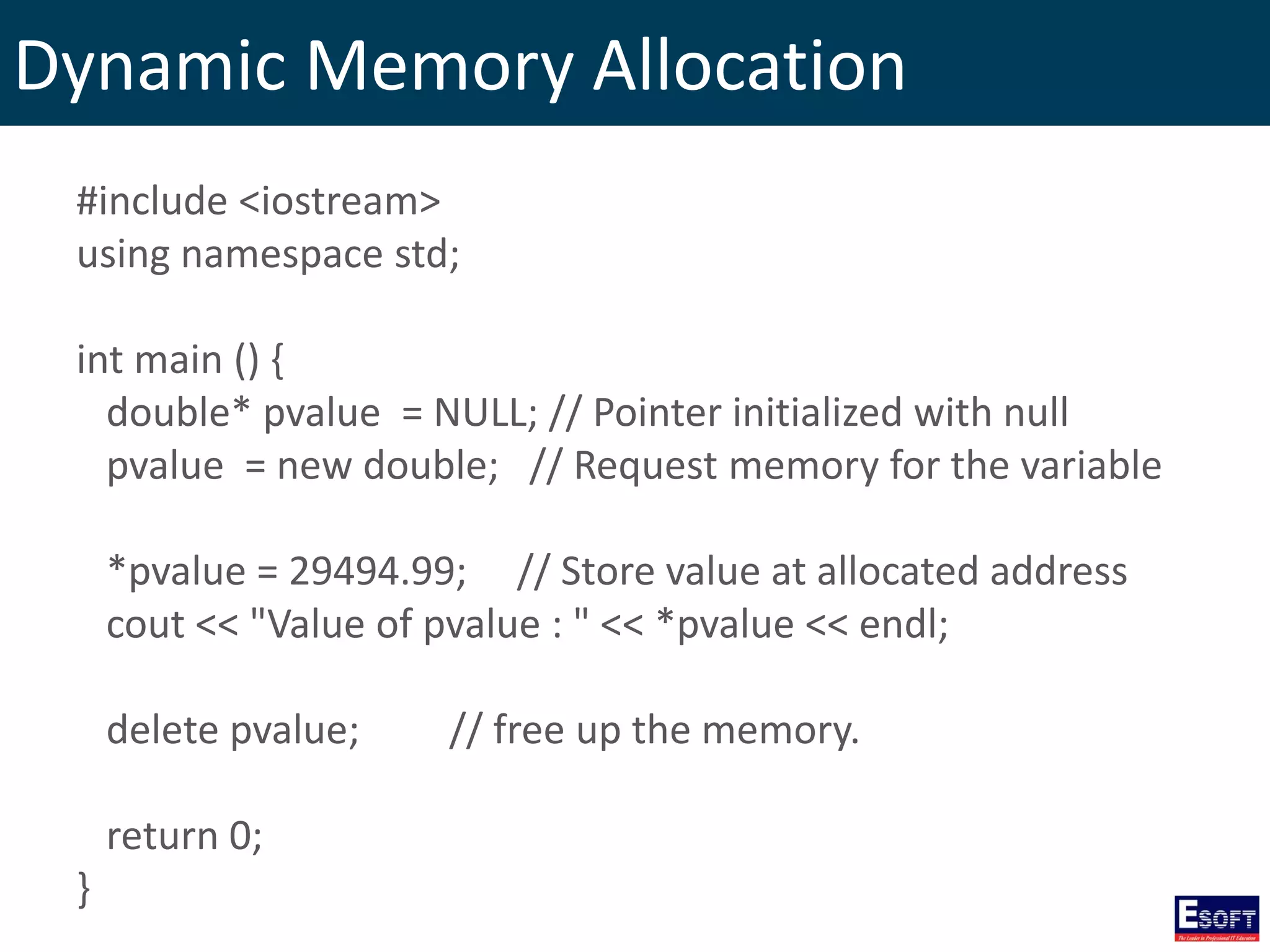
Dynamic Memory Allocation #include <iostream> using namespace std; int main () { double* pvalue = NULL; // Pointer initialized with null pvalue = new double; // Request memory for the variable *pvalue = 29494.99; // Store value at allocated address cout << "Value of pvalue : " << *pvalue << endl; delete pvalue; // free up the memory. return 0; }
Dynamic Memory Allocation for Arrays char* pvalue = NULL; // Pointer initialized with null pvalue = new char[20]; // Request memory for the variable delete [] pvalue; // Delete array pointed to by pvalue double** pvalue = NULL; // Pointer initialized with null pvalue = new double [3][4]; // Allocate memory for a 3x4 array delete [] pvalue; // Delete array pointed to by pvalue
Dynamic Memory Allocation for Objects #include <iostream> using namespace std; class Box { public: Box() { cout << "Constructor called!" <<endl; } ~Box() { cout << "Destructor called!" <<endl; } }; int main( ) { Box* myBoxArray = new Box[4]; delete [] myBoxArray; // Delete array return 0; }
Namespaces • Using namespace, you can define the context in which names are defined. • In essence, a namespace defines a scope.
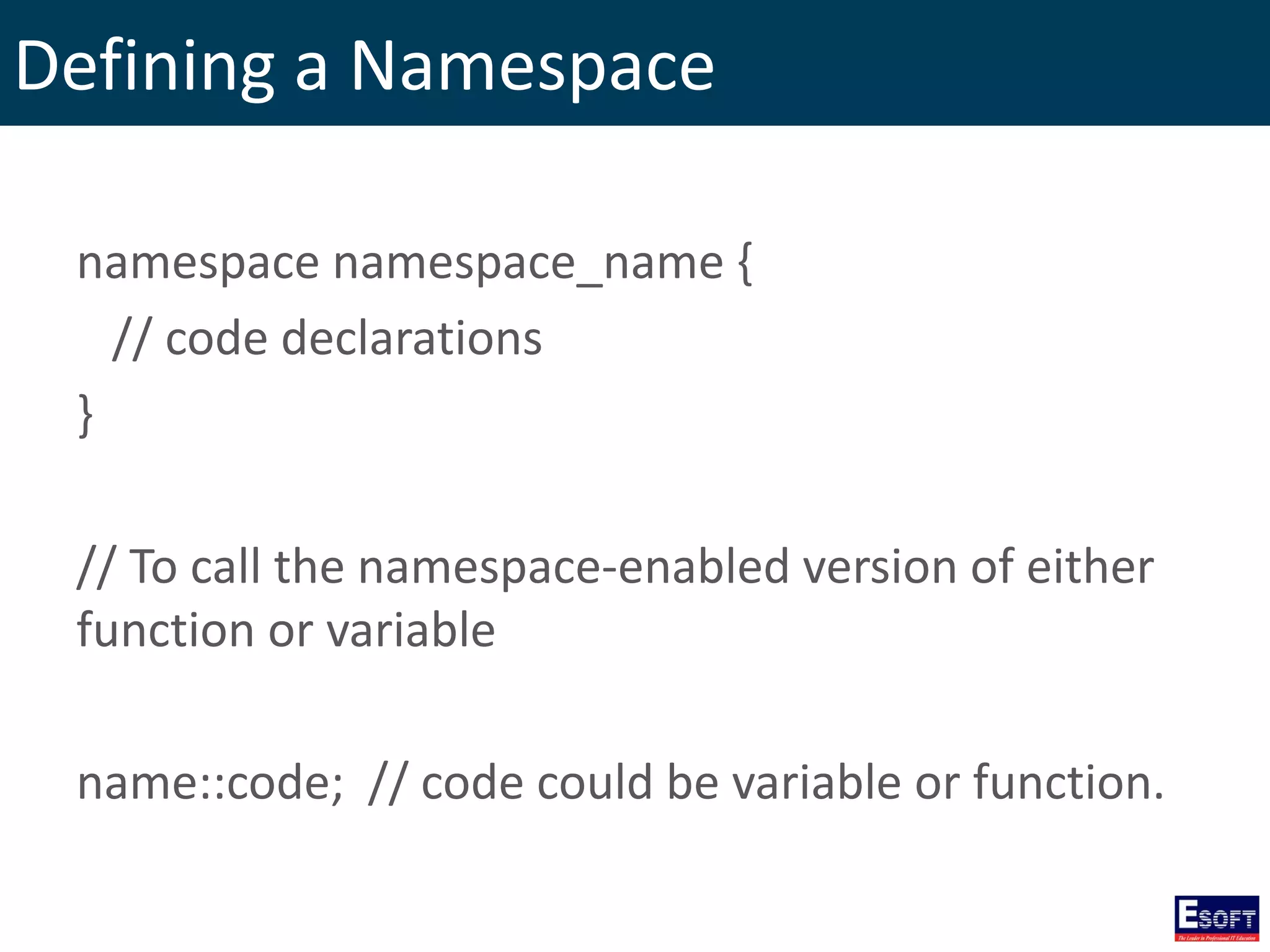
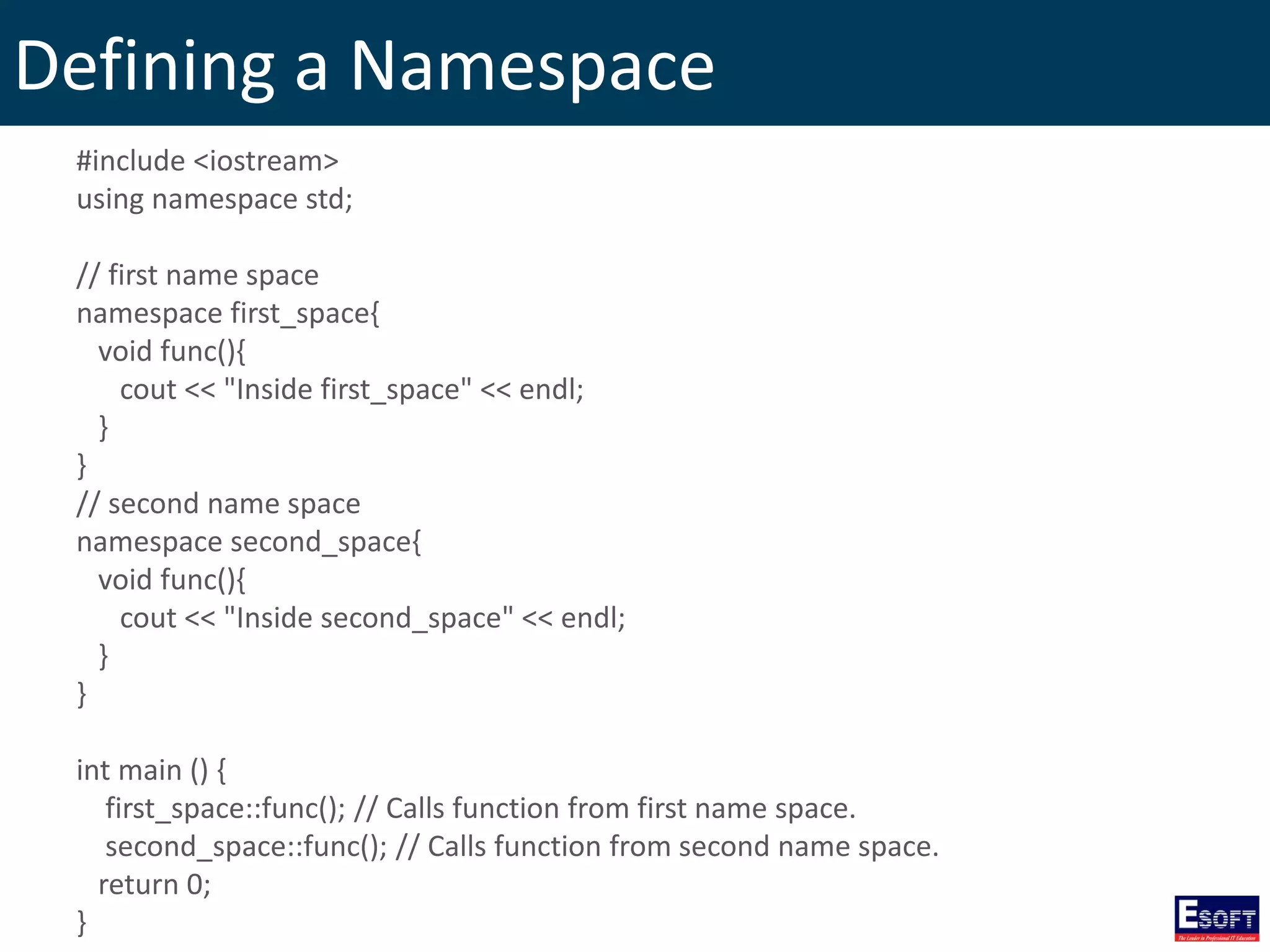
Defining a Namespace namespace namespace_name { // code declarations } // To call the namespace-enabled version of either function or variable name::code; // code could be variable or function.
Defining a Namespace #include <iostream> using namespace std; // first name space namespace first_space{ void func(){ cout << "Inside first_space" << endl; } } // second name space namespace second_space{ void func(){ cout << "Inside second_space" << endl; } } int main () { first_space::func(); // Calls function from first name space. second_space::func(); // Calls function from second name space. return 0; }
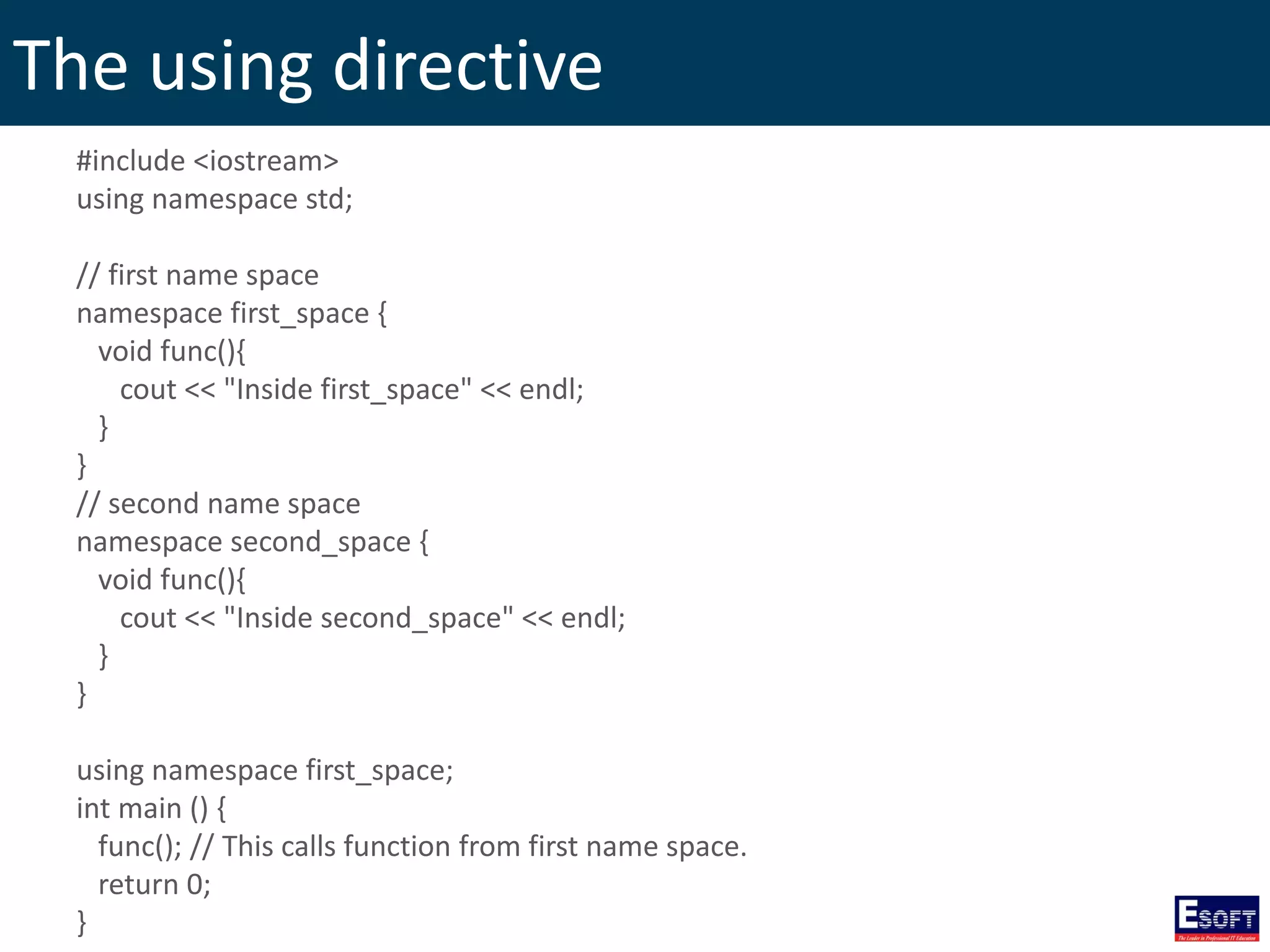
The using directive This directive tells the compiler that the subsequent code is making use of names in the specified namespace.
The using directive #include <iostream> using namespace std; // first name space namespace first_space { void func(){ cout << "Inside first_space" << endl; } } // second name space namespace second_space { void func(){ cout << "Inside second_space" << endl; } } using namespace first_space; int main () { func(); // This calls function from first name space. return 0; }
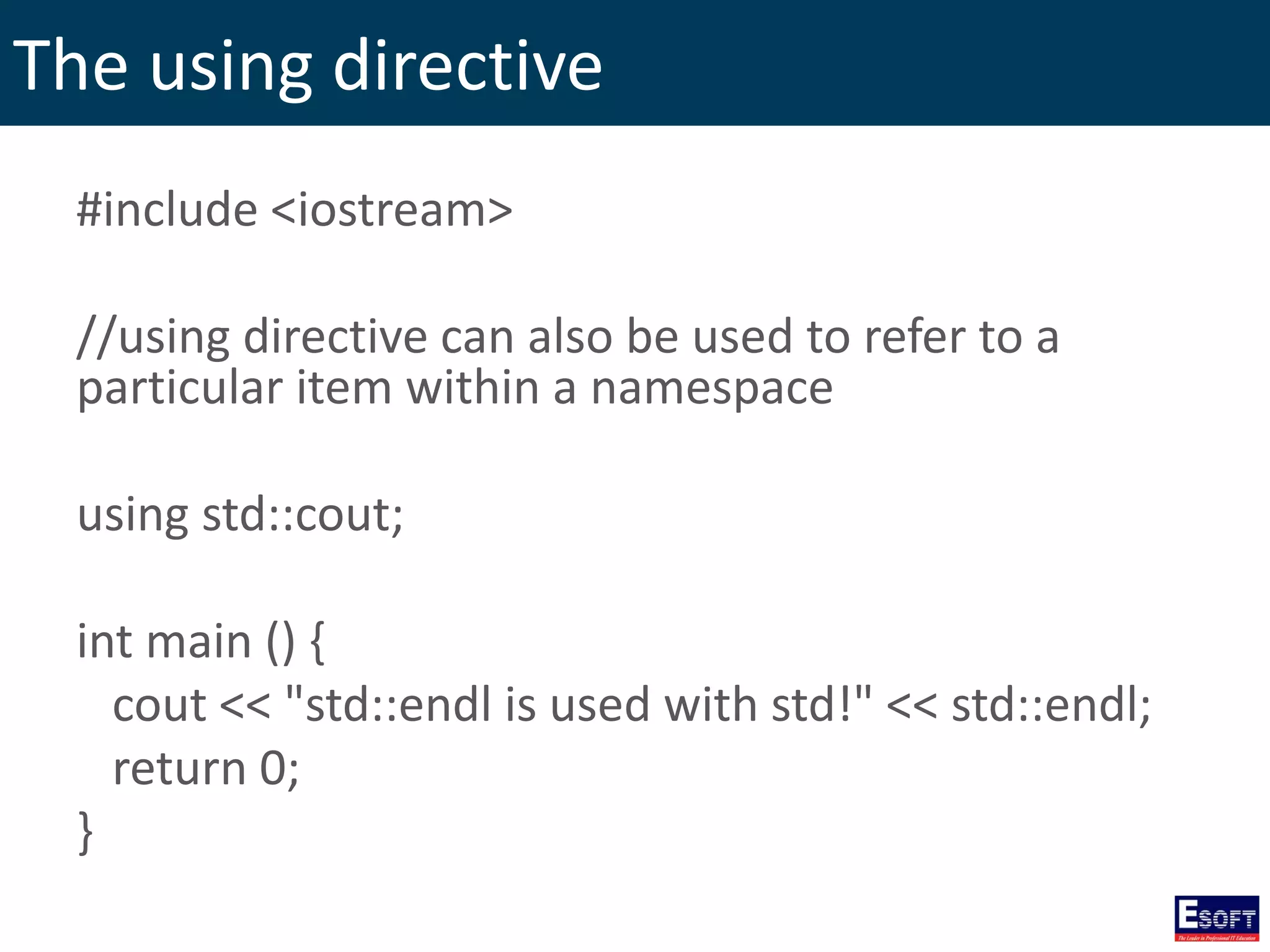
The using directive #include <iostream> //using directive can also be used to refer to a particular item within a namespace using std::cout; int main () { cout << "std::endl is used with std!" << std::endl; return 0; }
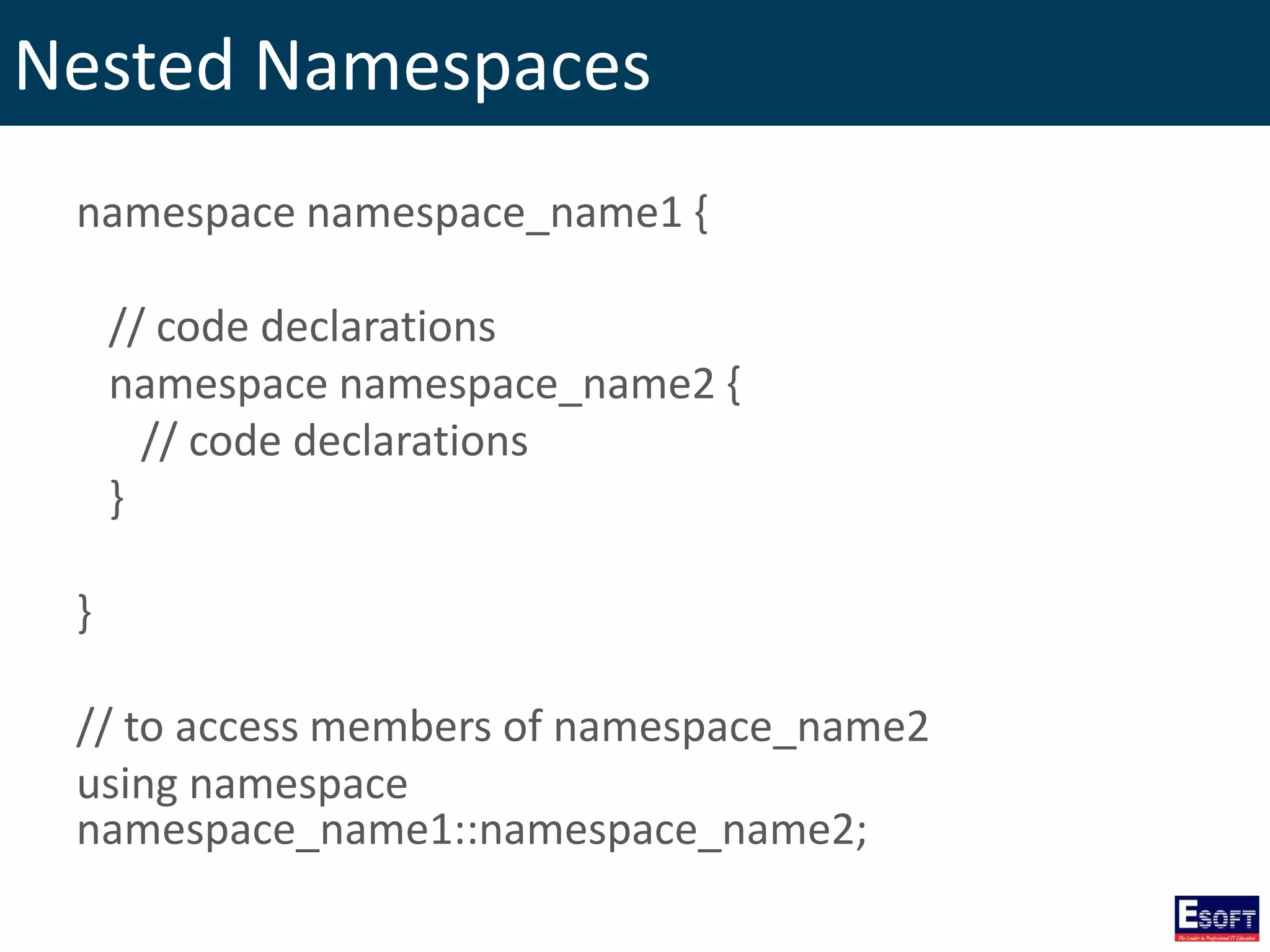
Nested Namespaces namespace namespace_name1 { // code declarations namespace namespace_name2 { // code declarations } } // to access members of namespace_name2 using namespace namespace_name1::namespace_name2;
Templates • Templates are a feature of the C++ programming language that allows functions and classes to operate with generic types. • This allows a function or class to work on many different data types without being rewritten for each one.
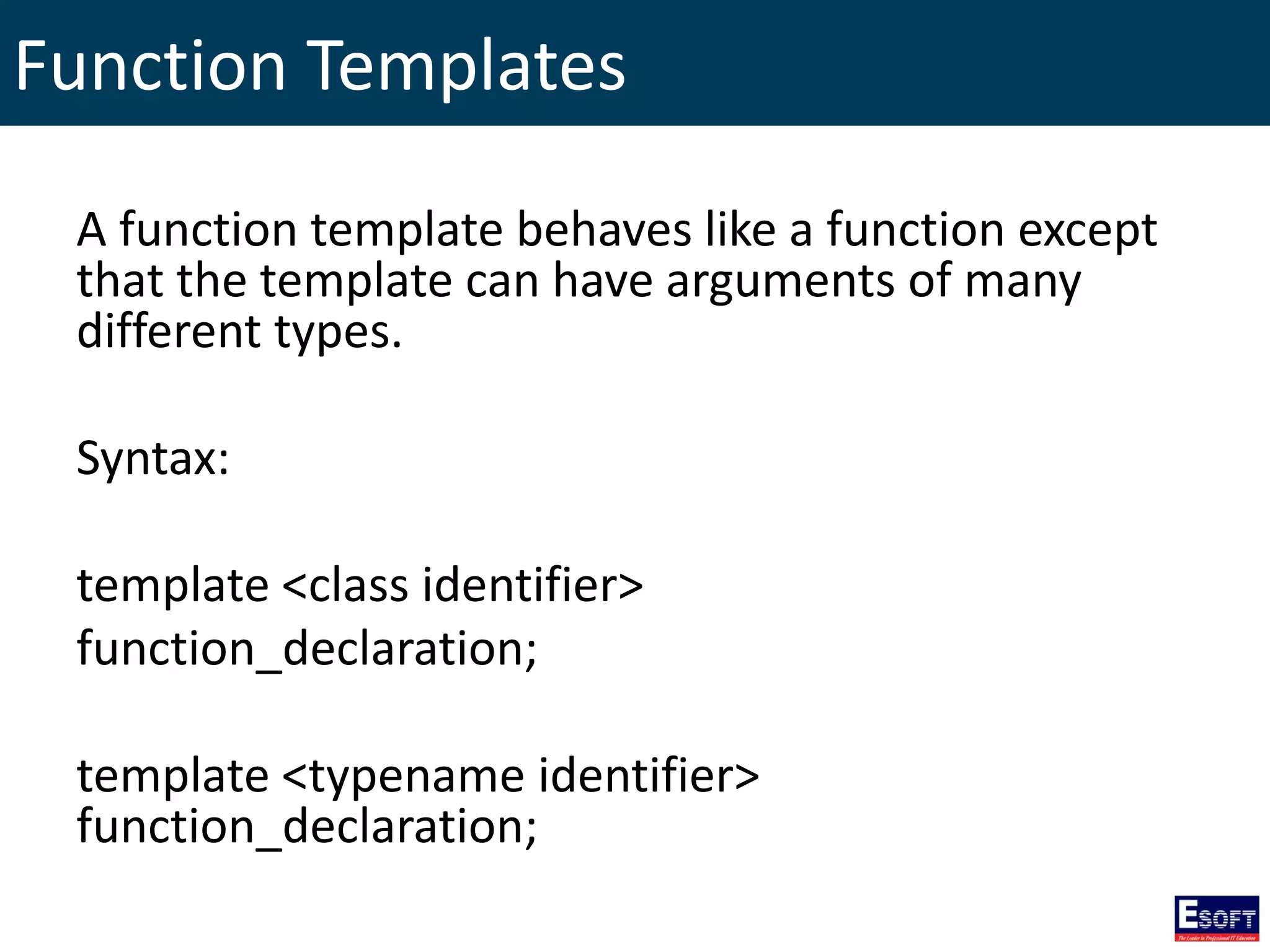
Function Templates A function template behaves like a function except that the template can have arguments of many different types. Syntax: template <class identifier> function_declaration; template <typename identifier> function_declaration;
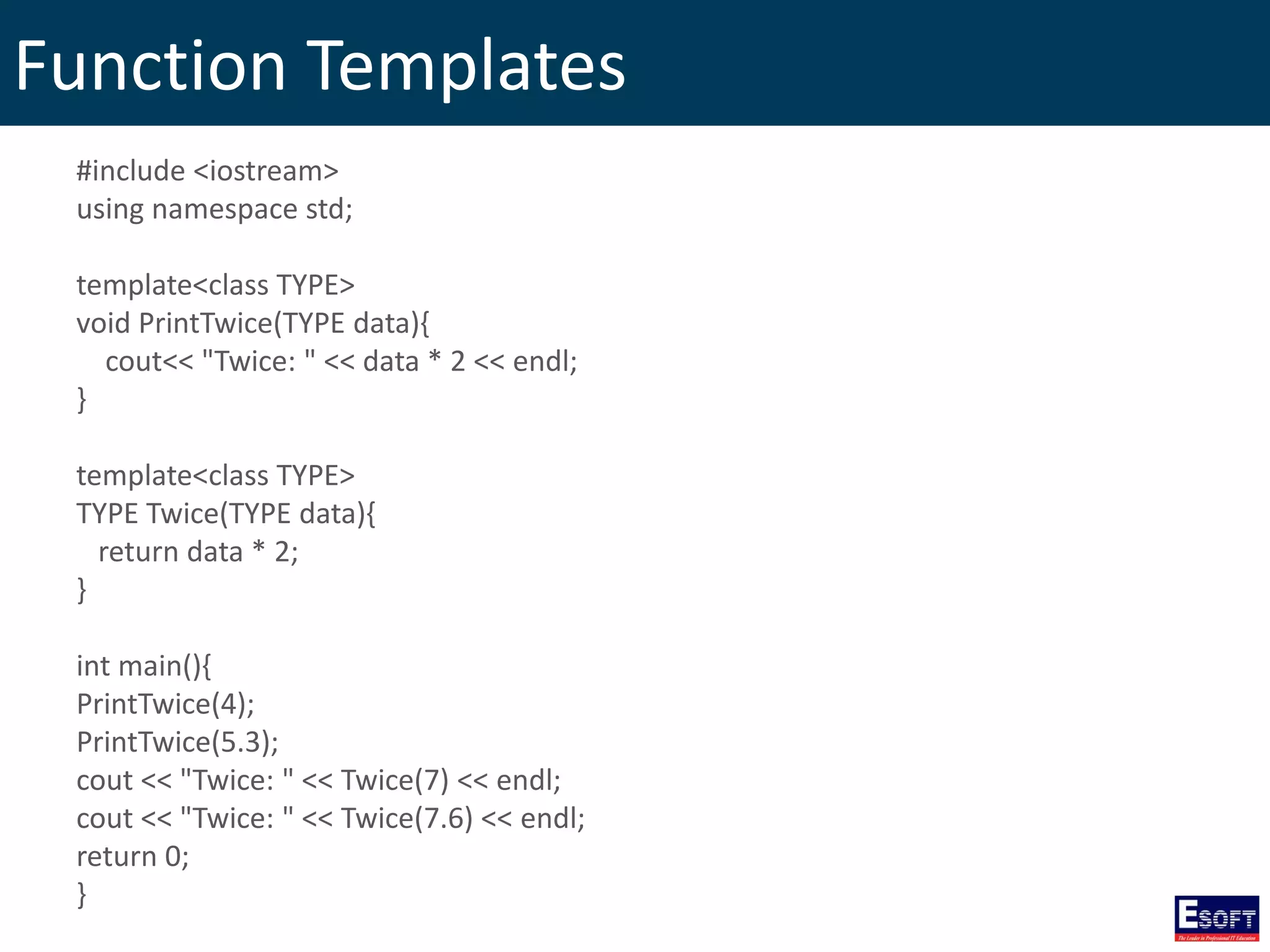
Function Templates #include <iostream> using namespace std; template<class TYPE> void PrintTwice(TYPE data){ cout<< "Twice: " << data * 2 << endl; } template<class TYPE> TYPE Twice(TYPE data){ return data * 2; } int main(){ PrintTwice(4); PrintTwice(5.3); cout << "Twice: " << Twice(7) << endl; cout << "Twice: " << Twice(7.6) << endl; return 0; }
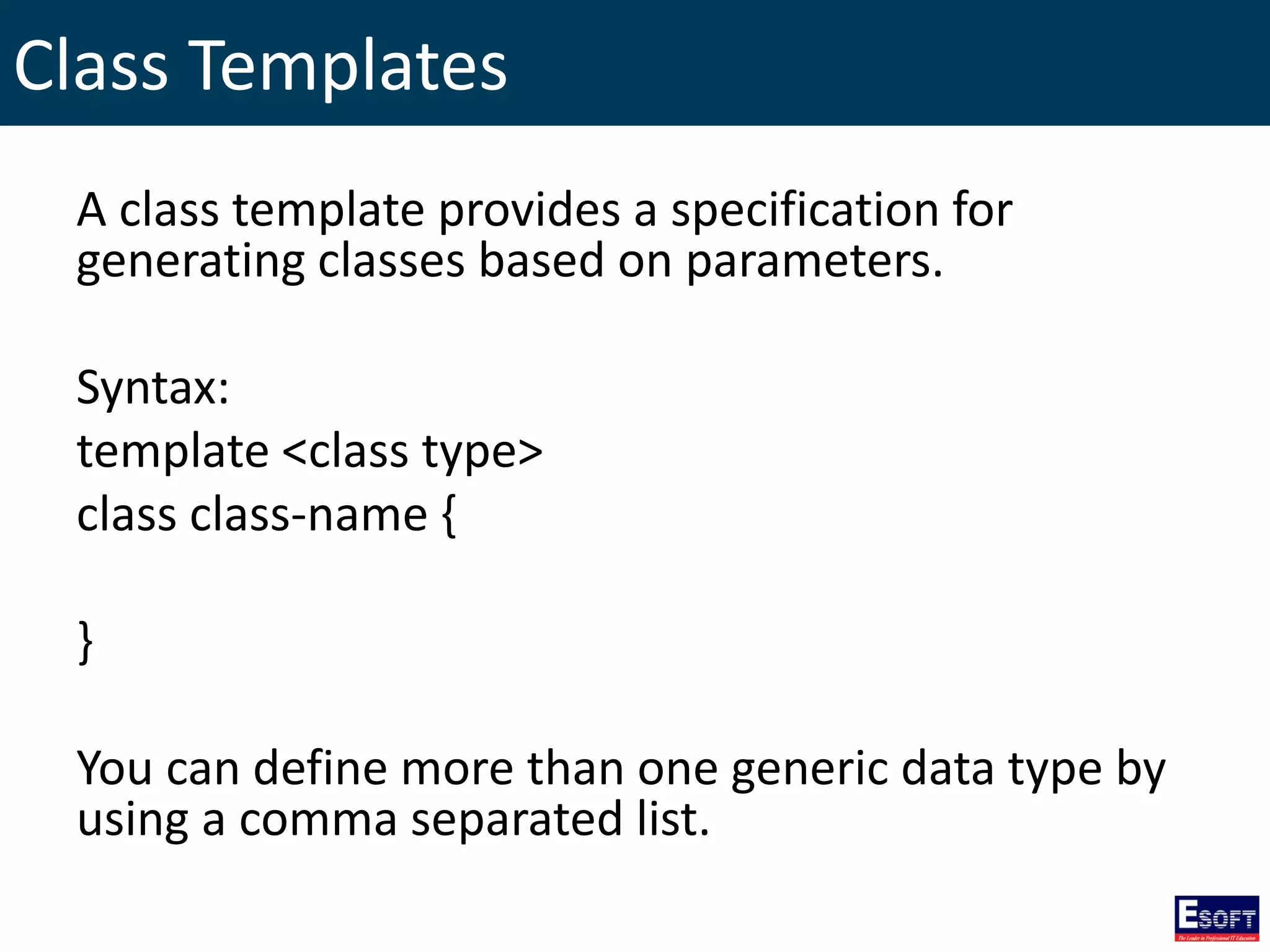
Class Templates A class template provides a specification for generating classes based on parameters. Syntax: template <class type> class class-name { } You can define more than one generic data type by using a comma separated list.
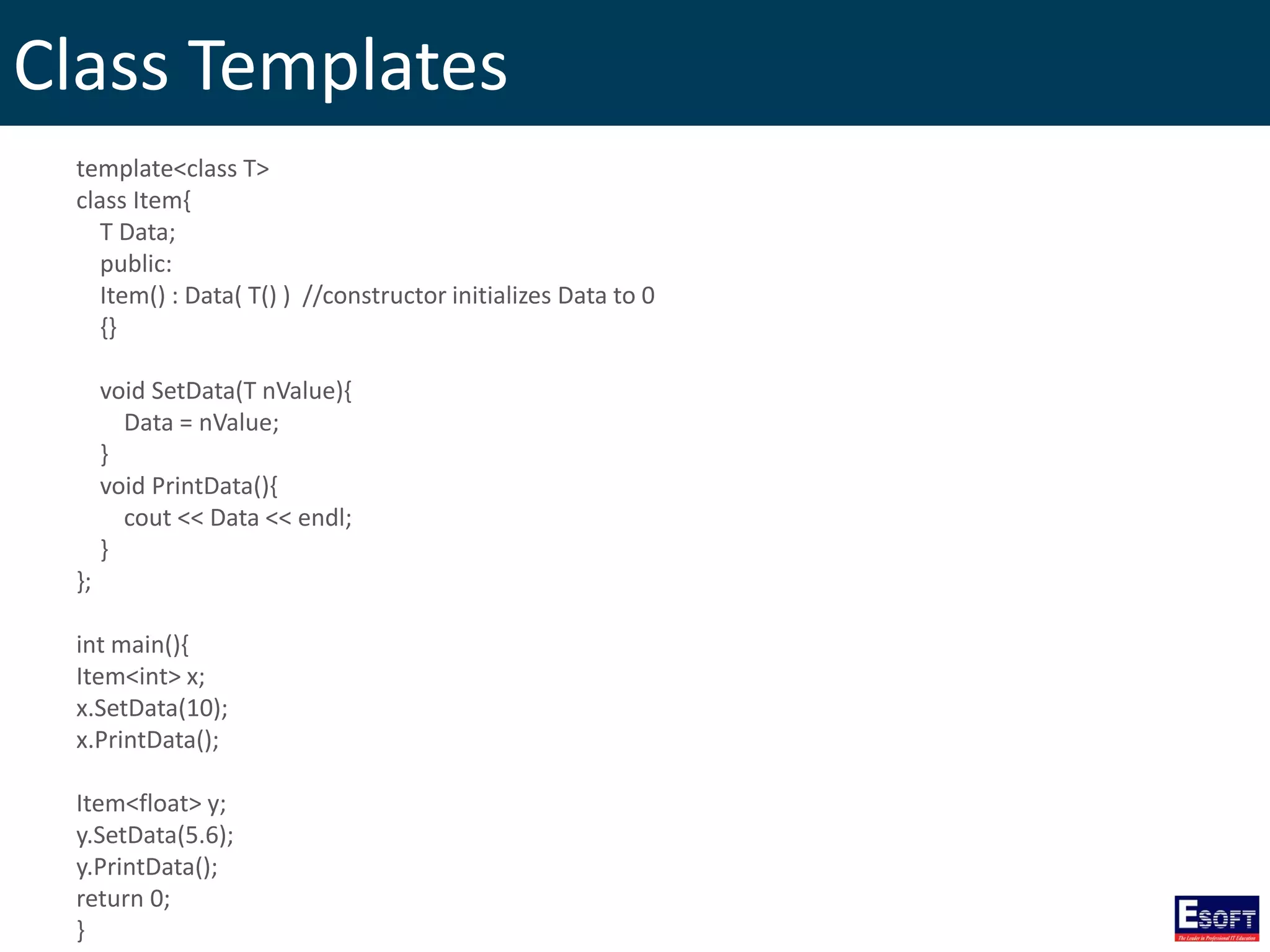
Class Templates template<class T> class Item{ T Data; public: Item() : Data( T() ) //constructor initializes Data to 0 {} void SetData(T nValue){ Data = nValue; } void PrintData(){ cout << Data << endl; } }; int main(){ Item<int> x; x.SetData(10); x.PrintData(); Item<float> y; y.SetData(5.6); y.PrintData(); return 0; }
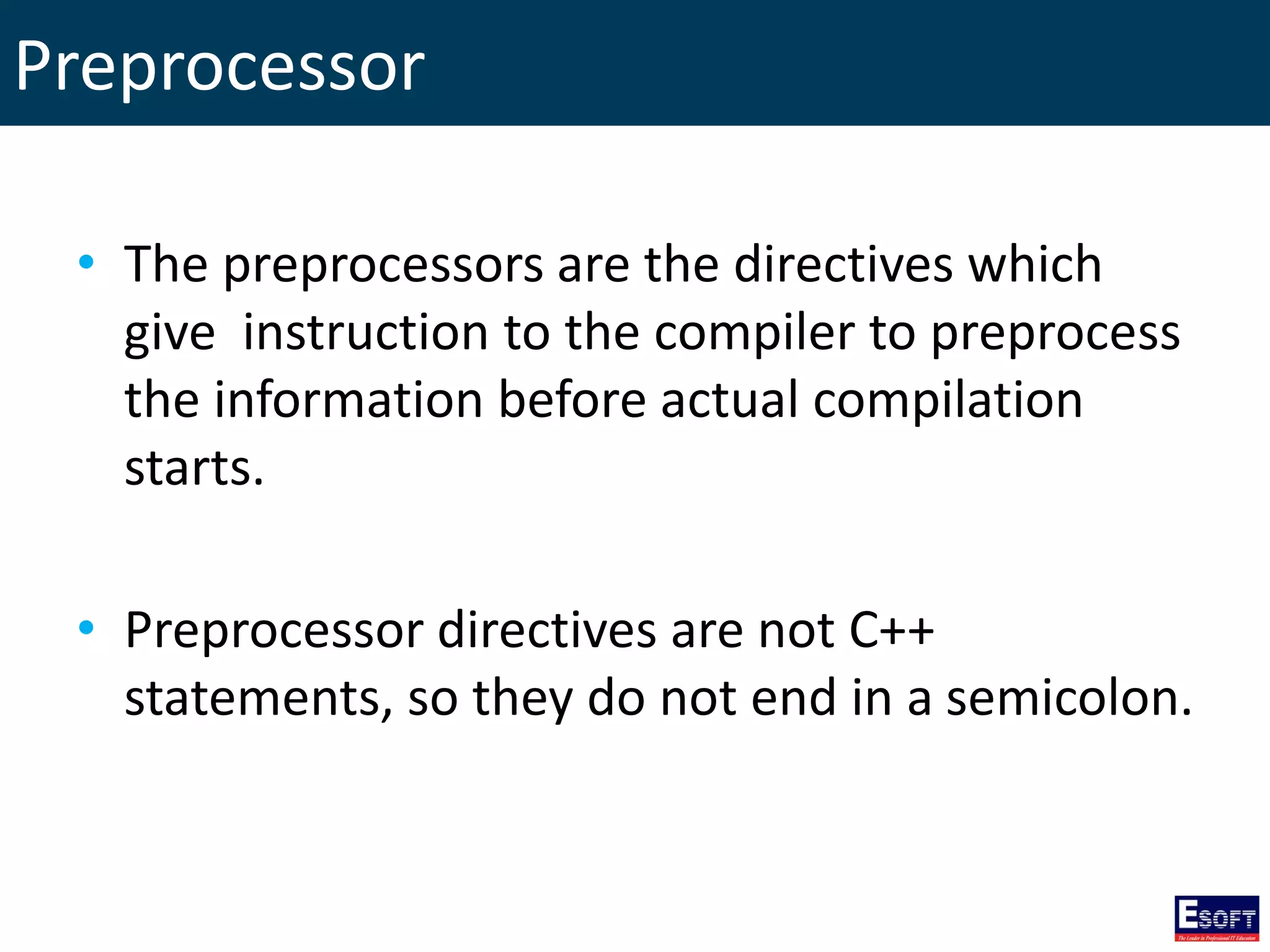
Preprocessor • The preprocessors are the directives which give instruction to the compiler to preprocess the information before actual compilation starts. • Preprocessor directives are not C++ statements, so they do not end in a semicolon.
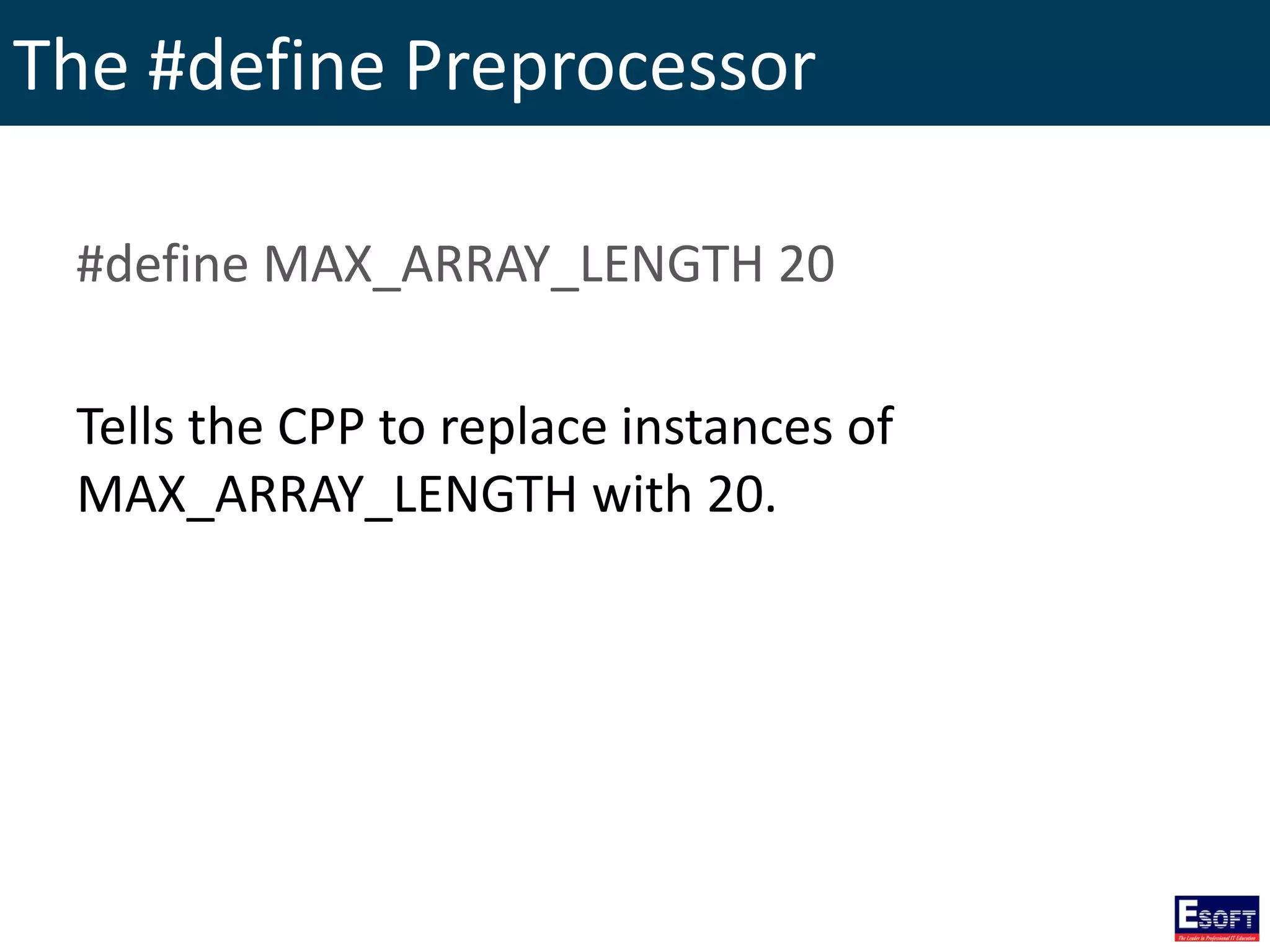
The #define Preprocessor #define MAX_ARRAY_LENGTH 20 Tells the CPP to replace instances of MAX_ARRAY_LENGTH with 20.
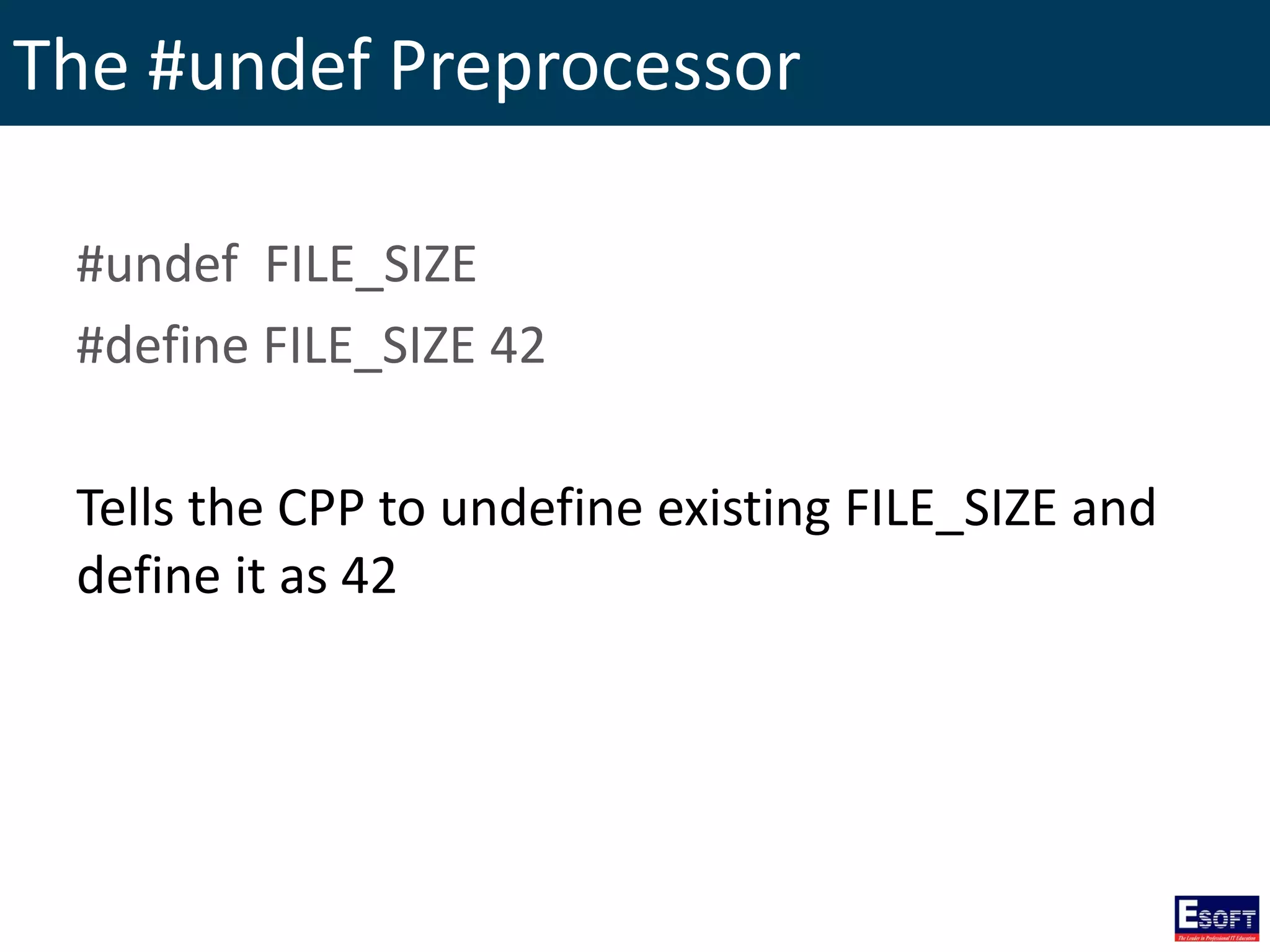
The #undef Preprocessor #undef FILE_SIZE #define FILE_SIZE 42 Tells the CPP to undefine existing FILE_SIZE and define it as 42
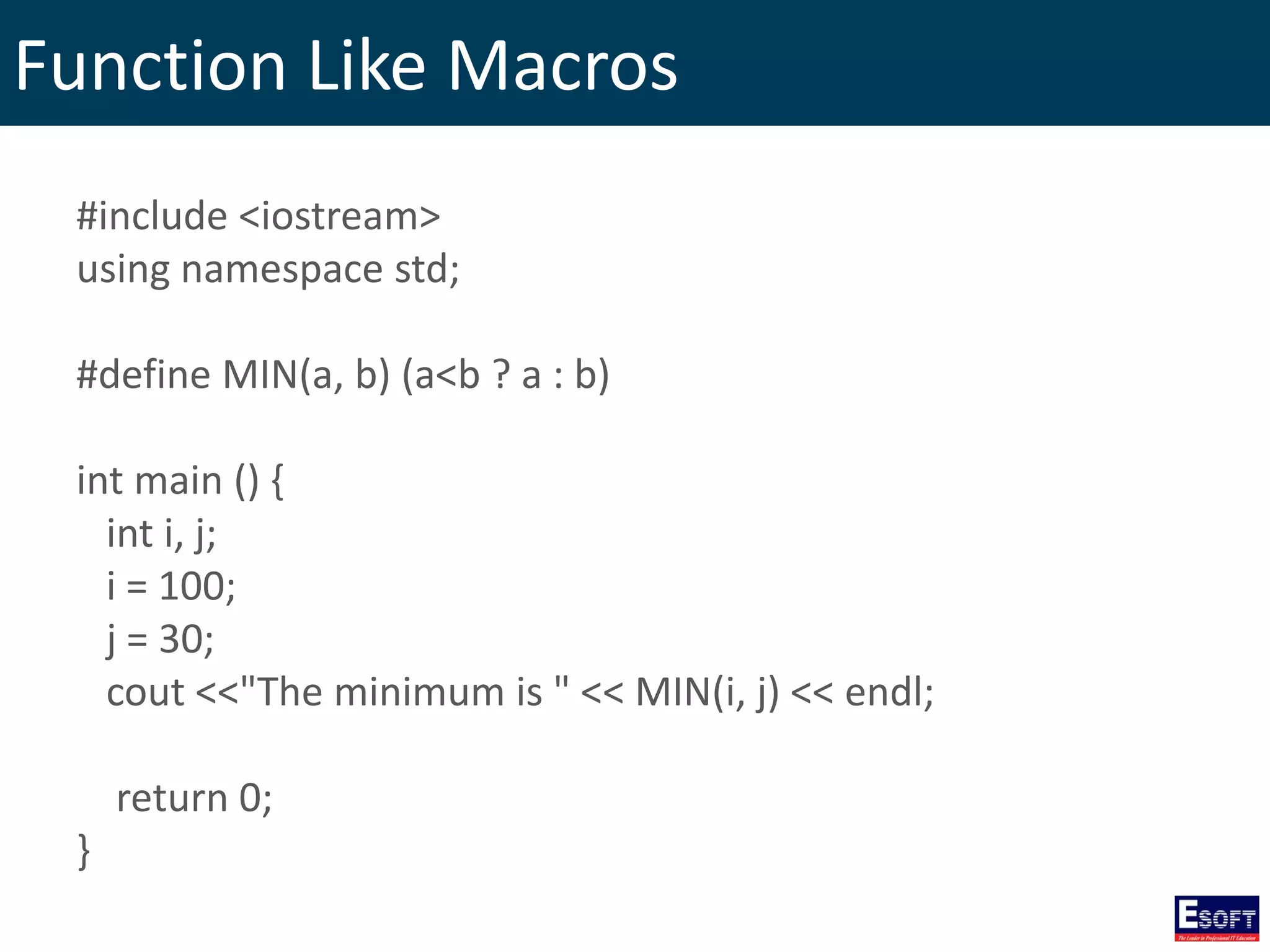
Function Like Macros #include <iostream> using namespace std; #define MIN(a, b) (a<b ? a : b) int main () { int i, j; i = 100; j = 30; cout <<"The minimum is " << MIN(i, j) << endl; return 0; }
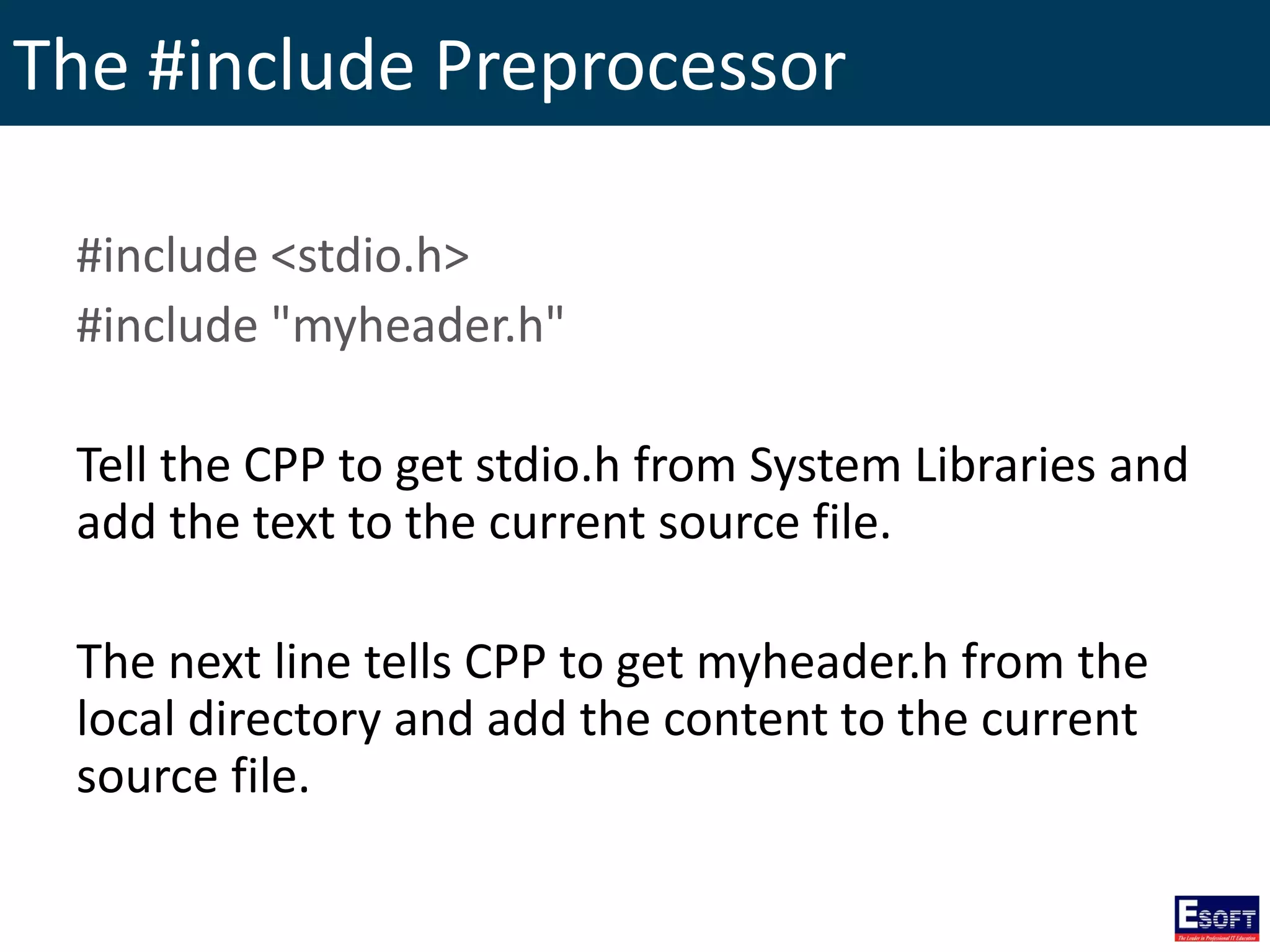
The #include Preprocessor #include <stdio.h> #include "myheader.h" Tell the CPP to get stdio.h from System Libraries and add the text to the current source file. The next line tells CPP to get myheader.h from the local directory and add the content to the current source file.
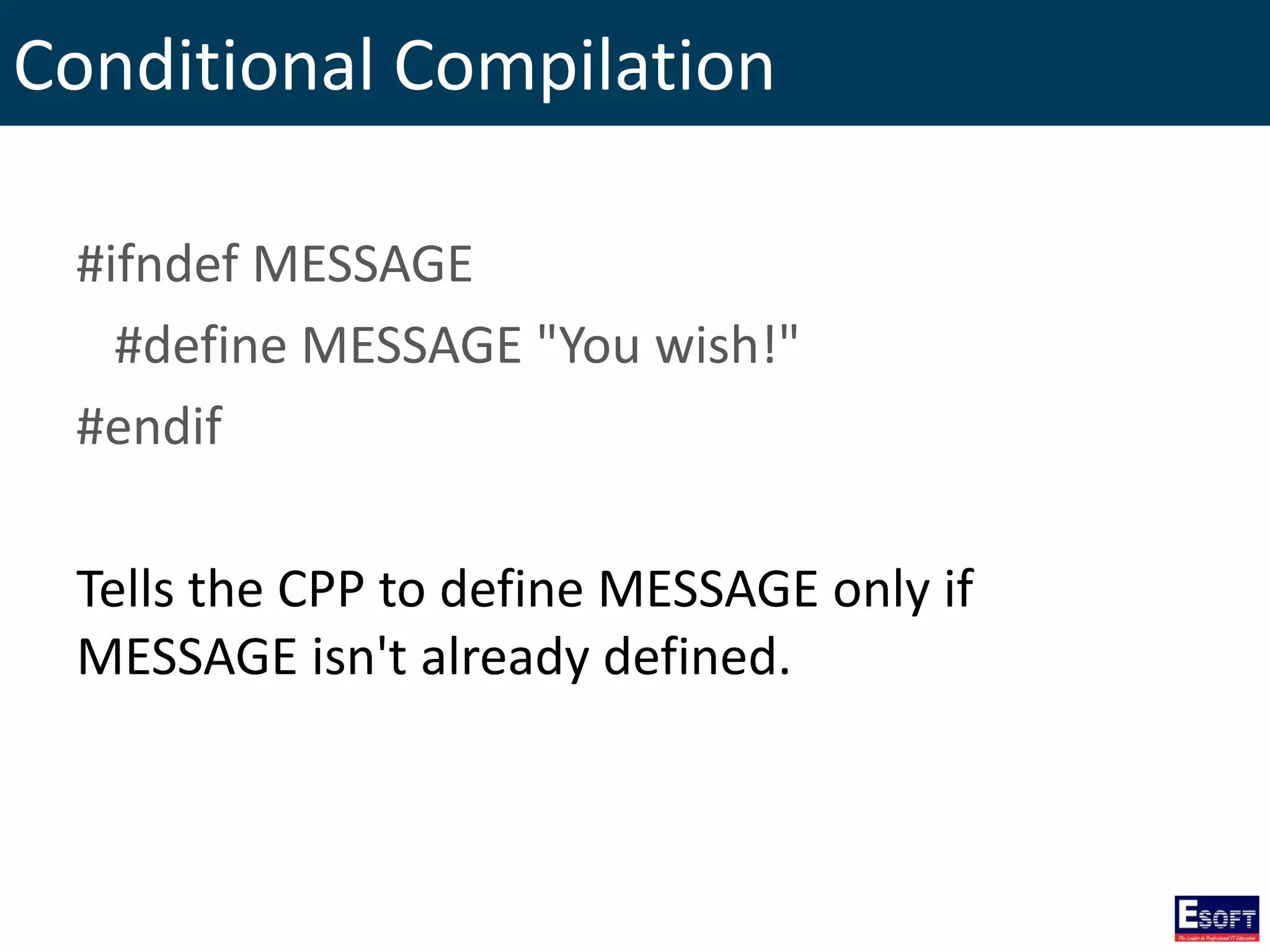
Conditional Compilation #ifndef MESSAGE #define MESSAGE "You wish!" #endif Tells the CPP to define MESSAGE only if MESSAGE isn't already defined.
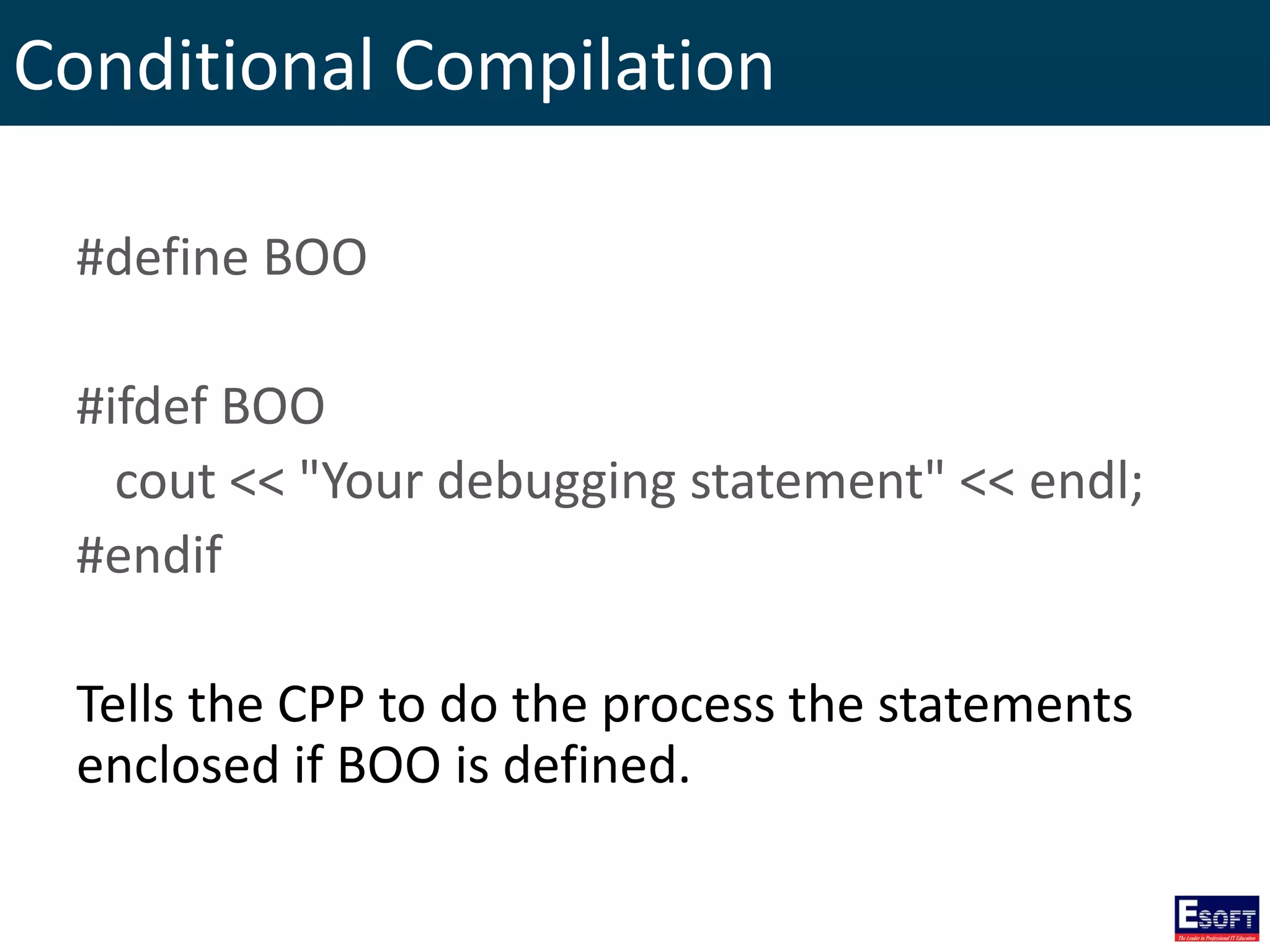
Conditional Compilation #define BOO #ifdef BOO cout << "Your debugging statement" << endl; #endif Tells the CPP to do the process the statements enclosed if BOO is defined.
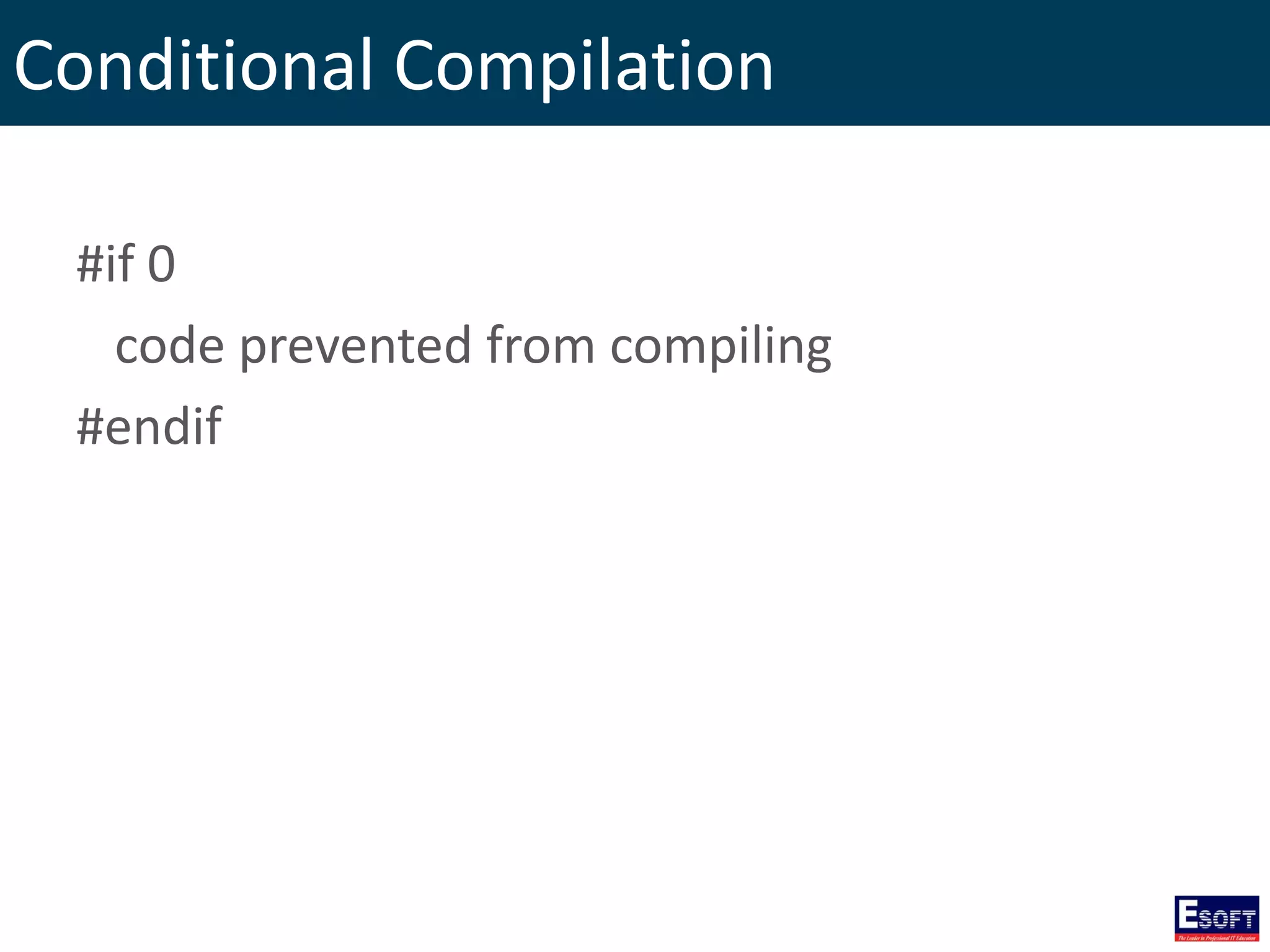
Conditional Compilation #if 0 code prevented from compiling #endif
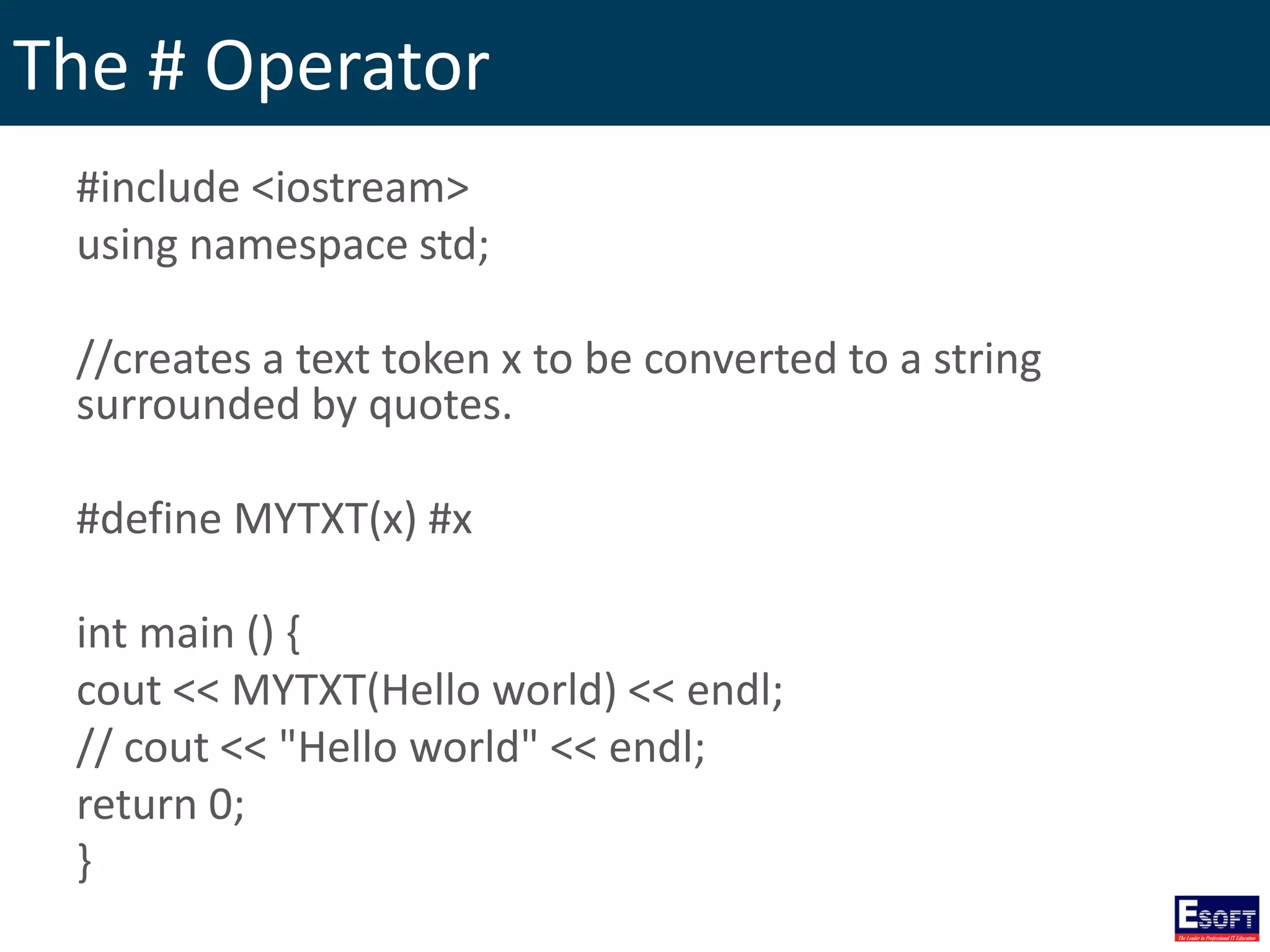
The # Operator #include <iostream> using namespace std; //creates a text token x to be converted to a string surrounded by quotes. #define MYTXT(x) #x int main () { cout << MYTXT(Hello world) << endl; // cout << "Hello world" << endl; return 0; }
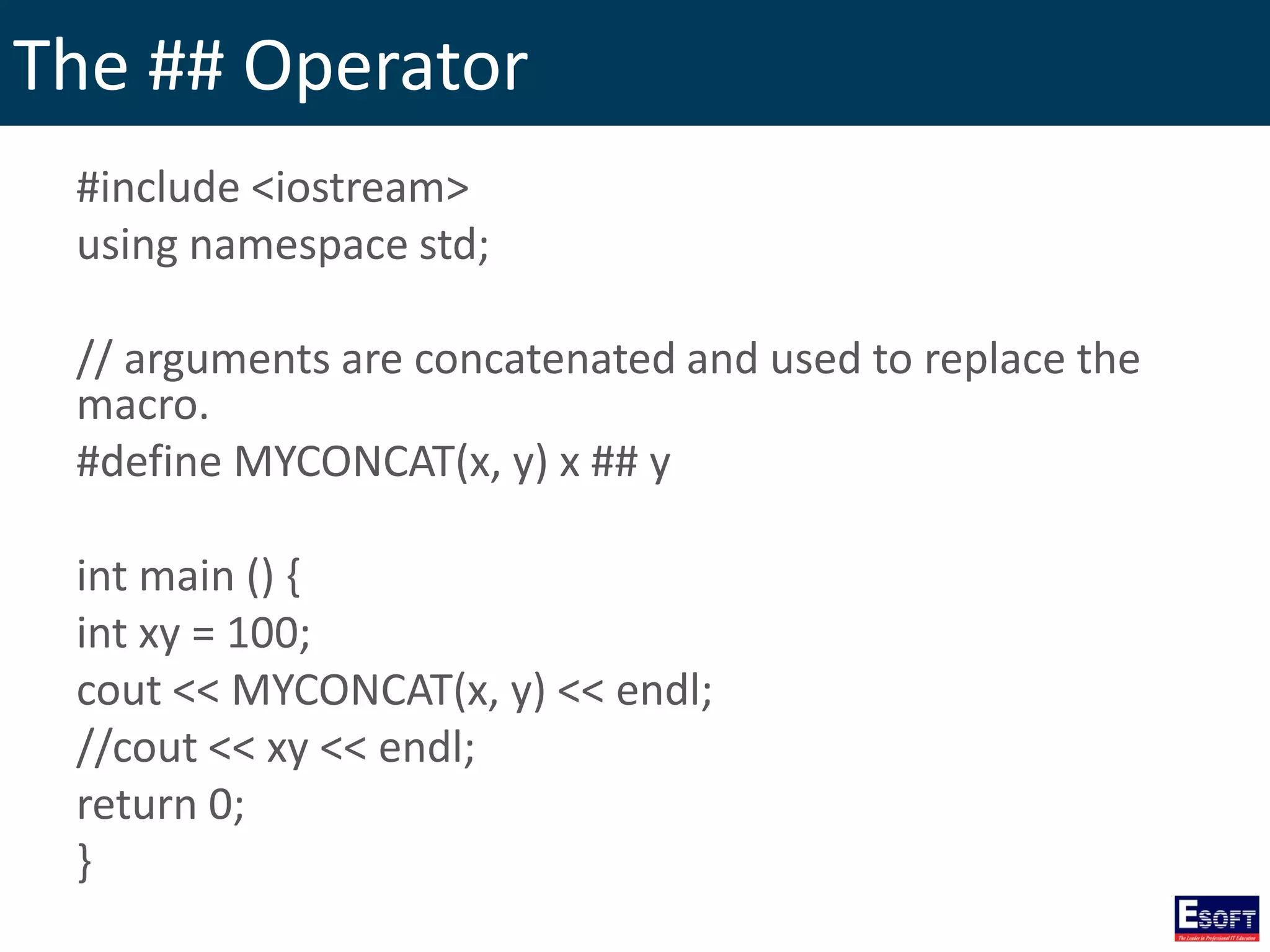
The ## Operator #include <iostream> using namespace std; // arguments are concatenated and used to replace the macro. #define MYCONCAT(x, y) x ## y int main () { int xy = 100; cout << MYCONCAT(x, y) << endl; //cout << xy << endl; return 0; }
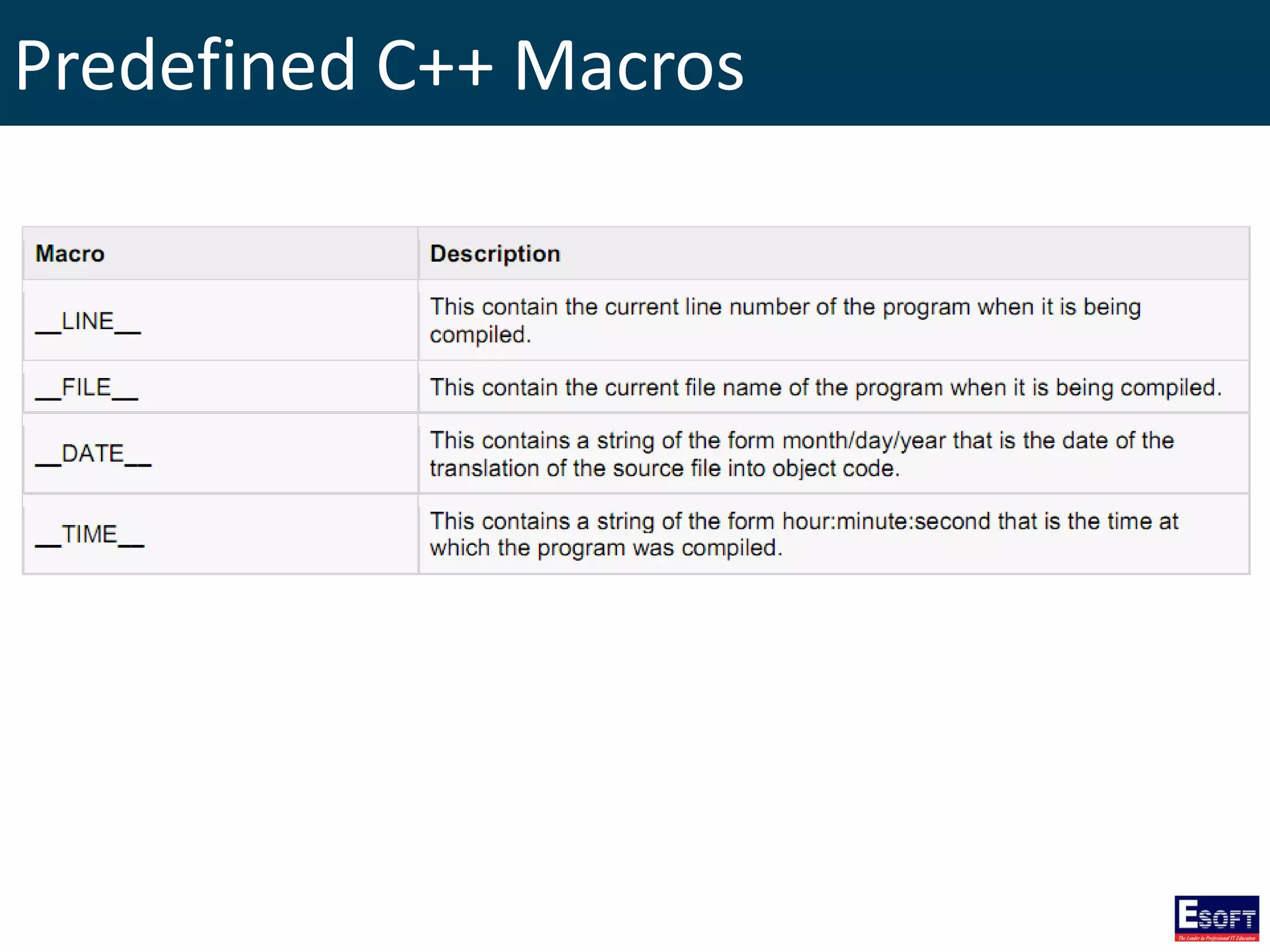
Predefined C++ Macros
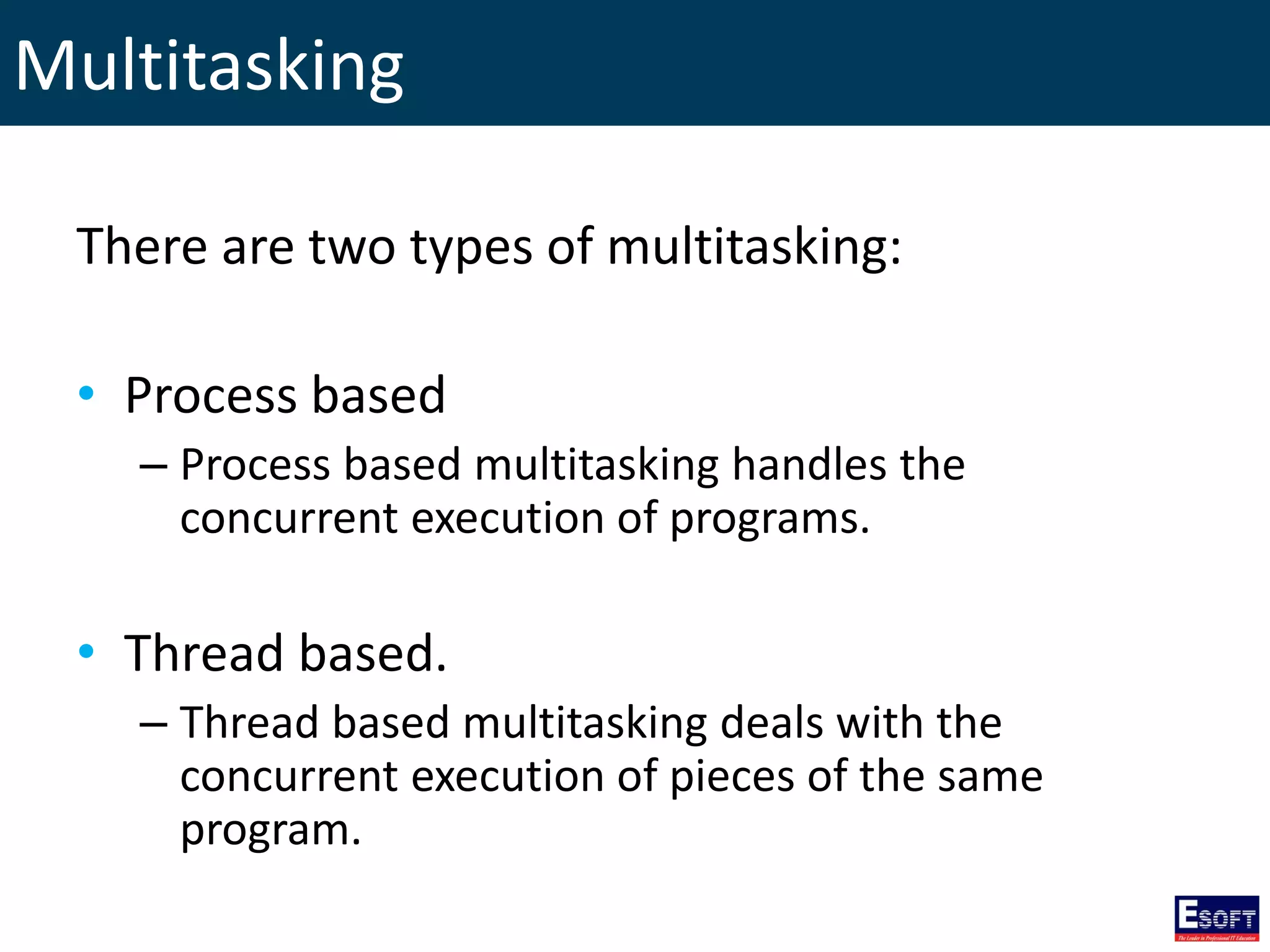
Multitasking There are two types of multitasking: • Process based – Process based multitasking handles the concurrent execution of programs. • Thread based. – Thread based multitasking deals with the concurrent execution of pieces of the same program.
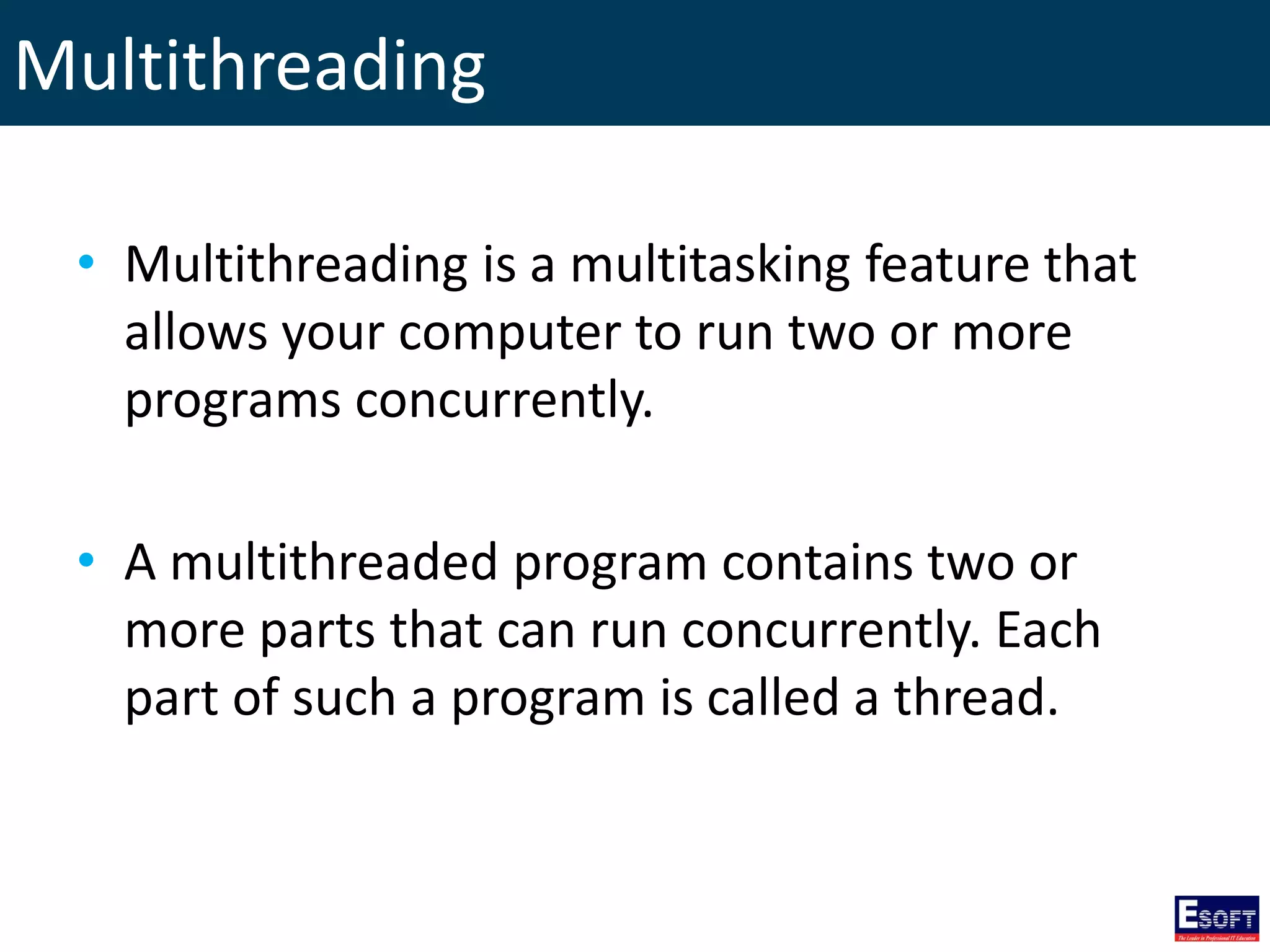
Multithreading • Multithreading is a multitasking feature that allows your computer to run two or more programs concurrently. • A multithreaded program contains two or more parts that can run concurrently. Each part of such a program is called a thread.
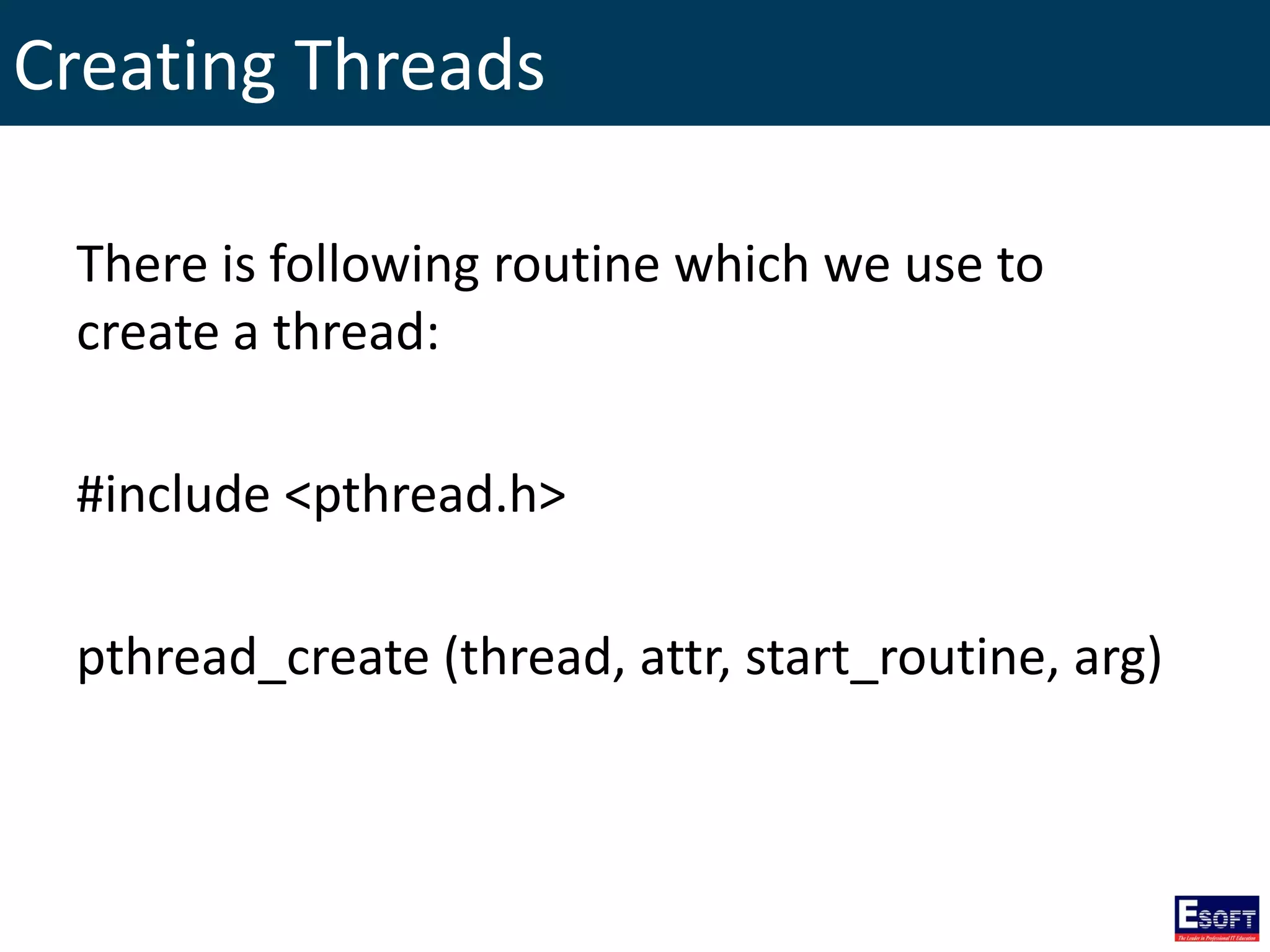
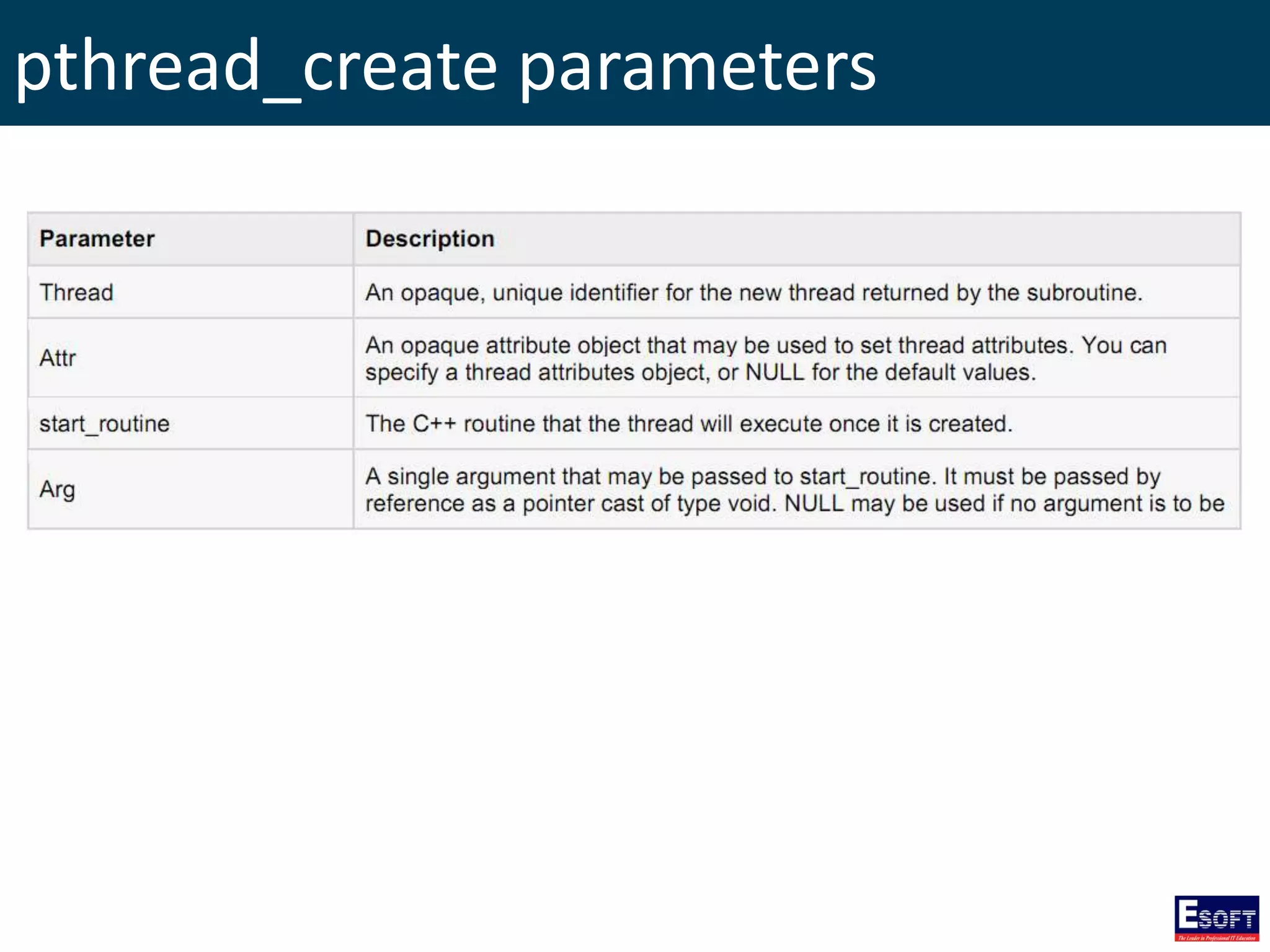
Creating Threads There is following routine which we use to create a thread: #include <pthread.h> pthread_create (thread, attr, start_routine, arg)
pthread_create parameters
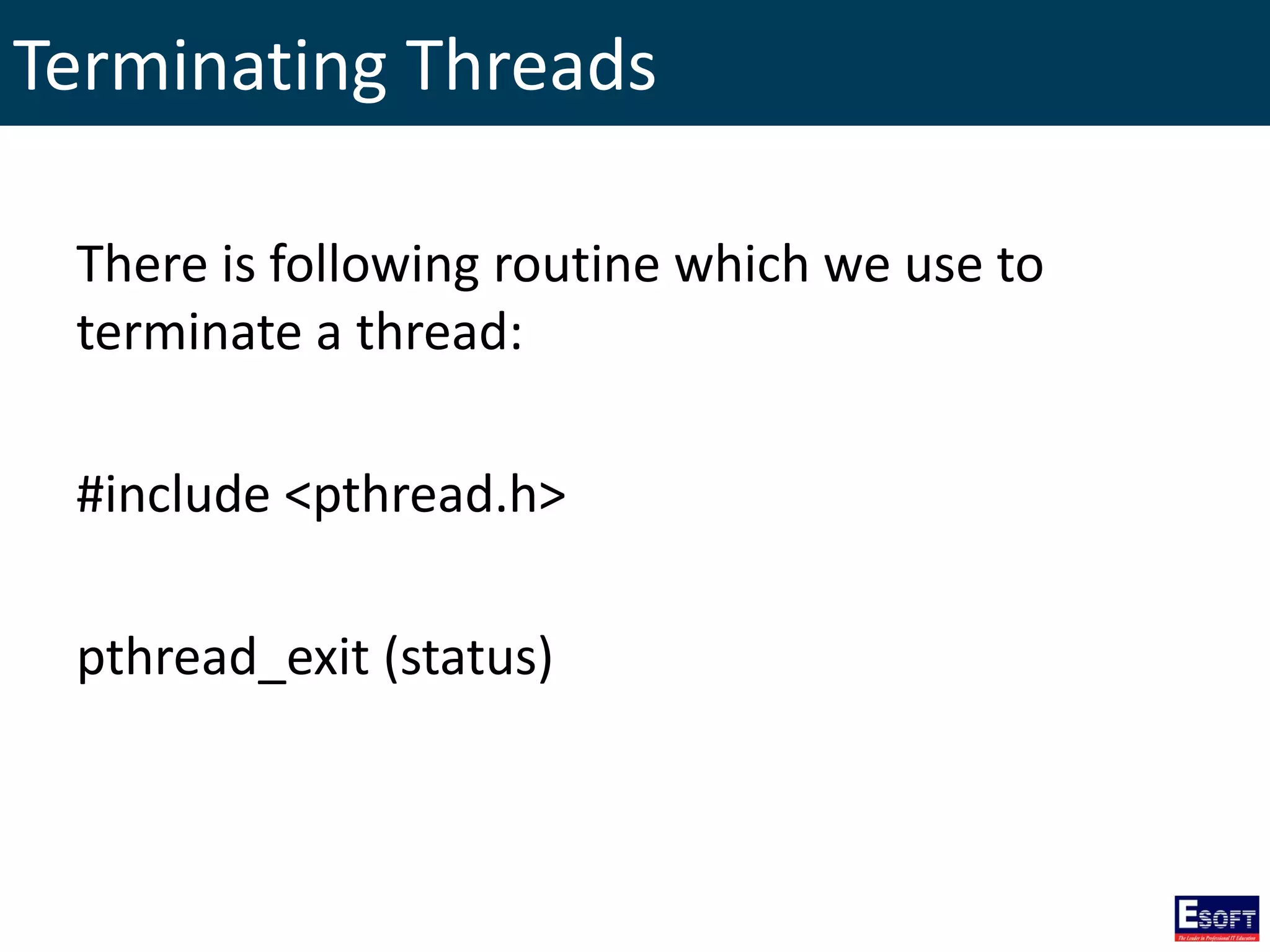
Terminating Threads There is following routine which we use to terminate a thread: #include <pthread.h> pthread_exit (status)
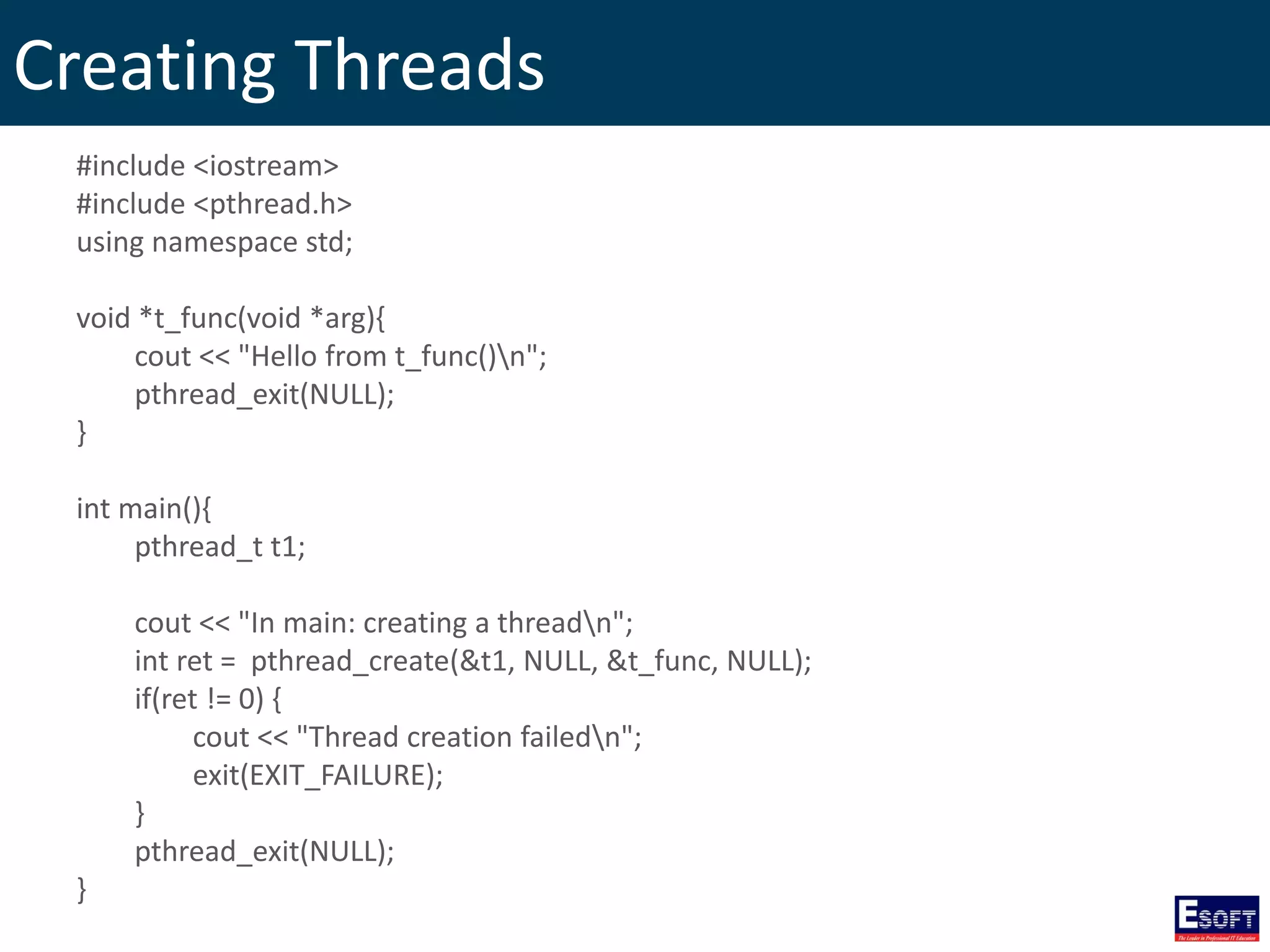
Creating Threads #include <iostream> #include <pthread.h> using namespace std; void *t_func(void *arg){ cout << "Hello from t_func()n"; pthread_exit(NULL); } int main(){ pthread_t t1; cout << "In main: creating a threadn"; int ret = pthread_create(&t1, NULL, &t_func, NULL); if(ret != 0) { cout << "Thread creation failedn"; exit(EXIT_FAILURE); } pthread_exit(NULL); }
Passing arguments to threads #include <iostream> #include <pthread.h> using namespace std; void *t_func(void *arg){ for(int i=1; i<=9; i++){ cout << "Hello from t_func():" << (int) arg*i << endl; } pthread_exit(NULL); } int main(){ pthread_t t[2]; int targ[] = {1, 10}; for(int i=0; i<=1; i++){ cout << "In main: creating a threadn"; int ret = pthread_create(&t[i], NULL, &t_func, (void *) targ[i]); if(ret != 0) cout << "Thread creation failedn"; } cout << "In main: end of main()n"; pthread_exit(NULL); }
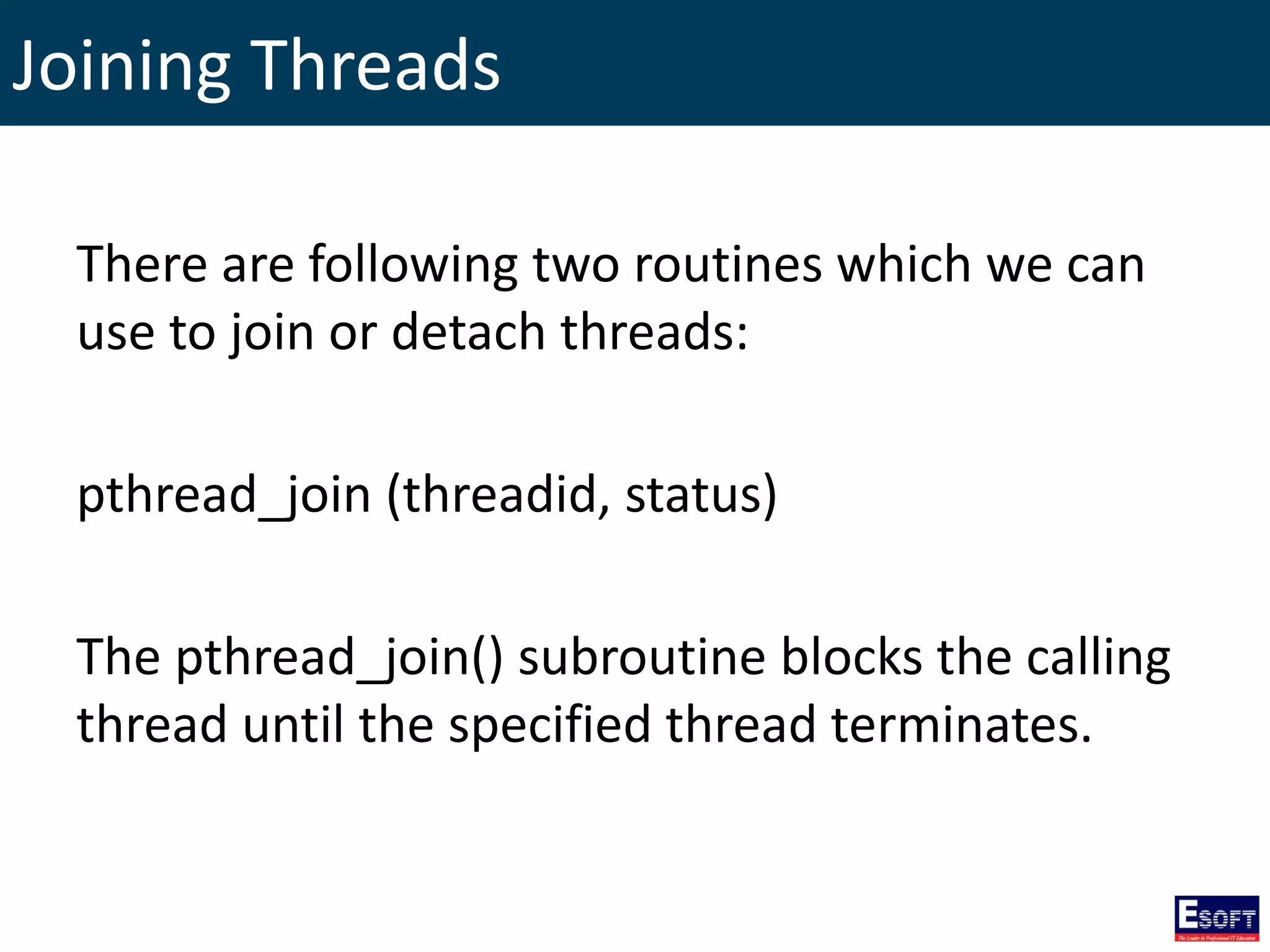
Joining Threads There are following two routines which we can use to join or detach threads: pthread_join (threadid, status) The pthread_join() subroutine blocks the calling thread until the specified thread terminates.
Joining Threads #include <iostream> #include <pthread.h> using namespace std; void *t_func(void *arg){ for(int i=1; i<=9; i++){ cout << "Hello from t_func():" << (int) arg*i << endl; } pthread_exit(NULL); } int main(){ pthread_t t[2]; int targ[] = {1, 10}; void *ret_join; for(int i=0; i<=1; i++){ cout << "In main: creating a threadn"; int ret = pthread_create(&t[i], NULL, &t_func, (void *) targ[i]); if(ret != 0) cout << "Thread creation failedn"; ret = pthread_join(t[i], &ret_join); //wait until t[i] completes if(ret != 0) cout << "Thread join failedn"; cout << "Thread joined, it returned " << ret_join << endl ; } cout << "In main: end of main()n"; pthread_exit(NULL); }
The End http://twitter.com/rasansmn

Esoft Metro Campus - Programming with C++

  • 1.
    Programming with C++ RasanSamarasinghe ESOFT Computer Studies (pvt) Ltd. No 68/1, Main Street, Pallegama, Embilipitiya.
  • 2.
    Contents 1. Overview ofC++ Language 2. C++ Program Structure 3. C++ Basic Syntax 4. Primitive Built-in types in C++ 5. Variable types 6. typedef Declarations 7. Enumerated Types 8. Variable Scope 9. Constants/Literals 10. Storage Classes 11. Operators 12. Control Constructs 13. Functions 14. Math Operations in C++ 15. Arrays 16. Multi-dimensional Arrays 17. Strings 18. C++ Pointers 19. References 20. Date and Time 21. Structures 22. Basic Input / Output 23. Classes and Objects 24. Inheritance 25. Overloading 26. Polymorphism 27. Interfaces 28. Files and Streams 29. Exception Handling 30. Dynamic Memory 31. Namespaces 32. Templates 33. Preprocessor 34. Multithreading
  • 3.
    Overview of C++Language • C++ is a statically typed, compiled, general purpose programming language. • C++ Supports procedural, object-oriented and generic programming. • C++ is a middle-level language. • C++ was developed by Bjarne Stroustrup starting in 1979 at Bell Labs as an enhancement to the C language. • C++ is a superset of C and that virtually any legal C program is a legal C++ program.
  • 4.
    Use of C++ •C++ is used by hundreds of thousands of programmers in essentially every application domain. • C++ is being highly used to write device drivers and other software that rely on direct manipulation of hardware. • C++ is widely used for teaching and research. • Primary user interfaces of Apple Macintosh and Windows are written in C++.
  • 5.
    A list ofC++ Compilers • C++ Builder • Turbo C++ Explorer • Borland C++ • Clang • CodeWarrior • GCC • Intel C++ Compiler • Visual C++
  • 6.
    C++ Program Structure #include<iostream> using namespace std; int main() { cout <<"Hello World"; return 0; }
  • 7.
    Compile & ExecuteC++ Program • Open a text editor and add the code as above. • Save the file as: hello.cpp • Open a command prompt and go to the directory where you saved the file. • Type 'g++ hello.cpp' and press enter to compile your code. • Now, type ‘a’ and Enter to run your program.
  • 8.
    C++ Basic Syntax •Semicolons • Case Sensitivity • C++ Identifiers • Comments
  • 9.
    Semicolons • semicolon isa statement terminator. • Each individual statement must be ended with a semicolon. x = y; y = y+1; add(x, y);
  • 10.
    Case Sensitivity C++ isa case-sensitive programming language. Manpower and manpower are two different identifiers in C++
  • 11.
    C++ Identifiers • Anidentifier is a name used to identify a variable, function, class, module, or any other user-defined item. • An identifier starts with a letter A to Z or a to z or an underscore followed by zero or more letters, underscores and digits.
  • 12.
  • 13.
    Comments // this isa single line comment /* this is a multiline comment */
  • 14.
  • 15.
    Type modifiers • signed •unsigned • short • long
  • 16.
  • 17.
    Variable Definition Syntax: type variable_list; Ex: inti, j, k; char c, ch; float f, salary; double d;
  • 18.
    Variable initializing Variables canbe initialized in their declaration. Ex: int d = 3, f = 5; byte z = 22; char x = 'x';
  • 19.
    Variable Declaration A variabledeclaration provides assurance to the compiler that there is one variable existing with the given type Syntax: extern type variable_list;
  • 20.
    Variable Declaration #include <iostream> usingnamespace std; extern int a, b; // variable declaration int main () { int a, b; // variable definition a =10; // initialization b =20; // initialization }
  • 21.
    typedef Declarations You cancreate a new name for an existing type using typedef. typedef type newname; Ex: typedef int feet; // feet is another name for int feet distance; // creates an int variable
  • 22.
    Enumerated Types • Anenumerated type declares an optional type name and a set of zero or more identifiers that can be used as values of the type. • Each enumerator is a constant whose type is the enumeration.
  • 23.
    Enumerated Types Syntax: enum enum-name{ list of names } var-list; Examples: enum color { red, green, blue } c; /* default values are 0, 1, 2 */ c = blue; enum color { red, green=5, blue }; /* values are 0, 5, 6 */
  • 24.
    Variable Scope • LocalVariables – Declared inside a function or block. • Global Variables – Defined outside of all the functions.
  • 25.
    Local Variables #include <iostream> usingnamespace std; int main () { int a, b, c; // Local variable declaration // Initialization a =10; b =20; c = a + b; cout << c; return 0; }
  • 26.
    Global Variables #include <iostream> usingnamespace std; int g; // Global variable declaration int main () { int a, b; a =10; b =20; g = a + b; // Initialization cout << g; return 0; }
  • 27.
    Global Variables #include <iostream> usingnamespace std; int g =20; // Global variable declaration int main () { int g =10; // Local variable declaration cout << g; return 0; }
  • 28.
    Default values ofglobal variables
  • 29.
    Constants/Literals • Integer literals •Floating-point literals • Boolean literals • Character literals • String literals
  • 30.
    Integer literals 85 //decimal 0213 // octal 0x4b // hexadecimal 30 // int 30u // unsigned int 30l // long 30ul // unsigned long
  • 31.
    Floating-point literals 3.14159 //Float 314159E-5L // E notation
  • 32.
    Boolean literals • Avalue of true representing true. • A value of false representing false.
  • 33.
    Character literals A characterliteral can be a plain character ('x') or an escape sequence ('t')
  • 34.
  • 35.
    String literals "hello, dear" "hello, dear" "hello, ""d""ear"
  • 36.
    Defining Constants • Using#define preprocessor. • Using const keyword.
  • 37.
    The #define Preprocessor #defineidentifier value Ex: #define LENGTH 10 #define WIDTH 5
  • 38.
    The const Keyword consttype variable = value; Ex: const int LENGTH = 10; const int WIDTH = 5;
  • 39.
    Storage Classes • auto –default storage class for all local variables. • register – used to define local variables that should be stored in a register instead of RAM. • static – instructs the compiler to keep a local variable in existence during the life-time of the program • extern – used to give a reference of a global variable that is visible to ALL the program files. • mutable – applies only to class objects
  • 40.
    Operators • Arithmetic Operators •Comparison Operators • Logical Operators • Bitwise Operators • Assignment Operators • Misc Operators
  • 41.
  • 42.
  • 43.
  • 44.
  • 45.
  • 46.
    Bitwise Operators A =00111100 B = 00001101 A&B = 00001100 A|B = 00111101 A^B = 00110001 ~A = 11000011 A = 60, B = 13
  • 47.
  • 48.
  • 49.
  • 50.
    Control Constructs • IfStatement • If… Else Statement • If… Else if… Else Statement • Switch Statement • The ? : Operator • While Loop • Do While Loop • For Loop
  • 51.
    If Statement if(Boolean_expression){ //Statements willexecute if the Boolean expression is true } Boolean Expression Statements True False
  • 52.
    If… Else Statement if(Boolean_expression){ //Executeswhen the Boolean expression is true }else{ //Executes when the Boolean expression is false } Boolean Expression Statements True False Statements
  • 53.
    If… Else if…Else Statement if(Boolean_expression 1){ //Executes when the Boolean expression 1 is true }else if(Boolean_expression 2){ //Executes when the Boolean expression 2 is true }else if(Boolean_expression 3){ //Executes when the Boolean expression 3 is true }else { //Executes when the none of the above condition is true. }
  • 54.
    If… Else if…Else Statement Boolean expression 1 False Statements Boolean expression 2 Boolean expression 3 Statements Statements False False Statements True True True
  • 55.
    Nested If Statement if(Boolean_expression1){ //Executes when the Boolean expression 1 is true if(Boolean_expression 2){ //Executes when the Boolean expression 2 is true } } Boolean Expression 1 True False Statements Boolean Expression 2 True False
  • 56.
    Switch Statement switch (value){ caseconstant: //statements break; case constant: //statements break; default: //statements }
  • 57.
    The ? :Operator Exp1 ? Exp2 : Exp3; Exp1 is evaluated. If it is true, then Exp2 is evaluated and becomes the value of the entire expression. If Exp1 is false, then Exp3 is evaluated and its value becomes the value of the expression.
  • 58.
  • 59.
  • 60.
    For Loop for(initialization; Boolean_expression;update){ //Statements } Boolean Expression Statements True False Update Initialization
  • 61.
  • 62.
  • 63.
  • 64.
    Functions • Function isa group of statements that together perform a task. • Every C++ program has at least one function, which is main()
  • 65.
    Defining a Function return_typefunction_name( parameter list ) { body of the function }
  • 66.
    Example int max(int num1,int num2) { int result; if (num1 > num2){ result = num1; }else{ result = num2; } return result; }
  • 67.
    Function Declarations A functiondeclaration tells the compiler about a function name and how to call the function. return_type function_name( parameter list ); Ex: int max(int num1, int num2); int max(int, int);
  • 68.
    Calling a Function inta = 100; int b = 200; int ret; /* calling a function to get max value */ ret = max(a, b);
  • 69.
    Function Arguments • Functioncall by value • Function call by pointer • Function call by reference
  • 70.
    Function call byvalue passing arguments to a function copies the actual value of an argument into the formal parameter of the function.
  • 71.
    Function call byvalue void swap(int x, int y) { int temp; temp = x; x = y; y = temp; return; }
  • 72.
    Function call byvalue #include <iostream> using namespace std; void swap(int x, int y); int main () { int a = 100, b = 200; cout << "Before swap, value of a :" << a << endl; cout << "Before swap, value of b :" << b << endl; swap(a, b); cout << "After swap, value of a :" << a << endl; cout << "After swap, value of b :" << b << endl; return 0; }
  • 73.
    Function call bypointer passing arguments to a function copies the address of an argument into the formal parameter.
  • 74.
    Function call bypointer void swap(int *x, int *y) { int temp; temp = *x; *x = *y; *y = temp; return; }
  • 75.
    Function call bypointer #include <iostream> using namespace std; void swap(int *x, int *y); int main () { int a = 100; int b = 200; cout << "Before swap, value of a :" << a << endl; cout << "Before swap, value of b :" << b << endl; swap(&a, &b); cout << "After swap, value of a :" << a << endl; cout << "After swap, value of b :" << b << endl; return 0; }
  • 76.
    Function call byreference The call by reference method of passing arguments to a function copies the reference of an argument into the formal parameter.
  • 77.
    Function call byreference void swap(int &x, int &y) { int temp; temp = x; x = y; y = temp; return; }
  • 78.
    Function call byreference #include <iostream> using namespace std; void swap(int &x, int &y); int main () { int a = 100; int b = 200; cout << "Before swap, value of a :" << a << endl; cout << "Before swap, value of b :" << b << endl; swap(a, b); cout << "After swap, value of a :" << a << endl; cout << "After swap, value of b :" << b << endl; return 0; }
  • 79.
    Default Values forParameters • When you define a function, you can specify a default value for each. • This value will be used if the corresponding argument is left blank when calling to the function.
  • 80.
    Default Values forParameters #include <iostream> using namespace std; void welcome(string name); void welcome(string name = "Guest"){ cout << "Welcome " << name << endl; } int main(){ welcome(); welcome("Roshan"); return 0; }
  • 81.
    Math Operations inC++ • C++ has a rich set of mathematical operations, which can be performed on various numbers. • To utilize these functions you need to include the math header file <cmath>.
  • 82.
  • 83.
    Arrays • An Arrayis a data structure which can store a fixed size sequential collection of elements of the same type. • An array is used to store a collection of data.
  • 84.
  • 85.
    Declaring Arrays type arrayName[ arraySize ]; Ex: double balance[10];
  • 86.
    Initializing Arrays double balance[5]= {1000.0, 2.0, 3.4, 17.0, 50.0}; If you omit the size of the array, an array just big enough to hold the initialization is created. double balance[] = {1000.0, 2.0, 3.4, 17.0, 50.0};
  • 87.
    Accessing Array Elements Anelement is accessed by indexing the array name. double salary = balance[0];
  • 88.
    Multi-dimensional Arrays C++ programminglanguage allows multidimensional arrays. Here is the general form of a multidimensional array declaration: type name[size1][size2]...[sizeN];
  • 89.
  • 90.
    Two-Dimensional Arrays Declaring atwo dimensional array of size x, y type arrayName [ x ][ y ];
  • 91.
    Initializing Two-Dimensional Arrays inta[3][4] = { {0, 1, 2, 3} , {4, 5, 6, 7} , {8, 9, 10, 11} }; int a[3][4] = {0,1,2,3,4,5,6,7,8,9,10,11};
  • 92.
    Accessing Two-Dimensional ArrayElements An element in two dimensional array is accessed by using row index and column index of the array. int val = a[2][3];
  • 93.
    Passing Arrays asFunction Arguments Formal parameters as a pointer void myFunction(int *param) { } Formal parameters as a sized array void myFunction(int param[10]) { } Formal parameters as an unsized array void myFunction(int param[]) { }
  • 94.
    Return array fromfunction int * myFunction() { static int demo[5] = {20, 40, 50, 10, 60}; return demo; }
  • 95.
    Pointer to anArray double balance[5] = {20.50, 65.00, 35.75, 74.25, 60.00}; double *ptr; ptr = balance; int i; cout << "Array values using pointer" << endl; for(i=0; i<=4; i++){ cout << "balance[" << i << "] =" << *(ptr+i) << endl; } cout << "Array values using balance" << endl; for(i=0; i<=4; i++){ cout << "balance[" << i << "] =" << *(balance+i) << endl; }
  • 96.
    Strings C++ provides followingtwo types of string representations: • C-style character string. • string class type introduced with Standard C++.
  • 97.
    C-Style Character String Thisstring is actually a one-dimensional array of characters which is terminated by a null character '0' char greeting[6] = {'H', 'e', 'l', 'l', 'o', '0'}; char greeting[] = "Hello"; // array initialization
  • 98.
    C-Style Character String #include<iostream> using namespace std; int main () { char greeting[6] = {'H', 'e', 'l', 'l', 'o', '0'}; cout << "Greeting message: "; cout << greeting << endl; return 0; }
  • 99.
    String functions in<cstring> header
  • 100.
    String Class inC++ The standard C++ library provides a string class type that supports all the operations mentioned above and additionally much more functionality.
  • 101.
    Copy Strings string txt= "Hello"; // copy txt into str string str = txt;
  • 102.
    String Concatenation string str1= "Hello"; string str2 = "World"; string str3; // concatenates str1 and str2 str3 = str1 + str2; cout << "str1 + str2 : " << str3 << endl;
  • 103.
    String Length string str= "Hello"; int len = str.size(); cout << "length of str: " << len << endl;
  • 104.
    Accessing Individual Elements stringmy_string = "ten chars."; for(int i = 0; i < my_string.length(); i++) { cout << my_string[i]; }
  • 105.
    Find Strings string txt= "hello world"; int ret = txt.find("world"); cout << "String found at: " << ret << endl;
  • 106.
    Substrings string alphabet ="abcdefghijklmnop"; string first_ten = alphabet.substr(0, 10); cout<<"The first ten letters are " << first_ten;
  • 107.
    Modifying Strings viaSplicing or Erasure string my_removal = "remove aaa"; my_removal.erase(7, 3); // erases aaa cout << my_removal << endl; string my_string = "ade"; my_string.insert(1, "bc"); cout << my_string << endl;
  • 108.
    C++ Pointers Some C++tasks are performed more easily with pointers and other C++ tasks, such as dynamic memory allocation, cannot be performed without them.
  • 109.
    Variable Address every variableis a memory location and every memory location has its address defined which can be accessed using ampersand (&) operator. int n; char x[10]; cout << "Address of n variable: " << &n << endl; cout << "Address of x variable: " << &x << endl;
  • 110.
    What Are Pointers? Apointer is a variable whose value is the address of another variable. pointer variable declaration: type *var-name;
  • 111.
  • 112.
    What Are Pointers? int*ip; // pointer to an integer double *dp; // pointer to a double float *fp; // pointer to a float char *ch // pointer to a character
  • 113.
    How to usePointers? 1. Define a pointer variable. 2. Assign the address of a variable to a pointer. 3. Access the value at the address available in the pointer variable.
  • 114.
    How to usePointers? int var = 20; int *ip; ip = &var; cout << "Value of var variable: " << var << endl; cout << "Address stored in ip variable: " << ip << endl; cout << "Value of *ip variable: " << *ip << endl;
  • 115.
    NULL Pointers inC int *ptr = NULL; cout << "The value of ptr is " << ptr ;
  • 116.
    Incrementing a Pointer intvar[] = {10, 100, 200}; int i, *ptr; ptr = var; for ( i = 0; i <= 2; i++) { cout << "Address of var[" << i << "] = "; cout << ptr << endl; cout << "Value of var[" << i << "] = "; cout << *ptr << endl; ptr++; }
  • 117.
    Decrementing a Pointer intvar[] = {10, 100, 200}; int i, *ptr; ptr = &var[2]; for ( i = 2; i >= 0; i--) { cout << "Address of var[" << i << "] = "; cout << ptr << endl; cout << "Value of var[" << i << "] = "; cout << *ptr << endl; ptr--; }
  • 118.
    Pointer Comparisons int var[]= {10, 100, 200}; int i, *ptr; ptr = var; i = 0; while ( ptr <= &var[2] ) { cout << "Address of var[" << i << "] = "; cout << ptr << endl; cout << "Value of var[" << i << "] = "; cout << *ptr << endl; ptr++; i++; }
  • 119.
    Array of pointers intvar[] = {10, 100, 200}; int i, *ptr[3]; for ( i = 0; i <= 2; i++) { ptr[i] = &var[i]; } for ( i = 0; i < 2; i++) { cout << "Value of var[" << i << "] = "; cout << *ptr[i] << endl; }
  • 120.
    Pointer to Pointer Whenwe define a pointer to a pointer, the first pointer contains the address of the second pointer.
  • 121.
    Pointer to Pointer intvar; int *ptr; int **pptr; var = 3000; ptr = &var; pptr = &ptr; cout << "Value of var :" << var << endl; cout << "Value available at *ptr :" << *ptr << endl; cout << "Value available at **pptr :" << **pptr << endl;
  • 122.
    Passing pointers tofunctions void getSeconds(long *hours) { *hours = *hours * 60 * 60; } int main () { long hours; getSeconds( &hours ); cout << "Number of seconds :" << hours << endl; return 0; }
  • 123.
    Return pointer fromfunctions int * getNumber( ) { static int r[5] = {20, 40, 50, 10, 60}; return r; } int main () { int *p; int i; p = getNumber(); for ( i = 0; i <= 4; i++ ) { cout << "*(p + " << i << ") : "; cout << *(p + i) << endl; } return 0; }
  • 124.
    References A reference variableis an alias, that is, another name for an already existing variable.
  • 125.
    C++ References vsPointers • You cannot have NULL references. • Once a reference is initialized to an object, it cannot be changed to refer to another object. Pointer. Pointers can be pointed to another object at any time. • A reference must be initialized when it is created. Pointers can be initialized at any time.
  • 126.
    Creating References inC++ int i = 17; int& r = i; i = 5; cout << "Value of i : " << i << endl; cout << "Value of i reference : " << r << endl;
  • 127.
    References as Parameters(Example) void swap(int& x, int& y) { int temp; temp = x; x = y; y = temp; return; }
  • 128.
    References as Parameters(Example) #include <iostream> using namespace std; void swap(int& x, int& y); int main () { int a = 100; int b = 200; cout << "Before swap, value of a :" << a << endl; cout << "Before swap, value of b :" << b << endl; swap(a, b); cout << "After swap, value of a :" << a << endl; cout << "After swap, value of b :" << b << endl; return 0; }
  • 129.
    Reference as ReturnValue double vals[] = {10.1, 12.6, 33.1, 24.1, 50.0}; double& setValues( int i ) { return vals[i]; // return a reference to the ith element } int main () { setValues(1) = 20.23; // change 2nd element setValues(3) = 70.8; // change 4th element cout << "Value after change" << endl; for ( int i = 0; i <= 4; i++ ) { cout << "vals[" << i << "] = " << vals[i] << endl; } }
  • 130.
    Reference as ReturnValue int& func() { int q; // return q; // Compile time error static int x; return x; // Safe, x lives outside this scope }
  • 131.
    Date and Time •C++ inherits the structs and functions for date and time manipulation from C. • To access date and time related functions and structures, you would need to include <ctime> header file in your C++ program. • There are four time-related types: clock_t, time_t, size_t, and tm.
  • 132.
    struct tm struct tm{ int tm_sec; // seconds of minutes from 0 to 61 int tm_min; // minutes of hour from 0 to 59 int tm_hour; // hours of day from 0 to 24 int tm_mday; // day of month from 1 to 31 int tm_mon; // month of year from 0 to 11 int tm_year; // year since 1900 int tm_wday; // days since sunday int tm_yday; // days since January 1st int tm_isdst; // hours of daylight savings time }
  • 133.
    Date and TimeFunctions
  • 134.
    Current date andtime #include <iostream> #include <ctime> using namespace std; int main( ) { // current date/time based on current system time_t now = time(0); // convert now to string form char* dt = ctime(&now); cout << "The local date and time is: " << dt << endl; // convert now to tm struct for UTC tm *gmtm = gmtime(&now); dt = asctime(gmtm); cout << "The UTC date and time is:"<< dt << endl; }
  • 135.
    Format time usingstruct tm #include <iostream> #include <ctime> using namespace std; int main( ) { // current date/time based on current system time_t now = time(0); cout << "Number of sec since January 1,1970:" << now << endl; tm *ltm = localtime(&now); // print various components of tm structure. cout << "Year: "<< 1900 + ltm->tm_year << endl; cout << "Month: "<< 1 + ltm->tm_mon<< endl; cout << "Day: "<< ltm->tm_mday << endl; cout << "Time: "<< 1 + ltm->tm_hour << ":"; cout << 1 + ltm->tm_min << ":"; cout << 1 + ltm->tm_sec << endl; }
  • 136.
    Structures • Structure isanother user defined data type which allows you to combine data items of different kinds. • Structures are used to represent a record.
  • 137.
    Defining a Structure struct[structure tag] { member definition; member definition; ... member definition; } [one or more structure variables];
  • 138.
    Defining a Structure structBooks { string title; string author; string category; int book_id; } book; • You can specify one or more structure variables but it is optional. • The structure tag is optional when there are structure variable definition.
  • 139.
    Assigning values toStructure struct Books Book1; /* Declare Book1 of type Books */ Book1.title = "Tom Sawyer"; Book1.author = "Mark Twain"; Book1.category = "Novel"; Book1.book_id = 64954;
  • 140.
    Accessing Structure Members cout<< "Book 1 title : " << Book1.title << endl; cout << "Book 1 author : " << Book1.author << endl; cout << "Book 1 category : " << Book1.category << endl; cout << "Book 1 id : " << Book1.book_id << endl;
  • 141.
    Structures as FunctionArguments // function definition void printBook( struct Books book ) { cout << "Book title : " << book.title <<endl; cout << "Book author : " << book.author <<endl; cout << "Book category : " << book.category <<endl; cout << "Book id : " << book.book_id <<endl; } // calling function printBook( Book1 );
  • 142.
    Pointers to Structures //definepointer to structure struct Books *struct_pointer; //store the address of a structure variable in the pointer struct_pointer = &Book1; //access the members of a structure struct_pointer->title;
  • 143.
    Basic Input /Output • C++ I/O occurs in streams, which are sequences of bytes. • If bytes flow from a device like a keyboard, a disk drive, or a network connection, etc to main memory, this is called input operation. • If bytes flow from main memory to a device like a display screen, a printer, a disk drive, or a network connection, etc this is called output operation.
  • 144.
  • 145.
    The standard outputstream (cout) • The predefined object cout is an instance of ostream class. • The cout object is said to be "connected to" the standard output device, which usually is the display screen.
  • 146.
    The standard outputstream (cout) #include <iostream> using namespace std; int main( ) { char str[] = "Hello C++"; cout << "Value of str is : " << str << endl; }
  • 147.
    The standard inputstream (cin) • The predefined object cin is an instance of istream class. • The cin object is said to be attached to the standard input device, which usually is the keyboard.
  • 148.
    The standard inputstream (cin) #include <iostream> using namespace std; int main( ) { char name[50]; cout << "Please enter your name: "; cin >> name; cout << "Your name is: " << name << endl; }
  • 149.
    The standard errorstream (cerr) • The predefined object cerr is an instance of ostream class. • The cerr object is said to be attached to the standard error device, which is also a display screen but the object cerr is un-buffered and each stream insertion to cerr causes its output to appear immediately.
  • 150.
    The standard errorstream (cerr) #include <iostream> using namespace std; int main( ) { char str[] = "Unable to read...."; cerr << "Error message : " << str << endl; }
  • 151.
    The standard logstream (clog) • The predefined object clog is an instance of ostream class. • The clog object is said to be attached to the standard error device, which is also a display screen but the object clog is buffered. • This means that each insertion to clog could cause its output to be held in a buffer until the buffer is filled or until the buffer is flushed.
  • 152.
    The standard logstream (clog) #include <iostream> using namespace std; int main( ) { char str[] = "Unable to read...."; clog << "Error message : " << str << endl; }
  • 153.
    Classes and Objects •The main purpose of C++ programming is to add object orientation to the C programming language. • A class is used to specify the form of an object and it combines data representation and methods.
  • 154.
    C++ Class Definitions •When you define a class, you define a blueprint for a data type. • It define what data an object will consist of and what operations it can be performed.
  • 155.
    C++ Class Definitions classBox { public: double length; // Length of a box double breadth; // Breadth of a box double height; // Height of a box };
  • 156.
    Define C++ Objects BoxBox1; // Declare Box1 of type Box Box Box2; // Declare Box2 of type Box
  • 157.
    Accessing the DataMembers // box 1 specification Box1.height = 5.0; Box1.length = 6.0; Box1.breadth = 7.0; // box 2 specification Box2.height = 10.0; Box2.length = 12.0; Box2.breadth = 13.0; // volume of box 1 volume = Box1.height * Box1.length * Box1.breadth; cout << "Volume of Box1 : " << volume << endl; // volume of box 2 volume = Box2.height * Box2.length * Box2.breadth; cout << "Volume of Box2 : " << volume << endl;
  • 158.
    Class Member Functions classBox { public: double length; // Length of a box double breadth; // Breadth of a box double height; // Height of a box double getVolume(void) { return length * breadth * height; } };
  • 159.
    Scope resolution operator youcan define same function outside the class using scope resolution operator :: class Box { public: double length; double breadth; double height; double getVolume(void); // Returns box volume }; double Box::getVolume(void) { return length * breadth * height; }
  • 160.
    Class Access Modifiers Theaccess restriction to the class members is specified by the labeled public, private, and protected sections within the class body.
  • 161.
    Class Access Modifiers classBase { public: // public members go here protected: // protected members go here private: // private members go here };
  • 162.
    Class Access Modifiers •Public members: – Accessible from anywhere outside the class but within a program. • Private members: – Cannot be accessed, or even viewed from outside the class. • Protected members: – Similar to a private member but they can be accessed in child classes.
  • 163.
    Class Constructor • Aclass constructor is a special member function of a class that is executed whenever we create new objects of that class. • A constructor will have exact same name as the class and it does not have any return type. • Constructors can be very useful for setting initial values for certain member variables.
  • 164.
    Class Constructor #include <iostream> usingnamespace std; class Line { public: Line(); // This is the constructor }; Line::Line(void) { cout << "Object is being created" << endl; } int main( ) { Line line; // creates an object, invokes constructor return 0; }
  • 165.
    Parameterized Constructor #include <iostream> usingnamespace std; class Line { public: Line(double len); // This is the constructor double length; }; Line::Line( double len) { cout << "Object is being created, length = " << len << endl; length = len; } int main( ) { Line line(10.0); cout << "Length of line : " << line.length << endl; return 0; }
  • 166.
    Using Initialization Lists //In case of parameterized constructor, you can use following syntax to initialize the fields Line::Line( double len) { cout << "Object is being created, length = " << len << endl; length = len; } // Following syntax is equal to the above syntax: Line::Line( double len): length(len) { cout << "Object is being created, length = " << len << endl; }
  • 167.
    Class Destructor • Adestructor is a special member function of a class that is executed whenever an object of its class goes out of scope or whenever the delete expression is applied to a pointer to the object of that class. • Destructor can be very useful for releasing resources before coming out of the program like closing files, releasing memories etc.
  • 168.
    Class Destructor #include <iostream> usingnamespace std; class Line { public: Line(); // This is the constructor declaration ~Line(); // This is the destructor declaration double length; }; Line::Line(void) { cout << "Object is being created" << endl; } Line::~Line(void) { cout << "Object is being deleted" << endl; } int main( ) { Line line; line.length = 6.0; cout << "Length of line : " << line.length << endl; return 0; }
  • 169.
    Copy Constructor • Acopy constructor is a special constructor for creating a new object as a copy of an existing object. • The copy constructor is used to: – Initialize one object from another of the same type. – Copy an object to pass it as an argument to a function. – Copy an object to return it from a function.
  • 170.
    Copy Constructor #include <iostream> usingnamespace std; class Student{ public: string name; //constructor Student(string n){ name = n; cout << "Constructor invoked, name: " << name << endl; } //copy constructor Student(Student &s){ name = "copy of " + s.name; cout << "Copy constructor invoked, name: " << name << endl; } }; //create a copy of its argument void testfunc(Student arg){ cout << "Hello from testfunc" << endl; } int main(){ Student x("Roshan"); //invokes constructor testfunc(x); //invokes copy constructor return 0; }
  • 171.
    C++ Friend Functions •A friend function of a class is defined outside that class' scope but it has the right to access all private and protected members of the class. • Even though the prototypes for friend functions appear in the class definition, friends are not member functions.
  • 172.
    C++ Friend Functions #include<iostream> using namespace std; class Box { double width; public: friend void printWidth( Box box ); void setWidth( double wid ); }; void Box::setWidth( double wid ) { width = wid; } void printWidth( Box box ) { cout << "Width of box : " << box.width <<endl; } int main( ) { Box box; box.setWidth(10.0); printWidth( box ); return 0; }
  • 173.
    The this Pointerin C++ • Every object in C++ has access to its own address through an important pointer called this pointer. • this pointer is an implicit parameter to all member functions.
  • 174.
    The this Pointerin C++ #include <iostream> using namespace std; class Box { public: Box(double l=2.0, double b=2.0, double h=2.0) { cout <<"Constructor called." << endl; length = l; breadth = b; height = h; } double Volume() { return length * breadth * height; } int compare(Box box) { return this->Volume() > box.Volume(); } private: double length; // Length of a box double breadth; // Breadth of a box double height; // Height of a box }; int main(void) { Box Box1(3.3, 1.2, 1.5); // Declare box1 Box Box2(8.5, 6.0, 2.0); // Declare box2 if(Box1.compare(Box2)) { cout << "Box2 is smaller than Box1" <<endl; }else{ cout << "Box2 is equal to or larger than Box1" <<endl; } return 0; }
  • 175.
    Pointer to C++Classes #include <iostream> using namespace std; class Box{ public: Box(double l=2.0, double b=2.0, double h=2.0){ cout <<"Constructor called." << endl; length = l; breadth = b; height = h; } double Volume() { return length * breadth * height; } private: double length; // Length of a box double breadth; // Breadth of a box double height; // Height of a box }; int main(void){ Box Box1(3.3, 1.2, 1.5); // Declare box1 Box *ptrBox; // Declare pointer to a class. ptrBox = &Box1; cout << "Volume of Box1: " << ptrBox->Volume() << endl; return 0; }
  • 176.
    Static Members ofa Class • When we declare a member of a class as static it means no matter how many objects of the class are created, there is only one copy of the static member. • A static member is shared by all objects of the class.
  • 177.
    Static Members ofa Class #include <iostream> using namespace std; class Box{ public: static int objectCount; Box(double l=2.0, double b=2.0, double h=2.0) { cout <<"Constructor called." << endl; length = l; breadth = b; height = h; objectCount++; } double Volume() { return length * breadth * height; } private: double length; // Length of a box double breadth; // Breadth of a box double height; // Height of a box }; int Box::objectCount = 0; int main(void) { Box Box1(3.3, 1.2, 1.5); // Declare box1 Box Box2(8.5, 6.0, 2.0); // Declare box2 cout << "Total objects: " << Box::objectCount << endl; return 0; }
  • 178.
    Static Function Members •A static member function can be called even if no objects of the class exist. • Static functions are accessed using only the class name and the scope resolution operator ::. • A static member function can only access static data member, other static member functions and any other functions from outside the class.
  • 179.
    Static Function Members #include<iostream> using namespace std; class Box{ public: static int objectCount; Box(double l=2.0, double b=2.0, double h=2.0) { cout <<"Constructor called." << endl; length = l; breadth = b; height = h; objectCount++; } static int getCount() { return objectCount; } private: double length; // Length of a box double breadth; // Breadth of a box double height; // Height of a box }; int Box::objectCount = 0; int main(void){ cout << "Inital Stage Count: " << Box::getCount() << endl; Box Box1(3.3, 1.2, 1.5); // Declare box1 Box Box2(8.5, 6.0, 2.0); // Declare box2 cout << "Final Stage Count: " << Box::getCount() << endl; return 0; }
  • 180.
    Inheritance • Inheritance allowsus to define a class in terms of another class, which makes it easier to create and maintain an application. • The idea of inheritance implements the is a relationship. For example, mammal IS-A animal, dog IS-A mammal hence dog IS-A animal as well and so on.
  • 181.
    Base & DerivedClasses • A class can be derived from more than one classes, which means it can inherit data and functions from multiple base classes. • A class derivation list names one or more base classes and has the form: class derived-class: access-specifier base-class
  • 182.
    Base class “Shape”(continued) #include <iostream> using namespace std; class Shape { public: void setWidth(int w) { width = w; } void setHeight(int h) { height = h; } protected: int width; int height; };
  • 183.
    Derived class “Rectangle”(continued) class Rectangle: public Shape { public: int getArea() { return (width * height); } };
  • 184.
    Main function int main(void){ Rectangle Rect; Rect.setWidth(5); Rect.setHeight(7); // Print the area of the object. cout << "Total area: " << Rect.getArea() << endl; return 0; }
  • 185.
    Access Control andInheritance
  • 186.
    Type of Inheritance •Public Inheritance: – Public members of the base class become public members of the derived class. – Protected members of the base class become protected members of the derived class. – Base class's private members are never accessible directly from a derived class. • Protected Inheritance: – Public and protected members of the base class become protected members of the derived class. • Private Inheritance: – Public and protected members of the base class become private members of the derived class.
  • 187.
    Multiple Inheritances • AC++ class can inherit members from more than one class • Here is the extended syntax: class derived-class: access baseA, access baseB....
  • 188.
    Base class Shape #include<iostream> using namespace std; class Shape { public: void setWidth(int w) { width = w; } void setHeight(int h) { height = h; } protected: int width; int height; };
  • 189.
    Base class PaintCost classPaintCost { public: int getCost(int area) { return area * 70; } };
  • 190.
    Derived class class Rectangle:public Shape, public PaintCost { public: int getArea() { return (width * height); } };
  • 191.
    Main function int main(void){ Rectangle Rect; int area; Rect.setWidth(5); Rect.setHeight(7); area = Rect.getArea(); // Print the area of the object. cout << "Total area: " << Rect.getArea() << endl; // Print the total cost of painting cout << "Total paint cost: $" << Rect.getCost(area) << endl; return 0; }
  • 192.
    Overloading C++ allows youto specify more than one definition for a function name or an operator in the same scope, which is called function overloading and operator overloading respectively.
  • 193.
    Function overloading #include <iostream> usingnamespace std; class printData { public: void print(int i) { cout << "Printing int: " << i << endl; } void print(double f) { cout << "Printing float: " << f << endl; } void print(char* c) { cout << "Printing character: " << c << endl; } }; int main(void){ printData pd; pd.print(5); // Call print to print integer pd.print(500.263); // Call print to print float pd.print("Hello C++"); // Call print to print character return 0; }
  • 194.
    Operators overloading • Youcan redefine or overload most of the built-in operators available in C++. Thus a programmer can use operators with user-defined types as well. • Overloaded operators are functions with special names the keyword operator followed by the symbol for the operator being defined. • Like any other function, an overloaded operator has a return type and a parameter list.
  • 195.
    Binary Operators overloading #include<iostream> using namespace std; class Line{ public: int length; Line operator+ (Line l){ Line new_line; new_line.length = this->length + l.length; return new_line; } }; int main(){ Line x, y, z; x.length = 35; cout << "Length of x: " << x.length << endl; y.length = 65; cout << "Length of y: " << y.length << endl; z = x + y; cout << "Length of z: " << z.length << endl; return 0; }
  • 196.
    Unary Operators Overloading #include<iostream> using namespace std; class Distance{ public: int feets; int inches; Distance(int f, int i){ feets = f; inches = i; } Distance operator- (){ feets = -feets; inches = -inches; return Distance(feets, inches); } }; int main(){ Distance x(40, 5); -x; cout << "Feets of x: " << x.feets << endl; cout << "Inches of x: " << x.inches << endl; return 0; }
  • 197.
    Comparison Operators Overloading #include<iostream> using namespace std; class Distance{ public: int feets; int inches; Distance(int f, int i){ feets = f; inches = i; } bool operator> (const Distance &d){ if(feets > d.feets){ return true; }else if(feets == d.feets && inches > d.inches){ return true; }else{ return false; }}}; int main(){ Distance x(40, 5); Distance y(40, 6); if(x > y){ cout << "x is larger than y"<< endl; }else{ cout << "x is not larger than y"<< endl; } return 0; }
  • 198.
    Assignment Operators Overloading #include<iostream> using namespace std; class Distance{ public: int feets; int inches; Distance(int f, int i){ feets = f; inches = i; } void operator= (const Distance &d){ feets = d.feets; inches = d.inches; } }; int main(){ Distance x(40, 5); Distance y(30, 6); x = y; cout << "Distance of x, Feets: " << x.feets << " Inches: " << x.inches; return 0; }
  • 199.
    Polymorphism • The wordpolymorphism means having many forms. Typically, polymorphism occurs when there is a hierarchy of classes and they are related by inheritance. • C++ polymorphism means that a call to a member function will cause a different function to be executed depending on the type of object that invokes the function.
  • 200.
    Polymorphism (continued) #include <iostream> usingnamespace std; class Shape { protected: int width, height; public: virtual void area() { cout << "Parent class area :" <<endl; } }; class Rectangle: public Shape{ public: Rectangle( int a=0, int b=0) { width = a; height = b; } void area () { int ans = width * height; cout << "Rectangle class area :" << ans << endl; } };
  • 201.
    Polymorphism class Triangle: publicShape { public: Triangle( int a=0, int b=0){ width = a; height = b; } void area () { cout << "Triangle class area :" << (width * height / 2) << endl; } }; int main( ) { Shape *shape; Rectangle rec(10,7); Triangle tri(10,5); shape = &rec; shape->area(); shape = &tri; shape->area(); return 0; }
  • 202.
    Interfaces • An interfacedescribes the behavior or capabilities of a C++ class without committing to a particular implementation of that class. • The C++ interfaces are implemented using abstract classes. • A class is made abstract by declaring at least one of its functions as pure virtual function.
  • 203.
    Interfaces class Box { public: //pure virtaul function virtual double getVolume() = 0; private: double length; // Length of a box double breadth; // Breadth of a box double height; // Height of a box };
  • 204.
    Interfaces • purpose ofan abstract class is to provide an appropriate base class from which other classes can inherit. • Abstract classes cannot be used to instantiate objects and serves only as an interface. • Classes that can be used to instantiate objects are called concrete classes.
  • 205.
    Files and Streams Toperform file processing in C++, header files <iostream> and <fstream> must be included in your C++ source file.
  • 206.
    Opening a File Followingis the standard syntax for open() function void open(const char *filename, ios::openmode mode);
  • 207.
  • 208.
    Closing a File Followingis the standard syntax for close() function, which is a member of fstream, ifstream, and ofstream objects. void close();
  • 209.
    Writing to aFile #include <fstream> #include <iostream> using namespace std; int main(){ char data[100]; ofstream outfile; outfile.open("afile.dat"); // open a file in write mode. cout << "enter your name: "; cin.getline(data, 100); outfile << data << endl; // write inputted data into the file. cout << "Enter your age: "; cin >> data; // again write inputted data into the file. cin.ignore(); outfile << data << endl; outfile.close(); // close the opened file. return 0; }
  • 210.
    Reading from aFile #include <fstream> #include <iostream> using namespace std; int main(){ char data[100]; ifstream infile; //open a file in read mode infile.open("afile.dat"); cout << "reading from the file" << endl; infile >> data; cout << data << endl; //write data on screen infile >> data; // again read file cout << data << endl; infile.close(); //close file return 0; }
  • 211.
    Exception Handling • Anexception is a problem that arises during the execution of a program. • A C++ exception is a response to an exceptional circumstance that arises while a program is running
  • 212.
    Exception Handling C++ exceptionhandling is built upon three keywords: try, catch, and throw. • throw: A program throws an exception when a problem shows up. • try: Identifies a block of code for which particular exceptions will be activated. • catch: A program catches an exception with an exception handler at the place in a program where you want to handle the problem.
  • 213.
    The try catchblocks try { // protected code }catch( ExceptionName e1 ) { // catch block }catch( ExceptionName e2 ) { // catch block }catch( ExceptionName eN ) { // catch block }
  • 214.
    Throwing Exceptions double division(inta, int b) { if( b == 0 ) { throw "Division by zero condition!"; } return (a/b); }
  • 215.
    Catching Exceptions try { //protected code }catch( ExceptionName e ) { // code to handle ExceptionName exception } try { // protected code }catch(...) { // code to handle any exception }
  • 216.
    Catching Exceptions double division(inta, int b) { if( b == 0 ) { throw "Division by zero condition!"; } return (a/b); } int main () { int x = 50; int y = 0; double z = 0; try { z = division(x, y); cout << z << endl; }catch (const char* msg) { cerr << msg << endl; } return 0; }
  • 217.
  • 218.
  • 219.
    Define New Exceptions #include<iostream> #include <exception> using namespace std; struct MyException : public exception { const char * what () const throw () { return "C++ Exception"; } }; int main() { try { throw MyException(); } catch(MyException& e) { std::cout << "MyException caught" << std::endl; std::cout << e.what() << std::endl; } catch(std::exception& e) { //Other errors } }
  • 220.
    Dynamic Memory Memory inyour C++ program is divided into two parts: • The stack: All variables declared inside the function will take up memory from the stack. • The heap: This is unused memory of the program and can be used to allocate the memory dynamically when program runs.
  • 221.
    The new anddelete operators Syntax to use new operator to allocate memory dynamically for any data-type new data-type; Free up the memory that it occupies delete pvalue;
  • 222.
    Dynamic Memory Allocation #include<iostream> using namespace std; int main () { double* pvalue = NULL; // Pointer initialized with null pvalue = new double; // Request memory for the variable *pvalue = 29494.99; // Store value at allocated address cout << "Value of pvalue : " << *pvalue << endl; delete pvalue; // free up the memory. return 0; }
  • 223.
    Dynamic Memory Allocationfor Arrays char* pvalue = NULL; // Pointer initialized with null pvalue = new char[20]; // Request memory for the variable delete [] pvalue; // Delete array pointed to by pvalue double** pvalue = NULL; // Pointer initialized with null pvalue = new double [3][4]; // Allocate memory for a 3x4 array delete [] pvalue; // Delete array pointed to by pvalue
  • 224.
    Dynamic Memory Allocationfor Objects #include <iostream> using namespace std; class Box { public: Box() { cout << "Constructor called!" <<endl; } ~Box() { cout << "Destructor called!" <<endl; } }; int main( ) { Box* myBoxArray = new Box[4]; delete [] myBoxArray; // Delete array return 0; }
  • 225.
    Namespaces • Using namespace,you can define the context in which names are defined. • In essence, a namespace defines a scope.
  • 226.
    Defining a Namespace namespacenamespace_name { // code declarations } // To call the namespace-enabled version of either function or variable name::code; // code could be variable or function.
  • 227.
    Defining a Namespace #include<iostream> using namespace std; // first name space namespace first_space{ void func(){ cout << "Inside first_space" << endl; } } // second name space namespace second_space{ void func(){ cout << "Inside second_space" << endl; } } int main () { first_space::func(); // Calls function from first name space. second_space::func(); // Calls function from second name space. return 0; }
  • 228.
    The using directive Thisdirective tells the compiler that the subsequent code is making use of names in the specified namespace.
  • 229.
    The using directive #include<iostream> using namespace std; // first name space namespace first_space { void func(){ cout << "Inside first_space" << endl; } } // second name space namespace second_space { void func(){ cout << "Inside second_space" << endl; } } using namespace first_space; int main () { func(); // This calls function from first name space. return 0; }
  • 230.
    The using directive #include<iostream> //using directive can also be used to refer to a particular item within a namespace using std::cout; int main () { cout << "std::endl is used with std!" << std::endl; return 0; }
  • 231.
    Nested Namespaces namespace namespace_name1{ // code declarations namespace namespace_name2 { // code declarations } } // to access members of namespace_name2 using namespace namespace_name1::namespace_name2;
  • 232.
    Templates • Templates area feature of the C++ programming language that allows functions and classes to operate with generic types. • This allows a function or class to work on many different data types without being rewritten for each one.
  • 233.
    Function Templates A functiontemplate behaves like a function except that the template can have arguments of many different types. Syntax: template <class identifier> function_declaration; template <typename identifier> function_declaration;
  • 234.
    Function Templates #include <iostream> usingnamespace std; template<class TYPE> void PrintTwice(TYPE data){ cout<< "Twice: " << data * 2 << endl; } template<class TYPE> TYPE Twice(TYPE data){ return data * 2; } int main(){ PrintTwice(4); PrintTwice(5.3); cout << "Twice: " << Twice(7) << endl; cout << "Twice: " << Twice(7.6) << endl; return 0; }
  • 235.
    Class Templates A classtemplate provides a specification for generating classes based on parameters. Syntax: template <class type> class class-name { } You can define more than one generic data type by using a comma separated list.
  • 236.
    Class Templates template<class T> classItem{ T Data; public: Item() : Data( T() ) //constructor initializes Data to 0 {} void SetData(T nValue){ Data = nValue; } void PrintData(){ cout << Data << endl; } }; int main(){ Item<int> x; x.SetData(10); x.PrintData(); Item<float> y; y.SetData(5.6); y.PrintData(); return 0; }
  • 237.
    Preprocessor • The preprocessorsare the directives which give instruction to the compiler to preprocess the information before actual compilation starts. • Preprocessor directives are not C++ statements, so they do not end in a semicolon.
  • 238.
    The #define Preprocessor #defineMAX_ARRAY_LENGTH 20 Tells the CPP to replace instances of MAX_ARRAY_LENGTH with 20.
  • 239.
    The #undef Preprocessor #undefFILE_SIZE #define FILE_SIZE 42 Tells the CPP to undefine existing FILE_SIZE and define it as 42
  • 240.
    Function Like Macros #include<iostream> using namespace std; #define MIN(a, b) (a<b ? a : b) int main () { int i, j; i = 100; j = 30; cout <<"The minimum is " << MIN(i, j) << endl; return 0; }
  • 241.
    The #include Preprocessor #include<stdio.h> #include "myheader.h" Tell the CPP to get stdio.h from System Libraries and add the text to the current source file. The next line tells CPP to get myheader.h from the local directory and add the content to the current source file.
  • 242.
    Conditional Compilation #ifndef MESSAGE #defineMESSAGE "You wish!" #endif Tells the CPP to define MESSAGE only if MESSAGE isn't already defined.
  • 243.
    Conditional Compilation #define BOO #ifdefBOO cout << "Your debugging statement" << endl; #endif Tells the CPP to do the process the statements enclosed if BOO is defined.
  • 244.
    Conditional Compilation #if 0 codeprevented from compiling #endif
  • 245.
    The # Operator #include<iostream> using namespace std; //creates a text token x to be converted to a string surrounded by quotes. #define MYTXT(x) #x int main () { cout << MYTXT(Hello world) << endl; // cout << "Hello world" << endl; return 0; }
  • 246.
    The ## Operator #include<iostream> using namespace std; // arguments are concatenated and used to replace the macro. #define MYCONCAT(x, y) x ## y int main () { int xy = 100; cout << MYCONCAT(x, y) << endl; //cout << xy << endl; return 0; }
  • 247.
  • 248.
    Multitasking There are twotypes of multitasking: • Process based – Process based multitasking handles the concurrent execution of programs. • Thread based. – Thread based multitasking deals with the concurrent execution of pieces of the same program.
  • 249.
    Multithreading • Multithreading isa multitasking feature that allows your computer to run two or more programs concurrently. • A multithreaded program contains two or more parts that can run concurrently. Each part of such a program is called a thread.
  • 250.
    Creating Threads There isfollowing routine which we use to create a thread: #include <pthread.h> pthread_create (thread, attr, start_routine, arg)
  • 251.
  • 252.
    Terminating Threads There isfollowing routine which we use to terminate a thread: #include <pthread.h> pthread_exit (status)
  • 253.
    Creating Threads #include <iostream> #include<pthread.h> using namespace std; void *t_func(void *arg){ cout << "Hello from t_func()n"; pthread_exit(NULL); } int main(){ pthread_t t1; cout << "In main: creating a threadn"; int ret = pthread_create(&t1, NULL, &t_func, NULL); if(ret != 0) { cout << "Thread creation failedn"; exit(EXIT_FAILURE); } pthread_exit(NULL); }
  • 254.
    Passing arguments tothreads #include <iostream> #include <pthread.h> using namespace std; void *t_func(void *arg){ for(int i=1; i<=9; i++){ cout << "Hello from t_func():" << (int) arg*i << endl; } pthread_exit(NULL); } int main(){ pthread_t t[2]; int targ[] = {1, 10}; for(int i=0; i<=1; i++){ cout << "In main: creating a threadn"; int ret = pthread_create(&t[i], NULL, &t_func, (void *) targ[i]); if(ret != 0) cout << "Thread creation failedn"; } cout << "In main: end of main()n"; pthread_exit(NULL); }
  • 255.
    Joining Threads There arefollowing two routines which we can use to join or detach threads: pthread_join (threadid, status) The pthread_join() subroutine blocks the calling thread until the specified thread terminates.
  • 256.
    Joining Threads #include <iostream> #include<pthread.h> using namespace std; void *t_func(void *arg){ for(int i=1; i<=9; i++){ cout << "Hello from t_func():" << (int) arg*i << endl; } pthread_exit(NULL); } int main(){ pthread_t t[2]; int targ[] = {1, 10}; void *ret_join; for(int i=0; i<=1; i++){ cout << "In main: creating a threadn"; int ret = pthread_create(&t[i], NULL, &t_func, (void *) targ[i]); if(ret != 0) cout << "Thread creation failedn"; ret = pthread_join(t[i], &ret_join); //wait until t[i] completes if(ret != 0) cout << "Thread join failedn"; cout << "Thread joined, it returned " << ret_join << endl ; } cout << "In main: end of main()n"; pthread_exit(NULL); }
  • 257.

Editor's Notes

  • #4 Note: A programming language is said to use static typing when type checking is performed during compile-time as opposed to run-time.
  • #24 By default, the value of the first name is 0, the second name has the value 1, the third has the value 2, and so on. But you can give a name a specific value by adding an initializer. For example, in the following enumeration, green will have the value 5.
  • #88 #include <stdio.h> int main () { int n[ 10 ]; /* n is an array of 10 integers */ int i,j; /* initialize elements of array n to 0 */ for ( i = 0; i < 10; i++ ) { n[ i ] = i + 100; /* set element at location i to i + 100 */ } /* output each array element's value */ for (j = 0; j < 10; j++ ) { printf("Element[%d] = %d\n", j, n[j] ); } return 0; }
  • #93 #include <stdio.h> int main () { /* an array with 5 rows and 2 columns*/ int a[5][2] = { {0,0}, {1,2}, {2,4}, {3,6},{4,8}}; int i, j; /* output each array element's value */ for ( i = 0; i < 5; i++ ) { for ( j = 0; j < 2; j++ ) { printf("a[%d][%d] = %d\n", i,j, a[i][j] ); } } return 0; }
  • #94 double getAverage(int arr[], int size) { int i; double avg; double sum; for (i = 0; i < size; ++i) { sum += arr[i]; } avg = sum / size; return avg; } #include <stdio.h> /* function declaration */ double getAverage(int arr[], int size); int main () { /* an int array with 5 elements */ int balance[5] = {1000, 2, 3, 17, 50}; double avg; /* pass pointer to the array as an argument */ avg = getAverage( balance, 5 ) ; /* output the returned value */ printf( "Average value is: %f ", avg ); return 0; }
  • #95 #include <stdio.h> /* function to generate and return random numbers */ int * getRandom( ) { static int r[10]; int i; /* set the seed */ srand( (unsigned)time( NULL ) ); for ( i = 0; i < 10; ++i) { r[i] = rand(); printf( "r[%d] = %d\n", i, r[i]); } return r; } /* main function to call above defined function */ int main () { /* a pointer to an int */ int *p; int i; p = getRandom(); for ( i = 0; i < 10; i++ ) { printf( "*(p + %d) : %d\n", i, *(p + i)); } return 0; }
  • #106 //If no matches were found, the function returns string::npos. string input; int i = 0; int cat_appearances = 0; getline(cin, input, '\n'); for(i = input.find("cat", 0); i != string::npos; i = input.find("cat", i)) { cat_appearances++; i++; // Move past the last discovered instance to avoid finding same // string } cout<<cat_appearances;
  • #116 On most of the operating systems, programs are not permitted to access memory at address 0 because that memory is reserved by the operating system. However, the memory address 0 has special significance; it signals that the pointer is not intended to point to an accessible memory location. But by convention, if a pointer contains the null (zero) value, it is assumed to point to nothing.
  • #123 #include <stdio.h> /* function declaration */ double getAverage(int *arr, int size); int main () { /* an int array with 5 elements */ int balance[5] = {1000, 2, 3, 17, 50}; double avg; /* pass pointer to the array as an argument */ avg = getAverage( balance, 5 ) ; /* output the returned value */ printf("Average value is: %f\n", avg ); return 0; } double getAverage(int *arr, int size) { int i, sum = 0; double avg; for (i = 0; i < size; ++i) { sum += arr[i]; } avg = (double)sum / size; return avg; }
  • #135 Coordinated Universal Time (GMT)
  • #186 A derived class inherits all base class methods with the following exceptions:  Constructors, destructors and copy constructors of the base class.  Overloaded operators of the base class.  The friend functions of the base class.
  • #204 #include <iostream> using namespace std; // Base class class Shape { public: // pure virtual function providing interface framework. virtual int getArea() = 0; void setWidth(int w) { width = w; } void setHeight(int h) { height = h; } protected: int width; int height; }; // Derived classes class Rectangle: public Shape { public: int getArea() { return (width * height); } }; class Triangle: public Shape { public: int getArea() { return (width * height)/2; } }; int main(void) { Rectangle Rect; Triangle Tri; Rect.setWidth(5); Rect.setHeight(7); // Print the area of the object. cout << "Total Rectangle area: " << Rect.getArea() << endl; Tri.setWidth(5); Tri.setHeight(7); // Print the area of the object. cout << "Total Triangle area: " << Tri.getArea() << endl; return 0; }
  • #210 getline() function to read the line from Outside ignore() function to ignore the extra characters left by previous read statement.
  • #233 http://www.codeproject.com/Articles/257589/An-Idiots-Guide-to-Cplusplus-Templates-Part
  • #234 Class and typename both are same
  • #235 http://www.codeproject.com/Articles/257589/An-Idiots-Guide-to-Cplusplus-Templates-Part #include <iostream> using namespace std; template<class TYPE> void PrintTwice(TYPE data){ cout<<"Twice: " << data * 2 << endl; } template<typename TYPE> TYPE Twice(TYPE data){ return data * 2; } template<typename T> T Add(T n1, T n2){ return n1 + n2; } template<class T> T Sum(T n1, T n2){ T result = n1 + n2; return result; } template<class T> T Max(T n1, T n2){ if(n1>n2){ return n1; }else{ return n2; } } int main(){ PrintTwice(4); PrintTwice(5.3); cout << Twice(7) << endl; cout << Twice(7.6) << endl; cout << Add(7,4) << endl; cout << Sum(5,4) << endl; cout << Max(7,4) << endl; return 0; }
  • #236 http://www.codeproject.com/Articles/257589/An-Idiots-Guide-to-Cplusplus-Templates-Part
  • #237 One constructor which initializes Data to 0, Set and Get methods, and a method to print current value.
  • #254 //compile //G++ filename.cpp -lpthread #include <iostream> #include <pthread.h> using namespace std; void *PrintHello(void *threadid) { int tid = (int)threadid; for(int i=1; i<=9; i++){ cout << tid*i << endl; } pthread_exit(NULL); } int main(){ pthread_t t1, t2; int t1arg = 10, t2arg = 1; int rc; cout << "main() : creating a thread\n"; rc = pthread_create(&t1, NULL, PrintHello, (void *)t1arg); if (rc){ cout << "Error:unable to create thread," << rc << endl; exit(-1); } cout << "main() : creating a thread\n"; rc = pthread_create(&t2, NULL, PrintHello, (void *)t2arg); if (rc){ cout << "Error:unable to create thread," << rc << endl; exit(-1); } pthread_exit(NULL); return 0; }
  • #257 http://www.bogotobogo.com/cplusplus/multithreaded4_cplusplus11.php