Agile Development and eXtreme Programming by: Fatemeh Karimi
Agenda • Agile Development • Extreme Programming (XP) • XP Process • XP Key Practices • Advantages • Disadvantages 2/34
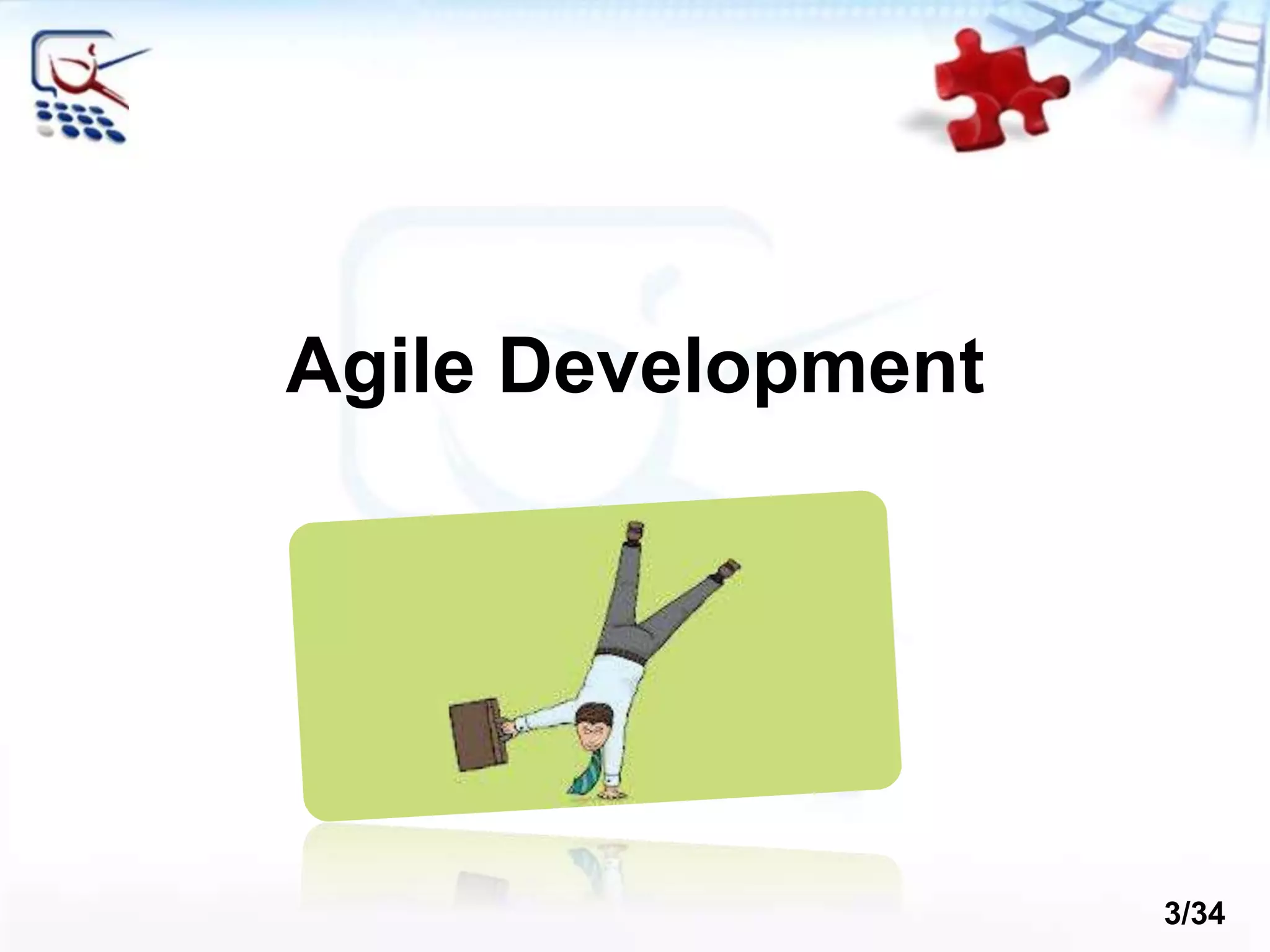
Agile Development 3/34
Agile Manifesto “Our highest priority is to satisfy the customer through early and continuous delivery of valuable software“ [Manifesto for Agile] 4/34
• Incremental • Working software over comprehensive documentation • Cooperation • Customer collaboration over contract negotiation • Straightforward • Individuals and interactions over processes and tools • Adaptive • Responding to change over following a plan The Agile Spirit 5/34
Agile Methodologies • eXtreme Programming (XP) • Scrum • Crystal family of methodologies • Feature-Driven Development (FDD) • Adaptive Software Development (ASD) • Dynamic System Development Model (DSDM) • Agile Unified Process (AUP) 6/34
eXtreme Programming
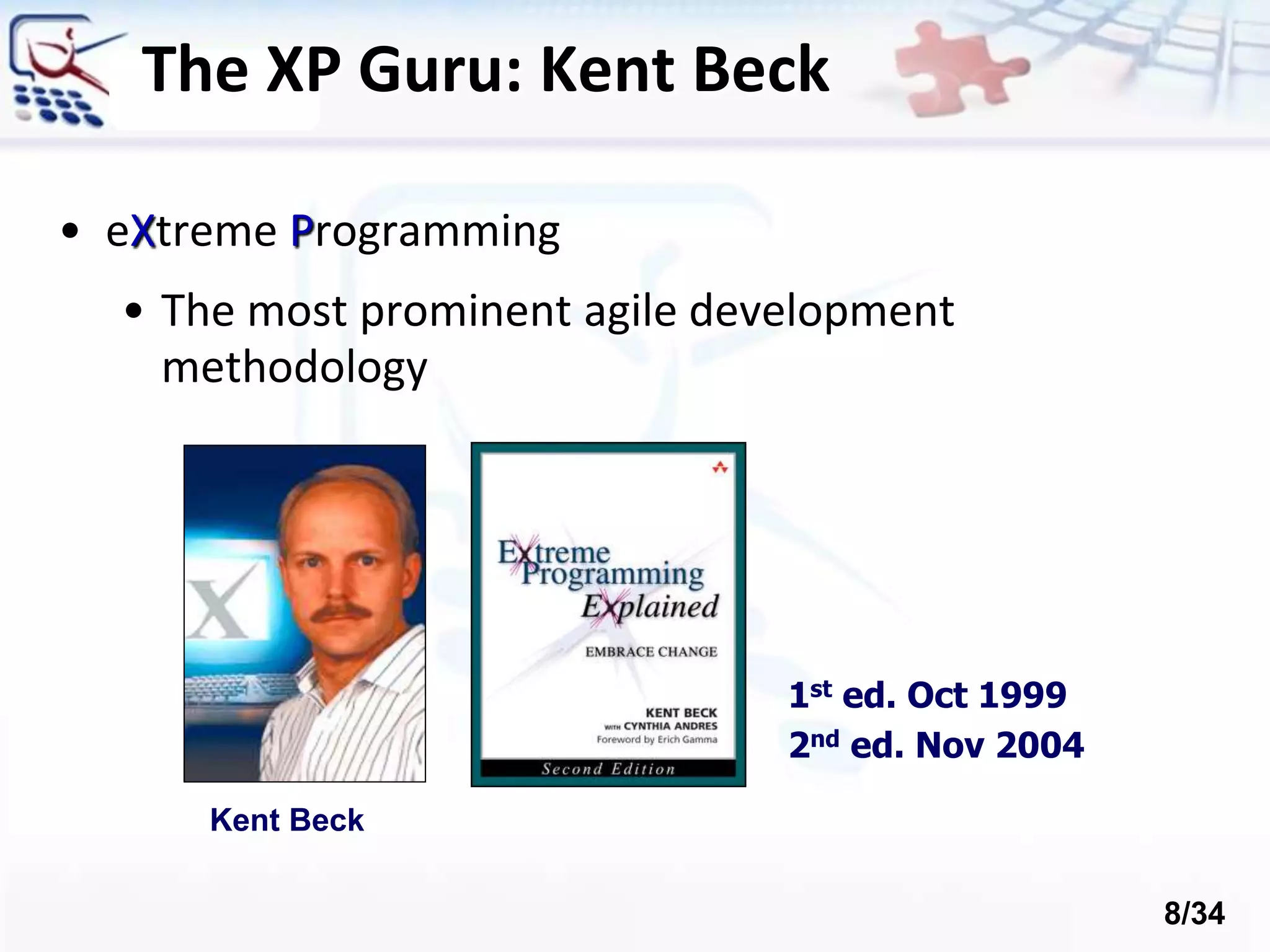
The XP Guru: Kent Beck • eXtreme Programming • The most prominent agile development methodology Kent Beck 1st ed. Oct 1999 2nd ed. Nov 2004 8/34
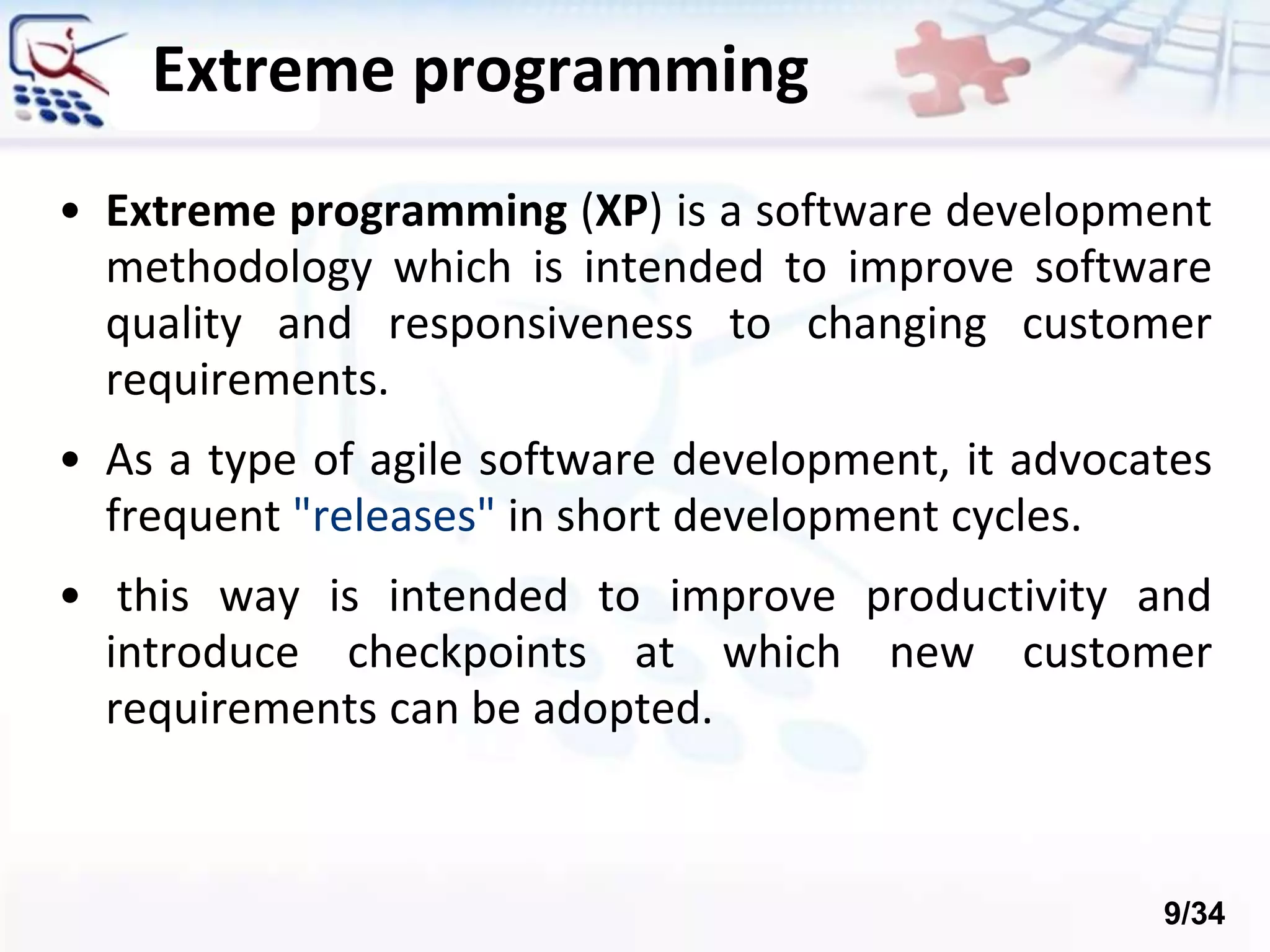
• Extreme programming (XP) is a software development methodology which is intended to improve software quality and responsiveness to changing customer requirements. • As a type of agile software development, it advocates frequent "releases" in short development cycles. • this way is intended to improve productivity and introduce checkpoints at which new customer requirements can be adopted. Extreme programming 9/34
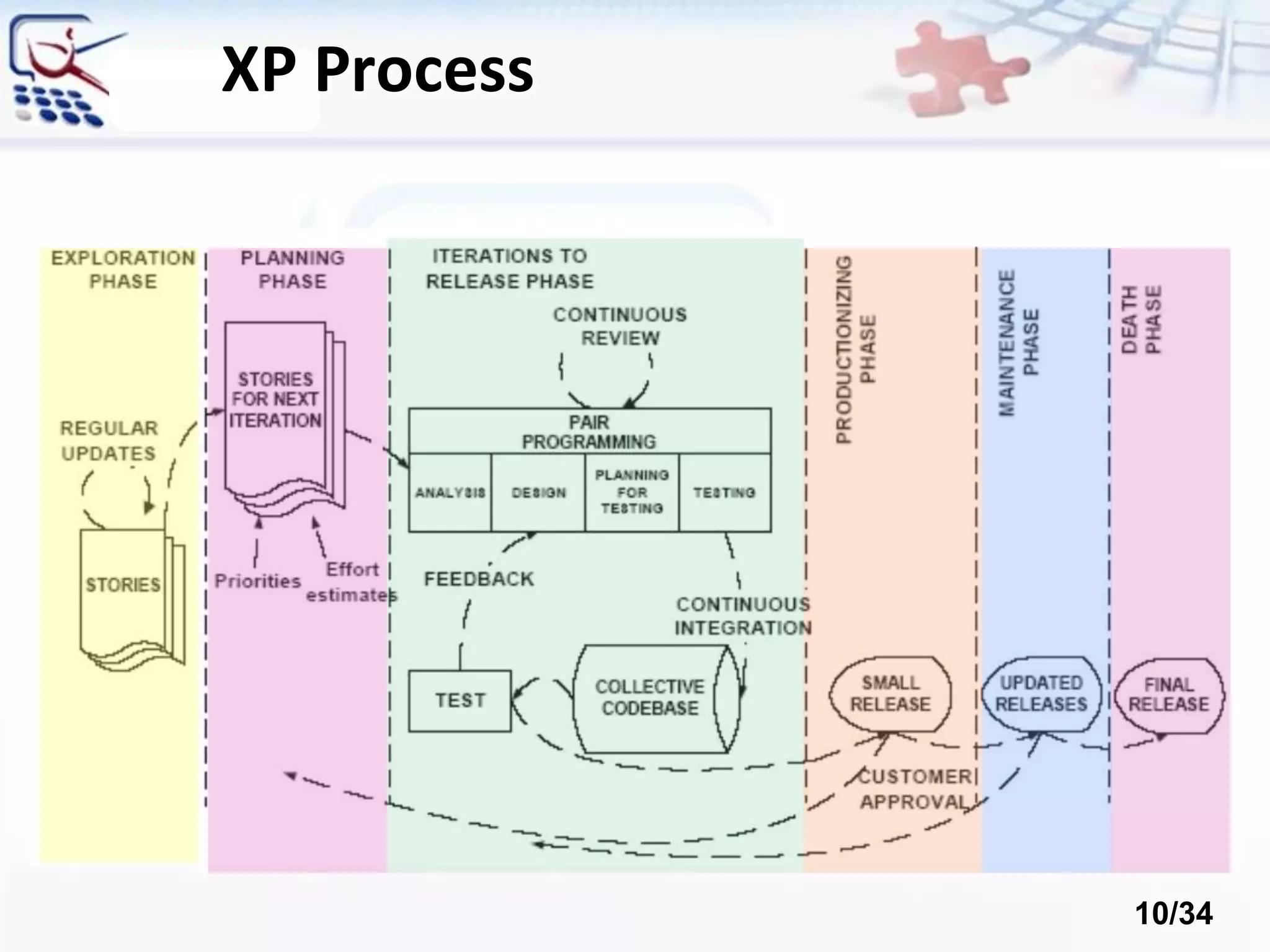
XP Process 10/34
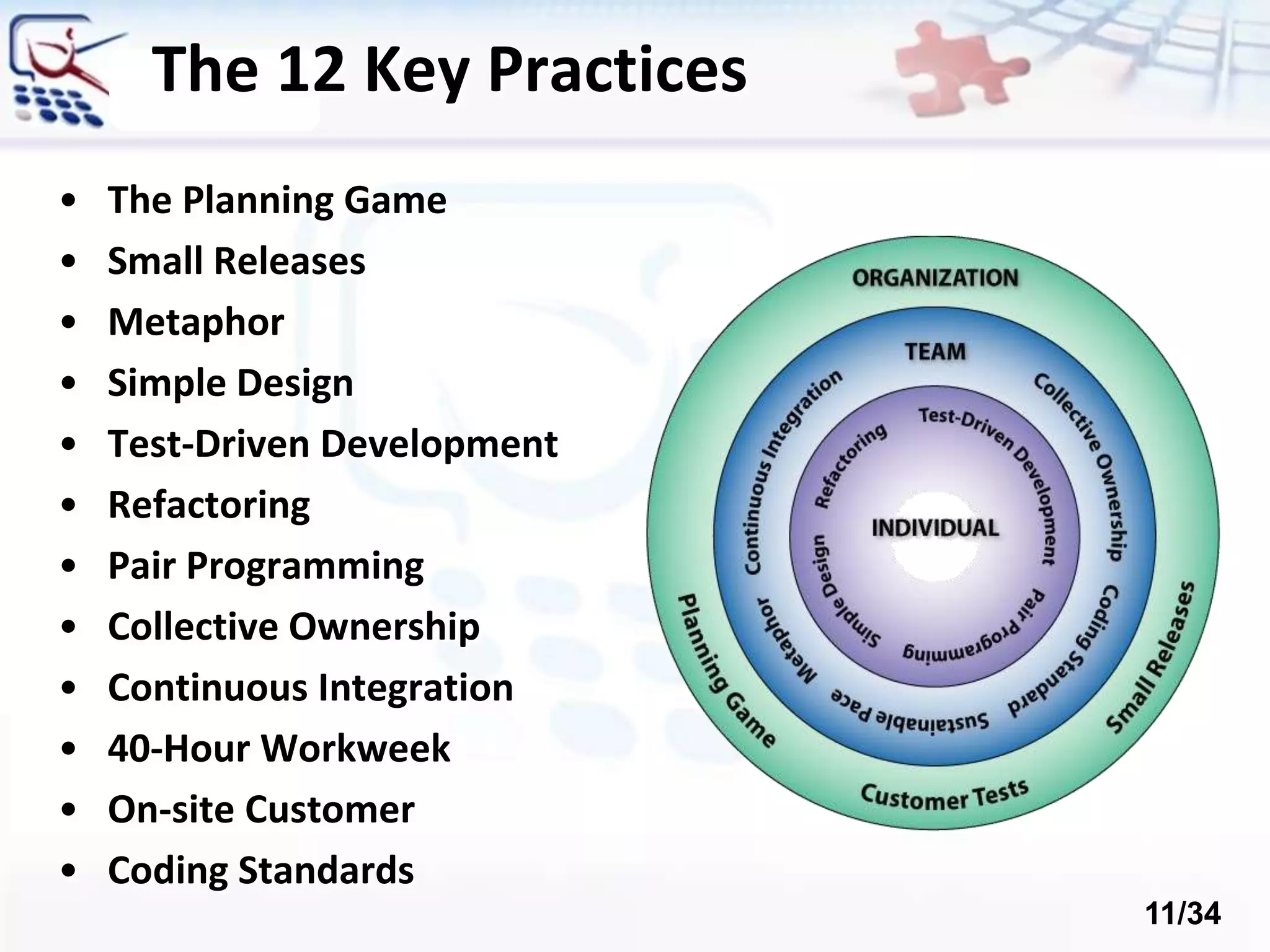
The 12 Key Practices • The Planning Game • Small Releases • Metaphor • Simple Design • Test-Driven Development • Refactoring • Pair Programming • Collective Ownership • Continuous Integration • 40-Hour Workweek • On-site Customer • Coding Standards 11/34
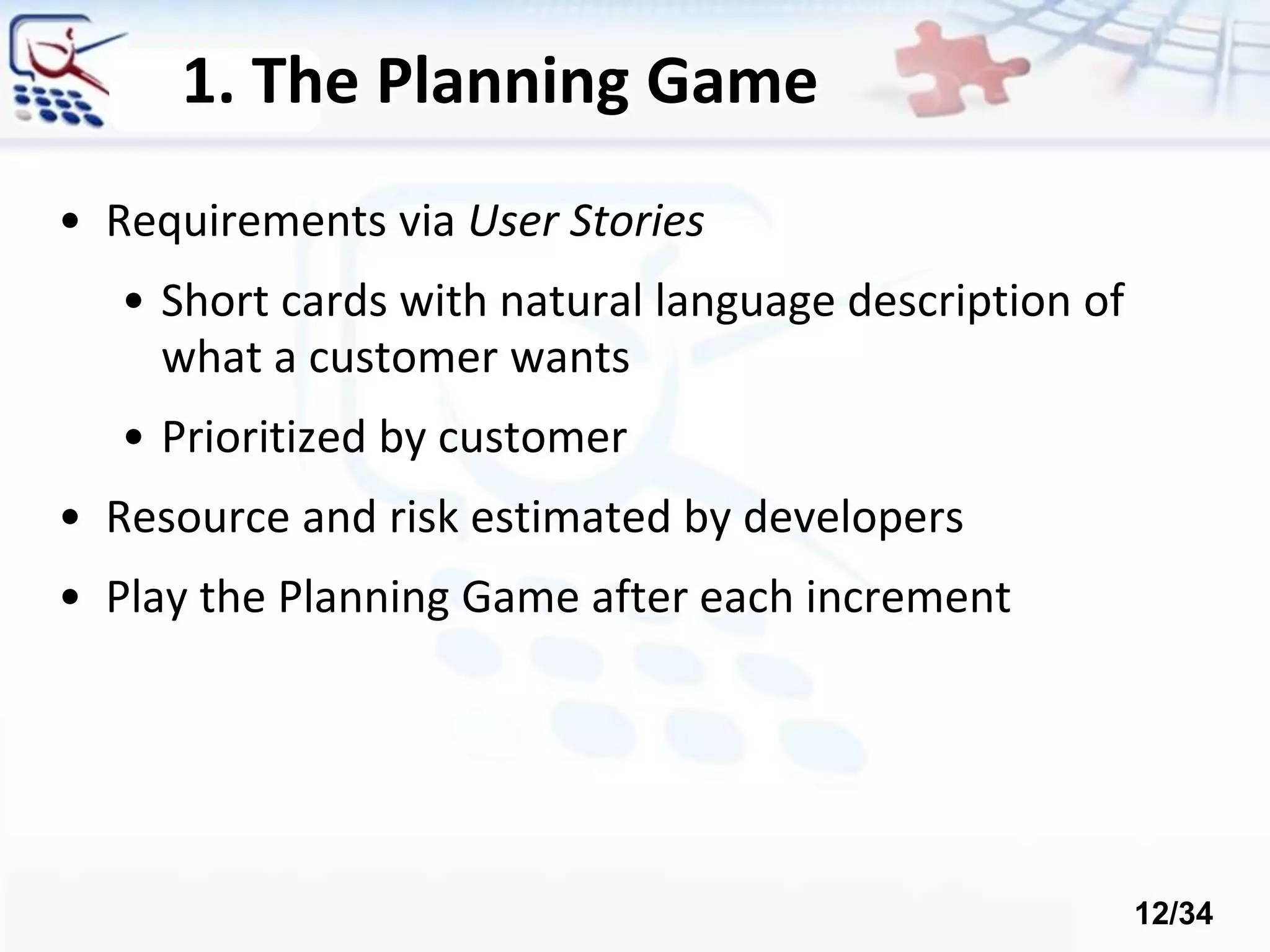
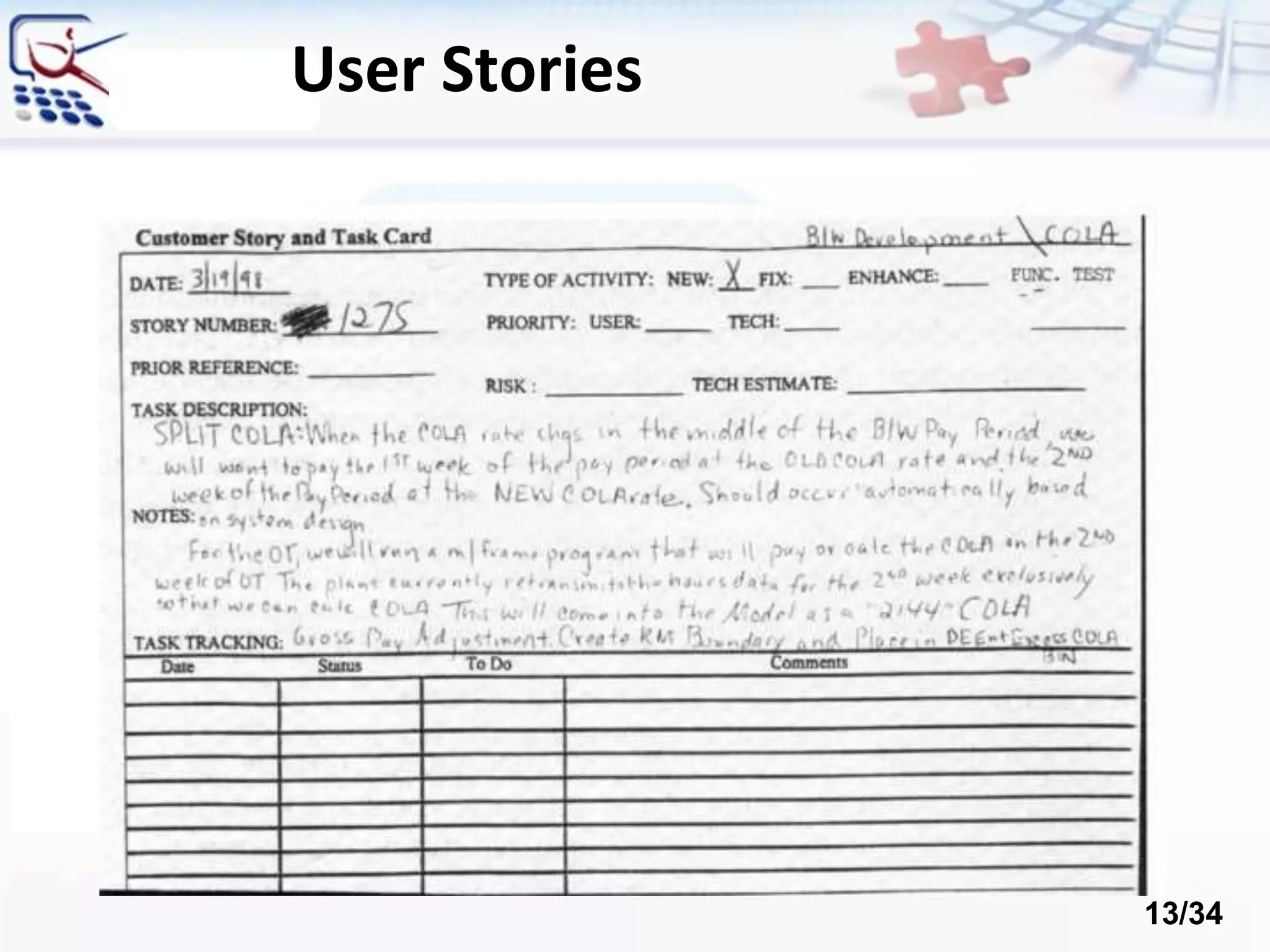
1. The Planning Game • Requirements via User Stories • Short cards with natural language description of what a customer wants • Prioritized by customer • Resource and risk estimated by developers • Play the Planning Game after each increment 12/34
User Stories 13/34
2. Metaphor • Guide all development and conversations with a simple shared story of how the whole system works • Gives the team a whole picture of describing the system, where new parts fit, etc. • Words used to identify technical entities should be chosen from the metaphor • The default metaphor is the business domain, and it’s usually just fine 14/34
3. Testing • Test-Driven Development (TDD) • Write tests before code • Tests are automated • Acceptance Tests • Written with the customer • Acts as “contract” • Measure of progress 15/34
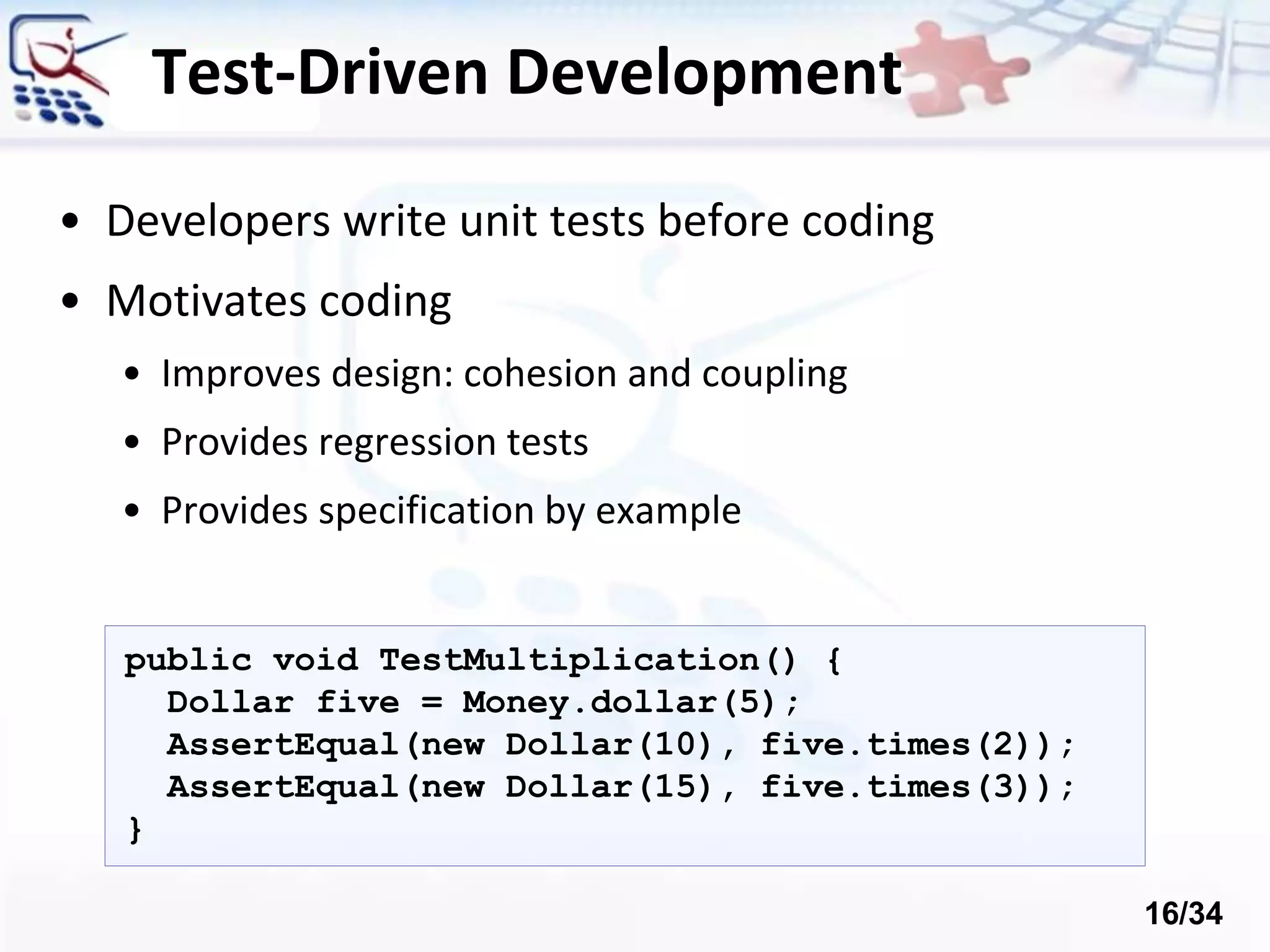
Test-Driven Development • Developers write unit tests before coding • Motivates coding • Improves design: cohesion and coupling • Provides regression tests • Provides specification by example public void TestMultiplication() { Dollar five = Money.dollar(5); AssertEqual(new Dollar(10), five.times(2)); AssertEqual(new Dollar(15), five.times(3)); } 16/34
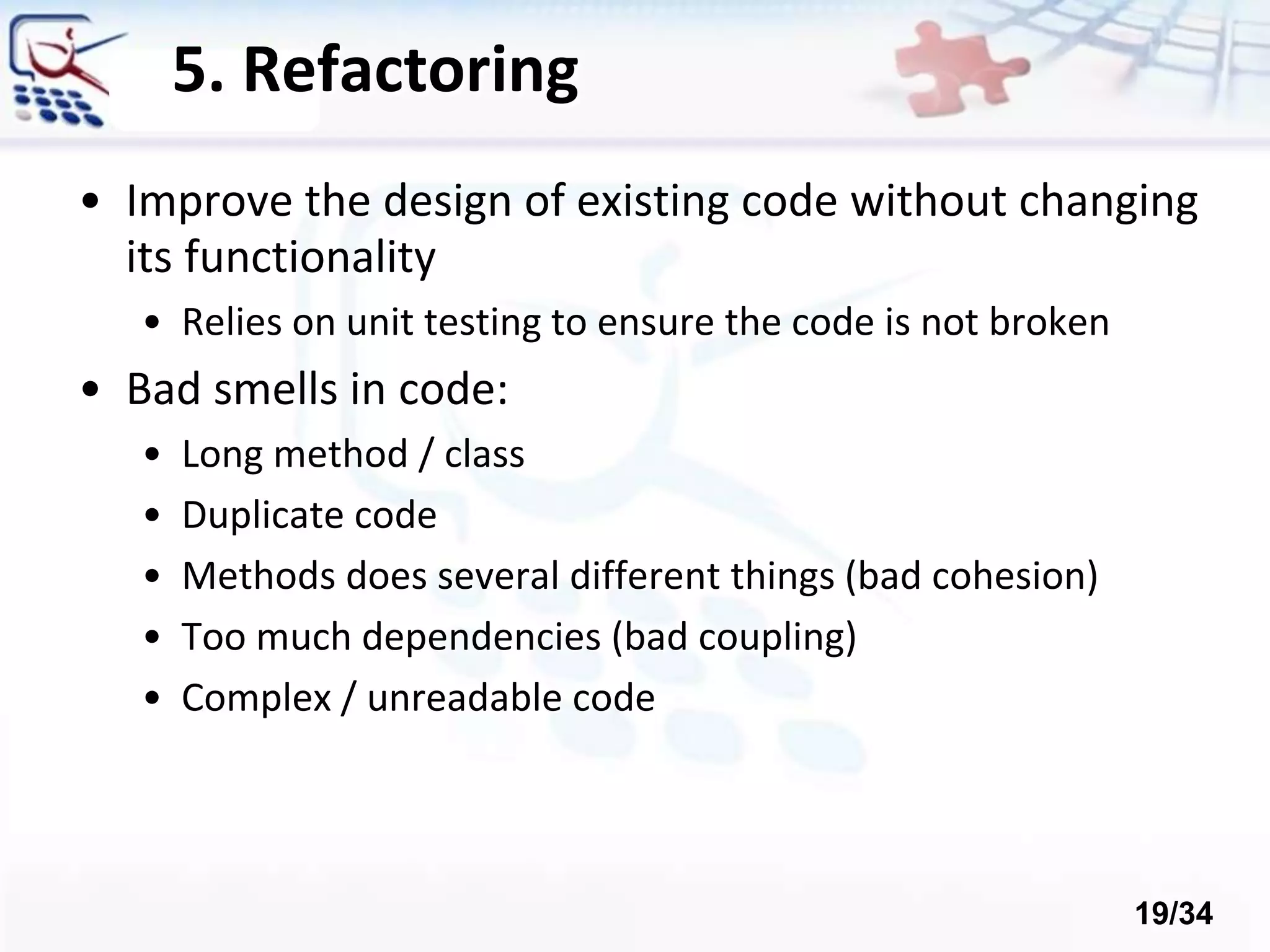
4. Pair Programming • Two software engineers work on one task at one computer: • The driver has control of the keyboard and mouse and creates the implementation • The navigator watches the driver’s implementation • Identifies defects and participates in on-demand brainstorming • The roles of driver and observer are periodically rotated 17/34
Pair Programming • Pairs produce higher quality code • Pairs complete their tasks faster • Pairs enjoy their work more • Pairs feel more confident in their work 18/34
5. Refactoring • Improve the design of existing code without changing its functionality • Relies on unit testing to ensure the code is not broken • Bad smells in code: • Long method / class • Duplicate code • Methods does several different things (bad cohesion) • Too much dependencies (bad coupling) • Complex / unreadable code 19/34
6. Simple Design • No Big Design Up Front (BDUF) • Reduces the overhead • Gets feedback early • “Do The Simplest Thing That Could Possibly Work” • Later use refactoring to change it • Not too much formal documentation 20/34
7. Collective Code Ownership • Code to belongs to the project, not to an individual engineer! • Any engineer can modify any code • Better quality of the code • Engineers are not required to work around deficiencies in code they do not own • Faster progress • No need to wait for someone else to fix something 21/34
8. Continuous Integration • Pair writes up unit test cases and code for a task (part of a user story) • Pair unit tests code to 100% • Pair integrates • Pair runs ALL unit test cases to 100% • Pair moves on to next task with clean slate and clear mind • Should happen once or twice a day 22/34
9. On-Site Customer • Customer available on site • Clarify user stories • Make critical business decisions • Developers don’t make assumptions • Developers don’t have to wait for decisions • Face to face communication minimizes the chances of misunderstanding 23/34
10. Small Releases • As small as possible, but still delivering business value • No releases to ‘implement the database’ • Get customer feedback early and often • Do the planning game after each iteration • Do they want something different? • Have their priorities changed? 24/34
11. Forty-Hour Work Week • Kent Beck says, “ . . . fresh and eager every morning, and tired and satisfied every night” • Burning the midnight oil kills performance • Tired developers make more mistakes • Slows you down more in the long run 25/34
12. Coding Standards • Use coding conventions • Rules for naming, formatting, etc. • Write readable and maintainable code • Method commenting • Self-documenting code • Don't comment bad code, rewrite it! • Refactor to improve the design 26/34
The 13th Practice? The Stand Up Meeting • Start the day with 15-minute meeting • Everyone stands up (so the meeting stays short) in circle • Going around the room everyone says specifically: • What they did the day before • What they plan to do today • Any obstacles they are experiencing • Can be the way pairs are formed 27/34
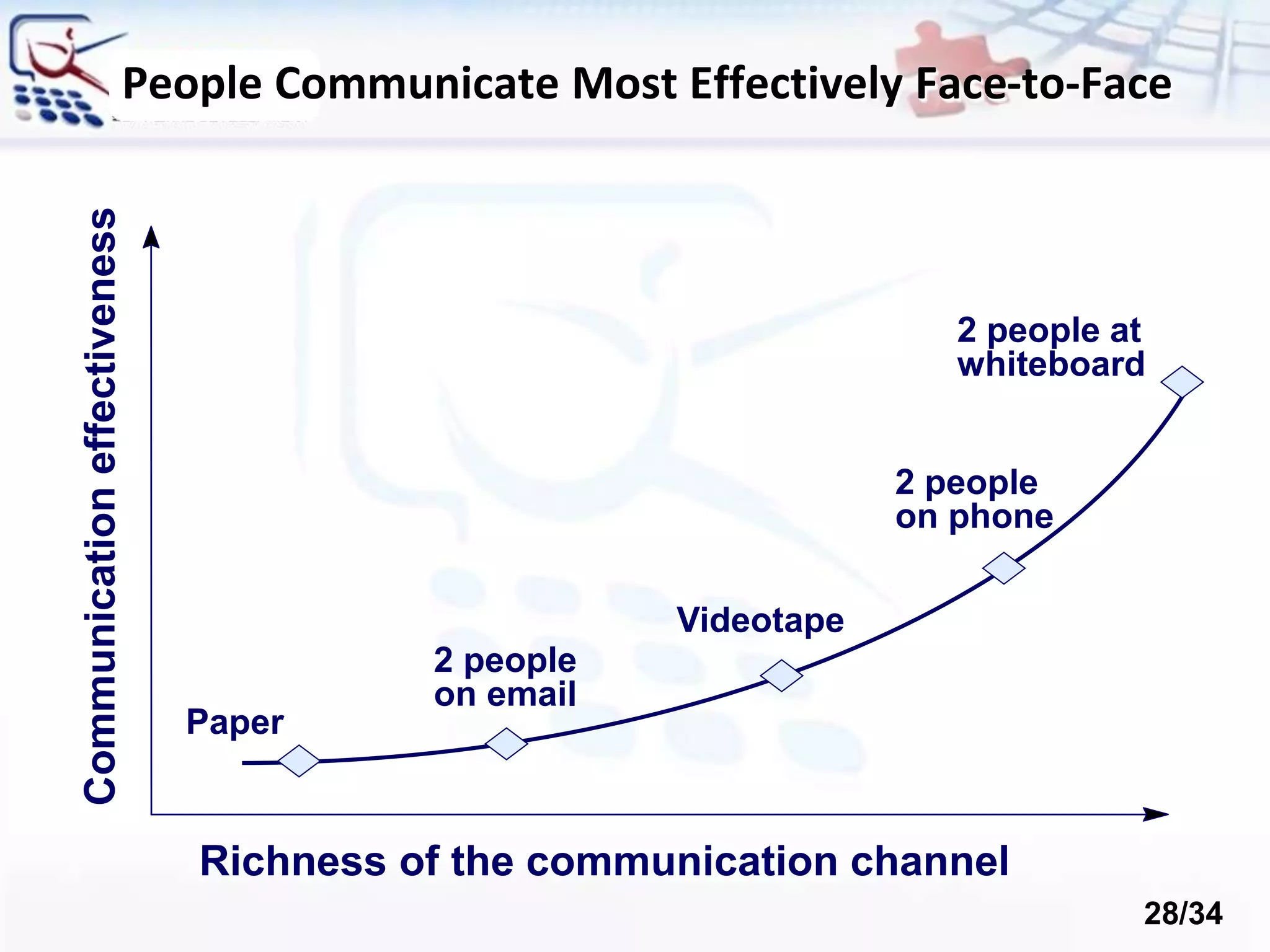
Richness of the communication channel Communicationeffectiveness 2 people at whiteboard 2 people on phone 2 people on email Videotape Paper People Communicate Most Effectively Face-to-Face 28/34
So What does XP Apply to? • Domains with changing requirements • High-risk projects (including those with high schedule risk) • Small project team: 2 – 12 programmers • Cannot be used with a large team • Extended development team • Developers, managers and customer • Co-located • Automated testability 29/34
Advantages • Customer focus increase the chance that the software produced will actually meet the needs of the users • The focus on small, incremental release decreases the risk on your project: • by showing that your approach works and • by putting functionality in the hands of your users, enabling them to provide timely feedback regarding your work. • Continuous testing and integration helps to increase the quality of your work • XP is attractive to programmers who normally are unwilling to adopt a software process, enabling your organization to manage its software efforts better. 30/34
Disadvantages • XP is geared toward a single project, developed and maintained by a single team. • XP is particularly vulnerable to "bad apple" developers who: • don't work well with others • who think they know it all, and/or • who are not willing to share their "superior” code • XP will not work in an environment where a customer or manager insists on a complete specification or design before they begin programming. • XP will not work in an environment where programmers are separated geographically. 31/34
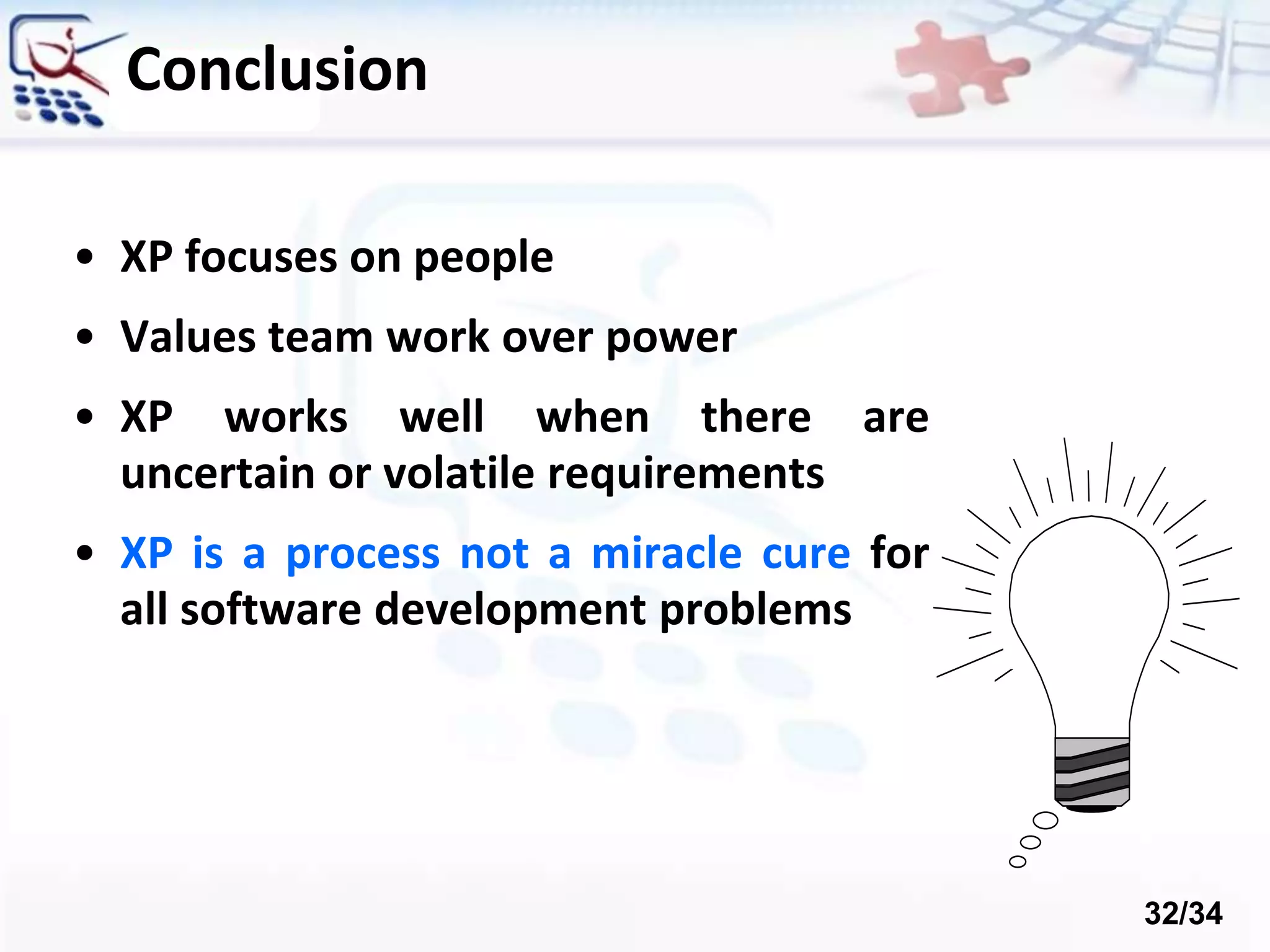
Conclusion • XP focuses on people • Values team work over power • XP works well when there are uncertain or volatile requirements • XP is a process not a miracle cure for all software development problems 32/34
References/Links • http://www.extremeprogramming.org • http://www.xprogramming.com • http://www.jera.com/techinfo/xpfaq.html • http://www.c2.com/cgi/wiki?ExtremeProgrammingRoadmap • http://ootips.org/xp.html • http://pairprogramming.com/ 33/34
Thanks for your attention…

Agile software development and extreme Programming

  • 1.
    Agile Development and eXtremeProgramming by: Fatemeh Karimi
  • 2.
    Agenda • Agile Development •Extreme Programming (XP) • XP Process • XP Key Practices • Advantages • Disadvantages 2/34
  • 3.
  • 4.
    Agile Manifesto “Our highestpriority is to satisfy the customer through early and continuous delivery of valuable software“ [Manifesto for Agile] 4/34
  • 5.
    • Incremental • Workingsoftware over comprehensive documentation • Cooperation • Customer collaboration over contract negotiation • Straightforward • Individuals and interactions over processes and tools • Adaptive • Responding to change over following a plan The Agile Spirit 5/34
  • 6.
    Agile Methodologies • eXtremeProgramming (XP) • Scrum • Crystal family of methodologies • Feature-Driven Development (FDD) • Adaptive Software Development (ASD) • Dynamic System Development Model (DSDM) • Agile Unified Process (AUP) 6/34
  • 7.
  • 8.
    The XP Guru:Kent Beck • eXtreme Programming • The most prominent agile development methodology Kent Beck 1st ed. Oct 1999 2nd ed. Nov 2004 8/34
  • 9.
    • Extreme programming(XP) is a software development methodology which is intended to improve software quality and responsiveness to changing customer requirements. • As a type of agile software development, it advocates frequent "releases" in short development cycles. • this way is intended to improve productivity and introduce checkpoints at which new customer requirements can be adopted. Extreme programming 9/34
  • 10.
  • 11.
    The 12 KeyPractices • The Planning Game • Small Releases • Metaphor • Simple Design • Test-Driven Development • Refactoring • Pair Programming • Collective Ownership • Continuous Integration • 40-Hour Workweek • On-site Customer • Coding Standards 11/34
  • 12.
    1. The PlanningGame • Requirements via User Stories • Short cards with natural language description of what a customer wants • Prioritized by customer • Resource and risk estimated by developers • Play the Planning Game after each increment 12/34
  • 13.
  • 14.
    2. Metaphor • Guideall development and conversations with a simple shared story of how the whole system works • Gives the team a whole picture of describing the system, where new parts fit, etc. • Words used to identify technical entities should be chosen from the metaphor • The default metaphor is the business domain, and it’s usually just fine 14/34
  • 15.
    3. Testing • Test-DrivenDevelopment (TDD) • Write tests before code • Tests are automated • Acceptance Tests • Written with the customer • Acts as “contract” • Measure of progress 15/34
  • 16.
    Test-Driven Development • Developerswrite unit tests before coding • Motivates coding • Improves design: cohesion and coupling • Provides regression tests • Provides specification by example public void TestMultiplication() { Dollar five = Money.dollar(5); AssertEqual(new Dollar(10), five.times(2)); AssertEqual(new Dollar(15), five.times(3)); } 16/34
  • 17.
    4. Pair Programming •Two software engineers work on one task at one computer: • The driver has control of the keyboard and mouse and creates the implementation • The navigator watches the driver’s implementation • Identifies defects and participates in on-demand brainstorming • The roles of driver and observer are periodically rotated 17/34
  • 18.
    Pair Programming • Pairsproduce higher quality code • Pairs complete their tasks faster • Pairs enjoy their work more • Pairs feel more confident in their work 18/34
  • 19.
    5. Refactoring • Improvethe design of existing code without changing its functionality • Relies on unit testing to ensure the code is not broken • Bad smells in code: • Long method / class • Duplicate code • Methods does several different things (bad cohesion) • Too much dependencies (bad coupling) • Complex / unreadable code 19/34
  • 20.
    6. Simple Design •No Big Design Up Front (BDUF) • Reduces the overhead • Gets feedback early • “Do The Simplest Thing That Could Possibly Work” • Later use refactoring to change it • Not too much formal documentation 20/34
  • 21.
    7. Collective CodeOwnership • Code to belongs to the project, not to an individual engineer! • Any engineer can modify any code • Better quality of the code • Engineers are not required to work around deficiencies in code they do not own • Faster progress • No need to wait for someone else to fix something 21/34
  • 22.
    8. Continuous Integration •Pair writes up unit test cases and code for a task (part of a user story) • Pair unit tests code to 100% • Pair integrates • Pair runs ALL unit test cases to 100% • Pair moves on to next task with clean slate and clear mind • Should happen once or twice a day 22/34
  • 23.
    9. On-Site Customer •Customer available on site • Clarify user stories • Make critical business decisions • Developers don’t make assumptions • Developers don’t have to wait for decisions • Face to face communication minimizes the chances of misunderstanding 23/34
  • 24.
    10. Small Releases •As small as possible, but still delivering business value • No releases to ‘implement the database’ • Get customer feedback early and often • Do the planning game after each iteration • Do they want something different? • Have their priorities changed? 24/34
  • 25.
    11. Forty-Hour WorkWeek • Kent Beck says, “ . . . fresh and eager every morning, and tired and satisfied every night” • Burning the midnight oil kills performance • Tired developers make more mistakes • Slows you down more in the long run 25/34
  • 26.
    12. Coding Standards •Use coding conventions • Rules for naming, formatting, etc. • Write readable and maintainable code • Method commenting • Self-documenting code • Don't comment bad code, rewrite it! • Refactor to improve the design 26/34
  • 27.
    The 13th Practice? TheStand Up Meeting • Start the day with 15-minute meeting • Everyone stands up (so the meeting stays short) in circle • Going around the room everyone says specifically: • What they did the day before • What they plan to do today • Any obstacles they are experiencing • Can be the way pairs are formed 27/34
  • 28.
    Richness of thecommunication channel Communicationeffectiveness 2 people at whiteboard 2 people on phone 2 people on email Videotape Paper People Communicate Most Effectively Face-to-Face 28/34
  • 29.
    So What doesXP Apply to? • Domains with changing requirements • High-risk projects (including those with high schedule risk) • Small project team: 2 – 12 programmers • Cannot be used with a large team • Extended development team • Developers, managers and customer • Co-located • Automated testability 29/34
  • 30.
    Advantages • Customer focusincrease the chance that the software produced will actually meet the needs of the users • The focus on small, incremental release decreases the risk on your project: • by showing that your approach works and • by putting functionality in the hands of your users, enabling them to provide timely feedback regarding your work. • Continuous testing and integration helps to increase the quality of your work • XP is attractive to programmers who normally are unwilling to adopt a software process, enabling your organization to manage its software efforts better. 30/34
  • 31.
    Disadvantages • XP isgeared toward a single project, developed and maintained by a single team. • XP is particularly vulnerable to "bad apple" developers who: • don't work well with others • who think they know it all, and/or • who are not willing to share their "superior” code • XP will not work in an environment where a customer or manager insists on a complete specification or design before they begin programming. • XP will not work in an environment where programmers are separated geographically. 31/34
  • 32.
    Conclusion • XP focuseson people • Values team work over power • XP works well when there are uncertain or volatile requirements • XP is a process not a miracle cure for all software development problems 32/34
  • 33.
    References/Links • http://www.extremeprogramming.org • http://www.xprogramming.com •http://www.jera.com/techinfo/xpfaq.html • http://www.c2.com/cgi/wiki?ExtremeProgrammingRoadmap • http://ootips.org/xp.html • http://pairprogramming.com/ 33/34
  • 34.
    Thanks for yourattention…

Editor's Notes