
BIG DATA WORKSHOP Comprehensive developer workshop for all Spark based certifications
Agenda ■ About ITVersity ■ Introduction to Big Data ■ Big Data Developer Certifications ■ Curriculum ■ Course Details ■ Resources
About ITVersity ■ A Dallas based company focusing on – Engineering – Infrastructure – Training – Staffing ■ We have operations in Dallas,US as well as Hyderabad, IN ■ Training – focus areas – Product Engineering using FullStack Development – Data Engineering using Big Data eco system – DevOps Engineering including Cloud
Introduction to Big Data ■ Please go through this video at your leisure to get brief introduction about Data Engineering using Big Data – https://www.youtube.com/watch?v=Do-c4HeyLEI
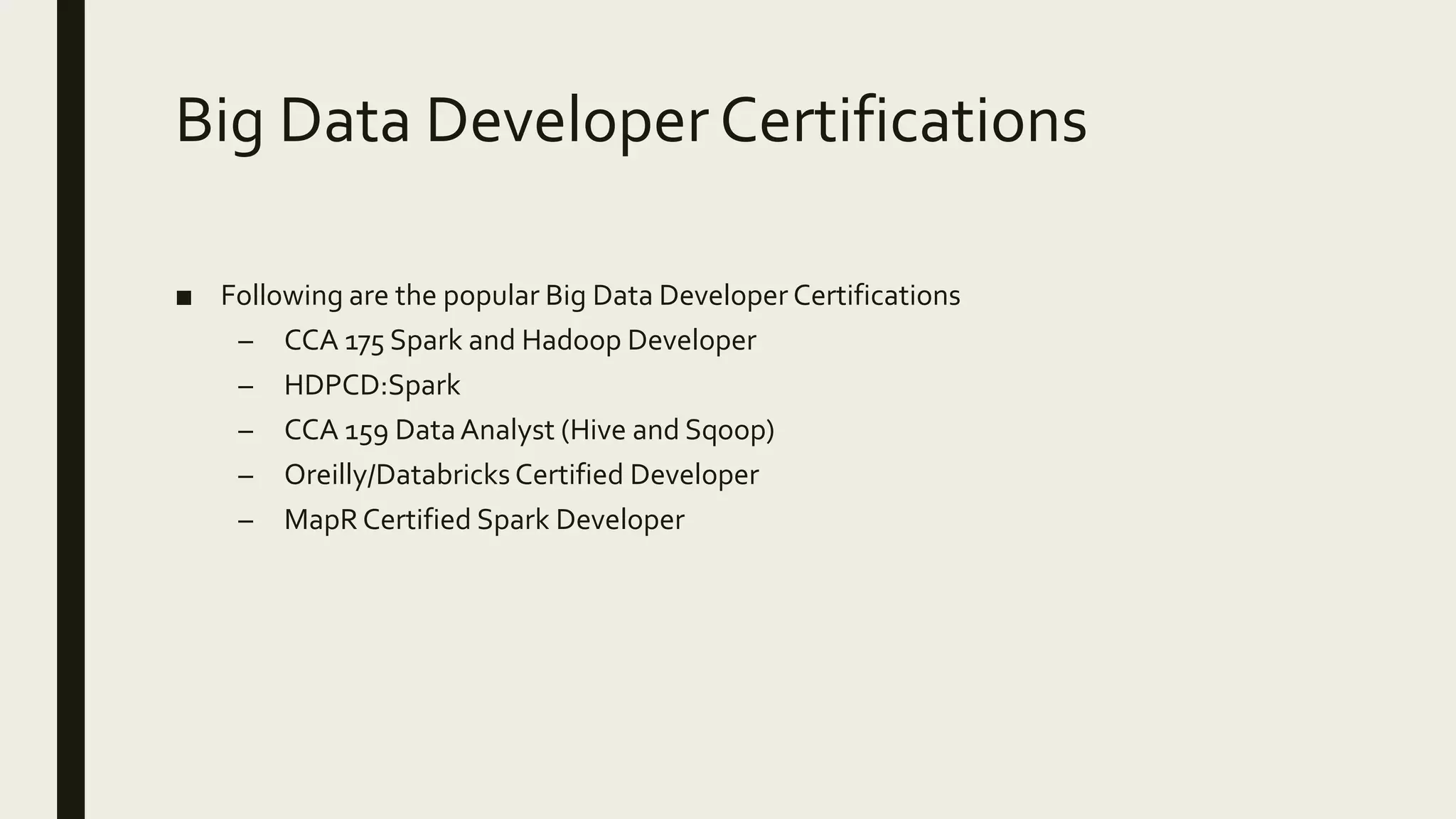
Big Data Developer Certifications ■ Following are the popular Big Data Developer Certifications – CCA 175 Spark and Hadoop Developer – HDPCD:Spark – CCA 159 DataAnalyst (Hive and Sqoop) – Oreilly/Databricks Certified Developer – MapR Certified Spark Developer
Curriculum ■ Linux Essentials ■ Database Essentials (SQL) ■ Basics of Python Programming ■ Overview of Big Data eco system ■ Apache Sqoop ■ Core Spark ■ Spark SQL and Data Frames (includes Hive) ■ Streaming analytics using Flume, Kafka and Spark Streaming ■ Spark MLLib
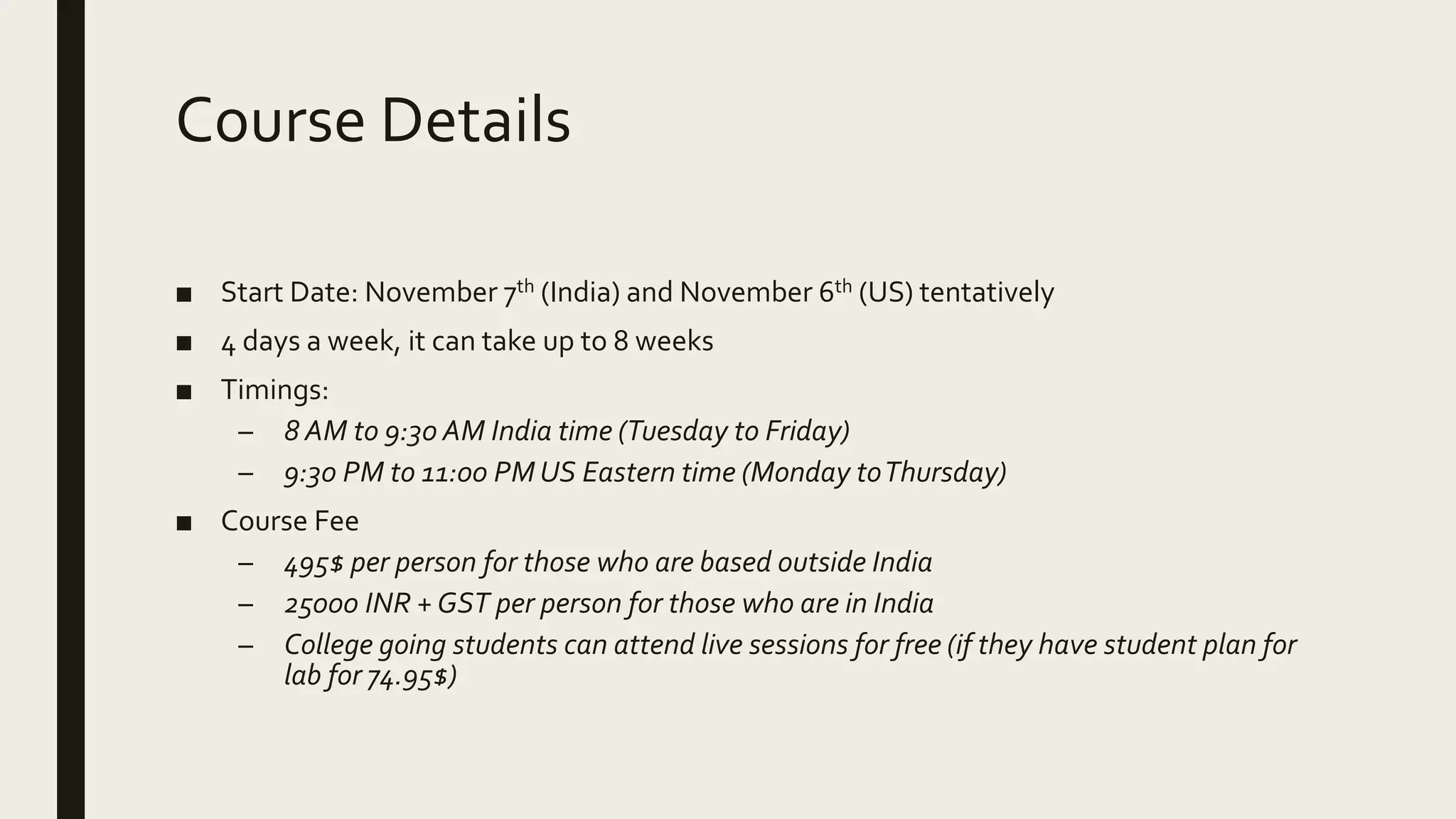
Course Details ■ Start Date: November 7th (India) and November 6th (US) tentatively ■ 4 days a week, it can take up to 8 weeks ■ Timings: – 8 AM to 9:30 AM India time (Tuesday to Friday) – 9:30 PM to 11:00 PM US Eastern time (Monday toThursday) ■ Course Fee – 495$ per person for those who are based outside India – 25000 INR +GST per person for those who are in India – College going students can attend live sessions for free (if they have student plan for lab for 74.95$)
Resources ■ Videos will be recorded and streamed toYouTube ■ Pre-recorded courses for all certifications will be available on Udemy as well as on YouTube ■ 3 to 4 months lab access for those who paid in full ■ Certification simulator ■ Forum to discuss any issues related as part of the training.A new group will be created and tracked for the batch.
LINUX ESSENTIALS Commands, Scripting and More
Agenda ■ Introduction ■ Setup Environment ■ Logging in using ssh ■ Revision of shell commands ■ Understanding the environment ■ Basics of Shell Scripting ■ Scheduling the script ■ Exercise – Monitoring multiple servers using Shell Scripting (from one centralized server)
Introduction ■ About me - https://www.linkedin.com/in/durga0gadiraju/ ■ Why linux and Shell Scripting? – In the enterprises most of the applications are deployed on Linux platform – To increase productivity – One of the essential for any IT professional (programming and SQL are others) ■ About the course – Revise shell commands and learn shell scripting – Exercise – monitoring multiple servers from one centralized server
Setup Environment ■ OnWindows – Putty – Cygwin (Recommended) – Others (git bash, power shell etc) ■ Setting up Putty ■ Setting up Cygwin – InstallCygwin with typical configuration – Setup additional packages such as SSH andTelnet
Logging in using SSH ■ ssh using password ■ Generating private and public key ■ Copying public key to the remote servers ■ Using password less login
Revision of shell commands ■ Getting quick help and accessing documentation ■ Listing and managing files – ls, mkdir, touch ■ File permissions – chmod, chown ■ Checking file system usage – df and du ■ Finding files – find command ■ System monitoring commands – top, uptime, free, etc ■ IPAddress and port numbers
Revision of shell commands ■ Sorting and getting unique values– sort and uniq ■ Piping output to other commands – xargs ■ Troubleshooting connectivity to other machines – telnet, ping etc ■ Redirecting standard in, standard out and standard error ■ Formatting Dates (date '+%Y-%m-%d %H:%M:%S') ■ EnvironmentVariables and PATH ■ Process monitoring commands – ps
Understanding the environment ■ Multiple machines ■ Setup password less login to all machines from one machine ■ Verifying login ■ Running commands on all machines with out logging into the machines
Basics of Shell Scripting ■ Variables ■ Functions ■ Basic programming constructs ■ Iterating through the data in the files or output of the commands ■ Generating and running commands dynamically ■ Using awk for string processing
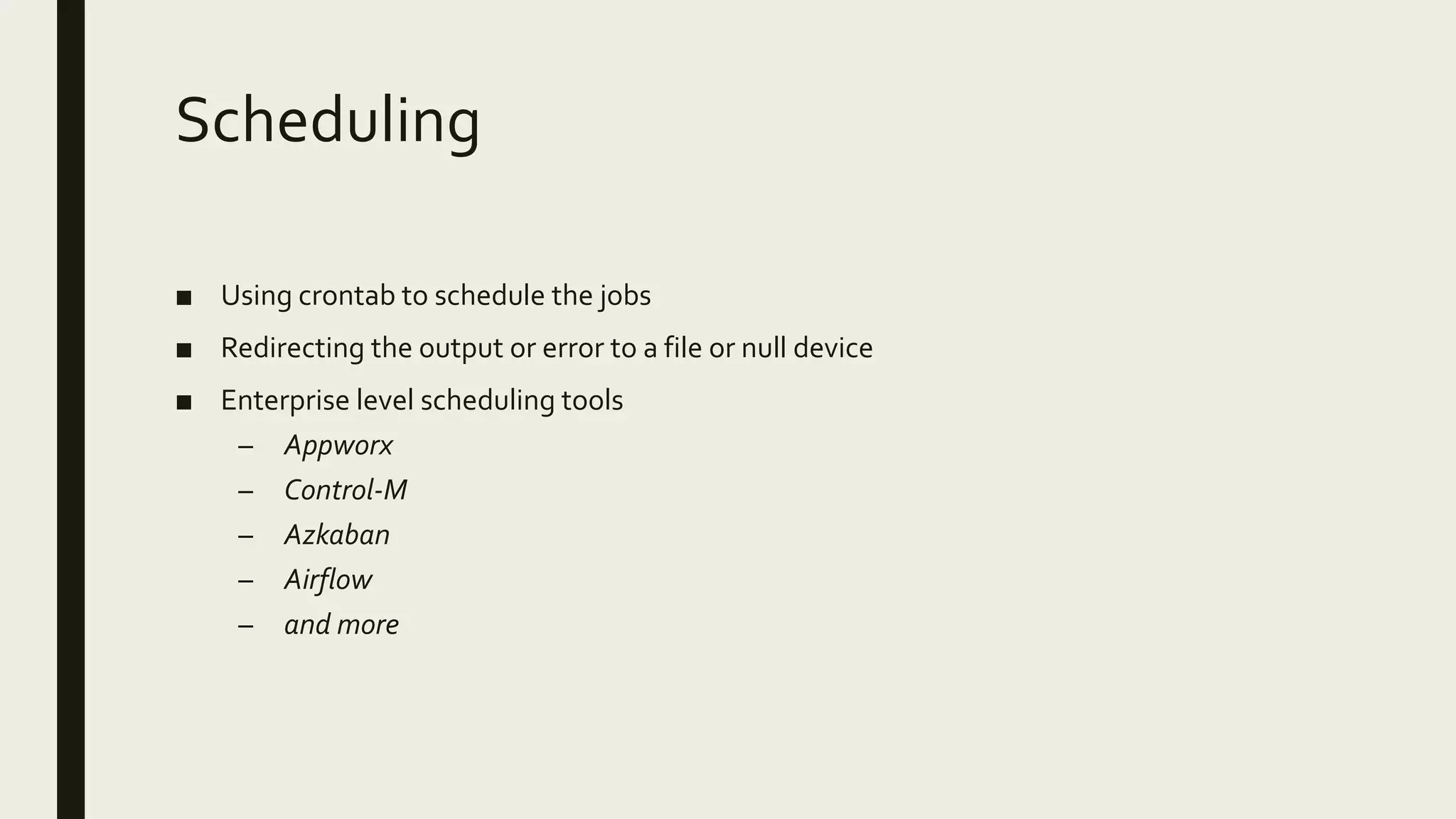
Scheduling ■ Using crontab to schedule the jobs ■ Redirecting the output or error to a file or null device ■ Enterprise level scheduling tools – Appworx – Control-M – Azkaban – Airflow – and more
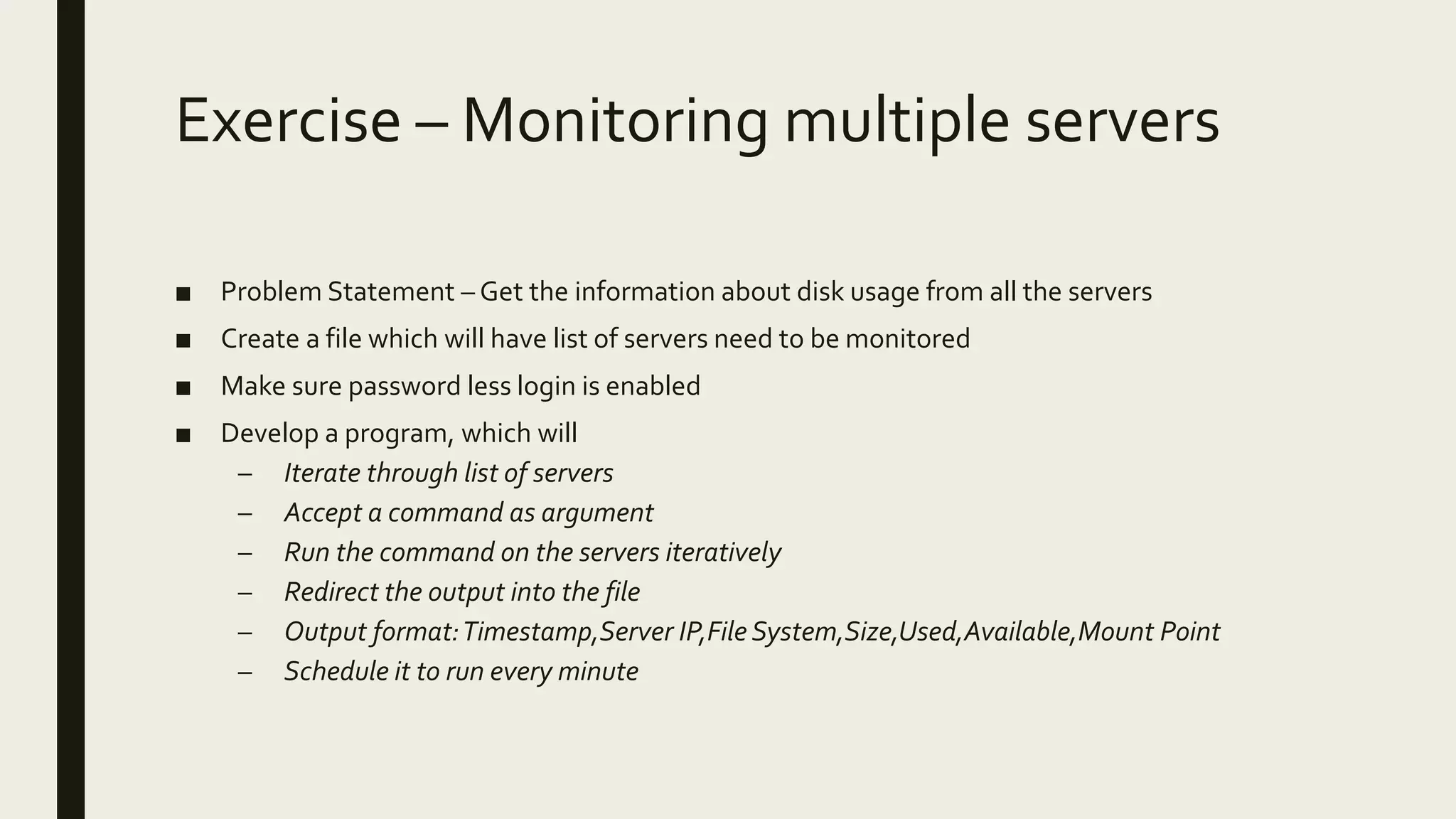
Exercise – Monitoring multiple servers ■ Problem Statement – Get the information about disk usage from all the servers ■ Create a file which will have list of servers need to be monitored ■ Make sure password less login is enabled ■ Develop a program, which will – Iterate through list of servers – Accept a command as argument – Run the command on the servers iteratively – Redirect the output into the file – Output format:Timestamp,Server IP,File System,Size,Used,Available,Mount Point – Schedule it to run every minute
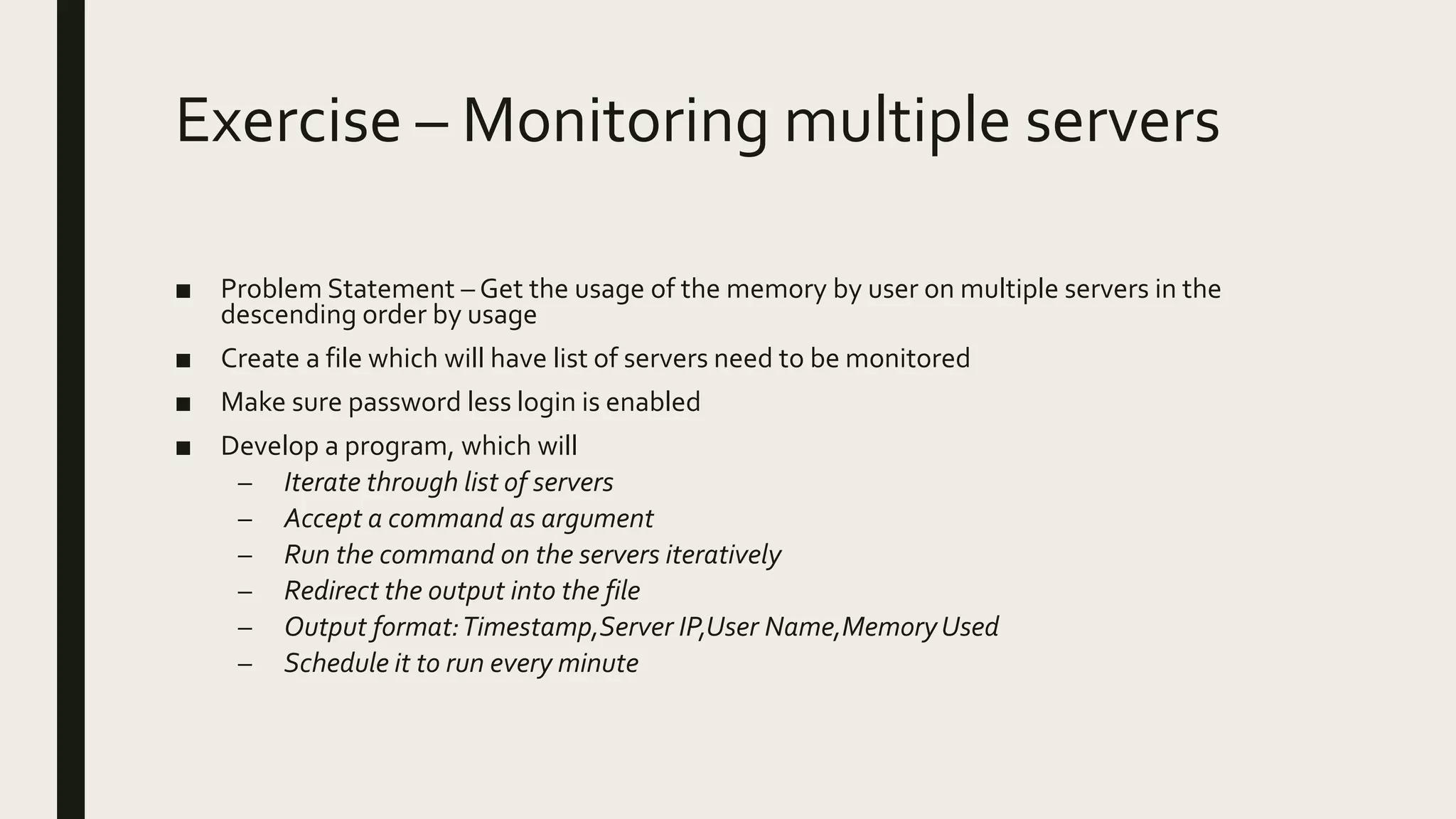
Exercise – Monitoring multiple servers ■ Problem Statement – Get the usage of the memory by user on multiple servers in the descending order by usage ■ Create a file which will have list of servers need to be monitored ■ Make sure password less login is enabled ■ Develop a program, which will – Iterate through list of servers – Accept a command as argument – Run the command on the servers iteratively – Redirect the output into the file – Output format:Timestamp,Server IP,User Name,MemoryUsed – Schedule it to run every minute

Big Data Certifications Workshop - 201711 - Introduction and Linux Essentials

  • 1.
    BIG DATA WORKSHOP Comprehensive developerworkshop for all Spark based certifications
  • 2.
    Agenda ■ About ITVersity ■Introduction to Big Data ■ Big Data Developer Certifications ■ Curriculum ■ Course Details ■ Resources
  • 3.
    About ITVersity ■ ADallas based company focusing on – Engineering – Infrastructure – Training – Staffing ■ We have operations in Dallas,US as well as Hyderabad, IN ■ Training – focus areas – Product Engineering using FullStack Development – Data Engineering using Big Data eco system – DevOps Engineering including Cloud
  • 4.
    Introduction to BigData ■ Please go through this video at your leisure to get brief introduction about Data Engineering using Big Data – https://www.youtube.com/watch?v=Do-c4HeyLEI
  • 5.
    Big Data DeveloperCertifications ■ Following are the popular Big Data Developer Certifications – CCA 175 Spark and Hadoop Developer – HDPCD:Spark – CCA 159 DataAnalyst (Hive and Sqoop) – Oreilly/Databricks Certified Developer – MapR Certified Spark Developer
  • 6.
    Curriculum ■ Linux Essentials ■Database Essentials (SQL) ■ Basics of Python Programming ■ Overview of Big Data eco system ■ Apache Sqoop ■ Core Spark ■ Spark SQL and Data Frames (includes Hive) ■ Streaming analytics using Flume, Kafka and Spark Streaming ■ Spark MLLib
  • 7.
    Course Details ■ StartDate: November 7th (India) and November 6th (US) tentatively ■ 4 days a week, it can take up to 8 weeks ■ Timings: – 8 AM to 9:30 AM India time (Tuesday to Friday) – 9:30 PM to 11:00 PM US Eastern time (Monday toThursday) ■ Course Fee – 495$ per person for those who are based outside India – 25000 INR +GST per person for those who are in India – College going students can attend live sessions for free (if they have student plan for lab for 74.95$)
  • 8.
    Resources ■ Videos willbe recorded and streamed toYouTube ■ Pre-recorded courses for all certifications will be available on Udemy as well as on YouTube ■ 3 to 4 months lab access for those who paid in full ■ Certification simulator ■ Forum to discuss any issues related as part of the training.A new group will be created and tracked for the batch.
  • 9.
  • 10.
    Agenda ■ Introduction ■ SetupEnvironment ■ Logging in using ssh ■ Revision of shell commands ■ Understanding the environment ■ Basics of Shell Scripting ■ Scheduling the script ■ Exercise – Monitoring multiple servers using Shell Scripting (from one centralized server)
  • 11.
    Introduction ■ About me- https://www.linkedin.com/in/durga0gadiraju/ ■ Why linux and Shell Scripting? – In the enterprises most of the applications are deployed on Linux platform – To increase productivity – One of the essential for any IT professional (programming and SQL are others) ■ About the course – Revise shell commands and learn shell scripting – Exercise – monitoring multiple servers from one centralized server
  • 12.
    Setup Environment ■ OnWindows –Putty – Cygwin (Recommended) – Others (git bash, power shell etc) ■ Setting up Putty ■ Setting up Cygwin – InstallCygwin with typical configuration – Setup additional packages such as SSH andTelnet
  • 13.
    Logging in usingSSH ■ ssh using password ■ Generating private and public key ■ Copying public key to the remote servers ■ Using password less login
  • 14.
    Revision of shellcommands ■ Getting quick help and accessing documentation ■ Listing and managing files – ls, mkdir, touch ■ File permissions – chmod, chown ■ Checking file system usage – df and du ■ Finding files – find command ■ System monitoring commands – top, uptime, free, etc ■ IPAddress and port numbers
  • 15.
    Revision of shellcommands ■ Sorting and getting unique values– sort and uniq ■ Piping output to other commands – xargs ■ Troubleshooting connectivity to other machines – telnet, ping etc ■ Redirecting standard in, standard out and standard error ■ Formatting Dates (date '+%Y-%m-%d %H:%M:%S') ■ EnvironmentVariables and PATH ■ Process monitoring commands – ps
  • 16.
    Understanding the environment ■Multiple machines ■ Setup password less login to all machines from one machine ■ Verifying login ■ Running commands on all machines with out logging into the machines
  • 17.
    Basics of ShellScripting ■ Variables ■ Functions ■ Basic programming constructs ■ Iterating through the data in the files or output of the commands ■ Generating and running commands dynamically ■ Using awk for string processing
  • 18.
    Scheduling ■ Using crontabto schedule the jobs ■ Redirecting the output or error to a file or null device ■ Enterprise level scheduling tools – Appworx – Control-M – Azkaban – Airflow – and more
  • 19.
    Exercise – Monitoringmultiple servers ■ Problem Statement – Get the information about disk usage from all the servers ■ Create a file which will have list of servers need to be monitored ■ Make sure password less login is enabled ■ Develop a program, which will – Iterate through list of servers – Accept a command as argument – Run the command on the servers iteratively – Redirect the output into the file – Output format:Timestamp,Server IP,File System,Size,Used,Available,Mount Point – Schedule it to run every minute
  • 20.
    Exercise – Monitoringmultiple servers ■ Problem Statement – Get the usage of the memory by user on multiple servers in the descending order by usage ■ Create a file which will have list of servers need to be monitored ■ Make sure password less login is enabled ■ Develop a program, which will – Iterate through list of servers – Accept a command as argument – Run the command on the servers iteratively – Redirect the output into the file – Output format:Timestamp,Server IP,User Name,MemoryUsed – Schedule it to run every minute