Module 3 ARDUINO OVERVIEW, HARDWARE, SOFTWARE AND INSTALLATION
At the end of this module students must: ❑ Know what is Arduino ❑ Identify the reasons why Arduino is commonly used ❑ Identify and understand the Hardware needed in creating Arduino projects ❑ Know how to Install Arduino IDE Learning Outcomes
Lesson 6: Arduino Overview What is Arduino?
❖ Arduino is an open-source electronics platform based on easy-to-use hardware and software. ❖ Arduino boards are able to read inputs - light on a sensor, a finger on a button, or a Twitter message - and turn it into an output - activating a motor, turning on an LED, publishing something online.
❖ You can tell your board what to do by sending a set of instructions to the microcontroller on the board. ❖ To do so you use the Arduino programming language (based on Wiring), and the Arduino Software (IDE), based on Processing.
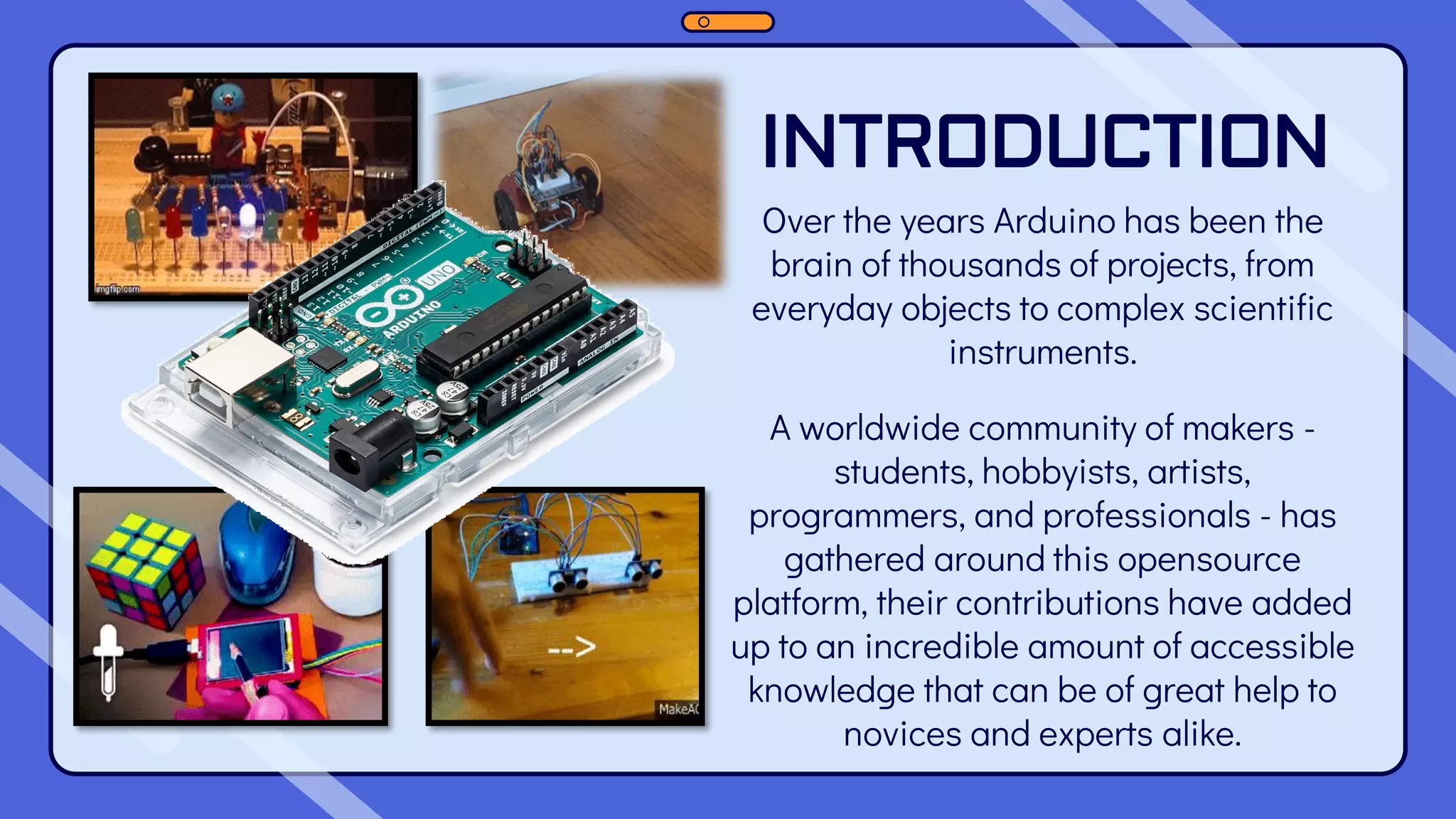
INTRODUCTION Over the years Arduino has been the brain of thousands of projects, from everyday objects to complex scientific instruments. A worldwide community of makers - students, hobbyists, artists, programmers, and professionals - has gathered around this opensource platform, their contributions have added up to an incredible amount of accessible knowledge that can be of great help to novices and experts alike.
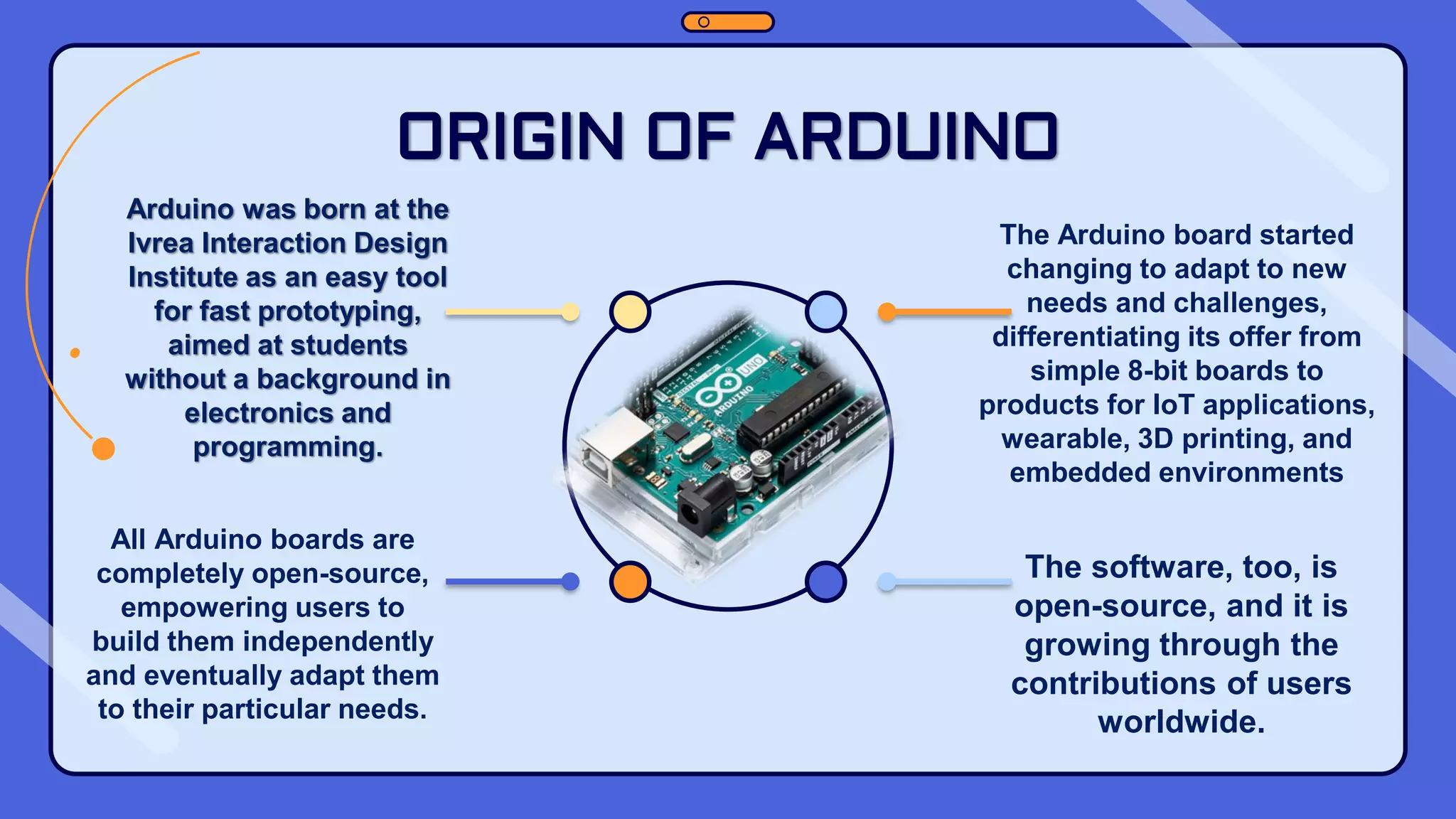
ORIGIN OF ARDUINO The Arduino board started changing to adapt to new needs and challenges, differentiating its offer from simple 8-bit boards to products for IoT applications, wearable, 3D printing, and embedded environments All Arduino boards are completely open-source, empowering users to build them independently and eventually adapt them to their particular needs. The software, too, is open-source, and it is growing through the contributions of users worldwide. Arduino was born at the Ivrea Interaction Design Institute as an easy tool for fast prototyping, aimed at students without a background in electronics and programming.
It runs on Mac, Windows, and Linux. Teachers and students use it to build low cost scientific instruments, to prove chemistry and physics principles, or to get started with programming and robotics. WHY ARDUINO? Its simple and accessible user experience, Arduino has been used in thousands of different projects and applications.
WHY ARDUINO? Arduino is a key tool to learn new things. Anyone - children, hobbyists, artists, programmers - can start tinkering just following the step by step instructions of a kit, or sharing ideas online with other members of the Arduino community. Designers and architects build interactive prototypes, musicians and artists use it for installations and to experiment with new musical instruments.
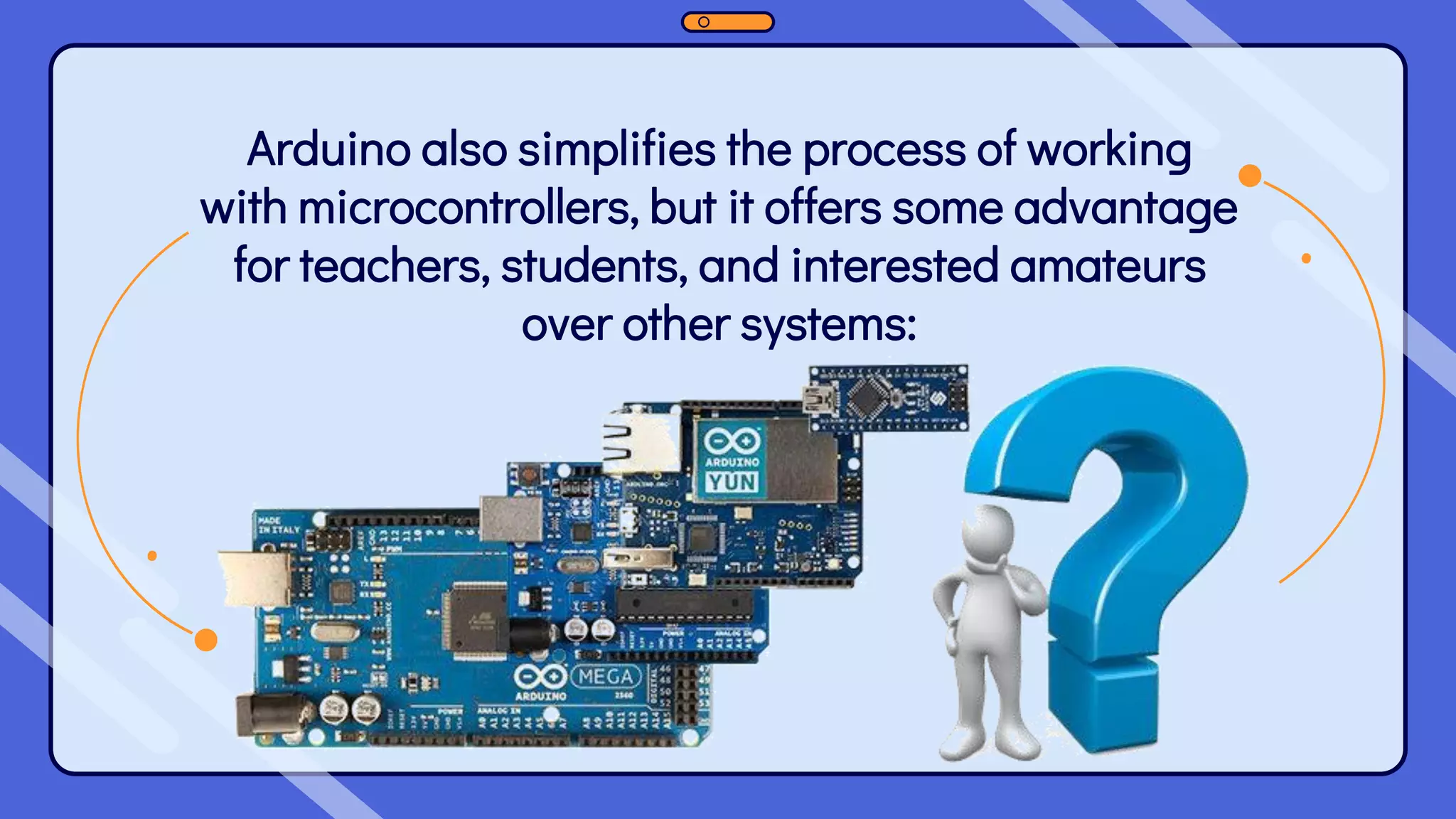
Arduino also simplifies the process of working with microcontrollers, but it offers some advantage for teachers, students, and interested amateurs over other systems:
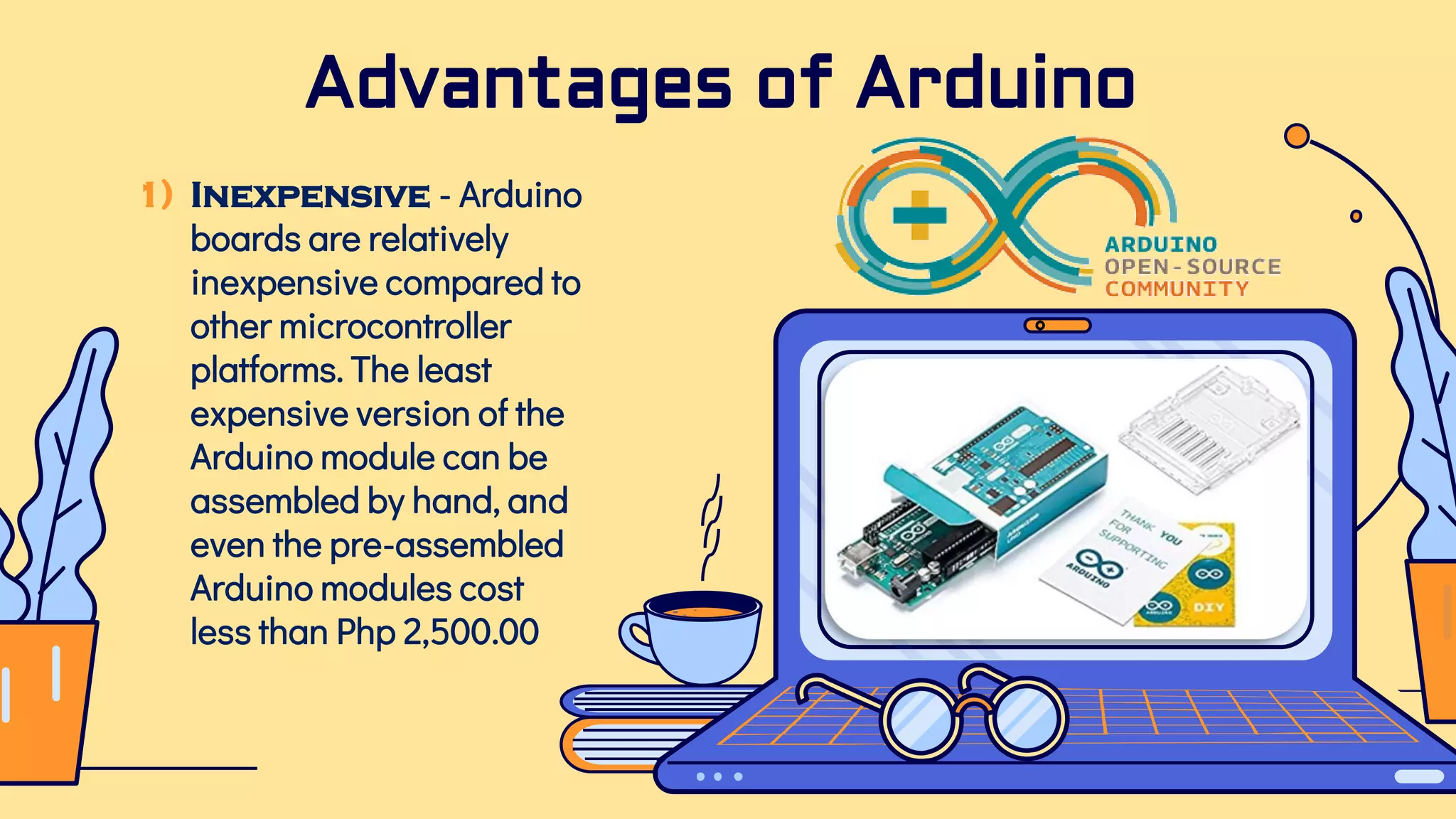
1) Inexpensive - Arduino boards are relatively inexpensive compared to other microcontroller platforms. The least expensive version of the Arduino module can be assembled by hand, and even the pre-assembled Arduino modules cost less than Php 2,500.00 Advantages of Arduino
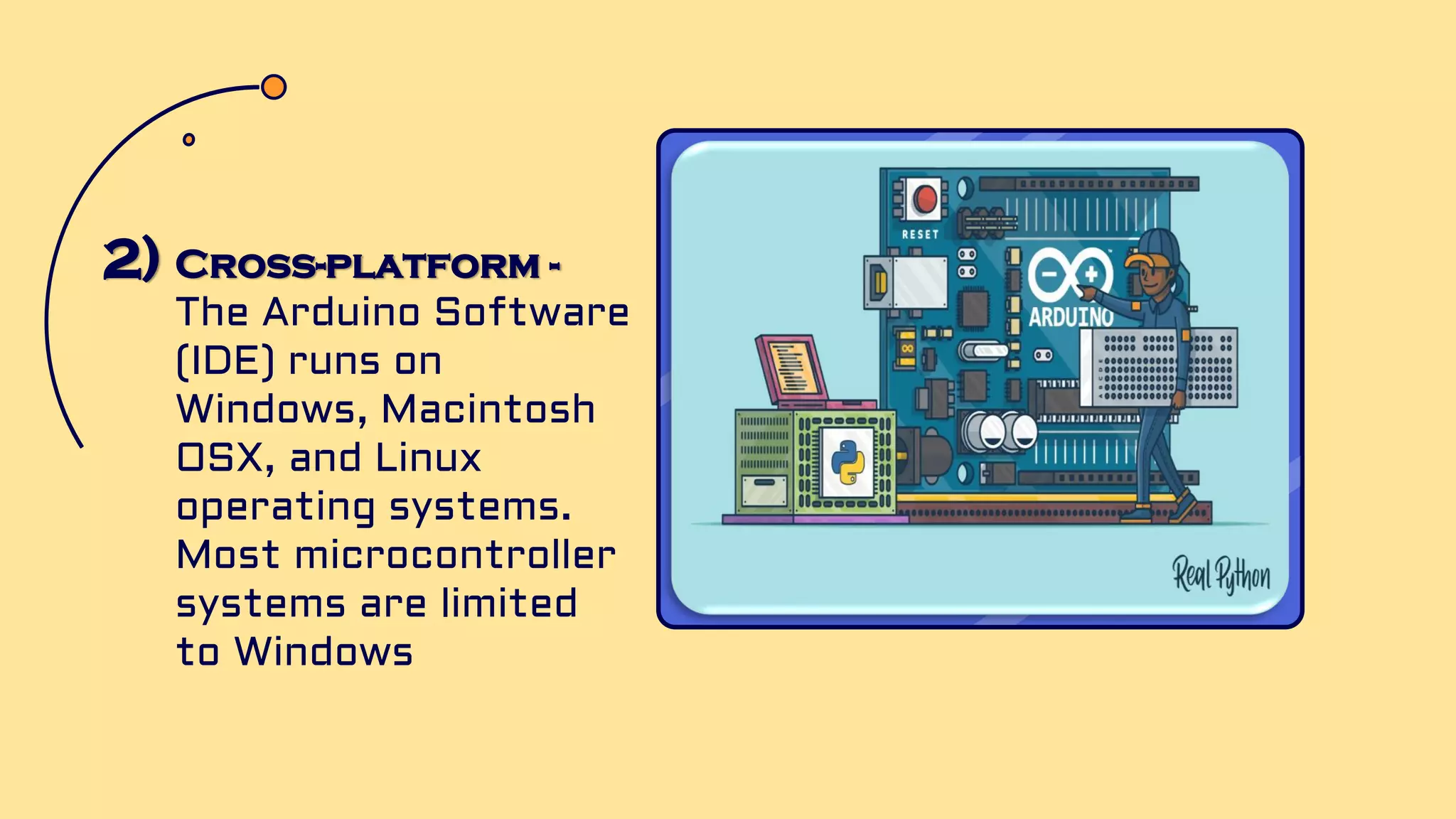
2) Cross-platform - The Arduino Software (IDE) runs on Windows, Macintosh OSX, and Linux operating systems. Most microcontroller systems are limited to Windows
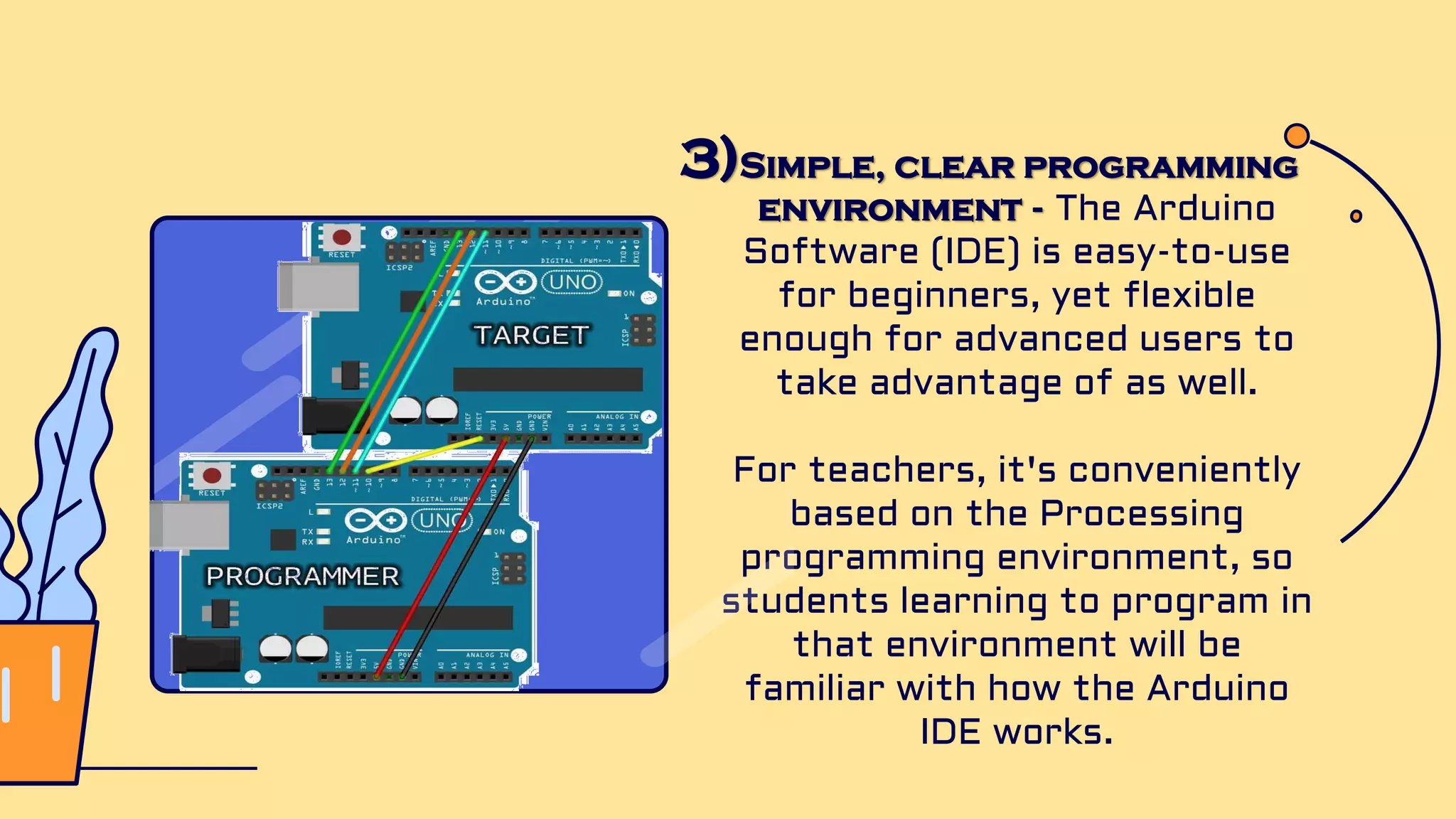
3)Simple, clear programming environment - The Arduino Software (IDE) is easy-to-use for beginners, yet flexible enough for advanced users to take advantage of as well. For teachers, it's conveniently based on the Processing programming environment, so students learning to program in that environment will be familiar with how the Arduino IDE works.
4) Open source and extensible software - The Arduino software is published as open source tools, available for extension by experienced programmers. The language can be expanded through C++ libraries, and people wanting to understand the technical details can make the leap from Arduino to the AVR C programming language on which it's based. Similarly, you can add AVR-C code directly into your Arduino programs if you want to.
5) Open source and extensible hardware - The plans of the Arduino boards are published under a Creative Commons license, so experienced circuit designers can make their own version of the module, extending it and improving it. Even relatively inexperienced users can build the breadboard version of the module in order to understand how it works and save money.
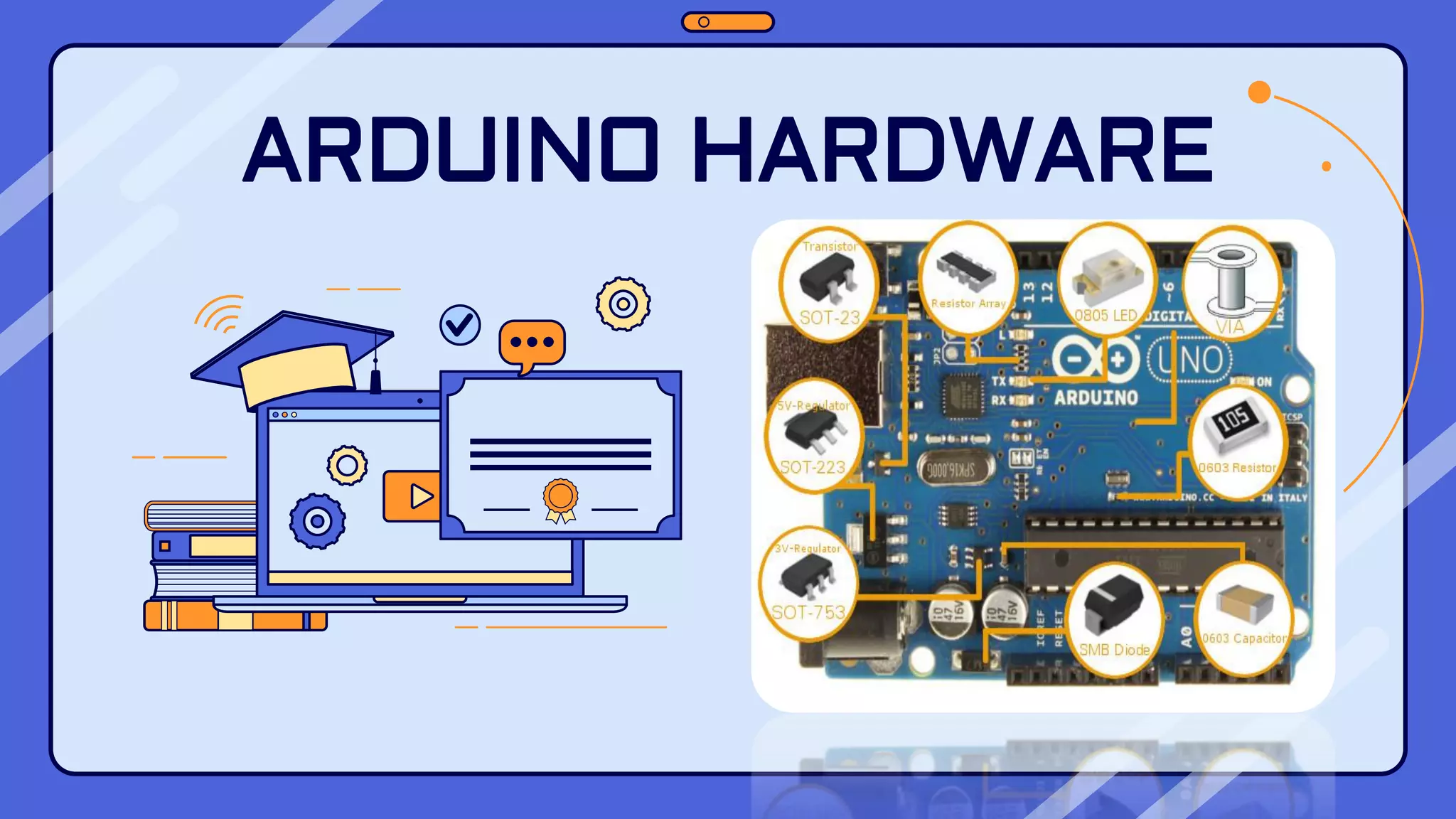
ARDUINO HARDWARE
Types of Arduino Boards ❑ Arduino is a great platform for prototyping projects and inventions but can be confusing when having to choose the right board. ❑ If you’re brand new to this, you might have always thought that there was just one “Arduino” board and that’s it. ❑ In reality, there are many variations of the official Arduino boards and then there are hundreds more from competitors who offer clones. ❑ The boards with the name Arduino on them are the official boards but there are also a lot of really great clones on the market as well. ❑ One of the best reasons to buy a clone is the fact they are generally less expensive than their official counterpart.
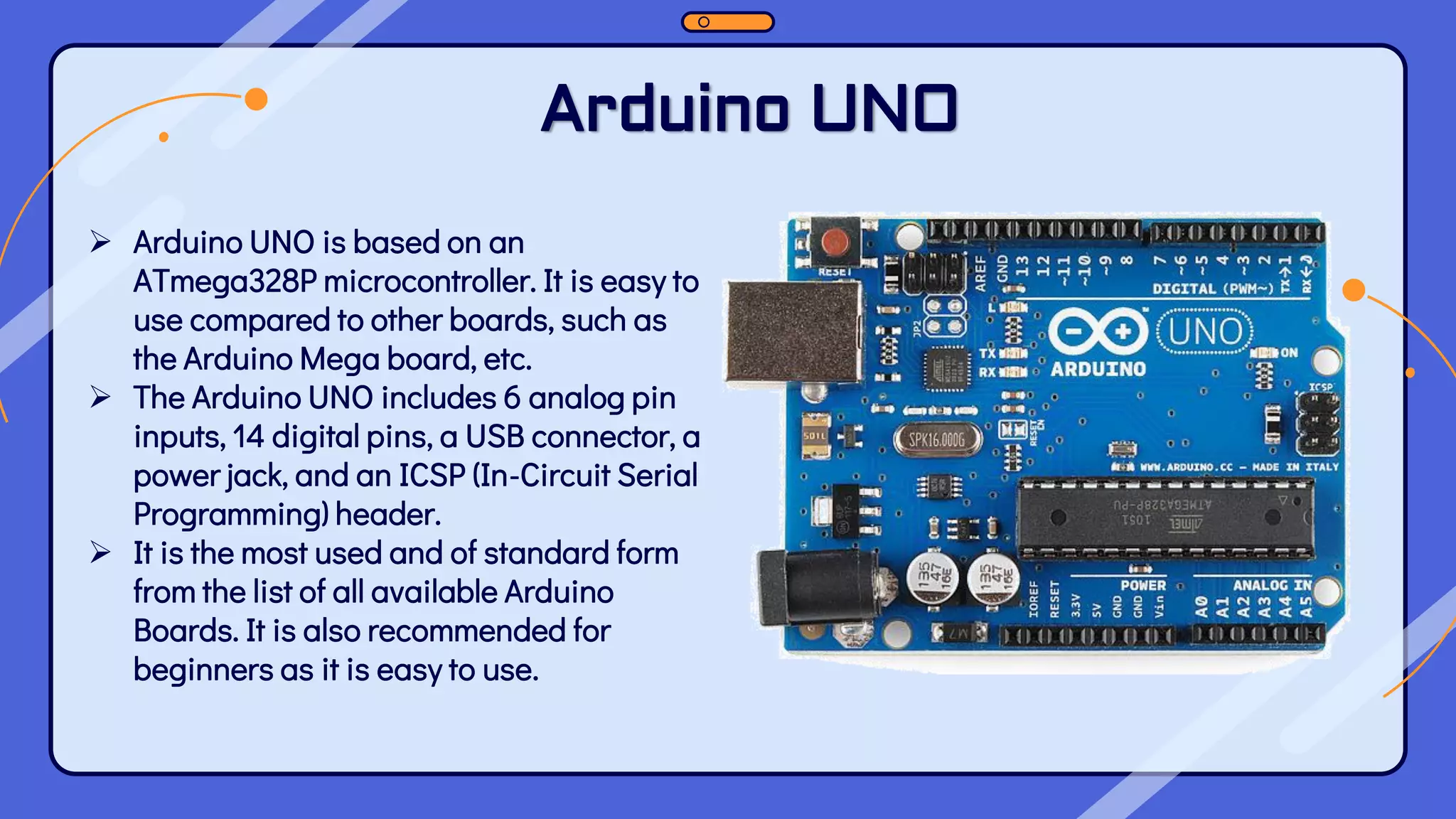
Arduino UNO ➢ Arduino UNO is based on an ATmega328P microcontroller. It is easy to use compared to other boards, such as the Arduino Mega board, etc. ➢ The Arduino UNO includes 6 analog pin inputs, 14 digital pins, a USB connector, a power jack, and an ICSP (In-Circuit Serial Programming) header. ➢ It is the most used and of standard form from the list of all available Arduino Boards. It is also recommended for beginners as it is easy to use.
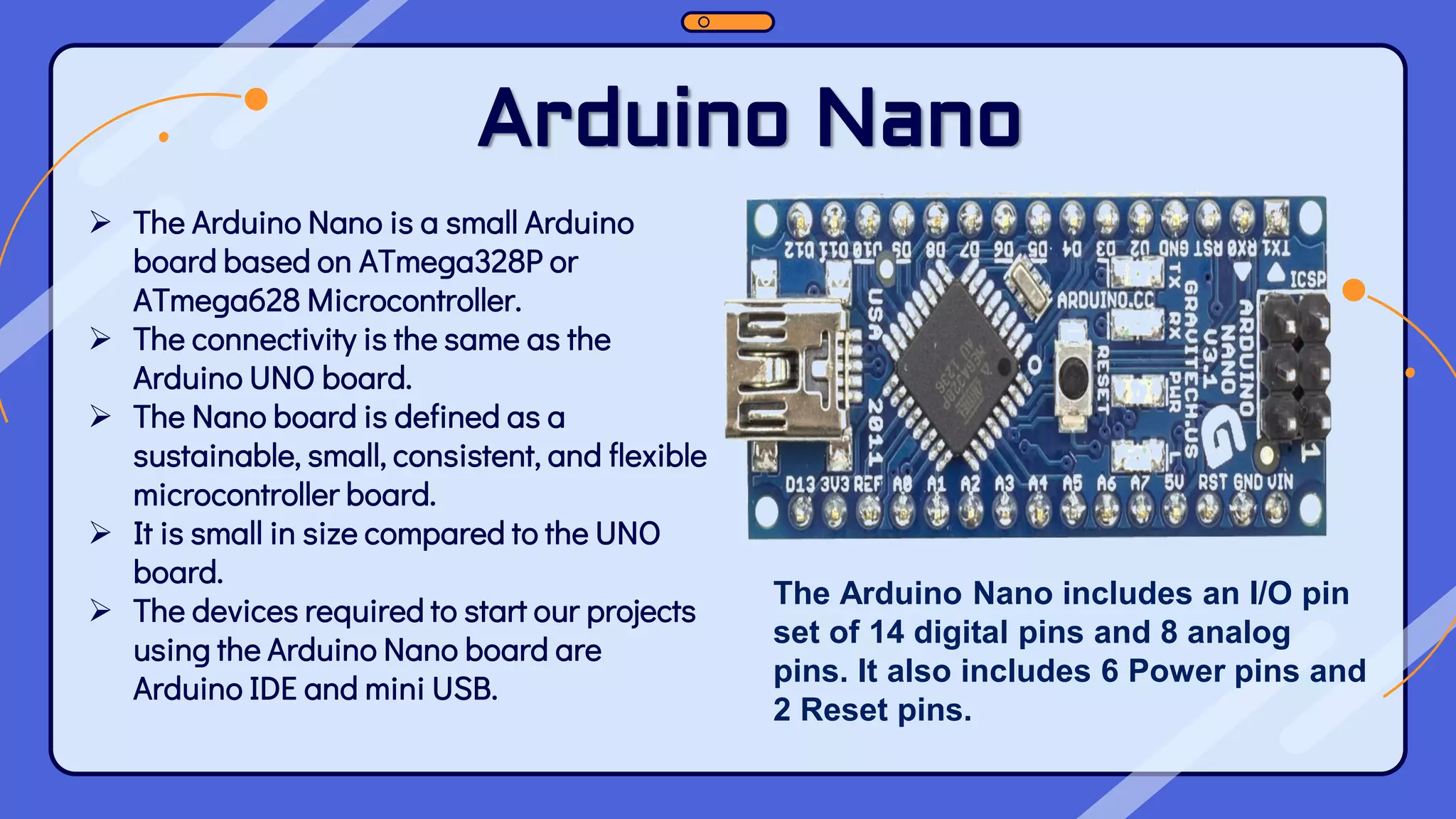
Arduino Nano ➢ The Arduino Nano is a small Arduino board based on ATmega328P or ATmega628 Microcontroller. ➢ The connectivity is the same as the Arduino UNO board. ➢ The Nano board is defined as a sustainable, small, consistent, and flexible microcontroller board. ➢ It is small in size compared to the UNO board. ➢ The devices required to start our projects using the Arduino Nano board are Arduino IDE and mini USB. The Arduino Nano includes an I/O pin set of 14 digital pins and 8 analog pins. It also includes 6 Power pins and 2 Reset pins.
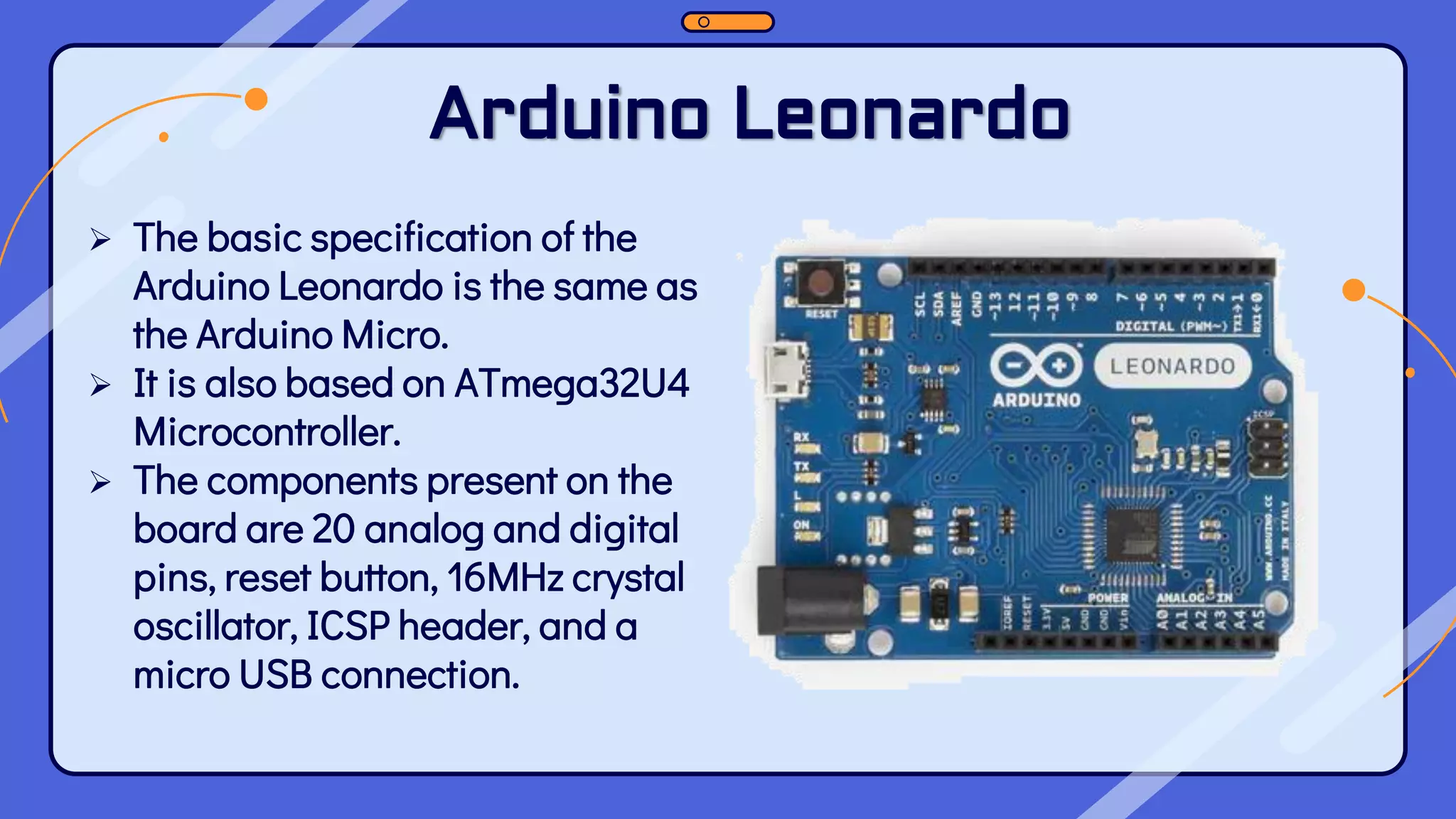
Arduino Leonardo ➢ The basic specification of the Arduino Leonardo is the same as the Arduino Micro. ➢ It is also based on ATmega32U4 Microcontroller. ➢ The components present on the board are 20 analog and digital pins, reset button, 16MHz crystal oscillator, ICSP header, and a micro USB connection.
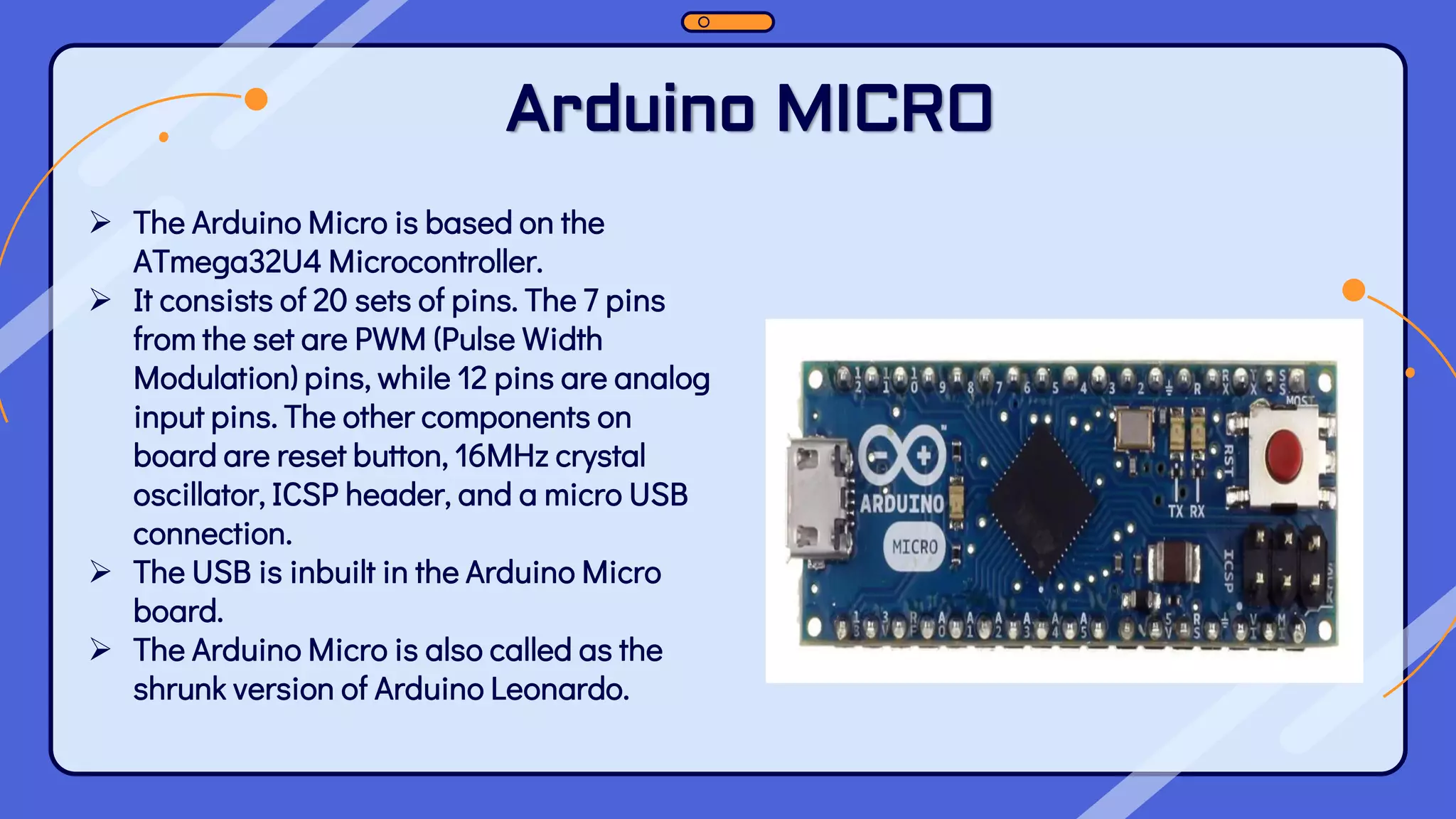
Arduino MICRO ➢ The Arduino Micro is based on the ATmega32U4 Microcontroller. ➢ It consists of 20 sets of pins. The 7 pins from the set are PWM (Pulse Width Modulation) pins, while 12 pins are analog input pins. The other components on board are reset button, 16MHz crystal oscillator, ICSP header, and a micro USB connection. ➢ The USB is inbuilt in the Arduino Micro board. ➢ The Arduino Micro is also called as the shrunk version of Arduino Leonardo.
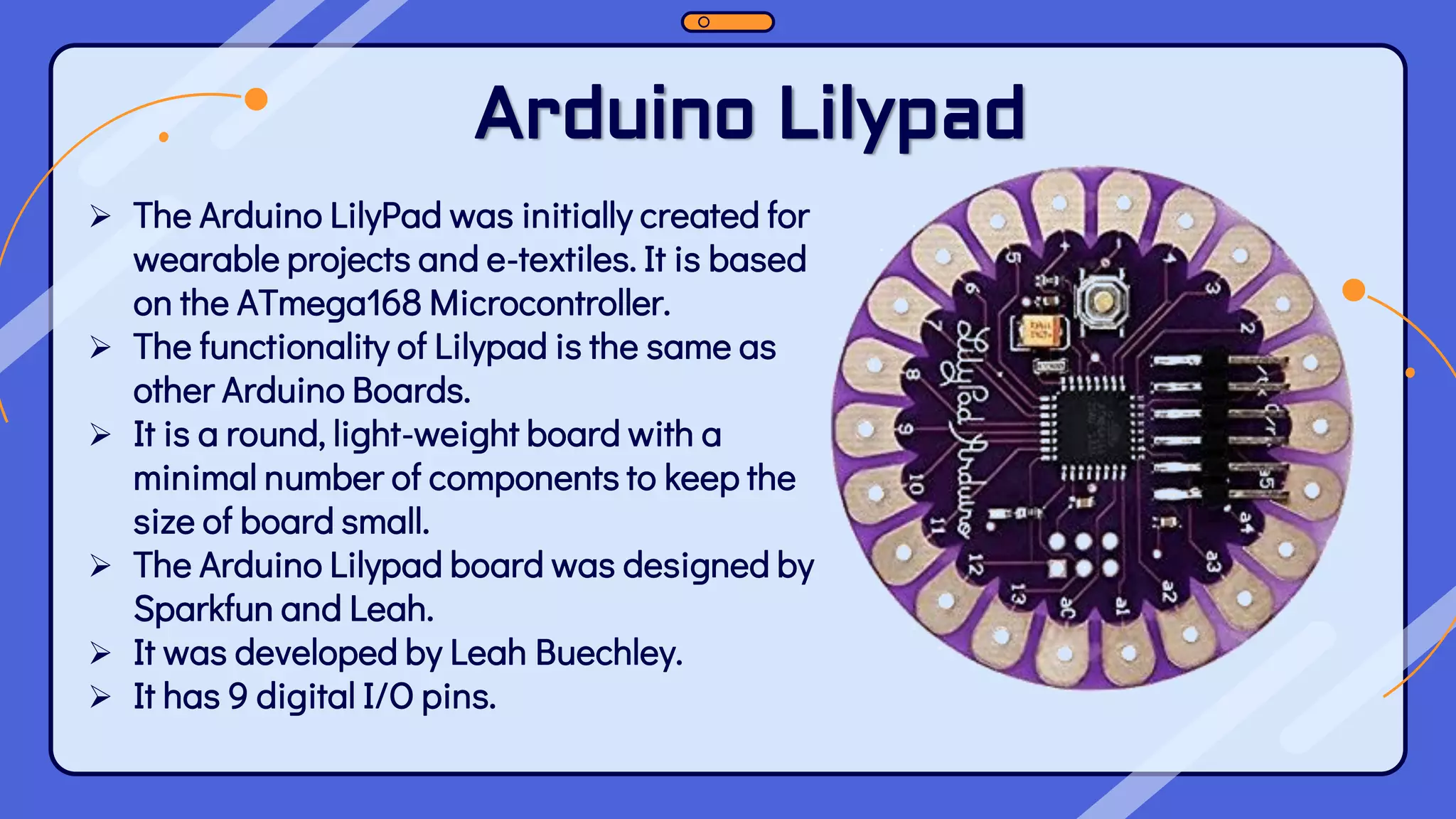
Arduino Lilypad ➢ The Arduino LilyPad was initially created for wearable projects and e-textiles. It is based on the ATmega168 Microcontroller. ➢ The functionality of Lilypad is the same as other Arduino Boards. ➢ It is a round, light-weight board with a minimal number of components to keep the size of board small. ➢ The Arduino Lilypad board was designed by Sparkfun and Leah. ➢ It was developed by Leah Buechley. ➢ It has 9 digital I/O pins.
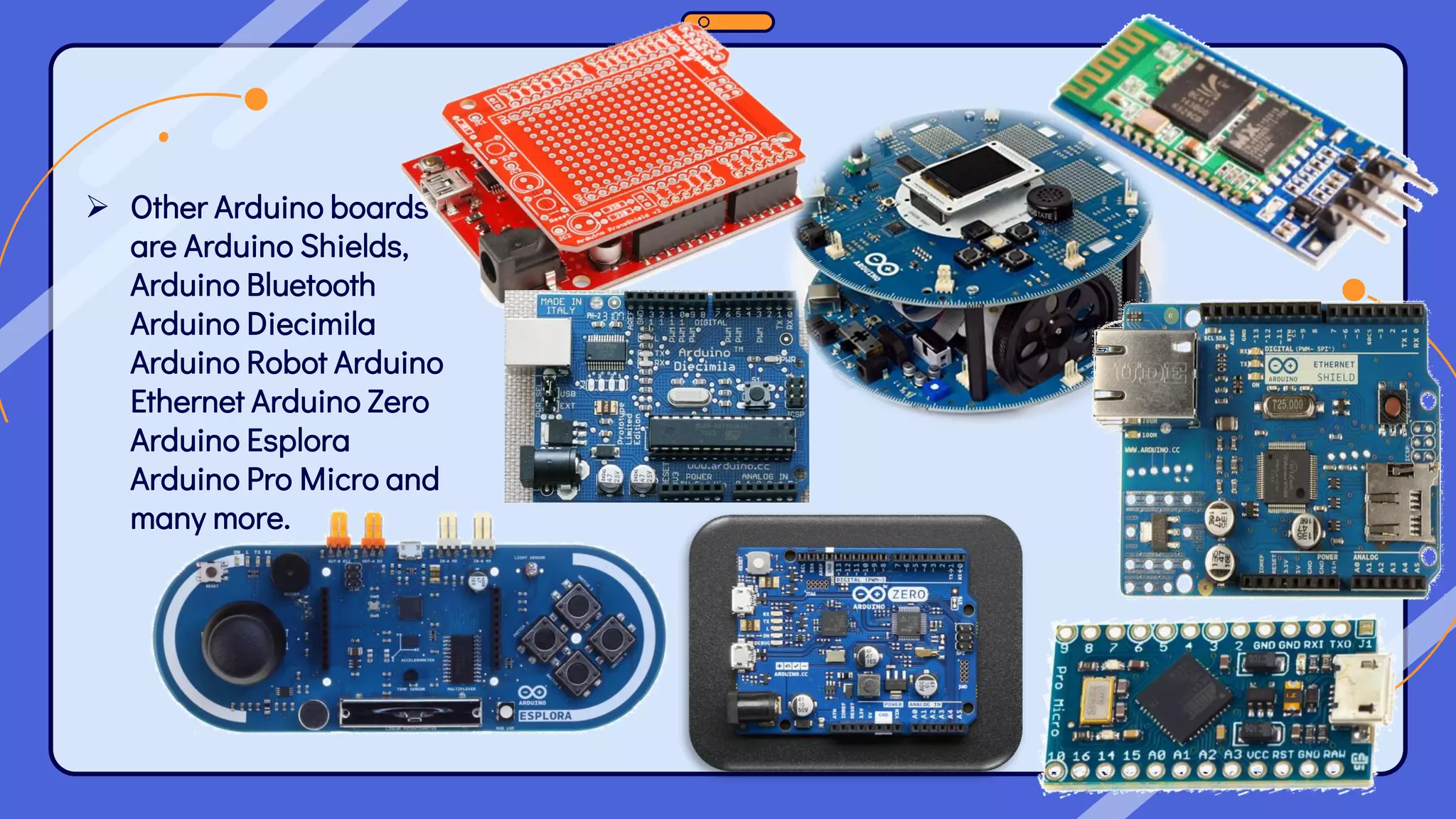
➢ Other Arduino boards are Arduino Shields, Arduino Bluetooth Arduino Diecimila Arduino Robot Arduino Ethernet Arduino Zero Arduino Esplora Arduino Pro Micro and many more.
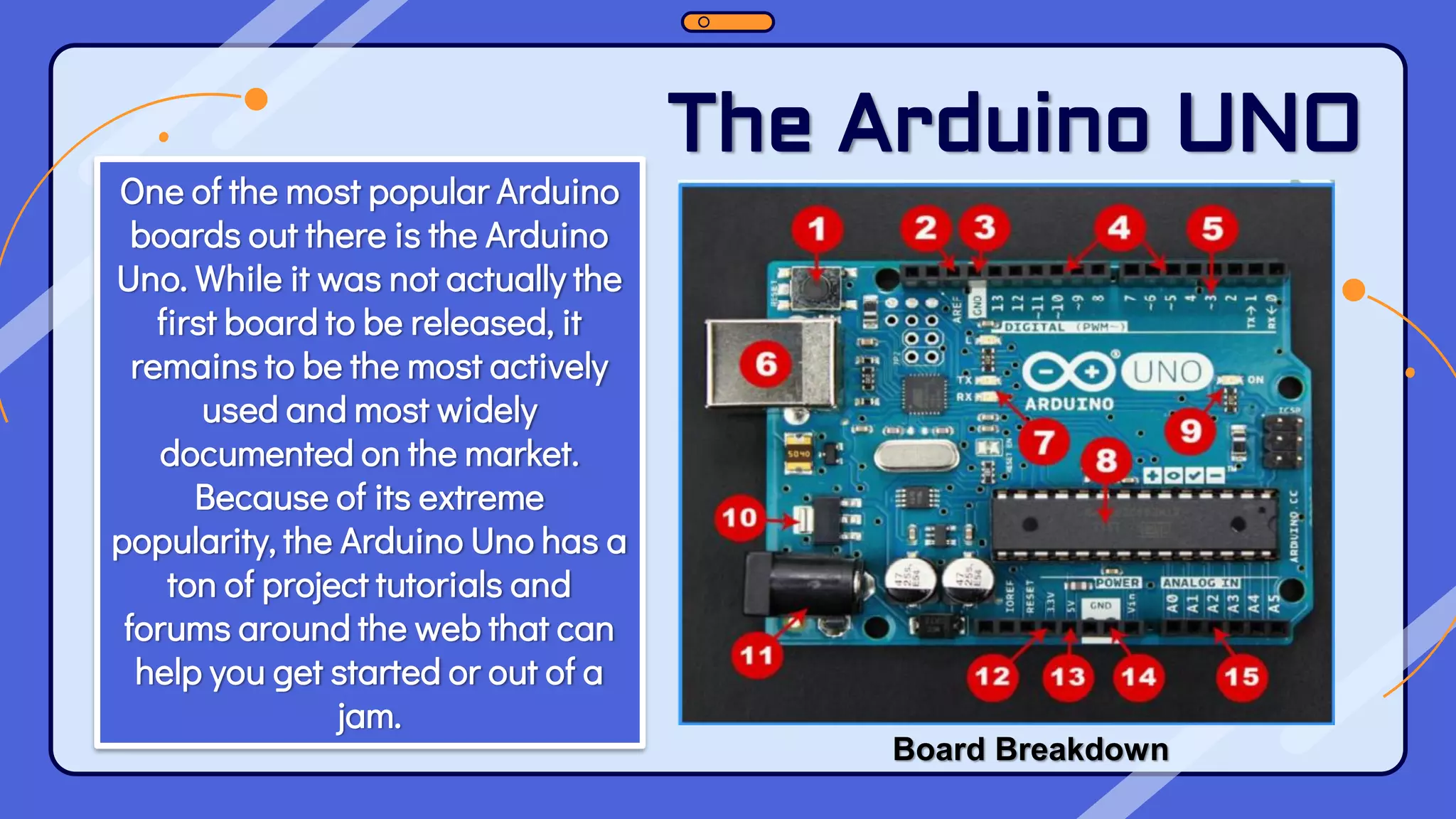
One of the most popular Arduino boards out there is the Arduino Uno. While it was not actually the first board to be released, it remains to be the most actively used and most widely documented on the market. Because of its extreme popularity, the Arduino Uno has a ton of project tutorials and forums around the web that can help you get started or out of a jam. The Arduino UNO Board Breakdown
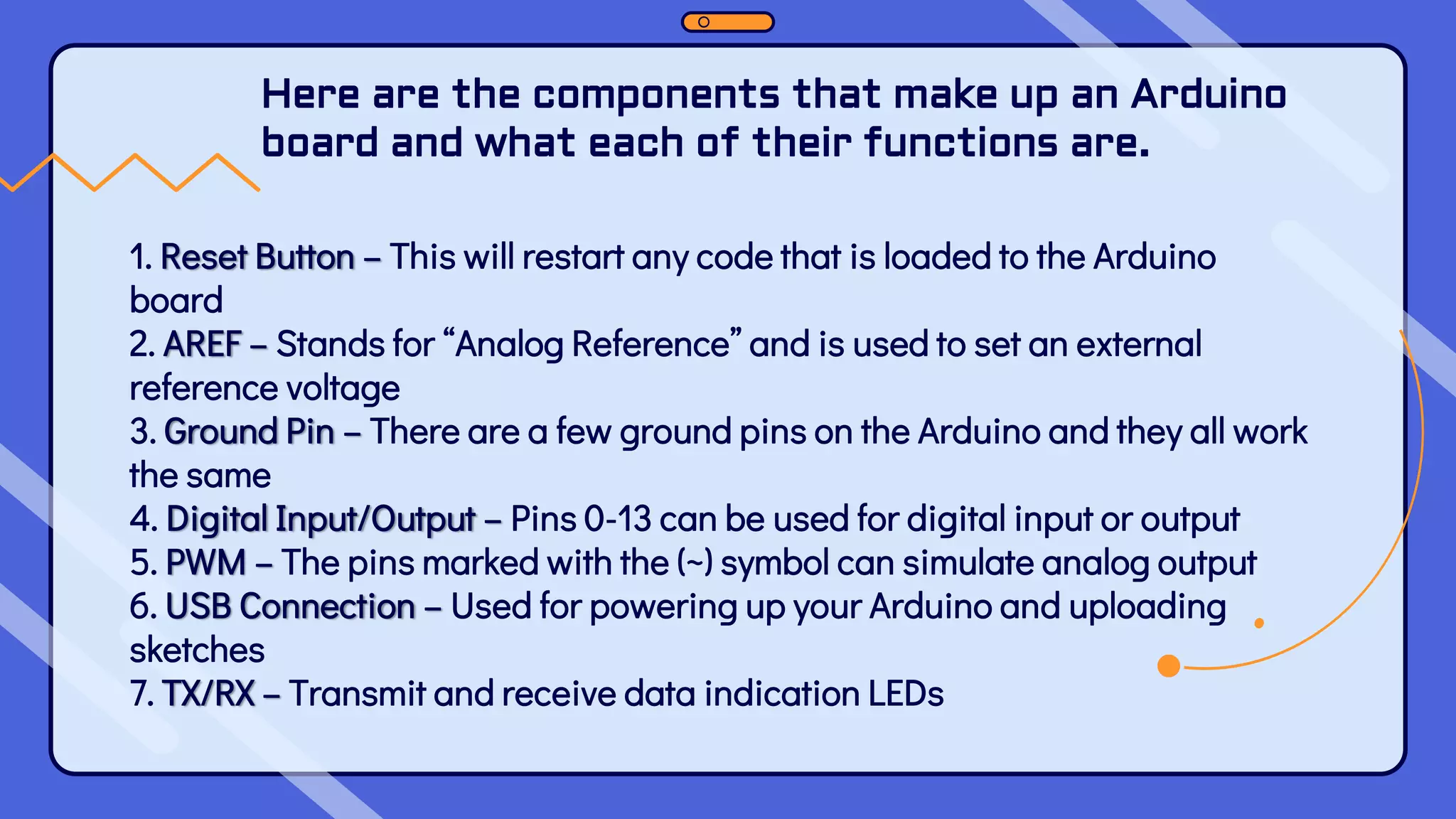
Here are the components that make up an Arduino board and what each of their functions are. 1. Reset Button – This will restart any code that is loaded to the Arduino board 2. AREF – Stands for “Analog Reference” and is used to set an external reference voltage 3. Ground Pin – There are a few ground pins on the Arduino and they all work the same 4. Digital Input/Output – Pins 0-13 can be used for digital input or output 5. PWM – The pins marked with the (~) symbol can simulate analog output 6. USB Connection – Used for powering up your Arduino and uploading sketches 7. TX/RX – Transmit and receive data indication LEDs
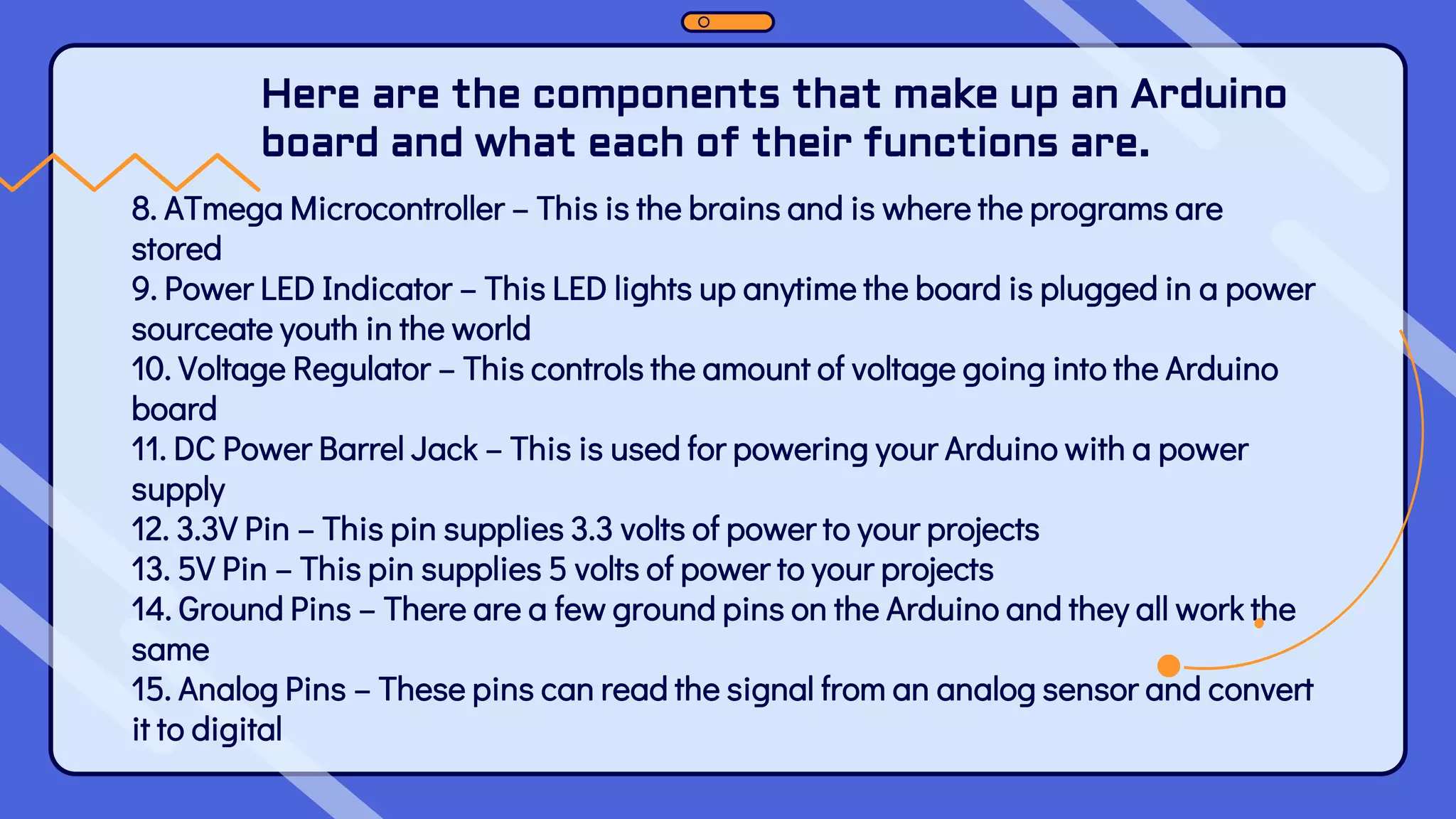
Here are the components that make up an Arduino board and what each of their functions are. 8. ATmega Microcontroller – This is the brains and is where the programs are stored 9. Power LED Indicator – This LED lights up anytime the board is plugged in a power sourceate youth in the world 10. Voltage Regulator – This controls the amount of voltage going into the Arduino board 11. DC Power Barrel Jack – This is used for powering your Arduino with a power supply 12. 3.3V Pin – This pin supplies 3.3 volts of power to your projects 13. 5V Pin – This pin supplies 5 volts of power to your projects 14. Ground Pins – There are a few ground pins on the Arduino and they all work the same 15. Analog Pins – These pins can read the signal from an analog sensor and convert it to digital
To be continued…….
A PICTURE IS A WORTH A THOUSAND WORDS

ARDUINO OVERVIEW HARDWARE SOFTWARE AND INSTALLATION.pdf

  • 1.
    Module 3 ARDUINO OVERVIEW, HARDWARE,SOFTWARE AND INSTALLATION
  • 2.
    At the endof this module students must: ❑ Know what is Arduino ❑ Identify the reasons why Arduino is commonly used ❑ Identify and understand the Hardware needed in creating Arduino projects ❑ Know how to Install Arduino IDE Learning Outcomes
  • 3.
    Lesson 6: ArduinoOverview What is Arduino?
  • 4.
    ❖ Arduino isan open-source electronics platform based on easy-to-use hardware and software. ❖ Arduino boards are able to read inputs - light on a sensor, a finger on a button, or a Twitter message - and turn it into an output - activating a motor, turning on an LED, publishing something online.
  • 5.
    ❖ You cantell your board what to do by sending a set of instructions to the microcontroller on the board. ❖ To do so you use the Arduino programming language (based on Wiring), and the Arduino Software (IDE), based on Processing.
  • 6.
    INTRODUCTION Over the yearsArduino has been the brain of thousands of projects, from everyday objects to complex scientific instruments. A worldwide community of makers - students, hobbyists, artists, programmers, and professionals - has gathered around this opensource platform, their contributions have added up to an incredible amount of accessible knowledge that can be of great help to novices and experts alike.
  • 7.
    ORIGIN OF ARDUINO TheArduino board started changing to adapt to new needs and challenges, differentiating its offer from simple 8-bit boards to products for IoT applications, wearable, 3D printing, and embedded environments All Arduino boards are completely open-source, empowering users to build them independently and eventually adapt them to their particular needs. The software, too, is open-source, and it is growing through the contributions of users worldwide. Arduino was born at the Ivrea Interaction Design Institute as an easy tool for fast prototyping, aimed at students without a background in electronics and programming.
  • 8.
    It runs onMac, Windows, and Linux. Teachers and students use it to build low cost scientific instruments, to prove chemistry and physics principles, or to get started with programming and robotics. WHY ARDUINO? Its simple and accessible user experience, Arduino has been used in thousands of different projects and applications.
  • 9.
    WHY ARDUINO? Arduino isa key tool to learn new things. Anyone - children, hobbyists, artists, programmers - can start tinkering just following the step by step instructions of a kit, or sharing ideas online with other members of the Arduino community. Designers and architects build interactive prototypes, musicians and artists use it for installations and to experiment with new musical instruments.
  • 10.
    Arduino also simplifiesthe process of working with microcontrollers, but it offers some advantage for teachers, students, and interested amateurs over other systems:
  • 11.
    1) Inexpensive -Arduino boards are relatively inexpensive compared to other microcontroller platforms. The least expensive version of the Arduino module can be assembled by hand, and even the pre-assembled Arduino modules cost less than Php 2,500.00 Advantages of Arduino
  • 12.
    2) Cross-platform - TheArduino Software (IDE) runs on Windows, Macintosh OSX, and Linux operating systems. Most microcontroller systems are limited to Windows
  • 13.
    3)Simple, clear programming environment- The Arduino Software (IDE) is easy-to-use for beginners, yet flexible enough for advanced users to take advantage of as well. For teachers, it's conveniently based on the Processing programming environment, so students learning to program in that environment will be familiar with how the Arduino IDE works.
  • 14.
    4) Open sourceand extensible software - The Arduino software is published as open source tools, available for extension by experienced programmers. The language can be expanded through C++ libraries, and people wanting to understand the technical details can make the leap from Arduino to the AVR C programming language on which it's based. Similarly, you can add AVR-C code directly into your Arduino programs if you want to.
  • 15.
    5) Open sourceand extensible hardware - The plans of the Arduino boards are published under a Creative Commons license, so experienced circuit designers can make their own version of the module, extending it and improving it. Even relatively inexperienced users can build the breadboard version of the module in order to understand how it works and save money.
  • 16.
  • 17.
    Types of ArduinoBoards ❑ Arduino is a great platform for prototyping projects and inventions but can be confusing when having to choose the right board. ❑ If you’re brand new to this, you might have always thought that there was just one “Arduino” board and that’s it. ❑ In reality, there are many variations of the official Arduino boards and then there are hundreds more from competitors who offer clones. ❑ The boards with the name Arduino on them are the official boards but there are also a lot of really great clones on the market as well. ❑ One of the best reasons to buy a clone is the fact they are generally less expensive than their official counterpart.
  • 18.
    Arduino UNO ➢ ArduinoUNO is based on an ATmega328P microcontroller. It is easy to use compared to other boards, such as the Arduino Mega board, etc. ➢ The Arduino UNO includes 6 analog pin inputs, 14 digital pins, a USB connector, a power jack, and an ICSP (In-Circuit Serial Programming) header. ➢ It is the most used and of standard form from the list of all available Arduino Boards. It is also recommended for beginners as it is easy to use.
  • 19.
    Arduino Nano ➢ TheArduino Nano is a small Arduino board based on ATmega328P or ATmega628 Microcontroller. ➢ The connectivity is the same as the Arduino UNO board. ➢ The Nano board is defined as a sustainable, small, consistent, and flexible microcontroller board. ➢ It is small in size compared to the UNO board. ➢ The devices required to start our projects using the Arduino Nano board are Arduino IDE and mini USB. The Arduino Nano includes an I/O pin set of 14 digital pins and 8 analog pins. It also includes 6 Power pins and 2 Reset pins.
  • 20.
    Arduino Leonardo ➢ Thebasic specification of the Arduino Leonardo is the same as the Arduino Micro. ➢ It is also based on ATmega32U4 Microcontroller. ➢ The components present on the board are 20 analog and digital pins, reset button, 16MHz crystal oscillator, ICSP header, and a micro USB connection.
  • 21.
    Arduino MICRO ➢ TheArduino Micro is based on the ATmega32U4 Microcontroller. ➢ It consists of 20 sets of pins. The 7 pins from the set are PWM (Pulse Width Modulation) pins, while 12 pins are analog input pins. The other components on board are reset button, 16MHz crystal oscillator, ICSP header, and a micro USB connection. ➢ The USB is inbuilt in the Arduino Micro board. ➢ The Arduino Micro is also called as the shrunk version of Arduino Leonardo.
  • 22.
    Arduino Lilypad ➢ TheArduino LilyPad was initially created for wearable projects and e-textiles. It is based on the ATmega168 Microcontroller. ➢ The functionality of Lilypad is the same as other Arduino Boards. ➢ It is a round, light-weight board with a minimal number of components to keep the size of board small. ➢ The Arduino Lilypad board was designed by Sparkfun and Leah. ➢ It was developed by Leah Buechley. ➢ It has 9 digital I/O pins.
  • 23.
    ➢ Other Arduinoboards are Arduino Shields, Arduino Bluetooth Arduino Diecimila Arduino Robot Arduino Ethernet Arduino Zero Arduino Esplora Arduino Pro Micro and many more.
  • 24.
    One of themost popular Arduino boards out there is the Arduino Uno. While it was not actually the first board to be released, it remains to be the most actively used and most widely documented on the market. Because of its extreme popularity, the Arduino Uno has a ton of project tutorials and forums around the web that can help you get started or out of a jam. The Arduino UNO Board Breakdown
  • 25.
    Here are thecomponents that make up an Arduino board and what each of their functions are. 1. Reset Button – This will restart any code that is loaded to the Arduino board 2. AREF – Stands for “Analog Reference” and is used to set an external reference voltage 3. Ground Pin – There are a few ground pins on the Arduino and they all work the same 4. Digital Input/Output – Pins 0-13 can be used for digital input or output 5. PWM – The pins marked with the (~) symbol can simulate analog output 6. USB Connection – Used for powering up your Arduino and uploading sketches 7. TX/RX – Transmit and receive data indication LEDs
  • 26.
    Here are thecomponents that make up an Arduino board and what each of their functions are. 8. ATmega Microcontroller – This is the brains and is where the programs are stored 9. Power LED Indicator – This LED lights up anytime the board is plugged in a power sourceate youth in the world 10. Voltage Regulator – This controls the amount of voltage going into the Arduino board 11. DC Power Barrel Jack – This is used for powering your Arduino with a power supply 12. 3.3V Pin – This pin supplies 3.3 volts of power to your projects 13. 5V Pin – This pin supplies 5 volts of power to your projects 14. Ground Pins – There are a few ground pins on the Arduino and they all work the same 15. Analog Pins – These pins can read the signal from an analog sensor and convert it to digital
  • 27.
  • 28.
    A PICTURE ISA WORTH A THOUSAND WORDS