using System; using System.Collections.Generic; using System.Linq; using System.Text; using System.IO; namespace ConsoleApplication1 { class Program { static void Main(string[] args) { Console.WriteLine("Please enter a name for the new directory:"); string DirName = Console.ReadLine(); // Checking if string is empty or not if (DirName != String.Empty) { // Creating the Directory Directory.CreateDirectory("D:"+DirName); // Checking Directory is created // Successfully or not if (Directory.Exists(DirName)) { Console.WriteLine("The directory was created!"); Console.ReadKey(); } } } } } using System; using System.Collections.Generic; using System.Linq; using System.Text; using System.IO; namespace ConsoleApplication1 { class Program { static void Main(string[] args) { Console.WriteLine("Enter the directory name you want to delete:"); string DirName = Console.ReadLine(); if (Directory.Exists("D://"+DirName)) { Directory.Delete("D://"+DirName); if(Directory.Exists("D://"+DirName) == false) { Console.WriteLine("Directory deleted successfully..."); } } else { Console.WriteLine("Directory {0} does not exist!", DirName); Console.ReadLine(); } } } }
C# - Stream C# includes following standard IO (Input/Output) classes to read/write from different sources like files, memory, network, isolated storage, etc. Stream: System.IO.Stream is an abstract class that provides standard methods to transfer bytes (read, write, etc.) to the source. It is like a wrapper class to transfer bytes. Classes that need to read/write bytes from a particular source must implement the Stream class. StreamReader: StreamReader is a helper class for reading characters from a Stream by converting bytes into characters using an encoded value. It can be used to read strings (characters) from different Streams like FileStream, MemoryStream, etc. StreamWriter: StreamWriter is a helper class for writing a string to a Stream by converting characters into bytes. It can be used to write strings to different Streams such as FileStream, MemoryStream, etc. using System; using System.Collections.Generic; using System.Linq; using System.Text; using System.IO; namespace ConsoleApplication1 { class Program { static void Main(string[] args) { //Create object of FileInfo for specified path FileInfo fi = new FileInfo(@"D:skcollegeDummyFile.txt"); //Open file for ReadWrite FileStream fs = fi.Open(FileMode.OpenOrCreate,FileAccess.Write, FileShare.Write); //Create StreamWriter object to write string to FileSream StreamWriter sw = new StreamWriter(fs); sw.WriteLine("line 1 from streamwriter"); sw.WriteLine("line 2 line from streamwriter"); sw.Close(); } } } >>>>>>>>>>>>>>>>>>>>>>>>>>>>>>>>>>>>>>>>>>>>>>>>>>>>>>>>>>>>>>>>>> using System; using System.Collections.Generic; using System.Linq; using System.Text; using System.IO; namespace ConsoleApplication1 { class Program { static void Main(string[] args) { FileInfo fi = new FileInfo(@"D:skcollegeDummyFile.txt"); FileStream fs = fi.Open(FileMode.Open, FileAccess.Read, FileShare.Read);
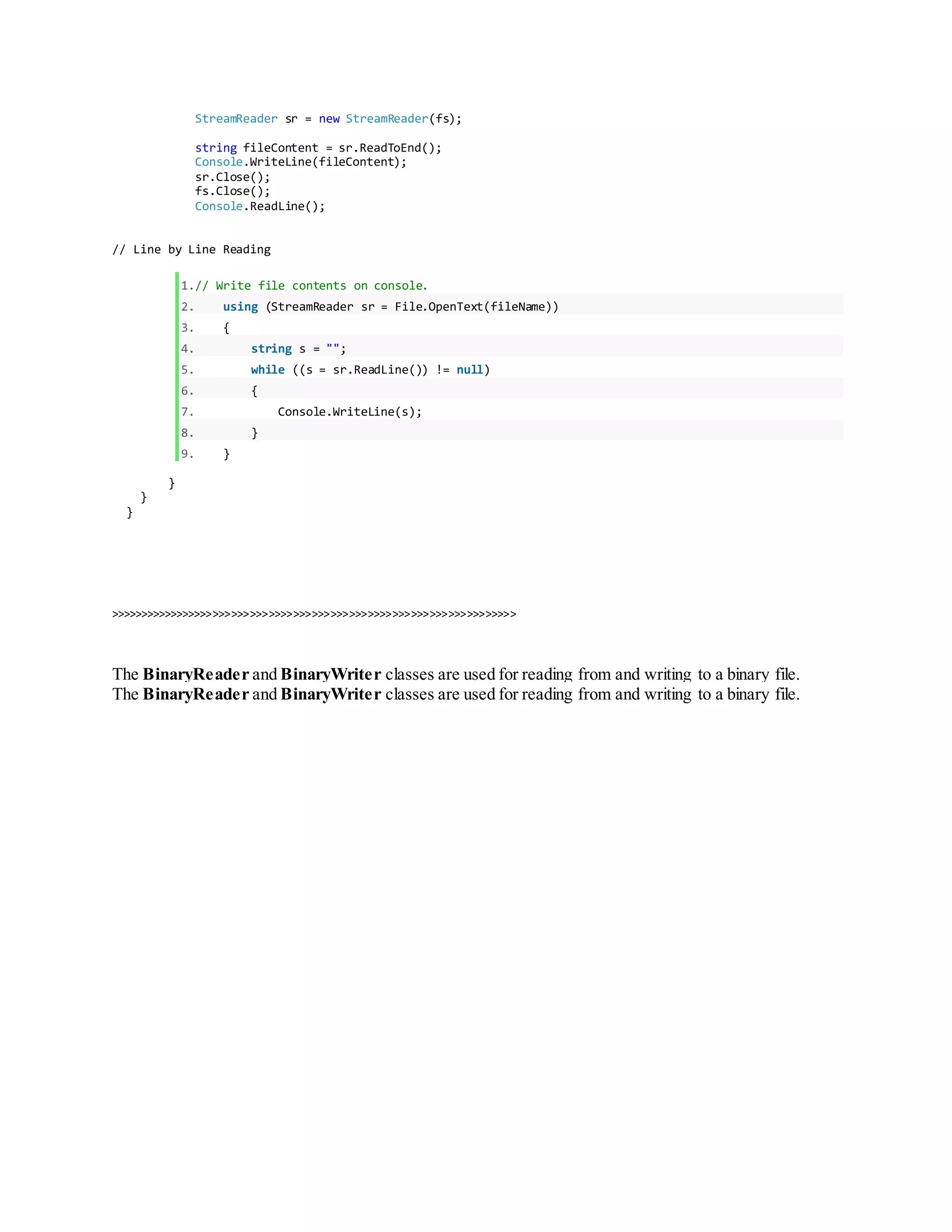
StreamReader sr = new StreamReader(fs); string fileContent = sr.ReadToEnd(); Console.WriteLine(fileContent); sr.Close(); fs.Close(); Console.ReadLine(); // Line by Line Reading 1.// Write file contents on console. 2. using (StreamReader sr = File.OpenText(fileName)) 3. { 4. string s = ""; 5. while ((s = sr.ReadLine()) != null) 6. { 7. Console.WriteLine(s); 8. } 9. } } } } >>>>>>>>>>>>>>>>>>>>>>>>>>>>>>>>>>>>>>>>>>>>>>>>>>>>>>>>>>>>>>>>>> The BinaryReader and BinaryWriter classes are used for reading from and writing to a binary file. The BinaryReader and BinaryWriter classes are used for reading from and writing to a binary file.

using System.docx

  • 1.
    using System; using System.Collections.Generic; usingSystem.Linq; using System.Text; using System.IO; namespace ConsoleApplication1 { class Program { static void Main(string[] args) { Console.WriteLine("Please enter a name for the new directory:"); string DirName = Console.ReadLine(); // Checking if string is empty or not if (DirName != String.Empty) { // Creating the Directory Directory.CreateDirectory("D:"+DirName); // Checking Directory is created // Successfully or not if (Directory.Exists(DirName)) { Console.WriteLine("The directory was created!"); Console.ReadKey(); } } } } } using System; using System.Collections.Generic; using System.Linq; using System.Text; using System.IO; namespace ConsoleApplication1 { class Program { static void Main(string[] args) { Console.WriteLine("Enter the directory name you want to delete:"); string DirName = Console.ReadLine(); if (Directory.Exists("D://"+DirName)) { Directory.Delete("D://"+DirName); if(Directory.Exists("D://"+DirName) == false) { Console.WriteLine("Directory deleted successfully..."); } } else { Console.WriteLine("Directory {0} does not exist!", DirName); Console.ReadLine(); } } } }
  • 2.
    C# - Stream C#includes following standard IO (Input/Output) classes to read/write from different sources like files, memory, network, isolated storage, etc. Stream: System.IO.Stream is an abstract class that provides standard methods to transfer bytes (read, write, etc.) to the source. It is like a wrapper class to transfer bytes. Classes that need to read/write bytes from a particular source must implement the Stream class. StreamReader: StreamReader is a helper class for reading characters from a Stream by converting bytes into characters using an encoded value. It can be used to read strings (characters) from different Streams like FileStream, MemoryStream, etc. StreamWriter: StreamWriter is a helper class for writing a string to a Stream by converting characters into bytes. It can be used to write strings to different Streams such as FileStream, MemoryStream, etc. using System; using System.Collections.Generic; using System.Linq; using System.Text; using System.IO; namespace ConsoleApplication1 { class Program { static void Main(string[] args) { //Create object of FileInfo for specified path FileInfo fi = new FileInfo(@"D:skcollegeDummyFile.txt"); //Open file for ReadWrite FileStream fs = fi.Open(FileMode.OpenOrCreate,FileAccess.Write, FileShare.Write); //Create StreamWriter object to write string to FileSream StreamWriter sw = new StreamWriter(fs); sw.WriteLine("line 1 from streamwriter"); sw.WriteLine("line 2 line from streamwriter"); sw.Close(); } } } >>>>>>>>>>>>>>>>>>>>>>>>>>>>>>>>>>>>>>>>>>>>>>>>>>>>>>>>>>>>>>>>>> using System; using System.Collections.Generic; using System.Linq; using System.Text; using System.IO; namespace ConsoleApplication1 { class Program { static void Main(string[] args) { FileInfo fi = new FileInfo(@"D:skcollegeDummyFile.txt"); FileStream fs = fi.Open(FileMode.Open, FileAccess.Read, FileShare.Read);
  • 3.
    StreamReader sr =new StreamReader(fs); string fileContent = sr.ReadToEnd(); Console.WriteLine(fileContent); sr.Close(); fs.Close(); Console.ReadLine(); // Line by Line Reading 1.// Write file contents on console. 2. using (StreamReader sr = File.OpenText(fileName)) 3. { 4. string s = ""; 5. while ((s = sr.ReadLine()) != null) 6. { 7. Console.WriteLine(s); 8. } 9. } } } } >>>>>>>>>>>>>>>>>>>>>>>>>>>>>>>>>>>>>>>>>>>>>>>>>>>>>>>>>>>>>>>>>> The BinaryReader and BinaryWriter classes are used for reading from and writing to a binary file. The BinaryReader and BinaryWriter classes are used for reading from and writing to a binary file.