Murach’s C# 2010, C21 © 2010, Mike Murach & Associates, Inc.Slide 1 Chapter 21 How to work with files and data streams
Murach’s C# 2010, C21 © 2010, Mike Murach & Associates, Inc.Slide 2 Objectives Applied 1. Develop an application that requires the use of text or binary files. Knowledge 1. Distinguish between a text file and a binary file. 2. Describe the use of FileStream, StreamReader, StreamWriter, BinaryReader, and BinaryWriter objects. 3. Describe two common types of I/O exceptions.
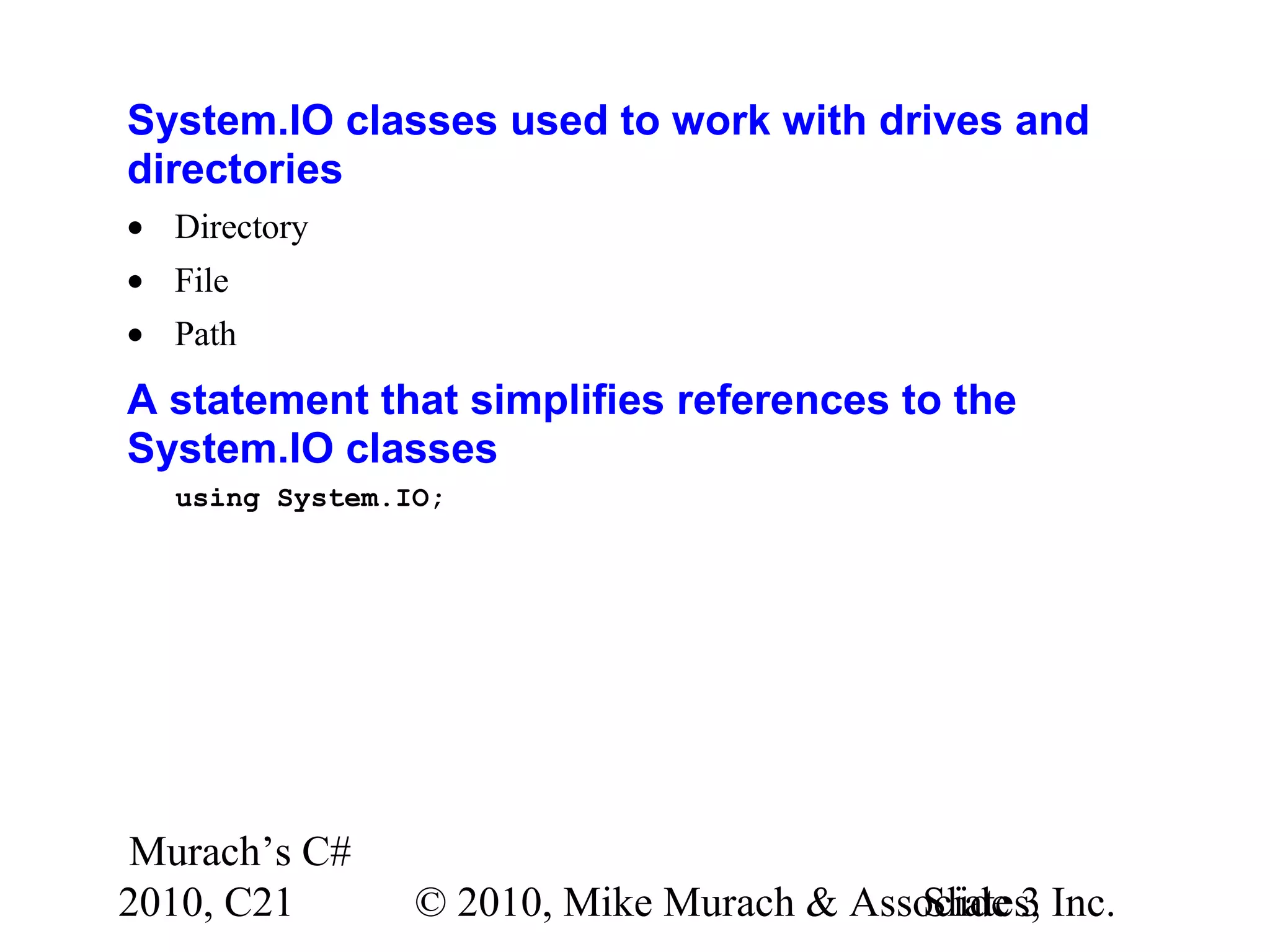
Murach’s C# 2010, C21 © 2010, Mike Murach & Associates, Inc.Slide 3 System.IO classes used to work with drives and directories • Directory • File • Path A statement that simplifies references to the System.IO classes using System.IO;
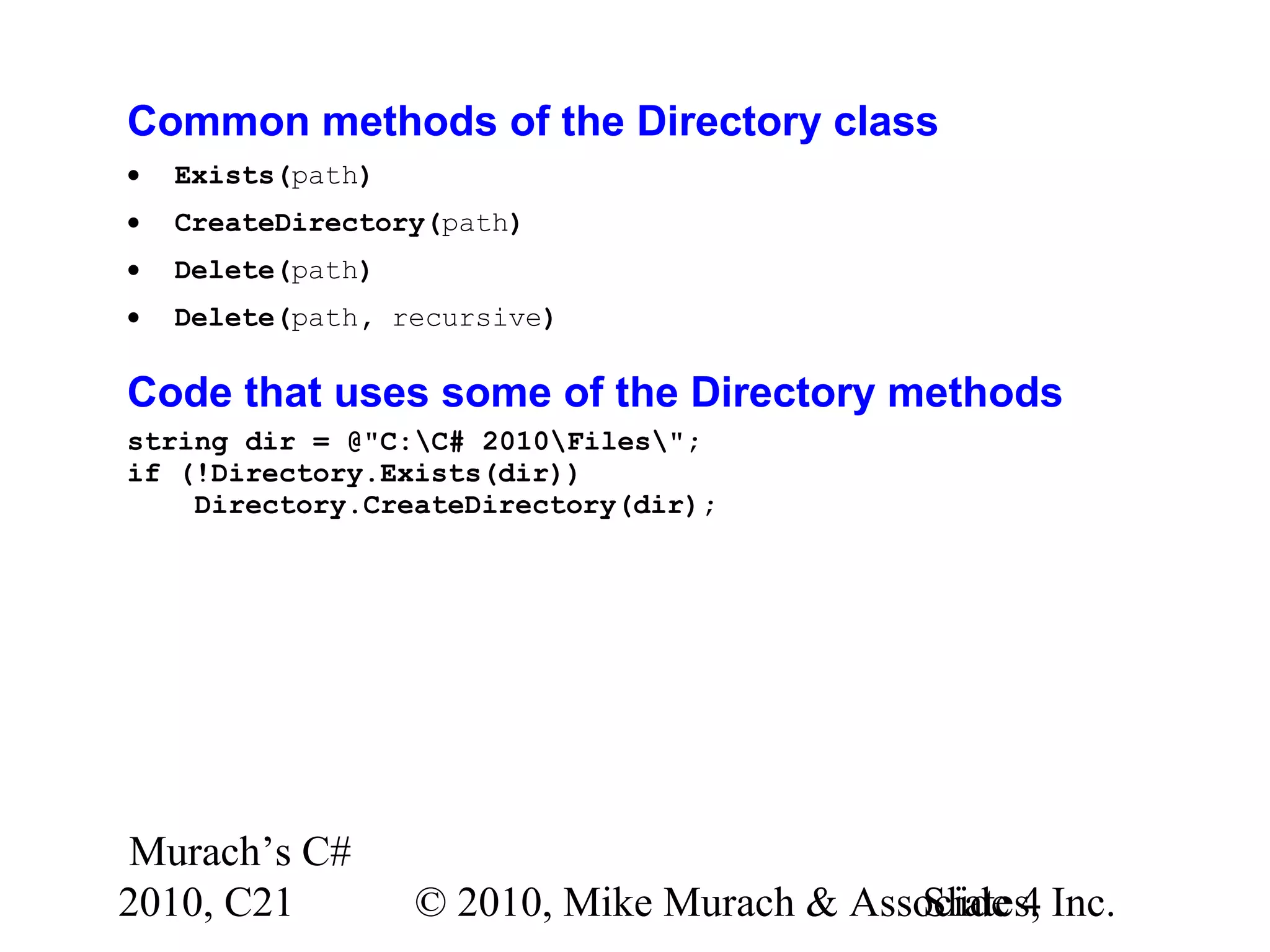
Murach’s C# 2010, C21 © 2010, Mike Murach & Associates, Inc.Slide 4 Common methods of the Directory class • Exists(path) • CreateDirectory(path) • Delete(path) • Delete(path, recursive) Code that uses some of the Directory methods string dir = @"C:C# 2010Files"; if (!Directory.Exists(dir)) Directory.CreateDirectory(dir);
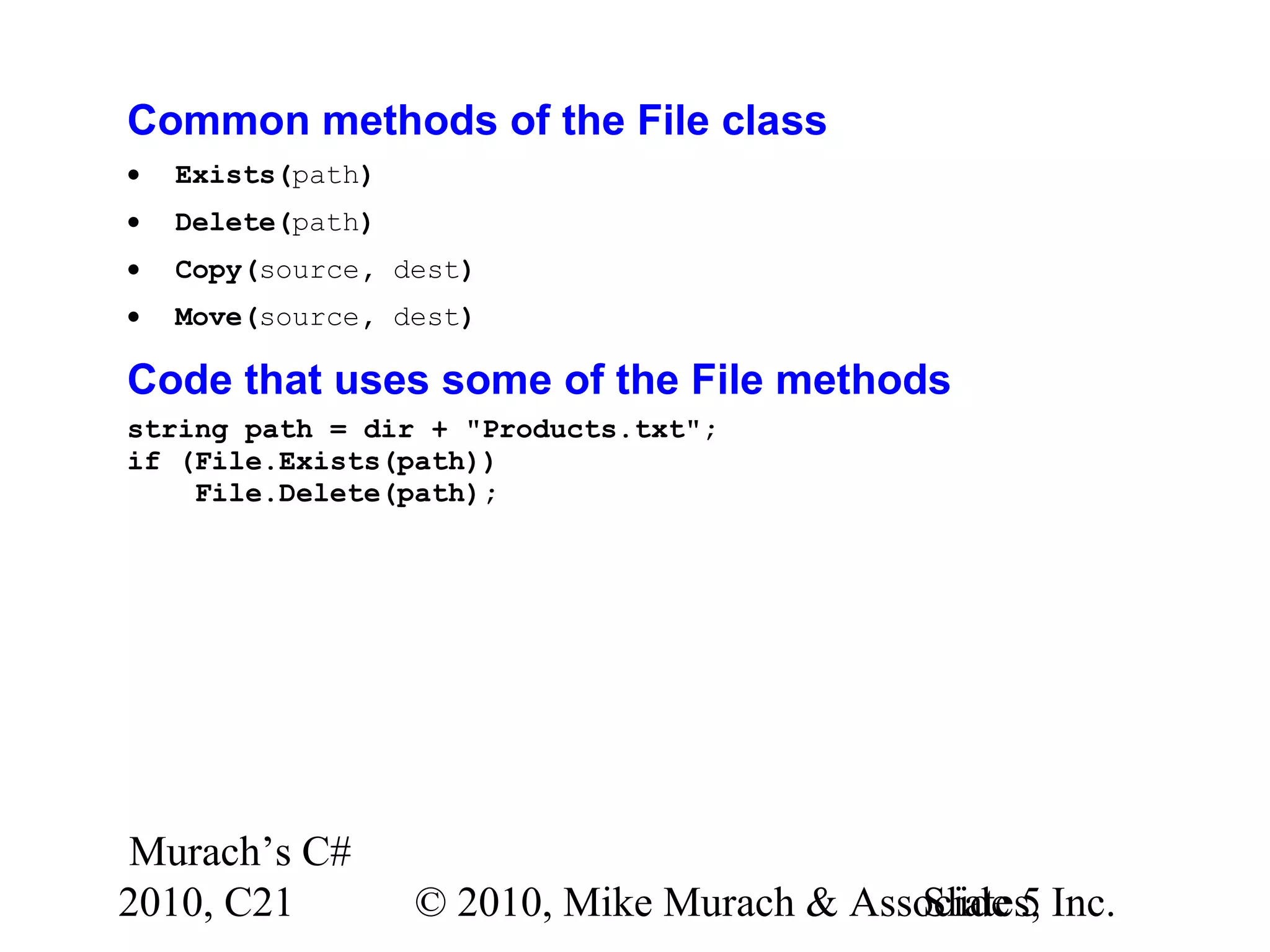
Murach’s C# 2010, C21 © 2010, Mike Murach & Associates, Inc.Slide 5 Common methods of the File class • Exists(path) • Delete(path) • Copy(source, dest) • Move(source, dest) Code that uses some of the File methods string path = dir + "Products.txt"; if (File.Exists(path)) File.Delete(path);
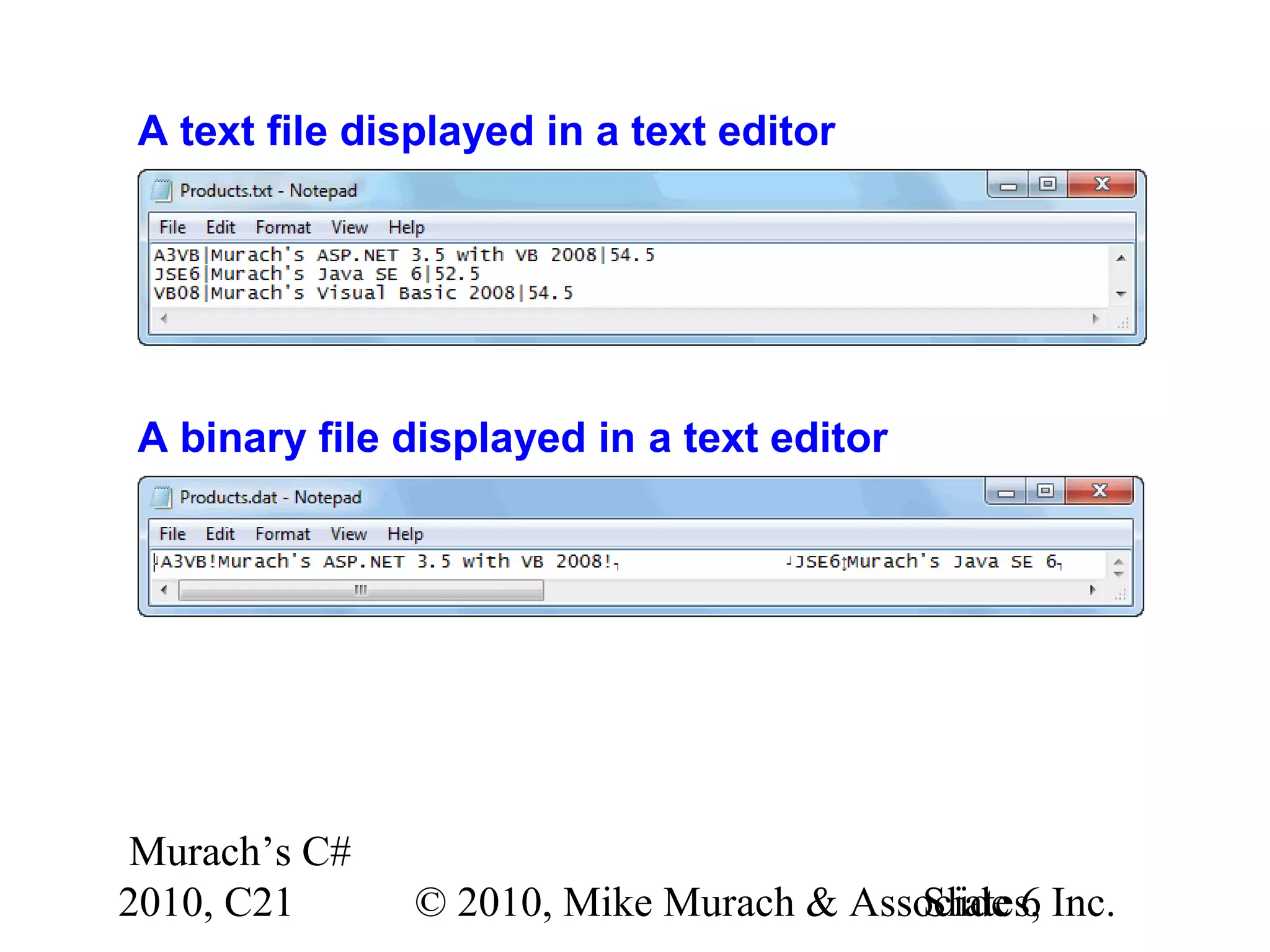
Murach’s C# 2010, C21 © 2010, Mike Murach & Associates, Inc.Slide 6 A text file displayed in a text editor A binary file displayed in a text editor
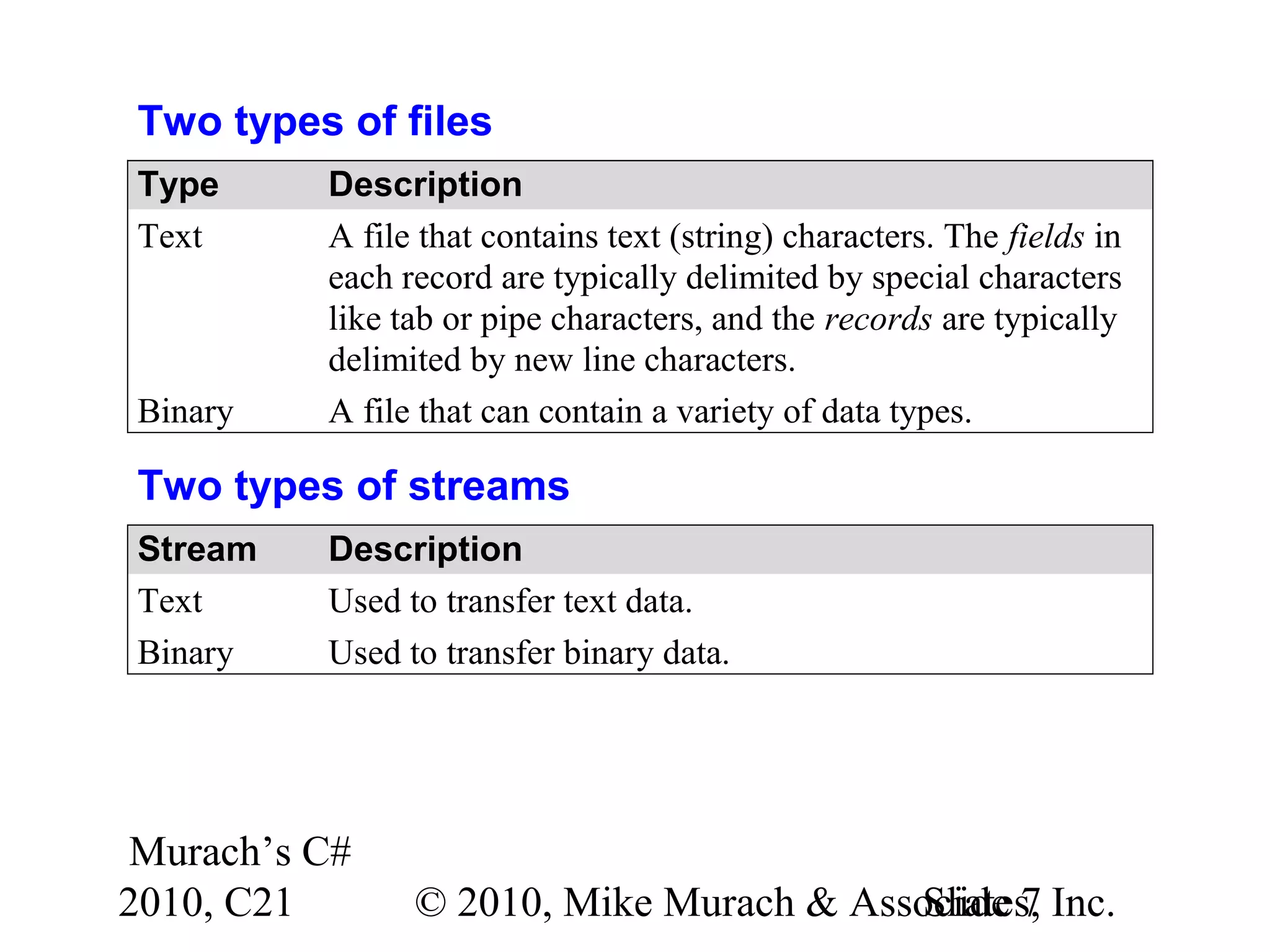
Murach’s C# 2010, C21 © 2010, Mike Murach & Associates, Inc.Slide 7 Two types of files Type Description Text A file that contains text (string) characters. The fields in each record are typically delimited by special characters like tab or pipe characters, and the records are typically delimited by new line characters. Binary A file that can contain a variety of data types. Two types of streams Stream Description Text Used to transfer text data. Binary Used to transfer binary data.
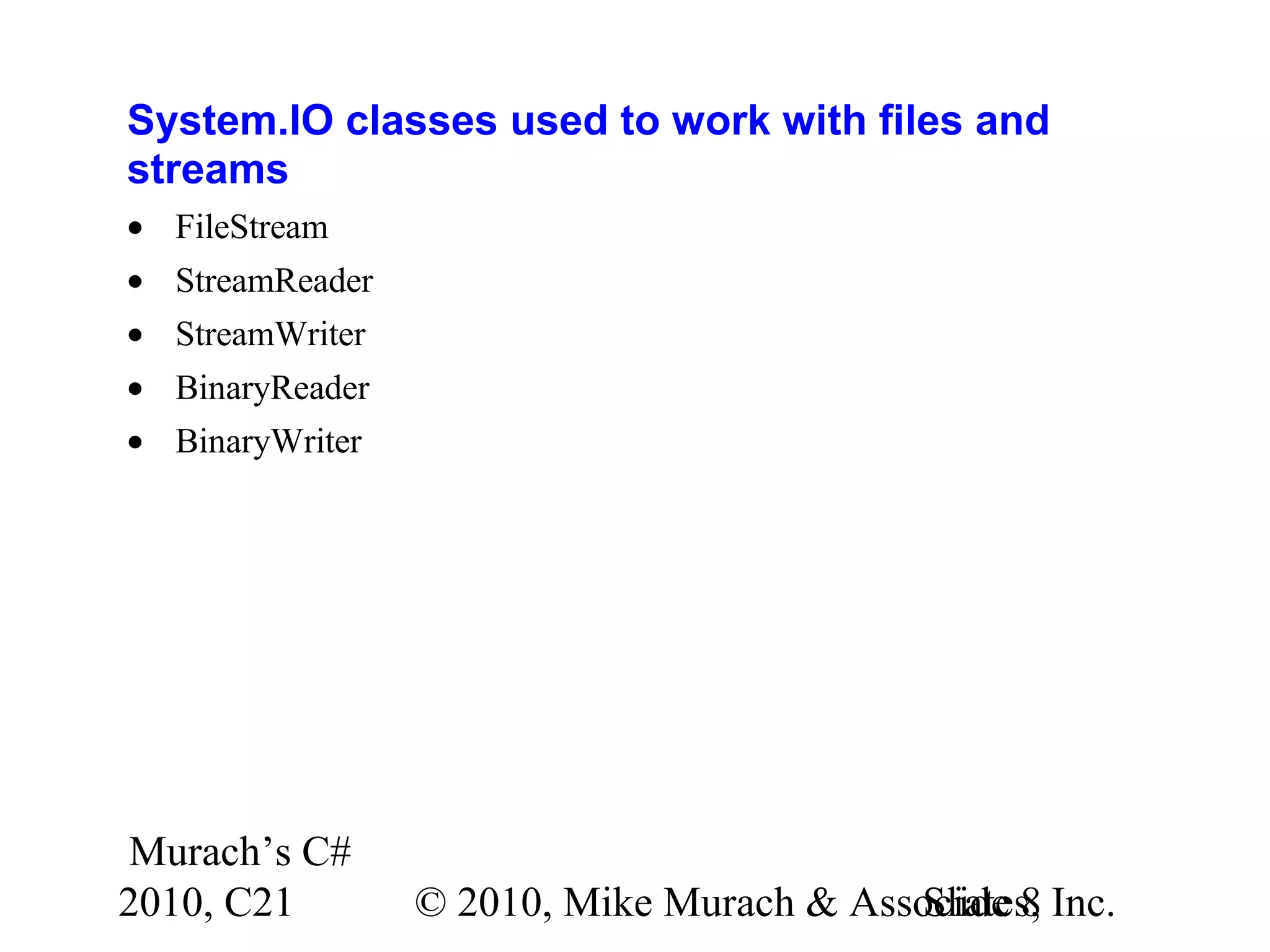
Murach’s C# 2010, C21 © 2010, Mike Murach & Associates, Inc.Slide 8 System.IO classes used to work with files and streams • FileStream • StreamReader • StreamWriter • BinaryReader • BinaryWriter
Murach’s C# 2010, C21 © 2010, Mike Murach & Associates, Inc.Slide 9 The syntax for creating a FileStream object new FileStream(path, mode[, access[, share]]) Members in the FileMode enumeration • Append • Create • CreateNew • Open • OpenOrCreate • Truncate
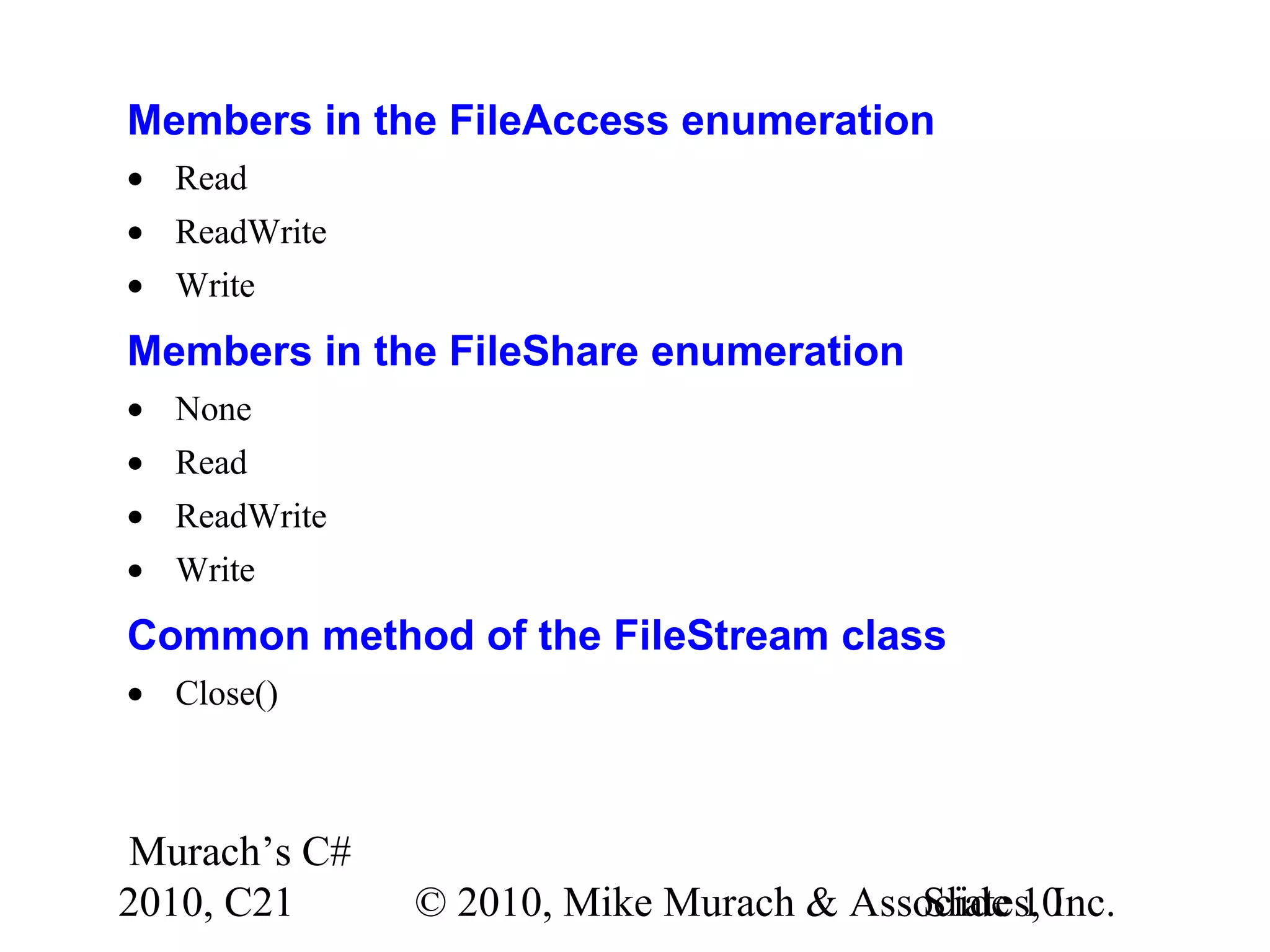
Murach’s C# 2010, C21 © 2010, Mike Murach & Associates, Inc.Slide 10 Members in the FileAccess enumeration • Read • ReadWrite • Write Members in the FileShare enumeration • None • Read • ReadWrite • Write Common method of the FileStream class • Close()
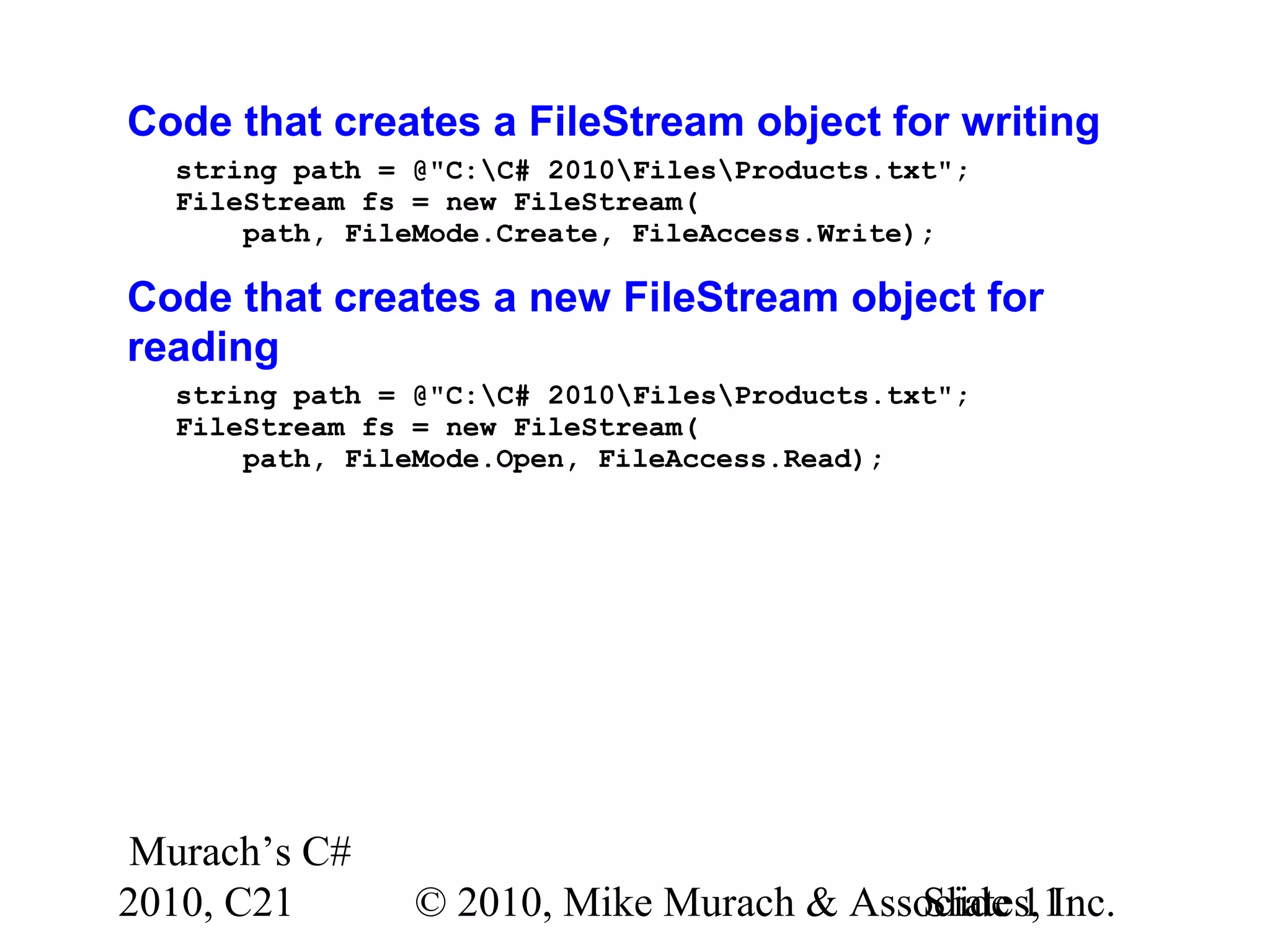
Murach’s C# 2010, C21 © 2010, Mike Murach & Associates, Inc.Slide 11 Code that creates a FileStream object for writing string path = @"C:C# 2010FilesProducts.txt"; FileStream fs = new FileStream( path, FileMode.Create, FileAccess.Write); Code that creates a new FileStream object for reading string path = @"C:C# 2010FilesProducts.txt"; FileStream fs = new FileStream( path, FileMode.Open, FileAccess.Read);
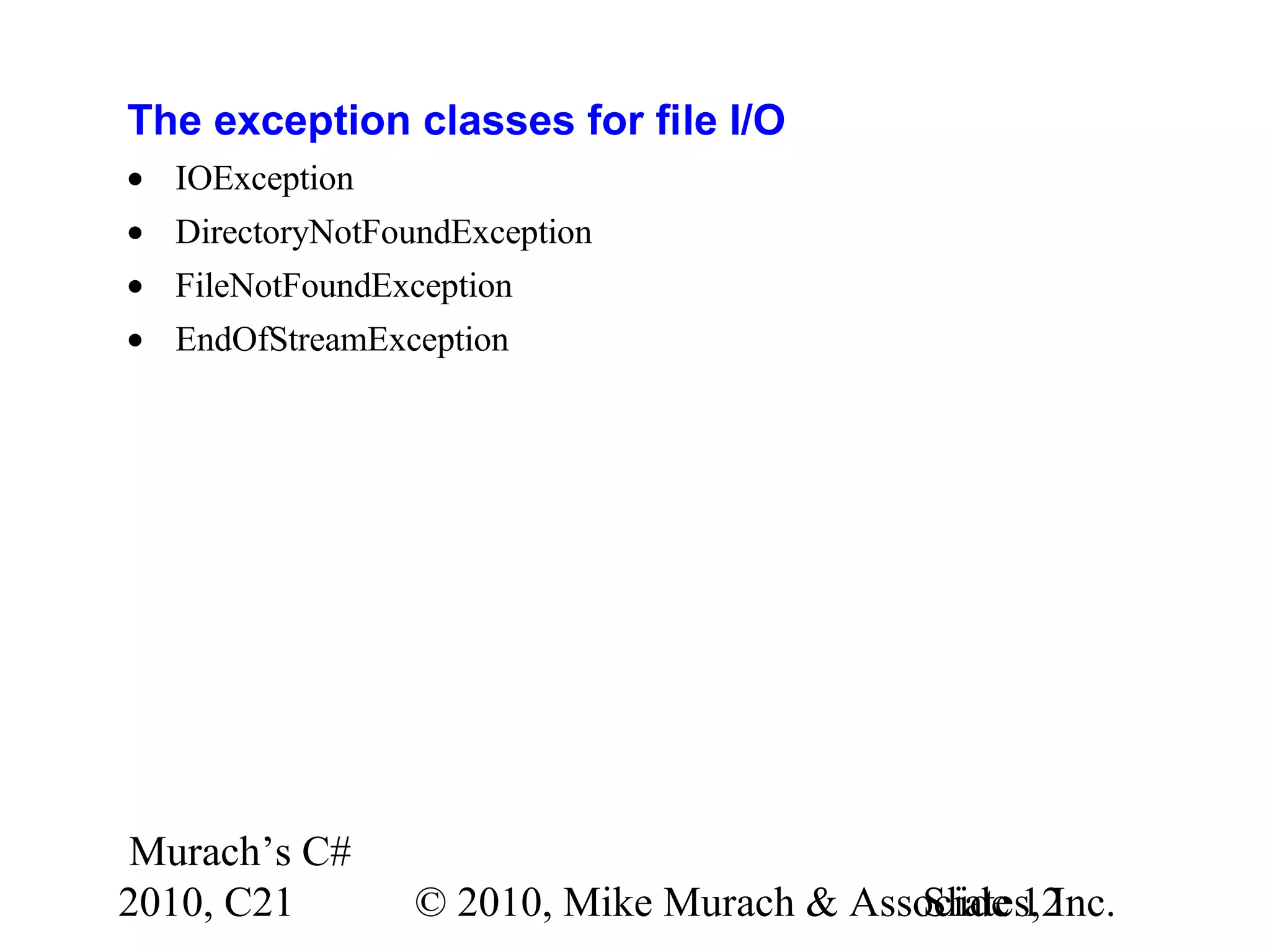
Murach’s C# 2010, C21 © 2010, Mike Murach & Associates, Inc.Slide 12 The exception classes for file I/O • IOException • DirectoryNotFoundException • FileNotFoundException • EndOfStreamException
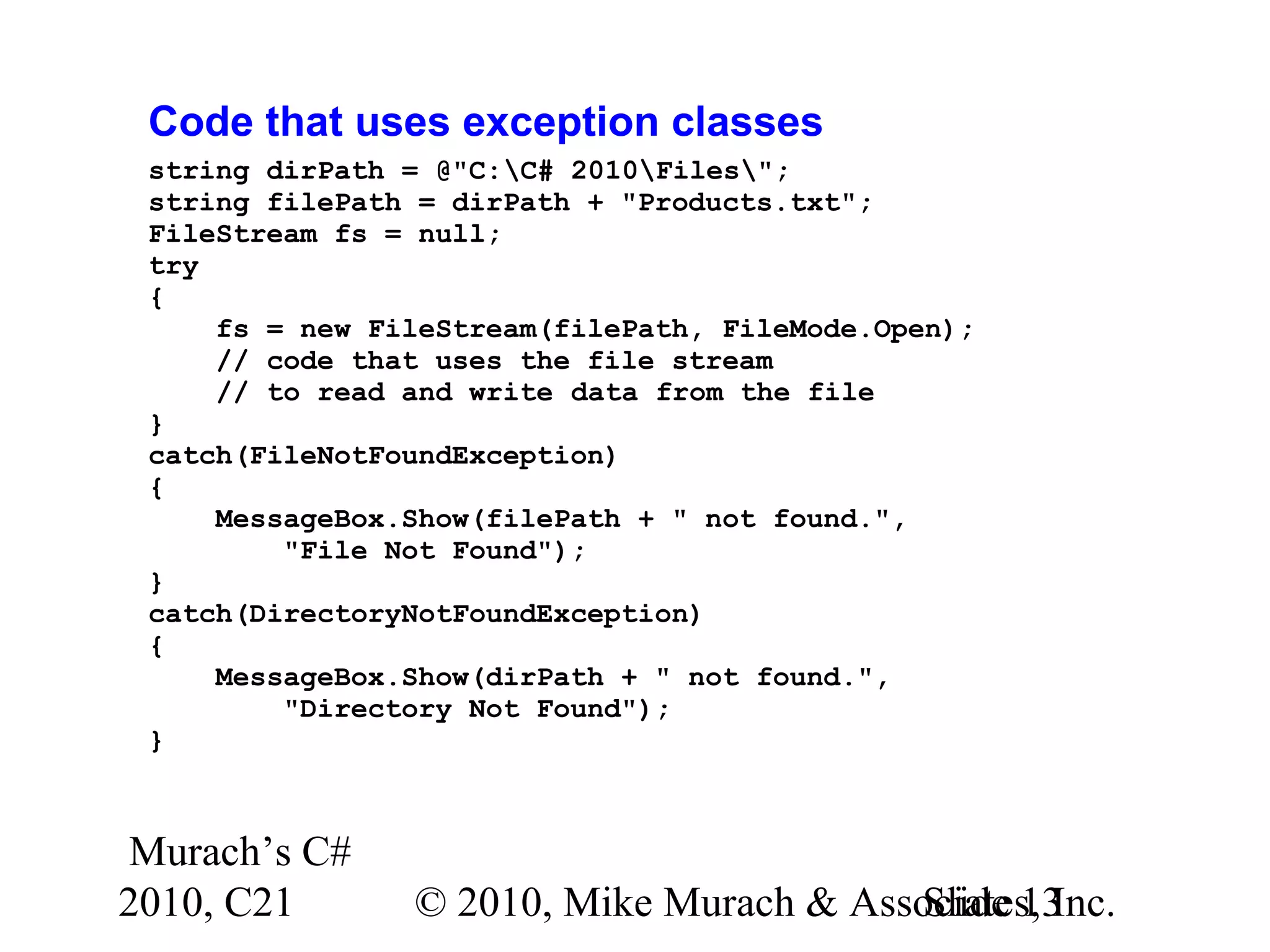
Murach’s C# 2010, C21 © 2010, Mike Murach & Associates, Inc.Slide 13 Code that uses exception classes string dirPath = @"C:C# 2010Files"; string filePath = dirPath + "Products.txt"; FileStream fs = null; try { fs = new FileStream(filePath, FileMode.Open); // code that uses the file stream // to read and write data from the file } catch(FileNotFoundException) { MessageBox.Show(filePath + " not found.", "File Not Found"); } catch(DirectoryNotFoundException) { MessageBox.Show(dirPath + " not found.", "Directory Not Found"); }
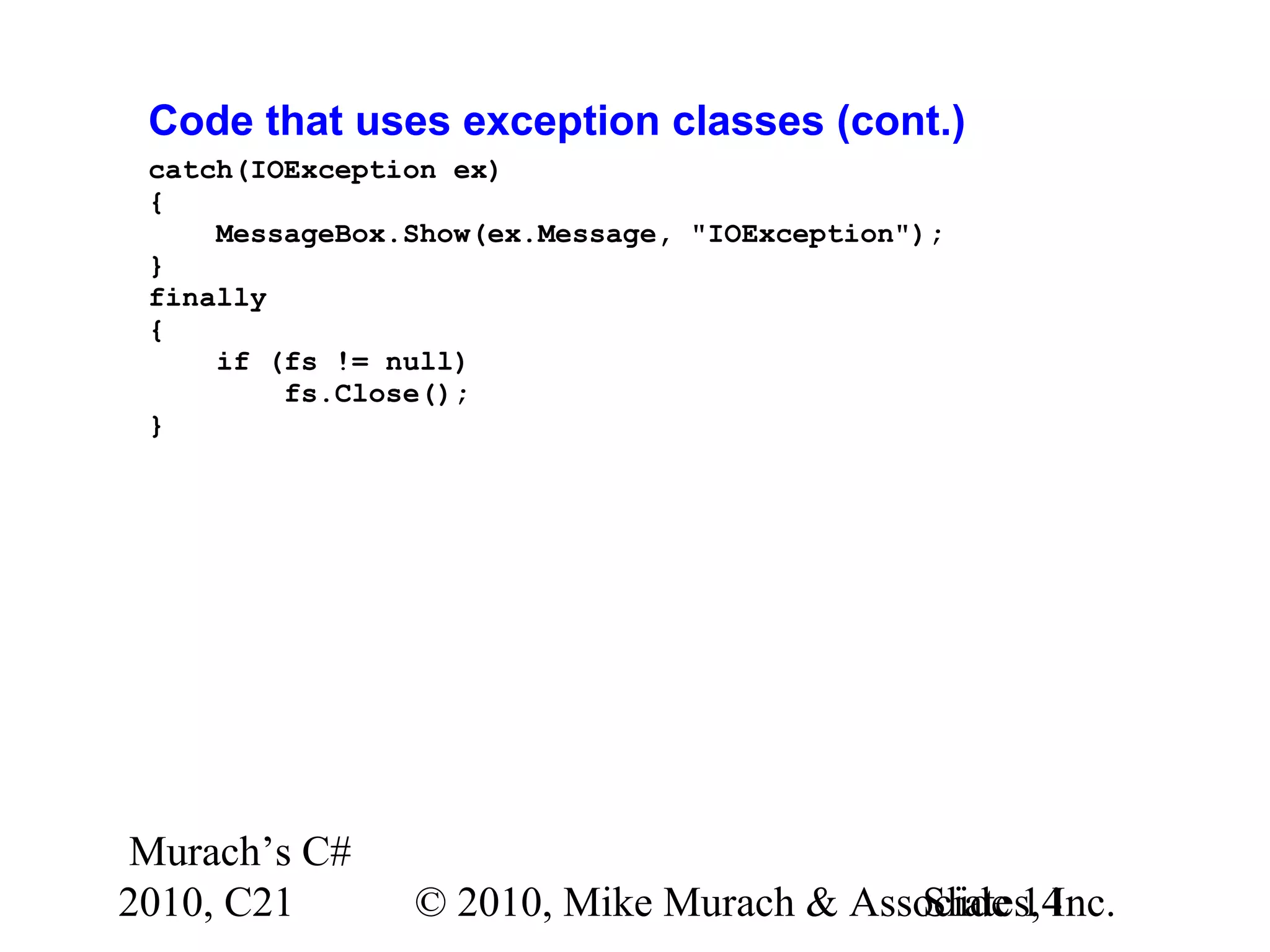
Murach’s C# 2010, C21 © 2010, Mike Murach & Associates, Inc.Slide 14 Code that uses exception classes (cont.) catch(IOException ex) { MessageBox.Show(ex.Message, "IOException"); } finally { if (fs != null) fs.Close(); }
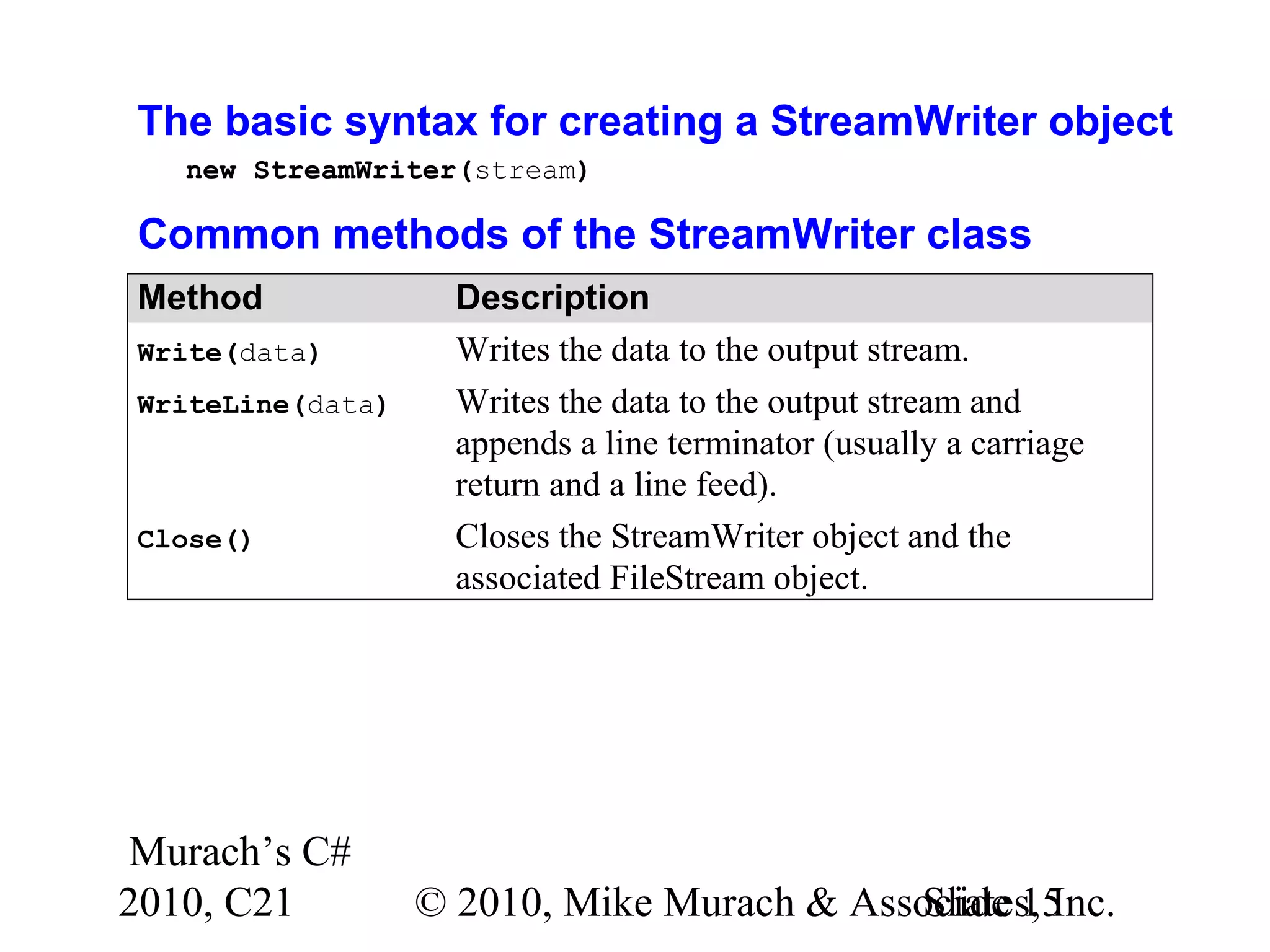
Murach’s C# 2010, C21 © 2010, Mike Murach & Associates, Inc.Slide 15 The basic syntax for creating a StreamWriter object new StreamWriter(stream) Common methods of the StreamWriter class Method Description Write(data) Writes the data to the output stream. WriteLine(data) Writes the data to the output stream and appends a line terminator (usually a carriage return and a line feed). Close() Closes the StreamWriter object and the associated FileStream object.
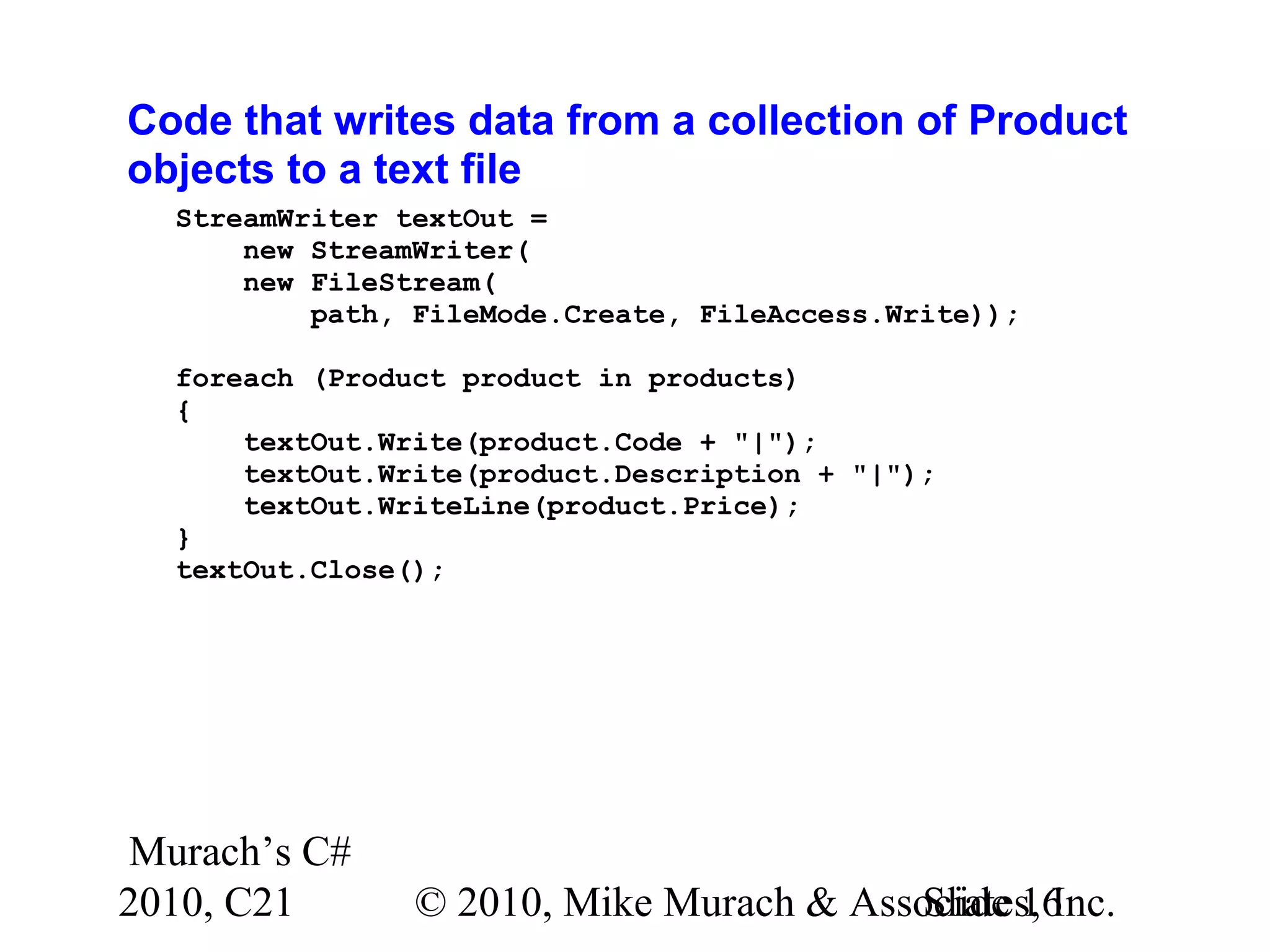
Murach’s C# 2010, C21 © 2010, Mike Murach & Associates, Inc.Slide 16 Code that writes data from a collection of Product objects to a text file StreamWriter textOut = new StreamWriter( new FileStream( path, FileMode.Create, FileAccess.Write)); foreach (Product product in products) { textOut.Write(product.Code + "|"); textOut.Write(product.Description + "|"); textOut.WriteLine(product.Price); } textOut.Close();
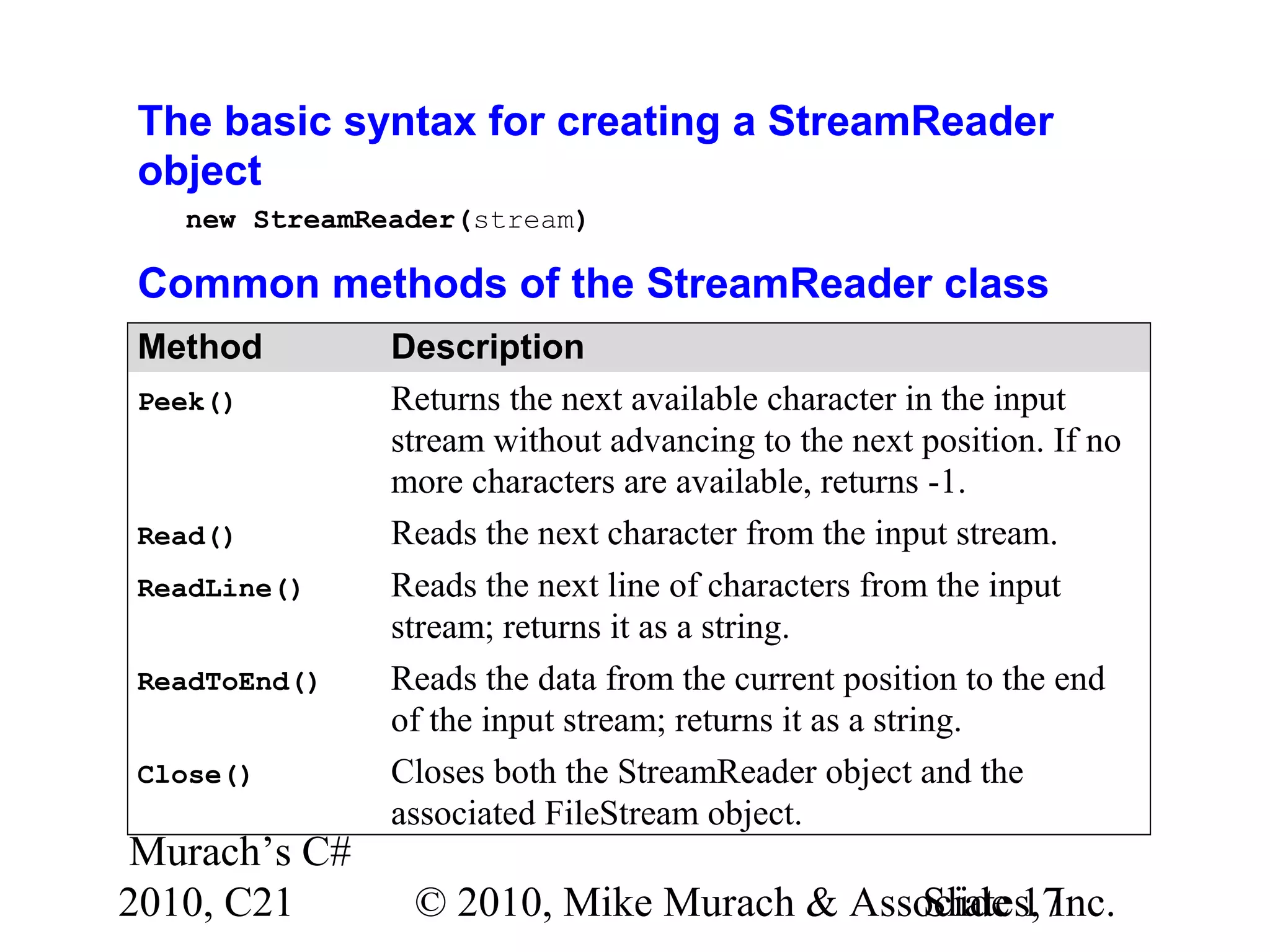
Murach’s C# 2010, C21 © 2010, Mike Murach & Associates, Inc.Slide 17 The basic syntax for creating a StreamReader object new StreamReader(stream) Common methods of the StreamReader class Method Description Peek() Returns the next available character in the input stream without advancing to the next position. If no more characters are available, returns -1. Read() Reads the next character from the input stream. ReadLine() Reads the next line of characters from the input stream; returns it as a string. ReadToEnd() Reads the data from the current position to the end of the input stream; returns it as a string. Close() Closes both the StreamReader object and the associated FileStream object.
Murach’s C# 2010, C21 © 2010, Mike Murach & Associates, Inc.Slide 18 Code that reads data from a text file into a collection of Product objects StreamReader textIn = new StreamReader( new FileStream( path, FileMode.OpenOrCreate, FileAccess.Read)); List<Product> products = new List<Product>(); while (textIn.Peek() != -1) { string row = textIn.ReadLine(); string[] columns = row.Split('|'); Product product = new Product(); product.Code = columns[0]; product.Description = columns[1]; product.Price = Convert.ToDecimal(columns[2]); products.Add(product); } textIn.Close();
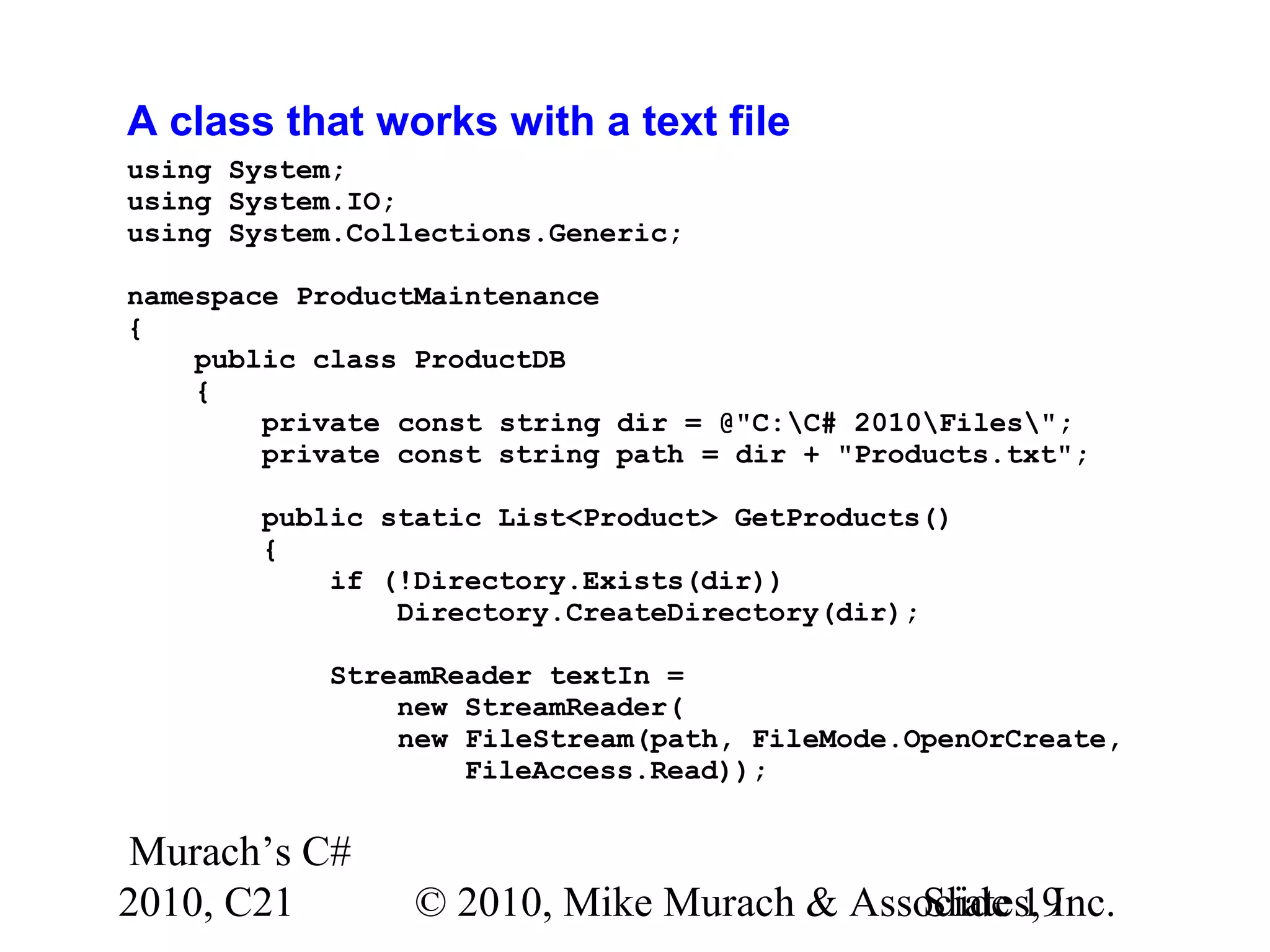
Murach’s C# 2010, C21 © 2010, Mike Murach & Associates, Inc.Slide 19 A class that works with a text file using System; using System.IO; using System.Collections.Generic; namespace ProductMaintenance { public class ProductDB { private const string dir = @"C:C# 2010Files"; private const string path = dir + "Products.txt"; public static List<Product> GetProducts() { if (!Directory.Exists(dir)) Directory.CreateDirectory(dir); StreamReader textIn = new StreamReader( new FileStream(path, FileMode.OpenOrCreate, FileAccess.Read));
Murach’s C# 2010, C21 © 2010, Mike Murach & Associates, Inc.Slide 20 A class that works with a text file (cont.) List<Product> products = new List<Product>(); while (textIn.Peek() != -1) { string row = textIn.ReadLine(); string[] columns = row.Split('|'); Product product = new Product(); product.Code = columns[0]; product.Description = columns[1]; product.Price = Convert.ToDecimal(columns[2]); products.Add(product); } textIn.Close(); return products; }
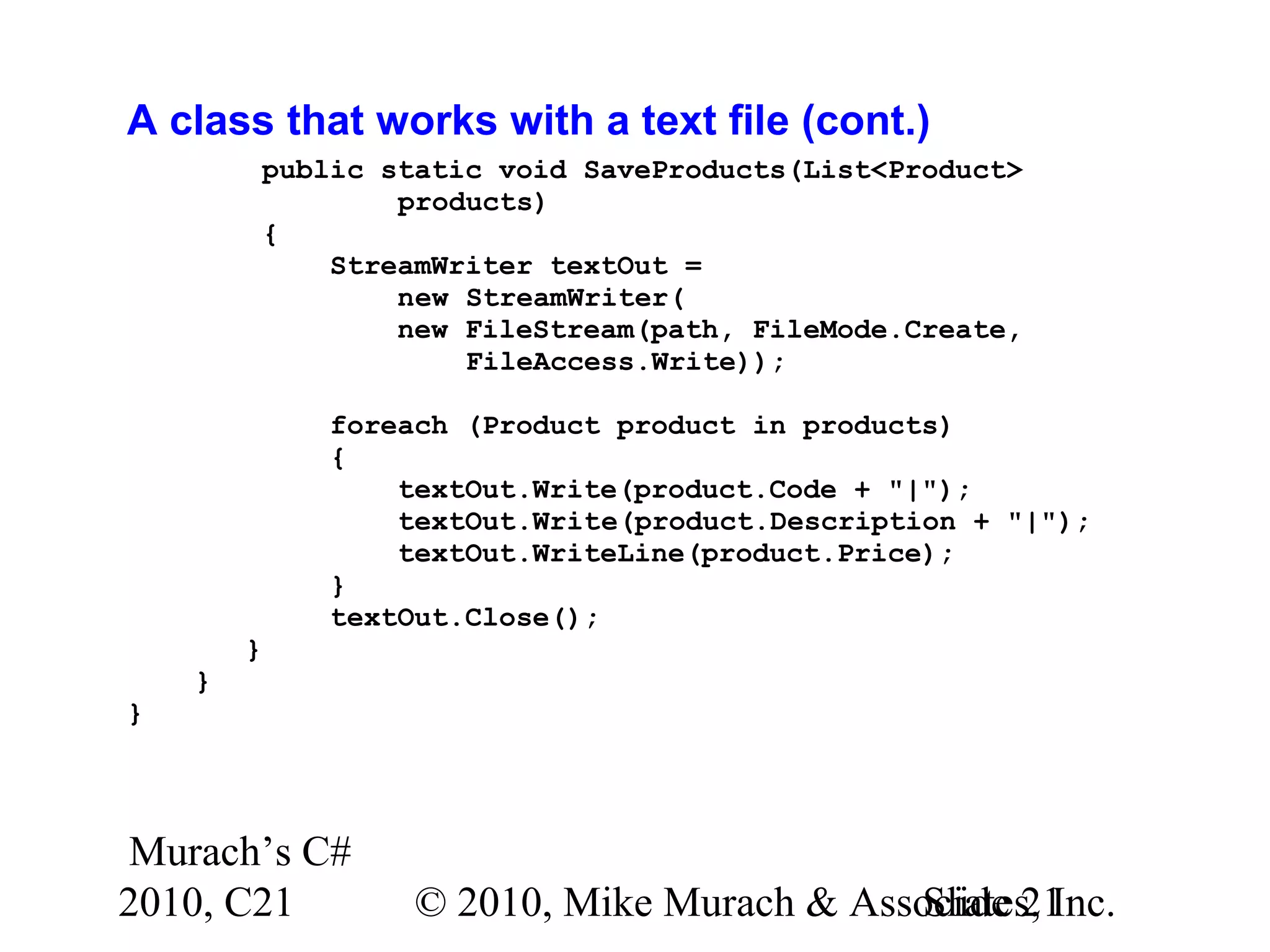
Murach’s C# 2010, C21 © 2010, Mike Murach & Associates, Inc.Slide 21 A class that works with a text file (cont.) public static void SaveProducts(List<Product> products) { StreamWriter textOut = new StreamWriter( new FileStream(path, FileMode.Create, FileAccess.Write)); foreach (Product product in products) { textOut.Write(product.Code + "|"); textOut.Write(product.Description + "|"); textOut.WriteLine(product.Price); } textOut.Close(); } } }
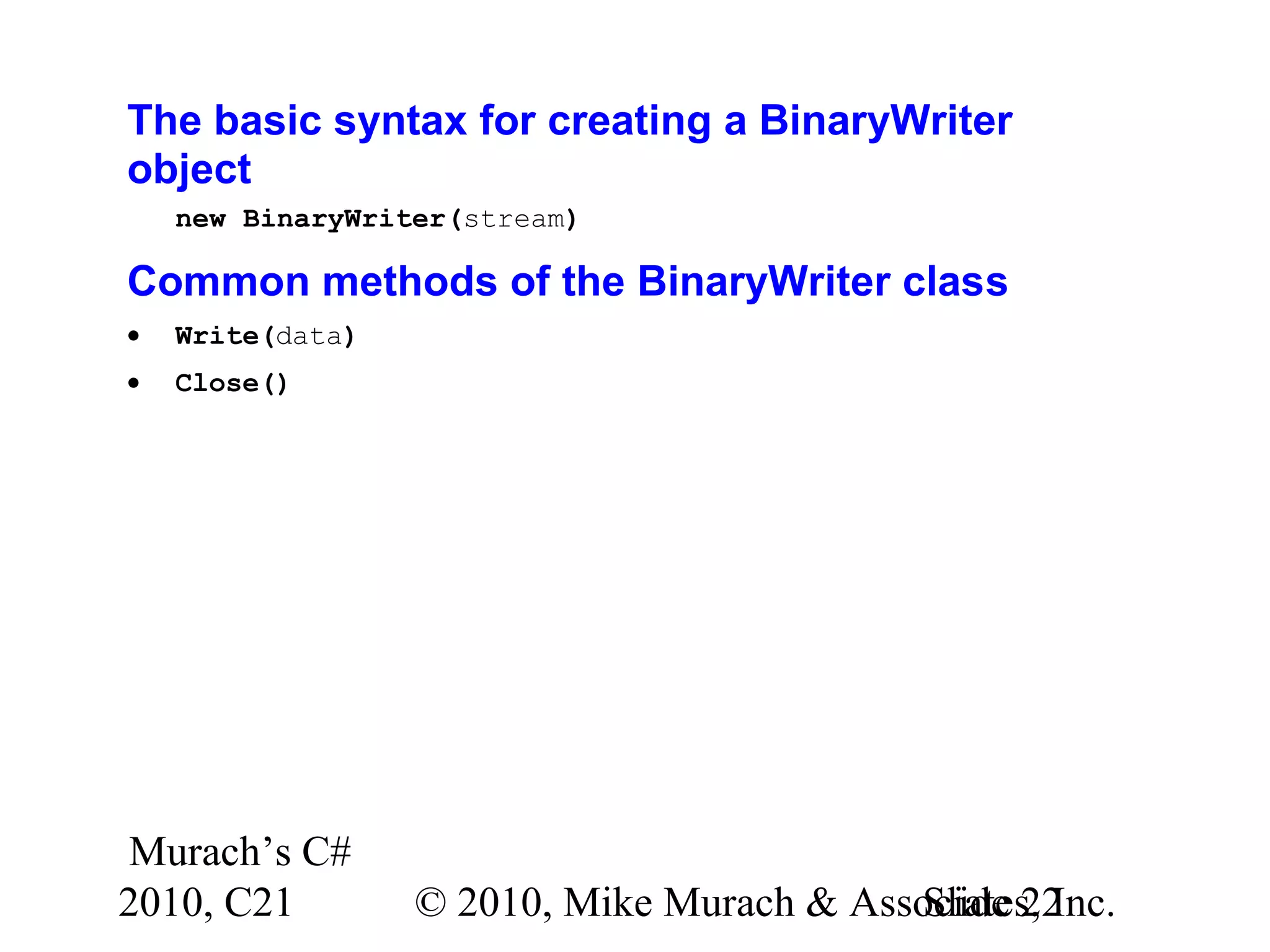
Murach’s C# 2010, C21 © 2010, Mike Murach & Associates, Inc.Slide 22 The basic syntax for creating a BinaryWriter object new BinaryWriter(stream) Common methods of the BinaryWriter class • Write(data) • Close()
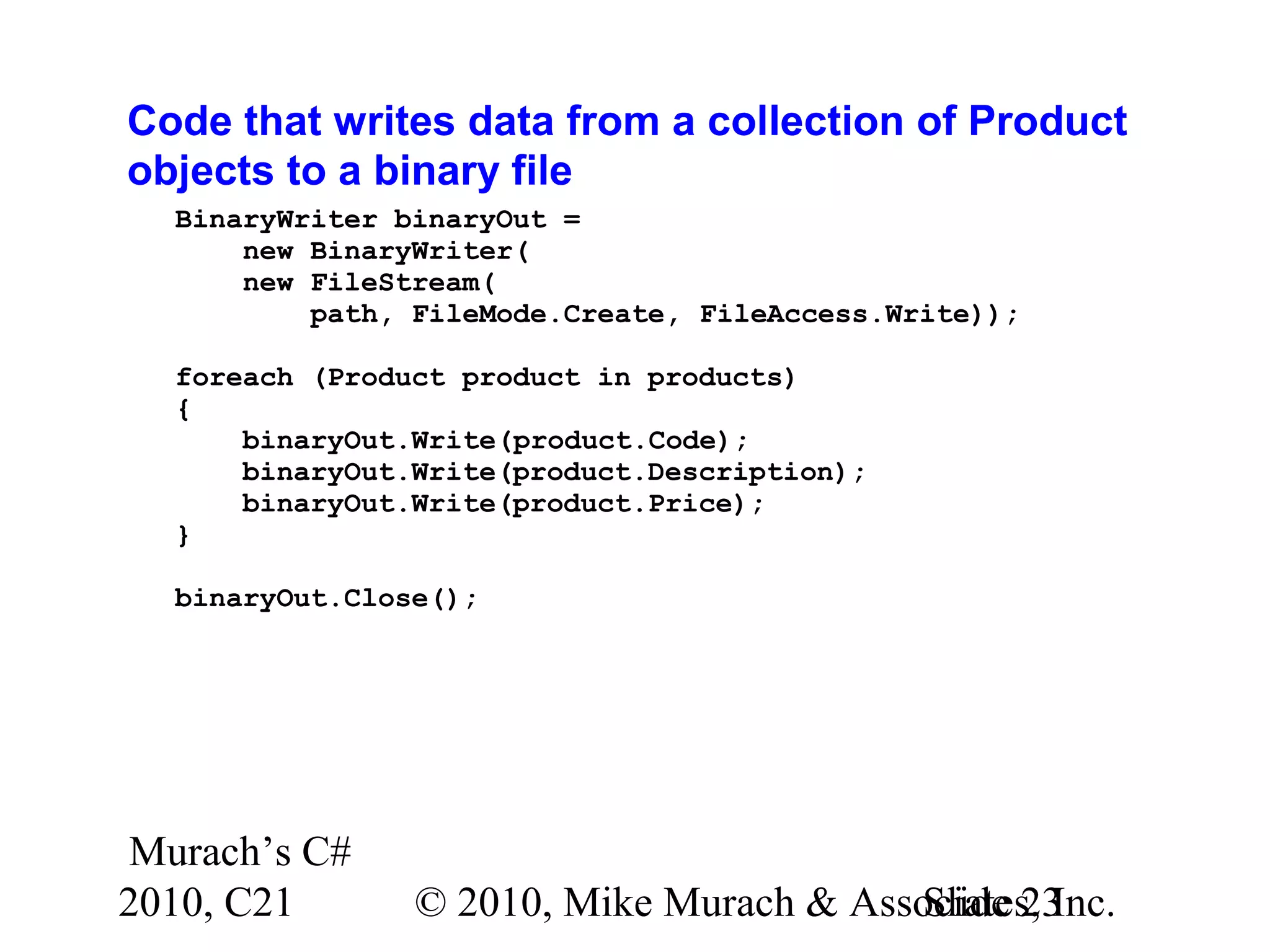
Murach’s C# 2010, C21 © 2010, Mike Murach & Associates, Inc.Slide 23 Code that writes data from a collection of Product objects to a binary file BinaryWriter binaryOut = new BinaryWriter( new FileStream( path, FileMode.Create, FileAccess.Write)); foreach (Product product in products) { binaryOut.Write(product.Code); binaryOut.Write(product.Description); binaryOut.Write(product.Price); } binaryOut.Close();
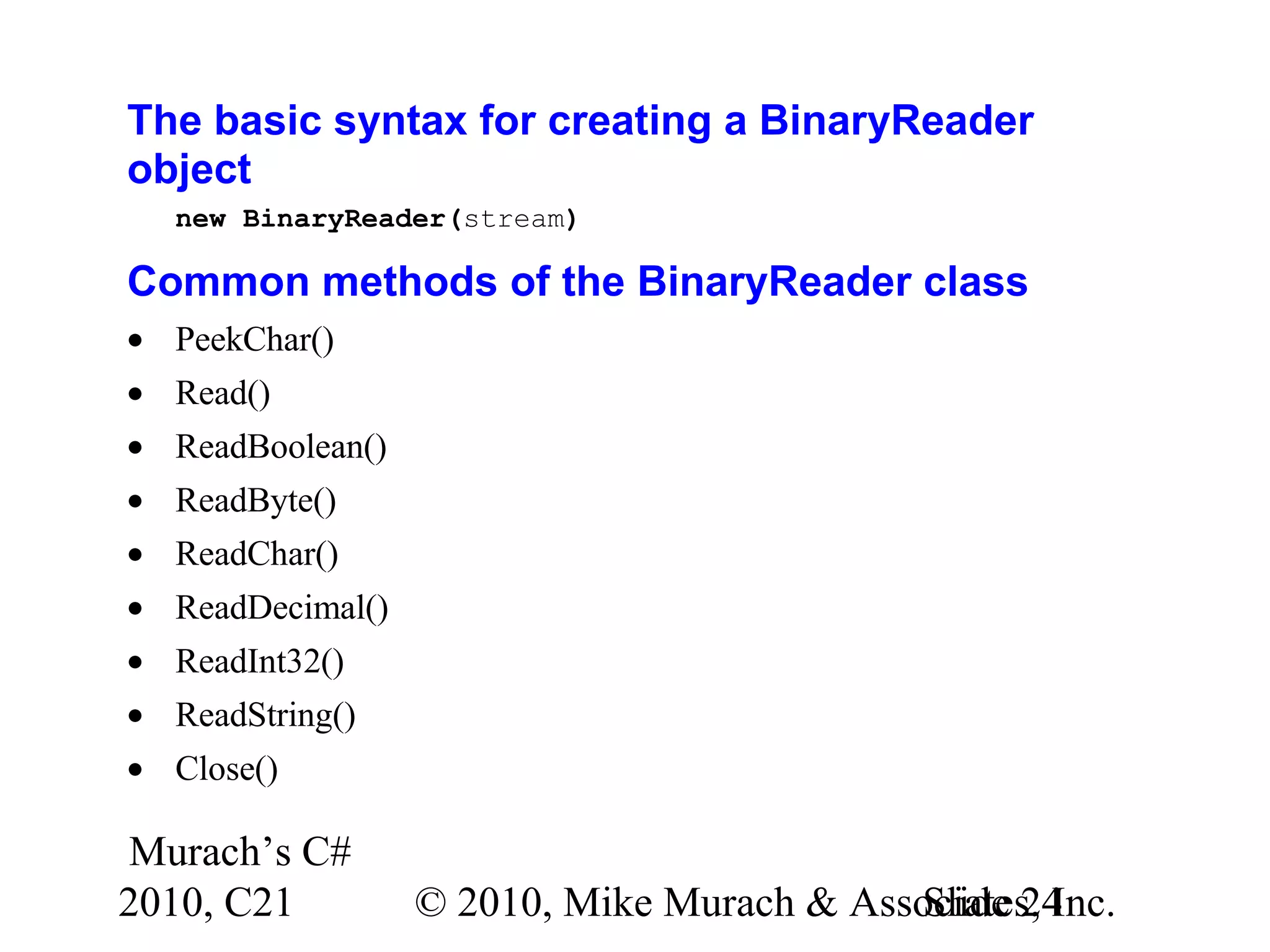
Murach’s C# 2010, C21 © 2010, Mike Murach & Associates, Inc.Slide 24 The basic syntax for creating a BinaryReader object new BinaryReader(stream) Common methods of the BinaryReader class • PeekChar() • Read() • ReadBoolean() • ReadByte() • ReadChar() • ReadDecimal() • ReadInt32() • ReadString() • Close()
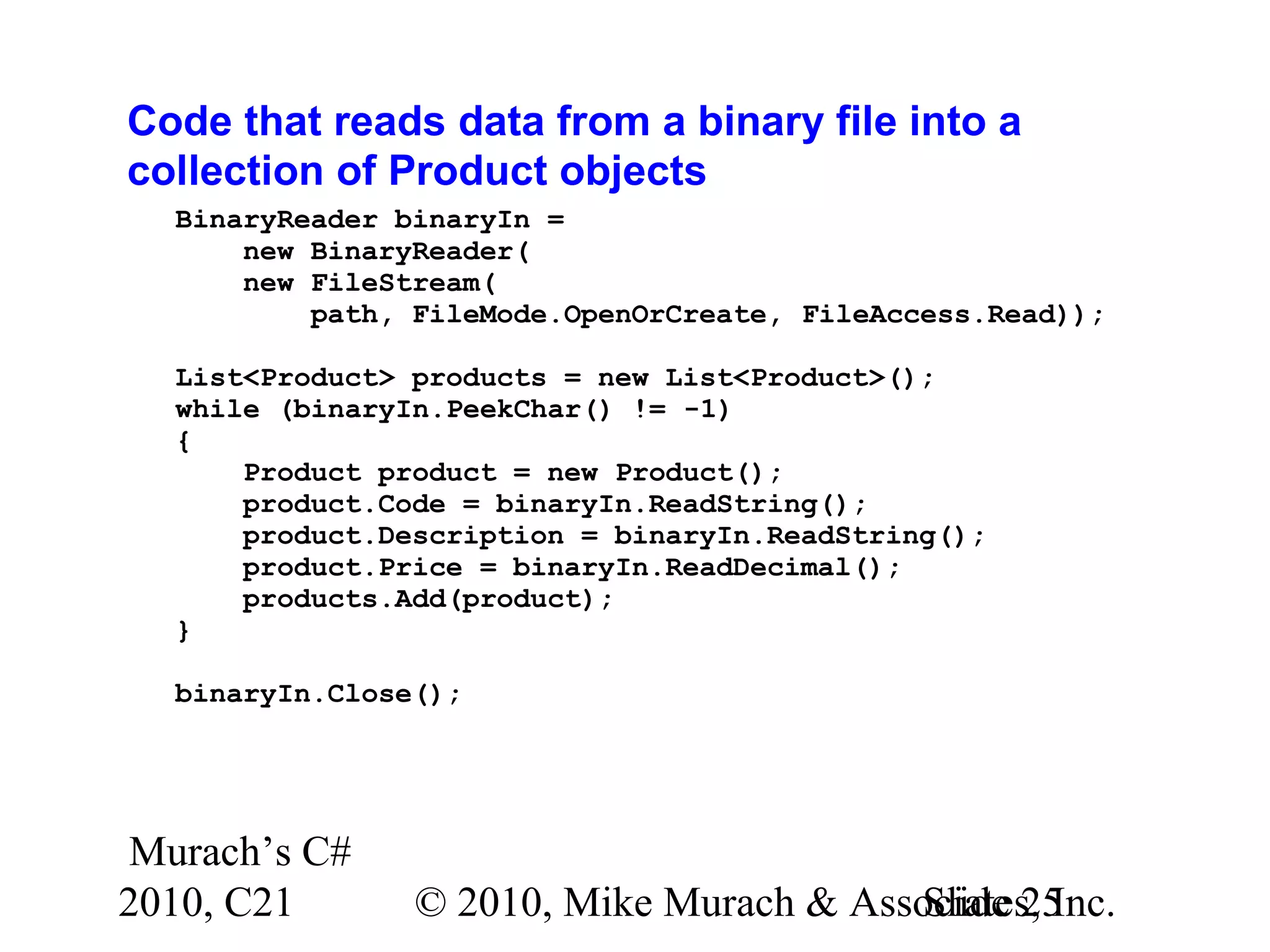
Murach’s C# 2010, C21 © 2010, Mike Murach & Associates, Inc.Slide 25 Code that reads data from a binary file into a collection of Product objects BinaryReader binaryIn = new BinaryReader( new FileStream( path, FileMode.OpenOrCreate, FileAccess.Read)); List<Product> products = new List<Product>(); while (binaryIn.PeekChar() != -1) { Product product = new Product(); product.Code = binaryIn.ReadString(); product.Description = binaryIn.ReadString(); product.Price = binaryIn.ReadDecimal(); products.Add(product); } binaryIn.Close();
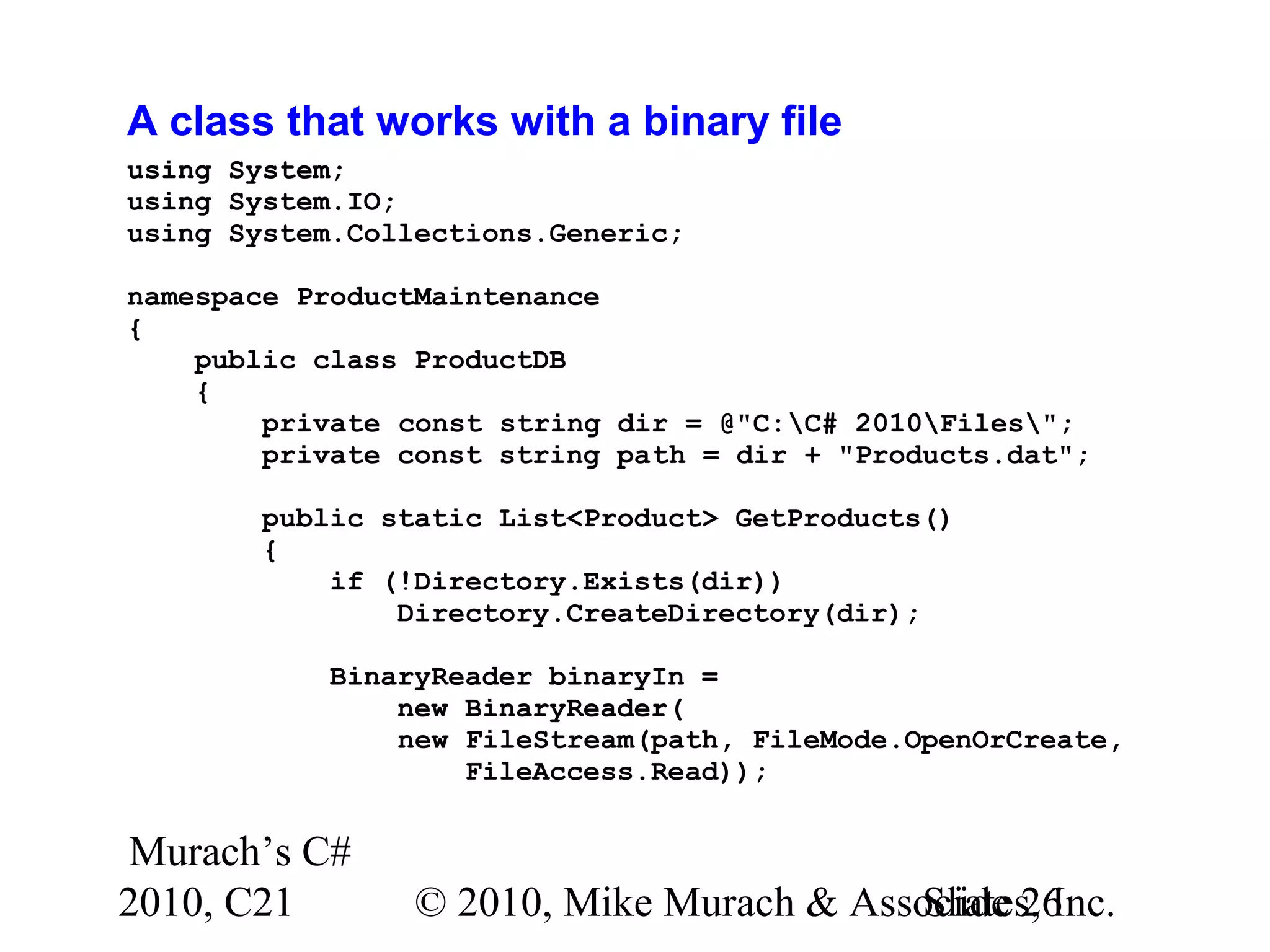
Murach’s C# 2010, C21 © 2010, Mike Murach & Associates, Inc.Slide 26 A class that works with a binary file using System; using System.IO; using System.Collections.Generic; namespace ProductMaintenance { public class ProductDB { private const string dir = @"C:C# 2010Files"; private const string path = dir + "Products.dat"; public static List<Product> GetProducts() { if (!Directory.Exists(dir)) Directory.CreateDirectory(dir); BinaryReader binaryIn = new BinaryReader( new FileStream(path, FileMode.OpenOrCreate, FileAccess.Read));
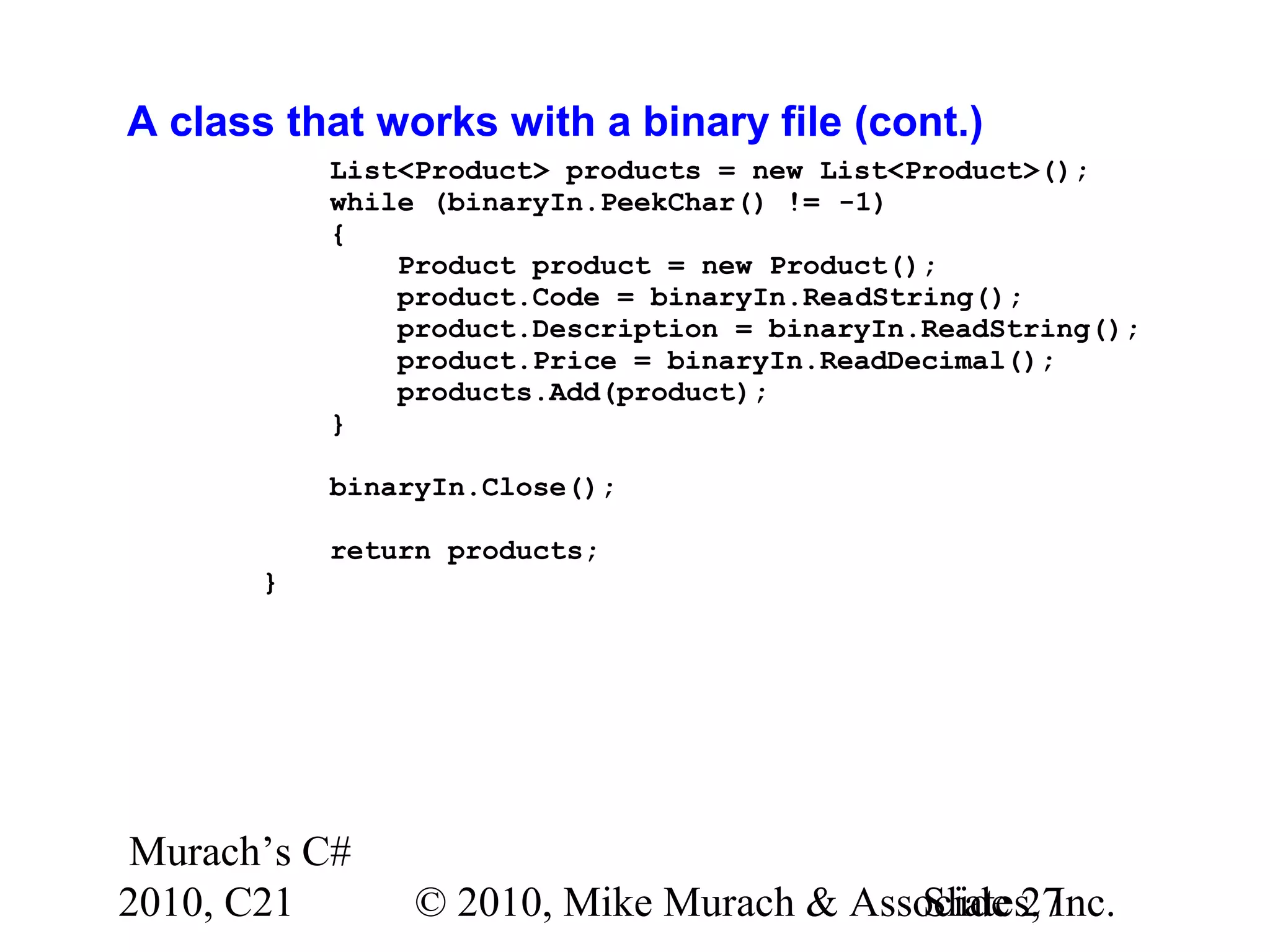
Murach’s C# 2010, C21 © 2010, Mike Murach & Associates, Inc.Slide 27 A class that works with a binary file (cont.) List<Product> products = new List<Product>(); while (binaryIn.PeekChar() != -1) { Product product = new Product(); product.Code = binaryIn.ReadString(); product.Description = binaryIn.ReadString(); product.Price = binaryIn.ReadDecimal(); products.Add(product); } binaryIn.Close(); return products; }
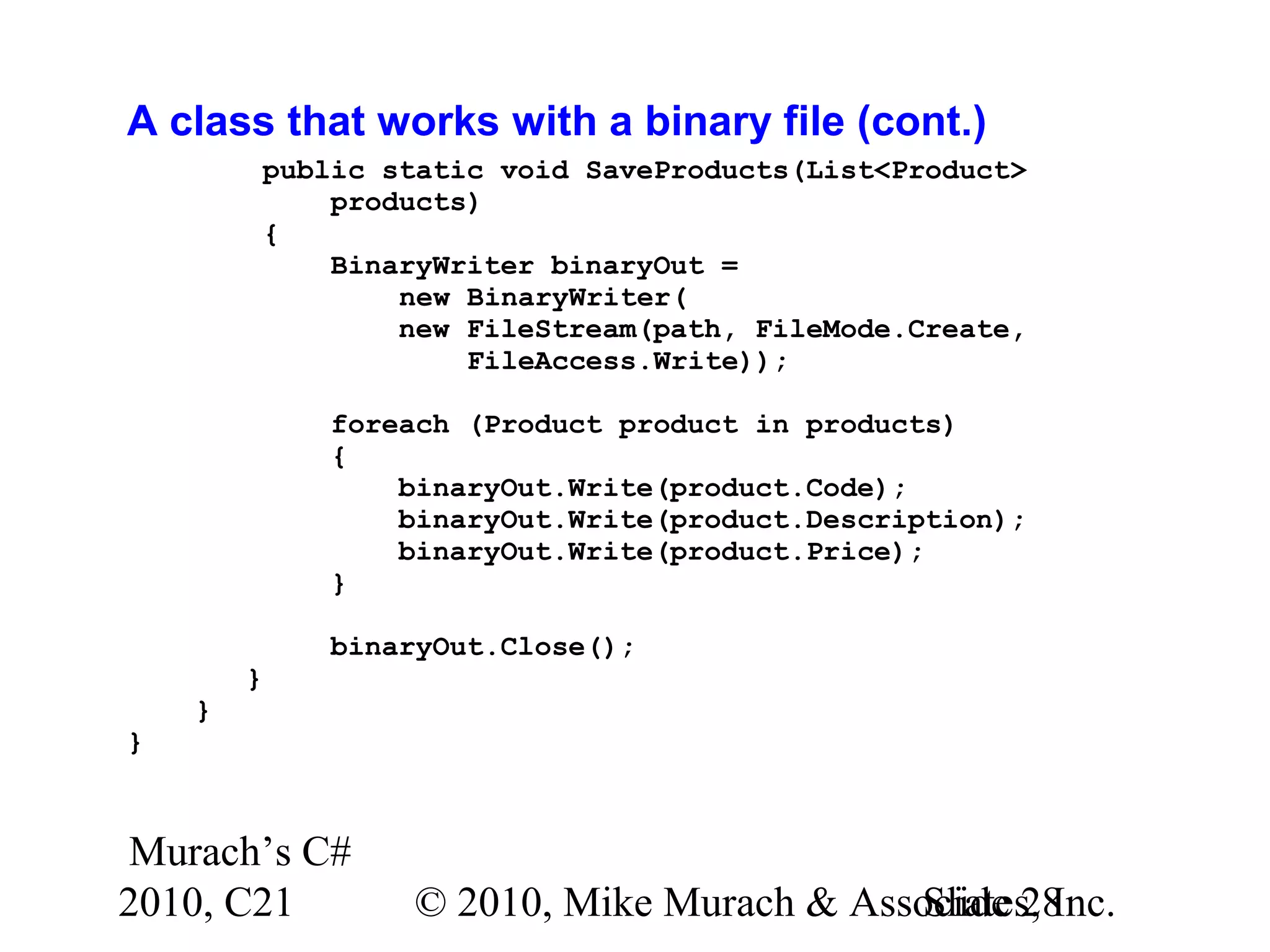
Murach’s C# 2010, C21 © 2010, Mike Murach & Associates, Inc.Slide 28 A class that works with a binary file (cont.) public static void SaveProducts(List<Product> products) { BinaryWriter binaryOut = new BinaryWriter( new FileStream(path, FileMode.Create, FileAccess.Write)); foreach (Product product in products) { binaryOut.Write(product.Code); binaryOut.Write(product.Description); binaryOut.Write(product.Price); } binaryOut.Close(); } } }

C# Tutorial MSM_Murach chapter-21-slides

  • 1.
    Murach’s C# 2010, C21© 2010, Mike Murach & Associates, Inc.Slide 1 Chapter 21 How to work with files and data streams
  • 2.
    Murach’s C# 2010, C21© 2010, Mike Murach & Associates, Inc.Slide 2 Objectives Applied 1. Develop an application that requires the use of text or binary files. Knowledge 1. Distinguish between a text file and a binary file. 2. Describe the use of FileStream, StreamReader, StreamWriter, BinaryReader, and BinaryWriter objects. 3. Describe two common types of I/O exceptions.
  • 3.
    Murach’s C# 2010, C21© 2010, Mike Murach & Associates, Inc.Slide 3 System.IO classes used to work with drives and directories • Directory • File • Path A statement that simplifies references to the System.IO classes using System.IO;
  • 4.
    Murach’s C# 2010, C21© 2010, Mike Murach & Associates, Inc.Slide 4 Common methods of the Directory class • Exists(path) • CreateDirectory(path) • Delete(path) • Delete(path, recursive) Code that uses some of the Directory methods string dir = @"C:C# 2010Files"; if (!Directory.Exists(dir)) Directory.CreateDirectory(dir);
  • 5.
    Murach’s C# 2010, C21© 2010, Mike Murach & Associates, Inc.Slide 5 Common methods of the File class • Exists(path) • Delete(path) • Copy(source, dest) • Move(source, dest) Code that uses some of the File methods string path = dir + "Products.txt"; if (File.Exists(path)) File.Delete(path);
  • 6.
    Murach’s C# 2010, C21© 2010, Mike Murach & Associates, Inc.Slide 6 A text file displayed in a text editor A binary file displayed in a text editor
  • 7.
    Murach’s C# 2010, C21© 2010, Mike Murach & Associates, Inc.Slide 7 Two types of files Type Description Text A file that contains text (string) characters. The fields in each record are typically delimited by special characters like tab or pipe characters, and the records are typically delimited by new line characters. Binary A file that can contain a variety of data types. Two types of streams Stream Description Text Used to transfer text data. Binary Used to transfer binary data.
  • 8.
    Murach’s C# 2010, C21© 2010, Mike Murach & Associates, Inc.Slide 8 System.IO classes used to work with files and streams • FileStream • StreamReader • StreamWriter • BinaryReader • BinaryWriter
  • 9.
    Murach’s C# 2010, C21© 2010, Mike Murach & Associates, Inc.Slide 9 The syntax for creating a FileStream object new FileStream(path, mode[, access[, share]]) Members in the FileMode enumeration • Append • Create • CreateNew • Open • OpenOrCreate • Truncate
  • 10.
    Murach’s C# 2010, C21© 2010, Mike Murach & Associates, Inc.Slide 10 Members in the FileAccess enumeration • Read • ReadWrite • Write Members in the FileShare enumeration • None • Read • ReadWrite • Write Common method of the FileStream class • Close()
  • 11.
    Murach’s C# 2010, C21© 2010, Mike Murach & Associates, Inc.Slide 11 Code that creates a FileStream object for writing string path = @"C:C# 2010FilesProducts.txt"; FileStream fs = new FileStream( path, FileMode.Create, FileAccess.Write); Code that creates a new FileStream object for reading string path = @"C:C# 2010FilesProducts.txt"; FileStream fs = new FileStream( path, FileMode.Open, FileAccess.Read);
  • 12.
    Murach’s C# 2010, C21© 2010, Mike Murach & Associates, Inc.Slide 12 The exception classes for file I/O • IOException • DirectoryNotFoundException • FileNotFoundException • EndOfStreamException
  • 13.
    Murach’s C# 2010, C21© 2010, Mike Murach & Associates, Inc.Slide 13 Code that uses exception classes string dirPath = @"C:C# 2010Files"; string filePath = dirPath + "Products.txt"; FileStream fs = null; try { fs = new FileStream(filePath, FileMode.Open); // code that uses the file stream // to read and write data from the file } catch(FileNotFoundException) { MessageBox.Show(filePath + " not found.", "File Not Found"); } catch(DirectoryNotFoundException) { MessageBox.Show(dirPath + " not found.", "Directory Not Found"); }
  • 14.
    Murach’s C# 2010, C21© 2010, Mike Murach & Associates, Inc.Slide 14 Code that uses exception classes (cont.) catch(IOException ex) { MessageBox.Show(ex.Message, "IOException"); } finally { if (fs != null) fs.Close(); }
  • 15.
    Murach’s C# 2010, C21© 2010, Mike Murach & Associates, Inc.Slide 15 The basic syntax for creating a StreamWriter object new StreamWriter(stream) Common methods of the StreamWriter class Method Description Write(data) Writes the data to the output stream. WriteLine(data) Writes the data to the output stream and appends a line terminator (usually a carriage return and a line feed). Close() Closes the StreamWriter object and the associated FileStream object.
  • 16.
    Murach’s C# 2010, C21© 2010, Mike Murach & Associates, Inc.Slide 16 Code that writes data from a collection of Product objects to a text file StreamWriter textOut = new StreamWriter( new FileStream( path, FileMode.Create, FileAccess.Write)); foreach (Product product in products) { textOut.Write(product.Code + "|"); textOut.Write(product.Description + "|"); textOut.WriteLine(product.Price); } textOut.Close();
  • 17.
    Murach’s C# 2010, C21© 2010, Mike Murach & Associates, Inc.Slide 17 The basic syntax for creating a StreamReader object new StreamReader(stream) Common methods of the StreamReader class Method Description Peek() Returns the next available character in the input stream without advancing to the next position. If no more characters are available, returns -1. Read() Reads the next character from the input stream. ReadLine() Reads the next line of characters from the input stream; returns it as a string. ReadToEnd() Reads the data from the current position to the end of the input stream; returns it as a string. Close() Closes both the StreamReader object and the associated FileStream object.
  • 18.
    Murach’s C# 2010, C21© 2010, Mike Murach & Associates, Inc.Slide 18 Code that reads data from a text file into a collection of Product objects StreamReader textIn = new StreamReader( new FileStream( path, FileMode.OpenOrCreate, FileAccess.Read)); List<Product> products = new List<Product>(); while (textIn.Peek() != -1) { string row = textIn.ReadLine(); string[] columns = row.Split('|'); Product product = new Product(); product.Code = columns[0]; product.Description = columns[1]; product.Price = Convert.ToDecimal(columns[2]); products.Add(product); } textIn.Close();
  • 19.
    Murach’s C# 2010, C21© 2010, Mike Murach & Associates, Inc.Slide 19 A class that works with a text file using System; using System.IO; using System.Collections.Generic; namespace ProductMaintenance { public class ProductDB { private const string dir = @"C:C# 2010Files"; private const string path = dir + "Products.txt"; public static List<Product> GetProducts() { if (!Directory.Exists(dir)) Directory.CreateDirectory(dir); StreamReader textIn = new StreamReader( new FileStream(path, FileMode.OpenOrCreate, FileAccess.Read));
  • 20.
    Murach’s C# 2010, C21© 2010, Mike Murach & Associates, Inc.Slide 20 A class that works with a text file (cont.) List<Product> products = new List<Product>(); while (textIn.Peek() != -1) { string row = textIn.ReadLine(); string[] columns = row.Split('|'); Product product = new Product(); product.Code = columns[0]; product.Description = columns[1]; product.Price = Convert.ToDecimal(columns[2]); products.Add(product); } textIn.Close(); return products; }
  • 21.
    Murach’s C# 2010, C21© 2010, Mike Murach & Associates, Inc.Slide 21 A class that works with a text file (cont.) public static void SaveProducts(List<Product> products) { StreamWriter textOut = new StreamWriter( new FileStream(path, FileMode.Create, FileAccess.Write)); foreach (Product product in products) { textOut.Write(product.Code + "|"); textOut.Write(product.Description + "|"); textOut.WriteLine(product.Price); } textOut.Close(); } } }
  • 22.
    Murach’s C# 2010, C21© 2010, Mike Murach & Associates, Inc.Slide 22 The basic syntax for creating a BinaryWriter object new BinaryWriter(stream) Common methods of the BinaryWriter class • Write(data) • Close()
  • 23.
    Murach’s C# 2010, C21© 2010, Mike Murach & Associates, Inc.Slide 23 Code that writes data from a collection of Product objects to a binary file BinaryWriter binaryOut = new BinaryWriter( new FileStream( path, FileMode.Create, FileAccess.Write)); foreach (Product product in products) { binaryOut.Write(product.Code); binaryOut.Write(product.Description); binaryOut.Write(product.Price); } binaryOut.Close();
  • 24.
    Murach’s C# 2010, C21© 2010, Mike Murach & Associates, Inc.Slide 24 The basic syntax for creating a BinaryReader object new BinaryReader(stream) Common methods of the BinaryReader class • PeekChar() • Read() • ReadBoolean() • ReadByte() • ReadChar() • ReadDecimal() • ReadInt32() • ReadString() • Close()
  • 25.
    Murach’s C# 2010, C21© 2010, Mike Murach & Associates, Inc.Slide 25 Code that reads data from a binary file into a collection of Product objects BinaryReader binaryIn = new BinaryReader( new FileStream( path, FileMode.OpenOrCreate, FileAccess.Read)); List<Product> products = new List<Product>(); while (binaryIn.PeekChar() != -1) { Product product = new Product(); product.Code = binaryIn.ReadString(); product.Description = binaryIn.ReadString(); product.Price = binaryIn.ReadDecimal(); products.Add(product); } binaryIn.Close();
  • 26.
    Murach’s C# 2010, C21© 2010, Mike Murach & Associates, Inc.Slide 26 A class that works with a binary file using System; using System.IO; using System.Collections.Generic; namespace ProductMaintenance { public class ProductDB { private const string dir = @"C:C# 2010Files"; private const string path = dir + "Products.dat"; public static List<Product> GetProducts() { if (!Directory.Exists(dir)) Directory.CreateDirectory(dir); BinaryReader binaryIn = new BinaryReader( new FileStream(path, FileMode.OpenOrCreate, FileAccess.Read));
  • 27.
    Murach’s C# 2010, C21© 2010, Mike Murach & Associates, Inc.Slide 27 A class that works with a binary file (cont.) List<Product> products = new List<Product>(); while (binaryIn.PeekChar() != -1) { Product product = new Product(); product.Code = binaryIn.ReadString(); product.Description = binaryIn.ReadString(); product.Price = binaryIn.ReadDecimal(); products.Add(product); } binaryIn.Close(); return products; }
  • 28.
    Murach’s C# 2010, C21© 2010, Mike Murach & Associates, Inc.Slide 28 A class that works with a binary file (cont.) public static void SaveProducts(List<Product> products) { BinaryWriter binaryOut = new BinaryWriter( new FileStream(path, FileMode.Create, FileAccess.Write)); foreach (Product product in products) { binaryOut.Write(product.Code); binaryOut.Write(product.Description); binaryOut.Write(product.Price); } binaryOut.Close(); } } }