The Point of Exploring JavaScript Frameworks
Holly Schinsky devgirlfl devgirl.org
The Progressive JavaScript Framework Vue.js is…
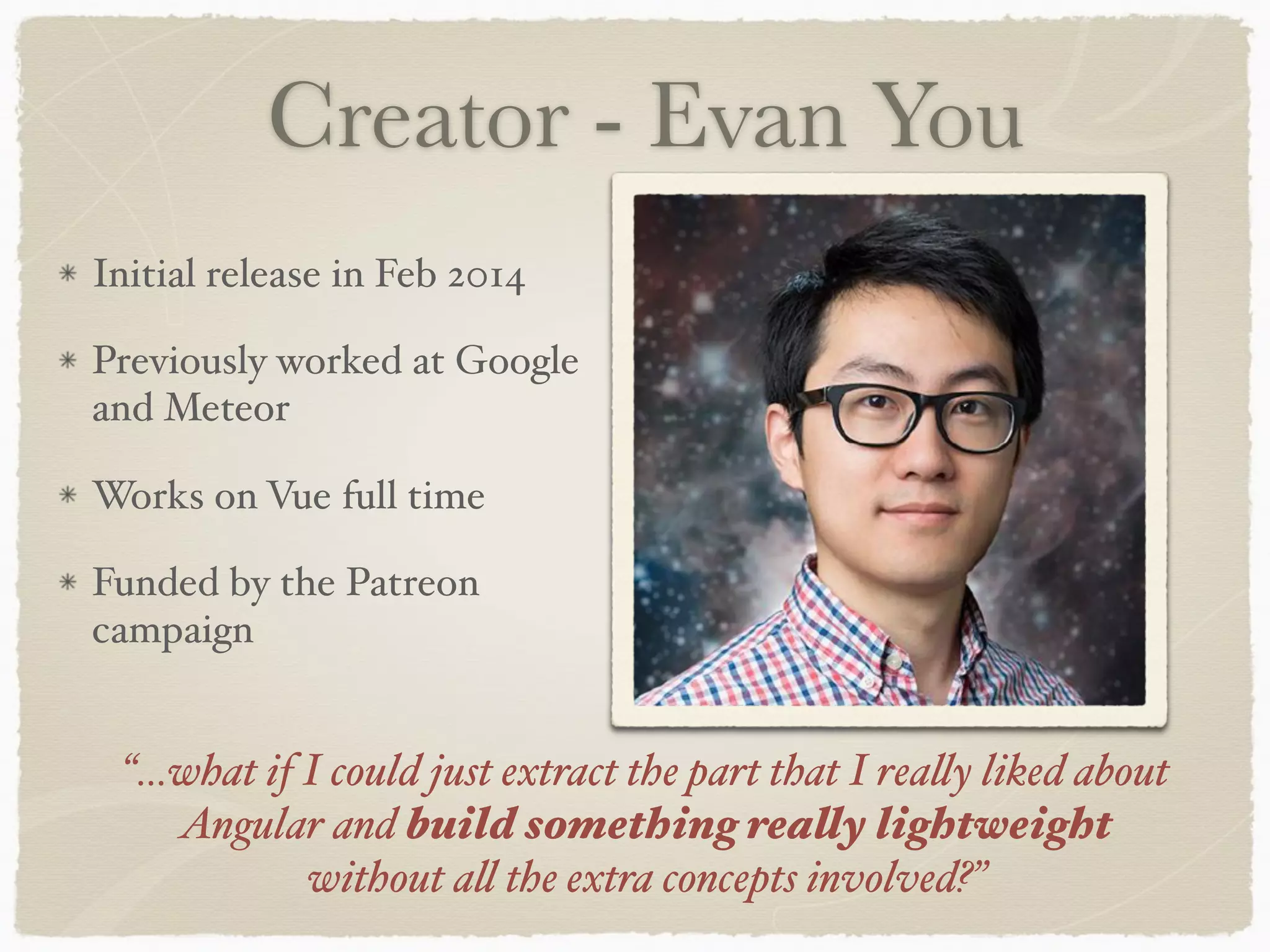
Creator - Evan You Initial release in Feb 2014 Previously worked at Google and Meteor Works on Vue full time Funded by the Patreon campaign “…what if I could just extract the part that I really liked about Angular and build something really lightweight without all the extra concepts involved?”
Why Vue? Approachable Scalable … makes developers happy :) Productive
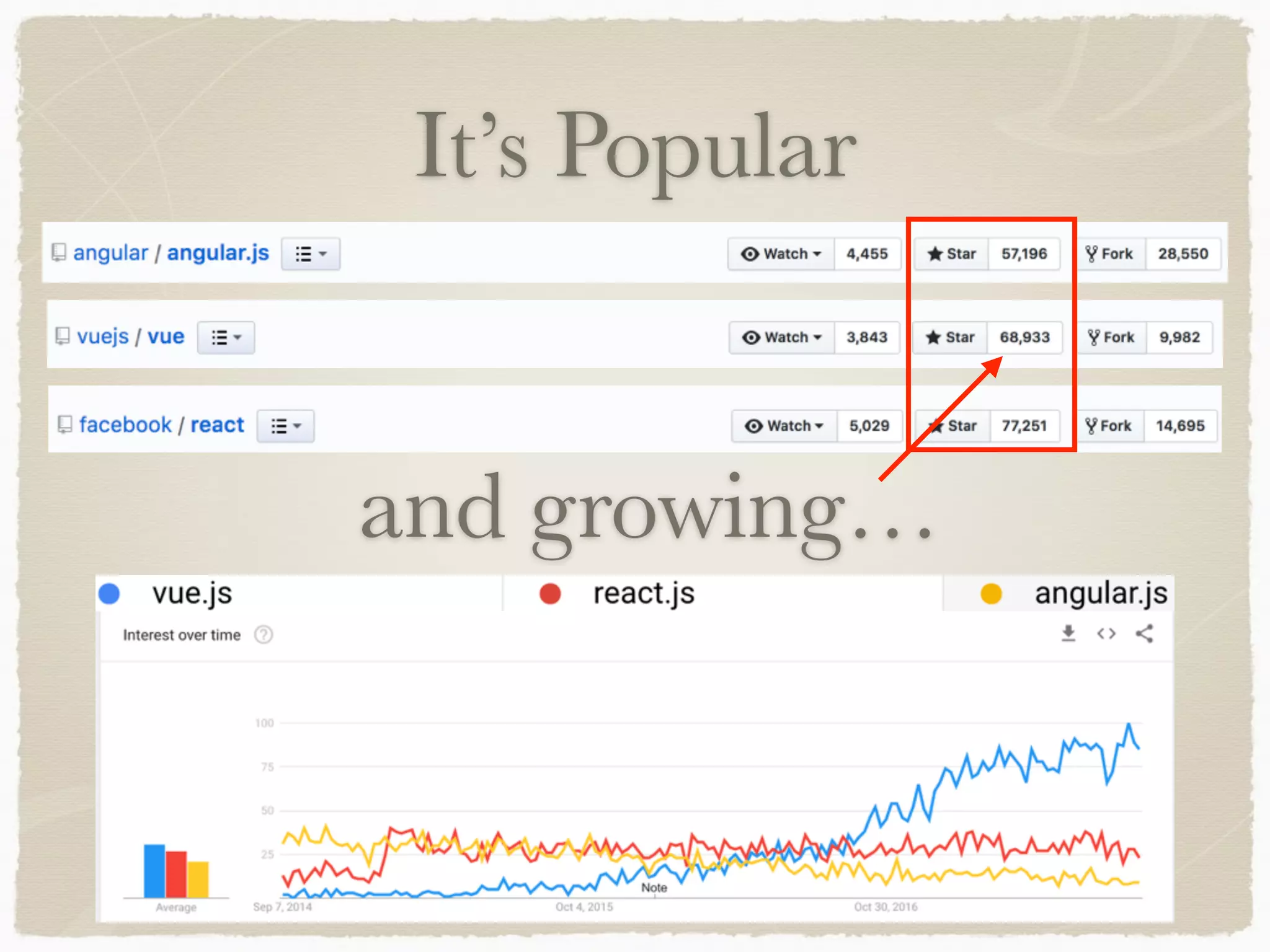
It’s Popular and growing…
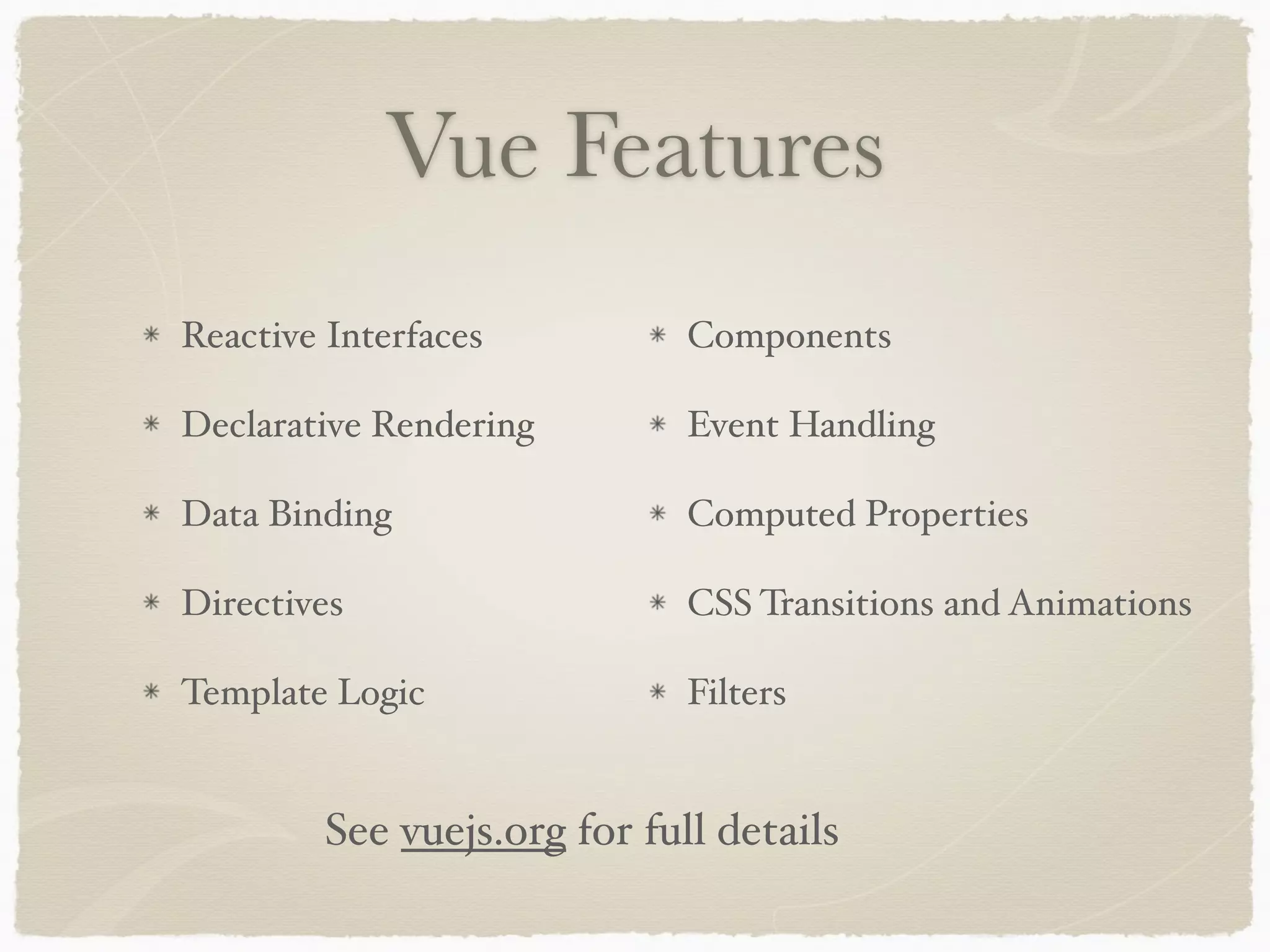
Vue Features Reactive Interfaces Declarative Rendering Data Binding Directives Template Logic Components Event Handling Computed Properties CSS Transitions and Animations Filters See vuejs.org for full details
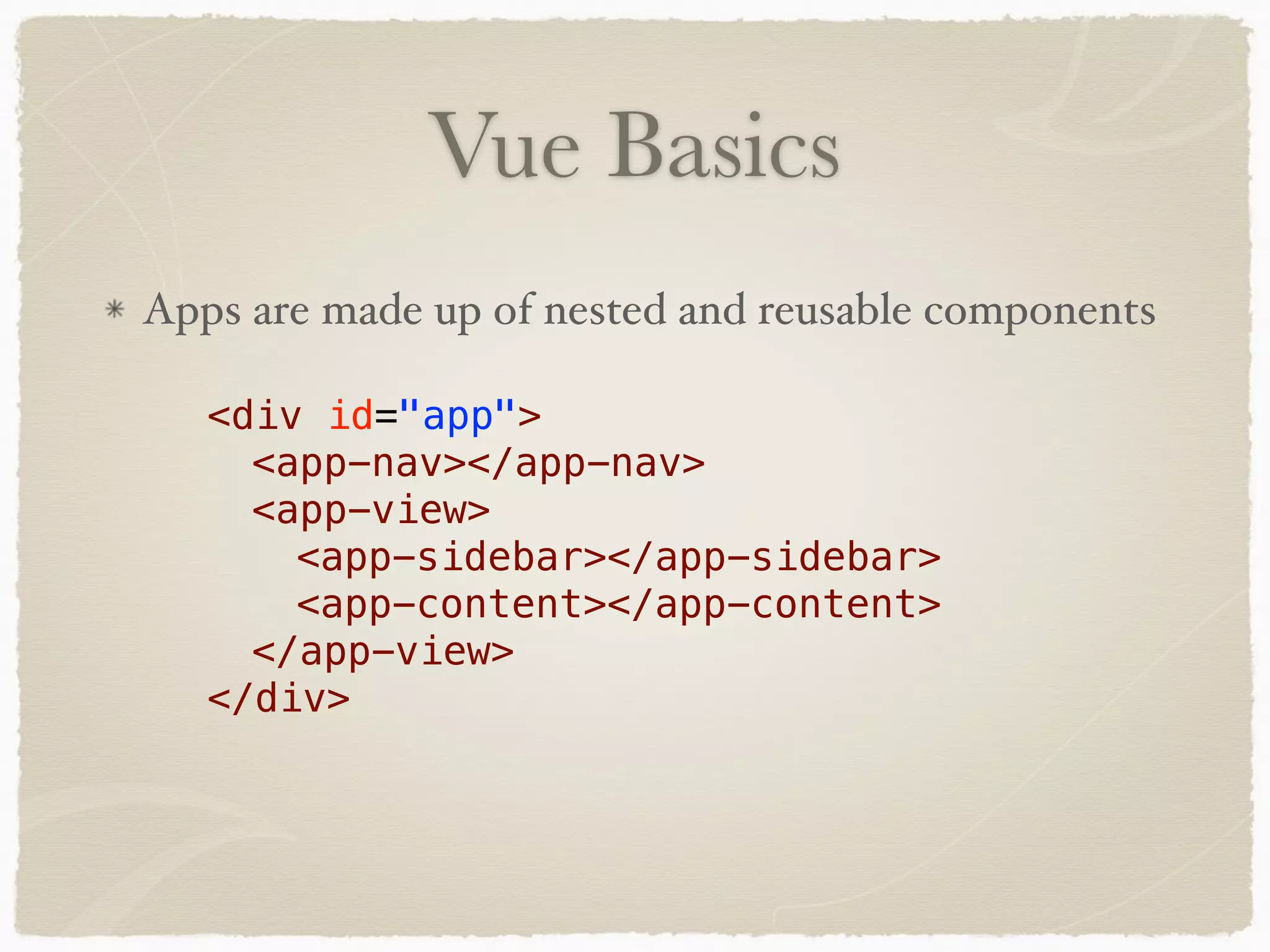
Vue Basics Apps are made up of nested and reusable components <div id="app"> <app-nav></app-nav> <app-view> <app-sidebar></app-sidebar> <app-content></app-content> </app-view> </div>
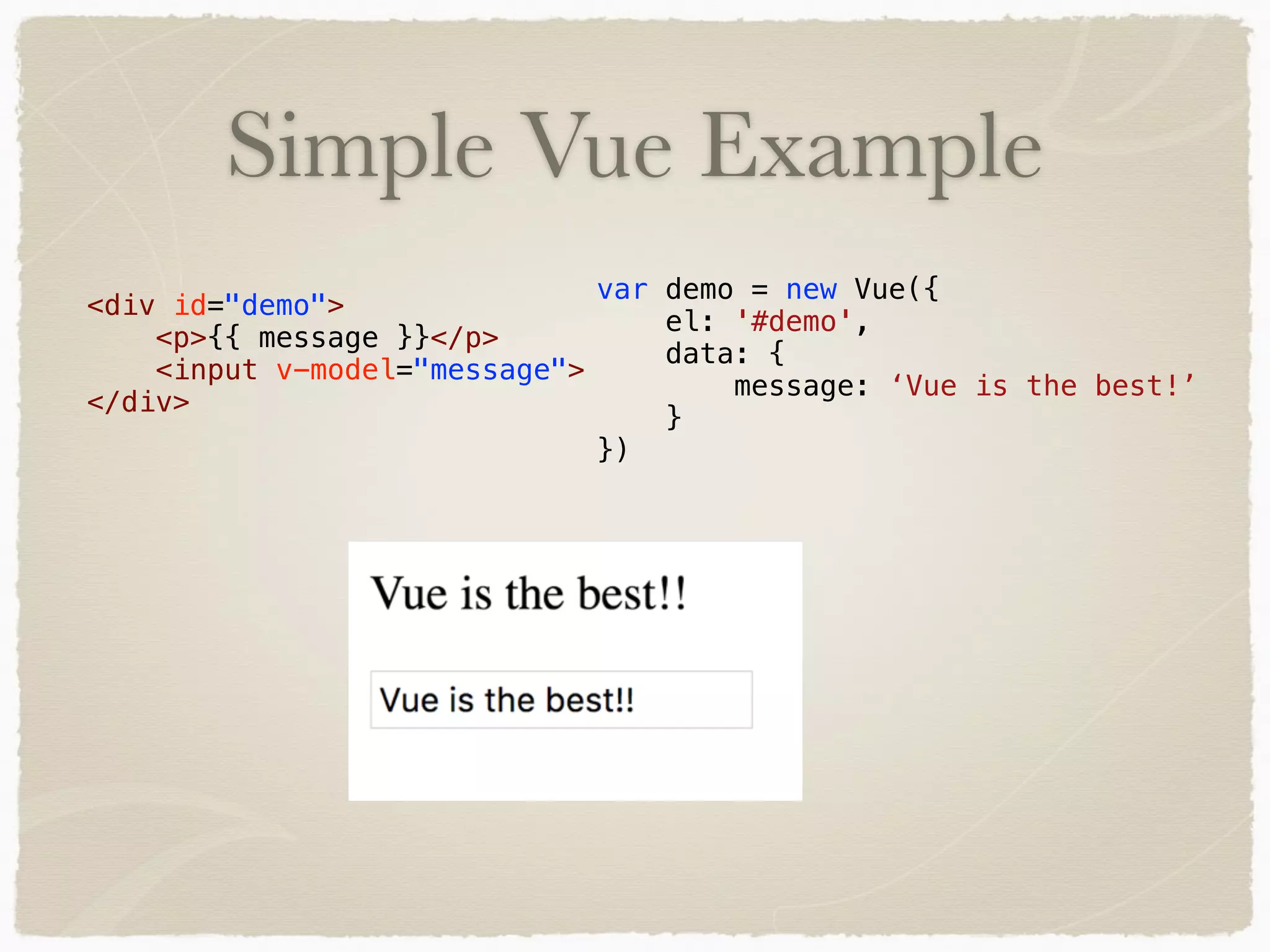
Simple Vue Example var demo = new Vue({ el: '#demo', data: { message: ‘Vue is the best!’ } }) <div id="demo"> <p>{{ message }}</p> <input v-model="message"> </div>
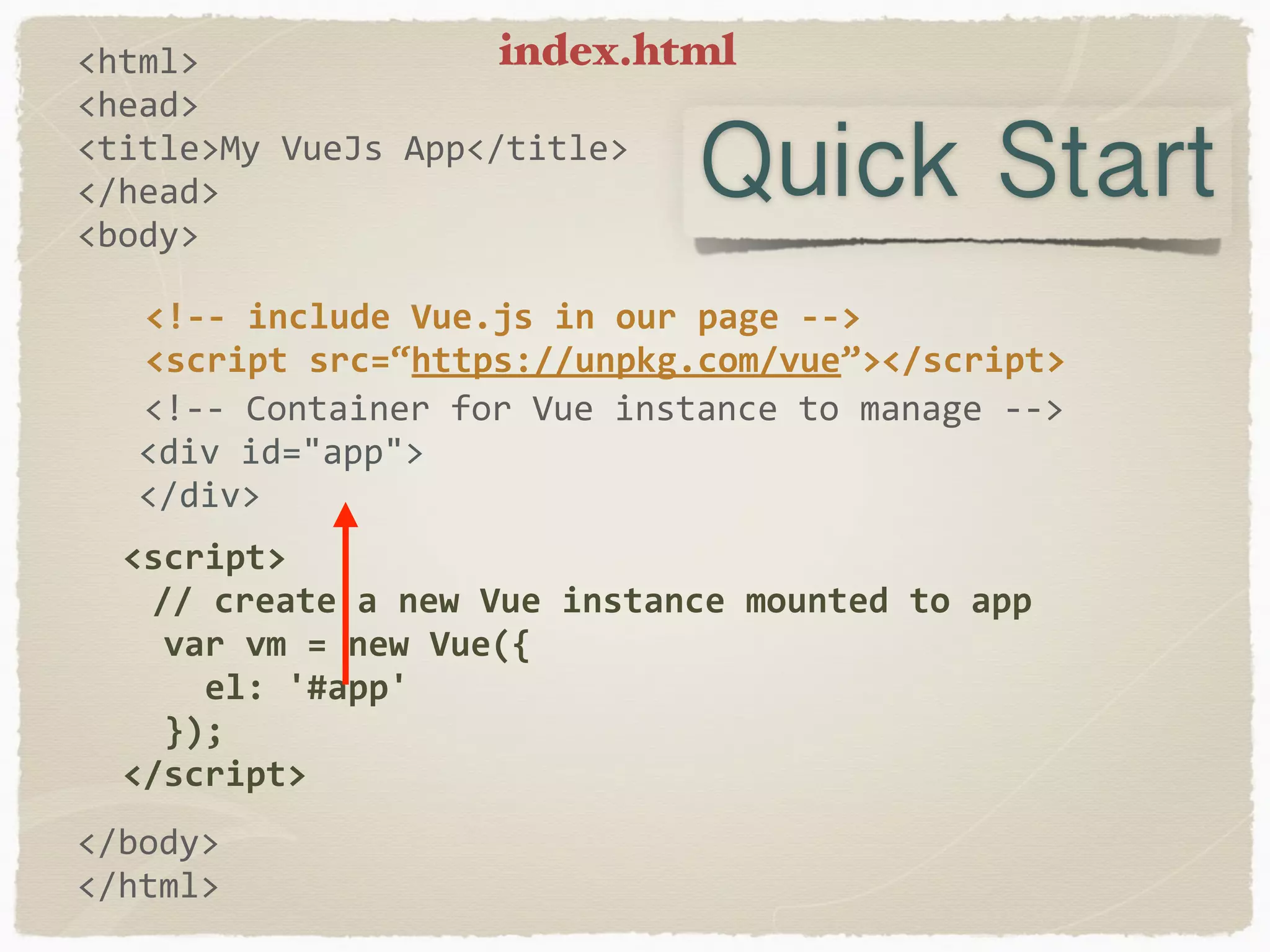
<html> <head> <title>My	VueJs	App</title> </head> <body> <!--	Container	for	Vue	instance	to	manage	-->	<div	id="app">	</div> </body> </html> <!--	include	Vue.js	in	our	page	--> <script	src=“https://unpkg.com/vue”></script>	<script> //	create	a	new	Vue	instance	mounted	to	app	var	vm	=	new	Vue({	el:	'#app'	});	</script> Quick Start index.html
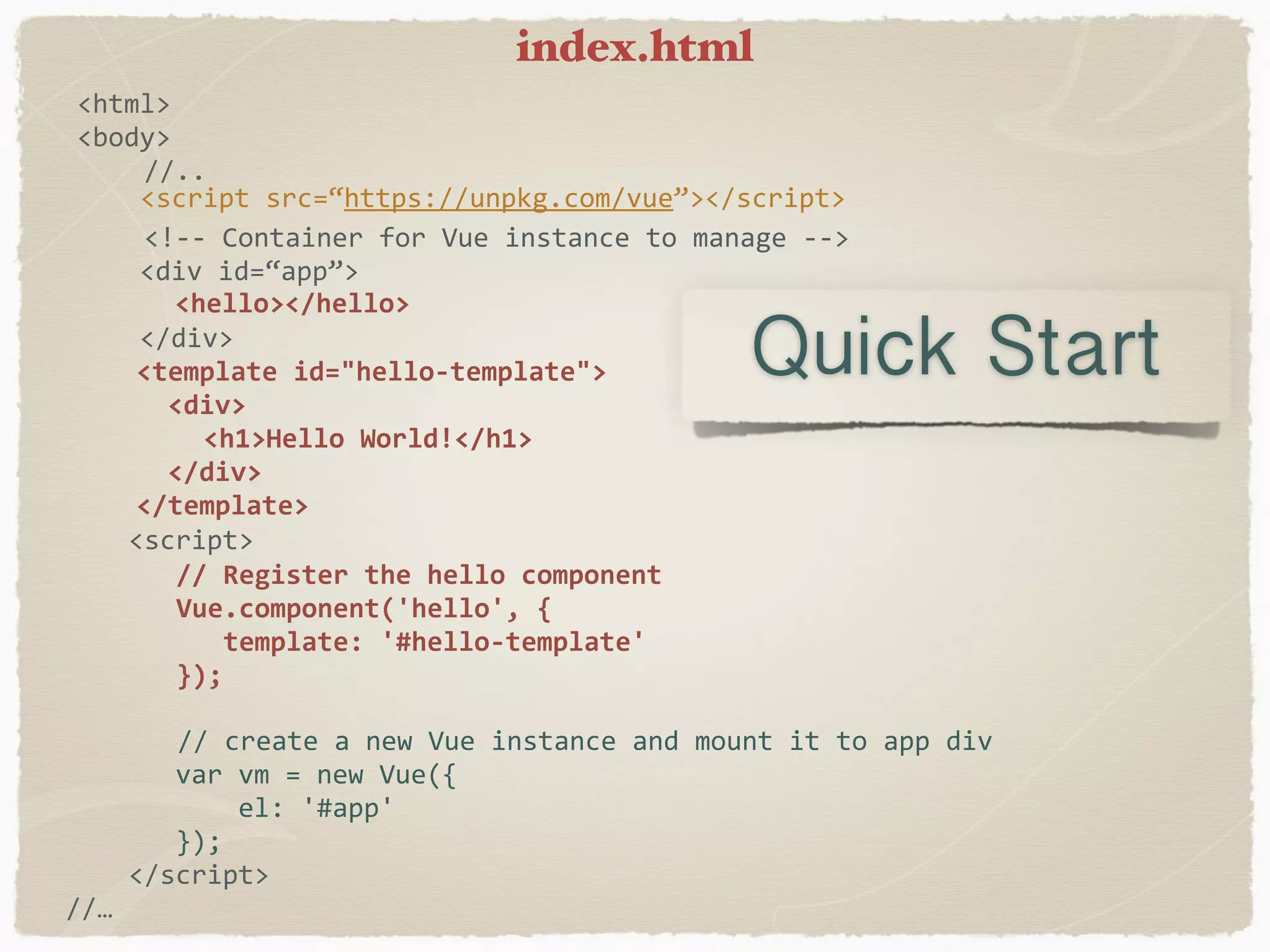
<html> <body> //.. <!--	Container	for	Vue	instance	to	manage	-->	<div	id=“app”>	</div> <script	src=“https://unpkg.com/vue”></script>	<script> //	create	a	new	Vue	instance	and	mount	it	to	app	div	var	vm	=	new	Vue({	el:	'#app'	});	</script> //… <template	id="hello-template">	<div> <h1>Hello	World!</h1>	</div> </template> //	Register	the	hello	component Vue.component('hello',	{	template:	'#hello-template' }); <hello></hello> Quick Start index.html
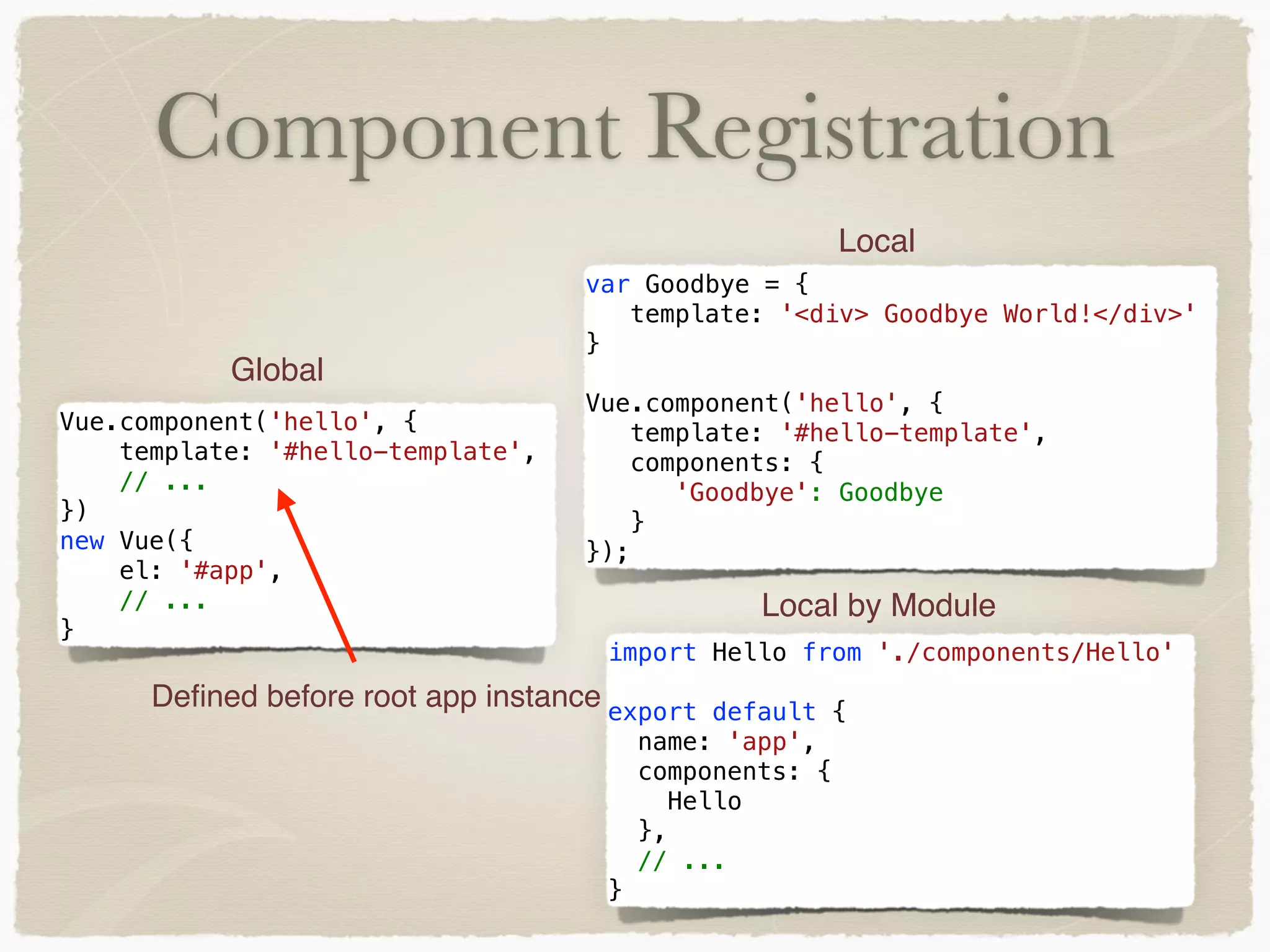
Component Registration Vue.component('hello', { template: '#hello-template', // ... }) new Vue({ el: '#app', // ... } Global var Goodbye = { template: '<div> Goodbye World!</div>' } Vue.component('hello', { template: '#hello-template', components: { 'Goodbye': Goodbye } }); Local import Hello from './components/Hello' export default { name: 'app', components: { Hello }, // ... } Local by Module Defined before root app instance
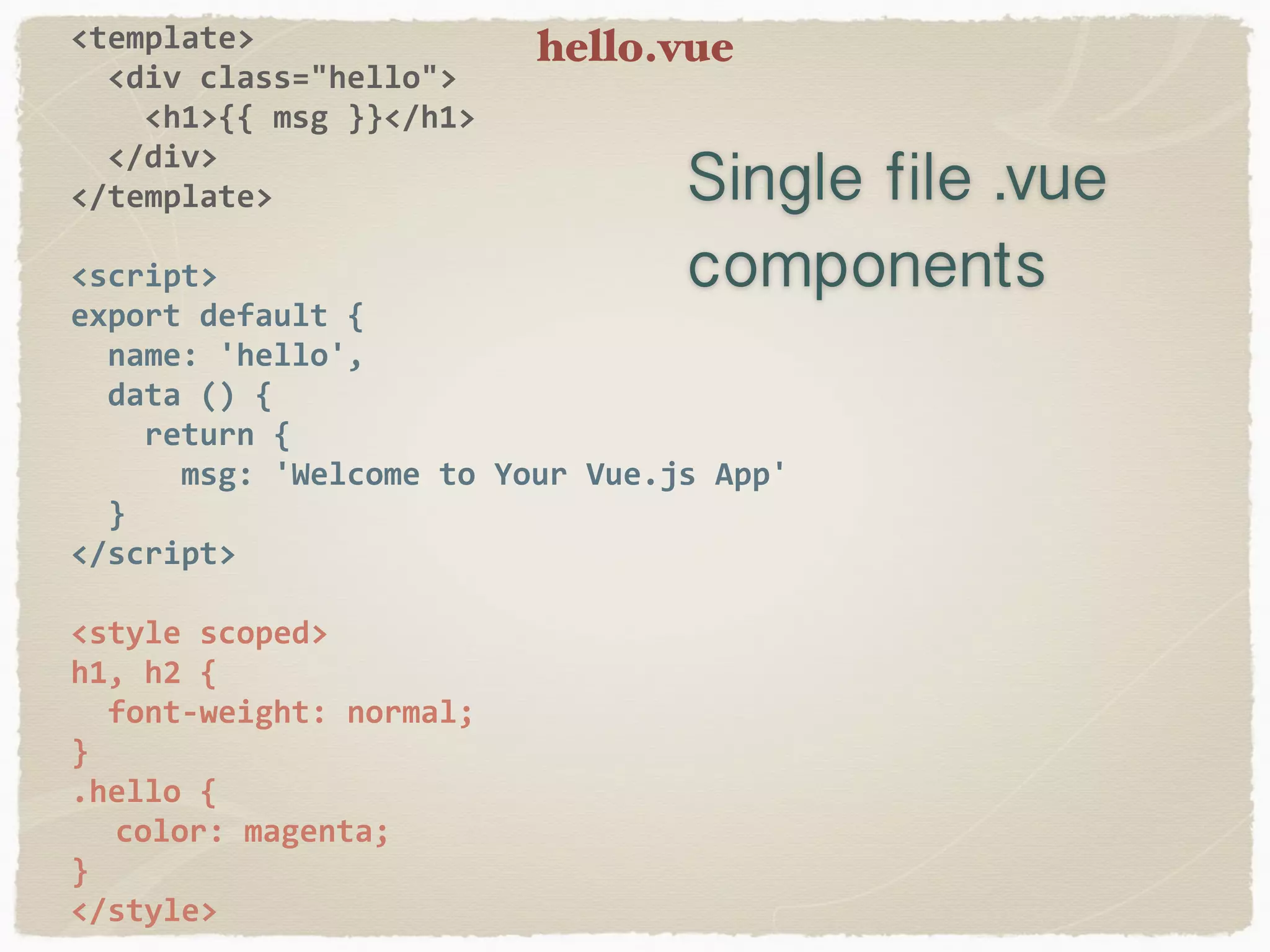
<template>	<div	class="hello">	<h1>{{	msg	}}</h1>	</div> </template> <script> export	default	{	name:	'hello',	data	()	{	return	{	msg:	'Welcome	to	Your	Vue.js	App'	} </script> <style	scoped> h1,	h2	{	font-weight:	normal; } .hello	{ color:	magenta; } </style> Single file .vue components hello.vue
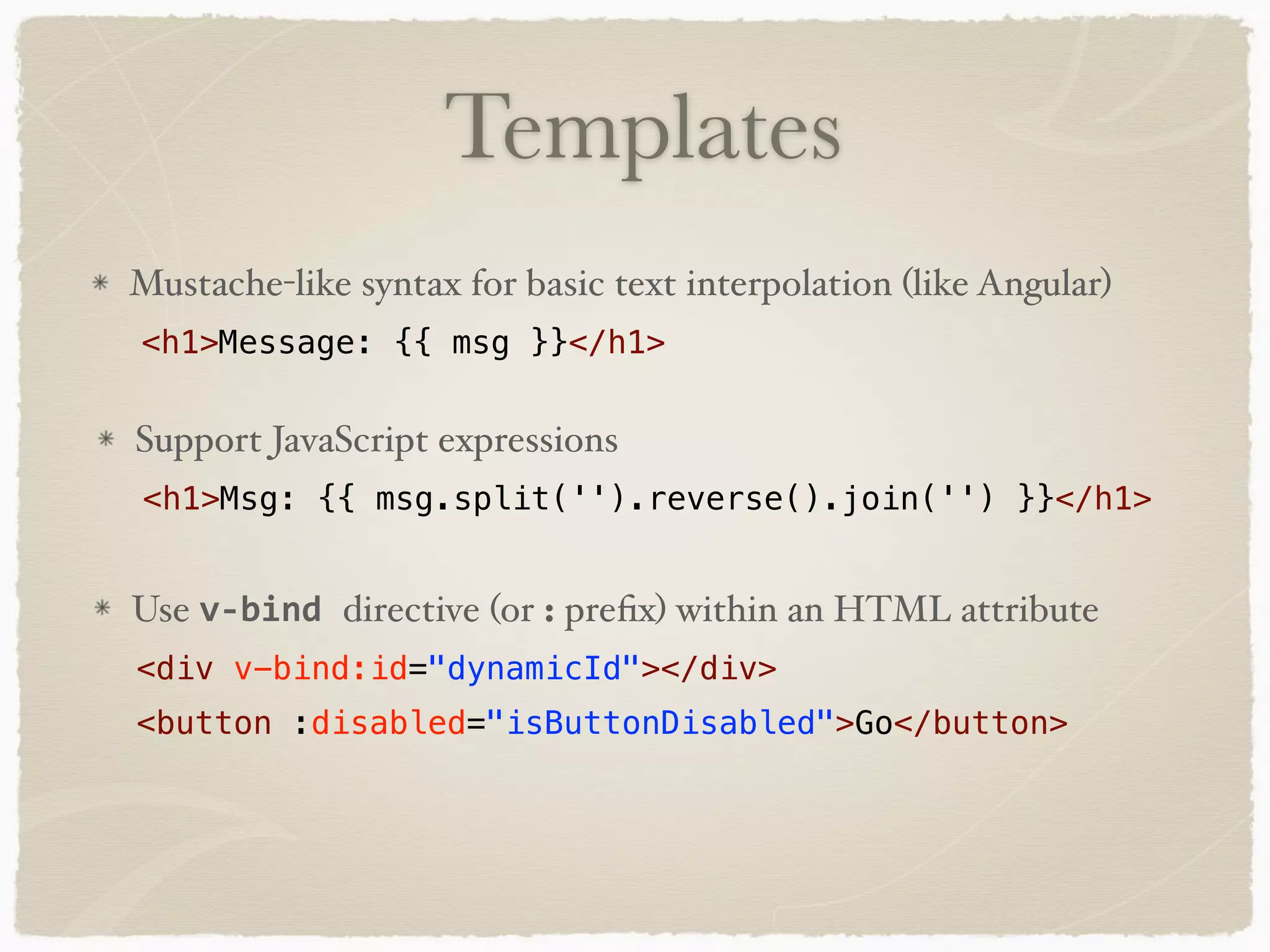
Templates <h1>Msg: {{ msg.split('').reverse().join('') }}</h1> Support JavaScript expressions <h1>Message: {{ msg }}</h1> Mustache-like syntax for basic text interpolation (like Angular) Use v-bind	directive (or : prefix) within an HTML attribute <button :disabled="isButtonDisabled">Go</button> <div v-bind:id="dynamicId"></div>
Vue Data - v-model directive allows two-way binding on form elements Vue.component('demo', { template: ‘#demo-template', data: function () { return { fname: 'Holly', lname: 'Schinsky', isDisabled: false, items: ['Milk','Bread','Cereal','Peanut Butter'], counter: 0 } }, - When data items change, the view ‘reacts’ automatically to them - Data properties are only reactive if they existed when the instance was created <input type="text" v-model="message"/>
Props Vue.component('hello', { template: '#hello-template', props: ['message'], data: function () { return { fname: 'Holly', lname: 'Schinsky', } } }) <hello v-bind:message=“message"></hello> <h1>{{ message }}</h1> hello component uses parent component passes
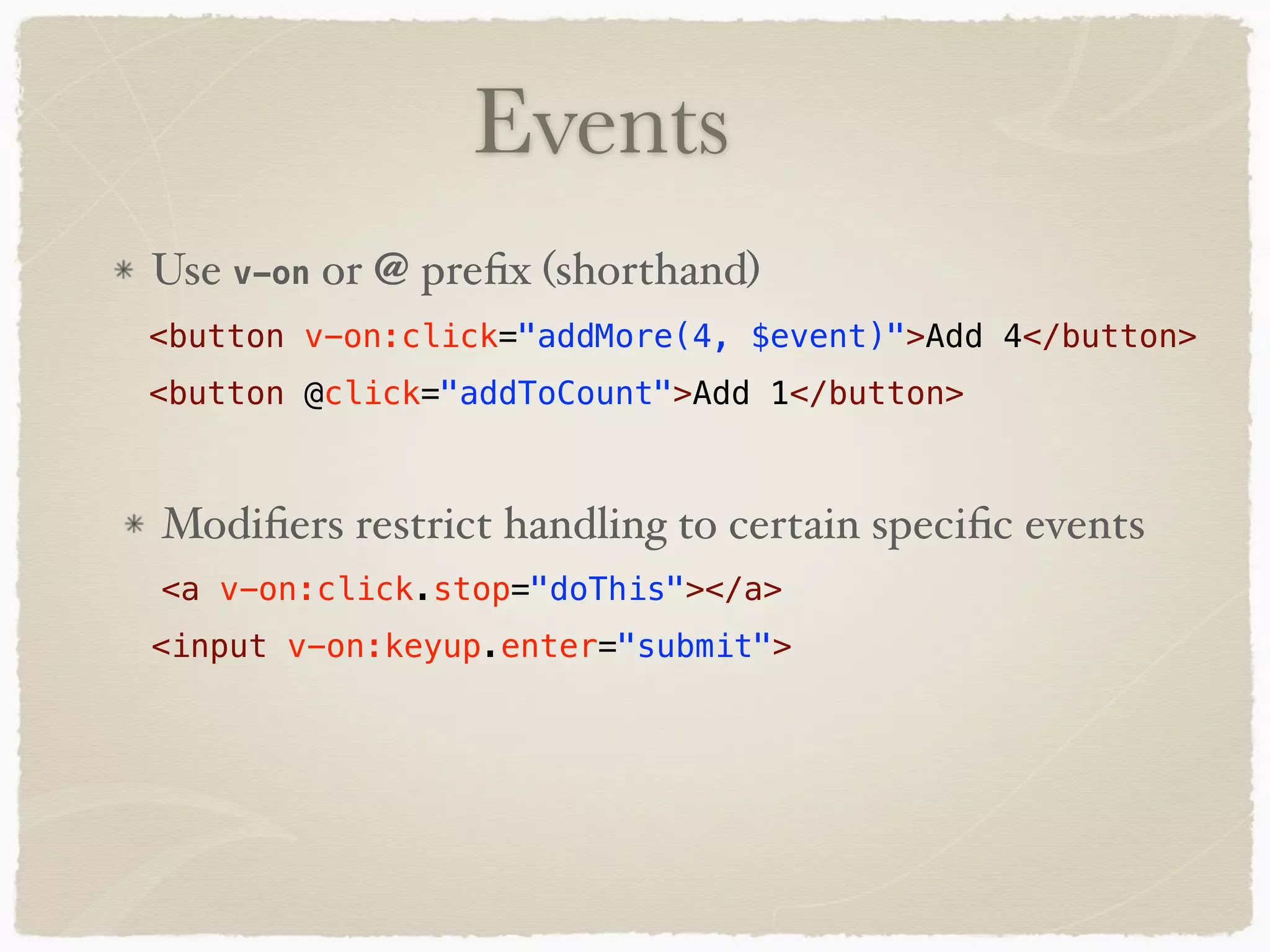
Events <button @click="addToCount">Add 1</button> <button v-on:click="addMore(4, $event)">Add 4</button> Use v-on or @ prefix (shorthand) <input v-on:keyup.enter="submit"> <a v-on:click.stop="doThis"></a> Modifiers restrict handling to certain specific events
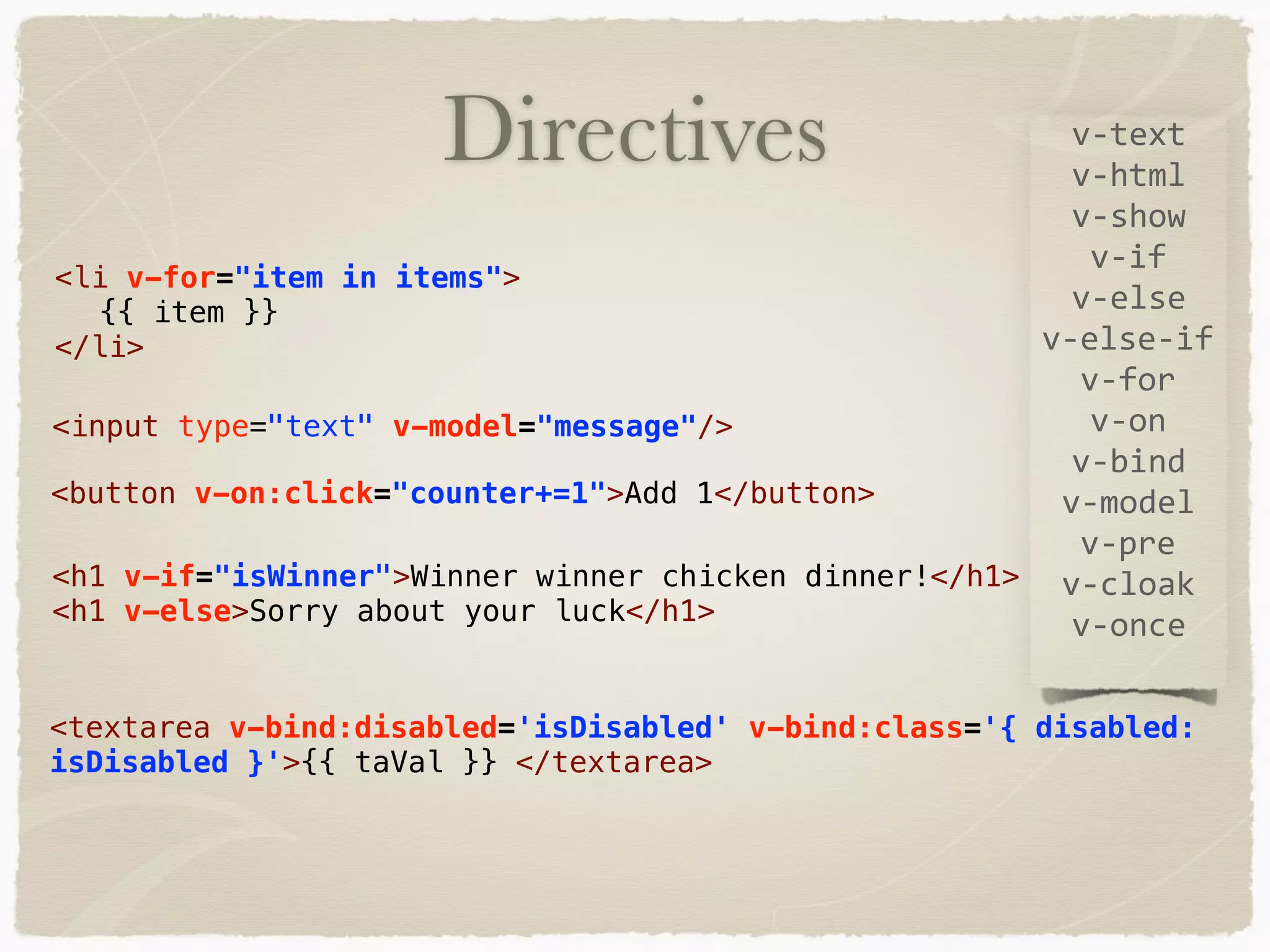
Directives v-text v-html v-show v-if v-else v-else-if v-for v-on v-bind v-model v-pre v-cloak v-once <input type="text" v-model="message"/> <li v-for="item in items"> {{ item }} </li> <button v-on:click="counter+=1">Add 1</button> <textarea v-bind:disabled='isDisabled' v-bind:class='{ disabled: isDisabled }'>{{ taVal }} </textarea> <h1 v-if="isWinner">Winner winner chicken dinner!</h1> <h1 v-else>Sorry about your luck</h1>
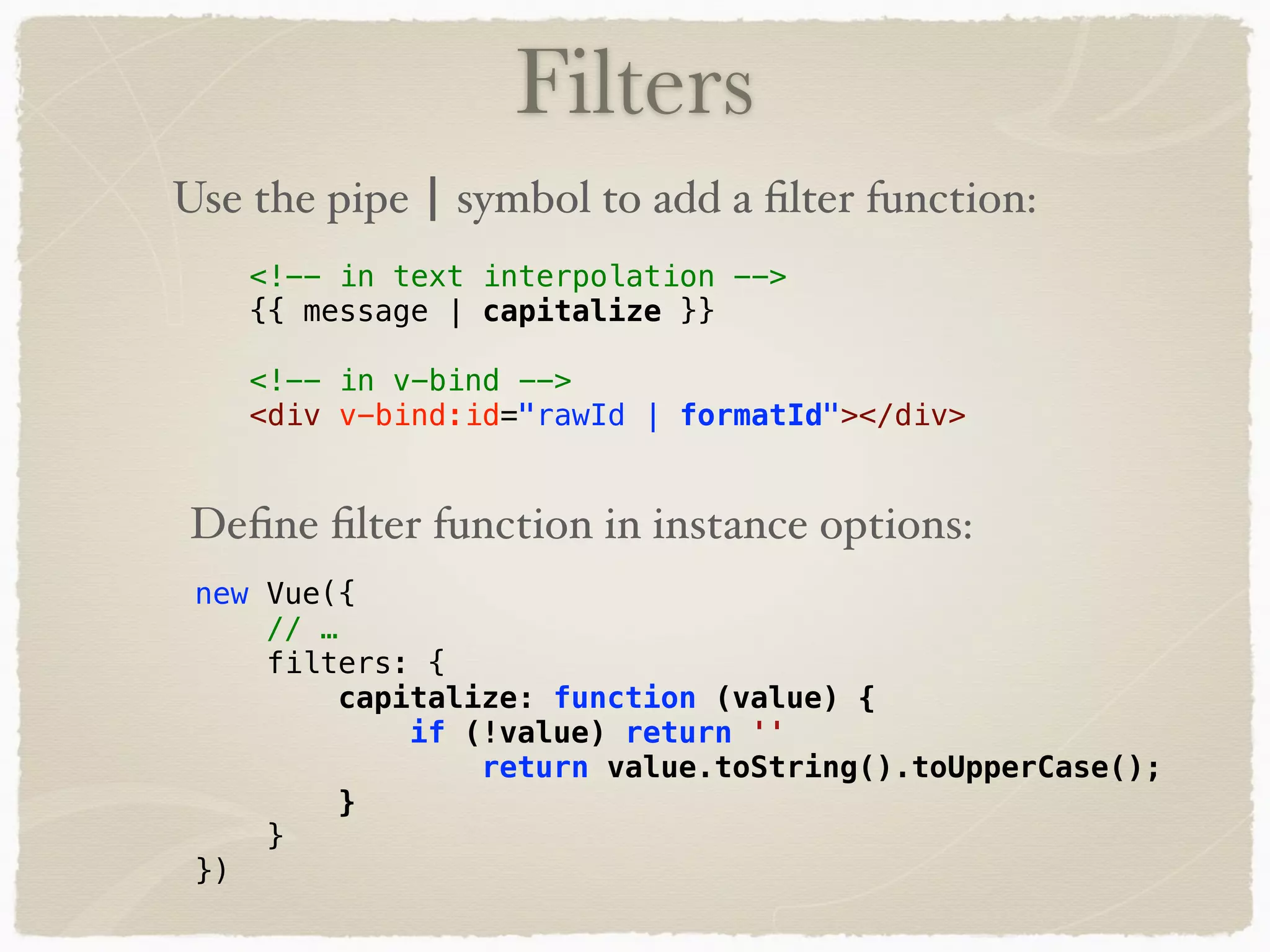
Filters <!-- in text interpolation --> {{ message | capitalize }} <!-- in v-bind --> <div v-bind:id="rawId | formatId"></div> Use the pipe | symbol to add a filter function: Define filter function in instance options: new Vue({ // … filters: { capitalize: function (value) { if (!value) return '' return value.toString().toUpperCase(); } } })
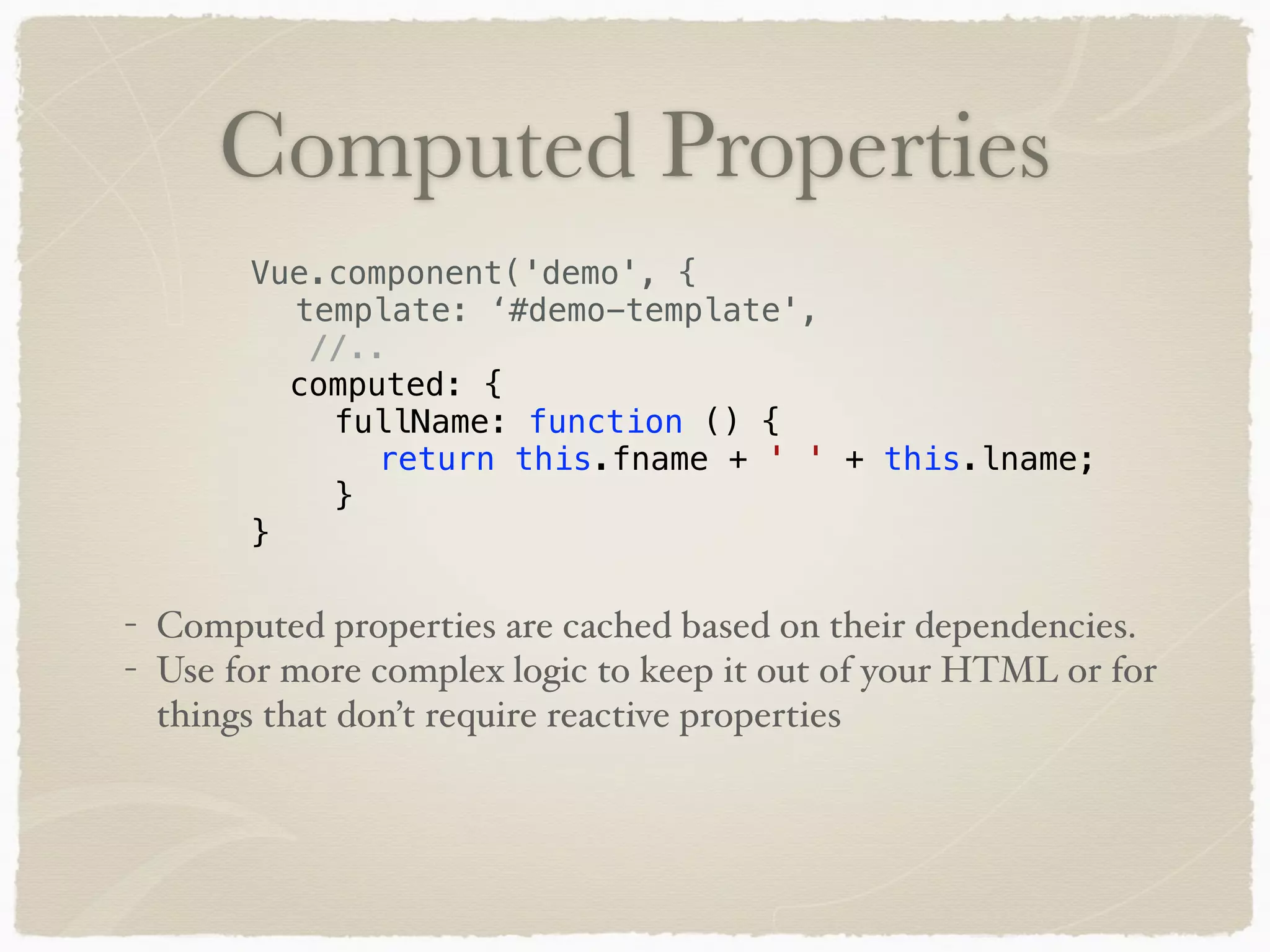
Computed Properties - Computed properties are cached based on their dependencies. - Use for more complex logic to keep it out of your HTML or for things that don’t require reactive properties Vue.component('demo', { template: ‘#demo-template', //.. computed: { fullName: function () { return this.fname + ' ' + this.lname; } }
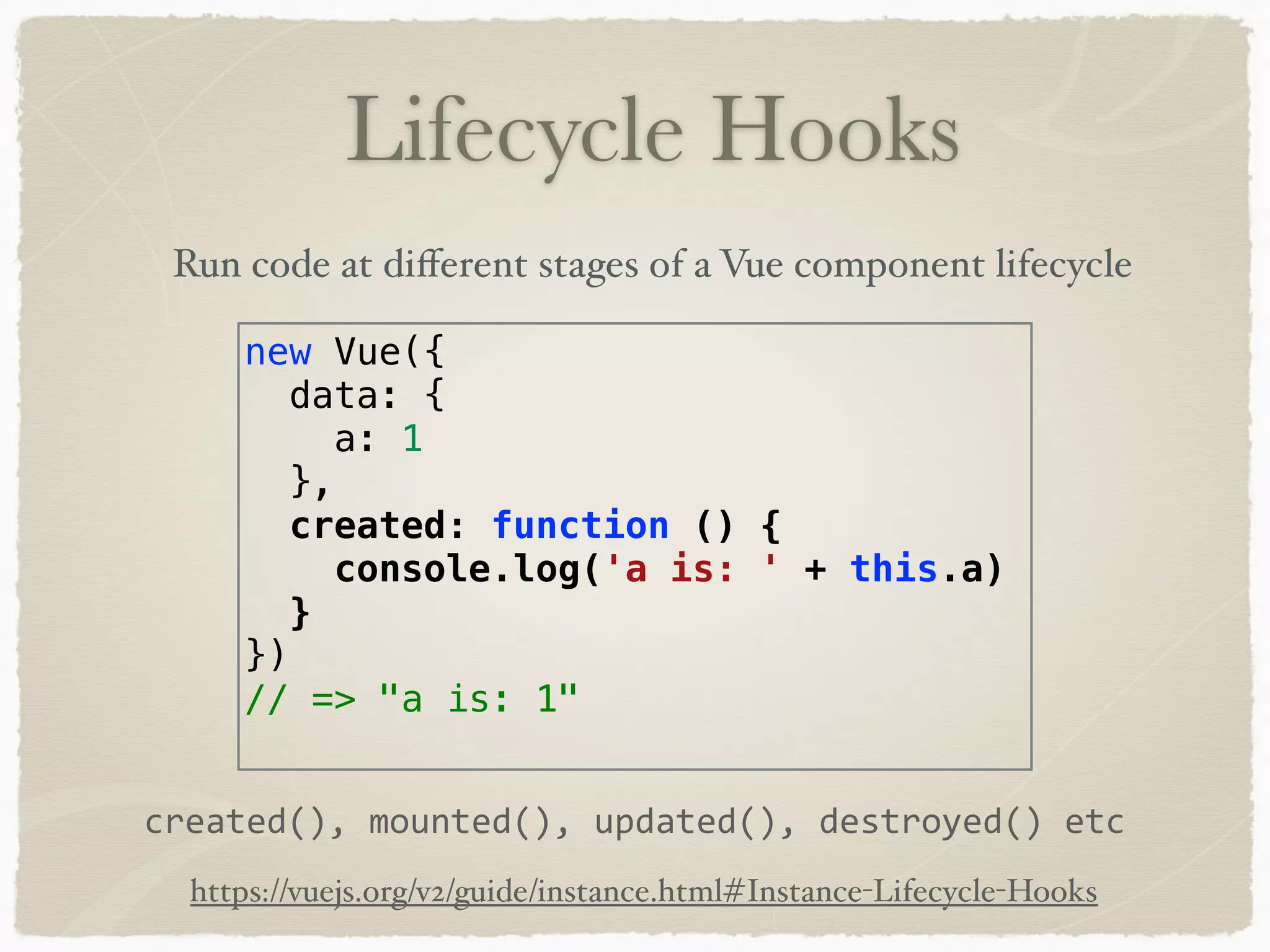
new Vue({ data: { a: 1 }, created: function () { console.log('a is: ' + this.a) } }) // => "a is: 1" created(),	mounted(),	updated(),	destroyed()	etc Lifecycle Hooks Run code at different stages of a Vue component lifecycle https://vuejs.org/v2/guide/instance.html#Instance-Lifecycle-Hooks
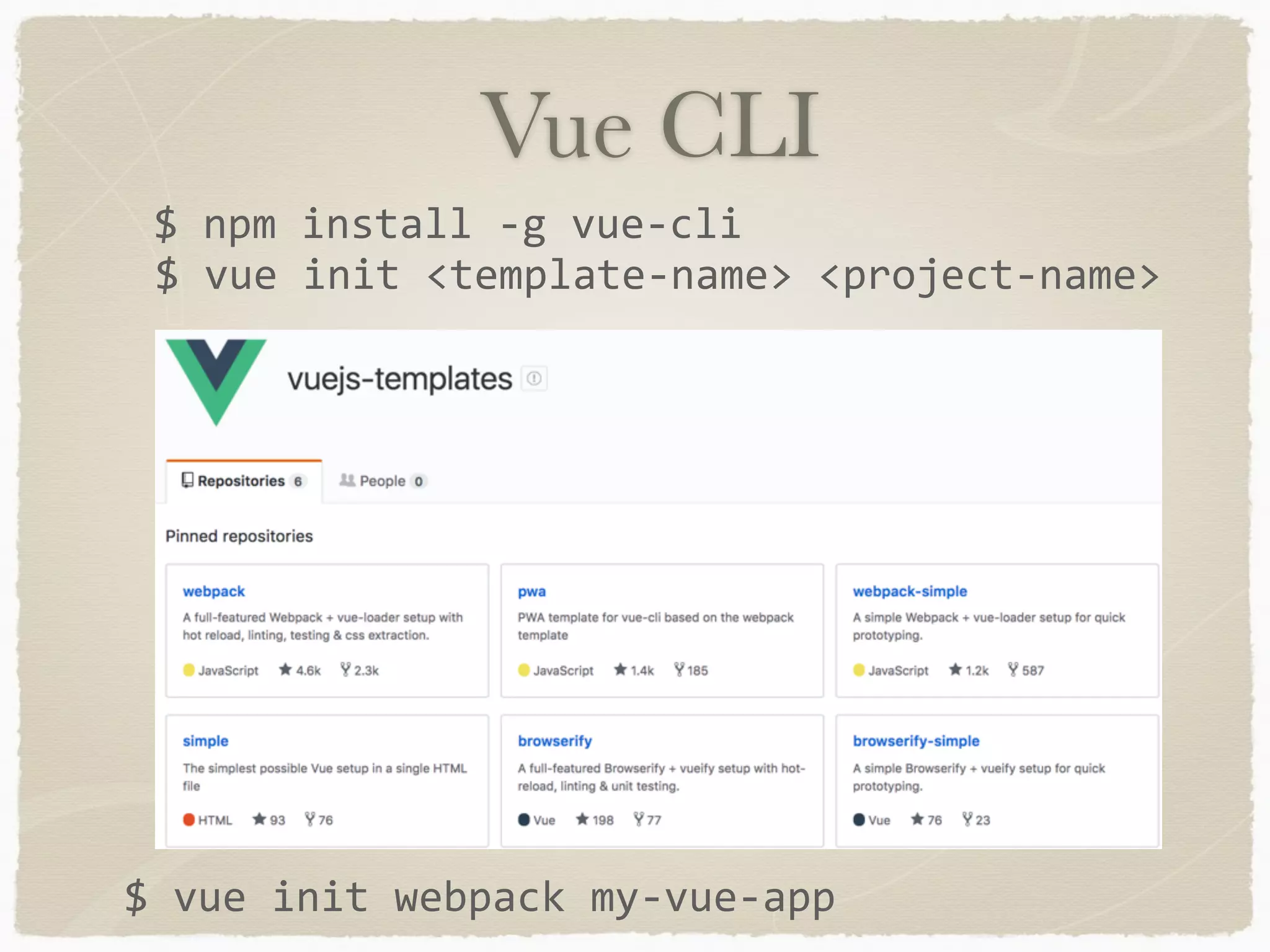
Vue CLI $	npm	install	-g	vue-cli $	vue	init	<template-name>	<project-name> $	vue	init	webpack	my-vue-app
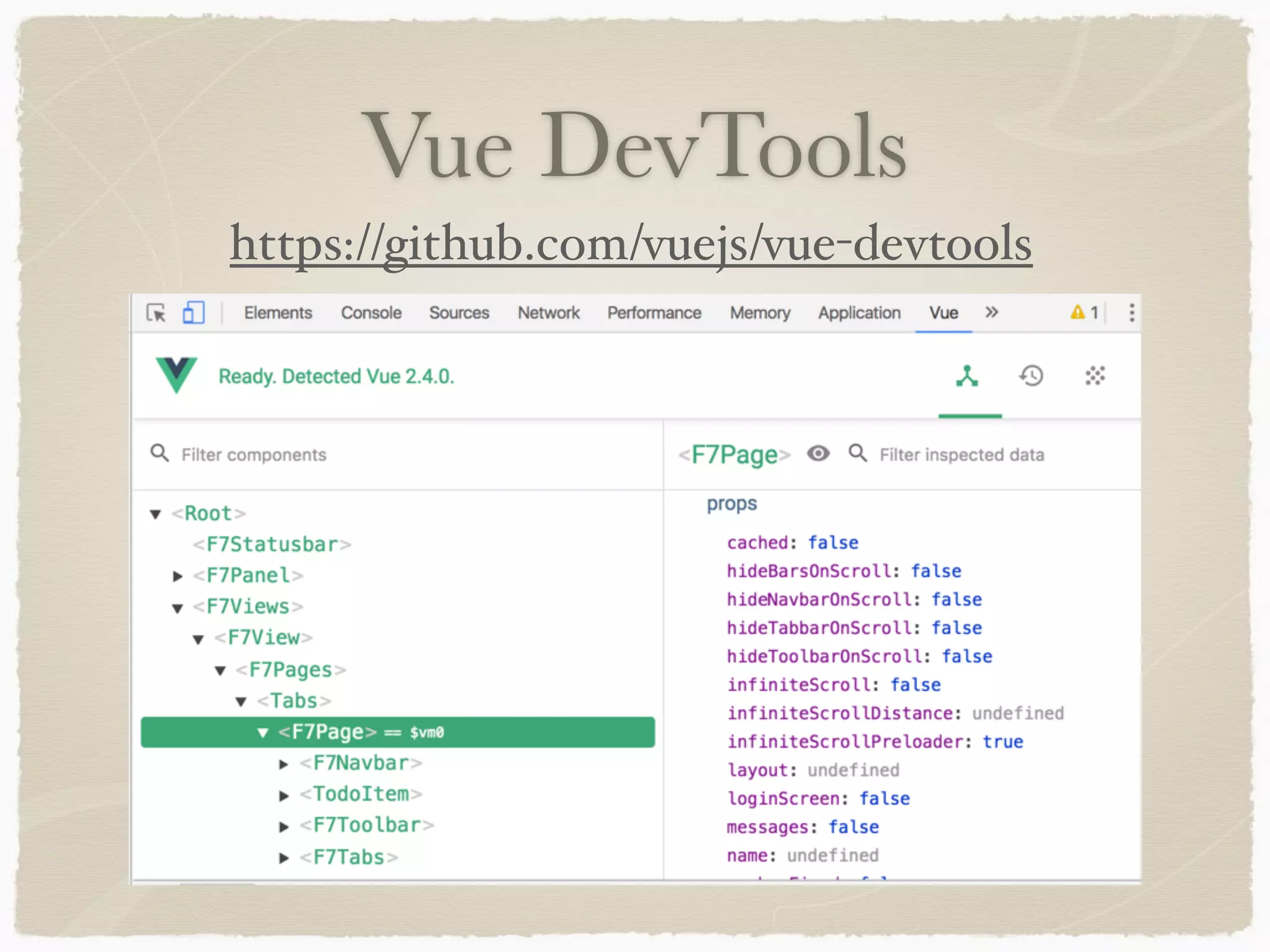
Vue DevTools https://github.com/vuejs/vue-devtools
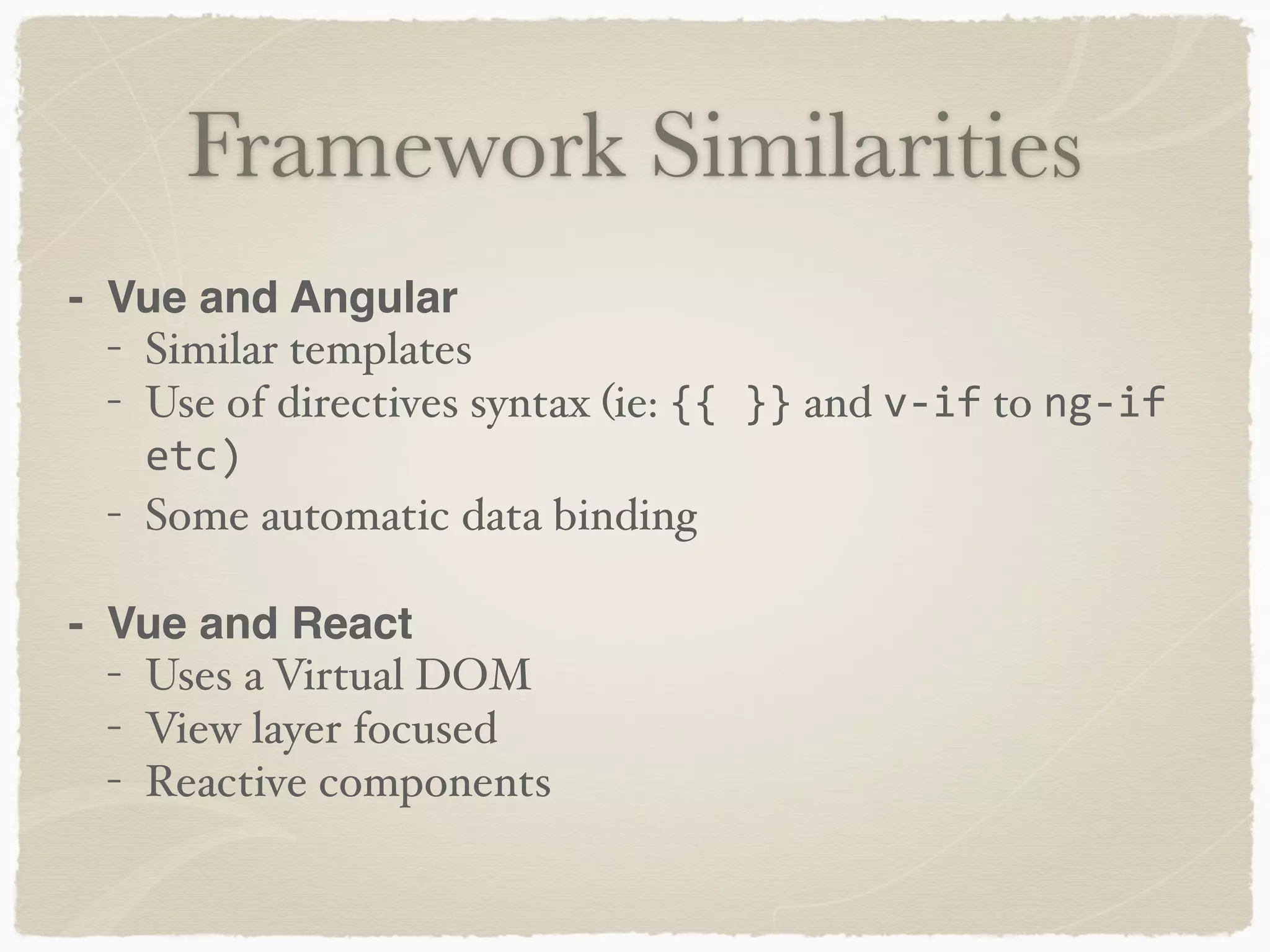
Framework Similarities - Vue and Angular - Similar templates - Use of directives syntax (ie: {{	}} and v-if to ng-if etc) - Some automatic data binding - Vue and React - Uses a Virtual DOM - View layer focused - Reactive components
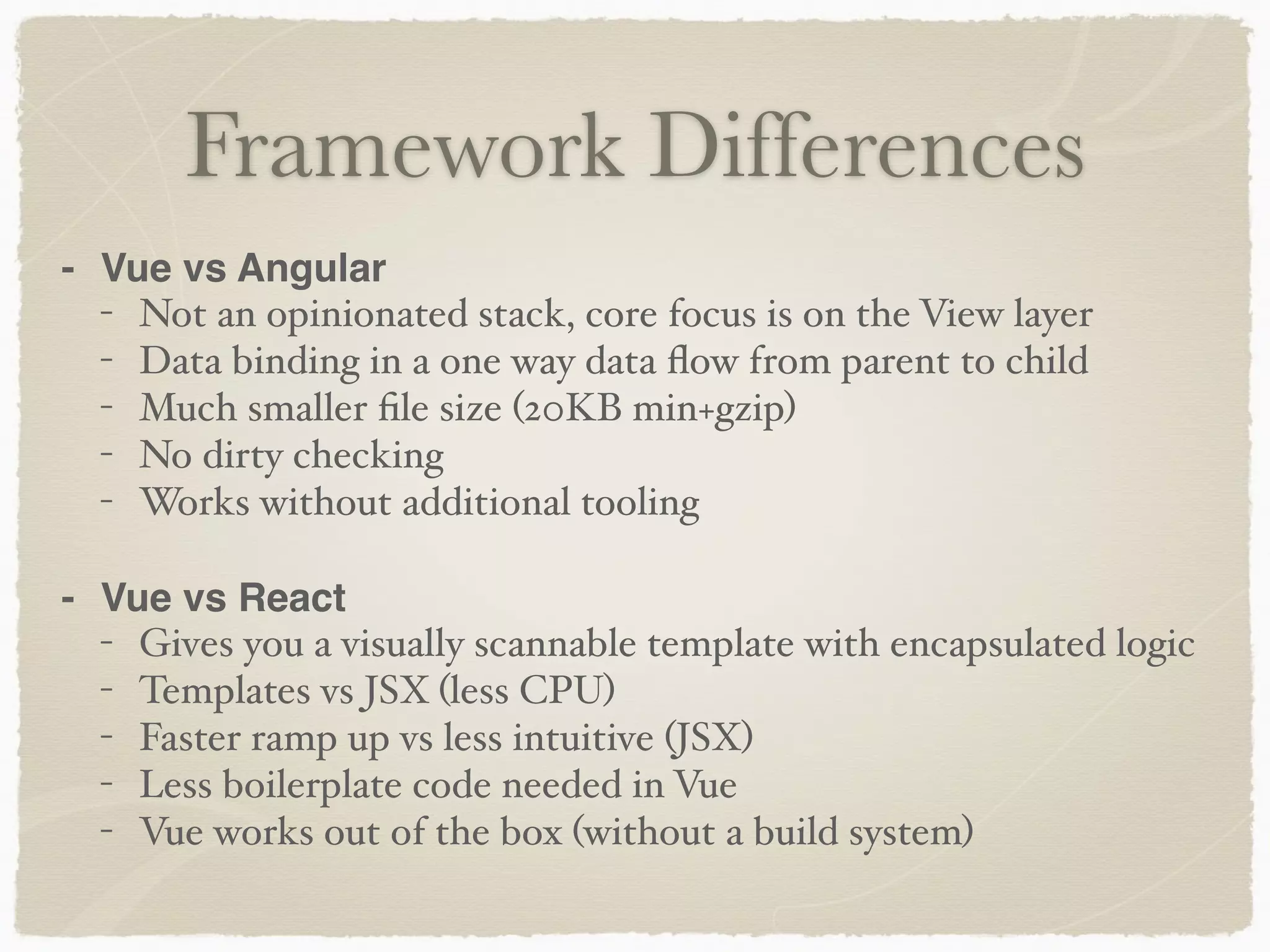
Framework Differences - Vue vs Angular - Not an opinionated stack, core focus is on the View layer - Data binding in a one way data flow from parent to child - Much smaller file size (20KB min+gzip) - No dirty checking - Works without additional tooling - Vue vs React - Gives you a visually scannable template with encapsulated logic - Templates vs JSX (less CPU) - Faster ramp up vs less intuitive (JSX) - Less boilerplate code needed in Vue - Vue works out of the box (without a build system)
Angular vs Vue import { Component } from '@angular/core'; @Component ({ selector: 'my-app', template: `<h1>Hello {{name}}</h1>`, }) export class AppComponent { name = 'Angular'; } var helloApp = angular.module("helloApp", []);     helloApp.controller("HelloCtrl", function($scope) {         $scope.name = "Calvin Hobbes";     }); <div id="app"> {{ message }} </div> var app = new Vue({ el: '#app', data: { message: 'Hello Vue!' } }) Angular 1 Angular 2 Vue
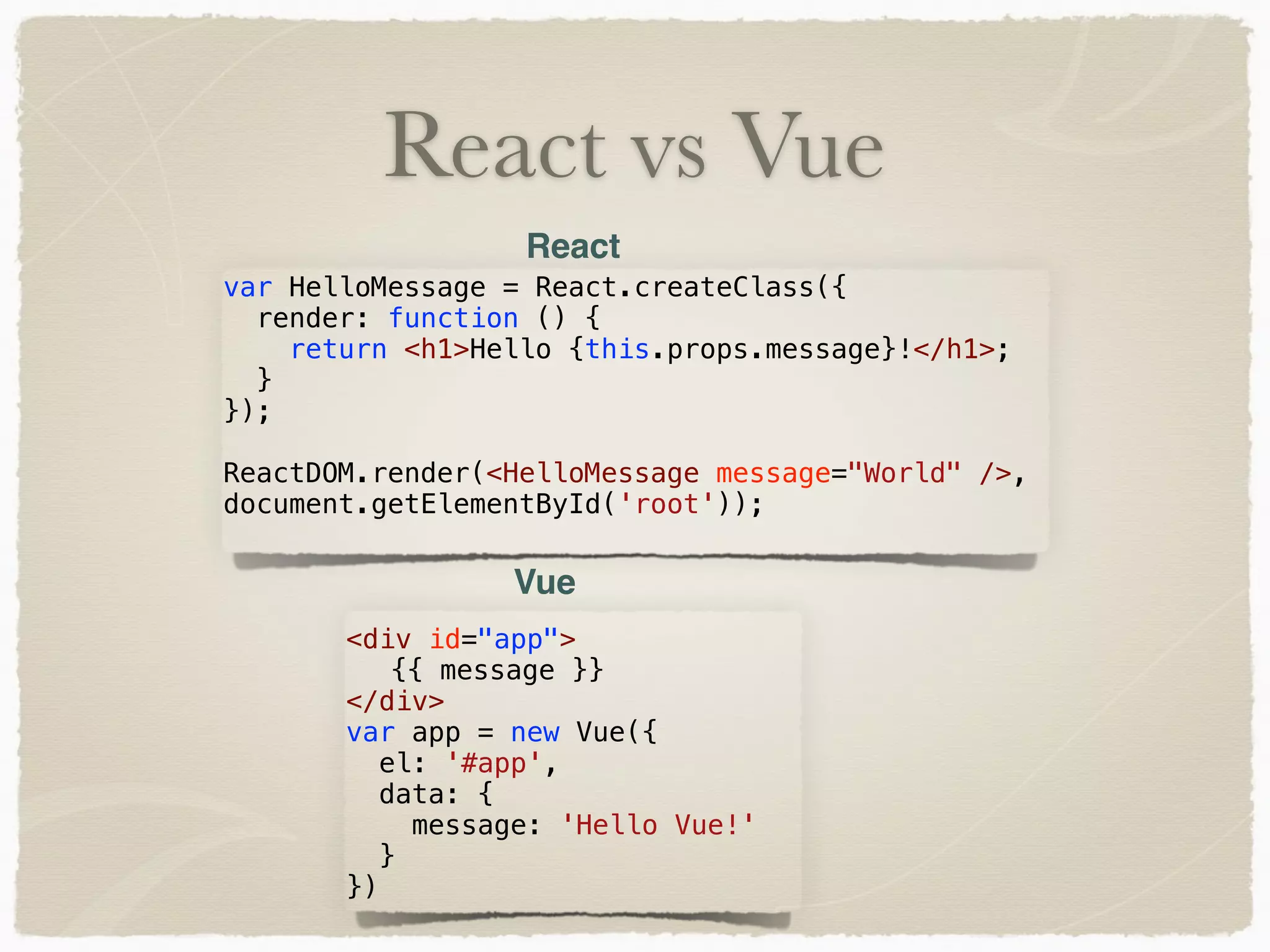
React vs Vue var HelloMessage = React.createClass({ render: function () { return <h1>Hello {this.props.message}!</h1>; } }); ReactDOM.render(<HelloMessage message="World" />, document.getElementById('root')); <div id="app"> {{ message }} </div> var app = new Vue({ el: '#app', data: { message: 'Hello Vue!' } }) React Vue
Vue and Mobile Small file size of Vue.js lends itself well to mobile Several UI libraries available with bindings Framework7 - https://framework7.io/vue/ Onsen UI - https://onsen.io/vue/ Get started quickly using PhoneGap starter project templates - https://github.com/phonegap/phonegap-app- stockpile
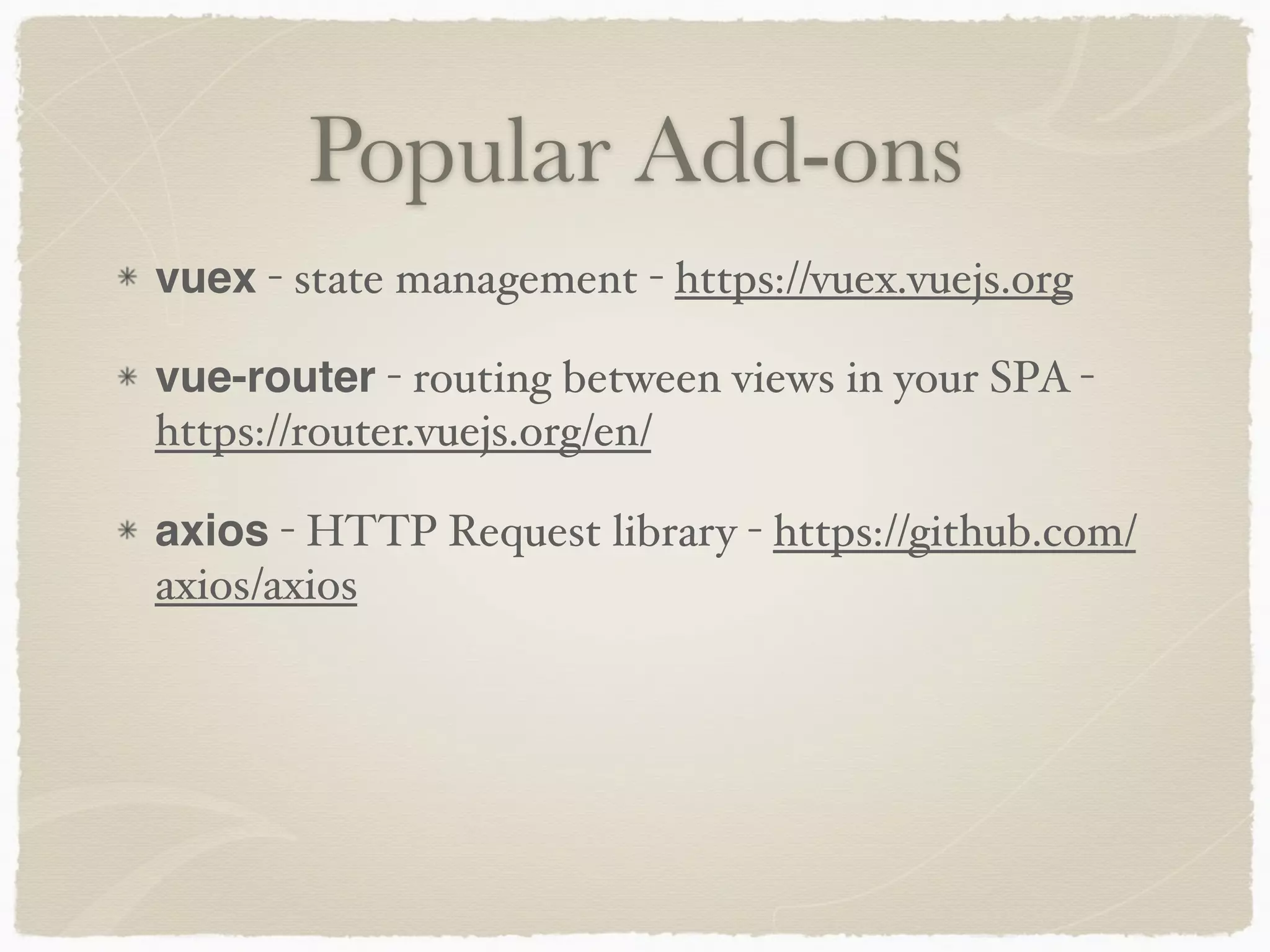
vuex - state management - https://vuex.vuejs.org vue-router - routing between views in your SPA - https://router.vuejs.org/en/ axios - HTTP Request library - https://github.com/ axios/axios Popular Add-ons
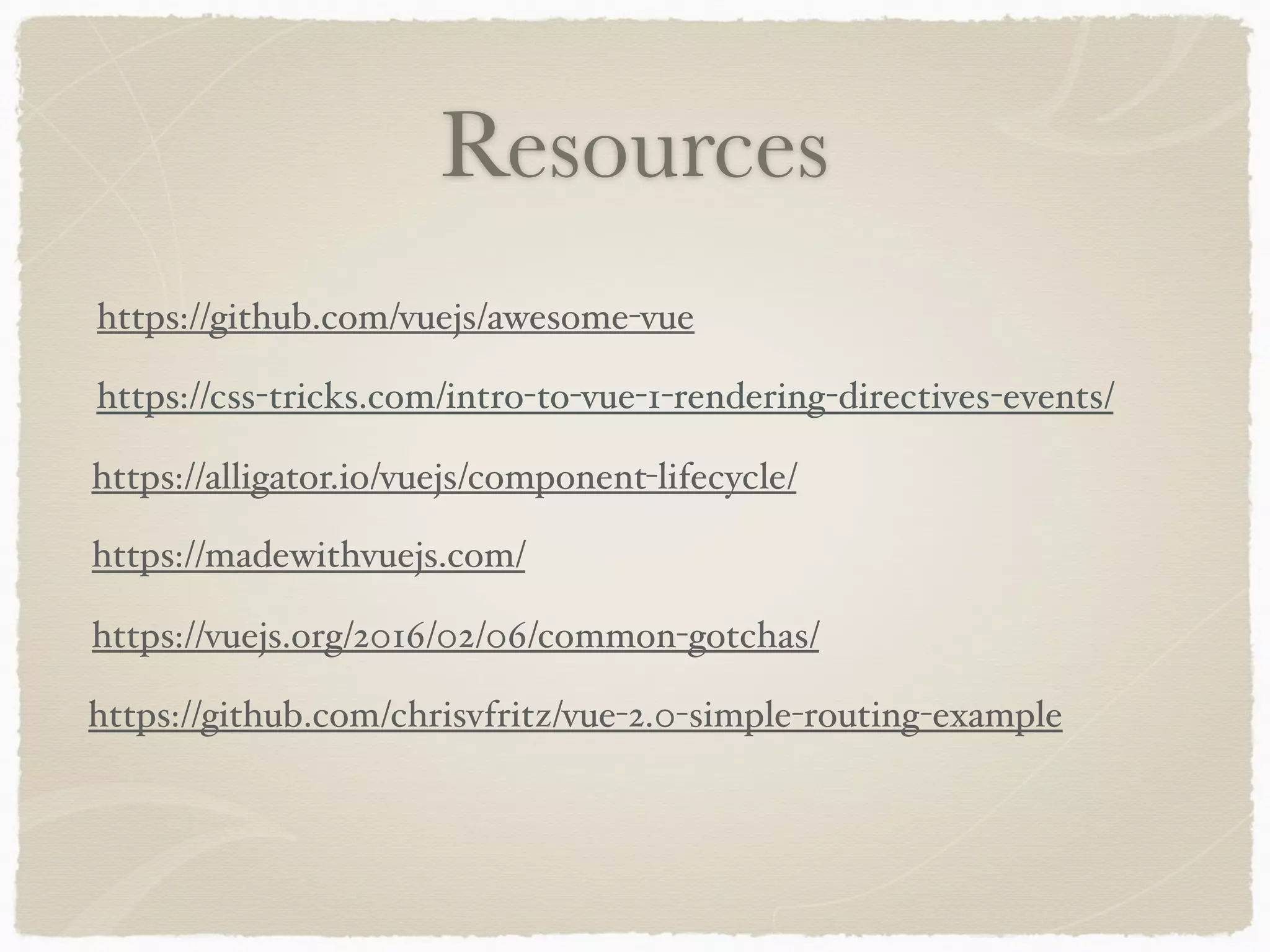
Resources https://css-tricks.com/intro-to-vue-1-rendering-directives-events/ https://github.com/vuejs/awesome-vue https://madewithvuejs.com/ https://alligator.io/vuejs/component-lifecycle/ https://vuejs.org/2016/02/06/common-gotchas/ https://github.com/chrisvfritz/vue-2.0-simple-routing-example

The Point of Vue - Intro to Vue.js