The Evolution of JavaScript Asynchronous Calls Pham Huy Hoang - Harry Pham Github: conanak99
Agenda How we deal with asynchronous call in JS 1. Innocent Callback and callback hell 2. Promise all the things 3. The magic of async/await
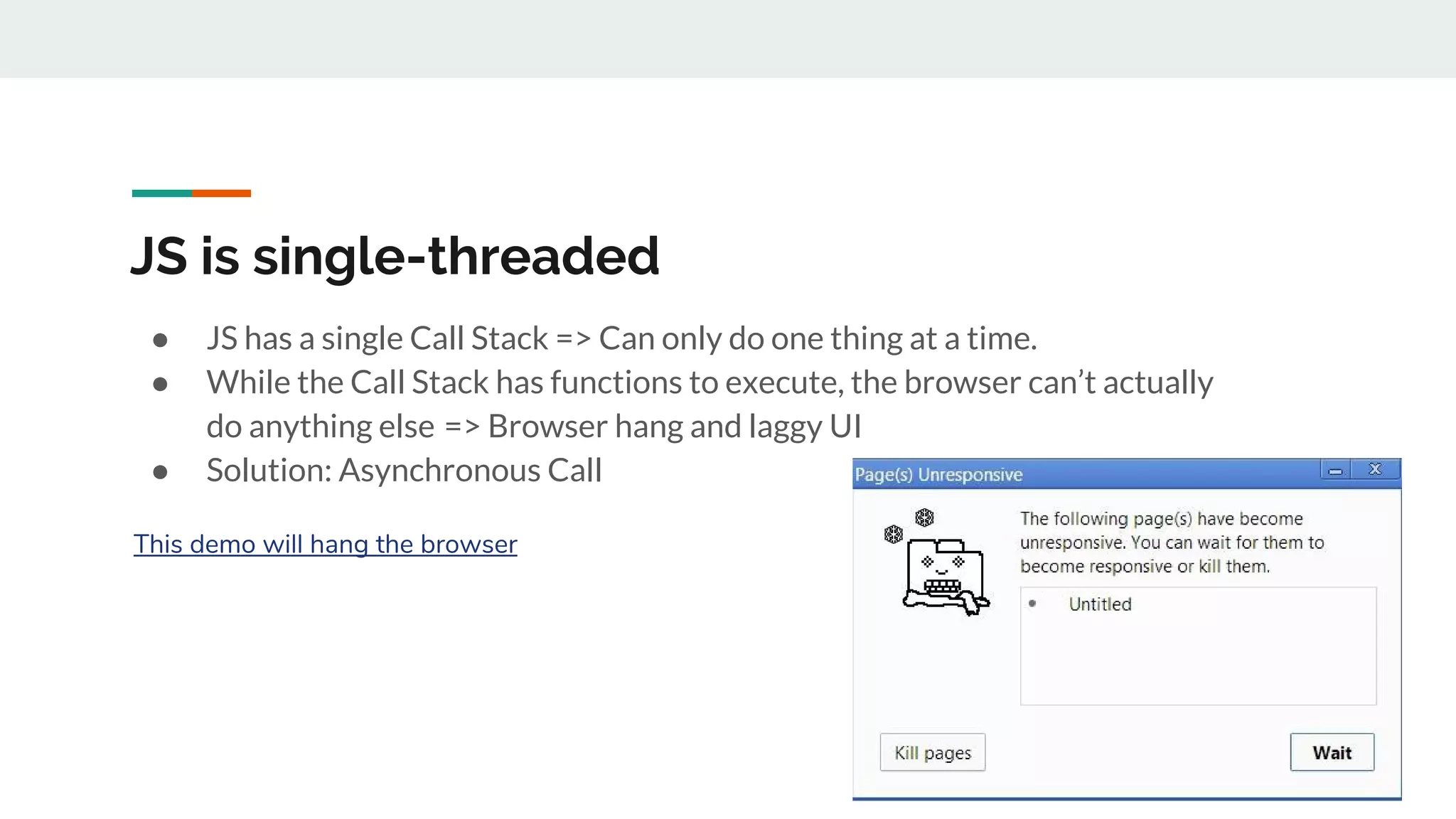
JS is single-threaded ● JS has a single Call Stack => Can only do one thing at a time. ● While the Call Stack has functions to execute, the browser can’t actually do anything else  => Browser hang and laggy UI ● Solution: Asynchronous Call This demo will hang the browser
1. The innocent Callback ● Functions are first-class objects ● We can pass a function as an argument in another function ● Later execute that passed-in function at convenience time
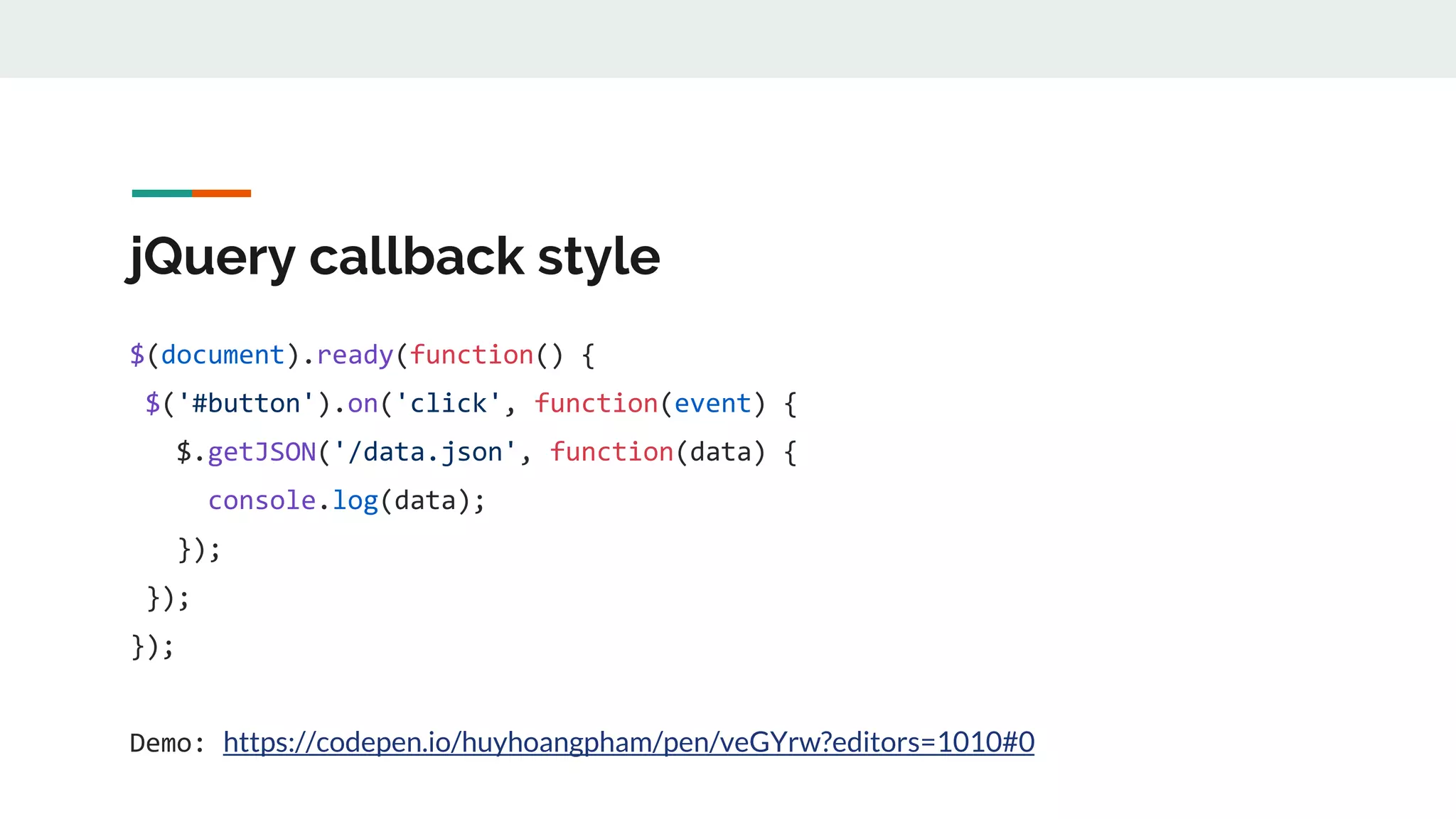
jQuery callback style $(document).ready(function() { $('#button').on('click', function(event) { $.getJSON('/data.json', function(data) { console.log(data); }); }); }); Demo: https://codepen.io/huyhoangpham/pen/veGYrw?editors=1010#0
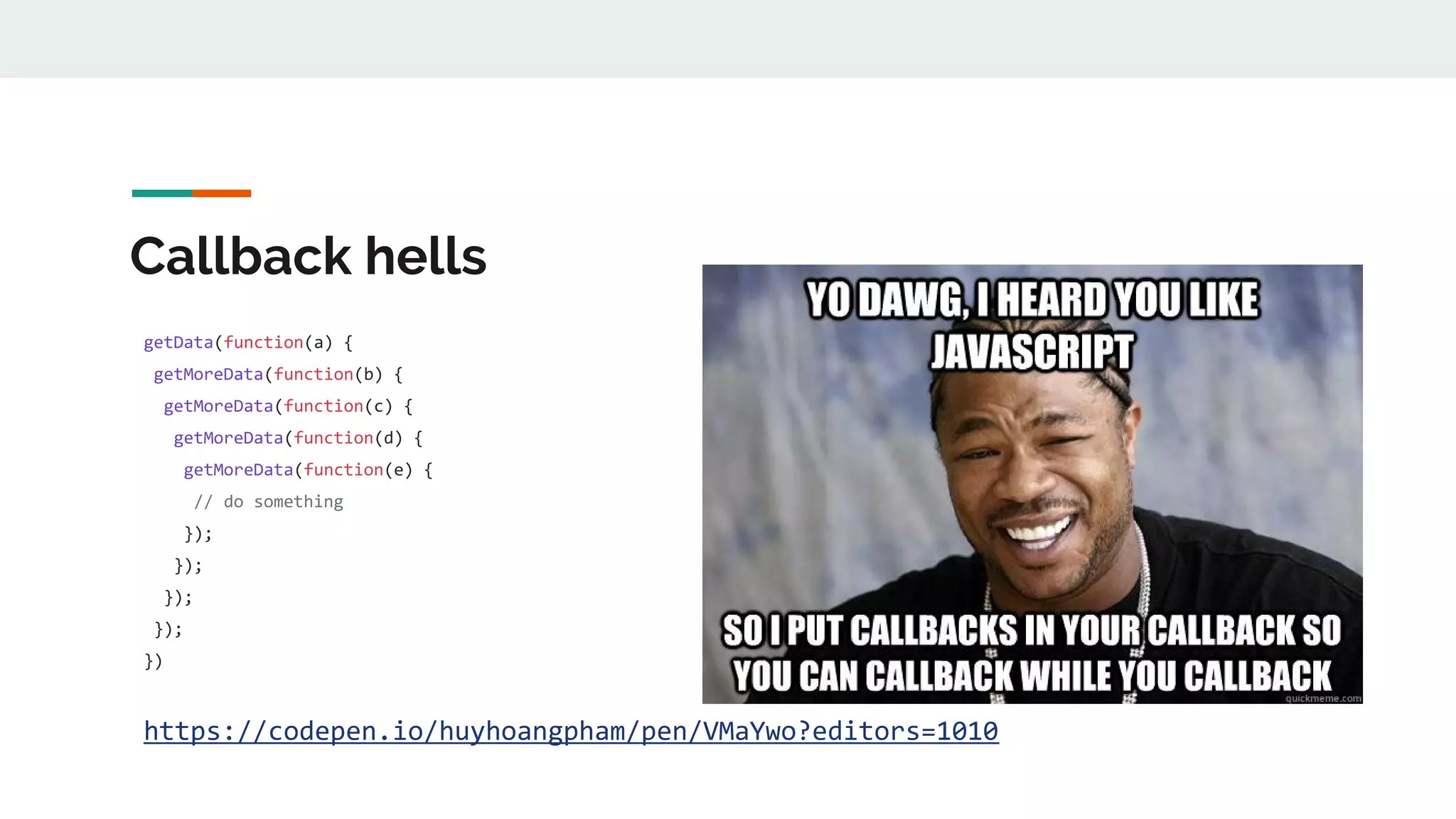
Callback hells getData(function(a) { getMoreData(function(b) { getMoreData(function(c) { getMoreData(function(d) { getMoreData(function(e) { // do something }); }); }); }); }) https://codepen.io/huyhoangpham/pen/VMaYwo?editors=1010
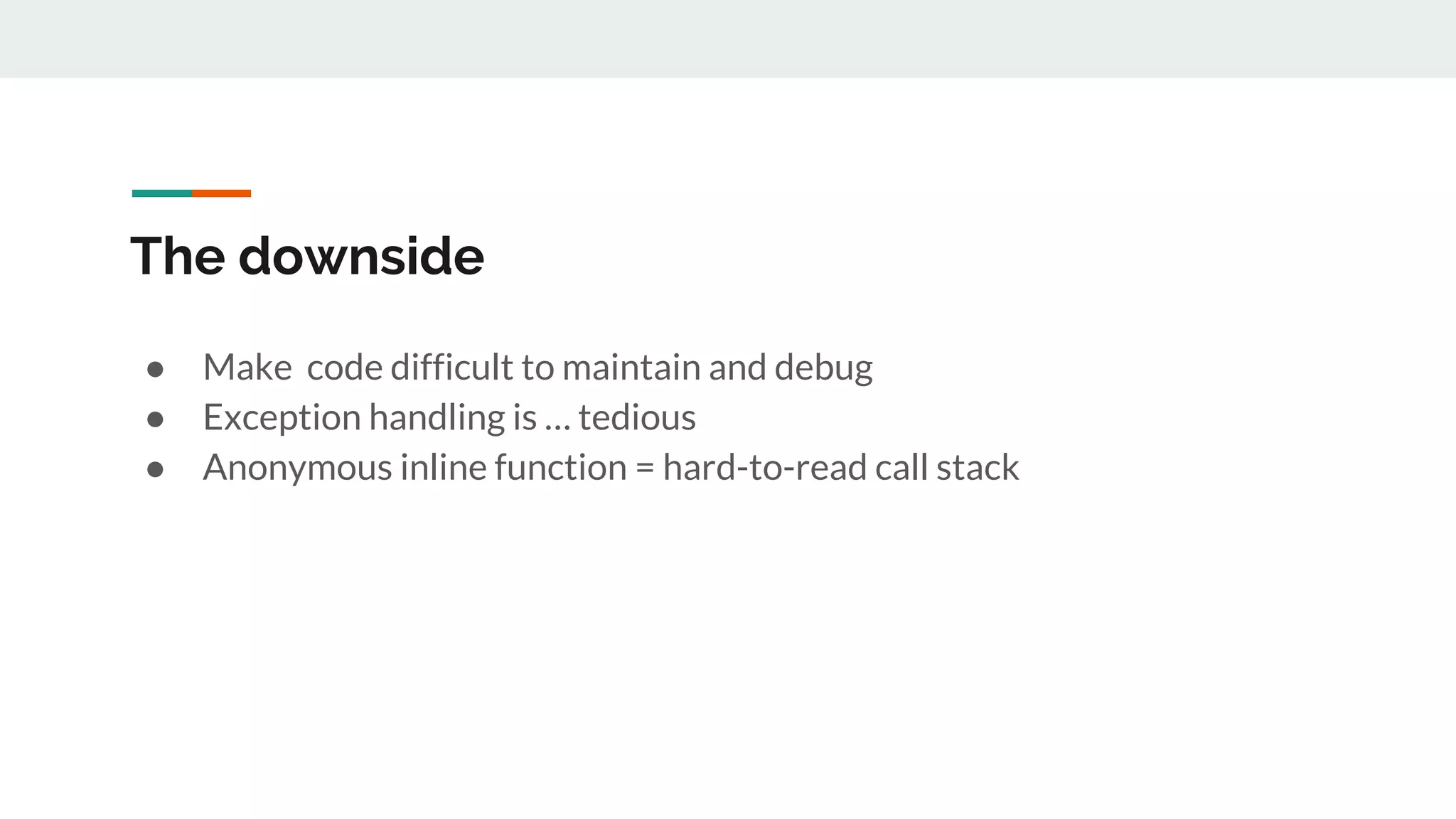
The downside ● Make code difficult to maintain and debug ● Exception handling is … tedious ● Anonymous inline function = hard-to-read call stack
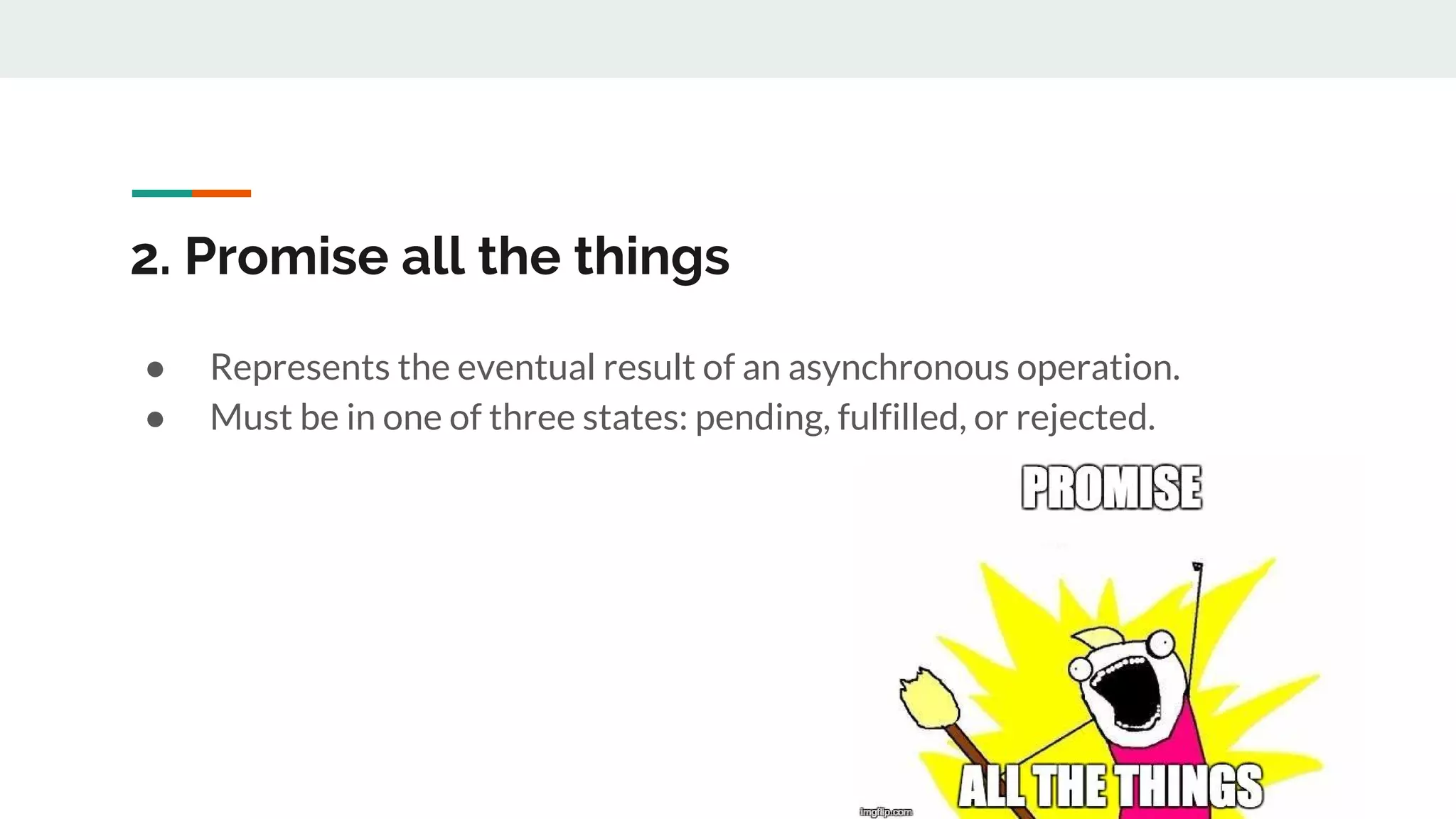
2. Promise all the things ● Represents the eventual result of an asynchronous operation. ● Must be in one of three states: pending, fulfilled, or rejected.
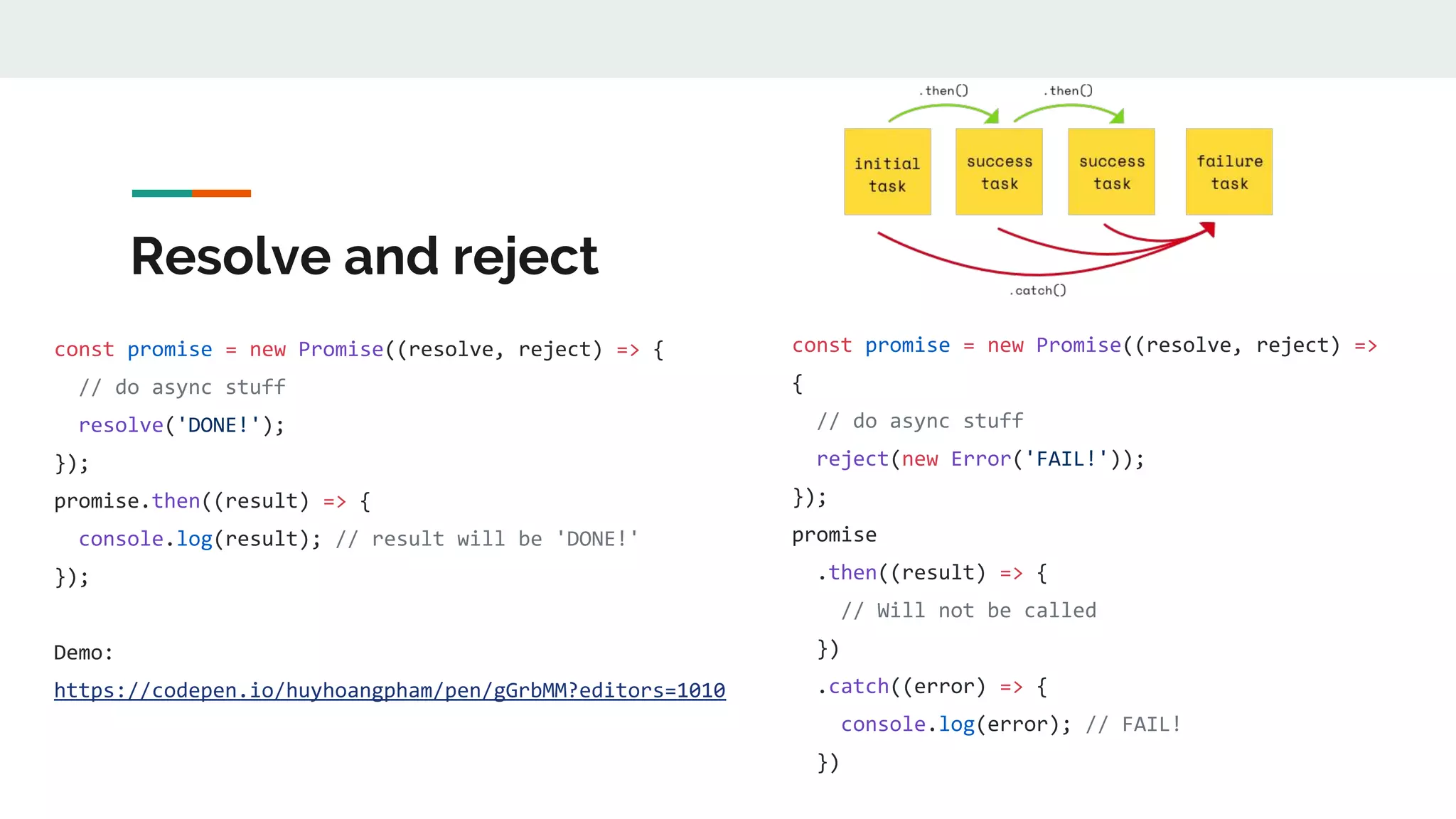
Resolve and reject const promise = new Promise((resolve, reject) => { // do async stuff resolve('DONE!'); }); promise.then((result) => { console.log(result); // result will be 'DONE!' }); Demo: https://codepen.io/huyhoangpham/pen/gGrbMM?editors=1010 const promise = new Promise((resolve, reject) => { // do async stuff reject(new Error('FAIL!')); }); promise .then((result) => { // Will not be called }) .catch((error) => { console.log(error); // FAIL! })
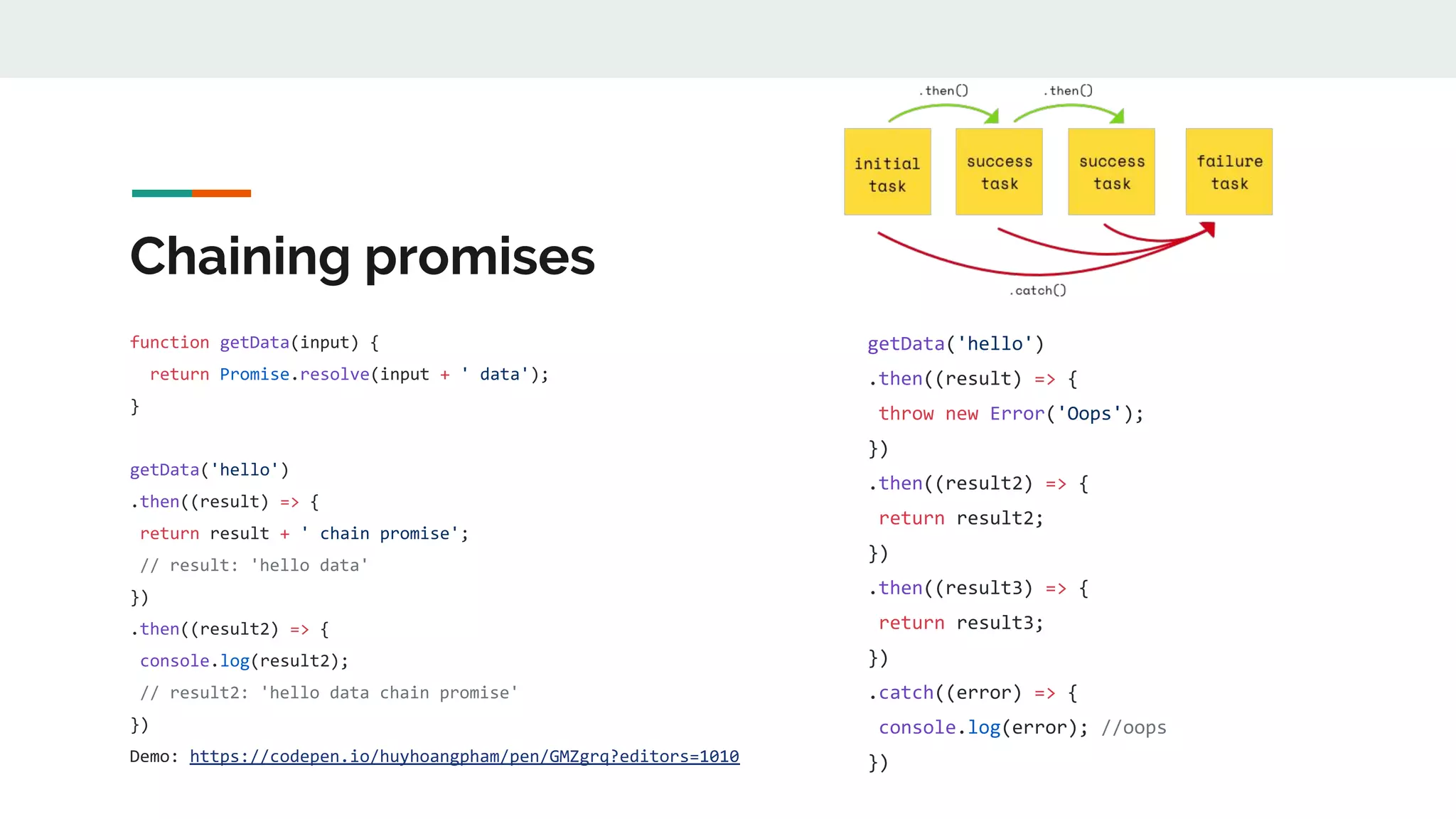
Chaining promises function getData(input) { return Promise.resolve(input + ' data'); } getData('hello') .then((result) => { return result + ' chain promise'; // result: 'hello data' }) .then((result2) => { console.log(result2); // result2: 'hello data chain promise' }) Demo: https://codepen.io/huyhoangpham/pen/GMZgrq?editors=1010 getData('hello') .then((result) => { throw new Error('Oops'); }) .then((result2) => { return result2; }) .then((result3) => { return result3; }) .catch((error) => { console.log(error); //oops })
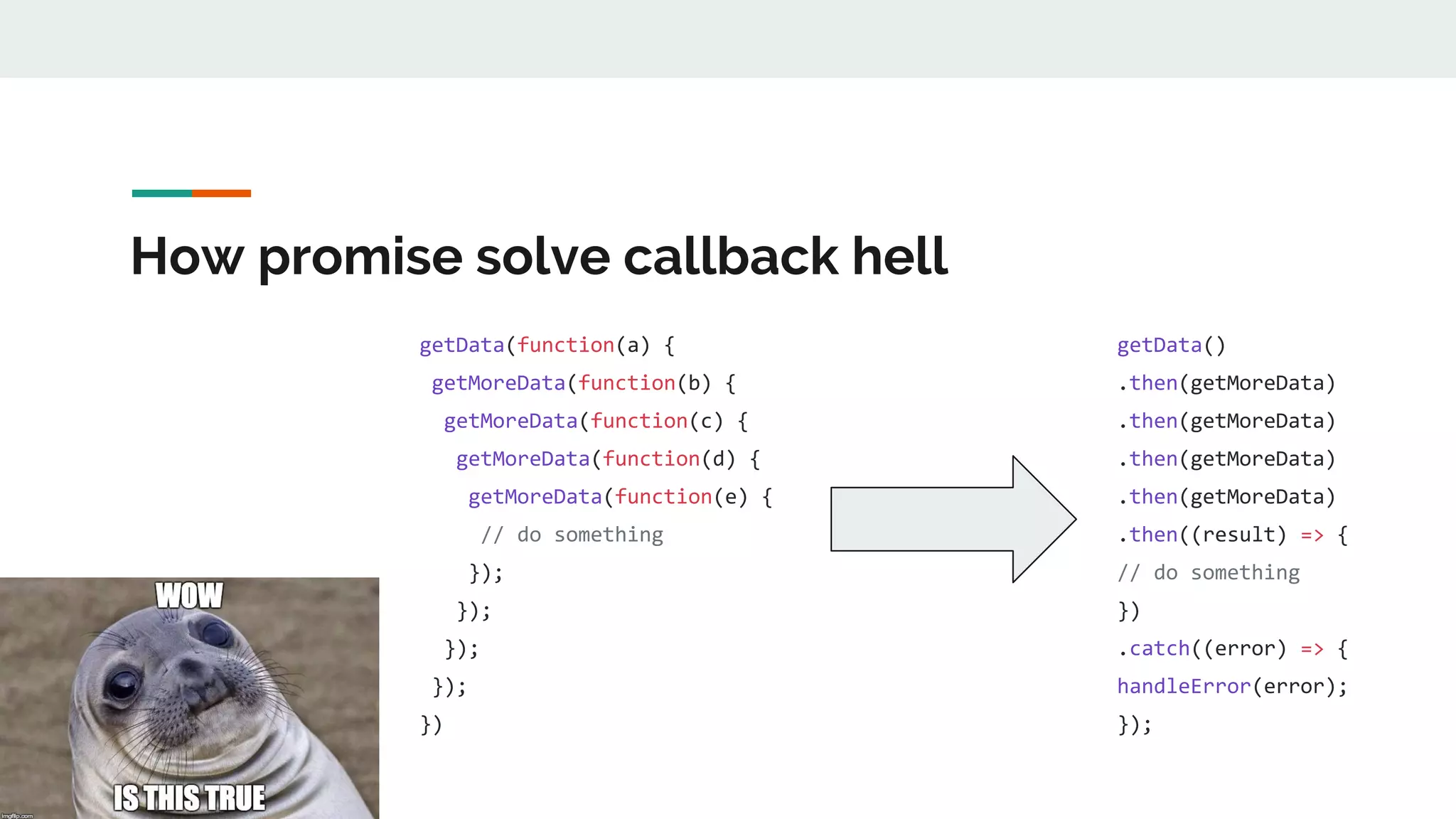
How promise solve callback hell getData(function(a) { getMoreData(function(b) { getMoreData(function(c) { getMoreData(function(d) { getMoreData(function(e) { // do something }); }); }); }); }) getData() .then(getMoreData) .then(getMoreData) .then(getMoreData) .then(getMoreData) .then((result) => { // do something }) .catch((error) => { handleError(error); });
So you want parallel call? Promise.all([ firstAsyncCall(), secondAsyncCall(), lastAsyncCall(), ]) .then(result => { firstAsyncCallResult = result[0]; secondAsyncCallResult = result[1]; lastAsyncCallResult = result[2]; }); Demo: https://codepen.io/huyhoangpham/pen/YrqPVy?editors=1010
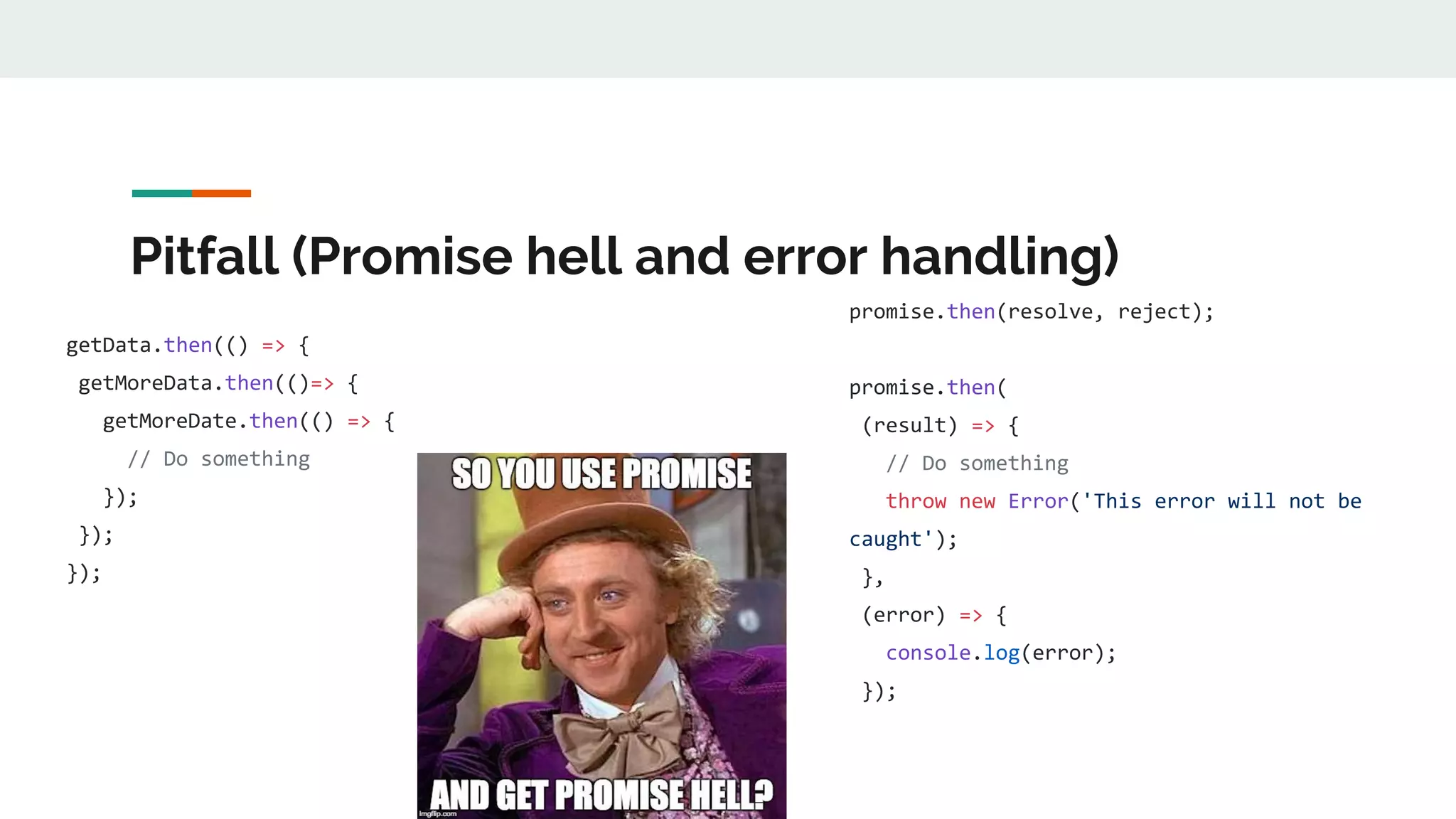
Pitfall (Promise hell and error handling) getData.then(() => { getMoreData.then(()=> { getMoreDate.then(() => { // Do something }); }); }); promise.then(resolve, reject); promise.then( (result) => { // Do something throw new Error('This error will not be caught'); }, (error) => { console.log(error); });
Why promise ● Cleaner method signatures -> Easier to read ● Easier to write function and test -> Reduce cost of maintenance ● It allows for chaining of promises -> Clear and shorter code
Let’s rest for 20 seconds
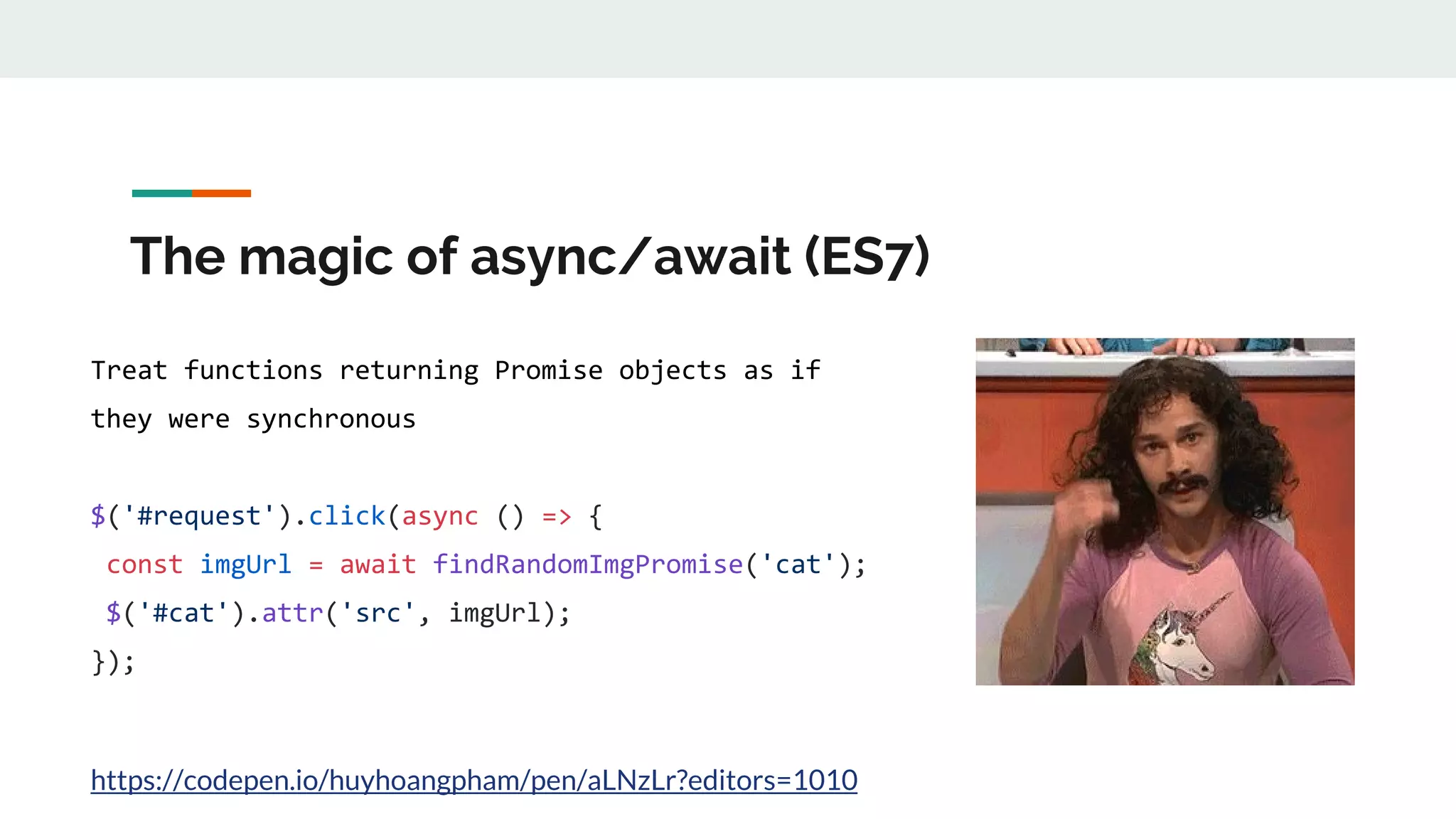
The magic of async/await (ES7) Treat functions returning Promise objects as if they were synchronous $('#request').click(async () => { const imgUrl = await findRandomImgPromise('cat'); $('#cat').attr('src', imgUrl); }); https://codepen.io/huyhoangpham/pen/aLNzLr?editors=1010
Make asynchronous code easy again getData(function(a) { getMoreData(function(b) { getMoreData(function(c) { getMoreData(function(d) { getMoreData(function(e) { // do something }); }); }); }); }) async function doGreatThing() { try { const firstData = await getData(); const secondData = await getMoreData(firstData); const thirdData = await getMoreDate(secondData); // How about parallel call? const saveResults = await Promise.all([ saveData(firstData), saveData(secondData), saveData(thirdData)]); } catch (error) { console.log(error); } }
Magic time, oops… demo time ● Sequential: https://codepen.io/huyhoangpham/pen/VMaYxe?editors=1010 ● Parellel: https://codepen.io/huyhoangpham/pen/JrXdXK?editors=1010 ● Looping: https://codepen.io/huyhoangpham/pen/rGeaXX?editors=1010
Everything look … synchronous ● Await keyword is only available in a async function ● No more callback, then, or catch => Cleaner code ● Easier to debug ● Easy looping and error try/catch => Everything look … synchronous
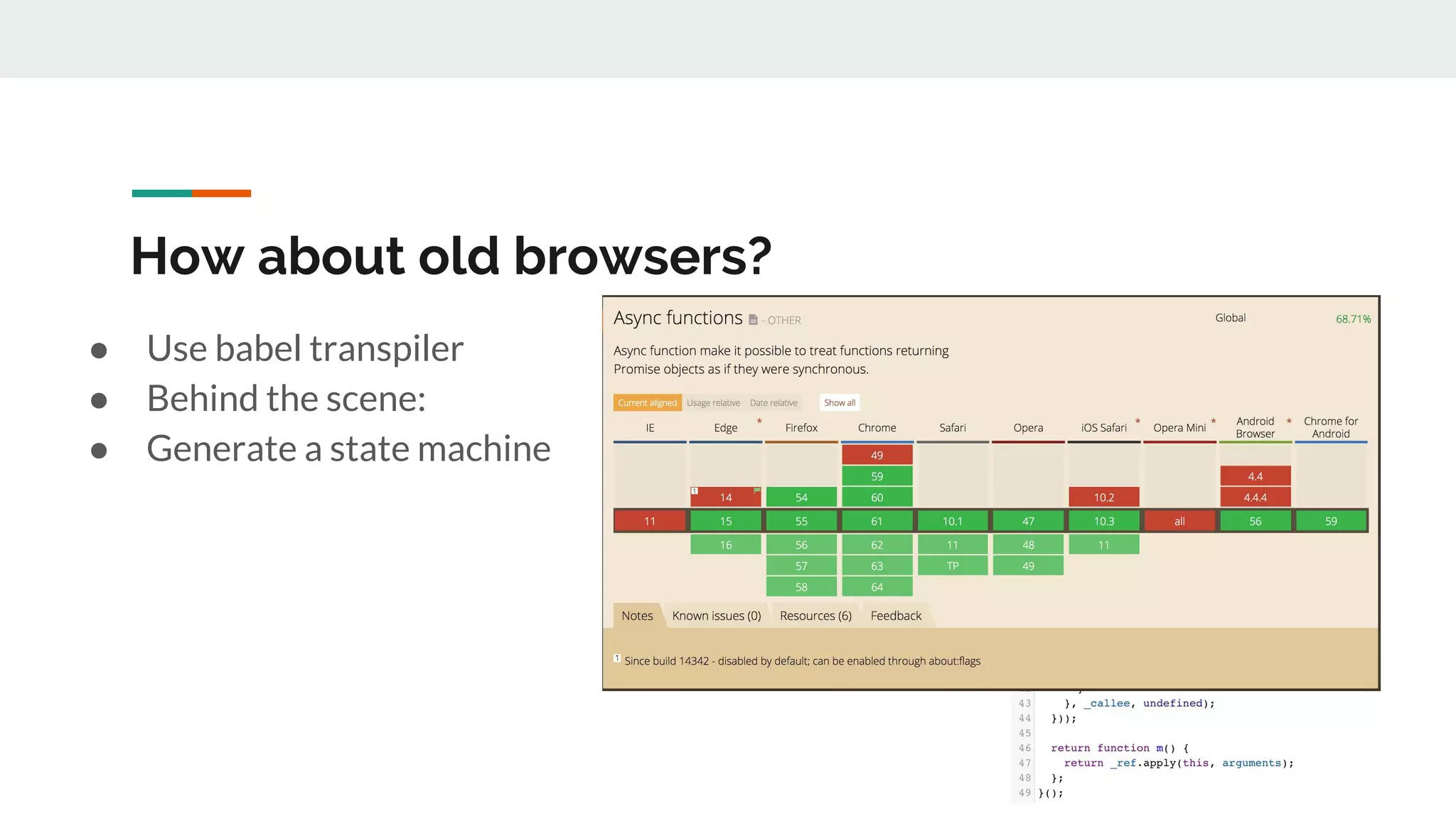
How about old browsers? ● Use babel transpiler ● Behind the scene: ● Generate a state machine
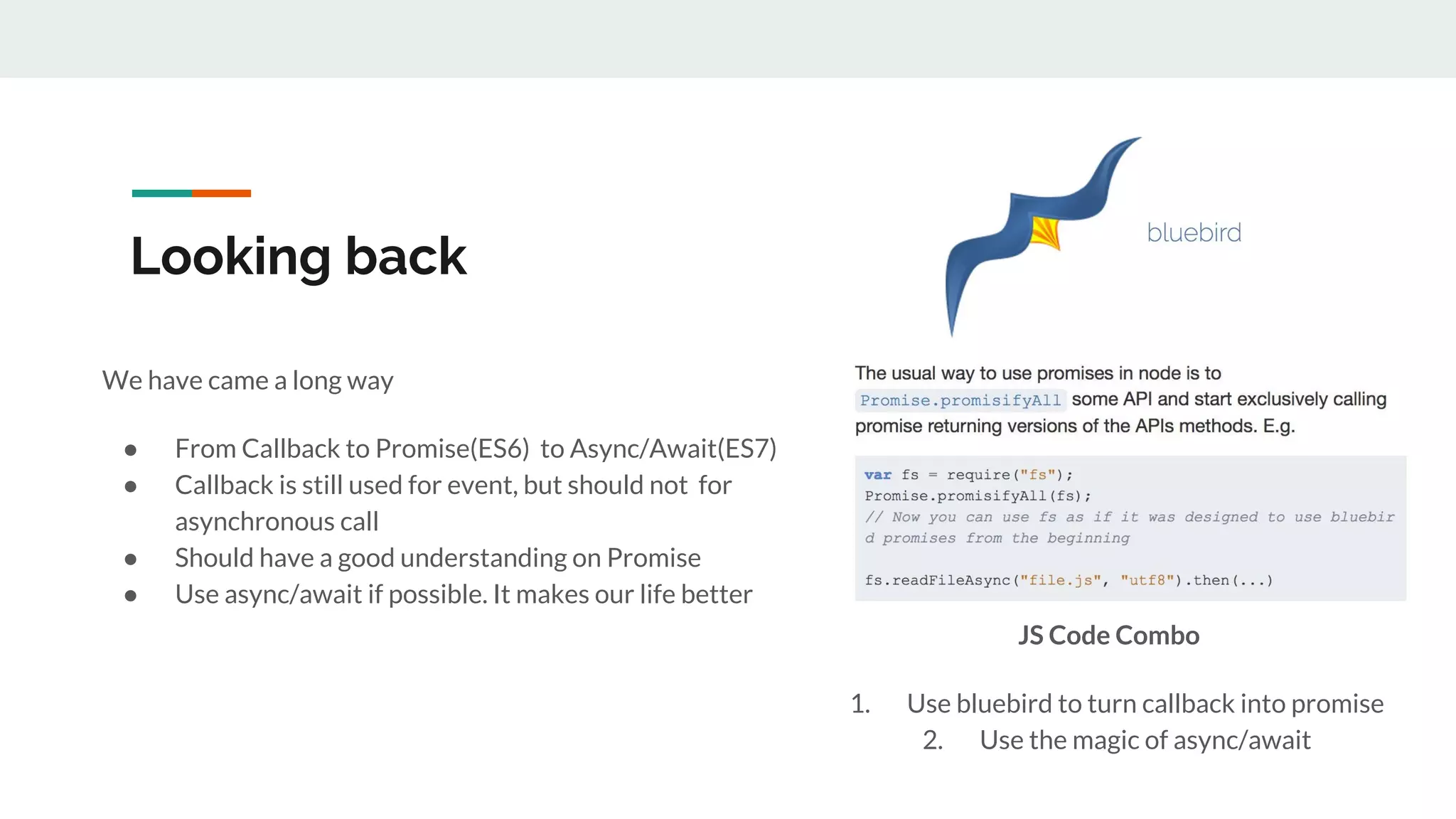
Looking back We have came a long way ● From Callback to Promise(ES6) to Async/Await(ES7) ● Callback is still used for event, but should not for asynchronous call ● Should have a good understanding on Promise ● Use async/await if possible. It makes our life better JS Code Combo 1. Use bluebird to turn callback into promise 2. Use the magic of async/await
Thank you for listening!

The evolution of java script asynchronous calls

  • 1.
    The Evolution ofJavaScript Asynchronous Calls Pham Huy Hoang - Harry Pham Github: conanak99
  • 2.
    Agenda How we dealwith asynchronous call in JS 1. Innocent Callback and callback hell 2. Promise all the things 3. The magic of async/await
  • 3.
    JS is single-threaded ●JS has a single Call Stack => Can only do one thing at a time. ● While the Call Stack has functions to execute, the browser can’t actually do anything else  => Browser hang and laggy UI ● Solution: Asynchronous Call This demo will hang the browser
  • 4.
    1. The innocentCallback ● Functions are first-class objects ● We can pass a function as an argument in another function ● Later execute that passed-in function at convenience time
  • 5.
    jQuery callback style $(document).ready(function(){ $('#button').on('click', function(event) { $.getJSON('/data.json', function(data) { console.log(data); }); }); }); Demo: https://codepen.io/huyhoangpham/pen/veGYrw?editors=1010#0
  • 6.
    Callback hells getData(function(a) { getMoreData(function(b){ getMoreData(function(c) { getMoreData(function(d) { getMoreData(function(e) { // do something }); }); }); }); }) https://codepen.io/huyhoangpham/pen/VMaYwo?editors=1010
  • 7.
    The downside ● Makecode difficult to maintain and debug ● Exception handling is … tedious ● Anonymous inline function = hard-to-read call stack
  • 8.
    2. Promise allthe things ● Represents the eventual result of an asynchronous operation. ● Must be in one of three states: pending, fulfilled, or rejected.
  • 9.
    Resolve and reject constpromise = new Promise((resolve, reject) => { // do async stuff resolve('DONE!'); }); promise.then((result) => { console.log(result); // result will be 'DONE!' }); Demo: https://codepen.io/huyhoangpham/pen/gGrbMM?editors=1010 const promise = new Promise((resolve, reject) => { // do async stuff reject(new Error('FAIL!')); }); promise .then((result) => { // Will not be called }) .catch((error) => { console.log(error); // FAIL! })
  • 10.
    Chaining promises function getData(input){ return Promise.resolve(input + ' data'); } getData('hello') .then((result) => { return result + ' chain promise'; // result: 'hello data' }) .then((result2) => { console.log(result2); // result2: 'hello data chain promise' }) Demo: https://codepen.io/huyhoangpham/pen/GMZgrq?editors=1010 getData('hello') .then((result) => { throw new Error('Oops'); }) .then((result2) => { return result2; }) .then((result3) => { return result3; }) .catch((error) => { console.log(error); //oops })
  • 11.
    How promise solvecallback hell getData(function(a) { getMoreData(function(b) { getMoreData(function(c) { getMoreData(function(d) { getMoreData(function(e) { // do something }); }); }); }); }) getData() .then(getMoreData) .then(getMoreData) .then(getMoreData) .then(getMoreData) .then((result) => { // do something }) .catch((error) => { handleError(error); });
  • 12.
    So you wantparallel call? Promise.all([ firstAsyncCall(), secondAsyncCall(), lastAsyncCall(), ]) .then(result => { firstAsyncCallResult = result[0]; secondAsyncCallResult = result[1]; lastAsyncCallResult = result[2]; }); Demo: https://codepen.io/huyhoangpham/pen/YrqPVy?editors=1010
  • 13.
    Pitfall (Promise helland error handling) getData.then(() => { getMoreData.then(()=> { getMoreDate.then(() => { // Do something }); }); }); promise.then(resolve, reject); promise.then( (result) => { // Do something throw new Error('This error will not be caught'); }, (error) => { console.log(error); });
  • 14.
    Why promise ● Cleanermethod signatures -> Easier to read ● Easier to write function and test -> Reduce cost of maintenance ● It allows for chaining of promises -> Clear and shorter code
  • 15.
    Let’s rest for20 seconds
  • 16.
    The magic ofasync/await (ES7) Treat functions returning Promise objects as if they were synchronous $('#request').click(async () => { const imgUrl = await findRandomImgPromise('cat'); $('#cat').attr('src', imgUrl); }); https://codepen.io/huyhoangpham/pen/aLNzLr?editors=1010
  • 17.
    Make asynchronous codeeasy again getData(function(a) { getMoreData(function(b) { getMoreData(function(c) { getMoreData(function(d) { getMoreData(function(e) { // do something }); }); }); }); }) async function doGreatThing() { try { const firstData = await getData(); const secondData = await getMoreData(firstData); const thirdData = await getMoreDate(secondData); // How about parallel call? const saveResults = await Promise.all([ saveData(firstData), saveData(secondData), saveData(thirdData)]); } catch (error) { console.log(error); } }
  • 18.
    Magic time, oops…demo time ● Sequential: https://codepen.io/huyhoangpham/pen/VMaYxe?editors=1010 ● Parellel: https://codepen.io/huyhoangpham/pen/JrXdXK?editors=1010 ● Looping: https://codepen.io/huyhoangpham/pen/rGeaXX?editors=1010
  • 19.
    Everything look …synchronous ● Await keyword is only available in a async function ● No more callback, then, or catch => Cleaner code ● Easier to debug ● Easy looping and error try/catch => Everything look … synchronous
  • 20.
    How about oldbrowsers? ● Use babel transpiler ● Behind the scene: ● Generate a state machine
  • 21.
    Looking back We havecame a long way ● From Callback to Promise(ES6) to Async/Await(ES7) ● Callback is still used for event, but should not for asynchronous call ● Should have a good understanding on Promise ● Use async/await if possible. It makes our life better JS Code Combo 1. Use bluebird to turn callback into promise 2. Use the magic of async/await
  • 22.
    Thank you forlistening!