Ruby && Rails && More a fast-paced intro Jean-Baptiste Feldis - @jbfeldis
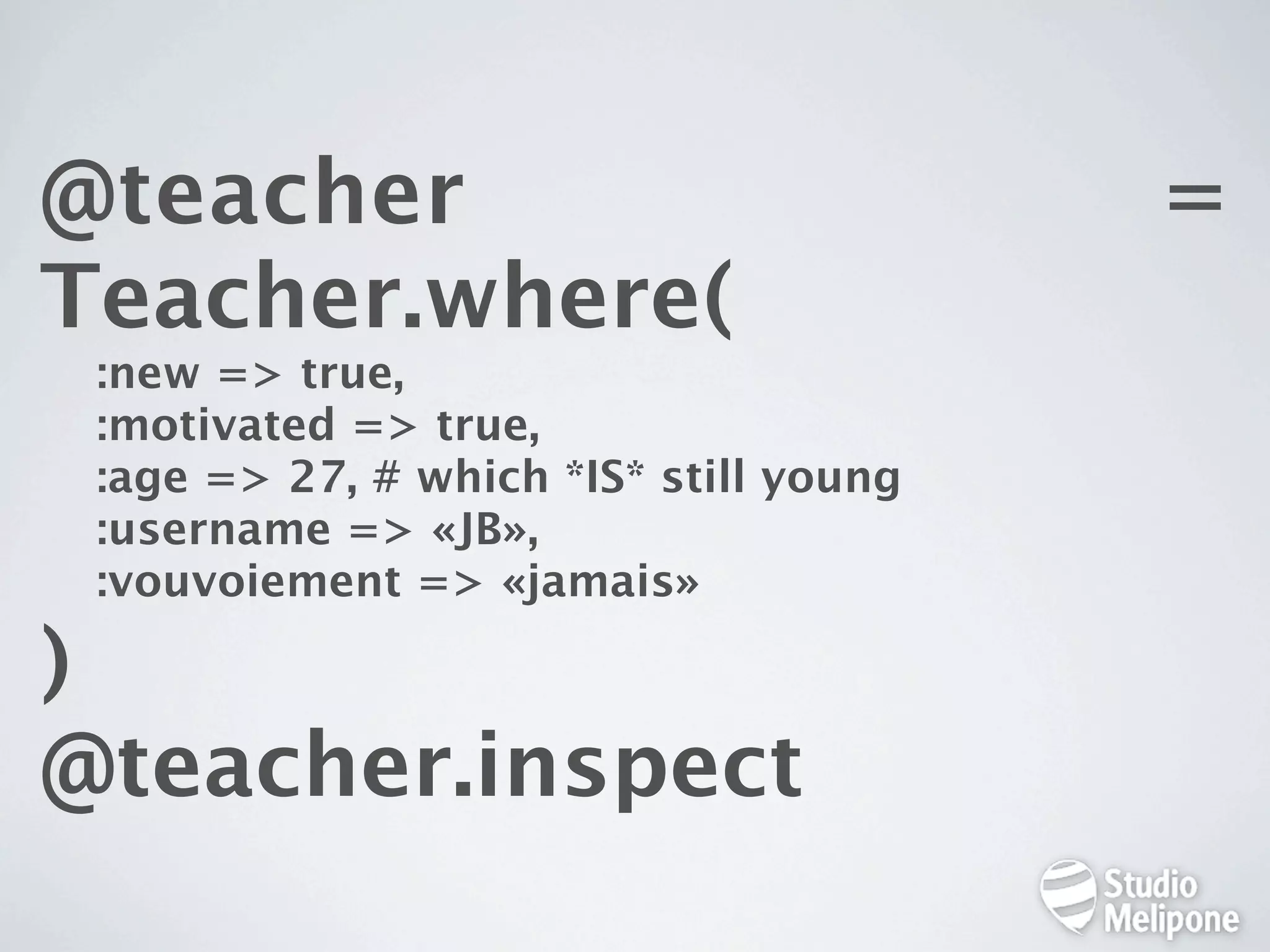
@teacher = Teacher.where( :new => true, :motivated => true, :age => 27, # which *IS* still young :username => «JB», :vouvoiement => «jamais» ) @teacher.inspect
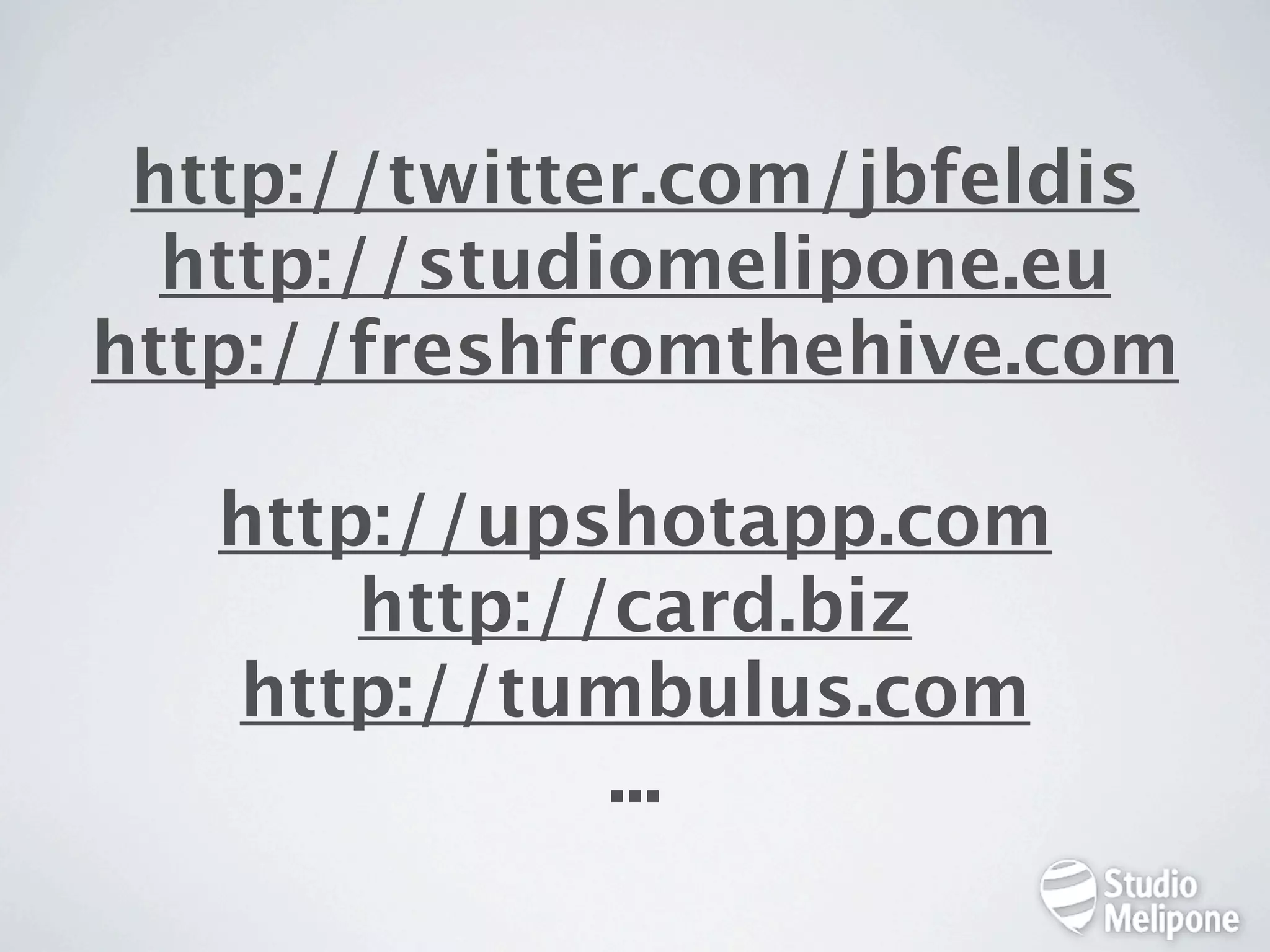
http://twitter.com/jbfeldis http://studiomelipone.eu http://freshfromthehive.com http://upshotapp.com http://card.biz http://tumbulus.com ...
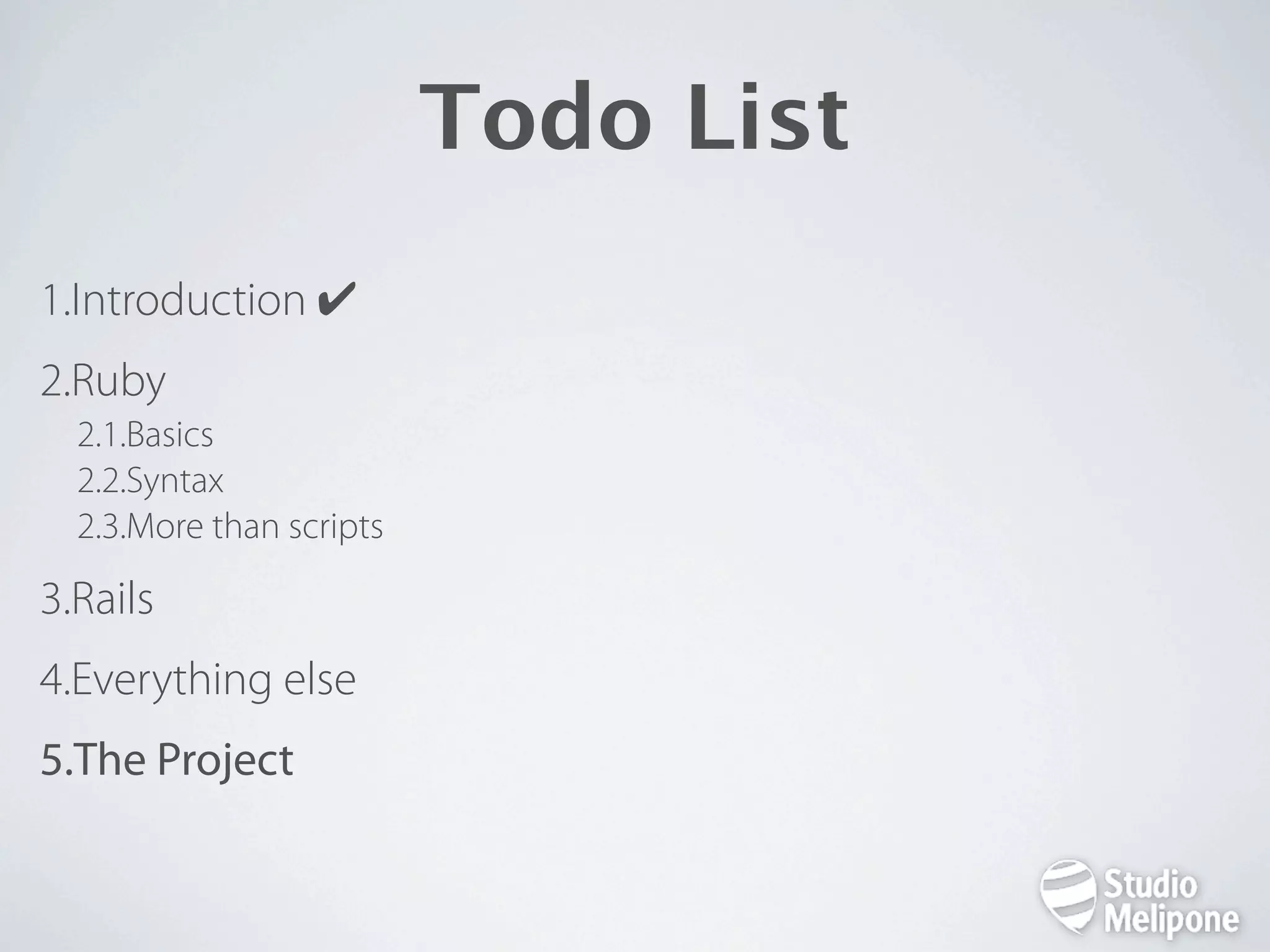
Todo List 1.Introduction ✔ 2.Ruby 2.1.Basics 2.2.Syntax 2.3.More than scripts 3.Rails 4.Everything else 5.The Project
Ruby Basics 1. http://www.ruby-lang.org/ 2. Full Object Oriented 3. Created by Yukihiro “Matz“ Matsumoto in 1995 4. “Ruby is designed for programmer productivity and fun, following the principles of good user interface design.”
Ruby Syntax Switching to IRB (Interactive RuBy)
Ruby More Than Scripts • for the web > Rails / Sinatra / ... • for apps > JRuby (Java) / IronRuby (.NET) / MacRuby (Obj-C)
Todo List 1.Introduction ✔ 2.Ruby ✔ 3.Rails 3.1. Basics 3.2. MVC 3.3. Real life stuff 4.Everything else 5.The Project
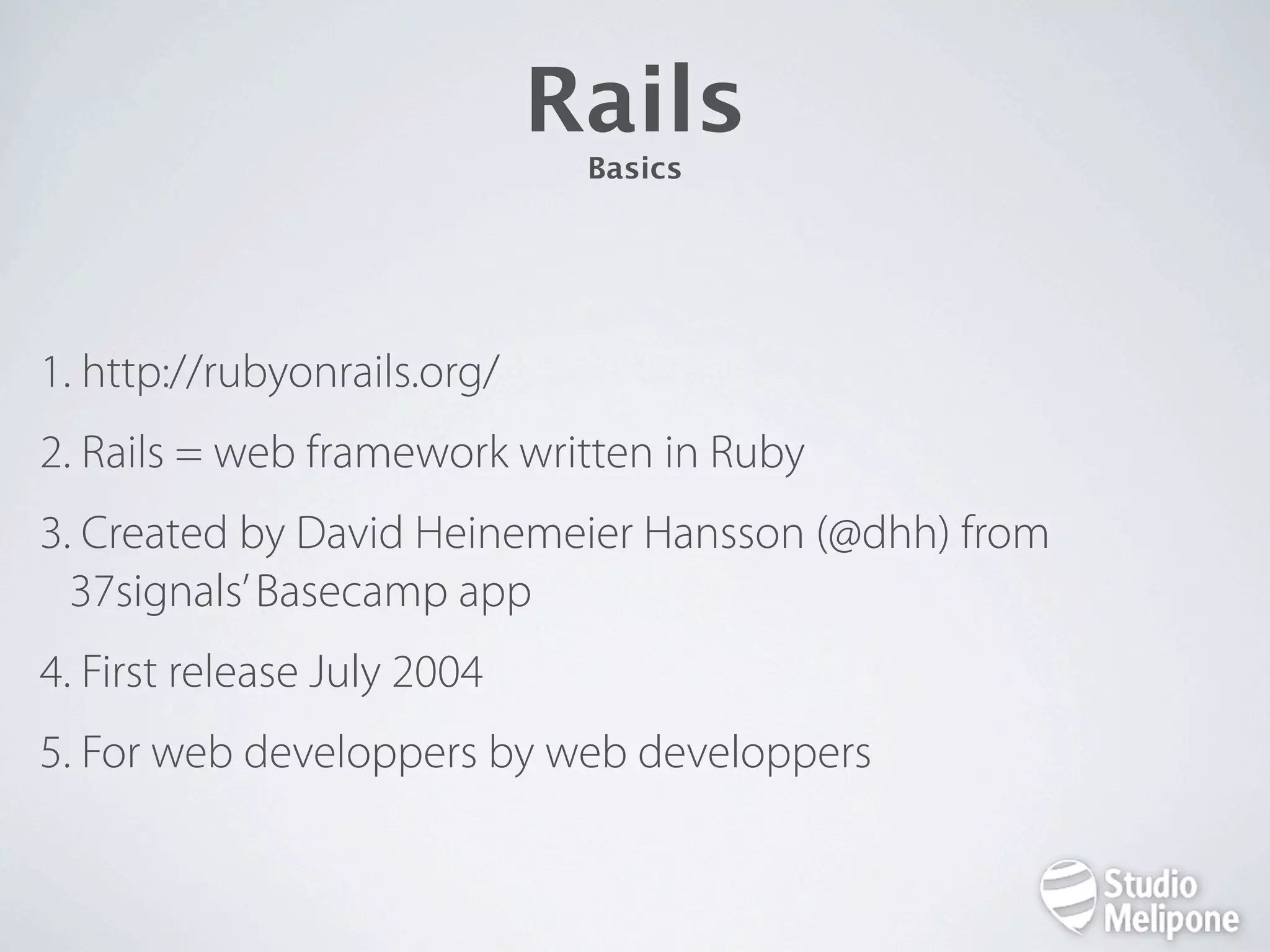
Rails Basics 1. http://rubyonrails.org/ 2. Rails = web framework written in Ruby 3. Created by David Heinemeier Hansson (@dhh) from 37signals’ Basecamp app 4. First release July 2004 5. For web developpers by web developpers
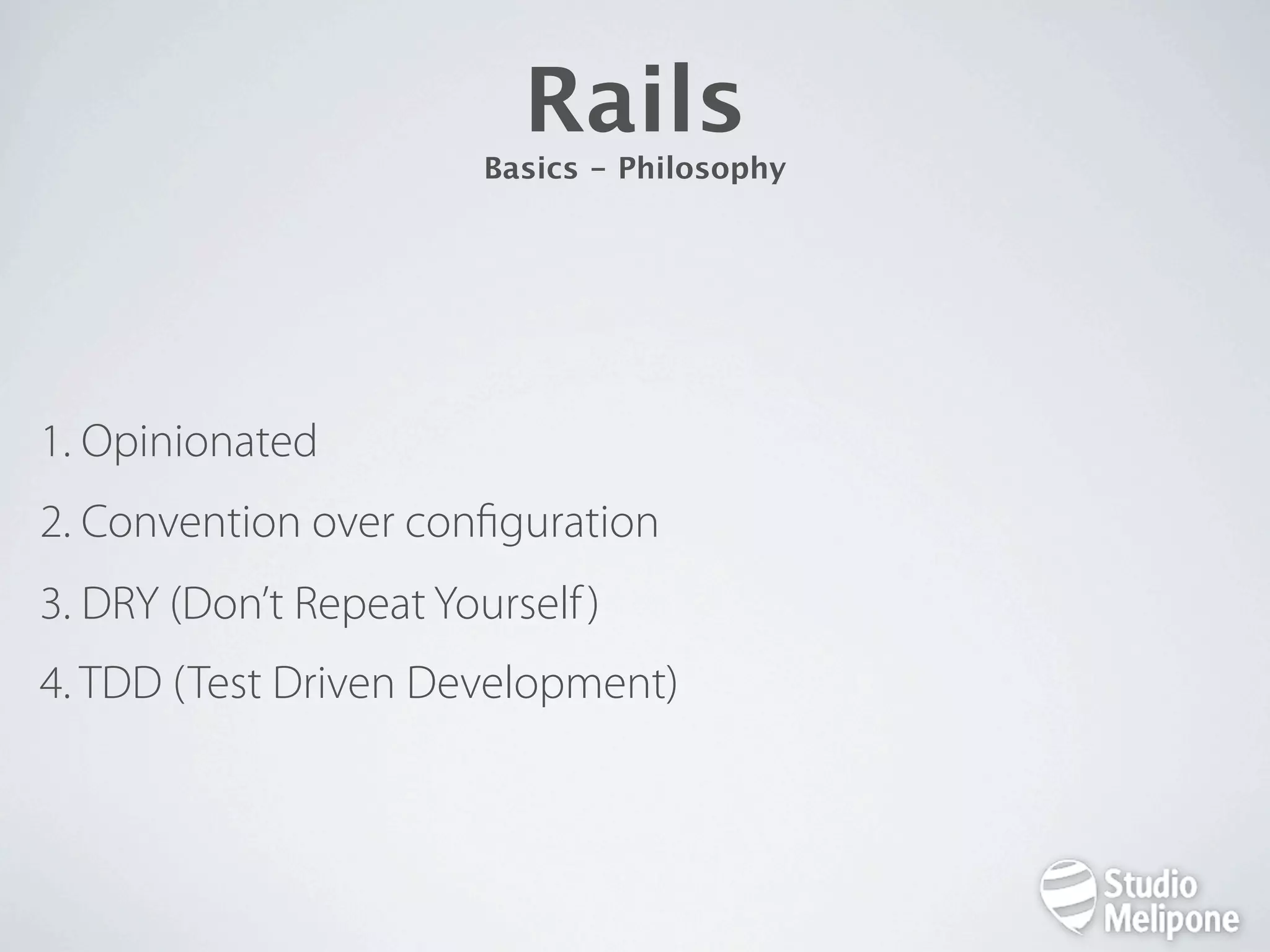
Rails Basics - Philosophy 1. Opinionated 2. Convention over con guration 3. DRY (Don’t Repeat Yourself ) 4. TDD (Test Driven Development)
Get Ready!
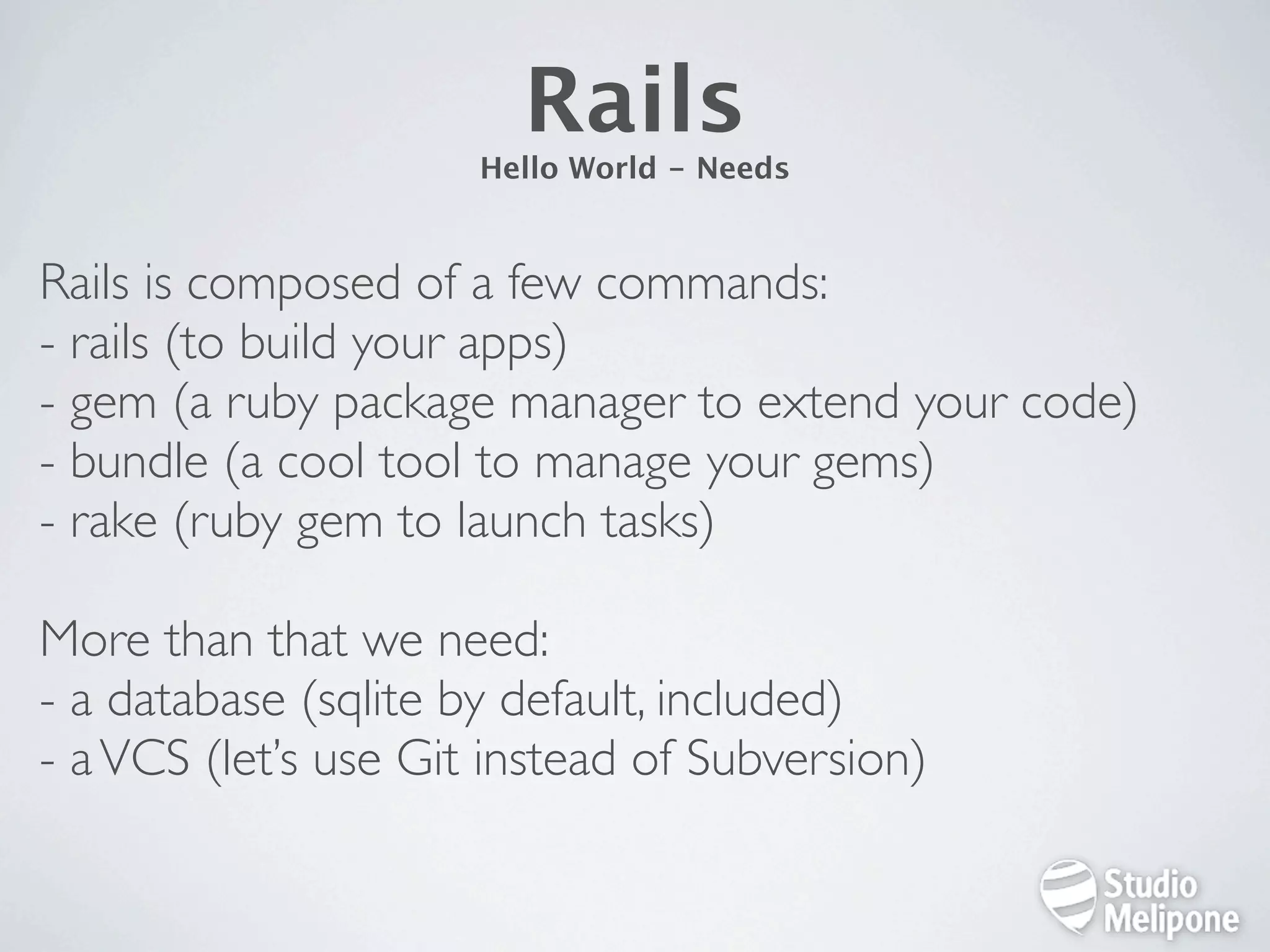
Rails Hello World - Needs Rails is composed of a few commands: - rails (to build your apps) - gem (a ruby package manager to extend your code) - bundle (a cool tool to manage your gems) - rake (ruby gem to launch tasks) More than that we need: - a database (sqlite by default, included) - a VCS (let’s use Git instead of Subversion)
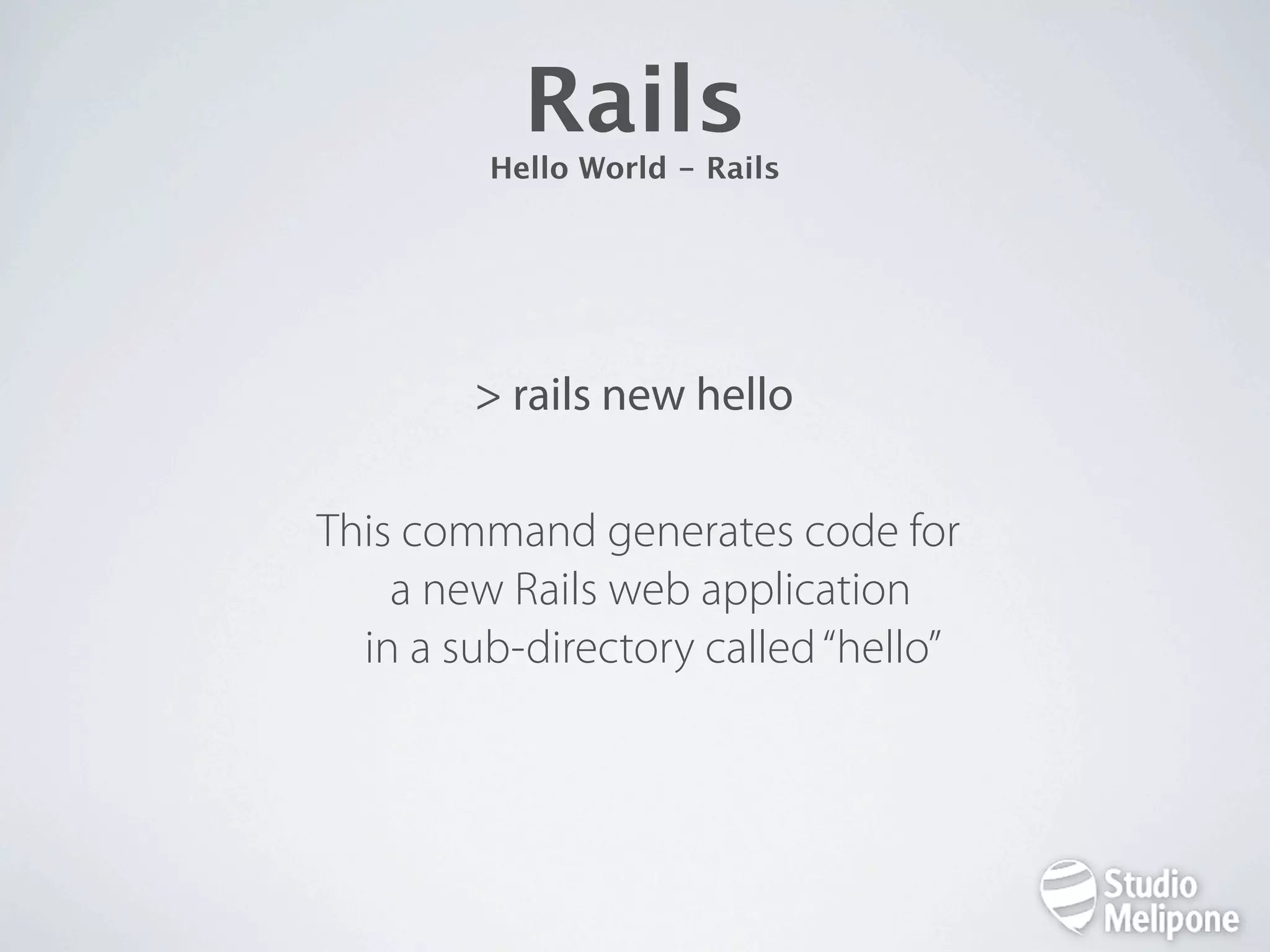
Rails Hello World - Rails > rails new hello This command generates code for a new Rails web application  in a sub-directory called “hello”  
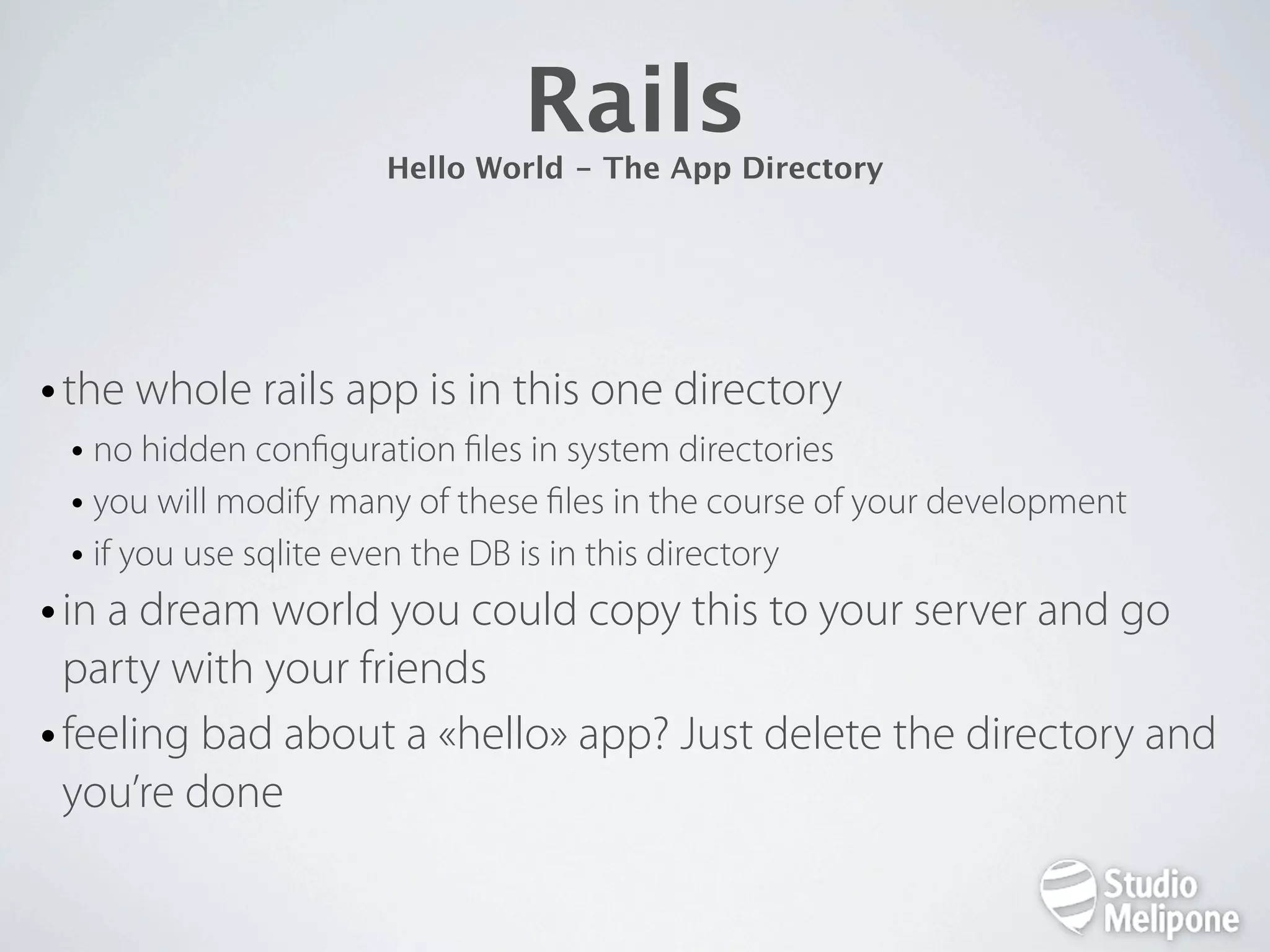
Rails Hello World - The App Directory • the whole rails app is in this one directory • no hidden con guration les in system directories • you will modify many of these les in the course of your development • if you use sqlite even the DB is in this directory • in a dream world you could copy this to your server and go party with your friends • feeling bad about a «hello» app? Just delete the directory and you’re done
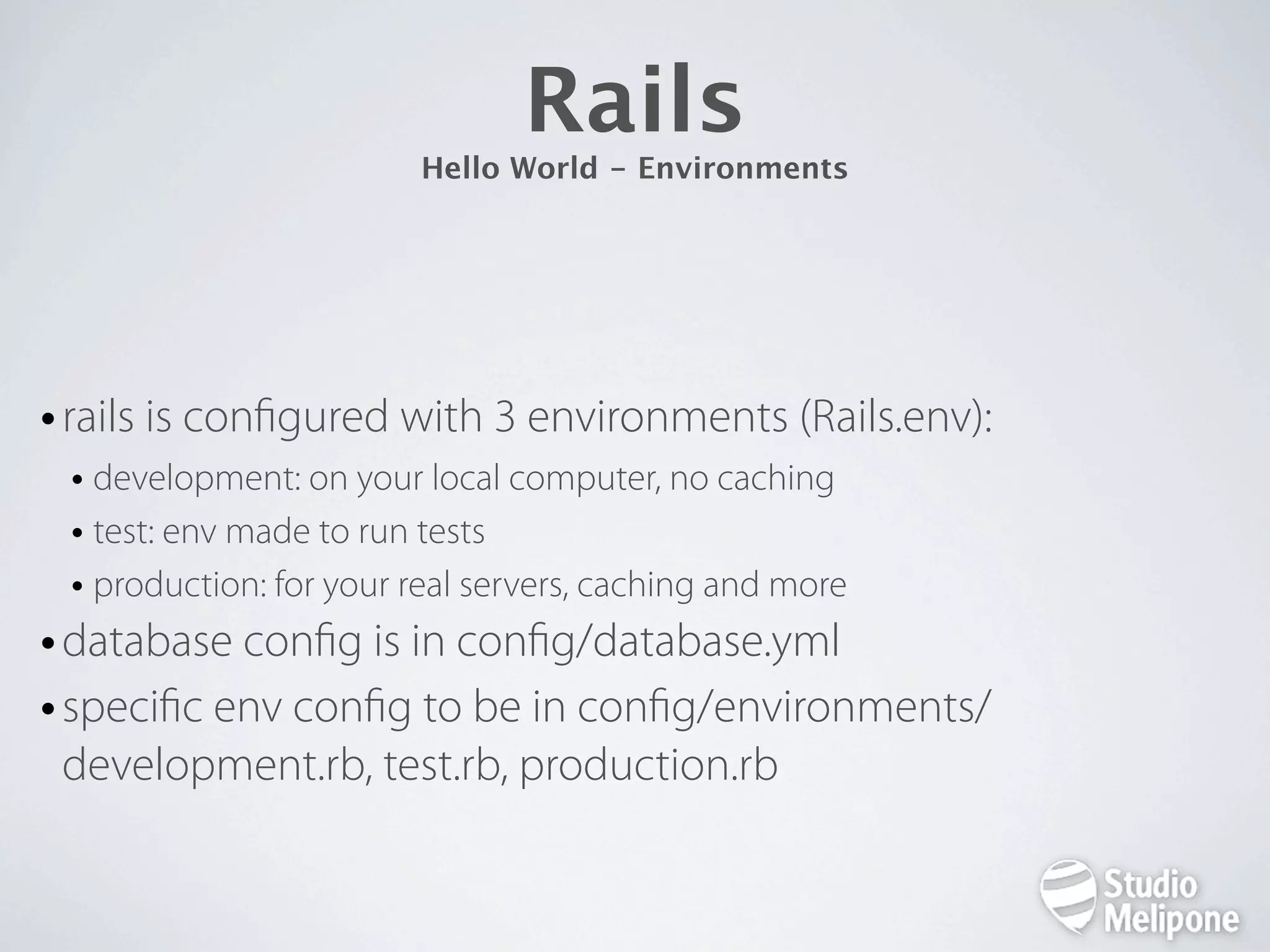
Rails Hello World - Environments • rails is con gured with 3 environments (Rails.env): • development: on your local computer, no caching • test: env made to run tests • production: for your real servers, caching and more • database con g is in con g/database.yml • speci c env con g to be in con g/environments/ development.rb, test.rb, production.rb
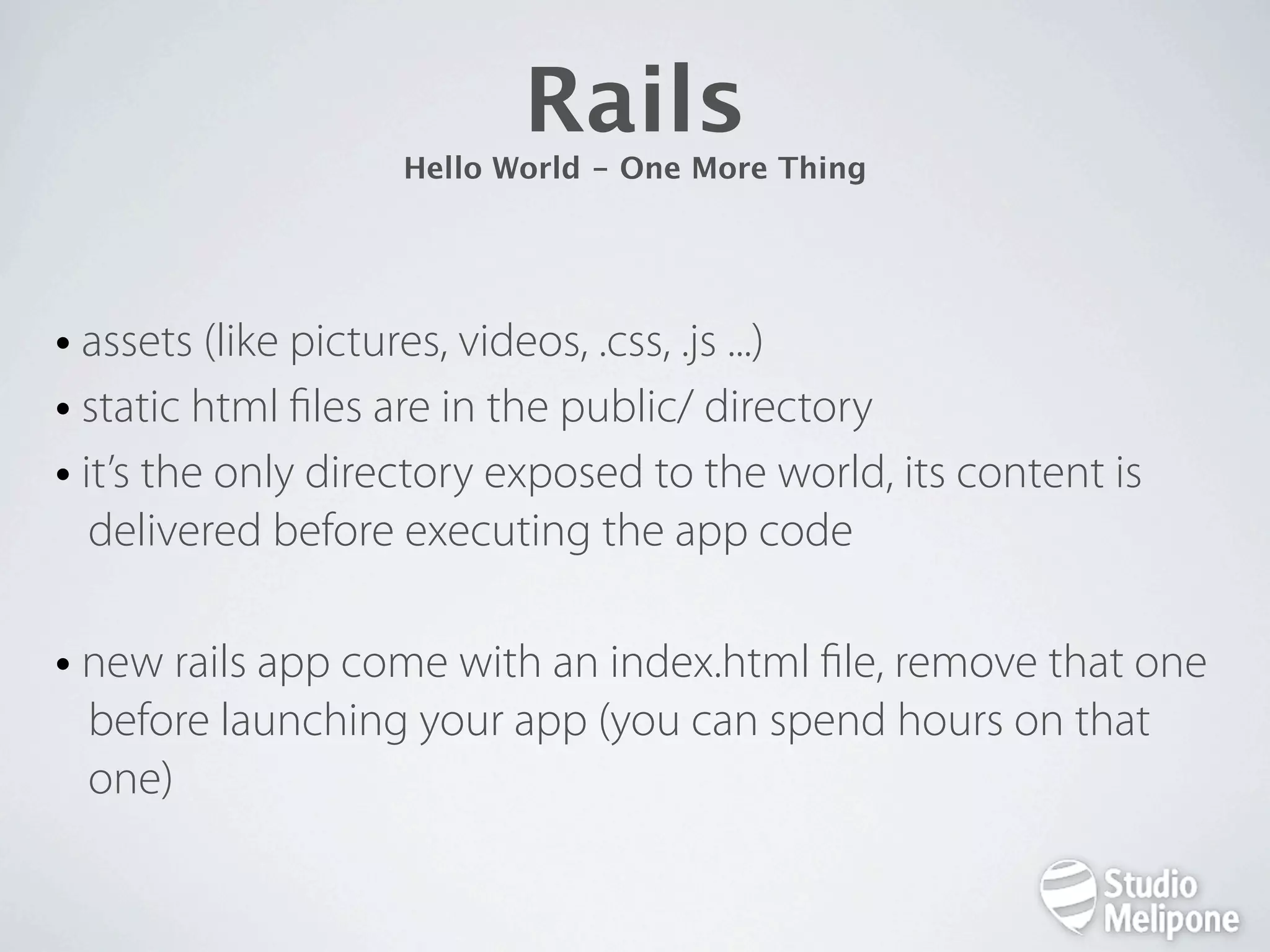
Rails Hello World - One More Thing • assets (like pictures, videos, .css, .js ...) • static html les are in the public/ directory • it’s the only directory exposed to the world, its content is delivered before executing the app code • new rails app come with an index.html le, remove that one before launching your app (you can spend hours on that one)
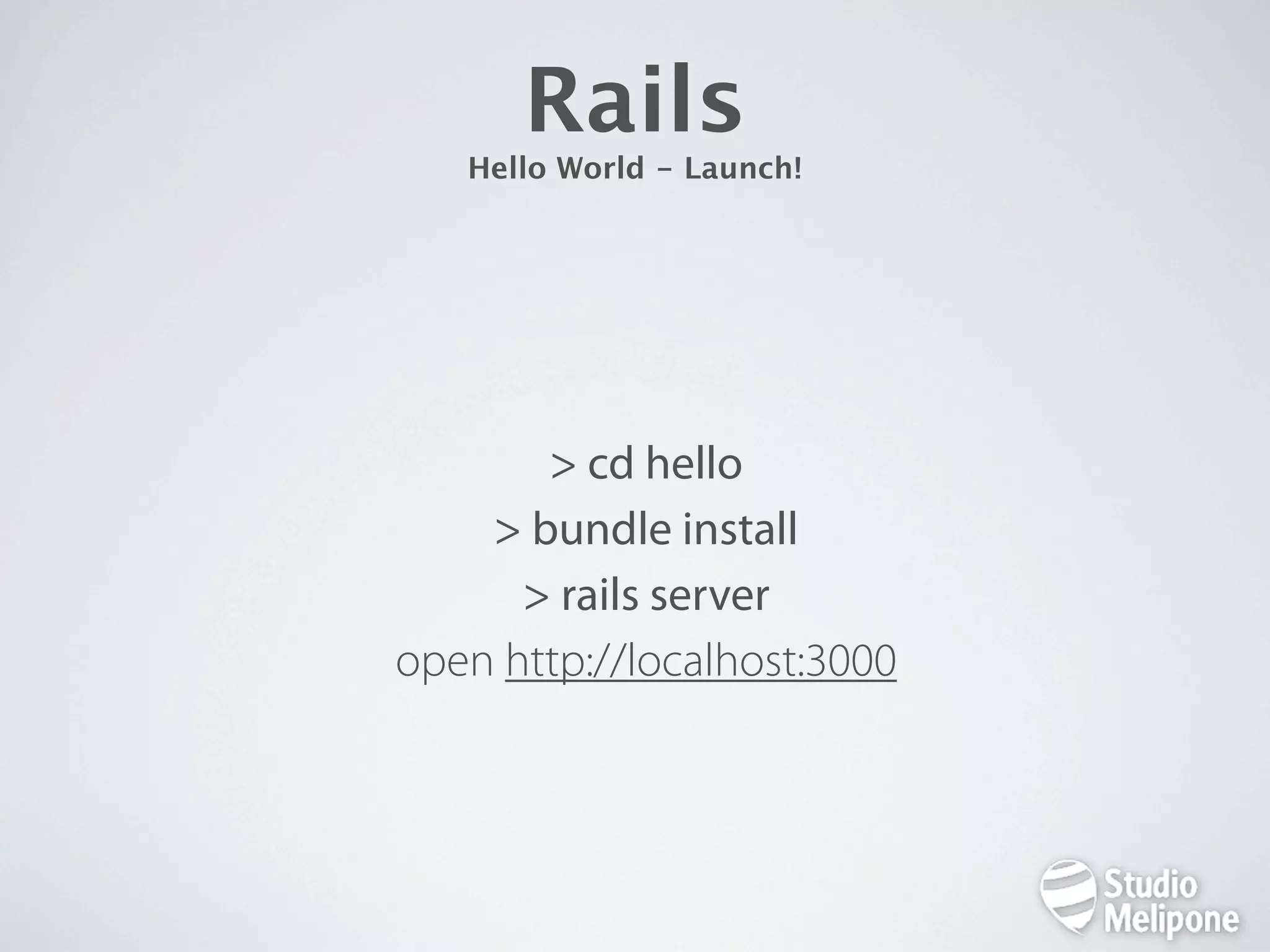
Rails Hello World - Launch! > cd hello > bundle install > rails server open http://localhost:3000
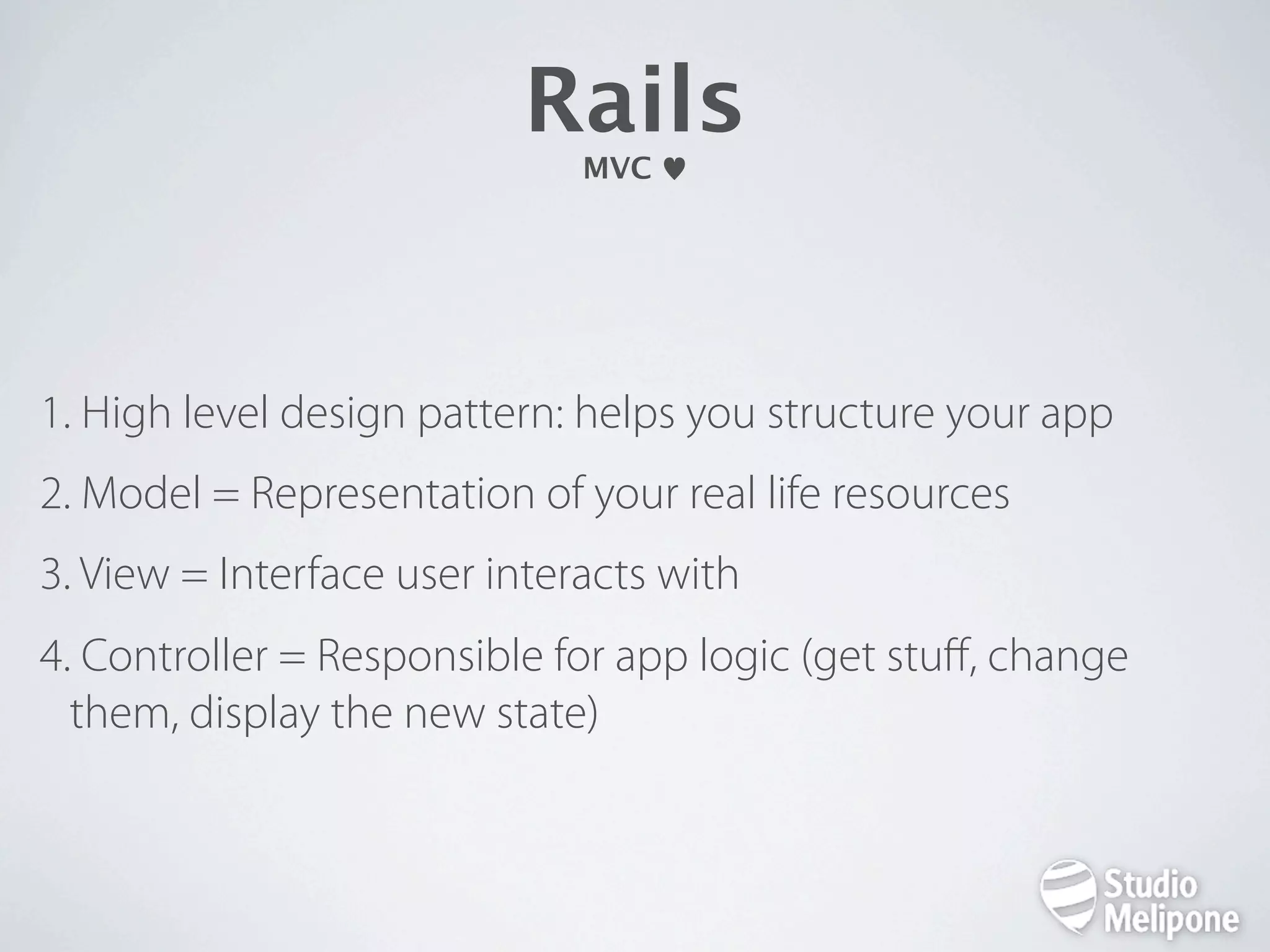
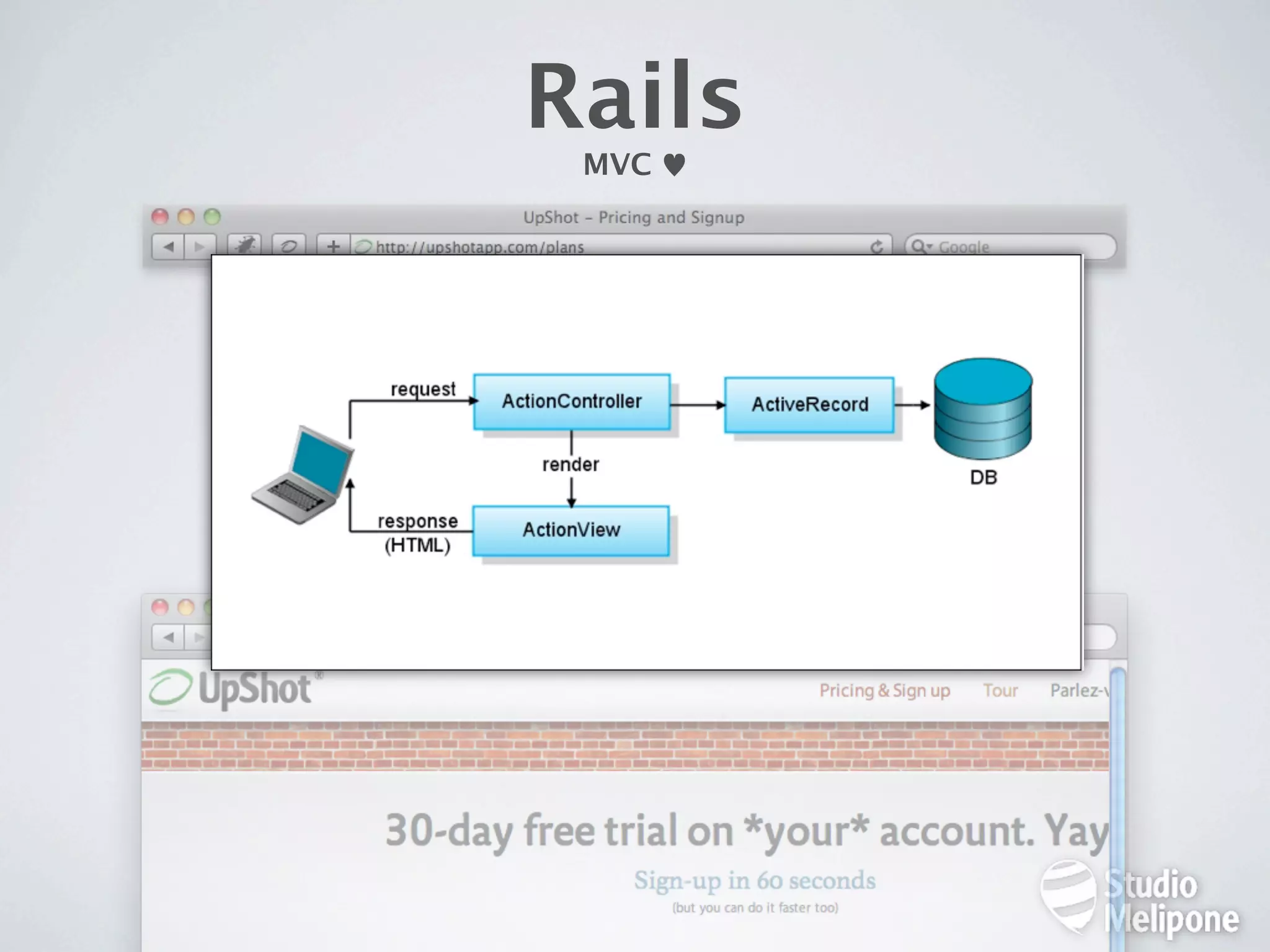
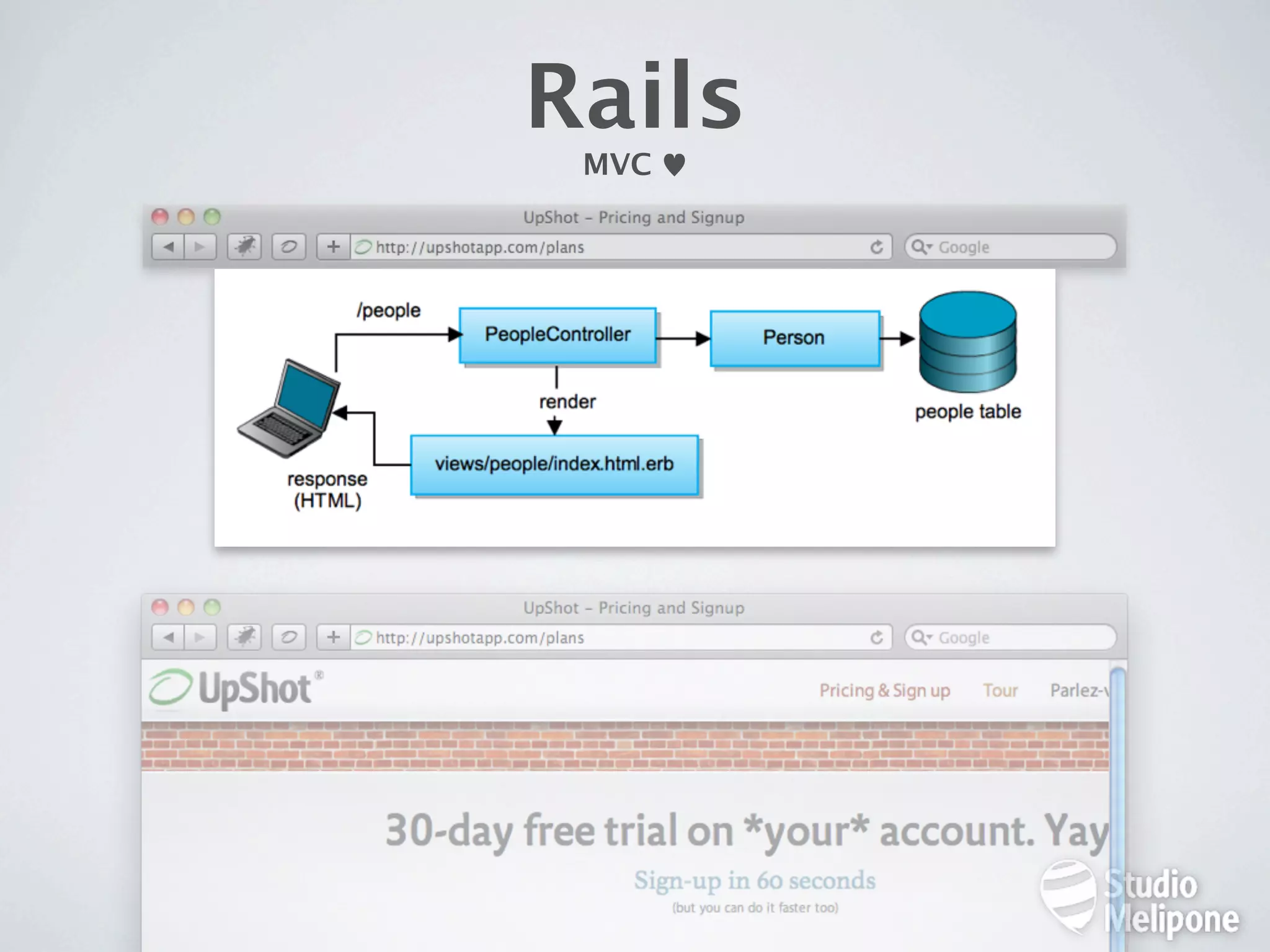
Rails MVC 1. High level design pattern: helps you structure your app 2. Model = Representation of your real life resources 3. View = Interface user interacts with 4. Controller = Responsible for app logic (get stuff, change them, display the new state)
Takes Time And Efforts To Get «Why» This Is So Cool. Believe Me, Though, You Will.
Rails MVC
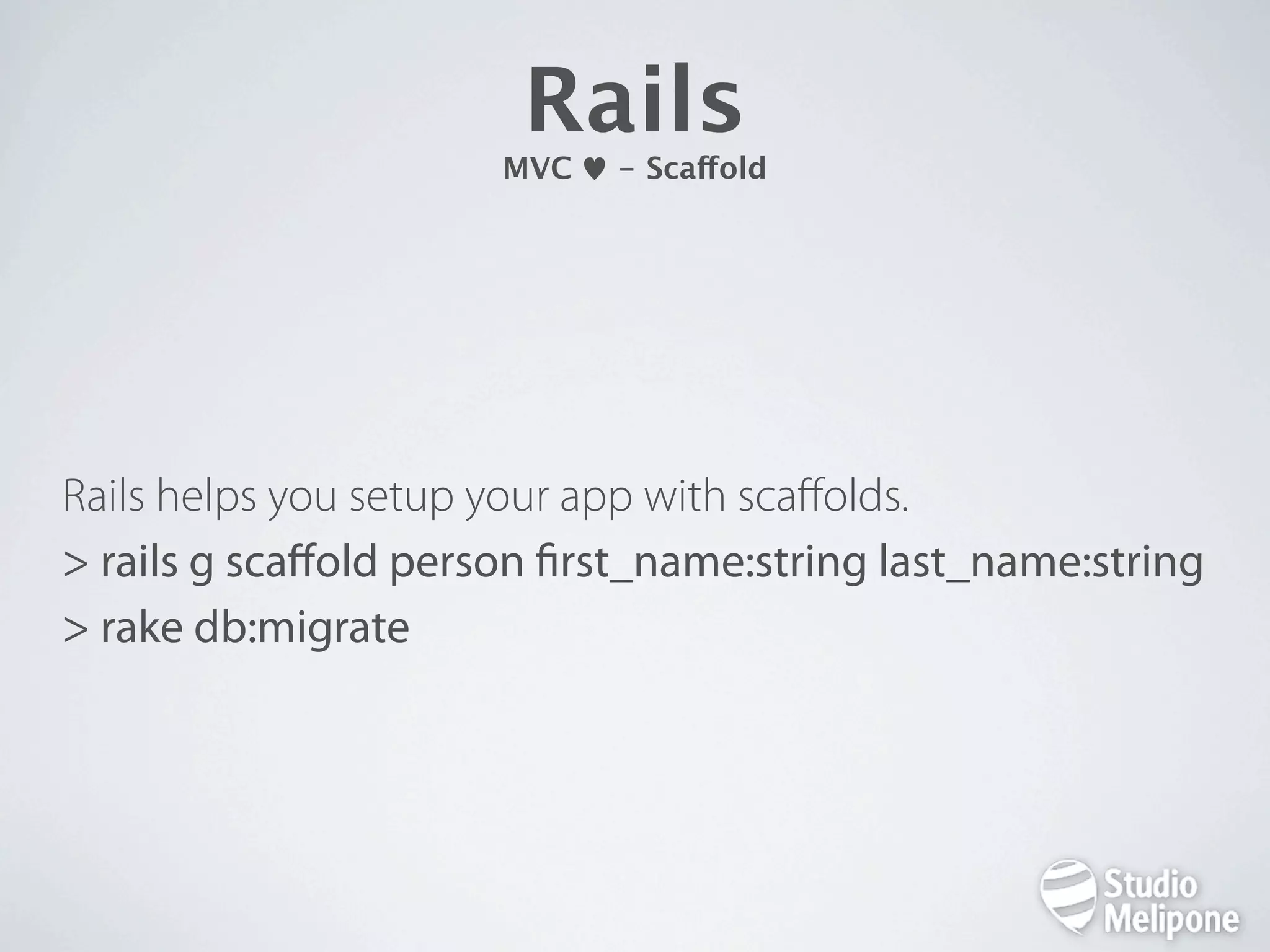
Rails MVC - Scaffold Rails helps you setup your app with scaffolds. > rails g scaffold person rst_name:string last_name:string > rake db:migrate
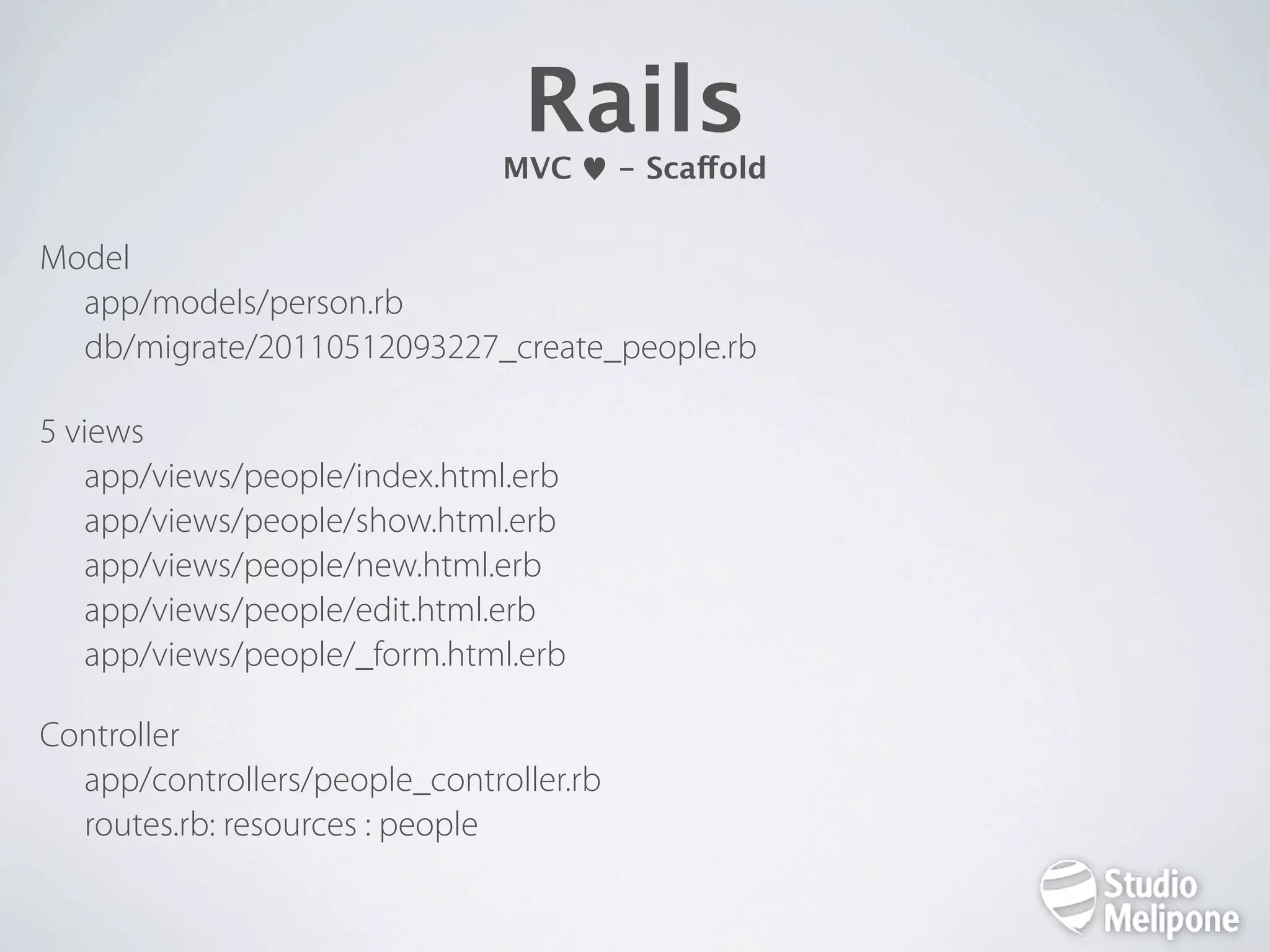
Rails MVC - Scaffold Model app/models/person.rb db/migrate/20110512093227_create_people.rb 5 views app/views/people/index.html.erb app/views/people/show.html.erb app/views/people/new.html.erb app/views/people/edit.html.erb app/views/people/_form.html.erb Controller app/controllers/people_controller.rb routes.rb: resources : people
Rails MVC
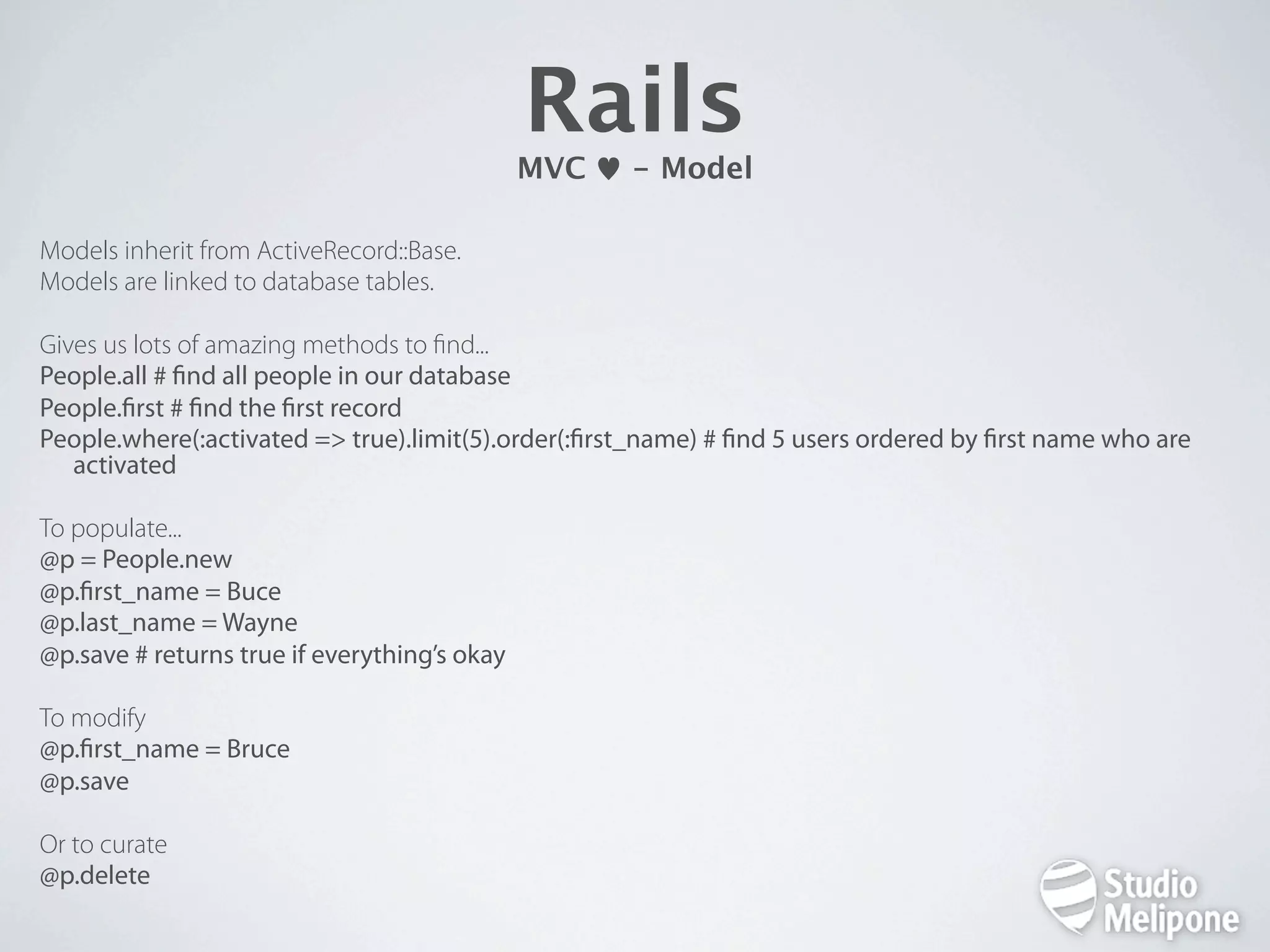
Rails MVC - Model Models inherit from ActiveRecord::Base. Models are linked to database tables. Gives us lots of amazing methods to nd... People.all # nd all people in our database People. rst # nd the rst record People.where(:activated => true).limit(5).order(: rst_name) # nd 5 users ordered by rst name who are activated To populate... @p = People.new @p. rst_name = Buce @p.last_name = Wayne @p.save # returns true if everything’s okay To modify @p. rst_name = Bruce @p.save Or to curate @p.delete
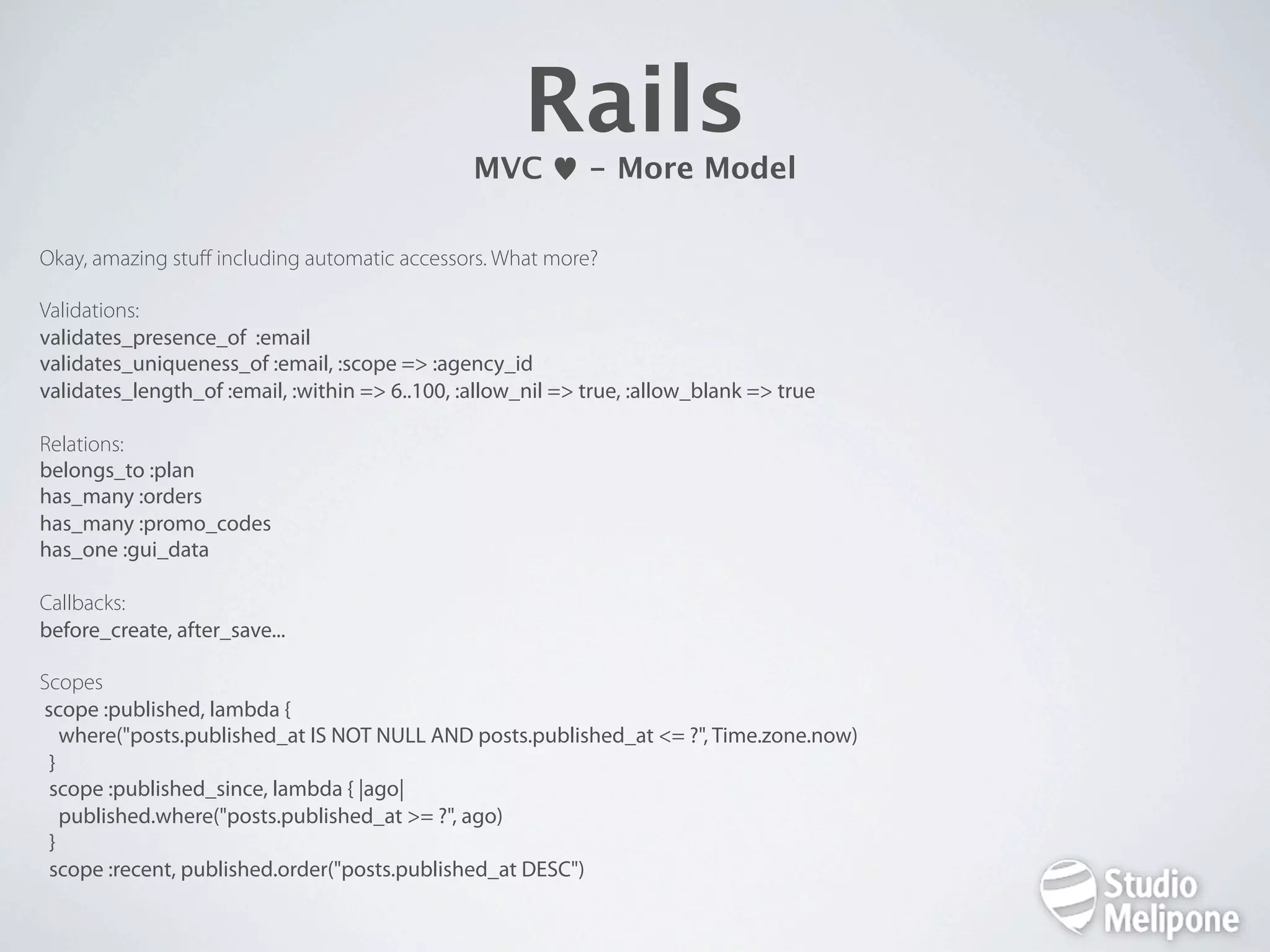
Rails MVC - More Model Okay, amazing stuff including automatic accessors. What more? Validations: validates_presence_of :email validates_uniqueness_of :email, :scope => :agency_id validates_length_of :email, :within => 6..100, :allow_nil => true, :allow_blank => true Relations: belongs_to :plan has_many :orders has_many :promo_codes has_one :gui_data Callbacks: before_create, after_save... Scopes scope :published, lambda { where("posts.published_at IS NOT NULL AND posts.published_at <= ?", Time.zone.now) } scope :published_since, lambda { |ago| published.where("posts.published_at >= ?", ago) } scope :recent, published.order("posts.published_at DESC")
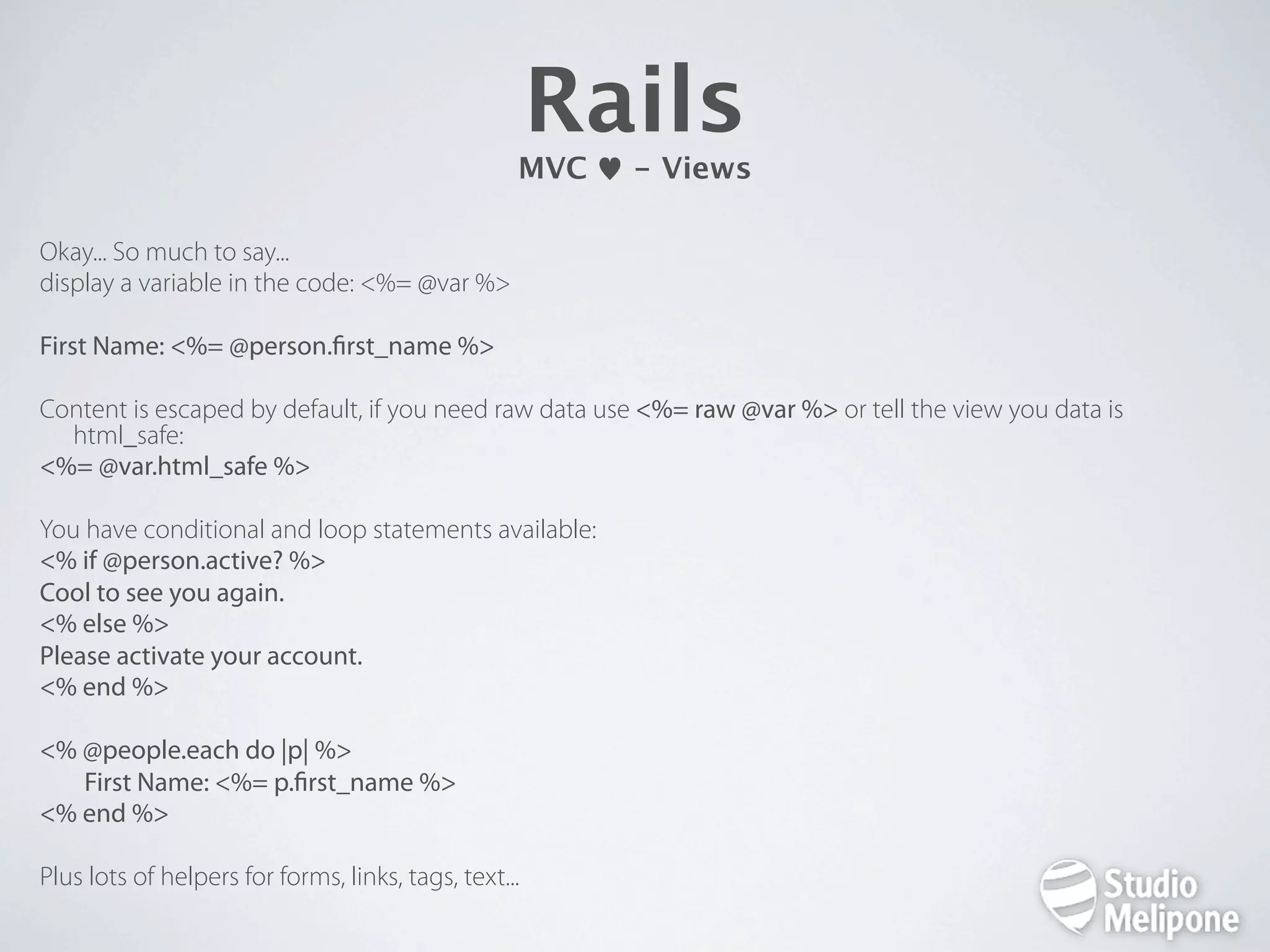
Rails MVC - Views Okay... So much to say... display a variable in the code: <%= @var %> First Name: <%= @person. rst_name %> Content is escaped by default, if you need raw data use <%= raw @var %> or tell the view you data is html_safe: <%= @var.html_safe %> You have conditional and loop statements available: <% if @person.active? %> Cool to see you again. <% else %> Please activate your account. <% end %> <% @people.each do |p| %> First Name: <%= p. rst_name %> <% end %> Plus lots of helpers for forms, links, tags, text...
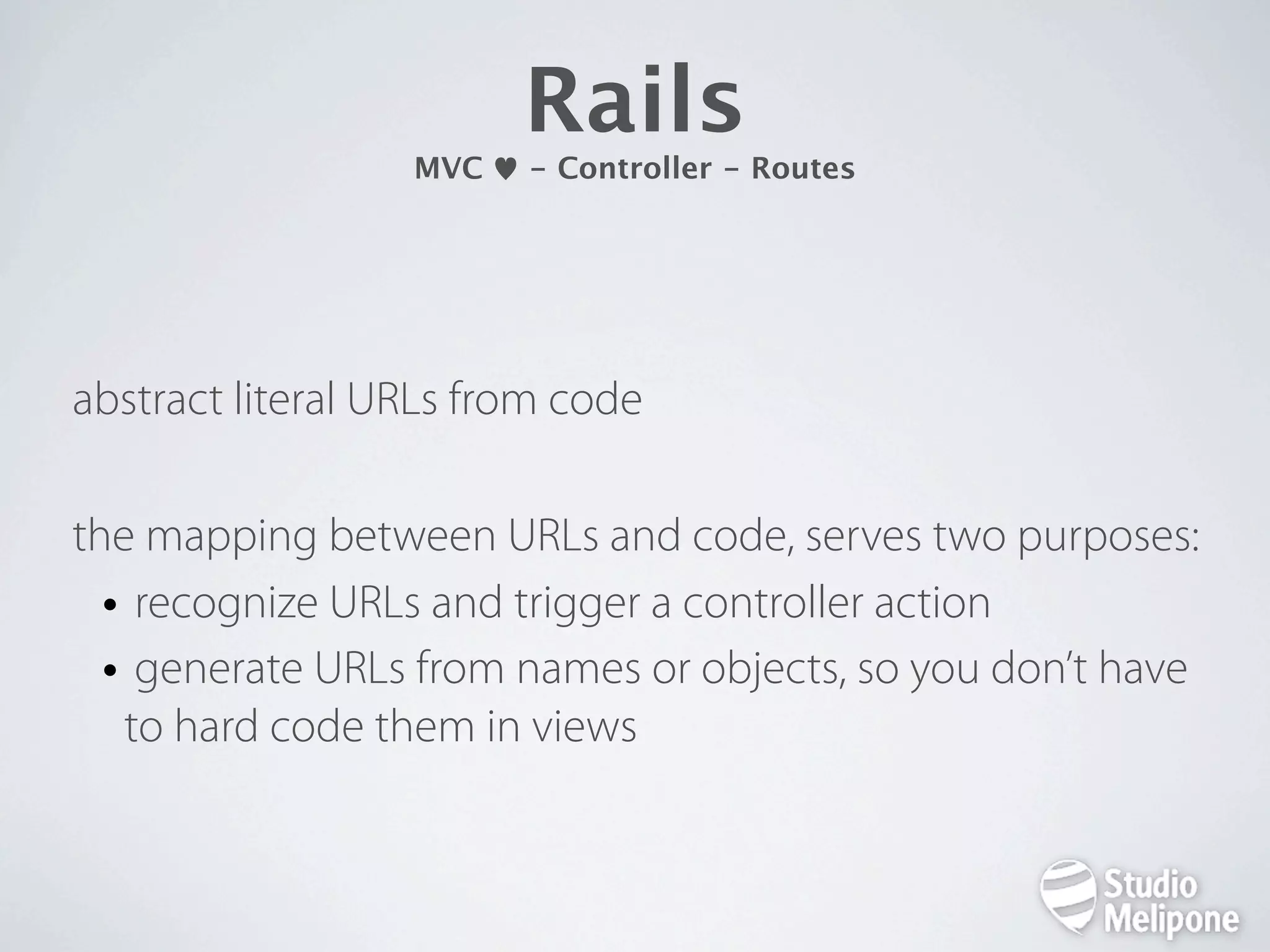
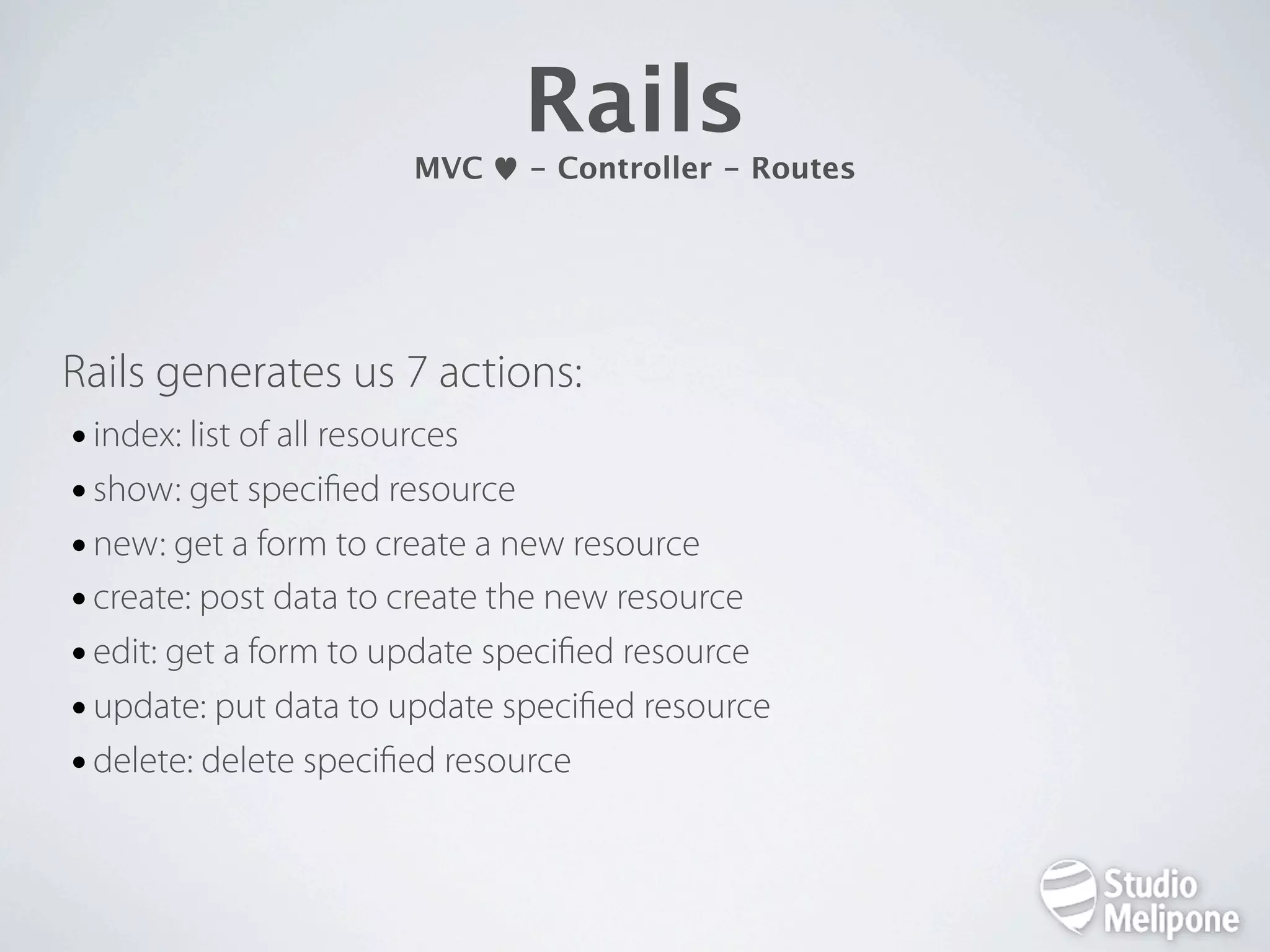
Rails MVC - Controller - Routes abstract literal URLs from code the mapping between URLs and code, serves two purposes: • recognize URLs and trigger a controller action • generate URLs from names or objects, so you don’t have to hard code them in views
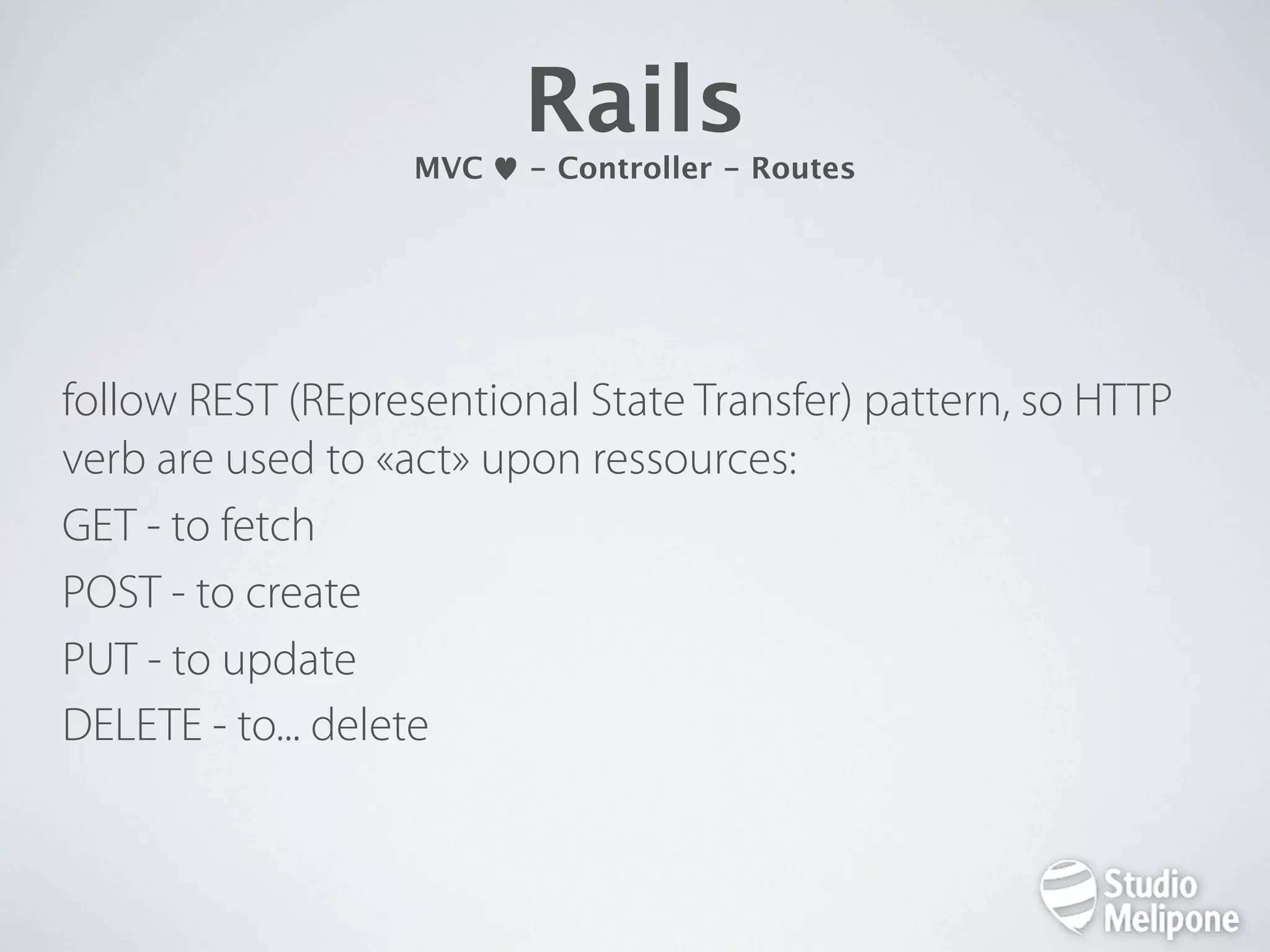
Rails MVC - Controller - Routes follow REST (REpresentional State Transfer) pattern, so HTTP verb are used to «act» upon ressources: GET - to fetch POST - to create PUT - to update DELETE - to... delete
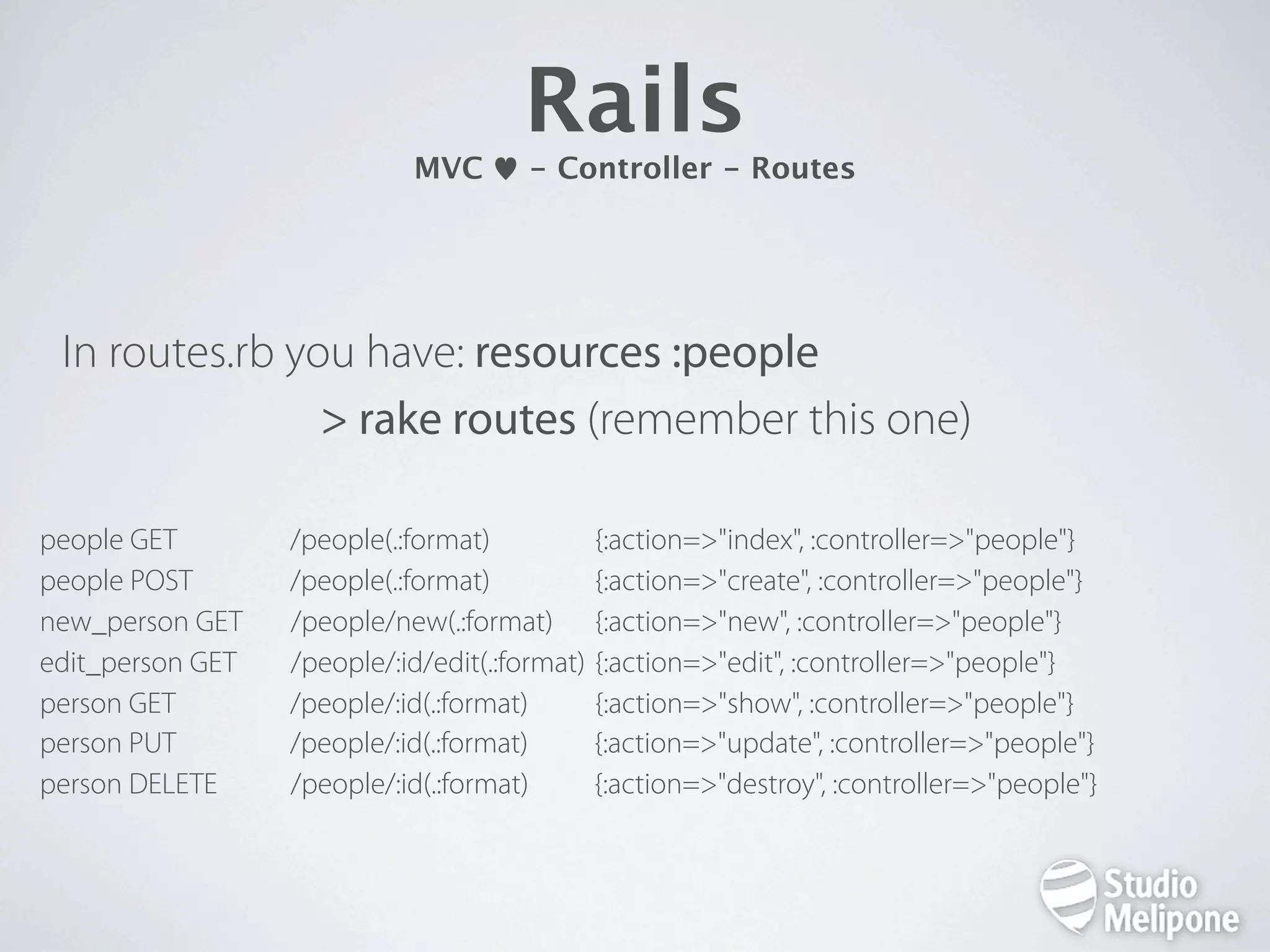
Rails MVC - Controller - Routes In routes.rb you have: resources :people > rake routes (remember this one) people GET /people(.:format) {:action=>"index", :controller=>"people"} people POST /people(.:format) {:action=>"create", :controller=>"people"} new_person GET /people/new(.:format) {:action=>"new", :controller=>"people"} edit_person GET /people/:id/edit(.:format) {:action=>"edit", :controller=>"people"} person GET /people/:id(.:format) {:action=>"show", :controller=>"people"} person PUT /people/:id(.:format) {:action=>"update", :controller=>"people"} person DELETE /people/:id(.:format) {:action=>"destroy", :controller=>"people"}
Rails MVC - Controller - Routes Rails generates us 7 actions: • index: list of all resources • show: get speci ed resource • new: get a form to create a new resource • create: post data to create the new resource • edit: get a form to update speci ed resource • update: put data to update speci ed resource • delete: delete speci ed resource
Rails MVC - Controller - Routes Let’s have a look at our PeopleController.rb
Rails Real Life Stuff (just to frighten you)
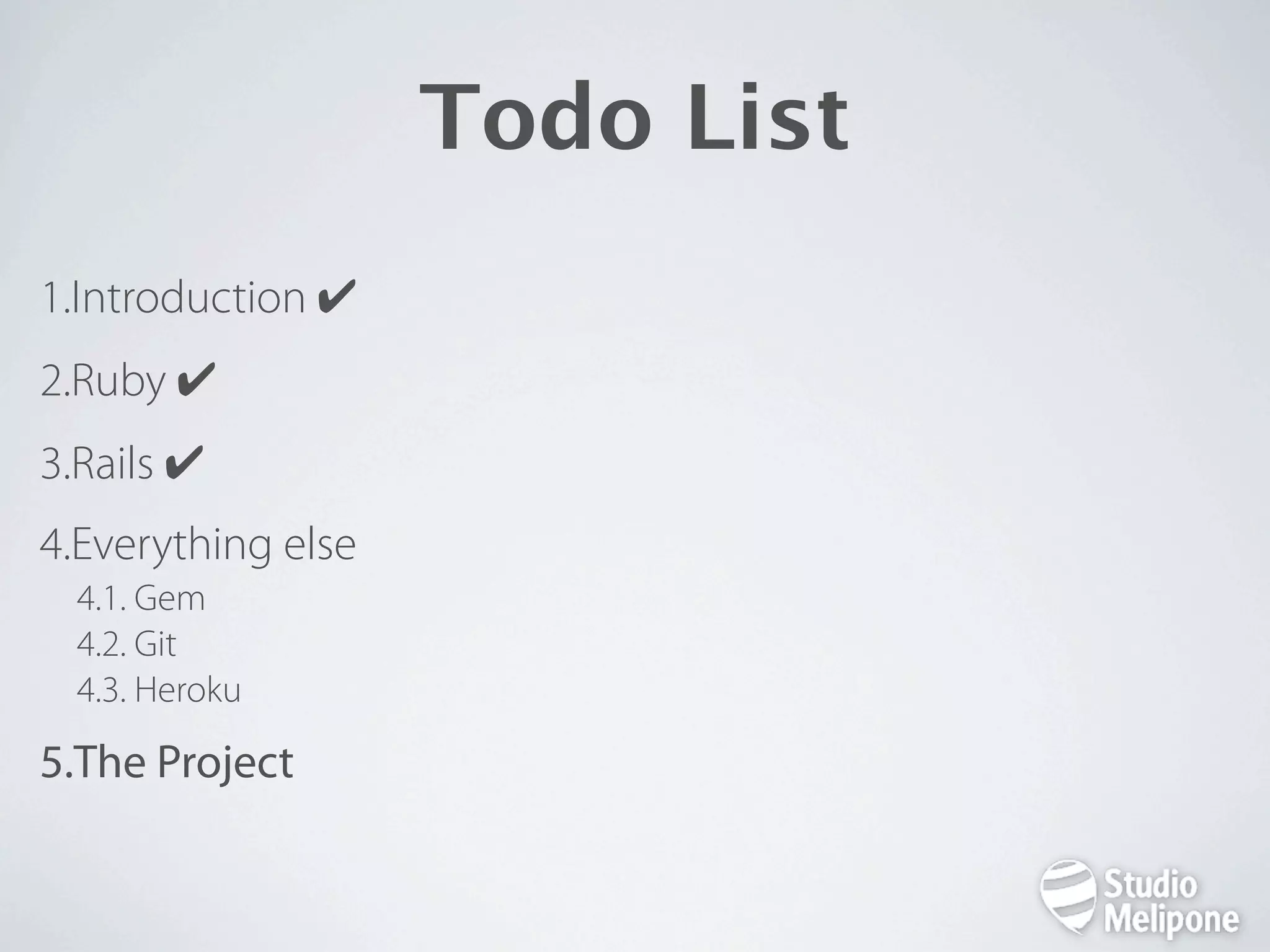
Todo List 1.Introduction ✔ 2.Ruby ✔ 3.Rails ✔ 4.Everything else 4.1. Gem 4.2. Git 4.3. Heroku 5.The Project
Everything Else Gem http://rubygems.org helps you extend your code with great code (thanks to ruby and the great community behind ruby/rails) > gem list > gem install paperclip use bundler, in Gem le: gem «paperclip» then > bundle (which is equivalent to « > bundle install»)
Everything Else Git http://git-scm.com and http://github.com source version management IS TERRIBLY IMPORTANT > git init . > git status > git add [ . | le | dir | -u ] > git commit -v > git branch new-branch > git checkout new-branch Git repo are local and can also be used remotely (in this case, you should subscribe to Github)
Everything Else Heroku http://heroku.com platform to deploy ruby apps «in the cloud» > gem install heroku > heroku create > git push heroku master > heroku logs > heroku console
Todo List 1.Introduction ✔ 2.Ruby ✔ 3.Rails ✔ 4.Everything else ✔ 5.The Project
The Project «It’s bloody hard to nd spare parts for your suit (or yourself ). That would be so cool to have some kind of Amazon store to get and sell them!» Optimus Prime
The Project Create a marketplace to buy and sell spare parts for Transformers/Iron Man/Darth Vader. • Create an account (buyer/seller) • Post parts (price, quantity available...) • Buy parts • Administrate parts and users
The Project Need to be online tomorrow (thank you Heroku). What you will need (at least): • Scaffolds • Authentication (Devise) • Roles (Cancan) • File upload (Paperclip) • Mails (Sendgrid) For extra points: write tests (let’s say unit tests)
Thanks! Questions?

Supa fast Ruby + Rails

  • 1.
    Ruby && Rails&& More a fast-paced intro Jean-Baptiste Feldis - @jbfeldis
  • 2.
    @teacher = Teacher.where( :new => true, :motivated => true, :age => 27, # which *IS* still young :username => «JB», :vouvoiement => «jamais» ) @teacher.inspect
  • 3.
    http://twitter.com/jbfeldis http://studiomelipone.eu http://freshfromthehive.com http://upshotapp.com http://card.biz http://tumbulus.com ...
  • 4.
    Todo List 1.Introduction ✔ 2.Ruby 2.1.Basics 2.2.Syntax 2.3.More than scripts 3.Rails 4.Everything else 5.The Project
  • 5.
    Ruby Basics 1. http://www.ruby-lang.org/ 2. Full Object Oriented 3. Created by Yukihiro “Matz“ Matsumoto in 1995 4. “Ruby is designed for programmer productivity and fun, following the principles of good user interface design.”
  • 6.
    Ruby Syntax Switching to IRB (Interactive RuBy)
  • 7.
    Ruby More Than Scripts • for the web > Rails / Sinatra / ... • for apps > JRuby (Java) / IronRuby (.NET) / MacRuby (Obj-C)
  • 8.
    Todo List 1.Introduction ✔ 2.Ruby✔ 3.Rails 3.1. Basics 3.2. MVC 3.3. Real life stuff 4.Everything else 5.The Project
  • 9.
    Rails Basics 1. http://rubyonrails.org/ 2. Rails = web framework written in Ruby 3. Created by David Heinemeier Hansson (@dhh) from 37signals’ Basecamp app 4. First release July 2004 5. For web developpers by web developpers
  • 10.
    Rails Basics - Philosophy 1. Opinionated 2. Convention over con guration 3. DRY (Don’t Repeat Yourself ) 4. TDD (Test Driven Development)
  • 11.
  • 12.
    Rails Hello World - Needs Rails is composed of a few commands: - rails (to build your apps) - gem (a ruby package manager to extend your code) - bundle (a cool tool to manage your gems) - rake (ruby gem to launch tasks) More than that we need: - a database (sqlite by default, included) - a VCS (let’s use Git instead of Subversion)
  • 13.
    Rails Hello World - Rails > rails new hello This command generates code for a new Rails web application  in a sub-directory called “hello”  
  • 14.
    Rails Hello World - The App Directory • the whole rails app is in this one directory • no hidden con guration les in system directories • you will modify many of these les in the course of your development • if you use sqlite even the DB is in this directory • in a dream world you could copy this to your server and go party with your friends • feeling bad about a «hello» app? Just delete the directory and you’re done
  • 15.
    Rails Hello World - Environments • rails is con gured with 3 environments (Rails.env): • development: on your local computer, no caching • test: env made to run tests • production: for your real servers, caching and more • database con g is in con g/database.yml • speci c env con g to be in con g/environments/ development.rb, test.rb, production.rb
  • 16.
    Rails Hello World - One More Thing • assets (like pictures, videos, .css, .js ...) • static html les are in the public/ directory • it’s the only directory exposed to the world, its content is delivered before executing the app code • new rails app come with an index.html le, remove that one before launching your app (you can spend hours on that one)
  • 17.
    Rails Hello World - Launch! > cd hello > bundle install > rails server open http://localhost:3000
  • 18.
    Rails MVC 1. High level design pattern: helps you structure your app 2. Model = Representation of your real life resources 3. View = Interface user interacts with 4. Controller = Responsible for app logic (get stuff, change them, display the new state)
  • 19.
    Takes Time AndEfforts To Get «Why» This Is So Cool. Believe Me, Though, You Will.
  • 20.
  • 21.
    Rails MVC - Scaffold Rails helps you setup your app with scaffolds. > rails g scaffold person rst_name:string last_name:string > rake db:migrate
  • 22.
    Rails MVC - Scaffold Model app/models/person.rb db/migrate/20110512093227_create_people.rb 5 views app/views/people/index.html.erb app/views/people/show.html.erb app/views/people/new.html.erb app/views/people/edit.html.erb app/views/people/_form.html.erb Controller app/controllers/people_controller.rb routes.rb: resources : people
  • 23.
  • 24.
    Rails MVC - Model Models inherit from ActiveRecord::Base. Models are linked to database tables. Gives us lots of amazing methods to nd... People.all # nd all people in our database People. rst # nd the rst record People.where(:activated => true).limit(5).order(: rst_name) # nd 5 users ordered by rst name who are activated To populate... @p = People.new @p. rst_name = Buce @p.last_name = Wayne @p.save # returns true if everything’s okay To modify @p. rst_name = Bruce @p.save Or to curate @p.delete
  • 25.
    Rails MVC - More Model Okay, amazing stuff including automatic accessors. What more? Validations: validates_presence_of :email validates_uniqueness_of :email, :scope => :agency_id validates_length_of :email, :within => 6..100, :allow_nil => true, :allow_blank => true Relations: belongs_to :plan has_many :orders has_many :promo_codes has_one :gui_data Callbacks: before_create, after_save... Scopes scope :published, lambda { where("posts.published_at IS NOT NULL AND posts.published_at <= ?", Time.zone.now) } scope :published_since, lambda { |ago| published.where("posts.published_at >= ?", ago) } scope :recent, published.order("posts.published_at DESC")
  • 26.
    Rails MVC - Views Okay... So much to say... display a variable in the code: <%= @var %> First Name: <%= @person. rst_name %> Content is escaped by default, if you need raw data use <%= raw @var %> or tell the view you data is html_safe: <%= @var.html_safe %> You have conditional and loop statements available: <% if @person.active? %> Cool to see you again. <% else %> Please activate your account. <% end %> <% @people.each do |p| %> First Name: <%= p. rst_name %> <% end %> Plus lots of helpers for forms, links, tags, text...
  • 27.
    Rails MVC - Controller - Routes abstract literal URLs from code the mapping between URLs and code, serves two purposes: • recognize URLs and trigger a controller action • generate URLs from names or objects, so you don’t have to hard code them in views
  • 28.
    Rails MVC - Controller - Routes follow REST (REpresentional State Transfer) pattern, so HTTP verb are used to «act» upon ressources: GET - to fetch POST - to create PUT - to update DELETE - to... delete
  • 29.
    Rails MVC - Controller - Routes In routes.rb you have: resources :people > rake routes (remember this one) people GET /people(.:format) {:action=>"index", :controller=>"people"} people POST /people(.:format) {:action=>"create", :controller=>"people"} new_person GET /people/new(.:format) {:action=>"new", :controller=>"people"} edit_person GET /people/:id/edit(.:format) {:action=>"edit", :controller=>"people"} person GET /people/:id(.:format) {:action=>"show", :controller=>"people"} person PUT /people/:id(.:format) {:action=>"update", :controller=>"people"} person DELETE /people/:id(.:format) {:action=>"destroy", :controller=>"people"}
  • 30.
    Rails MVC - Controller - Routes Rails generates us 7 actions: • index: list of all resources • show: get speci ed resource • new: get a form to create a new resource • create: post data to create the new resource • edit: get a form to update speci ed resource • update: put data to update speci ed resource • delete: delete speci ed resource
  • 31.
    Rails MVC - Controller - Routes Let’s have a look at our PeopleController.rb
  • 32.
    Rails Real Life Stuff (just to frighten you)
  • 33.
    Todo List 1.Introduction ✔ 2.Ruby✔ 3.Rails ✔ 4.Everything else 4.1. Gem 4.2. Git 4.3. Heroku 5.The Project
  • 34.
    Everything Else Gem http://rubygems.org helps you extend your code with great code (thanks to ruby and the great community behind ruby/rails) > gem list > gem install paperclip use bundler, in Gem le: gem «paperclip» then > bundle (which is equivalent to « > bundle install»)
  • 35.
    Everything Else Git http://git-scm.com and http://github.com source version management IS TERRIBLY IMPORTANT > git init . > git status > git add [ . | le | dir | -u ] > git commit -v > git branch new-branch > git checkout new-branch Git repo are local and can also be used remotely (in this case, you should subscribe to Github)
  • 36.
    Everything Else Heroku http://heroku.com platform to deploy ruby apps «in the cloud» > gem install heroku > heroku create > git push heroku master > heroku logs > heroku console
  • 37.
    Todo List 1.Introduction ✔ 2.Ruby✔ 3.Rails ✔ 4.Everything else ✔ 5.The Project
  • 38.
    The Project «It’s bloodyhard to nd spare parts for your suit (or yourself ). That would be so cool to have some kind of Amazon store to get and sell them!» Optimus Prime
  • 39.
    The Project Create a marketplace to buy and sell spare parts for Transformers/Iron Man/Darth Vader. • Create an account (buyer/seller) • Post parts (price, quantity available...) • Buy parts • Administrate parts and users
  • 40.
    The Project Need tobe online tomorrow (thank you Heroku). What you will need (at least): • Scaffolds • Authentication (Devise) • Roles (Cancan) • File upload (Paperclip) • Mails (Sendgrid) For extra points: write tests (let’s say unit tests)
  • 41.