PHP COOKIES PHP SESSIONS PHP include and require Files 2
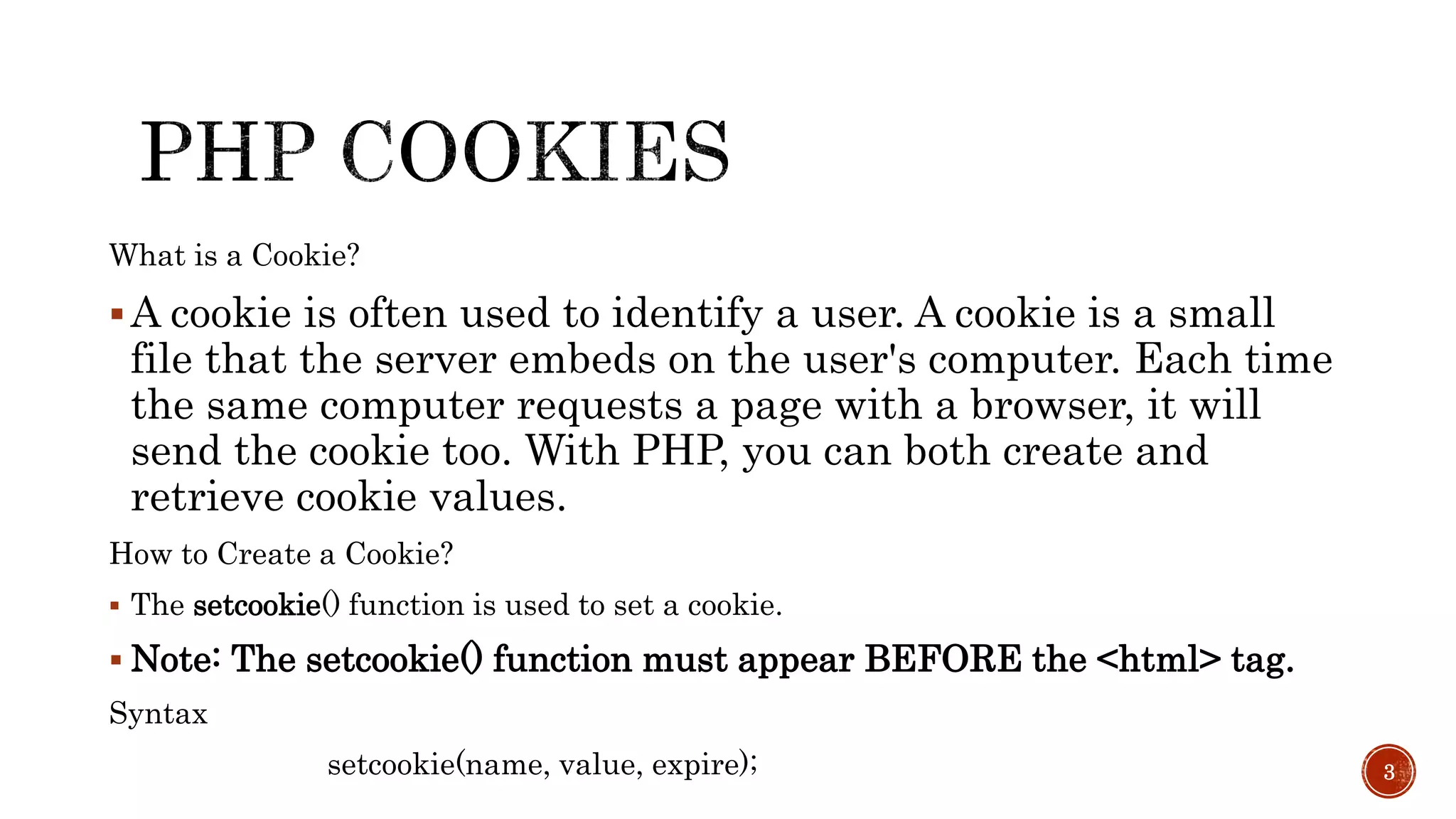
What is a Cookie? A cookie is often used to identify a user. A cookie is a small file that the server embeds on the user's computer. Each time the same computer requests a page with a browser, it will send the cookie too. With PHP, you can both create and retrieve cookie values. How to Create a Cookie?  The setcookie() function is used to set a cookie.  Note: The setcookie() function must appear BEFORE the <html> tag. Syntax setcookie(name, value, expire); 3
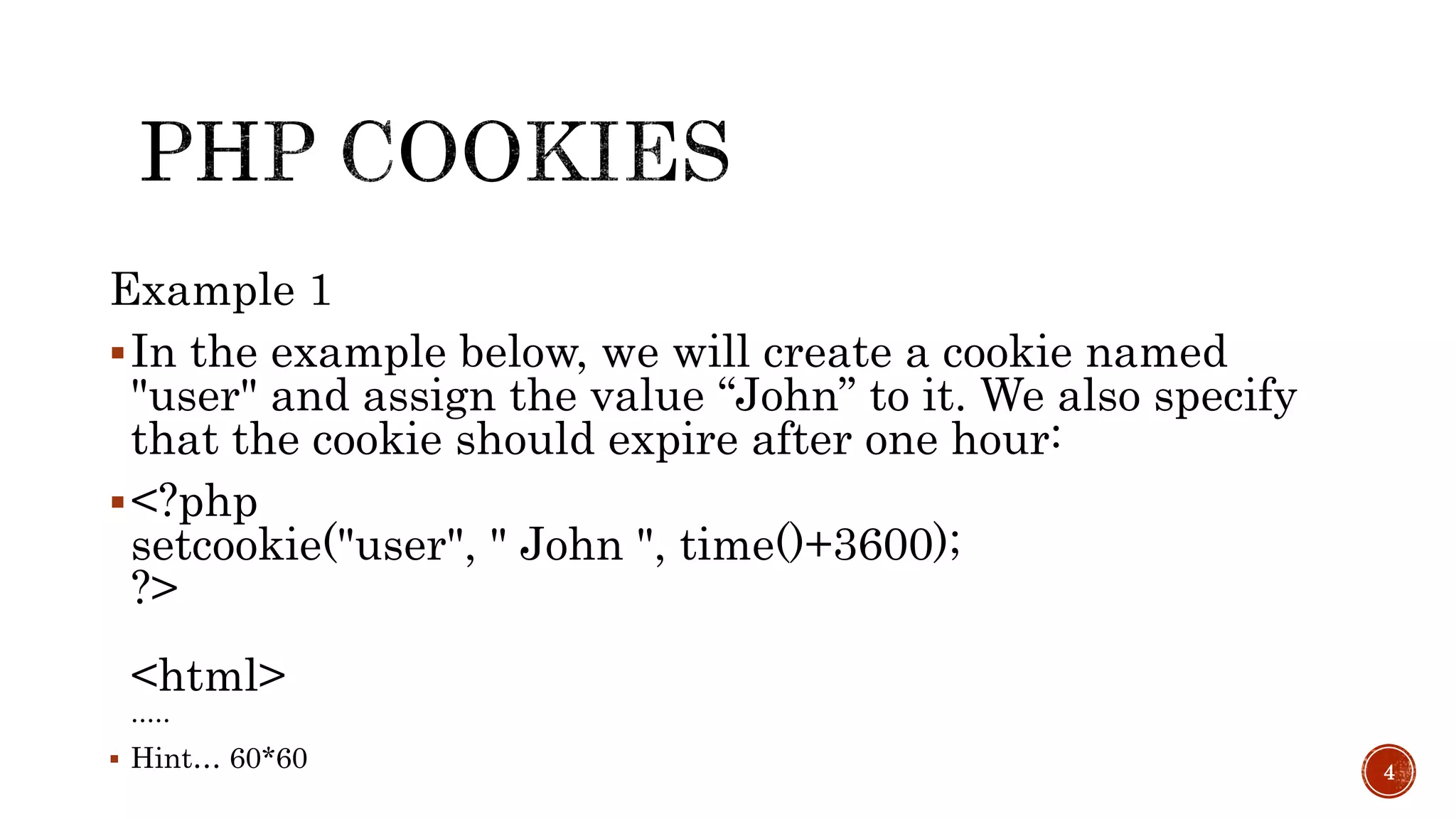
Example 1 In the example below, we will create a cookie named "user" and assign the value “John” to it. We also specify that the cookie should expire after one hour: <?php setcookie("user", " John ", time()+3600); ?> <html> .....  Hint… 60*60 4
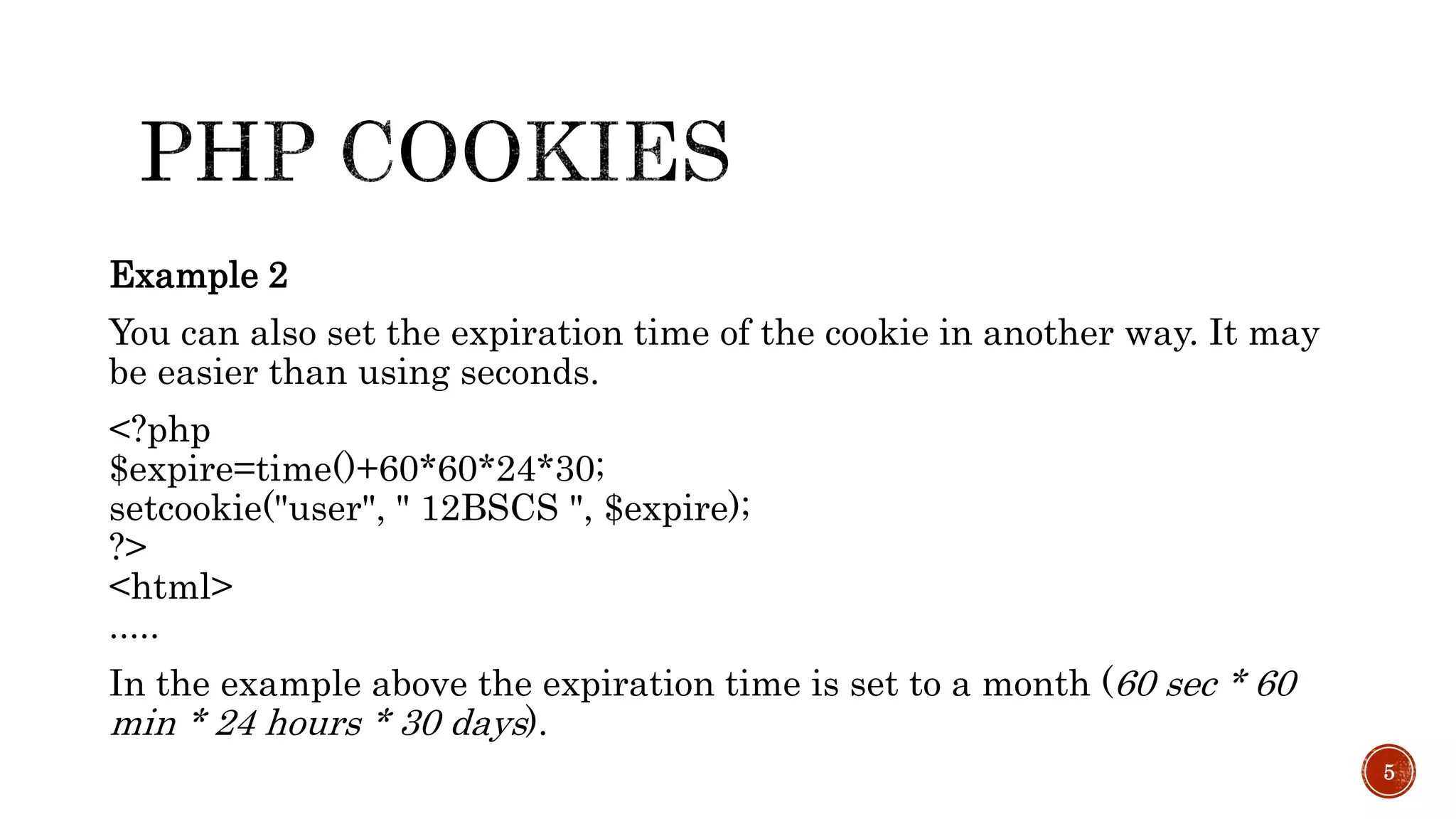
Example 2 You can also set the expiration time of the cookie in another way. It may be easier than using seconds. <?php $expire=time()+60*60*24*30; setcookie("user", " 12BSCS ", $expire); ?> <html> ..... In the example above the expiration time is set to a month (60 sec * 60 min * 24 hours * 30 days). 5
In the example below, we retrieve the value of the cookie named "user" and display it on a page: <?php // Print a cookie echo $_COOKIE["user"]; // A way to view all cookies print_r($_COOKIE); ?> 6
In the following example we use the isset() function to find out if a cookie has been set: <html> <body> <?php if (isset($_COOKIE["user"])) echo "Welcome " . $_COOKIE["user"] . "!<br>"; else echo "Welcome guest!<br>"; ?> </body> </html> 7
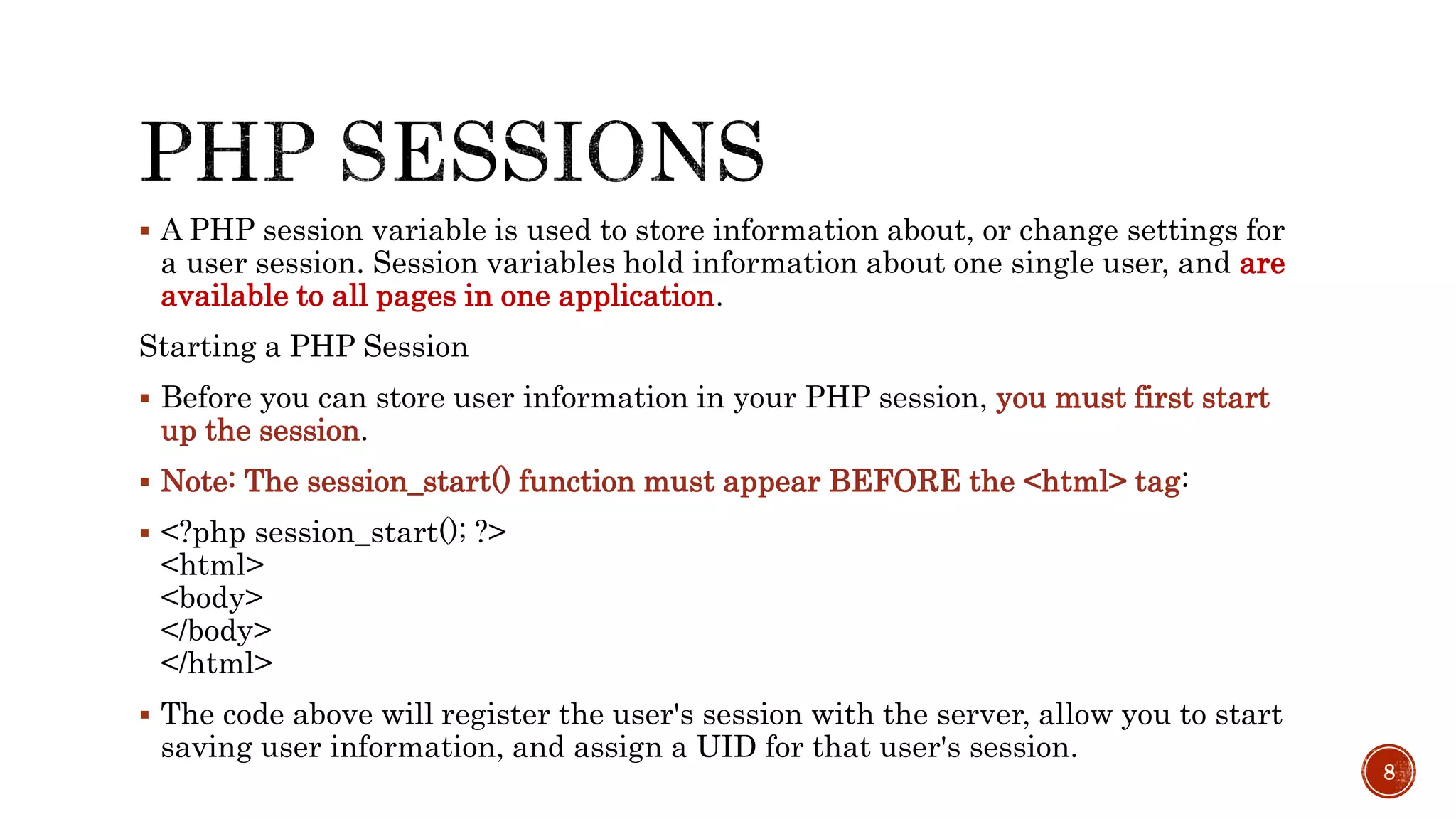
 A PHP session variable is used to store information about, or change settings for a user session. Session variables hold information about one single user, and are available to all pages in one application. Starting a PHP Session  Before you can store user information in your PHP session, you must first start up the session.  Note: The session_start() function must appear BEFORE the <html> tag:  <?php session_start(); ?> <html> <body> </body> </html>  The code above will register the user's session with the server, allow you to start saving user information, and assign a UID for that user's session. 8
The correct way to store and retrieve session variables is to use the PHP $_SESSION variable: <?php session_start(); // store session data $_SESSION['views']=1; ?> <html> <body> <?php //retrieve session data echo "Pageviews=". $_SESSION['views']; ?> </body> </html>Output: Pageviews=1 9
 In the example below, we create a simple page-views counter. The isset() function checks if the "views" variable has already been set. If "views" has been set, we can increment our counter. If "views" doesn't exist, we create a "views" variable, and set it to 1: <?php session_start(); if(isset($_SESSION['views'])) $_SESSION['views']=$_SESSION['views']+1; else $_SESSION['views']=1; echo "Views=". $_SESSION['views']; ?> 10
If you wish to delete some session data, you can use the unset() or the session_destroy() function.  The unset() function is used to free the specified session variable: <?php session_start(); if(isset($_SESSION['views'])) unset($_SESSION['views']); ?>  You can also completely destroy the session by calling the session_destroy() function: <?php session_destroy(); ?>  Note: session_destroy() will reset your session and you will lose all your stored session data. 11
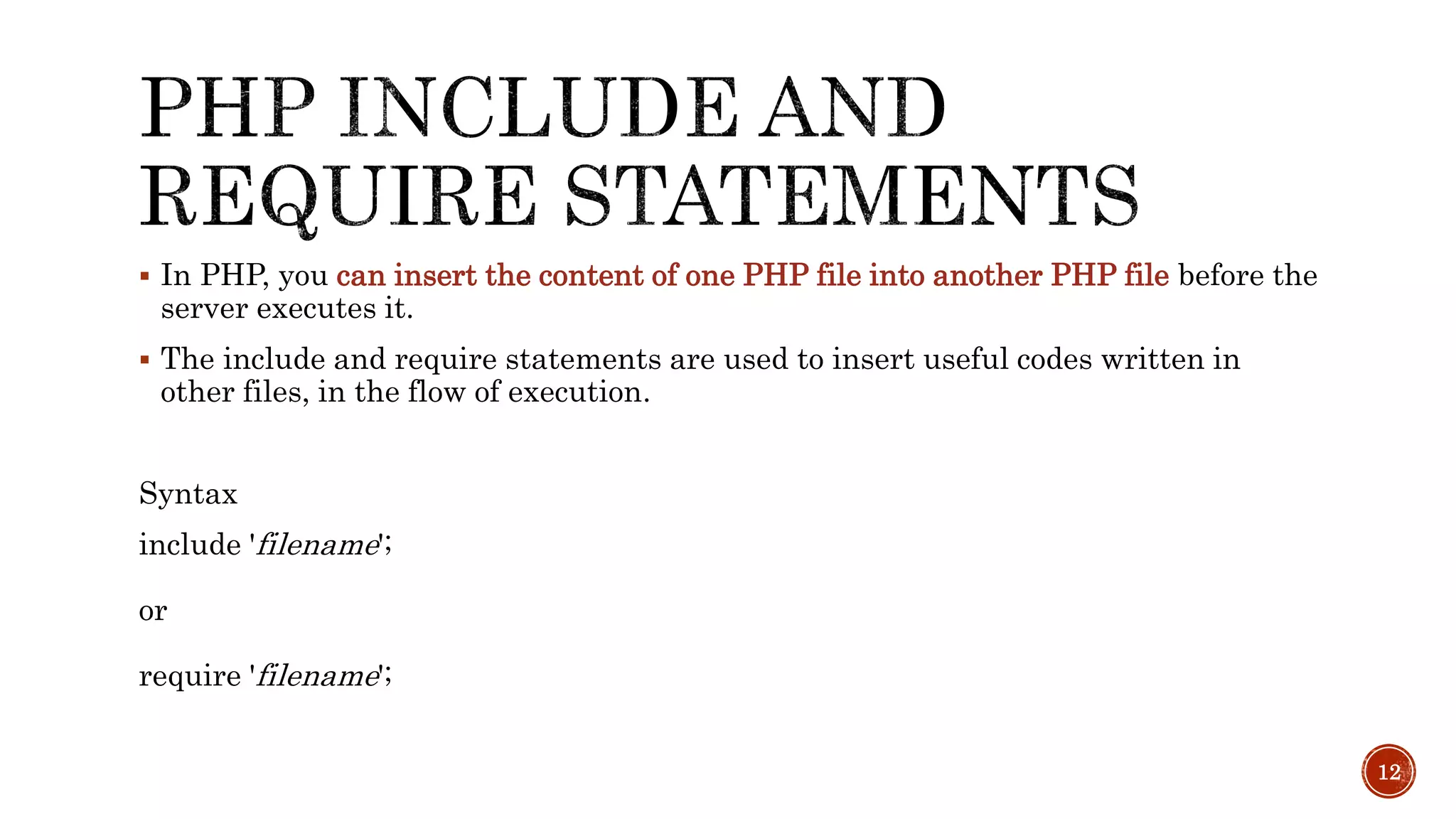
 In PHP, you can insert the content of one PHP file into another PHP file before the server executes it.  The include and require statements are used to insert useful codes written in other files, in the flow of execution. Syntax include 'filename'; or require 'filename'; 12
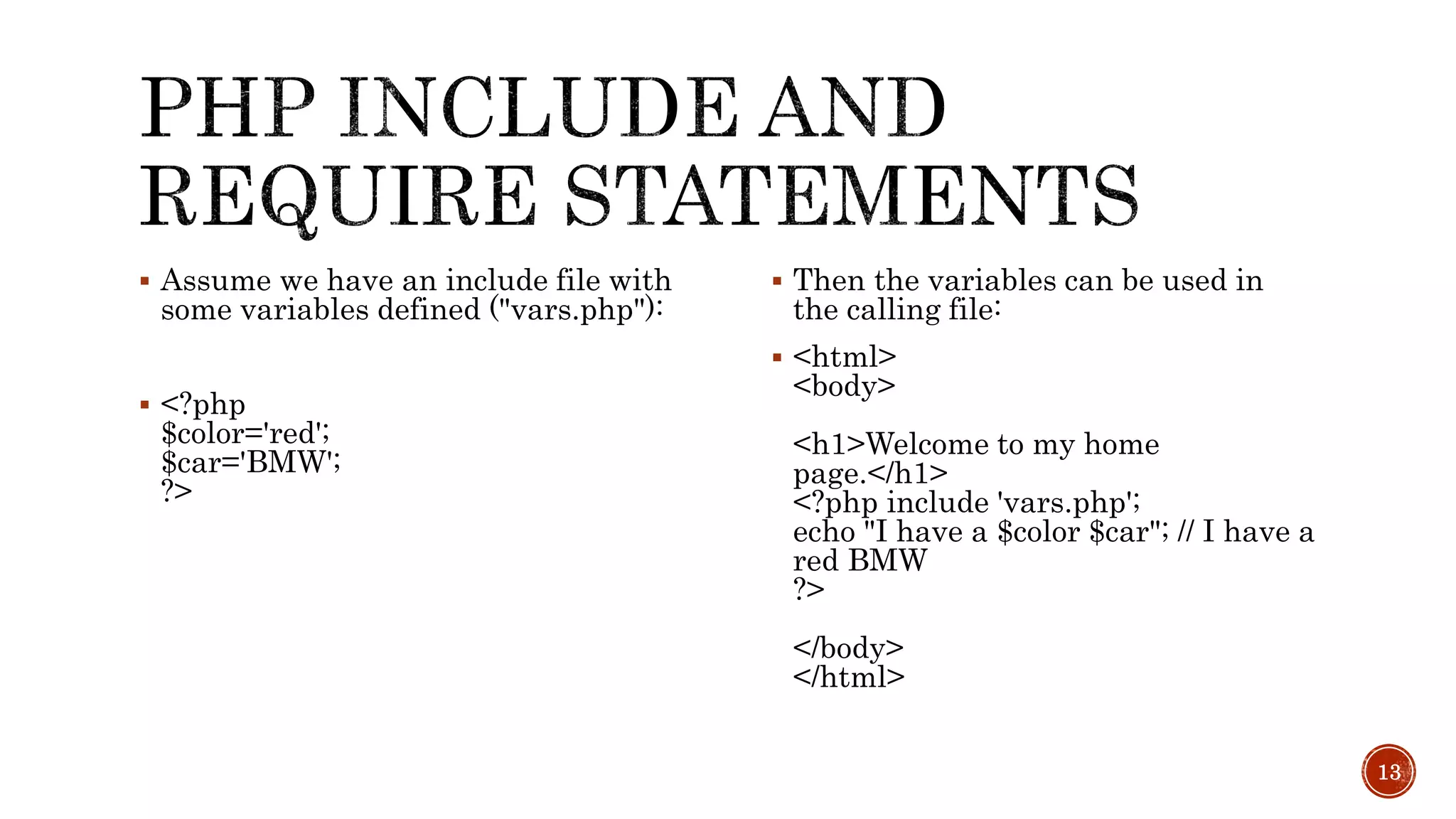
 Assume we have an include file with some variables defined ("vars.php"):  <?php $color='red'; $car='BMW'; ?>  Then the variables can be used in the calling file:  <html> <body> <h1>Welcome to my home page.</h1> <?php include 'vars.php'; echo "I have a $color $car"; // I have a red BMW ?> </body> </html> 13
www.w3school.com 14

PHP Cookies and Sessions

  • 2.
    PHP COOKIES PHPSESSIONS PHP include and require Files 2
  • 3.
    What is aCookie? A cookie is often used to identify a user. A cookie is a small file that the server embeds on the user's computer. Each time the same computer requests a page with a browser, it will send the cookie too. With PHP, you can both create and retrieve cookie values. How to Create a Cookie?  The setcookie() function is used to set a cookie.  Note: The setcookie() function must appear BEFORE the <html> tag. Syntax setcookie(name, value, expire); 3
  • 4.
    Example 1 Inthe example below, we will create a cookie named "user" and assign the value “John” to it. We also specify that the cookie should expire after one hour: <?php setcookie("user", " John ", time()+3600); ?> <html> .....  Hint… 60*60 4
  • 5.
    Example 2 Youcan also set the expiration time of the cookie in another way. It may be easier than using seconds. <?php $expire=time()+60*60*24*30; setcookie("user", " 12BSCS ", $expire); ?> <html> ..... In the example above the expiration time is set to a month (60 sec * 60 min * 24 hours * 30 days). 5
  • 6.
    In the examplebelow, we retrieve the value of the cookie named "user" and display it on a page: <?php // Print a cookie echo $_COOKIE["user"]; // A way to view all cookies print_r($_COOKIE); ?> 6
  • 7.
    In the followingexample we use the isset() function to find out if a cookie has been set: <html> <body> <?php if (isset($_COOKIE["user"])) echo "Welcome " . $_COOKIE["user"] . "!<br>"; else echo "Welcome guest!<br>"; ?> </body> </html> 7
  • 8.
     A PHPsession variable is used to store information about, or change settings for a user session. Session variables hold information about one single user, and are available to all pages in one application. Starting a PHP Session  Before you can store user information in your PHP session, you must first start up the session.  Note: The session_start() function must appear BEFORE the <html> tag:  <?php session_start(); ?> <html> <body> </body> </html>  The code above will register the user's session with the server, allow you to start saving user information, and assign a UID for that user's session. 8
  • 9.
    The correct wayto store and retrieve session variables is to use the PHP $_SESSION variable: <?php session_start(); // store session data $_SESSION['views']=1; ?> <html> <body> <?php //retrieve session data echo "Pageviews=". $_SESSION['views']; ?> </body> </html>Output: Pageviews=1 9
  • 10.
     In theexample below, we create a simple page-views counter. The isset() function checks if the "views" variable has already been set. If "views" has been set, we can increment our counter. If "views" doesn't exist, we create a "views" variable, and set it to 1: <?php session_start(); if(isset($_SESSION['views'])) $_SESSION['views']=$_SESSION['views']+1; else $_SESSION['views']=1; echo "Views=". $_SESSION['views']; ?> 10
  • 11.
    If you wishto delete some session data, you can use the unset() or the session_destroy() function.  The unset() function is used to free the specified session variable: <?php session_start(); if(isset($_SESSION['views'])) unset($_SESSION['views']); ?>  You can also completely destroy the session by calling the session_destroy() function: <?php session_destroy(); ?>  Note: session_destroy() will reset your session and you will lose all your stored session data. 11
  • 12.
     In PHP,you can insert the content of one PHP file into another PHP file before the server executes it.  The include and require statements are used to insert useful codes written in other files, in the flow of execution. Syntax include 'filename'; or require 'filename'; 12
  • 13.
     Assume wehave an include file with some variables defined ("vars.php"):  <?php $color='red'; $car='BMW'; ?>  Then the variables can be used in the calling file:  <html> <body> <h1>Welcome to my home page.</h1> <?php include 'vars.php'; echo "I have a $color $car"; // I have a red BMW ?> </body> </html> 13
  • 14.