
www.edureka.co/devopsEDUREKA DEVOPS CERTIFICATION TRAINING
www.edureka.co/devopsEDUREKA DEVOPS CERTIFICATION TRAINING Agenda: ➢ Version Control – What & Why? ➢ Version Control Tools ➢ GitHub & Git ➢ Case Study: Dominion Enterprises ➢ Git Features ➢ Git Operations & Commands
www.edureka.co/devopsEDUREKA DEVOPS CERTIFICATION TRAINING What is Version Control?
www.edureka.co/devopsEDUREKA DEVOPS CERTIFICATION TRAINING Version Control System ➢ Version control is the management of changes to documents, computer programs, large web sites, and other collections of information. ➢ These changes are usually termed as “versions”.
www.edureka.co/devopsEDUREKA DEVOPS CERTIFICATION TRAINING Why Version Control?
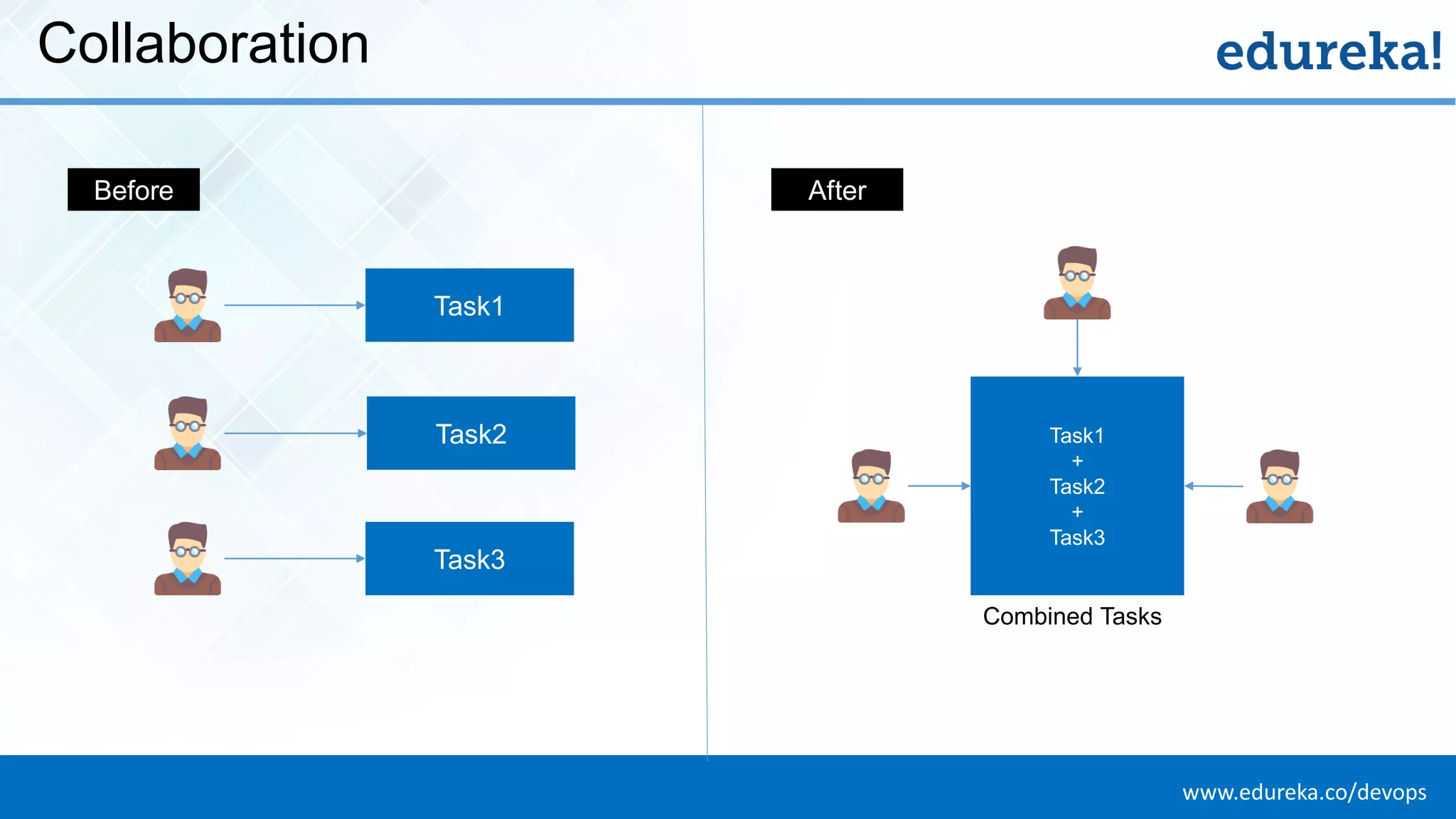
www.edureka.co/devopsEDUREKA DEVOPS CERTIFICATION TRAINING Collaboration Task1 Task2 Task3 Task1 + Task2 + Task3 Before After Combined Tasks
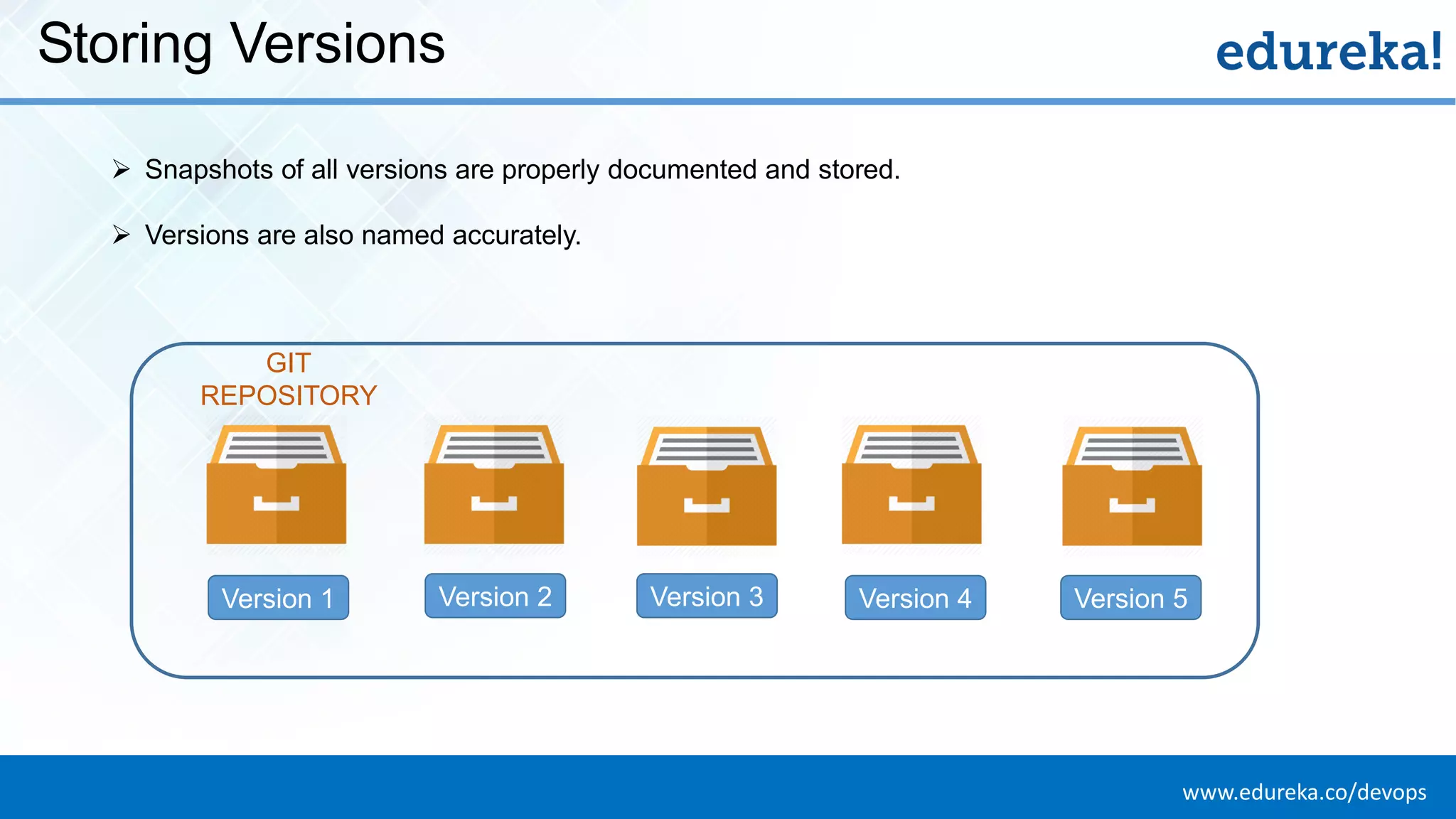
www.edureka.co/devopsEDUREKA DEVOPS CERTIFICATION TRAINING Storing Versions Version 1 Version 2 Version 3 Version 4 Version 5 ➢ Snapshots of all versions are properly documented and stored. ➢ Versions are also named accurately. GIT REPOSITORY
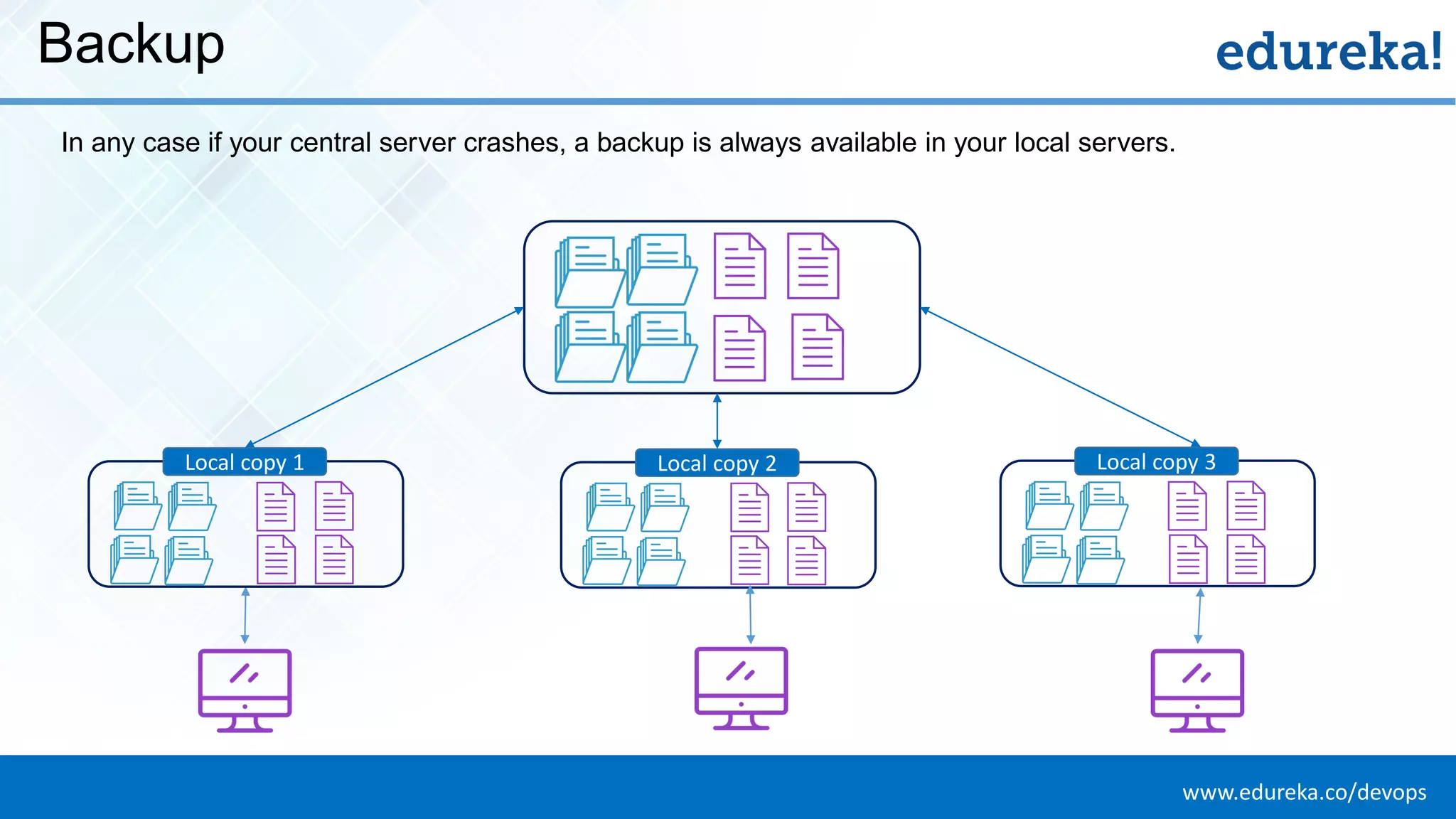
www.edureka.co/devopsEDUREKA DEVOPS CERTIFICATION TRAINING Backup In any case if your central server crashes, a backup is always available in your local servers. Local copy 1 Local copy 2 Local copy 3
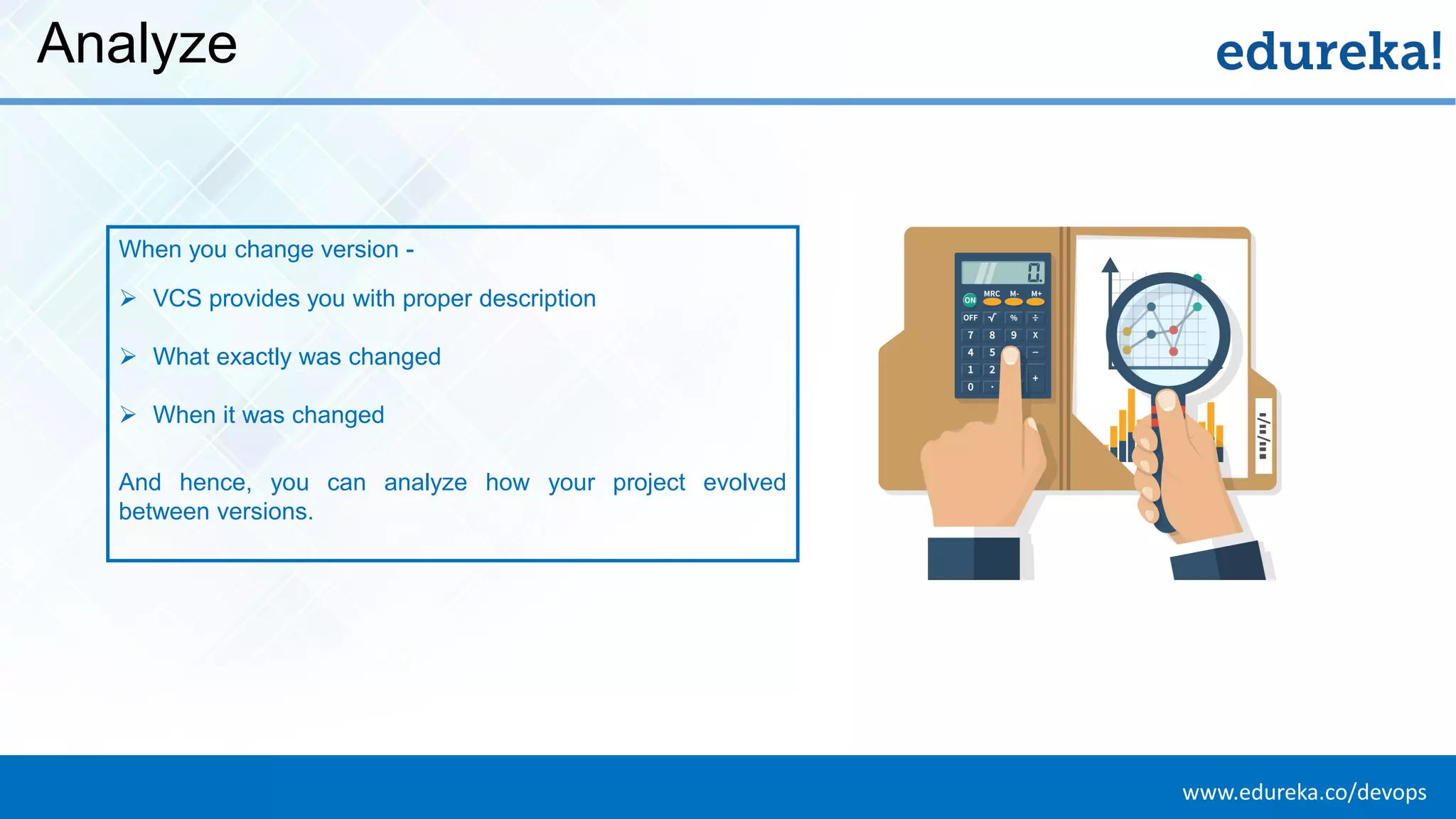
www.edureka.co/devopsEDUREKA DEVOPS CERTIFICATION TRAINING Analyze When you change version - ➢ VCS provides you with proper description ➢ What exactly was changed ➢ When it was changed And hence, you can analyze how your project evolved between versions.
www.edureka.co/devopsEDUREKA DEVOPS CERTIFICATION TRAINING Version Control Tools
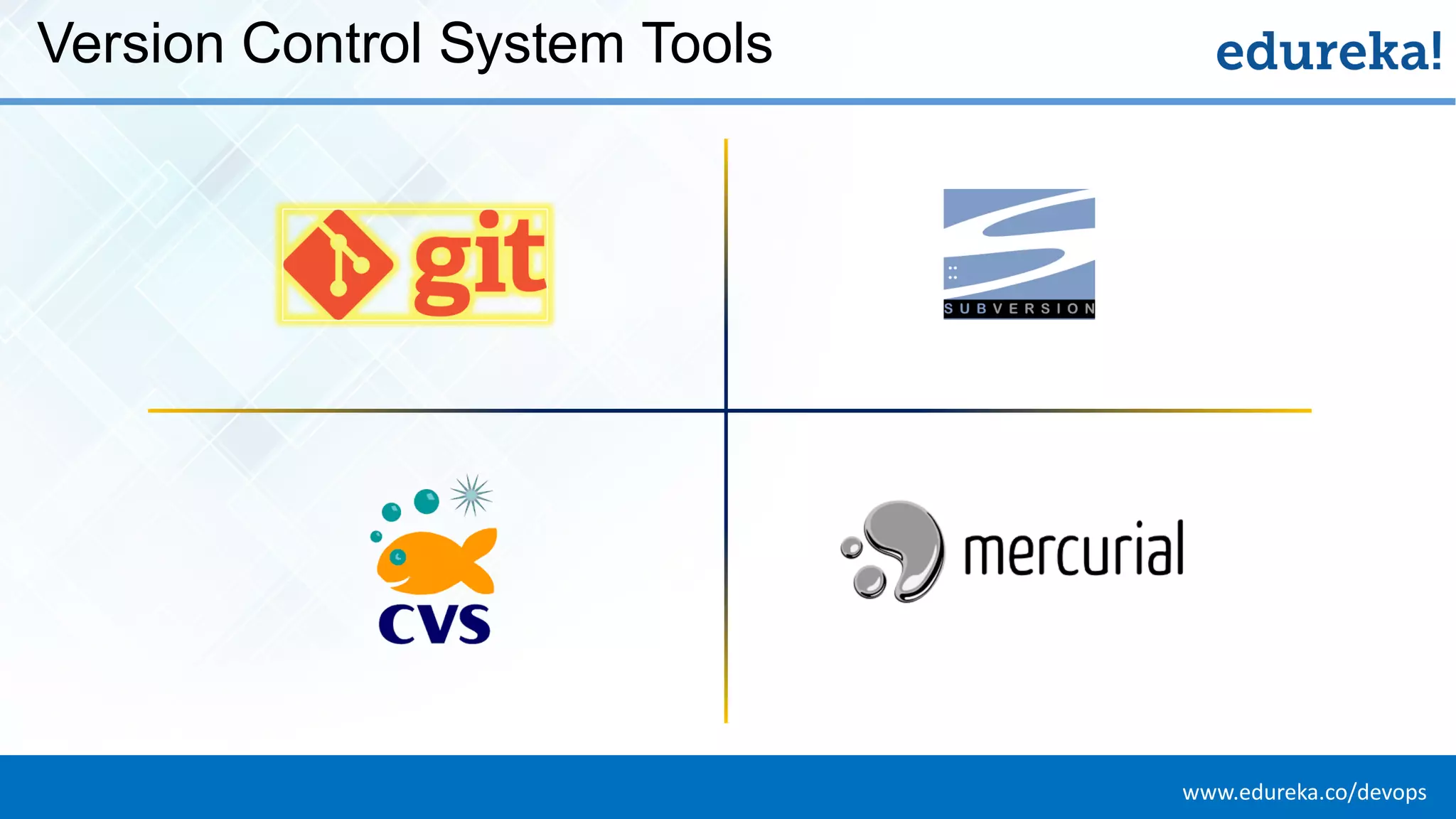
www.edureka.co/devopsEDUREKA DEVOPS CERTIFICATION TRAINING Version Control System Tools
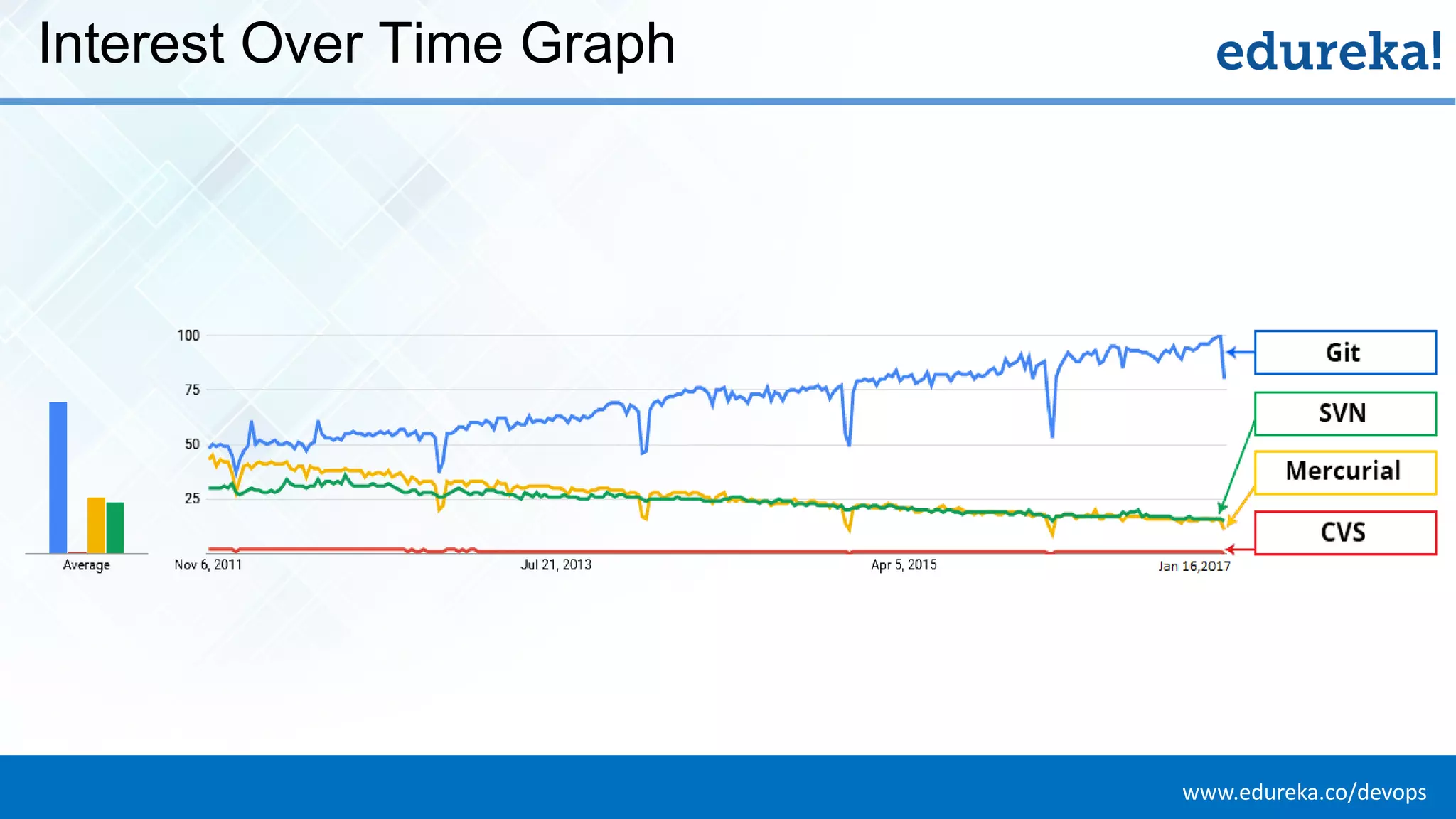
www.edureka.co/devopsEDUREKA DEVOPS CERTIFICATION TRAINING Interest Over Time Graph
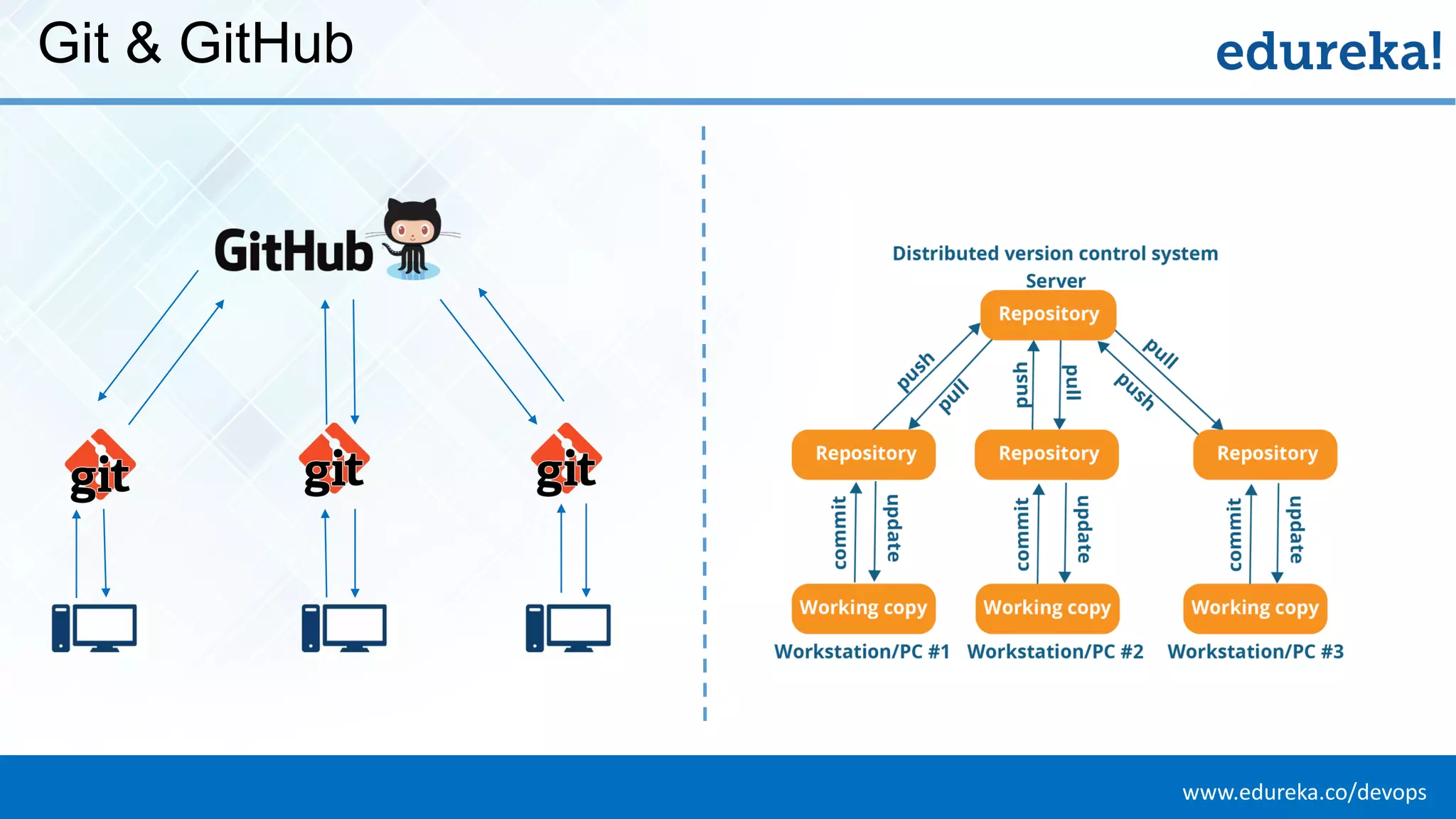
www.edureka.co/devopsEDUREKA DEVOPS CERTIFICATION TRAINING Git & GitHub
www.edureka.co/devopsEDUREKA DEVOPS CERTIFICATION TRAINING GitHub Case Study: Dominion Enterprises
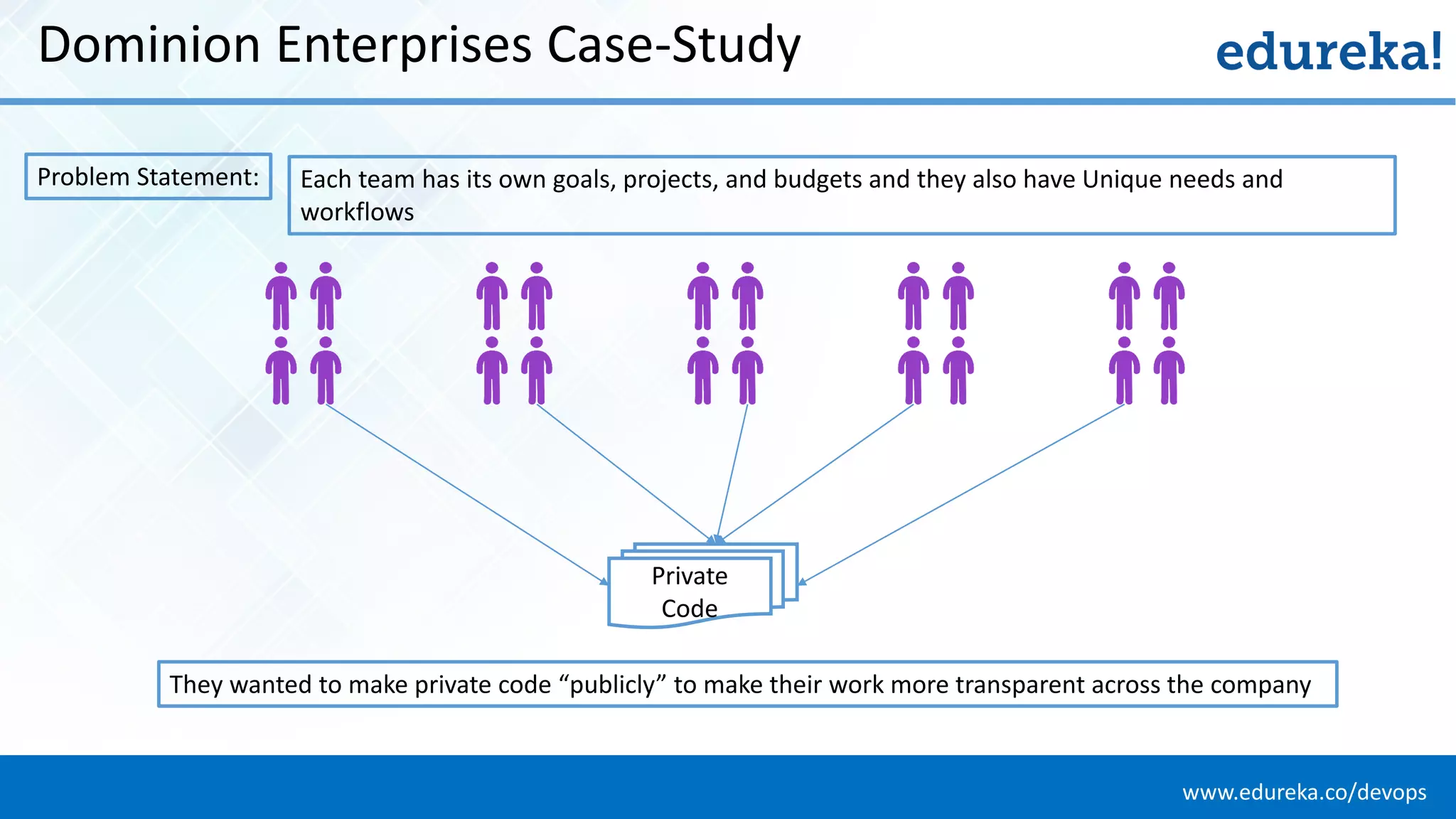
www.edureka.co/devopsEDUREKA DEVOPS CERTIFICATION TRAINING Dominion Enterprises Case-Study Problem Statement: Each team has its own goals, projects, and budgets and they also have Unique needs and workflows Private Code They wanted to make private code “publicly” to make their work more transparent across the company
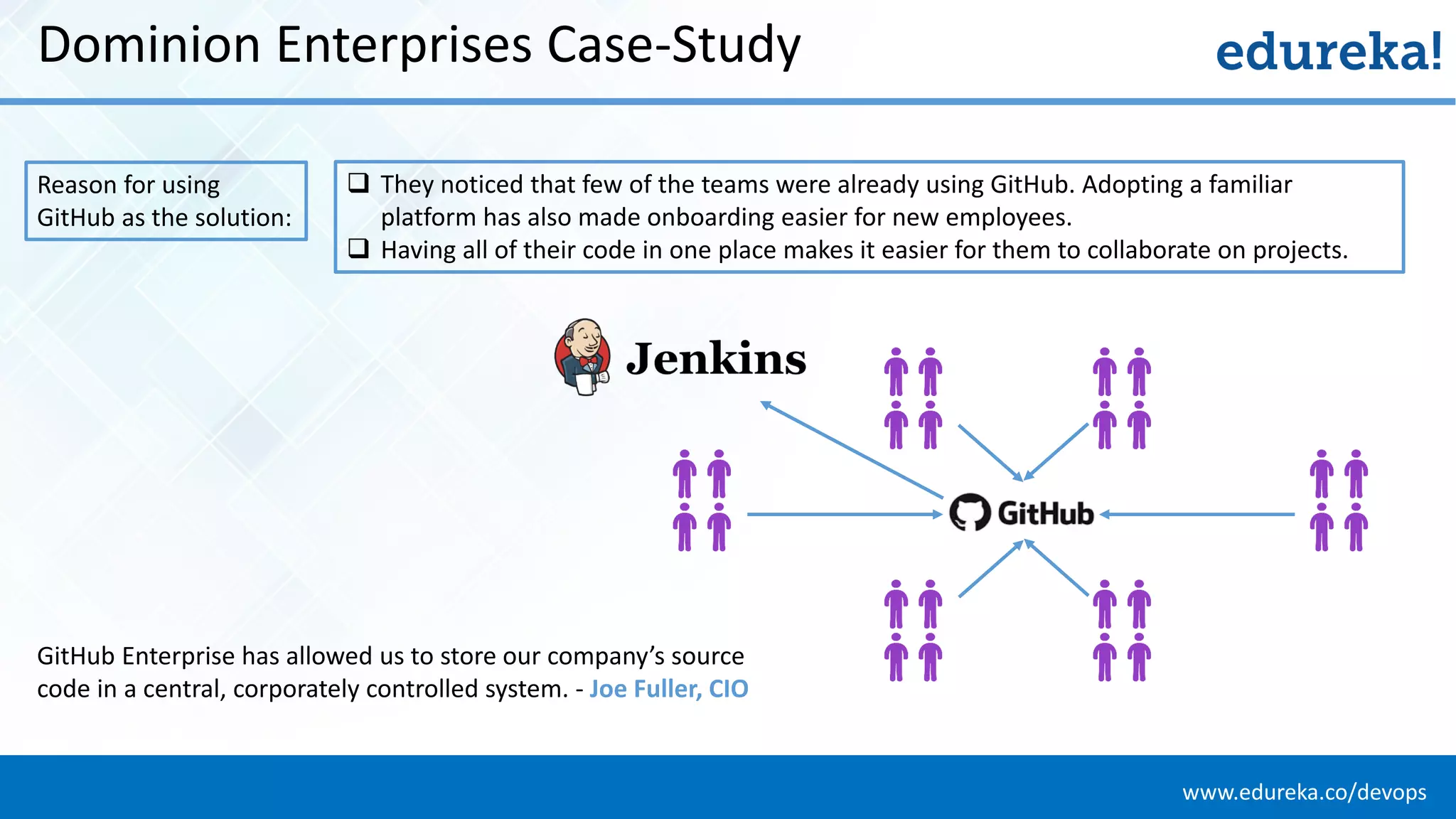
www.edureka.co/devopsEDUREKA DEVOPS CERTIFICATION TRAINING Dominion Enterprises Case-Study Reason for using GitHub as the solution:  They noticed that few of the teams were already using GitHub. Adopting a familiar platform has also made onboarding easier for new employees.  Having all of their code in one place makes it easier for them to collaborate on projects. GitHub Enterprise has allowed us to store our company’s source code in a central, corporately controlled system. - Joe Fuller, CIO
www.edureka.co/devopsEDUREKA DEVOPS CERTIFICATION TRAINING What is Git?
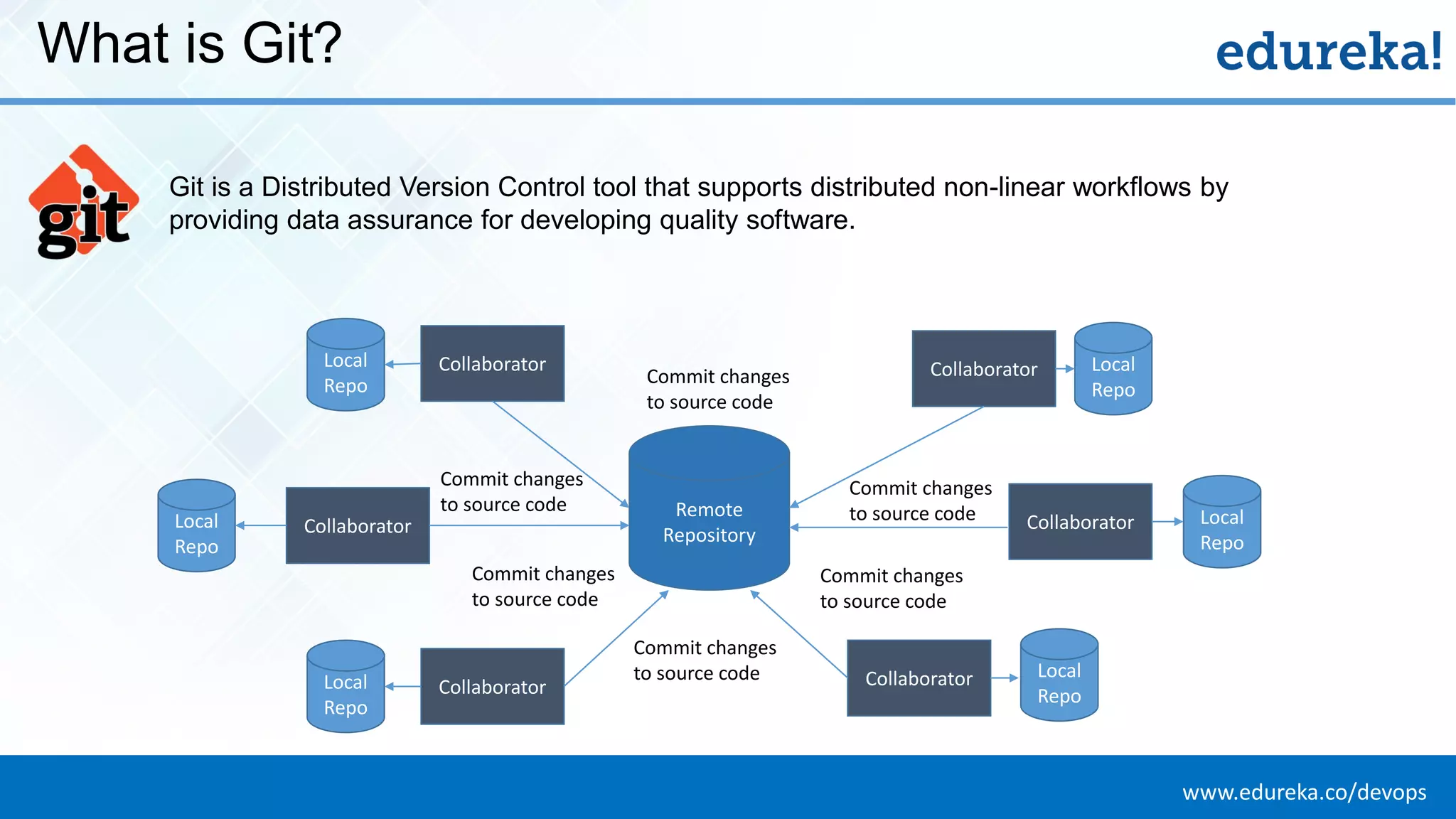
www.edureka.co/devopsEDUREKA DEVOPS CERTIFICATION TRAINING What is Git? Git is a Distributed Version Control tool that supports distributed non-linear workflows by providing data assurance for developing quality software. Collaborator Remote Repository Local Repo Local Repo Local Repo Local Repo Local Repo CollaboratorCollaborator CollaboratorCollaborator Local Repo Collaborator Commit changes to source code Commit changes to source code Commit changes to source code Commit changes to source code Commit changes to source code Commit changes to source code
www.edureka.co/devopsEDUREKA DEVOPS CERTIFICATION TRAINING Features of Git
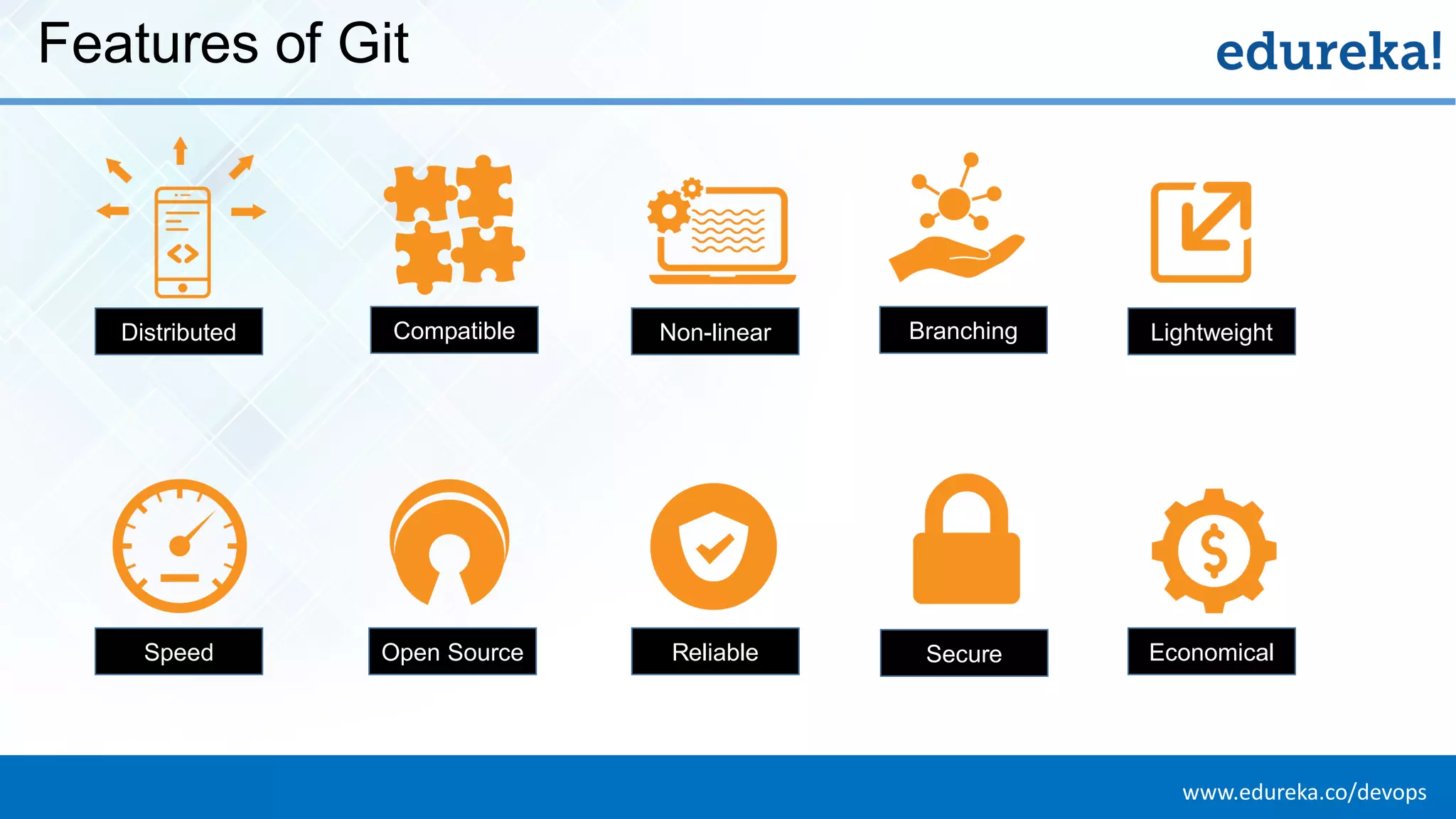
www.edureka.co/devopsEDUREKA DEVOPS CERTIFICATION TRAINING Features of Git Distributed Compatible Non-linear Branching Lightweight EconomicalReliable SecureOpen SourceSpeed
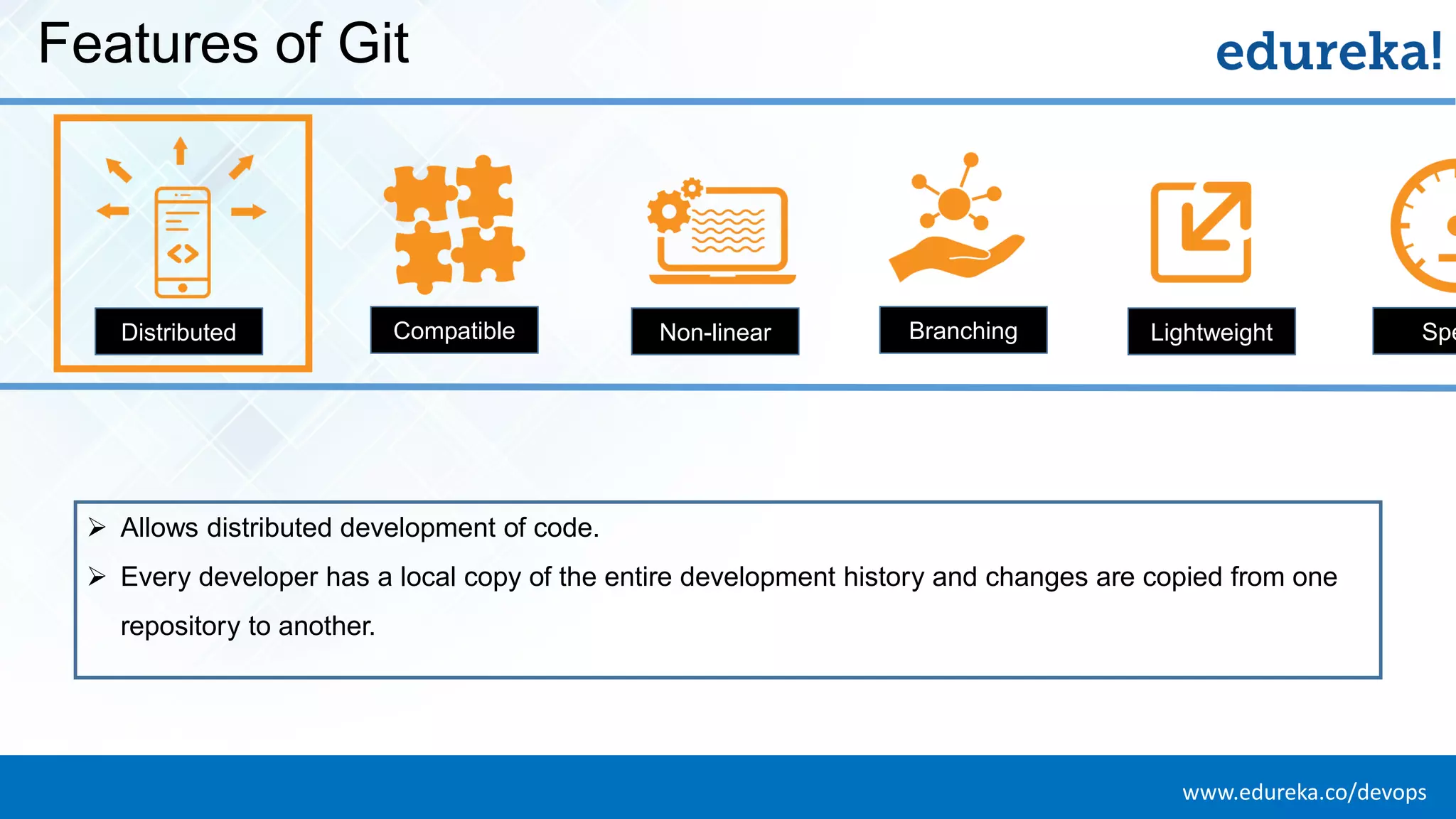
www.edureka.co/devopsEDUREKA DEVOPS CERTIFICATION TRAINING Features of Git Distributed Compatible Non-linear Branching Lightweight Spe ➢ Allows distributed development of code. ➢ Every developer has a local copy of the entire development history and changes are copied from one repository to another.
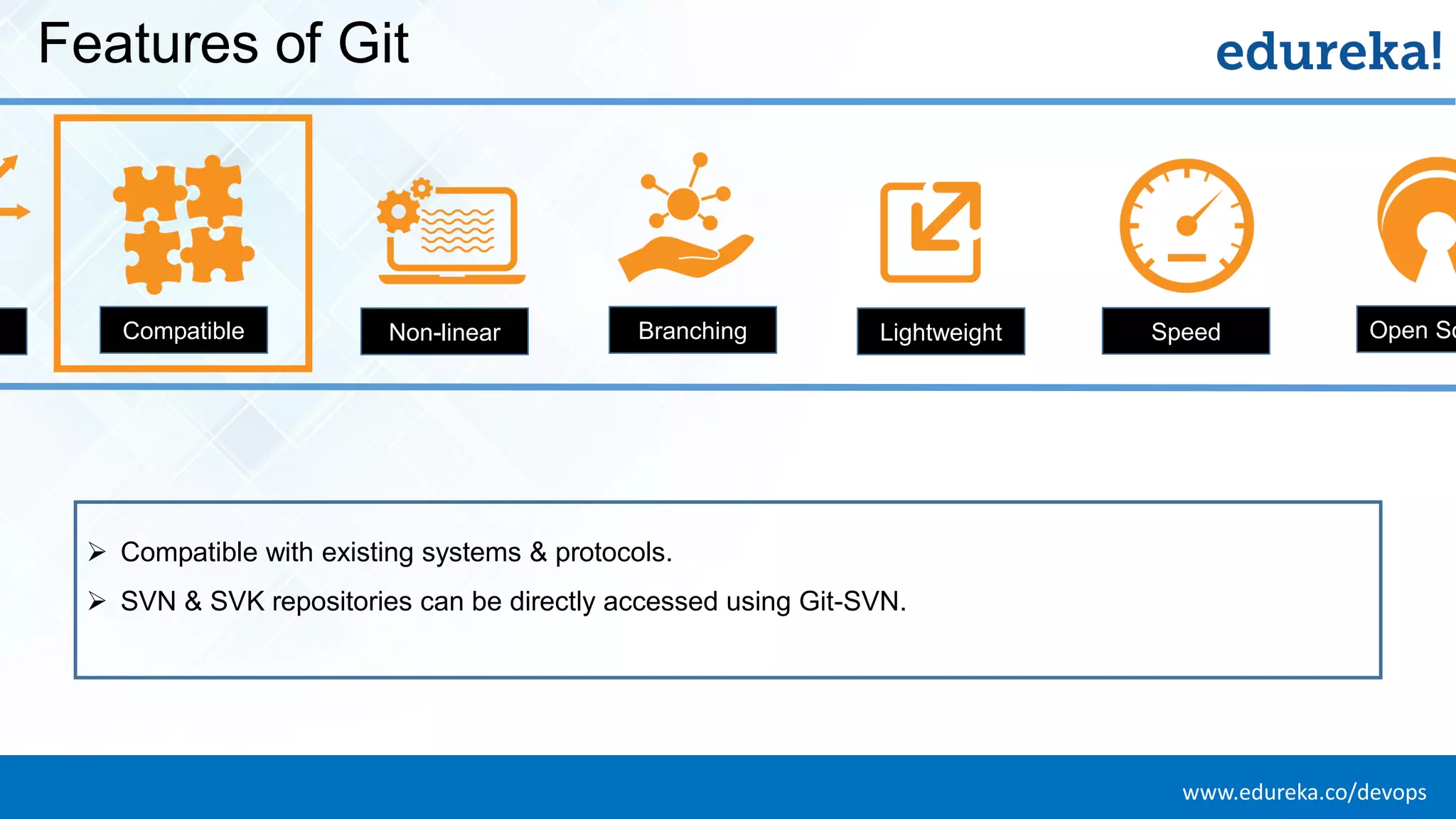
www.edureka.co/devopsEDUREKA DEVOPS CERTIFICATION TRAINING Features of Git d Compatible Non-linear Branching Lightweight Speed Open So ➢ Compatible with existing systems & protocols. ➢ SVN & SVK repositories can be directly accessed using Git-SVN.
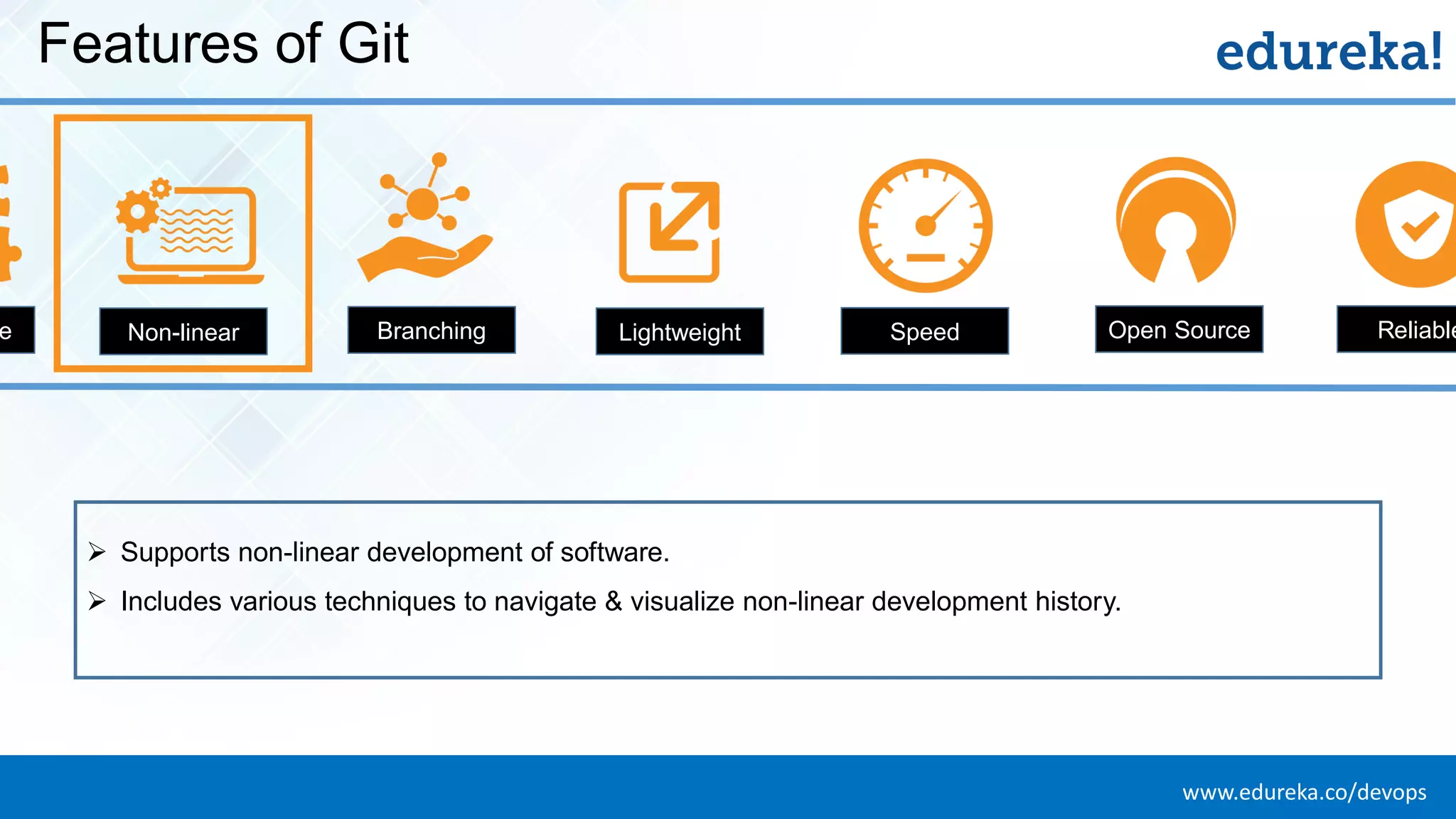
www.edureka.co/devopsEDUREKA DEVOPS CERTIFICATION TRAINING Features of Git e Non-linear Branching Lightweight Speed Open Source Reliable ➢ Supports non-linear development of software. ➢ Includes various techniques to navigate & visualize non-linear development history.
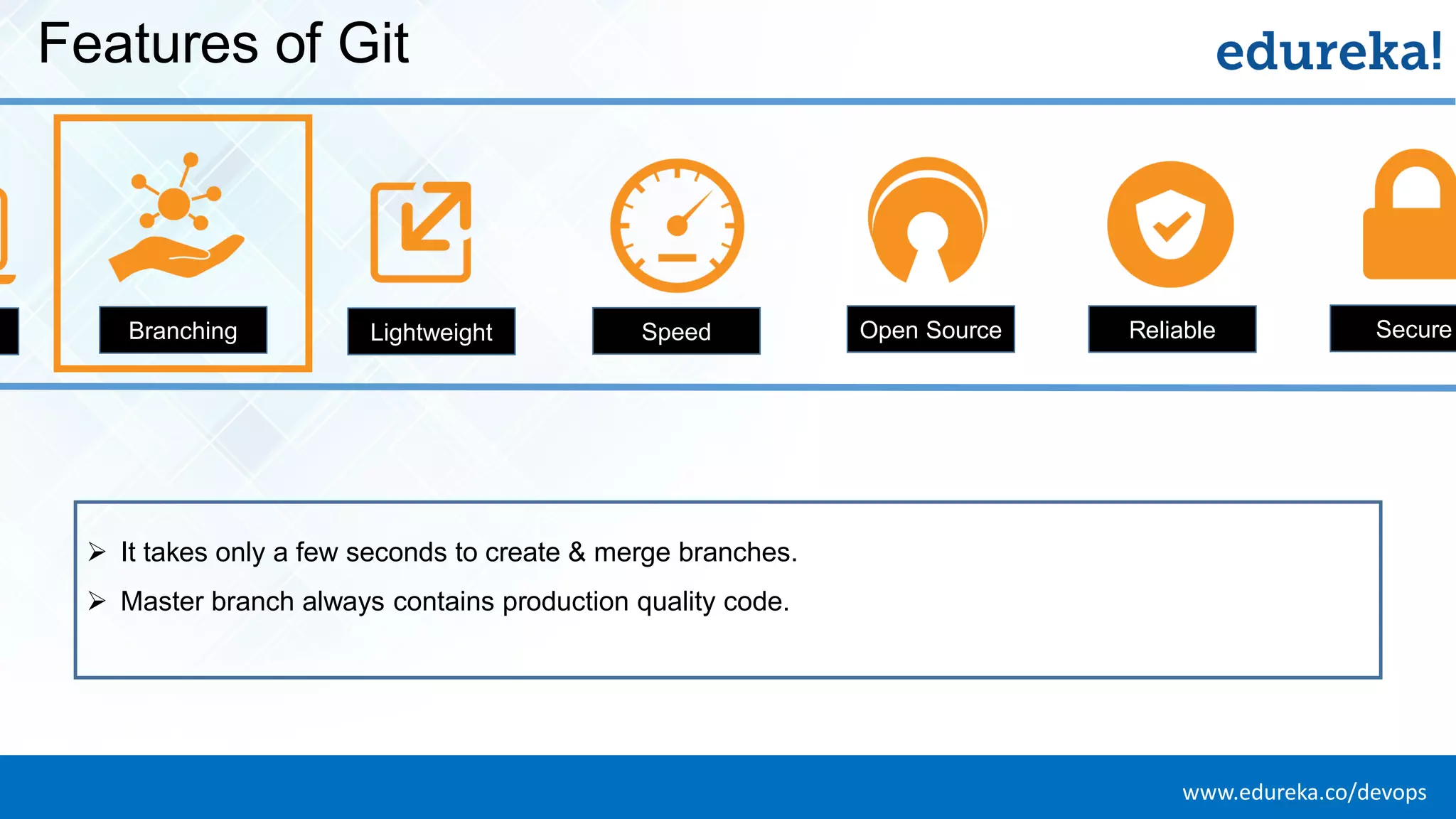
www.edureka.co/devopsEDUREKA DEVOPS CERTIFICATION TRAINING Features of Git Branching Lightweight Speed Open Source Reliable Secure ➢ It takes only a few seconds to create & merge branches. ➢ Master branch always contains production quality code.
www.edureka.co/devopsEDUREKA DEVOPS CERTIFICATION TRAINING Features of Git g Lightweight Speed Open Source Reliable Secure Economica ➢ Uses lossless compression technique to compress data on the client’s side.
www.edureka.co/devopsEDUREKA DEVOPS CERTIFICATION TRAINING Features of Git g Lightweight Speed Open Source Reliable Secure Economica ➢ Fetching data from local repository is 100 times faster than remote repository. ➢ GIT is one order of magnitude faster than other VCS tools.
www.edureka.co/devopsEDUREKA DEVOPS CERTIFICATION TRAINING Features of Git g Lightweight Speed Open Source Reliable Secure Economica ➢ You can modify its source code according to your needs.
www.edureka.co/devopsEDUREKA DEVOPS CERTIFICATION TRAINING Features of Git g Lightweight Speed Open Source Reliable Secure Economica ➢ On events of system crash, the lost data can be easily recovered from any of the local repositories of the collaborators.
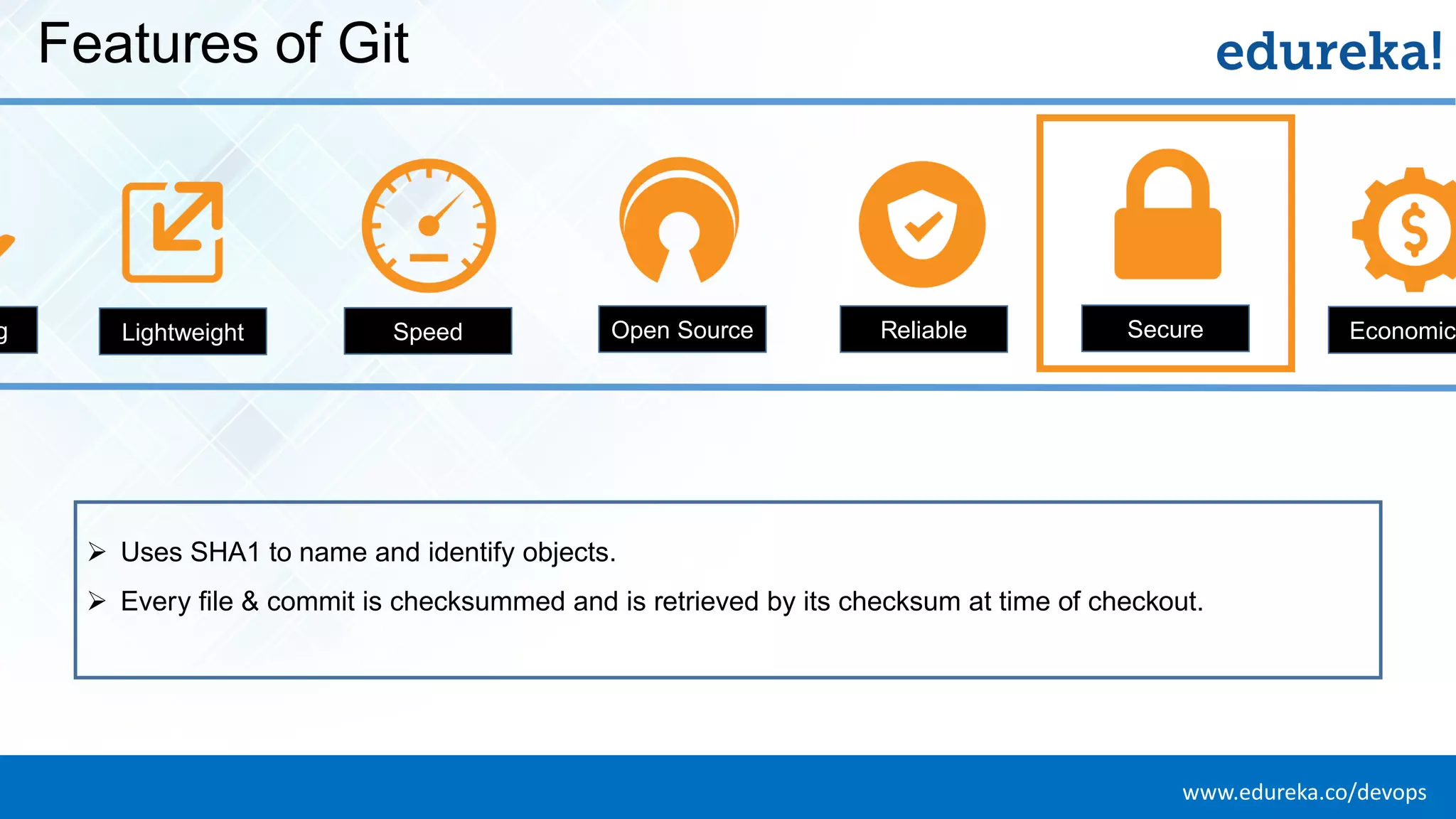
www.edureka.co/devopsEDUREKA DEVOPS CERTIFICATION TRAINING Features of Git g Lightweight Speed Open Source Reliable Secure Economica ➢ Uses SHA1 to name and identify objects. ➢ Every file & commit is checksummed and is retrieved by its checksum at time of checkout.
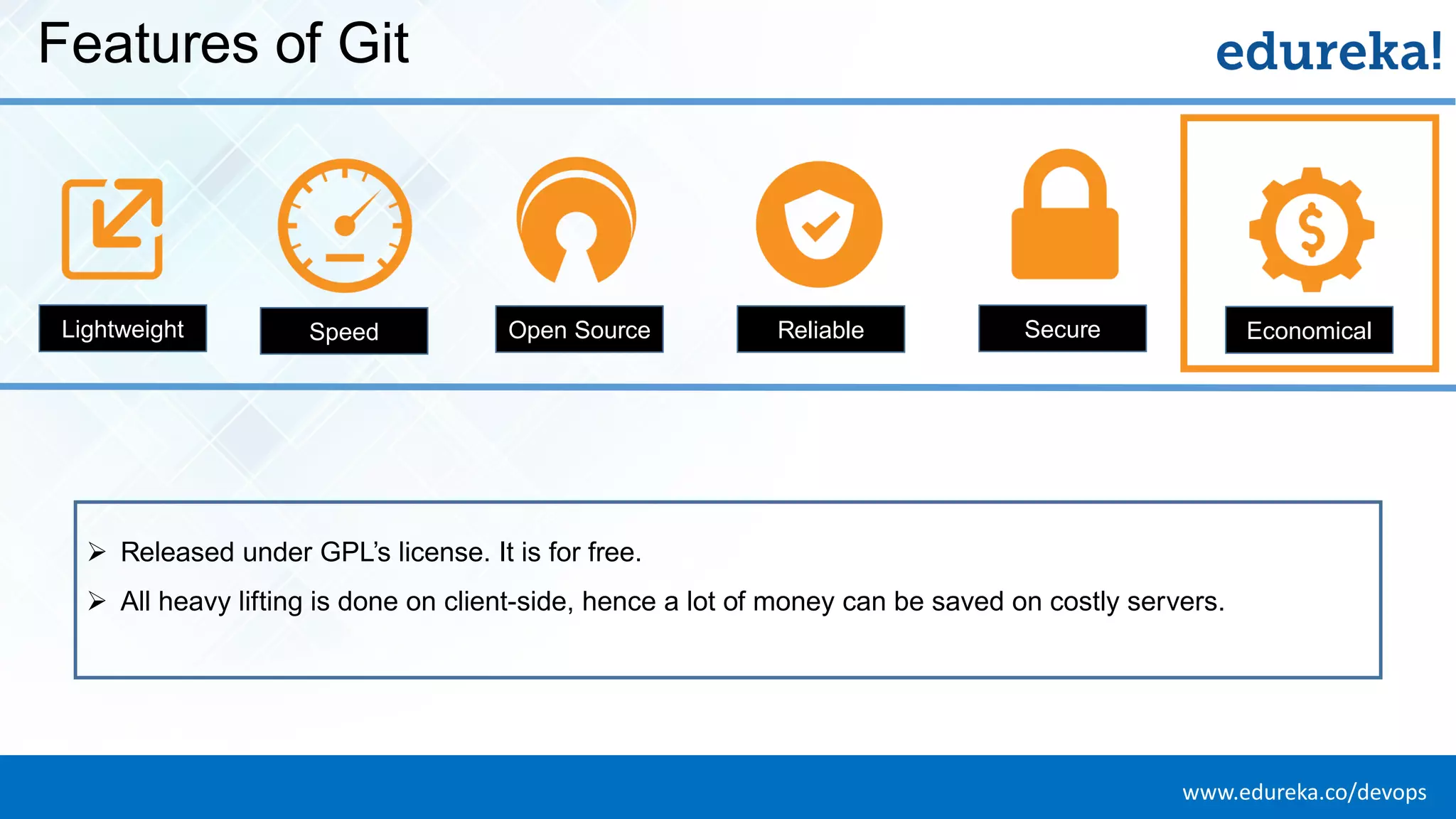
www.edureka.co/devopsEDUREKA DEVOPS CERTIFICATION TRAINING Features of Git Lightweight Speed Open Source Reliable Secure Economical ➢ Released under GPL’s license. It is for free. ➢ All heavy lifting is done on client-side, hence a lot of money can be saved on costly servers.
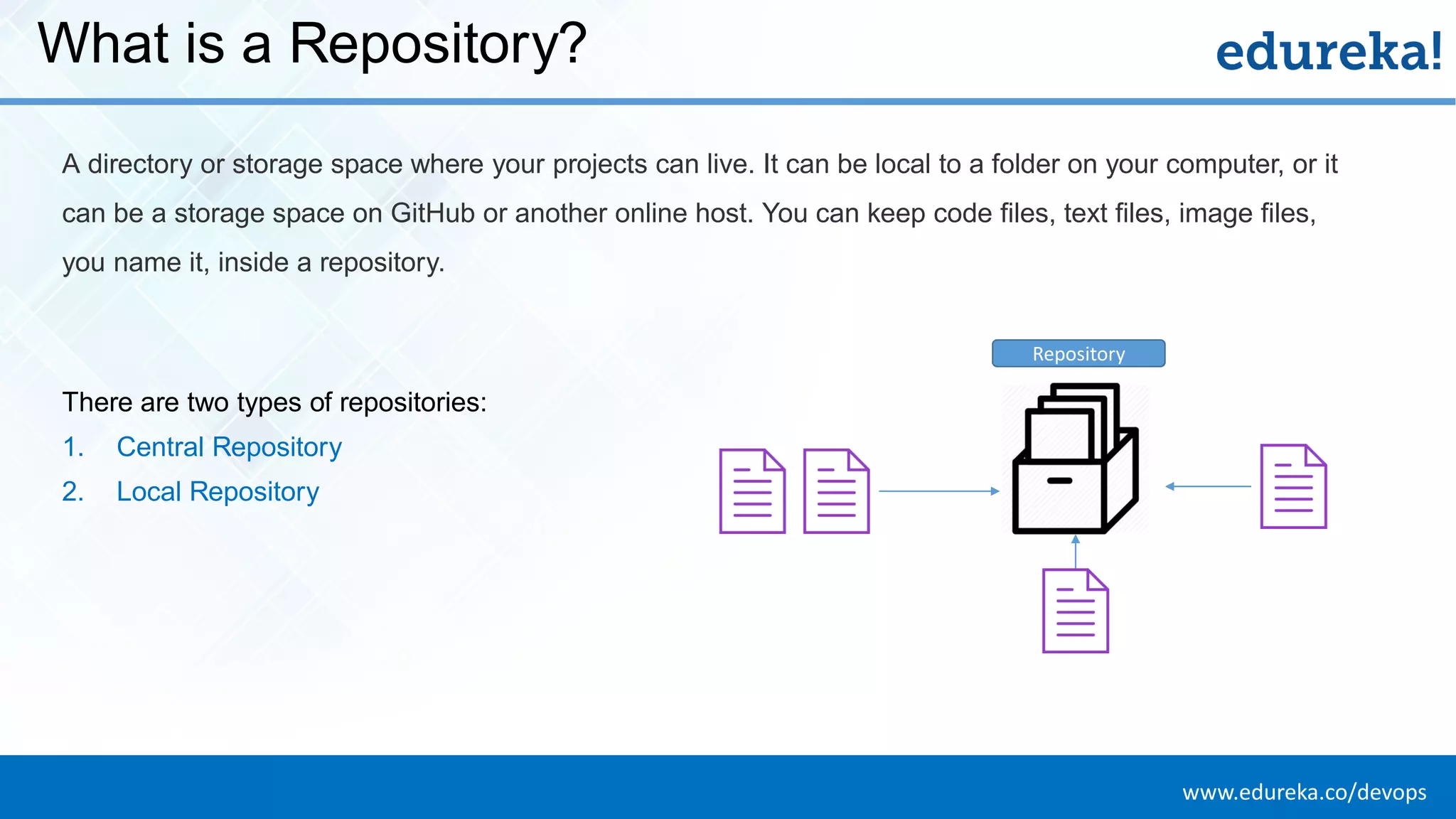
www.edureka.co/devopsEDUREKA DEVOPS CERTIFICATION TRAINING What is a Repository? A directory or storage space where your projects can live. It can be local to a folder on your computer, or it can be a storage space on GitHub or another online host. You can keep code files, text files, image files, you name it, inside a repository. There are two types of repositories: 1. Central Repository 2. Local Repository Repository
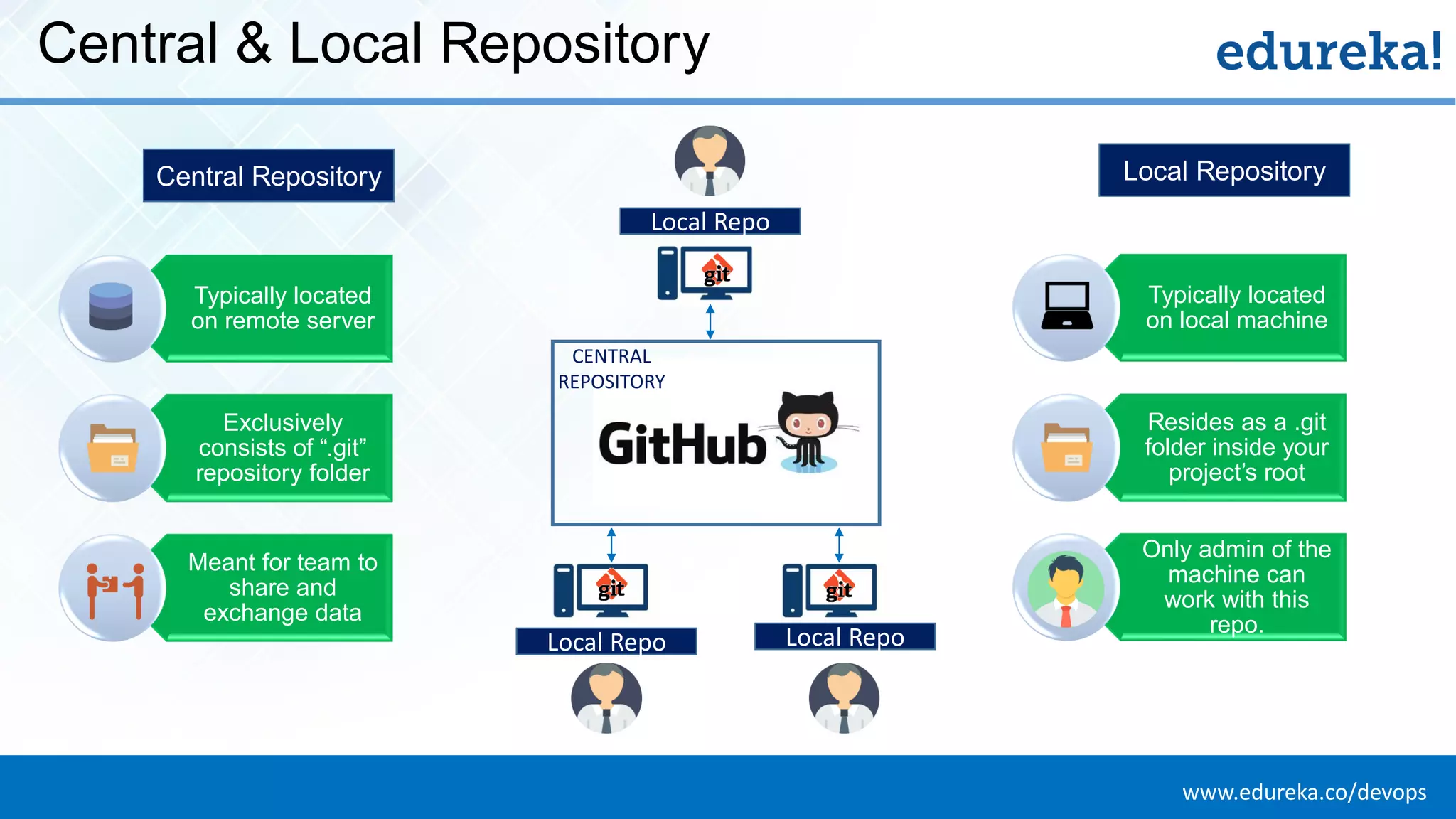
www.edureka.co/devopsEDUREKA DEVOPS CERTIFICATION TRAINING Central & Local Repository Typically located on remote server Exclusively consists of “.git” repository folder Meant for team to share and exchange data CENTRAL REPOSITORY Typically located on local machine Resides as a .git folder inside your project’s root Only admin of the machine can work with this repo. Central Repository Local Repository Local Repo Local RepoLocal Repo
www.edureka.co/devopsEDUREKA DEVOPS CERTIFICATION TRAINING Git Operations & Commands
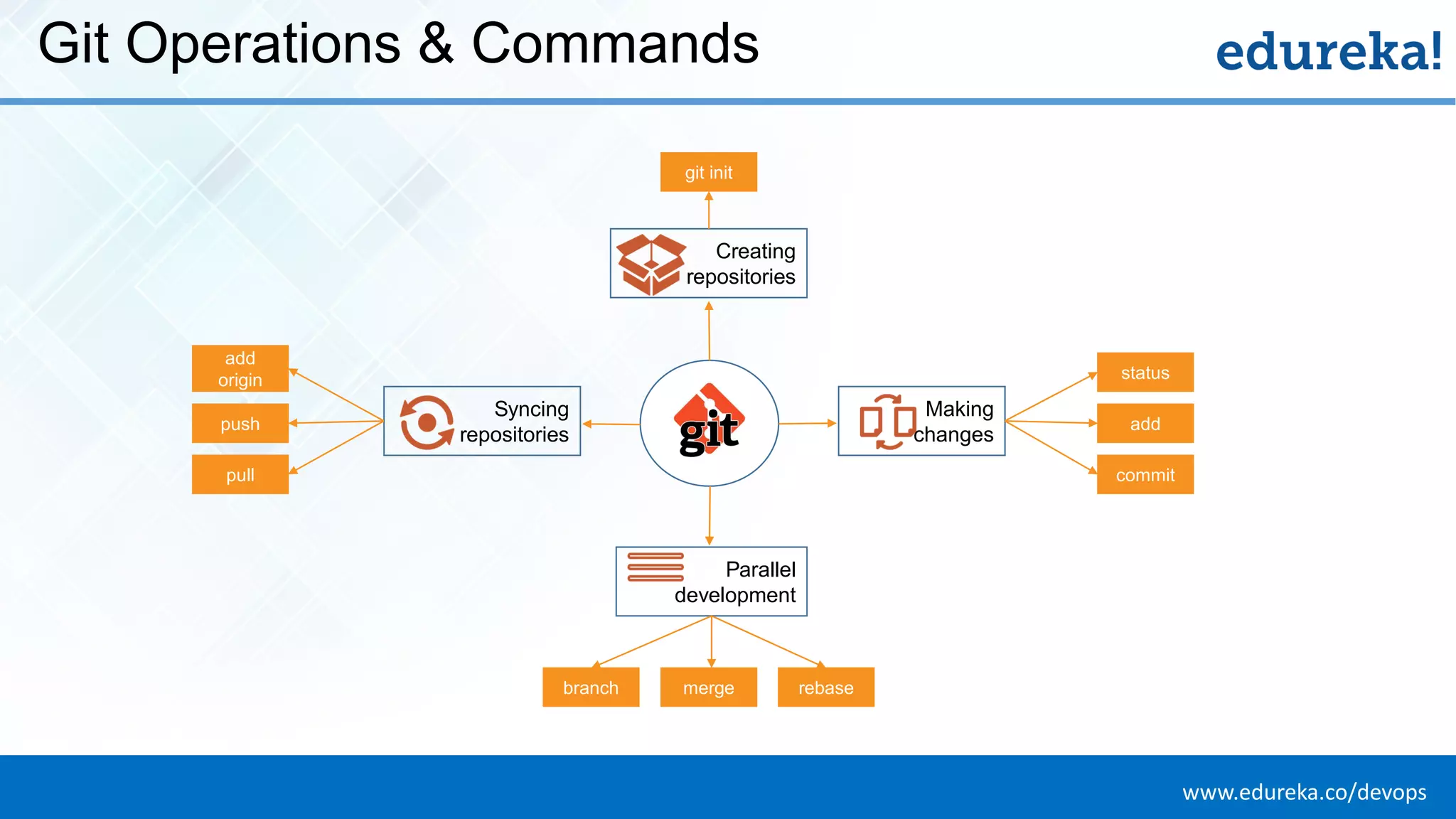
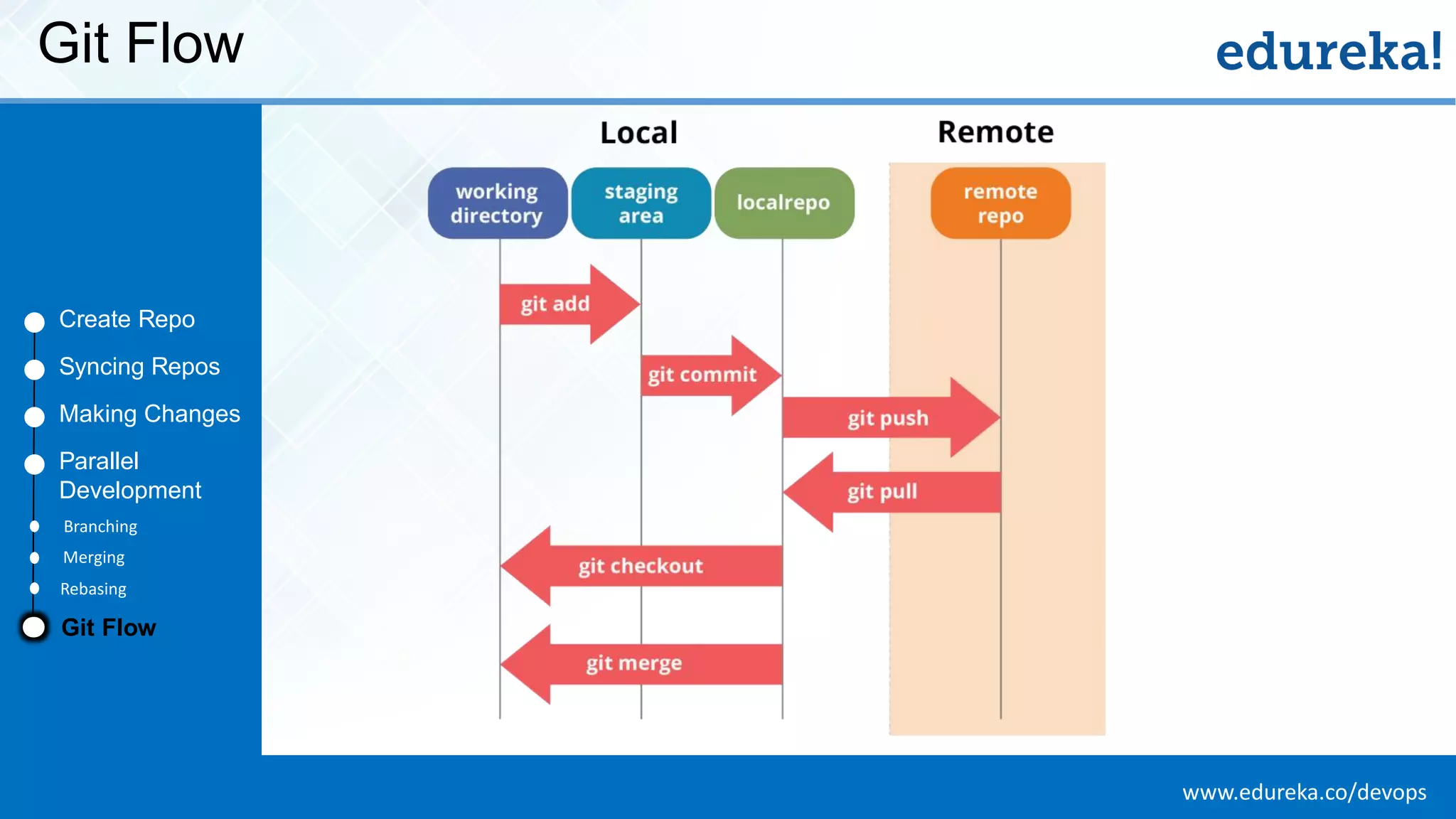
www.edureka.co/devopsEDUREKA DEVOPS CERTIFICATION TRAINING Git Operations & Commands Creating repositories Syncing repositories Making changes Parallel development git init status add commit add origin push pull merge rebasebranch
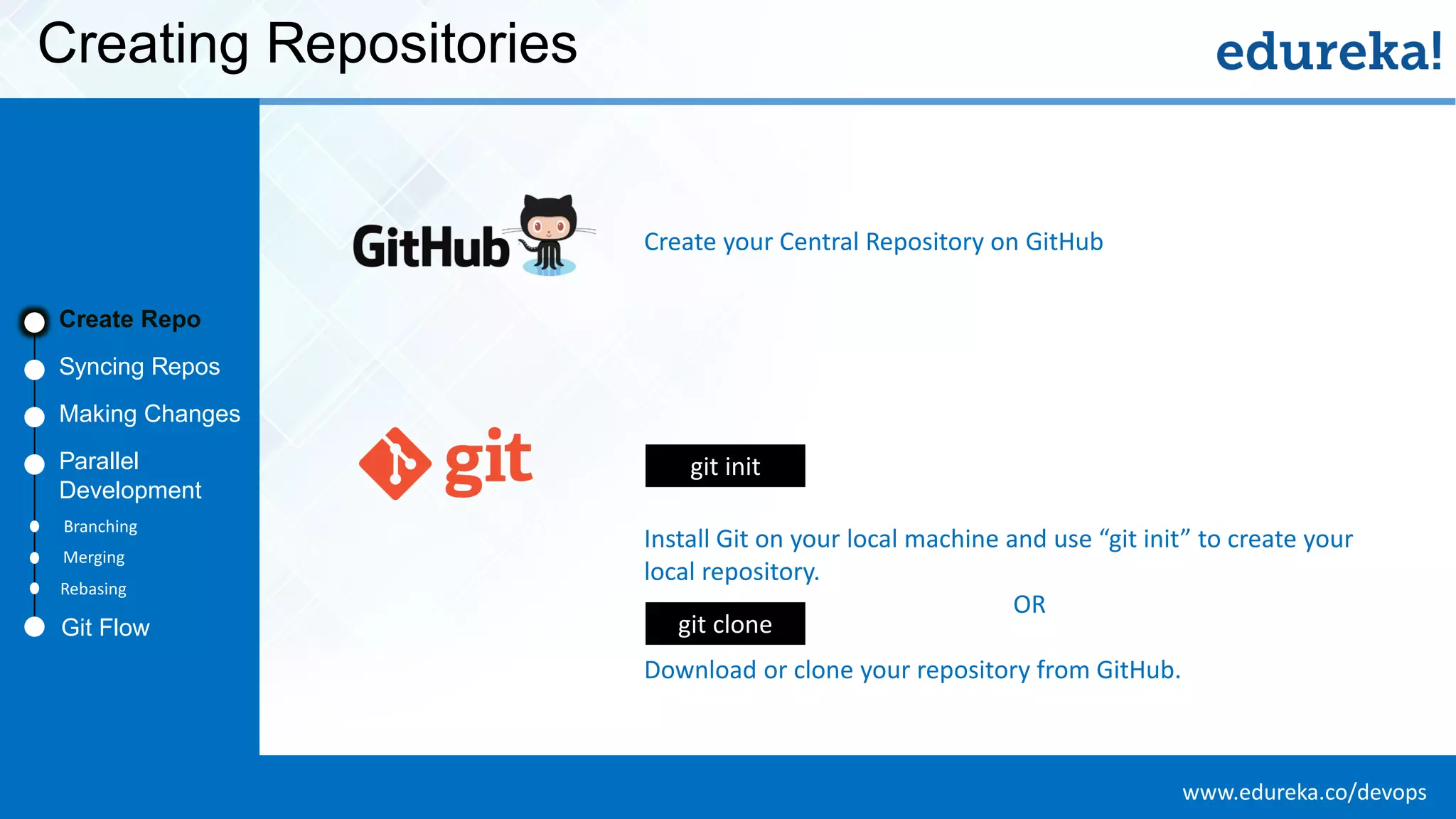
www.edureka.co/devopsEDUREKA DEVOPS CERTIFICATION TRAINING Creating Repositories Create Repo Syncing Repos Making Changes Parallel Development Create your Central Repository on GitHub Git Flow Branching Merging Rebasing Install Git on your local machine and use “git init” to create your local repository. OR Download or clone your repository from GitHub. git init git clone
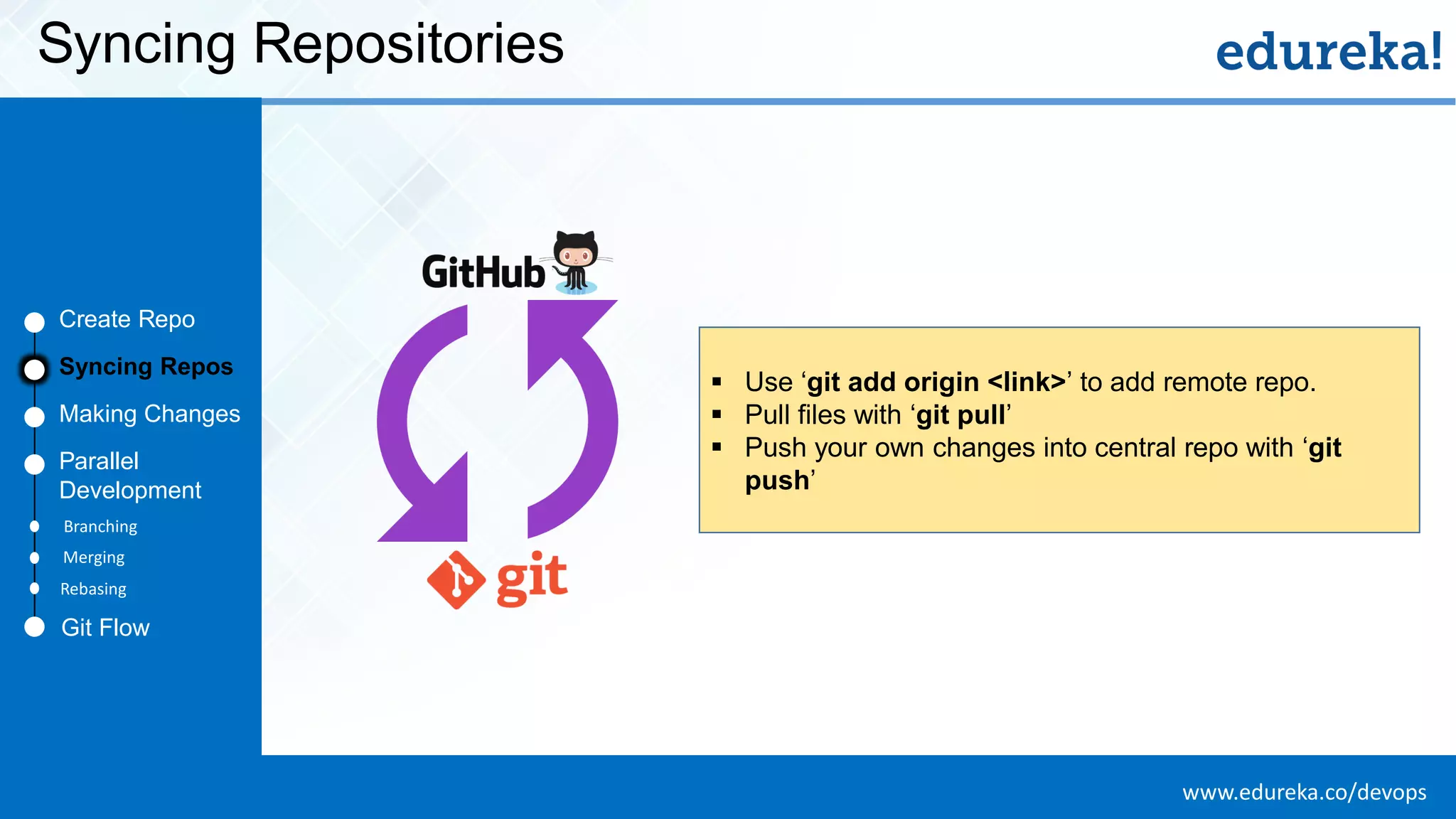
www.edureka.co/devopsEDUREKA DEVOPS CERTIFICATION TRAINING Syncing Repositories Create Repo Making Changes Parallel Development ▪ Use ‘git add origin <link>’ to add remote repo. ▪ Pull files with ‘git pull’ ▪ Push your own changes into central repo with ‘git push’ Create Repo Syncing Repos Making Changes Parallel Development Git Flow Branching Merging Rebasing
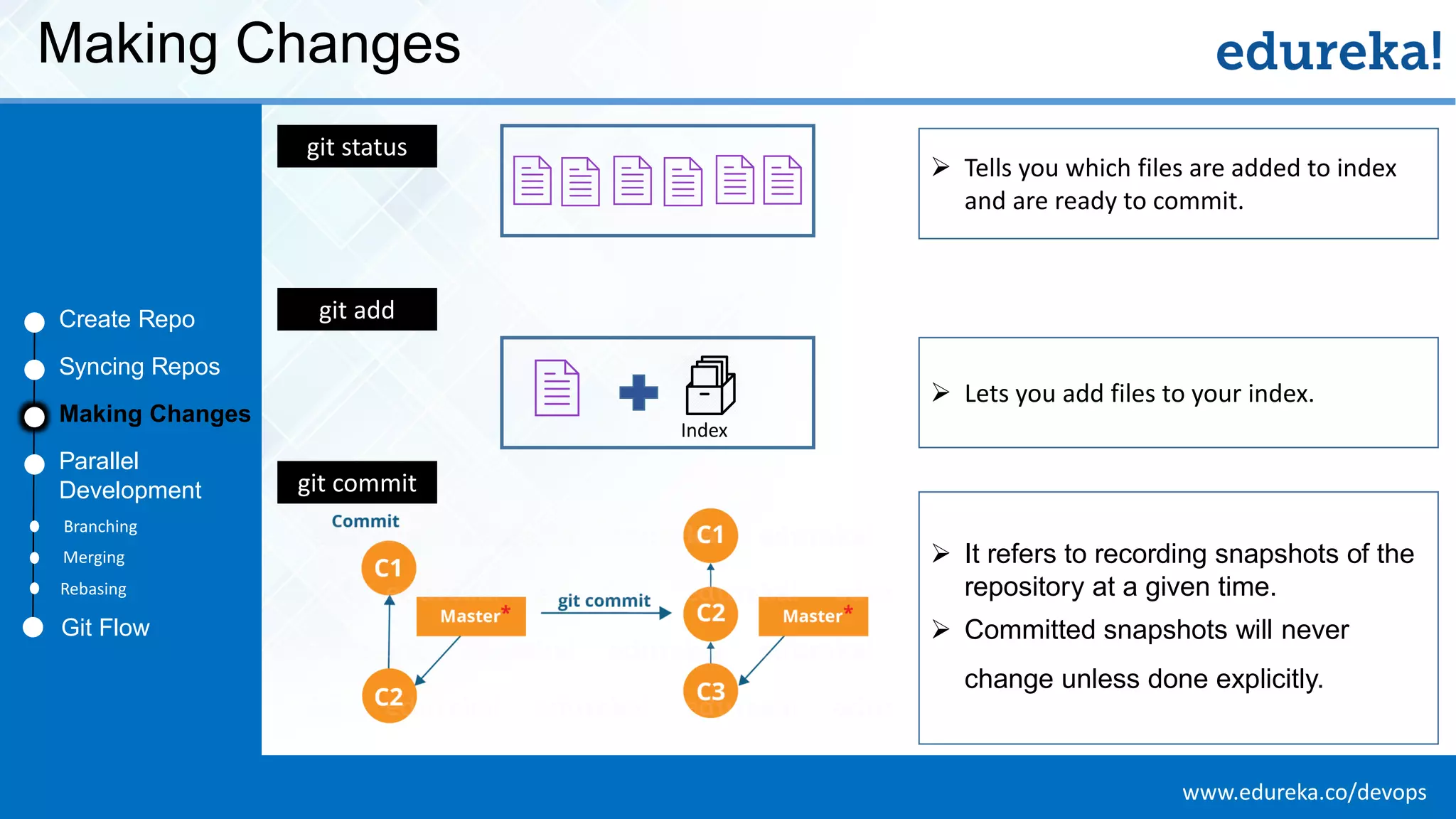
www.edureka.co/devopsEDUREKA DEVOPS CERTIFICATION TRAINING Making Changes Create Repo Syncing Repos Making Changes Parallel Development ➢ It refers to recording snapshots of the repository at a given time. ➢ Committed snapshots will never change unless done explicitly. git status git add git commit ➢ Lets you add files to your index. ➢ Tells you which files are added to index and are ready to commit. Index Git Flow Branching Merging Rebasing
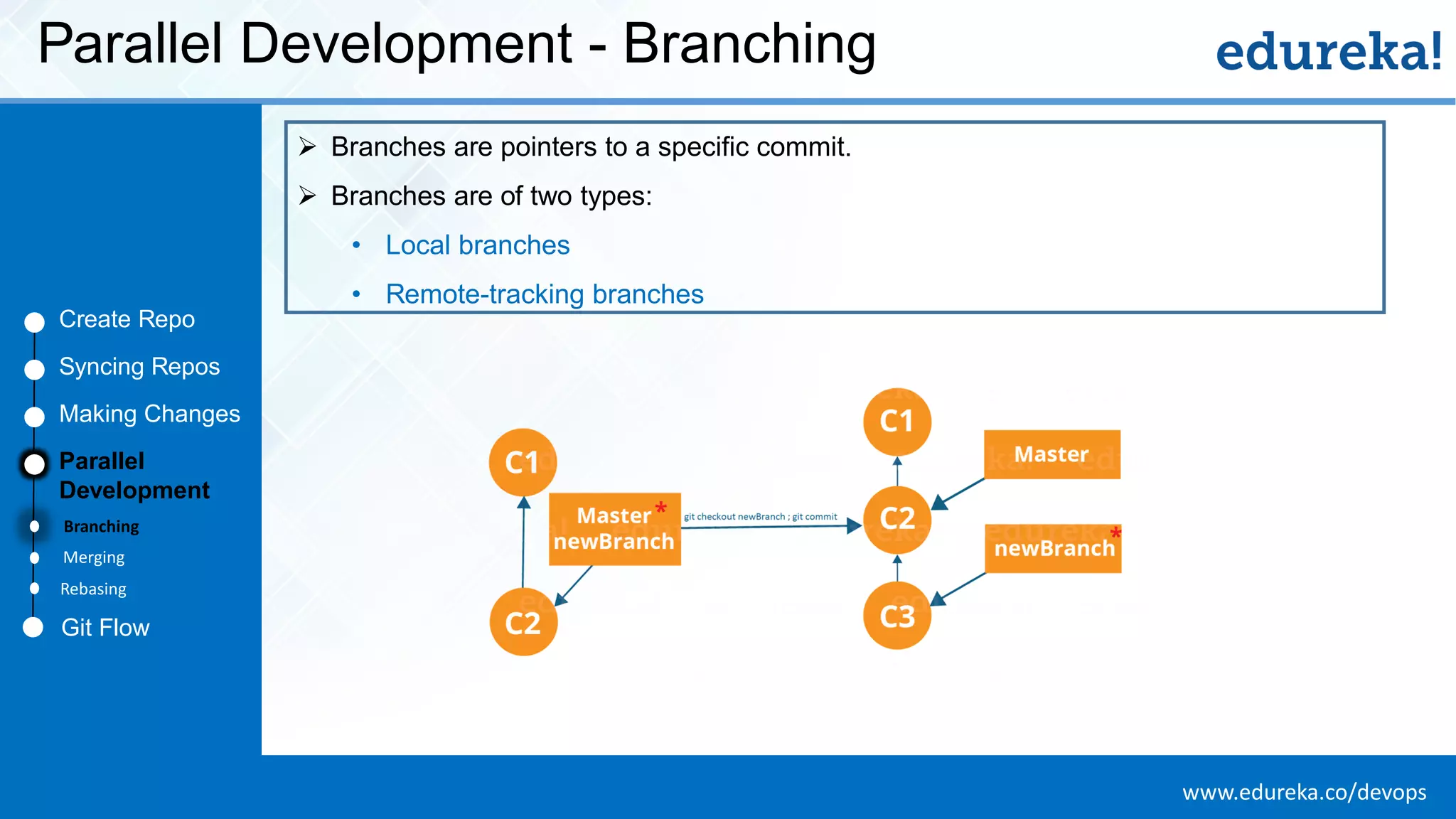
www.edureka.co/devopsEDUREKA DEVOPS CERTIFICATION TRAINING Parallel Development - Branching Create Repo Syncing Repos Making Changes Parallel Development ➢ Branches are pointers to a specific commit. ➢ Branches are of two types: • Local branches • Remote-tracking branches Git Flow Branching Merging Rebasing
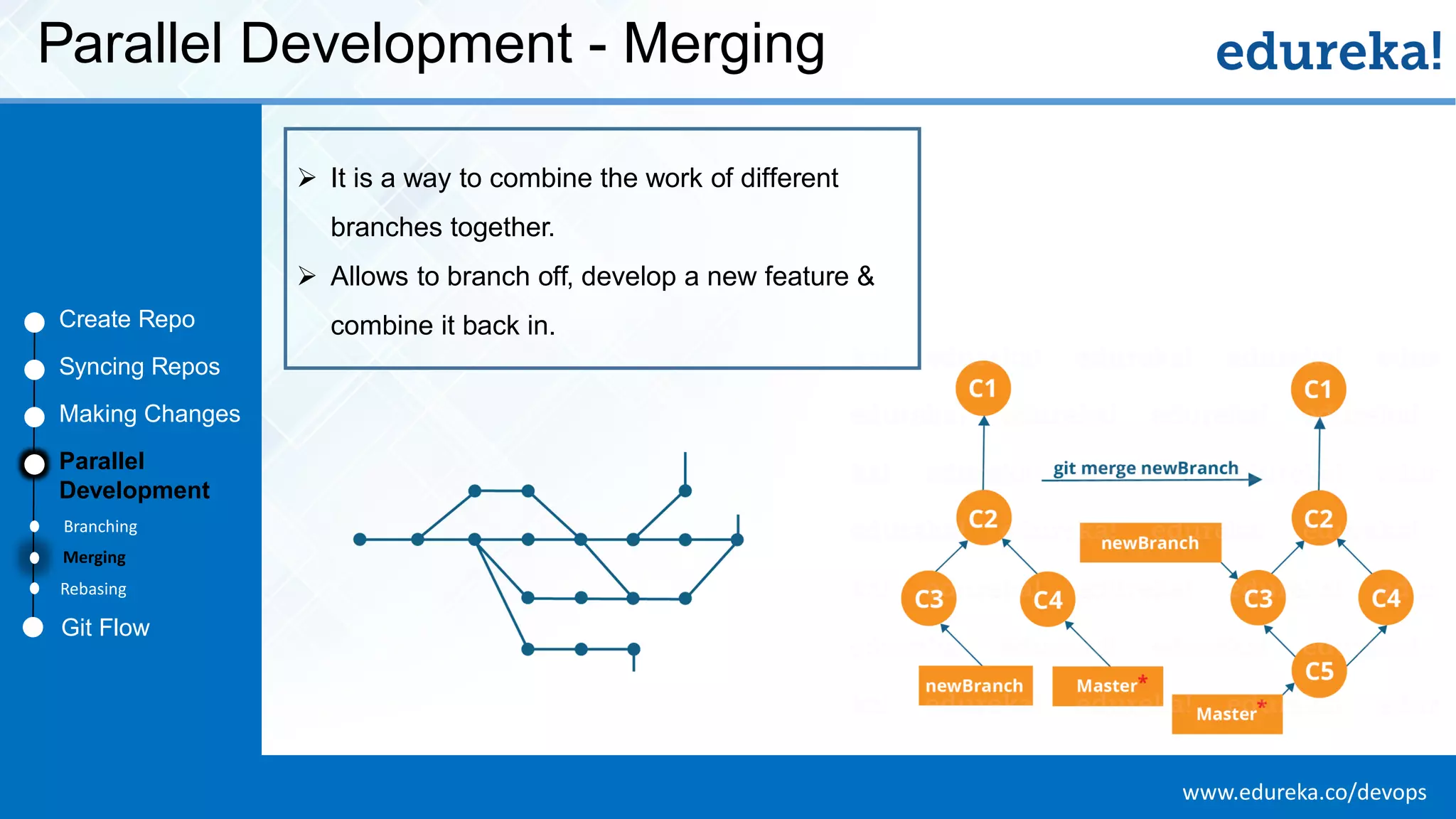
www.edureka.co/devopsEDUREKA DEVOPS CERTIFICATION TRAINING Parallel Development - Merging Create Repo Syncing Repos Making Changes Parallel Development ➢ It is a way to combine the work of different branches together. ➢ Allows to branch off, develop a new feature & combine it back in. Git Flow Branching Merging Rebasing
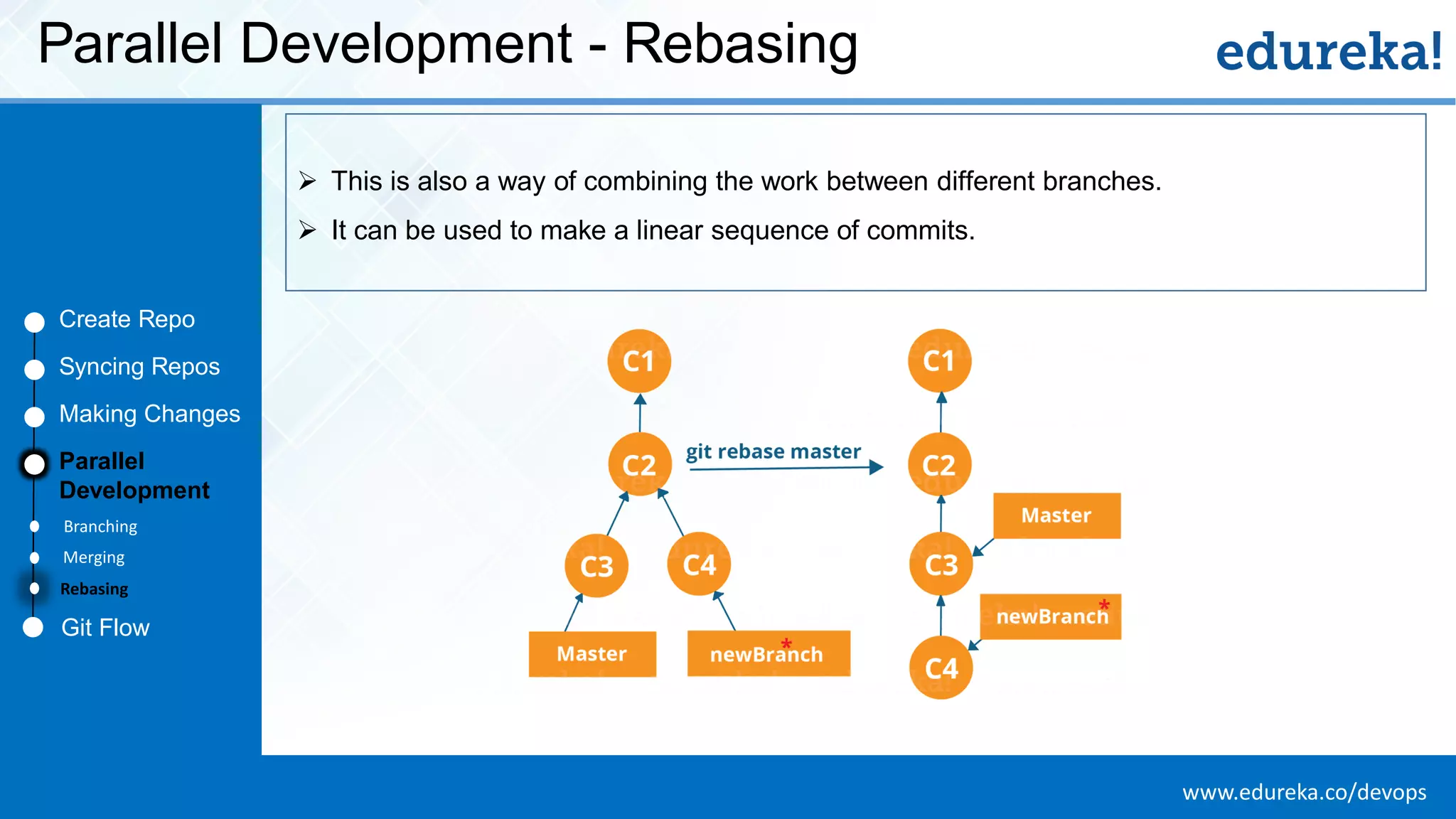
www.edureka.co/devopsEDUREKA DEVOPS CERTIFICATION TRAINING Parallel Development - Rebasing Create Repo Syncing Repos Making Changes Parallel Development ➢ This is also a way of combining the work between different branches. ➢ It can be used to make a linear sequence of commits. Git Flow Branching Merging Rebasing
www.edureka.co/devopsEDUREKA DEVOPS CERTIFICATION TRAINING Git Flow Create Repo Syncing Repos Making Changes Parallel Development Git Flow Branching Merging Rebasing
www.edureka.co/devopsEDUREKA DEVOPS CERTIFICATION TRAINING Summary
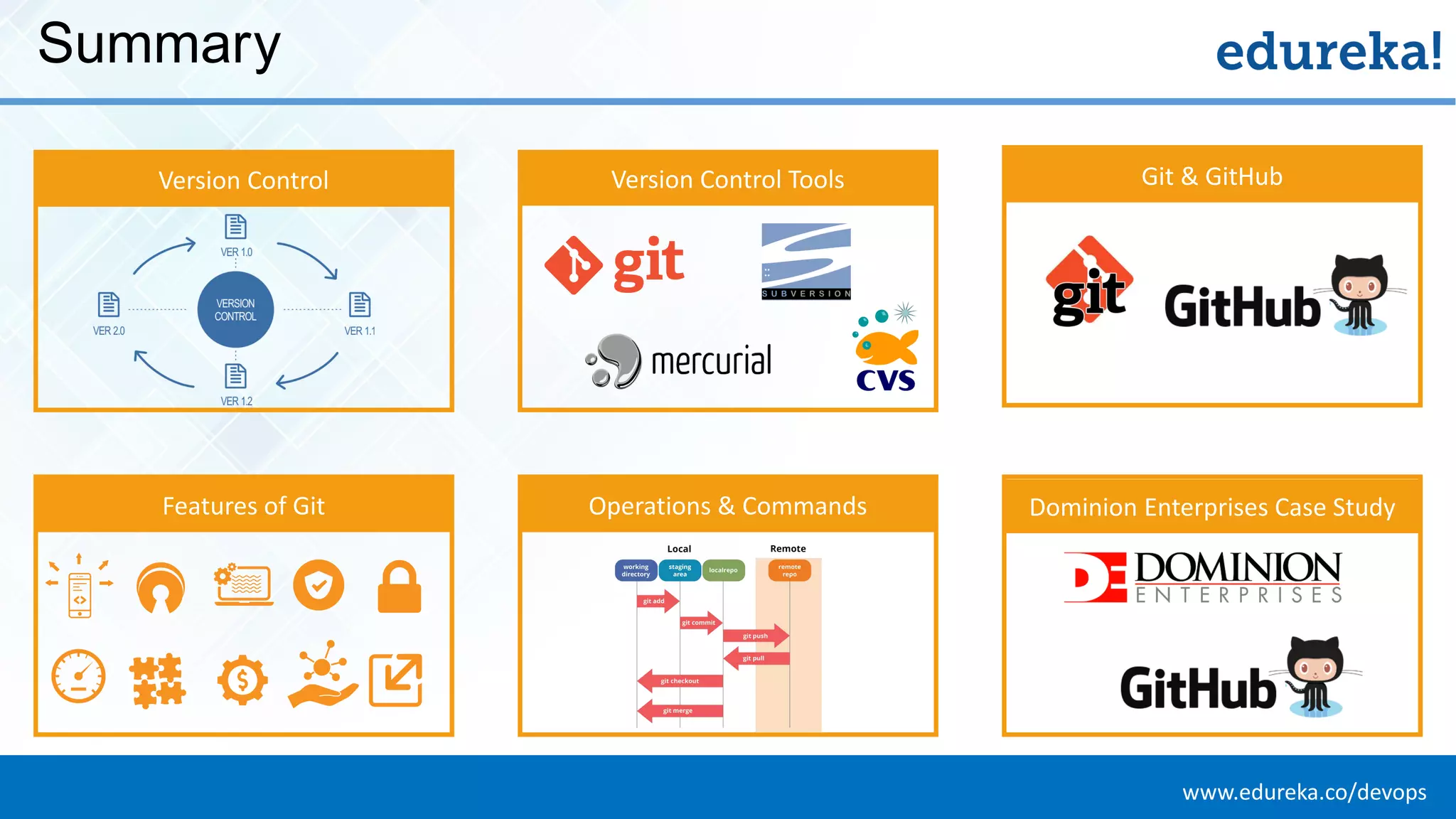
www.edureka.co/devopsEDUREKA DEVOPS CERTIFICATION TRAINING Summary Version Control Version Control Tools Features of Git Operations & Commands Git & GitHub Dominion Enterprises Case Study
www.edureka.co/devopsEDUREKA DEVOPS CERTIFICATION TRAINING Thank You … Questions/Queries/Feedback

What is Git | What is GitHub | Git Tutorial | GitHub Tutorial | Devops Tutorial | Edureka