Web Development with Python and Django Mike Crute • Mike Pirnat • David Stanek
Today • Iteratively build a full-featured site • Background for each feature • Implement a feature • Review our example solution • Keep yours? git show tag • Follow directly? git reset --hard tag
Useful Links • http://docs.python.org • https://docs.djangoproject.com • https://github.com/finiteloopsoware/ django-precompiler/wiki
Let’s Have a Show of Hands...
Django
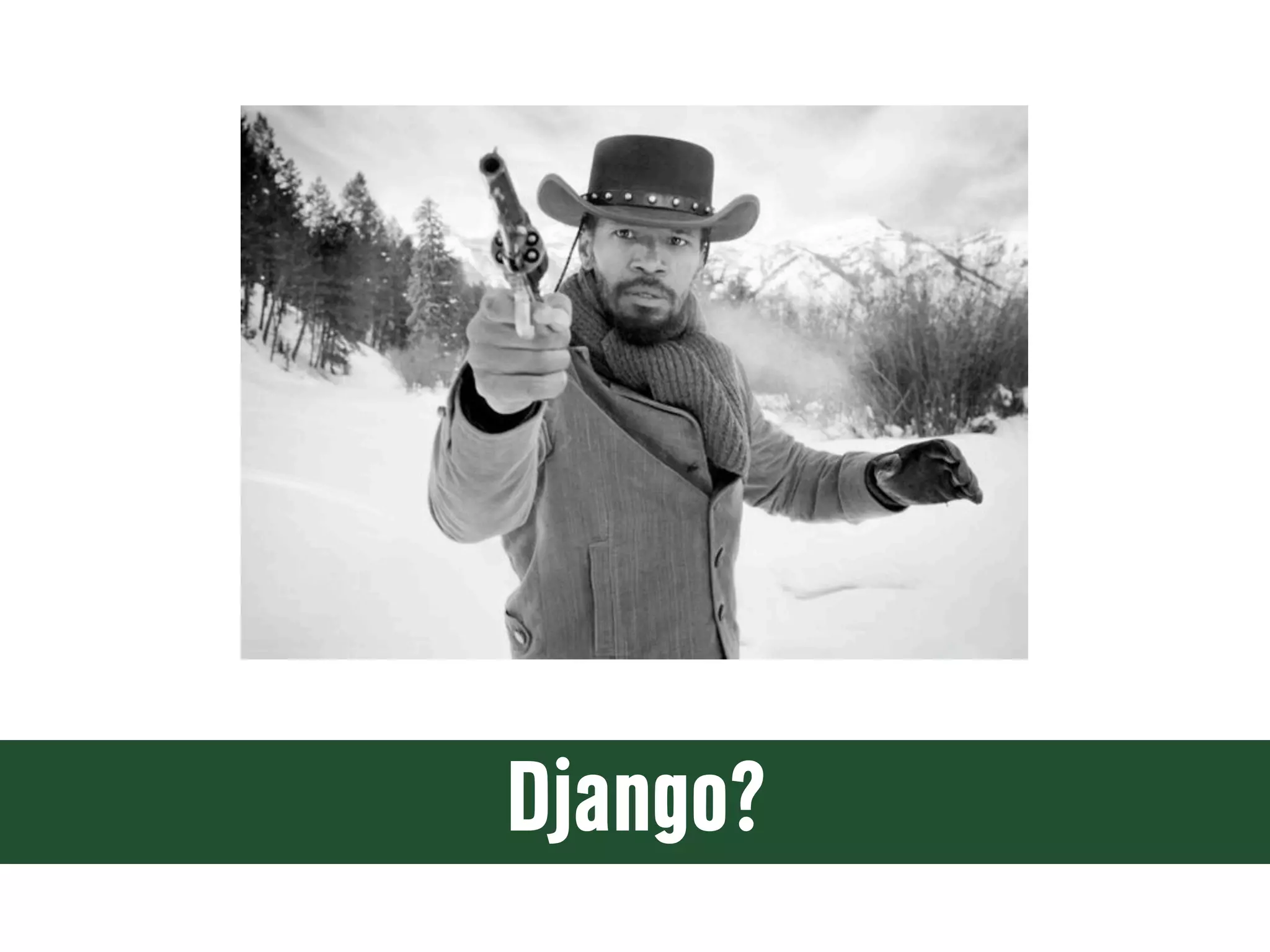
Django?
Django
Django • A high-level Python web framework • Encourages rapid development and clean, pragmatic design • “For perfectionists with deadlines” • Focus on automation and DRY • Widely supported, many deployment options
Perhaps You’ve Heard Of... • Disqus • Pinterest • Instagram • PolitiFact.com • Mozilla • Rdio • OpenStack
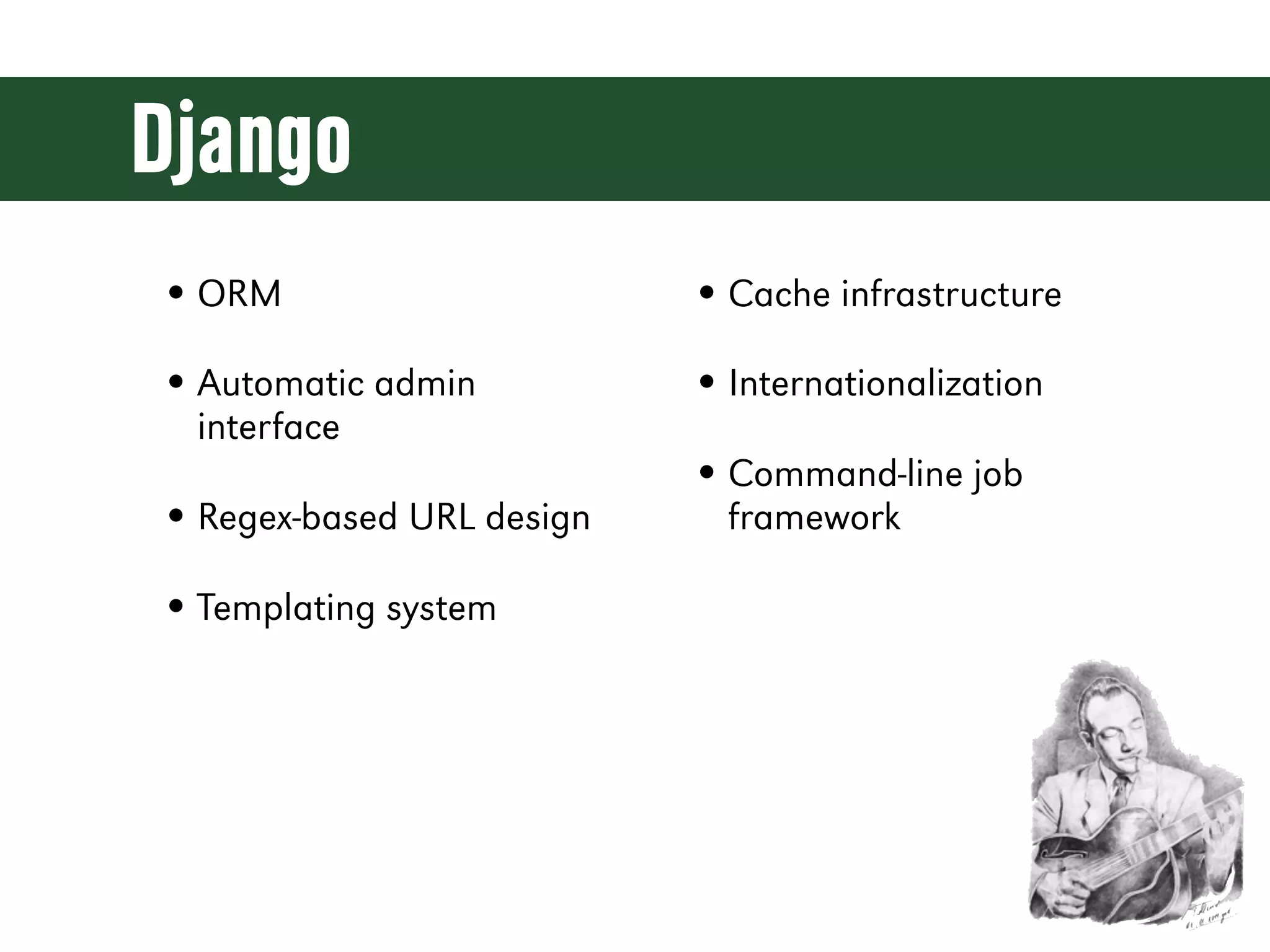
Django • ORM • Cache infrastructure • Automatic admin • Internationalization interface • Command-line job • Regex-based URL design framework • Templating system
Python (the Short-Short Version)
Python is... • Dynamic • Exceptional • Interpreted • Comfortable • Duck-Typed • Readable • Object-Oriented • Opinionated • Functional • Batteries Included • Strongly-Namespaced • Community
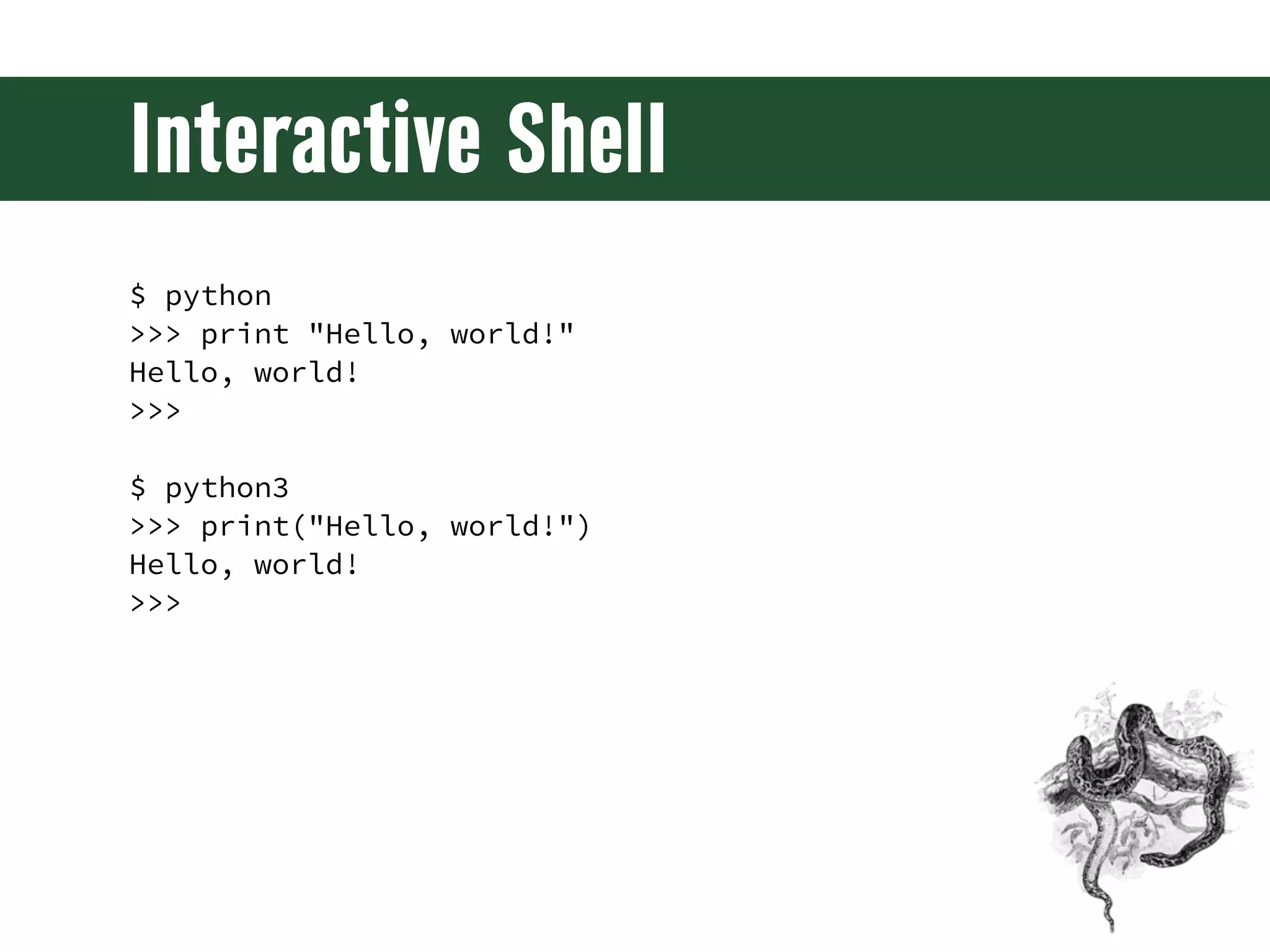
Interactive Shell $ python >>> print "Hello, world!" Hello, world! >>> $ python3 >>> print("Hello, world!") Hello, world! >>>
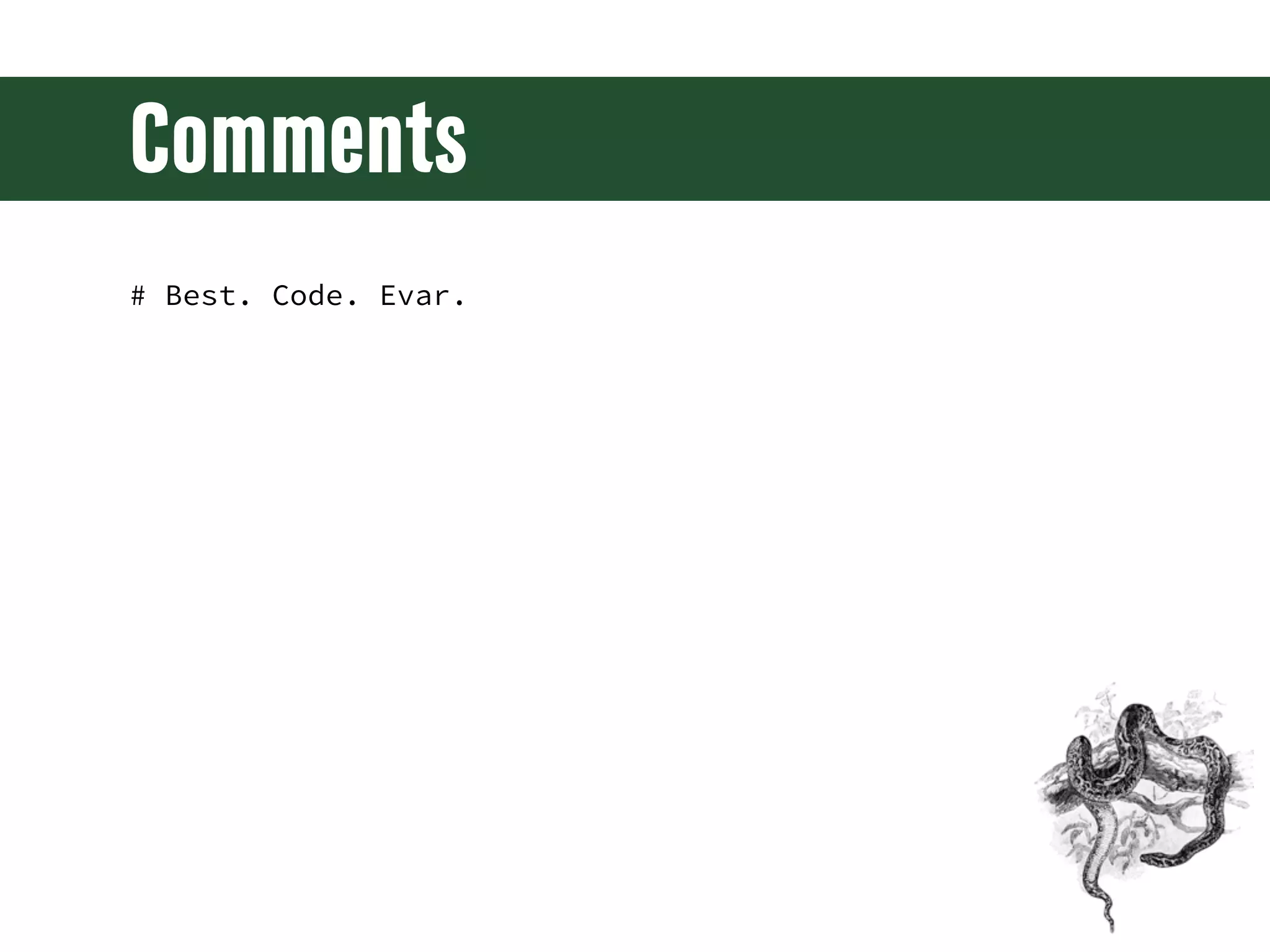
Comments # Best. Code. Evar.
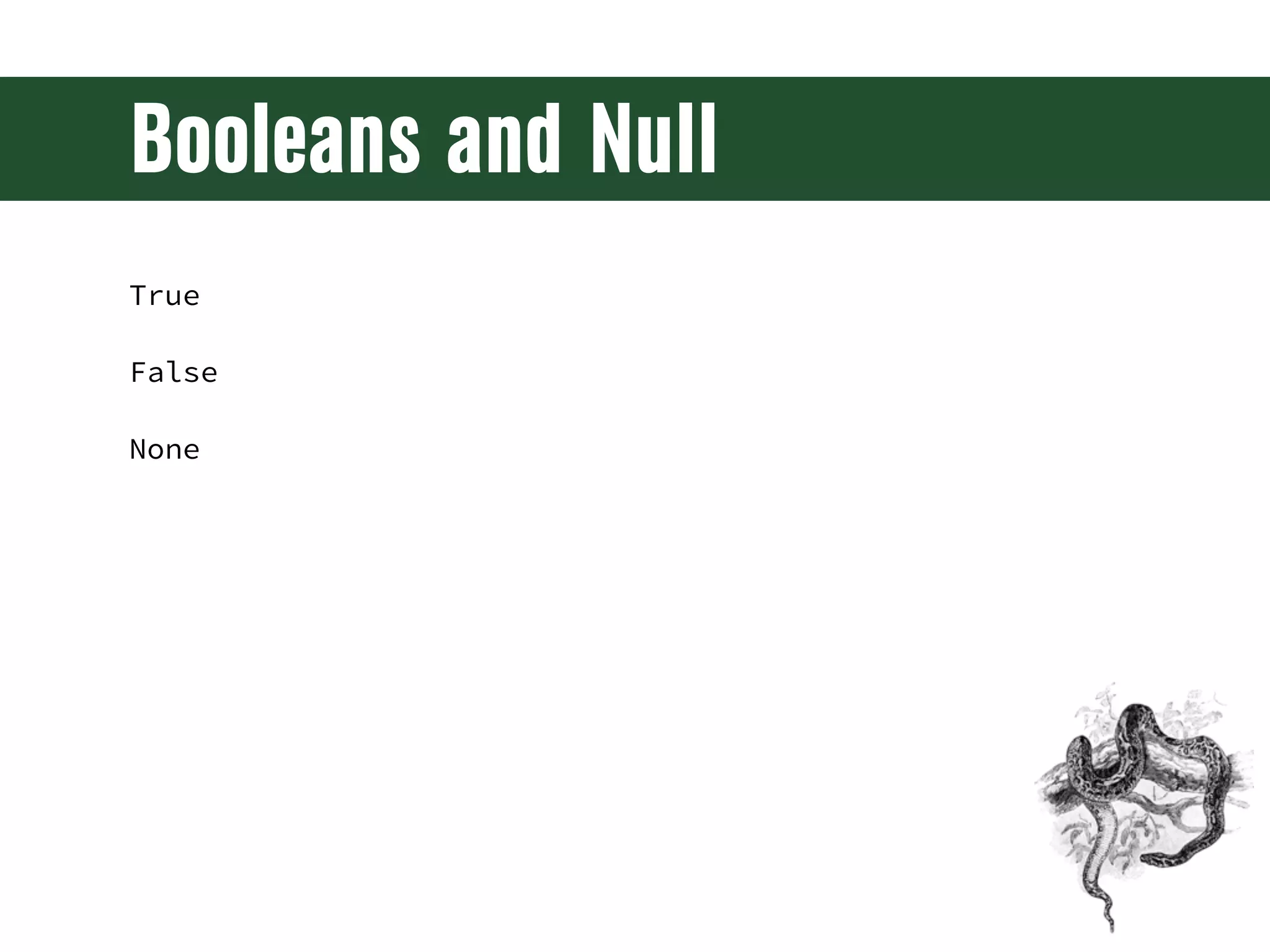
Booleans and Null True False None
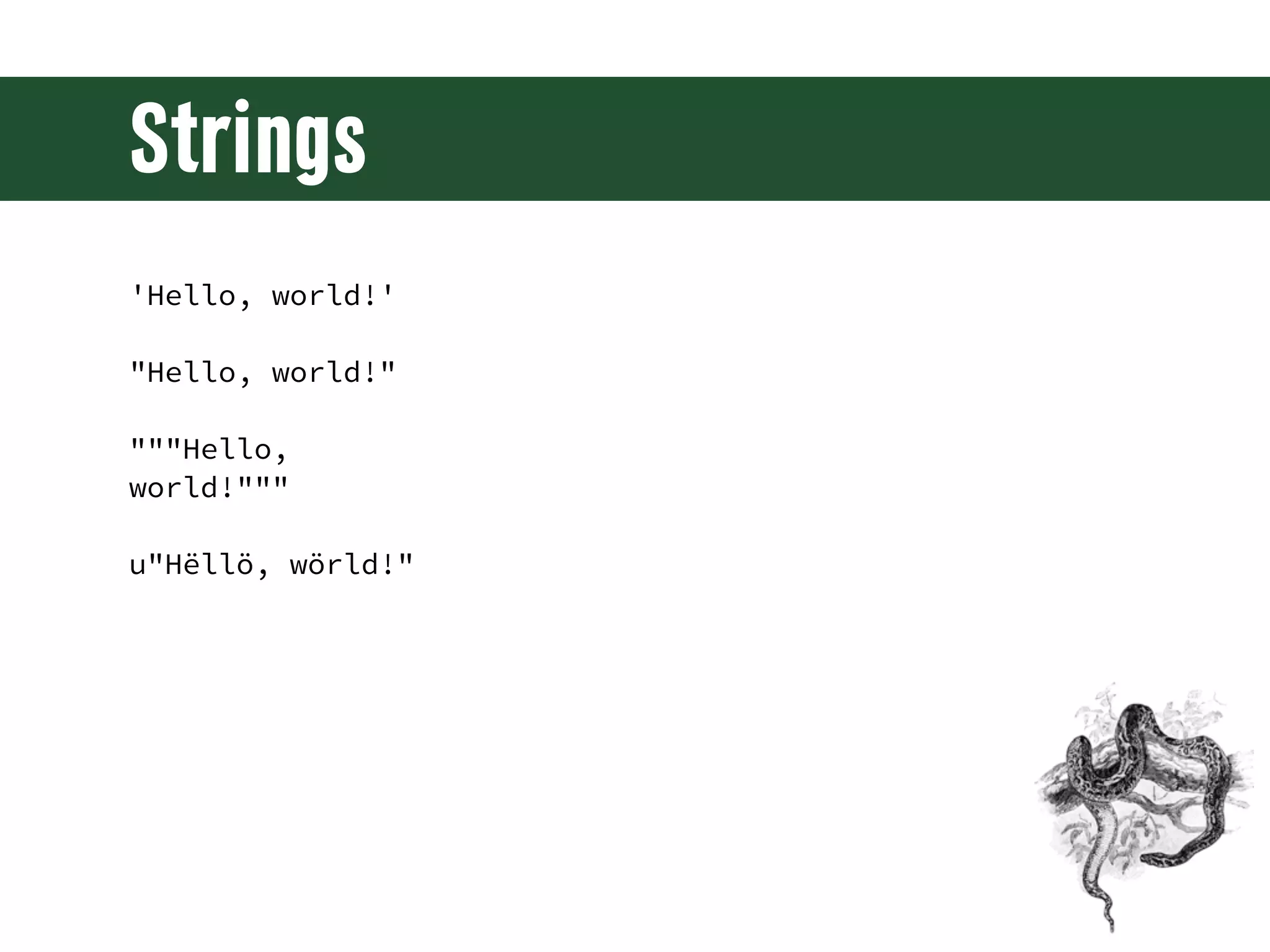
Strings 'Hello, world!' "Hello, world!" """Hello, world!""" u"Hëllö, wörld!"
String Operations "foo" + "bar" "foo"[0] "foo"[:1] "foo".upper() "{0}: {1}".format("foo", "bar") "{foo}: {bar}".format(foo=42, bar=1138) len("foo")
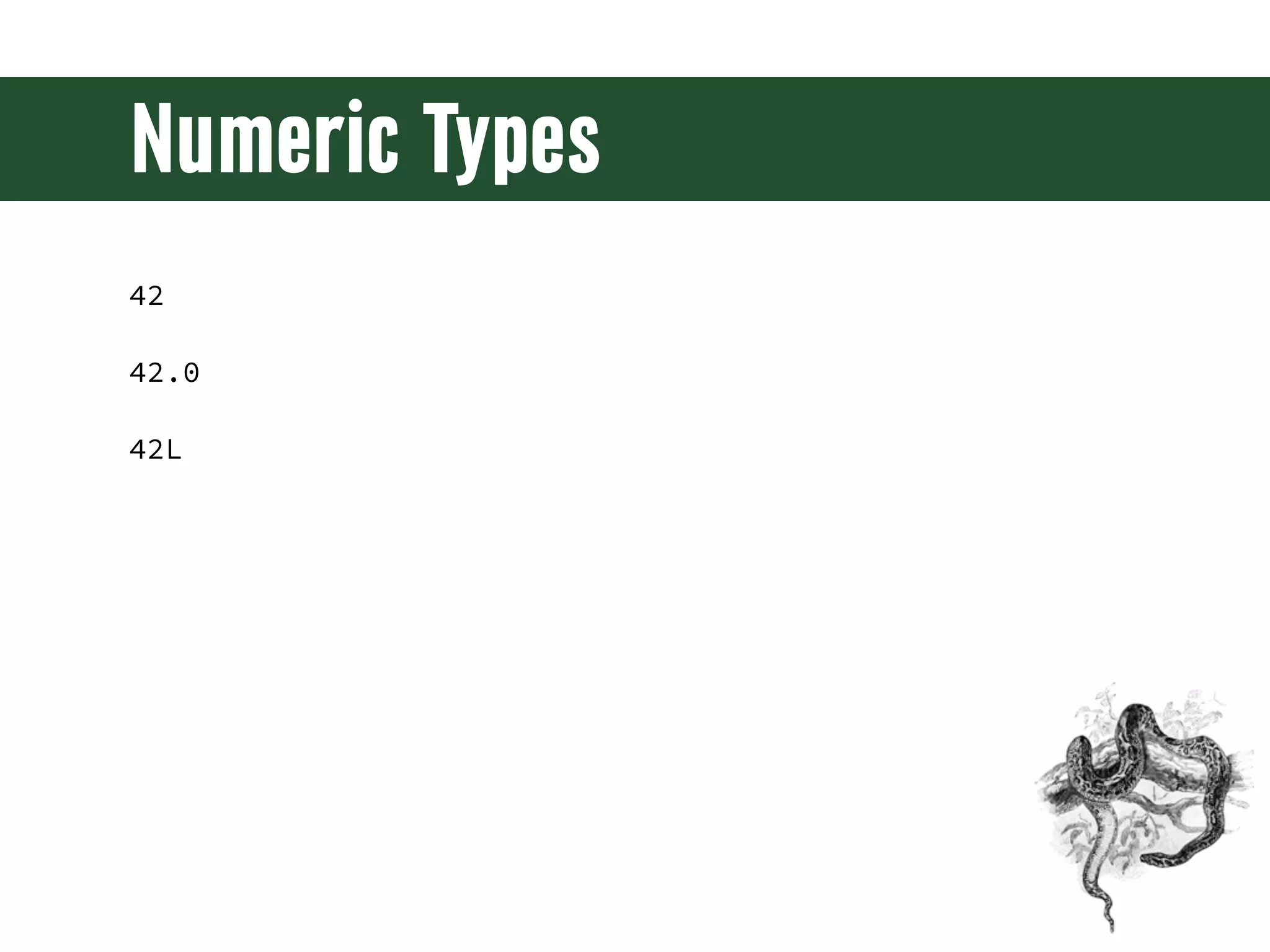
Numeric Types 42 42.0 42L
Lists, Tuples, and Sets ['a', 'b', 'c'] ('Rush', '2112', 5.0) set(['a', 'b', 'c'])
Sequence Operations [...][0] [...][-1] [...][:1] # same as [...][0:1] [...].append(4) [...].extend([4, 5, 6]) [...].pop() len([...])
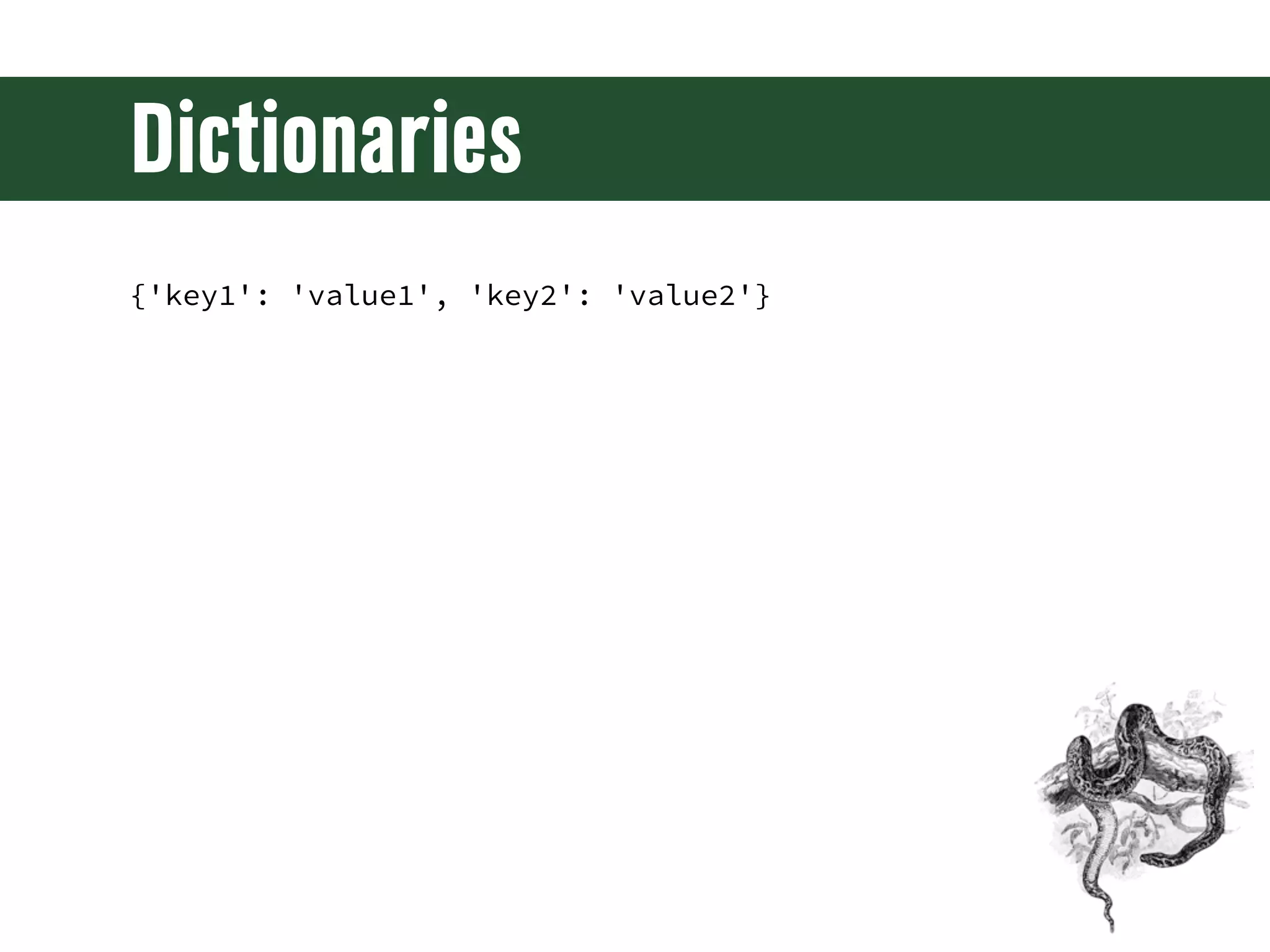
Dictionaries {'key1': 'value1', 'key2': 'value2'}
Dictionary Operations {...}['key1'] {...}.get('key2', default) {...}.keys() {...}.values() {...}.items() len({...})
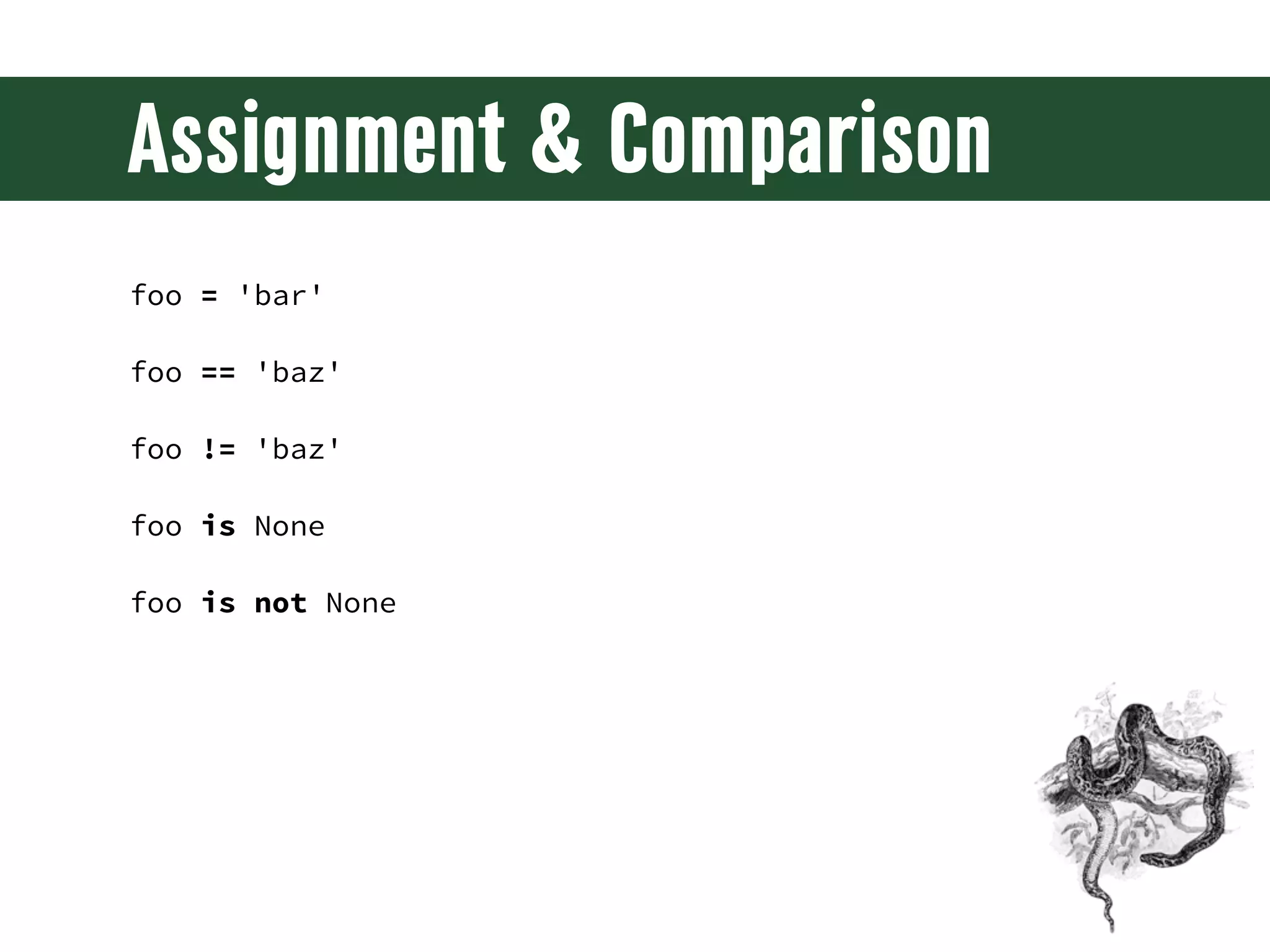
Assignment & Comparison foo = 'bar' foo == 'baz' foo != 'baz' foo is None foo is not None
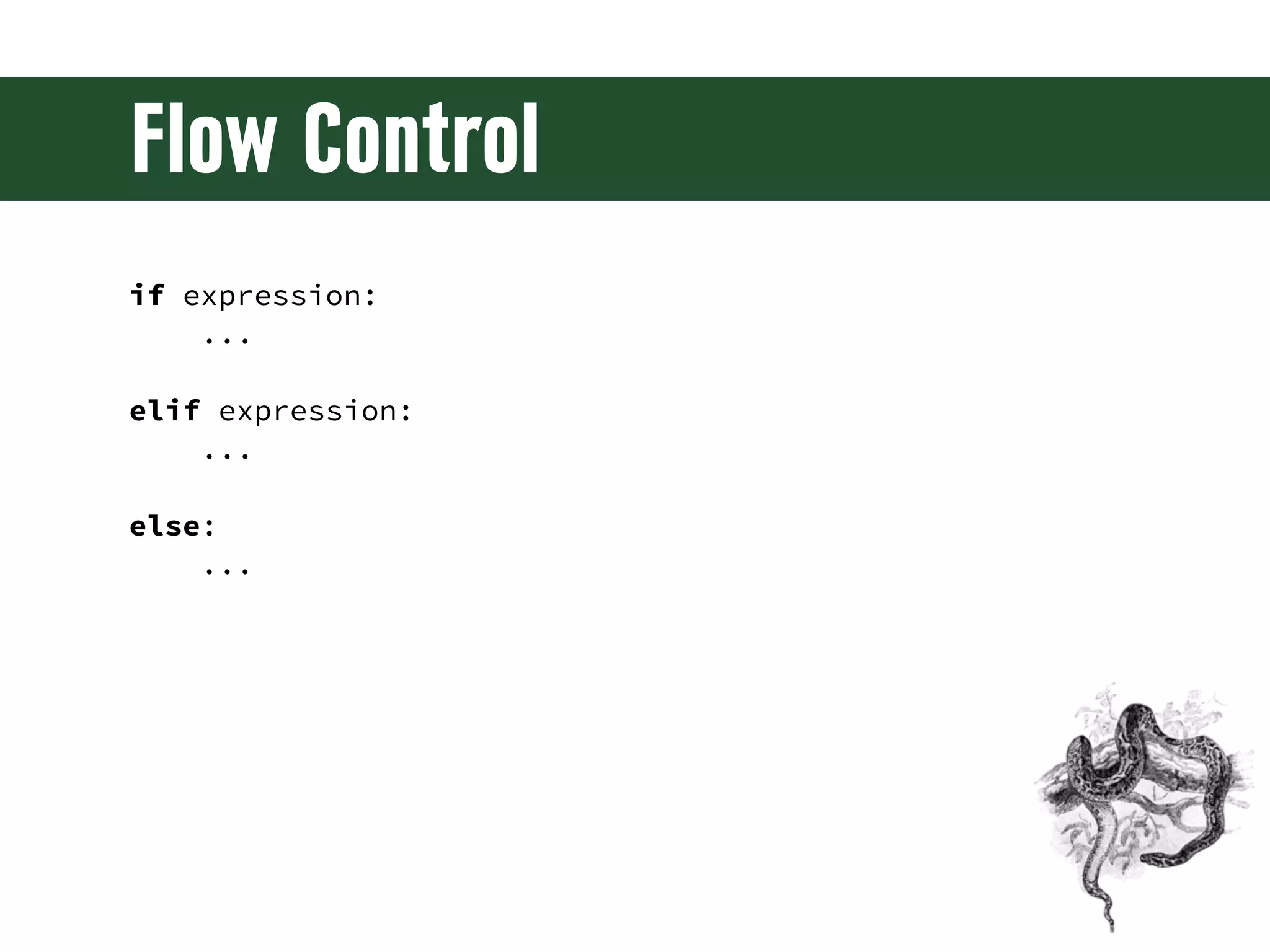
Flow Control if expression: ... elif expression: ... else: ...
Flow Control for item in sequence: if expression: continue if expression: break
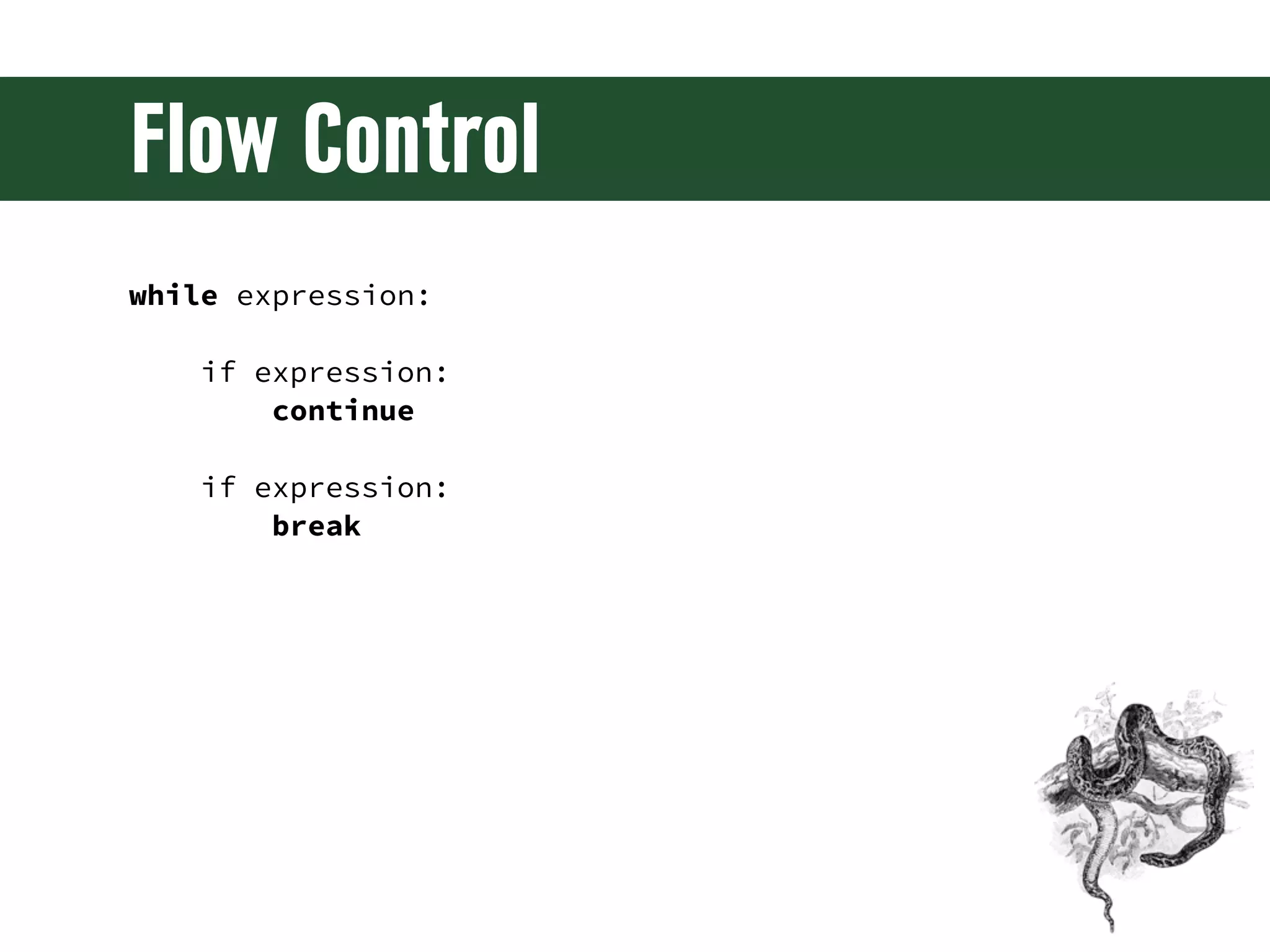
Flow Control while expression: if expression: continue if expression: break
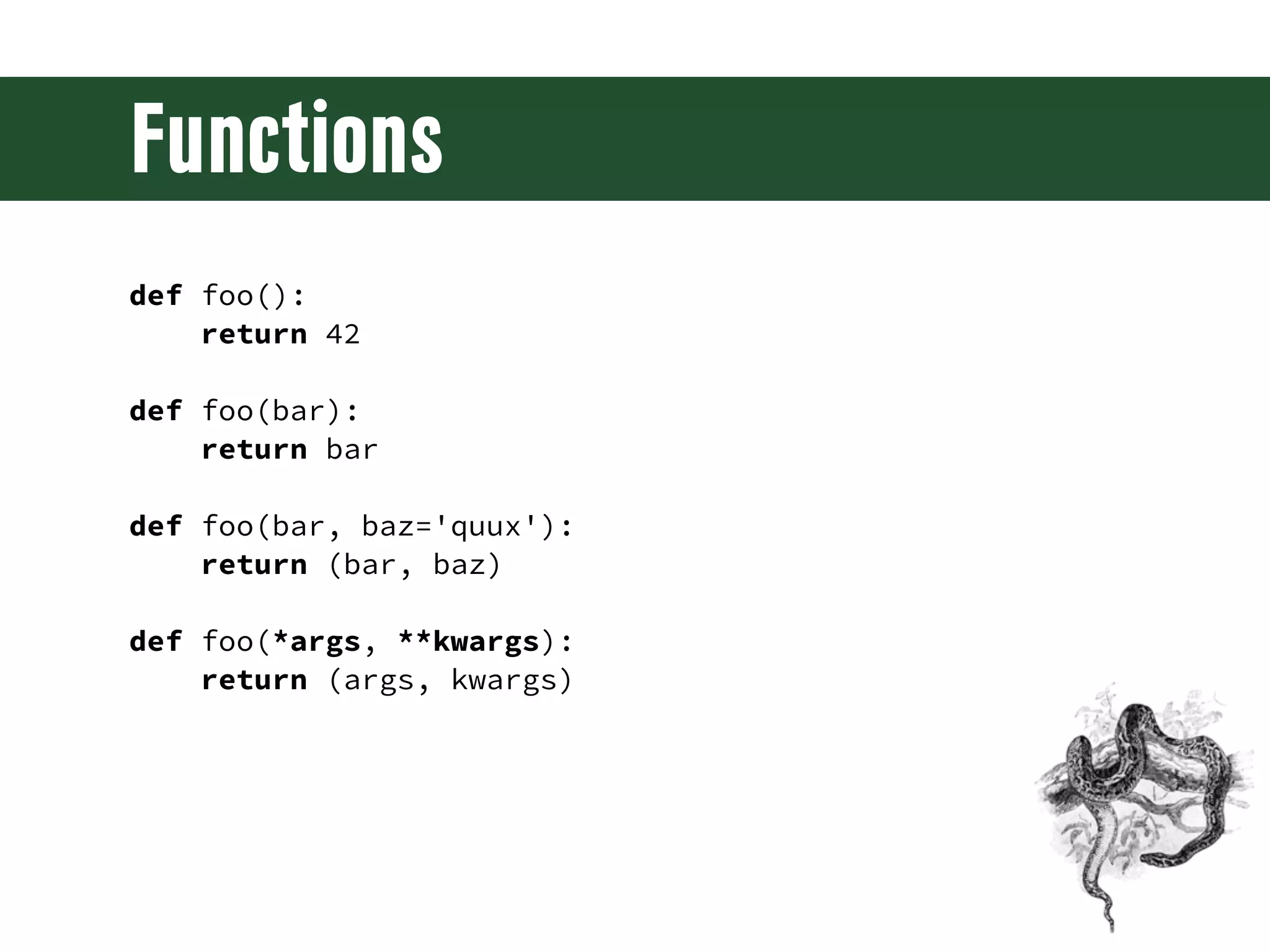
Functions def foo(): return 42 def foo(bar): return bar def foo(bar, baz='quux'): return (bar, baz) def foo(*args, **kwargs): return (args, kwargs)
Decorators @bar def foo(): return 42 @baz('xyzzy') def quux(): return 42
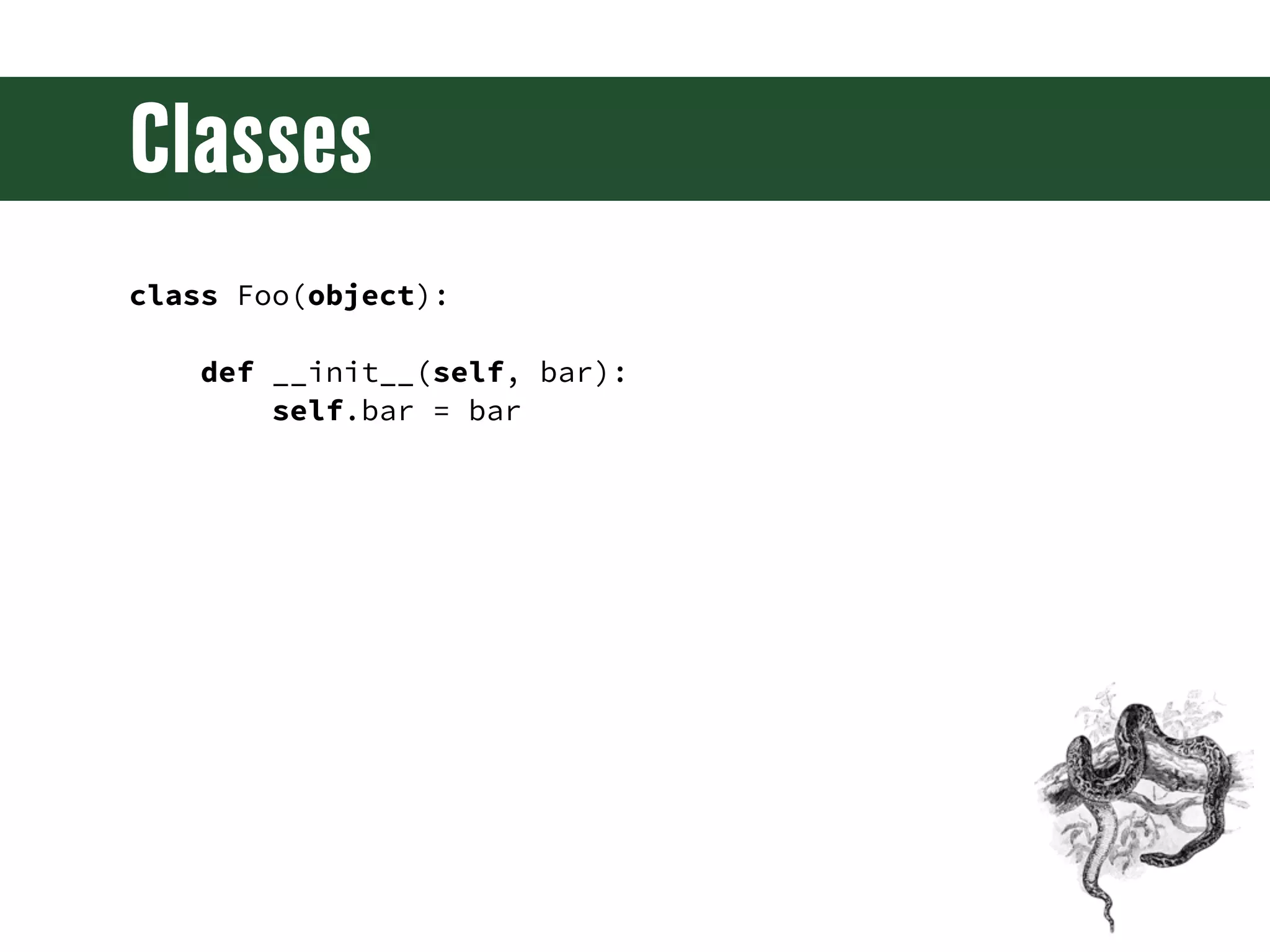
Classes class Foo(object): def __init__(self, bar): self.bar = bar
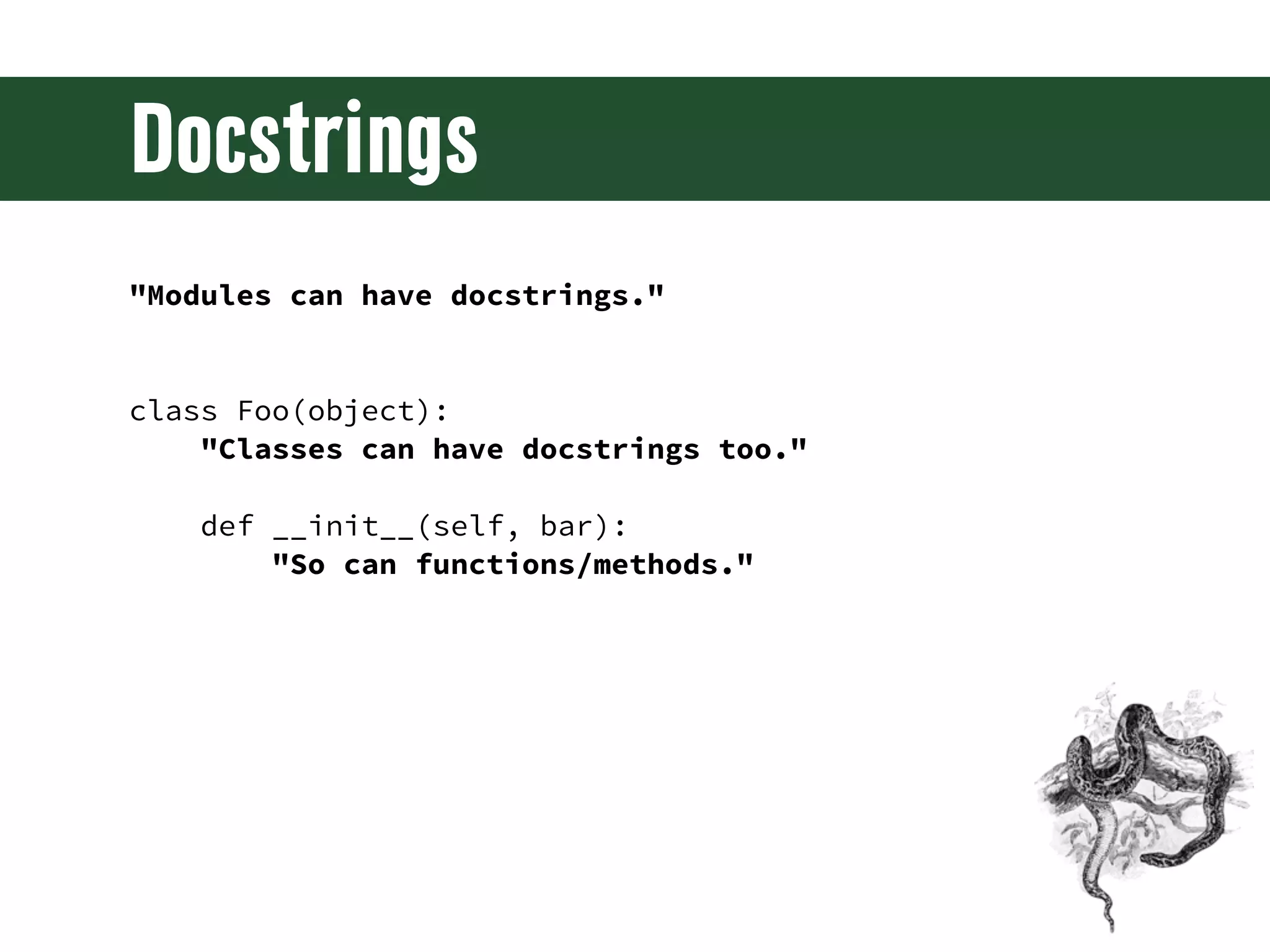
Docstrings "Modules can have docstrings." class Foo(object): "Classes can have docstrings too." def __init__(self, bar): "So can functions/methods."
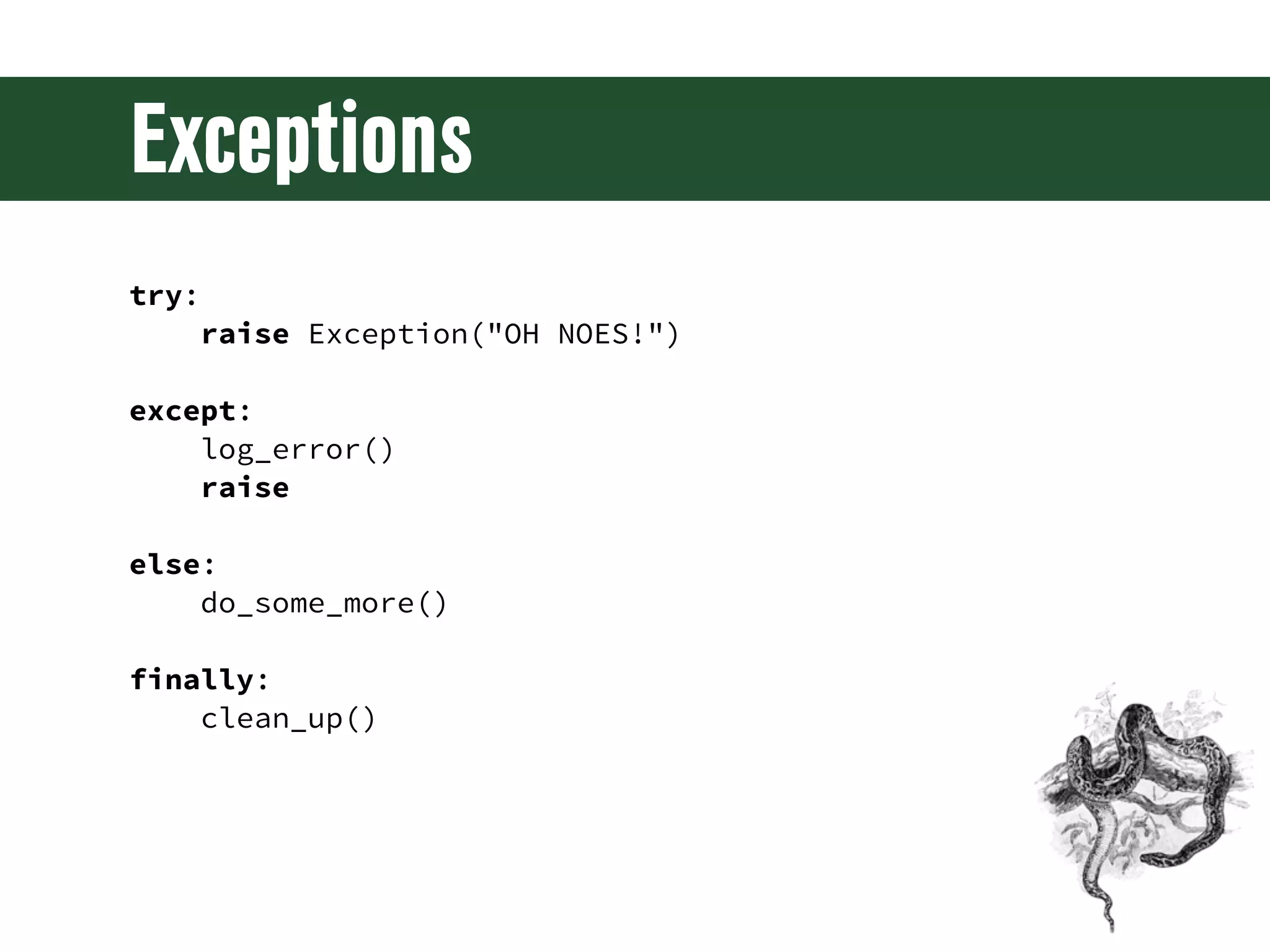
Exceptions try: raise Exception("OH NOES!") except: log_error() raise else: do_some_more() finally: clean_up()
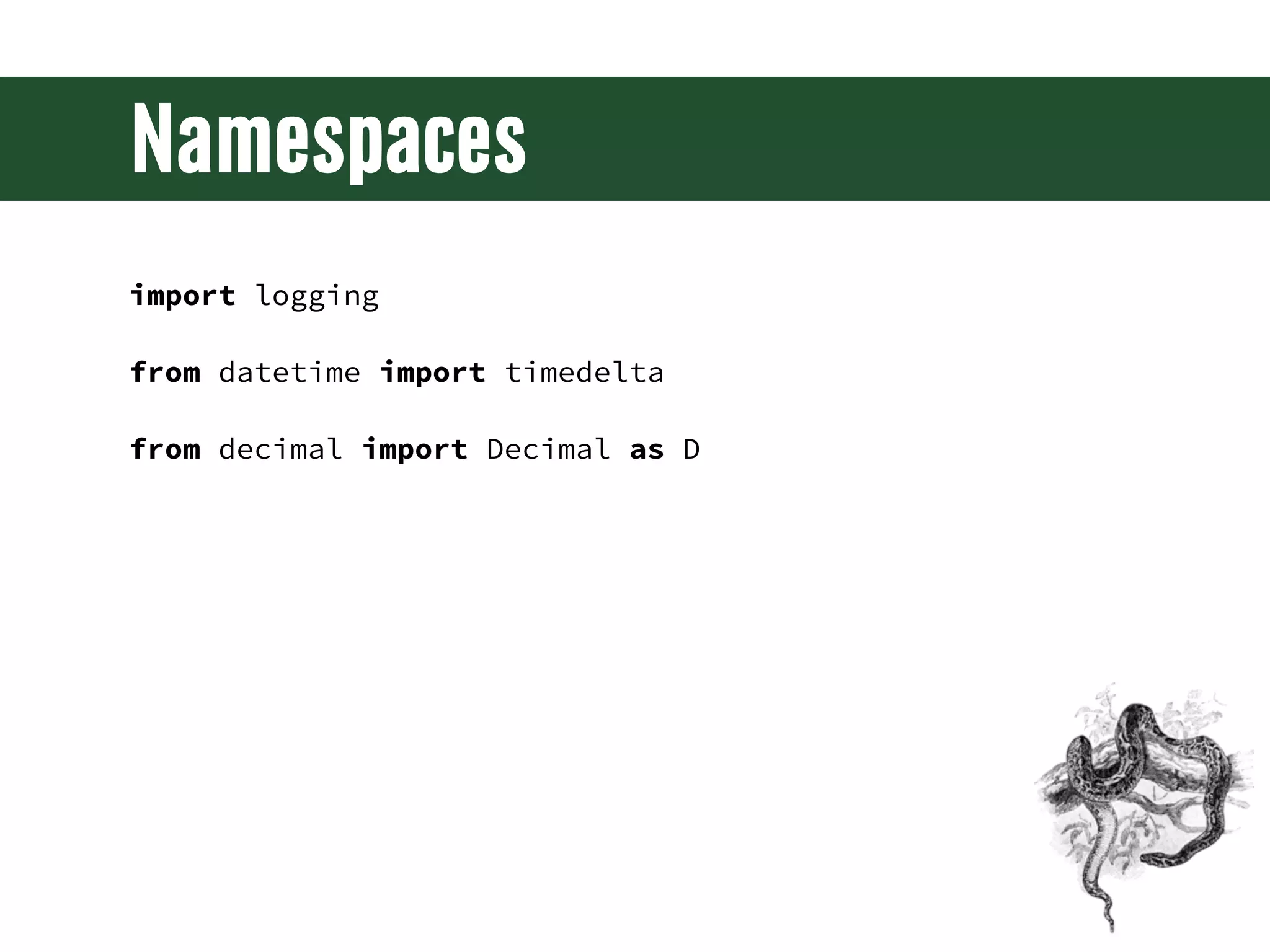
Namespaces import logging from datetime import timedelta from decimal import Decimal as D
Introspection >>> dir(Foo) ['__class__', '__delattr__', '__dict__', '__doc__', '__format__', '__getattribute__', '__hash__', '__init__', '__module__', '__new__', '__reduce__', '__reduce_ex__', '__repr__', '__setattr__', '__sizeof__', '__str__', '__subclasshook__', '__weakref__']
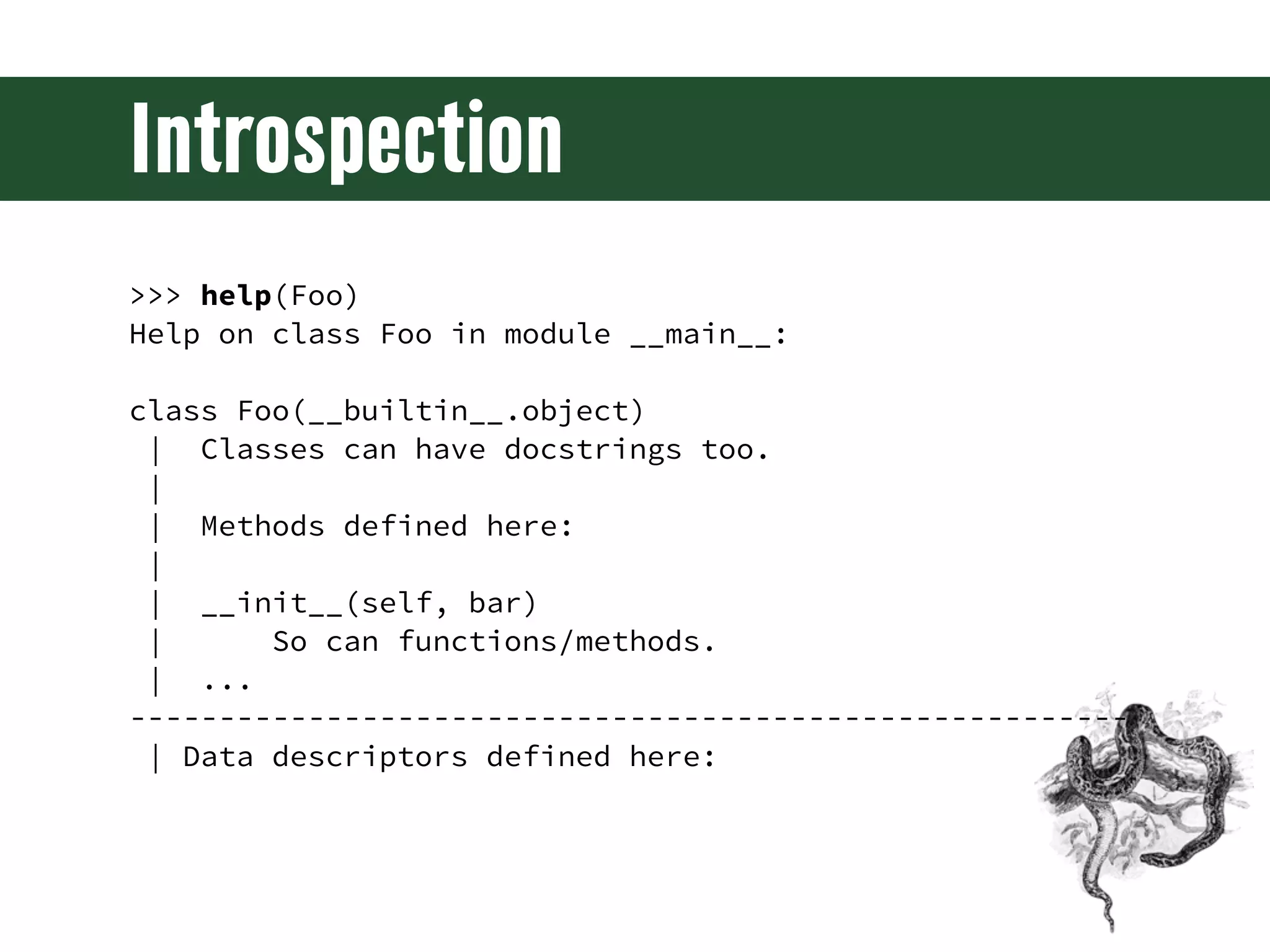
Introspection >>> help(Foo) Help on class Foo in module __main__: class Foo(__builtin__.object) | Classes can have docstrings too. | | Methods defined here: | | __init__(self, bar) | So can functions/methods. | ... -------------------------------------------------------- | Data descriptors defined here:
And more... • Generators • Properties • Generator Expressions • Context Managers • List Comprehensions • Class Decorators • Set Comprehensions • Abstract Base Classes • Dictionary • Metaclasses Comprehensions
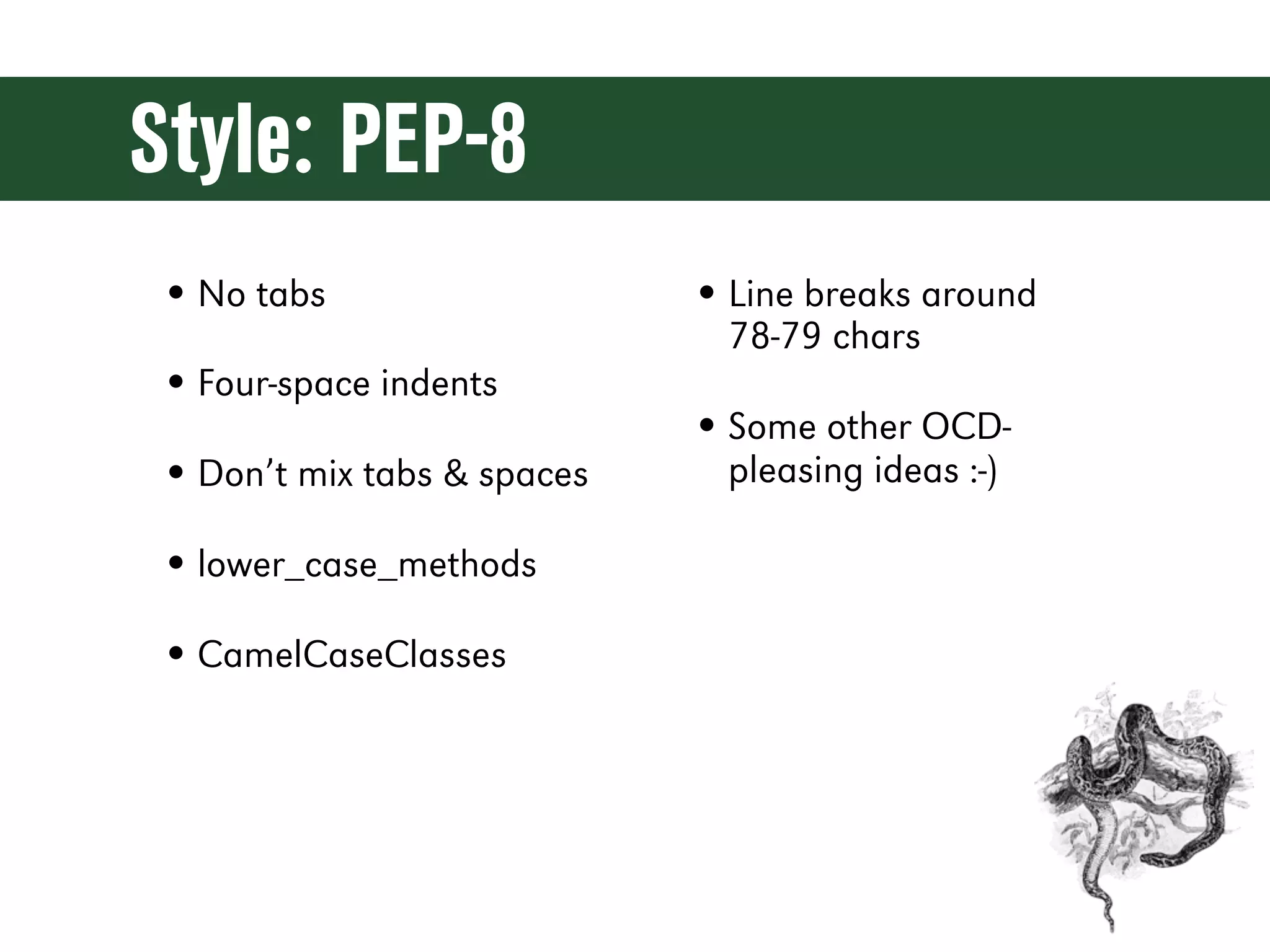
Style: PEP-8 • No tabs • Line breaks around 78-79 chars • Four-space indents • Some other OCD- • Don’t mix tabs & spaces pleasing ideas :-) • lower_case_methods • CamelCaseClasses
Setup
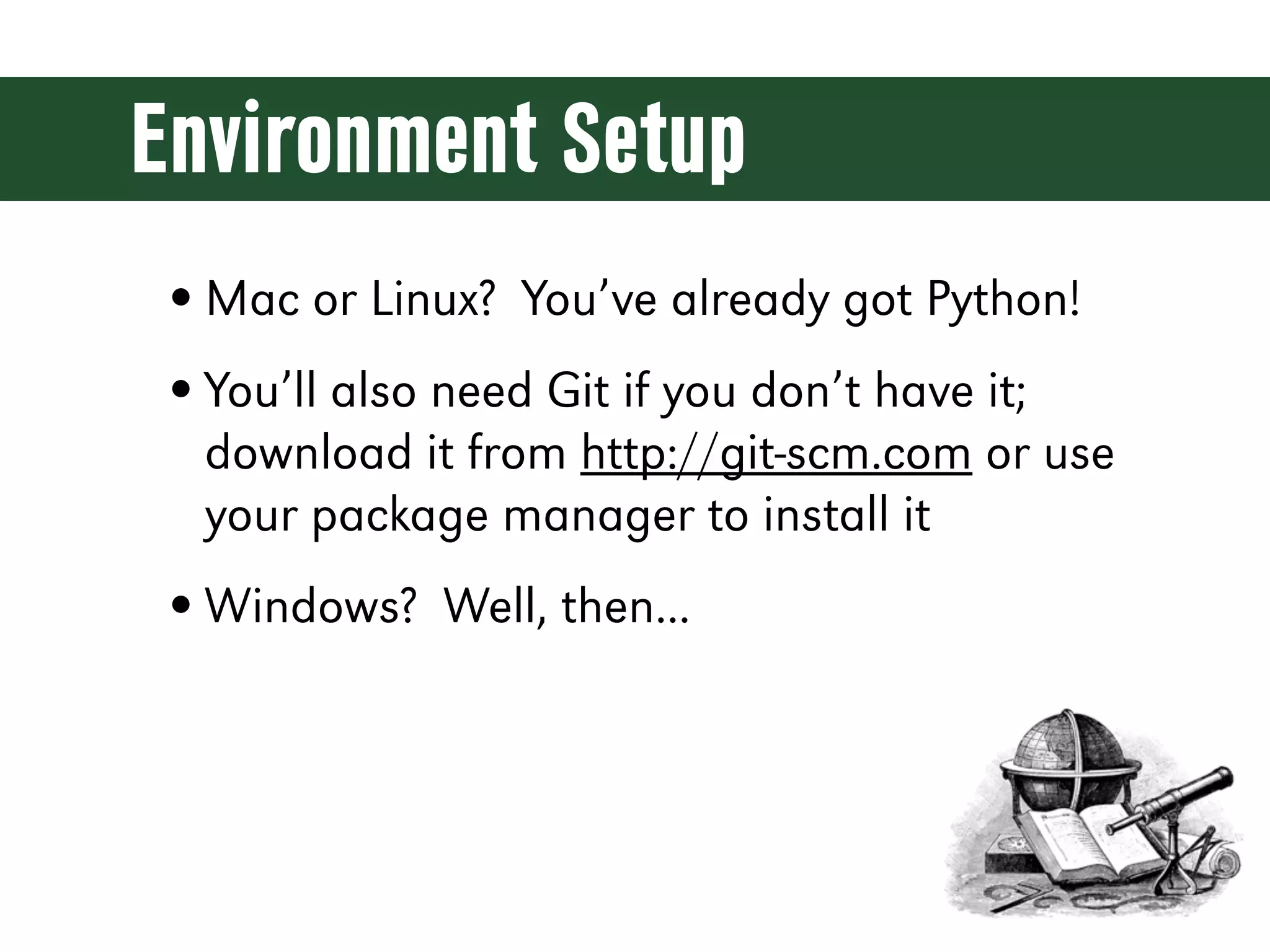
Environment Setup • Mac or Linux? You’ve already got Python! • You’ll also need Git if you don’t have it; download it from http://git-scm.com or use your package manager to install it • Windows? Well, then...
Windows Setup • Portable Python and Portable Git • Won’t modify your system at all • Can be easily uninstalled • If you want to permanently install Python and Git you can easily do that too
Portable Python 2.7 • Download http://bit.ly/13eyQGn http://p.osuosl.org/pub/portablepython/v2.7/PortablePython_2.7.3.1.exe • Run the .EXE • Install into c:django-precompiler • Download won't work? p://p.codemash.org/webdev_with_django
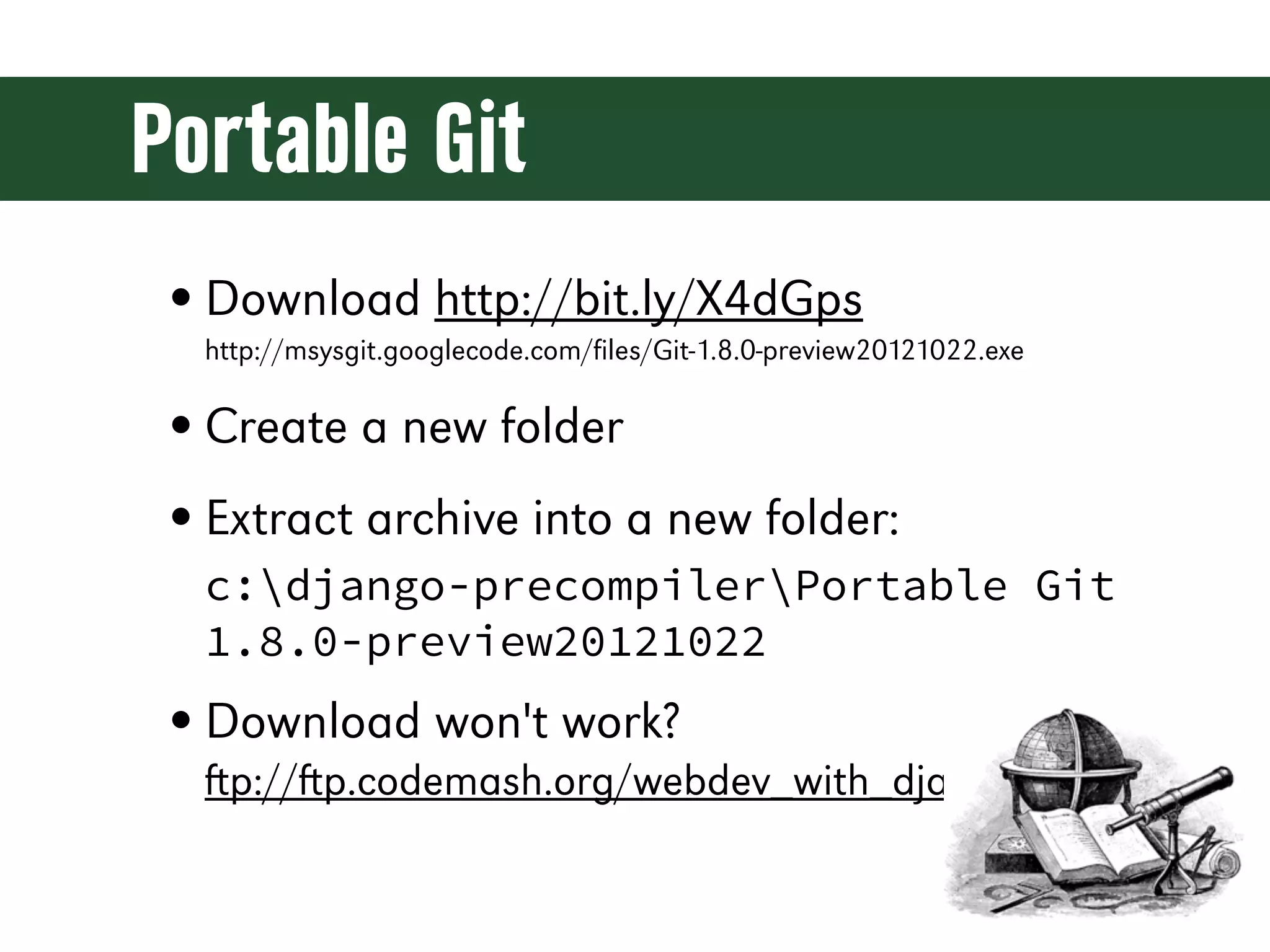
Portable Git • Download http://bit.ly/X4dGps http://msysgit.googlecode.com/files/Git-1.8.0-preview20121022.exe • Create a new folder • Extract archive into a new folder: c:django-precompilerPortable Git 1.8.0-preview20121022 • Download won't work? p://p.codemash.org/webdev_with_django
Fixing the Path • Download: https://gist.github.com/4399659 • Save it as a file named run-cmd.bat • Run it • Download won't work? p://p.codemash.org/webdev_with_django
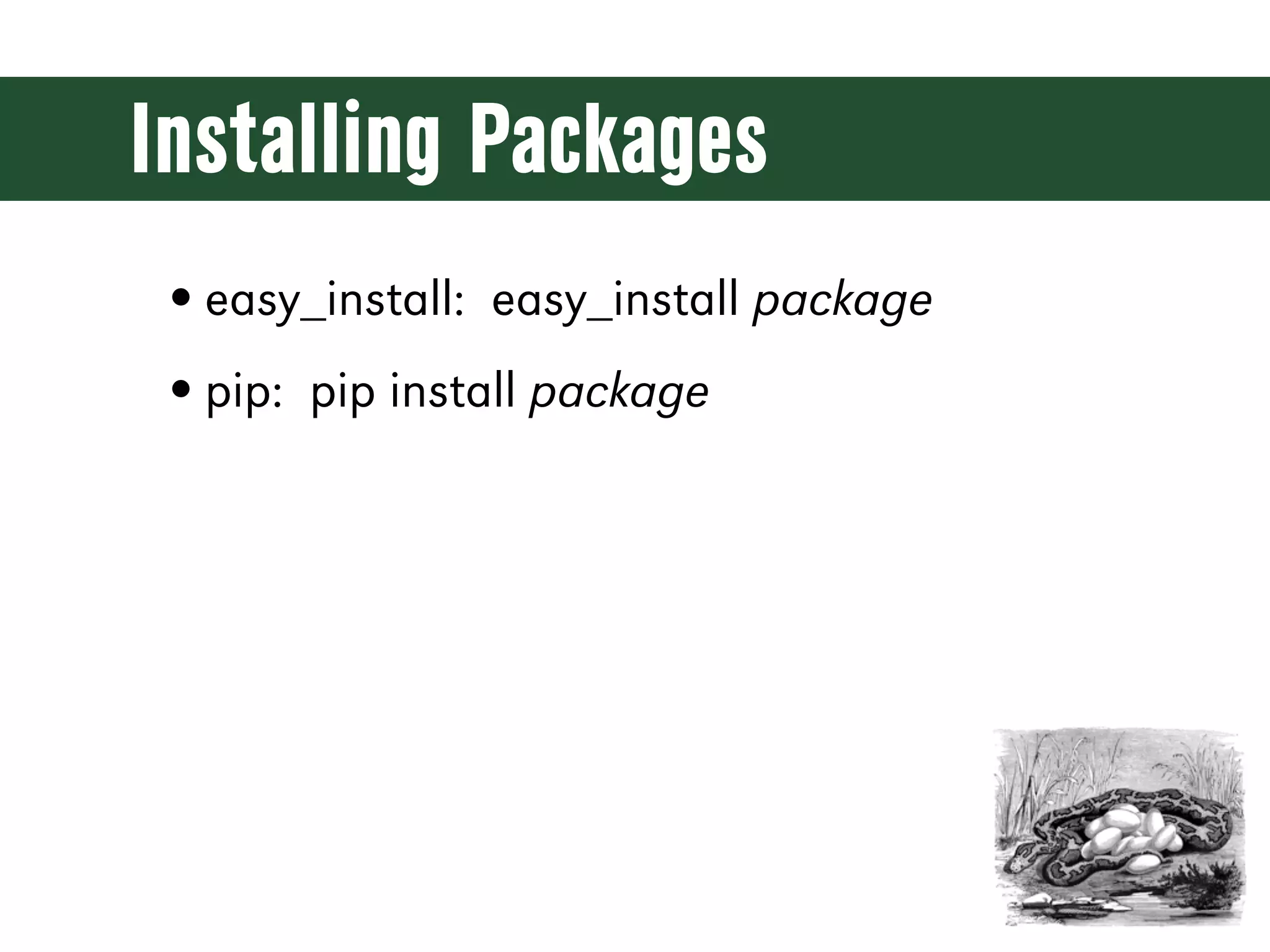
Installing Packages • easy_install: easy_install package • pip: pip install package
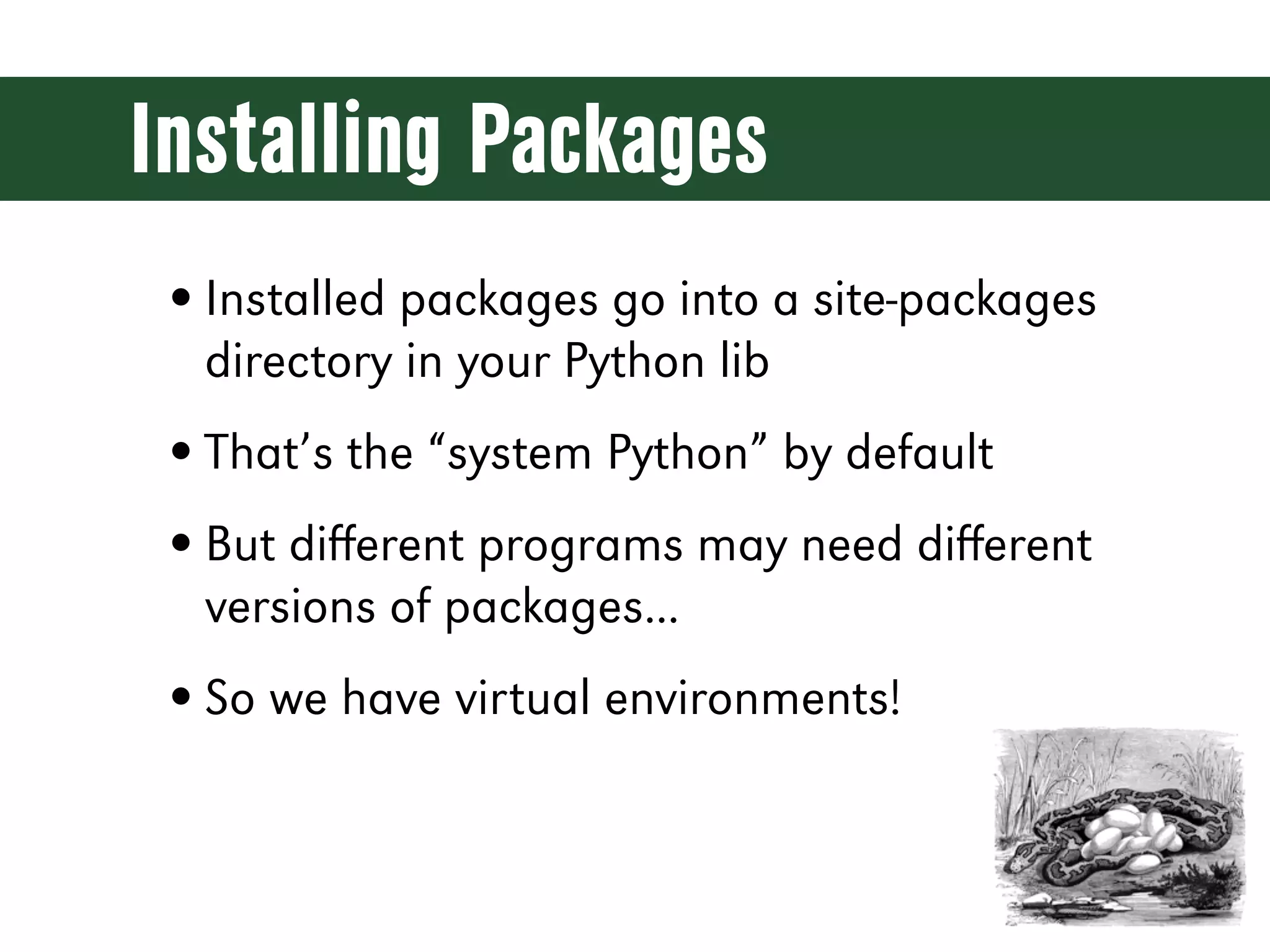
Installing Packages • Installed packages go into a site-packages directory in your Python lib • That’s the “system Python” by default • But different programs may need different versions of packages... • So we have virtual environments!
Virtual Environments • virtualenv • Creates an isolated Python environment with its own site-packages • Install whatever you want without fouling anything else up
Python 2 or 3? • The future of Python is Python 3 • Django 1.5 has experimental Python 3 support • Python 2.7 is still recommended for production applications • Django 1.6 will fully support Python 3
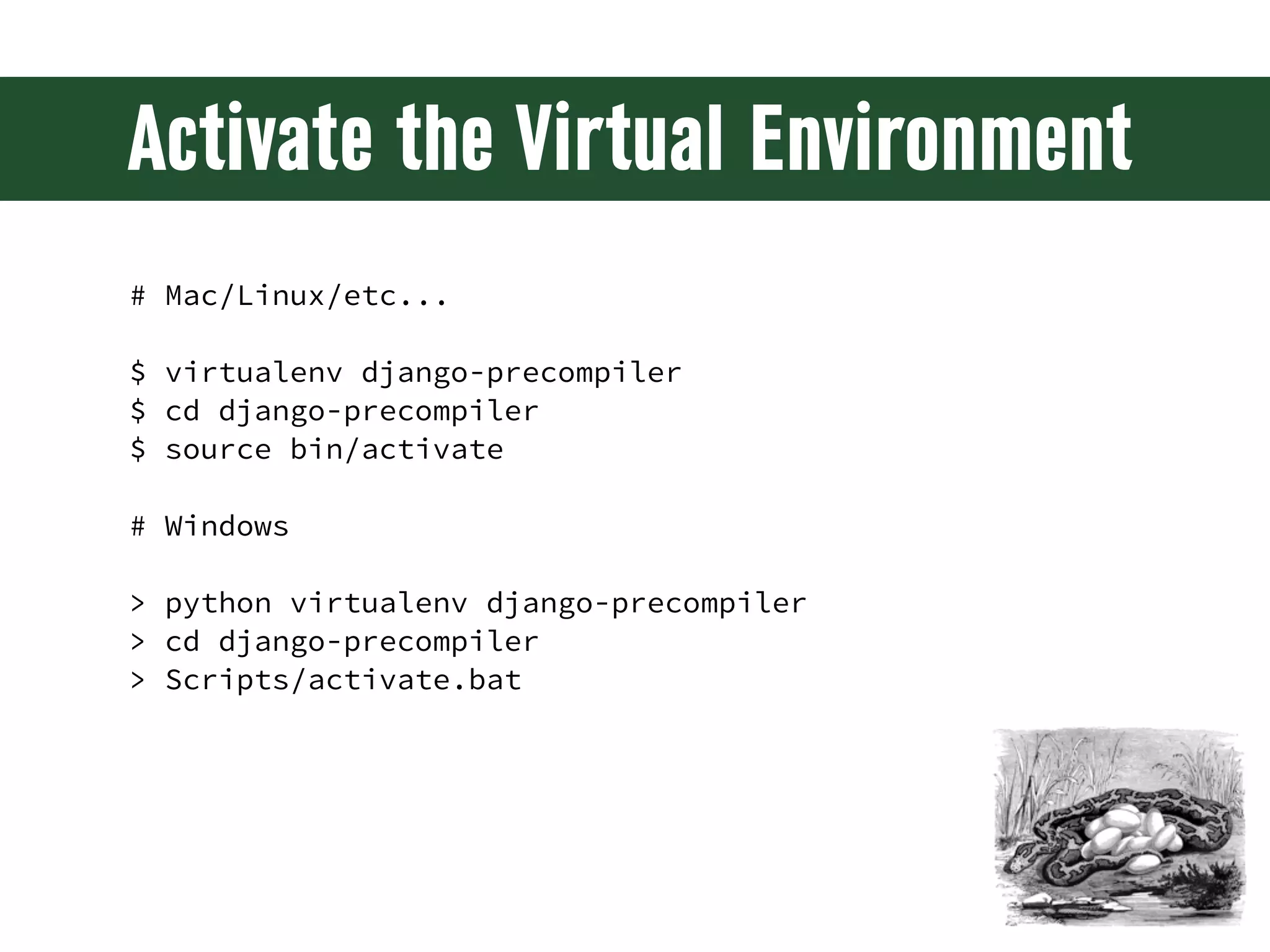
Activate the Virtual Environment # Mac/Linux/etc... $ virtualenv django-precompiler $ cd django-precompiler $ source bin/activate # Windows > python virtualenv django-precompiler > cd django-precompiler > Scripts/activate.bat
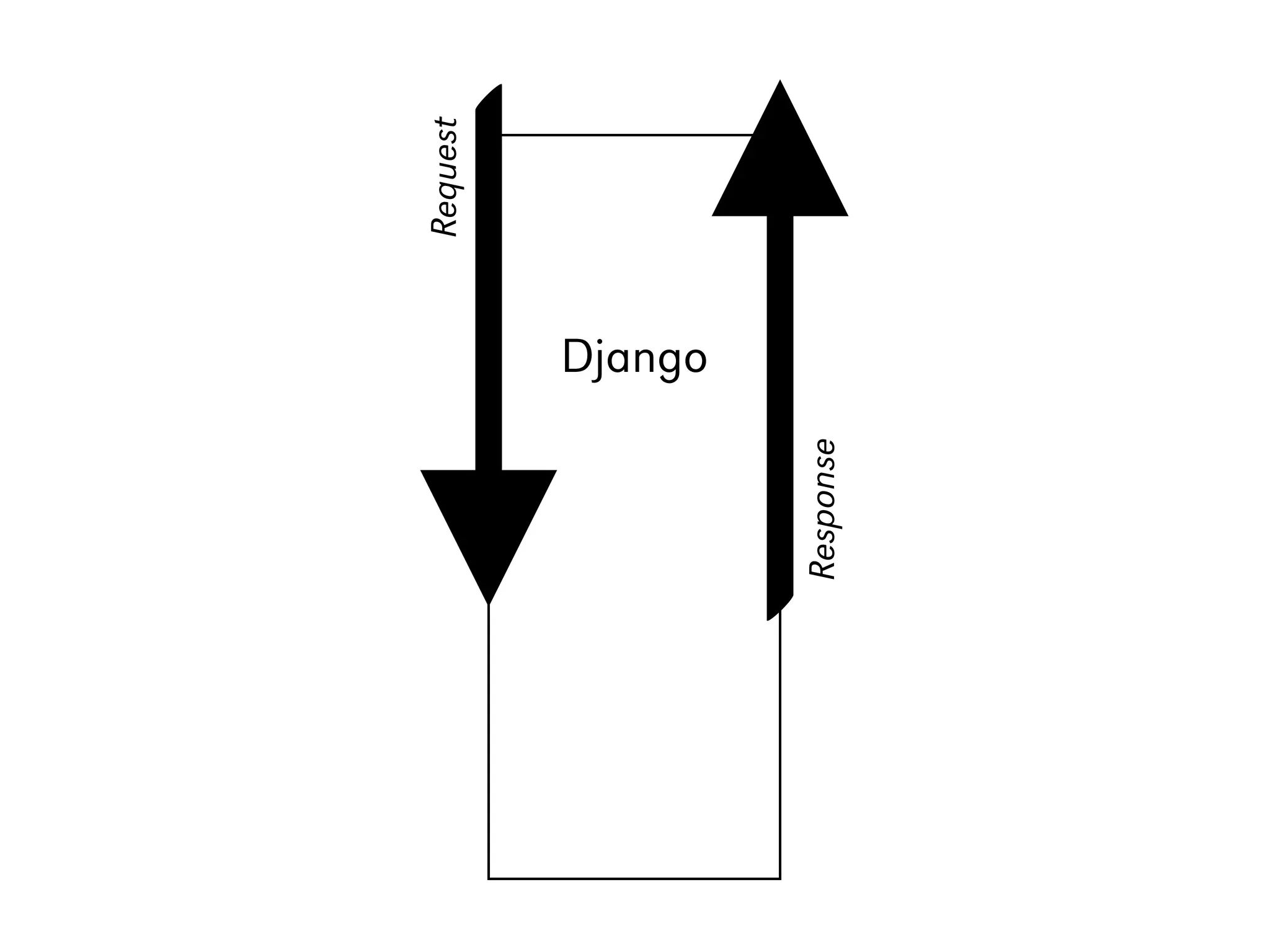
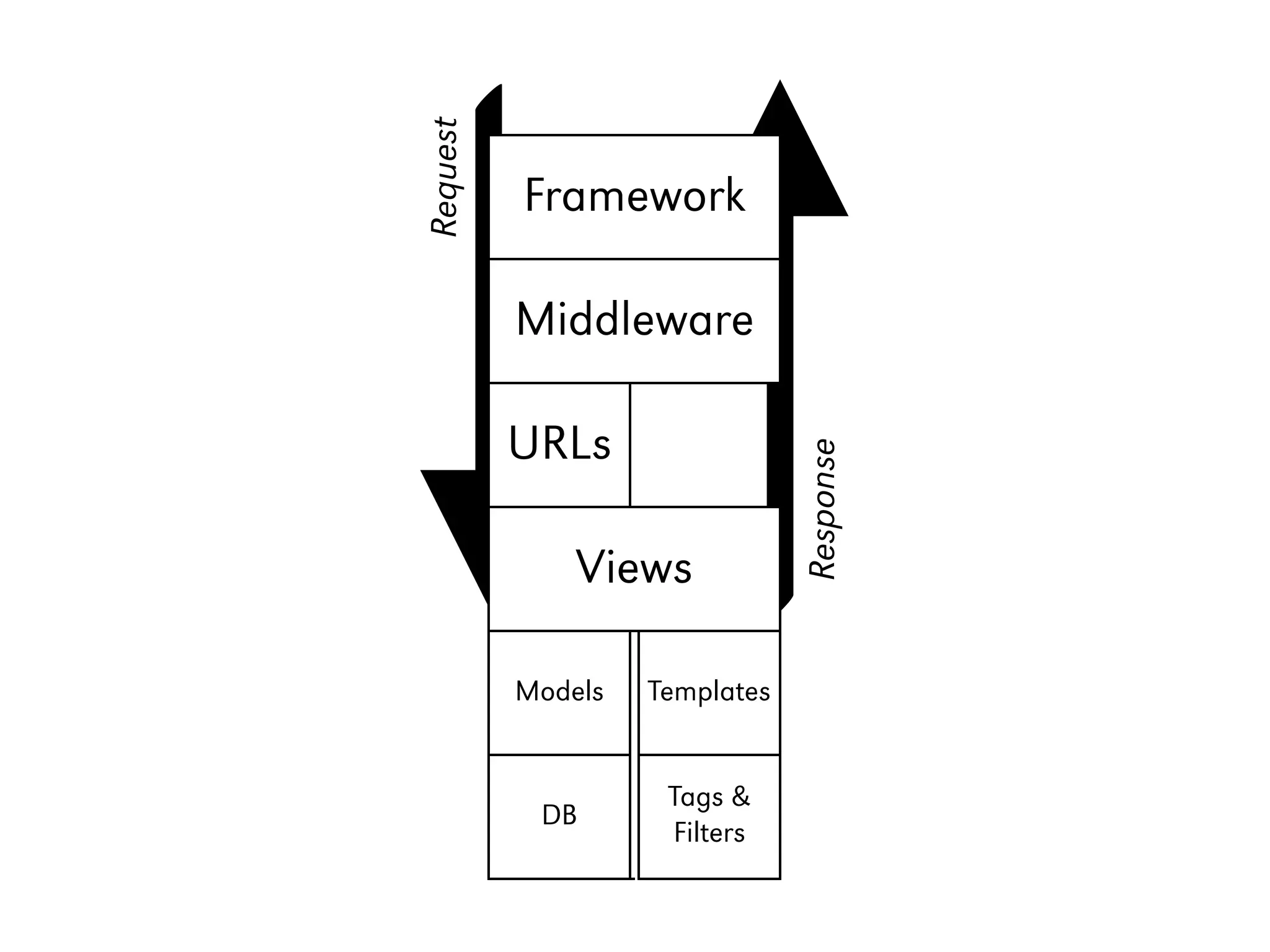
The Django Stack
Request Django Response
Request Framework Middleware Django URLs Response Views Models Templates Tags & DB Filters
The Project...
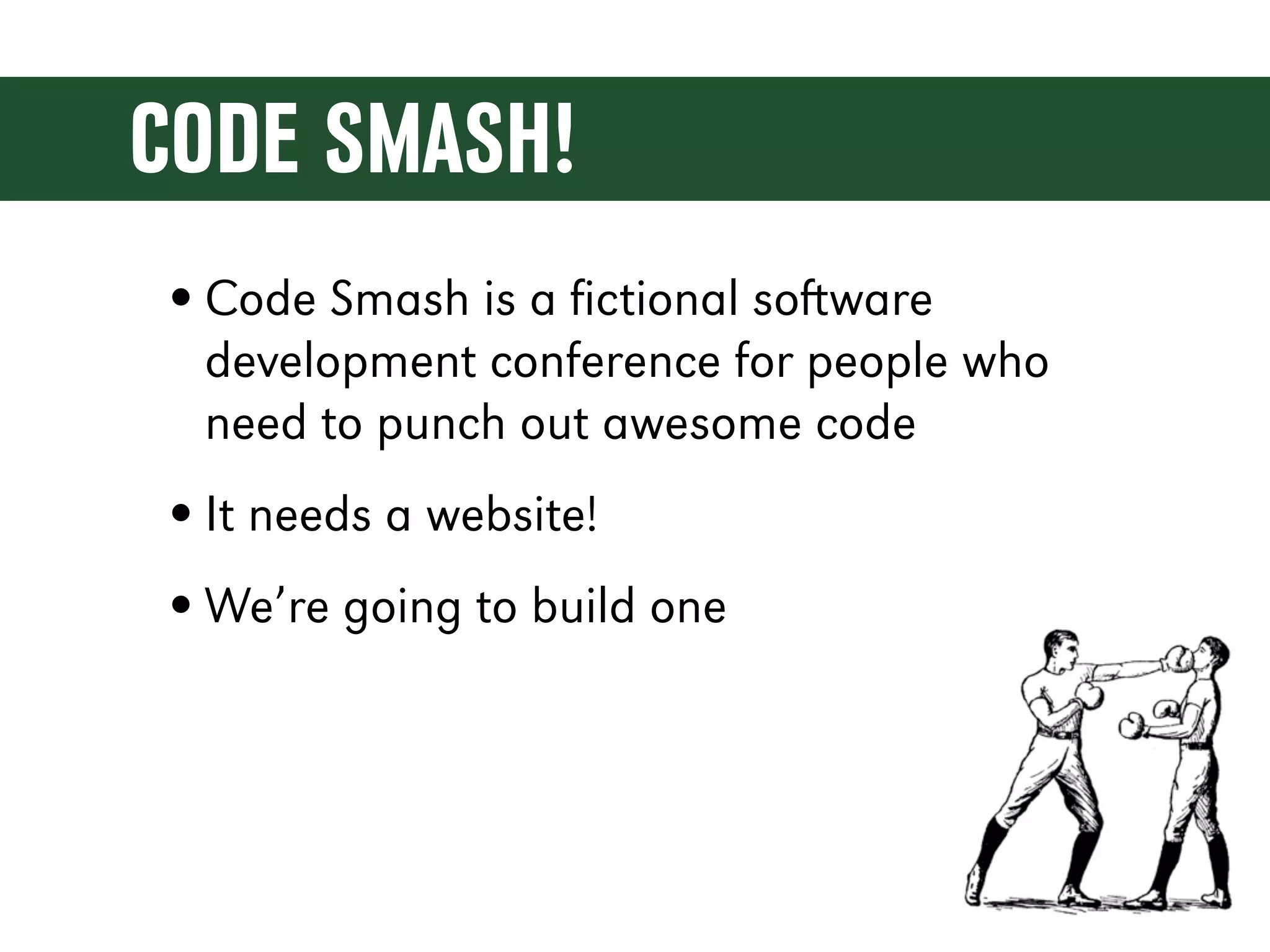
CODE SMASH! • Code Smash is a fictional soware development conference for people who need to punch out awesome code • It needs a website! • We’re going to build one
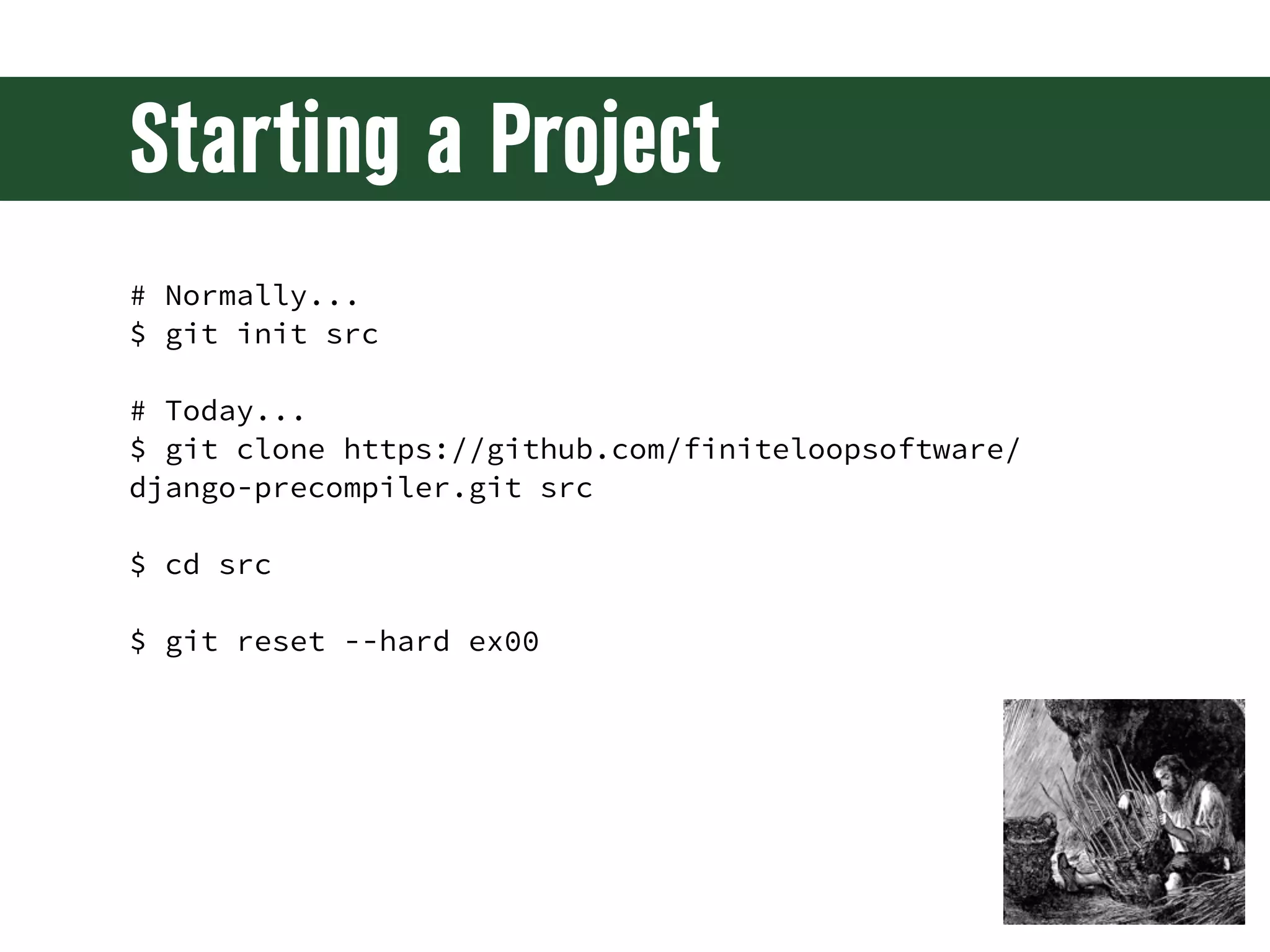
Starting a Project # Normally... $ git init src # Today... $ git clone https://github.com/finiteloopsoftware/ django-precompiler.git src $ cd src $ git reset --hard ex00
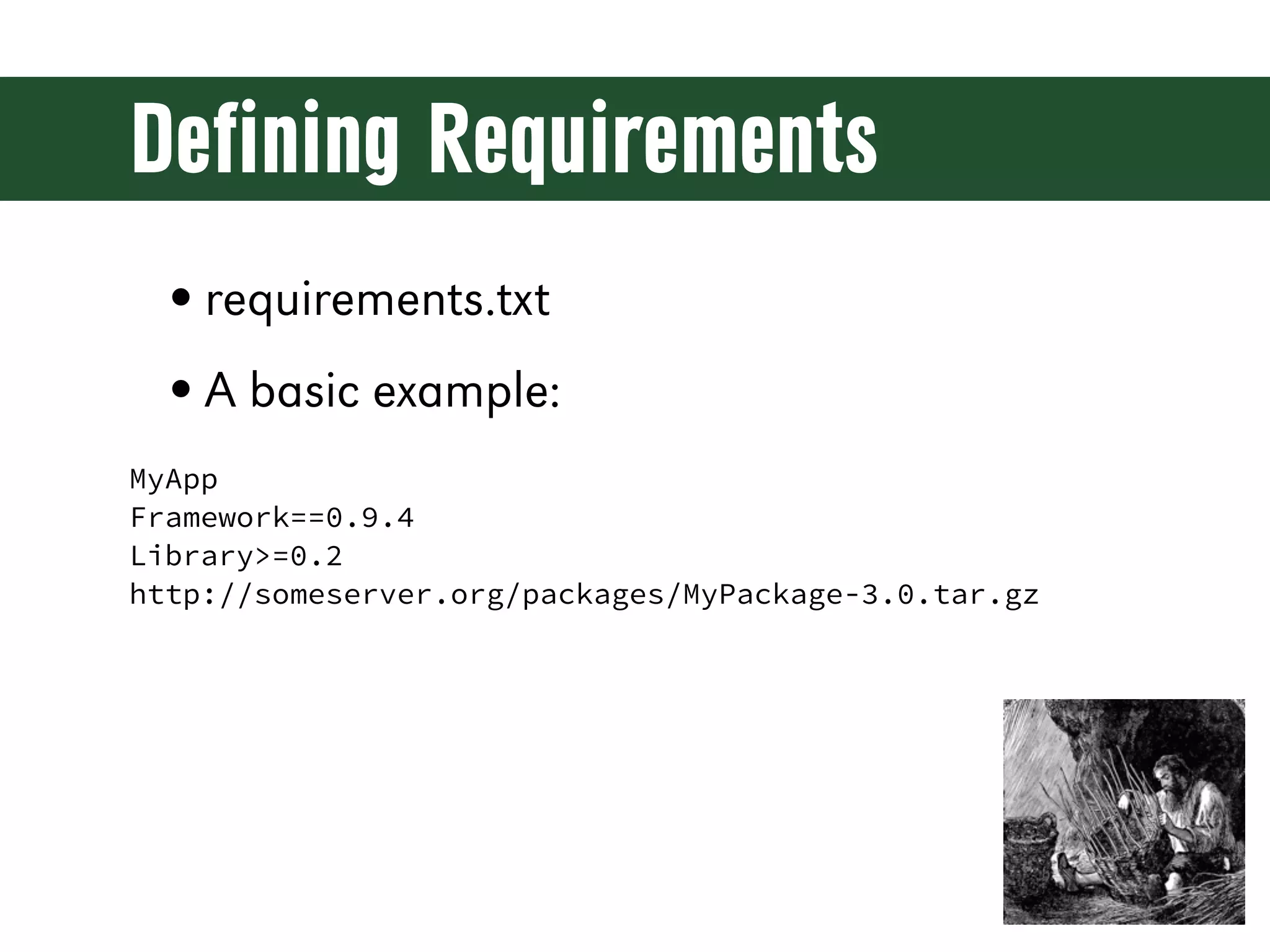
Defining Requirements • requirements.txt • A basic example: MyApp Framework==0.9.4 Library>=0.2 http://someserver.org/packages/MyPackage-3.0.tar.gz
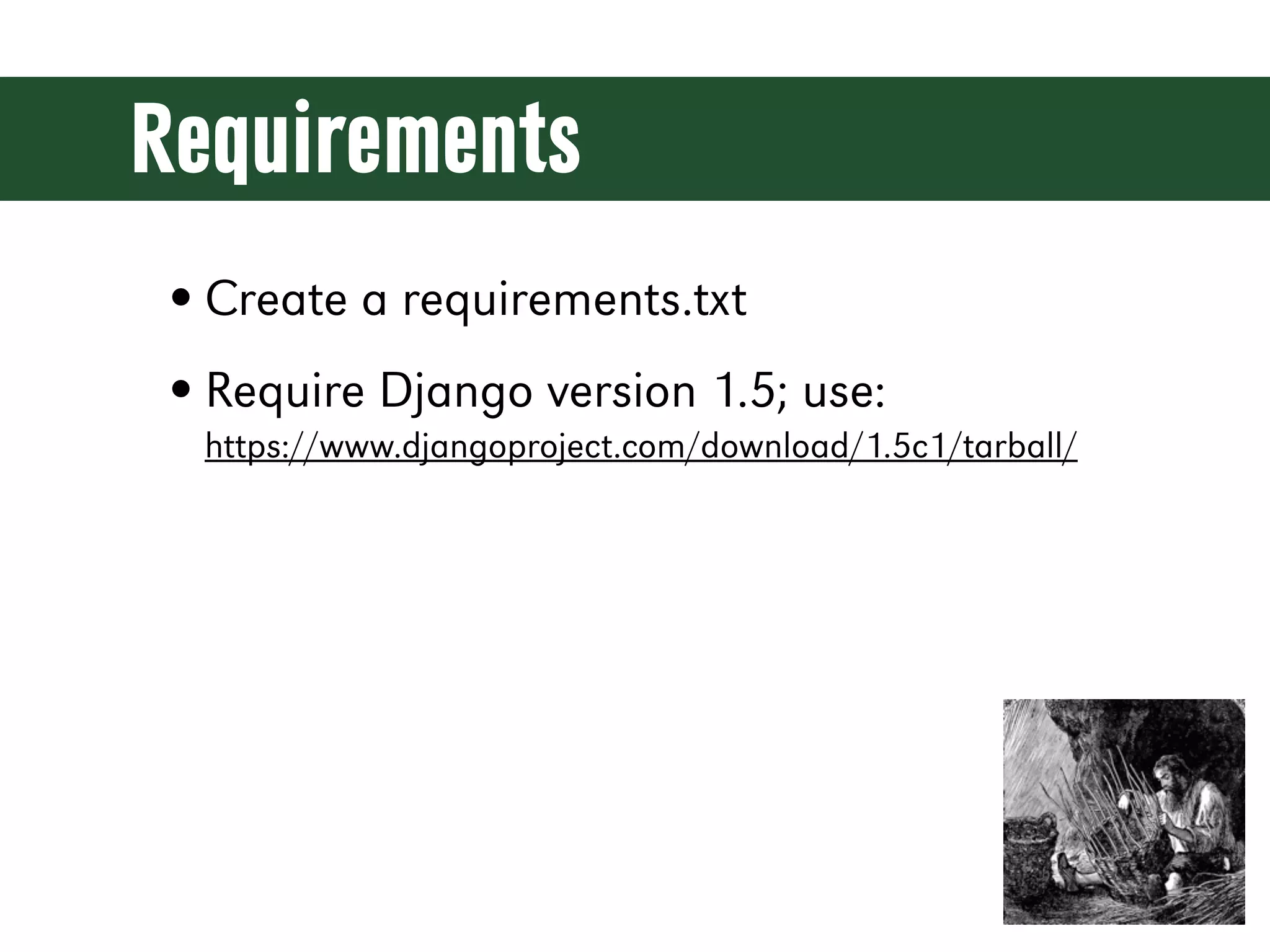
Requirements • Create a requirements.txt • Require Django version 1.5; use: https://www.djangoproject.com/download/1.5c1/tarball/
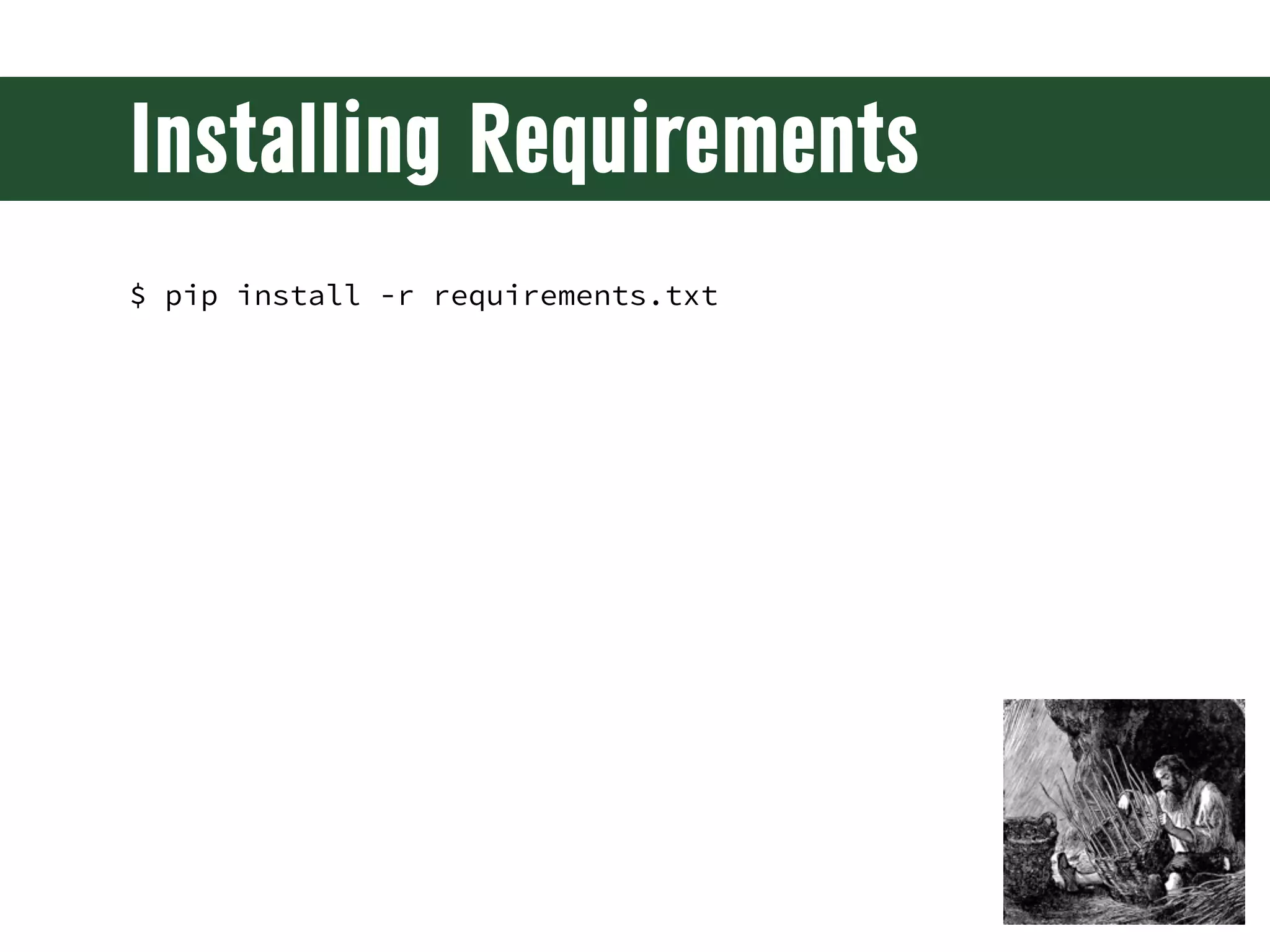
Installing Requirements $ pip install -r requirements.txt
Starting a Project # Mac/Linux/etc. $ django-admin.py startproject codesmash ./ $ python manage.py runserver # Windows > python Scripts/django-admin.py startproject codesmash > python manage.py runserver
New Project Contents src/ codesmash/ __init__.py settings.py urls.py wsgi.py manage.py
A Static Home Page
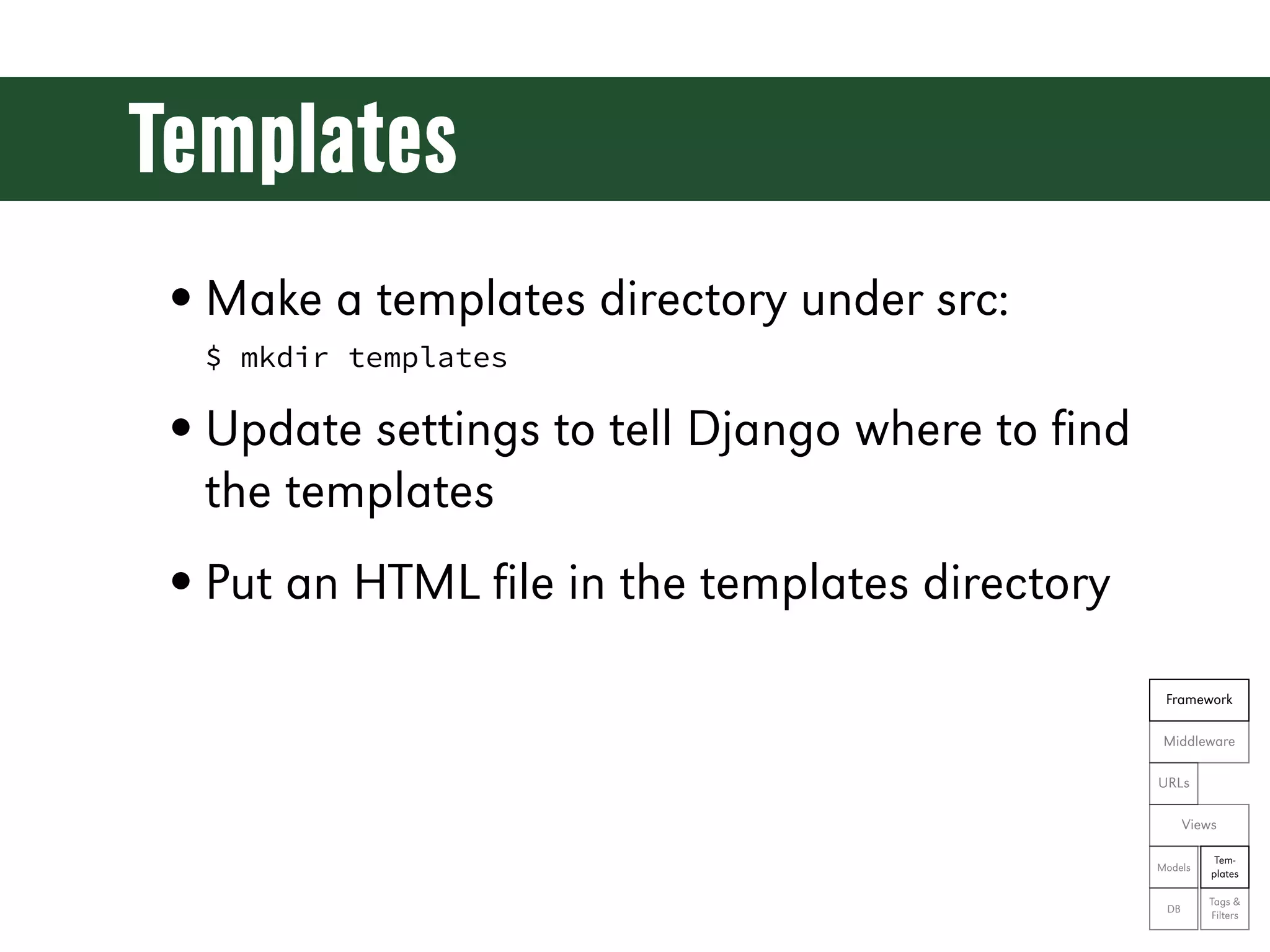
Templates • Make a templates directory under src: $ mkdir templates • Update settings to tell Django where to find the templates • Put an HTML file in the templates directory Framework Middleware URLs Views Tem- Models plates Tags & DB Filters
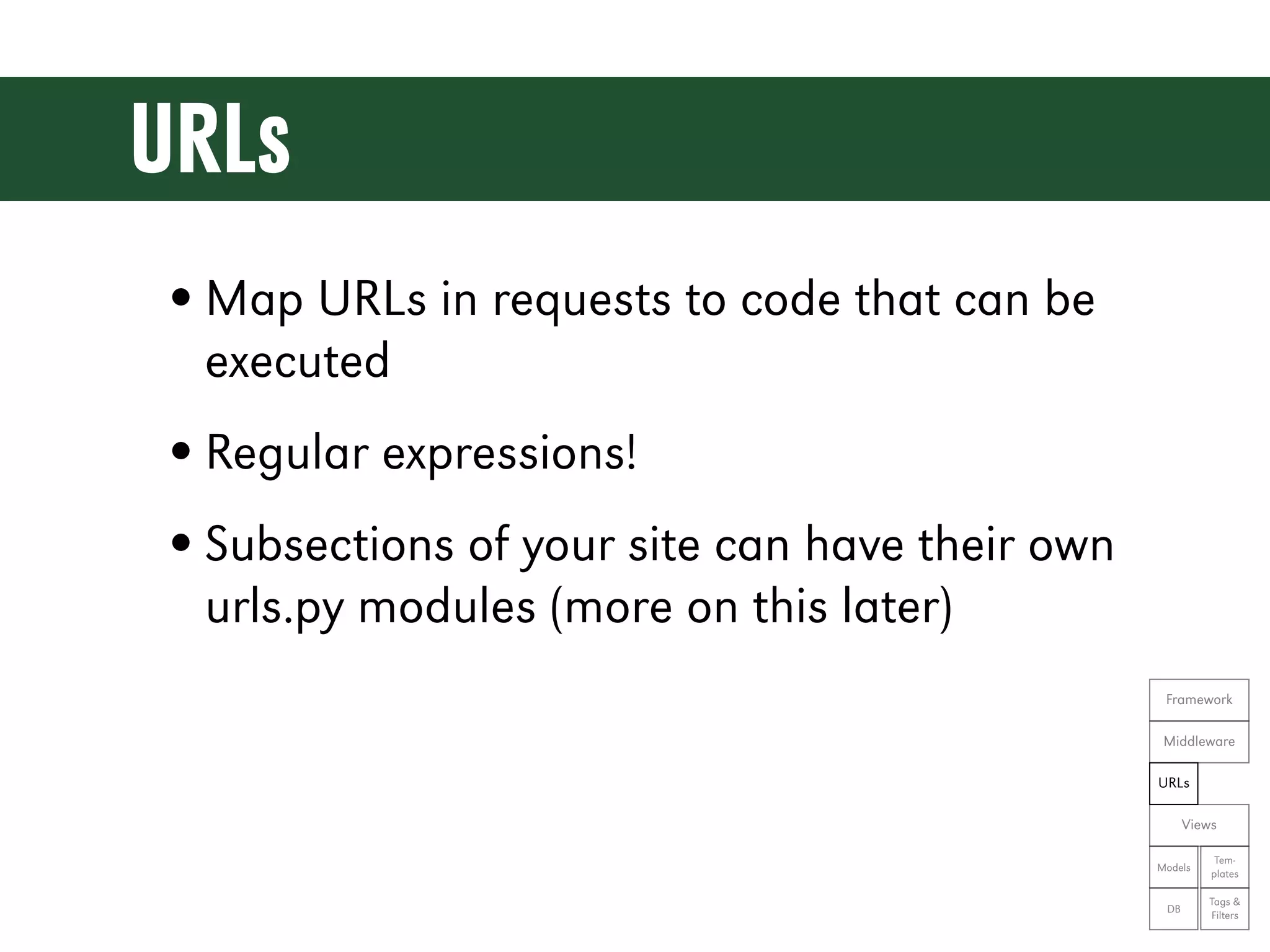
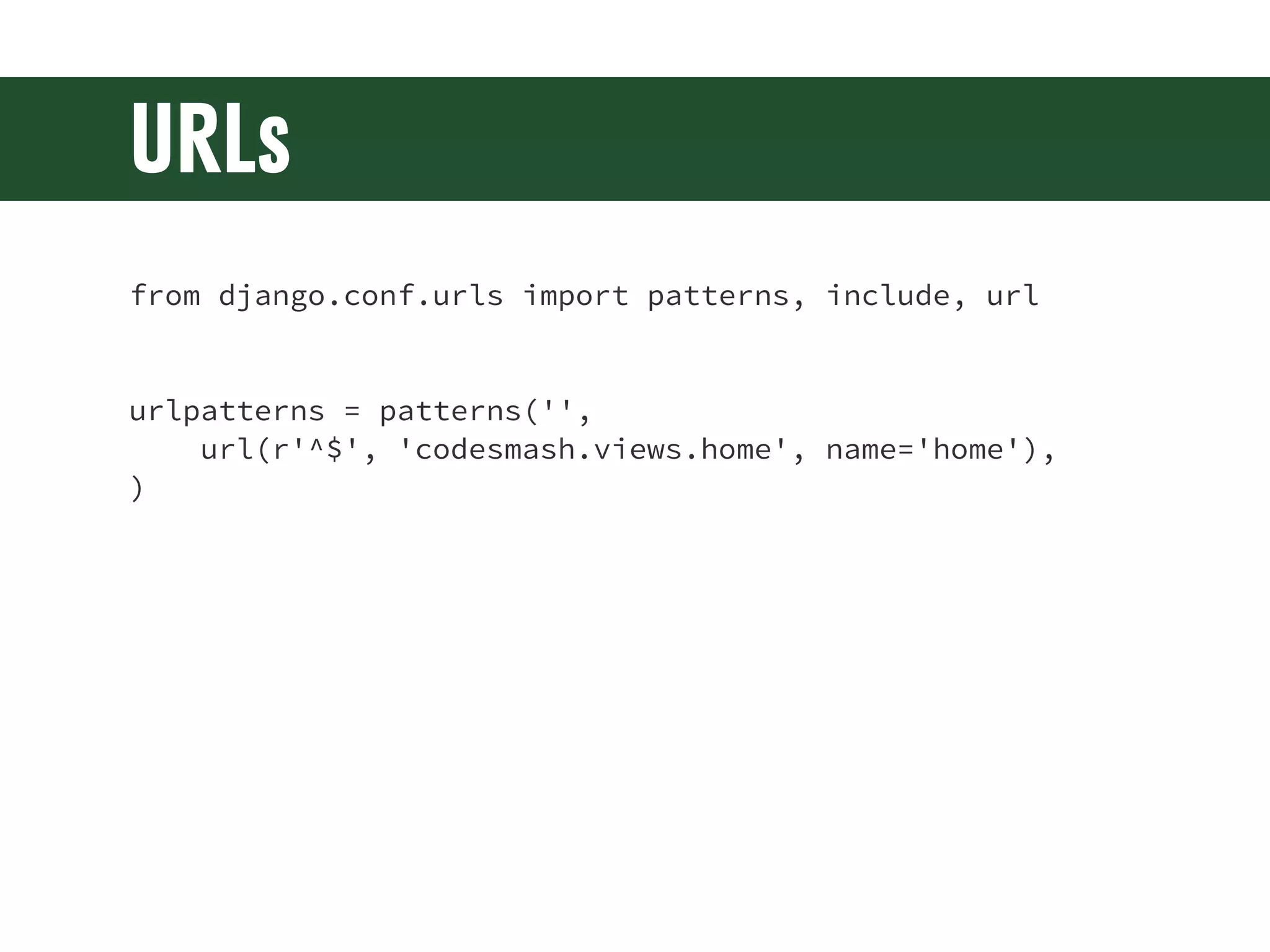
URLs • Map URLs in requests to code that can be executed • Regular expressions! • Subsections of your site can have their own urls.py modules (more on this later) Framework Middleware URLs Views Tem- Models plates Tags & DB Filters
URLs from django.conf.urls import patterns, include, url urlpatterns = patterns('',     url(r'^$', 'codesmash.views.home', name='home'), )
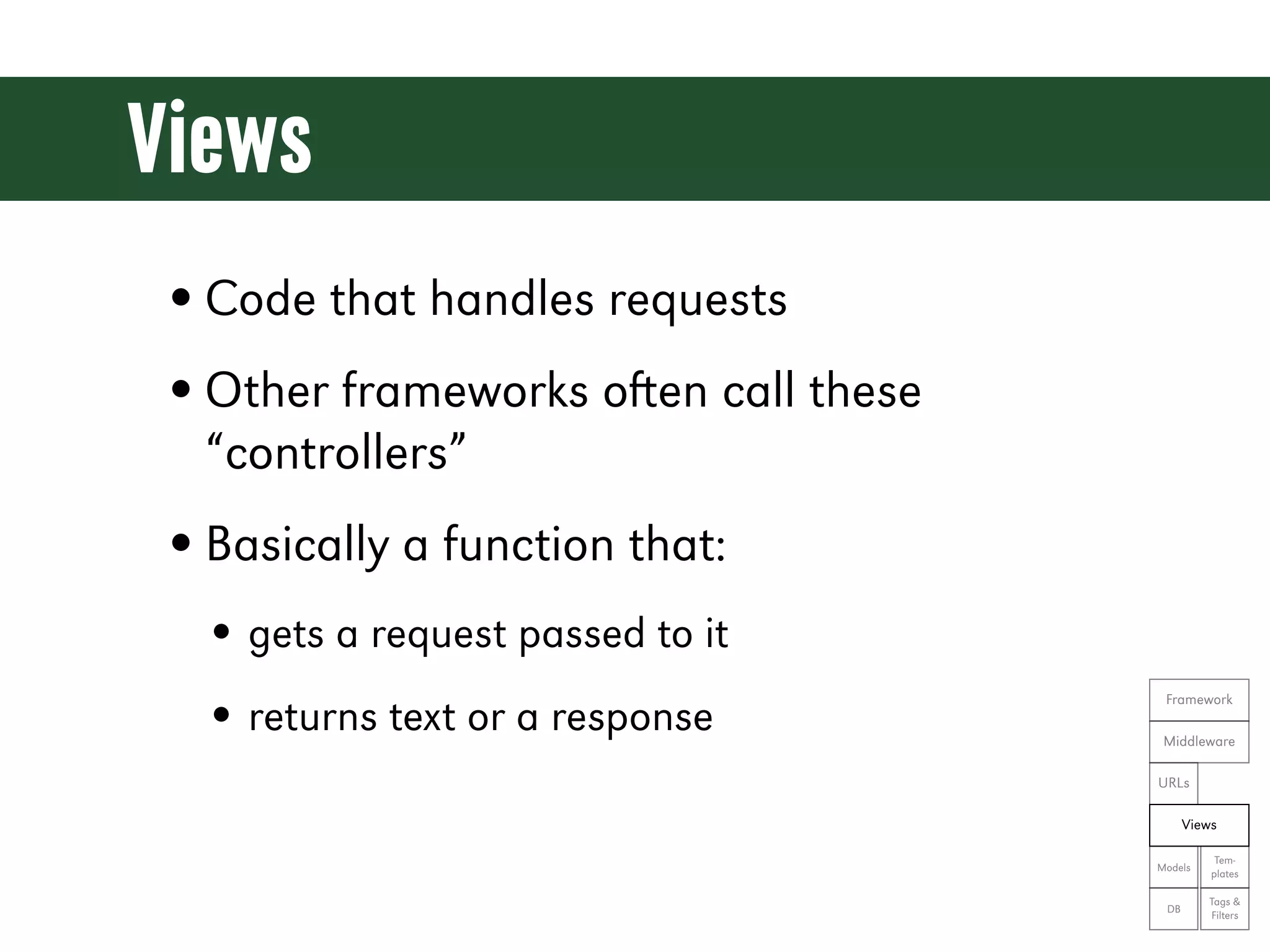
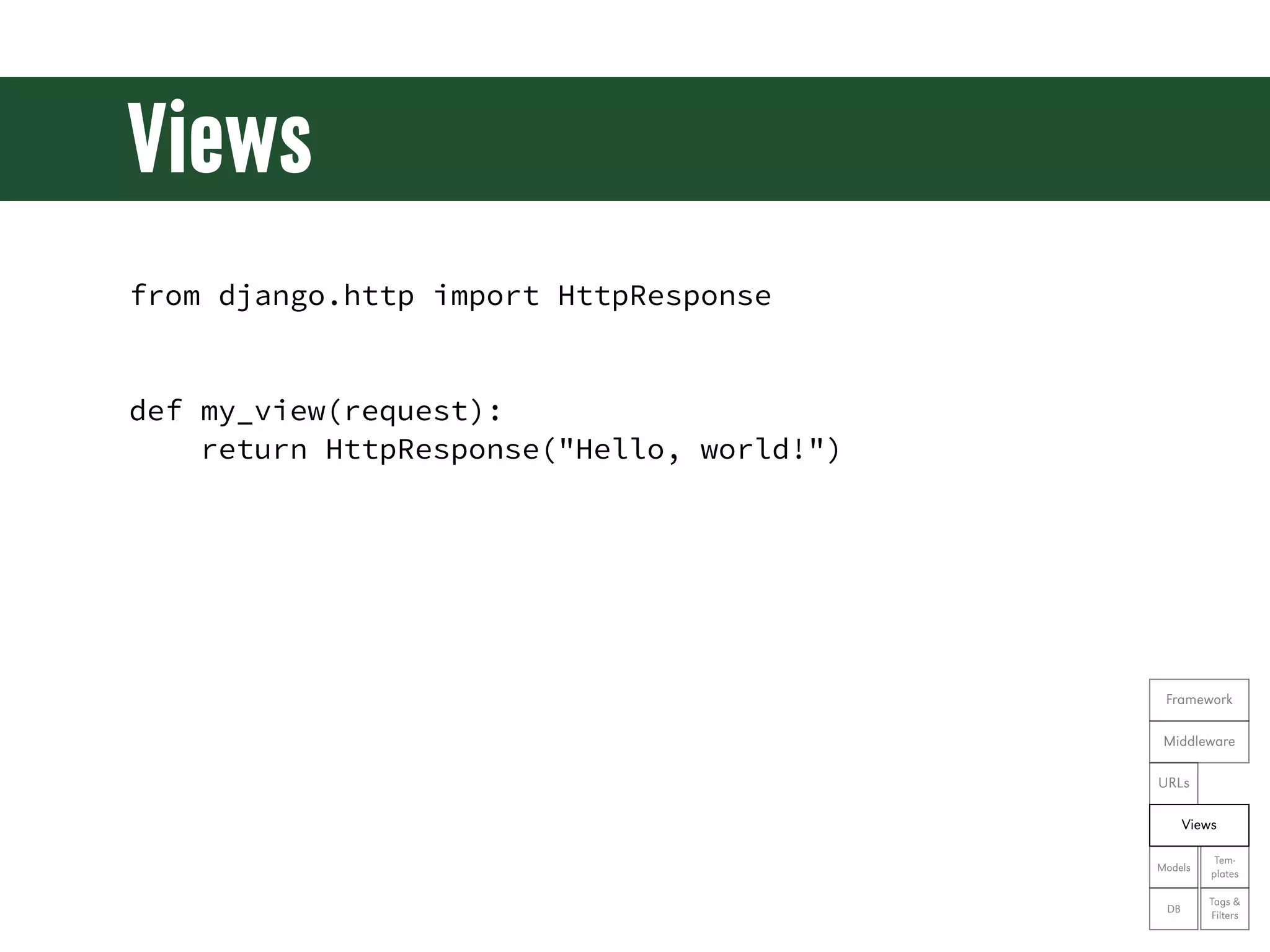
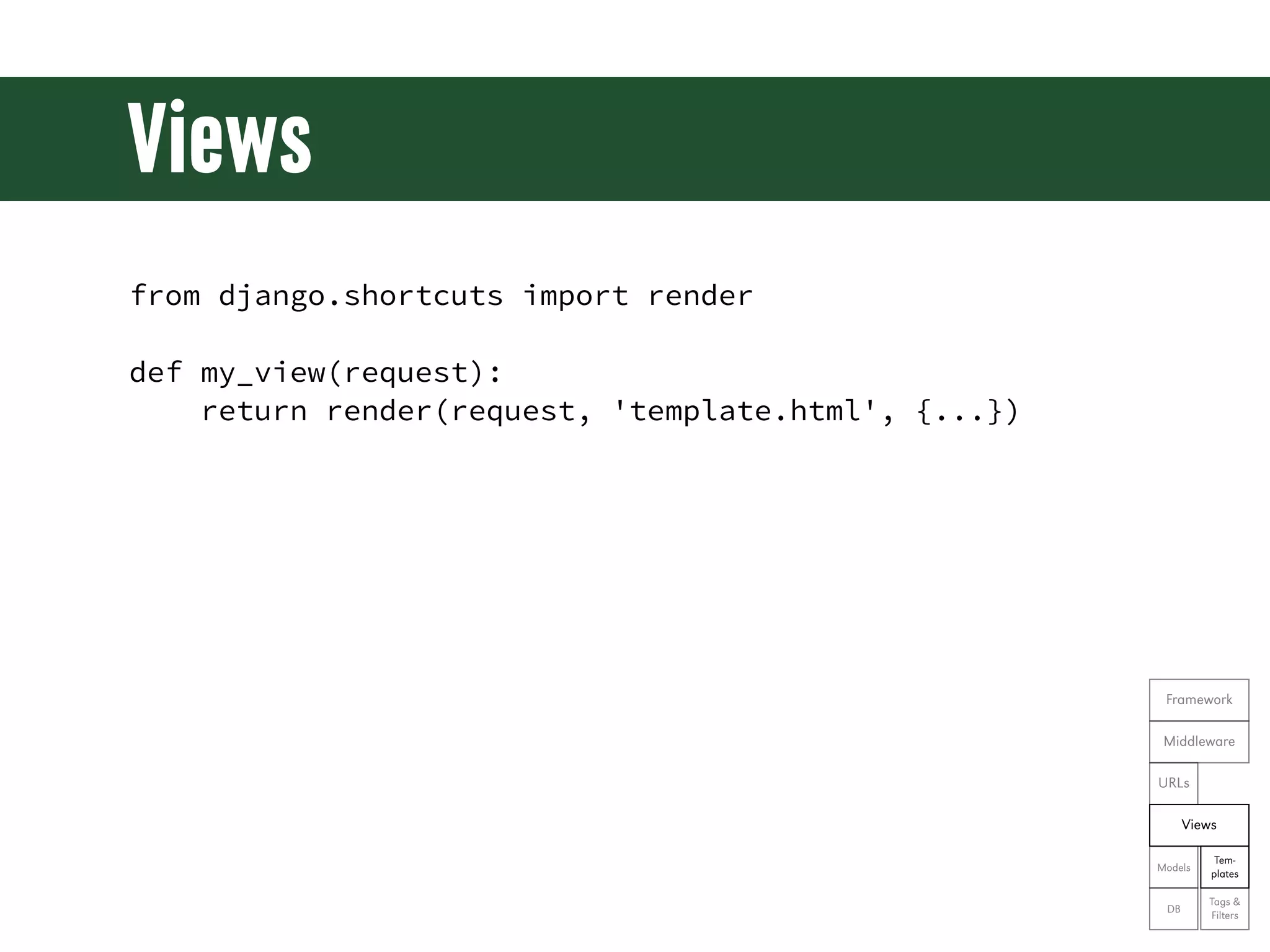
Views • Code that handles requests • Other frameworks oen call these “controllers” • Basically a function that: • gets a request passed to it • returns text or a response Framework Middleware URLs Views Tem- Models plates Tags & DB Filters
Views from django.http import HttpResponse def my_view(request): return HttpResponse("Hello, world!") Framework Middleware URLs Views Tem- Models plates Tags & DB Filters
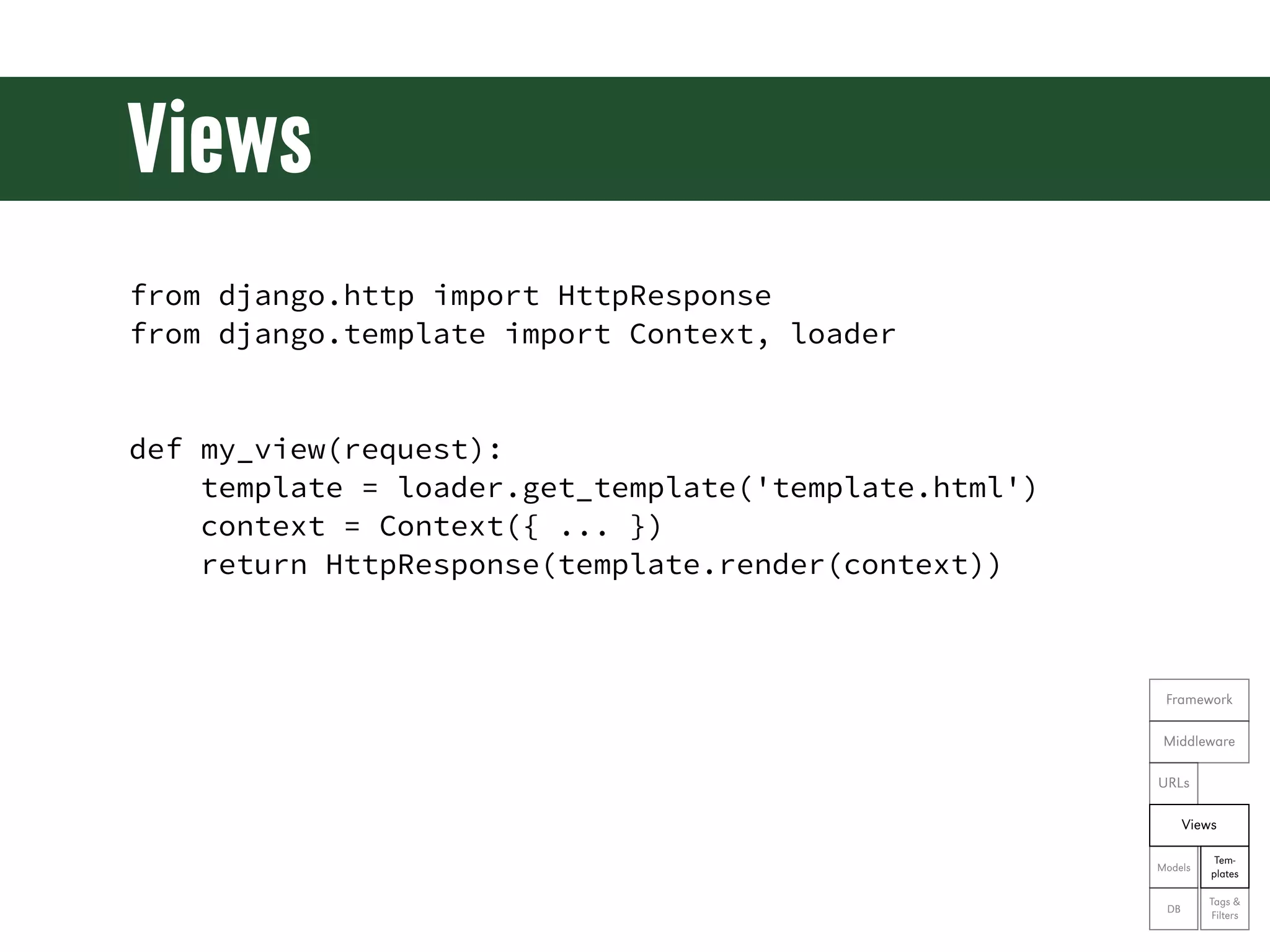
Views from django.http import HttpResponse from django.template import Context, loader def my_view(request): template = loader.get_template('template.html') context = Context({ ... }) return HttpResponse(template.render(context)) Framework Middleware URLs Views Tem- Models plates Tags & DB Filters
Views from django.shortcuts import render def my_view(request): return render(request, 'template.html', {...}) Framework Middleware URLs Views Tem- Models plates Tags & DB Filters
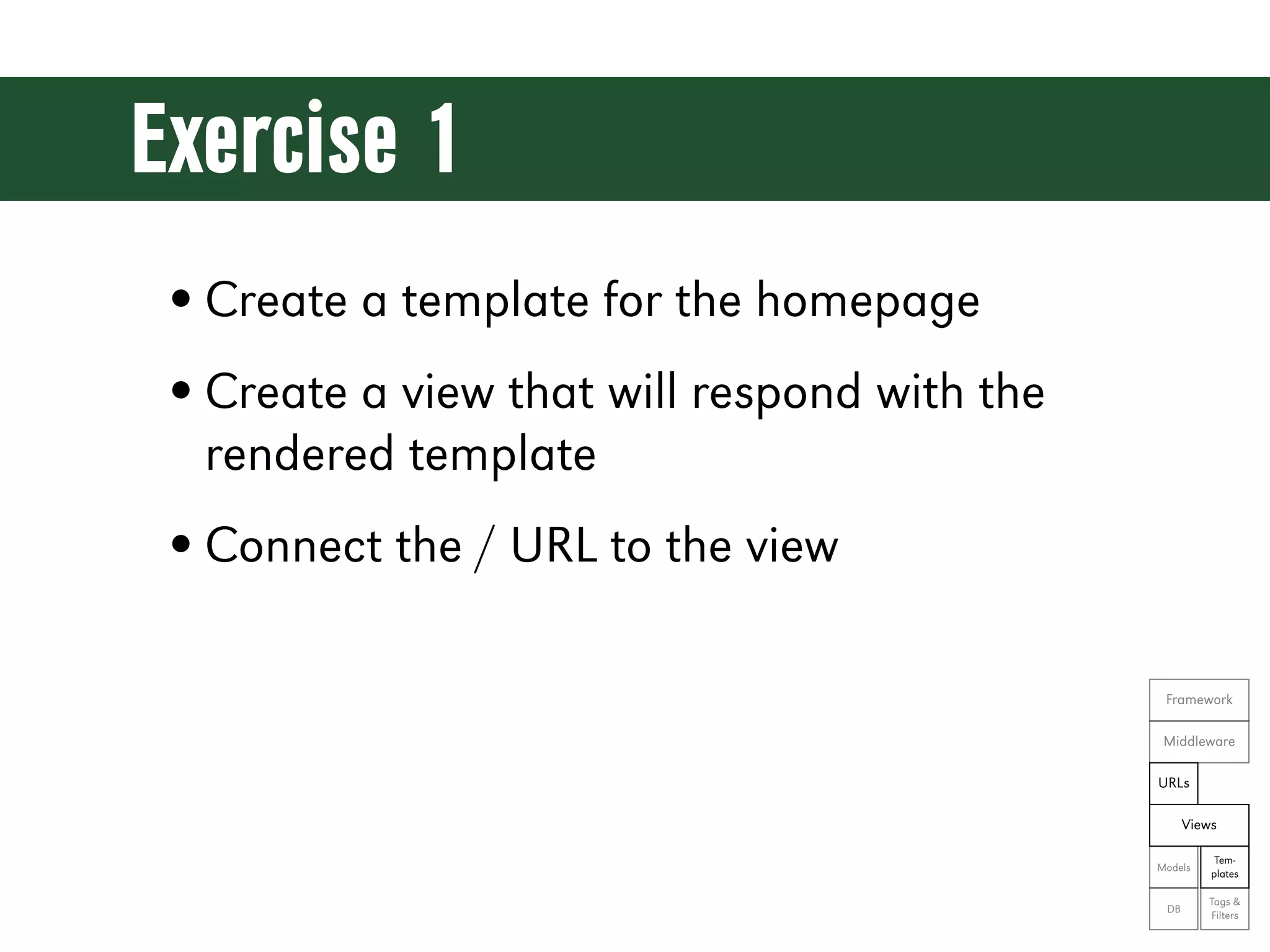
Exercise 1 • Create a template for the homepage • Create a view that will respond with the rendered template • Connect the / URL to the view Framework Middleware URLs Views Tem- Models plates Tags & DB Filters
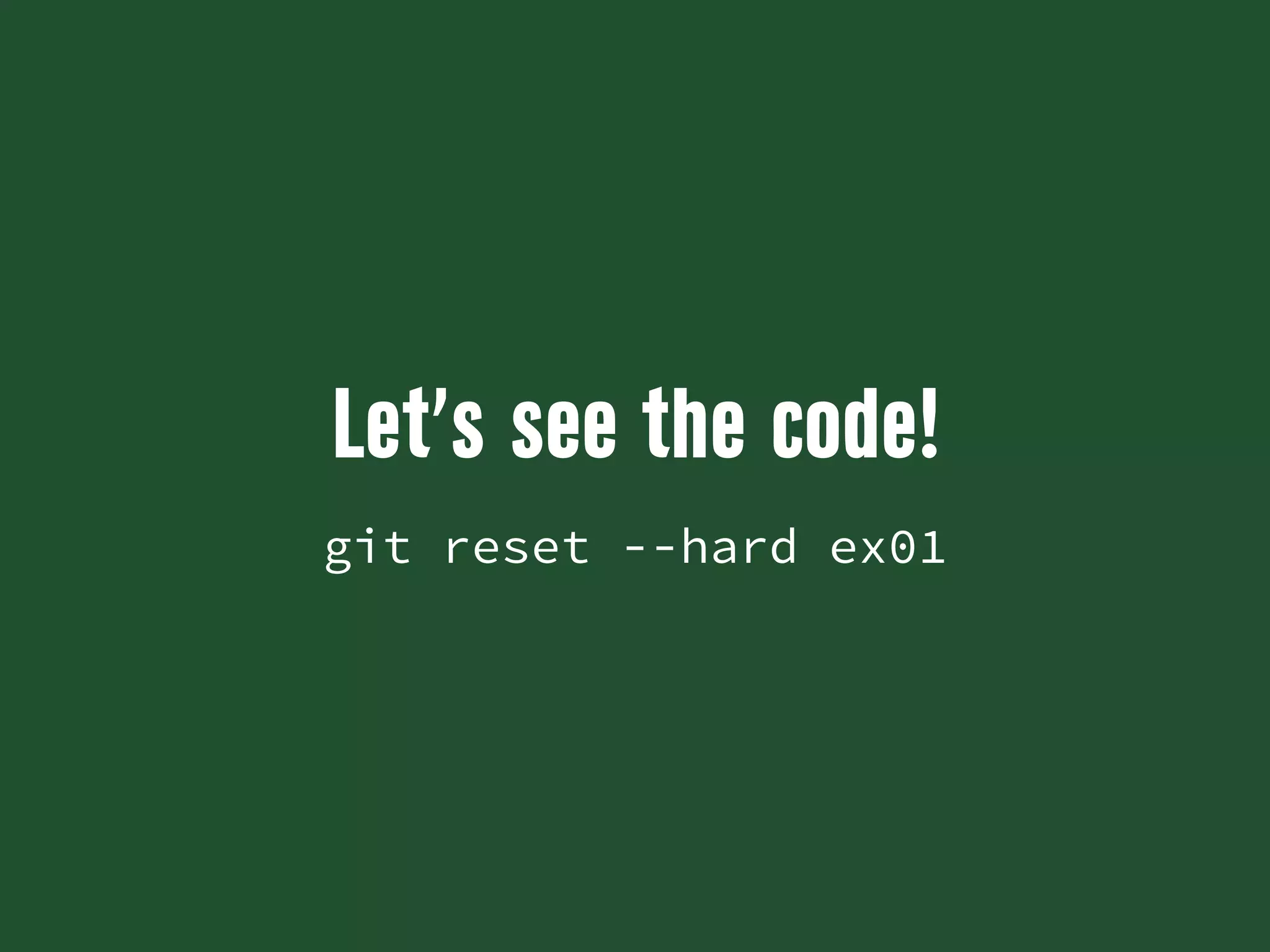
Let’s see the code! git reset --hard ex01
Contact Form
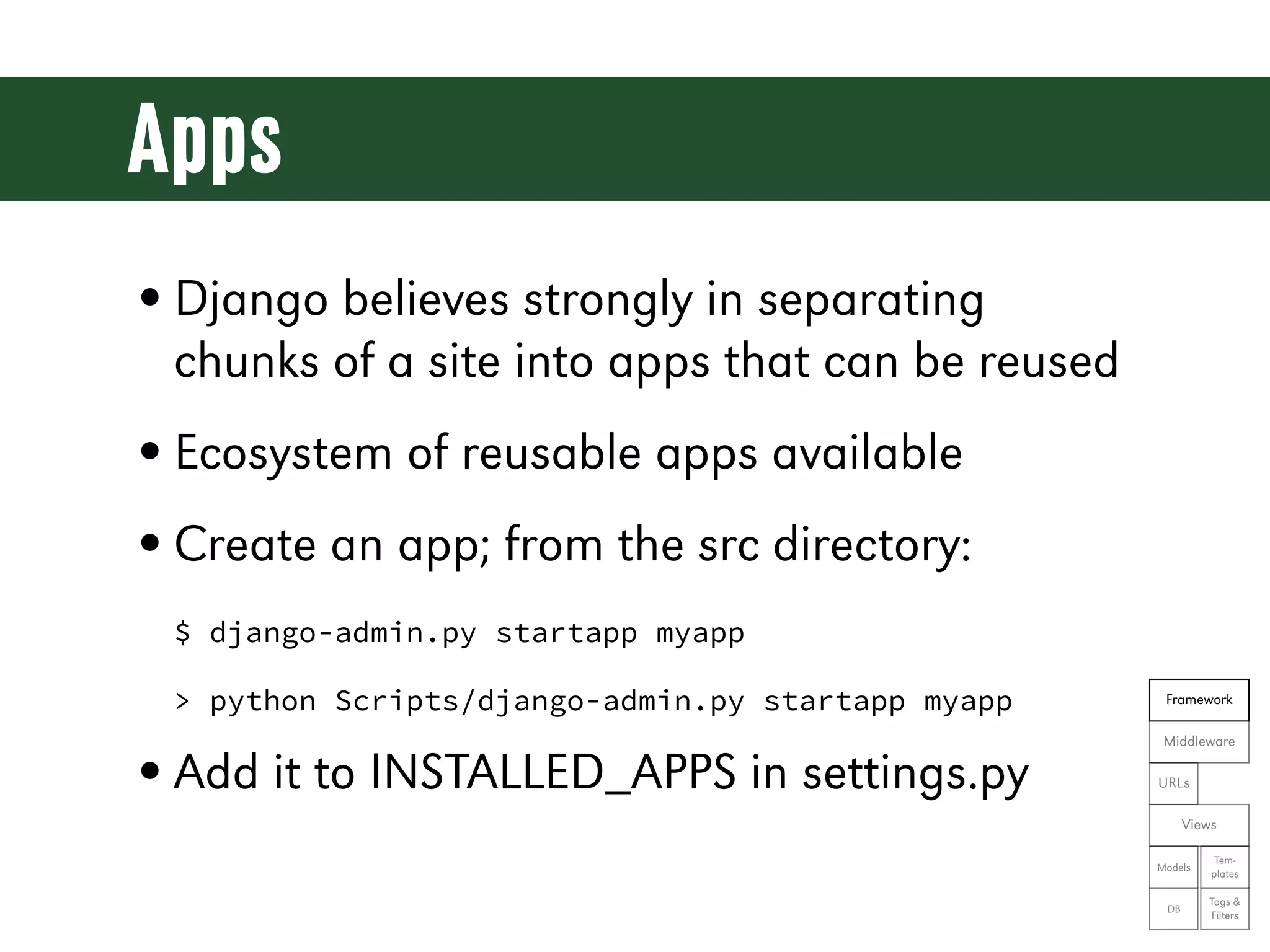
Apps • Django believes strongly in separating chunks of a site into apps that can be reused • Ecosystem of reusable apps available • Create an app; from the src directory: $ django-admin.py startapp myapp > python Scripts/django-admin.py startapp myapp Framework Middleware • Add it to INSTALLED_APPS in settings.py URLs Views Tem- Models plates Tags & DB Filters
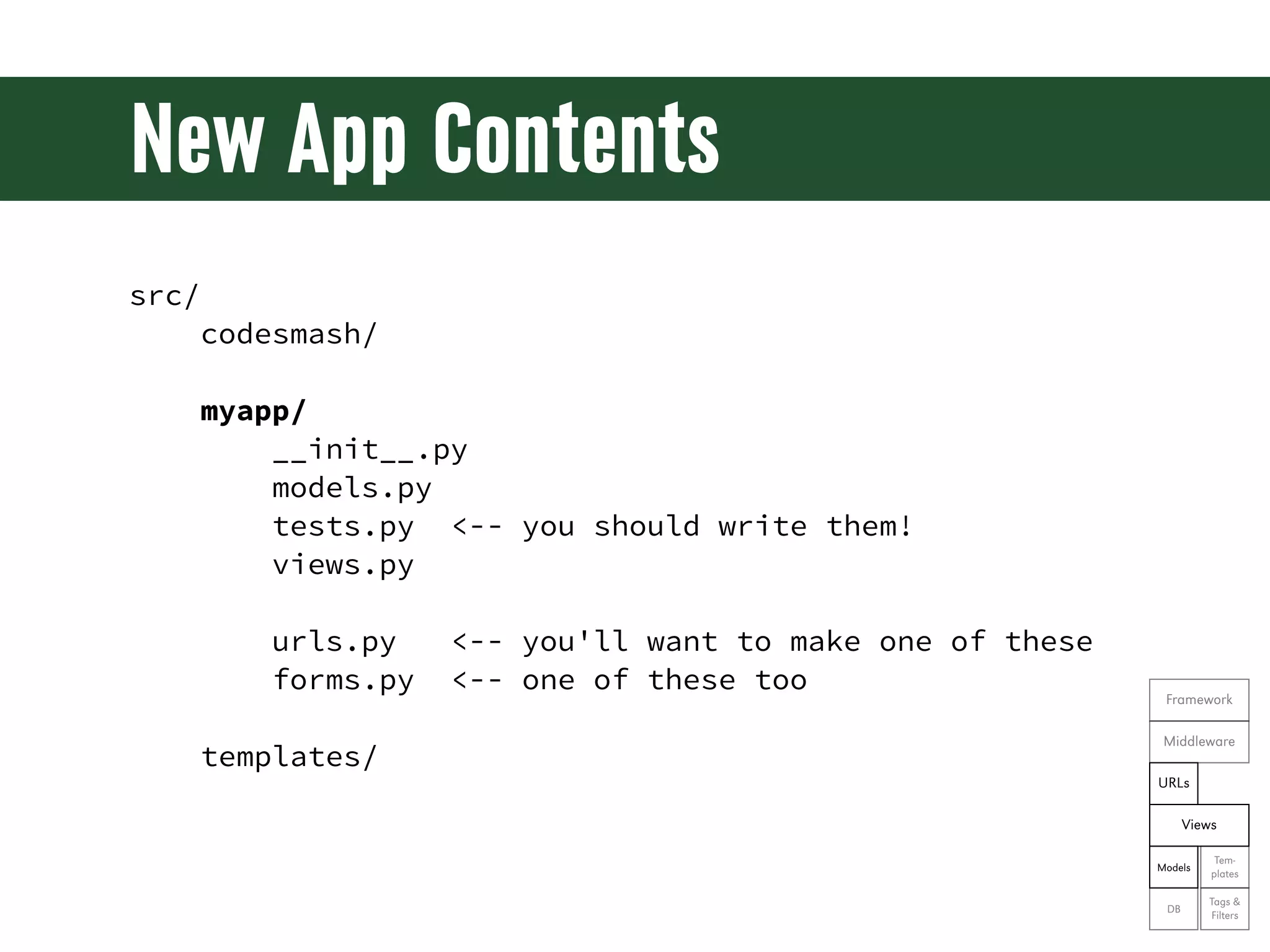
New App Contents src/ codesmash/ myapp/ __init__.py models.py tests.py <-- you should write them! views.py urls.py <-- you'll want to make one of these forms.py <-- one of these too Framework Middleware templates/ URLs Views Tem- Models plates Tags & DB Filters
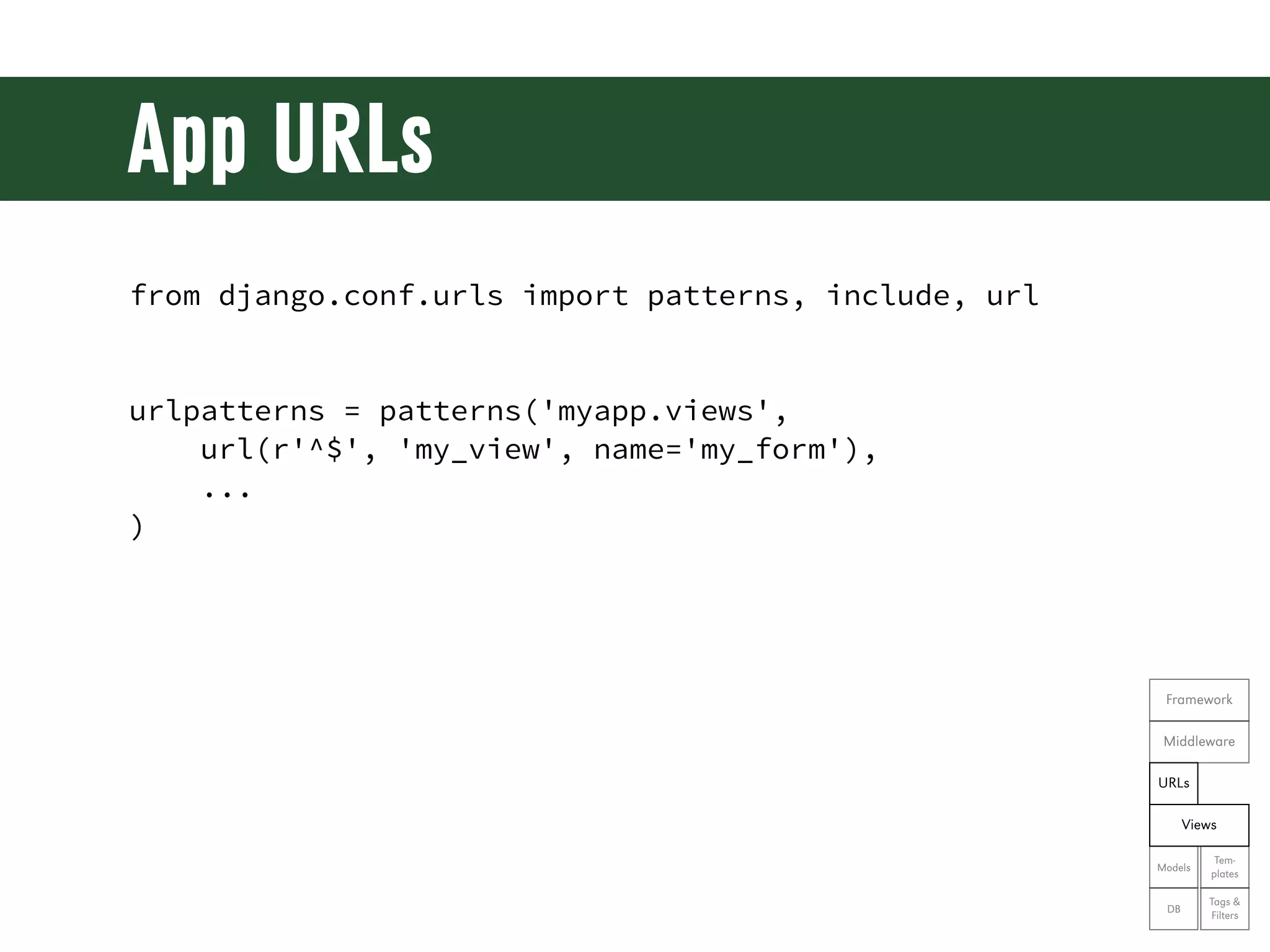
App URLs from django.conf.urls import patterns, include, url urlpatterns = patterns('myapp.views', url(r'^$', 'my_view', name='my_form'), ... ) Framework Middleware URLs Views Tem- Models plates Tags & DB Filters
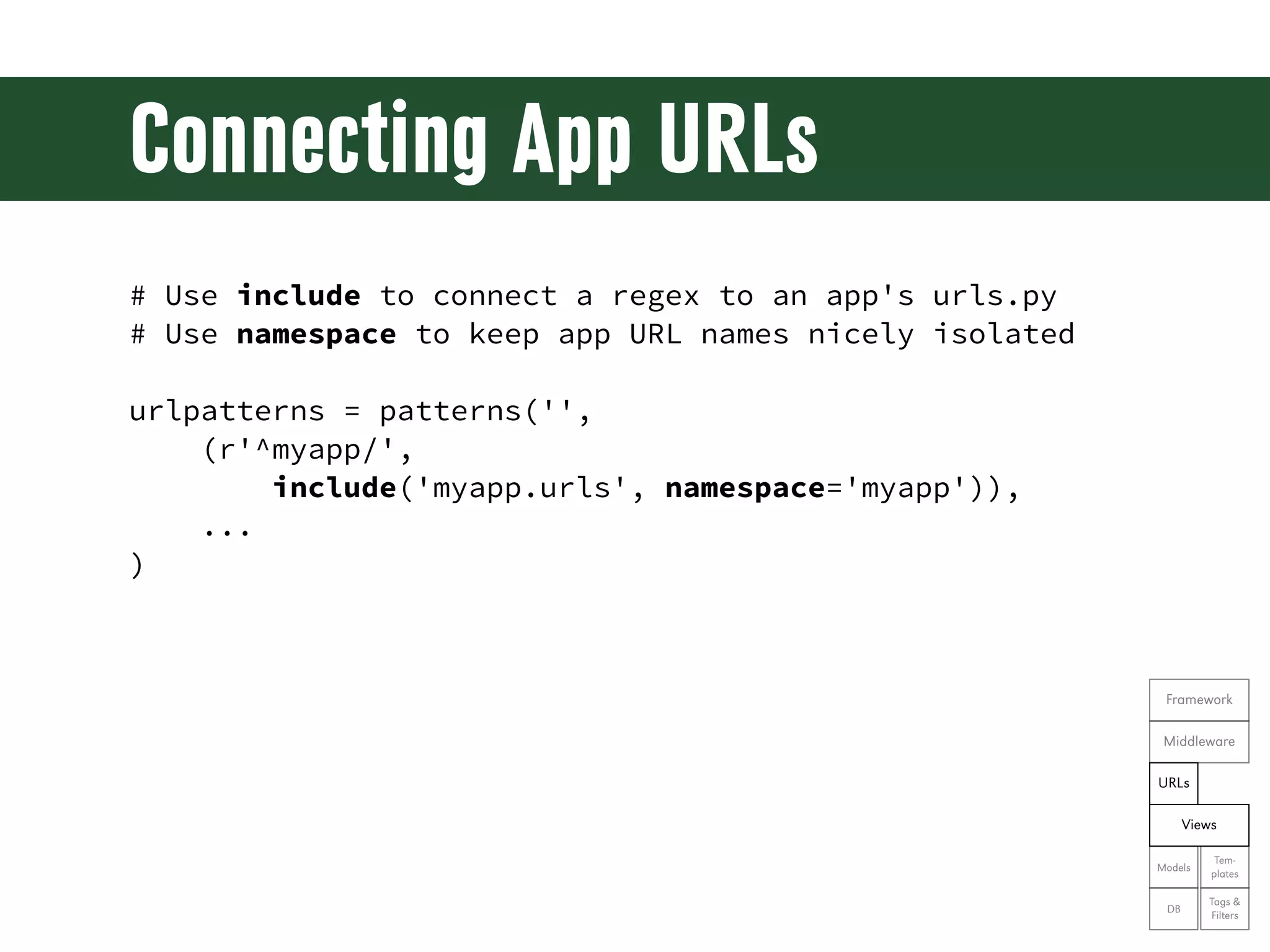
Connecting App URLs # Use include to connect a regex to an app's urls.py # Use namespace to keep app URL names nicely isolated urlpatterns = patterns('', (r'^myapp/', include('myapp.urls', namespace='myapp')), ... ) Framework Middleware URLs Views Tem- Models plates Tags & DB Filters
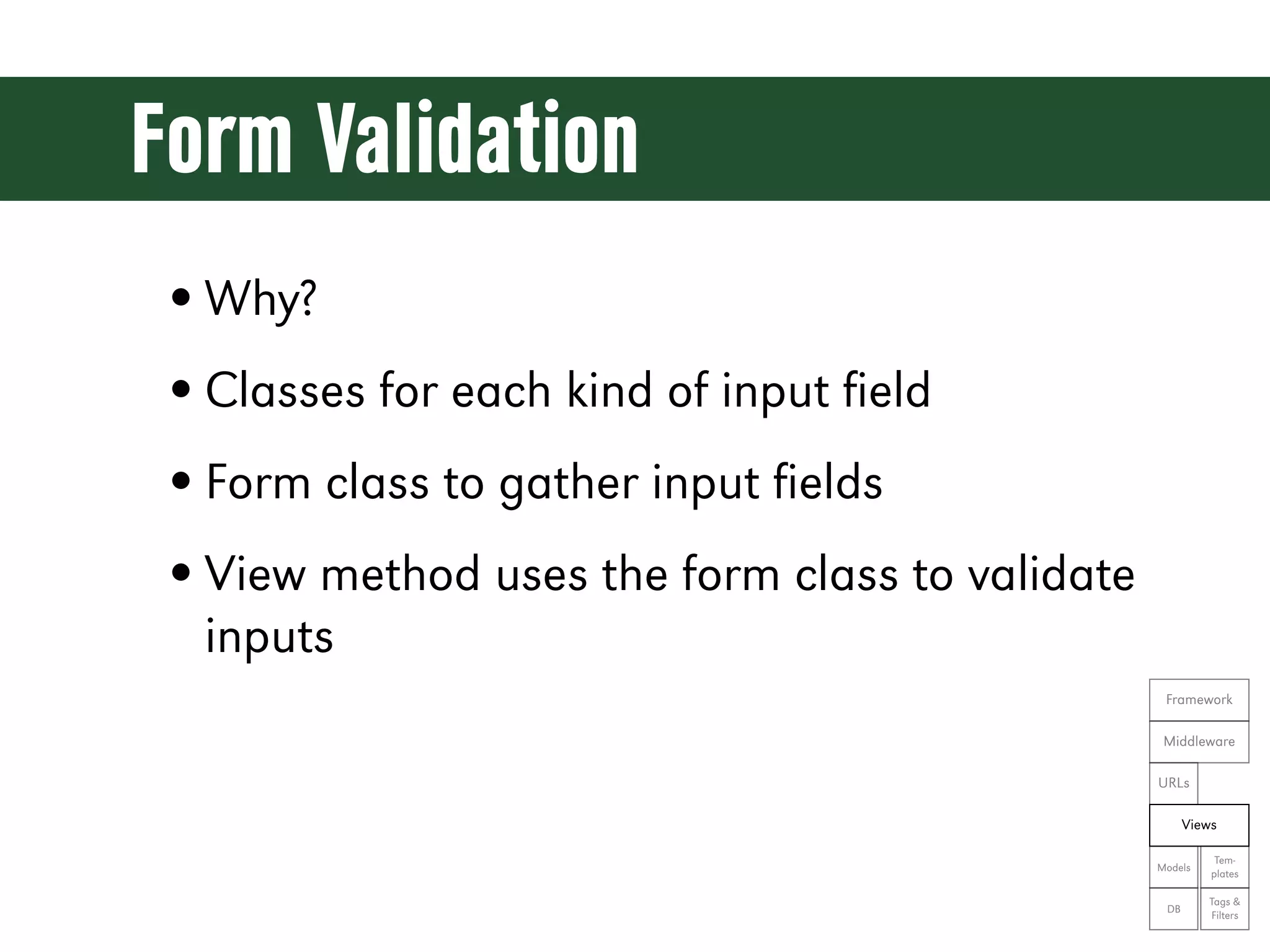
Form Validation • Why? • Classes for each kind of input field • Form class to gather input fields • View method uses the form class to validate inputs Framework Middleware URLs Views Tem- Models plates Tags & DB Filters
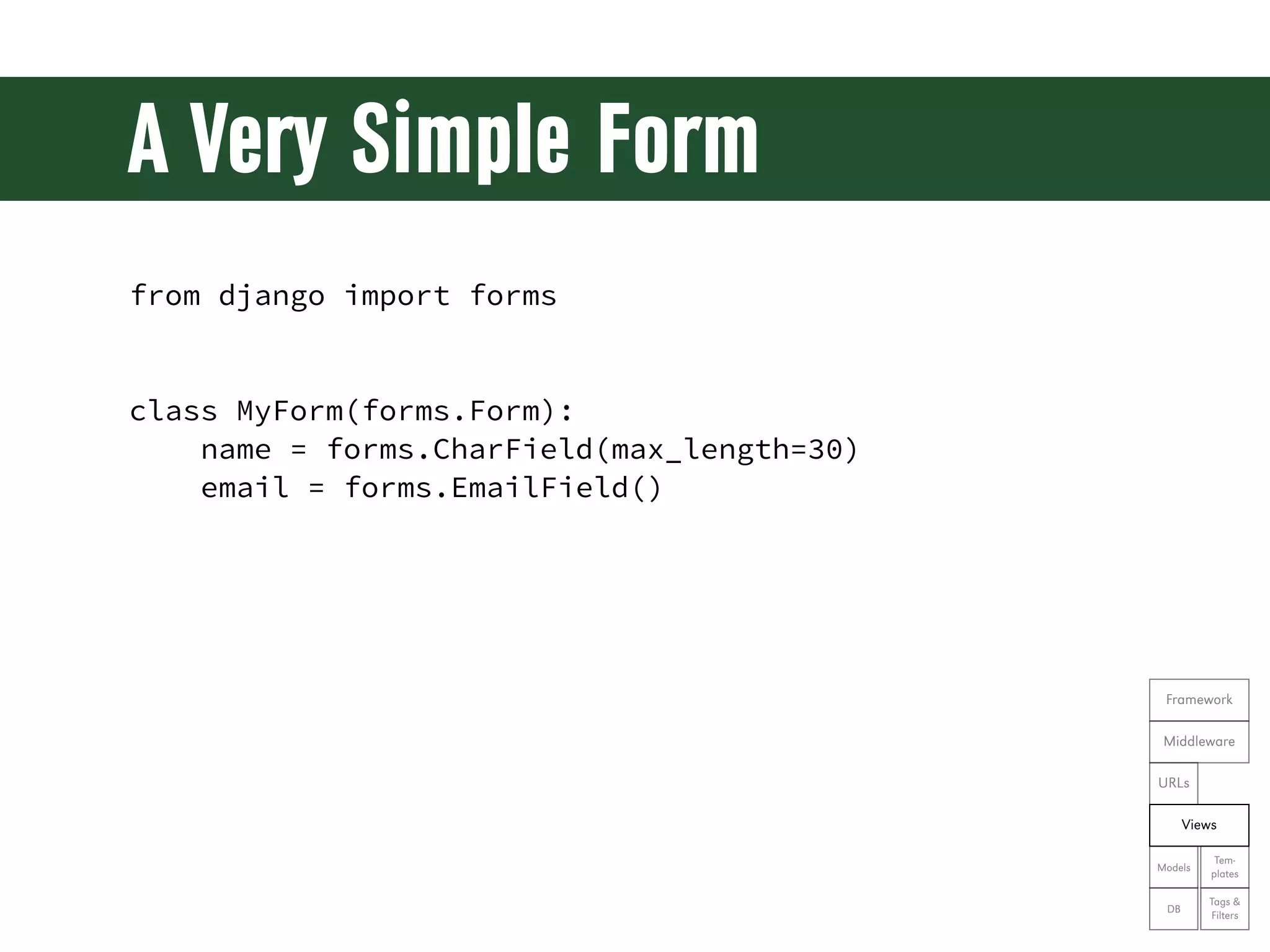
A Very Simple Form from django import forms class MyForm(forms.Form): name = forms.CharField(max_length=30) email = forms.EmailField() Framework Middleware URLs Views Tem- Models plates Tags & DB Filters
Using a Form in a View from myapp.forms import MyForm def my_view(request): form = MyForm(request.POST or None) if request.method == "POST" and form.is_valid(): name = form.cleaned_data['name'] email = form.cleaned_data['email'] # do something great with that data return render(request, 'myapp/myform.html', { 'form': form Framework }) Middleware URLs Views Tem- Models plates Tags & DB Filters
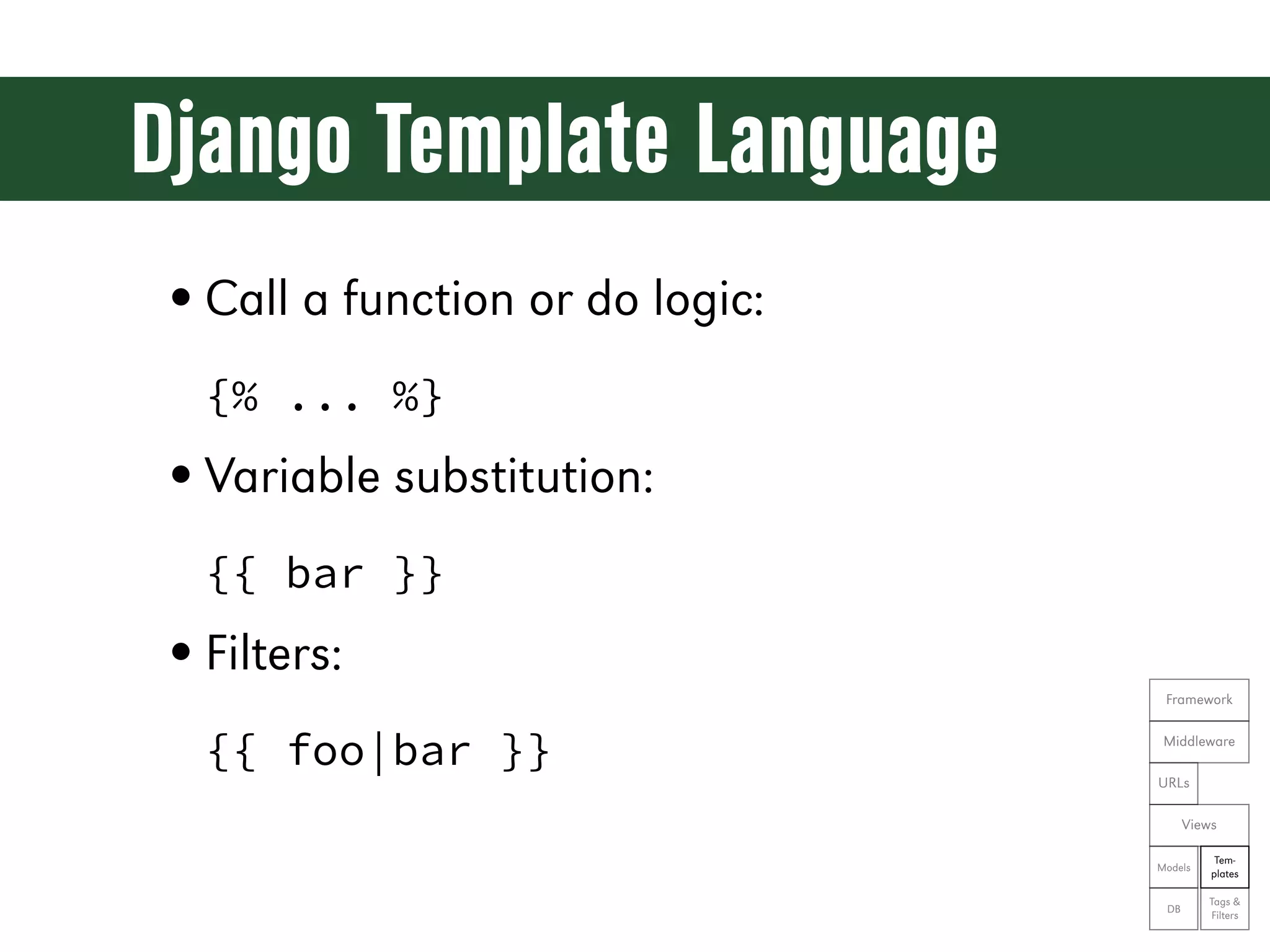
Django Template Language • Call a function or do logic: {% ... %} • Variable substitution: {{ bar }} • Filters: Framework {{ foo|bar }} Middleware URLs Views Tem- Models plates Tags & DB Filters
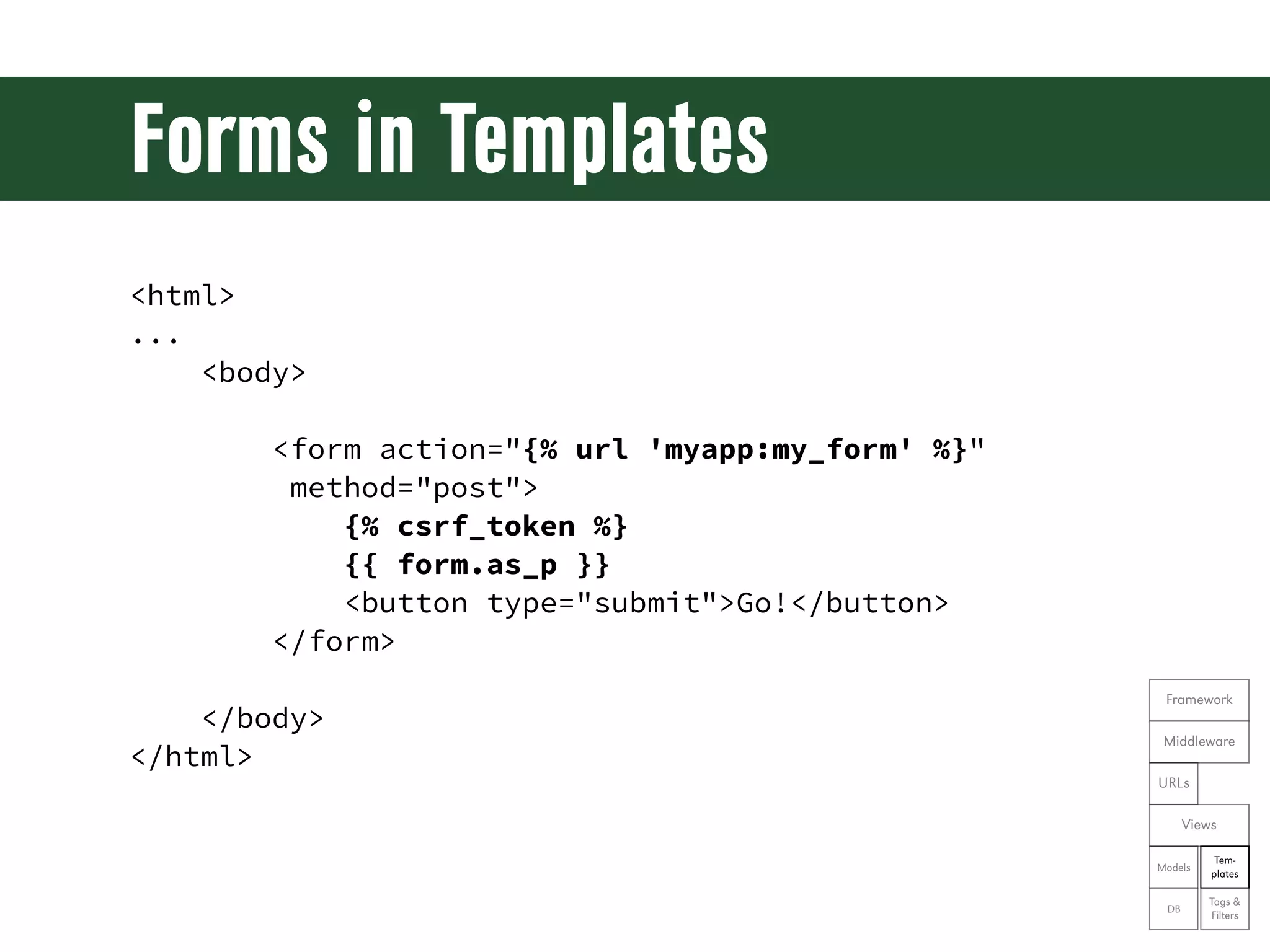
Forms in Templates <html> ... <body> <form action="{% url 'myapp:my_form' %}" method="post"> {% csrf_token %} {{ form.as_p }} <button type="submit">Go!</button> </form> Framework </body> Middleware </html> URLs Views Tem- Models plates Tags & DB Filters
Sending Mail • Add an EMAIL_BACKEND in settings.py EMAIL_BACKEND = 'django.core.mail.backends.console.EmailBackend' • Import and use from django.core.mail import send_mail send_mail('subject', 'message', 'sender', ['recipient', ...]) Framework Middleware URLs Views Tem- Models plates Tags & DB Filters
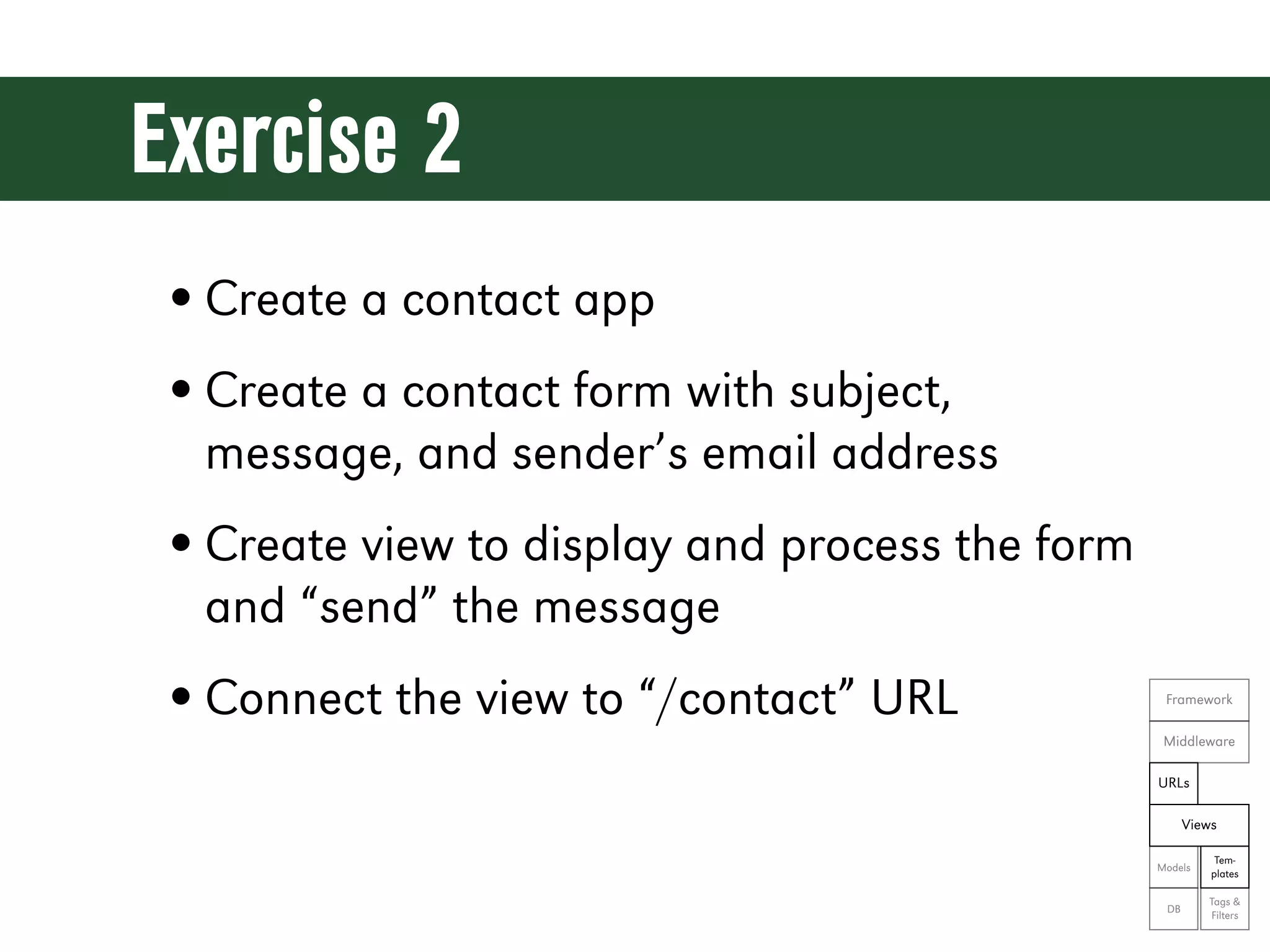
Exercise 2 • Create a contact app • Create a contact form with subject, message, and sender’s email address • Create view to display and process the form and “send” the message • Connect the view to “/contact” URL Framework Middleware URLs Views Tem- Models plates Tags & DB Filters
Let’s see the code! git reset --hard ex02
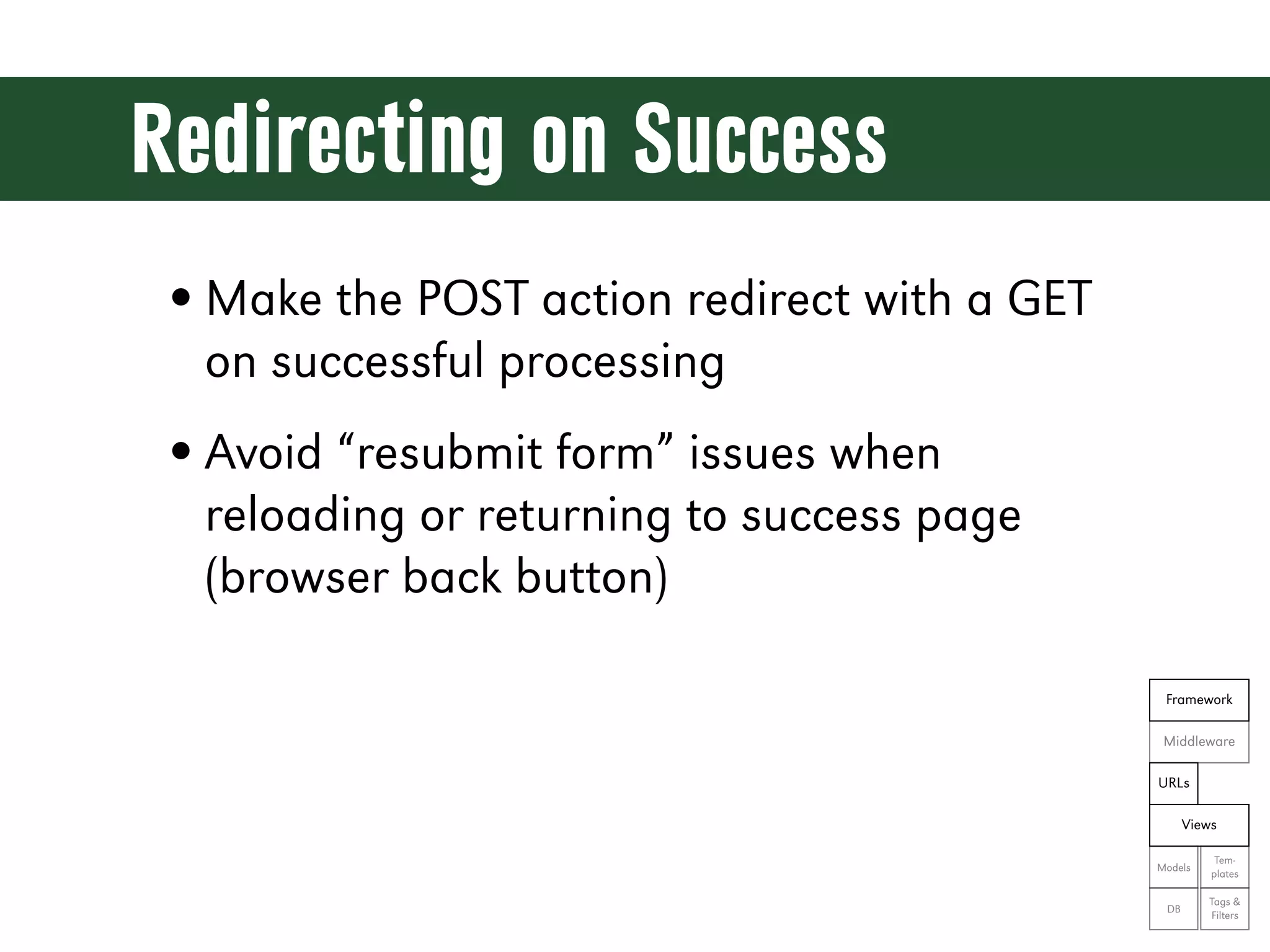
Redirecting on Success • Make the POST action redirect with a GET on successful processing • Avoid “resubmit form” issues when reloading or returning to success page (browser back button) Framework Middleware URLs Views Tem- Models plates Tags & DB Filters
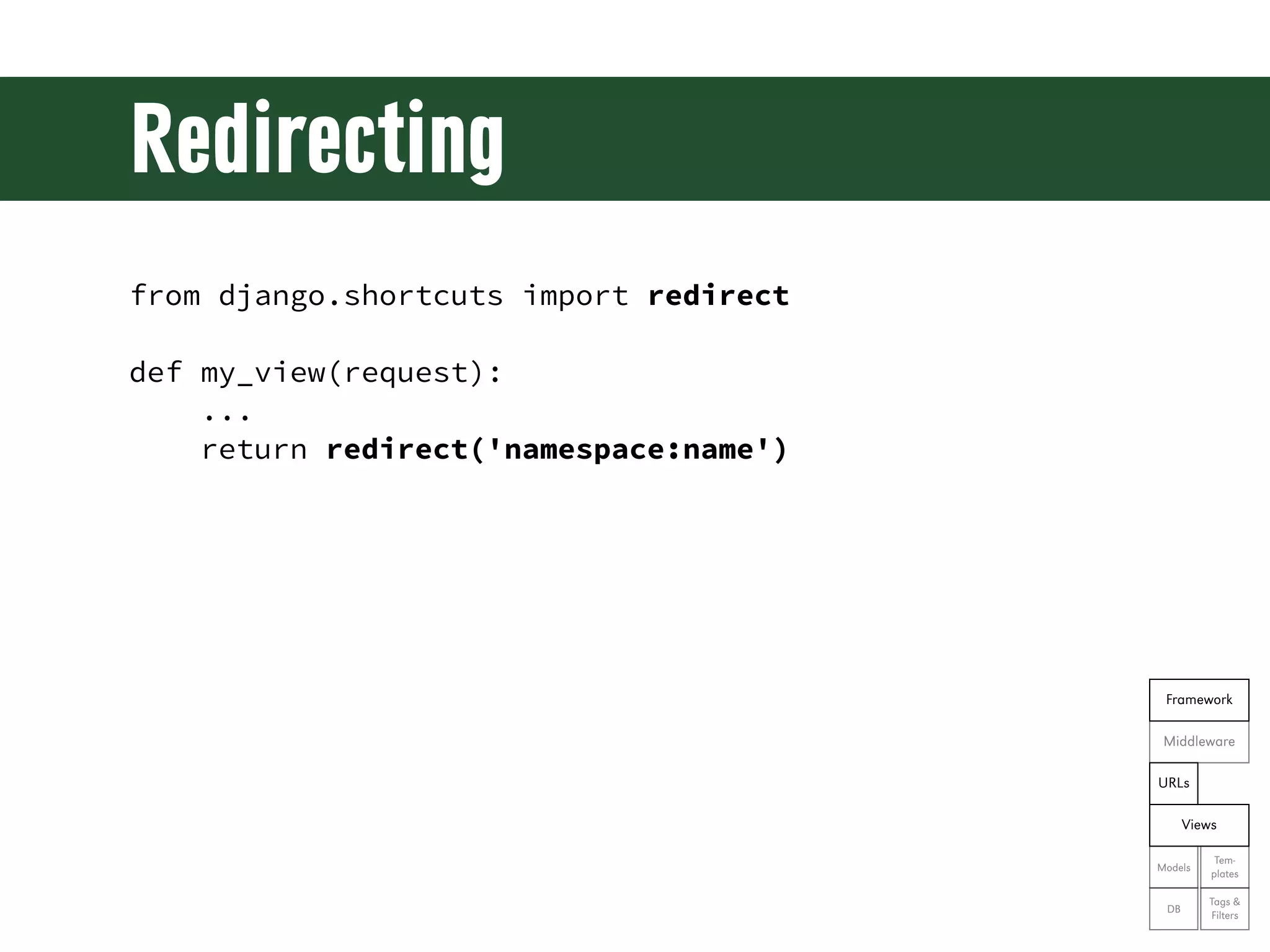
Redirecting from django.shortcuts import redirect def my_view(request): ... return redirect('namespace:name') Framework Middleware URLs Views Tem- Models plates Tags & DB Filters
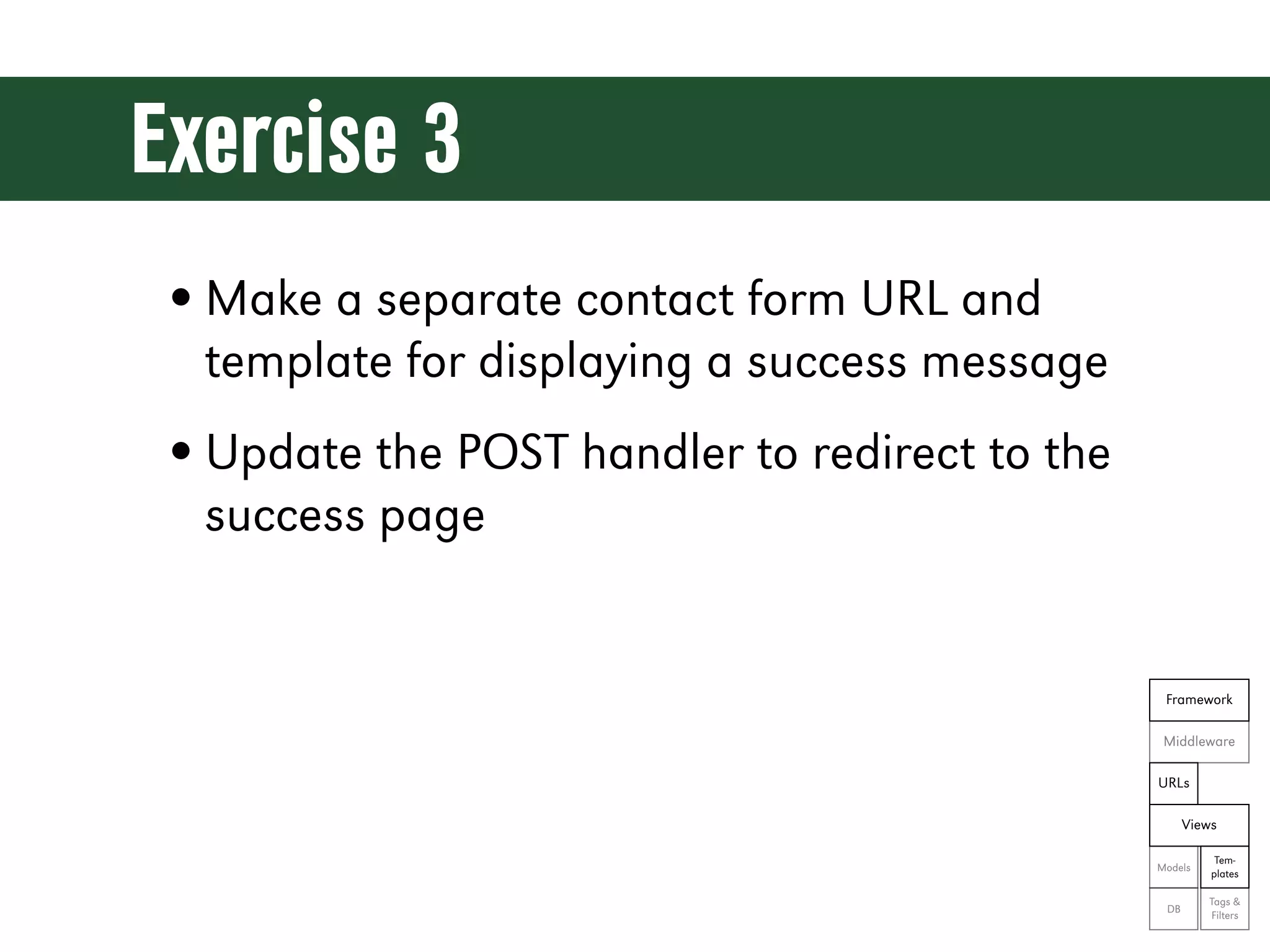
Exercise 3 • Make a separate contact form URL and template for displaying a success message • Update the POST handler to redirect to the success page Framework Middleware URLs Views Tem- Models plates Tags & DB Filters
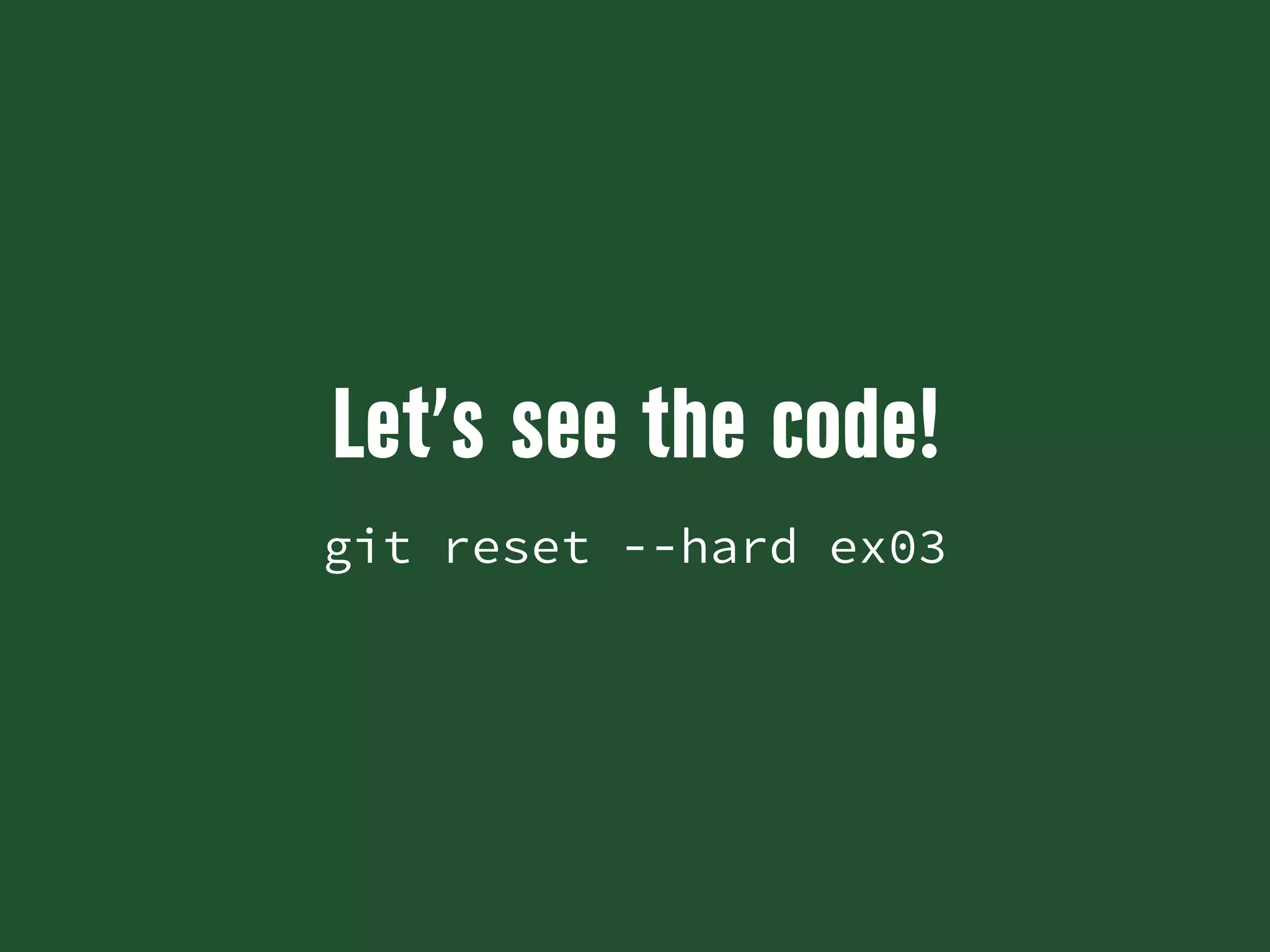
Let’s see the code! git reset --hard ex03
A Consistent Appearance
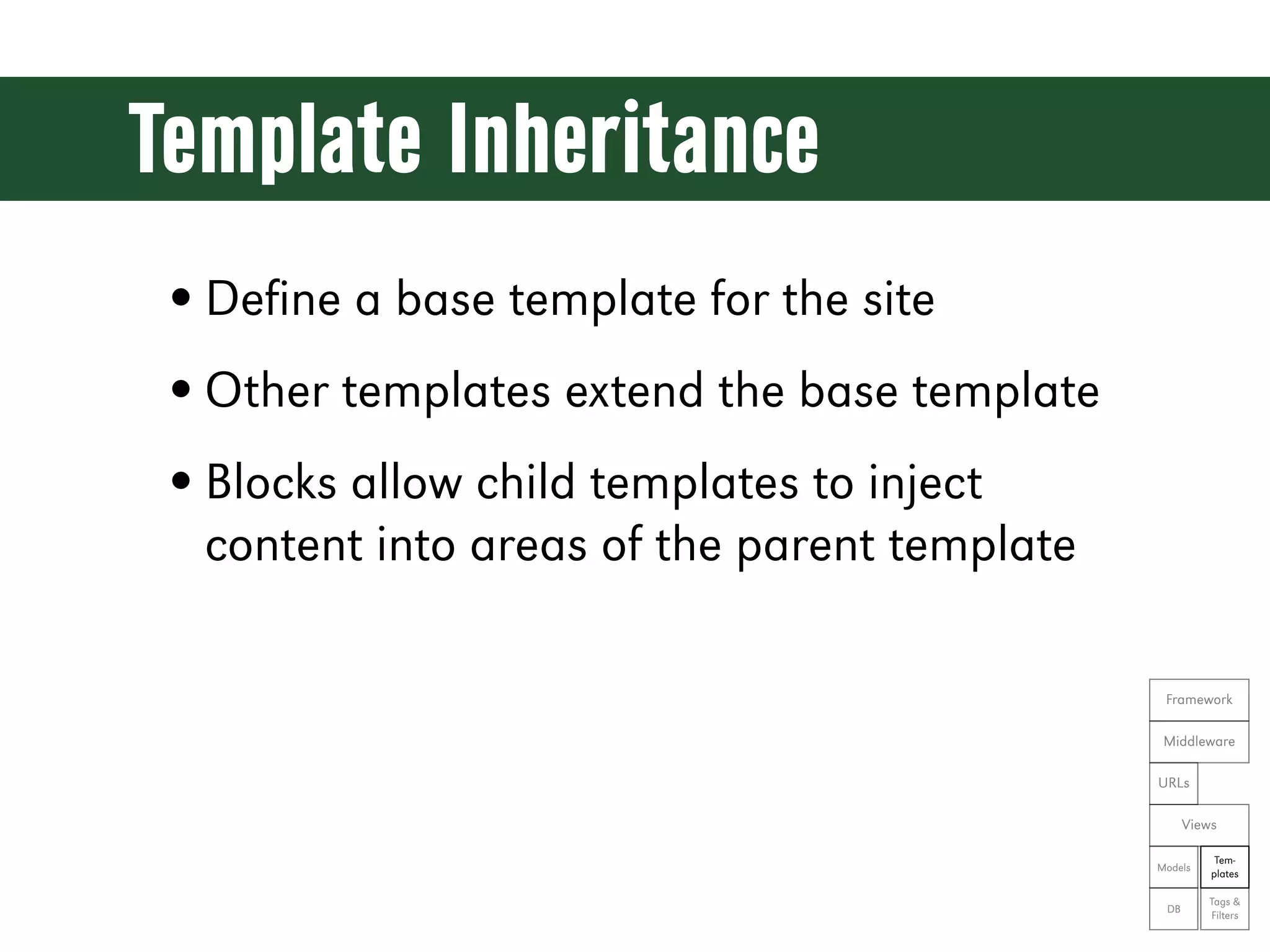
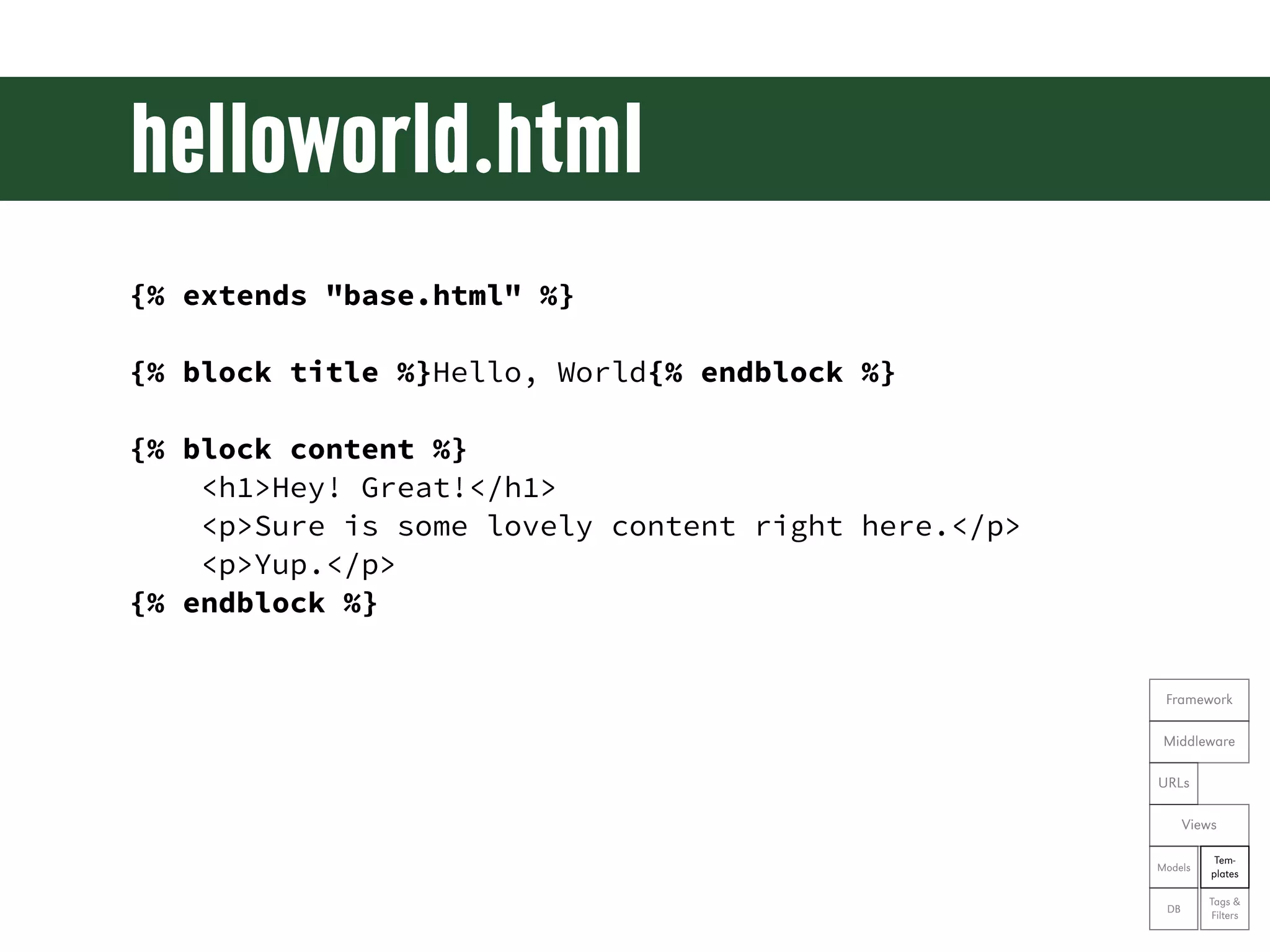
Template Inheritance • Define a base template for the site • Other templates extend the base template • Blocks allow child templates to inject content into areas of the parent template Framework Middleware URLs Views Tem- Models plates Tags & DB Filters
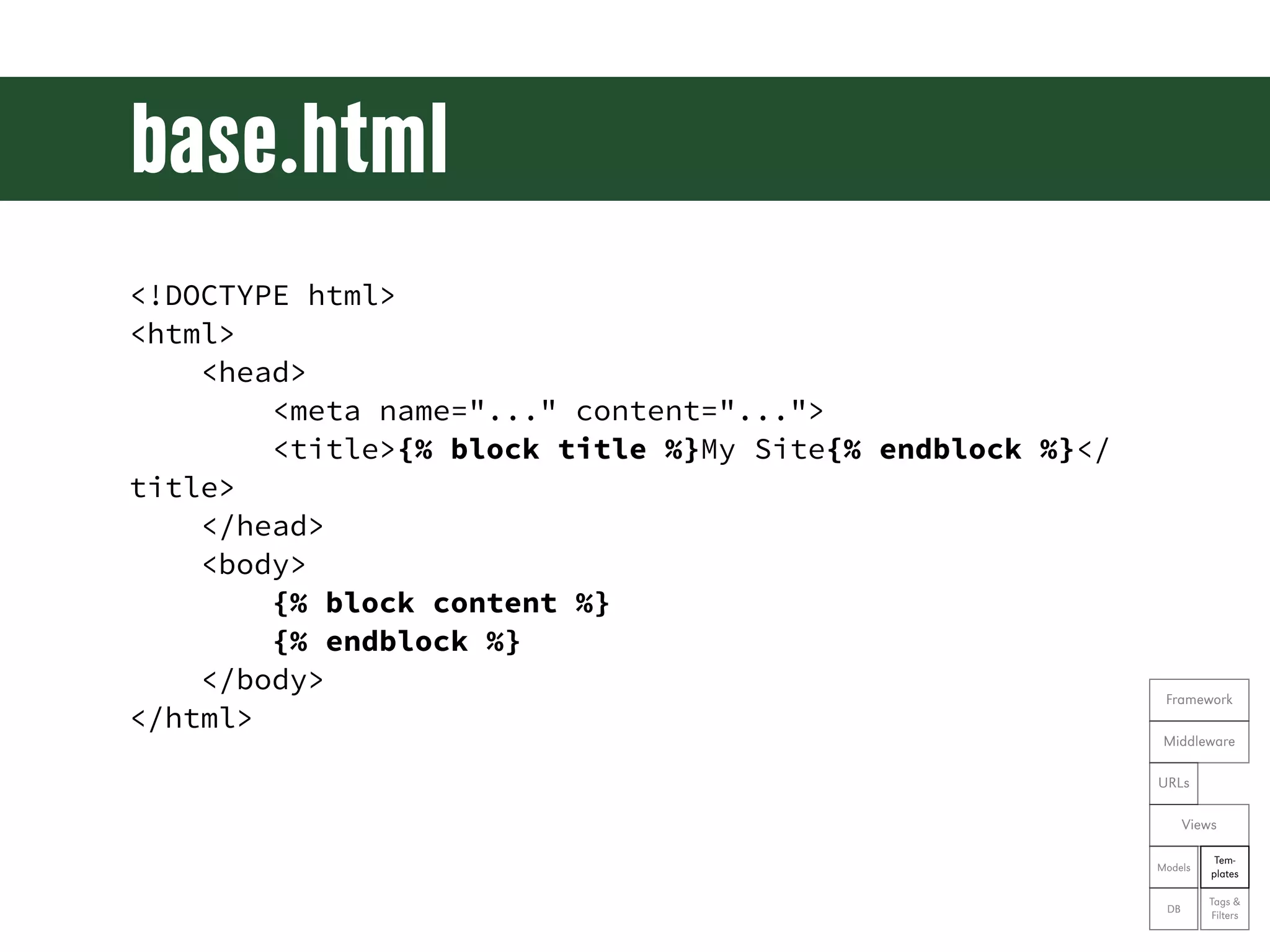
base.html <!DOCTYPE html> <html> <head> <meta name="..." content="..."> <title>{% block title %}My Site{% endblock %}</ title> </head> <body> {% block content %} {% endblock %} </body> Framework </html> Middleware URLs Views Tem- Models plates Tags & DB Filters
helloworld.html {% extends "base.html" %} {% block title %}Hello, World{% endblock %} {% block content %} <h1>Hey! Great!</h1> <p>Sure is some lovely content right here.</p> <p>Yup.</p> {% endblock %} Framework Middleware URLs Views Tem- Models plates Tags & DB Filters
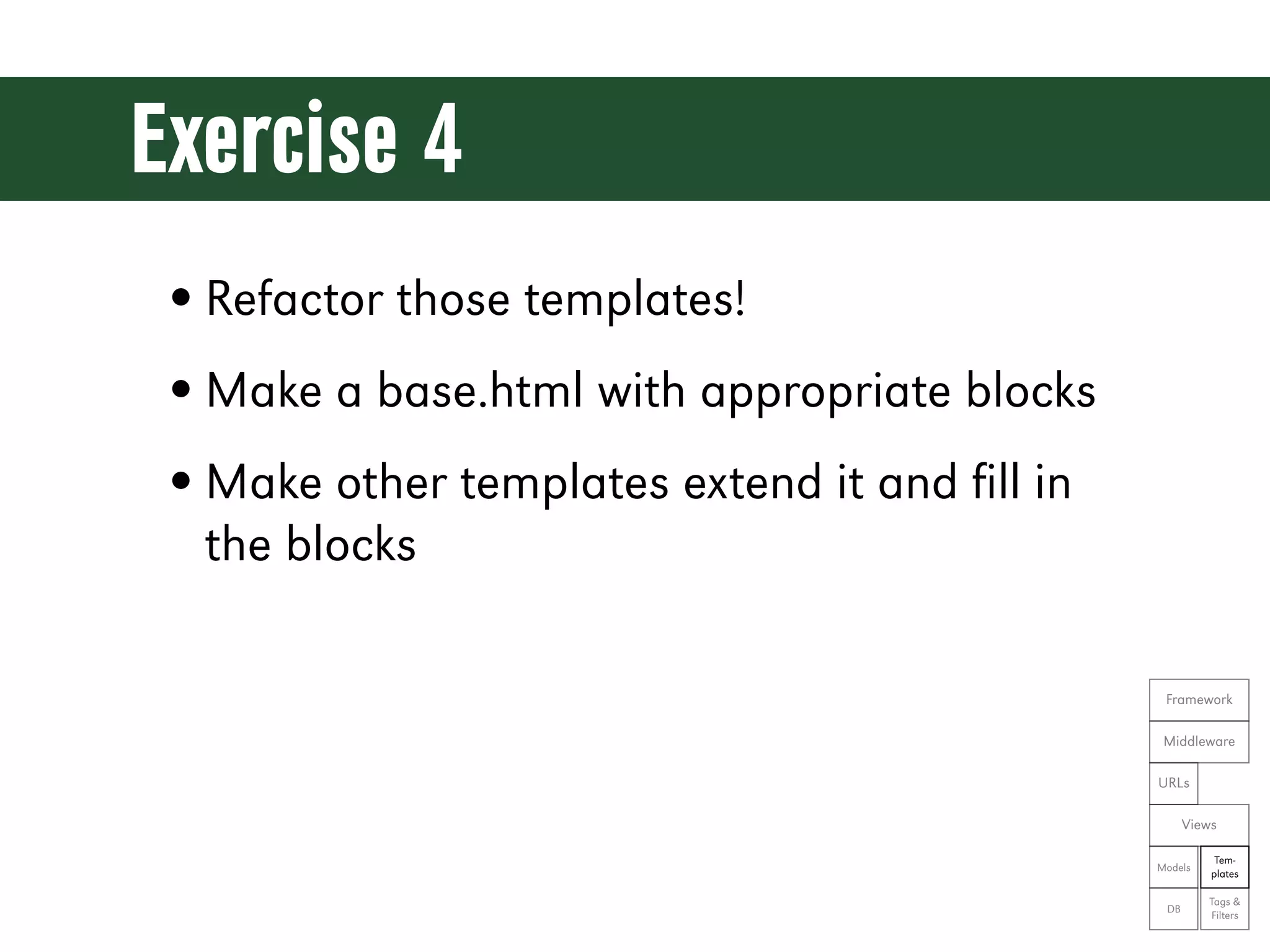
Exercise 4 • Refactor those templates! • Make a base.html with appropriate blocks • Make other templates extend it and fill in the blocks Framework Middleware URLs Views Tem- Models plates Tags & DB Filters
Let’s see the code! git reset --hard ex04
User Registration
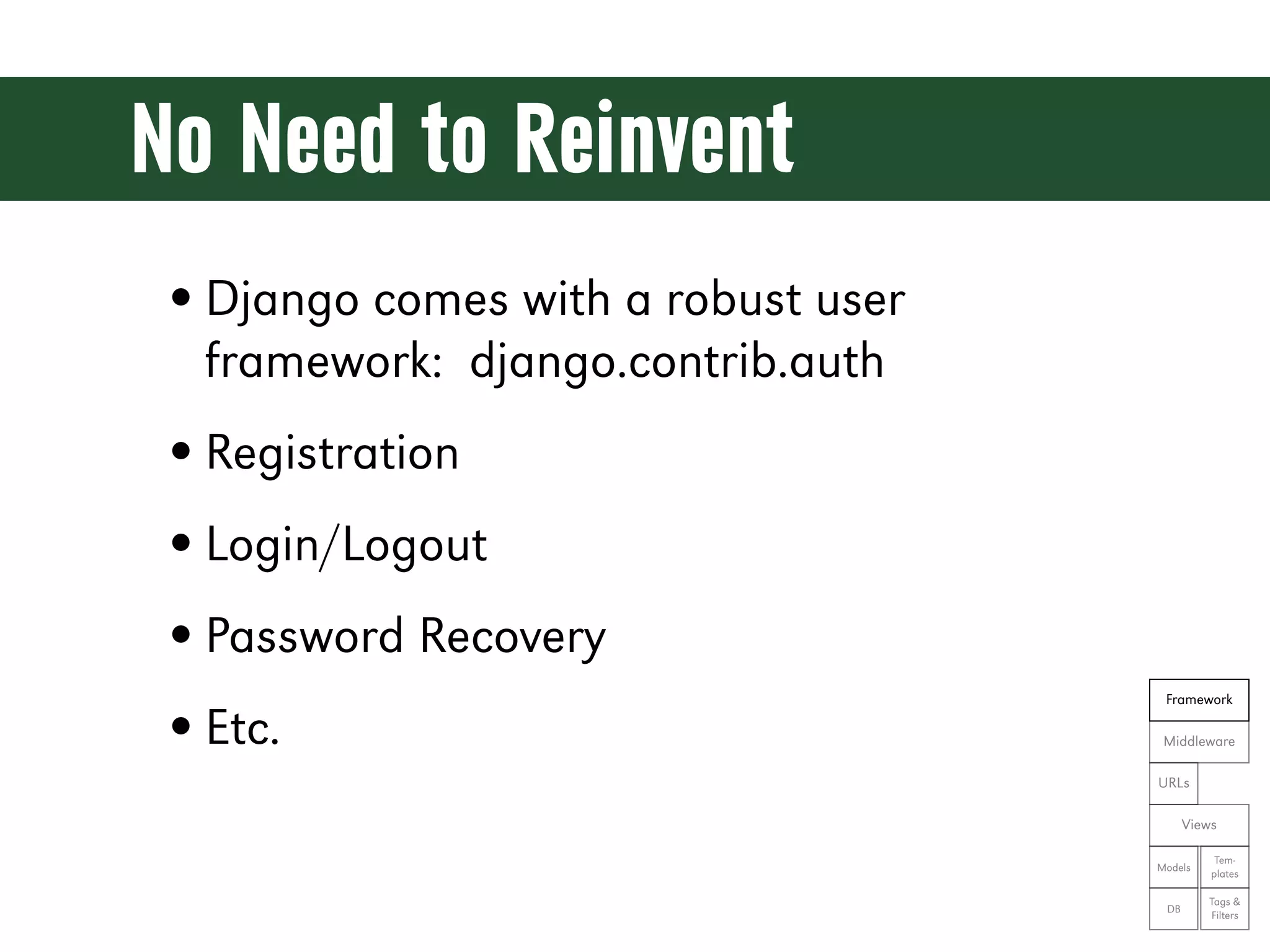
No Need to Reinvent • Django comes with a robust user framework: django.contrib.auth • Registration • Login/Logout • Password Recovery Framework • Etc. Middleware URLs Views Tem- Models plates Tags & DB Filters
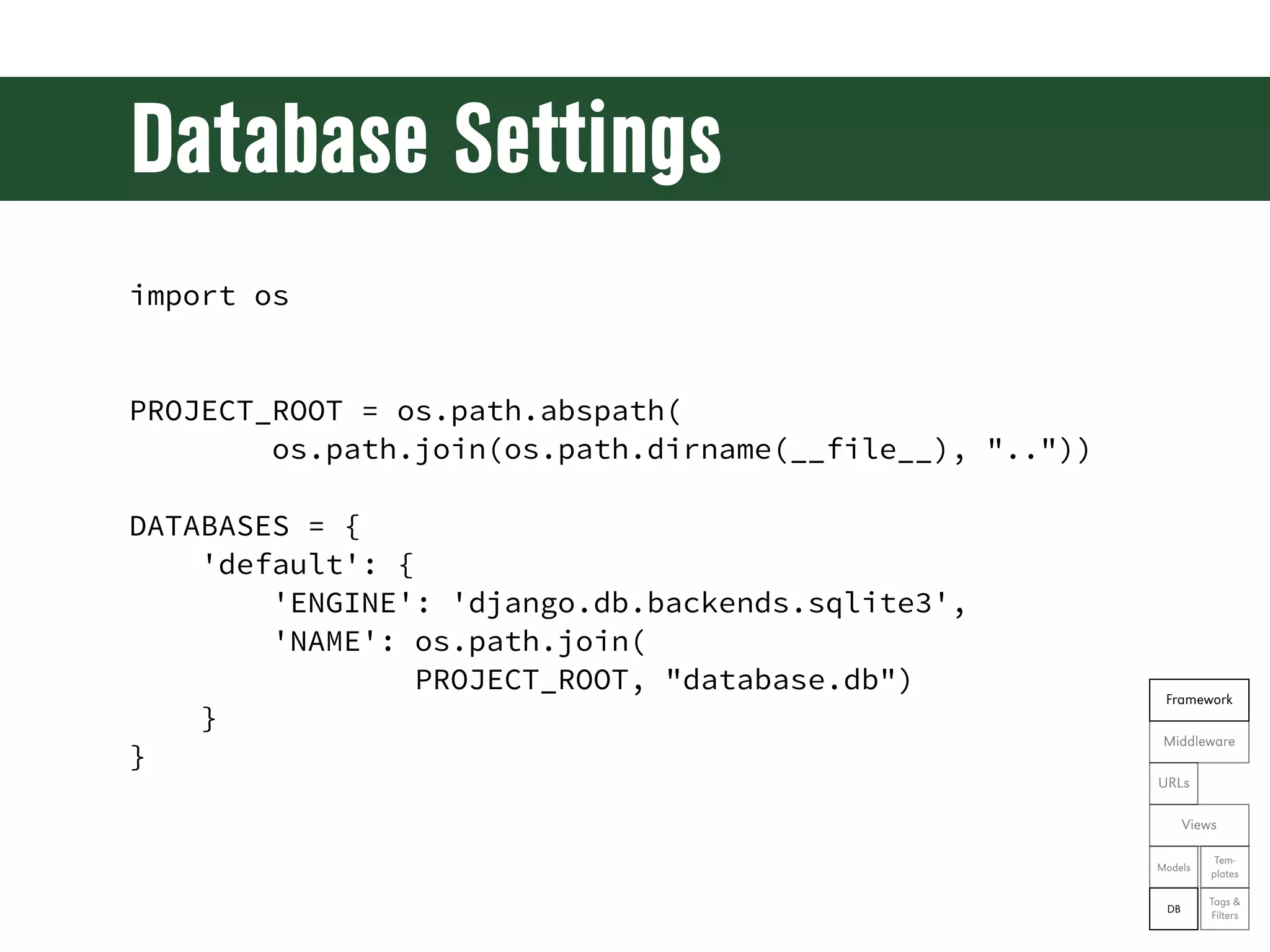
Database Settings import os PROJECT_ROOT = os.path.abspath( os.path.join(os.path.dirname(__file__), "..")) DATABASES = { 'default': { 'ENGINE': 'django.db.backends.sqlite3', 'NAME': os.path.join( PROJECT_ROOT, "database.db") Framework } Middleware } URLs Views Tem- Models plates Tags & DB Filters
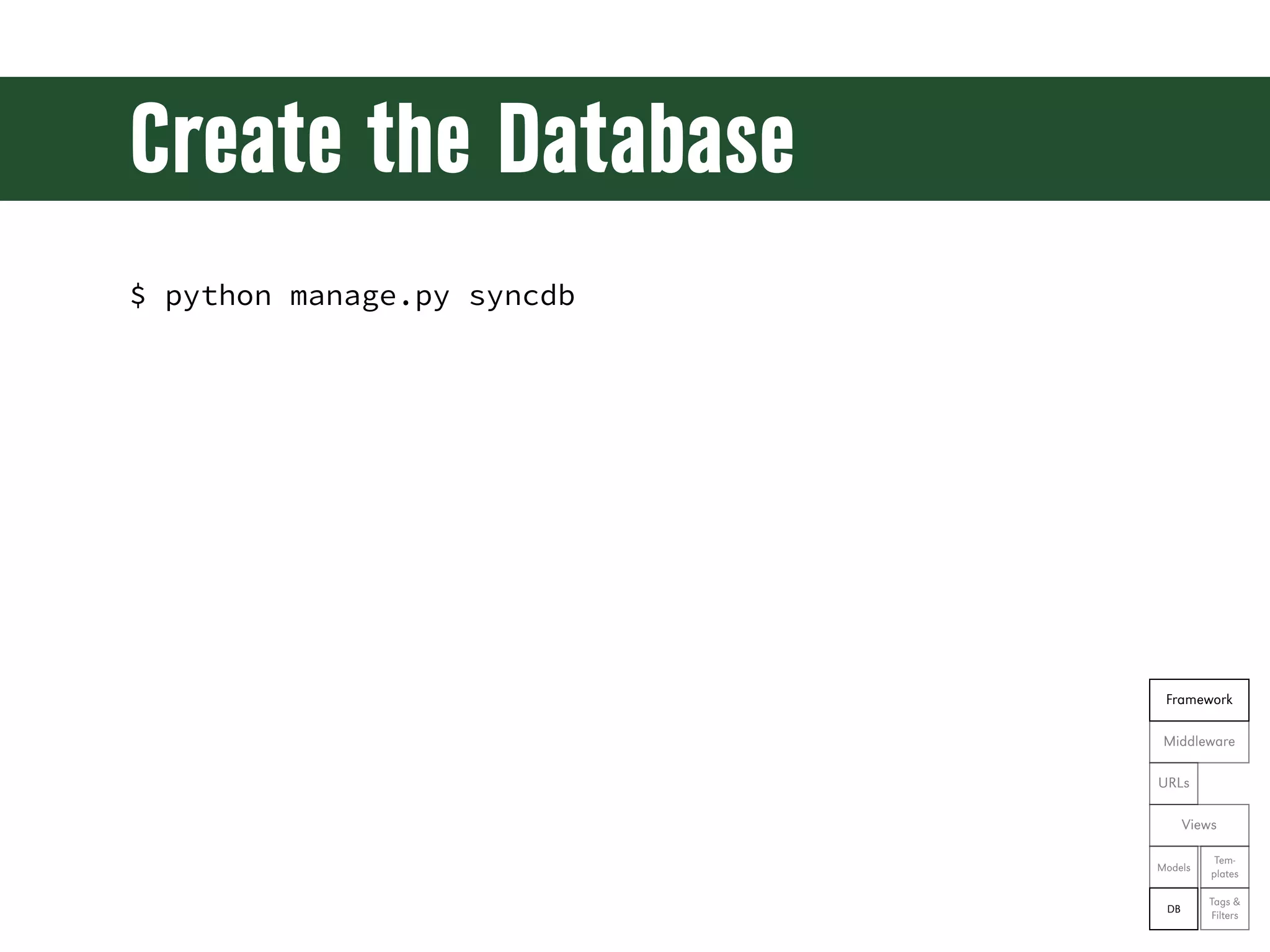
Create the Database $ python manage.py syncdb Framework Middleware URLs Views Tem- Models plates Tags & DB Filters
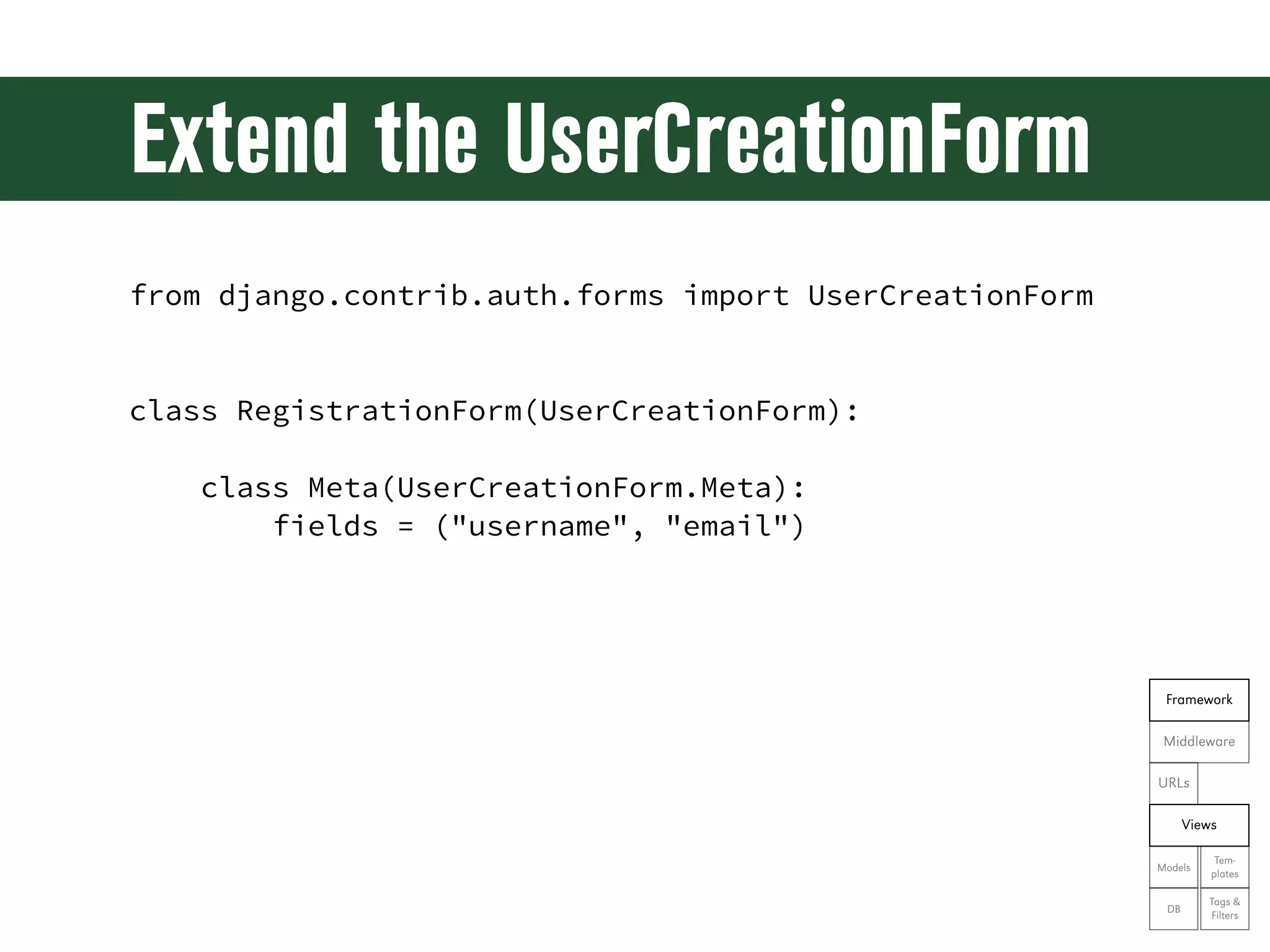
Extend the UserCreationForm from django.contrib.auth.forms import UserCreationForm class RegistrationForm(UserCreationForm): class Meta(UserCreationForm.Meta): fields = ("username", "email") Framework Middleware URLs Views Tem- Models plates Tags & DB Filters
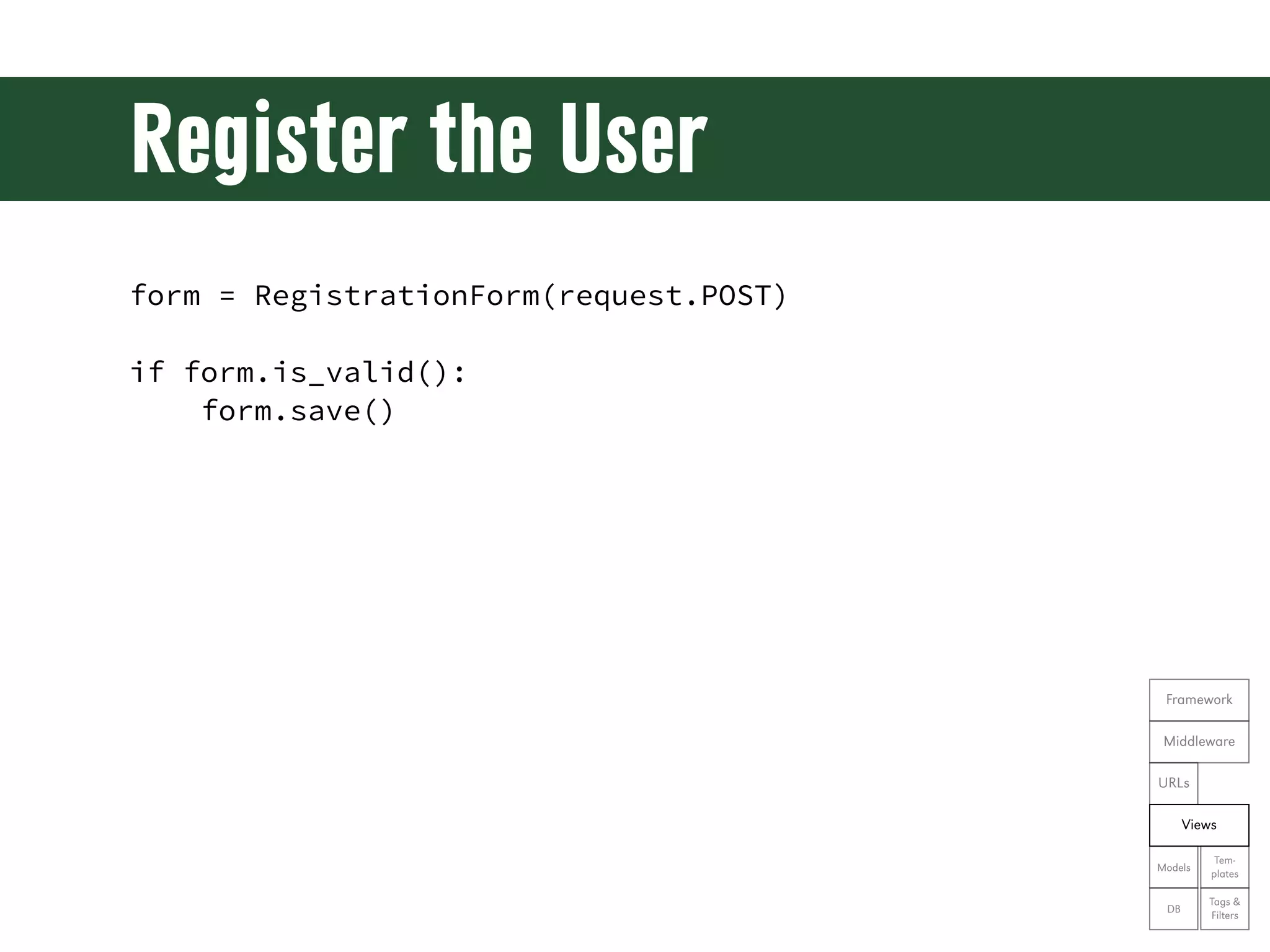
Register the User form = RegistrationForm(request.POST) if form.is_valid(): form.save() Framework Middleware URLs Views Tem- Models plates Tags & DB Filters
Login Aer Registration from django.contrib.auth import authenticate, login user = authenticate( username=form.cleaned_data['username'], password=form.cleaned_data['password1']) login(request, user) Framework Middleware URLs Views Tem- Models plates Tags & DB Filters
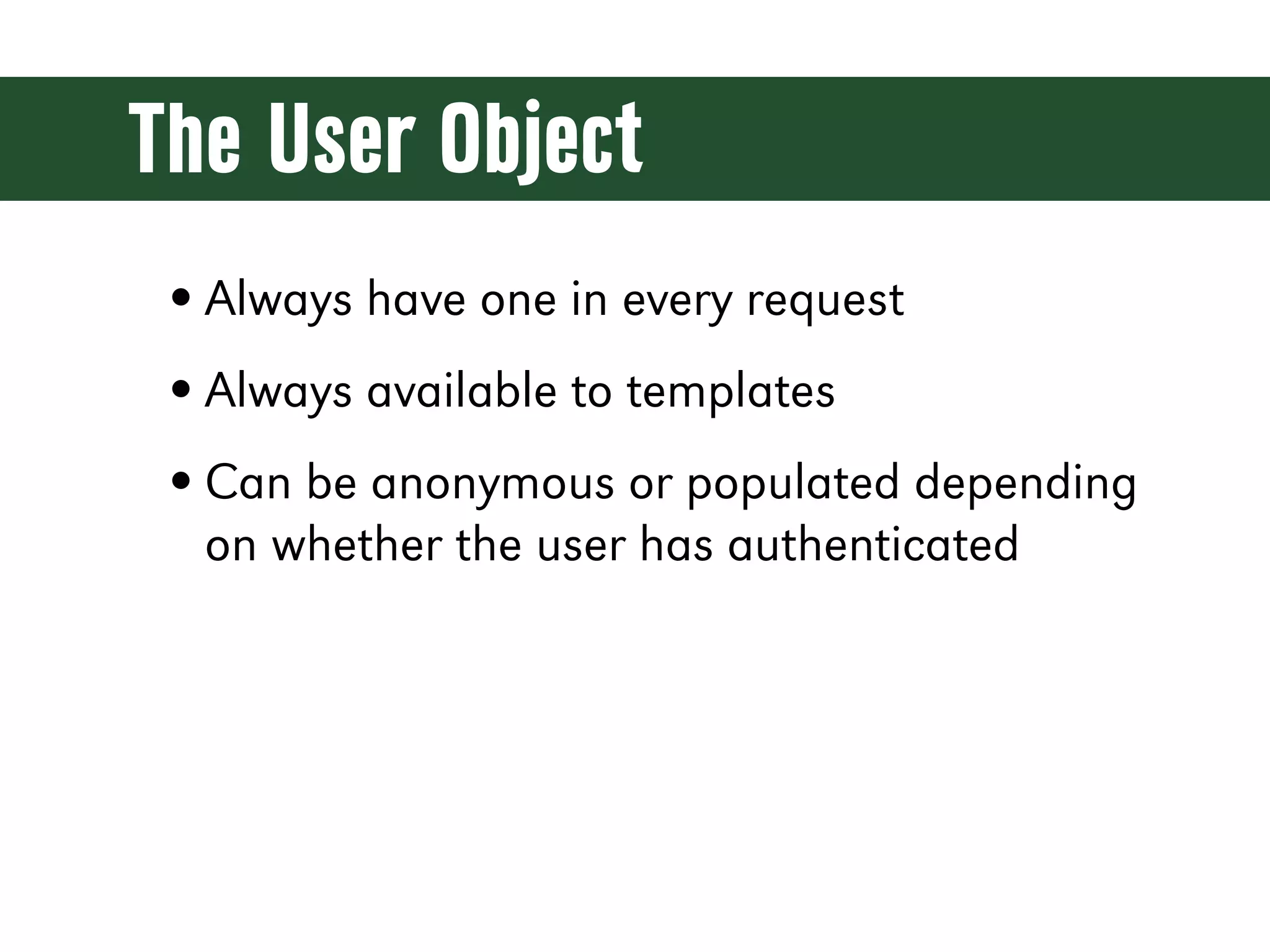
The User Object • Always have one in every request • Always available to templates • Can be anonymous or populated depending on whether the user has authenticated
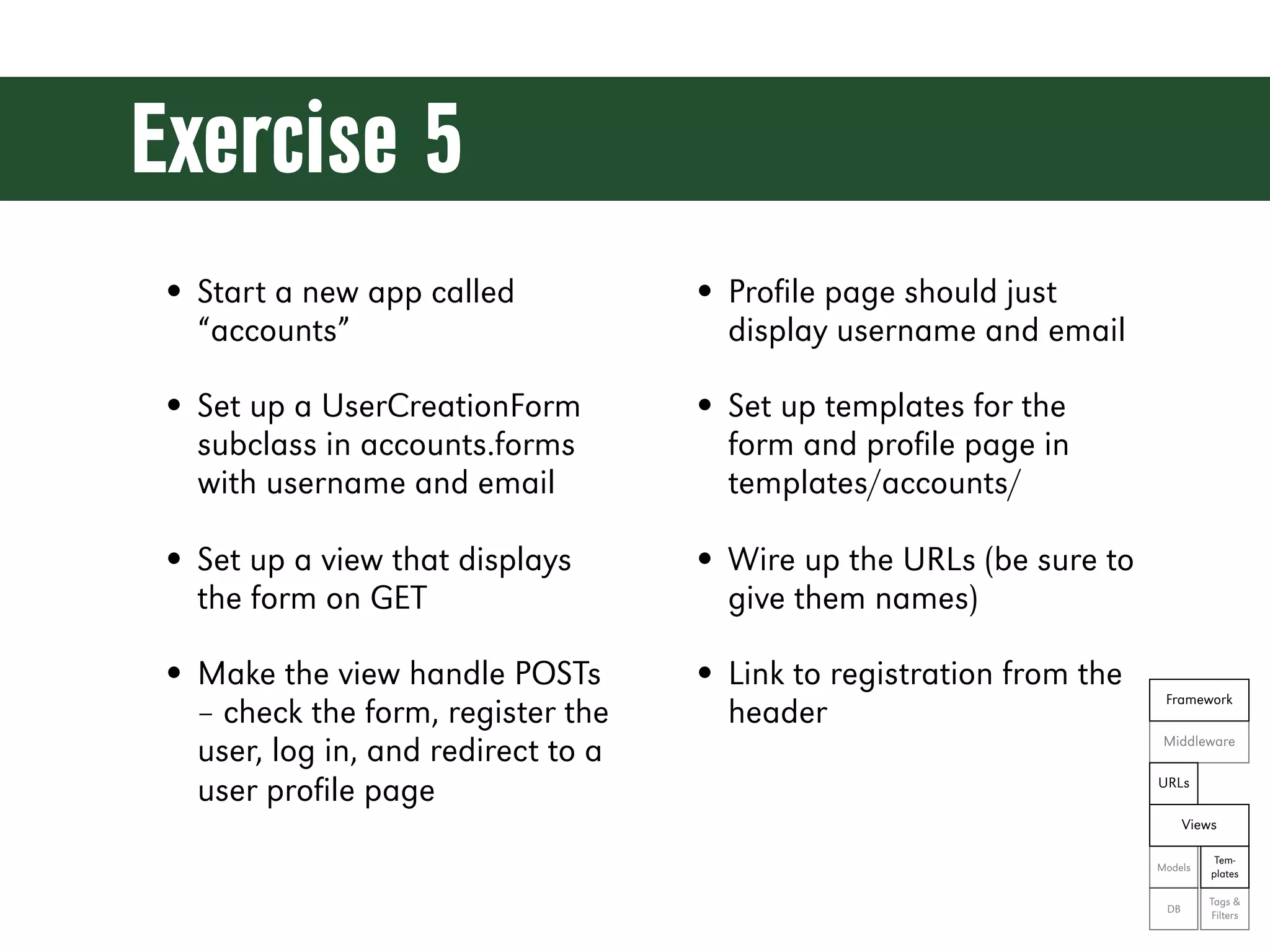
Exercise 5 • Start a new app called • Profile page should just “accounts” display username and email • Set up a UserCreationForm • Set up templates for the subclass in accounts.forms form and profile page in with username and email templates/accounts/ • Set up a view that displays • Wire up the URLs (be sure to the form on GET give them names) • Make the view handle POSTs • Link to registration from the Framework – check the form, register the header Middleware user, log in, and redirect to a user profile page URLs Views Tem- Models plates Tags & DB Filters
Let’s see the code! git reset --hard ex05
User Login & Logout
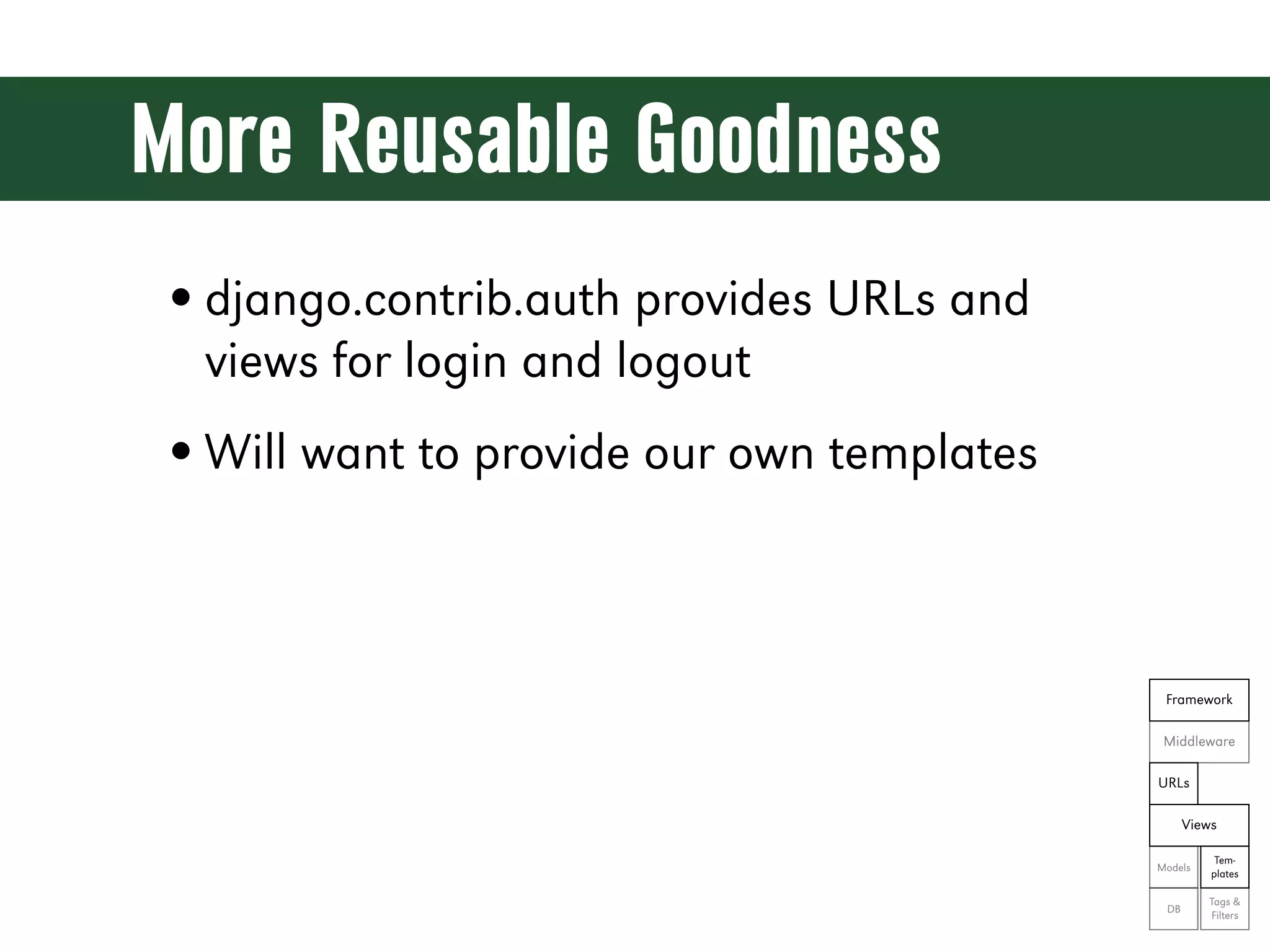
More Reusable Goodness • django.contrib.auth provides URLs and views for login and logout • Will want to provide our own templates Framework Middleware URLs Views Tem- Models plates Tags & DB Filters
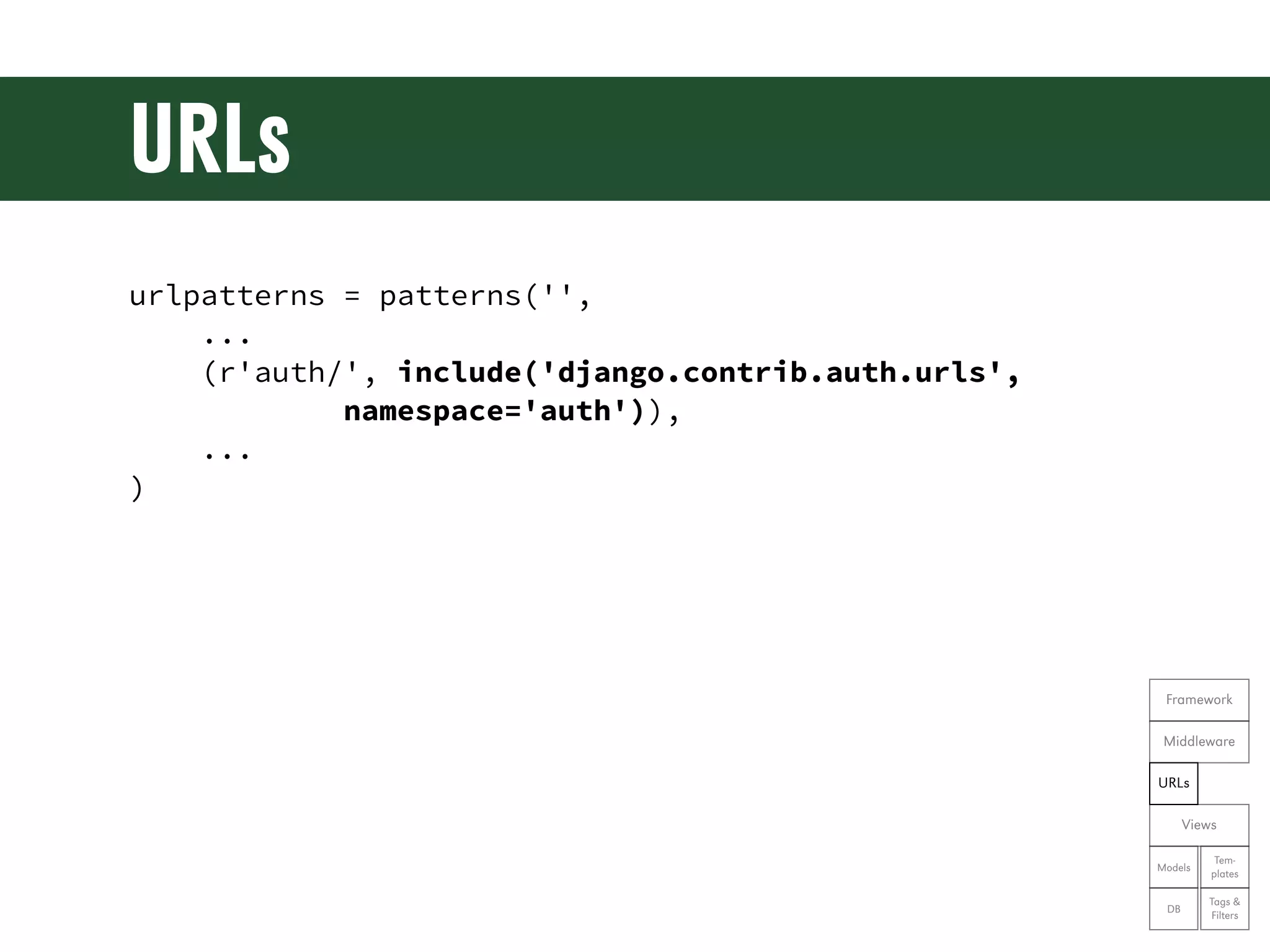
URLs urlpatterns = patterns('', ... (r'auth/', include('django.contrib.auth.urls', namespace='auth')), ... ) Framework Middleware URLs Views Tem- Models plates Tags & DB Filters
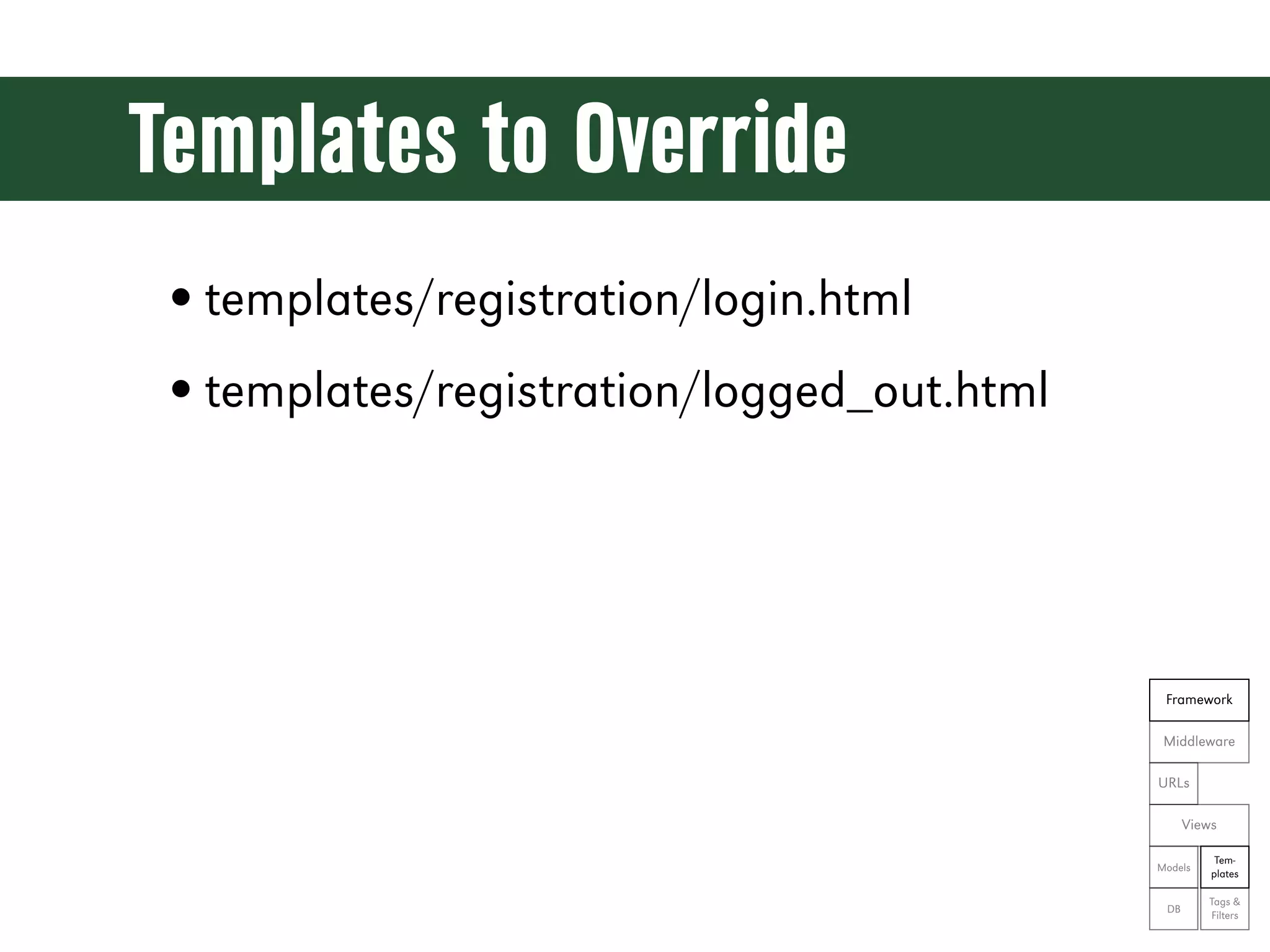
Templates to Override • templates/registration/login.html • templates/registration/logged_out.html Framework Middleware URLs Views Tem- Models plates Tags & DB Filters
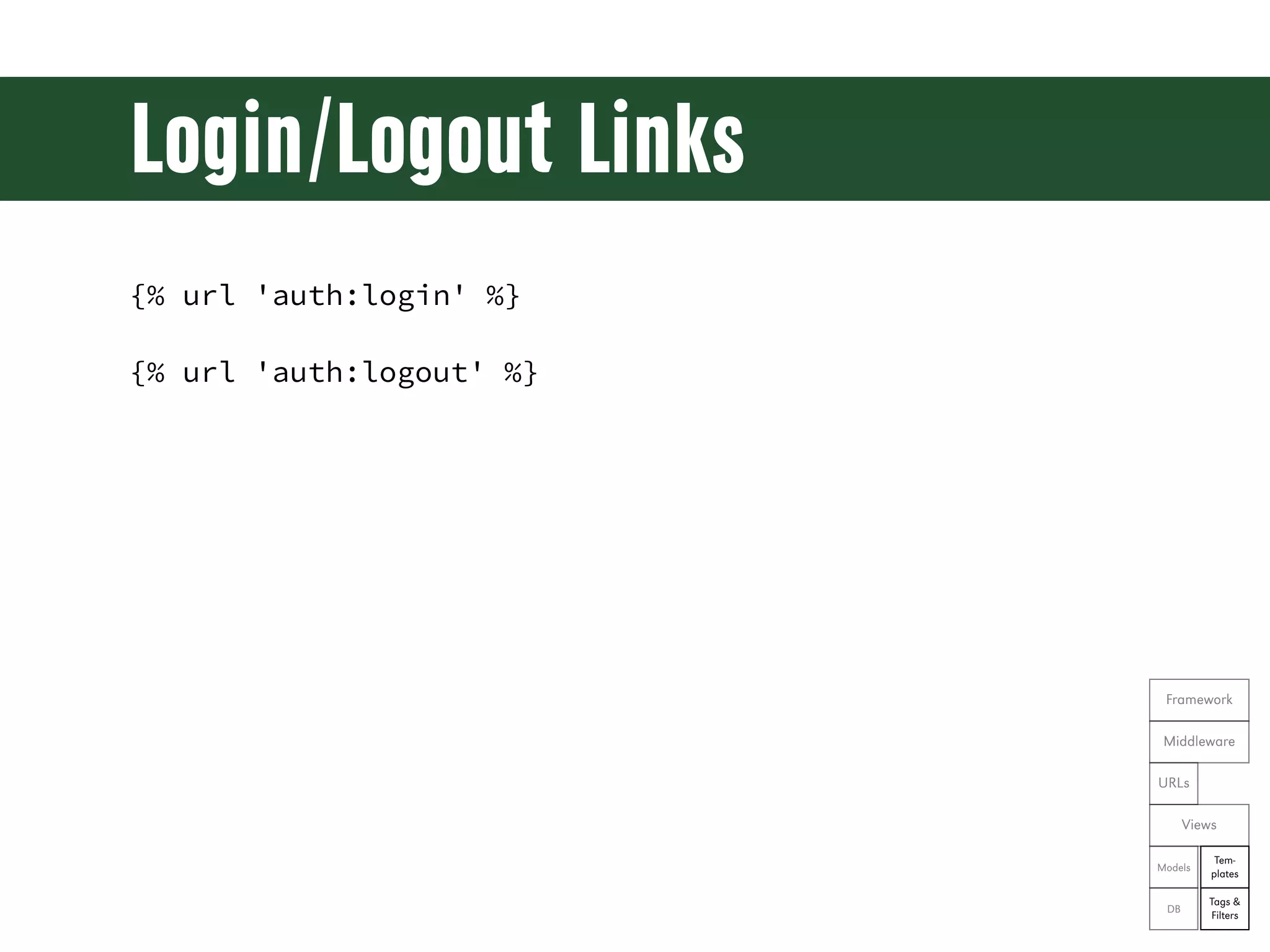
Login/Logout Links {% url 'auth:login' %} {% url 'auth:logout' %} Framework Middleware URLs Views Tem- Models plates Tags & DB Filters
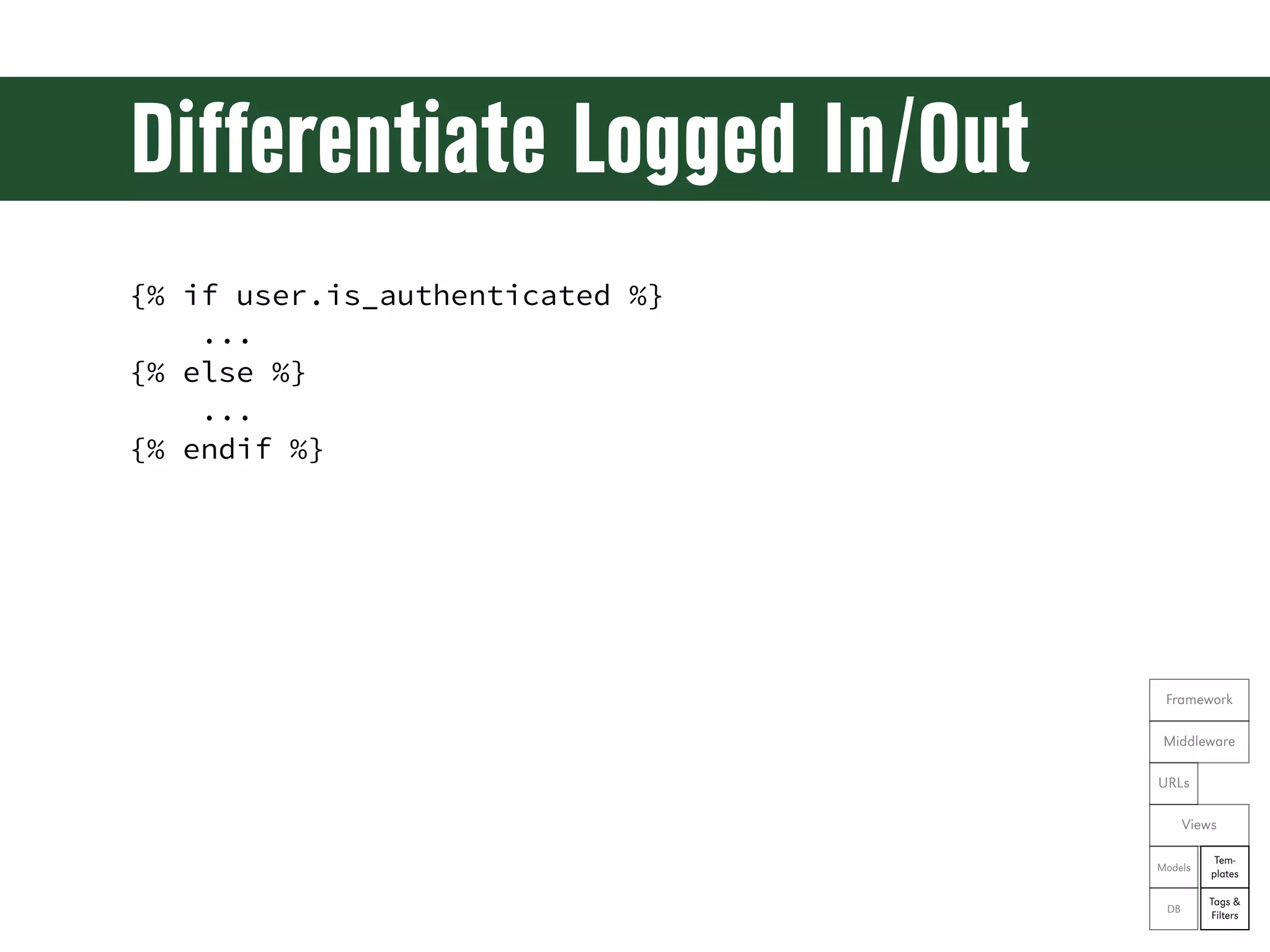
Differentiate Logged In/Out {% if user.is_authenticated %} ... {% else %} ... {% endif %} Framework Middleware URLs Views Tem- Models plates Tags & DB Filters
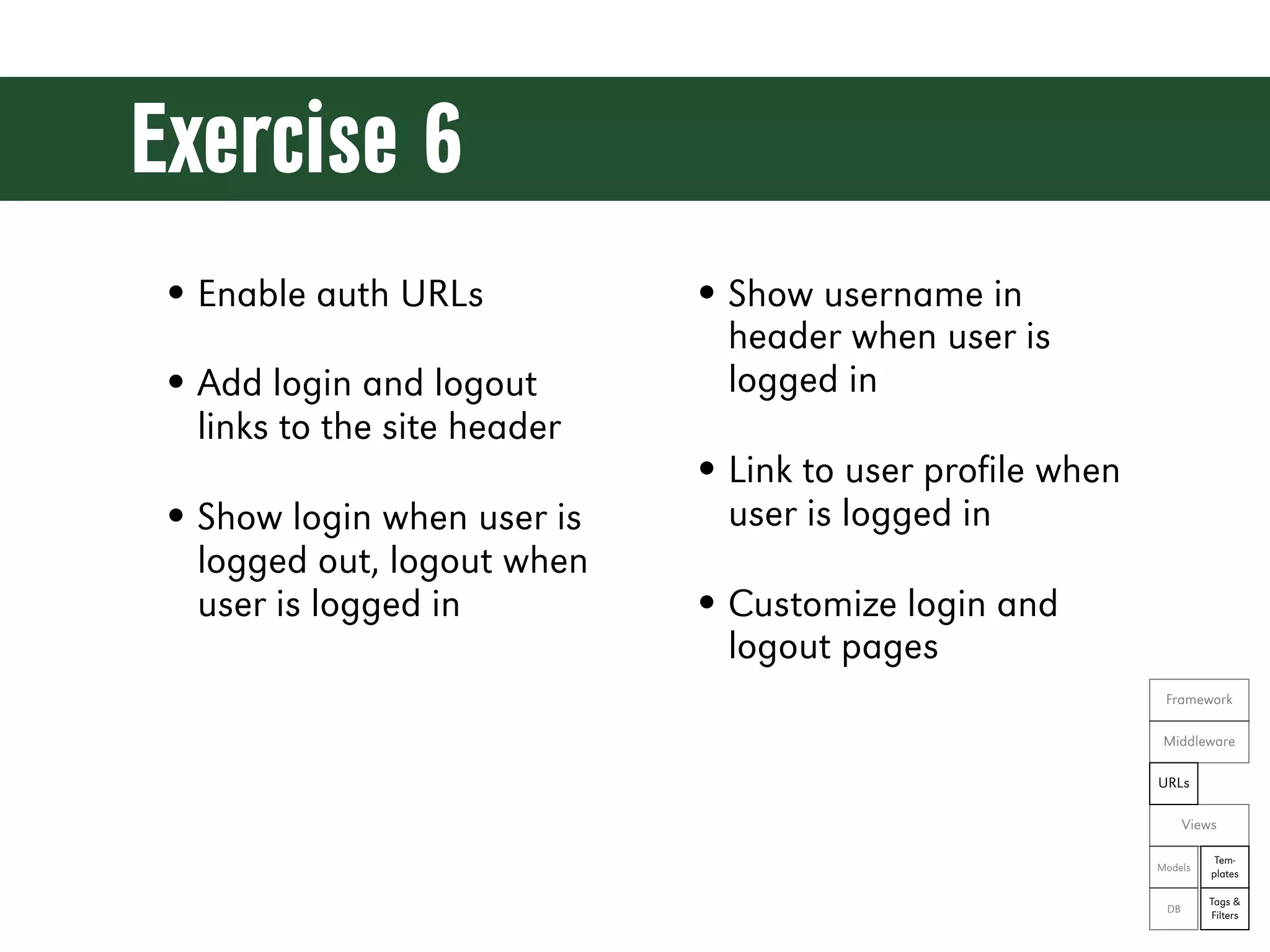
Exercise 6 • Enable auth URLs • Show username in header when user is • Add login and logout logged in links to the site header • Link to user profile when • Show login when user is user is logged in logged out, logout when user is logged in • Customize login and logout pages Framework Middleware URLs Views Tem- Models plates Tags & DB Filters
Let’s see the code! git reset --hard ex06
Django Admin
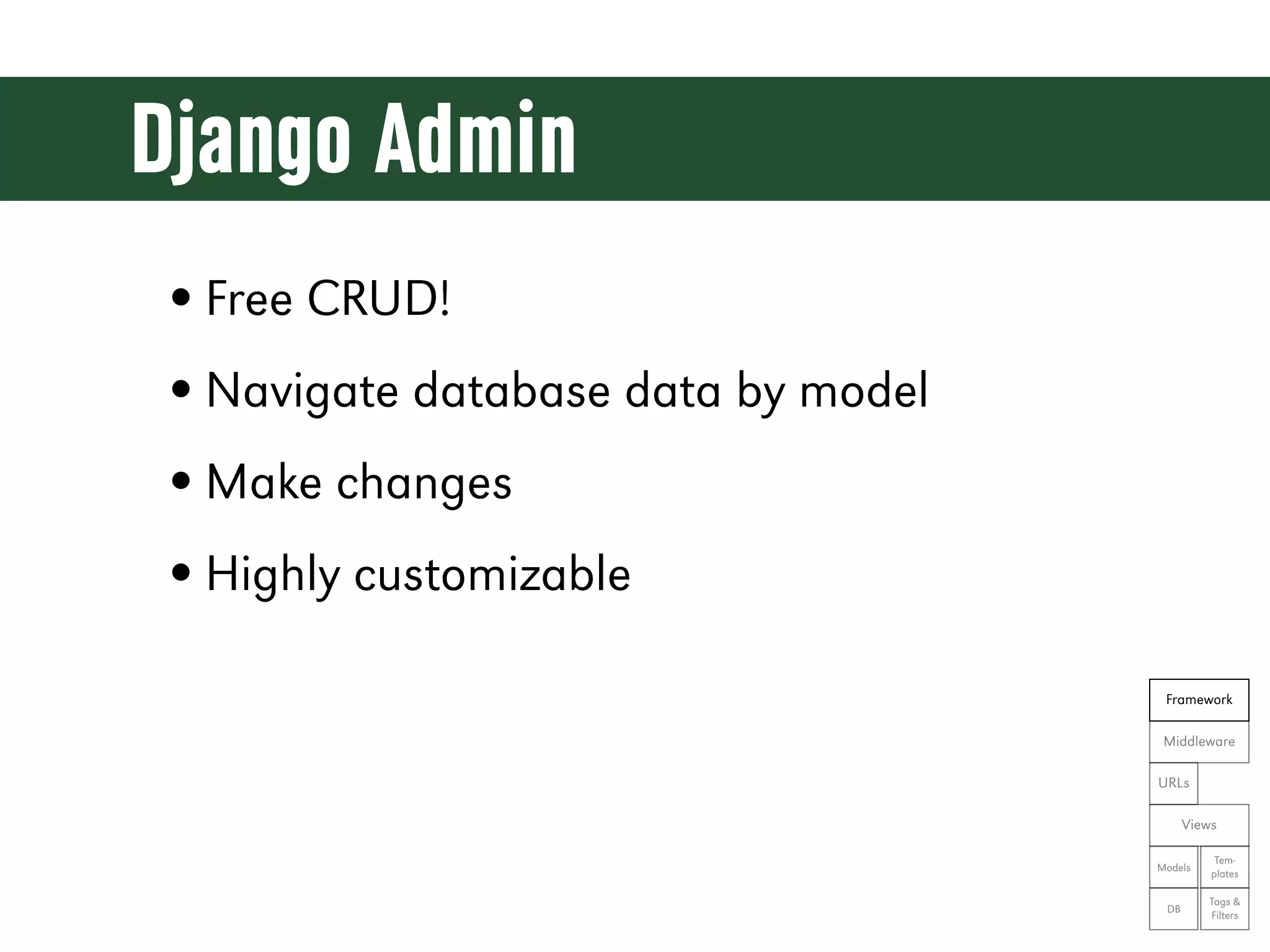
Django Admin • Free CRUD! • Navigate database data by model • Make changes • Highly customizable Framework Middleware URLs Views Tem- Models plates Tags & DB Filters
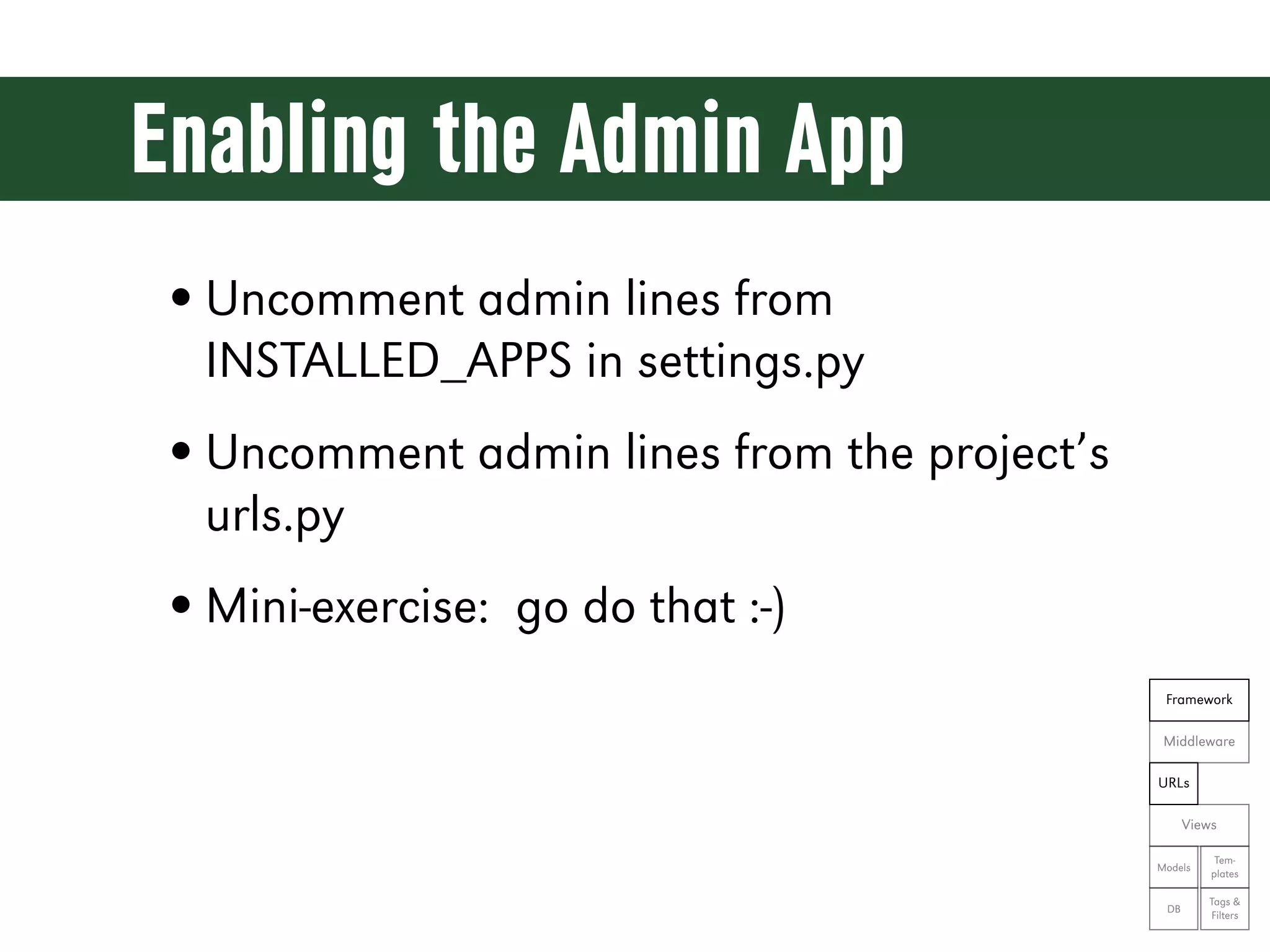
Enabling the Admin App • Uncomment admin lines from INSTALLED_APPS in settings.py • Uncomment admin lines from the project’s urls.py • Mini-exercise: go do that :-) Framework Middleware URLs Views Tem- Models plates Tags & DB Filters
Demo Time! git reset --hard ex07
CMS Pages
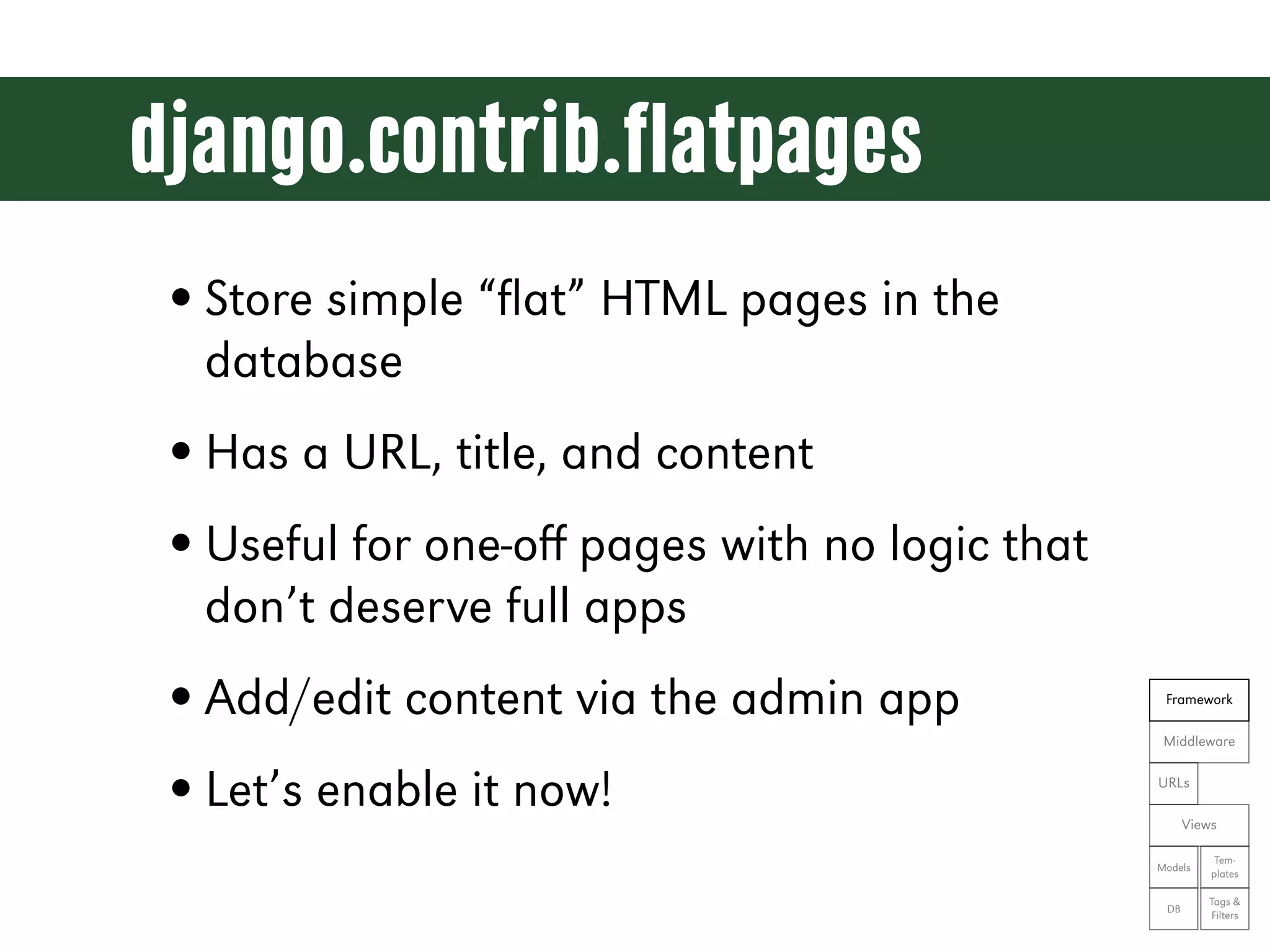
django.contrib.flatpages • Store simple “flat” HTML pages in the database • Has a URL, title, and content • Useful for one-off pages with no logic that don’t deserve full apps • Add/edit content via the admin app Framework Middleware • Let’s enable it now! URLs Views Tem- Models plates Tags & DB Filters
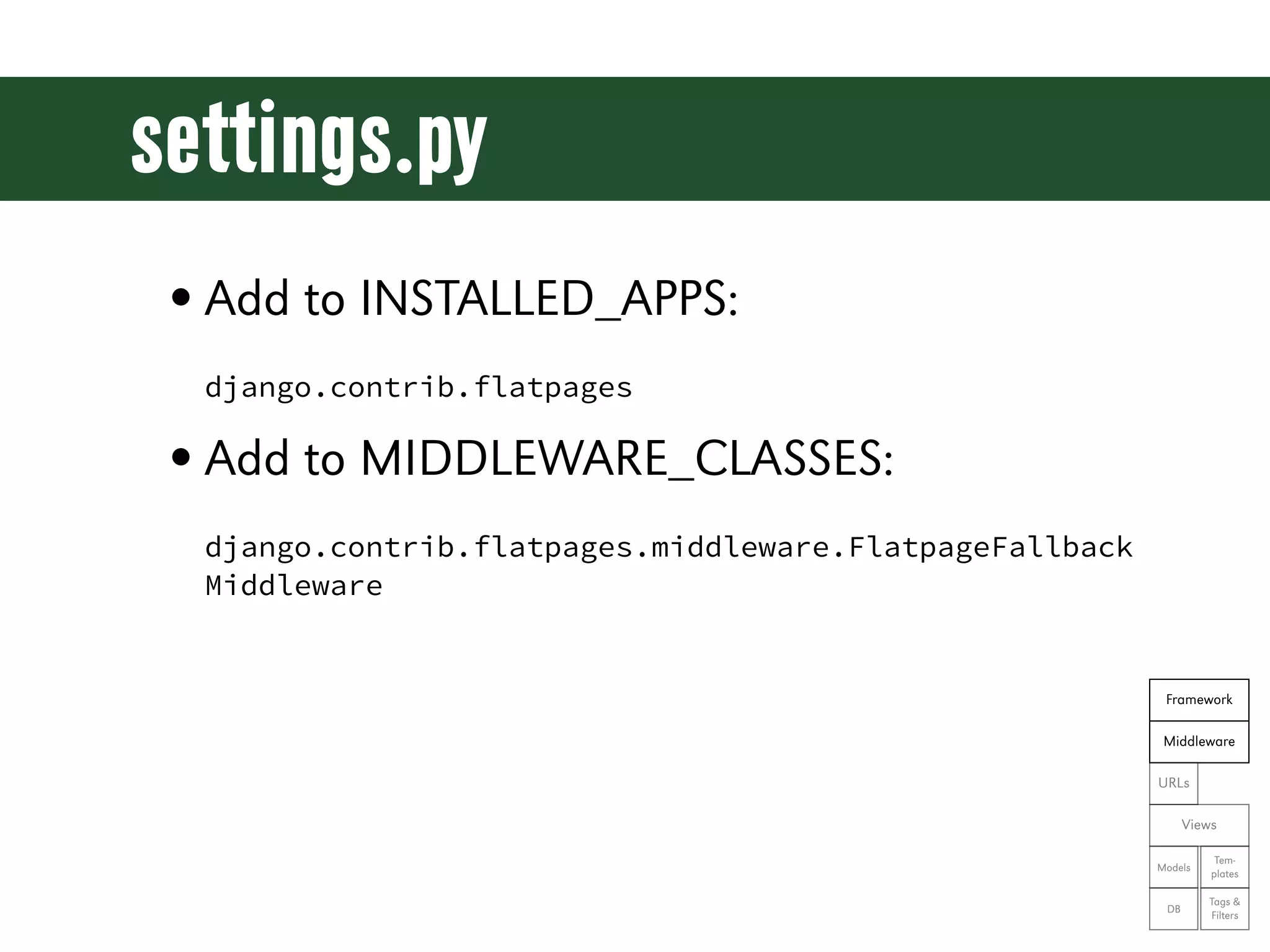
settings.py • Add to INSTALLED_APPS: django.contrib.flatpages • Add to MIDDLEWARE_CLASSES: django.contrib.flatpages.middleware.FlatpageFallback Middleware Framework Middleware URLs Views Tem- Models plates Tags & DB Filters
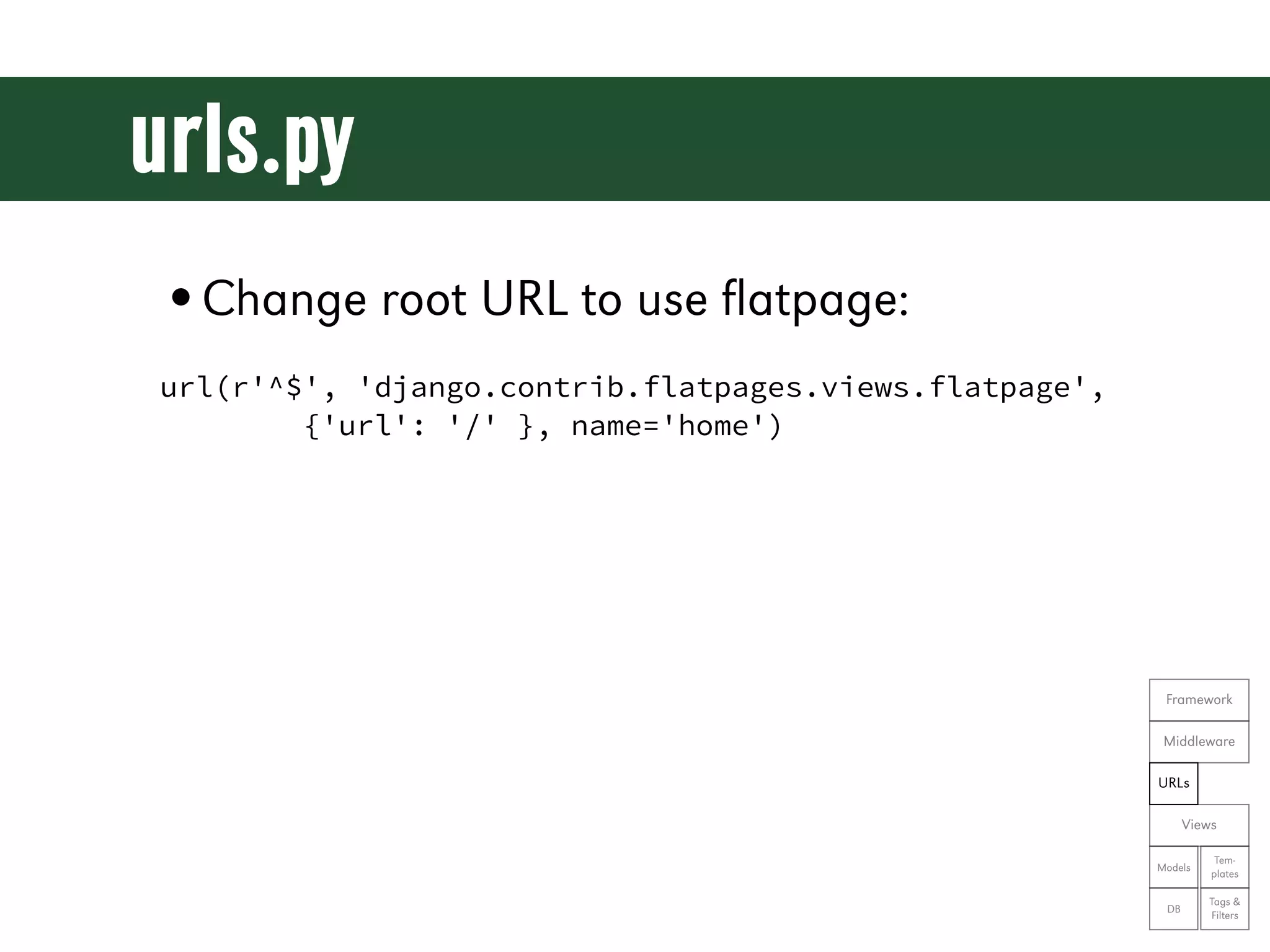
urls.py •Change root URL to use flatpage: url(r'^$', 'django.contrib.flatpages.views.flatpage', {'url': '/' }, name='home') Framework Middleware URLs Views Tem- Models plates Tags & DB Filters
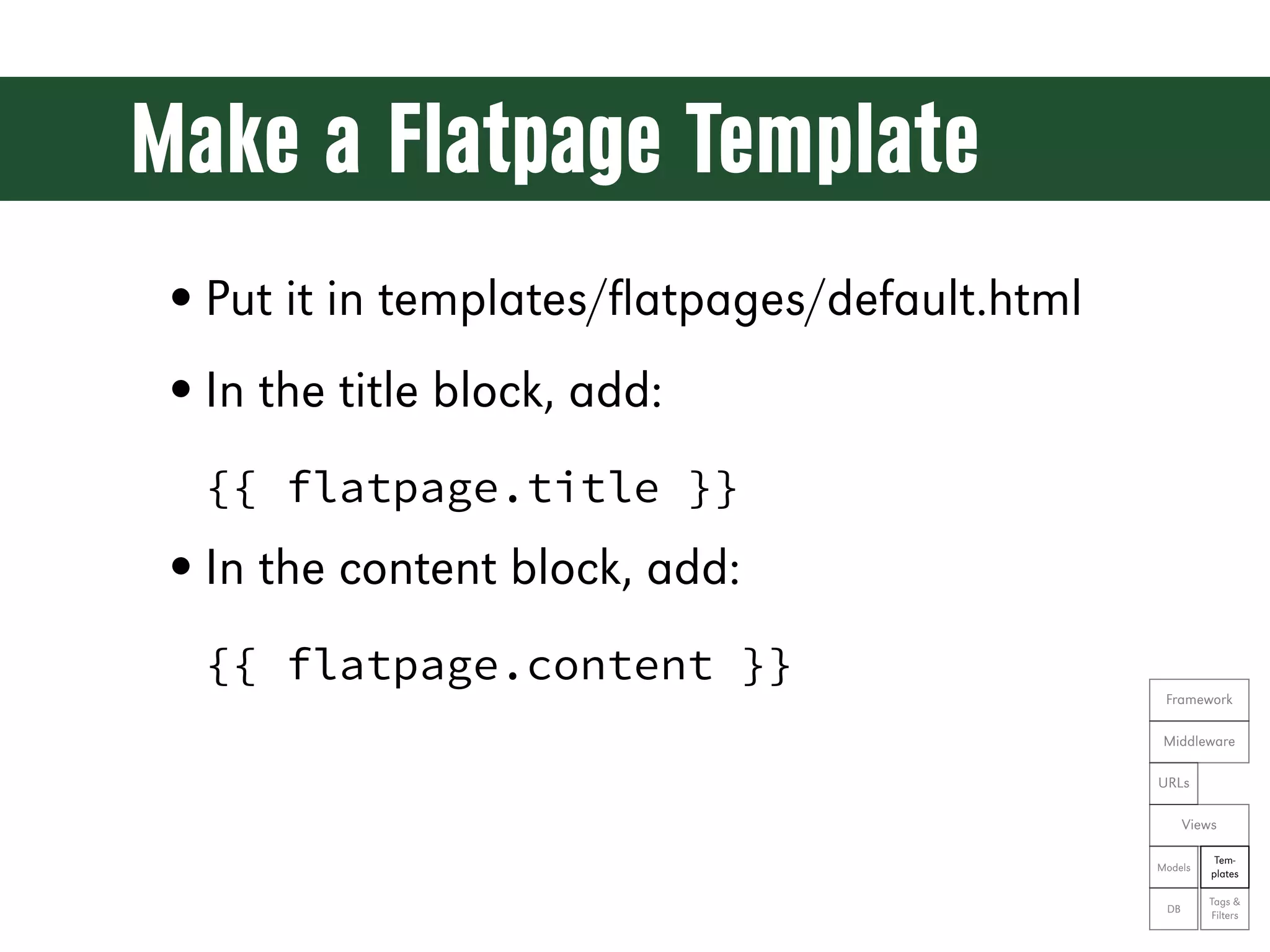
Make a Flatpage Template • Put it in templates/flatpages/default.html • In the title block, add: {{ flatpage.title }} • In the content block, add: {{ flatpage.content }} Framework Middleware URLs Views Tem- Models plates Tags & DB Filters
Let’s see the code! git reset --hard ex08
Meanwhile, in the admin app...
Conference Talks: An App with a Custom Data Model
Models • Model classes are the nouns of the system • Used to create database tables • Integrated with the ORM to interact with the database • Need to `python manage.py syncdb` when adding a new model class Framework Middleware URLs Views Tem- Models plates Tags & DB Filters
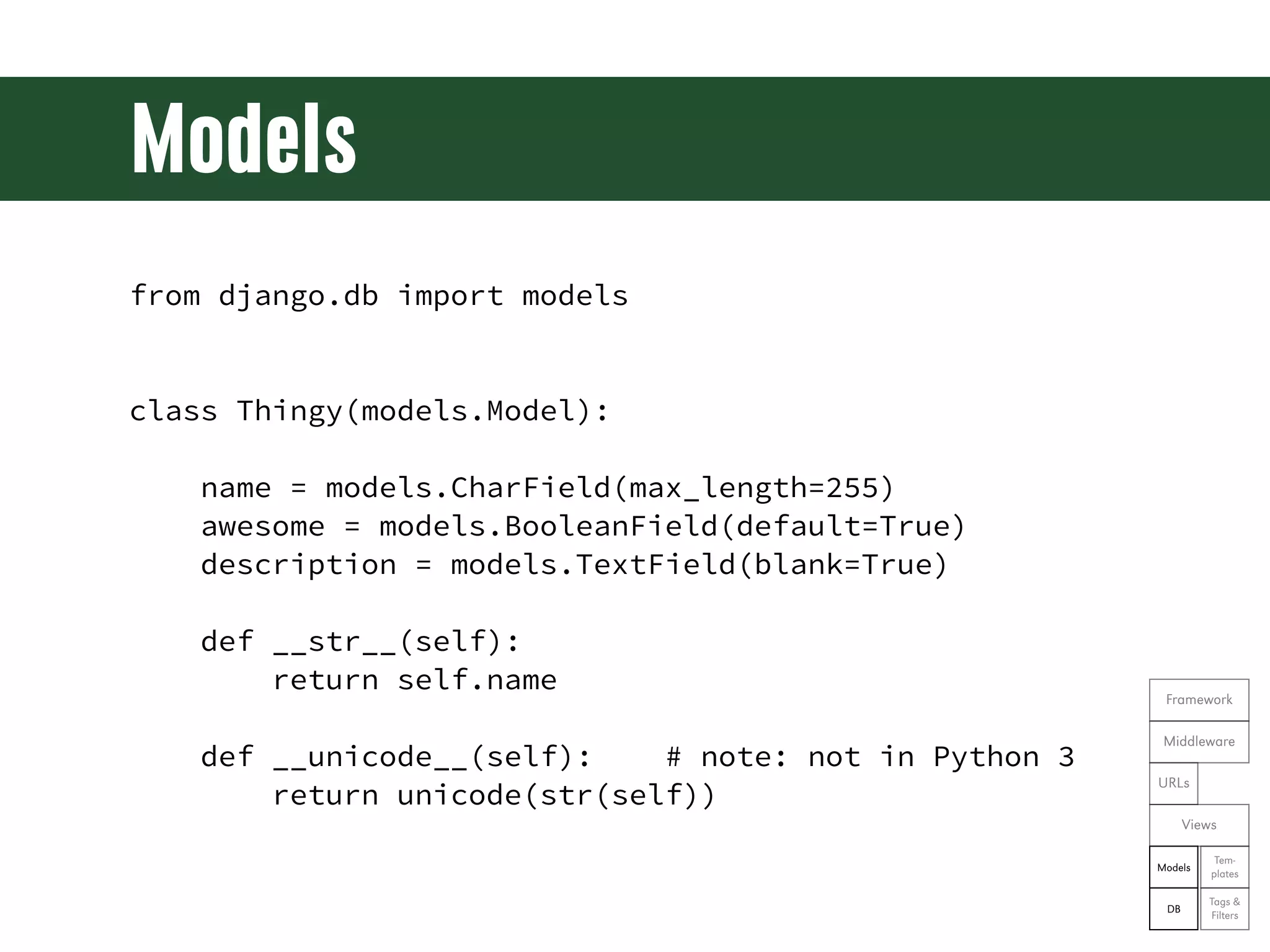
Models from django.db import models class Thingy(models.Model): name = models.CharField(max_length=255) awesome = models.BooleanField(default=True) description = models.TextField(blank=True) def __str__(self): return self.name Framework Middleware def __unicode__(self): # note: not in Python 3 return unicode(str(self)) URLs Views Tem- Models plates Tags & DB Filters
Exercise 9 • Create a “talks” app to manage talks • Create a Talk model; it should have: • title - up to 255 characters • approved - true or false, default false • recording_release - true or false, default false • abstract - text describing the talk Framework • outline - text outlining the talk Middleware URLs • notes - text about the talk that won't be public Views Tem- Models plates Tags & DB Filters
Let’s see the code! git reset --hard ex09
Wiring the Model for Admin Access • Each app manages its own admin wiring • Goes into an admin.py within the app Framework Middleware URLs Views Tem- Models plates Tags & DB Filters
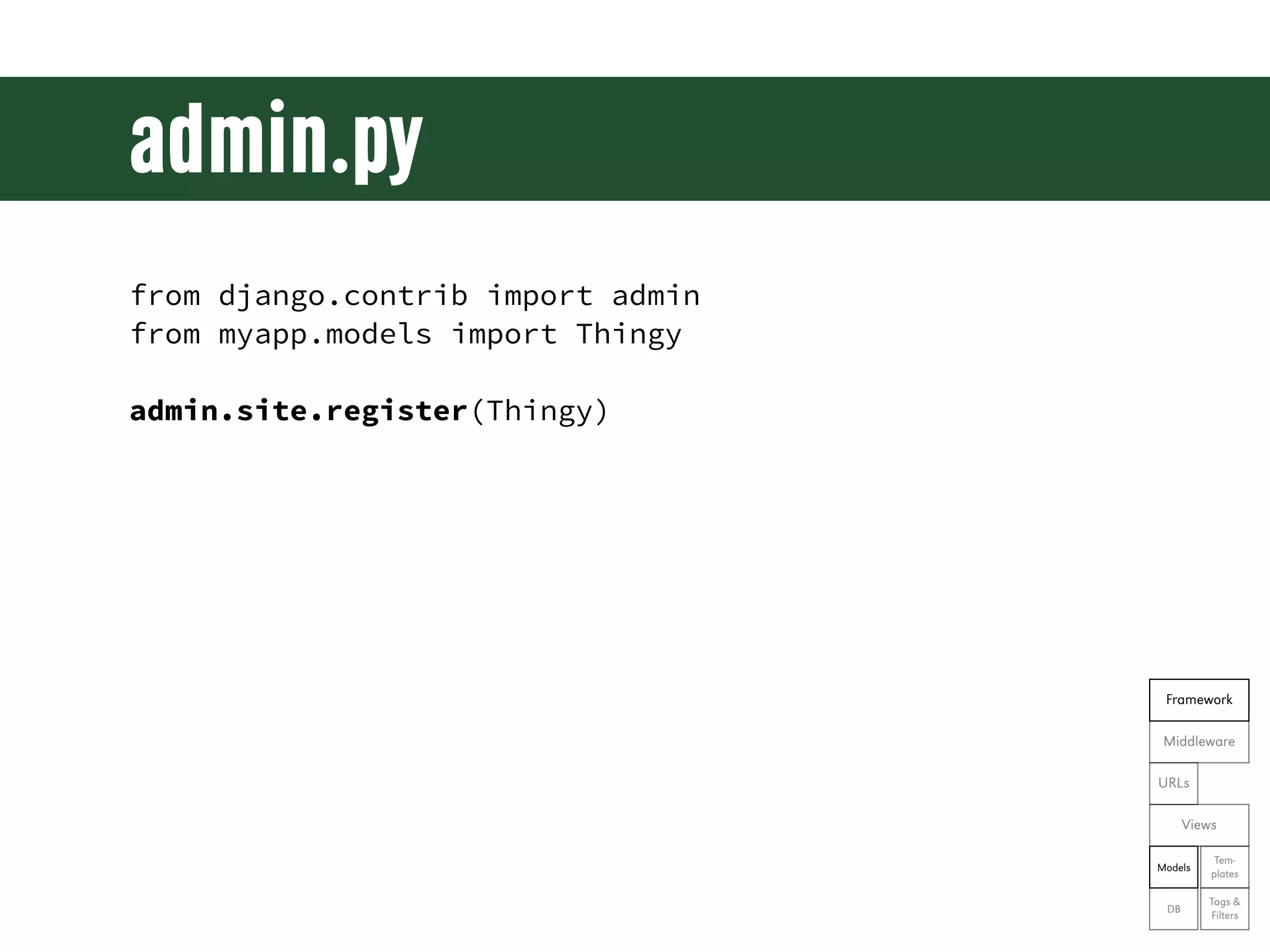
admin.py from django.contrib import admin from myapp.models import Thingy admin.site.register(Thingy) Framework Middleware URLs Views Tem- Models plates Tags & DB Filters
Exercise 10 • Create an admin.py for the talks app • Register the Talk model • Start up the admin app and verify that Talks appears Framework Middleware URLs Views Tem- Models plates Tags & DB Filters
Let’s see the code! git reset --hard ex10
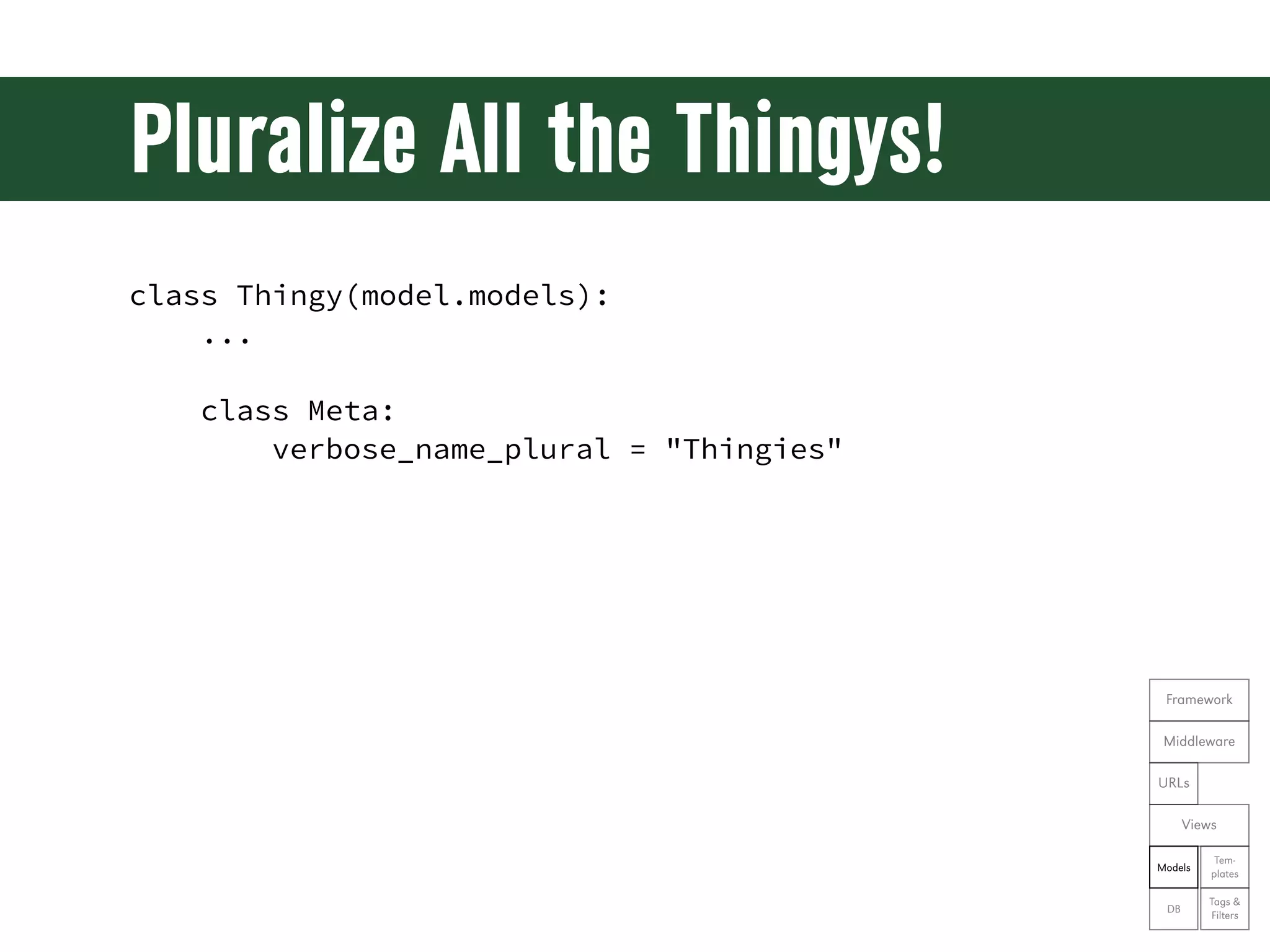
Pluralize All the Thingys! class Thingy(model.models): ... class Meta: verbose_name_plural = "Thingies" Framework Middleware URLs Views Tem- Models plates Tags & DB Filters
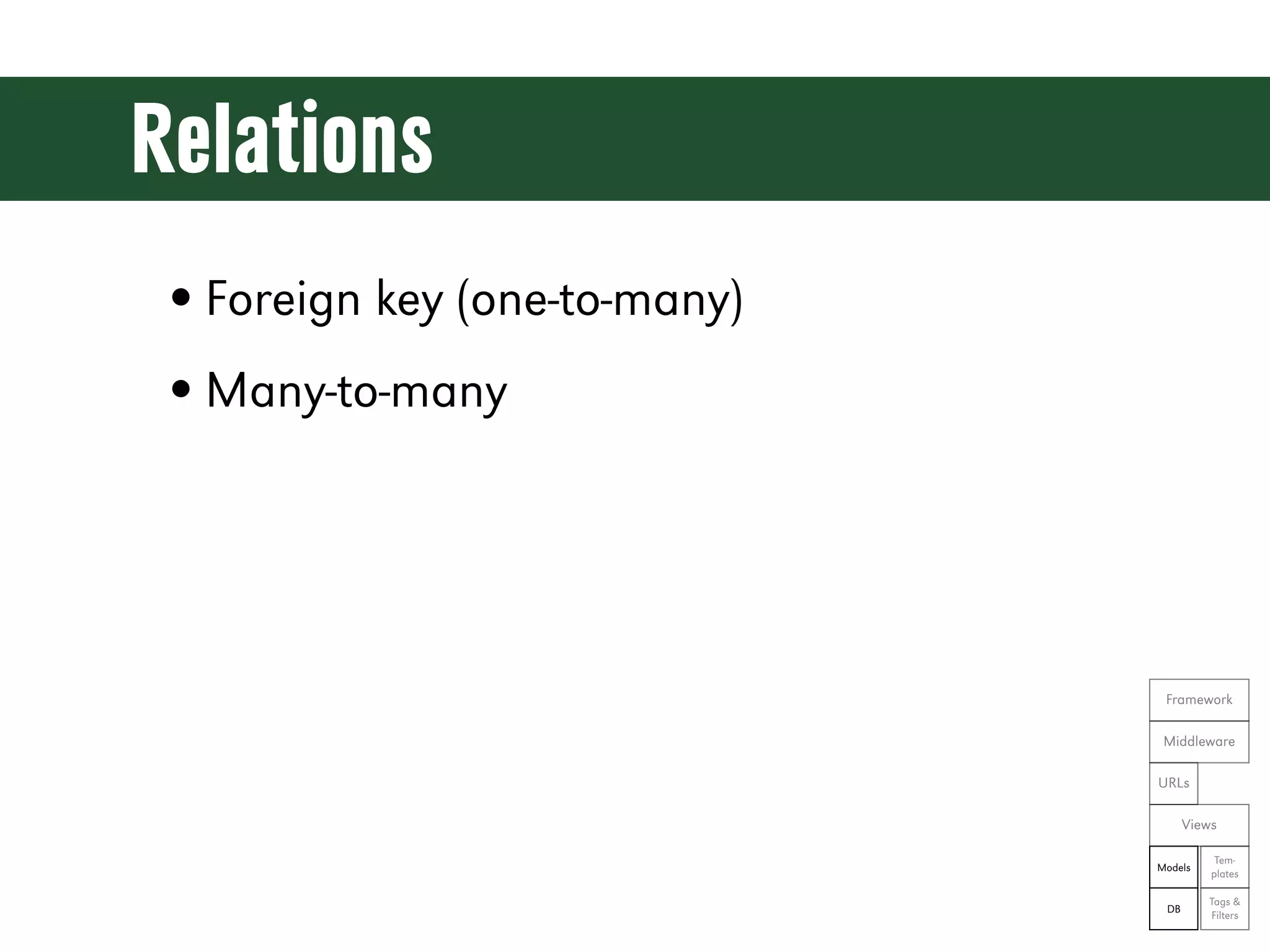
Relations • Foreign key (one-to-many) • Many-to-many Framework Middleware URLs Views Tem- Models plates Tags & DB Filters
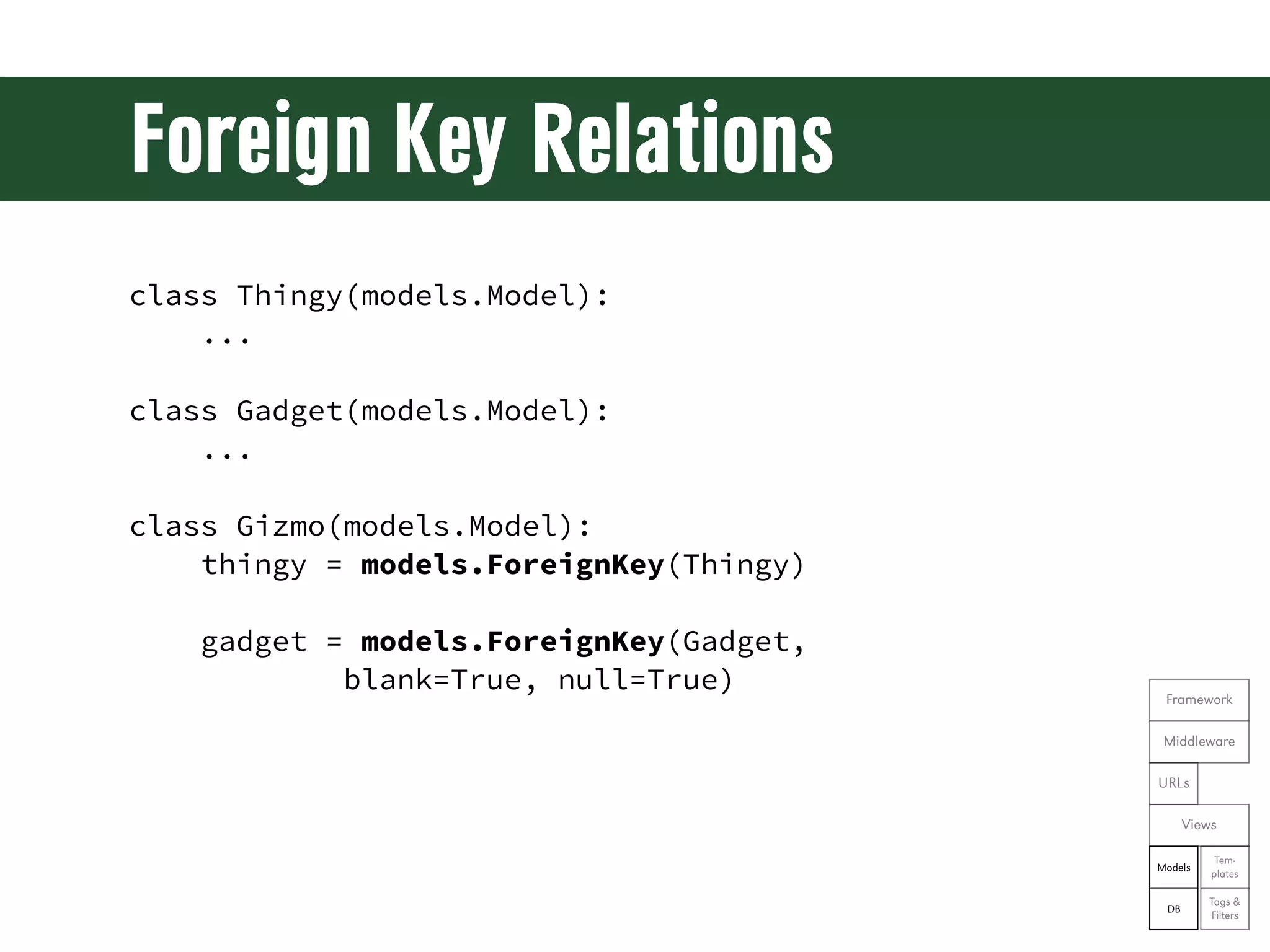
Foreign Key Relations class Thingy(models.Model): ... class Gadget(models.Model): ... class Gizmo(models.Model): thingy = models.ForeignKey(Thingy) gadget = models.ForeignKey(Gadget, blank=True, null=True) Framework Middleware URLs Views Tem- Models plates Tags & DB Filters
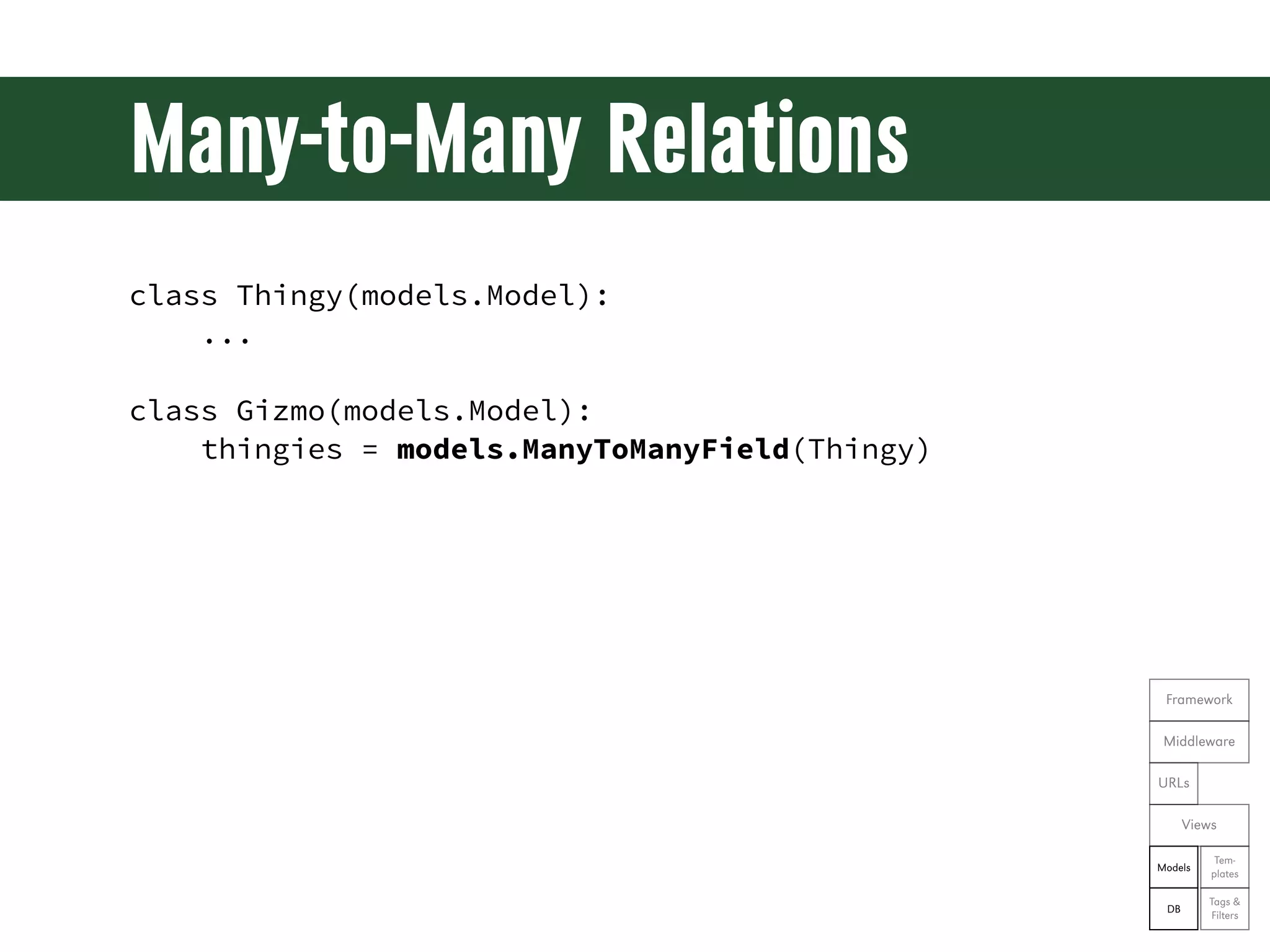
Many-to-Many Relations class Thingy(models.Model): ... class Gizmo(models.Model): thingies = models.ManyToManyField(Thingy) Framework Middleware URLs Views Tem- Models plates Tags & DB Filters
Saving a Model Object thingy = Thingy() thingy.size = 'big' thingy.save() gadget = Gadget(thingy=thingy) gadget.save() gizmo = Gizmo(thingies=[thingy]) gizmo.save() Framework Middleware URLs Views Tem- Models plates Tags & DB Filters
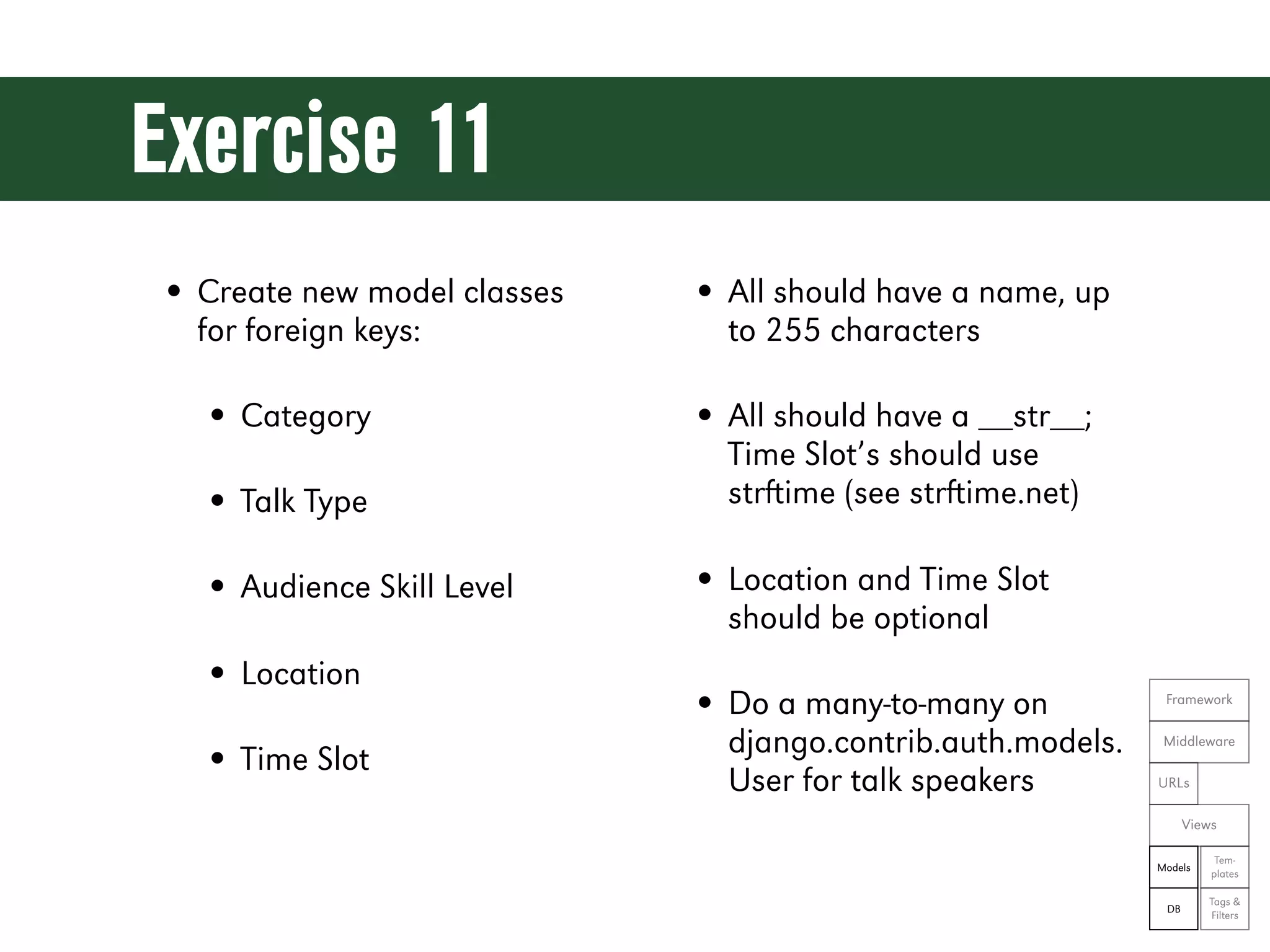
Exercise 11 • Create new model classes • All should have a name, up for foreign keys: to 255 characters • Category • All should have a __str__; Time Slot’s should use • Talk Type strime (see strime.net) • Audience Skill Level • Location and Time Slot should be optional • Location • Do a many-to-many on Framework django.contrib.auth.models. Middleware • Time Slot User for talk speakers URLs Views Tem- Models plates Tags & DB Filters
Let’s see the code! git reset --hard ex11
Meanwhile, in the admin app...
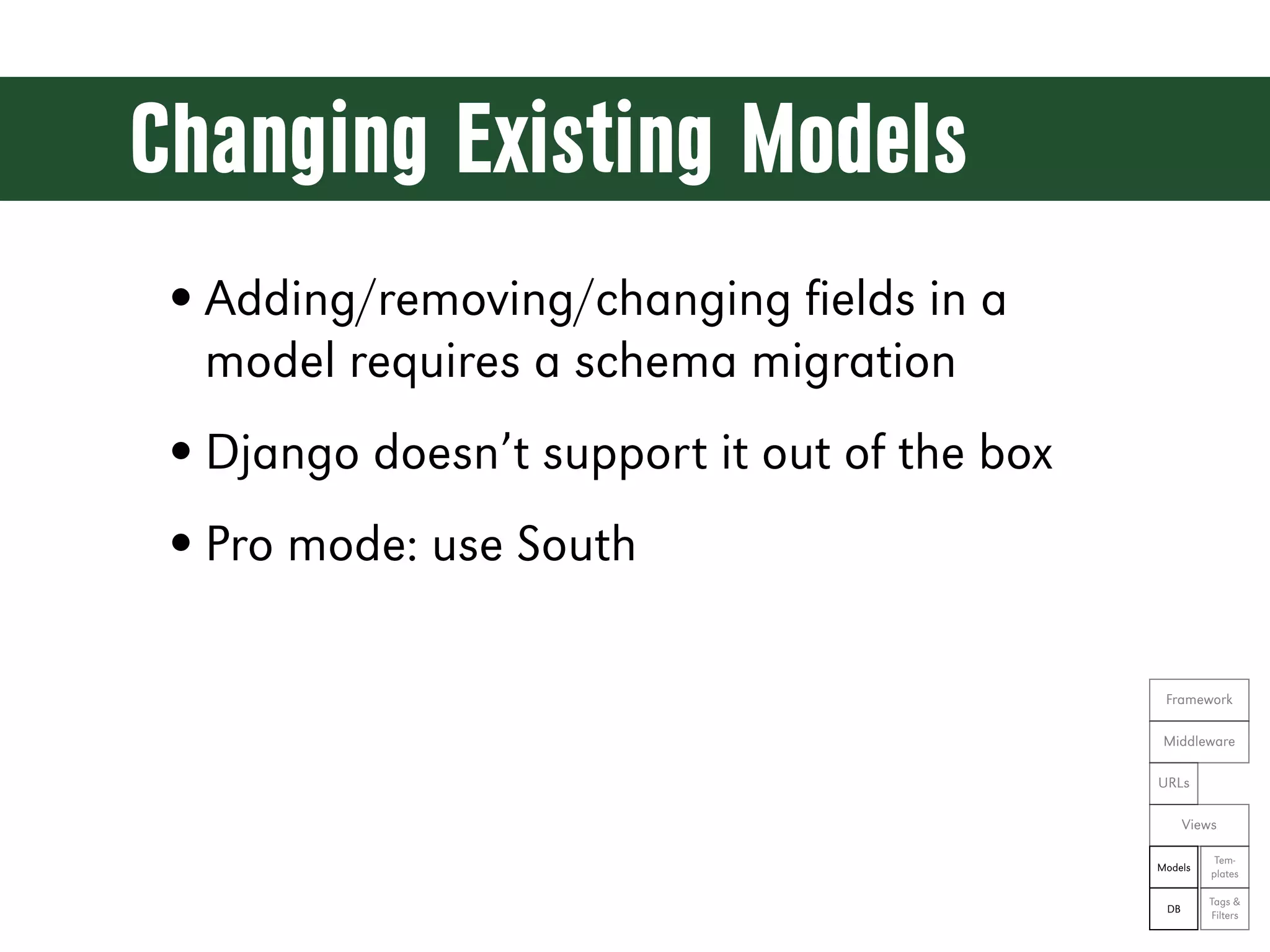
Changing Existing Models • Adding/removing/changing fields in a model requires a schema migration • Django doesn’t support it out of the box • Pro mode: use South Framework Middleware URLs Views Tem- Models plates Tags & DB Filters
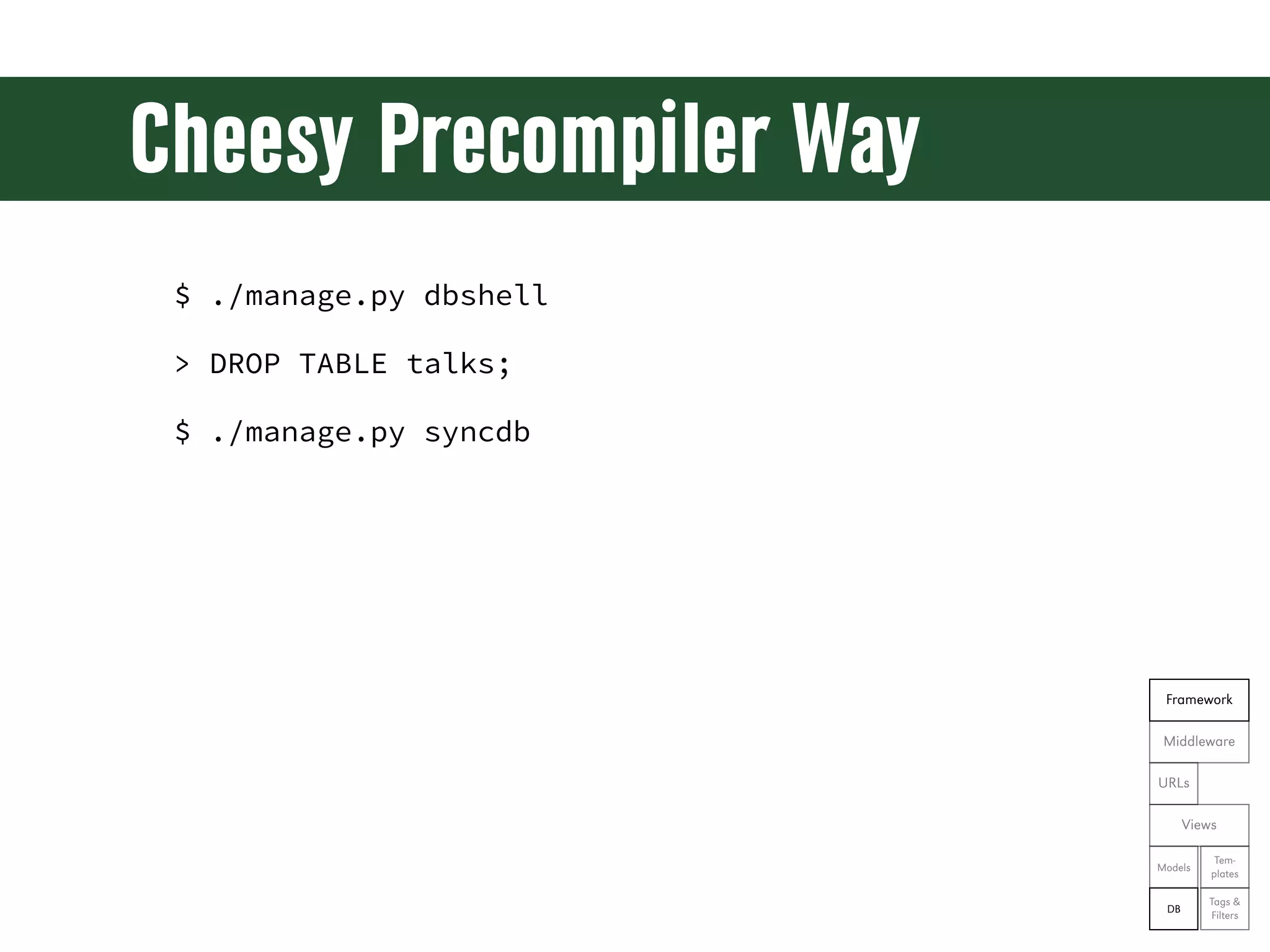
Cheesy Precompiler Way $ ./manage.py dbshell > DROP TABLE talks; $ ./manage.py syncdb Framework Middleware URLs Views Tem- Models plates Tags & DB Filters
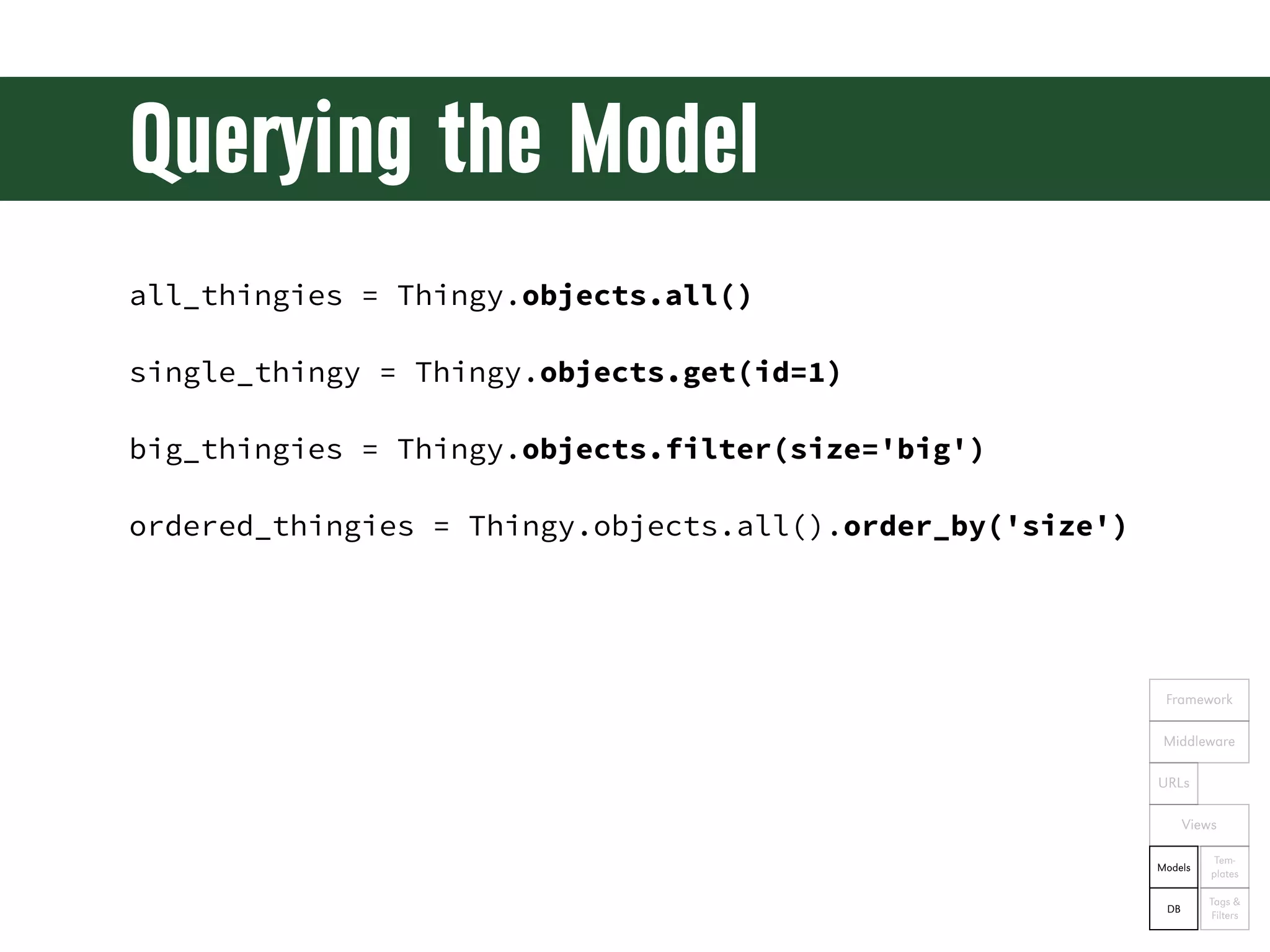
Querying the Model all_thingies = Thingy.objects.all() single_thingy = Thingy.objects.get(id=1) big_thingies = Thingy.objects.filter(size='big') ordered_thingies = Thingy.objects.all().order_by('size') Framework Middleware URLs Views Tem- Models plates Tags & DB Filters
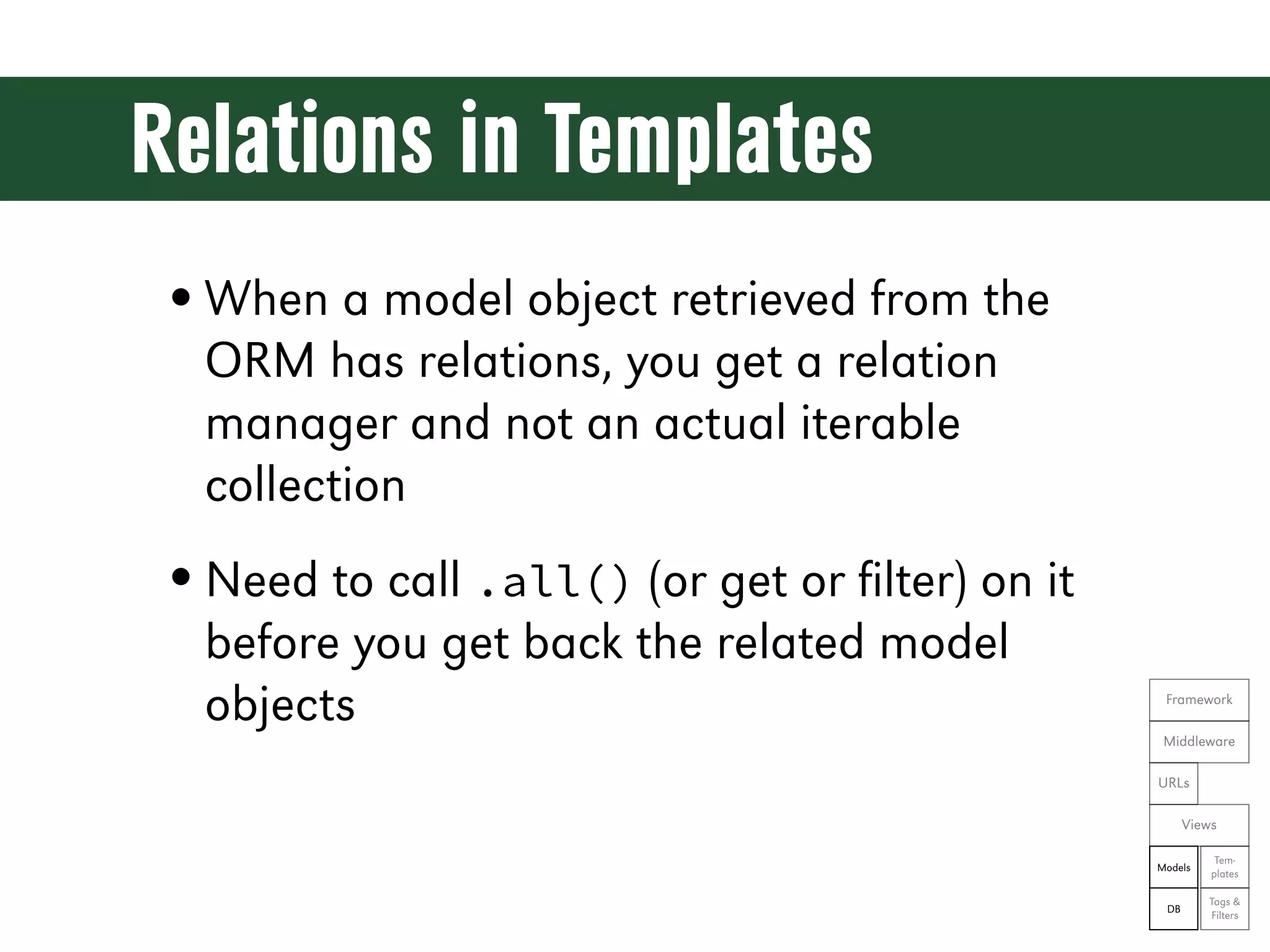
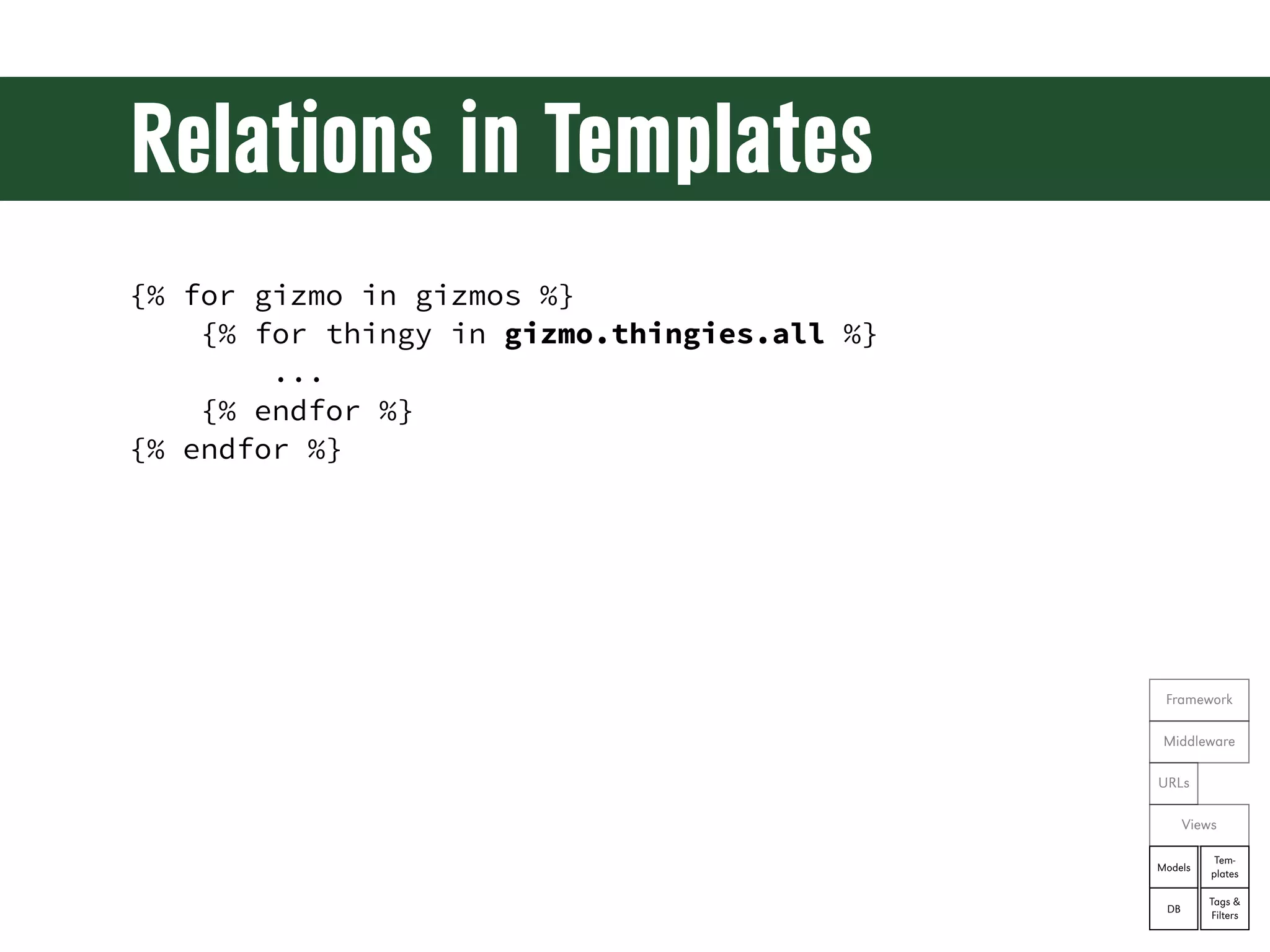
Relations in Templates • When a model object retrieved from the ORM has relations, you get a relation manager and not an actual iterable collection • Need to call .all() (or get or filter) on it before you get back the related model objects Framework Middleware URLs Views Tem- Models plates Tags & DB Filters
Relations in Templates {% for gizmo in gizmos %} {% for thingy in gizmo.thingies.all %} ... {% endfor %} {% endfor %} Framework Middleware URLs Views Tem- Models plates Tags & DB Filters
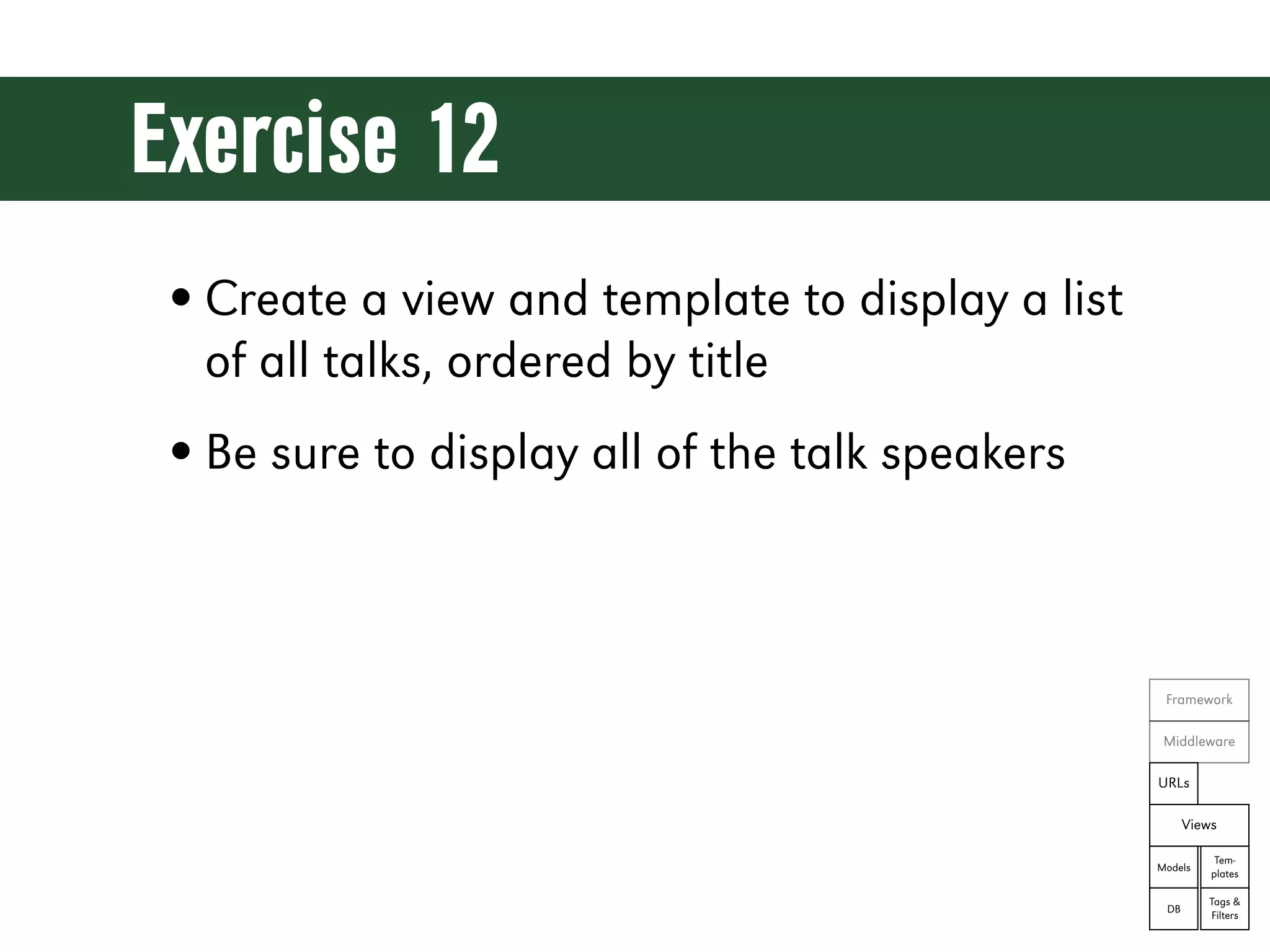
Exercise 12 • Create a view and template to display a list of all talks, ordered by title • Be sure to display all of the talk speakers Framework Middleware URLs Views Tem- Models plates Tags & DB Filters
Let’s see the code! git reset --hard ex12
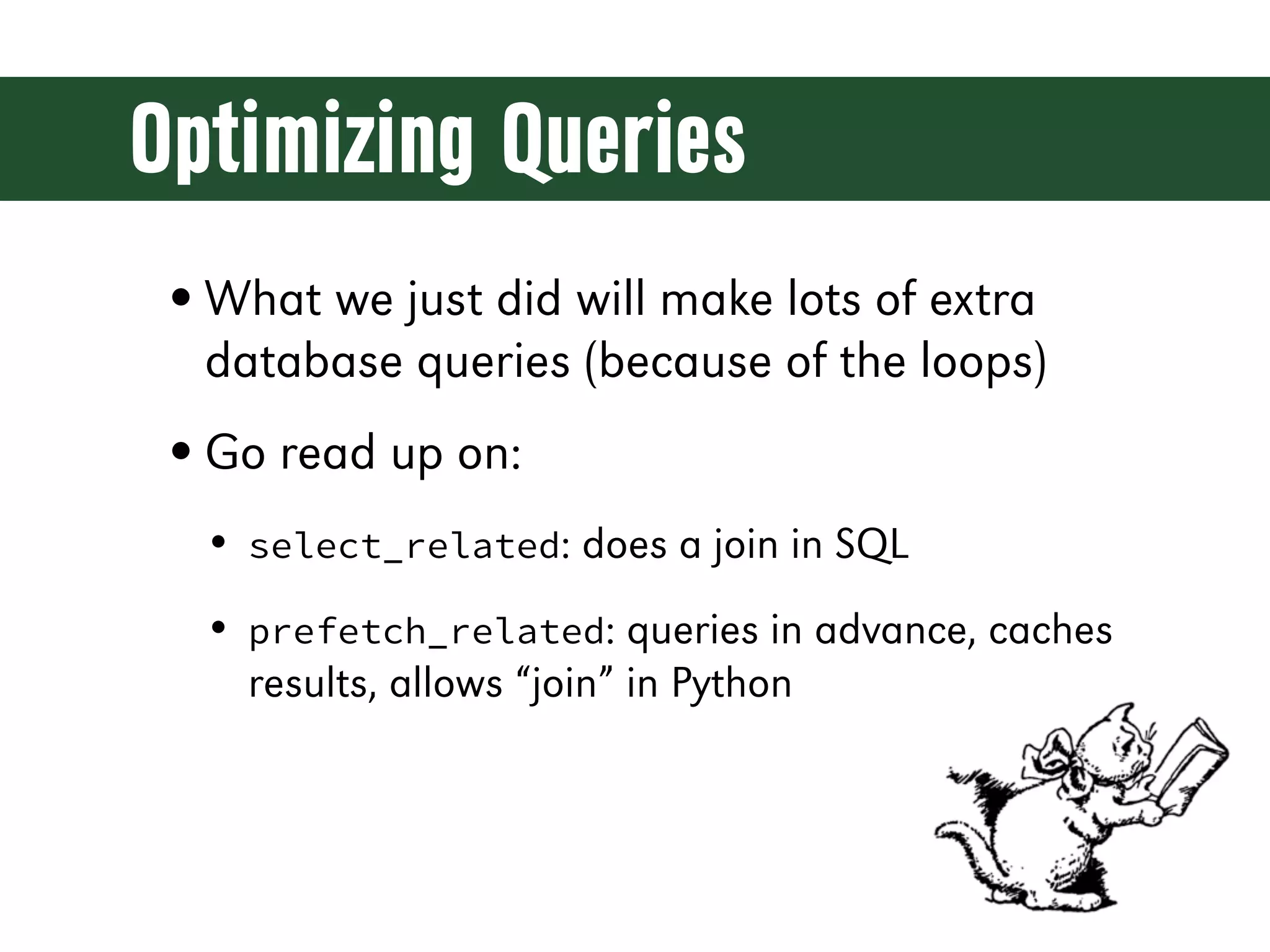
Optimizing Queries • What we just did will make lots of extra database queries (because of the loops) • Go read up on: • select_related: does a join in SQL • prefetch_related: queries in advance, caches results, allows “join” in Python
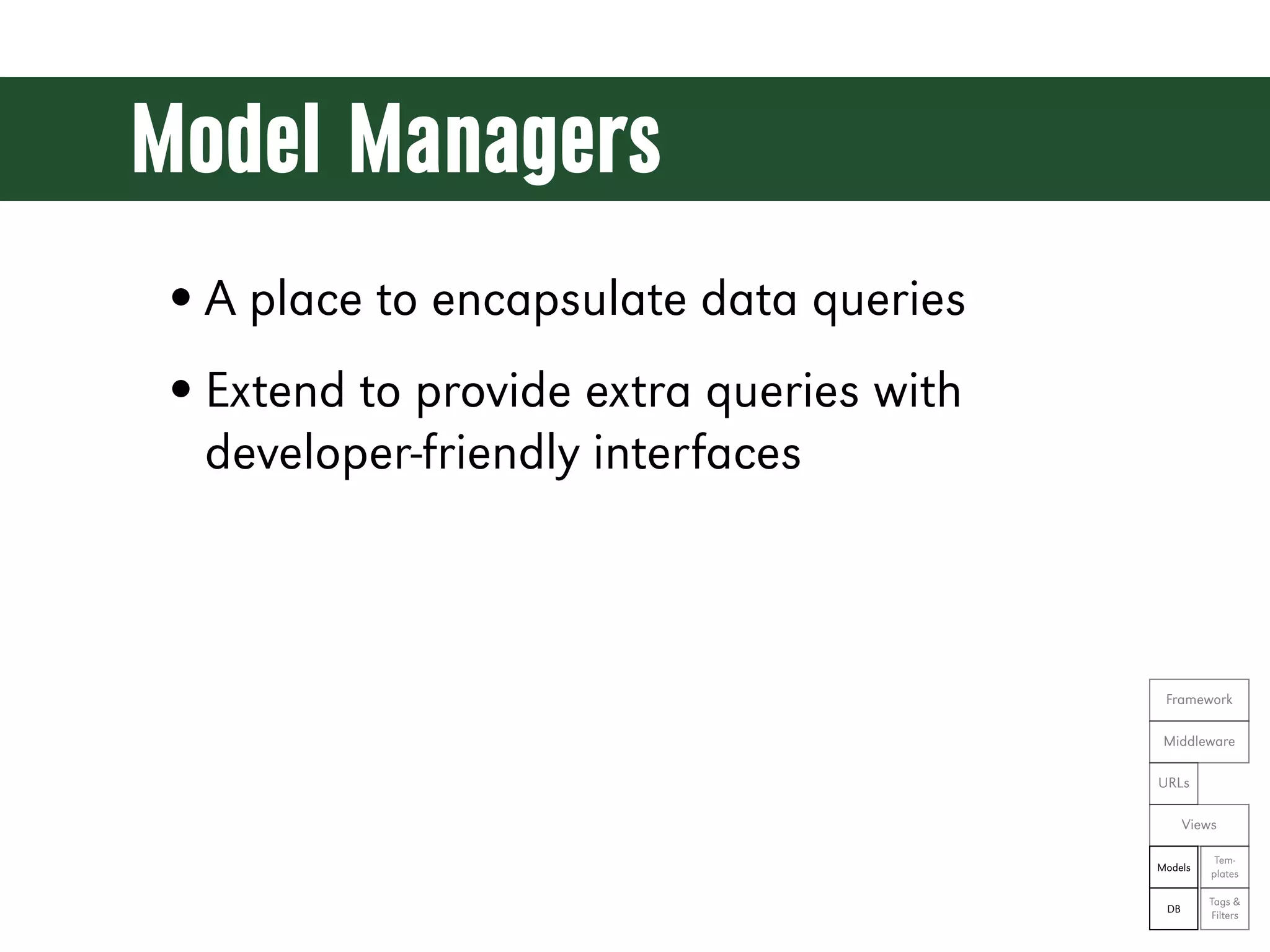
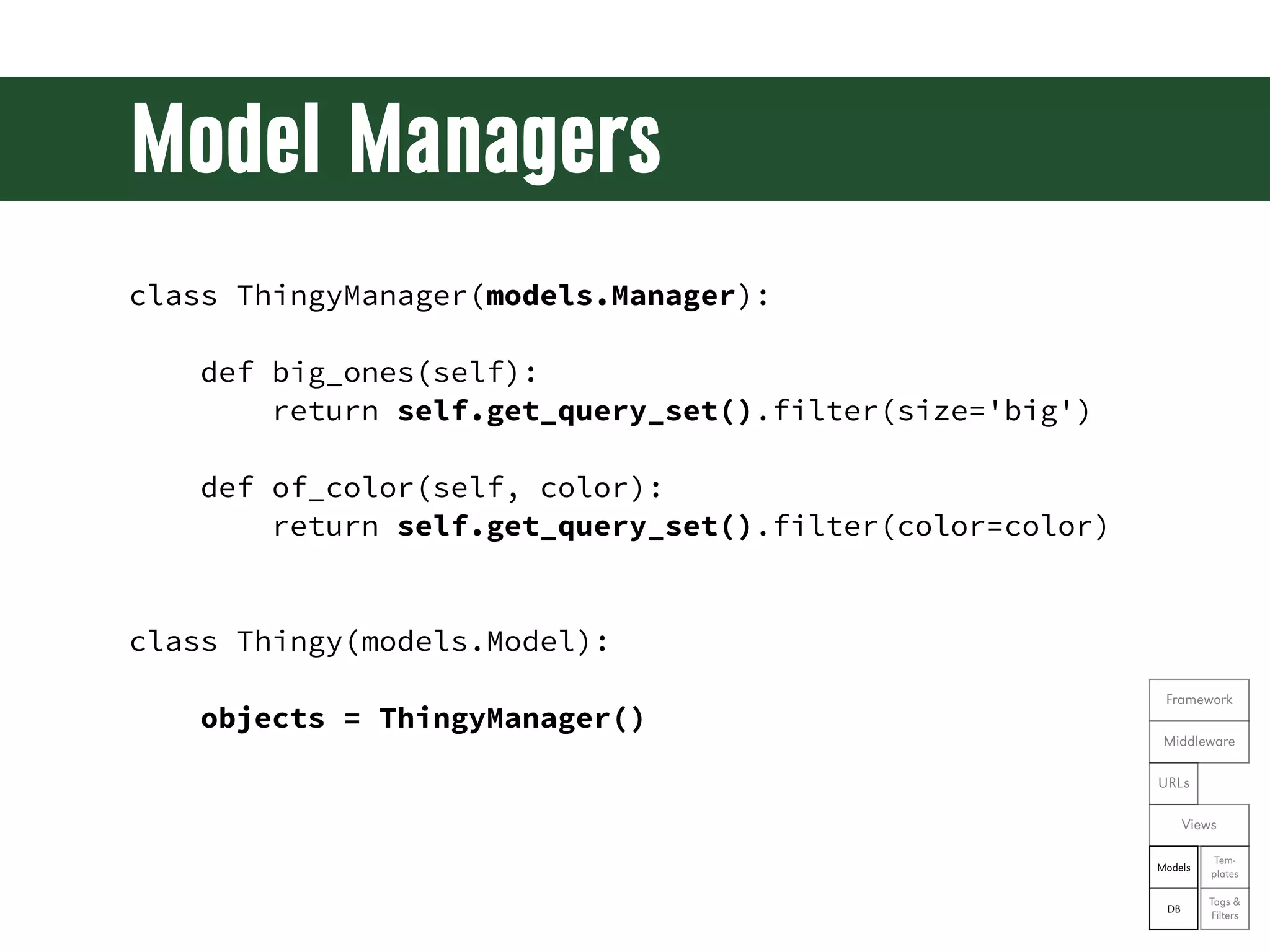
Model Managers • A place to encapsulate data queries • Extend to provide extra queries with developer-friendly interfaces Framework Middleware URLs Views Tem- Models plates Tags & DB Filters
Model Managers class ThingyManager(models.Manager): def big_ones(self): return self.get_query_set().filter(size='big') def of_color(self, color): return self.get_query_set().filter(color=color) class Thingy(models.Model): Framework objects = ThingyManager() Middleware URLs Views Tem- Models plates Tags & DB Filters
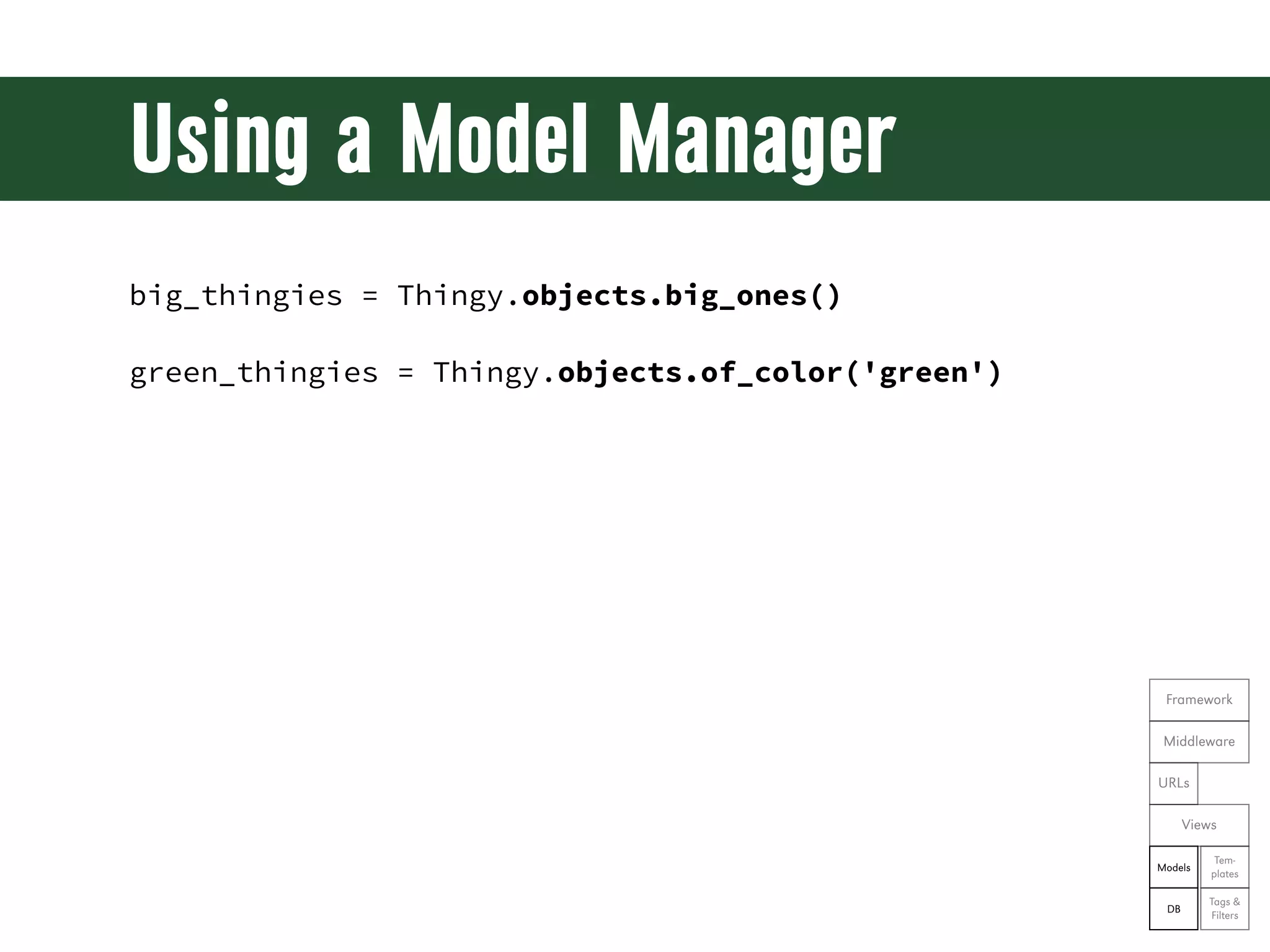
Using a Model Manager big_thingies = Thingy.objects.big_ones() green_thingies = Thingy.objects.of_color('green') Framework Middleware URLs Views Tem- Models plates Tags & DB Filters
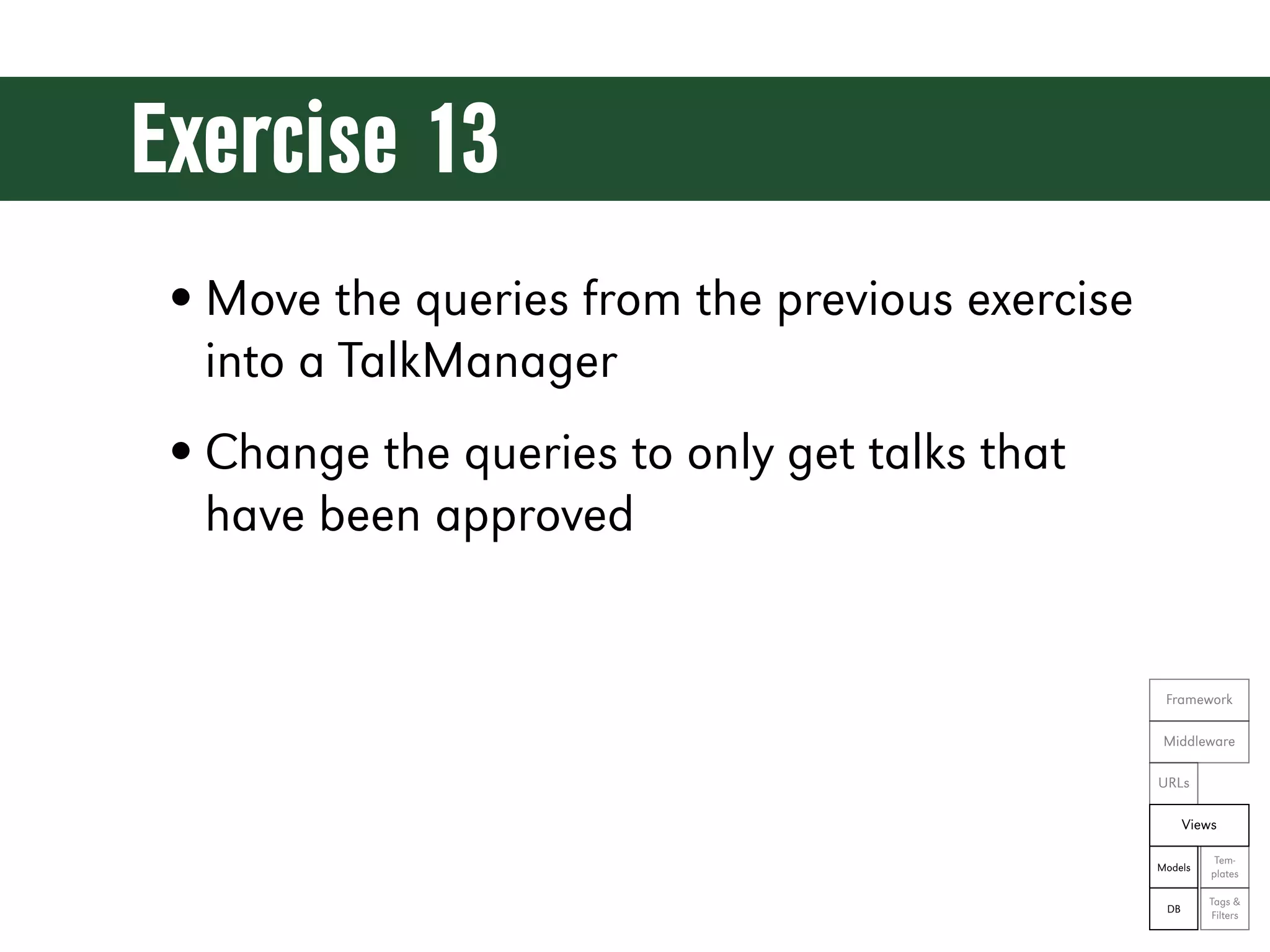
Exercise 13 • Move the queries from the previous exercise into a TalkManager • Change the queries to only get talks that have been approved Framework Middleware URLs Views Tem- Models plates Tags & DB Filters
Let’s see the code! git reset --hard ex13
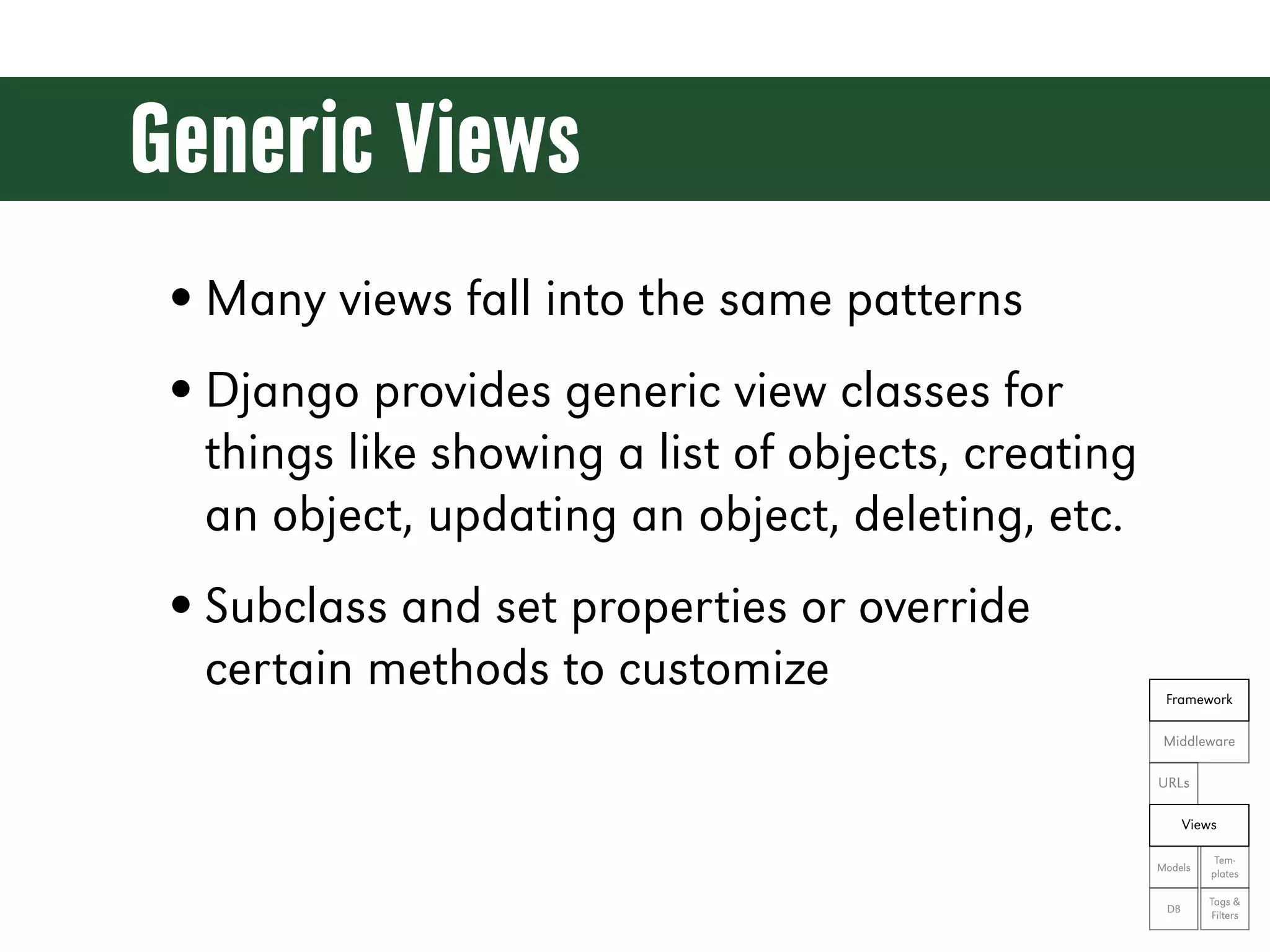
Generic Views • Many views fall into the same patterns • Django provides generic view classes for things like showing a list of objects, creating an object, updating an object, deleting, etc. • Subclass and set properties or override certain methods to customize Framework Middleware URLs Views Tem- Models plates Tags & DB Filters
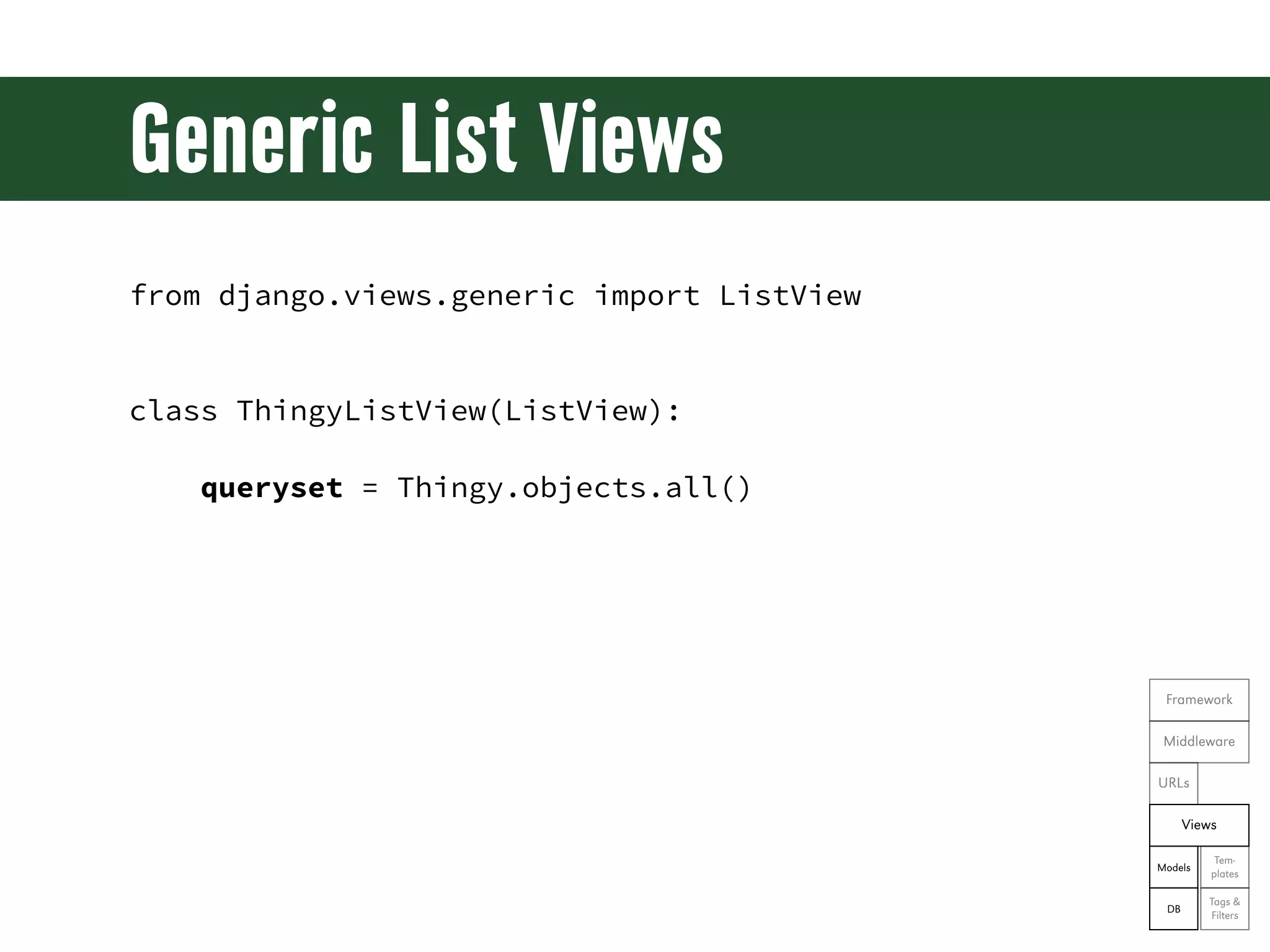
Generic List Views from django.views.generic import ListView class ThingyListView(ListView): queryset = Thingy.objects.all() Framework Middleware URLs Views Tem- Models plates Tags & DB Filters
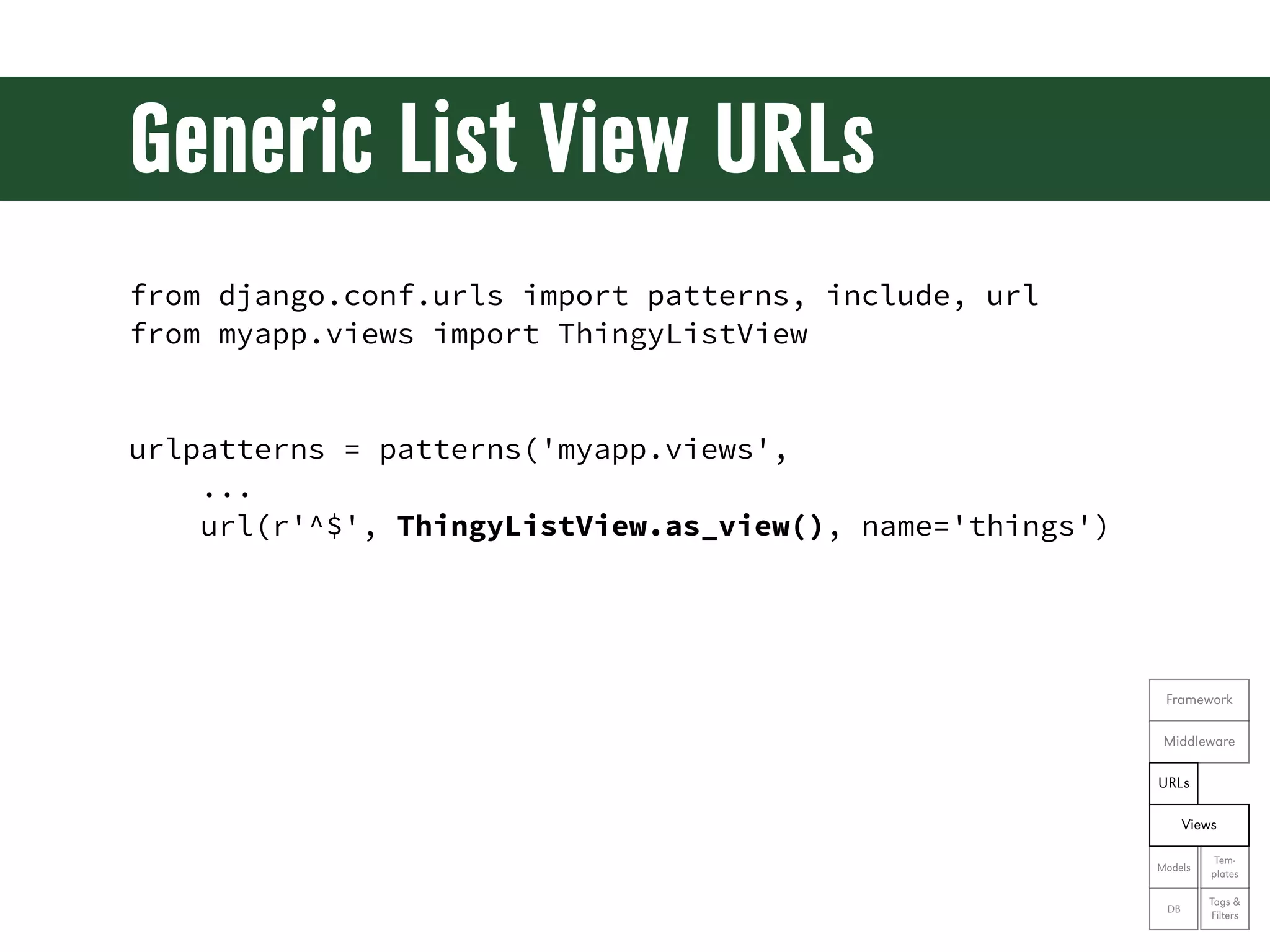
Generic List View URLs from django.conf.urls import patterns, include, url from myapp.views import ThingyListView urlpatterns = patterns('myapp.views', ... url(r'^$', ThingyListView.as_view(), name='things') Framework Middleware URLs Views Tem- Models plates Tags & DB Filters
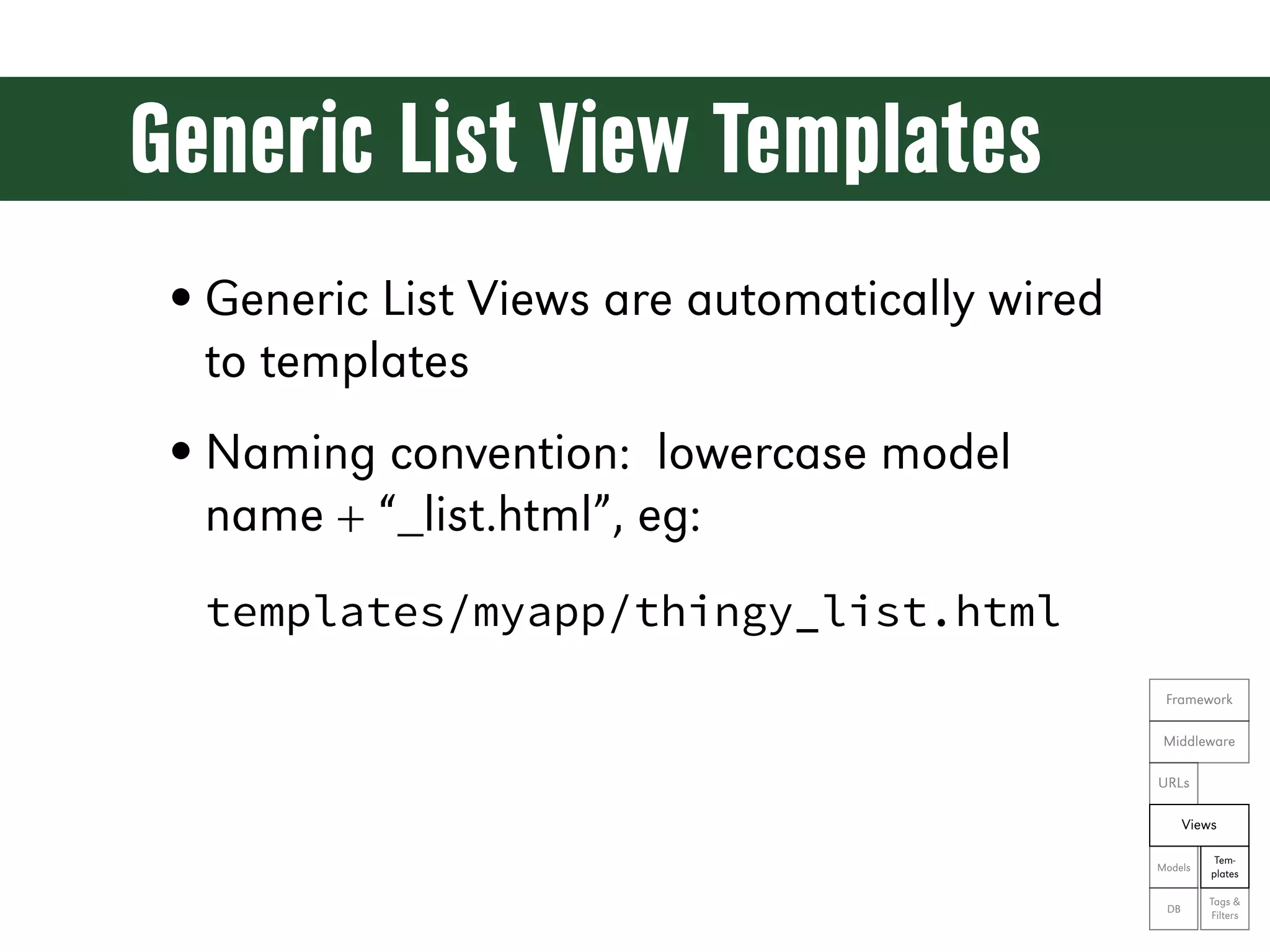
Generic List View Templates • Generic List Views are automatically wired to templates • Naming convention: lowercase model name + “_list.html”, eg: templates/myapp/thingy_list.html Framework Middleware URLs Views Tem- Models plates Tags & DB Filters
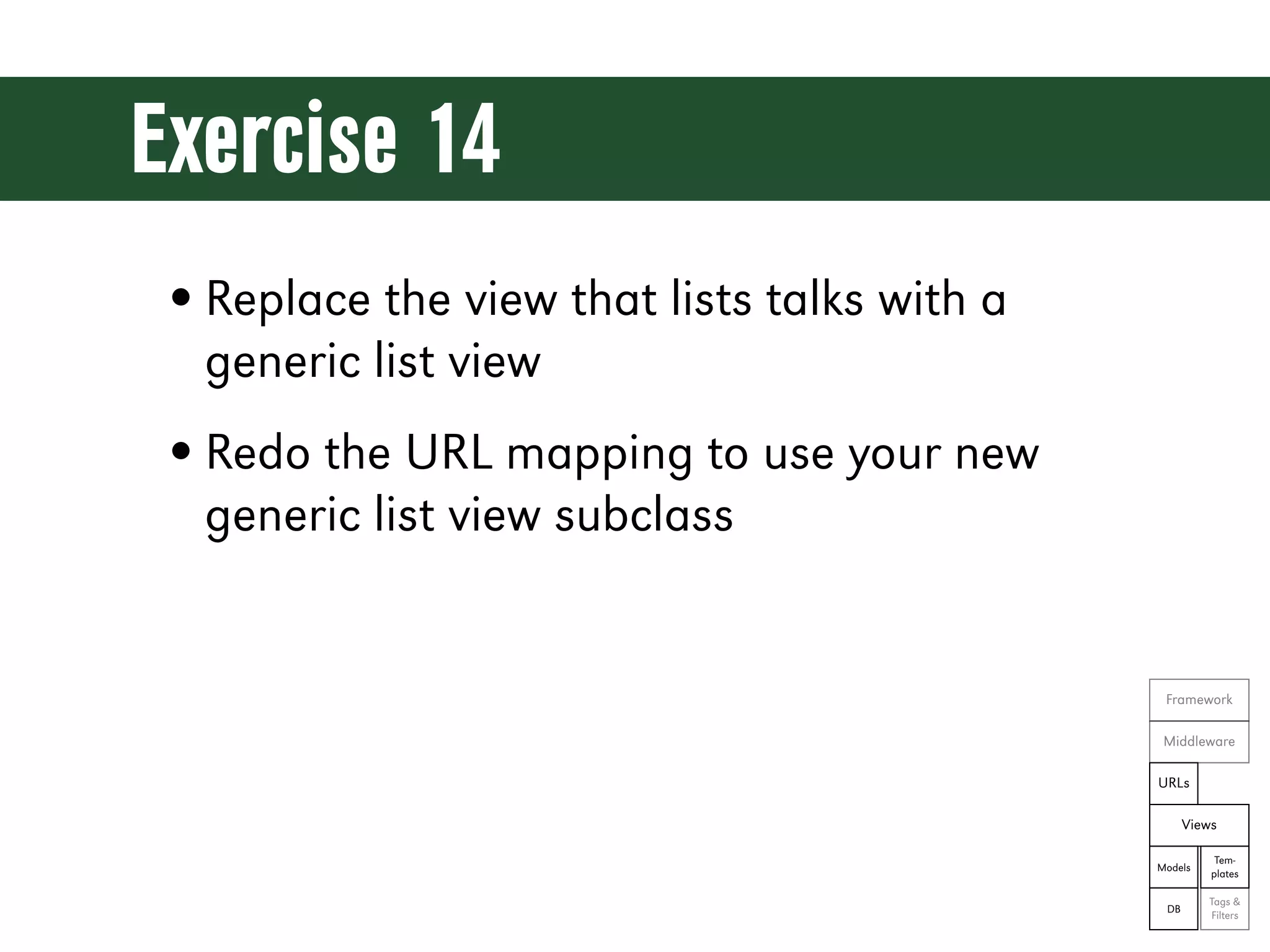
Exercise 14 • Replace the view that lists talks with a generic list view • Redo the URL mapping to use your new generic list view subclass Framework Middleware URLs Views Tem- Models plates Tags & DB Filters
Let’s see the code! git reset --hard ex14
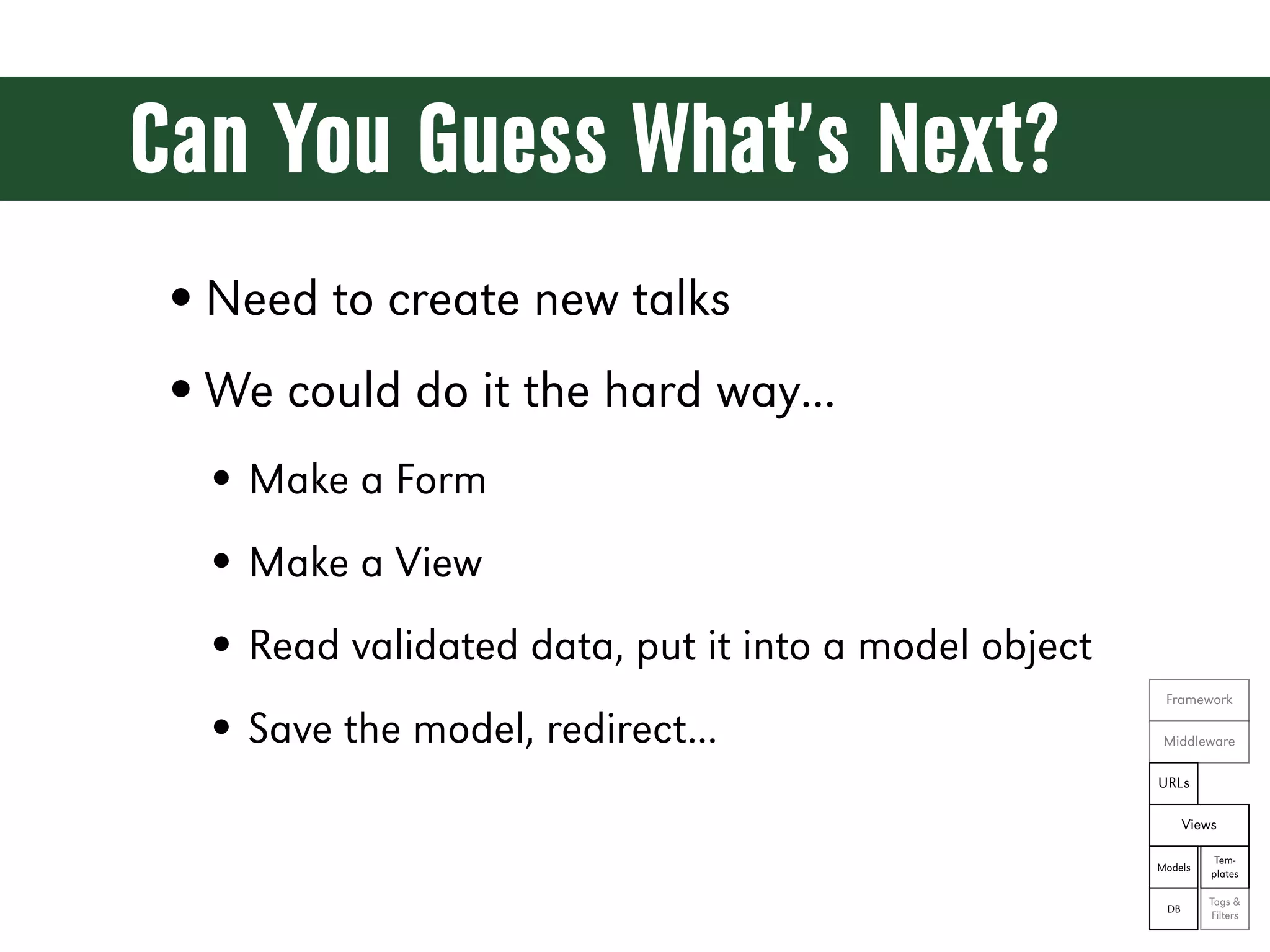
Can You Guess What’s Next? • Need to create new talks • We could do it the hard way... • Make a Form • Make a View • Read validated data, put it into a model object Framework • Save the model, redirect... Middleware URLs Views Tem- Models plates Tags & DB Filters
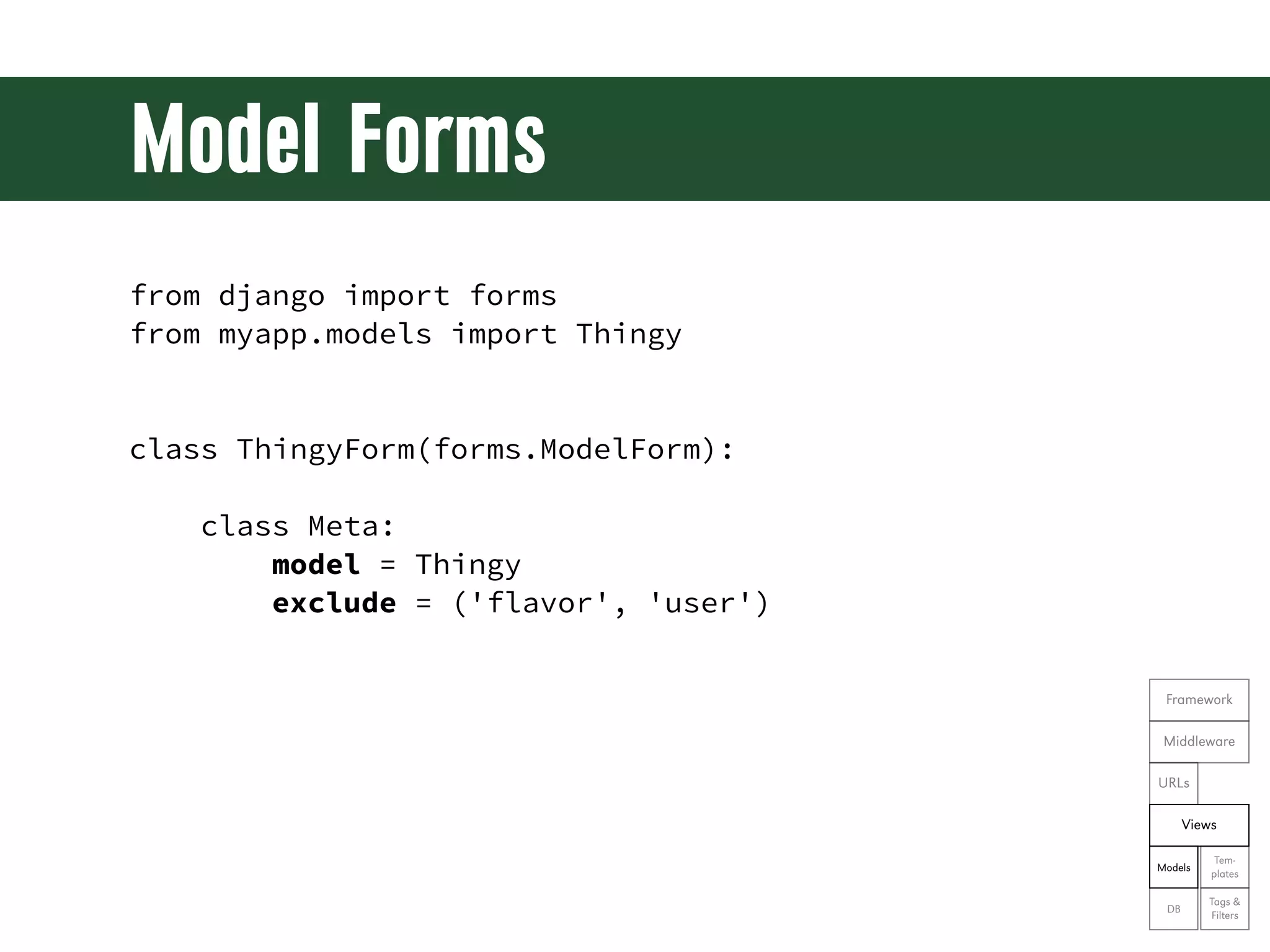
Model Forms from django import forms from myapp.models import Thingy class ThingyForm(forms.ModelForm): class Meta: model = Thingy exclude = ('flavor', 'user') Framework Middleware URLs Views Tem- Models plates Tags & DB Filters
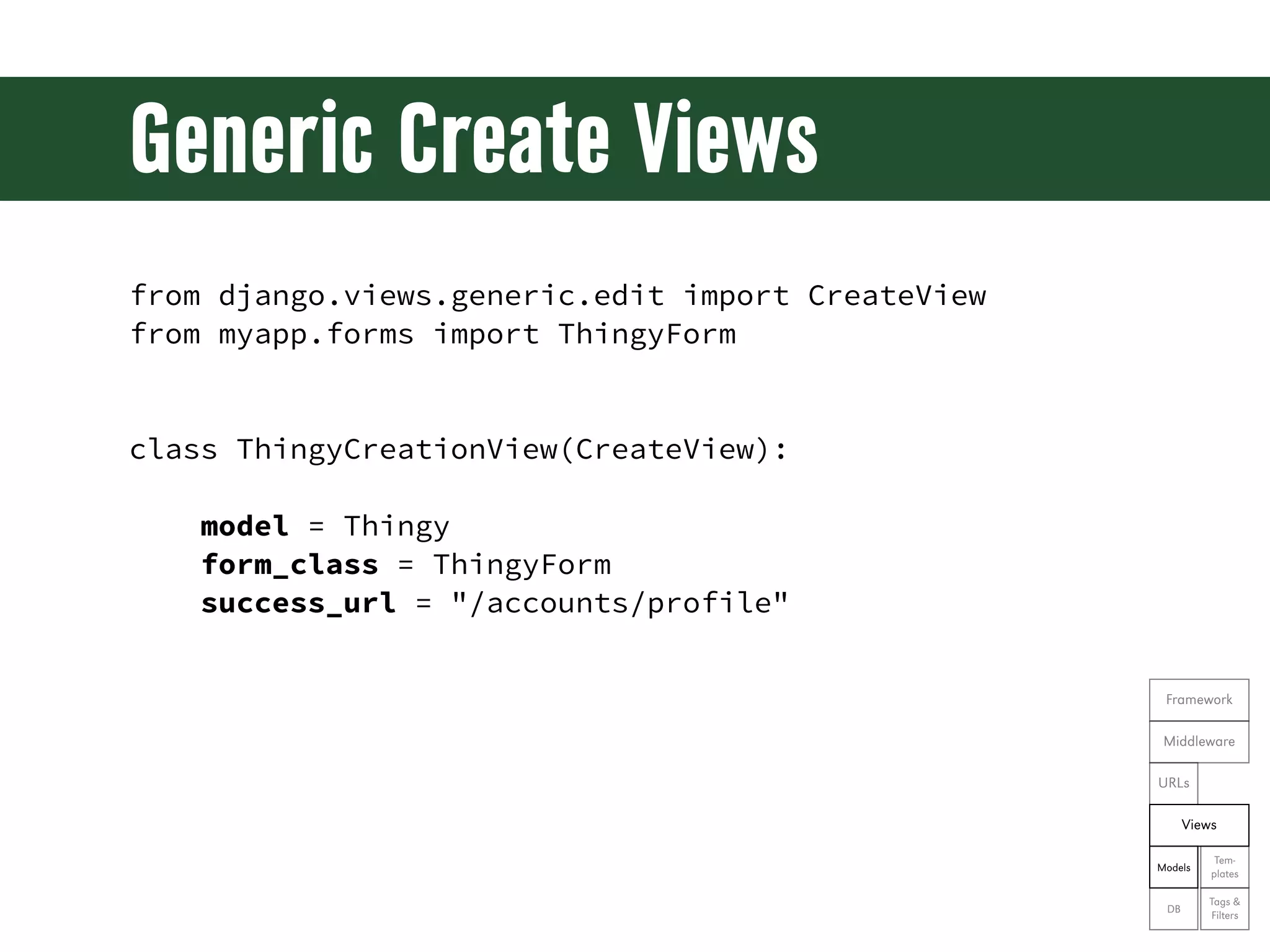
Generic Create Views from django.views.generic.edit import CreateView from myapp.forms import ThingyForm class ThingyCreationView(CreateView): model = Thingy form_class = ThingyForm success_url = "/accounts/profile" Framework Middleware URLs Views Tem- Models plates Tags & DB Filters
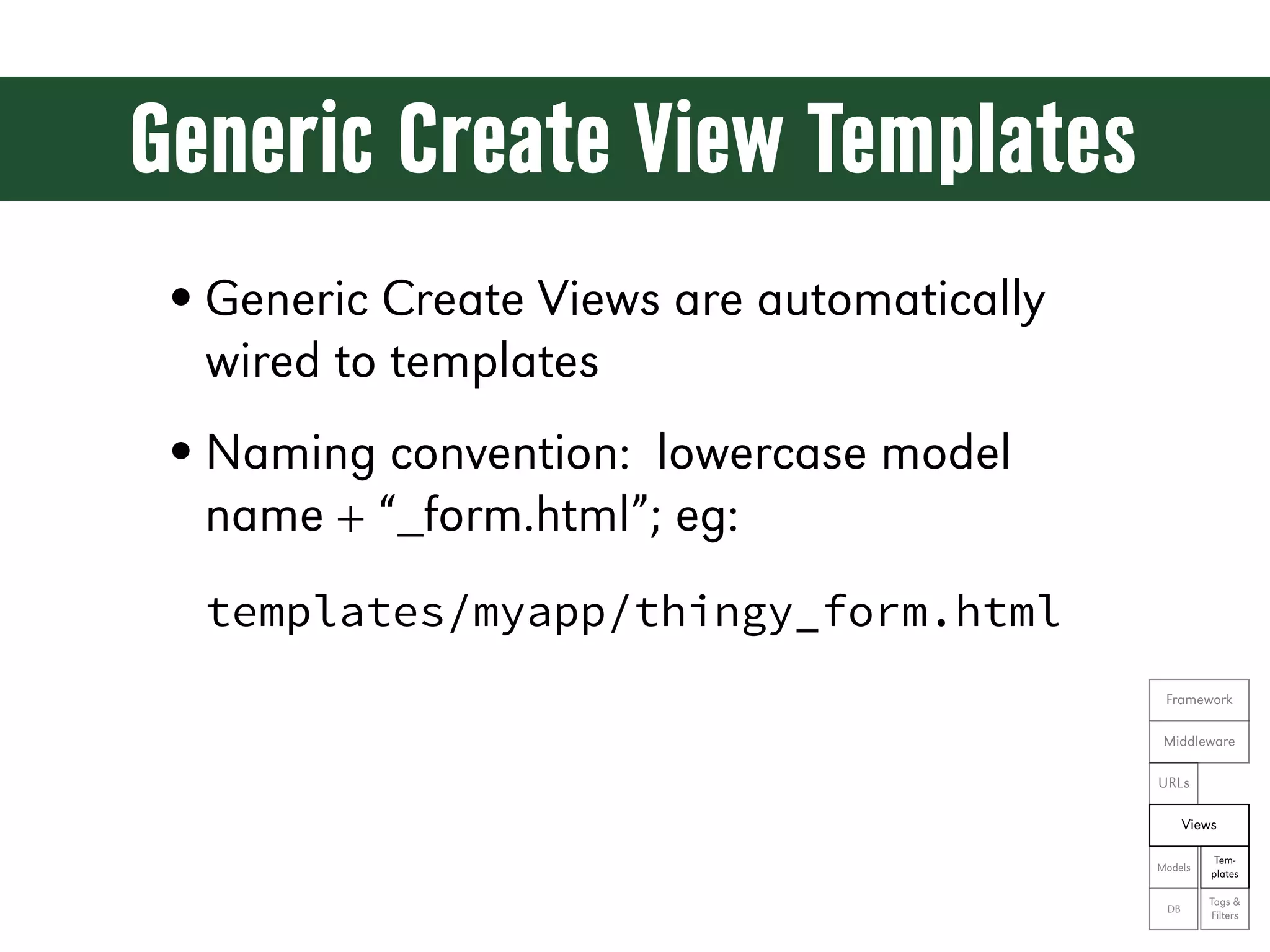
Generic Create View Templates • Generic Create Views are automatically wired to templates • Naming convention: lowercase model name + “_form.html”; eg: templates/myapp/thingy_form.html Framework Middleware URLs Views Tem- Models plates Tags & DB Filters
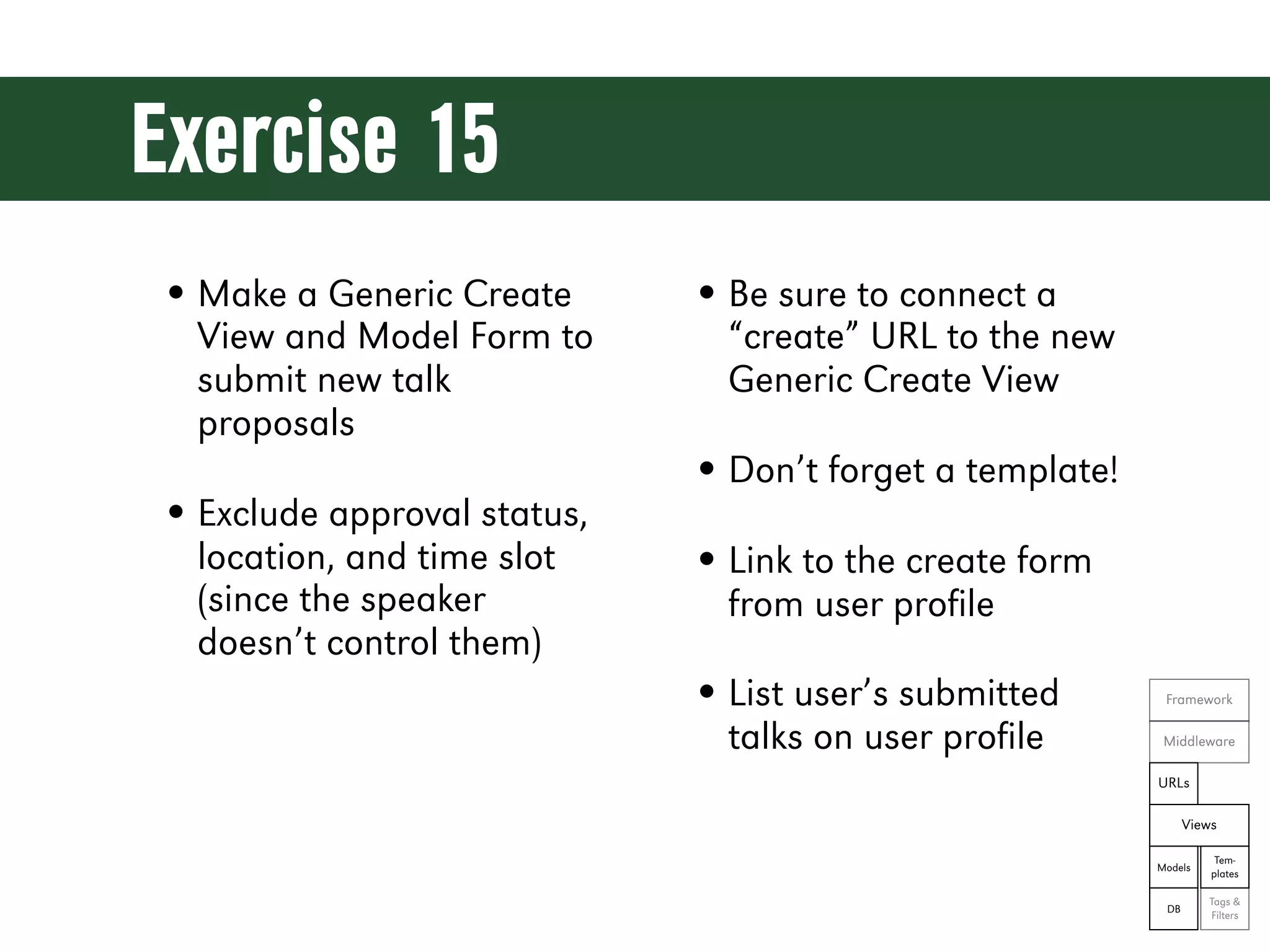
Exercise 15 • Make a Generic Create • Be sure to connect a View and Model Form to “create” URL to the new submit new talk Generic Create View proposals • Don’t forget a template! • Exclude approval status, location, and time slot • Link to the create form (since the speaker from user profile doesn’t control them) • List user’s submitted Framework talks on user profile Middleware URLs Views Tem- Models plates Tags & DB Filters
Let’s see the code! git reset --hard ex15
Generic Edit Views from django.shortcuts import resolve_url from django.view.generic.edit import UpdateView from myapp.forms import ThingyForm class ThingyUpdateView(UpdateView): form_class = ThingyForm queryset = Thingy.objects.all() def get_success_url(self): return resolve_url('myapp:thingy') def get_context_data(self, **kwargs): Framework context = super(ThingyUpdateView, self).get_context_data(**kwargs) context['editing'] = True Middleware return context URLs Views Tem- Models plates Tags & DB Filters
Generic Edit View URLs from django.conf.urls import patterns, include, url from myapp.views import ThingyUpdateView urlpatterns = patterns('myapp.views', ... url(r'(?P<pk>[0-9]+)$', ThingyUpdateView.as_view(), name='update'), ) Framework Middleware URLs Views Tem- Models plates Tags & DB Filters
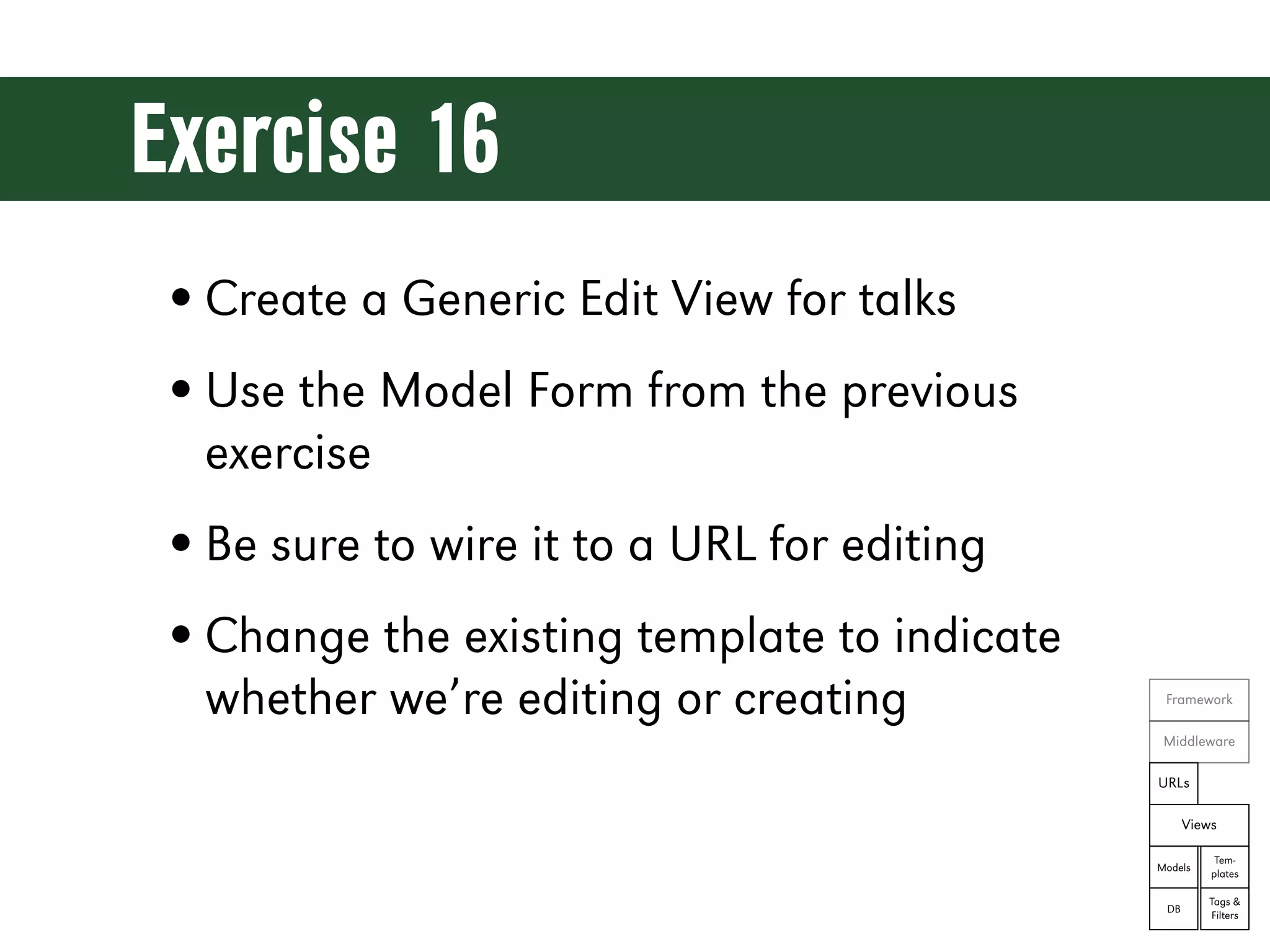
Exercise 16 • Create a Generic Edit View for talks • Use the Model Form from the previous exercise • Be sure to wire it to a URL for editing • Change the existing template to indicate whether we’re editing or creating Framework Middleware URLs Views Tem- Models plates Tags & DB Filters
Let’s see the code! git reset --hard ex16
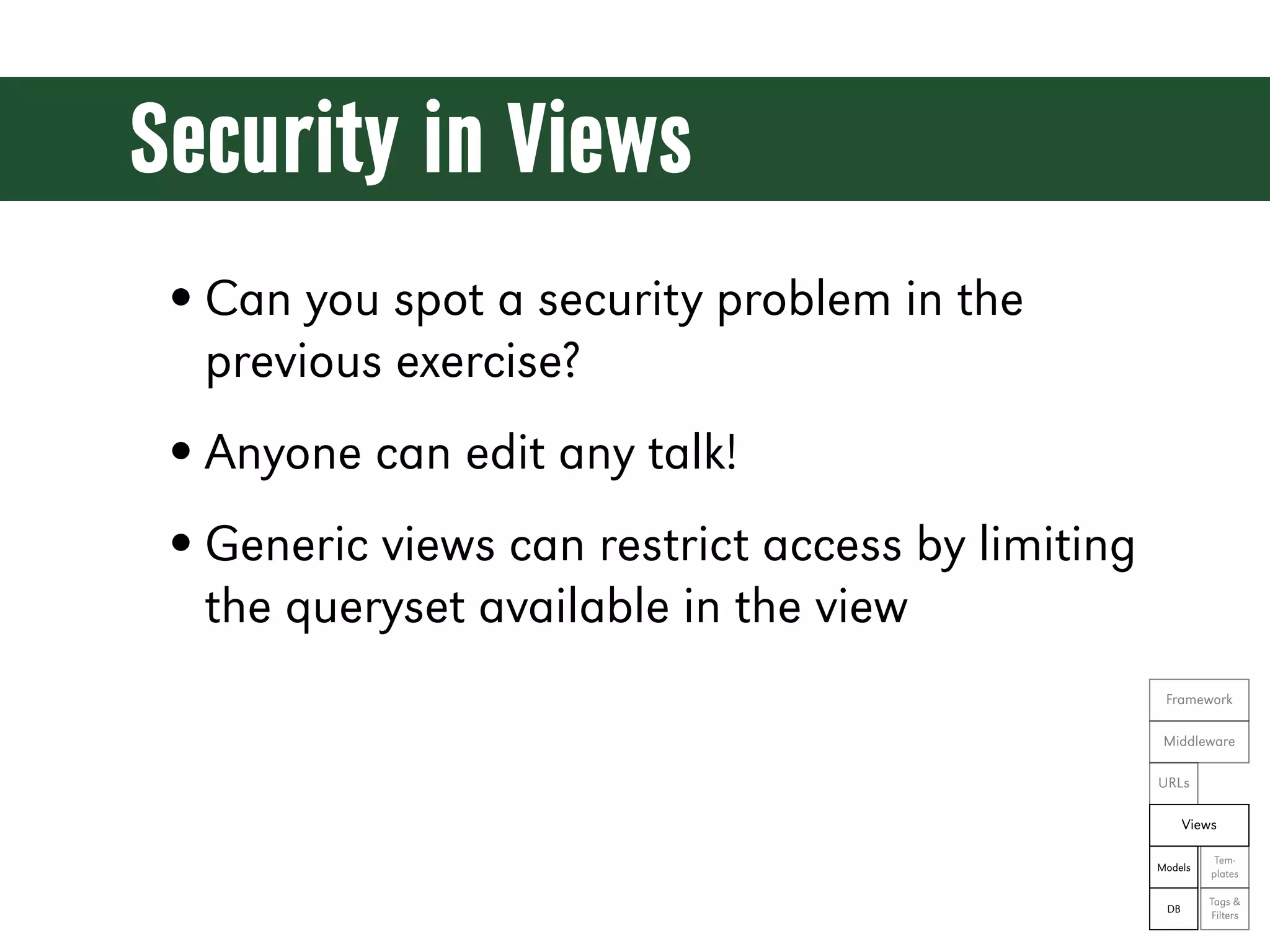
Security in Views • Can you spot a security problem in the previous exercise? • Anyone can edit any talk! • Generic views can restrict access by limiting the queryset available in the view Framework Middleware URLs Views Tem- Models plates Tags & DB Filters
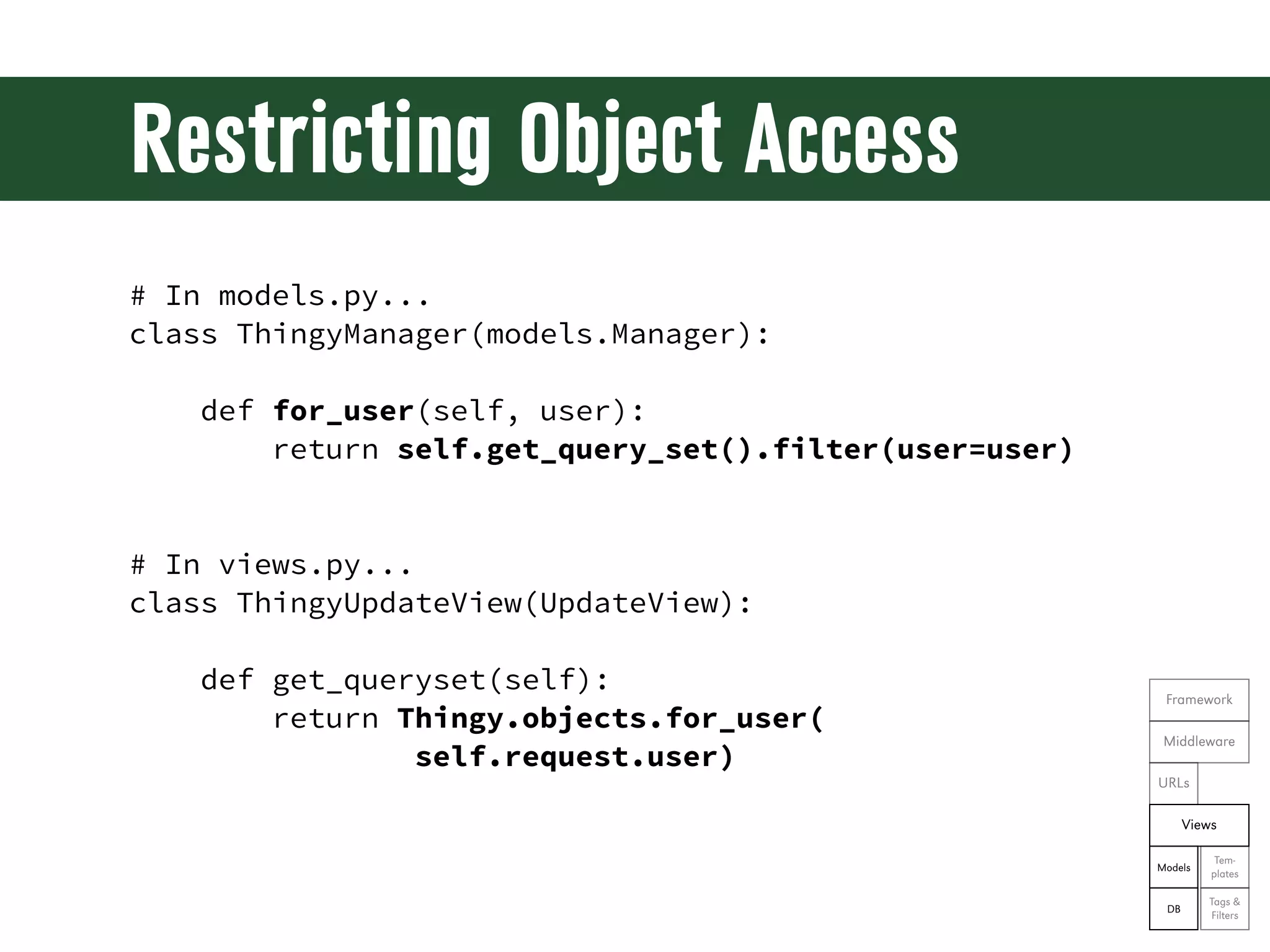
Restricting Object Access # In models.py... class ThingyManager(models.Manager): def for_user(self, user): return self.get_query_set().filter(user=user) # In views.py... class ThingyUpdateView(UpdateView): def get_queryset(self): Framework return Thingy.objects.for_user( Middleware self.request.user) URLs Views Tem- Models plates Tags & DB Filters
Exercise 17 • Lock down the update view from the previous exercise so that a talk may only be edited by its speakers Framework Middleware URLs Views Tem- Models plates Tags & DB Filters
Let’s see the code! git reset --hard ex17
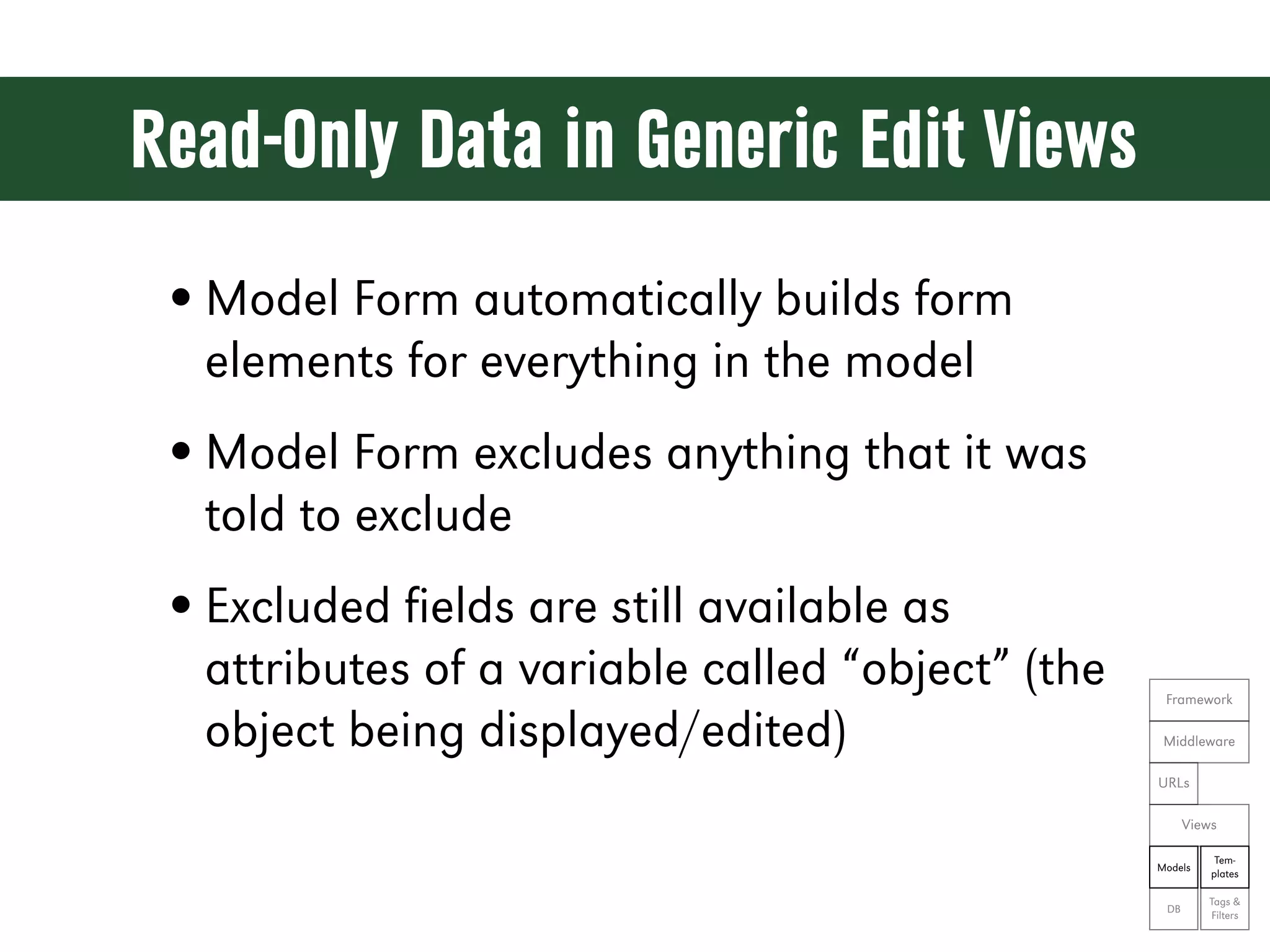
Read-Only Data in Generic Edit Views • Model Form automatically builds form elements for everything in the model • Model Form excludes anything that it was told to exclude • Excluded fields are still available as attributes of a variable called “object” (the Framework object being displayed/edited) Middleware URLs Views Tem- Models plates Tags & DB Filters
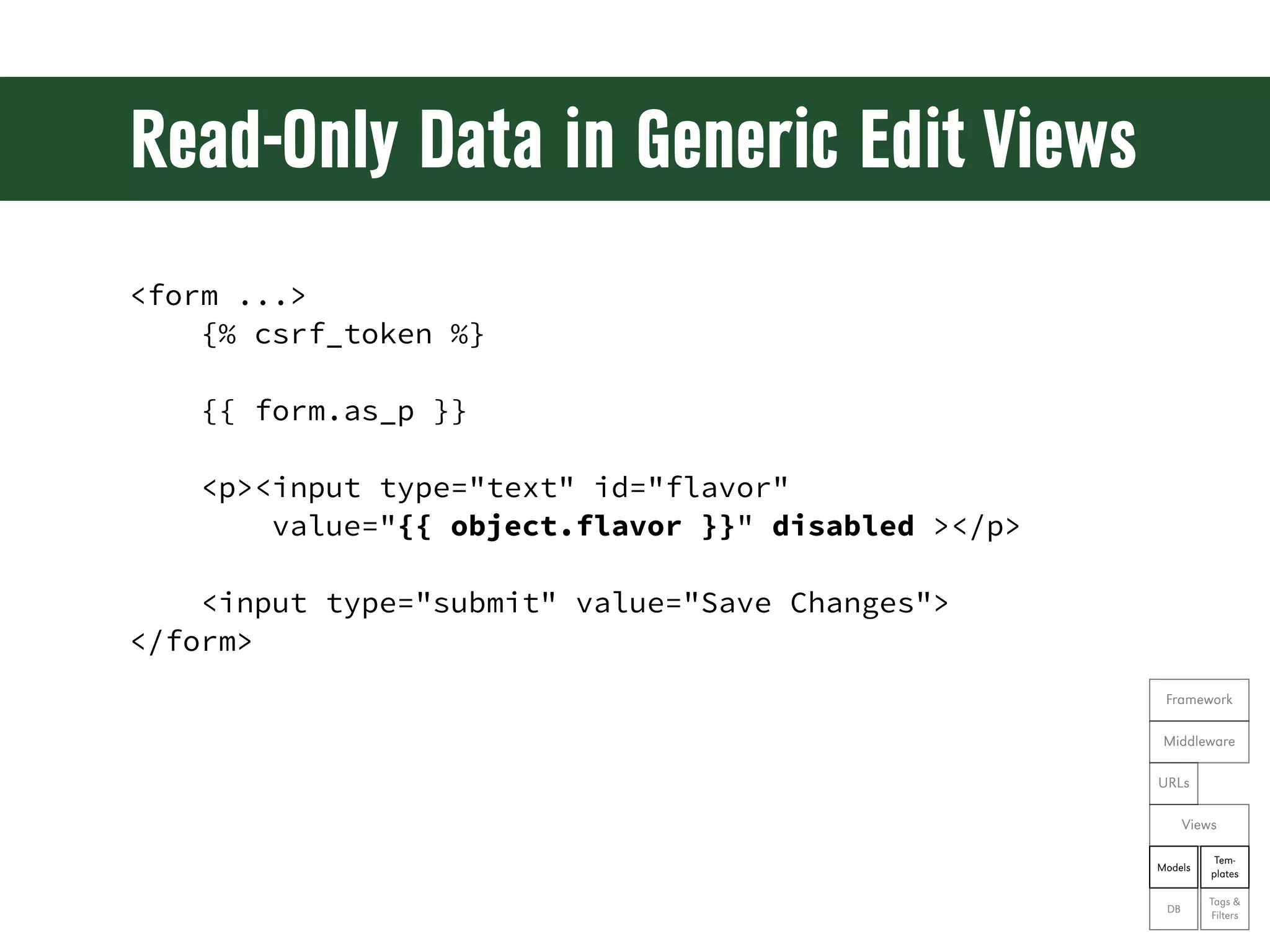
Read-Only Data in Generic Edit Views <form ...> {% csrf_token %} {{ form.as_p }} <p><input type="text" id="flavor" value="{{ object.flavor }}" disabled ></p> <input type="submit" value="Save Changes"> </form> Framework Middleware URLs Views Tem- Models plates Tags & DB Filters
Exercise 18 • Change the talk form from the previous exercises • Show time slot, location, and approval status without allowing them to be modified Framework Middleware URLs Views Tem- Models plates Tags & DB Filters
Let’s see the code! git reset --hard ex18
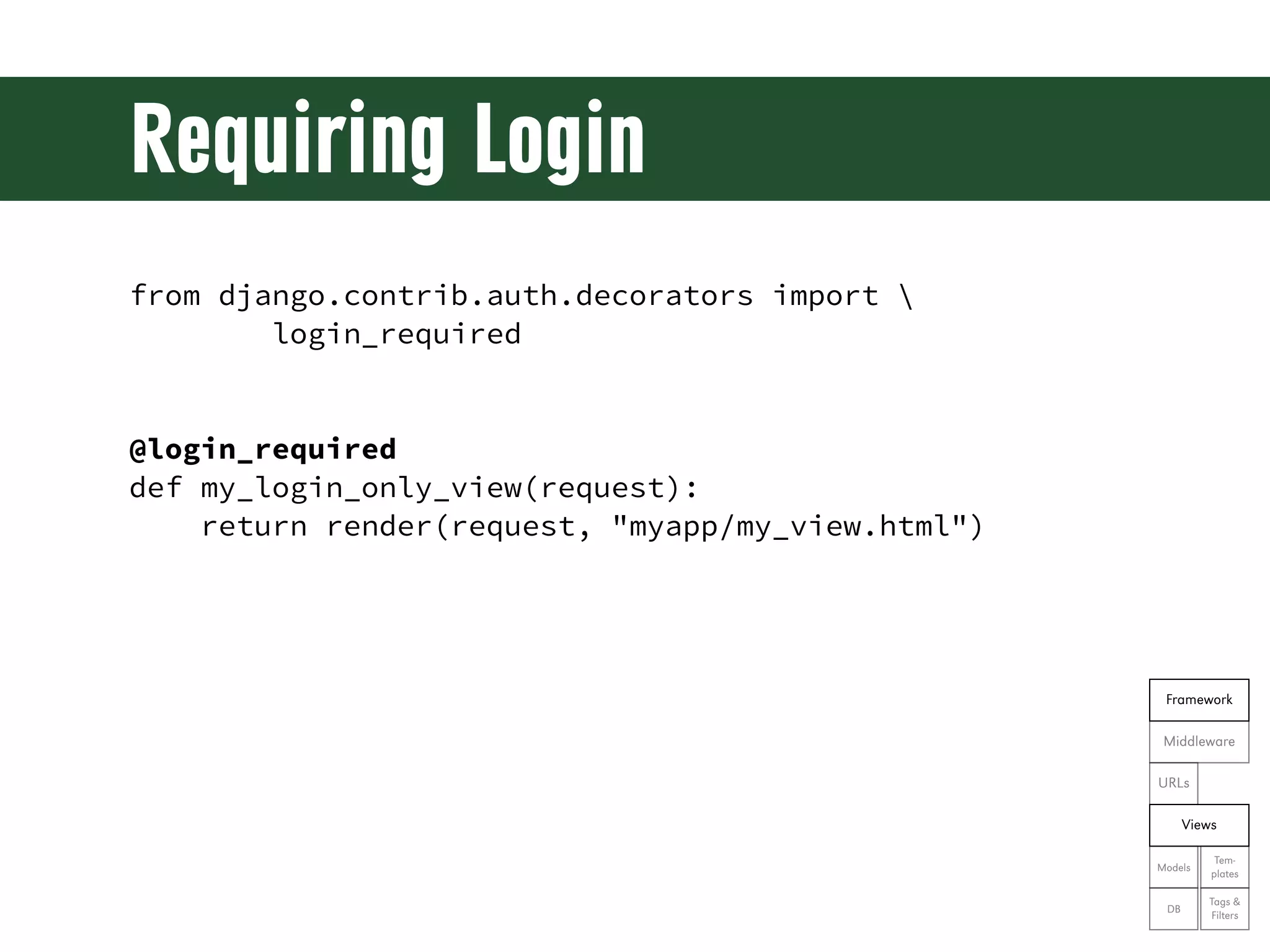
Requiring Login from django.contrib.auth.decorators import login_required @login_required def my_login_only_view(request): return render(request, "myapp/my_view.html") Framework Middleware URLs Views Tem- Models plates Tags & DB Filters
Exercise 19 • Require login on the user profile page Framework Middleware URLs Views Tem- Models plates Tags & DB Filters
Let’s see the code! git reset --hard ex19
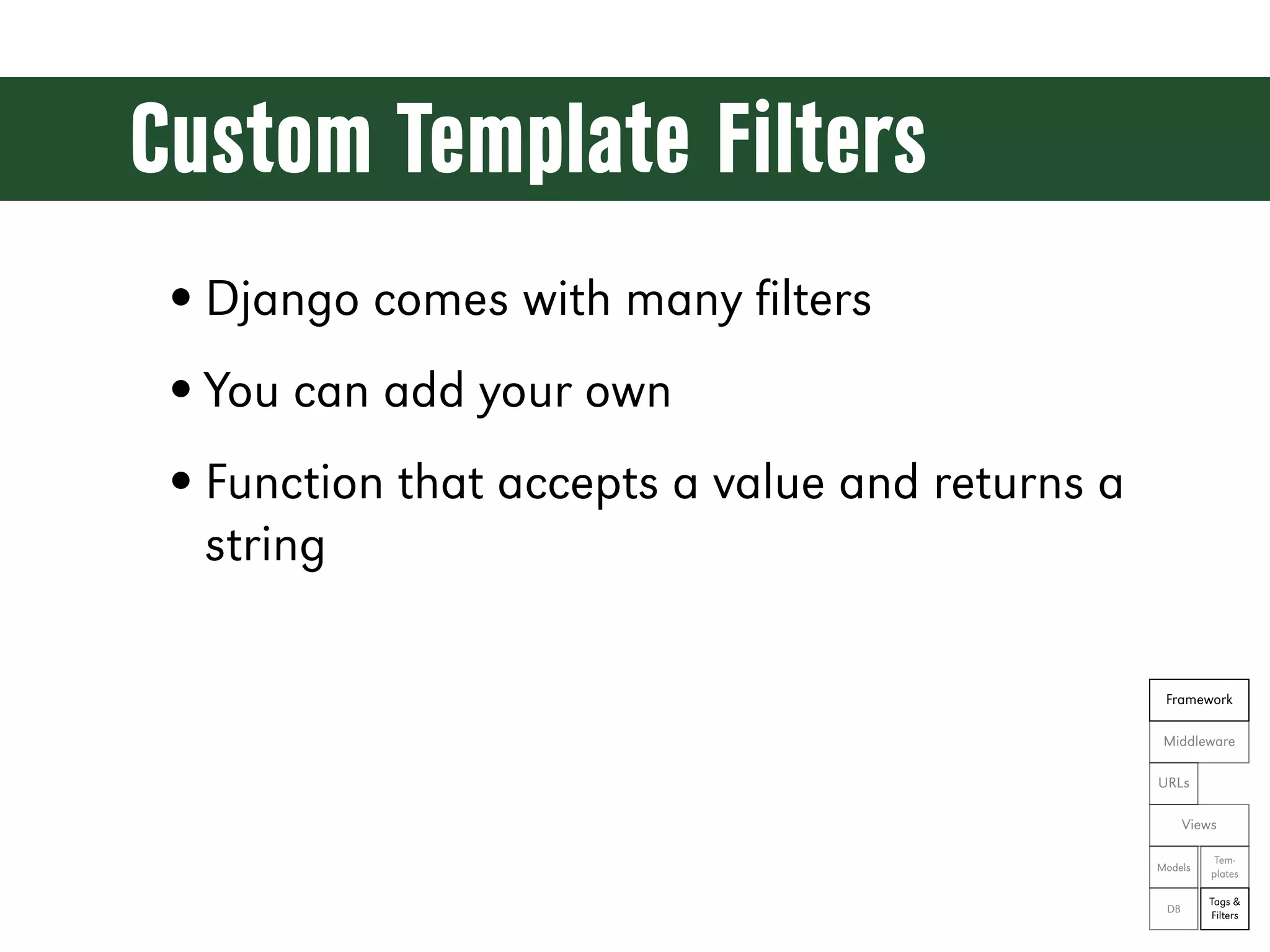
Custom Template Filters • Django comes with many filters • You can add your own • Function that accepts a value and returns a string Framework Middleware URLs Views Tem- Models plates Tags & DB Filters
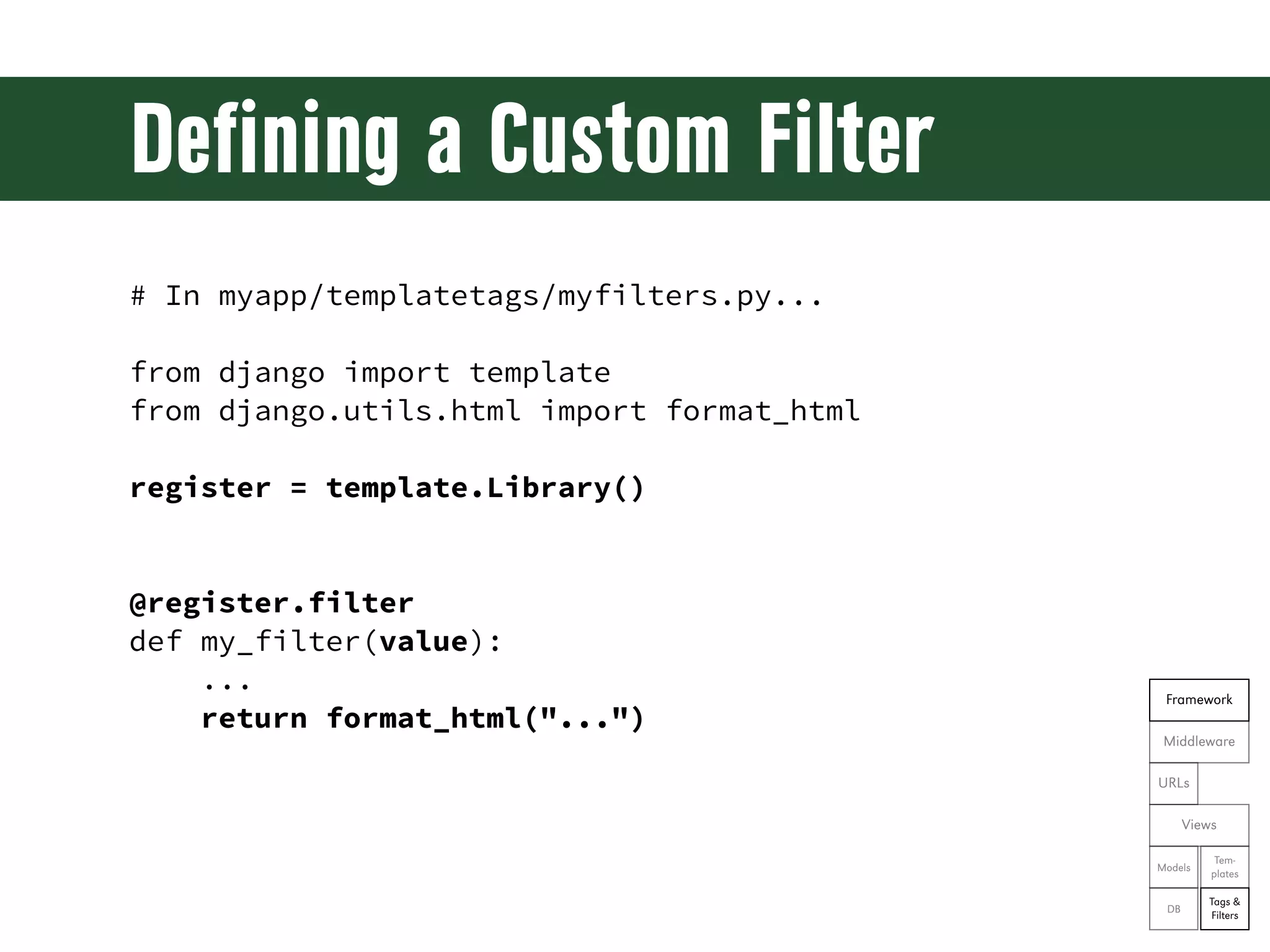
Defining a Custom Filter # In myapp/templatetags/myfilters.py... from django import template from django.utils.html import format_html register = template.Library() @register.filter def my_filter(value): ... Framework return format_html("...") Middleware URLs Views Tem- Models plates Tags & DB Filters
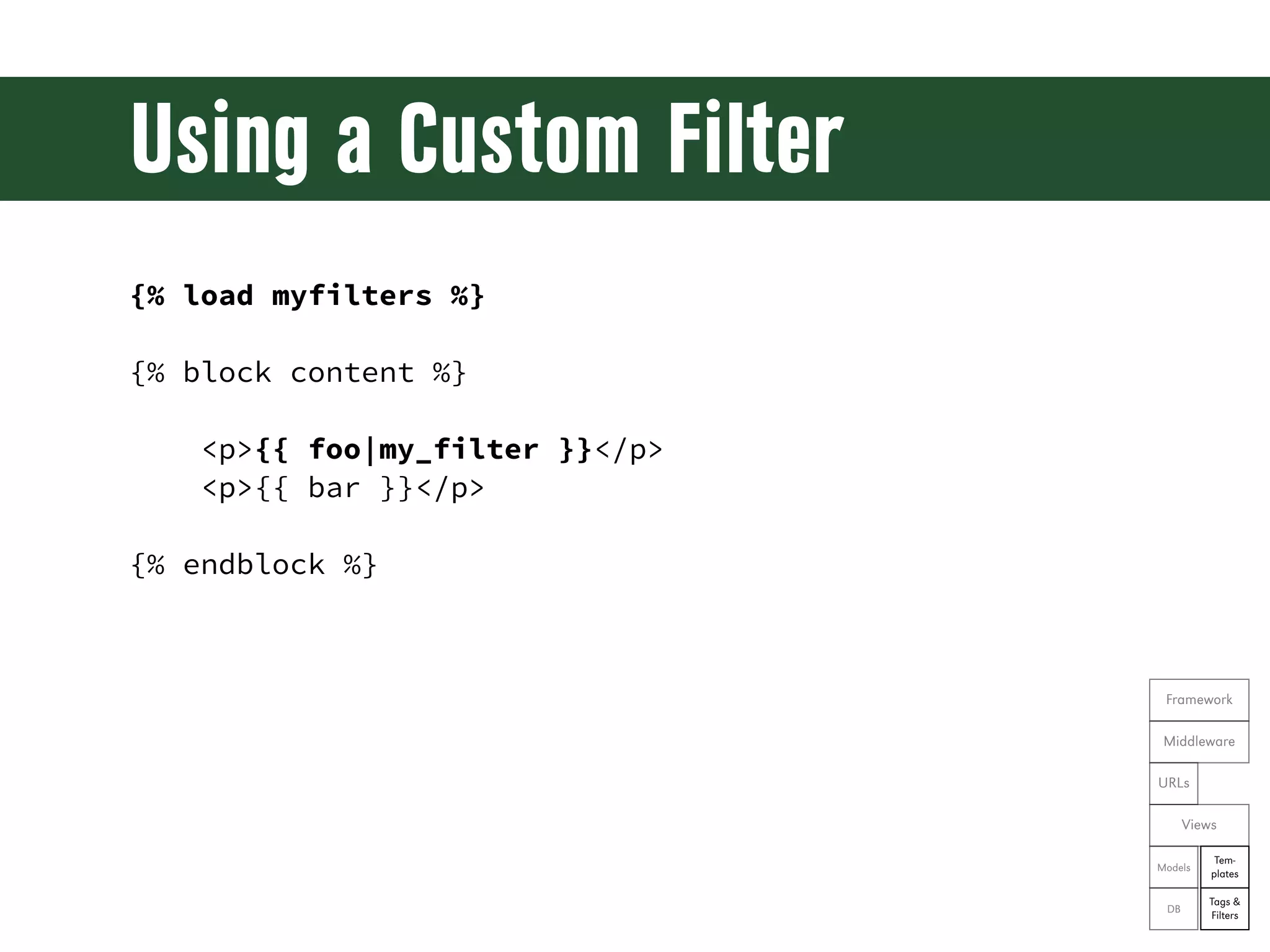
Using a Custom Filter {% load myfilters %} {% block content %} <p>{{ foo|my_filter }}</p> <p>{{ bar }}</p> {% endblock %} Framework Middleware URLs Views Tem- Models plates Tags & DB Filters
Exercise 20 • Create a custom filter function “boolean_icon” that will show one image if a value is True and another if it’s False • Use the boolean_icon in the user’s profile to indicate whether a talk has been approved • Use static icons from the admin site: Framework from django.contrib.admin.templatetags.admin_static import static Middleware icon_url = static('admin/img/icon-{0}.gif'.format( URLs {True: 'yes', False: 'no', None: 'unknown'}[value]) Views Tem- Models plates Tags & DB Filters
Let’s see the code! git reset --hard ex20
Bonus Exercises • Show talks by time slot and/or location • Blog; include RSS feed • Sponsorship; include sponsor image upload and display • Enhance user profiles; include image upload, default to Gravatar Framework Middleware • Room swap/ticket swap URLs Views Tem- Models plates Tags & DB Filters
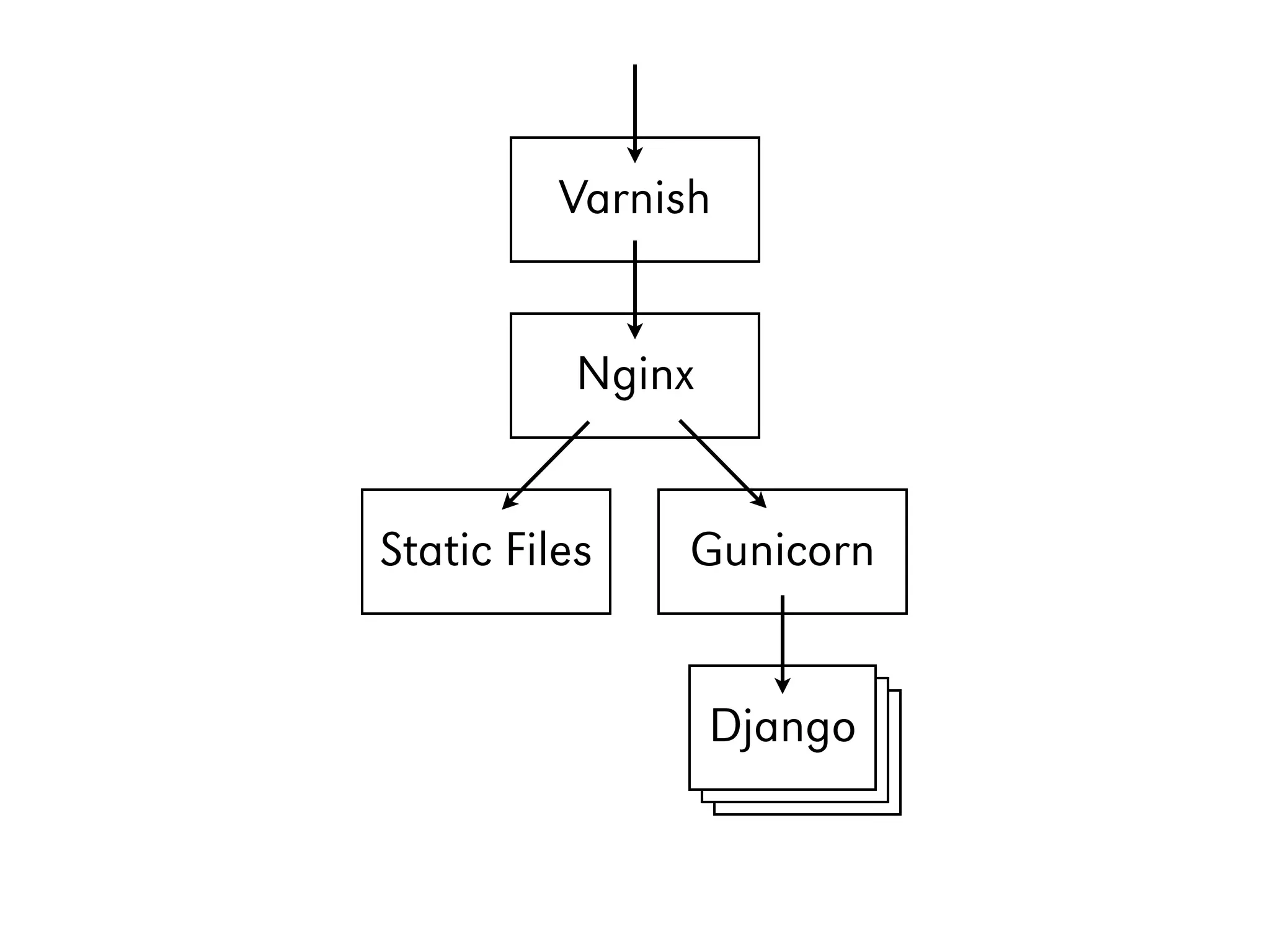
A Little Bit About Deployment
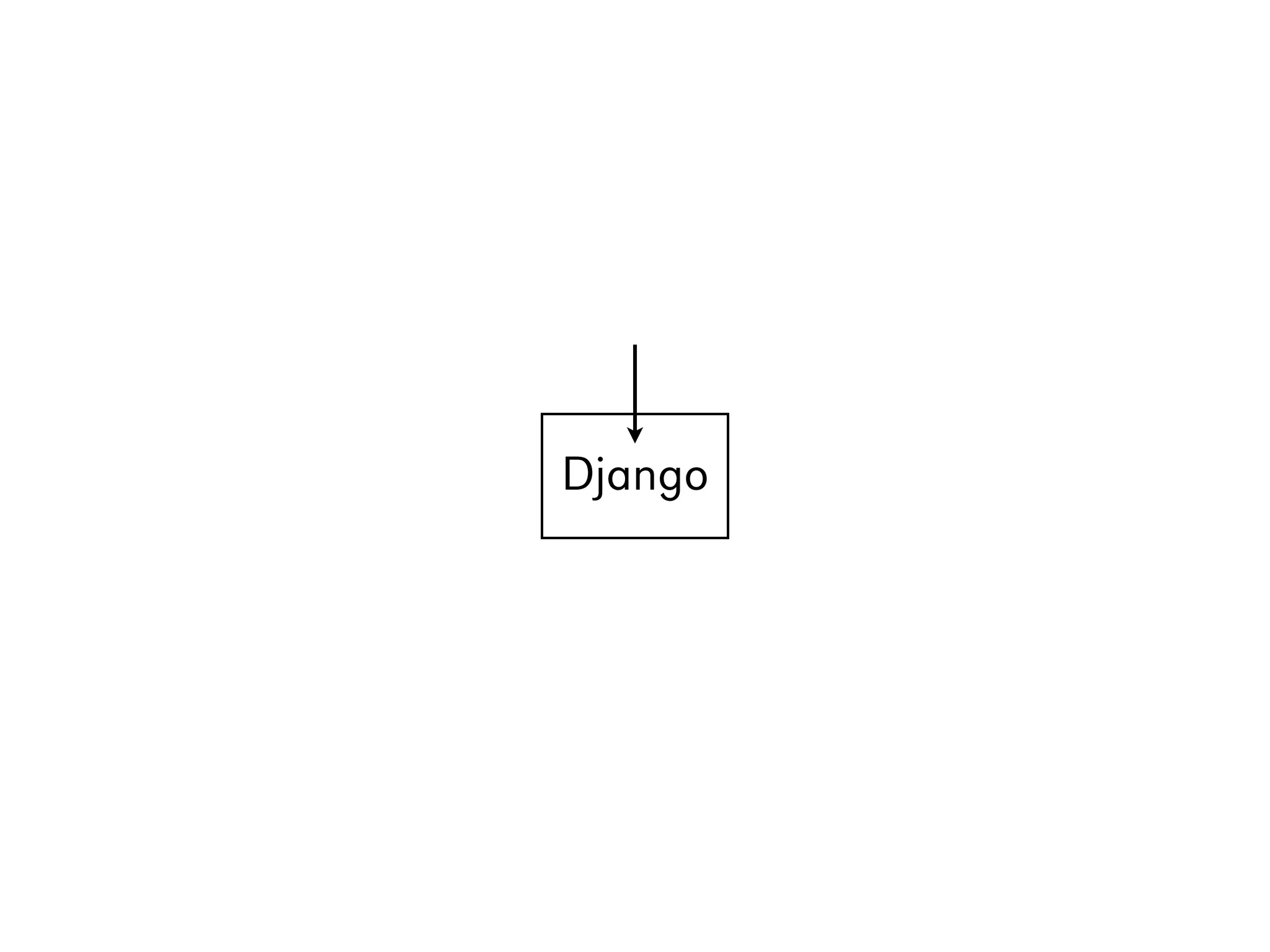
Django
Varnish Nginx Static Files Gunicorn Django Django Django
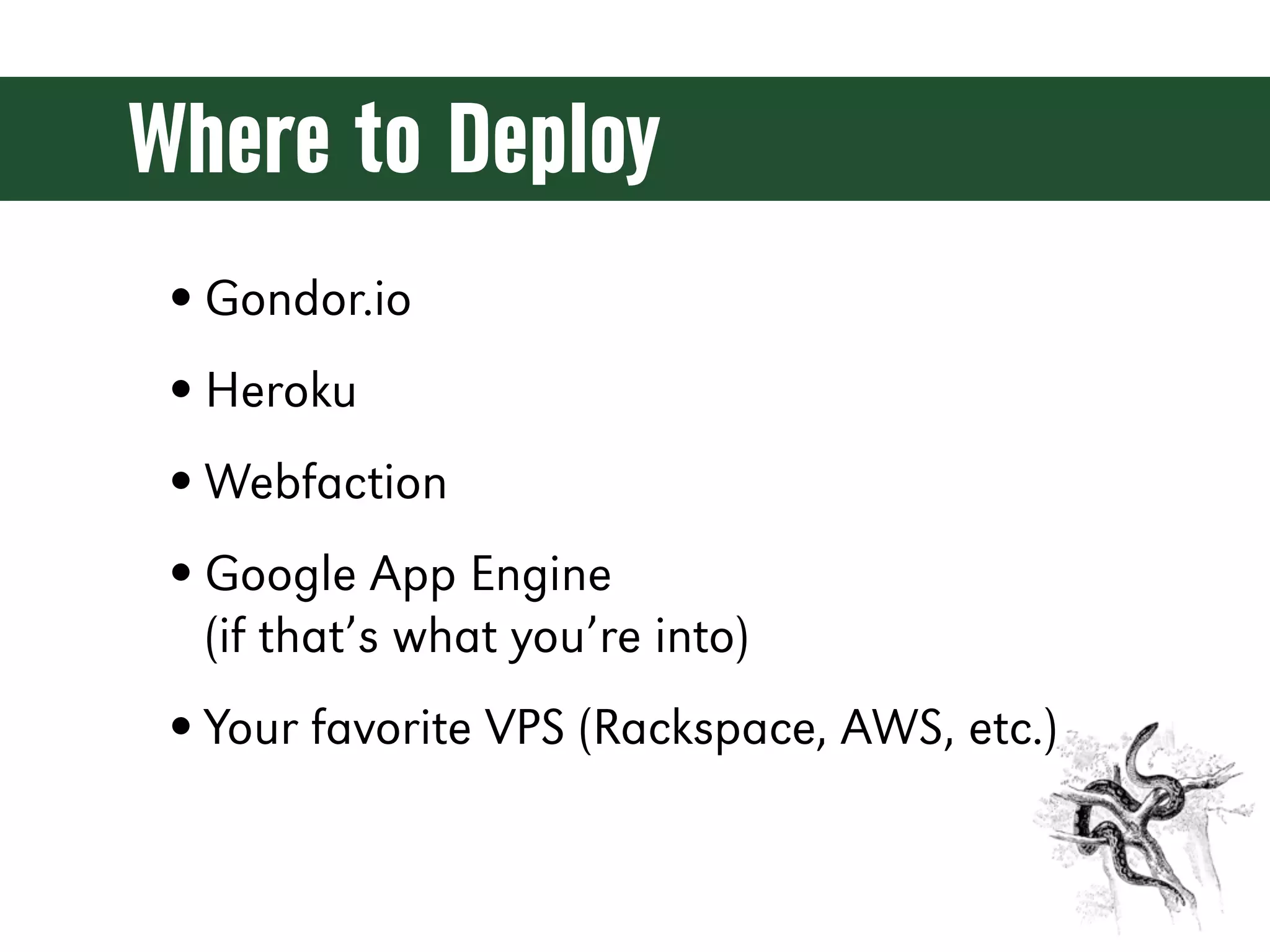
Where to Deploy • Gondor.io • Heroku • Webfaction • Google App Engine (if that’s what you’re into) • Your favorite VPS (Rackspace, AWS, etc.)
Questions?
Links • http://python.org • https://djangoproject.com • https://github.com/finiteloopsoware/ django-precompiler
Credits • Image from Django Unchained by Sony Pictures http://www.nydailynews.com/entertainment/tv-movies/django-star-foxx-life- built-race-article-1.1220275 • Image of Django Reinhardt by ~Raimondsy http://raimondsy.deviantart.com/art/Django-Reinhardt-314914547 • Other images from ClipArt Etc. http://etc.usf.edu/clipart/
Contact Information Mike Crute David Stanek Finite Loop Soware American Greetings http://mike.crute.org http://traceback.org @mcrute @dstanek Mike Pirnat American Greetings http://mike.pirnat.com @mpirnat
Thanks for coming & happy hacking!

Web Development with Python and Django

  • 1.
    Web Development with Python and Django Mike Crute • Mike Pirnat • David Stanek
  • 2.
    Today • Iteratively builda full-featured site • Background for each feature • Implement a feature • Review our example solution • Keep yours? git show tag • Follow directly? git reset --hard tag
  • 3.
    Useful Links • http://docs.python.org •https://docs.djangoproject.com • https://github.com/finiteloopsoware/ django-precompiler/wiki
  • 4.
    Let’s Have aShow of Hands...
  • 5.
  • 6.
  • 7.
  • 8.
    Django • A high-levelPython web framework • Encourages rapid development and clean, pragmatic design • “For perfectionists with deadlines” • Focus on automation and DRY • Widely supported, many deployment options
  • 9.
    Perhaps You’ve HeardOf... • Disqus • Pinterest • Instagram • PolitiFact.com • Mozilla • Rdio • OpenStack
  • 10.
    Django • ORM • Cache infrastructure • Automatic admin • Internationalization interface • Command-line job • Regex-based URL design framework • Templating system
  • 11.
  • 12.
    Python is... •Dynamic • Exceptional • Interpreted • Comfortable • Duck-Typed • Readable • Object-Oriented • Opinionated • Functional • Batteries Included • Strongly-Namespaced • Community
  • 13.
    Interactive Shell $ python >>>print "Hello, world!" Hello, world! >>> $ python3 >>> print("Hello, world!") Hello, world! >>>
  • 14.
  • 15.
  • 16.
  • 17.
    String Operations "foo" +"bar" "foo"[0] "foo"[:1] "foo".upper() "{0}: {1}".format("foo", "bar") "{foo}: {bar}".format(foo=42, bar=1138) len("foo")
  • 18.
  • 19.
    Lists, Tuples, andSets ['a', 'b', 'c'] ('Rush', '2112', 5.0) set(['a', 'b', 'c'])
  • 20.
    Sequence Operations [...][0] [...][-1] [...][:1] # same as [...][0:1] [...].append(4) [...].extend([4, 5, 6]) [...].pop() len([...])
  • 21.
  • 22.
  • 23.
    Assignment & Comparison foo= 'bar' foo == 'baz' foo != 'baz' foo is None foo is not None
  • 24.
    Flow Control if expression: ... elif expression: ... else: ...
  • 25.
    Flow Control for itemin sequence: if expression: continue if expression: break
  • 26.
    Flow Control while expression: if expression: continue if expression: break
  • 27.
    Functions def foo(): return 42 def foo(bar): return bar def foo(bar, baz='quux'): return (bar, baz) def foo(*args, **kwargs): return (args, kwargs)
  • 28.
    Decorators @bar def foo(): return 42 @baz('xyzzy') def quux(): return 42
  • 29.
    Classes class Foo(object): def __init__(self, bar): self.bar = bar
  • 30.
    Docstrings "Modules can havedocstrings." class Foo(object): "Classes can have docstrings too." def __init__(self, bar): "So can functions/methods."
  • 31.
    Exceptions try: raise Exception("OH NOES!") except: log_error() raise else: do_some_more() finally: clean_up()
  • 32.
    Namespaces import logging from datetimeimport timedelta from decimal import Decimal as D
  • 33.
    Introspection >>> dir(Foo) ['__class__', '__delattr__','__dict__', '__doc__', '__format__', '__getattribute__', '__hash__', '__init__', '__module__', '__new__', '__reduce__', '__reduce_ex__', '__repr__', '__setattr__', '__sizeof__', '__str__', '__subclasshook__', '__weakref__']
  • 34.
    Introspection >>> help(Foo) Help onclass Foo in module __main__: class Foo(__builtin__.object) | Classes can have docstrings too. | | Methods defined here: | | __init__(self, bar) | So can functions/methods. | ... -------------------------------------------------------- | Data descriptors defined here:
  • 35.
    And more... • Generators • Properties • Generator Expressions • Context Managers • List Comprehensions • Class Decorators • Set Comprehensions • Abstract Base Classes • Dictionary • Metaclasses Comprehensions
  • 36.
    Style: PEP-8 • Notabs • Line breaks around 78-79 chars • Four-space indents • Some other OCD- • Don’t mix tabs & spaces pleasing ideas :-) • lower_case_methods • CamelCaseClasses
  • 37.
  • 38.
    Environment Setup • Macor Linux? You’ve already got Python! • You’ll also need Git if you don’t have it; download it from http://git-scm.com or use your package manager to install it • Windows? Well, then...
  • 39.
    Windows Setup • PortablePython and Portable Git • Won’t modify your system at all • Can be easily uninstalled • If you want to permanently install Python and Git you can easily do that too
  • 40.
    Portable Python 2.7 •Download http://bit.ly/13eyQGn http://p.osuosl.org/pub/portablepython/v2.7/PortablePython_2.7.3.1.exe • Run the .EXE • Install into c:django-precompiler • Download won't work? p://p.codemash.org/webdev_with_django
  • 41.
    Portable Git • Downloadhttp://bit.ly/X4dGps http://msysgit.googlecode.com/files/Git-1.8.0-preview20121022.exe • Create a new folder • Extract archive into a new folder: c:django-precompilerPortable Git 1.8.0-preview20121022 • Download won't work? p://p.codemash.org/webdev_with_django
  • 42.
    Fixing the Path •Download: https://gist.github.com/4399659 • Save it as a file named run-cmd.bat • Run it • Download won't work? p://p.codemash.org/webdev_with_django
  • 43.
    Installing Packages • easy_install:easy_install package • pip: pip install package
  • 44.
    Installing Packages • Installedpackages go into a site-packages directory in your Python lib • That’s the “system Python” by default • But different programs may need different versions of packages... • So we have virtual environments!
  • 45.
    Virtual Environments • virtualenv •Creates an isolated Python environment with its own site-packages • Install whatever you want without fouling anything else up
  • 46.
    Python 2 or3? • The future of Python is Python 3 • Django 1.5 has experimental Python 3 support • Python 2.7 is still recommended for production applications • Django 1.6 will fully support Python 3
  • 47.
    Activate the VirtualEnvironment # Mac/Linux/etc... $ virtualenv django-precompiler $ cd django-precompiler $ source bin/activate # Windows > python virtualenv django-precompiler > cd django-precompiler > Scripts/activate.bat
  • 48.
  • 49.
    Request Django Response
  • 50.
    Request Framework Middleware Django URLs Response Views Models Templates Tags & DB Filters
  • 51.
  • 52.
    CODE SMASH! • CodeSmash is a fictional soware development conference for people who need to punch out awesome code • It needs a website! • We’re going to build one
  • 53.
    Starting a Project #Normally... $ git init src # Today... $ git clone https://github.com/finiteloopsoftware/ django-precompiler.git src $ cd src $ git reset --hard ex00
  • 54.
    Defining Requirements •requirements.txt • A basic example: MyApp Framework==0.9.4 Library>=0.2 http://someserver.org/packages/MyPackage-3.0.tar.gz
  • 55.
    Requirements • Create arequirements.txt • Require Django version 1.5; use: https://www.djangoproject.com/download/1.5c1/tarball/
  • 56.
    Installing Requirements $ pipinstall -r requirements.txt
  • 57.
    Starting a Project #Mac/Linux/etc. $ django-admin.py startproject codesmash ./ $ python manage.py runserver # Windows > python Scripts/django-admin.py startproject codesmash > python manage.py runserver
  • 58.
    New Project Contents src/ codesmash/ __init__.py settings.py urls.py wsgi.py manage.py
  • 59.
  • 60.
    Templates • Make atemplates directory under src: $ mkdir templates • Update settings to tell Django where to find the templates • Put an HTML file in the templates directory Framework Middleware URLs Views Tem- Models plates Tags & DB Filters
  • 61.
    URLs • Map URLsin requests to code that can be executed • Regular expressions! • Subsections of your site can have their own urls.py modules (more on this later) Framework Middleware URLs Views Tem- Models plates Tags & DB Filters
  • 62.
    URLs from django.conf.urls importpatterns, include, url urlpatterns = patterns('',     url(r'^$', 'codesmash.views.home', name='home'), )
  • 63.
    Views • Code thathandles requests • Other frameworks oen call these “controllers” • Basically a function that: • gets a request passed to it • returns text or a response Framework Middleware URLs Views Tem- Models plates Tags & DB Filters
  • 64.
    Views from django.http importHttpResponse def my_view(request): return HttpResponse("Hello, world!") Framework Middleware URLs Views Tem- Models plates Tags & DB Filters
  • 65.
    Views from django.http importHttpResponse from django.template import Context, loader def my_view(request): template = loader.get_template('template.html') context = Context({ ... }) return HttpResponse(template.render(context)) Framework Middleware URLs Views Tem- Models plates Tags & DB Filters
  • 66.
    Views from django.shortcuts importrender def my_view(request): return render(request, 'template.html', {...}) Framework Middleware URLs Views Tem- Models plates Tags & DB Filters
  • 67.
    Exercise 1 • Createa template for the homepage • Create a view that will respond with the rendered template • Connect the / URL to the view Framework Middleware URLs Views Tem- Models plates Tags & DB Filters
  • 68.
    Let’s see thecode! git reset --hard ex01
  • 69.
  • 70.
    Apps • Django believesstrongly in separating chunks of a site into apps that can be reused • Ecosystem of reusable apps available • Create an app; from the src directory: $ django-admin.py startapp myapp > python Scripts/django-admin.py startapp myapp Framework Middleware • Add it to INSTALLED_APPS in settings.py URLs Views Tem- Models plates Tags & DB Filters
  • 71.
    New App Contents src/ codesmash/ myapp/ __init__.py models.py tests.py <-- you should write them! views.py urls.py <-- you'll want to make one of these forms.py <-- one of these too Framework Middleware templates/ URLs Views Tem- Models plates Tags & DB Filters
  • 72.
    App URLs from django.conf.urlsimport patterns, include, url urlpatterns = patterns('myapp.views', url(r'^$', 'my_view', name='my_form'), ... ) Framework Middleware URLs Views Tem- Models plates Tags & DB Filters
  • 73.
    Connecting App URLs #Use include to connect a regex to an app's urls.py # Use namespace to keep app URL names nicely isolated urlpatterns = patterns('', (r'^myapp/', include('myapp.urls', namespace='myapp')), ... ) Framework Middleware URLs Views Tem- Models plates Tags & DB Filters
  • 74.
    Form Validation • Why? •Classes for each kind of input field • Form class to gather input fields • View method uses the form class to validate inputs Framework Middleware URLs Views Tem- Models plates Tags & DB Filters
  • 75.
    A Very SimpleForm from django import forms class MyForm(forms.Form): name = forms.CharField(max_length=30) email = forms.EmailField() Framework Middleware URLs Views Tem- Models plates Tags & DB Filters
  • 76.
    Using a Formin a View from myapp.forms import MyForm def my_view(request): form = MyForm(request.POST or None) if request.method == "POST" and form.is_valid(): name = form.cleaned_data['name'] email = form.cleaned_data['email'] # do something great with that data return render(request, 'myapp/myform.html', { 'form': form Framework }) Middleware URLs Views Tem- Models plates Tags & DB Filters
  • 77.
    Django Template Language •Call a function or do logic: {% ... %} • Variable substitution: {{ bar }} • Filters: Framework {{ foo|bar }} Middleware URLs Views Tem- Models plates Tags & DB Filters
  • 78.
    Forms in Templates <html> ... <body> <form action="{% url 'myapp:my_form' %}" method="post"> {% csrf_token %} {{ form.as_p }} <button type="submit">Go!</button> </form> Framework </body> Middleware </html> URLs Views Tem- Models plates Tags & DB Filters
  • 79.
    Sending Mail • Addan EMAIL_BACKEND in settings.py EMAIL_BACKEND = 'django.core.mail.backends.console.EmailBackend' • Import and use from django.core.mail import send_mail send_mail('subject', 'message', 'sender', ['recipient', ...]) Framework Middleware URLs Views Tem- Models plates Tags & DB Filters
  • 80.
    Exercise 2 • Createa contact app • Create a contact form with subject, message, and sender’s email address • Create view to display and process the form and “send” the message • Connect the view to “/contact” URL Framework Middleware URLs Views Tem- Models plates Tags & DB Filters
  • 81.
    Let’s see thecode! git reset --hard ex02
  • 82.
    Redirecting on Success •Make the POST action redirect with a GET on successful processing • Avoid “resubmit form” issues when reloading or returning to success page (browser back button) Framework Middleware URLs Views Tem- Models plates Tags & DB Filters
  • 83.
    Redirecting from django.shortcuts importredirect def my_view(request): ... return redirect('namespace:name') Framework Middleware URLs Views Tem- Models plates Tags & DB Filters
  • 84.
    Exercise 3 • Makea separate contact form URL and template for displaying a success message • Update the POST handler to redirect to the success page Framework Middleware URLs Views Tem- Models plates Tags & DB Filters
  • 85.
    Let’s see thecode! git reset --hard ex03
  • 86.
  • 87.
    Template Inheritance • Definea base template for the site • Other templates extend the base template • Blocks allow child templates to inject content into areas of the parent template Framework Middleware URLs Views Tem- Models plates Tags & DB Filters
  • 88.
    base.html <!DOCTYPE html> <html> <head> <meta name="..." content="..."> <title>{% block title %}My Site{% endblock %}</ title> </head> <body> {% block content %} {% endblock %} </body> Framework </html> Middleware URLs Views Tem- Models plates Tags & DB Filters
  • 89.
    helloworld.html {% extends "base.html"%} {% block title %}Hello, World{% endblock %} {% block content %} <h1>Hey! Great!</h1> <p>Sure is some lovely content right here.</p> <p>Yup.</p> {% endblock %} Framework Middleware URLs Views Tem- Models plates Tags & DB Filters
  • 90.
    Exercise 4 • Refactorthose templates! • Make a base.html with appropriate blocks • Make other templates extend it and fill in the blocks Framework Middleware URLs Views Tem- Models plates Tags & DB Filters
  • 91.
    Let’s see thecode! git reset --hard ex04
  • 92.
  • 93.
    No Need toReinvent • Django comes with a robust user framework: django.contrib.auth • Registration • Login/Logout • Password Recovery Framework • Etc. Middleware URLs Views Tem- Models plates Tags & DB Filters
  • 94.
    Database Settings import os PROJECT_ROOT = os.path.abspath( os.path.join(os.path.dirname(__file__), "..")) DATABASES = { 'default': { 'ENGINE': 'django.db.backends.sqlite3', 'NAME': os.path.join( PROJECT_ROOT, "database.db") Framework } Middleware } URLs Views Tem- Models plates Tags & DB Filters
  • 95.
    Create the Database $python manage.py syncdb Framework Middleware URLs Views Tem- Models plates Tags & DB Filters
  • 96.
    Extend the UserCreationForm fromdjango.contrib.auth.forms import UserCreationForm class RegistrationForm(UserCreationForm): class Meta(UserCreationForm.Meta): fields = ("username", "email") Framework Middleware URLs Views Tem- Models plates Tags & DB Filters
  • 97.
    Register the User form= RegistrationForm(request.POST) if form.is_valid(): form.save() Framework Middleware URLs Views Tem- Models plates Tags & DB Filters
  • 98.
    Login Aer Registration fromdjango.contrib.auth import authenticate, login user = authenticate( username=form.cleaned_data['username'], password=form.cleaned_data['password1']) login(request, user) Framework Middleware URLs Views Tem- Models plates Tags & DB Filters
  • 99.
    The User Object •Always have one in every request • Always available to templates • Can be anonymous or populated depending on whether the user has authenticated
  • 100.
    Exercise 5 • Starta new app called • Profile page should just “accounts” display username and email • Set up a UserCreationForm • Set up templates for the subclass in accounts.forms form and profile page in with username and email templates/accounts/ • Set up a view that displays • Wire up the URLs (be sure to the form on GET give them names) • Make the view handle POSTs • Link to registration from the Framework – check the form, register the header Middleware user, log in, and redirect to a user profile page URLs Views Tem- Models plates Tags & DB Filters
  • 101.
    Let’s see thecode! git reset --hard ex05
  • 102.
  • 103.
    More Reusable Goodness •django.contrib.auth provides URLs and views for login and logout • Will want to provide our own templates Framework Middleware URLs Views Tem- Models plates Tags & DB Filters
  • 104.
    URLs urlpatterns = patterns('', ... (r'auth/', include('django.contrib.auth.urls', namespace='auth')), ... ) Framework Middleware URLs Views Tem- Models plates Tags & DB Filters
  • 105.
    Templates to Override •templates/registration/login.html • templates/registration/logged_out.html Framework Middleware URLs Views Tem- Models plates Tags & DB Filters
  • 106.
    Login/Logout Links {% url'auth:login' %} {% url 'auth:logout' %} Framework Middleware URLs Views Tem- Models plates Tags & DB Filters
  • 107.
    Differentiate Logged In/Out {%if user.is_authenticated %} ... {% else %} ... {% endif %} Framework Middleware URLs Views Tem- Models plates Tags & DB Filters
  • 108.
    Exercise 6 • Enableauth URLs • Show username in header when user is • Add login and logout logged in links to the site header • Link to user profile when • Show login when user is user is logged in logged out, logout when user is logged in • Customize login and logout pages Framework Middleware URLs Views Tem- Models plates Tags & DB Filters
  • 109.
    Let’s see thecode! git reset --hard ex06
  • 110.
  • 111.
    Django Admin • FreeCRUD! • Navigate database data by model • Make changes • Highly customizable Framework Middleware URLs Views Tem- Models plates Tags & DB Filters
  • 112.
    Enabling the AdminApp • Uncomment admin lines from INSTALLED_APPS in settings.py • Uncomment admin lines from the project’s urls.py • Mini-exercise: go do that :-) Framework Middleware URLs Views Tem- Models plates Tags & DB Filters
  • 113.
  • 114.
  • 115.
    django.contrib.flatpages • Store simple“flat” HTML pages in the database • Has a URL, title, and content • Useful for one-off pages with no logic that don’t deserve full apps • Add/edit content via the admin app Framework Middleware • Let’s enable it now! URLs Views Tem- Models plates Tags & DB Filters
  • 116.
    settings.py • Add toINSTALLED_APPS: django.contrib.flatpages • Add to MIDDLEWARE_CLASSES: django.contrib.flatpages.middleware.FlatpageFallback Middleware Framework Middleware URLs Views Tem- Models plates Tags & DB Filters
  • 117.
    urls.py •Change root URLto use flatpage: url(r'^$', 'django.contrib.flatpages.views.flatpage', {'url': '/' }, name='home') Framework Middleware URLs Views Tem- Models plates Tags & DB Filters
  • 118.
    Make a FlatpageTemplate • Put it in templates/flatpages/default.html • In the title block, add: {{ flatpage.title }} • In the content block, add: {{ flatpage.content }} Framework Middleware URLs Views Tem- Models plates Tags & DB Filters
  • 119.
    Let’s see thecode! git reset --hard ex08
  • 120.
    Meanwhile, in theadmin app...
  • 121.
    Conference Talks: An Appwith a Custom Data Model
  • 122.
    Models • Model classesare the nouns of the system • Used to create database tables • Integrated with the ORM to interact with the database • Need to `python manage.py syncdb` when adding a new model class Framework Middleware URLs Views Tem- Models plates Tags & DB Filters
  • 123.
    Models from django.db import models class Thingy(models.Model): name = models.CharField(max_length=255) awesome = models.BooleanField(default=True) description = models.TextField(blank=True) def __str__(self): return self.name Framework Middleware def __unicode__(self): # note: not in Python 3 return unicode(str(self)) URLs Views Tem- Models plates Tags & DB Filters
  • 124.
    Exercise 9 • Createa “talks” app to manage talks • Create a Talk model; it should have: • title - up to 255 characters • approved - true or false, default false • recording_release - true or false, default false • abstract - text describing the talk Framework • outline - text outlining the talk Middleware URLs • notes - text about the talk that won't be public Views Tem- Models plates Tags & DB Filters
  • 125.
    Let’s see thecode! git reset --hard ex09
  • 126.
    Wiring the Modelfor Admin Access • Each app manages its own admin wiring • Goes into an admin.py within the app Framework Middleware URLs Views Tem- Models plates Tags & DB Filters
  • 127.
    admin.py from django.contrib import admin from myapp.models importThingy admin.site.register(Thingy) Framework Middleware URLs Views Tem- Models plates Tags & DB Filters
  • 128.
    Exercise 10 • Createan admin.py for the talks app • Register the Talk model • Start up the admin app and verify that Talks appears Framework Middleware URLs Views Tem- Models plates Tags & DB Filters
  • 129.
    Let’s see thecode! git reset --hard ex10
  • 130.
    Pluralize All theThingys! class Thingy(model.models): ... class Meta: verbose_name_plural = "Thingies" Framework Middleware URLs Views Tem- Models plates Tags & DB Filters
  • 131.
    Relations • Foreign key(one-to-many) • Many-to-many Framework Middleware URLs Views Tem- Models plates Tags & DB Filters
  • 132.
    Foreign Key Relations classThingy(models.Model): ... class Gadget(models.Model): ... class Gizmo(models.Model): thingy = models.ForeignKey(Thingy) gadget = models.ForeignKey(Gadget, blank=True, null=True) Framework Middleware URLs Views Tem- Models plates Tags & DB Filters
  • 133.
    Many-to-Many Relations class Thingy(models.Model): ... class Gizmo(models.Model): thingies = models.ManyToManyField(Thingy) Framework Middleware URLs Views Tem- Models plates Tags & DB Filters
  • 134.
    Saving a ModelObject thingy = Thingy() thingy.size = 'big' thingy.save() gadget = Gadget(thingy=thingy) gadget.save() gizmo = Gizmo(thingies=[thingy]) gizmo.save() Framework Middleware URLs Views Tem- Models plates Tags & DB Filters
  • 135.
    Exercise 11 • Createnew model classes • All should have a name, up for foreign keys: to 255 characters • Category • All should have a __str__; Time Slot’s should use • Talk Type strime (see strime.net) • Audience Skill Level • Location and Time Slot should be optional • Location • Do a many-to-many on Framework django.contrib.auth.models. Middleware • Time Slot User for talk speakers URLs Views Tem- Models plates Tags & DB Filters
  • 136.
    Let’s see thecode! git reset --hard ex11
  • 137.
    Meanwhile, in theadmin app...
  • 138.
    Changing Existing Models •Adding/removing/changing fields in a model requires a schema migration • Django doesn’t support it out of the box • Pro mode: use South Framework Middleware URLs Views Tem- Models plates Tags & DB Filters
  • 139.
    Cheesy Precompiler Way $ ./manage.py dbshell > DROP TABLE talks; $ ./manage.py syncdb Framework Middleware URLs Views Tem- Models plates Tags & DB Filters
  • 140.
    Querying the Model all_thingies= Thingy.objects.all() single_thingy = Thingy.objects.get(id=1) big_thingies = Thingy.objects.filter(size='big') ordered_thingies = Thingy.objects.all().order_by('size') Framework Middleware URLs Views Tem- Models plates Tags & DB Filters
  • 141.
    Relations in Templates •When a model object retrieved from the ORM has relations, you get a relation manager and not an actual iterable collection • Need to call .all() (or get or filter) on it before you get back the related model objects Framework Middleware URLs Views Tem- Models plates Tags & DB Filters
  • 142.
    Relations in Templates {%for gizmo in gizmos %} {% for thingy in gizmo.thingies.all %} ... {% endfor %} {% endfor %} Framework Middleware URLs Views Tem- Models plates Tags & DB Filters
  • 143.
    Exercise 12 • Createa view and template to display a list of all talks, ordered by title • Be sure to display all of the talk speakers Framework Middleware URLs Views Tem- Models plates Tags & DB Filters
  • 144.
    Let’s see thecode! git reset --hard ex12
  • 145.
    Optimizing Queries • Whatwe just did will make lots of extra database queries (because of the loops) • Go read up on: • select_related: does a join in SQL • prefetch_related: queries in advance, caches results, allows “join” in Python
  • 146.
    Model Managers • Aplace to encapsulate data queries • Extend to provide extra queries with developer-friendly interfaces Framework Middleware URLs Views Tem- Models plates Tags & DB Filters
  • 147.
    Model Managers class ThingyManager(models.Manager): def big_ones(self): return self.get_query_set().filter(size='big') def of_color(self, color): return self.get_query_set().filter(color=color) class Thingy(models.Model): Framework objects = ThingyManager() Middleware URLs Views Tem- Models plates Tags & DB Filters
  • 148.
    Using a ModelManager big_thingies = Thingy.objects.big_ones() green_thingies = Thingy.objects.of_color('green') Framework Middleware URLs Views Tem- Models plates Tags & DB Filters
  • 149.
    Exercise 13 • Movethe queries from the previous exercise into a TalkManager • Change the queries to only get talks that have been approved Framework Middleware URLs Views Tem- Models plates Tags & DB Filters
  • 150.
    Let’s see thecode! git reset --hard ex13
  • 151.
    Generic Views • Manyviews fall into the same patterns • Django provides generic view classes for things like showing a list of objects, creating an object, updating an object, deleting, etc. • Subclass and set properties or override certain methods to customize Framework Middleware URLs Views Tem- Models plates Tags & DB Filters
  • 152.
    Generic List Views fromdjango.views.generic import ListView class ThingyListView(ListView): queryset = Thingy.objects.all() Framework Middleware URLs Views Tem- Models plates Tags & DB Filters
  • 153.
    Generic List ViewURLs from django.conf.urls import patterns, include, url from myapp.views import ThingyListView urlpatterns = patterns('myapp.views', ... url(r'^$', ThingyListView.as_view(), name='things') Framework Middleware URLs Views Tem- Models plates Tags & DB Filters
  • 154.
    Generic List ViewTemplates • Generic List Views are automatically wired to templates • Naming convention: lowercase model name + “_list.html”, eg: templates/myapp/thingy_list.html Framework Middleware URLs Views Tem- Models plates Tags & DB Filters
  • 155.
    Exercise 14 • Replacethe view that lists talks with a generic list view • Redo the URL mapping to use your new generic list view subclass Framework Middleware URLs Views Tem- Models plates Tags & DB Filters
  • 156.
    Let’s see thecode! git reset --hard ex14
  • 157.
    Can You GuessWhat’s Next? • Need to create new talks • We could do it the hard way... • Make a Form • Make a View • Read validated data, put it into a model object Framework • Save the model, redirect... Middleware URLs Views Tem- Models plates Tags & DB Filters
  • 158.
    Model Forms from djangoimport forms from myapp.models import Thingy class ThingyForm(forms.ModelForm): class Meta: model = Thingy exclude = ('flavor', 'user') Framework Middleware URLs Views Tem- Models plates Tags & DB Filters
  • 159.
    Generic Create Views fromdjango.views.generic.edit import CreateView from myapp.forms import ThingyForm class ThingyCreationView(CreateView): model = Thingy form_class = ThingyForm success_url = "/accounts/profile" Framework Middleware URLs Views Tem- Models plates Tags & DB Filters
  • 160.
    Generic Create ViewTemplates • Generic Create Views are automatically wired to templates • Naming convention: lowercase model name + “_form.html”; eg: templates/myapp/thingy_form.html Framework Middleware URLs Views Tem- Models plates Tags & DB Filters
  • 161.
    Exercise 15 • Makea Generic Create • Be sure to connect a View and Model Form to “create” URL to the new submit new talk Generic Create View proposals • Don’t forget a template! • Exclude approval status, location, and time slot • Link to the create form (since the speaker from user profile doesn’t control them) • List user’s submitted Framework talks on user profile Middleware URLs Views Tem- Models plates Tags & DB Filters
  • 162.
    Let’s see thecode! git reset --hard ex15
  • 163.
    Generic Edit Views fromdjango.shortcuts import resolve_url from django.view.generic.edit import UpdateView from myapp.forms import ThingyForm class ThingyUpdateView(UpdateView): form_class = ThingyForm queryset = Thingy.objects.all() def get_success_url(self): return resolve_url('myapp:thingy') def get_context_data(self, **kwargs): Framework context = super(ThingyUpdateView, self).get_context_data(**kwargs) context['editing'] = True Middleware return context URLs Views Tem- Models plates Tags & DB Filters
  • 164.
    Generic Edit ViewURLs from django.conf.urls import patterns, include, url from myapp.views import ThingyUpdateView urlpatterns = patterns('myapp.views', ... url(r'(?P<pk>[0-9]+)$', ThingyUpdateView.as_view(), name='update'), ) Framework Middleware URLs Views Tem- Models plates Tags & DB Filters
  • 165.
    Exercise 16 • Createa Generic Edit View for talks • Use the Model Form from the previous exercise • Be sure to wire it to a URL for editing • Change the existing template to indicate whether we’re editing or creating Framework Middleware URLs Views Tem- Models plates Tags & DB Filters
  • 166.
    Let’s see thecode! git reset --hard ex16
  • 167.
    Security in Views •Can you spot a security problem in the previous exercise? • Anyone can edit any talk! • Generic views can restrict access by limiting the queryset available in the view Framework Middleware URLs Views Tem- Models plates Tags & DB Filters
  • 168.
    Restricting Object Access #In models.py... class ThingyManager(models.Manager): def for_user(self, user): return self.get_query_set().filter(user=user) # In views.py... class ThingyUpdateView(UpdateView): def get_queryset(self): Framework return Thingy.objects.for_user( Middleware self.request.user) URLs Views Tem- Models plates Tags & DB Filters
  • 169.
    Exercise 17 • Lockdown the update view from the previous exercise so that a talk may only be edited by its speakers Framework Middleware URLs Views Tem- Models plates Tags & DB Filters
  • 170.
    Let’s see thecode! git reset --hard ex17
  • 171.
    Read-Only Data inGeneric Edit Views • Model Form automatically builds form elements for everything in the model • Model Form excludes anything that it was told to exclude • Excluded fields are still available as attributes of a variable called “object” (the Framework object being displayed/edited) Middleware URLs Views Tem- Models plates Tags & DB Filters
  • 172.
    Read-Only Data inGeneric Edit Views <form ...> {% csrf_token %} {{ form.as_p }} <p><input type="text" id="flavor" value="{{ object.flavor }}" disabled ></p> <input type="submit" value="Save Changes"> </form> Framework Middleware URLs Views Tem- Models plates Tags & DB Filters
  • 173.
    Exercise 18 • Changethe talk form from the previous exercises • Show time slot, location, and approval status without allowing them to be modified Framework Middleware URLs Views Tem- Models plates Tags & DB Filters
  • 174.
    Let’s see thecode! git reset --hard ex18
  • 175.
    Requiring Login from django.contrib.auth.decoratorsimport login_required @login_required def my_login_only_view(request): return render(request, "myapp/my_view.html") Framework Middleware URLs Views Tem- Models plates Tags & DB Filters
  • 176.
    Exercise 19 • Requirelogin on the user profile page Framework Middleware URLs Views Tem- Models plates Tags & DB Filters
  • 177.
    Let’s see thecode! git reset --hard ex19
  • 178.
    Custom Template Filters •Django comes with many filters • You can add your own • Function that accepts a value and returns a string Framework Middleware URLs Views Tem- Models plates Tags & DB Filters
  • 179.
    Defining a CustomFilter # In myapp/templatetags/myfilters.py... from django import template from django.utils.html import format_html register = template.Library() @register.filter def my_filter(value): ... Framework return format_html("...") Middleware URLs Views Tem- Models plates Tags & DB Filters
  • 180.
    Using a CustomFilter {% load myfilters %} {% block content %} <p>{{ foo|my_filter }}</p> <p>{{ bar }}</p> {% endblock %} Framework Middleware URLs Views Tem- Models plates Tags & DB Filters
  • 181.
    Exercise 20 • Createa custom filter function “boolean_icon” that will show one image if a value is True and another if it’s False • Use the boolean_icon in the user’s profile to indicate whether a talk has been approved • Use static icons from the admin site: Framework from django.contrib.admin.templatetags.admin_static import static Middleware icon_url = static('admin/img/icon-{0}.gif'.format( URLs {True: 'yes', False: 'no', None: 'unknown'}[value]) Views Tem- Models plates Tags & DB Filters
  • 182.
    Let’s see thecode! git reset --hard ex20
  • 183.
    Bonus Exercises • Showtalks by time slot and/or location • Blog; include RSS feed • Sponsorship; include sponsor image upload and display • Enhance user profiles; include image upload, default to Gravatar Framework Middleware • Room swap/ticket swap URLs Views Tem- Models plates Tags & DB Filters
  • 184.
    A Little BitAbout Deployment
  • 185.
  • 186.
    Varnish Nginx Static Files Gunicorn Django Django Django
  • 187.
    Where to Deploy •Gondor.io • Heroku • Webfaction • Google App Engine (if that’s what you’re into) • Your favorite VPS (Rackspace, AWS, etc.)
  • 188.
  • 189.
    Links • http://python.org • https://djangoproject.com •https://github.com/finiteloopsoware/ django-precompiler
  • 190.
    Credits • Image fromDjango Unchained by Sony Pictures http://www.nydailynews.com/entertainment/tv-movies/django-star-foxx-life- built-race-article-1.1220275 • Image of Django Reinhardt by ~Raimondsy http://raimondsy.deviantart.com/art/Django-Reinhardt-314914547 • Other images from ClipArt Etc. http://etc.usf.edu/clipart/
  • 191.
    Contact Information MikeCrute David Stanek Finite Loop Soware American Greetings http://mike.crute.org http://traceback.org @mcrute @dstanek Mike Pirnat American Greetings http://mike.pirnat.com @mpirnat
  • 192.
    Thanks for coming & happy hacking!