Start your journey with Angular
Prerequisites ● HTML ● CSS/SCSS/SASS ● JavaScript
VS Code There are couple of extensions you must have if you are using vscode as your code editor 1. Angular Language Services 2. Angular Snippets
What is Angular ● Angular is a JavaScript (actually a TypeScript based open-source full- stack web application) framework which makes you able to create reactive Single Page Applications (SPAs). ● Angular is completely based on components. ● It consists of several components which forms a tree structure with parent and child components. ● Versions beyond 2+ are generally known as Angular only. The very first version Angular 1.0 is known as AngularJS.
Key features ● Angular supports multiple platforms ● High Speed, Ultimate Performance ● Productivity
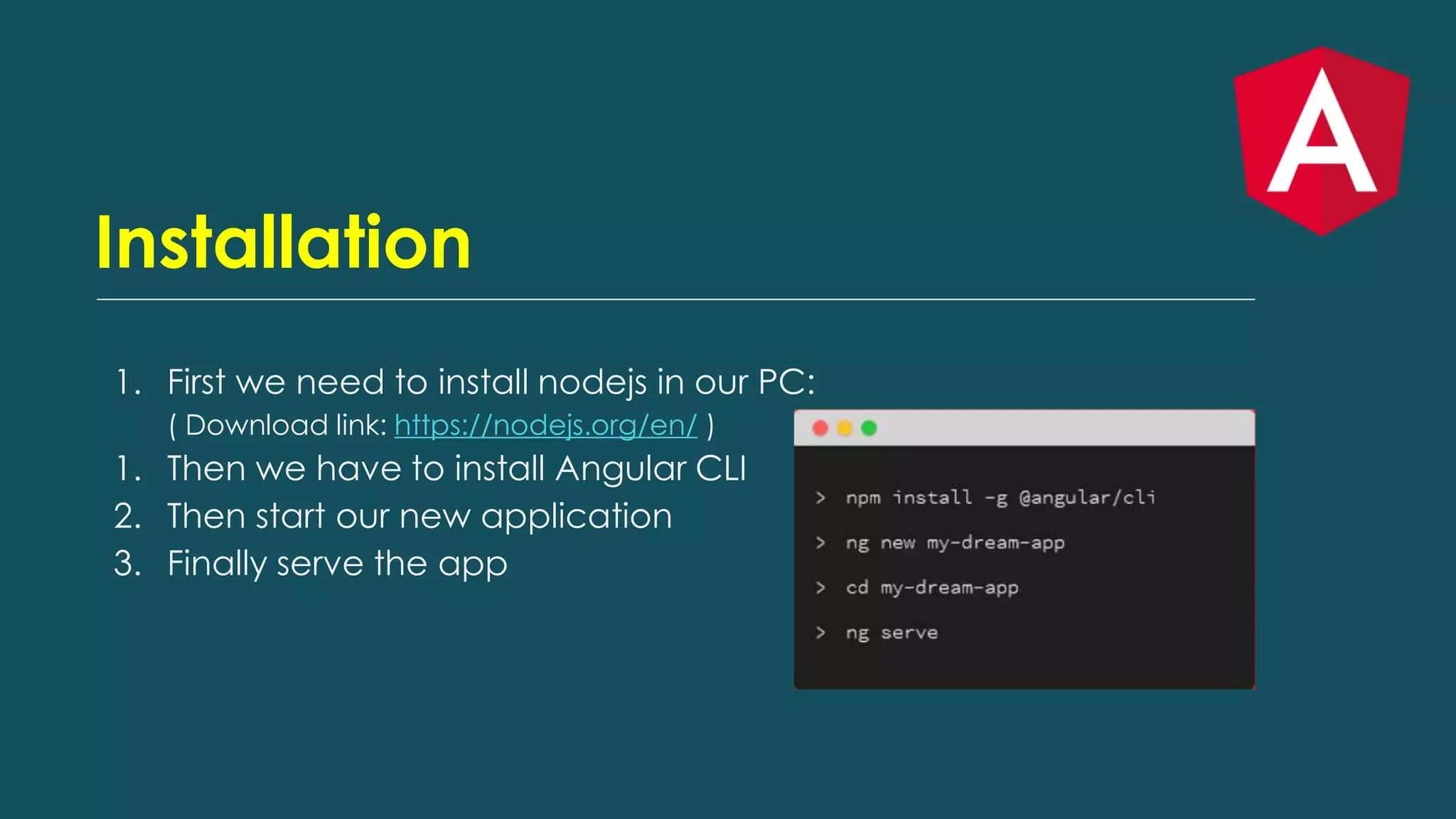
Installation 1. First we need to install nodejs in our PC: ( Download link: https://nodejs.org/en/ ) 1. Then we have to install Angular CLI 2. Then start our new application 3. Finally serve the app
Generate component 1. You can generate a component by Angular CLI: ng g c user Four different files will be created in src/app directory: user.component.ts user.component.html user.component.scss user.component.spec.ts
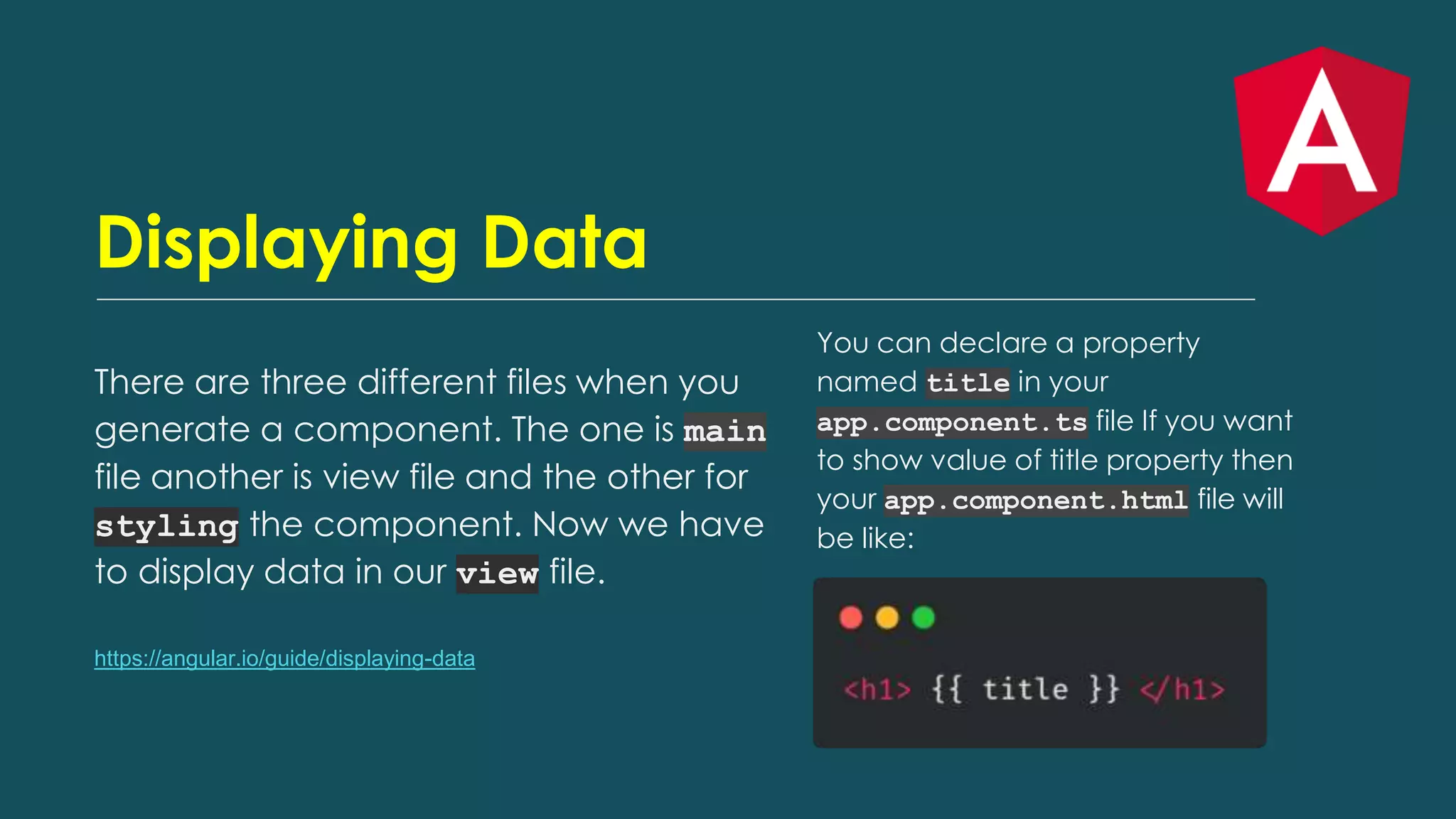
Displaying Data There are three different files when you generate a component. The one is main file another is view file and the other for styling the component. Now we have to display data in our view file. https://angular.io/guide/displaying-data You can declare a property named title in your app.component.ts file If you want to show value of title property then your app.component.html file will be like:
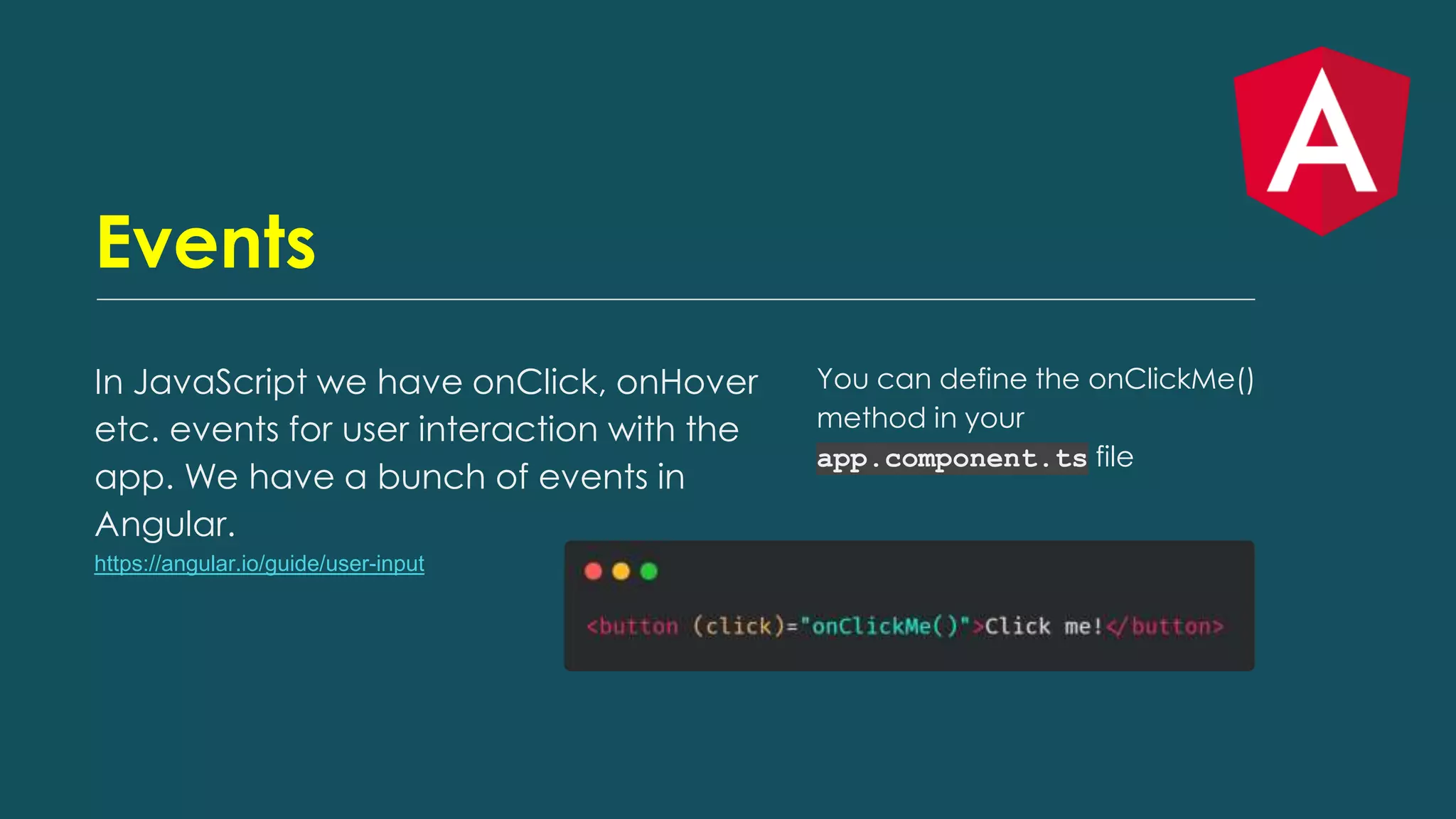
Events In JavaScript we have onClick, onHover etc. events for user interaction with the app. We have a bunch of events in Angular. https://angular.io/guide/user-input You can define the onClickMe() method in your app.component.ts file
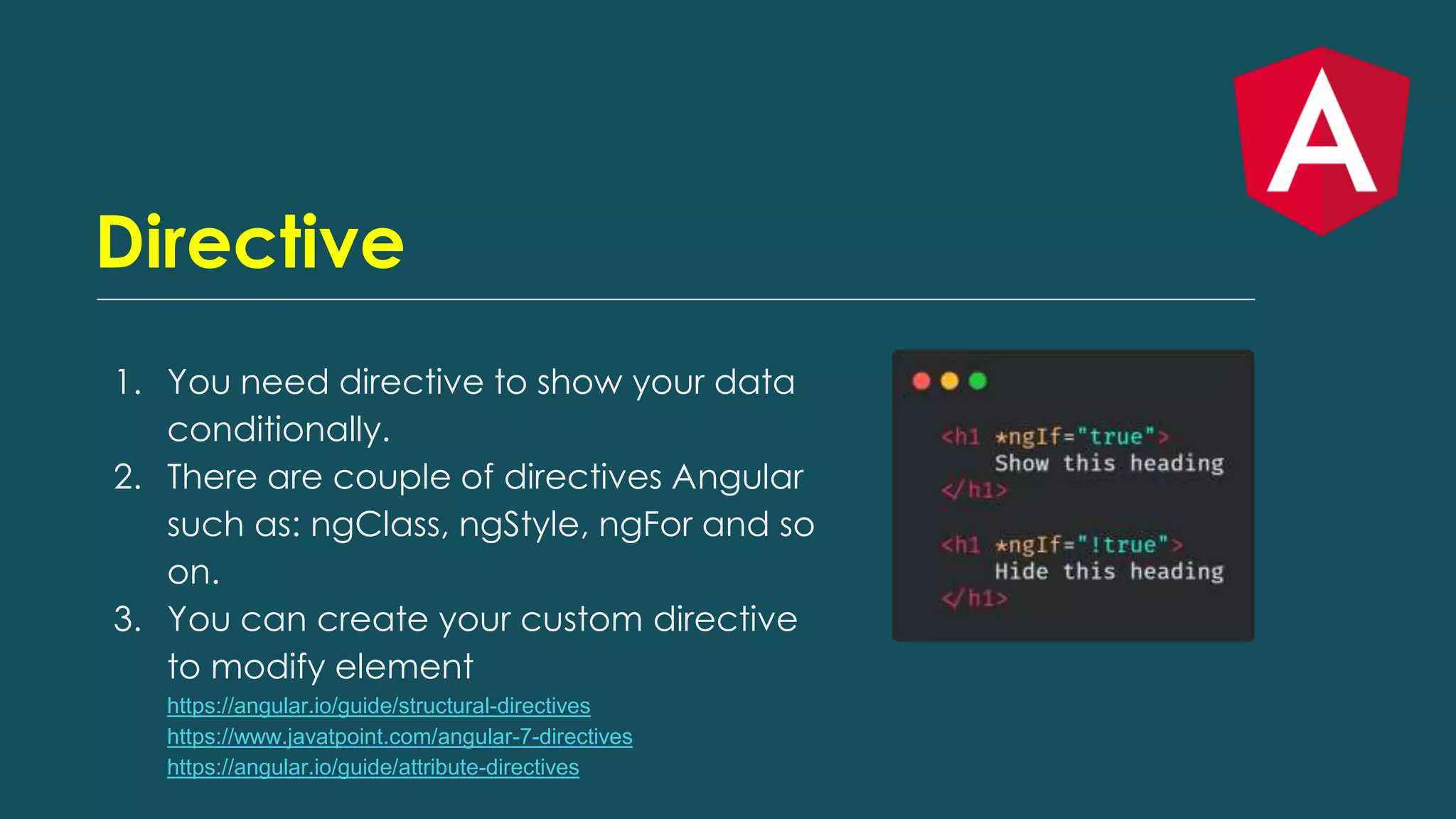
Directive 1. You need directive to show your data conditionally. 2. There are couple of directives Angular such as: ngClass, ngStyle, ngFor and so on. 3. You can create your custom directive to modify element https://angular.io/guide/structural-directives https://www.javatpoint.com/angular-7-directives https://angular.io/guide/attribute-directives
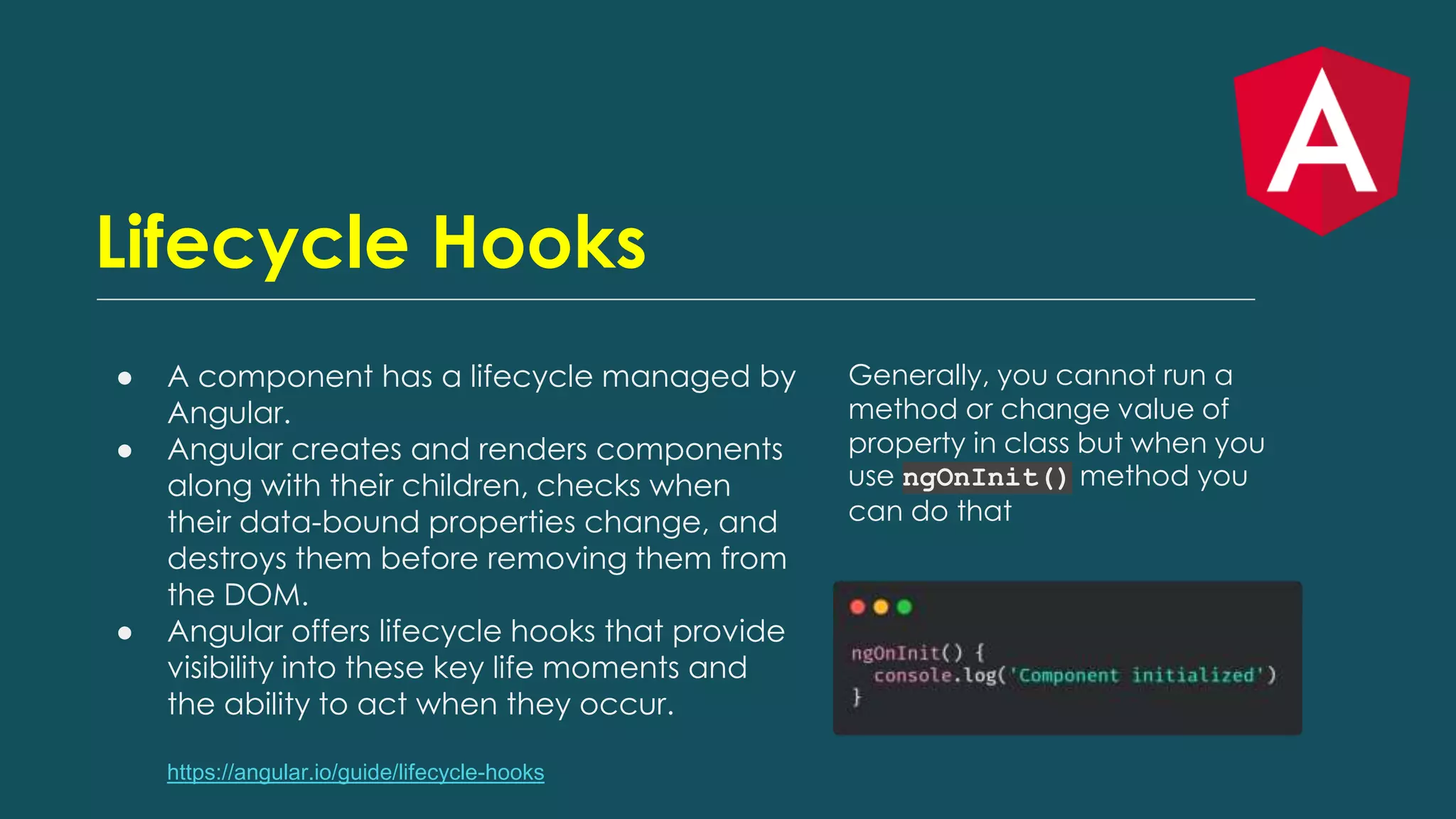
Lifecycle Hooks ● A component has a lifecycle managed by Angular. ● Angular creates and renders components along with their children, checks when their data-bound properties change, and destroys them before removing them from the DOM. ● Angular offers lifecycle hooks that provide visibility into these key life moments and the ability to act when they occur. https://angular.io/guide/lifecycle-hooks Generally, you cannot run a method or change value of property in class but when you use ngOnInit() method you can do that
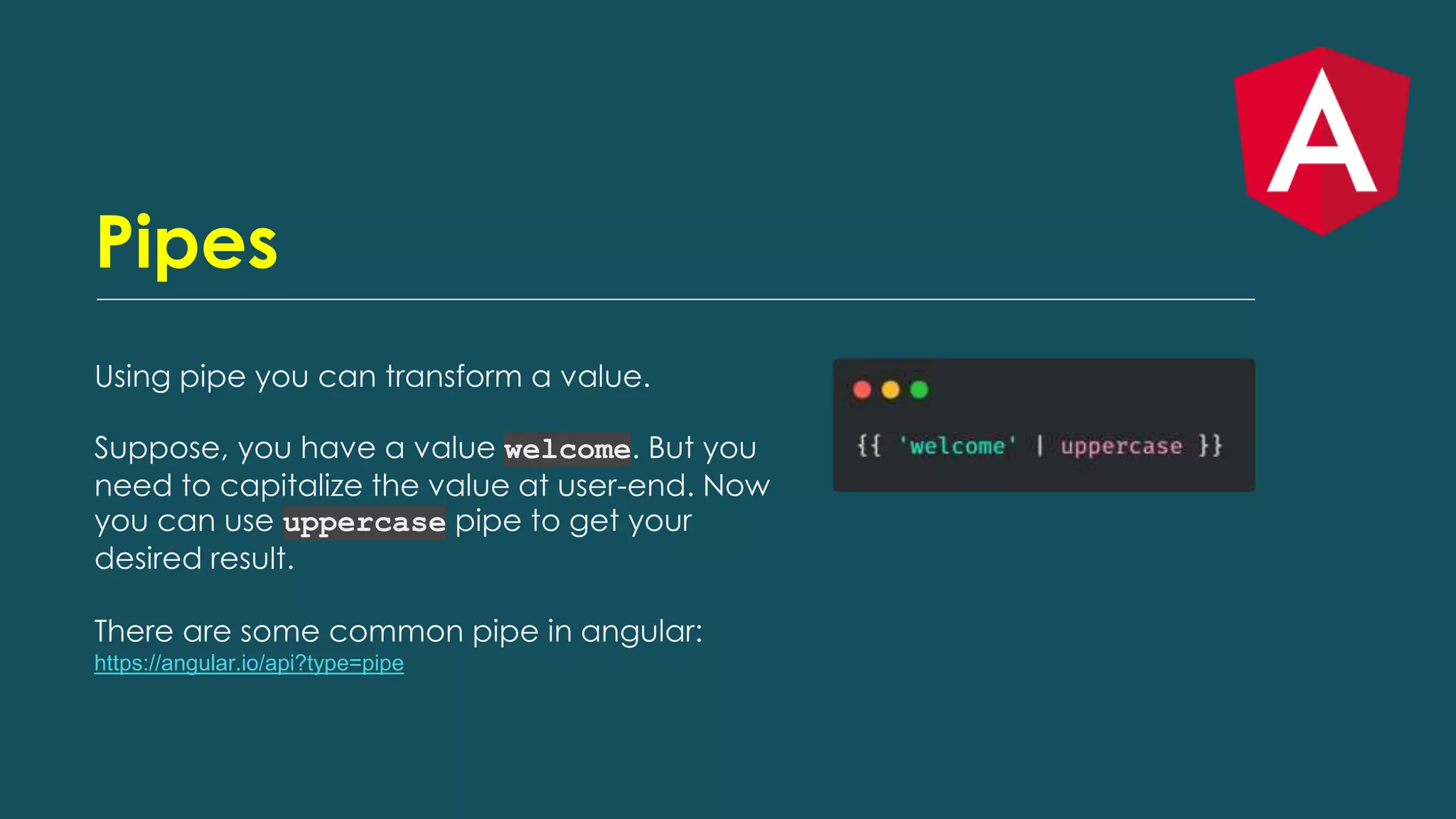
Pipes Using pipe you can transform a value. Suppose, you have a value welcome. But you need to capitalize the value at user-end. Now you can use uppercase pipe to get your desired result. There are some common pipe in angular: https://angular.io/api?type=pipe
Thank you

Start your journey with angular | Basic Angular

  • 1.
    Start your journeywith Angular
  • 2.
  • 3.
    VS Code There arecouple of extensions you must have if you are using vscode as your code editor 1. Angular Language Services 2. Angular Snippets
  • 4.
    What is Angular ●Angular is a JavaScript (actually a TypeScript based open-source full- stack web application) framework which makes you able to create reactive Single Page Applications (SPAs). ● Angular is completely based on components. ● It consists of several components which forms a tree structure with parent and child components. ● Versions beyond 2+ are generally known as Angular only. The very first version Angular 1.0 is known as AngularJS.
  • 5.
    Key features ● Angularsupports multiple platforms ● High Speed, Ultimate Performance ● Productivity
  • 6.
    Installation 1. First weneed to install nodejs in our PC: ( Download link: https://nodejs.org/en/ ) 1. Then we have to install Angular CLI 2. Then start our new application 3. Finally serve the app
  • 7.
    Generate component 1. Youcan generate a component by Angular CLI: ng g c user Four different files will be created in src/app directory: user.component.ts user.component.html user.component.scss user.component.spec.ts
  • 8.
    Displaying Data There arethree different files when you generate a component. The one is main file another is view file and the other for styling the component. Now we have to display data in our view file. https://angular.io/guide/displaying-data You can declare a property named title in your app.component.ts file If you want to show value of title property then your app.component.html file will be like:
  • 9.
    Events In JavaScript wehave onClick, onHover etc. events for user interaction with the app. We have a bunch of events in Angular. https://angular.io/guide/user-input You can define the onClickMe() method in your app.component.ts file
  • 10.
    Directive 1. You needdirective to show your data conditionally. 2. There are couple of directives Angular such as: ngClass, ngStyle, ngFor and so on. 3. You can create your custom directive to modify element https://angular.io/guide/structural-directives https://www.javatpoint.com/angular-7-directives https://angular.io/guide/attribute-directives
  • 11.
    Lifecycle Hooks ● Acomponent has a lifecycle managed by Angular. ● Angular creates and renders components along with their children, checks when their data-bound properties change, and destroys them before removing them from the DOM. ● Angular offers lifecycle hooks that provide visibility into these key life moments and the ability to act when they occur. https://angular.io/guide/lifecycle-hooks Generally, you cannot run a method or change value of property in class but when you use ngOnInit() method you can do that
  • 12.
    Pipes Using pipe youcan transform a value. Suppose, you have a value welcome. But you need to capitalize the value at user-end. Now you can use uppercase pipe to get your desired result. There are some common pipe in angular: https://angular.io/api?type=pipe
  • 13.