JavaScript Memory Management Memory Lifecycle JavaScript Garbage Collector Common Memory Leaks Leak Detection Tools and Techniques Minimizing Memory Footprint Wednesday, May 29, 13
Memory Leaks ? But It’s JS ... Wednesday, May 29, 13
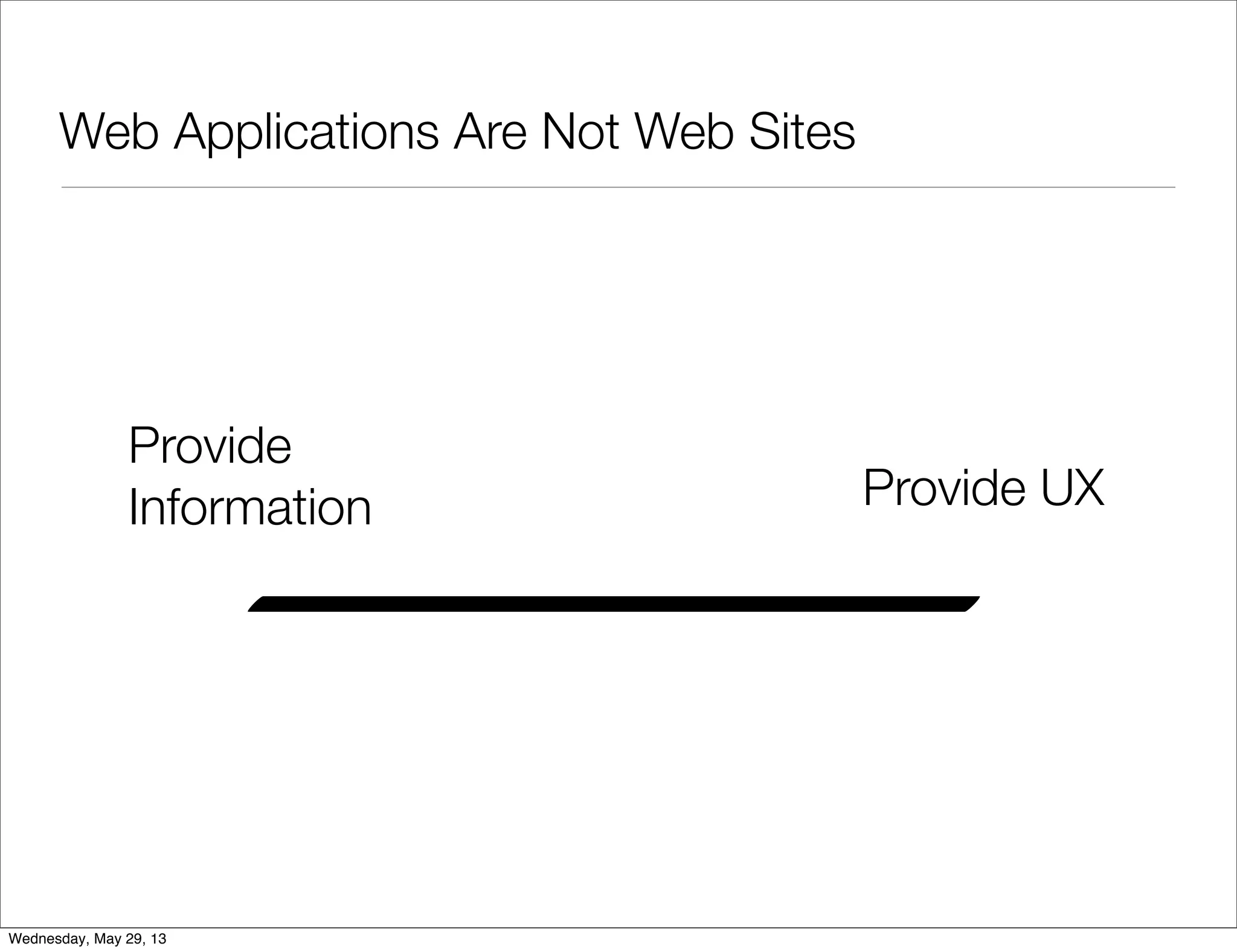
Web Applications Are Not Web Sites • Applications maintain state • Applications are more device- specific (fixed sizes and images) • Applications use device capabilities • Applications focus on UX Wednesday, May 29, 13
Web Applications Are Not Web Sites Provide Information Provide UX Wednesday, May 29, 13
Web applications are long running processes Wednesday, May 29, 13
JavaScript Memory • JS Objects take memory • Changing an HTML page clears all memory • Web Apps without proper care => memory related bugs Wednesday, May 29, 13
When You Have a Memory Problem App turns from this... Wednesday, May 29, 13
When You Have a Memory Problem to this... Wednesday, May 29, 13
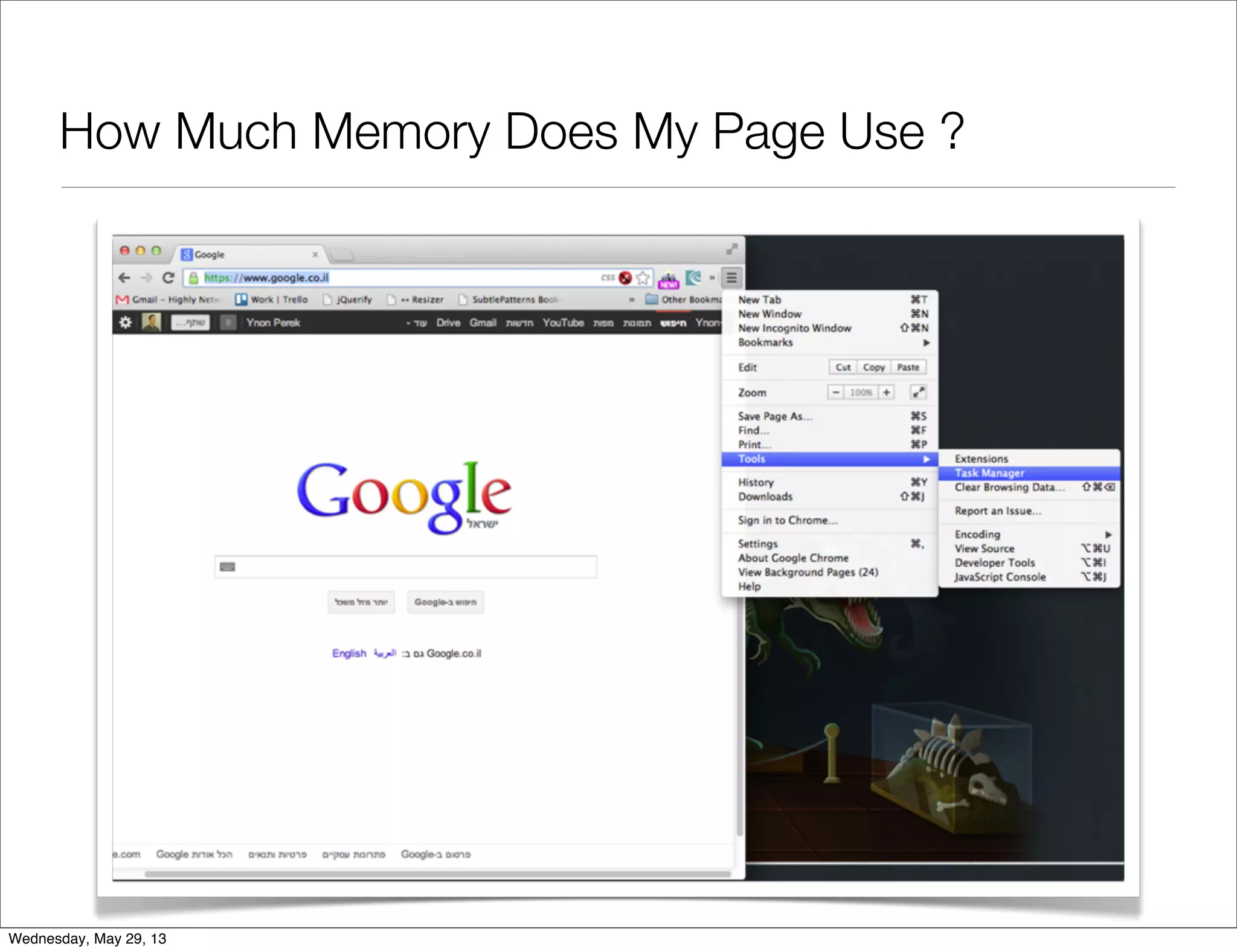
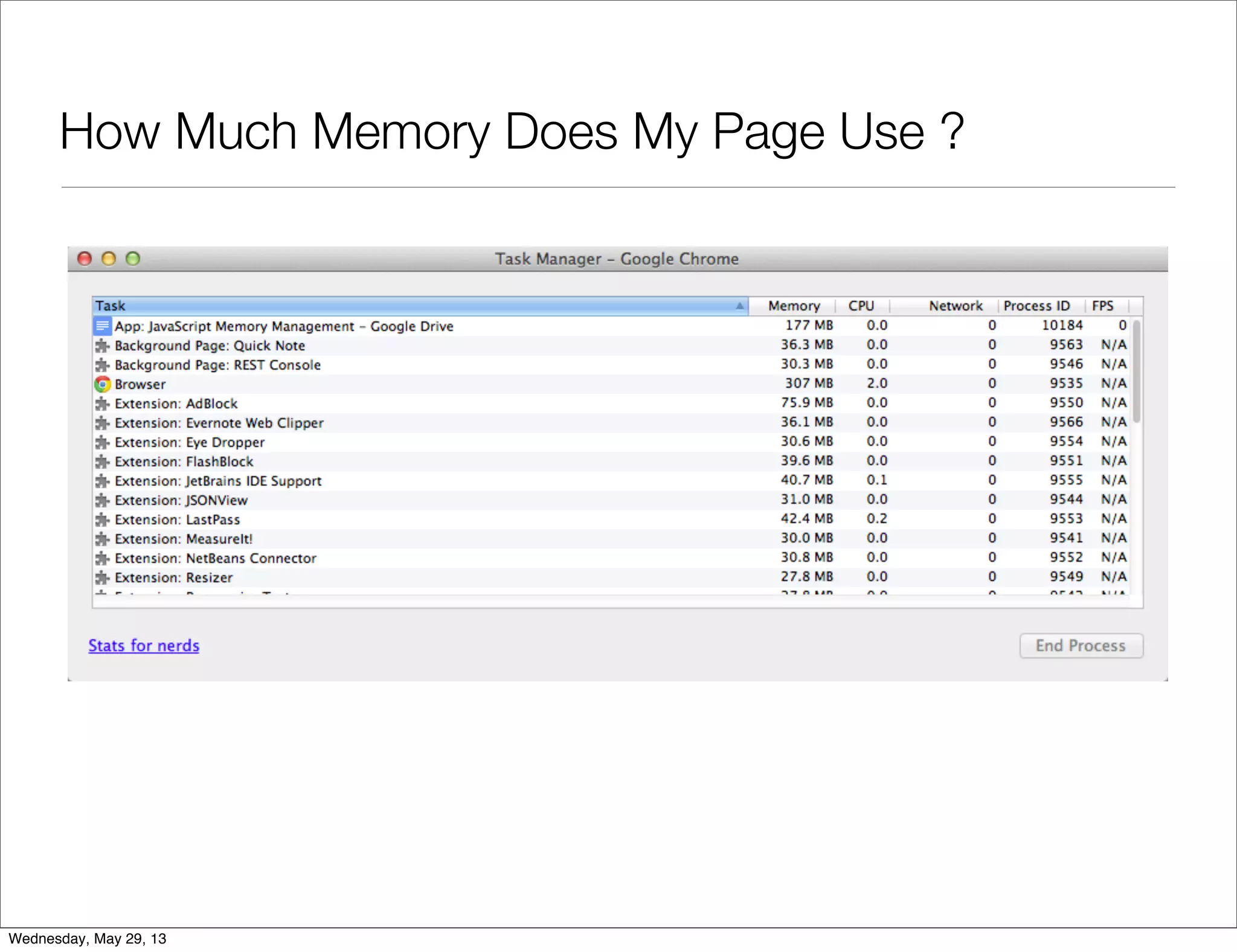
How Much Memory Does My Page Use ? Wednesday, May 29, 13
Memory Management Theory • 3 types of memory managers: • Explicit (C/C++ style) • Reference Count (Perl, Python, PHP) • Garbage Collection (Java, JavaScript) Wednesday, May 29, 13
Memory Lifecycle • All languages are the same: • (1) Allocate some memory • (2) Use that memory • (3) Free that memory • In JS, #3 is implicit Wednesday, May 29, 13
Memory Is Allocated When You Define Literals var n = 123; var s = "azerty"; var o = { a: 1, b: null }; var a = [1, null, "abra"]; function f(a){ return a + 2; } someElement.addEventListener('click', function(){ someElement.style.backgroundColor = 'blue'; }, false); Wednesday, May 29, 13
Hidden Memory Allocations var d = new Date(); var e = document.createElement('div'); // allocates an DOM element var s = "foo"; var s2 = s.substr(0, 3); // s2 is a new string var a = ["ouais ouais", "nan nan"]; var a2 = ["generation", "nan nan"]; var a3 = a.concat(a2); Wednesday, May 29, 13
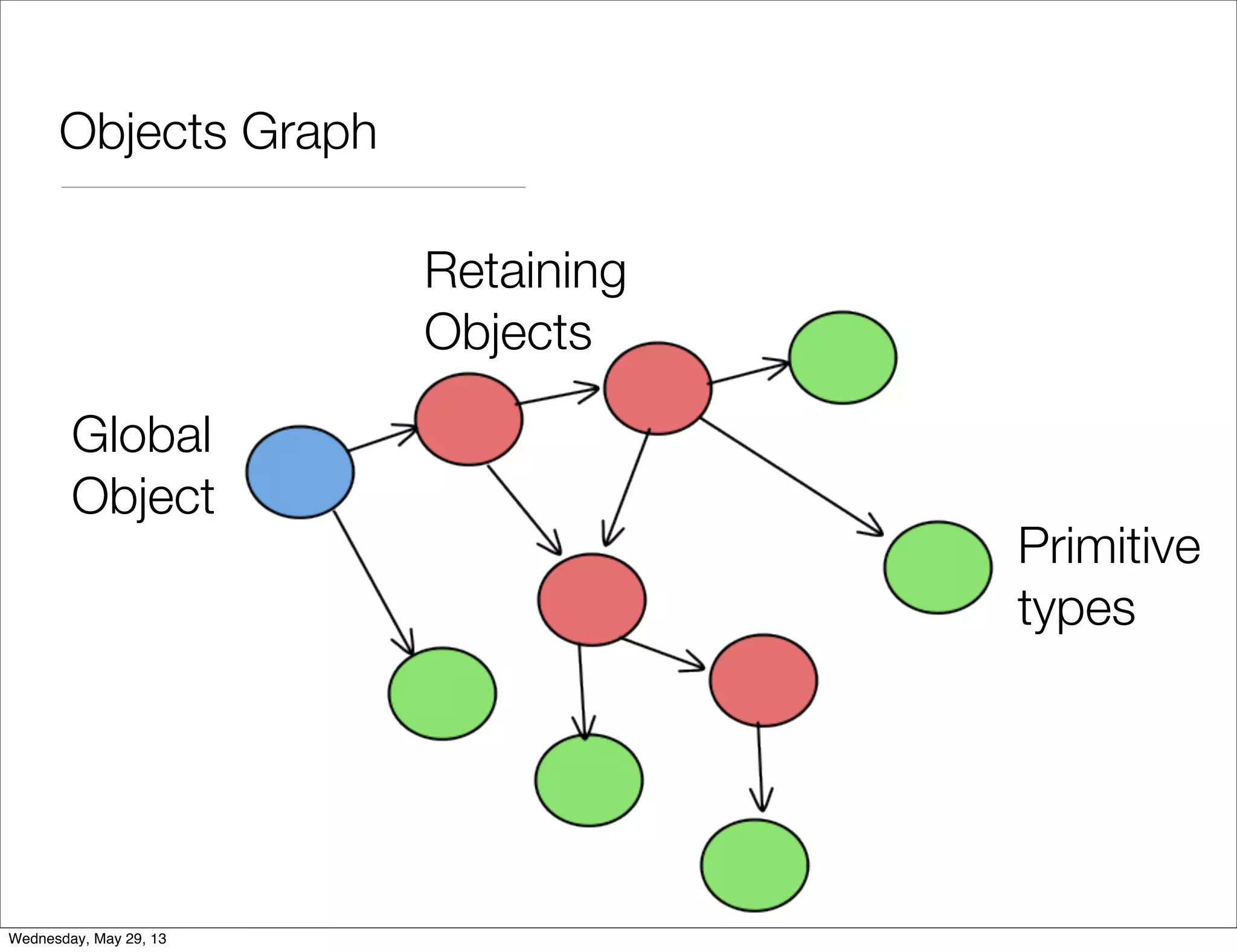
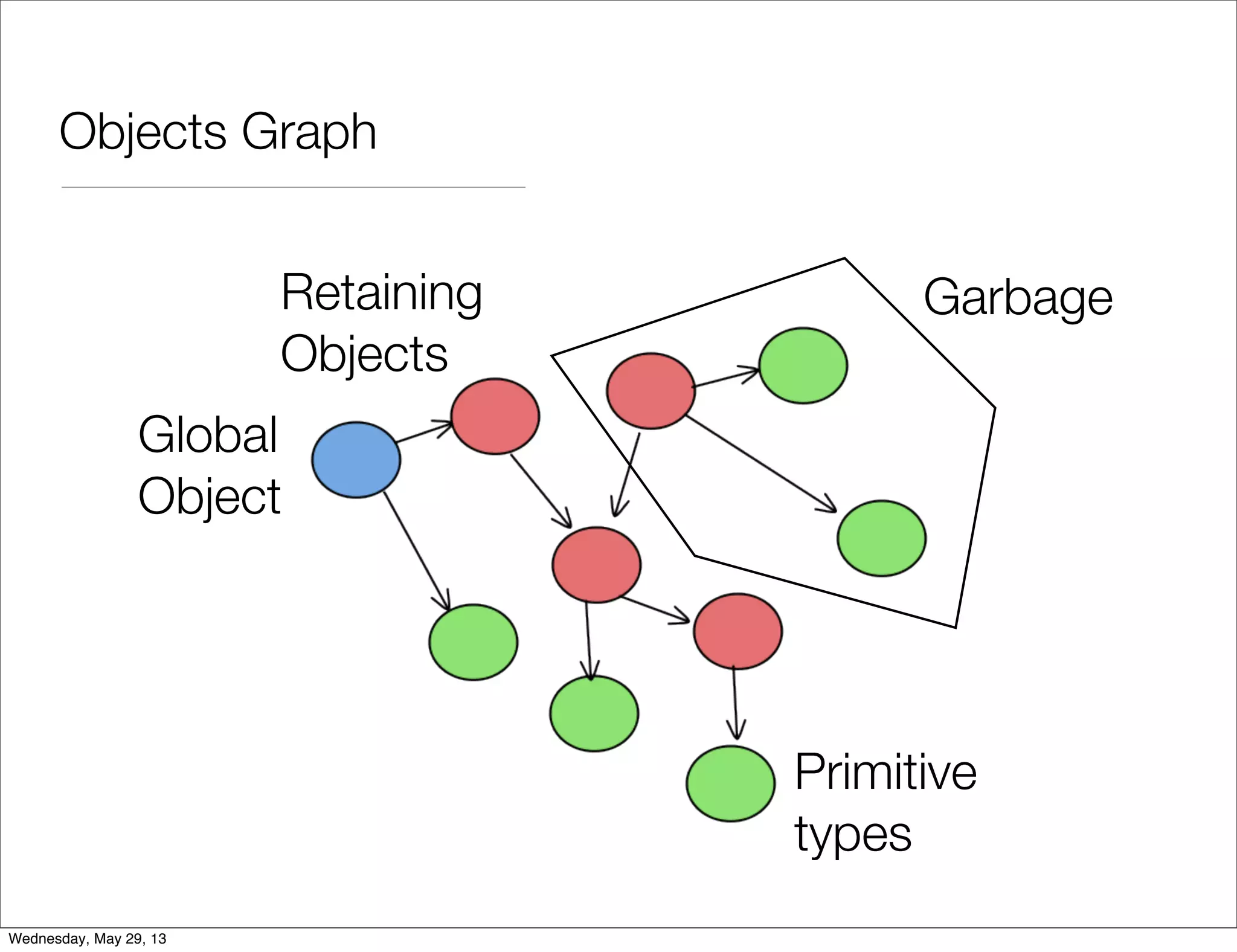
Releasing Memory • JavaScript uses Mark-And-Sweep garbage collection algorithm • It starts from known memory (global object) • Follows all references • In the end, clear the unreachable Wednesday, May 29, 13
Memory Leak • Object is allocated • Object can’t be reached • Object still uses memory • Impossible in JavaScript Wednesday, May 29, 13
A JavaScript Memory Problem is caused by using too much memory Wednesday, May 29, 13
Objects Graph Primitive types Global Object Retaining Objects Wednesday, May 29, 13
Objects Graph Primitive types Global Object Retaining Objects Garbage Wednesday, May 29, 13
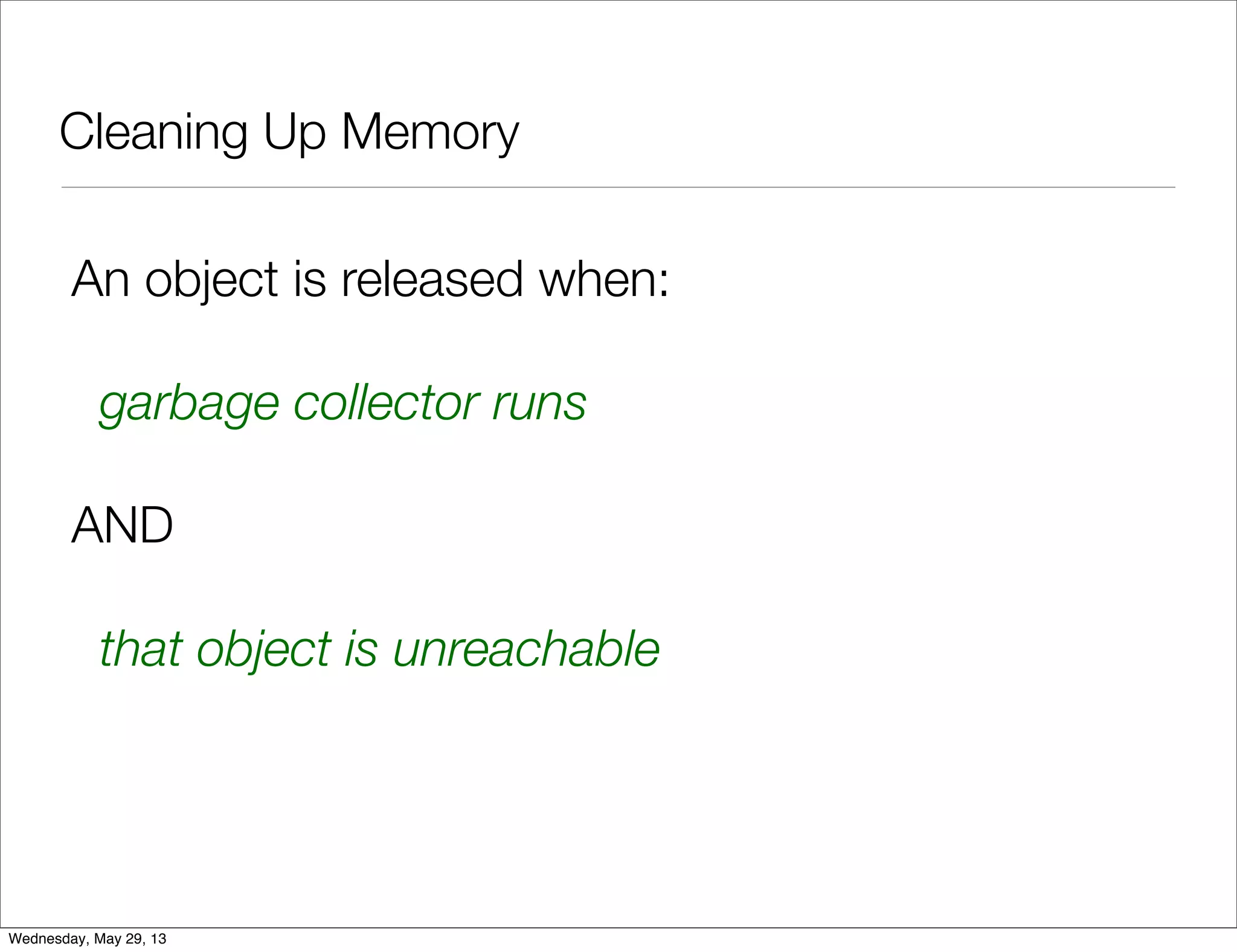
Cleaning Up Memory An object is released when: garbage collector runs AND that object is unreachable Wednesday, May 29, 13
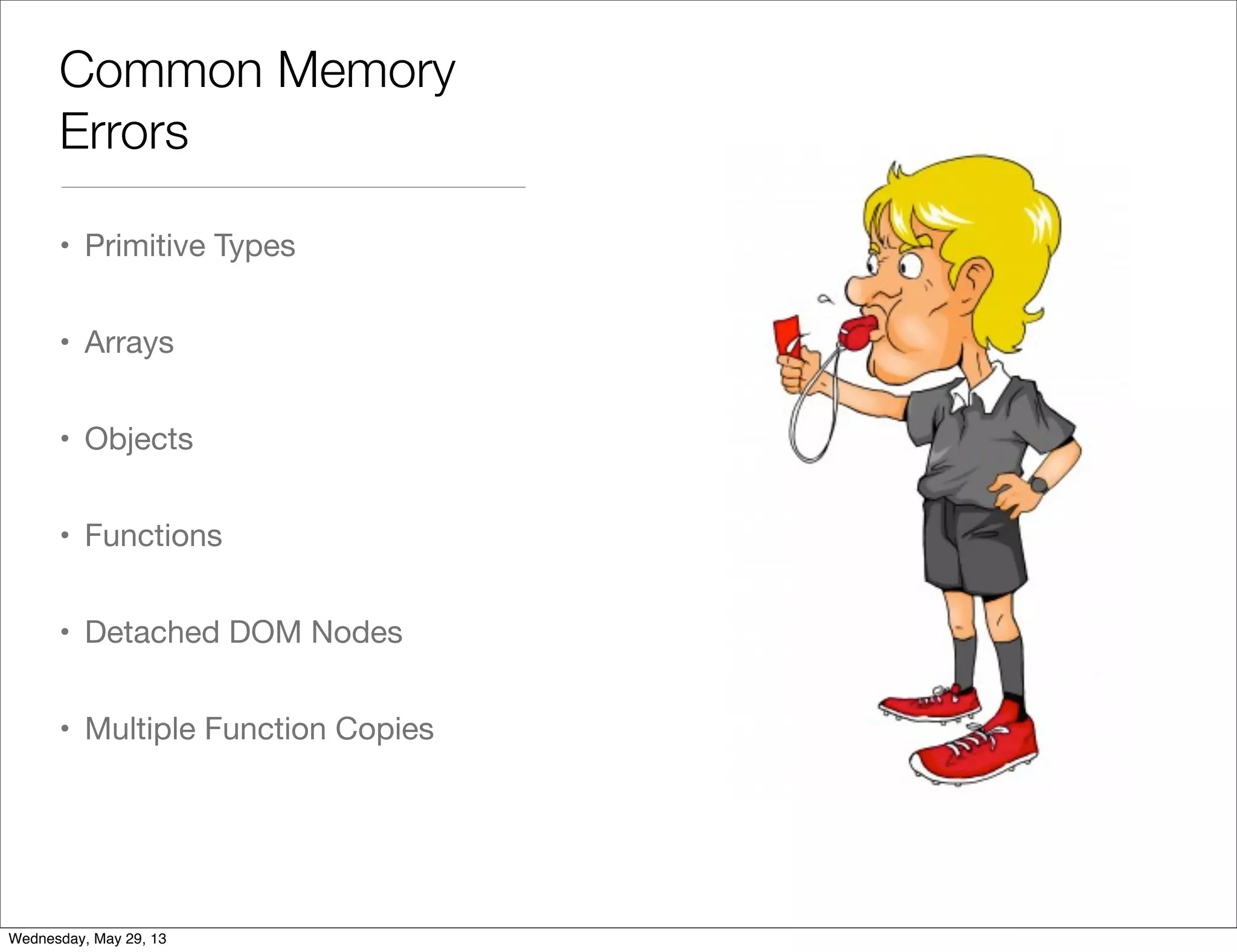
Common Memory Errors • Primitive Types • Arrays • Objects • Functions • Detached DOM Nodes • Multiple Function Copies Wednesday, May 29, 13
Primitive Types • Number, Boolean, Null or Undefined • Can’t cause memory problems - size is limited • Each variable holds a single object Wednesday, May 29, 13
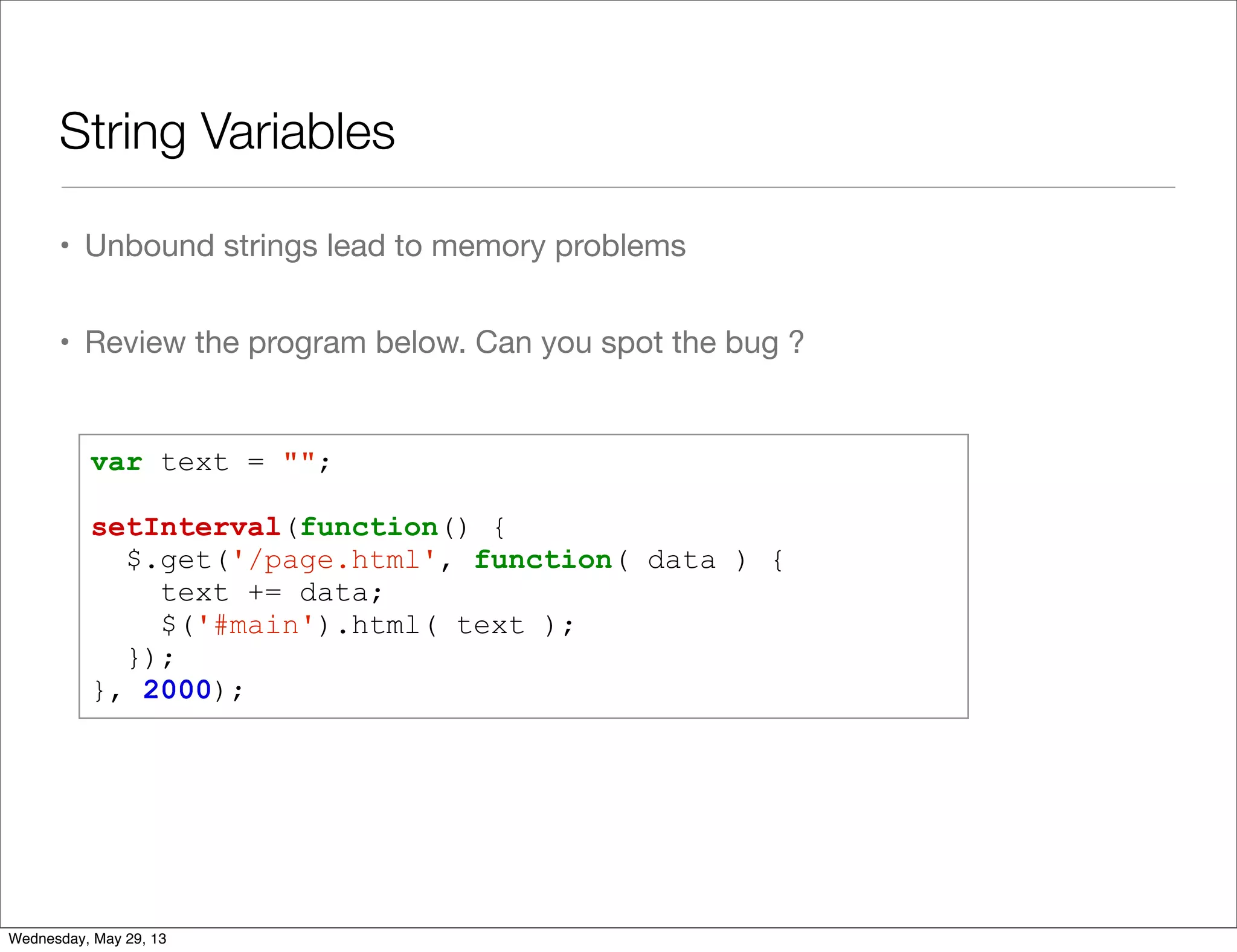
String Variables • Unbound strings lead to memory problems • Review the program below. Can you spot the bug ? var text = ""; setInterval(function() { $.get('/page.html', function( data ) { text += data; $('#main').html( text ); }); }, 2000); Wednesday, May 29, 13
String Variables • Variable text is appended to again and again • It will take more memory as time goes • A better way: Use .appendChild(...) or $(...).append(...) Wednesday, May 29, 13
Arrays • Arrays are retaining objects • Memory Errors: • Hidden Allocations • Unbound Arrays Wednesday, May 29, 13
Hidden Array Allocations • The following functions create new arrays: • [...] • new Array(...) • slice(...) • map(...) • filter(...) • concat(...) Wednesday, May 29, 13
Unbound Arrays • Unbound arrays are such that can grow ad infinitum • Example: • Keep high score in a game • Show top 10 score Wednesday, May 29, 13
Unbound Arrays var all_score = []; function add_score( score ) { all_score.push( score ); } function top_10() { return all_score .sort(function(a, b) { return b - a }) .slice(0, 10); } all_score is unbound Wednesday, May 29, 13
Objects • Same as with arrays • Unbound objects are dangerous • Example: • Keep a cache of user details based on data from server Wednesday, May 29, 13
Objects var users = {}; function getUserDetails( user_id, cb ) { if ( ! users[user_id] ) { $.get('/users/' + user_id, function( info ) { users[user_id] = info; cb( info ); }); } else { setTimeout( cb, 0, users[user_id] ); } } Wednesday, May 29, 13
Objects var users = {}; function getUserDetails( user_id, cb ) { if ( ! users[user_id] ) { $.get('/users/' + user_id, function( info ) { users[user_id] = info; cb( info ); }); } else { setTimeout( cb, 0, users[user_id] ); } } Unbound Object Wednesday, May 29, 13
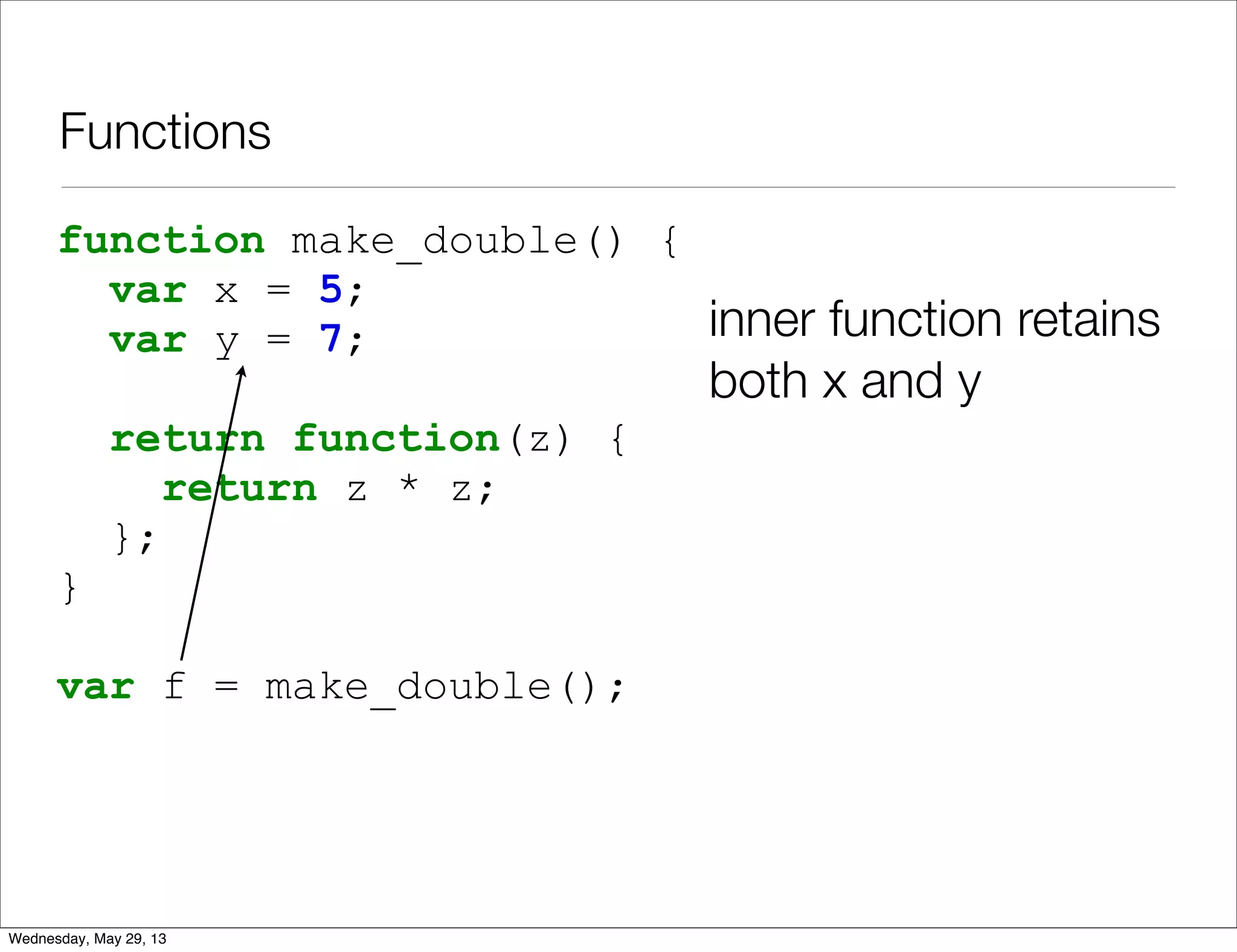
Functions • Functions retain other objects in a different way • Static retainment / Closures • Danger: Closures are hard to detect Wednesday, May 29, 13
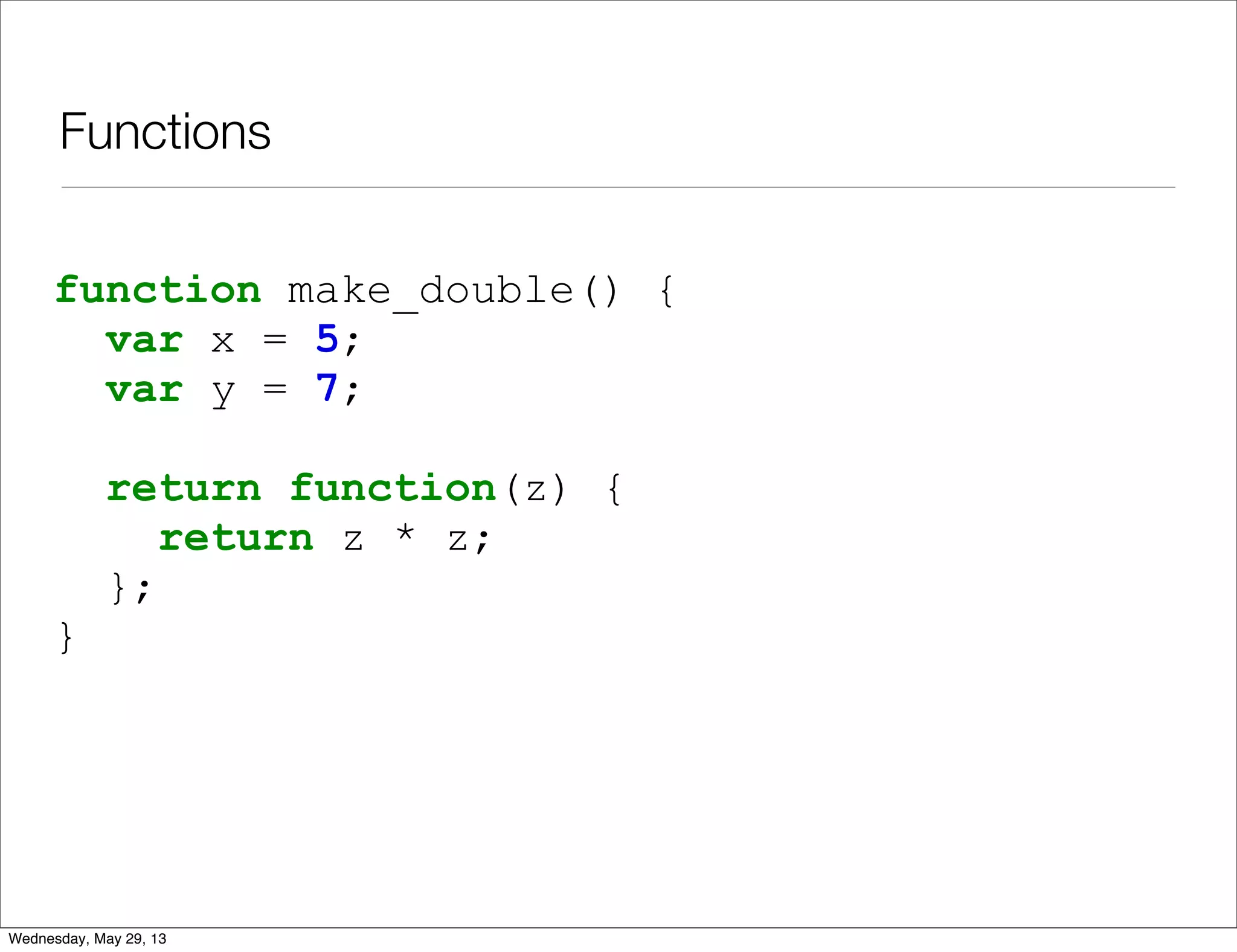
Functions function make_double() { var x = 5; var y = 7; return function(z) { return z * z; }; } Wednesday, May 29, 13
Functions function make_double() { var x = 5; var y = 7; return function(z) { return z * z; }; } var f = make_double(); inner function retains both x and y Wednesday, May 29, 13
Q & A Wednesday, May 29, 13
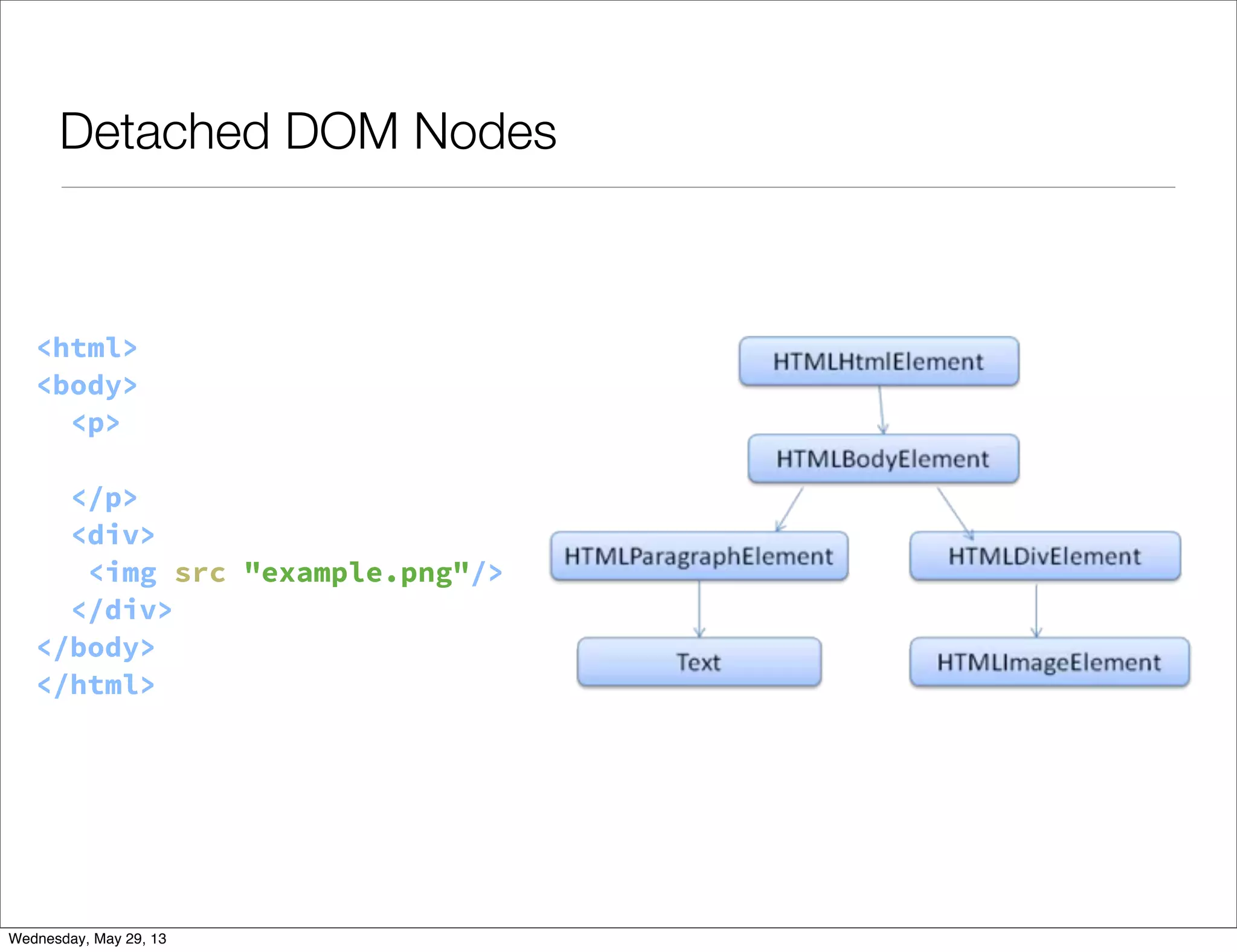
Detached DOM Nodes • DOM nodes are objects too • JavaScript can take a handle to DOM nodes with: • getElementById • getElementsByTagName • querySelector / querySelectorAll • DOM frameworks Wednesday, May 29, 13
Detached DOM Nodes <html> <body> <p> Hello World </p> <div> <img src="example.png"/> </div> </body> </html> Wednesday, May 29, 13
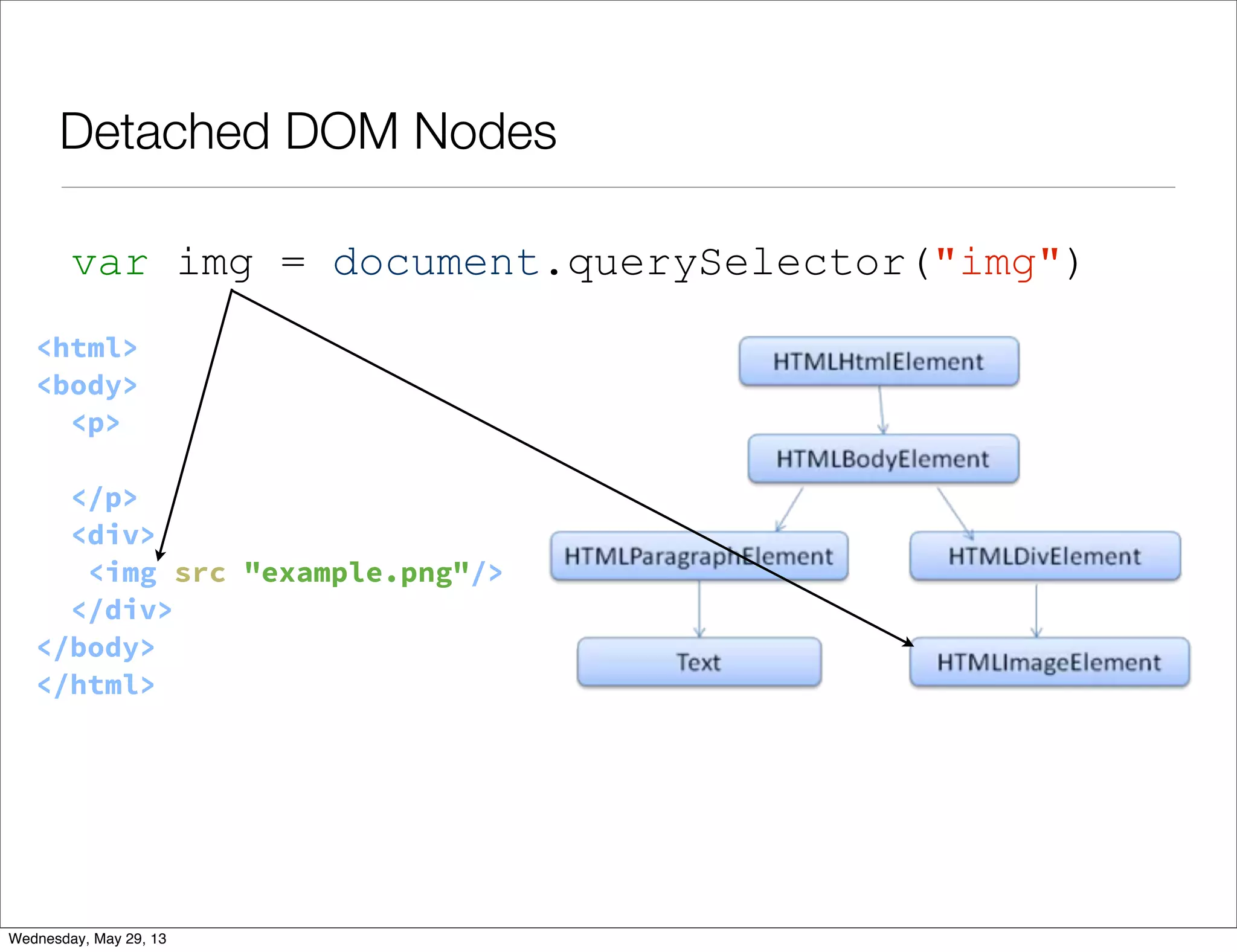
Detached DOM Nodes <html> <body> <p> Hello World </p> <div> <img src="example.png"/> </div> </body> </html> var img = document.querySelector("img") Wednesday, May 29, 13
Detached DOM Nodes • DOM Nodes are node deleted until all handles to them are out of scope • If removed from DOM, they are called Detached nodes • Event handlers are also handles Wednesday, May 29, 13
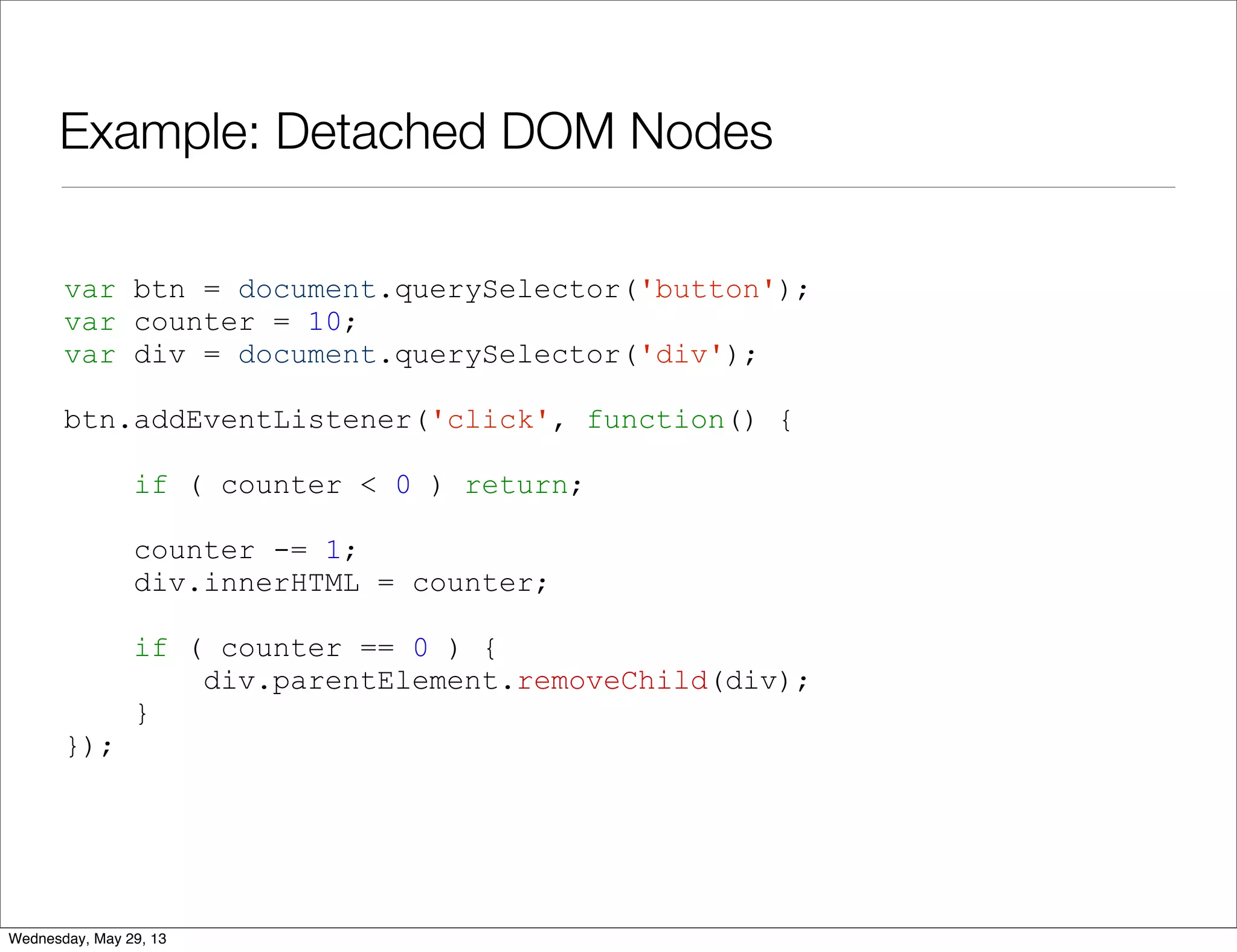
Example: Detached DOM Nodes var btn = document.querySelector('button'); var counter = 10; var div = document.querySelector('div'); btn.addEventListener('click', function() { if ( counter < 0 ) return; counter -= 1; div.innerHTML = counter; if ( counter == 0 ) { div.parentElement.removeChild(div); } }); Wednesday, May 29, 13
Example: Detached DOM Nodes • The variable div is a DOM node handle • It retains the HTMLDivElement even after its removal • Since div is global, the node will never be released Wednesday, May 29, 13
Detached DOM Nodes: Takeaways • Use lexicals • Watch out for every DOM handle Wednesday, May 29, 13
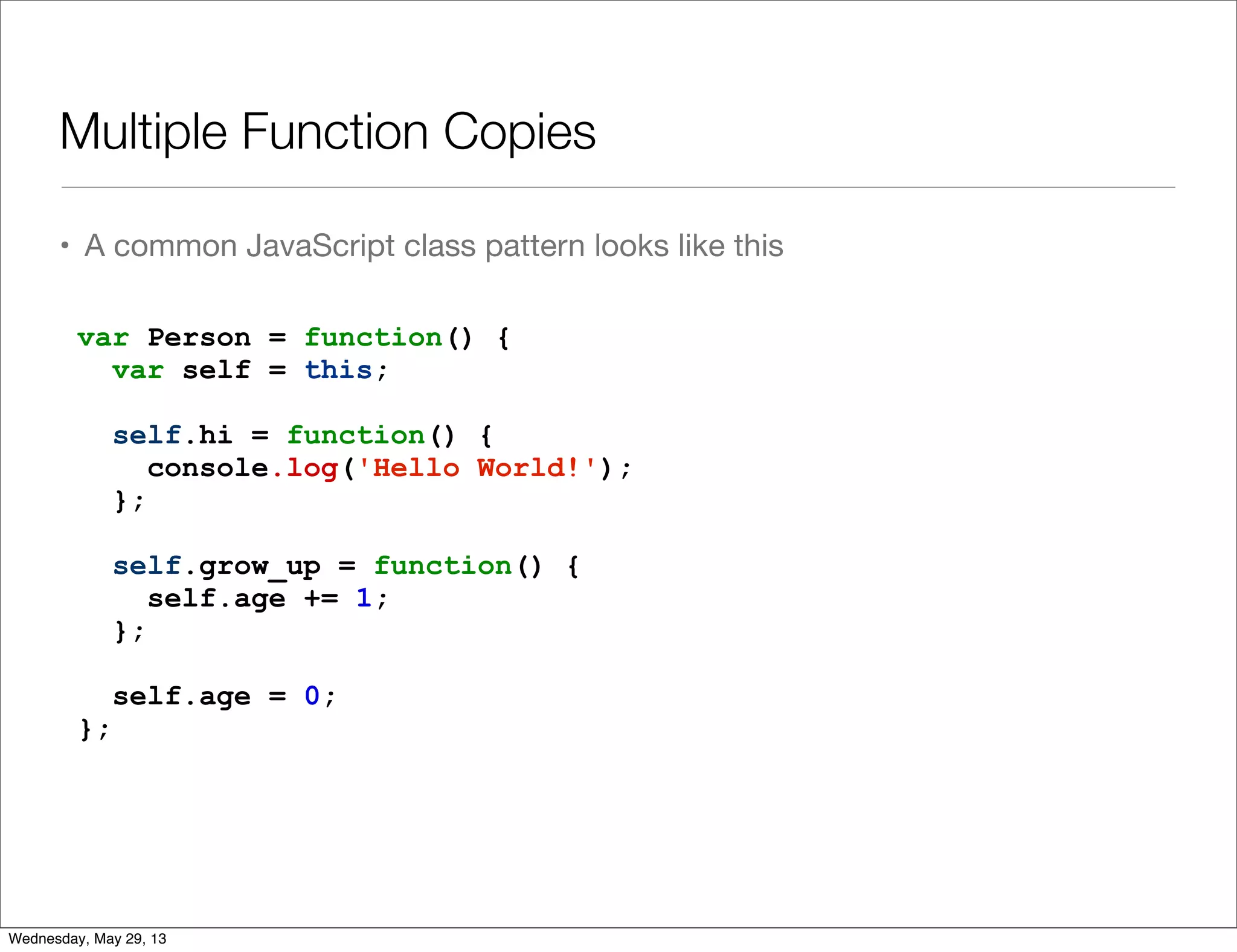
Multiple Function Copies • A common JavaScript class pattern looks like this var Person = function() { var self = this; self.hi = function() { console.log('Hello World!'); }; self.grow_up = function() { self.age += 1; }; self.age = 0; }; Wednesday, May 29, 13
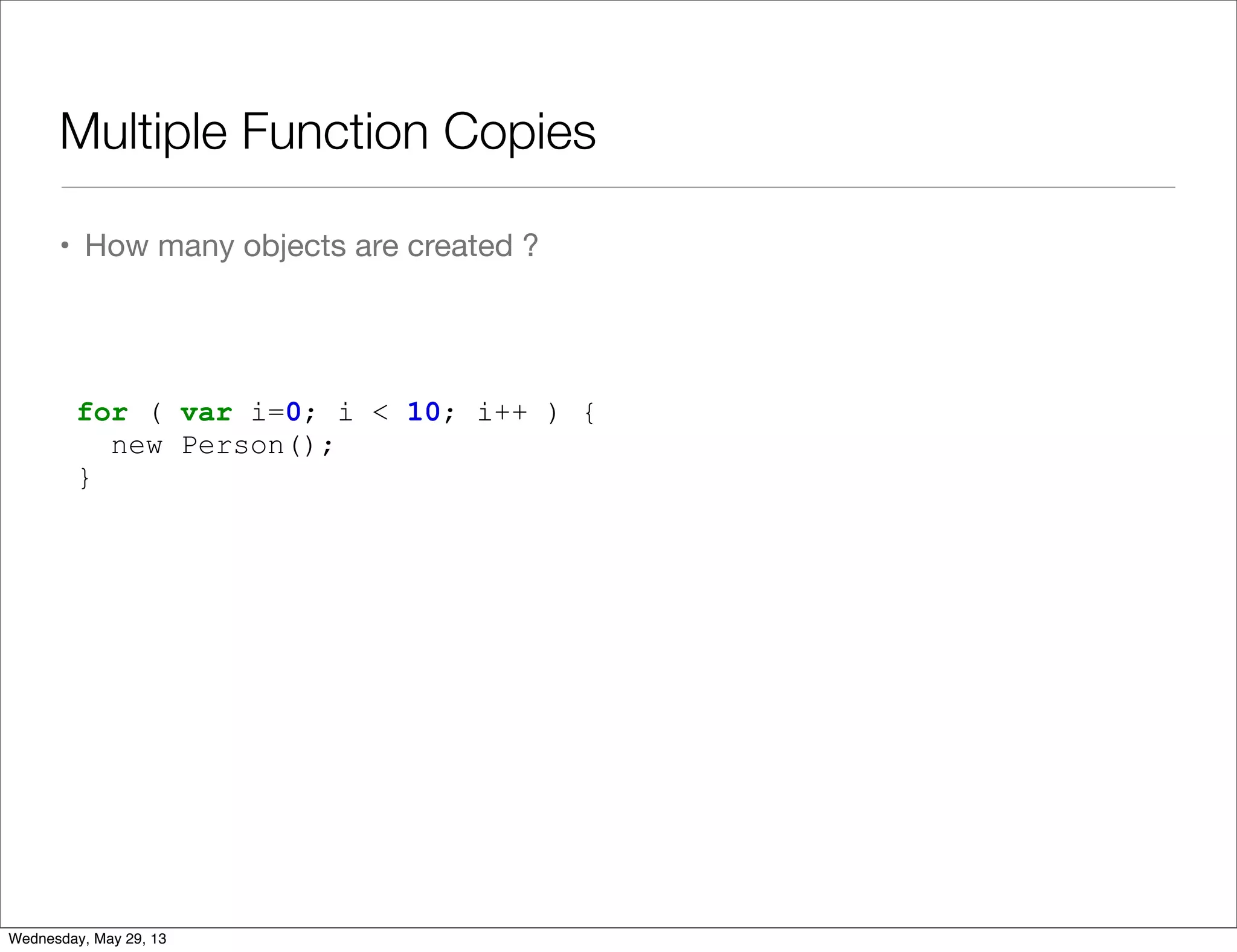
Multiple Function Copies • How many objects are created ? for ( var i=0; i < 10; i++ ) { new Person(); } Wednesday, May 29, 13
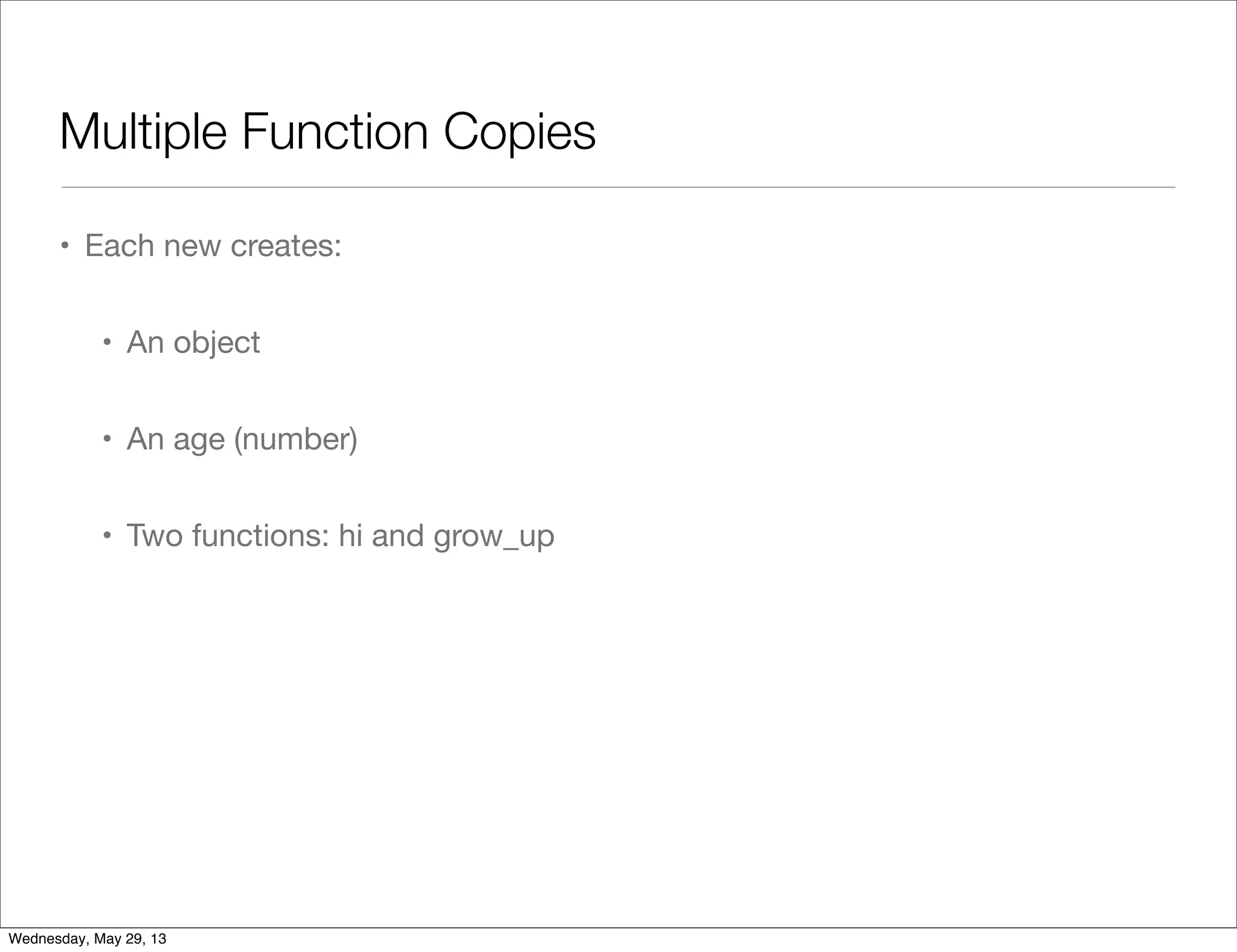
Multiple Function Copies • Each new creates: • An object • An age (number) • Two functions: hi and grow_up Wednesday, May 29, 13
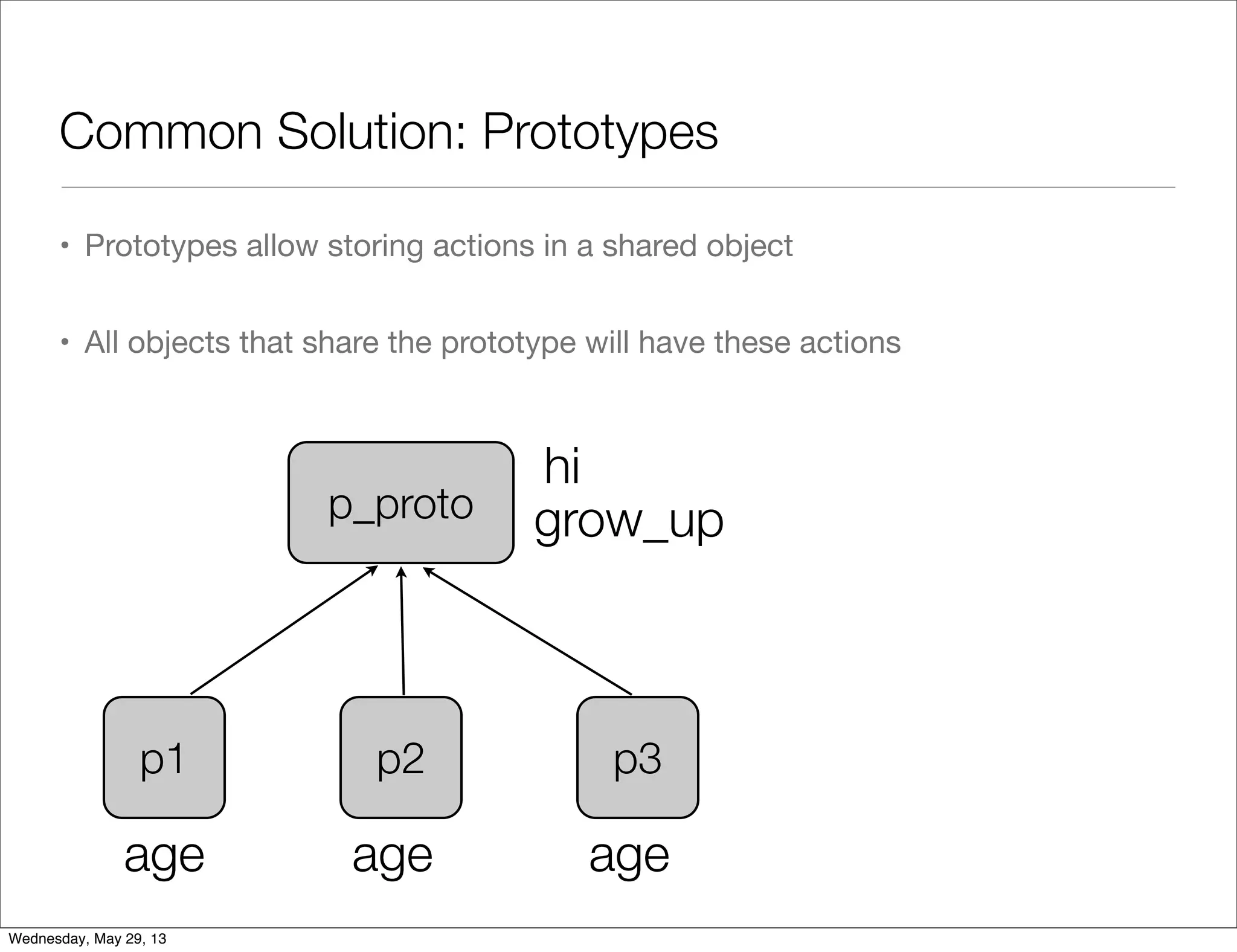
Common Solution: Prototypes • Prototypes allow storing actions in a shared object • All objects that share the prototype will have these actions p1 p2 p3 p_proto age age age grow_up hi Wednesday, May 29, 13
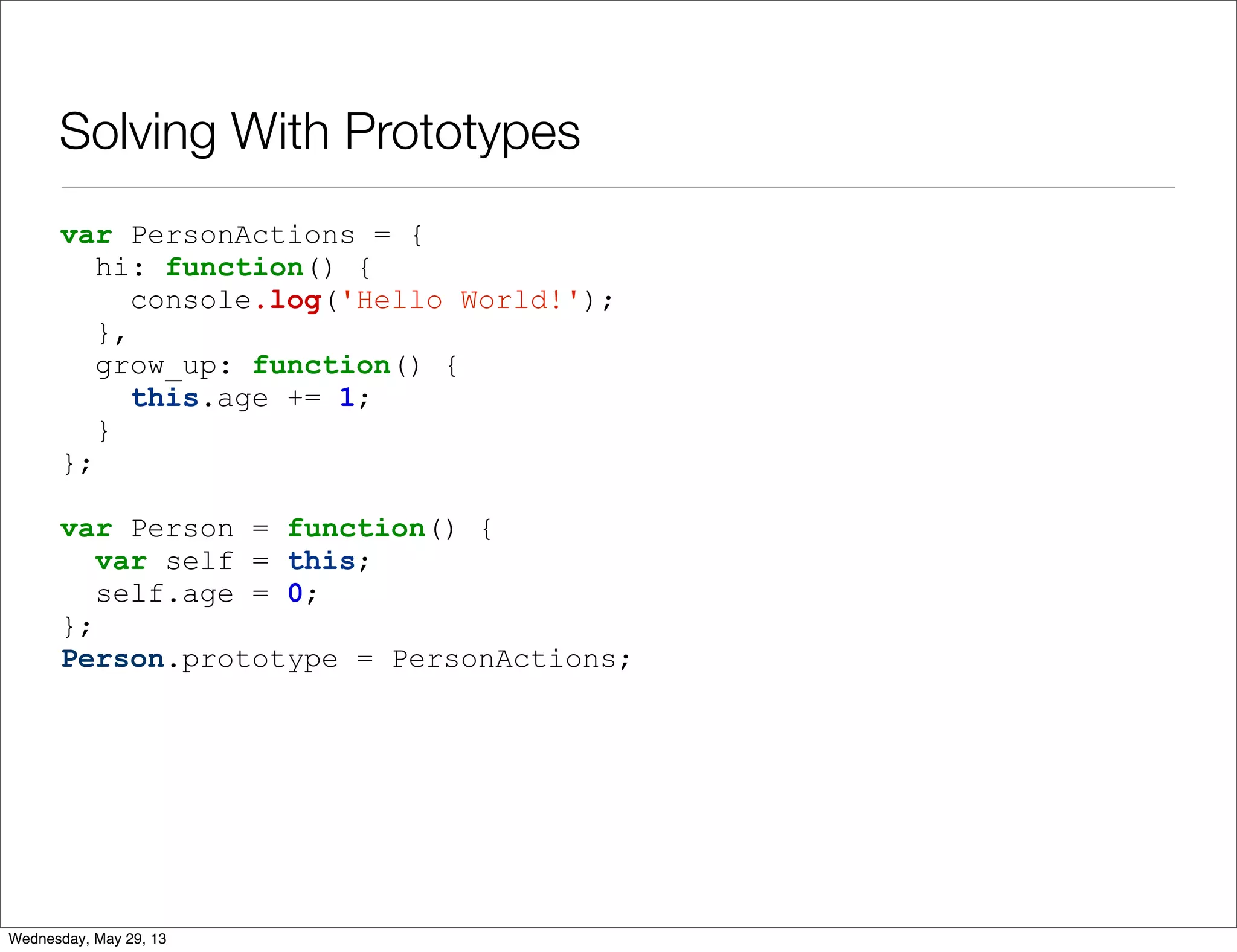
Solving With Prototypes var PersonActions = { hi: function() { console.log('Hello World!'); }, grow_up: function() { this.age += 1; } }; var Person = function() { var self = this; self.age = 0; }; Person.prototype = PersonActions; Wednesday, May 29, 13
Using Prototypes • Prototypes are confusing • Developers mistake them for inheritance (which they’re not) • Developers store data in prototypes (which they shouldn’t) • Prototypes force us to use this • Use prototypes wisely Wednesday, May 29, 13
Q & A Wednesday, May 29, 13
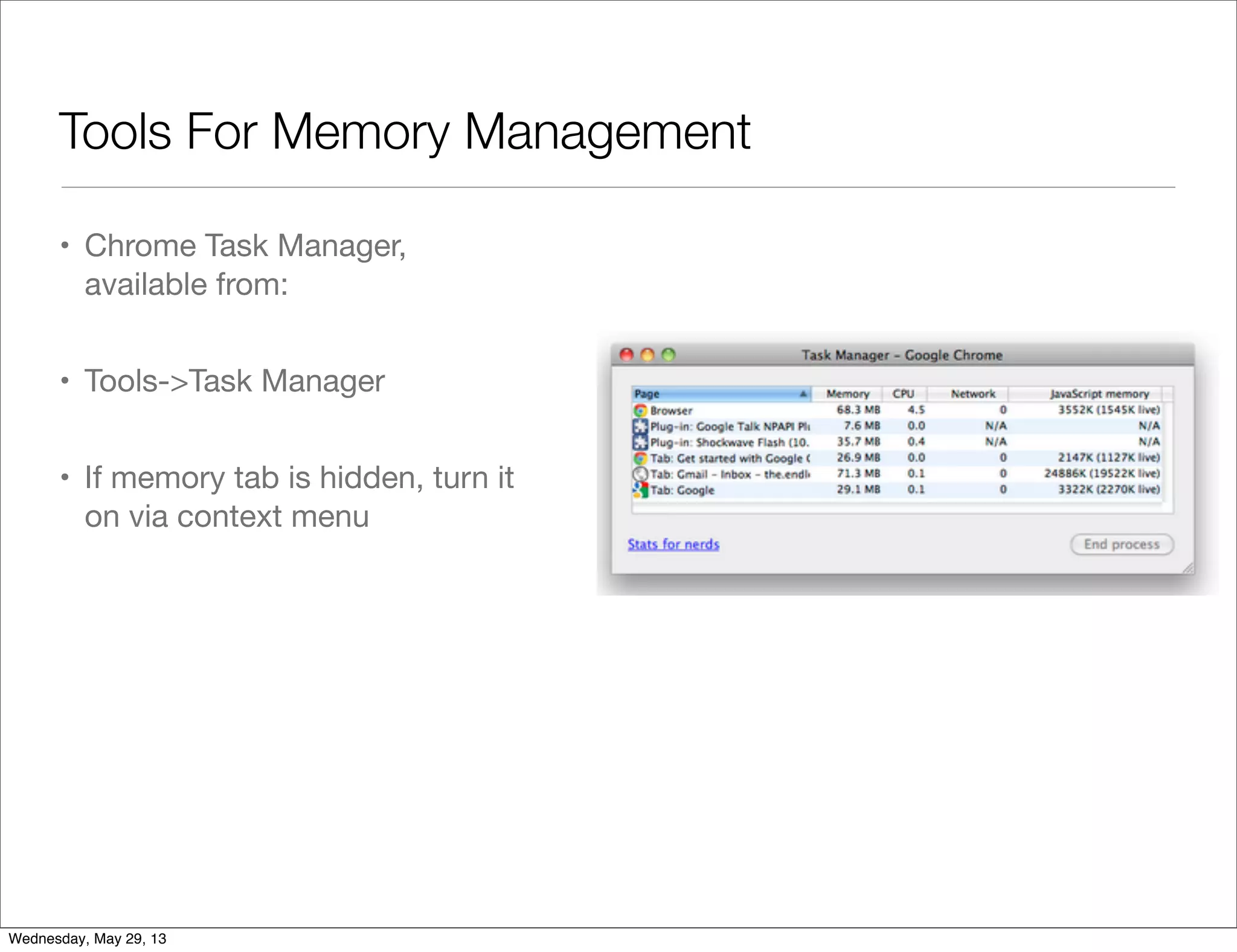
Tools For Memory Management • Chrome Task Manager, available from: • Tools->Task Manager • If memory tab is hidden, turn it on via context menu Wednesday, May 29, 13
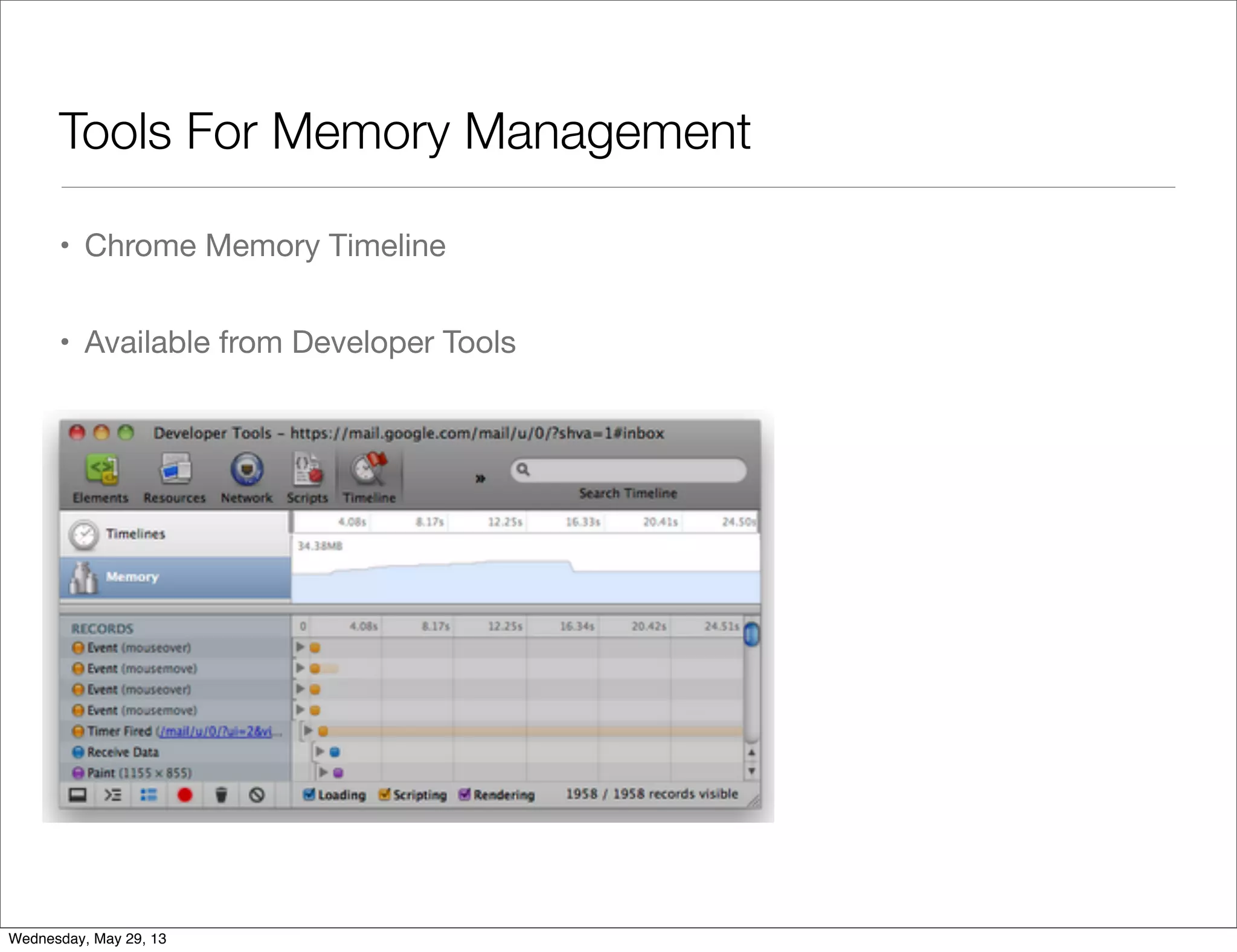
Tools For Memory Management • Chrome Memory Timeline • Available from Developer Tools Wednesday, May 29, 13
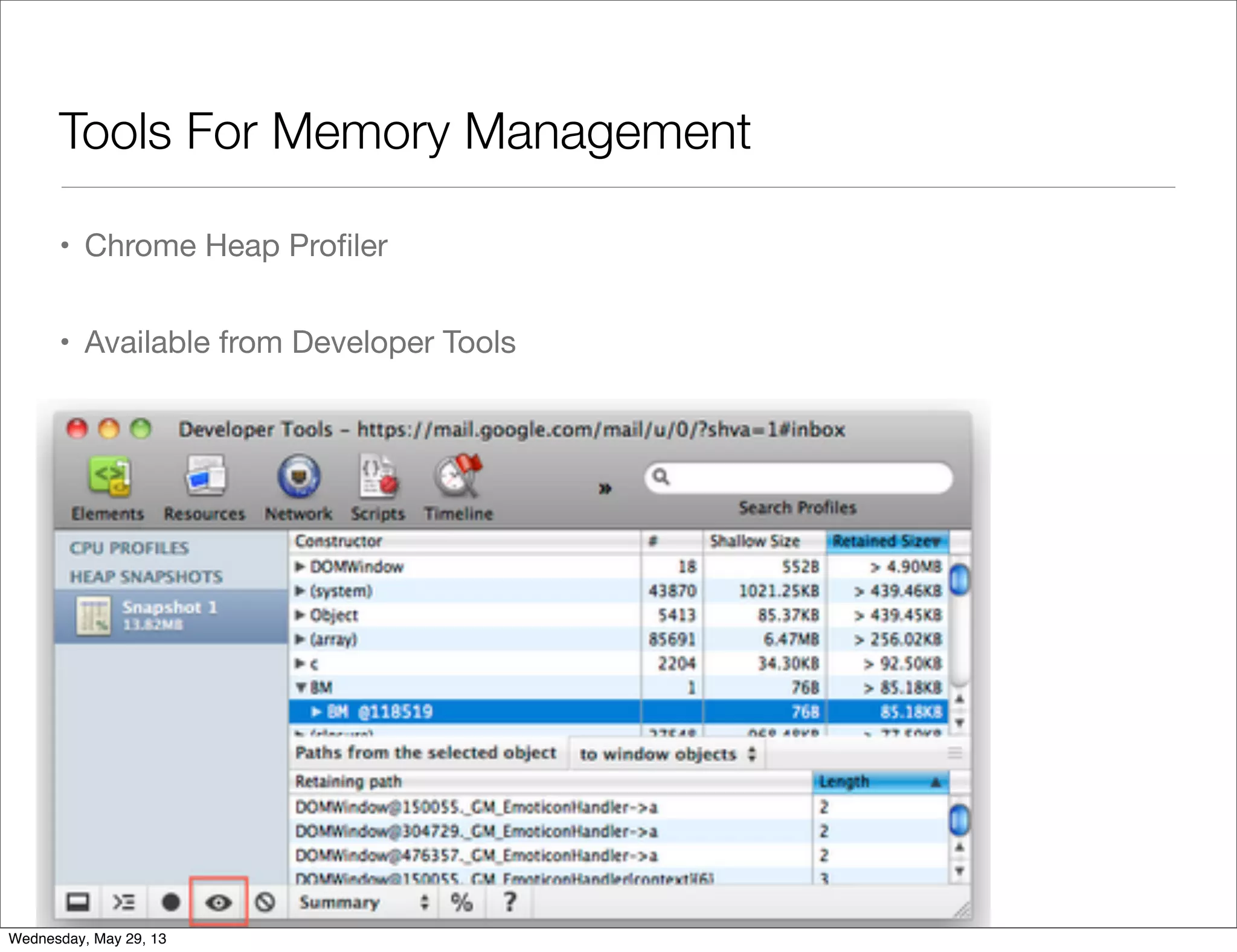
Tools For Memory Management • Chrome Heap Profiler • Available from Developer Tools Wednesday, May 29, 13
Lab 01 • There’s a memory leak in the following code: https://gist.github.com/ynonp/4742321 • And this one: https://gist.github.com/ynonp/4749795 • What is leaking ? • What’s causing the leak ? • Fix It ! Wednesday, May 29, 13
Lab 02 • The following program leaks memory: https://github.com/ynonp/advanced-fed-examples/tree/master/memory/ lab02 • What is leaking ? Why ? • Fix it ! Wednesday, May 29, 13
JavaScript Memory Takeaways Wednesday, May 29, 13
“We should forget about small efficiencies, say about 97% of the time: premature optimization is the root of all evil” — Donald Knuth Wednesday, May 29, 13
Optimization Done Right • Verify memory problem using Chrome Task Manager • Find hurting procedure using Chrome Memory Profiler • Find buggy code using Chrome Heap Snapshot Wednesday, May 29, 13
Cleaning Up Memory • Avoid global variables • A global is NEVER freed • A lexical is freed when out-of-scope Wednesday, May 29, 13
Limit Cache Size Wednesday, May 29, 13
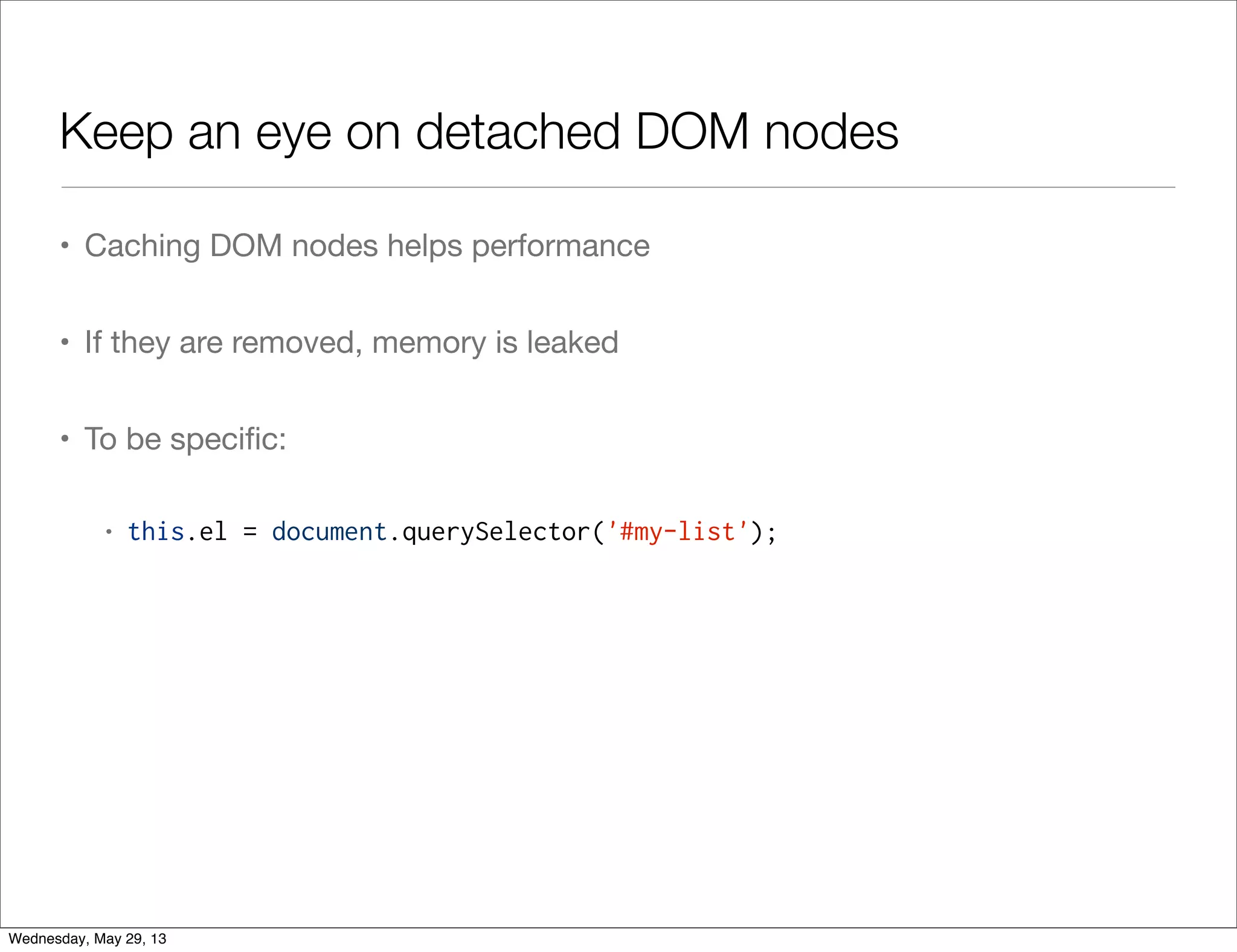
Keep an eye on detached DOM nodes • Caching DOM nodes helps performance • If they are removed, memory is leaked • To be specific: • this.el = document.querySelector('#my-list'); Wednesday, May 29, 13
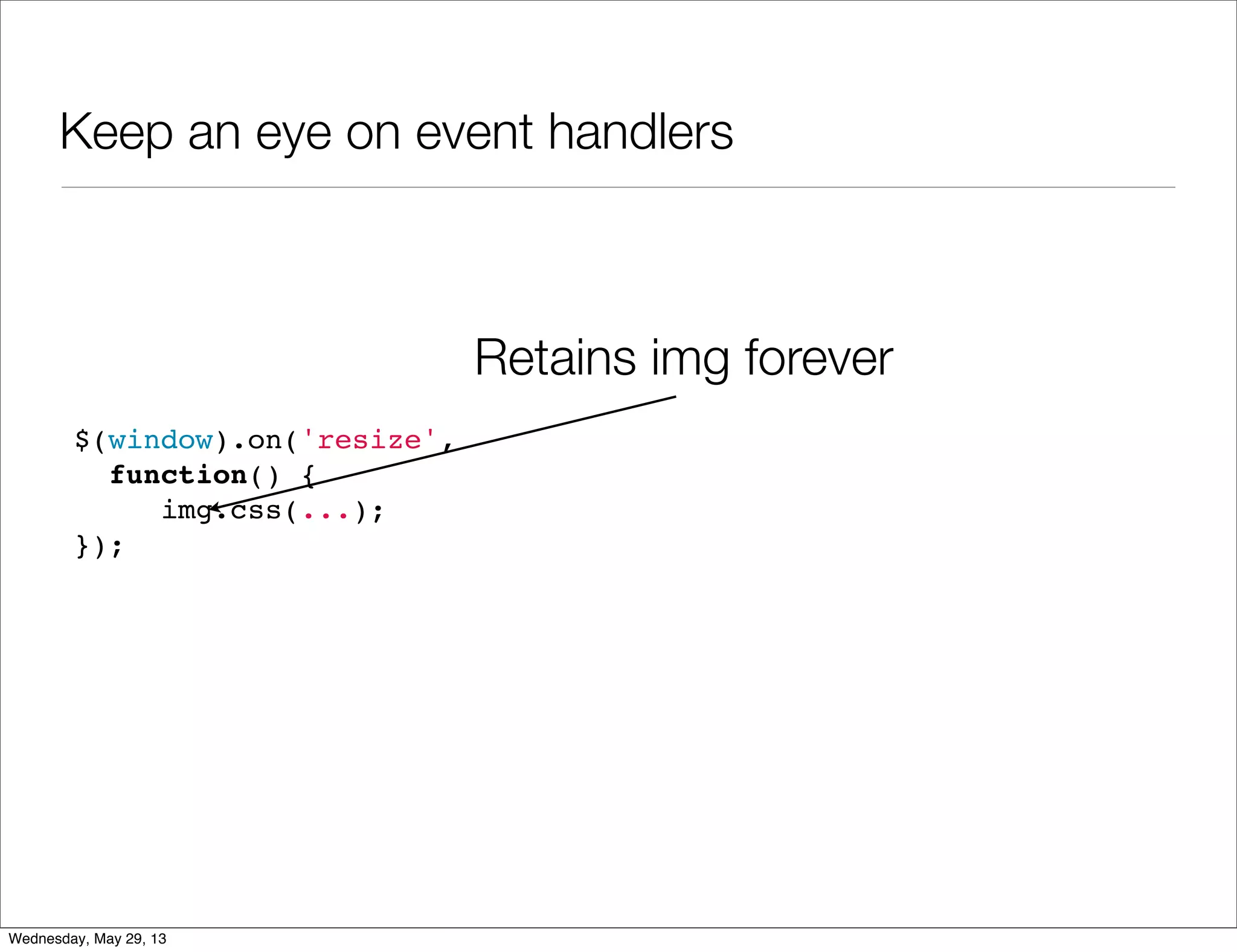
Keep an eye on event handlers $(window).on('resize', function() { img.css(...); }); Retains img forever Wednesday, May 29, 13
Avoid old IE (but if you must, use jQuery) Wednesday, May 29, 13
Thanks For Joining • Slides By: • Ynon Perek • ynon@ynonperek.com • http://ynonperek.com • Free photos from: • 123rf.com • http://morguefile.com Wednesday, May 29, 13

Js memory

  • 1.
    JavaScript Memory Management Memory Lifecycle JavaScriptGarbage Collector Common Memory Leaks Leak Detection Tools and Techniques Minimizing Memory Footprint Wednesday, May 29, 13
  • 2.
    Memory Leaks ?But It’s JS ... Wednesday, May 29, 13
  • 3.
    Web Applications AreNot Web Sites • Applications maintain state • Applications are more device- specific (fixed sizes and images) • Applications use device capabilities • Applications focus on UX Wednesday, May 29, 13
  • 4.
    Web Applications AreNot Web Sites Provide Information Provide UX Wednesday, May 29, 13
  • 5.
    Web applications arelong running processes Wednesday, May 29, 13
  • 6.
    JavaScript Memory • JSObjects take memory • Changing an HTML page clears all memory • Web Apps without proper care => memory related bugs Wednesday, May 29, 13
  • 7.
    When You Havea Memory Problem App turns from this... Wednesday, May 29, 13
  • 8.
    When You Havea Memory Problem to this... Wednesday, May 29, 13
  • 9.
    How Much MemoryDoes My Page Use ? Wednesday, May 29, 13
  • 10.
    How Much MemoryDoes My Page Use ? Wednesday, May 29, 13
  • 11.
    Memory Management Theory • 3types of memory managers: • Explicit (C/C++ style) • Reference Count (Perl, Python, PHP) • Garbage Collection (Java, JavaScript) Wednesday, May 29, 13
  • 12.
    Memory Lifecycle • Alllanguages are the same: • (1) Allocate some memory • (2) Use that memory • (3) Free that memory • In JS, #3 is implicit Wednesday, May 29, 13
  • 13.
    Memory Is AllocatedWhen You Define Literals var n = 123; var s = "azerty"; var o = { a: 1, b: null }; var a = [1, null, "abra"]; function f(a){ return a + 2; } someElement.addEventListener('click', function(){ someElement.style.backgroundColor = 'blue'; }, false); Wednesday, May 29, 13
  • 14.
    Hidden Memory Allocations vard = new Date(); var e = document.createElement('div'); // allocates an DOM element var s = "foo"; var s2 = s.substr(0, 3); // s2 is a new string var a = ["ouais ouais", "nan nan"]; var a2 = ["generation", "nan nan"]; var a3 = a.concat(a2); Wednesday, May 29, 13
  • 15.
    Releasing Memory • JavaScriptuses Mark-And-Sweep garbage collection algorithm • It starts from known memory (global object) • Follows all references • In the end, clear the unreachable Wednesday, May 29, 13
  • 16.
    Memory Leak • Objectis allocated • Object can’t be reached • Object still uses memory • Impossible in JavaScript Wednesday, May 29, 13
  • 17.
    A JavaScript MemoryProblem is caused by using too much memory Wednesday, May 29, 13
  • 18.
  • 19.
  • 20.
    Cleaning Up Memory Anobject is released when: garbage collector runs AND that object is unreachable Wednesday, May 29, 13
  • 21.
    Common Memory Errors • PrimitiveTypes • Arrays • Objects • Functions • Detached DOM Nodes • Multiple Function Copies Wednesday, May 29, 13
  • 22.
    Primitive Types • Number,Boolean, Null or Undefined • Can’t cause memory problems - size is limited • Each variable holds a single object Wednesday, May 29, 13
  • 23.
    String Variables • Unboundstrings lead to memory problems • Review the program below. Can you spot the bug ? var text = ""; setInterval(function() { $.get('/page.html', function( data ) { text += data; $('#main').html( text ); }); }, 2000); Wednesday, May 29, 13
  • 24.
    String Variables • Variabletext is appended to again and again • It will take more memory as time goes • A better way: Use .appendChild(...) or $(...).append(...) Wednesday, May 29, 13
  • 25.
    Arrays • Arrays areretaining objects • Memory Errors: • Hidden Allocations • Unbound Arrays Wednesday, May 29, 13
  • 26.
    Hidden Array Allocations •The following functions create new arrays: • [...] • new Array(...) • slice(...) • map(...) • filter(...) • concat(...) Wednesday, May 29, 13
  • 27.
    Unbound Arrays • Unboundarrays are such that can grow ad infinitum • Example: • Keep high score in a game • Show top 10 score Wednesday, May 29, 13
  • 28.
    Unbound Arrays var all_score= []; function add_score( score ) { all_score.push( score ); } function top_10() { return all_score .sort(function(a, b) { return b - a }) .slice(0, 10); } all_score is unbound Wednesday, May 29, 13
  • 29.
    Objects • Same aswith arrays • Unbound objects are dangerous • Example: • Keep a cache of user details based on data from server Wednesday, May 29, 13
  • 30.
    Objects var users ={}; function getUserDetails( user_id, cb ) { if ( ! users[user_id] ) { $.get('/users/' + user_id, function( info ) { users[user_id] = info; cb( info ); }); } else { setTimeout( cb, 0, users[user_id] ); } } Wednesday, May 29, 13
  • 31.
    Objects var users ={}; function getUserDetails( user_id, cb ) { if ( ! users[user_id] ) { $.get('/users/' + user_id, function( info ) { users[user_id] = info; cb( info ); }); } else { setTimeout( cb, 0, users[user_id] ); } } Unbound Object Wednesday, May 29, 13
  • 32.
    Functions • Functions retainother objects in a different way • Static retainment / Closures • Danger: Closures are hard to detect Wednesday, May 29, 13
  • 33.
    Functions function make_double() { varx = 5; var y = 7; return function(z) { return z * z; }; } Wednesday, May 29, 13
  • 34.
    Functions function make_double() { varx = 5; var y = 7; return function(z) { return z * z; }; } var f = make_double(); inner function retains both x and y Wednesday, May 29, 13
  • 35.
    Q & A Wednesday,May 29, 13
  • 36.
    Detached DOM Nodes •DOM nodes are objects too • JavaScript can take a handle to DOM nodes with: • getElementById • getElementsByTagName • querySelector / querySelectorAll • DOM frameworks Wednesday, May 29, 13
  • 37.
    Detached DOM Nodes <html> <body> <p> HelloWorld </p> <div> <img src="example.png"/> </div> </body> </html> Wednesday, May 29, 13
  • 38.
    Detached DOM Nodes <html> <body> <p> HelloWorld </p> <div> <img src="example.png"/> </div> </body> </html> var img = document.querySelector("img") Wednesday, May 29, 13
  • 39.
    Detached DOM Nodes •DOM Nodes are node deleted until all handles to them are out of scope • If removed from DOM, they are called Detached nodes • Event handlers are also handles Wednesday, May 29, 13
  • 40.
    Example: Detached DOMNodes var btn = document.querySelector('button'); var counter = 10; var div = document.querySelector('div'); btn.addEventListener('click', function() { if ( counter < 0 ) return; counter -= 1; div.innerHTML = counter; if ( counter == 0 ) { div.parentElement.removeChild(div); } }); Wednesday, May 29, 13
  • 41.
    Example: Detached DOMNodes • The variable div is a DOM node handle • It retains the HTMLDivElement even after its removal • Since div is global, the node will never be released Wednesday, May 29, 13
  • 42.
    Detached DOM Nodes:Takeaways • Use lexicals • Watch out for every DOM handle Wednesday, May 29, 13
  • 43.
    Multiple Function Copies •A common JavaScript class pattern looks like this var Person = function() { var self = this; self.hi = function() { console.log('Hello World!'); }; self.grow_up = function() { self.age += 1; }; self.age = 0; }; Wednesday, May 29, 13
  • 44.
    Multiple Function Copies •How many objects are created ? for ( var i=0; i < 10; i++ ) { new Person(); } Wednesday, May 29, 13
  • 45.
    Multiple Function Copies •Each new creates: • An object • An age (number) • Two functions: hi and grow_up Wednesday, May 29, 13
  • 46.
    Common Solution: Prototypes •Prototypes allow storing actions in a shared object • All objects that share the prototype will have these actions p1 p2 p3 p_proto age age age grow_up hi Wednesday, May 29, 13
  • 47.
    Solving With Prototypes varPersonActions = { hi: function() { console.log('Hello World!'); }, grow_up: function() { this.age += 1; } }; var Person = function() { var self = this; self.age = 0; }; Person.prototype = PersonActions; Wednesday, May 29, 13
  • 48.
    Using Prototypes • Prototypesare confusing • Developers mistake them for inheritance (which they’re not) • Developers store data in prototypes (which they shouldn’t) • Prototypes force us to use this • Use prototypes wisely Wednesday, May 29, 13
  • 49.
    Q & A Wednesday,May 29, 13
  • 50.
    Tools For MemoryManagement • Chrome Task Manager, available from: • Tools->Task Manager • If memory tab is hidden, turn it on via context menu Wednesday, May 29, 13
  • 51.
    Tools For MemoryManagement • Chrome Memory Timeline • Available from Developer Tools Wednesday, May 29, 13
  • 52.
    Tools For MemoryManagement • Chrome Heap Profiler • Available from Developer Tools Wednesday, May 29, 13
  • 53.
    Lab 01 • There’sa memory leak in the following code: https://gist.github.com/ynonp/4742321 • And this one: https://gist.github.com/ynonp/4749795 • What is leaking ? • What’s causing the leak ? • Fix It ! Wednesday, May 29, 13
  • 54.
    Lab 02 • Thefollowing program leaks memory: https://github.com/ynonp/advanced-fed-examples/tree/master/memory/ lab02 • What is leaking ? Why ? • Fix it ! Wednesday, May 29, 13
  • 55.
  • 56.
    “We should forgetabout small efficiencies, say about 97% of the time: premature optimization is the root of all evil” — Donald Knuth Wednesday, May 29, 13
  • 57.
    Optimization Done Right •Verify memory problem using Chrome Task Manager • Find hurting procedure using Chrome Memory Profiler • Find buggy code using Chrome Heap Snapshot Wednesday, May 29, 13
  • 58.
    Cleaning Up Memory •Avoid global variables • A global is NEVER freed • A lexical is freed when out-of-scope Wednesday, May 29, 13
  • 59.
  • 60.
    Keep an eyeon detached DOM nodes • Caching DOM nodes helps performance • If they are removed, memory is leaked • To be specific: • this.el = document.querySelector('#my-list'); Wednesday, May 29, 13
  • 61.
    Keep an eyeon event handlers $(window).on('resize', function() { img.css(...); }); Retains img forever Wednesday, May 29, 13
  • 62.
    Avoid old IE(but if you must, use jQuery) Wednesday, May 29, 13
  • 63.
    Thanks For Joining •Slides By: • Ynon Perek • ynon@ynonperek.com • http://ynonperek.com • Free photos from: • 123rf.com • http://morguefile.com Wednesday, May 29, 13