Download as PDF, PPTX

![What Can You Test ? colors = ['red', 'blue', 'green', 'yellow', 'cyan', 'magenta'];
$('#btn').html('Click Me');
$('#btn').on('click', function() {
var idx = $('body').attr('data-color');
idx = Number(idx) + 1 || 0;
$('body').attr('data-color', idx);
if ( Number(idx) >= 0 ) {
$('body').css("background", colors[idx]);
} else {
$('body').css('background', colors[0]);
}
});](https://image.slidesharecdn.com/03testingpatterns-131210122429-phpapp02/75/How-to-write-easy-to-test-JavaScript-10-2048.jpg)
![Let’s Try This One function ColorChanger(colors_array, $btn_el, $body_el) {
var self = this;
var _current_color = 0;
self.init = function() {
$btn_el.html('Click Me');
$btn_el.on('click', self.apply_next_color);
};
}
self.apply_next_color = function() {
$body_el.css('backgroundColor', colors_array[_current_color]);
_current_color += 1;
};
var c = new ColorChanger(colors, $('#btn'), $('body'));
c.init();](https://image.slidesharecdn.com/03testingpatterns-131210122429-phpapp02/75/How-to-write-easy-to-test-JavaScript-12-2048.jpg)
![Famous DI global.myapp.controller(
'Home',
['$scope', '$routeParams', 'Notebooks',
function($scope, $routeParams, Notebooks) {
// ...
}]);](https://image.slidesharecdn.com/03testingpatterns-131210122429-phpapp02/75/How-to-write-easy-to-test-JavaScript-18-2048.jpg)
![Famous DI
require(["helper/util"], function(util) {
});](https://image.slidesharecdn.com/03testingpatterns-131210122429-phpapp02/75/How-to-write-easy-to-test-JavaScript-19-2048.jpg)

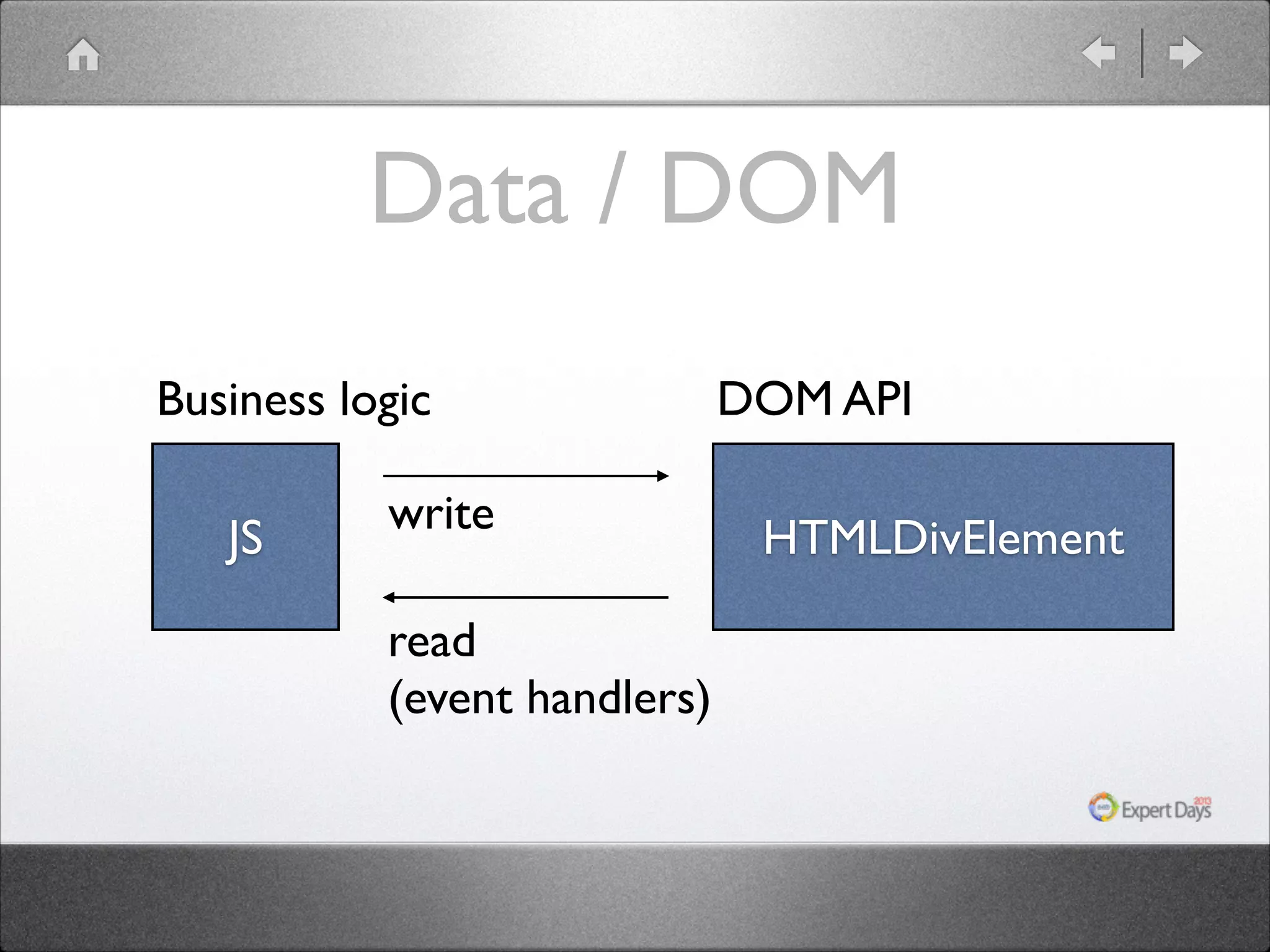
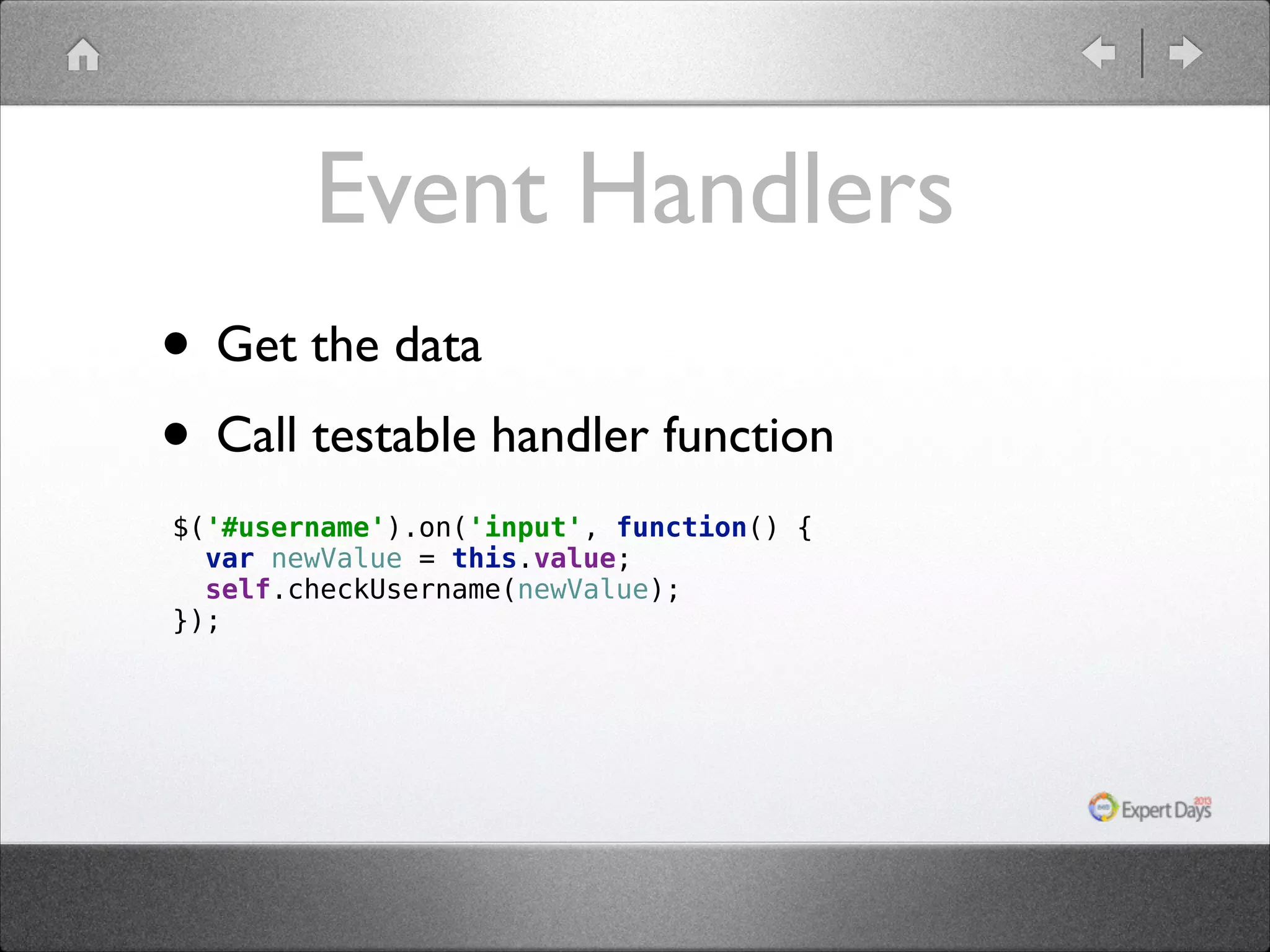
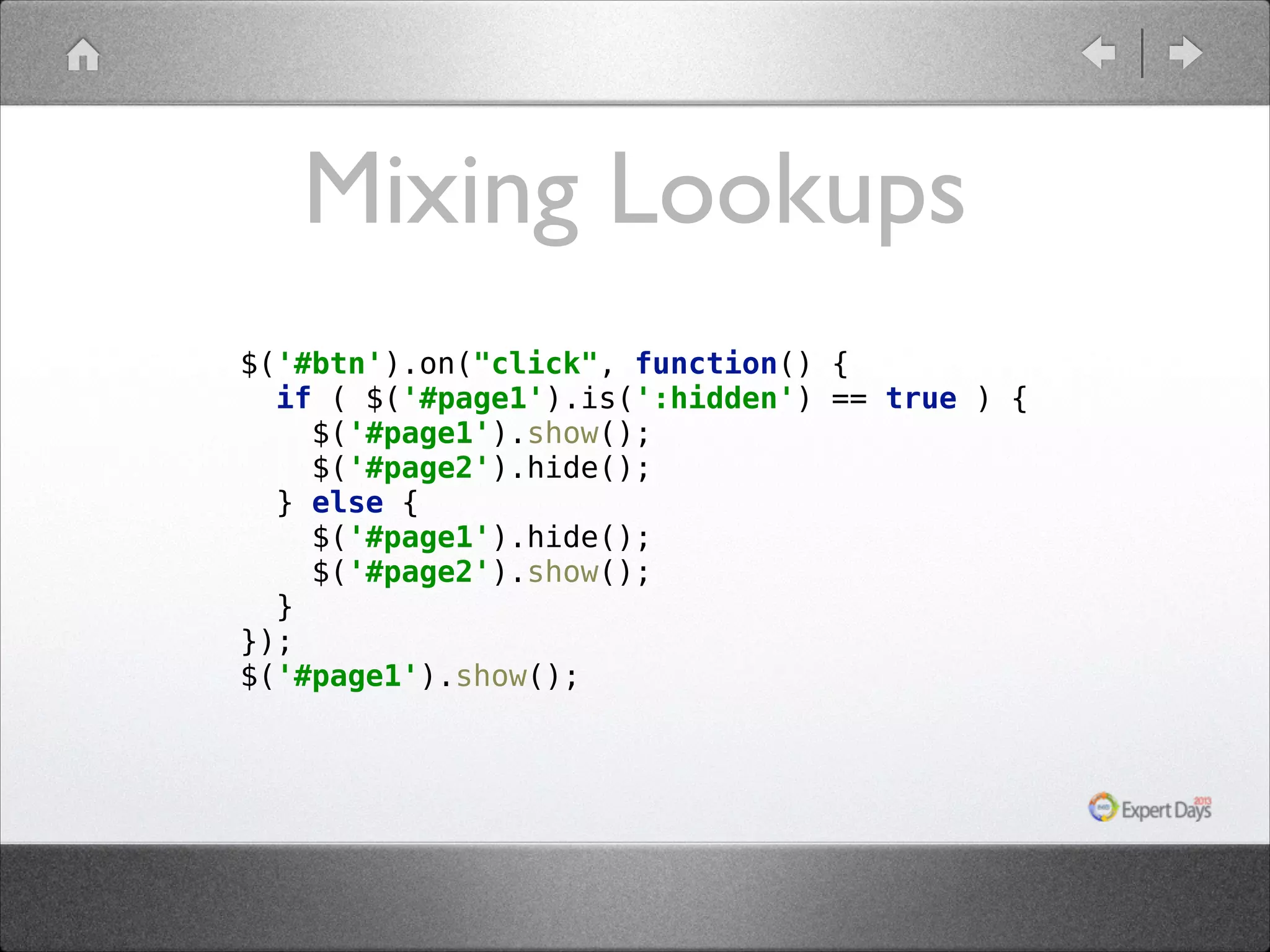
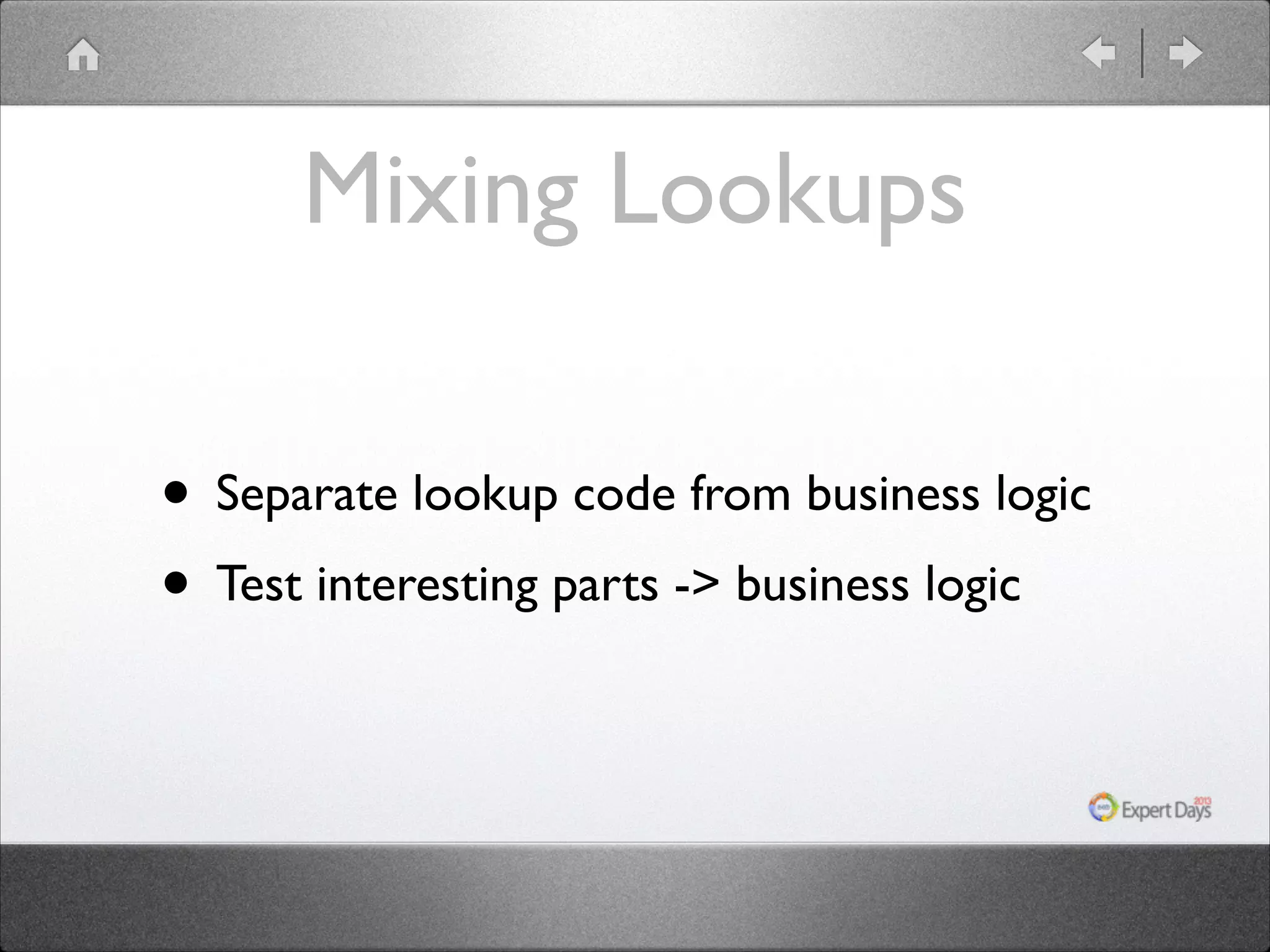
![Non Mixed Version function Toggle(pages) {
var active = 0;
function toggle() {
pages[active].hide();
active = (active + 1) % pages;
pages[active].show();
}
pages[0].show();
return toggle;
}
$('#btn').on('click', Toggle([$('#page1'), $('#page2')]));](https://image.slidesharecdn.com/03testingpatterns-131210122429-phpapp02/75/How-to-write-easy-to-test-JavaScript-25-2048.jpg)
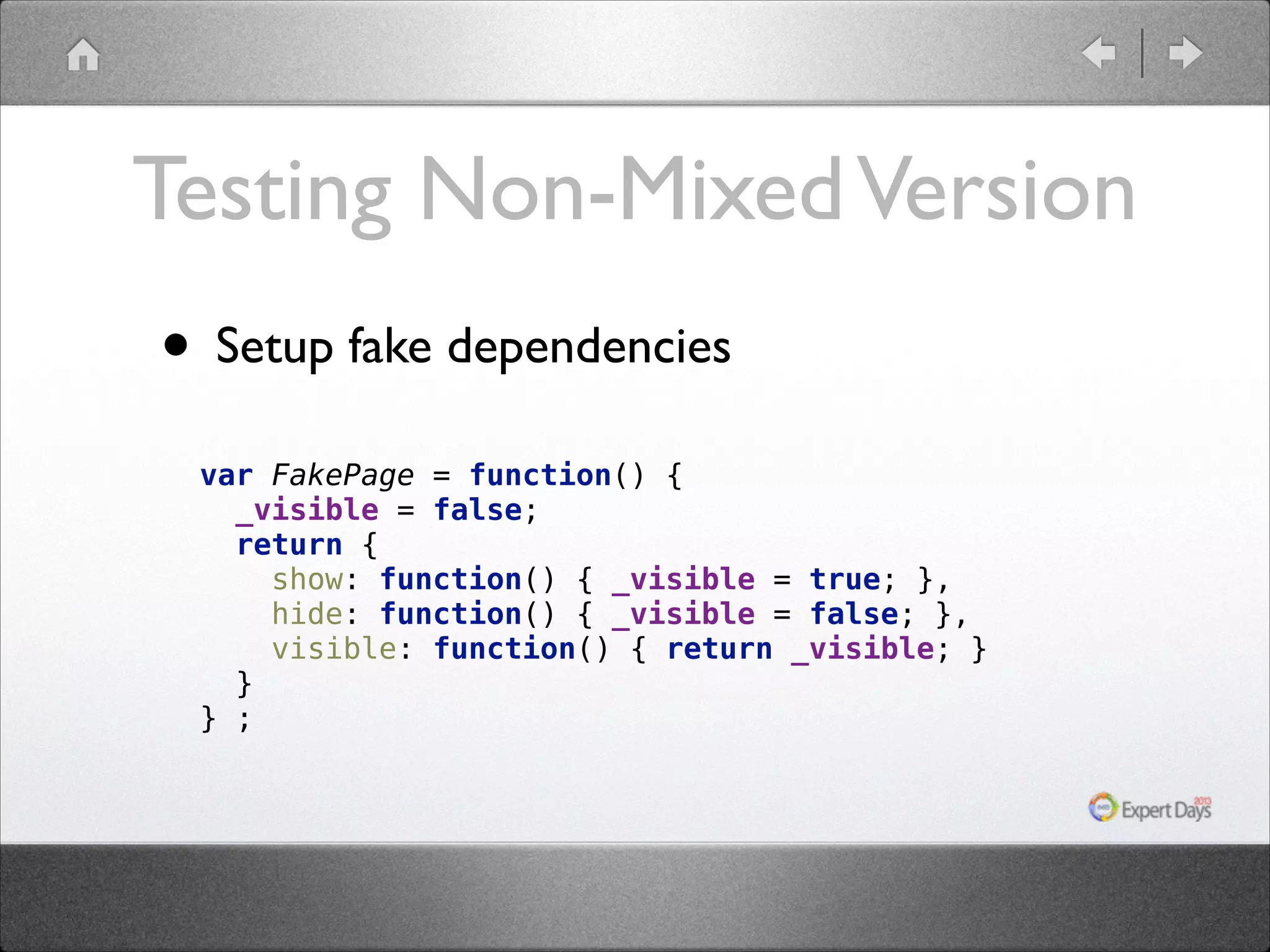
![Testing Non-Mixed Version • Inject and test var toggle = Toggle([p1, p2]);
expect(p1.visible).to.be.true;
expect(p2.visible).to.be.false;
toggle();
expect(p1.visible).to.be.false;
expect(p2.visible).to.be.true;](https://image.slidesharecdn.com/03testingpatterns-131210122429-phpapp02/75/How-to-write-easy-to-test-JavaScript-27-2048.jpg)
![Testing Events for ( var i=0; i < items.length; i++ ) {
hub.trigger('active_item_change', i);
expect($('#content').html()).to.eq(items[i]); }](https://image.slidesharecdn.com/03testingpatterns-131210122429-phpapp02/75/How-to-write-easy-to-test-JavaScript-37-2048.jpg)
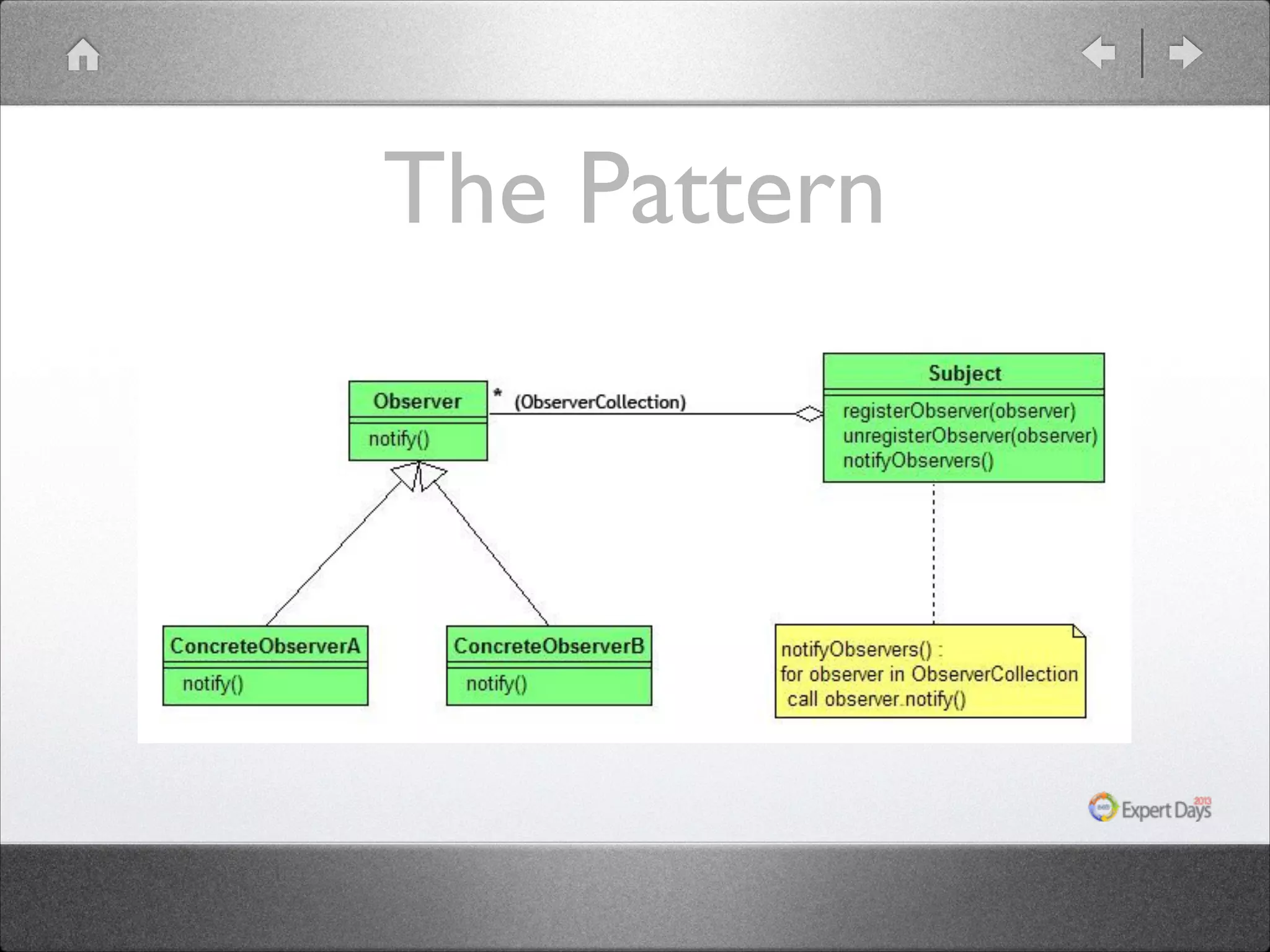
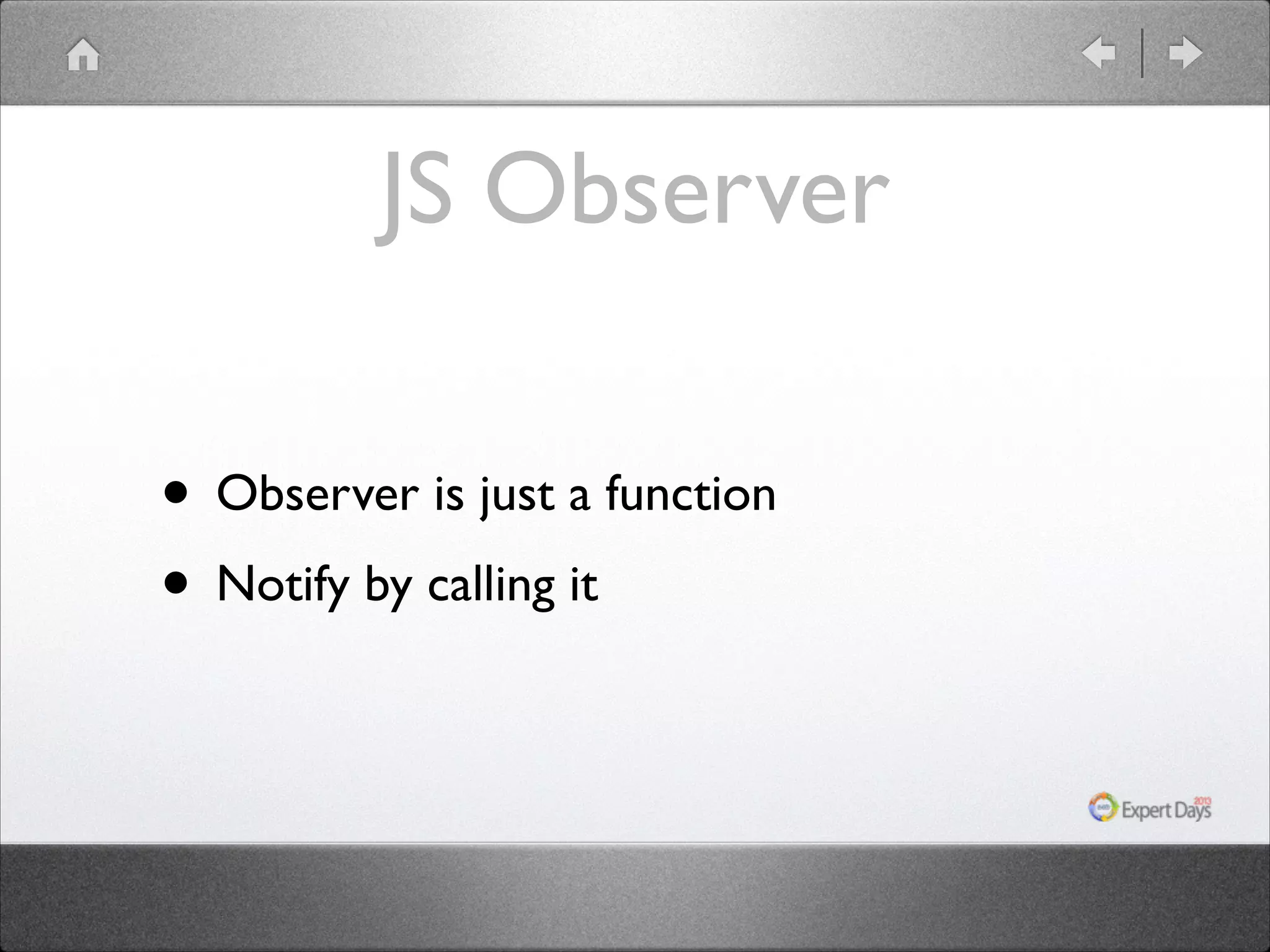

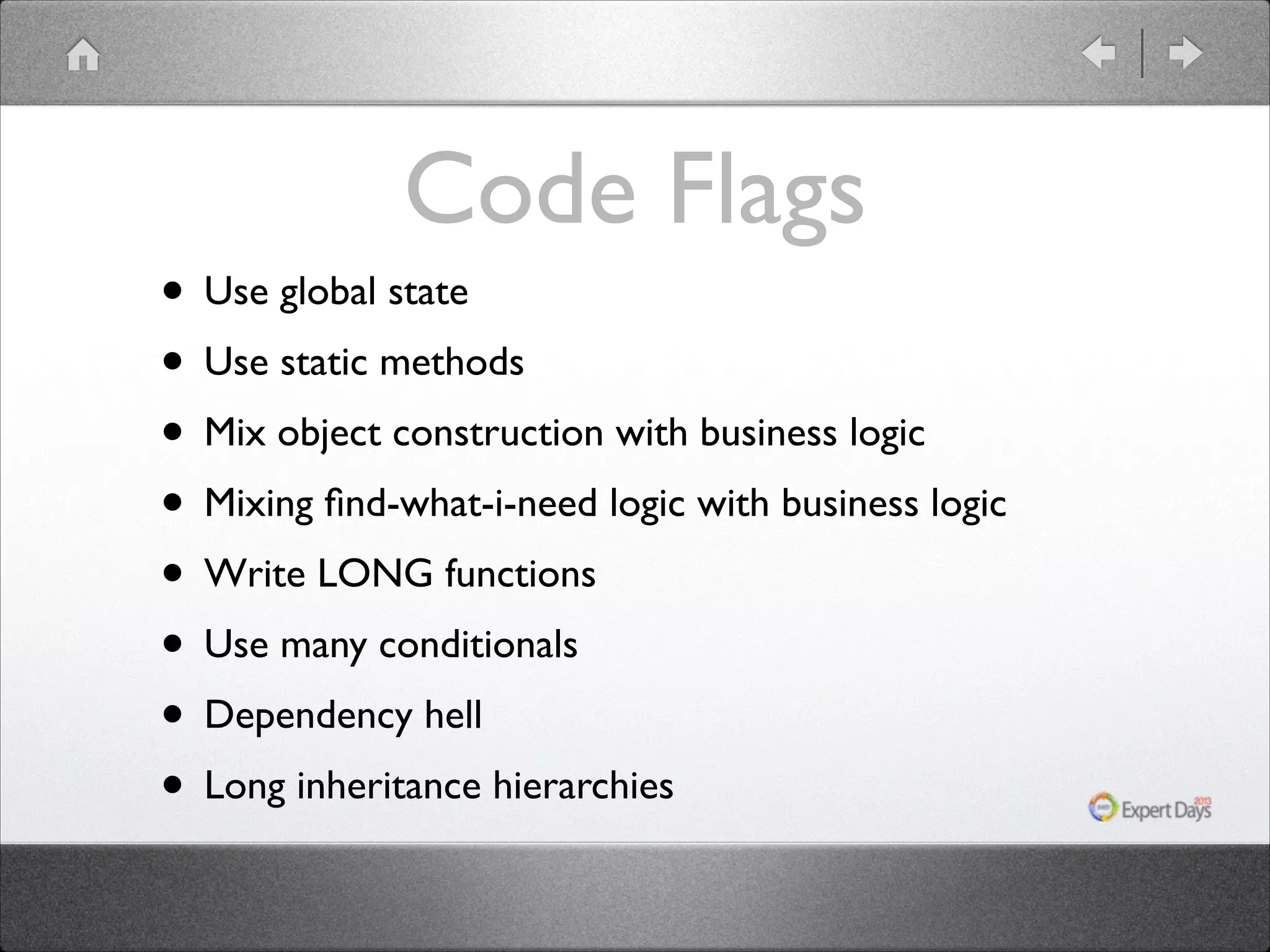

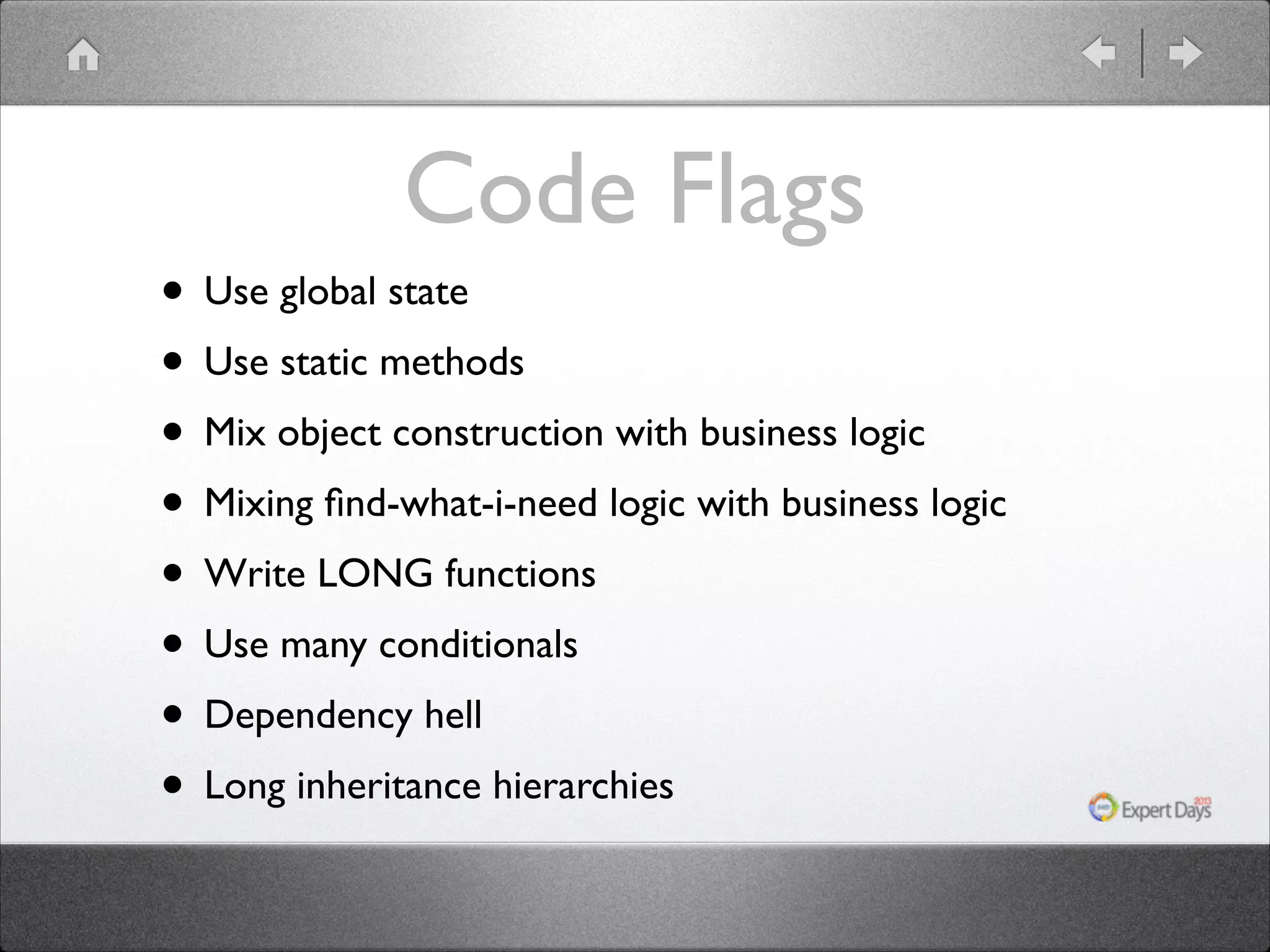
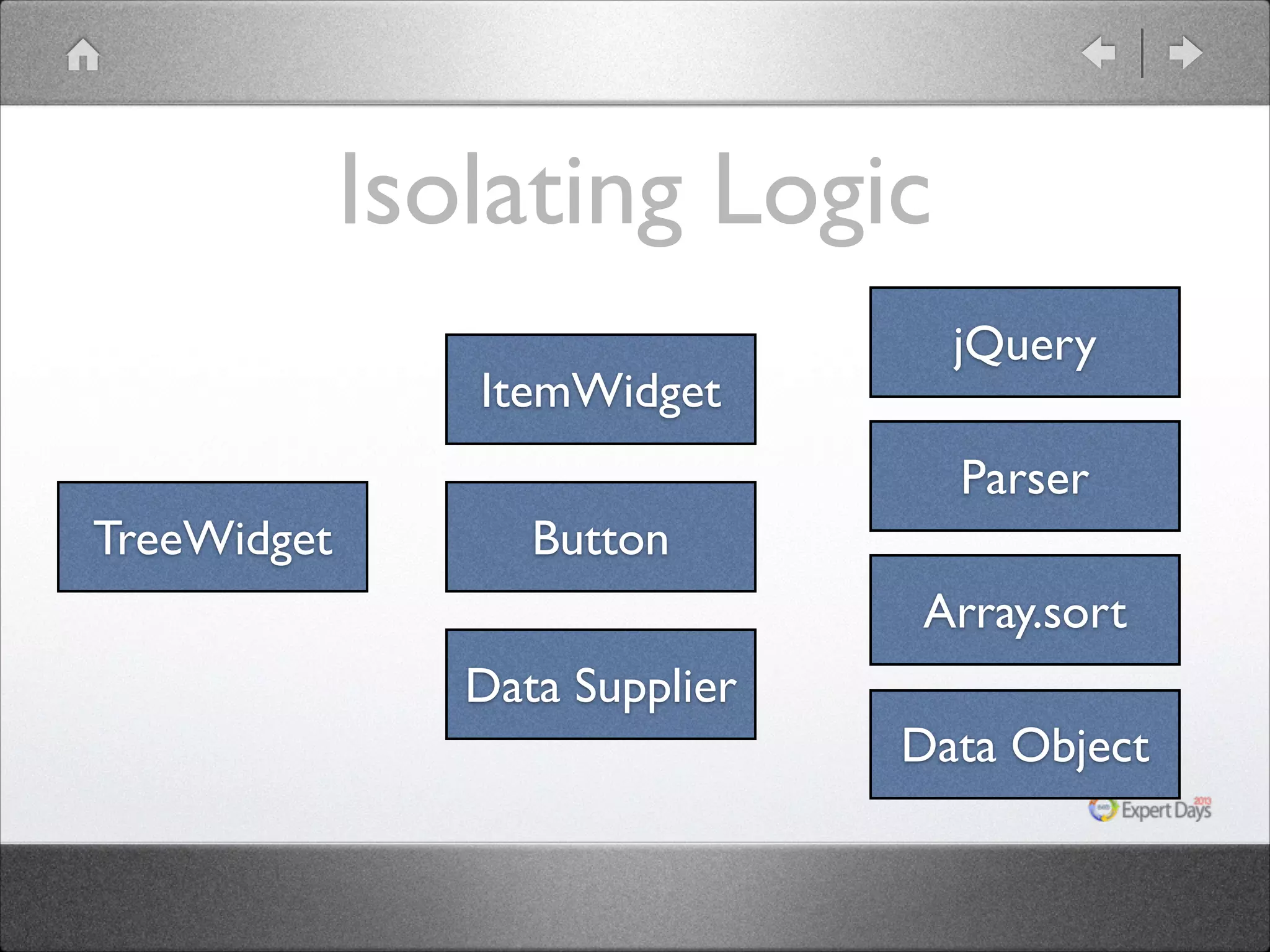
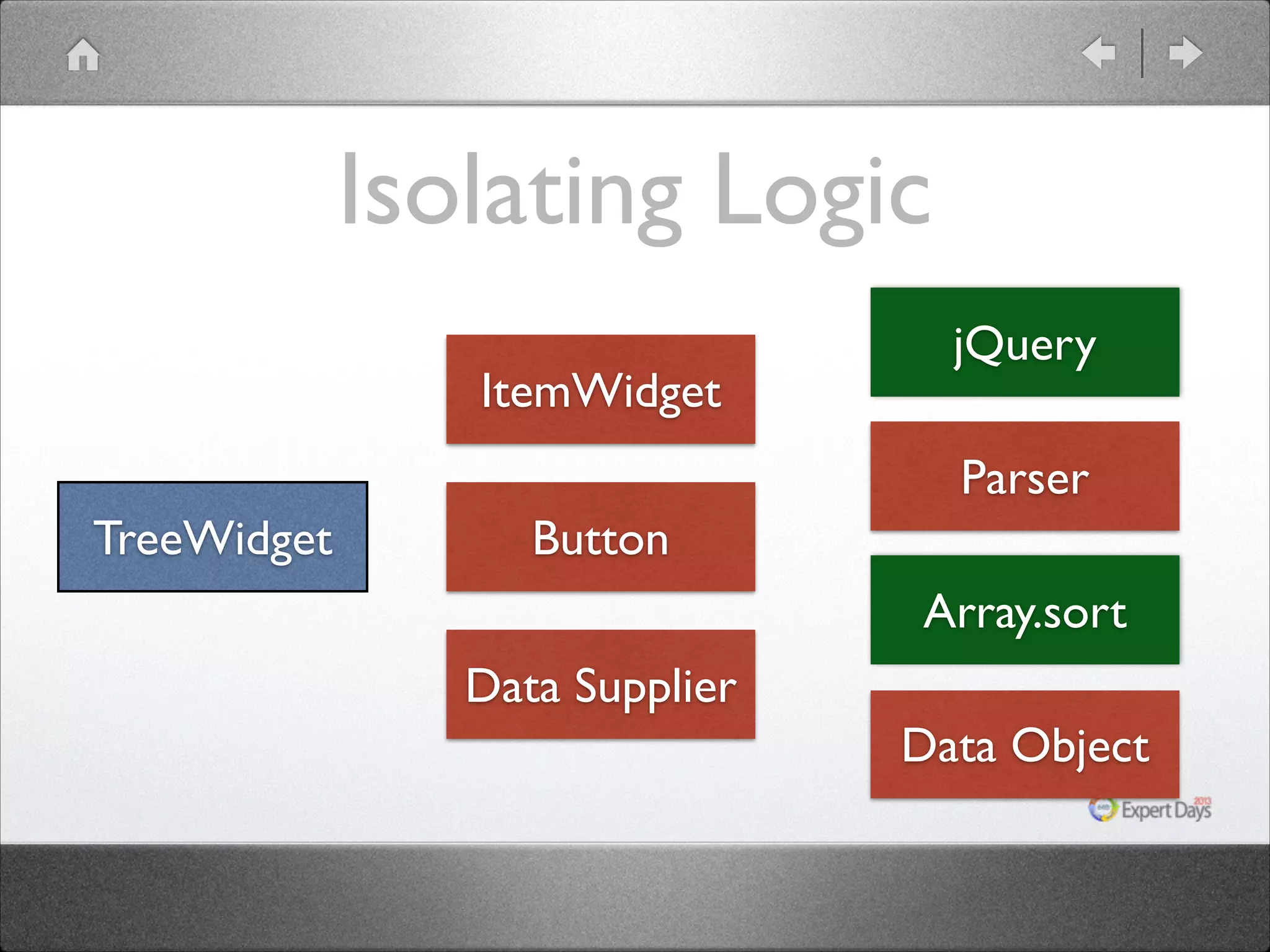
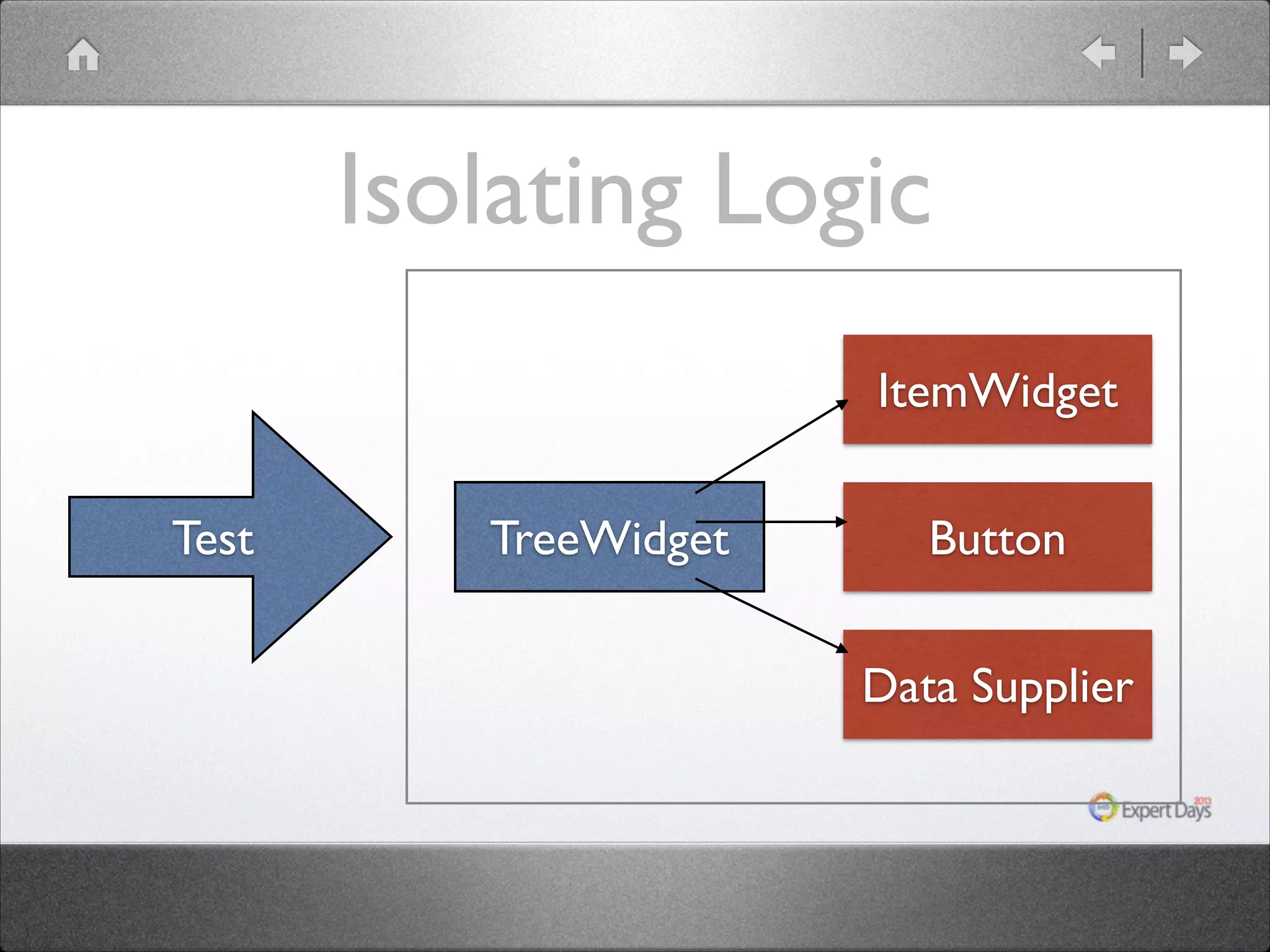
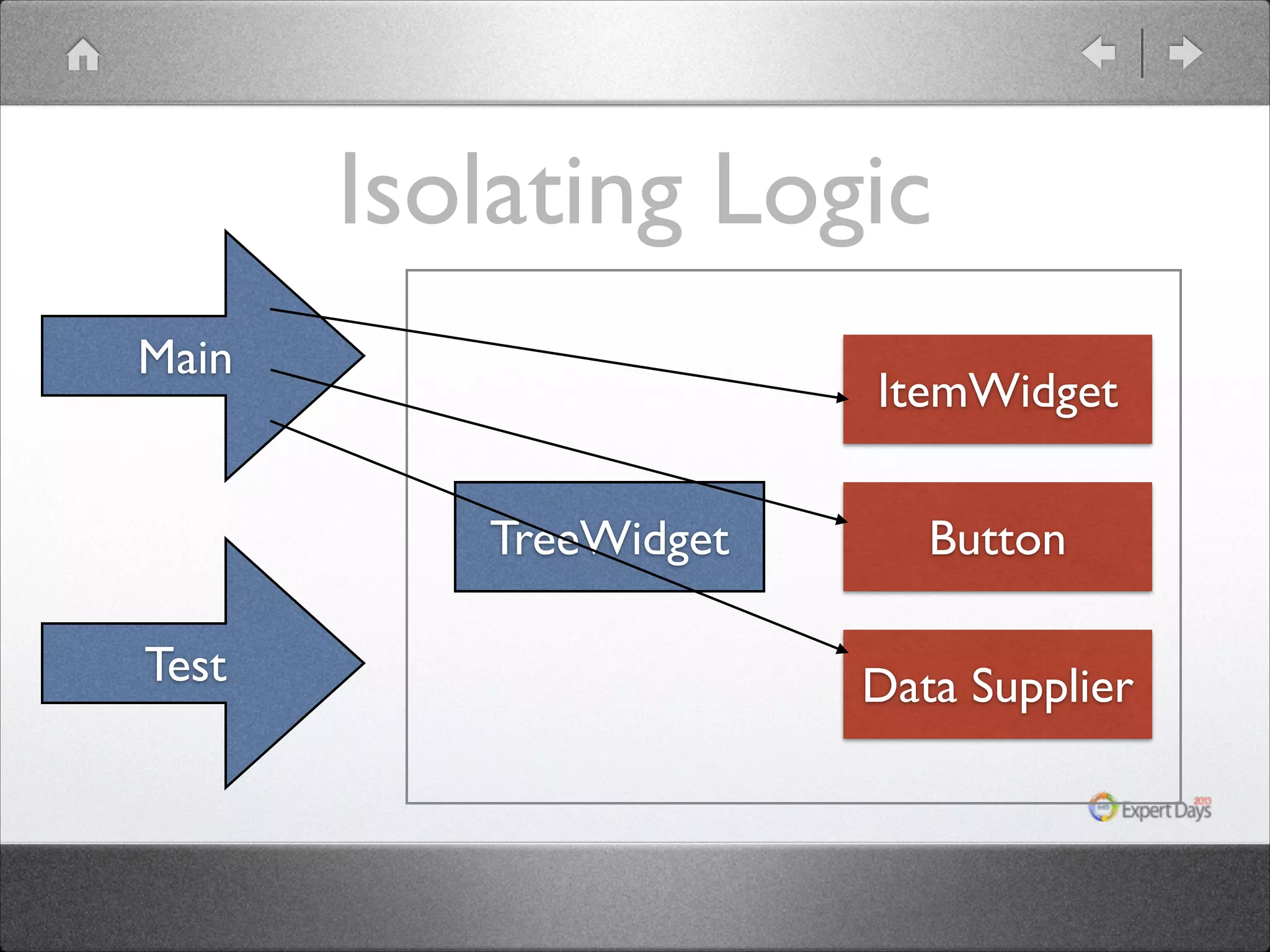
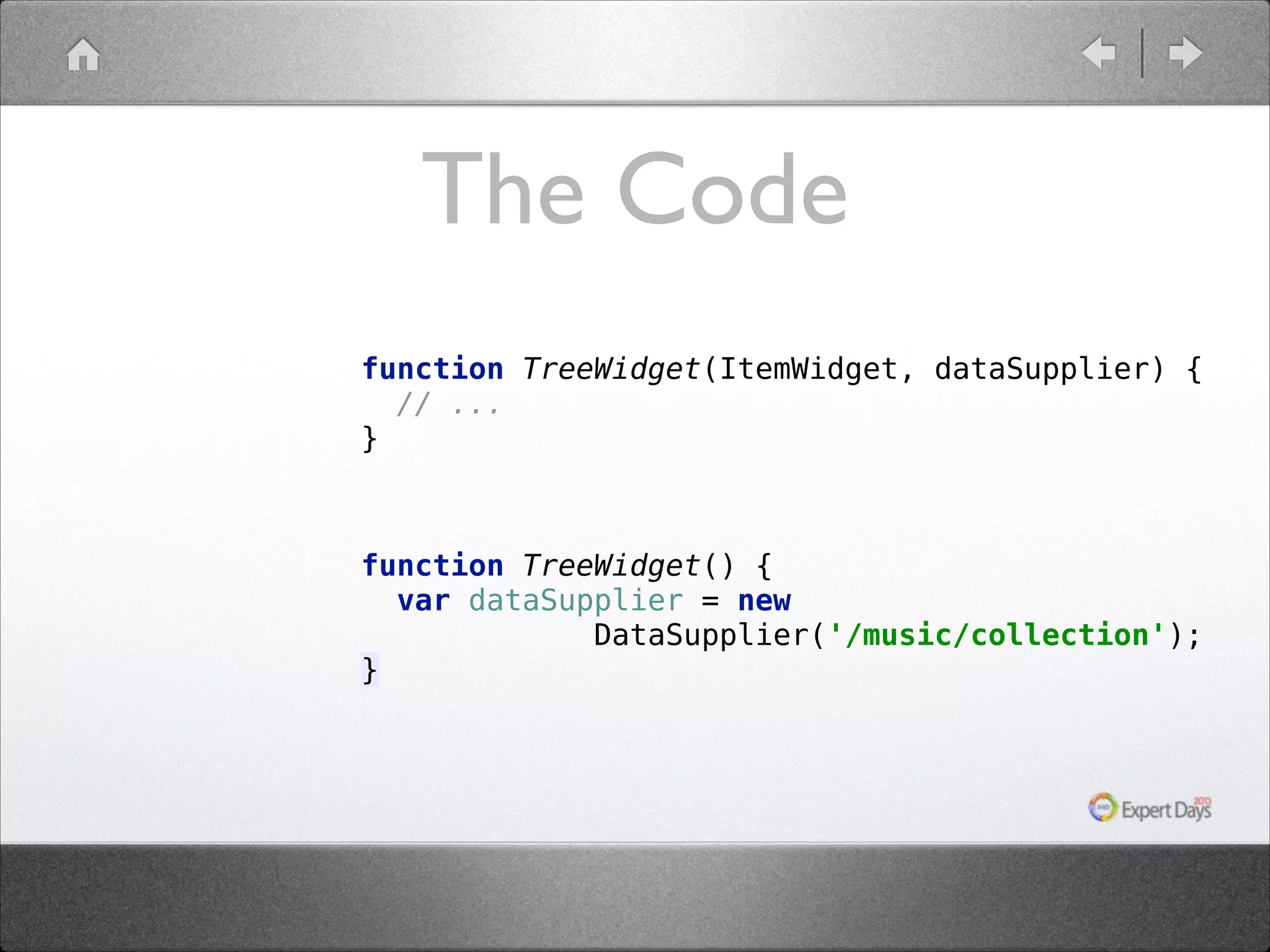
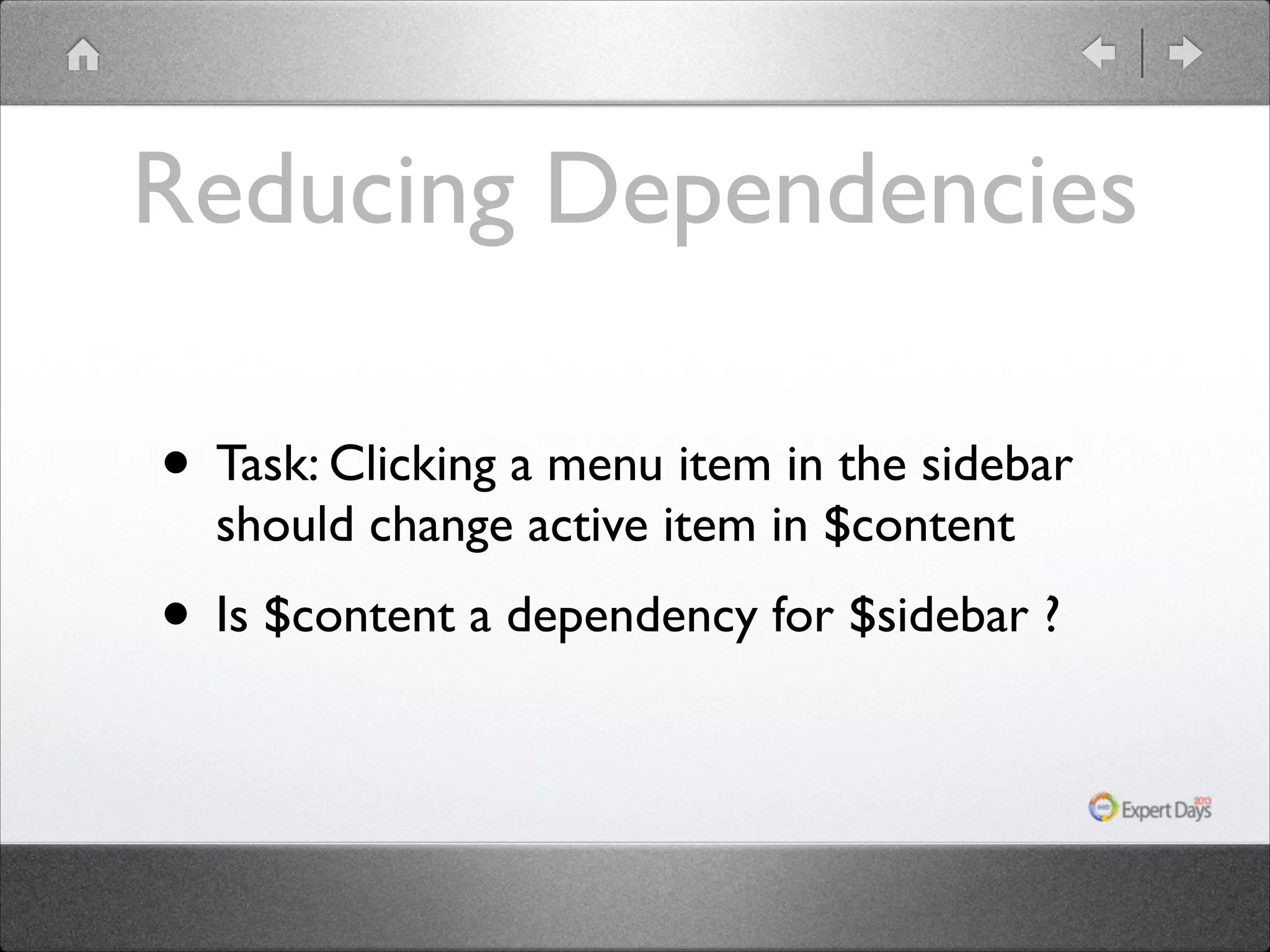
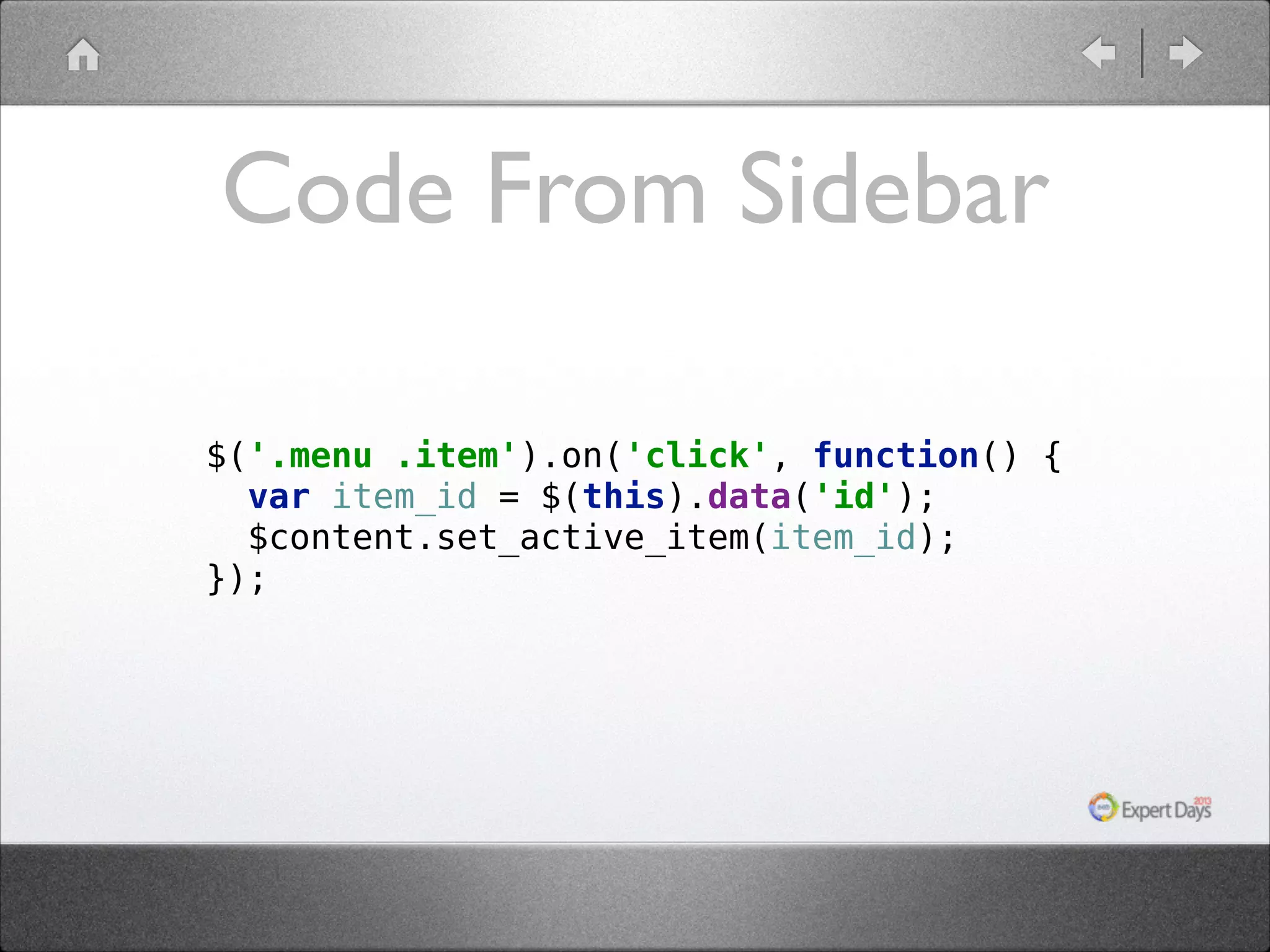
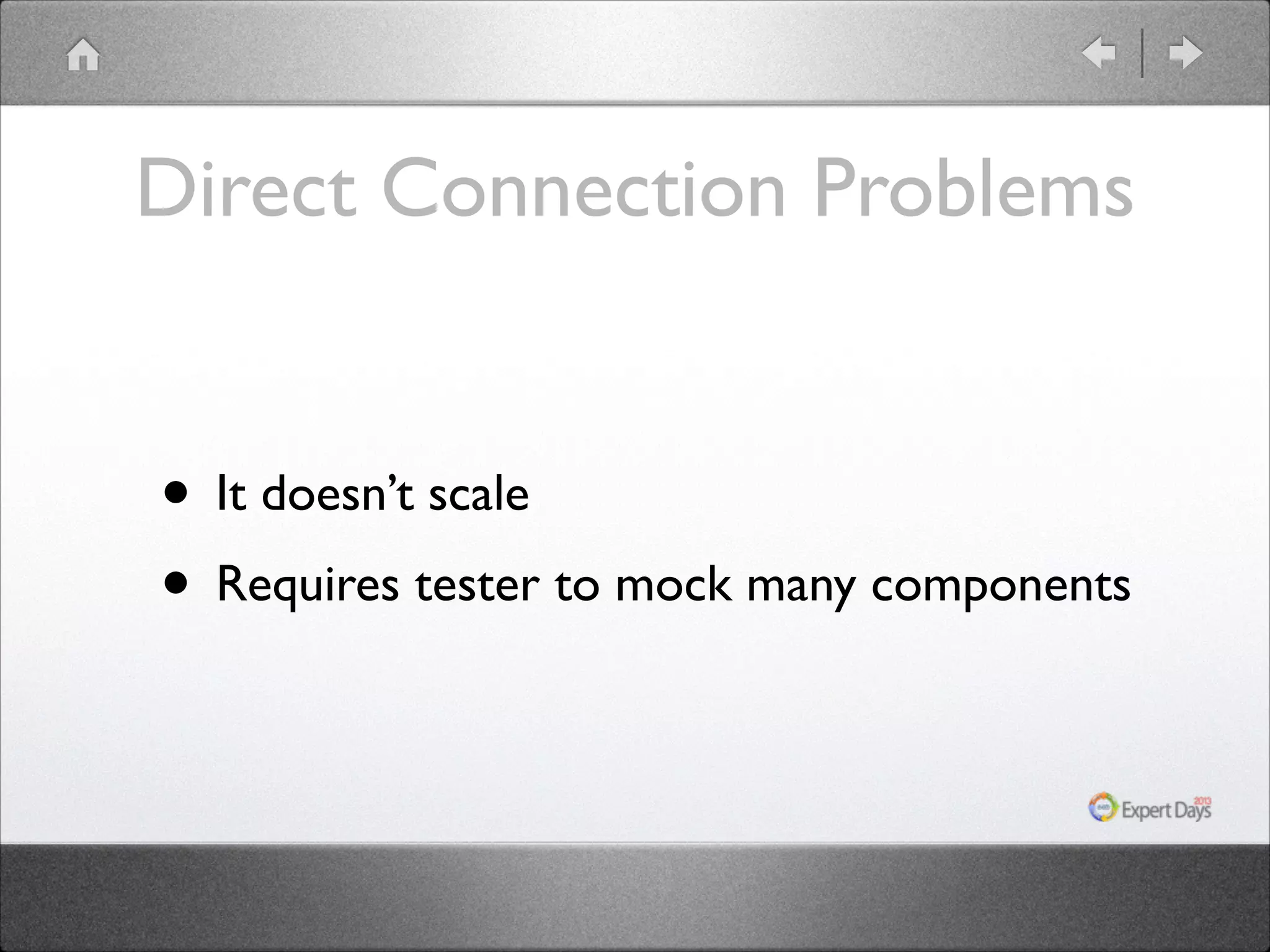
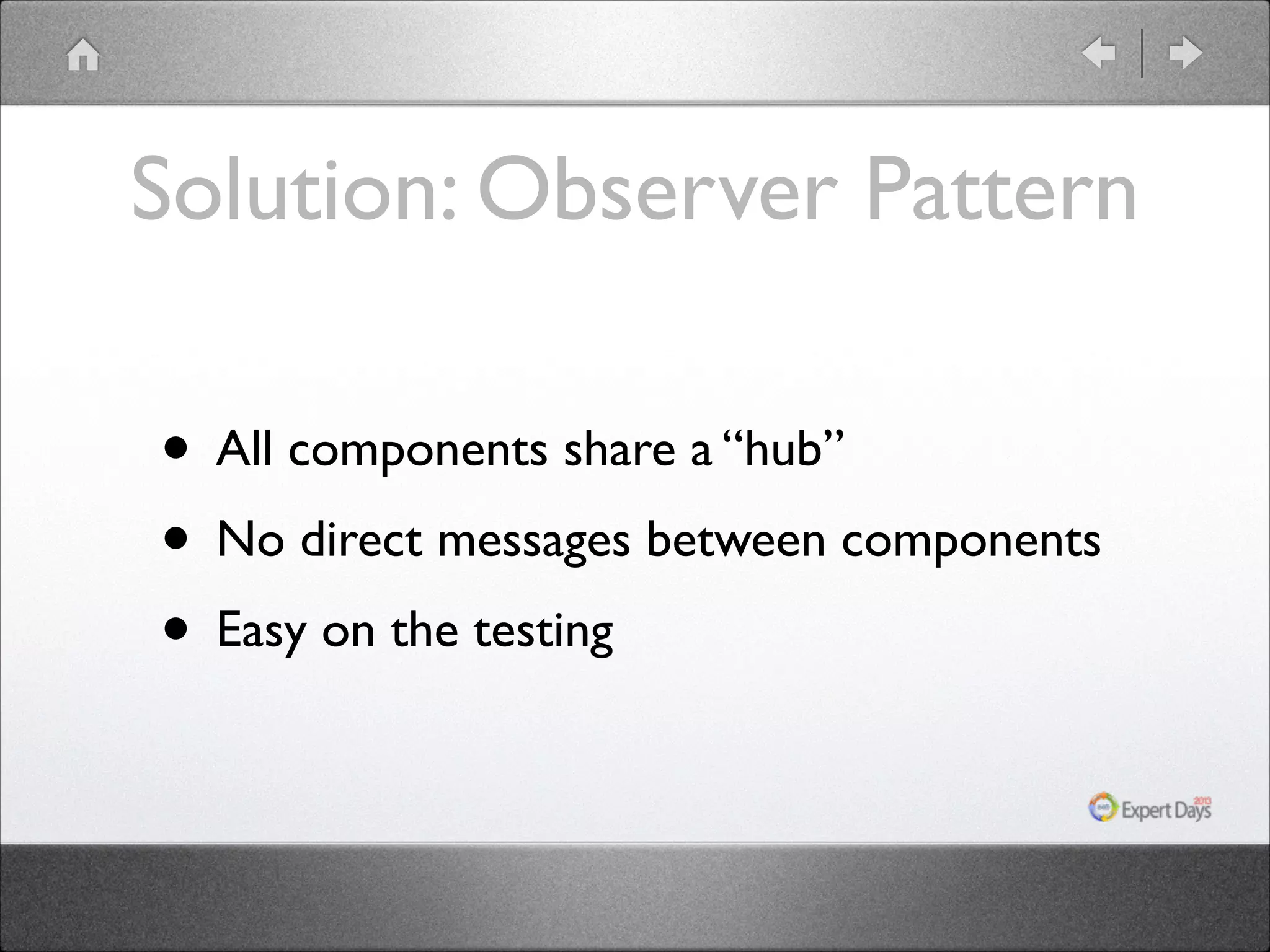
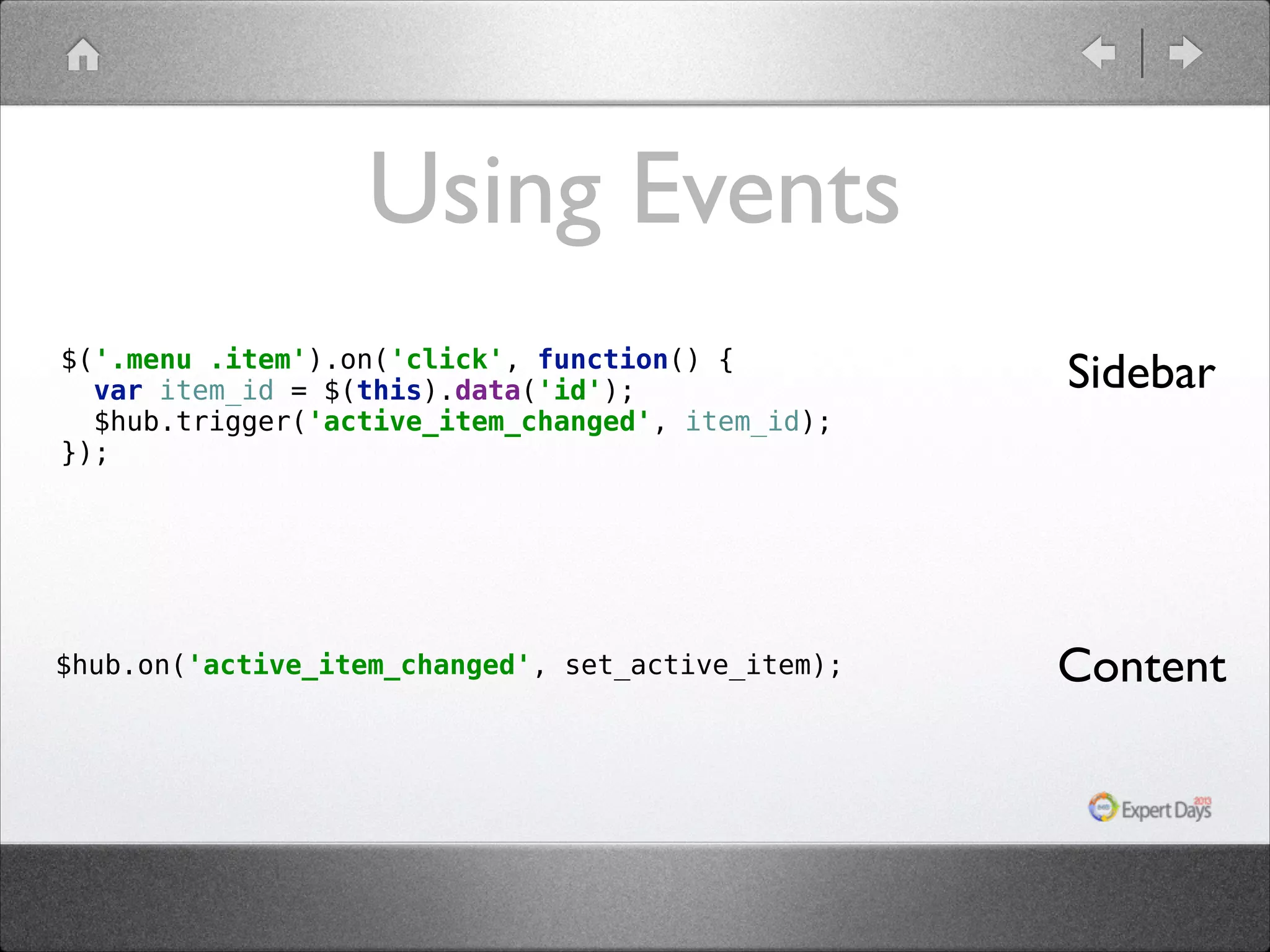
The document discusses strategies for writing testable code, emphasizing the importance of isolating logic and clear separation of dependencies. It outlines common pitfalls that lead to hard-to-test code, such as mixing business logic with object construction and global state usage. Additionally, it advocates for using design patterns, like dependency injection and observer patterns, to enhance code modularity and testability.