JavaScript Training Presenter: Trifon Statkov, Strypes Ltd.
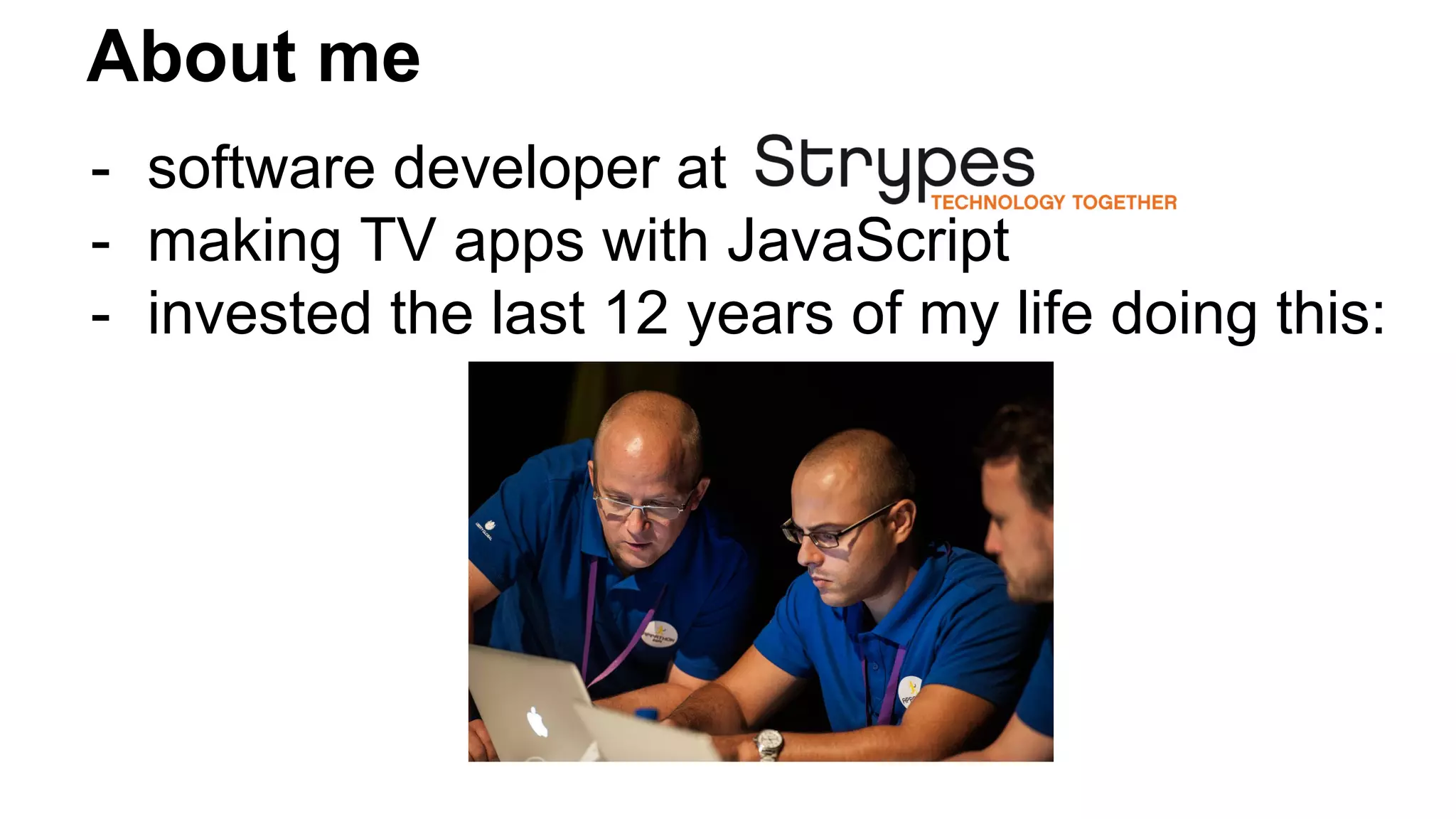
About me - software developer at - making TV apps with JavaScript - invested the last 12 years of my life doing this:
What are we going to learn today? - the most important JavaScript principles and basics that will keep you safe - mostly vanilla JavaScript stuff, there will be no Angular or whatever during this lecture - you have to become JS ninjas today!
Just some of the things you will learn about today... prototype chain call/apply types in JavaScript this objects internal properties scope chain type coercion truthy/falsy closures try/catch undefined hoisting caching singleton IFFY (immediately-invoked function expression) setTimeout/setInterval behavioral inheritance revealing module pattern namespacing pattern
Benefits of learning JavaScript - “the language of the Web” - JavaScript is used in 89% of all web-sites - both frontend AND backend (NodeJS)
Interesting facts - created by Brendan Eich in May 1995 while he was part of Netscape - original name Mocha, then for marketing purposes renamed to LiveScript (could not use Java in the name in the beginning because of a trademark argument with Sun) - Java keywords, but inspired by functional languages on the inside
Interesting facts - JavaScript is based on a standard called ECMAScript - ECMAScript is managed by TC39 - next version is always called ES.Next - new features are always called ES.Harmony
What a pizza consists of? (don’t worry, it’s still JavaScript presentation)
What a pizza consists of? (don’t worry, it’s still JavaScript presentation) Depends, but usually: - cheese - tomato - ham - sauce - eggs (even more ...)
Simple ingredients Ingredients that can not be divided any further: Example: Tomato - a tomato is just a tomato. It does not consist of anything else.
Complex ingredients Consist of more than one ingredient: Example: sauce - consists of chilly peppers, tomato, etc., etc.
So back on the main topic… JavaScript basic types are similar to pizza ingredients!
Primitive types - values that can not be divided any further - string - number - boolean - null // digital equivalent of nothing - undefined // variable with no value assigned Object types - values that can contain several other values/composite values - Object
Objects - can you give examples for objects?
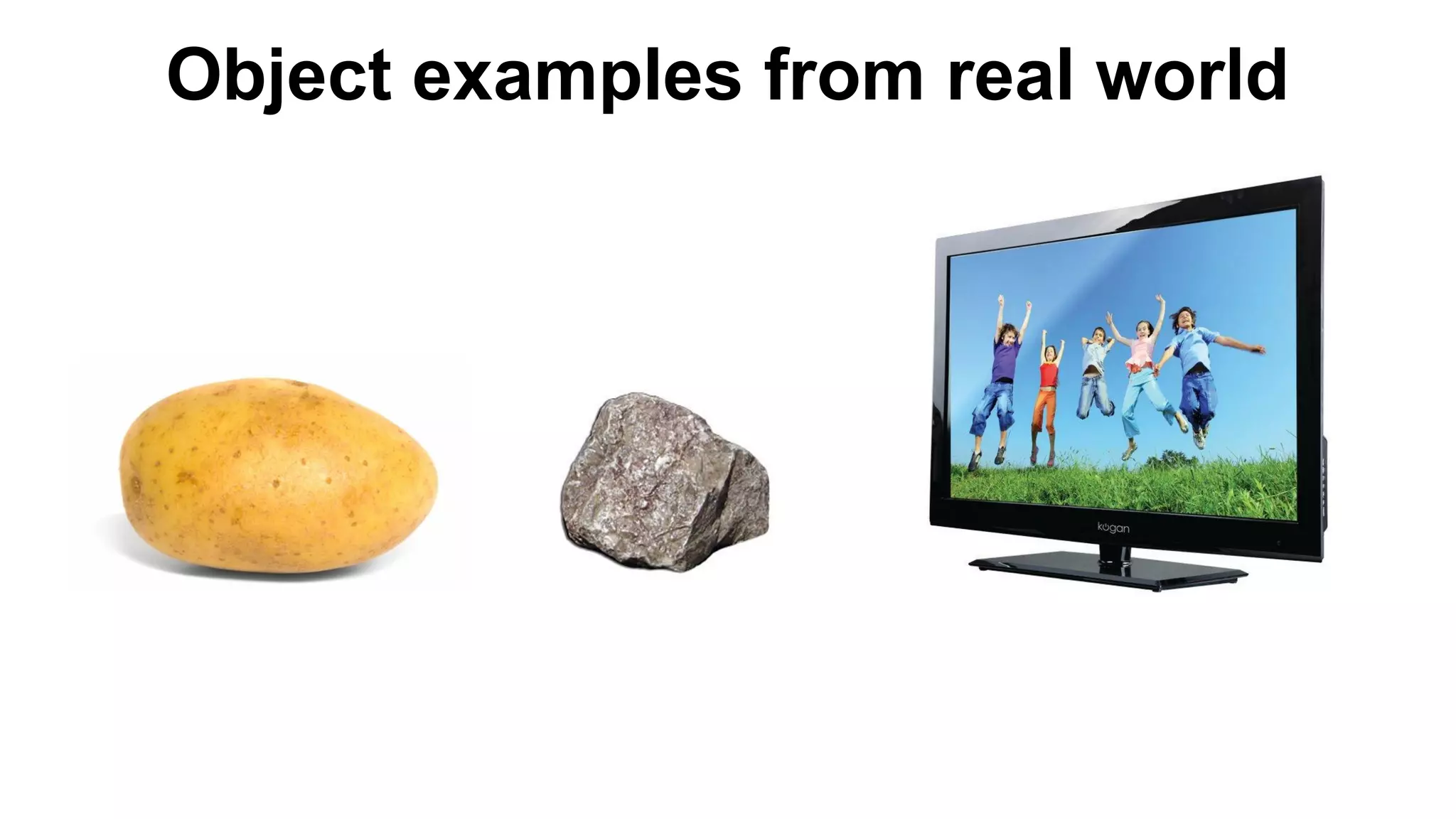
Object examples from real world
What is the common thing between objects?
What is the common thing between objects? (continued) ANSWER: Every object is an abstraction. You don’t have to know what happens inside of it, to be able to use it. Objects do something. Usually you don’t know how exactly they do it.
Built-in types in JavaScript Array Boolean // wrapper around boolean primitive type Date Function // allows for invoking code Math Number // wrapper around number primitive type RegExp String // wrapper around string primitive type
Number, String, Boolean !== number, string, boolean Object type of Number, String, Boolean is “Object”!!
Everything in JavaScript is an Object or can become an Object.
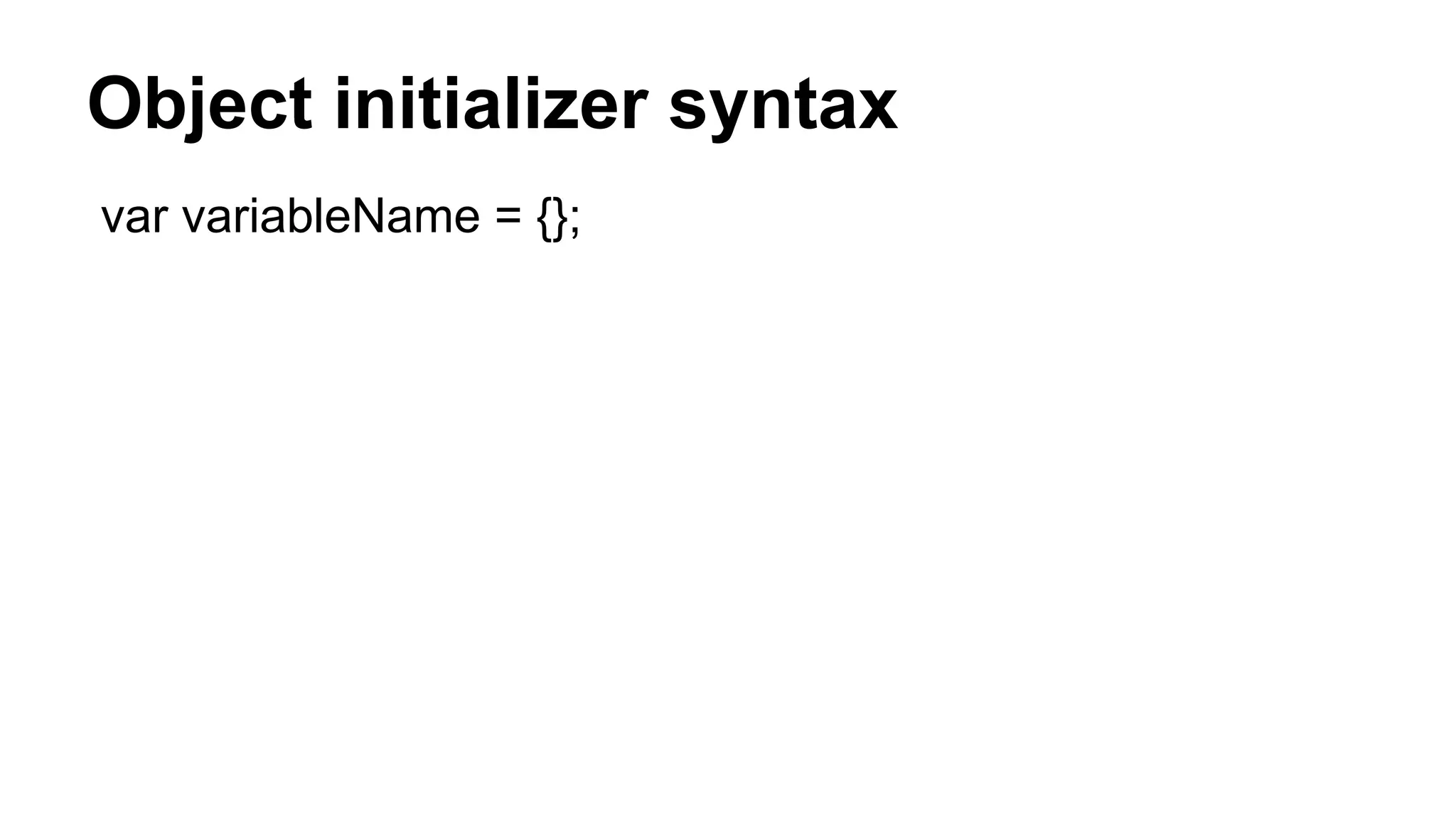
Object initializer syntax var variableName = {};
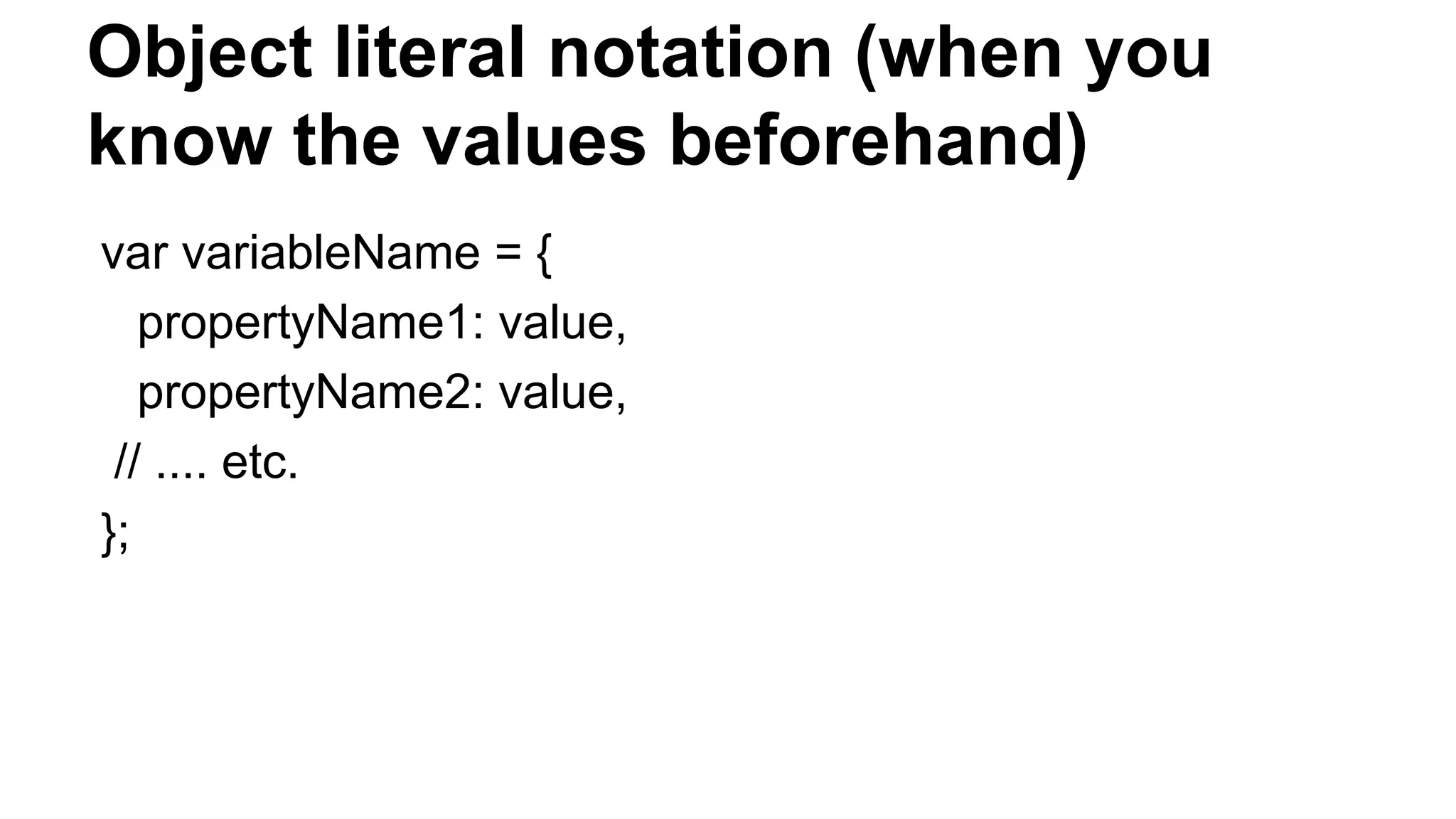
Object literal notation (when you know the values beforehand) var variableName = { propertyName1: value, propertyName2: value, // .... etc. };
Object properties (the dynamical approach) obj.propertyName = value; or obj[“propertyName”] = value;
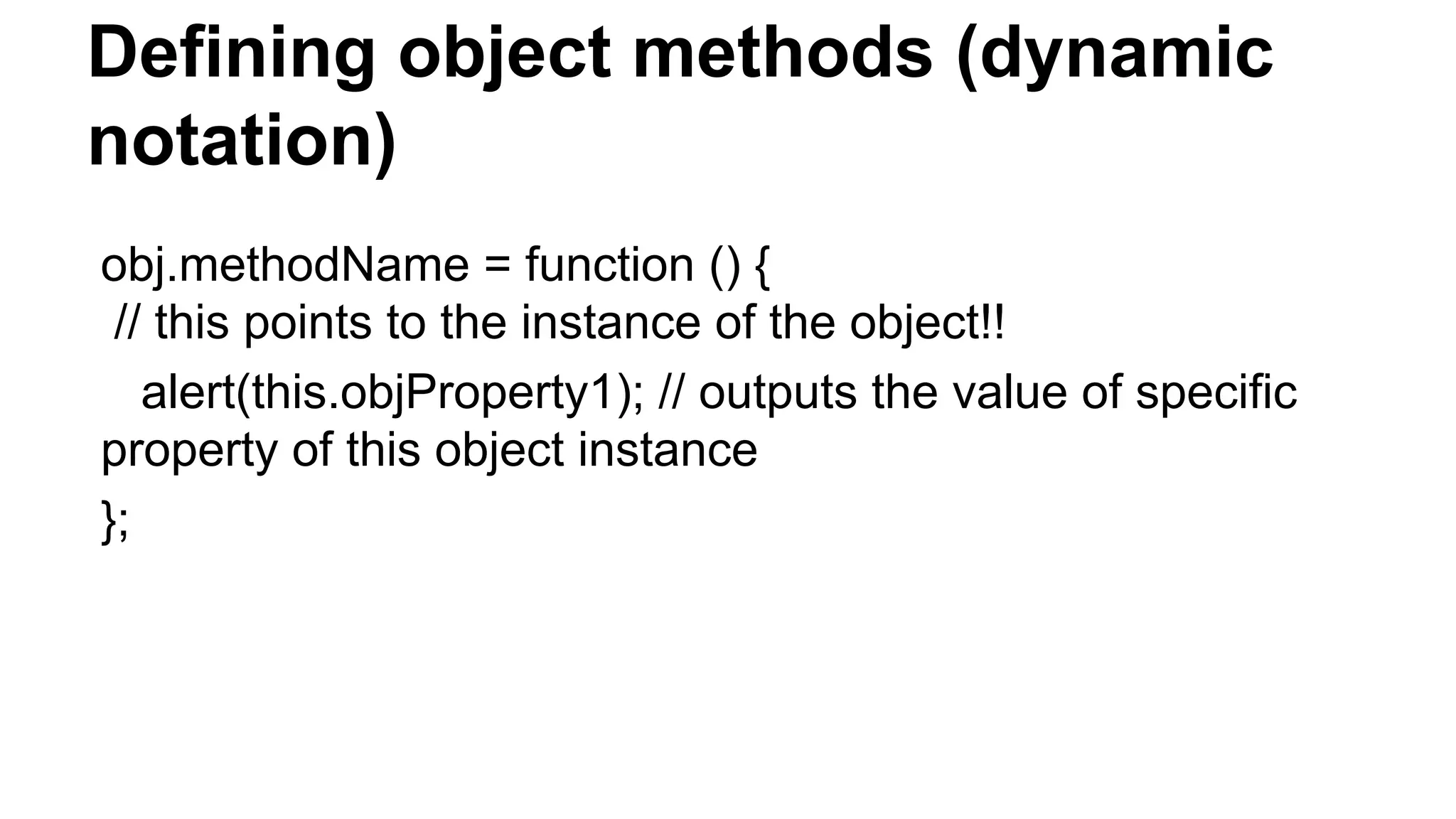
Defining object methods (dynamic notation) obj.methodName = function () { // this points to the instance of the object!! alert(this.objProperty1); // outputs the value of specific property of this object instance };
Object internal properties Every object has a [[Prototype]] or __proto__ internal property that points to its prototype Object. Basically objects are like humans - they were created to look like God (in their case their prototype) ;) All of their properties are derived from the prototype object.
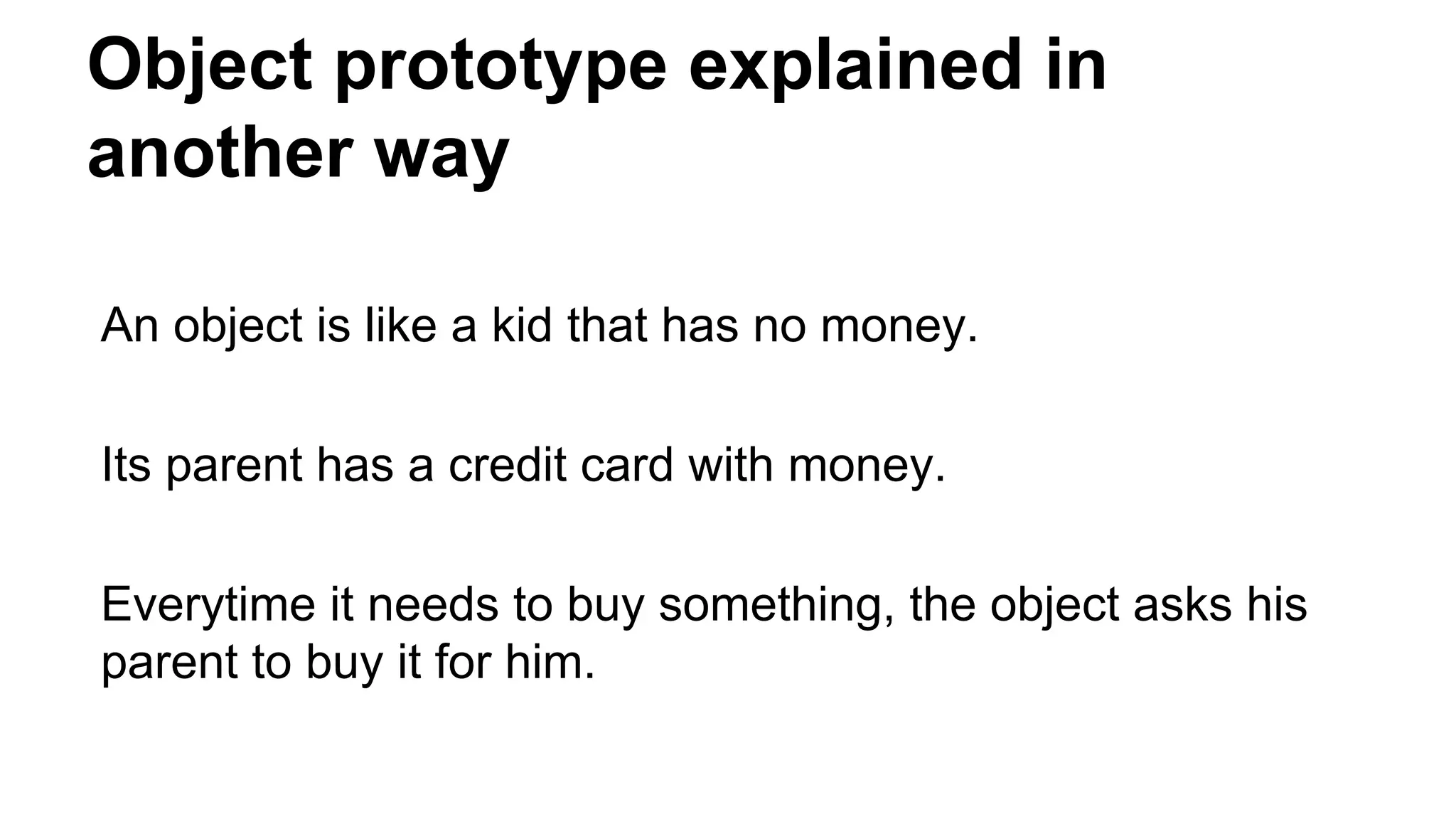
Object prototype explained in another way An object is like a kid that has no money. Its parent has a credit card with money. Everytime it needs to buy something, the object asks his parent to buy it for him.
Object prototype explained in another way An object is like a kid that has no money. (in this case no specific property) Its parent has a credit card with money. (in this case the parent has such property) Everytime it needs to buy something, the kid asks his parent to buy it for them. (in this case the object asks the parent for the parent’s property)
Prototype chain - this whole ask the parent if I can’t do it myself thing… - [[Prototype]] property points to the parent, so that’s what the JavaScript engine uses to find the parent and “ask” them - we are traversing the prototype chain until we find parent that has the property or reach the point in which we try to access the [[Prototype]] internal property of the Object type itself ([[Protype]] ⇒ null in that case...)
Prototype chain API - hasOwnProperty(prop); // checks whether the object instance has a “prop” property WITHOUT traversing the prototype chain (we are looking for the property directly on the instance)
instanceof variableName instanceof ClassName // returns true if the respective variable is instance of that class (has such prototype in its prototype chain)
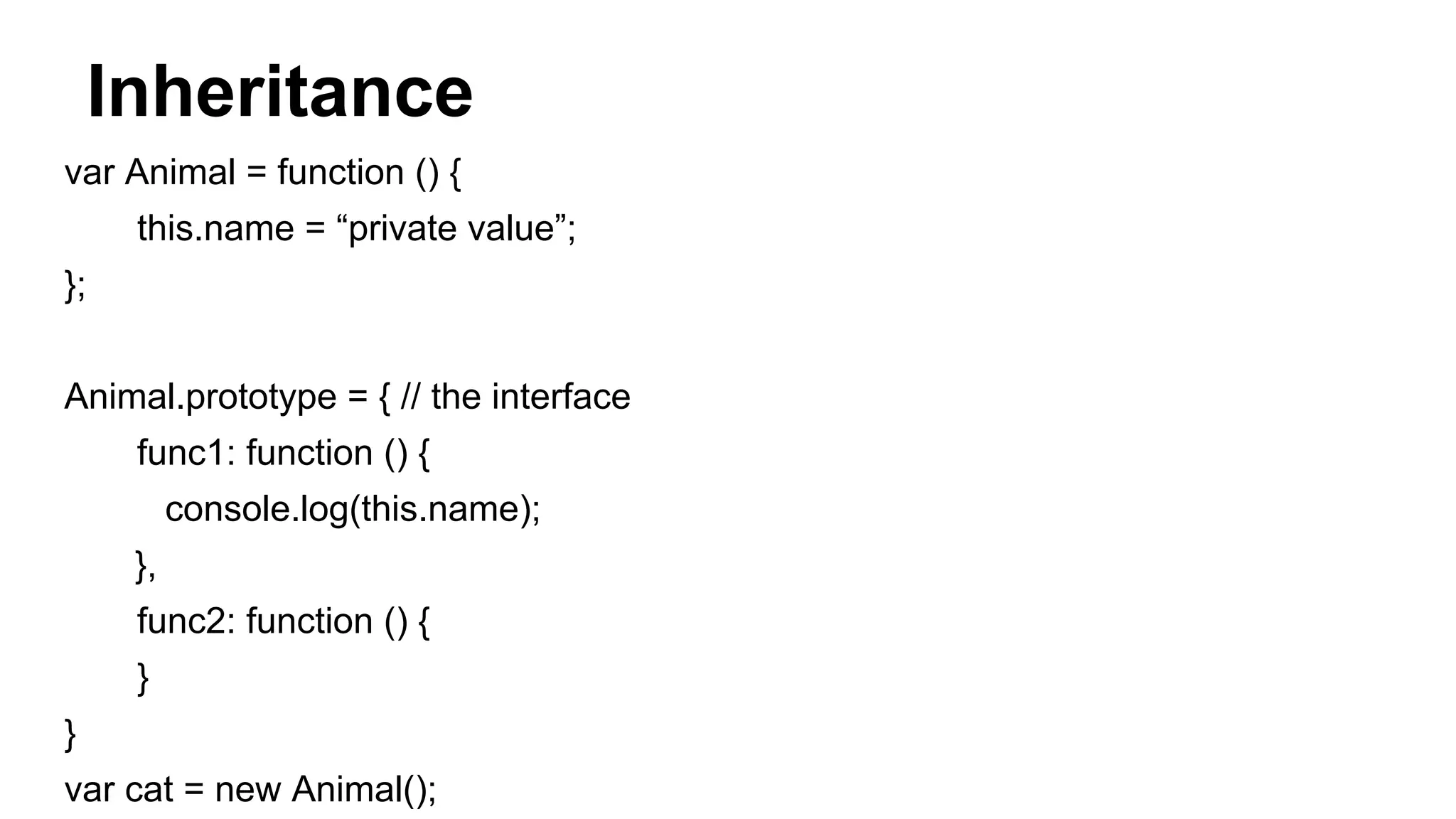
Inheritance var Animal = function () { this.name = “private value”; }; Animal.prototype = { // the interface func1: function () { console.log(this.name); }, func2: function () { } } var cat = new Animal();
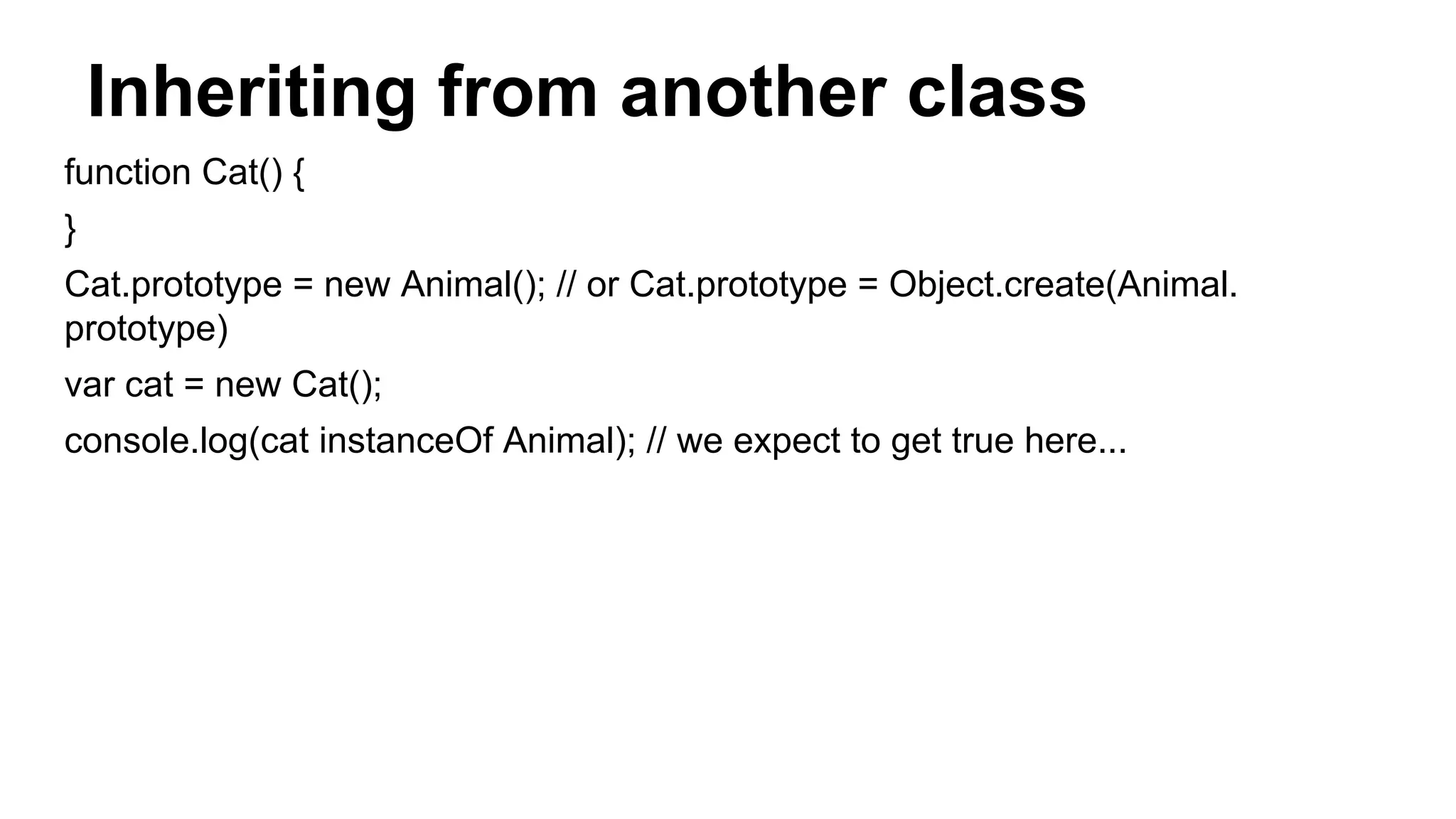
Inheriting from another class function Cat() { } Cat.prototype = new Animal(); // or Cat.prototype = Object.create(Animal. prototype) var cat = new Cat(); console.log(cat instanceOf Animal); // we expect to get true here...
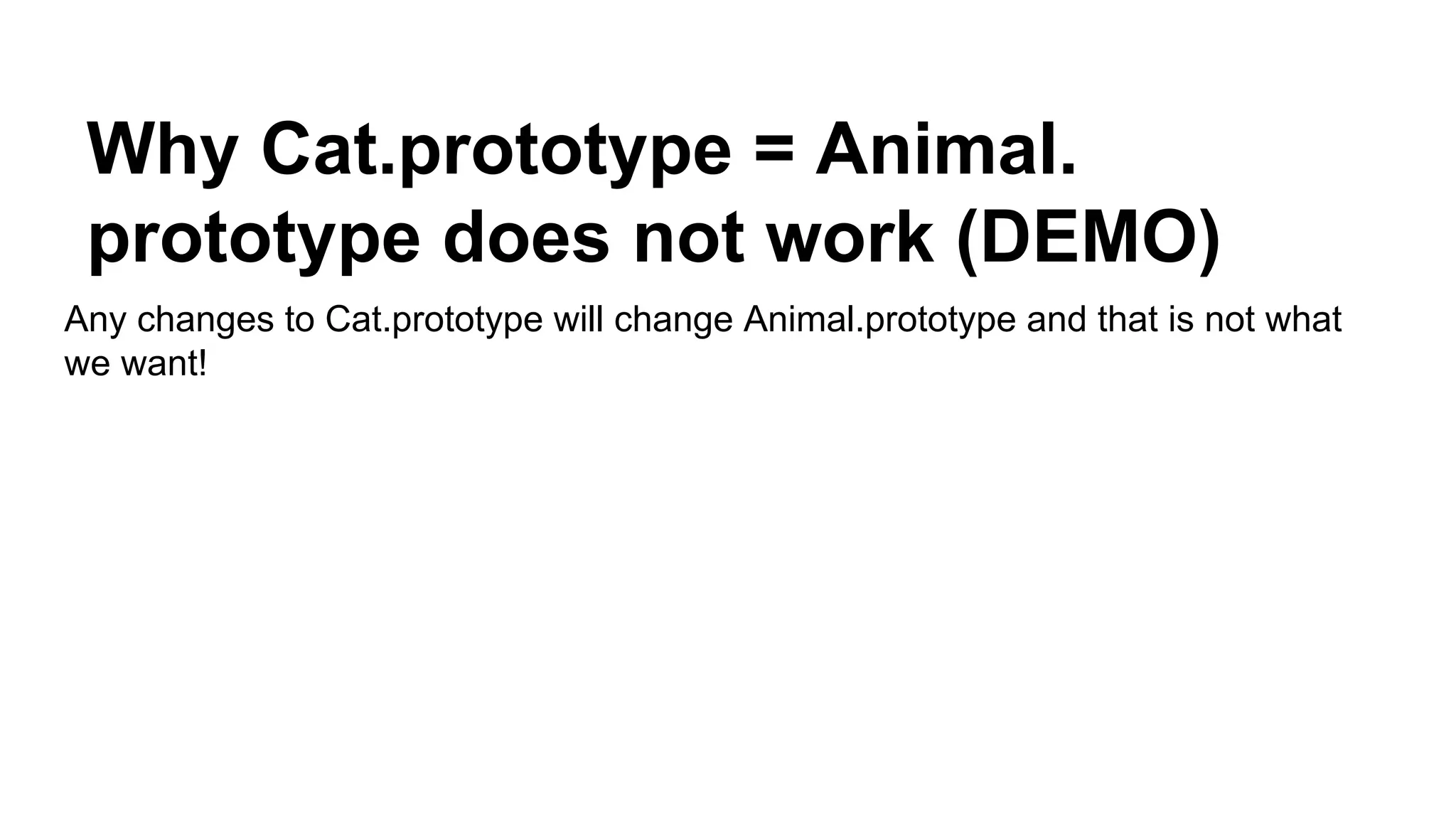
Why Cat.prototype = Animal. prototype does not work (DEMO) Any changes to Cat.prototype will change Animal.prototype and that is not what we want!
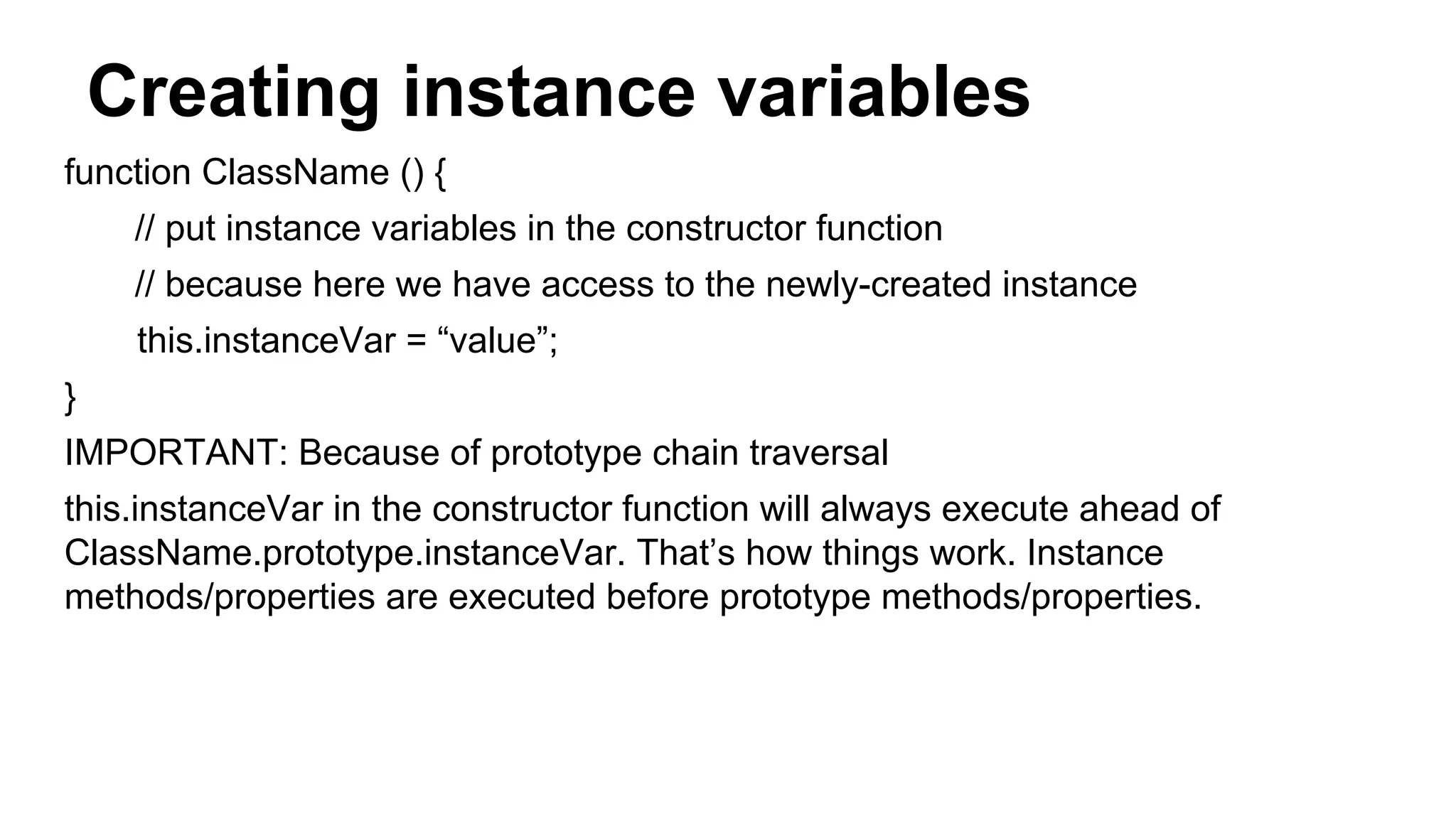
Creating instance variables function ClassName () { // put instance variables in the constructor function // because here we have access to the newly-created instance this.instanceVar = “value”; } IMPORTANT: Because of prototype chain traversal this.instanceVar in the constructor function will always execute ahead of ClassName.prototype.instanceVar. That’s how things work. Instance methods/properties are executed before prototype methods/properties.
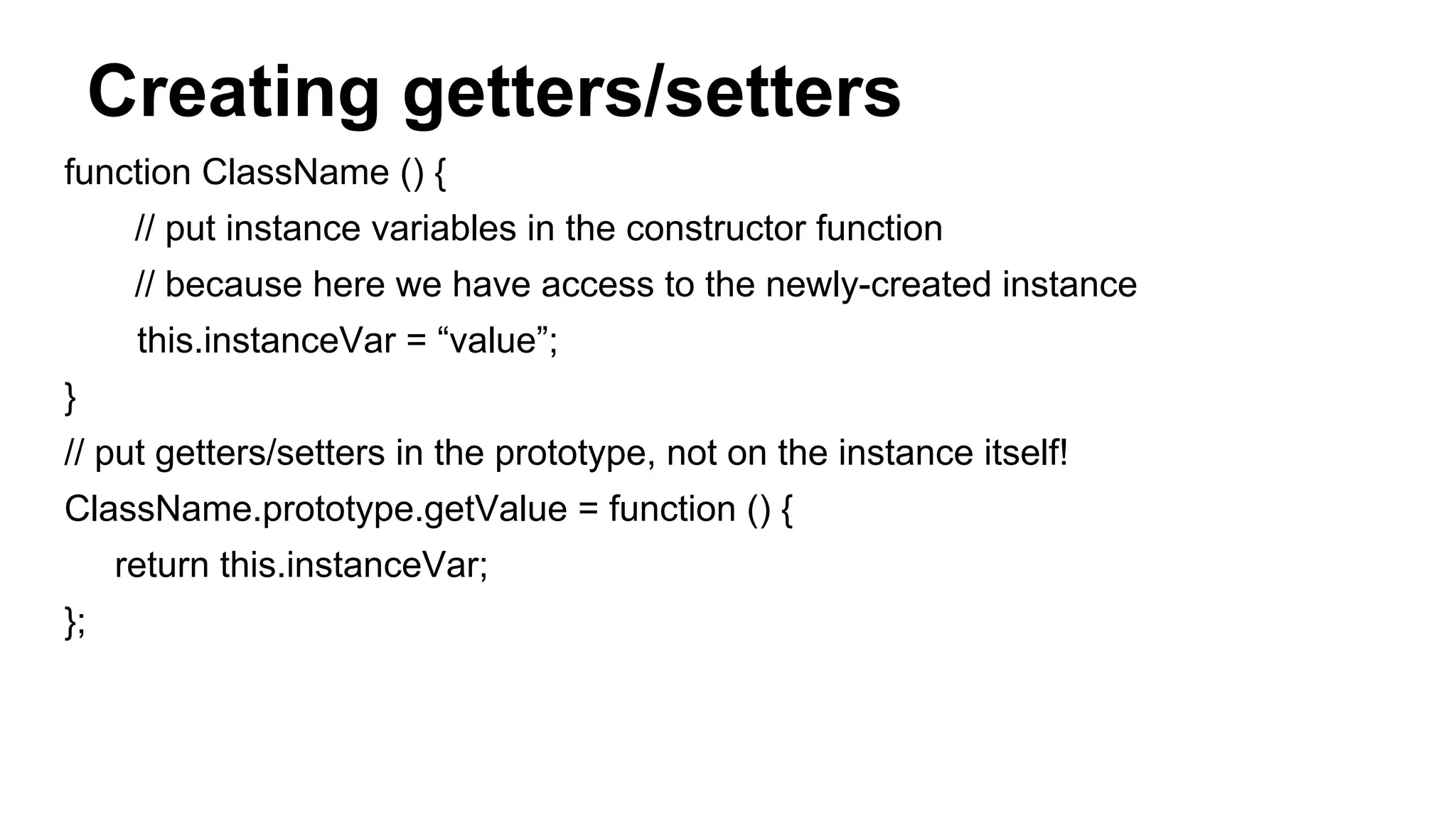
Creating getters/setters function ClassName () { // put instance variables in the constructor function // because here we have access to the newly-created instance this.instanceVar = “value”; } // put getters/setters in the prototype, not on the instance itself! ClassName.prototype.getValue = function () { return this.instanceVar; };
The constructor property var c = new ClassName(); // because we attach methods to ClassName.prototype (ClassName is the constructor function) we can get prototype by doing: ClassName.constructor.prototype
Modifying the prototype chain of an object - How to set the [[Prototype]] property of specific object to point to another parent?
Enter the Object.create method... - this method creates a new object - and sets its [[Prototype]] property to what we want var obj = Object.create(prototypeObject); or var obj = Object.create(prototypeObject, { prop1: { value: theValue }, prop2: { value: theValue2 } }); // second argument allows you to initialize some properties of the new object instance. Not very pretty, but works.
4 RULES FOR THE VALUE OF THIS IN A FUNCTION
The 4 rules for the value of this Value of this in a specific function depends on where and how the function was called. - is it called with new()? - is it called with .call or .apply? - is it called like obj.func()? - is it called like func()?
The 4 rules for the value of this Value of this in a specific function depends on where and how the function was called. Let’s say we have a function called func(). Let’s answer those 4 questions for it: 1. Is it called with new()? 2. Is it called with .call or .apply? 3. Is it called on object instance (example: obj.func())? 4. Is it called by itself (example: func())?
Rule #1: Is it called with new()? var a = new func(); - putting the new keyword before a function name turns the function into a constructor call
How constructors work? They do 4 things: 1. Create a brand new empty object 2. They link the object to a prototype 3. this => the brand new empty object 4. Compiler returns this; (or the new object) if nothing else returned explicitly
Hence... If func() was called like this: var obj = new func(); this will be equal to obj (the new instance).
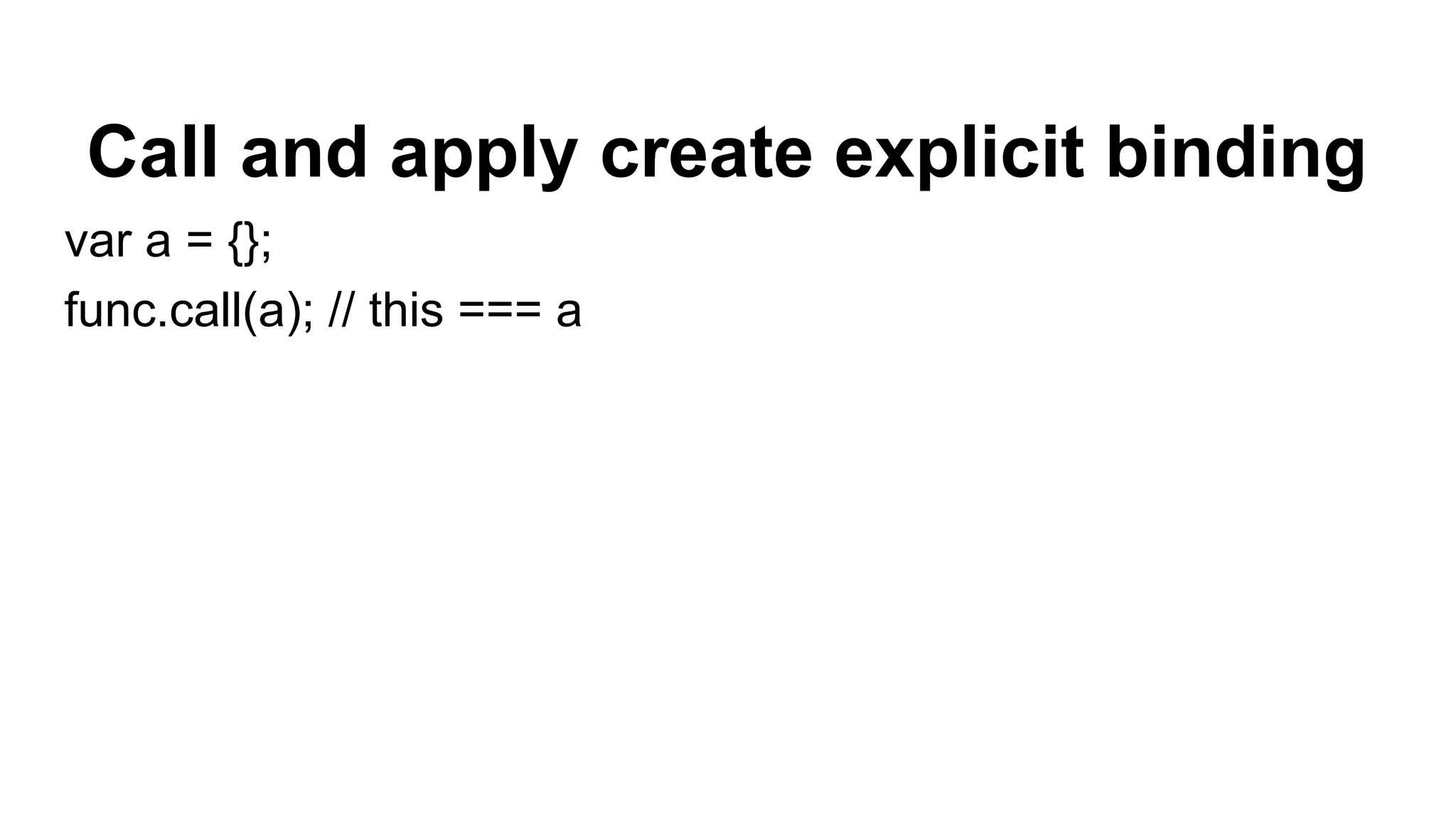
Rule #2: Is it called with call or apply? Like this: func.call(this); or this: func.apply(this);
Sidenote: what are those call and apply functions, dude? functionName.call(valueOfThis, arg1, arg2, ... , argN); functionName.apply(valueOfThis, [arg1, arg2, ... , argN]); Those functions basically do the same. They allow us to call a function with explicit value for this inside of the function. How to remember what’s what: Call = Comma (arguments separated with comma) Apply = Array (arguments in array object)
Call and apply create explicit binding var a = {}; func.call(a); // this === a
When rule #2 is present this === the explicit object
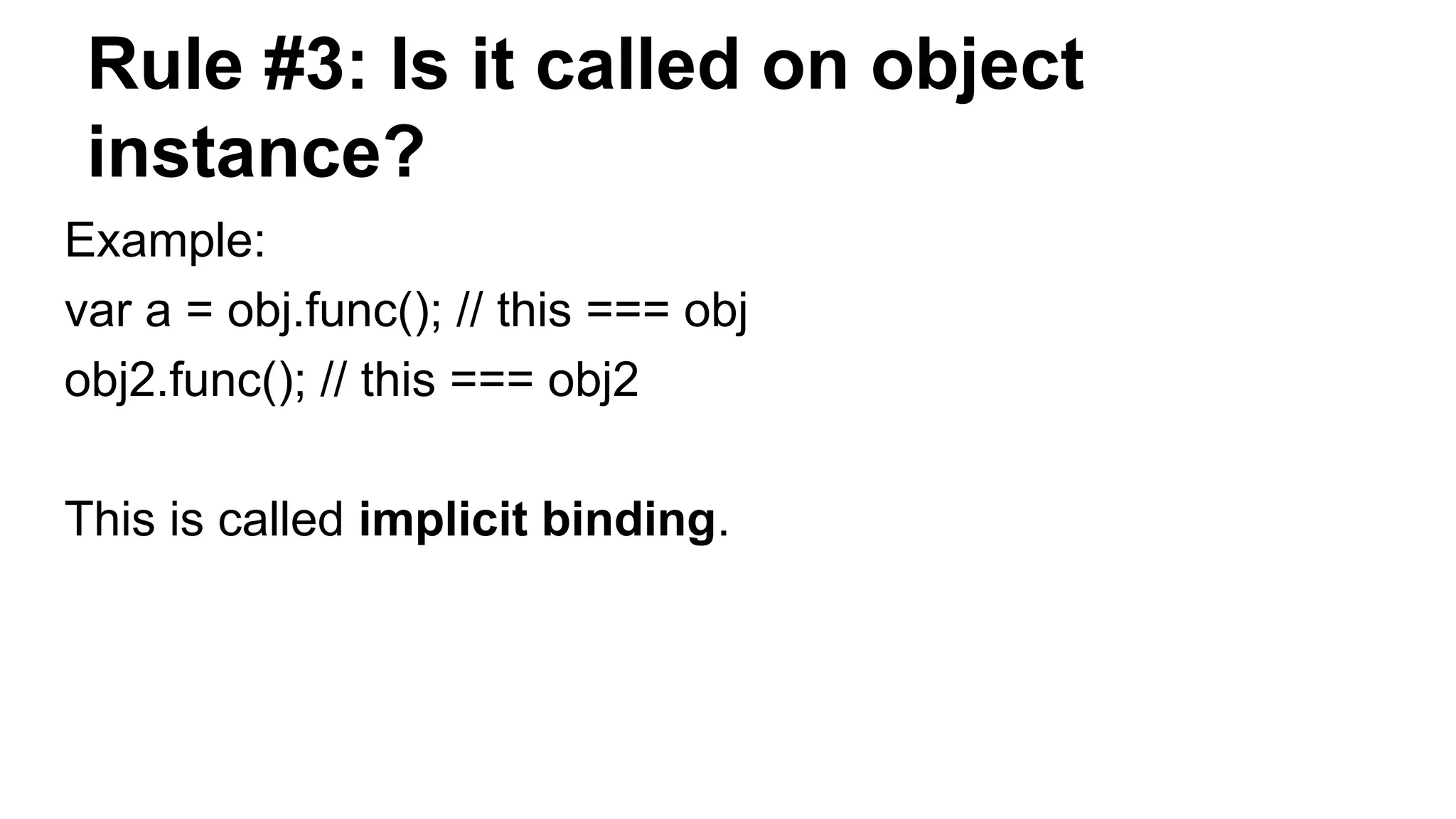
Rule #3: Is it called on object instance? Example: var a = obj.func(); // this === obj obj2.func(); // this === obj2 This is called implicit binding.
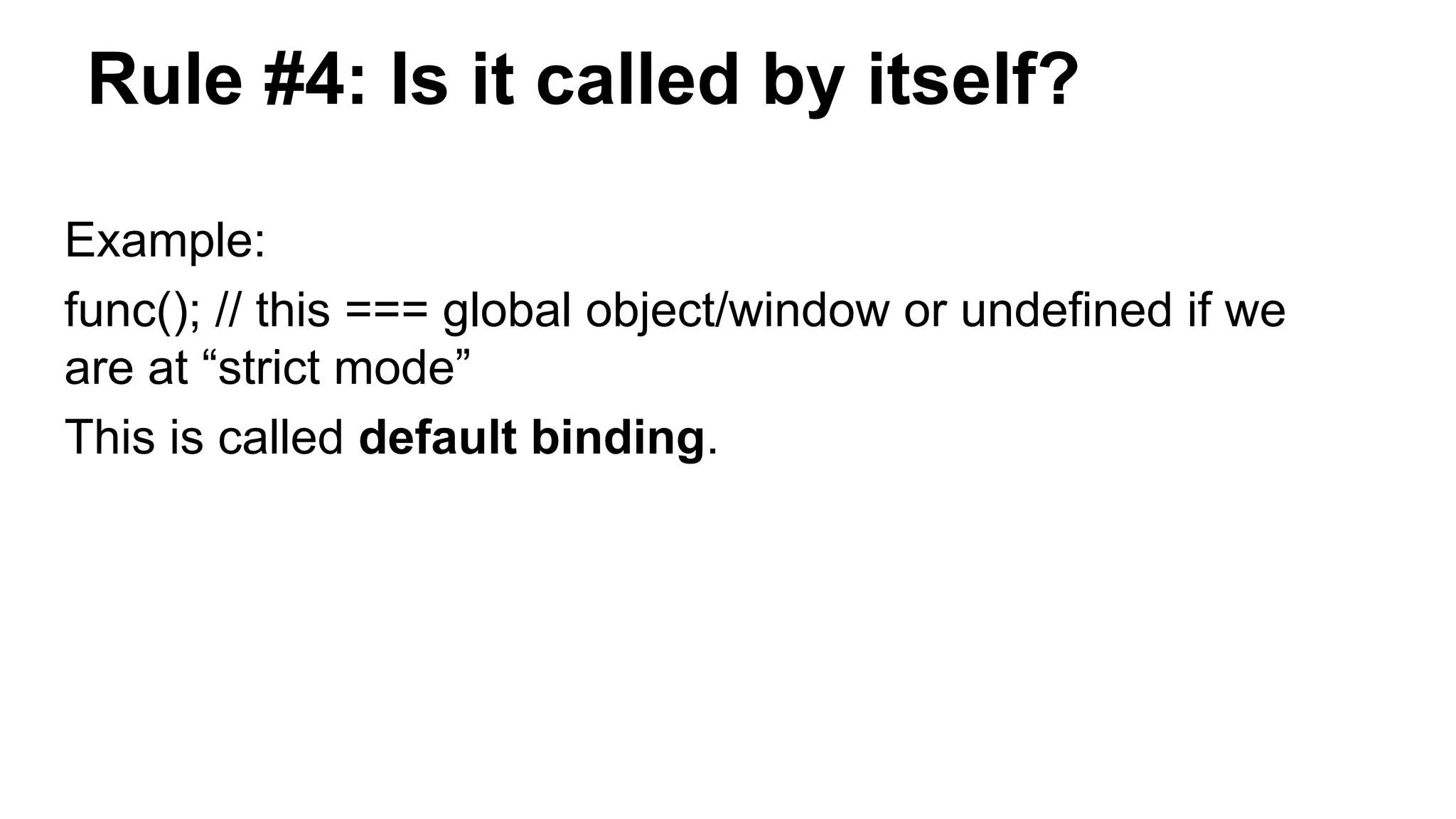
Rule #4: Is it called by itself? Example: func(); // this === global object/window or undefined if we are at “strict mode” This is called default binding.
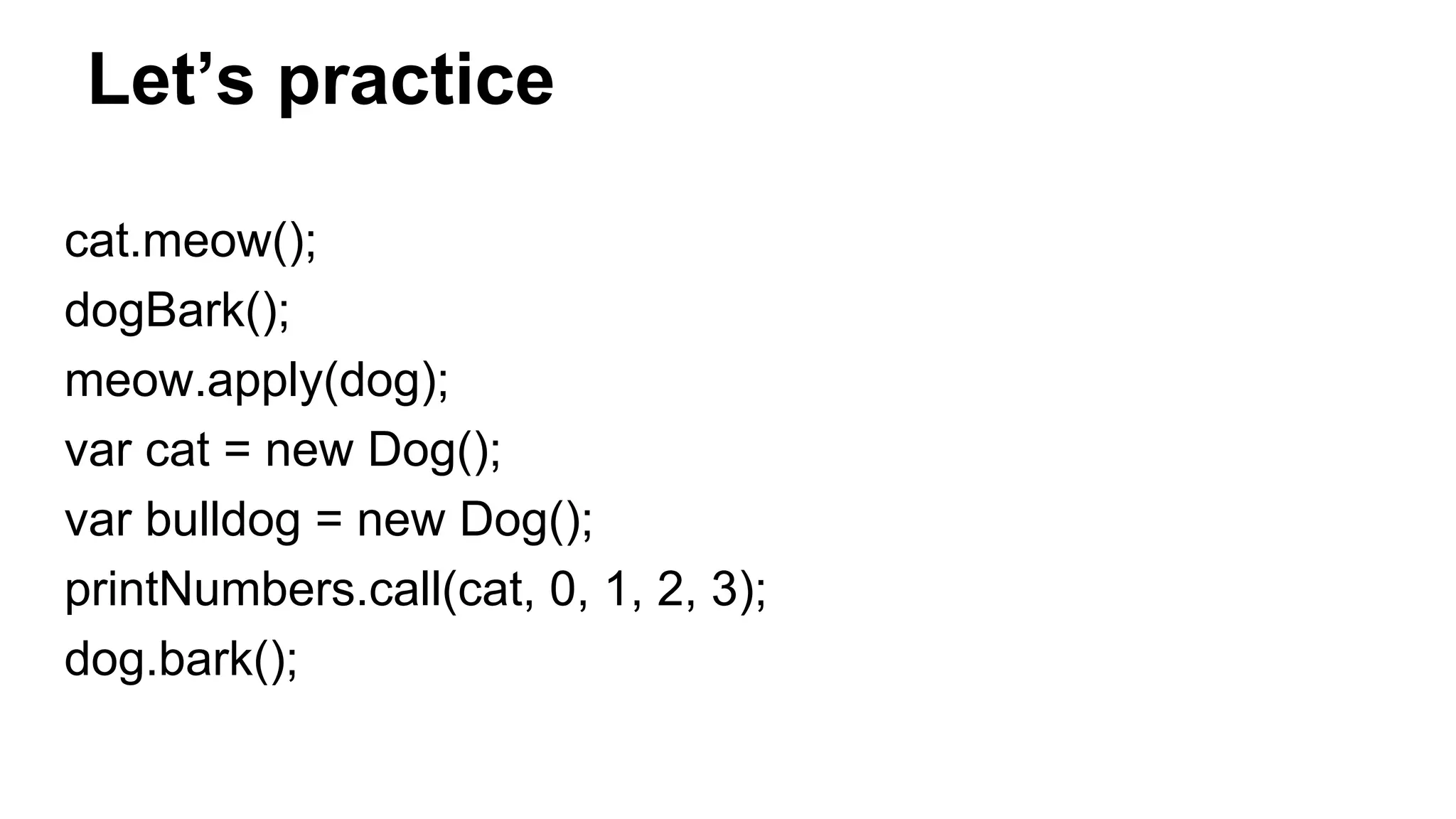
Let’s practice cat.meow(); dogBark(); meow.apply(dog); var cat = new Dog(); var bulldog = new Dog(); printNumbers.call(cat, 0, 1, 2, 3); dog.bark();
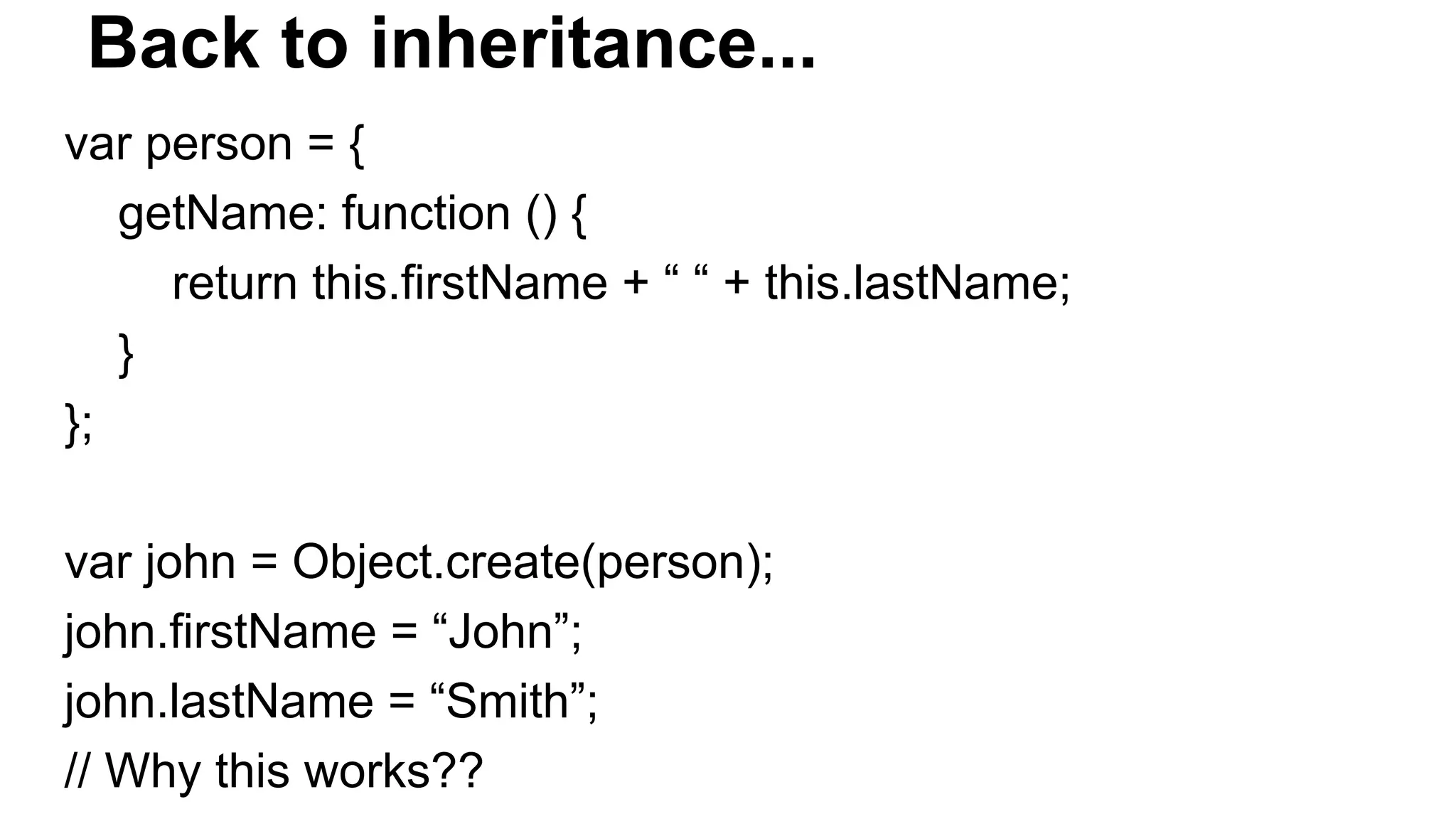
Back to inheritance... var person = { getName: function () { return this.firstName + “ “ + this.lastName; } }; var john = Object.create(person); john.firstName = “John”; john.lastName = “Smith”; // Why this works??
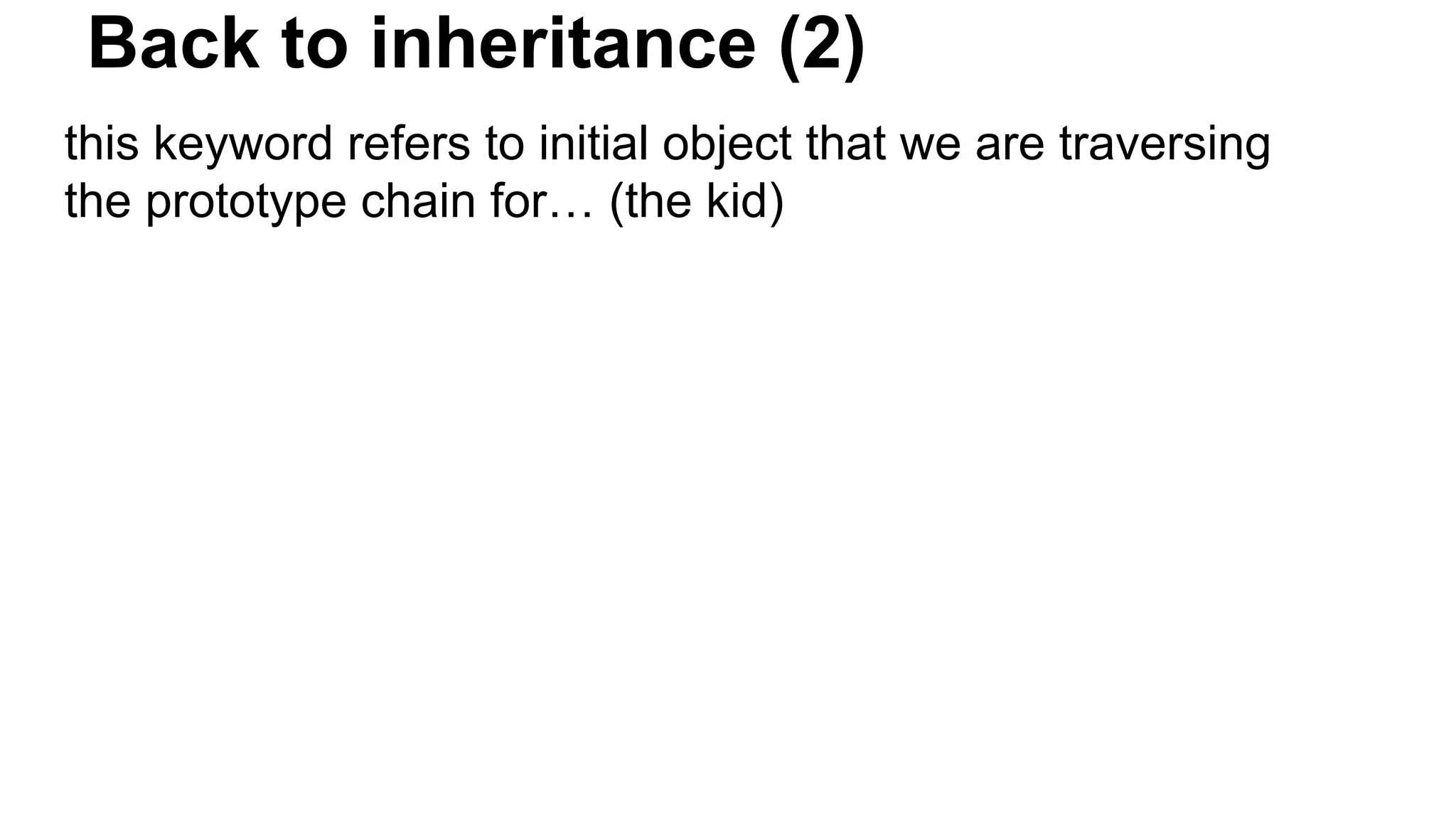
Back to inheritance (2) this keyword refers to initial object that we are traversing the prototype chain for… (the kid)
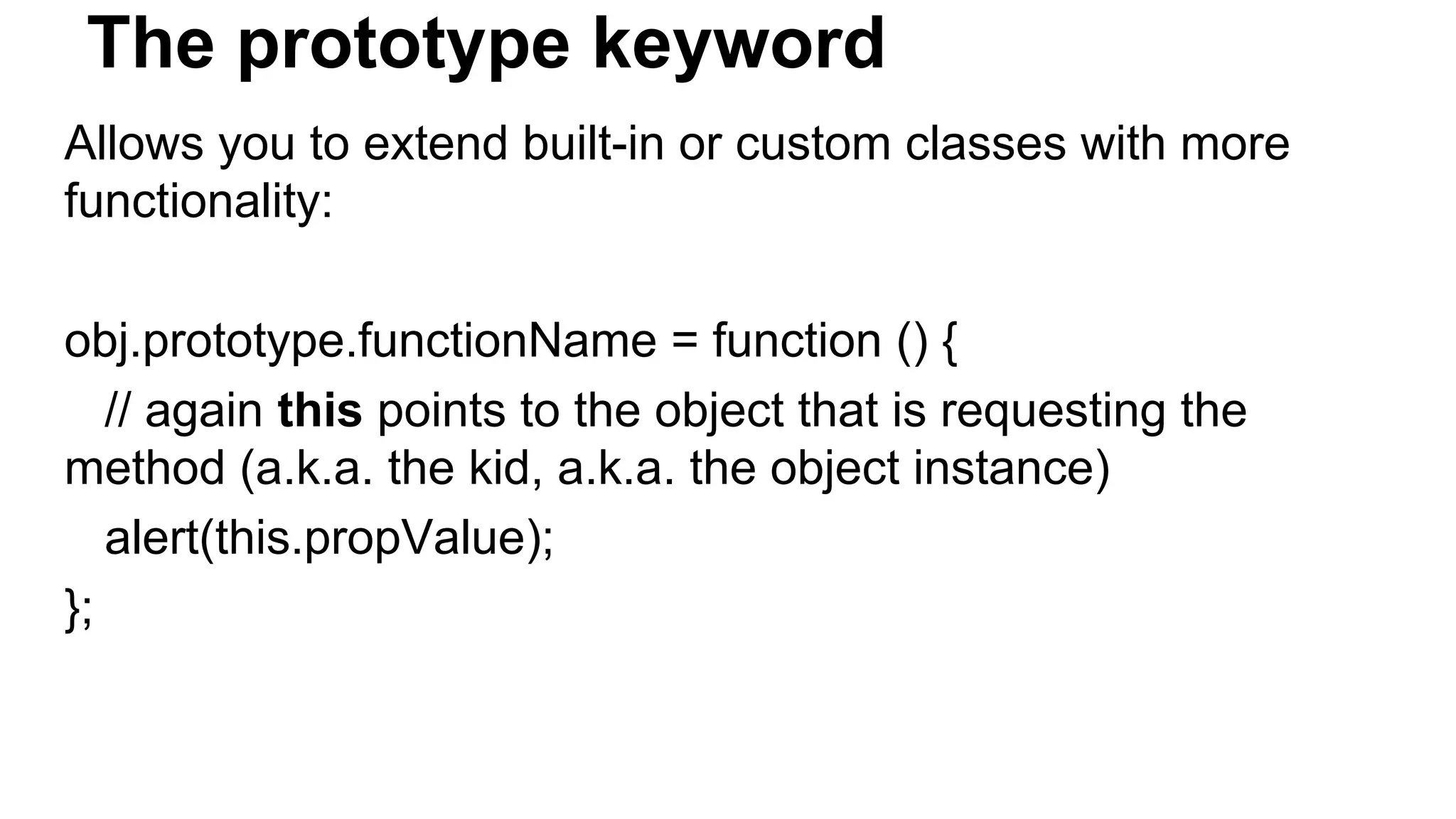
The prototype keyword Allows you to extend built-in or custom classes with more functionality: obj.prototype.functionName = function () { // again this points to the object that is requesting the method (a.k.a. the kid, a.k.a. the object instance) alert(this.propValue); };
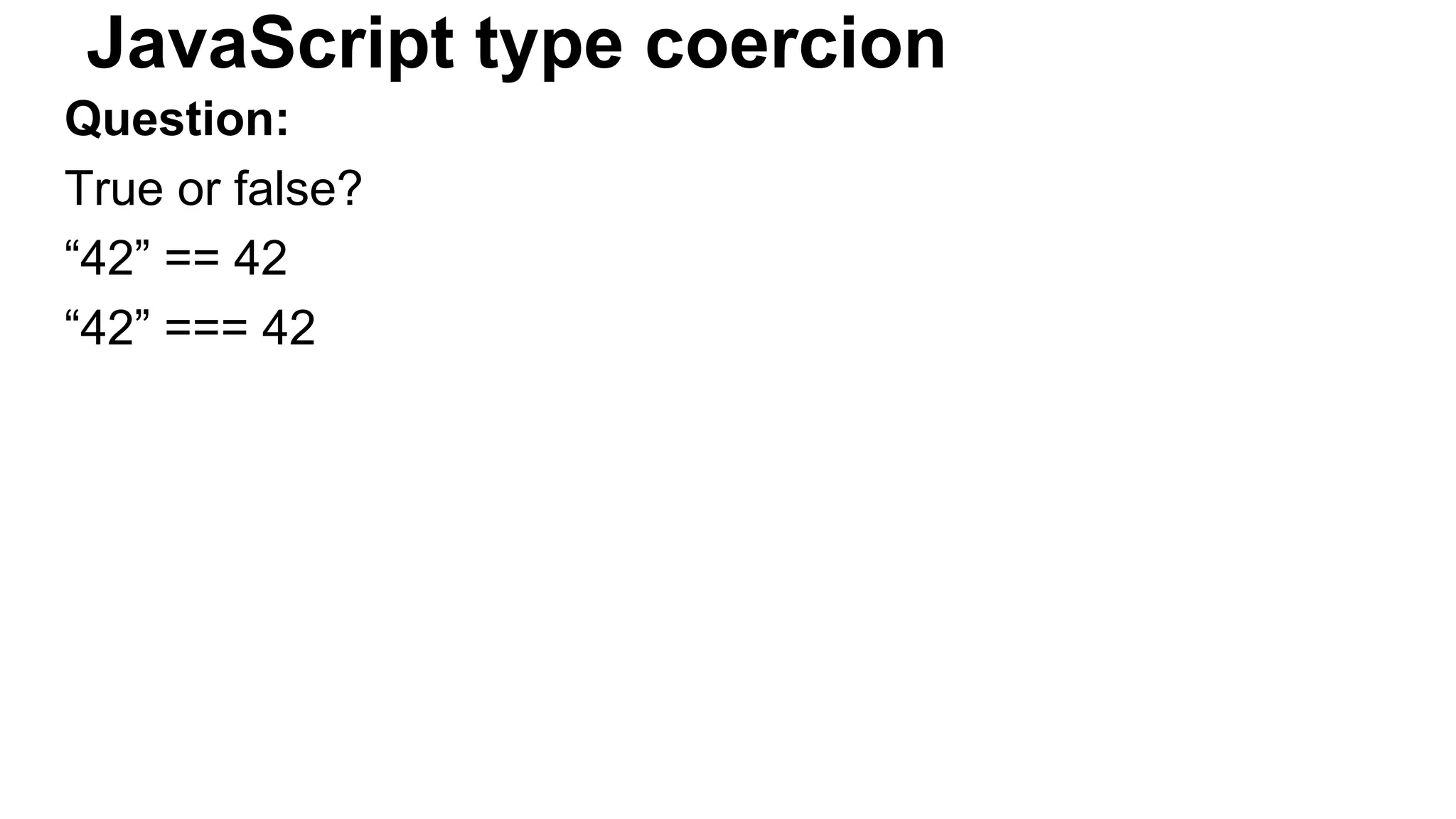
JavaScript type coercion Question: True or false? “42” == 42 “42” === 42
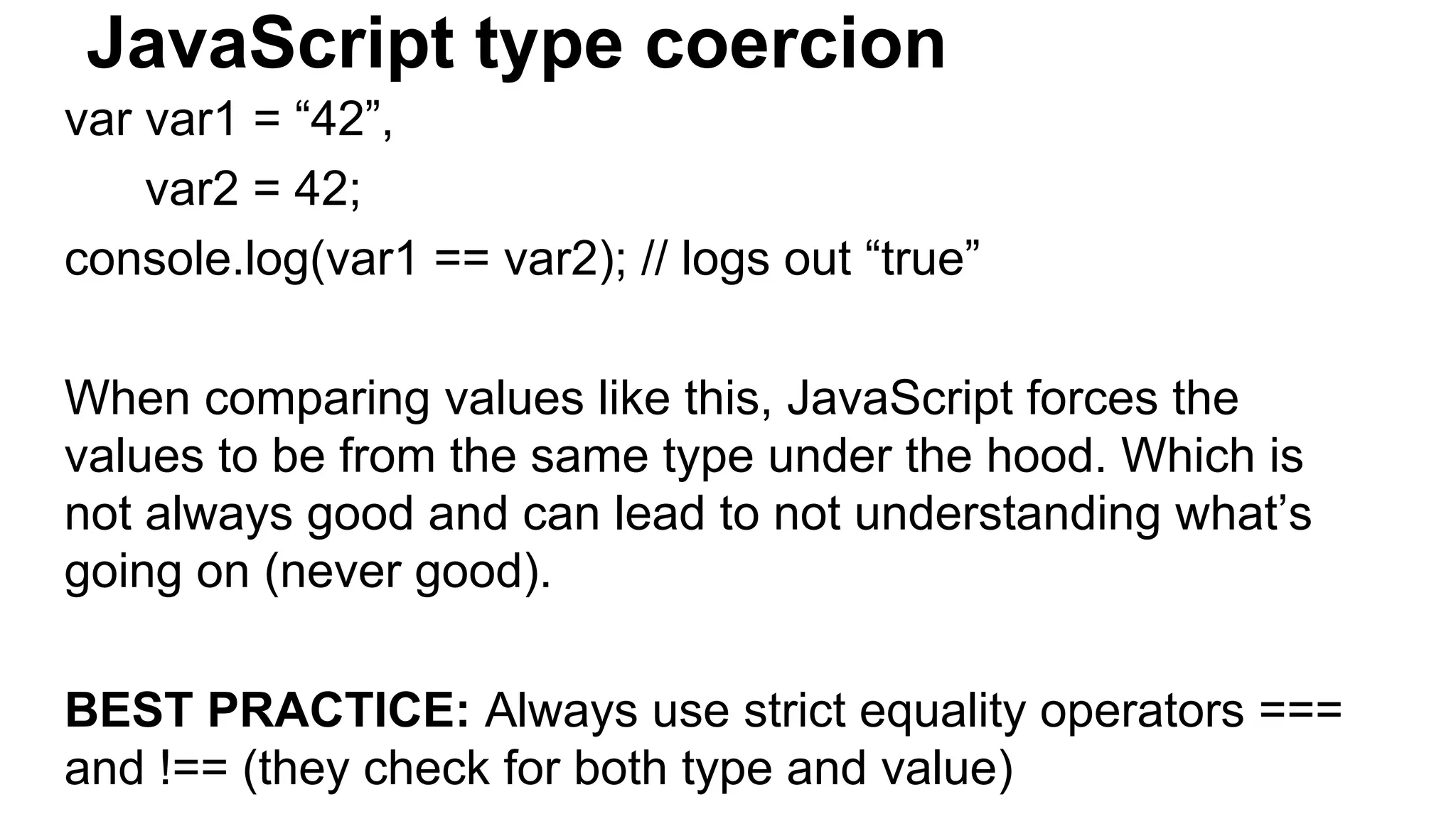
JavaScript type coercion var var1 = “42”, var2 = 42; console.log(var1 == var2); // logs out “true” When comparing values like this, JavaScript forces the values to be from the same type under the hood. Which is not always good and can lead to not understanding what’s going on (never good). BEST PRACTICE: Always use strict equality operators === and !== (they check for both type and value)
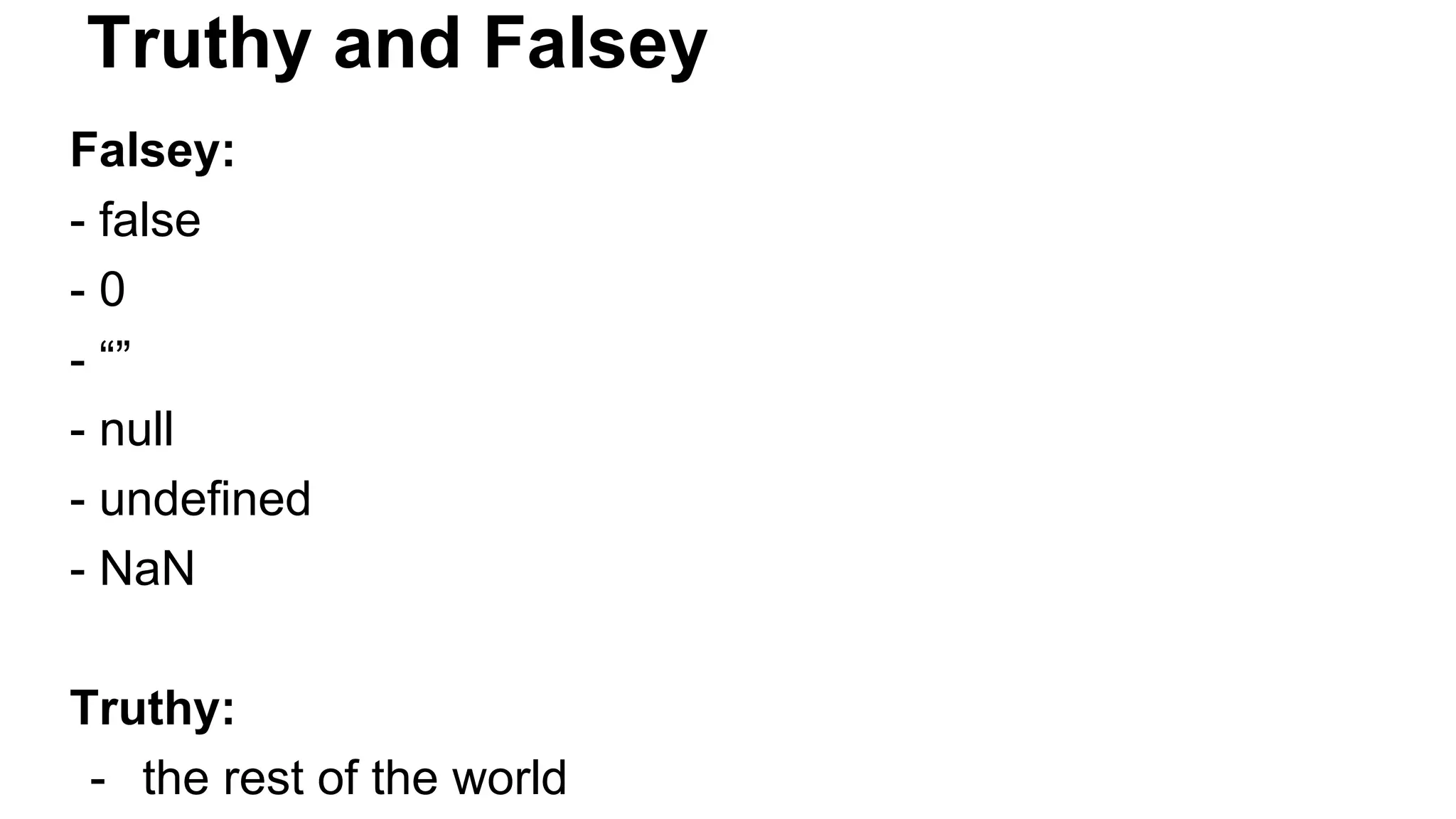
Truthy and Falsey Falsey: - false - 0 - “” - null - undefined - NaN Truthy: - the rest of the world
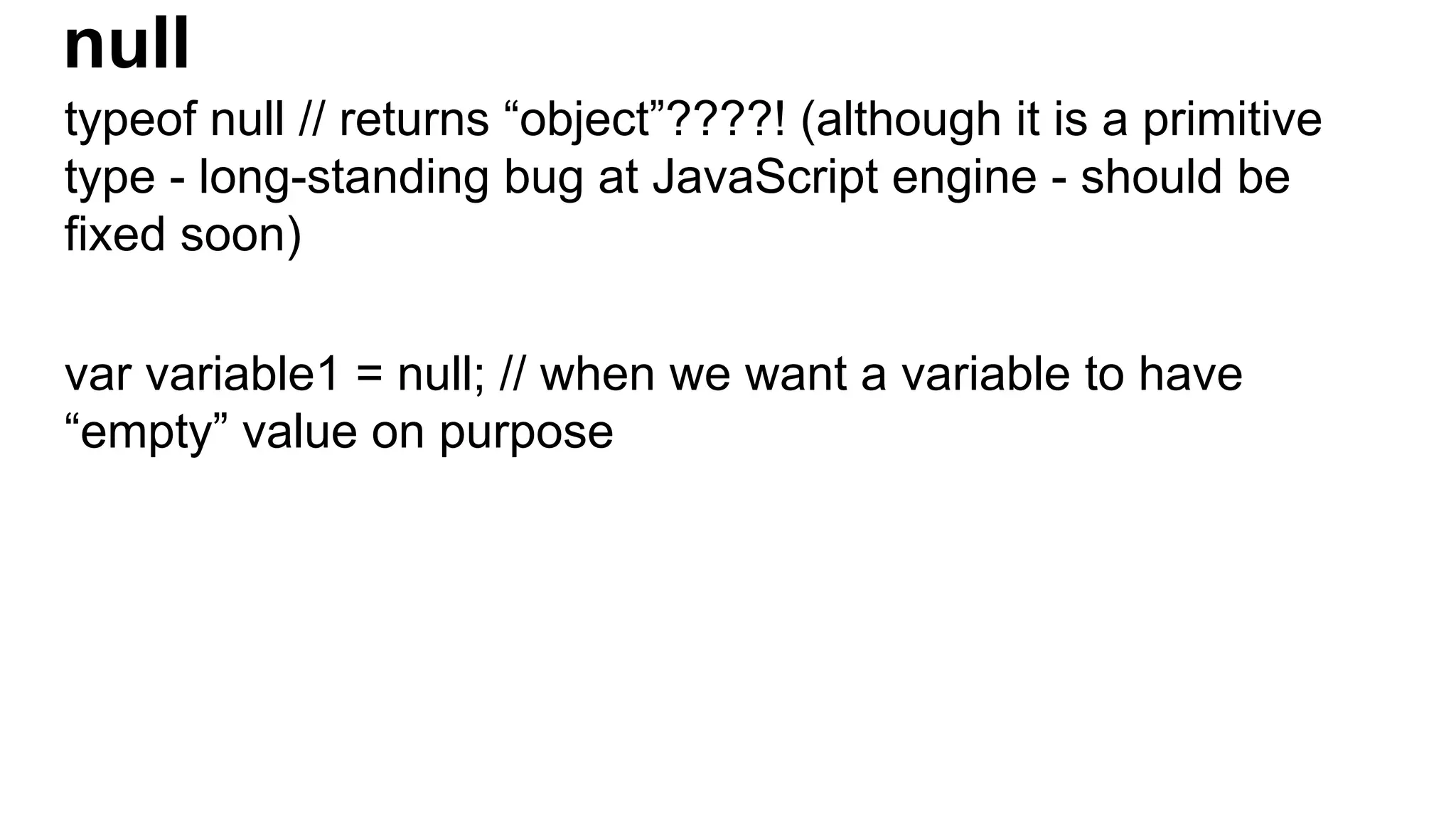
null typeof null // returns “object”????! (although it is a primitive type - long-standing bug at JavaScript engine - should be fixed soon) var variable1 = null; // when we want a variable to have “empty” value on purpose
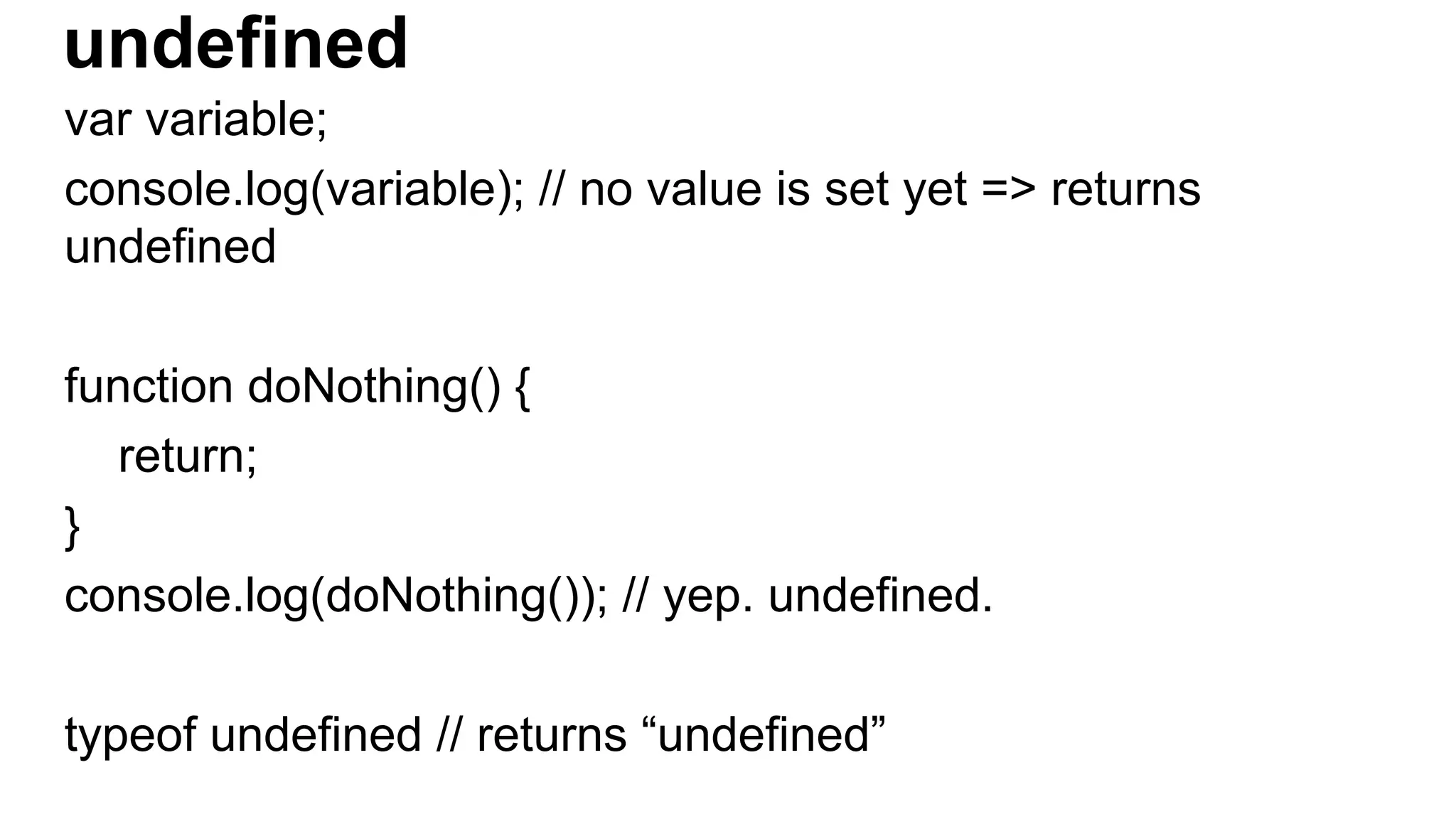
undefined var variable; console.log(variable); // no value is set yet => returns undefined function doNothing() { return; } console.log(doNothing()); // yep. undefined. typeof undefined // returns “undefined”
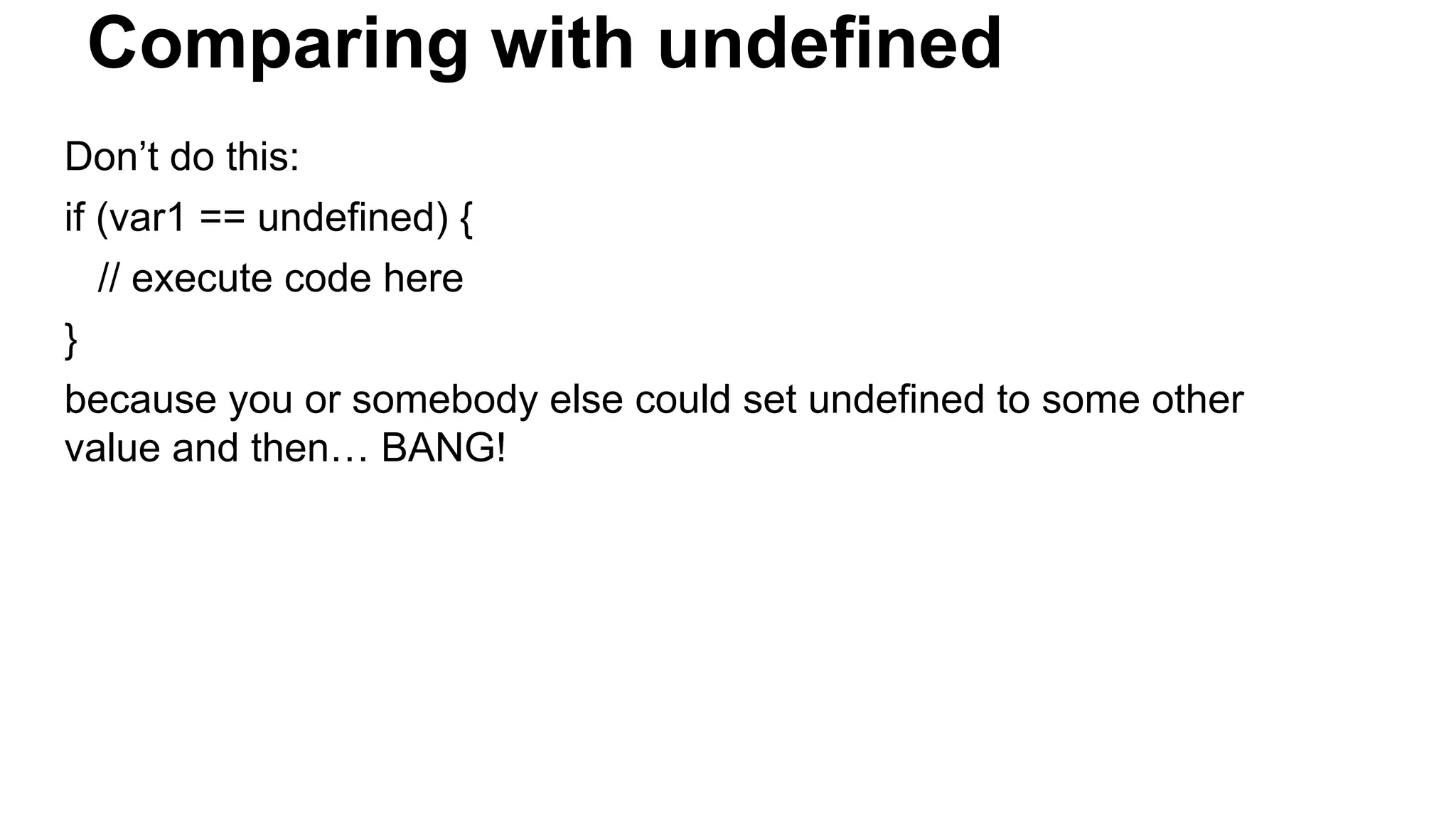
Comparing with undefined Don’t do this: if (var1 == undefined) { // execute code here } because you or somebody else could set undefined to some other value and then… BANG!
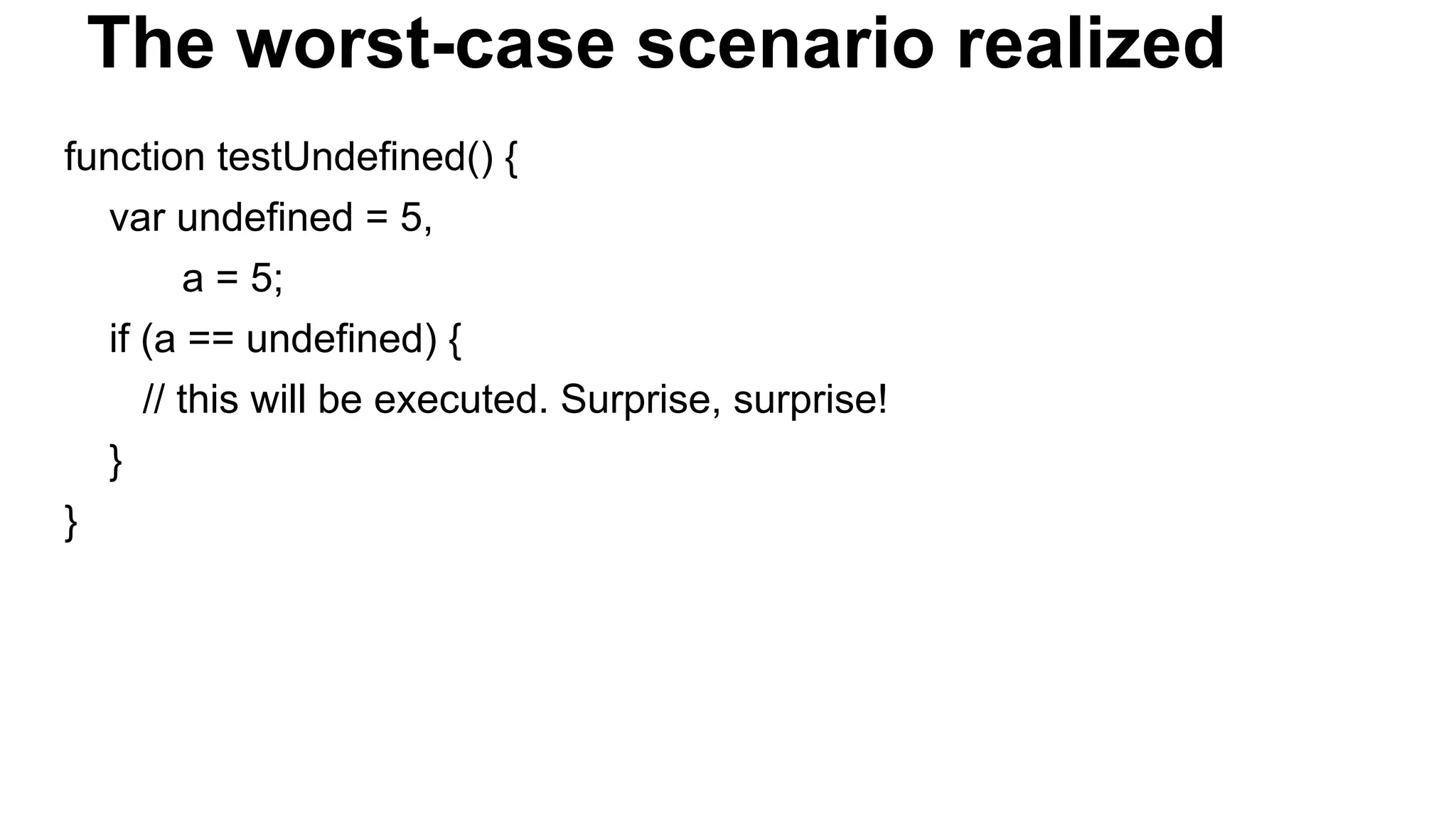
The worst-case scenario realized function testUndefined() { var undefined = 5, a = 5; if (a == undefined) { // this will be executed. Surprise, surprise! } }
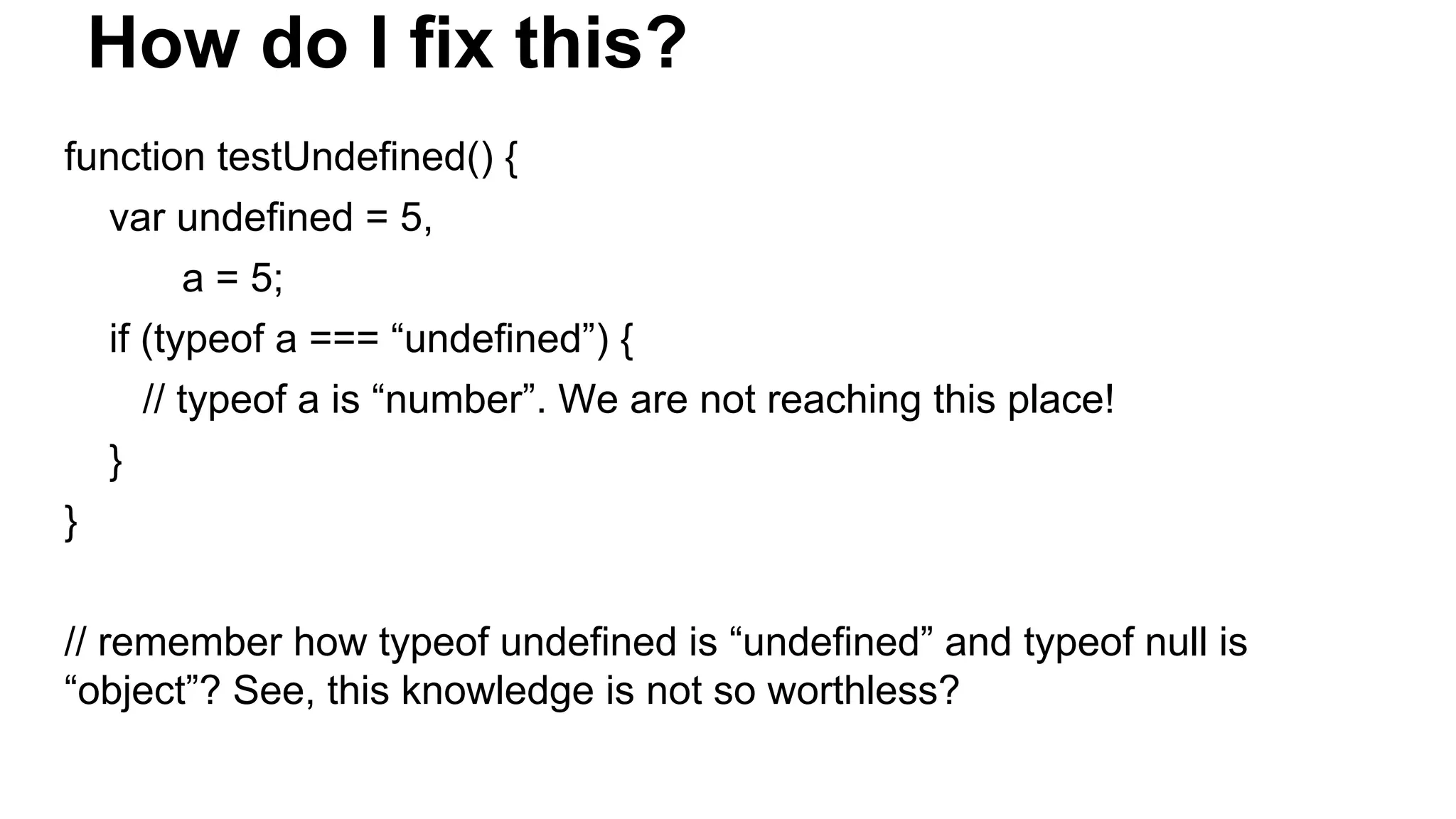
How do I fix this? function testUndefined() { var undefined = 5, a = 5; if (typeof a === “undefined”) { // typeof a is “number”. We are not reaching this place! } } // remember how typeof undefined is “undefined” and typeof null is “object”? See, this knowledge is not so worthless?
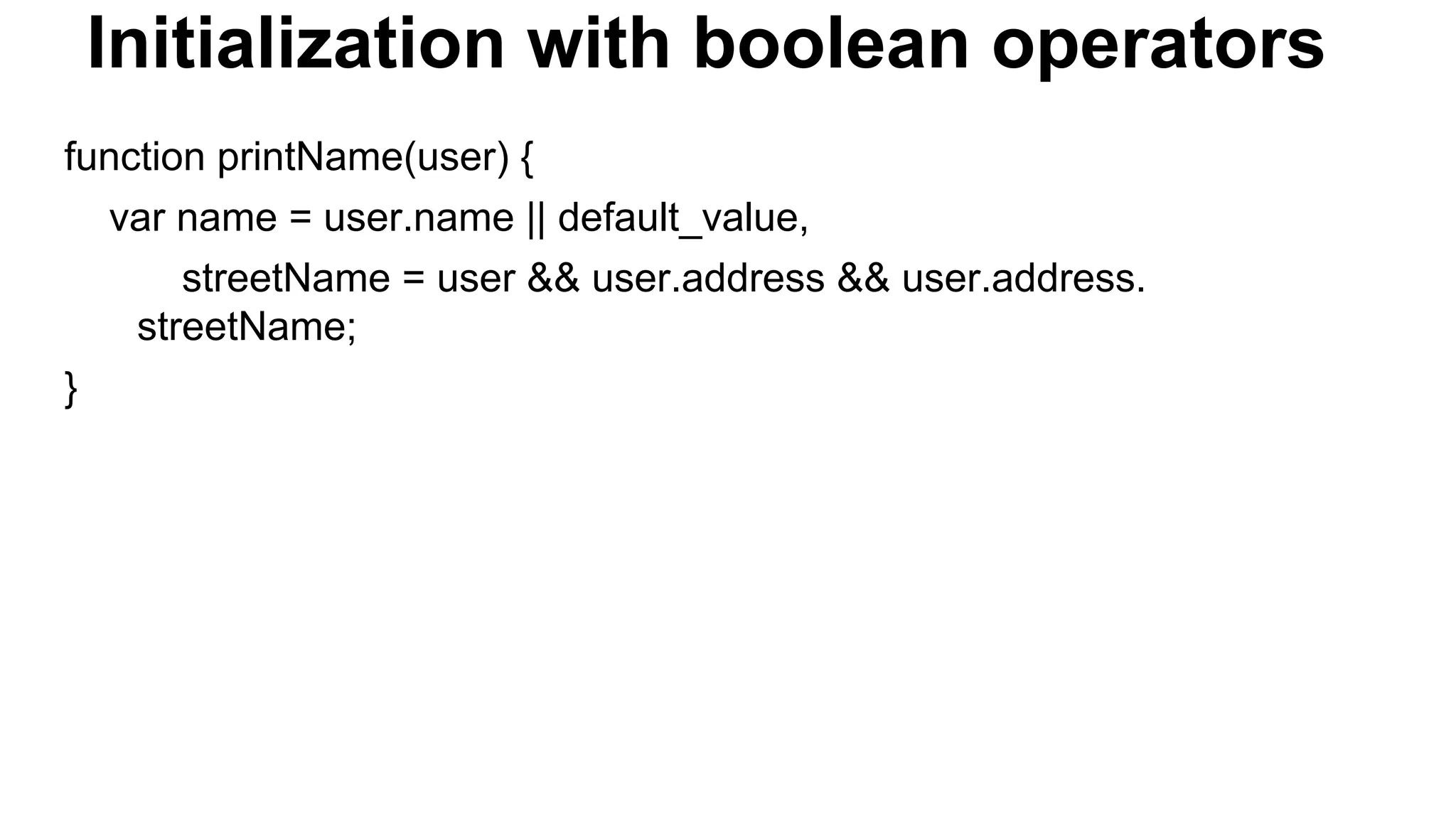
Initialization with boolean operators function printName(user) { var name = user.name || default_value, streetName = user && user.address && user.address. streetName; }
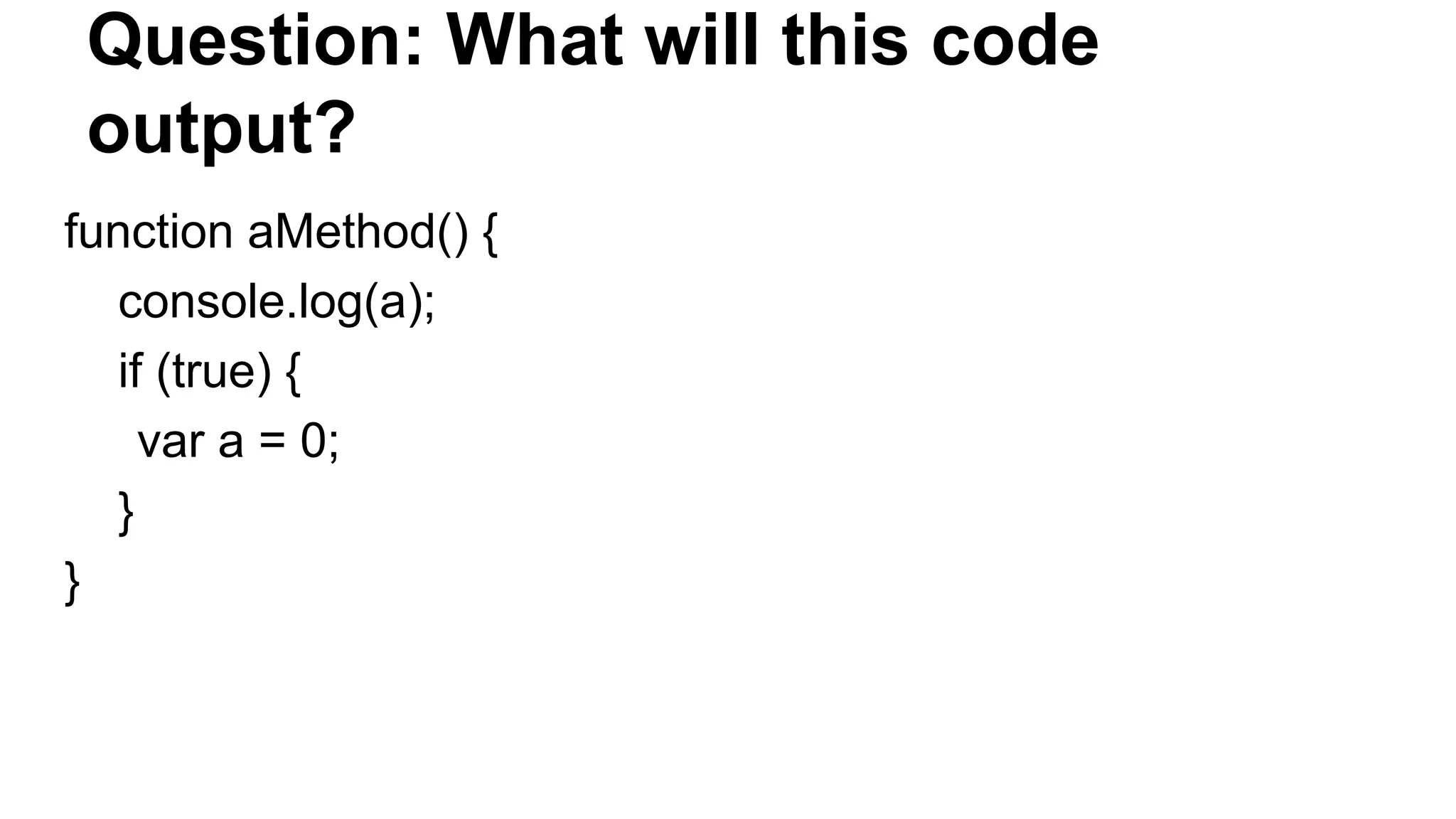
Question: What will this code output? function aMethod() { console.log(a); if (true) { var a = 0; } }
Answer: If you guessed 0, you were wrong. You see, behind the scenes the JavaScript engine in your browser of choice goes through each JavaScript function and FIRST THING BEFORE IT EXECUTES THE FUNCTION IT DOES A LITTLE RITUAL EVERY SINGLE TIME… Check next slide to see what it is...
VARIABLE HOISTING The JavaScript engine moves all var statements to the VERY BEGINNING of the function. The value assignments ARE NOT MOVED, ONLY the variable declarations! So after this little ritual the browser modifies the code like this...
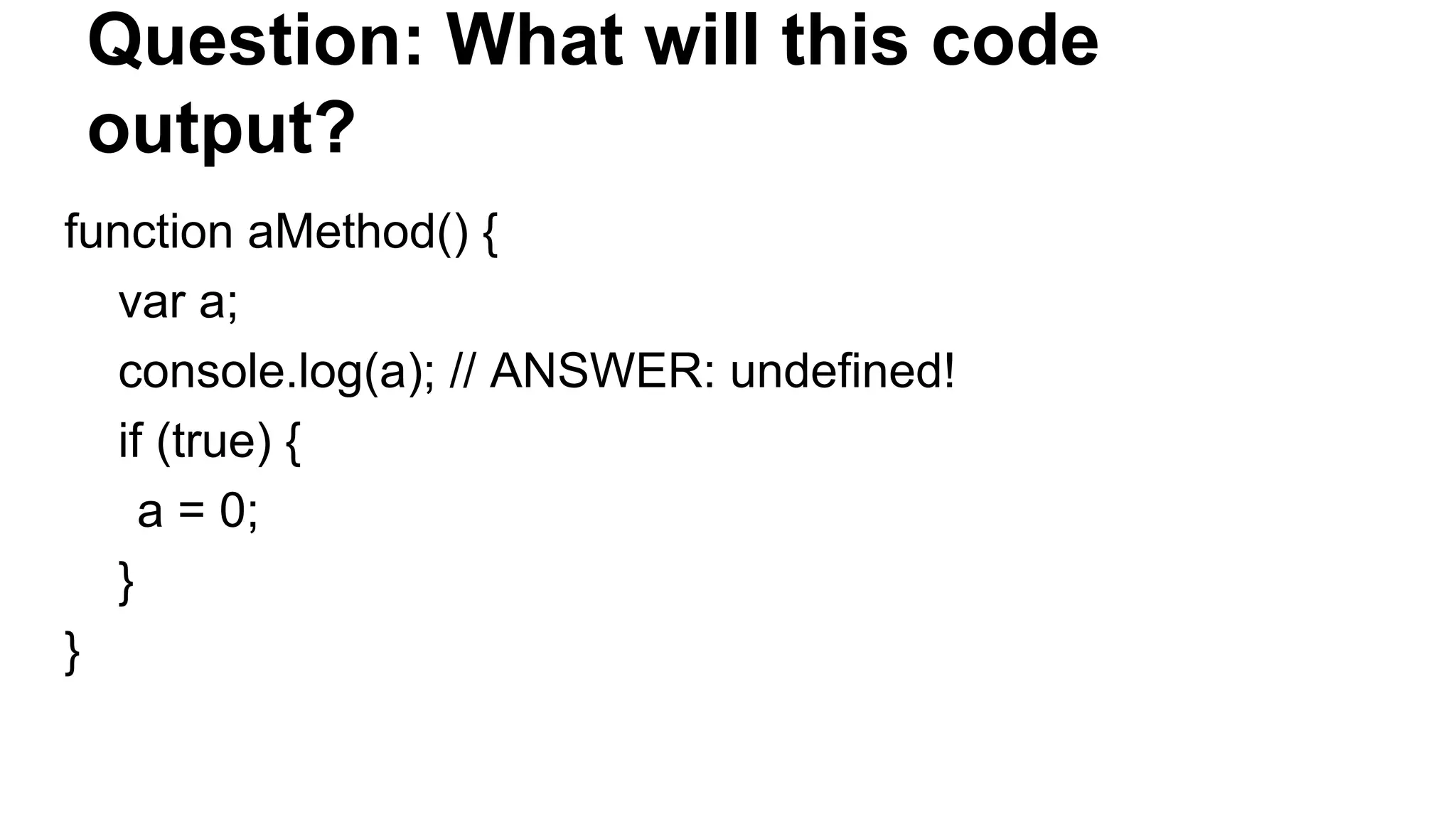
Question: What will this code output? function aMethod() { var a; console.log(a); // ANSWER: undefined! if (true) { a = 0; } }
The consequences of variable hoisting - it’s always best if your source code does exactly what it looks like it’s doing - if we know the JavaScript engine will move the variable declarations to the top of a function, then we should move them there beforehand, so that this process is obvious to JavaScript beginners looking at our source code as well!
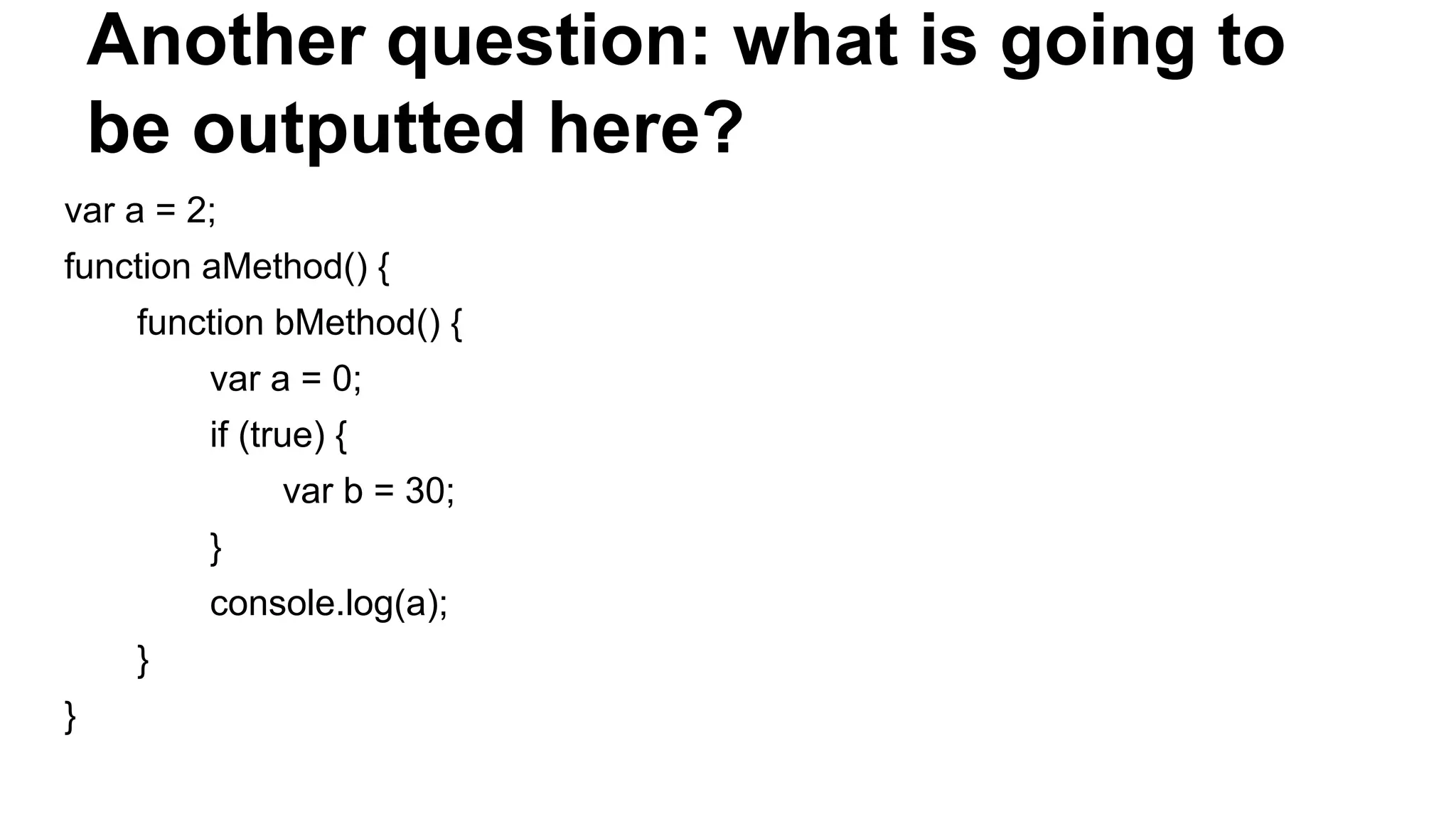
Another question: what is going to be outputted here? var a = 2; function aMethod() { function bMethod() { var a = 0; if (true) { var b = 30; } console.log(a); } }
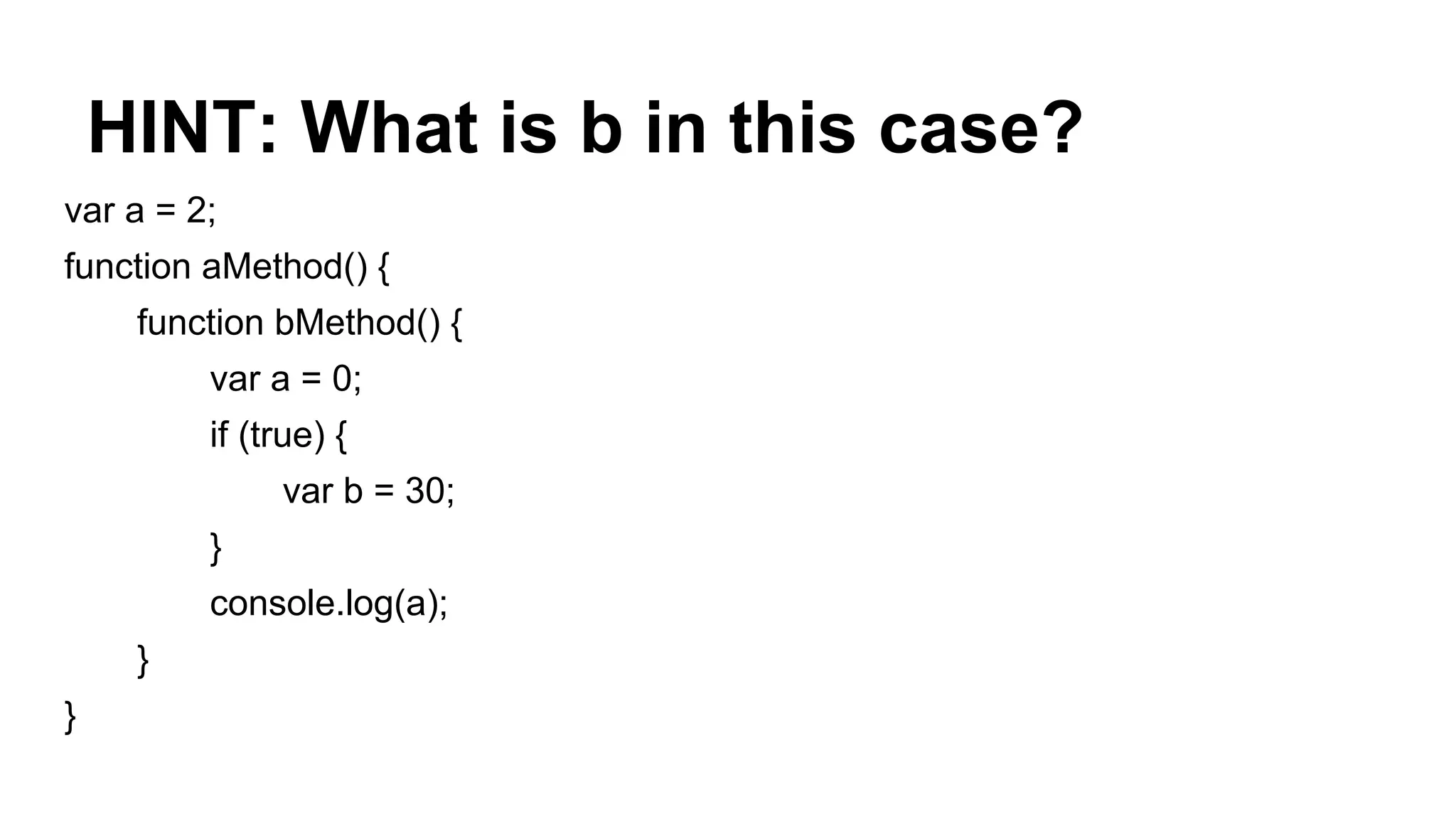
HINT: What is b in this case? var a = 2; function aMethod() { function bMethod() { var a = 0; if (true) { var b = 30; } console.log(a); } }
Answer: In this context b is a LOCAL VARIABLE for the bMethod function. In other programming languages we would expect that b is only visible in the if code block (the space between the opening { and the closing }) (i.e. it has block scope). But in JavaScript, variables are visible from the beginning of a function to its end, i.e. they have function scope.
… but where is my answer to the first question? in order to answer it we need to understand how the SCOPE CHAIN works.
THE SCOPE CHAIN (1) When you mention a variable’s name inside of a function, JavaScript goes through the Scope resolution process. It’s a step-by-step process until the variable is found/resolved. Let’s imagine that in the bMethod function from the example above we were mentioning a variable called c.
THE SCOPE CHAIN (2) The steps executed by the JavaScript engine are listed below: 1. Check for local variable with the name c. If it does not exist, continue the traversal process, otherwise stop and use the value. 2. See parent function and check for local variable in it named c. If it does not exist, continue the traversal process, otherwise stop and use the value. 3. Repeat 2. until the window object (remember that global variables are properties of the window object) is reached and check again for a global variable with that name. Return undefined if no such variable exists, otherwise return the value. Question: What is faster in your opinion - looking for a global variable from within a function nested in 30 another functions or using a local variable in that function? Answer: Of course, each additional step in the scope chain traversal takes the browser some time. Each step matters and adds up.
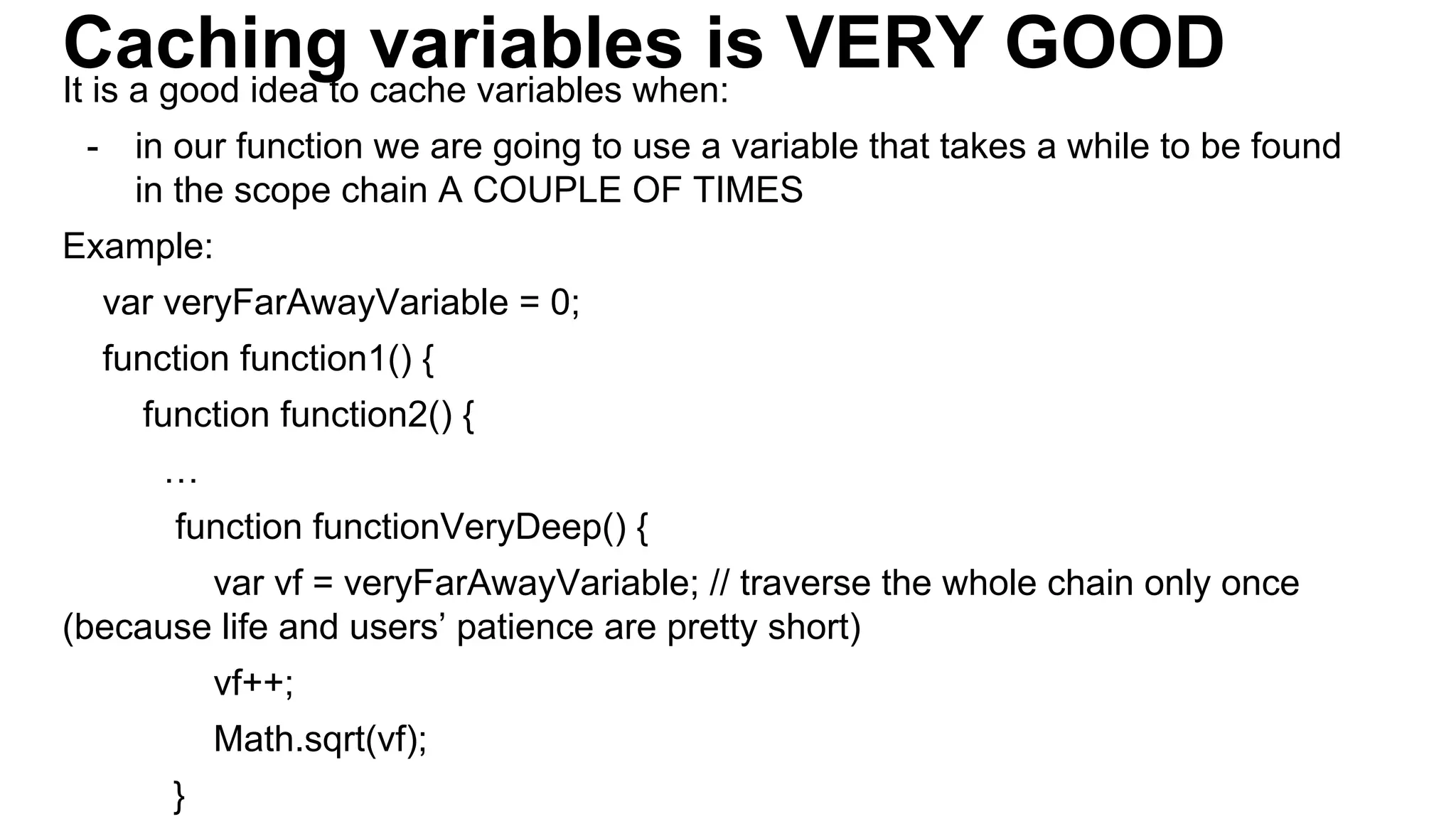
Caching variables is VERY GOODIt is a good idea to cache variables when: - in our function we are going to use a variable that takes a while to be found in the scope chain A COUPLE OF TIMES Example: var veryFarAwayVariable = 0; function function1() { function function2() { … function functionVeryDeep() { var vf = veryFarAwayVariable; // traverse the whole chain only once (because life and users’ patience are pretty short) vf++; Math.sqrt(vf); }
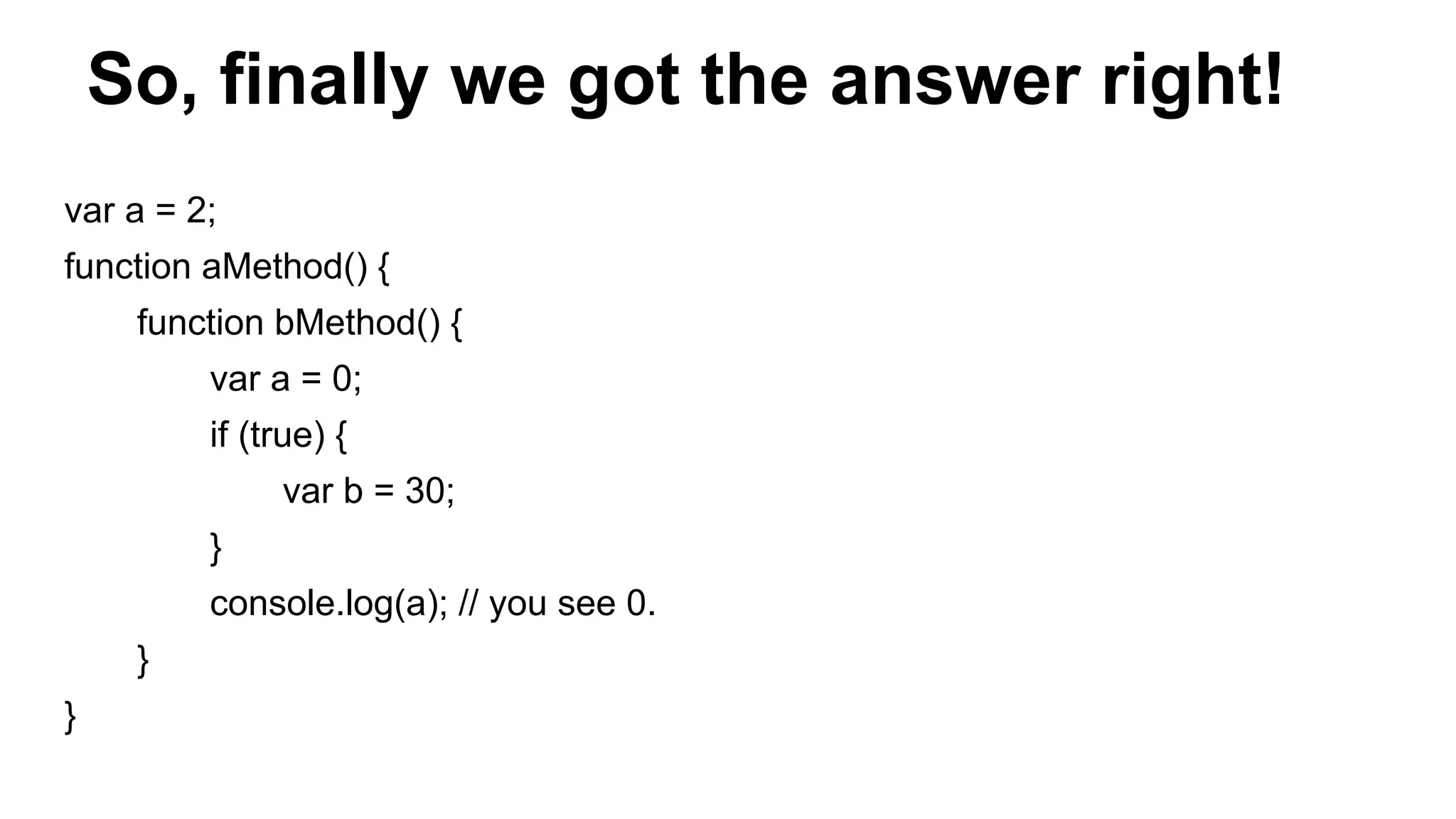
So, finally we got the answer right! var a = 2; function aMethod() { function bMethod() { var a = 0; if (true) { var b = 30; } console.log(a); // you see 0. } }
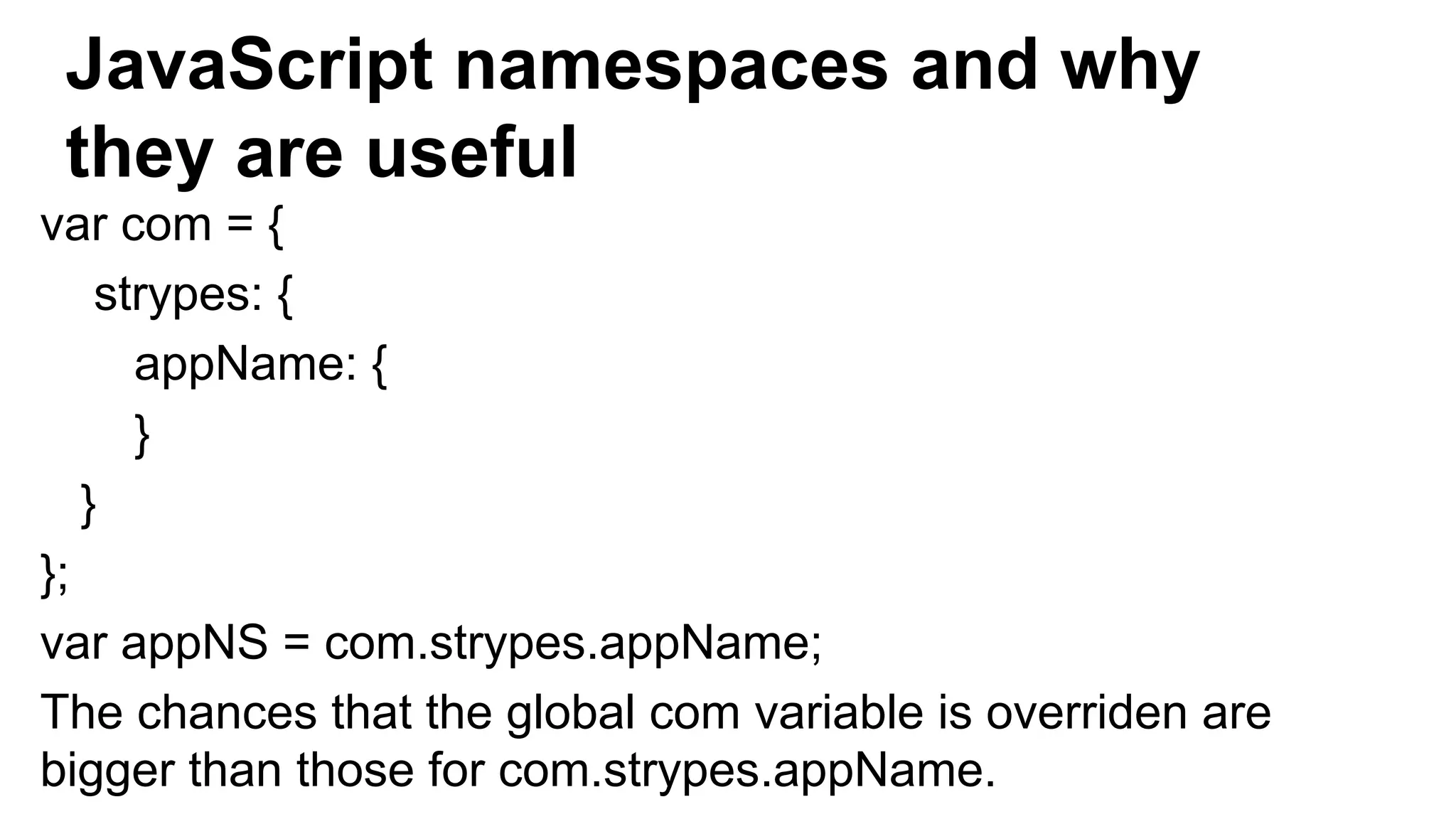
JavaScript namespaces and why they are useful var com = { strypes: { appName: { } } }; var appNS = com.strypes.appName; The chances that the global com variable is overriden are bigger than those for com.strypes.appName.
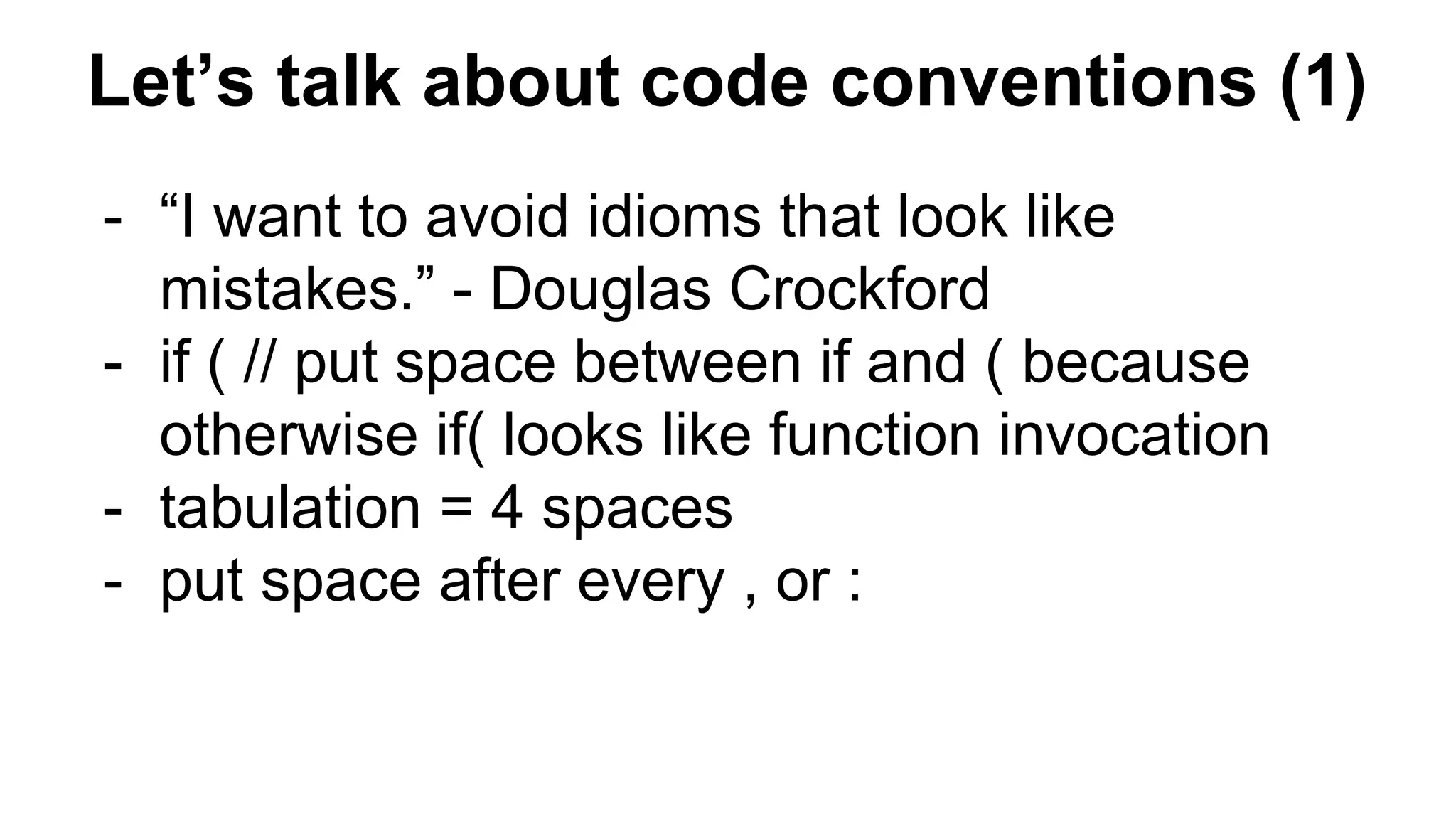
Let’s talk about code conventions (1) - “I want to avoid idioms that look like mistakes.” - Douglas Crockford - if ( // put space between if and ( because otherwise if( looks like function invocation - tabulation = 4 spaces - put space after every , or :
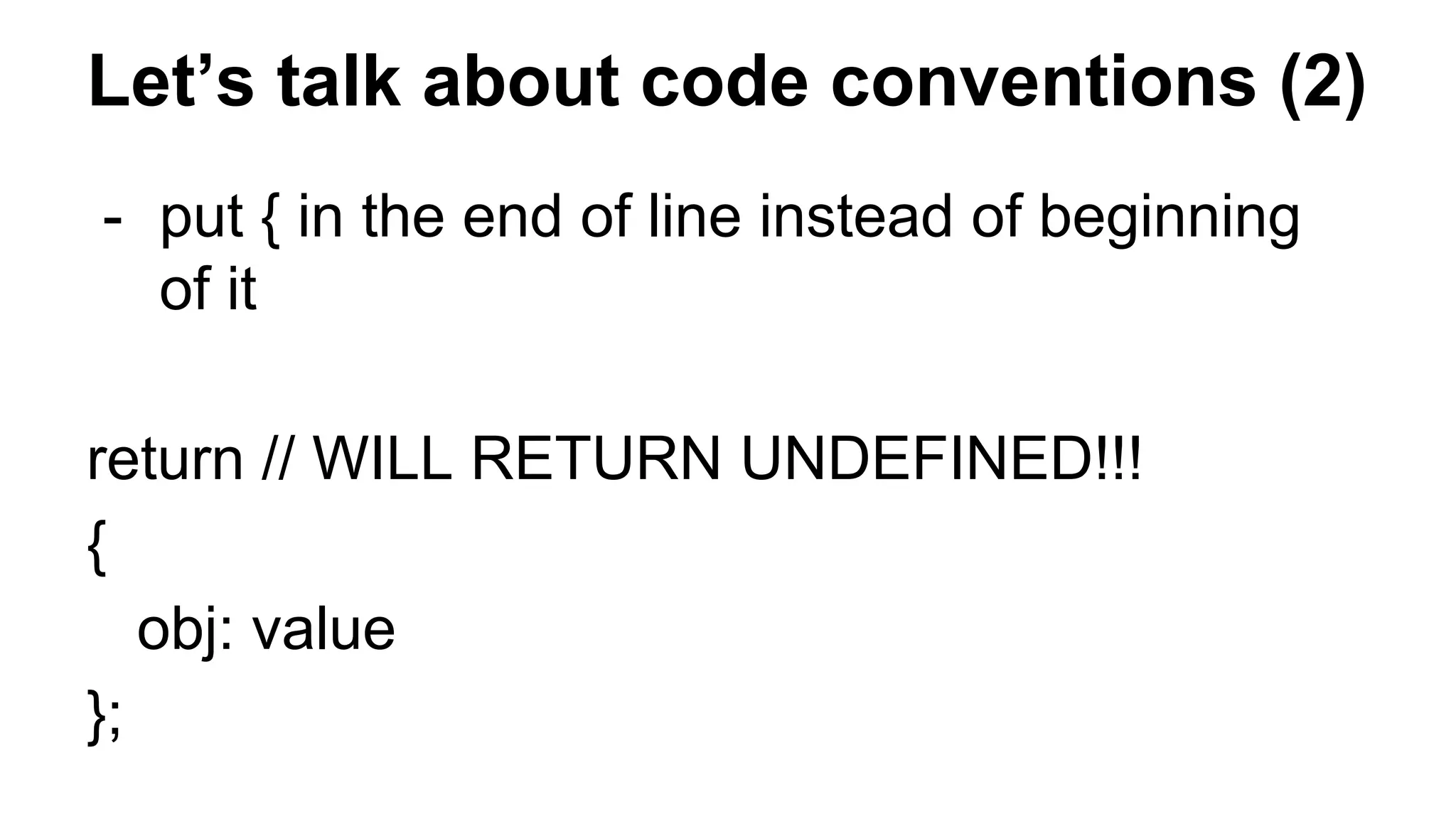
Let’s talk about code conventions (2) - put { in the end of line instead of beginning of it return // WILL RETURN UNDEFINED!!! { obj: value };
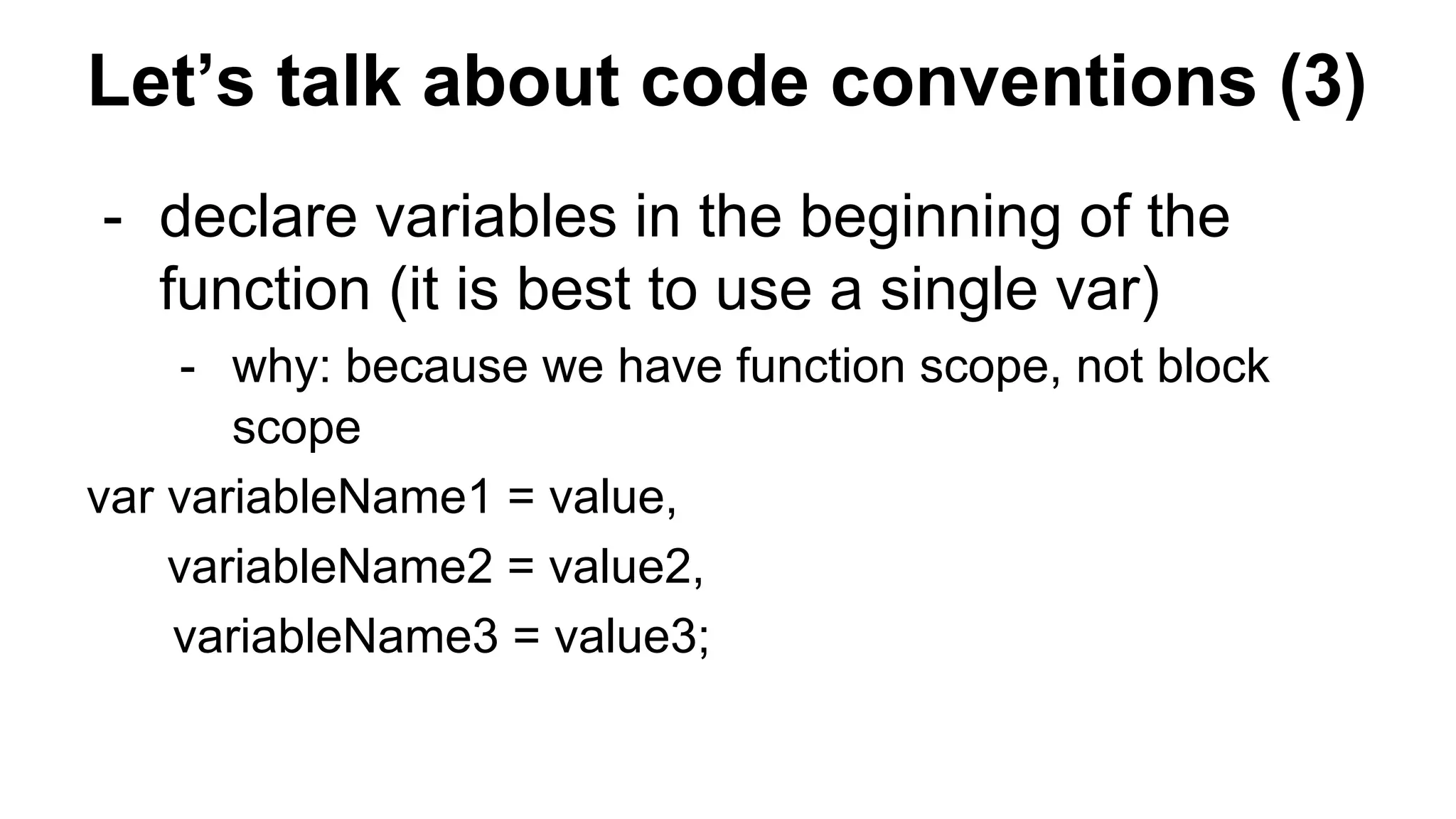
Let’s talk about code conventions (3) - declare variables in the beginning of the function (it is best to use a single var) - why: because we have function scope, not block scope var variableName1 = value, variableName2 = value2, variableName3 = value3;
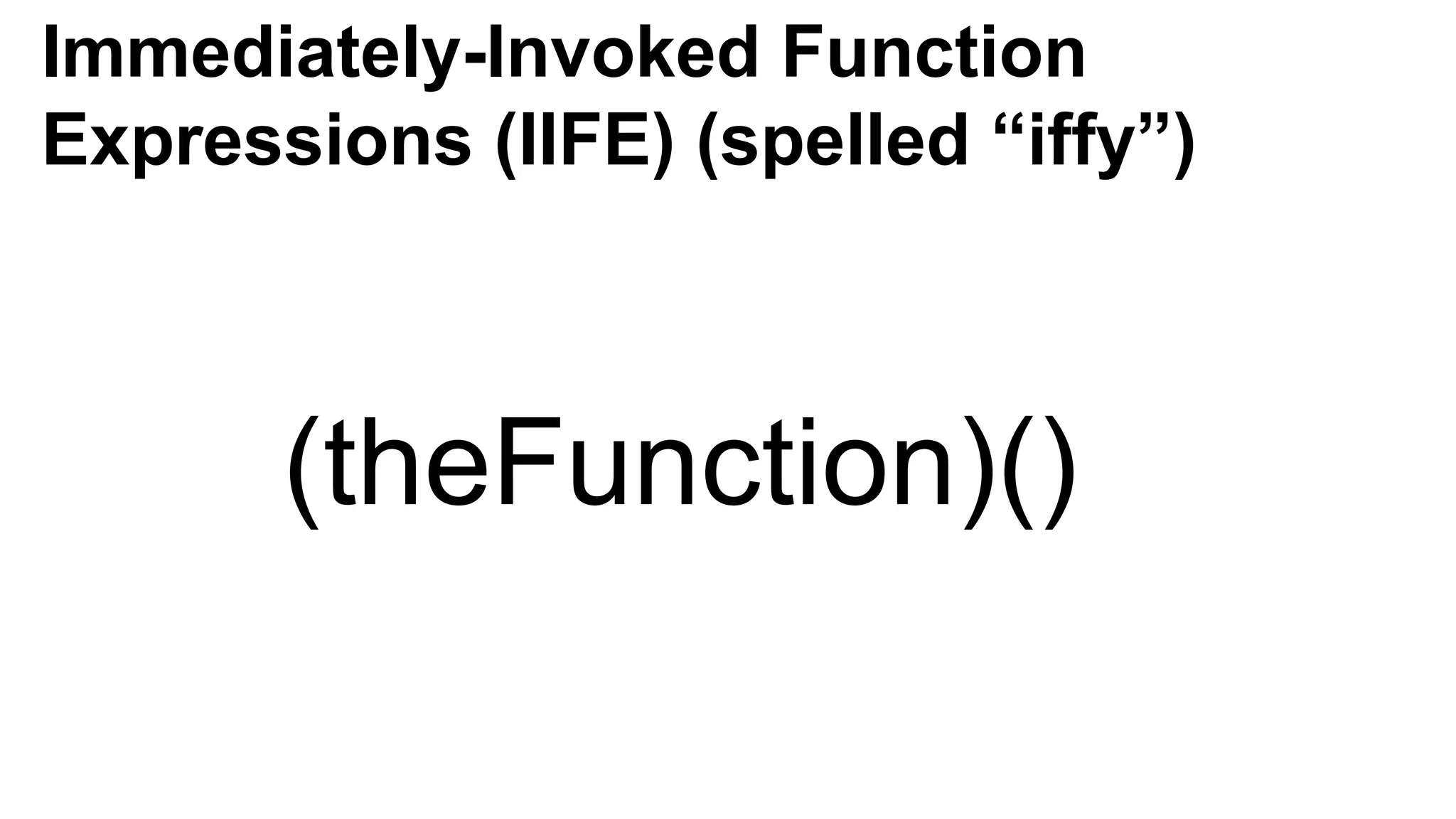
Immediately-Invoked Function Expressions (IIFE) (spelled “iffy”) (theFunction)()
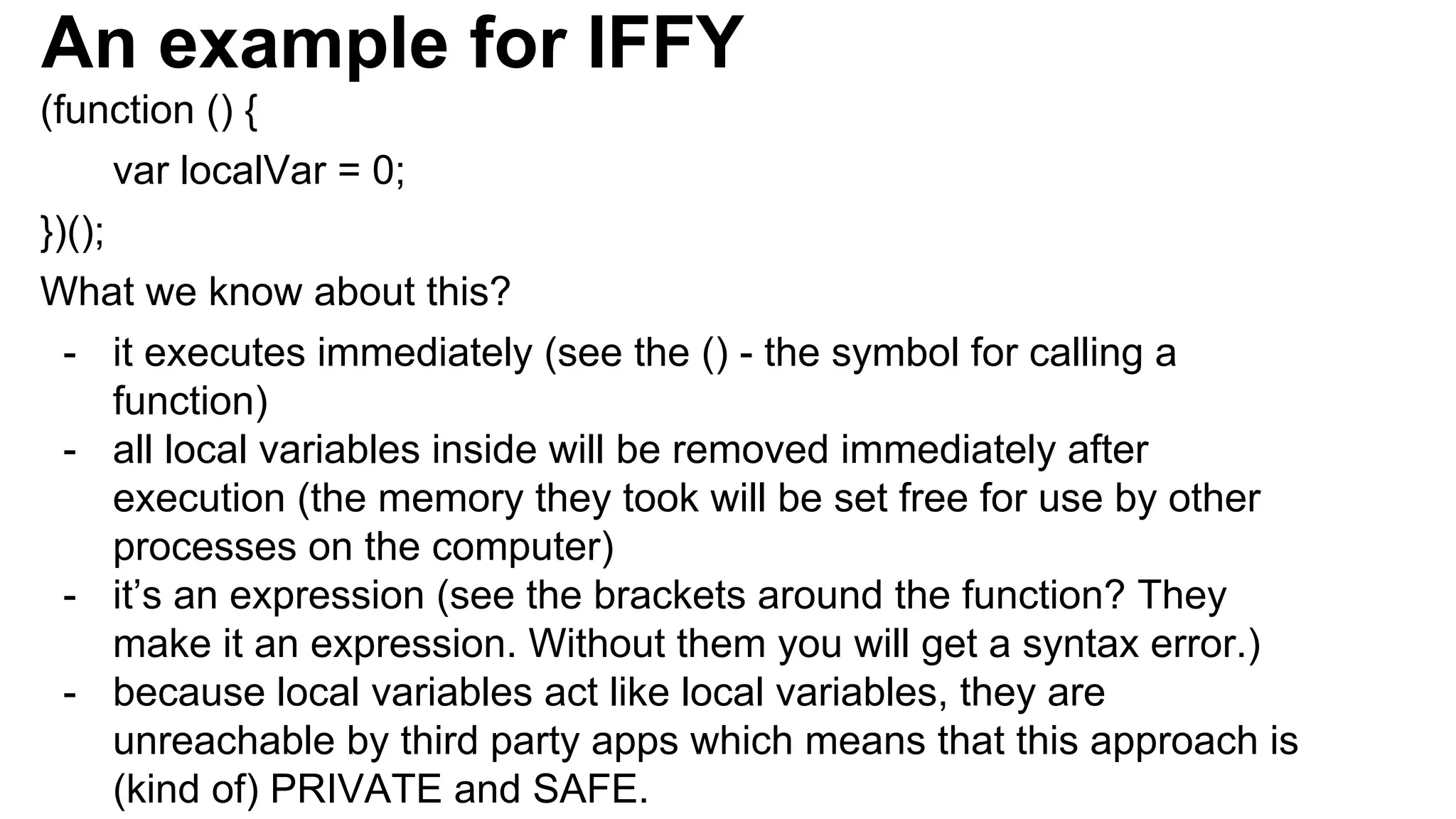
An example for IFFY (function () { var localVar = 0; })(); What we know about this? - it executes immediately (see the () - the symbol for calling a function) - all local variables inside will be removed immediately after execution (the memory they took will be set free for use by other processes on the computer) - it’s an expression (see the brackets around the function? They make it an expression. Without them you will get a syntax error.) - because local variables act like local variables, they are unreachable by third party apps which means that this approach is (kind of) PRIVATE and SAFE.
Why the revealing module pattern is “kool” - uses the IIFE pattern to encapsulate private information - remember objects and how you didn’t knew what they were doing deep inside? Do you think your grandmother wants to know how her TV works? Just using the TV interface (the TV remote) is hard enough for her, no? - you have private and public parts, which means even your grandmother can (probably) use your code.
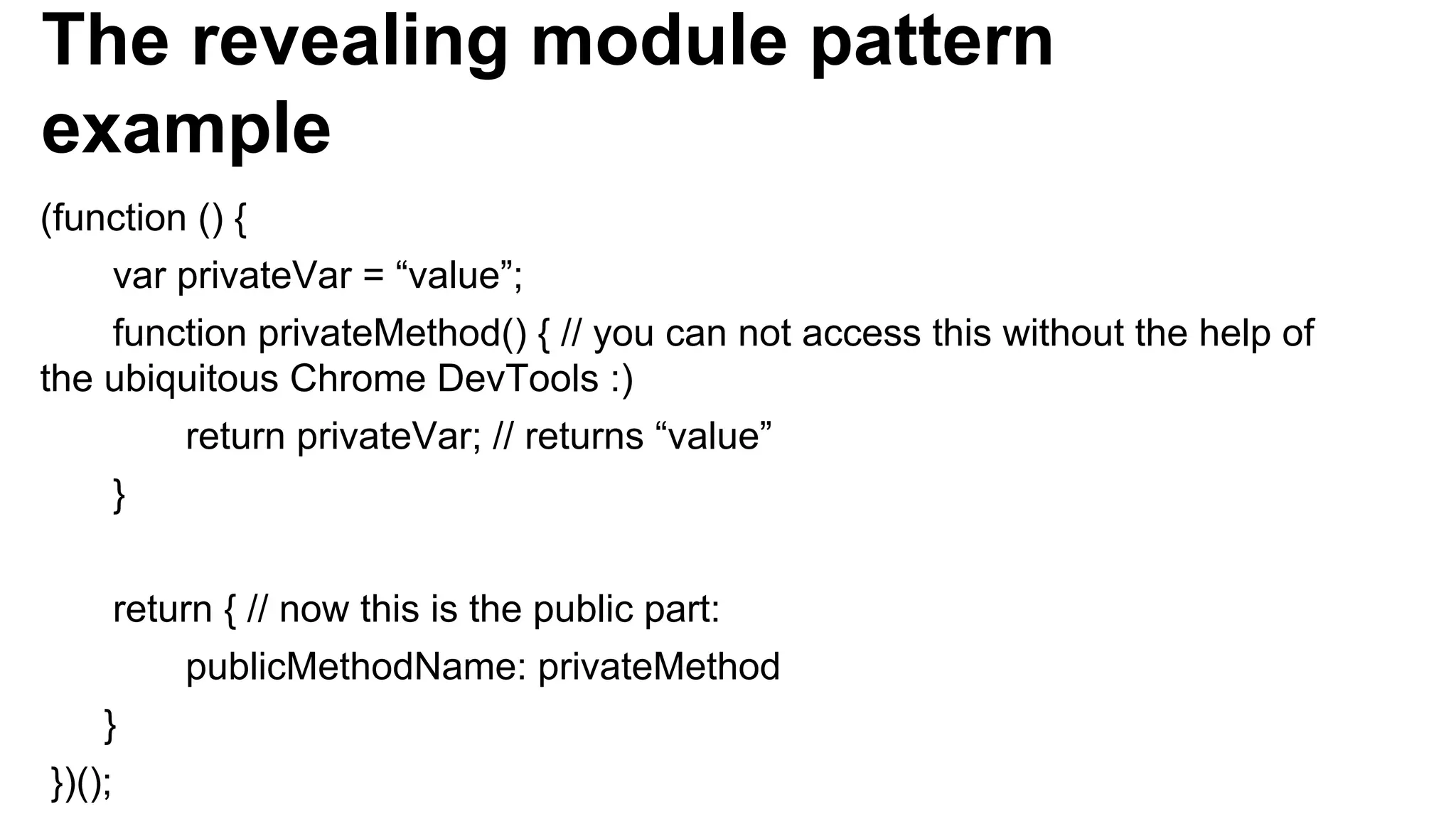
The revealing module pattern example (function () { var privateVar = “value”; function privateMethod() { // you can not access this without the help of the ubiquitous Chrome DevTools :) return privateVar; // returns “value” } return { // now this is the public part: publicMethodName: privateMethod } })();
Singleton pattern example - useful when we should allow for the creation of only one instance of specific object - see singleton.js in code/ directory
function quotatious(names) { var quotes = []; for (var i = 0; i < names.length; i++) { var theFunction = function () { return “My name is “ + names[i] + “!”; } quotes.push(theFunction); } return quotes; } var people = [“Tony Stark”, “John Rambo”, “James Bond”, “Rick James”]; var peopleFunctions = quotatious(people); var person = peopleFunctions[0](); // we expect “My name is Tony Stark!” here, no?
CLOSURE A safe “bubble” around a function that: - keeps all of the outer variables that the function is using alive until it executes - the bubble knows only the address of the variable it’s protecting, NOT THE VALUE ITSELF!
function quotatious(names) { var quotes = []; for (var i = 0; i < names.length; i++) { var theFunction = function () { return “My name is “ + names[i] + “!”; } quotes.push(theFunction); } return quotes; } Sooo… if all we have is an address in memory (no value), what do we know about the i variable? And what is it latest value of that variable? See what the problem is?
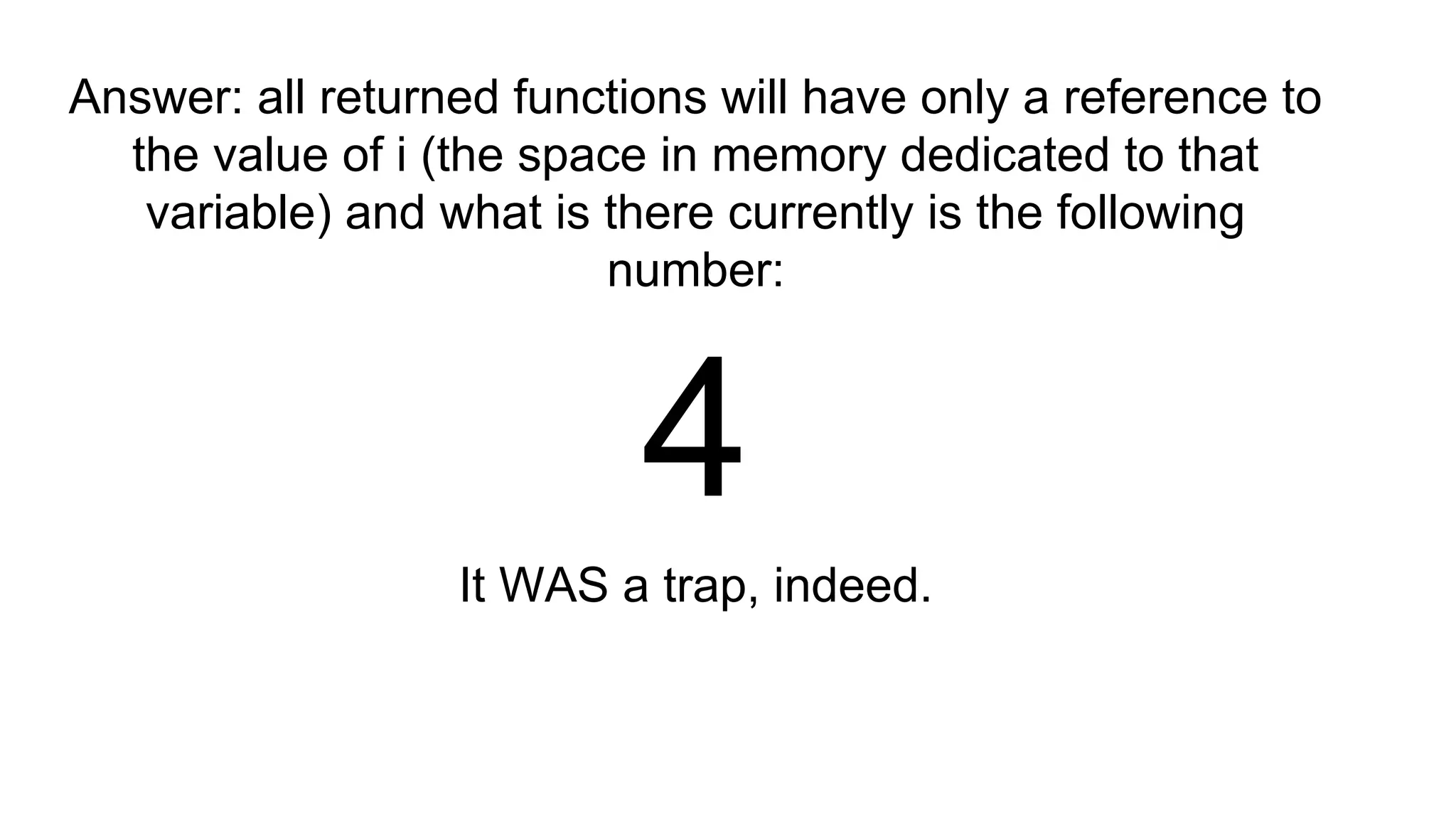
Answer: all returned functions will have only a reference to the value of i (the space in memory dedicated to that variable) and what is there currently is the following number: 4 It WAS a trap, indeed.
DEMO: Looking at some JS design patterns in the source code of some frameworks: http://backbonejs.org/docs/backbone.html https://github.com/emberjs/ember.js/ https://github.com/angular/angular.js/
Short detour… What browsers do when loading a page? 1. [User] Type URL and press Enter or click a link 2. [Browser] Make request to download page .HTML file 3. [Browser] Parse .HTML and populate DOM tree. (images and stylesheet have not been parsed yet, you only see content) // DOMContentLoaded event fired. 4. [Browser] Load images and stylesheets (generate Render tree) 5. [Browser] Load scripts and wait for each script to execute // page fully loaded. load event fired.
How browsers parse an HTML file Tokenizer - knows the “dictionary” of HTML and breaks down the HTML file into tokens/words Parser - receives “words” from the Tokenizer and builds with them: 1. Parsing HTML to Construct the DOM tree 2. Render tree construction =
Scripts order in DOM matters 1. Browser walks the DOM from top to bottom. 2. When a browser finds a <script> tag, it downloads and executes the scripts and STOPS EVERYTHING else on the page from running while the script is executing!!!!! (hence the page will appear to be frozen/including there will be no mouse/keyboard events) BEST PRACTICE 1: Place script tags in the bottom of the page (show the page to users and then wait for scripts to execute) BEST PRACTICE 2: Use <script async> (runs script without blocking other stuff) and <script defer> (delays running a script after DOM is loaded)
<script defer> The <script defer> attribute indicates that the script contained within the element is not going to MODIFY THE DOM and therefore execution can be safely deferred until a later point in time. JavaScript will execute ONLY AFTER the DOM has loaded.
Other notes about the <script> tag While a script is downloaded and/or executed, most browsers can not download anything else (for example: images, stylesheets, etc.). “Each HTTP request brings with it additional performance overhead, so downloading one single 100 KB file will be faster than downloading four 25 KB files.” - Nicholas Zakas, “High Performance JavaScript”
Other interesting notes about how browsers work (1) Most browsers use one single process for both: - updating the UI (including user events, e.g. mouse clicks, key presses, etc.) - executing JavaScript code As a consequence while JavaScript code is running, mouse clicks are not detected (the application looks frozen to the user).
Other interesting notes about how browsers work (2) Browsers can download CSS files in parallel (this is a non- blocking operation) Browser UI Thread process - there is only one process that is responsible for both: - executing JavaScript code - updating the UI/the screen Hence: while JavaScript is executing you can not update the screen (you can not do both at the same time). Hence it is important to divide huge processing operations in batches.
Garbage Collection (GC) in the browser - the browser goes through all objects and removes the unnecessary ones to free up some more memory for useful things
setInterval vs setTimeout (1) - setTimeout(function, n) - executes code after n milliseconds - setInterval(function, n) - executes code every n milliseconds
setInterval example setInterval(function () { // this will either execute OR will not execute at all }, 100);
setTimeout example setTimeout(function () { // this will execute for sure, but it is not certain whether it will be on the 100th millisecond OR LATER }, 100);
setInterval vs setTimeout (2) - browsers use one single process to: - update UI - execute JavaScript code => browser does not receive user events while executing JavaScript code => before the Web Workers API all JavaScript executed in ONE thread. ONE.
Consequences of having a single thread for JavaScript code execution Handlers for asynchronous events such as: - timers - UI events (click, doubleclick, touch, etc.) - XMLHttpRequests execute ONLY when there is nothing else executing on the JS thread. Otherwise the browser puts the handler in a special queue.
Why am I telling you this? - users nowadays notice even the slightest interaction delays - are you okay with family get-together with uncle Vanio talking all the time?
The solution: - convert blocking operations into non- blocking operations - execute costly operations piece by piece with timers - make uncle Vanio shut up from time to time - execute -> suspend -> execute next part -> suspend
Executing time-consuming operations in batches (DEMO)
setInterval and setTimeout - final notes - use only timer at a time - this way we prevent performance issues which can occur if we use multiple timers at the same time (GC)
Try… Catch try { // some risky code goes here // and it might throw exception } catch (exceptionInfo) { // block scope goes here. hmm..?! }
Things to avoid in JavaScript “When reviewing the features of a language, I now pay special attention to features that are sometimes useful but occasionally dangerous. Those are the worst parts because it is difficult to tell whether they are being used correctly. That is a place where bugs hide. (...) JavaScript provides support for large programs, but it also provides forms and idioms that work against large programs.” Douglas Crockford
What’s next in ES 6? - Generators - Modules (export) - Arrow functions - Classes (syntax sugar) - Destructuring - Tail calls - Promises - The let keyword and more...
Useful tools
JavaScript general purpose frameworks
JavaScript application frameworks
- takes source code and scans it for problematic code - setting up SublimeText with JSLint Code Quality Tools for JavaScript
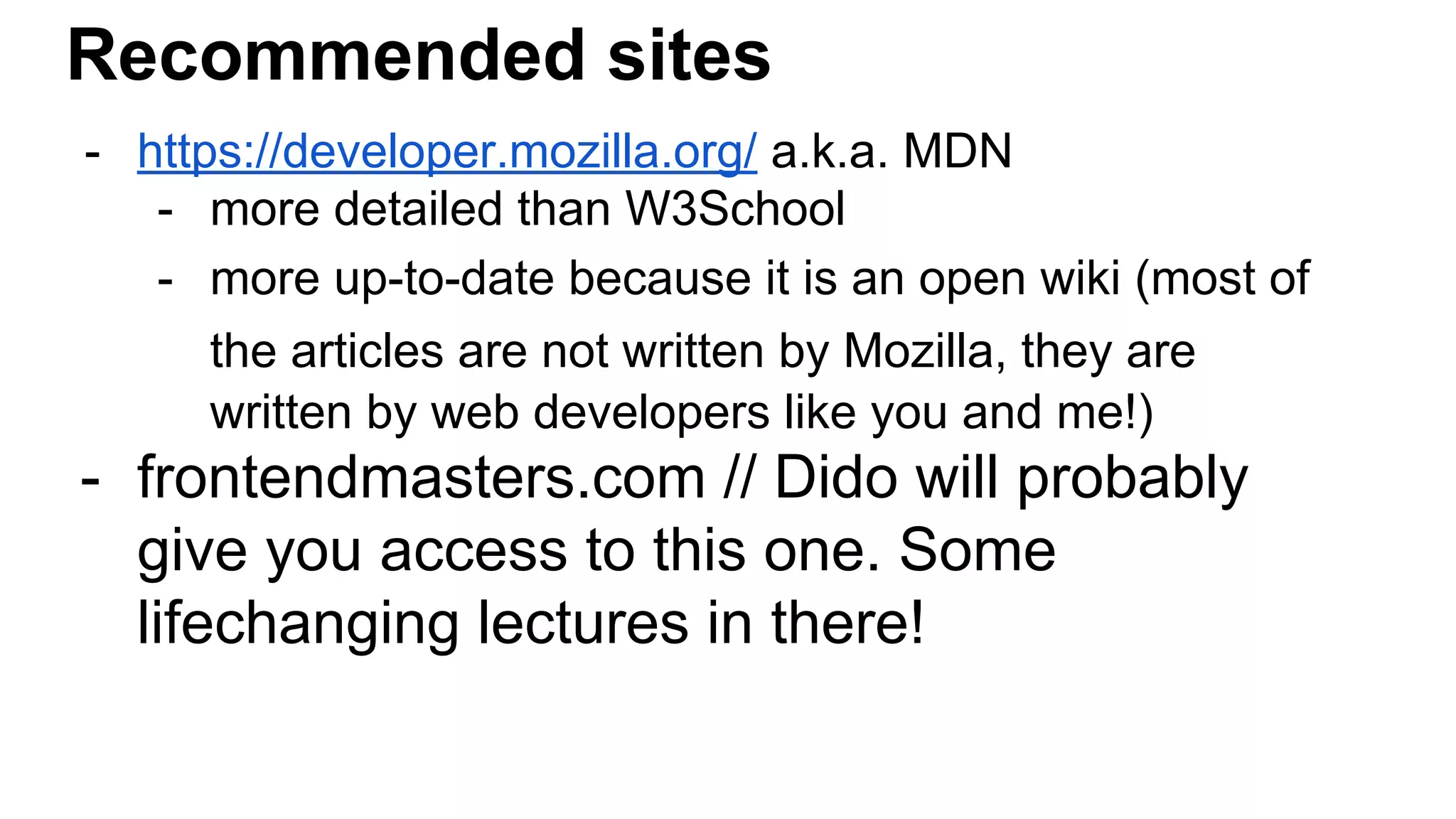
Recommended sites - https://developer.mozilla.org/ a.k.a. MDN - more detailed than W3School - more up-to-date because it is an open wiki (most of the articles are not written by Mozilla, they are written by web developers like you and me!) - frontendmasters.com // Dido will probably give you access to this one. Some lifechanging lectures in there!
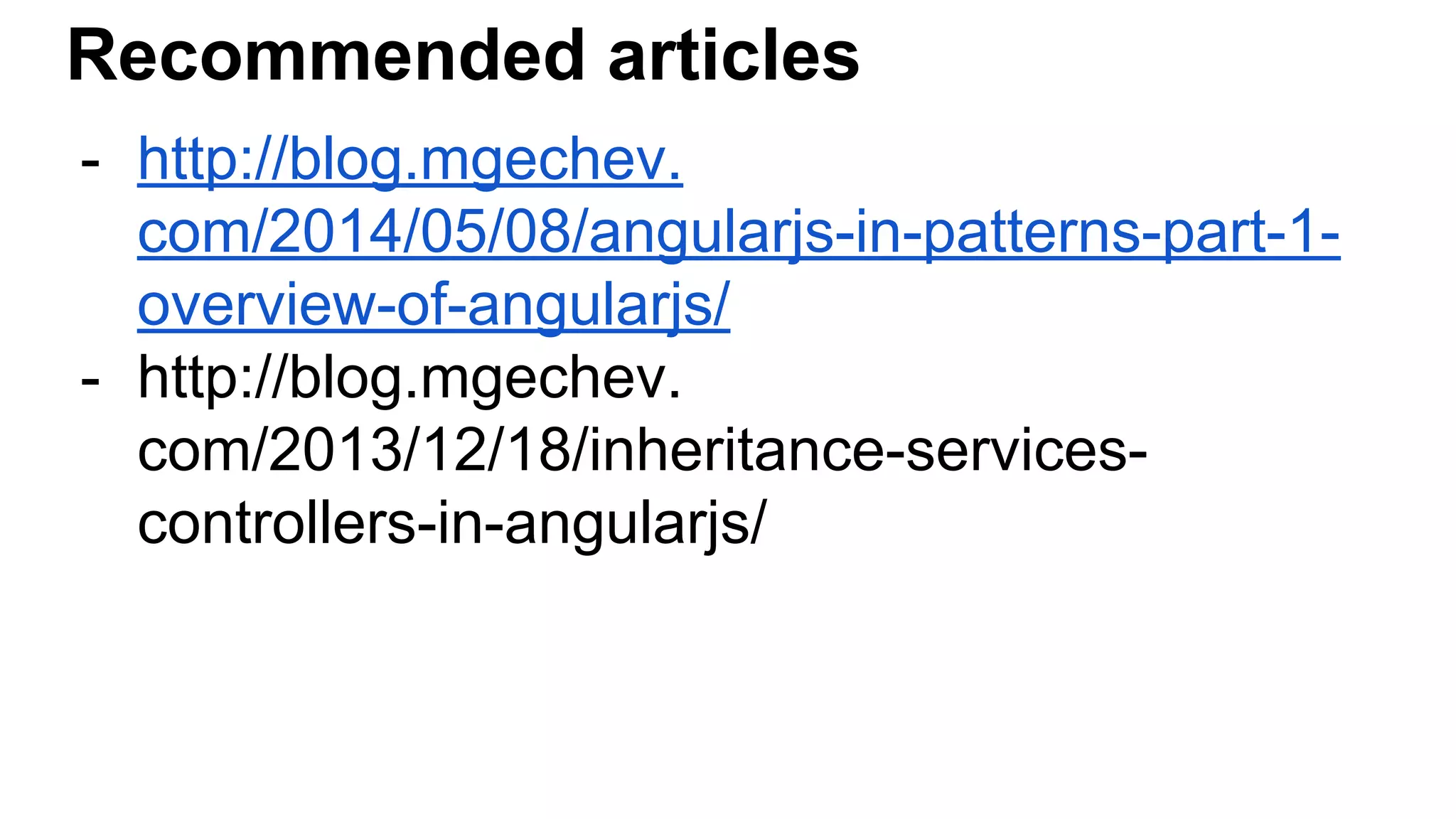
Recommended articles - http://blog.mgechev. com/2014/05/08/angularjs-in-patterns-part-1- overview-of-angularjs/ - http://blog.mgechev. com/2013/12/18/inheritance-services- controllers-in-angularjs/
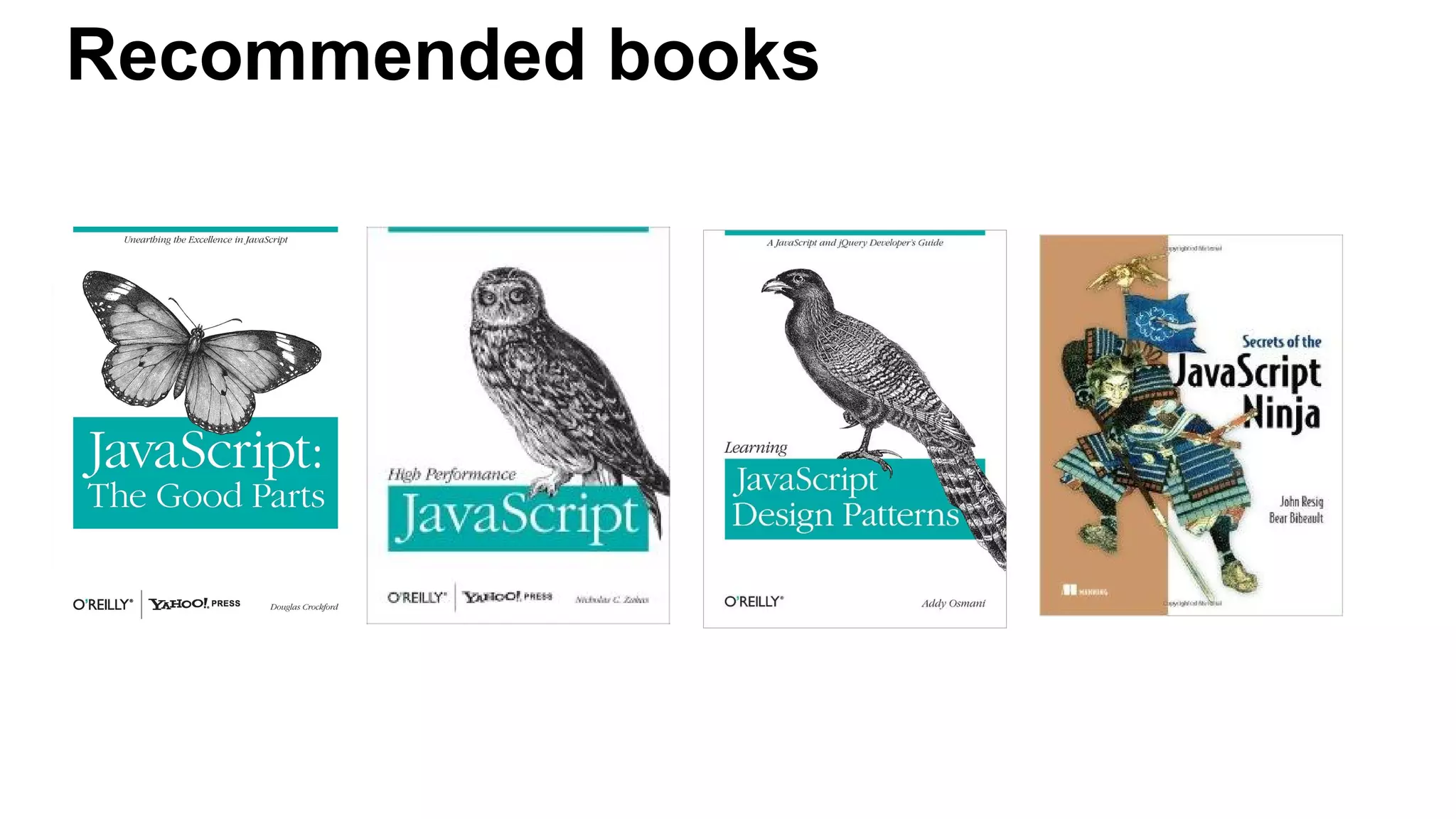
Recommended books
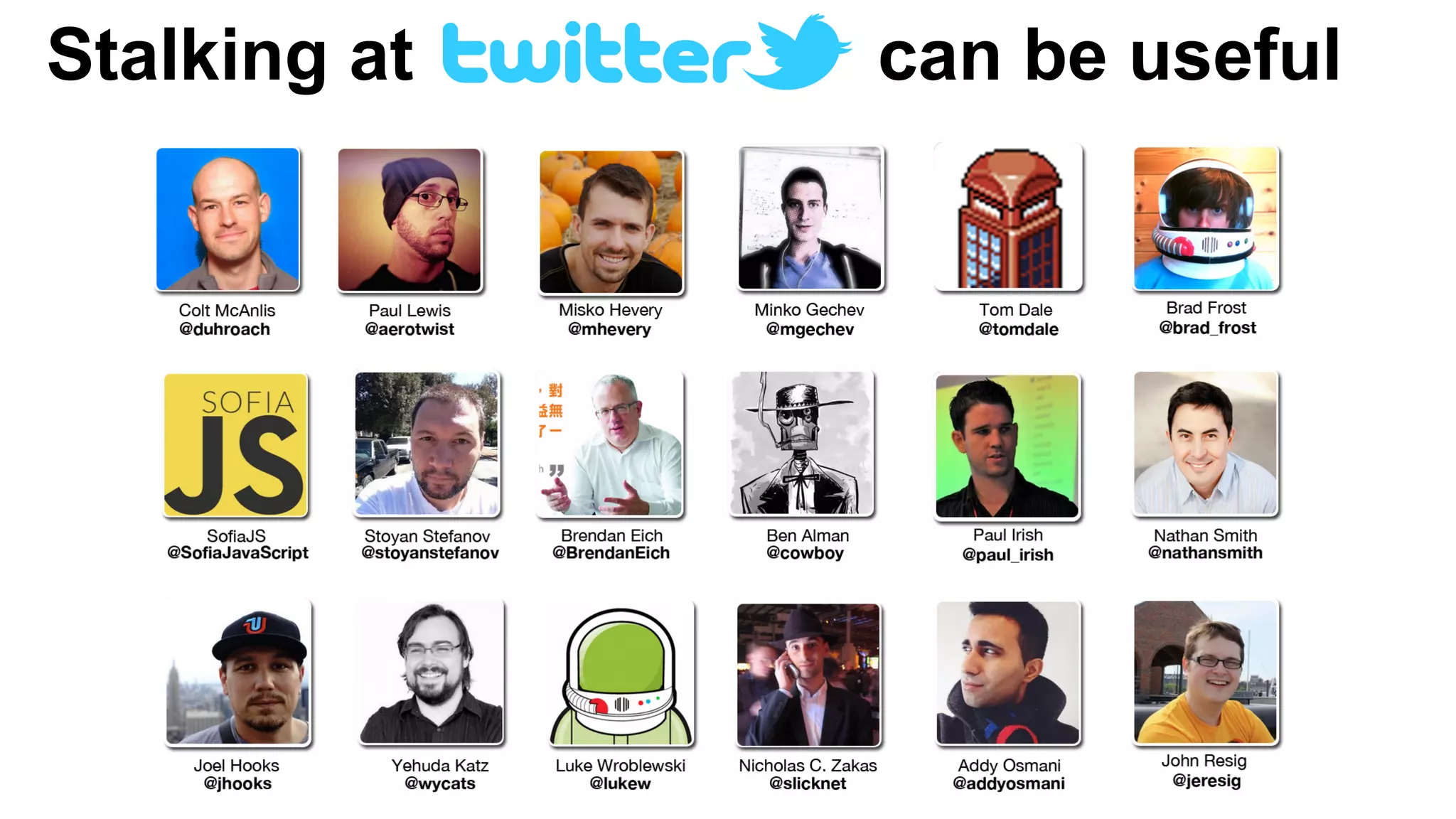
Stalking at can be useful
Q&A

JavaScript Essentials

  • 1.
  • 2.
    About me - softwaredeveloper at - making TV apps with JavaScript - invested the last 12 years of my life doing this:
  • 3.
    What are wegoing to learn today? - the most important JavaScript principles and basics that will keep you safe - mostly vanilla JavaScript stuff, there will be no Angular or whatever during this lecture - you have to become JS ninjas today!
  • 4.
    Just some ofthe things you will learn about today... prototype chain call/apply types in JavaScript this objects internal properties scope chain type coercion truthy/falsy closures try/catch undefined hoisting caching singleton IFFY (immediately-invoked function expression) setTimeout/setInterval behavioral inheritance revealing module pattern namespacing pattern
  • 5.
    Benefits of learningJavaScript - “the language of the Web” - JavaScript is used in 89% of all web-sites - both frontend AND backend (NodeJS)
  • 6.
    Interesting facts - createdby Brendan Eich in May 1995 while he was part of Netscape - original name Mocha, then for marketing purposes renamed to LiveScript (could not use Java in the name in the beginning because of a trademark argument with Sun) - Java keywords, but inspired by functional languages on the inside
  • 7.
    Interesting facts - JavaScriptis based on a standard called ECMAScript - ECMAScript is managed by TC39 - next version is always called ES.Next - new features are always called ES.Harmony
  • 8.
    What a pizzaconsists of? (don’t worry, it’s still JavaScript presentation)
  • 9.
    What a pizzaconsists of? (don’t worry, it’s still JavaScript presentation) Depends, but usually: - cheese - tomato - ham - sauce - eggs (even more ...)
  • 10.
    Simple ingredients Ingredients thatcan not be divided any further: Example: Tomato - a tomato is just a tomato. It does not consist of anything else.
  • 11.
    Complex ingredients Consist ofmore than one ingredient: Example: sauce - consists of chilly peppers, tomato, etc., etc.
  • 12.
    So back onthe main topic… JavaScript basic types are similar to pizza ingredients!
  • 13.
    Primitive types -values that can not be divided any further - string - number - boolean - null // digital equivalent of nothing - undefined // variable with no value assigned Object types - values that can contain several other values/composite values - Object
  • 14.
    Objects - can yougive examples for objects?
  • 15.
  • 16.
    What is thecommon thing between objects?
  • 17.
    What is thecommon thing between objects? (continued) ANSWER: Every object is an abstraction. You don’t have to know what happens inside of it, to be able to use it. Objects do something. Usually you don’t know how exactly they do it.
  • 18.
    Built-in types inJavaScript Array Boolean // wrapper around boolean primitive type Date Function // allows for invoking code Math Number // wrapper around number primitive type RegExp String // wrapper around string primitive type
  • 19.
    Number, String, Boolean!== number, string, boolean Object type of Number, String, Boolean is “Object”!!
  • 20.
    Everything in JavaScriptis an Object or can become an Object.
  • 21.
  • 22.
    Object literal notation(when you know the values beforehand) var variableName = { propertyName1: value, propertyName2: value, // .... etc. };
  • 23.
    Object properties (thedynamical approach) obj.propertyName = value; or obj[“propertyName”] = value;
  • 24.
    Defining object methods(dynamic notation) obj.methodName = function () { // this points to the instance of the object!! alert(this.objProperty1); // outputs the value of specific property of this object instance };
  • 25.
    Object internal properties Everyobject has a [[Prototype]] or __proto__ internal property that points to its prototype Object. Basically objects are like humans - they were created to look like God (in their case their prototype) ;) All of their properties are derived from the prototype object.
  • 26.
    Object prototype explainedin another way An object is like a kid that has no money. Its parent has a credit card with money. Everytime it needs to buy something, the object asks his parent to buy it for him.
  • 27.
    Object prototype explainedin another way An object is like a kid that has no money. (in this case no specific property) Its parent has a credit card with money. (in this case the parent has such property) Everytime it needs to buy something, the kid asks his parent to buy it for them. (in this case the object asks the parent for the parent’s property)
  • 28.
    Prototype chain - thiswhole ask the parent if I can’t do it myself thing… - [[Prototype]] property points to the parent, so that’s what the JavaScript engine uses to find the parent and “ask” them - we are traversing the prototype chain until we find parent that has the property or reach the point in which we try to access the [[Prototype]] internal property of the Object type itself ([[Protype]] ⇒ null in that case...)
  • 29.
    Prototype chain API -hasOwnProperty(prop); // checks whether the object instance has a “prop” property WITHOUT traversing the prototype chain (we are looking for the property directly on the instance)
  • 30.
    instanceof variableName instanceof ClassName// returns true if the respective variable is instance of that class (has such prototype in its prototype chain)
  • 31.
    Inheritance var Animal =function () { this.name = “private value”; }; Animal.prototype = { // the interface func1: function () { console.log(this.name); }, func2: function () { } } var cat = new Animal();
  • 32.
    Inheriting from anotherclass function Cat() { } Cat.prototype = new Animal(); // or Cat.prototype = Object.create(Animal. prototype) var cat = new Cat(); console.log(cat instanceOf Animal); // we expect to get true here...
  • 33.
    Why Cat.prototype =Animal. prototype does not work (DEMO) Any changes to Cat.prototype will change Animal.prototype and that is not what we want!
  • 34.
    Creating instance variables functionClassName () { // put instance variables in the constructor function // because here we have access to the newly-created instance this.instanceVar = “value”; } IMPORTANT: Because of prototype chain traversal this.instanceVar in the constructor function will always execute ahead of ClassName.prototype.instanceVar. That’s how things work. Instance methods/properties are executed before prototype methods/properties.
  • 35.
    Creating getters/setters function ClassName() { // put instance variables in the constructor function // because here we have access to the newly-created instance this.instanceVar = “value”; } // put getters/setters in the prototype, not on the instance itself! ClassName.prototype.getValue = function () { return this.instanceVar; };
  • 36.
    The constructor property varc = new ClassName(); // because we attach methods to ClassName.prototype (ClassName is the constructor function) we can get prototype by doing: ClassName.constructor.prototype
  • 37.
    Modifying the prototypechain of an object - How to set the [[Prototype]] property of specific object to point to another parent?
  • 38.
    Enter the Object.createmethod... - this method creates a new object - and sets its [[Prototype]] property to what we want var obj = Object.create(prototypeObject); or var obj = Object.create(prototypeObject, { prop1: { value: theValue }, prop2: { value: theValue2 } }); // second argument allows you to initialize some properties of the new object instance. Not very pretty, but works.
  • 39.
    4 RULES FORTHE VALUE OF THIS IN A FUNCTION
  • 40.
    The 4 rulesfor the value of this Value of this in a specific function depends on where and how the function was called. - is it called with new()? - is it called with .call or .apply? - is it called like obj.func()? - is it called like func()?
  • 41.
    The 4 rulesfor the value of this Value of this in a specific function depends on where and how the function was called. Let’s say we have a function called func(). Let’s answer those 4 questions for it: 1. Is it called with new()? 2. Is it called with .call or .apply? 3. Is it called on object instance (example: obj.func())? 4. Is it called by itself (example: func())?
  • 42.
    Rule #1: Isit called with new()? var a = new func(); - putting the new keyword before a function name turns the function into a constructor call
  • 43.
    How constructors work? Theydo 4 things: 1. Create a brand new empty object 2. They link the object to a prototype 3. this => the brand new empty object 4. Compiler returns this; (or the new object) if nothing else returned explicitly
  • 44.
    Hence... If func() wascalled like this: var obj = new func(); this will be equal to obj (the new instance).
  • 45.
    Rule #2: Isit called with call or apply? Like this: func.call(this); or this: func.apply(this);
  • 46.
    Sidenote: what arethose call and apply functions, dude? functionName.call(valueOfThis, arg1, arg2, ... , argN); functionName.apply(valueOfThis, [arg1, arg2, ... , argN]); Those functions basically do the same. They allow us to call a function with explicit value for this inside of the function. How to remember what’s what: Call = Comma (arguments separated with comma) Apply = Array (arguments in array object)
  • 47.
    Call and applycreate explicit binding var a = {}; func.call(a); // this === a
  • 48.
    When rule #2is present this === the explicit object
  • 49.
    Rule #3: Isit called on object instance? Example: var a = obj.func(); // this === obj obj2.func(); // this === obj2 This is called implicit binding.
  • 50.
    Rule #4: Isit called by itself? Example: func(); // this === global object/window or undefined if we are at “strict mode” This is called default binding.
  • 51.
    Let’s practice cat.meow(); dogBark(); meow.apply(dog); var cat= new Dog(); var bulldog = new Dog(); printNumbers.call(cat, 0, 1, 2, 3); dog.bark();
  • 52.
    Back to inheritance... varperson = { getName: function () { return this.firstName + “ “ + this.lastName; } }; var john = Object.create(person); john.firstName = “John”; john.lastName = “Smith”; // Why this works??
  • 53.
    Back to inheritance(2) this keyword refers to initial object that we are traversing the prototype chain for… (the kid)
  • 54.
    The prototype keyword Allowsyou to extend built-in or custom classes with more functionality: obj.prototype.functionName = function () { // again this points to the object that is requesting the method (a.k.a. the kid, a.k.a. the object instance) alert(this.propValue); };
  • 55.
    JavaScript type coercion Question: Trueor false? “42” == 42 “42” === 42
  • 56.
    JavaScript type coercion varvar1 = “42”, var2 = 42; console.log(var1 == var2); // logs out “true” When comparing values like this, JavaScript forces the values to be from the same type under the hood. Which is not always good and can lead to not understanding what’s going on (never good). BEST PRACTICE: Always use strict equality operators === and !== (they check for both type and value)
  • 57.
    Truthy and Falsey Falsey: -false - 0 - “” - null - undefined - NaN Truthy: - the rest of the world
  • 58.
    null typeof null //returns “object”????! (although it is a primitive type - long-standing bug at JavaScript engine - should be fixed soon) var variable1 = null; // when we want a variable to have “empty” value on purpose
  • 59.
    undefined var variable; console.log(variable); //no value is set yet => returns undefined function doNothing() { return; } console.log(doNothing()); // yep. undefined. typeof undefined // returns “undefined”
  • 60.
    Comparing with undefined Don’tdo this: if (var1 == undefined) { // execute code here } because you or somebody else could set undefined to some other value and then… BANG!
  • 61.
    The worst-case scenariorealized function testUndefined() { var undefined = 5, a = 5; if (a == undefined) { // this will be executed. Surprise, surprise! } }
  • 62.
    How do Ifix this? function testUndefined() { var undefined = 5, a = 5; if (typeof a === “undefined”) { // typeof a is “number”. We are not reaching this place! } } // remember how typeof undefined is “undefined” and typeof null is “object”? See, this knowledge is not so worthless?
  • 63.
    Initialization with booleanoperators function printName(user) { var name = user.name || default_value, streetName = user && user.address && user.address. streetName; }
  • 64.
    Question: What willthis code output? function aMethod() { console.log(a); if (true) { var a = 0; } }
  • 65.
    Answer: If you guessed0, you were wrong. You see, behind the scenes the JavaScript engine in your browser of choice goes through each JavaScript function and FIRST THING BEFORE IT EXECUTES THE FUNCTION IT DOES A LITTLE RITUAL EVERY SINGLE TIME… Check next slide to see what it is...
  • 66.
    VARIABLE HOISTING The JavaScriptengine moves all var statements to the VERY BEGINNING of the function. The value assignments ARE NOT MOVED, ONLY the variable declarations! So after this little ritual the browser modifies the code like this...
  • 67.
    Question: What willthis code output? function aMethod() { var a; console.log(a); // ANSWER: undefined! if (true) { a = 0; } }
  • 68.
    The consequences ofvariable hoisting - it’s always best if your source code does exactly what it looks like it’s doing - if we know the JavaScript engine will move the variable declarations to the top of a function, then we should move them there beforehand, so that this process is obvious to JavaScript beginners looking at our source code as well!
  • 69.
    Another question: whatis going to be outputted here? var a = 2; function aMethod() { function bMethod() { var a = 0; if (true) { var b = 30; } console.log(a); } }
  • 70.
    HINT: What isb in this case? var a = 2; function aMethod() { function bMethod() { var a = 0; if (true) { var b = 30; } console.log(a); } }
  • 71.
    Answer: In this contextb is a LOCAL VARIABLE for the bMethod function. In other programming languages we would expect that b is only visible in the if code block (the space between the opening { and the closing }) (i.e. it has block scope). But in JavaScript, variables are visible from the beginning of a function to its end, i.e. they have function scope.
  • 72.
    … but whereis my answer to the first question? in order to answer it we need to understand how the SCOPE CHAIN works.
  • 73.
    THE SCOPE CHAIN(1) When you mention a variable’s name inside of a function, JavaScript goes through the Scope resolution process. It’s a step-by-step process until the variable is found/resolved. Let’s imagine that in the bMethod function from the example above we were mentioning a variable called c.
  • 74.
    THE SCOPE CHAIN(2) The steps executed by the JavaScript engine are listed below: 1. Check for local variable with the name c. If it does not exist, continue the traversal process, otherwise stop and use the value. 2. See parent function and check for local variable in it named c. If it does not exist, continue the traversal process, otherwise stop and use the value. 3. Repeat 2. until the window object (remember that global variables are properties of the window object) is reached and check again for a global variable with that name. Return undefined if no such variable exists, otherwise return the value. Question: What is faster in your opinion - looking for a global variable from within a function nested in 30 another functions or using a local variable in that function? Answer: Of course, each additional step in the scope chain traversal takes the browser some time. Each step matters and adds up.
  • 75.
    Caching variables isVERY GOODIt is a good idea to cache variables when: - in our function we are going to use a variable that takes a while to be found in the scope chain A COUPLE OF TIMES Example: var veryFarAwayVariable = 0; function function1() { function function2() { … function functionVeryDeep() { var vf = veryFarAwayVariable; // traverse the whole chain only once (because life and users’ patience are pretty short) vf++; Math.sqrt(vf); }
  • 76.
    So, finally wegot the answer right! var a = 2; function aMethod() { function bMethod() { var a = 0; if (true) { var b = 30; } console.log(a); // you see 0. } }
  • 77.
    JavaScript namespaces andwhy they are useful var com = { strypes: { appName: { } } }; var appNS = com.strypes.appName; The chances that the global com variable is overriden are bigger than those for com.strypes.appName.
  • 78.
    Let’s talk aboutcode conventions (1) - “I want to avoid idioms that look like mistakes.” - Douglas Crockford - if ( // put space between if and ( because otherwise if( looks like function invocation - tabulation = 4 spaces - put space after every , or :
  • 79.
    Let’s talk aboutcode conventions (2) - put { in the end of line instead of beginning of it return // WILL RETURN UNDEFINED!!! { obj: value };
  • 80.
    Let’s talk aboutcode conventions (3) - declare variables in the beginning of the function (it is best to use a single var) - why: because we have function scope, not block scope var variableName1 = value, variableName2 = value2, variableName3 = value3;
  • 81.
    Immediately-Invoked Function Expressions (IIFE)(spelled “iffy”) (theFunction)()
  • 82.
    An example forIFFY (function () { var localVar = 0; })(); What we know about this? - it executes immediately (see the () - the symbol for calling a function) - all local variables inside will be removed immediately after execution (the memory they took will be set free for use by other processes on the computer) - it’s an expression (see the brackets around the function? They make it an expression. Without them you will get a syntax error.) - because local variables act like local variables, they are unreachable by third party apps which means that this approach is (kind of) PRIVATE and SAFE.
  • 83.
    Why the revealingmodule pattern is “kool” - uses the IIFE pattern to encapsulate private information - remember objects and how you didn’t knew what they were doing deep inside? Do you think your grandmother wants to know how her TV works? Just using the TV interface (the TV remote) is hard enough for her, no? - you have private and public parts, which means even your grandmother can (probably) use your code.
  • 84.
    The revealing modulepattern example (function () { var privateVar = “value”; function privateMethod() { // you can not access this without the help of the ubiquitous Chrome DevTools :) return privateVar; // returns “value” } return { // now this is the public part: publicMethodName: privateMethod } })();
  • 85.
    Singleton pattern example -useful when we should allow for the creation of only one instance of specific object - see singleton.js in code/ directory
  • 86.
    function quotatious(names) { varquotes = []; for (var i = 0; i < names.length; i++) { var theFunction = function () { return “My name is “ + names[i] + “!”; } quotes.push(theFunction); } return quotes; } var people = [“Tony Stark”, “John Rambo”, “James Bond”, “Rick James”]; var peopleFunctions = quotatious(people); var person = peopleFunctions[0](); // we expect “My name is Tony Stark!” here, no?
  • 87.
    CLOSURE A safe “bubble”around a function that: - keeps all of the outer variables that the function is using alive until it executes - the bubble knows only the address of the variable it’s protecting, NOT THE VALUE ITSELF!
  • 88.
    function quotatious(names) { varquotes = []; for (var i = 0; i < names.length; i++) { var theFunction = function () { return “My name is “ + names[i] + “!”; } quotes.push(theFunction); } return quotes; } Sooo… if all we have is an address in memory (no value), what do we know about the i variable? And what is it latest value of that variable? See what the problem is?
  • 89.
    Answer: all returnedfunctions will have only a reference to the value of i (the space in memory dedicated to that variable) and what is there currently is the following number: 4 It WAS a trap, indeed.
  • 90.
    DEMO: Looking at someJS design patterns in the source code of some frameworks: http://backbonejs.org/docs/backbone.html https://github.com/emberjs/ember.js/ https://github.com/angular/angular.js/
  • 91.
    Short detour… Whatbrowsers do when loading a page? 1. [User] Type URL and press Enter or click a link 2. [Browser] Make request to download page .HTML file 3. [Browser] Parse .HTML and populate DOM tree. (images and stylesheet have not been parsed yet, you only see content) // DOMContentLoaded event fired. 4. [Browser] Load images and stylesheets (generate Render tree) 5. [Browser] Load scripts and wait for each script to execute // page fully loaded. load event fired.
  • 92.
    How browsers parsean HTML file Tokenizer - knows the “dictionary” of HTML and breaks down the HTML file into tokens/words Parser - receives “words” from the Tokenizer and builds with them: 1. Parsing HTML to Construct the DOM tree 2. Render tree construction =
  • 93.
    Scripts order inDOM matters 1. Browser walks the DOM from top to bottom. 2. When a browser finds a <script> tag, it downloads and executes the scripts and STOPS EVERYTHING else on the page from running while the script is executing!!!!! (hence the page will appear to be frozen/including there will be no mouse/keyboard events) BEST PRACTICE 1: Place script tags in the bottom of the page (show the page to users and then wait for scripts to execute) BEST PRACTICE 2: Use <script async> (runs script without blocking other stuff) and <script defer> (delays running a script after DOM is loaded)
  • 94.
    <script defer> The <scriptdefer> attribute indicates that the script contained within the element is not going to MODIFY THE DOM and therefore execution can be safely deferred until a later point in time. JavaScript will execute ONLY AFTER the DOM has loaded.
  • 95.
    Other notes aboutthe <script> tag While a script is downloaded and/or executed, most browsers can not download anything else (for example: images, stylesheets, etc.). “Each HTTP request brings with it additional performance overhead, so downloading one single 100 KB file will be faster than downloading four 25 KB files.” - Nicholas Zakas, “High Performance JavaScript”
  • 96.
    Other interesting notesabout how browsers work (1) Most browsers use one single process for both: - updating the UI (including user events, e.g. mouse clicks, key presses, etc.) - executing JavaScript code As a consequence while JavaScript code is running, mouse clicks are not detected (the application looks frozen to the user).
  • 97.
    Other interesting notesabout how browsers work (2) Browsers can download CSS files in parallel (this is a non- blocking operation) Browser UI Thread process - there is only one process that is responsible for both: - executing JavaScript code - updating the UI/the screen Hence: while JavaScript is executing you can not update the screen (you can not do both at the same time). Hence it is important to divide huge processing operations in batches.
  • 98.
    Garbage Collection (GC)in the browser - the browser goes through all objects and removes the unnecessary ones to free up some more memory for useful things
  • 99.
    setInterval vs setTimeout(1) - setTimeout(function, n) - executes code after n milliseconds - setInterval(function, n) - executes code every n milliseconds
  • 100.
    setInterval example setInterval(function (){ // this will either execute OR will not execute at all }, 100);
  • 101.
    setTimeout example setTimeout(function (){ // this will execute for sure, but it is not certain whether it will be on the 100th millisecond OR LATER }, 100);
  • 102.
    setInterval vs setTimeout(2) - browsers use one single process to: - update UI - execute JavaScript code => browser does not receive user events while executing JavaScript code => before the Web Workers API all JavaScript executed in ONE thread. ONE.
  • 103.
    Consequences of havinga single thread for JavaScript code execution Handlers for asynchronous events such as: - timers - UI events (click, doubleclick, touch, etc.) - XMLHttpRequests execute ONLY when there is nothing else executing on the JS thread. Otherwise the browser puts the handler in a special queue.
  • 104.
    Why am Itelling you this? - users nowadays notice even the slightest interaction delays - are you okay with family get-together with uncle Vanio talking all the time?
  • 105.
    The solution: - convertblocking operations into non- blocking operations - execute costly operations piece by piece with timers - make uncle Vanio shut up from time to time - execute -> suspend -> execute next part -> suspend
  • 106.
  • 107.
    setInterval and setTimeout- final notes - use only timer at a time - this way we prevent performance issues which can occur if we use multiple timers at the same time (GC)
  • 108.
    Try… Catch try { //some risky code goes here // and it might throw exception } catch (exceptionInfo) { // block scope goes here. hmm..?! }
  • 109.
    Things to avoidin JavaScript “When reviewing the features of a language, I now pay special attention to features that are sometimes useful but occasionally dangerous. Those are the worst parts because it is difficult to tell whether they are being used correctly. That is a place where bugs hide. (...) JavaScript provides support for large programs, but it also provides forms and idioms that work against large programs.” Douglas Crockford
  • 110.
    What’s next inES 6? - Generators - Modules (export) - Arrow functions - Classes (syntax sugar) - Destructuring - Tail calls - Promises - The let keyword and more...
  • 111.
  • 112.
  • 113.
  • 114.
    - takes sourcecode and scans it for problematic code - setting up SublimeText with JSLint Code Quality Tools for JavaScript
  • 115.
    Recommended sites - https://developer.mozilla.org/a.k.a. MDN - more detailed than W3School - more up-to-date because it is an open wiki (most of the articles are not written by Mozilla, they are written by web developers like you and me!) - frontendmasters.com // Dido will probably give you access to this one. Some lifechanging lectures in there!
  • 116.
    Recommended articles - http://blog.mgechev. com/2014/05/08/angularjs-in-patterns-part-1- overview-of-angularjs/ -http://blog.mgechev. com/2013/12/18/inheritance-services- controllers-in-angularjs/
  • 117.
  • 118.
    Stalking at canbe useful
  • 119.