JAVA 8 – What’s new
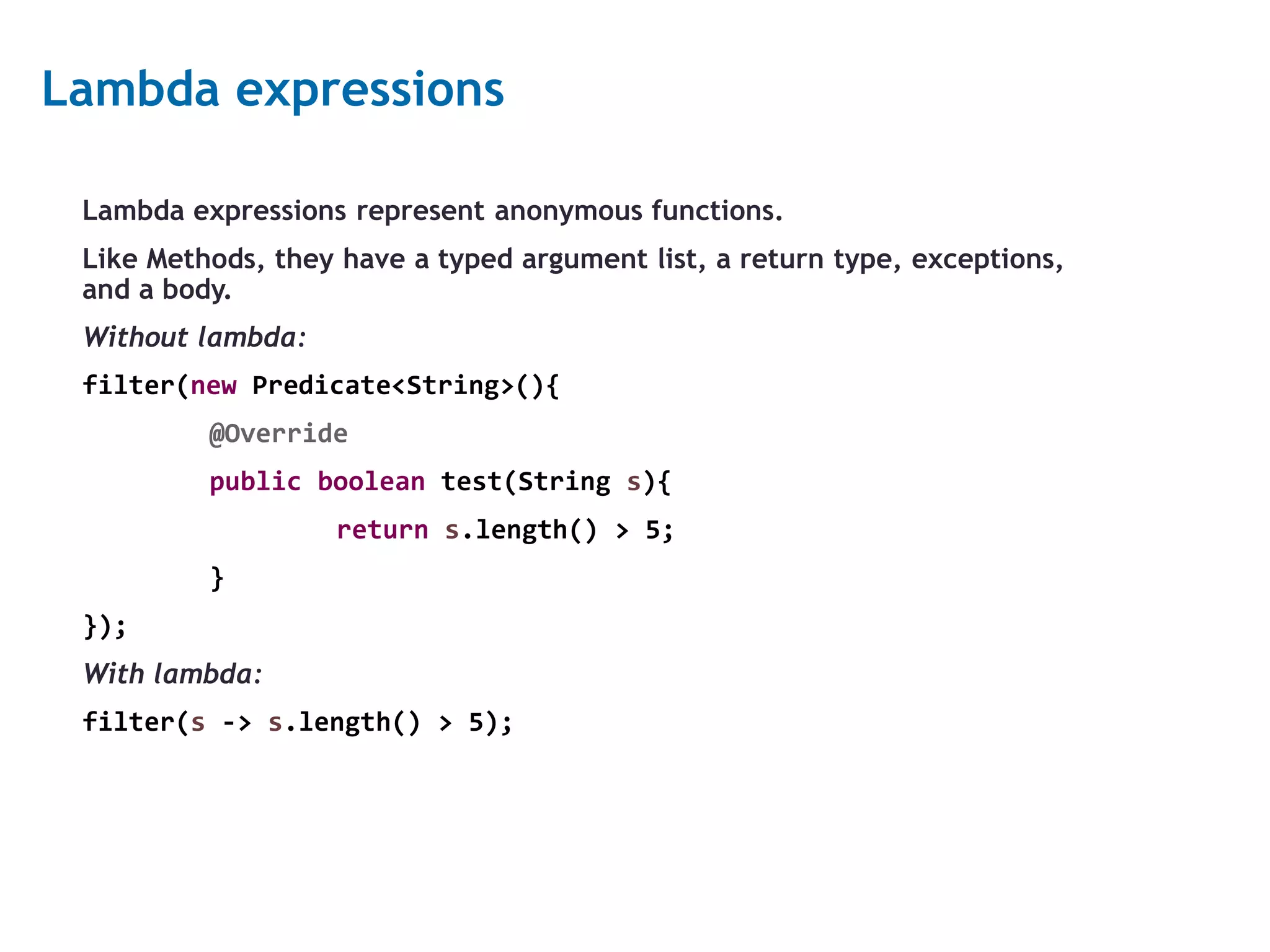
2 Lambda expressions Lambda expressions represent anonymous functions. Like Methods, they have a typed argument list, a return type, exceptions, and a body. Without lambda: filter(new Predicate<String>(){ @Override public boolean test(String s){ return s.length() > 5; } }); With lambda: filter(s -> s.length() > 5);
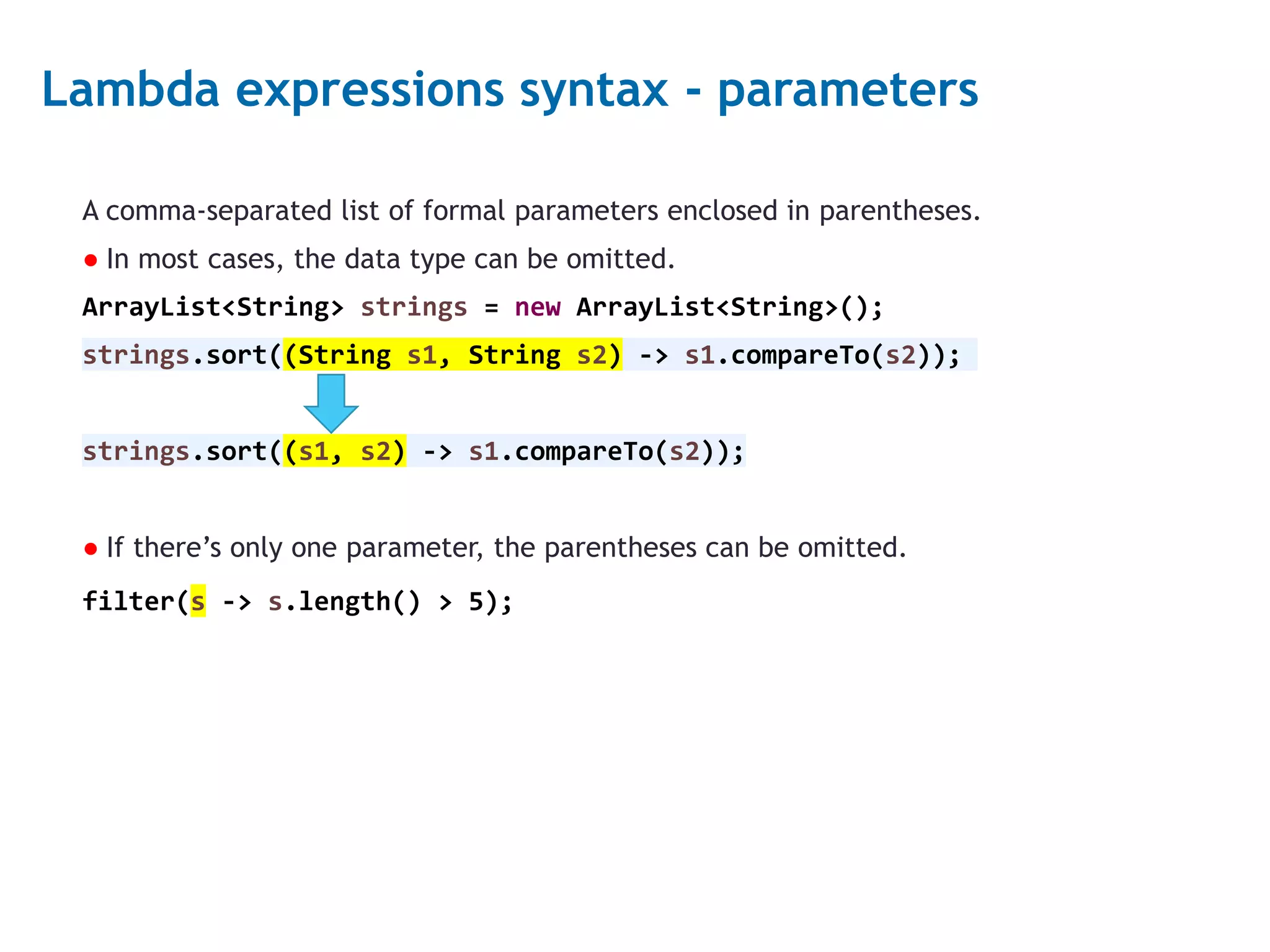
3 Lambda expressions syntax - parameters A comma-separated list of formal parameters enclosed in parentheses. ● In most cases, the data type can be omitted. ArrayList<String> strings = new ArrayList<String>(); strings.sort((String s1, String s2) -> s1.compareTo(s2)); strings.sort((s1, s2) -> s1.compareTo(s2)); ● If there’s only one parameter, the parentheses can be omitted. filter(s -> s.length() > 5);
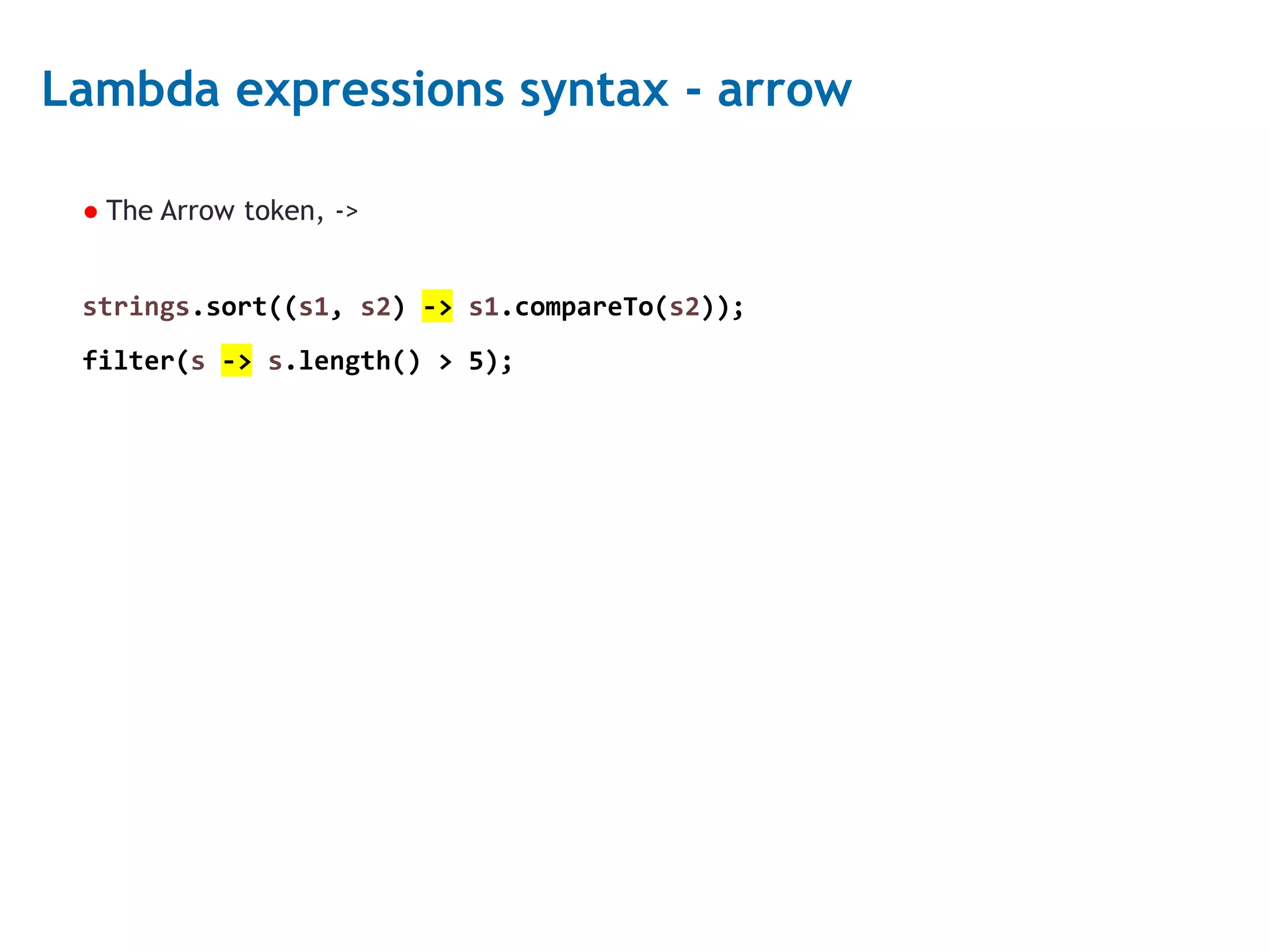
4 Lambda expressions syntax - arrow ● The Arrow token, -> strings.sort((s1, s2) -> s1.compareTo(s2)); filter(s -> s.length() > 5);
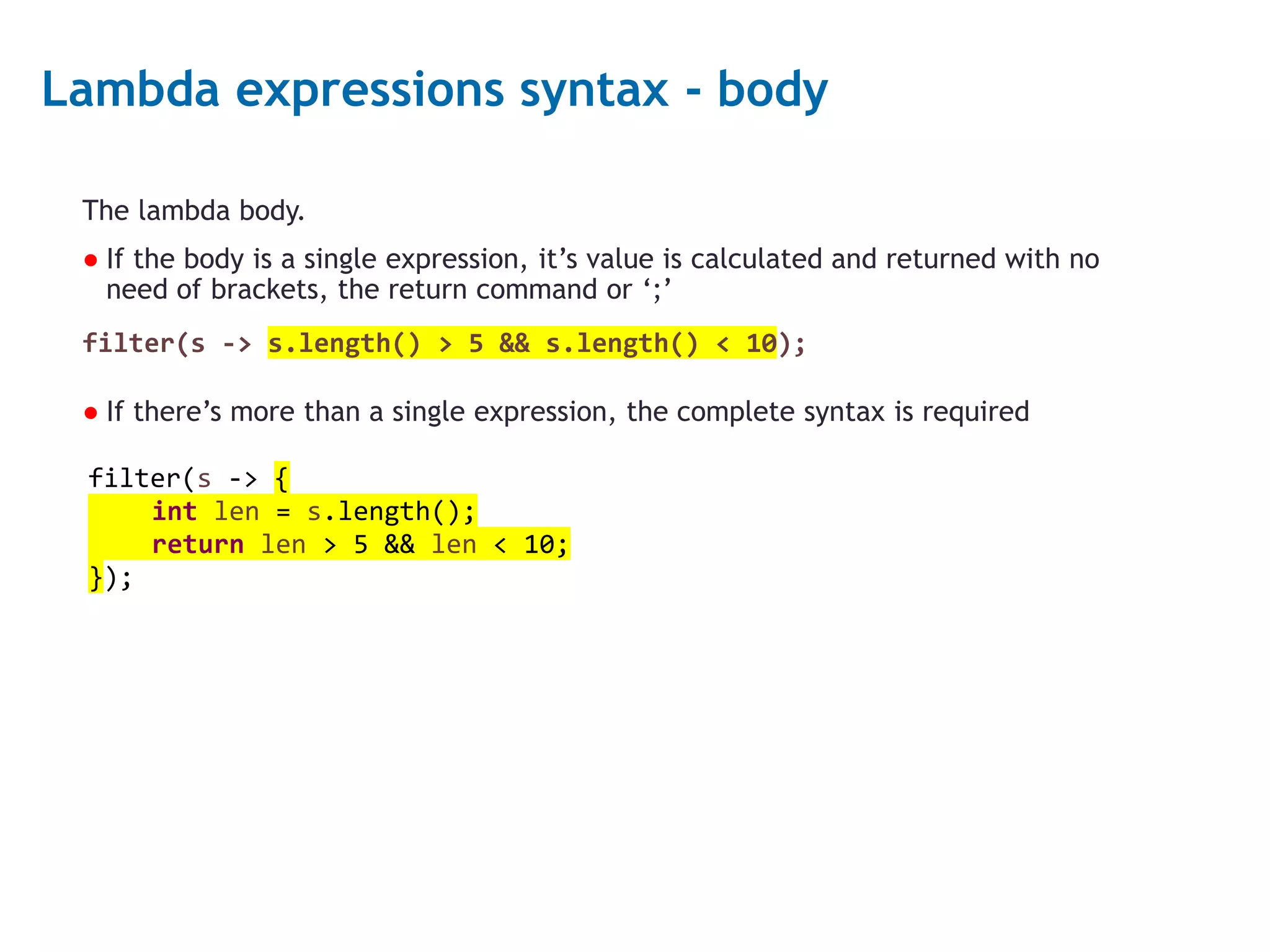
5 Lambda expressions syntax - body The lambda body. ● If the body is a single expression, it’s value is calculated and returned with no need of brackets, the return command or ‘;’ filter(s -> s.length() > 5 && s.length() < 10); ● If there’s more than a single expression, the complete syntax is required filter(s -> { int len = s.length(); return len > 5 && len < 10; });
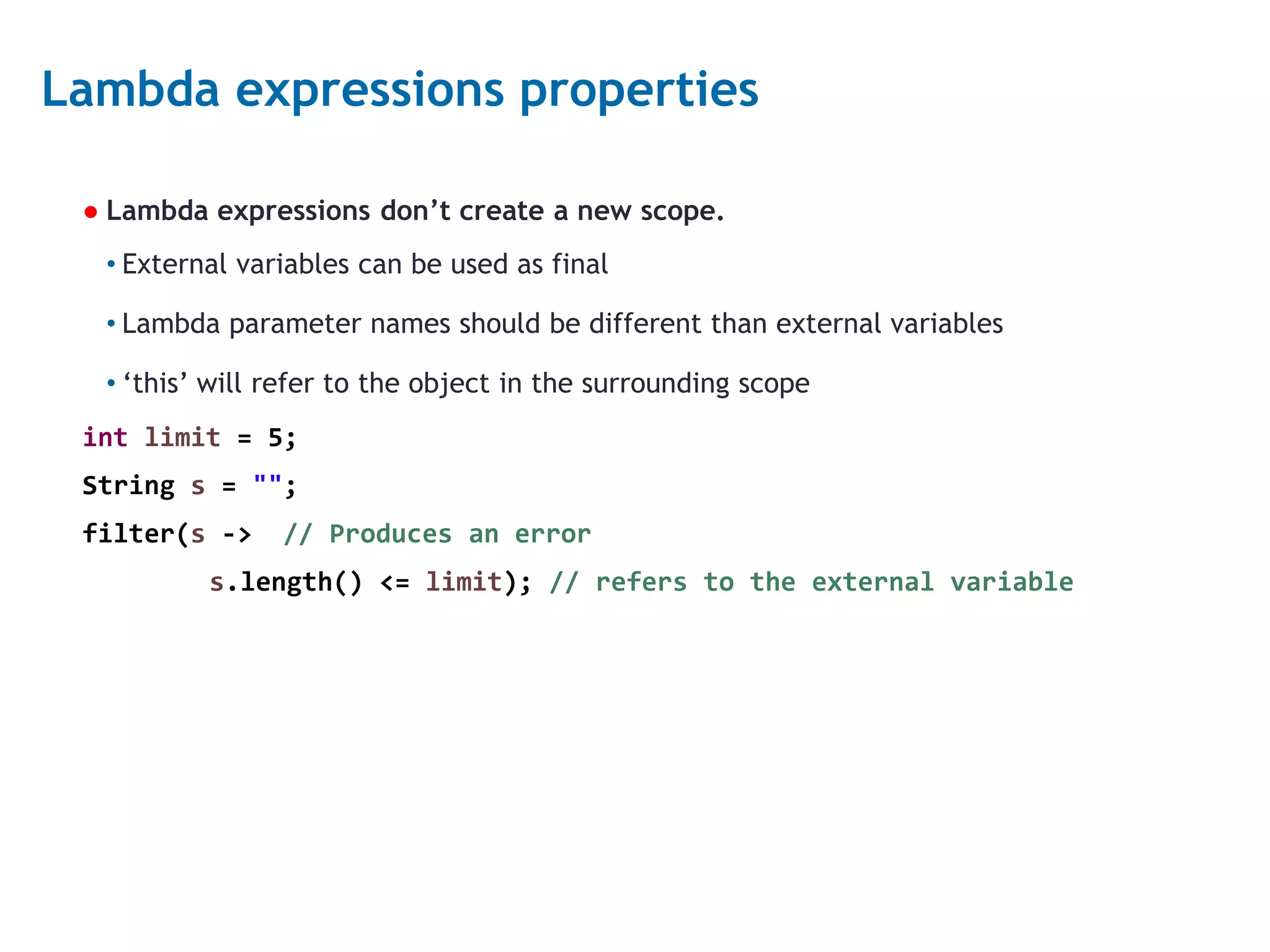
6 Lambda expressions properties ● Lambda expressions don’t create a new scope. • External variables can be used as final • Lambda parameter names should be different than external variables • ‘this’ will refer to the object in the surrounding scope int limit = 5; String s = ""; filter(s -> // Produces an error s.length() <= limit); // refers to the external variable
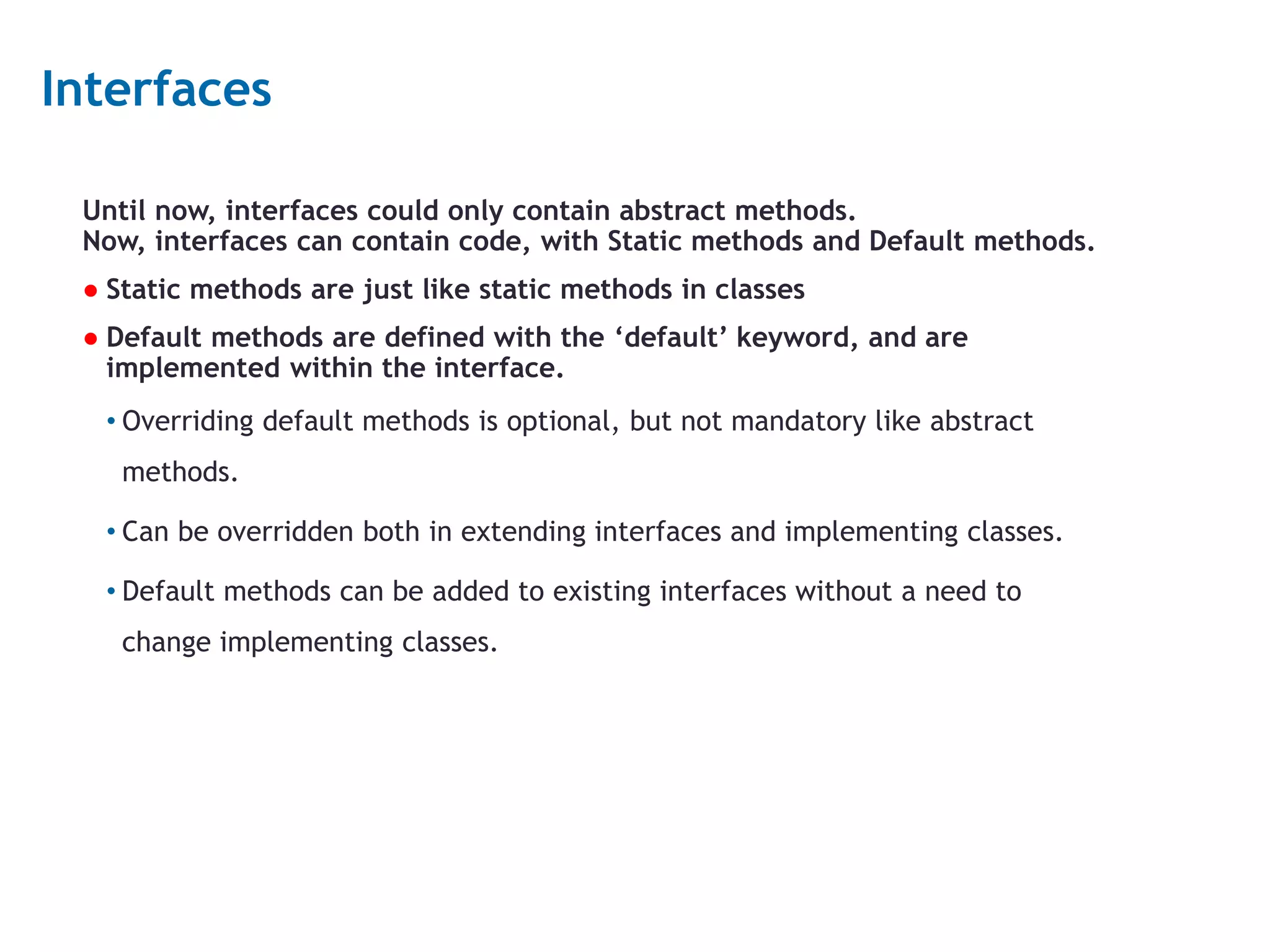
7 Interfaces Until now, interfaces could only contain abstract methods. Now, interfaces can contain code, with Static methods and Default methods. ● Static methods are just like static methods in classes ● Default methods are defined with the ‘default’ keyword, and are implemented within the interface. • Overriding default methods is optional, but not mandatory like abstract methods. • Can be overridden both in extending interfaces and implementing classes. • Default methods can be added to existing interfaces without a need to change implementing classes.
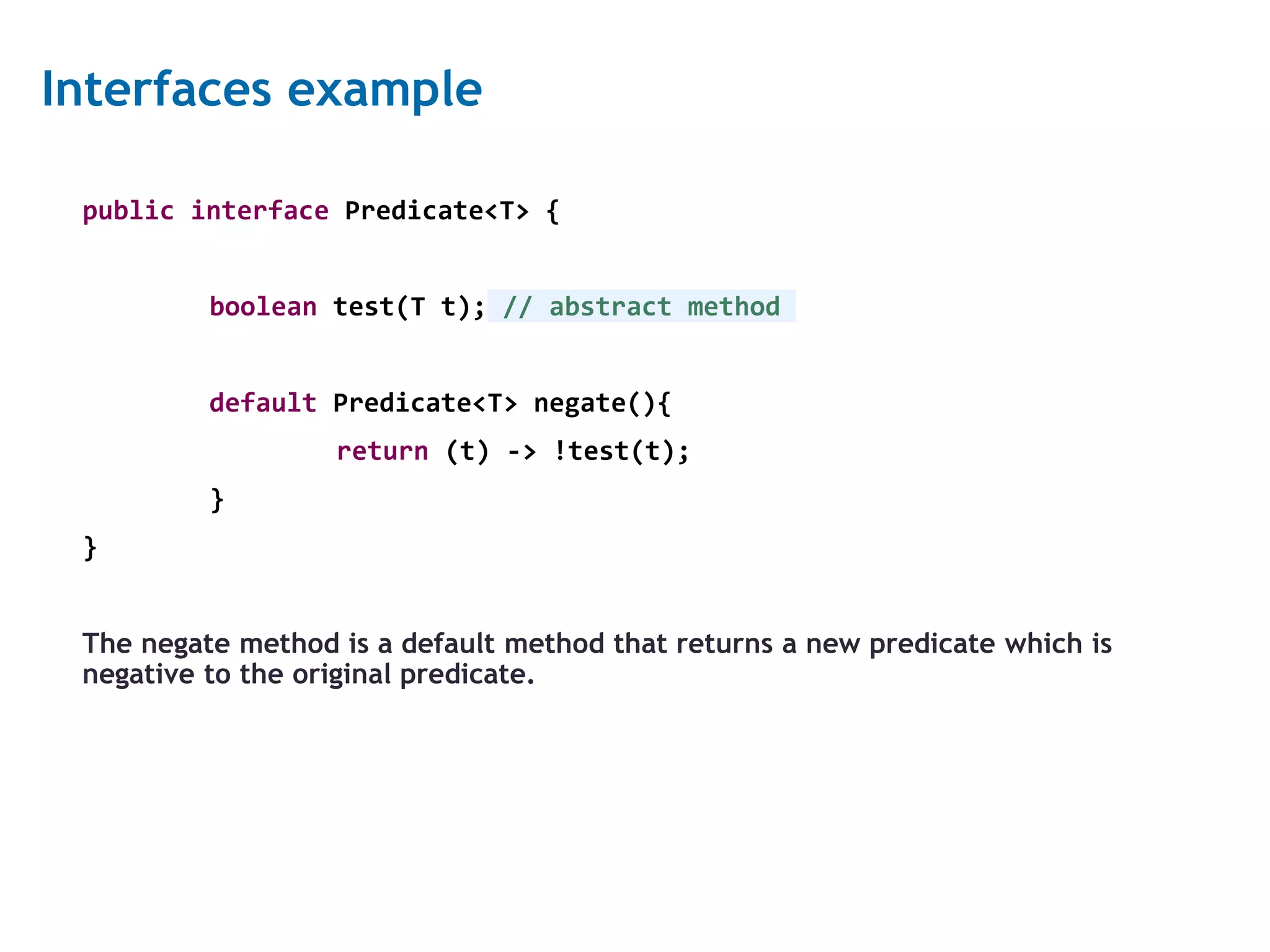
8 Interfaces example public interface Predicate<T> { boolean test(T t); // abstract method default Predicate<T> negate(){ return (t) -> !test(t); } } The negate method is a default method that returns a new predicate which is negative to the original predicate.
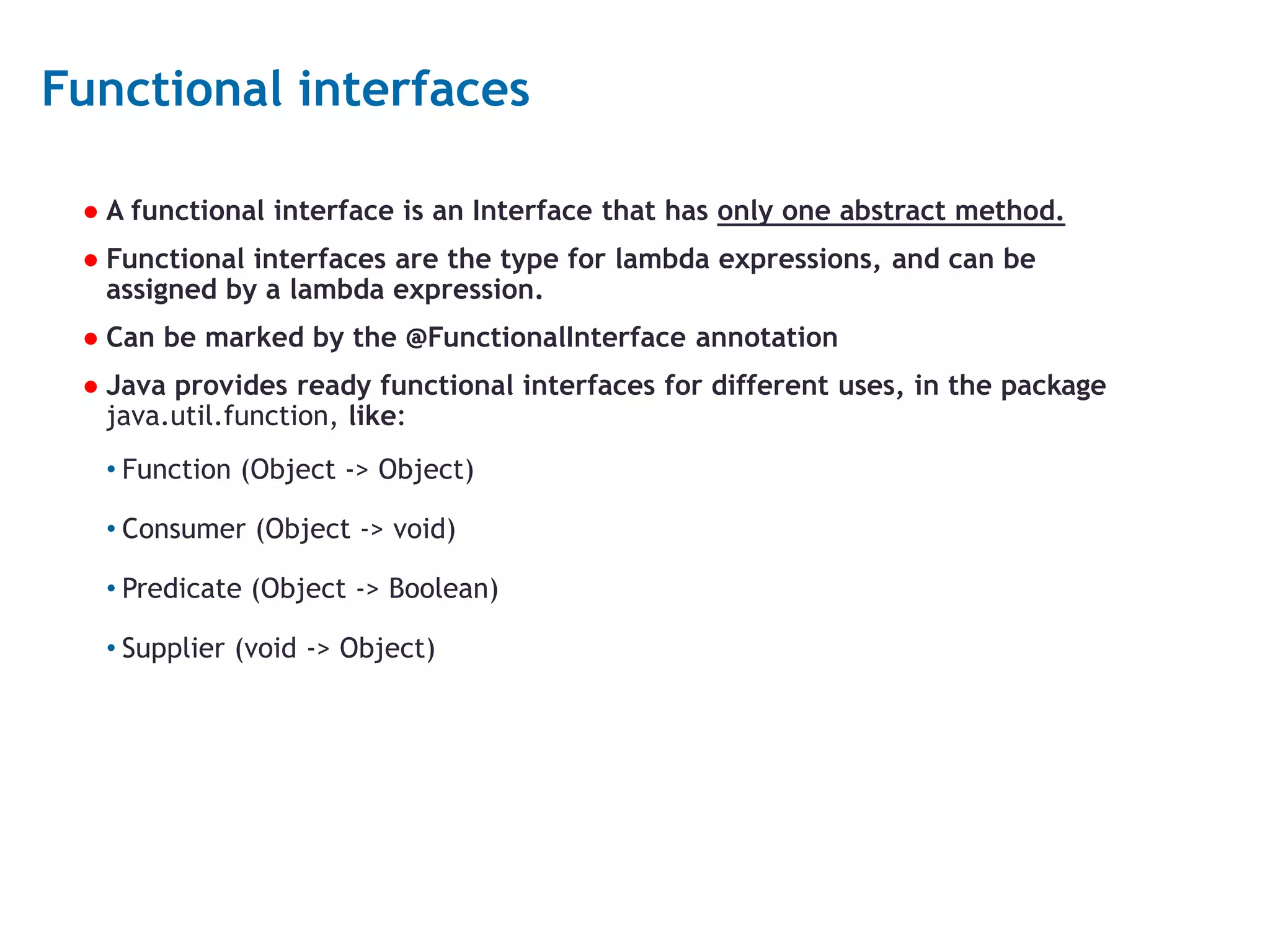
9 Functional interfaces ● A functional interface is an Interface that has only one abstract method. ● Functional interfaces are the type for lambda expressions, and can be assigned by a lambda expression. ● Can be marked by the @FunctionalInterface annotation ● Java provides ready functional interfaces for different uses, in the package java.util.function, like: • Function (Object -> Object) • Consumer (Object -> void) • Predicate (Object -> Boolean) • Supplier (void -> Object)
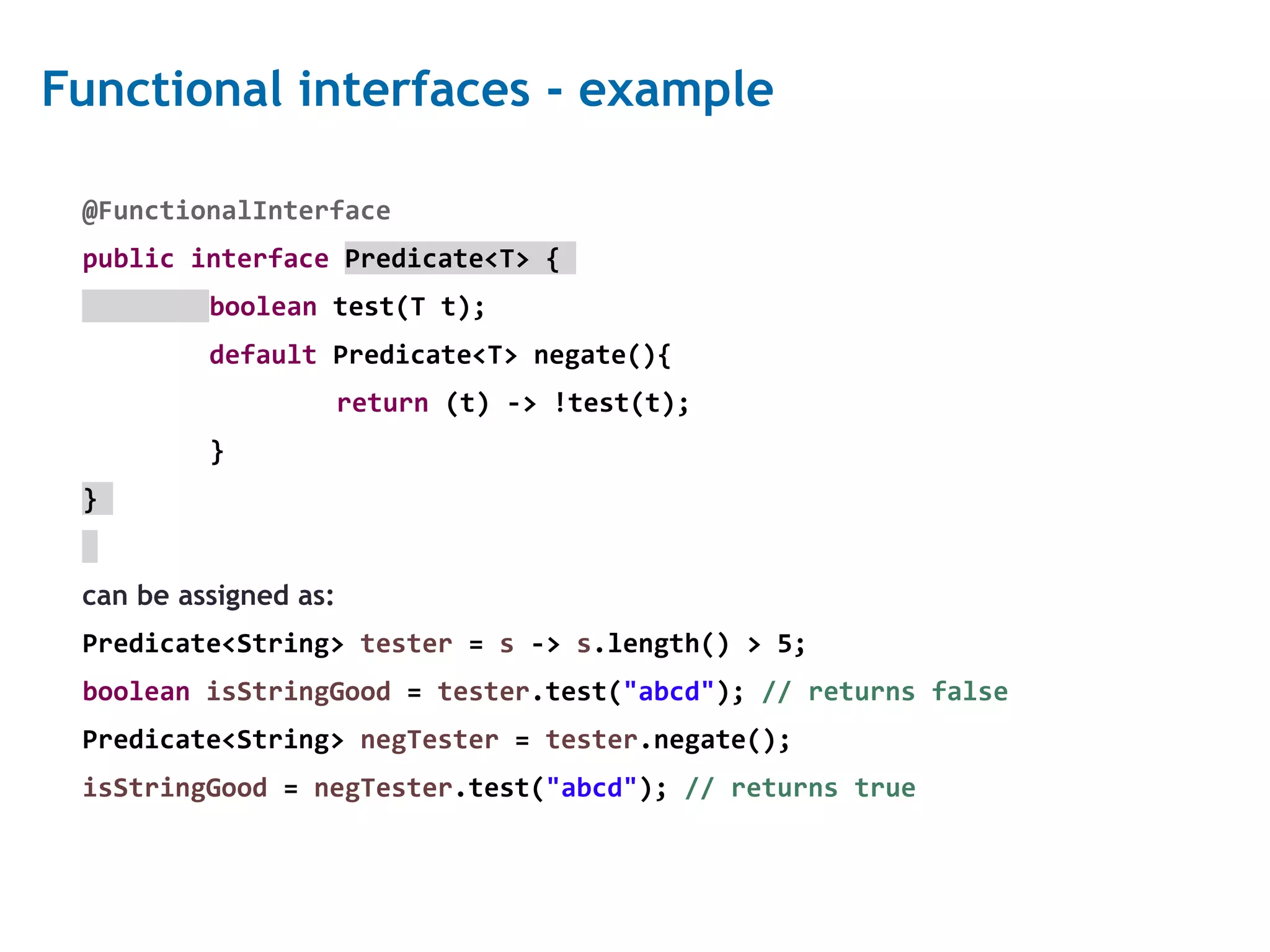
10 Functional interfaces - example @FunctionalInterface public interface Predicate<T> { boolean test(T t); default Predicate<T> negate(){ return (t) -> !test(t); } } can be assigned as: Predicate<String> tester = s -> s.length() > 5; boolean isStringGood = tester.test("abcd"); // returns false Predicate<String> negTester = tester.negate(); isStringGood = negTester.test("abcd"); // returns true
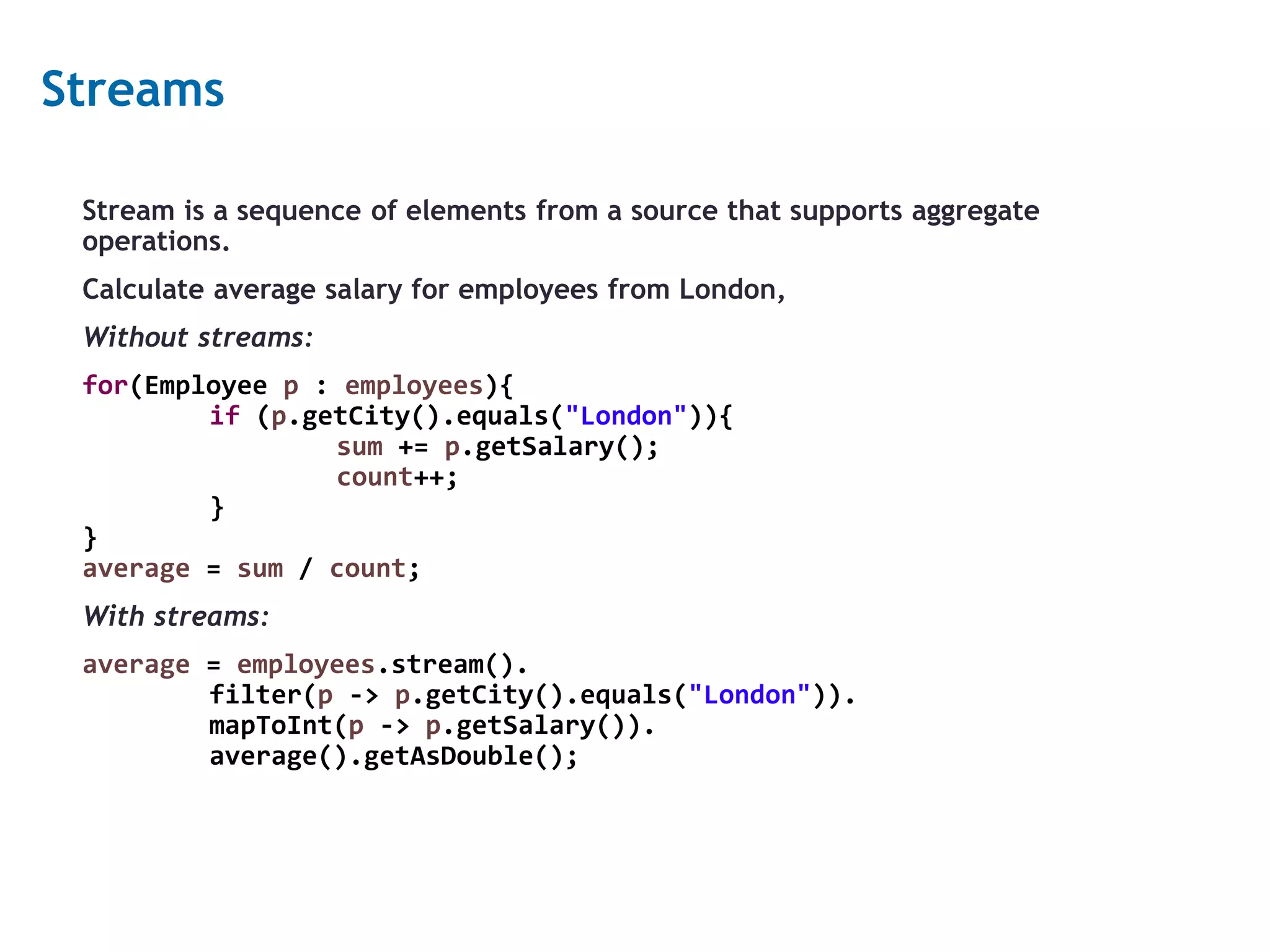
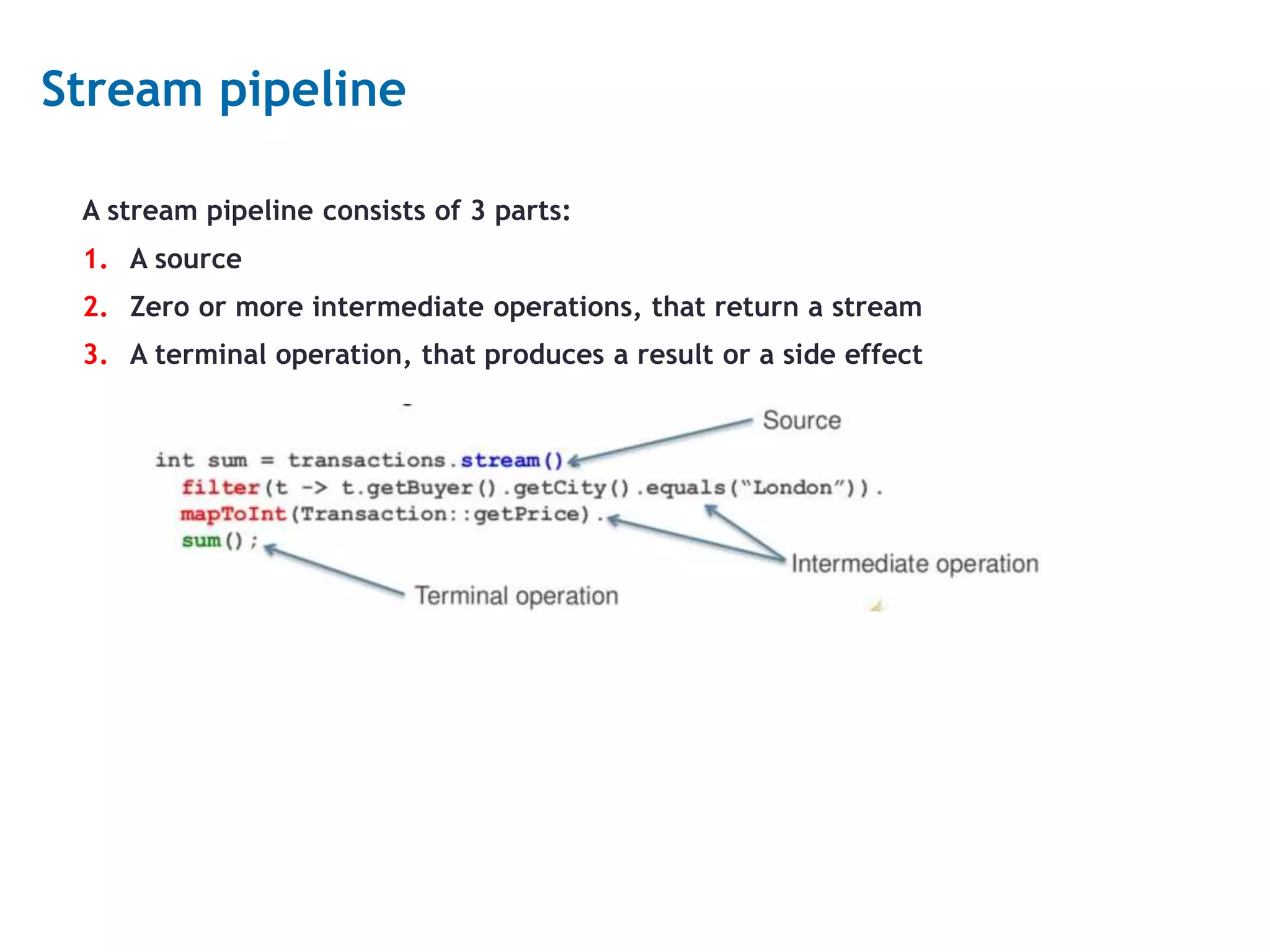
11 Streams Stream is a sequence of elements from a source that supports aggregate operations. Calculate average salary for employees from London, Without streams: for(Employee p : employees){ if (p.getCity().equals("London")){ sum += p.getSalary(); count++; } } average = sum / count; With streams: average = employees.stream(). filter(p -> p.getCity().equals("London")). mapToInt(p -> p.getSalary()). average().getAsDouble();
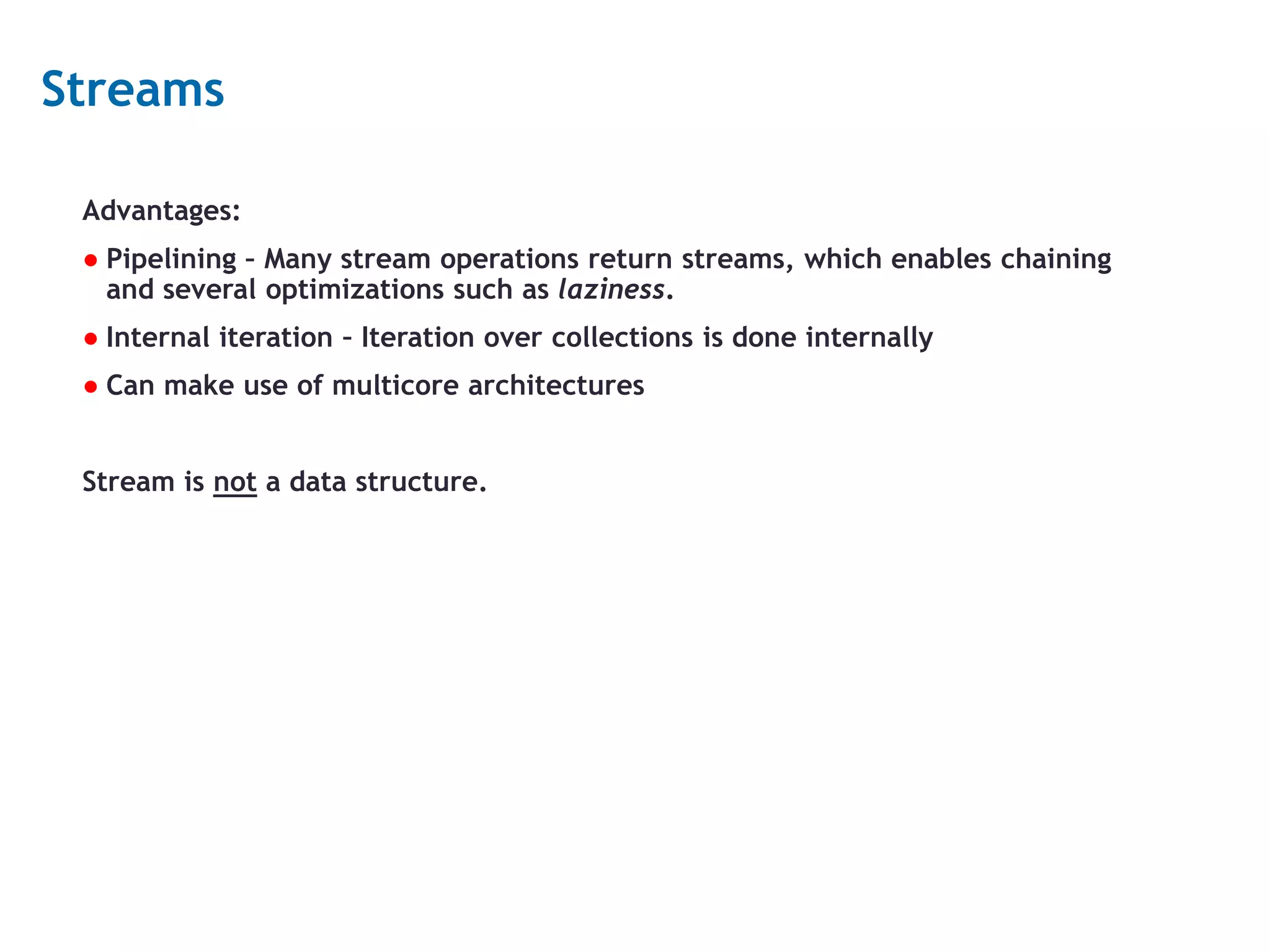
12 Streams Advantages: ● Pipelining – Many stream operations return streams, which enables chaining and several optimizations such as laziness. ● Internal iteration – Iteration over collections is done internally ● Can make use of multicore architectures Stream is not a data structure.
13 Stream pipeline A stream pipeline consists of 3 parts: 1. A source 2. Zero or more intermediate operations, that return a stream 3. A terminal operation, that produces a result or a side effect
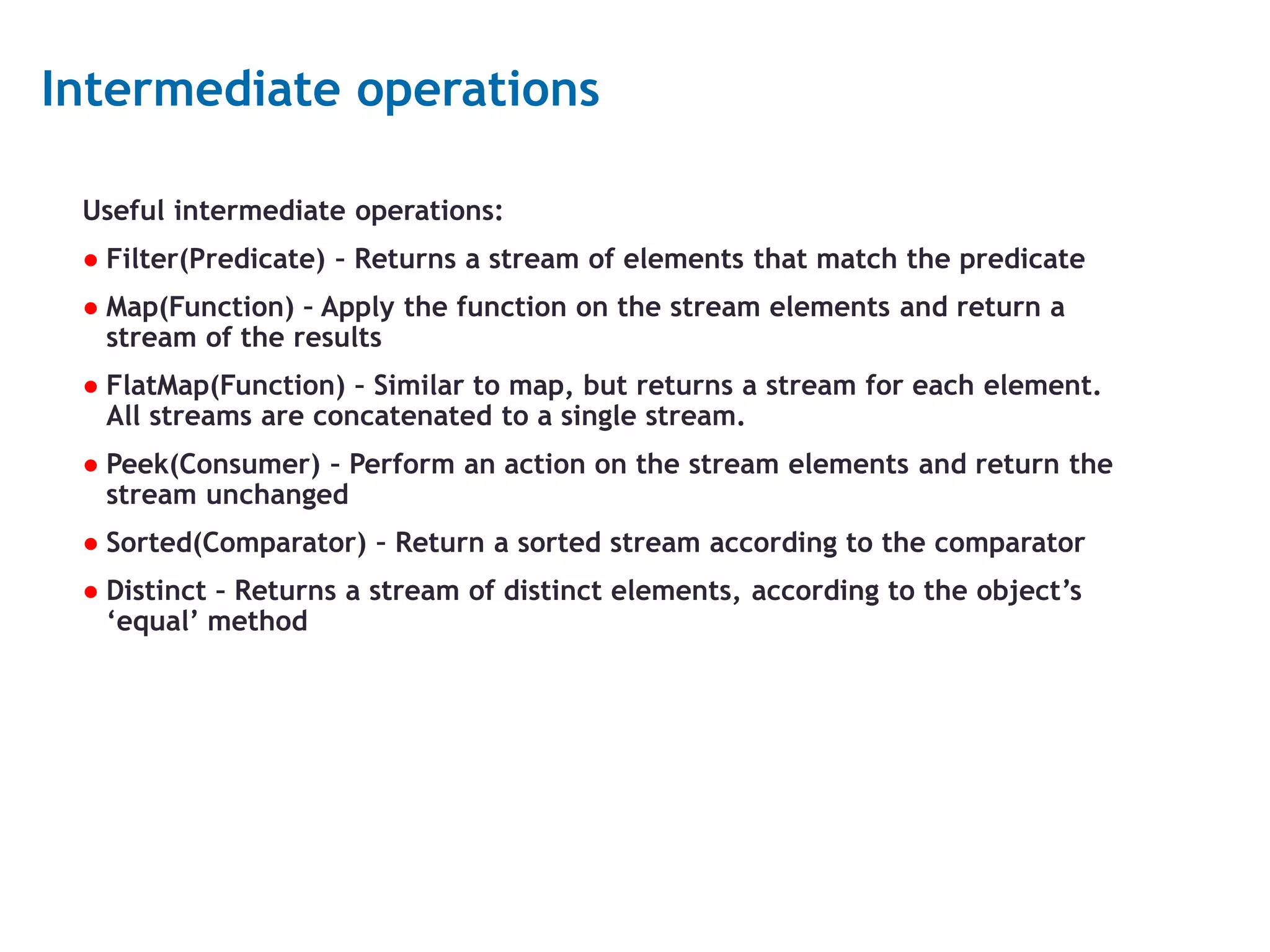
14 Intermediate operations Useful intermediate operations: ● Filter(Predicate) – Returns a stream of elements that match the predicate ● Map(Function) – Apply the function on the stream elements and return a stream of the results ● FlatMap(Function) – Similar to map, but returns a stream for each element. All streams are concatenated to a single stream. ● Peek(Consumer) – Perform an action on the stream elements and return the stream unchanged ● Sorted(Comparator) – Return a sorted stream according to the comparator ● Distinct – Returns a stream of distinct elements, according to the object’s ‘equal’ method
15 Terminal operations Useful terminal operations: ● forEach – Perform an action for each stream element, returns nothing. ● allMatch, anyMatch, noneMatch – Return true if all, any or none stream elements match a predicate. ● count – return number of elements ● findFirst, findAny – return the first or any stream element ● max, min – return the max or min element according to a comparator ● collect, reduce – complex operations ● IntStream, LongStream, DoubleStream – contain mathematical operations like sum, average and summaryStatistics.
16 Stream operations properties ● Stream operations must be non-interfering, which means they shouldn’t change the source of the stream. ● Intermediate operations are lazy – applying an intermediate operation does not perform anything until a terminal operation is executed. ● If no terminal operation is executed, the intermediate operations are not applied at all. ● Intermediate operations can be Stateless or Stateful • Stateless operations: filter, map • Stateful operations: sorted, distinct
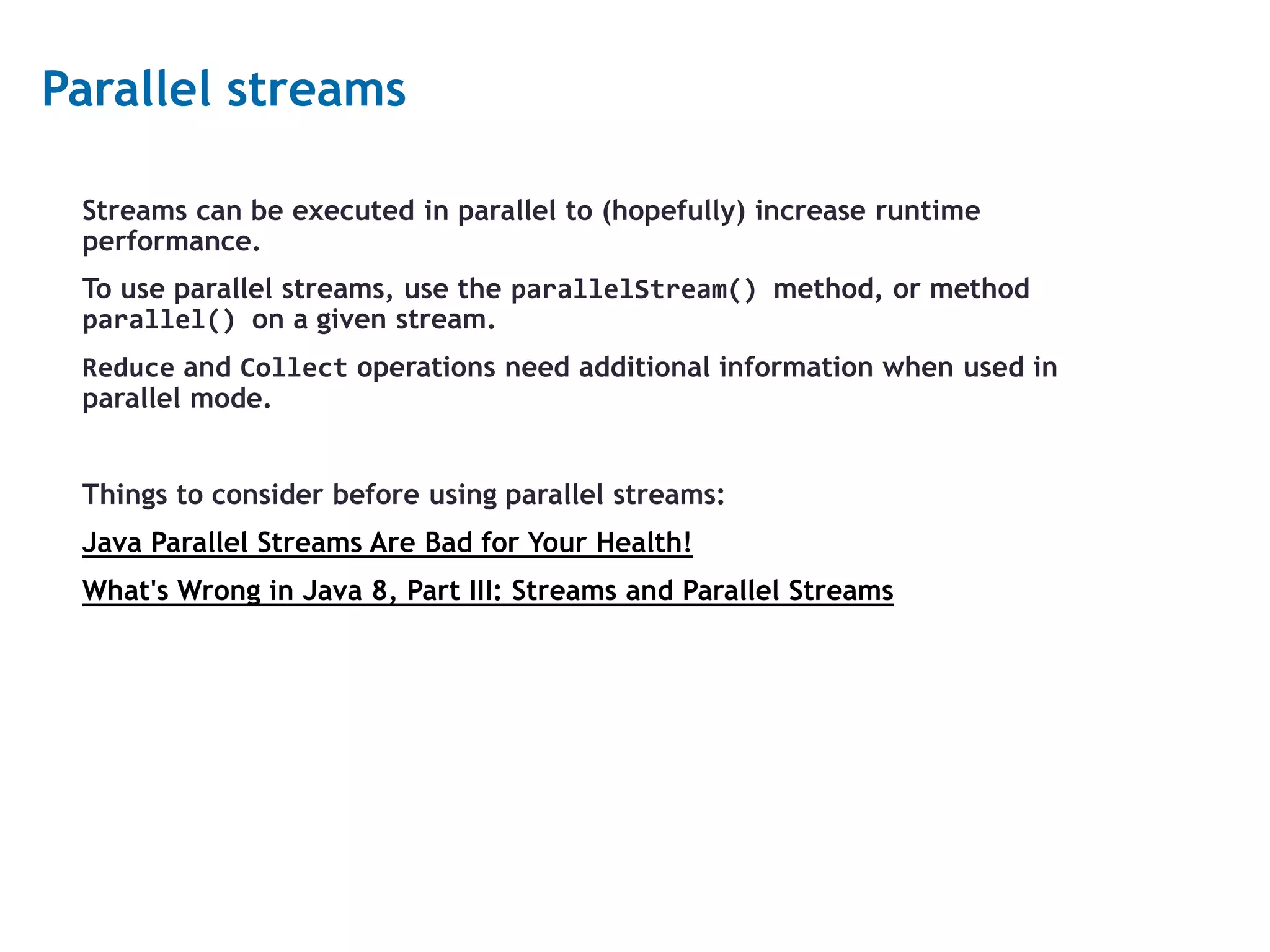
17 Parallel streams Streams can be executed in parallel to (hopefully) increase runtime performance. To use parallel streams, use the parallelStream() method, or method parallel() on a given stream. Reduce and Collect operations need additional information when used in parallel mode. Things to consider before using parallel streams: Java Parallel Streams Are Bad for Your Health! What's Wrong in Java 8, Part III: Streams and Parallel Streams
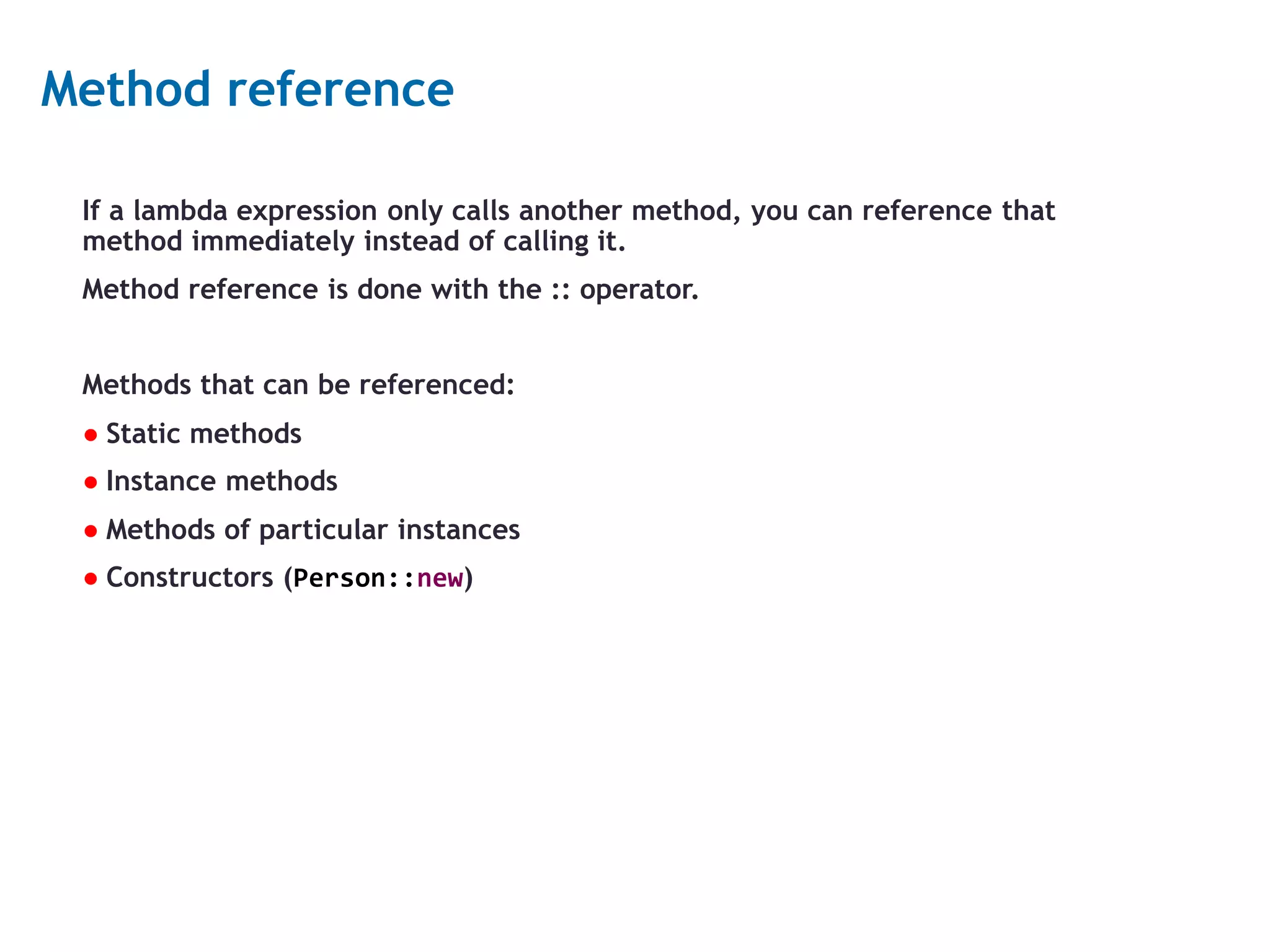
18 Method reference If a lambda expression only calls another method, you can reference that method immediately instead of calling it. Method reference is done with the :: operator. Methods that can be referenced: ● Static methods ● Instance methods ● Methods of particular instances ● Constructors (Person::new)
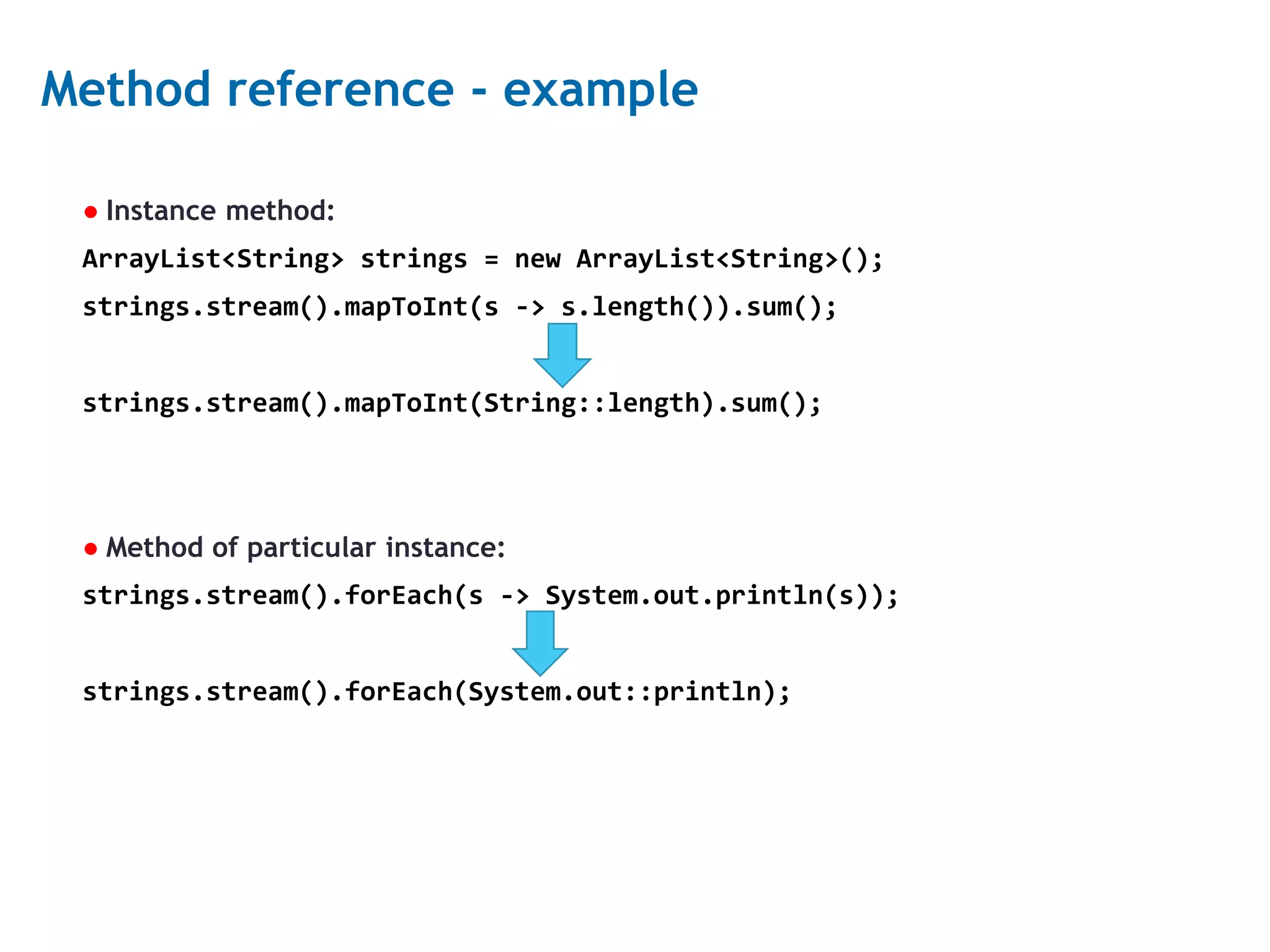
19 Method reference - example ● Instance method: ArrayList<String> strings = new ArrayList<String>(); strings.stream().mapToInt(s -> s.length()).sum(); strings.stream().mapToInt(String::length).sum(); ● Method of particular instance: strings.stream().forEach(s -> System.out.println(s)); strings.stream().forEach(System.out::println);
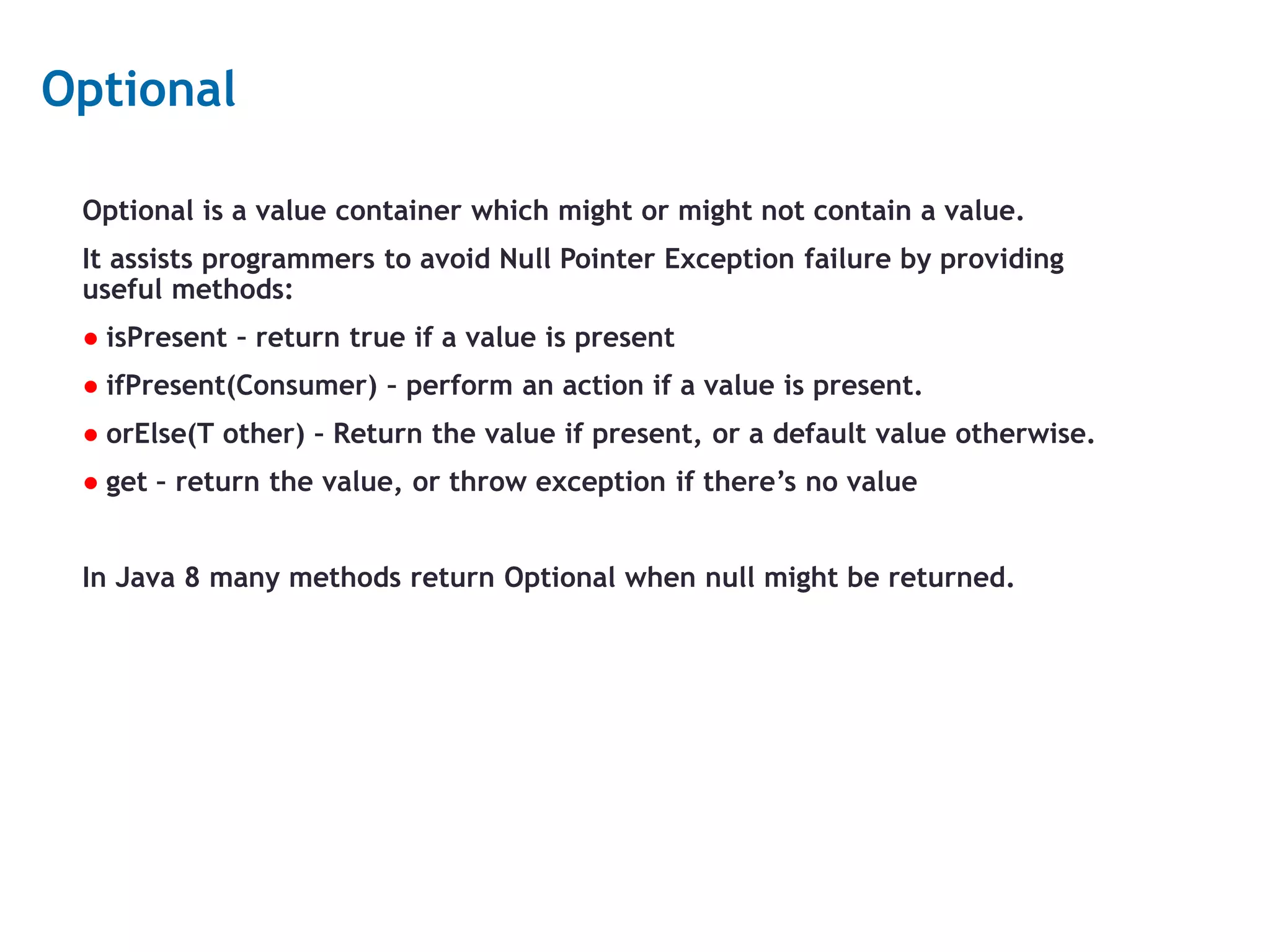
20 Optional Optional is a value container which might or might not contain a value. It assists programmers to avoid Null Pointer Exception failure by providing useful methods: ● isPresent – return true if a value is present ● ifPresent(Consumer) – perform an action if a value is present. ● orElse(T other) – Return the value if present, or a default value otherwise. ● get – return the value, or throw exception if there’s no value In Java 8 many methods return Optional when null might be returned.
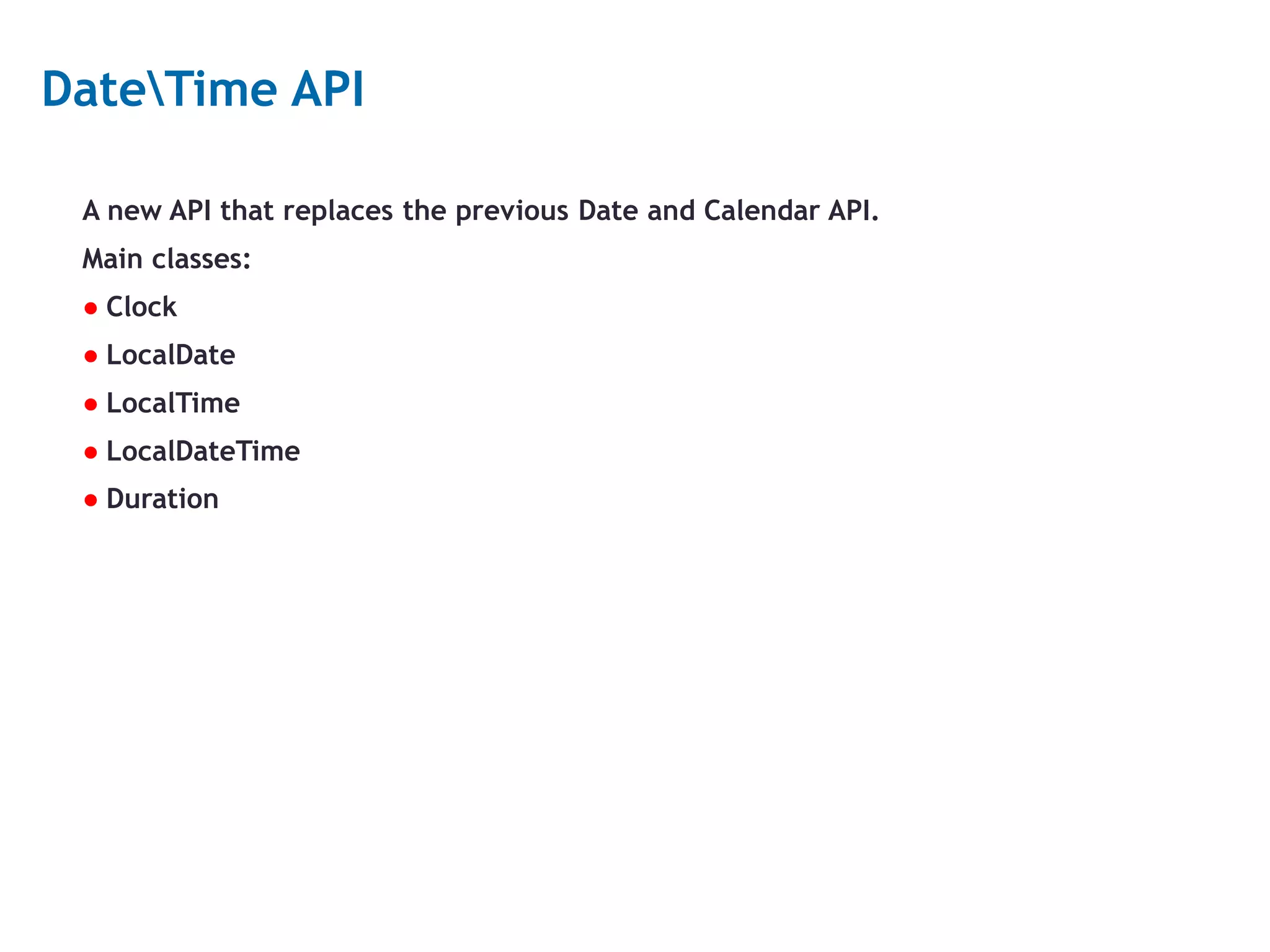
21 DateTime API A new API that replaces the previous Date and Calendar API. Main classes: ● Clock ● LocalDate ● LocalTime ● LocalDateTime ● Duration
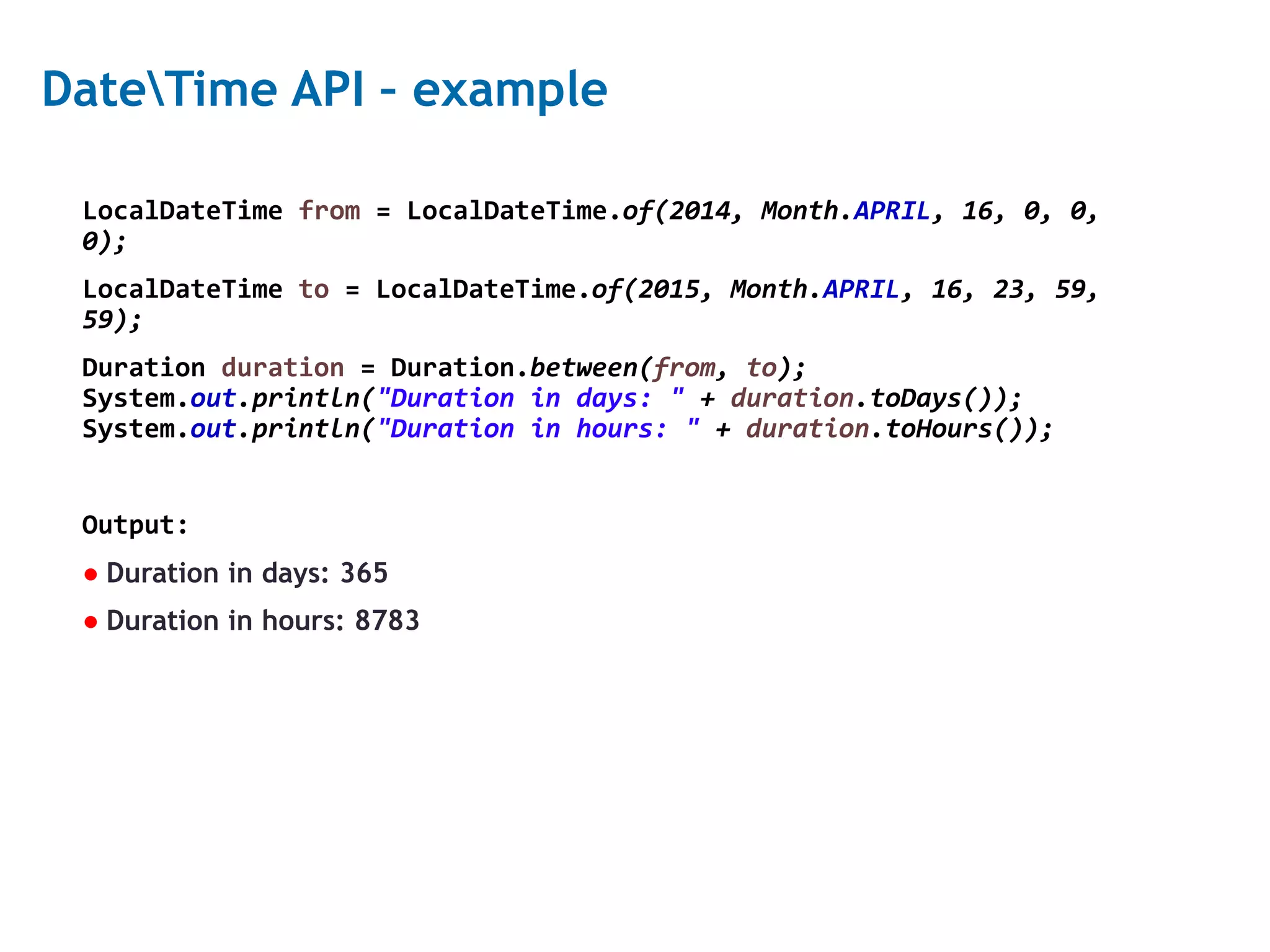
22 DateTime API – example LocalDateTime from = LocalDateTime.of(2014, Month.APRIL, 16, 0, 0, 0); LocalDateTime to = LocalDateTime.of(2015, Month.APRIL, 16, 23, 59, 59); Duration duration = Duration.between(from, to); System.out.println("Duration in days: " + duration.toDays()); System.out.println("Duration in hours: " + duration.toHours()); Output: ● Duration in days: 365 ● Duration in hours: 8783
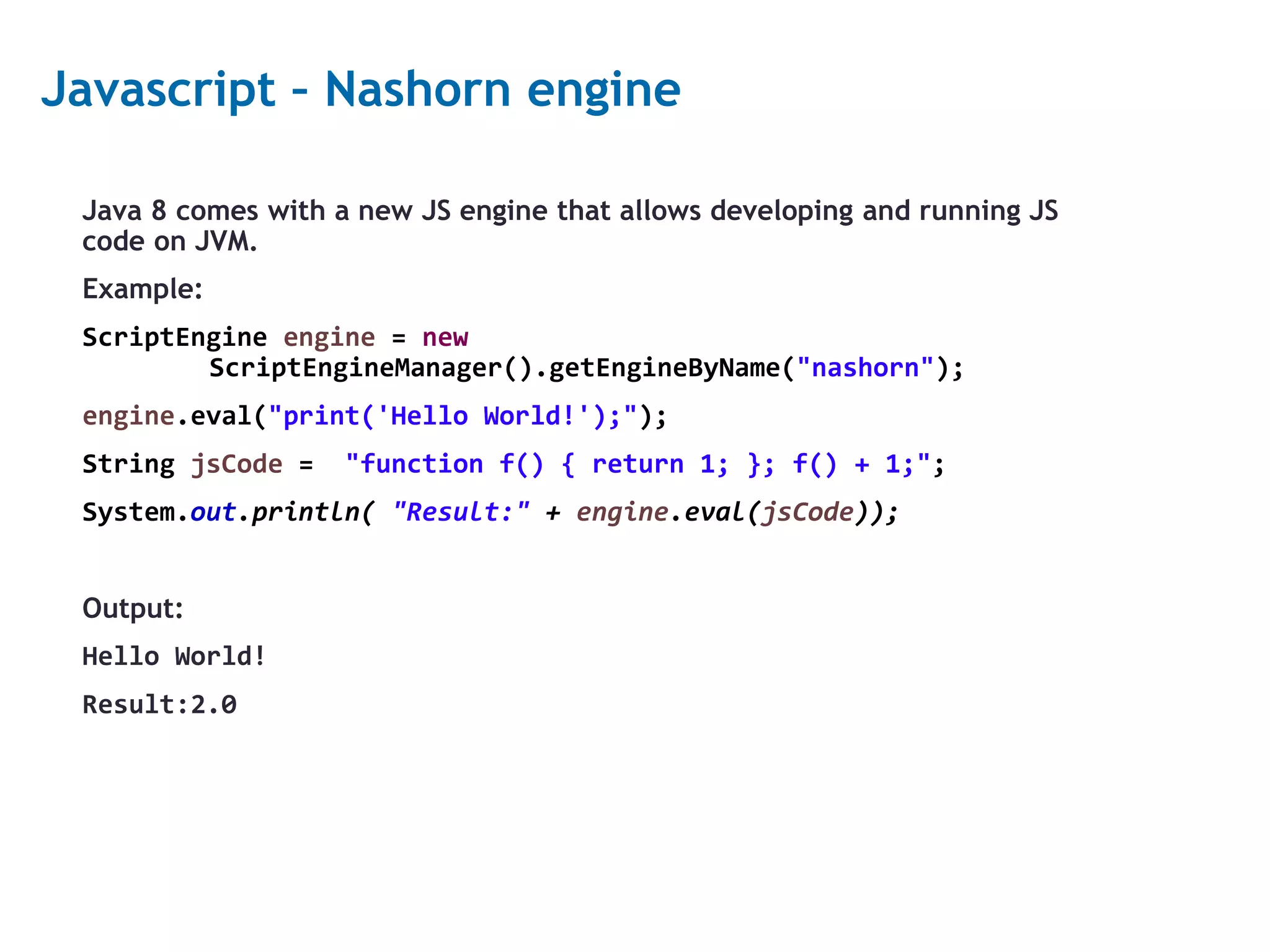
23 Javascript – Nashorn engine Java 8 comes with a new JS engine that allows developing and running JS code on JVM. Example: ScriptEngine engine = new ScriptEngineManager().getEngineByName("nashorn"); engine.eval("print('Hello World!');"); String jsCode = "function f() { return 1; }; f() + 1;"; System.out.println( "Result:" + engine.eval(jsCode)); Output: Hello World! Result:2.0
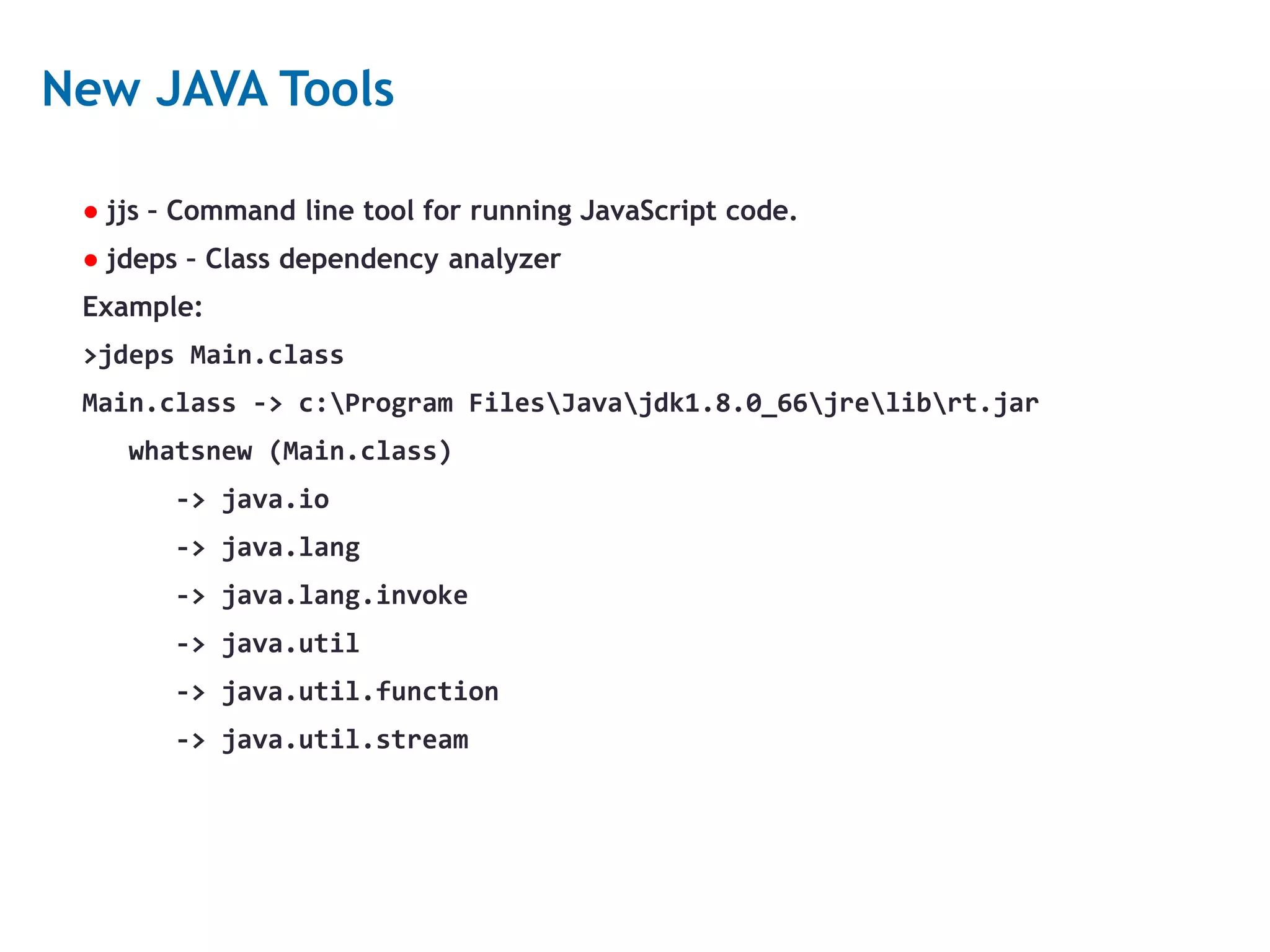
24 New JAVA Tools ● jjs – Command line tool for running JavaScript code. ● jdeps – Class dependency analyzer Example: >jdeps Main.class Main.class -> c:Program FilesJavajdk1.8.0_66jrelibrt.jar whatsnew (Main.class) -> java.io -> java.lang -> java.lang.invoke -> java.util -> java.util.function -> java.util.stream
25 Read more ● https://leanpub.com/whatsnewinjava8/read ● https://www.javacodegeeks.com/2014/05/java-8-features-tutorial.html ● http://winterbe.com/posts/2014/07/31/java8-stream-tutorial-examples/ ● https://dzone.com/articles/put-your-java-8-method-references-to-work

java8

  • 1.
    JAVA 8 –What’s new
  • 2.
    2 Lambda expressions Lambda expressionsrepresent anonymous functions. Like Methods, they have a typed argument list, a return type, exceptions, and a body. Without lambda: filter(new Predicate<String>(){ @Override public boolean test(String s){ return s.length() > 5; } }); With lambda: filter(s -> s.length() > 5);
  • 3.
    3 Lambda expressions syntax- parameters A comma-separated list of formal parameters enclosed in parentheses. ● In most cases, the data type can be omitted. ArrayList<String> strings = new ArrayList<String>(); strings.sort((String s1, String s2) -> s1.compareTo(s2)); strings.sort((s1, s2) -> s1.compareTo(s2)); ● If there’s only one parameter, the parentheses can be omitted. filter(s -> s.length() > 5);
  • 4.
    4 Lambda expressions syntax- arrow ● The Arrow token, -> strings.sort((s1, s2) -> s1.compareTo(s2)); filter(s -> s.length() > 5);
  • 5.
    5 Lambda expressions syntax- body The lambda body. ● If the body is a single expression, it’s value is calculated and returned with no need of brackets, the return command or ‘;’ filter(s -> s.length() > 5 && s.length() < 10); ● If there’s more than a single expression, the complete syntax is required filter(s -> { int len = s.length(); return len > 5 && len < 10; });
  • 6.
    6 Lambda expressions properties ●Lambda expressions don’t create a new scope. • External variables can be used as final • Lambda parameter names should be different than external variables • ‘this’ will refer to the object in the surrounding scope int limit = 5; String s = ""; filter(s -> // Produces an error s.length() <= limit); // refers to the external variable
  • 7.
    7 Interfaces Until now, interfacescould only contain abstract methods. Now, interfaces can contain code, with Static methods and Default methods. ● Static methods are just like static methods in classes ● Default methods are defined with the ‘default’ keyword, and are implemented within the interface. • Overriding default methods is optional, but not mandatory like abstract methods. • Can be overridden both in extending interfaces and implementing classes. • Default methods can be added to existing interfaces without a need to change implementing classes.
  • 8.
    8 Interfaces example public interfacePredicate<T> { boolean test(T t); // abstract method default Predicate<T> negate(){ return (t) -> !test(t); } } The negate method is a default method that returns a new predicate which is negative to the original predicate.
  • 9.
    9 Functional interfaces ● Afunctional interface is an Interface that has only one abstract method. ● Functional interfaces are the type for lambda expressions, and can be assigned by a lambda expression. ● Can be marked by the @FunctionalInterface annotation ● Java provides ready functional interfaces for different uses, in the package java.util.function, like: • Function (Object -> Object) • Consumer (Object -> void) • Predicate (Object -> Boolean) • Supplier (void -> Object)
  • 10.
    10 Functional interfaces -example @FunctionalInterface public interface Predicate<T> { boolean test(T t); default Predicate<T> negate(){ return (t) -> !test(t); } } can be assigned as: Predicate<String> tester = s -> s.length() > 5; boolean isStringGood = tester.test("abcd"); // returns false Predicate<String> negTester = tester.negate(); isStringGood = negTester.test("abcd"); // returns true
  • 11.
    11 Streams Stream is asequence of elements from a source that supports aggregate operations. Calculate average salary for employees from London, Without streams: for(Employee p : employees){ if (p.getCity().equals("London")){ sum += p.getSalary(); count++; } } average = sum / count; With streams: average = employees.stream(). filter(p -> p.getCity().equals("London")). mapToInt(p -> p.getSalary()). average().getAsDouble();
  • 12.
    12 Streams Advantages: ● Pipelining –Many stream operations return streams, which enables chaining and several optimizations such as laziness. ● Internal iteration – Iteration over collections is done internally ● Can make use of multicore architectures Stream is not a data structure.
  • 13.
    13 Stream pipeline A streampipeline consists of 3 parts: 1. A source 2. Zero or more intermediate operations, that return a stream 3. A terminal operation, that produces a result or a side effect
  • 14.
    14 Intermediate operations Useful intermediateoperations: ● Filter(Predicate) – Returns a stream of elements that match the predicate ● Map(Function) – Apply the function on the stream elements and return a stream of the results ● FlatMap(Function) – Similar to map, but returns a stream for each element. All streams are concatenated to a single stream. ● Peek(Consumer) – Perform an action on the stream elements and return the stream unchanged ● Sorted(Comparator) – Return a sorted stream according to the comparator ● Distinct – Returns a stream of distinct elements, according to the object’s ‘equal’ method
  • 15.
    15 Terminal operations Useful terminaloperations: ● forEach – Perform an action for each stream element, returns nothing. ● allMatch, anyMatch, noneMatch – Return true if all, any or none stream elements match a predicate. ● count – return number of elements ● findFirst, findAny – return the first or any stream element ● max, min – return the max or min element according to a comparator ● collect, reduce – complex operations ● IntStream, LongStream, DoubleStream – contain mathematical operations like sum, average and summaryStatistics.
  • 16.
    16 Stream operations properties ●Stream operations must be non-interfering, which means they shouldn’t change the source of the stream. ● Intermediate operations are lazy – applying an intermediate operation does not perform anything until a terminal operation is executed. ● If no terminal operation is executed, the intermediate operations are not applied at all. ● Intermediate operations can be Stateless or Stateful • Stateless operations: filter, map • Stateful operations: sorted, distinct
  • 17.
    17 Parallel streams Streams canbe executed in parallel to (hopefully) increase runtime performance. To use parallel streams, use the parallelStream() method, or method parallel() on a given stream. Reduce and Collect operations need additional information when used in parallel mode. Things to consider before using parallel streams: Java Parallel Streams Are Bad for Your Health! What's Wrong in Java 8, Part III: Streams and Parallel Streams
  • 18.
    18 Method reference If alambda expression only calls another method, you can reference that method immediately instead of calling it. Method reference is done with the :: operator. Methods that can be referenced: ● Static methods ● Instance methods ● Methods of particular instances ● Constructors (Person::new)
  • 19.
    19 Method reference -example ● Instance method: ArrayList<String> strings = new ArrayList<String>(); strings.stream().mapToInt(s -> s.length()).sum(); strings.stream().mapToInt(String::length).sum(); ● Method of particular instance: strings.stream().forEach(s -> System.out.println(s)); strings.stream().forEach(System.out::println);
  • 20.
    20 Optional Optional is avalue container which might or might not contain a value. It assists programmers to avoid Null Pointer Exception failure by providing useful methods: ● isPresent – return true if a value is present ● ifPresent(Consumer) – perform an action if a value is present. ● orElse(T other) – Return the value if present, or a default value otherwise. ● get – return the value, or throw exception if there’s no value In Java 8 many methods return Optional when null might be returned.
  • 21.
    21 DateTime API A newAPI that replaces the previous Date and Calendar API. Main classes: ● Clock ● LocalDate ● LocalTime ● LocalDateTime ● Duration
  • 22.
    22 DateTime API –example LocalDateTime from = LocalDateTime.of(2014, Month.APRIL, 16, 0, 0, 0); LocalDateTime to = LocalDateTime.of(2015, Month.APRIL, 16, 23, 59, 59); Duration duration = Duration.between(from, to); System.out.println("Duration in days: " + duration.toDays()); System.out.println("Duration in hours: " + duration.toHours()); Output: ● Duration in days: 365 ● Duration in hours: 8783
  • 23.
    23 Javascript – Nashornengine Java 8 comes with a new JS engine that allows developing and running JS code on JVM. Example: ScriptEngine engine = new ScriptEngineManager().getEngineByName("nashorn"); engine.eval("print('Hello World!');"); String jsCode = "function f() { return 1; }; f() + 1;"; System.out.println( "Result:" + engine.eval(jsCode)); Output: Hello World! Result:2.0
  • 24.
    24 New JAVA Tools ●jjs – Command line tool for running JavaScript code. ● jdeps – Class dependency analyzer Example: >jdeps Main.class Main.class -> c:Program FilesJavajdk1.8.0_66jrelibrt.jar whatsnew (Main.class) -> java.io -> java.lang -> java.lang.invoke -> java.util -> java.util.function -> java.util.stream
  • 25.
    25 Read more ● https://leanpub.com/whatsnewinjava8/read ●https://www.javacodegeeks.com/2014/05/java-8-features-tutorial.html ● http://winterbe.com/posts/2014/07/31/java8-stream-tutorial-examples/ ● https://dzone.com/articles/put-your-java-8-method-references-to-work