By Sophie Barwick
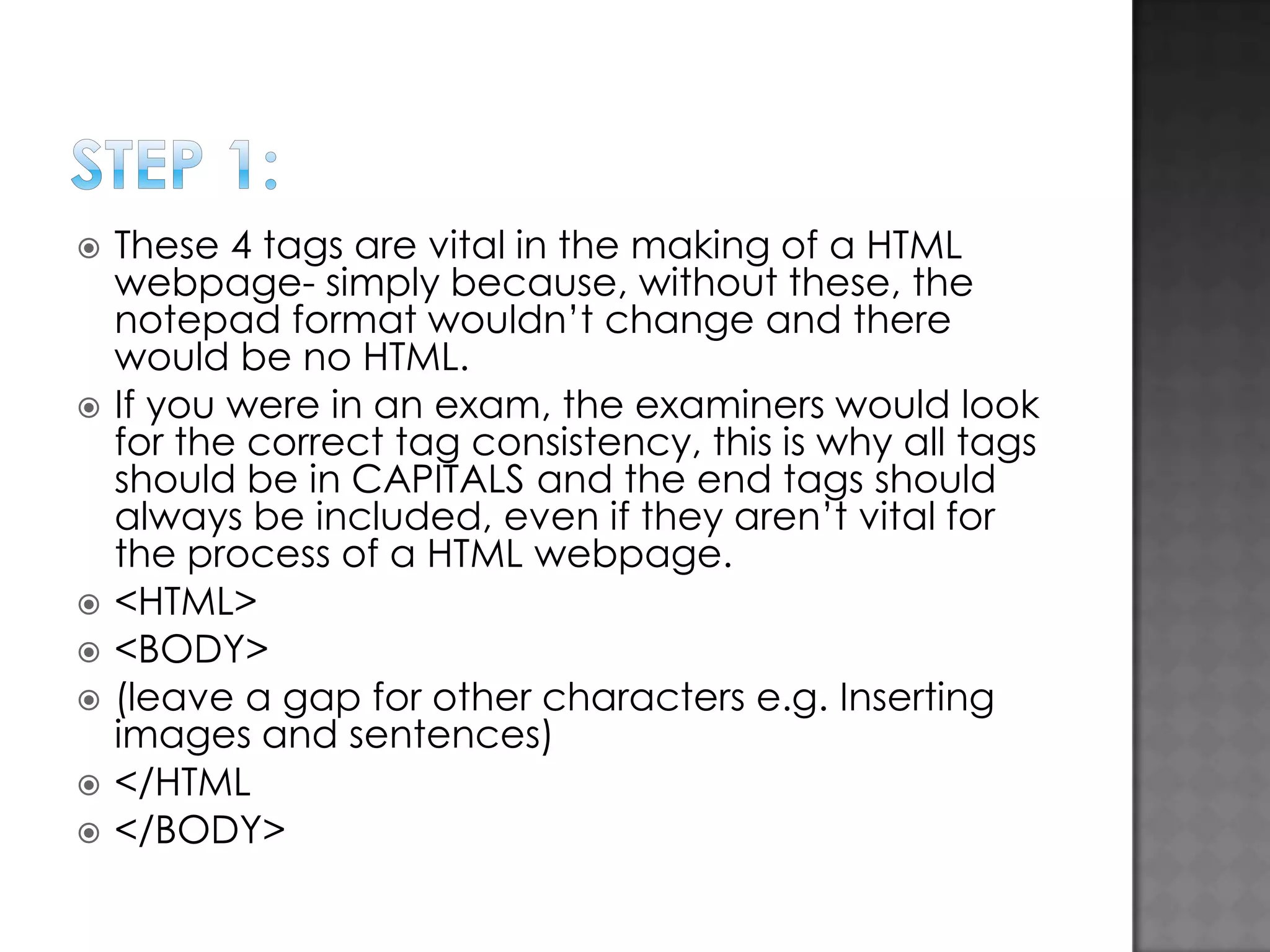
       These 4 tags are vital in the making of a HTML webpage- simply because, without these, the notepad format wouldn’t change and there would be no HTML. If you were in an exam, the examiners would look for the correct tag consistency, this is why all tags should be in CAPITALS and the end tags should always be included, even if they aren’t vital for the process of a HTML webpage. <HTML> <BODY> (leave a gap for other characters e.g. Inserting images and sentences) </HTML </BODY>
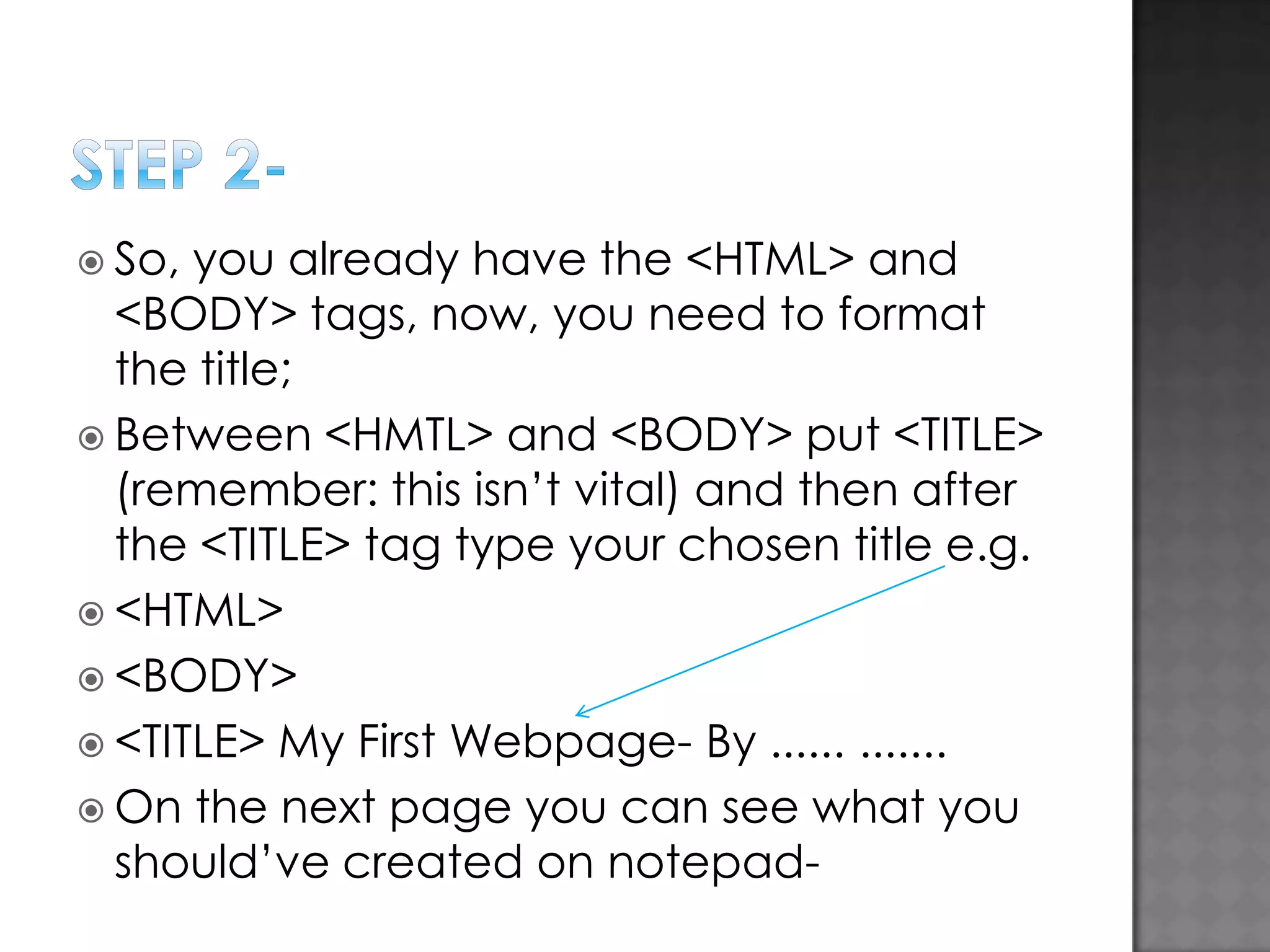
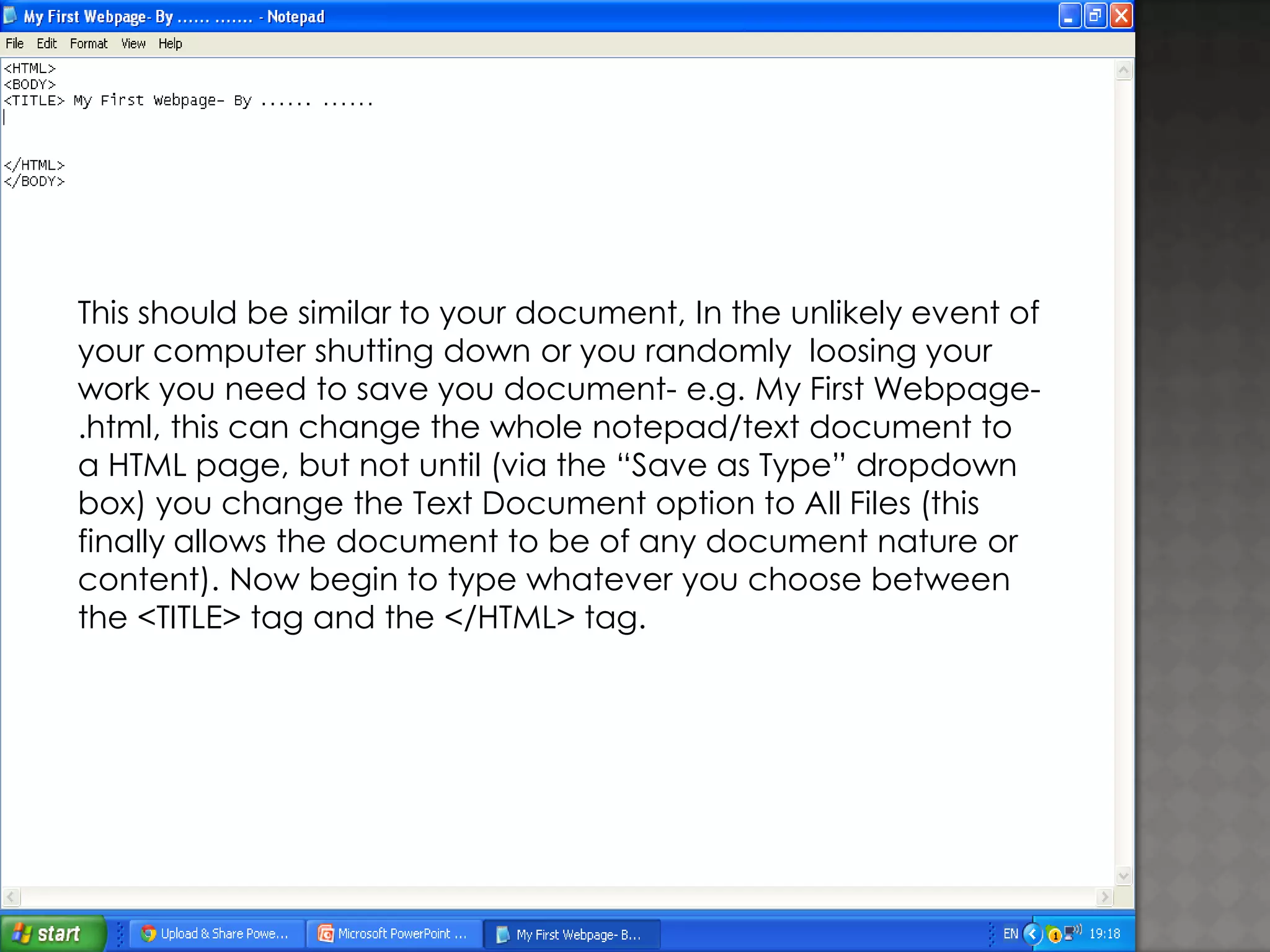
 So, you already have the <HTML> and <BODY> tags, now, you need to format the title;  Between <HMTL> and <BODY> put <TITLE> (remember: this isn’t vital) and then after the <TITLE> tag type your chosen title e.g.  <HTML>  <BODY>  <TITLE> My First Webpage- By ...... .......  On the next page you can see what you should’ve created on notepad-
This should be similar to your document, In the unlikely event of your computer shutting down or you randomly loosing your work you need to save you document- e.g. My First Webpage.html, this can change the whole notepad/text document to a HTML page, but not until (via the “Save as Type” dropdown box) you change the Text Document option to All Files (this finally allows the document to be of any document nature or content). Now begin to type whatever you choose between the <TITLE> tag and the </HTML> tag.
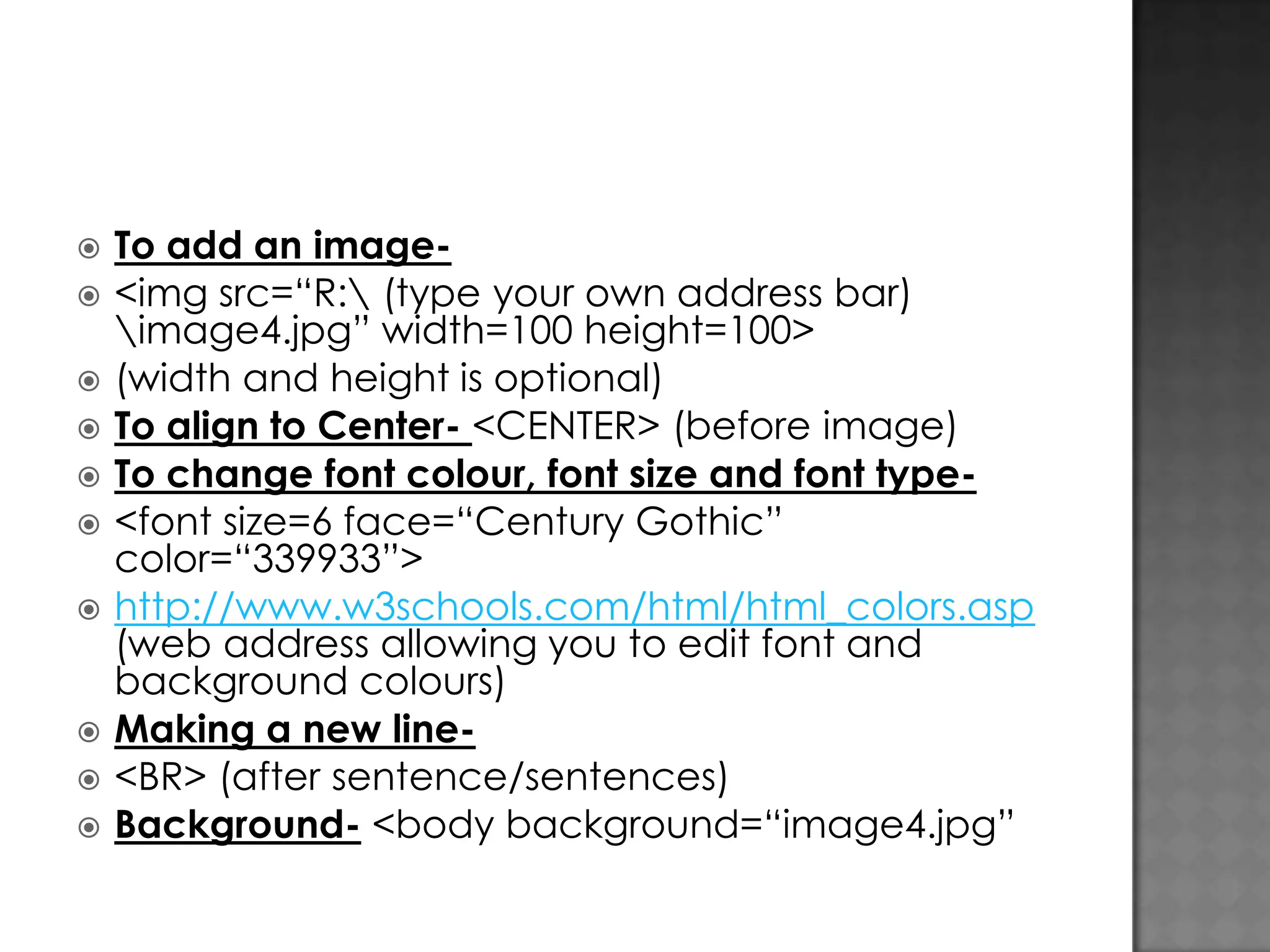
          To add an image<img src=“R: (type your own address bar) image4.jpg” width=100 height=100> (width and height is optional) To align to Center- <CENTER> (before image) To change font colour, font size and font type<font size=6 face=“Century Gothic” color=“339933”> http://www.w3schools.com/html/html_colors.asp (web address allowing you to edit font and background colours) Making a new line<BR> (after sentence/sentences) Background- <body background=“image4.jpg”
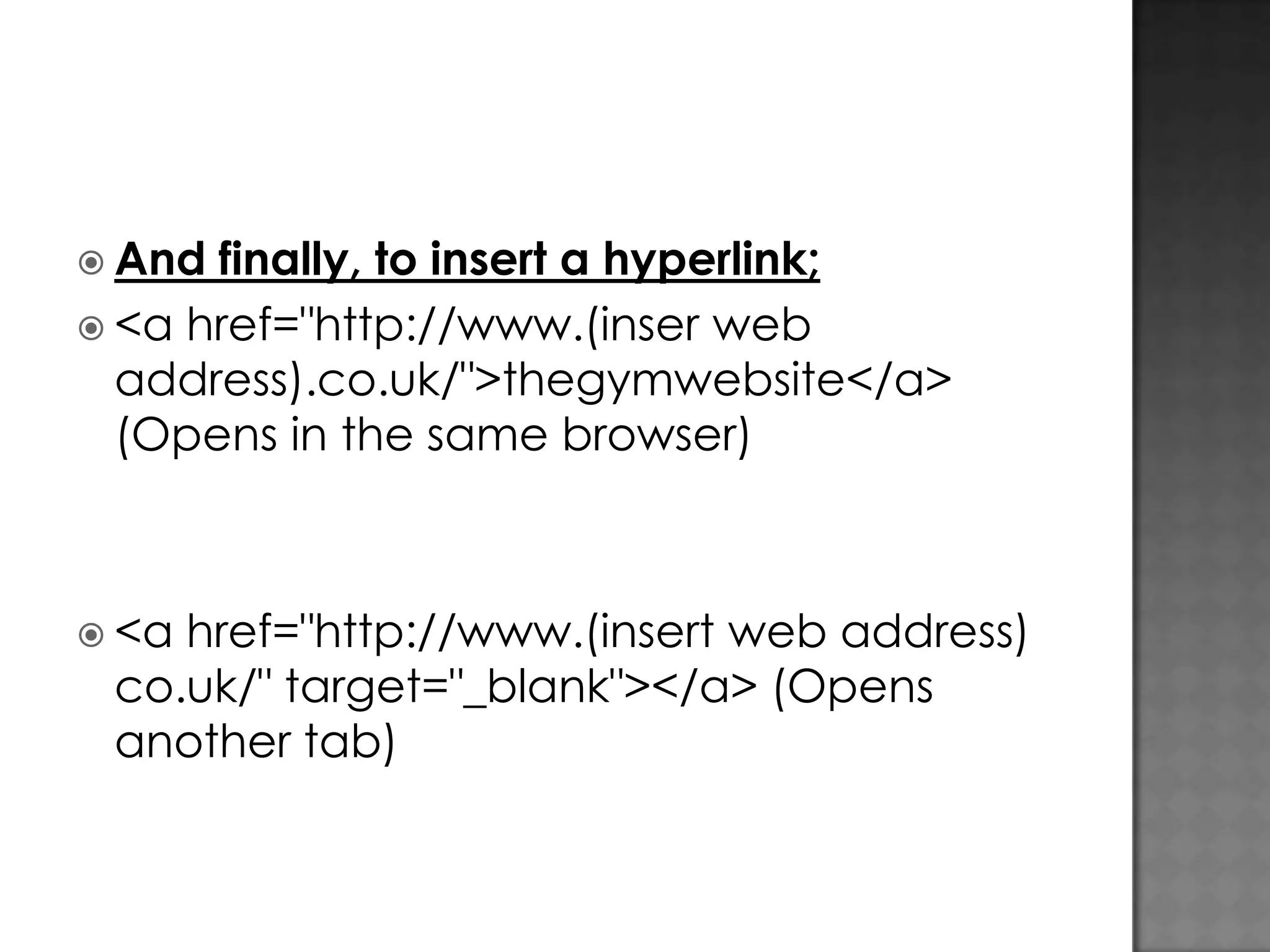
 And finally, to insert a hyperlink;  <a href="http://www.(inser web address).co.uk/">thegymwebsite</a> (Opens in the same browser)  <a href="http://www.(insert web address) co.uk/" target="_blank"></a> (Opens another tab)

How to create a html webpage using notepad

  • 1.
  • 2.
           These 4 tagsare vital in the making of a HTML webpage- simply because, without these, the notepad format wouldn’t change and there would be no HTML. If you were in an exam, the examiners would look for the correct tag consistency, this is why all tags should be in CAPITALS and the end tags should always be included, even if they aren’t vital for the process of a HTML webpage. <HTML> <BODY> (leave a gap for other characters e.g. Inserting images and sentences) </HTML </BODY>
  • 3.
     So, you alreadyhave the <HTML> and <BODY> tags, now, you need to format the title;  Between <HMTL> and <BODY> put <TITLE> (remember: this isn’t vital) and then after the <TITLE> tag type your chosen title e.g.  <HTML>  <BODY>  <TITLE> My First Webpage- By ...... .......  On the next page you can see what you should’ve created on notepad-
  • 4.
    This should besimilar to your document, In the unlikely event of your computer shutting down or you randomly loosing your work you need to save you document- e.g. My First Webpage.html, this can change the whole notepad/text document to a HTML page, but not until (via the “Save as Type” dropdown box) you change the Text Document option to All Files (this finally allows the document to be of any document nature or content). Now begin to type whatever you choose between the <TITLE> tag and the </HTML> tag.
  • 5.
              To add animage<img src=“R: (type your own address bar) image4.jpg” width=100 height=100> (width and height is optional) To align to Center- <CENTER> (before image) To change font colour, font size and font type<font size=6 face=“Century Gothic” color=“339933”> http://www.w3schools.com/html/html_colors.asp (web address allowing you to edit font and background colours) Making a new line<BR> (after sentence/sentences) Background- <body background=“image4.jpg”
  • 6.
     And finally, toinsert a hyperlink;  <a href="http://www.(inser web address).co.uk/">thegymwebsite</a> (Opens in the same browser)  <a href="http://www.(insert web address) co.uk/" target="_blank"></a> (Opens another tab)