FASTEST CSS3 ANIMATIONS Berkay Beyaz - @berkaybeyaz6
WHO AM I ? • At 17 • Entrepreneur @Splashup - http://splashup.in • Backend Developer
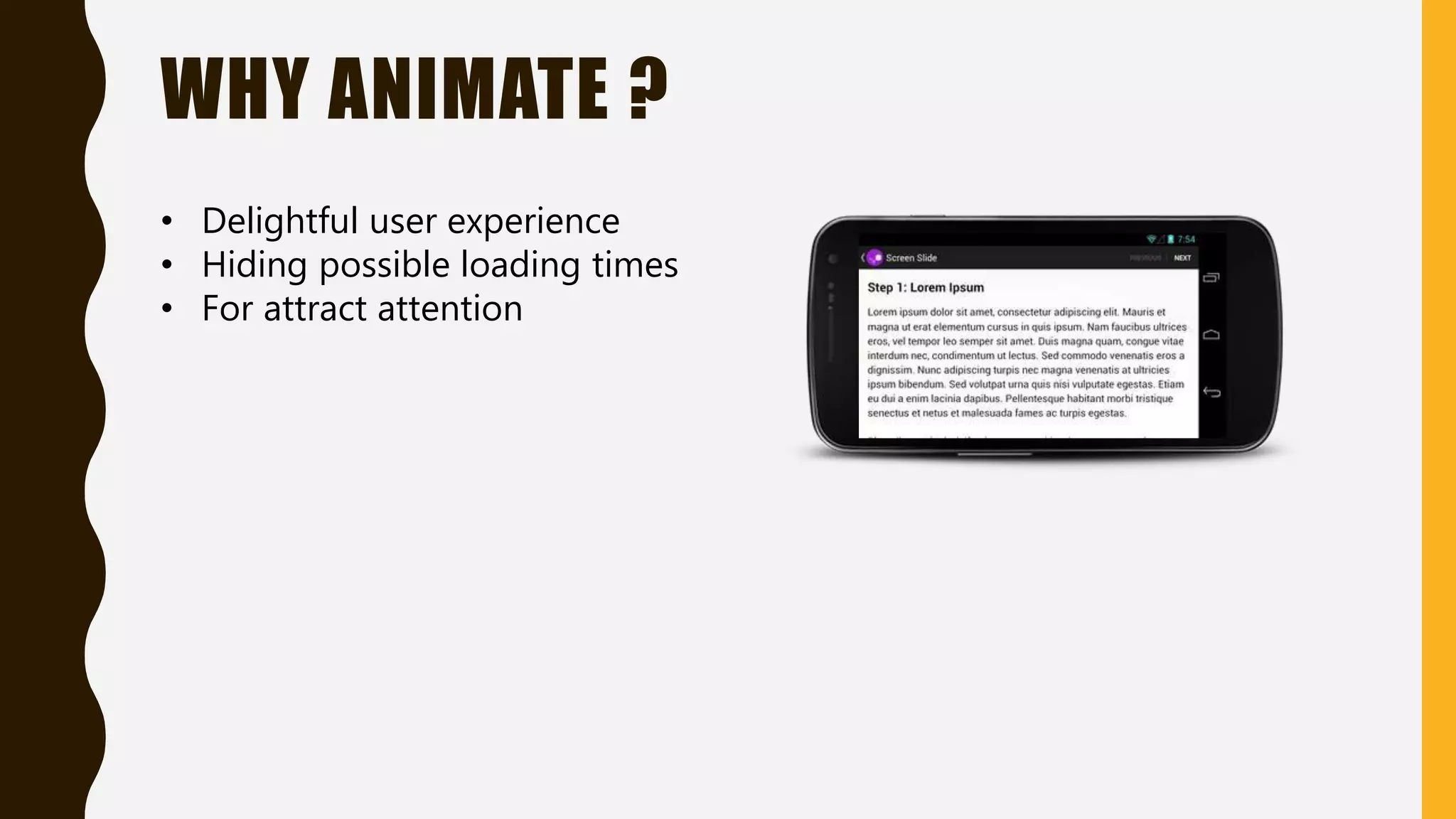
WHY ANIMATE ? • Delightful user experience • Hiding possible loading times • For attract attention
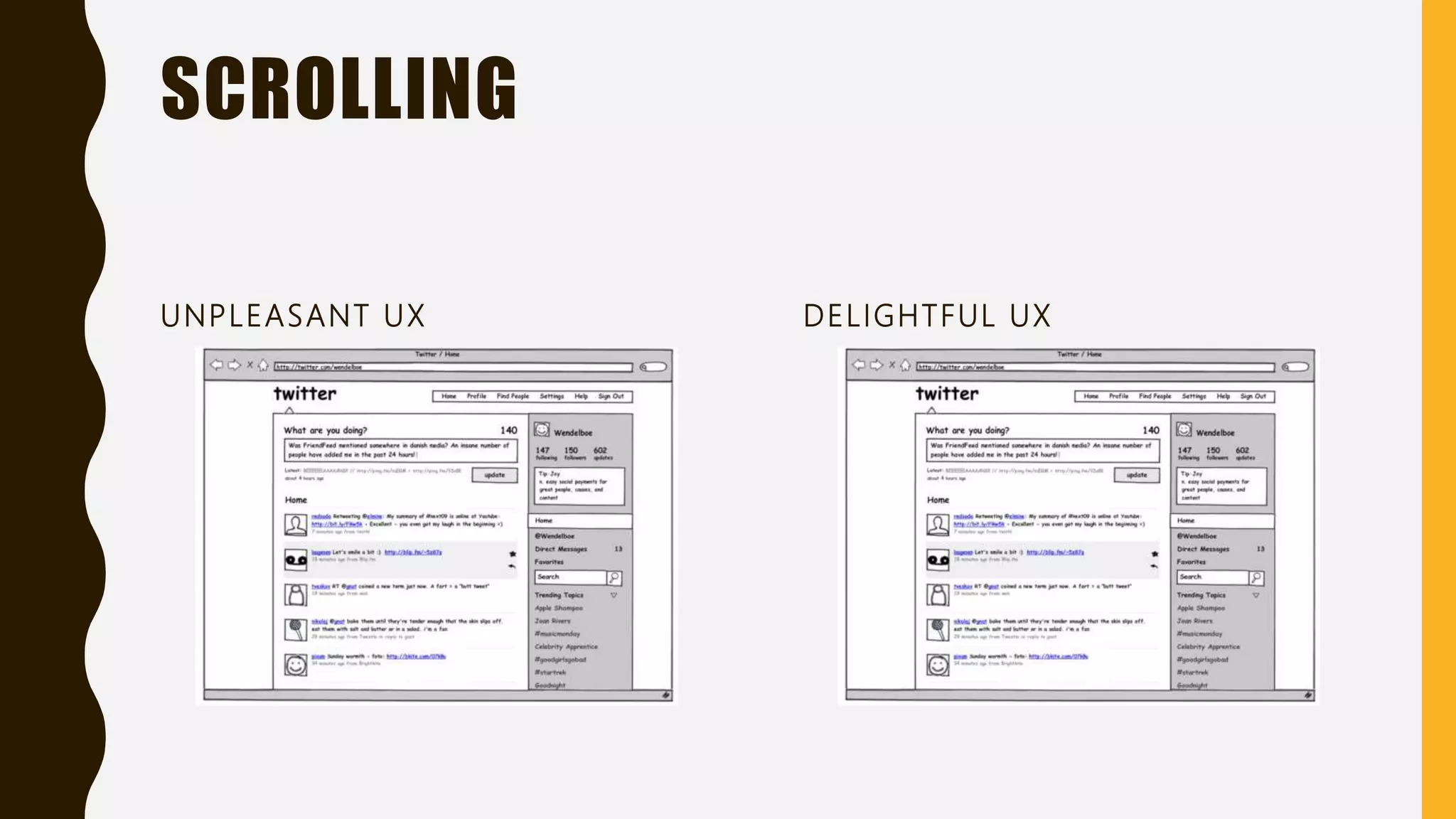
SCROLLING UNPLEASANT UX DELIGHTFUL UX
jQuery way
400px
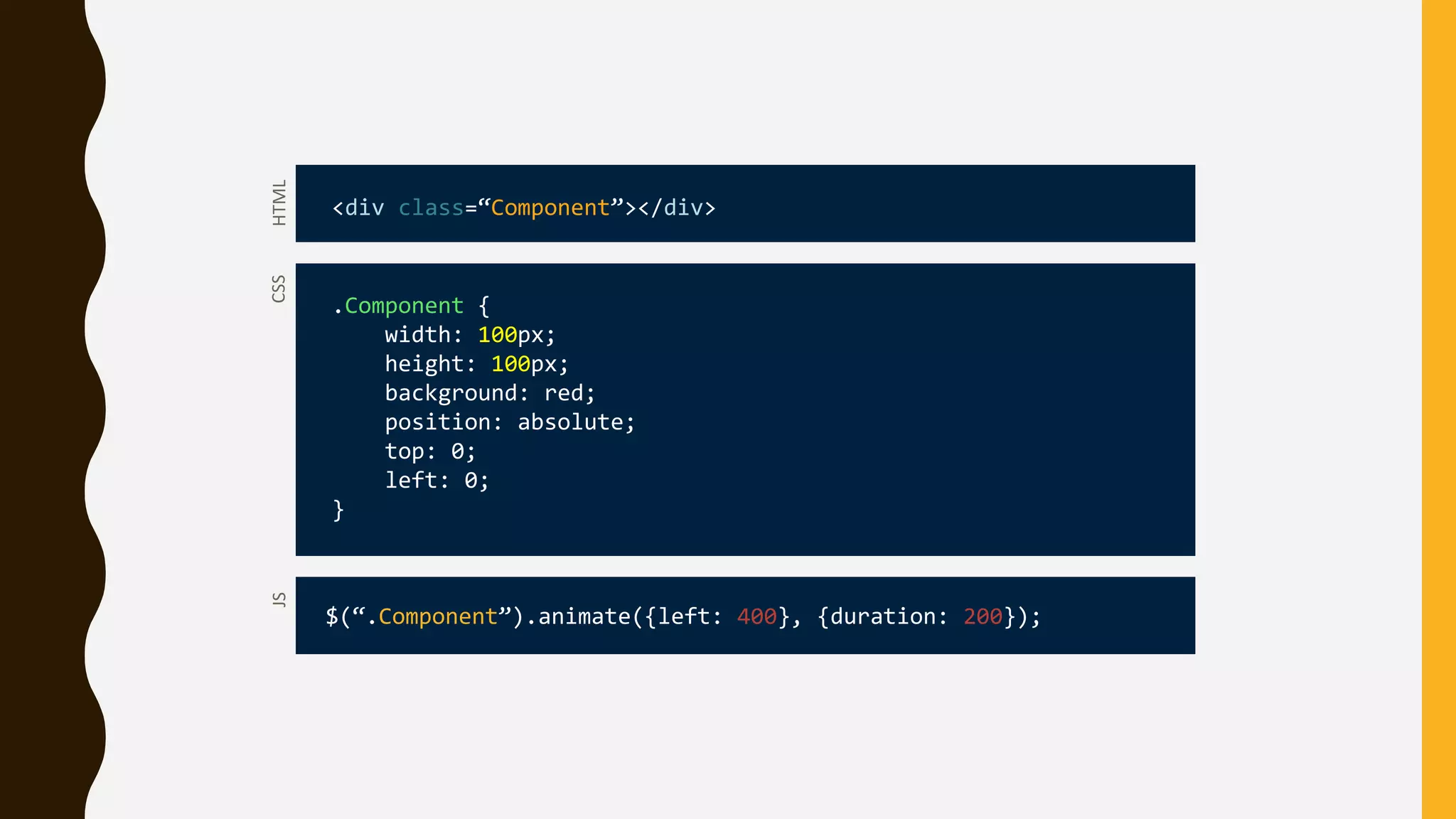
CSS .Component { width: 100px; height: 100px; background: red; position: absolute; top: 0; left: 0; } HTML <div class=“Component”></div> JS $(“.Component”).animate({left: 400}, {duration: 200});
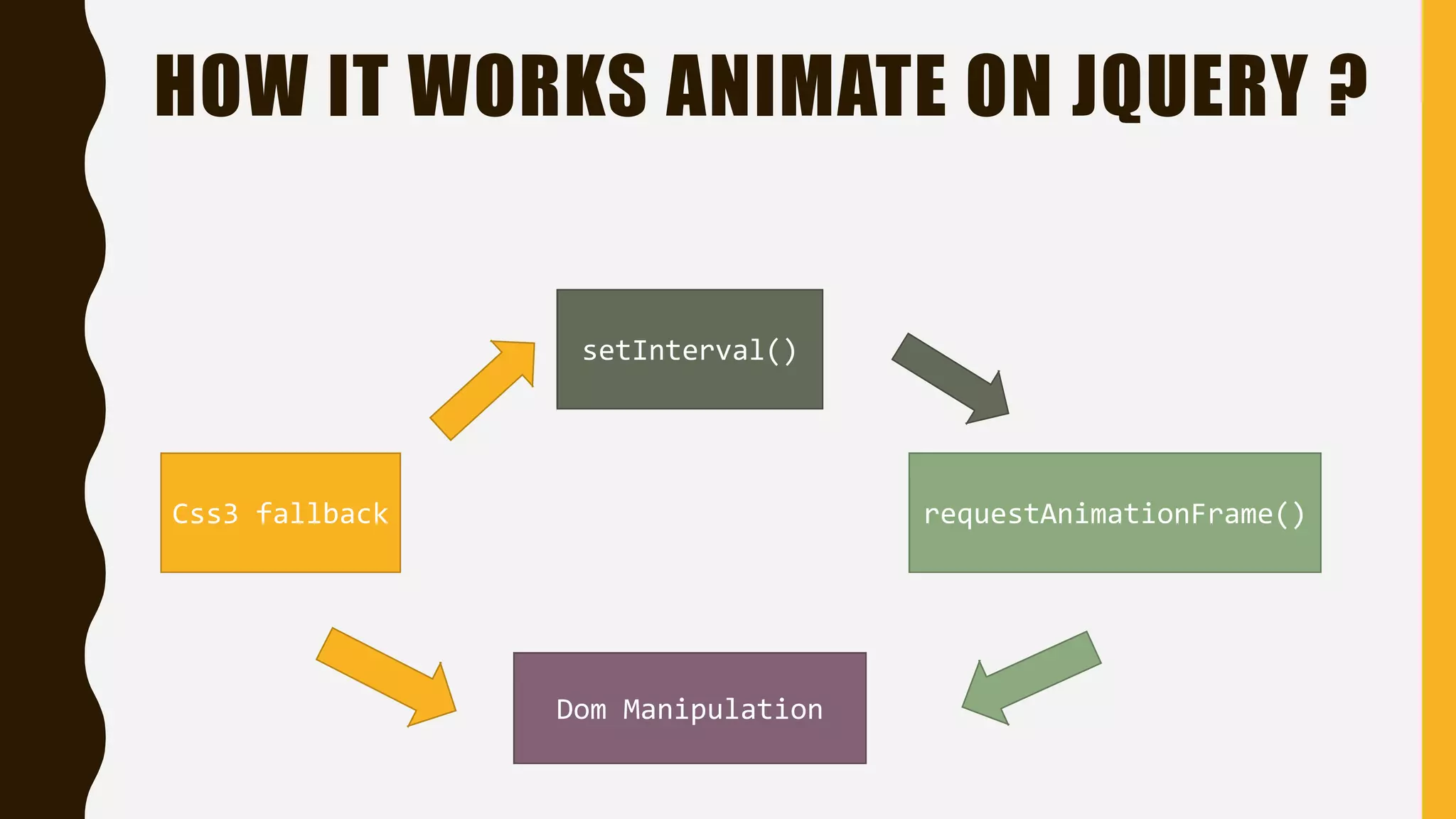
HOW IT WORKS ANIMATE ON JQUERY ? Css3 fallback requestAnimationFrame() setInterval() Dom Manipulation
THAT'S ALL RIGHT ?
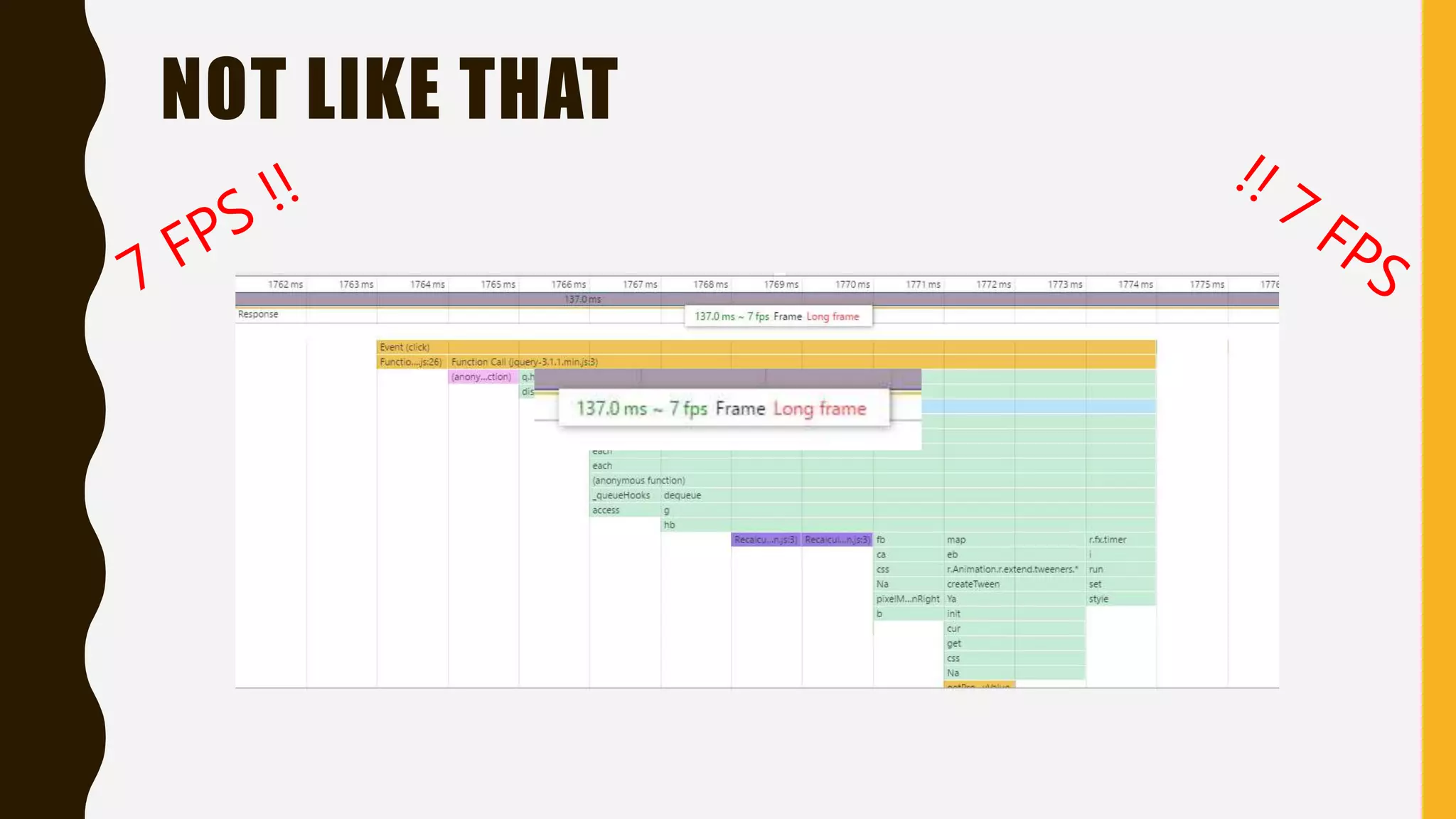
NOT LIKE THAT
WHAT WE DO NOW ?
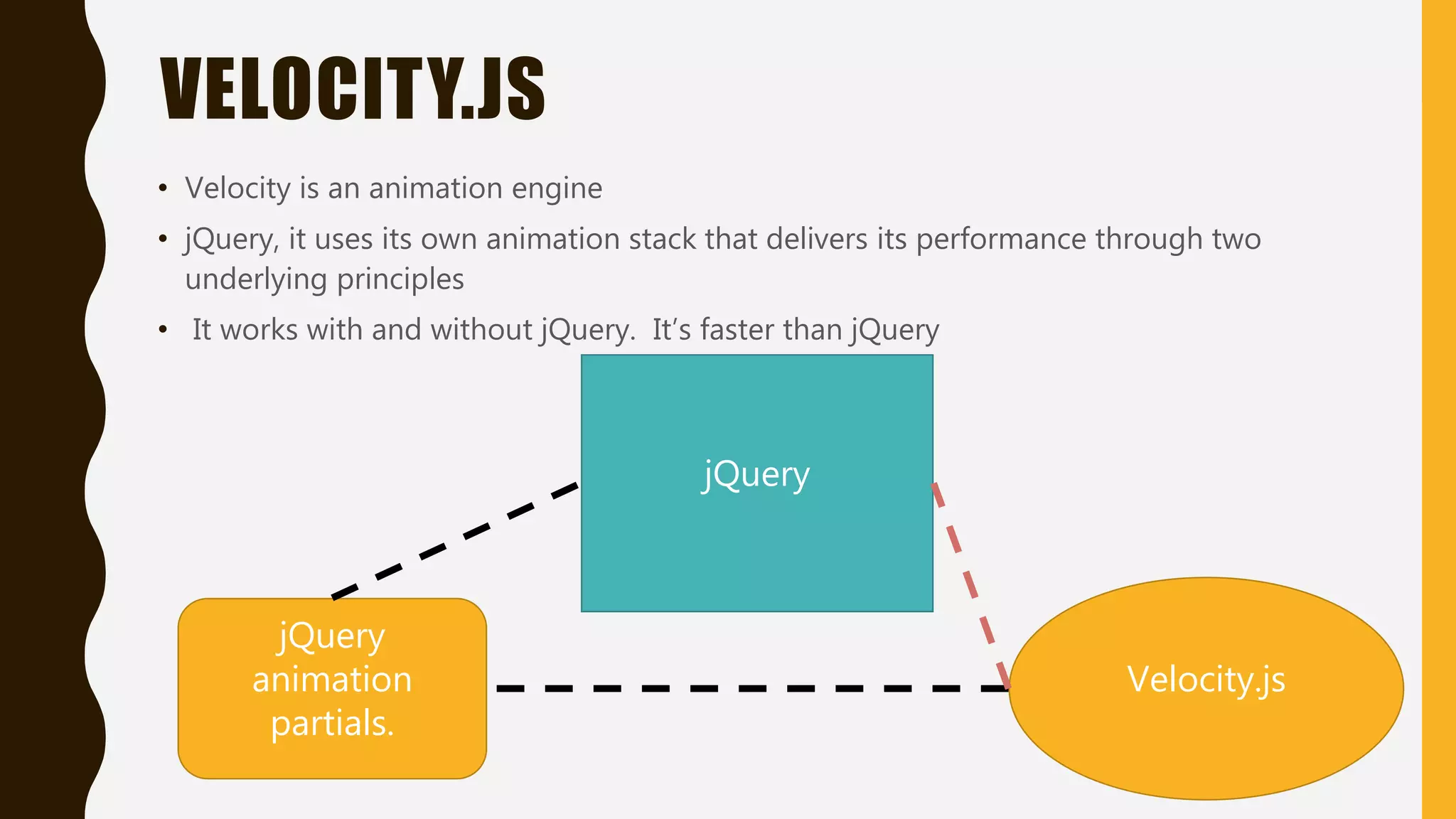
VELOCITY.JS • Velocity is an animation engine • jQuery, it uses its own animation stack that delivers its performance through two underlying principles • It works with and without jQuery. It’s faster than jQuery jQuery jQuery animation partials. Velocity.js
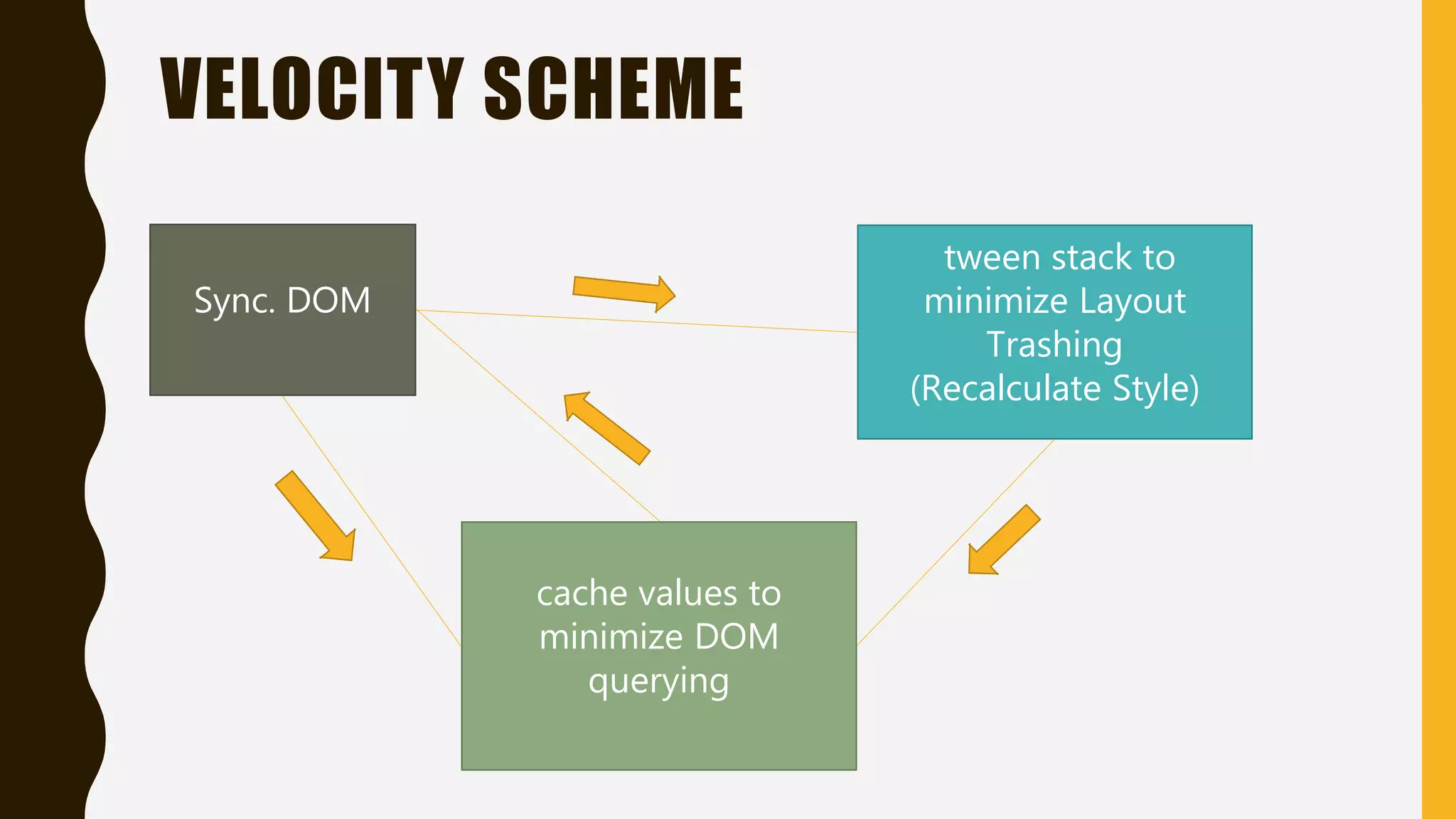
VELOCITY SCHEME Sync. DOM tween stack to minimize Layout Trashing (Recalculate Style) cache values to minimize DOM querying
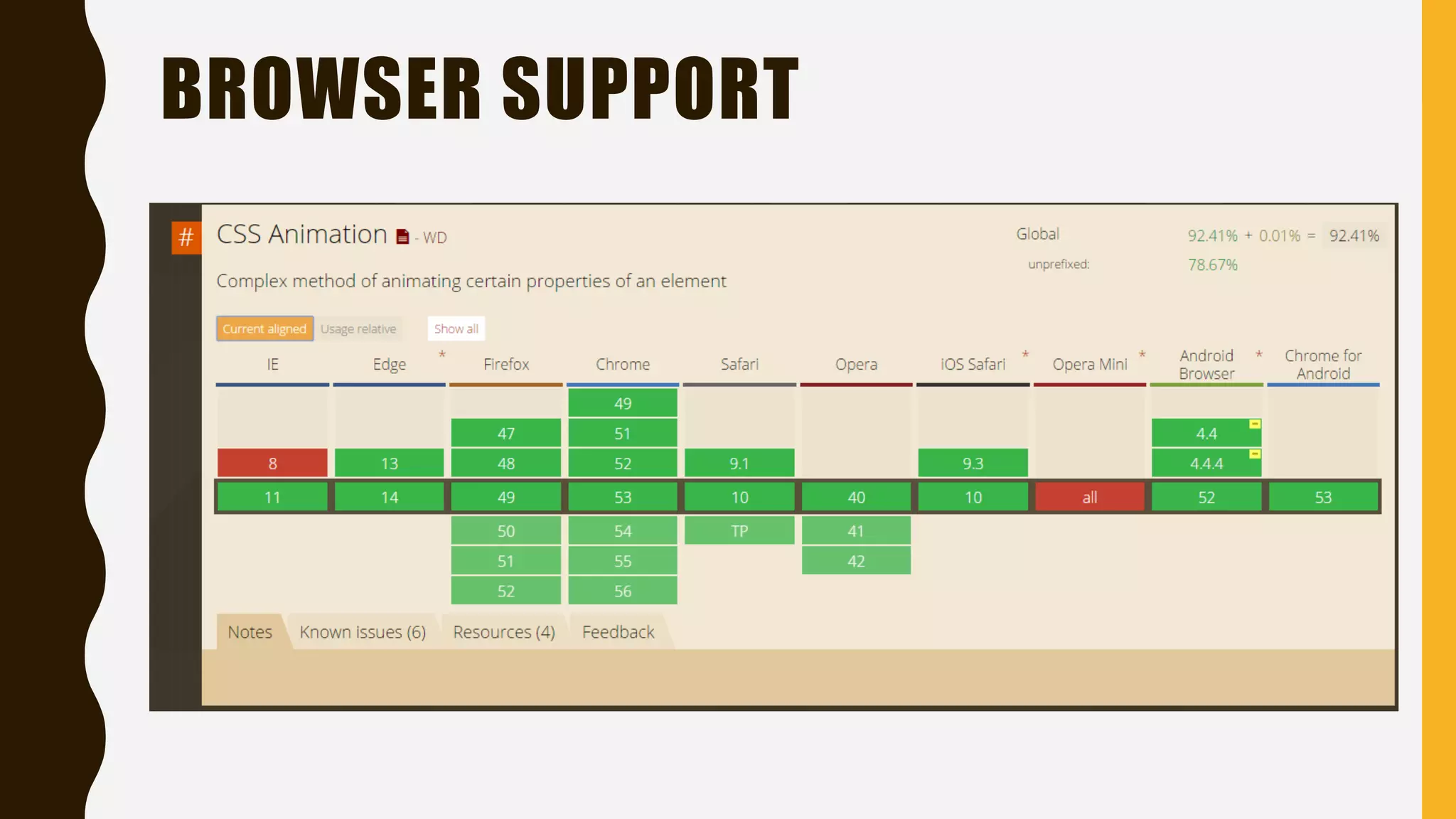
BROWSER SUPPORT
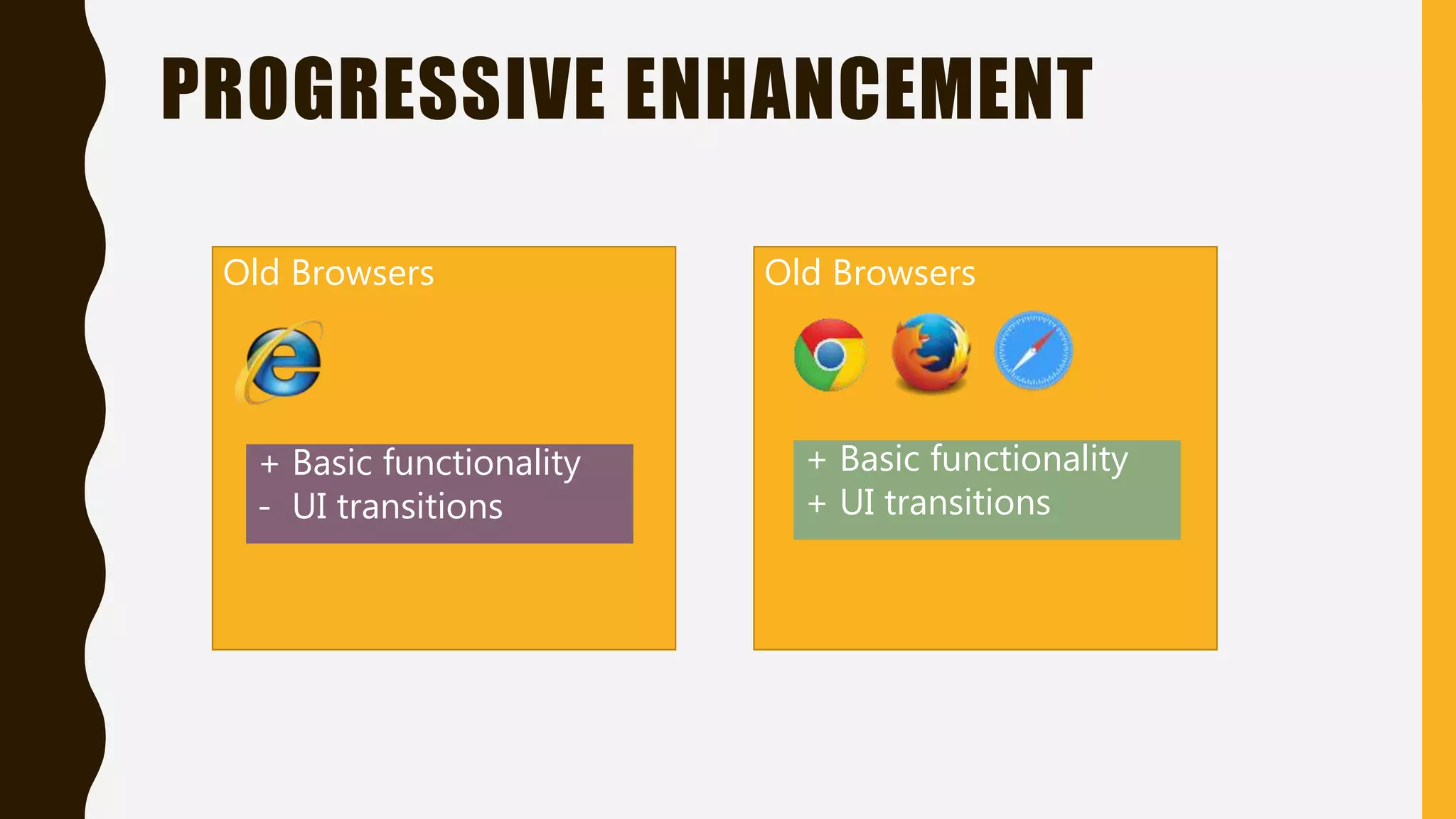
PROGRESSIVE ENHANCEMENT Old Browsers + Basic functionality - UI transitions Old Browsers + Basic functionality + UI transitions
TESTING ON BROWSERS RESULTS
SOLUTION ?
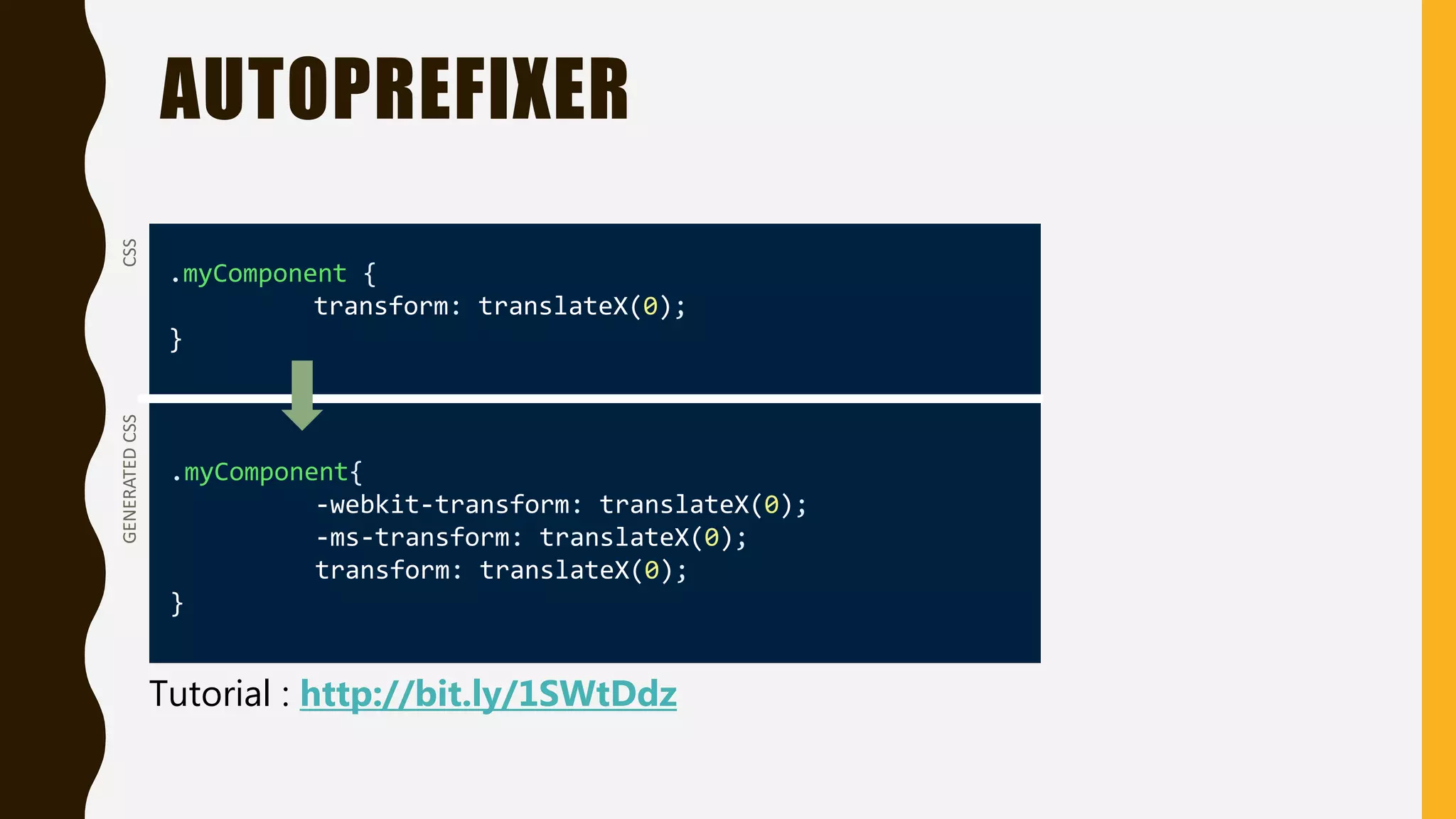
AUTOPREFIXER • Add the desired vendor prefixes and remove unnecessary in your CSS • Violates D.R.Y. principle • Compatible with all browsers • Using with Grunt http://bitly.com/2ejNcjs
AUTOPREFIXER .myComponent { transform: translateX(0); } .myComponent{ -webkit-transform: translateX(0); -ms-transform: translateX(0); transform: translateX(0); } CSSGENERATEDCSS Tutorial : http://bit.ly/1SWtDdz
Basic Animations
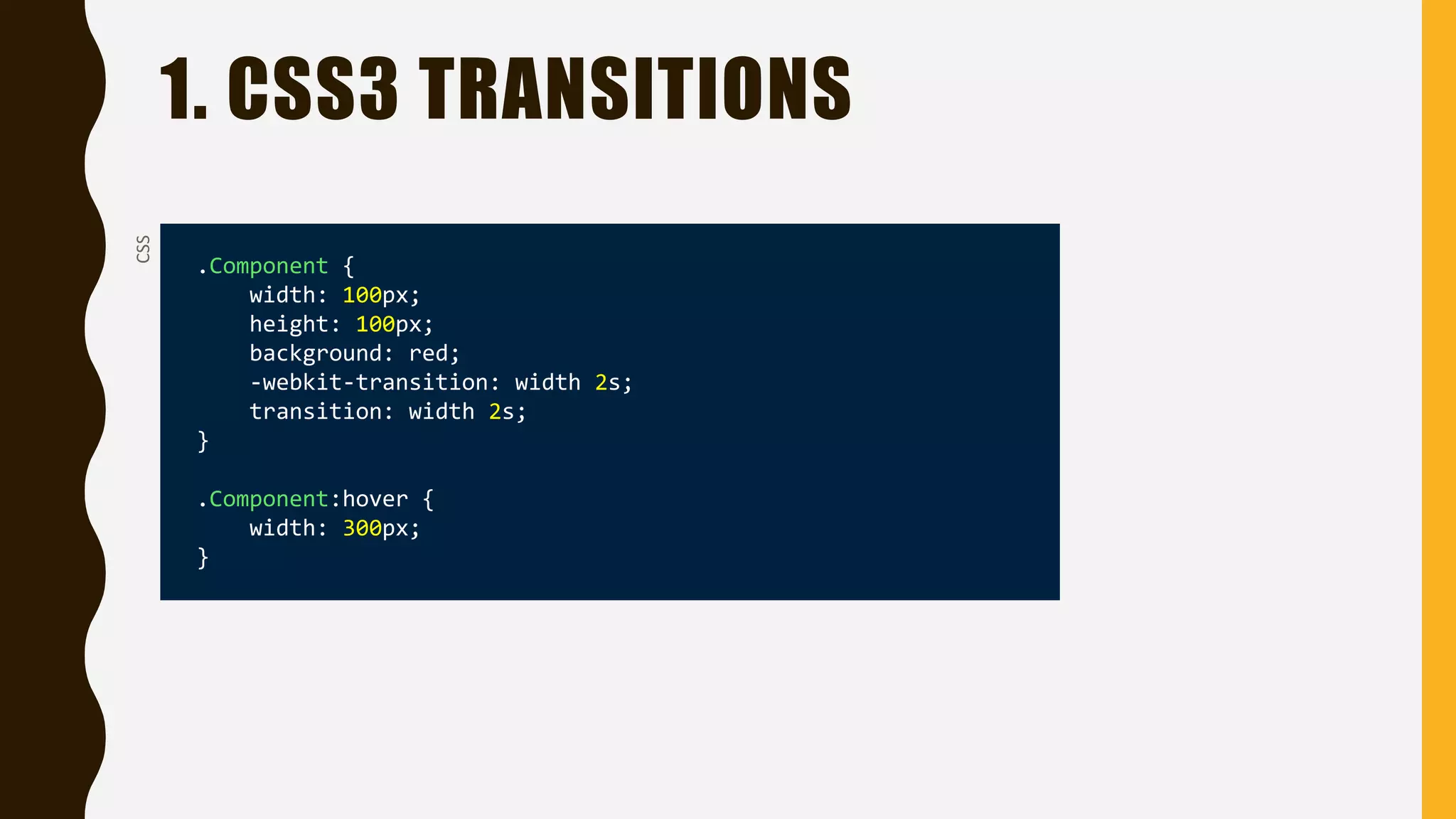
1. CSS3 TRANSITIONSCSS .Component { width: 100px; height: 100px; background: red; -webkit-transition: width 2s; transition: width 2s; } .Component:hover { width: 300px; }
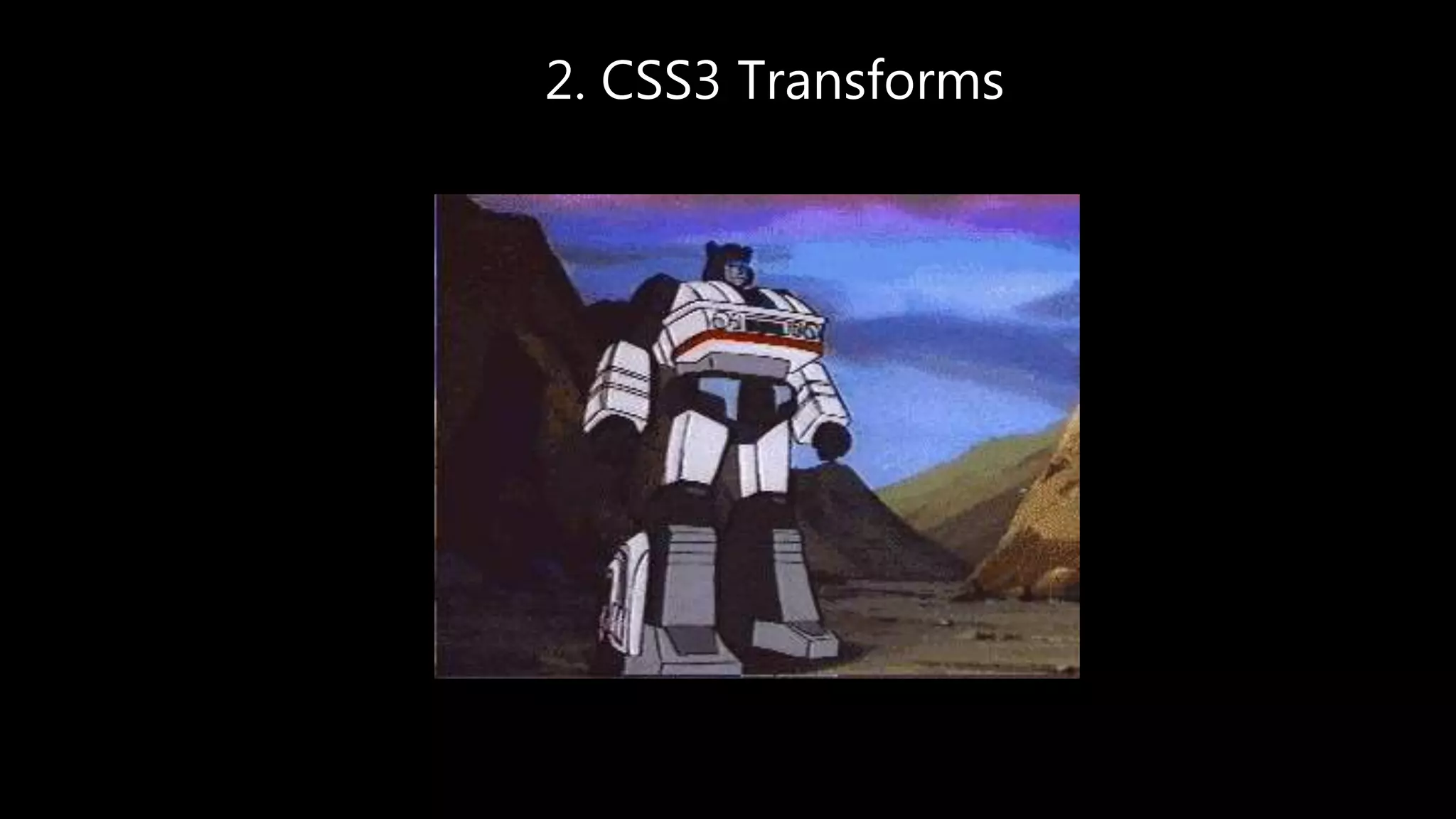
2. CSS3 Transforms
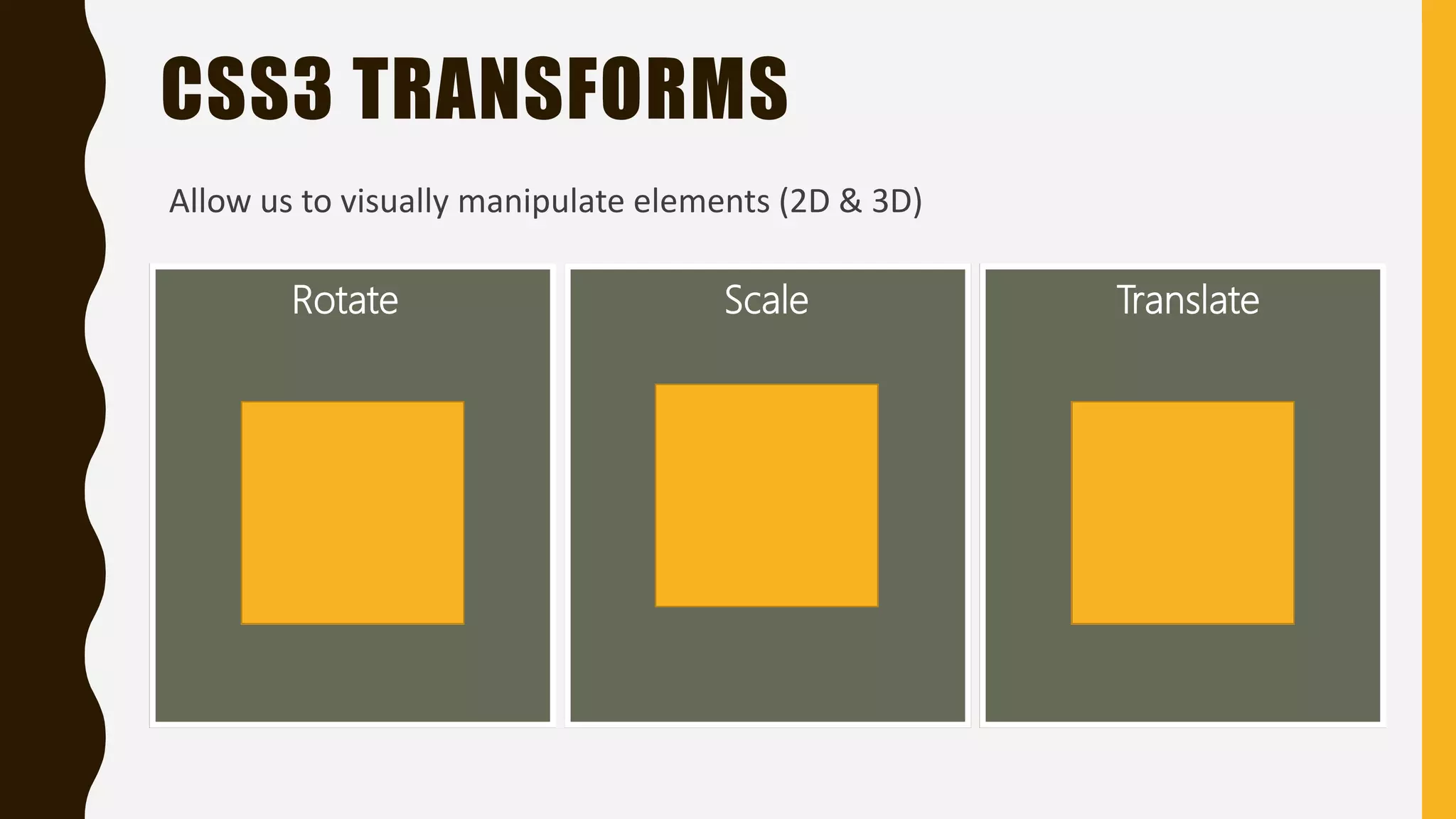
CSS3 TRANSFORMS Rotate Scale Translate Allow us to visually manipulate elements (2D & 3D)
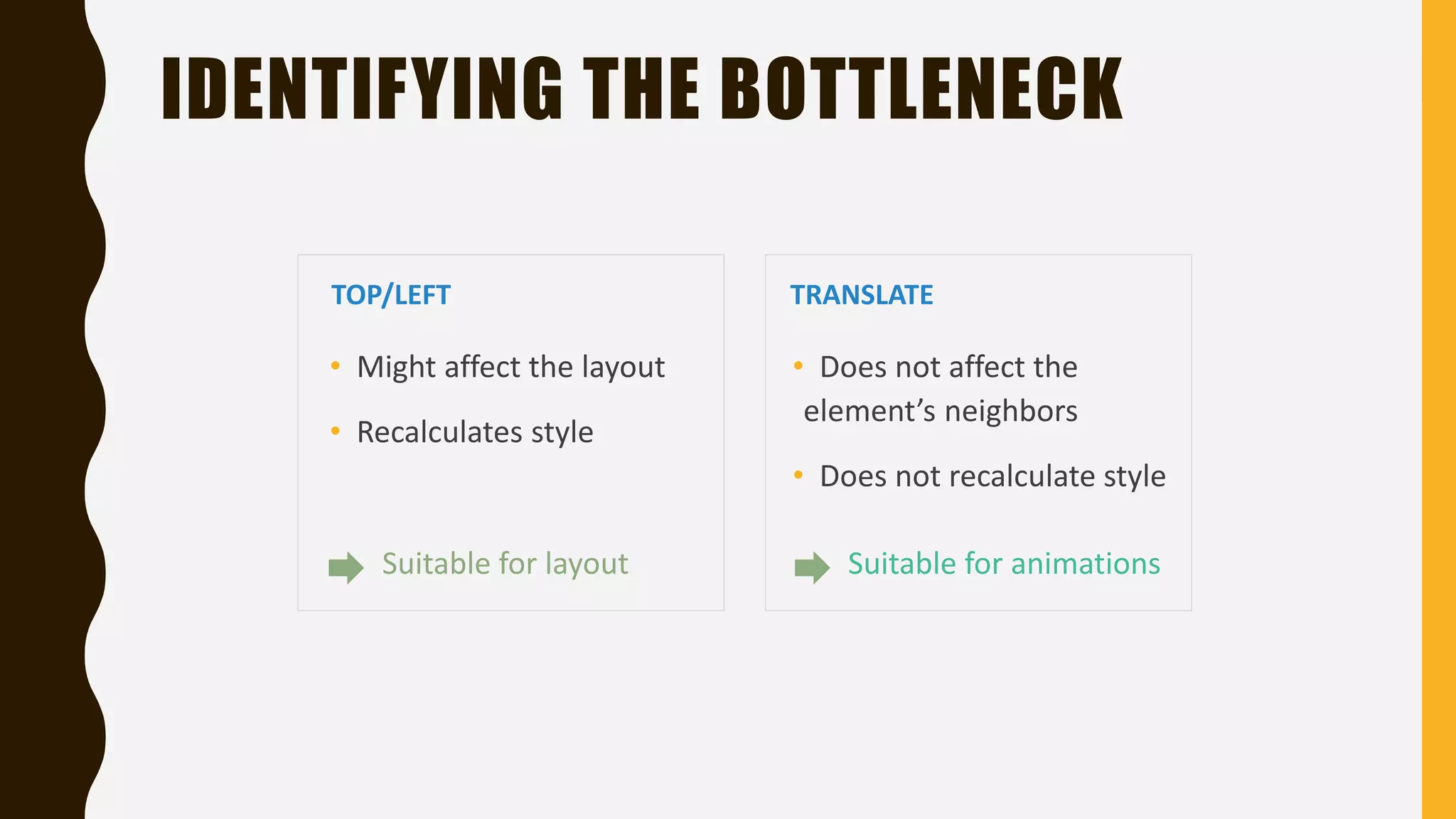
IDENTIFYING THE BOTTLENECK TOP/LEFT • Might affect the layout • Recalculates style TRANSLATE • Does not affect the element’s neighbors • Does not recalculate style Suitable for layout Suitable for animations
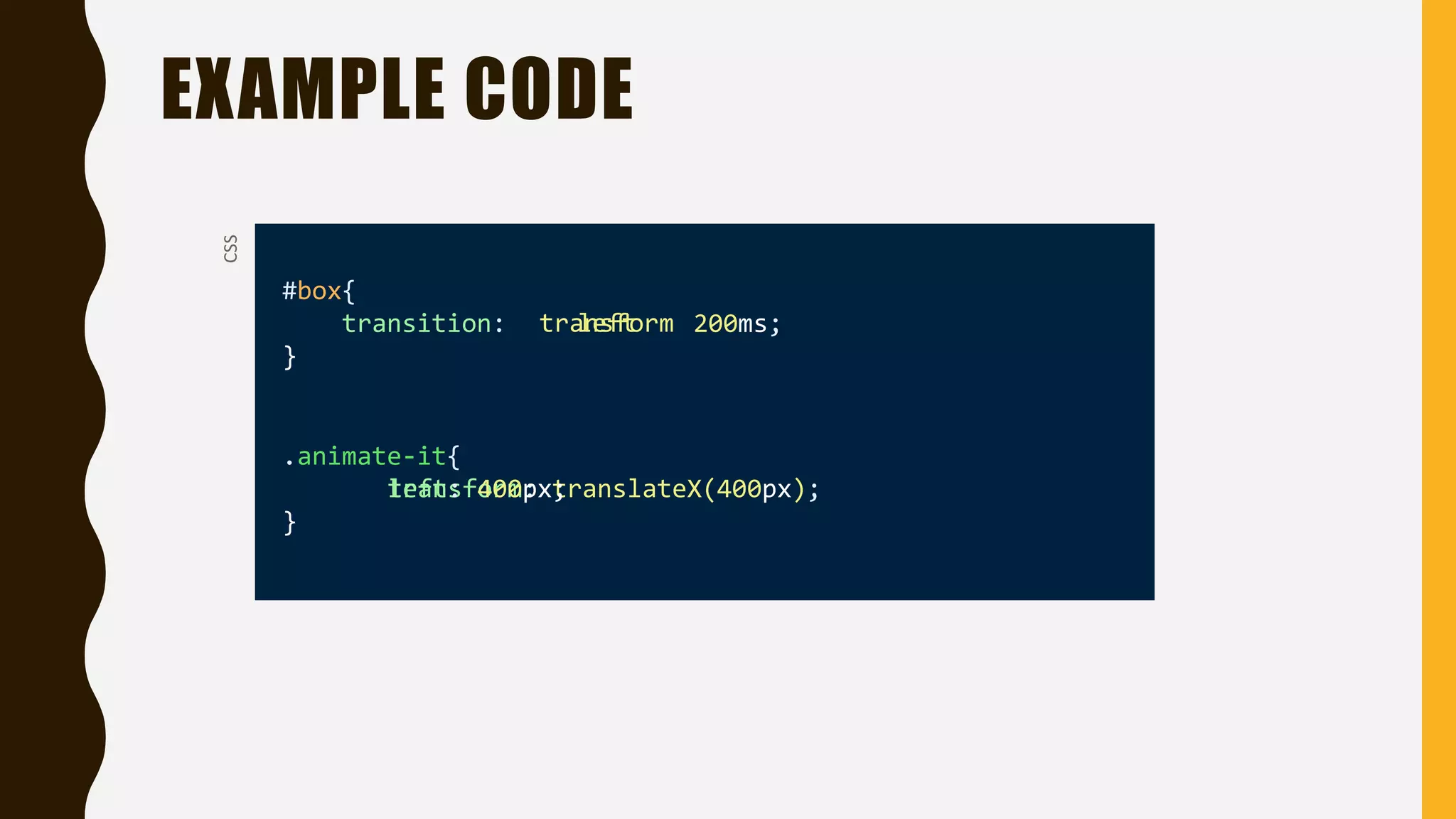
EXAMPLE CODE #box{ transition: 200ms; } .animate-it{ } CSS transform: translateX(400px);left: 400px; lefttransform
3. HARDWARE ACCELERATION
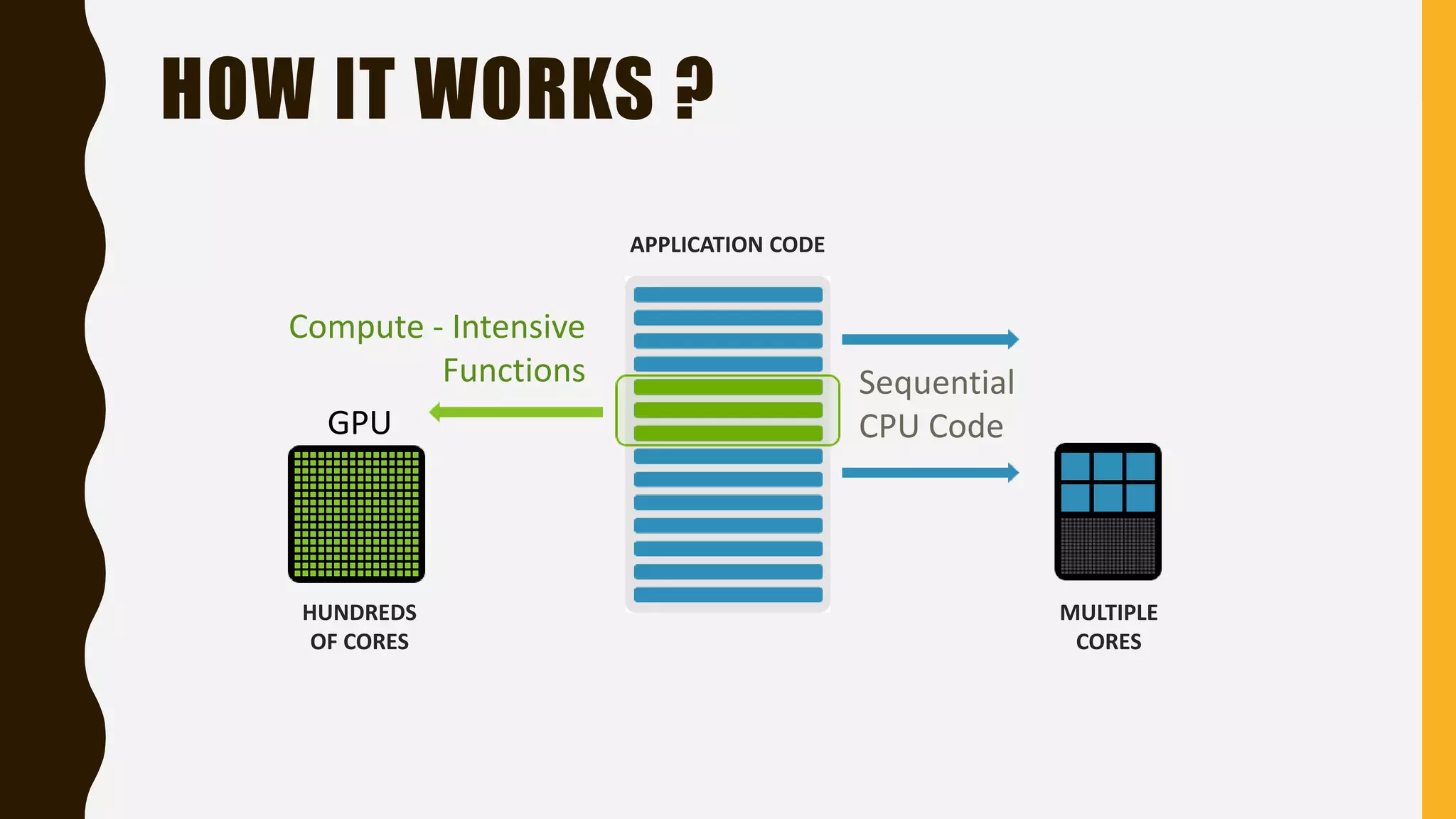
HOW IT WORKS ? Compute - Intensive Functions Sequential CPU Code MULTIPLE CORES HUNDREDS OF CORES APPLICATION CODE GPU
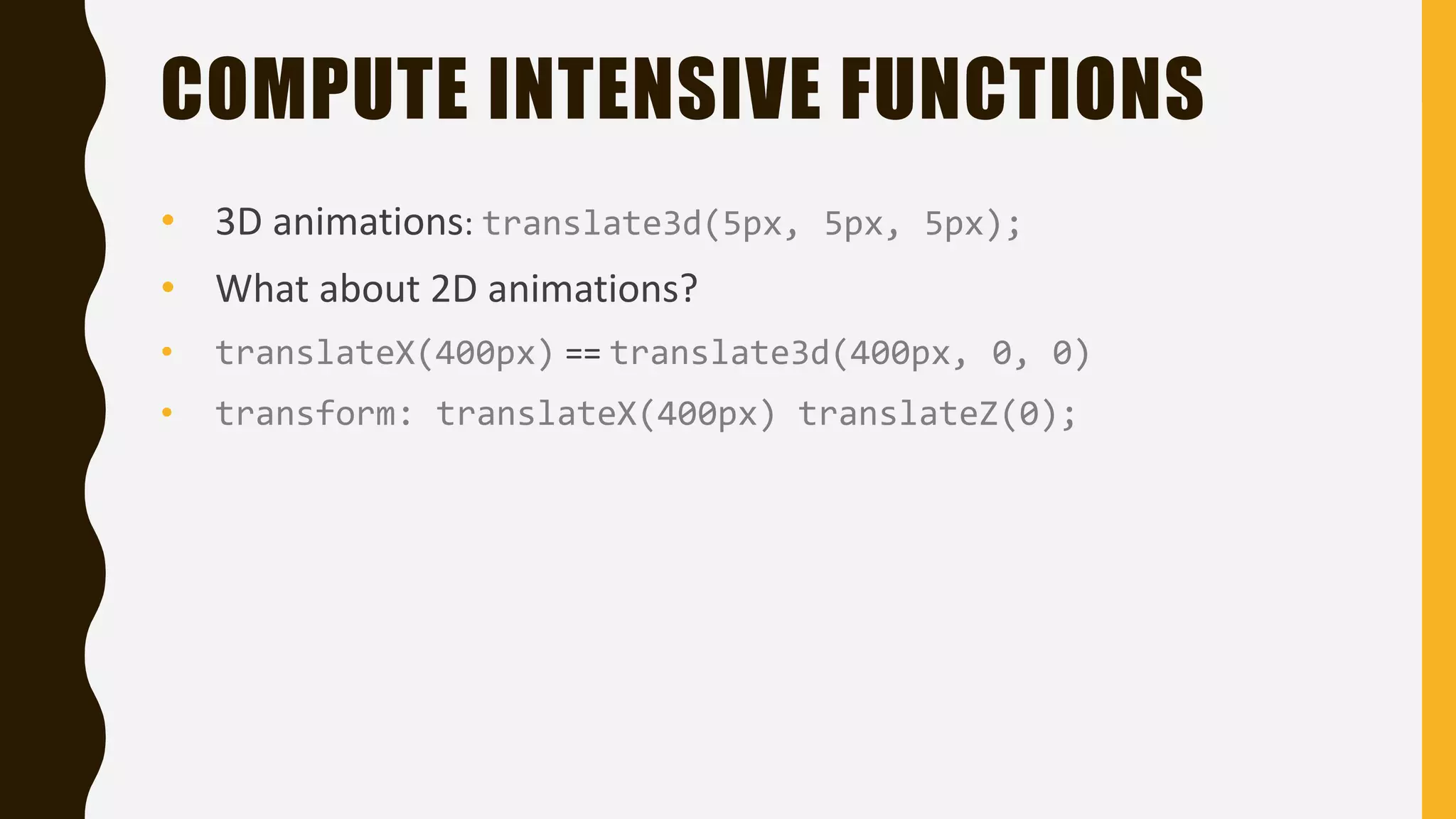
COMPUTE INTENSIVE FUNCTIONS • 3D animations: translate3d(5px, 5px, 5px); • What about 2D animations? • translateX(400px) == translate3d(400px, 0, 0) • transform: translateX(400px) translateZ(0);
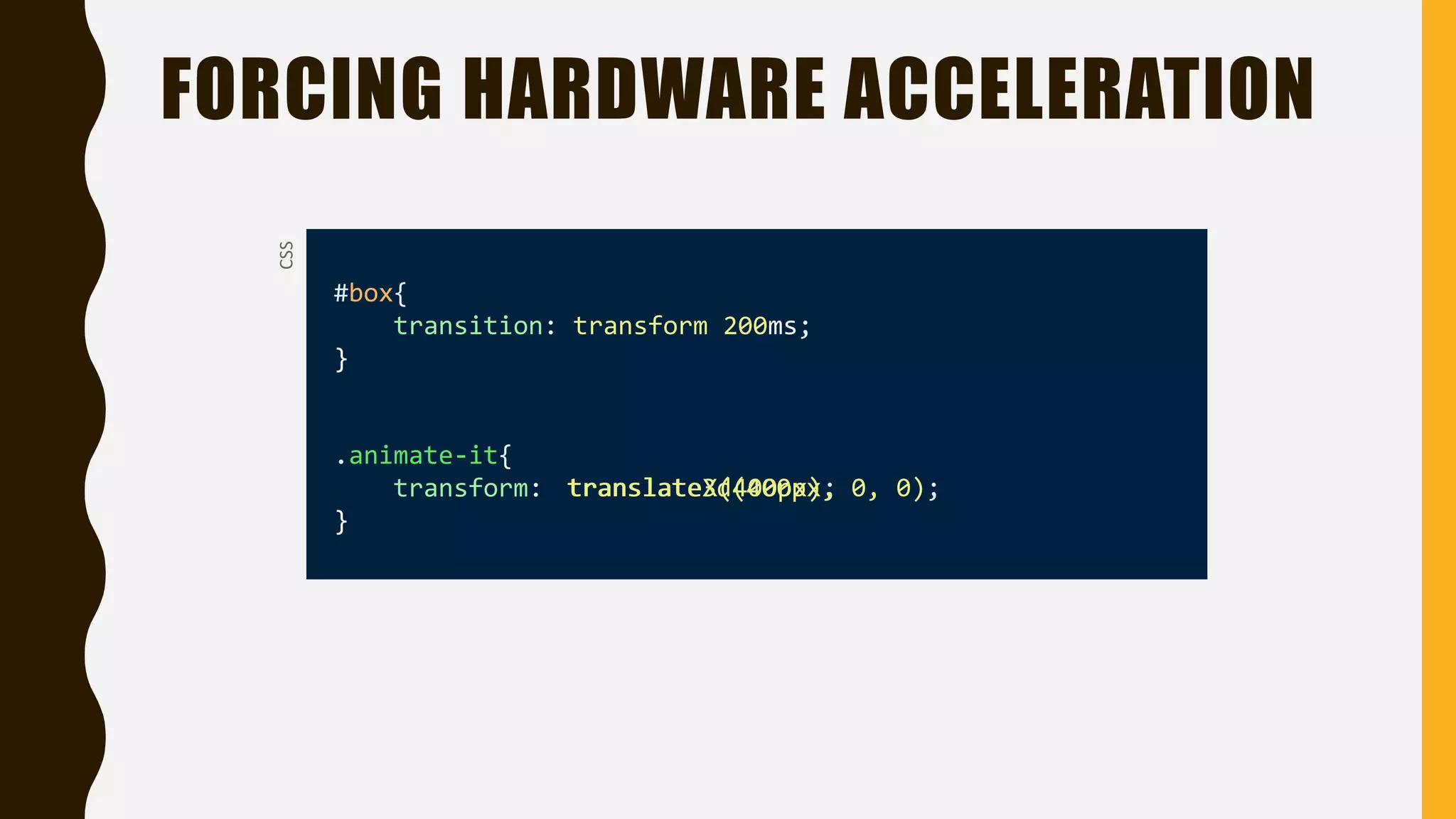
FORCING HARDWARE ACCELERATION #box{ transition: transform 200ms; } .animate-it{ transform: } CSS translateX(400px);translate3d(400px, 0, 0);
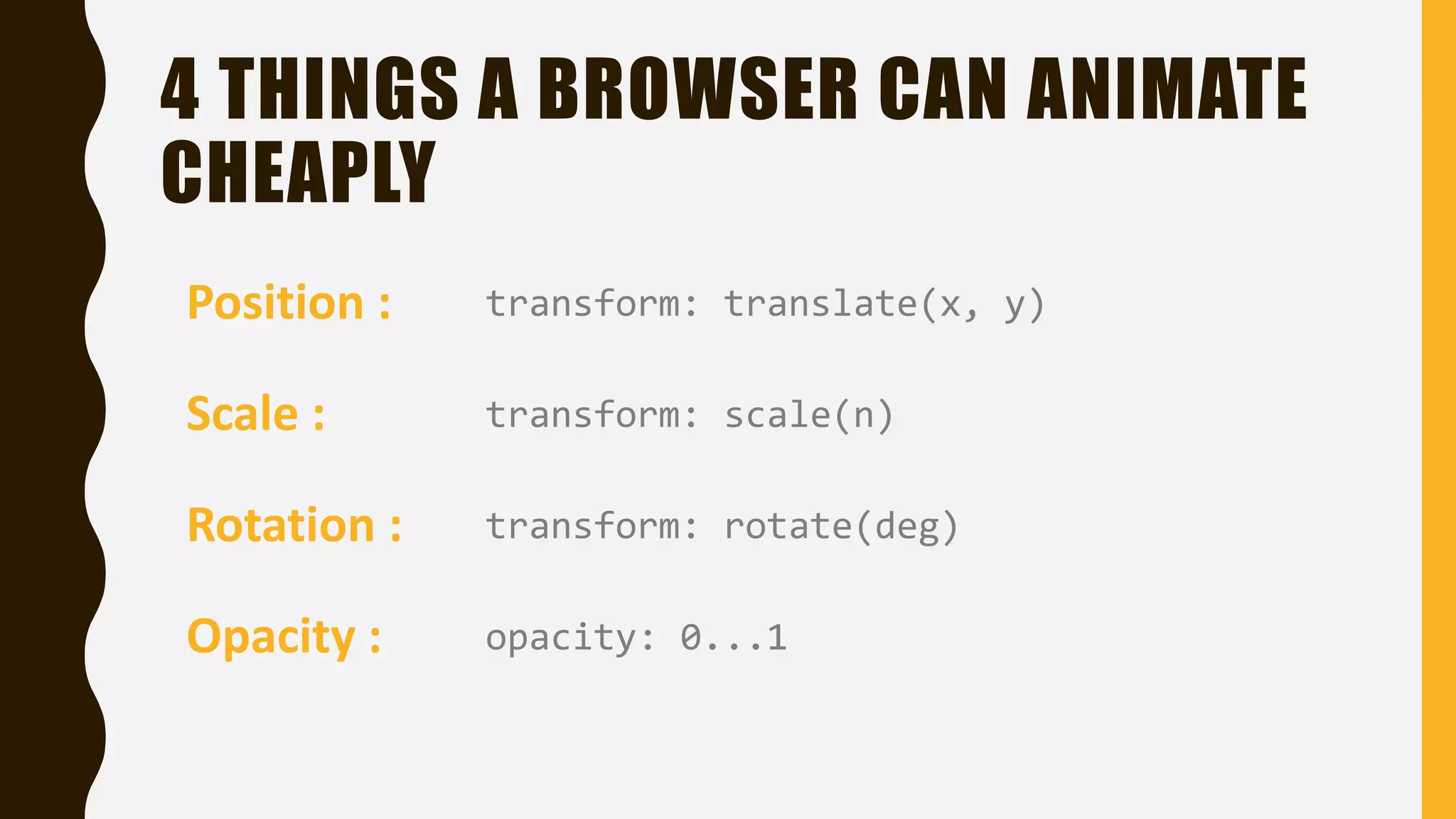
4 THINGS A BROWSER CAN ANIMATE CHEAPLY Position : transform: translate(x, y) Scale : Rotation : Opacity : transform: scale(n) transform: rotate(deg) opacity: 0...1
PROFILING
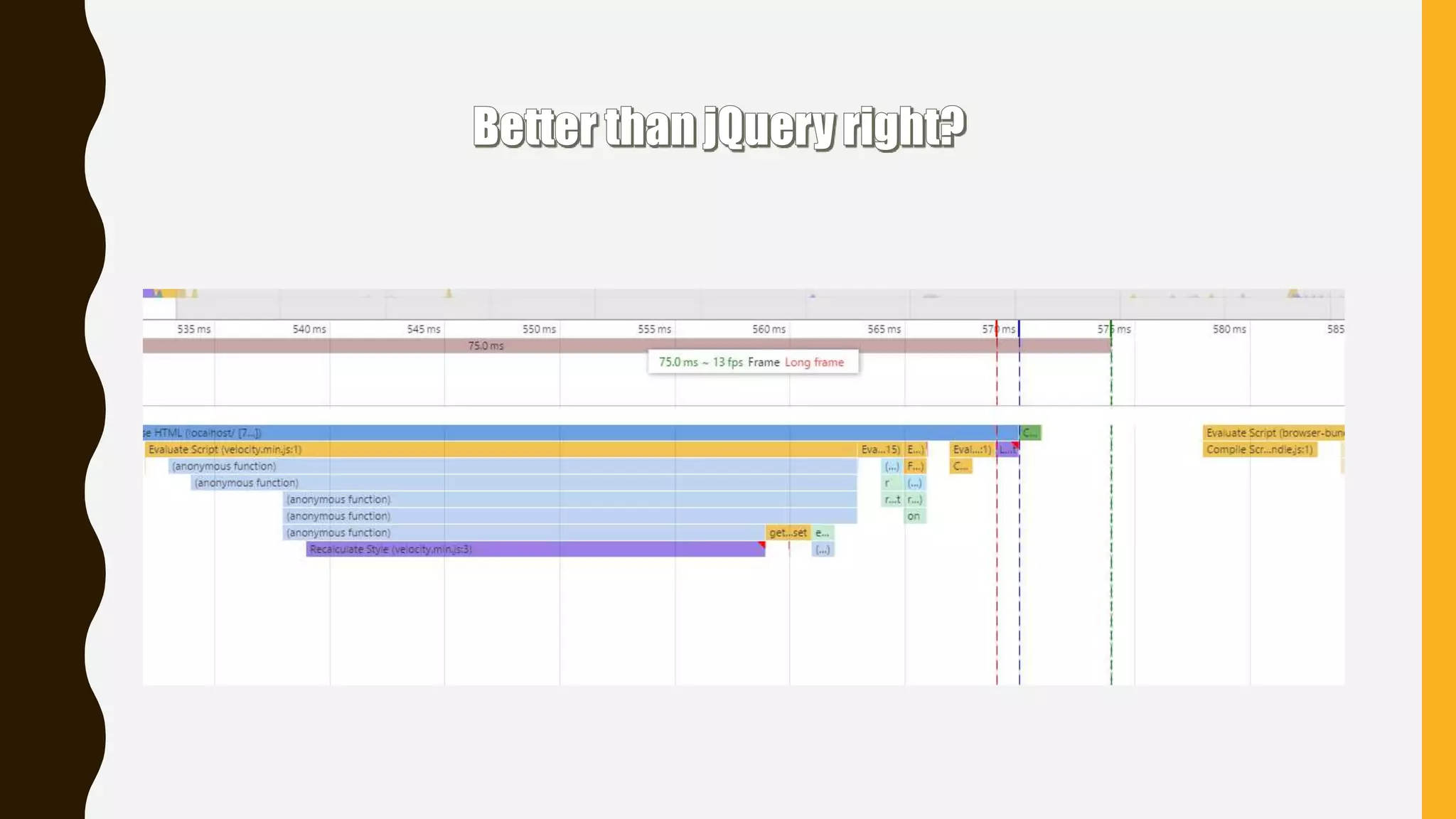
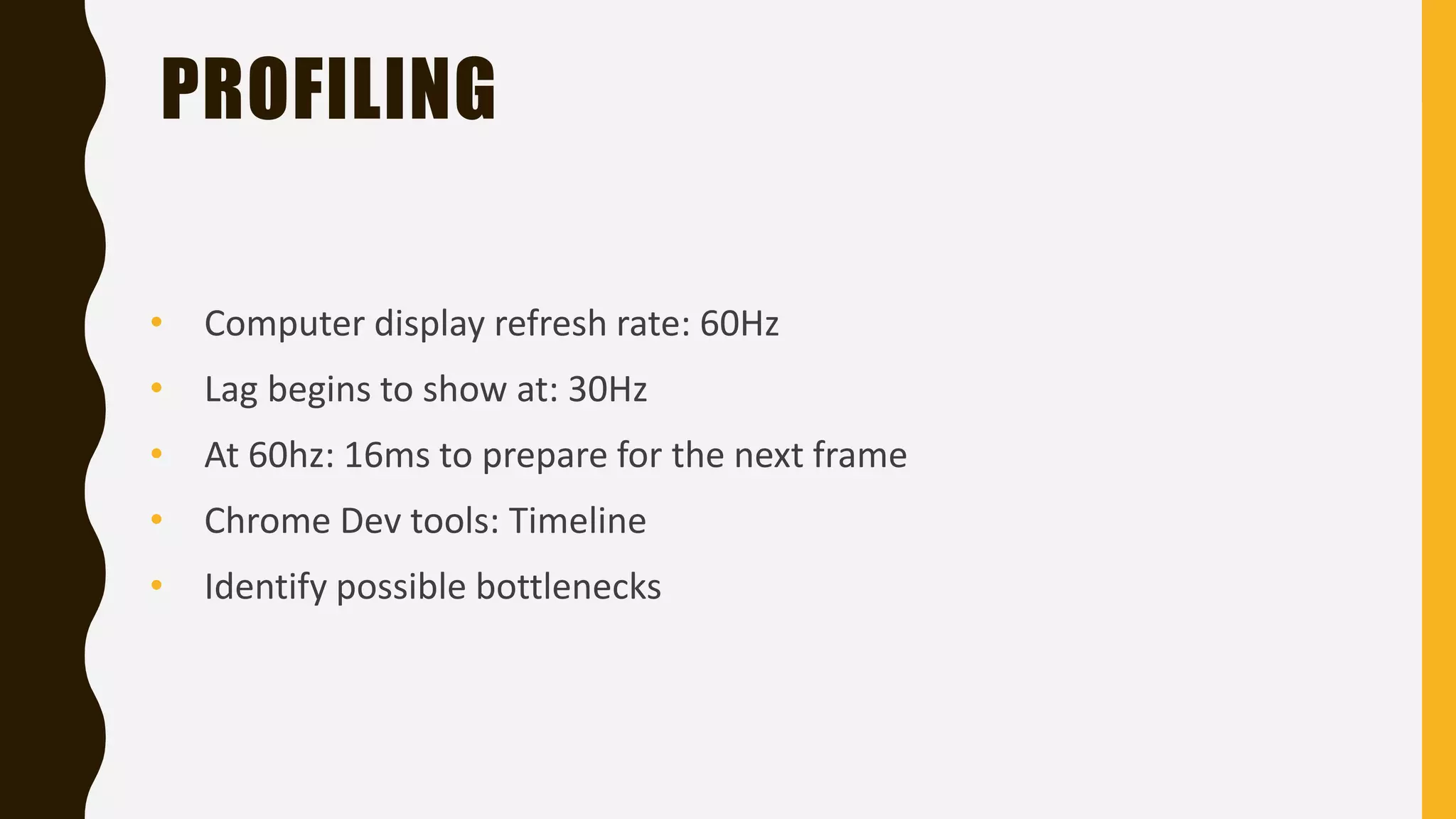
PROFILING • Computer display refresh rate: 60Hz • At 60hz: 16ms to prepare for the next frame • Chrome Dev tools: Timeline • Identify possible bottlenecks • Lag begins to show at: 30Hz
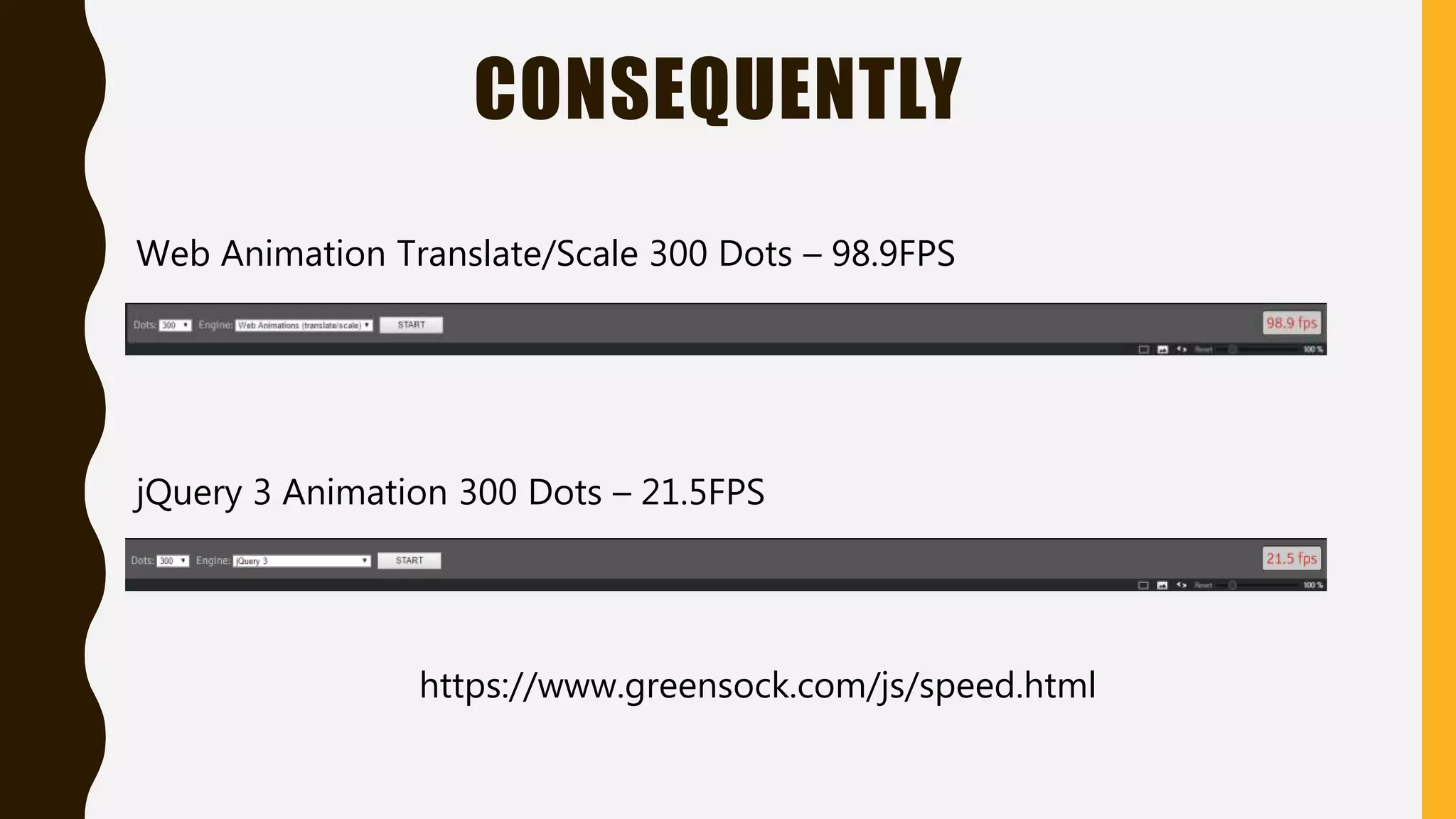
CONSEQUENTLY Web Animation Translate/Scale 300 Dots – 98.9FPS jQuery 3 Animation 300 Dots – 21.5FPS https://www.greensock.com/js/speed.html
CHOOSE IT !
BRIEF • Don’t animate using jQuery • Use autoprefixer or a similar tool • Use Top & Left for the layout only • Move elements using translateX & translateY • Use hardware acceleration (responsibly) • Don’t Guess It, Profile It! • Make CSS3 transitions part of your coding habits
THANK YOU @berkaybeyaz1 @berkaybeyaz6 .in
QUESTIONS ?

Fastest css3 animations