Distributed Multitenant NoSQL Datastore and Search Engine
NoSQL is not a silver bullet SQL is not a silver bullet Disclaimer
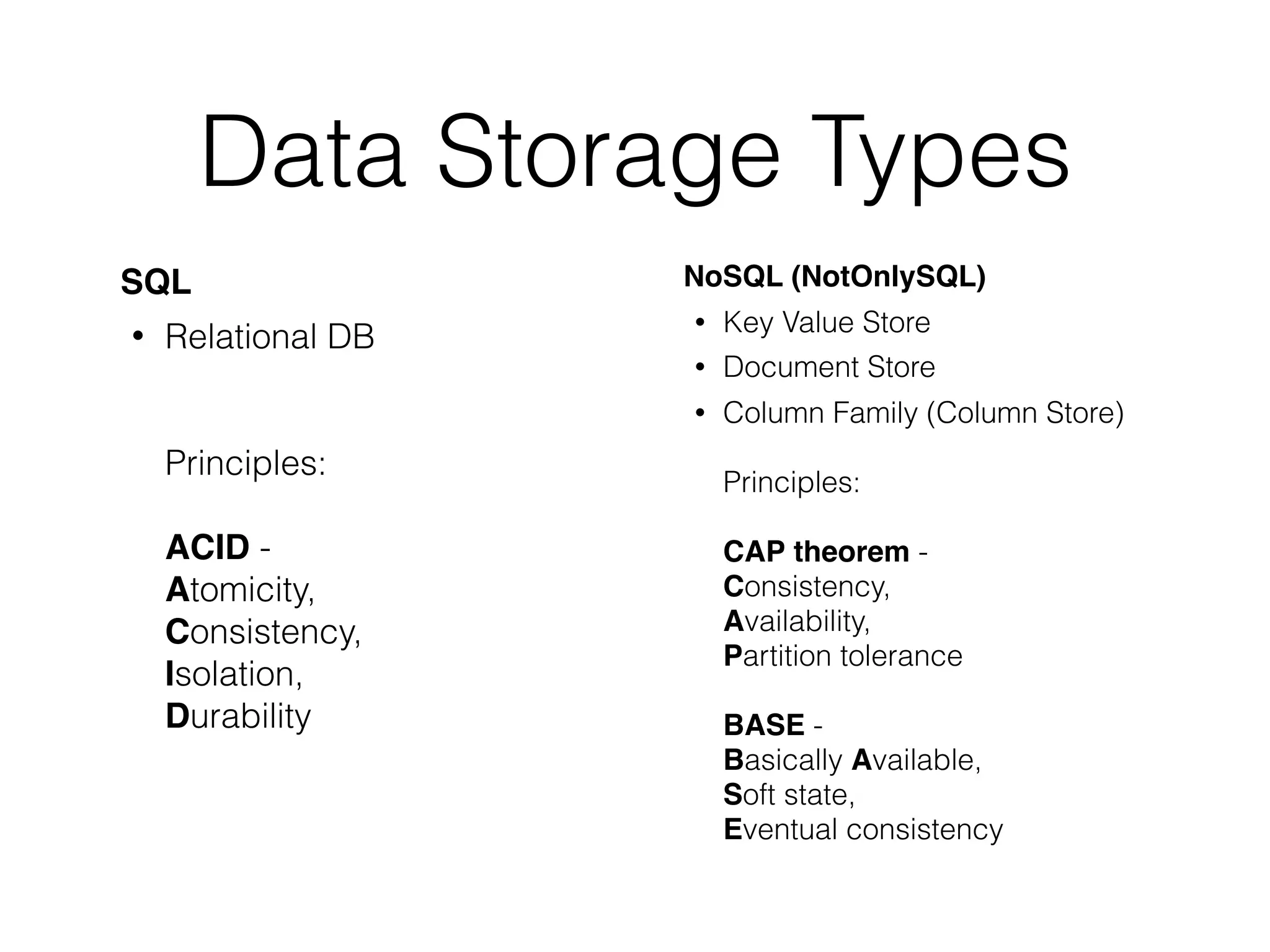
Data Storage Types SQL • Relational DB
 
 
 Principles: 
 
 ACID - 
 Atomicity, 
 Consistency, 
 Isolation, 
 Durability NoSQL (NotOnlySQL) • Key Value Store • Document Store • Column Family (Column Store)
 
 Principles: 
 
 CAP theorem - 
 Consistency,
 Availability,
 Partition tolerance
 
 BASE -
 Basically Available,
 Soft state,
 Eventual consistency
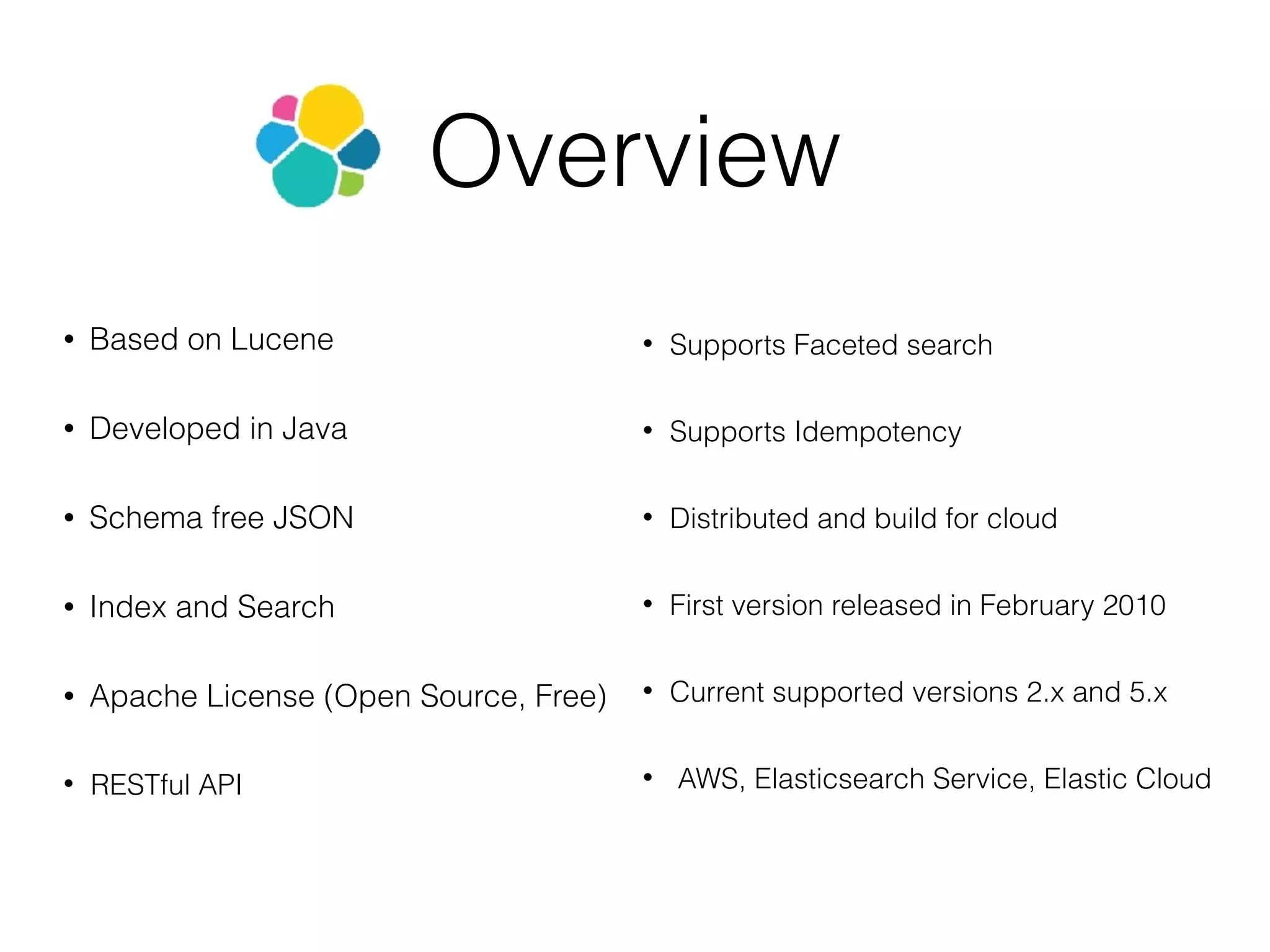
Overview • Based on Lucene • Developed in Java • Schema free JSON • Index and Search • Apache License (Open Source, Free) • RESTful API • Supports Faceted search • Supports Idempotency • Distributed and build for cloud • First version released in February 2010 • Current supported versions 2.x and 5.x • AWS, Elasticsearch Service, Elastic Cloud
Query with scores Filter with params Bool Query to combining filters Usually it’s not primary data storage Out of the box does not support ACID transactions Overview
Available Clients • JavaScript • PHP • Perl • Ruby • Curl • Java • C# • Python
Users • Wikimedia • Adobe Systems • Facebook • Mozilla • Quora • Foursquare • SoundCloud • GitHub • CERN • Stack Exchange • Netflix • Amadeus IT Group
Concepts Field • Smallest unit of data • Has a type: boolean, string, array, integer and so on • A collection of fields is a document • Field name cannot start with special characters and cannot contain dots
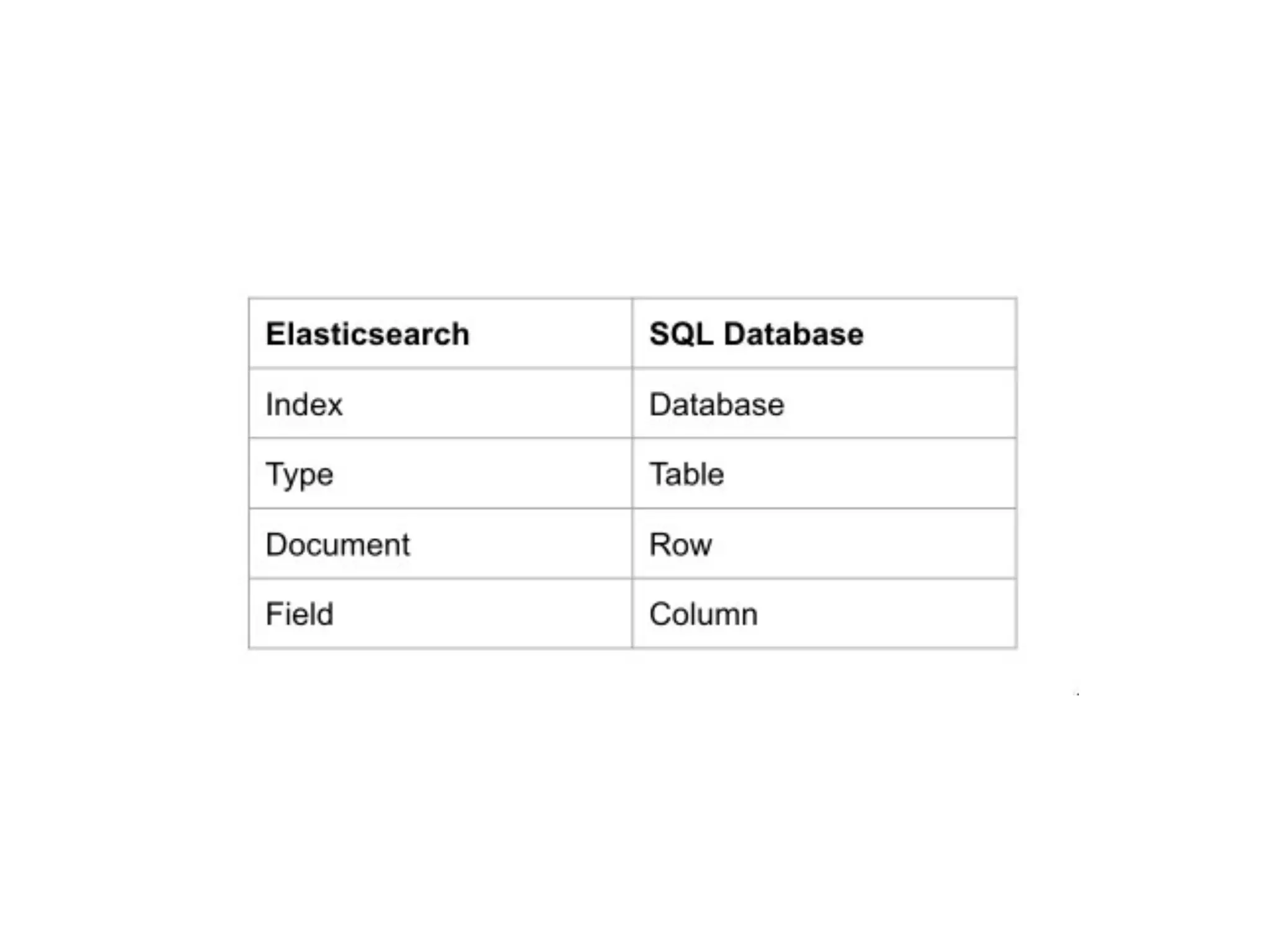
Concepts Document • JSON objects - base unit of storage • Can be compared to a row in RDBMS table • No limit documents you can store in index • Contain key-value fields • Contain reserved fields eg: _index, _type, _id
Concepts Type • Represents a unique class of documents. • Consist of a name and a mapping and are used by adding the _type field. This field can then be used for filtering when querying a specific type. • Index can have any number of types, and we can store documents belonging to these types in the same index.
Concepts Index • Largest unit of data • Logical partition of documents and can be compared to a database in RDBMS • You can have as many indices defined in Elasticsearch as you want • Contain types, mappings, documents, fields
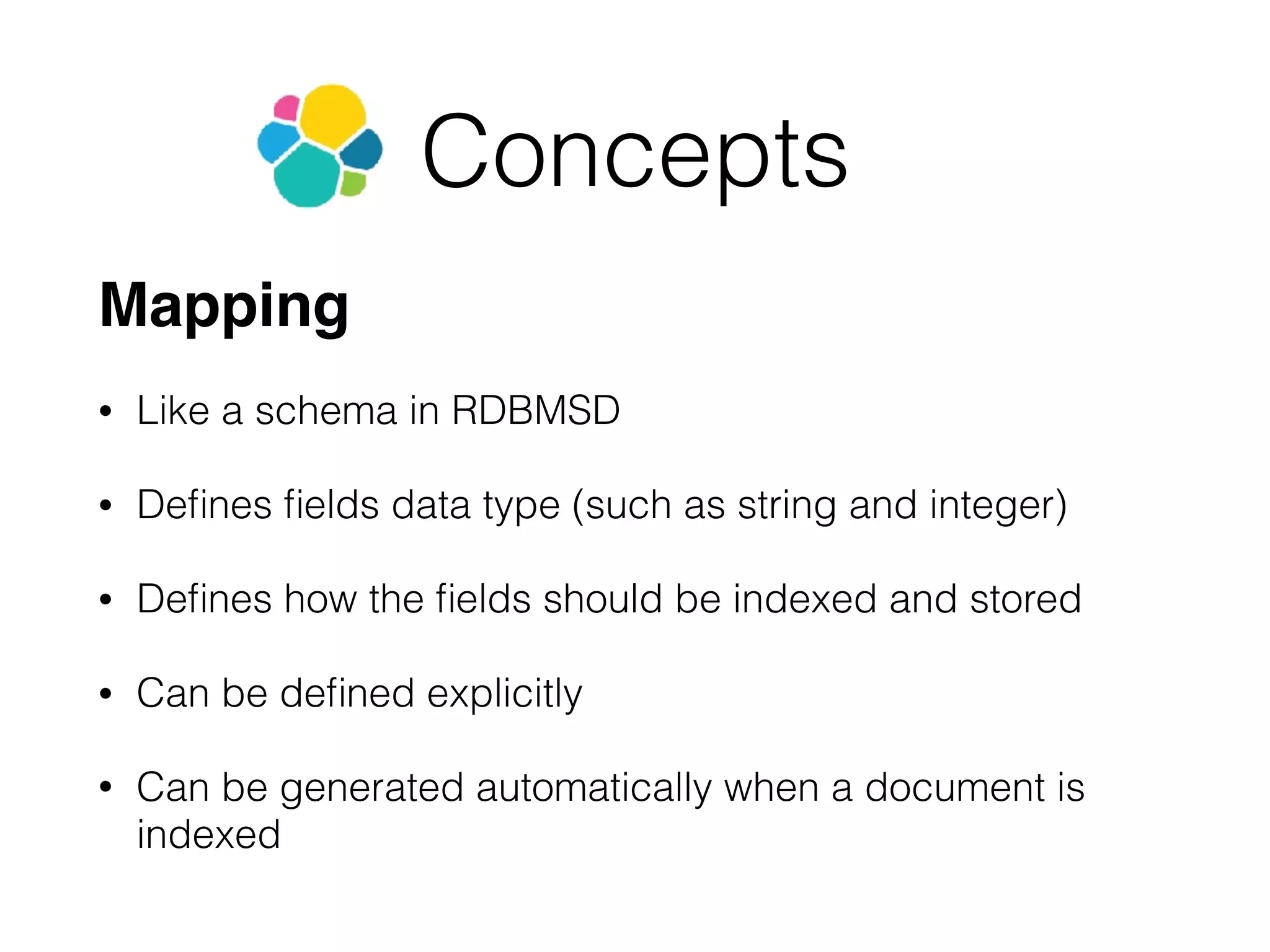
Concepts Mapping • Like a schema in RDBMSD • Defines fields data type (such as string and integer) • Defines how the fields should be indexed and stored • Can be defined explicitly • Can be generated automatically when a document is indexed
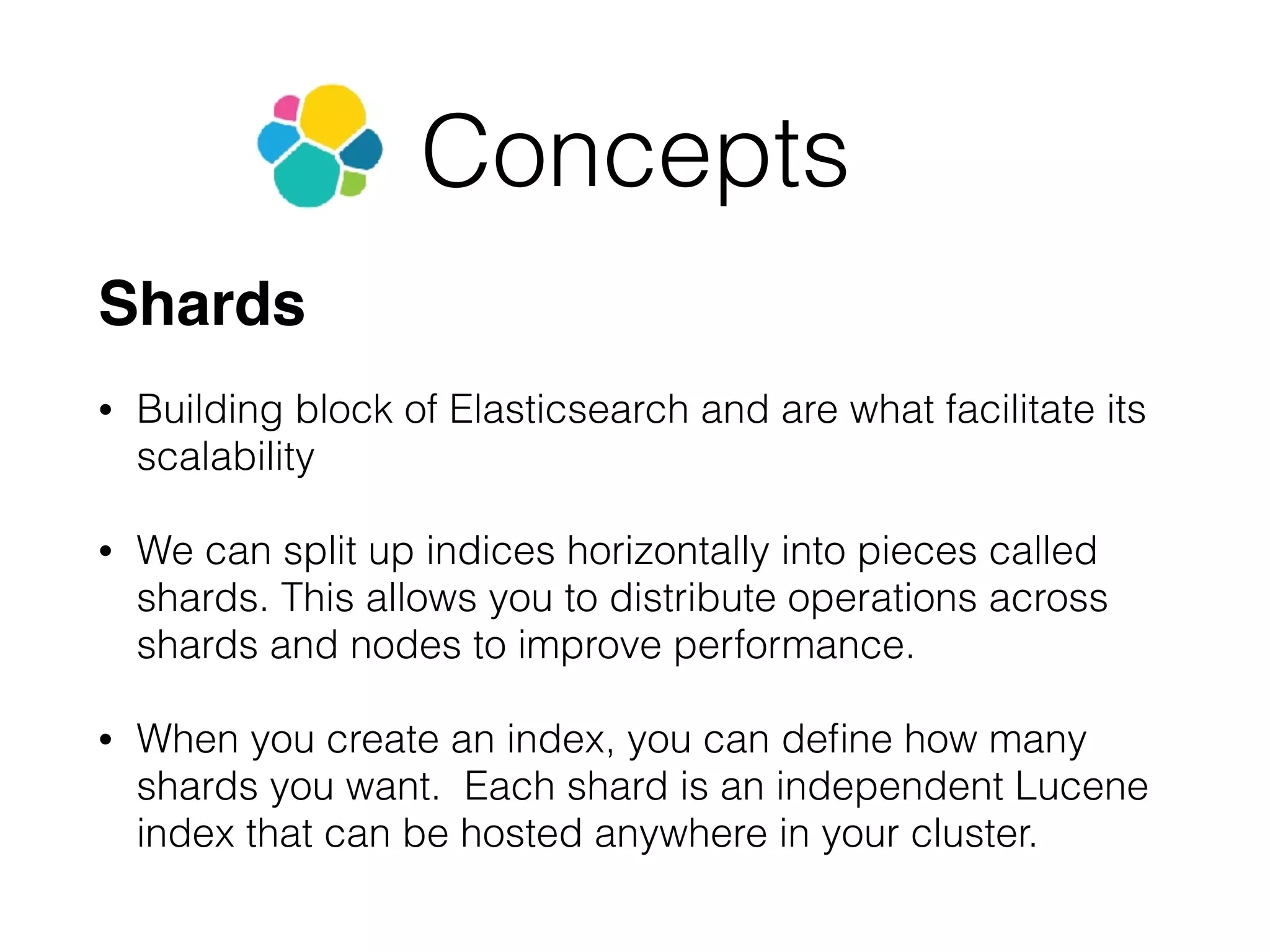
Concepts Shards • Building block of Elasticsearch and are what facilitate its scalability • We can split up indices horizontally into pieces called shards. This allows you to distribute operations across shards and nodes to improve performance. • When you create an index, you can define how many shards you want. Each shard is an independent Lucene index that can be hosted anywhere in your cluster.
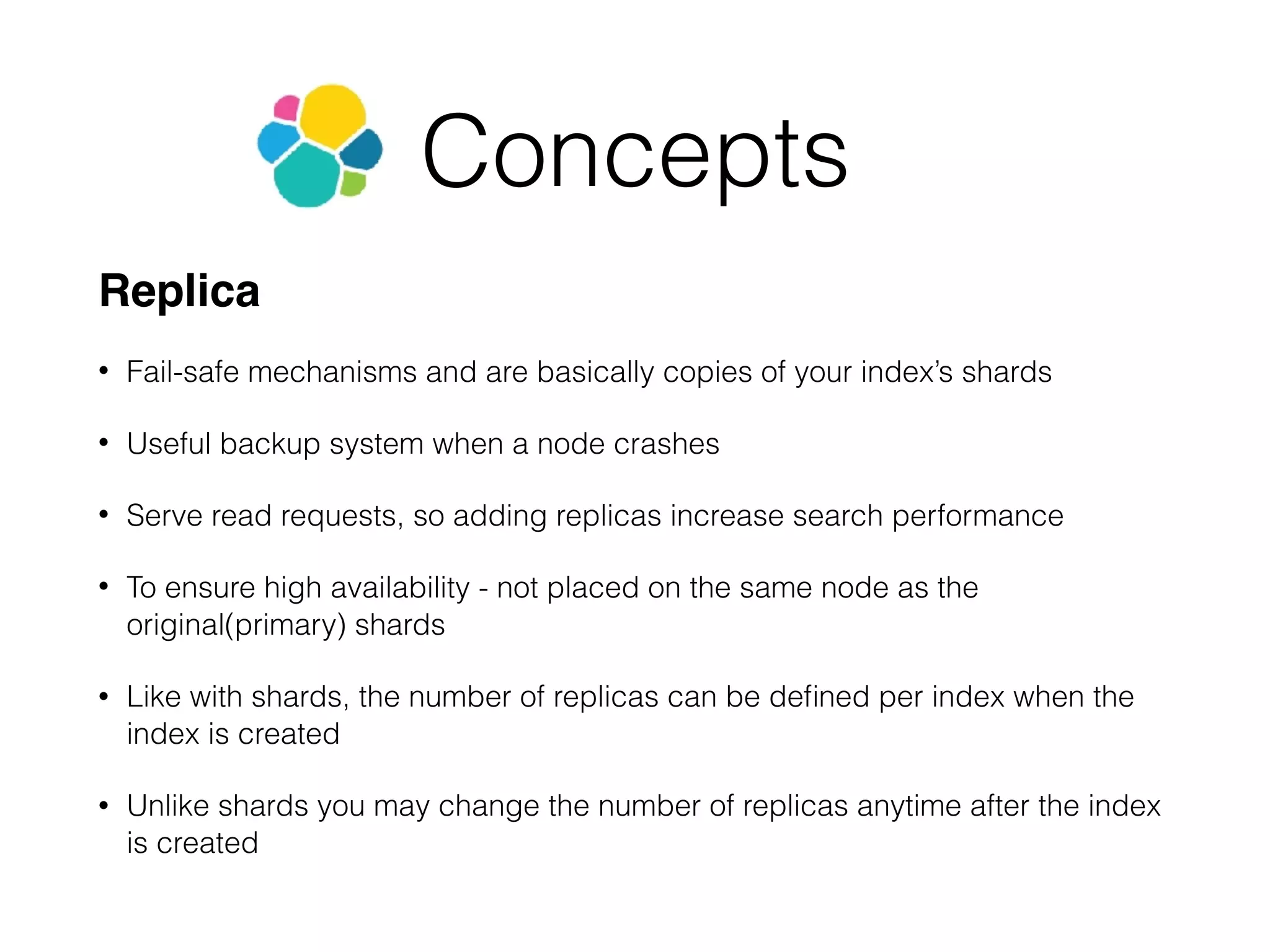
Concepts Replica • Fail-safe mechanisms and are basically copies of your index’s shards • Useful backup system when a node crashes • Serve read requests, so adding replicas increase search performance • To ensure high availability - not placed on the same node as the original(primary) shards • Like with shards, the number of replicas can be defined per index when the index is created • Unlike shards you may change the number of replicas anytime after the index is created
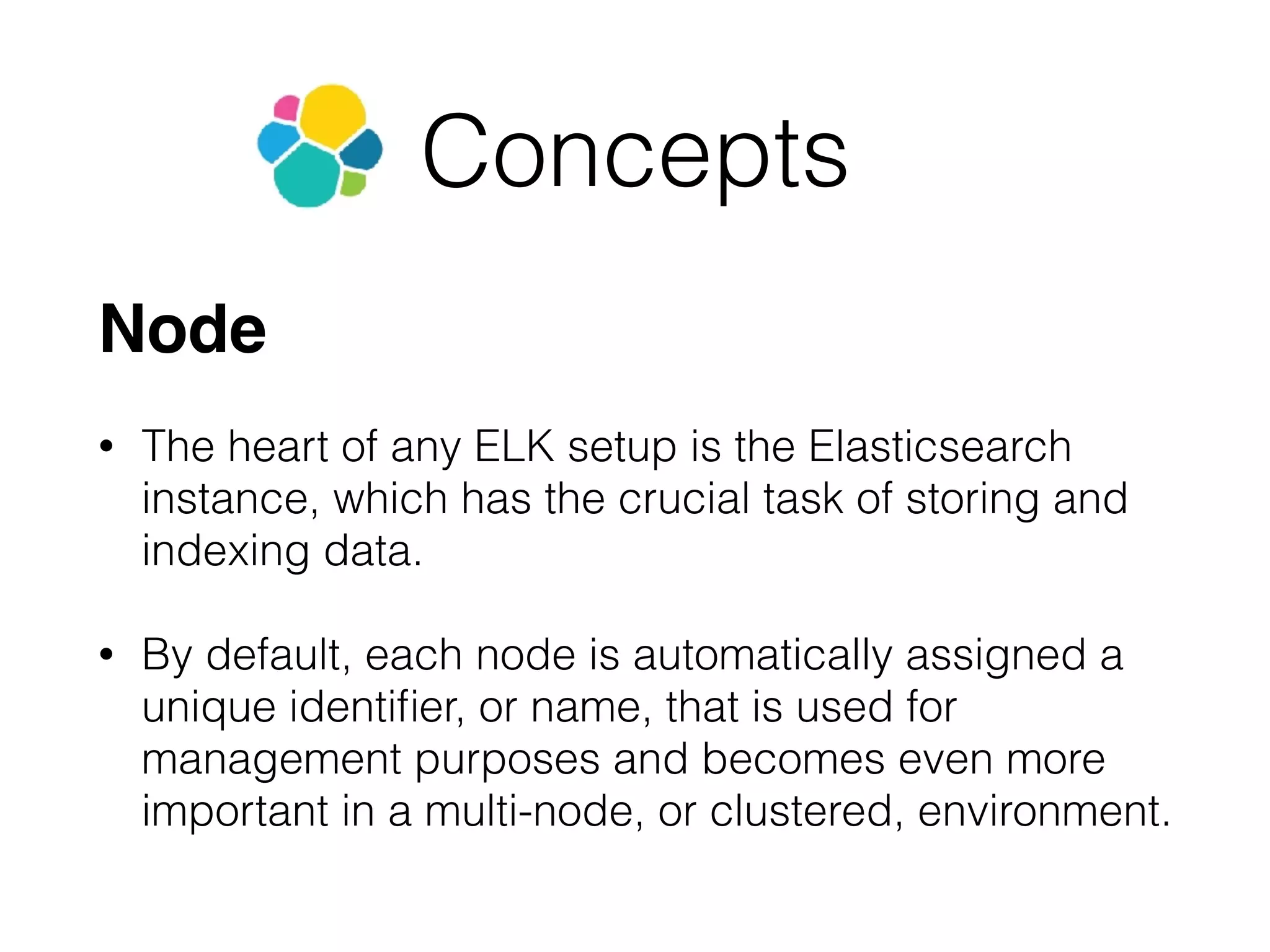
Concepts Node • The heart of any ELK setup is the Elasticsearch instance, which has the crucial task of storing and indexing data. • By default, each node is automatically assigned a unique identifier, or name, that is used for management purposes and becomes even more important in a multi-node, or clustered, environment.
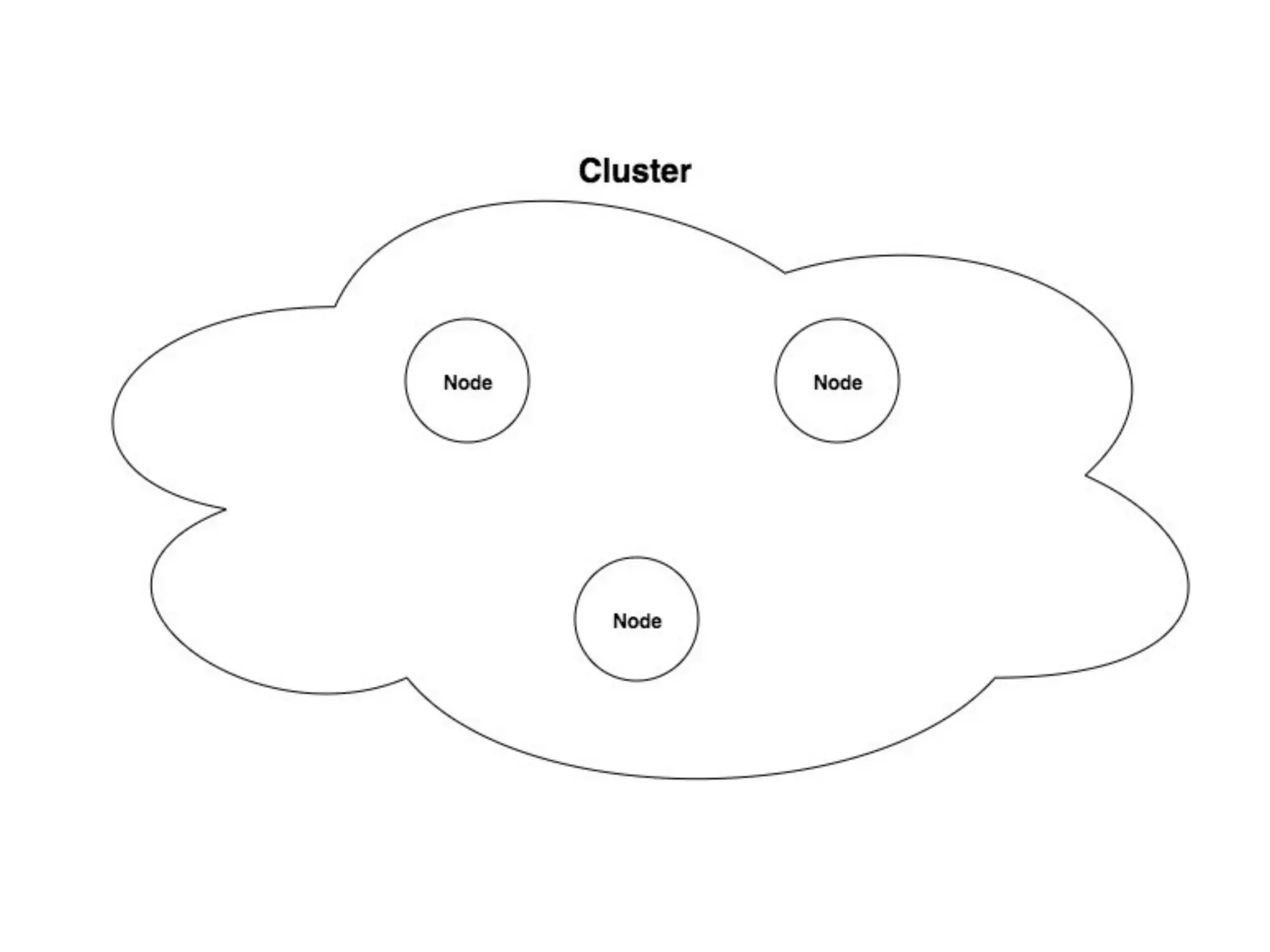
Concepts Cluster • An Elasticsearch cluster is comprised of one or more Elasticsearch nodes. As with nodes, each cluster has a unique identifier that must be used by any node attempting to join the cluster. • One node in the cluster is the “master” node, which is in charge of cluster-wide management and configurations actions (such as adding and removing nodes). This node is chosen automatically by the cluster, but it can be changed if it fails. • As a cluster grows, it will reorganize itself to spread the data.
Scaling • Vertical - more hardware resources for one server • Horizontal - more servers
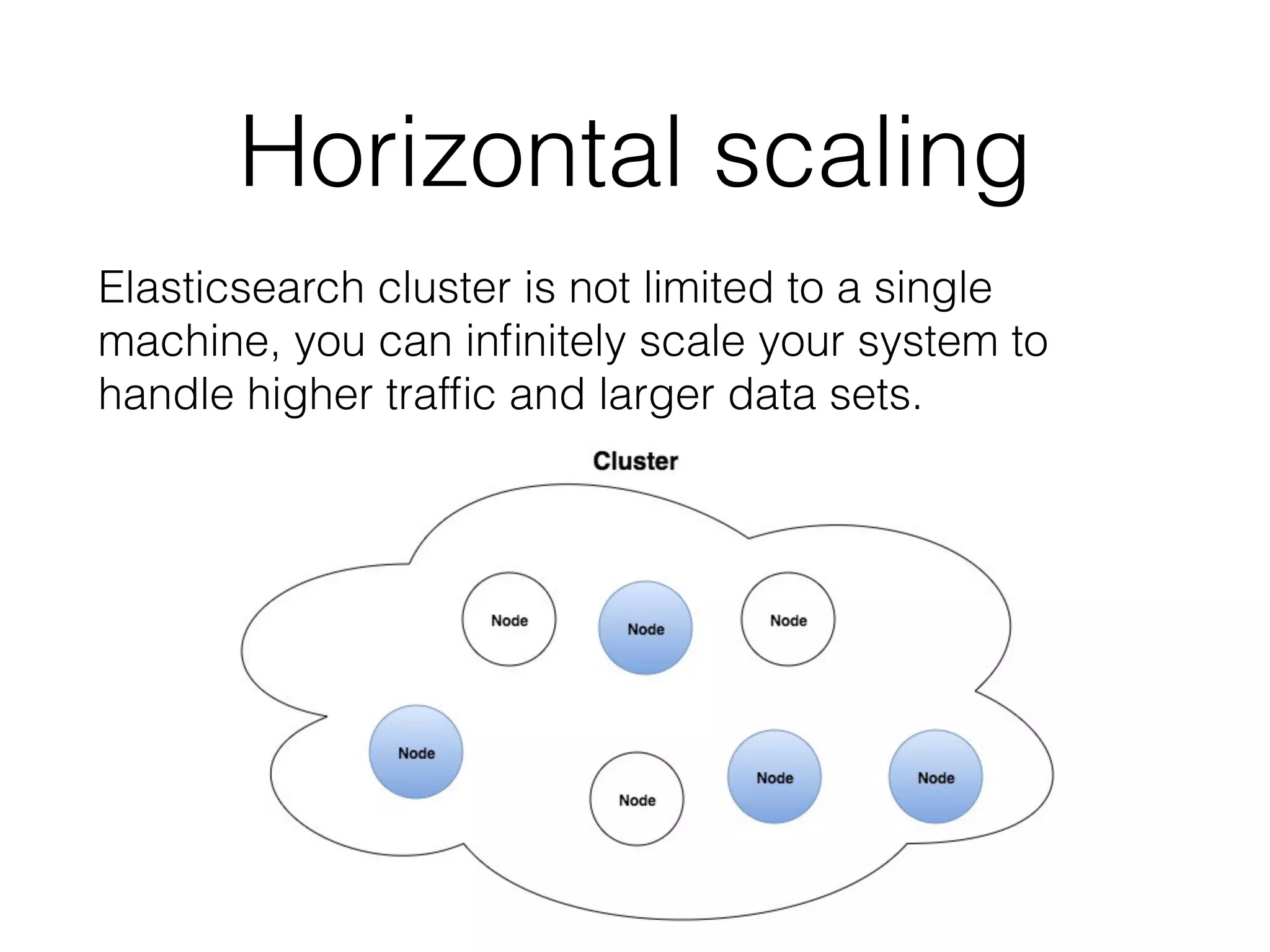
Horizontal scaling Elasticsearch cluster is not limited to a single machine, you can infinitely scale your system to handle higher traffic and larger data sets.
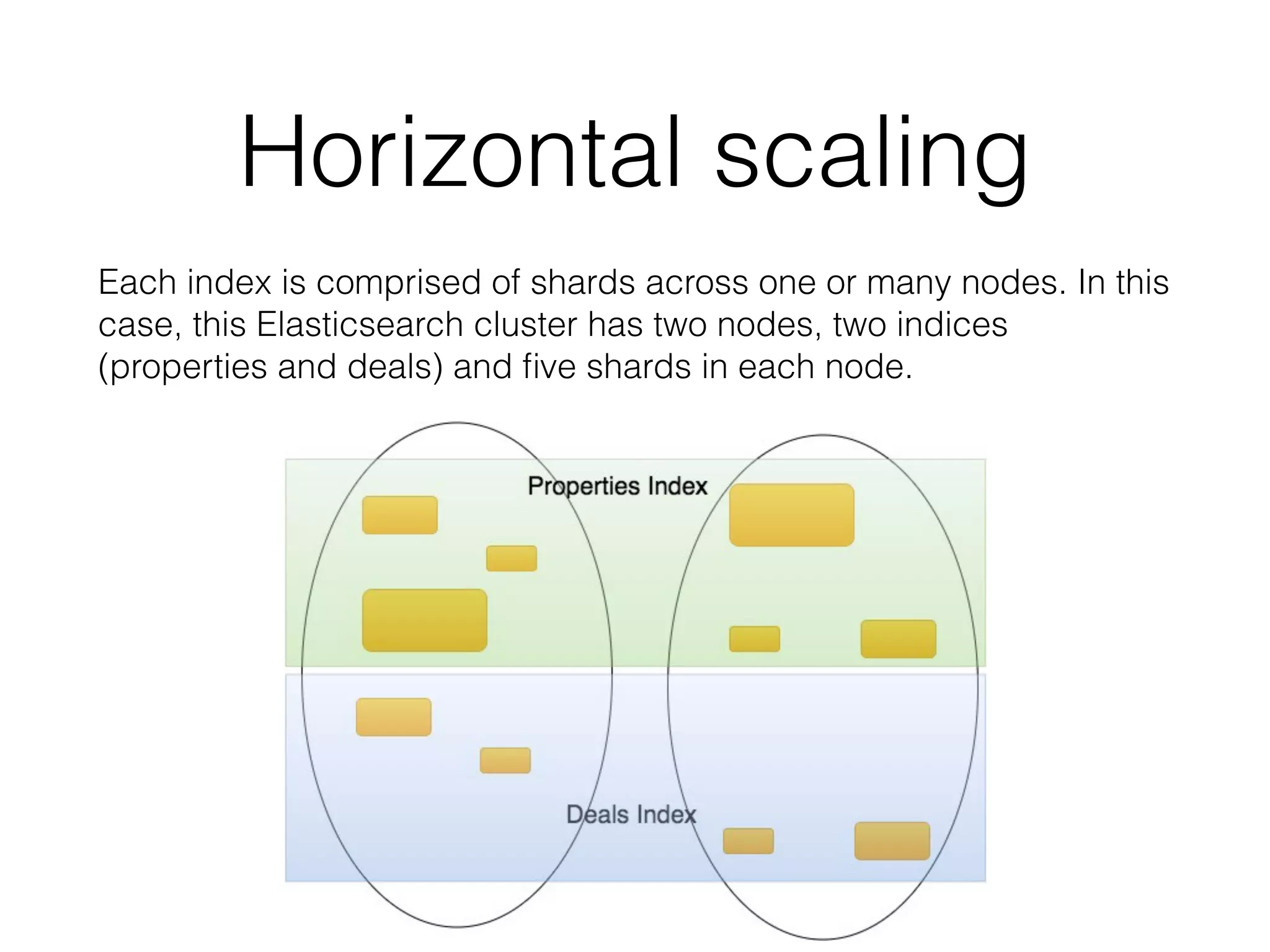
Each index is comprised of shards across one or many nodes. In this case, this Elasticsearch cluster has two nodes, two indices (properties and deals) and five shards in each node. Horizontal scaling
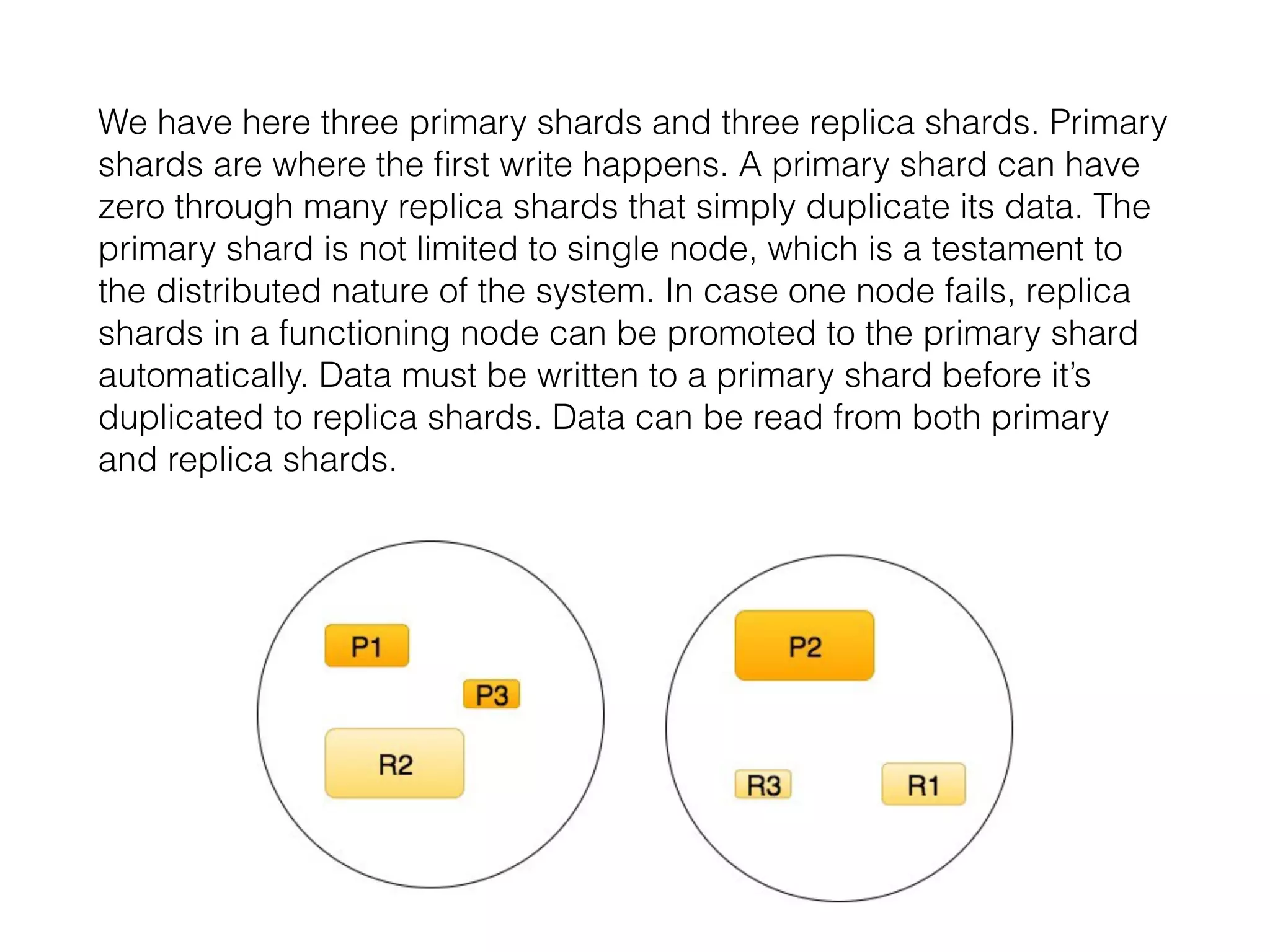
We have here three primary shards and three replica shards. Primary shards are where the first write happens. A primary shard can have zero through many replica shards that simply duplicate its data. The primary shard is not limited to single node, which is a testament to the distributed nature of the system. In case one node fails, replica shards in a functioning node can be promoted to the primary shard automatically. Data must be written to a primary shard before it’s duplicated to replica shards. Data can be read from both primary and replica shards.
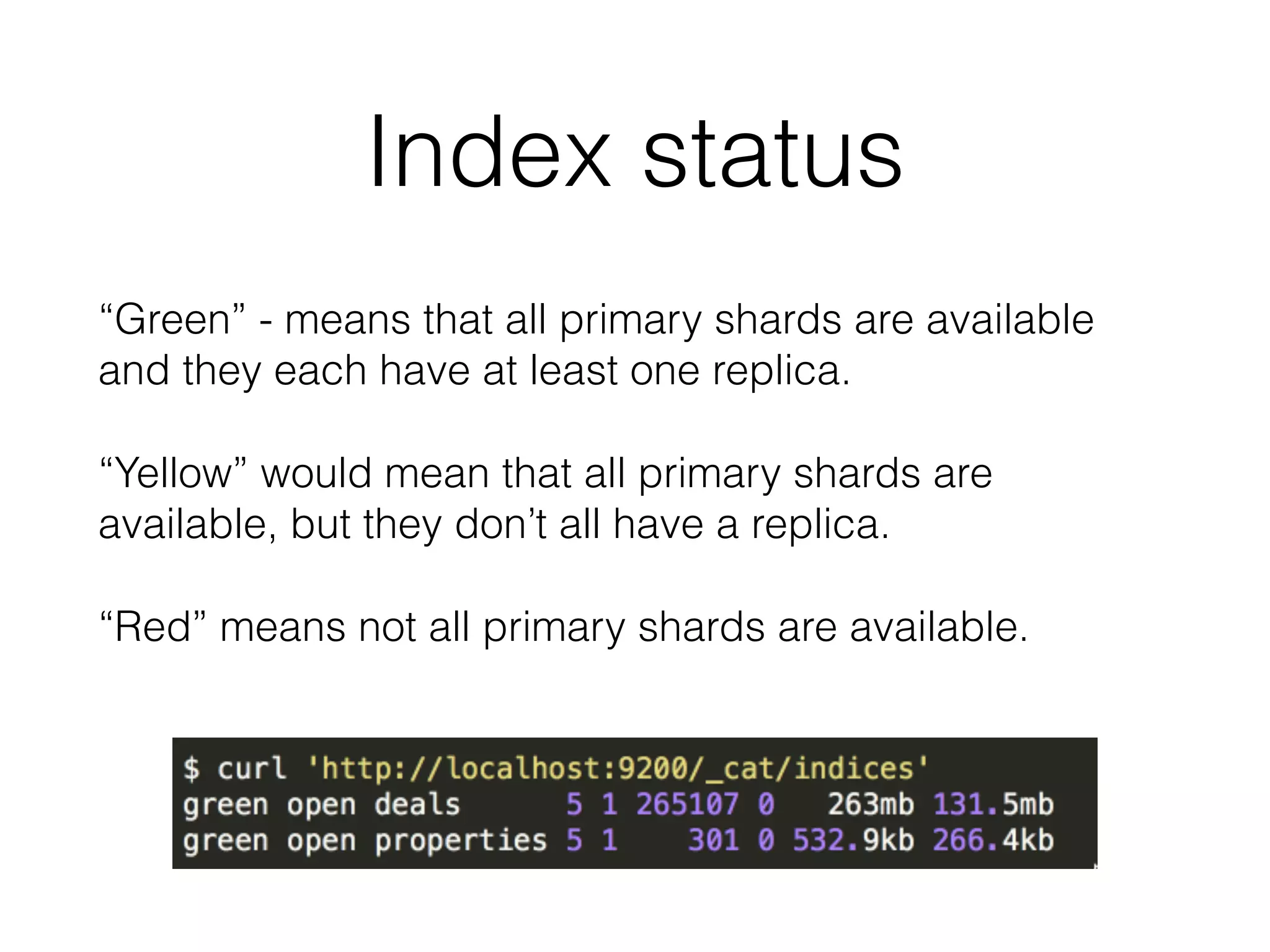
“Green” - means that all primary shards are available and they each have at least one replica. “Yellow” would mean that all primary shards are available, but they don’t all have a replica. “Red” means not all primary shards are available. Index status
Conclusion of theoretical part • Nodes make up a cluster and contain shards; • Shards contain documents that you’re searching through; • Elasticsearch routes requests through nodes; • The nodes then merge results from shards (Lucene indices) together to create a search result.
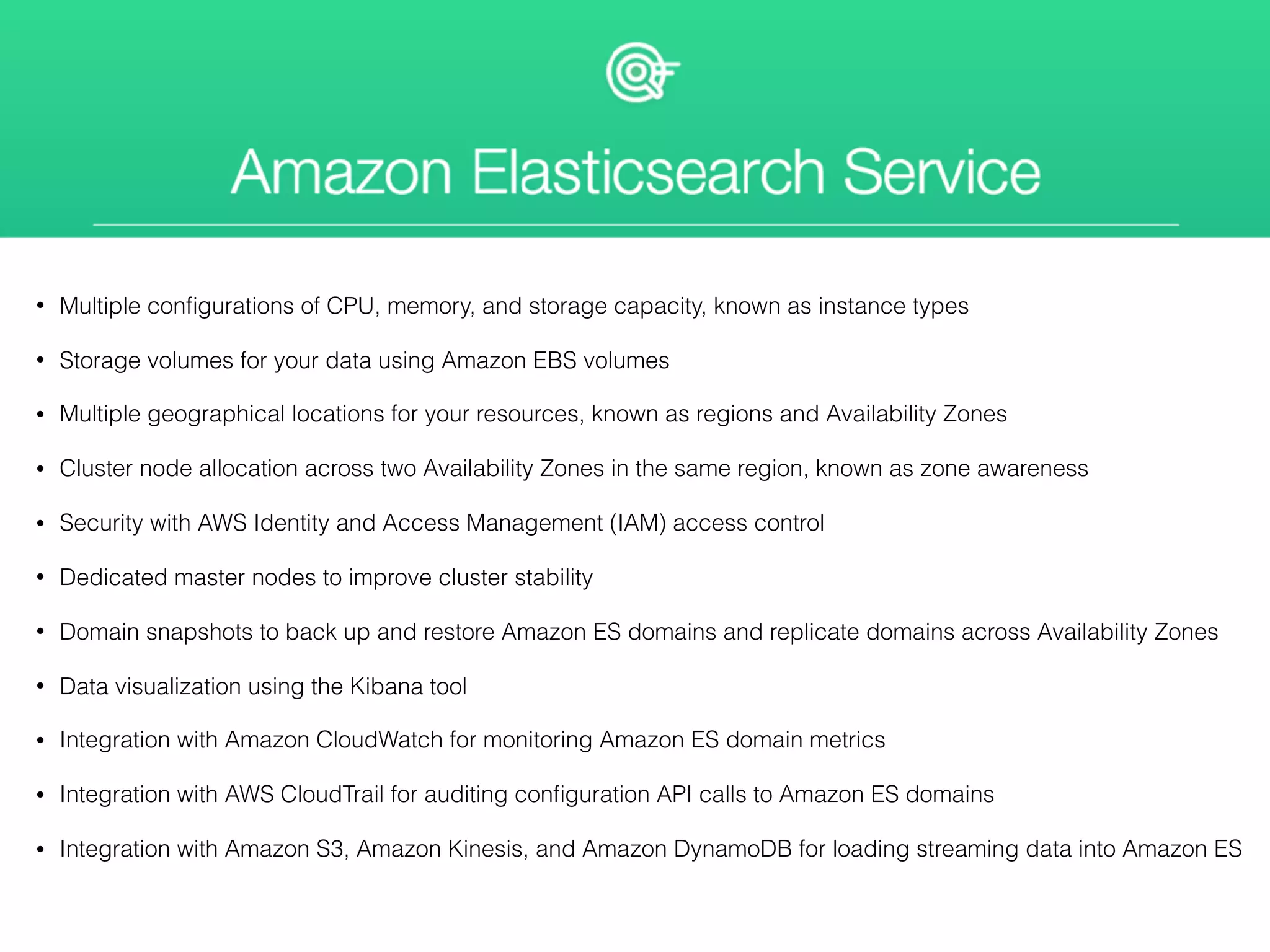
Amazon Elasticsearch Service • Multiple configurations of CPU, memory, and storage capacity, known as instance types • Storage volumes for your data using Amazon EBS volumes • Multiple geographical locations for your resources, known as regions and Availability Zones • Cluster node allocation across two Availability Zones in the same region, known as zone awareness • Security with AWS Identity and Access Management (IAM) access control • Dedicated master nodes to improve cluster stability • Domain snapshots to back up and restore Amazon ES domains and replicate domains across Availability Zones • Data visualization using the Kibana tool • Integration with Amazon CloudWatch for monitoring Amazon ES domain metrics • Integration with AWS CloudTrail for auditing configuration API calls to Amazon ES domains • Integration with Amazon S3, Amazon Kinesis, and Amazon DynamoDB for loading streaming data into Amazon ES
ELK:
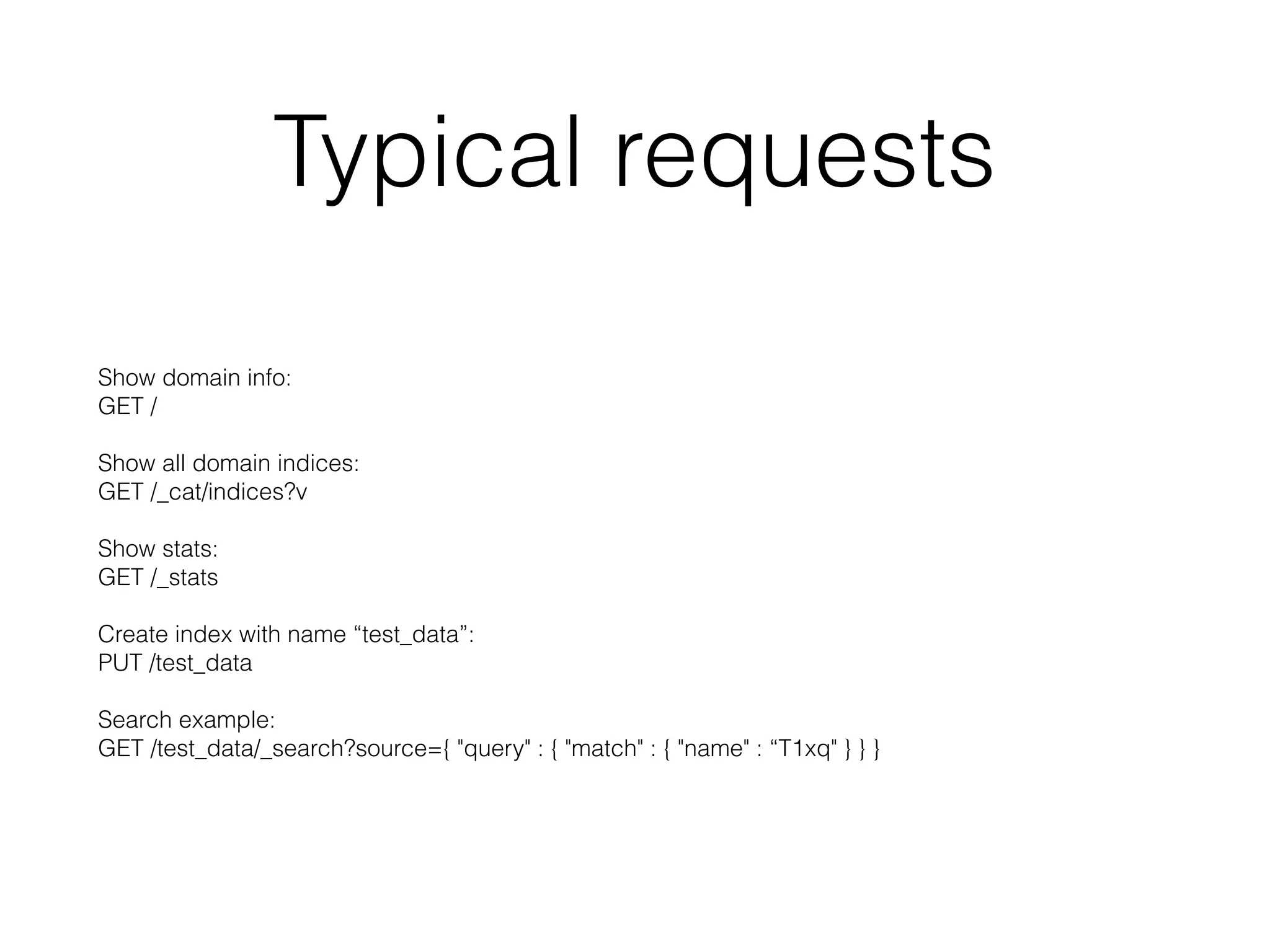
Typical requests Show domain info:
 GET /
 
 Show all domain indices:
 GET /_cat/indices?v
 
 Show stats:
 GET /_stats
 
 Create index with name “test_data”:
 PUT /test_data
 
 Search example:
 GET /test_data/_search?source={ "query" : { "match" : { "name" : “T1xq" } } }
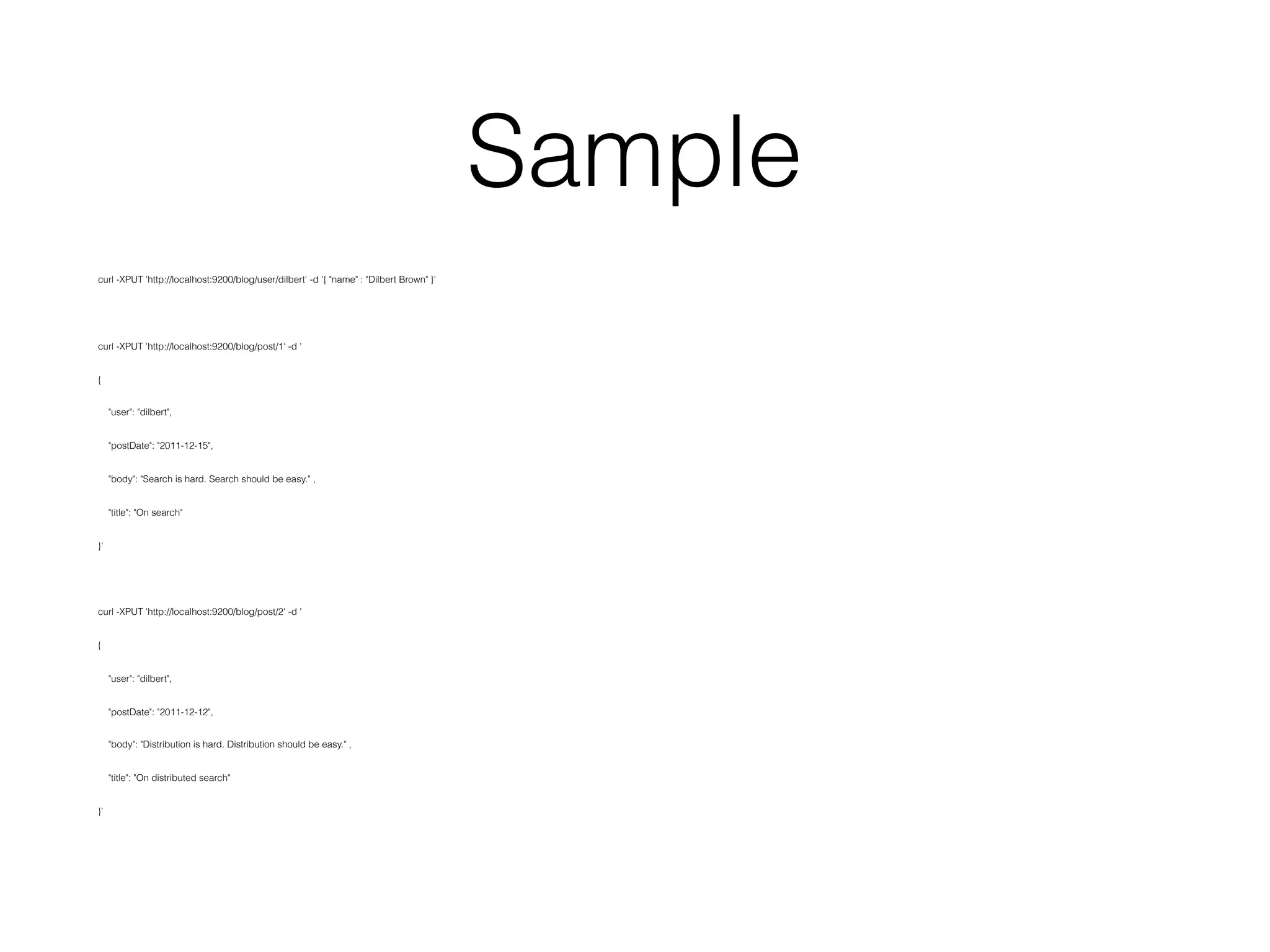
Sample curl -XPUT 'http://localhost:9200/blog/user/dilbert' -d '{ "name" : "Dilbert Brown" }' curl -XPUT 'http://localhost:9200/blog/post/1' -d ' { "user": "dilbert", "postDate": "2011-12-15", "body": "Search is hard. Search should be easy." , "title": "On search" }' curl -XPUT 'http://localhost:9200/blog/post/2' -d ' { "user": "dilbert", "postDate": "2011-12-12", "body": "Distribution is hard. Distribution should be easy." , "title": "On distributed search" }'
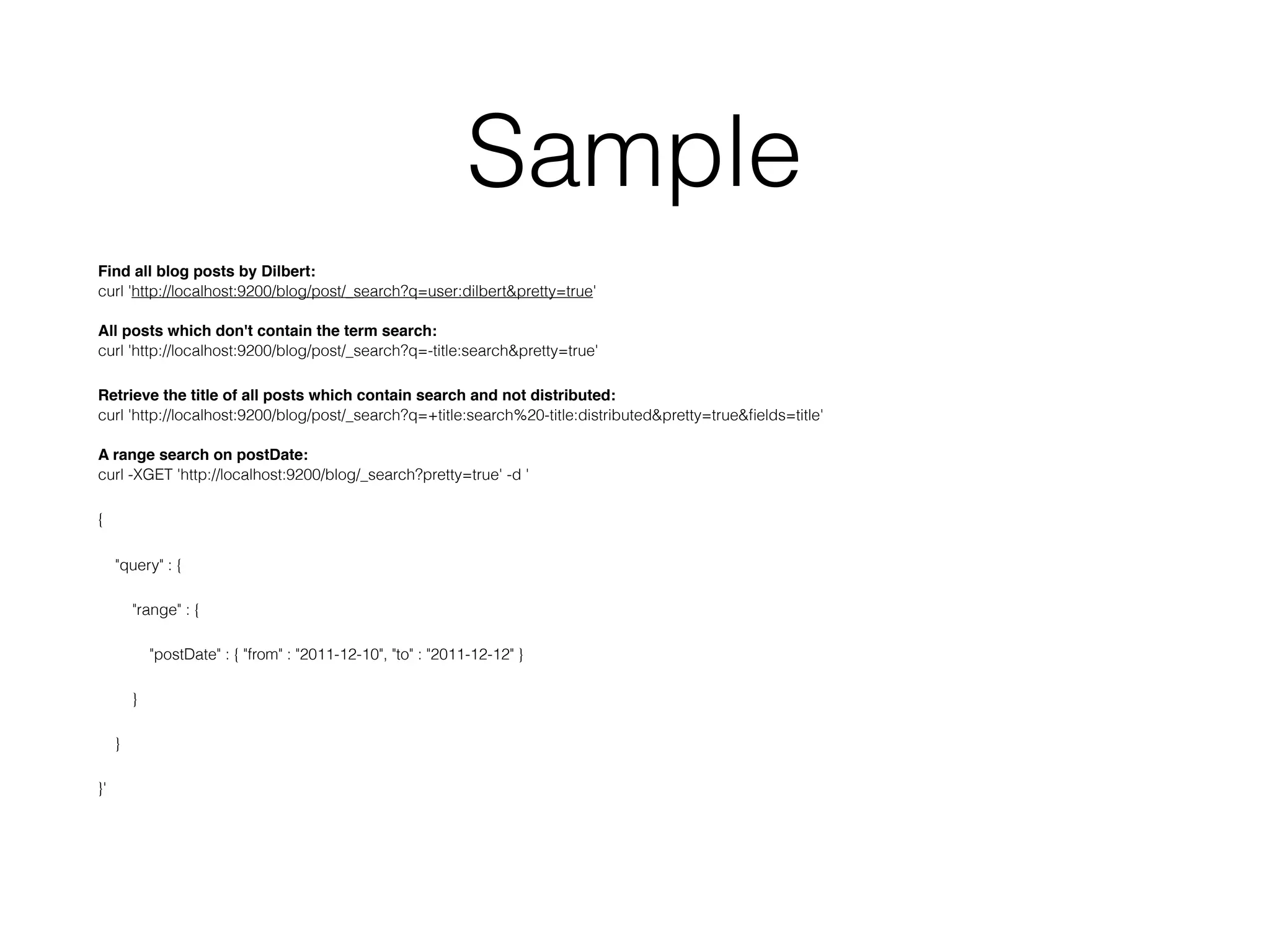
Sample Find all blog posts by Dilbert:
 curl 'http://localhost:9200/blog/post/_search?q=user:dilbert&pretty=true'
 
 All posts which don't contain the term search:
 curl 'http://localhost:9200/blog/post/_search?q=-title:search&pretty=true' Retrieve the title of all posts which contain search and not distributed:
 curl 'http://localhost:9200/blog/post/_search?q=+title:search%20-title:distributed&pretty=true&fields=title'
 
 A range search on postDate:
 curl -XGET 'http://localhost:9200/blog/_search?pretty=true' -d ' { "query" : { "range" : { "postDate" : { "from" : "2011-12-10", "to" : "2011-12-12" } } } }'

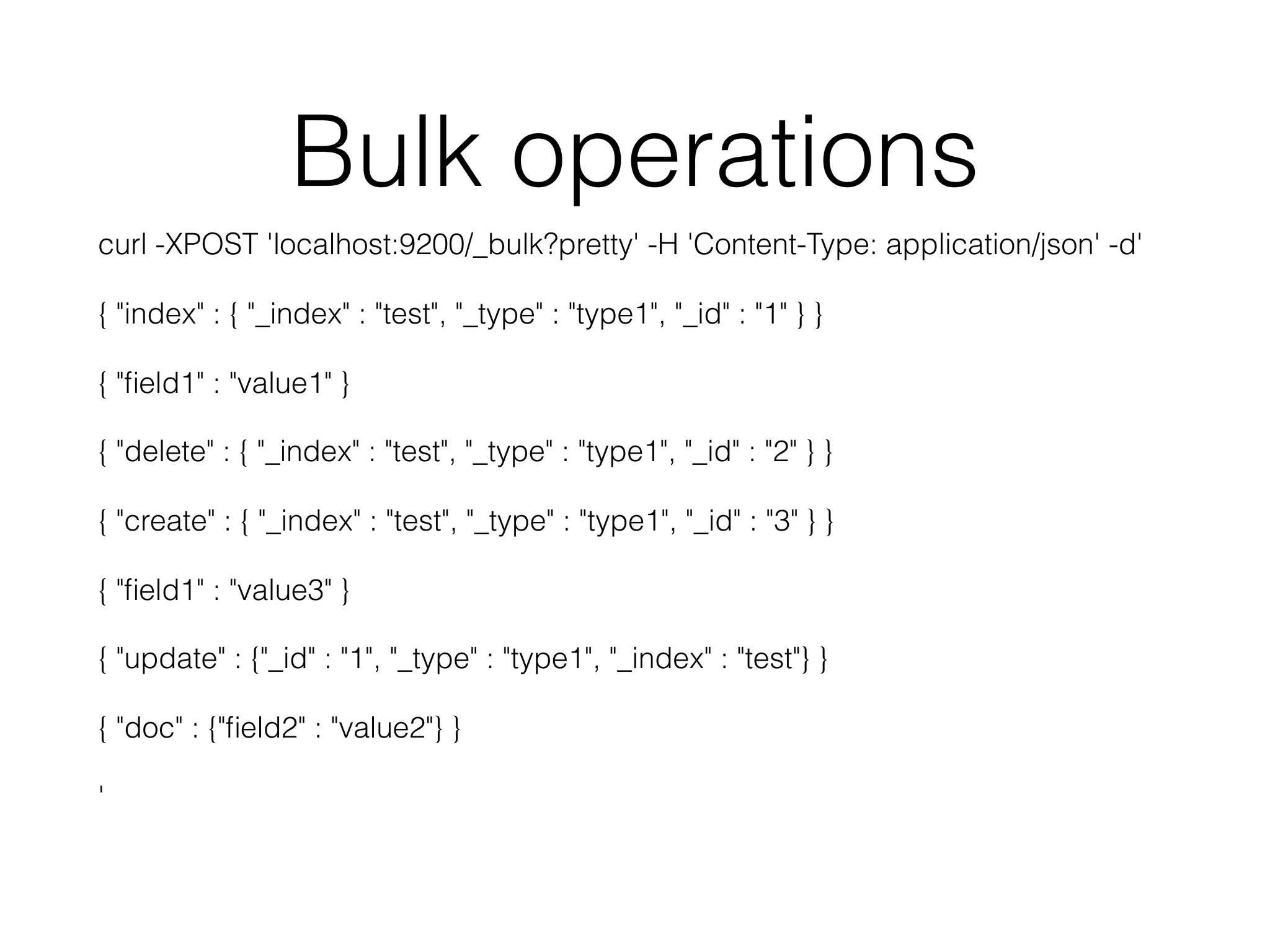
Bulk operations curl -XPOST 'localhost:9200/_bulk?pretty' -H 'Content-Type: application/json' -d' { "index" : { "_index" : "test", "_type" : "type1", "_id" : "1" } } { "field1" : "value1" } { "delete" : { "_index" : "test", "_type" : "type1", "_id" : "2" } } { "create" : { "_index" : "test", "_type" : "type1", "_id" : "3" } } { "field1" : "value3" } { "update" : {"_id" : "1", "_type" : "type1", "_index" : "test"} } { "doc" : {"field2" : "value2"} } '
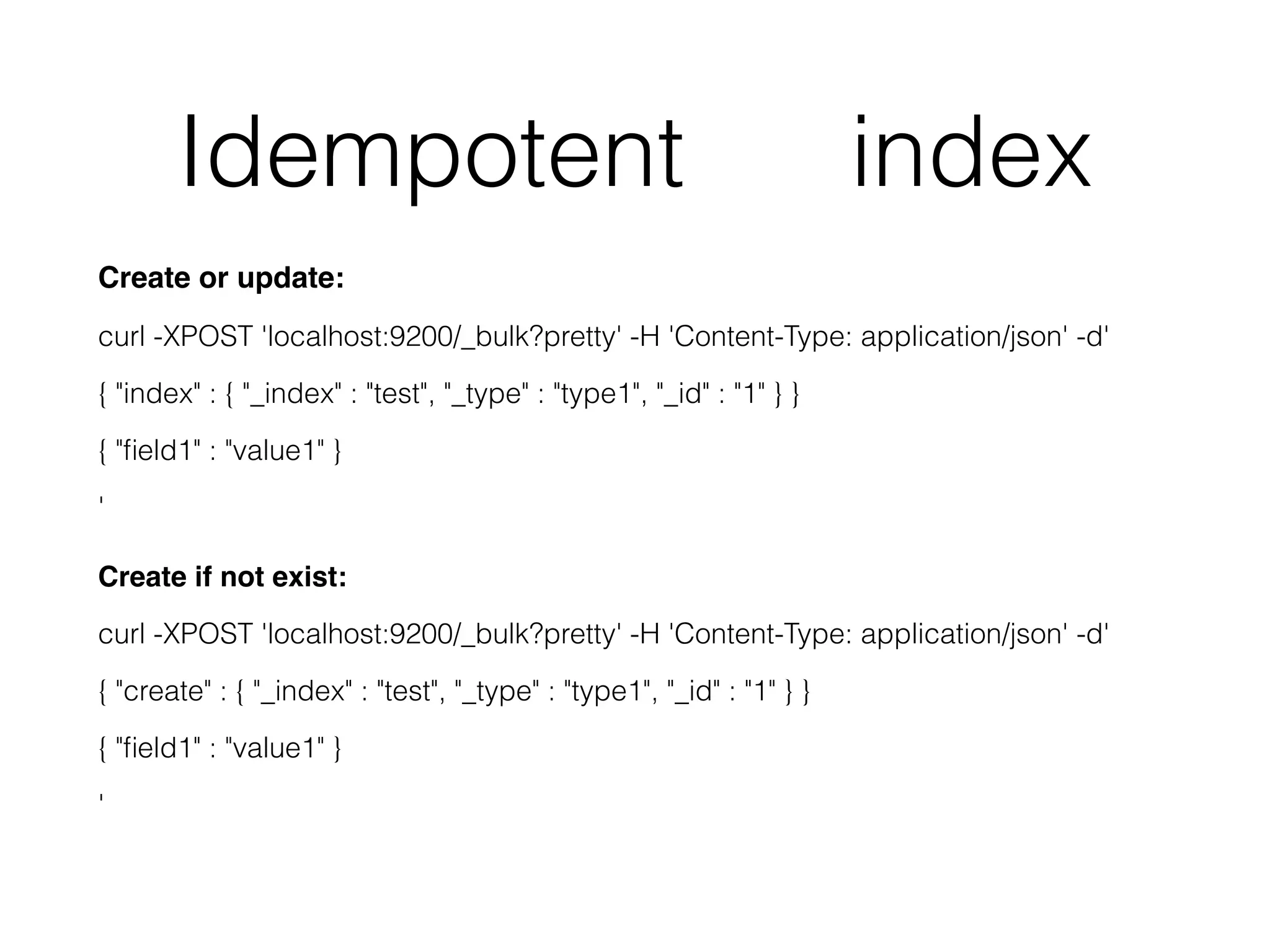
Idempotent index Create or update: curl -XPOST 'localhost:9200/_bulk?pretty' -H 'Content-Type: application/json' -d' { "index" : { "_index" : "test", "_type" : "type1", "_id" : "1" } } { "field1" : "value1" } '
 
 Create if not exist: curl -XPOST 'localhost:9200/_bulk?pretty' -H 'Content-Type: application/json' -d' { "create" : { "_index" : "test", "_type" : "type1", "_id" : "1" } } { "field1" : "value1" } '
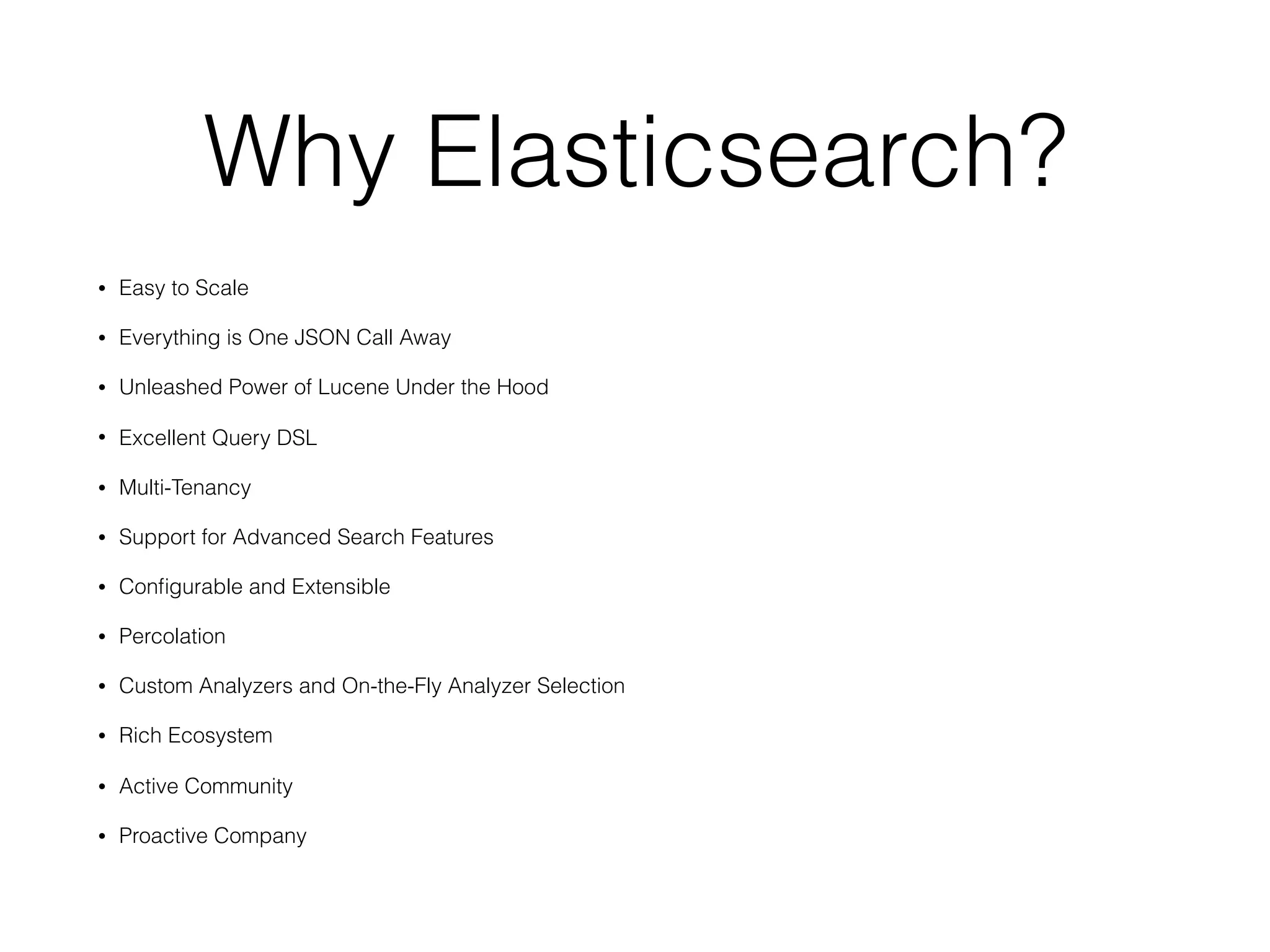
Why Elasticsearch? • Easy to Scale • Everything is One JSON Call Away • Unleashed Power of Lucene Under the Hood • Excellent Query DSL • Multi-Tenancy • Support for Advanced Search Features • Configurable and Extensible • Percolation • Custom Analyzers and On-the-Fly Analyzer Selection • Rich Ecosystem • Active Community • Proactive Company
Links • https://dou.ua/lenta/articles/nosql-vs-sql/ • https://dou.ua/lenta/articles/not-only-sql/ • https://dou.ua/lenta/columns/dont-use-rdbms/ • http://logz.io/blog/10-elasticsearch-concepts/ • https://buildingvts.com/elasticsearch-architectural-overview- a35d3910e515#.78kiybh6b • https://habrahabr.ru/company/oleg-bunin/blog/319052/ • https://www.amazon.com/Elasticsearch-Definitive-Guide-Clinton- Gormley/dp/1449358543

ElasticSearch: Distributed Multitenant NoSQL Datastore and Search Engine

  • 1.
    Distributed Multitenant NoSQLDatastore and Search Engine
  • 2.
    NoSQL is nota silver bullet SQL is not a silver bullet Disclaimer
  • 3.
    Data Storage Types SQL •Relational DB
 
 
 Principles: 
 
 ACID - 
 Atomicity, 
 Consistency, 
 Isolation, 
 Durability NoSQL (NotOnlySQL) • Key Value Store • Document Store • Column Family (Column Store)
 
 Principles: 
 
 CAP theorem - 
 Consistency,
 Availability,
 Partition tolerance
 
 BASE -
 Basically Available,
 Soft state,
 Eventual consistency
  • 4.
    Overview • Based onLucene • Developed in Java • Schema free JSON • Index and Search • Apache License (Open Source, Free) • RESTful API • Supports Faceted search • Supports Idempotency • Distributed and build for cloud • First version released in February 2010 • Current supported versions 2.x and 5.x • AWS, Elasticsearch Service, Elastic Cloud
  • 5.
    Query with scores Filterwith params Bool Query to combining filters Usually it’s not primary data storage Out of the box does not support ACID transactions Overview
  • 6.
    Available Clients • JavaScript •PHP • Perl • Ruby • Curl • Java • C# • Python
  • 7.
    Users • Wikimedia • AdobeSystems • Facebook • Mozilla • Quora • Foursquare • SoundCloud • GitHub • CERN • Stack Exchange • Netflix • Amadeus IT Group
  • 8.
    Concepts Field • Smallest unitof data • Has a type: boolean, string, array, integer and so on • A collection of fields is a document • Field name cannot start with special characters and cannot contain dots
  • 9.
    Concepts Document • JSON objects- base unit of storage • Can be compared to a row in RDBMS table • No limit documents you can store in index • Contain key-value fields • Contain reserved fields eg: _index, _type, _id
  • 10.
    Concepts Type • Represents aunique class of documents. • Consist of a name and a mapping and are used by adding the _type field. This field can then be used for filtering when querying a specific type. • Index can have any number of types, and we can store documents belonging to these types in the same index.
  • 11.
    Concepts Index • Largest unitof data • Logical partition of documents and can be compared to a database in RDBMS • You can have as many indices defined in Elasticsearch as you want • Contain types, mappings, documents, fields
  • 13.
    Concepts Mapping • Like aschema in RDBMSD • Defines fields data type (such as string and integer) • Defines how the fields should be indexed and stored • Can be defined explicitly • Can be generated automatically when a document is indexed
  • 14.
    Concepts Shards • Building blockof Elasticsearch and are what facilitate its scalability • We can split up indices horizontally into pieces called shards. This allows you to distribute operations across shards and nodes to improve performance. • When you create an index, you can define how many shards you want. Each shard is an independent Lucene index that can be hosted anywhere in your cluster.
  • 15.
    Concepts Replica • Fail-safe mechanismsand are basically copies of your index’s shards • Useful backup system when a node crashes • Serve read requests, so adding replicas increase search performance • To ensure high availability - not placed on the same node as the original(primary) shards • Like with shards, the number of replicas can be defined per index when the index is created • Unlike shards you may change the number of replicas anytime after the index is created
  • 16.
    Concepts Node • The heartof any ELK setup is the Elasticsearch instance, which has the crucial task of storing and indexing data. • By default, each node is automatically assigned a unique identifier, or name, that is used for management purposes and becomes even more important in a multi-node, or clustered, environment.
  • 17.
    Concepts Cluster • An Elasticsearchcluster is comprised of one or more Elasticsearch nodes. As with nodes, each cluster has a unique identifier that must be used by any node attempting to join the cluster. • One node in the cluster is the “master” node, which is in charge of cluster-wide management and configurations actions (such as adding and removing nodes). This node is chosen automatically by the cluster, but it can be changed if it fails. • As a cluster grows, it will reorganize itself to spread the data.
  • 19.
    Scaling • Vertical -more hardware resources for one server • Horizontal - more servers
  • 20.
    Horizontal scaling Elasticsearch clusteris not limited to a single machine, you can infinitely scale your system to handle higher traffic and larger data sets.
  • 21.
    Each index iscomprised of shards across one or many nodes. In this case, this Elasticsearch cluster has two nodes, two indices (properties and deals) and five shards in each node. Horizontal scaling
  • 22.
    We have herethree primary shards and three replica shards. Primary shards are where the first write happens. A primary shard can have zero through many replica shards that simply duplicate its data. The primary shard is not limited to single node, which is a testament to the distributed nature of the system. In case one node fails, replica shards in a functioning node can be promoted to the primary shard automatically. Data must be written to a primary shard before it’s duplicated to replica shards. Data can be read from both primary and replica shards.
  • 23.
    “Green” - meansthat all primary shards are available and they each have at least one replica. “Yellow” would mean that all primary shards are available, but they don’t all have a replica. “Red” means not all primary shards are available. Index status
  • 24.
    Conclusion of theoreticalpart • Nodes make up a cluster and contain shards; • Shards contain documents that you’re searching through; • Elasticsearch routes requests through nodes; • The nodes then merge results from shards (Lucene indices) together to create a search result.
  • 25.
    Amazon Elasticsearch Service •Multiple configurations of CPU, memory, and storage capacity, known as instance types • Storage volumes for your data using Amazon EBS volumes • Multiple geographical locations for your resources, known as regions and Availability Zones • Cluster node allocation across two Availability Zones in the same region, known as zone awareness • Security with AWS Identity and Access Management (IAM) access control • Dedicated master nodes to improve cluster stability • Domain snapshots to back up and restore Amazon ES domains and replicate domains across Availability Zones • Data visualization using the Kibana tool • Integration with Amazon CloudWatch for monitoring Amazon ES domain metrics • Integration with AWS CloudTrail for auditing configuration API calls to Amazon ES domains • Integration with Amazon S3, Amazon Kinesis, and Amazon DynamoDB for loading streaming data into Amazon ES
  • 26.
  • 27.
    Typical requests Show domaininfo:
 GET /
 
 Show all domain indices:
 GET /_cat/indices?v
 
 Show stats:
 GET /_stats
 
 Create index with name “test_data”:
 PUT /test_data
 
 Search example:
 GET /test_data/_search?source={ "query" : { "match" : { "name" : “T1xq" } } }
  • 28.
    Sample curl -XPUT 'http://localhost:9200/blog/user/dilbert'-d '{ "name" : "Dilbert Brown" }' curl -XPUT 'http://localhost:9200/blog/post/1' -d ' { "user": "dilbert", "postDate": "2011-12-15", "body": "Search is hard. Search should be easy." , "title": "On search" }' curl -XPUT 'http://localhost:9200/blog/post/2' -d ' { "user": "dilbert", "postDate": "2011-12-12", "body": "Distribution is hard. Distribution should be easy." , "title": "On distributed search" }'
  • 29.
    Sample Find all blogposts by Dilbert:
 curl 'http://localhost:9200/blog/post/_search?q=user:dilbert&pretty=true'
 
 All posts which don't contain the term search:
 curl 'http://localhost:9200/blog/post/_search?q=-title:search&pretty=true' Retrieve the title of all posts which contain search and not distributed:
 curl 'http://localhost:9200/blog/post/_search?q=+title:search%20-title:distributed&pretty=true&fields=title'
 
 A range search on postDate:
 curl -XGET 'http://localhost:9200/blog/_search?pretty=true' -d ' { "query" : { "range" : { "postDate" : { "from" : "2011-12-10", "to" : "2011-12-12" } } } }'

  • 30.
    Bulk operations curl -XPOST'localhost:9200/_bulk?pretty' -H 'Content-Type: application/json' -d' { "index" : { "_index" : "test", "_type" : "type1", "_id" : "1" } } { "field1" : "value1" } { "delete" : { "_index" : "test", "_type" : "type1", "_id" : "2" } } { "create" : { "_index" : "test", "_type" : "type1", "_id" : "3" } } { "field1" : "value3" } { "update" : {"_id" : "1", "_type" : "type1", "_index" : "test"} } { "doc" : {"field2" : "value2"} } '
  • 31.
    Idempotent index Create orupdate: curl -XPOST 'localhost:9200/_bulk?pretty' -H 'Content-Type: application/json' -d' { "index" : { "_index" : "test", "_type" : "type1", "_id" : "1" } } { "field1" : "value1" } '
 
 Create if not exist: curl -XPOST 'localhost:9200/_bulk?pretty' -H 'Content-Type: application/json' -d' { "create" : { "_index" : "test", "_type" : "type1", "_id" : "1" } } { "field1" : "value1" } '
  • 32.
    Why Elasticsearch? • Easyto Scale • Everything is One JSON Call Away • Unleashed Power of Lucene Under the Hood • Excellent Query DSL • Multi-Tenancy • Support for Advanced Search Features • Configurable and Extensible • Percolation • Custom Analyzers and On-the-Fly Analyzer Selection • Rich Ecosystem • Active Community • Proactive Company
  • 33.
    Links • https://dou.ua/lenta/articles/nosql-vs-sql/ • https://dou.ua/lenta/articles/not-only-sql/ •https://dou.ua/lenta/columns/dont-use-rdbms/ • http://logz.io/blog/10-elasticsearch-concepts/ • https://buildingvts.com/elasticsearch-architectural-overview- a35d3910e515#.78kiybh6b • https://habrahabr.ru/company/oleg-bunin/blog/319052/ • https://www.amazon.com/Elasticsearch-Definitive-Guide-Clinton- Gormley/dp/1449358543