


Who am I?  Developer Evangelist at Microsoft based in Silicon Valley, CA  Blog: http://blogs.msdn.com/b/dorischen/  Twitter @doristchen  Email: doris.chen@microsoft.com  Has over 15 years of experience in the software industry focusing on web technologies  Spoke and published widely at JavaOne, O'Reilly, Silicon Valley Code Camp, SD West, SD Forum and worldwide User Groups meetings  Doris received her Ph.D. from the University of California at Los Angeles (UCLA) PAGE 2 twitter #wins8camp http://bit.ly/wins8cheatsheet Blog http://blogs.msdn.com/dorischen
Blog http://blogs.msdn.com/dorischen
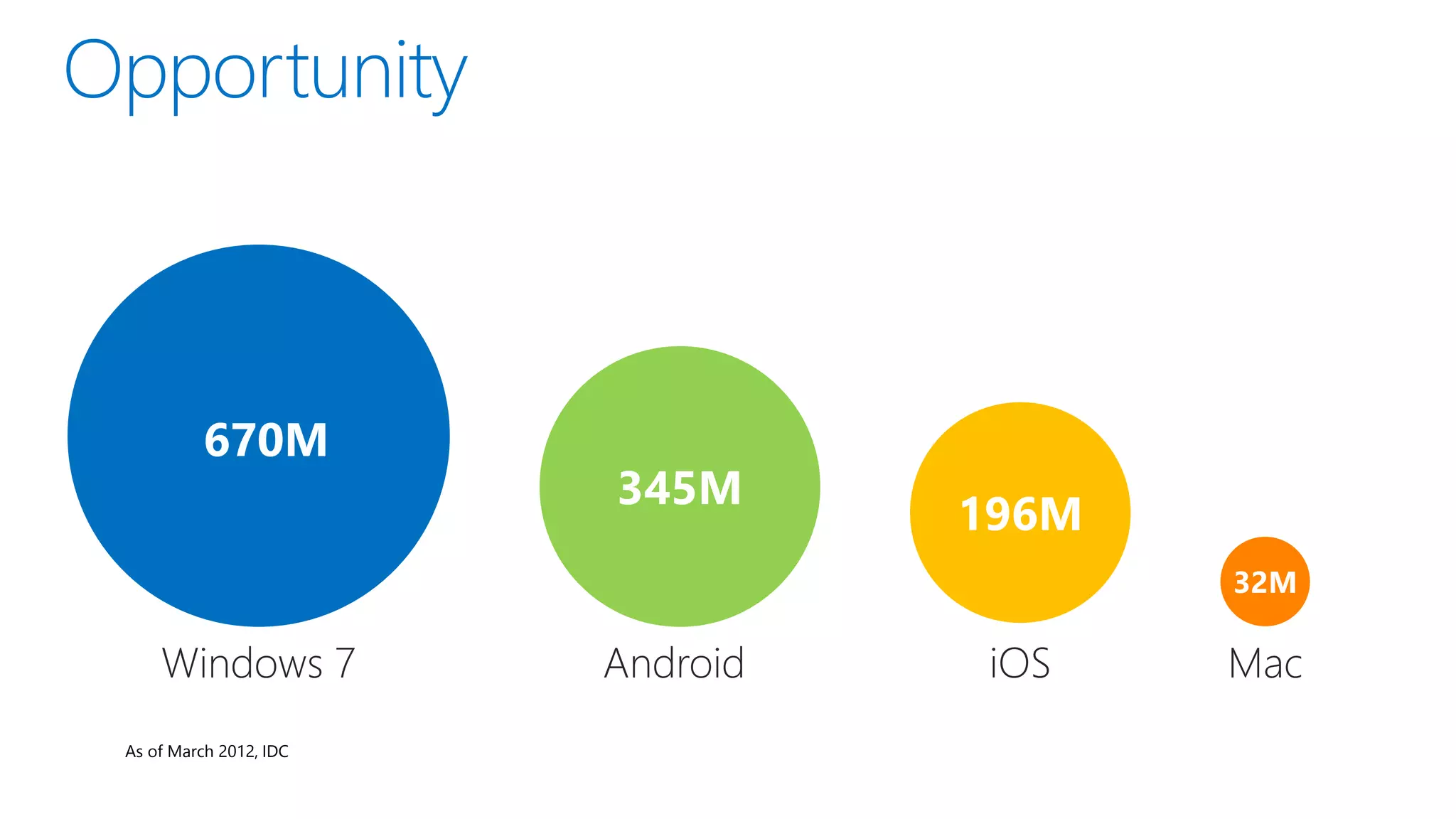
As of March 2012, IDC
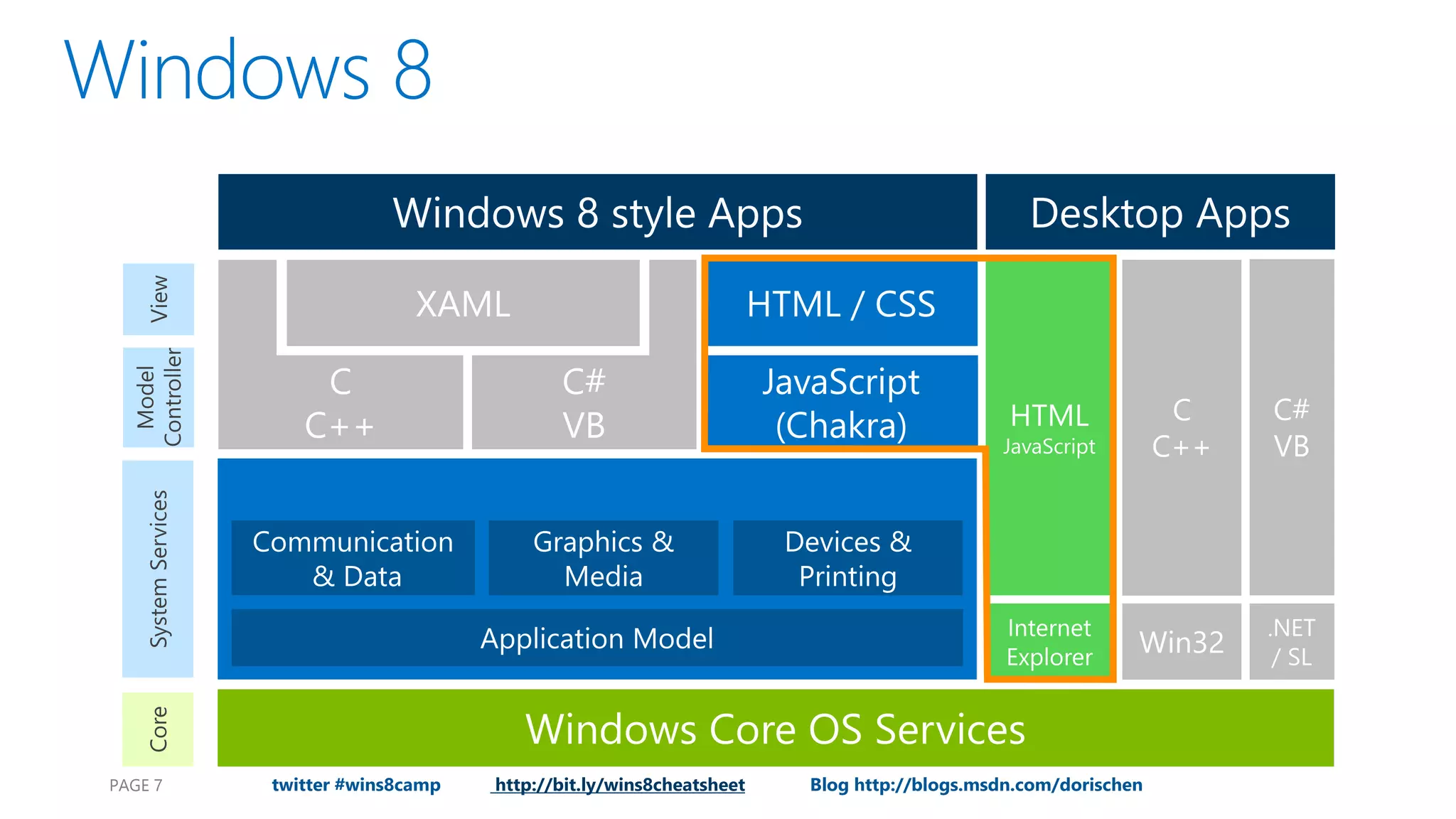
PAGE 7 twitter #wins8camp http://bit.ly/wins8cheatsheet Blog http://blogs.msdn.com/dorischen
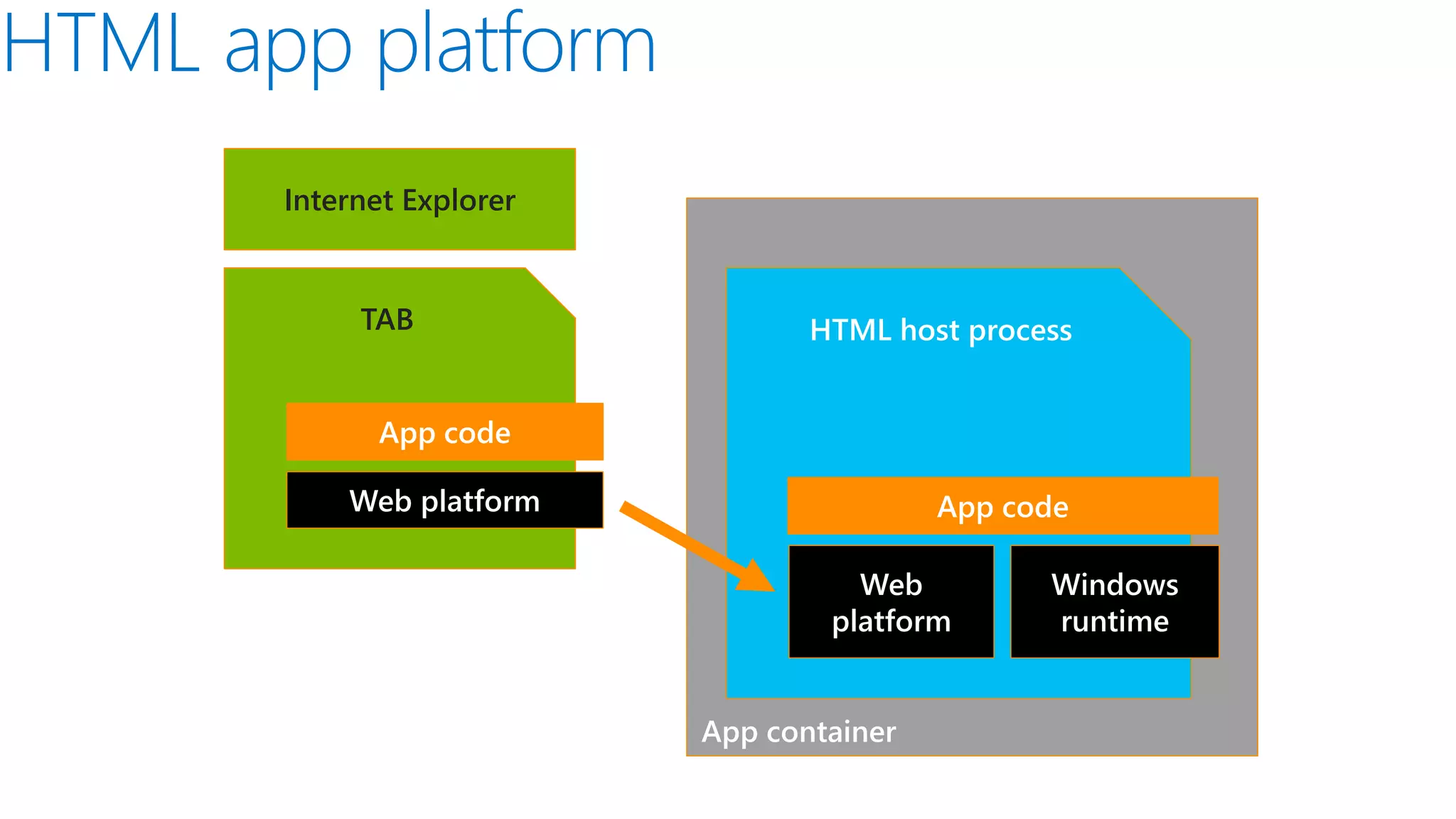
Internet Explorer TAB HTML host process App code Web platform App code Web Windows platform runtime App container PA
Blog http://blogs.msdn.com/dorischen
demo
Blog http://blogs.msdn.com/dorischen PAGE
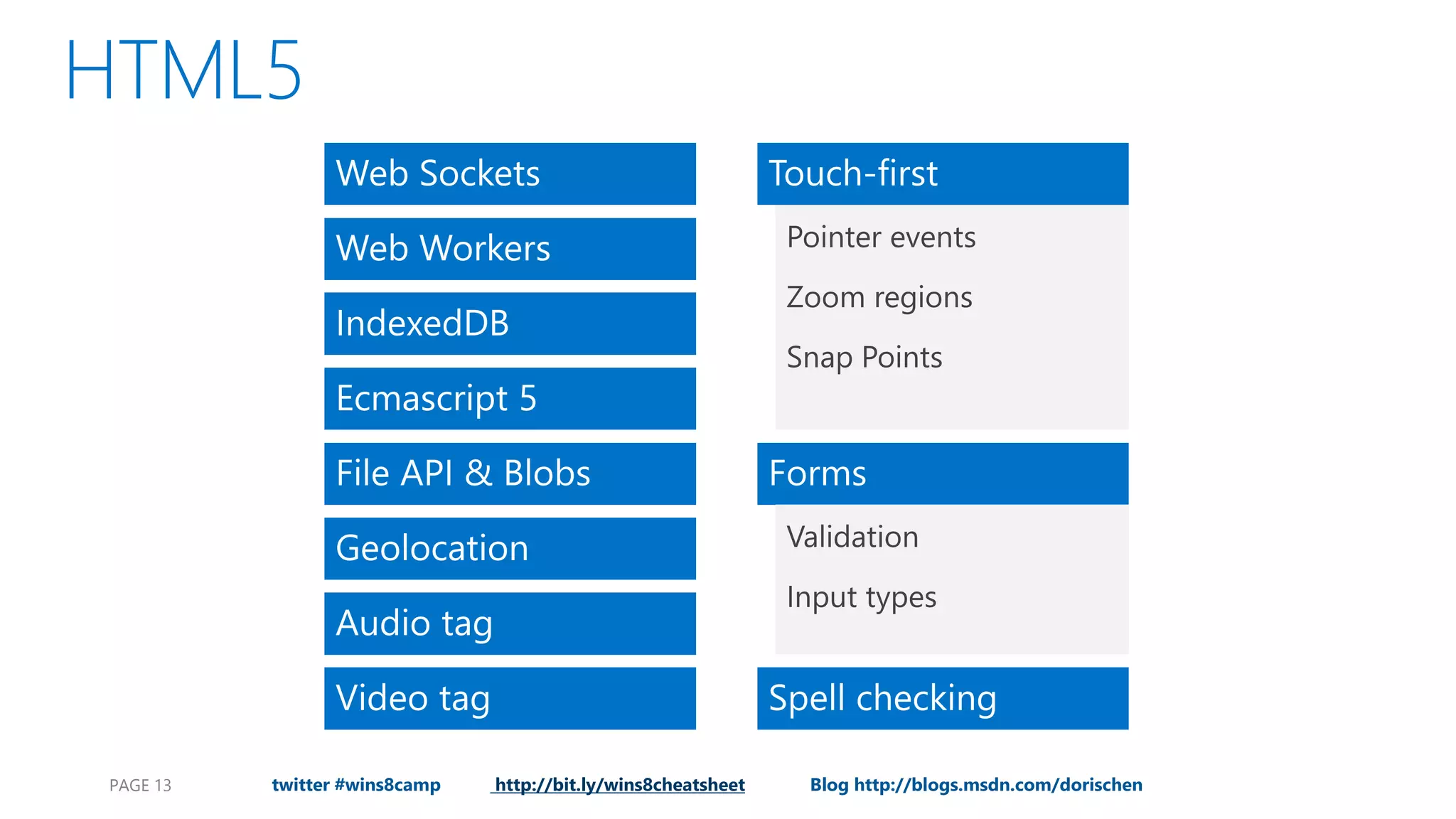
PAGE 13 twitter #wins8camp http://bit.ly/wins8cheatsheet Blog http://blogs.msdn.com/dorischen
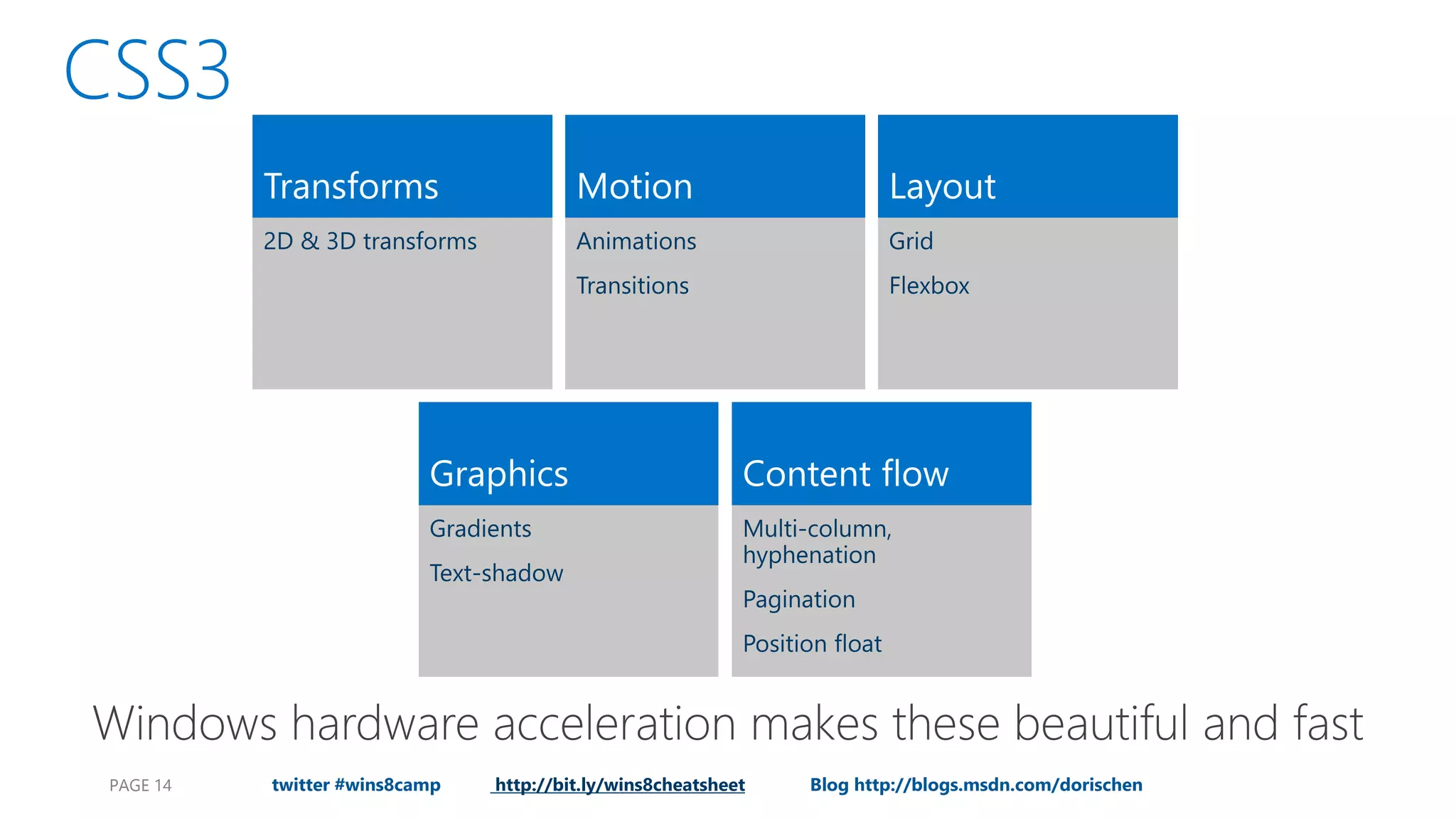
PAGE 14 twitter #wins8camp http://bit.ly/wins8cheatsheet Blog http://blogs.msdn.com/dorischen
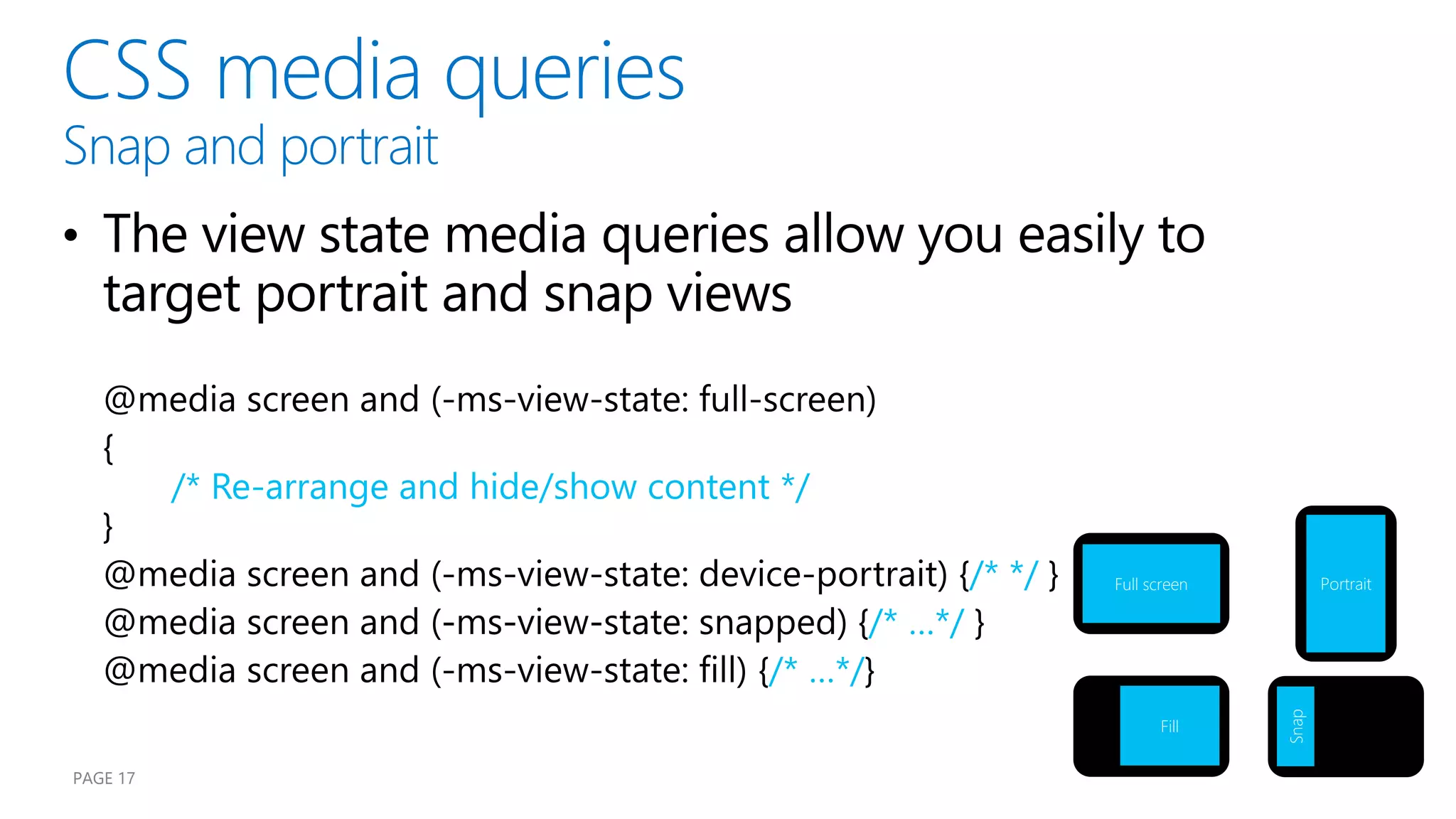
/* Re-arrange and hide/show content */ /* */ Full screen Portrait /* …*/ /* …*/ Snap Fill PAGE 17
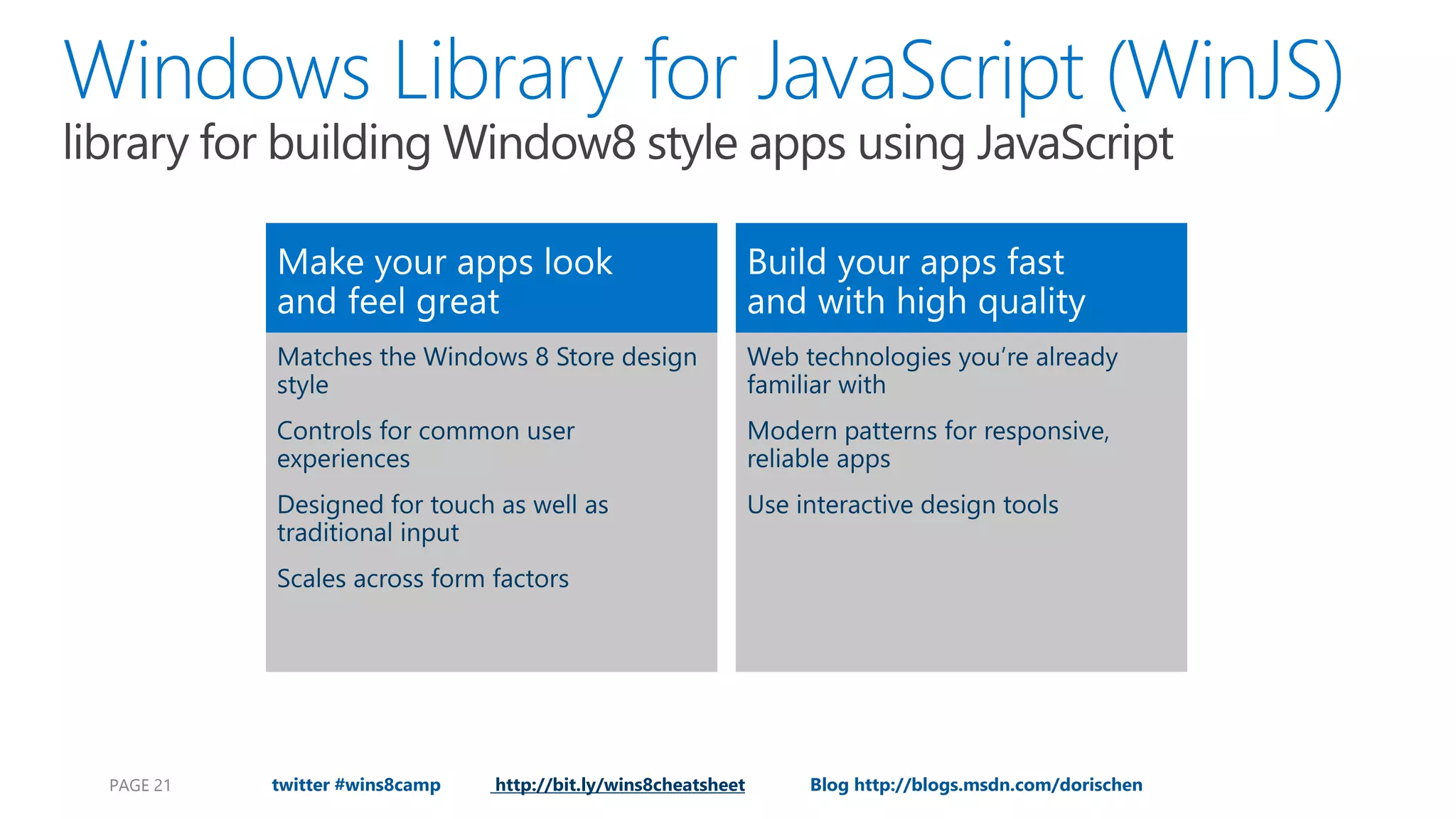
PAGE 21 twitter #wins8camp http://bit.ly/wins8cheatsheet Blog http://blogs.msdn.com/dorischen
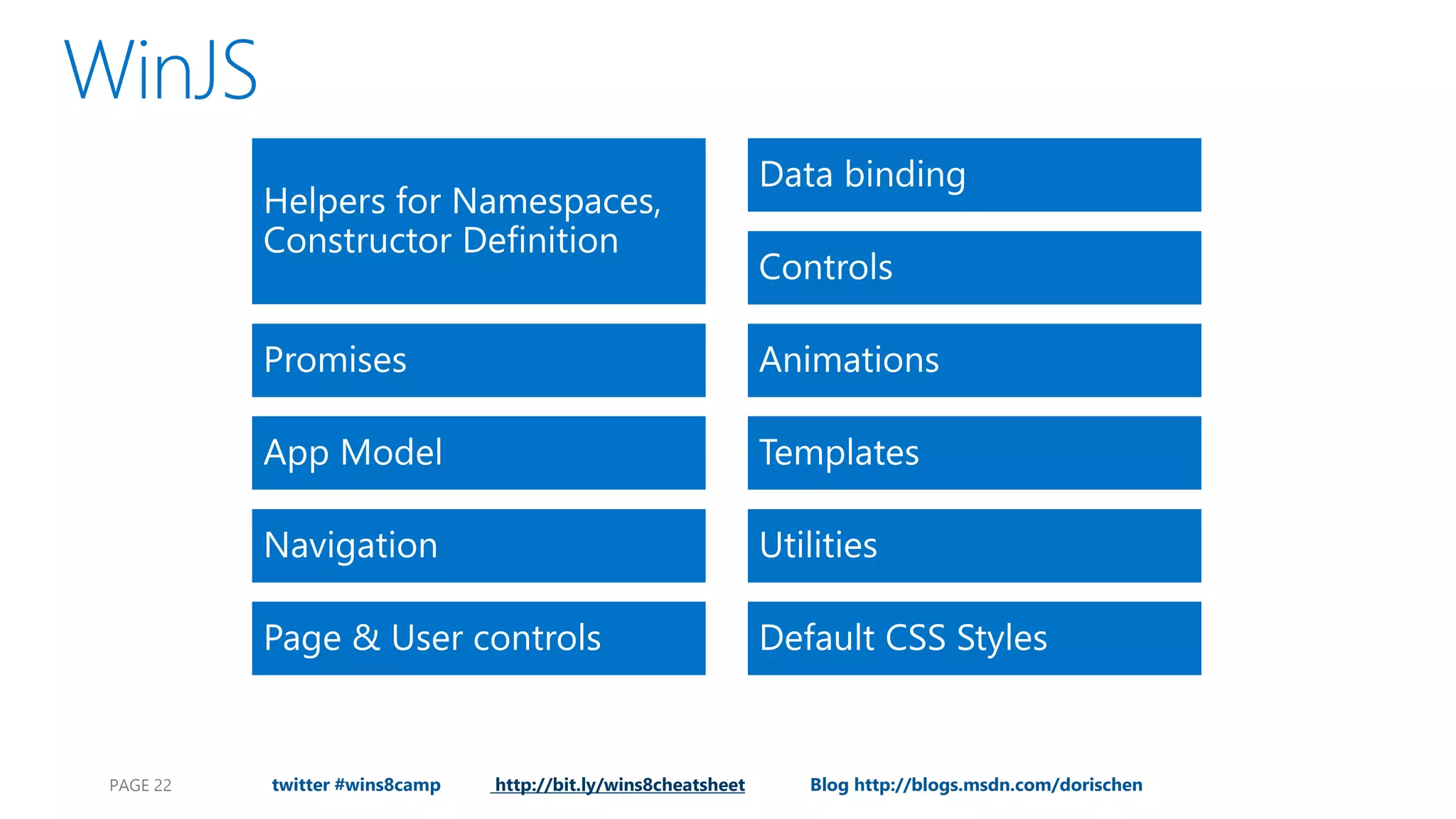
PAGE 22 twitter #wins8camp http://bit.ly/wins8cheatsheet Blog http://blogs.msdn.com/dorischen
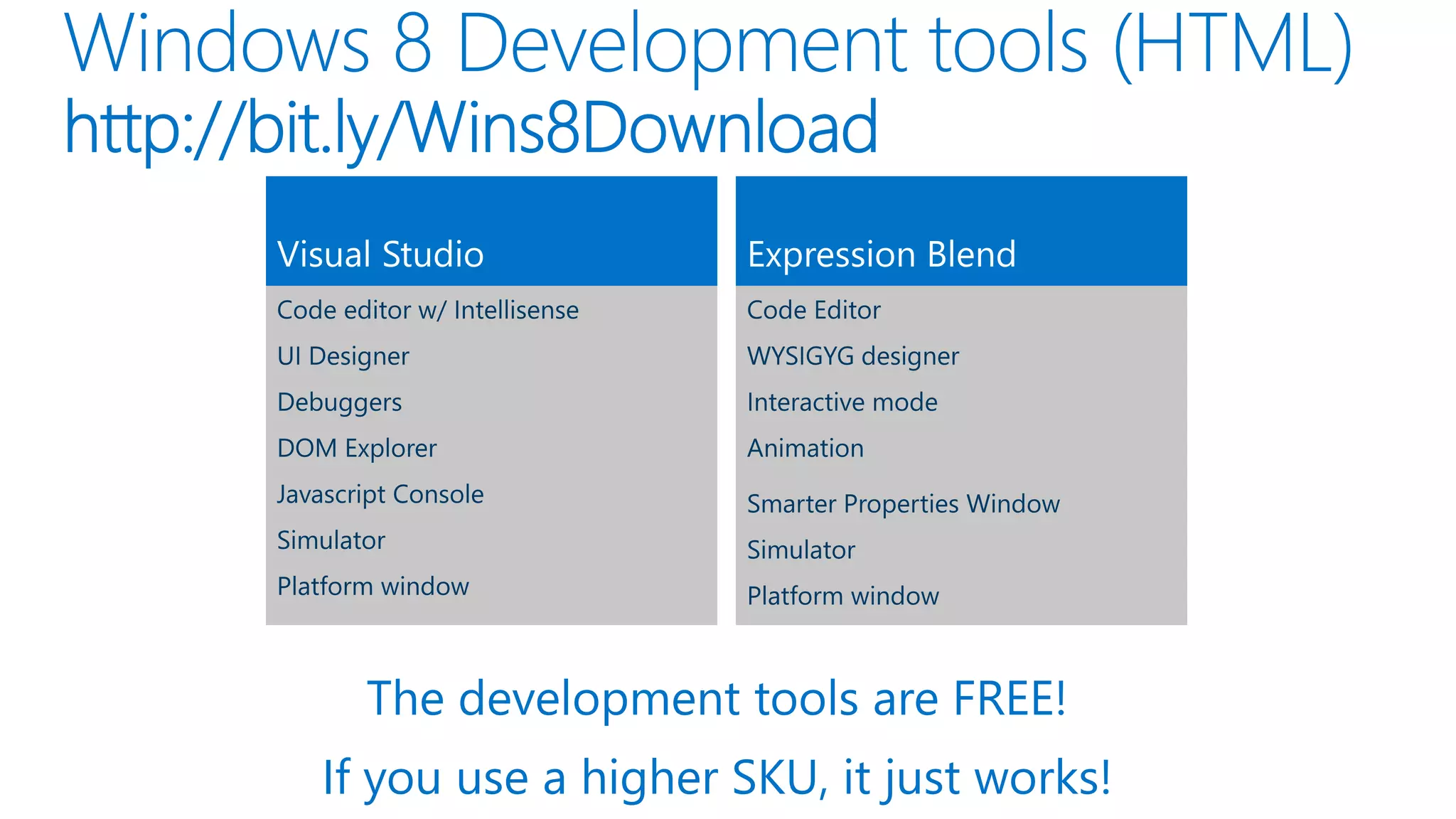
The development tools are FREE! If you use a higher SKU, it just works!
demo
Blog http://blogs.msdn.com/dorischen PAGE
demo
Blog http://blogs.msdn.com/dorischen PAGE
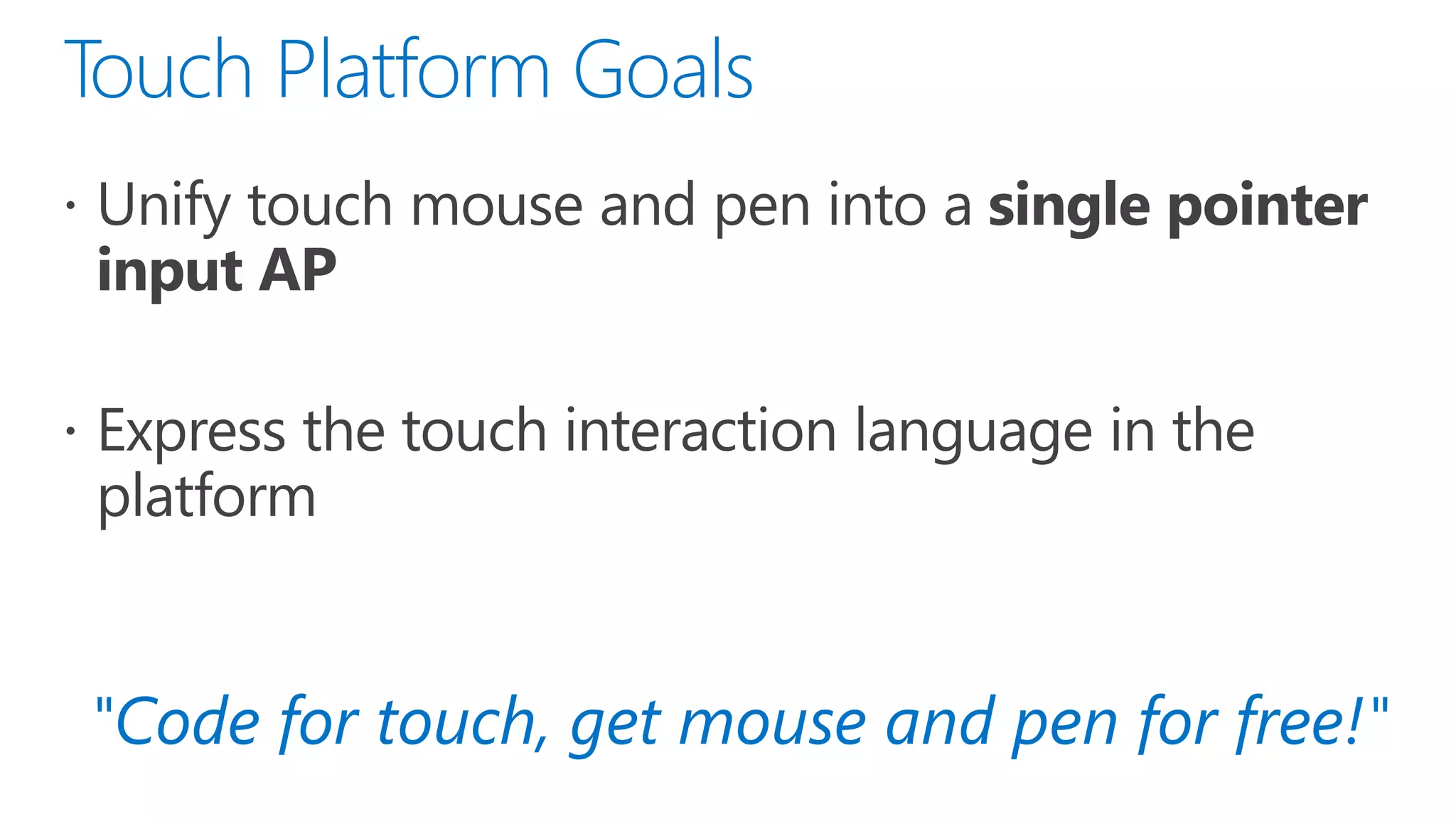
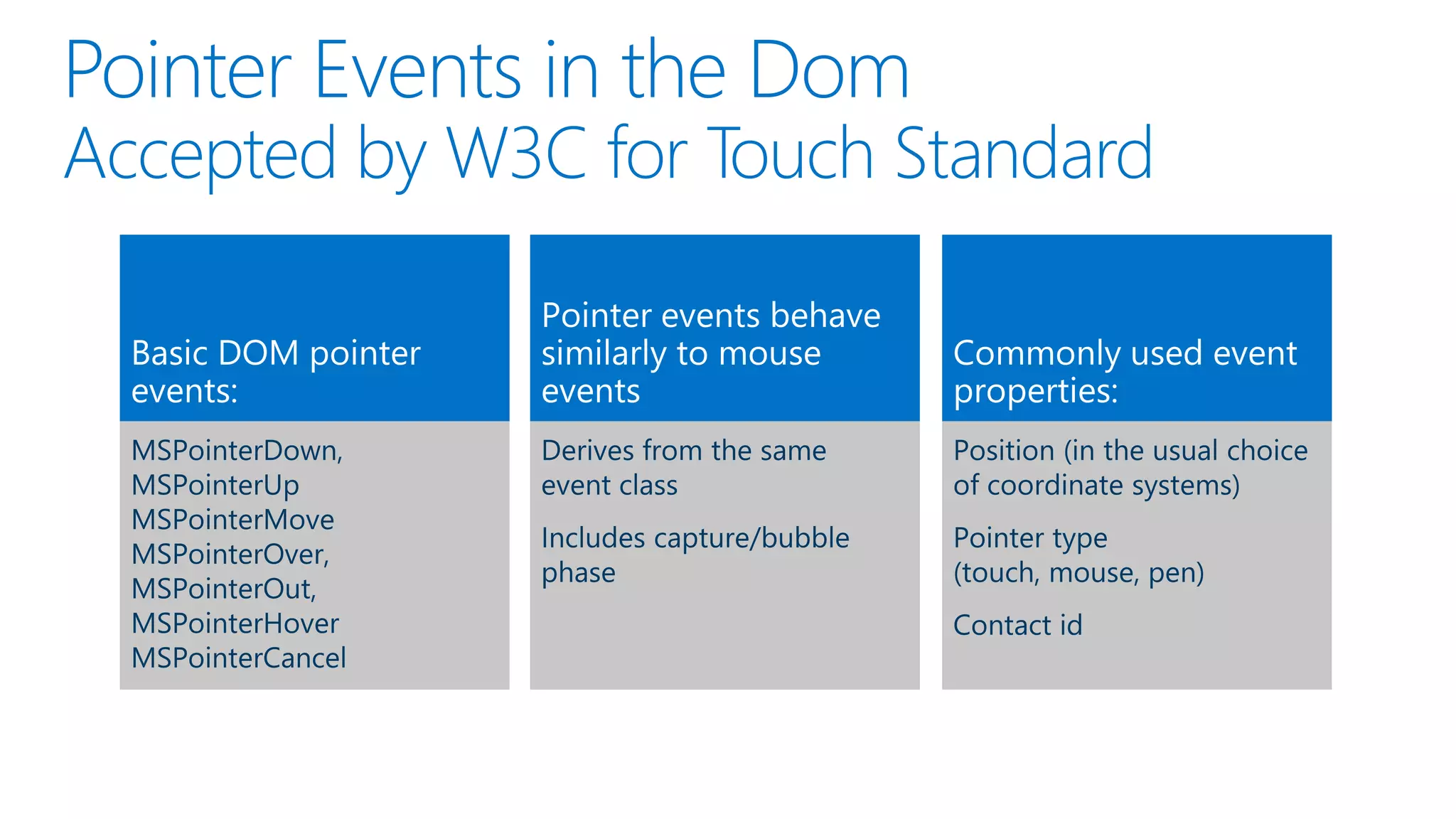
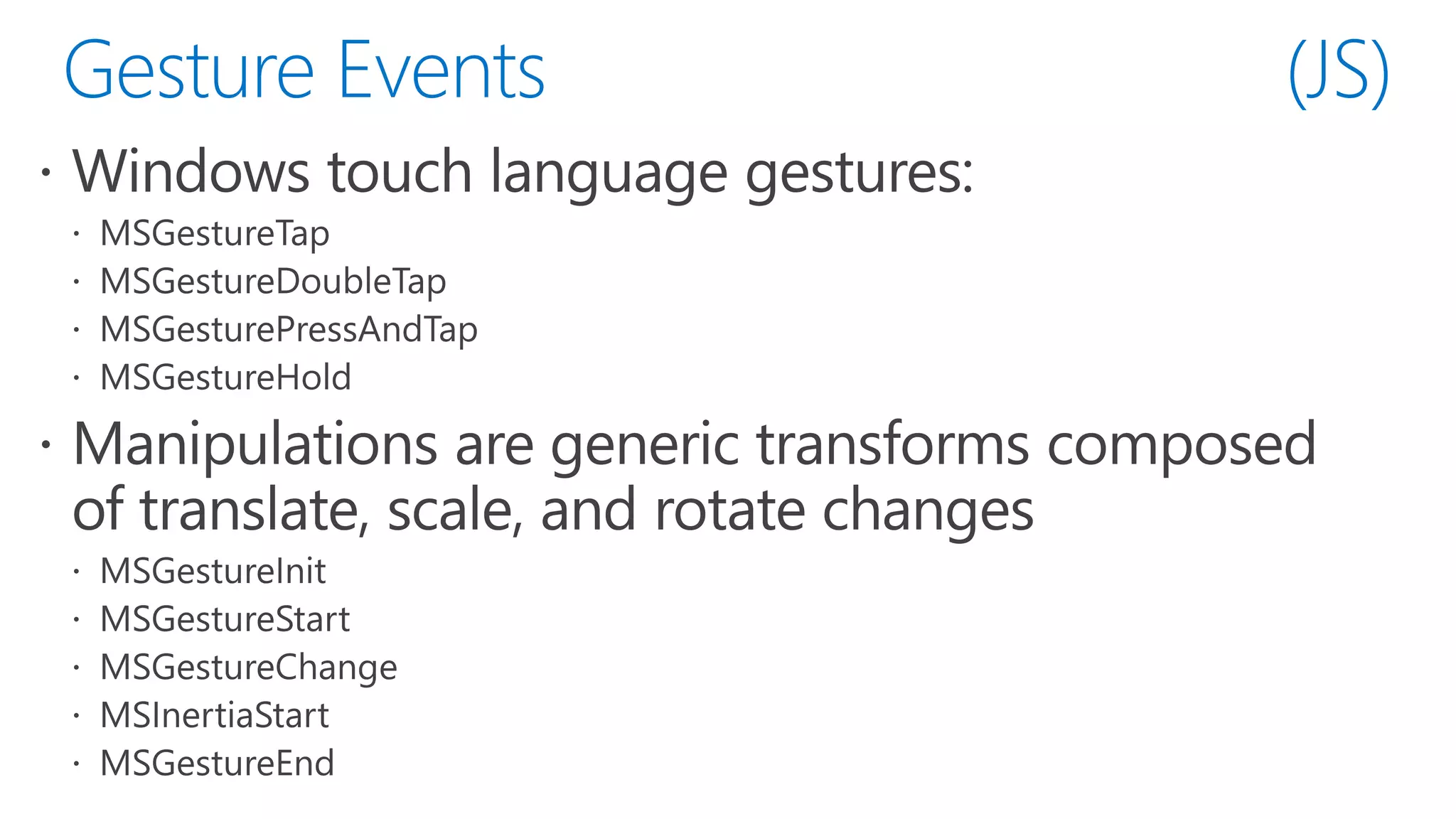
"Code for touch, get mouse and pen for free!"
function onLoad() { ... var workSpaces = document.getElementsByClassName("workspace"); for (i = 0; i < workSpaces.length; i++) { workSpaces[i].addEventListener("MSPointerDown", pointerDownHandler, false); workSpaces[i].addEventListener("MSPointerMove", pointerMoveHandler, false); workSpaces[i].addEventListener("MSPointerUp", pointerUpHandler, false); workSpaces[i].addEventListener("MSManipulationStateChanged", resetInteractions, false); } ... }
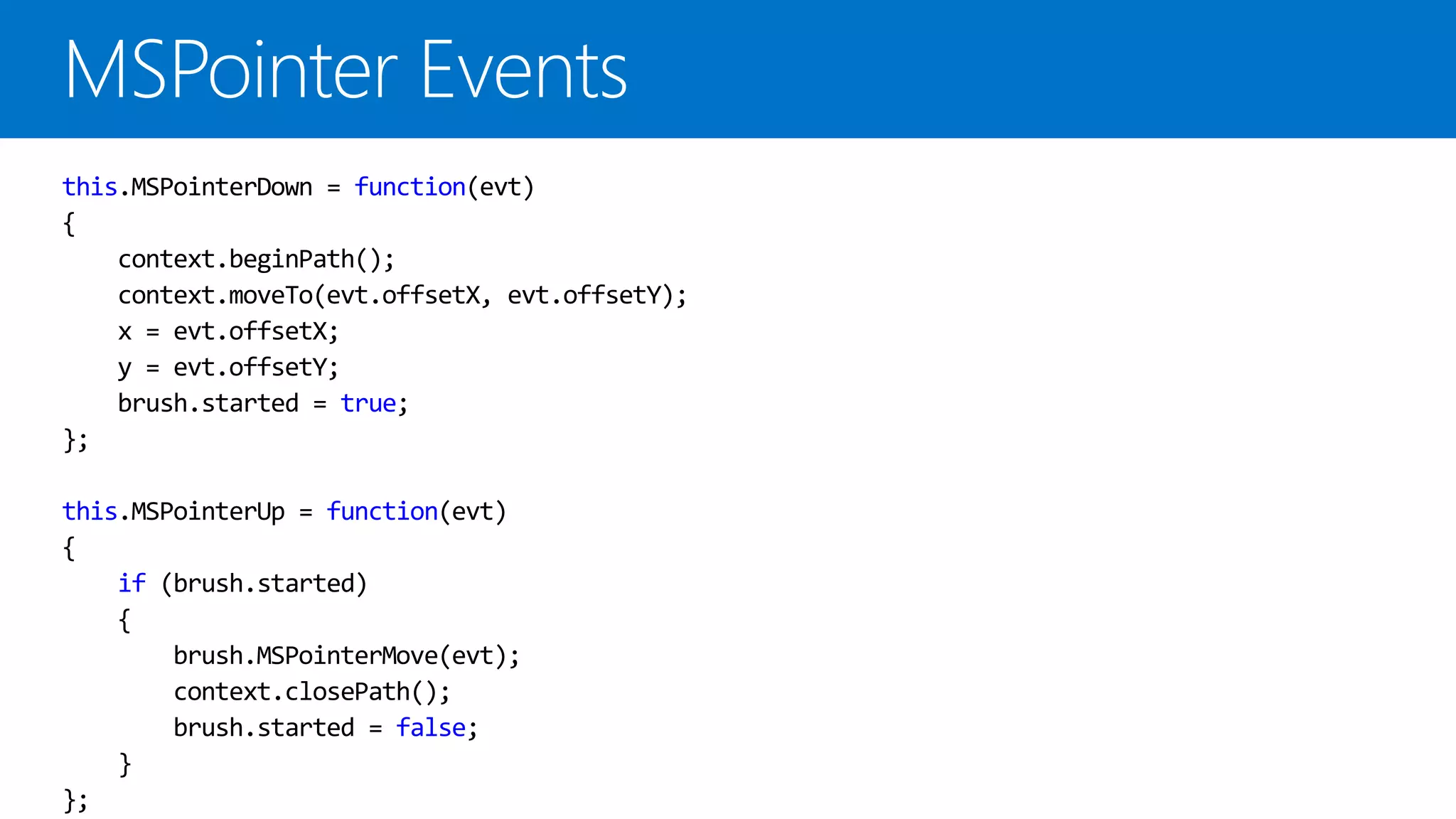
this.MSPointerDown = function(evt) { context.beginPath(); context.moveTo(evt.offsetX, evt.offsetY); x = evt.offsetX; y = evt.offsetY; brush.started = true; }; this.MSPointerUp = function(evt) { if (brush.started) { brush.MSPointerMove(evt); context.closePath(); brush.started = false; } };
function onLoad() { ... var workSpaces = document.getElementsByClassName("workspace"); for (i = 0; i < workSpaces.length; i++) { workSpaces[i].addEventListener("MSPointerDown", pointerDownHandler, false); workSpaces[i].addEventListener("MSPointerMove", pointerMoveHandler, false); workSpaces[i].addEventListener("MSPointerUp", pointerUpHandler, false); workSpaces[i].addEventListener("MSManipulationStateChanged", resetInteractions, false); } ... }
demo
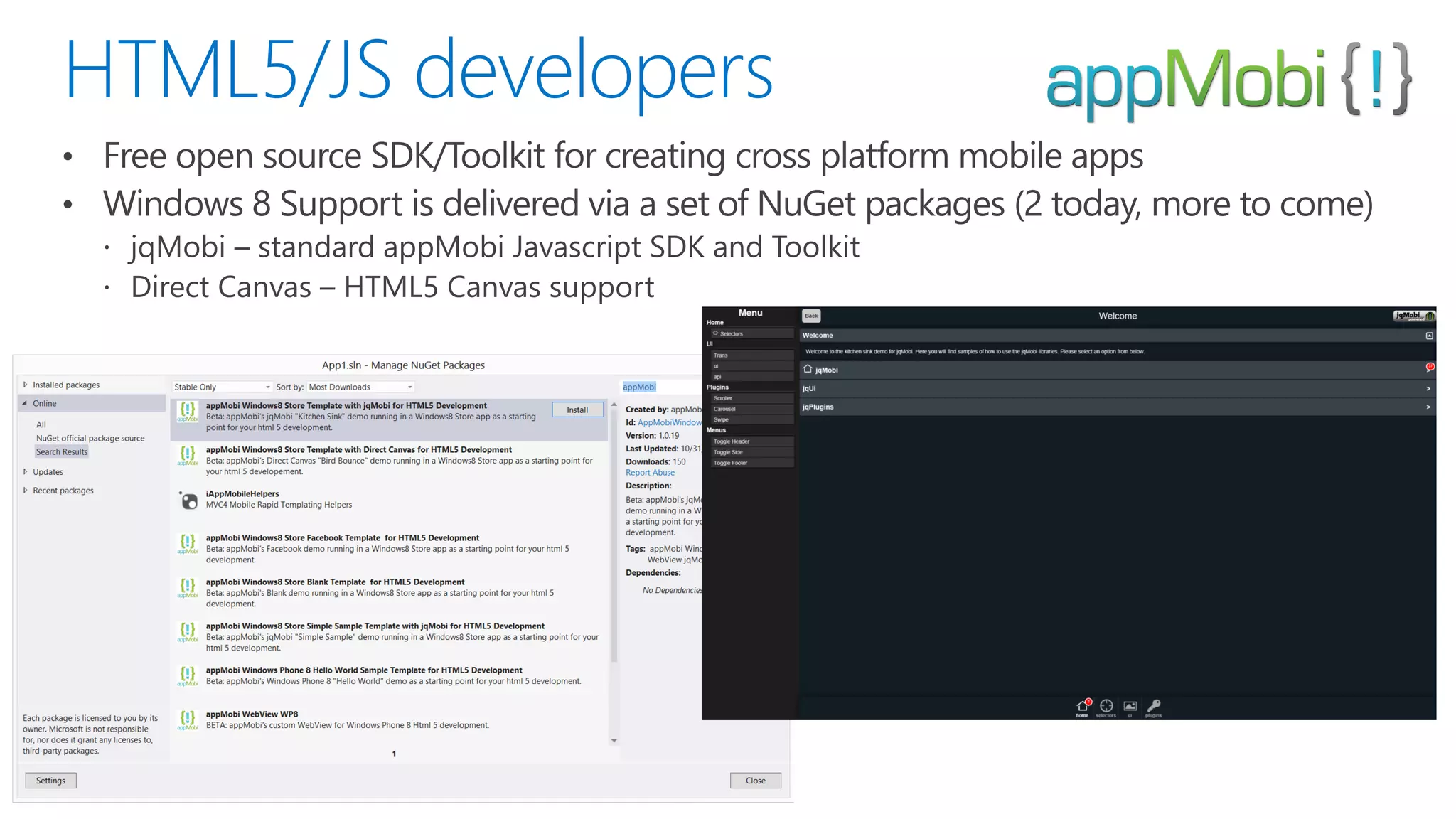
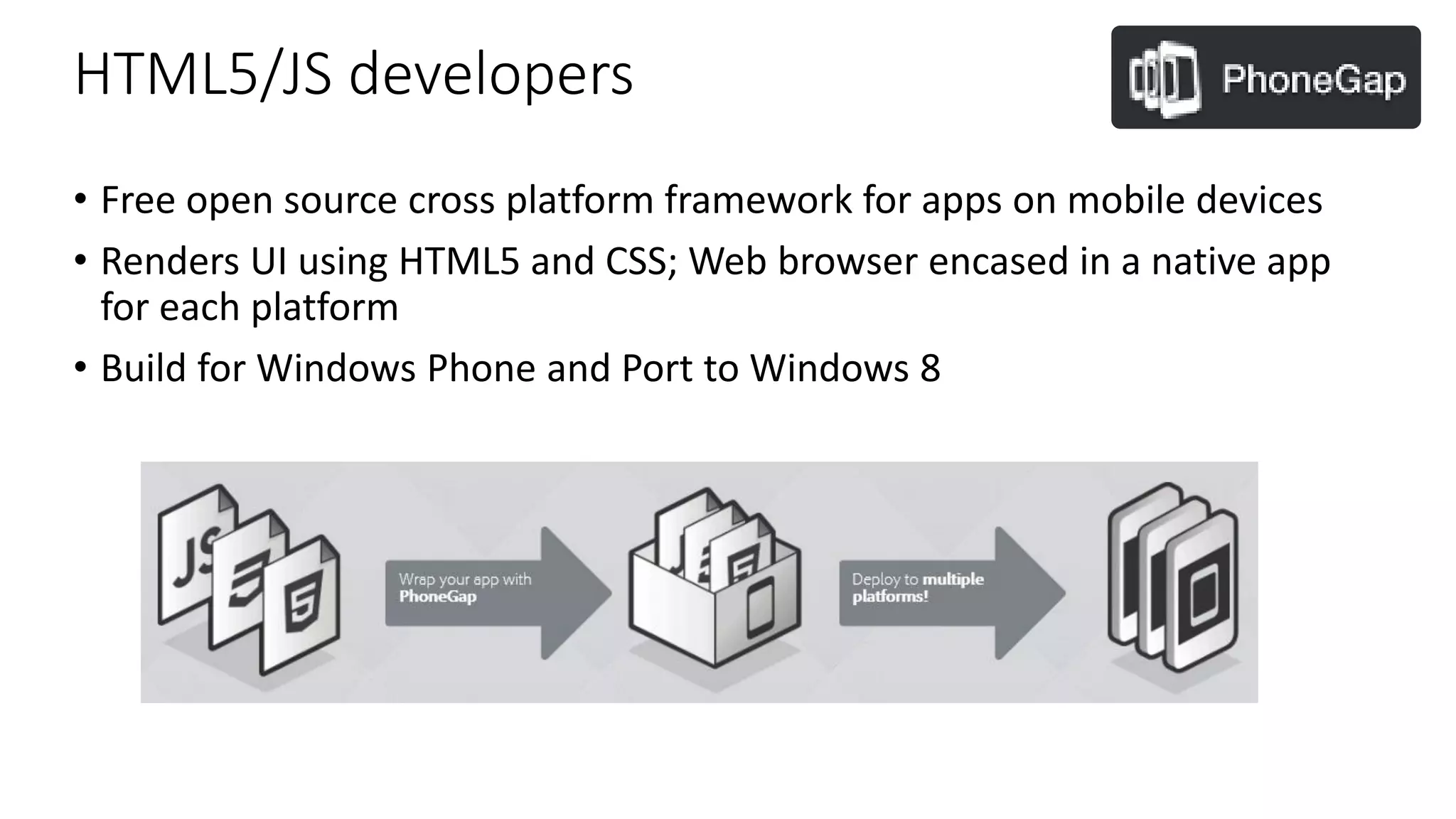
HTML5/JS developers • Free open source cross platform framework for apps on mobile devices • Renders UI using HTML5 and CSS; Web browser encased in a native app for each platform • Build for Windows Phone and Port to Windows 8
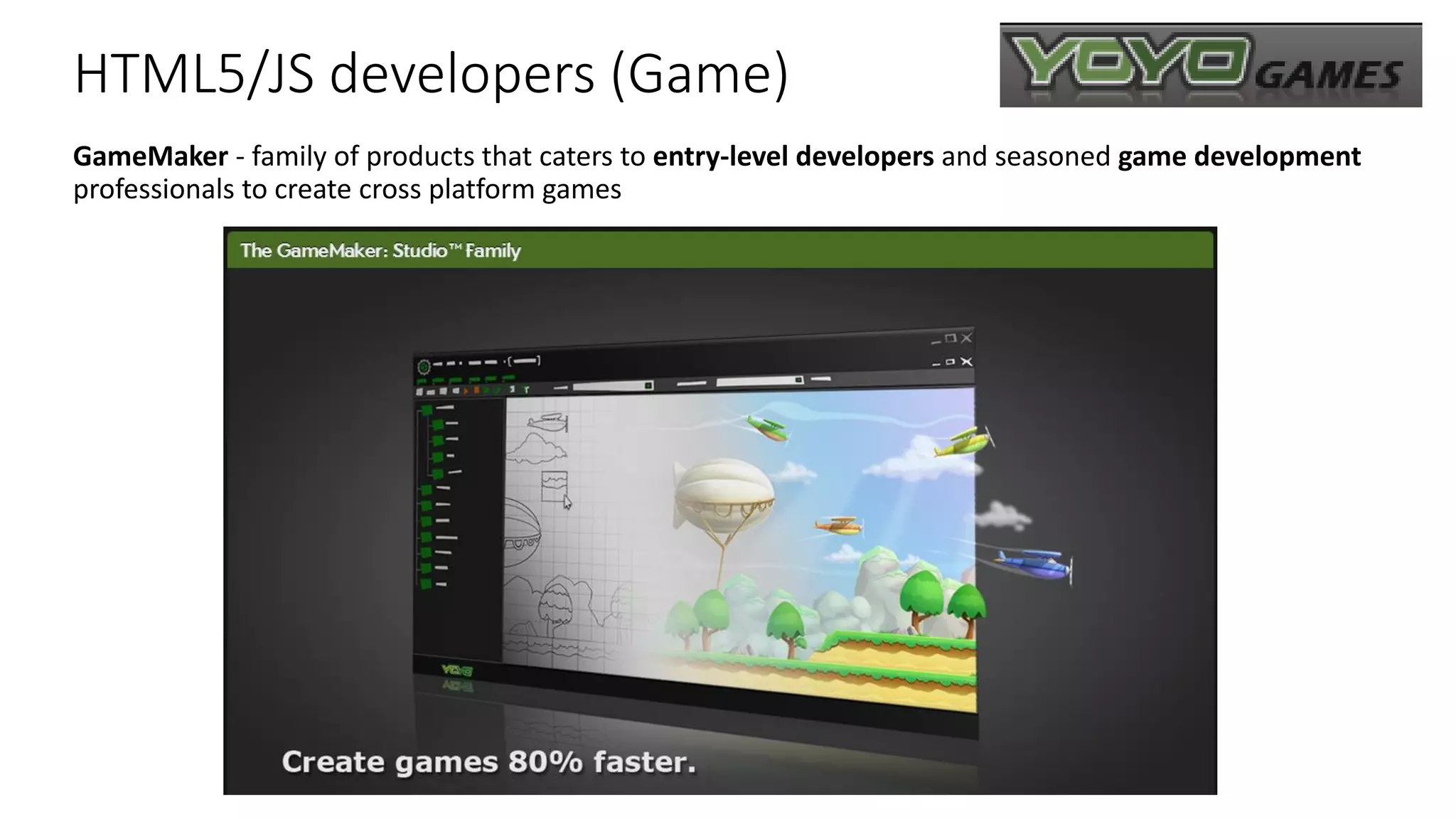
HTML5/JS developers (Game) GameMaker - family of products that caters to entry-level developers and seasoned game development professionals to create cross platform games
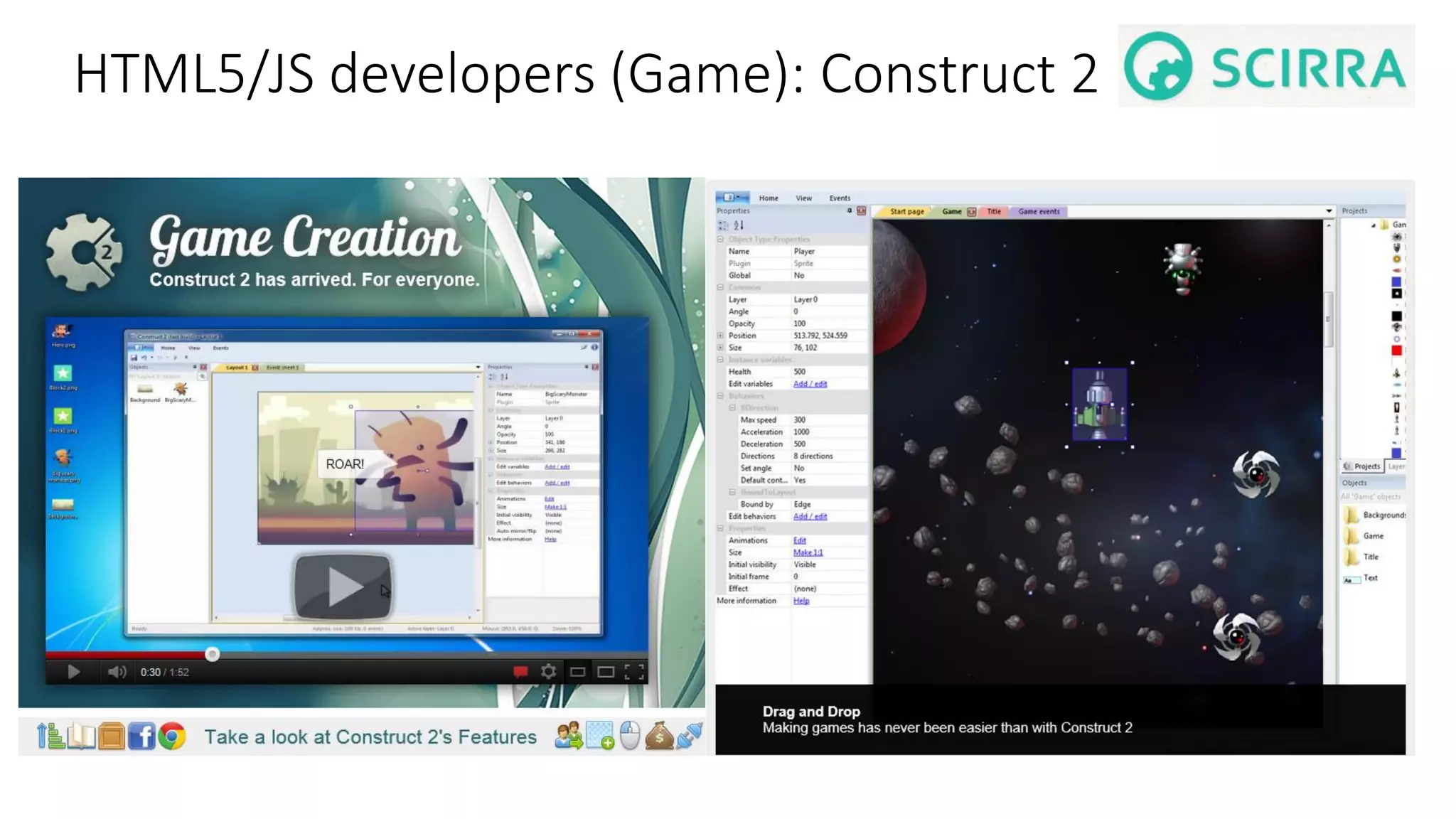
HTML5/JS developers (Game): Construct 2 (Game) Construct2 - cross platform game development for beginners
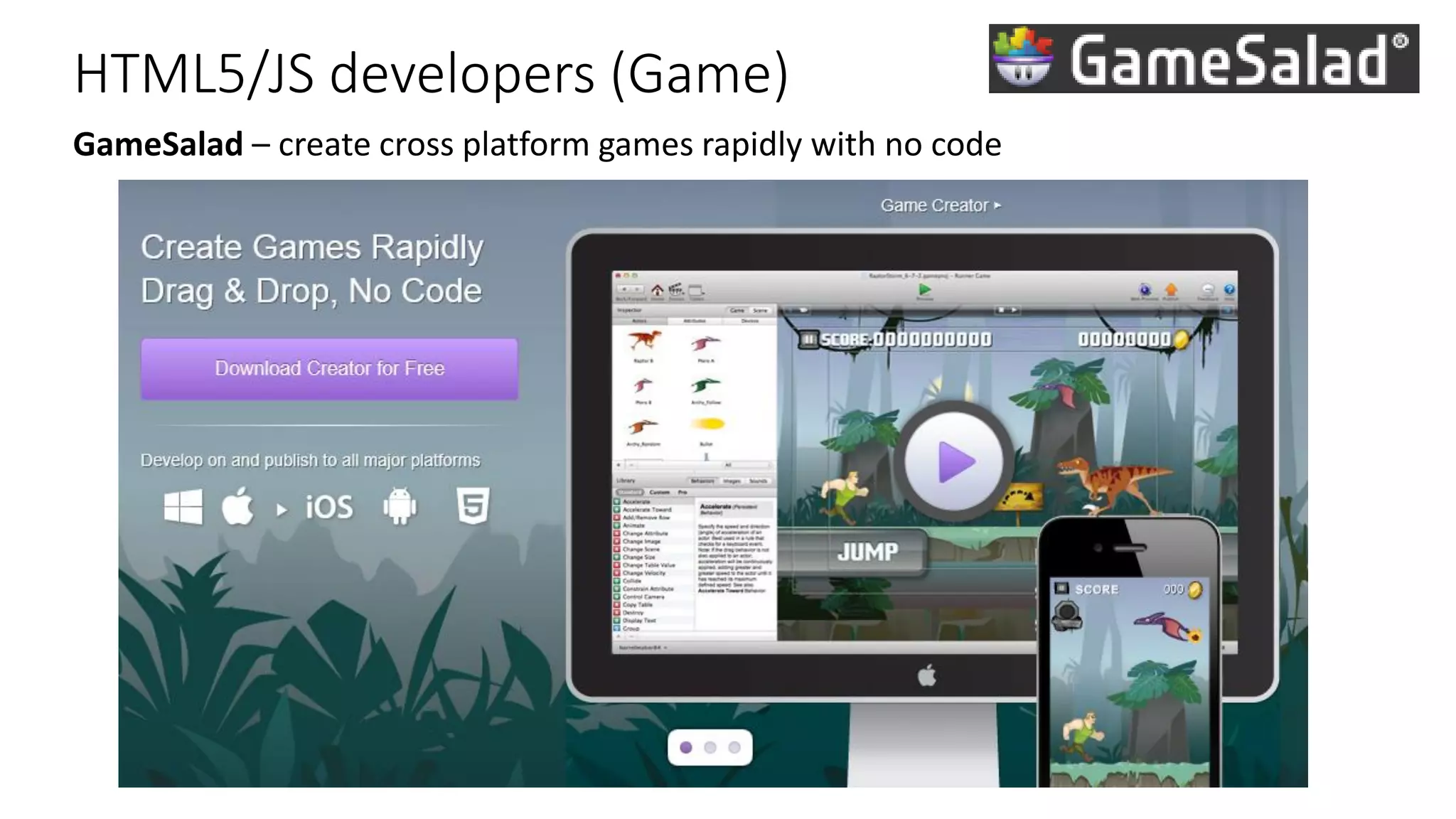
HTML5/JS developers (Game) GameSalad – create cross platform games rapidly with no code
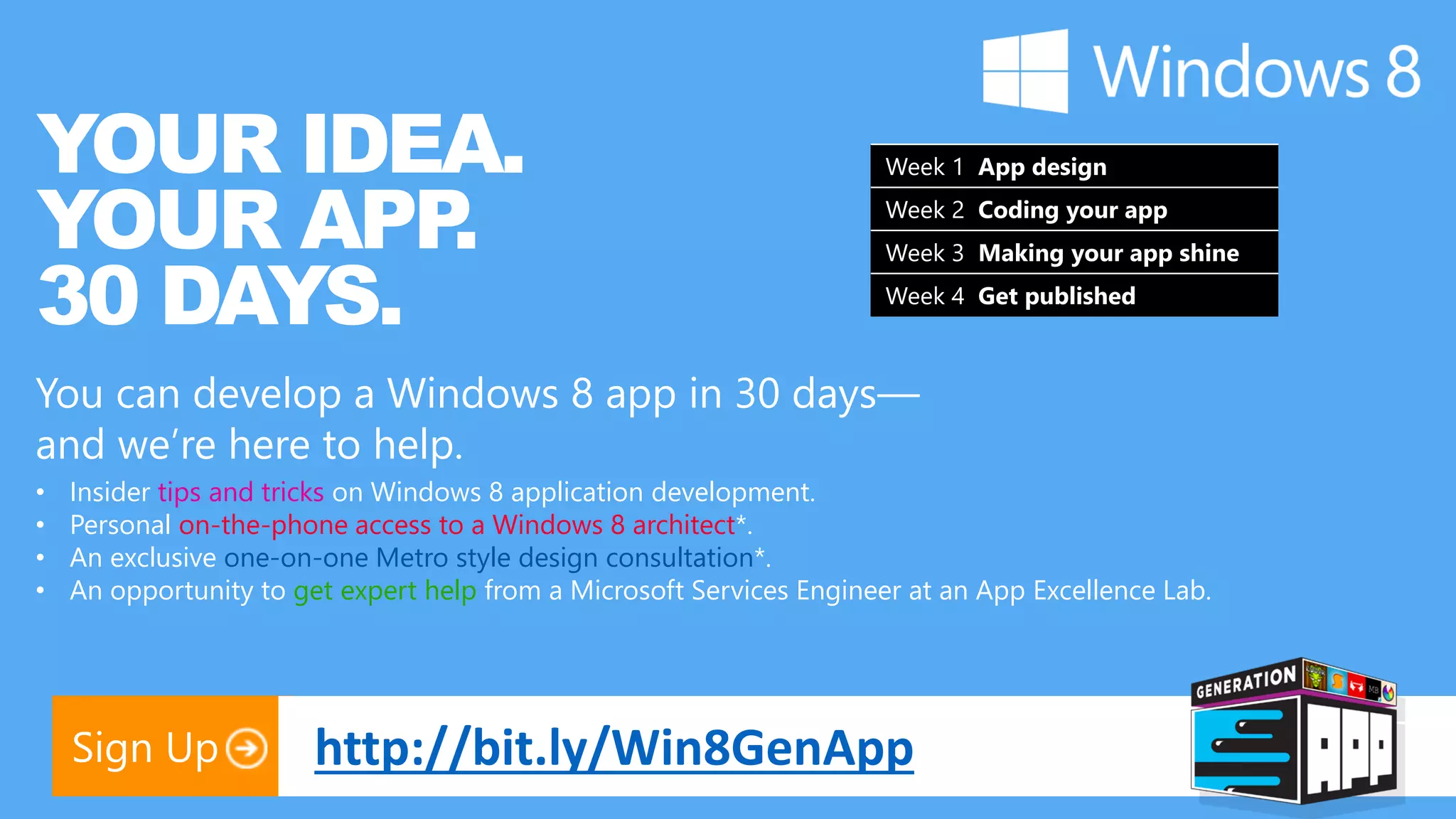
YOUR IDEA. Week 1 App design YOUR APP . Week 2 Coding your app 30 DAYS. Week 3 Making your app shine Week 4 Get published You can develop a Windows 8 app in 30 days— and we’re here to help. • Insider tips and tricks on Windows 8 application development. • Personal on-the-phone access to a Windows 8 architect*. • An exclusive one-on-one Metro style design consultation*. • An opportunity to get expert help from a Microsoft Services Engineer at an App Excellence Lab. Sign Up http://bit.ly/Win8GenApp
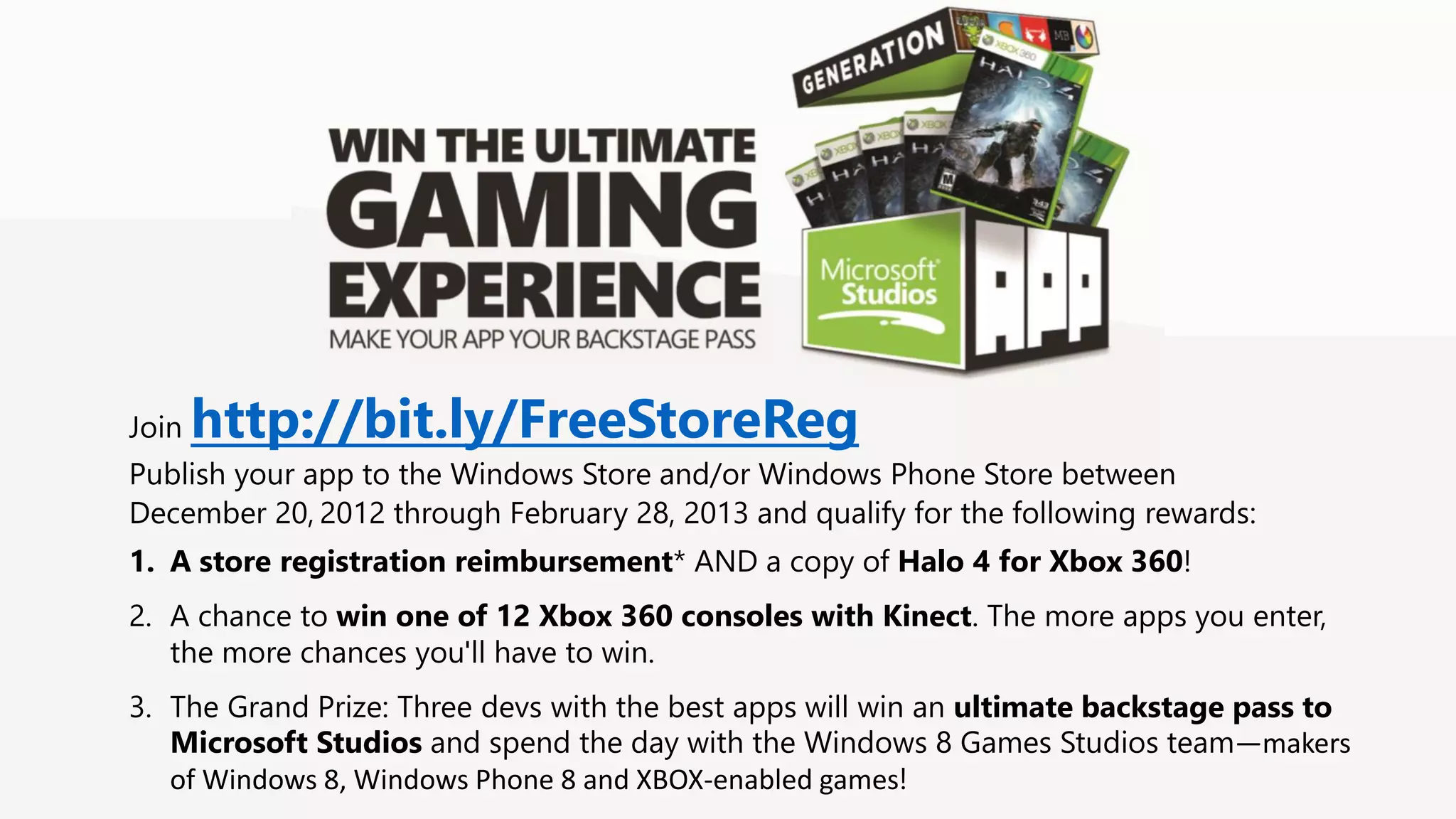
Join http://bit.ly/FreeStoreReg Publish your app to the Windows Store and/or Windows Phone Store between December 20, 2012 through February 28, 2013 and qualify for the following rewards: 1. A store registration reimbursement* AND a copy of Halo 4 for Xbox 360! 2. A chance to win one of 12 Xbox 360 consoles with Kinect. The more apps you enter, the more chances you'll have to win. 3. The Grand Prize: Three devs with the best apps will win an ultimate backstage pass to Microsoft Studios and spend the day with the Windows 8 Games Studios team—makers of Windows 8, Windows Phone 8 and XBOX-enabled games!
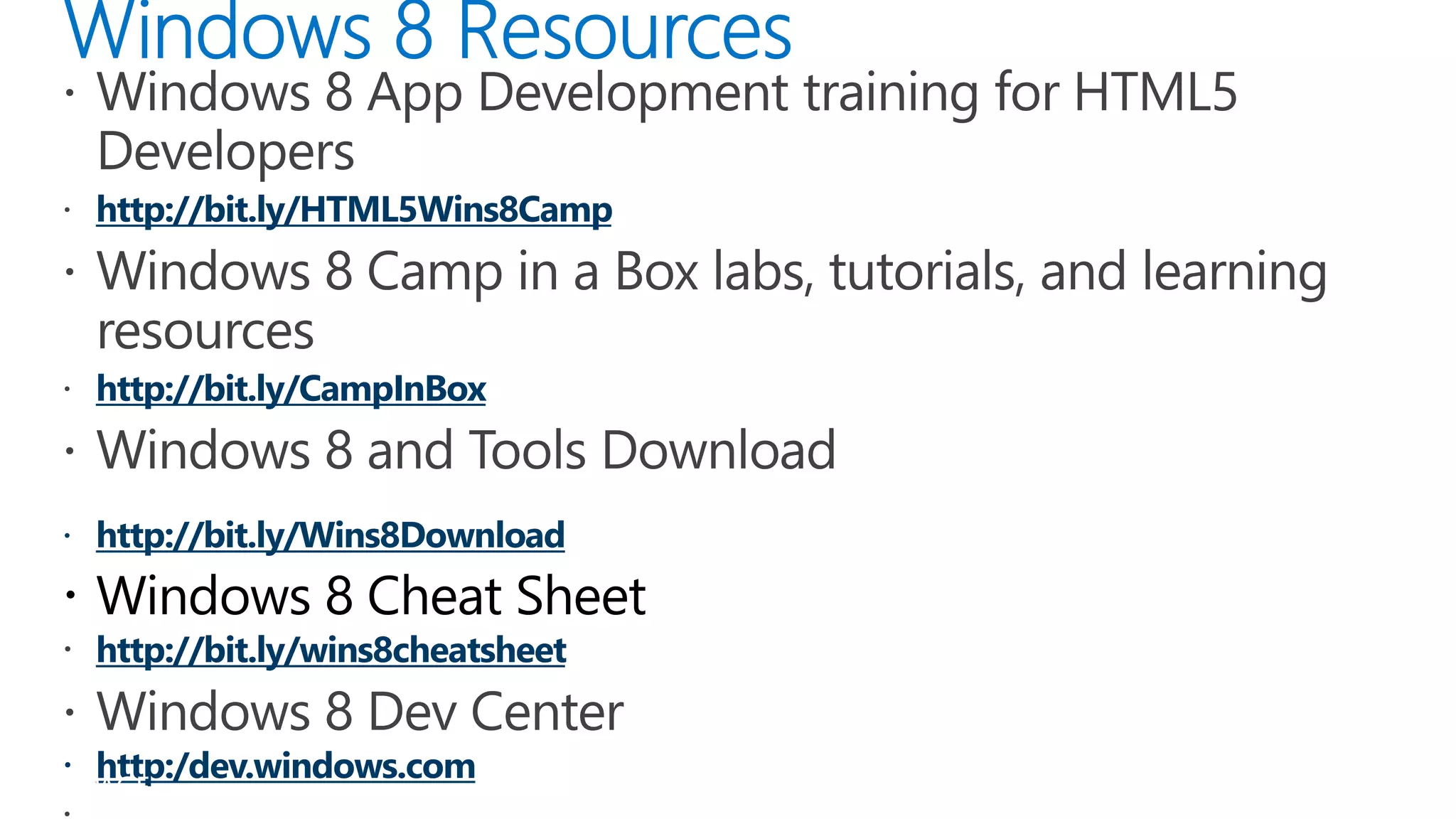
http://bit.ly/HTML5Wins8Camp http://bit.ly/CampInBox  Windows 8 Cheat Sheet http://bit.ly/wins8cheatsheet  http:/dev.windows.com PAGE
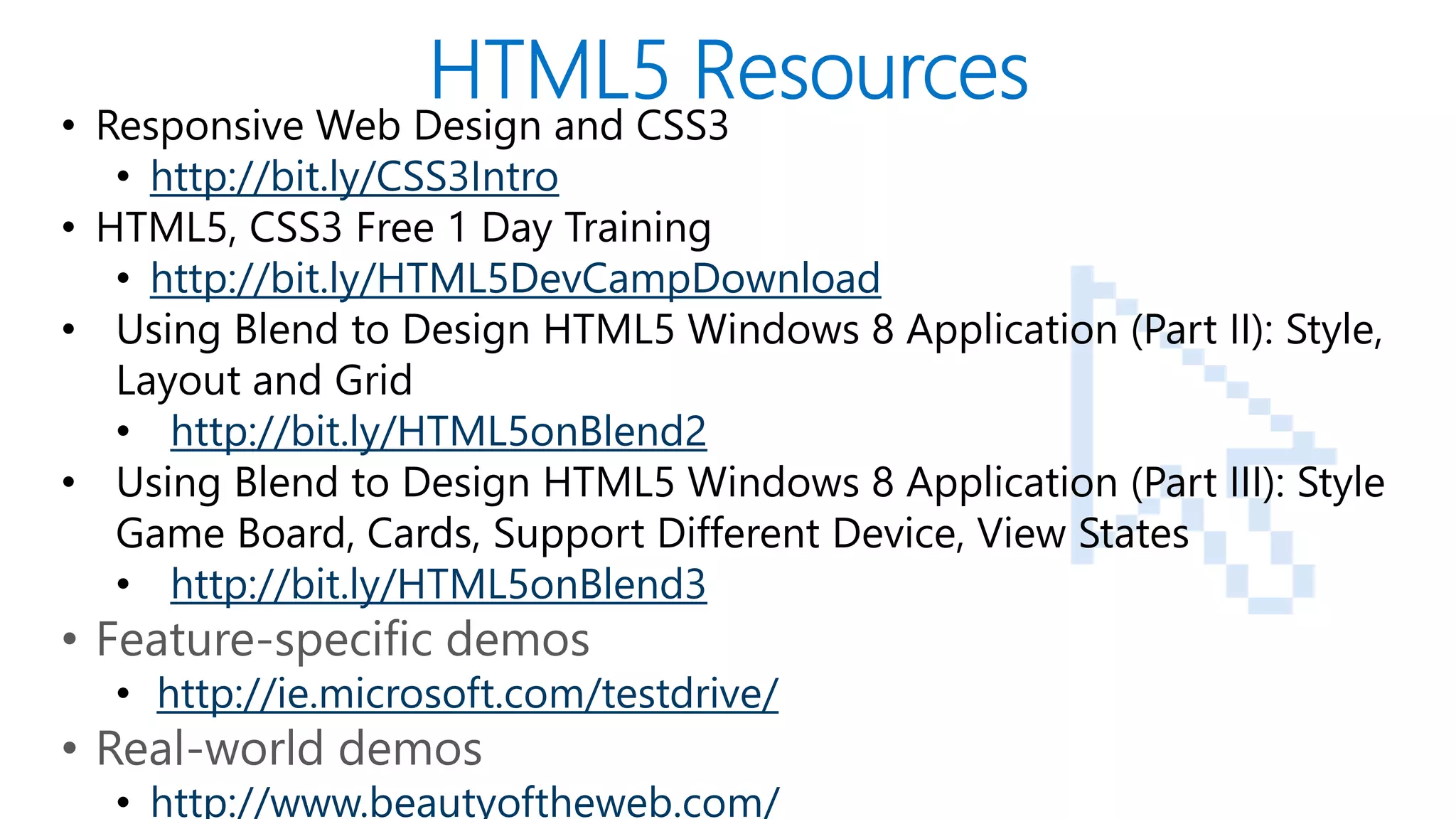
• Responsive Web Design and CSS3 • http://bit.ly/CSS3Intro • HTML5, CSS3 Free 1 Day Training • http://bit.ly/HTML5DevCampDownload • Using Blend to Design HTML5 Windows 8 Application (Part II): Style, Layout and Grid • http://bit.ly/HTML5onBlend2 • Using Blend to Design HTML5 Windows 8 Application (Part III): Style Game Board, Cards, Support Different Device, View States • http://bit.ly/HTML5onBlend3 • Feature-specific demos • http://ie.microsoft.com/testdrive/ • Real-world demos PAGE • http://www.beautyoftheweb.com/
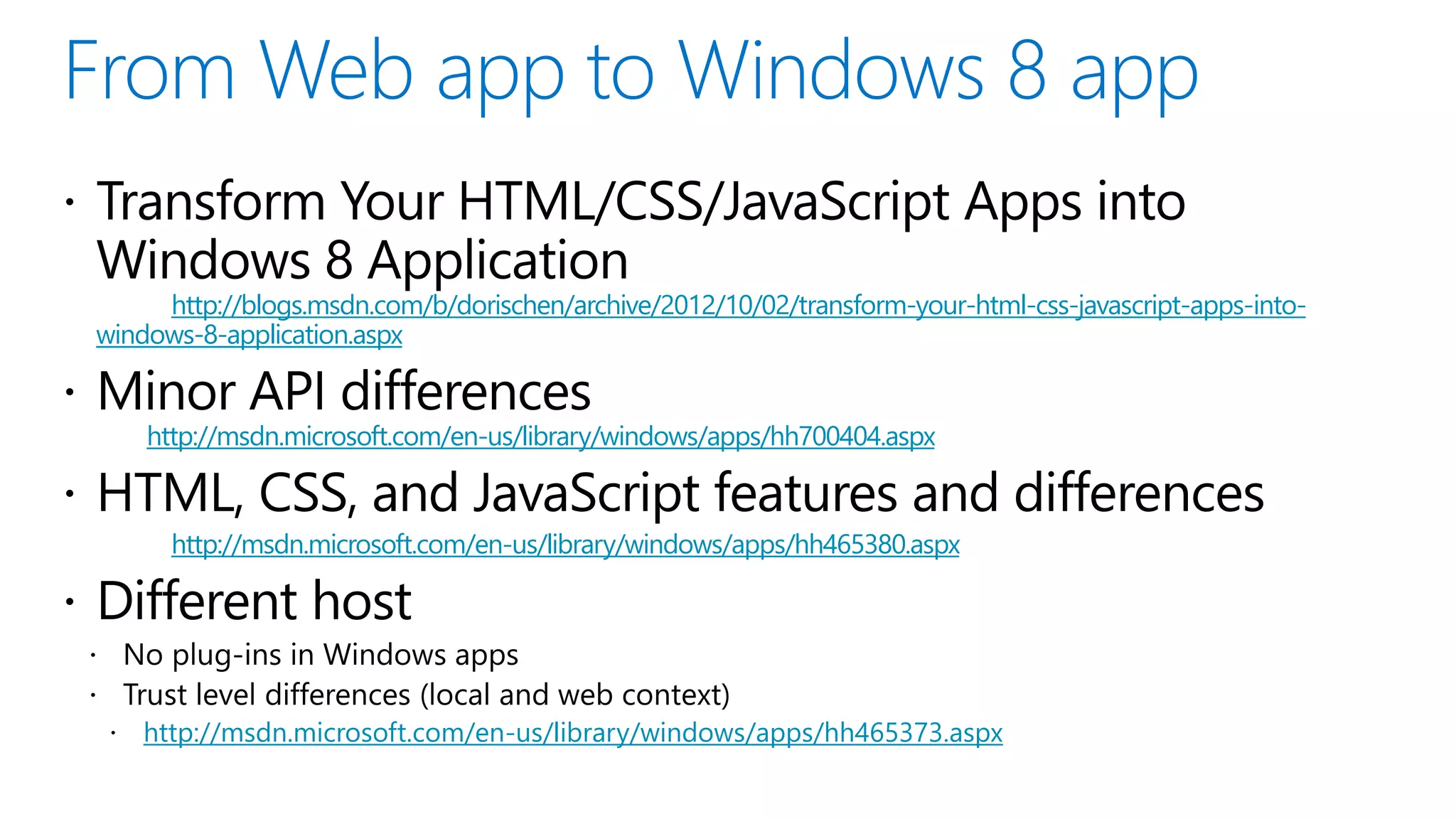
http://blogs.msdn.com/b/dorischen/archive/2012/10/02/transform-your-html-css-javascript-apps-into- windows-8-application.aspx http://msdn.microsoft.com/en-us/library/windows/apps/hh700404.aspx http://msdn.microsoft.com/en-us/library/windows/apps/hh465380.aspx http://msdn.microsoft.com/en-us/library/windows/apps/hh465373.aspx

Building Beautiful and Interactive Metro apps with JavaScript, HTML5 & CSS3

  • 2.
    Who am I?  Developer Evangelist at Microsoft based in Silicon Valley, CA  Blog: http://blogs.msdn.com/b/dorischen/  Twitter @doristchen  Email: doris.chen@microsoft.com  Has over 15 years of experience in the software industry focusing on web technologies  Spoke and published widely at JavaOne, O'Reilly, Silicon Valley Code Camp, SD West, SD Forum and worldwide User Groups meetings  Doris received her Ph.D. from the University of California at Los Angeles (UCLA) PAGE 2 twitter #wins8camp http://bit.ly/wins8cheatsheet Blog http://blogs.msdn.com/dorischen
  • 3.
  • 4.
    As of March2012, IDC
  • 6.
    PAGE 7 twitter #wins8camp http://bit.ly/wins8cheatsheet Blog http://blogs.msdn.com/dorischen
  • 7.
    Internet Explorer TAB HTML host process App code Web platform App code Web Windows platform runtime App container PA
  • 8.
  • 9.
  • 11.
  • 12.
    PAGE 13 twitter #wins8camp http://bit.ly/wins8cheatsheet Blog http://blogs.msdn.com/dorischen
  • 13.
    PAGE 14 twitter #wins8camp http://bit.ly/wins8cheatsheet Blog http://blogs.msdn.com/dorischen
  • 15.
    /* Re-arrange andhide/show content */ /* */ Full screen Portrait /* …*/ /* …*/ Snap Fill PAGE 17
  • 17.
    PAGE 21 twitter #wins8camp http://bit.ly/wins8cheatsheet Blog http://blogs.msdn.com/dorischen
  • 18.
    PAGE 22 twitter #wins8camp http://bit.ly/wins8cheatsheet Blog http://blogs.msdn.com/dorischen
  • 20.
    The development toolsare FREE! If you use a higher SKU, it just works!
  • 21.
  • 23.
  • 24.
  • 26.
  • 27.
  • 28.
    "Code for touch,get mouse and pen for free!"
  • 31.
    function onLoad() { ... var workSpaces = document.getElementsByClassName("workspace"); for (i = 0; i < workSpaces.length; i++) { workSpaces[i].addEventListener("MSPointerDown", pointerDownHandler, false); workSpaces[i].addEventListener("MSPointerMove", pointerMoveHandler, false); workSpaces[i].addEventListener("MSPointerUp", pointerUpHandler, false); workSpaces[i].addEventListener("MSManipulationStateChanged", resetInteractions, false); } ... }
  • 32.
    this.MSPointerDown = function(evt) { context.beginPath(); context.moveTo(evt.offsetX, evt.offsetY); x = evt.offsetX; y = evt.offsetY; brush.started = true; }; this.MSPointerUp = function(evt) { if (brush.started) { brush.MSPointerMove(evt); context.closePath(); brush.started = false; } };
  • 33.
    function onLoad() { ... var workSpaces = document.getElementsByClassName("workspace"); for (i = 0; i < workSpaces.length; i++) { workSpaces[i].addEventListener("MSPointerDown", pointerDownHandler, false); workSpaces[i].addEventListener("MSPointerMove", pointerMoveHandler, false); workSpaces[i].addEventListener("MSPointerUp", pointerUpHandler, false); workSpaces[i].addEventListener("MSManipulationStateChanged", resetInteractions, false); } ... }
  • 34.
  • 37.
    HTML5/JS developers • Freeopen source cross platform framework for apps on mobile devices • Renders UI using HTML5 and CSS; Web browser encased in a native app for each platform • Build for Windows Phone and Port to Windows 8
  • 38.
    HTML5/JS developers (Game) GameMaker- family of products that caters to entry-level developers and seasoned game development professionals to create cross platform games
  • 39.
    HTML5/JS developers (Game):Construct 2 (Game) Construct2 - cross platform game development for beginners
  • 40.
    HTML5/JS developers (Game) GameSalad– create cross platform games rapidly with no code
  • 43.
    YOUR IDEA. Week 1 App design YOUR APP . Week 2 Coding your app 30 DAYS. Week 3 Making your app shine Week 4 Get published You can develop a Windows 8 app in 30 days— and we’re here to help. • Insider tips and tricks on Windows 8 application development. • Personal on-the-phone access to a Windows 8 architect*. • An exclusive one-on-one Metro style design consultation*. • An opportunity to get expert help from a Microsoft Services Engineer at an App Excellence Lab. Sign Up http://bit.ly/Win8GenApp
  • 44.
    Join http://bit.ly/FreeStoreReg Publish your app to the Windows Store and/or Windows Phone Store between December 20, 2012 through February 28, 2013 and qualify for the following rewards: 1. A store registration reimbursement* AND a copy of Halo 4 for Xbox 360! 2. A chance to win one of 12 Xbox 360 consoles with Kinect. The more apps you enter, the more chances you'll have to win. 3. The Grand Prize: Three devs with the best apps will win an ultimate backstage pass to Microsoft Studios and spend the day with the Windows 8 Games Studios team—makers of Windows 8, Windows Phone 8 and XBOX-enabled games!
  • 45.
    http://bit.ly/HTML5Wins8Camp http://bit.ly/CampInBox  Windows8 Cheat Sheet http://bit.ly/wins8cheatsheet  http:/dev.windows.com PAGE
  • 46.
    • Responsive WebDesign and CSS3 • http://bit.ly/CSS3Intro • HTML5, CSS3 Free 1 Day Training • http://bit.ly/HTML5DevCampDownload • Using Blend to Design HTML5 Windows 8 Application (Part II): Style, Layout and Grid • http://bit.ly/HTML5onBlend2 • Using Blend to Design HTML5 Windows 8 Application (Part III): Style Game Board, Cards, Support Different Device, View States • http://bit.ly/HTML5onBlend3 • Feature-specific demos • http://ie.microsoft.com/testdrive/ • Real-world demos PAGE • http://www.beautyoftheweb.com/
  • 47.
    http://blogs.msdn.com/b/dorischen/archive/2012/10/02/transform-your-html-css-javascript-apps-into- windows-8-application.aspx http://msdn.microsoft.com/en-us/library/windows/apps/hh700404.aspx http://msdn.microsoft.com/en-us/library/windows/apps/hh465380.aspx http://msdn.microsoft.com/en-us/library/windows/apps/hh465373.aspx