Building and Deployment of Drupal sites with Features and Context by Svilen Sabev at DrupalCamp Sofia 2011 on 23 Jan 2011
We love Drupal because Drupal is robust content management system with great possibilities that can be used to build almost any kind of website Drupal has a lot of contributed modules to solve problems and to make different desirable solutions Drupal has great community all over the world
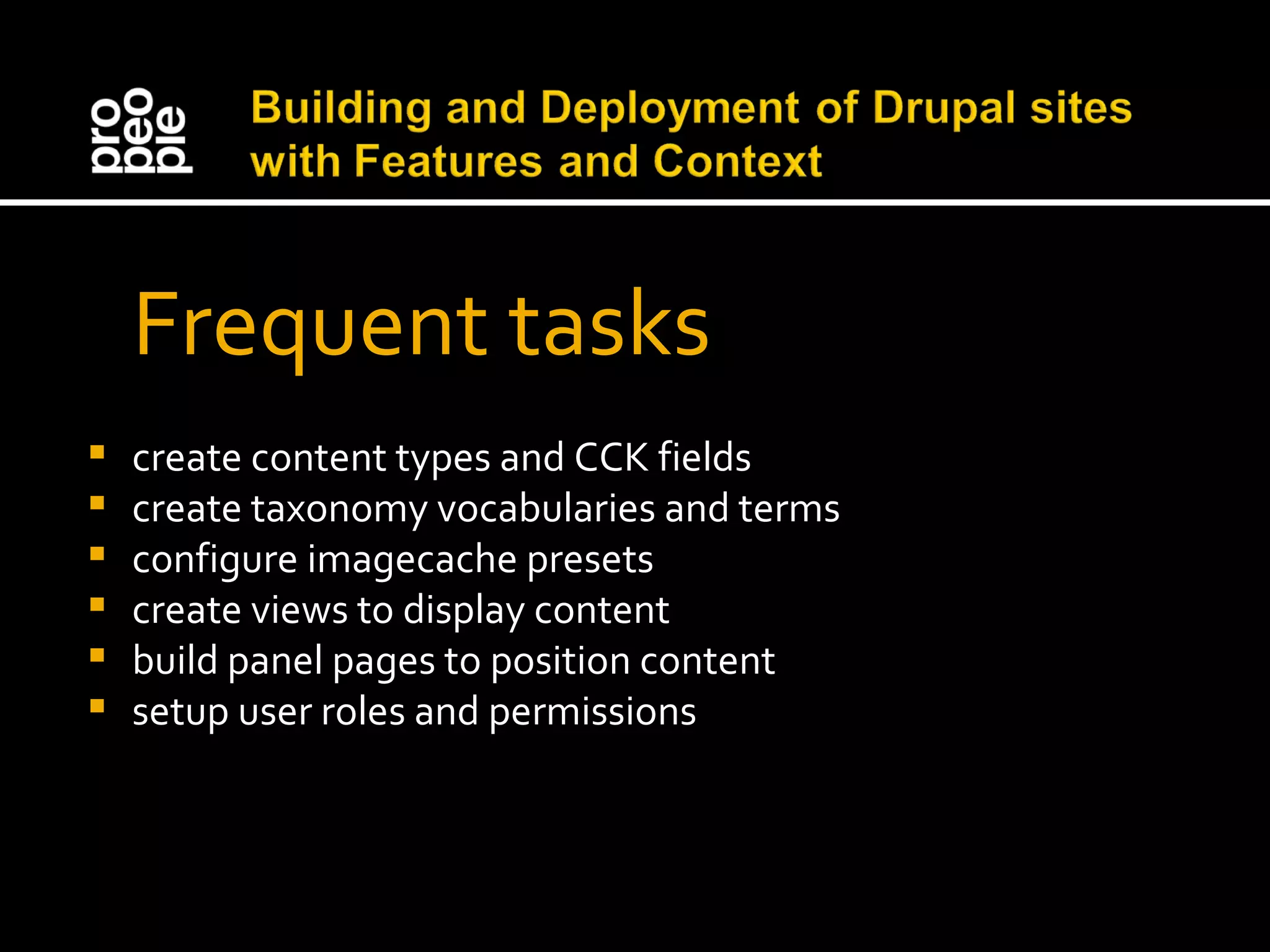
Frequent tasks create content types and CCK fields create taxonomy vocabularies and terms configure imagecache presets create views to display content build panel pages to position content setup user roles and permissions
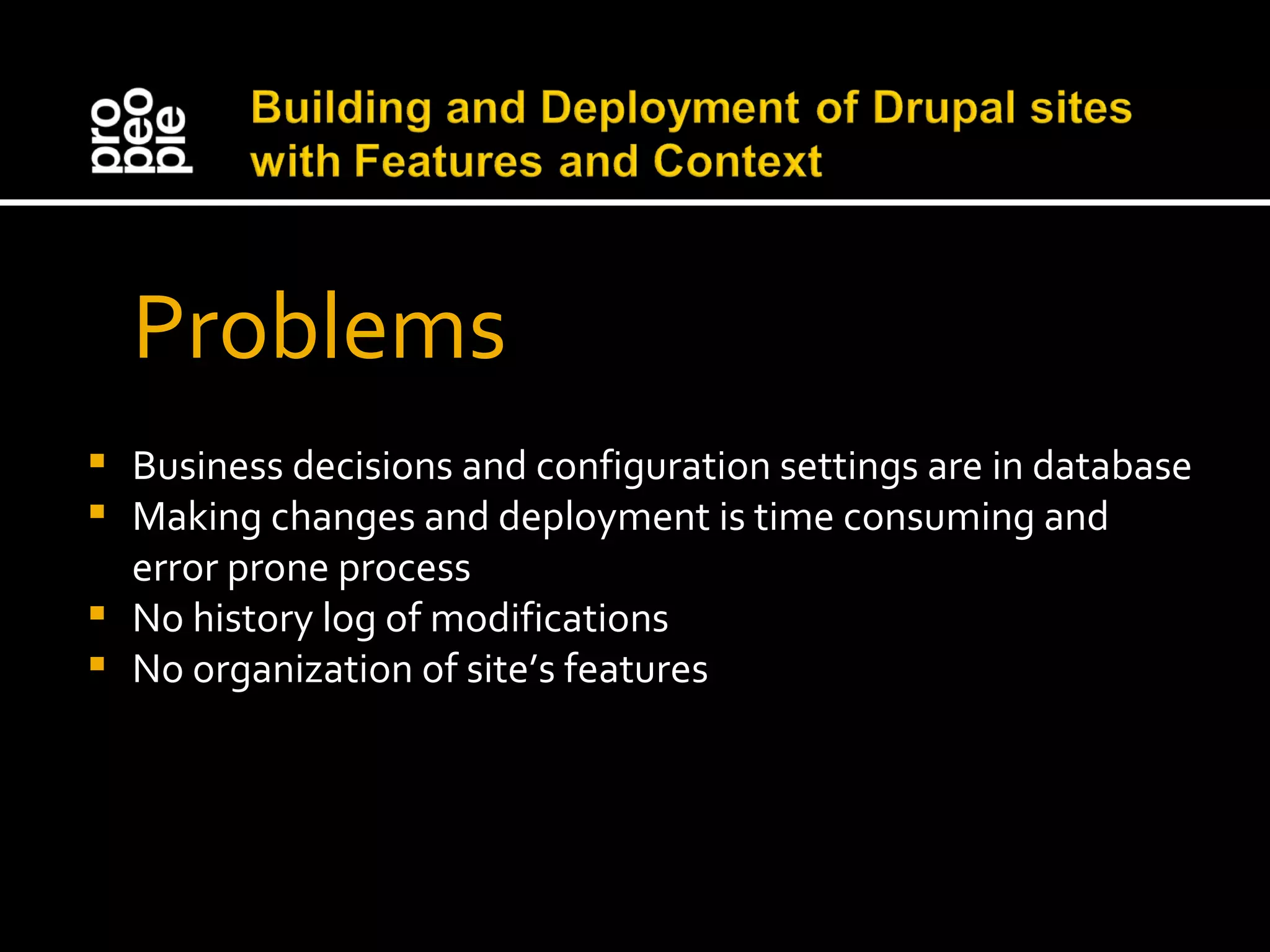
Problems Business decisions and configuration settings are in database Making changes and deployment is time consuming and error prone process No history log of modifications No organization of site’s features
The Solution A module that would automatically package any of your site’s features into another module for you to download and share
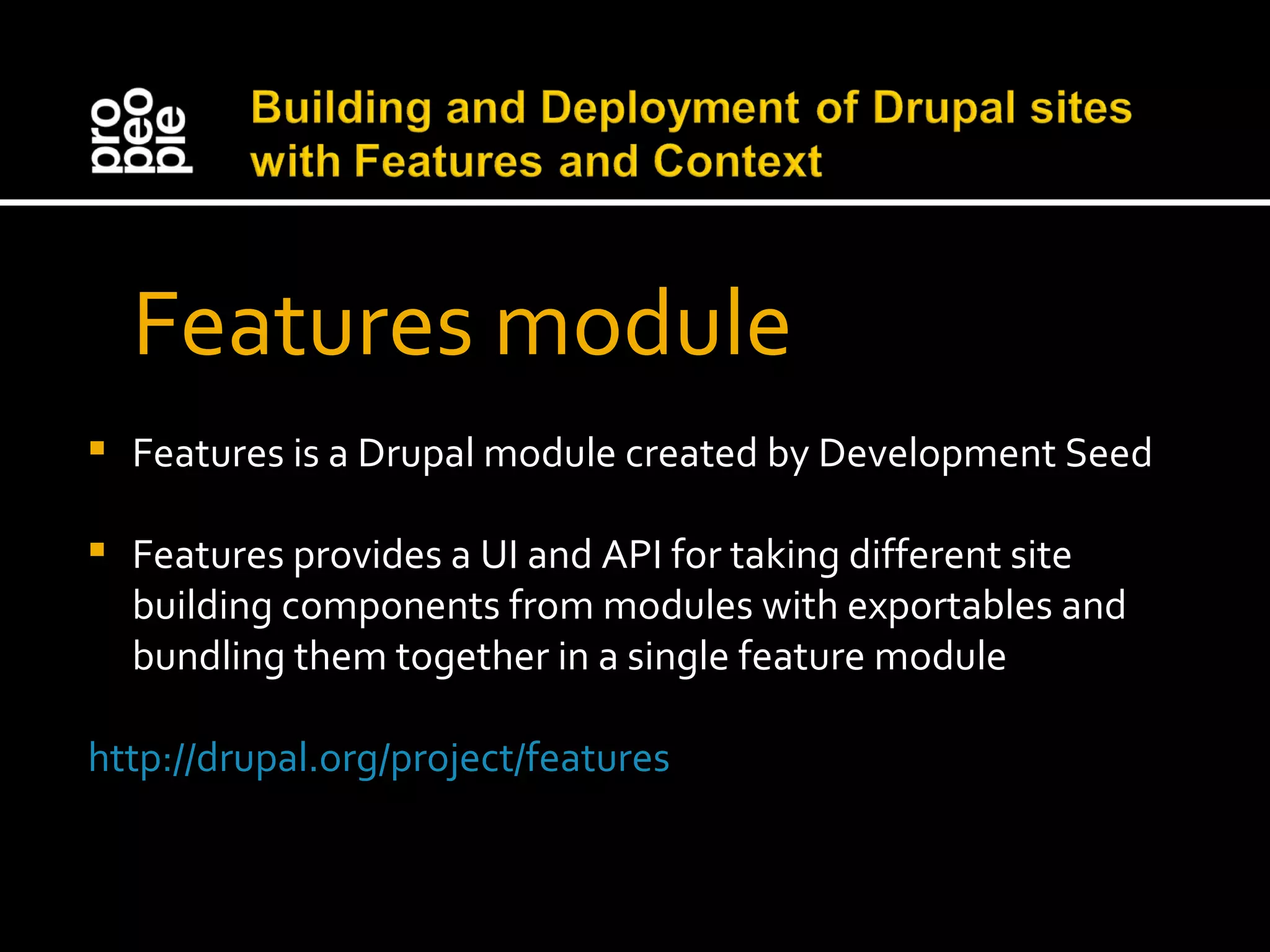
Features module Features is a Drupal module created by Development Seed Features provides a UI and API for taking different site building components from modules with exportables and bundling them together in a single feature module http://drupal.org/project/features
Features moves configuration from the database to code Features lets you organize your project Features lets you control your site’s features with version-controlled systems Features makes deployment easy Features lets you share and reuse configurations
 
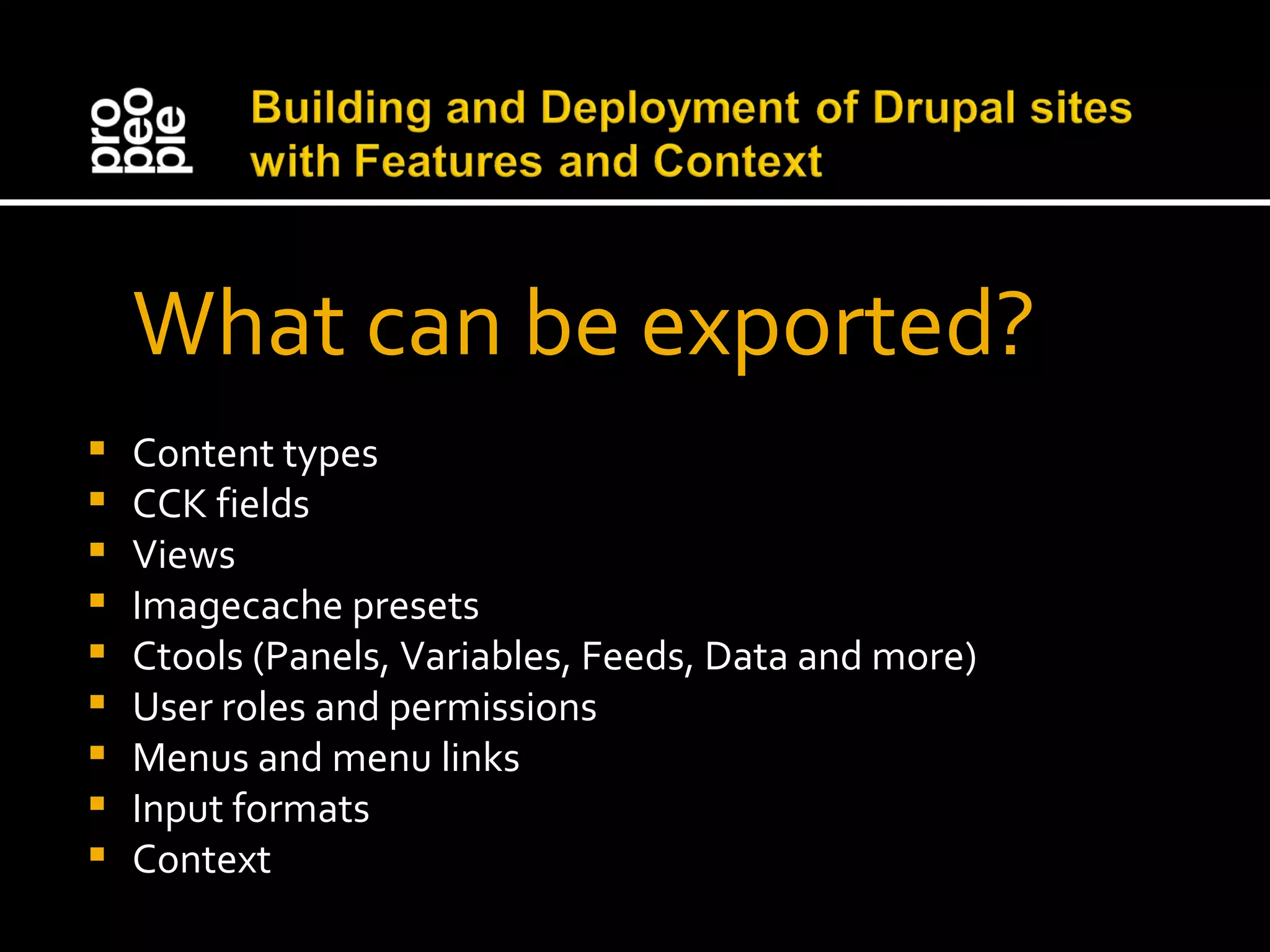
What can be exported? Content types CCK fields Views Imagecache presets Ctools (Panels, Variables, Feeds, Data and more) User roles and permissions Menus and menu links Input formats Context
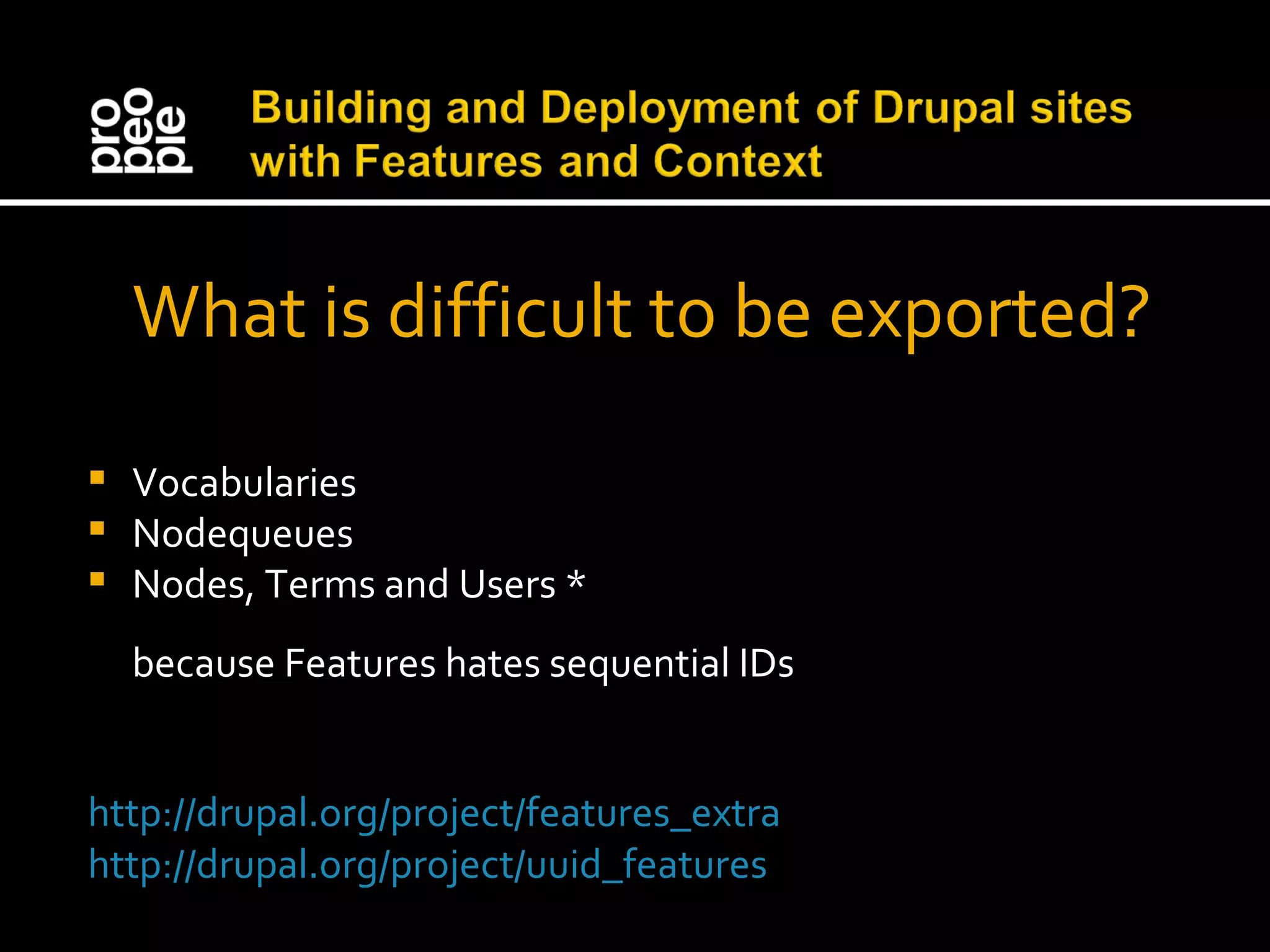
What is difficult to be exported? Vocabularies Nodequeues Nodes, Terms and Users * because Features hates sequential IDs http://drupal.org/project/features_extra http://drupal.org/project/uuid_features
Let’s see Features in demo
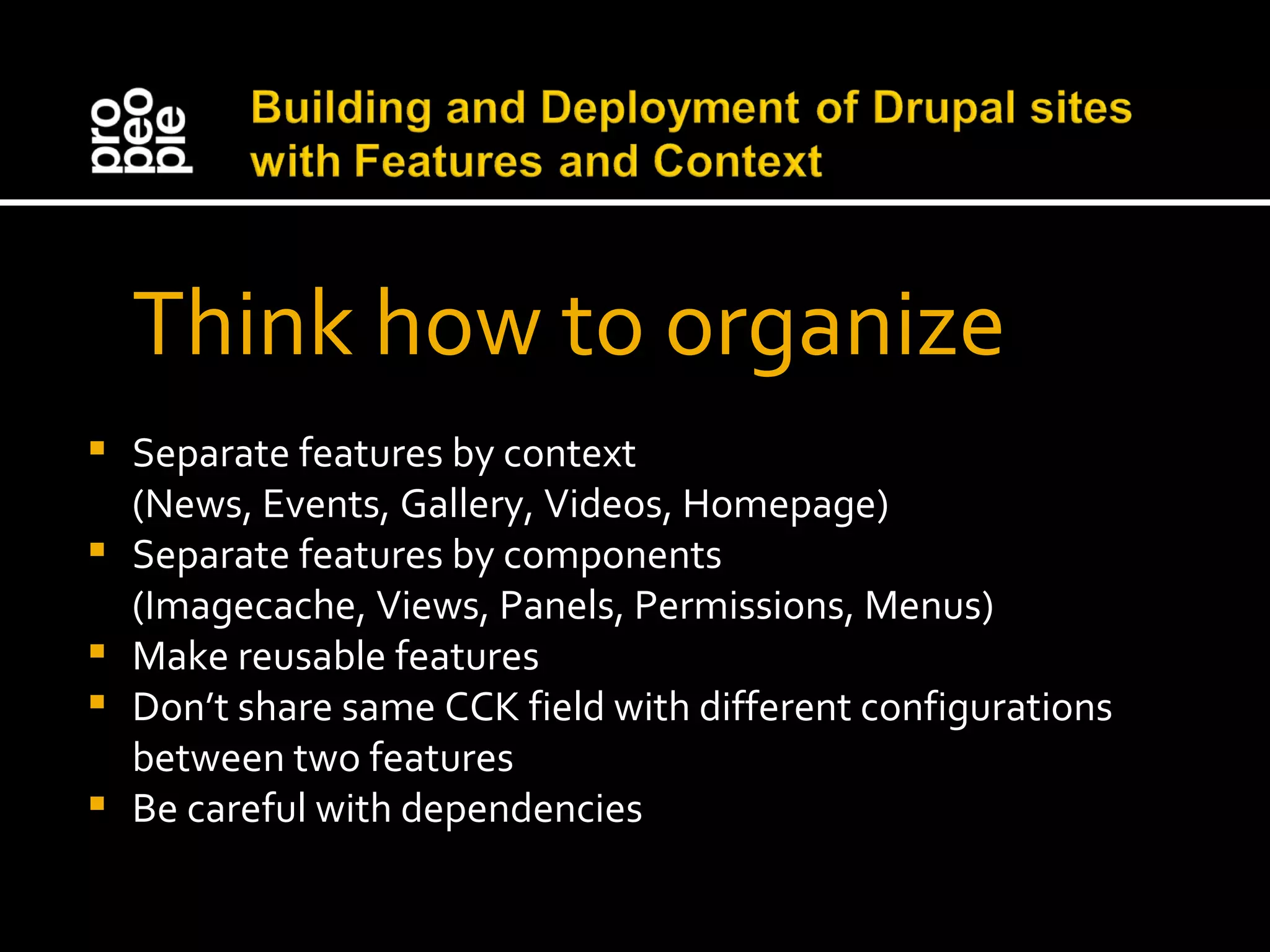
Think how to organize Separate features by context (News, Events, Gallery, Videos, Homepage) Separate features by components (Imagecache, Views, Panels, Permissions, Menus) Make reusable features Don’t share same CCK field with different configurations between two features Be careful with dependencies
Deployment process Build on development site locally Show staging site to the client Update the result on production site
Workflow of Deployment Process in team Darin create a content type and the CCK fields on his local development site. He package everything as a feature and commit that module to the repository I update my repository, install the feature and automatically receive the configuration that Darin created. I add couple views and imagecache presets and attach them to that feature. Darin update and make adjustments on fields. He commits the changes. I update and overwrite styles for views and commit again. Jens update his repository and fixes our configurations. He commits the changes to our staging site and install the feature. If the client is satisfied he can upload the feature to production site.
The advantages Every feature modification is logged Features makes deployment easy Features makes reuse of configuration possible Changes by clients will be logged and can be easily reverted.
 Component states Feature keeps tracks on following things to define its component states: Current configuration in code Change of current configuration in code with svn update Configuration represented in database Features determines components in following states: Default, Overridden, Needs Review, Rebuilding, Conflict
Drush and Features drush features List all the available features on your site and their status. drush features-export [feature name] [component list] Write a new feature in code containing the components listed. drush features-update [feature name] Update the code of an existing feature to include any overrides from your database drush features-revert [feature name] Revert a feature in your site's database to the state described in your code drush features-diff [feature name] Show a diff between a feature's database components and those in code.
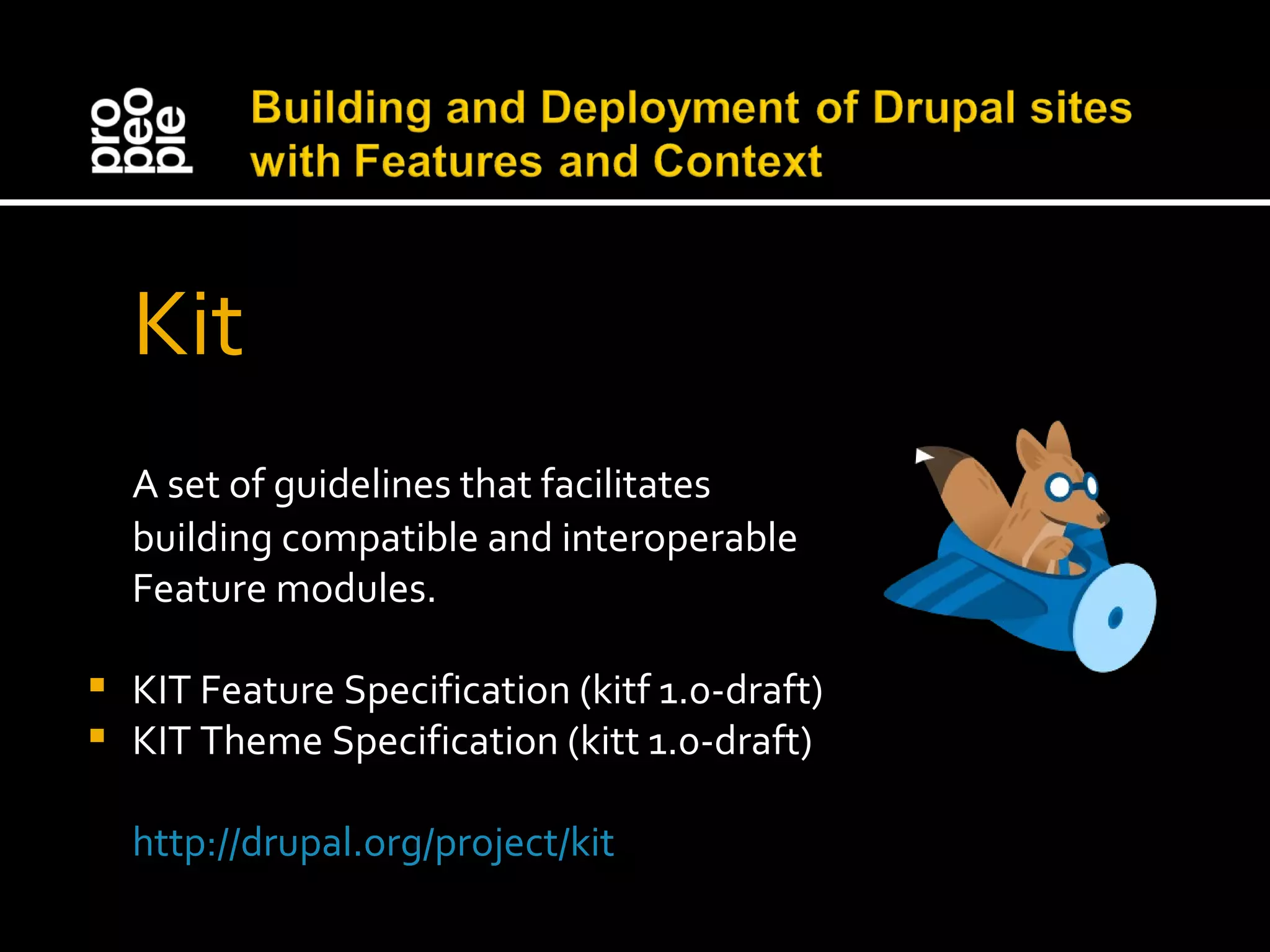
Kit A set of guidelines that facilitates building compatible and interoperable Feature modules. KIT Feature Specification (kitf 1.0-draft) KIT Theme Specification (kitt 1.0-draft) http://drupal.org/project/kit
Context module Context allows you to manage contextual conditions and reactions for portions of your site. Conditions are set of rules that are checked during page load to see what context is active. Any reactions that are associated with active contexts are then fired. Think for context like sections of the site
Basic “News” context Conditions Menu item “News” is clicked Node type “News” is opened Reactions Menu item “News” is active News categories block in right sidebar
Define context layouts layouts[columns][name] = "Columns" layouts[columns][description] = "Three column layout." layouts[columns][stylesheet] = "layout-columns.css" layouts[columns][template] = "layout-columns" layouts[columns][regions][] = "header" layouts[columns][regions][] = "content" layouts[columns][regions][] = "left" layouts[columns][regions][] = "right"
Drupal Thursdays For you that want to learn advanced Drupal from the developers and themers in Propeople Location: Sofia, Pirin 40A street Date: Every Thursday from ~19.30 More info: http://groups.drupal.org/bulgaria
We’re hiring  Team Lead / Senior PHP developer PHP / Drupal developers Senior HTML developer Interested? Talk with Welin or Rumen
Thank You! Any questions?

Building and Deployment of Drupal sites with Features and Context

  • 1.
    Building and Deploymentof Drupal sites with Features and Context by Svilen Sabev at DrupalCamp Sofia 2011 on 23 Jan 2011
  • 2.
    We love Drupalbecause Drupal is robust content management system with great possibilities that can be used to build almost any kind of website Drupal has a lot of contributed modules to solve problems and to make different desirable solutions Drupal has great community all over the world
  • 3.
    Frequent tasks createcontent types and CCK fields create taxonomy vocabularies and terms configure imagecache presets create views to display content build panel pages to position content setup user roles and permissions
  • 4.
    Problems Business decisionsand configuration settings are in database Making changes and deployment is time consuming and error prone process No history log of modifications No organization of site’s features
  • 5.
    The Solution Amodule that would automatically package any of your site’s features into another module for you to download and share
  • 6.
    Features module Featuresis a Drupal module created by Development Seed Features provides a UI and API for taking different site building components from modules with exportables and bundling them together in a single feature module http://drupal.org/project/features
  • 7.
    Features moves configurationfrom the database to code Features lets you organize your project Features lets you control your site’s features with version-controlled systems Features makes deployment easy Features lets you share and reuse configurations
  • 8.
  • 9.
    What can beexported? Content types CCK fields Views Imagecache presets Ctools (Panels, Variables, Feeds, Data and more) User roles and permissions Menus and menu links Input formats Context
  • 10.
    What is difficultto be exported? Vocabularies Nodequeues Nodes, Terms and Users * because Features hates sequential IDs http://drupal.org/project/features_extra http://drupal.org/project/uuid_features
  • 11.
  • 12.
    Think how toorganize Separate features by context (News, Events, Gallery, Videos, Homepage) Separate features by components (Imagecache, Views, Panels, Permissions, Menus) Make reusable features Don’t share same CCK field with different configurations between two features Be careful with dependencies
  • 13.
    Deployment process Buildon development site locally Show staging site to the client Update the result on production site
  • 14.
    Workflow of DeploymentProcess in team Darin create a content type and the CCK fields on his local development site. He package everything as a feature and commit that module to the repository I update my repository, install the feature and automatically receive the configuration that Darin created. I add couple views and imagecache presets and attach them to that feature. Darin update and make adjustments on fields. He commits the changes. I update and overwrite styles for views and commit again. Jens update his repository and fixes our configurations. He commits the changes to our staging site and install the feature. If the client is satisfied he can upload the feature to production site.
  • 15.
    The advantages Everyfeature modification is logged Features makes deployment easy Features makes reuse of configuration possible Changes by clients will be logged and can be easily reverted.
  • 16.
    Componentstates Feature keeps tracks on following things to define its component states: Current configuration in code Change of current configuration in code with svn update Configuration represented in database Features determines components in following states: Default, Overridden, Needs Review, Rebuilding, Conflict
  • 17.
    Drush and Featuresdrush features List all the available features on your site and their status. drush features-export [feature name] [component list] Write a new feature in code containing the components listed. drush features-update [feature name] Update the code of an existing feature to include any overrides from your database drush features-revert [feature name] Revert a feature in your site's database to the state described in your code drush features-diff [feature name] Show a diff between a feature's database components and those in code.
  • 18.
    Kit A setof guidelines that facilitates building compatible and interoperable Feature modules. KIT Feature Specification (kitf 1.0-draft) KIT Theme Specification (kitt 1.0-draft) http://drupal.org/project/kit
  • 19.
    Context module Contextallows you to manage contextual conditions and reactions for portions of your site. Conditions are set of rules that are checked during page load to see what context is active. Any reactions that are associated with active contexts are then fired. Think for context like sections of the site
  • 20.
    Basic “News” contextConditions Menu item “News” is clicked Node type “News” is opened Reactions Menu item “News” is active News categories block in right sidebar
  • 21.
    Define context layoutslayouts[columns][name] = "Columns" layouts[columns][description] = "Three column layout." layouts[columns][stylesheet] = "layout-columns.css" layouts[columns][template] = "layout-columns" layouts[columns][regions][] = "header" layouts[columns][regions][] = "content" layouts[columns][regions][] = "left" layouts[columns][regions][] = "right"
  • 22.
    Drupal Thursdays Foryou that want to learn advanced Drupal from the developers and themers in Propeople Location: Sofia, Pirin 40A street Date: Every Thursday from ~19.30 More info: http://groups.drupal.org/bulgaria
  • 23.
    We’re hiring  Team Lead / Senior PHP developer PHP / Drupal developers Senior HTML developer Interested? Talk with Welin or Rumen
  • 24.
    Thank You! Anyquestions?

Editor's Notes

  • #2   Hello everyone, My name is Svilen Sabev. I started exploring open source since 2003 and met Drupal in 2007. I work for Propeople more than 4 years. I guess you already know that Propeople is a great company.