Topics 1. Introduction toFunctional Programming 2. Introduction to Lambda Functions 3. Core Concepts of Functional Programming 4. Applications and Use Cases 5. Advanced Functional Programming Techniques
3.
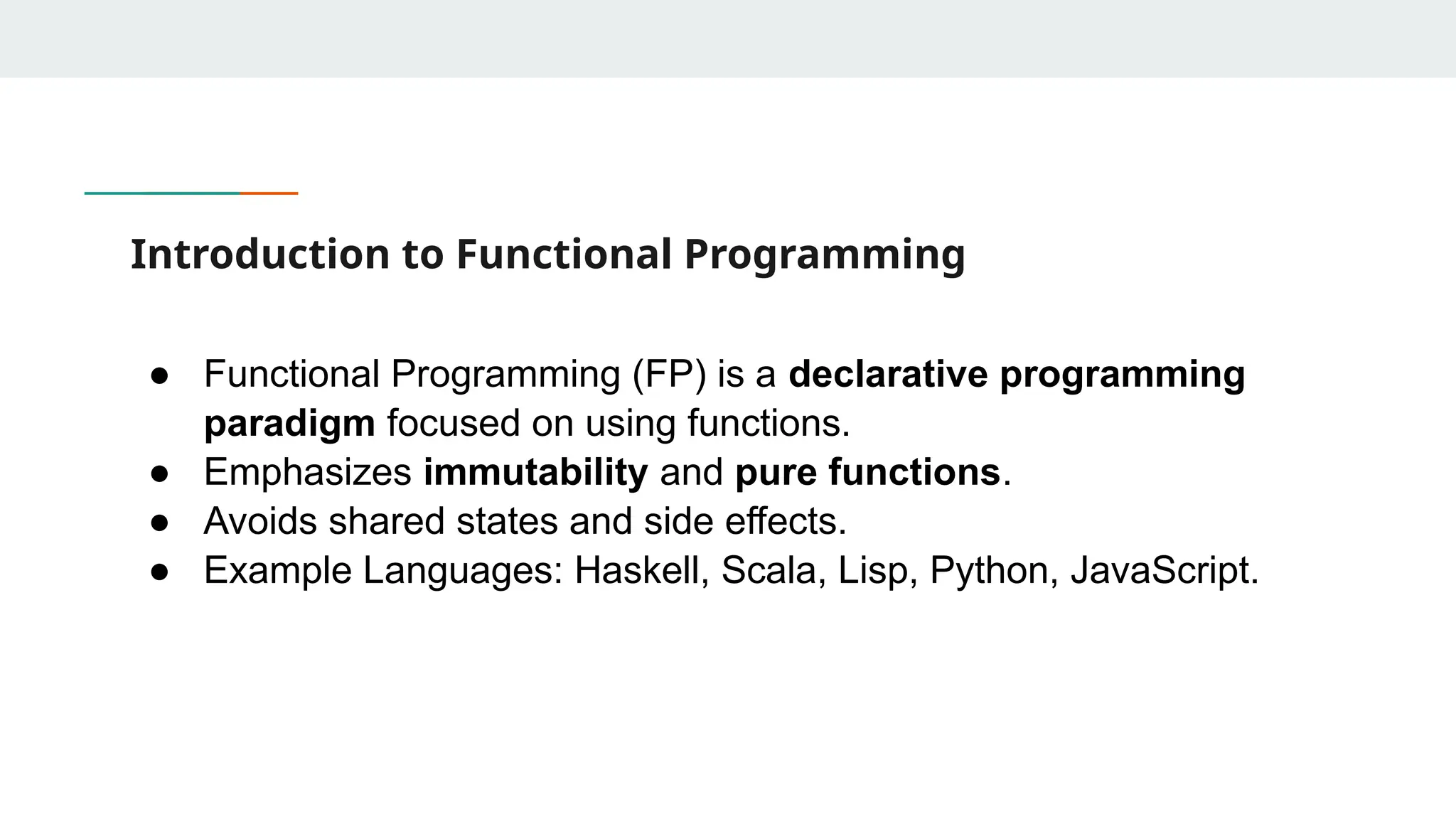
Introduction to FunctionalProgramming ● Functional Programming (FP) is a declarative programming paradigm focused on using functions. ● Emphasizes immutability and pure functions. ● Avoids shared states and side effects. ● Example Languages: Haskell, Scala, Lisp, Python, JavaScript.
4.
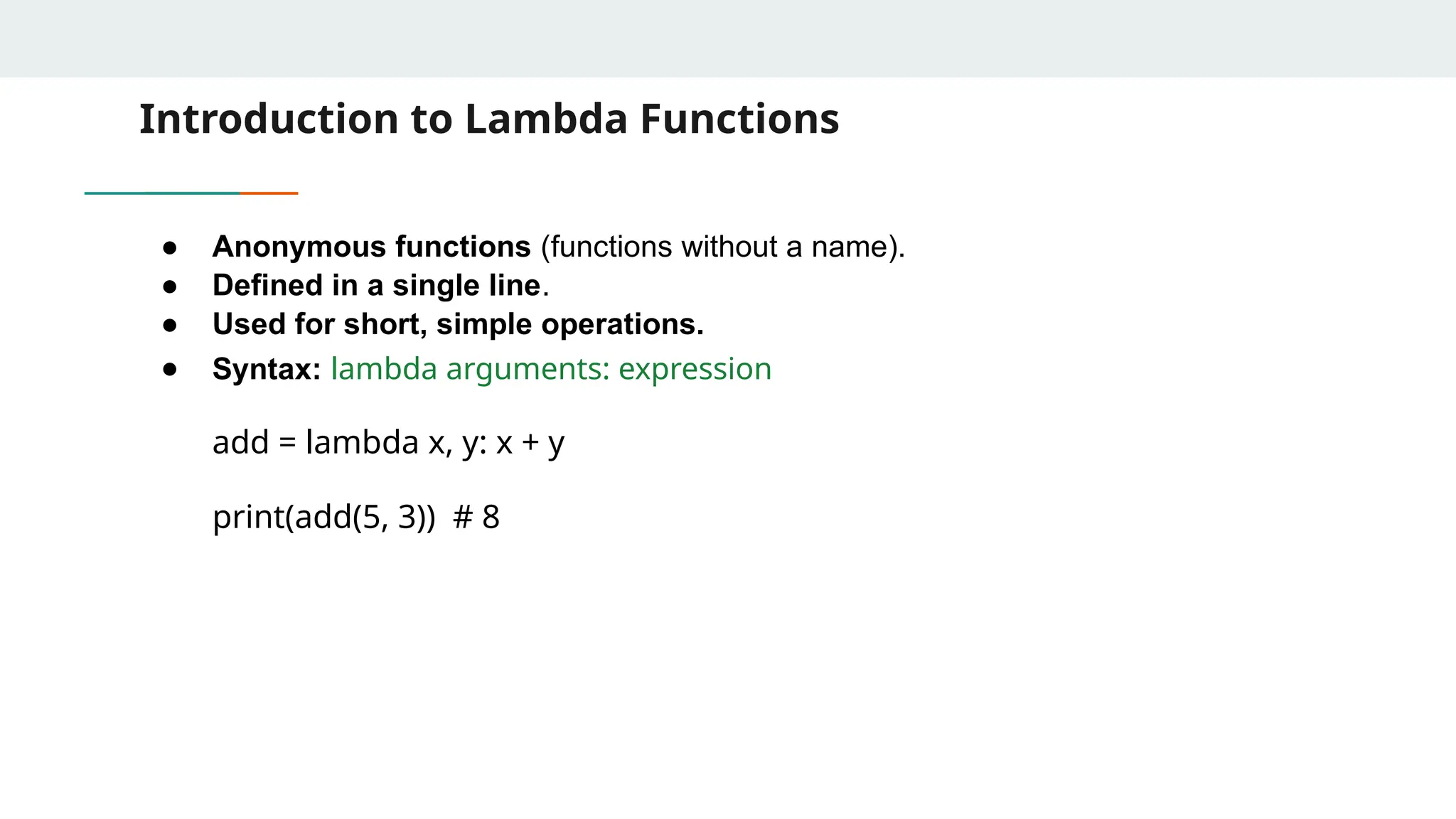
Introduction to LambdaFunctions ● Anonymous functions (functions without a name). ● Defined in a single line. ● Used for short, simple operations. ● Syntax: lambda arguments: expression add = lambda x, y: x + y print(add(5, 3)) # 8
5.
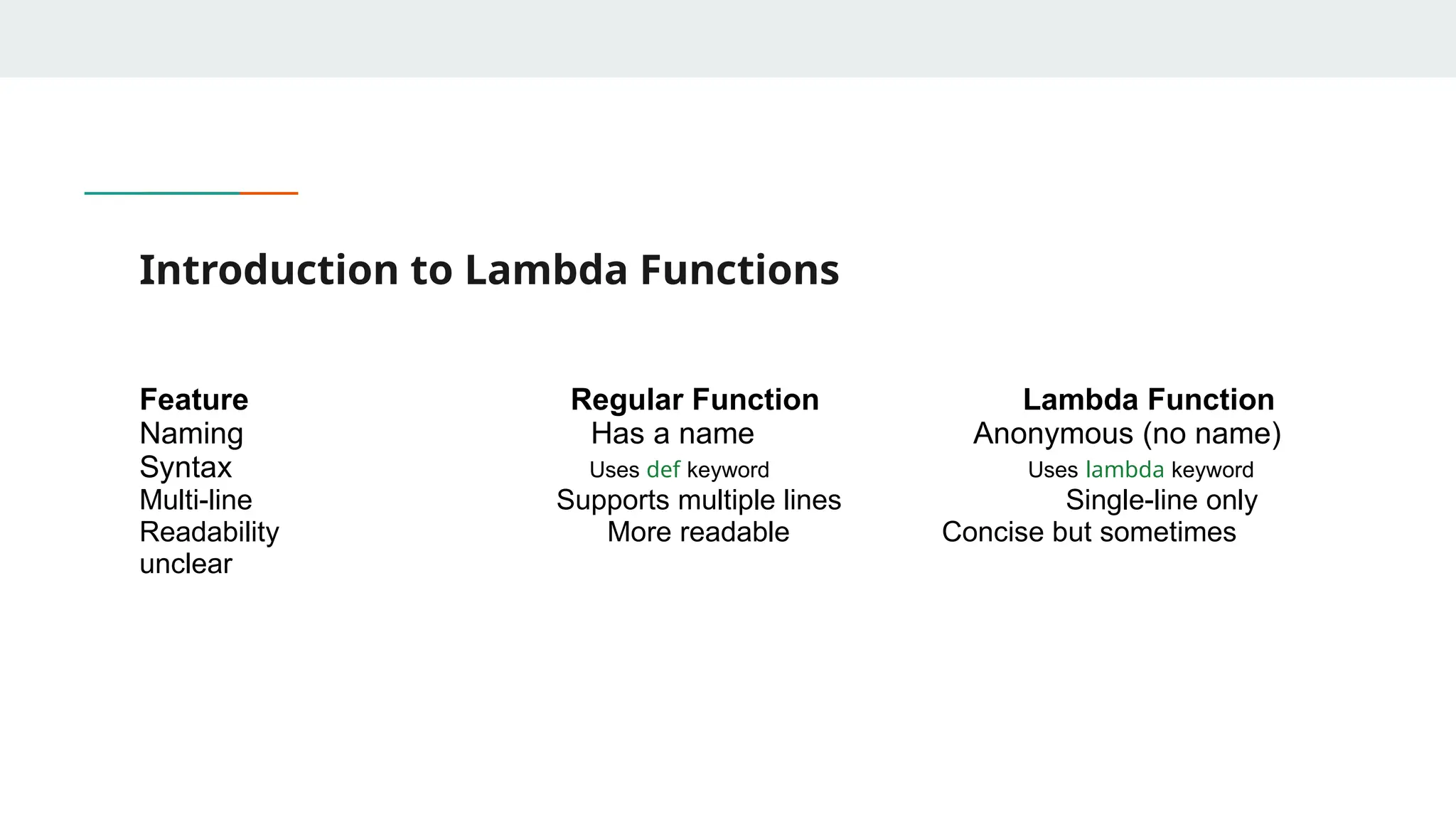
Introduction to LambdaFunctions Feature Regular Function Lambda Function Naming Has a name Anonymous (no name) Syntax Uses def keyword Uses lambda keyword Multi-line Supports multiple lines Single-line only Readability More readable Concise but sometimes unclear
6.
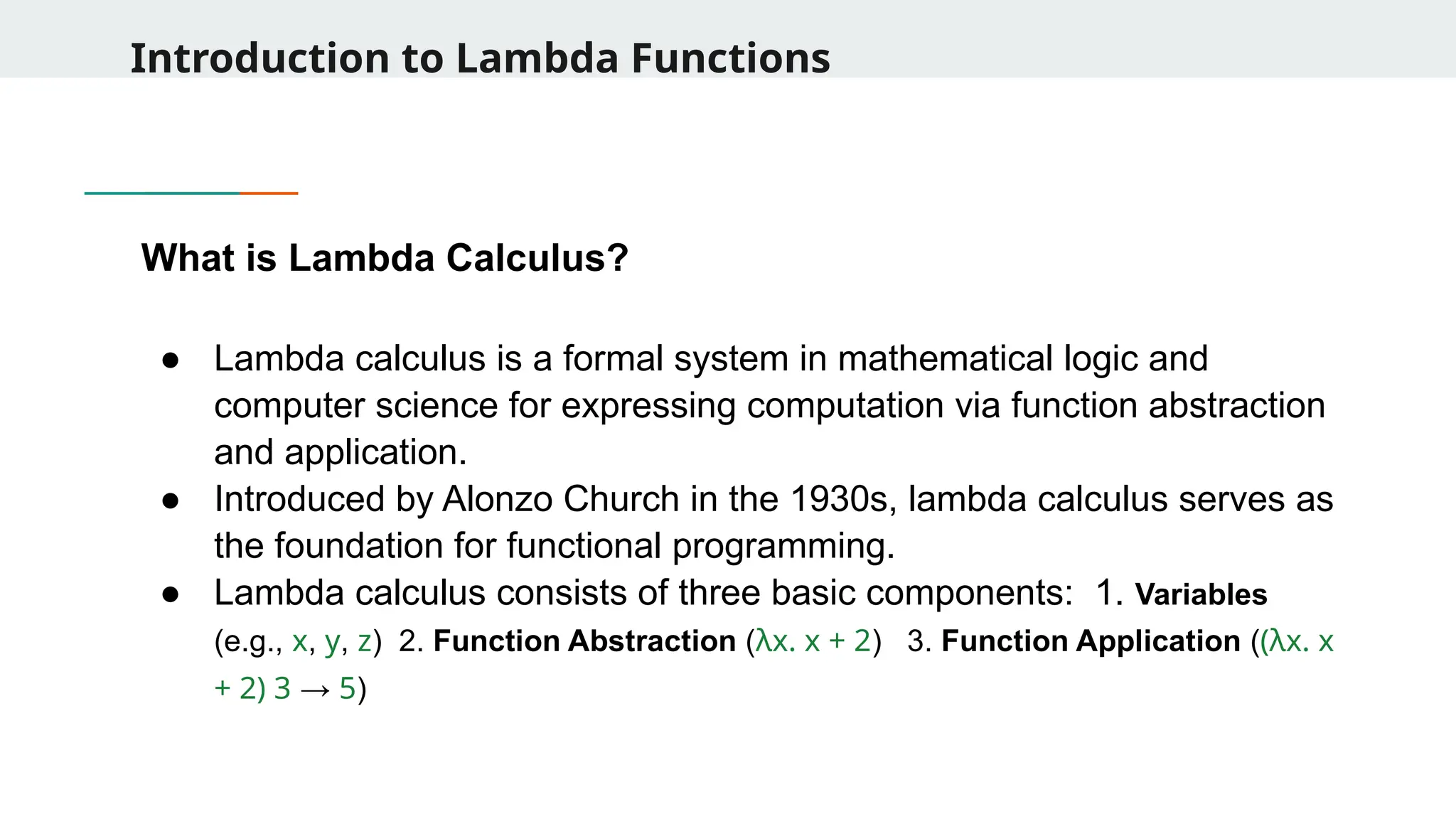
Introduction to LambdaFunctions What is Lambda Calculus? ● Lambda calculus is a formal system in mathematical logic and computer science for expressing computation via function abstraction and application. ● Introduced by Alonzo Church in the 1930s, lambda calculus serves as the foundation for functional programming. ● Lambda calculus consists of three basic components: 1. Variables (e.g., x, y, z) 2. Function Abstraction (λx. x + 2) 3. Function Application ((λx. x + 2) 3 → 5)
7.
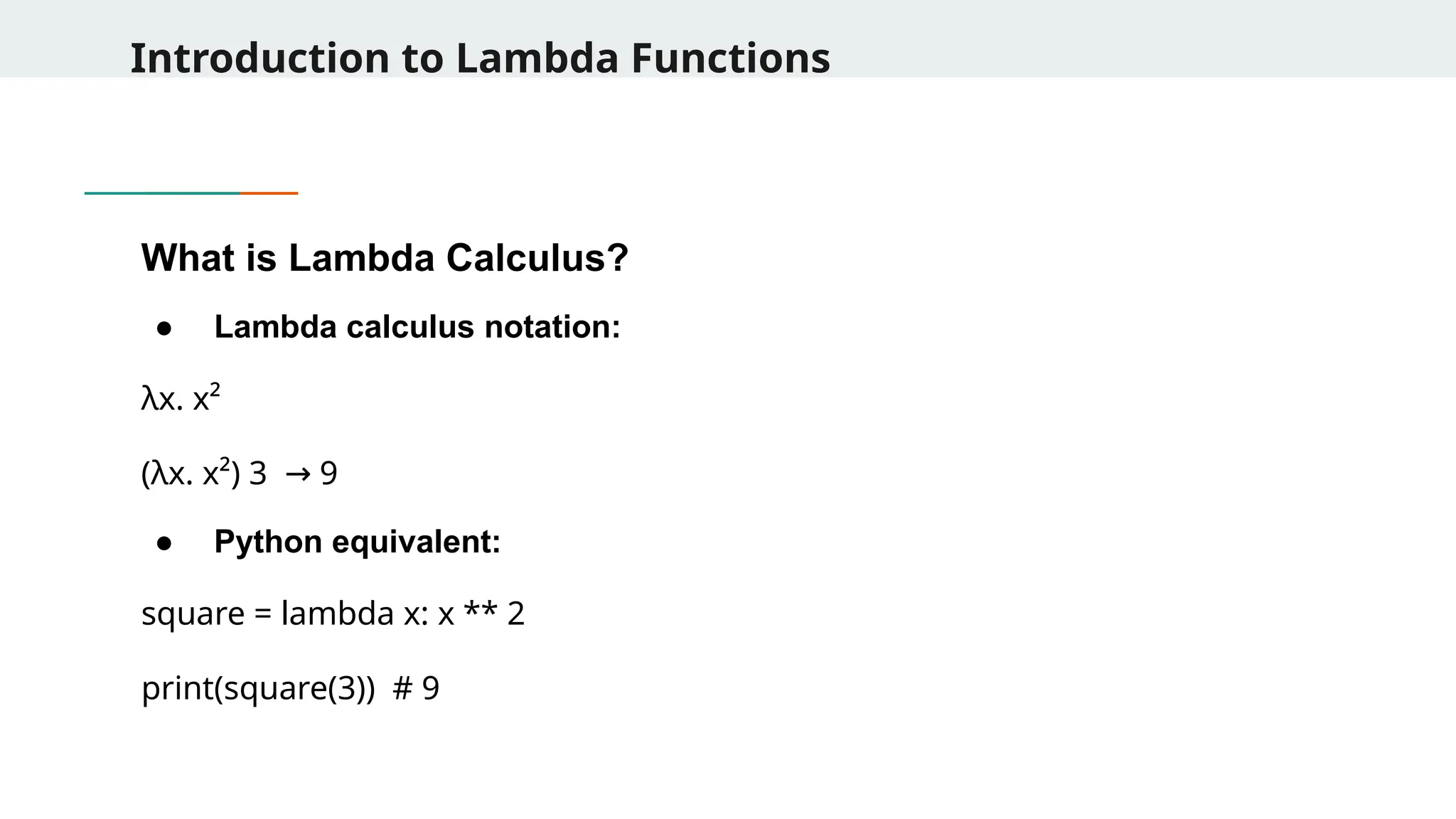
Introduction to LambdaFunctions What is Lambda Calculus? ● Lambda calculus notation: λx. x² (λx. x²) 3 9 → ● Python equivalent: square = lambda x: x ** 2 print(square(3)) # 9
8.
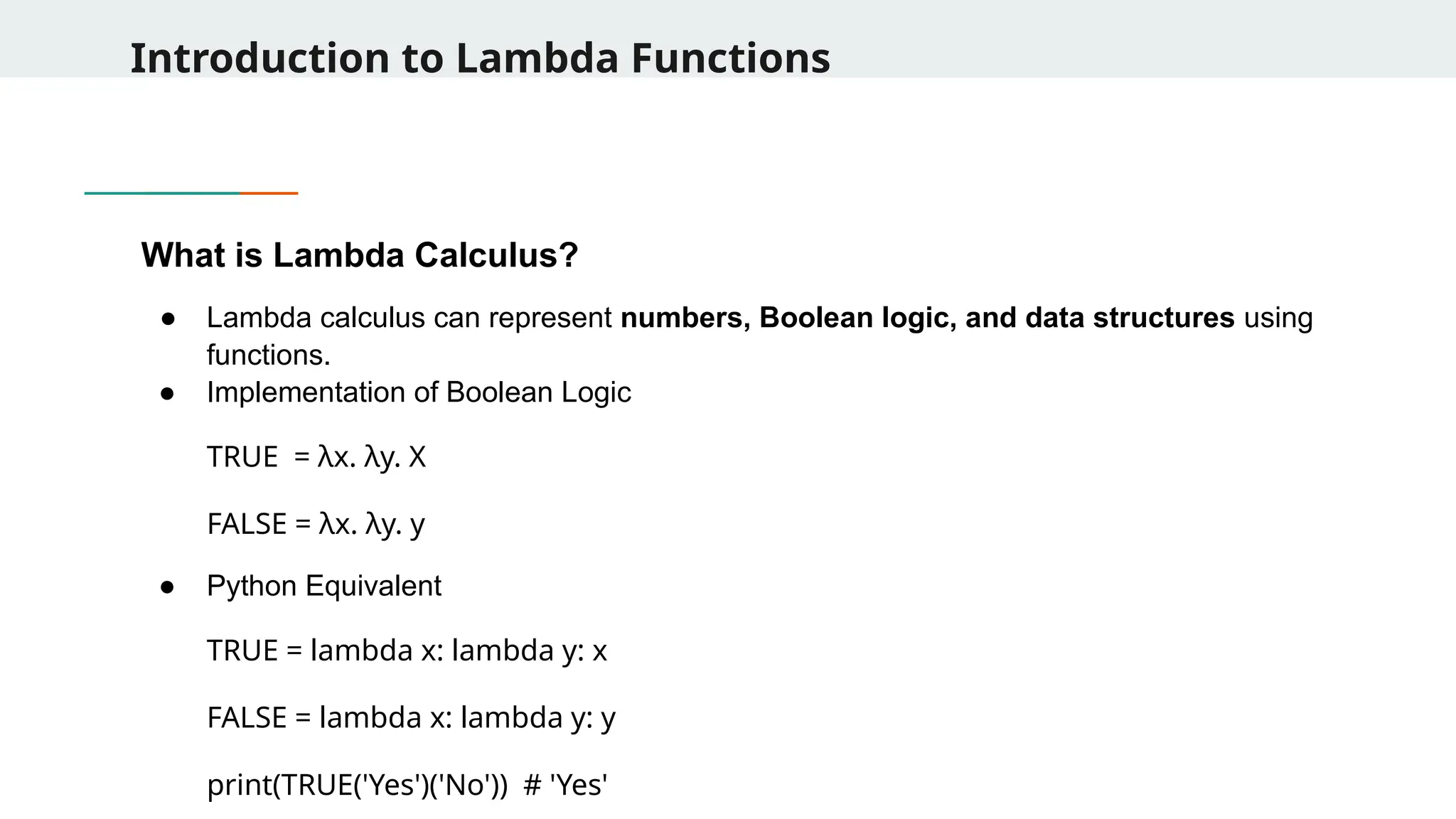
Introduction to LambdaFunctions What is Lambda Calculus? ● Lambda calculus can represent numbers, Boolean logic, and data structures using functions. ● Implementation of Boolean Logic TRUE = λx. λy. X FALSE = λx. λy. y ● Python Equivalent TRUE = lambda x: lambda y: x FALSE = lambda x: lambda y: y print(TRUE('Yes')('No')) # 'Yes'
9.
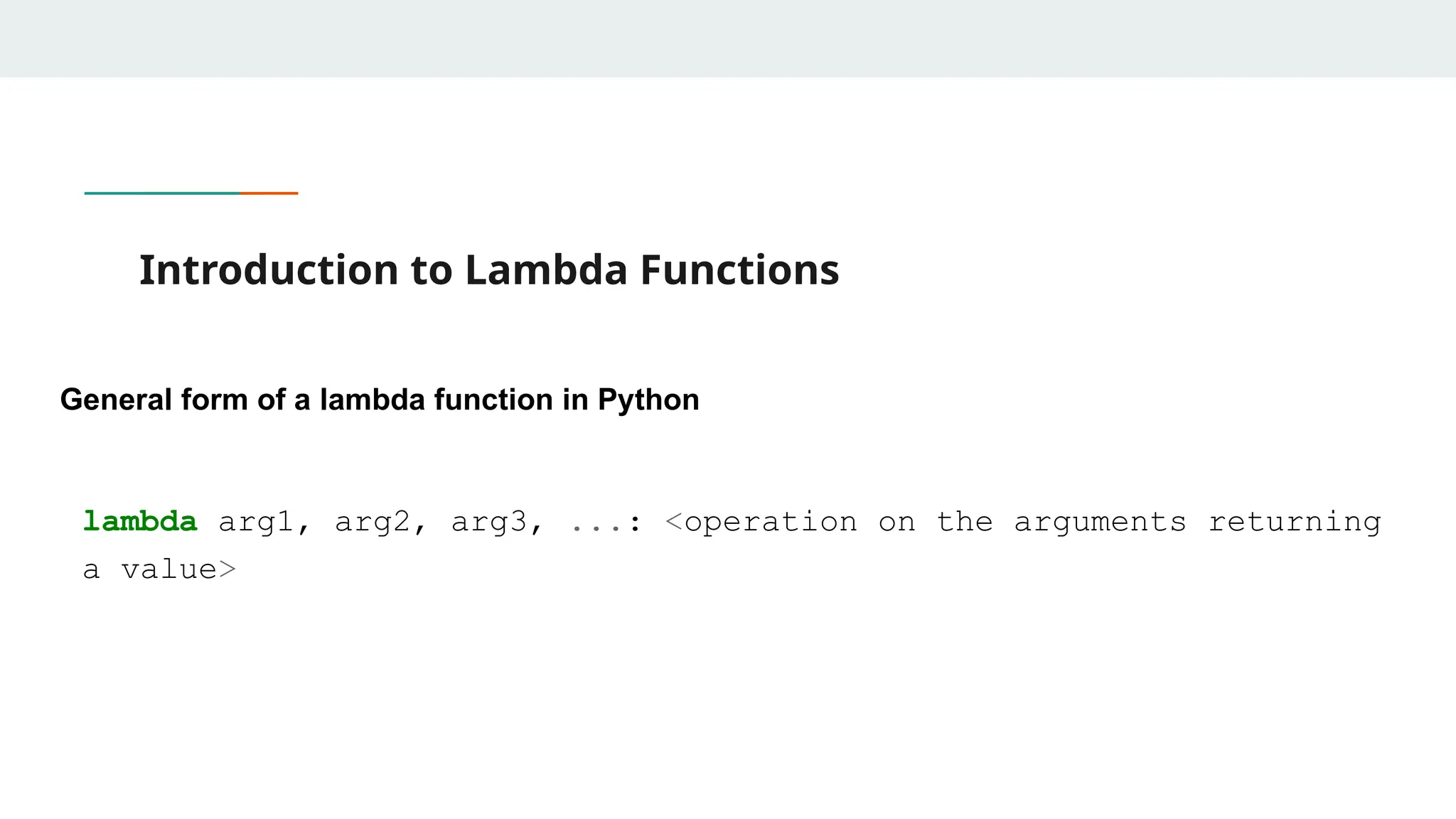
Introduction to LambdaFunctions General form of a lambda function in Python lambda arg1, arg2, arg3, ...: <operation on the arguments returning a value>
10.
Examples of LambdaFunctions 1. Using lambda with sorted() for Custom Sorting students = [ {"name": "Alice", "grade": 85}, {"name": "Bob", "grade": 72}, {"name": "Charlie", "grade": 90} ] # Sort by grade in descending order sorted_students = sorted(students, key=lambda x: x["grade"], reverse=True) print(sorted_students)
11.
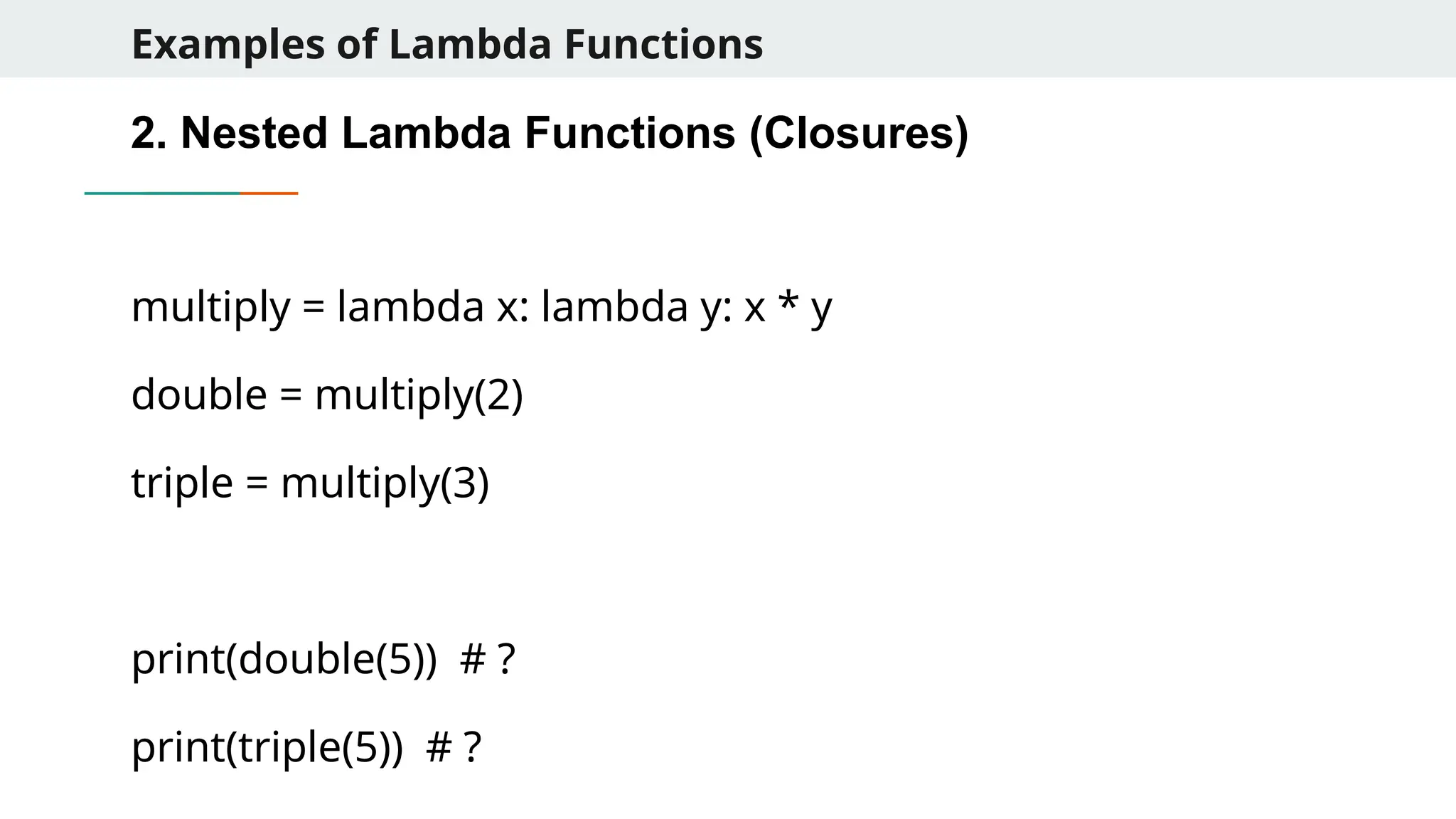
Examples of LambdaFunctions 2. Nested Lambda Functions (Closures) multiply = lambda x: lambda y: x * y double = multiply(2) triple = multiply(3) print(double(5)) # ? print(triple(5)) # ?
12.
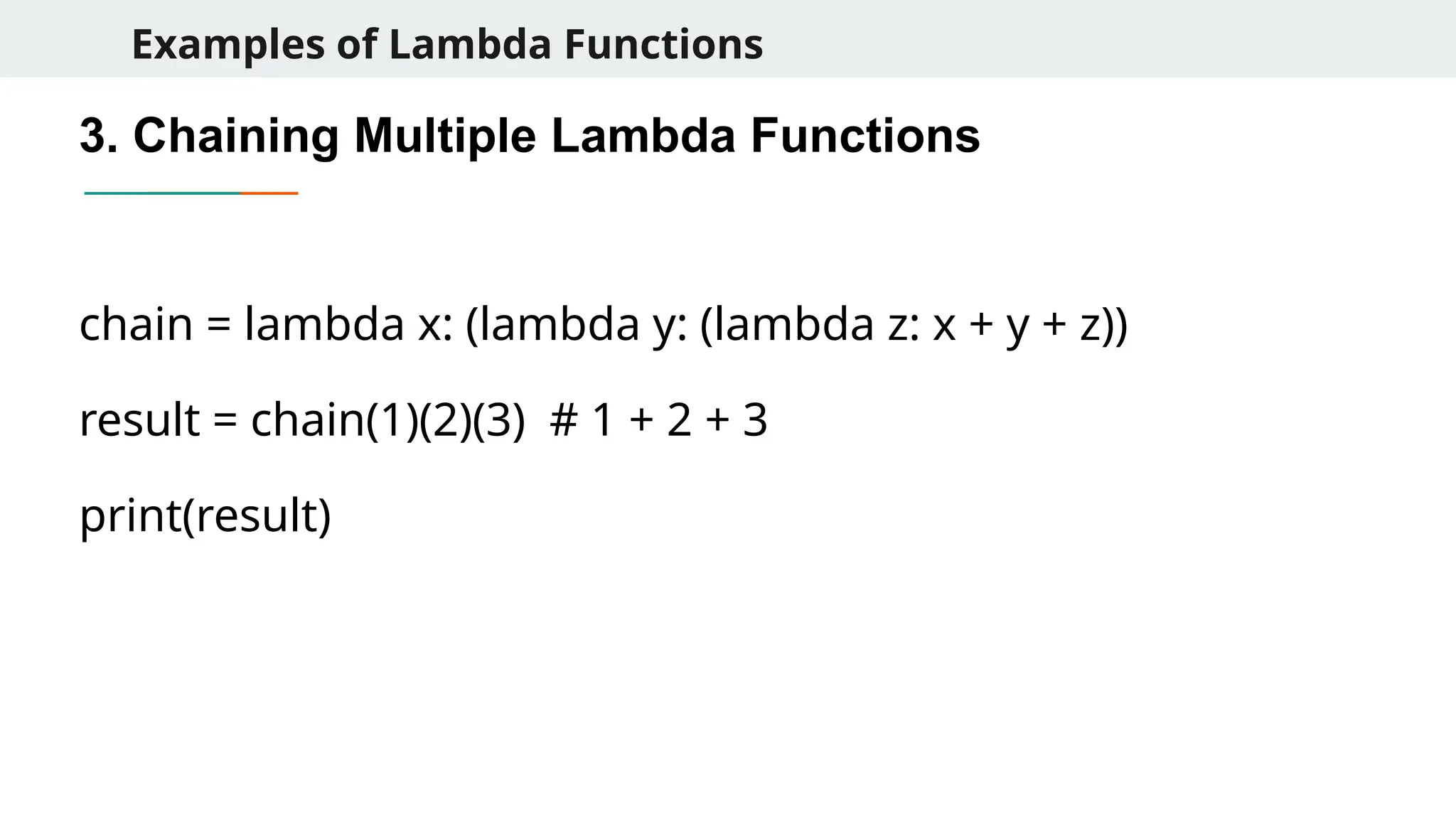
Examples of LambdaFunctions 3. Chaining Multiple Lambda Functions chain = lambda x: (lambda y: (lambda z: x + y + z)) result = chain(1)(2)(3) # 1 + 2 + 3 print(result)
13.
Examples of LambdaFunctions 4. Using lambda in Dataframe Operations (Pandas) import pandas as pd df = pd.DataFrame({"A": [1, 2, 3], "B": [4, 5, 6]}) # Apply lambda to create a new column C = A + B df["C"] = df.apply(lambda row: row["A"] + row["B"], axis=1) print(df)
14.
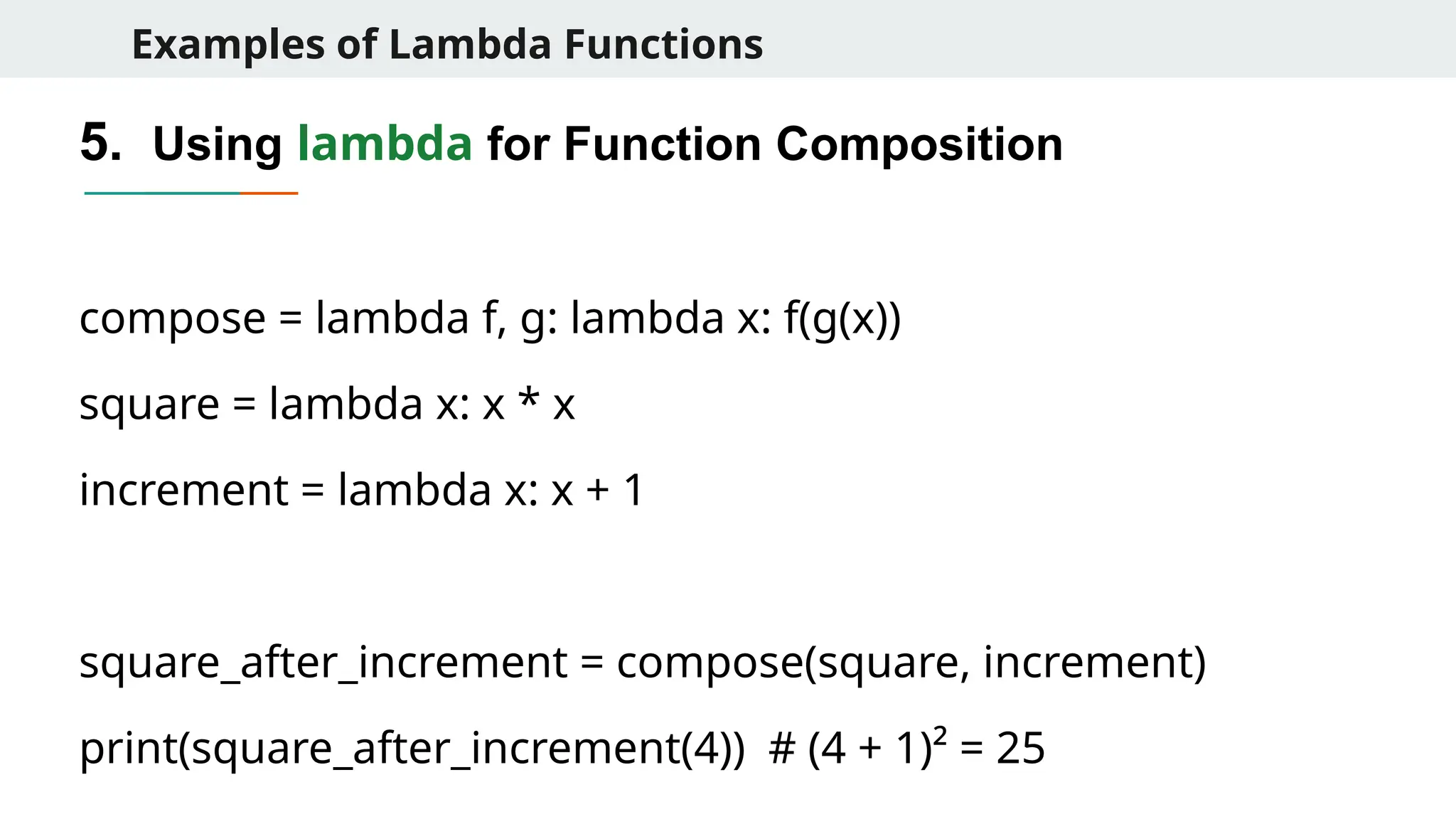
Examples of LambdaFunctions 5. Using lambda for Function Composition compose = lambda f, g: lambda x: f(g(x)) square = lambda x: x * x increment = lambda x: x + 1 square_after_increment = compose(square, increment) print(square_after_increment(4)) # (4 + 1)² = 25
15.
Quick Problems 1. Writea lambda function to find the largest of three numbers. largest = lambda x, y, z: x if (x > y and x > z) else (y if y > z else z) print(largest(3, 8, 5)) # 8 2. Create a lambda function that reverses a given string. reverse_string = lambda s: s[::-1] print(reverse_string("Python")) # nohtyP 3. Write a lambda function that counts the number of vowels in a string. count_vowels = lambda s: sum(1 for c in s if c.lower() in 'aeiou') print(count_vowels("Functional")) # 4
16.
Quick Problems 1. Writea lambda function to check if a given string is a palindrome. is_palindrome = lambda s: s == s[::-1] print(is_palindrome("madam")) # True print(is_palindrome("hello")) # False 2. Write a recursive lambda function to compute the factorial of a number. fact = lambda n: 1 if n == 0 else n * fact(n - 1) print(fact(5)) # 120
17.
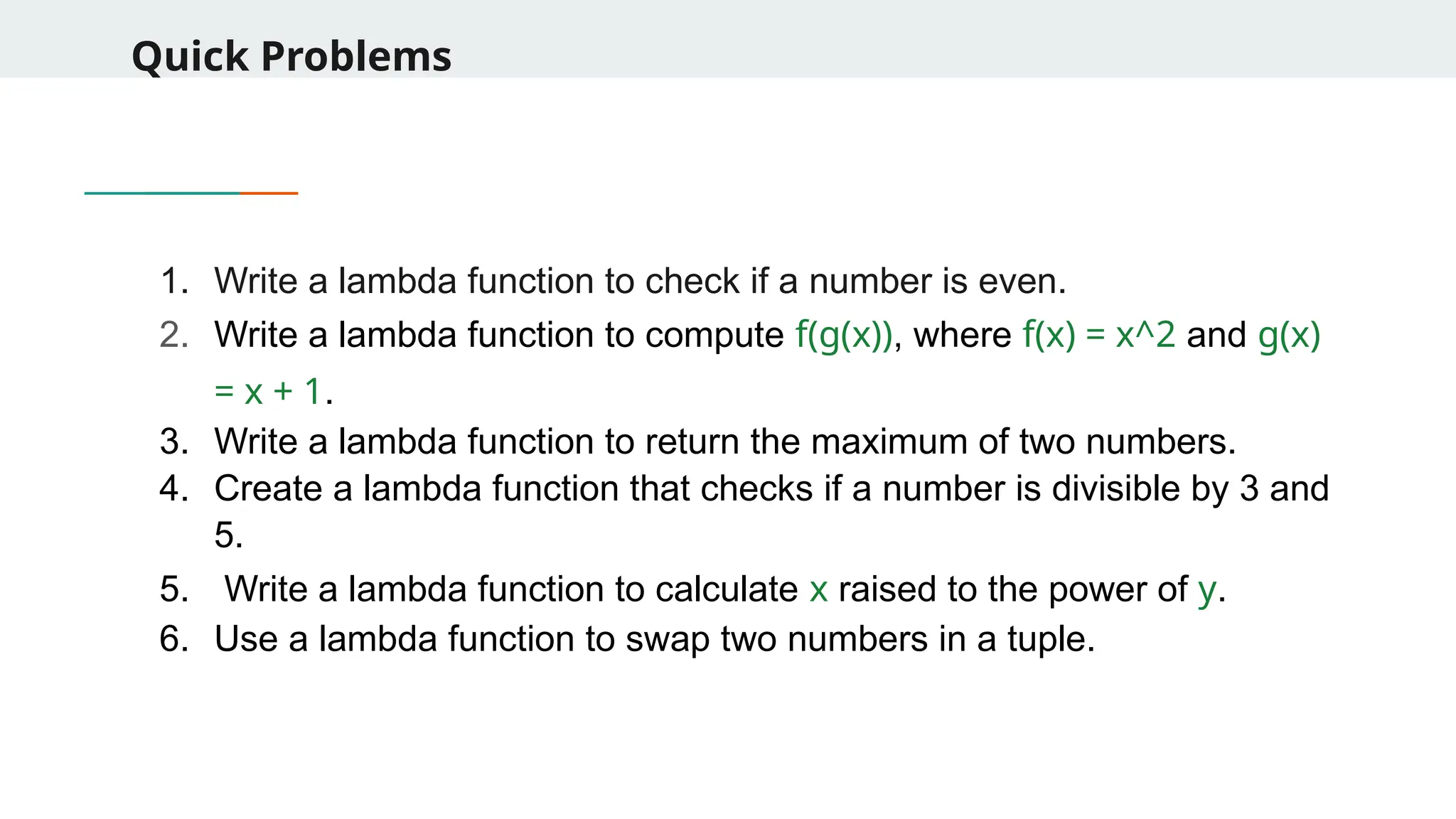
Quick Problems 1. Writea lambda function to check if a number is even. 2. Write a lambda function to compute f(g(x)), where f(x) = x^2 and g(x) = x + 1. 3. Write a lambda function to return the maximum of two numbers. 4. Create a lambda function that checks if a number is divisible by 3 and 5. 5. Write a lambda function to calculate x raised to the power of y. 6. Use a lambda function to swap two numbers in a tuple.
18.
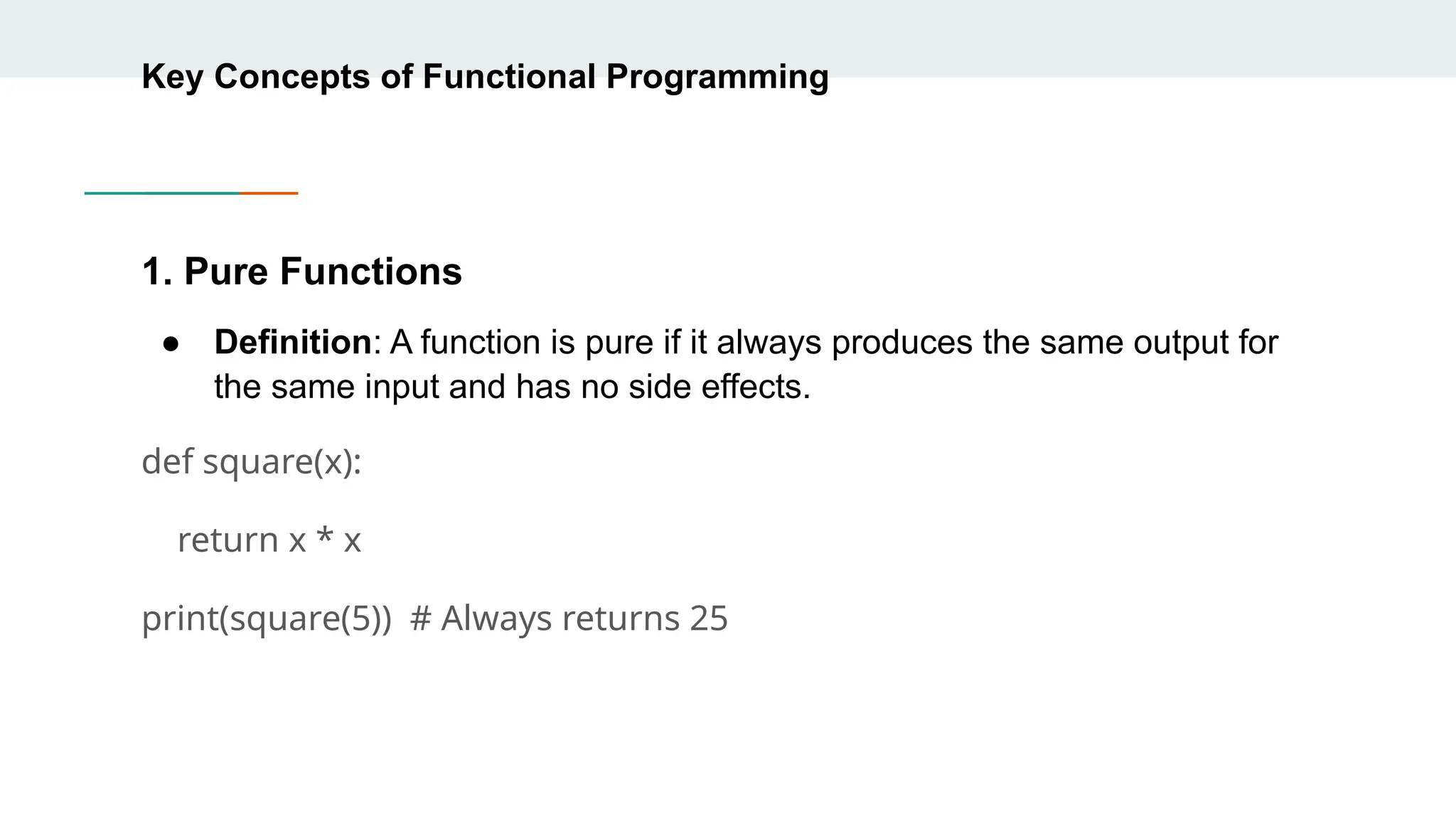
Key Concepts ofFunctional Programming 1. Pure Functions ● Definition: A function is pure if it always produces the same output for the same input and has no side effects. def square(x): return x * x print(square(5)) # Always returns 25
19.
Key Concepts ofFunctional Programming 2. Immutability ● Data should not be changed once created. ● Prevents unexpected behavior in multi-threaded programs. ● Example: Instead of modifying a list, create a new one. original = [1, 2, 3] new_list = original + [4] print(new_list) # [1, 2, 3, 4]
20.
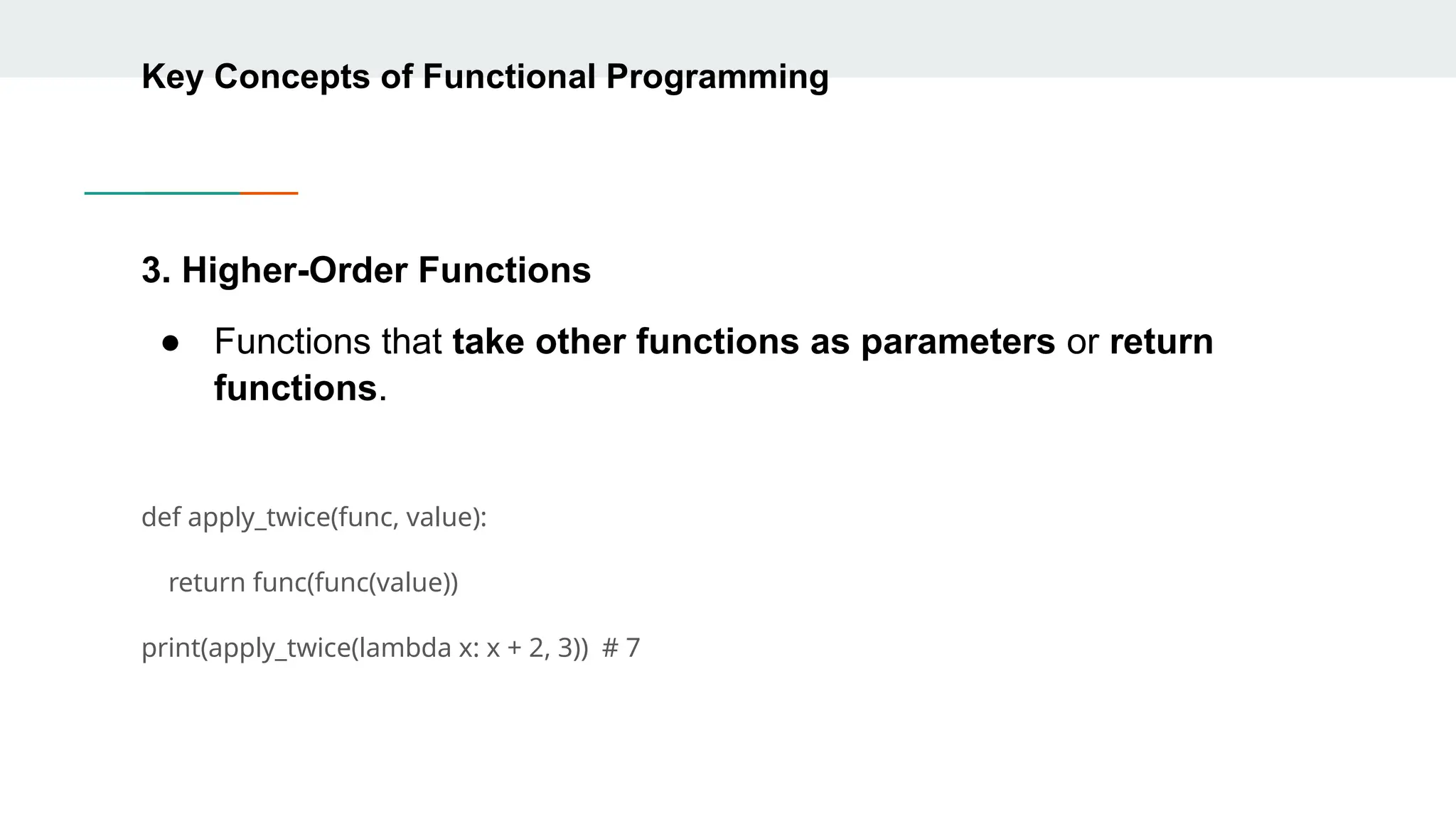
Key Concepts ofFunctional Programming 3. Higher-Order Functions ● Functions that take other functions as parameters or return functions. def apply_twice(func, value): return func(func(value)) print(apply_twice(lambda x: x + 2, 3)) # 7
21.
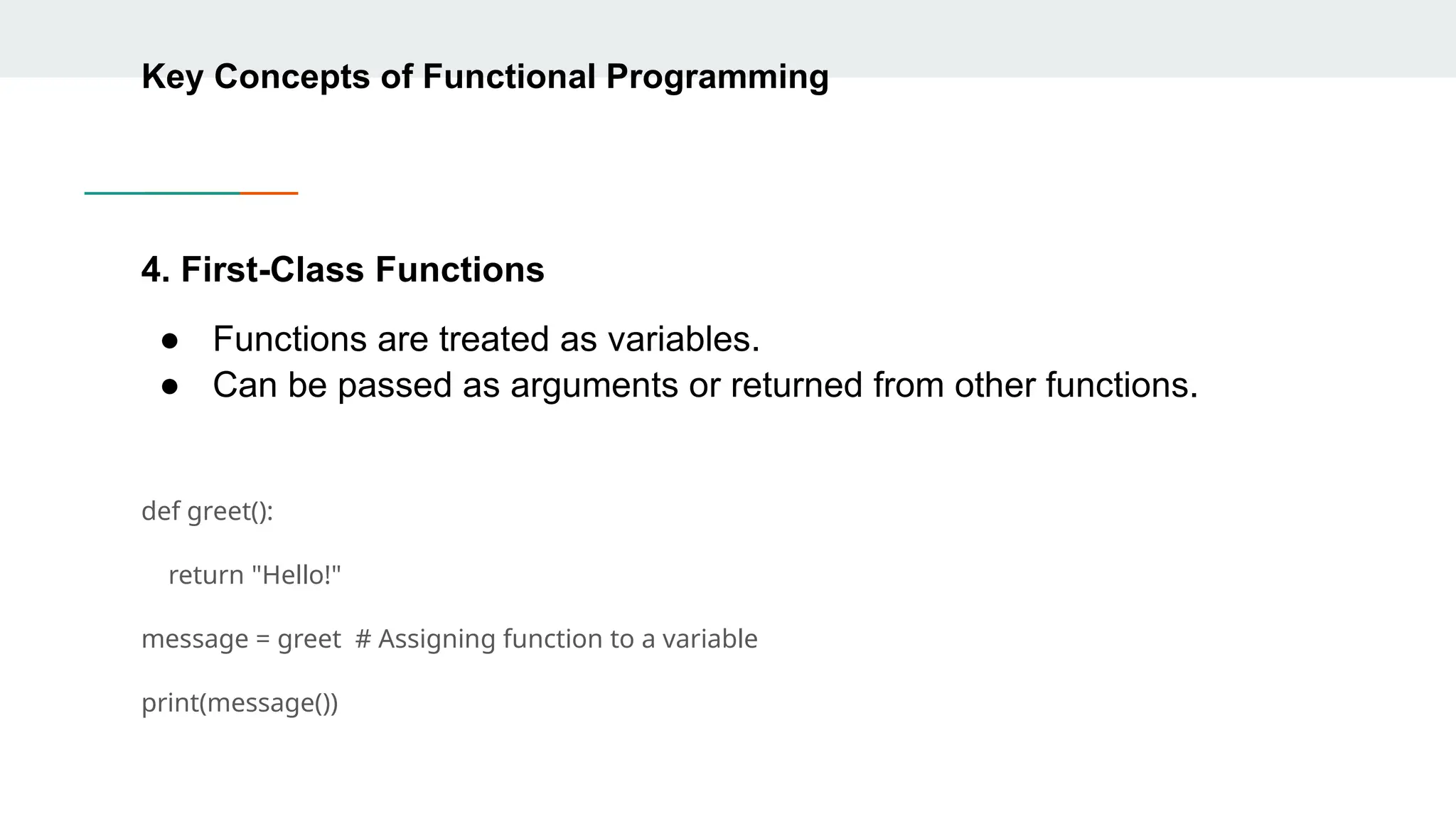
Key Concepts ofFunctional Programming 4. First-Class Functions ● Functions are treated as variables. ● Can be passed as arguments or returned from other functions. def greet(): return "Hello!" message = greet # Assigning function to a variable print(message())
22.
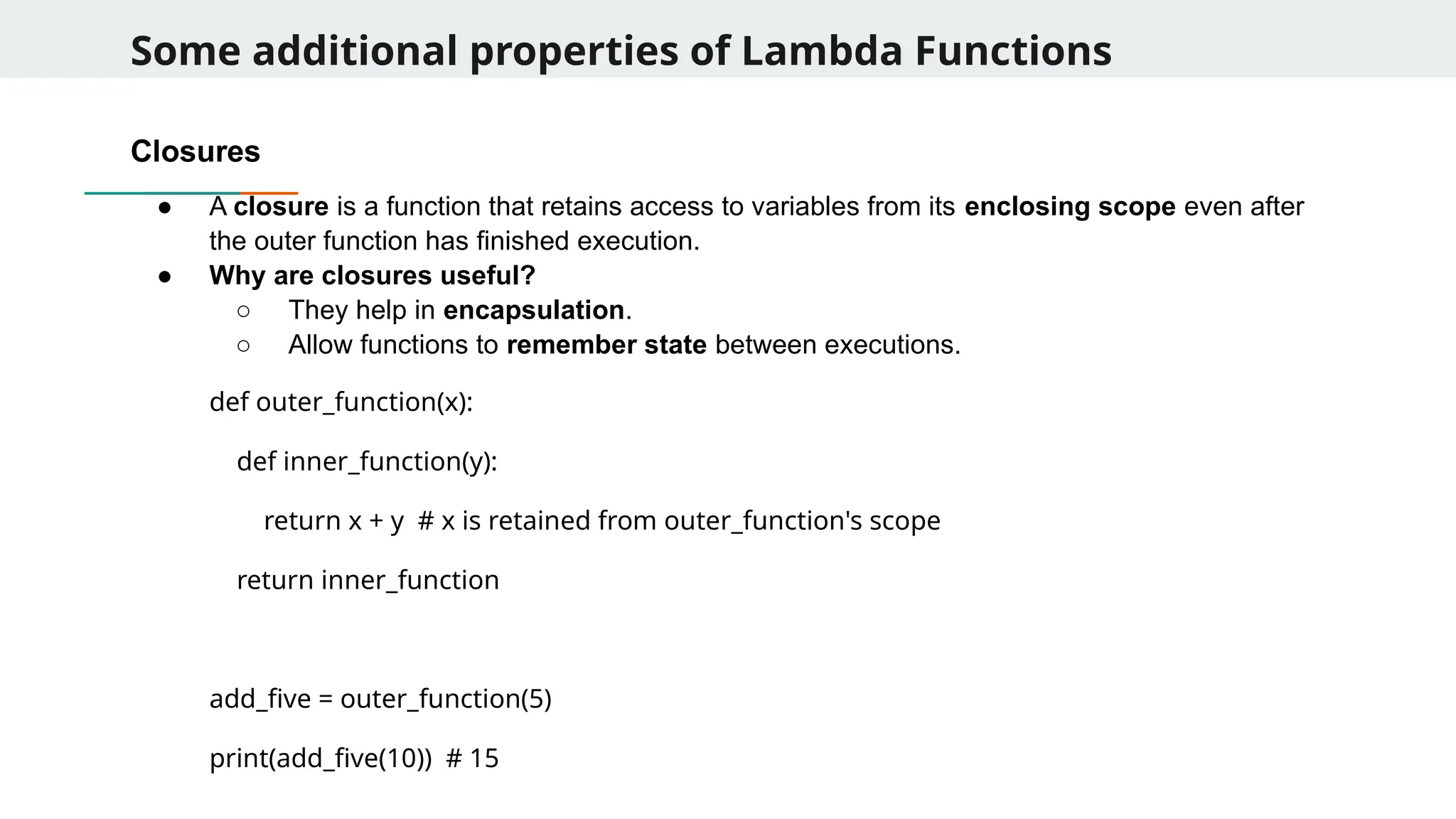
Some additional propertiesof Lambda Functions Closures ● A closure is a function that retains access to variables from its enclosing scope even after the outer function has finished execution. ● Why are closures useful? ○ They help in encapsulation. ○ Allow functions to remember state between executions. def outer_function(x): def inner_function(y): return x + y # x is retained from outer_function's scope return inner_function add_five = outer_function(5) print(add_five(10)) # 15
23.
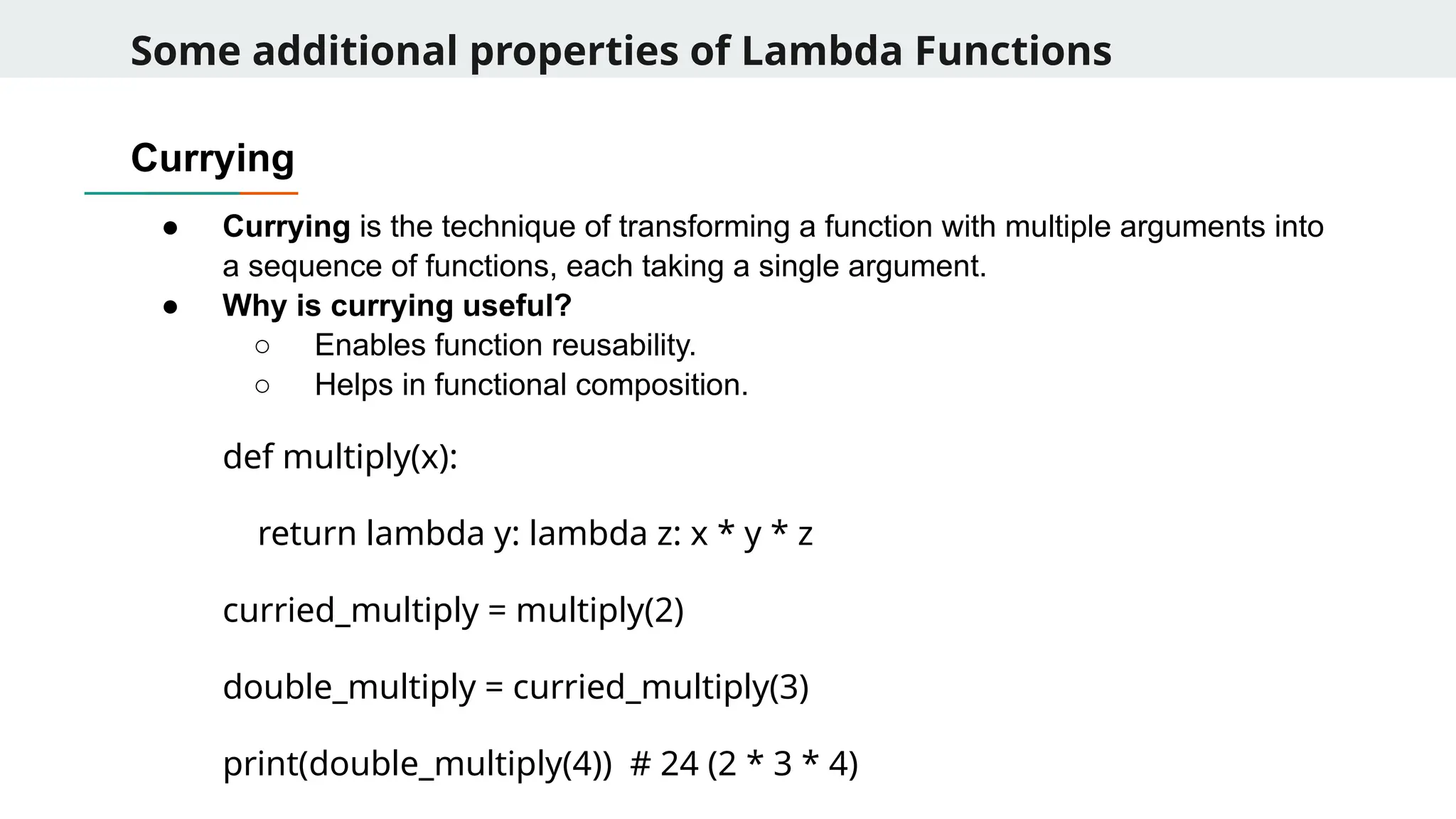
Some additional propertiesof Lambda Functions Currying ● Currying is the technique of transforming a function with multiple arguments into a sequence of functions, each taking a single argument. ● Why is currying useful? ○ Enables function reusability. ○ Helps in functional composition. def multiply(x): return lambda y: lambda z: x * y * z curried_multiply = multiply(2) double_multiply = curried_multiply(3) print(double_multiply(4)) # 24 (2 * 3 * 4)
24.
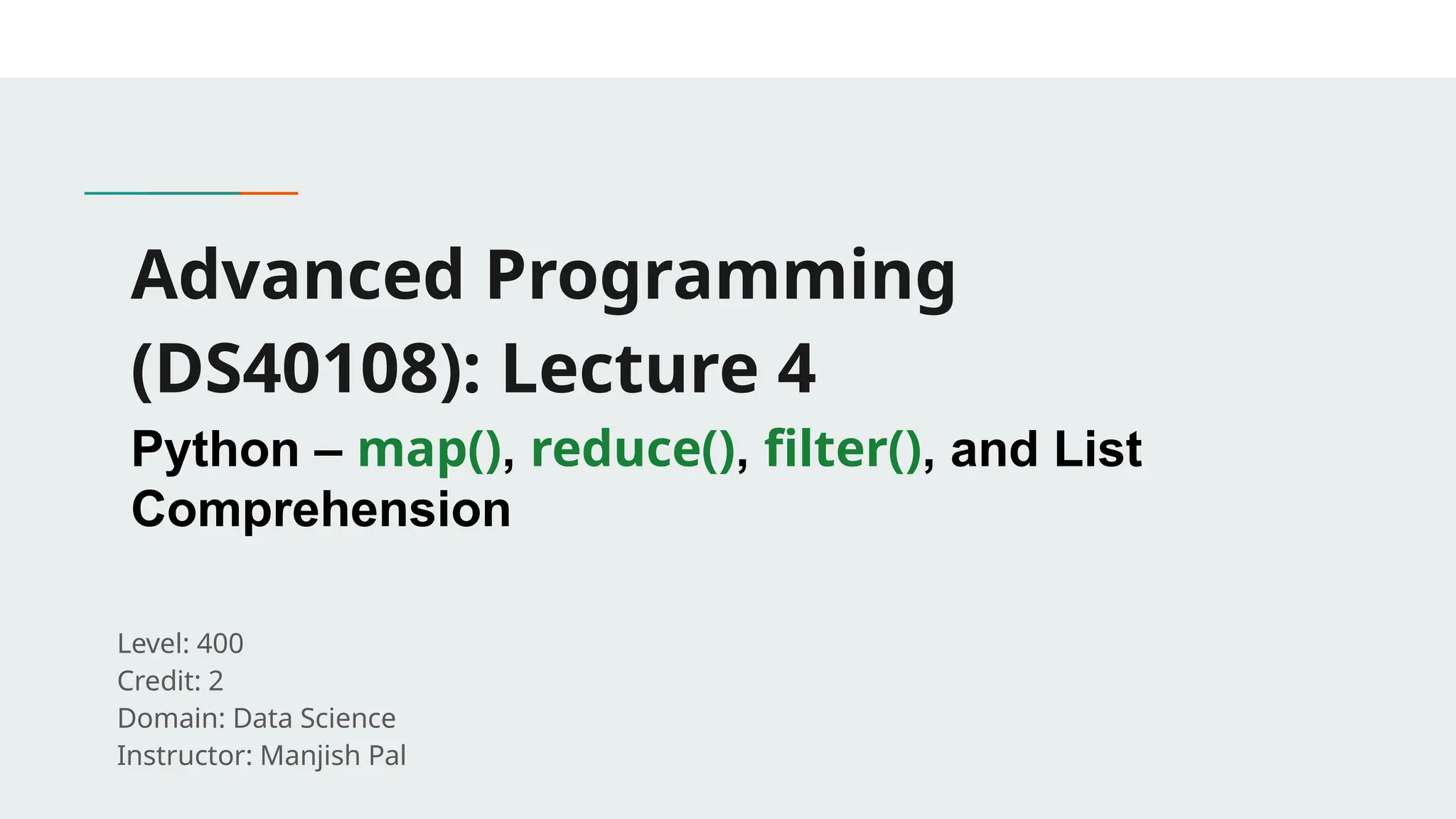
Advanced Programming (DS40108): Lecture4 Python – map(), reduce(), filter(), and List Comprehension Level: 400 Credit: 2 Domain: Data Science Instructor: Manjish Pal
25.
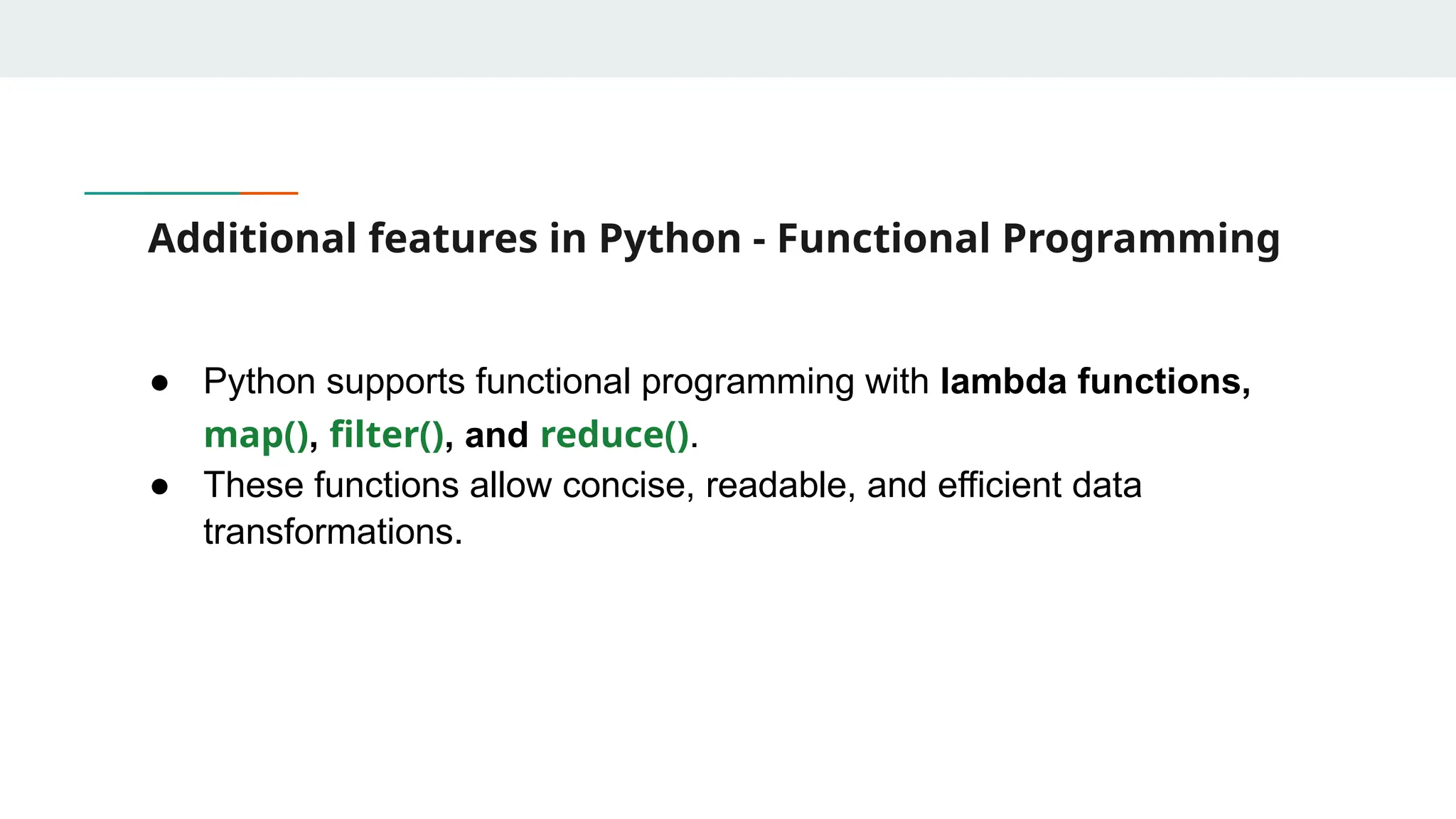
Additional features inPython - Functional Programming ● Python supports functional programming with lambda functions, map(), filter(), and reduce(). ● These functions allow concise, readable, and efficient data transformations.
26.
Understanding map() ● map(function,iterable) applies a function to each element of an iterable and returns a new iterable. Example: Doubling numbers numbers = [1, 2, 3, 4] doubled = list(map(lambda x: x * 2, numbers)) print(doubled) # [2, 4, 6, 8] Example: Converting temperatures celsius = [0, 10, 20, 30] fahrenheit = list(map(lambda c: (c * 9/5) + 32, celsius)) print(fahrenheit) # [32, 50, 68, 86]
27.
Understanding filter() ● filter(function,iterable) selects elements from an iterable based on a condition. Example: Filtering even numbers numbers = [1, 2, 3, 4, 5, 6] evens = list(filter(lambda x: x % 2 == 0, numbers)) print(evens) # [2, 4, 6] Example: Filtering words by length words = ["apple", "banana", "kiwi", "grape"] short_words = list(filter(lambda w: len(w) < 6, words)) print(short_words) # ['apple', 'kiwi']
28.
Understanding reduce() ● reduce(function,iterable) applies a function cumulatively to elements, reducing them to a single value. ● Requires functools.reduce in Python 3. Example: Summing numbers from functools import reduce numbers = [1, 2, 3, 4, 5] total = reduce(lambda x, y: x + y, numbers) print(total) # 15 Example: Finding the maximum value max_value = reduce(lambda x, y: x if x > y else y, numbers) print(max_value) # 5
29.
List Comprehensions ● Listcomprehension offers a more Pythonic way to achieve similar results. Example: Doubling numbers using list comprehension numbers = [1, 2, 3, 4] doubled = [x * 2 for x in numbers] print(doubled) # [2, 4, 6, 8] Example: Filtering using list comprehension evens = [x for x in numbers if x % 2 == 0] print(evens) # [2, 4]
30.
Performance Considerations ● map()and filter() can be faster than list comprehensions for large datasets. ● Using map() with built-in functions is often more optimized. Example: Using str.upper with map() words = ["hello", "world"] uppercase_words = list(map(str.upper, words)) print(uppercase_words) # ['HELLO', 'WORLD'] Example: Using sum() instead of reduce() (Preferred in Python) total = sum(numbers) print(total) # 15
31.
More Examples Using map()with multiple iterables nums1 = [1, 2, 3] nums2 = [4, 5, 6] summed = list(map(lambda x, y: x + y, nums1, nums2)) print(summed) # [5, 7, 9] Using filter() for extracting non-null values data = ["apple", None, "banana", "", "grape"] non_empty = list(filter(None, data)) print(non_empty) # ['apple', 'banana', 'grape'] Using reduce() for factorial calculation factorial = reduce(lambda x, y: x * y, range(1, 6)) print(factorial) # 120
32.
More Examples Extracting WordsLonger than 4 Letters and Converting to Uppercase words = ["data", "science", "AI", "machine", "learning"] # Using filter() and map() together filtered_words = list(map(lambda x: x.upper(), filter(lambda w: len(w) > 4, words))) print(filtered_words)
33.
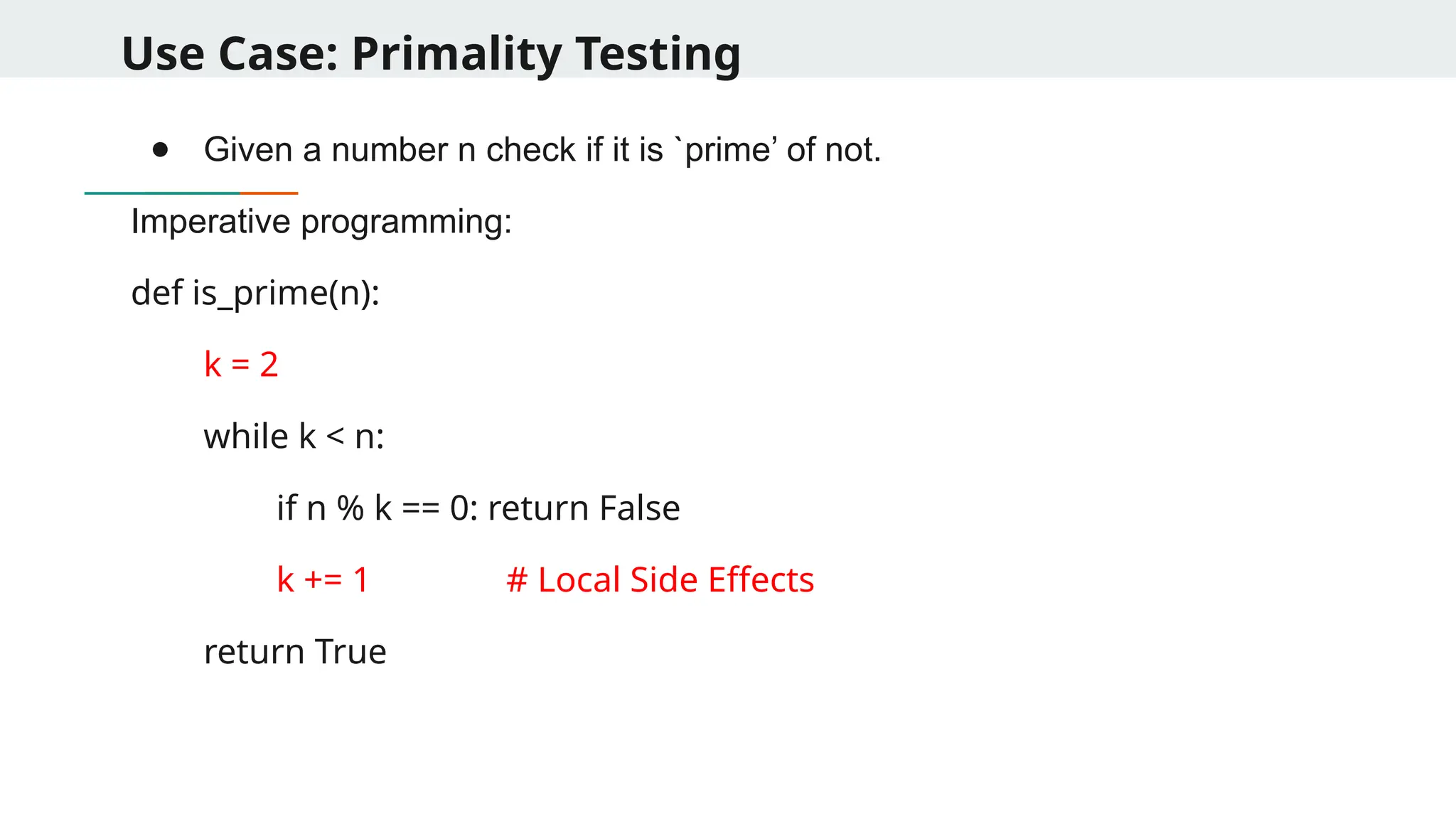
Use Case: PrimalityTesting ● Given a number n check if it is `prime’ of not. Imperative programming: def is_prime(n): k = 2 while k < n: if n % k == 0: return False k += 1 # Local Side Effects return True
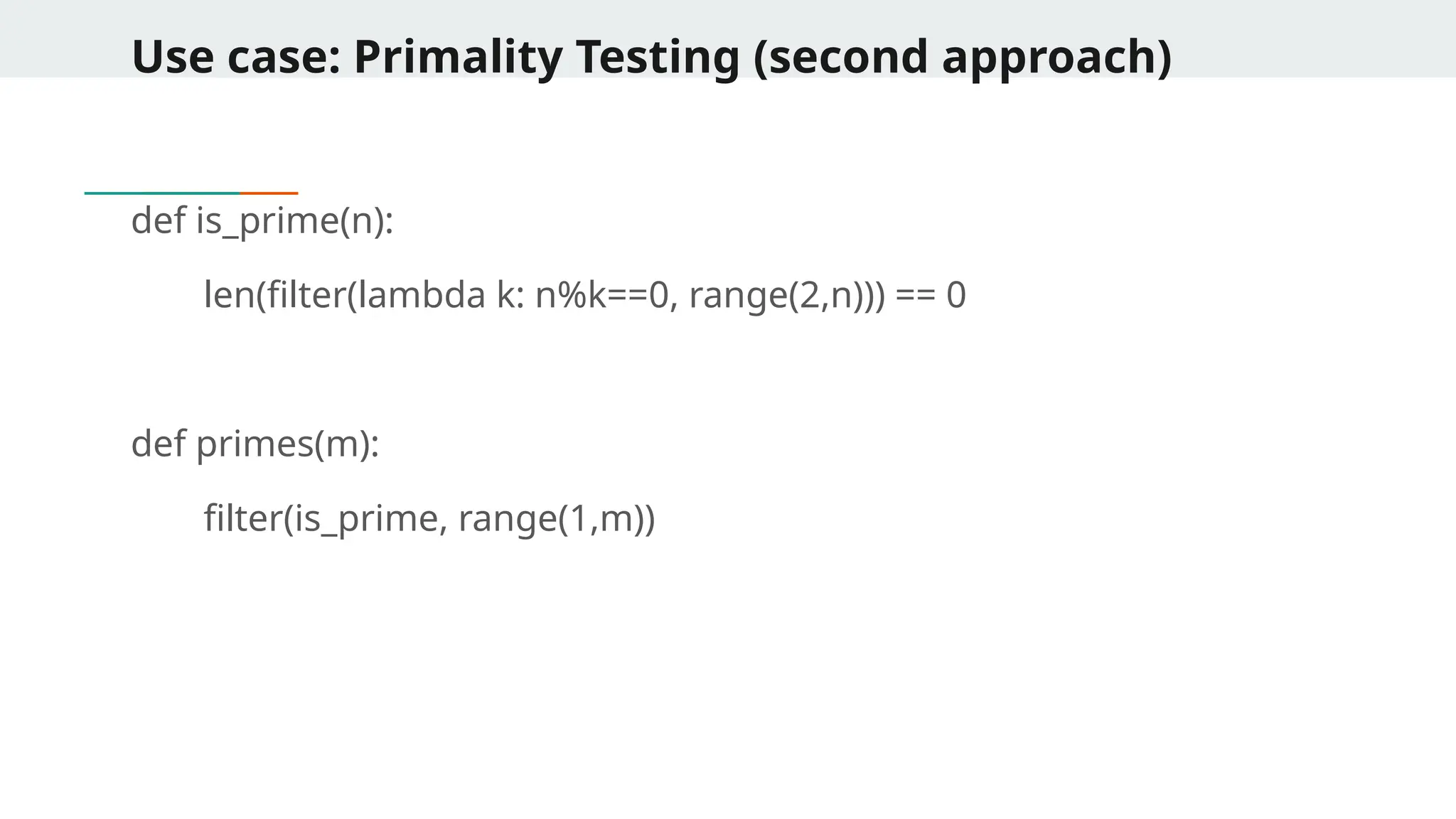
Use case: PrimalityTesting (Third Approach) def is_prime(n): return True not in [n%k==0 for k in range(2,n)] def primes(m): [n for n in range(1,m) if is_prime(n)]
36.
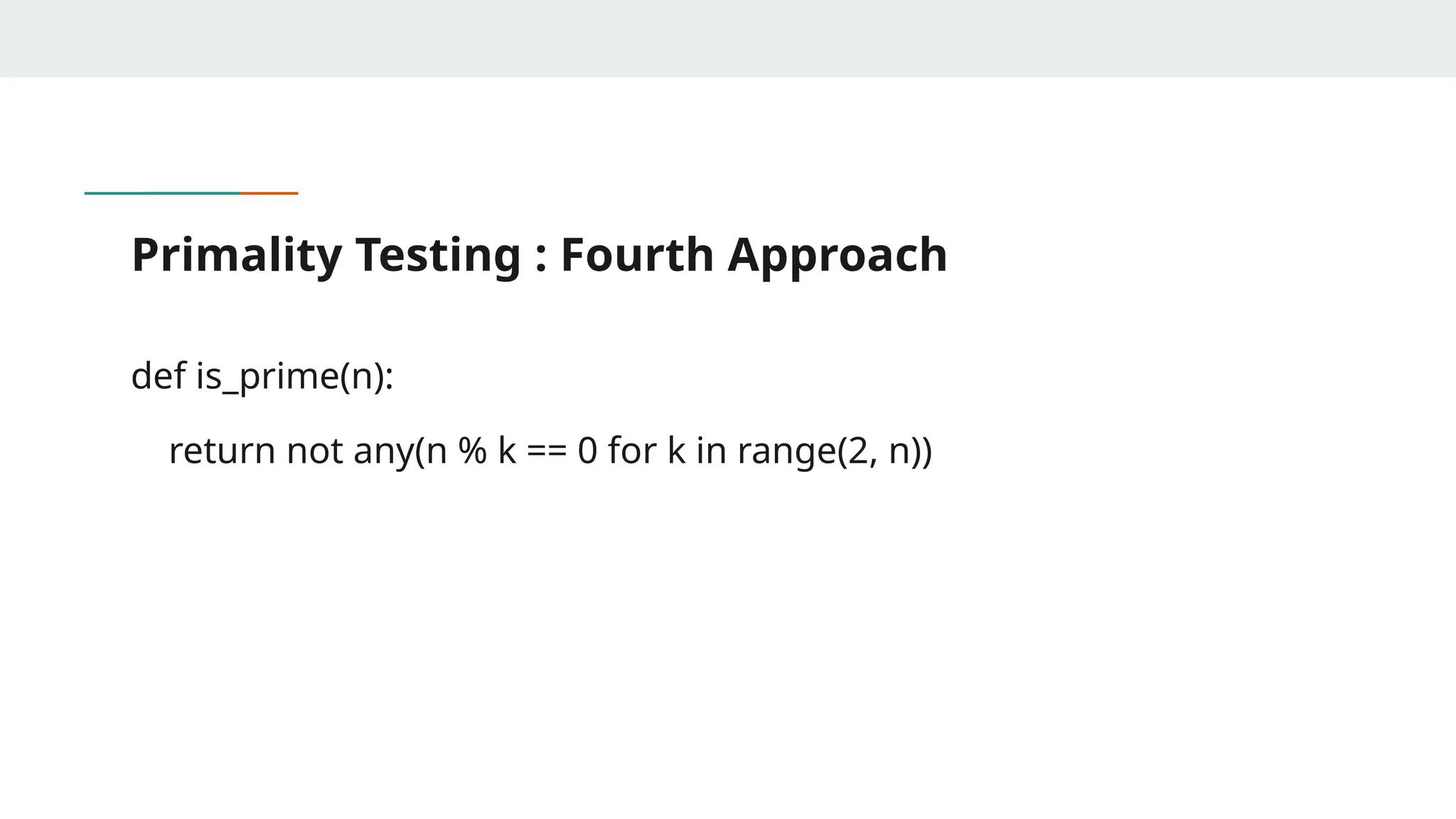
Primality Testing :Fourth Approach def is_prime(n): return not any(n % k == 0 for k in range(2, n))
37.
More Examples -Data Science Problem 1: Converting a List of Dates to Datetime Format dates = ["2023-01-15", "2023-02-20", "2023-03-10"] # Convert string dates to pandas datetime format dates_datetime = list(map(pd.to_datetime, dates)) print(dates_datetime) Problem 2: Filtering Out Rows with Missing Values in a DataFrame df = pd.DataFrame({ 'Name': ['Alice', 'Bob', 'Charlie', 'David'], 'Age': [25, None, 30, None] }) # Use filter() to keep only rows where Age is not None filtered_data = df.loc[list(filter(lambda i: pd.notna(df.iloc[i]['Age']), range(len(df))))] print(filtered_data)
38.
More Examples -Data Science Problem 3: Selecting Only Numerical Columns in a DataFrame df = pd.DataFrame({ 'Name': ['Alice', 'Bob', 'Charlie'], 'Age': [25, 30, 35], 'Gender': ['F', 'M', 'M'], 'Salary': [50000, 60000, 70000] }) # Select only numerical columns numeric_columns = list(filter(lambda col: df[col].dtype != 'object', df.columns)) print(numeric_columns) Problem 4: Finding the Maximum Value in a Column Using reduce() from functools import reduce salaries = [50000, 70000, 65000, 80000] # Find maximum salary using reduce() max_salary = reduce(lambda a, b: a if a > b else b, salaries) print(max_salary)
39.
More Examples -Data Science Calculating the Total Word Count in a Series import pandas as pd from functools import reduce data = pd.Series(["Data Science is fun", "Machine Learning is powerful", "Python is great for AI"]) # Compute total word count total_words = reduce(lambda x, y: x + len(y.split()), data, 0) print(total_words) Extracting Column Names That Contain the Word ‘Score’ df = pd.DataFrame({ 'Math_Score': [80, 85, 90], 'Science_Score': [75, 88, 95], 'Student_Name': ['Alice', 'Bob', 'Charlie'] }) # Extract column names that contain 'Score' score_columns = [col for col in df.columns if 'Score' in col] print(score_columns)
40.
More Examples -Data Science Problem : Normalizing a List of Numbers Using List Comprehension numbers = [10, 20, 30, 40, 50] max_num = max(numbers) # Normalize the list normalized_numbers = [x / max_num for x in numbers] print(normalized_numbers) Problem : Finding the Sum of Squares of Even Numbers in a List from functools import reduce numbers = range(1, 21) # Find the sum of squares of even numbers sum_squares_even = reduce(lambda a, b: a + b, map(lambda x: x ** 2, filter(lambda x: x % 2 == 0, numbers))) print(sum_squares_even)
41.
More Examples -Data Science Problem: Cleaning and Tokenizing Text Data import pandas as pd data = pd.Series(["Data Science! is amazing.", "Machine Learning, AI & Deep Learning?", "Big Data - Cloud Computing"]) # Remove punctuation and split into words cleaned_tokens = [word.lower() for sentence in data for word in sentence.replace(",", "").replace("!", "").replace("-", "").replace("&", "").replace("?", "").split()] print(cleaned_tokens)
42.
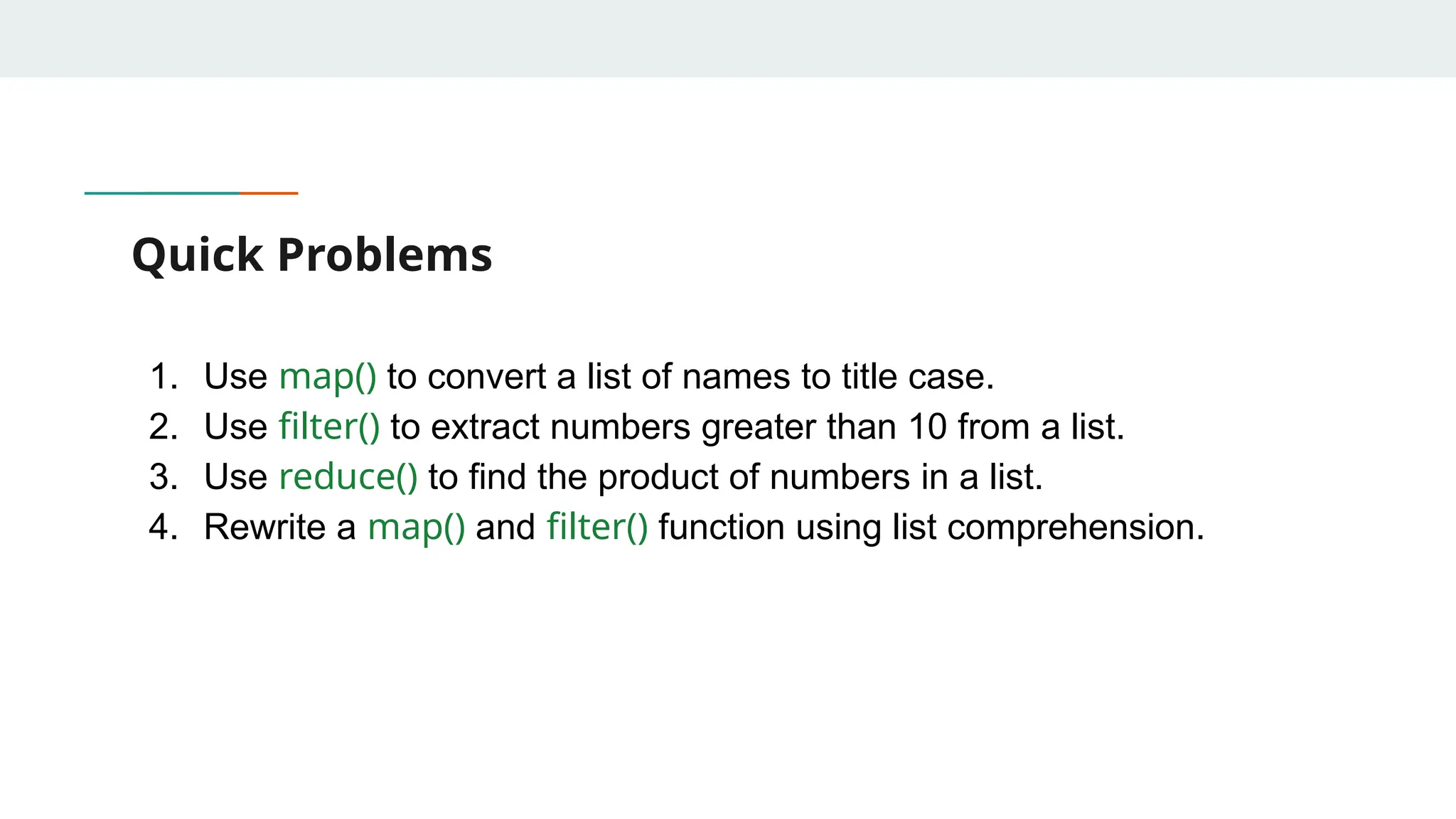
Quick Problems 1. Usemap() to convert a list of names to title case. 2. Use filter() to extract numbers greater than 10 from a list. 3. Use reduce() to find the product of numbers in a list. 4. Rewrite a map() and filter() function using list comprehension.
43.
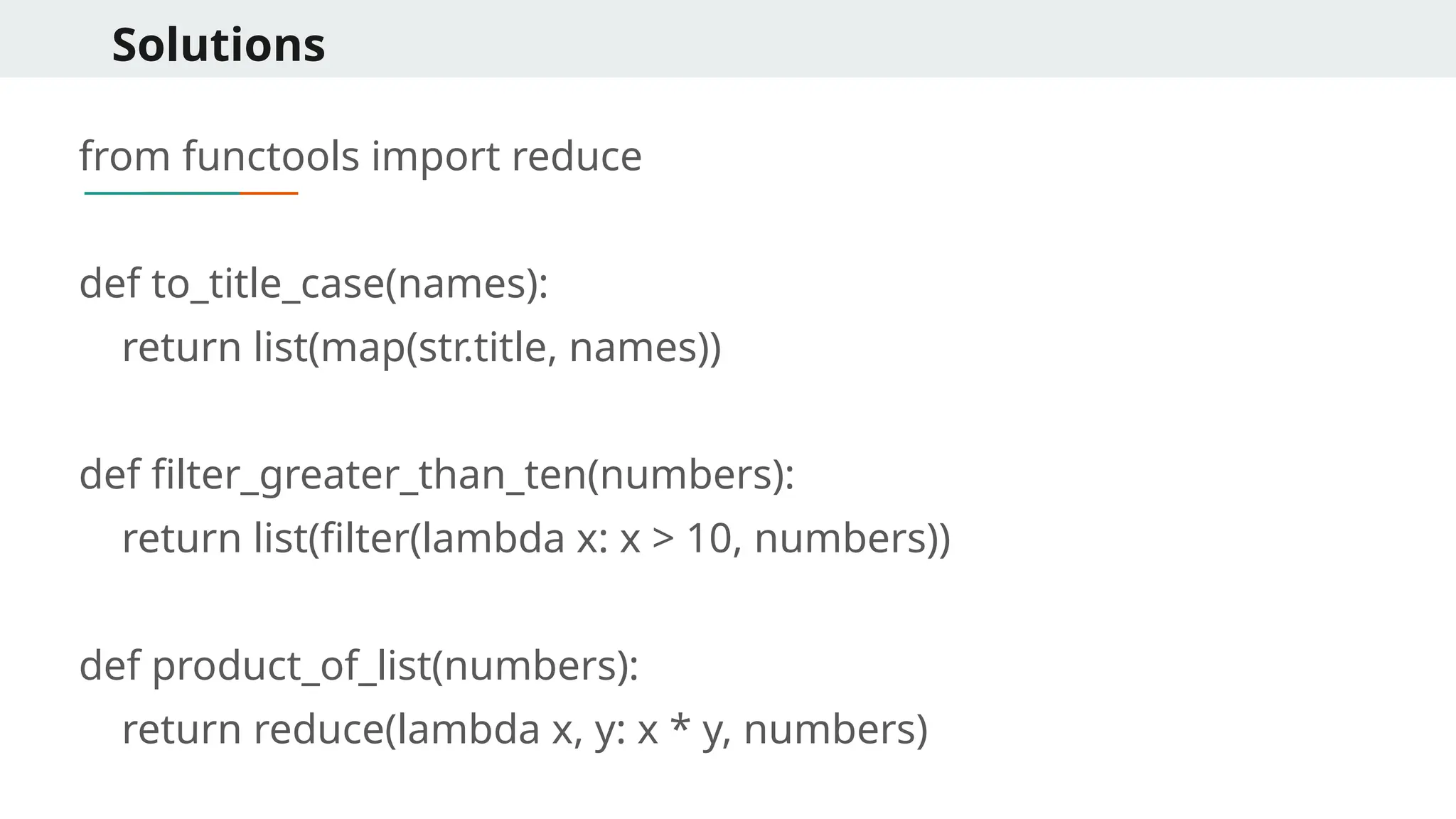
Solutions from functools importreduce def to_title_case(names): return list(map(str.title, names)) def filter_greater_than_ten(numbers): return list(filter(lambda x: x > 10, numbers)) def product_of_list(numbers): return reduce(lambda x, y: x * y, numbers)
44.
Solutions # List comprehensionversions def to_title_case_comp(names): return [name.title() for name in names] def filter_greater_than_ten_comp(numbers): return [num for num in numbers if num > 10] names = ["john", "jane", "doe"] print("Names in title case:", to_title_case(names)) # Output: ['John', 'Jane', 'Doe'] numbers = [5, 12, 8, 15, 2] print("Numbers greater than 10:", filter_greater_than_ten(numbers)) # Output: [12, 15] print("Product of numbers:", product_of_list(numbers)) # Output: 240
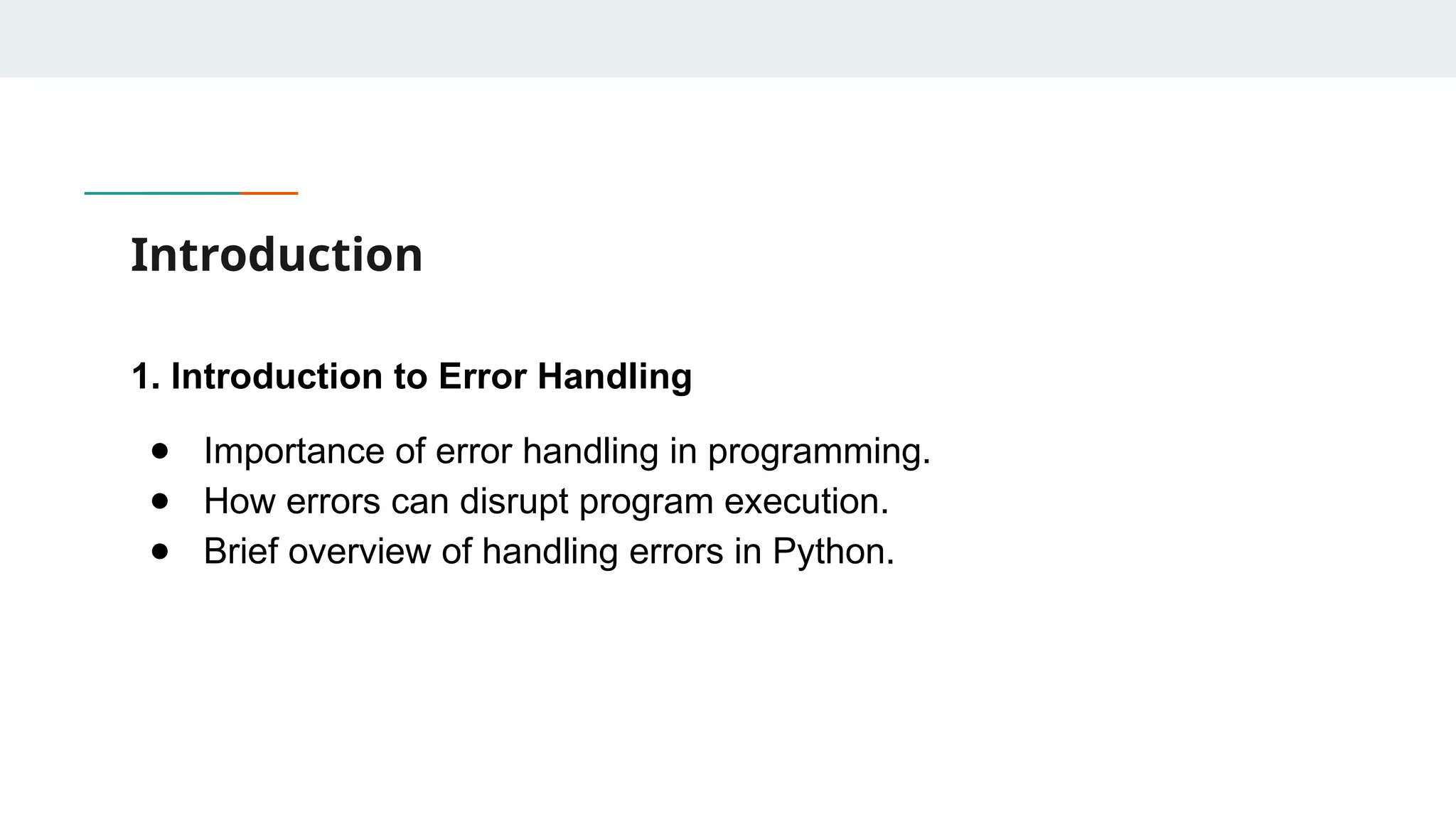
Introduction 1. Introduction toError Handling ● Importance of error handling in programming. ● How errors can disrupt program execution. ● Brief overview of handling errors in Python.
47.
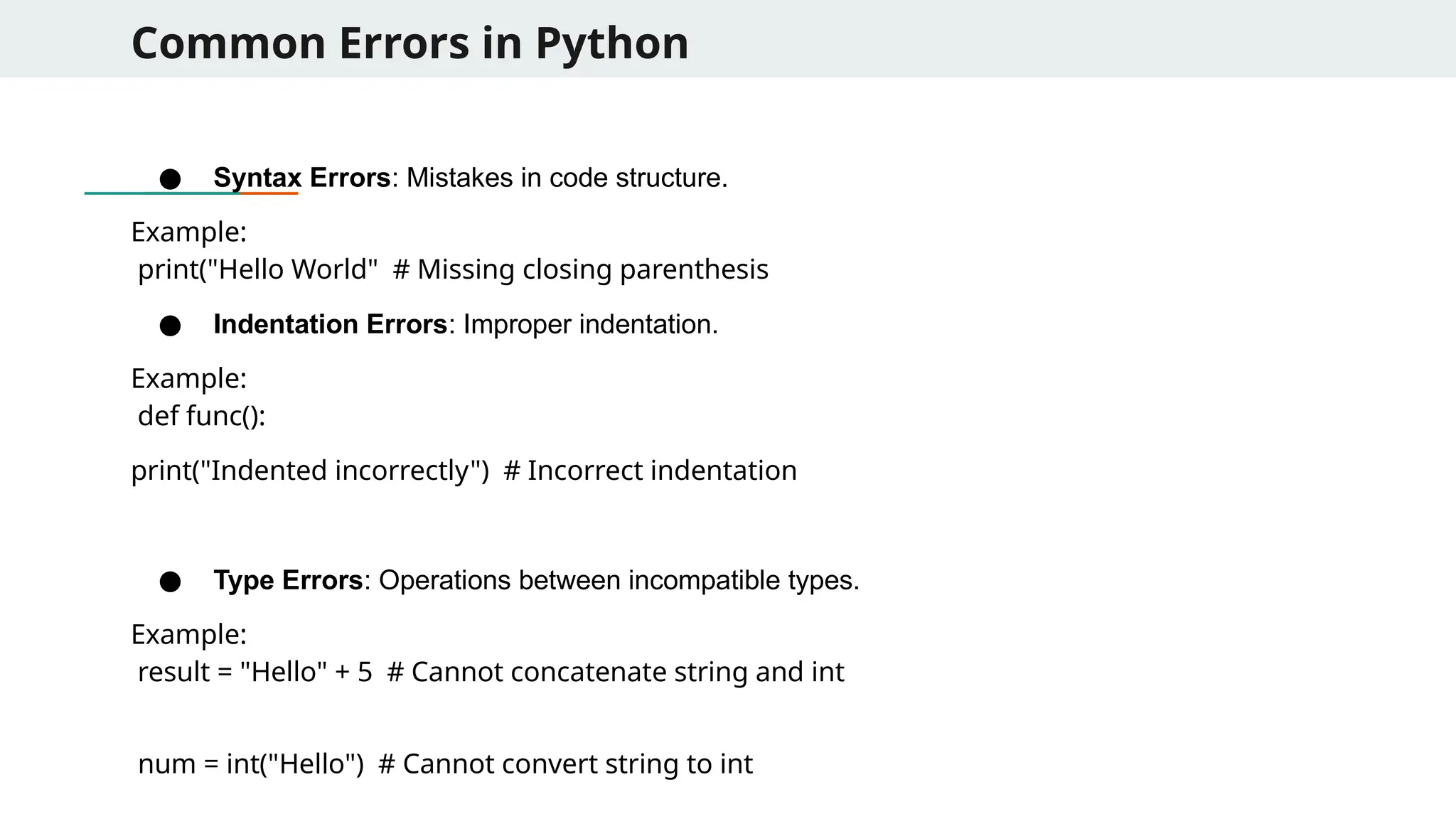
Common Errors inPython ● Syntax Errors: Mistakes in code structure. Example: print("Hello World" # Missing closing parenthesis ● Indentation Errors: Improper indentation. Example: def func(): print("Indented incorrectly") # Incorrect indentation ● Type Errors: Operations between incompatible types. Example: result = "Hello" + 5 # Cannot concatenate string and int num = int("Hello") # Cannot convert string to int
48.
Common Errors inPython ● Name Errors: Using variables before defining them. Example: print(value) # 'value' is not defined ● Index Errors: Accessing invalid list indices. Example: lst = [1, 2, 3] print(lst[5]) # Index out of range ● Key Errors: Accessing invalid dictionary keys. Example: d = {"name": "Alice"} print(d["age"]) # Key does not exist
49.
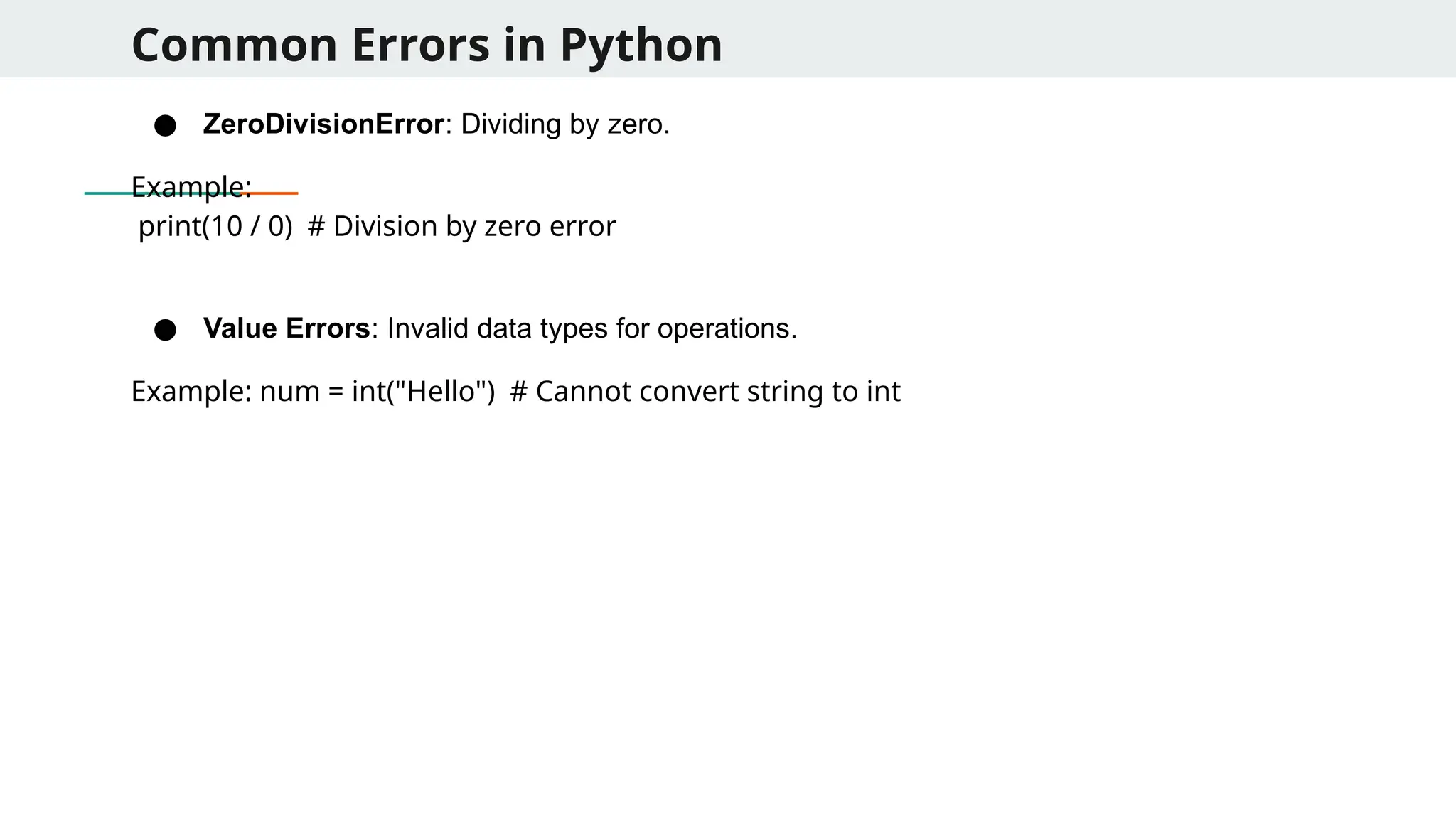
Common Errors inPython ● ZeroDivisionError: Dividing by zero. Example: print(10 / 0) # Division by zero error ● Value Errors: Invalid data types for operations. Example: num = int("Hello") # Cannot convert string to int
50.
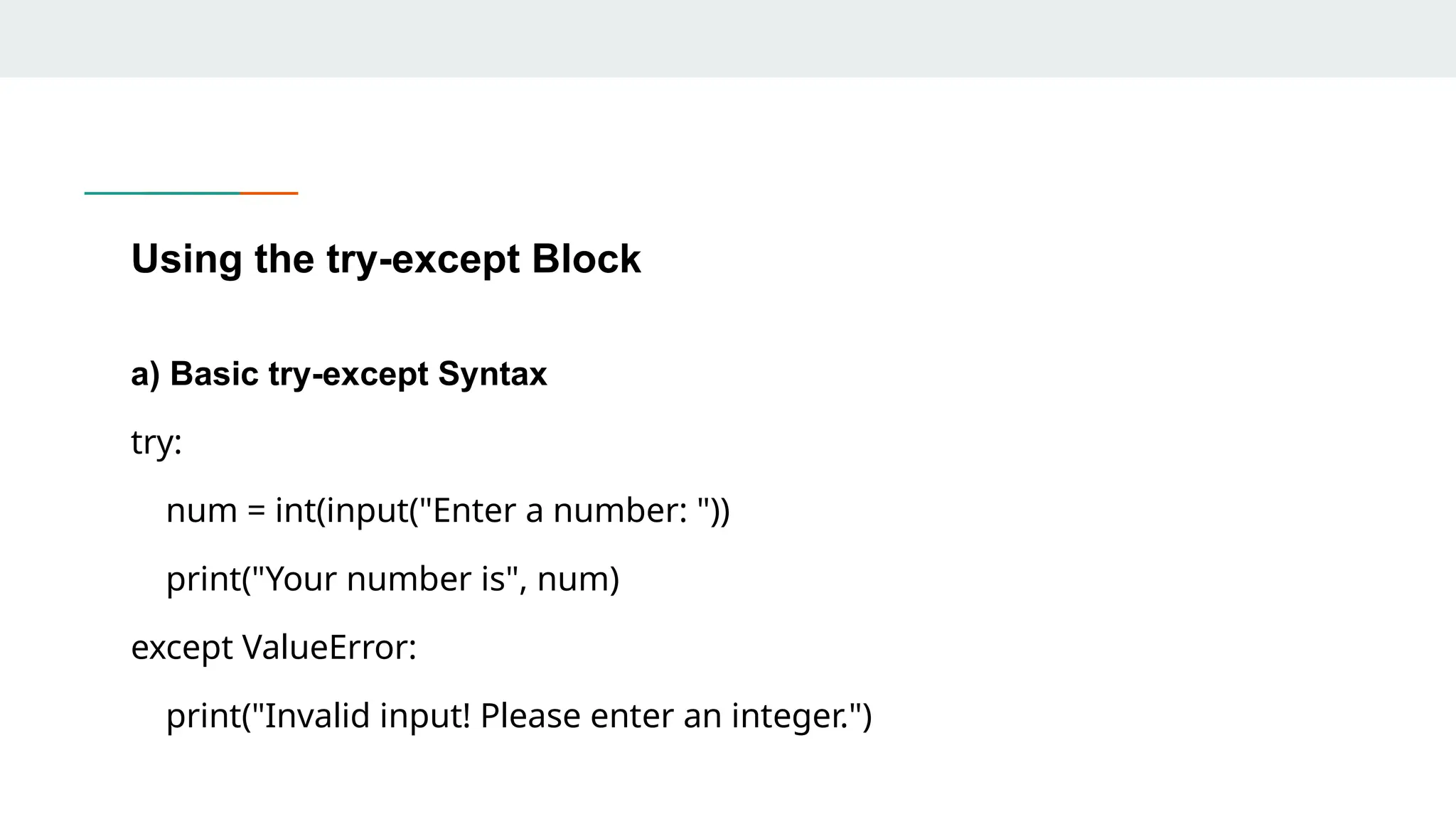
Using the try-exceptBlock a) Basic try-except Syntax try: num = int(input("Enter a number: ")) print("Your number is", num) except ValueError: print("Invalid input! Please enter an integer.")
51.
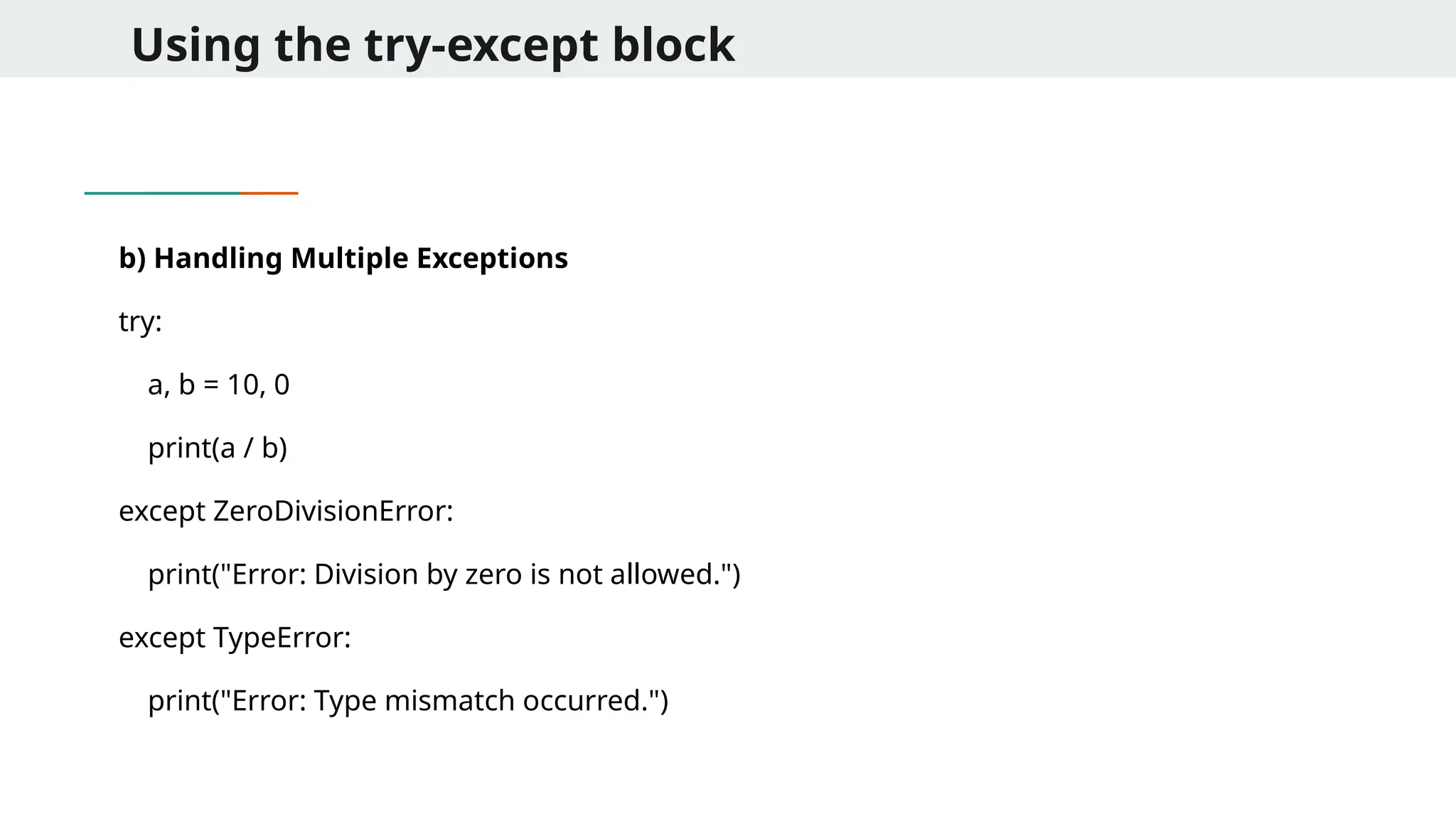
Using the try-exceptblock b) Handling Multiple Exceptions try: a, b = 10, 0 print(a / b) except ZeroDivisionError: print("Error: Division by zero is not allowed.") except TypeError: print("Error: Type mismatch occurred.")
52.
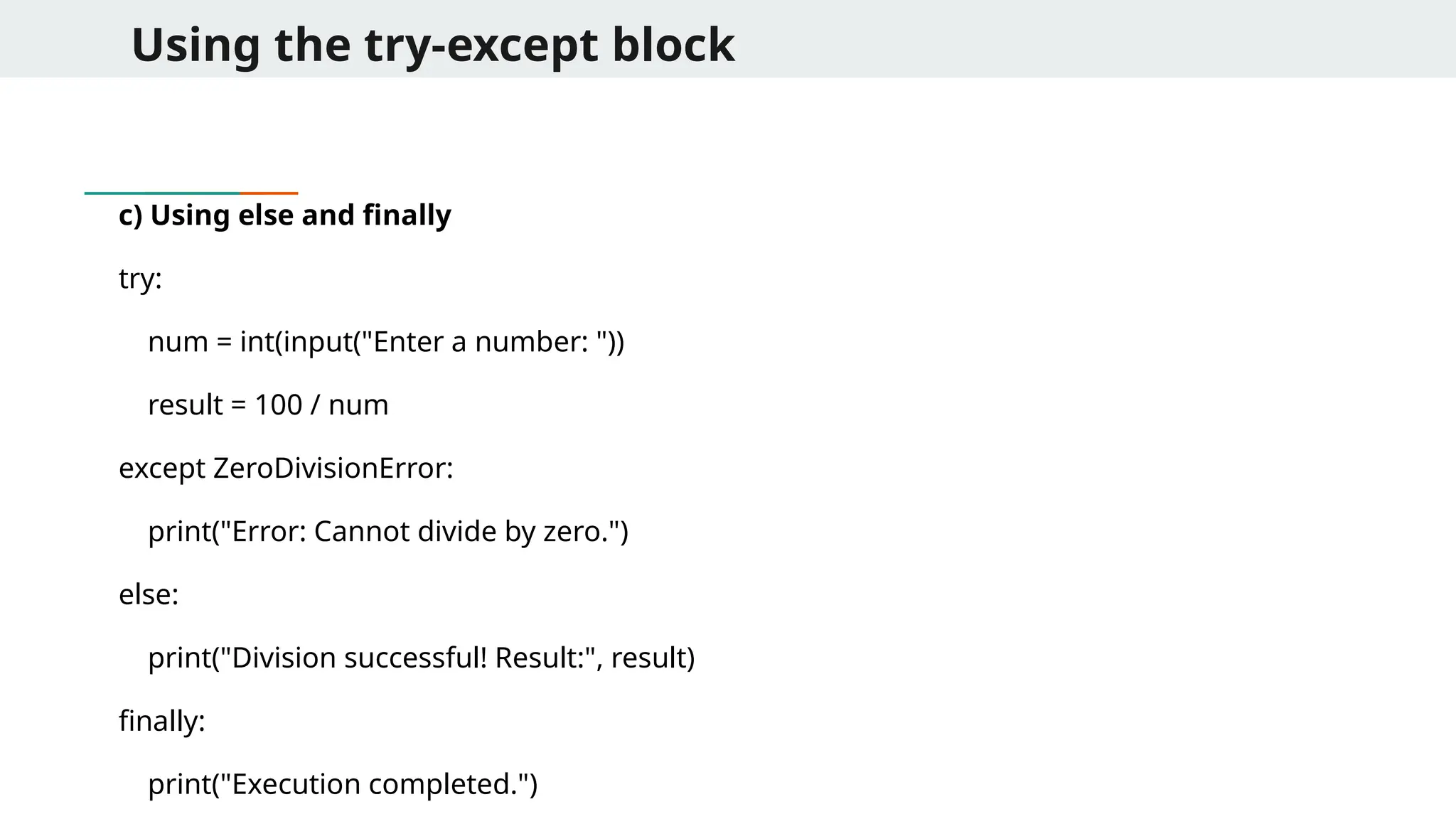
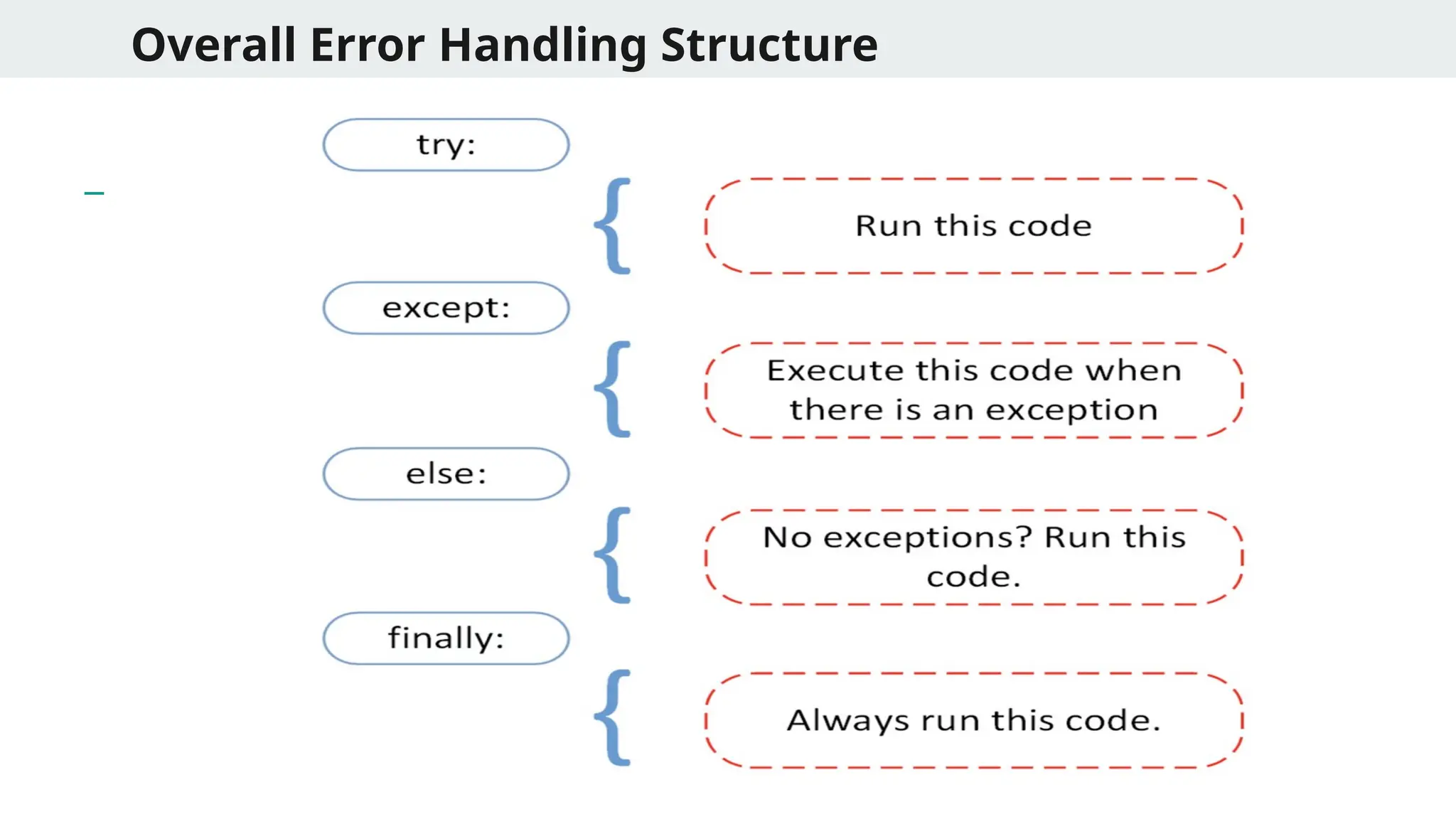
Using the try-exceptblock c) Using else and finally try: num = int(input("Enter a number: ")) result = 100 / num except ZeroDivisionError: print("Error: Cannot divide by zero.") else: print("Division successful! Result:", result) finally: print("Execution completed.")
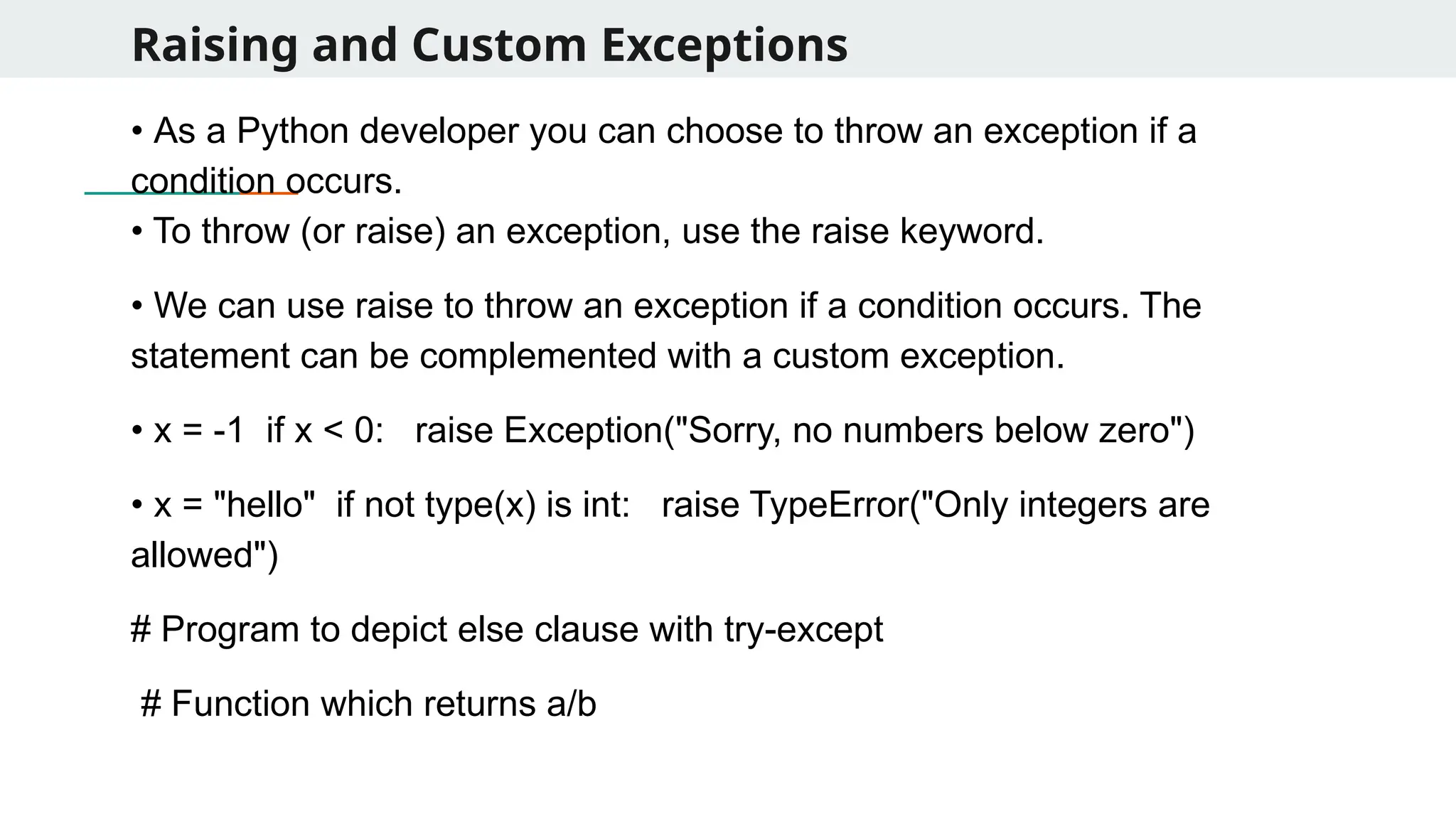
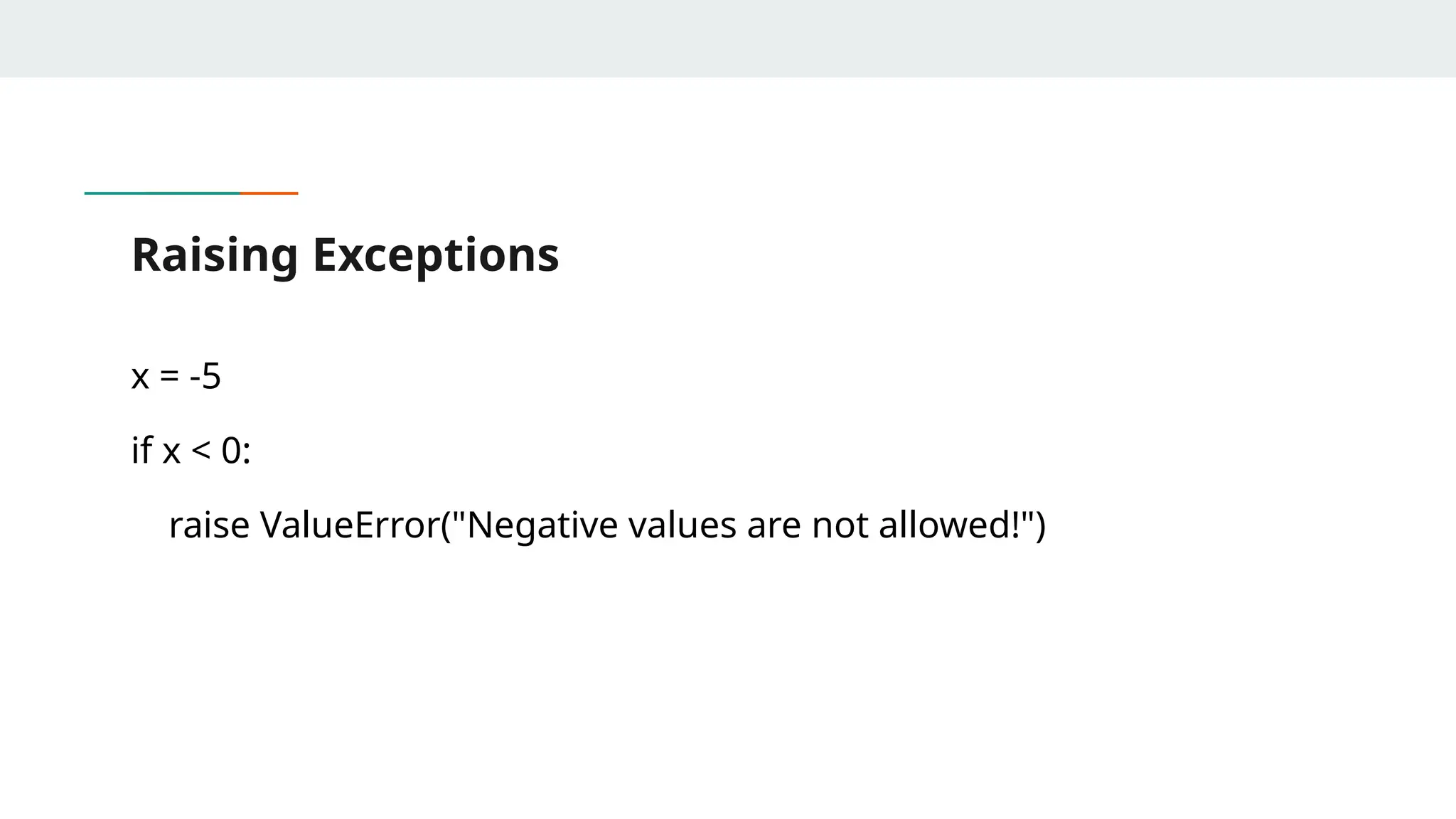
Raising and CustomExceptions • As a Python developer you can choose to throw an exception if a condition occurs. • To throw (or raise) an exception, use the raise keyword. • We can use raise to throw an exception if a condition occurs. The statement can be complemented with a custom exception. • x = -1 if x < 0: raise Exception("Sorry, no numbers below zero") • x = "hello" if not type(x) is int: raise TypeError("Only integers are allowed") # Program to depict else clause with try-except # Function which returns a/b
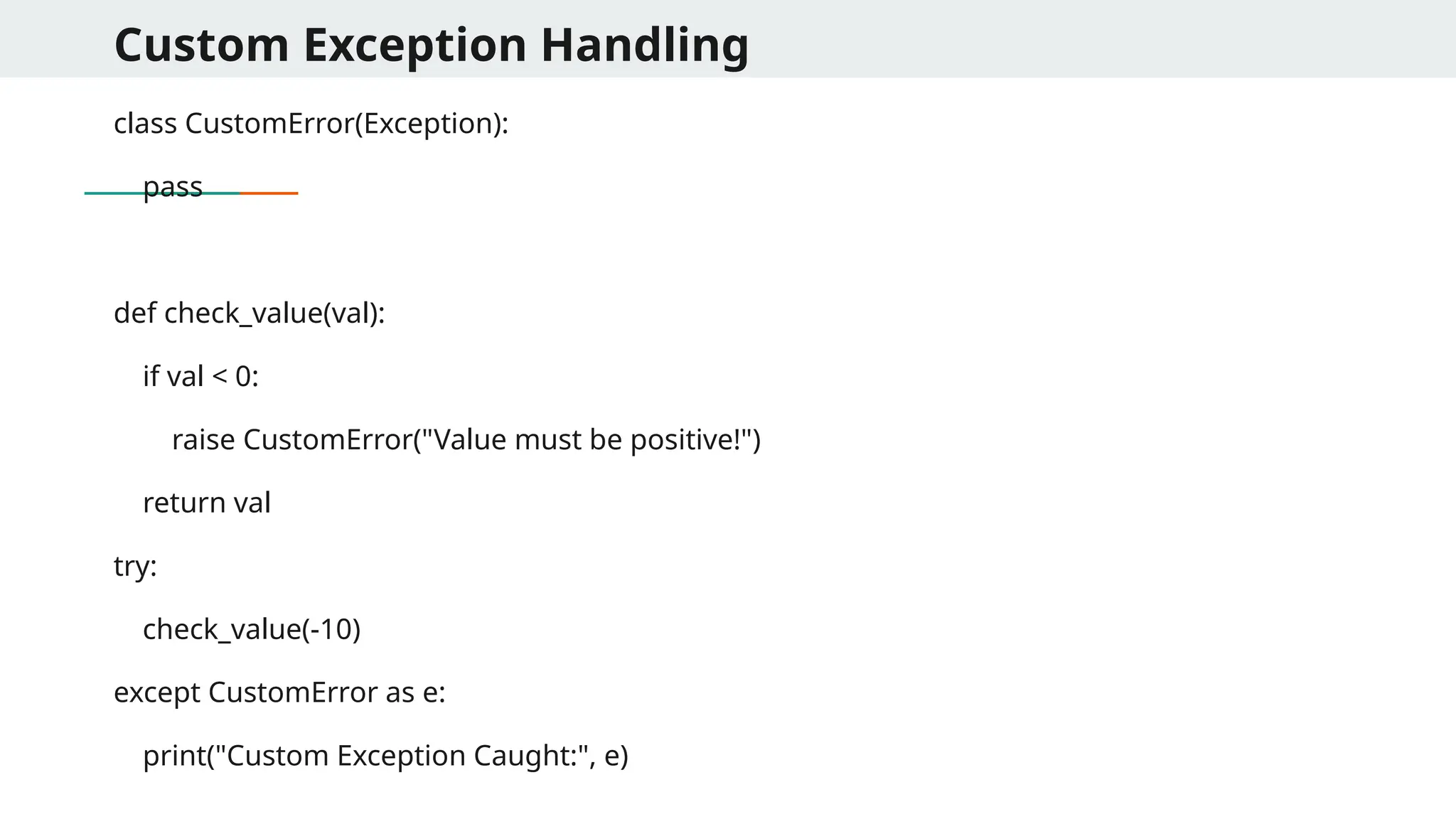
Custom Exception Handling classCustomError(Exception): pass def check_value(val): if val < 0: raise CustomError("Value must be positive!") return val try: check_value(-10) except CustomError as e: print("Custom Exception Caught:", e)
58.
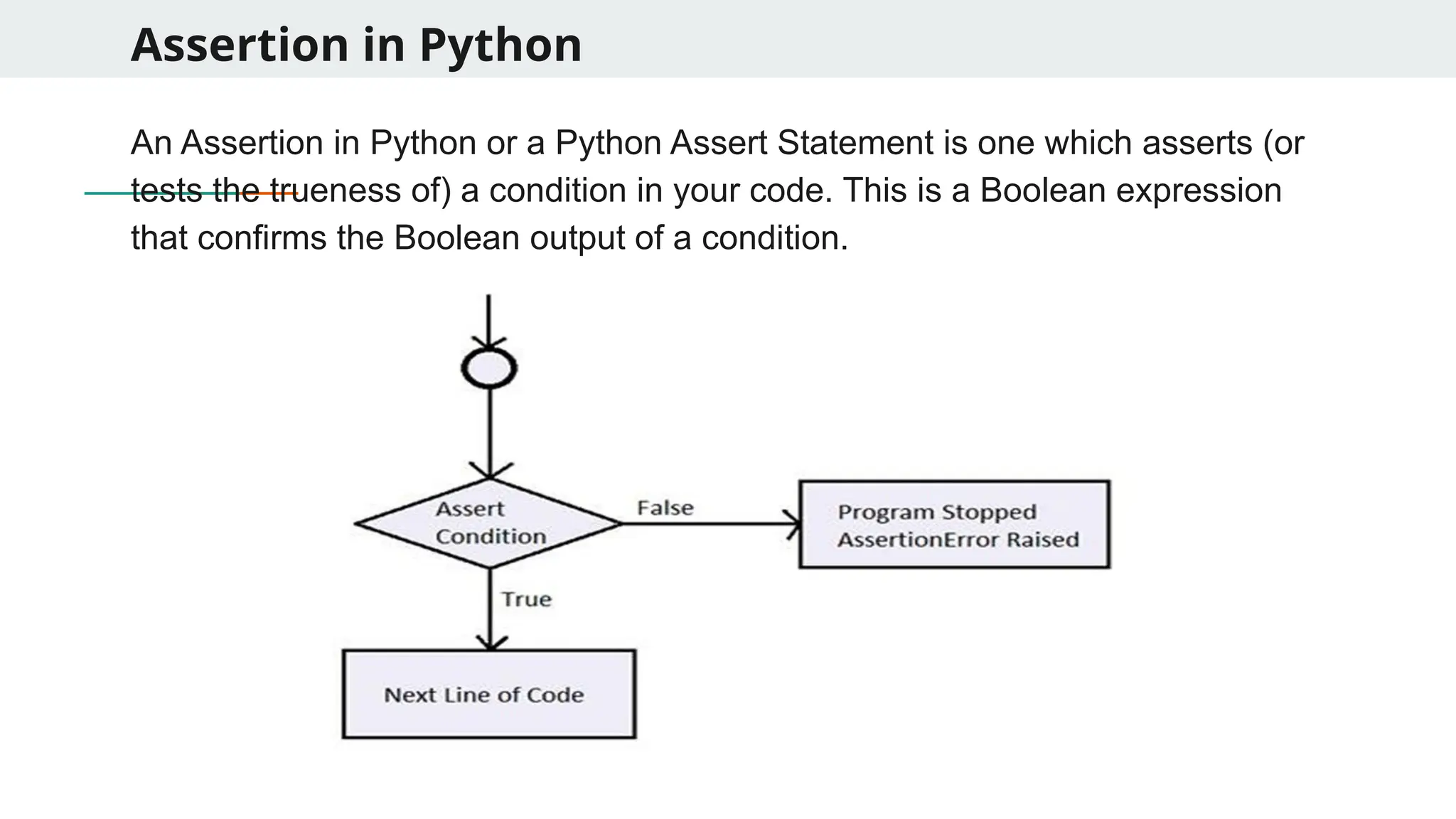
Assertion in Python AnAssertion in Python or a Python Assert Statement is one which asserts (or tests the trueness of) a condition in your code. This is a Boolean expression that confirms the Boolean output of a condition.
59.
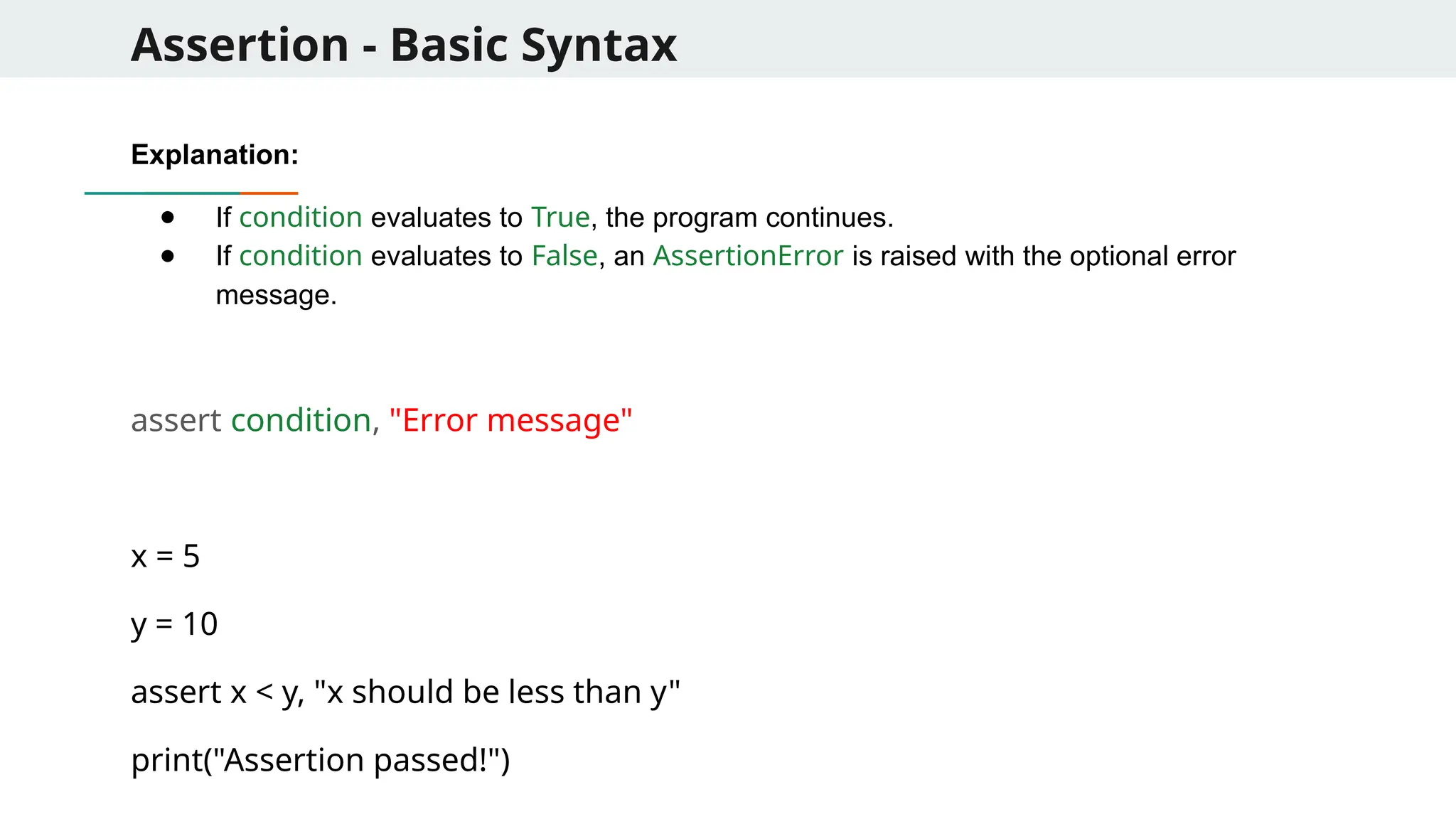
Assertion - BasicSyntax Explanation: ● If condition evaluates to True, the program continues. ● If condition evaluates to False, an AssertionError is raised with the optional error message. assert condition, "Error message" x = 5 y = 10 assert x < y, "x should be less than y" print("Assertion passed!")
60.
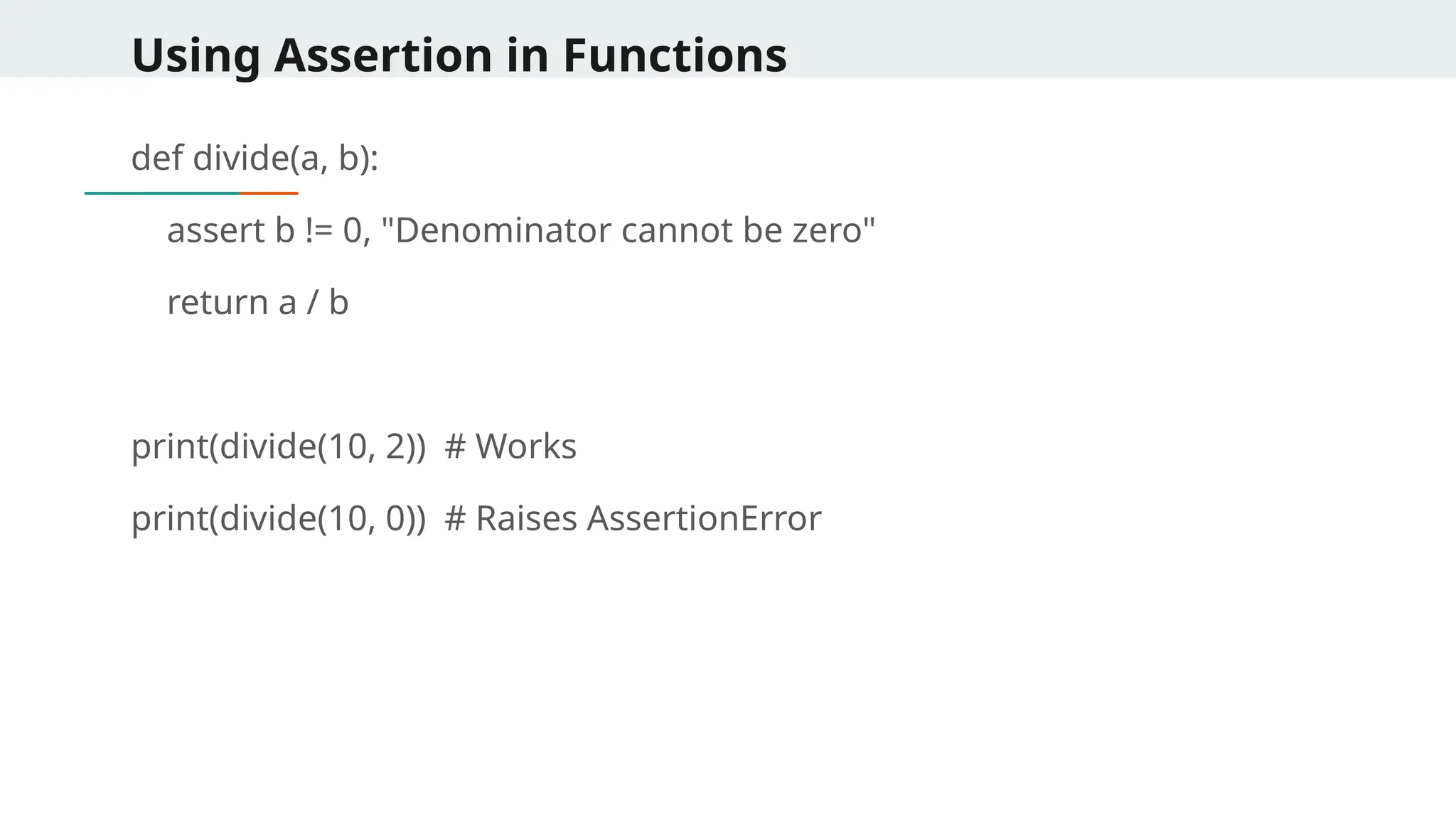
Using Assertion inFunctions def divide(a, b): assert b != 0, "Denominator cannot be zero" return a / b print(divide(10, 2)) # Works print(divide(10, 0)) # Raises AssertionError
61.
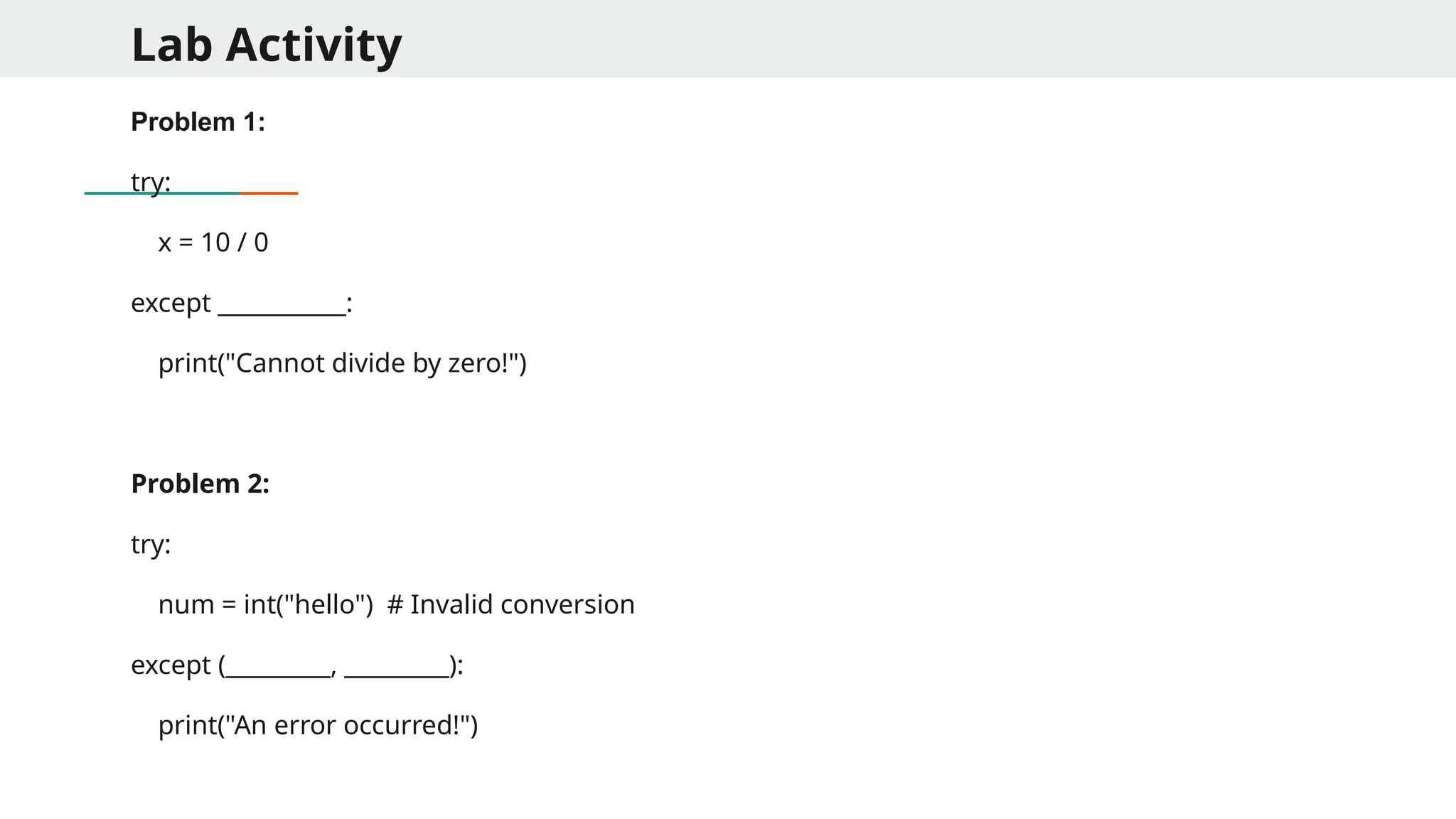
Lab Activity Problem 1: try: x= 10 / 0 except ___________: print("Cannot divide by zero!") Problem 2: try: num = int("hello") # Invalid conversion except (_________, _________): print("An error occurred!")
62.
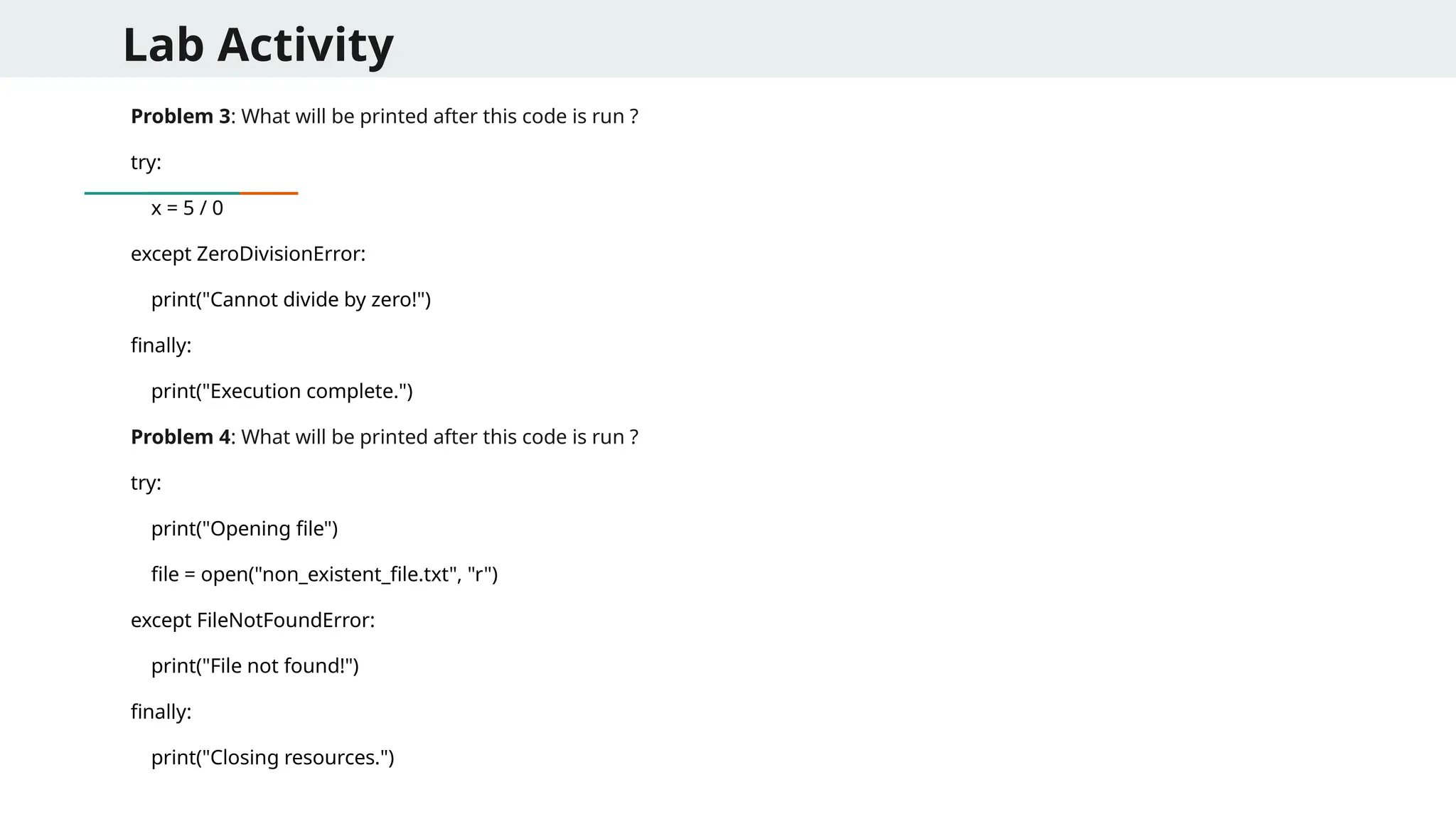
Lab Activity Problem 3:What will be printed after this code is run ? try: x = 5 / 0 except ZeroDivisionError: print("Cannot divide by zero!") finally: print("Execution complete.") Problem 4: What will be printed after this code is run ? try: print("Opening file") file = open("non_existent_file.txt", "r") except FileNotFoundError: print("File not found!") finally: print("Closing resources.")
63.
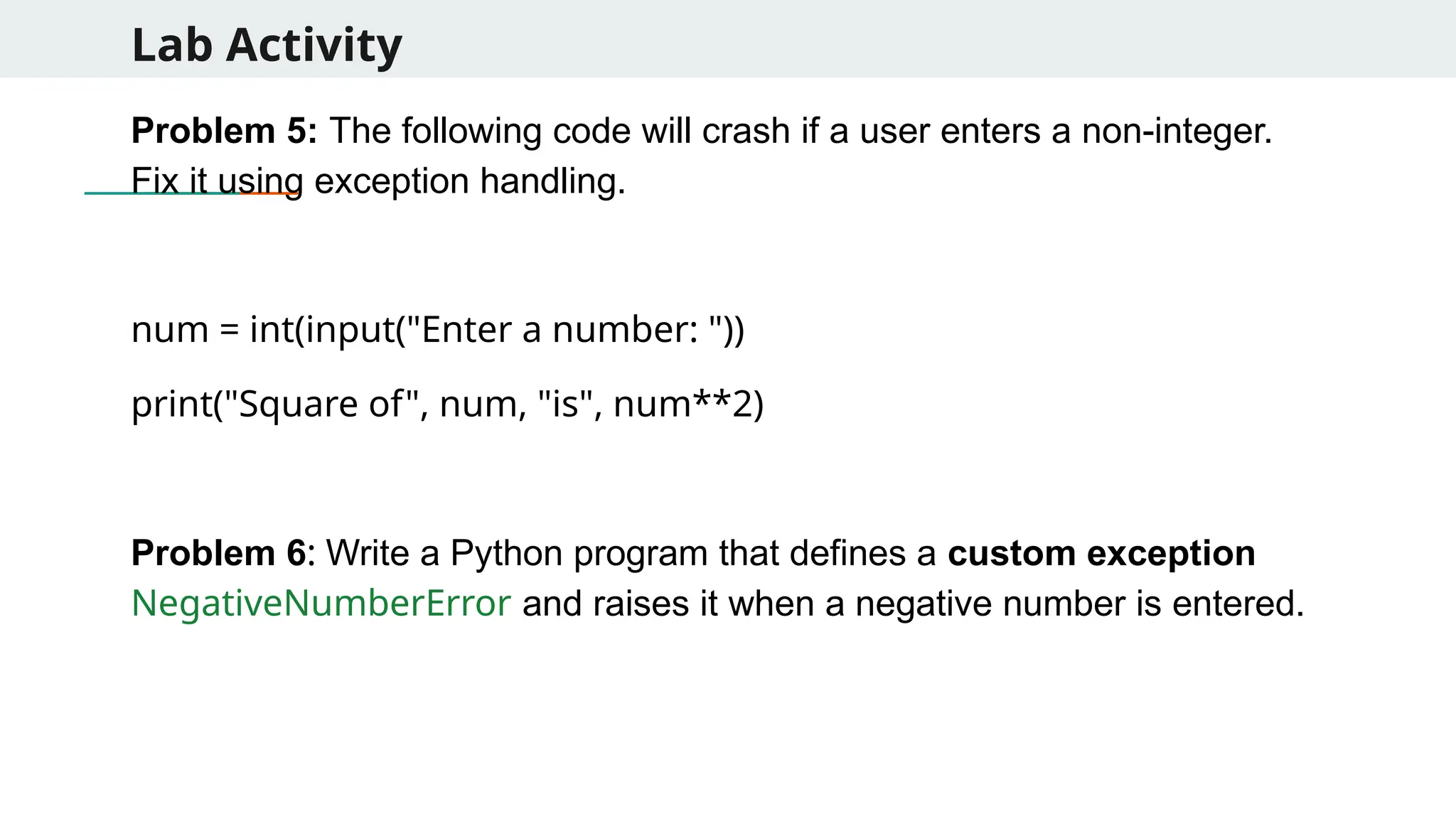
Lab Activity Problem 5:The following code will crash if a user enters a non-integer. Fix it using exception handling. num = int(input("Enter a number: ")) print("Square of", num, "is", num**2) Problem 6: Write a Python program that defines a custom exception NegativeNumberError and raises it when a negative number is entered.
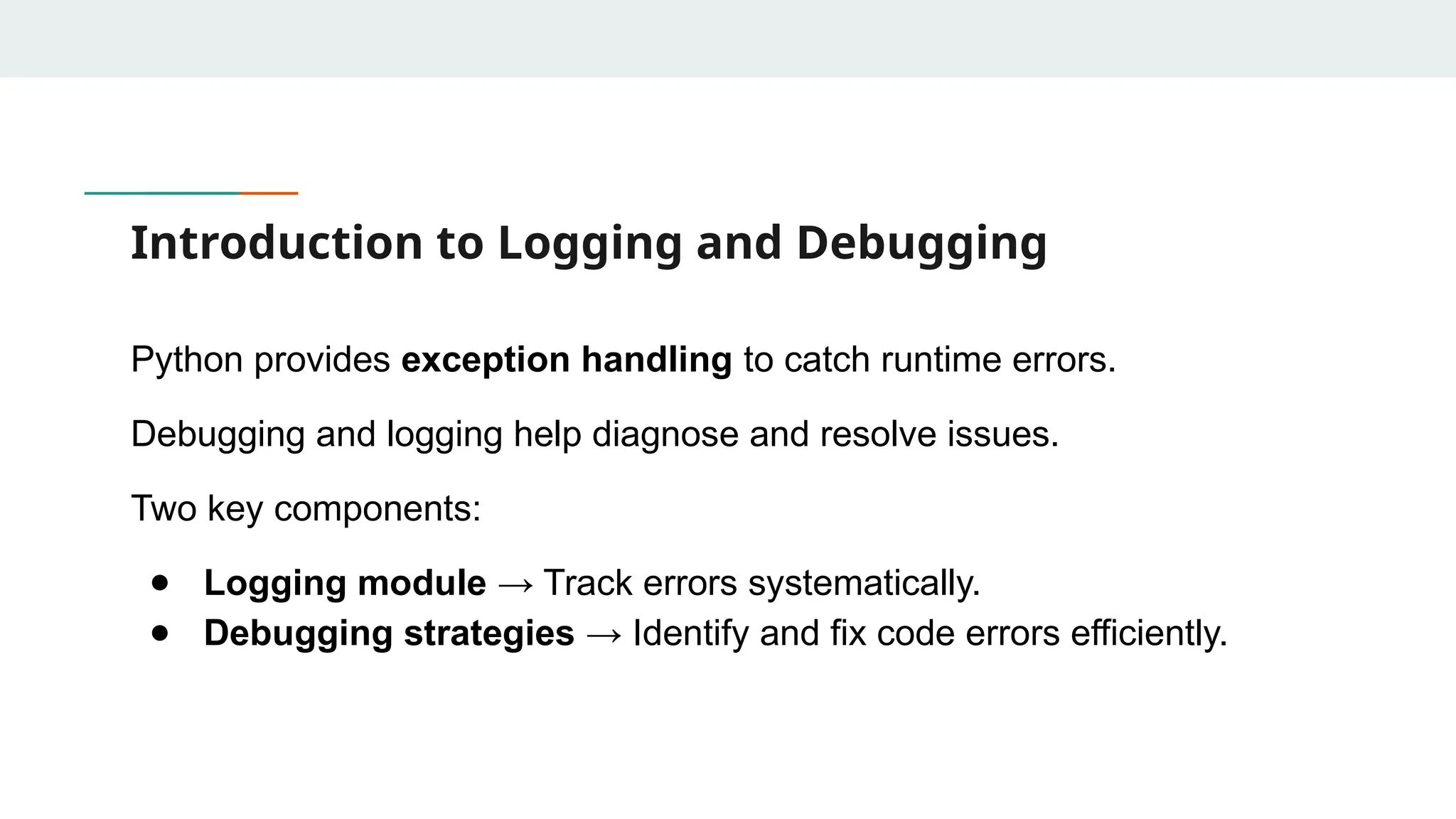
Introduction to Loggingand Debugging Python provides exception handling to catch runtime errors. Debugging and logging help diagnose and resolve issues. Two key components: ● Logging module → Track errors systematically. ● Debugging strategies → Identify and fix code errors efficiently.
66.
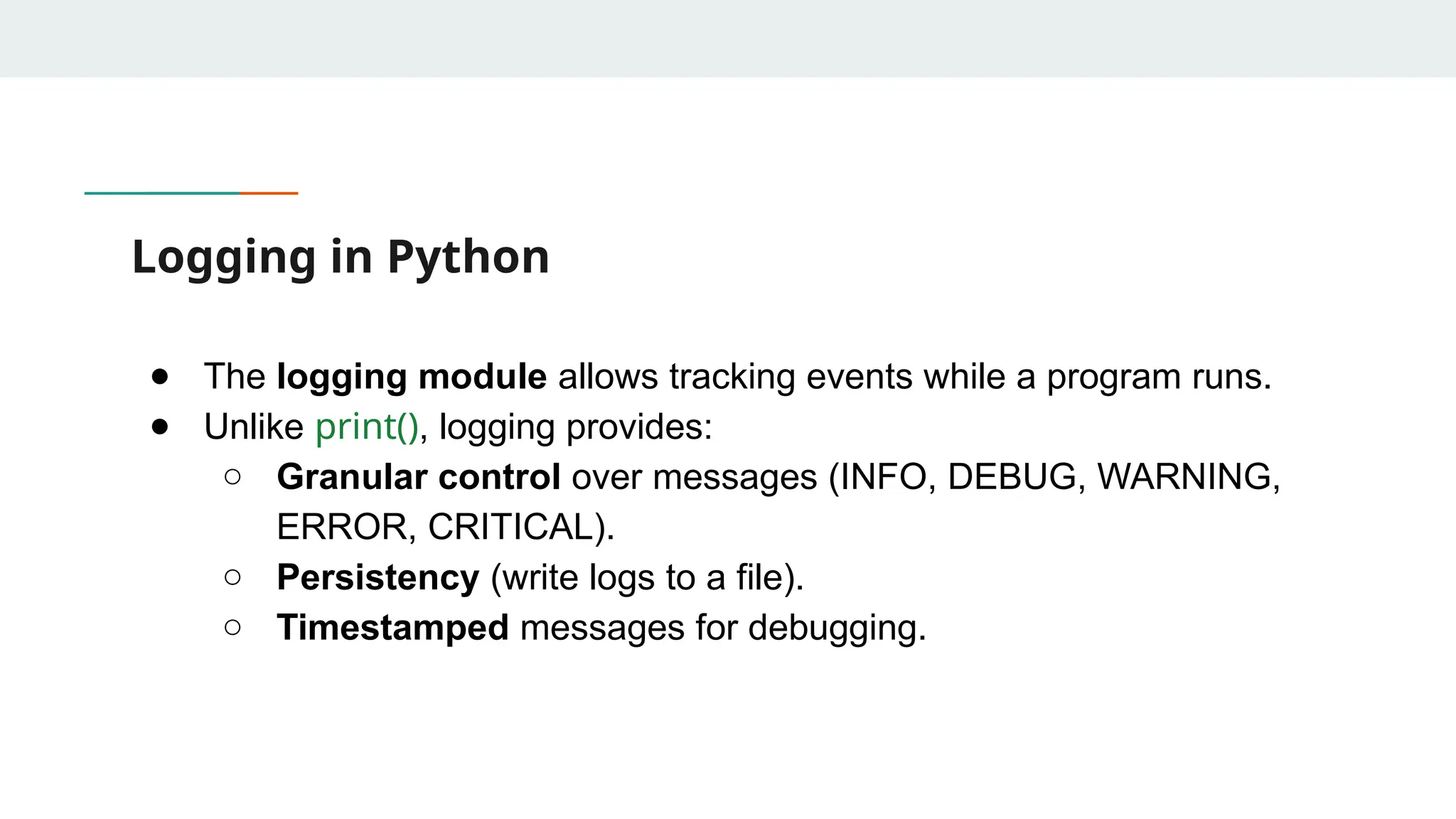
Logging in Python ●The logging module allows tracking events while a program runs. ● Unlike print(), logging provides: ○ Granular control over messages (INFO, DEBUG, WARNING, ERROR, CRITICAL). ○ Persistency (write logs to a file). ○ Timestamped messages for debugging.
67.
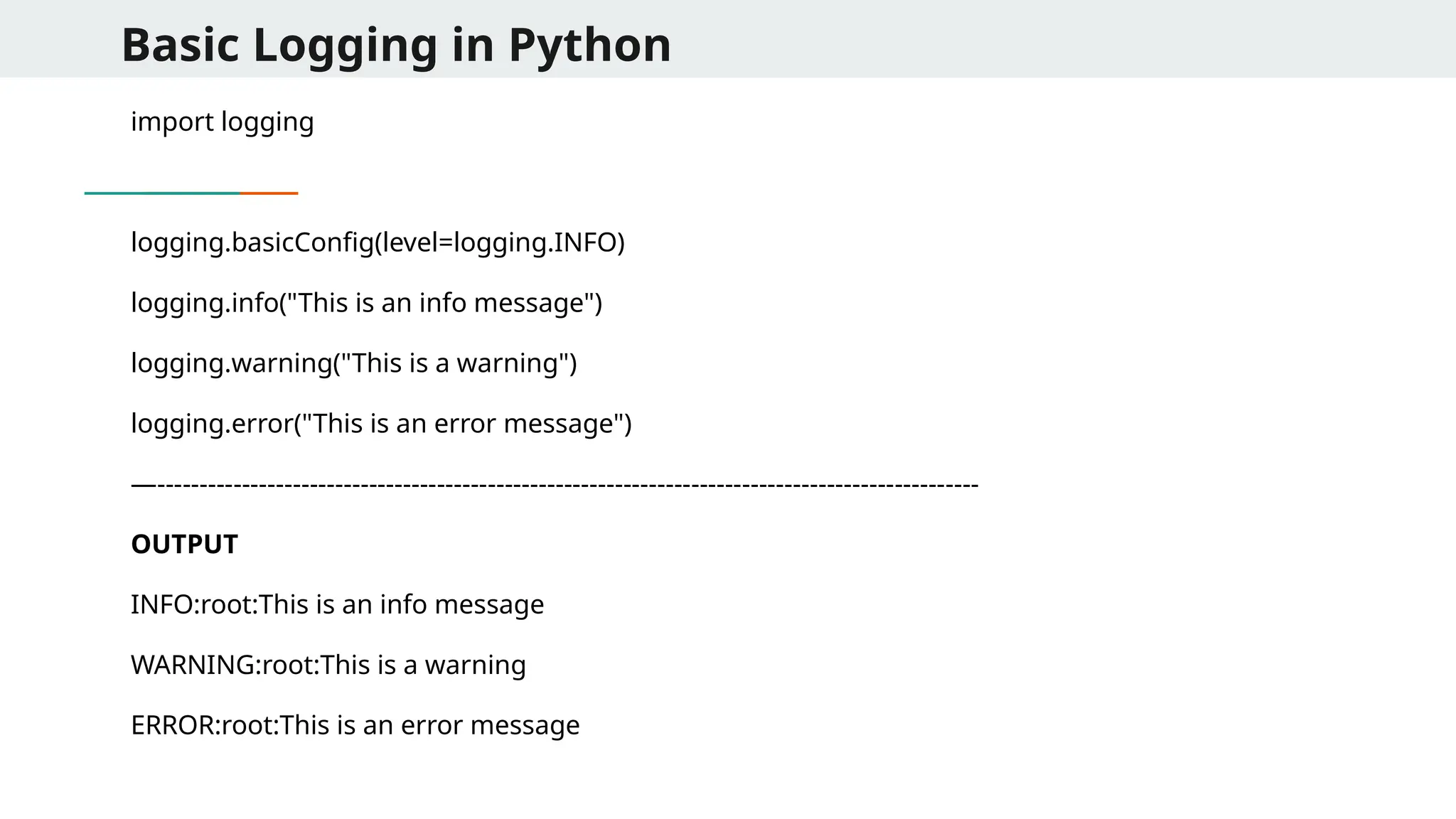
Basic Logging inPython import logging logging.basicConfig(level=logging.INFO) logging.info("This is an info message") logging.warning("This is a warning") logging.error("This is an error message") —------------------------------------------------------------------------------------------------- OUTPUT INFO:root:This is an info message WARNING:root:This is a warning ERROR:root:This is an error message
68.
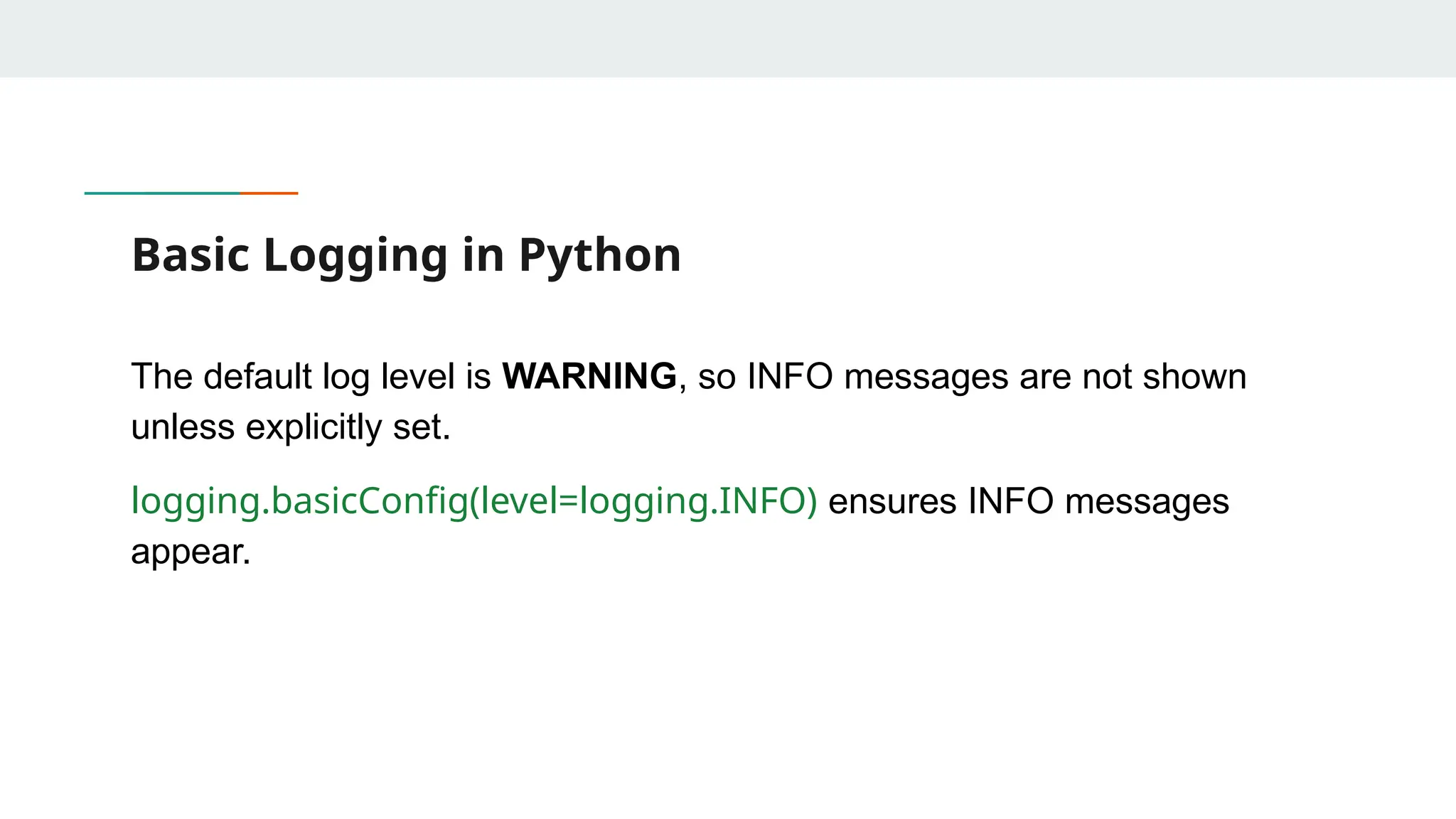
Basic Logging inPython The default log level is WARNING, so INFO messages are not shown unless explicitly set. logging.basicConfig(level=logging.INFO) ensures INFO messages appear.
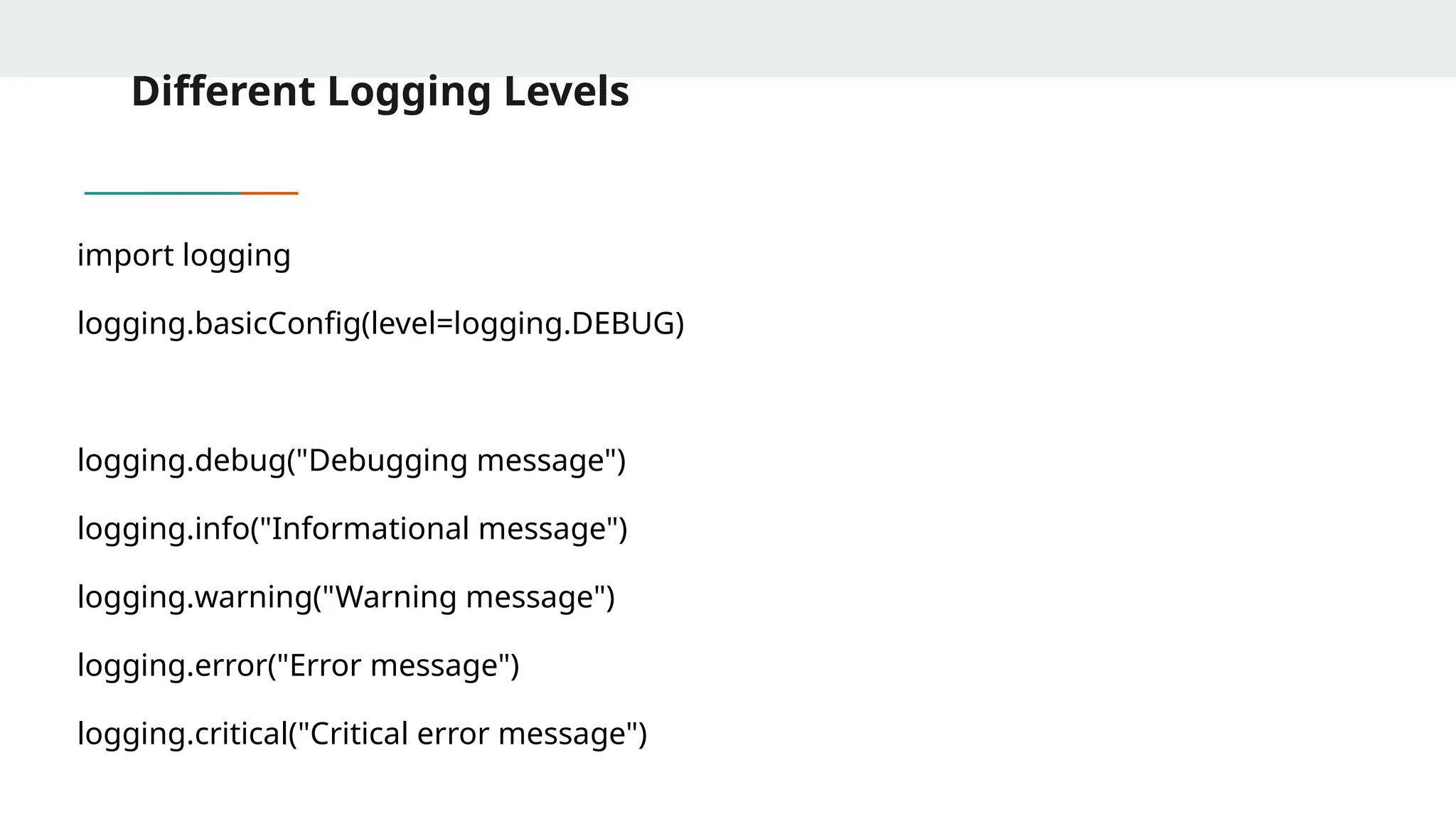
69.
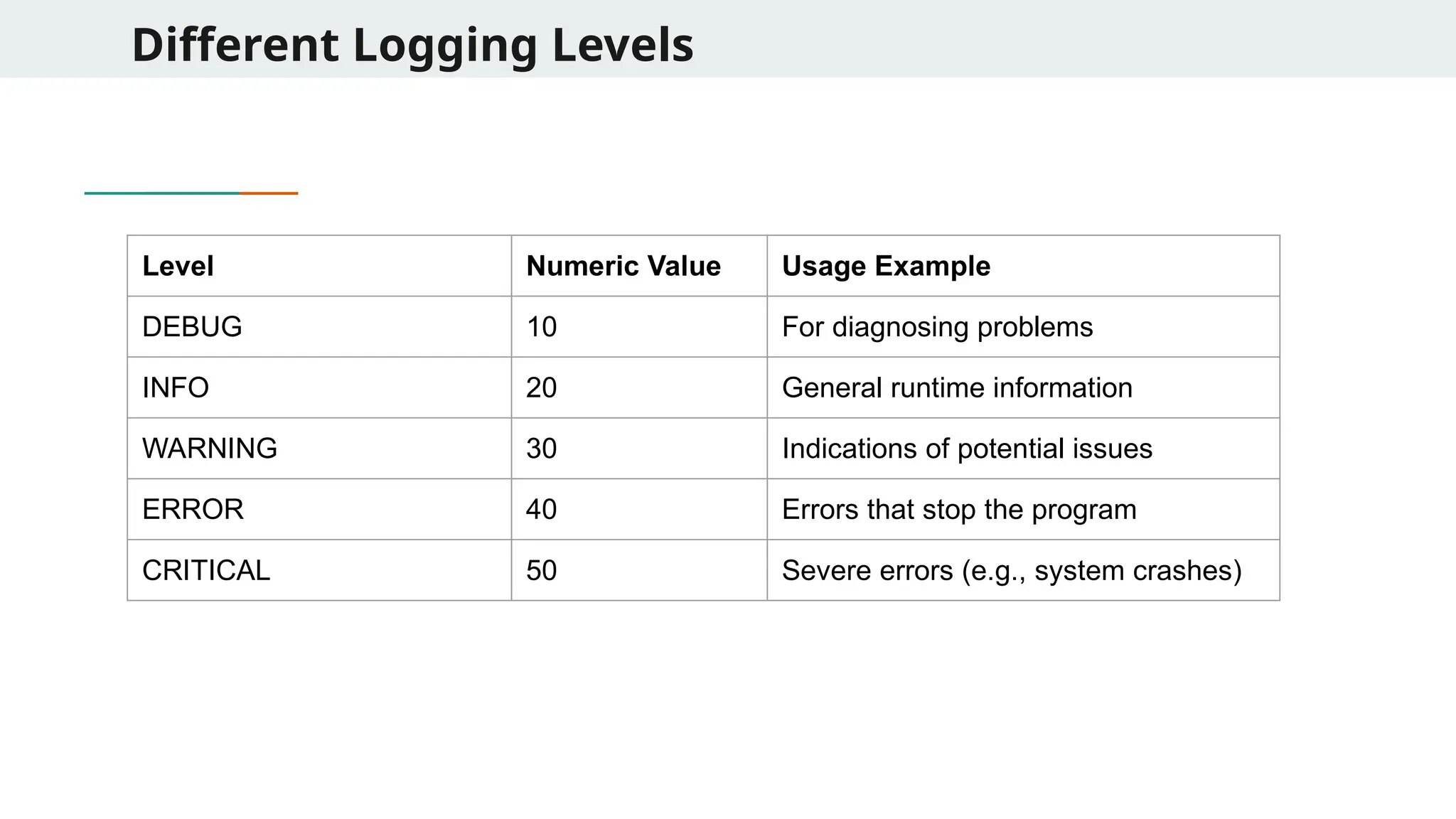
Different Logging Levels LevelNumeric Value Usage Example DEBUG 10 For diagnosing problems INFO 20 General runtime information WARNING 30 Indications of potential issues ERROR 40 Errors that stop the program CRITICAL 50 Severe errors (e.g., system crashes)
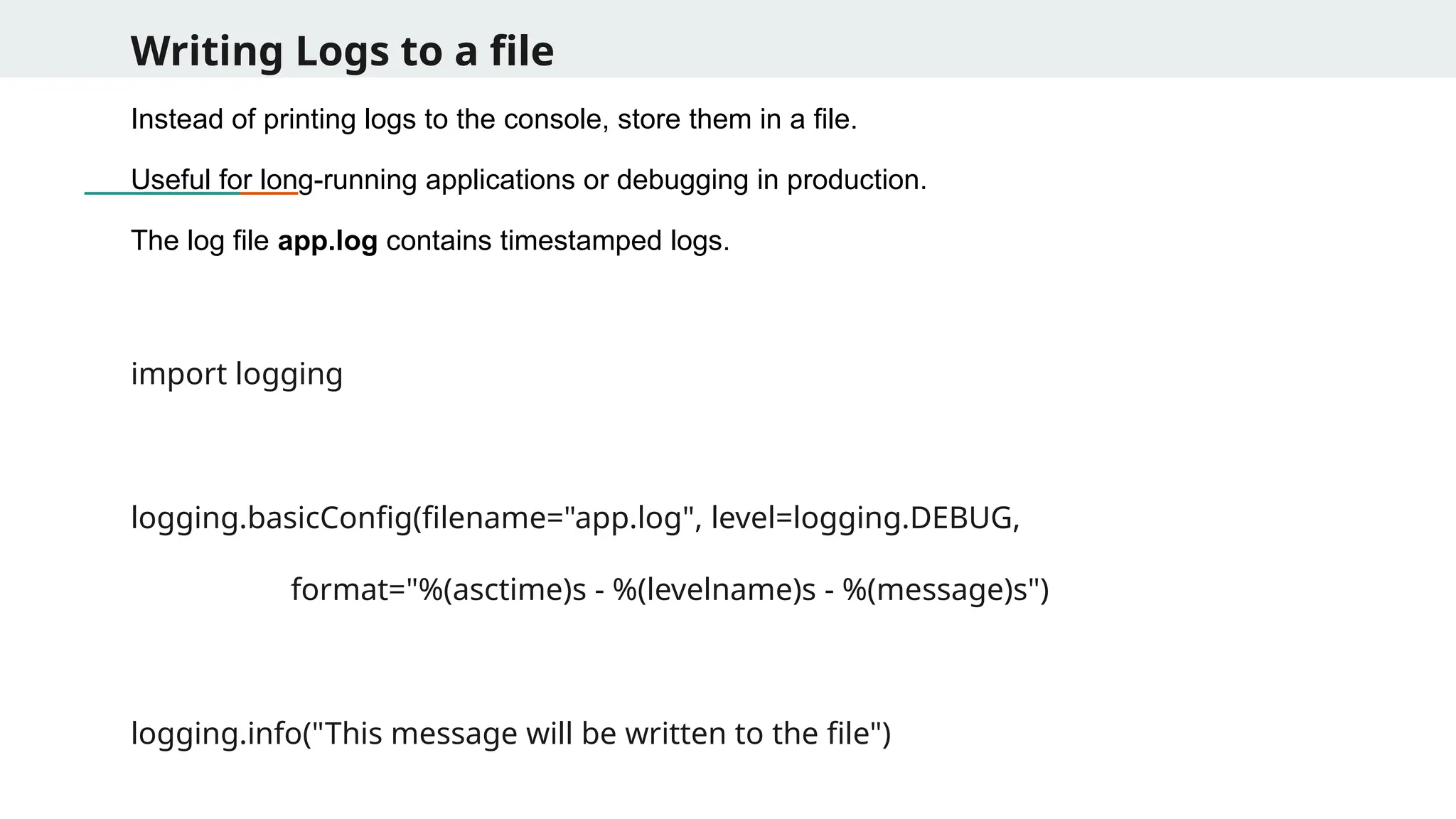
Writing Logs toa file Instead of printing logs to the console, store them in a file. Useful for long-running applications or debugging in production. The log file app.log contains timestamped logs. import logging logging.basicConfig(filename="app.log", level=logging.DEBUG, format="%(asctime)s - %(levelname)s - %(message)s") logging.info("This message will be written to the file")
72.
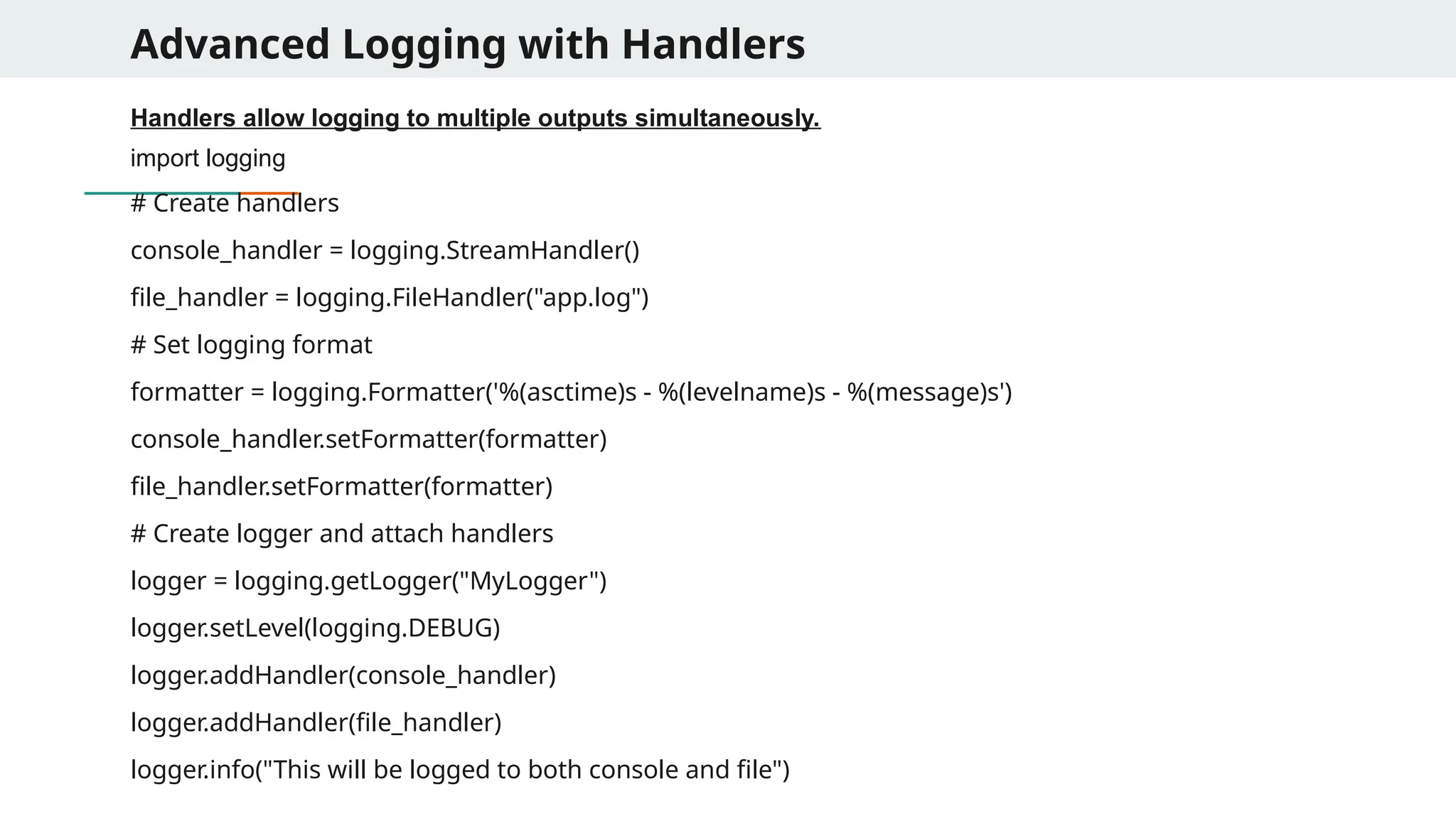
Advanced Logging withHandlers Handlers allow logging to multiple outputs simultaneously. import logging # Create handlers console_handler = logging.StreamHandler() file_handler = logging.FileHandler("app.log") # Set logging format formatter = logging.Formatter('%(asctime)s - %(levelname)s - %(message)s') console_handler.setFormatter(formatter) file_handler.setFormatter(formatter) # Create logger and attach handlers logger = logging.getLogger("MyLogger") logger.setLevel(logging.DEBUG) logger.addHandler(console_handler) logger.addHandler(file_handler) logger.info("This will be logged to both console and file")
73.
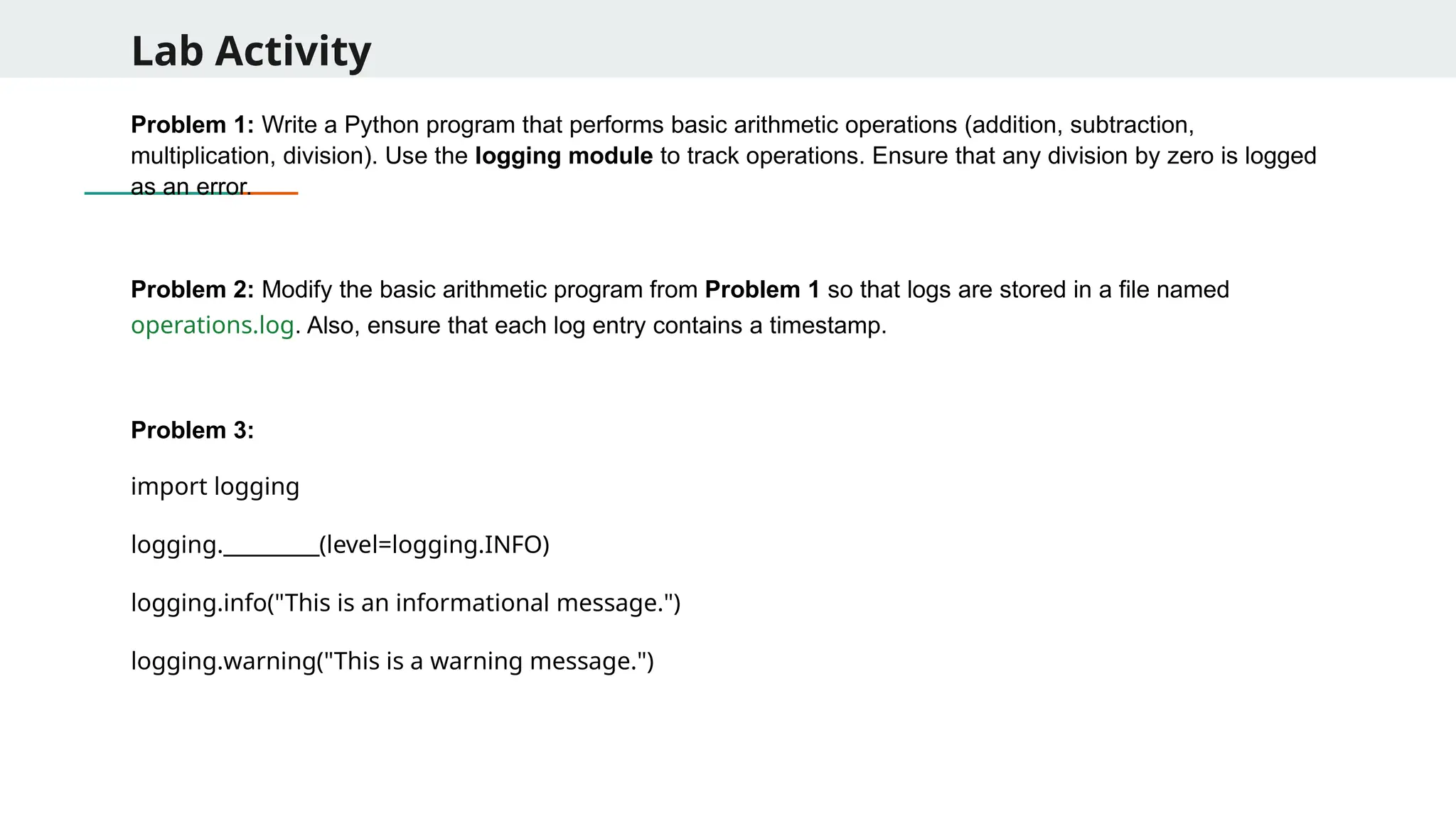
Lab Activity Problem 1:Write a Python program that performs basic arithmetic operations (addition, subtraction, multiplication, division). Use the logging module to track operations. Ensure that any division by zero is logged as an error. Problem 2: Modify the basic arithmetic program from Problem 1 so that logs are stored in a file named operations.log. Also, ensure that each log entry contains a timestamp. Problem 3: import logging logging._________(level=logging.INFO) logging.info("This is an informational message.") logging.warning("This is a warning message.")
74.
Lab Activity Problem 4:The following function crashes. Use logging to debug it and fix the issue. def buggy_function(): numbers = [1, 2, 3, 4] return numbers[10] # Out of range error buggy_function() Problem 5: Write a Python function divide(a, b) that performs division and logs: ● INFO: When division is successful. ● ERROR: If b = 0 (division by zero) Problem 6: In a large application with multiple modules, you want a centralized logging system to log errors, warnings, and info messages from different parts of the application.
75.
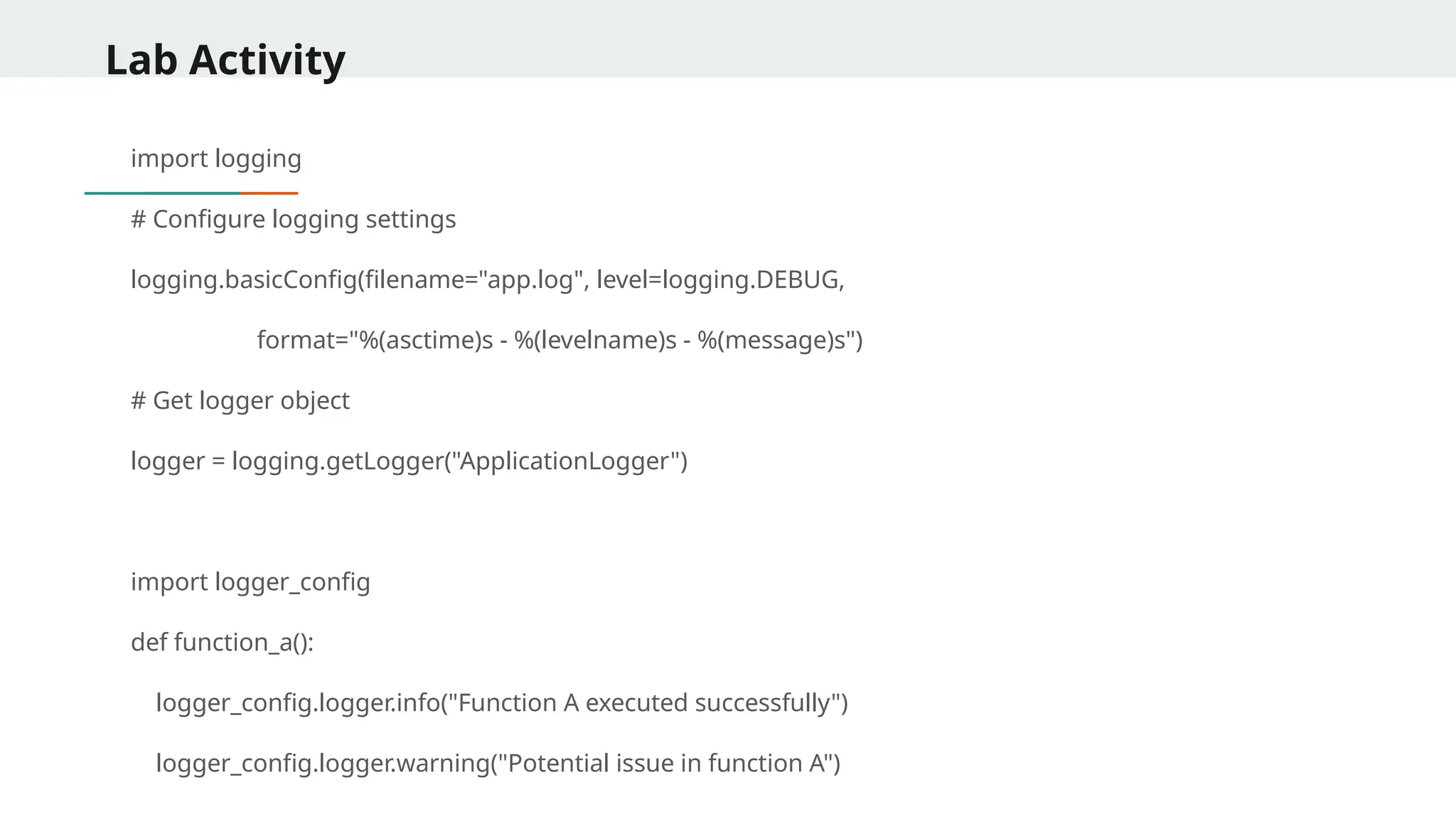
Lab Activity import logging #Configure logging settings logging.basicConfig(filename="app.log", level=logging.DEBUG, format="%(asctime)s - %(levelname)s - %(message)s") # Get logger object logger = logging.getLogger("ApplicationLogger") import logger_config def function_a(): logger_config.logger.info("Function A executed successfully") logger_config.logger.warning("Potential issue in function A")
76.
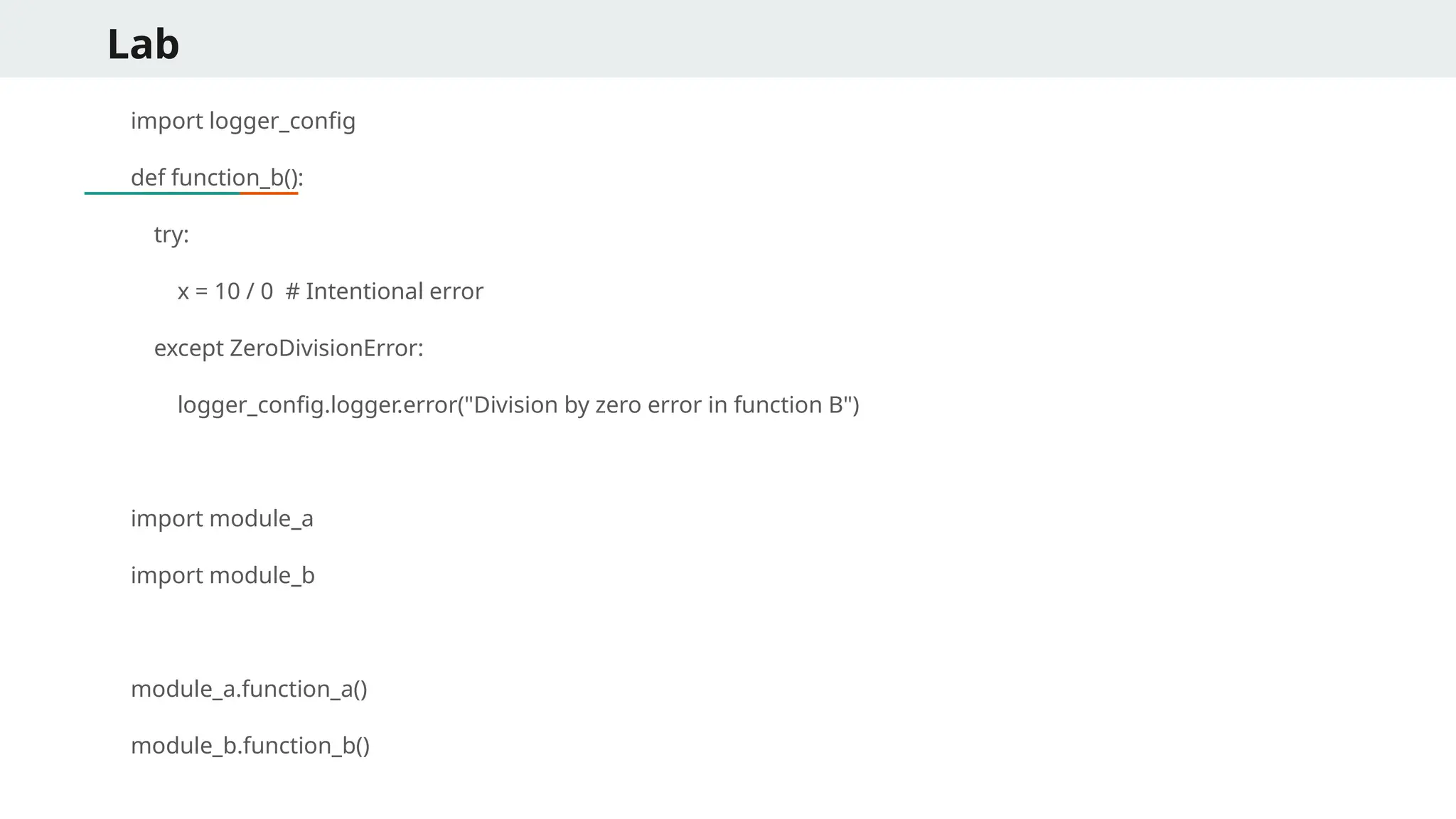
Lab import logger_config def function_b(): try: x= 10 / 0 # Intentional error except ZeroDivisionError: logger_config.logger.error("Division by zero error in function B") import module_a import module_b module_a.function_a() module_b.function_b()
77.
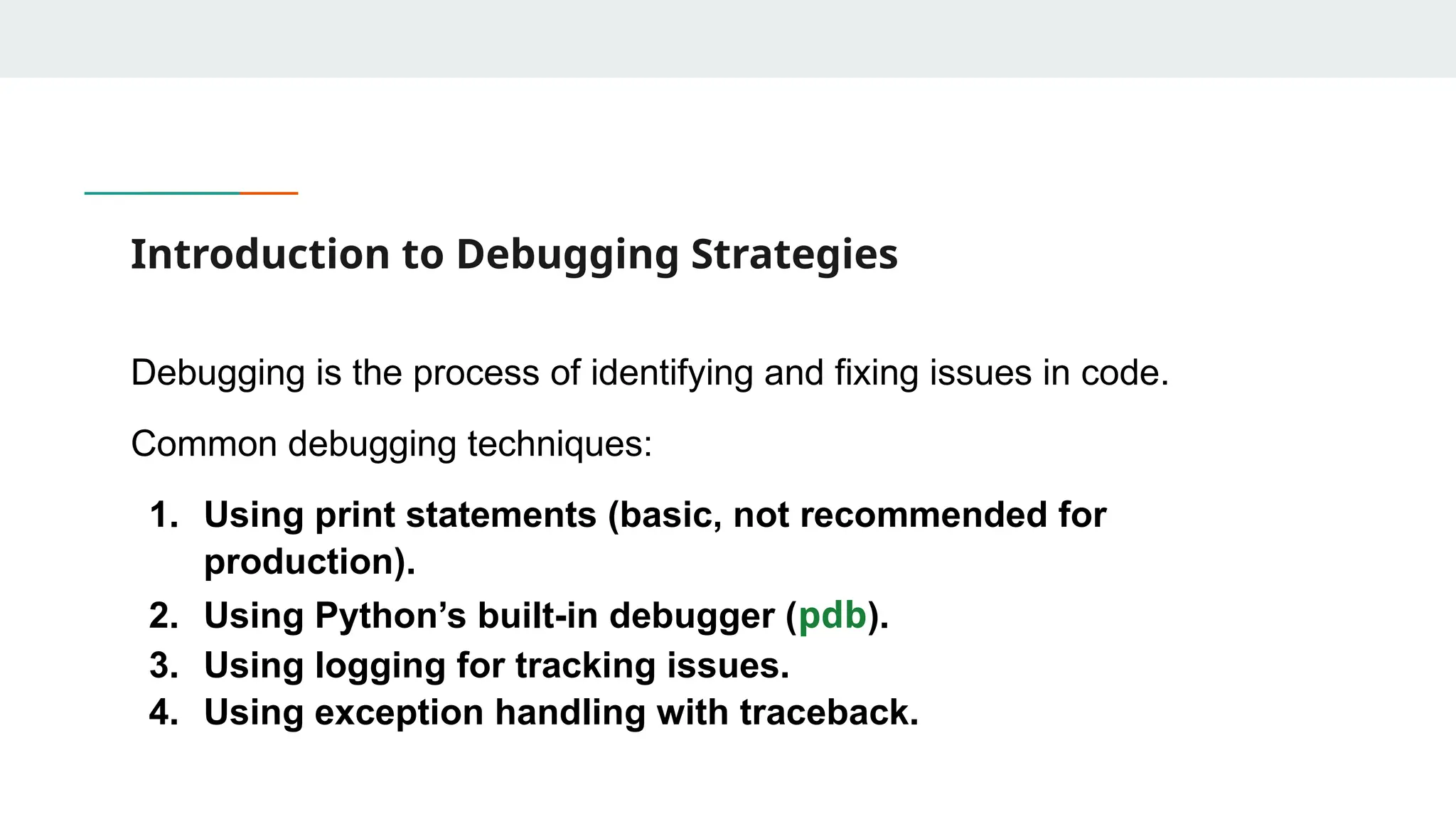
Introduction to DebuggingStrategies Debugging is the process of identifying and fixing issues in code. Common debugging techniques: 1. Using print statements (basic, not recommended for production). 2. Using Python’s built-in debugger (pdb). 3. Using logging for tracking issues. 4. Using exception handling with traceback.
78.
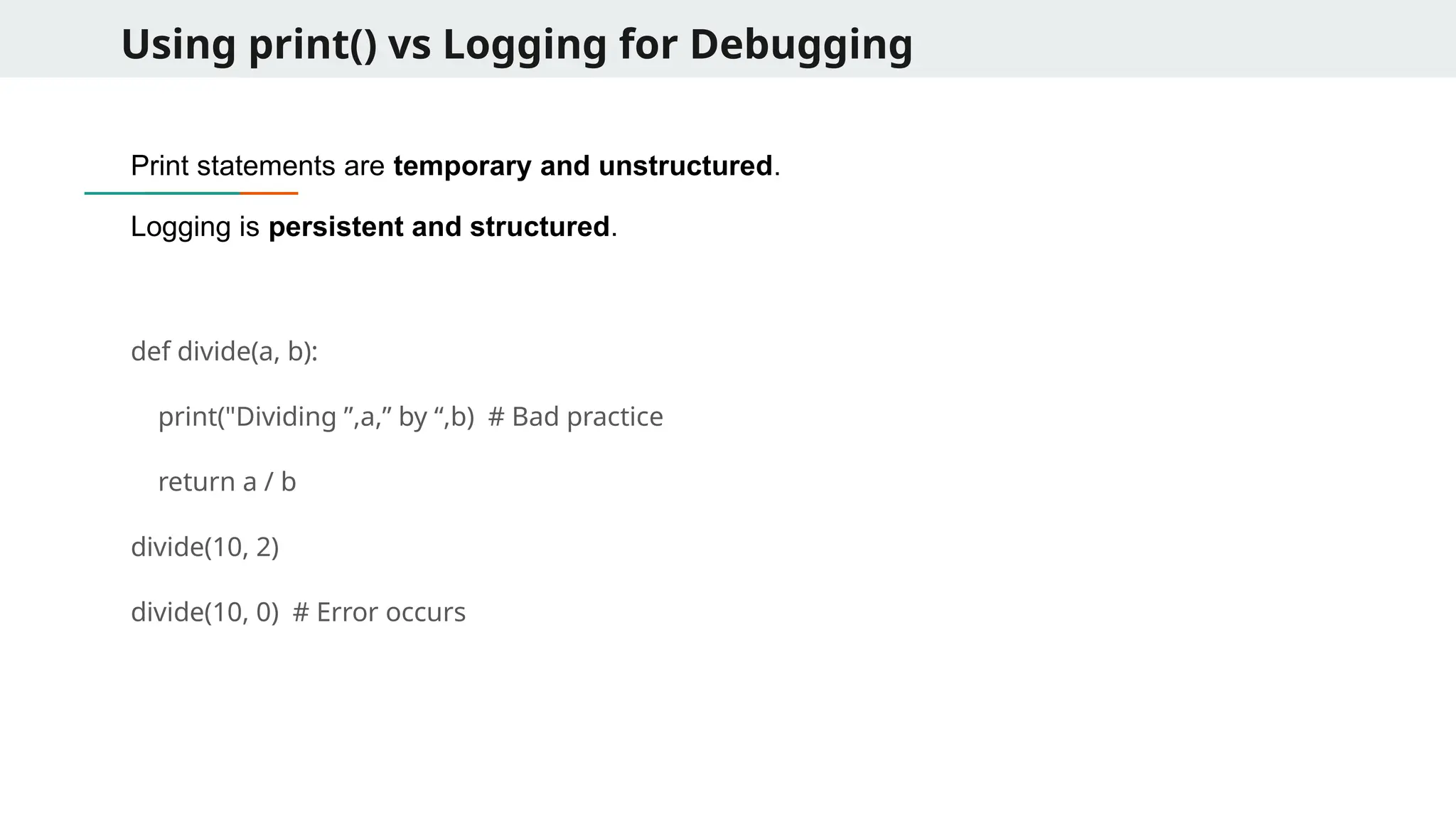
Using print() vsLogging for Debugging Print statements are temporary and unstructured. Logging is persistent and structured. def divide(a, b): print("Dividing ”,a,” by “,b) # Bad practice return a / b divide(10, 2) divide(10, 0) # Error occurs
79.
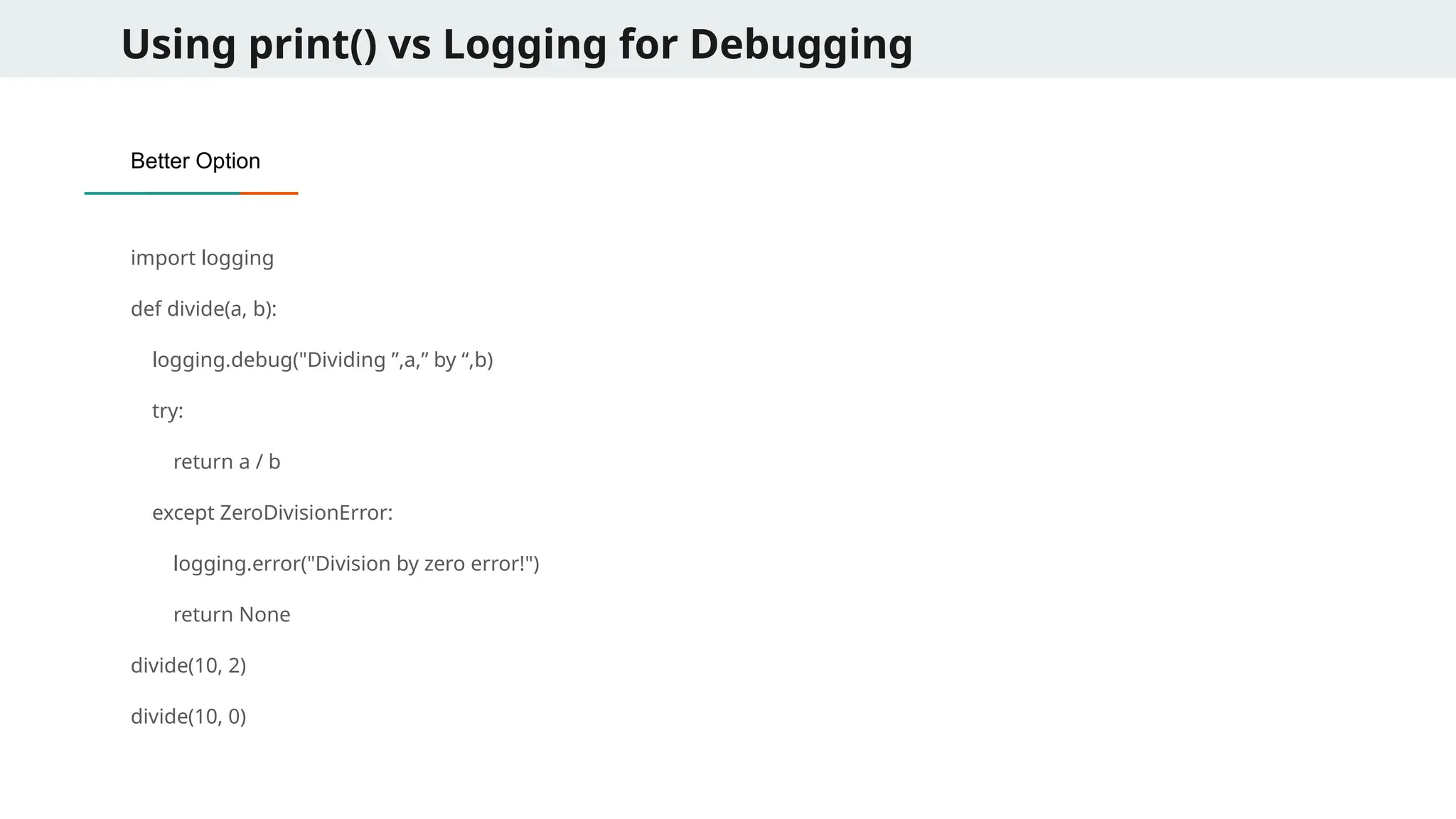
Using print() vsLogging for Debugging Better Option import logging def divide(a, b): logging.debug("Dividing ”,a,” by “,b) try: return a / b except ZeroDivisionError: logging.error("Division by zero error!") return None divide(10, 2) divide(10, 0)
80.
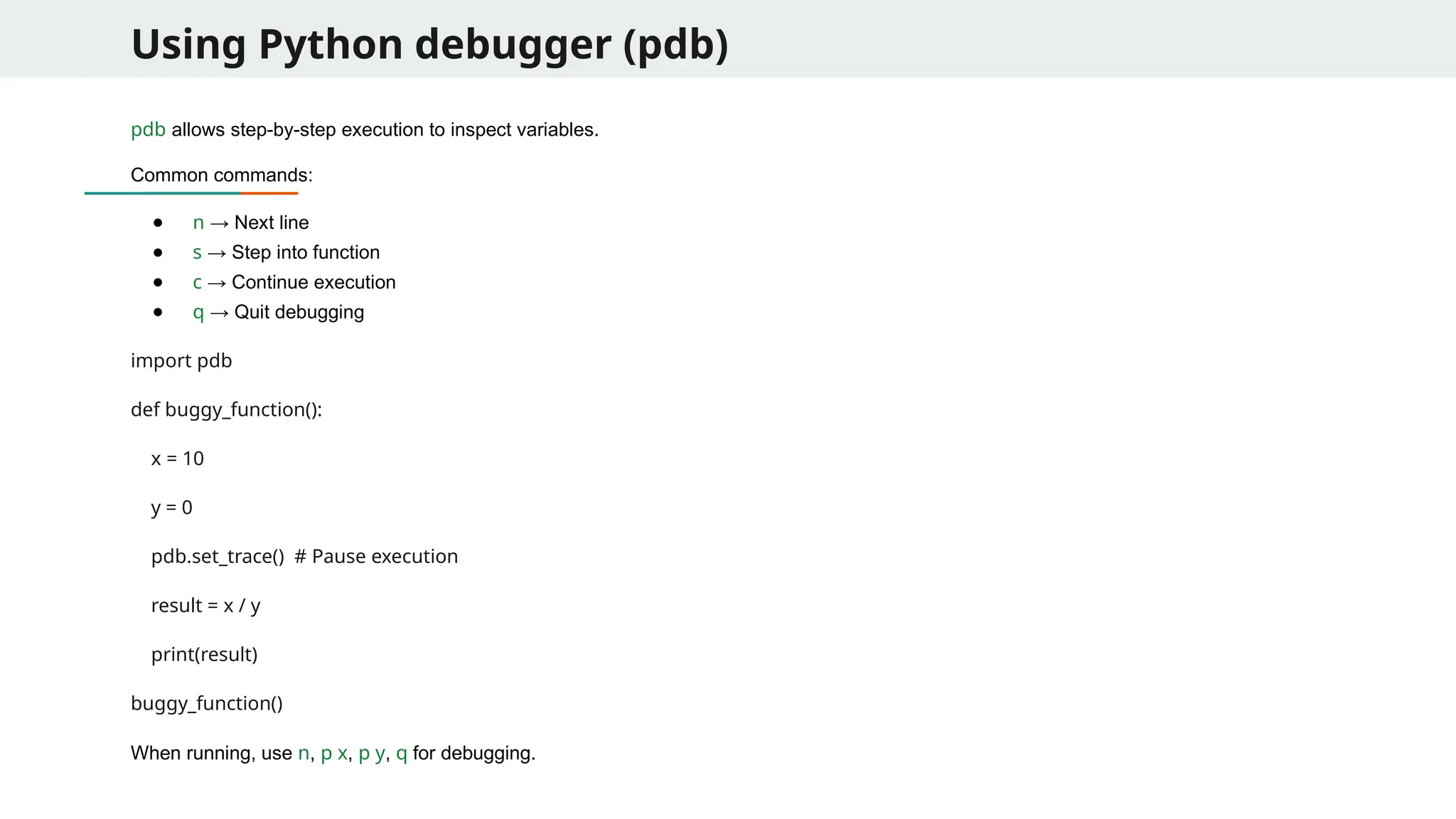
Using Python debugger(pdb) pdb allows step-by-step execution to inspect variables. Common commands: ● n → Next line ● s → Step into function ● c → Continue execution ● q → Quit debugging import pdb def buggy_function(): x = 10 y = 0 pdb.set_trace() # Pause execution result = x / y print(result) buggy_function() When running, use n, p x, p y, q for debugging.
81.
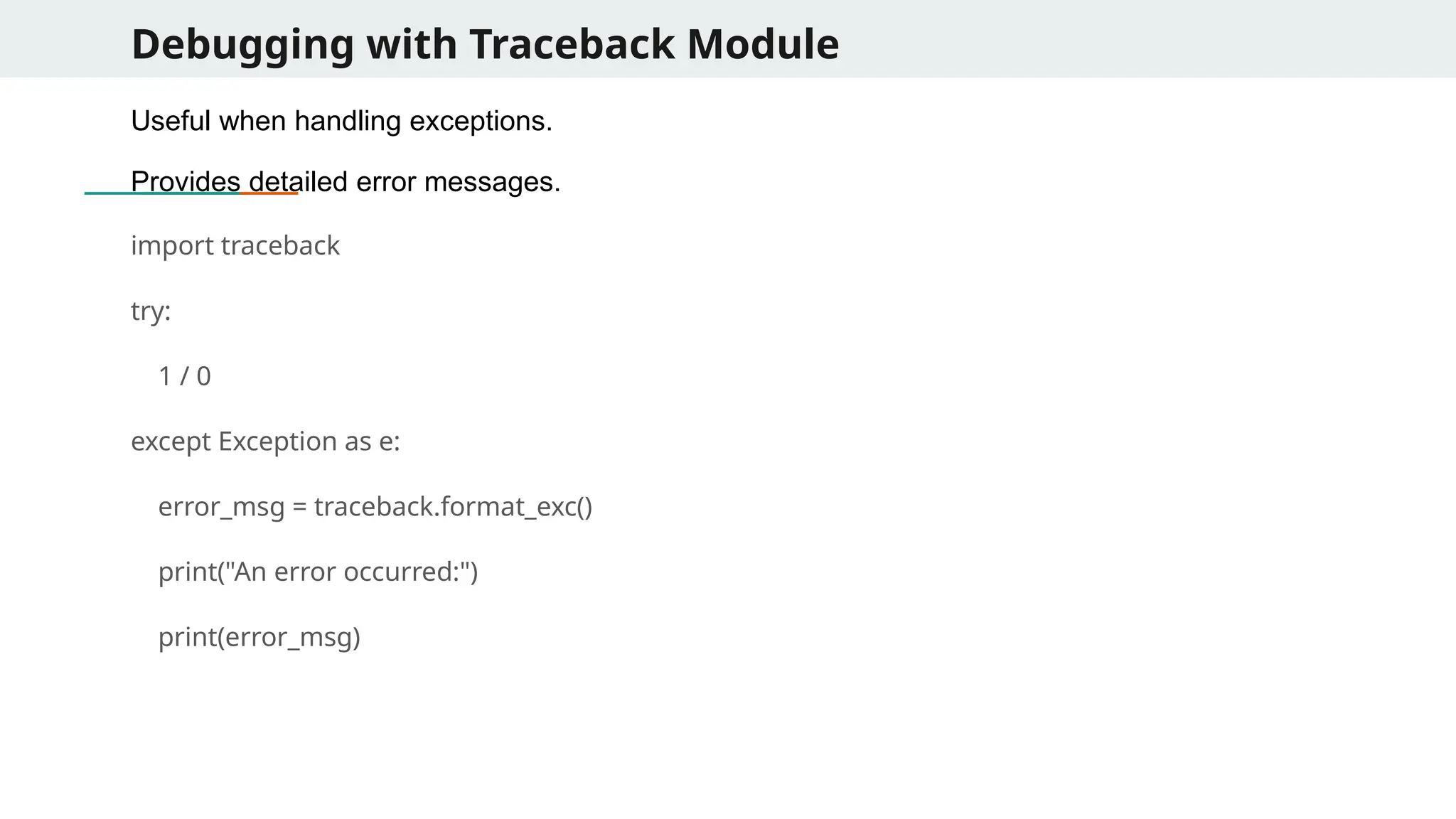
Debugging with TracebackModule Useful when handling exceptions. Provides detailed error messages. import traceback try: 1 / 0 except Exception as e: error_msg = traceback.format_exc() print("An error occurred:") print(error_msg)
82.
Example: Debugging aComplex Function Buggy Code: import logging logging.basicConfig(level=logging.DEBUG) def process_data(data): logging.debug(f"Processing data: {data}") total = sum(data) / len(data) # Potential ZeroDivisionError return total dataset = [10, 20, 30, 0, 50] print(process_data(dataset)) dataset = [] # This will cause an error print(process_data(dataset))
83.
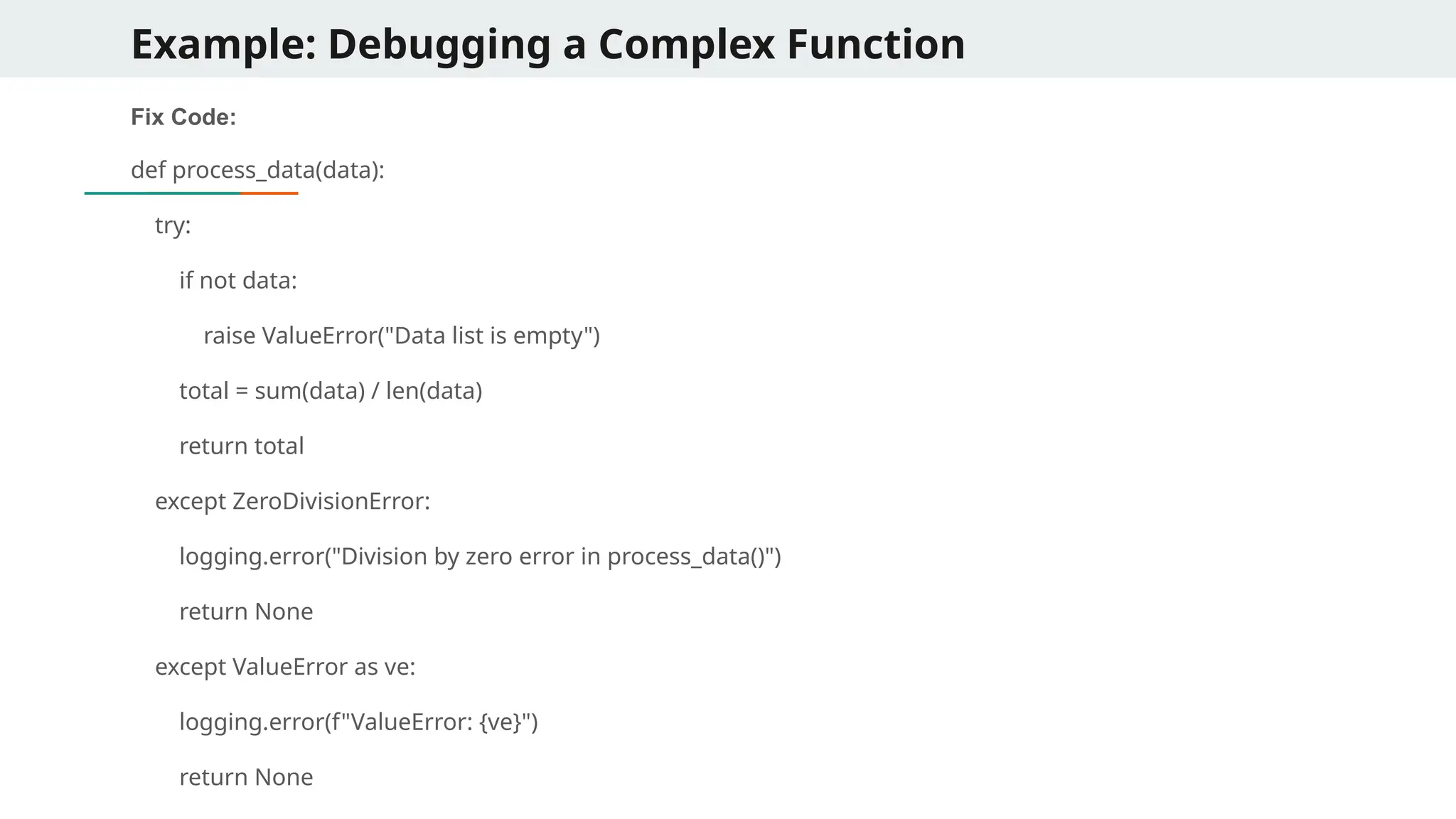
Example: Debugging aComplex Function Fix Code: def process_data(data): try: if not data: raise ValueError("Data list is empty") total = sum(data) / len(data) return total except ZeroDivisionError: logging.error("Division by zero error in process_data()") return None except ValueError as ve: logging.error(f"ValueError: {ve}") return None
84.
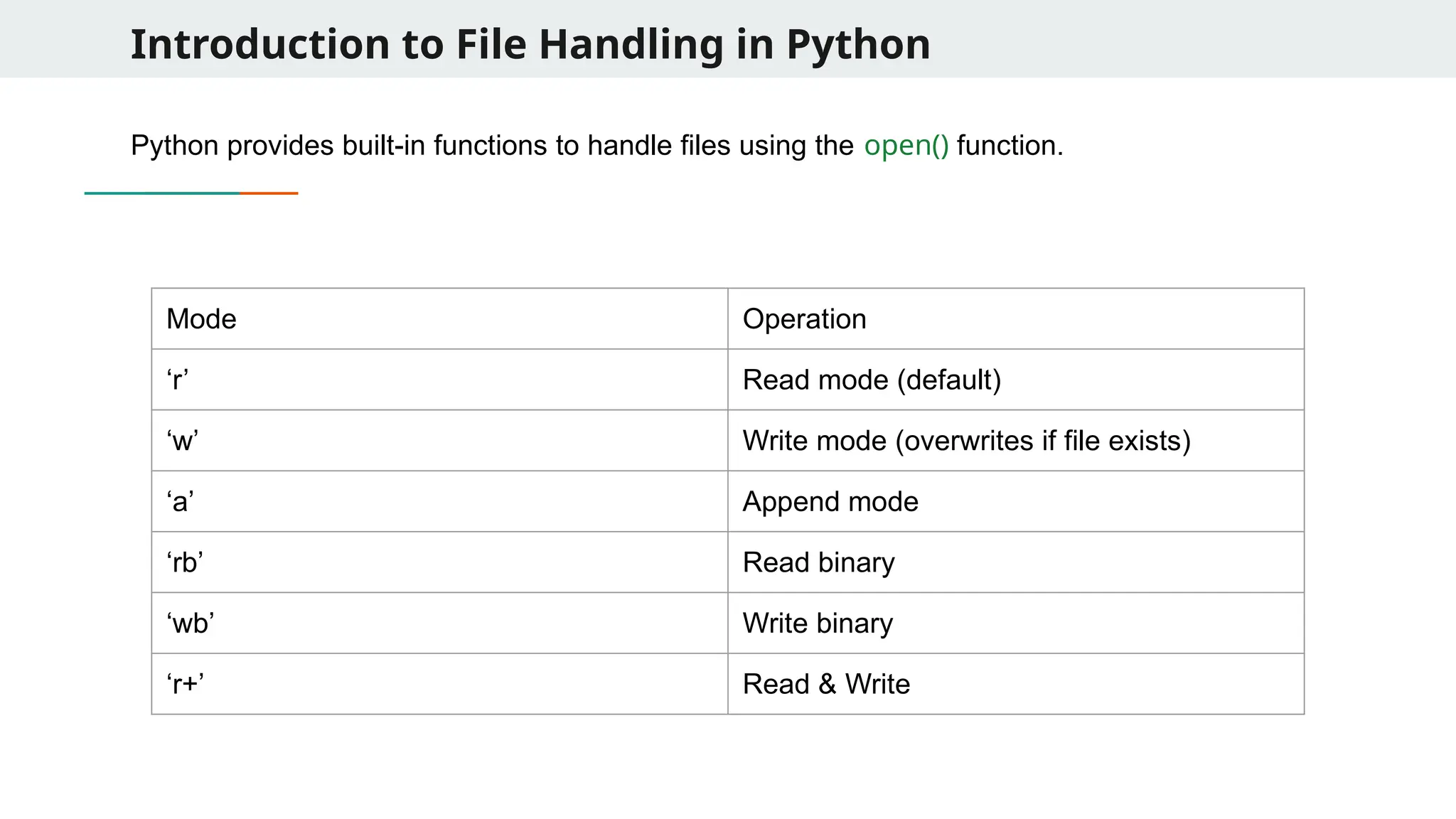
Introduction to FileHandling in Python Python provides built-in functions to handle files using the open() function. Mode Operation ‘r’ Read mode (default) ‘w’ Write mode (overwrites if file exists) ‘a’ Append mode ‘rb’ Read binary ‘wb’ Write binary ‘r+’ Read & Write
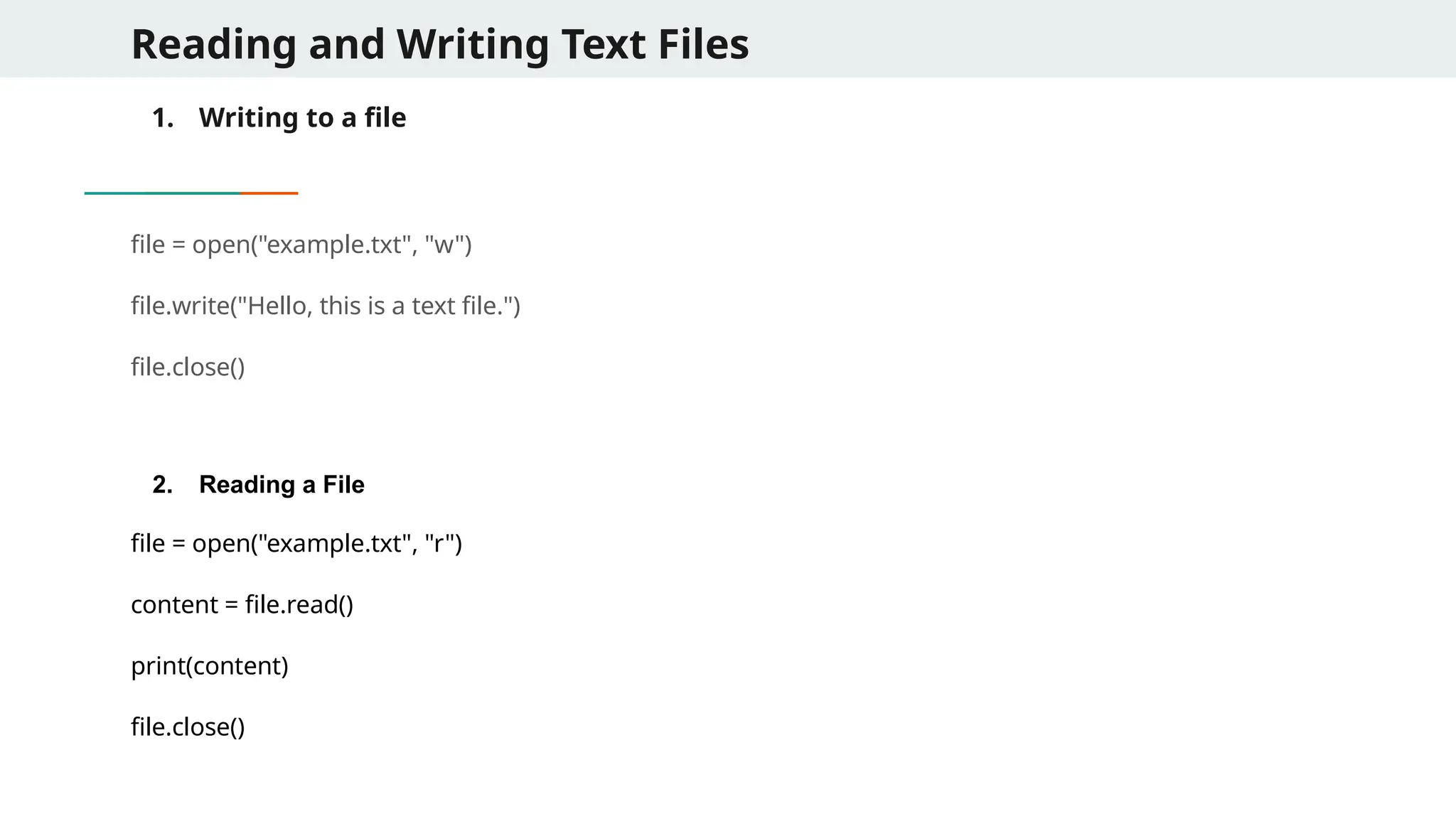
Reading and WritingText Files 1. Writing to a file file = open("example.txt", "w") file.write("Hello, this is a text file.") file.close() 2. Reading a File file = open("example.txt", "r") content = file.read() print(content) file.close()
87.
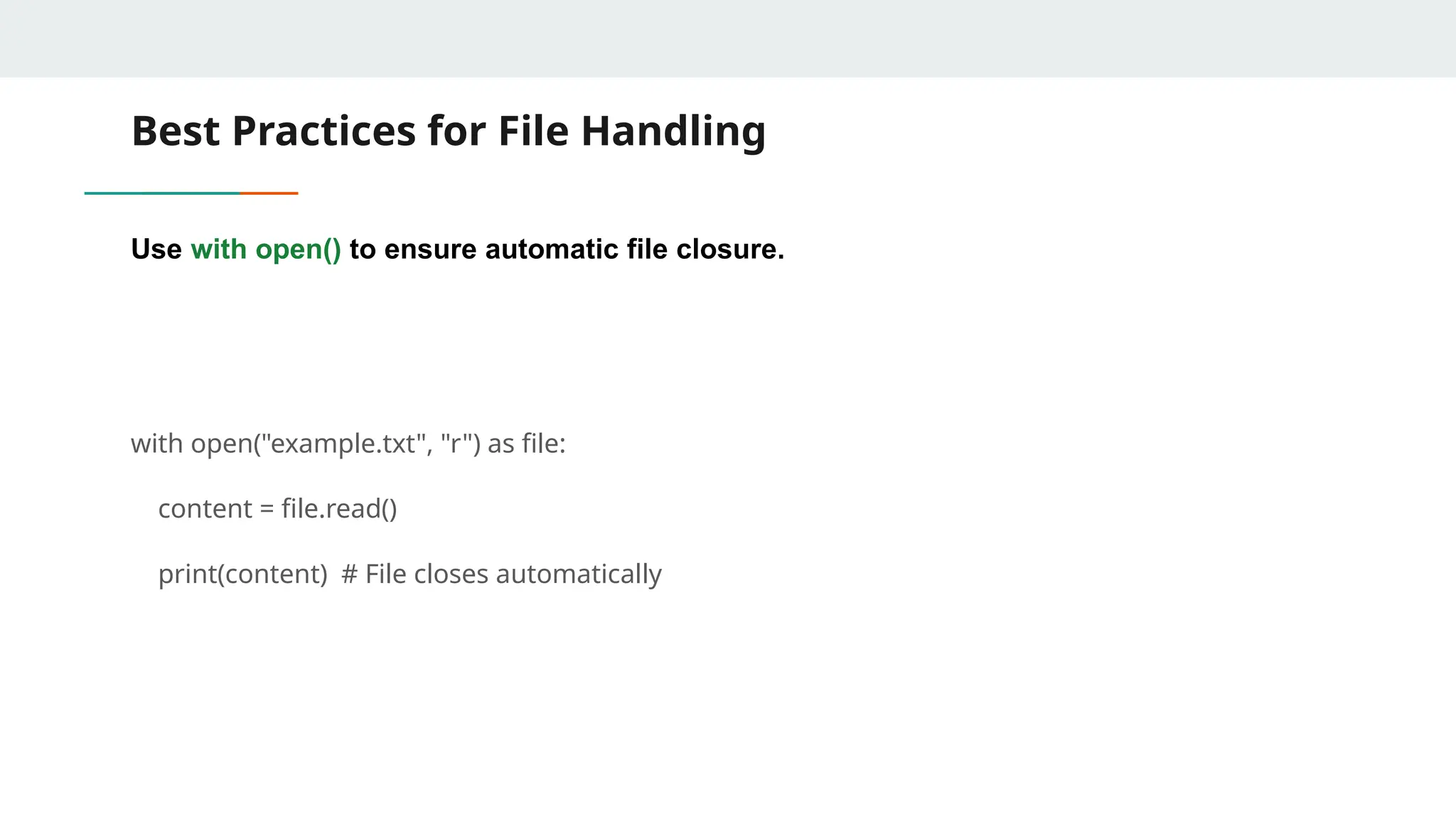
Best Practices forFile Handling Use with open() to ensure automatic file closure. with open("example.txt", "r") as file: content = file.read() print(content) # File closes automatically
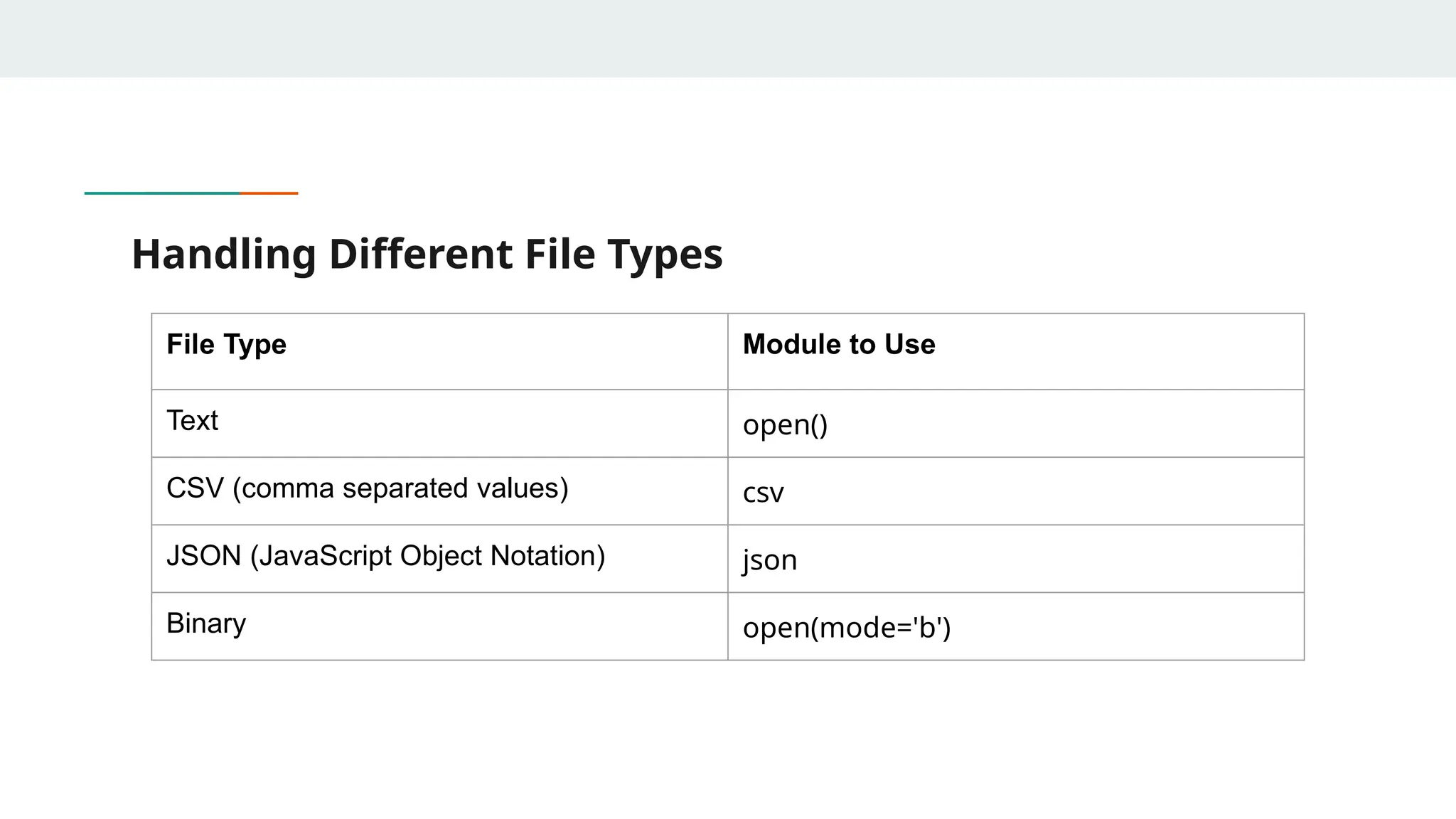
88.
Handling Different FileTypes File Type Module to Use Text open() CSV (comma separated values) csv JSON (JavaScript Object Notation) json Binary open(mode='b')
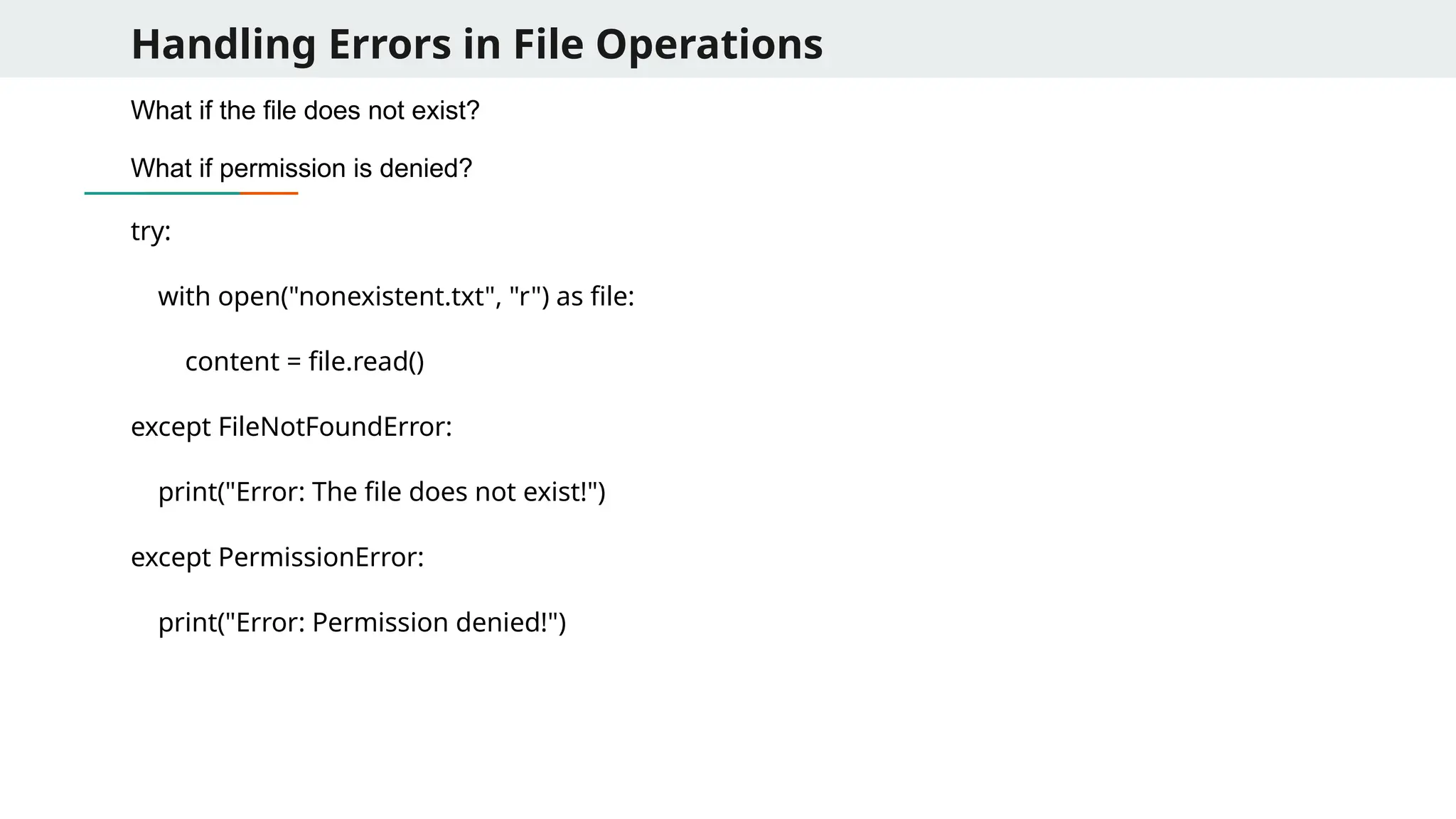
89.
Handling Errors inFile Operations What if the file does not exist? What if permission is denied? try: with open("nonexistent.txt", "r") as file: content = file.read() except FileNotFoundError: print("Error: The file does not exist!") except PermissionError: print("Error: Permission denied!")
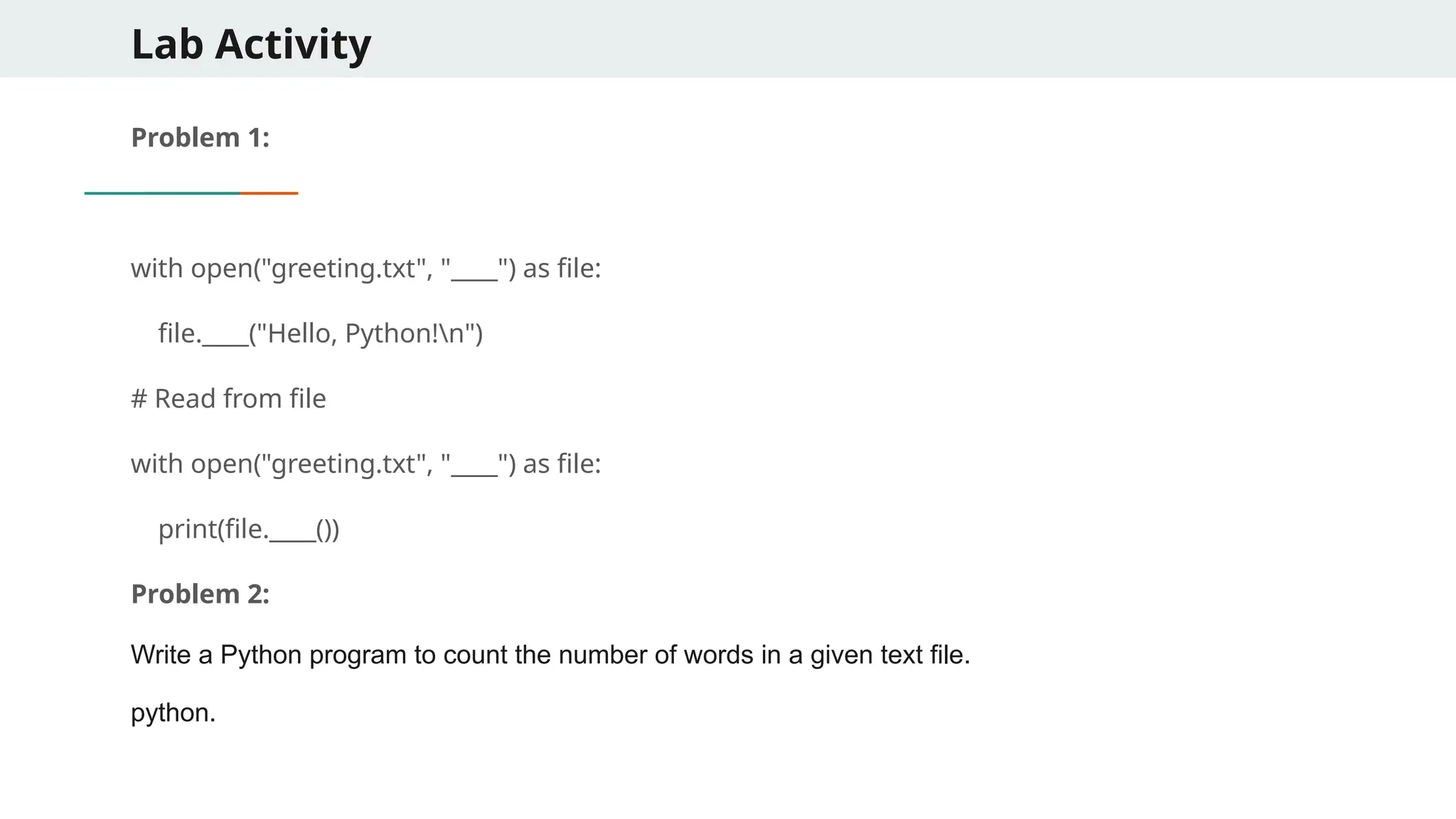
90.
Lab Activity Problem 1: withopen("greeting.txt", "____") as file: file.____("Hello, Python!n") # Read from file with open("greeting.txt", "____") as file: print(file.____()) Problem 2: Write a Python program to count the number of words in a given text file. python.
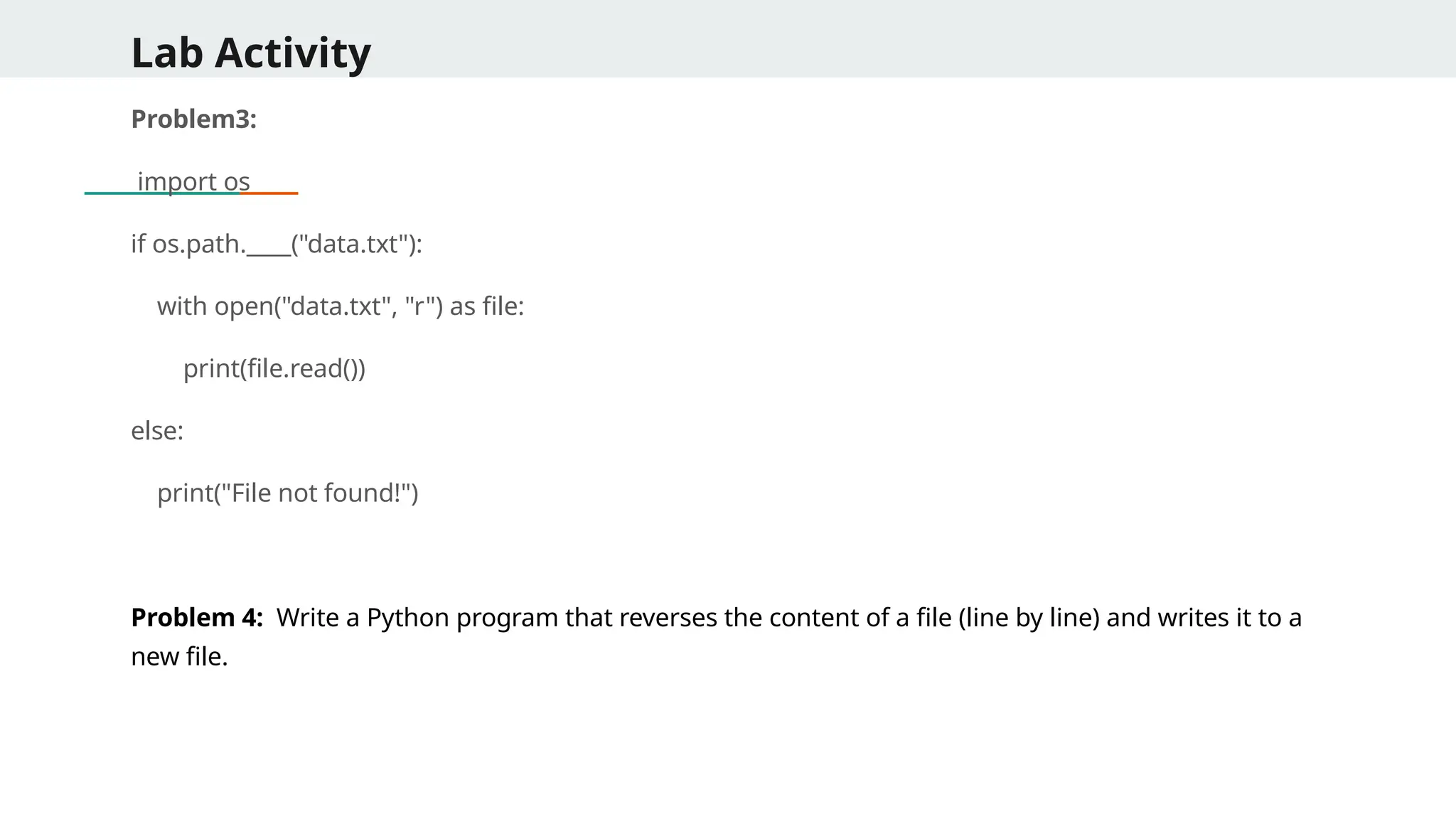
91.
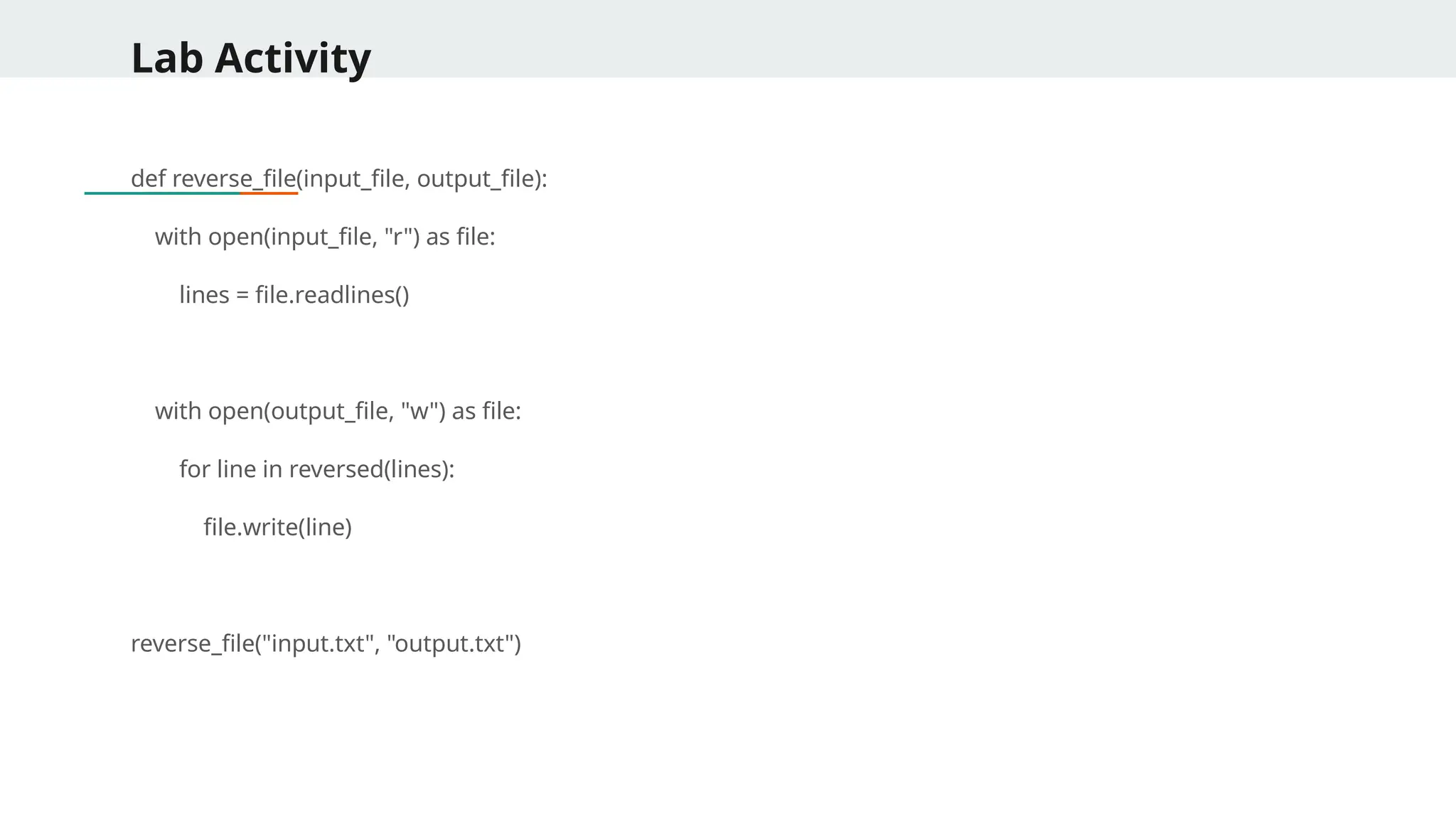
Lab Activity Problem3: import os ifos.path.____("data.txt"): with open("data.txt", "r") as file: print(file.read()) else: print("File not found!") Problem 4: Write a Python program that reverses the content of a file (line by line) and writes it to a new file.
92.
Lab Activity def reverse_file(input_file,output_file): with open(input_file, "r") as file: lines = file.readlines() with open(output_file, "w") as file: for line in reversed(lines): file.write(line) reverse_file("input.txt", "output.txt")
93.
Working with CSVFiles 1. Writing to a csv file import csv with open("students.csv", "w", newline="") as file: writer = csv.writer(file) writer.writerow(["Name", "Age", "Grade"]) writer.writerow(["John", 21, "A"]) writer.writerow(["Alice", 22, "B"]) 2. Reading csv file import csv with open("students.csv", "r") as file: reader = csv.reader(file) for row in reader: print(row)
94.
Working with CSVsusing Pandas import pandas as pd df = pd.read_csv("data.csv") print(df.head()) # Display first 5 rows Common Parameters Parameter Description sep="," Specifies delimiter (e.g., t for tab-separated files). header=0 Defines which row to use as column names. index_col=0 Sets a specific column as the index. usecols=["Name", "Age"] Loads only selected columns. nrows=10 Reads only the first 10 rows.
95.
Working with CSVusing Pandas Writing Data to a CSV File import pandas as pd data = {"Name": ["Alice", "Bob", "Charlie"], "Age": [25, 30, 35], "City": ["New York", "Los Angeles", "Chicago"]} df = pd.DataFrame(data) df.to_csv("output.csv", index=False) # Saves without index column
96.
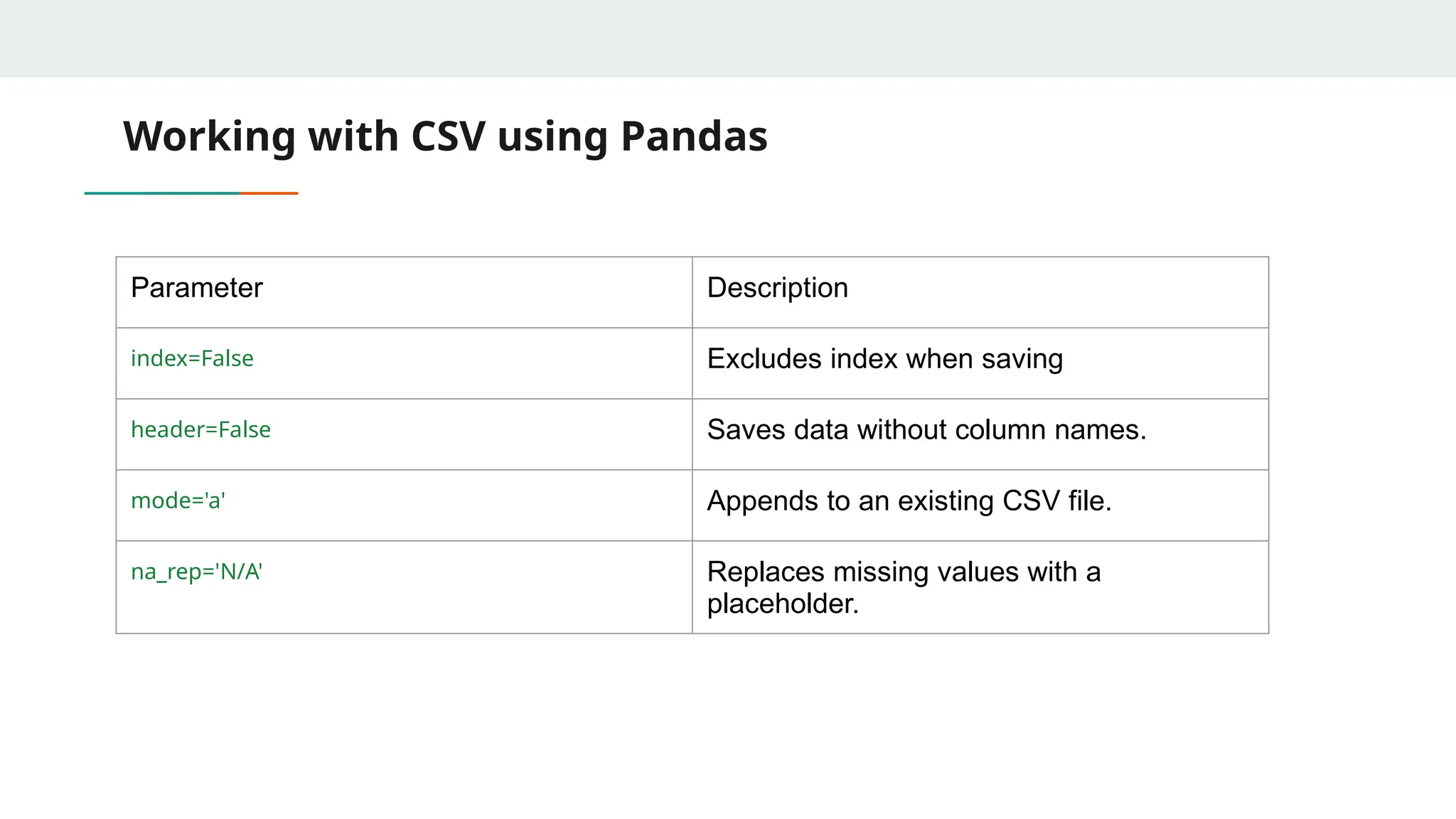
Working with CSVusing Pandas Parameter Description index=False Excludes index when saving header=False Saves data without column names. mode='a' Appends to an existing CSV file. na_rep='N/A' Replaces missing values with a placeholder.
97.
Working with CSVusing Pandas Selecting and Filtering Data from CSV Reading Only Certain Columns: df = pd.read_csv("data.csv", usecols=["Name", "Age"]) print(df.head()) Filtering Data Based on Conditions: df = pd.read_csv("data.csv") filtered_df = df[df["Age"] > 30] # Get records where Age > 30 print(filtered_df)
98.
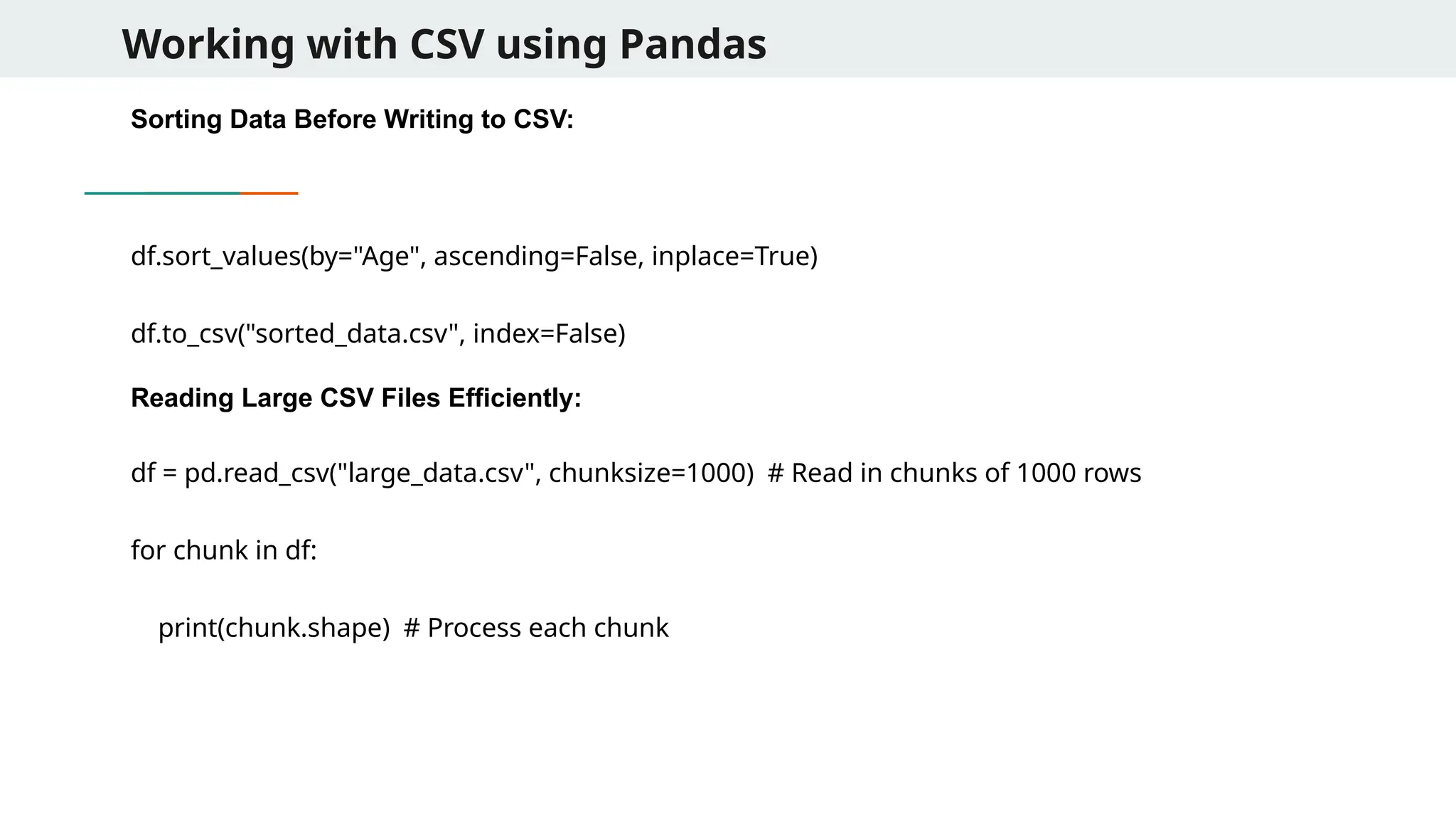
Working with CSVusing Pandas Sorting Data Before Writing to CSV: df.sort_values(by="Age", ascending=False, inplace=True) df.to_csv("sorted_data.csv", index=False) Reading Large CSV Files Efficiently: df = pd.read_csv("large_data.csv", chunksize=1000) # Read in chunks of 1000 rows for chunk in df: print(chunk.shape) # Process each chunk
99.
Working with CSVusing Pandas Concatenating Multiple CSV Files: import glob files = glob.glob("data_*.csv") # Select all CSV files matching the pattern df_list = [pd.read_csv(file) for file in files] merged_df = pd.concat(df_list, ignore_index=True) print(merged_df.head())
100.
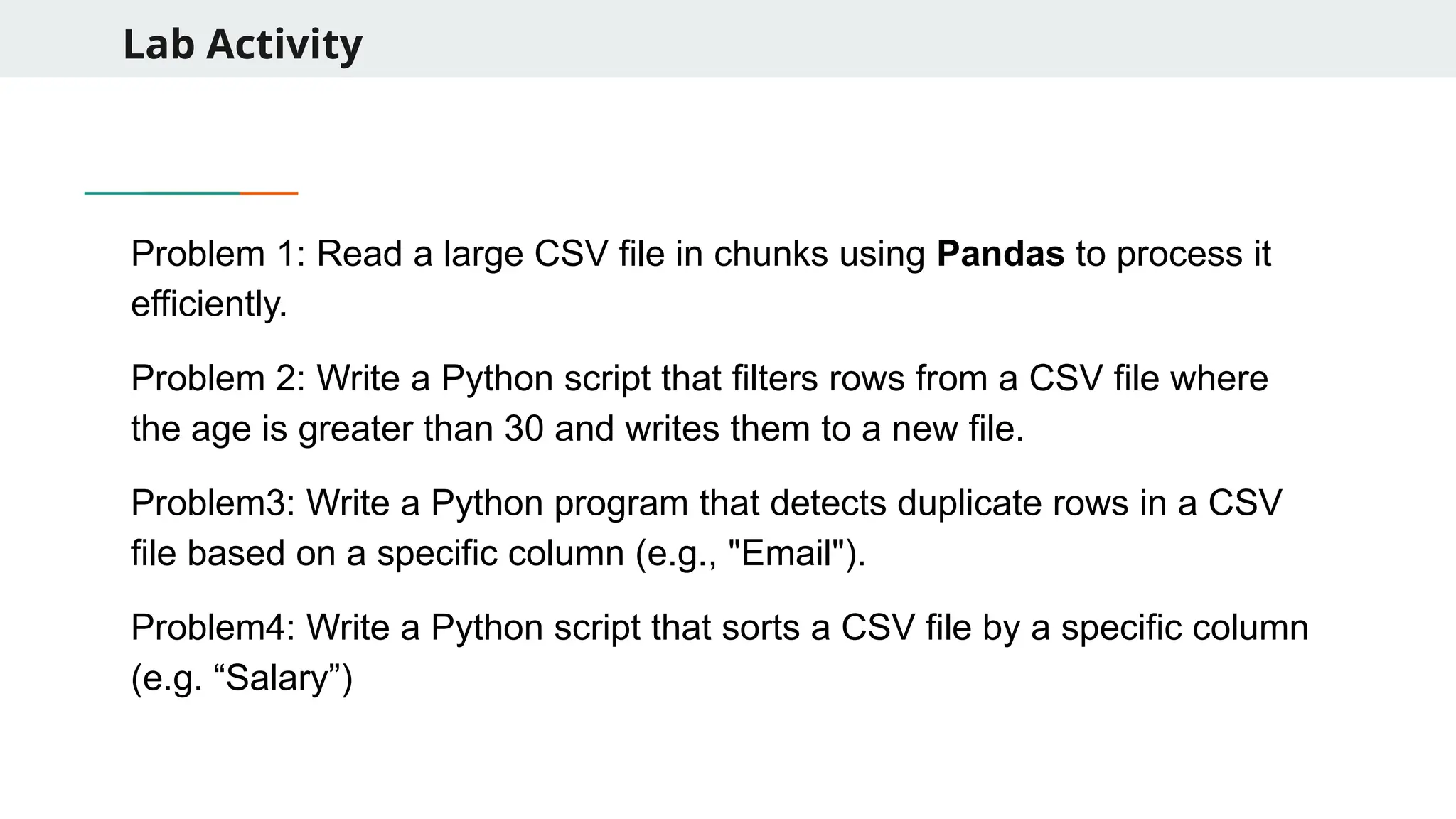
Lab Activity Problem 1:Read a large CSV file in chunks using Pandas to process it efficiently. Problem 2: Write a Python script that filters rows from a CSV file where the age is greater than 30 and writes them to a new file. Problem3: Write a Python program that detects duplicate rows in a CSV file based on a specific column (e.g., "Email"). Problem4: Write a Python script that sorts a CSV file by a specific column (e.g. “Salary”)
101.
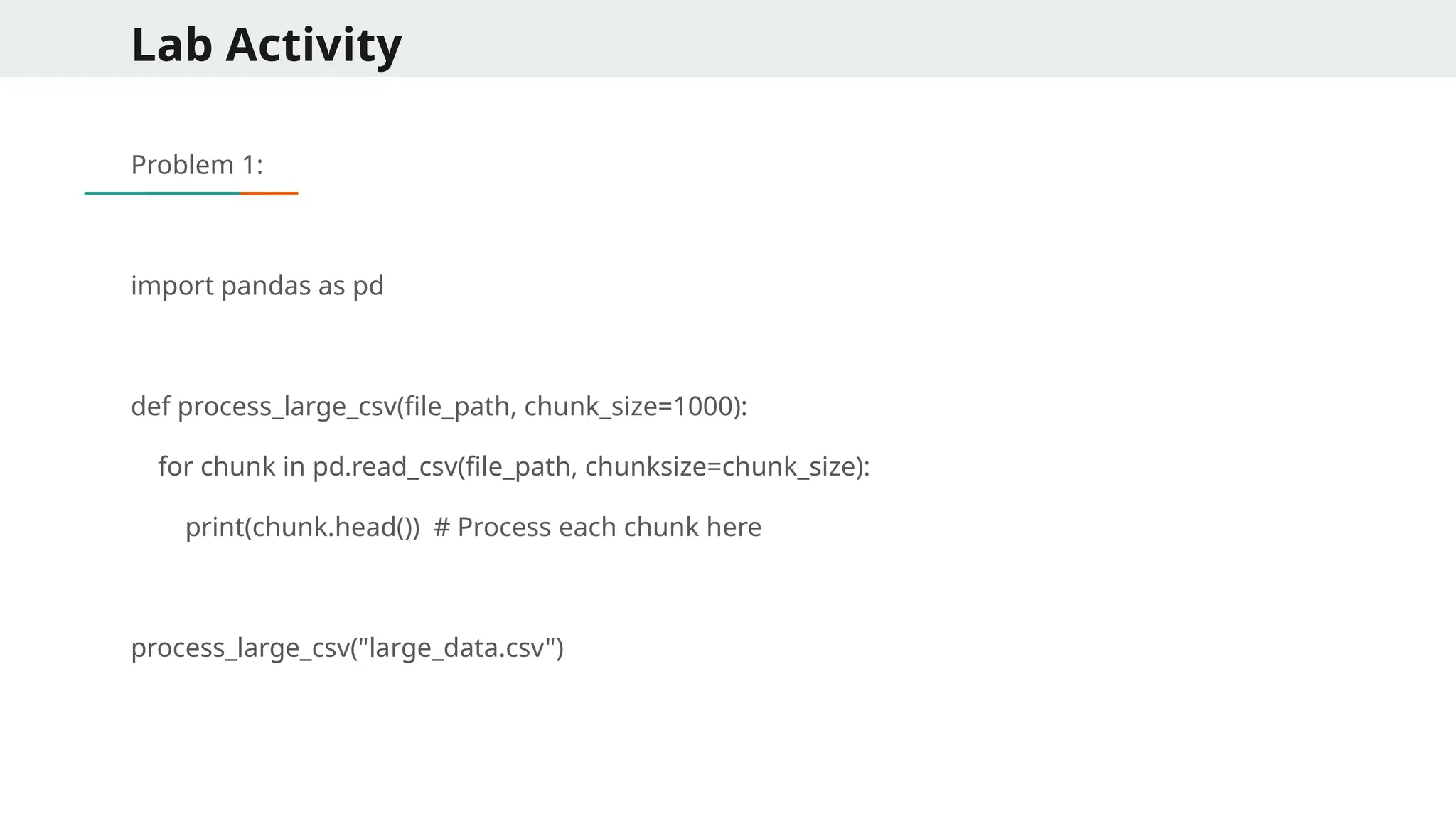
Lab Activity Problem 1: importpandas as pd def process_large_csv(file_path, chunk_size=1000): for chunk in pd.read_csv(file_path, chunksize=chunk_size): print(chunk.head()) # Process each chunk here process_large_csv("large_data.csv")
102.
Lab Activity import csv deffilter_csv(input_file, output_file): with open(input_file, "r") as infile, open(output_file, "w", newline="") as outfile: reader = csv.DictReader(infile) writer = csv.DictWriter(outfile, fieldnames=reader.fieldnames) writer.writeheader() for row in reader: if int(row["Age"]) > 30: writer.writerow(row) filter_csv("people.csv", "filtered_people.csv")
103.
Lab Activity Problem 3 importcsv from collections import defaultdict def find_duplicate_entries(csv_file, column_name): seen = defaultdict(int) with open(csv_file, "r") as file: reader = csv.DictReader(file) for row in reader: seen[row[column_name]] += 1 duplicates = {key: value for key, value in seen.items() if value > 1} return duplicates duplicates = find_duplicate_entries("contacts.csv", "Email") print("Duplicate Entries:", duplicates)
104.
Lab Activity Problem 4: importcsv def sort_csv(input_file, output_file, sort_by_column): with open(input_file, "r") as infile: reader = csv.DictReader(infile) sorted_list = sorted(reader, key=lambda row: int(row[sort_by_column])) with open(output_file, "w", newline="") as outfile: writer = csv.DictWriter(outfile, fieldnames=sorted_list[0].keys()) writer.writeheader() writer.writerows(sorted_list) sort_csv("employees.csv", "sorted_employees.csv", "Salary")
105.
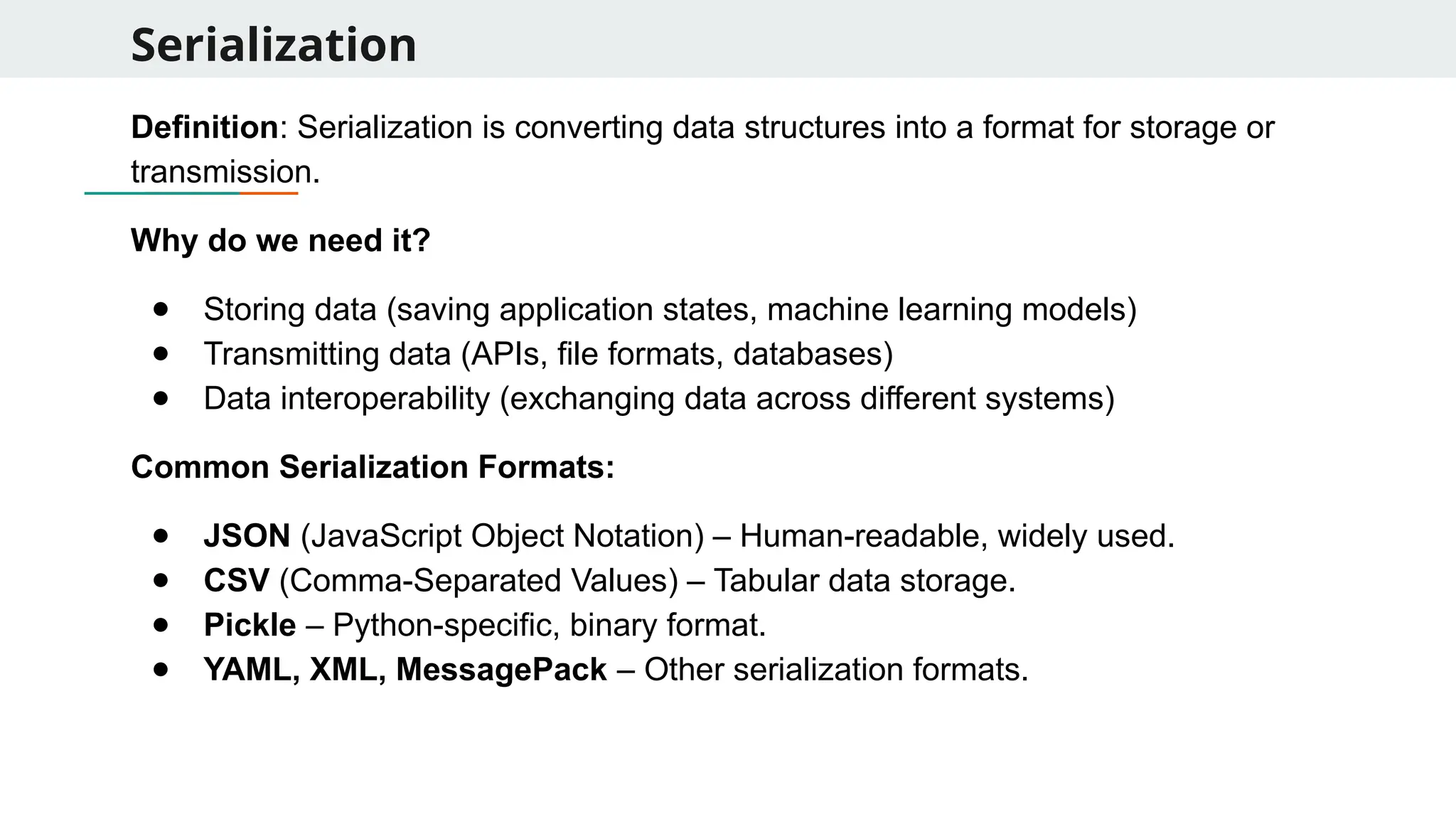
Serialization Definition: Serialization isconverting data structures into a format for storage or transmission. Why do we need it? ● Storing data (saving application states, machine learning models) ● Transmitting data (APIs, file formats, databases) ● Data interoperability (exchanging data across different systems) Common Serialization Formats: ● JSON (JavaScript Object Notation) – Human-readable, widely used. ● CSV (Comma-Separated Values) – Tabular data storage. ● Pickle – Python-specific, binary format. ● YAML, XML, MessagePack – Other serialization formats.
106.
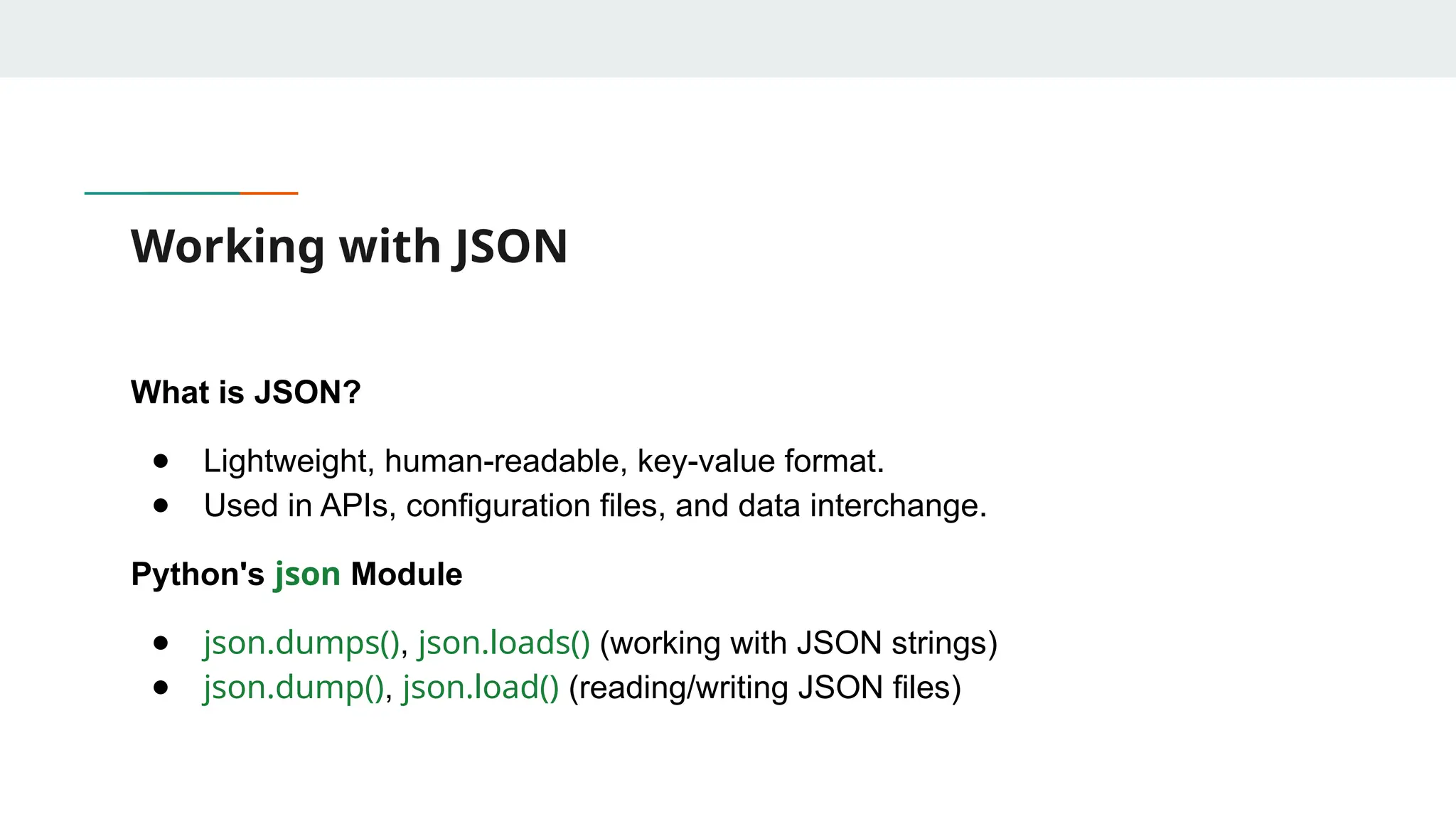
Working with JSON Whatis JSON? ● Lightweight, human-readable, key-value format. ● Used in APIs, configuration files, and data interchange. Python's json Module ● json.dumps(), json.loads() (working with JSON strings) ● json.dump(), json.load() (reading/writing JSON files)
107.
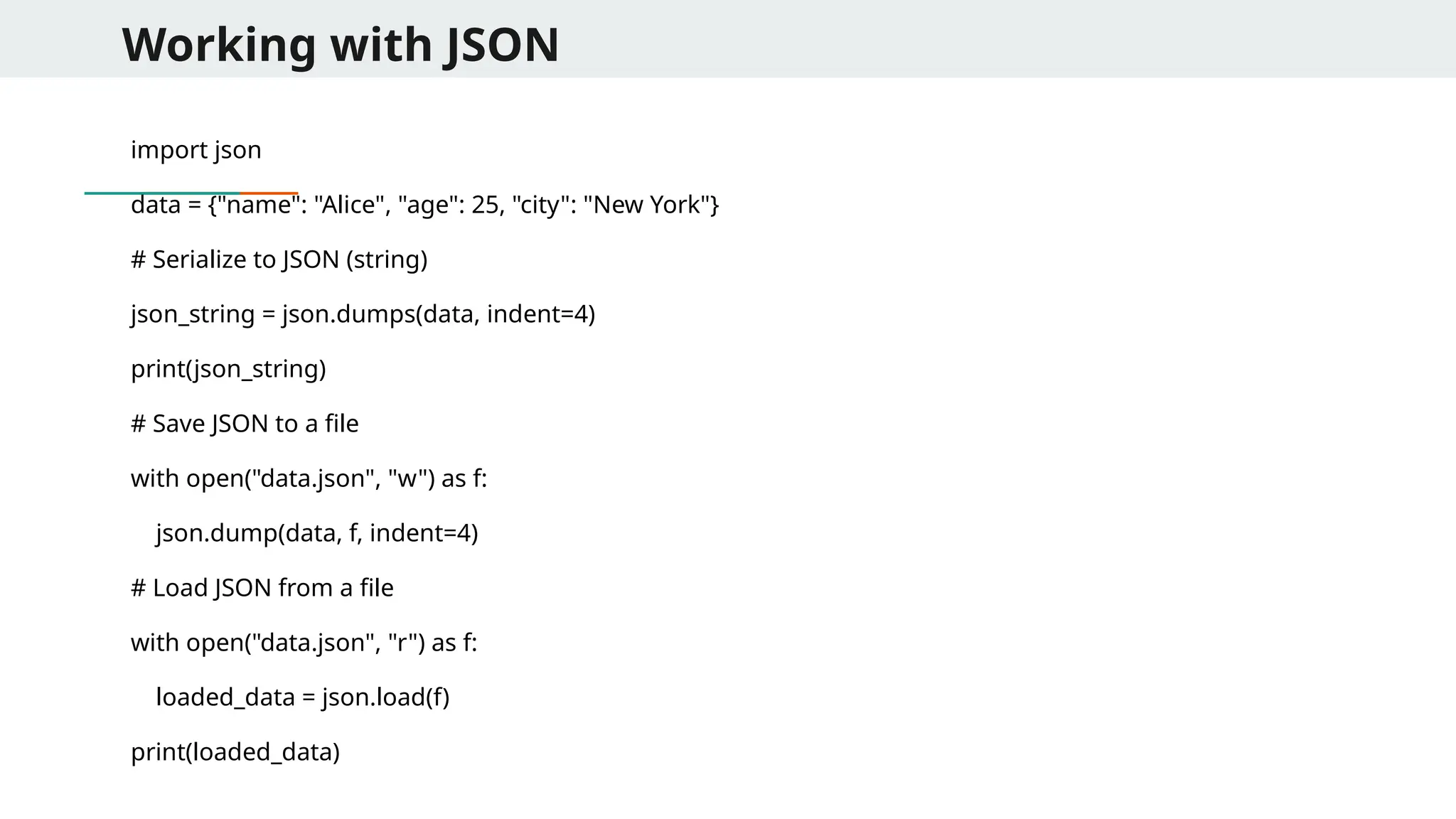
Working with JSON importjson data = {"name": "Alice", "age": 25, "city": "New York"} # Serialize to JSON (string) json_string = json.dumps(data, indent=4) print(json_string) # Save JSON to a file with open("data.json", "w") as f: json.dump(data, f, indent=4) # Load JSON from a file with open("data.json", "r") as f: loaded_data = json.load(f) print(loaded_data)
108.
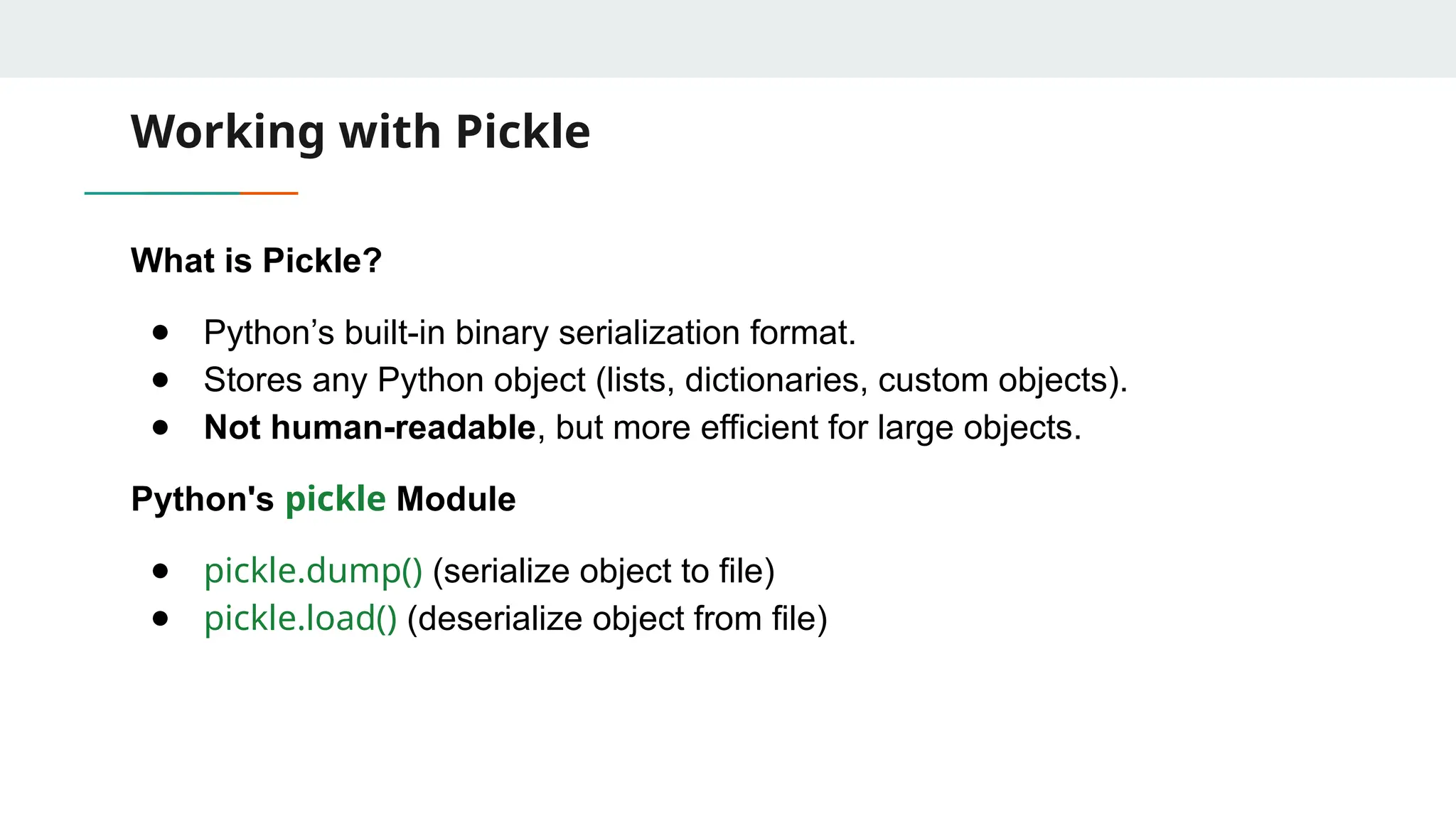
Working with Pickle Whatis Pickle? ● Python’s built-in binary serialization format. ● Stores any Python object (lists, dictionaries, custom objects). ● Not human-readable, but more efficient for large objects. Python's pickle Module ● pickle.dump() (serialize object to file) ● pickle.load() (deserialize object from file)
109.
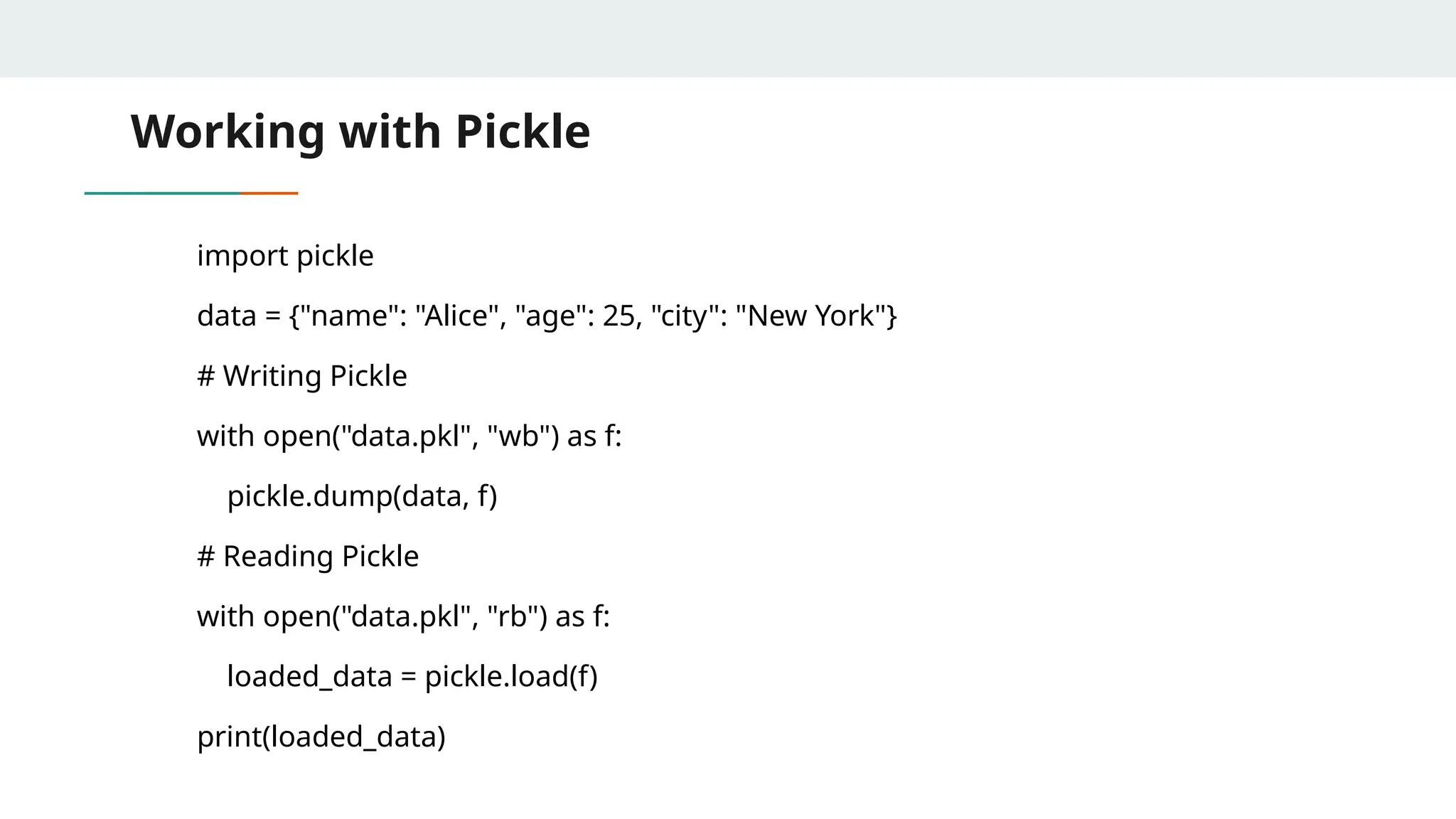
Working with Pickle importpickle data = {"name": "Alice", "age": 25, "city": "New York"} # Writing Pickle with open("data.pkl", "wb") as f: pickle.dump(data, f) # Reading Pickle with open("data.pkl", "rb") as f: loaded_data = pickle.load(f) print(loaded_data)
110.
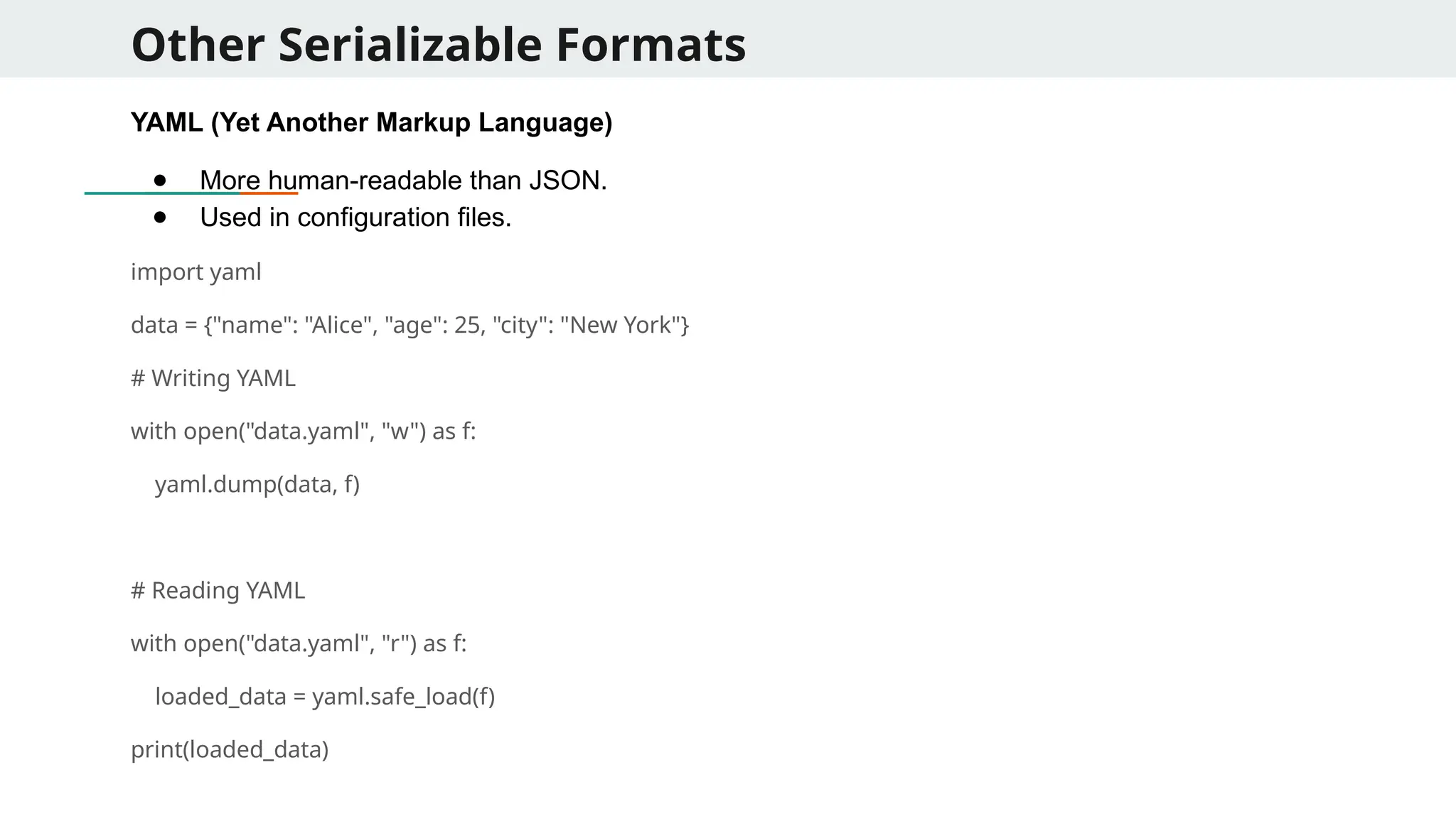
Other Serializable Formats YAML(Yet Another Markup Language) ● More human-readable than JSON. ● Used in configuration files. import yaml data = {"name": "Alice", "age": 25, "city": "New York"} # Writing YAML with open("data.yaml", "w") as f: yaml.dump(data, f) # Reading YAML with open("data.yaml", "r") as f: loaded_data = yaml.safe_load(f) print(loaded_data)
111.
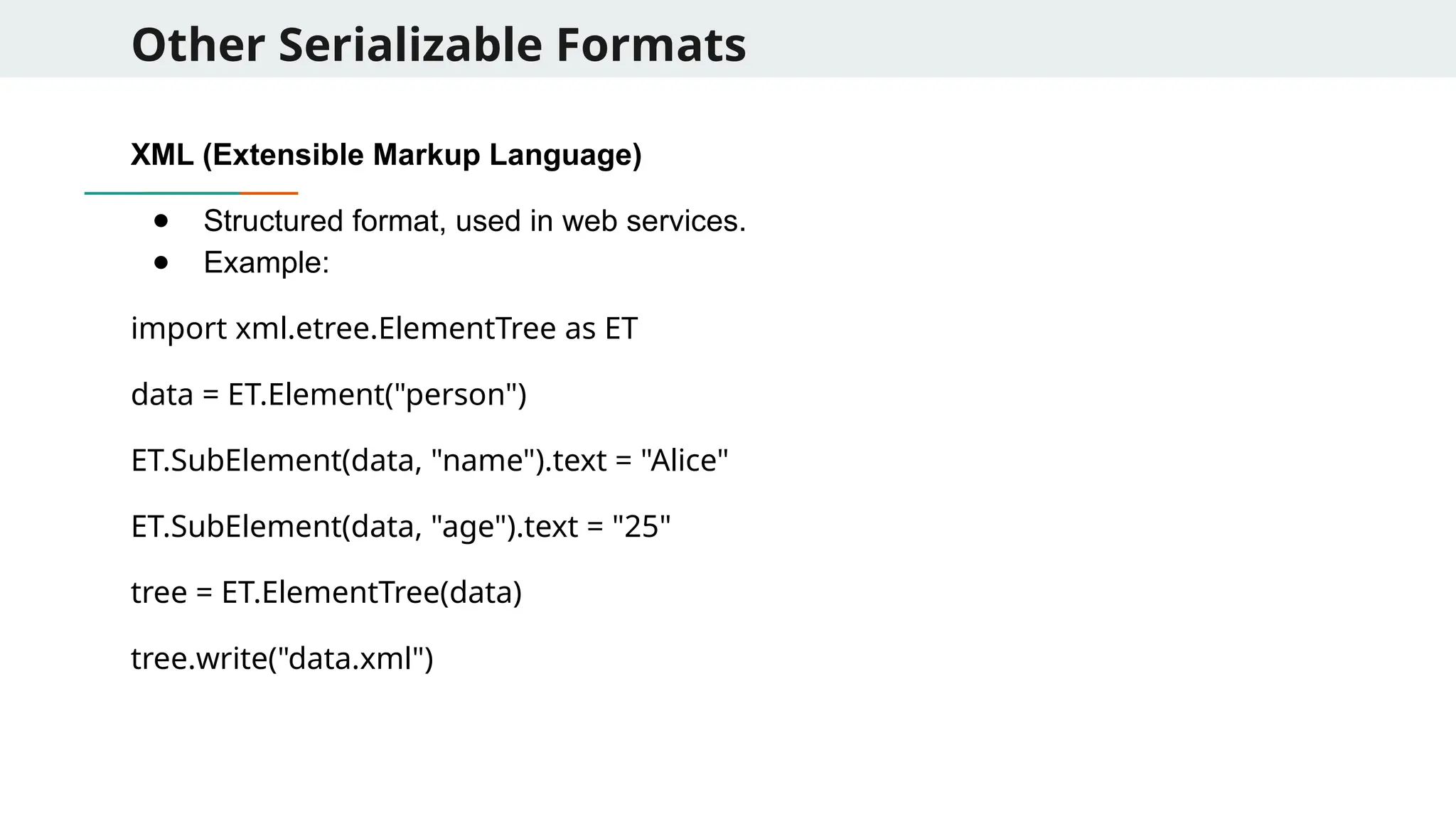
Other Serializable Formats XML(Extensible Markup Language) ● Structured format, used in web services. ● Example: import xml.etree.ElementTree as ET data = ET.Element("person") ET.SubElement(data, "name").text = "Alice" ET.SubElement(data, "age").text = "25" tree = ET.ElementTree(data) tree.write("data.xml")
![Examples of Lambda Functions 1. Using lambda with sorted() for Custom Sorting students = [ {"name": "Alice", "grade": 85}, {"name": "Bob", "grade": 72}, {"name": "Charlie", "grade": 90} ] # Sort by grade in descending order sorted_students = sorted(students, key=lambda x: x["grade"], reverse=True) print(sorted_students)](https://image.slidesharecdn.com/advancedprogramming-250717061744-45dfb1bd/75/Advanced-Programming_Basics-of-functional-Programming-pptx-10-2048.jpg)
![Examples of Lambda Functions 4. Using lambda in Dataframe Operations (Pandas) import pandas as pd df = pd.DataFrame({"A": [1, 2, 3], "B": [4, 5, 6]}) # Apply lambda to create a new column C = A + B df["C"] = df.apply(lambda row: row["A"] + row["B"], axis=1) print(df)](https://image.slidesharecdn.com/advancedprogramming-250717061744-45dfb1bd/75/Advanced-Programming_Basics-of-functional-Programming-pptx-13-2048.jpg)
![Quick Problems 1. Write a lambda function to find the largest of three numbers. largest = lambda x, y, z: x if (x > y and x > z) else (y if y > z else z) print(largest(3, 8, 5)) # 8 2. Create a lambda function that reverses a given string. reverse_string = lambda s: s[::-1] print(reverse_string("Python")) # nohtyP 3. Write a lambda function that counts the number of vowels in a string. count_vowels = lambda s: sum(1 for c in s if c.lower() in 'aeiou') print(count_vowels("Functional")) # 4](https://image.slidesharecdn.com/advancedprogramming-250717061744-45dfb1bd/75/Advanced-Programming_Basics-of-functional-Programming-pptx-15-2048.jpg)
![Quick Problems 1. Write a lambda function to check if a given string is a palindrome. is_palindrome = lambda s: s == s[::-1] print(is_palindrome("madam")) # True print(is_palindrome("hello")) # False 2. Write a recursive lambda function to compute the factorial of a number. fact = lambda n: 1 if n == 0 else n * fact(n - 1) print(fact(5)) # 120](https://image.slidesharecdn.com/advancedprogramming-250717061744-45dfb1bd/75/Advanced-Programming_Basics-of-functional-Programming-pptx-16-2048.jpg)
![Key Concepts of Functional Programming 2. Immutability ● Data should not be changed once created. ● Prevents unexpected behavior in multi-threaded programs. ● Example: Instead of modifying a list, create a new one. original = [1, 2, 3] new_list = original + [4] print(new_list) # [1, 2, 3, 4]](https://image.slidesharecdn.com/advancedprogramming-250717061744-45dfb1bd/75/Advanced-Programming_Basics-of-functional-Programming-pptx-19-2048.jpg)
![Understanding map() ● map(function, iterable) applies a function to each element of an iterable and returns a new iterable. Example: Doubling numbers numbers = [1, 2, 3, 4] doubled = list(map(lambda x: x * 2, numbers)) print(doubled) # [2, 4, 6, 8] Example: Converting temperatures celsius = [0, 10, 20, 30] fahrenheit = list(map(lambda c: (c * 9/5) + 32, celsius)) print(fahrenheit) # [32, 50, 68, 86]](https://image.slidesharecdn.com/advancedprogramming-250717061744-45dfb1bd/75/Advanced-Programming_Basics-of-functional-Programming-pptx-26-2048.jpg)
![Understanding filter() ● filter(function, iterable) selects elements from an iterable based on a condition. Example: Filtering even numbers numbers = [1, 2, 3, 4, 5, 6] evens = list(filter(lambda x: x % 2 == 0, numbers)) print(evens) # [2, 4, 6] Example: Filtering words by length words = ["apple", "banana", "kiwi", "grape"] short_words = list(filter(lambda w: len(w) < 6, words)) print(short_words) # ['apple', 'kiwi']](https://image.slidesharecdn.com/advancedprogramming-250717061744-45dfb1bd/75/Advanced-Programming_Basics-of-functional-Programming-pptx-27-2048.jpg)
![Understanding reduce() ● reduce(function, iterable) applies a function cumulatively to elements, reducing them to a single value. ● Requires functools.reduce in Python 3. Example: Summing numbers from functools import reduce numbers = [1, 2, 3, 4, 5] total = reduce(lambda x, y: x + y, numbers) print(total) # 15 Example: Finding the maximum value max_value = reduce(lambda x, y: x if x > y else y, numbers) print(max_value) # 5](https://image.slidesharecdn.com/advancedprogramming-250717061744-45dfb1bd/75/Advanced-Programming_Basics-of-functional-Programming-pptx-28-2048.jpg)
![List Comprehensions ● List comprehension offers a more Pythonic way to achieve similar results. Example: Doubling numbers using list comprehension numbers = [1, 2, 3, 4] doubled = [x * 2 for x in numbers] print(doubled) # [2, 4, 6, 8] Example: Filtering using list comprehension evens = [x for x in numbers if x % 2 == 0] print(evens) # [2, 4]](https://image.slidesharecdn.com/advancedprogramming-250717061744-45dfb1bd/75/Advanced-Programming_Basics-of-functional-Programming-pptx-29-2048.jpg)
![Performance Considerations ● map() and filter() can be faster than list comprehensions for large datasets. ● Using map() with built-in functions is often more optimized. Example: Using str.upper with map() words = ["hello", "world"] uppercase_words = list(map(str.upper, words)) print(uppercase_words) # ['HELLO', 'WORLD'] Example: Using sum() instead of reduce() (Preferred in Python) total = sum(numbers) print(total) # 15](https://image.slidesharecdn.com/advancedprogramming-250717061744-45dfb1bd/75/Advanced-Programming_Basics-of-functional-Programming-pptx-30-2048.jpg)
![More Examples Using map() with multiple iterables nums1 = [1, 2, 3] nums2 = [4, 5, 6] summed = list(map(lambda x, y: x + y, nums1, nums2)) print(summed) # [5, 7, 9] Using filter() for extracting non-null values data = ["apple", None, "banana", "", "grape"] non_empty = list(filter(None, data)) print(non_empty) # ['apple', 'banana', 'grape'] Using reduce() for factorial calculation factorial = reduce(lambda x, y: x * y, range(1, 6)) print(factorial) # 120](https://image.slidesharecdn.com/advancedprogramming-250717061744-45dfb1bd/75/Advanced-Programming_Basics-of-functional-Programming-pptx-31-2048.jpg)
![More Examples Extracting Words Longer than 4 Letters and Converting to Uppercase words = ["data", "science", "AI", "machine", "learning"] # Using filter() and map() together filtered_words = list(map(lambda x: x.upper(), filter(lambda w: len(w) > 4, words))) print(filtered_words)](https://image.slidesharecdn.com/advancedprogramming-250717061744-45dfb1bd/75/Advanced-Programming_Basics-of-functional-Programming-pptx-32-2048.jpg)
![Use case: Primality Testing (Third Approach) def is_prime(n): return True not in [n%k==0 for k in range(2,n)] def primes(m): [n for n in range(1,m) if is_prime(n)]](https://image.slidesharecdn.com/advancedprogramming-250717061744-45dfb1bd/75/Advanced-Programming_Basics-of-functional-Programming-pptx-35-2048.jpg)
![More Examples - Data Science Problem 1: Converting a List of Dates to Datetime Format dates = ["2023-01-15", "2023-02-20", "2023-03-10"] # Convert string dates to pandas datetime format dates_datetime = list(map(pd.to_datetime, dates)) print(dates_datetime) Problem 2: Filtering Out Rows with Missing Values in a DataFrame df = pd.DataFrame({ 'Name': ['Alice', 'Bob', 'Charlie', 'David'], 'Age': [25, None, 30, None] }) # Use filter() to keep only rows where Age is not None filtered_data = df.loc[list(filter(lambda i: pd.notna(df.iloc[i]['Age']), range(len(df))))] print(filtered_data)](https://image.slidesharecdn.com/advancedprogramming-250717061744-45dfb1bd/75/Advanced-Programming_Basics-of-functional-Programming-pptx-37-2048.jpg)
![More Examples - Data Science Problem 3: Selecting Only Numerical Columns in a DataFrame df = pd.DataFrame({ 'Name': ['Alice', 'Bob', 'Charlie'], 'Age': [25, 30, 35], 'Gender': ['F', 'M', 'M'], 'Salary': [50000, 60000, 70000] }) # Select only numerical columns numeric_columns = list(filter(lambda col: df[col].dtype != 'object', df.columns)) print(numeric_columns) Problem 4: Finding the Maximum Value in a Column Using reduce() from functools import reduce salaries = [50000, 70000, 65000, 80000] # Find maximum salary using reduce() max_salary = reduce(lambda a, b: a if a > b else b, salaries) print(max_salary)](https://image.slidesharecdn.com/advancedprogramming-250717061744-45dfb1bd/75/Advanced-Programming_Basics-of-functional-Programming-pptx-38-2048.jpg)
![More Examples - Data Science Calculating the Total Word Count in a Series import pandas as pd from functools import reduce data = pd.Series(["Data Science is fun", "Machine Learning is powerful", "Python is great for AI"]) # Compute total word count total_words = reduce(lambda x, y: x + len(y.split()), data, 0) print(total_words) Extracting Column Names That Contain the Word ‘Score’ df = pd.DataFrame({ 'Math_Score': [80, 85, 90], 'Science_Score': [75, 88, 95], 'Student_Name': ['Alice', 'Bob', 'Charlie'] }) # Extract column names that contain 'Score' score_columns = [col for col in df.columns if 'Score' in col] print(score_columns)](https://image.slidesharecdn.com/advancedprogramming-250717061744-45dfb1bd/75/Advanced-Programming_Basics-of-functional-Programming-pptx-39-2048.jpg)
![More Examples - Data Science Problem : Normalizing a List of Numbers Using List Comprehension numbers = [10, 20, 30, 40, 50] max_num = max(numbers) # Normalize the list normalized_numbers = [x / max_num for x in numbers] print(normalized_numbers) Problem : Finding the Sum of Squares of Even Numbers in a List from functools import reduce numbers = range(1, 21) # Find the sum of squares of even numbers sum_squares_even = reduce(lambda a, b: a + b, map(lambda x: x ** 2, filter(lambda x: x % 2 == 0, numbers))) print(sum_squares_even)](https://image.slidesharecdn.com/advancedprogramming-250717061744-45dfb1bd/75/Advanced-Programming_Basics-of-functional-Programming-pptx-40-2048.jpg)
![More Examples - Data Science Problem: Cleaning and Tokenizing Text Data import pandas as pd data = pd.Series(["Data Science! is amazing.", "Machine Learning, AI & Deep Learning?", "Big Data - Cloud Computing"]) # Remove punctuation and split into words cleaned_tokens = [word.lower() for sentence in data for word in sentence.replace(",", "").replace("!", "").replace("-", "").replace("&", "").replace("?", "").split()] print(cleaned_tokens)](https://image.slidesharecdn.com/advancedprogramming-250717061744-45dfb1bd/75/Advanced-Programming_Basics-of-functional-Programming-pptx-41-2048.jpg)
![Solutions # List comprehension versions def to_title_case_comp(names): return [name.title() for name in names] def filter_greater_than_ten_comp(numbers): return [num for num in numbers if num > 10] names = ["john", "jane", "doe"] print("Names in title case:", to_title_case(names)) # Output: ['John', 'Jane', 'Doe'] numbers = [5, 12, 8, 15, 2] print("Numbers greater than 10:", filter_greater_than_ten(numbers)) # Output: [12, 15] print("Product of numbers:", product_of_list(numbers)) # Output: 240](https://image.slidesharecdn.com/advancedprogramming-250717061744-45dfb1bd/75/Advanced-Programming_Basics-of-functional-Programming-pptx-44-2048.jpg)
![Common Errors in Python ● Name Errors: Using variables before defining them. Example: print(value) # 'value' is not defined ● Index Errors: Accessing invalid list indices. Example: lst = [1, 2, 3] print(lst[5]) # Index out of range ● Key Errors: Accessing invalid dictionary keys. Example: d = {"name": "Alice"} print(d["age"]) # Key does not exist](https://image.slidesharecdn.com/advancedprogramming-250717061744-45dfb1bd/75/Advanced-Programming_Basics-of-functional-Programming-pptx-48-2048.jpg)
![Lab Activity Problem 4: The following function crashes. Use logging to debug it and fix the issue. def buggy_function(): numbers = [1, 2, 3, 4] return numbers[10] # Out of range error buggy_function() Problem 5: Write a Python function divide(a, b) that performs division and logs: ● INFO: When division is successful. ● ERROR: If b = 0 (division by zero) Problem 6: In a large application with multiple modules, you want a centralized logging system to log errors, warnings, and info messages from different parts of the application.](https://image.slidesharecdn.com/advancedprogramming-250717061744-45dfb1bd/75/Advanced-Programming_Basics-of-functional-Programming-pptx-74-2048.jpg)
![Example: Debugging a Complex Function Buggy Code: import logging logging.basicConfig(level=logging.DEBUG) def process_data(data): logging.debug(f"Processing data: {data}") total = sum(data) / len(data) # Potential ZeroDivisionError return total dataset = [10, 20, 30, 0, 50] print(process_data(dataset)) dataset = [] # This will cause an error print(process_data(dataset))](https://image.slidesharecdn.com/advancedprogramming-250717061744-45dfb1bd/75/Advanced-Programming_Basics-of-functional-Programming-pptx-82-2048.jpg)
![Working with CSV Files 1. Writing to a csv file import csv with open("students.csv", "w", newline="") as file: writer = csv.writer(file) writer.writerow(["Name", "Age", "Grade"]) writer.writerow(["John", 21, "A"]) writer.writerow(["Alice", 22, "B"]) 2. Reading csv file import csv with open("students.csv", "r") as file: reader = csv.reader(file) for row in reader: print(row)](https://image.slidesharecdn.com/advancedprogramming-250717061744-45dfb1bd/75/Advanced-Programming_Basics-of-functional-Programming-pptx-93-2048.jpg)
![Working with CSVs using Pandas import pandas as pd df = pd.read_csv("data.csv") print(df.head()) # Display first 5 rows Common Parameters Parameter Description sep="," Specifies delimiter (e.g., t for tab-separated files). header=0 Defines which row to use as column names. index_col=0 Sets a specific column as the index. usecols=["Name", "Age"] Loads only selected columns. nrows=10 Reads only the first 10 rows.](https://image.slidesharecdn.com/advancedprogramming-250717061744-45dfb1bd/75/Advanced-Programming_Basics-of-functional-Programming-pptx-94-2048.jpg)
![Working with CSV using Pandas Writing Data to a CSV File import pandas as pd data = {"Name": ["Alice", "Bob", "Charlie"], "Age": [25, 30, 35], "City": ["New York", "Los Angeles", "Chicago"]} df = pd.DataFrame(data) df.to_csv("output.csv", index=False) # Saves without index column](https://image.slidesharecdn.com/advancedprogramming-250717061744-45dfb1bd/75/Advanced-Programming_Basics-of-functional-Programming-pptx-95-2048.jpg)
![Working with CSV using Pandas Selecting and Filtering Data from CSV Reading Only Certain Columns: df = pd.read_csv("data.csv", usecols=["Name", "Age"]) print(df.head()) Filtering Data Based on Conditions: df = pd.read_csv("data.csv") filtered_df = df[df["Age"] > 30] # Get records where Age > 30 print(filtered_df)](https://image.slidesharecdn.com/advancedprogramming-250717061744-45dfb1bd/75/Advanced-Programming_Basics-of-functional-Programming-pptx-97-2048.jpg)
![Working with CSV using Pandas Concatenating Multiple CSV Files: import glob files = glob.glob("data_*.csv") # Select all CSV files matching the pattern df_list = [pd.read_csv(file) for file in files] merged_df = pd.concat(df_list, ignore_index=True) print(merged_df.head())](https://image.slidesharecdn.com/advancedprogramming-250717061744-45dfb1bd/75/Advanced-Programming_Basics-of-functional-Programming-pptx-99-2048.jpg)
![Lab Activity import csv def filter_csv(input_file, output_file): with open(input_file, "r") as infile, open(output_file, "w", newline="") as outfile: reader = csv.DictReader(infile) writer = csv.DictWriter(outfile, fieldnames=reader.fieldnames) writer.writeheader() for row in reader: if int(row["Age"]) > 30: writer.writerow(row) filter_csv("people.csv", "filtered_people.csv")](https://image.slidesharecdn.com/advancedprogramming-250717061744-45dfb1bd/75/Advanced-Programming_Basics-of-functional-Programming-pptx-102-2048.jpg)
![Lab Activity Problem 3 import csv from collections import defaultdict def find_duplicate_entries(csv_file, column_name): seen = defaultdict(int) with open(csv_file, "r") as file: reader = csv.DictReader(file) for row in reader: seen[row[column_name]] += 1 duplicates = {key: value for key, value in seen.items() if value > 1} return duplicates duplicates = find_duplicate_entries("contacts.csv", "Email") print("Duplicate Entries:", duplicates)](https://image.slidesharecdn.com/advancedprogramming-250717061744-45dfb1bd/75/Advanced-Programming_Basics-of-functional-Programming-pptx-103-2048.jpg)
![Lab Activity Problem 4: import csv def sort_csv(input_file, output_file, sort_by_column): with open(input_file, "r") as infile: reader = csv.DictReader(infile) sorted_list = sorted(reader, key=lambda row: int(row[sort_by_column])) with open(output_file, "w", newline="") as outfile: writer = csv.DictWriter(outfile, fieldnames=sorted_list[0].keys()) writer.writeheader() writer.writerows(sorted_list) sort_csv("employees.csv", "sorted_employees.csv", "Salary")](https://image.slidesharecdn.com/advancedprogramming-250717061744-45dfb1bd/75/Advanced-Programming_Basics-of-functional-Programming-pptx-104-2048.jpg)