Acceptance Testing with Selenium
Topics Why test? Types of testing Unit Acceptance Acceptance testing with Selenium
Why test? Find bugs
Why test? Find bugs Other Performance Usability Etc.
Why test? Find bugs Prove correctness Other Performance Usability Etc.
Software Development Requirements What do we want it to do? Development Write code that meets requirements. Testing Does the code meet the requirements?
Testing - Traditional Requirements Design / Specification Coding Testing
Testing - Agile Requirements Write (failing) test Write code Run test (successfully)
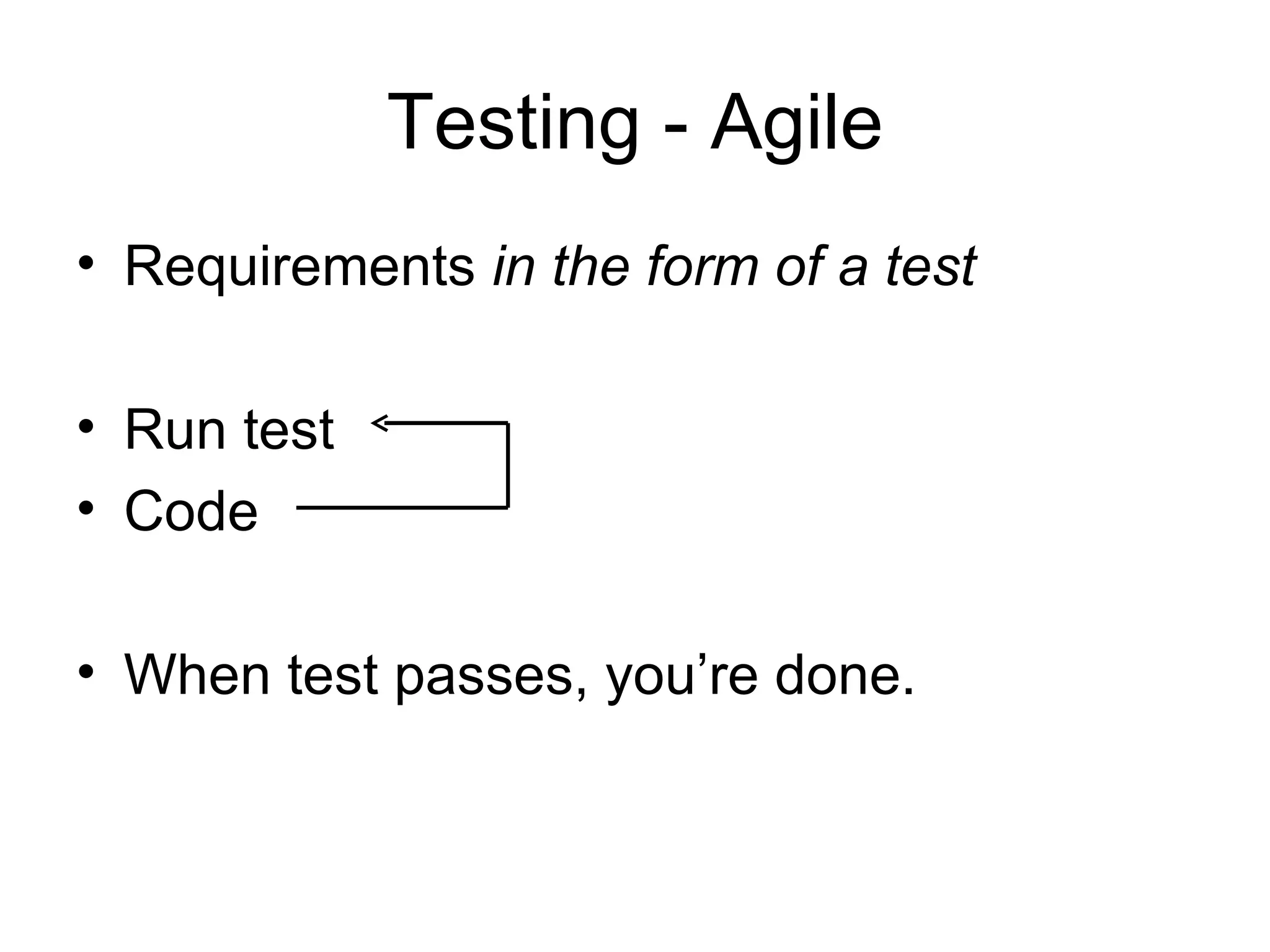
Testing - Agile Requirements in the form of a test Run test Code When test passes, you’re done.
Unit Test – Simple Example Calculator Add Subtract Multiply Divide
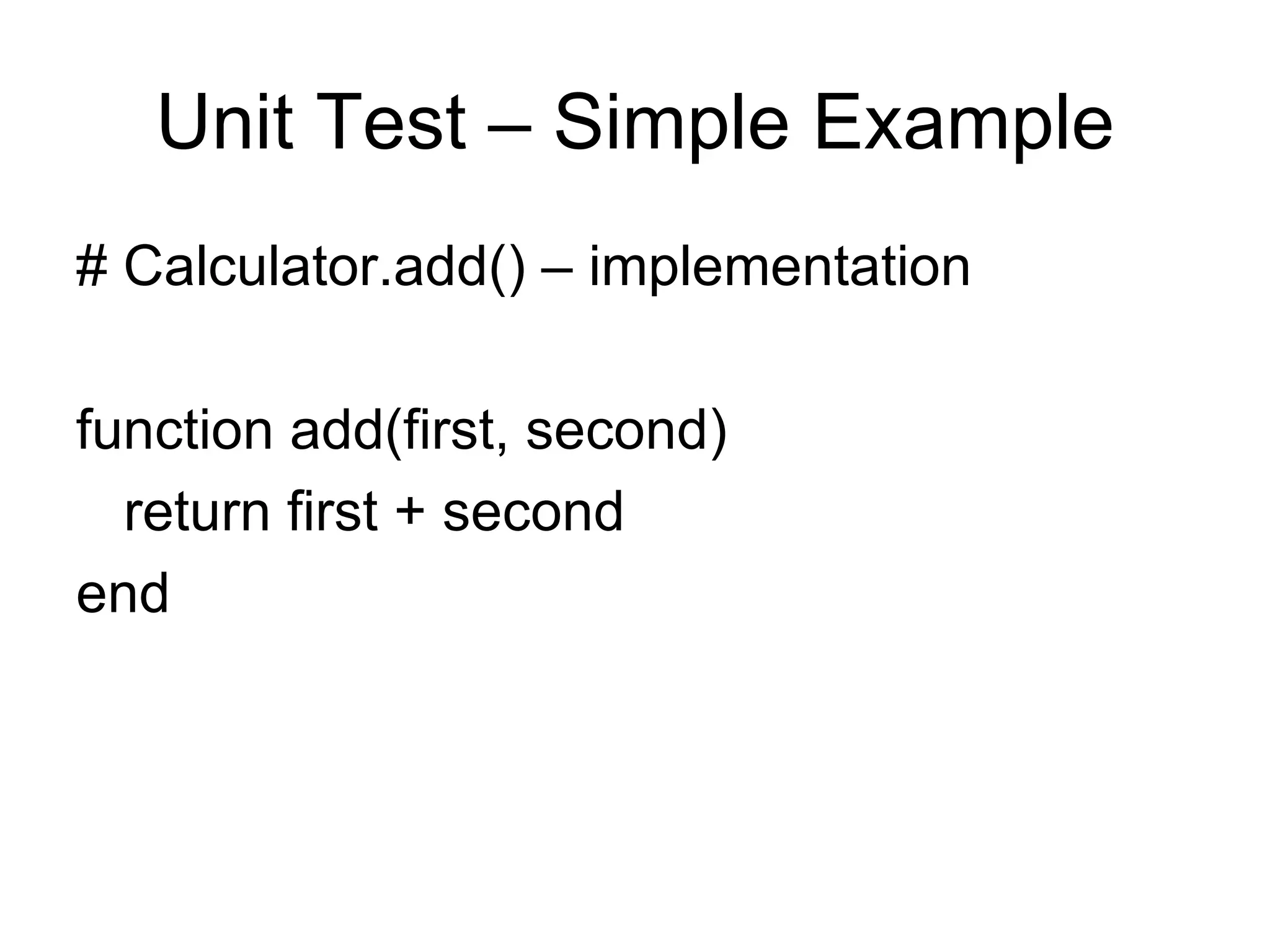
Unit Test – Simple Example # Calculator.add() – implementation function add(first, second) return first + second end
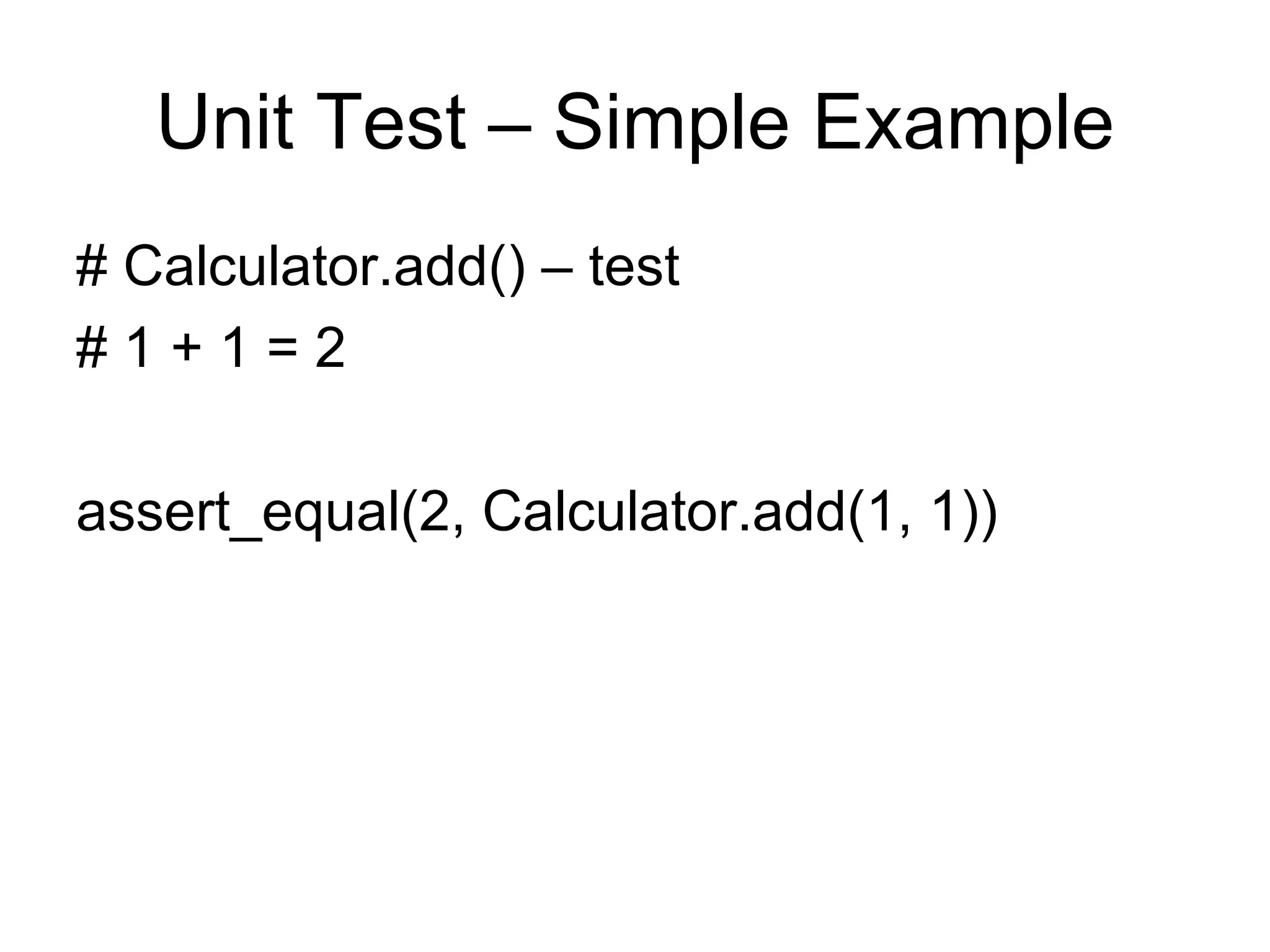
Unit Test – Simple Example # Calculator.add() – test # 1 + 1 = 2 assert_equal(2, Calculator.add(1, 1))
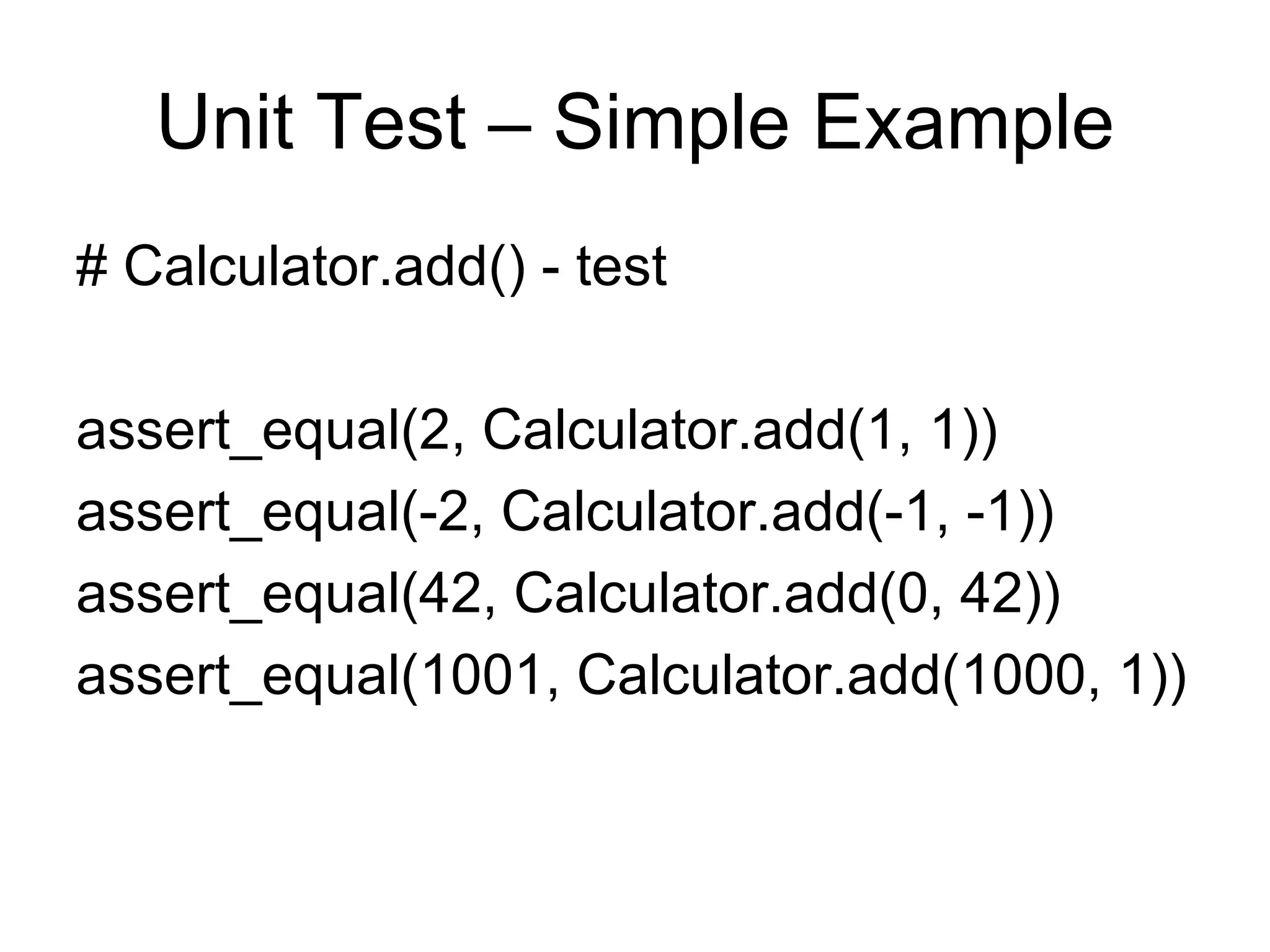
Unit Test – Simple Example # Calculator.add() - test assert_equal(2, Calculator.add(1, 1)) assert_equal(-2, Calculator.add(-1, -1)) assert_equal(42, Calculator.add(0, 42)) assert_equal(1001, Calculator.add(1000, 1))
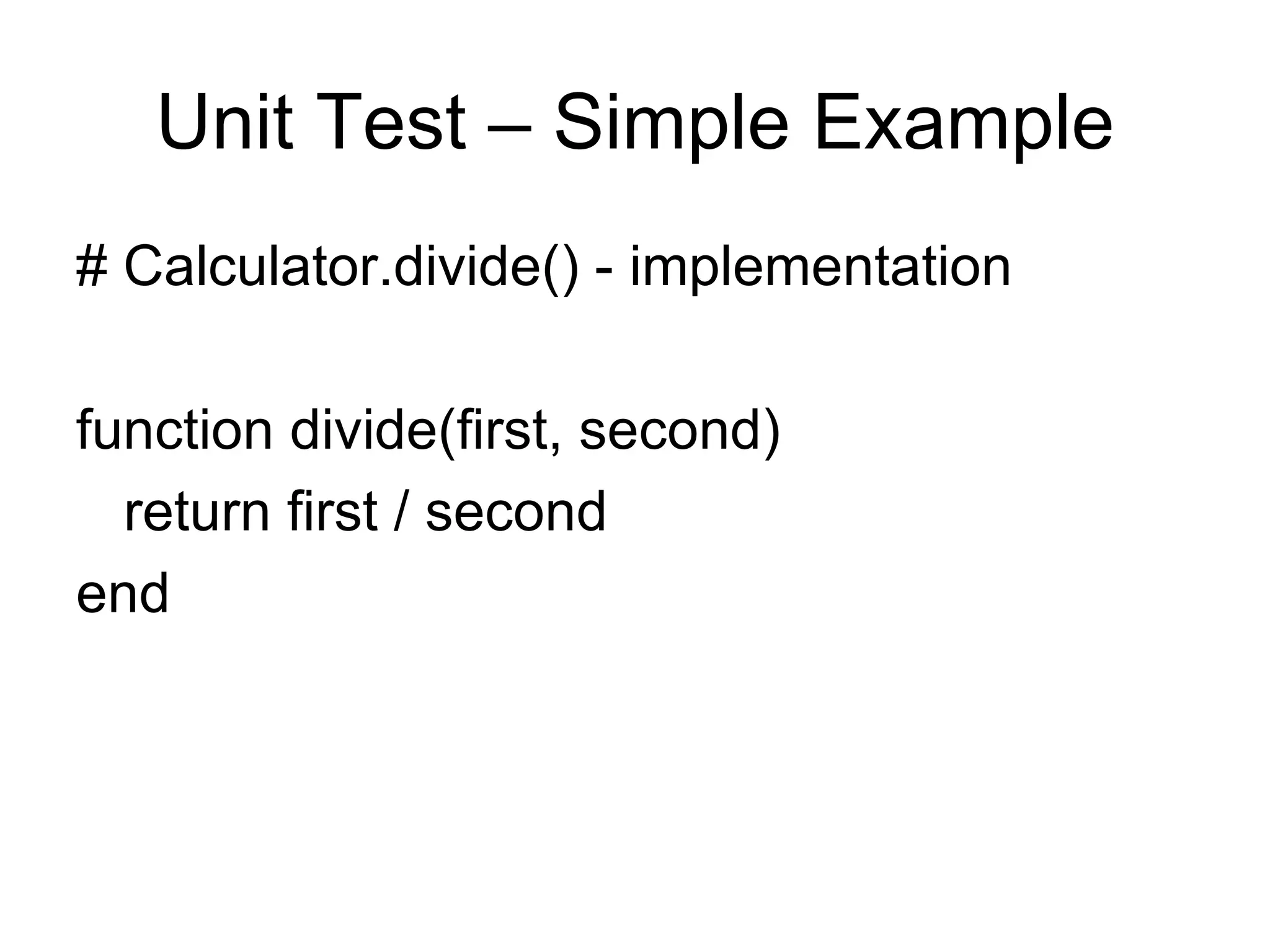
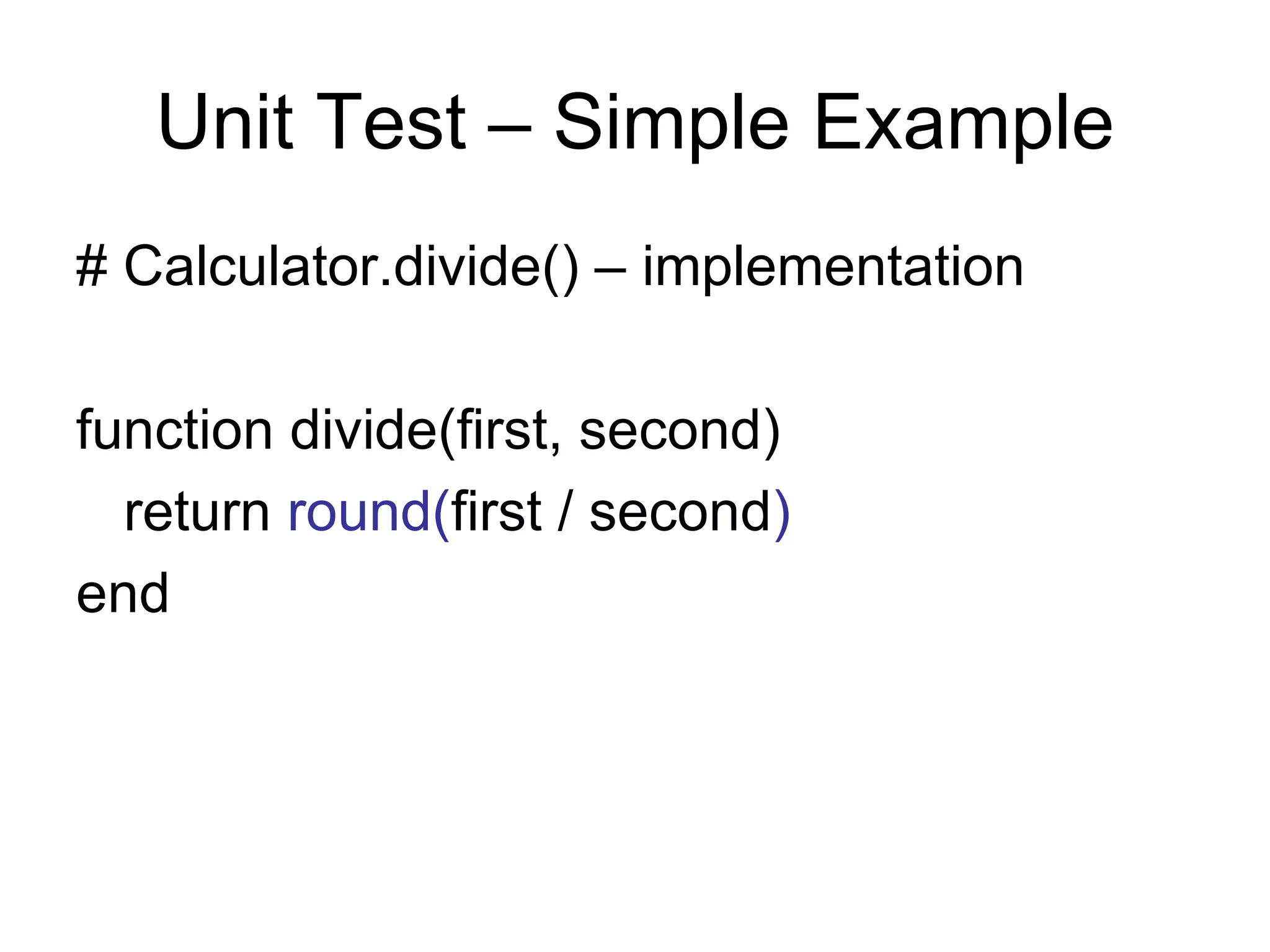
Unit Test – Simple Example # Calculator.divide() - implementation function divide(first, second) return first / second end
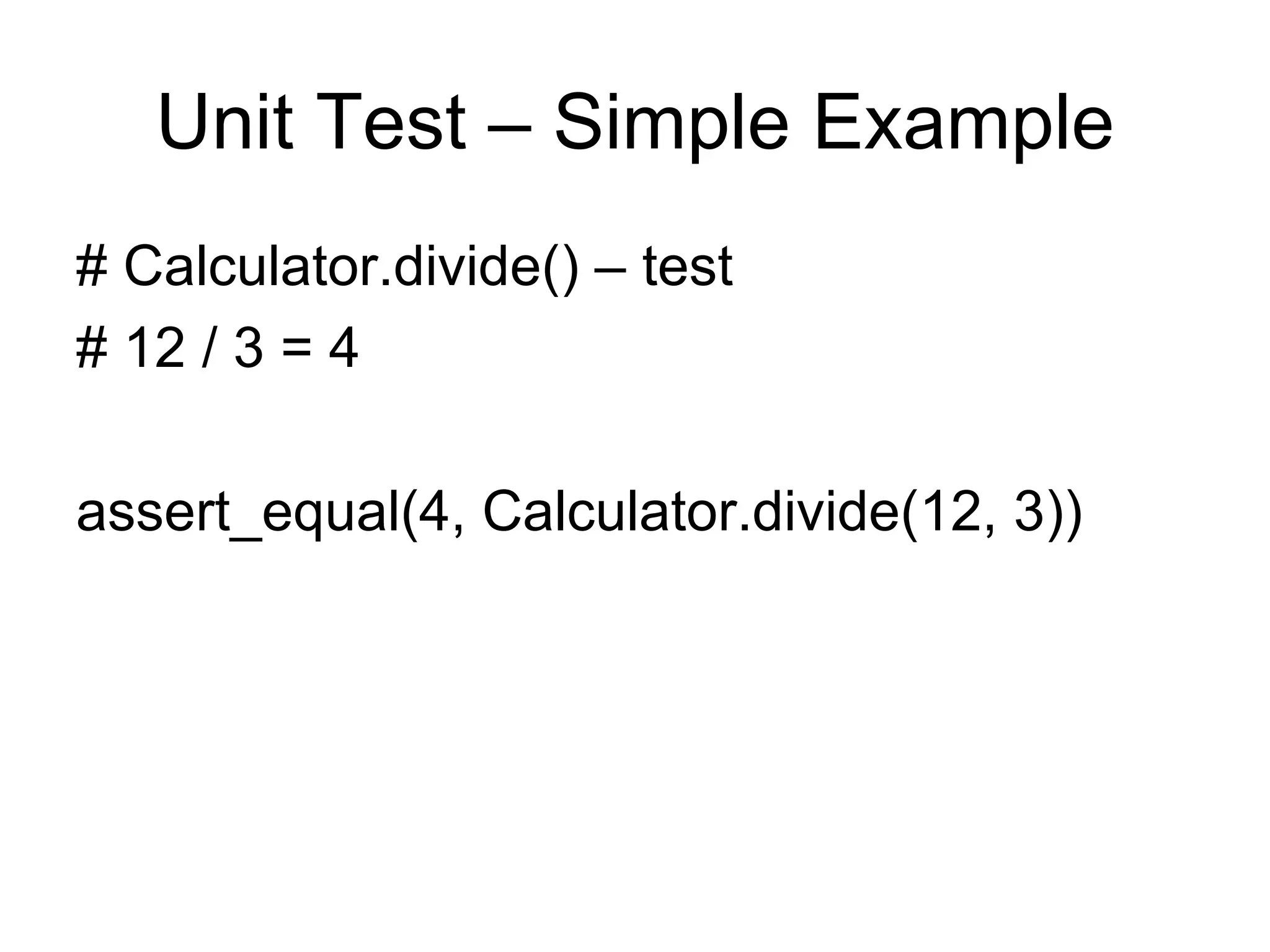
Unit Test – Simple Example # Calculator.divide() – test # 12 / 3 = 4 assert_equal(4, Calculator.divide(12, 3))
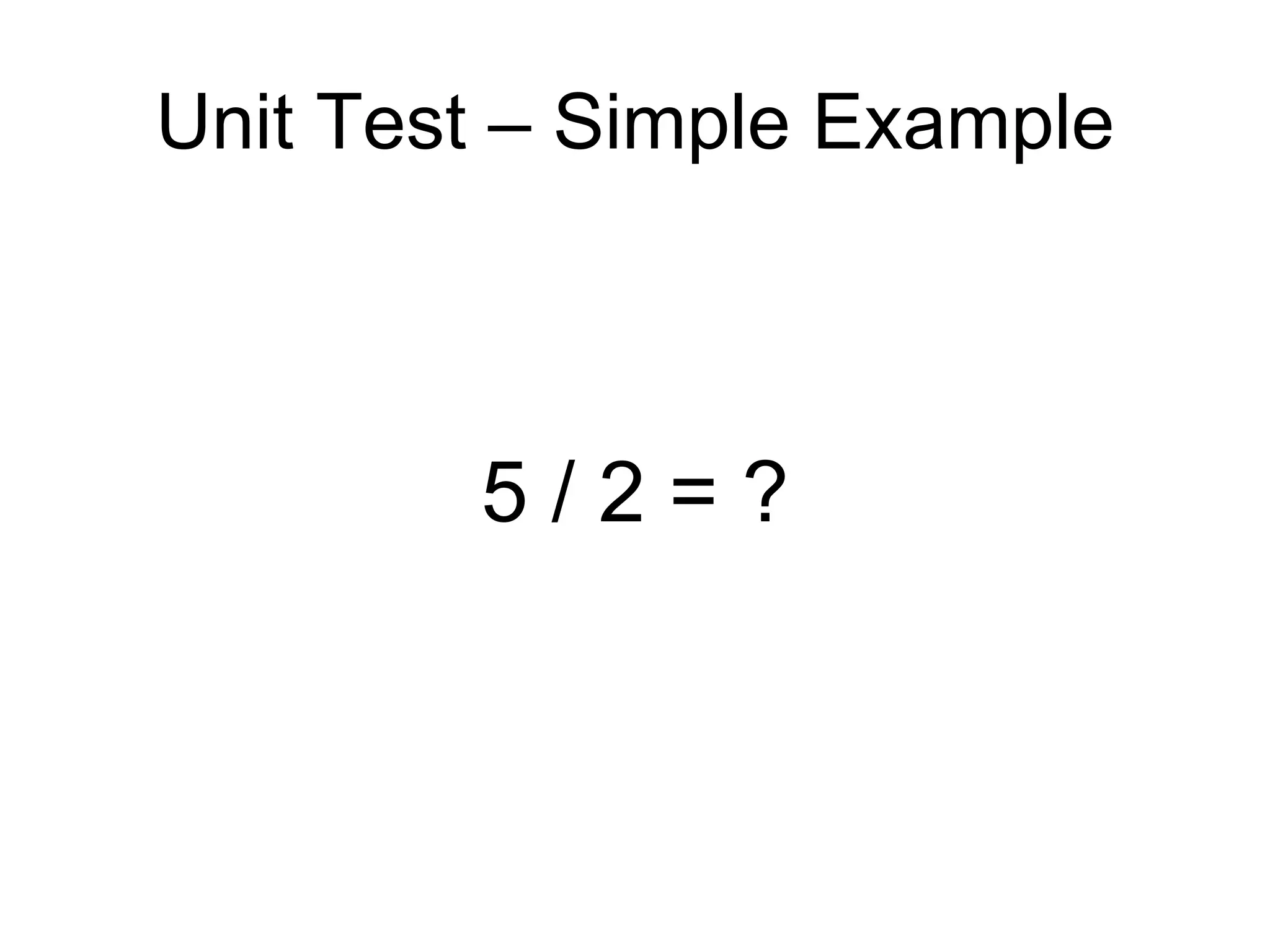
Unit Test – Simple Example 5 / 2 = ?
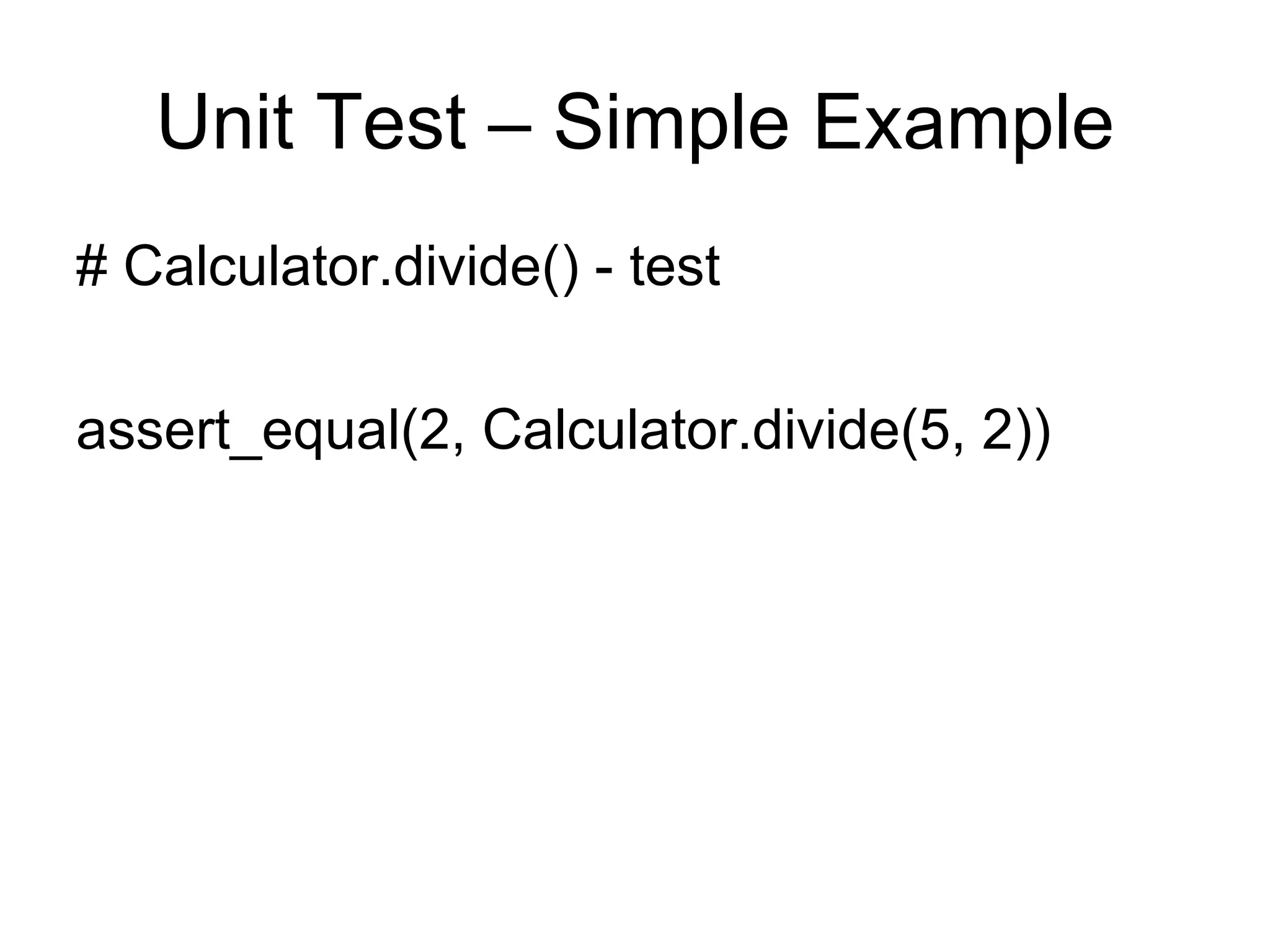
Unit Test – Simple Example # Calculator.divide() - test assert_equal(2, Calculator.divide(5, 2))
Unit Test – Simple Example # Calculator.divide() – implementation function divide(first, second) return round( first / second ) end
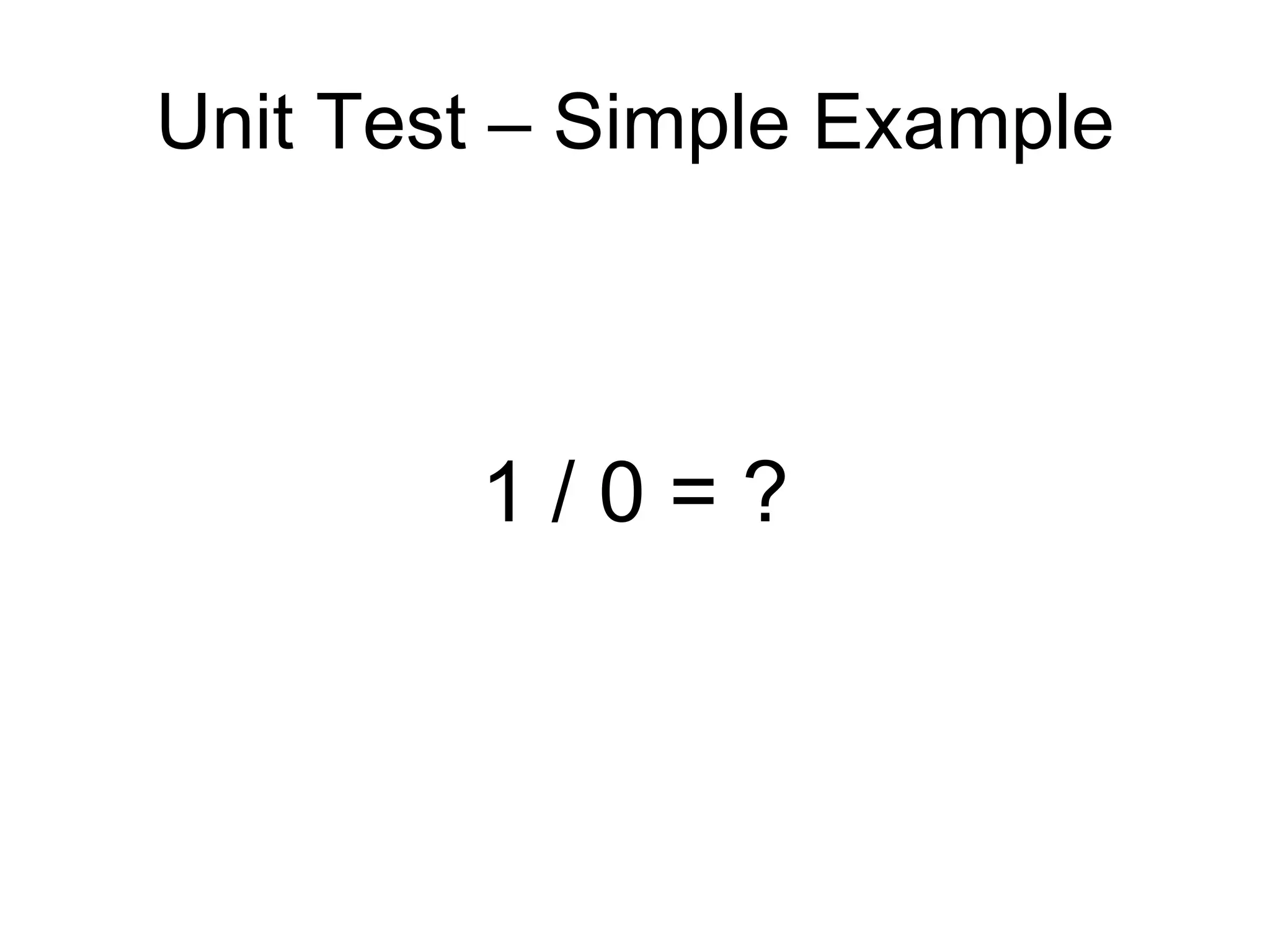
Unit Test – Simple Example 1 / 0 = ?
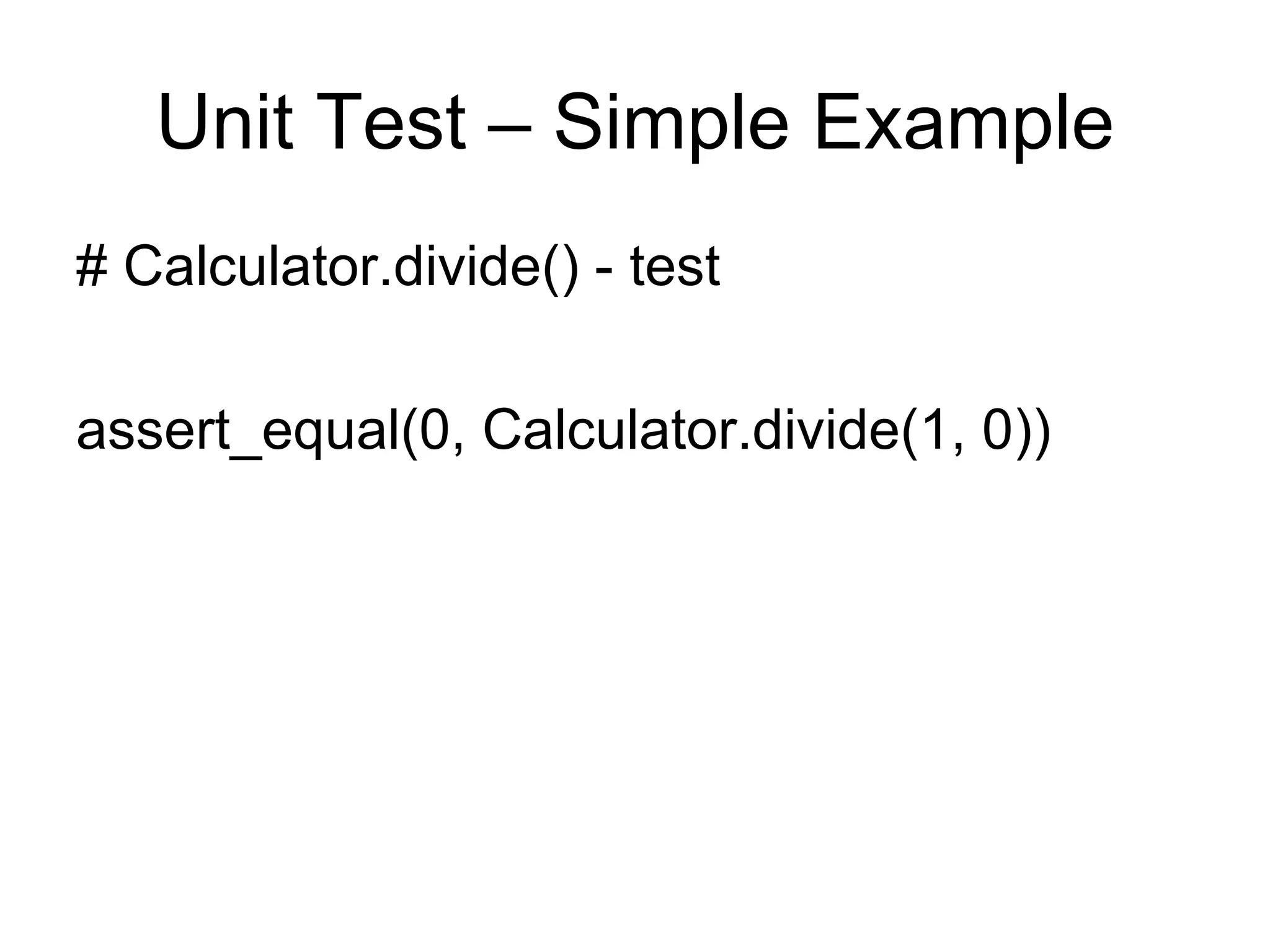
Unit Test – Simple Example # Calculator.divide() - test assert_equal(0, Calculator.divide(1, 0))
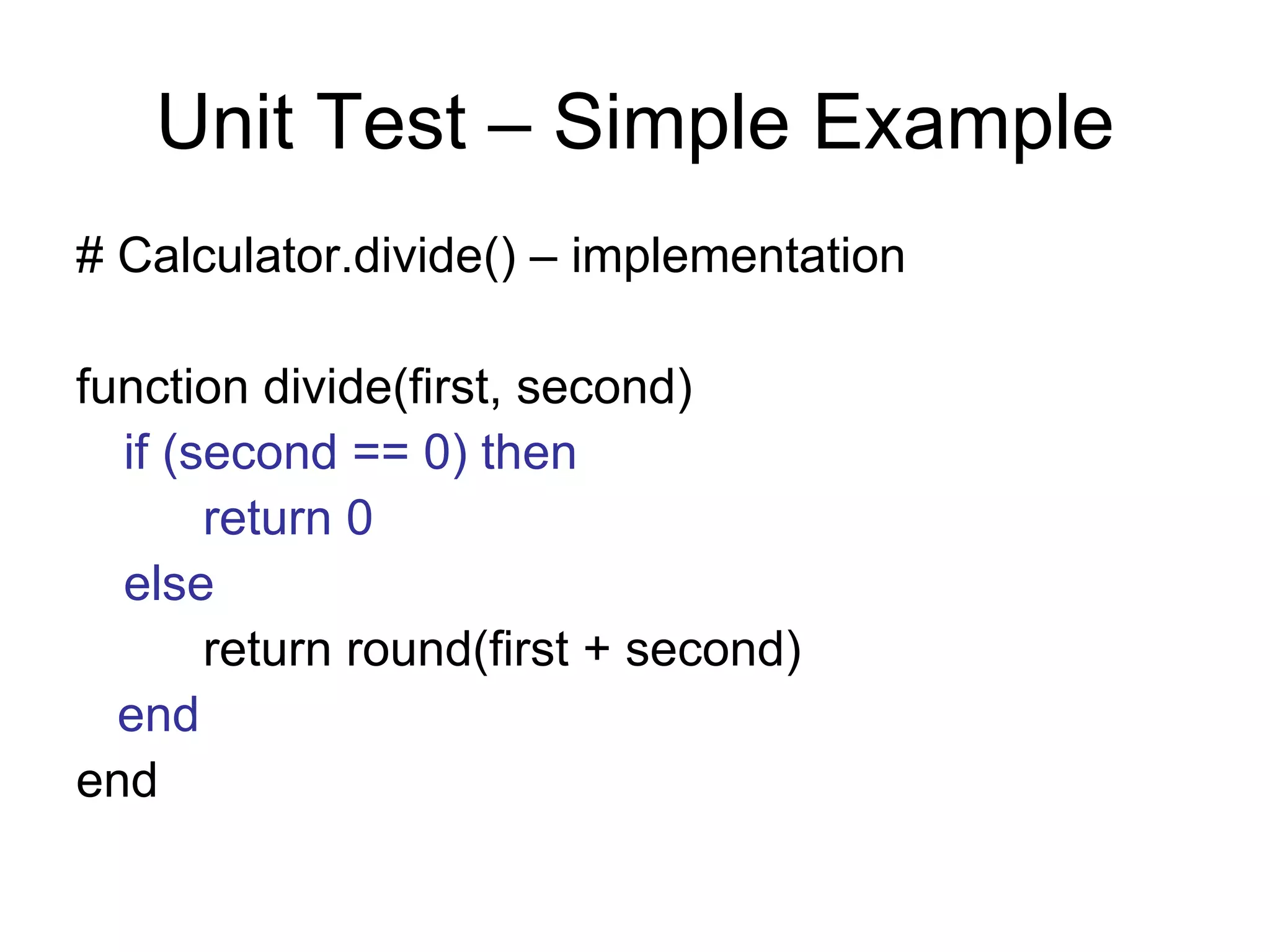
Unit Test – Simple Example # Calculator.divide() – implementation function divide(first, second) if (second == 0) then return 0 else return round(first + second) end end
Unit Test – Simple Example It works – the tests pass … … but the code is a little verbose … … so let’s refactor.
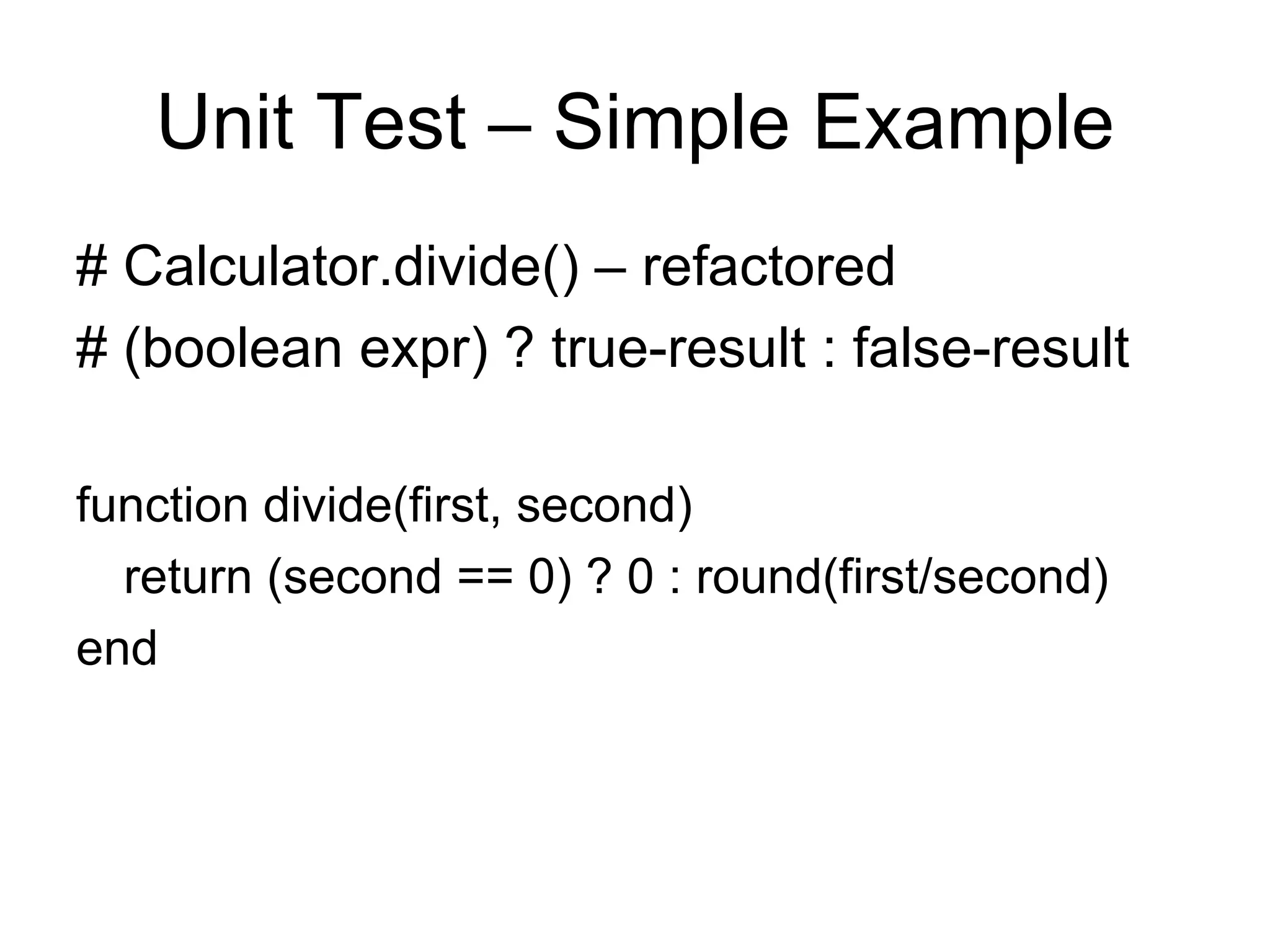
Unit Test – Simple Example # Calculator.divide() – refactored # (boolean expr) ? true-result : false-result function divide(first, second) return (second == 0) ? 0 : round(first/second) end
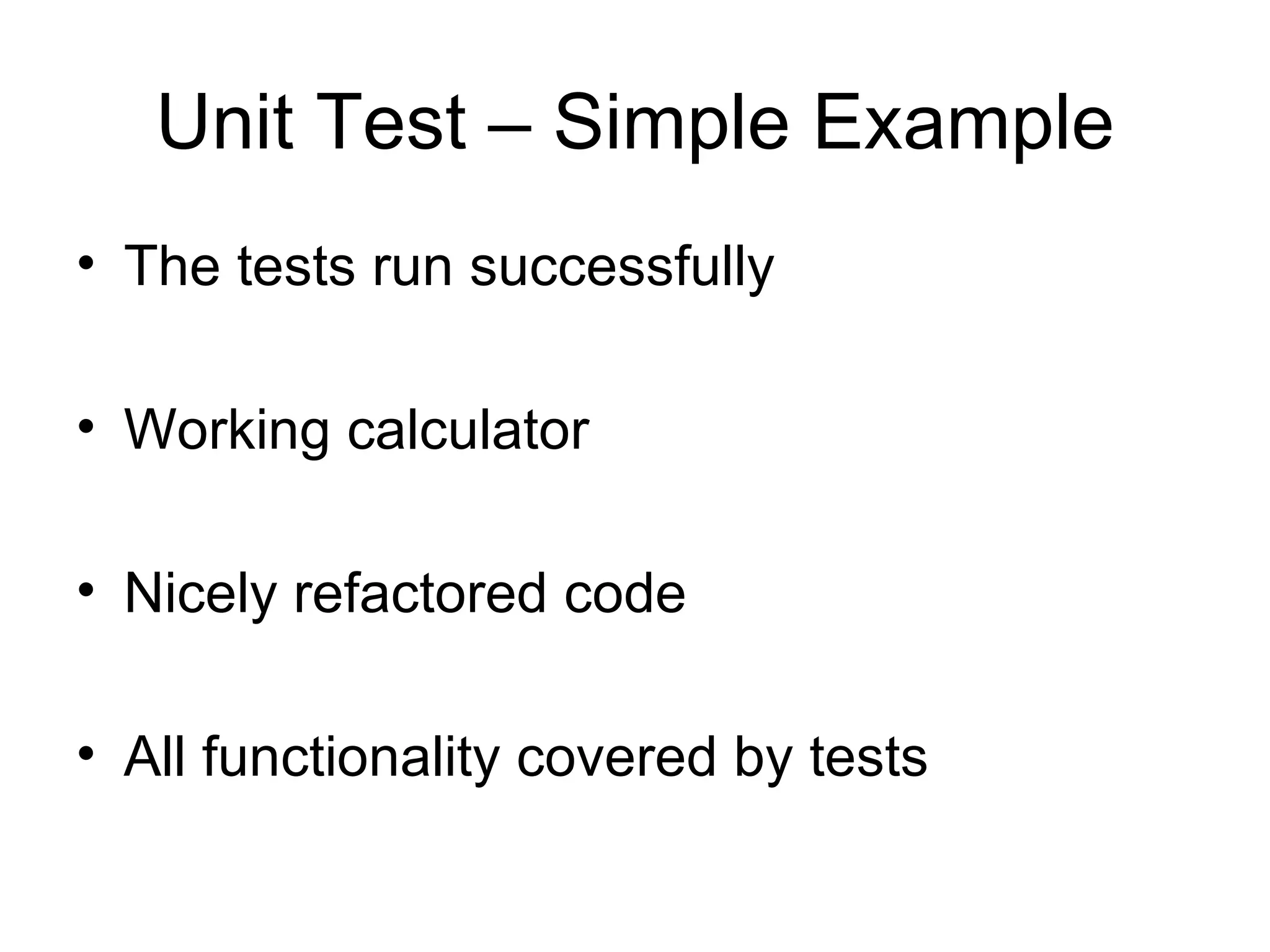
Unit Test – Simple Example The tests run successfully Working calculator Nicely refactored code All functionality covered by tests
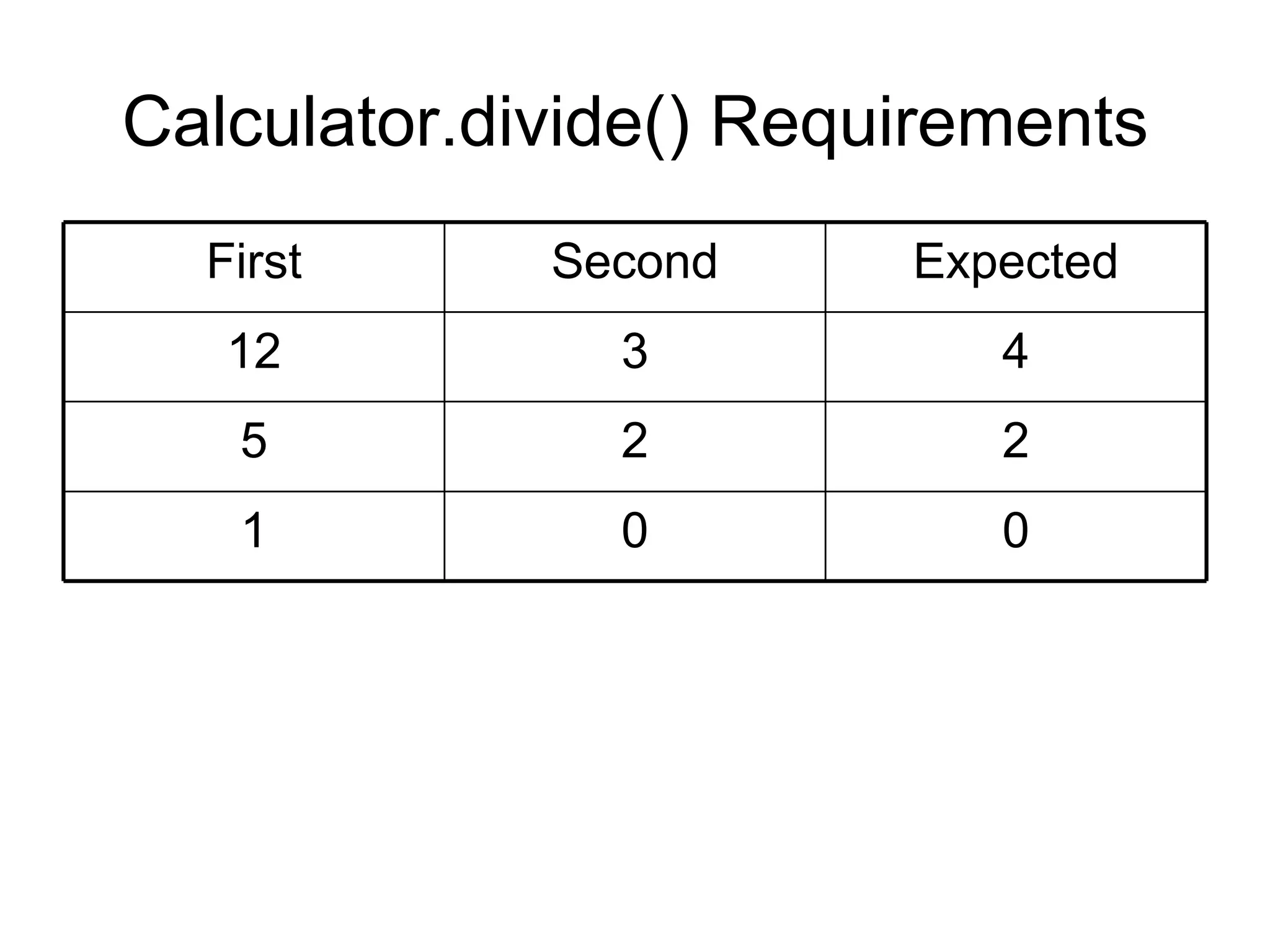
Calculator.divide() Requirements 0 0 1 2 2 5 4 3 12 Expected Second First
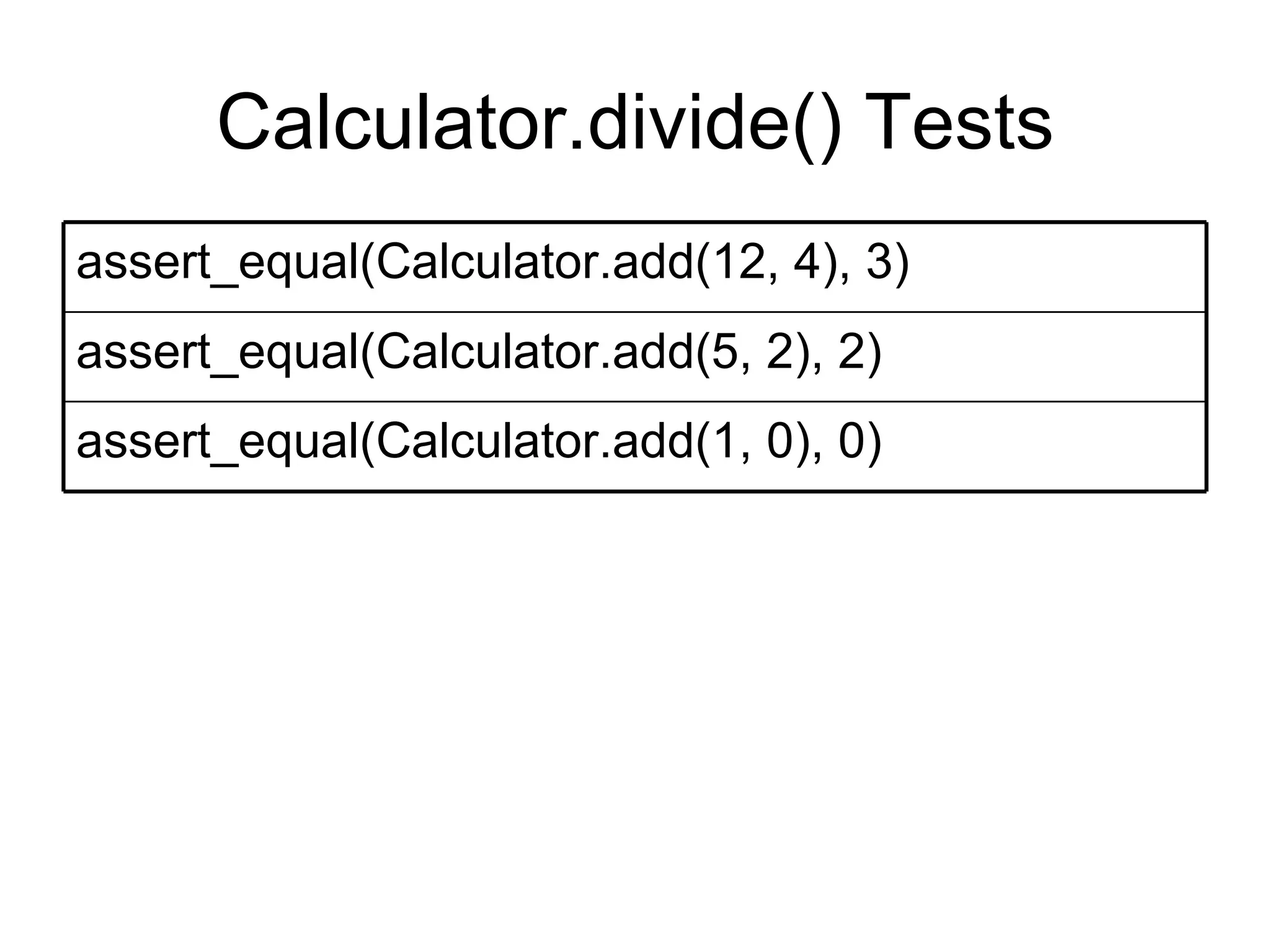
Calculator.divide() Tests assert_equal(Calculator.add(1, 0), 0) assert_equal(Calculator.add(5, 2), 2) assert_equal(Calculator.add(12, 4), 3)
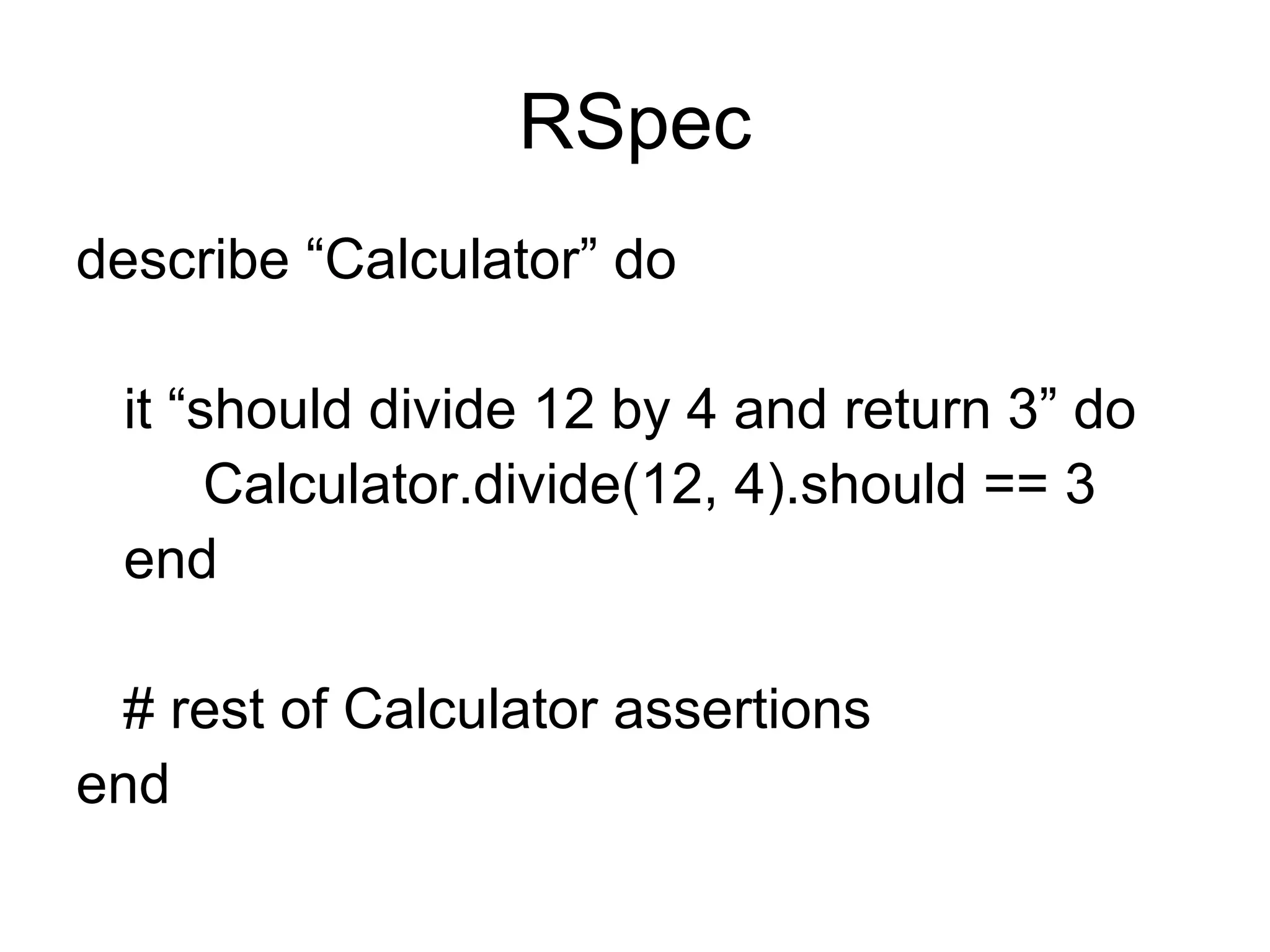
RSpec describe “Calculator” do it “should divide 12 by 4 and return 3” do Calculator.divide(12, 4).should == 3 end # rest of Calculator assertions end
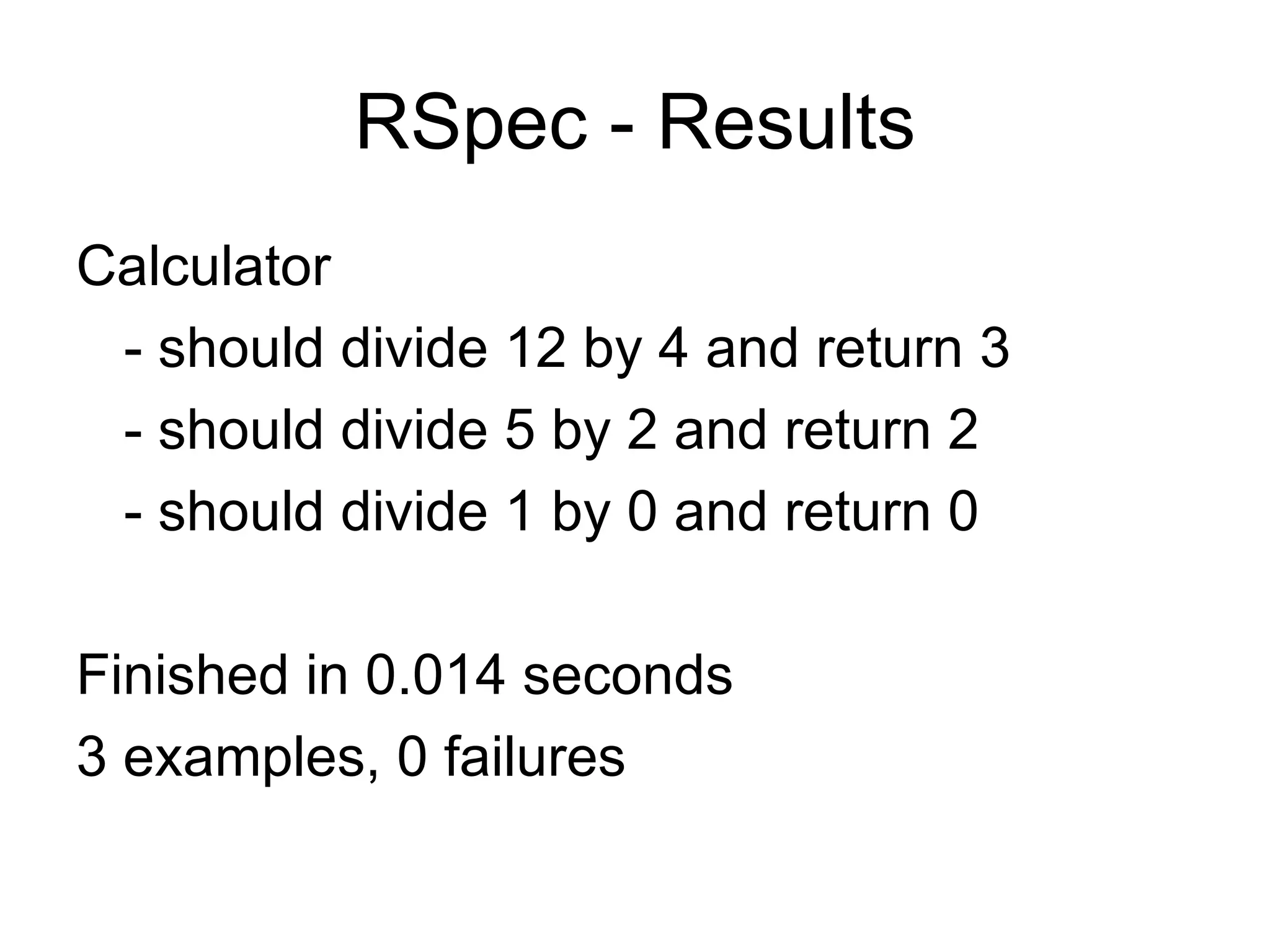
RSpec - Results Calculator - should divide 12 by 4 and return 3 - should divide 5 by 2 and return 2 - should divide 1 by 0 and return 0 Finished in 0.014 seconds 3 examples, 0 failures
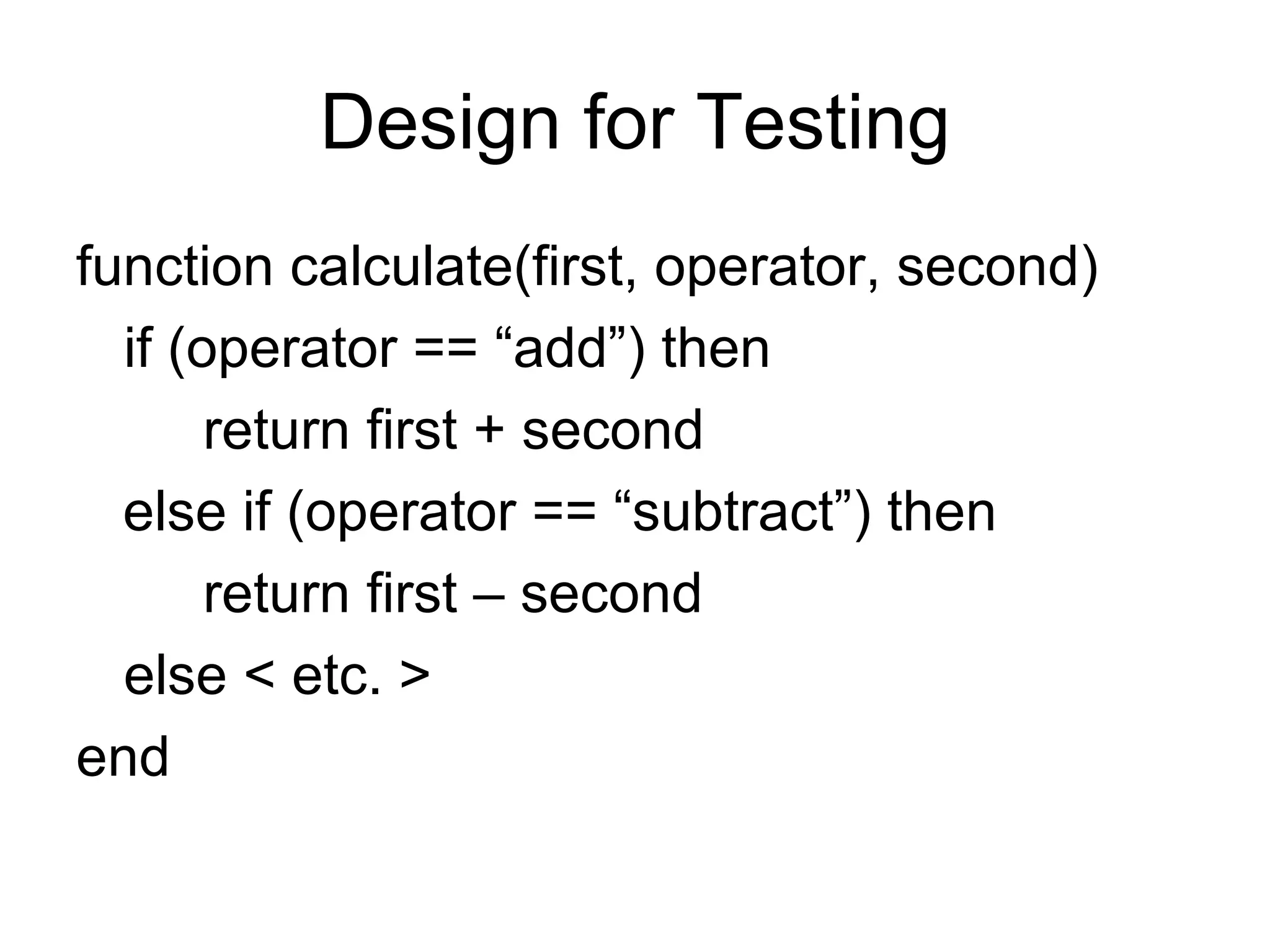
Design for Testing function calculate(first, operator, second) if (operator == “add”) then return first + second else if (operator == “subtract”) then return first – second else < etc. > end
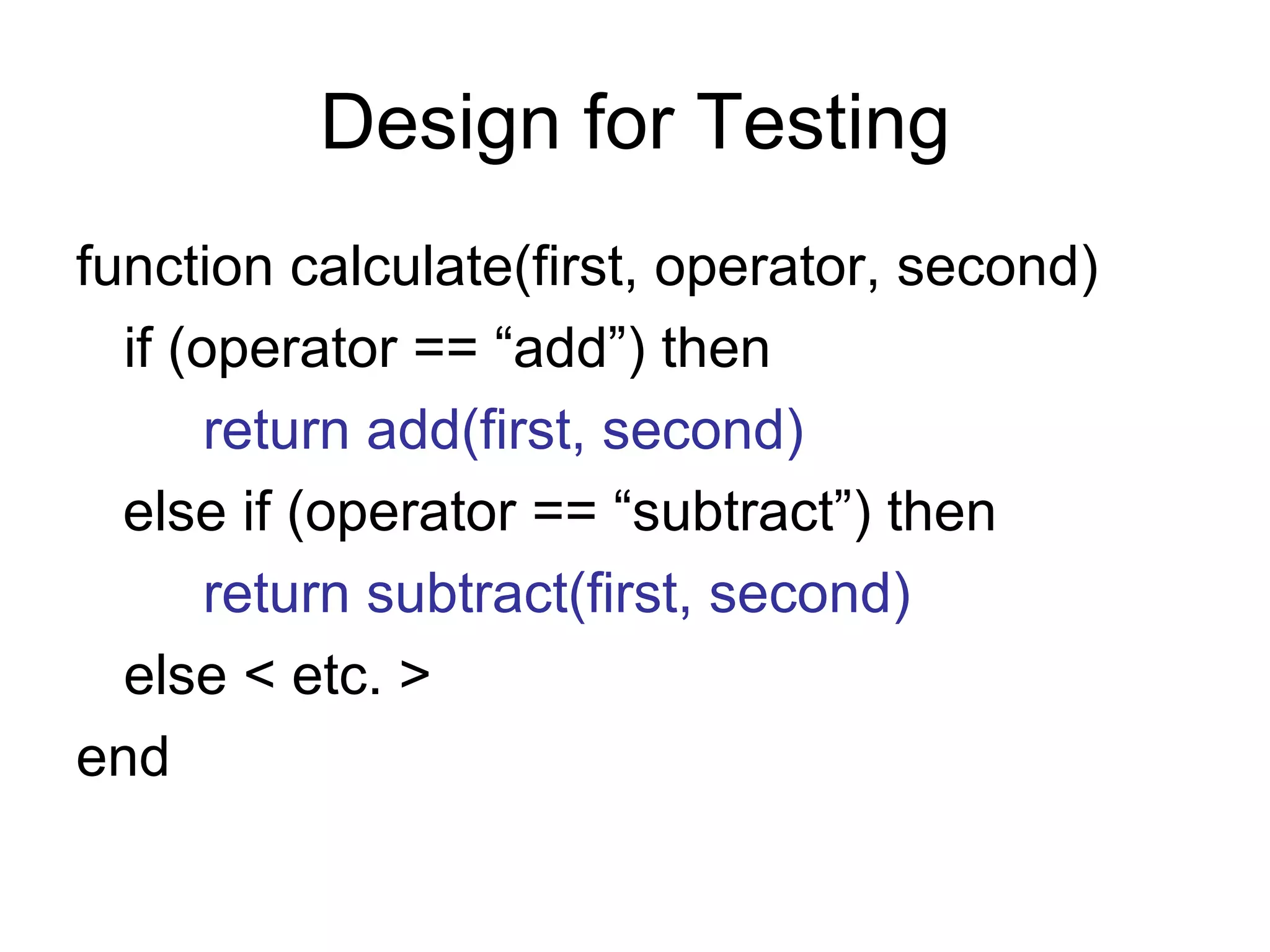
Design for Testing function calculate(first, operator, second) if (operator == “add”) then return add(first, second) else if (operator == “subtract”) then return subtract(first, second) else < etc. > end
Questions on unit testing?
Acceptance Testing Functional tests are written from a user's perspective. These tests confirm that the system does what users are expecting it to. (IBM) … acceptance testing is performed by the customer on a system prior to the customer accepting delivery … (Wikipedia)
Customer Test-Driven Development (CTDD) Tests Customer (browser) perspective Validate correctness of application Successful test constitutes acceptance Tests created, run, re-run throughout project life
Acceptance Testing Finds bugs Finds usability issues Produces new/changed requirements
Acceptance Testing Comes near the end of the project (late) Changes are most expensive How often is software not “accepted”?
Acceptance Testing - CTDD Requirements in the form of a test Meeting requirements is an objective, unambiguous activity. Consideration given to exceptions and edge cases, not just “happy path”.
Testing Types Happy Path – verifies expected behavior with correct input Validity – verifies incorrect input results in expected errors Edge case – checks boundaries between Happy Path and invalid data
Example Requirement Add comments field Make it required
 
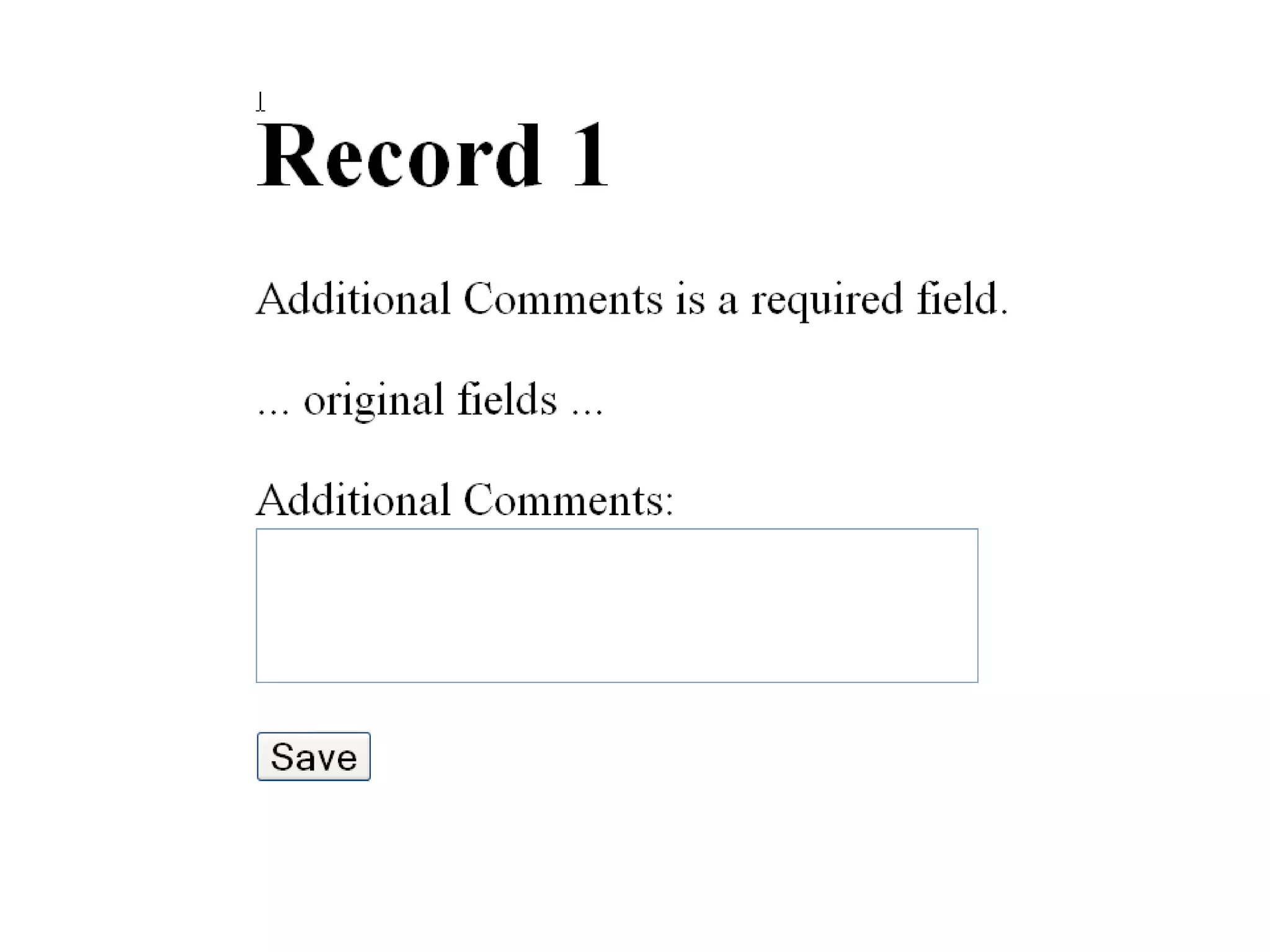
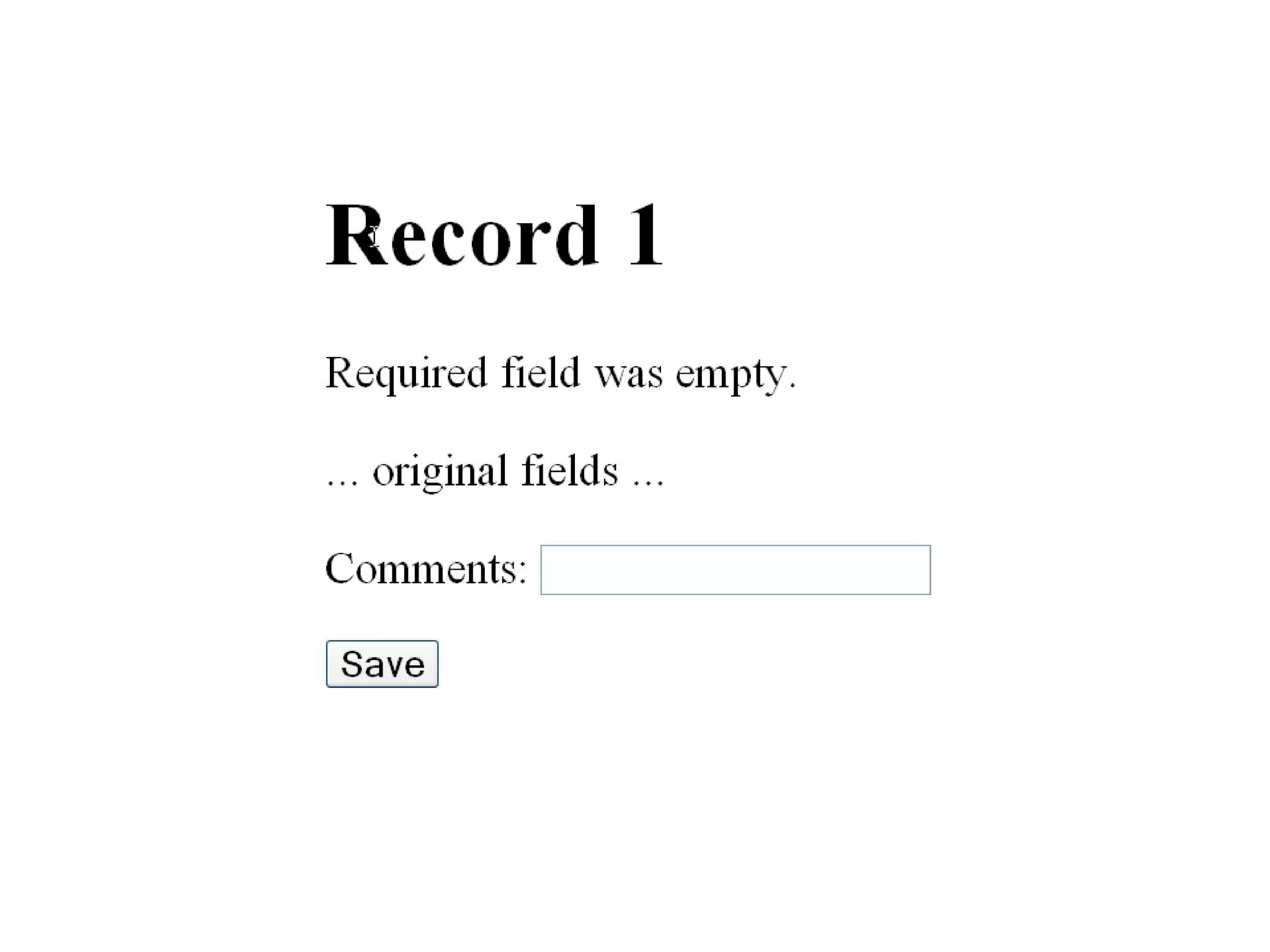
Requirement Add comments field as an HTML text area, 3 rows x 30 columns. Put label “Additional Comments” on top of text area Make it required. If empty, error message should be “Additional Comments is a required field.”
 
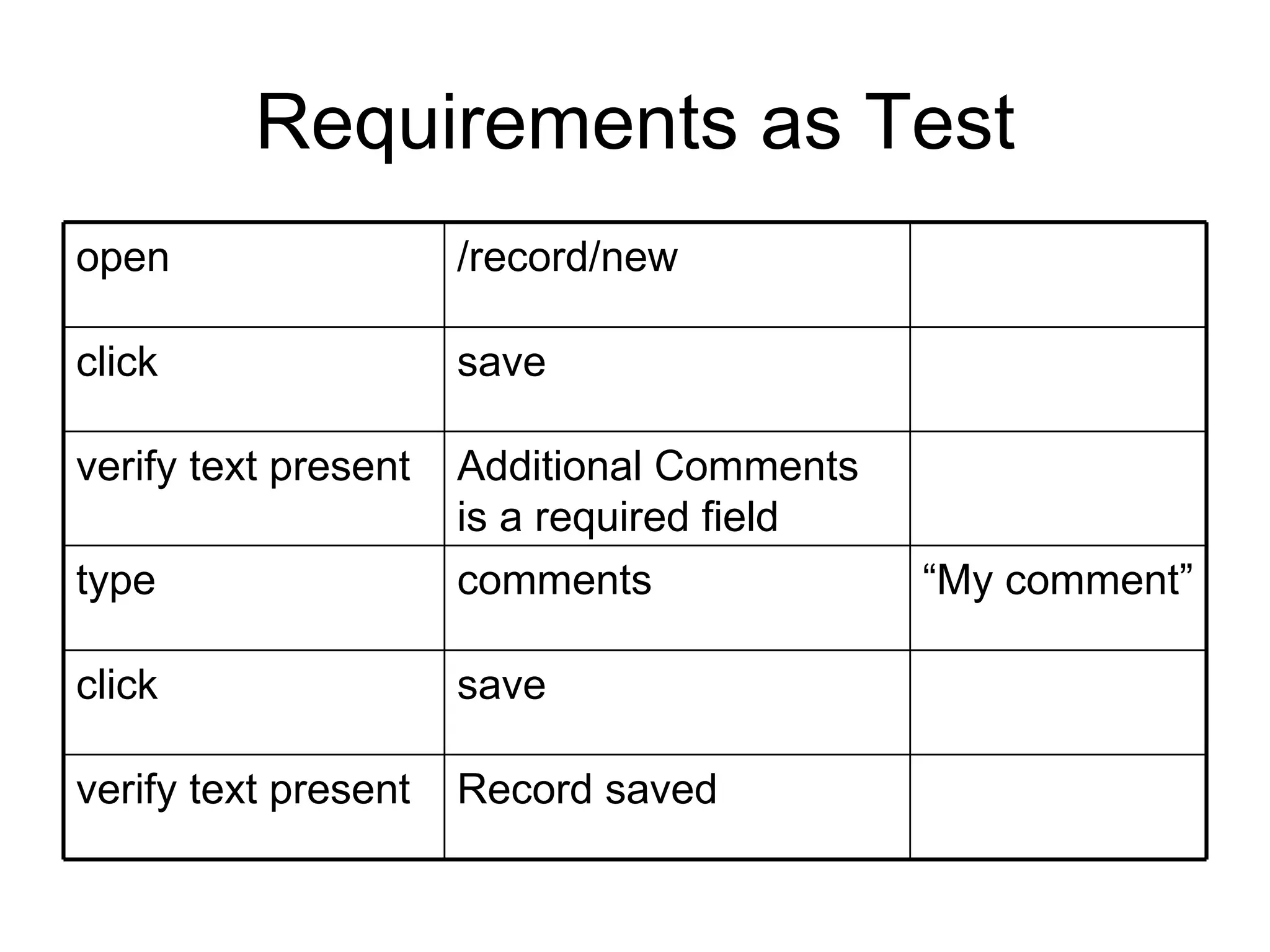
Requirements as Test Record saved verify text present save click “ My comment” comments type Additional Comments is a required field verify text present save click /record/new open
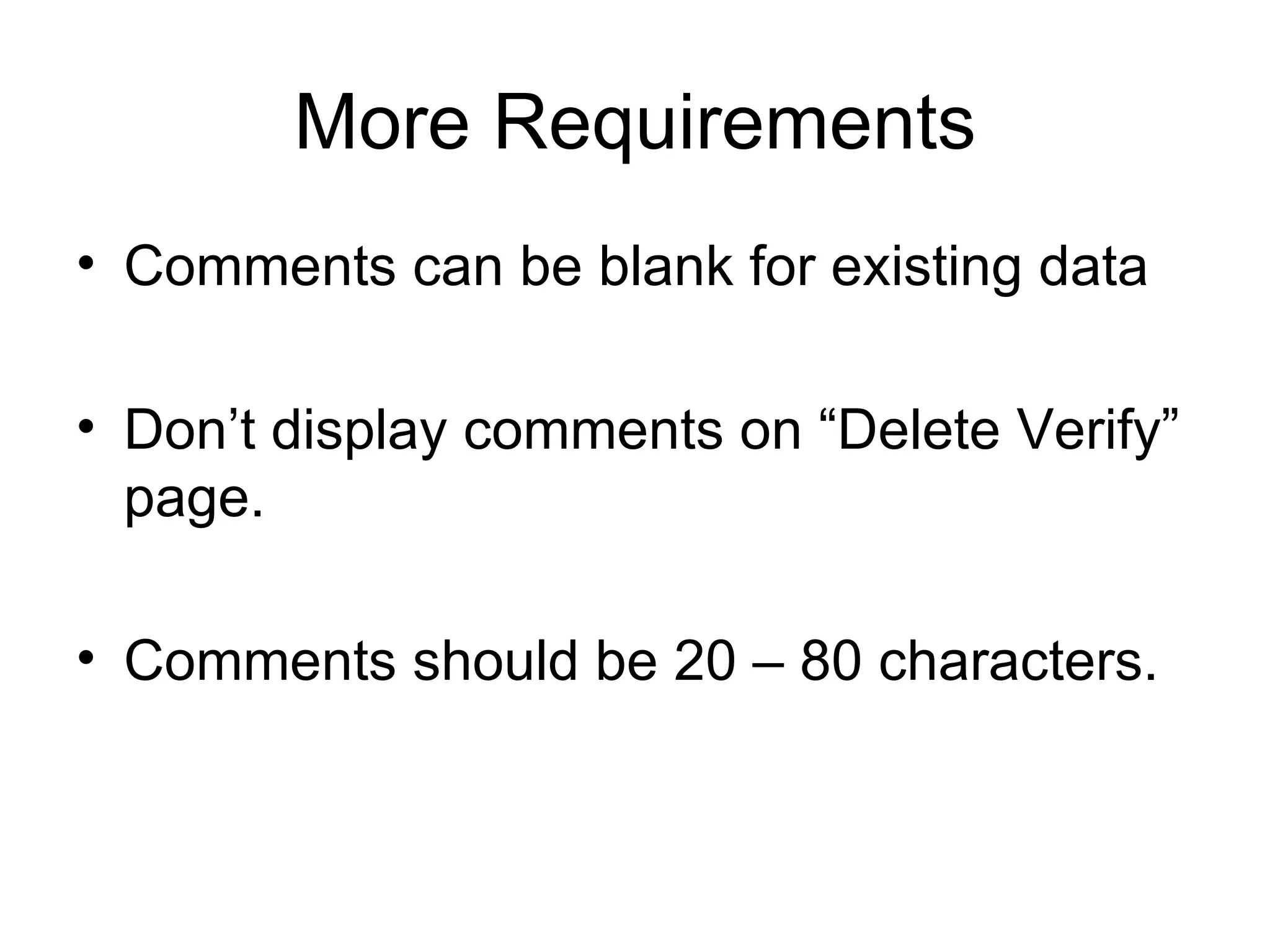
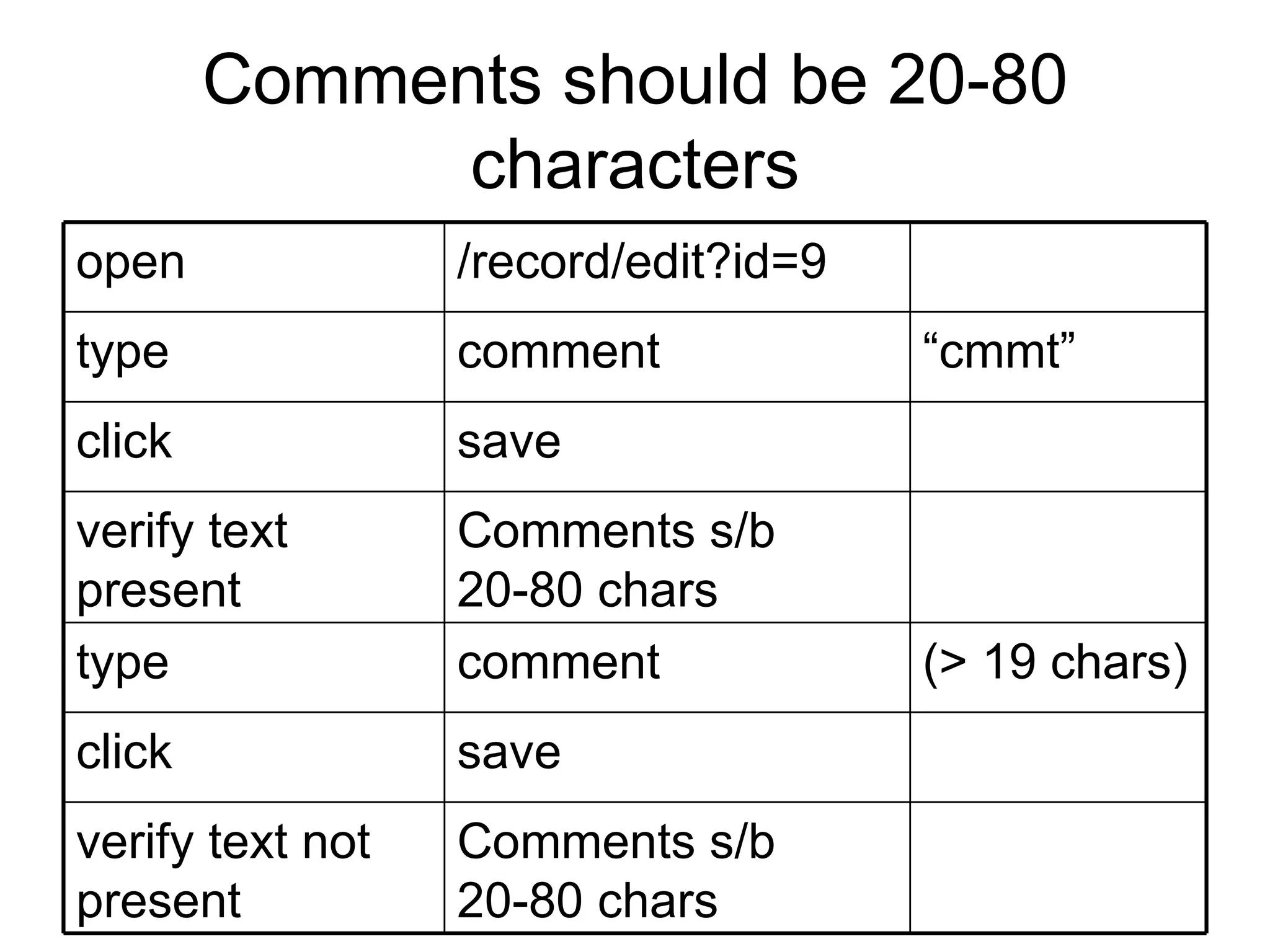
More Requirements Comments can be blank for existing data Don’t display comments on “Delete Verify” page. Comments should be 20 – 80 characters.
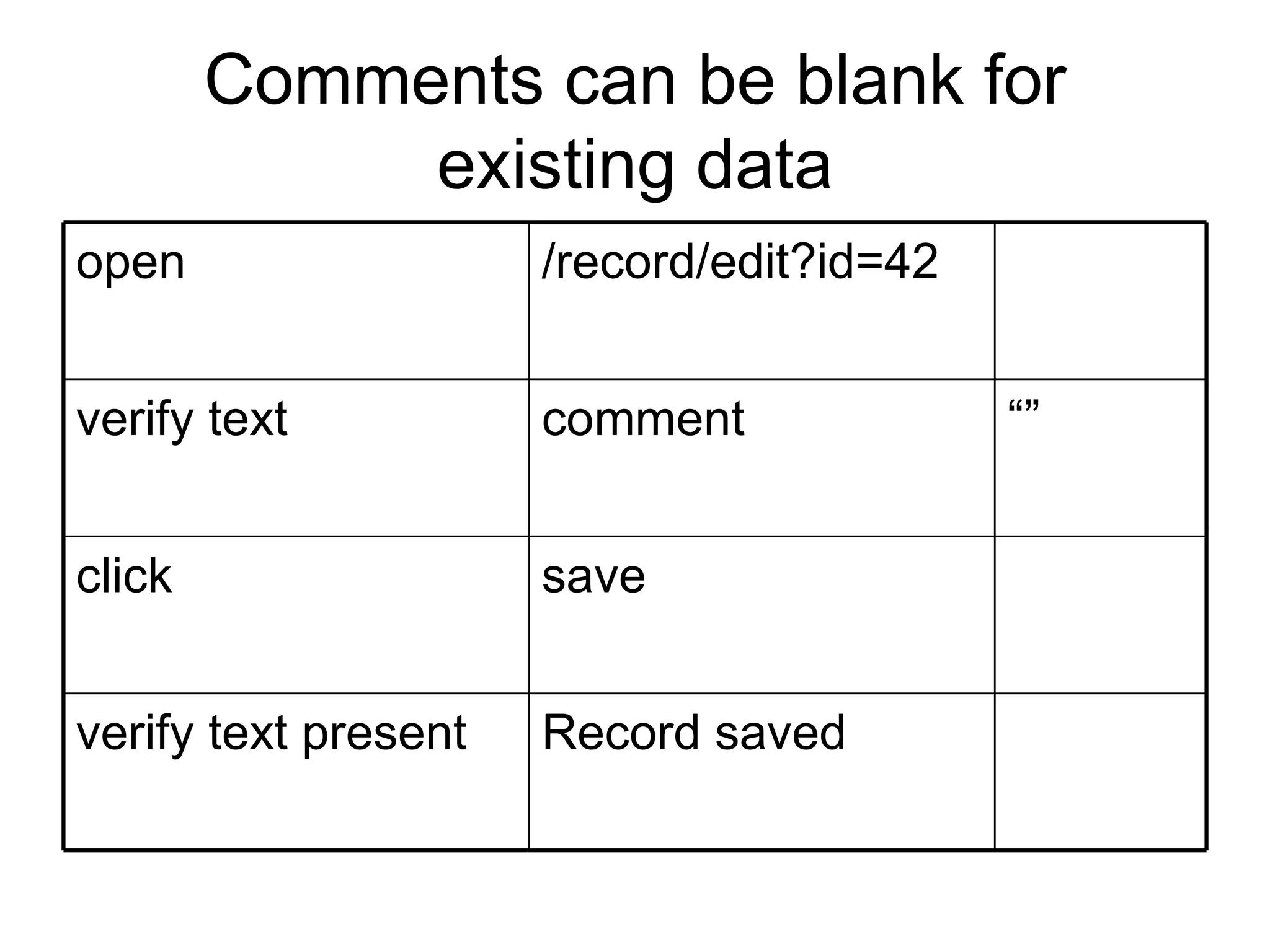
Comments can be blank for existing data Record saved verify text present save click “” comment verify text /record/edit?id=42 open
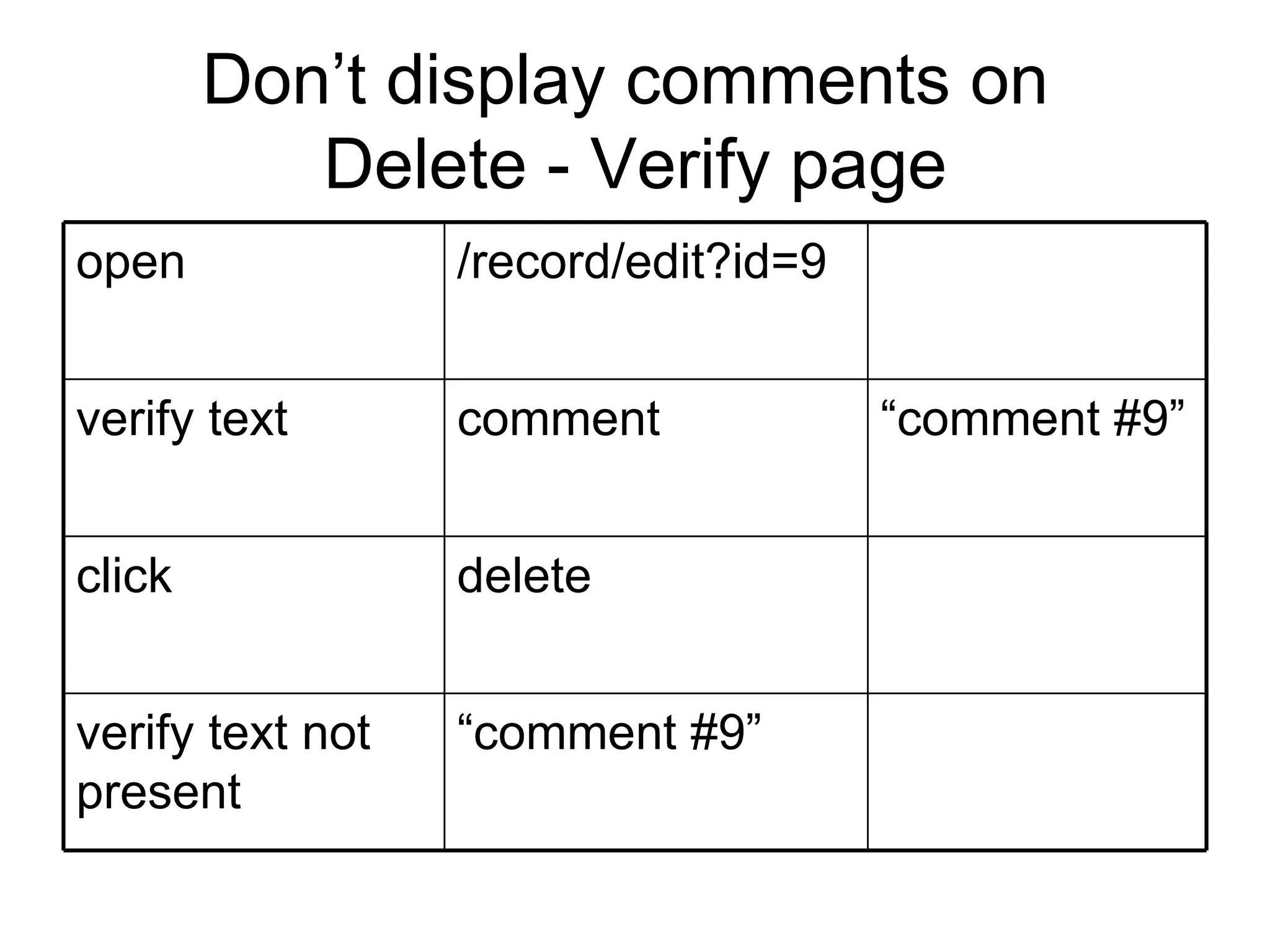
Don’t display comments on Delete - Verify page “ comment #9” verify text not present delete click “ comment #9” comment verify text /record/edit?id=9 open
Comments should be 20-80 characters Comments s/b 20-80 chars verify text not present save click (> 19 chars) comment type Comments s/b 20-80 chars verify text present save click “ cmmt” comment type /record/edit?id=9 open
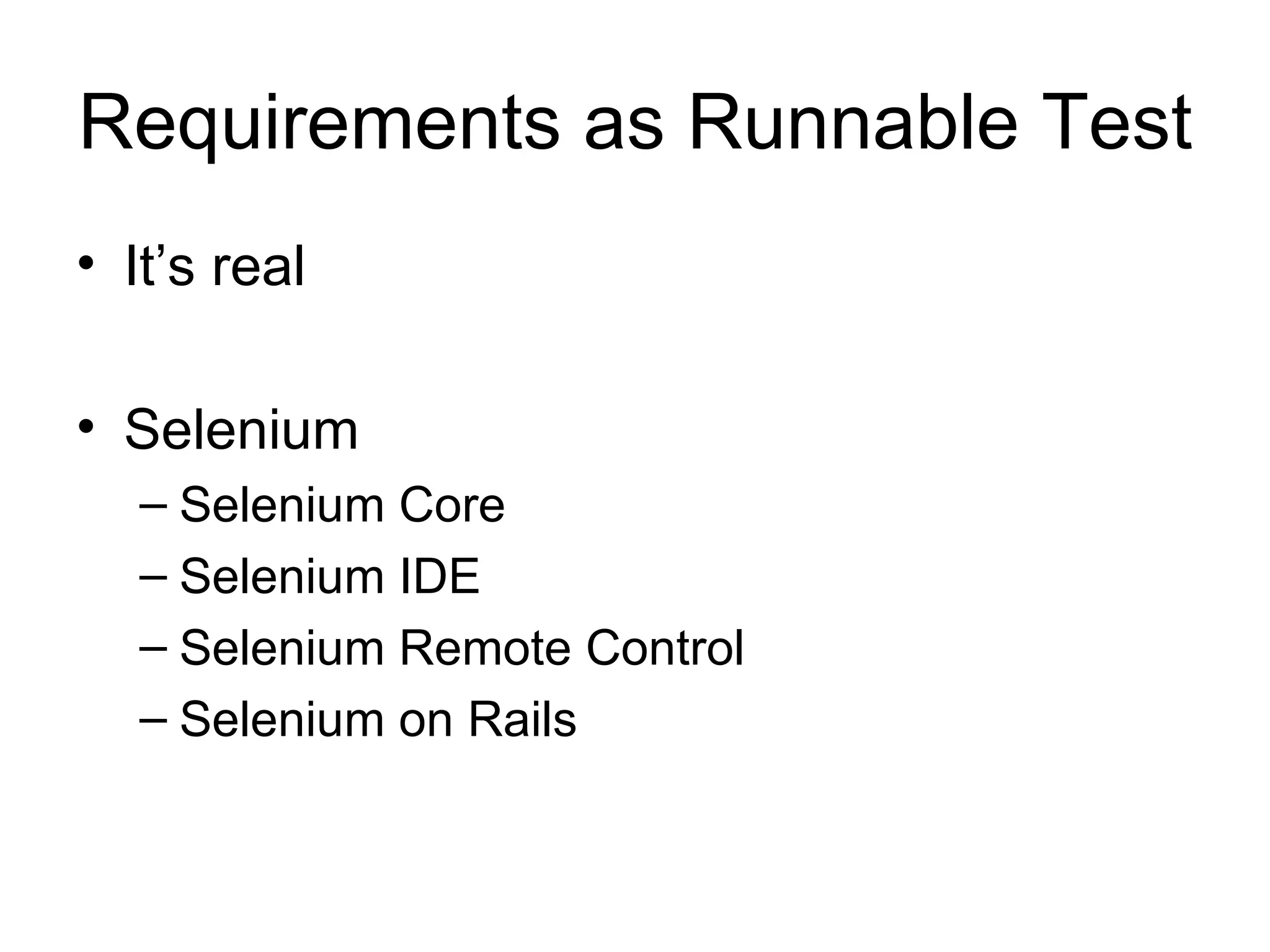
Requirements as Runnable Test It’s real Selenium Selenium Core Selenium IDE Selenium Remote Control Selenium on Rails
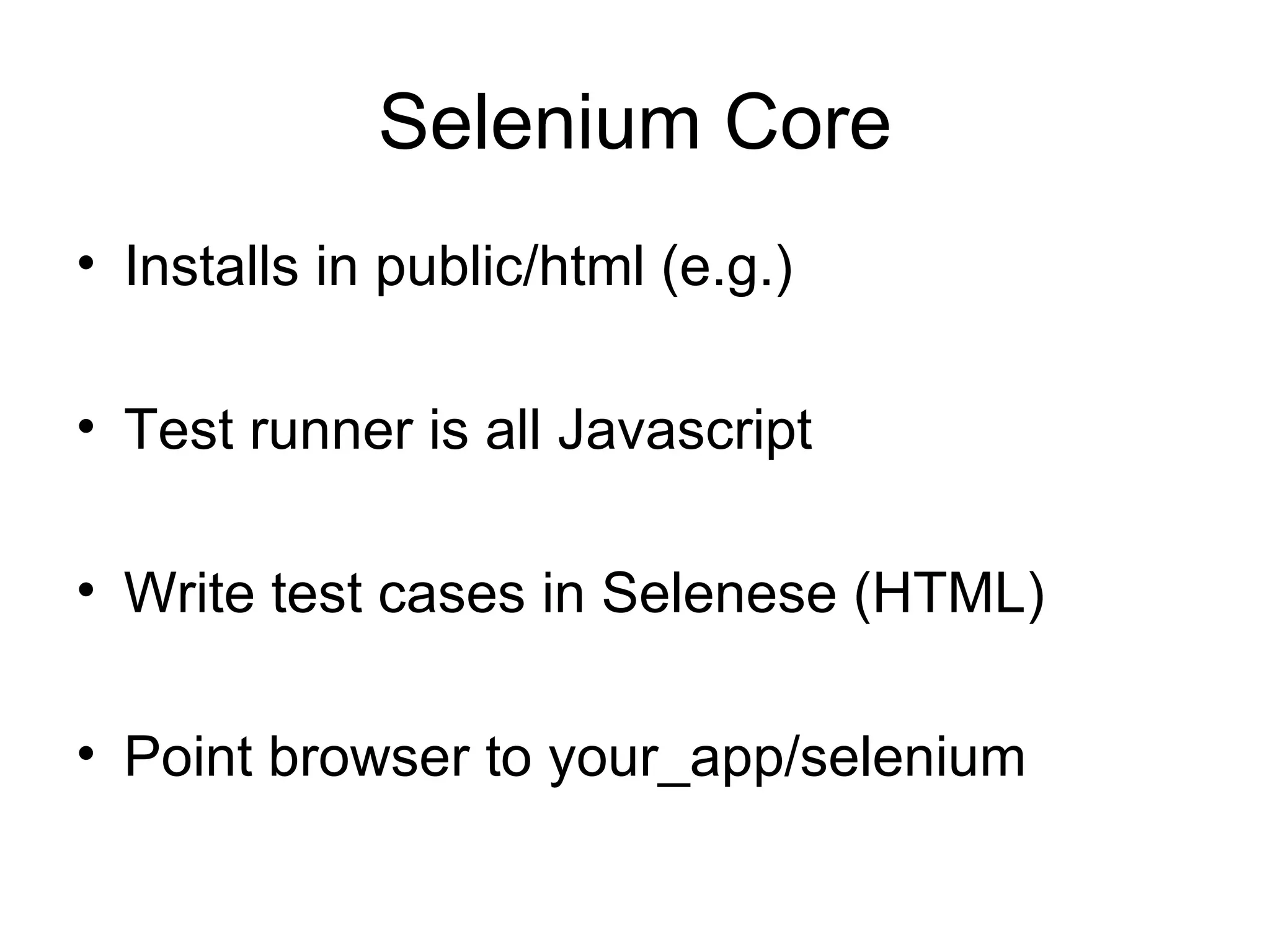
Selenium Core Installs in public/html (e.g.) Test runner is all Javascript Write test cases in Selenese (HTML) Point browser to your_app/selenium
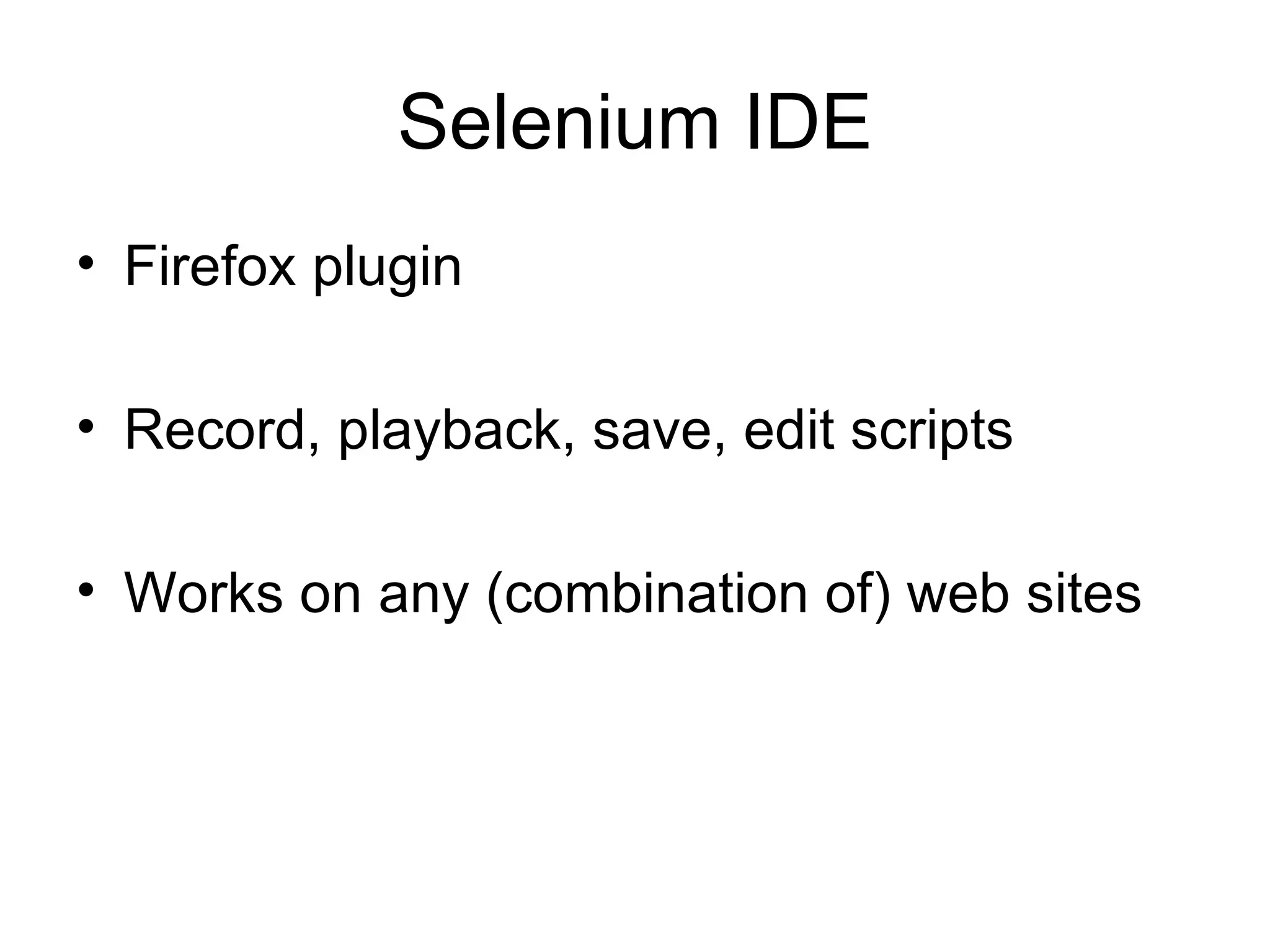
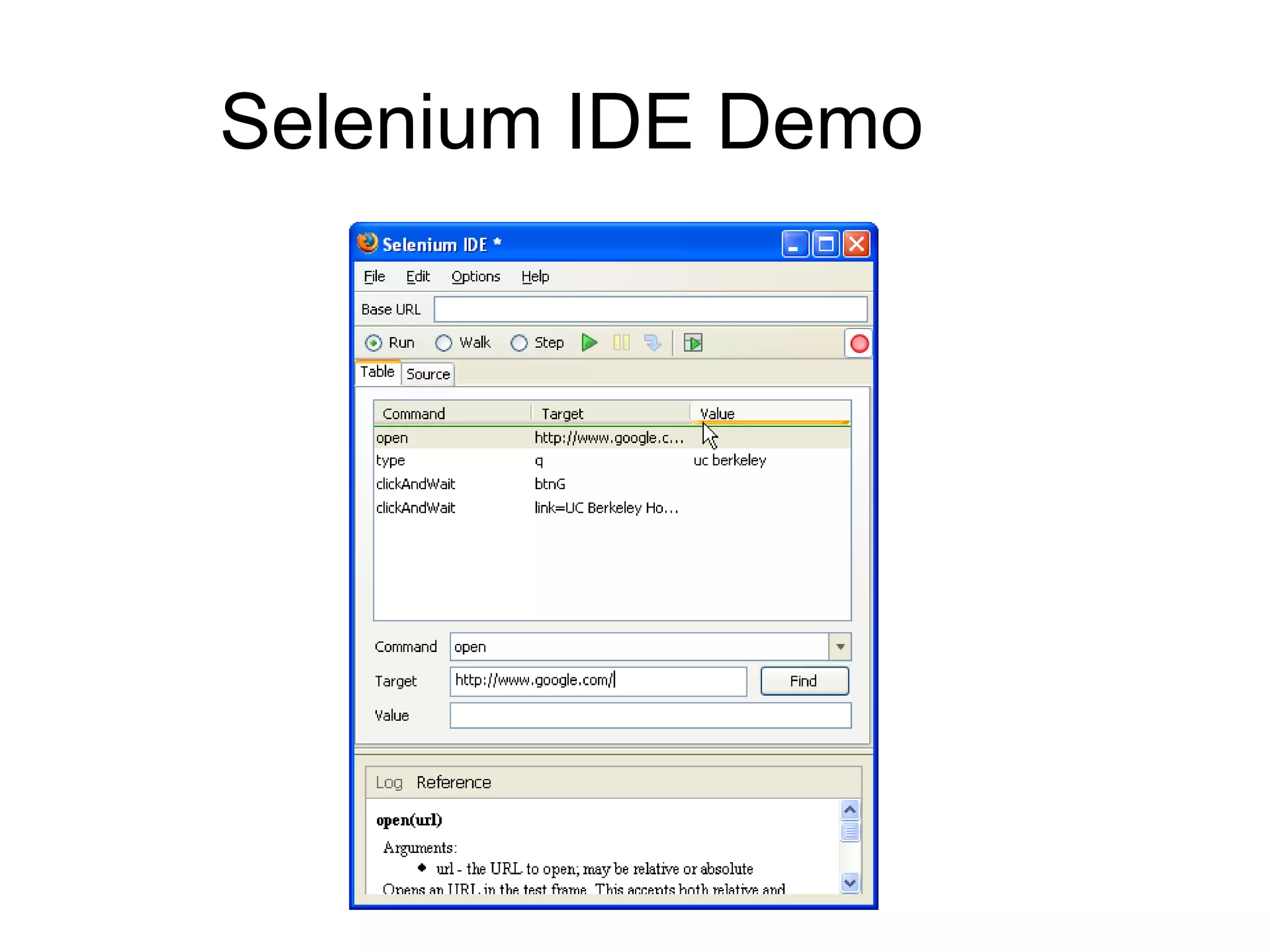
Selenium IDE Firefox plugin Record, playback, save, edit scripts Works on any (combination of) web sites
Selenium IDE Demo
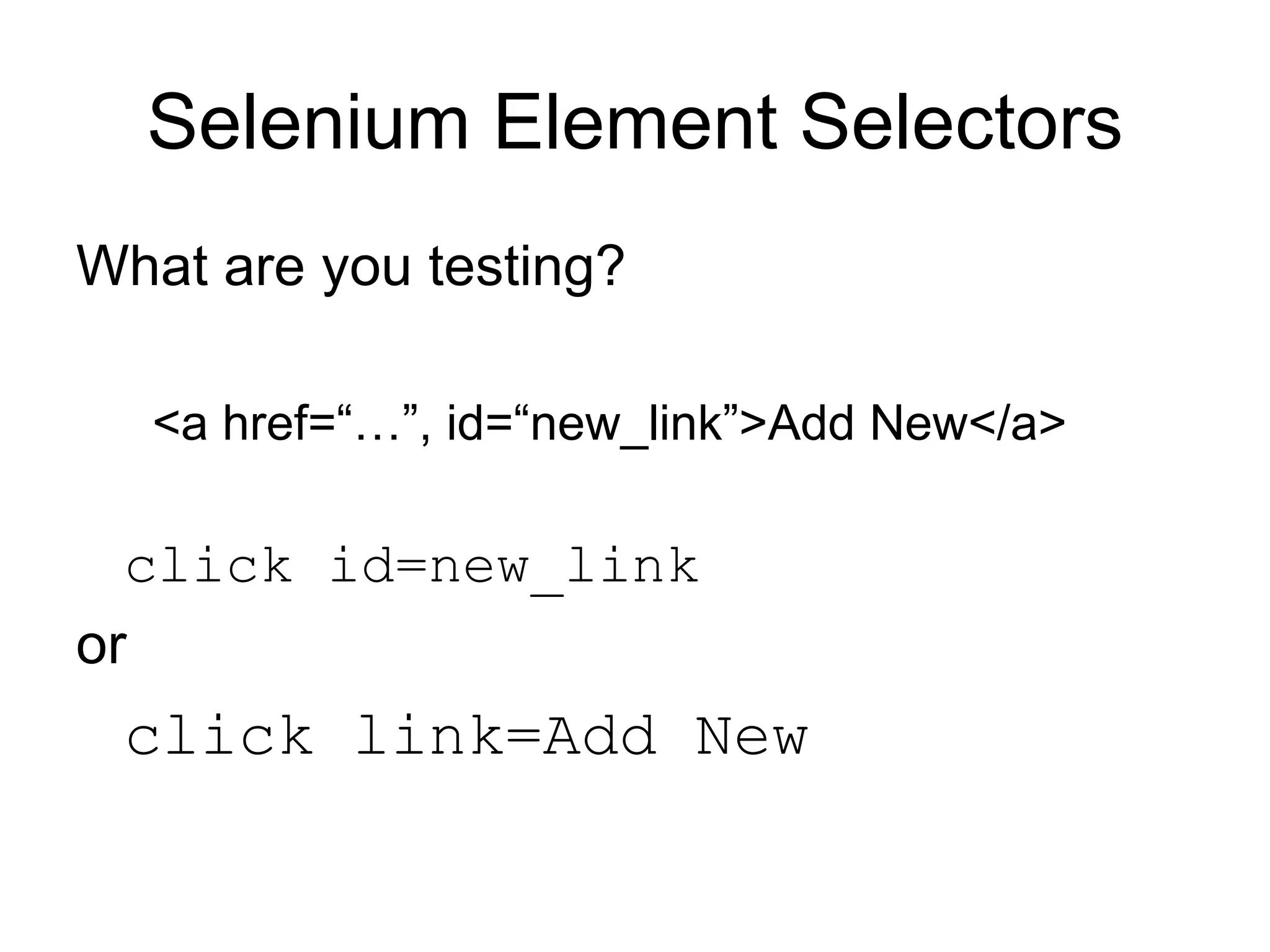
Selenium Element Selectors id=some_id or name=some_name dom=document.forms[1].myDropdown xpath=//img[@alt=‘Some alt text’] link=some link text css=cssSelectorSyntax
Selenium Element Selectors What are you testing? <a href=“…”, id=“new_link”>Add New</a> click id=new_link or click link=Add New
HTML Recommendations Id attributes on all important elements Class attributes a close second Valid mark-up reduces dom and xpath errors
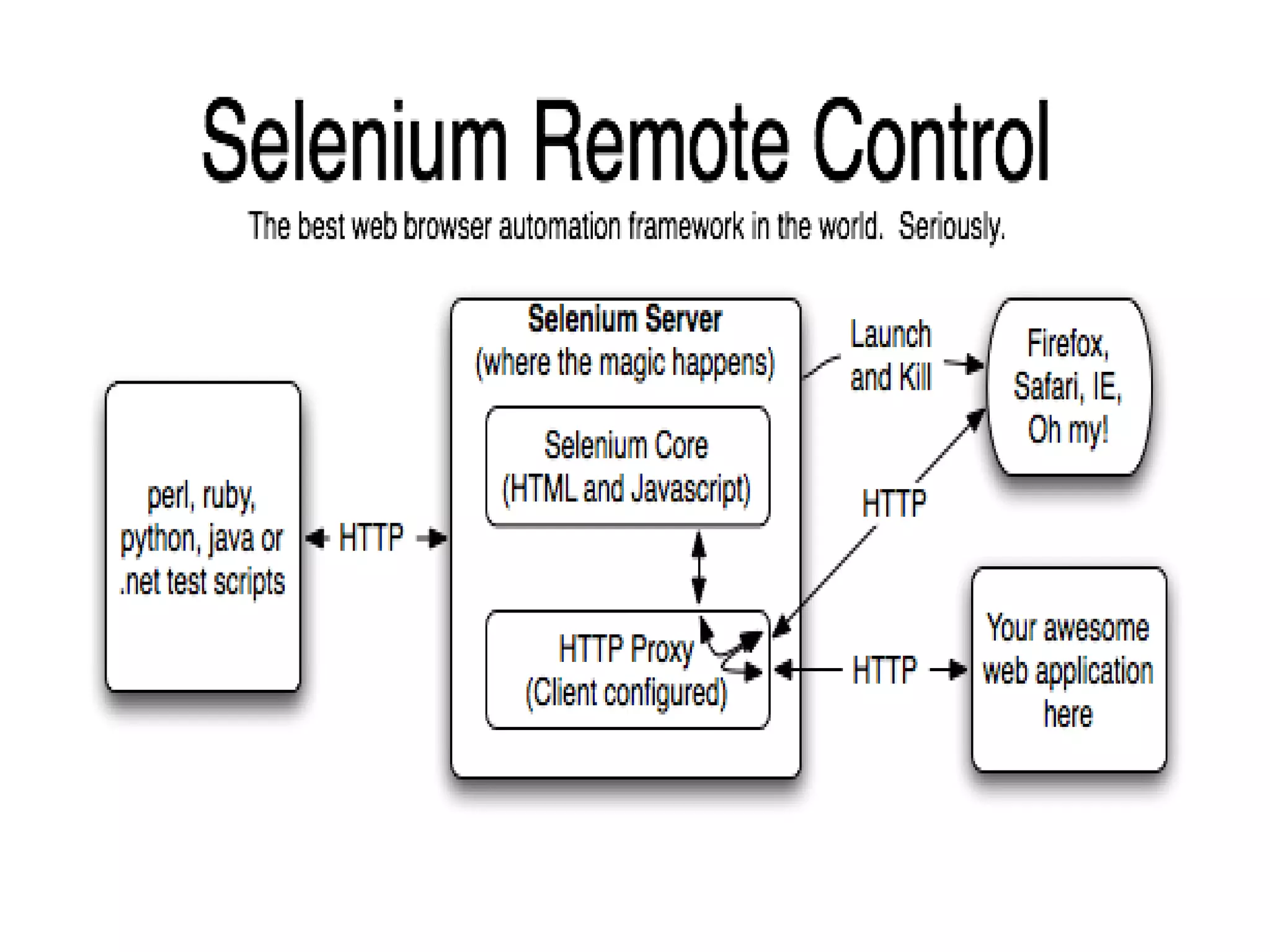
Selenium Remote Control … write automated web application UI tests in any programming language against any HTTP website using any mainstream JavaScript-enabled browser. Java, .Net, Perl, PHP, Python, Ruby
 
C# (NUnit) Example using Selenium; using NUnit.Framework; namespace MyTests { [TestFixture] public class GoogleTest { private ISelenium sel; [SetUp] public void SetUp() { sel = new DefaultSelenium(&quot;localhost&quot;, 4444, &quot;*firefox&quot;, &quot;http://www.google.com&quot;); sel.Start(); } [Test] public void testGoogle() { sel.Open(&quot;http://www.google.com/webhp&quot;); sel.Type(&quot;q&quot;, &quot;hello world&quot;); sel.Click(&quot;btnG&quot;); sel.WaitForPageToLoad(&quot;5000&quot;); Assert.AreEqual(&quot;hello world - Google Search&quot;, sel.GetTitle()); } [TearDown] public void TearDown() { sel.Stop(); } } }
C# (NUnit) Example [Test] public void testGoogle() { sel.Open(&quot;http://www.google.com/webhp&quot;); sel.Type(&quot;q&quot;, &quot;hello world&quot;); sel.Click(&quot;btnG&quot;); sel.WaitForPageToLoad(&quot;5000&quot;); Assert.AreEqual(&quot;hello world - Google Search&quot;, sel.GetTitle()); }
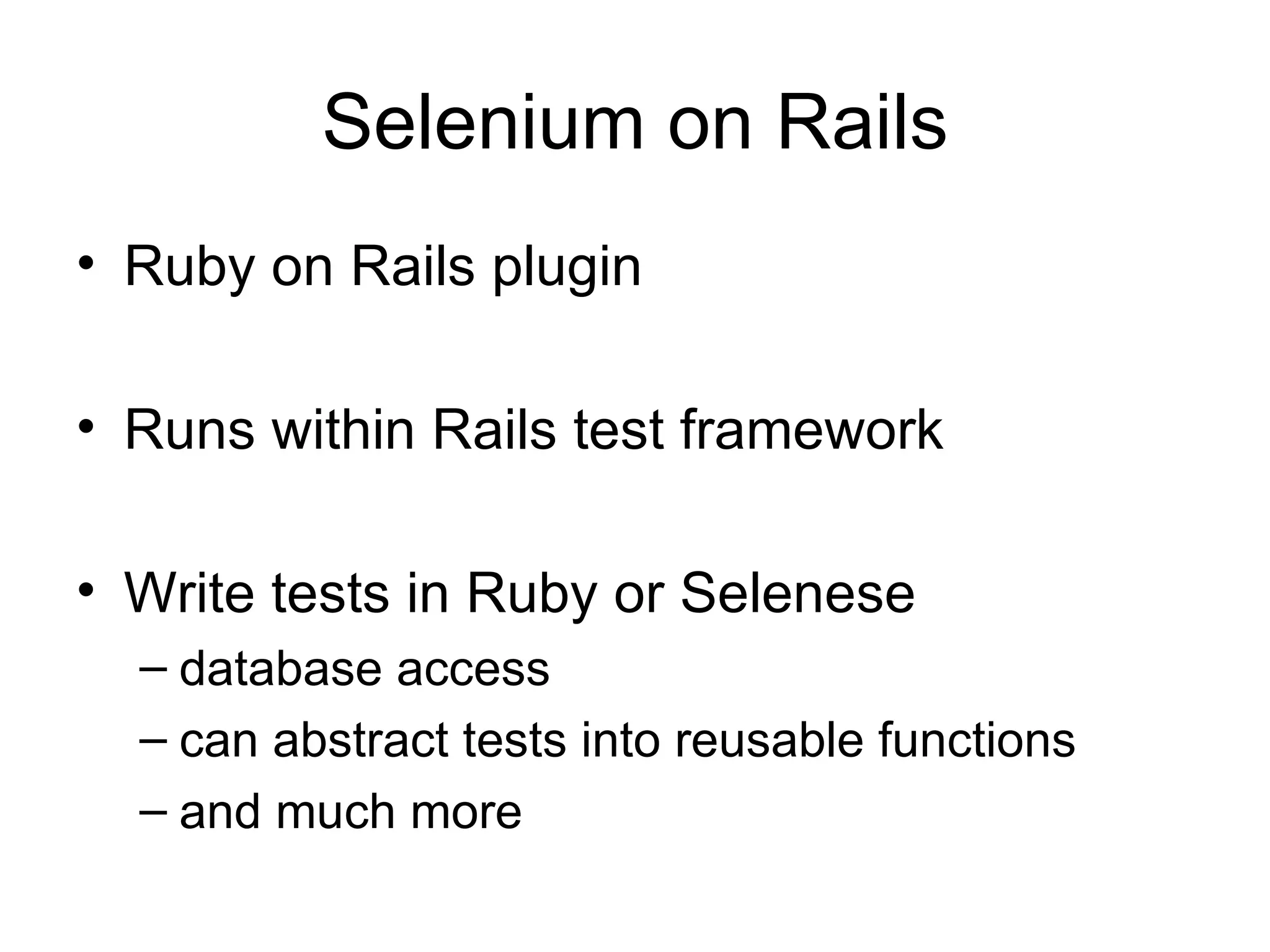
Selenium on Rails Ruby on Rails plugin Runs within Rails test framework Write tests in Ruby or Selenese database access can abstract tests into reusable functions and much more
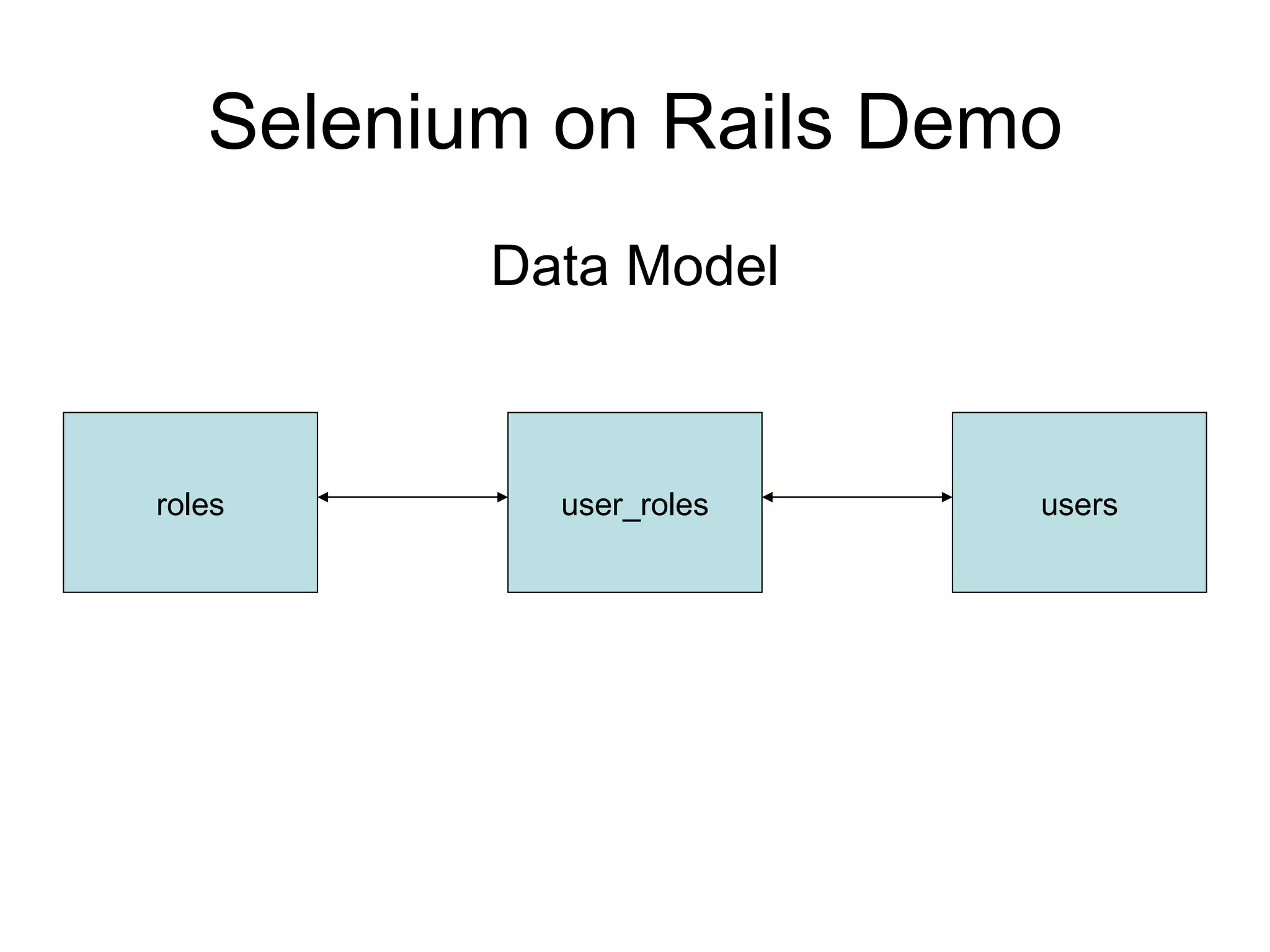
Selenium on Rails Demo Data Model roles user_roles users
Selenium on Rails Demo

Acceptance Testing With Selenium

  • 1.
  • 2.
    Topics Why test?Types of testing Unit Acceptance Acceptance testing with Selenium
  • 3.
  • 4.
    Why test? Findbugs Other Performance Usability Etc.
  • 5.
    Why test? Findbugs Prove correctness Other Performance Usability Etc.
  • 6.
    Software Development RequirementsWhat do we want it to do? Development Write code that meets requirements. Testing Does the code meet the requirements?
  • 7.
    Testing - TraditionalRequirements Design / Specification Coding Testing
  • 8.
    Testing - AgileRequirements Write (failing) test Write code Run test (successfully)
  • 9.
    Testing - AgileRequirements in the form of a test Run test Code When test passes, you’re done.
  • 10.
    Unit Test –Simple Example Calculator Add Subtract Multiply Divide
  • 11.
    Unit Test –Simple Example # Calculator.add() – implementation function add(first, second) return first + second end
  • 12.
    Unit Test –Simple Example # Calculator.add() – test # 1 + 1 = 2 assert_equal(2, Calculator.add(1, 1))
  • 13.
    Unit Test –Simple Example # Calculator.add() - test assert_equal(2, Calculator.add(1, 1)) assert_equal(-2, Calculator.add(-1, -1)) assert_equal(42, Calculator.add(0, 42)) assert_equal(1001, Calculator.add(1000, 1))
  • 14.
    Unit Test –Simple Example # Calculator.divide() - implementation function divide(first, second) return first / second end
  • 15.
    Unit Test –Simple Example # Calculator.divide() – test # 12 / 3 = 4 assert_equal(4, Calculator.divide(12, 3))
  • 16.
    Unit Test –Simple Example 5 / 2 = ?
  • 17.
    Unit Test –Simple Example # Calculator.divide() - test assert_equal(2, Calculator.divide(5, 2))
  • 18.
    Unit Test –Simple Example # Calculator.divide() – implementation function divide(first, second) return round( first / second ) end
  • 19.
    Unit Test –Simple Example 1 / 0 = ?
  • 20.
    Unit Test –Simple Example # Calculator.divide() - test assert_equal(0, Calculator.divide(1, 0))
  • 21.
    Unit Test –Simple Example # Calculator.divide() – implementation function divide(first, second) if (second == 0) then return 0 else return round(first + second) end end
  • 22.
    Unit Test –Simple Example It works – the tests pass … … but the code is a little verbose … … so let’s refactor.
  • 23.
    Unit Test –Simple Example # Calculator.divide() – refactored # (boolean expr) ? true-result : false-result function divide(first, second) return (second == 0) ? 0 : round(first/second) end
  • 24.
    Unit Test –Simple Example The tests run successfully Working calculator Nicely refactored code All functionality covered by tests
  • 25.
    Calculator.divide() Requirements 00 1 2 2 5 4 3 12 Expected Second First
  • 26.
    Calculator.divide() Tests assert_equal(Calculator.add(1,0), 0) assert_equal(Calculator.add(5, 2), 2) assert_equal(Calculator.add(12, 4), 3)
  • 27.
    RSpec describe “Calculator”do it “should divide 12 by 4 and return 3” do Calculator.divide(12, 4).should == 3 end # rest of Calculator assertions end
  • 28.
    RSpec - ResultsCalculator - should divide 12 by 4 and return 3 - should divide 5 by 2 and return 2 - should divide 1 by 0 and return 0 Finished in 0.014 seconds 3 examples, 0 failures
  • 29.
    Design for Testingfunction calculate(first, operator, second) if (operator == “add”) then return first + second else if (operator == “subtract”) then return first – second else < etc. > end
  • 30.
    Design for Testingfunction calculate(first, operator, second) if (operator == “add”) then return add(first, second) else if (operator == “subtract”) then return subtract(first, second) else < etc. > end
  • 31.
  • 32.
    Acceptance Testing Functional tests are written from a user's perspective. These tests confirm that the system does what users are expecting it to. (IBM) … acceptance testing is performed by the customer on a system prior to the customer accepting delivery … (Wikipedia)
  • 33.
    Customer Test-Driven Development(CTDD) Tests Customer (browser) perspective Validate correctness of application Successful test constitutes acceptance Tests created, run, re-run throughout project life
  • 34.
    Acceptance Testing Findsbugs Finds usability issues Produces new/changed requirements
  • 35.
    Acceptance Testing Comesnear the end of the project (late) Changes are most expensive How often is software not “accepted”?
  • 36.
    Acceptance Testing -CTDD Requirements in the form of a test Meeting requirements is an objective, unambiguous activity. Consideration given to exceptions and edge cases, not just “happy path”.
  • 37.
    Testing Types HappyPath – verifies expected behavior with correct input Validity – verifies incorrect input results in expected errors Edge case – checks boundaries between Happy Path and invalid data
  • 38.
    Example Requirement Addcomments field Make it required
  • 39.
  • 40.
    Requirement Add commentsfield as an HTML text area, 3 rows x 30 columns. Put label “Additional Comments” on top of text area Make it required. If empty, error message should be “Additional Comments is a required field.”
  • 41.
  • 42.
    Requirements as TestRecord saved verify text present save click “ My comment” comments type Additional Comments is a required field verify text present save click /record/new open
  • 43.
    More Requirements Commentscan be blank for existing data Don’t display comments on “Delete Verify” page. Comments should be 20 – 80 characters.
  • 44.
    Comments can beblank for existing data Record saved verify text present save click “” comment verify text /record/edit?id=42 open
  • 45.
    Don’t display commentson Delete - Verify page “ comment #9” verify text not present delete click “ comment #9” comment verify text /record/edit?id=9 open
  • 46.
    Comments should be20-80 characters Comments s/b 20-80 chars verify text not present save click (> 19 chars) comment type Comments s/b 20-80 chars verify text present save click “ cmmt” comment type /record/edit?id=9 open
  • 47.
    Requirements as RunnableTest It’s real Selenium Selenium Core Selenium IDE Selenium Remote Control Selenium on Rails
  • 48.
    Selenium Core Installsin public/html (e.g.) Test runner is all Javascript Write test cases in Selenese (HTML) Point browser to your_app/selenium
  • 49.
    Selenium IDE Firefoxplugin Record, playback, save, edit scripts Works on any (combination of) web sites
  • 50.
  • 51.
    Selenium Element Selectorsid=some_id or name=some_name dom=document.forms[1].myDropdown xpath=//img[@alt=‘Some alt text’] link=some link text css=cssSelectorSyntax
  • 52.
    Selenium Element SelectorsWhat are you testing? <a href=“…”, id=“new_link”>Add New</a> click id=new_link or click link=Add New
  • 53.
    HTML Recommendations Idattributes on all important elements Class attributes a close second Valid mark-up reduces dom and xpath errors
  • 54.
    Selenium Remote Control… write automated web application UI tests in any programming language against any HTTP website using any mainstream JavaScript-enabled browser. Java, .Net, Perl, PHP, Python, Ruby
  • 55.
  • 56.
    C# (NUnit) Exampleusing Selenium; using NUnit.Framework; namespace MyTests { [TestFixture] public class GoogleTest { private ISelenium sel; [SetUp] public void SetUp() { sel = new DefaultSelenium(&quot;localhost&quot;, 4444, &quot;*firefox&quot;, &quot;http://www.google.com&quot;); sel.Start(); } [Test] public void testGoogle() { sel.Open(&quot;http://www.google.com/webhp&quot;); sel.Type(&quot;q&quot;, &quot;hello world&quot;); sel.Click(&quot;btnG&quot;); sel.WaitForPageToLoad(&quot;5000&quot;); Assert.AreEqual(&quot;hello world - Google Search&quot;, sel.GetTitle()); } [TearDown] public void TearDown() { sel.Stop(); } } }
  • 57.
    C# (NUnit) Example[Test] public void testGoogle() { sel.Open(&quot;http://www.google.com/webhp&quot;); sel.Type(&quot;q&quot;, &quot;hello world&quot;); sel.Click(&quot;btnG&quot;); sel.WaitForPageToLoad(&quot;5000&quot;); Assert.AreEqual(&quot;hello world - Google Search&quot;, sel.GetTitle()); }
  • 58.
    Selenium on RailsRuby on Rails plugin Runs within Rails test framework Write tests in Ruby or Selenese database access can abstract tests into reusable functions and much more
  • 59.
    Selenium on RailsDemo Data Model roles user_roles users
  • 60.