
A NEW VUE FOR WEB DEVELOPMENT CHAD CAMPBELL (@CHADCAMPBELL)
WHAT IS VUE.JS? A JavaScript framework for building user interfaces (reasoning) Created by Evan You (@youyuxi)
AGENDA • Why Vue.js? • Vue.js Concepts
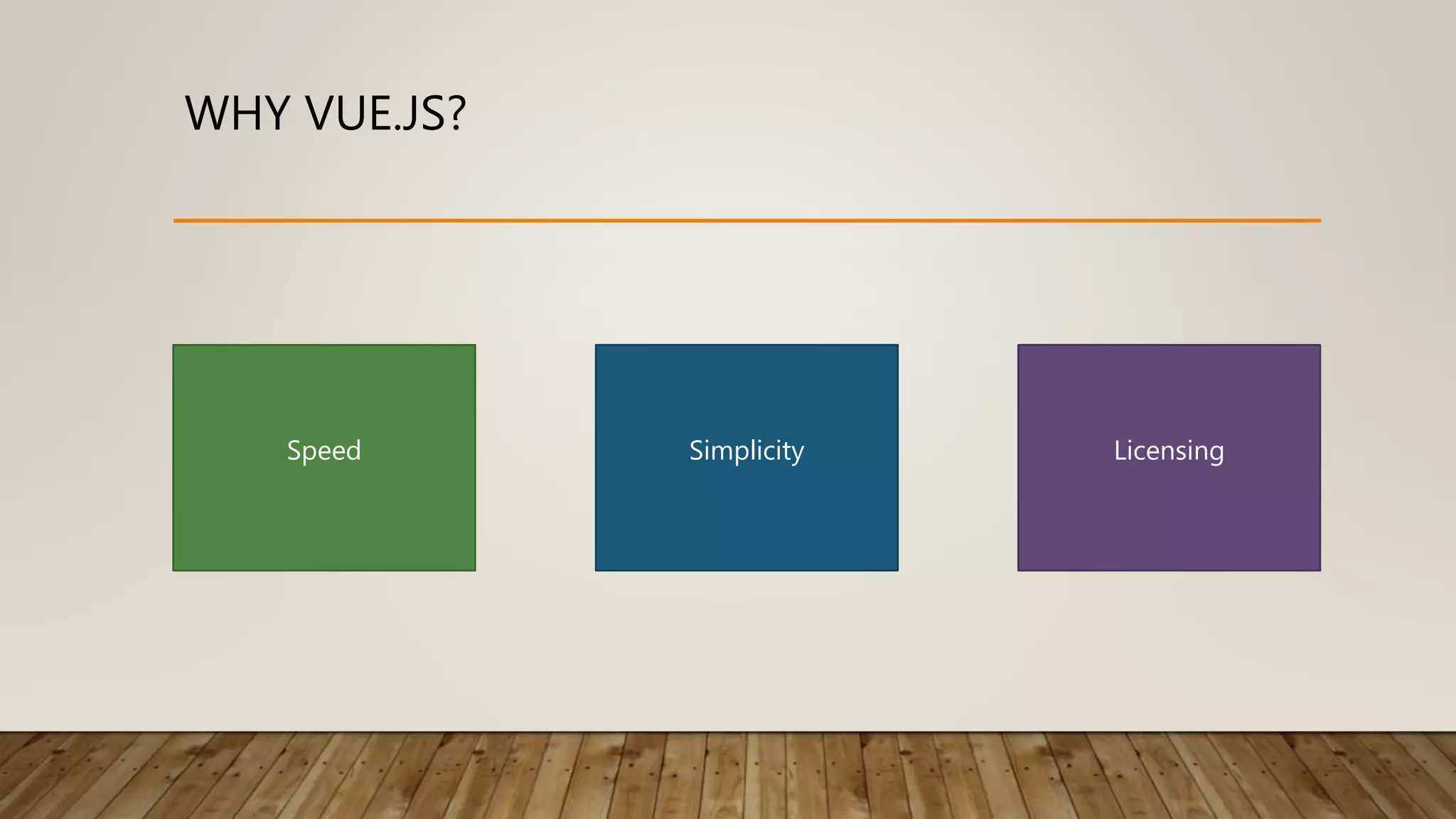
WHY VUE.JS? Speed Simplicity Licensing
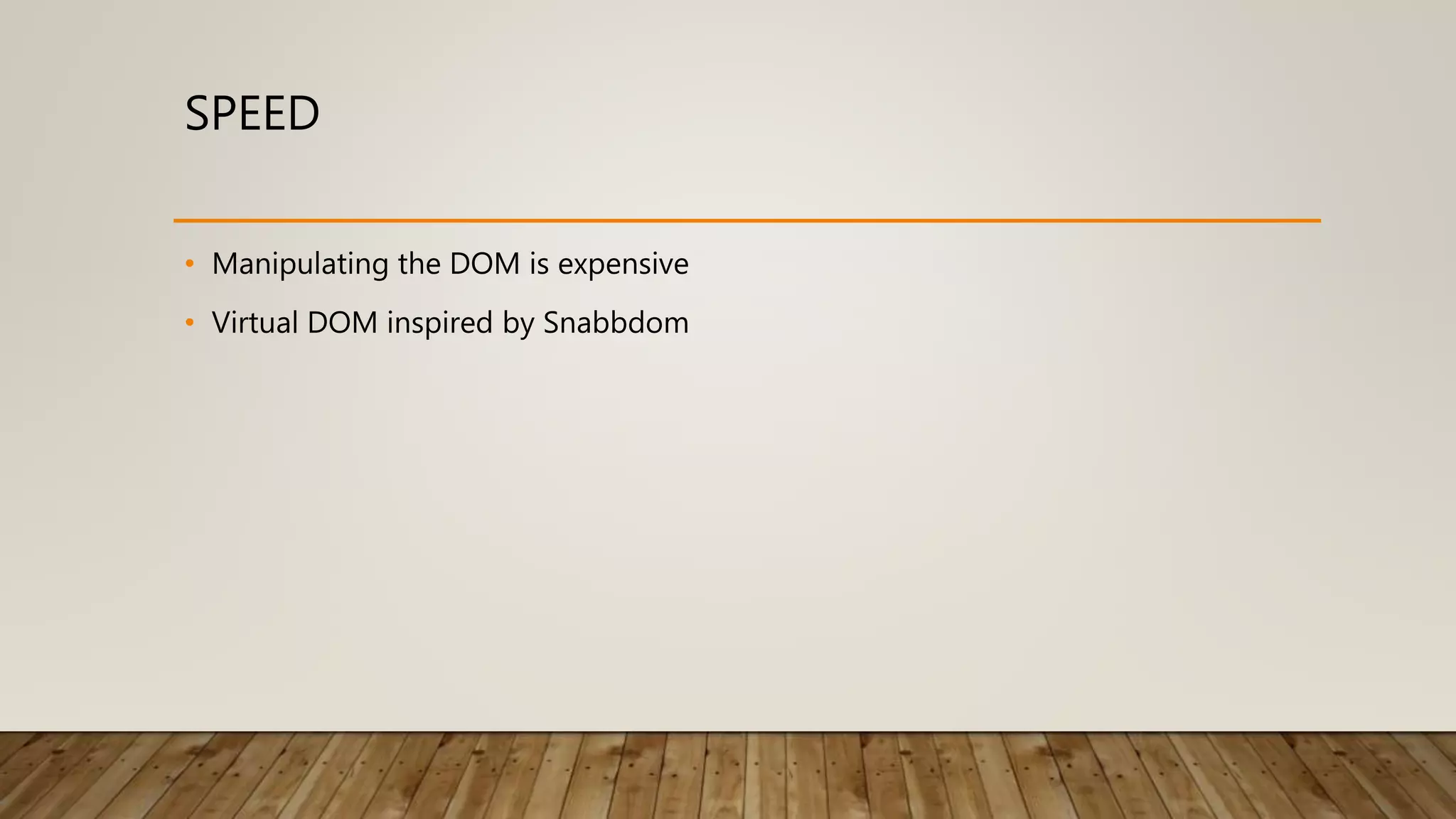
SPEED • Manipulating the DOM is expensive • Virtual DOM inspired by Snabbdom
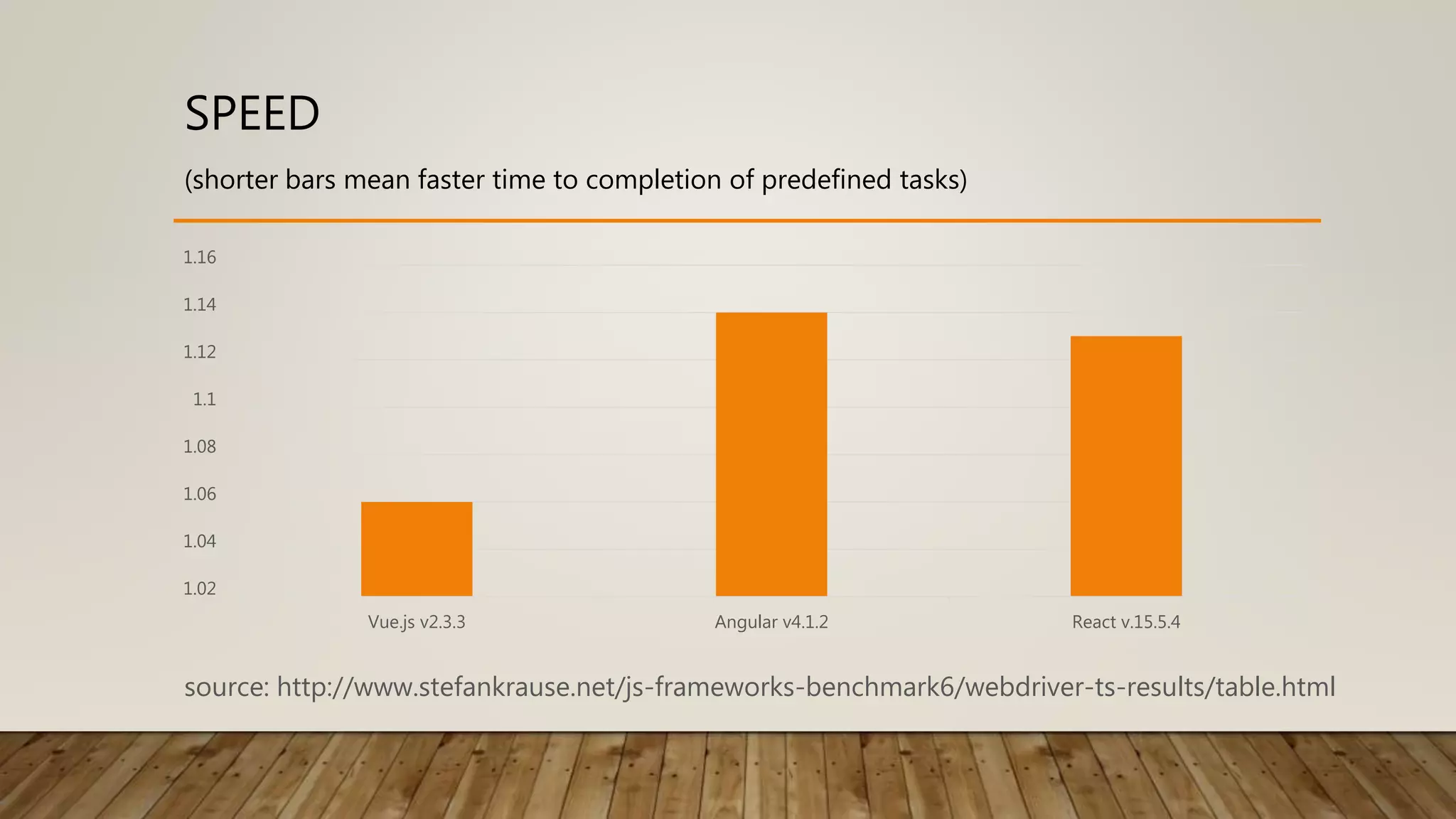
SPEED 1.02 1.04 1.06 1.08 1.1 1.12 1.14 1.16 Vue.js v2.3.3 Angular v4.1.2 React v.15.5.4 source: http://www.stefankrause.net/js-frameworks-benchmark6/webdriver-ts-results/table.html (shorter bars mean faster time to completion of predefined tasks)
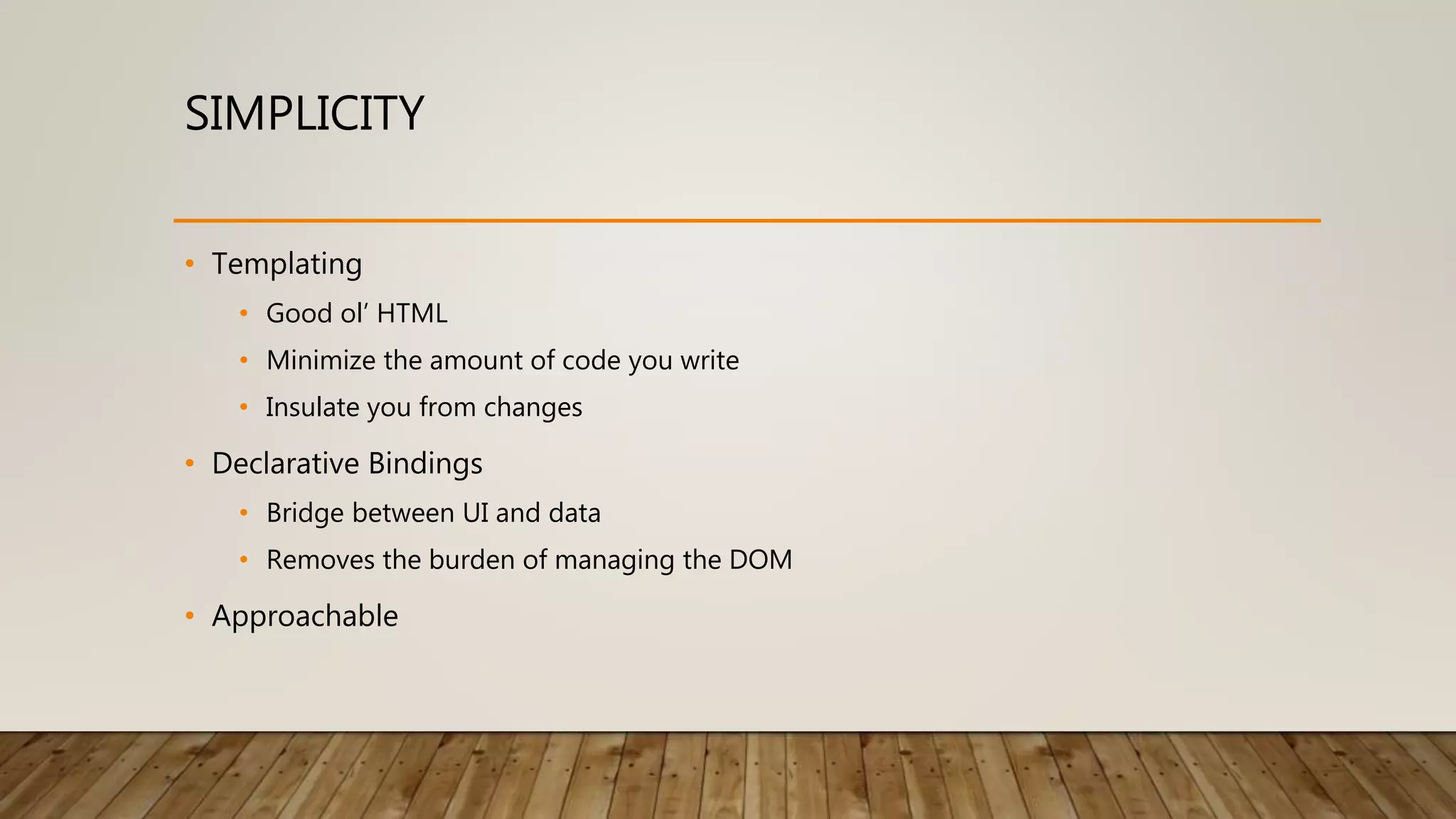
SIMPLICITY • Templating • Good ol’ HTML • Minimize the amount of code you write • Insulate you from changes • Declarative Bindings • Bridge between UI and data • Removes the burden of managing the DOM • Approachable
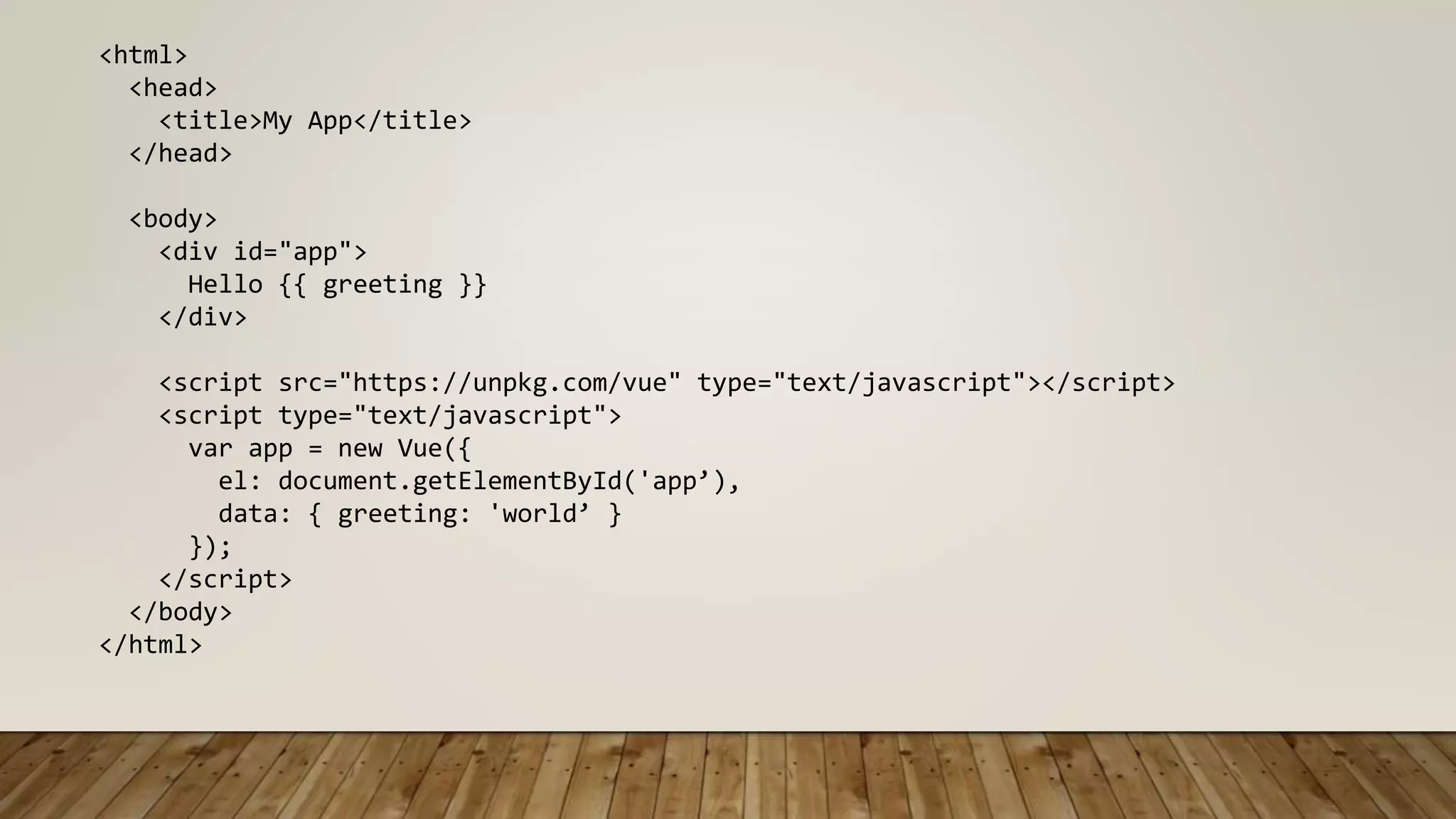
<html> <head> <title>My App</title> </head> <body> <div id="app"> Hello {{ greeting }} </div> <script src="https://unpkg.com/vue" type="text/javascript"></script> <script type="text/javascript"> var app = new Vue({ el: document.getElementById('app’), data: { greeting: 'world’ } }); </script> </body> </html>
Source: https://twitter.com/henrikjoreteg/status/364989455414726657
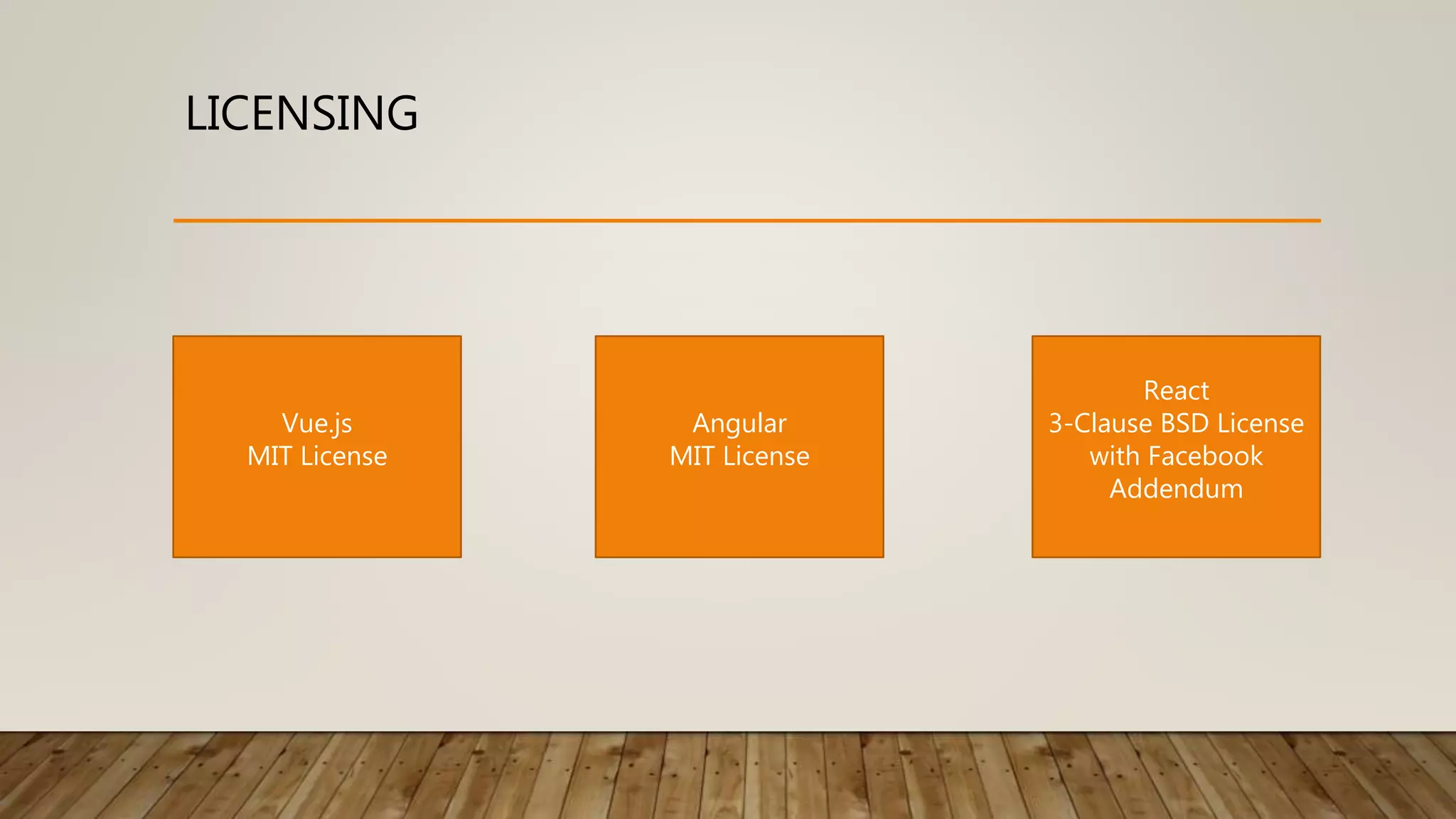
LICENSING Vue.js MIT License Angular MIT License React 3-Clause BSD License with Facebook Addendum
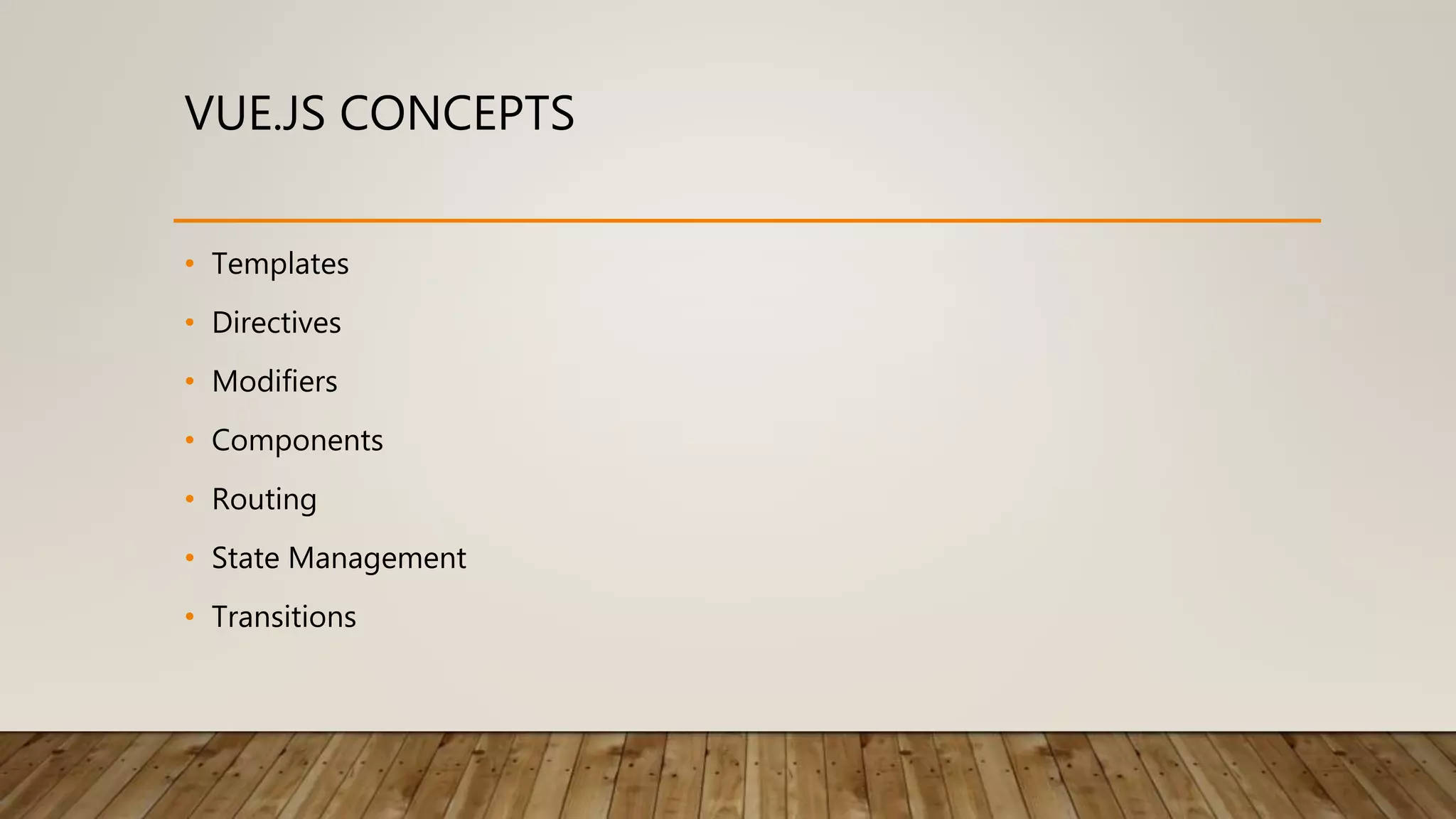
VUE.JS CONCEPTS • Templates • Directives • Modifiers • Components • Routing • State Management • Transitions
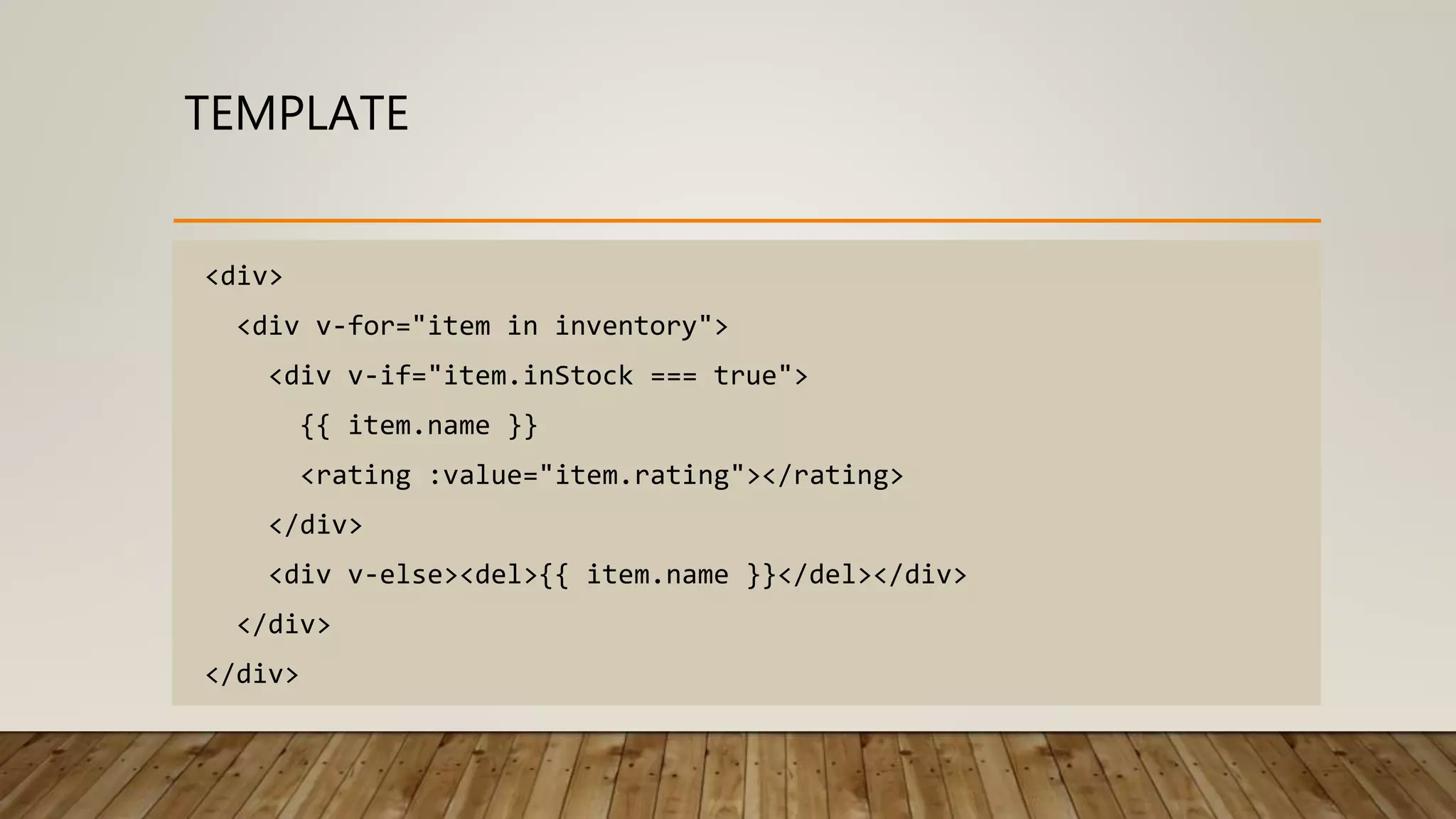
TEMPLATE <div> <div v-for="item in inventory"> <div v-if="item.inStock === true"> {{ item.name }} <rating :value="item.rating"></rating> </div> <div v-else><del>{{ item.name }}</del></div> </div> </div>
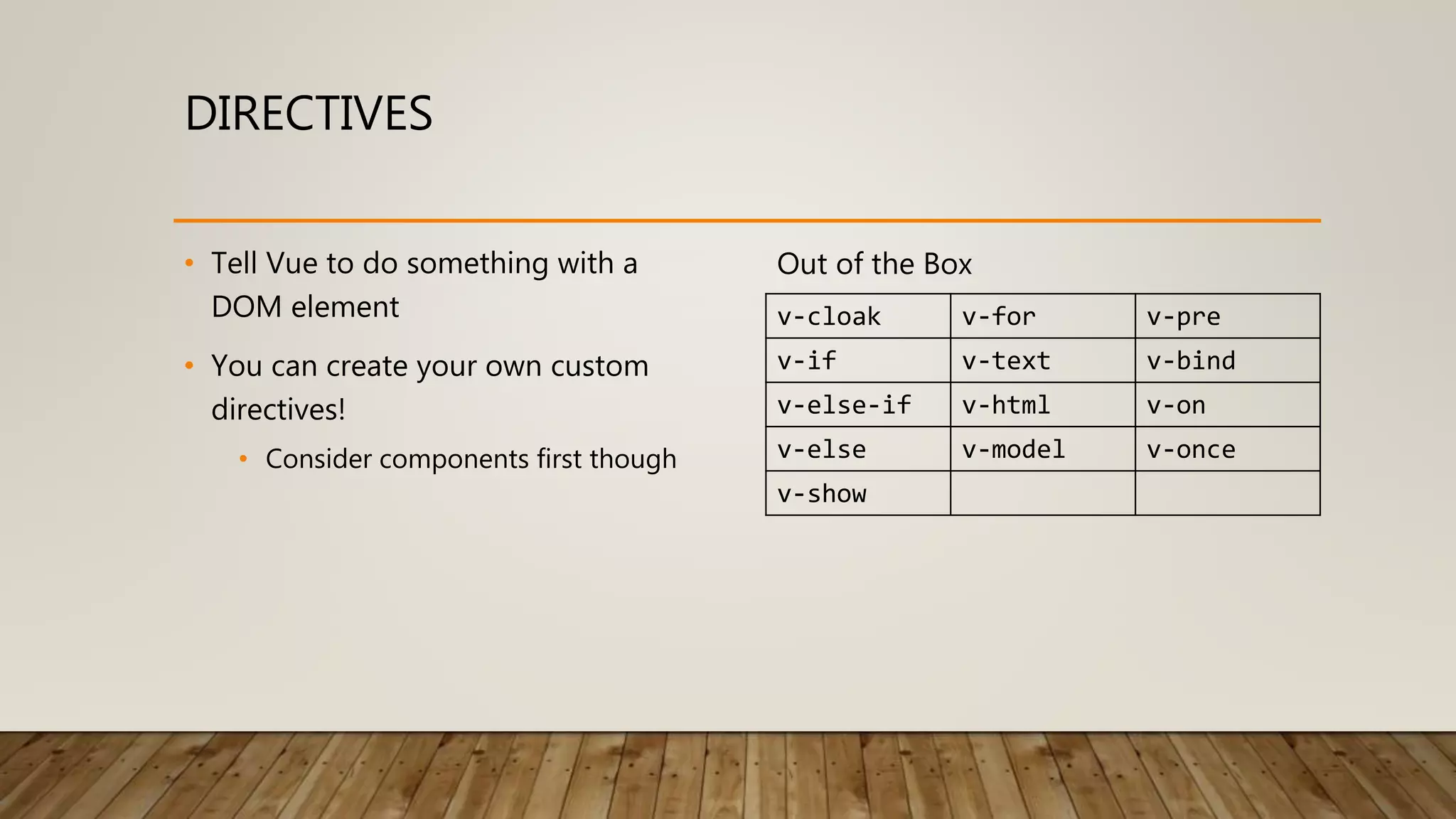
DIRECTIVES • Tell Vue to do something with a DOM element • You can create your own custom directives! • Consider components first though Out of the Box v-cloak v-for v-pre v-if v-text v-bind v-else-if v-html v-on v-else v-model v-once v-show
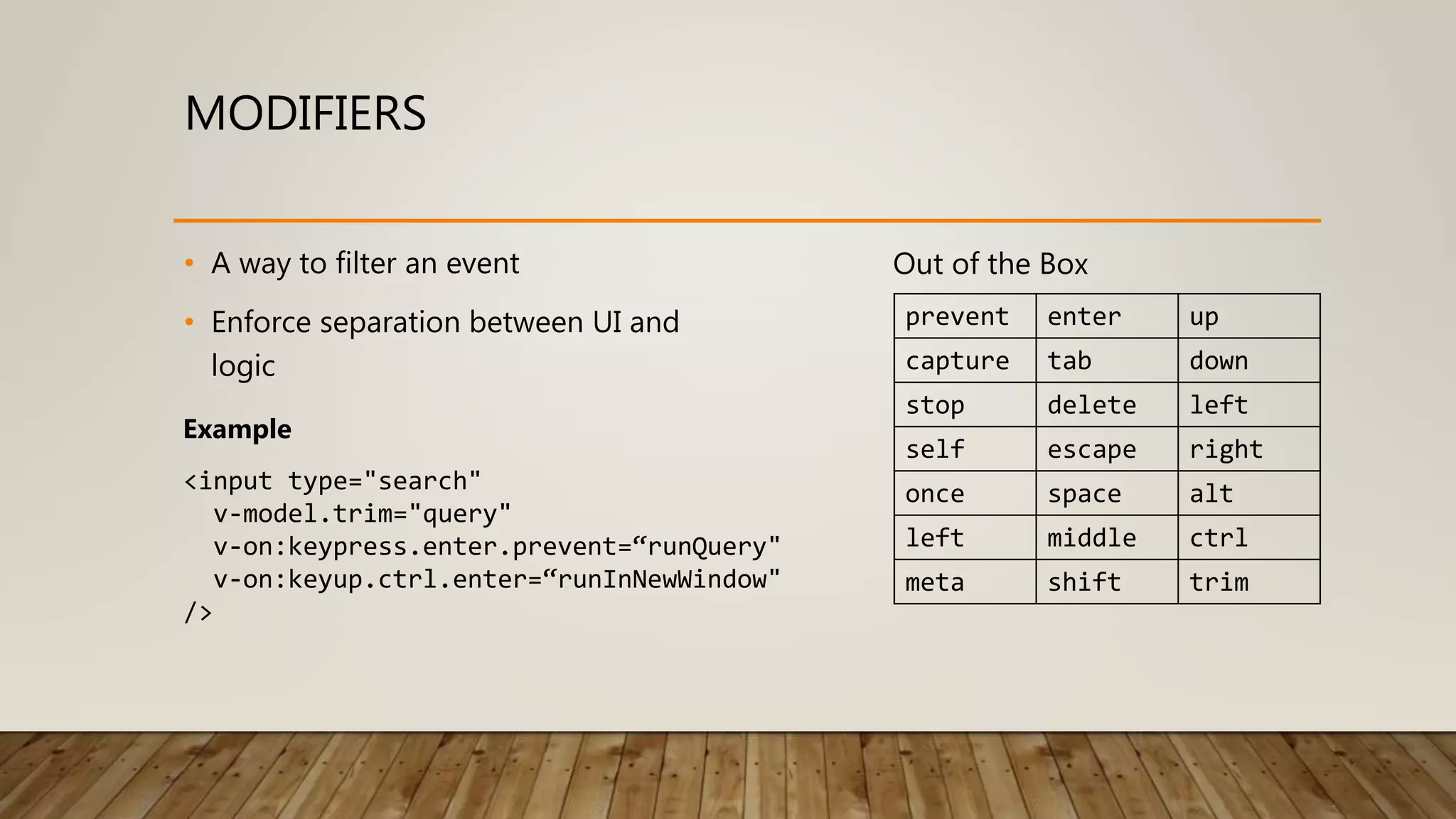
MODIFIERS • A way to filter an event • Enforce separation between UI and logic Out of the Box prevent enter up capture tab down stop delete left self escape right once space alt left middle ctrl meta shift trim <input type="search" v-model.trim="query" v-on:keypress.enter.prevent=“runQuery" v-on:keyup.ctrl.enter=“runInNewWindow" /> Example
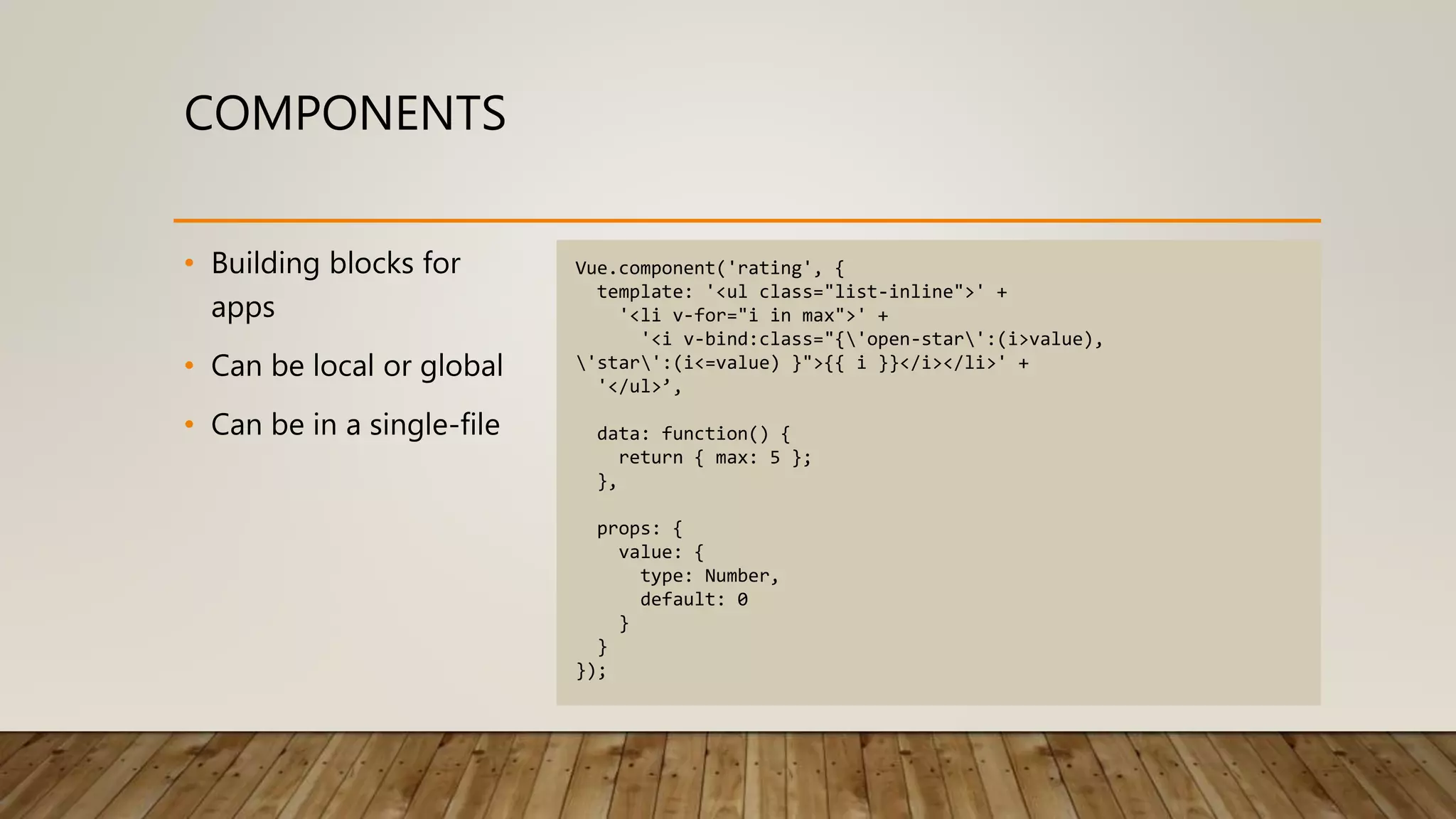
COMPONENTS • Building blocks for apps • Can be local or global • Can be in a single-file Vue.component('rating', { template: '<ul class="list-inline">' + '<li v-for="i in max">' + '<i v-bind:class="{'open-star':(i>value), 'star':(i<=value) }">{{ i }}</i></li>' + '</ul>’, data: function() { return { max: 5 }; }, props: { value: { type: Number, default: 0 } } });
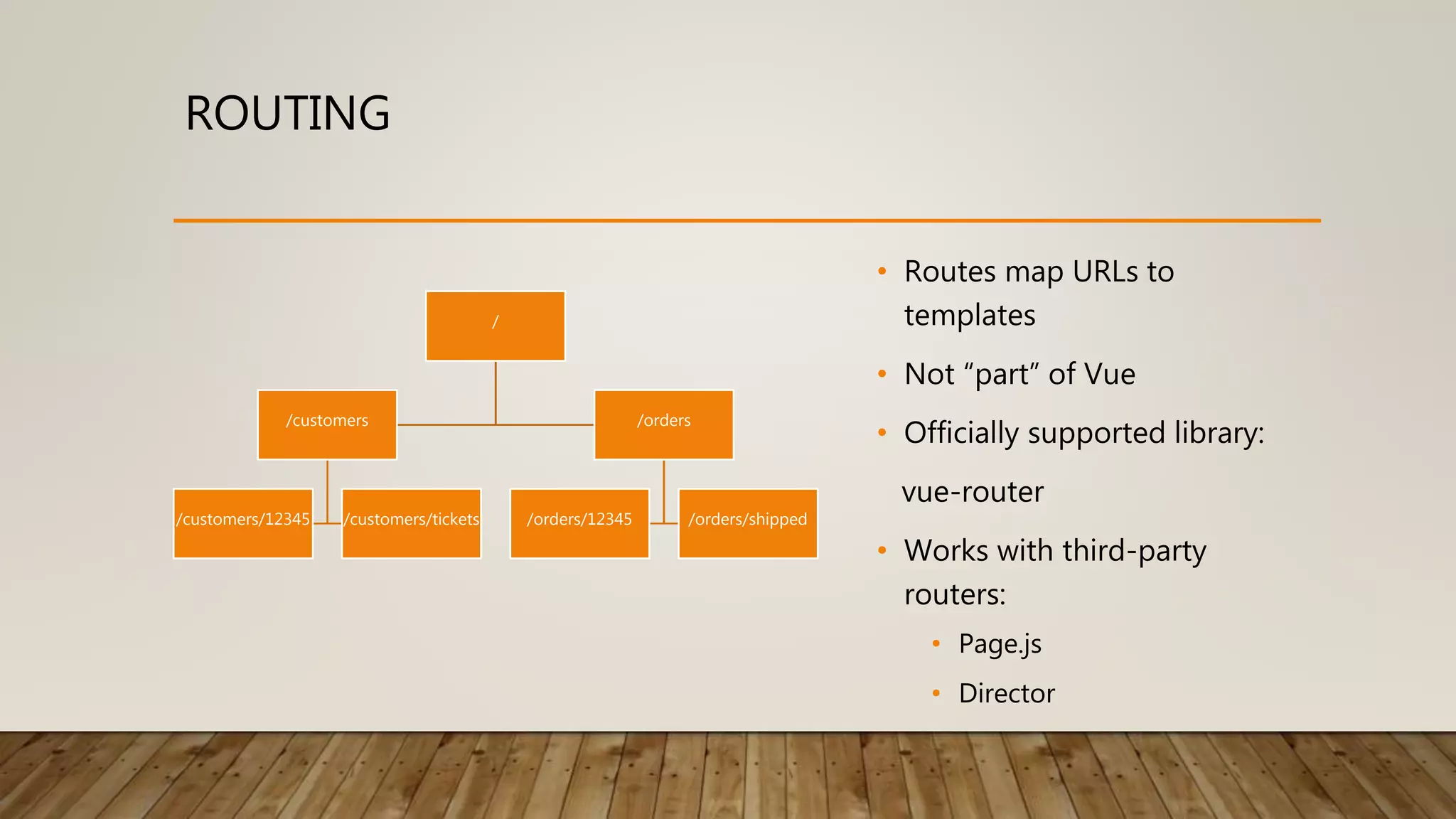
ROUTING • Routes map URLs to templates • Not “part” of Vue • Officially supported library: vue-router • Works with third-party routers: • Page.js • Director / /customers /customers/12345 /customers/tickets /orders /orders/12345 /orders/shipped
ROUTING - EXAMPLE <div id="app"> <h1>Hello</h1> <router-link to="/page-1">page 1</router-link> <router-link to="/page-2">page 2</router-link> <router-view></router-view> </div> const PageOne = { template: '<div><h3>Page 1</h3></div>’ }; const PageTwo = { template: '<div><h3>Page 2</h3></div>’ }; const router = new VueRouter({ routes: [ { path: '/page-1', component: PageOne }, { path: '/page-2', component: PageTwo } ] });
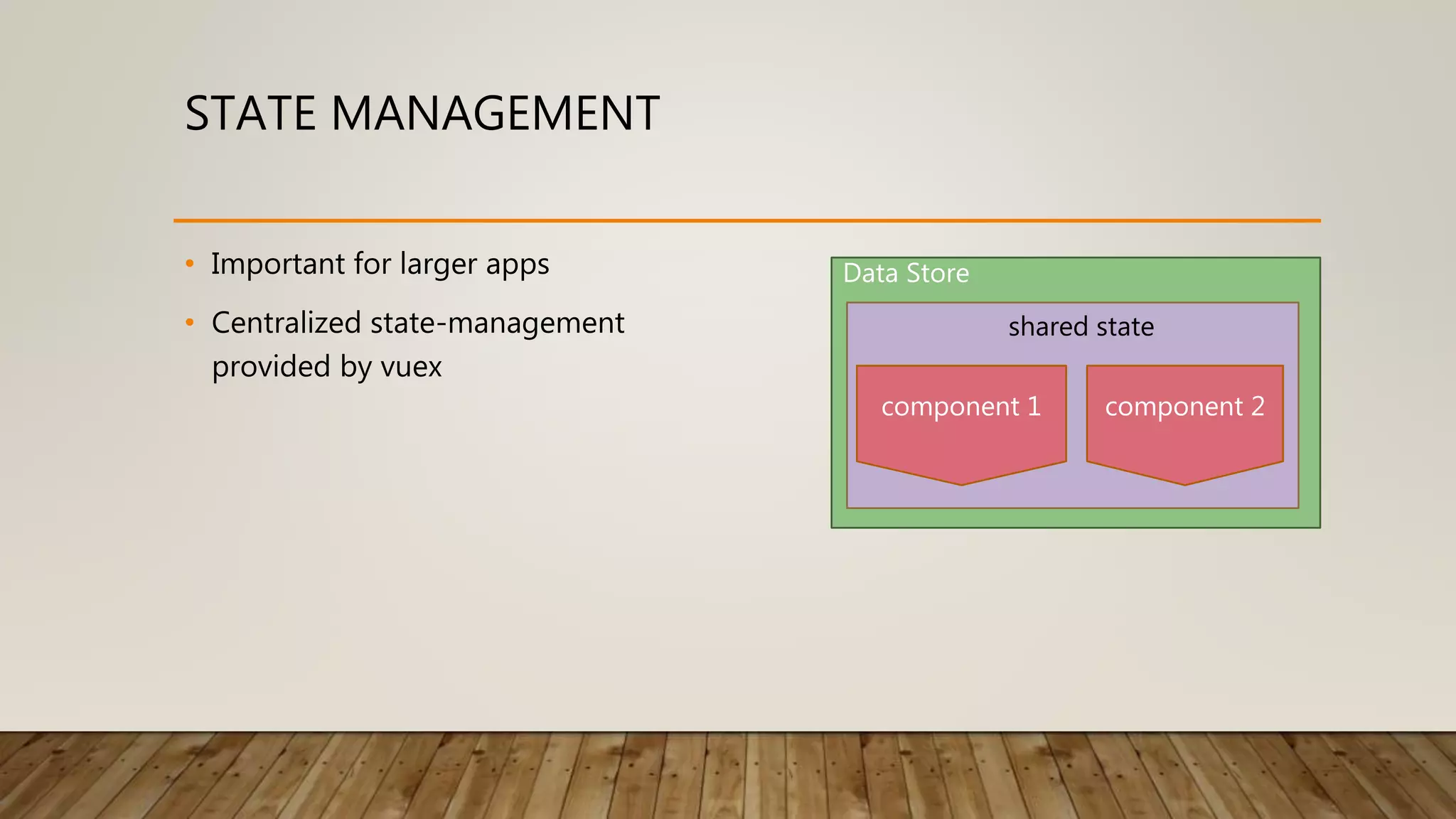
STATE MANAGEMENT • Important for larger apps • Centralized state-management provided by vuex Data Store component 1 component 2 shared state
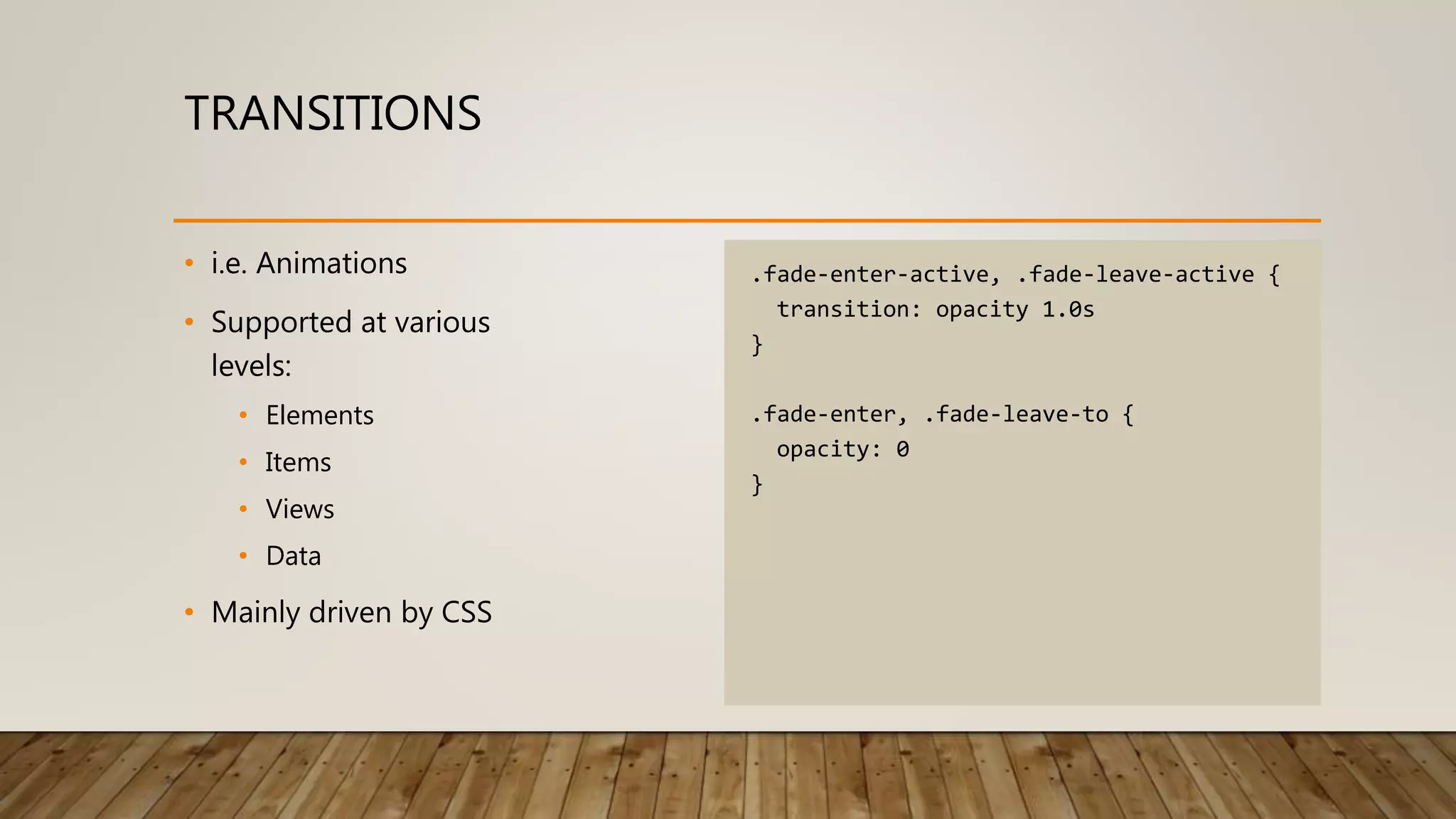
TRANSITIONS • i.e. Animations • Supported at various levels: • Elements • Items • Views • Data • Mainly driven by CSS .fade-enter-active, .fade-leave-active { transition: opacity 1.0s } .fade-enter, .fade-leave-to { opacity: 0 }
TRANSITION - EXAMPLE <div id="app"> <h1>Hello</h1> <router-link to="/page-1">page 1</router-link> <router-link to="/page-2">page 2</router-link> <transition name="fade"> <router-view></router-view> </transition> </div> const PageOne = { template: '<div><h3>Page 1</h3></div>’ }; const PageTwo = { template: '<div><h3>Page 2</h3></div>’ }; const router = new VueRouter({ routes: [ { path: '/page-1', component: PageOne }, { path: '/page-2', component: PageTwo } ] });
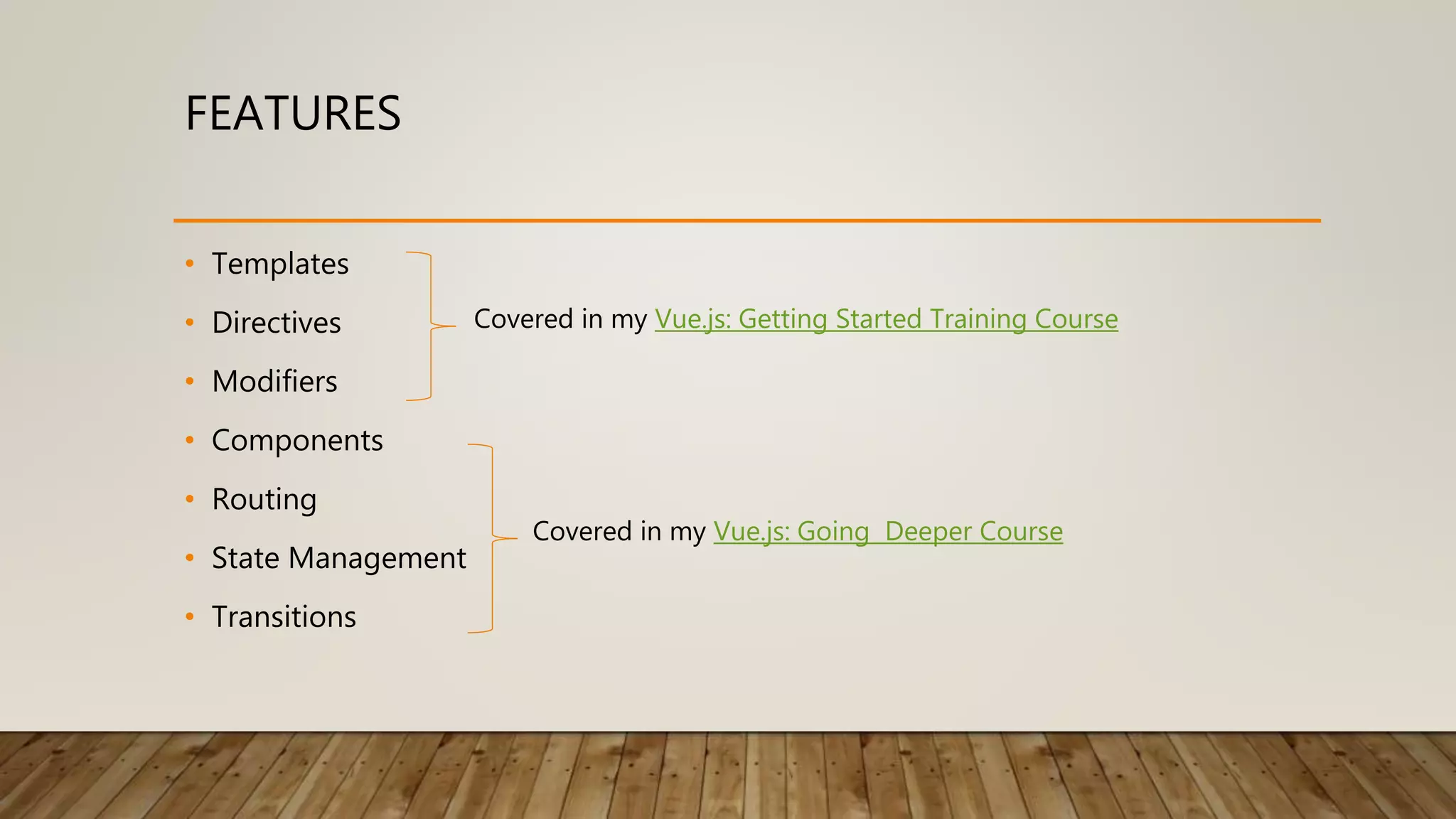
FEATURES • Templates • Directives • Modifiers • Components • Routing • State Management • Transitions Covered in my Vue.js: Getting Started Training Course Covered in my Vue.js: Going Deeper Course
THE NEW JQUERY “Vue provides an answer to the issue of JavaScript fatigue, and it is a worthy successor to the legacy of jQuery.” Peter Jang – Dean of Instruction at Actualize source: http://anyonecanlearntocode.com/blog_posts/why-vue-not-react-is-the-new-jquery
QUESTIONS, COMMENTS, QUALMS? ME @chadcampbell https://www.ecofic.com NEXT STEP https://goo.gl/CEFFkv

A New Vue for Web Development

  • 1.
    A NEW VUEFOR WEB DEVELOPMENT CHAD CAMPBELL (@CHADCAMPBELL)
  • 2.
    WHAT IS VUE.JS? A JavaScriptframework for building user interfaces (reasoning) Created by Evan You (@youyuxi)
  • 3.
  • 4.
  • 5.
    SPEED • Manipulating theDOM is expensive • Virtual DOM inspired by Snabbdom
  • 6.
    SPEED 1.02 1.04 1.06 1.08 1.1 1.12 1.14 1.16 Vue.js v2.3.3 Angularv4.1.2 React v.15.5.4 source: http://www.stefankrause.net/js-frameworks-benchmark6/webdriver-ts-results/table.html (shorter bars mean faster time to completion of predefined tasks)
  • 7.
    SIMPLICITY • Templating • Goodol’ HTML • Minimize the amount of code you write • Insulate you from changes • Declarative Bindings • Bridge between UI and data • Removes the burden of managing the DOM • Approachable
  • 8.
    <html> <head> <title>My App</title> </head> <body> <div id="app"> Hello{{ greeting }} </div> <script src="https://unpkg.com/vue" type="text/javascript"></script> <script type="text/javascript"> var app = new Vue({ el: document.getElementById('app’), data: { greeting: 'world’ } }); </script> </body> </html>
  • 9.
  • 10.
  • 11.
    VUE.JS CONCEPTS • Templates •Directives • Modifiers • Components • Routing • State Management • Transitions
  • 12.
    TEMPLATE <div> <div v-for="item ininventory"> <div v-if="item.inStock === true"> {{ item.name }} <rating :value="item.rating"></rating> </div> <div v-else><del>{{ item.name }}</del></div> </div> </div>
  • 13.
    DIRECTIVES • Tell Vueto do something with a DOM element • You can create your own custom directives! • Consider components first though Out of the Box v-cloak v-for v-pre v-if v-text v-bind v-else-if v-html v-on v-else v-model v-once v-show
  • 14.
    MODIFIERS • A wayto filter an event • Enforce separation between UI and logic Out of the Box prevent enter up capture tab down stop delete left self escape right once space alt left middle ctrl meta shift trim <input type="search" v-model.trim="query" v-on:keypress.enter.prevent=“runQuery" v-on:keyup.ctrl.enter=“runInNewWindow" /> Example
  • 15.
    COMPONENTS • Building blocksfor apps • Can be local or global • Can be in a single-file Vue.component('rating', { template: '<ul class="list-inline">' + '<li v-for="i in max">' + '<i v-bind:class="{'open-star':(i>value), 'star':(i<=value) }">{{ i }}</i></li>' + '</ul>’, data: function() { return { max: 5 }; }, props: { value: { type: Number, default: 0 } } });
  • 16.
    ROUTING • Routes mapURLs to templates • Not “part” of Vue • Officially supported library: vue-router • Works with third-party routers: • Page.js • Director / /customers /customers/12345 /customers/tickets /orders /orders/12345 /orders/shipped
  • 17.
    ROUTING - EXAMPLE <divid="app"> <h1>Hello</h1> <router-link to="/page-1">page 1</router-link> <router-link to="/page-2">page 2</router-link> <router-view></router-view> </div> const PageOne = { template: '<div><h3>Page 1</h3></div>’ }; const PageTwo = { template: '<div><h3>Page 2</h3></div>’ }; const router = new VueRouter({ routes: [ { path: '/page-1', component: PageOne }, { path: '/page-2', component: PageTwo } ] });
  • 18.
    STATE MANAGEMENT • Importantfor larger apps • Centralized state-management provided by vuex Data Store component 1 component 2 shared state
  • 19.
    TRANSITIONS • i.e. Animations •Supported at various levels: • Elements • Items • Views • Data • Mainly driven by CSS .fade-enter-active, .fade-leave-active { transition: opacity 1.0s } .fade-enter, .fade-leave-to { opacity: 0 }
  • 20.
    TRANSITION - EXAMPLE <divid="app"> <h1>Hello</h1> <router-link to="/page-1">page 1</router-link> <router-link to="/page-2">page 2</router-link> <transition name="fade"> <router-view></router-view> </transition> </div> const PageOne = { template: '<div><h3>Page 1</h3></div>’ }; const PageTwo = { template: '<div><h3>Page 2</h3></div>’ }; const router = new VueRouter({ routes: [ { path: '/page-1', component: PageOne }, { path: '/page-2', component: PageTwo } ] });
  • 21.
    FEATURES • Templates • Directives •Modifiers • Components • Routing • State Management • Transitions Covered in my Vue.js: Getting Started Training Course Covered in my Vue.js: Going Deeper Course
  • 22.
    THE NEW JQUERY “Vueprovides an answer to the issue of JavaScript fatigue, and it is a worthy successor to the legacy of jQuery.” Peter Jang – Dean of Instruction at Actualize source: http://anyonecanlearntocode.com/blog_posts/why-vue-not-react-is-the-new-jquery
  • 23.