


Arduino Quick Start
2. Devices & Examples
3. M5Unified
4. M5GFX
5. Extensions
Unit
Base
Cap
StamPLC
IoT
Accessories
Unit C6L RGB LED
APIs and example programs related to the Unit C6L RGB LED.
Example Program
Compilation Requirements
- M5Stack Board Manager version >= 3.2.3
- Board option = M5UnitC6L
- M5Unified library version >= 0.2.10
- Adafruit NeoPixel library version >= 1.15.1
cpp
1 2 3 4 5 6 7 8 9 10 11 12 13 14 15 16 17 18 19 20 21 22 23 24 25 26 27 28 29 30 31 32 33 34 35 36 37 38 39 40 41 42 43 44 45 46 47 48 49 50 51 52 53 54 55 56
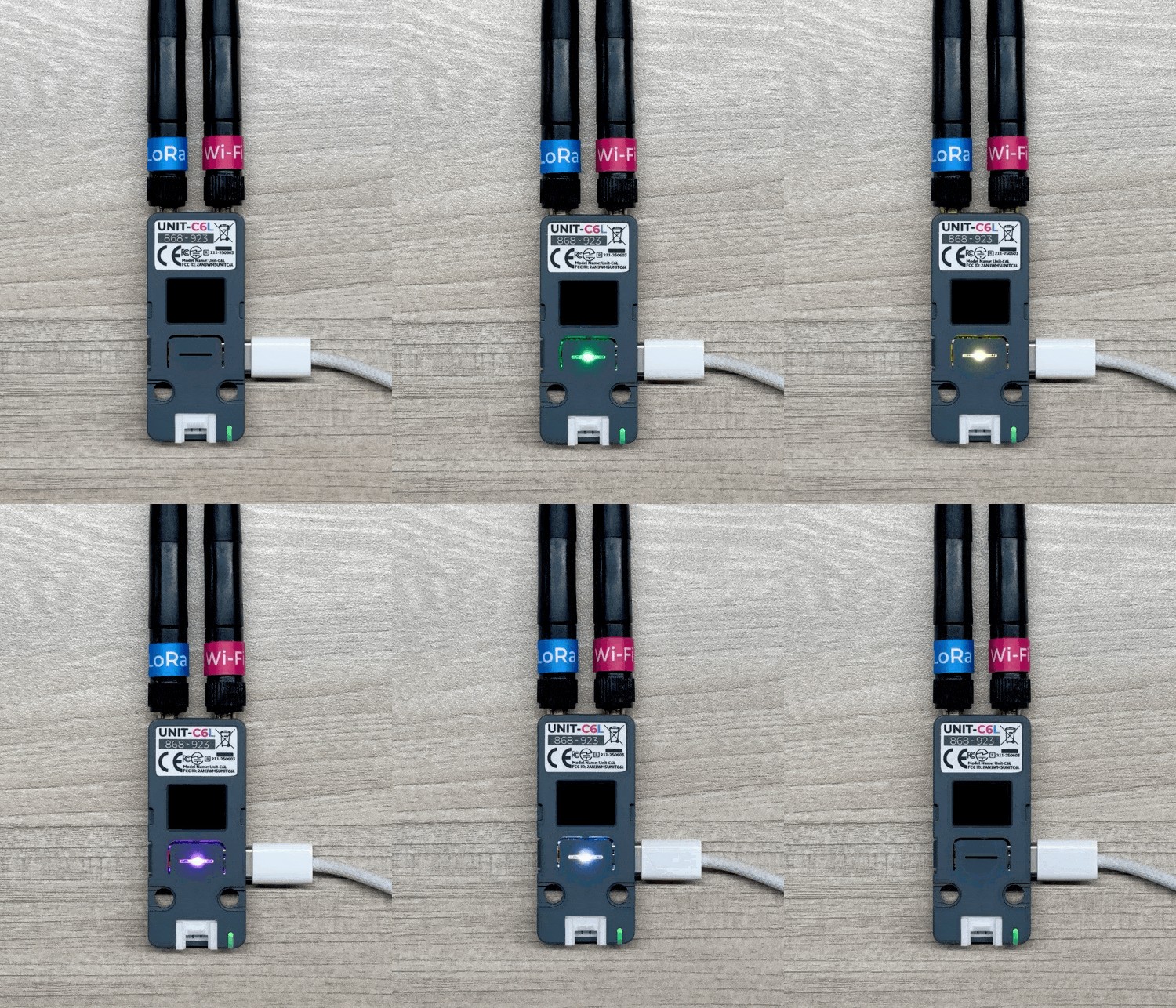
#define LED_PIN 2 #define NUM_LEDS 1 #include <M5Unified.h> #include <Adafruit_NeoPixel.h> Adafruit_NeoPixel led(NUM_LEDS, LED_PIN, NEO_GRB + NEO_KHZ800); void setup() { M5.begin(); led.begin(); led.show(); } void loop() { // Red for (char i = 0; i <= NUM_LEDS; i++) { led.setPixelColor(i, led.Color(255, 0, 0)); } led.show(); delay(500); // Green for (char i = 0; i <= NUM_LEDS; i++) { led.setPixelColor(i, led.Color(0, 255, 0)); } led.show(); delay(500); // Blue for (char i = 0; i <= NUM_LEDS; i++) { led.setPixelColor(i, led.Color(0, 0, 255)); } led.show(); delay(500); // Yellow for (char i = 0; i <= NUM_LEDS; i++) { led.setPixelColor(i, led.Color(255, 255, 0)); } led.show(); delay(500); // Magenta for (char i = 0; i <= NUM_LEDS; i++) { led.setPixelColor(i, led.Color(255, 0, 255)); } led.show(); delay(500); // Cyan for (char i = 0; i <= NUM_LEDS; i++) { led.setPixelColor(i, led.Color(0, 255, 255)); } led.show(); delay(500); // White (all on) for (char i = 0; i <= NUM_LEDS; i++) { led.setPixelColor(i, led.Color(255, 255, 255)); } led.show(); delay(500); // Black (all off) for (char i = 0; i <= NUM_LEDS; i++) { led.setPixelColor(i, led.Color(0, 0, 0)); } led.show(); delay(500); }Execution Result:
API
The Unit C6L RGB LED uses the Adafruit NeoPixel library. For more details on the available APIs, please refer to the following documents: