Testing your Javascript with Jasmine  Getting the fun of BDD into JS
What is Jasmine?  Jasmine is a behavior driven development framework to test your javascript code. With a sintax similar to that of Rspec, Jasmine can help us to ensure our Javascript is well integrated across our site.
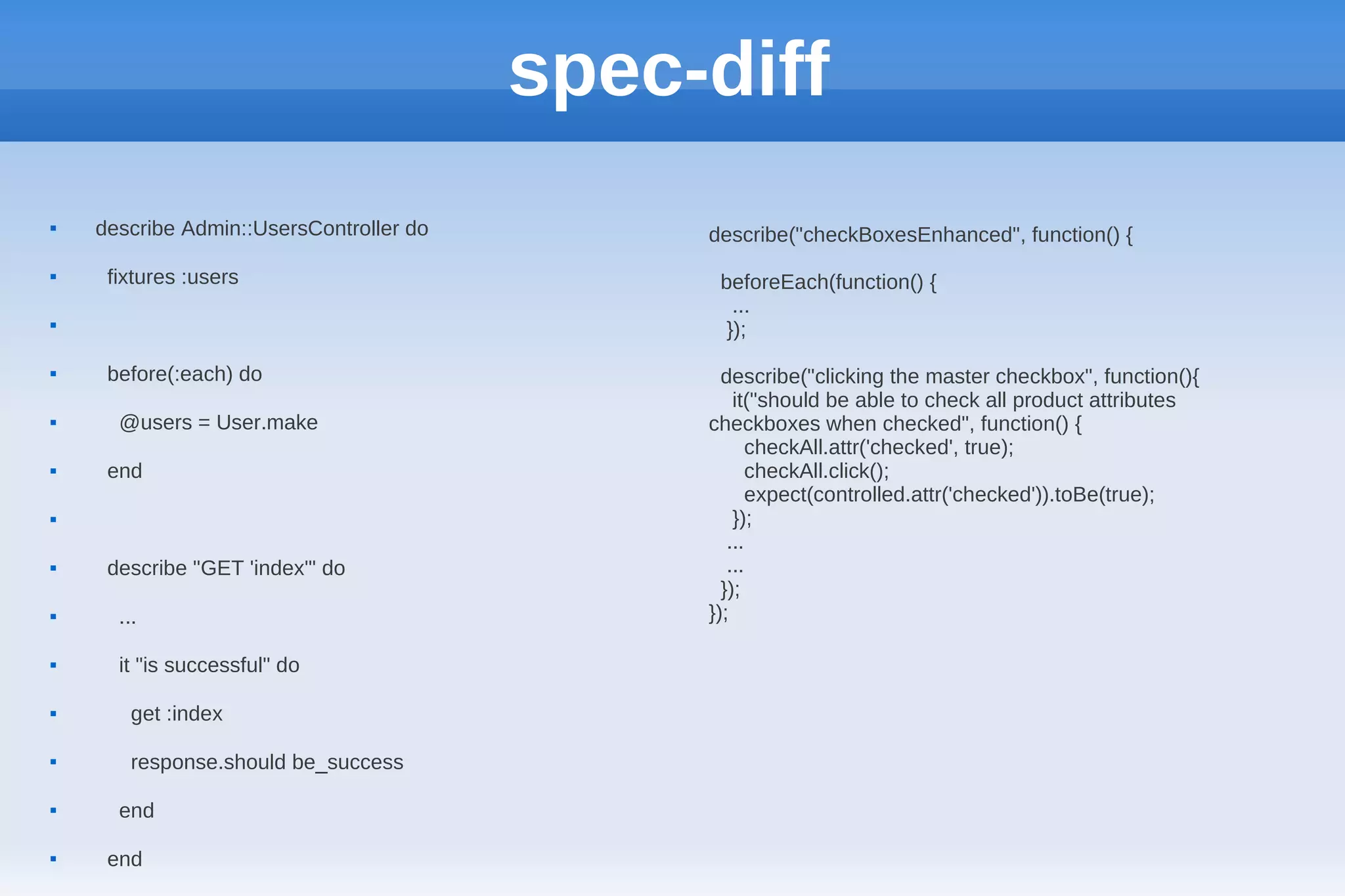
spec-diff  describe Admin::UsersController do describe("checkBoxesEnhanced", function() {  fixtures :users beforeEach(function() { ...  });  before(:each) do describe("clicking the master checkbox", function(){ it("should be able to check all product attributes  @users = User.make checkboxes when checked", function() { checkAll.attr('checked', true);  end checkAll.click(); expect(controlled.attr('checked')).toBe(true);  }); ...  describe "GET 'index'" do ... });  ... });  it "is successful" do  get :index  response.should be_success  end  end
The master-slave checkbox problem  For one of the developments we have @ crowdint, we had a task that involved a master checkbox controlling a set of slave checkboxes and viceversa. The following were the requirements:
The master-slave checkbox problem  When clicking the master checkbox:  - When checked, all the slave checkboxes should be checked and should remove the "partially-selected" class if present.  - When unchecked, all the slave checkboxes should be unchecked and should remove the "partially-selected" class if present.
The master-slave checkbox problem  When clicking the slave checkboxes:  -When all of the slave checkboxes are checked, the master checkbox should be checked, and remove the "partially-selected" class if present.  -When all of the slave checkboxes are unchecked, the master checkbox should be unchecked, and remove the "partially-selected" class if present.  -When some of the slave boxes are checked and some other are unchecked, the master checkbox should be unchecked and have a "partially-selected" class.
Installing Jasmine  Add gem "jasmine" to your Gemfile  Bundle install  Go to the spec directory in your rails app and do jasmine init  Next, run “rake jasmine”   Now you should be able to goto: http://localhost:8888 and you will have 2 tests run.
The spec file  So, in order to create my specs, I have to create a file under the directory spec/javascrips (remember we called the jasmine init command at that level), so I will create MasterSlaveCheckbox.js over there   spec/javascripts/MasterSlaveCheckbox.js  Next time we reload the localhost:8888, it will check this file for "it" blocks and will show them.
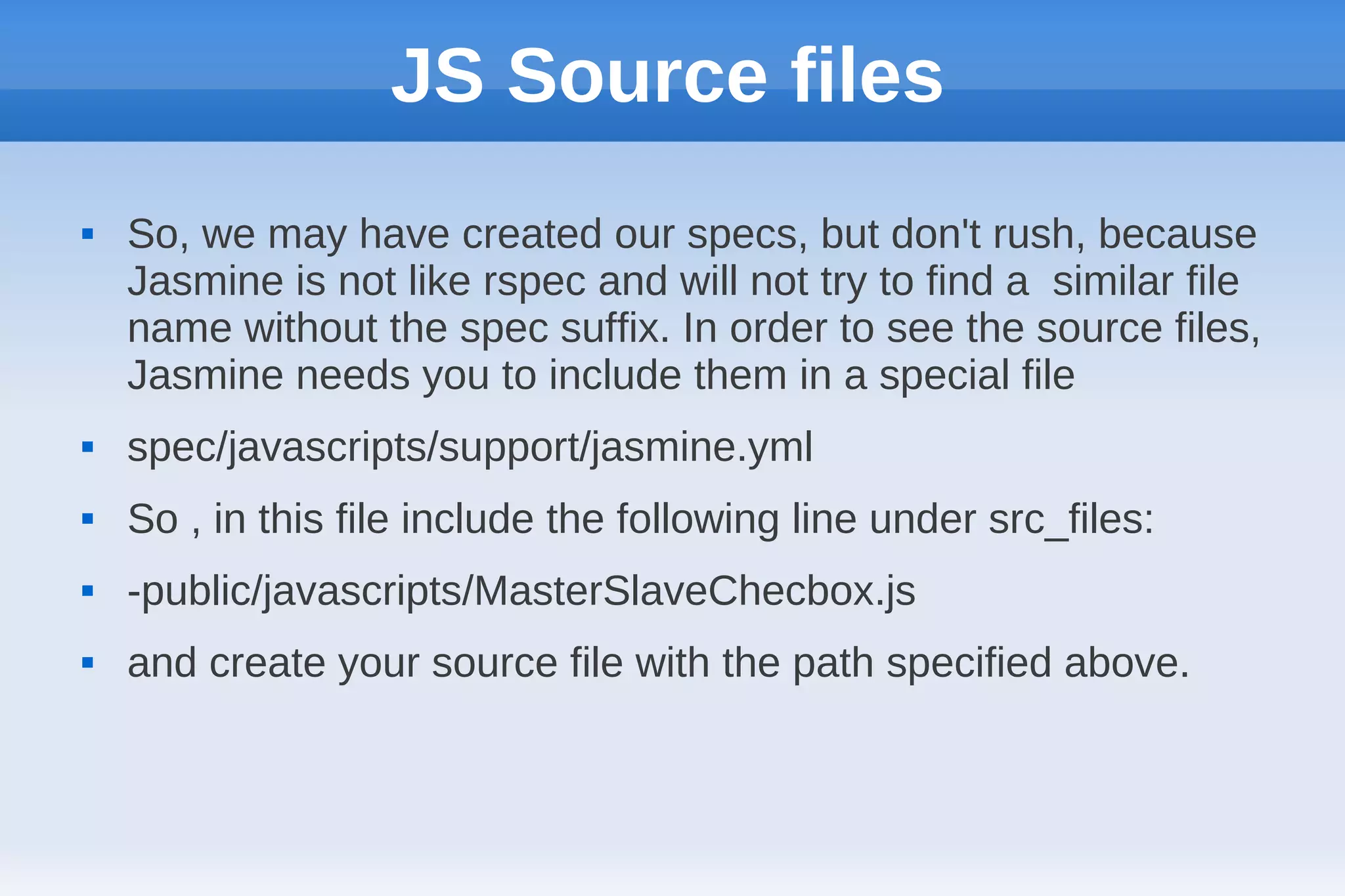
JS Source files  So, we may have created our specs, but don't rush, because Jasmine is not like rspec and will not try to find a similar file name without the spec suffix. In order to see the source files, Jasmine needs you to include them in a special file  spec/javascripts/support/jasmine.yml  So , in this file include the following line under src_files:  -public/javascripts/MasterSlaveChecbox.js  and create your source file with the path specified above.
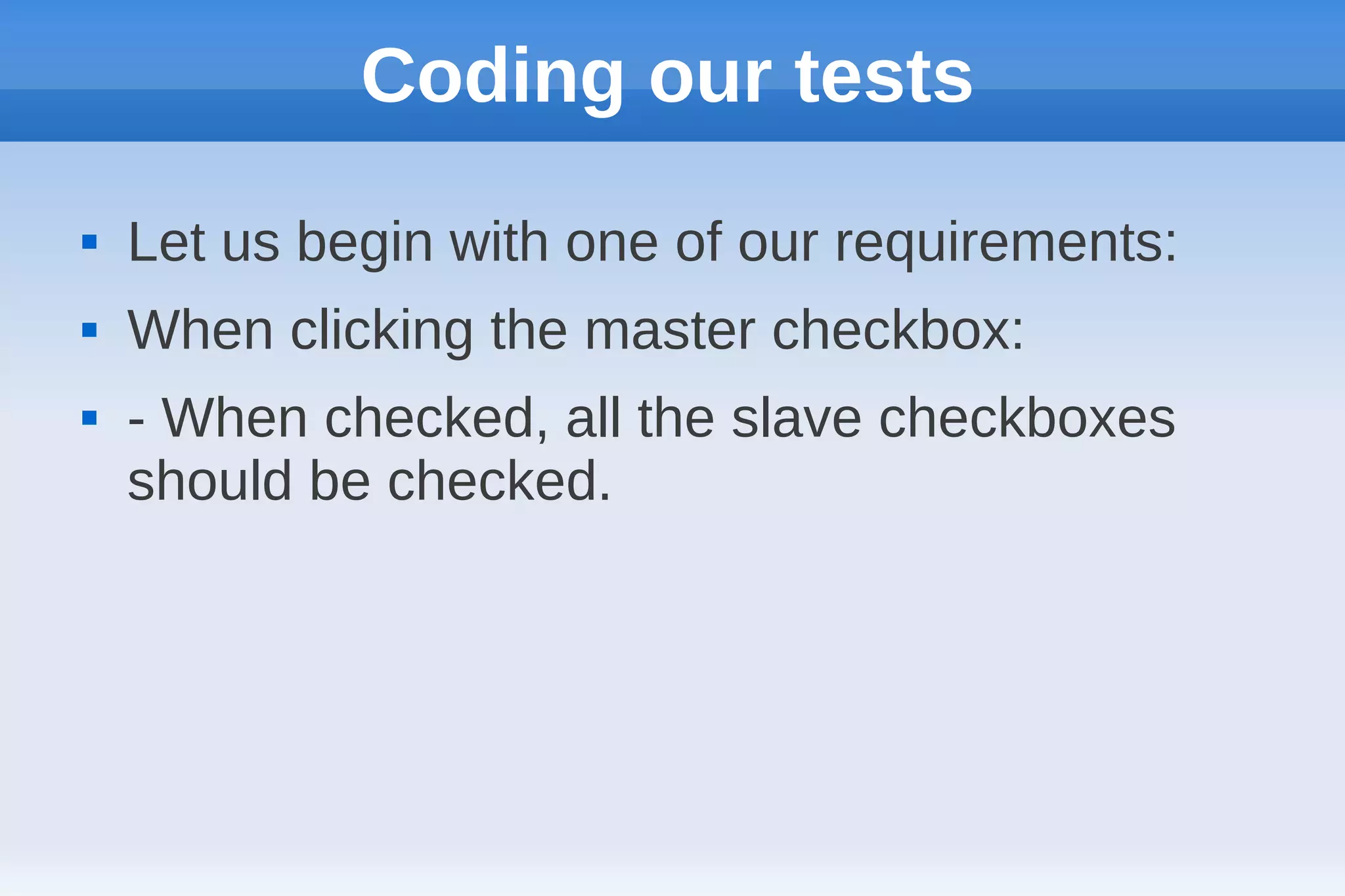
Coding our tests  Let us begin with one of our requirements:  When clicking the master checkbox:  - When checked, all the slave checkboxes should be checked.
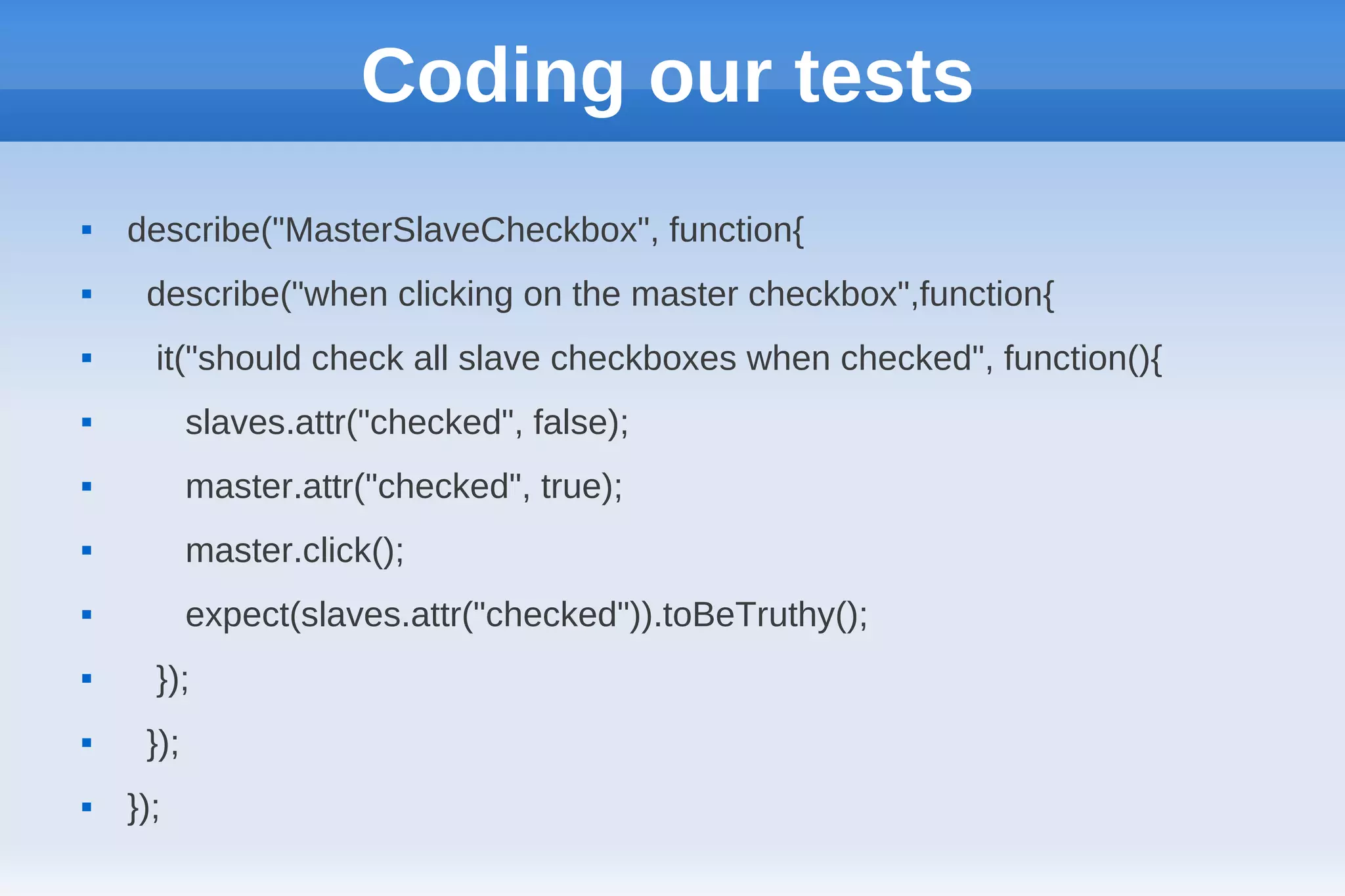
Coding our tests  describe("MasterSlaveCheckbox", function{  describe("when clicking on the master checkbox",function{  it("should check all slave checkboxes when checked", function(){  slaves.attr("checked", false);  master.attr("checked", true);  master.click();  expect(slaves.attr("checked")).toBeTruthy();  });  });  });
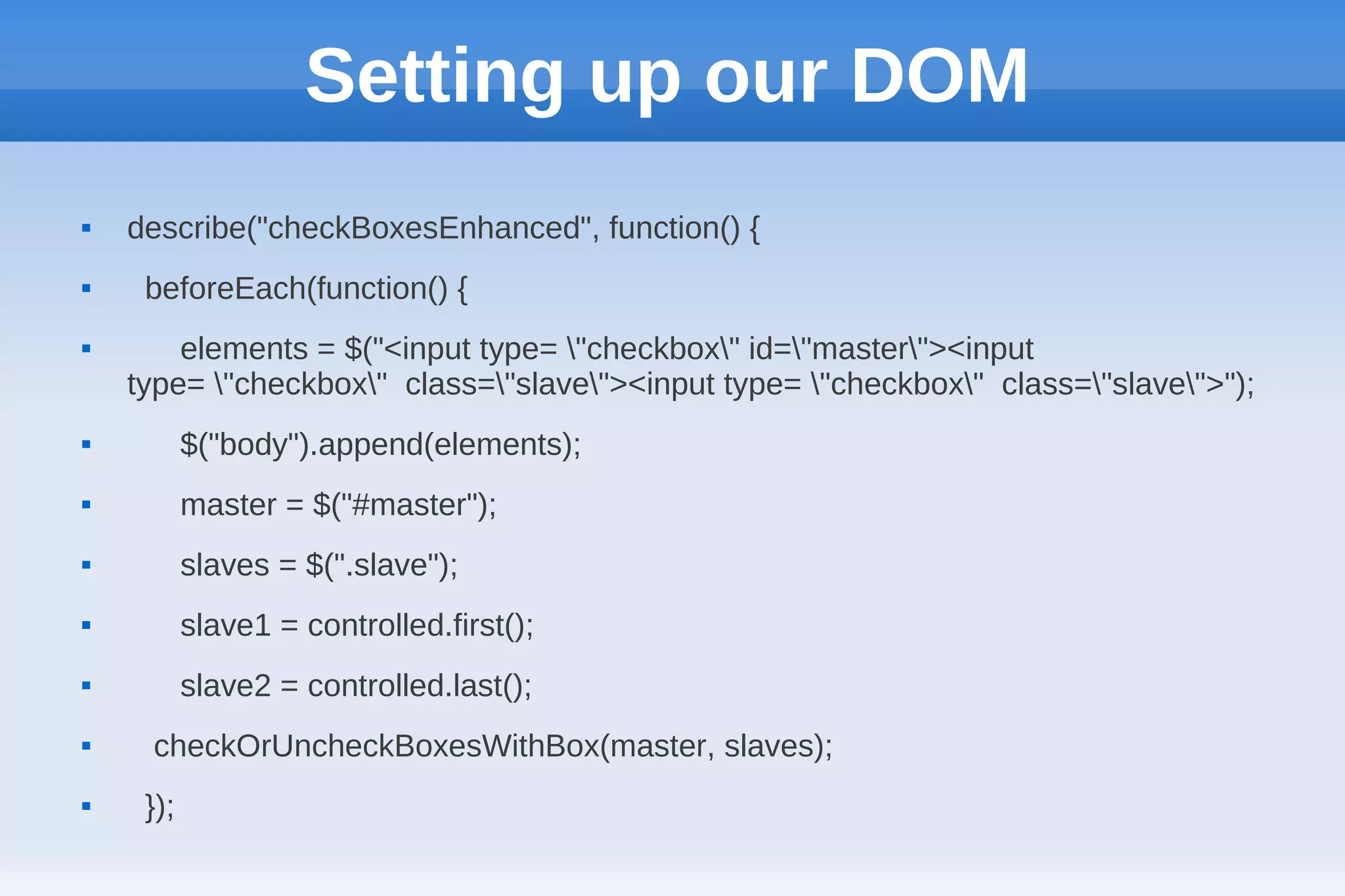
Setting up our DOM  describe("checkBoxesEnhanced", function() {  beforeEach(function() {  elements = $("<input type= "checkbox" id="master"><input type= "checkbox" class="slave"><input type= "checkbox" class="slave">");  $("body").append(elements);  master = $("#master");  slaves = $(".slave");  slave1 = controlled.first();  slave2 = controlled.last();  checkOrUncheckBoxesWithBox(master, slaves);  });
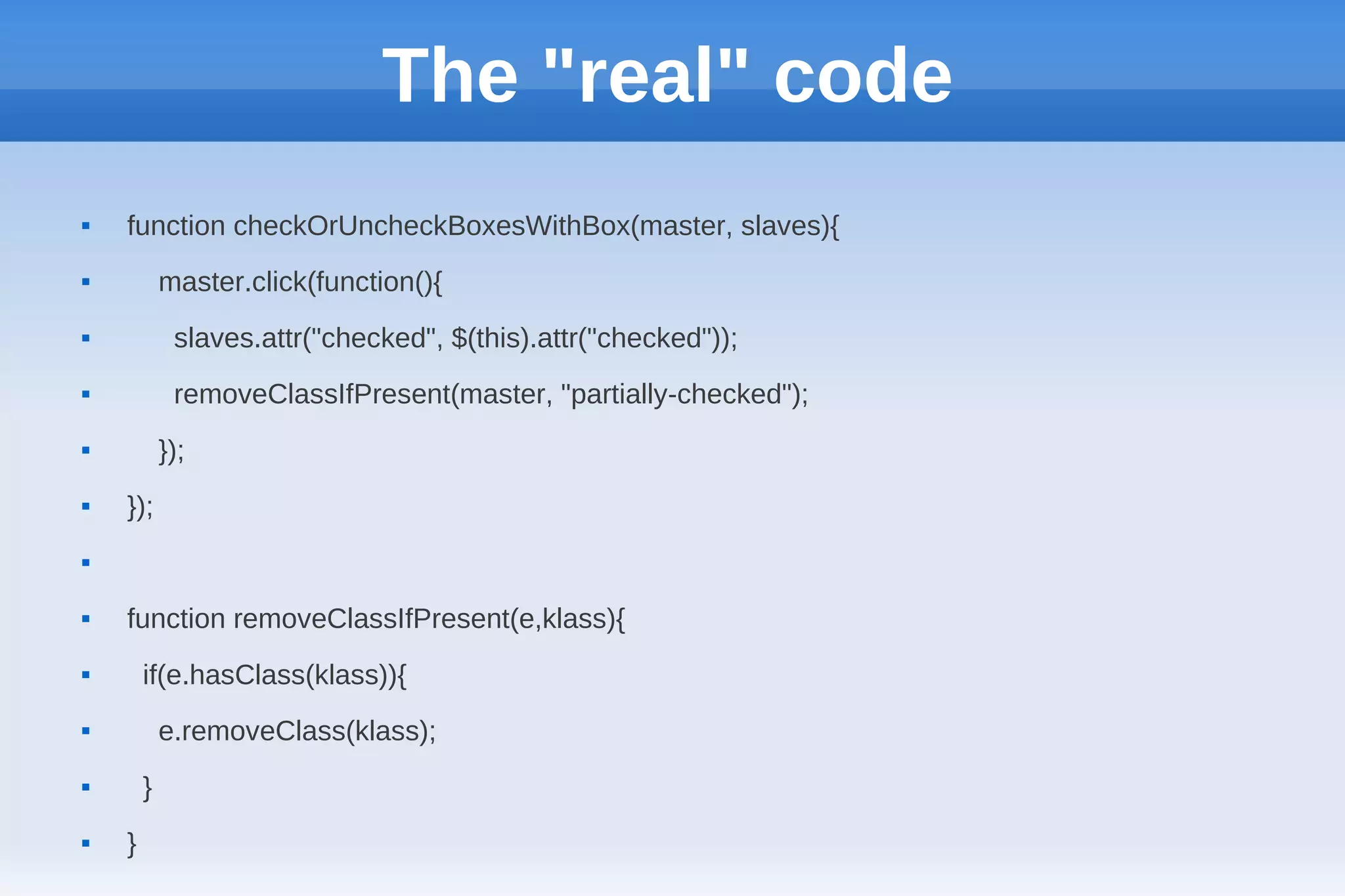
The "real" code  function checkOrUncheckBoxesWithBox(master, slaves){  master.click(function(){  slaves.attr("checked", $(this).attr("checked"));  removeClassIfPresent(master, "partially-checked");  });  });   function removeClassIfPresent(e,klass){  if(e.hasClass(klass)){  e.removeClass(klass);  }  }
Contact @planitiaboreali Ignacio.delamadrid@crowdint.com

Testing your javascript code with jasmine

  • 1.
    Testing your Javascriptwith Jasmine  Getting the fun of BDD into JS
  • 2.
    What is Jasmine?  Jasmine is a behavior driven development framework to test your javascript code. With a sintax similar to that of Rspec, Jasmine can help us to ensure our Javascript is well integrated across our site.
  • 3.
    spec-diff  describe Admin::UsersController do describe("checkBoxesEnhanced", function() {  fixtures :users beforeEach(function() { ...  });  before(:each) do describe("clicking the master checkbox", function(){ it("should be able to check all product attributes  @users = User.make checkboxes when checked", function() { checkAll.attr('checked', true);  end checkAll.click(); expect(controlled.attr('checked')).toBe(true);  }); ...  describe "GET 'index'" do ... });  ... });  it "is successful" do  get :index  response.should be_success  end  end
  • 4.
    The master-slave checkbox problem  For one of the developments we have @ crowdint, we had a task that involved a master checkbox controlling a set of slave checkboxes and viceversa. The following were the requirements:
  • 5.
    The master-slave checkbox problem  When clicking the master checkbox:  - When checked, all the slave checkboxes should be checked and should remove the "partially-selected" class if present.  - When unchecked, all the slave checkboxes should be unchecked and should remove the "partially-selected" class if present.
  • 6.
    The master-slave checkbox problem  When clicking the slave checkboxes:  -When all of the slave checkboxes are checked, the master checkbox should be checked, and remove the "partially-selected" class if present.  -When all of the slave checkboxes are unchecked, the master checkbox should be unchecked, and remove the "partially-selected" class if present.  -When some of the slave boxes are checked and some other are unchecked, the master checkbox should be unchecked and have a "partially-selected" class.
  • 7.
    Installing Jasmine  Add gem "jasmine" to your Gemfile  Bundle install  Go to the spec directory in your rails app and do jasmine init  Next, run “rake jasmine”   Now you should be able to goto: http://localhost:8888 and you will have 2 tests run.
  • 8.
    The spec file  So, in order to create my specs, I have to create a file under the directory spec/javascrips (remember we called the jasmine init command at that level), so I will create MasterSlaveCheckbox.js over there   spec/javascripts/MasterSlaveCheckbox.js  Next time we reload the localhost:8888, it will check this file for "it" blocks and will show them.
  • 9.
    JS Source files  So, we may have created our specs, but don't rush, because Jasmine is not like rspec and will not try to find a similar file name without the spec suffix. In order to see the source files, Jasmine needs you to include them in a special file  spec/javascripts/support/jasmine.yml  So , in this file include the following line under src_files:  -public/javascripts/MasterSlaveChecbox.js  and create your source file with the path specified above.
  • 10.
    Coding our tests  Let us begin with one of our requirements:  When clicking the master checkbox:  - When checked, all the slave checkboxes should be checked.
  • 11.
    Coding our tests  describe("MasterSlaveCheckbox", function{  describe("when clicking on the master checkbox",function{  it("should check all slave checkboxes when checked", function(){  slaves.attr("checked", false);  master.attr("checked", true);  master.click();  expect(slaves.attr("checked")).toBeTruthy();  });  });  });
  • 12.
    Setting up ourDOM  describe("checkBoxesEnhanced", function() {  beforeEach(function() {  elements = $("<input type= "checkbox" id="master"><input type= "checkbox" class="slave"><input type= "checkbox" class="slave">");  $("body").append(elements);  master = $("#master");  slaves = $(".slave");  slave1 = controlled.first();  slave2 = controlled.last();  checkOrUncheckBoxesWithBox(master, slaves);  });
  • 13.
    The "real" code  function checkOrUncheckBoxesWithBox(master, slaves){  master.click(function(){  slaves.attr("checked", $(this).attr("checked"));  removeClassIfPresent(master, "partially-checked");  });  });   function removeClassIfPresent(e,klass){  if(e.hasClass(klass)){  e.removeClass(klass);  }  }
  • 14.