FUNCTION S  If a group of statements is repeatedly required then it is not recommended to write these statements everytime seperately.  We have to define these statements as a single unit and we can call that unit any number of times based on our requirement without rewriting.  This unit is nothing but function.  The main advantage of functions is code Reusability
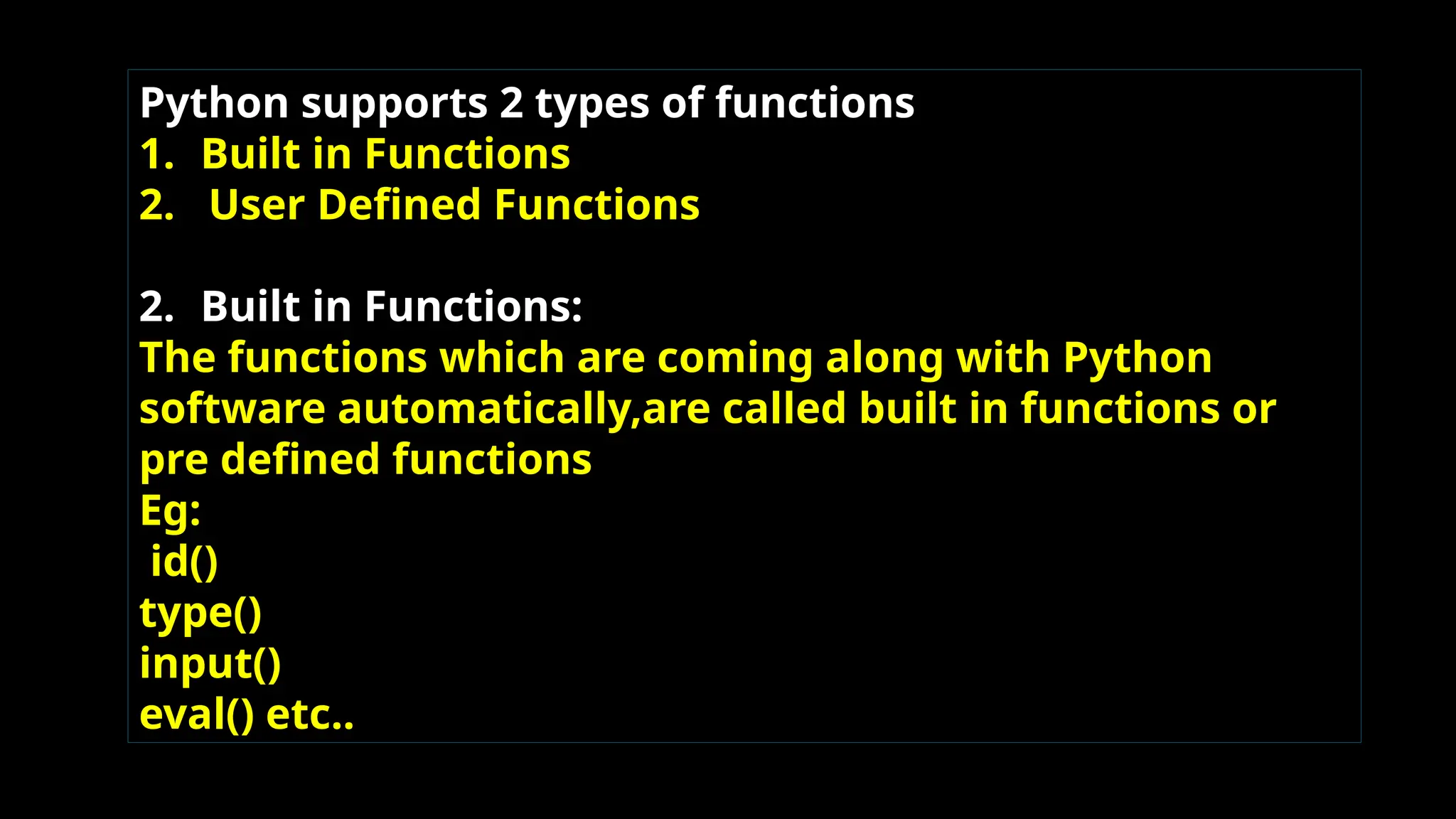
Python supports 2 types of functions 1. Built in Functions 2. User Defined Functions 2. Built in Functions: The functions which are coming along with Python software automatically,are called built in functions or pre defined functions Eg: id() type() input() eval() etc..
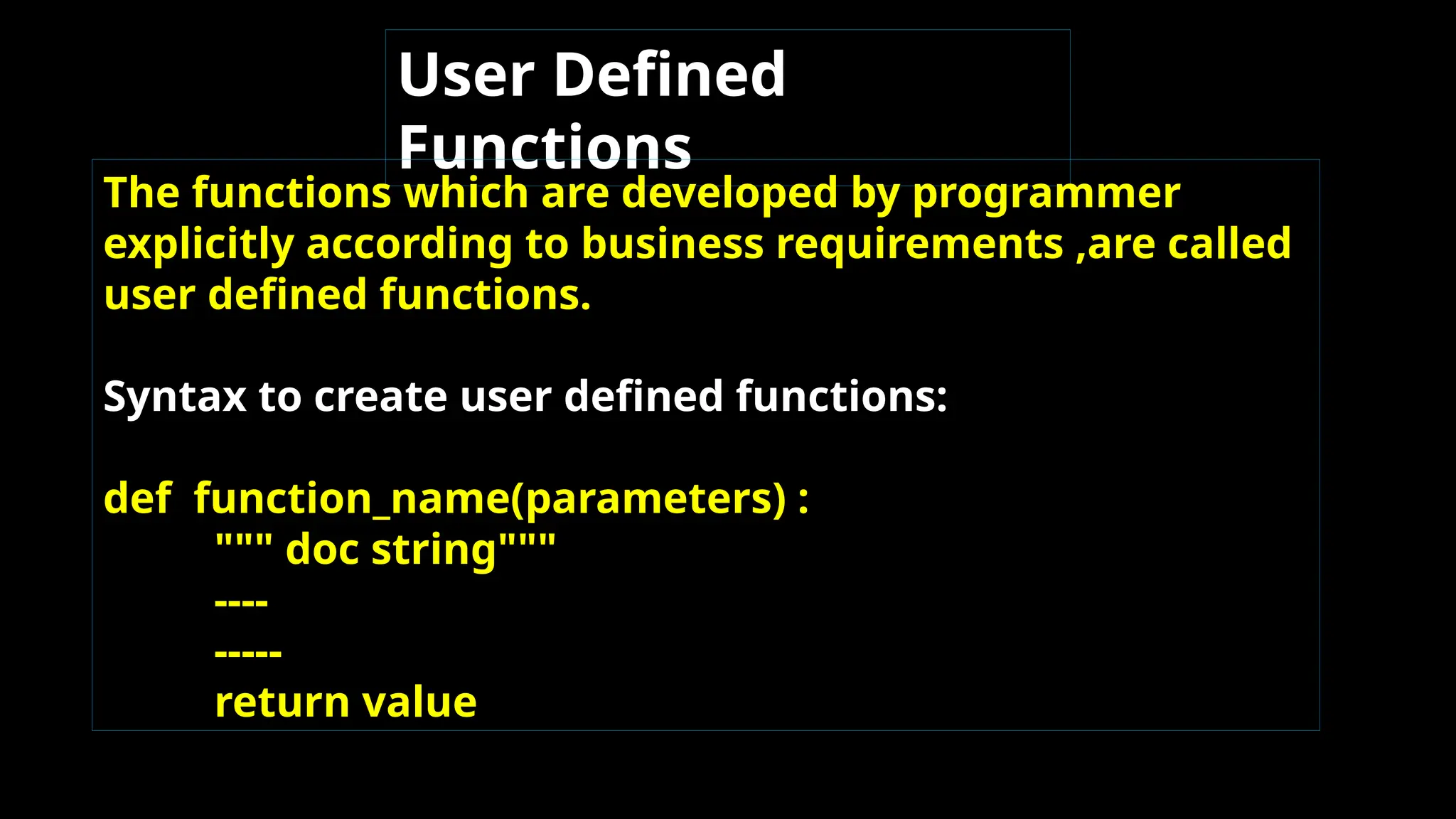
User Defined Functions The functions which are developed by programmer explicitly according to business requirements ,are called user defined functions. Syntax to create user defined functions: def function_name(parameters) : """ doc string""" ---- ----- return value
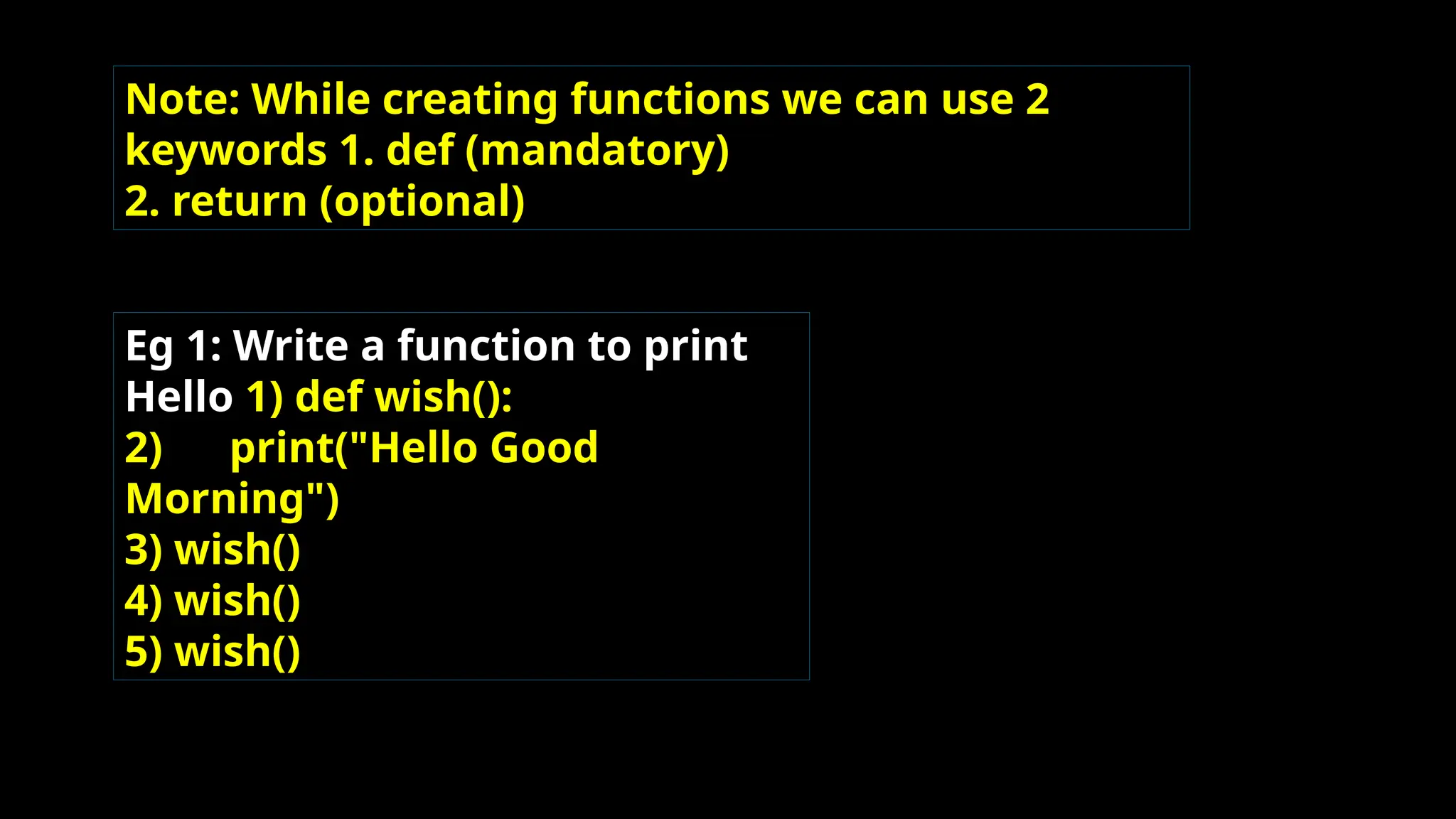
Note: While creating functions we can use 2 keywords 1. def (mandatory) 2. return (optional) Eg 1: Write a function to print Hello 1) def wish(): 2) print("Hello Good Morning") 3) wish() 4) wish() 5) wish()
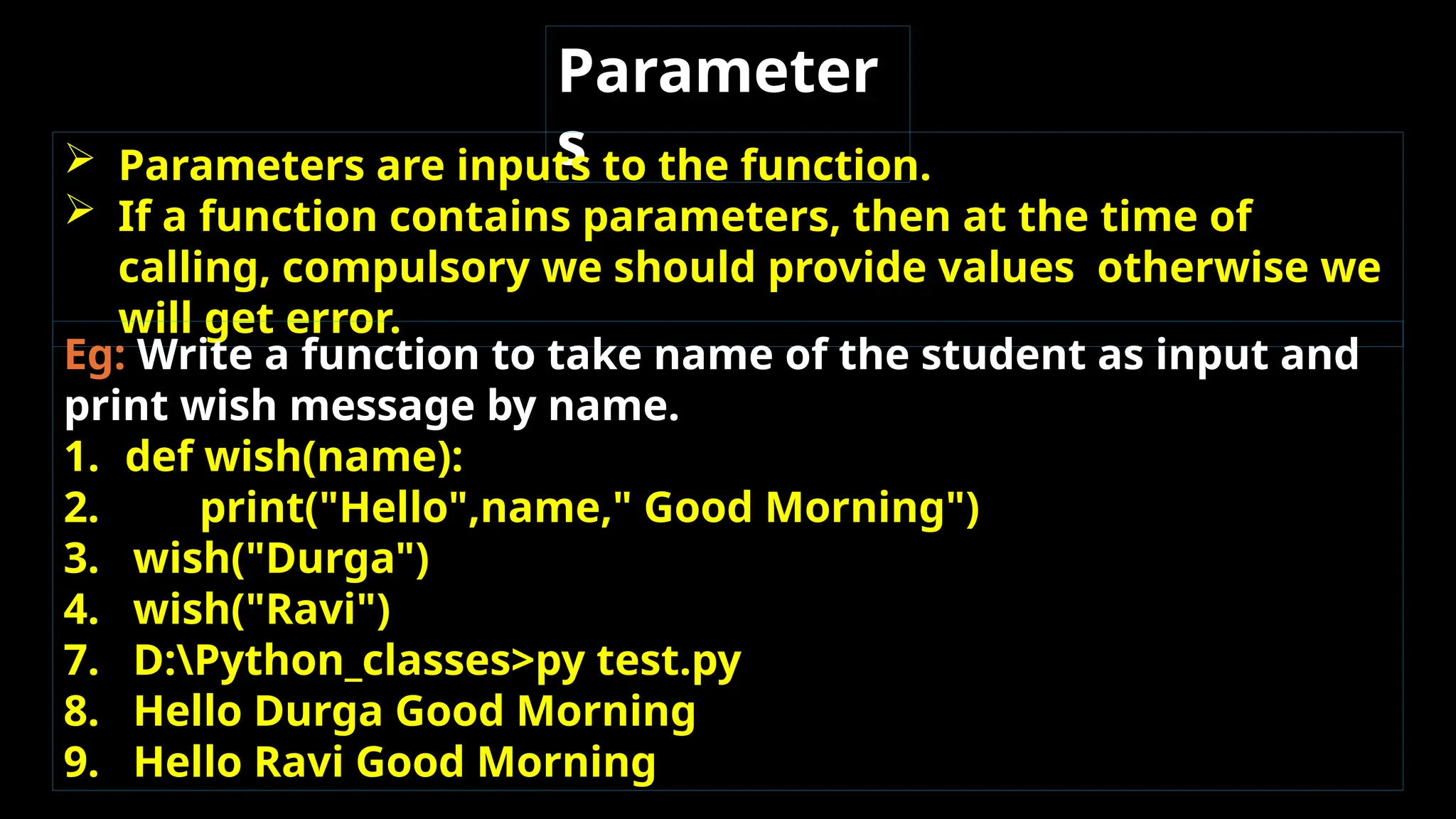
Parameter s  Parameters are inputs to the function.  If a function contains parameters, then at the time of calling, compulsory we should provide values otherwise we will get error. Eg: Write a function to take name of the student as input and print wish message by name. 1. def wish(name): 2. print("Hello",name," Good Morning") 3. wish("Durga") 4. wish("Ravi") 7. D:Python_classes>py test.py 8. Hello Durga Good Morning 9. Hello Ravi Good Morning
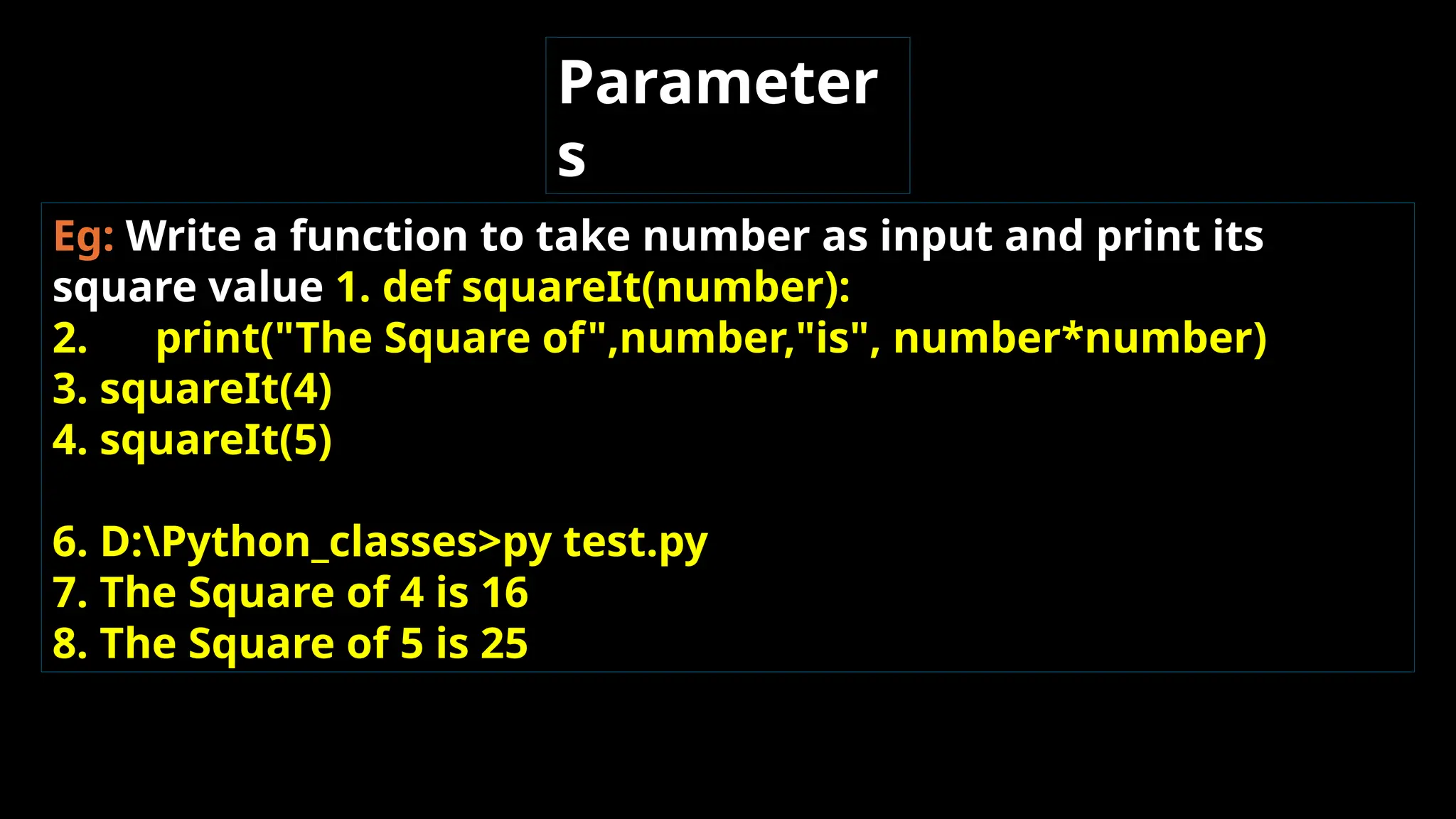
Eg: Write a function to take number as input and print its square value 1. def squareIt(number): 2. print("The Square of",number,"is", number*number) 3. squareIt(4) 4. squareIt(5) 6. D:Python_classes>py test.py 7. The Square of 4 is 16 8. The Square of 5 is 25 Parameter s
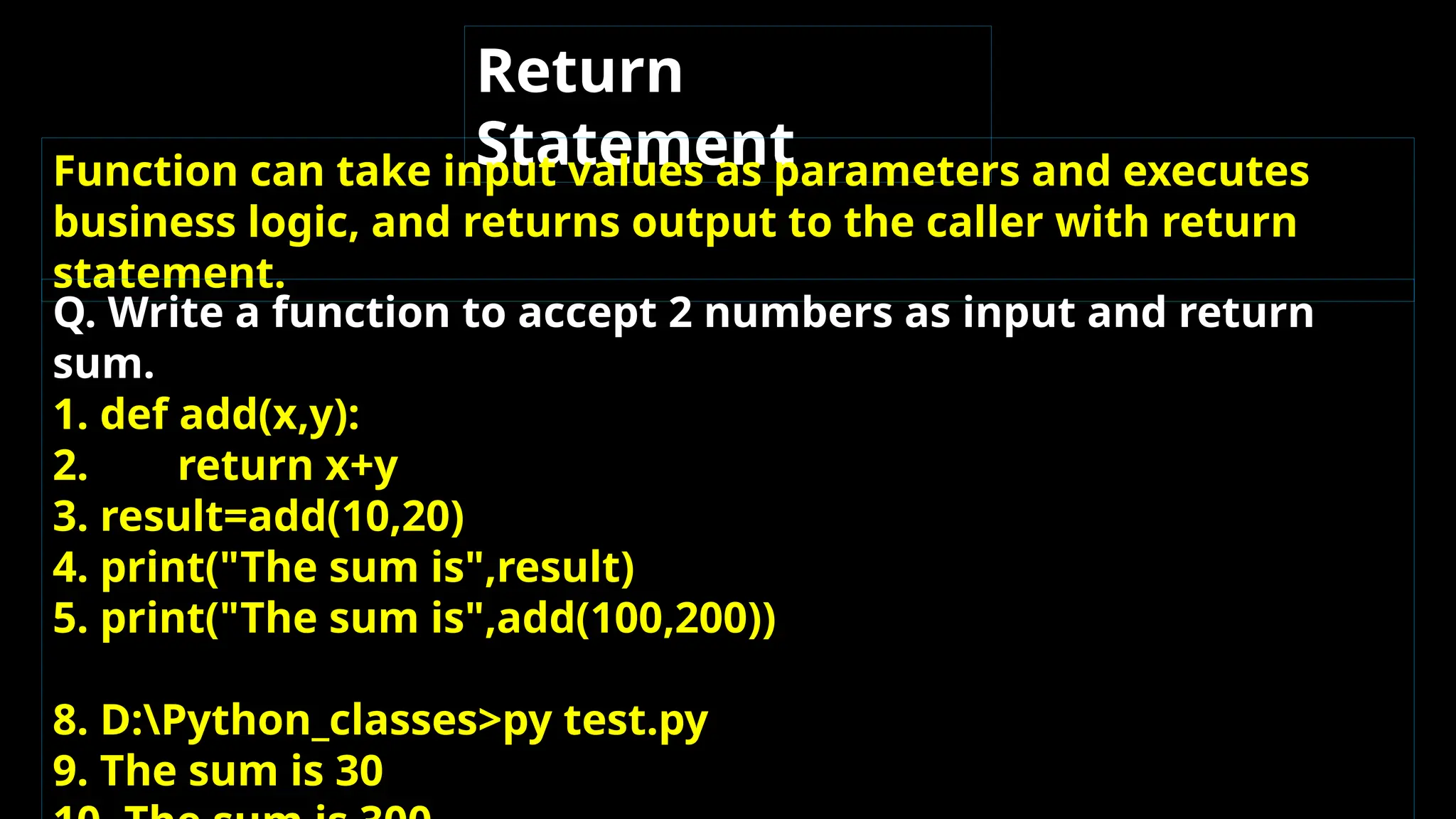
Return Statement Function can take input values as parameters and executes business logic, and returns output to the caller with return statement. Q. Write a function to accept 2 numbers as input and return sum. 1. def add(x,y): 2. return x+y 3. result=add(10,20) 4. print("The sum is",result) 5. print("The sum is",add(100,200)) 8. D:Python_classes>py test.py 9. The sum is 30
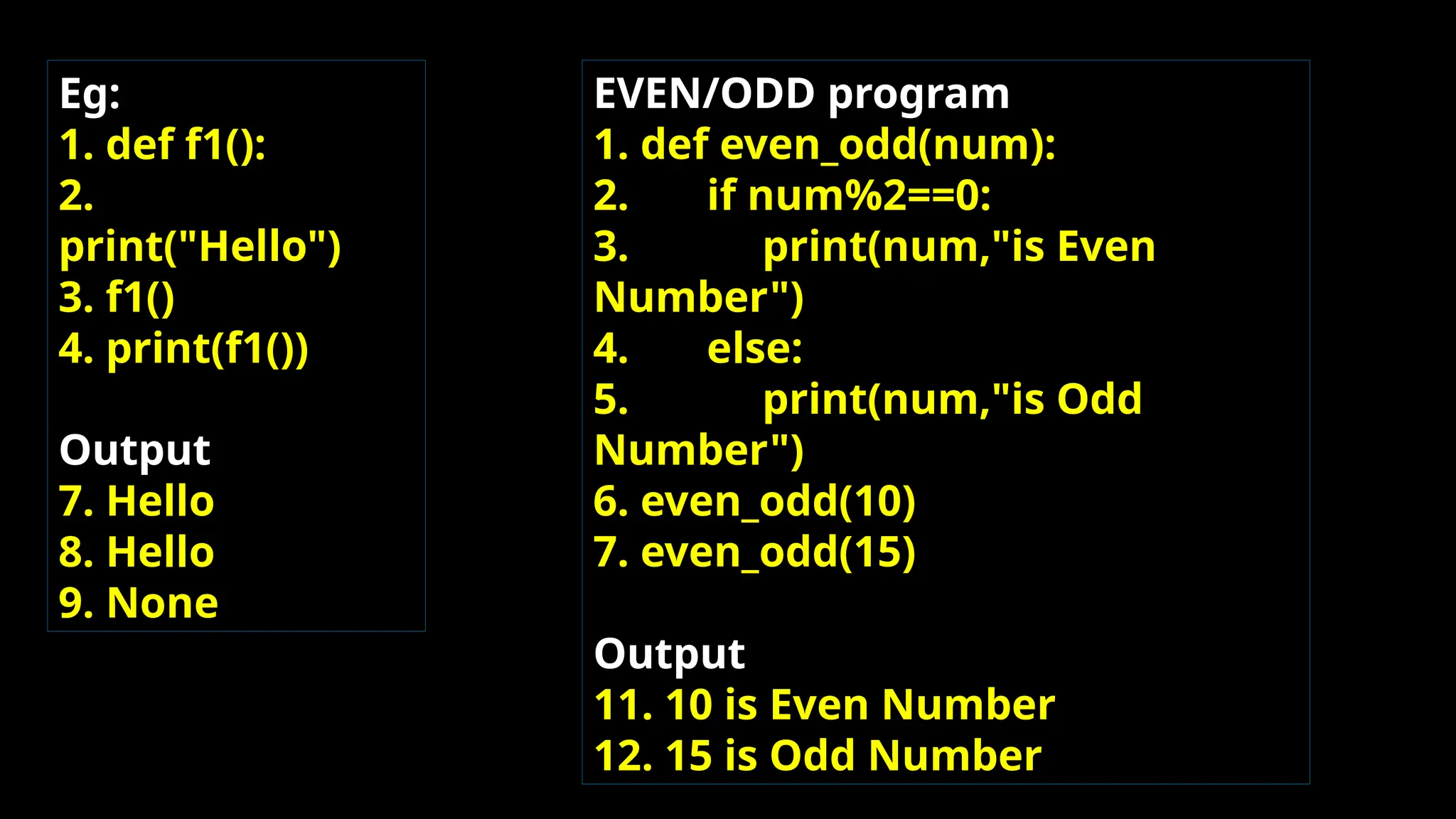
Eg: 1. def f1(): 2. print("Hello") 3. f1() 4. print(f1()) Output 7. Hello 8. Hello 9. None EVEN/ODD program 1. def even_odd(num): 2. if num%2==0: 3. print(num,"is Even Number") 4. else: 5. print(num,"is Odd Number") 6. even_odd(10) 7. even_odd(15) Output 11. 10 is Even Number 12. 15 is Odd Number
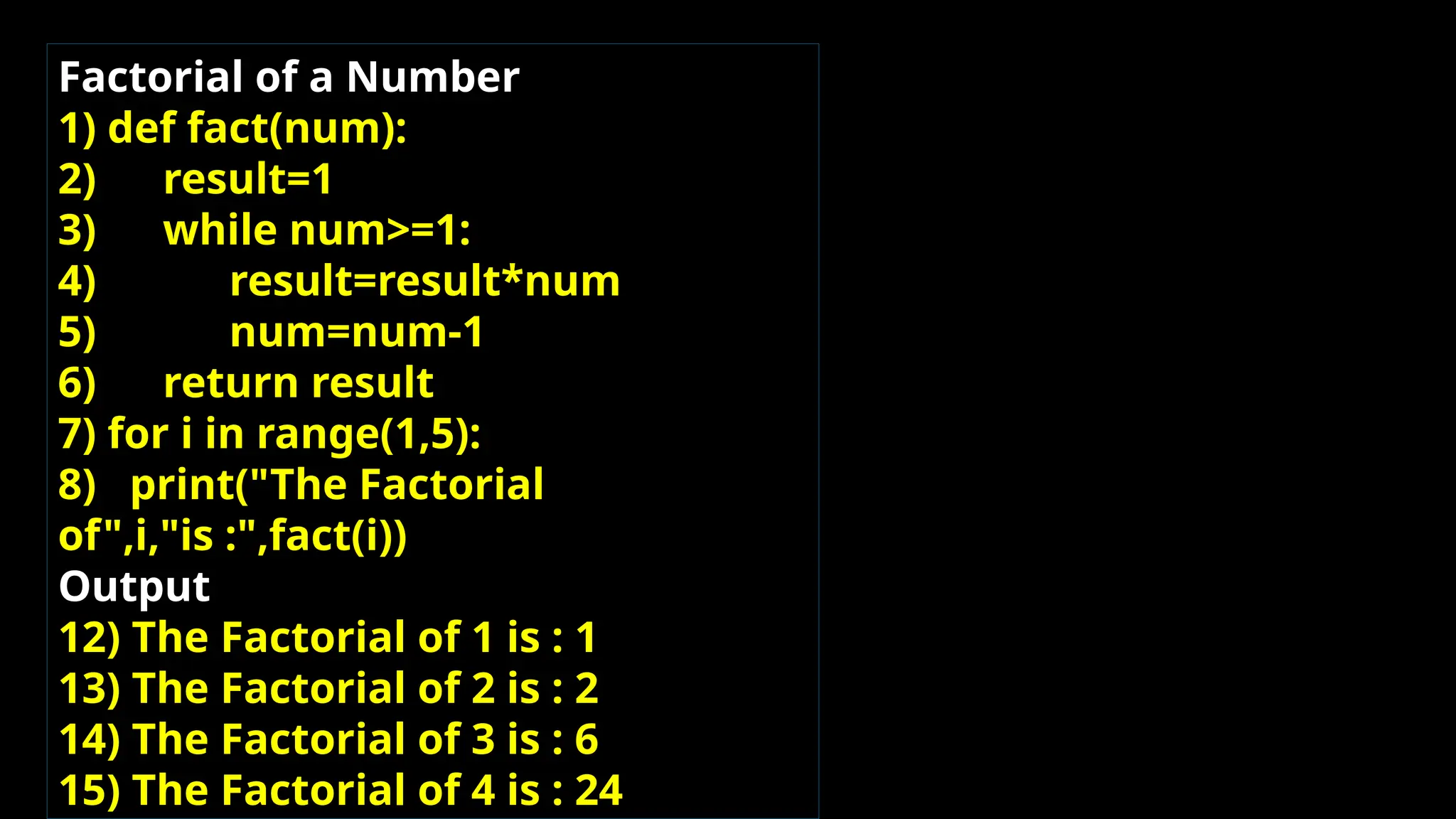
Factorial of a Number 1) def fact(num): 2) result=1 3) while num>=1: 4) result=result*num 5) num=num-1 6) return result 7) for i in range(1,5): 8) print("The Factorial of",i,"is :",fact(i)) Output 12) The Factorial of 1 is : 1 13) The Factorial of 2 is : 2 14) The Factorial of 3 is : 6 15) The Factorial of 4 is : 24
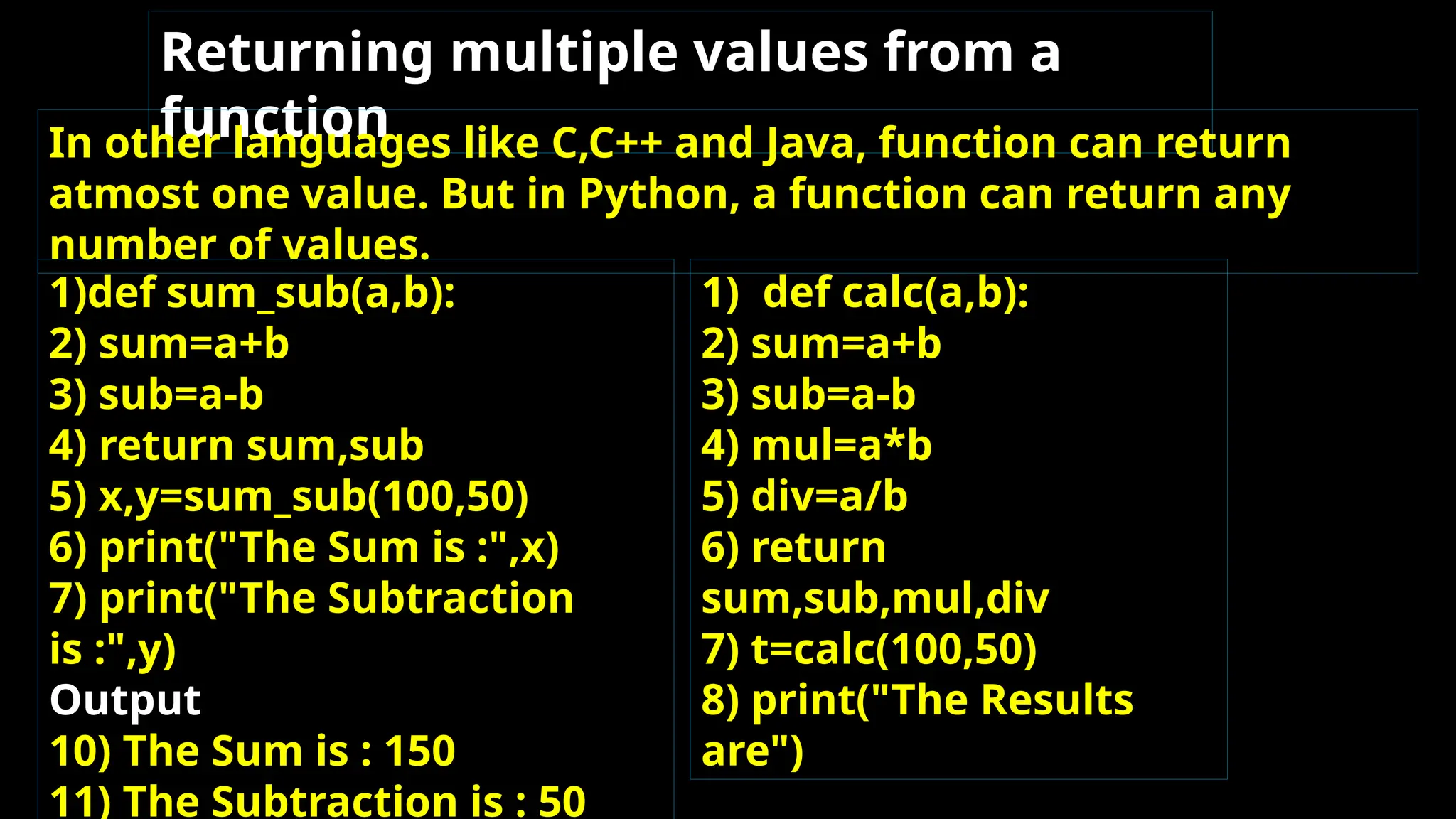
Returning multiple values from a function In other languages like C,C++ and Java, function can return atmost one value. But in Python, a function can return any number of values. 1)def sum_sub(a,b): 2) sum=a+b 3) sub=a-b 4) return sum,sub 5) x,y=sum_sub(100,50) 6) print("The Sum is :",x) 7) print("The Subtraction is :",y) Output 10) The Sum is : 150 11) The Subtraction is : 50 1) def calc(a,b): 2) sum=a+b 3) sub=a-b 4) mul=a*b 5) div=a/b 6) return sum,sub,mul,div 7) t=calc(100,50) 8) print("The Results are")
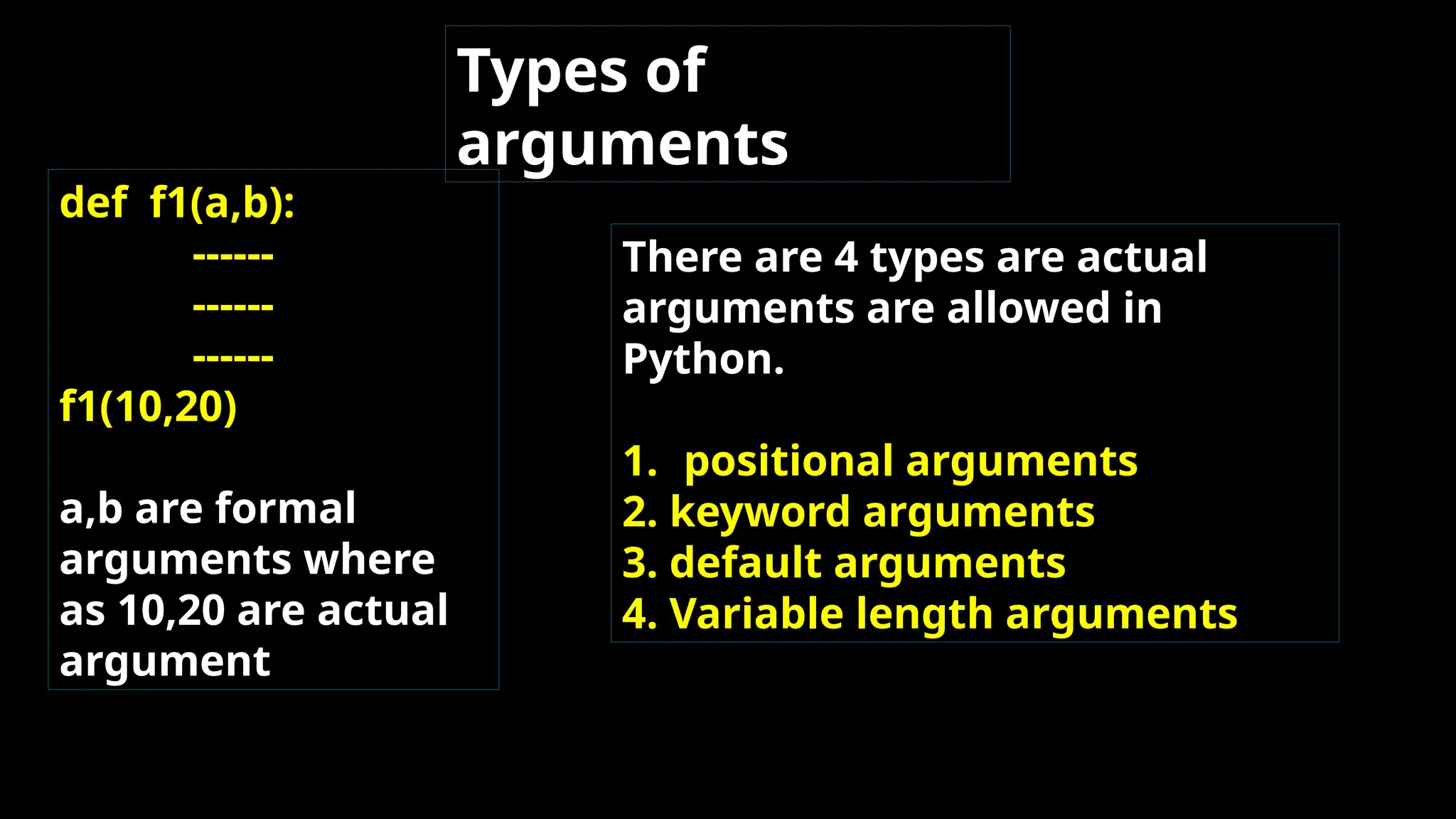
Types of arguments def f1(a,b): ------ ------ ------ f1(10,20) a,b are formal arguments where as 10,20 are actual argument There are 4 types are actual arguments are allowed in Python. 1. positional arguments 2. keyword arguments 3. default arguments 4. Variable length arguments
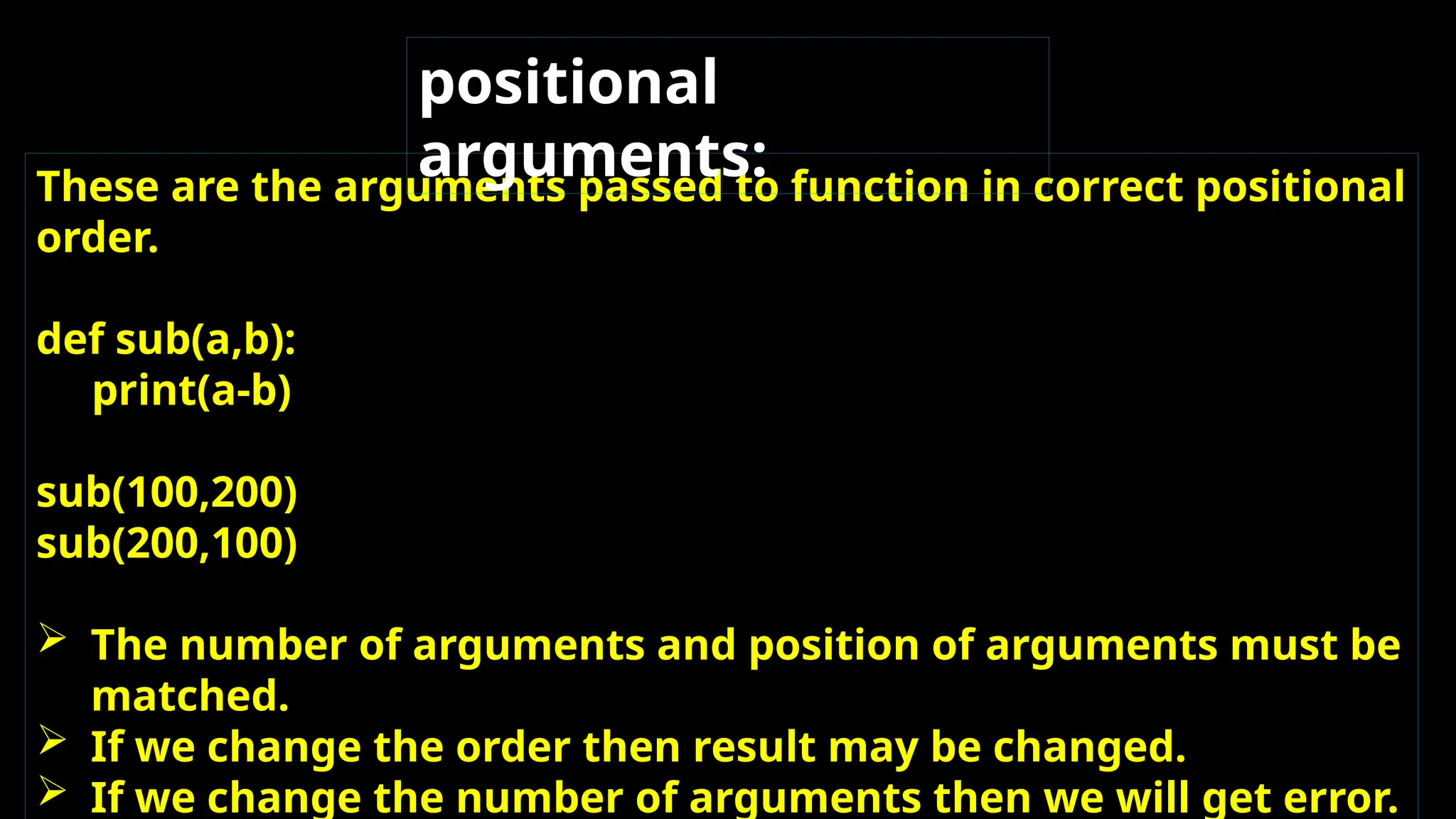
These are the arguments passed to function in correct positional order. def sub(a,b): print(a-b) sub(100,200) sub(200,100)  The number of arguments and position of arguments must be matched.  If we change the order then result may be changed.  If we change the number of arguments then we will get error. positional arguments:
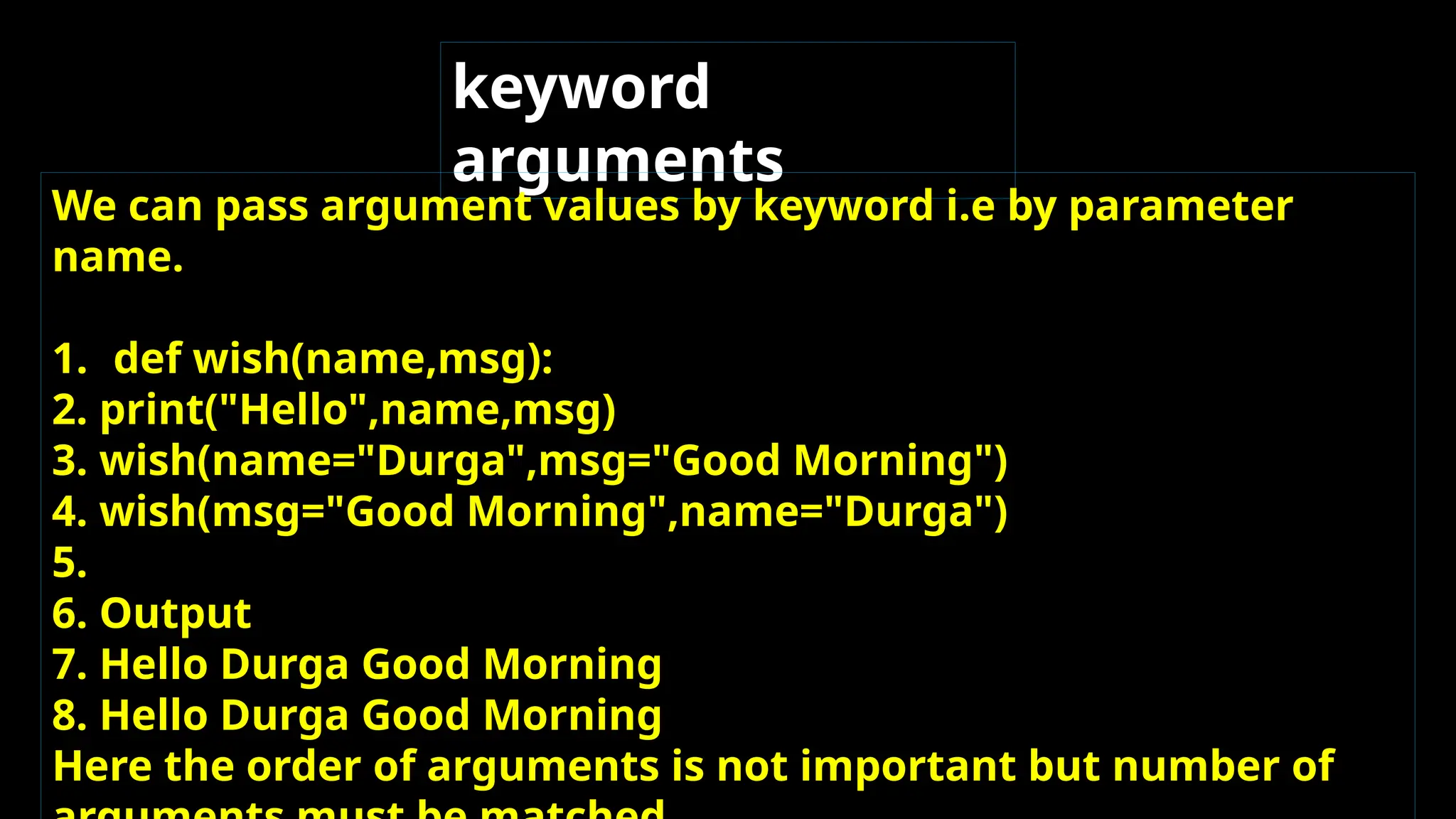
keyword arguments We can pass argument values by keyword i.e by parameter name. 1. def wish(name,msg): 2. print("Hello",name,msg) 3. wish(name="Durga",msg="Good Morning") 4. wish(msg="Good Morning",name="Durga") 5. 6. Output 7. Hello Durga Good Morning 8. Hello Durga Good Morning Here the order of arguments is not important but number of
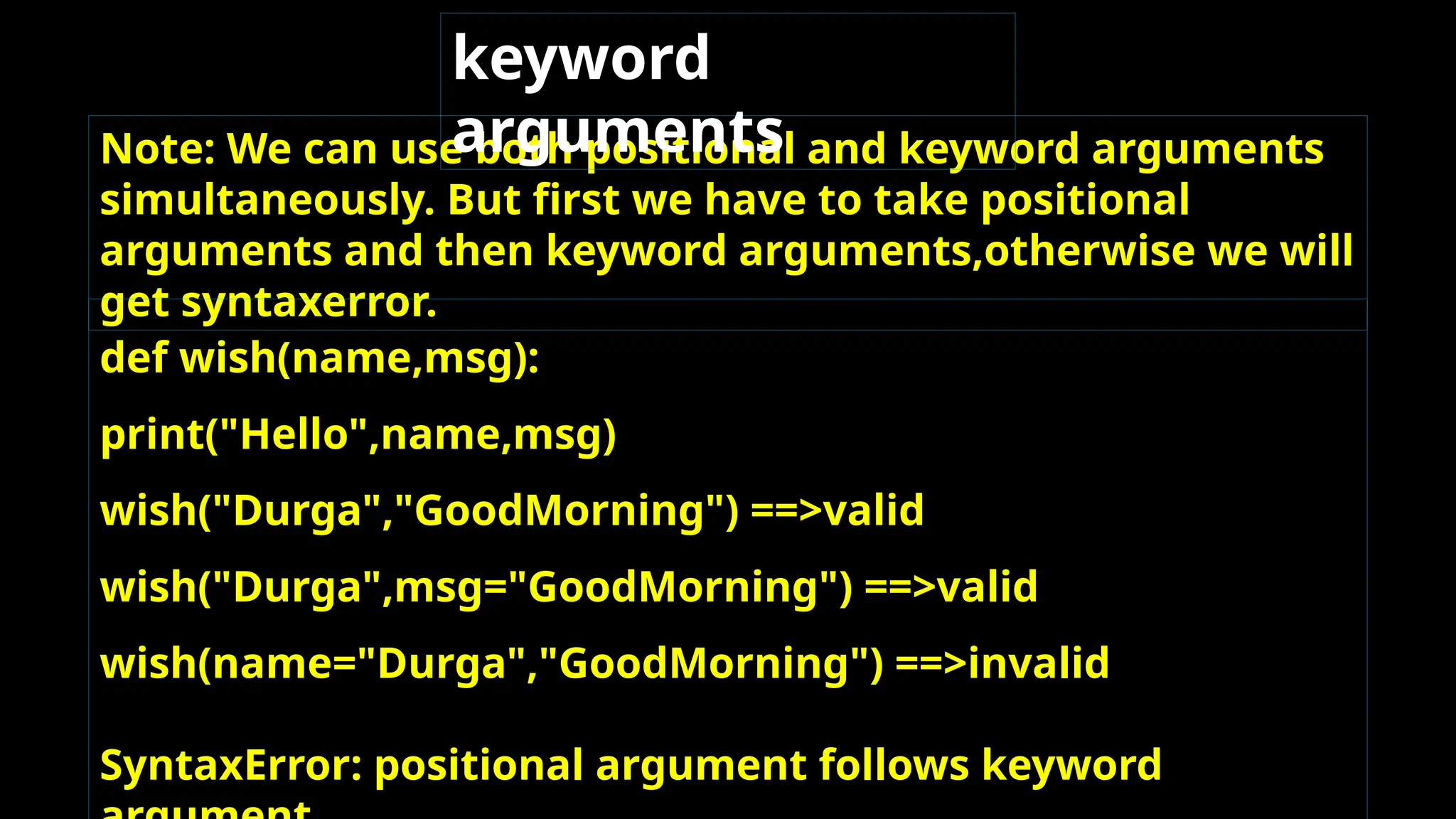
Note: We can use both positional and keyword arguments simultaneously. But first we have to take positional arguments and then keyword arguments,otherwise we will get syntaxerror. keyword arguments def wish(name,msg): print("Hello",name,msg) wish("Durga","GoodMorning") ==>valid wish("Durga",msg="GoodMorning") ==>valid wish(name="Durga","GoodMorning") ==>invalid SyntaxError: positional argument follows keyword
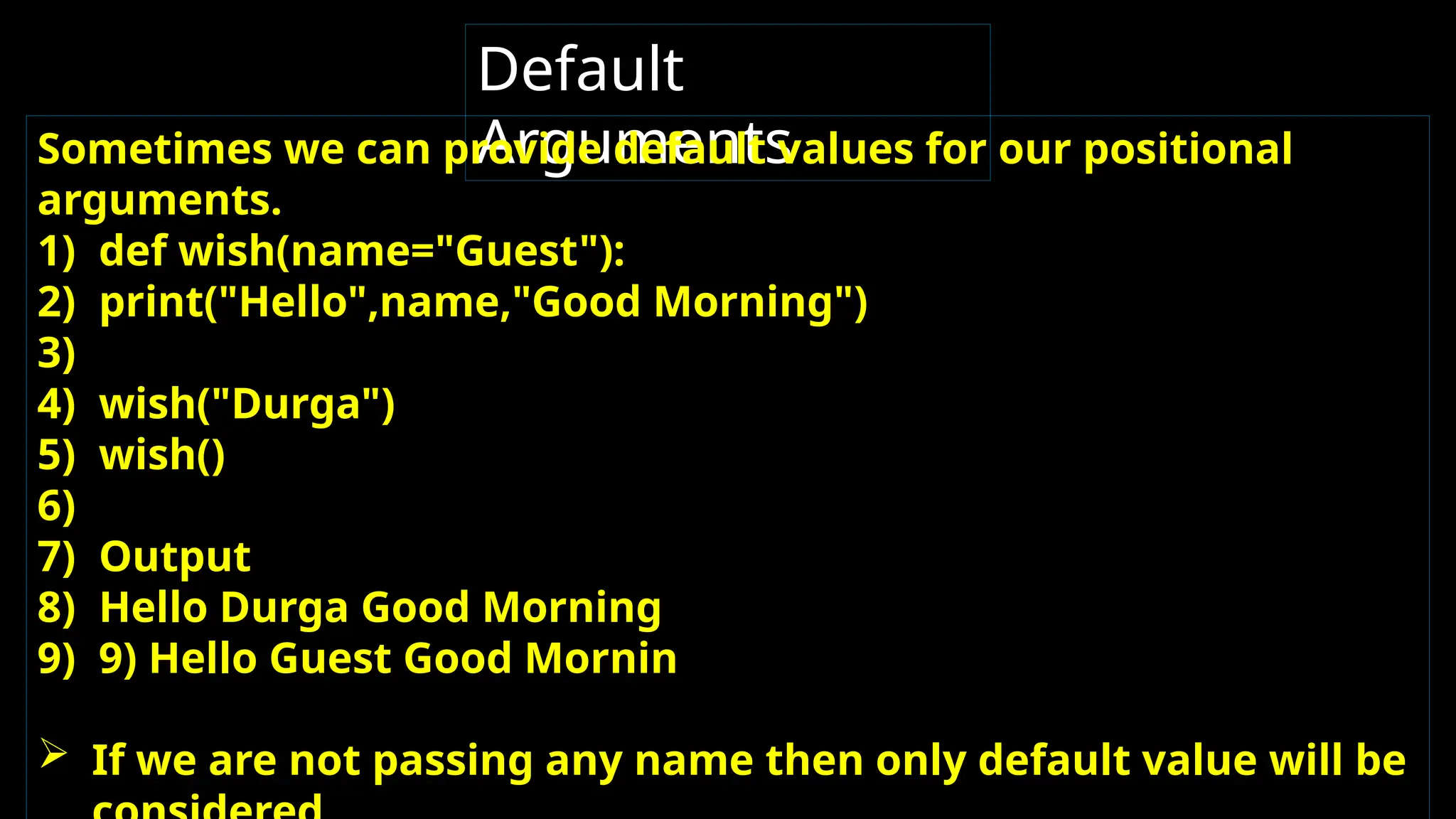
Default Arguments Sometimes we can provide default values for our positional arguments. 1) def wish(name="Guest"): 2) print("Hello",name,"Good Morning") 3) 4) wish("Durga") 5) wish() 6) 7) Output 8) Hello Durga Good Morning 9) 9) Hello Guest Good Mornin  If we are not passing any name then only default value will be
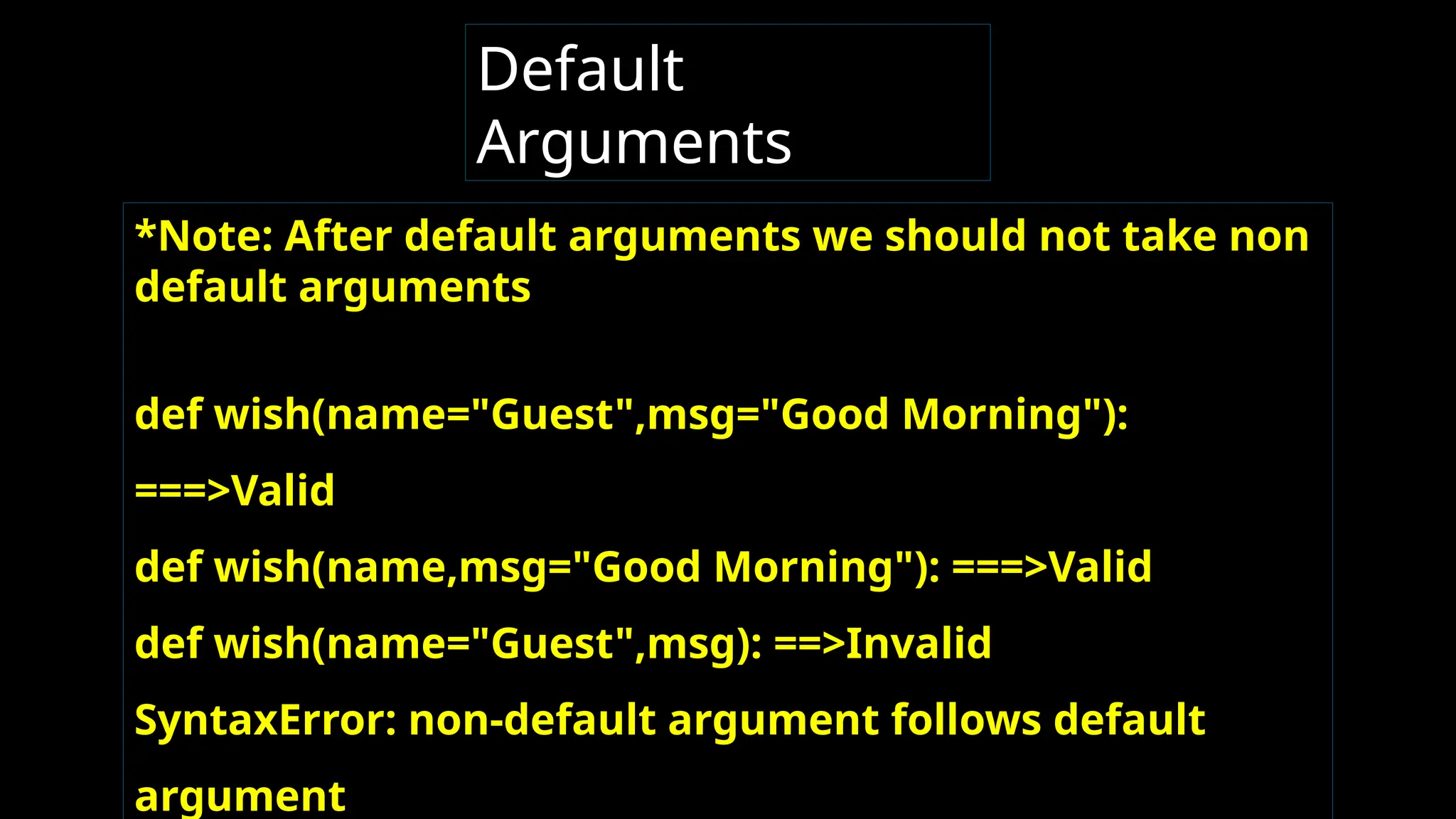
*Note: After default arguments we should not take non default arguments def wish(name="Guest",msg="Good Morning"): ===>Valid def wish(name,msg="Good Morning"): ===>Valid def wish(name="Guest",msg): ==>Invalid SyntaxError: non-default argument follows default argument Default Arguments
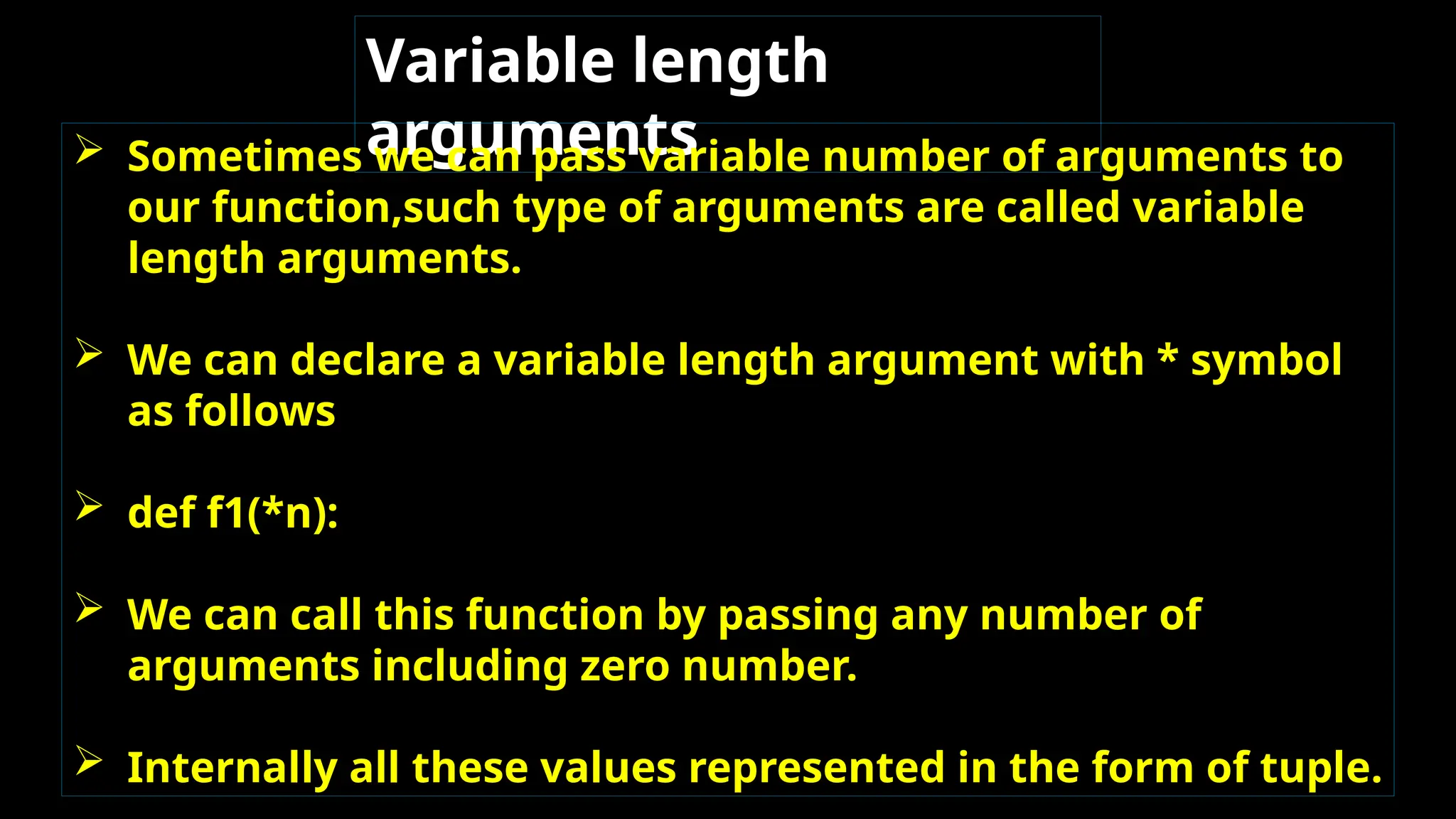
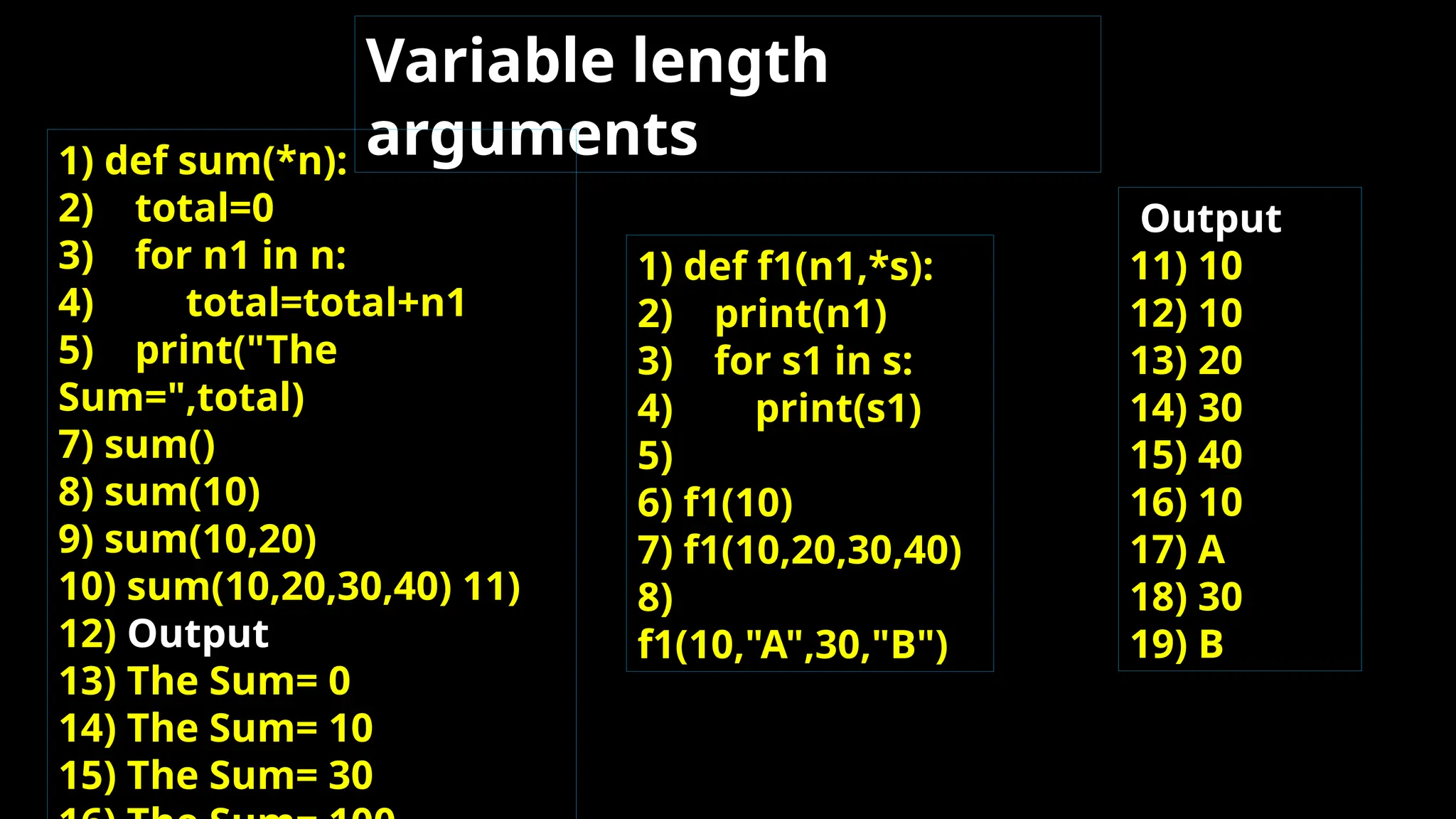
Variable length arguments  Sometimes we can pass variable number of arguments to our function,such type of arguments are called variable length arguments.  We can declare a variable length argument with * symbol as follows  def f1(*n):  We can call this function by passing any number of arguments including zero number.  Internally all these values represented in the form of tuple.
Variable length arguments 1) def sum(*n): 2) total=0 3) for n1 in n: 4) total=total+n1 5) print("The Sum=",total) 7) sum() 8) sum(10) 9) sum(10,20) 10) sum(10,20,30,40) 11) 12) Output 13) The Sum= 0 14) The Sum= 10 15) The Sum= 30 1) def f1(n1,*s): 2) print(n1) 3) for s1 in s: 4) print(s1) 5) 6) f1(10) 7) f1(10,20,30,40) 8) f1(10,"A",30,"B") Output 11) 10 12) 10 13) 20 14) 30 15) 40 16) 10 17) A 18) 30 19) B
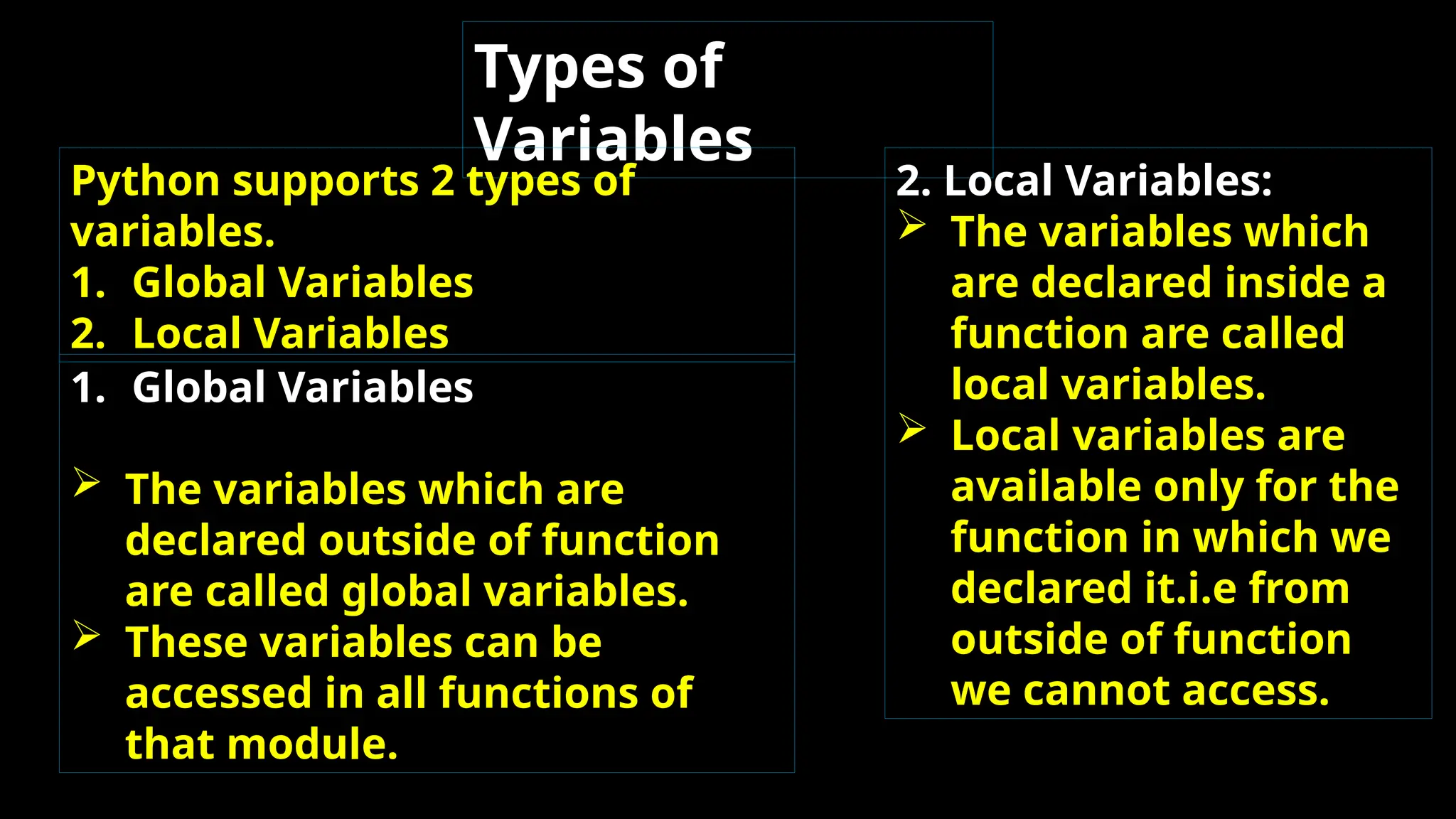
Types of Variables Python supports 2 types of variables. 1. Global Variables 2. Local Variables 1. Global Variables  The variables which are declared outside of function are called global variables.  These variables can be accessed in all functions of that module. 2. Local Variables:  The variables which are declared inside a function are called local variables.  Local variables are available only for the function in which we declared it.i.e from outside of function we cannot access.
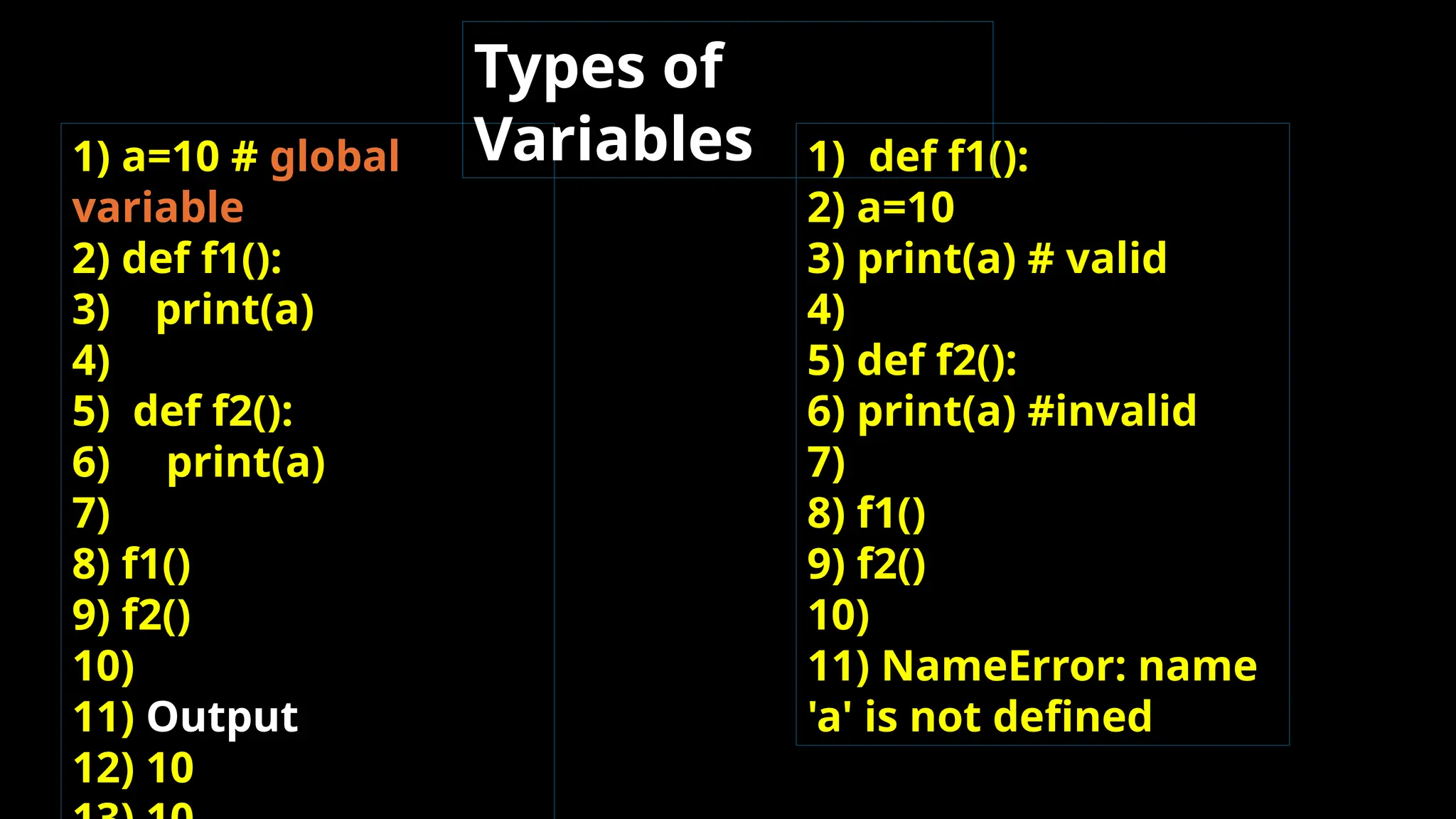
1) a=10 # global variable 2) def f1(): 3) print(a) 4) 5) def f2(): 6) print(a) 7) 8) f1() 9) f2() 10) 11) Output 12) 10 1) def f1(): 2) a=10 3) print(a) # valid 4) 5) def f2(): 6) print(a) #invalid 7) 8) f1() 9) f2() 10) 11) NameError: name 'a' is not defined Types of Variables
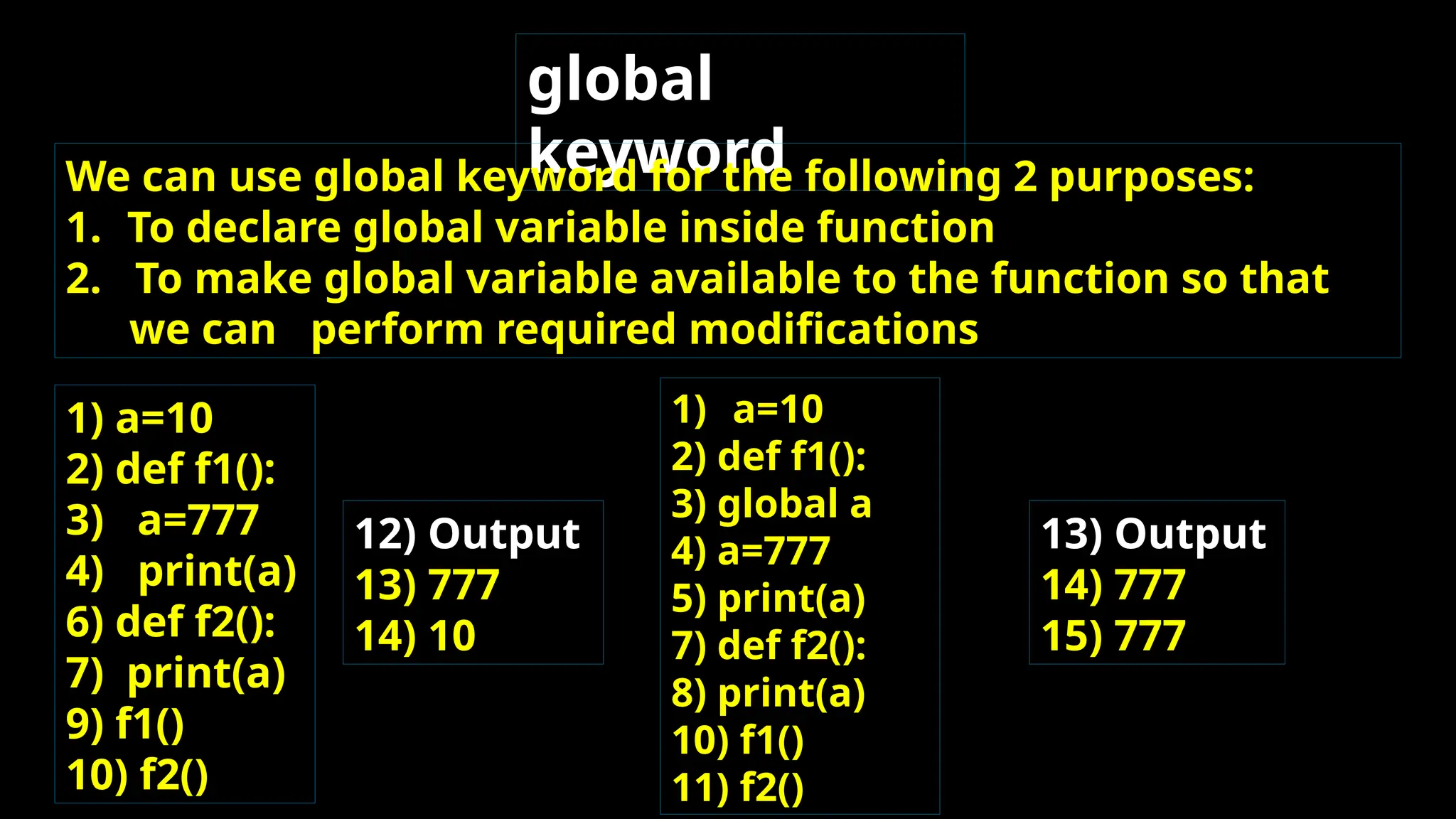
global keyword We can use global keyword for the following 2 purposes: 1. To declare global variable inside function 2. To make global variable available to the function so that we can perform required modifications 1) a=10 2) def f1(): 3) a=777 4) print(a) 6) def f2(): 7) print(a) 9) f1() 10) f2() 12) Output 13) 777 14) 10 1) a=10 2) def f1(): 3) global a 4) a=777 5) print(a) 7) def f2(): 8) print(a) 10) f1() 11) f2() 13) Output 14) 777 15) 777
Python functions PYTHON FUNCTIONS1234567

Python functions PYTHON FUNCTIONS1234567

  • 1.
    FUNCTION S  If agroup of statements is repeatedly required then it is not recommended to write these statements everytime seperately.  We have to define these statements as a single unit and we can call that unit any number of times based on our requirement without rewriting.  This unit is nothing but function.  The main advantage of functions is code Reusability
  • 2.
    Python supports 2types of functions 1. Built in Functions 2. User Defined Functions 2. Built in Functions: The functions which are coming along with Python software automatically,are called built in functions or pre defined functions Eg: id() type() input() eval() etc..
  • 3.
    User Defined Functions The functionswhich are developed by programmer explicitly according to business requirements ,are called user defined functions. Syntax to create user defined functions: def function_name(parameters) : """ doc string""" ---- ----- return value
  • 4.
    Note: While creatingfunctions we can use 2 keywords 1. def (mandatory) 2. return (optional) Eg 1: Write a function to print Hello 1) def wish(): 2) print("Hello Good Morning") 3) wish() 4) wish() 5) wish()
  • 5.
    Parameter s  Parameters areinputs to the function.  If a function contains parameters, then at the time of calling, compulsory we should provide values otherwise we will get error. Eg: Write a function to take name of the student as input and print wish message by name. 1. def wish(name): 2. print("Hello",name," Good Morning") 3. wish("Durga") 4. wish("Ravi") 7. D:Python_classes>py test.py 8. Hello Durga Good Morning 9. Hello Ravi Good Morning
  • 6.
    Eg: Write afunction to take number as input and print its square value 1. def squareIt(number): 2. print("The Square of",number,"is", number*number) 3. squareIt(4) 4. squareIt(5) 6. D:Python_classes>py test.py 7. The Square of 4 is 16 8. The Square of 5 is 25 Parameter s
  • 7.
    Return Statement Function can takeinput values as parameters and executes business logic, and returns output to the caller with return statement. Q. Write a function to accept 2 numbers as input and return sum. 1. def add(x,y): 2. return x+y 3. result=add(10,20) 4. print("The sum is",result) 5. print("The sum is",add(100,200)) 8. D:Python_classes>py test.py 9. The sum is 30
  • 8.
    Eg: 1. def f1(): 2. print("Hello") 3.f1() 4. print(f1()) Output 7. Hello 8. Hello 9. None EVEN/ODD program 1. def even_odd(num): 2. if num%2==0: 3. print(num,"is Even Number") 4. else: 5. print(num,"is Odd Number") 6. even_odd(10) 7. even_odd(15) Output 11. 10 is Even Number 12. 15 is Odd Number
  • 9.
    Factorial of aNumber 1) def fact(num): 2) result=1 3) while num>=1: 4) result=result*num 5) num=num-1 6) return result 7) for i in range(1,5): 8) print("The Factorial of",i,"is :",fact(i)) Output 12) The Factorial of 1 is : 1 13) The Factorial of 2 is : 2 14) The Factorial of 3 is : 6 15) The Factorial of 4 is : 24
  • 10.
    Returning multiple valuesfrom a function In other languages like C,C++ and Java, function can return atmost one value. But in Python, a function can return any number of values. 1)def sum_sub(a,b): 2) sum=a+b 3) sub=a-b 4) return sum,sub 5) x,y=sum_sub(100,50) 6) print("The Sum is :",x) 7) print("The Subtraction is :",y) Output 10) The Sum is : 150 11) The Subtraction is : 50 1) def calc(a,b): 2) sum=a+b 3) sub=a-b 4) mul=a*b 5) div=a/b 6) return sum,sub,mul,div 7) t=calc(100,50) 8) print("The Results are")
  • 11.
    Types of arguments def f1(a,b): ------ ------ ------ f1(10,20) a,bare formal arguments where as 10,20 are actual argument There are 4 types are actual arguments are allowed in Python. 1. positional arguments 2. keyword arguments 3. default arguments 4. Variable length arguments
  • 12.
    These are thearguments passed to function in correct positional order. def sub(a,b): print(a-b) sub(100,200) sub(200,100)  The number of arguments and position of arguments must be matched.  If we change the order then result may be changed.  If we change the number of arguments then we will get error. positional arguments:
  • 13.
    keyword arguments We can passargument values by keyword i.e by parameter name. 1. def wish(name,msg): 2. print("Hello",name,msg) 3. wish(name="Durga",msg="Good Morning") 4. wish(msg="Good Morning",name="Durga") 5. 6. Output 7. Hello Durga Good Morning 8. Hello Durga Good Morning Here the order of arguments is not important but number of
  • 14.
    Note: We canuse both positional and keyword arguments simultaneously. But first we have to take positional arguments and then keyword arguments,otherwise we will get syntaxerror. keyword arguments def wish(name,msg): print("Hello",name,msg) wish("Durga","GoodMorning") ==>valid wish("Durga",msg="GoodMorning") ==>valid wish(name="Durga","GoodMorning") ==>invalid SyntaxError: positional argument follows keyword
  • 15.
    Default Arguments Sometimes we canprovide default values for our positional arguments. 1) def wish(name="Guest"): 2) print("Hello",name,"Good Morning") 3) 4) wish("Durga") 5) wish() 6) 7) Output 8) Hello Durga Good Morning 9) 9) Hello Guest Good Mornin  If we are not passing any name then only default value will be
  • 16.
    *Note: After defaultarguments we should not take non default arguments def wish(name="Guest",msg="Good Morning"): ===>Valid def wish(name,msg="Good Morning"): ===>Valid def wish(name="Guest",msg): ==>Invalid SyntaxError: non-default argument follows default argument Default Arguments
  • 17.
    Variable length arguments  Sometimeswe can pass variable number of arguments to our function,such type of arguments are called variable length arguments.  We can declare a variable length argument with * symbol as follows  def f1(*n):  We can call this function by passing any number of arguments including zero number.  Internally all these values represented in the form of tuple.
  • 18.
    Variable length arguments 1) defsum(*n): 2) total=0 3) for n1 in n: 4) total=total+n1 5) print("The Sum=",total) 7) sum() 8) sum(10) 9) sum(10,20) 10) sum(10,20,30,40) 11) 12) Output 13) The Sum= 0 14) The Sum= 10 15) The Sum= 30 1) def f1(n1,*s): 2) print(n1) 3) for s1 in s: 4) print(s1) 5) 6) f1(10) 7) f1(10,20,30,40) 8) f1(10,"A",30,"B") Output 11) 10 12) 10 13) 20 14) 30 15) 40 16) 10 17) A 18) 30 19) B
  • 19.
    Types of Variables Python supports2 types of variables. 1. Global Variables 2. Local Variables 1. Global Variables  The variables which are declared outside of function are called global variables.  These variables can be accessed in all functions of that module. 2. Local Variables:  The variables which are declared inside a function are called local variables.  Local variables are available only for the function in which we declared it.i.e from outside of function we cannot access.
  • 20.
    1) a=10 #global variable 2) def f1(): 3) print(a) 4) 5) def f2(): 6) print(a) 7) 8) f1() 9) f2() 10) 11) Output 12) 10 1) def f1(): 2) a=10 3) print(a) # valid 4) 5) def f2(): 6) print(a) #invalid 7) 8) f1() 9) f2() 10) 11) NameError: name 'a' is not defined Types of Variables
  • 21.
    global keyword We can useglobal keyword for the following 2 purposes: 1. To declare global variable inside function 2. To make global variable available to the function so that we can perform required modifications 1) a=10 2) def f1(): 3) a=777 4) print(a) 6) def f2(): 7) print(a) 9) f1() 10) f2() 12) Output 13) 777 14) 10 1) a=10 2) def f1(): 3) global a 4) a=777 5) print(a) 7) def f2(): 8) print(a) 10) f1() 11) f2() 13) Output 14) 777 15) 777