




















A practical introduction Felix Geisendörfer Øredev 09.11.2011 (v1)
@felixge Twitter / GitHub / IRC Felix Geisendörfer (Berlin, Germany)
Audience?
JavaScript?
Node.js?
History
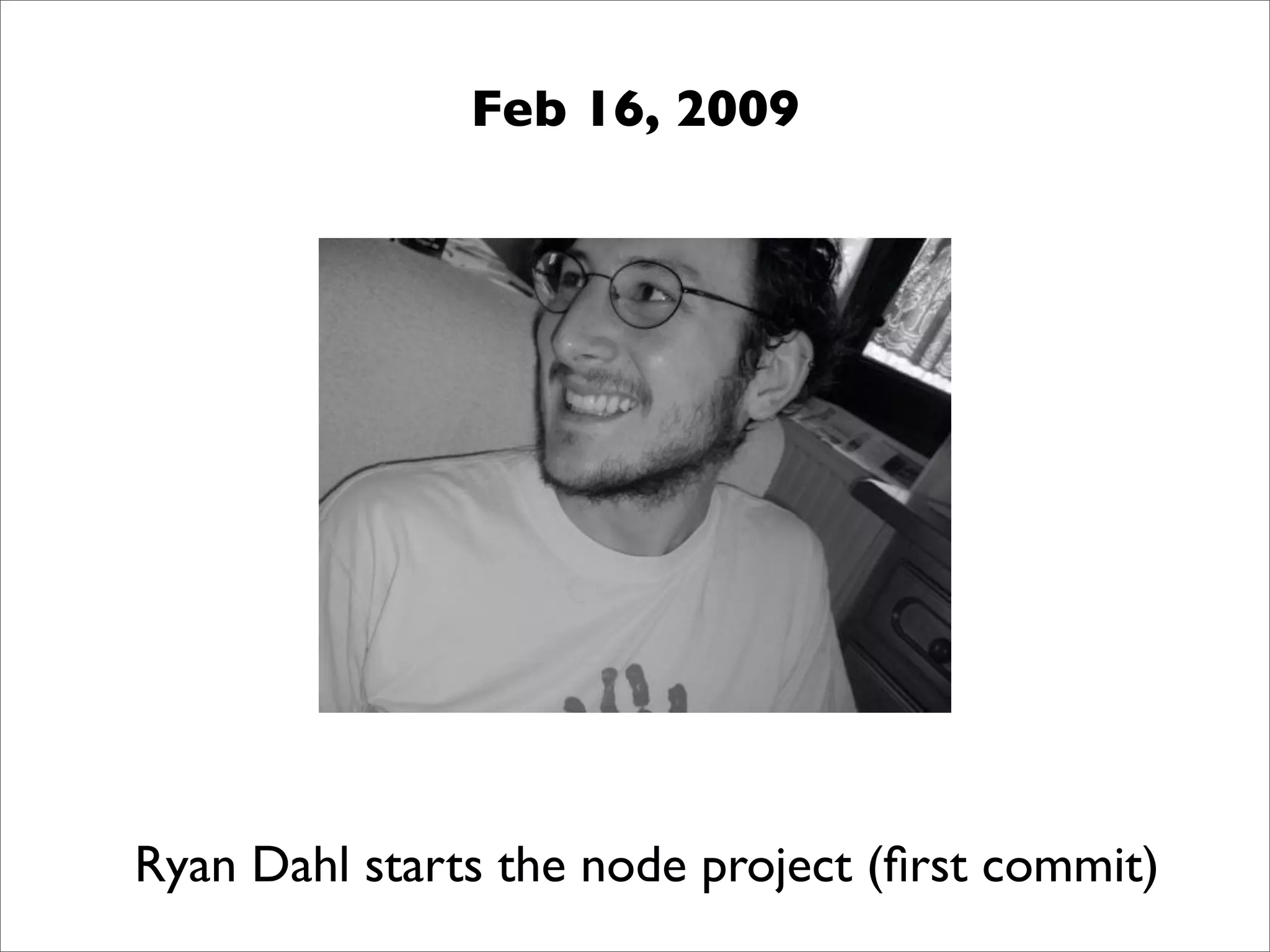
Feb 16, 2009 Ryan Dahl starts the node project (first commit)
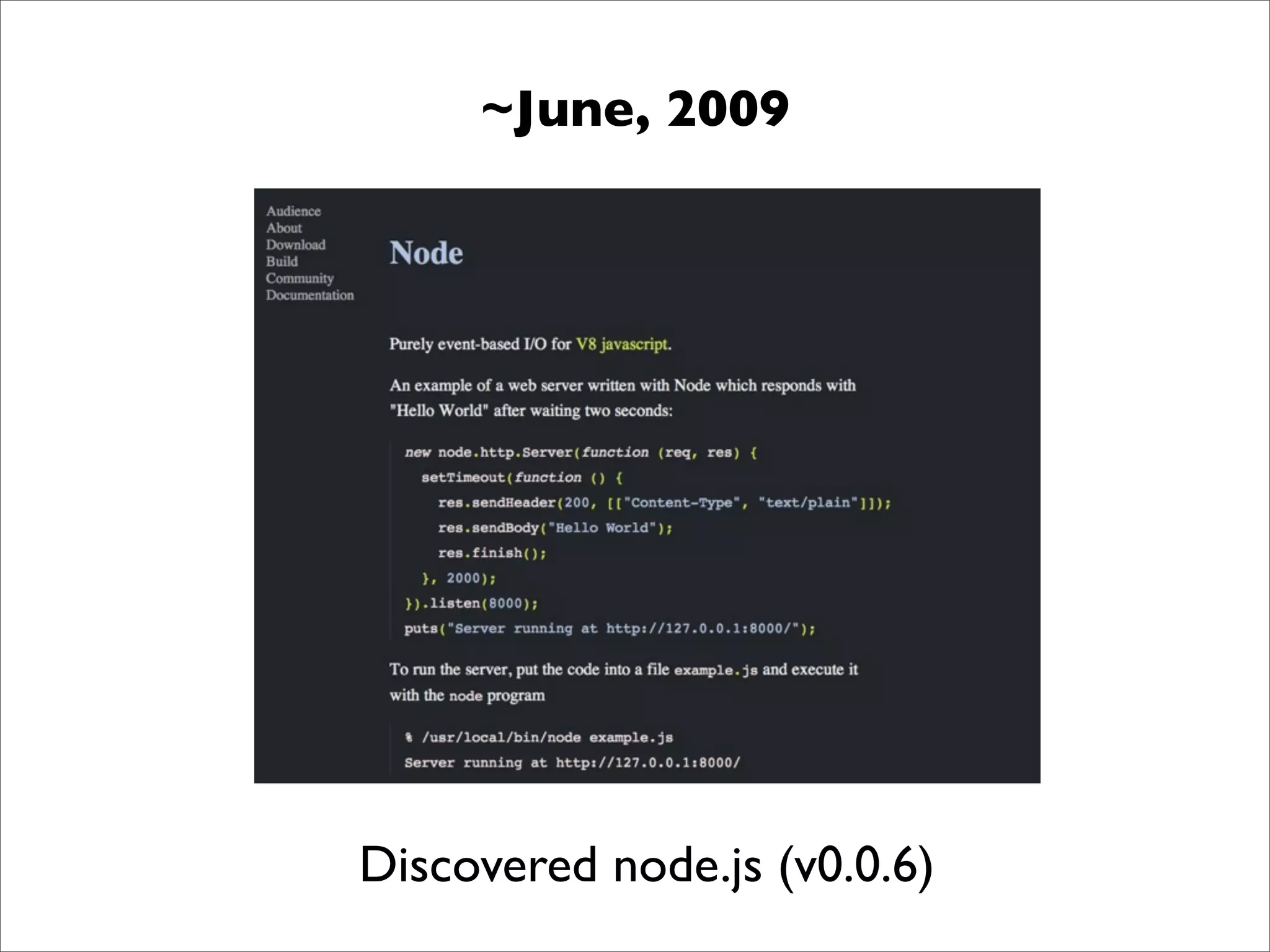
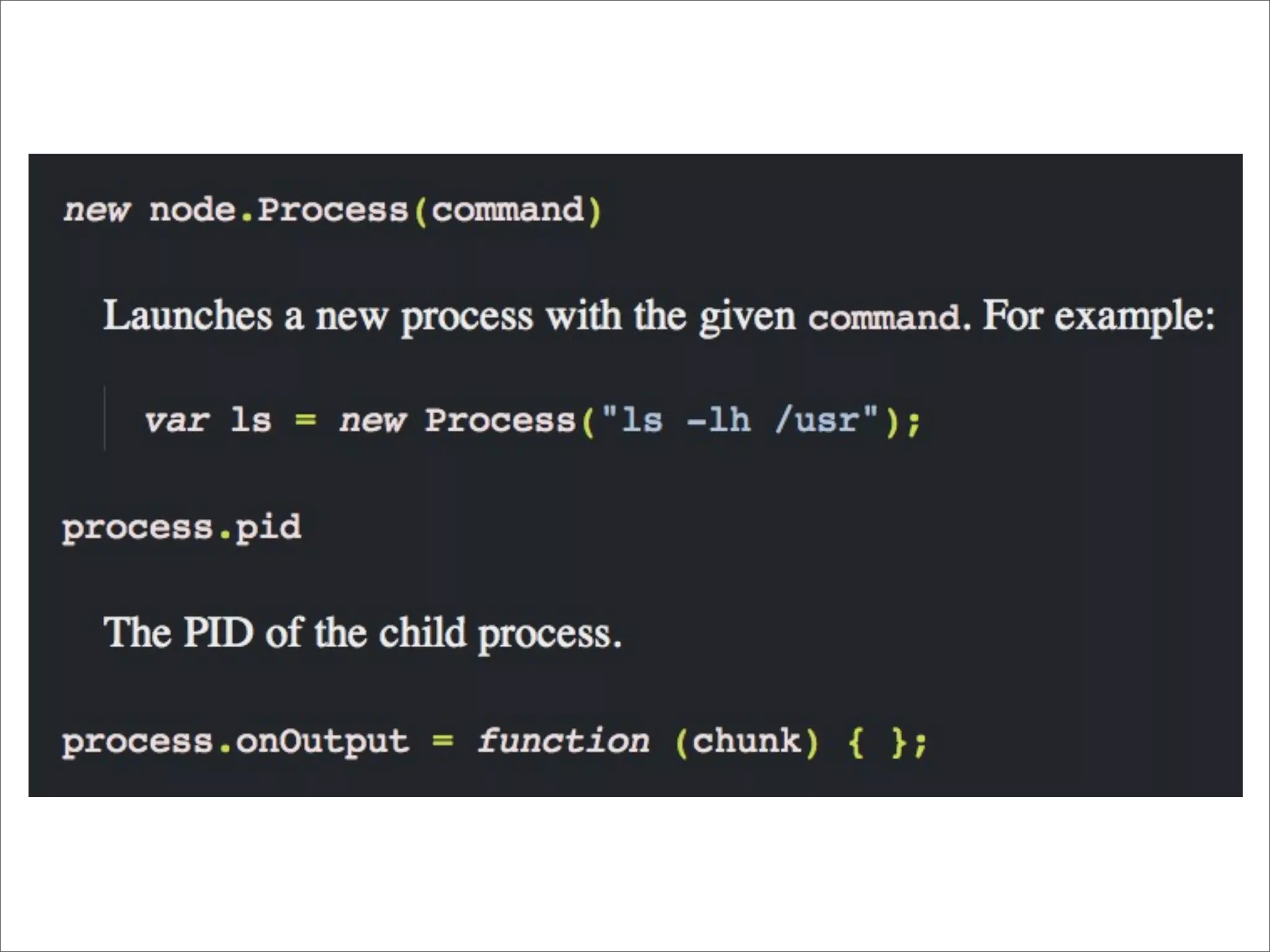
~June, 2009 Discovered node.js (v0.0.6)
transloadit.com
Core Contributor & Module Author node-mysql node-formidable + 30 other modules
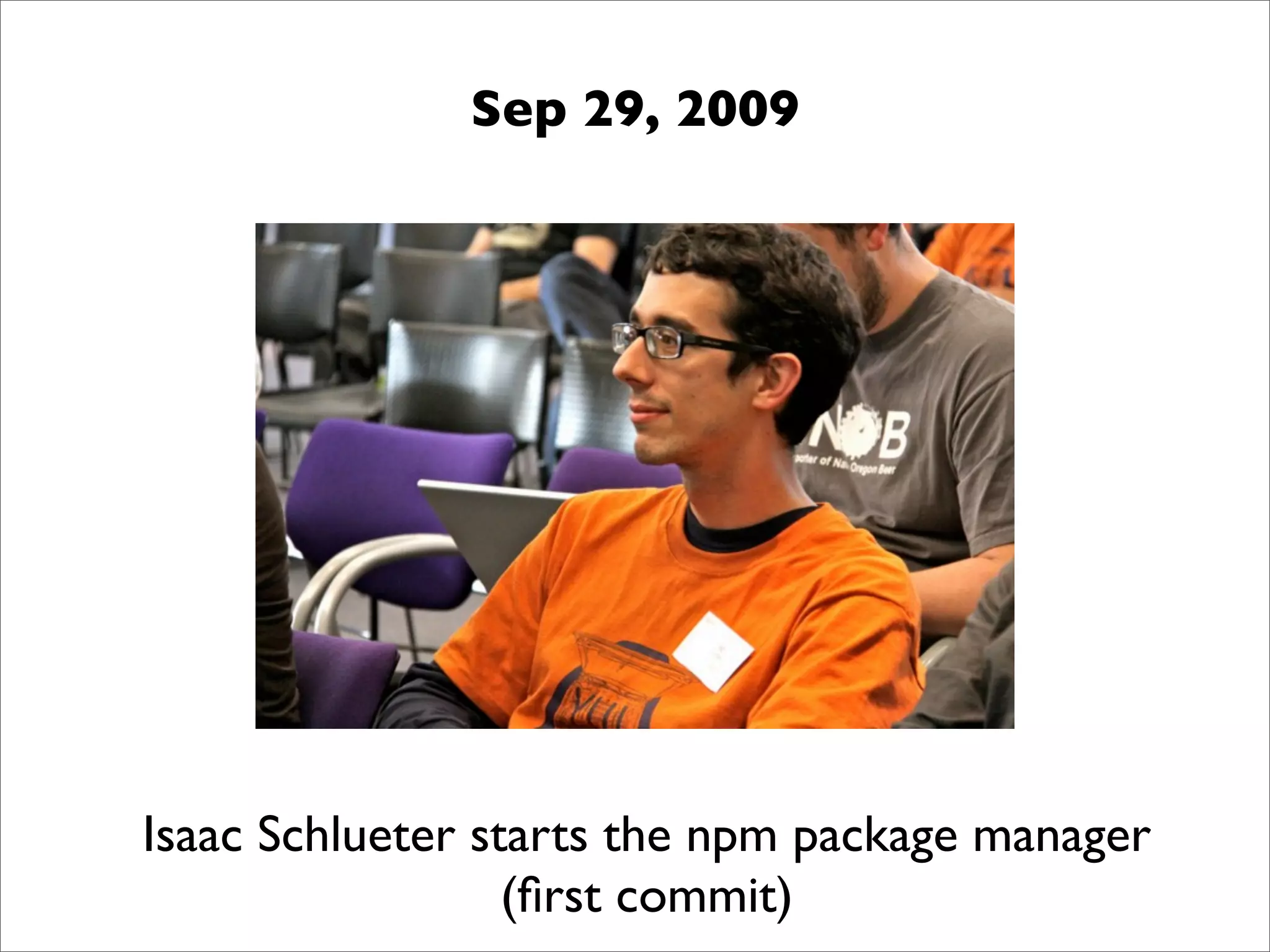
Sep 29, 2009 Isaac Schlueter starts the npm package manager (first commit)
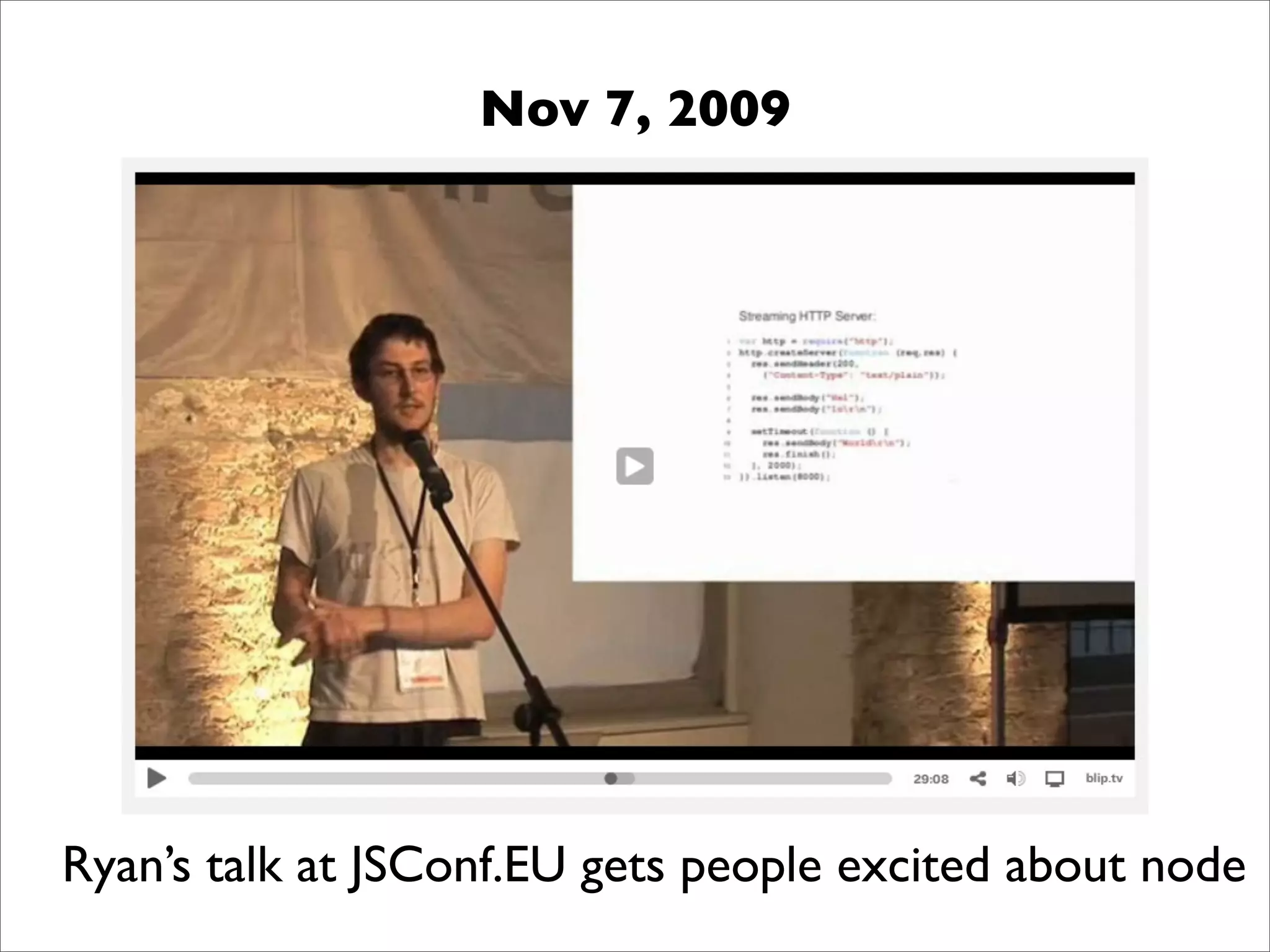
Nov 7, 2009 Ryan’s talk at JSConf.EU gets people excited about node
Today
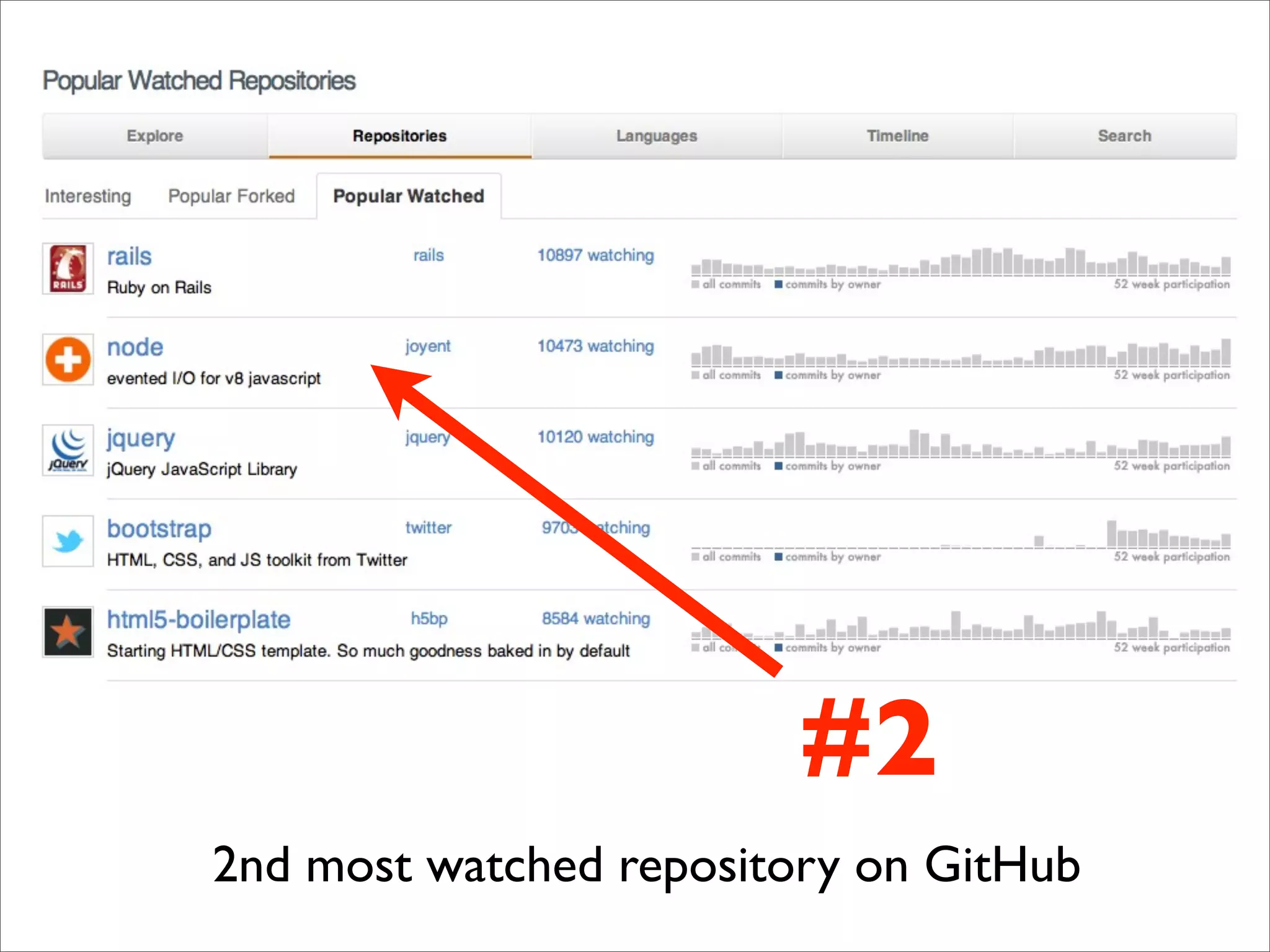
#2 2nd most watched repository on GitHub
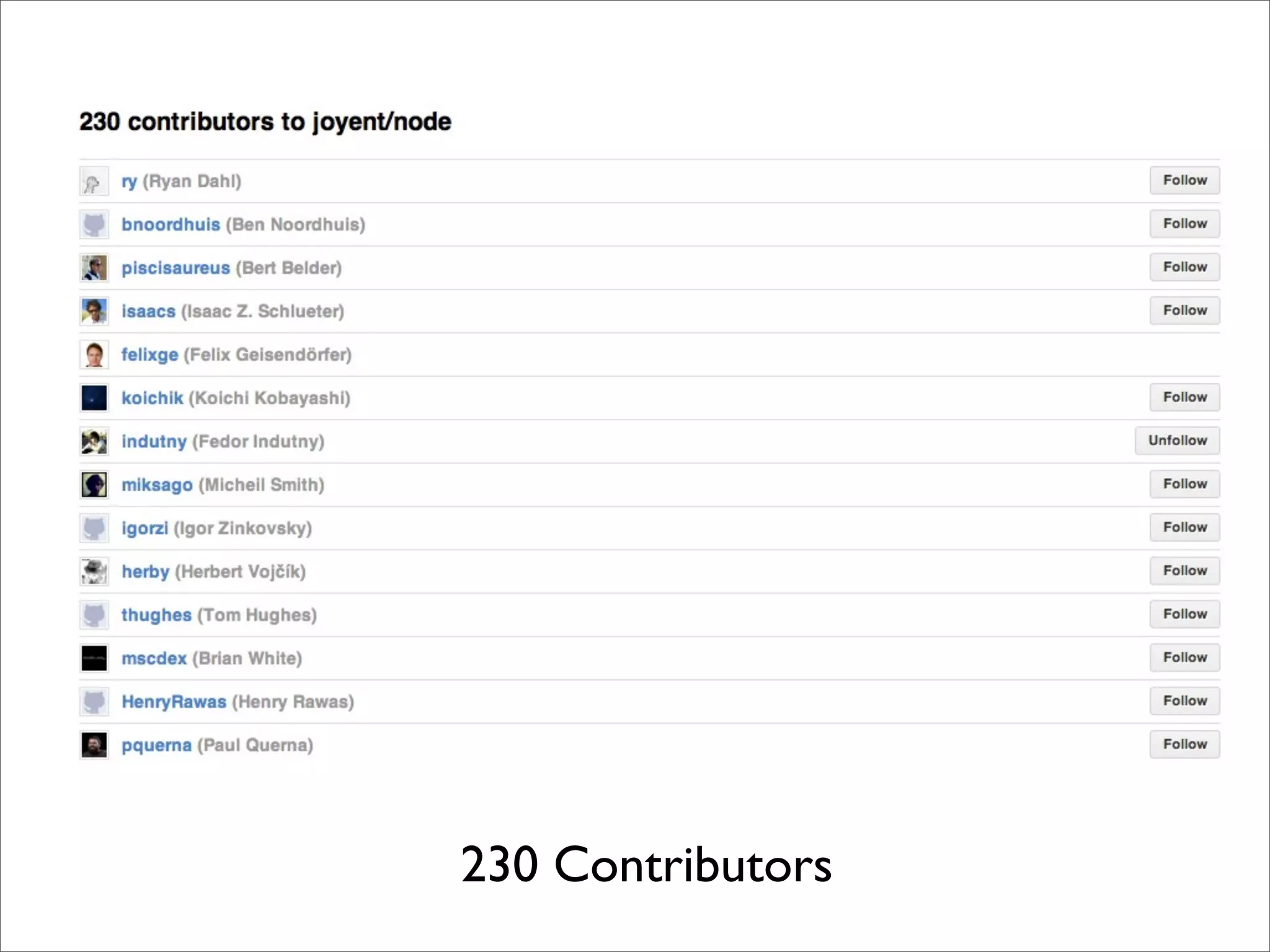
230 Contributors
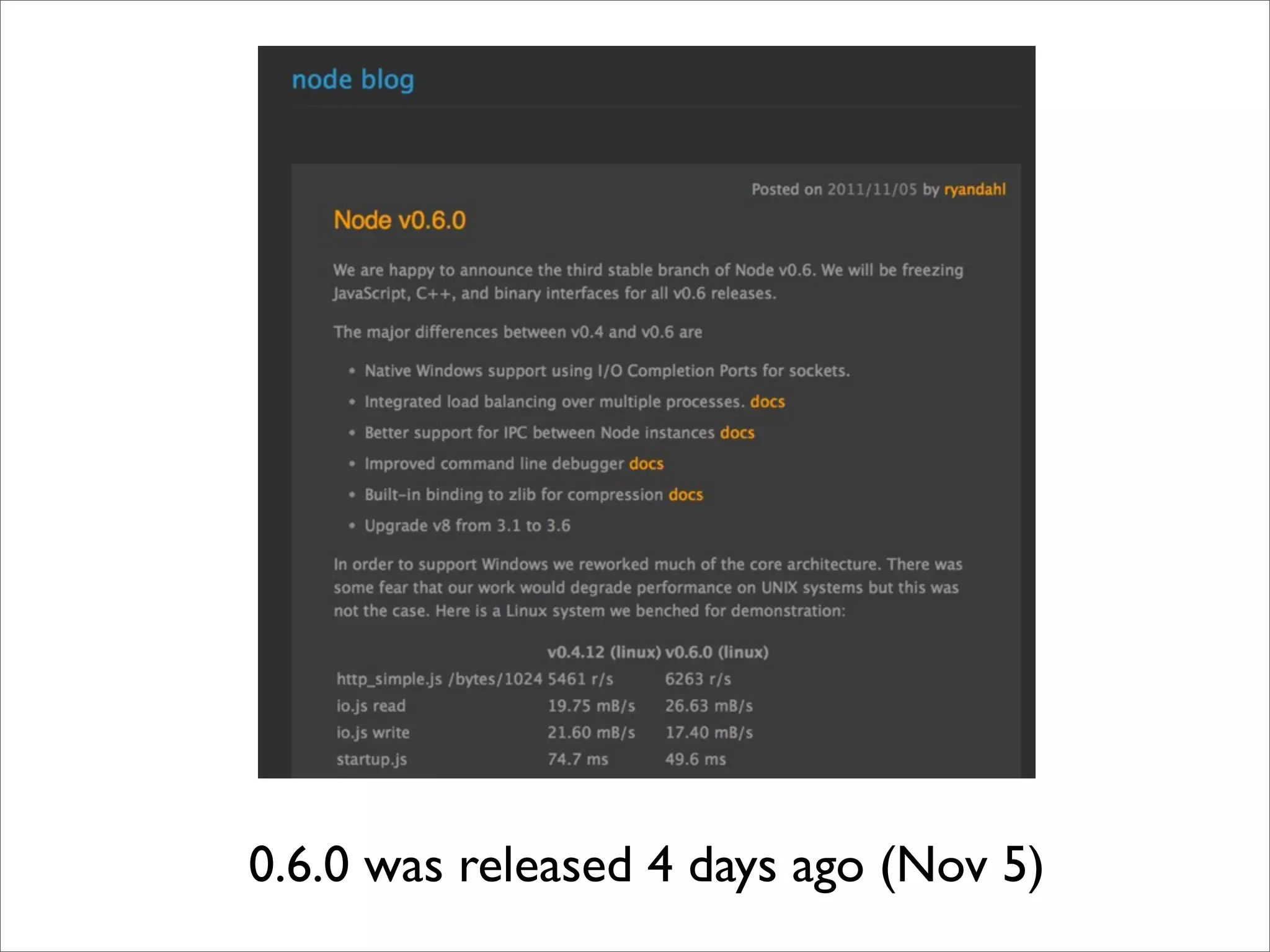
0.6.0 was released 4 days ago (Nov 5)
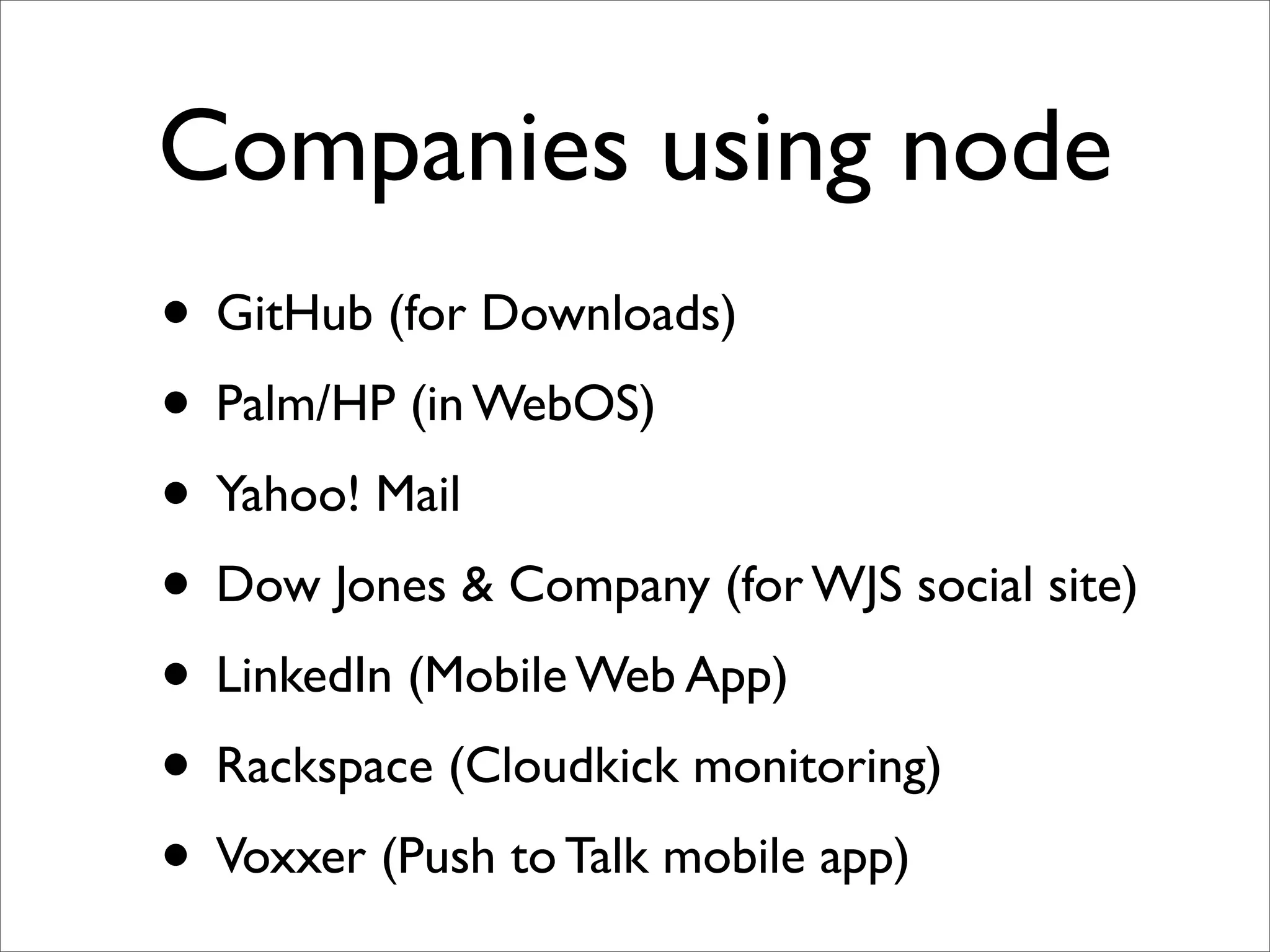
Companies using node • GitHub (for Downloads) • Palm/HP (in WebOS) • Yahoo! Mail • Dow Jones & Company (for WJS social site) • LinkedIn (Mobile Web App) • Rackspace (Cloudkick monitoring) • Voxxer (Push to Talk mobile app)
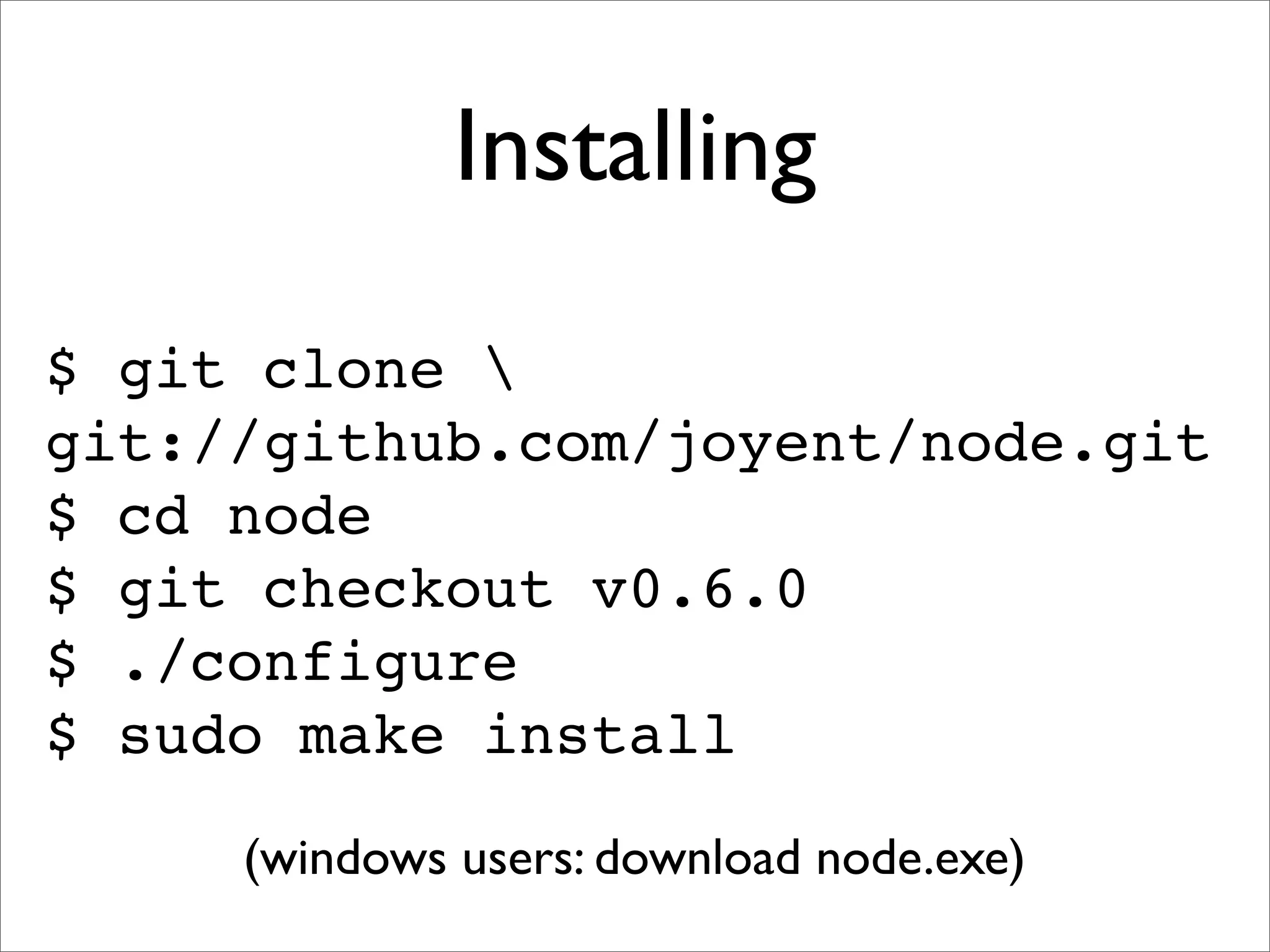
Installing $ git clone git://github.com/joyent/node.git $ cd node $ git checkout v0.6.0 $ ./configure $ sudo make install (windows users: download node.exe)
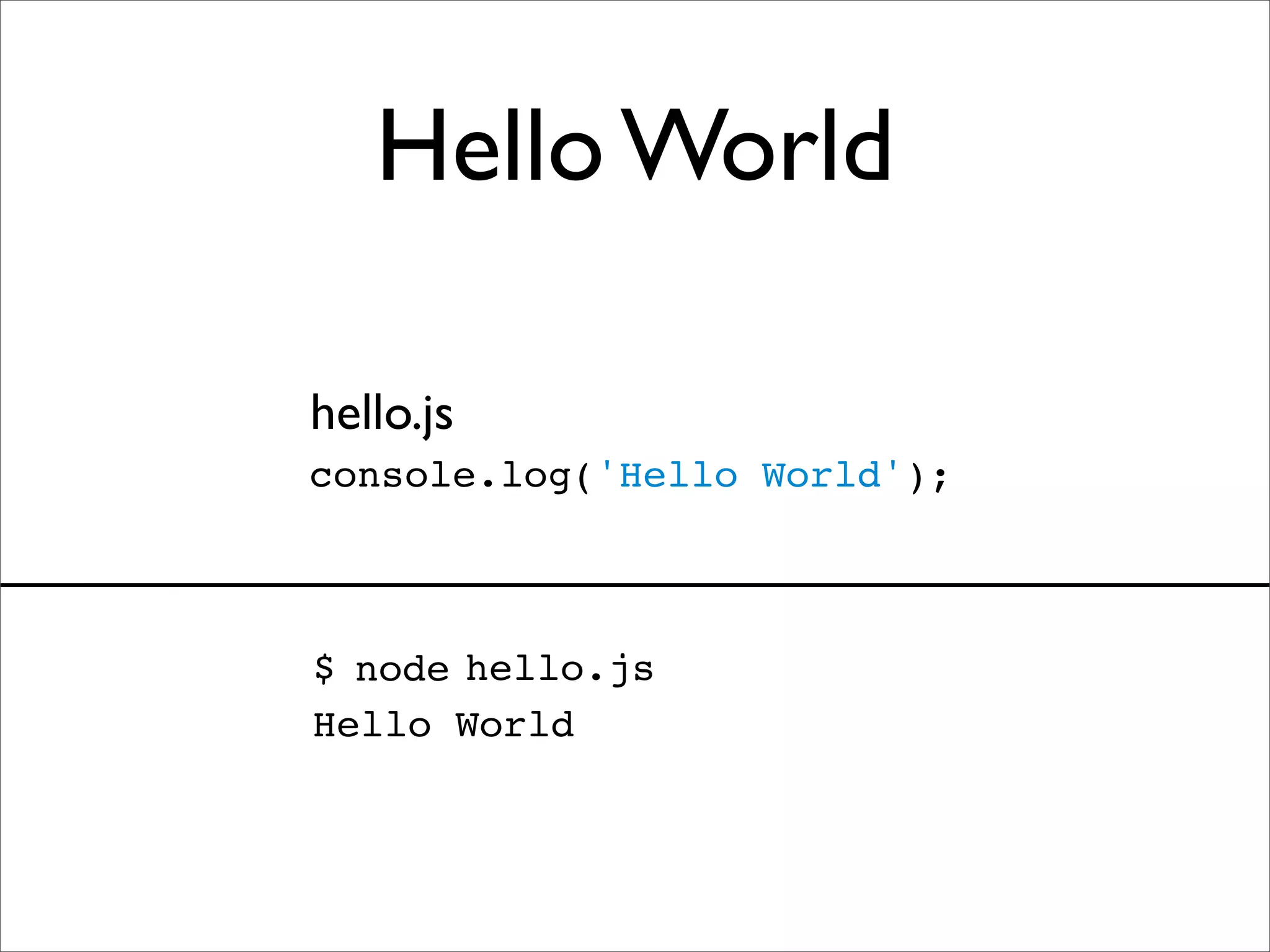
Hello World hello.js console.log('Hello World'); $ node hello.js Hello World
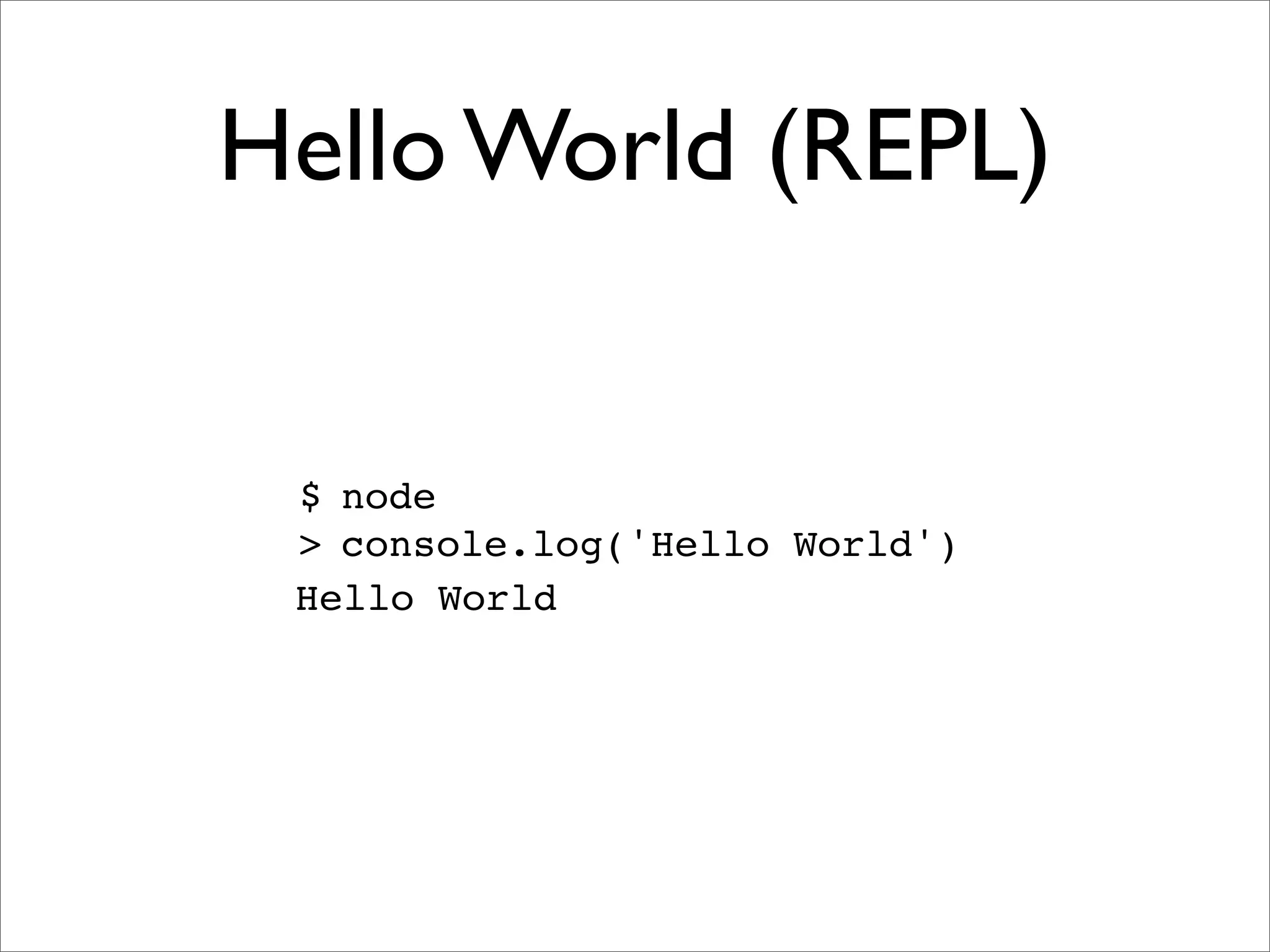
Hello World (REPL) $ node > console.log('Hello World') Hello World
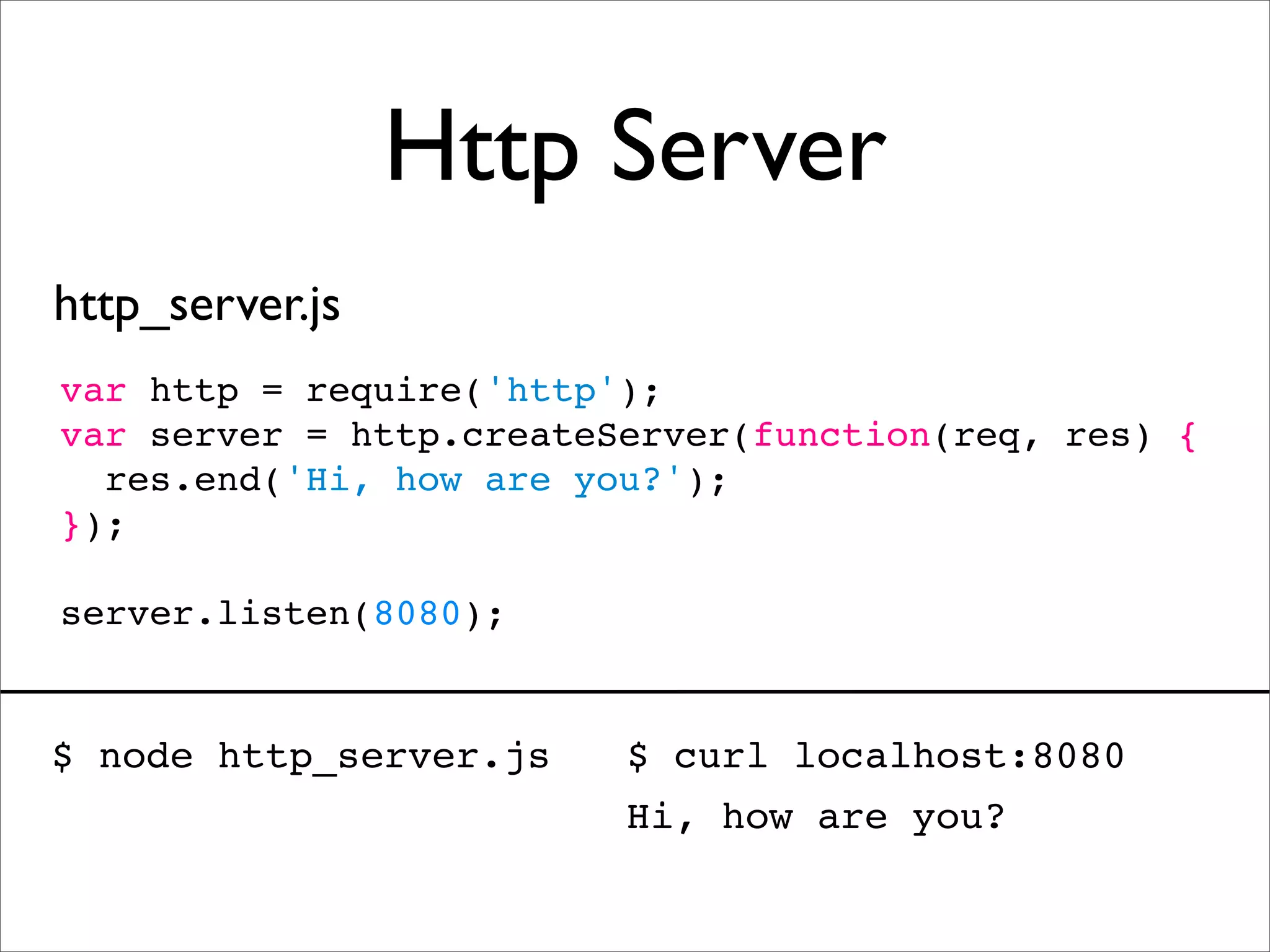
Http Server http_server.js var http = require('http'); var server = http.createServer(function(req, res) { res.end('Hi, how are you?'); }); server.listen(8080); $ node http_server.js $ curl localhost:8080 Hi, how are you?
“Come on, server side JS has been around since 1996”
What is so special about node?
Speed
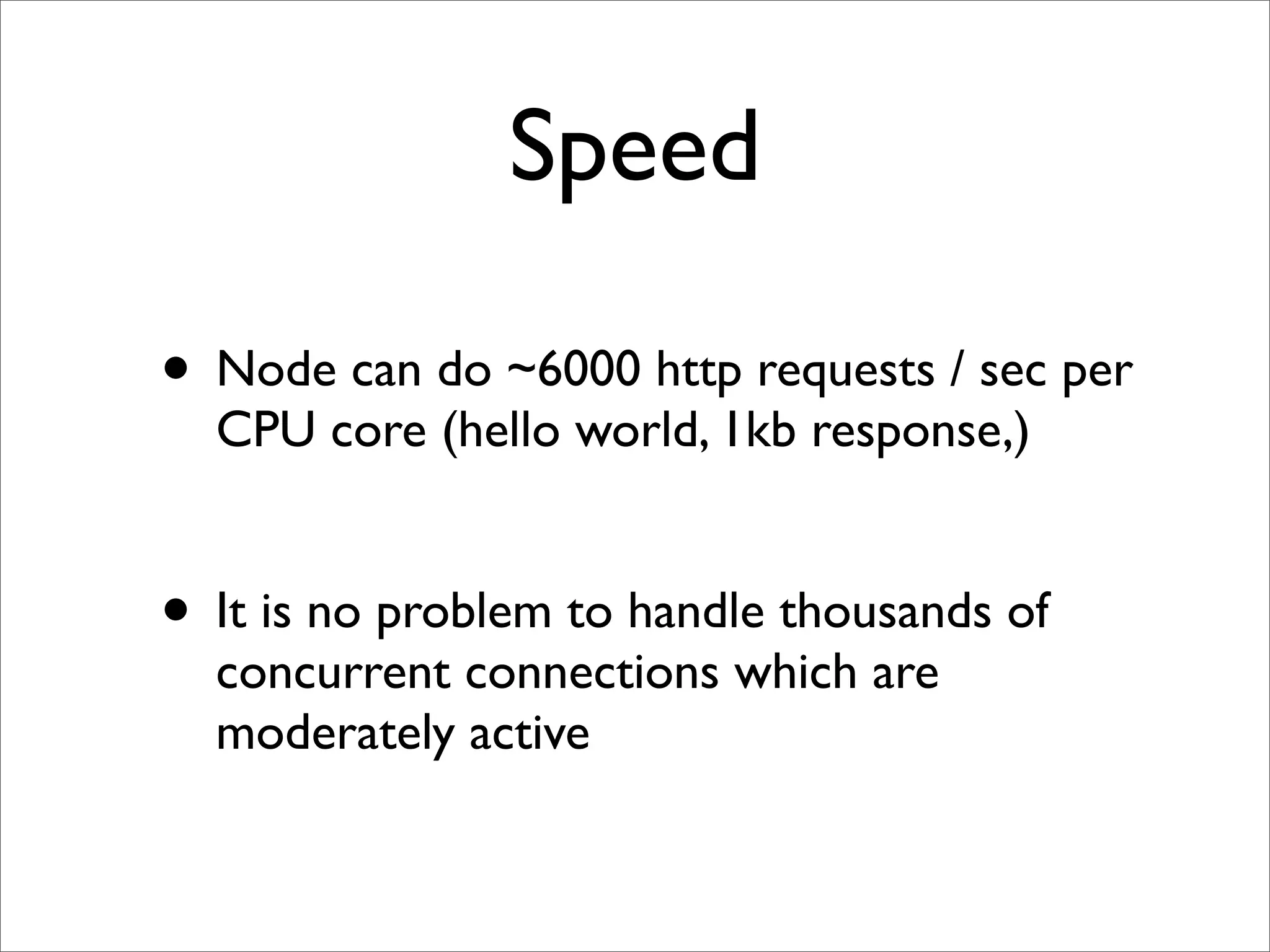
Speed • Node can do ~6000 http requests / sec per CPU core (hello world, 1kb response,) • It is no problem to handle thousands of concurrent connections which are moderately active
V8 JavaScript Engine
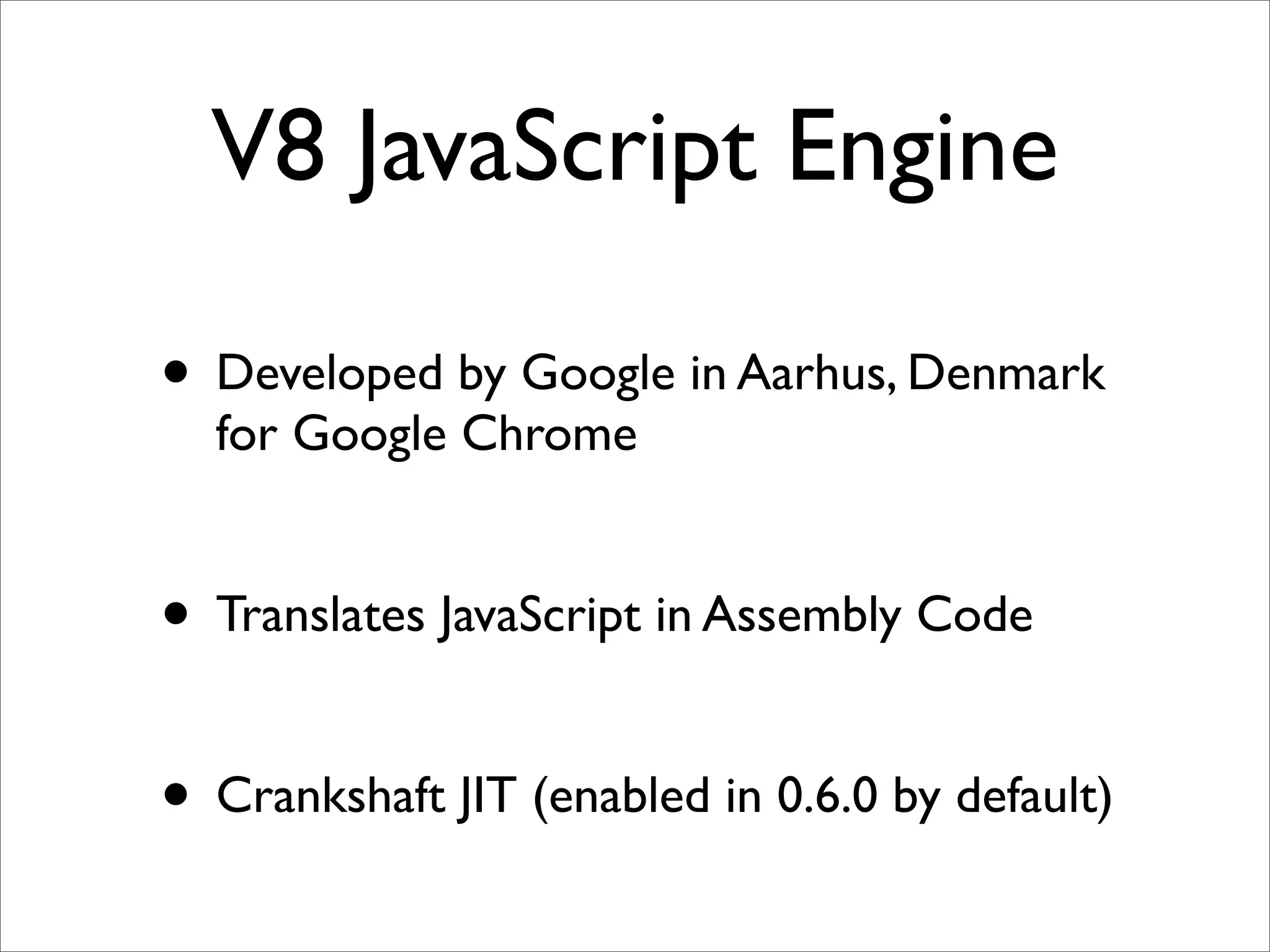
V8 JavaScript Engine • Developed by Google in Aarhus, Denmark for Google Chrome • Translates JavaScript in Assembly Code • Crankshaft JIT (enabled in 0.6.0 by default)
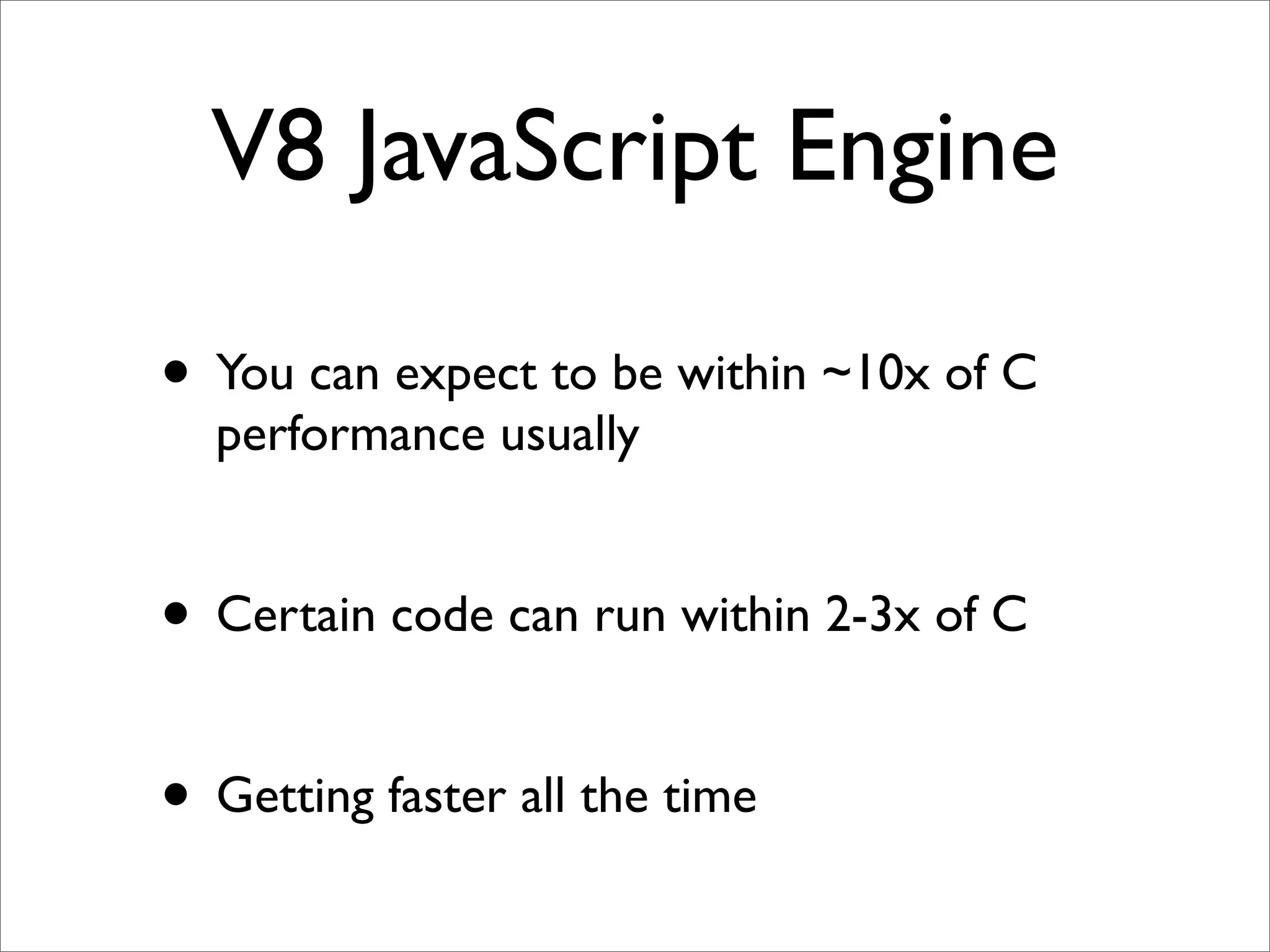
V8 JavaScript Engine • You can expect to be within ~10x of C performance usually • Certain code can run within 2-3x of C • Getting faster all the time
Non-Blocking I/O
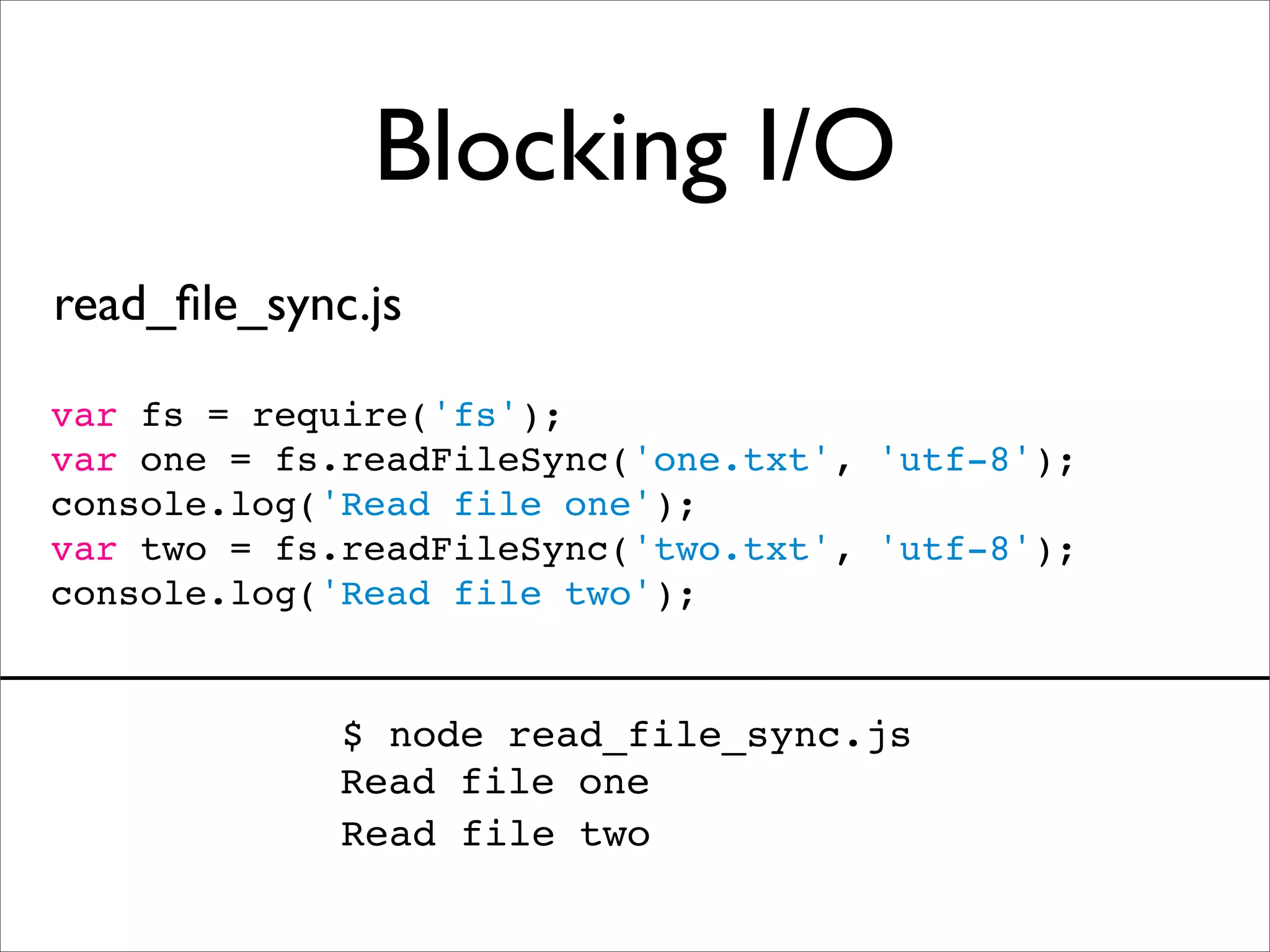
Blocking I/O read_file_sync.js var fs = require('fs'); var one = fs.readFileSync('one.txt', 'utf-8'); console.log('Read file one'); var two = fs.readFileSync('two.txt', 'utf-8'); console.log('Read file two'); $ node read_file_sync.js Read file one Read file two
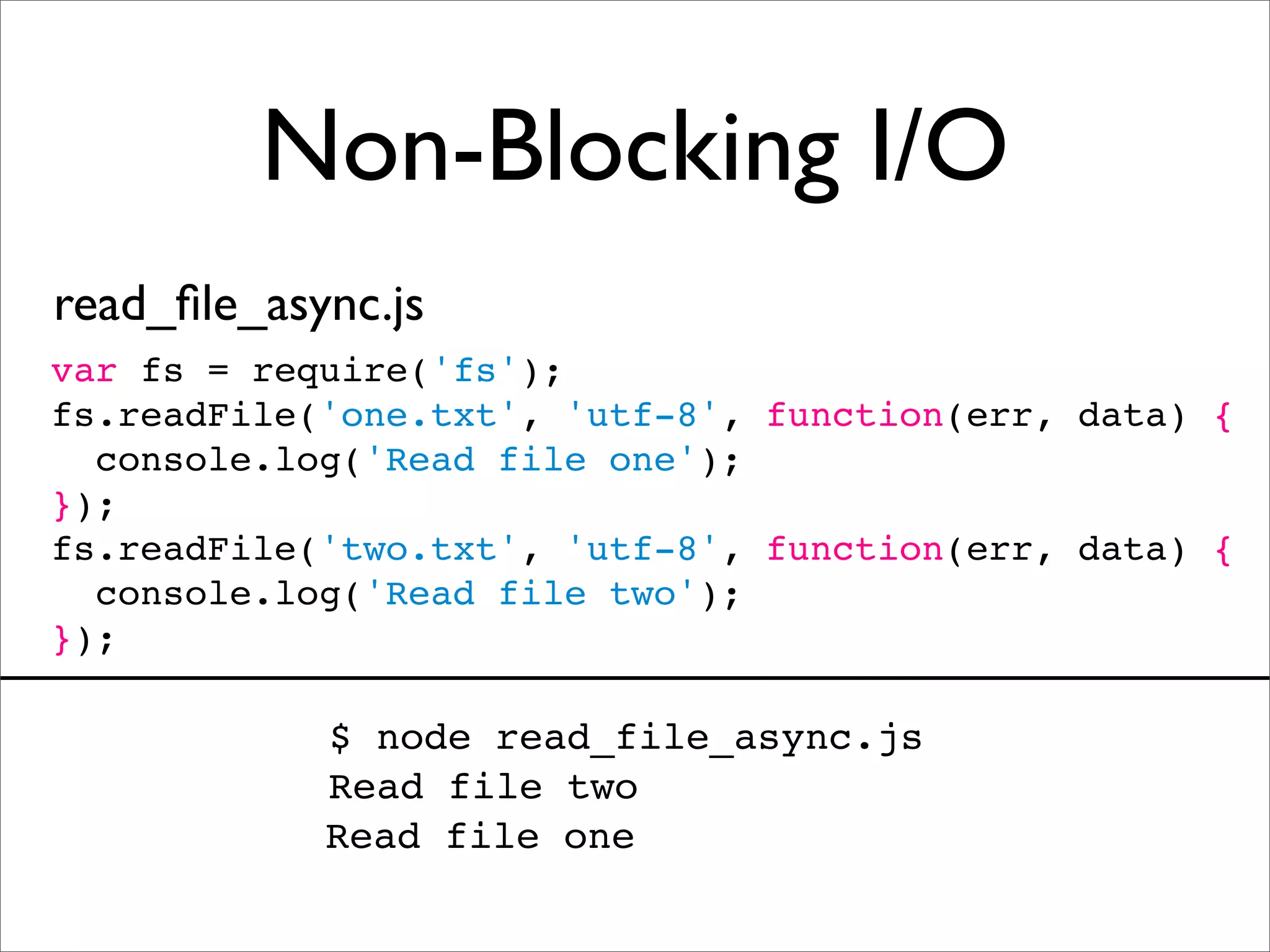
Non-Blocking I/O read_file_async.js var fs = require('fs'); fs.readFile('one.txt', 'utf-8', function(err, data) { console.log('Read file one'); }); fs.readFile('two.txt', 'utf-8', function(err, data) { console.log('Read file two'); }); $ node read_file_async.js Read file two Read file one
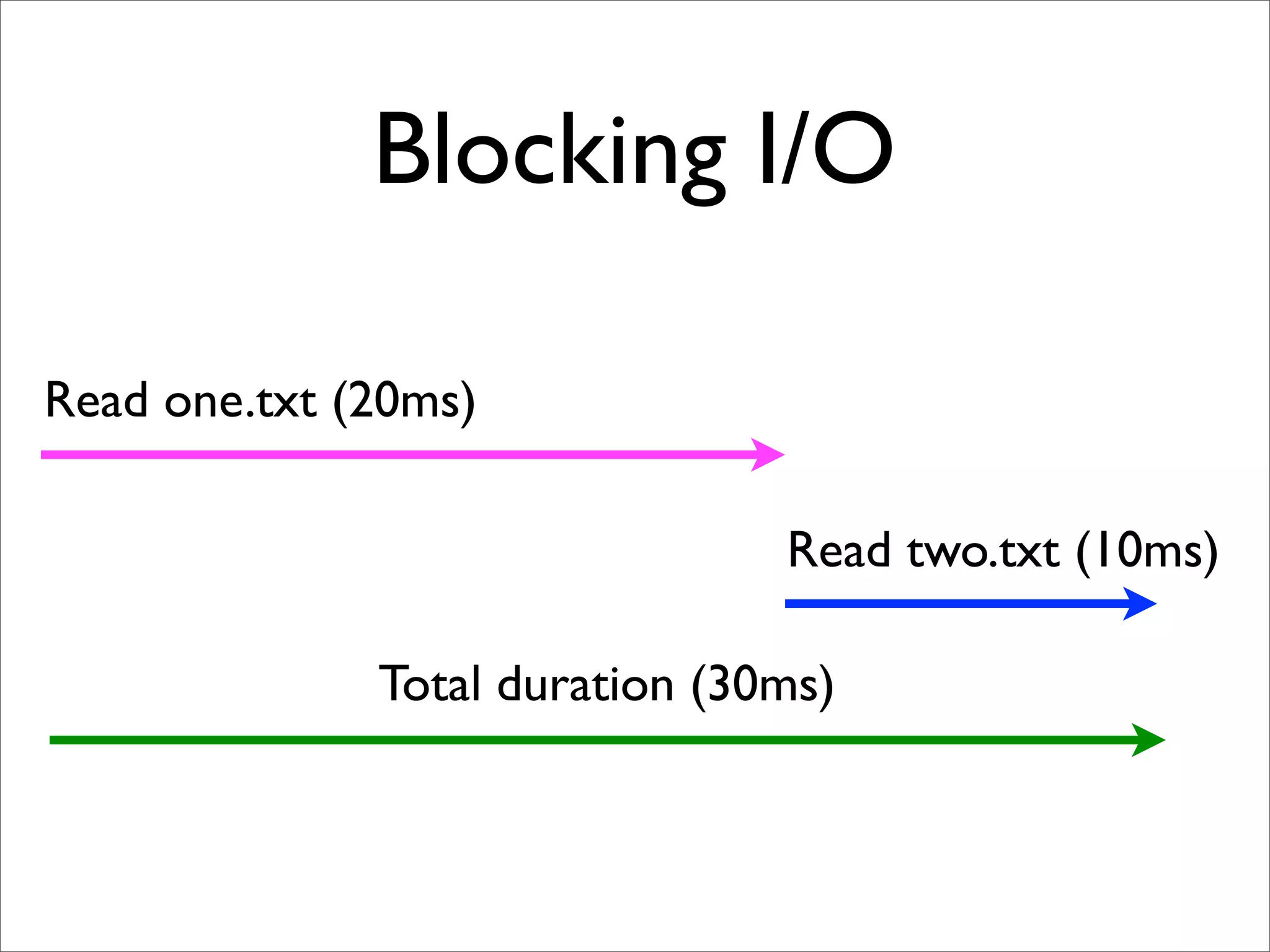
Blocking I/O Read one.txt (20ms) Read two.txt (10ms) Total duration (30ms)
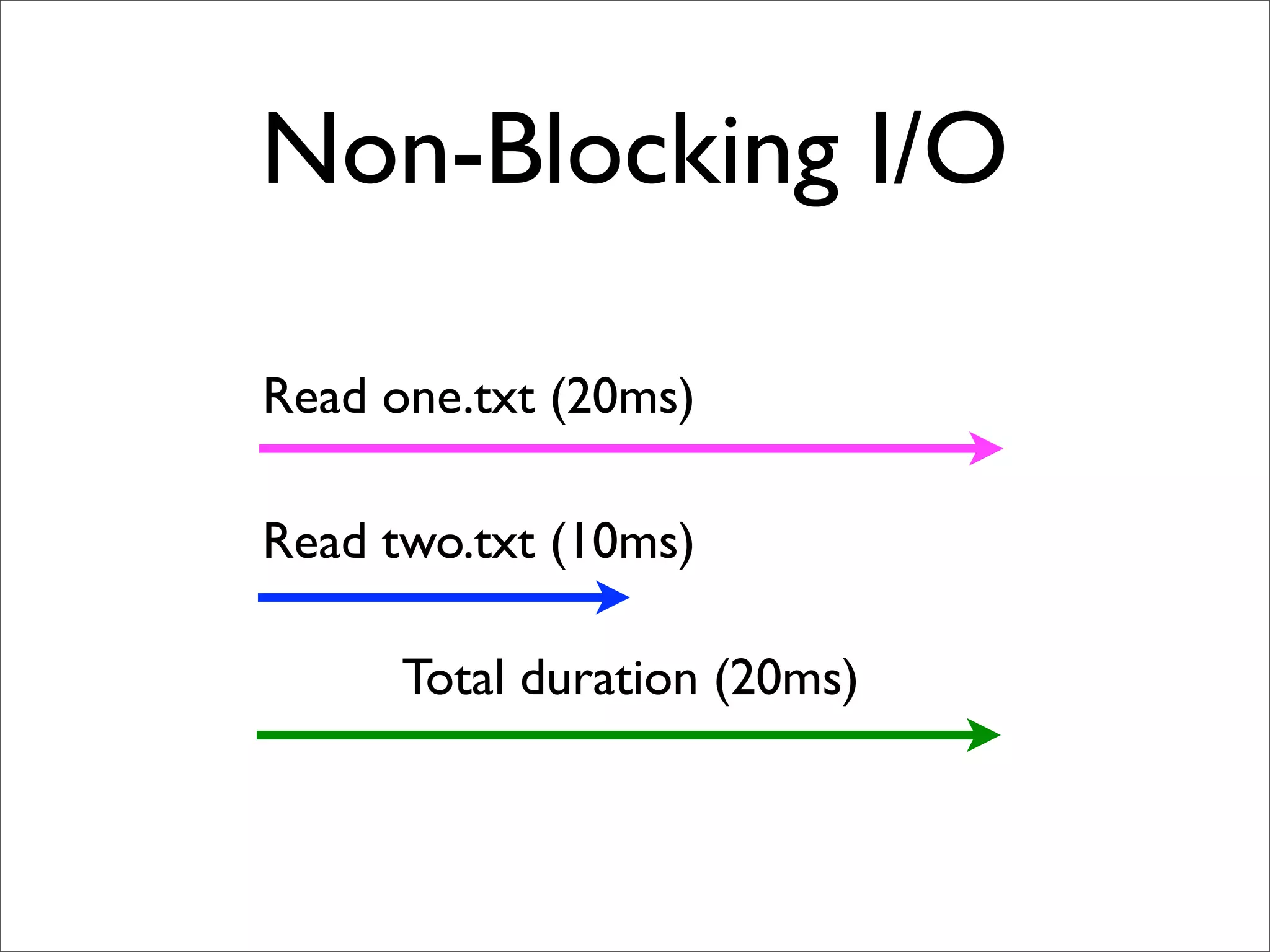
Non-Blocking I/O Read one.txt (20ms) Read two.txt (10ms) Total duration (20ms)
Non-Blocking I/O • Close to ideal for high concurrency / high throughput, single execution stack • Forces you to write more efficient code by parallelizing your I/O • Feels pretty much like AJAX in the browser
WebSockets (Push)
WebSockets • Persistent connection between browser/server • Very hard / awkward to do on traditional stacks • Hard to scale on traditional stacks
Socket.IO (community module) • WebSocket • Adobe® Flash® Socket • AJAX long polling • AJAX multipart streaming • Forever Iframe • JSONP Polling Chooses most capable transport at runtime!
Streams
“Streams are to time as arrays are to space.” -- Jed Schmidt @ JSConf.eu 2010
Streams in node.js • Readable • Writable • Both
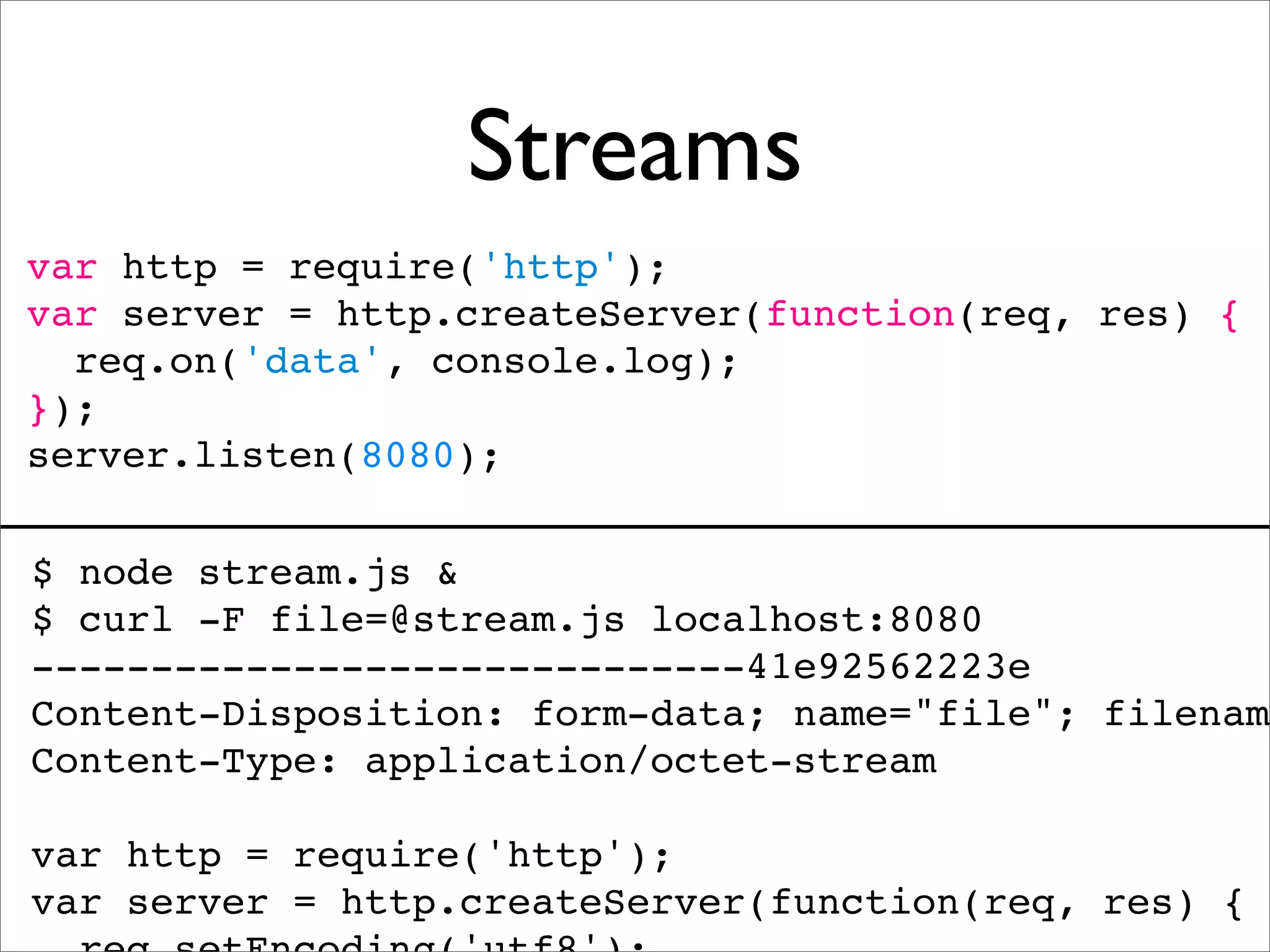
Streams var http = require('http'); var server = http.createServer(function(req, res) { req.on('data', console.log); }); server.listen(8080); $ node stream.js & $ curl -F file=@stream.js localhost:8080 ------------------------------41e92562223e Content-Disposition: form-data; name="file"; filename Content-Type: application/octet-stream var http = require('http'); var server = http.createServer(function(req, res) {
Streams var http = require('http'); var spawn = require('child_process').spawn; http.createServer(function(req, res) { var params = req.url.split('/'); var args = [params[1], '-resize', params[2], '-']; var convert = spawn('convert', args); convert.stdout.pipe(res); }).listen(8080);
On Github felixge/node-convert-example
NPM package manager
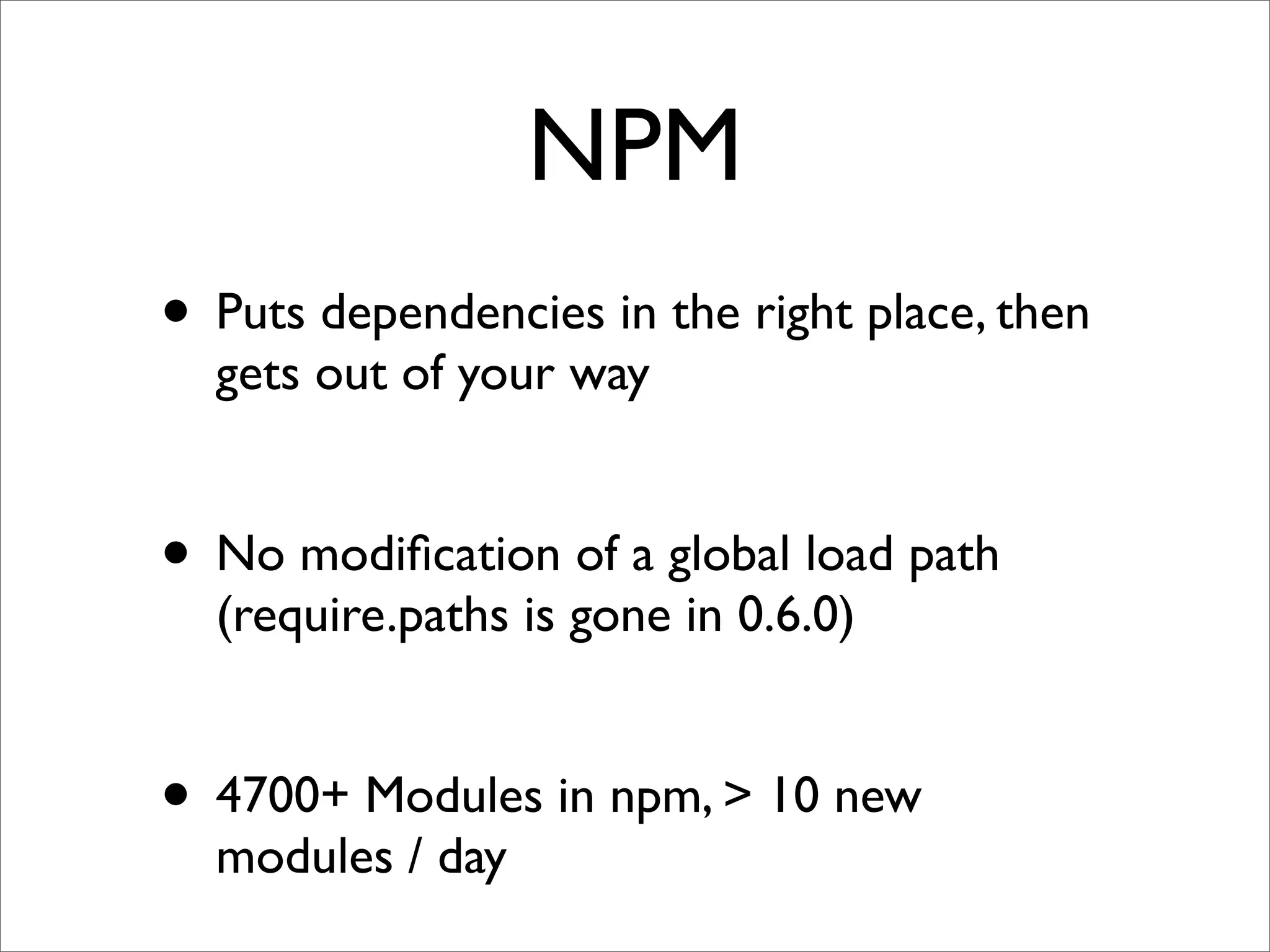
NPM • Puts dependencies in the right place, then gets out of your way • No modification of a global load path (require.paths is gone in 0.6.0) • 4700+ Modules in npm, > 10 new modules / day
So what is node good for?
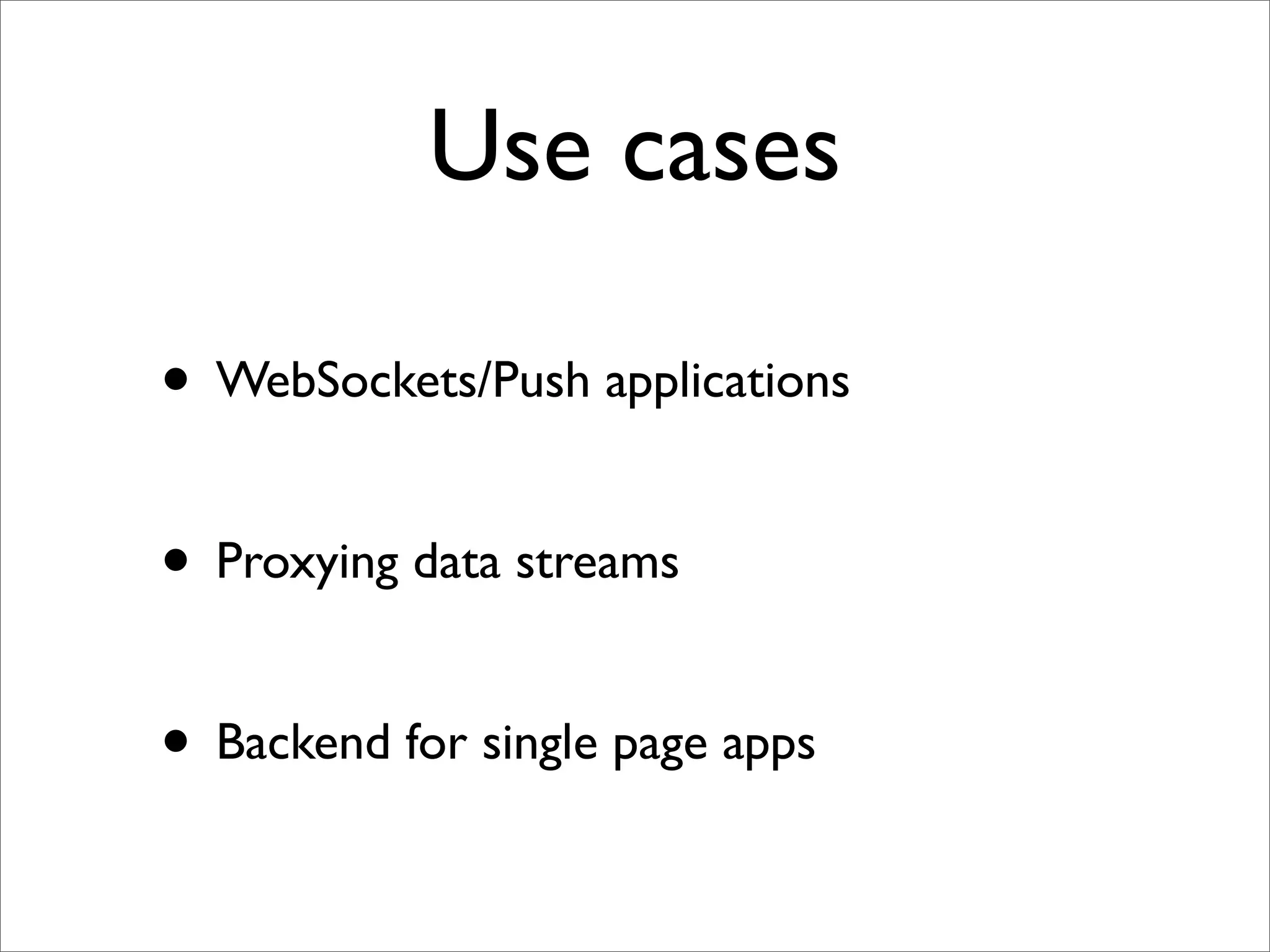
Use cases • WebSockets/Push applications • Proxying data streams • Backend for single page apps
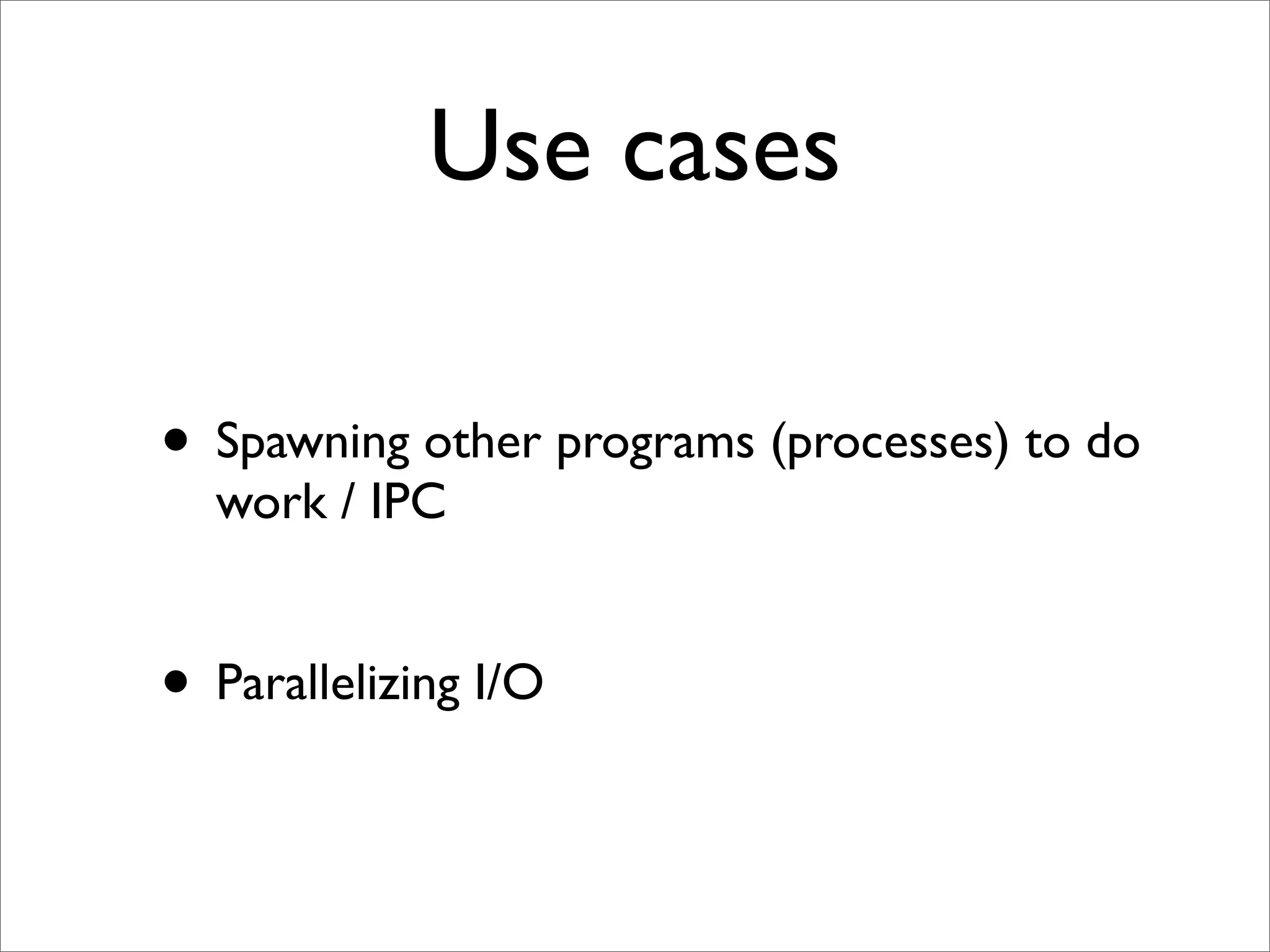
Use cases • Spawning other programs (processes) to do work / IPC • Parallelizing I/O
So what is node not good for?
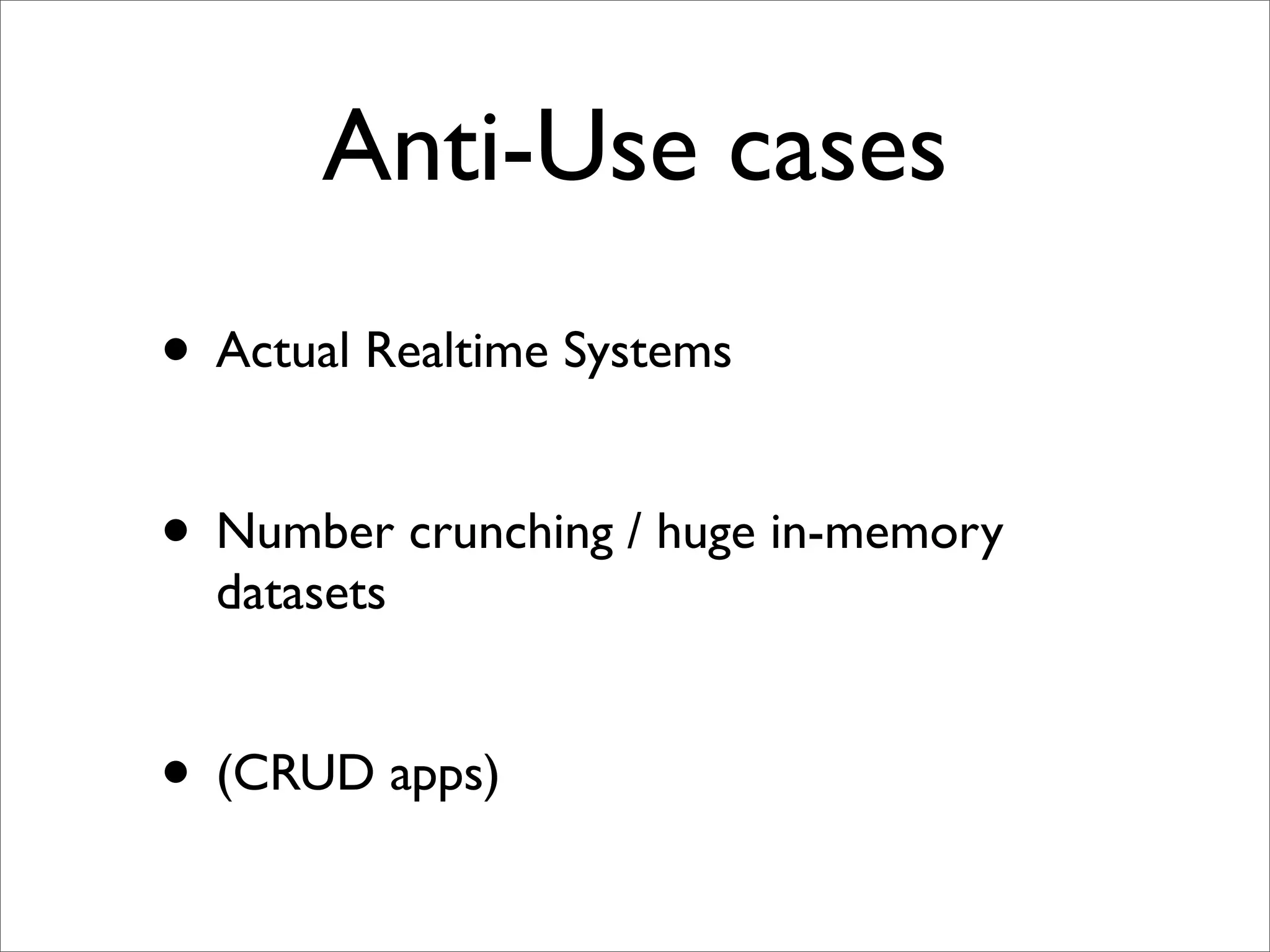
Anti-Use cases • Actual Realtime Systems • Number crunching / huge in-memory datasets • (CRUD apps)
Join the Community • Mailing list (nodejs, nodejs-dev) • IRC (#node.js) - 700+ User online
Thank you!
Questions? @felixge
Thank you!
Bonus Slide
What’s next? • Domains • Improved Stream API

Nodejs a-practical-introduction-oredev