Learning Objectives • Examine computing algorithms;​ • Use flowchart and pseudo code in representing computing solutions;​ • Write the pseudo code for a defined computing problem;​ • Create a program using the formulated pseudo code in solving the given problem.​
Agenda​ • Software Development Process​ • Definition​ • Input-Process-Output​ • Pseudo Code​
Software Development ​ • Requirement analysis, leading to a specification of the problem​ • Design of a solution​ • Implementation of the solution​ • Analysis of the solution​ • Testing, debugging and integration​ • Maintenance and evolution of the system.​
Specification of a problem • A precise statement/description of the problem. ​ • It involves describing the input, the expected output, and the relationship between the input and output. ​ • This is often done through preconditions and post-conditions. ​
Design (1) ​ •Formulation of a method, that is, of a sequence of steps, to solve the problem. ​ •The design “language” can be pseudo- code, flowcharts, natural language, any combinations of those, etc. ​ ​
Design (2) ​ •A design so expressed is called an algorithm(s). ​ •A good design approach is a top-down design where the problem is decomposed into smaller, simpler pieces, where each piece is designed into a module. ​
Implementation ​ •Development of actual source code that will carry out the design and solve the problem. •​ •The design and implementation of data structures, abstract data types, and classes, are often a major part of design implementation.​
Analysis of the Solution ​ • Estimation of how much time and memory an algorithm takes. ​ • The purpose is twofold: ​ • to get a ballpark figure of the speed and memory requirements to see if they meet the target​ • to compare competing designs and thus choose the best before any further investment in the application (implementation, testing, etc.)​
Testing and Debugging (1) ​ • Testing a program for syntactical correctness (no compiler errors)​ • Testing a program for semantic correctness, that is, checking if the program gives the correct output. ​
Testing and Debugging (2) ​ • This is done by:​ • having sample input data and corresponding, known output data;​ • running the programs against the sample input;​ • comparing the program output to the known output; and​ • in case there is no match, modify the code to achieve a perfect match. ​
Testing and Debugging (3) ​ • One important tip for thorough testing: ​ • “Fully exercise the code, that is, make sure each line of your code is executed.”​
Integration ​ • Gluing all the pieces (modules) together to create a cohesive whole system. ​
Maintenance and Evolution of a System ​ • On-going, on-the-job modifications and updates of the programs. ​
What is an Algorithm? (1)​ • An organized sequence or list of clear steps or operations needed to solve a given programming problem​ • 3 Components:​ • Input​ • Process (Steps or Instructions)​ • Output​
What is an Algorithm? (2)​ • Any well-defined computational procedure that takes some value(s) as input and produces some value(s) as output​ • Sequence of computational steps that transform the input to output​
Efficient Algorithms​ • We choose between different algorithms based on their efficiency​ • Usual measure of efficiency:​ • Speed – how long an algorithm takes to produce its result​ • Memory – how much resources an algorithm takes to produce its result​
Algorithm Formulation (STEPS)​ • Understand the problem​ • Determine the given inputs, the desired output, and the steps to reach the output​ • Design the algorithm​ • Write the algorithm that will solve the problem given the inputs​
Algorithm Formulation (STEPS)​ • Analyse the algorithm​ • Determine the resources that the algorithm requires – memory, bandwidth, hardware, computational time​ • Refine the algorithm​ • Verification​ • Test the algorithm to ensure it performs its intended task​
Algorithm Analysis​ • Study the behaviour of the algorithm to determine its pattern and performance​ • Measured in terms of execution time (speed) and amount of memory (space) consumed​ • Designing efficient algorithms​
Algorithm​ • PROBLEM​ • GIVEN (INPUT)​ • OUTCOME (OUTPUT)​ • PROCEDURE​
Algorithm Sample (A1)​ • PROBLEM​ • Create a program that will compute and display the volume of a prefect cube.​
Algorithm Sample (A2)​ • GIVEN​ • Let :​ • side be the side of the cube​
Algorithm Sample (A3)​ • OUTCOME​ • volume​
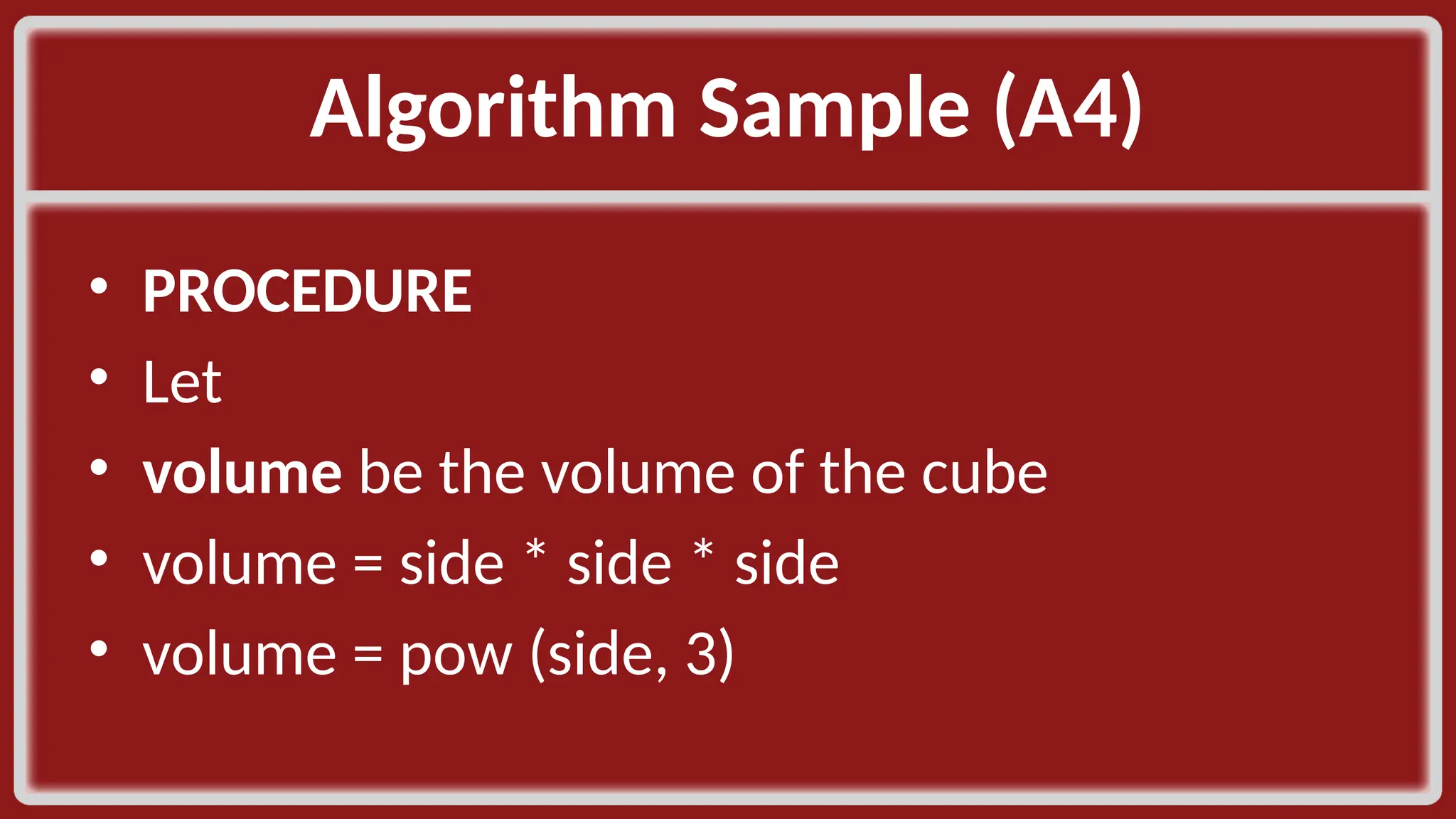
Algorithm Sample (A4)​ • PROCEDURE​ • Let​ • volume be the volume of the cube​ • volume = side * side * side​ • volume = pow (side, 3)​
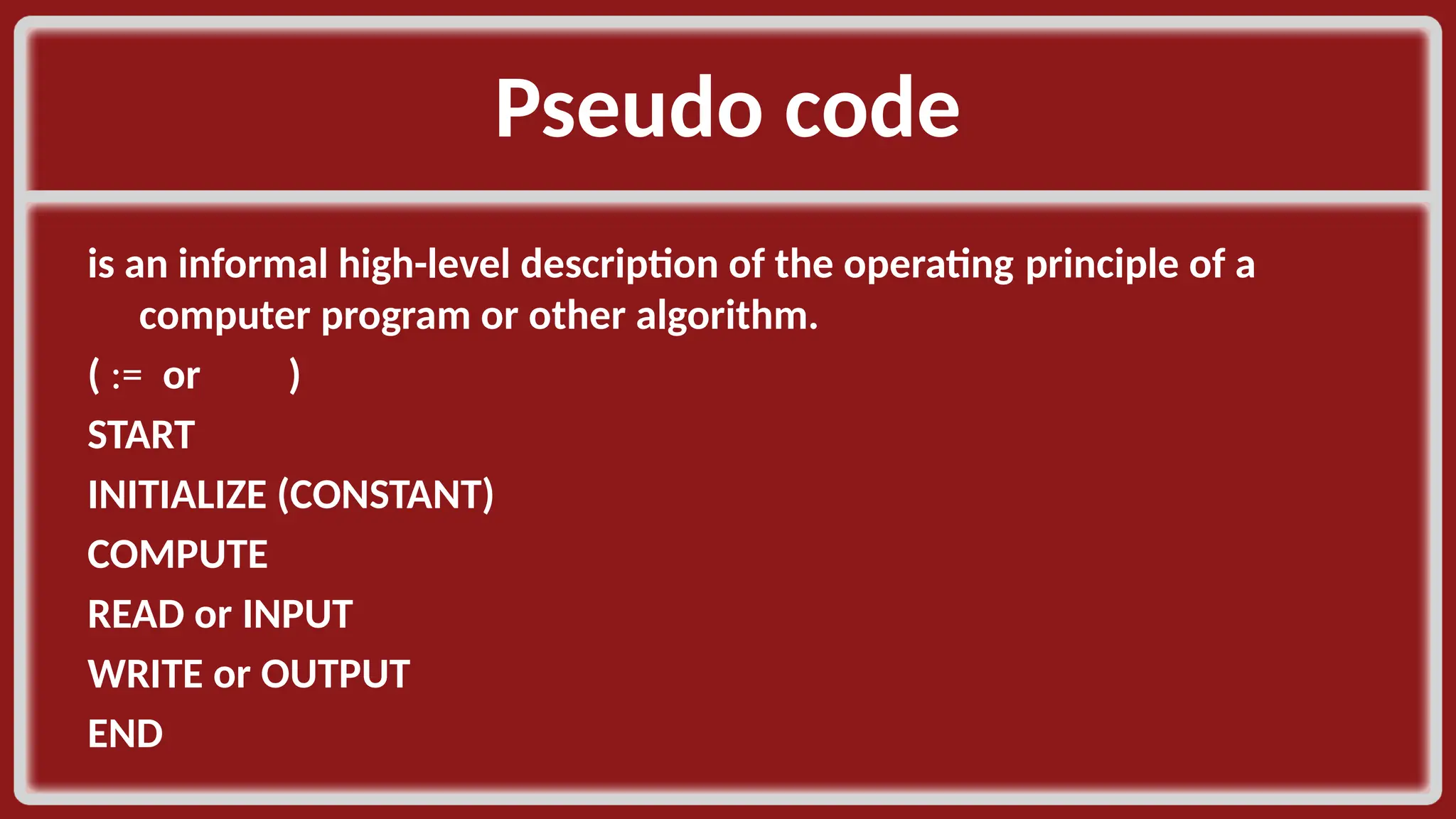
Pseudo code​ is an informal high-level description of the operating principle of a computer program or other algorithm. ​ ( := or )​ START​ INITIALIZE (CONSTANT)​ COMPUTE​ READ or INPUT​ WRITE or OUTPUT​ END​
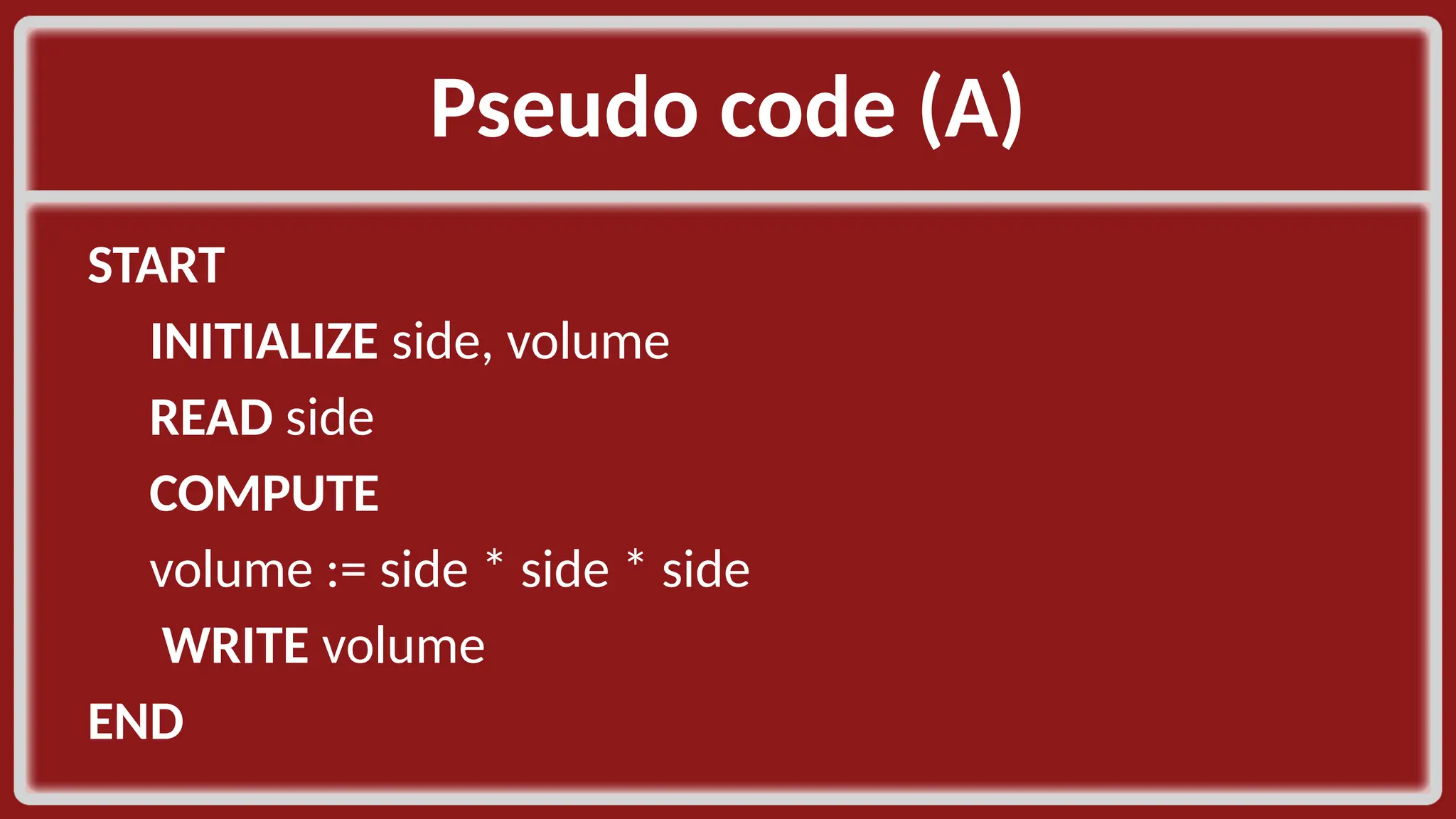
Pseudo code (A)​ START​ INITIALIZE side, volume ​ READ side​ COMPUTE​ volume := side * side * side​ WRITE volume​ END​
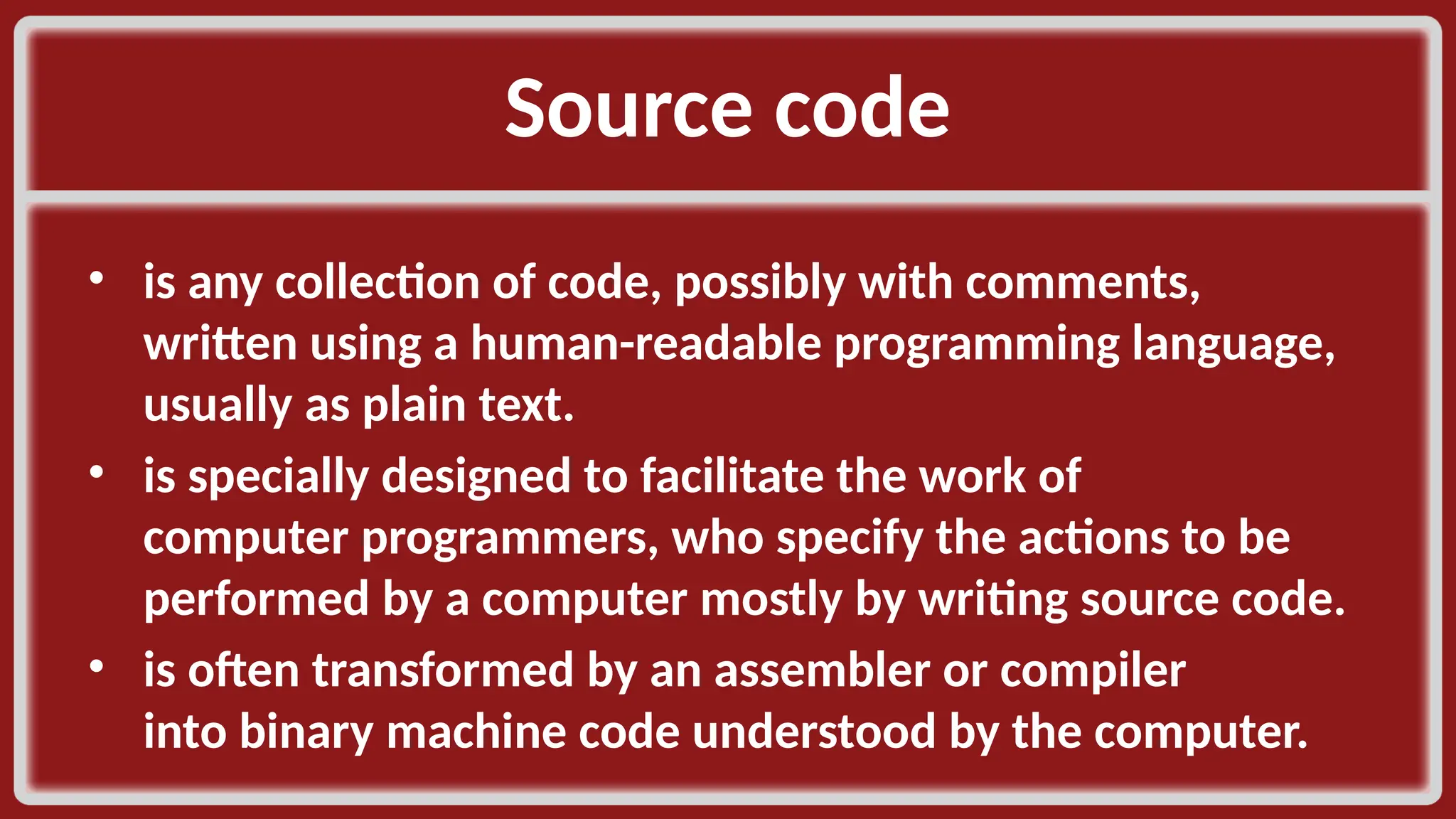
Source code​ • is any collection of code, possibly with comments, written using a human-readable programming language, usually as plain text. ​ • is specially designed to facilitate the work of computer programmers, who specify the actions to be performed by a computer mostly by writing source code. ​ • is often transformed by an assembler or compiler into binary machine code understood by the computer.​
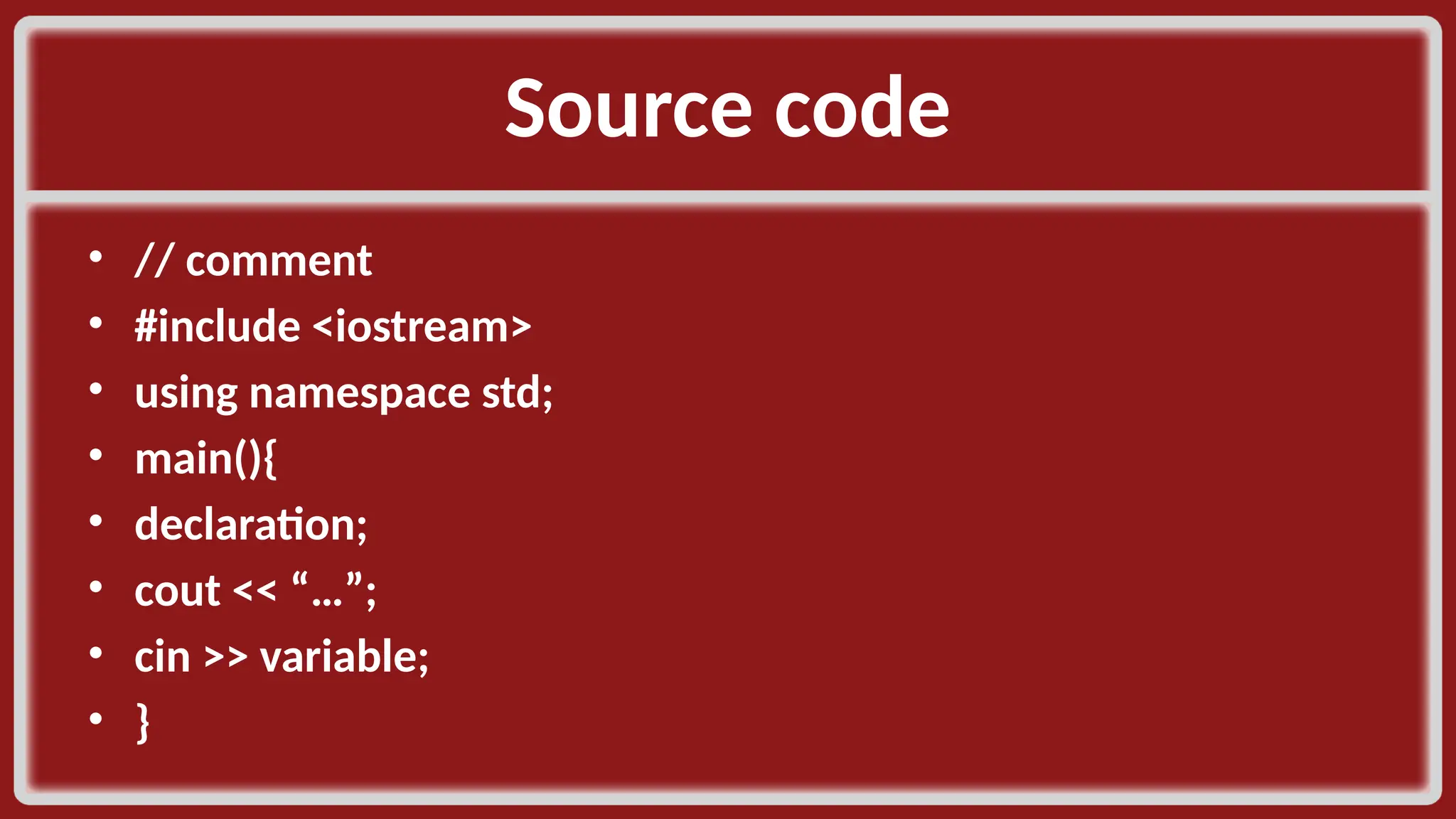
Source code​ • // comment​ • #include <iostream>​ • using namespace std;​ • main(){​ • declaration;​ • cout << “…”;​ • cin >> variable; ​ • }​
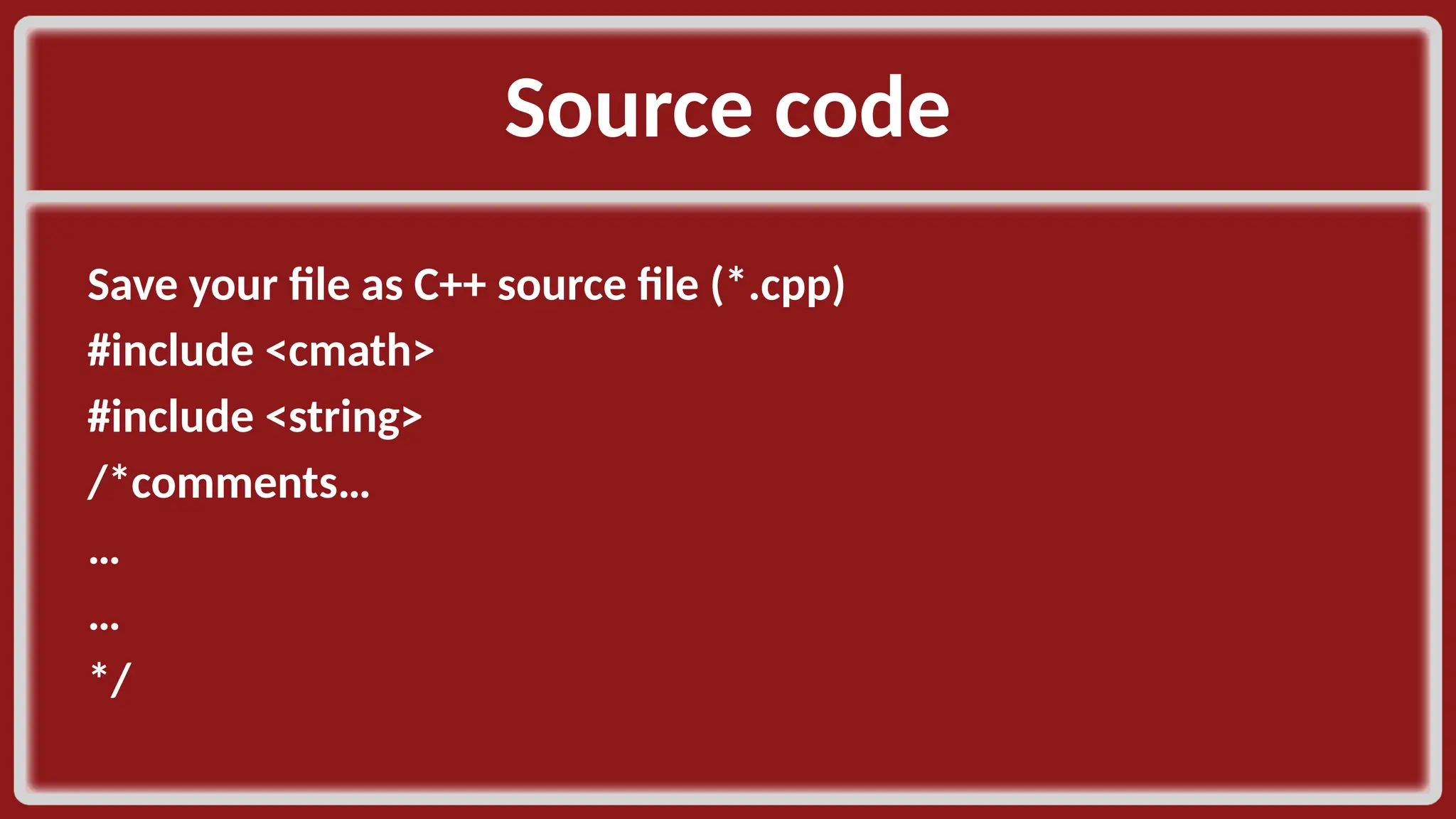
Source code​ Save your file as C++ source file (*.cpp)​ #include <cmath>​ #include <string>​ /*comments…​ …​ …​ */​ ​
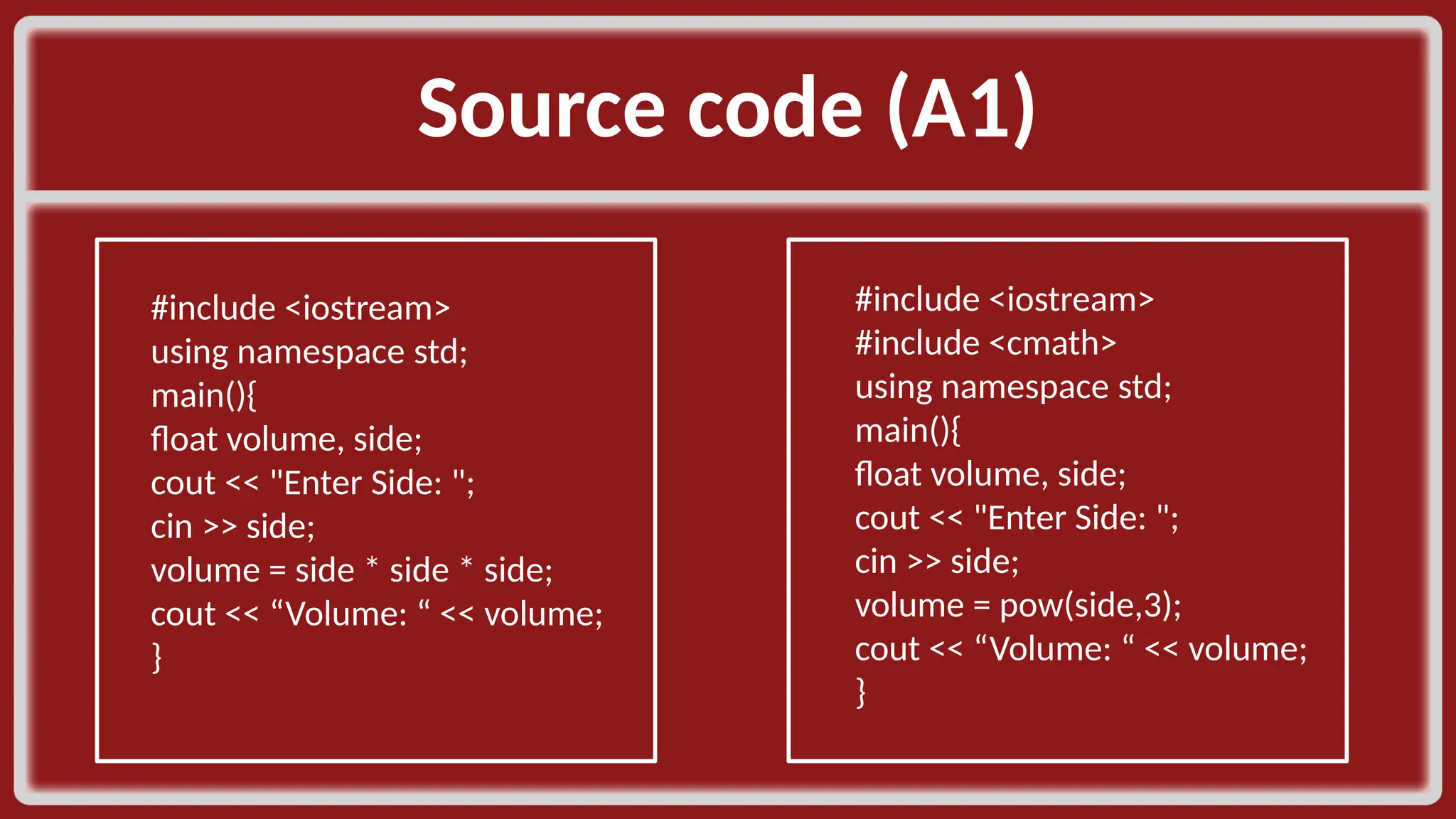
Source code (A1)​ #include <iostream>​ using namespace std;​ main(){​ float volume, side;​ cout << "Enter Side: ";​ cin >> side;​ volume = side * side * side;​ cout << “Volume: “ << volume;​ }​ #include <iostream>​ #include <cmath>​ using namespace std;​ main(){​ float volume, side;​ cout << "Enter Side: ";​ cin >> side;​ volume = pow(side,3);​ cout << “Volume: “ << volume;​ }​
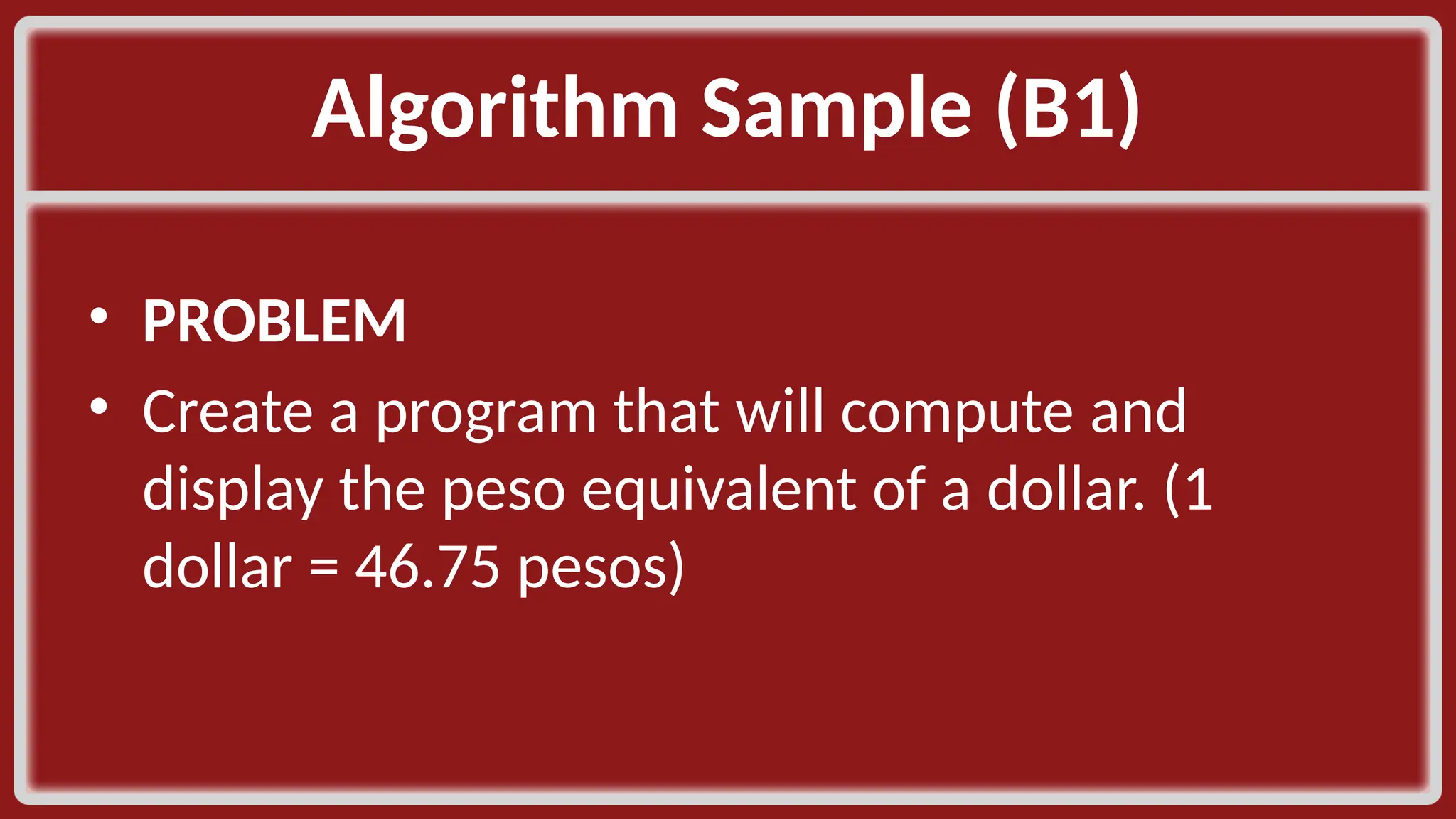
Algorithm Sample (B1)​ • PROBLEM​ • Create a program that will compute and display the peso equivalent of a dollar. (1 dollar = 46.75 pesos)​
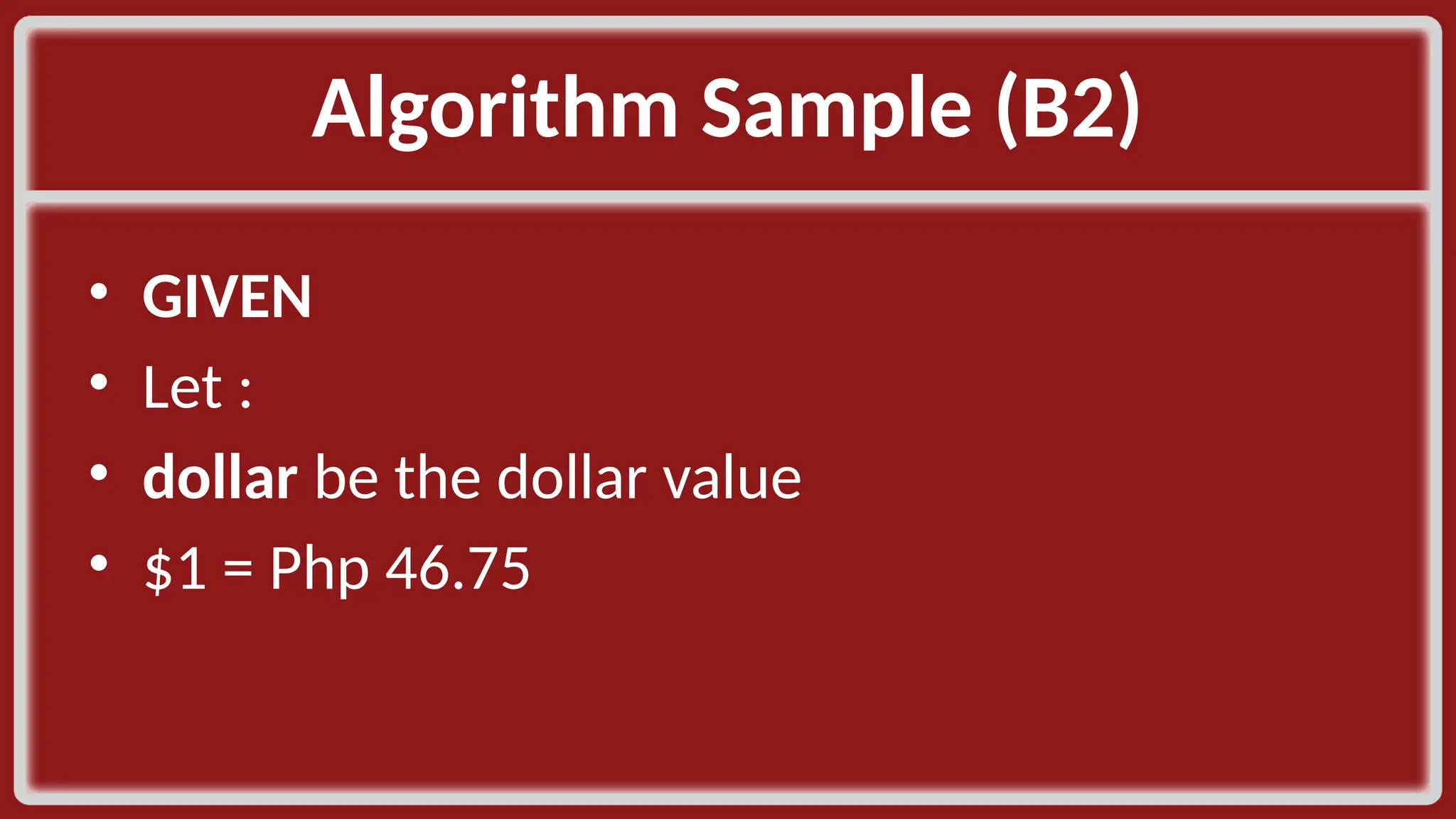
Algorithm Sample (B2)​ • GIVEN​ • Let :​ • dollar be the dollar value​ • $1 = Php 46.75​
Algorithm Sample (B3)​ •OUTCOME​ •peso​
Algorithm Sample (B4)​ • PROCEDURE​ • peso be the peso value​ • peso = dollar * 46.75​
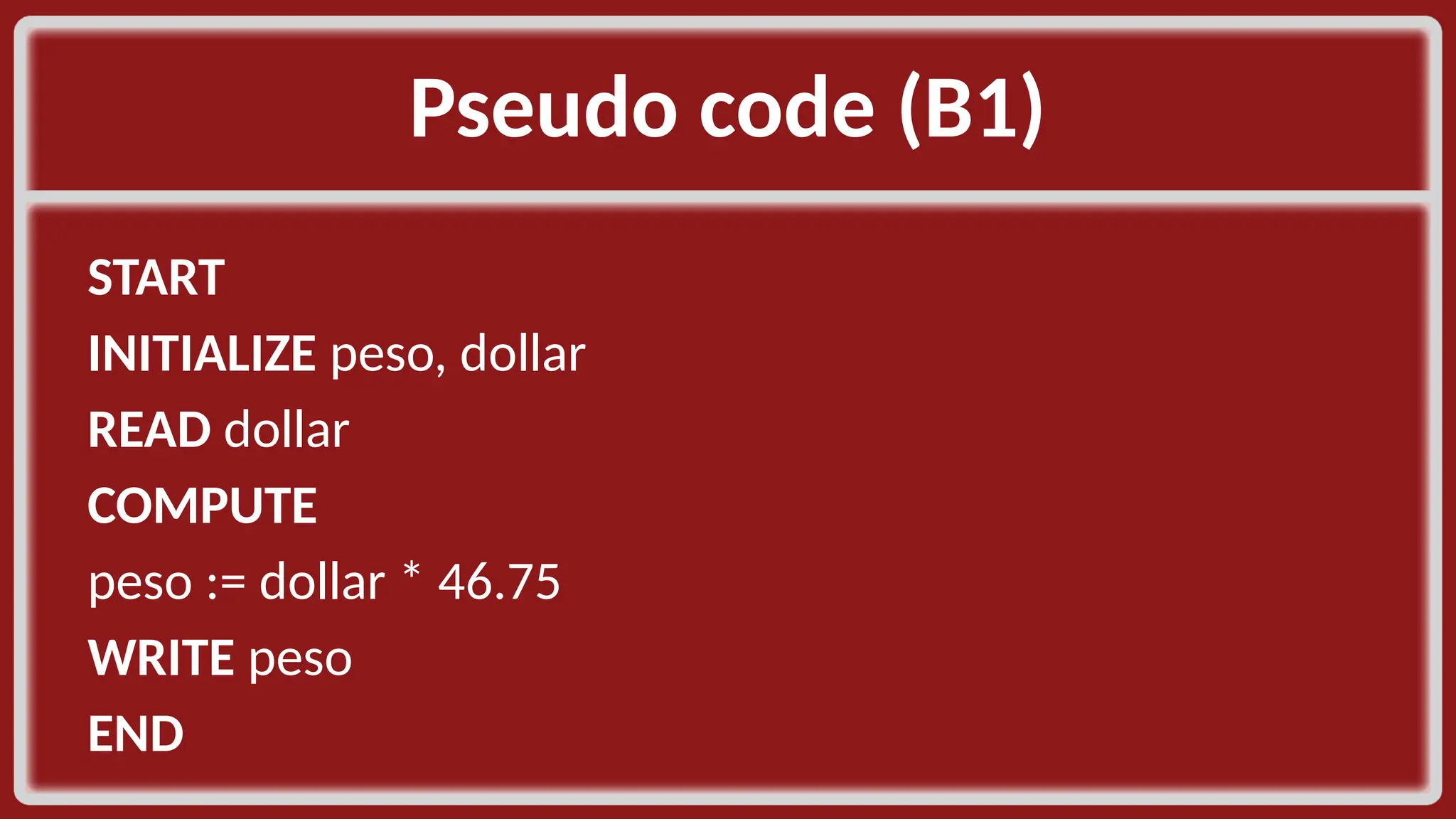
Pseudo code (B1)​ START​ INITIALIZE peso, dollar​ READ dollar​ COMPUTE​ peso := dollar * 46.75​ WRITE peso​ END​
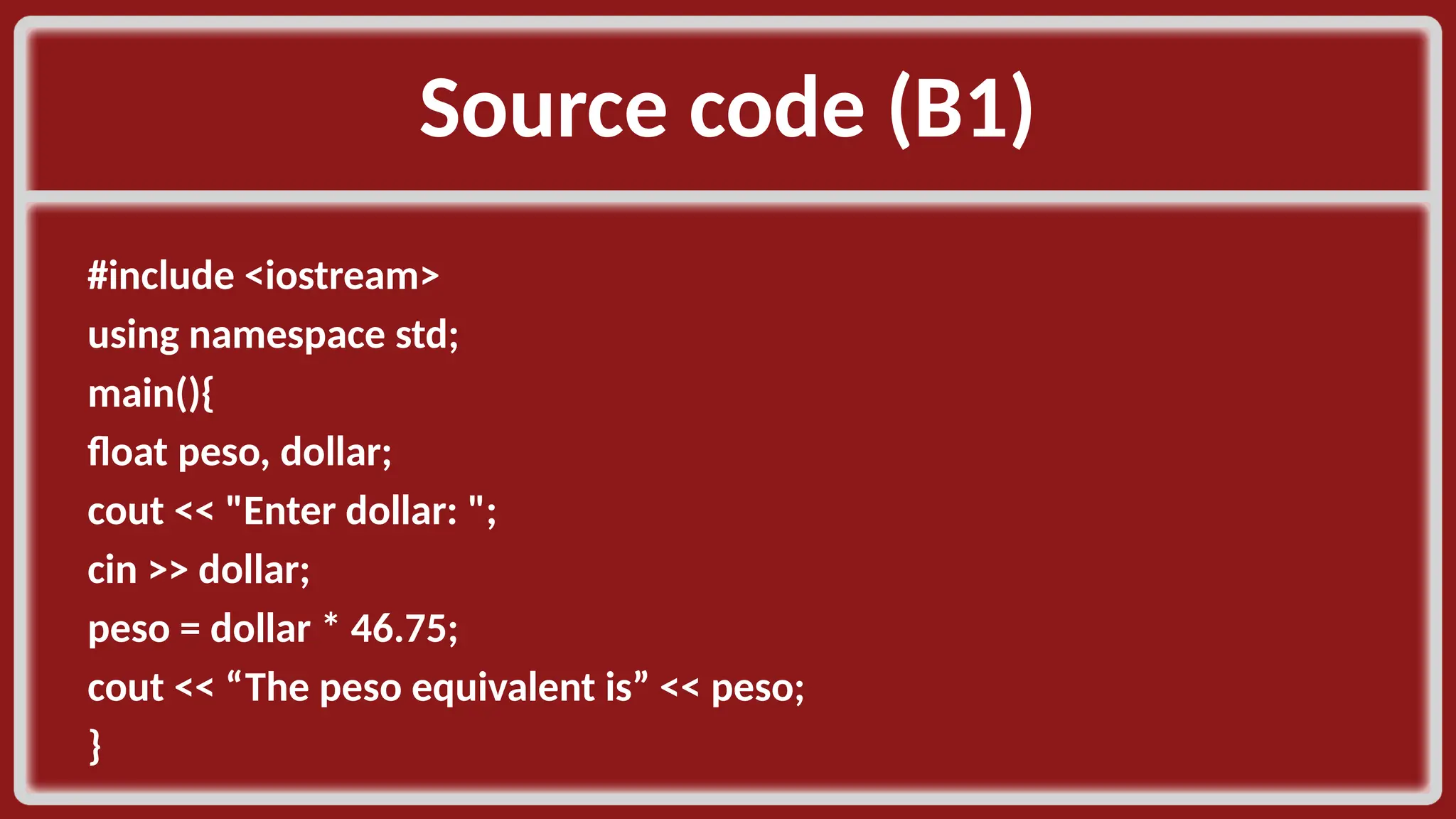
Source code (B1)​ #include <iostream>​ using namespace std;​ main(){​ float peso, dollar;​ cout << "Enter dollar: ";​ cin >> dollar;​ peso = dollar * 46.75;​ cout << “The peso equivalent is” << peso;​ }​
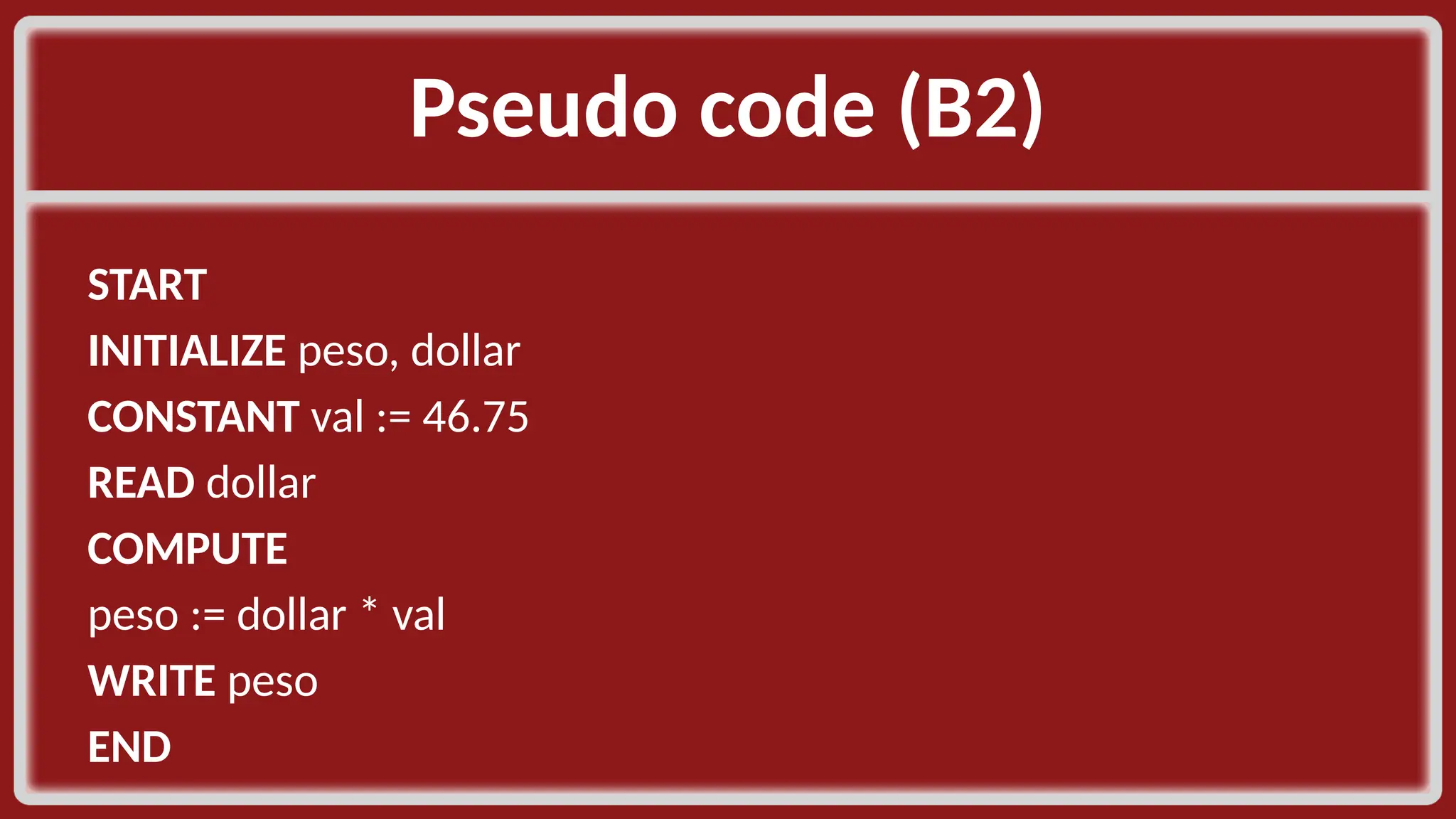
Pseudo code (B2)​ START​ INITIALIZE peso, dollar​ CONSTANT val := 46.75​ READ dollar​ COMPUTE​ peso := dollar * val​ WRITE peso​ END​
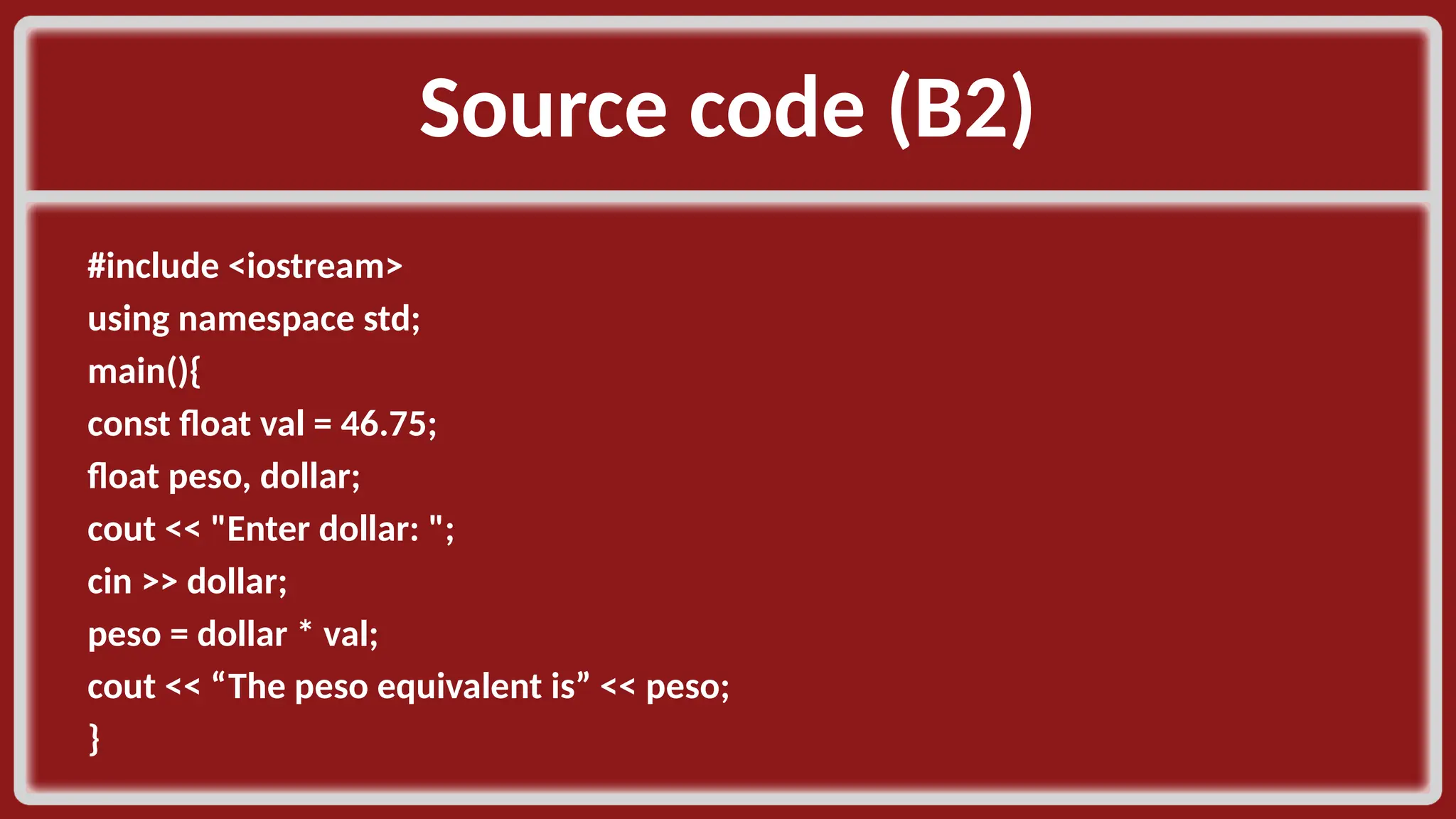
Source code (B2)​ #include <iostream>​ using namespace std;​ main(){​ const float val = 46.75;​ float peso, dollar;​ cout << "Enter dollar: ";​ cin >> dollar;​ peso = dollar * val;​ cout << “The peso equivalent is” << peso;​ }​
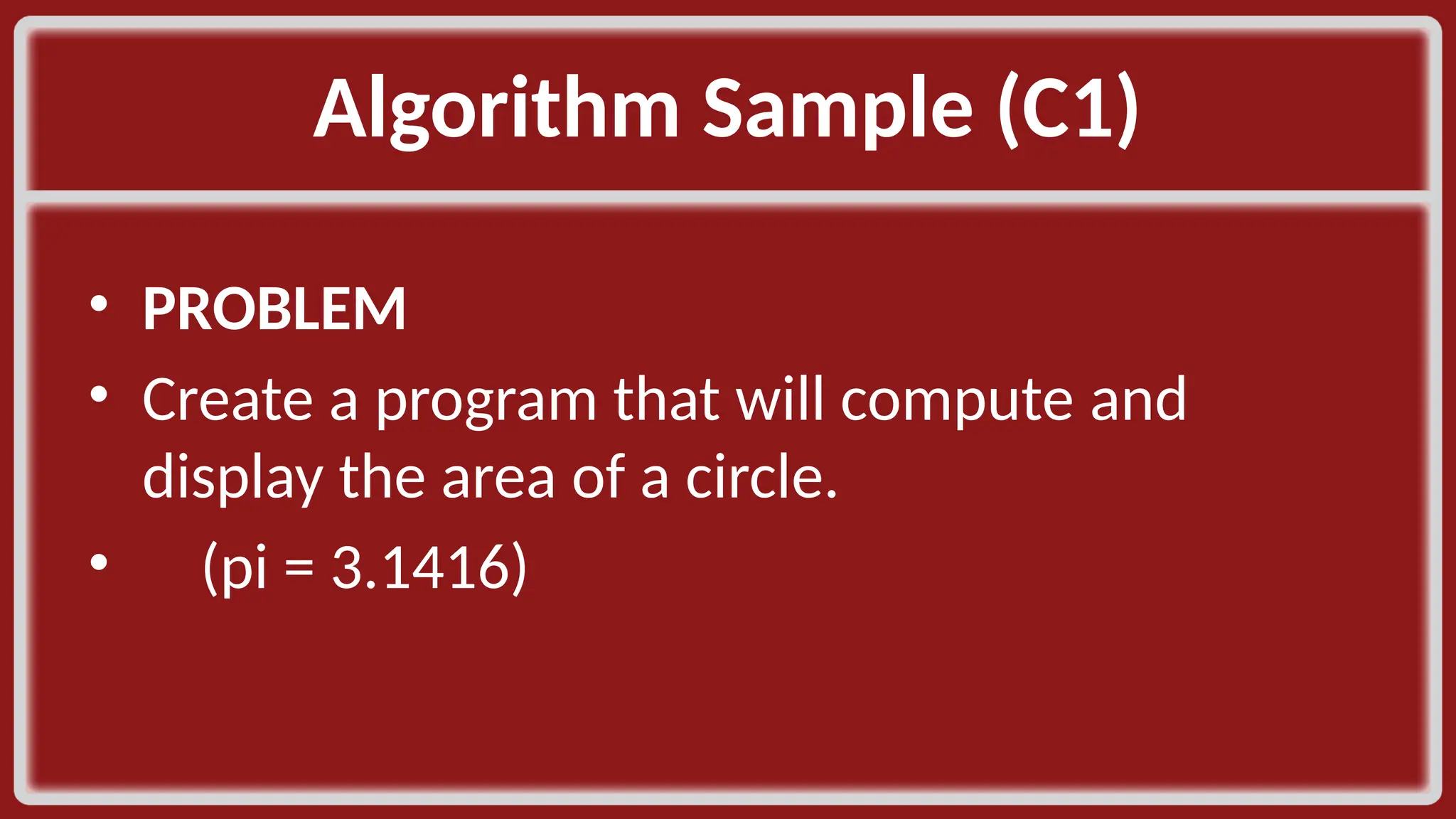
Algorithm Sample (C1)​ • PROBLEM​ • Create a program that will compute and display the area of a circle. ​ • (pi = 3.1416)​
Algorithm Sample (C2)​ • GIVEN​ • Let :​ • radius be the radius of the circle​ • pi = 3.1416 ​
Algorithm Sample (C3)​ • OUTCOME​ • area​ ​
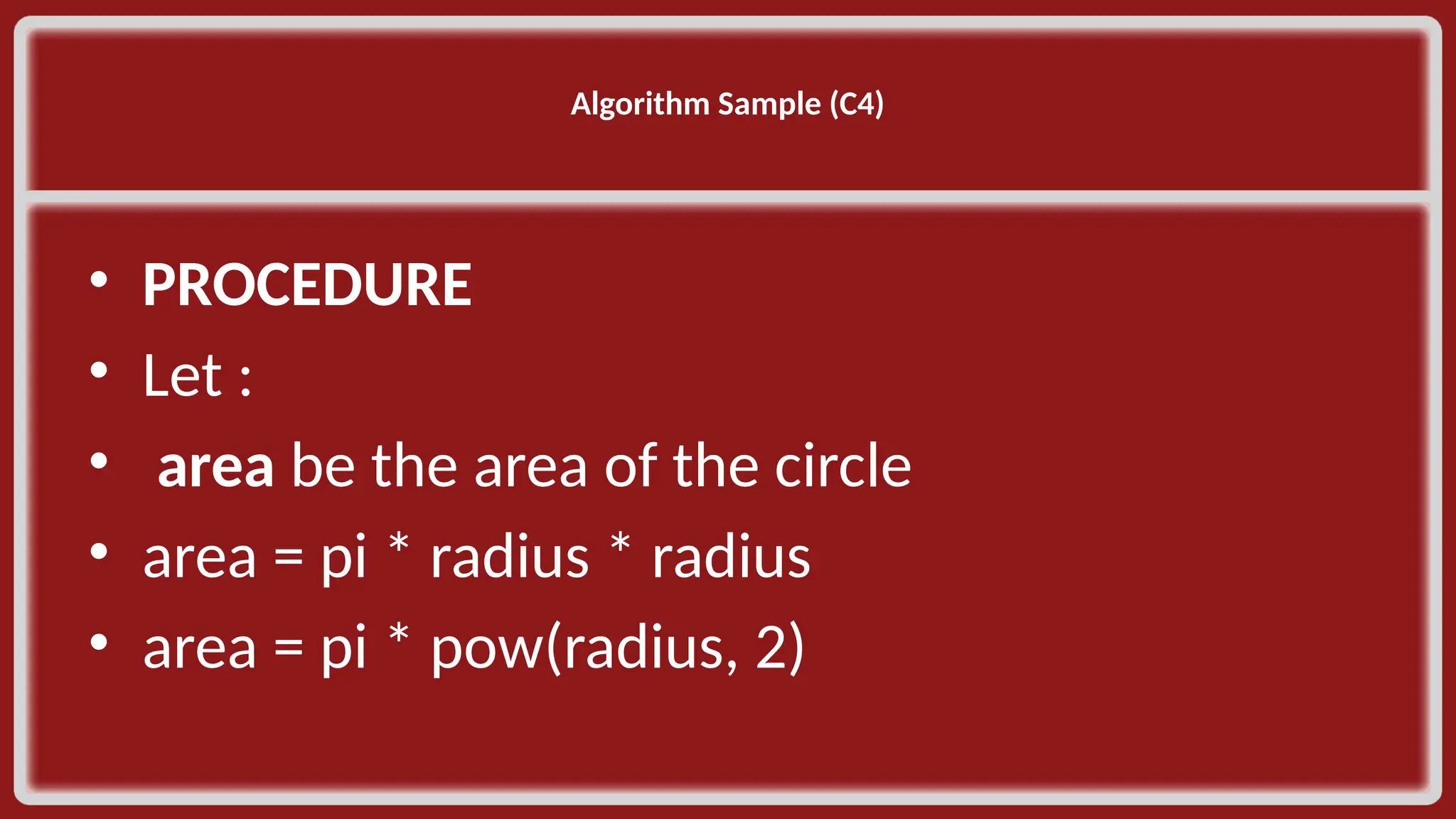
Algorithm Sample (C4)​ ​ • PROCEDURE​ • Let :​ • area be the area of the circle​ • area = pi * radius * radius​ • area = pi * pow(radius, 2)​
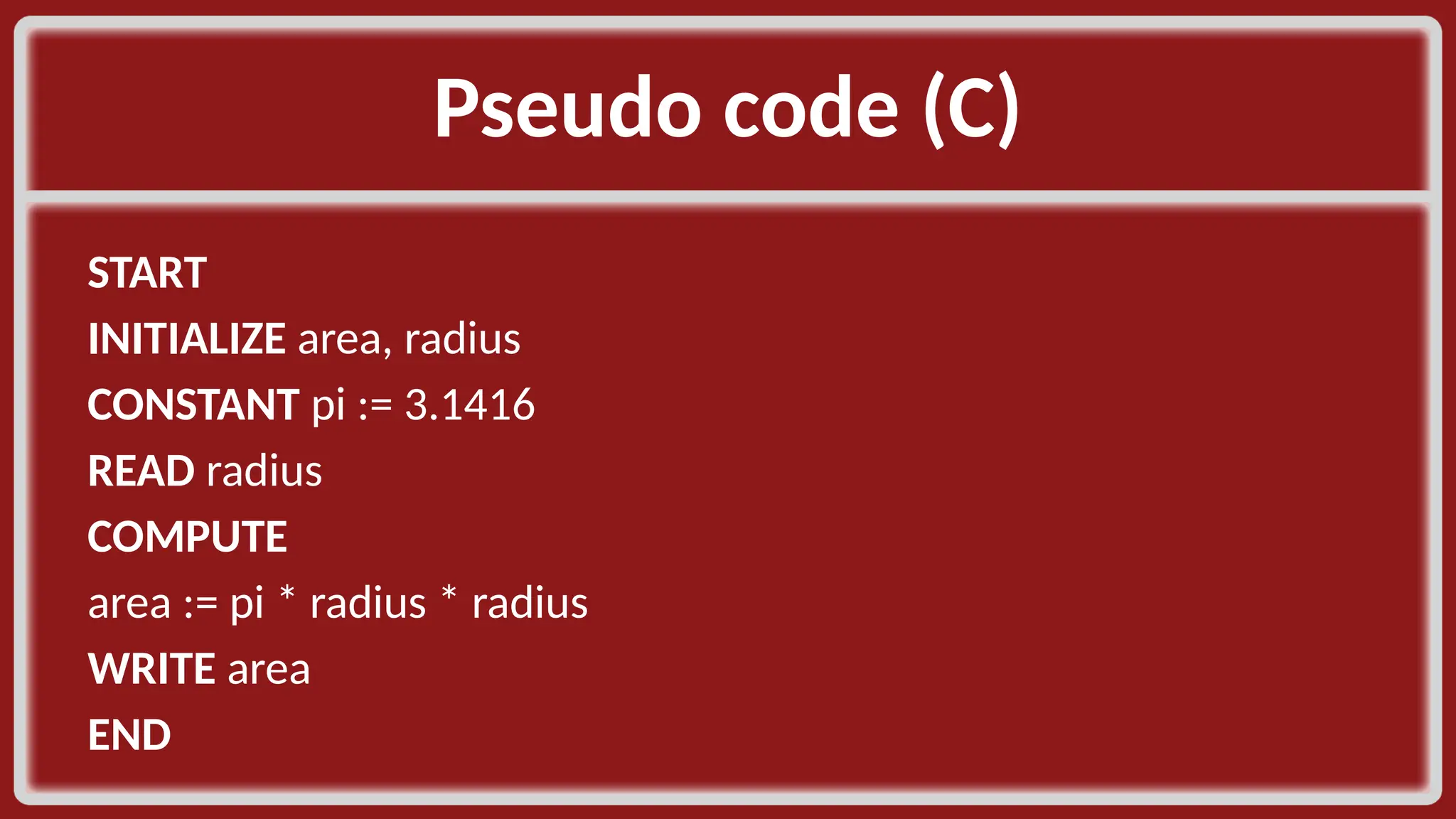
Pseudo code (C)​ START​ INITIALIZE area, radius​ CONSTANT pi := 3.1416​ READ radius​ COMPUTE​ area := pi * radius * radius​ WRITE area​ END​
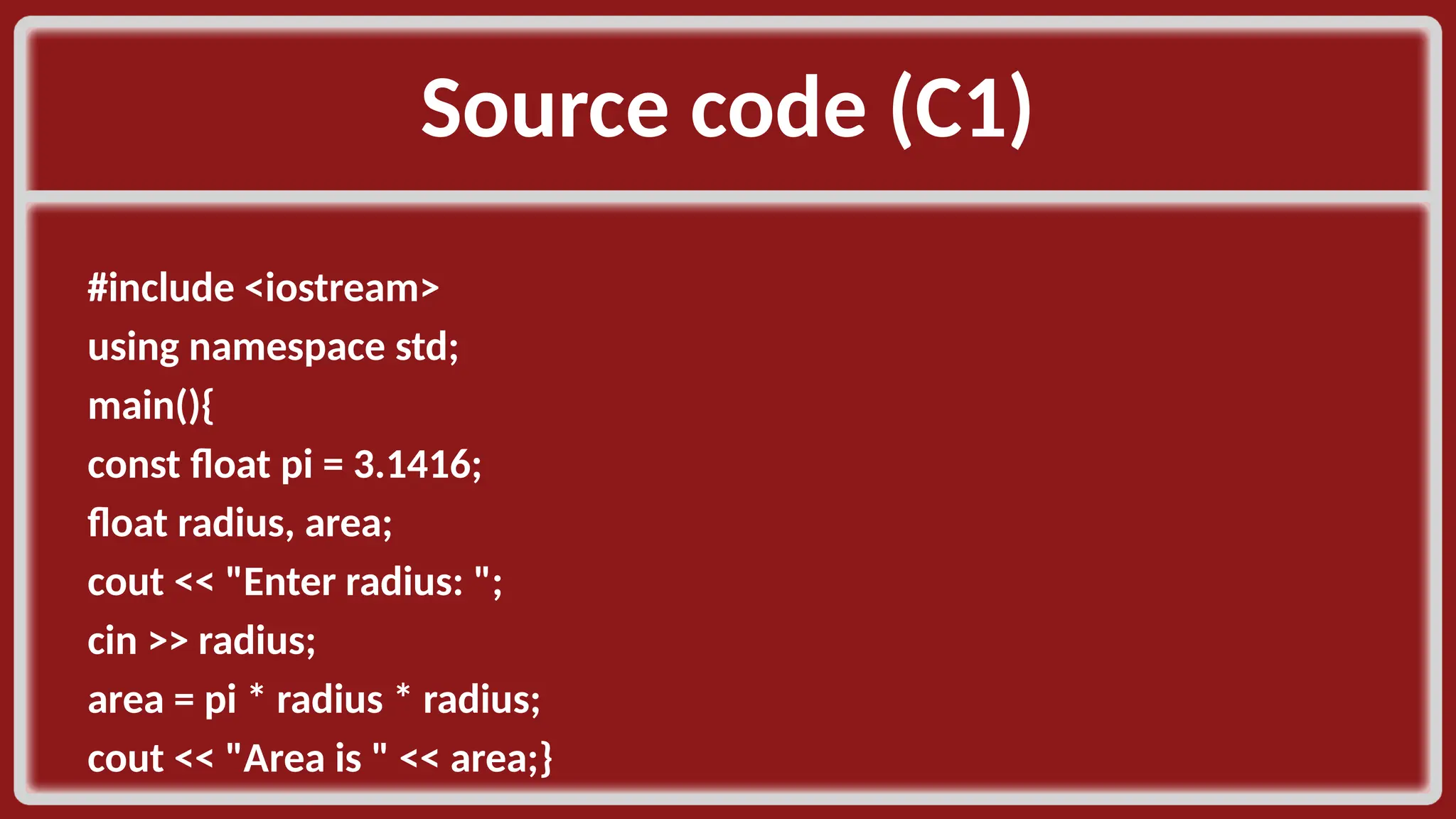
Source code (C1)​ #include <iostream>​ using namespace std;​ main(){​ const float pi = 3.1416;​ float radius, area;​ cout << "Enter radius: ";​ cin >> radius;​ area = pi * radius * radius;​ cout << "Area is " << area;}​
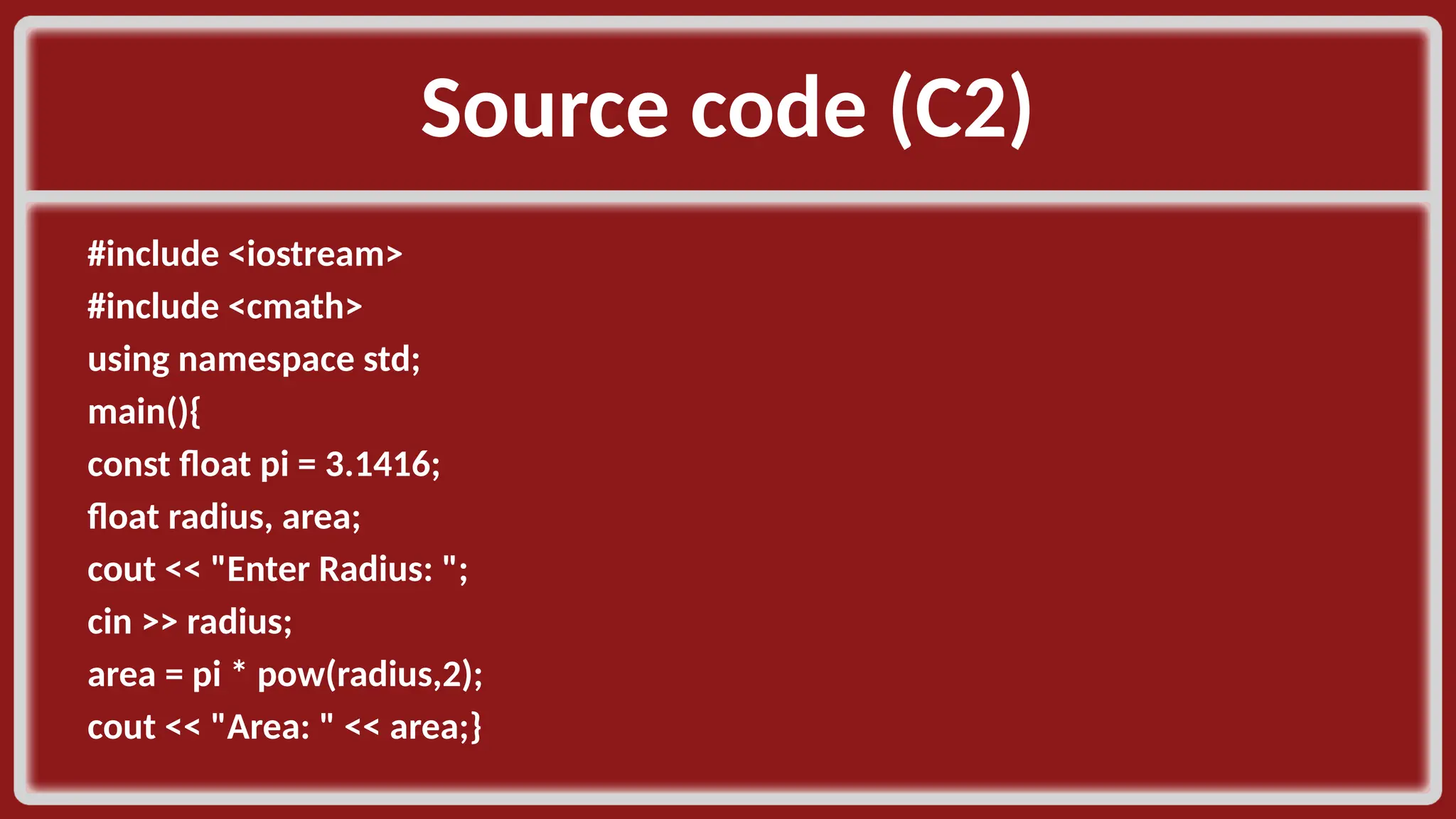
Source code (C2)​ #include <iostream>​ #include <cmath>​ using namespace std;​ main(){​ const float pi = 3.1416;​ float radius, area;​ cout << "Enter Radius: ";​ cin >> radius;​ area = pi * pow(radius,2);​ cout << "Area: " << area;}​
Algorithm Sample (D1)​ • PROBLEM​ • Create a program that will compute and display the hypotenuse of a right triangle.​ ​
Algorithm Sample (D2)​ • GIVEN​ • Let :​ • a be a side 1 of a right triangle​ • The adjacent side​ • b be a side 2 of a right triangle​ • The opposite side​ ​
Algorithm Sample (D3)​ • OUTCOME​ • c be the hypotenuse ​
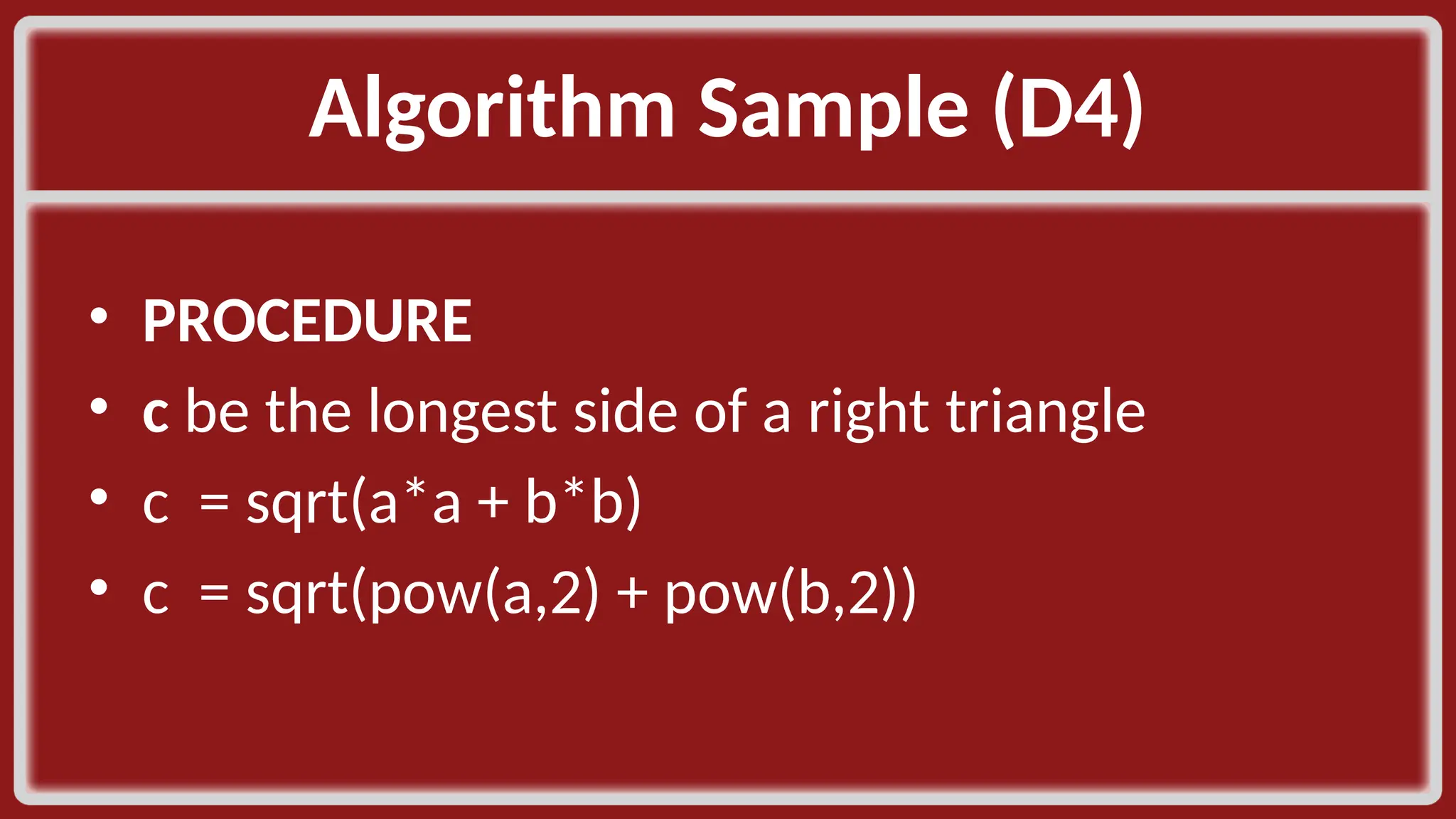
Algorithm Sample (D4)​ • PROCEDURE​ • c be the longest side of a right triangle​ • c = sqrt(a*a + b*b)​ • c = sqrt(pow(a,2) + pow(b,2))​
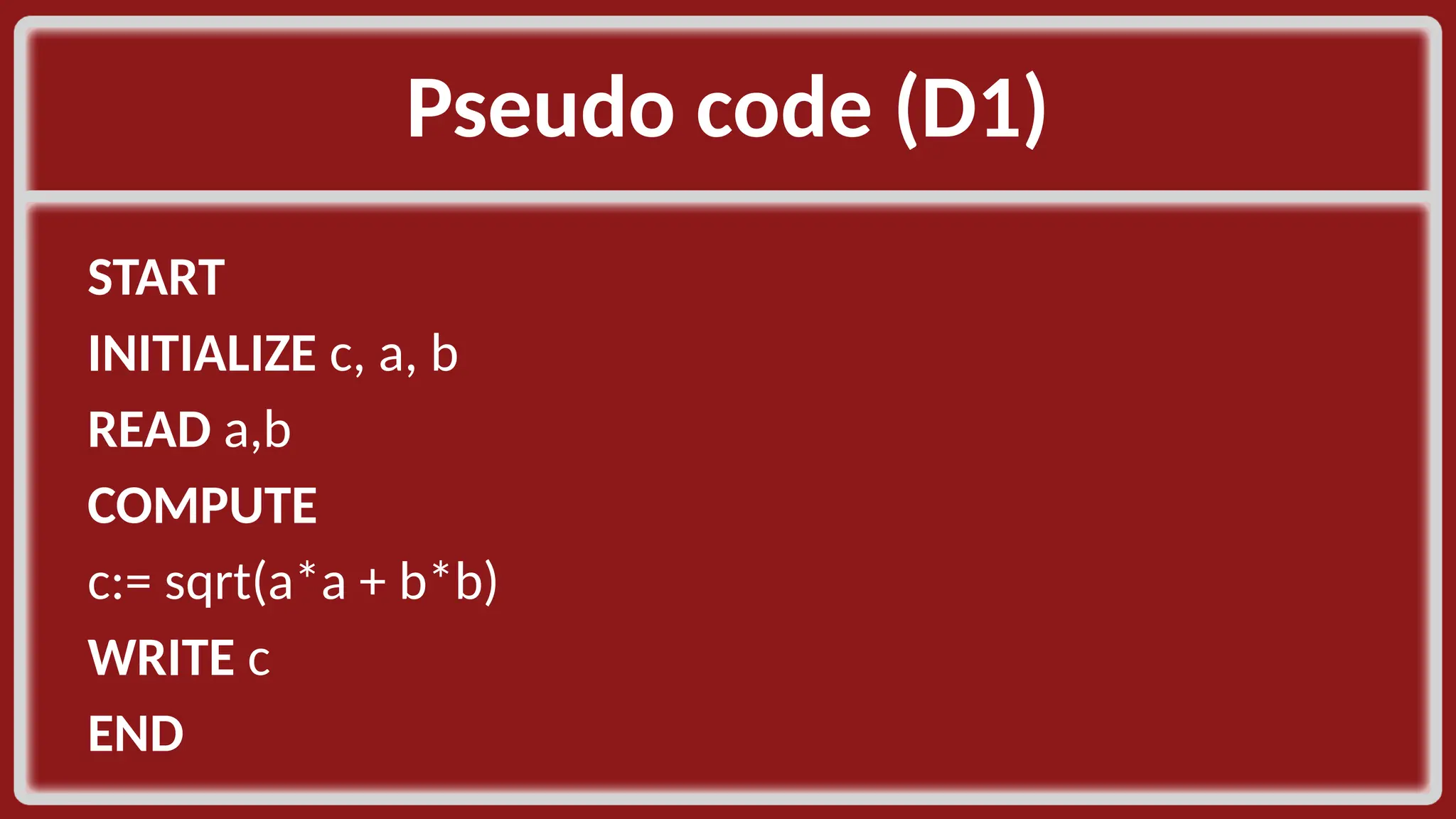
Pseudo code (D1)​ START​ INITIALIZE c, a, b​ READ a,b​ COMPUTE​ c:= sqrt(a*a + b*b)​ WRITE c​ END​
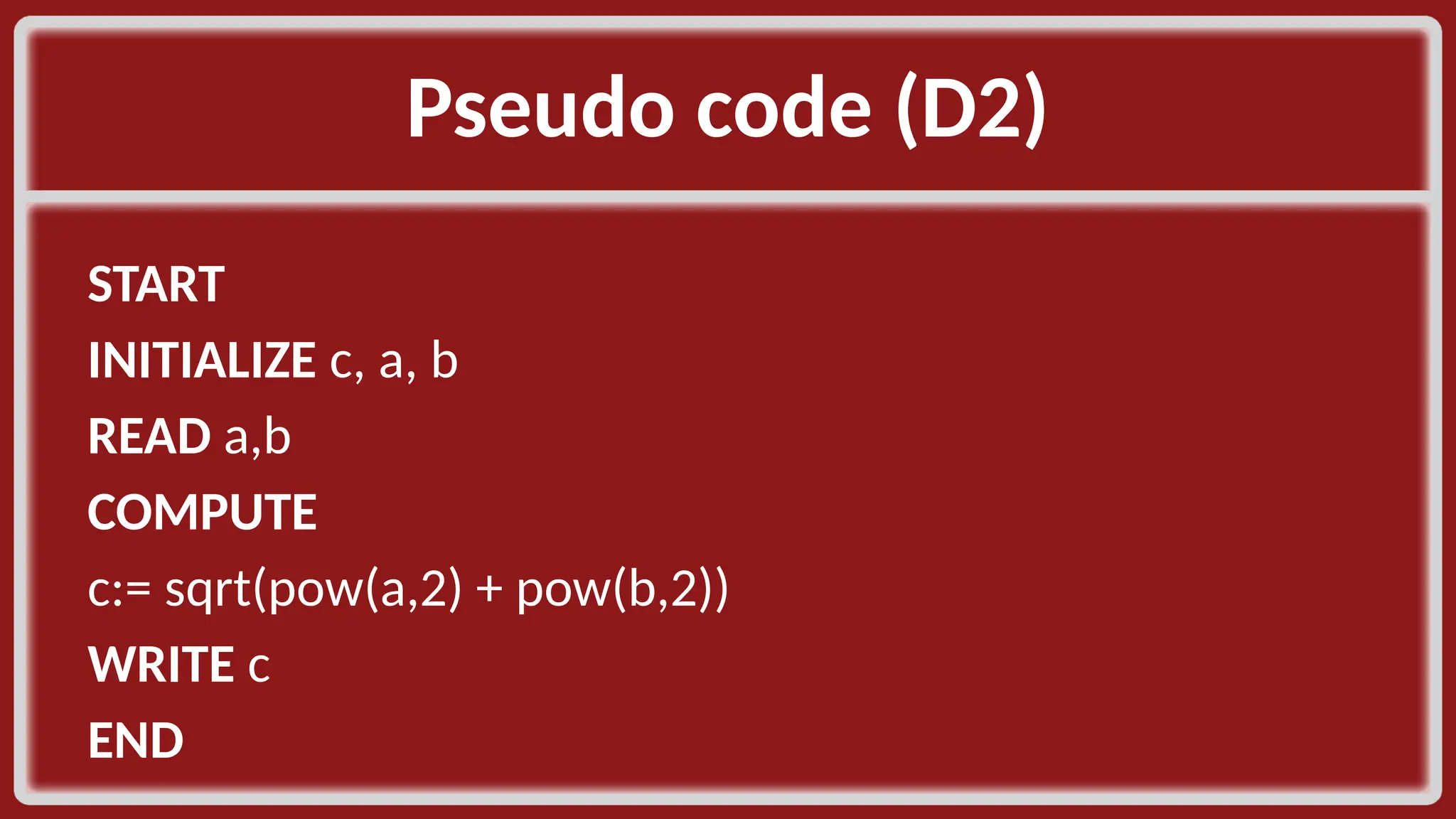
Pseudo code (D2)​ START​ INITIALIZE c, a, b​ READ a,b​ COMPUTE​ c:= sqrt(pow(a,2) + pow(b,2))​ WRITE c​ END​
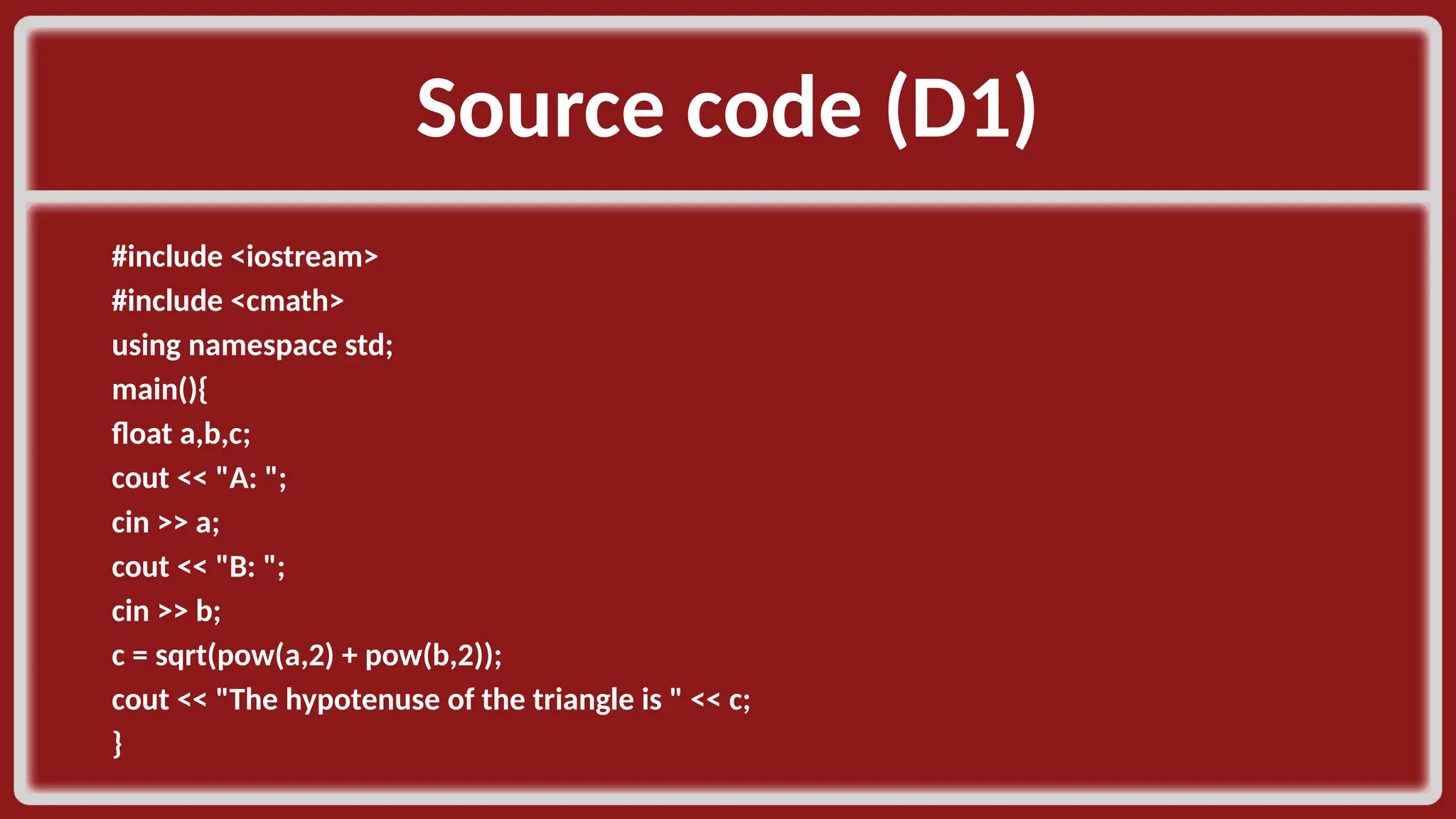
Source code (D1)​ #include <iostream>​ #include <cmath>​ using namespace std;​ main(){​ float a,b,c;​ cout << "A: ";​ cin >> a;​ cout << "B: ";​ cin >> b;​ c = sqrt(pow(a,2) + pow(b,2));​ cout << "The hypotenuse of the triangle is " << c;​ }​
Algorithm Sample (E1)​ • PROBLEM​ • A salesman sold twice as much pears in the afternoon than in the morning. Create a program that, if the total kilo of pears sold on that day is given by the user, identifies how many kilograms did he sell in the morning and how many in the afternoon?​
Algorithm Sample (E2)​ • GIVEN​ • Let :​ • x_kilo be the total kilo of pears sold by the salesman​ • (AM and PM) ​
Algorithm Sample (E3)​ • OUTCOME​ • am_kilo sales​ • pm_kilo sales ​
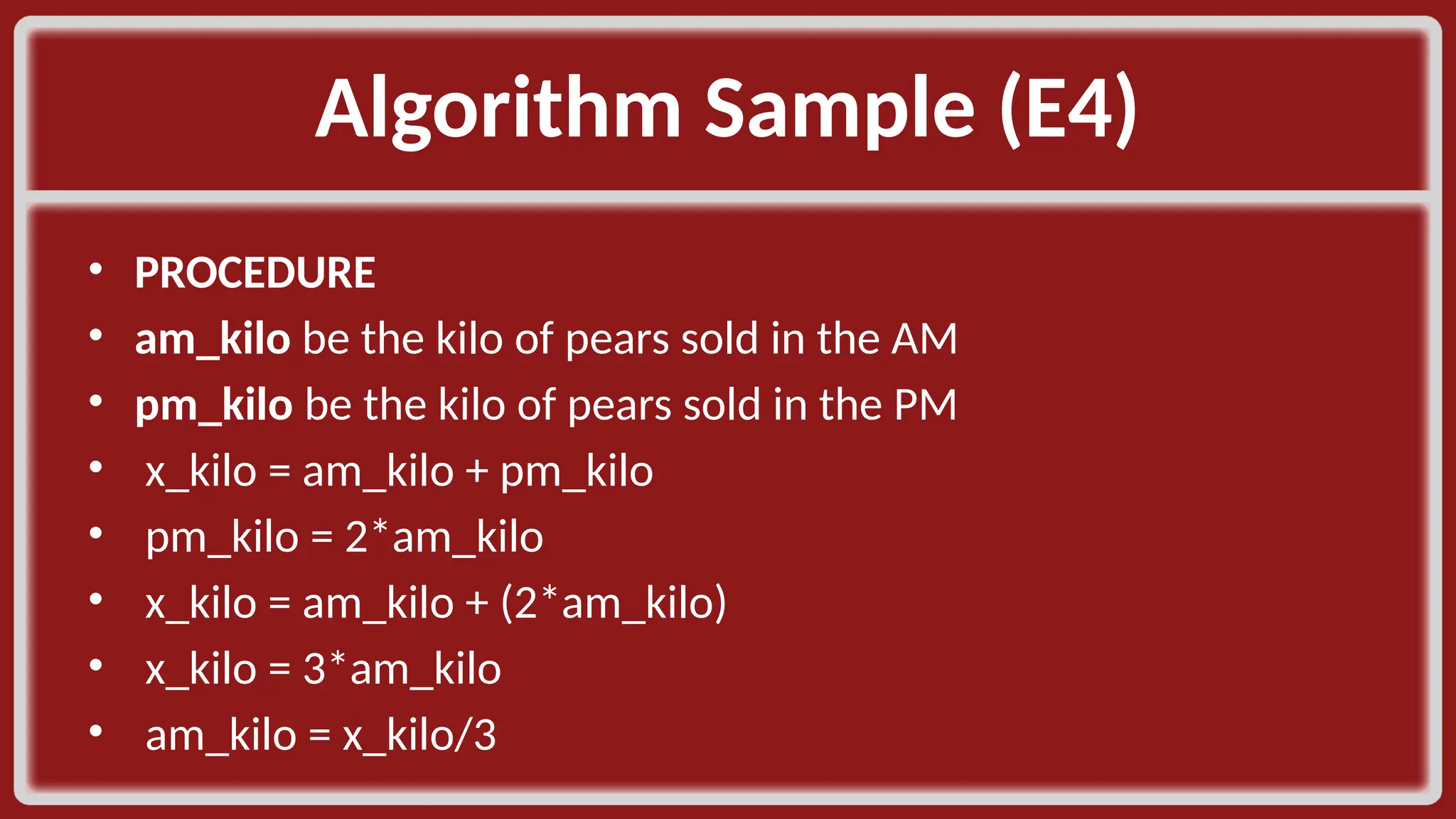
Algorithm Sample (E4)​ • PROCEDURE​ • am_kilo be the kilo of pears sold in the AM​ • pm_kilo be the kilo of pears sold in the PM​ • x_kilo = am_kilo + pm_kilo​ • pm_kilo = 2*am_kilo​ • x_kilo = am_kilo + (2*am_kilo)​ • x_kilo = 3*am_kilo​ • am_kilo = x_kilo/3​
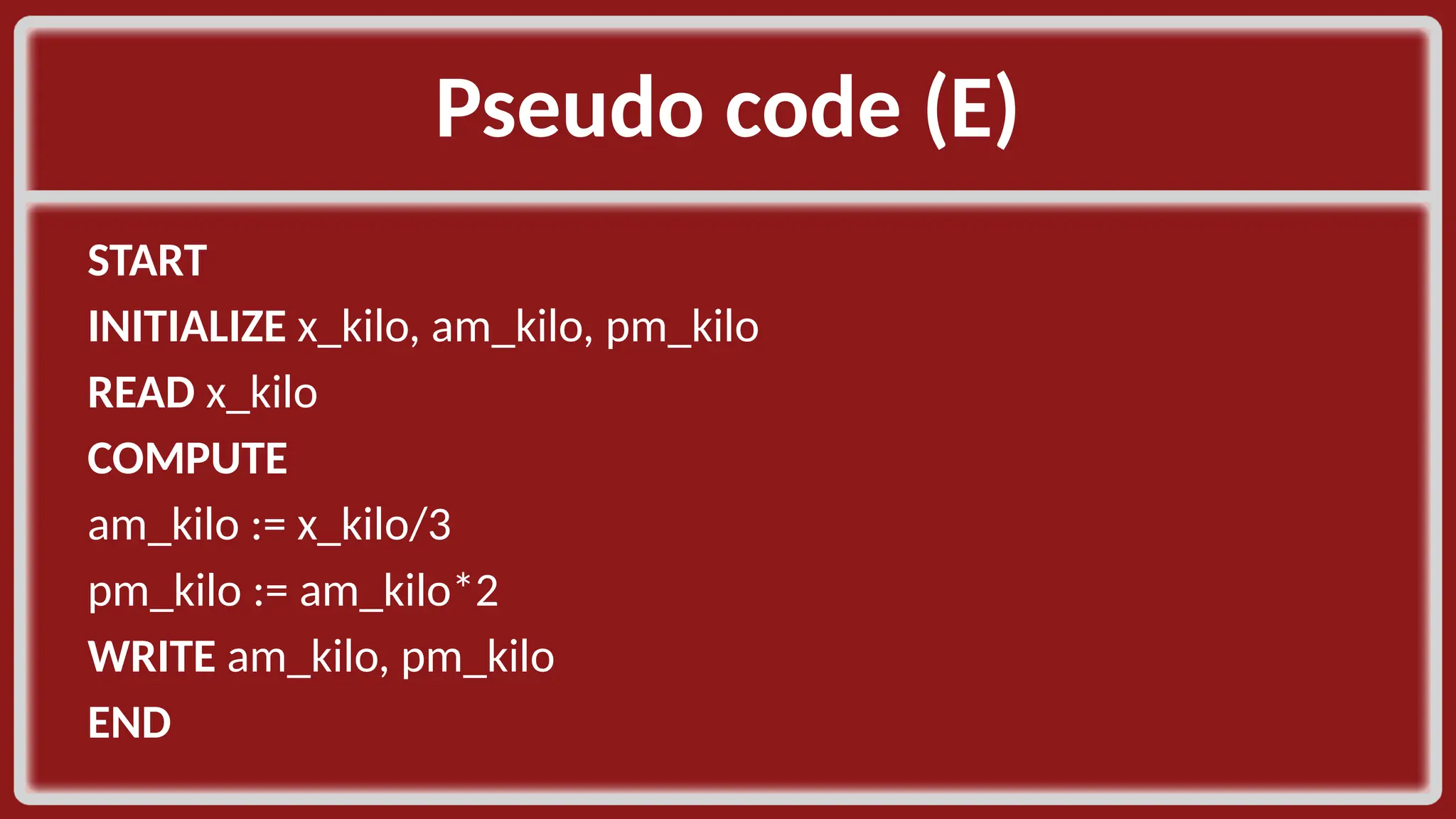
Pseudo code (E)​ START​ INITIALIZE x_kilo, am_kilo, pm_kilo​ READ x_kilo ​ COMPUTE​ am_kilo := x_kilo/3​ pm_kilo := am_kilo*2​ WRITE am_kilo, pm_kilo​ END​
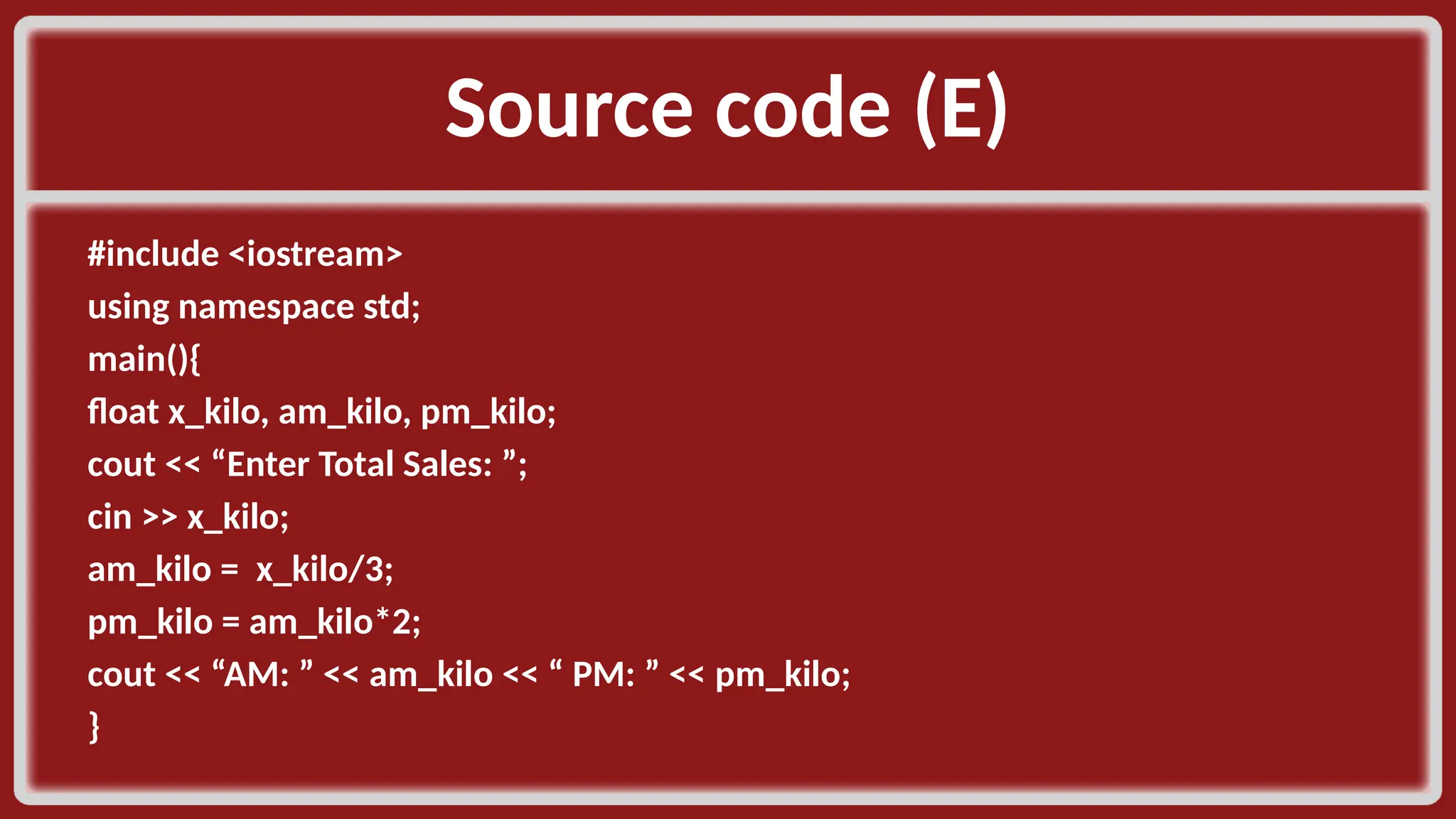
Source code (E)​ #include <iostream>​ using namespace std;​ main(){​ float x_kilo, am_kilo, pm_kilo;​ cout << “Enter Total Sales: ”;​ cin >> x_kilo;​ am_kilo = x_kilo/3;​ pm_kilo = am_kilo*2;​ cout << “AM: ” << am_kilo << “ PM: ” << pm_kilo; }​
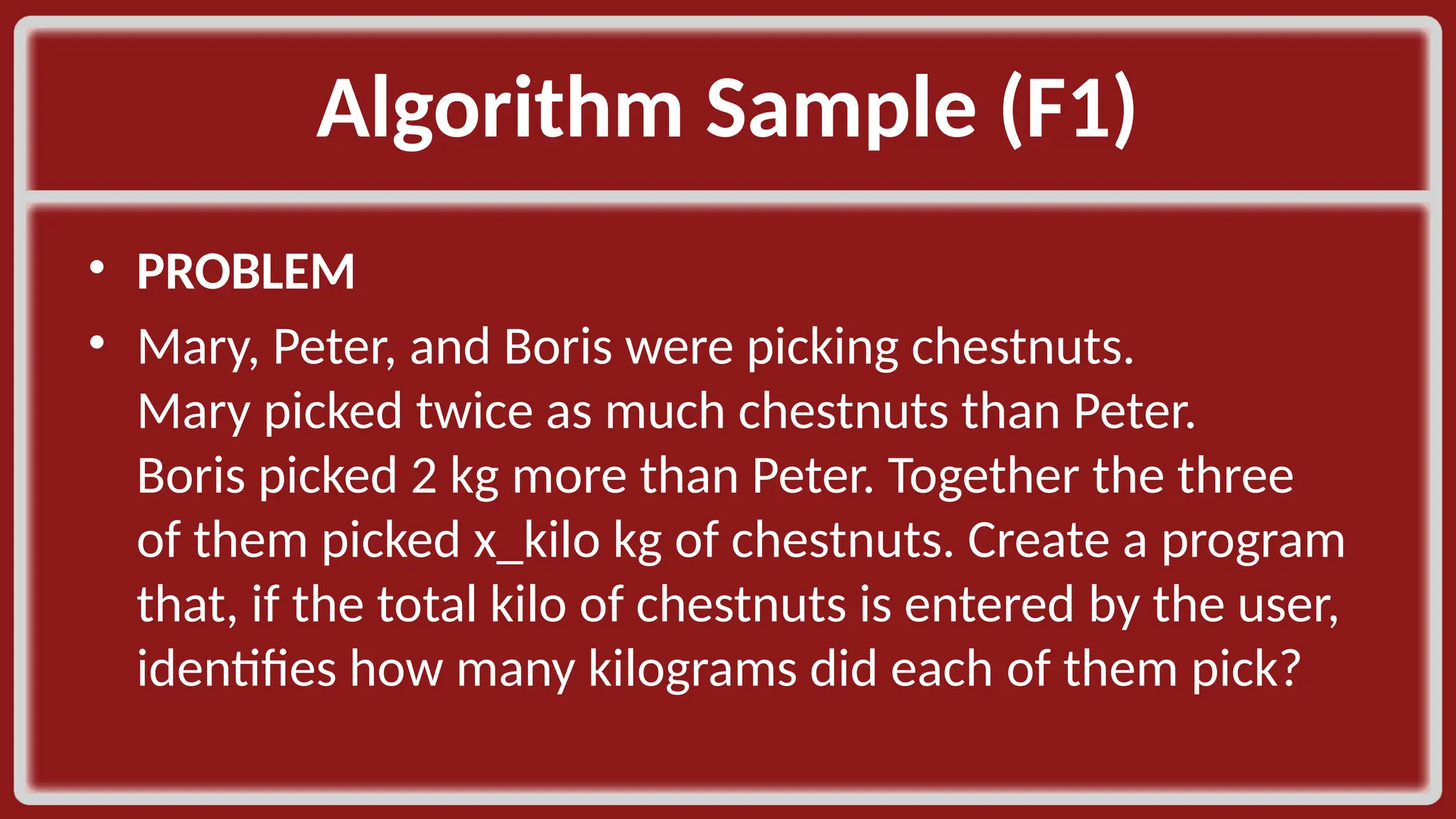
Algorithm Sample (F1)​ • PROBLEM​ • Mary, Peter, and Boris were picking chestnuts. Mary picked twice as much chestnuts than Peter. Boris picked 2 kg more than Peter. Together the three of them picked x_kilo kg of chestnuts. Create a program that, if the total kilo of chestnuts is entered by the user, identifies how many kilograms did each of them pick?​
Flowchart and ​ Flowcharting Symbols​
Objectives​ • Define flowchart and techniques in solving computing problems with flowcharts​ • Identify and differentiate the use of each flowcharting symbol in solving computing problems​ • Use flowchart in representing computing solutions​ • ​
Agenda​ • Components of Computer System​ • Flowchart​ • Basic things to remember in flowcharting​ • Flowchart Symbols​ • Sample Flowcharts​
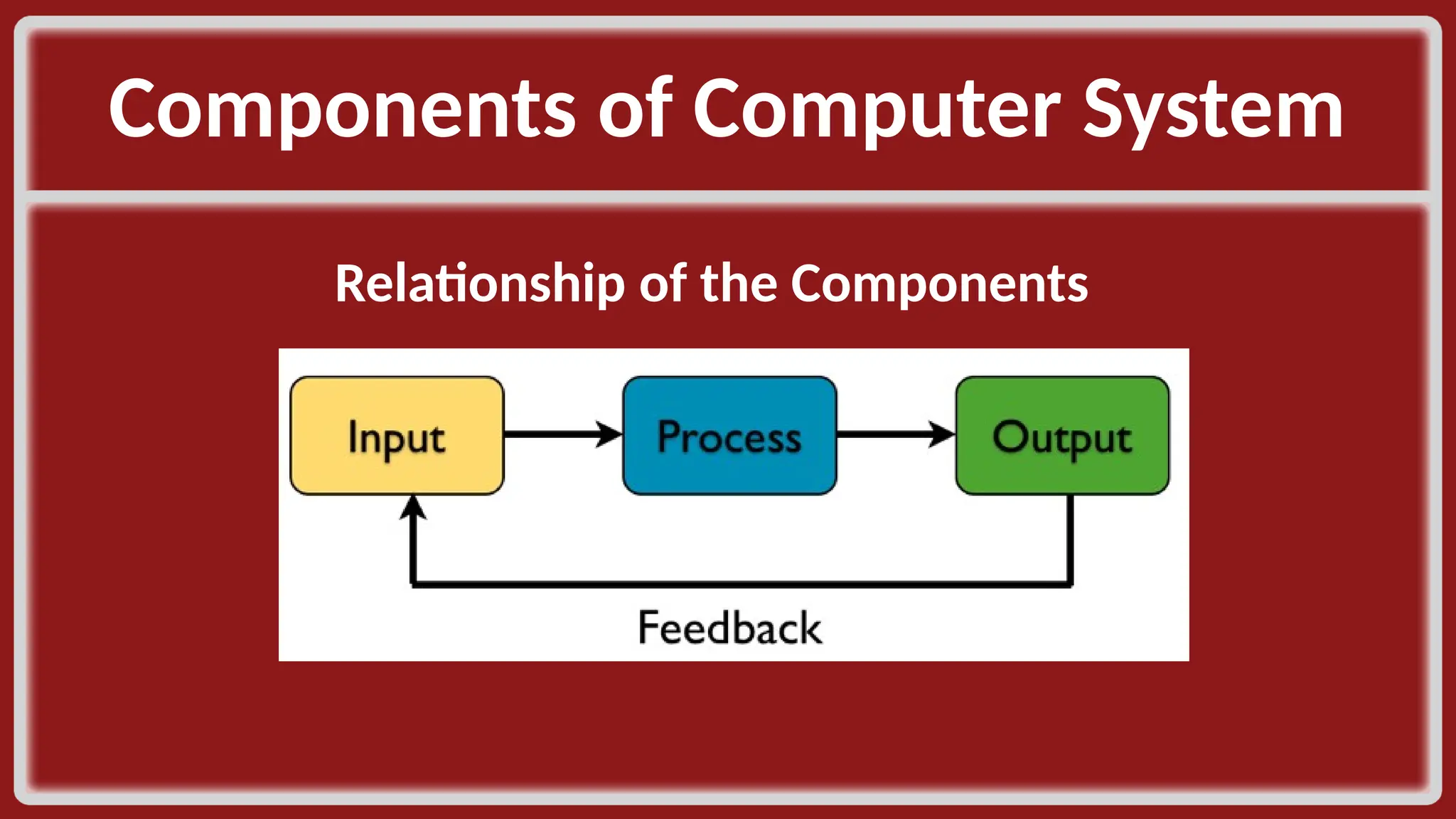
Components of Computer System​ Relationship of the Components​ ​
Flowchart​ • It is a modelling tools used to illustrate data, instructions, process, information and workflow by the use of specialized symbols.​ • Also known as a step by step graphical representation of a solution.​
Flowchart​ • INPUT/OUTPUT is the part of the program that the user sees. ​ • INPUT is the only way for the user to send data to the computer for processing it can be numeric value, character, or string.​
Flowchart​ Descriptive Statement is use to ask the user what to do and what type of data to input.​ OUTPUT – includes descriptive statement to communicate to the user.​ - output instruction defines when and where to release the data in the program​
Flowcharting Techniques (1)​ • A flowchart always start with the instruction START or BEGIN….the only guidelines to remember in the terminal symbol is the consistency of terminologies. The organized way of writing the instruction is to use the pairs START – STOP or BEGIN - END​
Flowcharting Techniques (2)​ • Initialization symbol is where you prepare the variables to be available for use. When you initialize, you are also allocating memory space for your data storage. As a rule we always draw this symbols to state the use of our memory​
Flowcharting Techniques (3)​ Flowchart helps the programmer to define when to ask an input from the user and when to release a value.​ GET(), INPUT()​ PRINT(), DISPLAY()​
Flowcharting Techniques (4)​ The processing symbol is only limited to: (1) assignment of new value to the variables and (2) mathematical computations.​
Flowcharting Techniques (4)​ **Since we use the START in the opening of our flowchart, for consistency we should use STOP to terminate.​

Lecture-3-Presentation-No software development algorithm, pseudocode

  • 1.
    Learning Objectives • Examinecomputing algorithms;​ • Use flowchart and pseudo code in representing computing solutions;​ • Write the pseudo code for a defined computing problem;​ • Create a program using the formulated pseudo code in solving the given problem.​
  • 2.
    Agenda​ • Software DevelopmentProcess​ • Definition​ • Input-Process-Output​ • Pseudo Code​
  • 3.
    Software Development ​ •Requirement analysis, leading to a specification of the problem​ • Design of a solution​ • Implementation of the solution​ • Analysis of the solution​ • Testing, debugging and integration​ • Maintenance and evolution of the system.​
  • 4.
    Specification of aproblem • A precise statement/description of the problem. ​ • It involves describing the input, the expected output, and the relationship between the input and output. ​ • This is often done through preconditions and post-conditions. ​
  • 5.
    Design (1) ​ •Formulationof a method, that is, of a sequence of steps, to solve the problem. ​ •The design “language” can be pseudo- code, flowcharts, natural language, any combinations of those, etc. ​ ​
  • 6.
    Design (2) ​ •Adesign so expressed is called an algorithm(s). ​ •A good design approach is a top-down design where the problem is decomposed into smaller, simpler pieces, where each piece is designed into a module. ​
  • 7.
    Implementation ​ •Development ofactual source code that will carry out the design and solve the problem. •​ •The design and implementation of data structures, abstract data types, and classes, are often a major part of design implementation.​
  • 8.
    Analysis of theSolution ​ • Estimation of how much time and memory an algorithm takes. ​ • The purpose is twofold: ​ • to get a ballpark figure of the speed and memory requirements to see if they meet the target​ • to compare competing designs and thus choose the best before any further investment in the application (implementation, testing, etc.)​
  • 9.
    Testing and Debugging(1) ​ • Testing a program for syntactical correctness (no compiler errors)​ • Testing a program for semantic correctness, that is, checking if the program gives the correct output. ​
  • 10.
    Testing and Debugging(2) ​ • This is done by:​ • having sample input data and corresponding, known output data;​ • running the programs against the sample input;​ • comparing the program output to the known output; and​ • in case there is no match, modify the code to achieve a perfect match. ​
  • 11.
    Testing and Debugging(3) ​ • One important tip for thorough testing: ​ • “Fully exercise the code, that is, make sure each line of your code is executed.”​
  • 12.
    Integration ​ • Gluingall the pieces (modules) together to create a cohesive whole system. ​
  • 13.
    Maintenance and Evolutionof a System ​ • On-going, on-the-job modifications and updates of the programs. ​
  • 14.
    What is anAlgorithm? (1)​ • An organized sequence or list of clear steps or operations needed to solve a given programming problem​ • 3 Components:​ • Input​ • Process (Steps or Instructions)​ • Output​
  • 15.
    What is anAlgorithm? (2)​ • Any well-defined computational procedure that takes some value(s) as input and produces some value(s) as output​ • Sequence of computational steps that transform the input to output​
  • 16.
    Efficient Algorithms​ • Wechoose between different algorithms based on their efficiency​ • Usual measure of efficiency:​ • Speed – how long an algorithm takes to produce its result​ • Memory – how much resources an algorithm takes to produce its result​
  • 17.
    Algorithm Formulation (STEPS)​ •Understand the problem​ • Determine the given inputs, the desired output, and the steps to reach the output​ • Design the algorithm​ • Write the algorithm that will solve the problem given the inputs​
  • 18.
    Algorithm Formulation (STEPS)​ •Analyse the algorithm​ • Determine the resources that the algorithm requires – memory, bandwidth, hardware, computational time​ • Refine the algorithm​ • Verification​ • Test the algorithm to ensure it performs its intended task​
  • 19.
    Algorithm Analysis​ • Studythe behaviour of the algorithm to determine its pattern and performance​ • Measured in terms of execution time (speed) and amount of memory (space) consumed​ • Designing efficient algorithms​
  • 20.
    Algorithm​ • PROBLEM​ • GIVEN(INPUT)​ • OUTCOME (OUTPUT)​ • PROCEDURE​
  • 21.
    Algorithm Sample (A1)​ •PROBLEM​ • Create a program that will compute and display the volume of a prefect cube.​
  • 22.
    Algorithm Sample (A2)​ •GIVEN​ • Let :​ • side be the side of the cube​
  • 23.
    Algorithm Sample (A3)​ •OUTCOME​ • volume​
  • 24.
    Algorithm Sample (A4)​ •PROCEDURE​ • Let​ • volume be the volume of the cube​ • volume = side * side * side​ • volume = pow (side, 3)​
  • 25.
    Pseudo code​ is aninformal high-level description of the operating principle of a computer program or other algorithm. ​ ( := or )​ START​ INITIALIZE (CONSTANT)​ COMPUTE​ READ or INPUT​ WRITE or OUTPUT​ END​
  • 26.
    Pseudo code (A)​ START​ INITIALIZEside, volume ​ READ side​ COMPUTE​ volume := side * side * side​ WRITE volume​ END​
  • 27.
    Source code​ • isany collection of code, possibly with comments, written using a human-readable programming language, usually as plain text. ​ • is specially designed to facilitate the work of computer programmers, who specify the actions to be performed by a computer mostly by writing source code. ​ • is often transformed by an assembler or compiler into binary machine code understood by the computer.​
  • 28.
    Source code​ • //comment​ • #include <iostream>​ • using namespace std;​ • main(){​ • declaration;​ • cout << “…”;​ • cin >> variable; ​ • }​
  • 29.
    Source code​ Save yourfile as C++ source file (*.cpp)​ #include <cmath>​ #include <string>​ /*comments…​ …​ …​ */​ ​
  • 30.
    Source code (A1)​ #include<iostream>​ using namespace std;​ main(){​ float volume, side;​ cout << "Enter Side: ";​ cin >> side;​ volume = side * side * side;​ cout << “Volume: “ << volume;​ }​ #include <iostream>​ #include <cmath>​ using namespace std;​ main(){​ float volume, side;​ cout << "Enter Side: ";​ cin >> side;​ volume = pow(side,3);​ cout << “Volume: “ << volume;​ }​
  • 31.
    Algorithm Sample (B1)​ •PROBLEM​ • Create a program that will compute and display the peso equivalent of a dollar. (1 dollar = 46.75 pesos)​
  • 32.
    Algorithm Sample (B2)​ •GIVEN​ • Let :​ • dollar be the dollar value​ • $1 = Php 46.75​
  • 33.
  • 34.
    Algorithm Sample (B4)​ •PROCEDURE​ • peso be the peso value​ • peso = dollar * 46.75​
  • 35.
    Pseudo code (B1)​ START​ INITIALIZEpeso, dollar​ READ dollar​ COMPUTE​ peso := dollar * 46.75​ WRITE peso​ END​
  • 36.
    Source code (B1)​ #include<iostream>​ using namespace std;​ main(){​ float peso, dollar;​ cout << "Enter dollar: ";​ cin >> dollar;​ peso = dollar * 46.75;​ cout << “The peso equivalent is” << peso;​ }​
  • 37.
    Pseudo code (B2)​ START​ INITIALIZEpeso, dollar​ CONSTANT val := 46.75​ READ dollar​ COMPUTE​ peso := dollar * val​ WRITE peso​ END​
  • 38.
    Source code (B2)​ #include<iostream>​ using namespace std;​ main(){​ const float val = 46.75;​ float peso, dollar;​ cout << "Enter dollar: ";​ cin >> dollar;​ peso = dollar * val;​ cout << “The peso equivalent is” << peso;​ }​
  • 39.
    Algorithm Sample (C1)​ •PROBLEM​ • Create a program that will compute and display the area of a circle. ​ • (pi = 3.1416)​
  • 40.
    Algorithm Sample (C2)​ •GIVEN​ • Let :​ • radius be the radius of the circle​ • pi = 3.1416 ​
  • 41.
    Algorithm Sample (C3)​ •OUTCOME​ • area​ ​
  • 42.
    Algorithm Sample (C4)​ ​ •PROCEDURE​ • Let :​ • area be the area of the circle​ • area = pi * radius * radius​ • area = pi * pow(radius, 2)​
  • 43.
    Pseudo code (C)​ START​ INITIALIZEarea, radius​ CONSTANT pi := 3.1416​ READ radius​ COMPUTE​ area := pi * radius * radius​ WRITE area​ END​
  • 44.
    Source code (C1)​ #include<iostream>​ using namespace std;​ main(){​ const float pi = 3.1416;​ float radius, area;​ cout << "Enter radius: ";​ cin >> radius;​ area = pi * radius * radius;​ cout << "Area is " << area;}​
  • 45.
    Source code (C2)​ #include<iostream>​ #include <cmath>​ using namespace std;​ main(){​ const float pi = 3.1416;​ float radius, area;​ cout << "Enter Radius: ";​ cin >> radius;​ area = pi * pow(radius,2);​ cout << "Area: " << area;}​
  • 46.
    Algorithm Sample (D1)​ •PROBLEM​ • Create a program that will compute and display the hypotenuse of a right triangle.​ ​
  • 47.
    Algorithm Sample (D2)​ •GIVEN​ • Let :​ • a be a side 1 of a right triangle​ • The adjacent side​ • b be a side 2 of a right triangle​ • The opposite side​ ​
  • 48.
    Algorithm Sample (D3)​ •OUTCOME​ • c be the hypotenuse ​
  • 49.
    Algorithm Sample (D4)​ •PROCEDURE​ • c be the longest side of a right triangle​ • c = sqrt(a*a + b*b)​ • c = sqrt(pow(a,2) + pow(b,2))​
  • 50.
    Pseudo code (D1)​ START​ INITIALIZEc, a, b​ READ a,b​ COMPUTE​ c:= sqrt(a*a + b*b)​ WRITE c​ END​
  • 51.
    Pseudo code (D2)​ START​ INITIALIZEc, a, b​ READ a,b​ COMPUTE​ c:= sqrt(pow(a,2) + pow(b,2))​ WRITE c​ END​
  • 52.
    Source code (D1)​ #include<iostream>​ #include <cmath>​ using namespace std;​ main(){​ float a,b,c;​ cout << "A: ";​ cin >> a;​ cout << "B: ";​ cin >> b;​ c = sqrt(pow(a,2) + pow(b,2));​ cout << "The hypotenuse of the triangle is " << c;​ }​
  • 53.
    Algorithm Sample (E1)​ •PROBLEM​ • A salesman sold twice as much pears in the afternoon than in the morning. Create a program that, if the total kilo of pears sold on that day is given by the user, identifies how many kilograms did he sell in the morning and how many in the afternoon?​
  • 54.
    Algorithm Sample (E2)​ •GIVEN​ • Let :​ • x_kilo be the total kilo of pears sold by the salesman​ • (AM and PM) ​
  • 55.
    Algorithm Sample (E3)​ •OUTCOME​ • am_kilo sales​ • pm_kilo sales ​
  • 56.
    Algorithm Sample (E4)​ •PROCEDURE​ • am_kilo be the kilo of pears sold in the AM​ • pm_kilo be the kilo of pears sold in the PM​ • x_kilo = am_kilo + pm_kilo​ • pm_kilo = 2*am_kilo​ • x_kilo = am_kilo + (2*am_kilo)​ • x_kilo = 3*am_kilo​ • am_kilo = x_kilo/3​
  • 57.
    Pseudo code (E)​ START​ INITIALIZEx_kilo, am_kilo, pm_kilo​ READ x_kilo ​ COMPUTE​ am_kilo := x_kilo/3​ pm_kilo := am_kilo*2​ WRITE am_kilo, pm_kilo​ END​
  • 58.
    Source code (E)​ #include<iostream>​ using namespace std;​ main(){​ float x_kilo, am_kilo, pm_kilo;​ cout << “Enter Total Sales: ”;​ cin >> x_kilo;​ am_kilo = x_kilo/3;​ pm_kilo = am_kilo*2;​ cout << “AM: ” << am_kilo << “ PM: ” << pm_kilo; }​
  • 59.
    Algorithm Sample (F1)​ •PROBLEM​ • Mary, Peter, and Boris were picking chestnuts. Mary picked twice as much chestnuts than Peter. Boris picked 2 kg more than Peter. Together the three of them picked x_kilo kg of chestnuts. Create a program that, if the total kilo of chestnuts is entered by the user, identifies how many kilograms did each of them pick?​
  • 60.
  • 61.
    Objectives​ • Define flowchartand techniques in solving computing problems with flowcharts​ • Identify and differentiate the use of each flowcharting symbol in solving computing problems​ • Use flowchart in representing computing solutions​ • ​
  • 62.
    Agenda​ • Components ofComputer System​ • Flowchart​ • Basic things to remember in flowcharting​ • Flowchart Symbols​ • Sample Flowcharts​
  • 63.
    Components of ComputerSystem​ Relationship of the Components​ ​
  • 64.
    Flowchart​ • It isa modelling tools used to illustrate data, instructions, process, information and workflow by the use of specialized symbols.​ • Also known as a step by step graphical representation of a solution.​
  • 65.
    Flowchart​ • INPUT/OUTPUT isthe part of the program that the user sees. ​ • INPUT is the only way for the user to send data to the computer for processing it can be numeric value, character, or string.​
  • 66.
    Flowchart​ Descriptive Statement isuse to ask the user what to do and what type of data to input.​ OUTPUT – includes descriptive statement to communicate to the user.​ - output instruction defines when and where to release the data in the program​
  • 67.
    Flowcharting Techniques (1)​ •A flowchart always start with the instruction START or BEGIN….the only guidelines to remember in the terminal symbol is the consistency of terminologies. The organized way of writing the instruction is to use the pairs START – STOP or BEGIN - END​
  • 68.
    Flowcharting Techniques (2)​ •Initialization symbol is where you prepare the variables to be available for use. When you initialize, you are also allocating memory space for your data storage. As a rule we always draw this symbols to state the use of our memory​
  • 69.
    Flowcharting Techniques (3)​ Flowcharthelps the programmer to define when to ask an input from the user and when to release a value.​ GET(), INPUT()​ PRINT(), DISPLAY()​
  • 70.
    Flowcharting Techniques (4)​ Theprocessing symbol is only limited to: (1) assignment of new value to the variables and (2) mathematical computations.​
  • 71.
    Flowcharting Techniques (4)​ **Sincewe use the START in the opening of our flowchart, for consistency we should use STOP to terminate.​