
JavaScript Basic programs by Satish Shende satish.sixteen@gmail.com
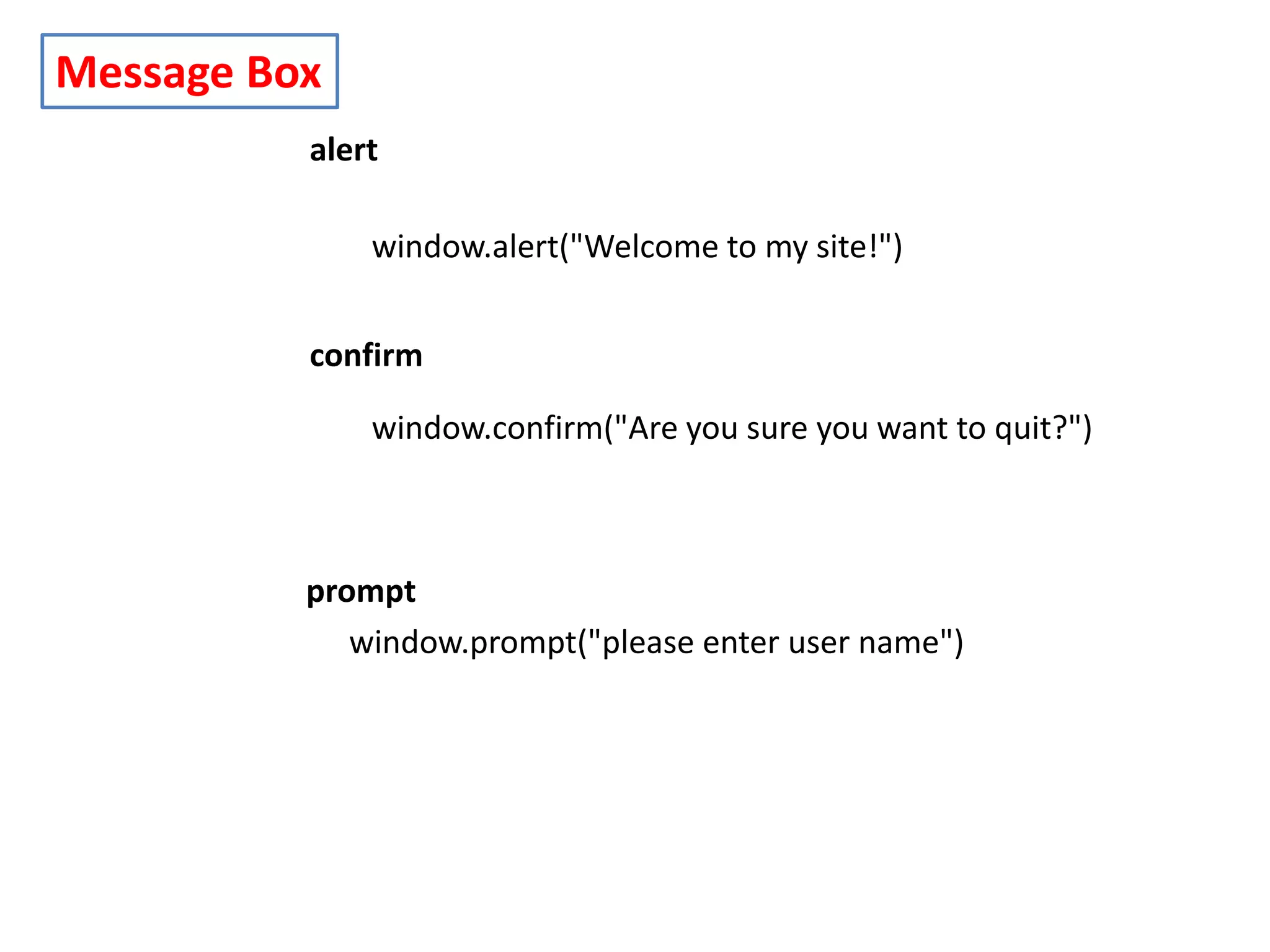
Message Box alert window.alert("Welcome to my site!") confirm window.confirm("Are you sure you want to quit?") prompt window.prompt("please enter user name")
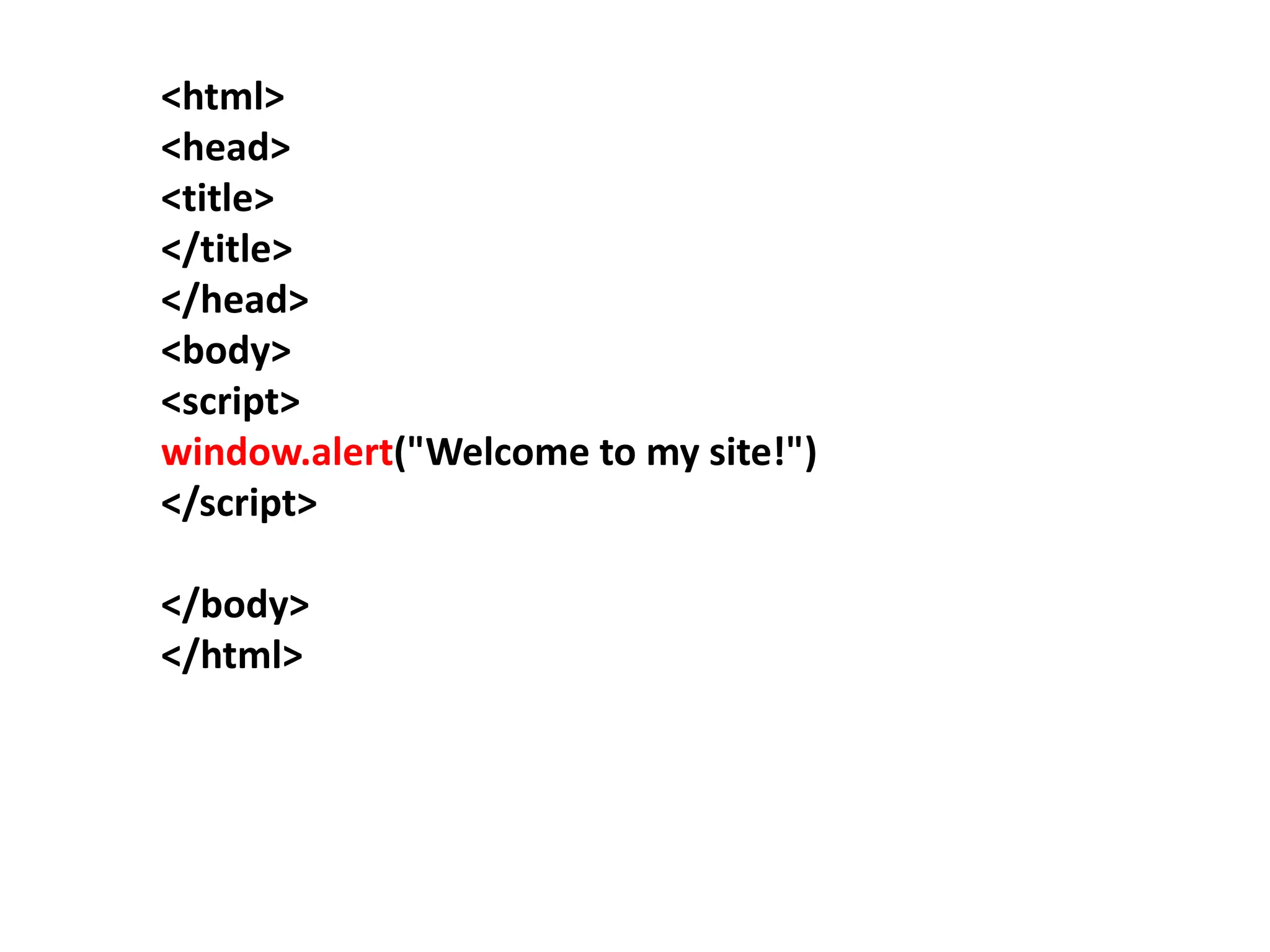
<html> <head> <title> </title> </head> <body> <script> window.alert("Welcome to my site!") </script> </body> </html>
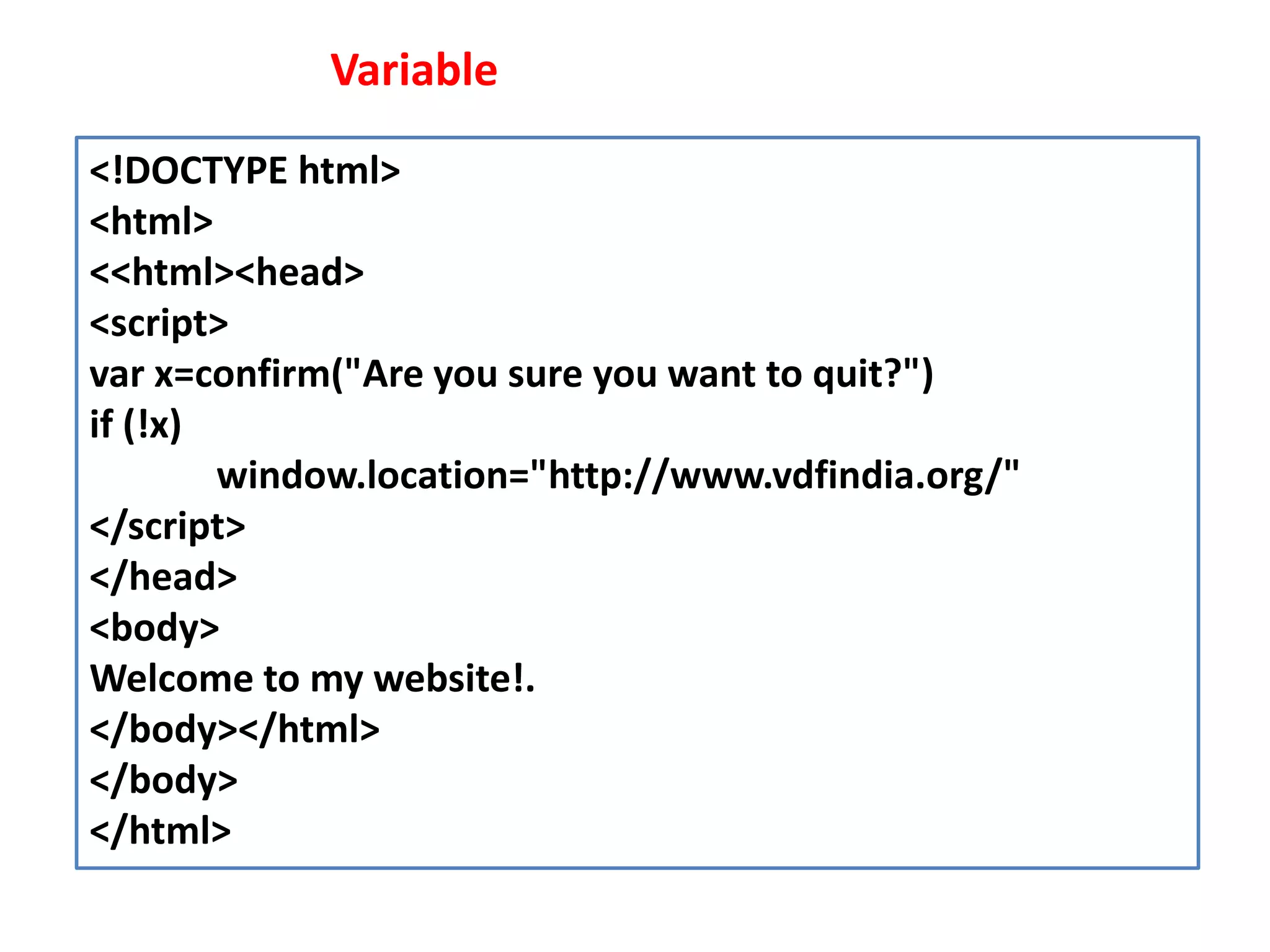
<!DOCTYPE html> <html> <<html><head> <script> var x=confirm("Are you sure you want to quit?") if (!x) window.location="http://www.vdfindia.org/" </script> </head> <body> Welcome to my website!. </body></html> </body> </html> Variable
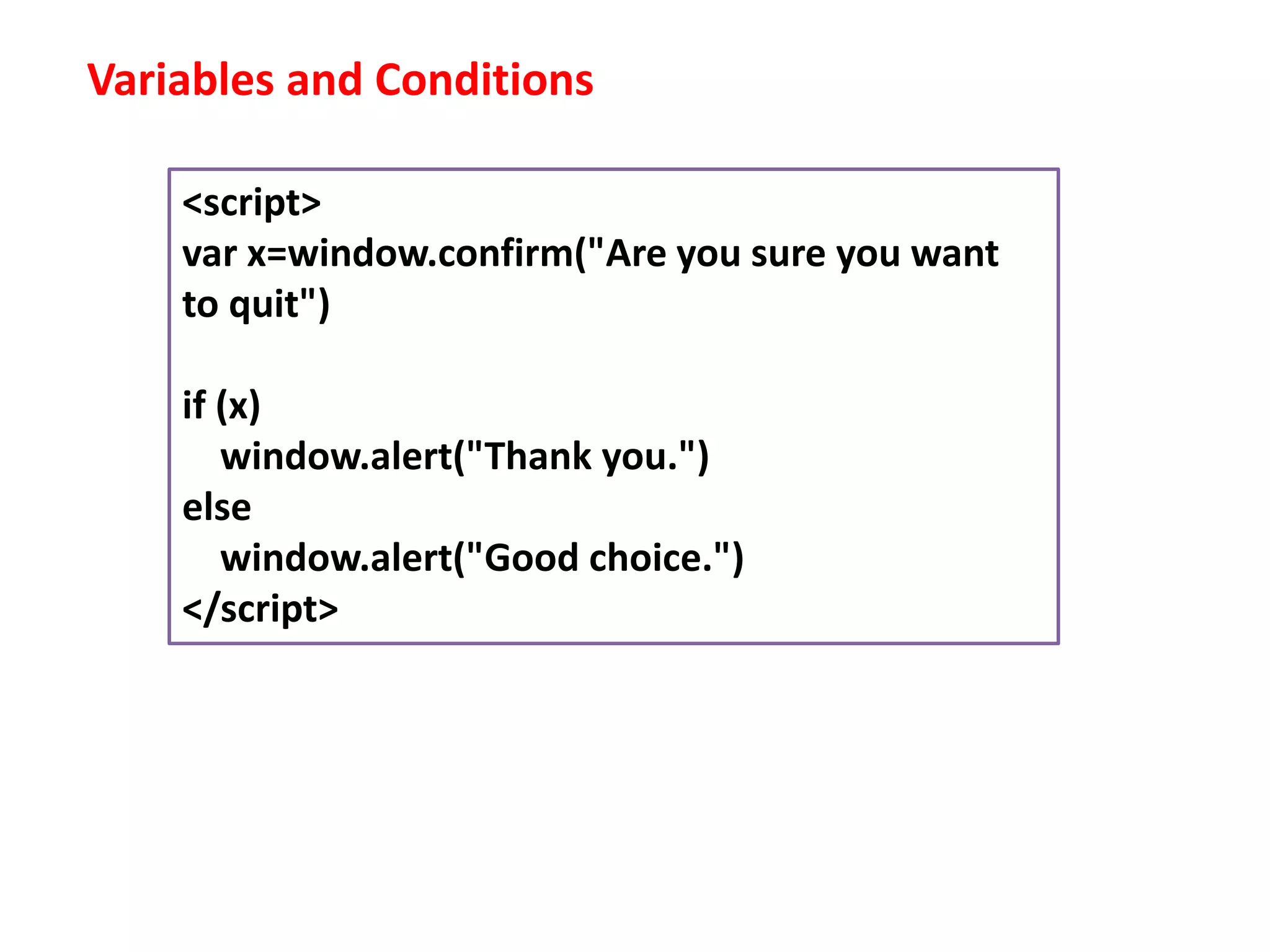
Variables and Conditions <script> var x=window.confirm("Are you sure you want to quit") if (x) window.alert("Thank you.") else window.alert("Good choice.") </script>
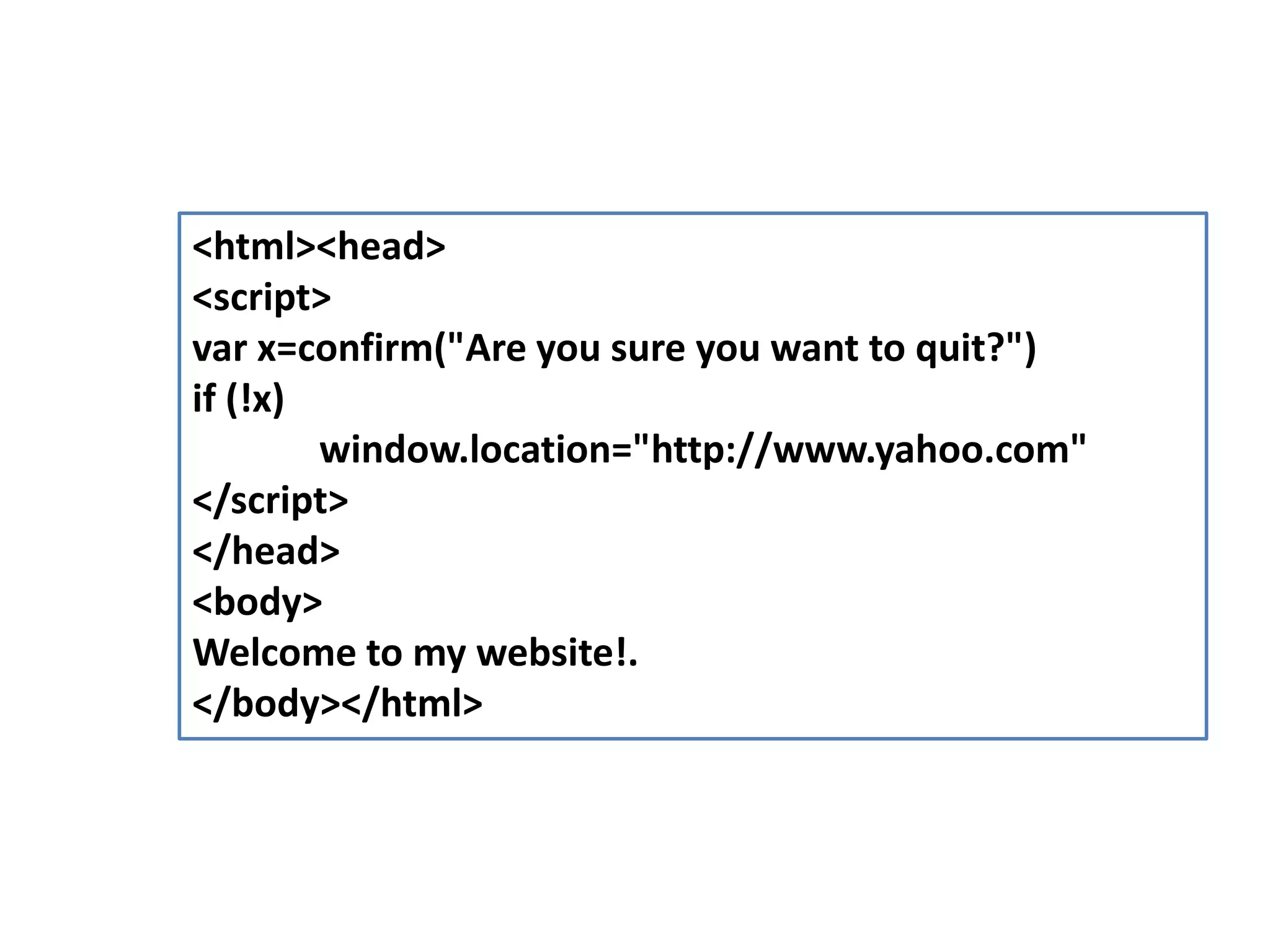
<html><head> <script> var x=confirm("Are you sure you want to quit?") if (!x) window.location="http://www.yahoo.com" </script> </head> <body> Welcome to my website!. </body></html>
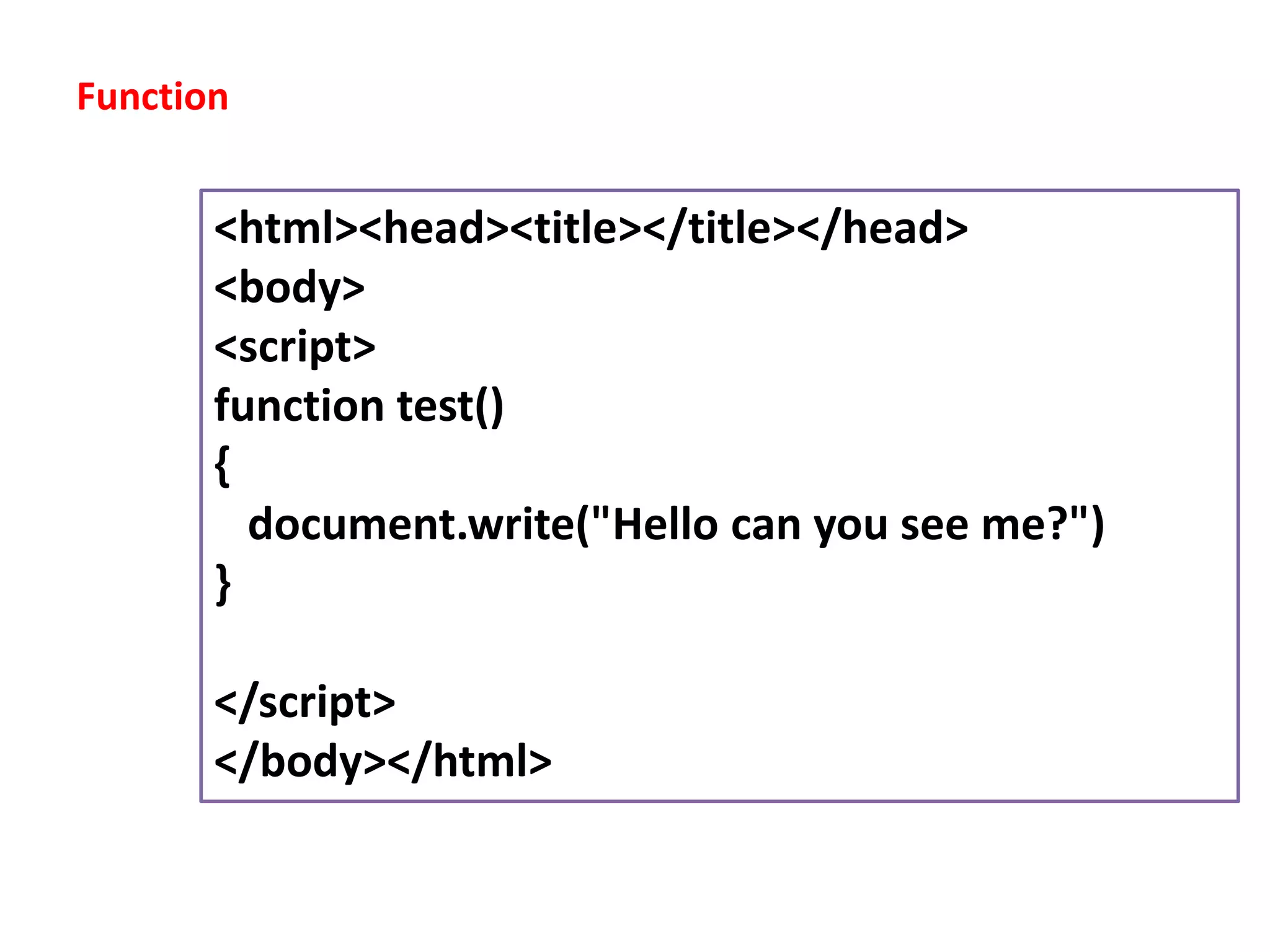
Function <html><head><title></title></head> <body> <script> function test() { document.write("Hello can you see me?") } </script> </body></html>
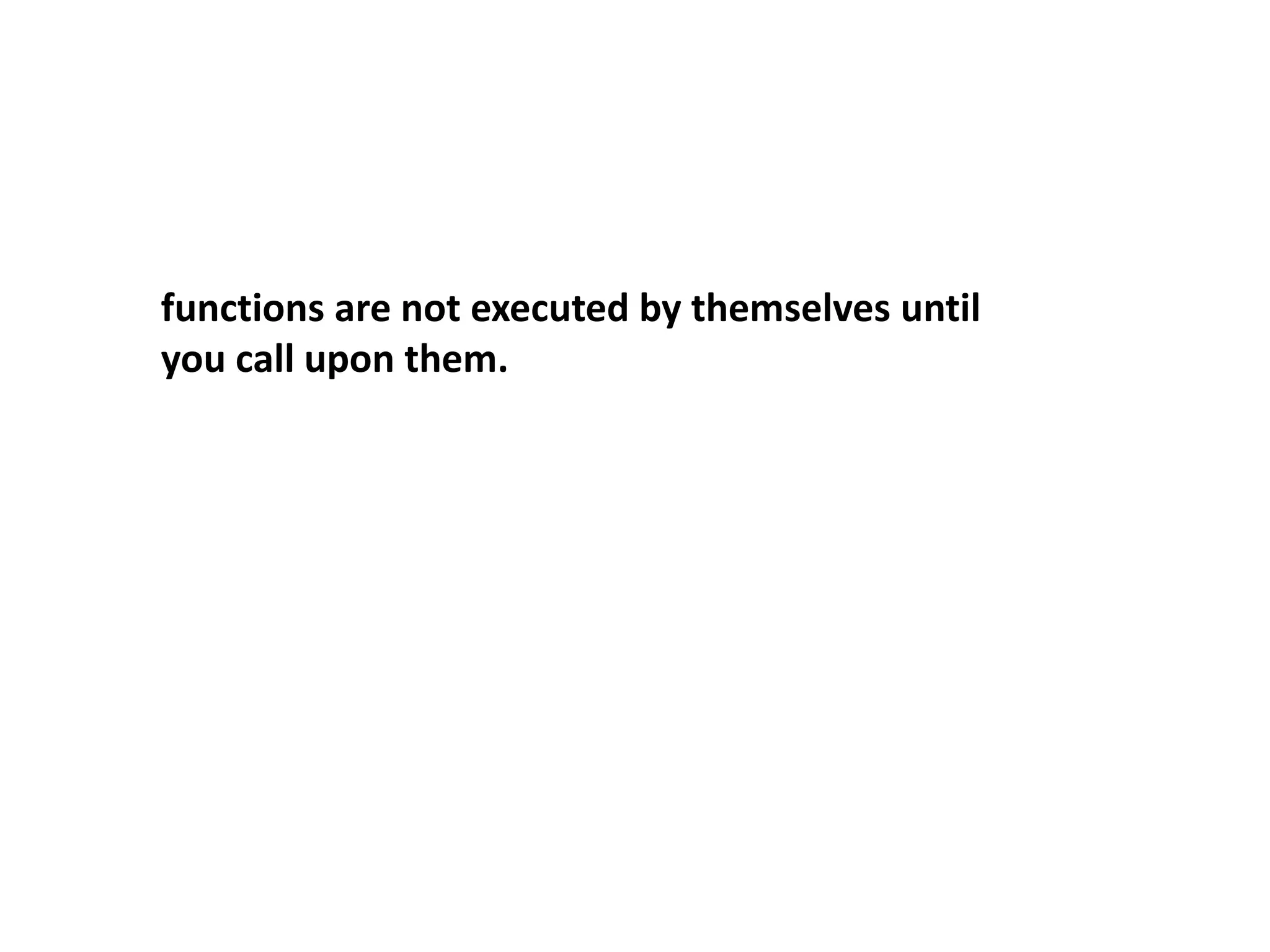
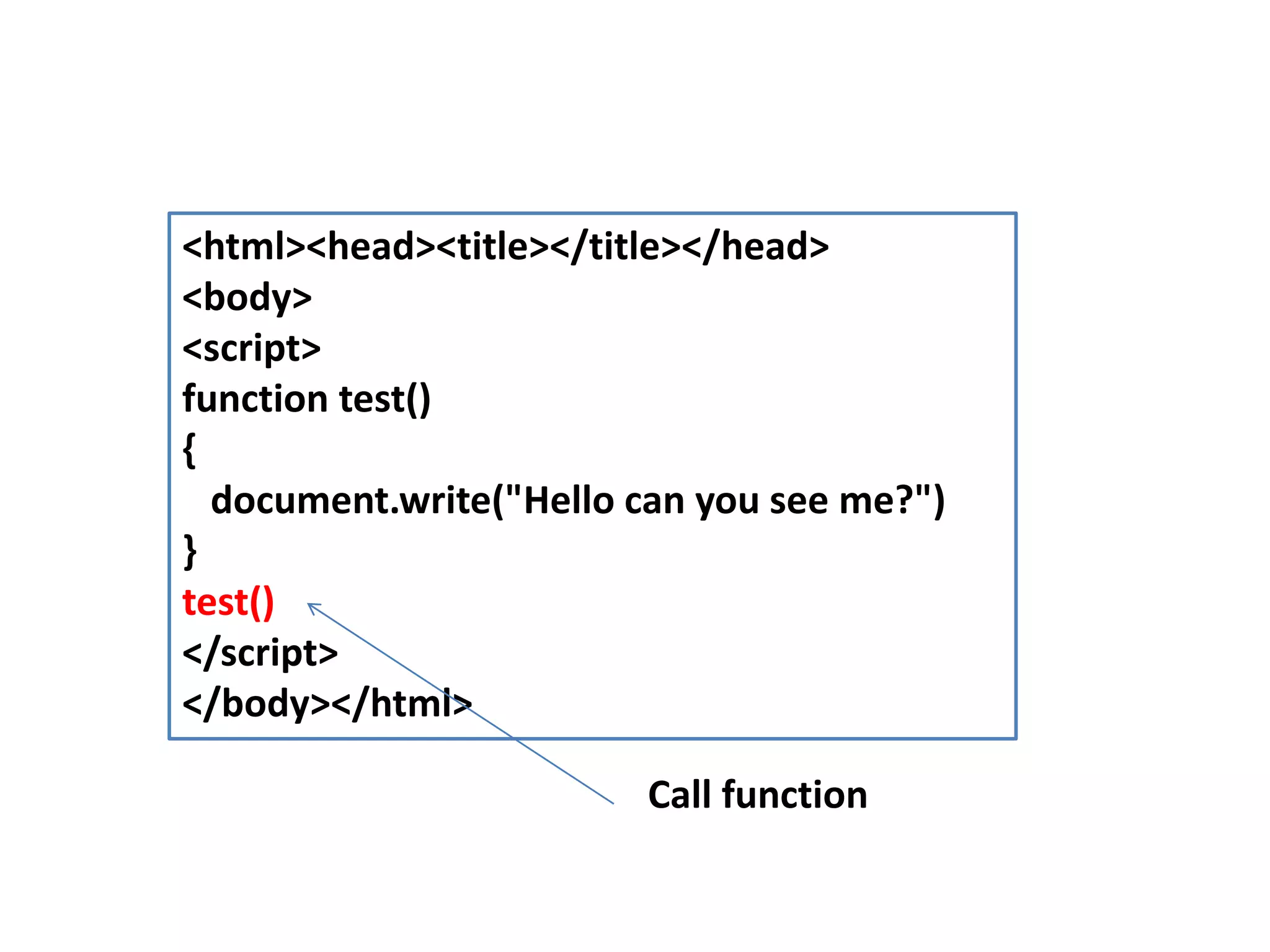
functions are not executed by themselves until you call upon them.
<html><head><title></title></head> <body> <script> function test() { document.write("Hello can you see me?") } test() </script> </body></html> Call function
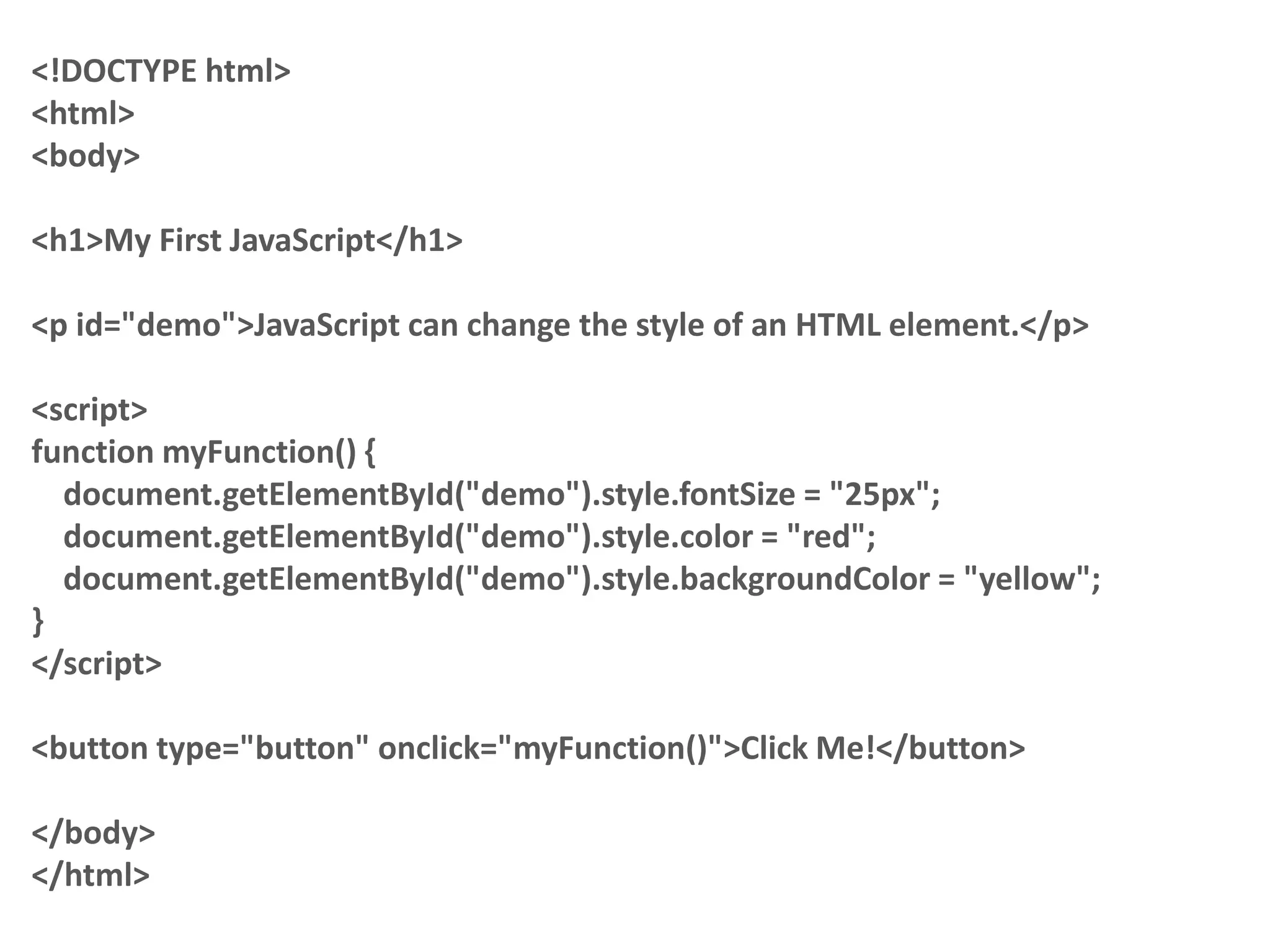
<!DOCTYPE html> <html> <body> <h1>My First JavaScript</h1> <p id="demo">JavaScript can change the style of an HTML element.</p> <script> function myFunction() { document.getElementById("demo").style.fontSize = "25px"; document.getElementById("demo").style.color = "red"; document.getElementById("demo").style.backgroundColor = "yellow"; } </script> <button type="button" onclick="myFunction()">Click Me!</button> </body> </html>
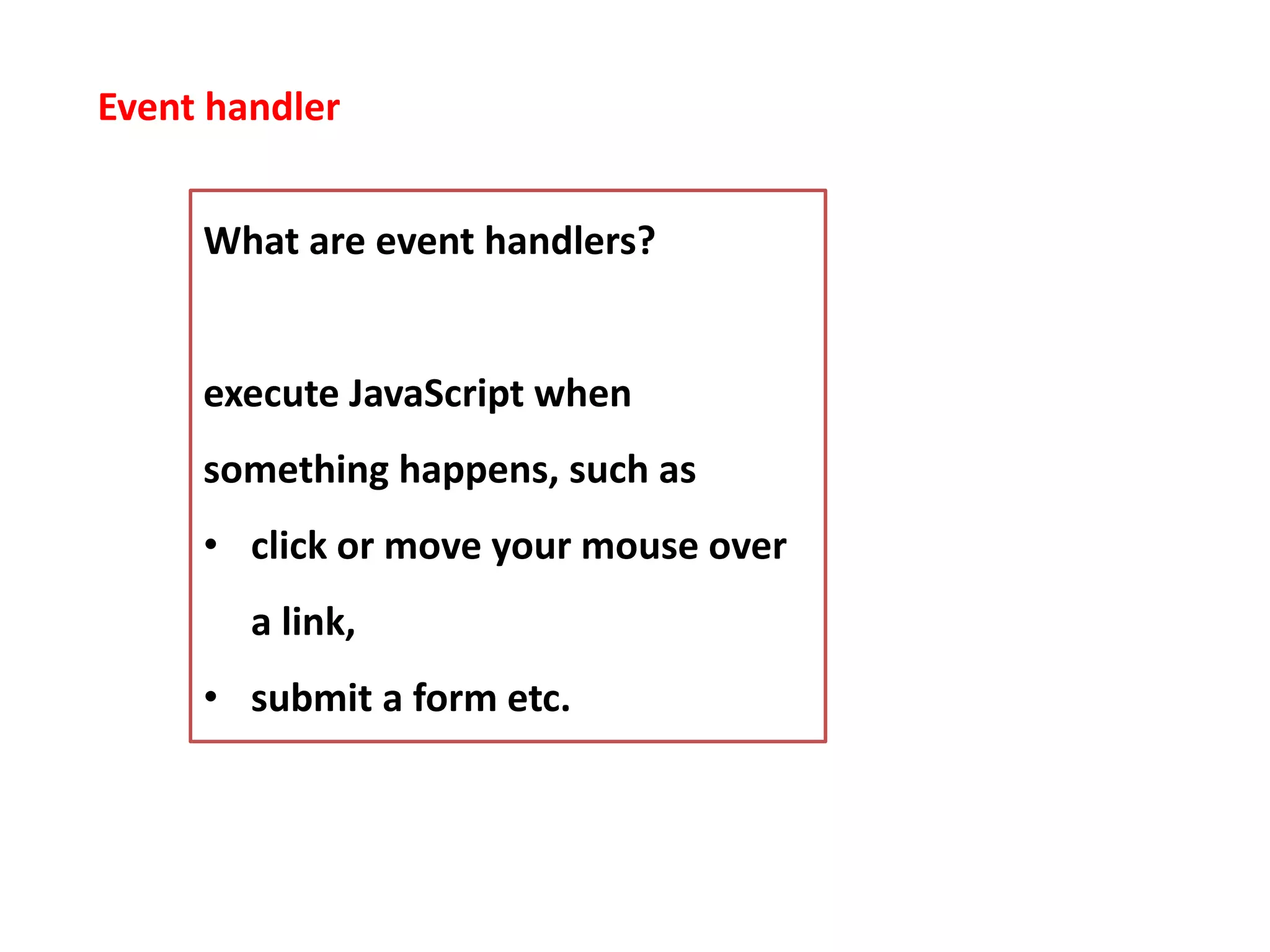
Event handler What are event handlers? execute JavaScript when something happens, such as • click or move your mouse over a link, • submit a form etc.
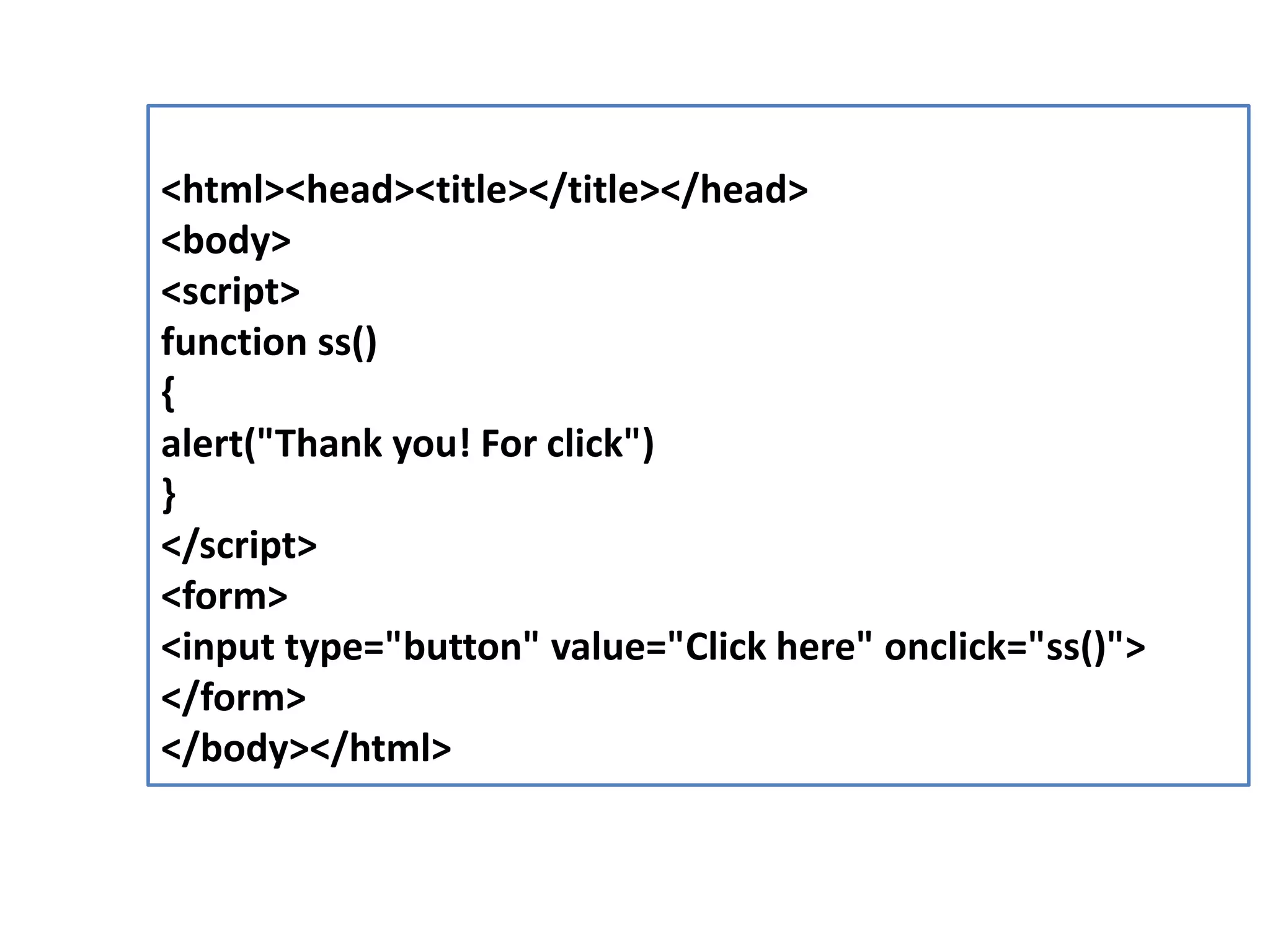
<html><head><title></title></head> <body> <script> function ss() { alert("Thank you! For click") } </script> <form> <input type="button" value="Click here" onclick="ss()"> </form> </body></html>
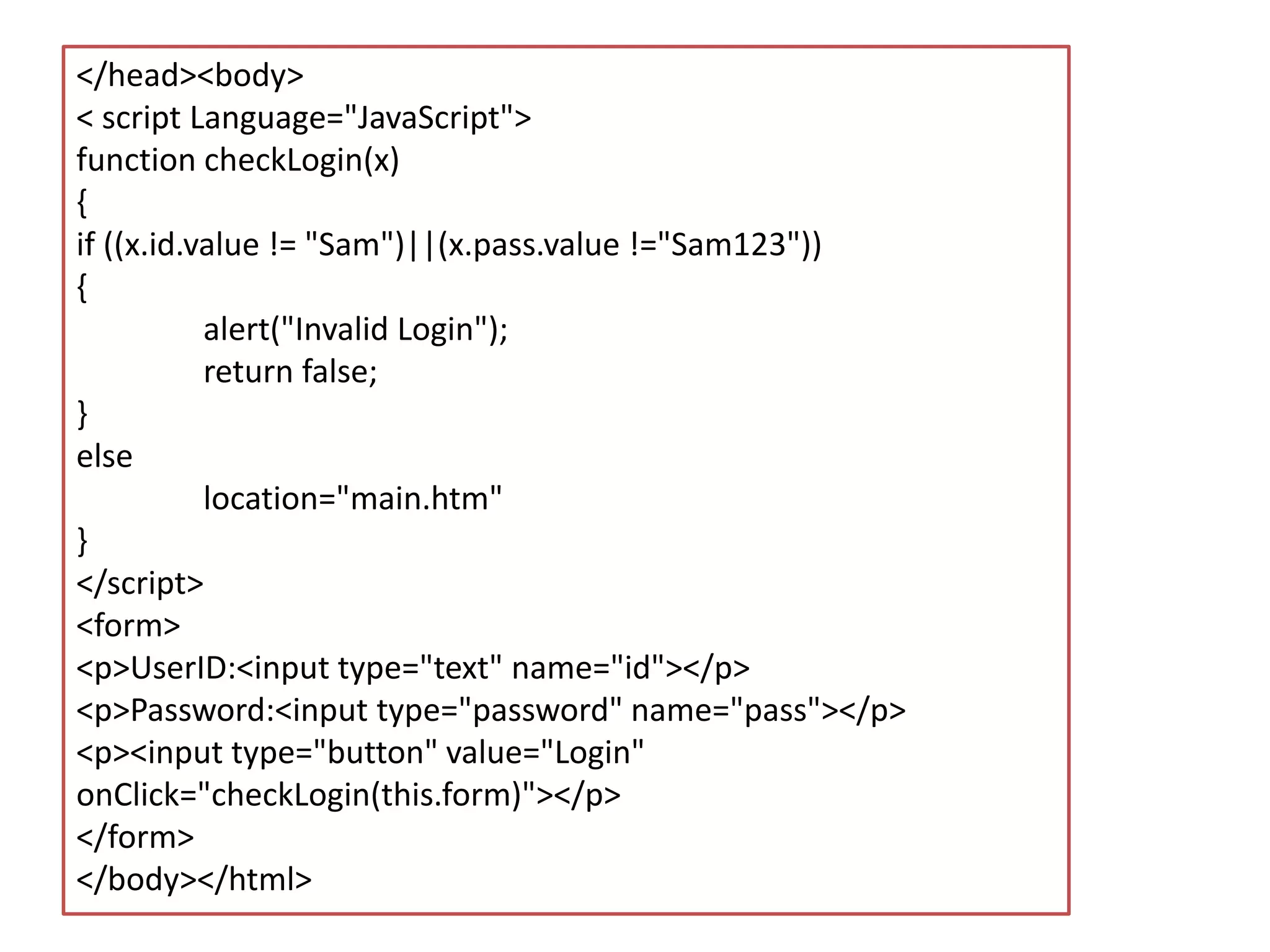
</head><body> < script Language="JavaScript"> function checkLogin(x) { if ((x.id.value != "Sam")||(x.pass.value !="Sam123")) { alert("Invalid Login"); return false; } else location="main.htm" } </script> <form> <p>UserID:<input type="text" name="id"></p> <p>Password:<input type="password" name="pass"></p> <p><input type="button" value="Login" onClick="checkLogin(this.form)"></p> </form> </body></html>
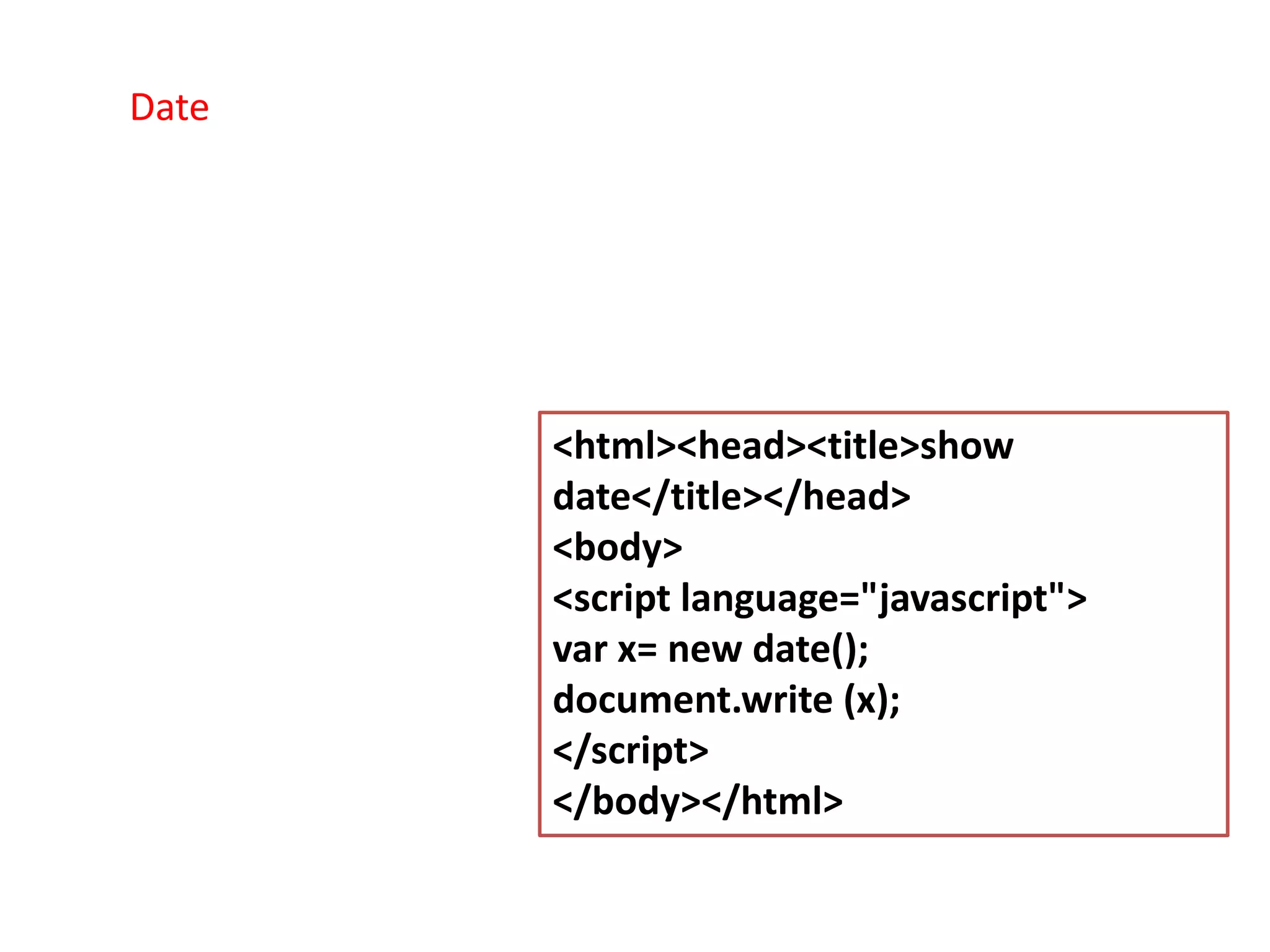
<html><head><title>show date</title></head> <body> <script language="javascript"> var x= new date(); document.write (x); </script> </body></html> Date
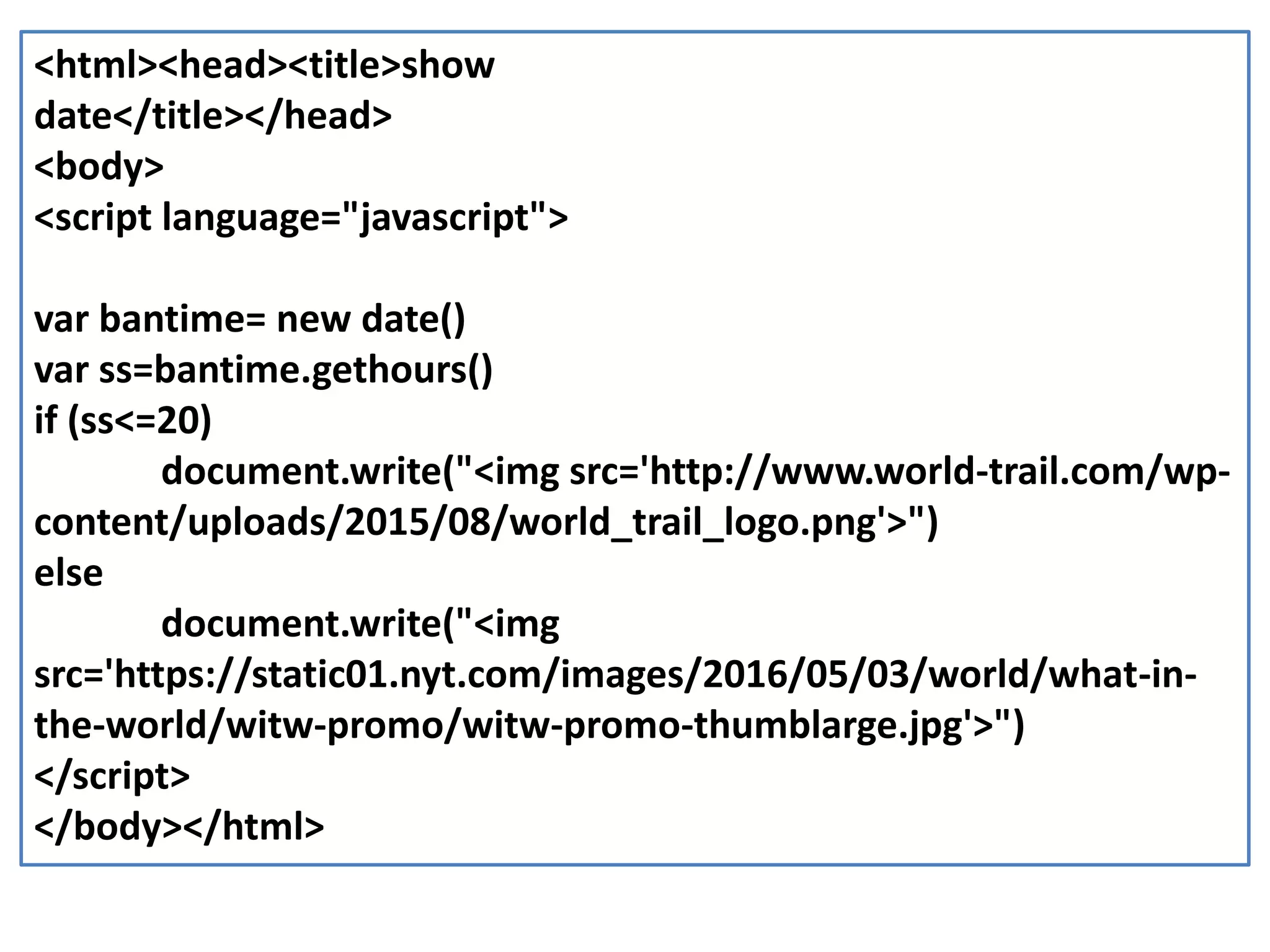
<html><head><title>show date</title></head> <body> <script language="javascript"> var bantime= new date() var ss=bantime.gethours() if (ss<=20) document.write("<img src='http://www.world-trail.com/wp- content/uploads/2015/08/world_trail_logo.png'>") else document.write("<img src='https://static01.nyt.com/images/2016/05/03/world/what-in- the-world/witw-promo/witw-promo-thumblarge.jpg'>") </script> </body></html>
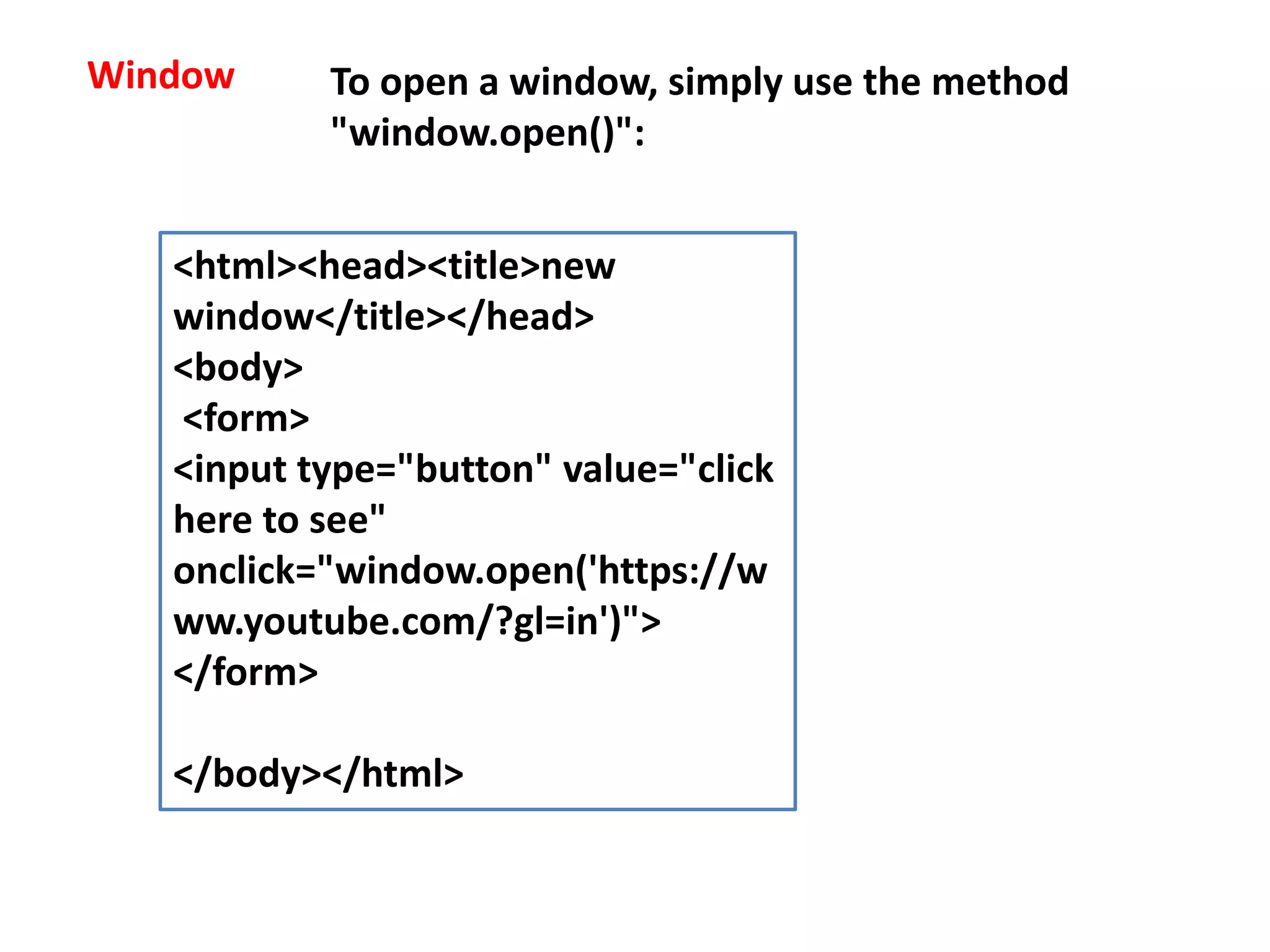
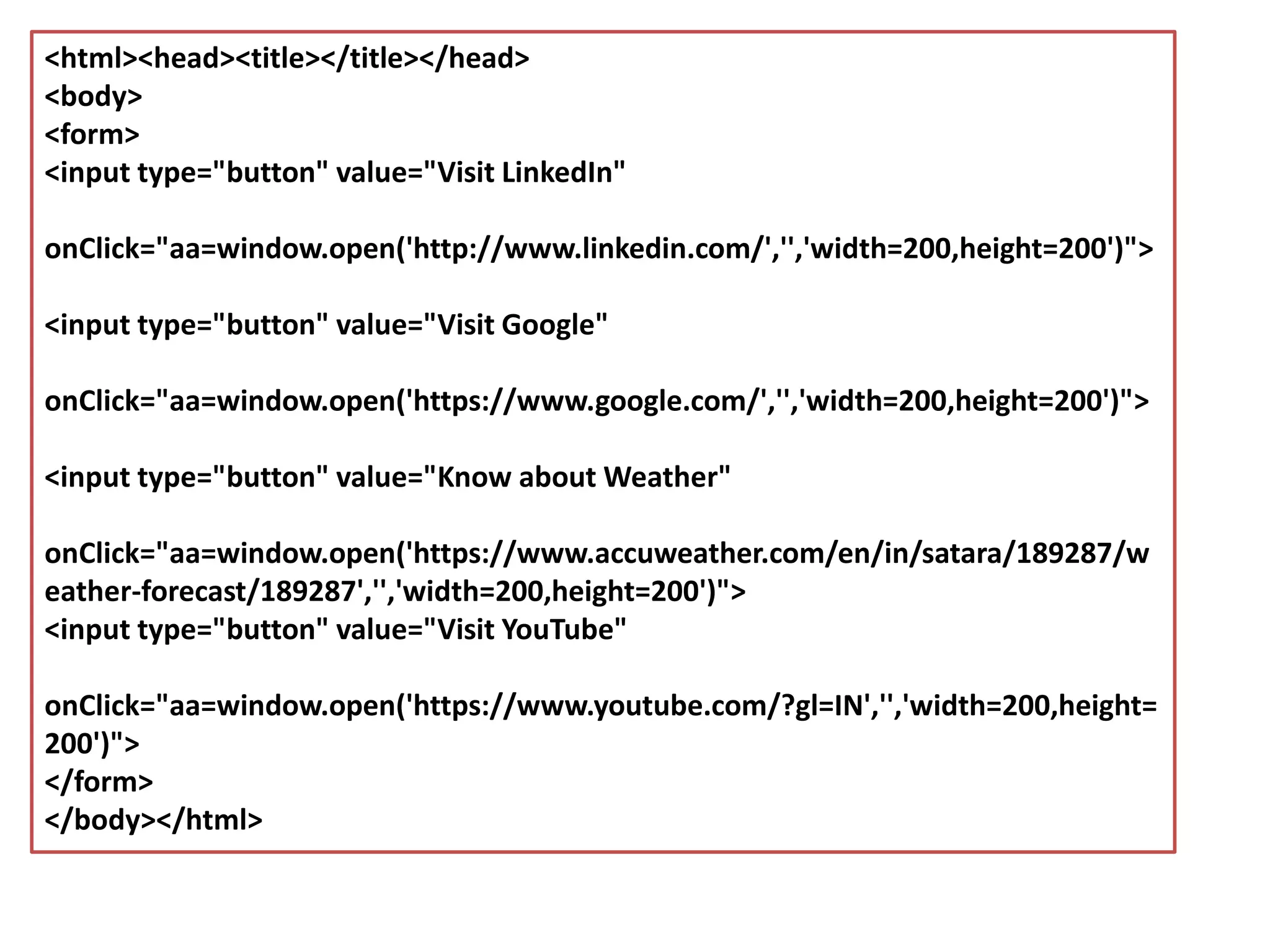
Window To open a window, simply use the method "window.open()": <html><head><title>new window</title></head> <body> <form> <input type="button" value="click here to see" onclick="window.open('https://w ww.youtube.com/?gl=in')"> </form> </body></html>
<html><head><title></title></head> <body> <form> <input type="button" value="Visit LinkedIn" onClick="aa=window.open('http://www.linkedin.com/','','width=200,height=200')"> <input type="button" value="Visit Google" onClick="aa=window.open('https://www.google.com/','','width=200,height=200')"> <input type="button" value="Know about Weather" onClick="aa=window.open('https://www.accuweather.com/en/in/satara/189287/w eather-forecast/189287','','width=200,height=200')"> <input type="button" value="Visit YouTube" onClick="aa=window.open('https://www.youtube.com/?gl=IN','','width=200,height= 200')"> </form> </body></html>
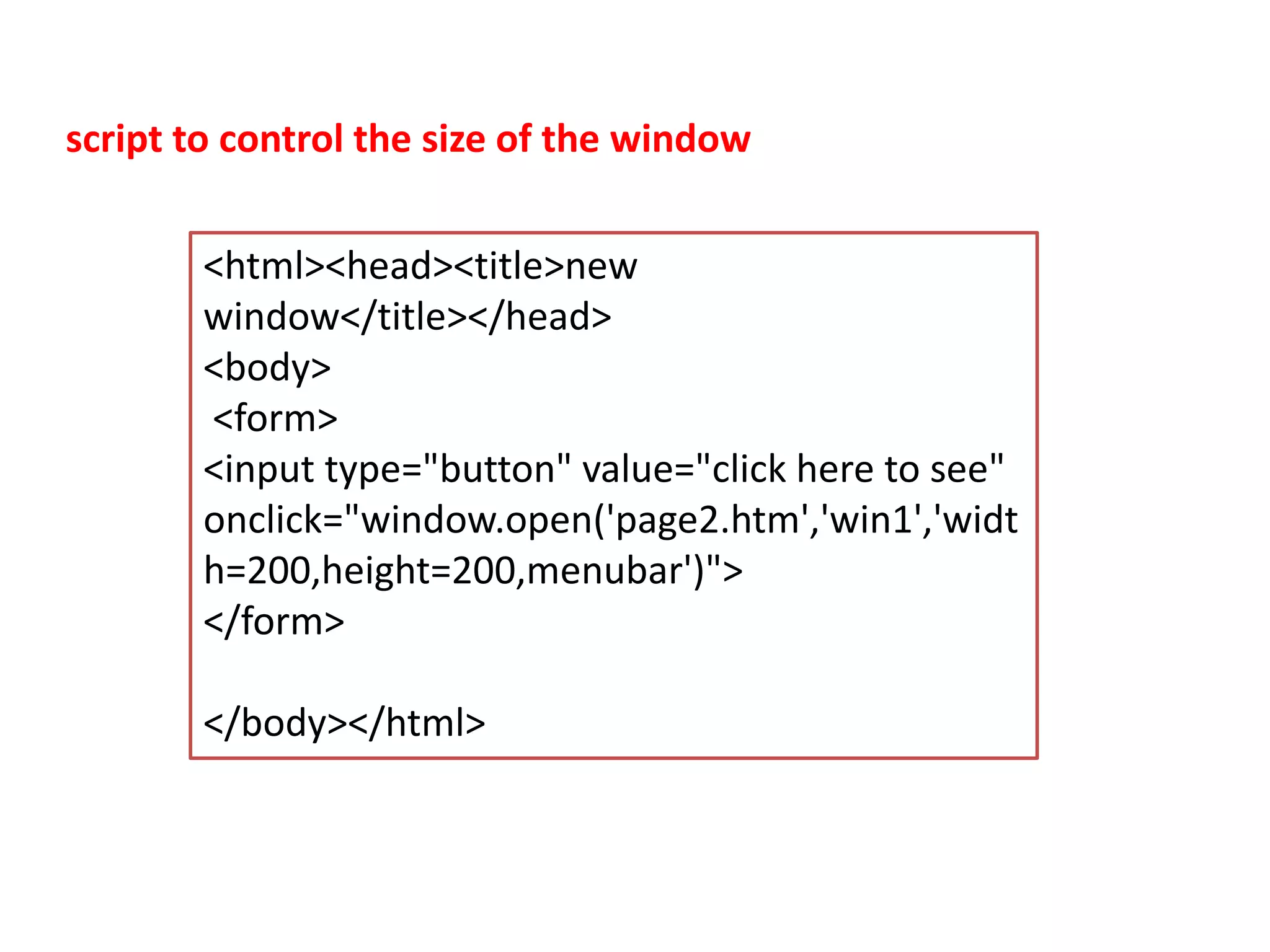
<html><head><title>new window</title></head> <body> <form> <input type="button" value="click here to see" onclick="window.open('page2.htm','win1','widt h=200,height=200,menubar')"> </form> </body></html> script to control the size of the window
JavaScript with HTML + CSS
Show Date (using HTML + Javascript)
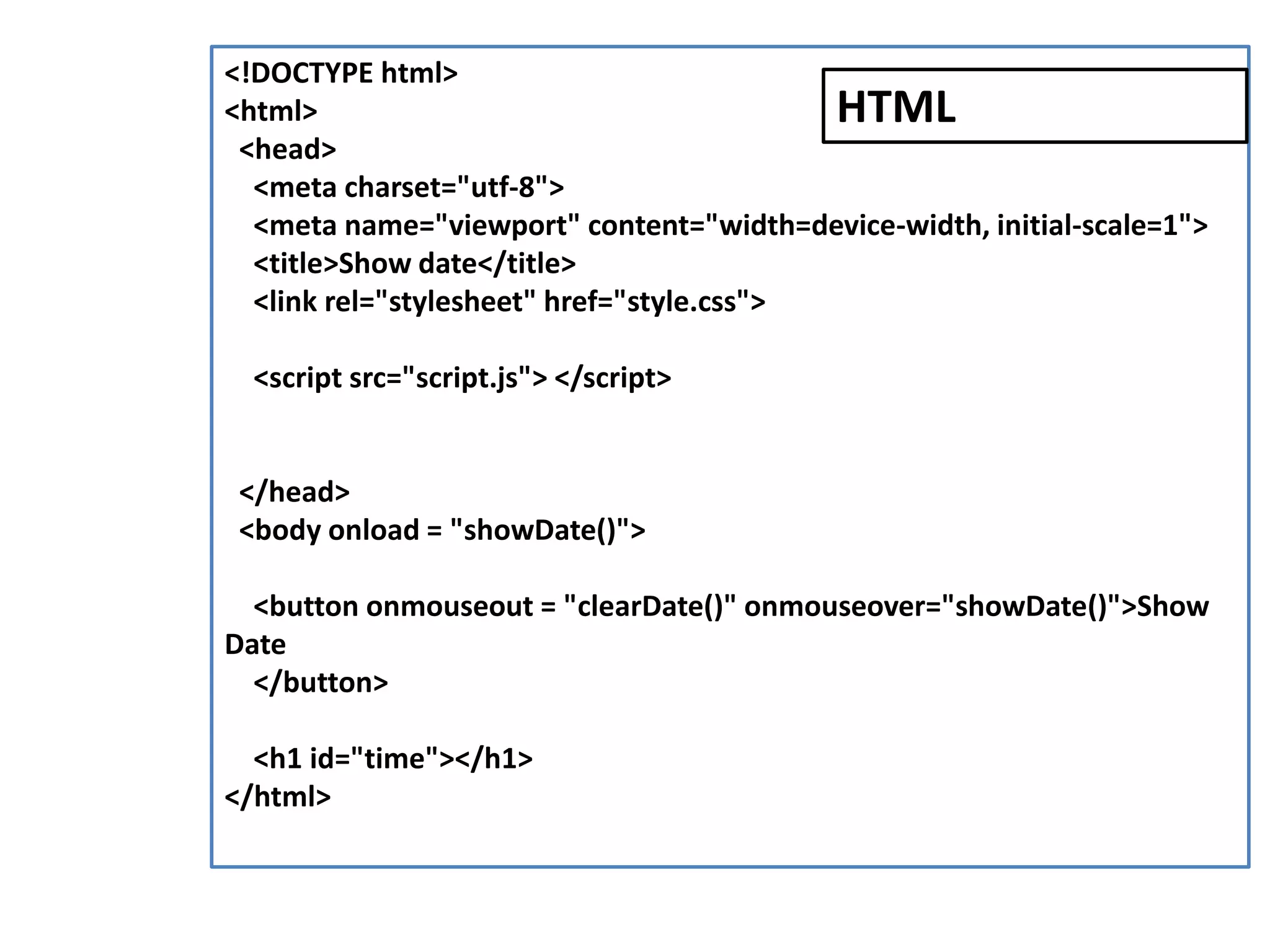
<!DOCTYPE html> <html> <head> <meta charset="utf-8"> <meta name="viewport" content="width=device-width, initial-scale=1"> <title>Show date</title> <link rel="stylesheet" href="style.css"> <script src="script.js"> </script> </head> <body onload = "showDate()"> <button onmouseout = "clearDate()" onmouseover="showDate()">Show Date </button> <h1 id="time"></h1> </html> HTML
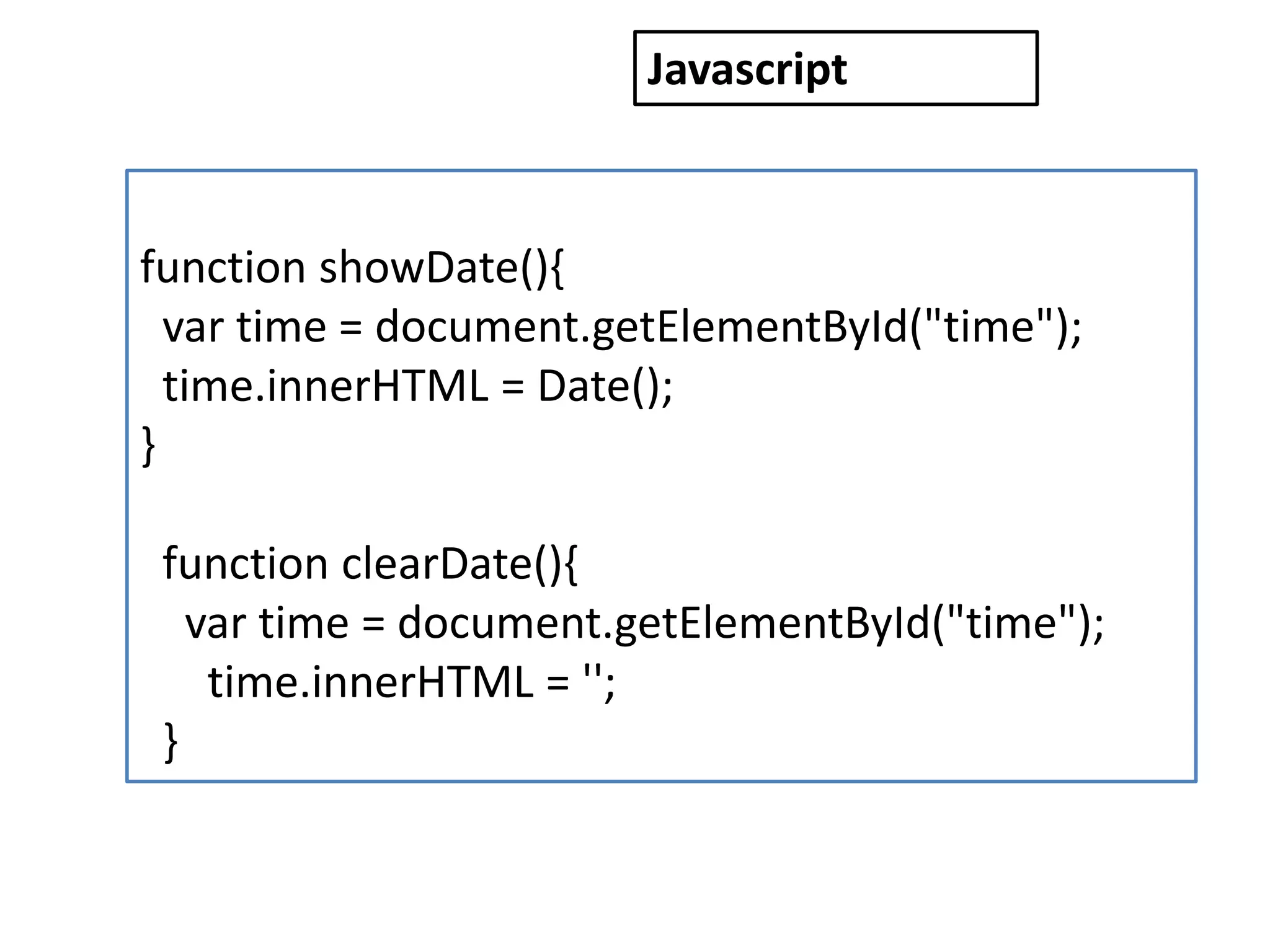
function showDate(){ var time = document.getElementById("time"); time.innerHTML = Date(); } function clearDate(){ var time = document.getElementById("time"); time.innerHTML = ''; } Javascript
Increase font size (using HTML + Javascript)
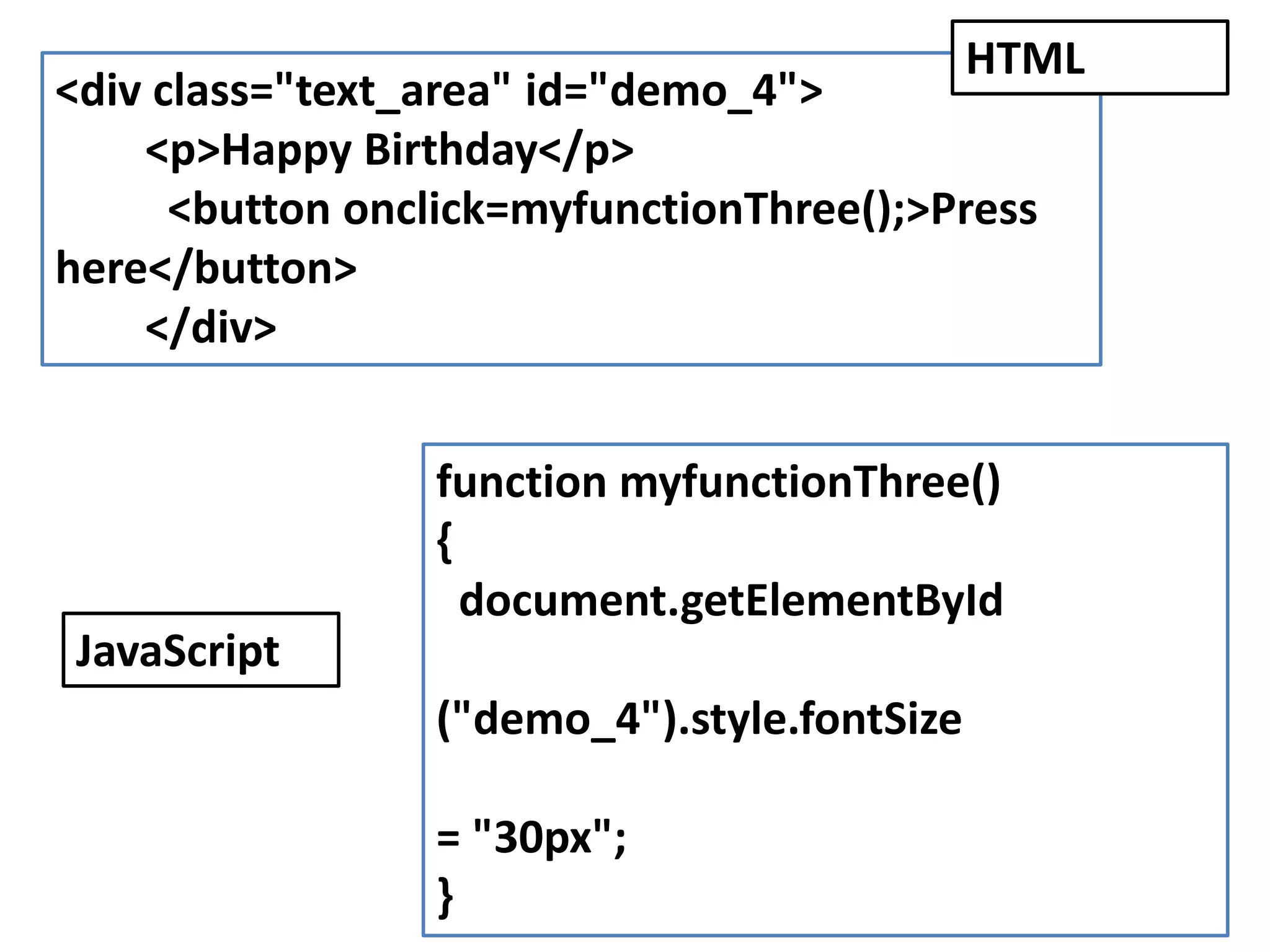
<div class="text_area" id="demo_4"> <p>Happy Birthday</p> <button onclick=myfunctionThree();>Press here</button> </div> function myfunctionThree() { document.getElementById ("demo_4").style.fontSize = "30px"; } HTML JavaScript
Display an image (using HTML + CSS + Javascript)
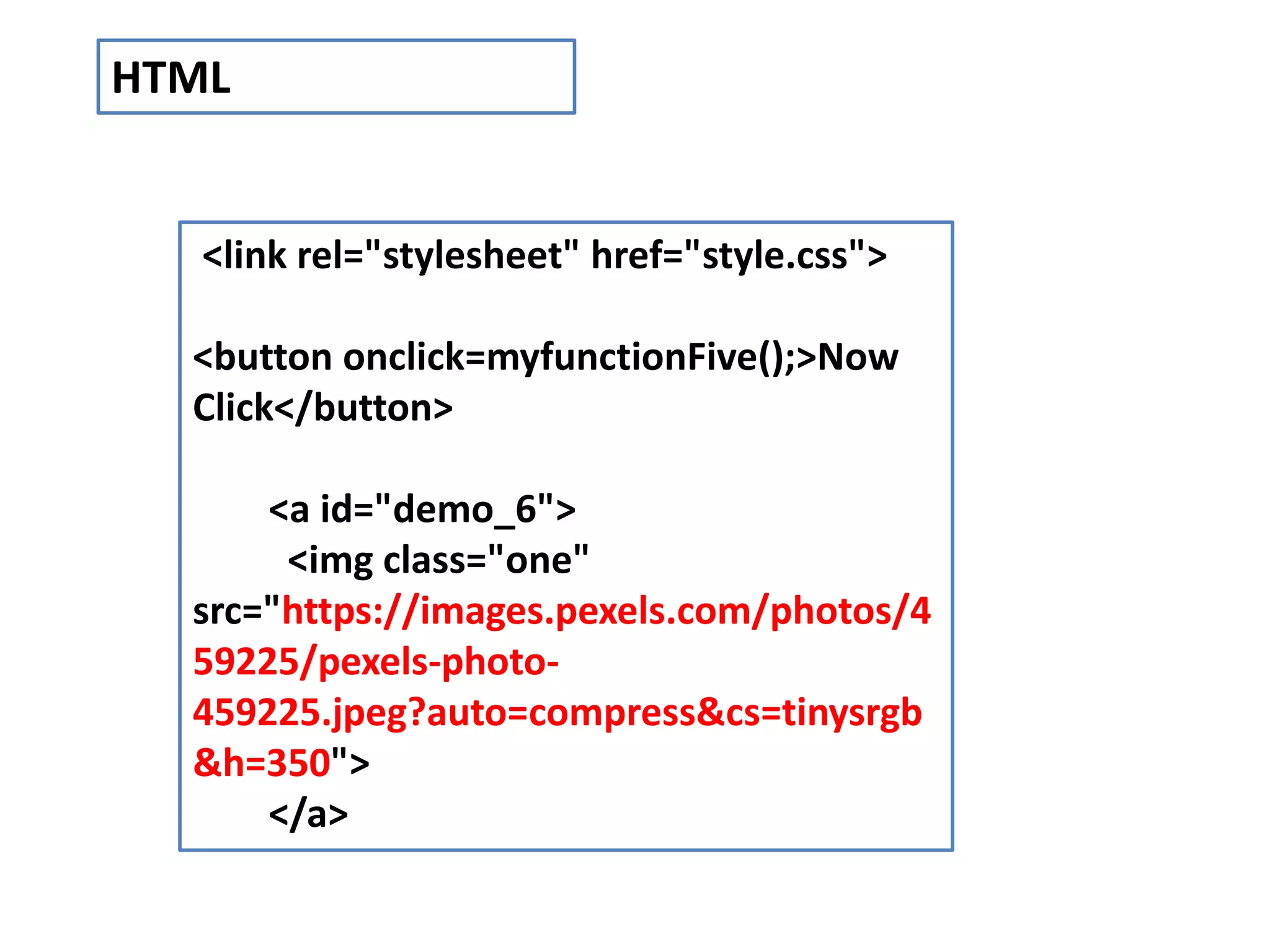
<link rel="stylesheet" href="style.css"> <button onclick=myfunctionFive();>Now Click</button> <a id="demo_6"> <img class="one" src="https://images.pexels.com/photos/4 59225/pexels-photo- 459225.jpeg?auto=compress&cs=tinysrgb &h=350"> </a> HTML
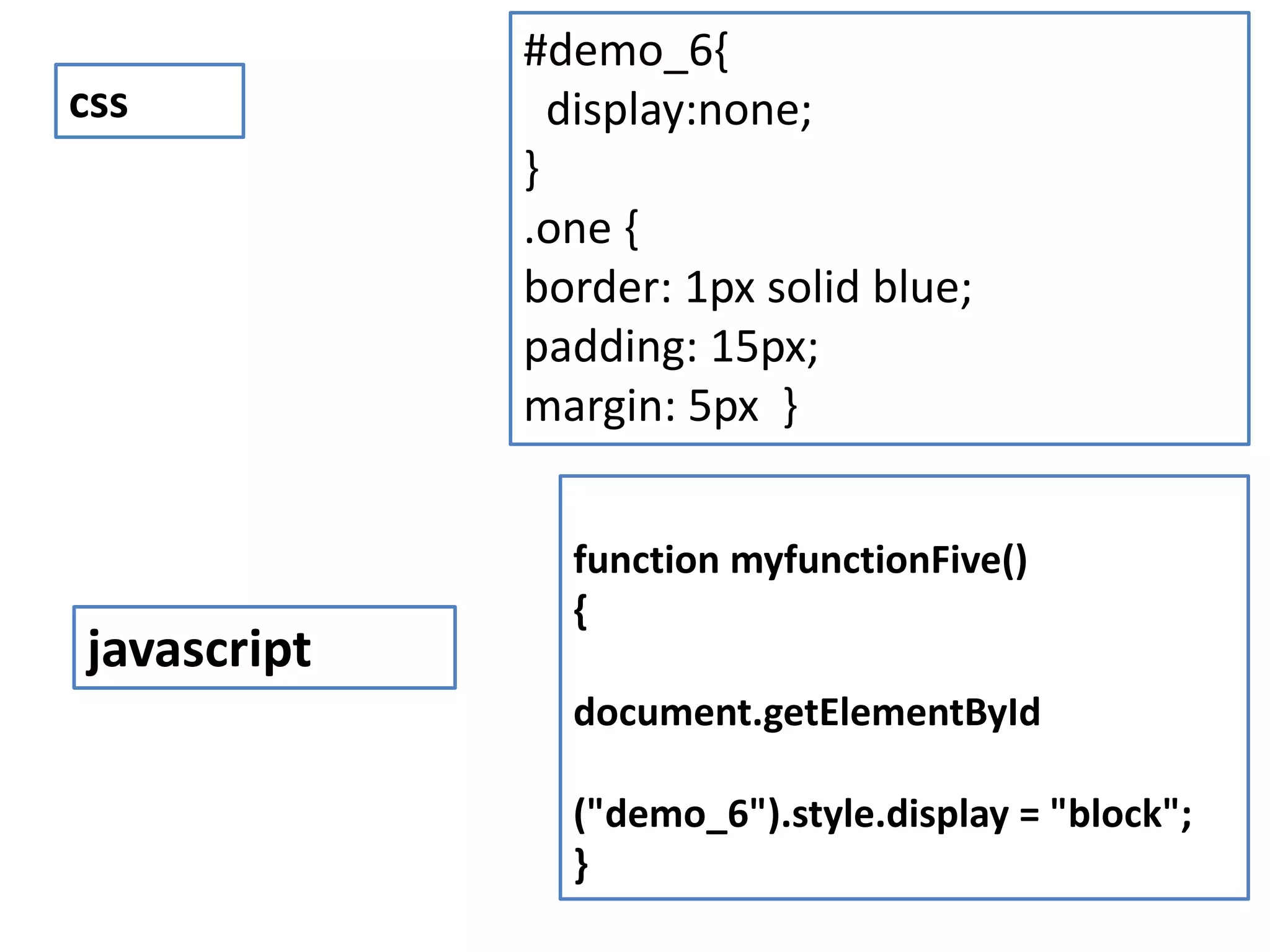
#demo_6{ display:none; } .one { border: 1px solid blue; padding: 15px; margin: 5px } css function myfunctionFive() { document.getElementById ("demo_6").style.display = "block"; } javascript
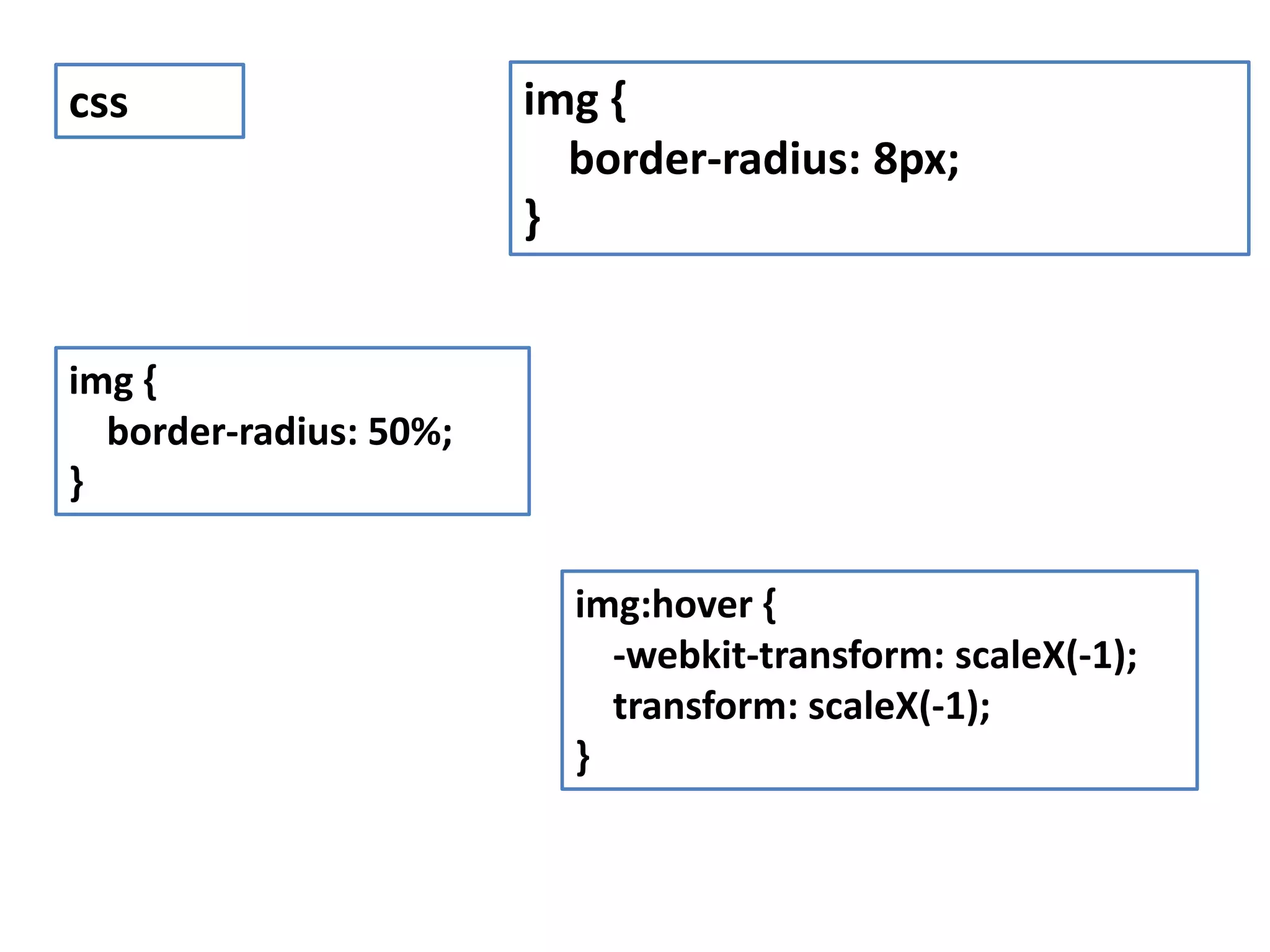
img { border-radius: 8px; } css img { border-radius: 50%; } img:hover { -webkit-transform: scaleX(-1); transform: scaleX(-1); }

Javascript basic programs