JavaScript & jQuery Basics
JavaScript & jQuery | Agenda           JavaScript Capabilities JavaScript Basics & Syntax. Introduction to jQuery jQuery Advantages Why jQuery is So Popular? jQuery Selectors & Methods Live Demo jQuery Events Live Demo Beyond Basics Live Demo Useful Resources Time for Questions
Introduction to JavaScript Front-end Technologies General Overview.
JavaScript | Capabilities  Implementing form validation  React to user actions (click, mouse over…)  Appearing and disappearing elements  Content loading and changing dynamically  Performing complex calculations  Implementing Custom controls  Implementing AJAX functionality  … and many more.
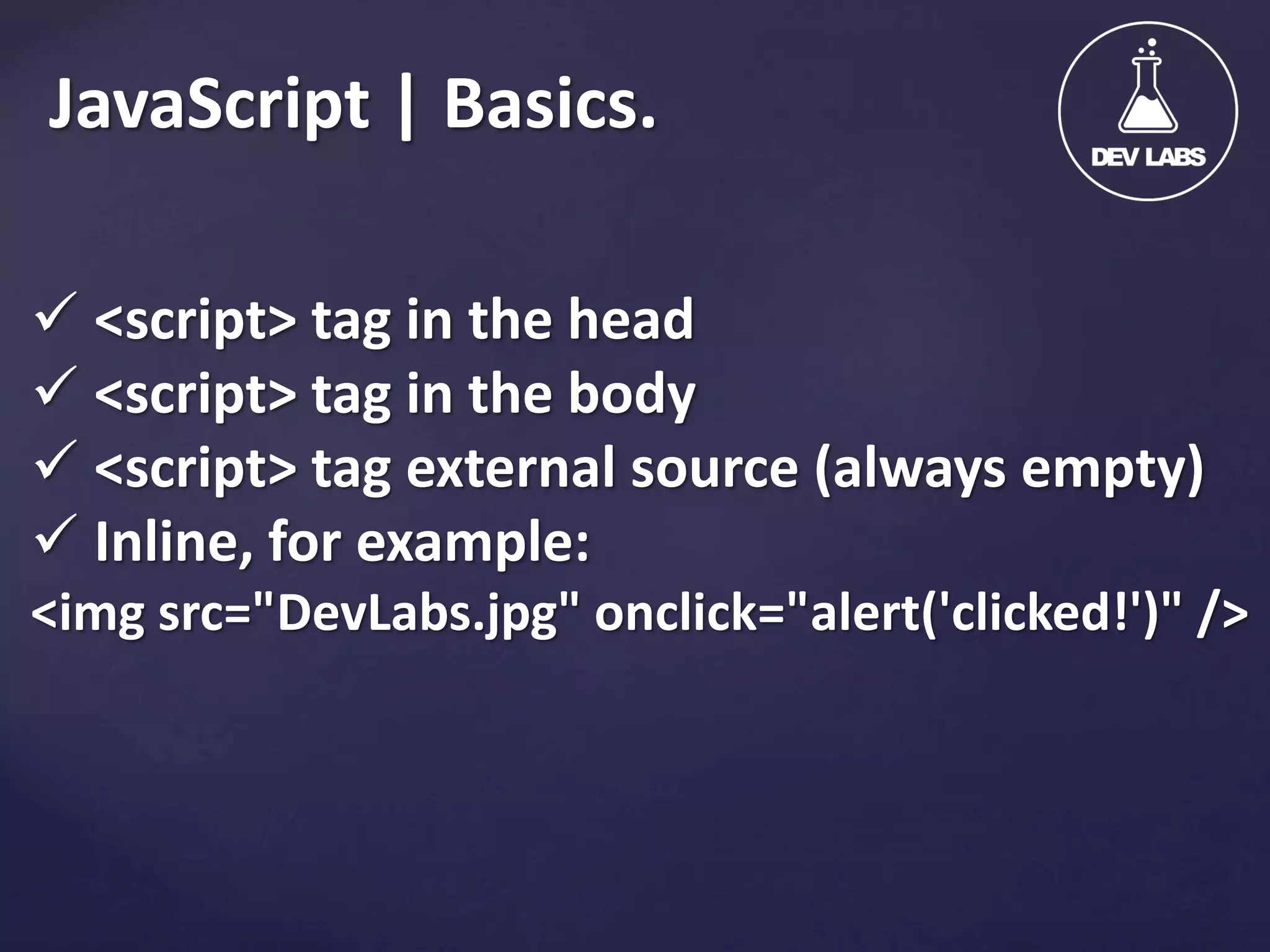
JavaScript | Basics.  <script> tag in the head  <script> tag in the body  <script> tag external source (always empty)  Inline, for example: <img src="DevLabs.jpg" onclick="alert('clicked!')" />
JavaScript | Syntax.  Operators (+, *, =, !=, &&, ++, …)  Variables (typeless)  Conditional statements (if, else)  Loops (for, while)  Arrays (my_array[]) and associative arrays (my_array['abc'])  Functions
Introduction to jQuery Write less, do more.
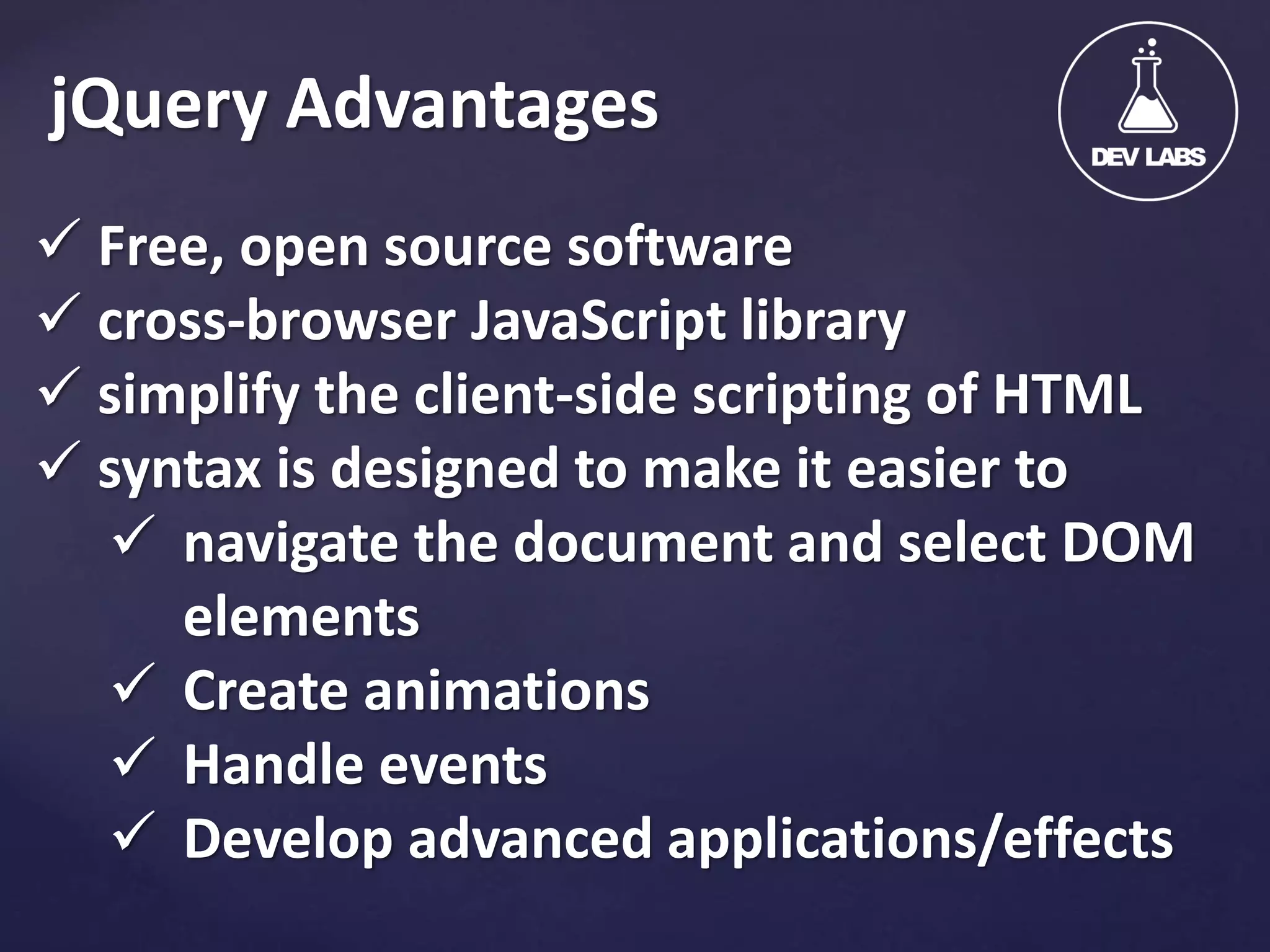
jQuery Advantages  Free, open source software  cross-browser JavaScript library  simplify the client-side scripting of HTML  syntax is designed to make it easier to  navigate the document and select DOM elements  Create animations  Handle events  Develop advanced applications/effects
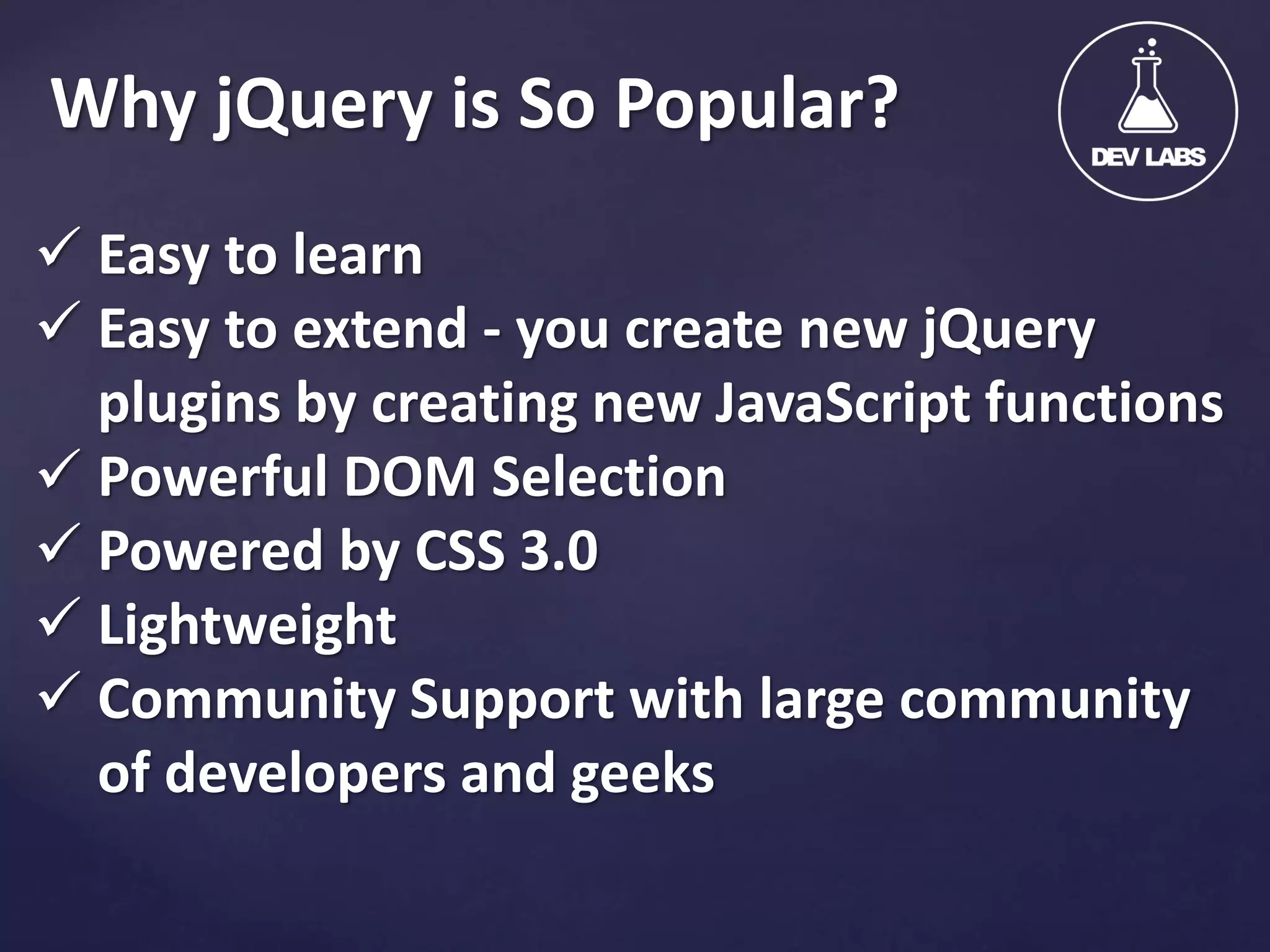
Why jQuery is So Popular?  Easy to learn  Easy to extend - you create new jQuery plugins by creating new JavaScript functions  Powerful DOM Selection  Powered by CSS 3.0  Lightweight  Community Support with large community of developers and geeks
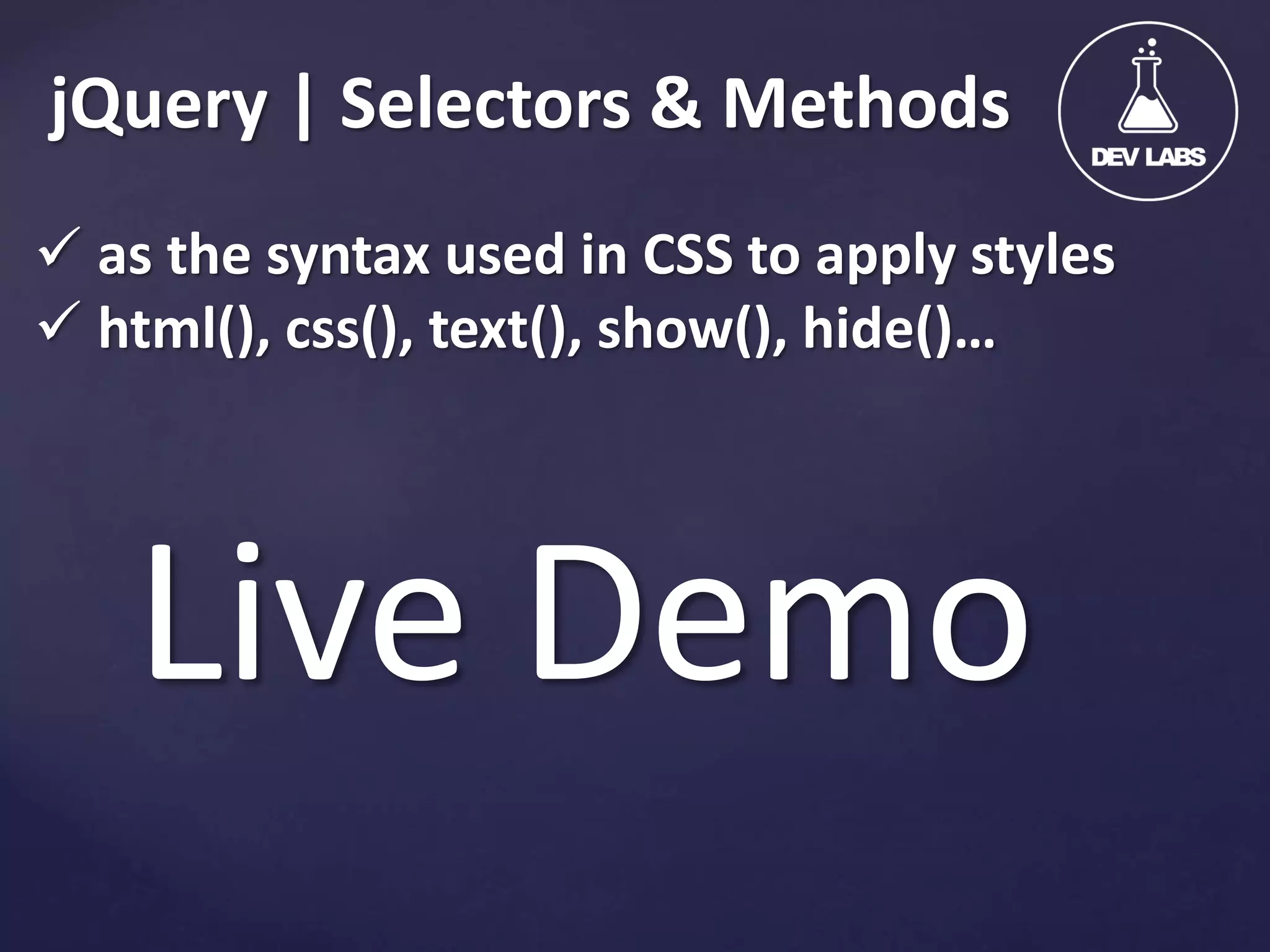
jQuery | Selectors & Methods  as the syntax used in CSS to apply styles  html(), css(), text(), show(), hide()… Live Demo
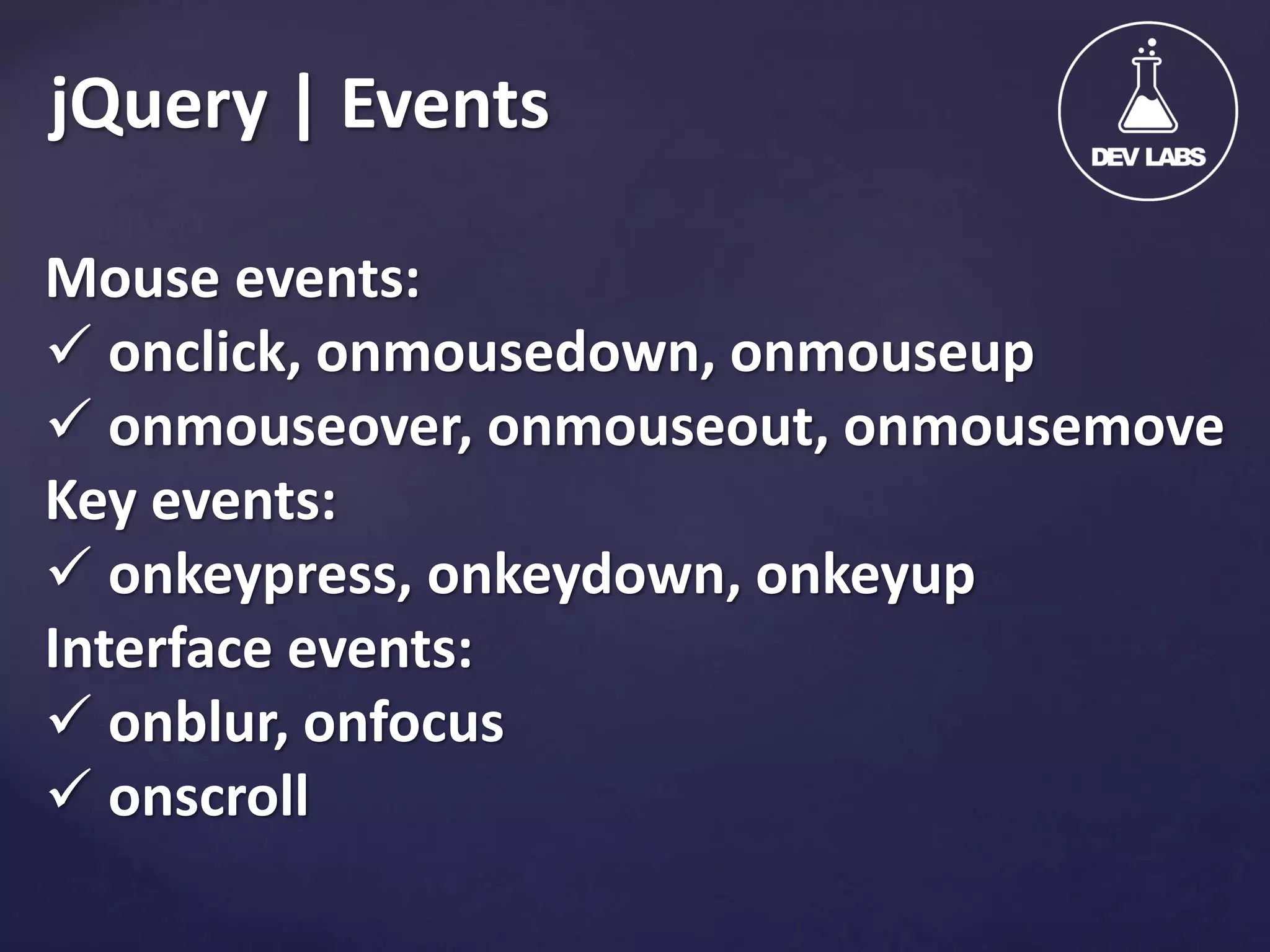
jQuery | Events Mouse events:  onclick, onmousedown, onmouseup  onmouseover, onmouseout, onmousemove Key events:  onkeypress, onkeydown, onkeyup Interface events:  onblur, onfocus  onscroll
jQuery | Events Live Demo
jQuery | Beyond Basics Live Demo
Useful Resources JavaScript Basics: http://jqfundamentals.com/chapter/javascriptbasics A guide to the basics of jQuery: http://jqfundamentals.com/
Kaloyan Kosev, Web Developer superkalo@devlabs.bg LinkedIn/superKalo Facebook/superKalo
JavaScript & jQuery Time for Questions.
Output + Feedback Facebook Group: Software Engineering and Management - Master Class http://www.facebook.com/groups/1425392611009770/ Homework: Code the front-end main JavaScript & jQuery functionalities of your projects.

JavaScript and jQuery Basics

  • 1.
  • 2.
    JavaScript & jQuery| Agenda           JavaScript Capabilities JavaScript Basics & Syntax. Introduction to jQuery jQuery Advantages Why jQuery is So Popular? jQuery Selectors & Methods Live Demo jQuery Events Live Demo Beyond Basics Live Demo Useful Resources Time for Questions
  • 3.
    Introduction to JavaScript Front-endTechnologies General Overview.
  • 4.
    JavaScript | Capabilities Implementing form validation  React to user actions (click, mouse over…)  Appearing and disappearing elements  Content loading and changing dynamically  Performing complex calculations  Implementing Custom controls  Implementing AJAX functionality  … and many more.
  • 5.
    JavaScript | Basics. <script> tag in the head  <script> tag in the body  <script> tag external source (always empty)  Inline, for example: <img src="DevLabs.jpg" onclick="alert('clicked!')" />
  • 6.
    JavaScript | Syntax. Operators (+, *, =, !=, &&, ++, …)  Variables (typeless)  Conditional statements (if, else)  Loops (for, while)  Arrays (my_array[]) and associative arrays (my_array['abc'])  Functions
  • 7.
  • 8.
    jQuery Advantages  Free,open source software  cross-browser JavaScript library  simplify the client-side scripting of HTML  syntax is designed to make it easier to  navigate the document and select DOM elements  Create animations  Handle events  Develop advanced applications/effects
  • 9.
    Why jQuery isSo Popular?  Easy to learn  Easy to extend - you create new jQuery plugins by creating new JavaScript functions  Powerful DOM Selection  Powered by CSS 3.0  Lightweight  Community Support with large community of developers and geeks
  • 10.
    jQuery | Selectors& Methods  as the syntax used in CSS to apply styles  html(), css(), text(), show(), hide()… Live Demo
  • 11.
    jQuery | Events Mouseevents:  onclick, onmousedown, onmouseup  onmouseover, onmouseout, onmousemove Key events:  onkeypress, onkeydown, onkeyup Interface events:  onblur, onfocus  onscroll
  • 12.
  • 13.
    jQuery | BeyondBasics Live Demo
  • 14.
  • 15.
  • 16.
  • 17.
    Output + Feedback FacebookGroup: Software Engineering and Management - Master Class http://www.facebook.com/groups/1425392611009770/ Homework: Code the front-end main JavaScript & jQuery functionalities of your projects.