HTML 5 and the Mobile Web ILRT Staff Development Week, July, 2010 Mike Jones (mike.a.jones@bris.ac.uk) & Damian Steer (d.steer@bristol.ac.uk)
Overview • Native applications vs Mobile Web • Current mobile support for Webkit • W3C recommendations for mobile websites • HTML 5 ... a very brief potted history • The video and audio tags • Offline storage and application cache • CSS 3 support • Support for gestures
Phone SMS Contacts GPS Compass Bluetooth Storage Offline use Video Why bother with web applications? Audio Graphics Animation 3D Motion detection Gestures Camera Music Calendar
Why bother with web applications?
Phone SMS Contacts GPS Compass Bluetooth Storage Offline use Video Why bother with web applications? Audio Graphics Animation 3D Motion detection Gestures Camera Music Calendar
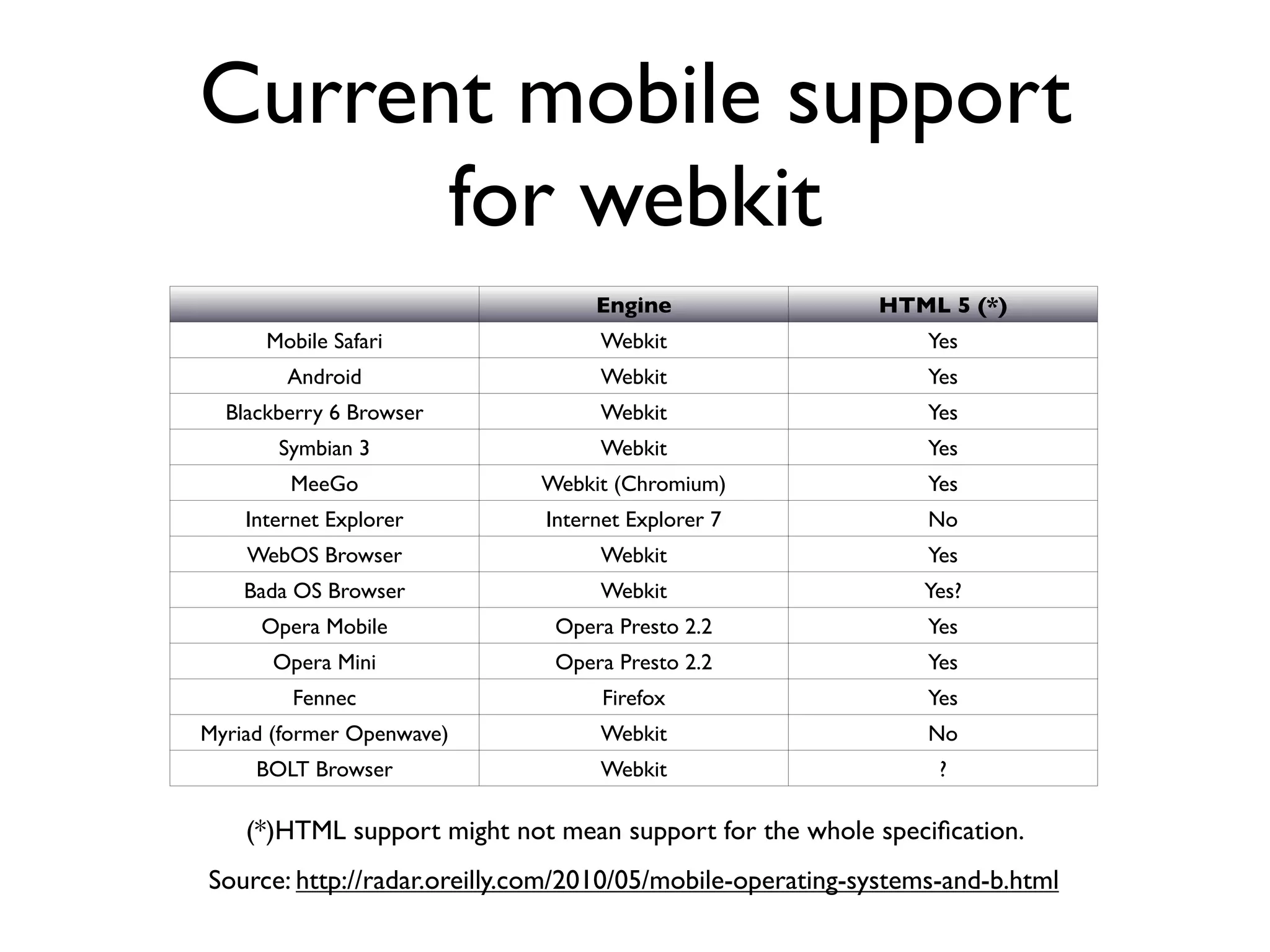
Current mobile support for webkit Engine HTML 5 (*) Mobile Safari Webkit Yes Android Webkit Yes Blackberry 6 Browser Webkit Yes Symbian 3 Webkit Yes MeeGo Webkit (Chromium) Yes Internet Explorer Internet Explorer 7 No WebOS Browser Webkit Yes Bada OS Browser Webkit Yes? Opera Mobile Opera Presto 2.2 Yes Opera Mini Opera Presto 2.2 Yes Fennec Firefox Yes Myriad (former Openwave) Webkit No BOLT Browser Webkit ? (*)HTML support might not mean support for the whole specification. Source: http://radar.oreilly.com/2010/05/mobile-operating-systems-and-b.html
W3C Recommendations for the Mobile Web • Mobile Best Practices (last updated 2008) http://www.w3.org/TR/mobile-bp/ • One Web • Expected stuff: reduce network traffic, set caches, set character encoding, don’t use tables for layout, dump image maps etc. • mobileOK validator: http://validator.w3.org/mobile/
HTML 5 ... a very brief potted history • 2004: Web Hypertext Application Technology Working Group (WHATWG) - Apple, Mozilla and Opera - started work on Web Applications 1.0 • Meanwhile W3C is working on XHTML 2.0 • 2007: W3C drops XHTML and forms HTMLWG • 2008: first draft of HTML 5 is published • WHATWG and W3C both maintain specification documents • Watching the process is entertaining, if not confusing: http://lastweekinhtml5.blogspot.com/
The video and audio tags • video and audio tags are similar • Strategies for dealing with browsers that don’t support the tag, or those that support the tag but specific codecs • They are just elements - can be manipulated by CSS and JavaScript
Big Buck Bunny in Stages
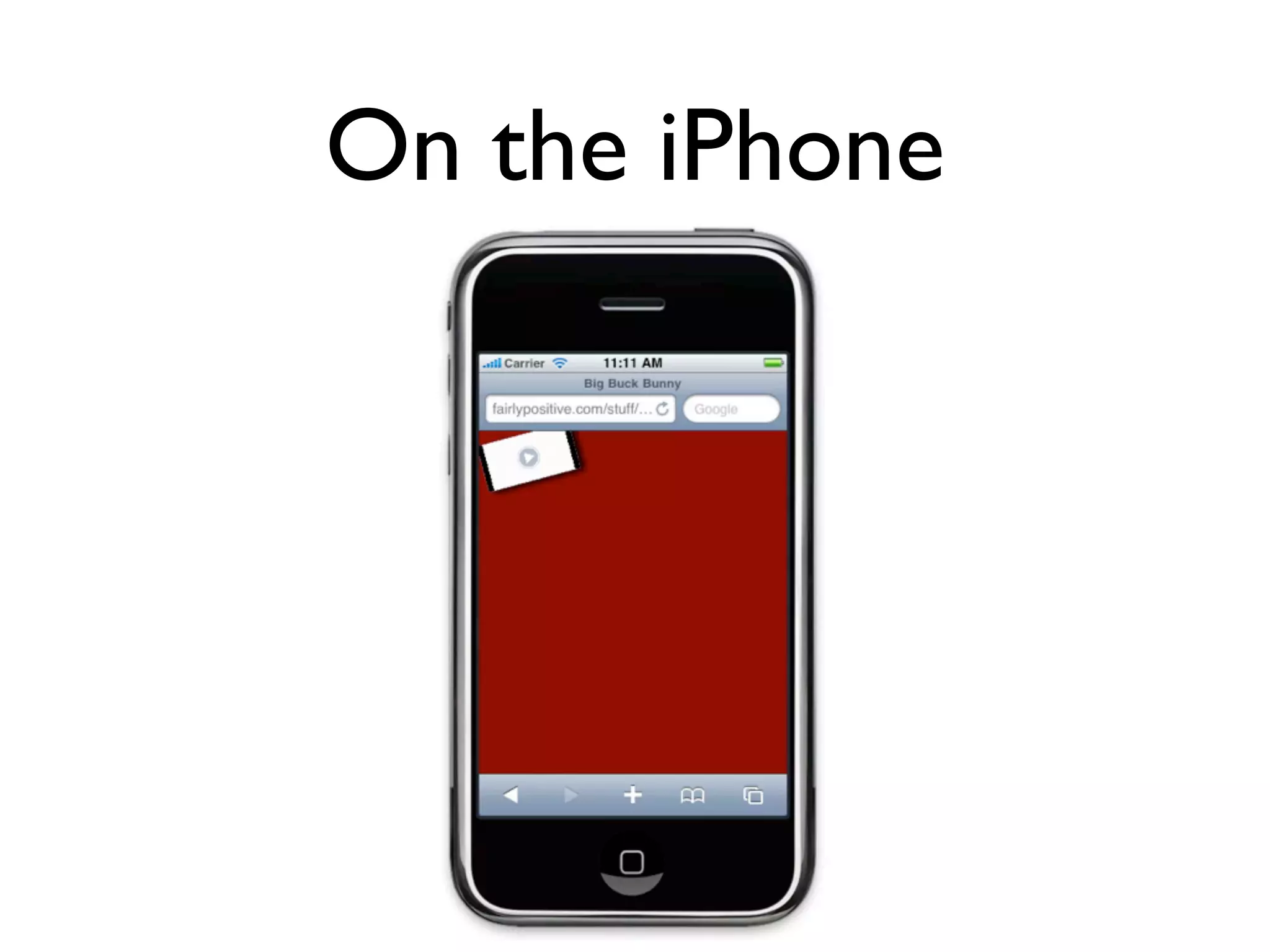
On the iPhone
Working offline: the application cache • <html manifest=”my.manifest”> • text/cache-manifest • Specify which resources can be cached, which are live • Seems easy. Bit fiddly in practice.
Working offline: Persistence • No more google gears or cookie hacks! • Not one, but three options! • Tread carefully, standards politics beast approaching...
Working offline: localStorage • localStorage.setItem(key, value) • localStorage.getItem(key) • removeItem(key), clear() • same domain origin scope • Simple! Widely supported!
Working Offline: Web SQL Database • Finally, SQL in your browser • Transactions, prepared statements, joins... • Synchronous and Asynchronous APIs • Available in WebKit • ][ chance of being a recommendation • Firefox and IE won’t support it
Working Offline: Indexed Database API • Store objects with fields • Create indexes over the object store • Transactions, key ranges, cursors • Synchronous and Asynchronous API
Working Offline: Indexed Database API connection = db.indexedDB.open("Fruits", "A Fruit Database!"); fruits = connection.createObjectStore("A Fruity Object Store", "fruit", true); fruitIndexByColor = fruits.createIndex("A Fruity Index", "color", false); fruits.put({ fruit: "Apple", color: "Red" }); fruits.put({ fruit: "Tangerine", color: "Orange" }); fruits.put({ fruit: "Grape", color: "Purple" }); var cursor = fruitIndexByColor.openCursor(undefined, db.IDBCursor.NEXT_NO_DUPLICATE); assertEquals("Orange", cursor.key); assertEquals("Tangerine", cursor.value); cursor.continue(); assertEquals("Purple", cursor.key); assertEquals("Grape", cursor.value); cursor.continue(); assertEquals("Red", cursor.key); assertEquals("Apple", cursor.value); assertFalse(cursor.continue()); cursor.close();
Working Offline: Indexed Database API • No implementations currently • Mozilla and Webkit working on it • Much better chance of becoming a recommendation • Suspect libraries will fill usability gap
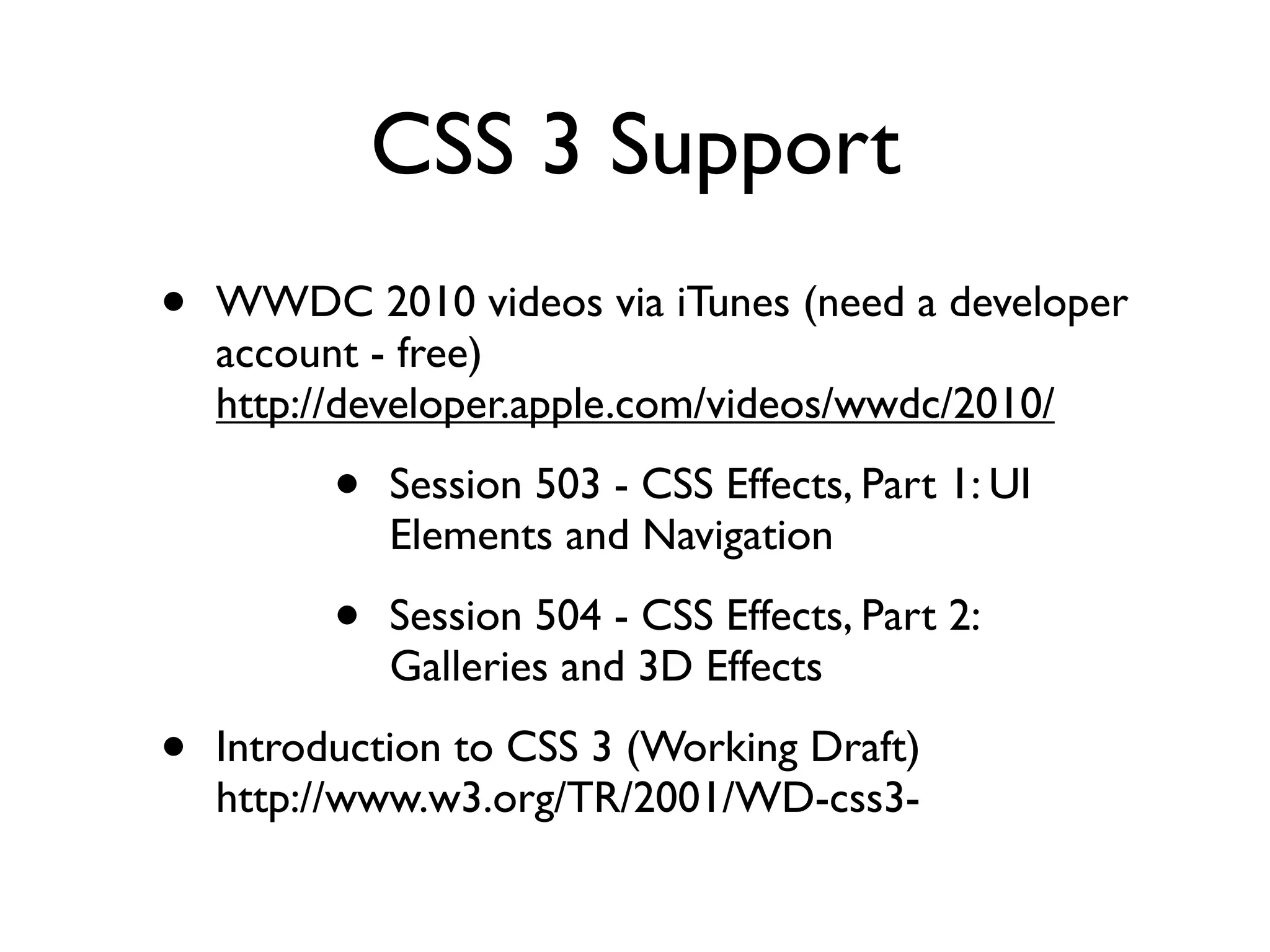
CSS 3 Support • WWDC 2010 videos via iTunes (need a developer account - free) http://developer.apple.com/videos/wwdc/2010/ • Session 503 - CSS Effects, Part 1: UI Elements and Navigation • Session 504 - CSS Effects, Part 2: Galleries and 3D Effects • Introduction to CSS 3 (Working Draft) http://www.w3.org/TR/2001/WD-css3-
A few features ... • @font-face • webkit-box-shadow • -webkit-gradient (linear and radiant). These can be assigned to a background image. • border-radius • -webkit-box-reflect • -webkit-transition
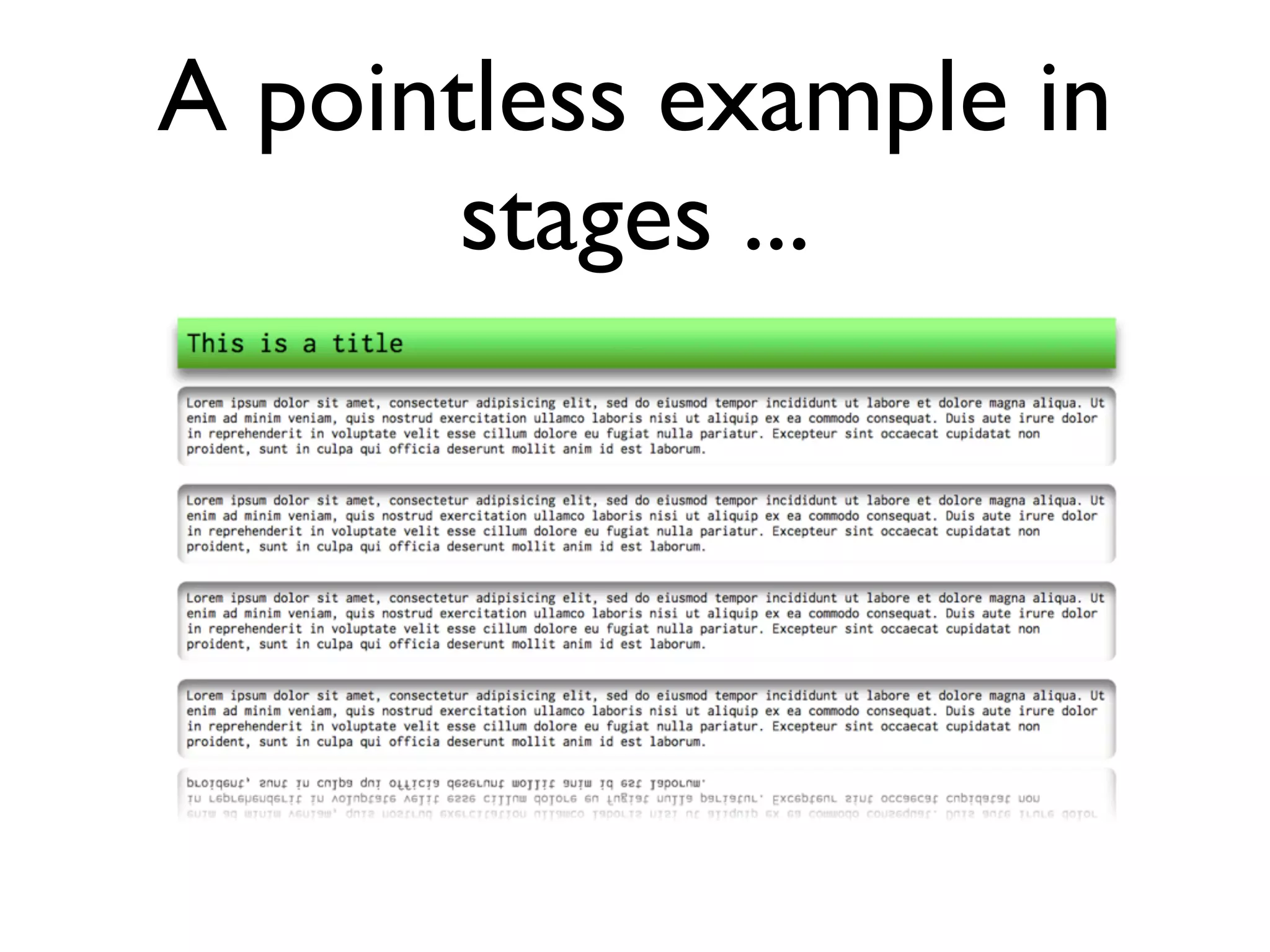
A pointless example in stages ...
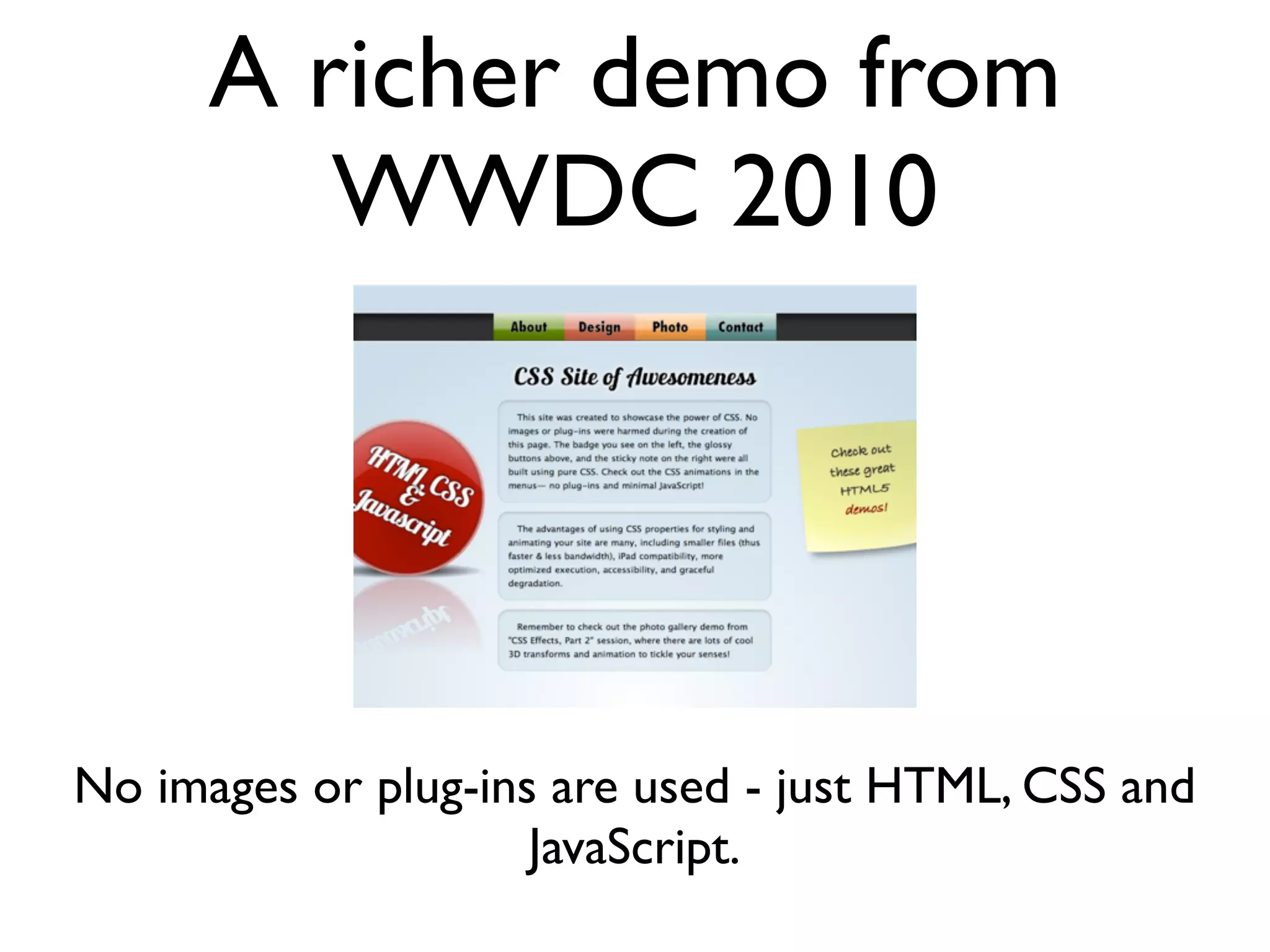
A richer demo from WWDC 2010 No images or plug-ins are used - just HTML, CSS and JavaScript.
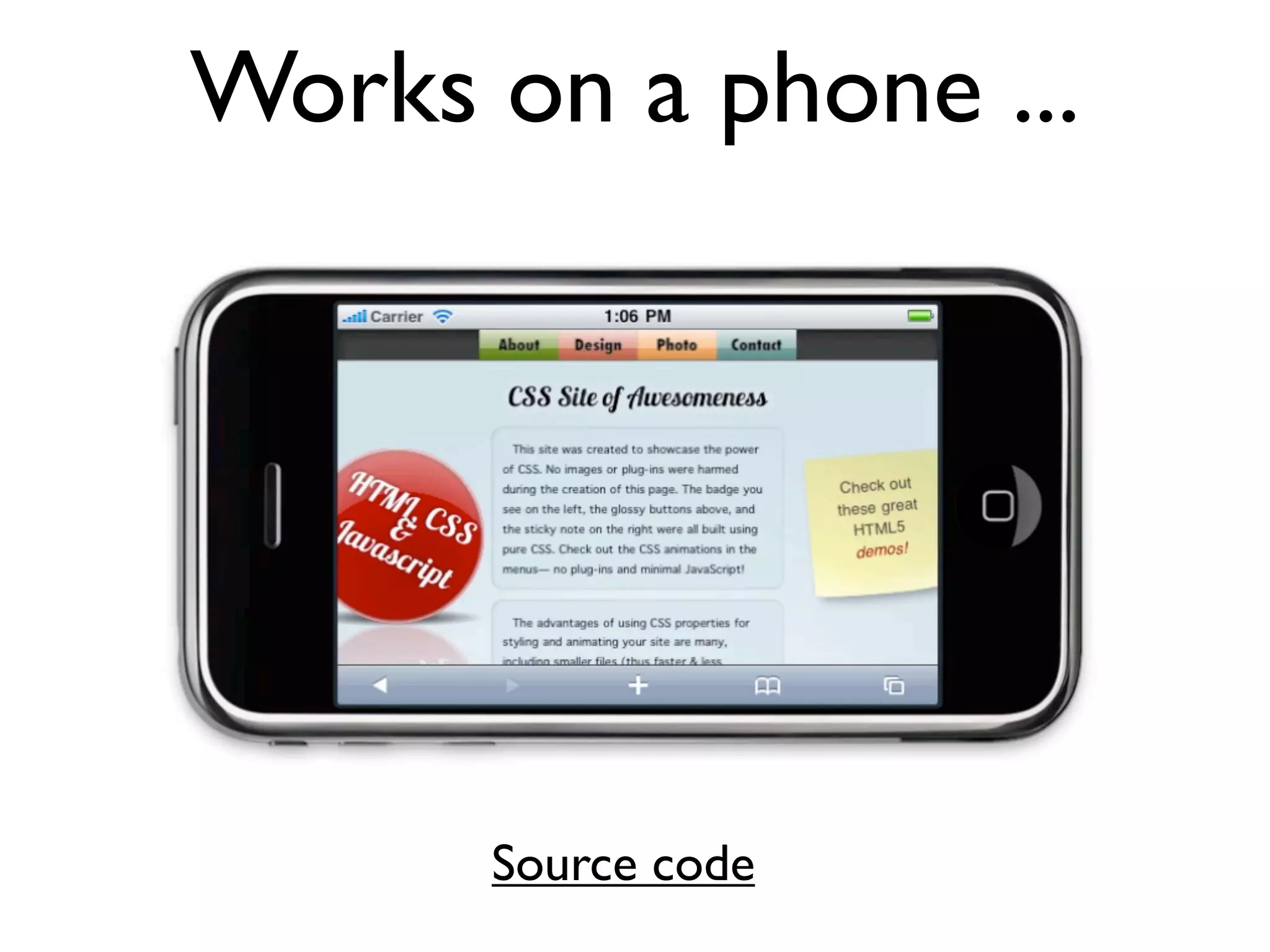
Works on a phone ... Source code
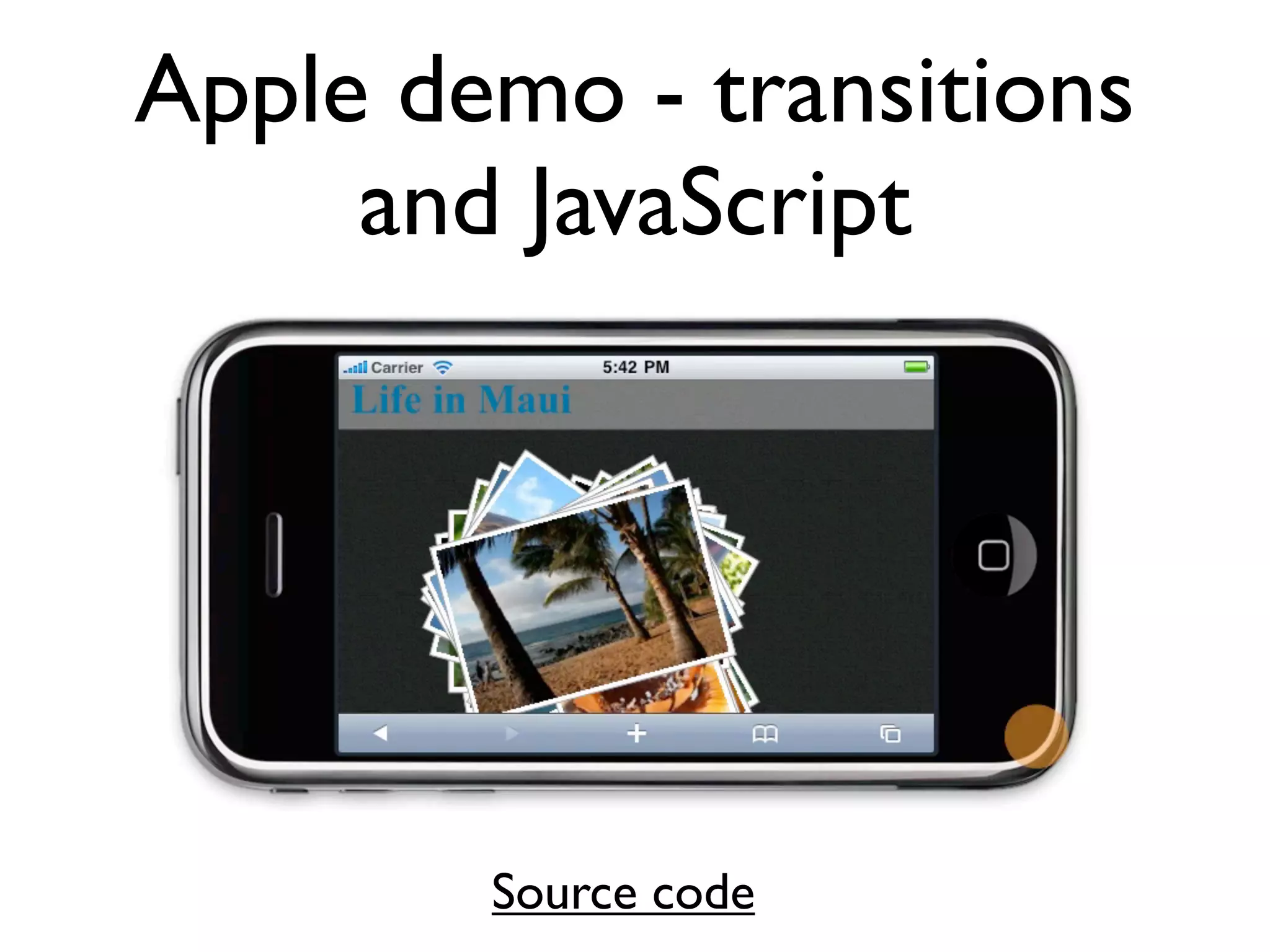
Apple demo - transitions and JavaScript Source code
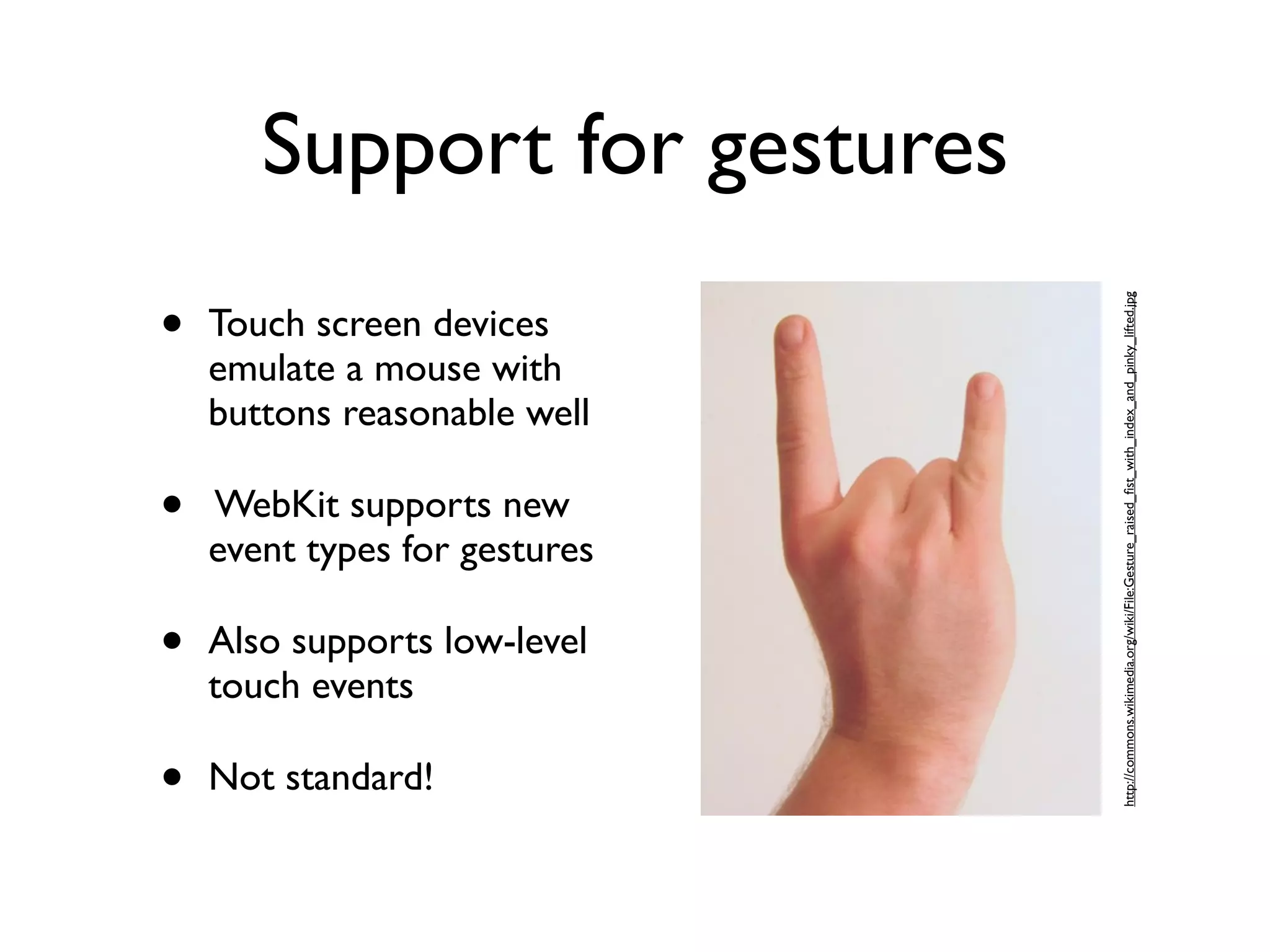
Support for gestures • http://commons.wikimedia.org/wiki/File:Gesture_raised_fist_with_index_and_pinky_lifted.jpg Touch screen devices emulate a mouse with buttons reasonable well • WebKit supports new event types for gestures • Also supports low-level touch events • Not standard!
Support for gestures: high level • gesturestart, gesturechange, gestureend • element.addEventListener(..., handler, false) • event.scale, event.rotation
Support for gestures: low level • touchstart, touchmove, touchend, touchcancel • event.touches • event.targetTouches • event.changedTouches • Handle cancel
Questions?

HTML5 and the Mobile Web

  • 1.
    HTML 5 andthe Mobile Web ILRT Staff Development Week, July, 2010 Mike Jones (mike.a.jones@bris.ac.uk) & Damian Steer (d.steer@bristol.ac.uk)
  • 2.
    Overview • Native applications vs Mobile Web • Current mobile support for Webkit • W3C recommendations for mobile websites • HTML 5 ... a very brief potted history • The video and audio tags • Offline storage and application cache • CSS 3 support • Support for gestures
  • 3.
    Phone SMS Contacts GPS Compass Bluetooth Storage Offline use Video Why bother with web applications? Audio Graphics Animation 3D Motion detection Gestures Camera Music Calendar
  • 4.
    Why bother withweb applications?
  • 5.
    Phone SMS Contacts GPS Compass Bluetooth Storage Offline use Video Why bother with web applications? Audio Graphics Animation 3D Motion detection Gestures Camera Music Calendar
  • 6.
    Current mobile support for webkit Engine HTML 5 (*) Mobile Safari Webkit Yes Android Webkit Yes Blackberry 6 Browser Webkit Yes Symbian 3 Webkit Yes MeeGo Webkit (Chromium) Yes Internet Explorer Internet Explorer 7 No WebOS Browser Webkit Yes Bada OS Browser Webkit Yes? Opera Mobile Opera Presto 2.2 Yes Opera Mini Opera Presto 2.2 Yes Fennec Firefox Yes Myriad (former Openwave) Webkit No BOLT Browser Webkit ? (*)HTML support might not mean support for the whole specification. Source: http://radar.oreilly.com/2010/05/mobile-operating-systems-and-b.html
  • 7.
    W3C Recommendations forthe Mobile Web • Mobile Best Practices (last updated 2008) http://www.w3.org/TR/mobile-bp/ • One Web • Expected stuff: reduce network traffic, set caches, set character encoding, don’t use tables for layout, dump image maps etc. • mobileOK validator: http://validator.w3.org/mobile/
  • 8.
    HTML 5 ...a very brief potted history • 2004: Web Hypertext Application Technology Working Group (WHATWG) - Apple, Mozilla and Opera - started work on Web Applications 1.0 • Meanwhile W3C is working on XHTML 2.0 • 2007: W3C drops XHTML and forms HTMLWG • 2008: first draft of HTML 5 is published • WHATWG and W3C both maintain specification documents • Watching the process is entertaining, if not confusing: http://lastweekinhtml5.blogspot.com/
  • 9.
    The video andaudio tags • video and audio tags are similar • Strategies for dealing with browsers that don’t support the tag, or those that support the tag but specific codecs • They are just elements - can be manipulated by CSS and JavaScript
  • 10.
    Big Buck Bunnyin Stages
  • 11.
  • 12.
    Working offline: the application cache • <html manifest=”my.manifest”> • text/cache-manifest • Specify which resources can be cached, which are live • Seems easy. Bit fiddly in practice.
  • 13.
    Working offline: Persistence • No more google gears or cookie hacks! • Not one, but three options! • Tread carefully, standards politics beast approaching...
  • 14.
    Working offline: localStorage • localStorage.setItem(key, value) • localStorage.getItem(key) • removeItem(key), clear() • same domain origin scope • Simple! Widely supported!
  • 15.
    Working Offline: Web SQL Database • Finally, SQL in your browser • Transactions, prepared statements, joins... • Synchronous and Asynchronous APIs • Available in WebKit • ][ chance of being a recommendation • Firefox and IE won’t support it
  • 16.
    Working Offline: Indexed DatabaseAPI • Store objects with fields • Create indexes over the object store • Transactions, key ranges, cursors • Synchronous and Asynchronous API
  • 17.
    Working Offline: Indexed DatabaseAPI connection = db.indexedDB.open("Fruits", "A Fruit Database!"); fruits = connection.createObjectStore("A Fruity Object Store", "fruit", true); fruitIndexByColor = fruits.createIndex("A Fruity Index", "color", false); fruits.put({ fruit: "Apple", color: "Red" }); fruits.put({ fruit: "Tangerine", color: "Orange" }); fruits.put({ fruit: "Grape", color: "Purple" }); var cursor = fruitIndexByColor.openCursor(undefined, db.IDBCursor.NEXT_NO_DUPLICATE); assertEquals("Orange", cursor.key); assertEquals("Tangerine", cursor.value); cursor.continue(); assertEquals("Purple", cursor.key); assertEquals("Grape", cursor.value); cursor.continue(); assertEquals("Red", cursor.key); assertEquals("Apple", cursor.value); assertFalse(cursor.continue()); cursor.close();
  • 18.
    Working Offline: Indexed DatabaseAPI • No implementations currently • Mozilla and Webkit working on it • Much better chance of becoming a recommendation • Suspect libraries will fill usability gap
  • 19.
    CSS 3 Support • WWDC 2010 videos via iTunes (need a developer account - free) http://developer.apple.com/videos/wwdc/2010/ • Session 503 - CSS Effects, Part 1: UI Elements and Navigation • Session 504 - CSS Effects, Part 2: Galleries and 3D Effects • Introduction to CSS 3 (Working Draft) http://www.w3.org/TR/2001/WD-css3-
  • 20.
    A few features... • @font-face • webkit-box-shadow • -webkit-gradient (linear and radiant). These can be assigned to a background image. • border-radius • -webkit-box-reflect • -webkit-transition
  • 21.
    A pointless examplein stages ...
  • 22.
    A richer demofrom WWDC 2010 No images or plug-ins are used - just HTML, CSS and JavaScript.
  • 23.
    Works on aphone ... Source code
  • 24.
    Apple demo -transitions and JavaScript Source code
  • 25.
    Support for gestures • http://commons.wikimedia.org/wiki/File:Gesture_raised_fist_with_index_and_pinky_lifted.jpg Touch screen devices emulate a mouse with buttons reasonable well • WebKit supports new event types for gestures • Also supports low-level touch events • Not standard!
  • 26.
    Support for gestures: high level • gesturestart, gesturechange, gestureend • element.addEventListener(..., handler, false) • event.scale, event.rotation
  • 27.
    Support for gestures: low level • touchstart, touchmove, touchend, touchcancel • event.touches • event.targetTouches • event.changedTouches • Handle cancel
  • 28.

Editor's Notes

  • #4 Ok, but suppose I want to take advantage of these features?
  • #5 Even if you want to cover only ~80% of market that&apos;s quite a few systems. We will return to this
  • #6 And many web clients can do a surprising amount. _Apple_ only introduced apps in second major version of iPhone OS. -- Web was way to go. -- Note (neglected) showcase. I will show how in a little while.