JavaScript DOM API Rajat Pandit (rajat_pandit@ipcmedia.com) Thursday, September 24, 2009 1
Document Object Model W3C thought it was a good idea to keep the DOM API similar across languages Vague specifications meant different implementations across different browsers It became important to know the difference between browsers to make code work across different browsers That didn’t turn out as expected Thursday, September 24, 2009 2
DOM API in JavaScript Thursday, September 24, 2009 3
Finding Elements DOM API provides for the following methods document.getElementById(id) - Gets element by its id document.getElementsByTagName(tagname) - Get all the elements matching tagname document.getElementsByClassName(class) - Currently only support by Firefox :( Thursday, September 24, 2009 4
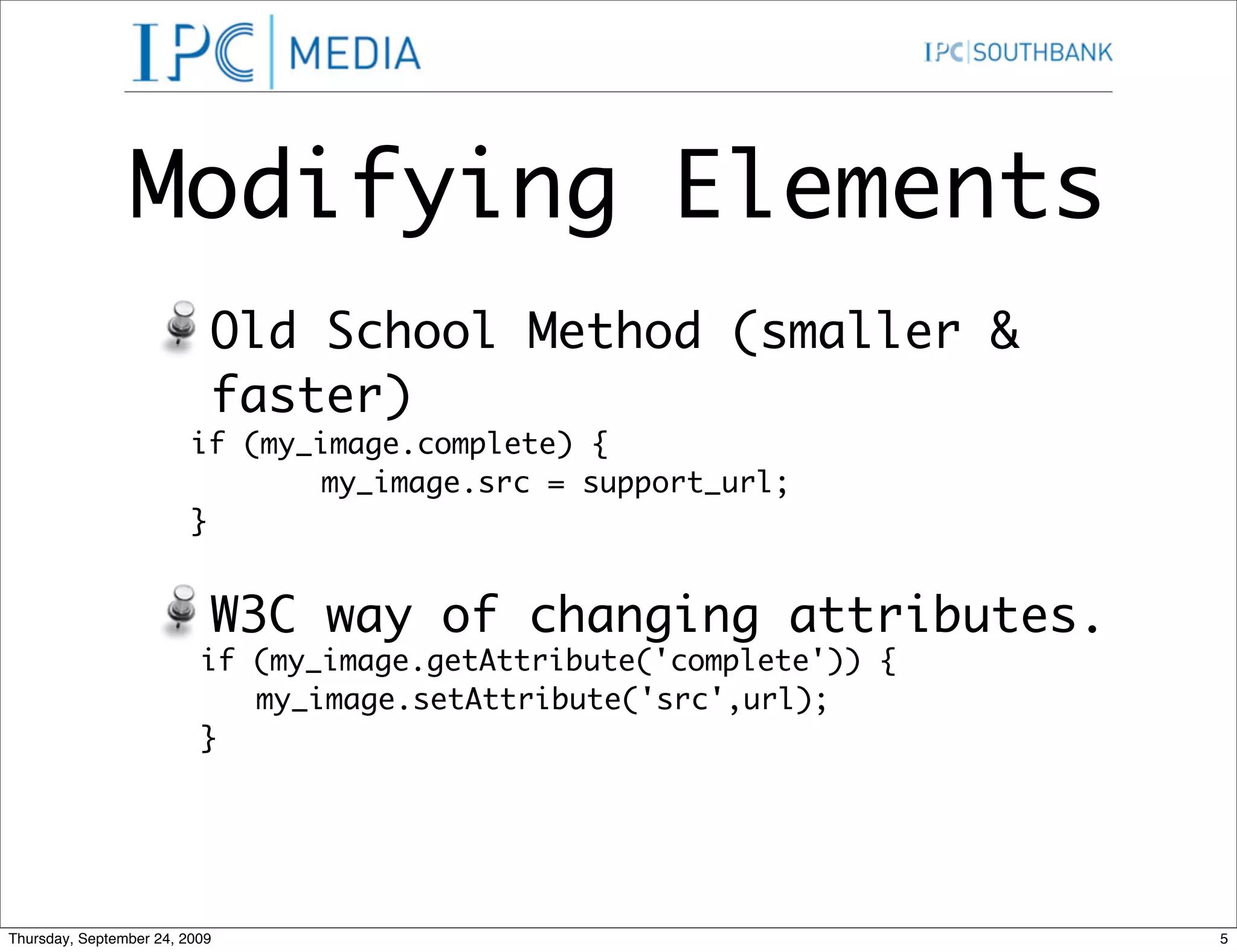
Modifying Elements Old School Method (smaller & faster) if (my_image.complete) { my_image.src = support_url; } W3C way of changing attributes. if (my_image.getAttribute('complete')) { my_image.setAttribute('src',url); } Thursday, September 24, 2009 5
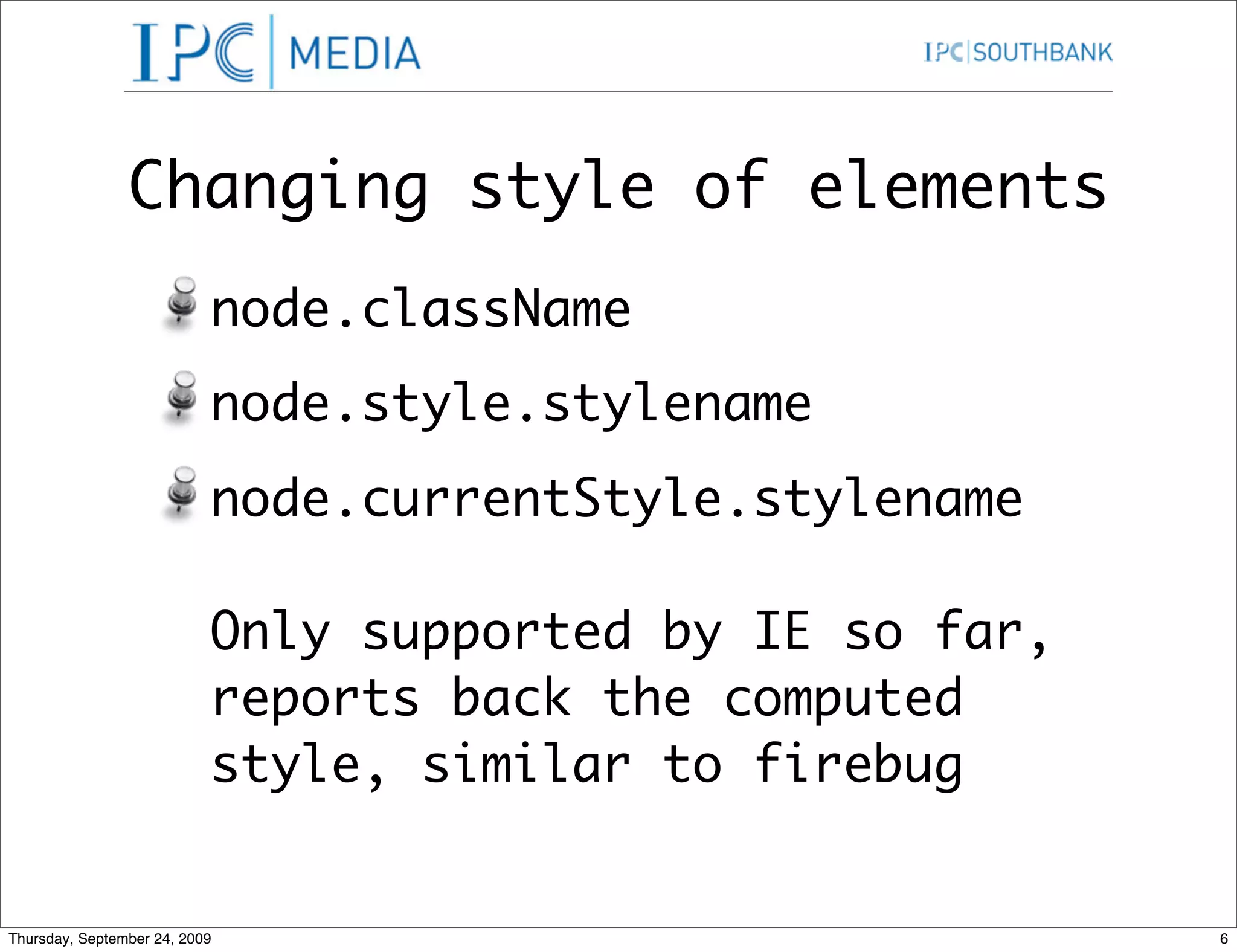
Changing style of elements node.className node.style.stylename node.currentStyle.stylename Only supported by IE so far, reports back the computed style, similar to firebug Thursday, September 24, 2009 6
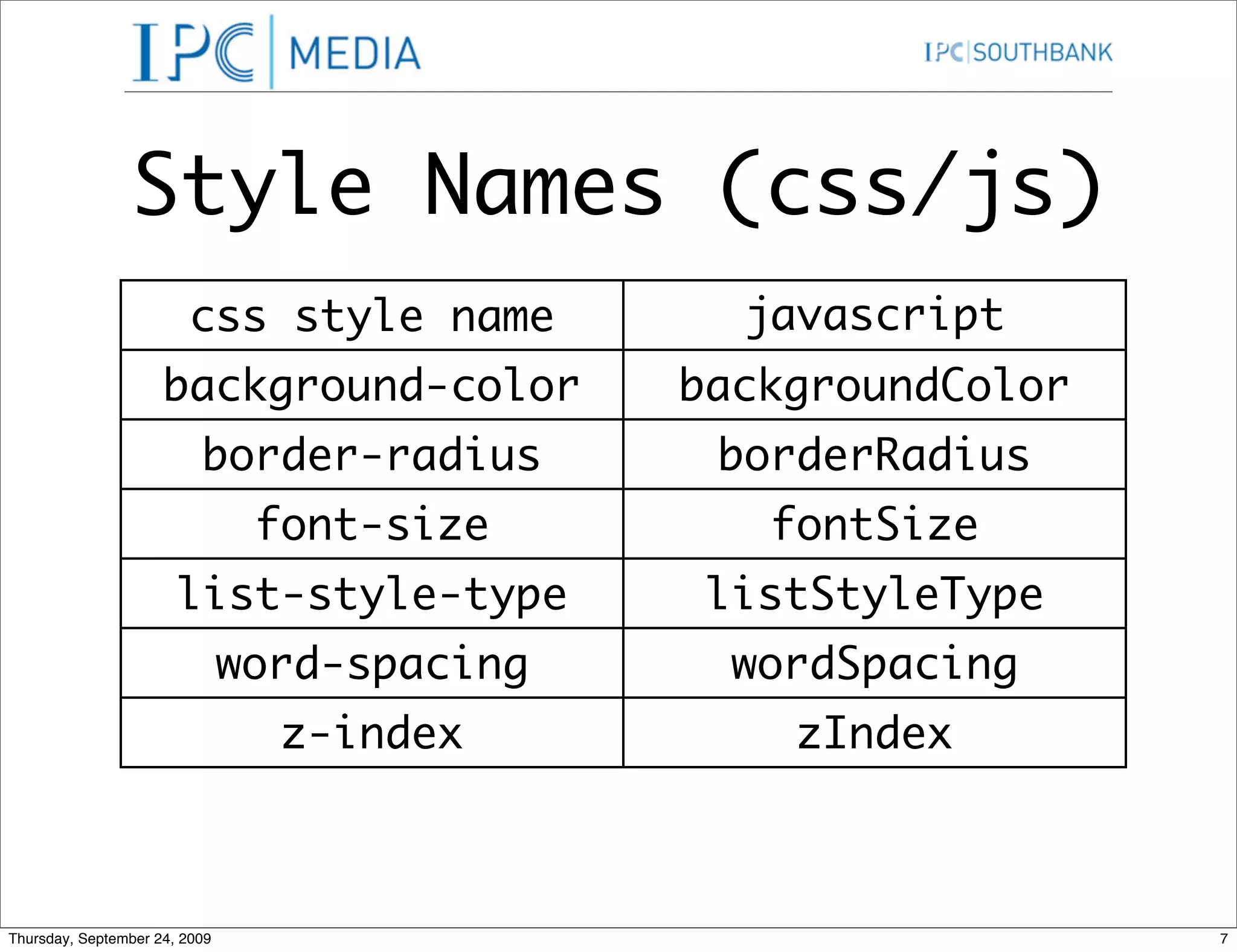
Style Names (css/js) css style name javascript background-color equivalent backgroundColor border-radius borderRadius font-size fontSize list-style-type listStyleType word-spacing wordSpacing z-index zIndex Thursday, September 24, 2009 7
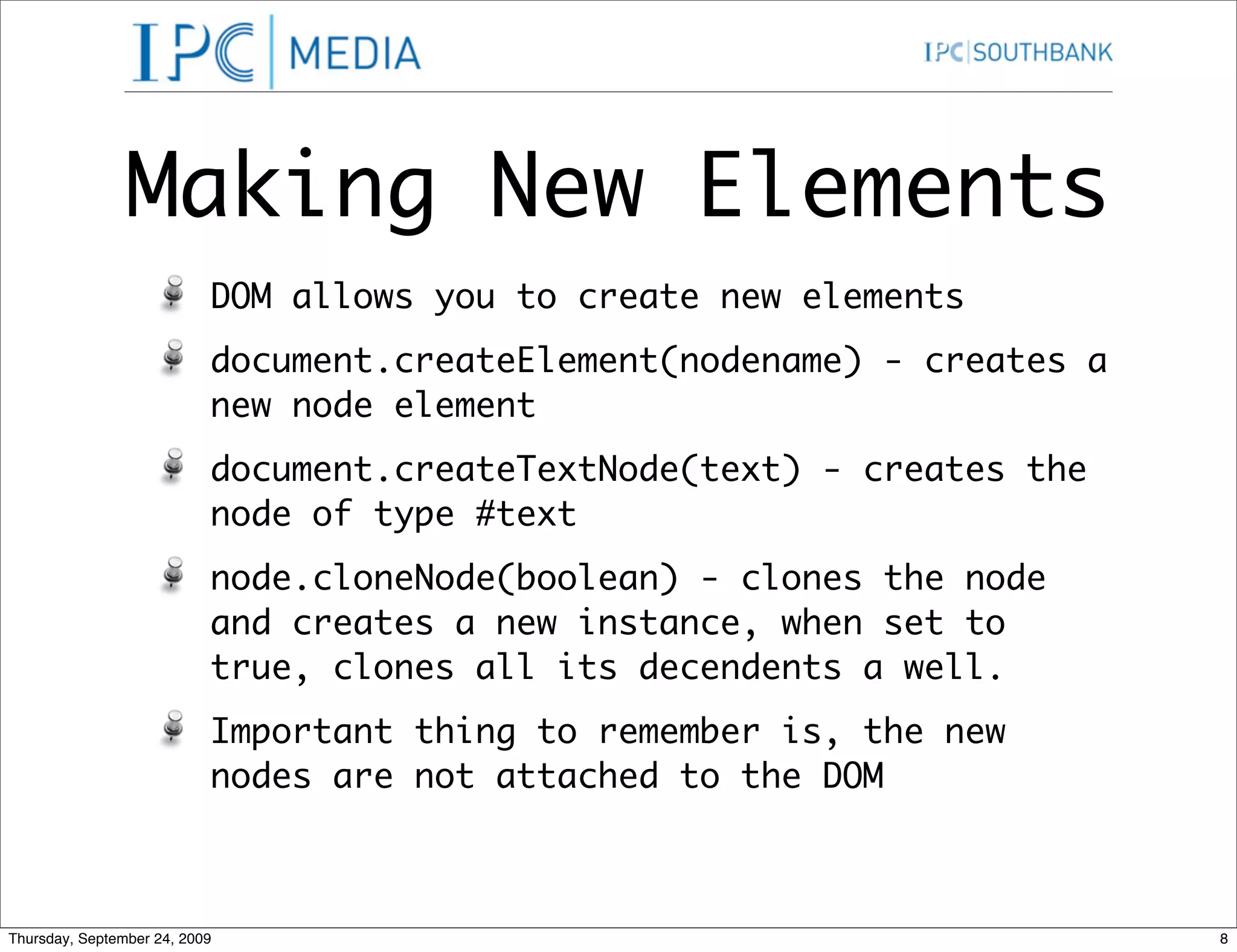
Making New Elements DOM allows you to create new elements document.createElement(nodename) - creates a new node element document.createTextNode(text) - creates the node of type #text node.cloneNode(boolean) - clones the node and creates a new instance, when set to true, clones all its decendents a well. Important thing to remember is, the new nodes are not attached to the DOM Thursday, September 24, 2009 8
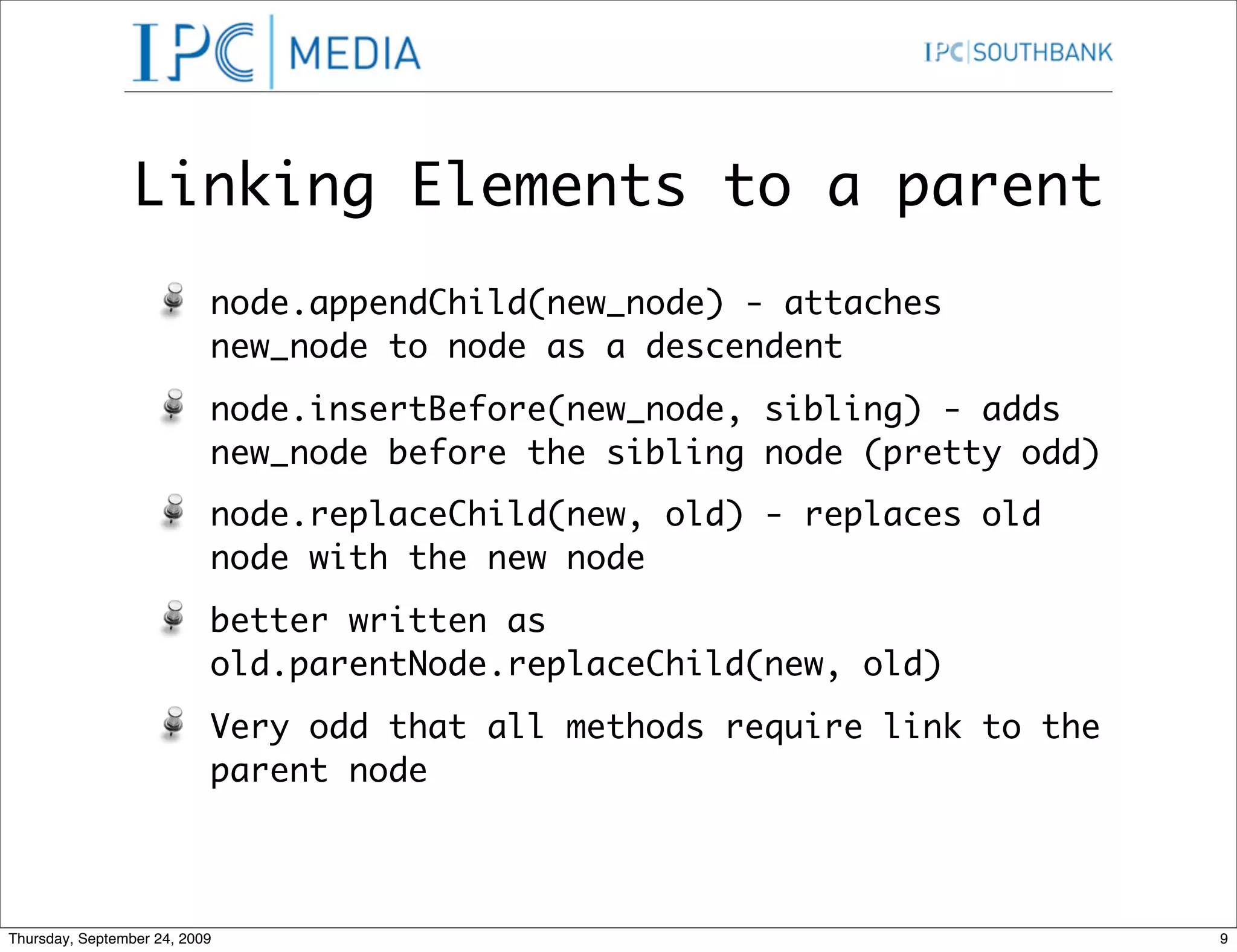
Linking Elements to a parent node.appendChild(new_node) - attaches new_node to node as a descendent node.insertBefore(new_node, sibling) - adds new_node before the sibling node (pretty odd) node.replaceChild(new, old) - replaces old node with the new node better written as old.parentNode.replaceChild(new, old) Very odd that all methods require link to the parent node Thursday, September 24, 2009 9
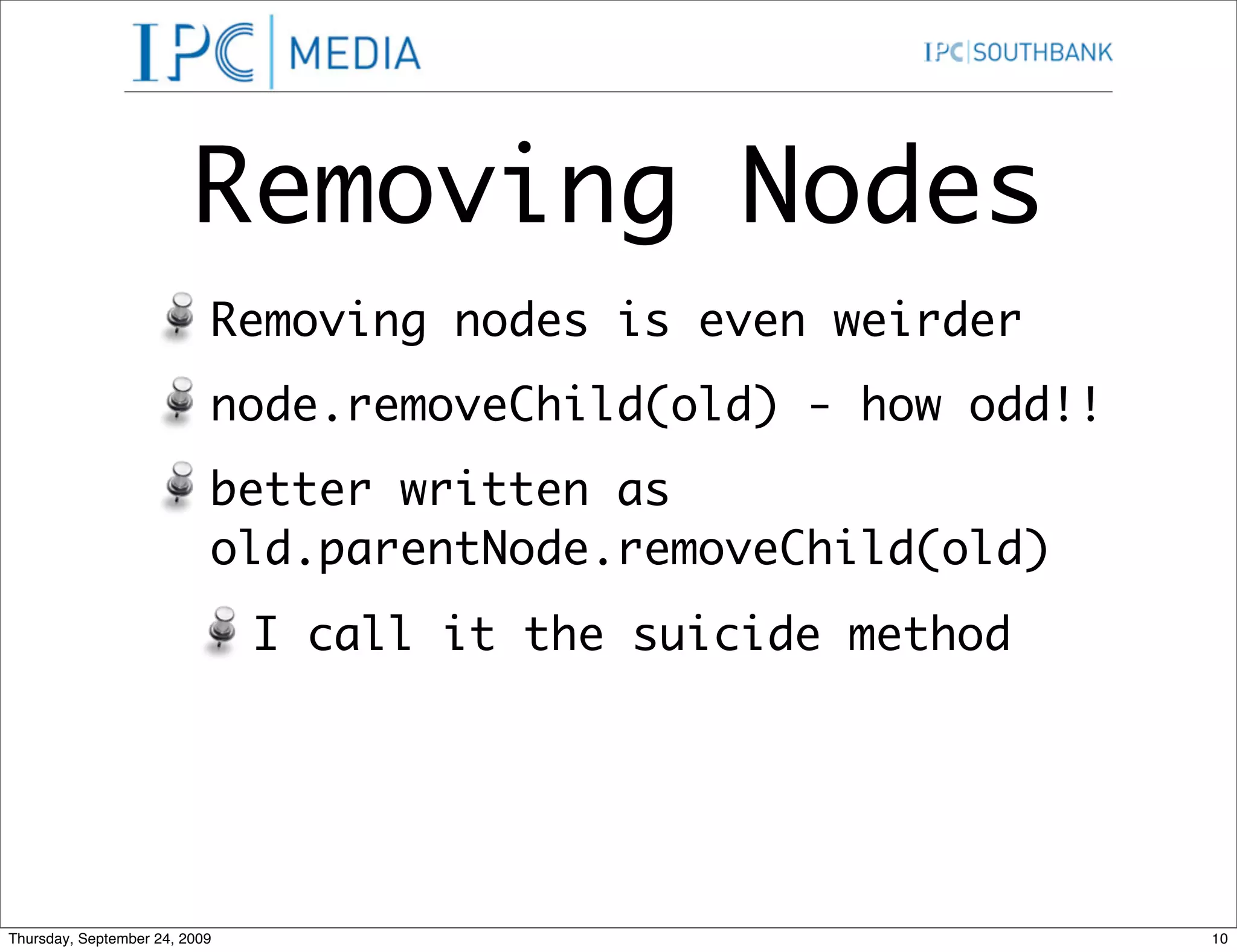
Removing Nodes Removing nodes is even weirder node.removeChild(old) - how odd!! better written as old.parentNode.removeChild(old) I call it the suicide method Thursday, September 24, 2009 10
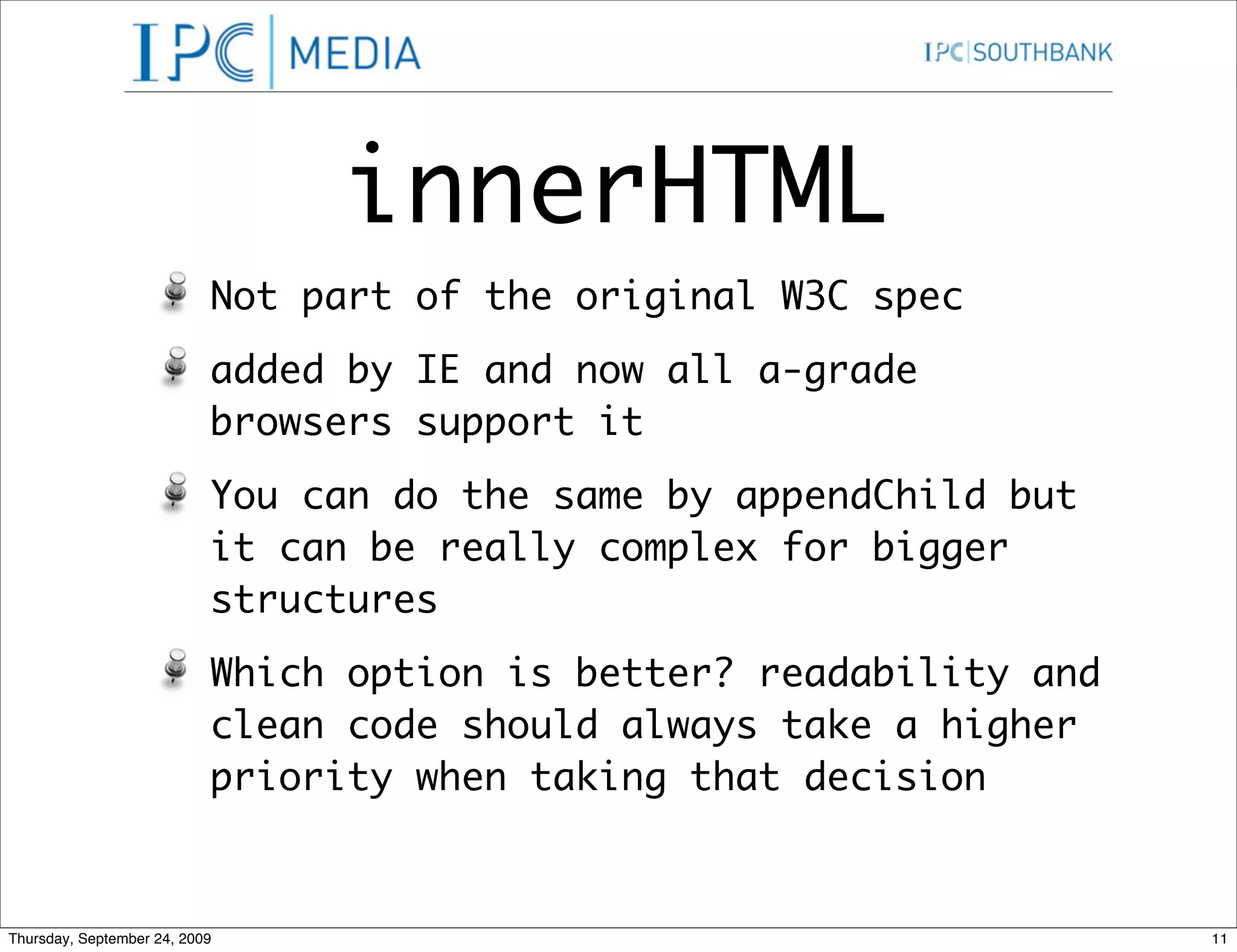
innerHTML Not part of the original W3C spec added by IE and now all a-grade browsers support it You can do the same by appendChild but it can be really complex for bigger structures Which option is better? readability and clean code should always take a higher priority when taking that decision Thursday, September 24, 2009 11
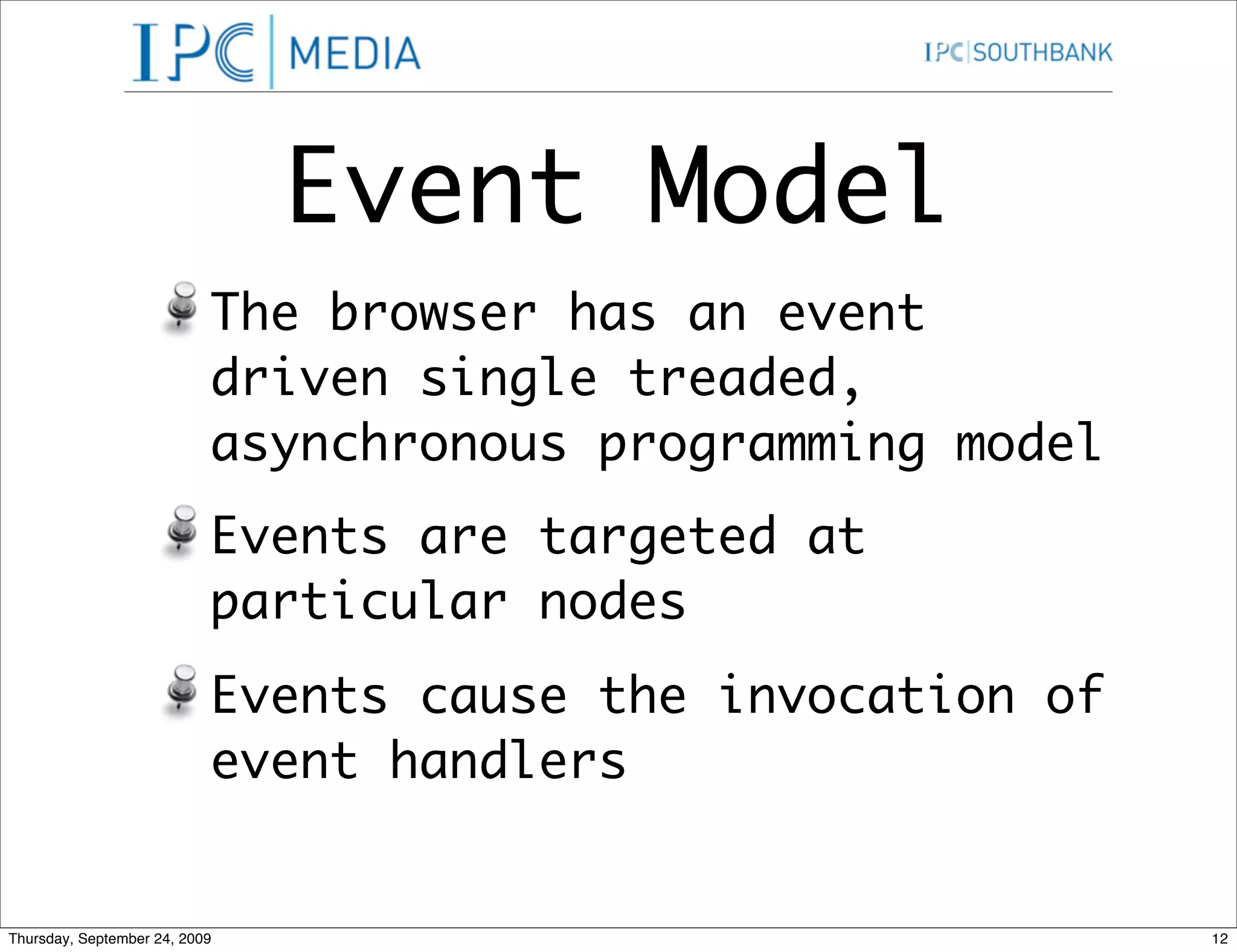
Event Model The browser has an event driven single treaded, asynchronous programming model Events are targeted at particular nodes Events cause the invocation of event handlers Thursday, September 24, 2009 12
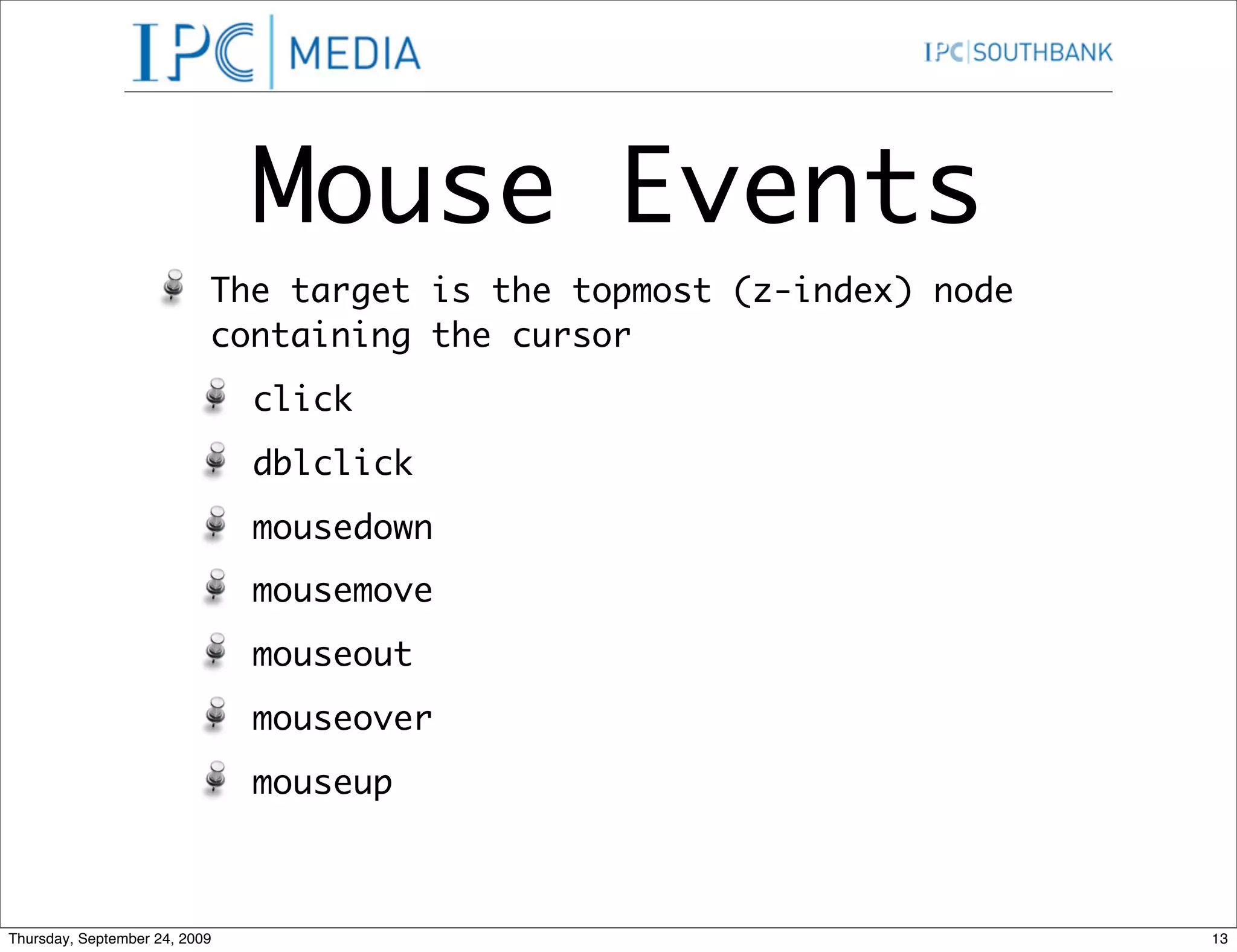
Mouse Events The target is the topmost (z-index) node containing the cursor click dblclick mousedown mousemove mouseout mouseover mouseup Thursday, September 24, 2009 13
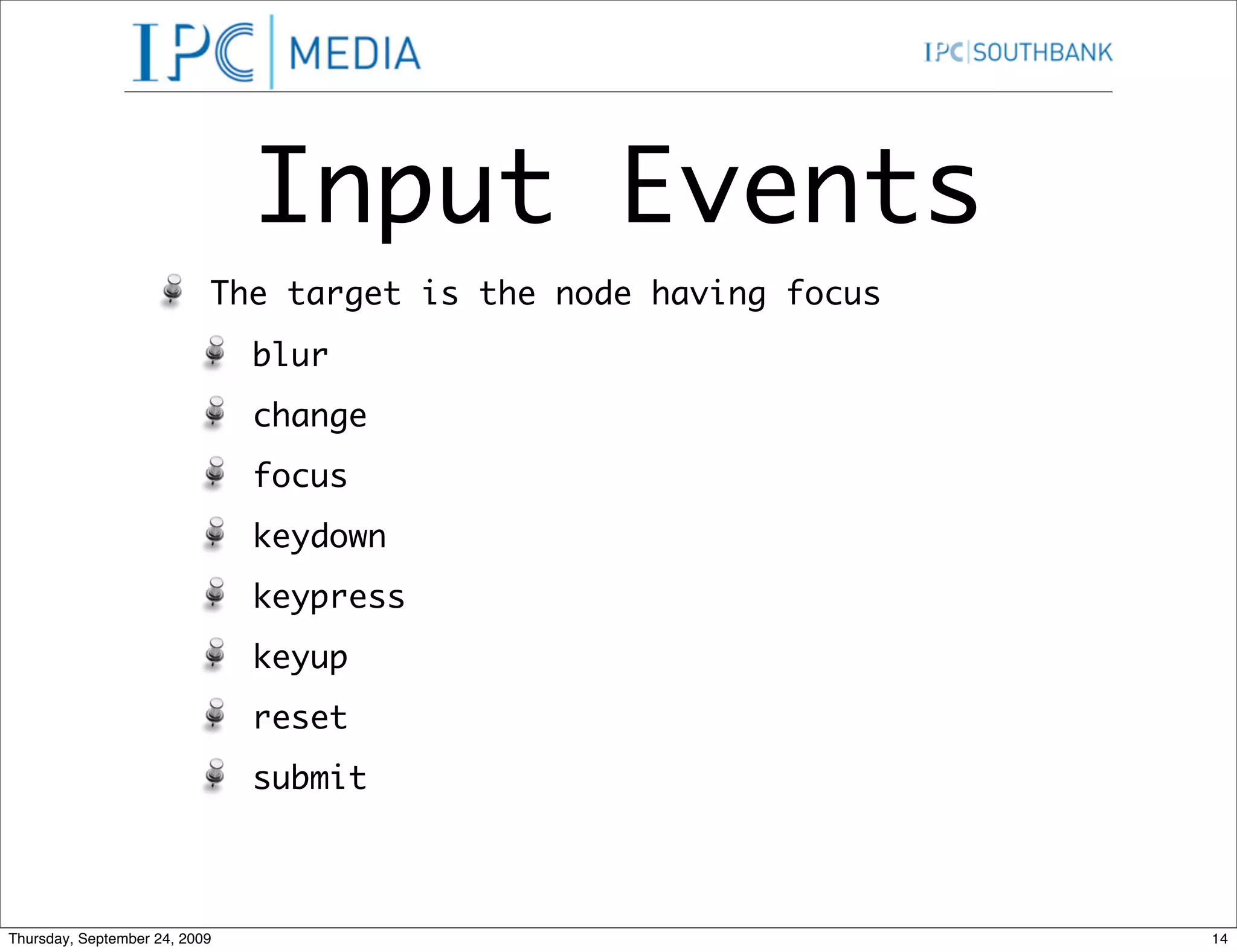
Input Events The target is the node having focus blur change focus keydown keypress keyup reset submit Thursday, September 24, 2009 14
Attaching Event Handlers Classic Method (still works) node[“on” + type] = f W3C Way node.addEventListener(type, f, false) MS Way (Why not!!) node.attachEvent(“on”+type, f) Thursday, September 24, 2009 15
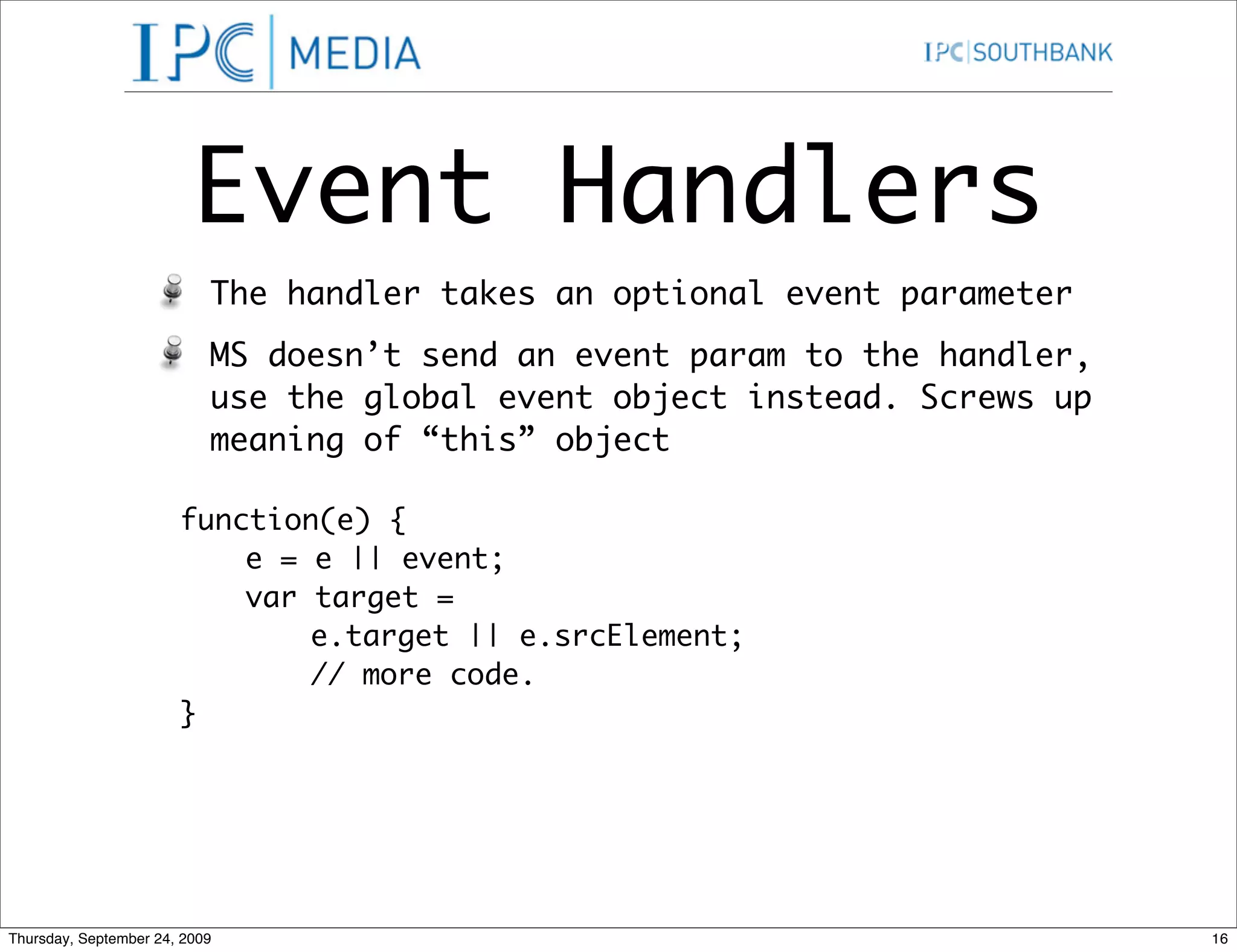
Event Handlers The handler takes an optional event parameter MS doesn’t send an event param to the handler, use the global event object instead. Screws up meaning of “this” object function(e) { e = e || event; var target = e.target || e.srcElement; // more code. } Thursday, September 24, 2009 16
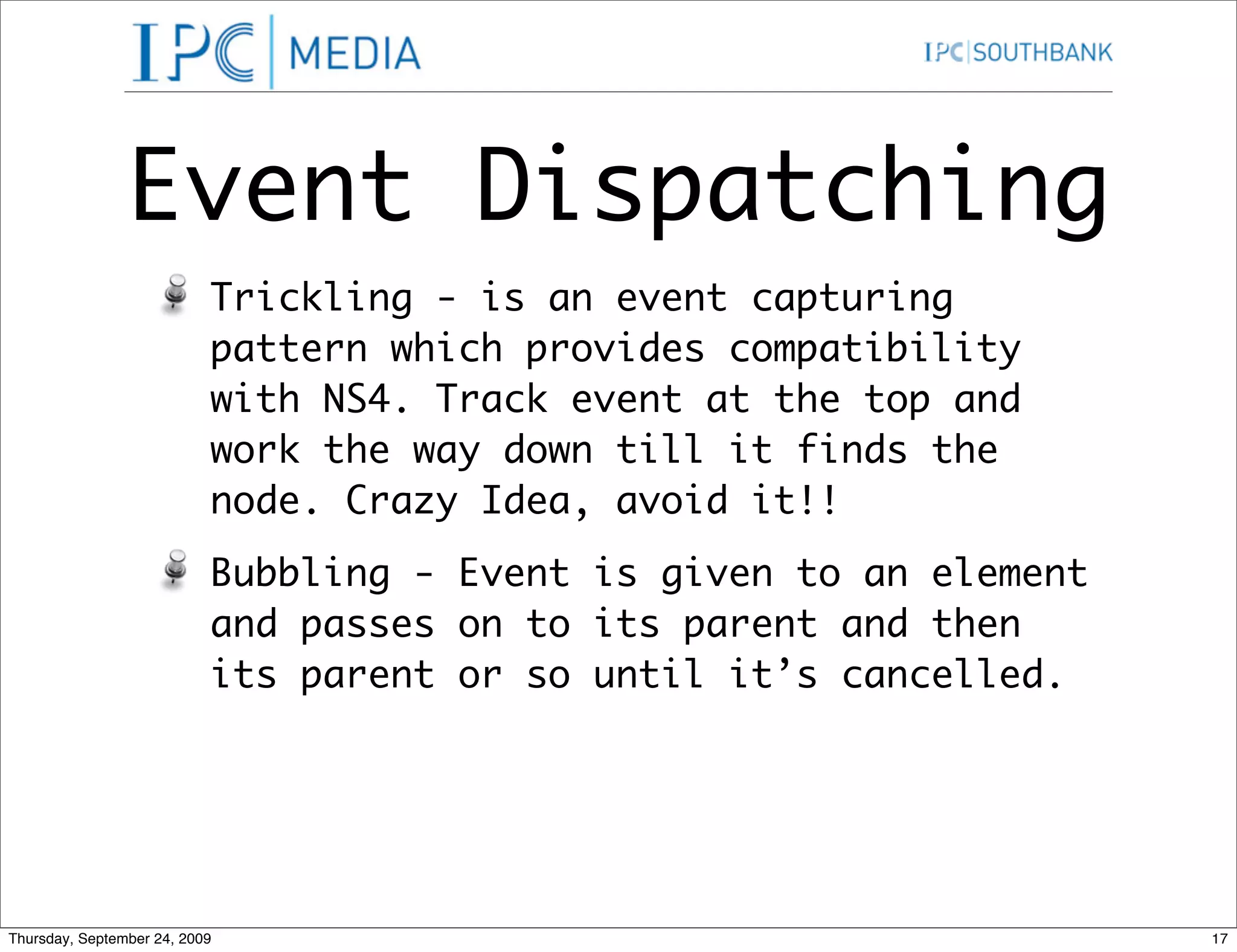
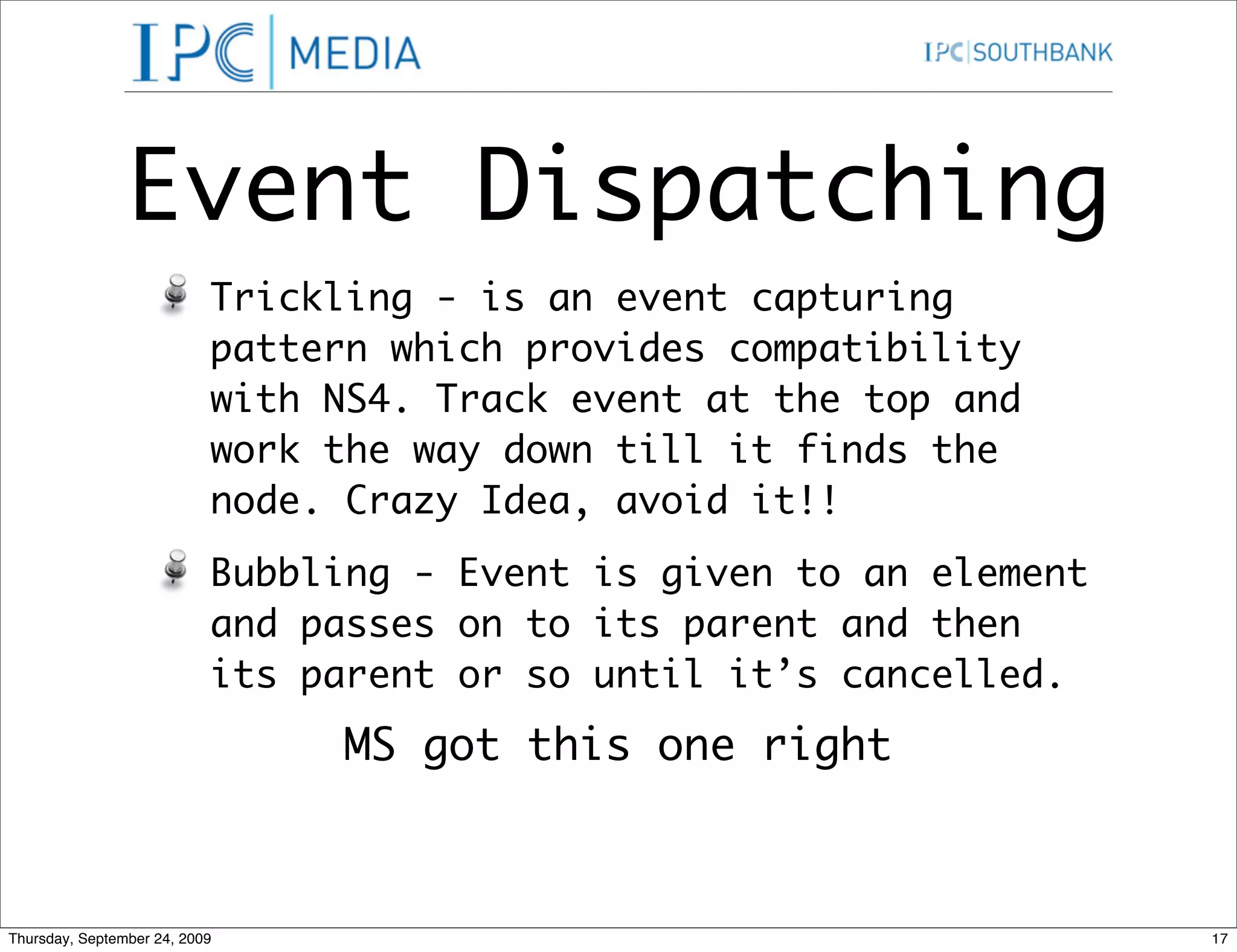
Event Dispatching Trickling - is an event capturing pattern which provides compatibility with NS4. Track event at the top and work the way down till it finds the node. Crazy Idea, avoid it!! Bubbling - Event is given to an element and passes on to its parent and then its parent or so until it’s cancelled. Thursday, September 24, 2009 17
Event Dispatching Trickling - is an event capturing pattern which provides compatibility with NS4. Track event at the top and work the way down till it finds the node. Crazy Idea, avoid it!! Bubbling - Event is given to an element and passes on to its parent and then its parent or so until it’s cancelled. MS got this one right Thursday, September 24, 2009 17
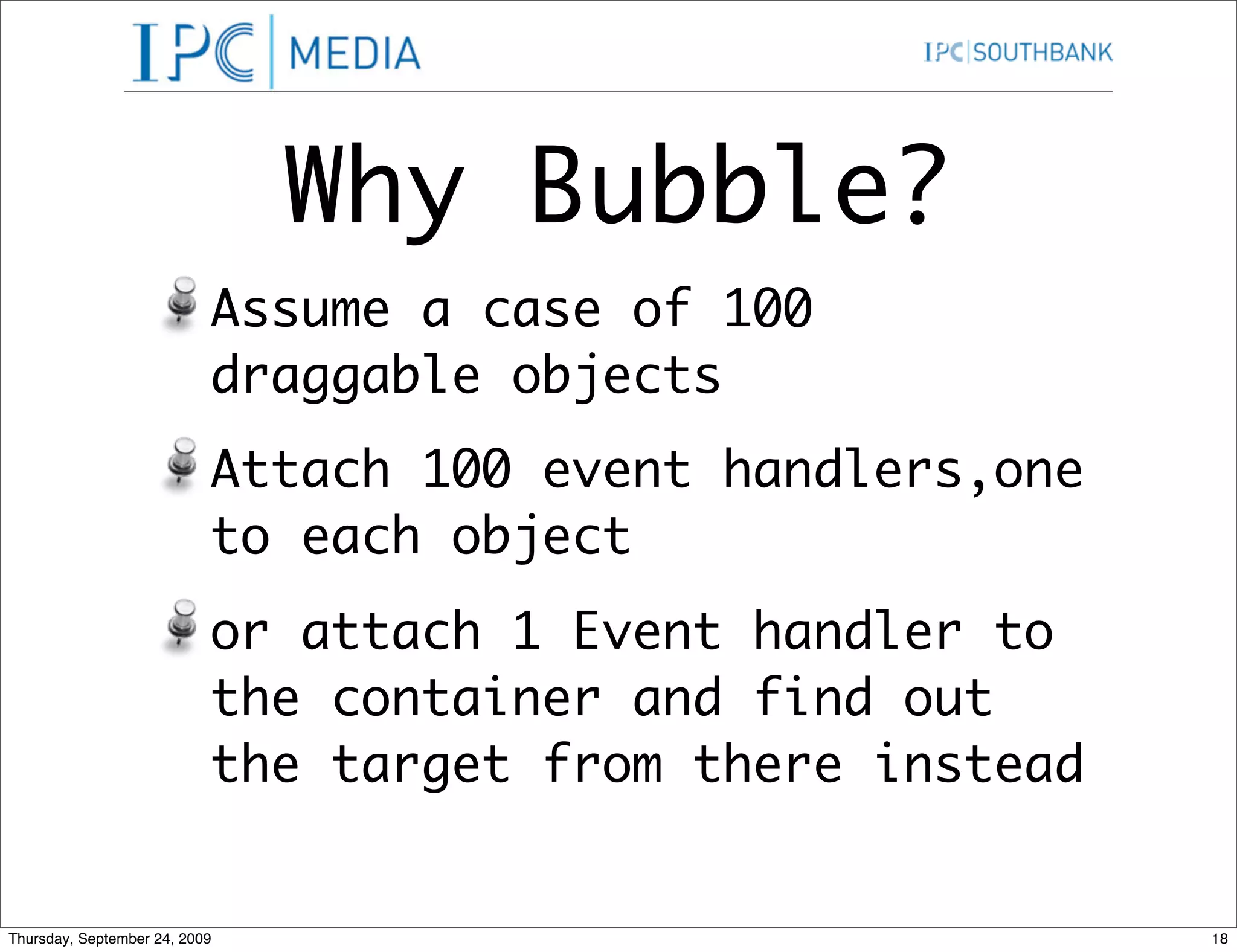
Why Bubble? Assume a case of 100 draggable objects Attach 100 event handlers,one to each object or attach 1 Event handler to the container and find out the target from there instead Thursday, September 24, 2009 18
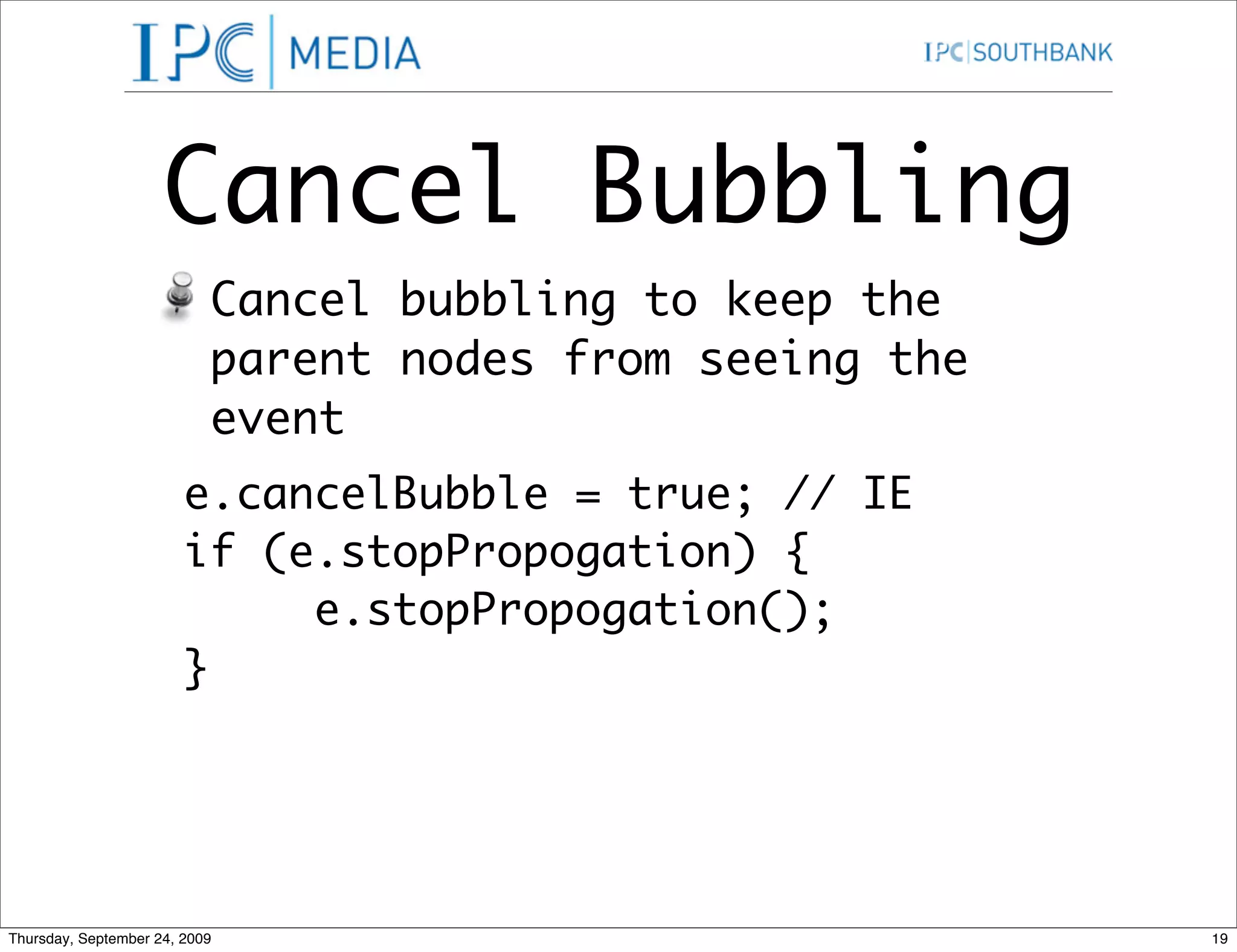
Cancel Bubbling Cancel bubbling to keep the parent nodes from seeing the event e.cancelBubble = true; // IE if (e.stopPropogation) { e.stopPropogation(); } Thursday, September 24, 2009 19
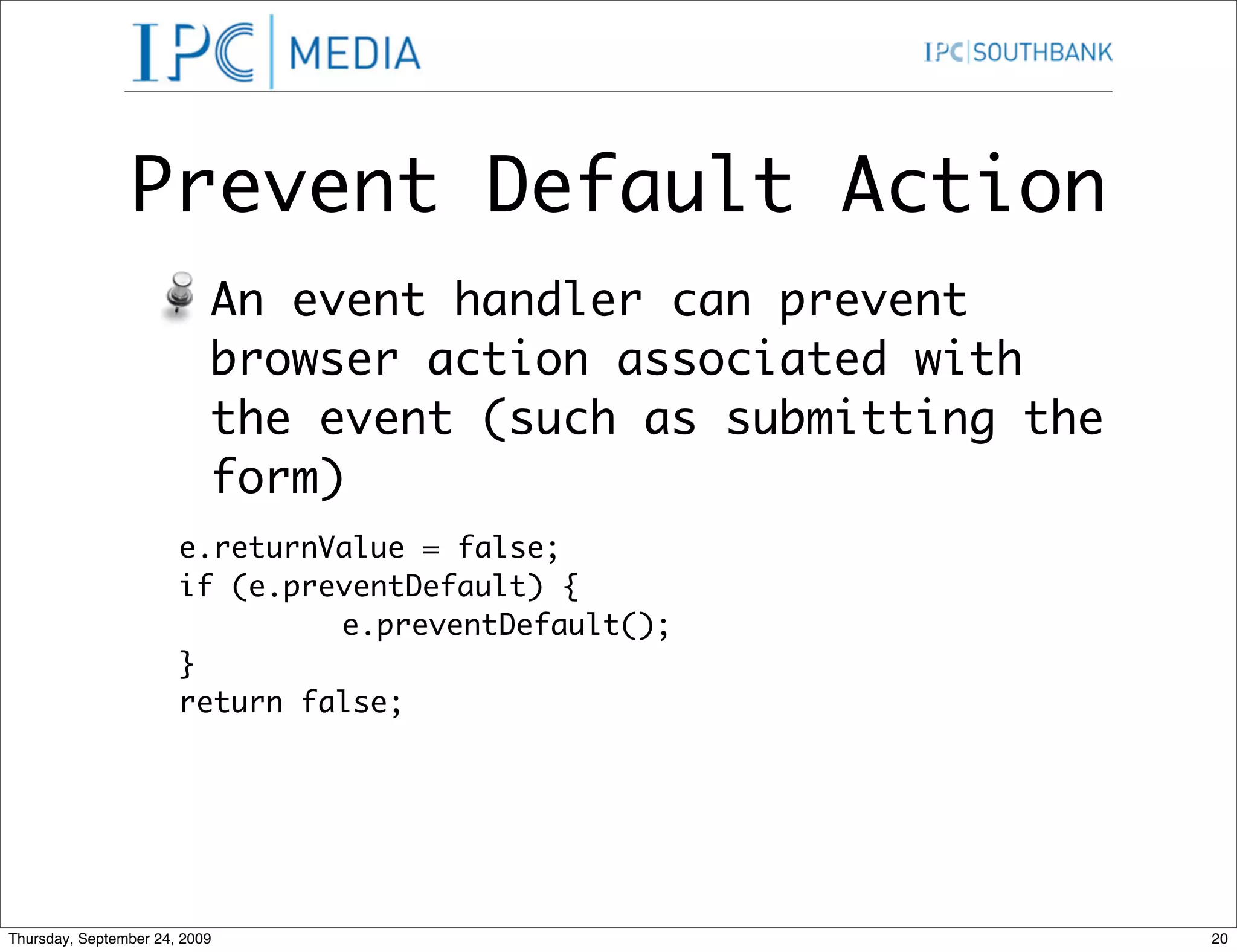
Prevent Default Action An event handler can prevent browser action associated with the event (such as submitting the form) e.returnValue = false; if (e.preventDefault) { e.preventDefault(); } return false; Thursday, September 24, 2009 20
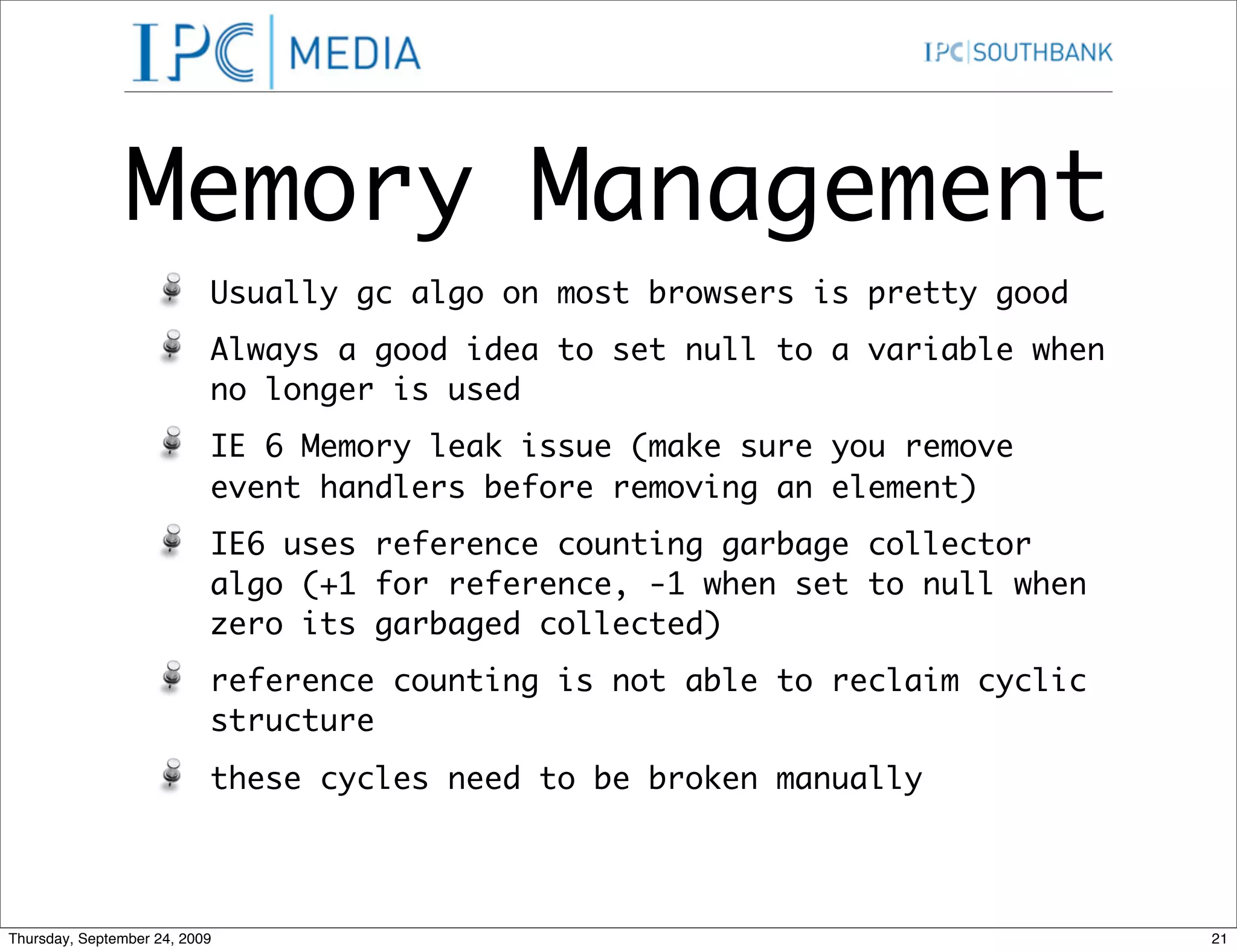
Memory Management Usually gc algo on most browsers is pretty good Always a good idea to set null to a variable when no longer is used IE 6 Memory leak issue (make sure you remove event handlers before removing an element) IE6 uses reference counting garbage collector algo (+1 for reference, -1 when set to null when zero its garbaged collected) reference counting is not able to reclaim cyclic structure these cycles need to be broken manually Thursday, September 24, 2009 21
Memory Leaks on IE6 Not an issue for page view driven applications but a show stopper for AJAX Applications Now fixed in IE7 Remove all event handlers from elements due to be deleted Must be done for nodes before removeChild / replaceChild It must be done on nodes before they are replaced by innerHTML Thursday, September 24, 2009 22
Memory Leaks in IE6 You can use YUI’s purgeElement method or function purgeEventHandlers(node) { for(var n in node) { if (typeof node[n] === ‘function’) { node[n] = null; } } } Thursday, September 24, 2009 23
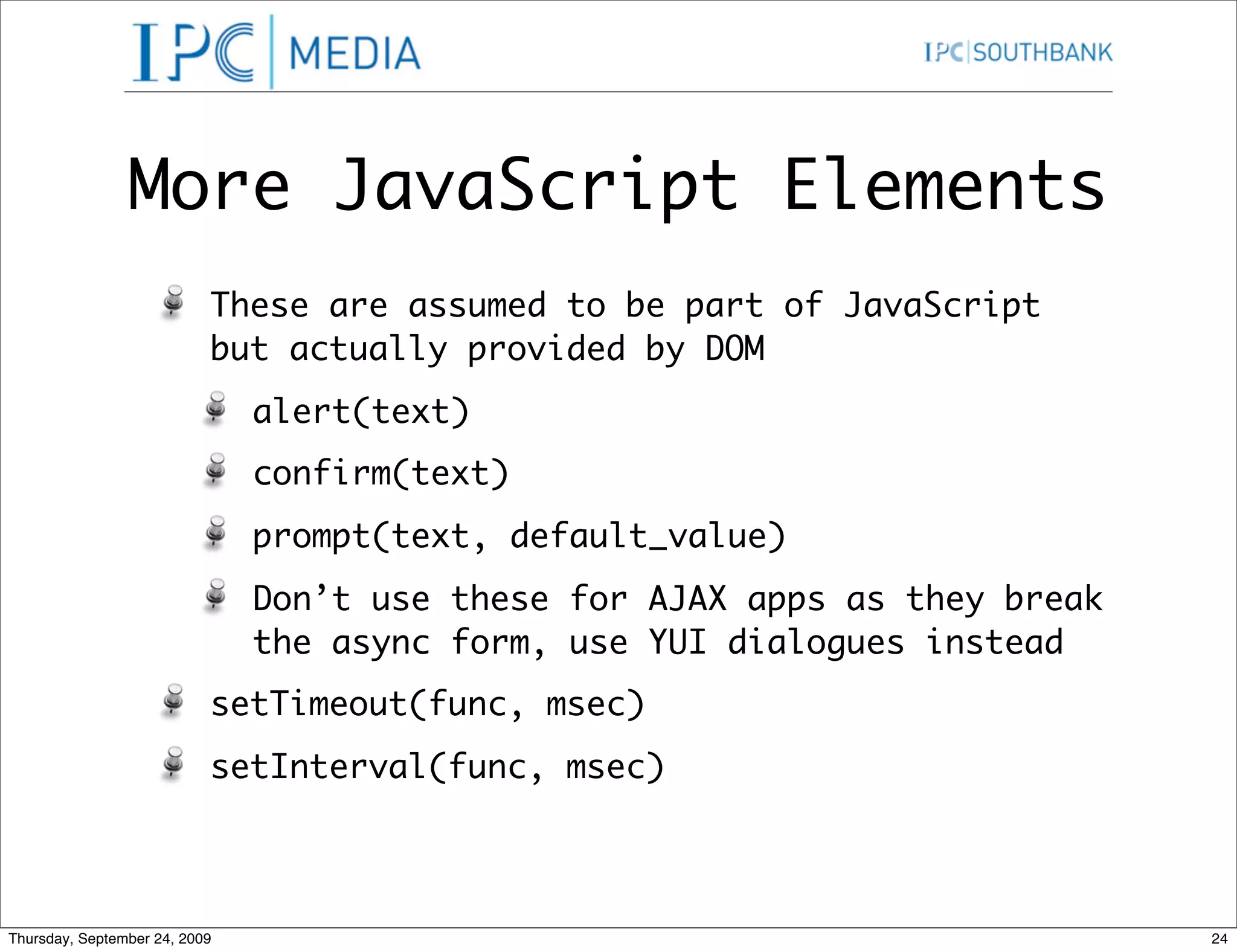
More JavaScript Elements These are assumed to be part of JavaScript but actually provided by DOM alert(text) confirm(text) prompt(text, default_value) Don’t use these for AJAX apps as they break the async form, use YUI dialogues instead setTimeout(func, msec) setInterval(func, msec) Thursday, September 24, 2009 24
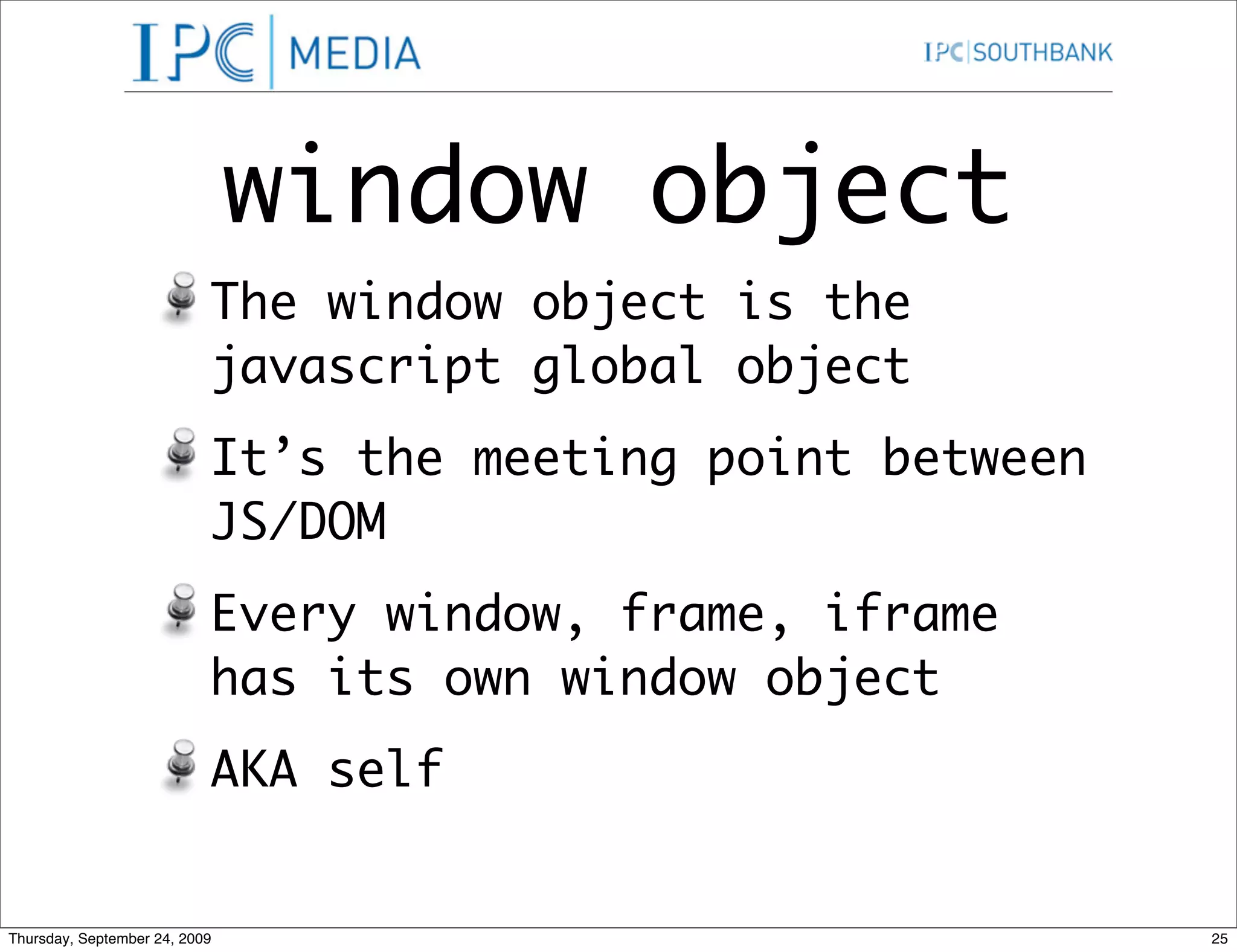
window object The window object is the javascript global object It’s the meeting point between JS/DOM Every window, frame, iframe has its own window object AKA self Thursday, September 24, 2009 25
Inter-window communication frame[] - child frames and iframes name - text name for the window opener - reference to the opener of current window object parent - reference to the parent self - reference to this window top - reference to the outermost window window - reference to the current window open() - opens a new window Thursday, September 24, 2009 26
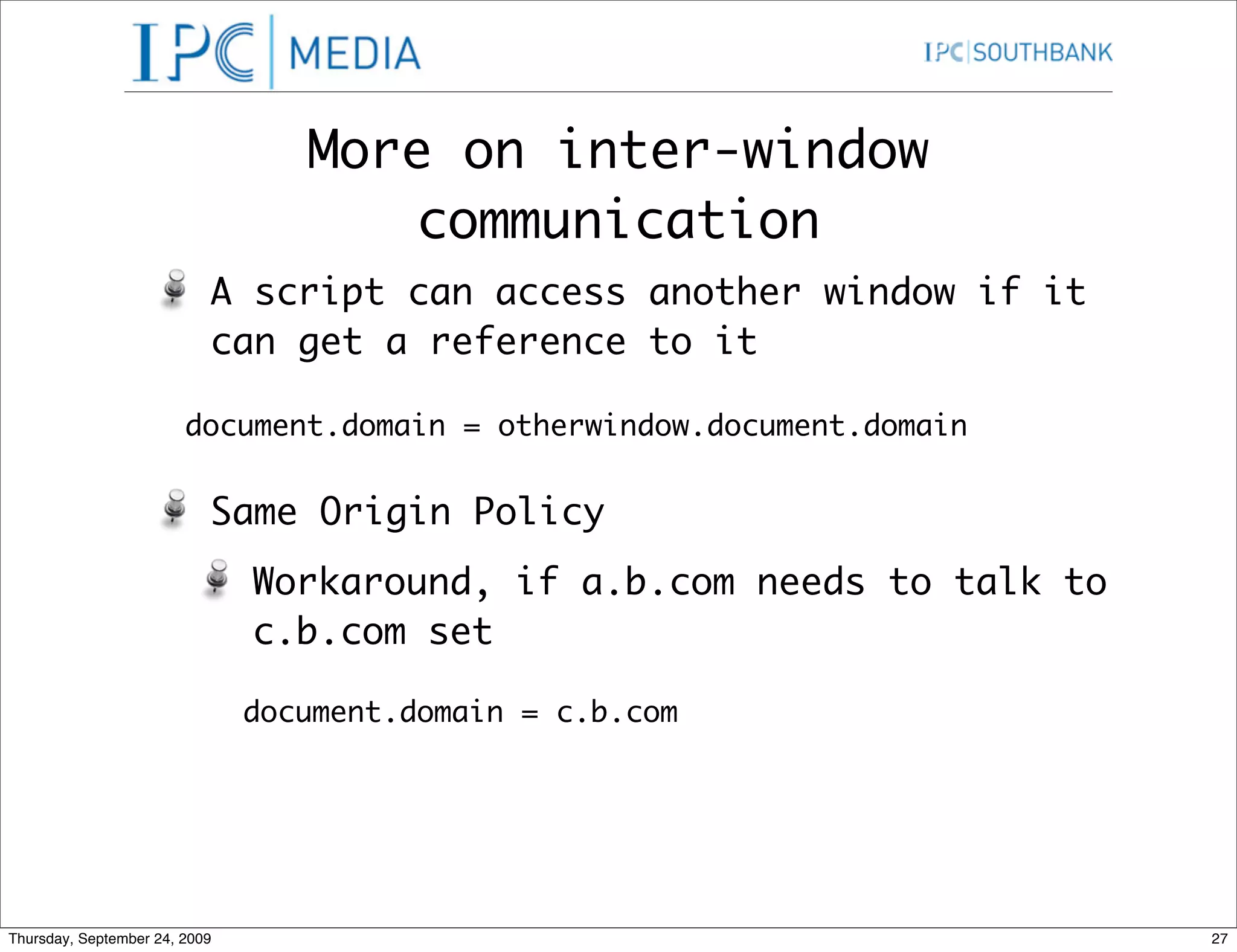
More on inter-window communication A script can access another window if it can get a reference to it document.domain = otherwindow.document.domain Same Origin Policy Workaround, if a.b.com needs to talk to c.b.com set document.domain = c.b.com Thursday, September 24, 2009 27
Cross Browser Issues Weak standards result in significant vendor specific differences between the browsers There are three ways of resolving it Browser Detection - worked well when there were only a few browsers to support Feature Detection - By far the safest way, check if the value exists before you use it Platform Libraries - Use MS Atlas or Yahoo! YUI Thursday, September 24, 2009 28
Coping Do what works Do what is common Do what is standard (sad this is not #1) Thursday, September 24, 2009 29
The limiting Factor Browsers are being pushed to their limits Be prepared to back off Reduce memory requirements Balance client and server actions (don’t try and do everything on client side) Thursday, September 24, 2009 30
What to watch out for? Browsers weren’t designed to be a general purpose application (newer versions are doing that, chrome is the right direction) Lacks a compositing model - new elements can’t be made with current elements, visually yes but browsers/screen readers still see them as individual elements Lacks support for co-operation under mutual suspicion (mashups need to be written extra carefully to ensure there is no clobbering) Thursday, September 24, 2009 31
Resources DOM Cheat Sheet By Christian http://www.wait-till-i.com/2007/06/27/dom- javascript-cheat-sheet/ Mozilla’s take on DOM https://developer.mozilla.org/en/DOM Convert Markup to DOM methods http://muffinresearch.co.uk/code/javascript/ DOMTool/ Thursday, September 24, 2009 32

Dom API In Java Script

  • 1.
    JavaScript DOM API Rajat Pandit (rajat_pandit@ipcmedia.com) Thursday, September 24, 2009 1
  • 2.
    Document Object Model W3C thought it was a good idea to keep the DOM API similar across languages Vague specifications meant different implementations across different browsers It became important to know the difference between browsers to make code work across different browsers That didn’t turn out as expected Thursday, September 24, 2009 2
  • 3.
    DOM API in JavaScript Thursday, September 24, 2009 3
  • 4.
    Finding Elements DOM API provides for the following methods document.getElementById(id) - Gets element by its id document.getElementsByTagName(tagname) - Get all the elements matching tagname document.getElementsByClassName(class) - Currently only support by Firefox :( Thursday, September 24, 2009 4
  • 5.
    Modifying Elements Old School Method (smaller & faster) if (my_image.complete) { my_image.src = support_url; } W3C way of changing attributes. if (my_image.getAttribute('complete')) { my_image.setAttribute('src',url); } Thursday, September 24, 2009 5
  • 6.
    Changing style ofelements node.className node.style.stylename node.currentStyle.stylename Only supported by IE so far, reports back the computed style, similar to firebug Thursday, September 24, 2009 6
  • 7.
    Style Names (css/js) css style name javascript background-color equivalent backgroundColor border-radius borderRadius font-size fontSize list-style-type listStyleType word-spacing wordSpacing z-index zIndex Thursday, September 24, 2009 7
  • 8.
    Making New Elements DOM allows you to create new elements document.createElement(nodename) - creates a new node element document.createTextNode(text) - creates the node of type #text node.cloneNode(boolean) - clones the node and creates a new instance, when set to true, clones all its decendents a well. Important thing to remember is, the new nodes are not attached to the DOM Thursday, September 24, 2009 8
  • 9.
    Linking Elements toa parent node.appendChild(new_node) - attaches new_node to node as a descendent node.insertBefore(new_node, sibling) - adds new_node before the sibling node (pretty odd) node.replaceChild(new, old) - replaces old node with the new node better written as old.parentNode.replaceChild(new, old) Very odd that all methods require link to the parent node Thursday, September 24, 2009 9
  • 10.
    Removing Nodes Removing nodes is even weirder node.removeChild(old) - how odd!! better written as old.parentNode.removeChild(old) I call it the suicide method Thursday, September 24, 2009 10
  • 11.
    innerHTML Not part of the original W3C spec added by IE and now all a-grade browsers support it You can do the same by appendChild but it can be really complex for bigger structures Which option is better? readability and clean code should always take a higher priority when taking that decision Thursday, September 24, 2009 11
  • 12.
    Event Model The browser has an event driven single treaded, asynchronous programming model Events are targeted at particular nodes Events cause the invocation of event handlers Thursday, September 24, 2009 12
  • 13.
    Mouse Events The target is the topmost (z-index) node containing the cursor click dblclick mousedown mousemove mouseout mouseover mouseup Thursday, September 24, 2009 13
  • 14.
    Input Events The target is the node having focus blur change focus keydown keypress keyup reset submit Thursday, September 24, 2009 14
  • 15.
    Attaching Event Handlers Classic Method (still works) node[“on” + type] = f W3C Way node.addEventListener(type, f, false) MS Way (Why not!!) node.attachEvent(“on”+type, f) Thursday, September 24, 2009 15
  • 16.
    Event Handlers The handler takes an optional event parameter MS doesn’t send an event param to the handler, use the global event object instead. Screws up meaning of “this” object function(e) { e = e || event; var target = e.target || e.srcElement; // more code. } Thursday, September 24, 2009 16
  • 17.
    Event Dispatching Trickling - is an event capturing pattern which provides compatibility with NS4. Track event at the top and work the way down till it finds the node. Crazy Idea, avoid it!! Bubbling - Event is given to an element and passes on to its parent and then its parent or so until it’s cancelled. Thursday, September 24, 2009 17
  • 18.
    Event Dispatching Trickling - is an event capturing pattern which provides compatibility with NS4. Track event at the top and work the way down till it finds the node. Crazy Idea, avoid it!! Bubbling - Event is given to an element and passes on to its parent and then its parent or so until it’s cancelled. MS got this one right Thursday, September 24, 2009 17
  • 19.
    Why Bubble? Assume a case of 100 draggable objects Attach 100 event handlers,one to each object or attach 1 Event handler to the container and find out the target from there instead Thursday, September 24, 2009 18
  • 20.
    Cancel Bubbling Cancel bubbling to keep the parent nodes from seeing the event e.cancelBubble = true; // IE if (e.stopPropogation) { e.stopPropogation(); } Thursday, September 24, 2009 19
  • 21.
    Prevent Default Action An event handler can prevent browser action associated with the event (such as submitting the form) e.returnValue = false; if (e.preventDefault) { e.preventDefault(); } return false; Thursday, September 24, 2009 20
  • 22.
    Memory Management Usually gc algo on most browsers is pretty good Always a good idea to set null to a variable when no longer is used IE 6 Memory leak issue (make sure you remove event handlers before removing an element) IE6 uses reference counting garbage collector algo (+1 for reference, -1 when set to null when zero its garbaged collected) reference counting is not able to reclaim cyclic structure these cycles need to be broken manually Thursday, September 24, 2009 21
  • 23.
    Memory Leaks onIE6 Not an issue for page view driven applications but a show stopper for AJAX Applications Now fixed in IE7 Remove all event handlers from elements due to be deleted Must be done for nodes before removeChild / replaceChild It must be done on nodes before they are replaced by innerHTML Thursday, September 24, 2009 22
  • 24.
    Memory Leaks inIE6 You can use YUI’s purgeElement method or function purgeEventHandlers(node) { for(var n in node) { if (typeof node[n] === ‘function’) { node[n] = null; } } } Thursday, September 24, 2009 23
  • 25.
    More JavaScript Elements These are assumed to be part of JavaScript but actually provided by DOM alert(text) confirm(text) prompt(text, default_value) Don’t use these for AJAX apps as they break the async form, use YUI dialogues instead setTimeout(func, msec) setInterval(func, msec) Thursday, September 24, 2009 24
  • 26.
    window object The window object is the javascript global object It’s the meeting point between JS/DOM Every window, frame, iframe has its own window object AKA self Thursday, September 24, 2009 25
  • 27.
    Inter-window communication frame[] - child frames and iframes name - text name for the window opener - reference to the opener of current window object parent - reference to the parent self - reference to this window top - reference to the outermost window window - reference to the current window open() - opens a new window Thursday, September 24, 2009 26
  • 28.
    More on inter-window communication A script can access another window if it can get a reference to it document.domain = otherwindow.document.domain Same Origin Policy Workaround, if a.b.com needs to talk to c.b.com set document.domain = c.b.com Thursday, September 24, 2009 27
  • 29.
    Cross Browser Issues Weak standards result in significant vendor specific differences between the browsers There are three ways of resolving it Browser Detection - worked well when there were only a few browsers to support Feature Detection - By far the safest way, check if the value exists before you use it Platform Libraries - Use MS Atlas or Yahoo! YUI Thursday, September 24, 2009 28
  • 30.
    Coping Do what works Do what is common Do what is standard (sad this is not #1) Thursday, September 24, 2009 29
  • 31.
    The limiting Factor Browsers are being pushed to their limits Be prepared to back off Reduce memory requirements Balance client and server actions (don’t try and do everything on client side) Thursday, September 24, 2009 30
  • 32.
    What to watchout for? Browsers weren’t designed to be a general purpose application (newer versions are doing that, chrome is the right direction) Lacks a compositing model - new elements can’t be made with current elements, visually yes but browsers/screen readers still see them as individual elements Lacks support for co-operation under mutual suspicion (mashups need to be written extra carefully to ensure there is no clobbering) Thursday, September 24, 2009 31
  • 33.
    Resources DOM Cheat Sheet By Christian http://www.wait-till-i.com/2007/06/27/dom- javascript-cheat-sheet/ Mozilla’s take on DOM https://developer.mozilla.org/en/DOM Convert Markup to DOM methods http://muffinresearch.co.uk/code/javascript/ DOMTool/ Thursday, September 24, 2009 32