PYTHON
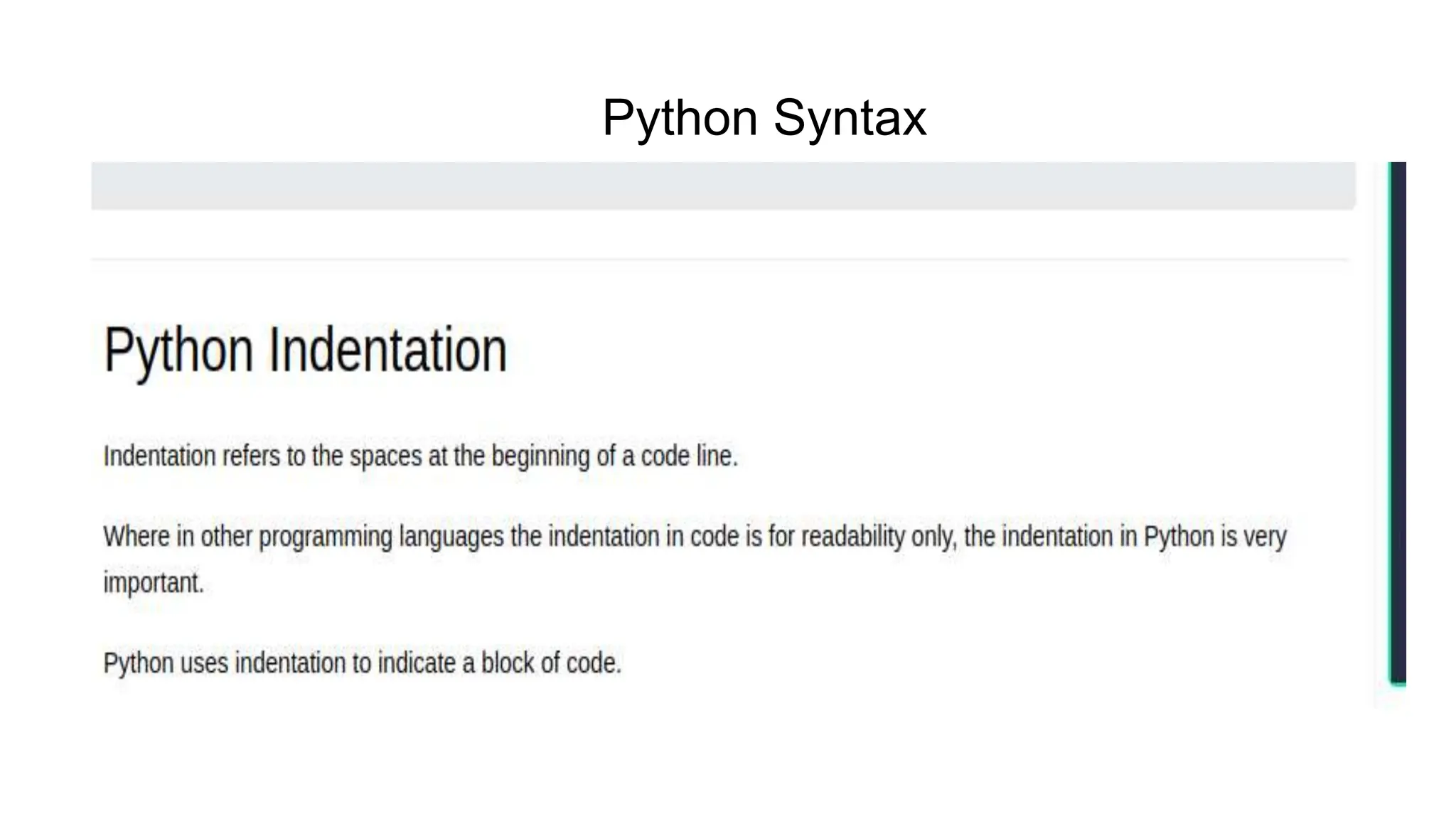
Python Syntax
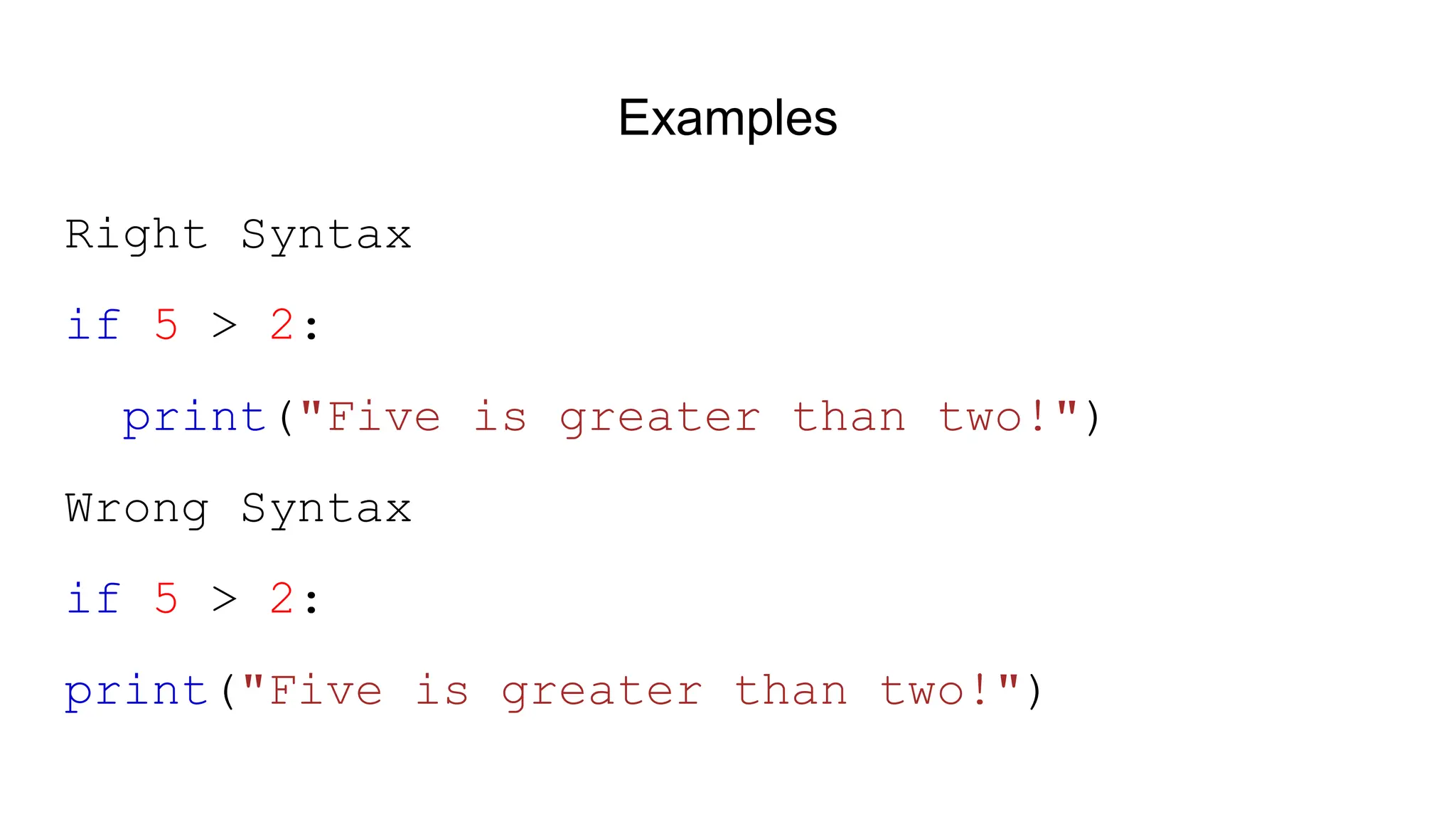
Examples Right Syntax if 5 > 2: print("Five is greater than two!") Wrong Syntax if 5 > 2: print("Five is greater than two!")
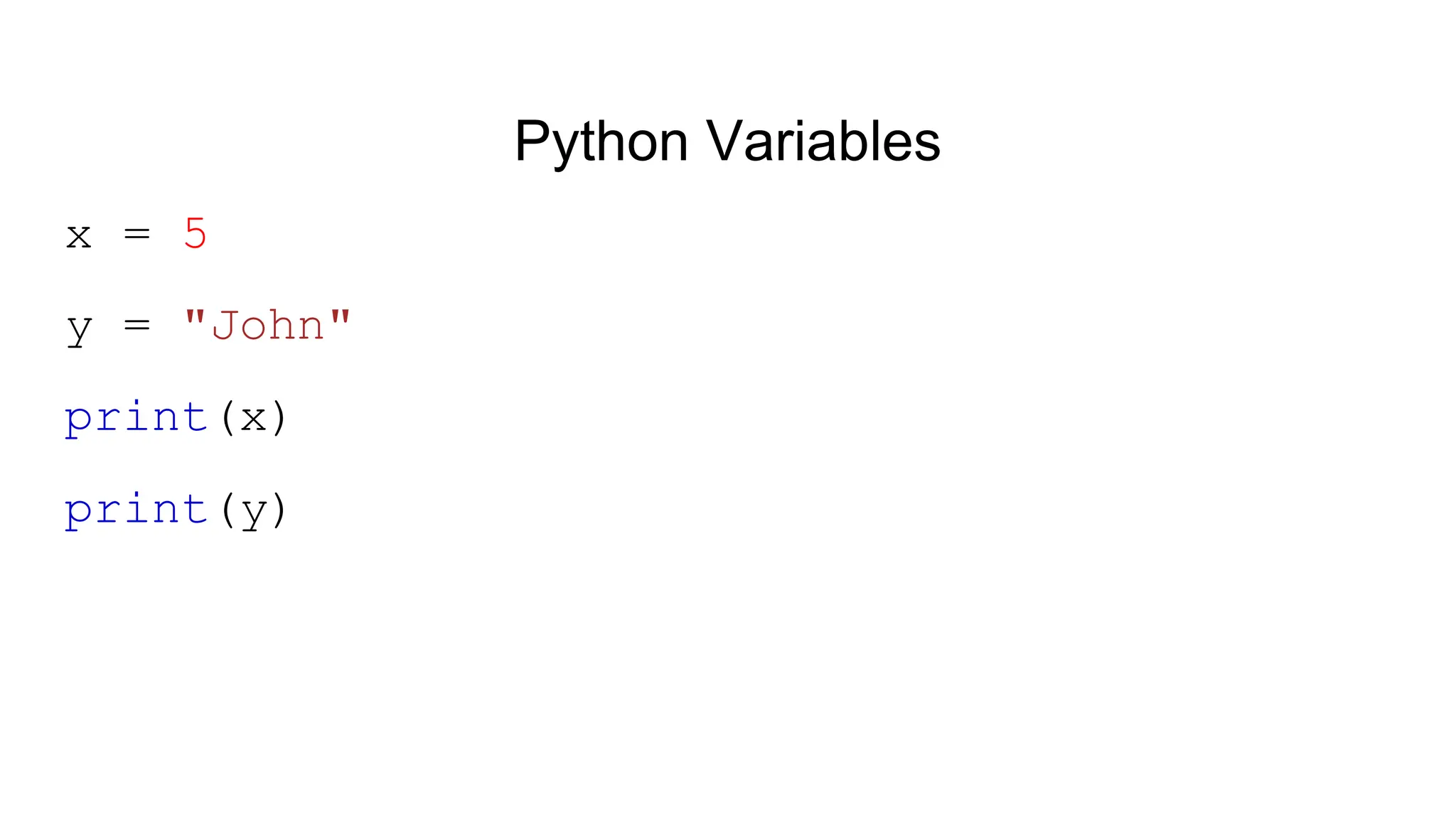
Python Variables x = 5 y = "John" print(x) print(y)
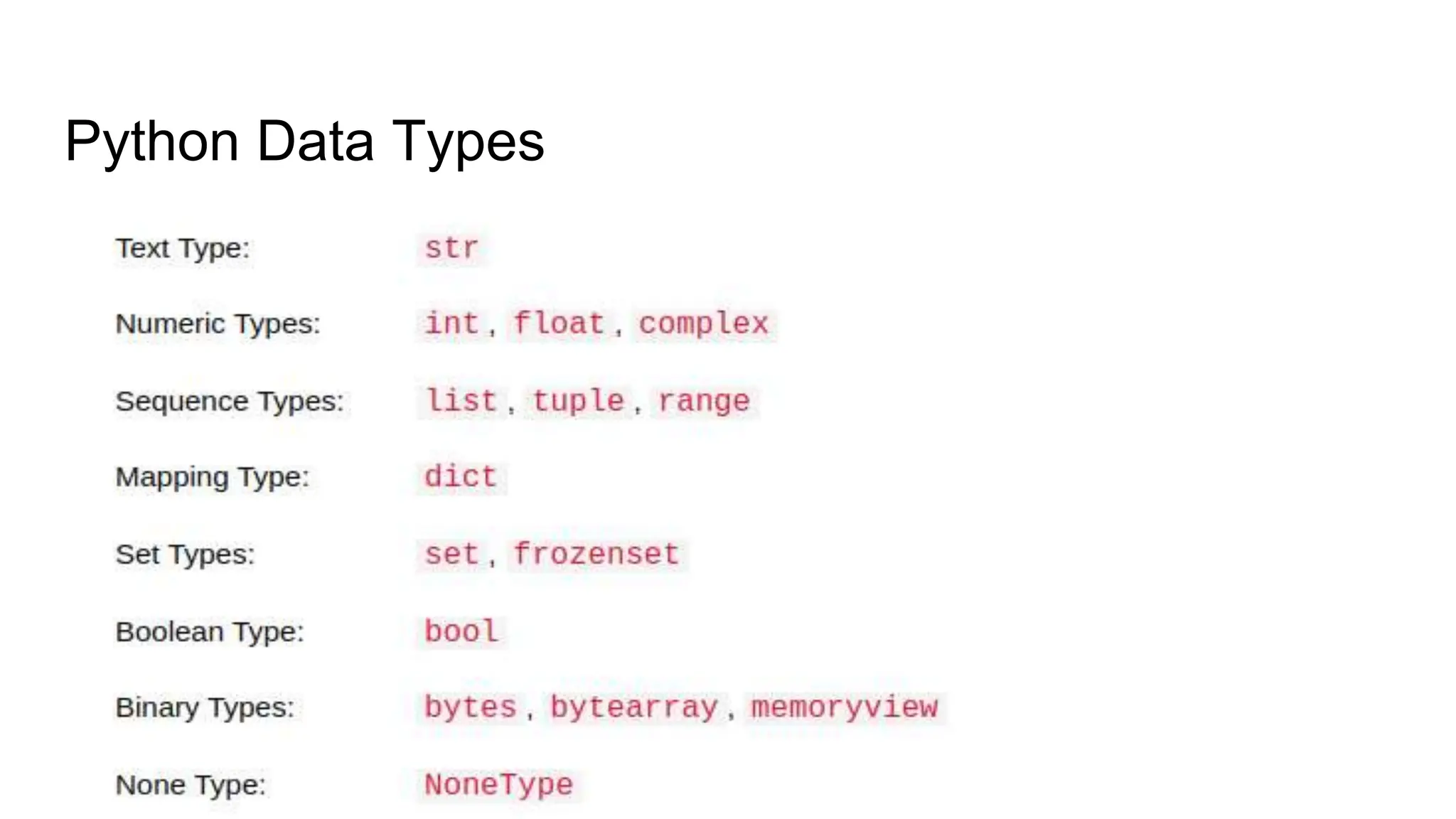
Python Data Types ❮ Previous Next ❯
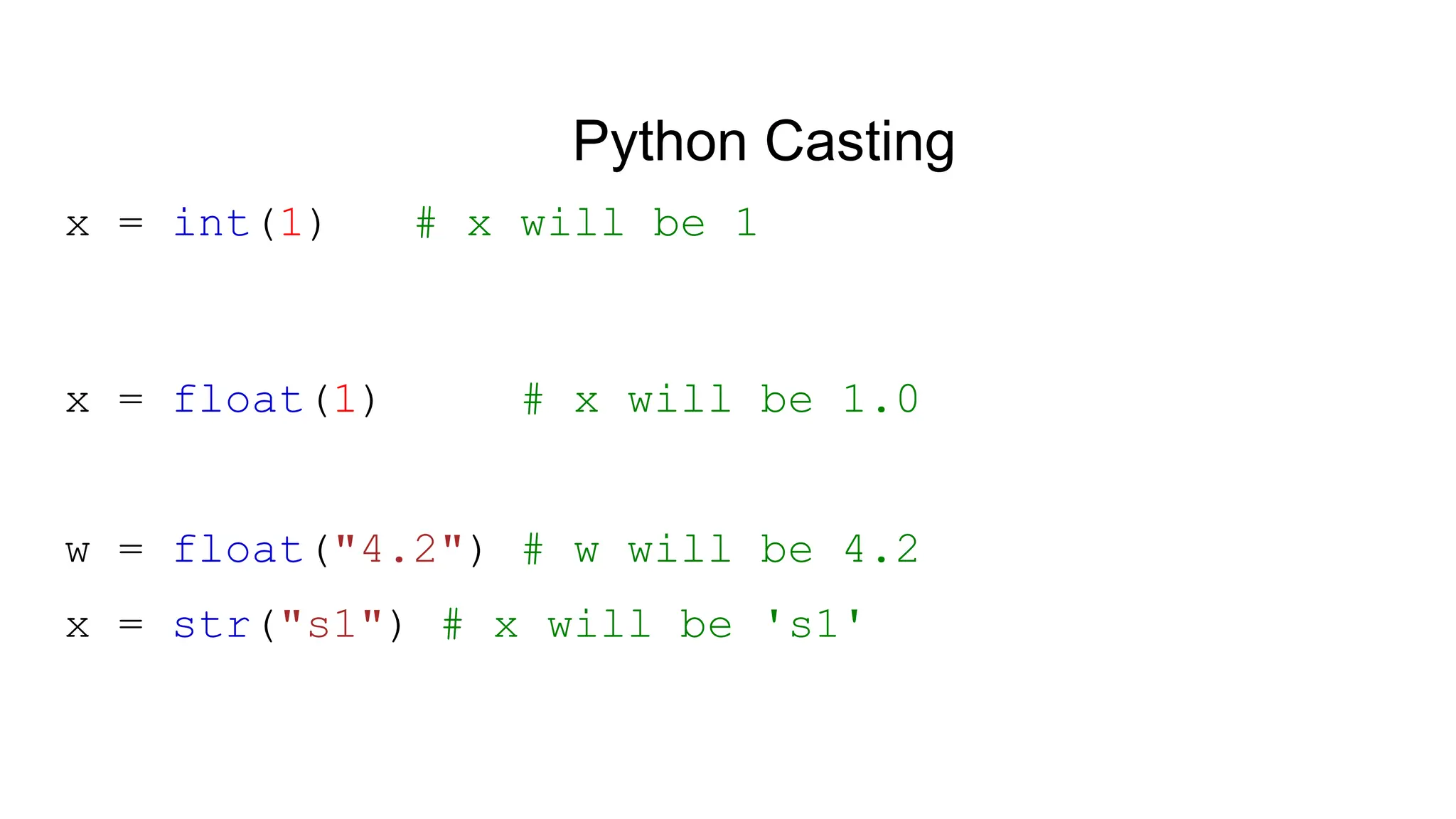
Python Casting x = int(1) # x will be 1 x = float(1) # x will be 1.0 w = float("4.2") # w will be 4.2 x = str("s1") # x will be 's1'
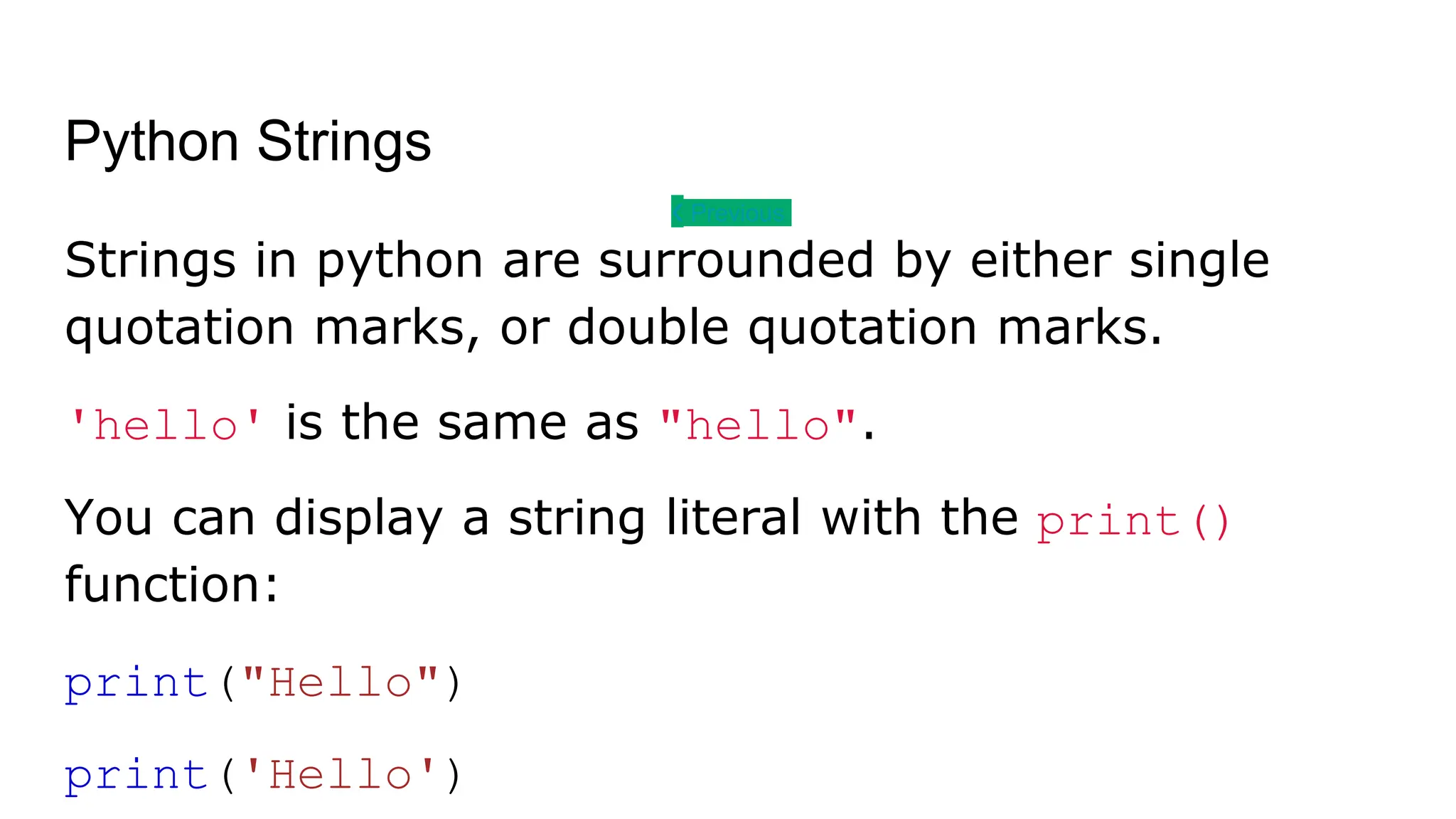
Python Strings ❮ Previous Next ❯ Strings in python are surrounded by either single quotation marks, or double quotation marks. 'hello' is the same as "hello". You can display a string literal with the print() function: print("Hello") print('Hello')
Python - Slicing Strings ❮ Previous Next ❯ b = "Hello, World!" print(b[2:5]) Starting from start b = "Hello, World!" print(b[:5])
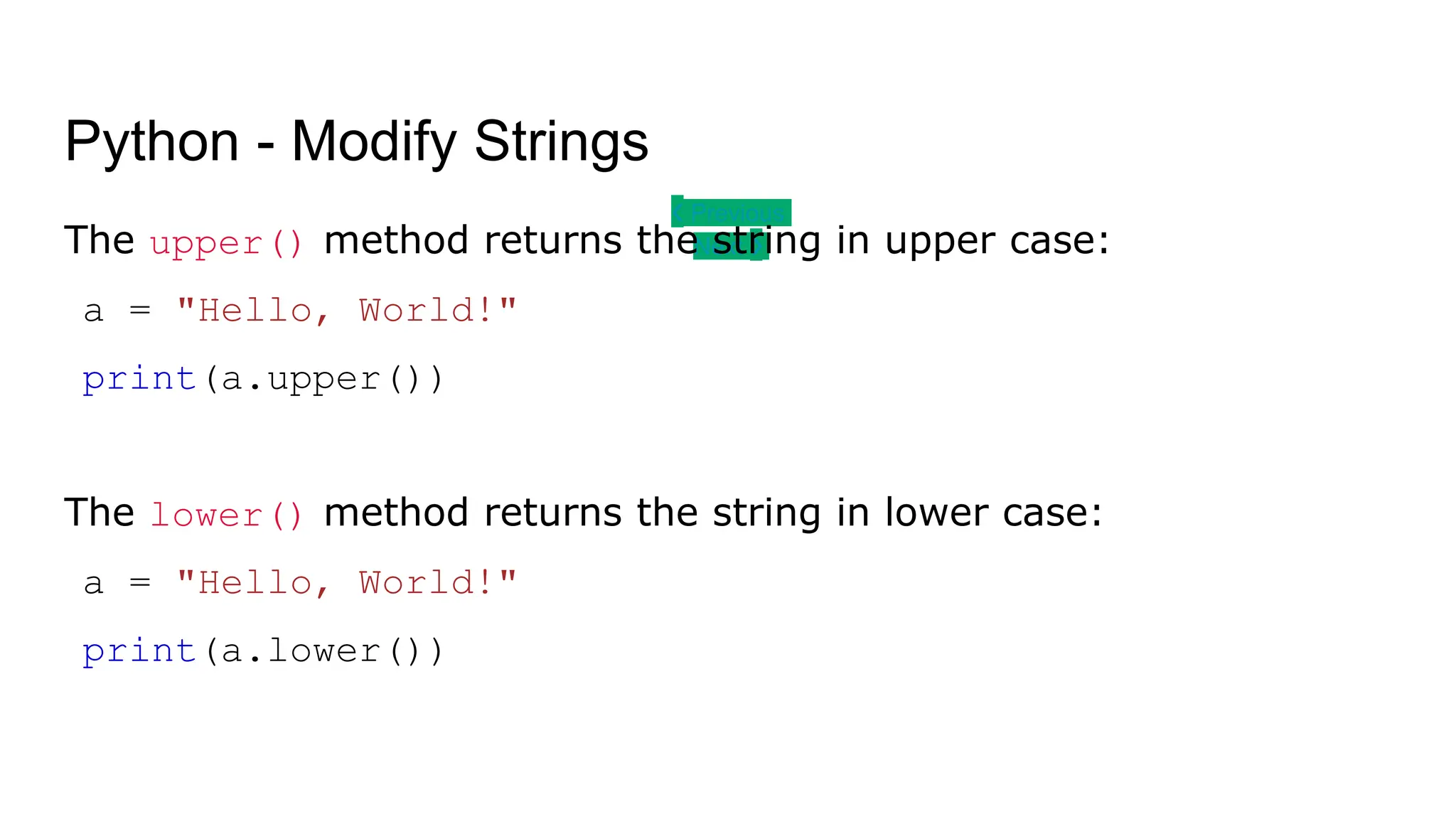
Python - Modify Strings ❮ Previous Next ❯ The upper() method returns the string in upper case: a = "Hello, World!" print(a.upper()) The lower() method returns the string in lower case: a = "Hello, World!" print(a.lower())
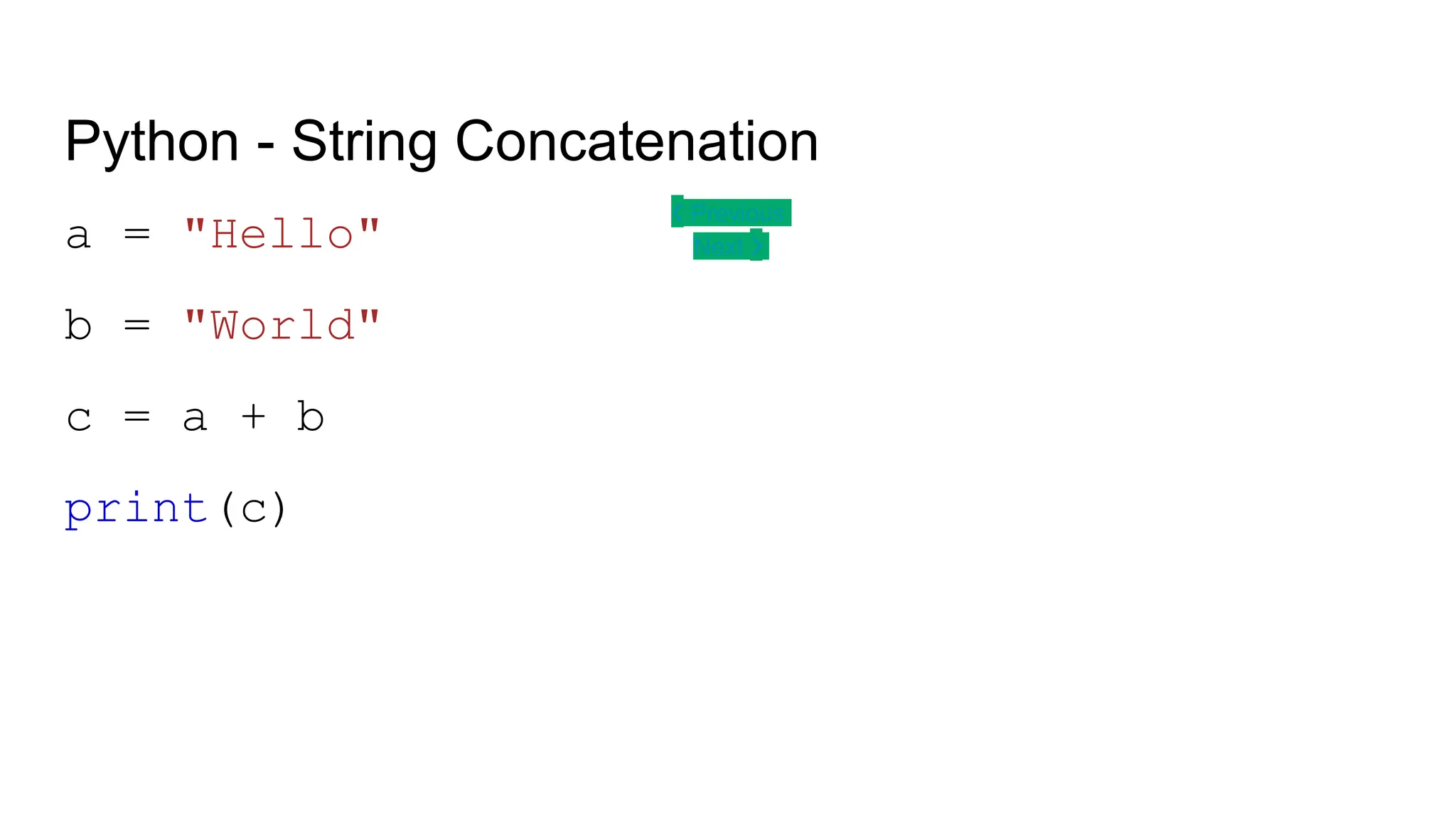
Python - String Concatenation ❮ Previous Next ❯ a = "Hello" b = "World" c = a + b print(c)
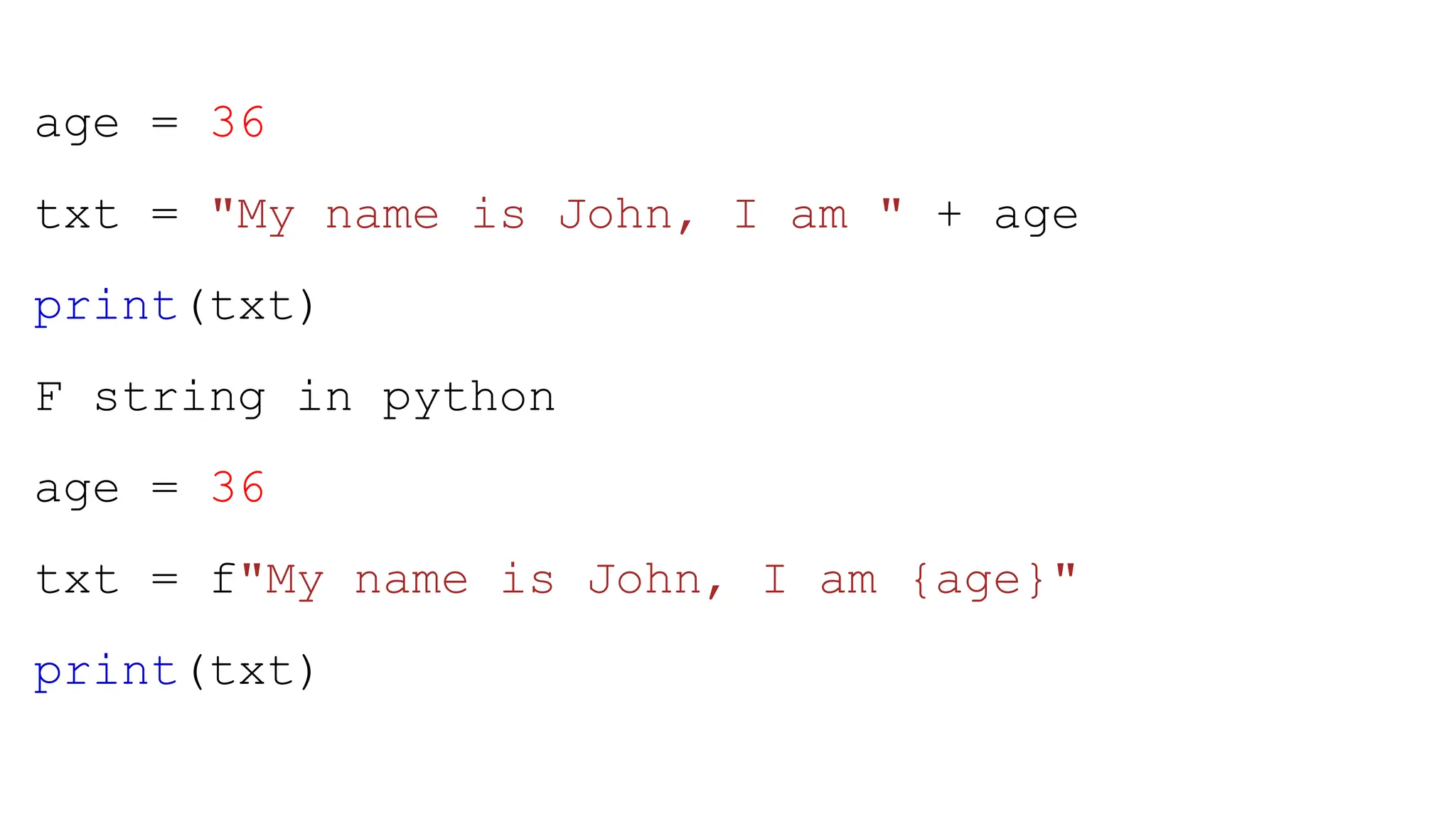
age = 36 txt = "My name is John, I am " + age print(txt) F string in python age = 36 txt = f"My name is John, I am {age}" print(txt)
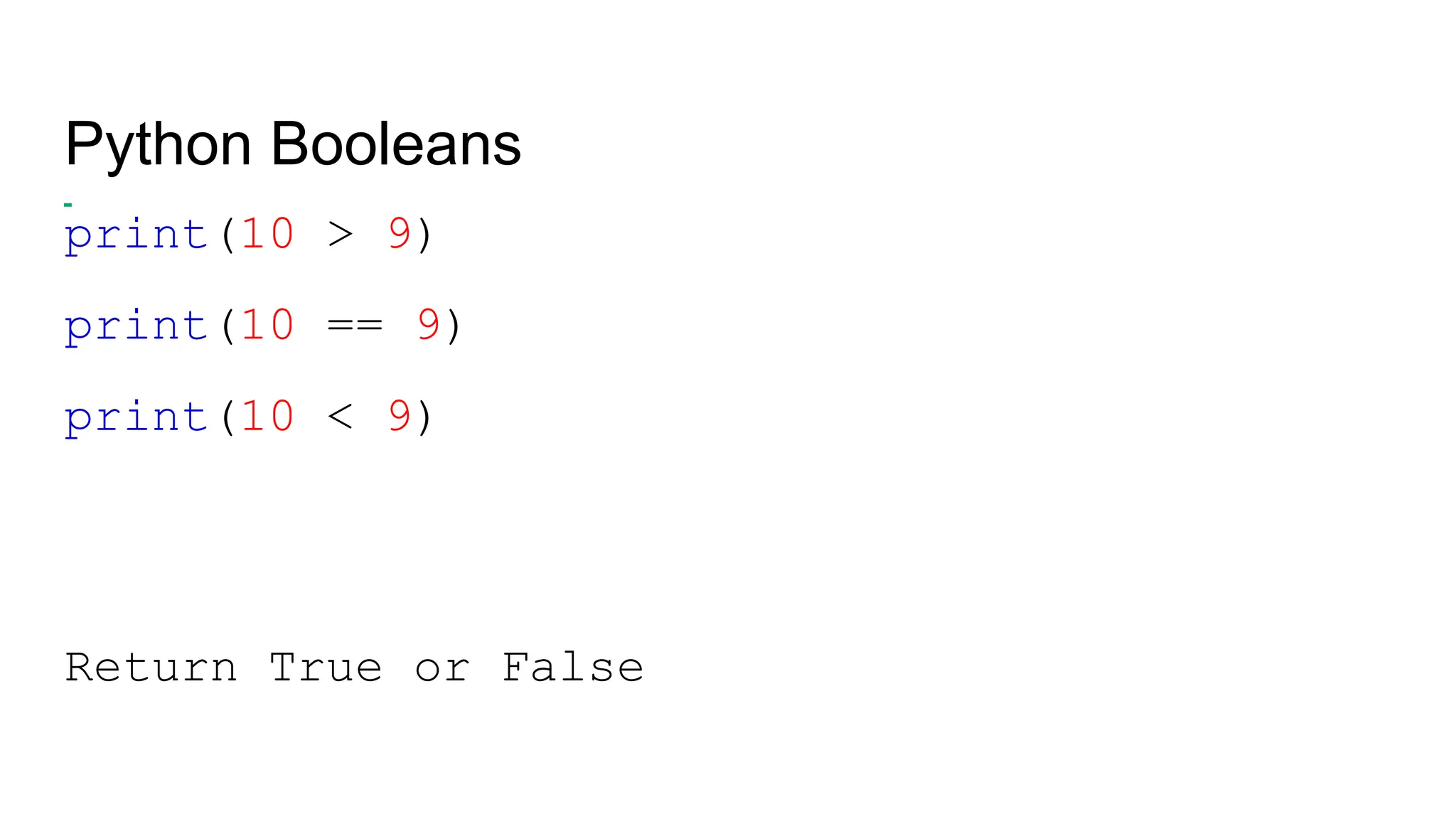
Python Booleans print(10 > 9) print(10 == 9) print(10 < 9) Return True or False
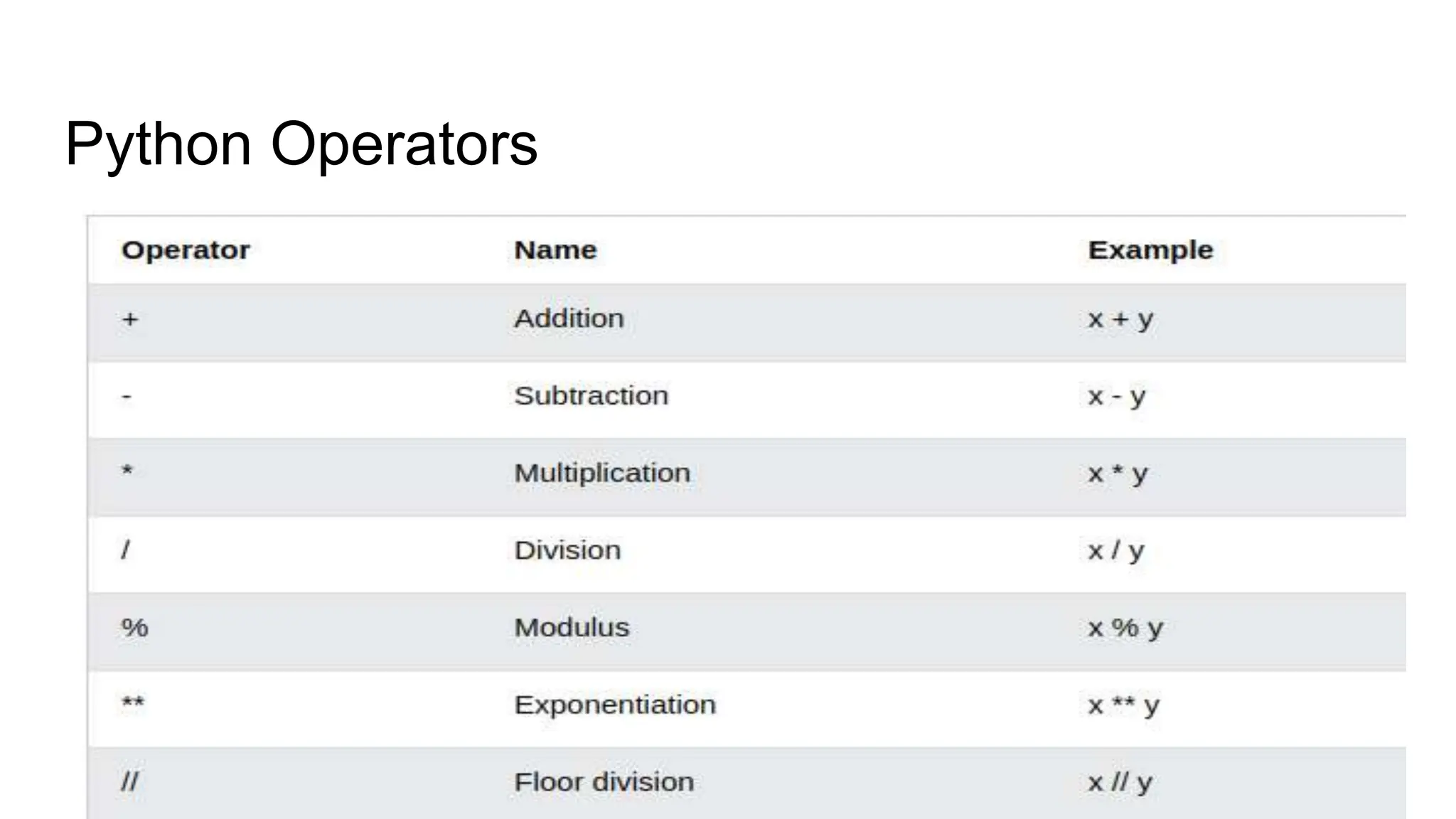
Python Operators
Python Lists Lists are used to store multiple items in a single variable. Lists are one of 4 built-in data types in Python used to store collections of data, the other 3 are Tuple, Set, and Dictionary, all with different qualities and usage. Lists are created using square brackets: Create a List: thislist = ["apple", "banana", "cherry"] print(thislist)
List Contd…. Allow Duplicates Since lists are indexed, lists can have items with the same value: Lists allow duplicate values: thislist = ["apple", "banana", "cherry", "apple", "cherry"] print(thislist)
Access Items -List thislist = ["apple", "banana", "cherry"] print(thislist[1]) Negative Indexing thislist = ["apple", "banana", "cherry"] print(thislist[-1])
Append Items -Lists thislist = ["apple", "banana", "cherry"] thislist.append("orange") print(thislist)
Remove Specified Item -List thislist = ["apple", "banana", "cherry"] thislist.remove("banana") print(thislist)
Python - Loop Lists thislist = ["apple", "banana", "cherry"] for x in thislist: print(x) By using For Loop thislist = ["apple", "banana", "cherry"] for i in range(len(thislist)): print(thislist[i])
Python - Sort Lists thislist = ["orange", "mango", "kiwi", "pineapple", "banana"] thislist.sort() print(thislist) Descending Order. thislist.sort(reverse = True)
Python - Copy Lists You cannot copy a list simply by typing list2 = list1, because: list2 will only be a reference to list1, and changes made in list1 will automatically also be made in list2. There are ways to make a copy, one way is to use the built-in List method copy(). thislist = ["apple", "banana", "cherry"] mylist = thislist.copy() print(mylist)
Python - Join Lists list1 = ["a", "b", "c"] list2 = [1, 2, 3] list3 = list1 + list2 print(list3) Another method for x in list2: list1.append(x)
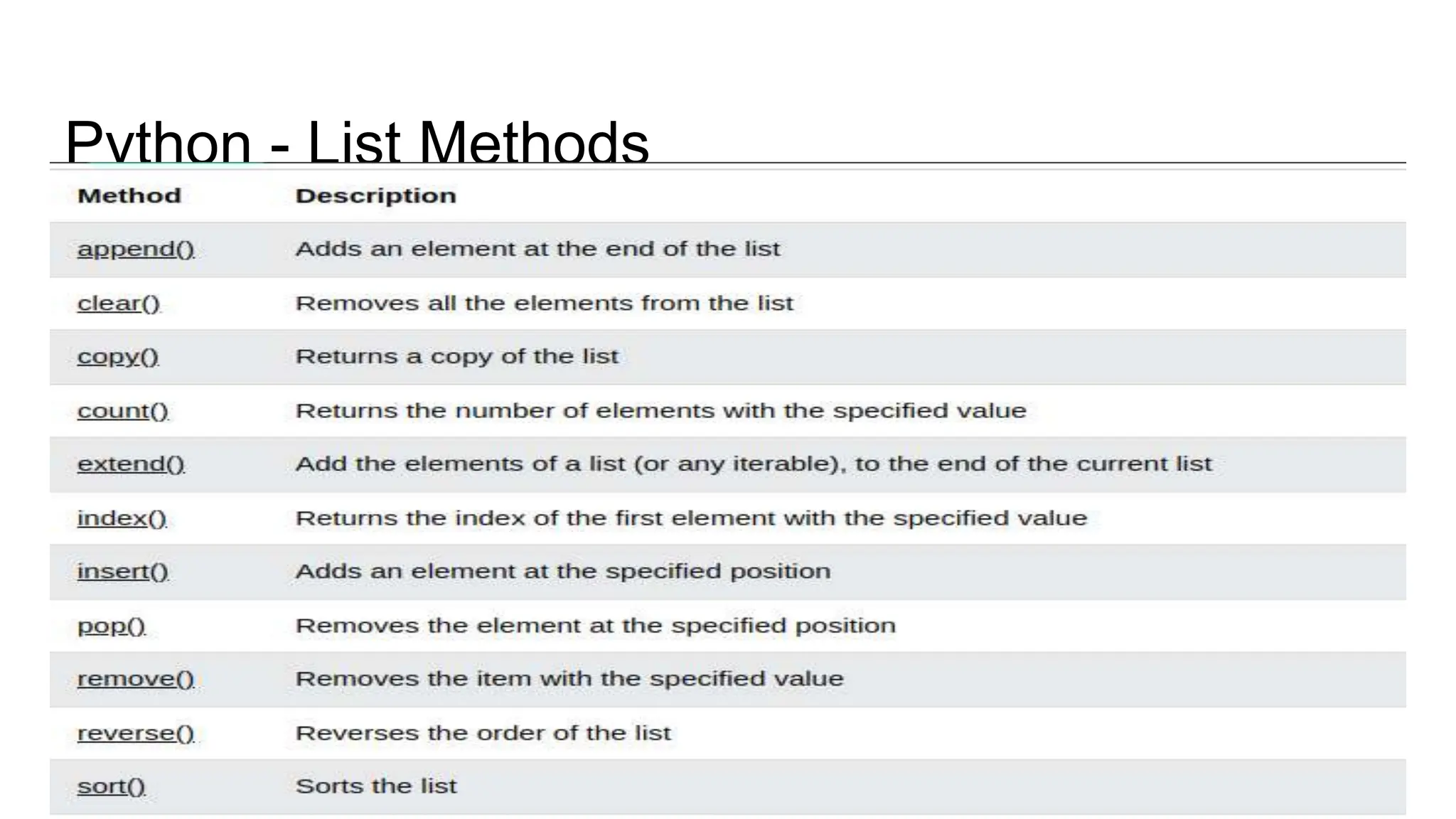
Python - List Methods
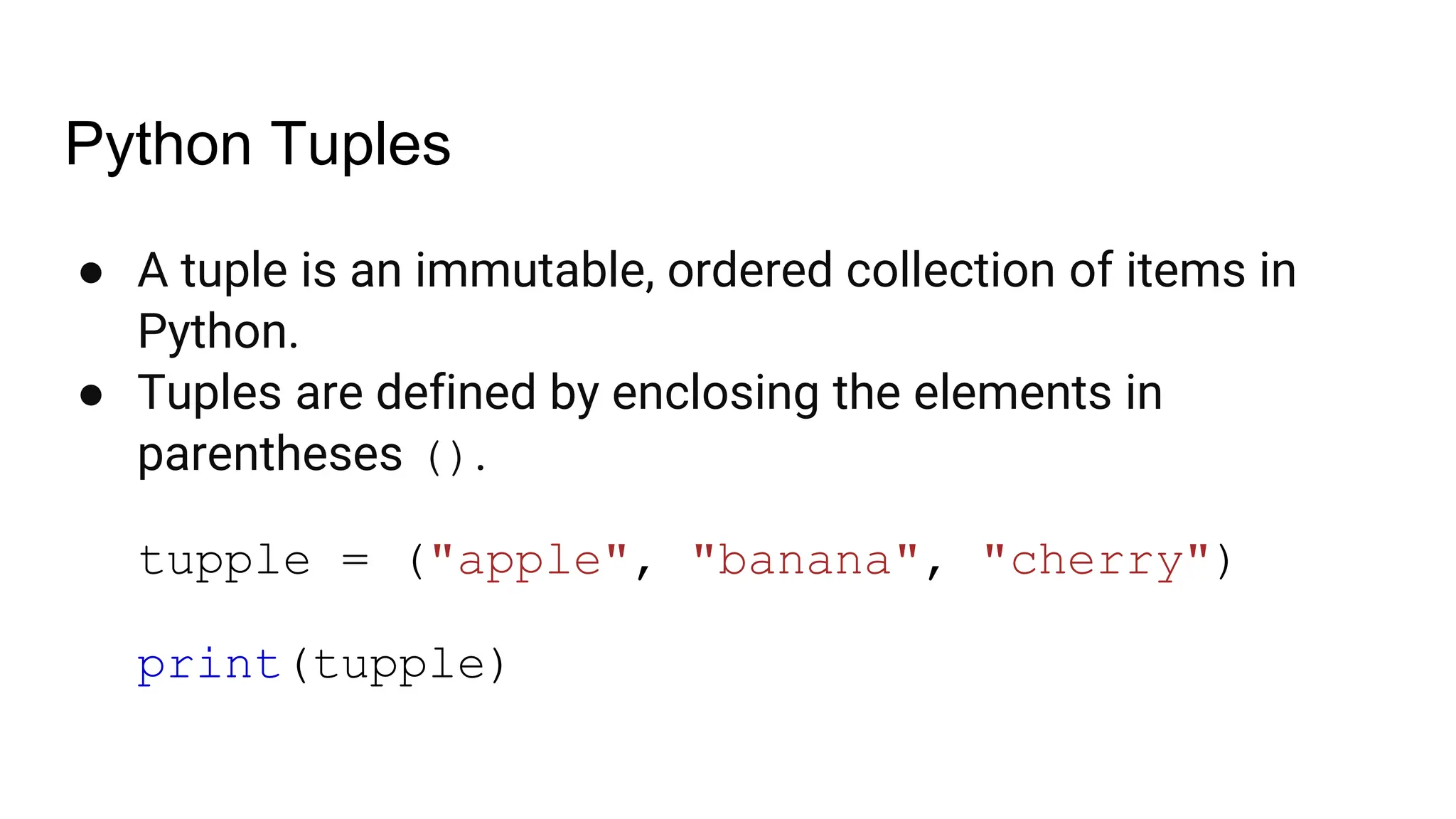
Python Tuples ● A tuple is an immutable, ordered collection of items in Python. ● Tuples are defined by enclosing the elements in parentheses (). tupple = ("apple", "banana", "cherry") print(tupple)
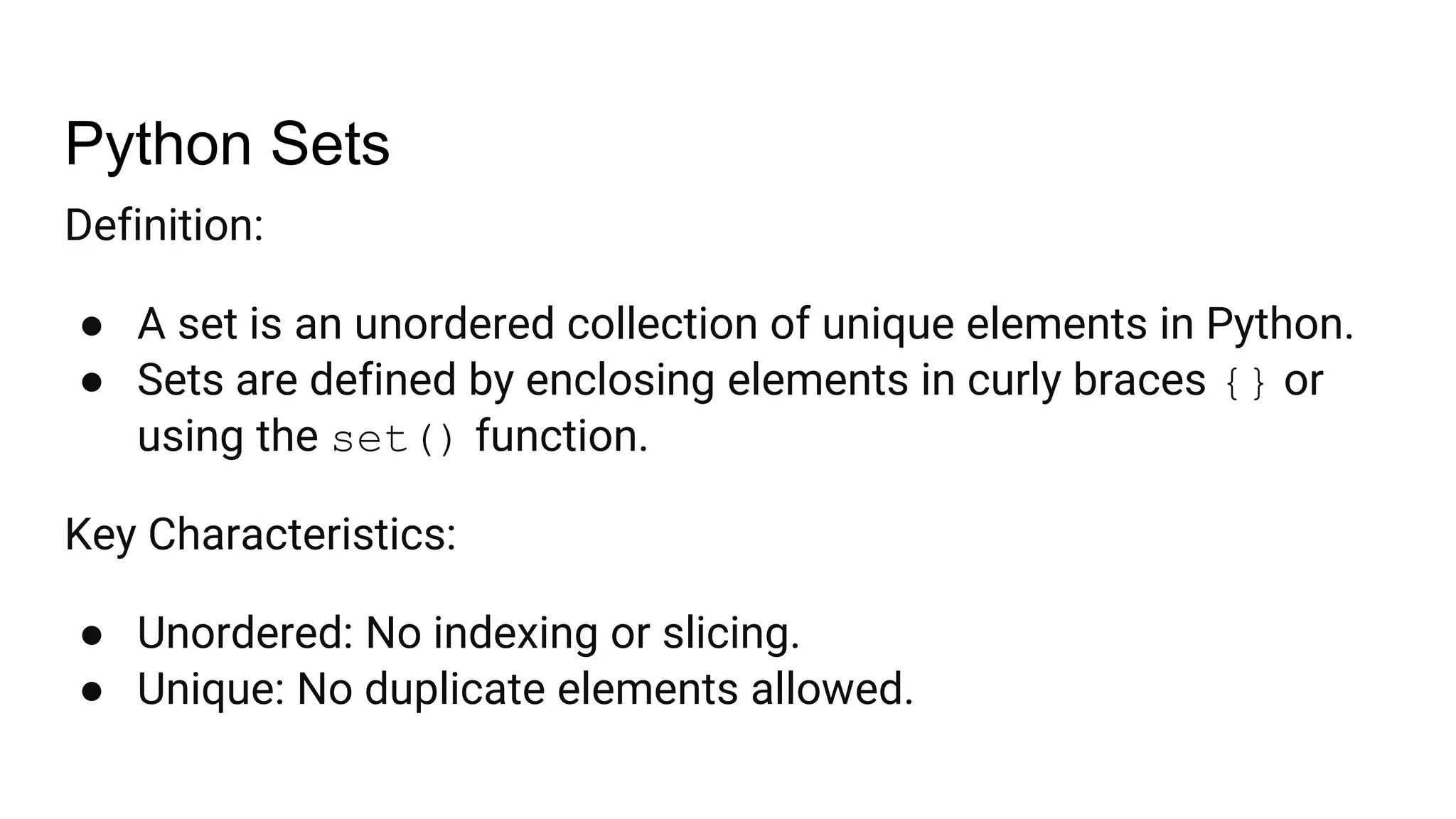
Python Sets Definition: ● A set is an unordered collection of unique elements in Python. ● Sets are defined by enclosing elements in curly braces {} or using the set() function. Key Characteristics: ● Unordered: No indexing or slicing. ● Unique: No duplicate elements allowed.
Contd… # Creating a set with curly braces my_set = {1, 2, 3, 4} # Creating a set using the set() function another_set = set([5, 6, 7, 8]) # Creating an empty set (must use set() function, not {}) empty_set = set()
Adding and Removing Elements # Adding a single element my_set.add(5) print(my_set) # Output: {1, 2, 3, 4, 5} # Adding multiple elements my_set.update([6, 7]) print(my_set) # Output: {1, 2, 3, 4, 5, 6, 7}
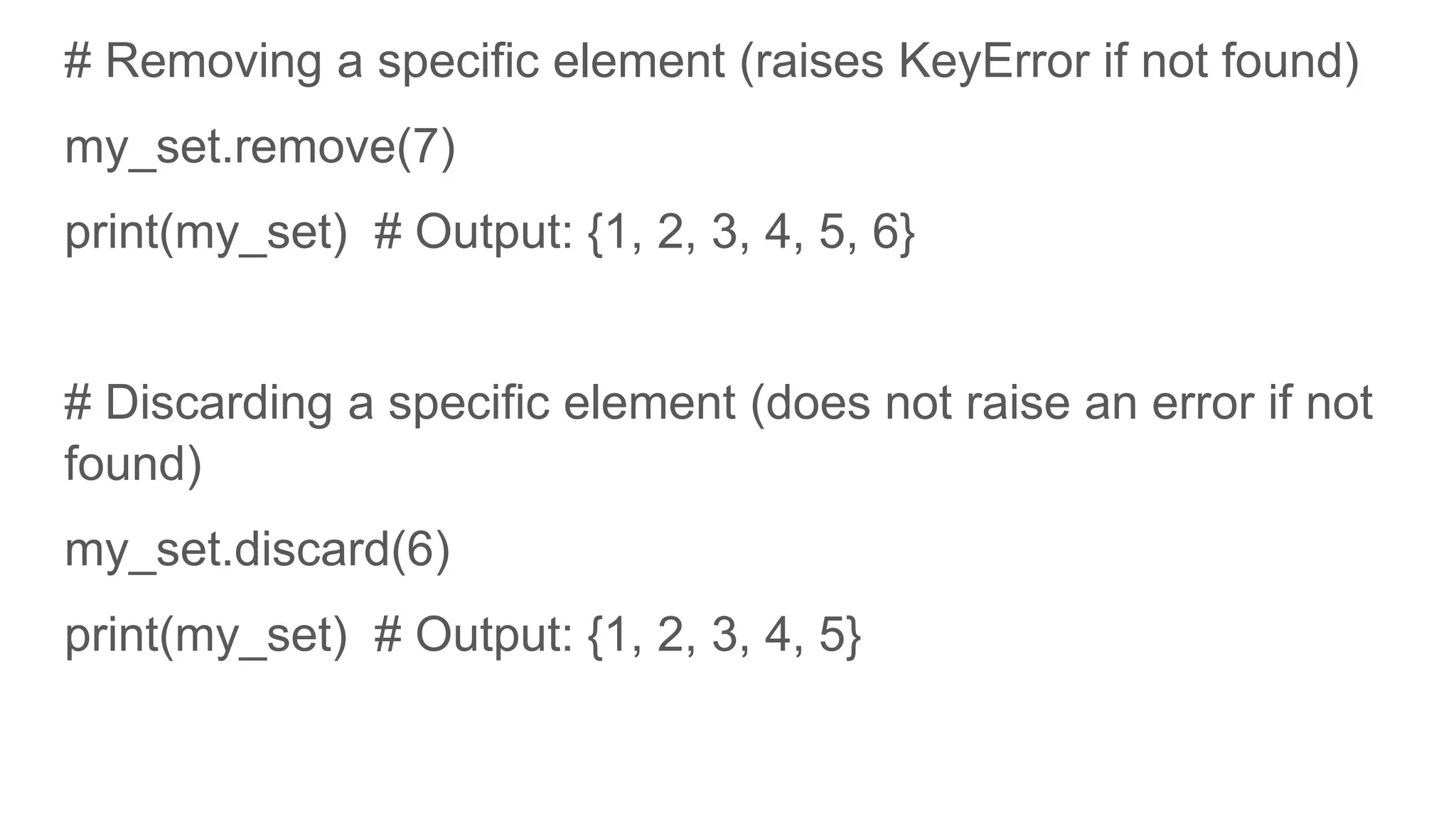
# Removing a specific element (raises KeyError if not found) my_set.remove(7) print(my_set) # Output: {1, 2, 3, 4, 5, 6} # Discarding a specific element (does not raise an error if not found) my_set.discard(6) print(my_set) # Output: {1, 2, 3, 4, 5}
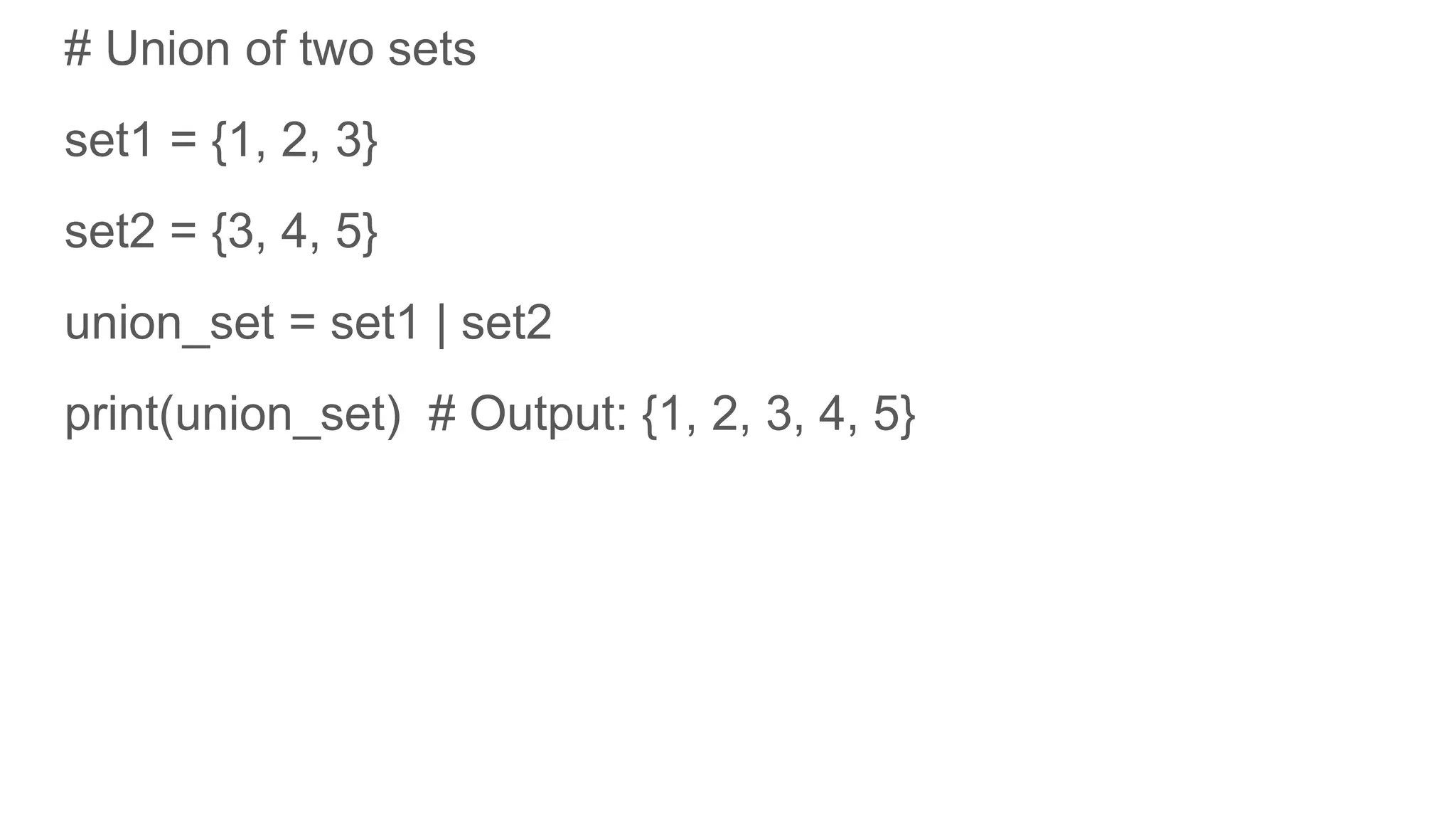
# Union of two sets set1 = {1, 2, 3} set2 = {3, 4, 5} union_set = set1 | set2 print(union_set) # Output: {1, 2, 3, 4, 5}
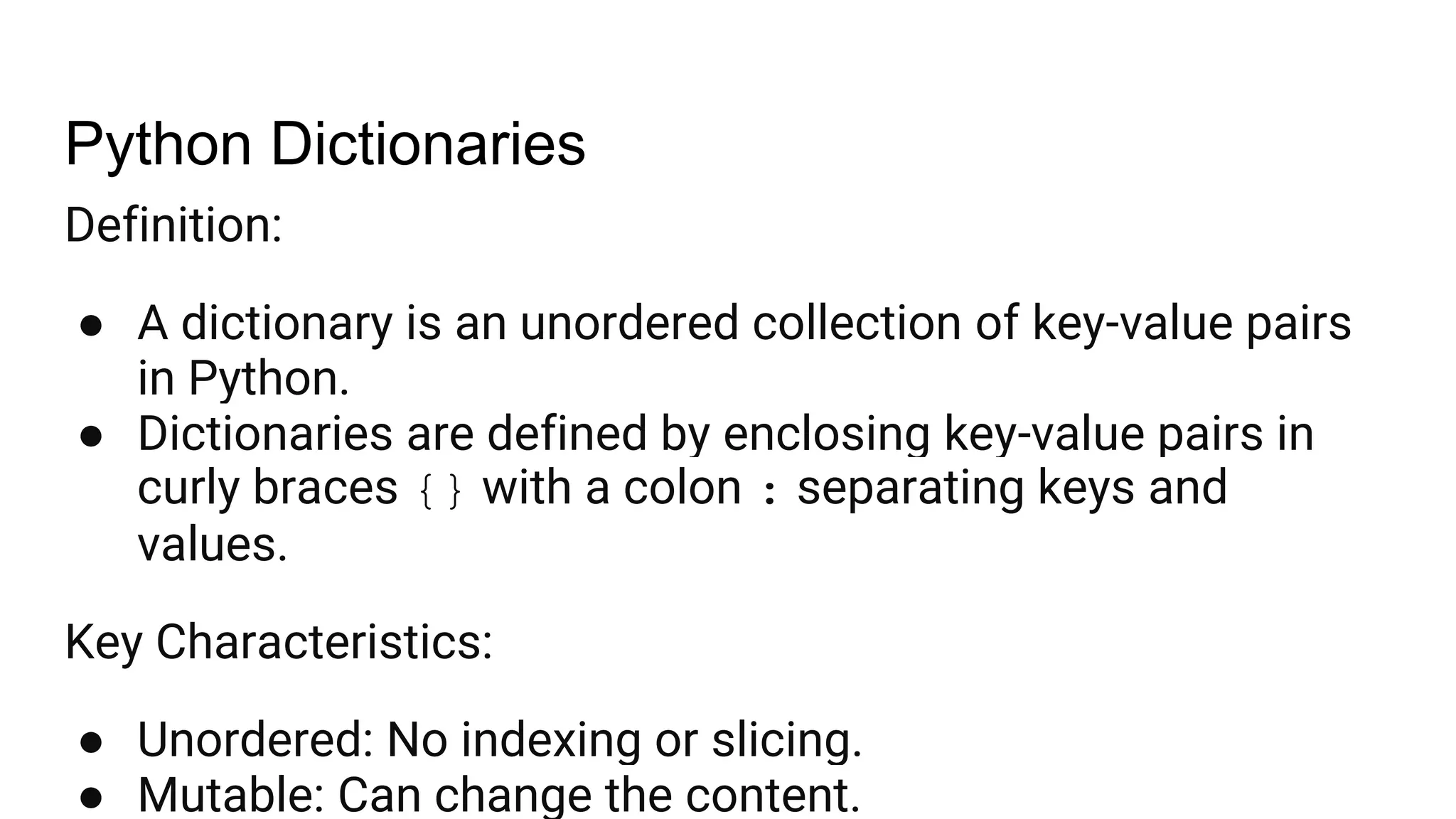
Python Dictionaries Definition: ● A dictionary is an unordered collection of key-value pairs in Python. ● Dictionaries are defined by enclosing key-value pairs in curly braces {} with a colon : separating keys and values. Key Characteristics: ● Unordered: No indexing or slicing. ● Mutable: Can change the content.
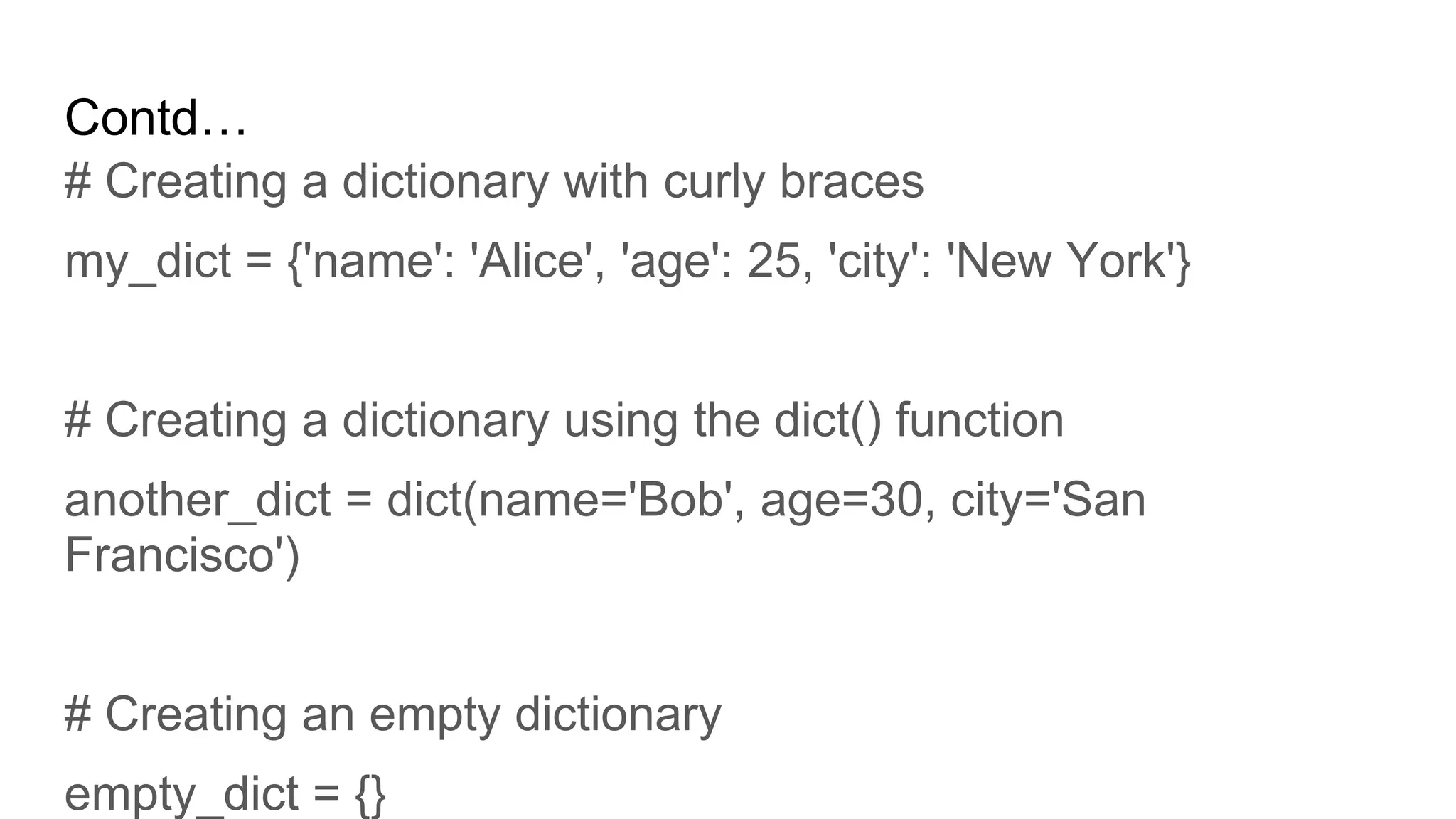
Contd… # Creating a dictionary with curly braces my_dict = {'name': 'Alice', 'age': 25, 'city': 'New York'} # Creating a dictionary using the dict() function another_dict = dict(name='Bob', age=30, city='San Francisco') # Creating an empty dictionary empty_dict = {}
# Accessing a value by its key print(my_dict['name']) # Output: Alice # Using the get() method print(my_dict.get('age')) # Output: 25 # Accessing a value by its key print(my_dict['name']) # Output: Alice # Using the get() method print(my_dict.get('age')) # Output: 25
# Using the pop() method removed_value = my_dict.pop('city') print(removed_value) # Output: New York print(my_dict) # Output: {'name': 'Alice', 'age': 26, 'email': 'alice@example.com'} # Using the del statement del my_dict['email'] print(my_dict) # Output: {'name': 'Alice', 'age': 26}
# Getting all keys keys = my_dict.keys() print(keys) # Output: dict_keys(['name']) # Getting all values values = my_dict.values() print(values) # Output: dict_values(['Alice']) # Getting all key-value pairs items = my_dict.items()
# Iterating over keys for key in my_dict: print(key, my_dict[key]) # Output: name Alice # Iterating over key-value pairs for key, value in my_dict.items(): print(key, value) # Output: name Alice
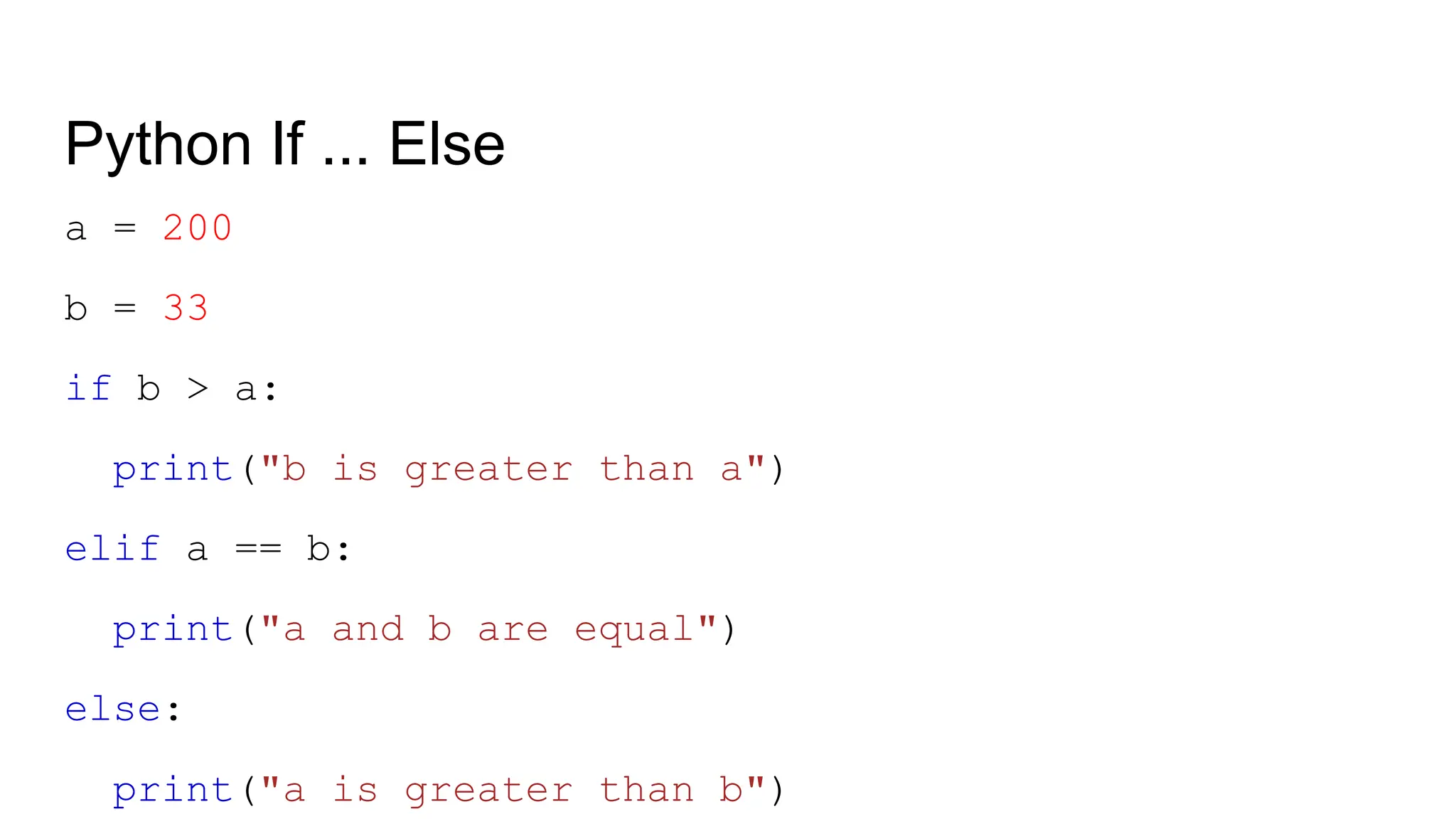
Python If ... Else a = 200 b = 33 if b > a: print("b is greater than a") elif a == b: print("a and b are equal") else: print("a is greater than b")
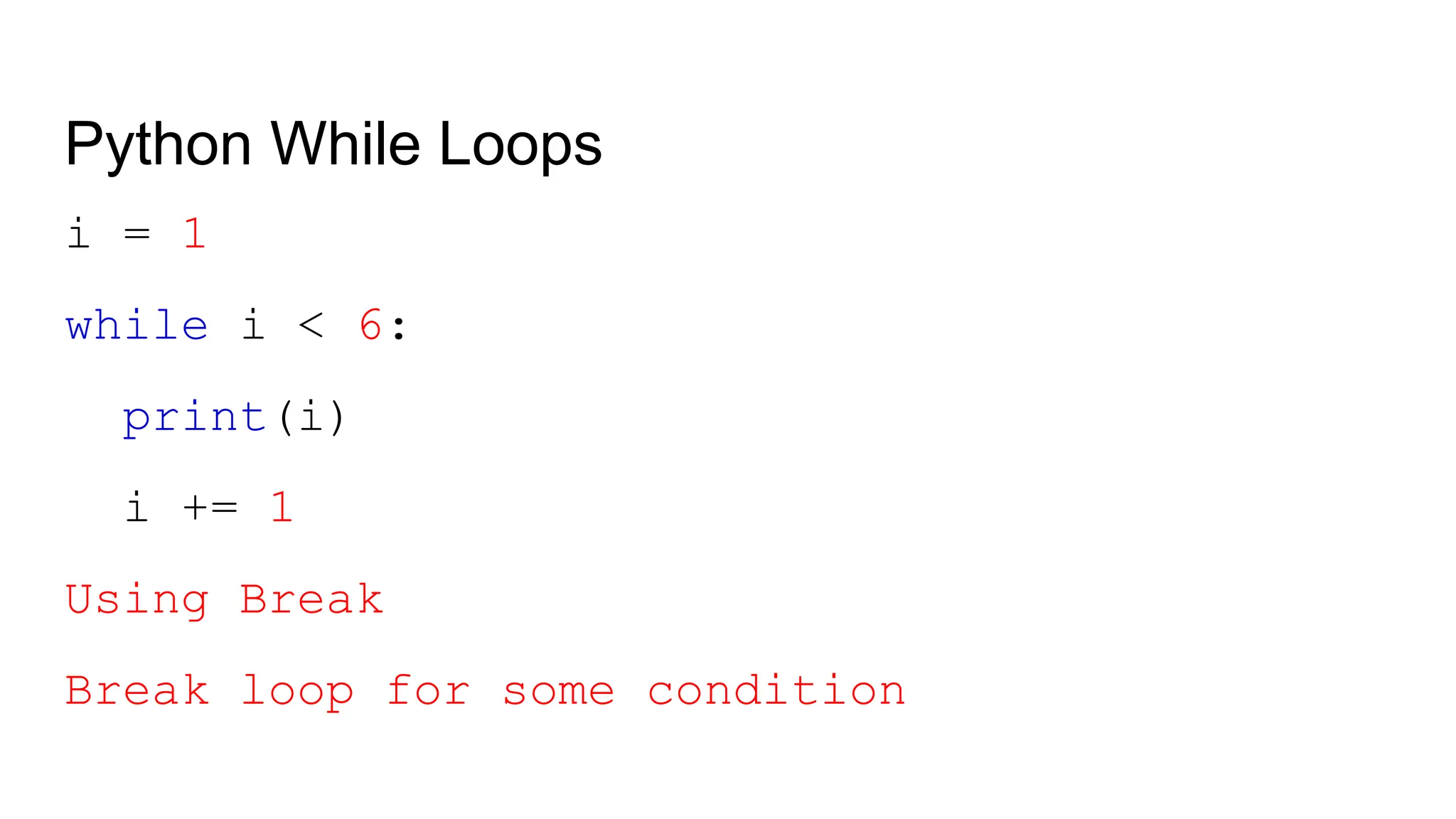
Python While Loops i = 1 while i < 6: print(i) i += 1 Using Break Break loop for some condition
Python For Loops fruits = ["apple", "banana", "cherry"] for x in fruits: print(x) for x in "banana": print(x)
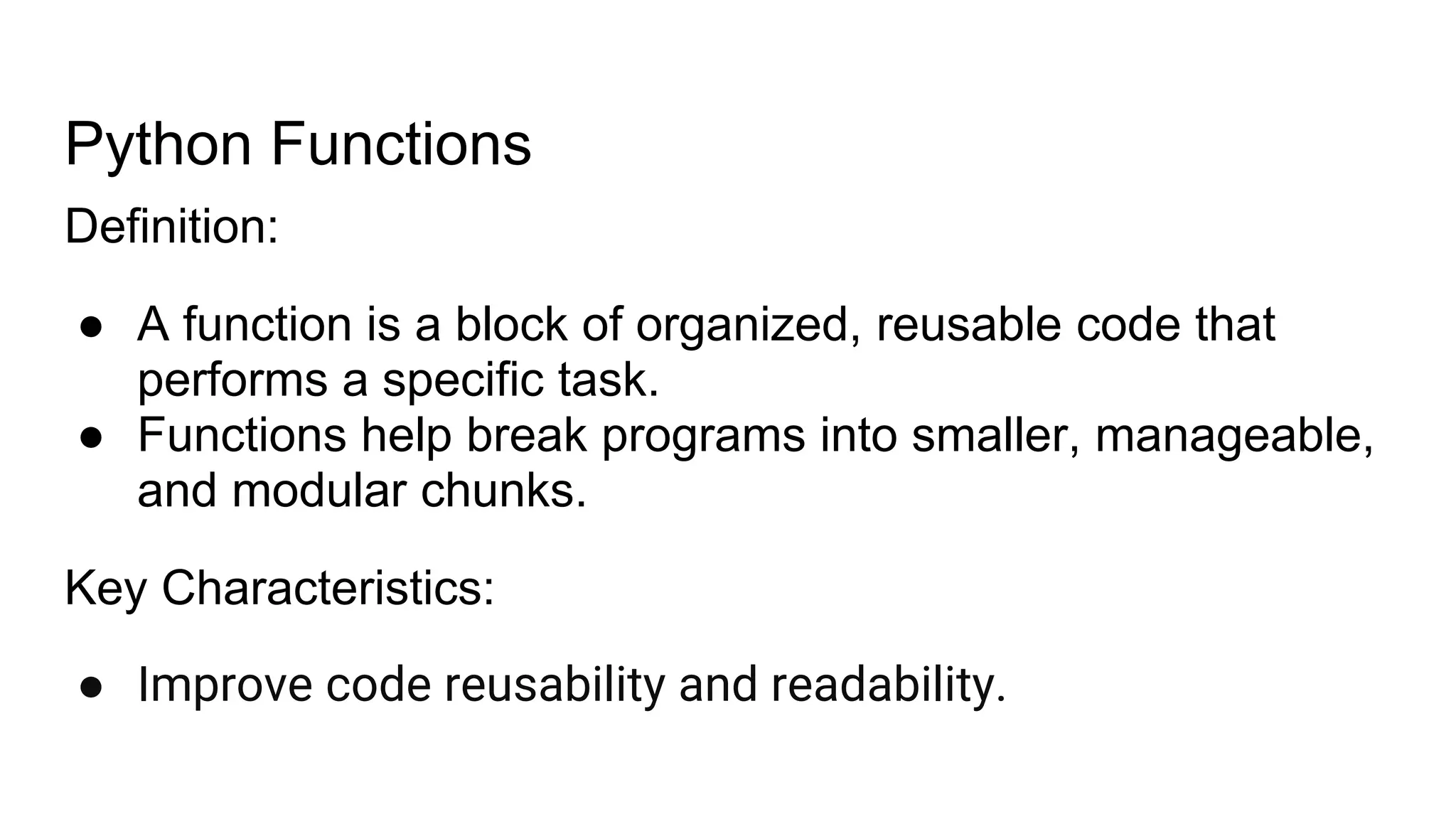
Python Functions Definition: ● A function is a block of organized, reusable code that performs a specific task. ● Functions help break programs into smaller, manageable, and modular chunks. Key Characteristics: ● Improve code reusability and readability.
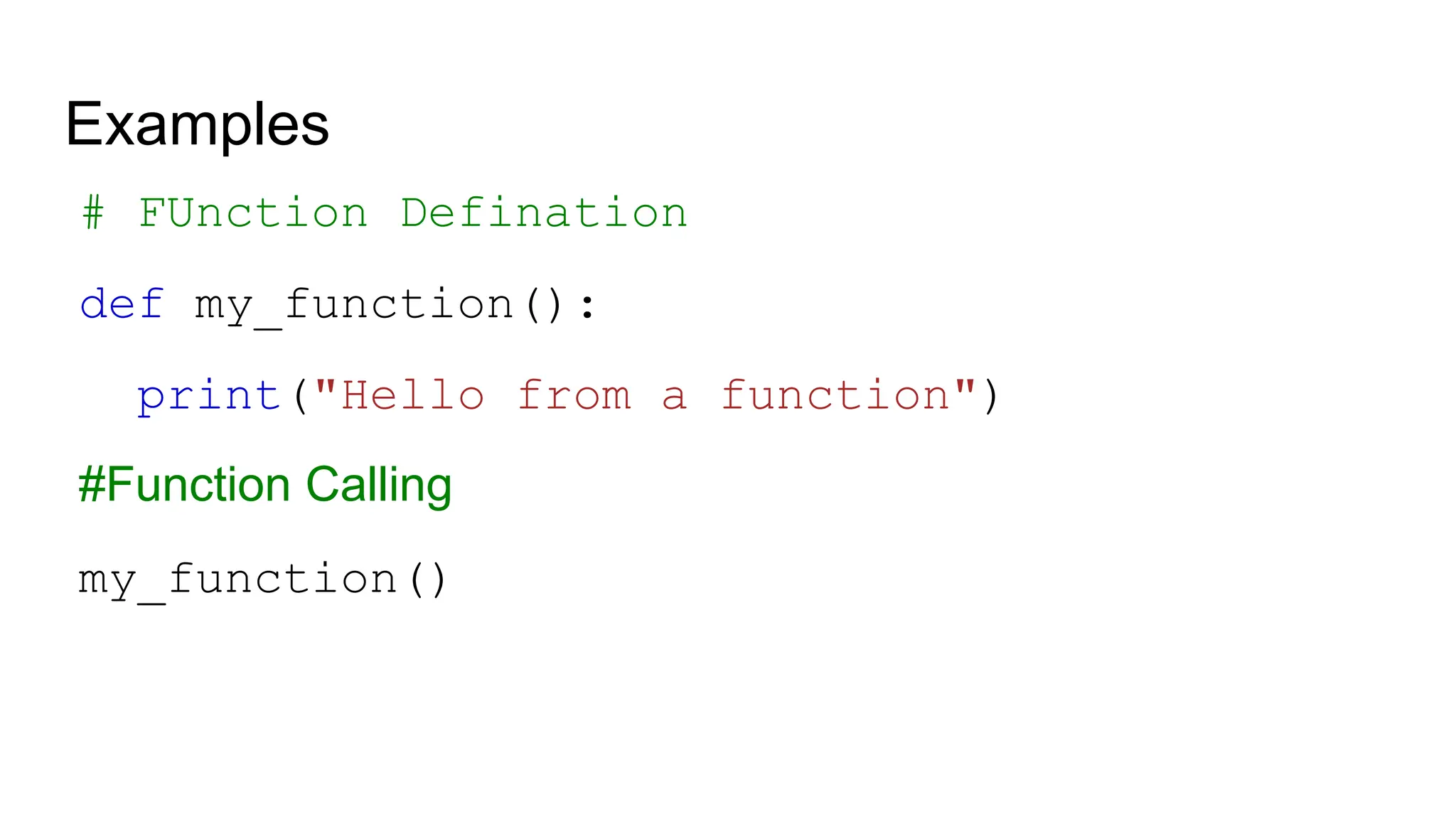
Examples # FUnction Defination def my_function(): print("Hello from a function") #Function Calling my_function()
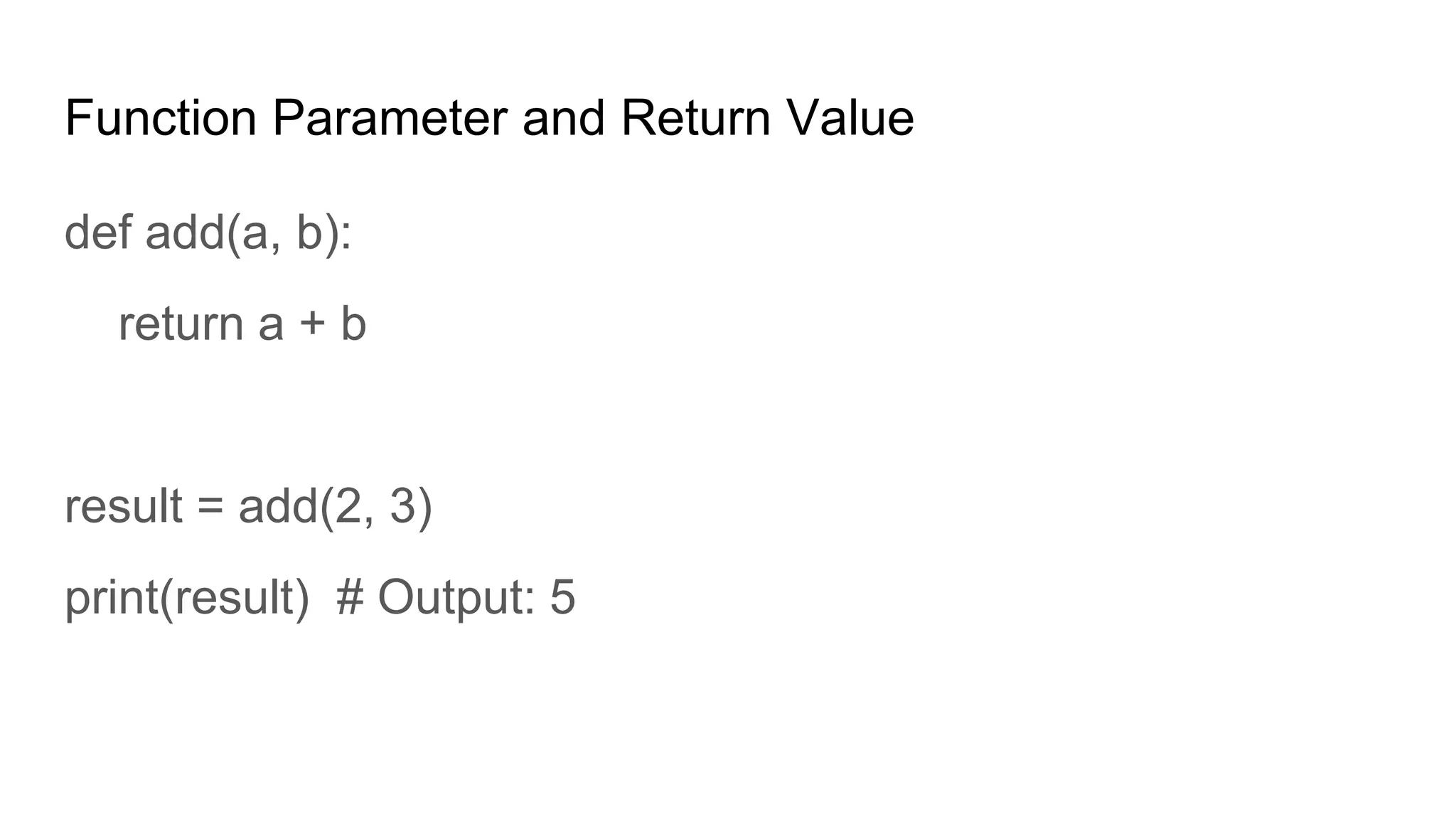
Function Parameter and Return Value def add(a, b): return a + b result = add(2, 3) print(result) # Output: 5
Return Multiple Results def min_max(numbers): return min(numbers), max(numbers) min_val, max_val = min_max([1, 2, 3, 4, 5]) print(min_val, max_val) # Output: 1 5
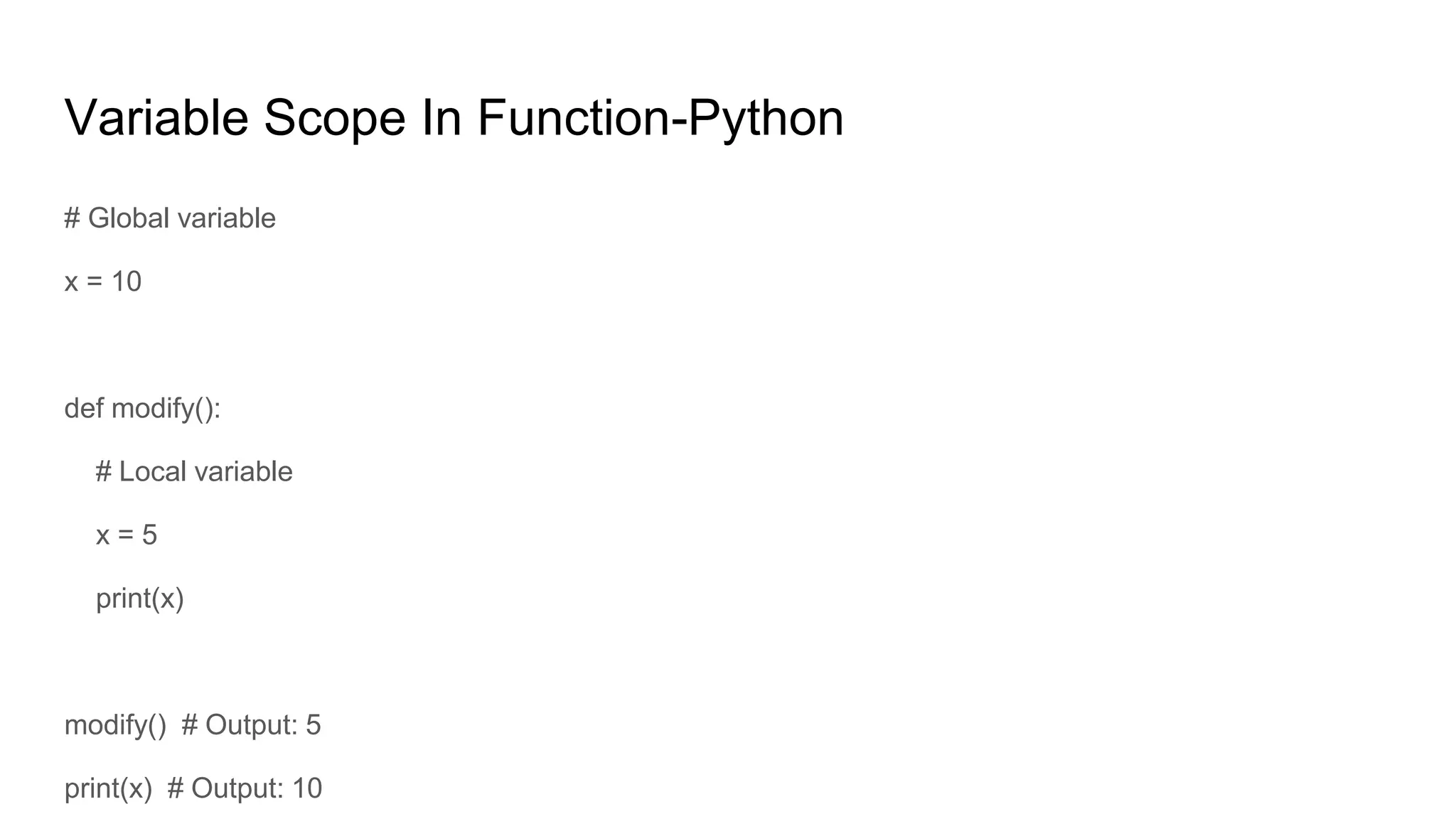
Variable Scope In Function-Python # Global variable x = 10 def modify(): # Local variable x = 5 print(x) modify() # Output: 5 print(x) # Output: 10
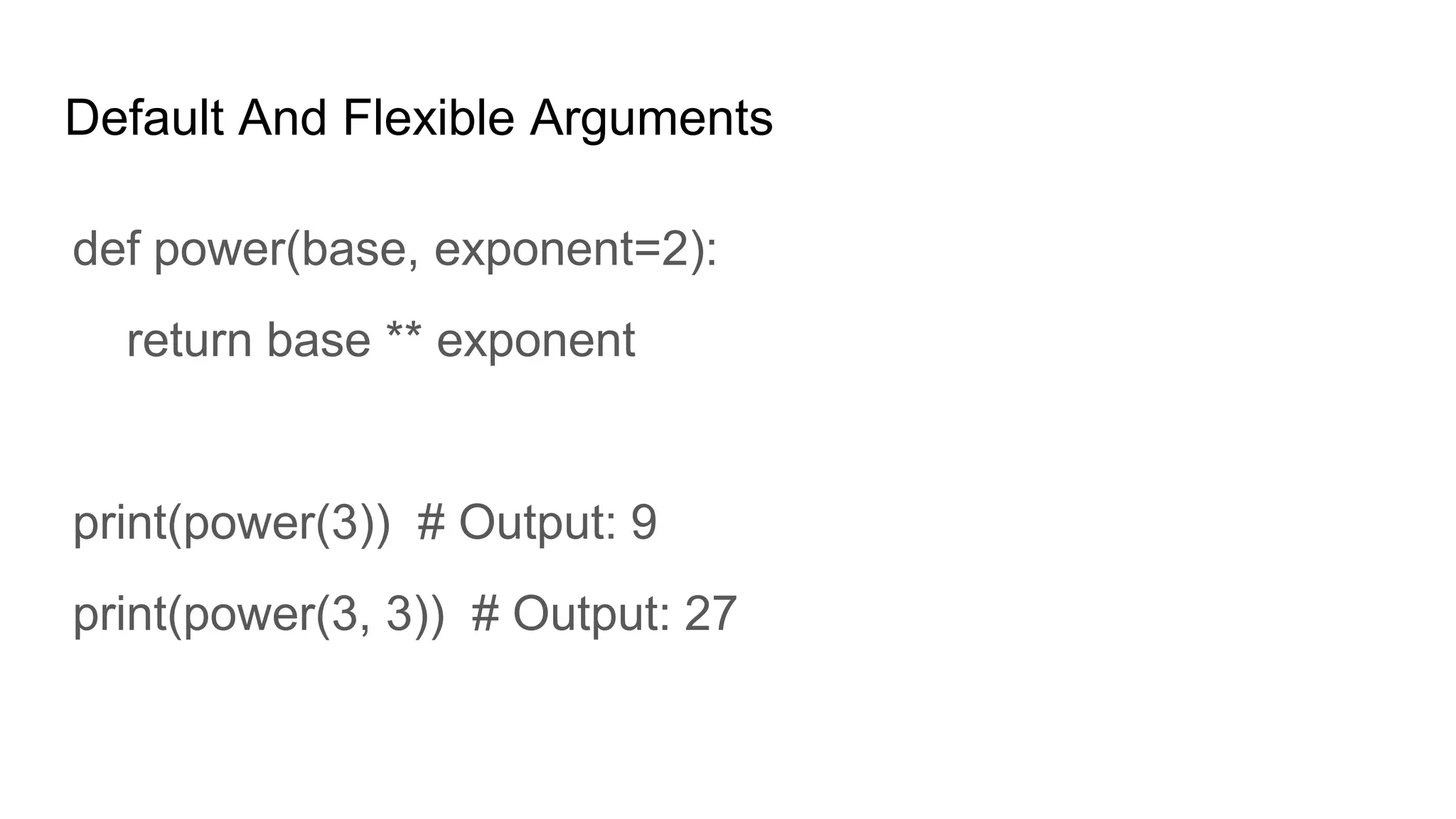
Default And Flexible Arguments def power(base, exponent=2): return base ** exponent print(power(3)) # Output: 9 print(power(3, 3)) # Output: 27
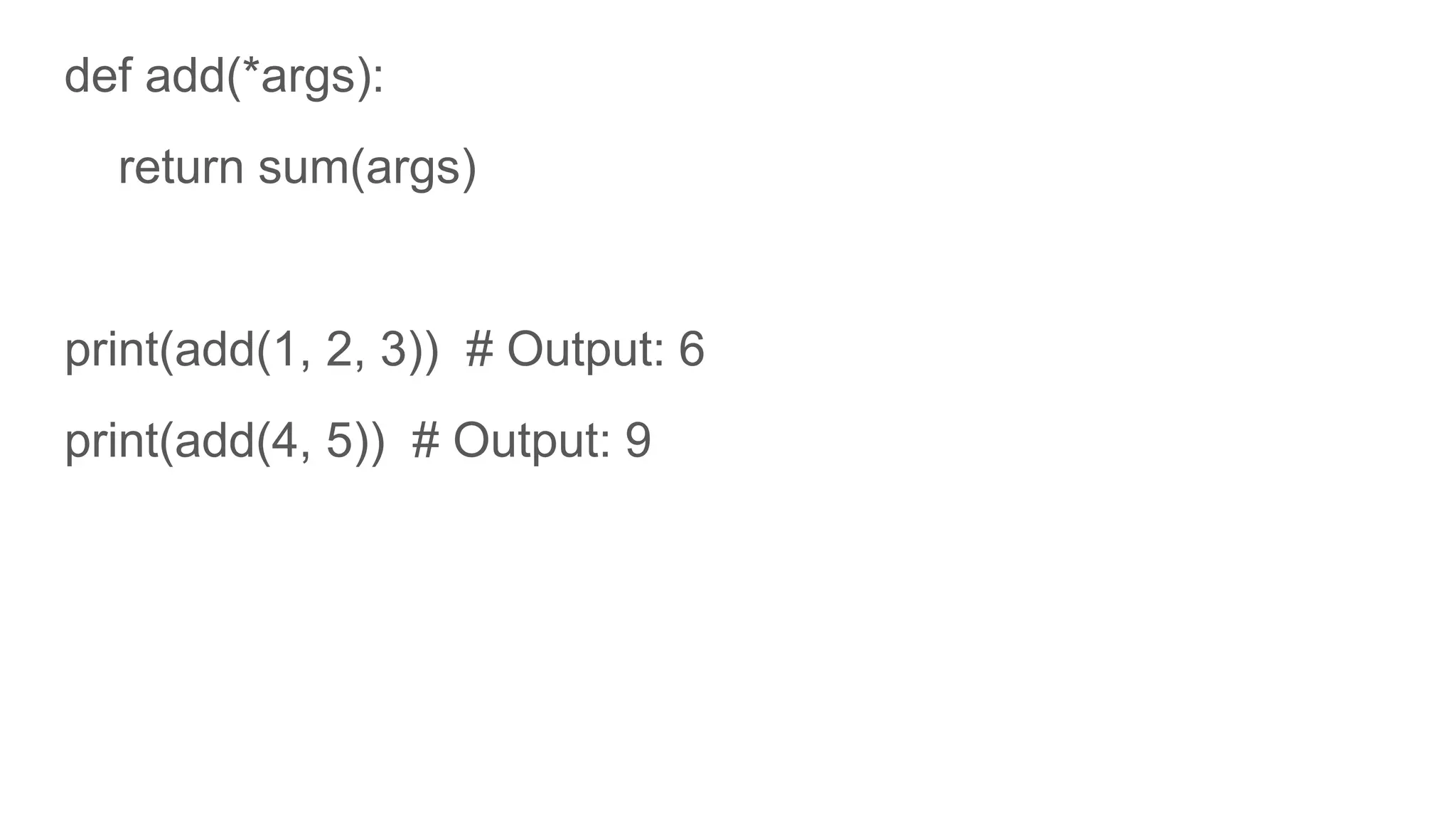
def add(*args): return sum(args) print(add(1, 2, 3)) # Output: 6 print(add(4, 5)) # Output: 9
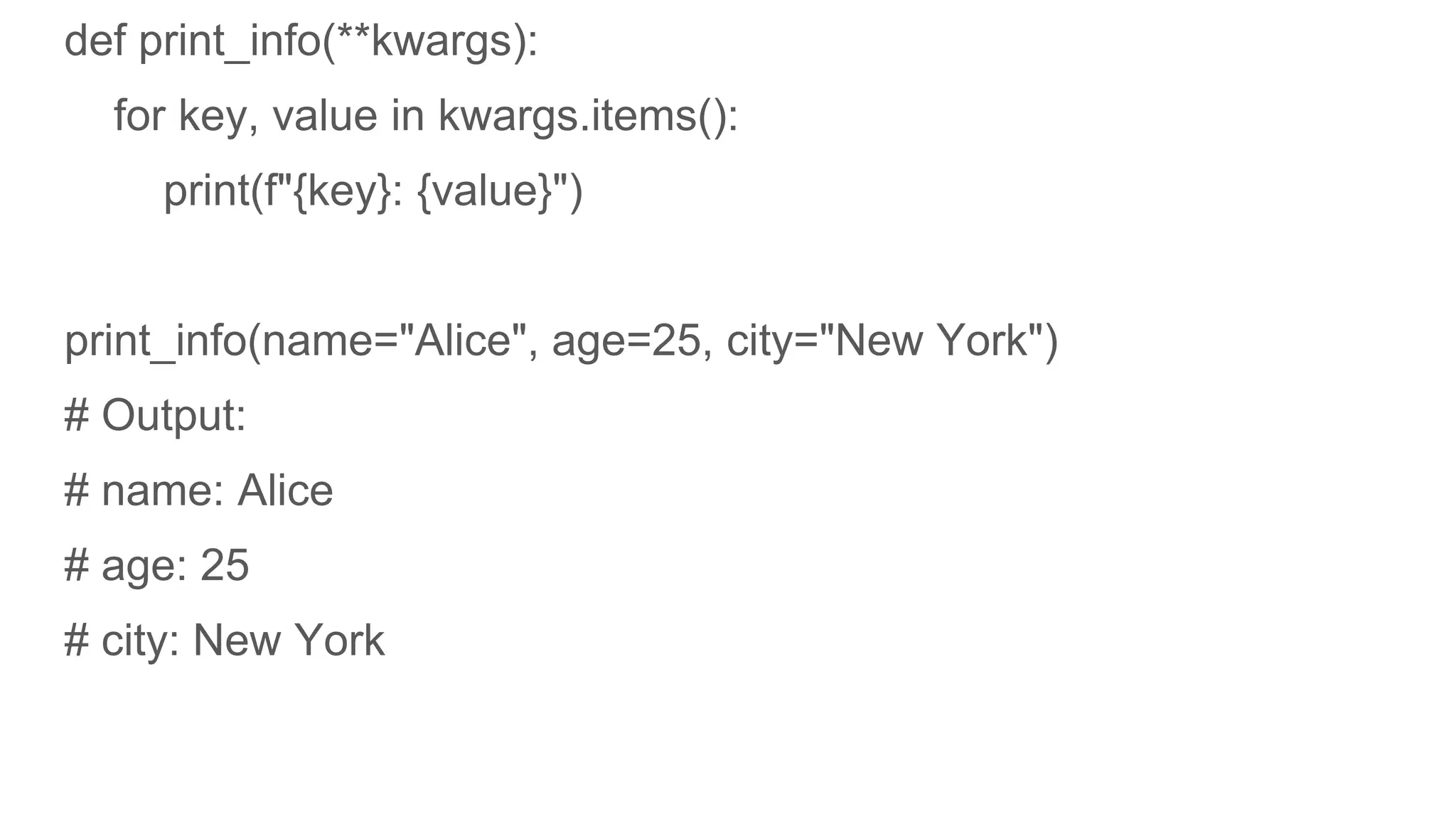
def print_info(**kwargs): for key, value in kwargs.items(): print(f"{key}: {value}") print_info(name="Alice", age=25, city="New York") # Output: # name: Alice # age: 25 # city: New York
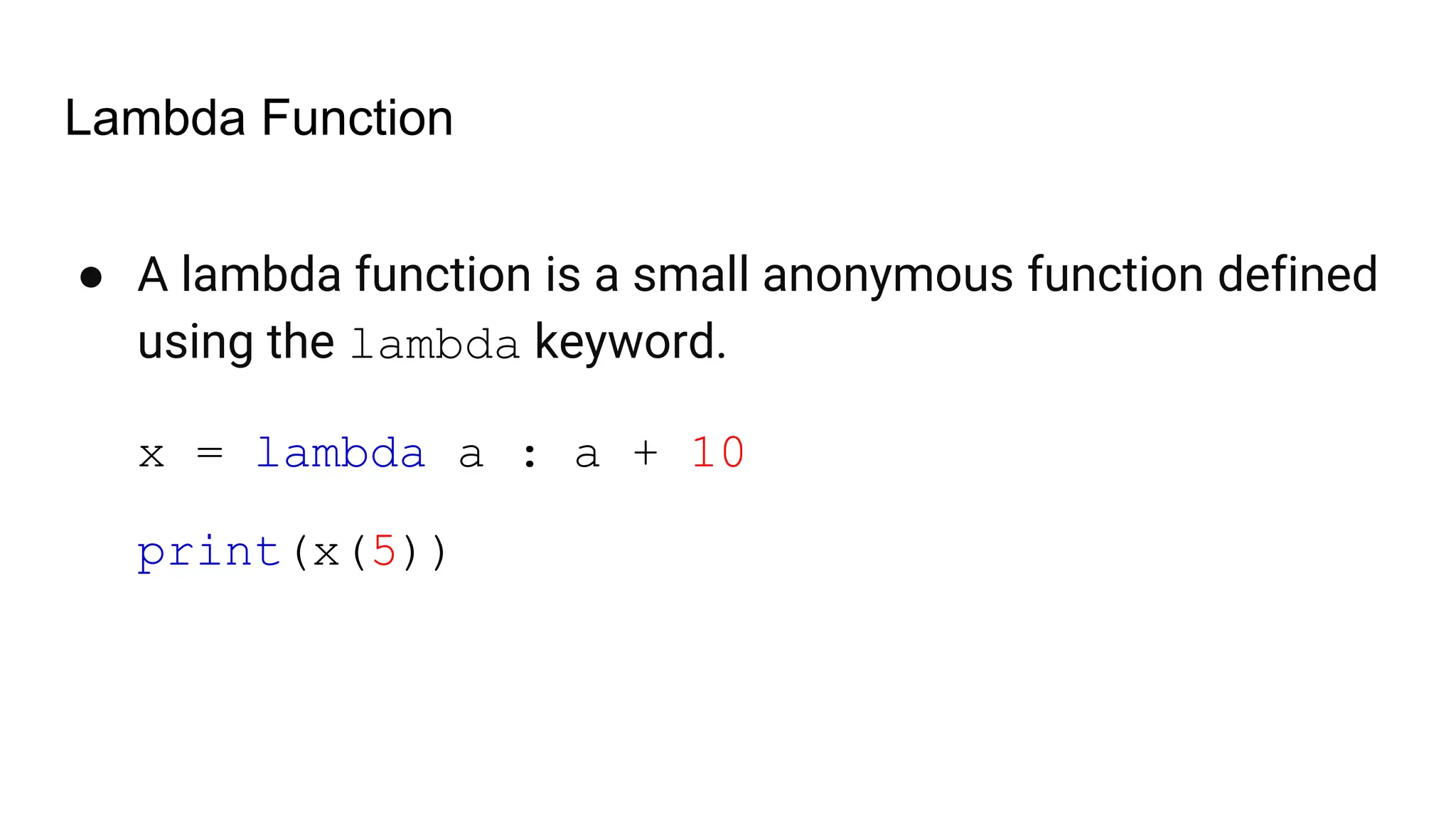
Lambda Function ● A lambda function is a small anonymous function defined using the lambda keyword. x = lambda a : a + 10 print(x(5))
Hands On Projects …..

cover every basics of python with this..

  • 1.
  • 6.
  • 7.
    Examples Right Syntax if 5> 2: print("Five is greater than two!") Wrong Syntax if 5 > 2: print("Five is greater than two!")
  • 8.
    Python Variables x =5 y = "John" print(x) print(y)
  • 9.
    Python Data Types ❮Previous Next ❯
  • 10.
    Python Casting x =int(1) # x will be 1 x = float(1) # x will be 1.0 w = float("4.2") # w will be 4.2 x = str("s1") # x will be 's1'
  • 11.
    Python Strings ❮ Previous Next❯ Strings in python are surrounded by either single quotation marks, or double quotation marks. 'hello' is the same as "hello". You can display a string literal with the print() function: print("Hello") print('Hello')
  • 12.
    Python - SlicingStrings ❮ Previous Next ❯ b = "Hello, World!" print(b[2:5]) Starting from start b = "Hello, World!" print(b[:5])
  • 13.
    Python - ModifyStrings ❮ Previous Next ❯ The upper() method returns the string in upper case: a = "Hello, World!" print(a.upper()) The lower() method returns the string in lower case: a = "Hello, World!" print(a.lower())
  • 14.
    Python - StringConcatenation ❮ Previous Next ❯ a = "Hello" b = "World" c = a + b print(c)
  • 15.
    age = 36 txt= "My name is John, I am " + age print(txt) F string in python age = 36 txt = f"My name is John, I am {age}" print(txt)
  • 16.
    Python Booleans print(10 >9) print(10 == 9) print(10 < 9) Return True or False
  • 17.
  • 18.
    Python Lists Lists areused to store multiple items in a single variable. Lists are one of 4 built-in data types in Python used to store collections of data, the other 3 are Tuple, Set, and Dictionary, all with different qualities and usage. Lists are created using square brackets: Create a List: thislist = ["apple", "banana", "cherry"] print(thislist)
  • 19.
    List Contd…. Allow Duplicates Sincelists are indexed, lists can have items with the same value: Lists allow duplicate values: thislist = ["apple", "banana", "cherry", "apple", "cherry"] print(thislist)
  • 20.
    Access Items -List thislist= ["apple", "banana", "cherry"] print(thislist[1]) Negative Indexing thislist = ["apple", "banana", "cherry"] print(thislist[-1])
  • 21.
    Append Items -Lists thislist= ["apple", "banana", "cherry"] thislist.append("orange") print(thislist)
  • 22.
    Remove Specified Item-List thislist = ["apple", "banana", "cherry"] thislist.remove("banana") print(thislist)
  • 23.
    Python - LoopLists thislist = ["apple", "banana", "cherry"] for x in thislist: print(x) By using For Loop thislist = ["apple", "banana", "cherry"] for i in range(len(thislist)): print(thislist[i])
  • 24.
    Python - SortLists thislist = ["orange", "mango", "kiwi", "pineapple", "banana"] thislist.sort() print(thislist) Descending Order. thislist.sort(reverse = True)
  • 25.
    Python - CopyLists You cannot copy a list simply by typing list2 = list1, because: list2 will only be a reference to list1, and changes made in list1 will automatically also be made in list2. There are ways to make a copy, one way is to use the built-in List method copy(). thislist = ["apple", "banana", "cherry"] mylist = thislist.copy() print(mylist)
  • 26.
    Python - JoinLists list1 = ["a", "b", "c"] list2 = [1, 2, 3] list3 = list1 + list2 print(list3) Another method for x in list2: list1.append(x)
  • 27.
  • 28.
    Python Tuples ● Atuple is an immutable, ordered collection of items in Python. ● Tuples are defined by enclosing the elements in parentheses (). tupple = ("apple", "banana", "cherry") print(tupple)
  • 29.
    Python Sets Definition: ● Aset is an unordered collection of unique elements in Python. ● Sets are defined by enclosing elements in curly braces {} or using the set() function. Key Characteristics: ● Unordered: No indexing or slicing. ● Unique: No duplicate elements allowed.
  • 30.
    Contd… # Creating aset with curly braces my_set = {1, 2, 3, 4} # Creating a set using the set() function another_set = set([5, 6, 7, 8]) # Creating an empty set (must use set() function, not {}) empty_set = set()
  • 31.
    Adding and RemovingElements # Adding a single element my_set.add(5) print(my_set) # Output: {1, 2, 3, 4, 5} # Adding multiple elements my_set.update([6, 7]) print(my_set) # Output: {1, 2, 3, 4, 5, 6, 7}
  • 32.
    # Removing aspecific element (raises KeyError if not found) my_set.remove(7) print(my_set) # Output: {1, 2, 3, 4, 5, 6} # Discarding a specific element (does not raise an error if not found) my_set.discard(6) print(my_set) # Output: {1, 2, 3, 4, 5}
  • 33.
    # Union oftwo sets set1 = {1, 2, 3} set2 = {3, 4, 5} union_set = set1 | set2 print(union_set) # Output: {1, 2, 3, 4, 5}
  • 34.
    Python Dictionaries Definition: ● Adictionary is an unordered collection of key-value pairs in Python. ● Dictionaries are defined by enclosing key-value pairs in curly braces {} with a colon : separating keys and values. Key Characteristics: ● Unordered: No indexing or slicing. ● Mutable: Can change the content.
  • 35.
    Contd… # Creating adictionary with curly braces my_dict = {'name': 'Alice', 'age': 25, 'city': 'New York'} # Creating a dictionary using the dict() function another_dict = dict(name='Bob', age=30, city='San Francisco') # Creating an empty dictionary empty_dict = {}
  • 36.
    # Accessing avalue by its key print(my_dict['name']) # Output: Alice # Using the get() method print(my_dict.get('age')) # Output: 25 # Accessing a value by its key print(my_dict['name']) # Output: Alice # Using the get() method print(my_dict.get('age')) # Output: 25
  • 37.
    # Using thepop() method removed_value = my_dict.pop('city') print(removed_value) # Output: New York print(my_dict) # Output: {'name': 'Alice', 'age': 26, 'email': 'alice@example.com'} # Using the del statement del my_dict['email'] print(my_dict) # Output: {'name': 'Alice', 'age': 26}
  • 38.
    # Getting allkeys keys = my_dict.keys() print(keys) # Output: dict_keys(['name']) # Getting all values values = my_dict.values() print(values) # Output: dict_values(['Alice']) # Getting all key-value pairs items = my_dict.items()
  • 39.
    # Iterating overkeys for key in my_dict: print(key, my_dict[key]) # Output: name Alice # Iterating over key-value pairs for key, value in my_dict.items(): print(key, value) # Output: name Alice
  • 40.
    Python If ...Else a = 200 b = 33 if b > a: print("b is greater than a") elif a == b: print("a and b are equal") else: print("a is greater than b")
  • 41.
    Python While Loops i= 1 while i < 6: print(i) i += 1 Using Break Break loop for some condition
  • 42.
    Python For Loops fruits= ["apple", "banana", "cherry"] for x in fruits: print(x) for x in "banana": print(x)
  • 43.
    Python Functions Definition: ● Afunction is a block of organized, reusable code that performs a specific task. ● Functions help break programs into smaller, manageable, and modular chunks. Key Characteristics: ● Improve code reusability and readability.
  • 44.
    Examples # FUnction Defination defmy_function(): print("Hello from a function") #Function Calling my_function()
  • 45.
    Function Parameter andReturn Value def add(a, b): return a + b result = add(2, 3) print(result) # Output: 5
  • 46.
    Return Multiple Results defmin_max(numbers): return min(numbers), max(numbers) min_val, max_val = min_max([1, 2, 3, 4, 5]) print(min_val, max_val) # Output: 1 5
  • 47.
    Variable Scope InFunction-Python # Global variable x = 10 def modify(): # Local variable x = 5 print(x) modify() # Output: 5 print(x) # Output: 10
  • 48.
    Default And FlexibleArguments def power(base, exponent=2): return base ** exponent print(power(3)) # Output: 9 print(power(3, 3)) # Output: 27
  • 49.
    def add(*args): return sum(args) print(add(1,2, 3)) # Output: 6 print(add(4, 5)) # Output: 9
  • 50.
    def print_info(**kwargs): for key,value in kwargs.items(): print(f"{key}: {value}") print_info(name="Alice", age=25, city="New York") # Output: # name: Alice # age: 25 # city: New York
  • 51.
    Lambda Function ● Alambda function is a small anonymous function defined using the lambda keyword. x = lambda a : a + 10 print(x(5))
  • 52.