


As of v4.11.0-beta methods
jsPanel.ajax()andjsPanel.fetch()are updated. That also affects optionscontentAjaxandcontentFetch. These updates might break existing code. So please check the docs on https://jspanel.de/
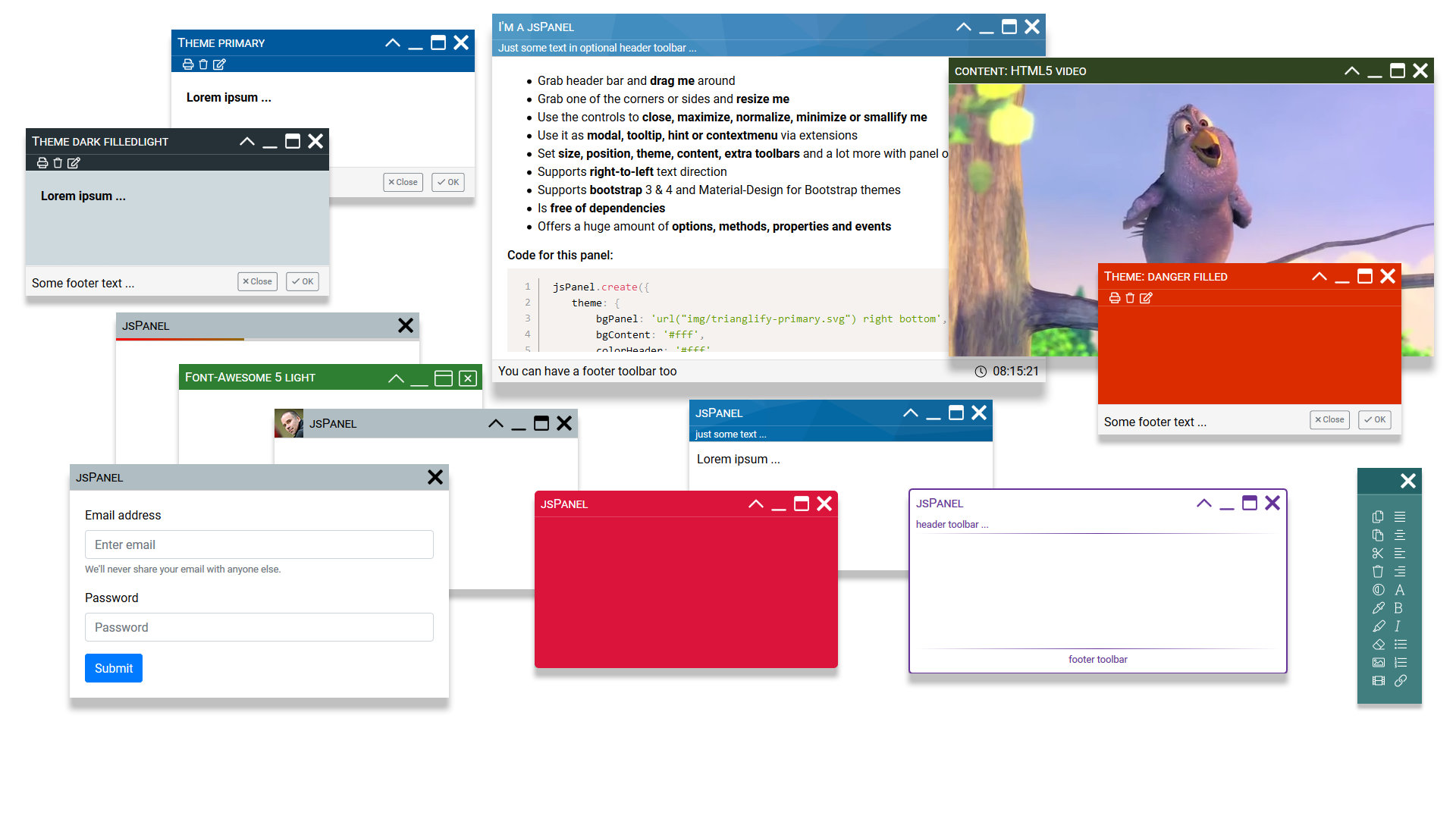
A dependency free javascript tool to create highly configurable multifunctional floating panels.
- a huge amount of options allows to configure appearance and behavior of a jsPanel
- optionally add extra toolbars to header or/and footer sections
- support for Boostrap (3 and 4) themes and Material-Design-for-Bootstrap themes is built-in
- customize the panel controls with built-in support for icon fonts Font-Awesome, Material-Icons and Glyphicon
- built-in support for RTL text direction
- via extensions you can use it alose as modal, tooltip, hint/notifier, contextmenu or dialog
- jsPanels are draggable and resizable, can be maximized, minimized and smallified
- and much more ...
jsPanel 4 homepage and documentation: https://jspanel.de
Just a modern mobile or desktop browser like FF, Chrome, EDGE, Brave, Opera, Vivaldi. jsPanel 4 is pure javascript and does not depend on any other library.
The following example shows a complete html file with the minimium setup:
<!DOCTYPE html> <html> <head> <meta charset="utf-8"> <meta http-equiv="X-UA-Compatible" content="IE=edge"> <meta name="viewport" content="width=device-width, initial-scale=1.0"> <title>jsPanel 4</title> <!-- loading jsPanel css --> <link rel="stylesheet" href="dist/jspanel.css"> </head> <body> <!-- Your HTML goes here --> <!-- loading jsPanel javascript --> <script src="dist/jspanel.js"></script> <!-- optionally load jsPanel extensions --> <script src="dist/extensions/modal/jspanel.modal.js"></script> // and the other extension you need </body> </html>After including all the necessary files in your project you can create a jsPanel like ...
jsPanel.create( options ); // or var myPanel = jsPanel.create( options );... where options is an object passing the jsPanel configuration options to the function.
jsPanel.create({ position: "left-top", contentSize: "600 350", contentAjax: { url: '../path/to/the/resource', done: function(xhr, panel) { // the keyword "this" inside the function refers to the XMLHttpRequest object }, fail: function(xhr, panel) { //the keyword "this" inside the function refers to the XMLHttpRequest object } }, headerTitle: "my example jsPanel", theme: "rebeccapurple", callback: function(panel) { // do whatever you like // the keyword "this" inside the callback function refers to the panel } });


