Make Laravel factory file with the column names of a table in a database.
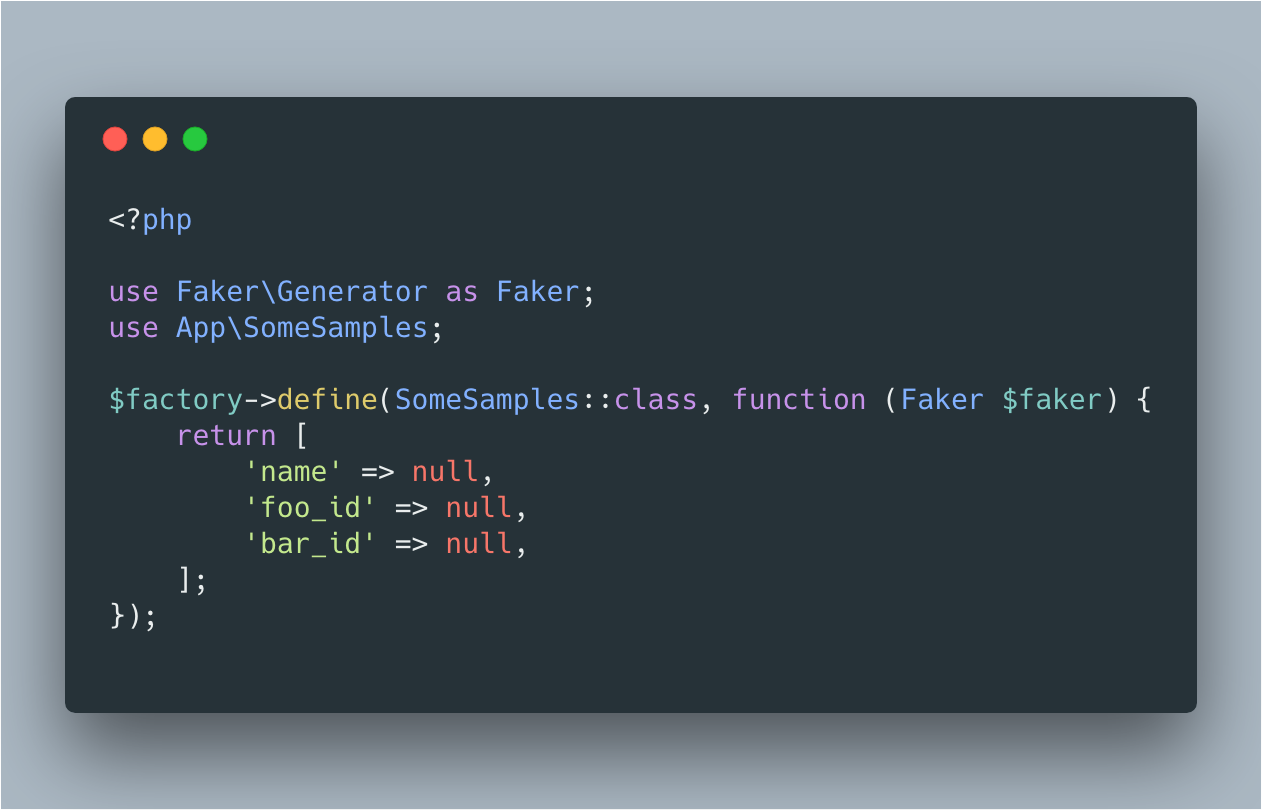
composer require --dev aiiro/laravel-factory-generatorIf you are using Laravel 5.5 or higher, the package will be automatically registered.
Optionally, you can publish the config file by running this command.
php artisan vendor:publish --provider="Aiiro\Factory\FactoryGeneratorServiceProvider"And then, you can find config\factory-generator.php.
<?php return [ /** * Set the namespace of the model. */ 'namespace' => [ 'model' => 'App', ], /** * List of the columns that will not appear in the factory. */ 'ignored_columns' => [ 'id', ], ];After installing and Configuration, you can generate the factory file by running the following command.
Please pass the table name to generate:factory command as the argument.
php artisan generate:factory some_samplesNOTE This command connects to the database to retrieve the columns from table, so make sure that the database is configured.
Use --all option without table name, to generate factories of all tables in database.
If a factory of table exists, it will be skipped and continue to generate factories of other tables.
php artisan generate:factory --allclear cache with below command. php artisan config:clear
This project is released under MIT License. See MIT License for the detail.