Inversion of Control Create Application
First, let's create a .NET Core console application project in Visual Studio. We will use this project to explore the inversion of control in the subsequent articles.
The easiest way to create a .NET Core console application is to open Visual Studio and create a C# web project using the Console App (.NET Core) template.
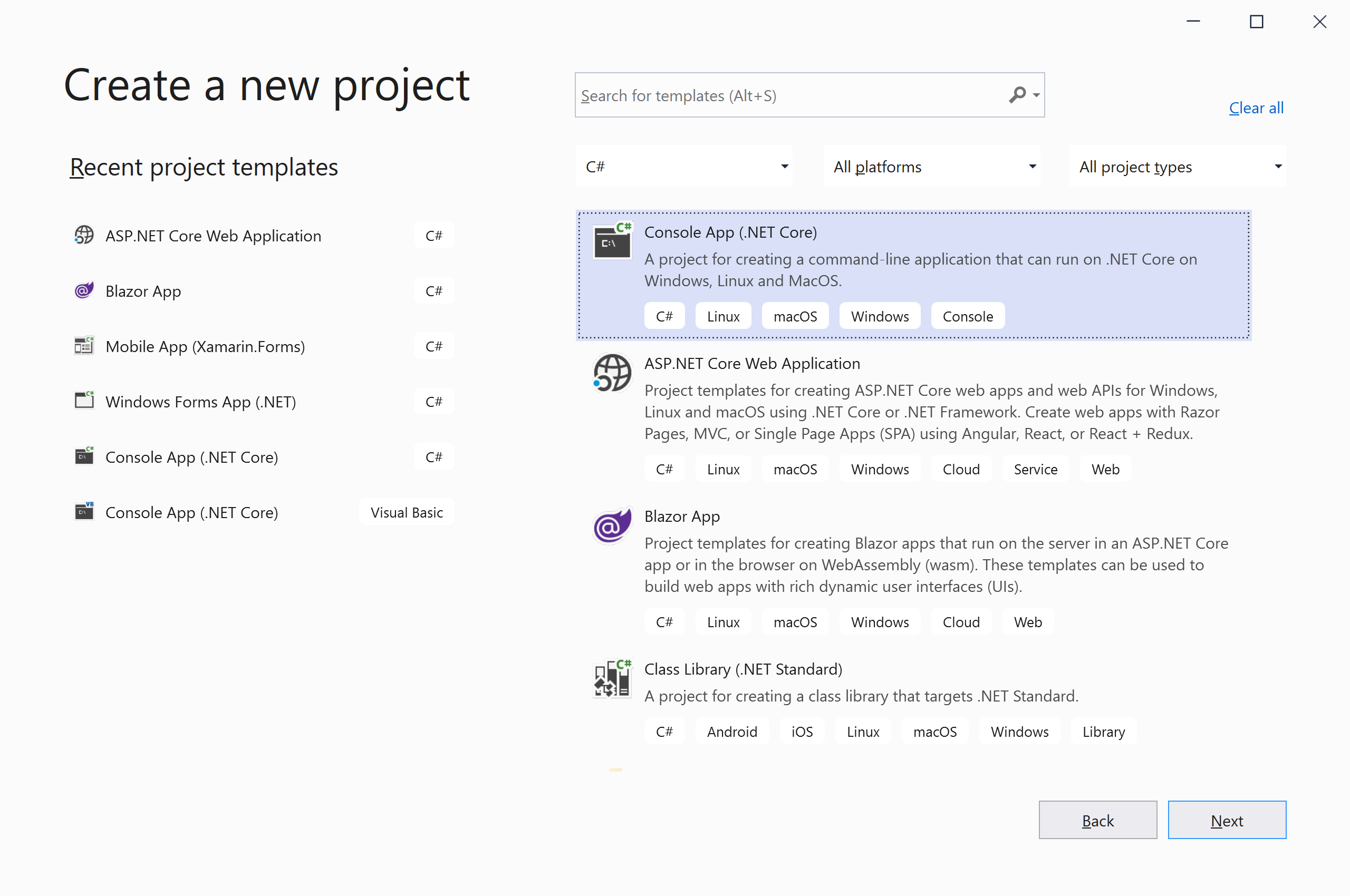
Click the Next button, and it will open the Configure your new project page.
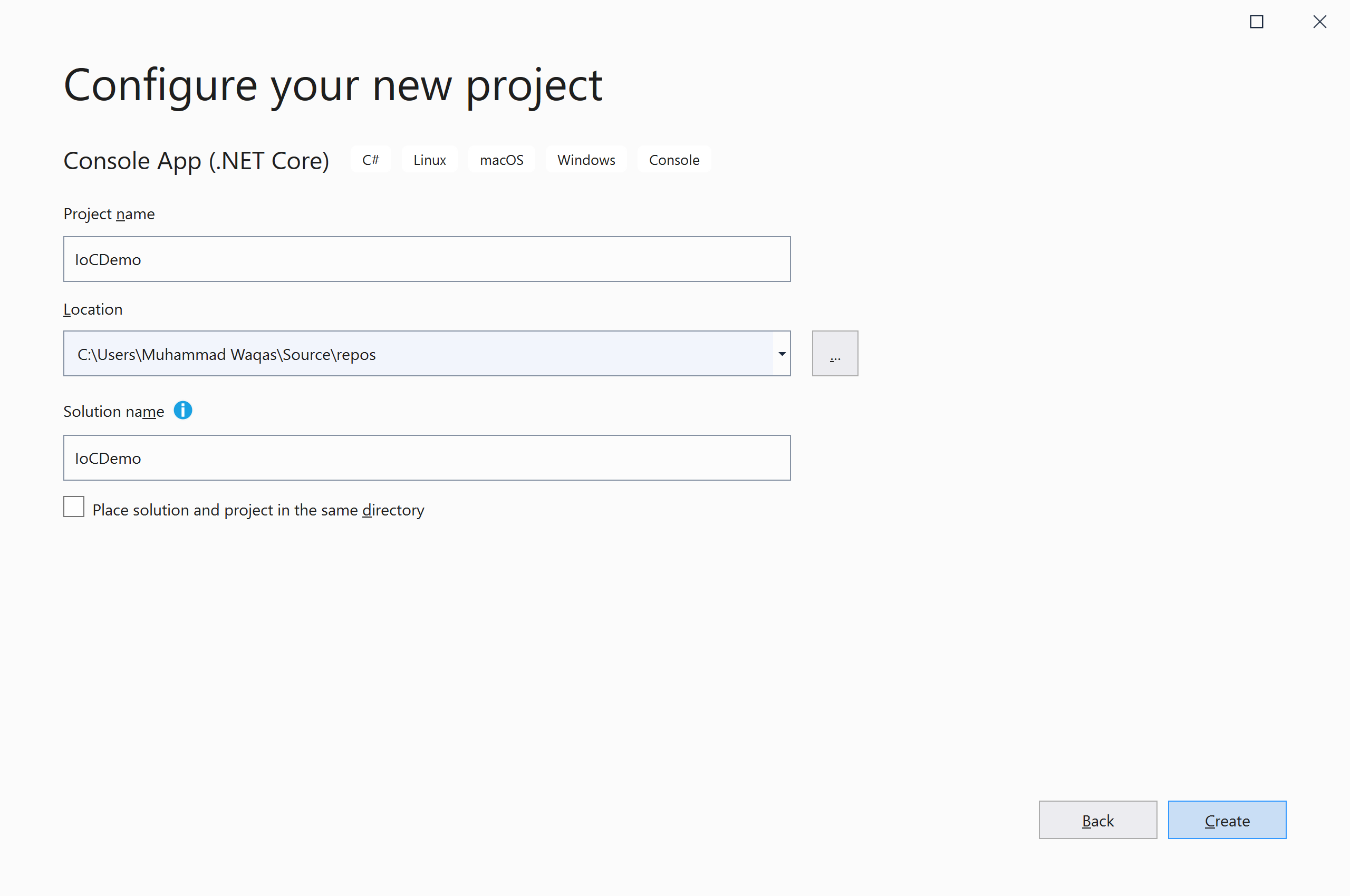
Enter the name of the project IocDemo; you can also change the Location and Solution name. Click the Create button, and it will create a project.
Let's say we want to implement logging in our application. To make it simple we are going to target a text file for logging.
In the console application project, let's add a class file named FileLogger.cs and add the following code.
using System; using System.Collections.Generic; using System.Text; namespace IoCDemo { public class FileLogger { public void Log(string message) { Console.WriteLine("Inside Log method of FileLogger."); LogToFile(message); } private void LogToFile(string message) { Console.WriteLine("Method: LogToFile, Text: {0}", message); } } } Let's add one more class file named CustomerService.cs and add the following code.
using System; using System.Collections.Generic; using System.Text; namespace IoCDemo { public class CustomerService { private readonly FileLogger _fileLogger = new FileLogger(); public void Log(string message) { _fileLogger.Log(message); } } } There is nothing wrong with the above implementation, but it has a limitation that we can only log the data to a text file. You can't in any way log data to other data sources or different log targets.
