
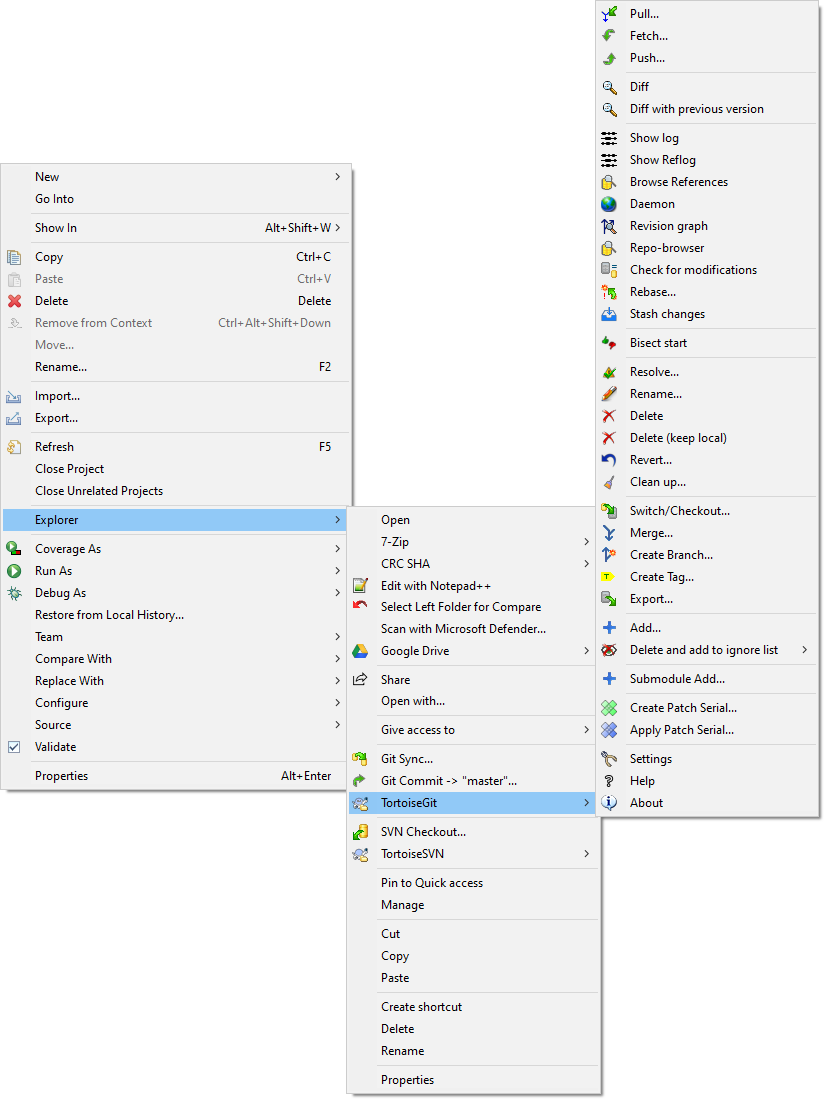
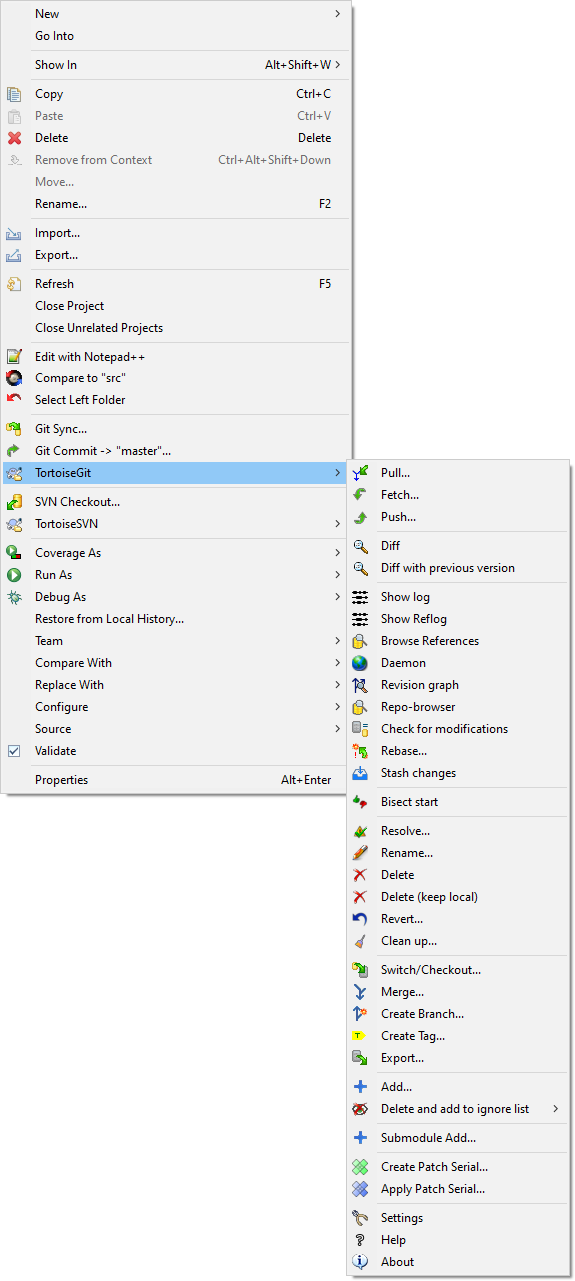
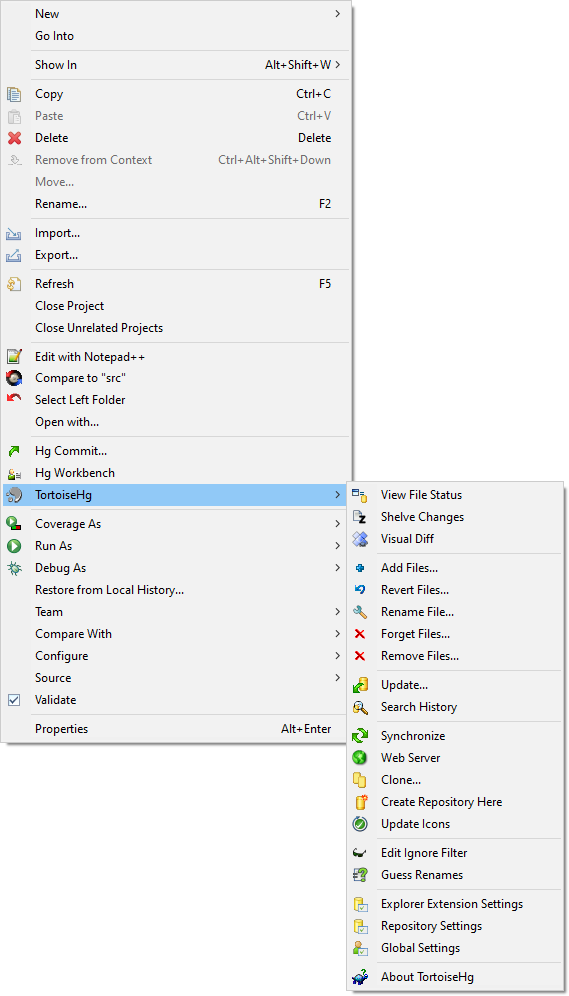
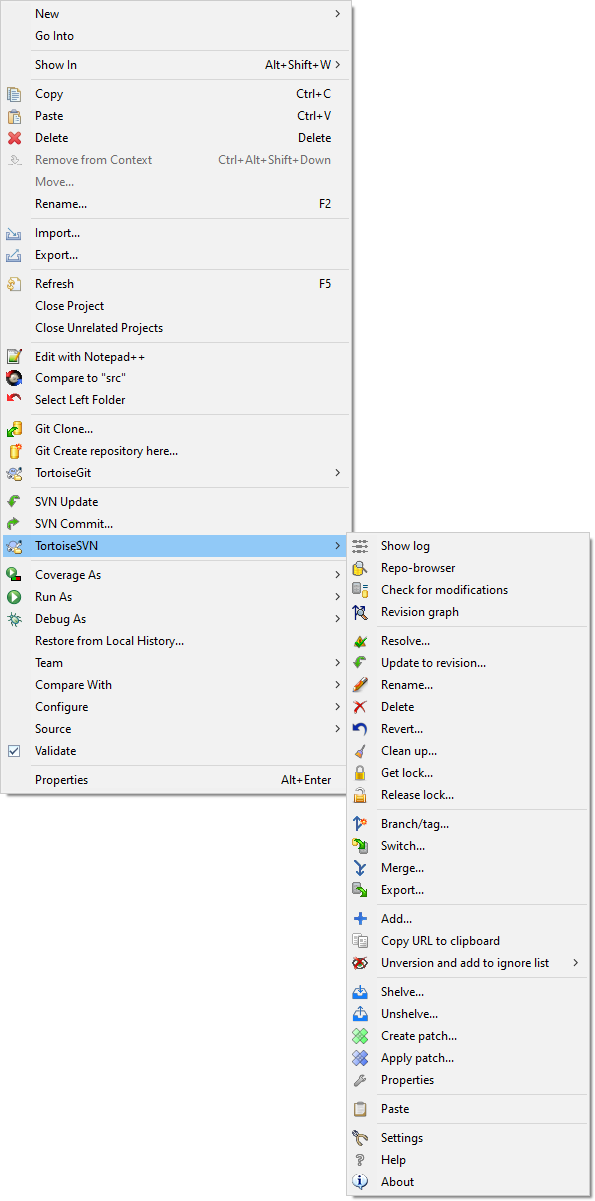
Showing the Windows Explorer Context Menu in Eclipse
Categories: General Purpose Tools
Additional Details
Eclipse Versions: 2021-06 (4.20), 2021-03 (4.19), 2020-12 (4.18), 2020-09 (4.17), 2020-06 (4.16), 2020-03 (4.15), 2019-12 (4.14), 2019-09 (4.13), 2019-06 (4.12), 2019-03 (4.11), 2018-12 (4.10), 2018-09 (4.9), Photon (4.8), Oxygen (4.7), Neon (4.6), 2021-09 (4.21), 2021-12 (4.22), 2022-03 (4.23), 2022-06 (4.24), 2022-09 (4.25), 2022-12 (4.26), 2023-03 (4.27), 2023-06 (4.28), 2023-09 (4.29), 2023-12 (4.30), 2024-03 (4.31), 2024-06 (4.32), 2024-09 (4.33), 2024-12 (4.34), 2025-03 (4.35), 2025-06 (4.36)
Platform Support: Windows
Organization Name: ContextQuickie
Development Status: Beta
Date Created: Monday, November 23, 2020 - 05:05
License: MIT
Date Updated: Friday, October 6, 2023 - 10:48
Submitted by: Roland Reinl
| Date | Ranking | Installs | Clickthroughs |
|---|---|---|---|
| December 2025 | 349/608 | 11 | 18 |
| November 2025 | 329/626 | 20 | 15 |
| October 2025 | 338/637 | 19 | 15 |
| September 2025 | 315/653 | 23 | 12 |
| August 2025 | 321/615 | 18 | 12 |
| July 2025 | 303/636 | 23 | 6 |
| June 2025 | 311/627 | 22 | 13 |
| May 2025 | 304/634 | 27 | 9 |
| April 2025 | 318/623 | 22 | 12 |
| March 2025 | 300/661 | 37 | 27 |
| February 2025 | 276/645 | 43 | 32 |
| January 2025 | 291/654 | 36 | 12 |
Marketplace Drag to Install Button
By adding the following code below to your website you will be able to add an install button for ContextQuickie2.
HTML Code:
Markdown Syntax:
Output:
