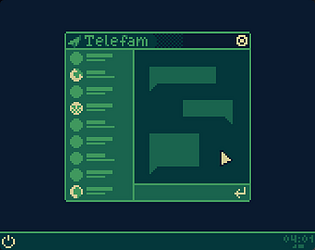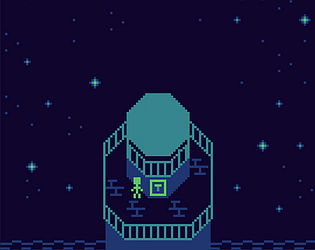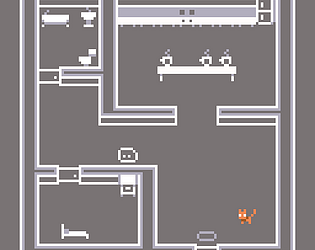

Wow, this is incrrrredibly creative! It’s a wonder you made such a complex control scheme, and all these collisions on two parts of the screen.
Also I love the accidental (?) Halloween theme 🎃
Hi-i-i, here’s my hopefully not-so-aggressive insert!
Widget for those impatient:
Lore and improvements:
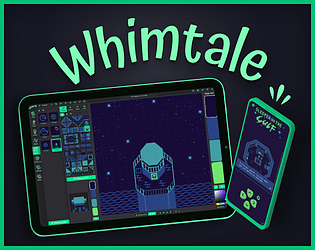
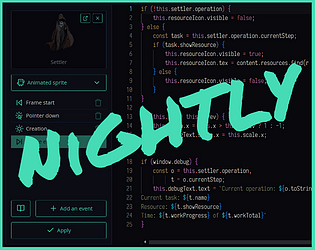
For the past few months I was developing Whimtale (you could previously find it under a name “Whimsy”) because Bitsy was more a burden than a tool when trying to introduce game-making to young students. As a guy who has experience in tool- and engine-making, I decided to take my own spin on Bitsy concept and… got carried away, I guess? I made a visual programming language and added more programming features that solve common requests from students like making VN dialogues and following NPCs, adding timers, etc, plus added a layer of polish to solve common complaints from others, as well as my own:
And many other things that previously required hacks or separate versions — stuff that is not beginner-friendly at all.
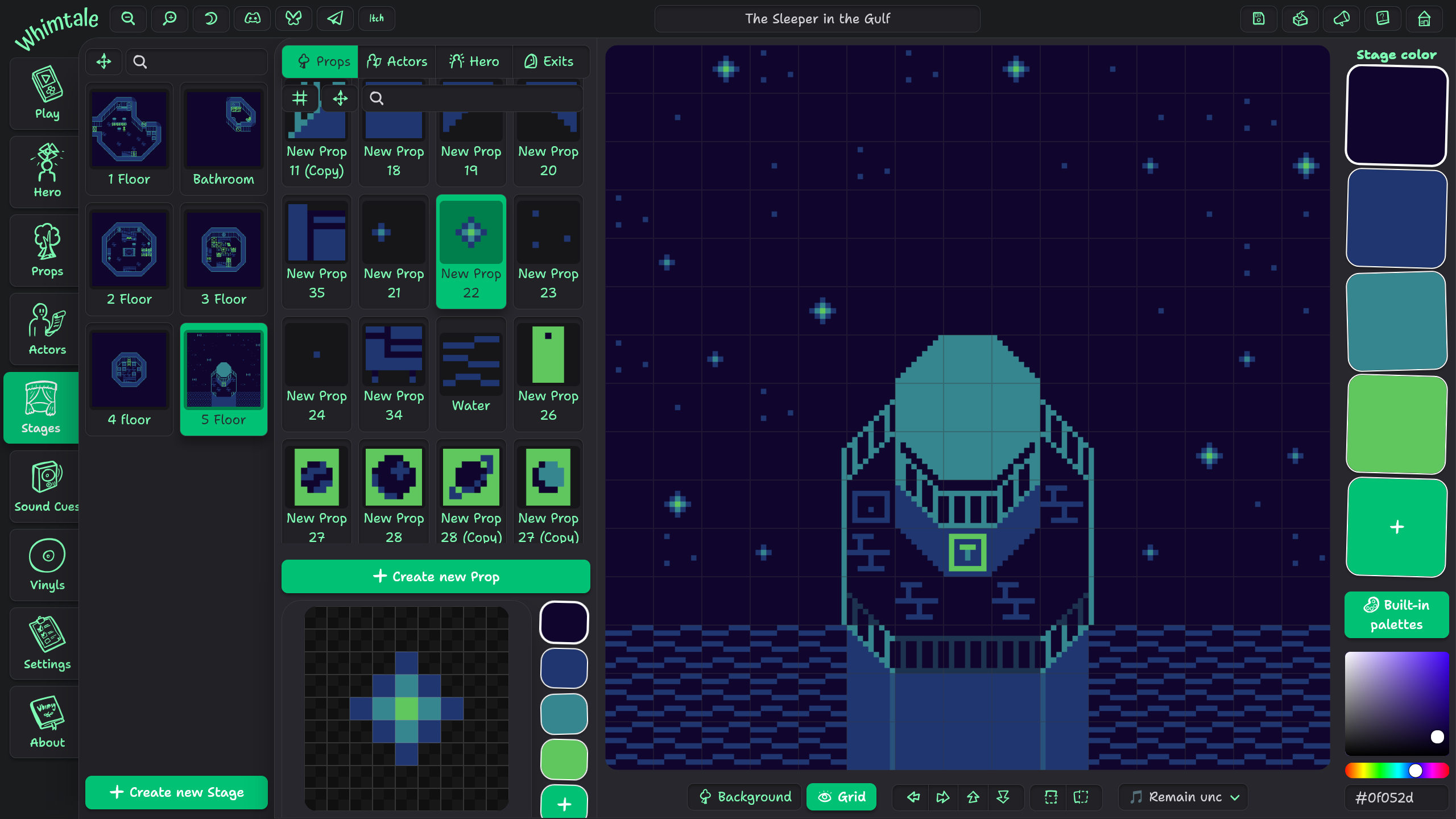
Anyways, judging from itch.io and youtube comments, people like Whimtale! It can be a match for you, too — give it a spin! Links:
👻
Hi! Whimtale is exactly as you said it: a simple engine for hobbyists. If you want to make the next Hollow Knight, you have to look at other engines. Whimtale takes the concept of Bitsy games and improves on it and the Bitsy editor structure, allowing making more dynamic stories, but the scope is still limited. You can look at the bitsy tag at itch.io to see examples of this game style.
If you’re unsure, check out the online or desktop versions first, as HD and Ultra editions are based on the same core and only add stuff on top of it — meaning that programming and exporting capabilities are the same.
About Windows export, Whimtale produces only html files right now — which can be opened in any browser, but definitely is not a native steam-like experience.
Feel free to ask any other questions!
Oh. That’s… totally a browser issue. This is not the thing I even thought could be failing, it uses the most basic way to do tooltips here (the title HTML attribute).
A full tooltip customized by Whimtale should appear when you place it into a Scenario and hover over the placed block. And what happens with the title on Chromebook is a good reason to make custom tooltips there as well.
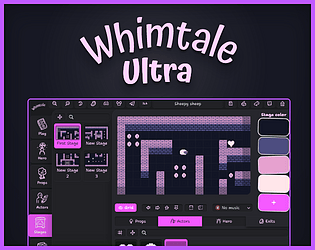
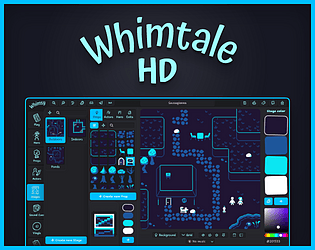
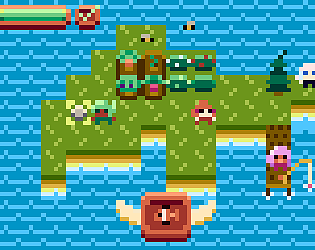
I’m happy to tell that today I finally release Whimtale HD and Ultra, and that Whimtale is now considered released! Whimtale is a small game engine for making stories where you can navigate the worlds you create and talk with stuff — similarly to Bitsy, but more polished and with visual scripting and many other helpful things.
New editions are premium versions and exist in parallel with the web editor at whimtale.app and the existing Desktop editor. Free versions aren’t going anywhere, and paid versions expand the existing functionality and also give you an opportunity to support the developer, CoMiGo. (It’s meeee!)
Whimtale HD allows for sharper visuals and adds a Proofreader module, besides adding new customization options for both the games and the editor. Remove branding and craft your unique style 💅
Whimtale Ultra lets you escape the fantasy console constraints. Define your own canvas size and transform Whimtale into your personal engine 💪
More information with screenshots and detailed description is available on the editions’ pages:
Then join Whimtale Discord server! It is easy to skip notifications on itch.io, but Discord where I always dwell and am ready to answer your questions.
And now it is time for me to munch on a cake! 🥳🍰
- Hollow Woods: I saw the banner of this on one of your posts below (115 Days Ago). Is it an actual game you’re making?
It was before I nuked it like an idiot.
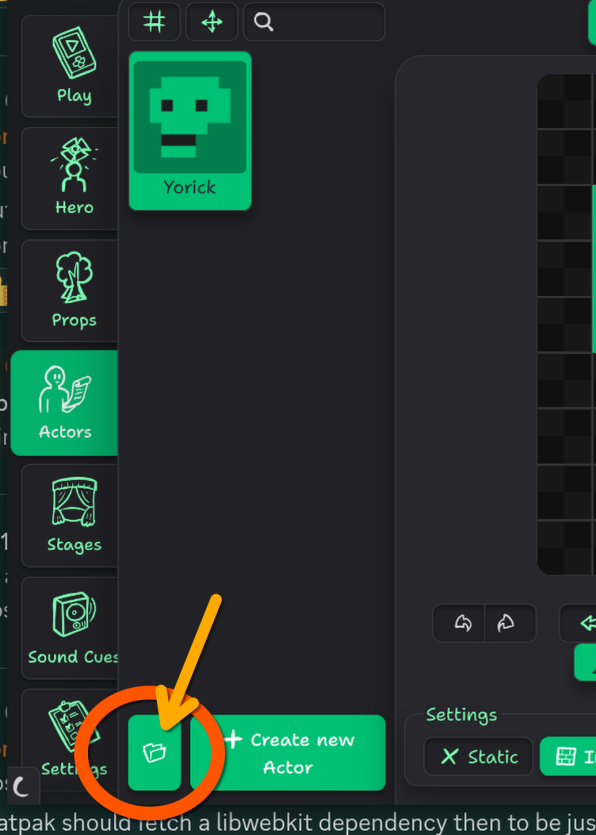
- How do I access your default TileSet within WT?
Through the 📂 button on Hero, Actors, or Props tabs: 
do I see that you slowed-down Player Movement Speed somewhat?
Nope, you’re hallucinating 😛
shouldn’t you limit the size that it can get rather than make it an infinite space?
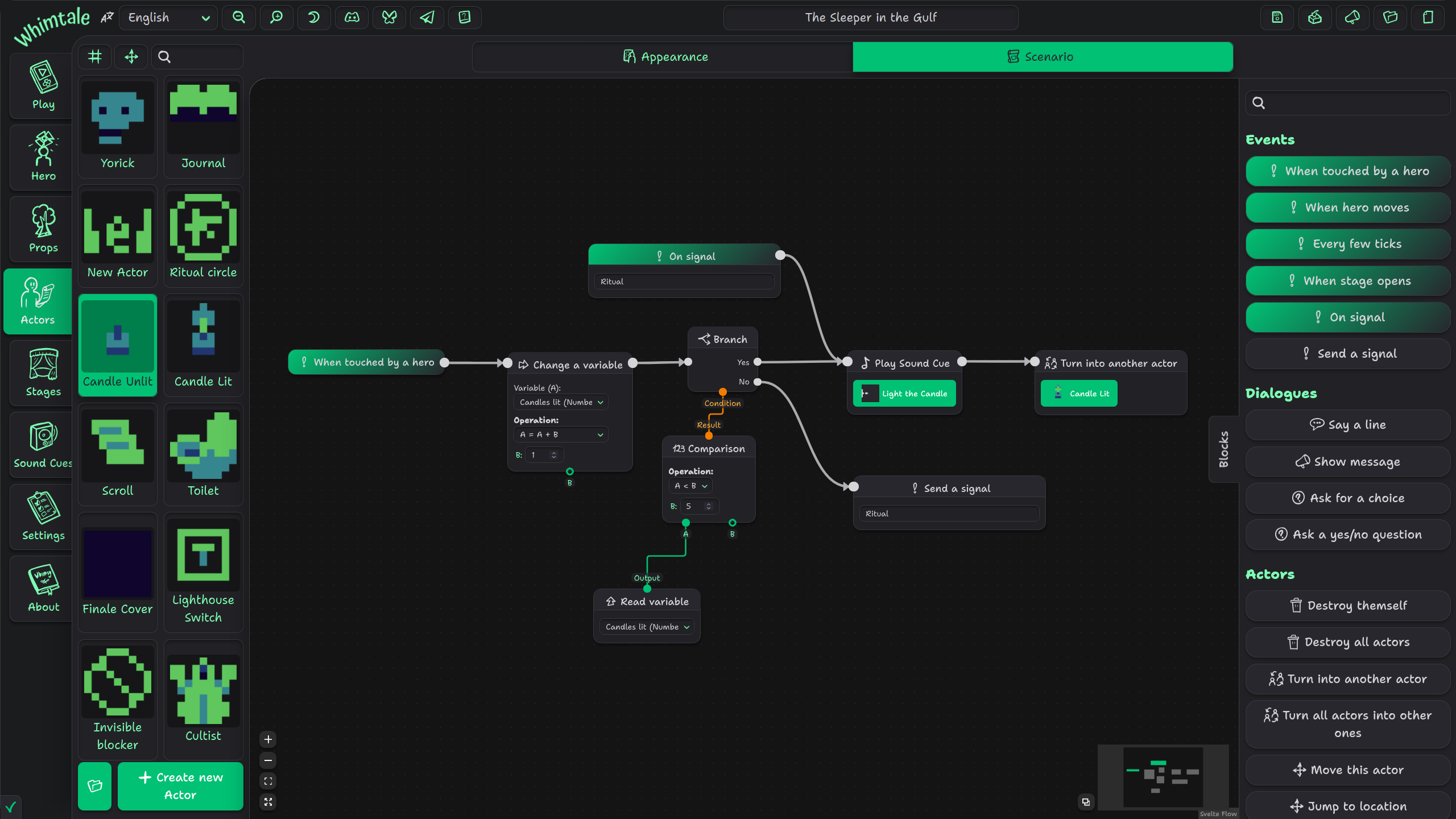
Sounds like a bad idea to me and a strange thing to ask, to forcibly restrict the scripting area and thus the maximum amount of blocks you can manage in one actor. Especially for me after making such horrors as this “simple” battle system:
In Unreal Engine’s Blueprints language, there is an option to collapse a set of blocks into one, to preserve space and also group blocks — essentially a scenario inside a scenario. There’re also ways to declare reusable functions in a similar fashion in UE. I would like to implement something like that one day.
Thanks for that info, tho I actually meant if you could somehow make the Blocks map screen less huge?
I feel like there is a communication gap here. Blocks are sized to their content, and I can’t throw anything willy-nilly from them. I assume you are aware about zoom buttons and scroll-to-zoom/pinch-to-zoom gestures. It would be cool if you captured a video/sent photos of you using Whimtale’s Scenario editor on your device — maybe your issues come from weird UI scaling or something like that. Rn I don’t even know whether you’re using Whimtale on a PC, a tablet, or something else, and all they have settings for UI and font scaling that do affect web apps.
the Fit option actually made my Boxes so small that there was NO Text in ‘em once I’d made a fair-sized tree of code
Content of blocks gets hidden when zoomed out for performance reasons; I will experiment with large icons to visually communicate which block is which later, maybe also introduce performance settings to the scenario editor, but simply showing everything all the time does tank FPS on larger scenarios. (I added this simplification when I was working on a 100+ block scenario, and oh boy it was needed.) Current performance methods are not permanent, too; unfortunately, the devs of SvelteFlow (the framework for node-based interfaces) are not currently interested in improving their renderer, and writing one of my own will be beneficial for Whimtale and my future projects but will also take so much time that it is definitely happening after v1.0 release. Development is hard ¯\_(ツ)_/¯
Why isn’t this AMAZING Tool being touted on the Bitsy Forum […]?
Because it’s mean? 😅 But if you think it is okay, please do spread the word!
Is there a better Control Scheme? When playing WT Games in Browser or even using the Editor, the Up and Down Arrows Move the Screen instead of the Hero!
I did catch this and other issues recently and a fix for them will arrive shortly; you can use WASD, arrow keys, or on-screen controls. On touch devices you can press the screen and drag your finger for a joystick-like control. (This had its issues with accidental page refreshes tho, but I have a fix for it in the upcoming update as well.)
Is there a way for you to make the Blocks screen (fashioned after Twine’s Passages) a bit easier to manage?
You can hold Shift key to box-select several blocks or Ctrl to select/deselect them by clicking. If you meant something else, please tell me.
Why are the “?” Icons’ and Blocks’ Information CUT-OFF when you Hover Over ’em?
They’re positioned relatively to the blocks themselves, you usually can pan around so the tooltips fit.
I’ll try to make them exceed the boundaries of the scripting area, but can’t guarantee results as I’m using a 3rd-party framework for most of the scripting UI. And if the tooltip is larger than the scripting area for you, please send a screenshot.
Do you have plans to implement Hero Walking Speed (Movement) in the future?
There is actually a hidden speed limiter that I can expose; with the default values, I tried to balance keyspam prevention and being able to navigate through stages quickly enough to not be annoying. You haven’t seen the very first prototypes where the hero moved like a bullet…🤣
I’ll add it to my backlog and perhaps add a setting and blocks to dynamically tweak this currently hidden value.
Thank you SO MUCH for Making and Improving on this INCREDIBLE Tool, sir!
And thank you for sharing your thoughts and detailed suggestions!
You can use the engine anywhere from a browser at https://web.whimsy.rocks
Thank you for your kind words!
I only wish there were more functionality to make a bit more complex games
I’m afraid that’s how Whimsy’s magic disappear: an easy-to-use tool turns into a more complex and hard to learn tool. I’ve already added more to scripting than I initially planned “O_O
and also a way to hide the whole UI around the game so it only displays the Scene, like the original Bitsy
Probably will be a project option of the Ultra edition as scenes there won’t be necessarily with 1:1 aspect ratio. For other editions, keep in mind that the UI around a game is also the touch controls. But maybe I will add an option to go fullscreen when I add an in-game settings menu, it shouldn’t be too hard to make. I’ll add it to my to-do list.
Ah, then it should probably be smol c:
https://knowyourmeme.com/memes/ok-so-basically-im-very-smol
I don’t have positive experience with open-source and don’t plan on releasing Whimsy as a FOSS for the foreseeable future. Making it open-source still allows to sell Whimsy, yes, but definitely doesn’t make it easier. Maybe in a perfect world it would be FOSS from the start, but alas—and I hope you’ll understand that.
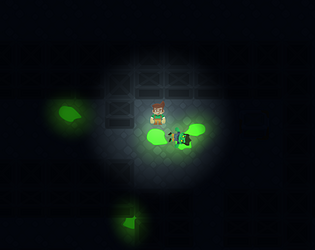
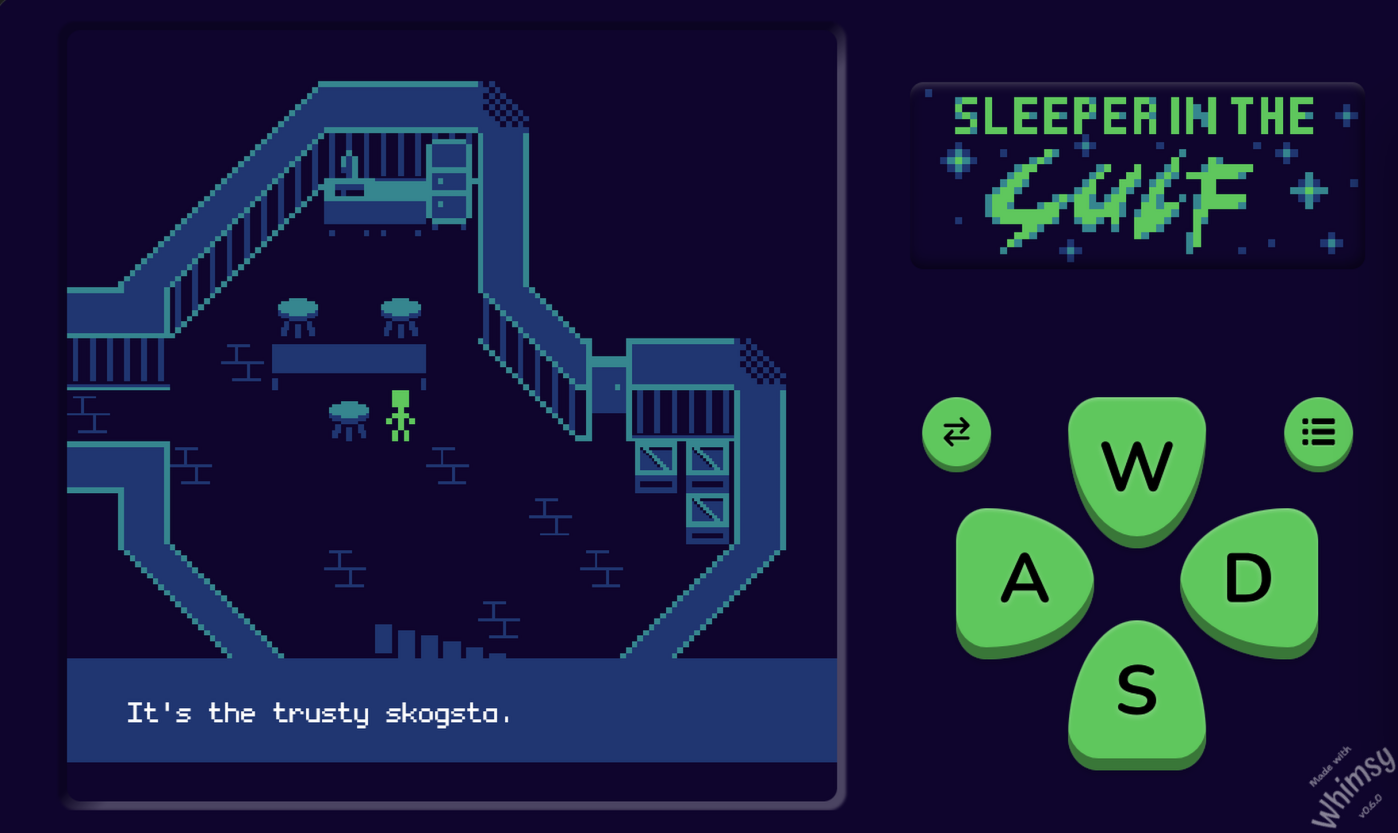
I’ll probably expand it in the future; this game was made as a demo for Whimsy, and I didn’t want to just make a tech demo, but also didn’t want to pay several days on making an example game when I had a ready-to-go engine awaiting its release. So it is what it is. But I will return to it as I add more features to the engine, to make this project as polished as it can be :3
I also wanted to make an outdoors section after you light the beacon — this is stripped, for now.
У меня есть Бусти, там слева есть опция одноразового доната.
А в целом для покупок на итче и других сервисах открыл карты в Солидбанке, у них вместе с их картой можно открыть визовскую карту в Лаоссе, и перекидывать деньги туда-сюда. Paypal напрямую не оплатить всё равно, там нельзя подтвердить операцию, но с другими сервисами норм.