composer require "webgate/module-custom-menu":"*"
cd root project php bin/magento setup:upgrade #create table and update database php bin/magento setup:di:compile #create dependence and generate code php bin/magento setup:static-content -f en_US #or any local like en_GB for UK (generate static file like css and js ) php bin/magento c:f #clear cache 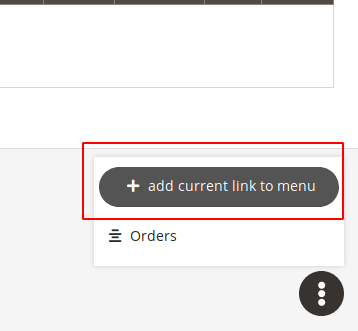
click on the "add currnet link to meun" to add current link to menu 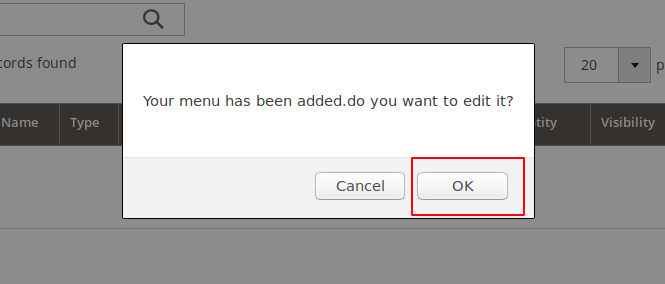
if you want to edit the menu click 'Ok' or not just cilck on the'Cancel' 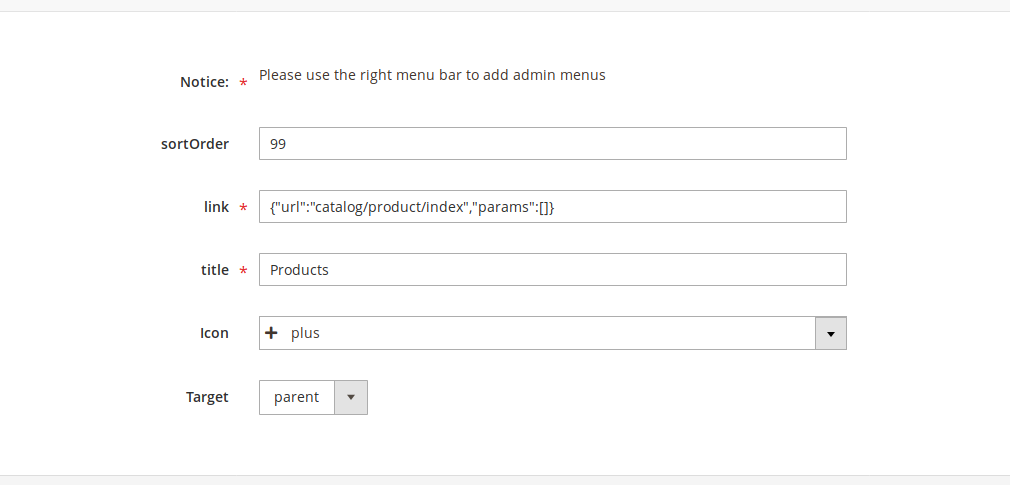
sort order : defines the postion of the menu's item url : defines url of the menu's item. you can use an extrnal url like www.google.com title : defines the title of the menu's item icon : icon that shown aside if the menu's item target : defines how a link should opened 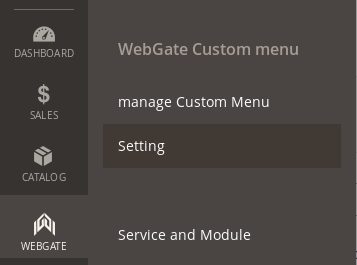
go to webgate > WebGate Custom menu > setting
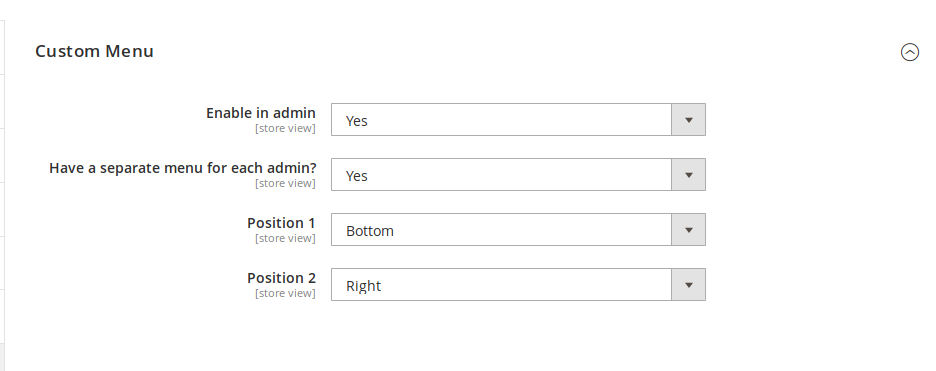
Enable : if set No the menu has been gone Have a separate menu for each admin? : if set yes eac admin user can have a diffrent menu Position 1 : postion of menu top or boottom Position 2 : postion of menu right or left